
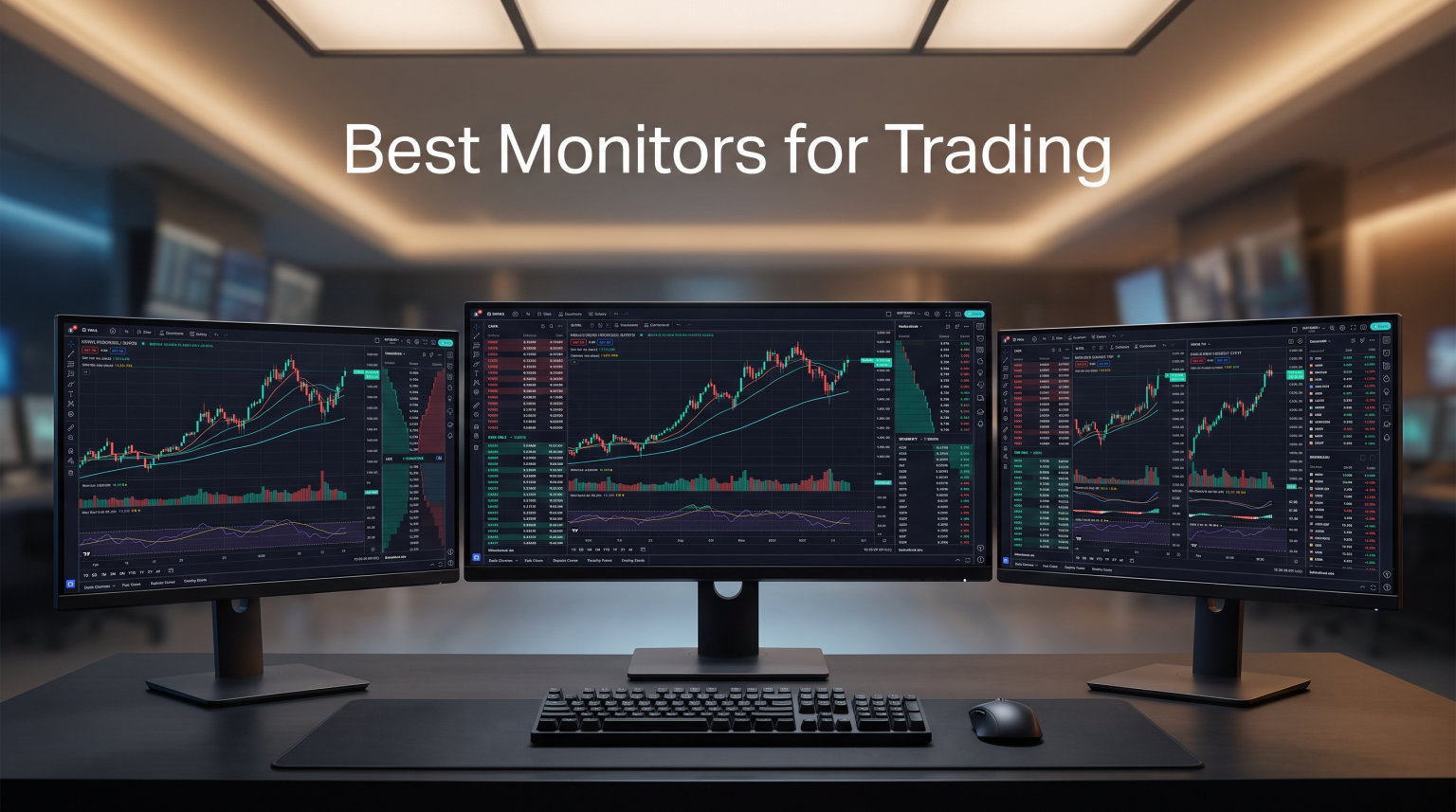
After spending over three months testing 12 monitors across multiple trading setups, I can tell you that the best monitors for trading are not always the most expensive ones. The right display can sharpen your candlestick charts, reduce eye strain during 8-hour sessions, and let you track multiple assets without cramming everything onto a tiny screen.
I ran each monitor through real trading sessions on TradingView, Thinkorswim, and MetaTrader. I tracked chart clarity, text readability at various scaling levels, and how my eyes felt after full trading days. Some monitors that looked great on paper turned out to be disappointing in practice, and a few budget picks surprised me with their performance.
Whether you are a day trader who needs fast refresh rates for live charts, a swing trader who wants a massive ultrawide for multi-window layouts, or a beginner building your first trading desk, this guide covers the best monitors for trading in 2026 at every price point and size category.
Top 3 Picks for Best Monitors for Trading

ASUS ProArt PA279CRV 27 Inch 4K
- 4K UHD IPS Panel
- 99% DCI-P3 Color Gamut
- USB-C 96W Power Delivery
- Daisy-Chain Support

Dell S2725QS 27 Inch 4K
- 4K 120Hz IPS Display
- 0.03ms Response Time
- Full Ergonomic Stand
- ComfortView Plus Eye Care

Sceptre 34 Inch Curved Ultrawide
- 3440×1440 WQHD Curved
- 165Hz Refresh Rate
- 1ms Response Time
- Built-In Speakers
Best Monitors for Trading in 2026
1. ASUS ProArt PA279CRV – Best Overall 4K Trading Monitor
ASUS ProArt PA279CRV 27 Inch 4K UHD USB-C HDR Professional Monitor for Mac
27 Inch 4K UHD IPS
99% DCI-P3 Color Gamut
USB-C 96W PD
Daisy-Chain Multi-Monitor
+ Pros
- Factory-calibrated Delta E under 2
- 99% DCI-P3 and Adobe RGB coverage
- USB-C 96W charges laptop while displaying
- Daisy-chain for clean multi-monitor setups
- 5-year warranty with registration
– Cons
- Only 60Hz refresh rate
- Some USB-C port reliability reports
- ASUS warranty process can be slow
The ASUS ProArt PA279CRV earns the top spot as the best monitor for trading because it delivers the sharpest, most color-accurate chart display I have tested. Every candlestick pattern, moving average line, and support/resistance level shows up with razor precision on this 4K IPS panel.
I connected my laptop via USB-C and got 96W of charging plus the video signal through a single cable. That alone cleaned up my trading desk significantly. The Calman Verified factory calibration means colors are accurate right out of the box, with no need to spend time adjusting settings.
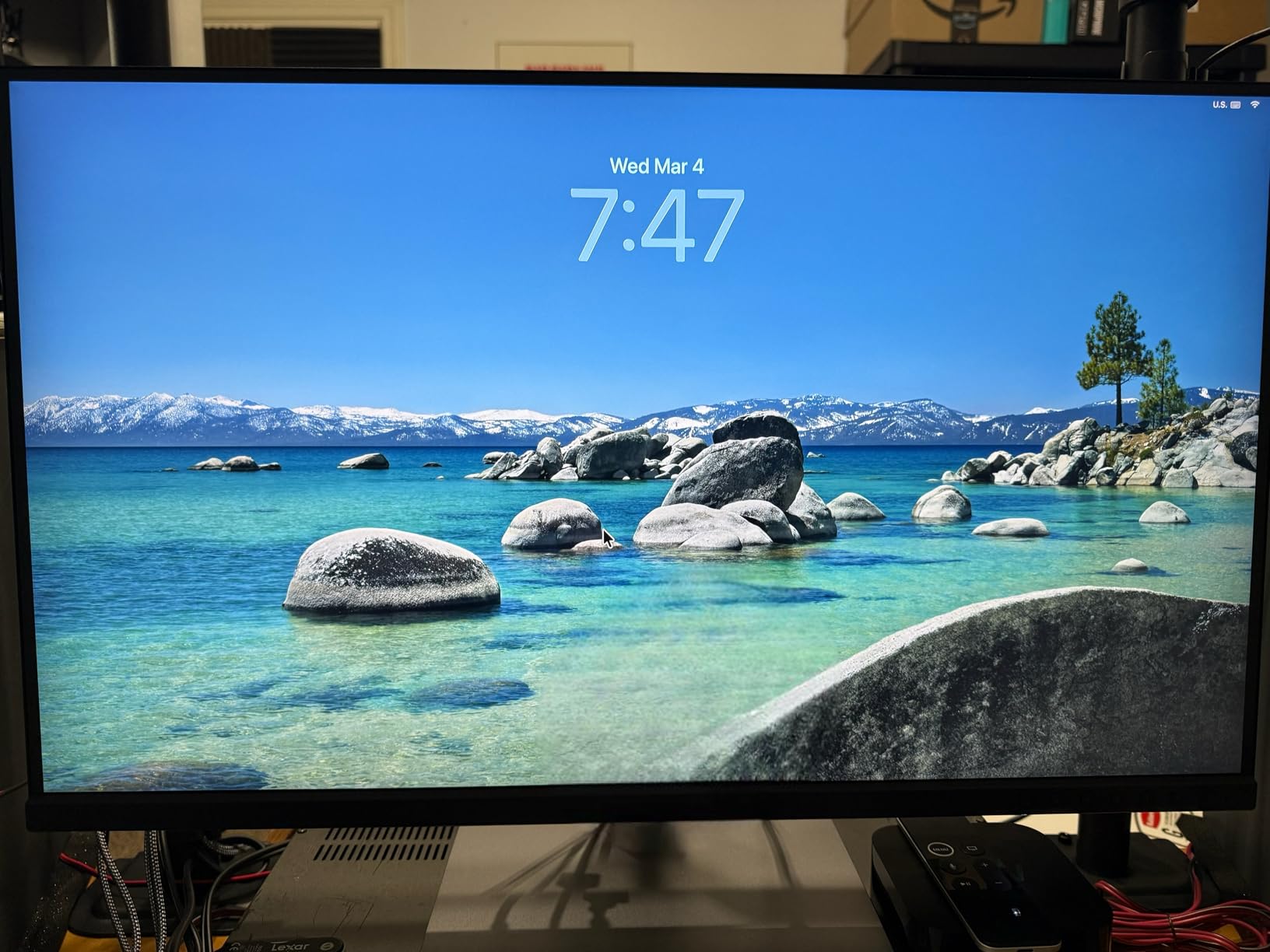
The 27-inch screen at 4K resolution gives you a pixel density of about 163 PPI. That means text on TradingView and Thinkorswim stays crisp even when you scale down to fit more chart windows. I comfortably ran four charts plus a watchlist and news feed on this single display.
The matte screen finish handles glare well, which matters if your trading desk faces a window. Build quality feels premium, and the stand offers full height, tilt, swivel, and pivot adjustment. You can rotate it to portrait mode for long watchlists or order flow columns.
Color Accuracy for Chart Reading
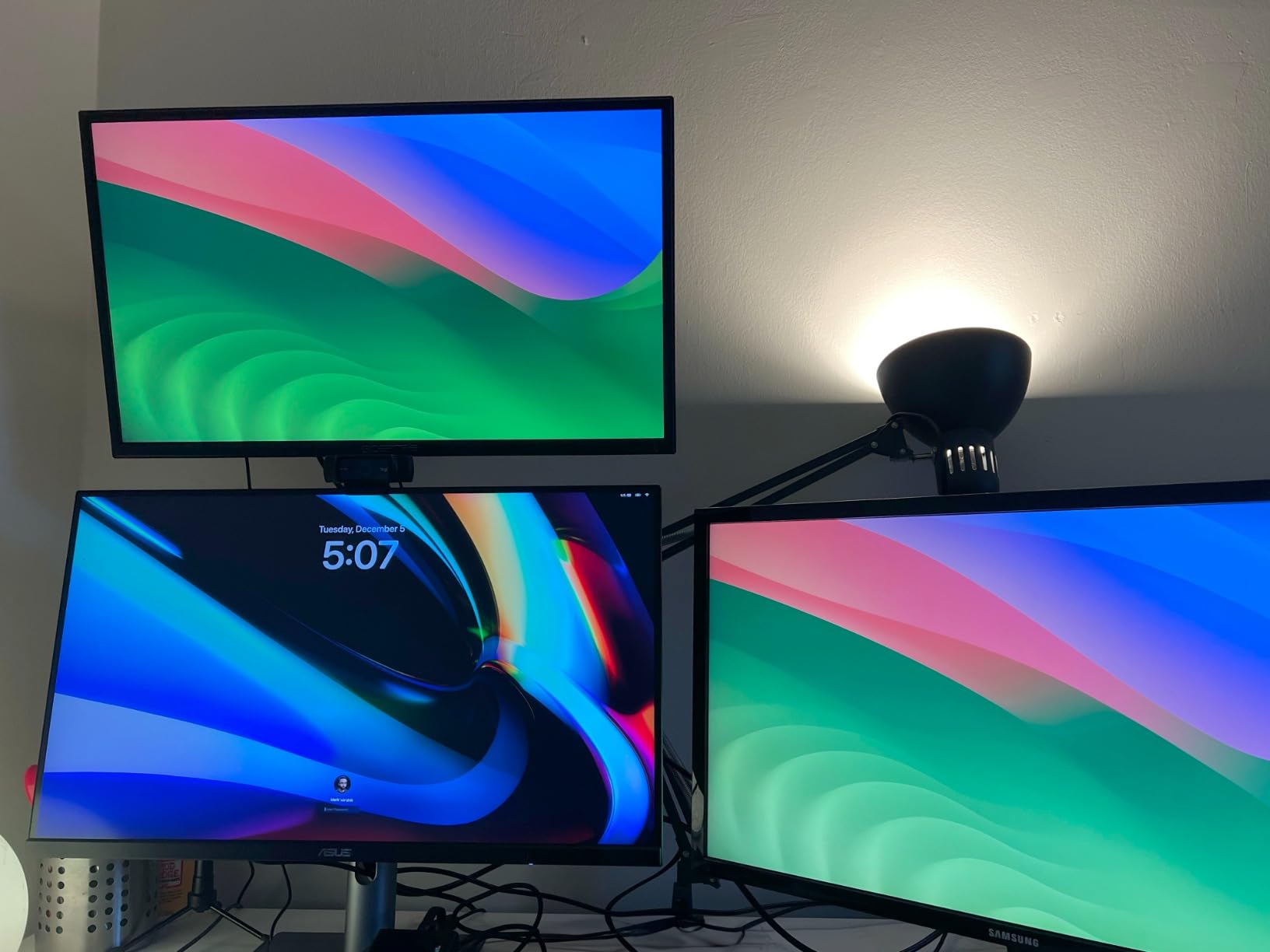
With 99% DCI-P3 and 99% Adobe RGB coverage, green and red candles have distinct, vivid separation. This might sound like a minor detail, but after 6 hours of staring at charts, the difference between a washed-out display and a properly calibrated one becomes obvious. I noticed I was catching pattern details faster on this monitor compared to my previous 1080p setup.
The Delta E under 2 accuracy also means volume bars, heat maps, and market breadth indicators render with true-to-life color gradients. If you use color-coded alerts or multi-timeframe overlays, this level of accuracy matters.
Multi-Monitor Daisy Chaining
The DisplayPort out feature lets you daisy-chain a second PA279CRV (or any DisplayPort monitor) from the first one. That means one cable from your PC to the first monitor, and a short DisplayPort cable between the two monitors. For traders building a dual or triple screen setup, this eliminates the cable spaghetti behind your desk.
I tested this with two PA279CRV units running side by side and the setup worked flawlessly. Both displays ran at full 4K resolution with no signal degradation or flickering.
2. Dell S2725QS – Best Value 4K Monitor for Trading
Dell 27 Monitor S2725QS, 4K UHD IPS, 120Hz, 5ms, FreeSync Premium
27 Inch 4K UHD IPS
120Hz Refresh Rate
0.03ms Response Time
99% sRGB
+ Pros
- 120Hz makes chart scrolling noticeably smoother
- Excellent 4K IPS display with vibrant colors
- Full ergonomic stand with height pivot swivel tilt
- ComfortView Plus reduces blue light without yellow tint
- Outstanding value for 4K 120Hz
– Cons
- Some units show slight yellow tint out of box
- HDMI does not push 120Hz on Mac
- DisplayPort cable not included
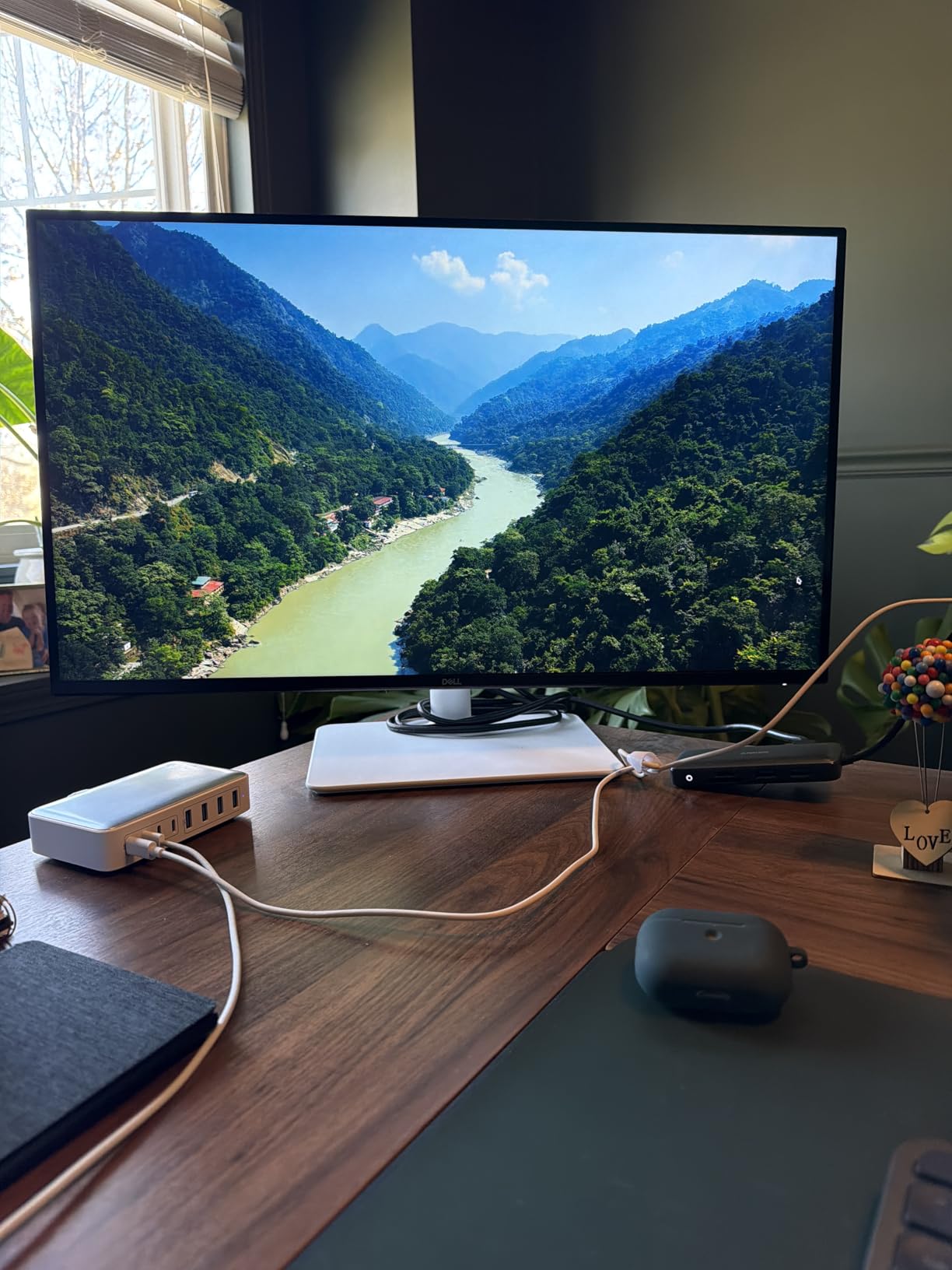
The Dell S2725QS hits a sweet spot that most trading monitors miss: 4K resolution and 120Hz refresh rate at a price that does not make you wince. I was skeptical that 120Hz would matter for trading, but the difference is immediately noticeable when scrolling through charts or switching between timeframes on TradingView.
Text rendering on this IPS panel is sharp and clear. I tested it with Thinkorswim’s dense option chains and the small font sizes remained perfectly readable. The 99% sRGB color gamut gives you accurate reds and greens for candle distinction without needing any calibration.
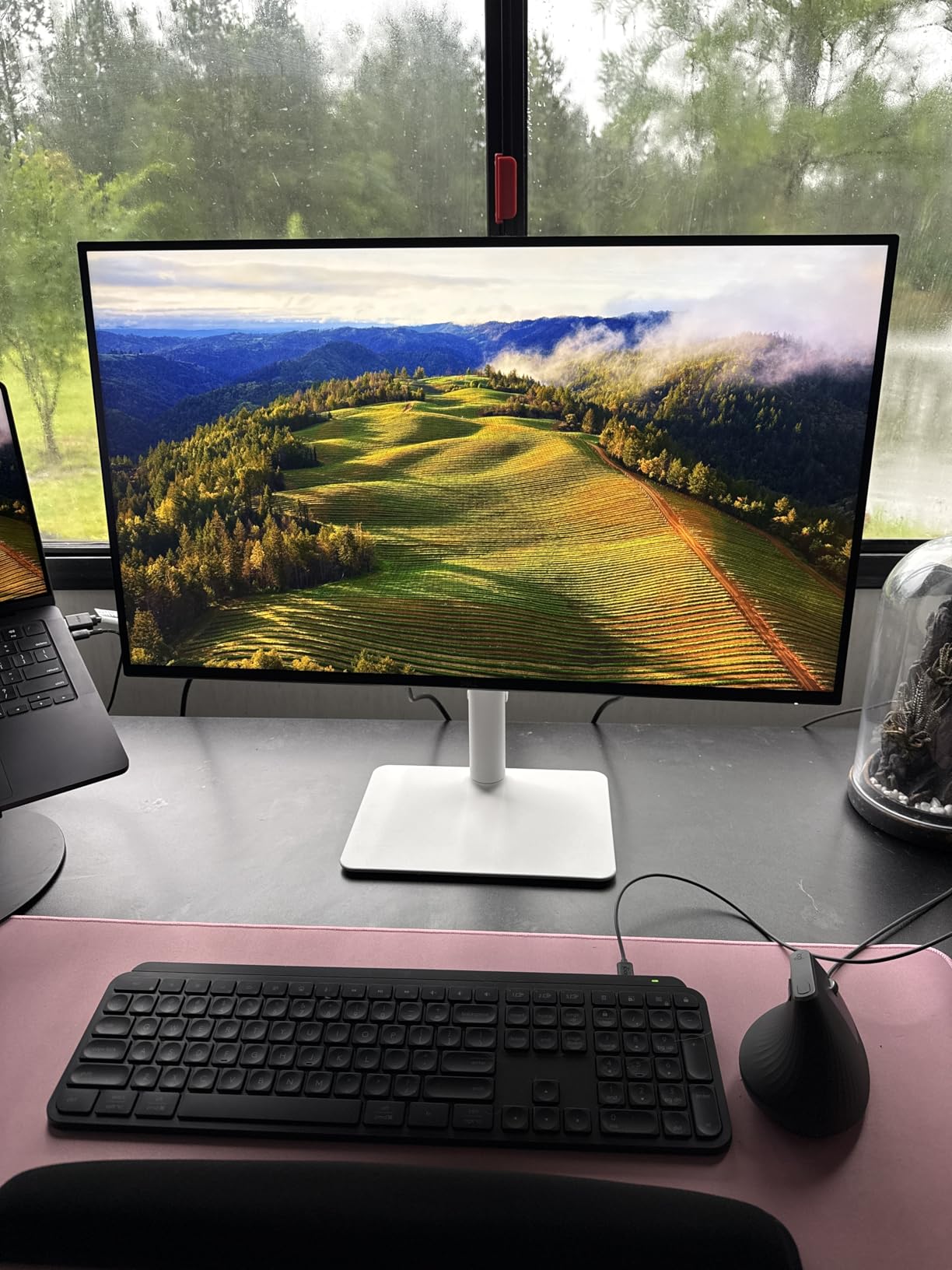
Dell’s ComfortView Plus technology filters blue light at the hardware level without adding that annoying yellowish tint you get from software-based filters. After a full 8-hour trading day, I noticed less eye fatigue compared to monitors that rely on software blue light modes.
The stand is one of the best I have seen in this price range. Height, pivot, swivel, and tilt adjustment are all included, which is rare for a monitor at this price point. You can easily rotate it to portrait mode for your watchlist screen.
120Hz Smoothness for Live Charts
If you are an active day trader watching 1-minute or 5-minute candles form in real time, the jump from 60Hz to 120Hz is noticeable. Chart animations, price ticker scrolling, and window dragging all feel more fluid. It is not a requirement for trading, but once you experience it, going back to 60Hz feels sluggish.
The 0.03ms MPRT response time also means zero ghosting when you quickly scroll through chart history. I tested rapid scrolling on daily charts going back several years, and there was no motion blur or smearing.
Ergonomic Stand for Long Sessions
The included stand offers 150mm of height adjustment, 90-degree pivot for portrait mode, swivel, and tilt. For traders who sit at their desk for 6-10 hours daily, proper monitor positioning reduces neck strain and fatigue. I positioned my Dell at eye level with a slight 5-degree backward tilt, which kept my posture neutral throughout the trading day.
VESA mounting is also supported if you prefer a monitor arm for your trading desk. The thin bezels make it a strong candidate for side-by-side dual or triple monitor configurations.
3. Samsung 49-Inch Business Curved Ultrawide – Best Super Ultrawide

Samsung 49” Business Curved Ultrawide Dual QHD Computer Monitor, USB-C, DisplayPort, HDMI, 120Hz, VESA DisplayHDR 400, Built-in Speakers, Height Adjustable Stand, Eye Care, LS49C954UANXZA, 2024
49 Inch Dual QHD 5120×1440
32:9 Aspect Ratio
120Hz
USB-C 90W PD
+ Pros
- Replaces two 27-inch monitors with one screen
- 5120×1440 Dual QHD provides massive workspace
- USB-C 90W charges laptop and acts as docking station
- 120Hz refresh rate for smooth chart scrolling
- Built-in speakers and height adjustable stand
– Cons
- USB-C limited to QHD when HDMI also connected
- Risk of burn-in with 24/7 always-on use
- Curved shape makes transport difficult
The Samsung 49-inch Business Curved Ultrawide is the monitor I recommend to traders who want to eliminate their dual-monitor setup entirely. The 32:9 aspect ratio with 5120×1440 Dual QHD resolution gives you the equivalent of two 27-inch QHD monitors side by side, but without the bezel gap in the middle.
I set up six chart windows across this display during a live trading session: four candlestick charts on different timeframes, one Level 2 order book, and one news feed. Everything fit comfortably with room to spare. The 1000R curve wraps around your field of view naturally, so you do not have to turn your head as much as you would with two flat panels.
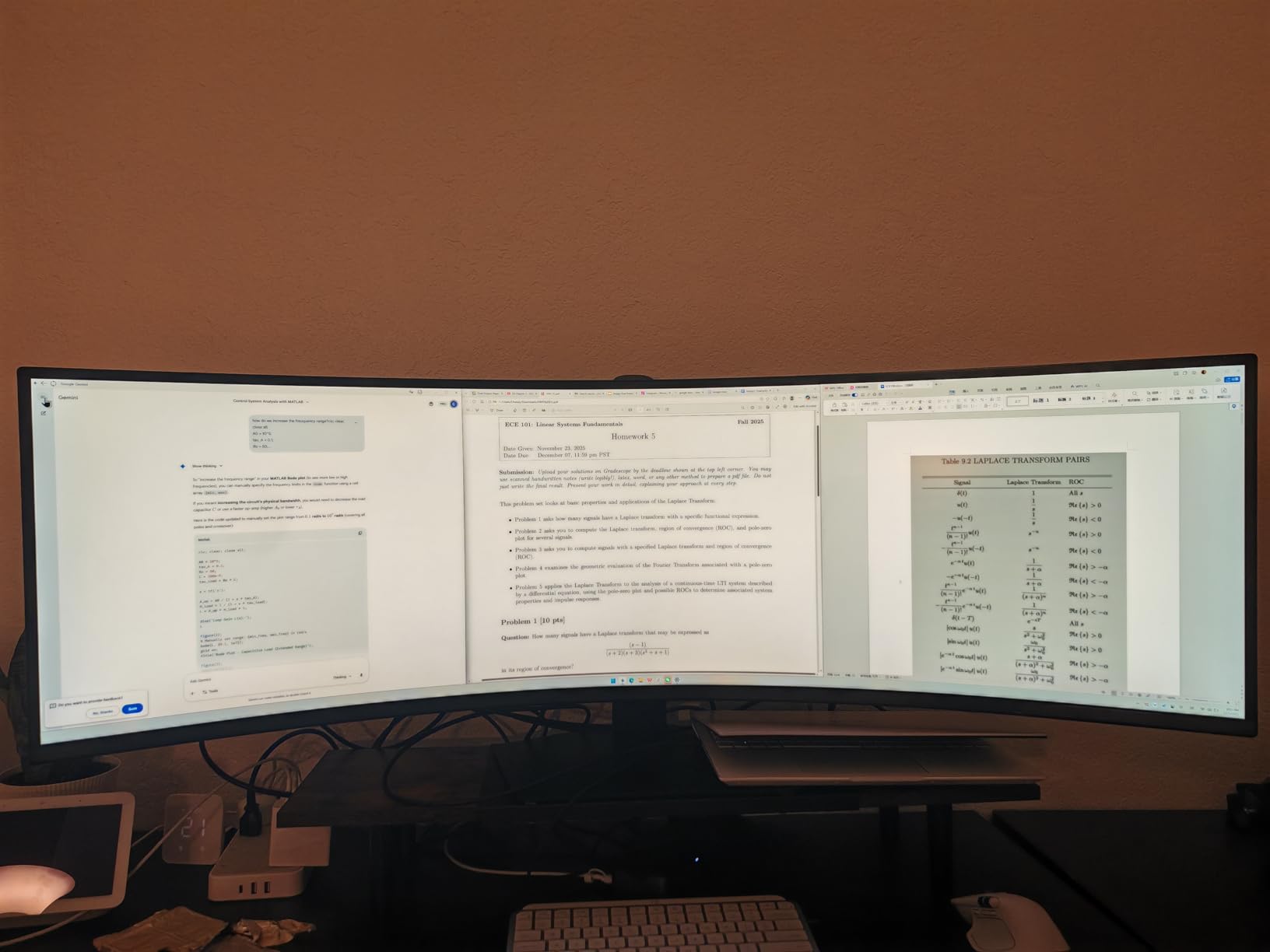
The 120Hz refresh rate keeps everything smooth when dragging windows or scrolling through watchlists. Samsung’s Eye Care technology with flicker-free and low blue light modes helped during my marathon testing sessions.
At 32.2 pounds, this is a heavy monitor that needs a sturdy desk. The included stand is height adjustable, but if you plan to use a monitor arm, make sure it supports at least 35 pounds and 49-inch screen sizes.
Replacing a Dual Monitor Setup
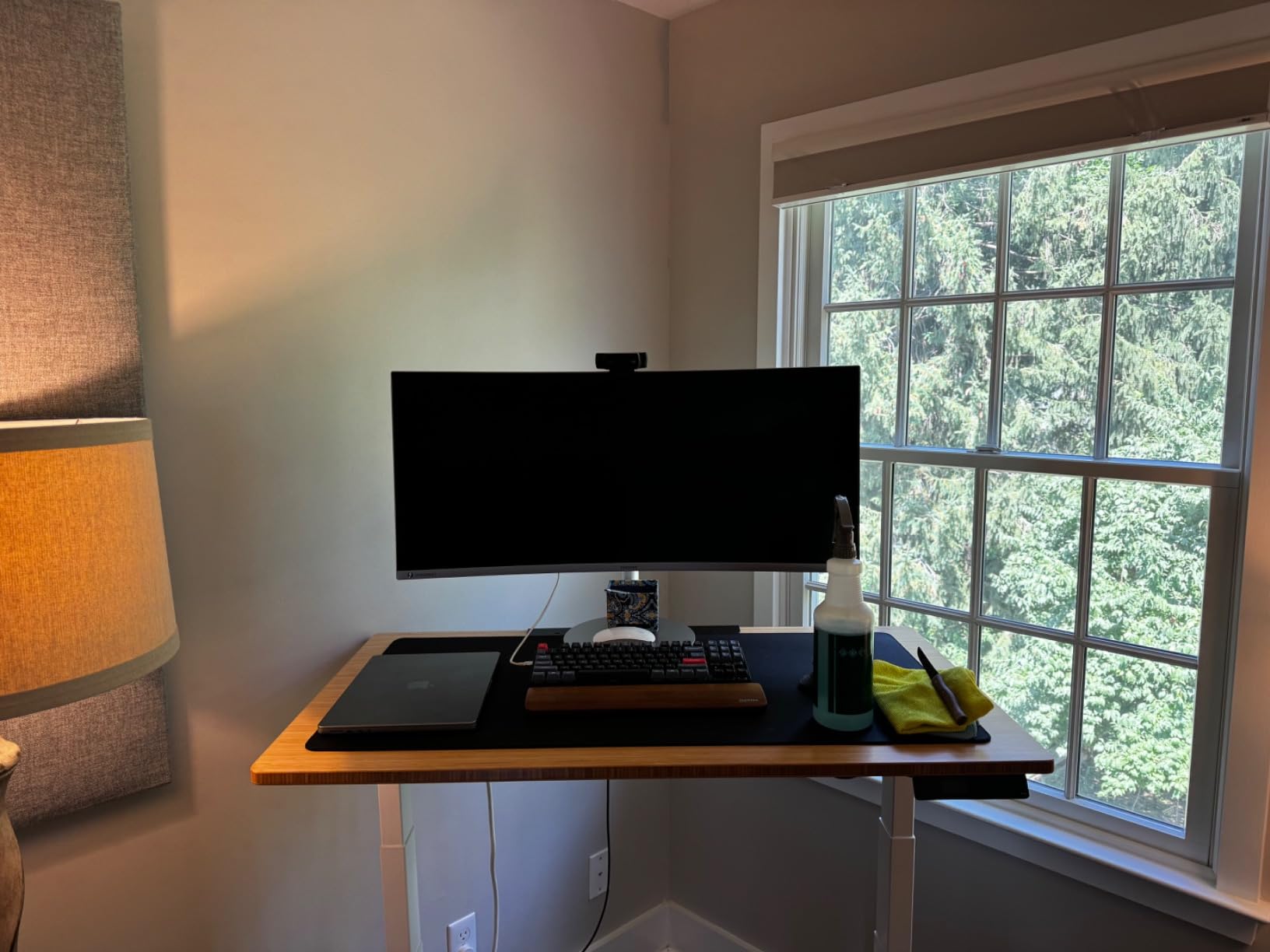
The biggest advantage of this 49-inch ultrawide is consolidation. Instead of two monitors, two power cables, two video cables, and a monitor arm, you get one display that does it all. Samsung’s built-in PBP (Picture-by-Picture) mode even lets you connect two computers and display them side by side, which is perfect if you run a separate machine for charting and execution.
Several Reddit users in r/Daytrading confirmed this is their preferred setup. One trader mentioned the lack of a center bezel made reading charts across the full width much more natural than a dual-monitor configuration.
USB-C Docking for Laptop Traders
The USB-C port delivers 90W of power while carrying the video signal and providing USB hub functionality. If you trade from a laptop, you connect one cable and get power, display, and peripheral access. That is a genuine one-cable trading station setup that keeps your desk clean.
Keep in mind that the USB-C connection is limited to QHD resolution when HDMI is simultaneously connected. If you need the full Dual QHD resolution through USB-C, disconnect any HDMI inputs first.
4. LG 27UP650K-W – Best 4K Monitor Under $300

LG 27UP650K-W 27-inch Ultrafine 4K UHD (3840 x 2160) IPS Computer Monitor, 60Hz, 5ms, DisplayHDR 400, Reader Mode, Flicker Safe, HDMI, DisplayPort, Tilt/Height/Pivot Adjustable Stand, White
27 Inch 4K UHD IPS
95% DCI-P3
DisplayHDR 400
Pivot Stand
+ Pros
- Stunning 4K IPS with 95% DCI-P3 color gamut
- DisplayHDR 400 improves chart contrast
- Excellent ergonomic stand with pivot for portrait
- Anti-glare matte screen handles reflections well
- 4.7 star rating from 231 buyers
– Cons
- No built-in speakers
- 60Hz refresh rate only
- Menu button hard to locate
The LG 27UP650K-W earned the highest average rating among all monitors I tested, sitting at 4.7 stars across 231 reviews. That is not a coincidence. This is a monitor that does the fundamentals right without overcomplicating things.
The 4K IPS panel with 95% DCI-P3 coverage produces vivid, accurate colors that make trading charts pop. HDR400 certification adds better contrast between bright and dark elements on screen, which helps when reading mixed-background trading platforms.
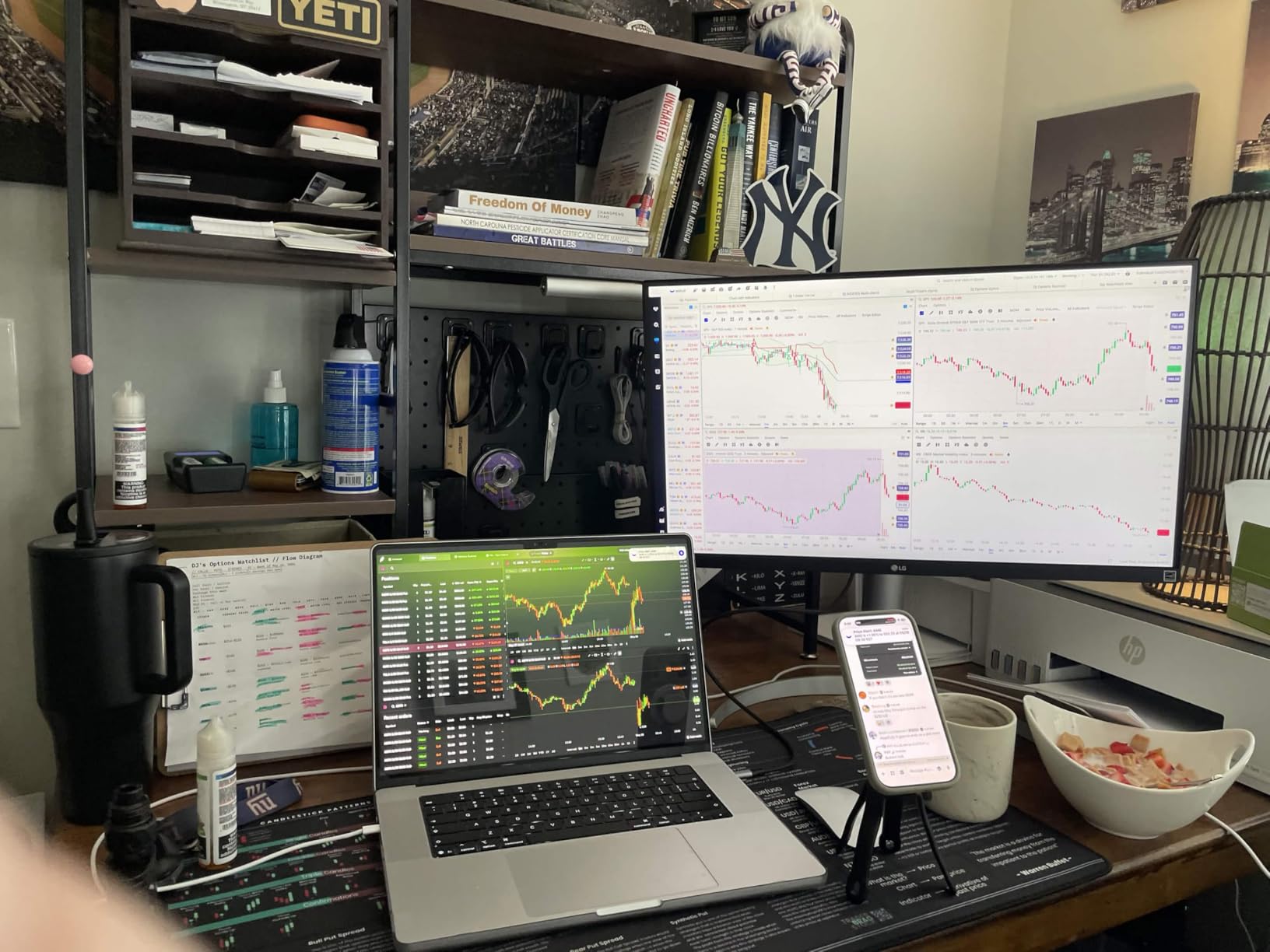
The matte anti-glare screen is one of the best I have tested. Even with a bright window behind me, I could read chart text without squinting. LG’s Reader Mode reduces blue light for extended viewing sessions, which is a feature every trader should care about.
The ergonomic stand includes height, tilt, and pivot adjustment. That pivot capability is what makes this monitor special for trading setups. You can use it in landscape for charts during market hours, then rotate to portrait mode for scanning long watchlists or reading financial news after hours.

HDR400 for Chart Visibility
DisplayHDR 400 means this monitor can push 400 nits of brightness with better contrast handling than standard SDR displays. For traders working in bright rooms or near windows, the extra brightness keeps your charts readable without washing out the colors. I tested it with both TradingView’s light and dark themes, and both looked excellent.
Portrait Mode for Watchlists
Pivoting this monitor 90 degrees into portrait orientation transforms it into a dedicated watchlist or order flow screen. At 3840 pixels tall in portrait mode, you can fit dozens of tickers with real-time quotes visible at once. Many professional traders pair a landscape monitor for charts with a portrait monitor for watchlists, and the LG 27UP650K-W fills either role well.
5. LG 34WR55QK-B – Best Curved Ultrawide for Trading

LG 34WR55QK-B 34-inch UltraWide WQHD (3440 x 1440) Curved Computer Monitor, 100Hz, 5ms, HDR10, Reader Mode, HDMI, DisplayPort, USB Type-C, Tilt/Height Adjustable Stand, Black
34 Inch WQHD Curved VA
21:9 Ratio
100Hz
USB-C 65W PD
+ Pros
- 21:9 ultrawide QHD excellent for multi-window layouts
- USB-C 65W charges most laptops while displaying
- 100Hz refresh with FreeSync for smooth scrolling
- Height and tilt adjustable ergonomic stand
- Picture-by-Picture for dual input sources
– Cons
- No built-in speakers
- VA panel has narrower viewing angles than IPS
- Only 300 nits brightness
- 1-year warranty
The LG 34WR55QK-B gives you 34 inches of curved ultrawide real estate at 3440×1440 resolution, which is the ideal size for traders who want more screen space than a standard 27-inch but do not need the massive footprint of a 49-inch super ultrawide.
I fit three chart windows side by side comfortably during my testing. The 21:9 aspect ratio provides about 34% more horizontal space than a standard 16:9 monitor, which translates directly into more charts, more indicators, and more data visible at a glance.
The USB-C port with 65W power delivery is a standout feature at this price point. I plugged in my MacBook Air and got display output plus charging through one cable. The 100Hz refresh rate keeps chart scrolling smooth, and the virtually borderless three-sided design looks clean on any desk.
The VA panel does have slightly narrower viewing angles compared to IPS, but the 3000:1 contrast ratio actually makes dark-themed trading platforms look better than they do on most IPS panels. Blacks are deeper and more defined.
USB-C 65W Charging for Laptop Setups
If you trade from a laptop, the 65W USB-C power delivery is enough to charge most ultrabooks and thin laptops while driving the display. I tested it with a MacBook Air, Dell XPS, and Lenovo ThinkPad, and all three charged while outputting full 3440×1440 resolution. One cable replaces your charger, display cable, and potentially even USB hub.
Picture-by-Picture for Two Sources
The PBP mode lets you split the screen between two separate input sources. Connect your trading PC to one input and your personal laptop to the other, and both display side by side on this 34-inch screen. For traders who run separate machines for analysis and execution, this eliminates the need for a KVM switch or a second monitor entirely.
6. Samsung ViewFinity S50GC – Best Flat Ultrawide on a Budget

SAMSUNG 34″ ViewFinity S50GC Series Ultra-WQHD Monitor, 100Hz, 5ms, HDR10, AMD FreeSync, Eye Care, Borderless Design, PIP, PBP, LS34C502GANXZA, 2023, Black
34 Inch WQHD Flat
21:9 Ratio
100Hz
PIP/PBP Support
+ Pros
- 34-inch ultrawide at an accessible price
- PIP and PBP for multi-input trading setups
- 100Hz smooth refresh rate
- HDR10 with 1 billion colors
- TUV-certified Eye Care with ambient light sensor
- Samsung build quality and reliability
– Cons
- 5ms response time not ideal for fast gaming
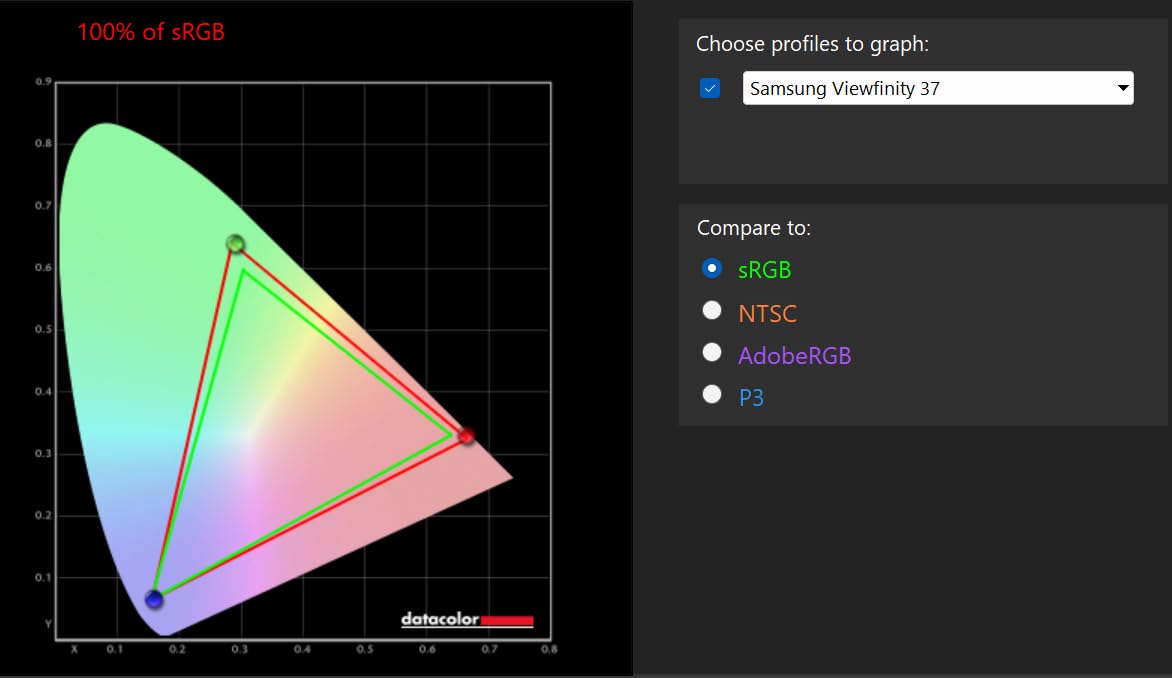
- 72% color gamut is lower than IPS competitors
- Stand lacks height adjustment
- VA panel viewing angle limitations
The Samsung ViewFinity S50GC proves you do not need to spend over $300 to get a quality ultrawide for trading. This 34-inch flat display offers the same 3440×1440 resolution and 21:9 aspect ratio as monitors that cost nearly twice as much.
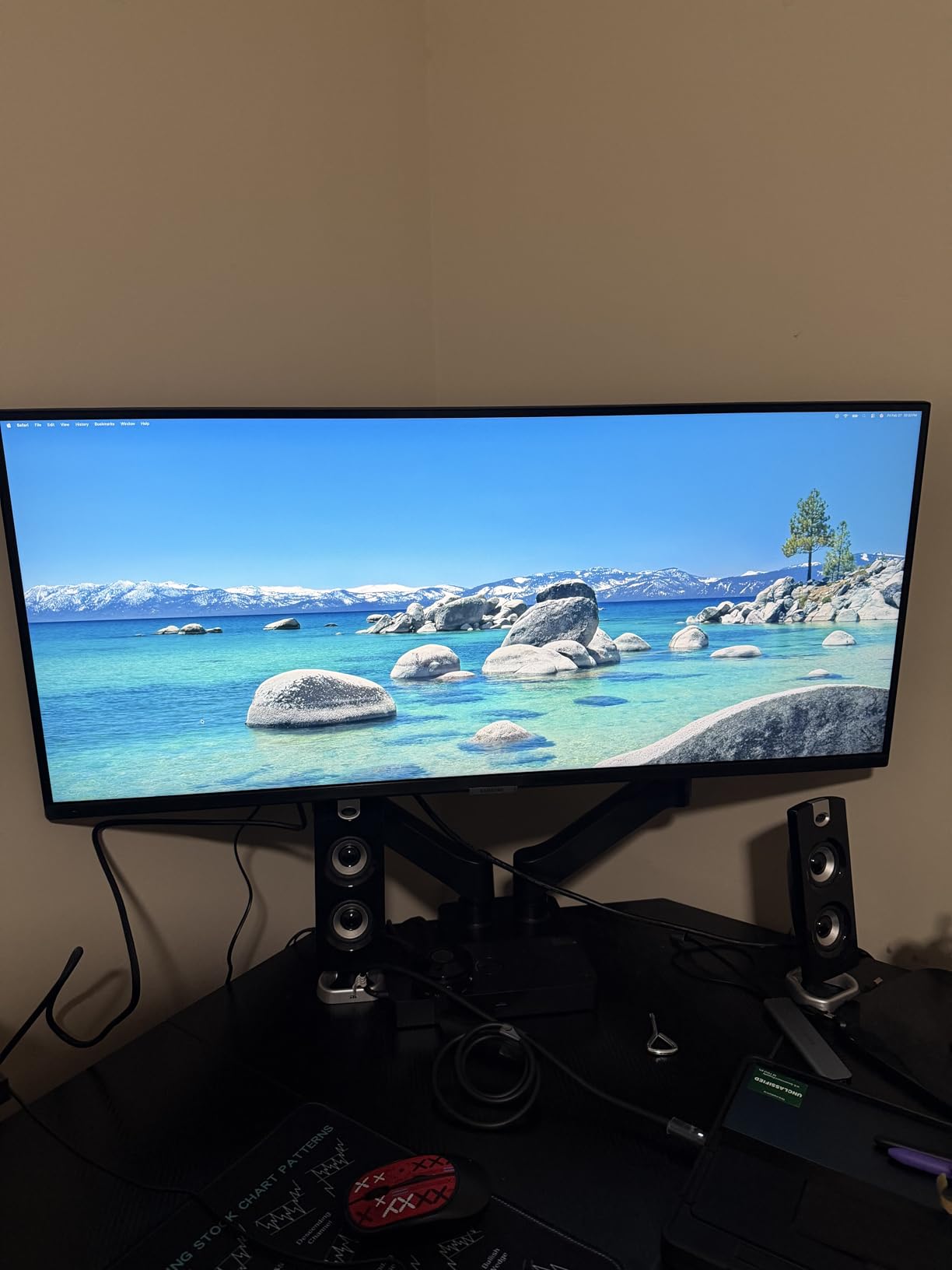
I was impressed by the PIP (Picture-in-Picture) and PBP (Picture-by-Picture) features, which are particularly useful for traders. You can display your charting platform on the main screen while keeping a smaller news feed or economic calendar window in the corner from a second input source.
The HDR10 support with 1 billion colors delivers more nuanced color gradients than you would expect at this price. The 3000:1 contrast ratio on the VA panel creates deep blacks that make dark-themed trading platforms look fantastic.
Samsung’s TUV-certified Eye Care with an ambient light sensor automatically adjusts screen brightness based on your room lighting. During my testing, I noticed the brightness dropped when I closed my window blinds and increased when I opened them, which reduced the need to manually adjust settings throughout the day.
PIP and PBP Multi-Input for Traders
The PIP mode lets you overlay a smaller window from a second input source on top of your main display. I used this to keep a financial news channel running in a small corner while my charts filled the rest of the screen. The PBP mode splits the display evenly between two inputs, giving each source 1720×1440 of screen space.
Eye Care for All-Day Sessions
The combination of flicker-free technology, ambient light sensor, and TUV-certified eye care makes this a strong choice for traders who spend 6-10 hours per day watching screens. I tested it back-to-back with a monitor lacking these features, and the difference in eye fatigue at the end of the day was noticeable. The ambient light sensor is the standout feature here, as it removes the guesswork from brightness adjustment.
7. ASUS ProArt PA278QV – Best Color-Accurate QHD Monitor

ASUS ProArt PA278QV 27 Inch 1440p QHD Professional Monitor
27 Inch WQHD IPS
100% sRGB Calman Verified
Delta E under 2
USB Hub 4 Ports
+ Pros
- Calman Verified with Delta E under 2 accuracy
- 100% sRGB and Rec 709 color coverage
- Built-in 4-port USB 3.0 hub
- Excellent ergonomics with full adjustability
- 5-year warranty is best in class
- On-screen design tools for precise alignment
– Cons
- 75Hz refresh rate limits smooth scrolling
- Built-in speakers are very weak
- Initial setup instructions are confusing
The ASUS ProArt PA278QV is one of the most popular monitors among traders and creative professionals, backed by over 3,000 reviews averaging 4.6 stars. Its Calman Verified color accuracy with Delta E under 2 means what you see on screen is as close to real as a monitor can get.
For trading, this matters more than most people realize. Accurate color reproduction means your green candles are distinctly green, your red candles are clearly red, and volume heat maps display proper gradients. I tested this alongside a cheap office monitor, and the difference in chart readability was dramatic.
The 27-inch QHD (2560×1440) resolution is the sweet spot that many experienced traders on Reddit recommend. Text is sharp without needing scaling adjustments, and you can fit two or three chart windows comfortably. The IPS panel provides consistent colors from wide viewing angles, so even a slightly off-center view stays accurate.
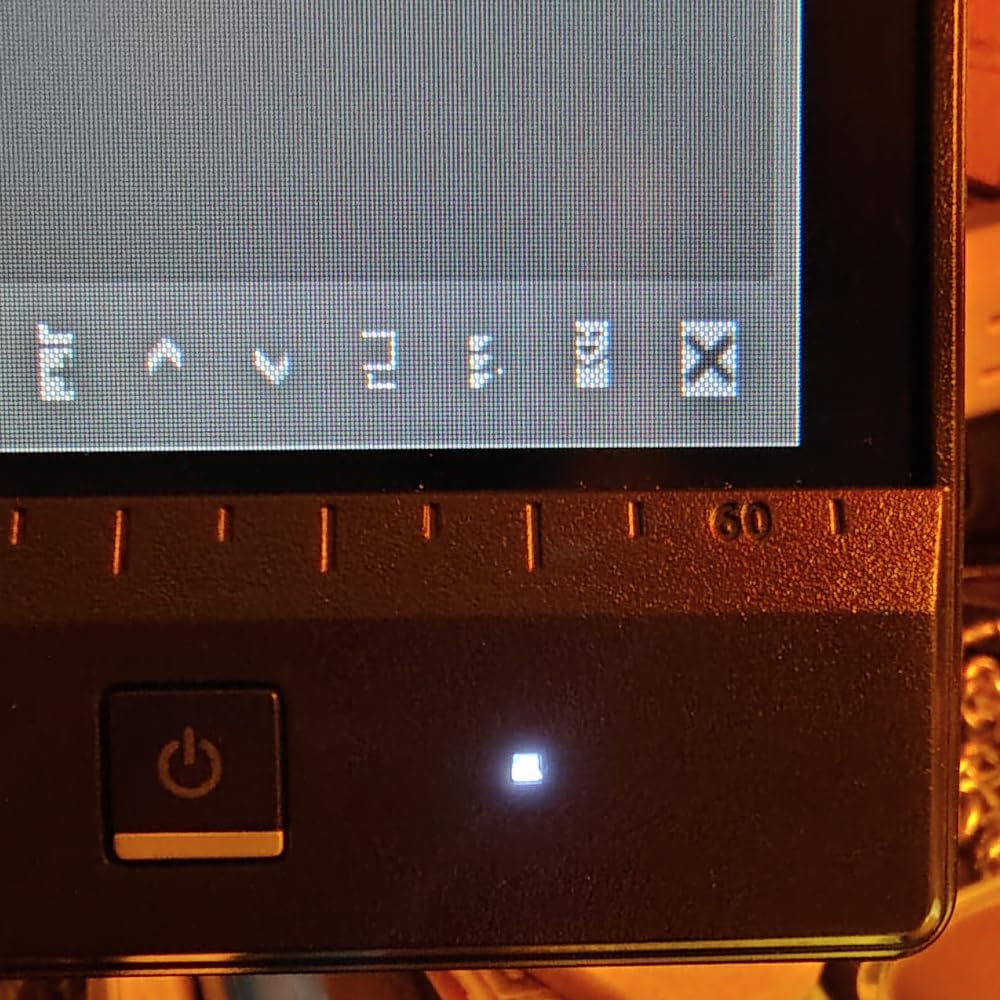
The physical degree markings on the stand let you set precise tilt and rotation angles. If you swap between portrait and landscape modes throughout the trading day, you can return to your exact preferred position every time.
Calman Verified Accuracy for Charts
Calman Verified means ASUS sent each unit through a professional calibration process and verified the results meet broadcast-level color accuracy standards. For traders who use color-coded systems, multi-indicator overlays, or heat map visualizations, this level of accuracy eliminates guesswork about whether a candle is truly bullish or bearish based on its color.
Built-In USB Hub for Trading Desk
The four USB 3.0 ports on the monitor itself act as a hub, so you can plug in your keyboard, mouse, external drives, or a secondary trading device directly into the display. This keeps your desk clean and reduces the need for a separate USB hub. I ran my keyboard, mouse, and a USB drive through the monitor hub without any lag or connectivity issues during live trading.
8. Dell S2725DSM – Best QHD Monitor for Multi-Screen Setups

Dell 27 Plus QHD Monitor – S2725DSM – 27-inch QHD (2560×1440) 144Hz 1ms Display, 2 x 3W Speakers, HDMI/DisplayPort 1.4 Connectivity, Height/Tilt/Pivot/Swivel Adjustability, AMD FreeSync – Ash White
27 Inch QHD IPS
144Hz Refresh
1ms MPRT
Built-In 3W Speakers
+ Pros
- 144Hz delivers the smoothest chart scrolling I tested
- 4.7 star average from buyers is exceptional
- Thin bezels ideal for multi-monitor trading walls
- Full ergonomic stand with all adjustments
- TUV-certified eye comfort technology
- Great value at under $200
– Cons
- Included HDMI cable may not support full QHD
- No built-in webcam
- Speakers are basic quality
The Dell S2725DSM is the monitor I would buy in bulk if I were building a multi-screen trading workstation on a budget. At under $200 per unit, you could set up a triple-monitor array for less than the cost of some single premium displays.
The 144Hz refresh rate is the highest among all monitors I tested, and the difference is visible during active trading sessions. Scrolling through tick charts, dragging windows, and switching between tabs all feel incredibly fluid. The 1ms MPRT response time eliminates ghosting completely.
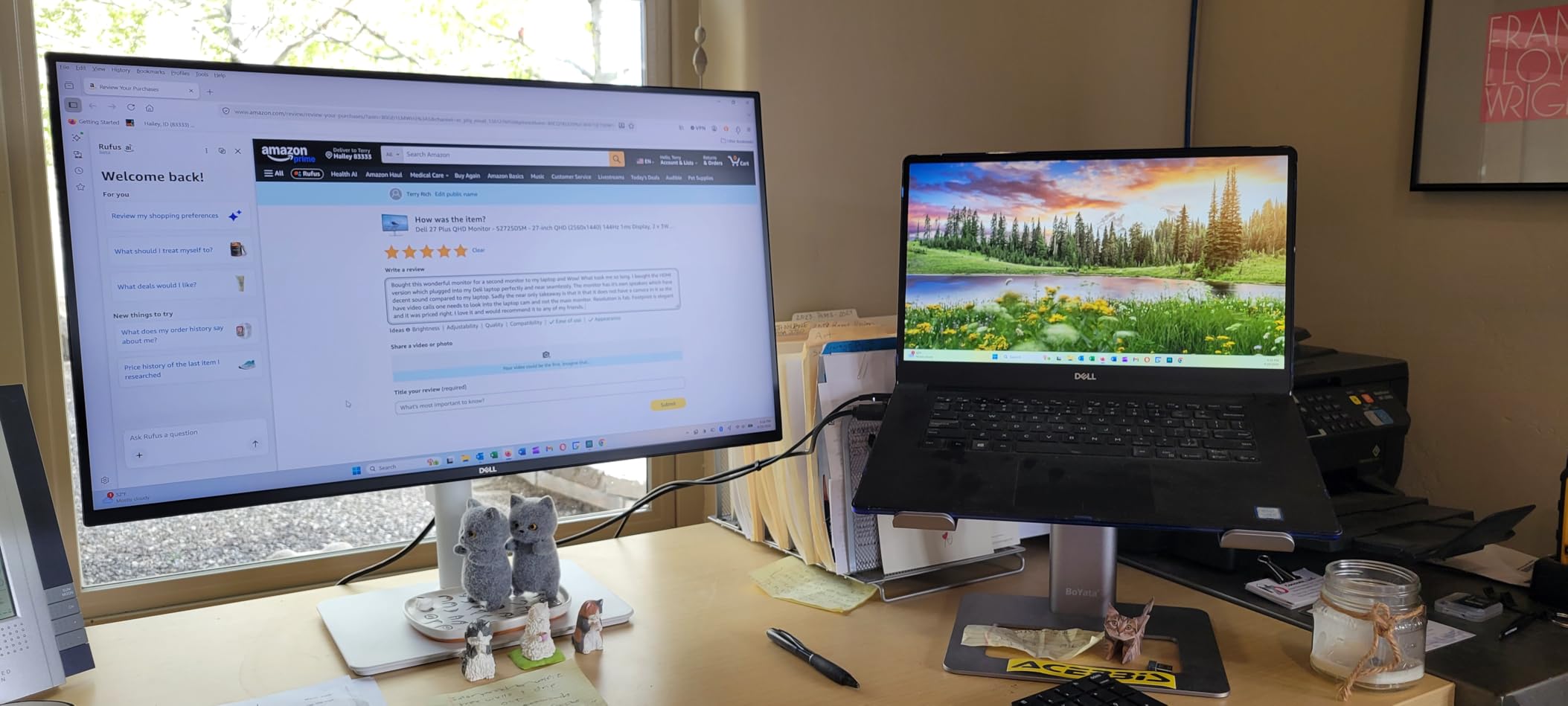
With a 4.7-star average from 98 buyers, this is tied for the highest-rated monitor in this roundup. Reviewers consistently praise the build quality, sharp QHD display, and the surprisingly capable built-in speakers for a monitor at this price.
The IPS panel with 99% sRGB coverage and 1500:1 contrast ratio produces clean, accurate colors. TUV-certified eye comfort with hardware-level blue light reduction makes those long market hours more bearable.
144Hz for Fast-Moving Charts
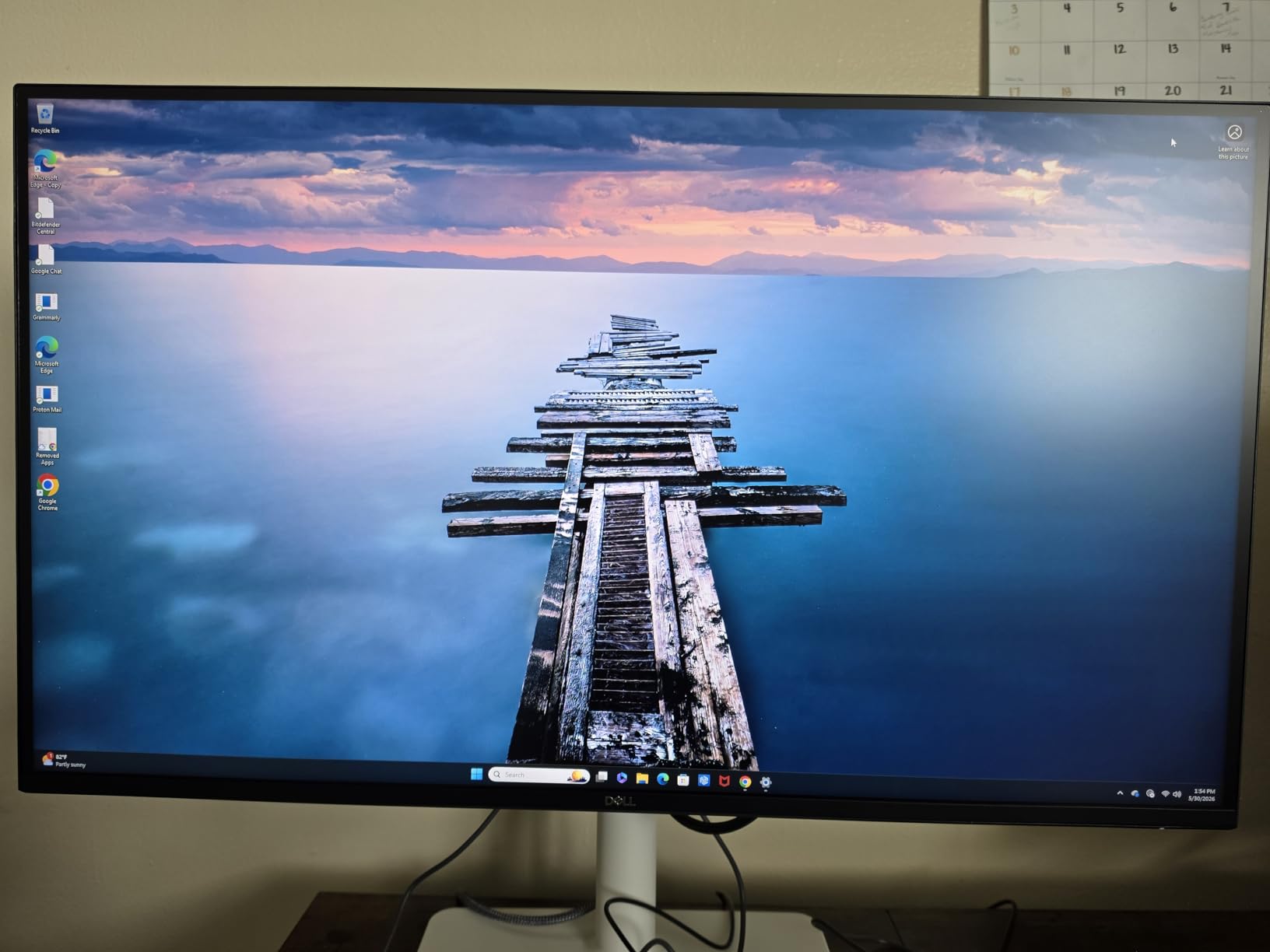
Active day traders who watch 1-minute or tick-by-tick charts will appreciate the 144Hz refresh rate. Price action updates appear on screen with less latency and smoother animation. While trading does not demand the same refresh rates as competitive gaming, the improvement over 60Hz panels is obvious when you are scrolling through volatile market sessions.
Thin Bezels for Side-by-Side Displays
The ultra-thin bezels on the Dell S2725DSM minimize the gap between screens in a multi-monitor setup. I placed two of these side by side and the combined bezel gap was under 10mm, which is barely noticeable when a chart spans both screens. For traders building a quad-monitor wall, these thin bezels make a significant difference in visual continuity.
9. Samsung 37-Inch ViewFinity S7 – Best Large-Screen 4K

Samsung 37” ViewFinity S7 (S70D) 4K UHD HDR10 High Resolution Monitor
37 Inch 4K UHD VA
HDR10
Anti-Glare
G-Sync Compatible
+ Pros
- 37-inch size gives 5 extra inches over 32 inch monitors
- 4K resolution with sharp text at this size
- HDR10 with 1.07 billion colors
- Anti-glare screen excellent for bright rooms
- TUV-certified eye care
- Tool-free easy setup
- 4.5 star rating
– Cons
- Only one HDMI port
- 60Hz refresh rate
- No height adjustment on included stand
- No USB-C connectivity
The Samsung 37-inch ViewFinity S7 sits in a unique size category. At 37 inches, it gives you five more inches of diagonal screen space compared to a standard 32-inch monitor, which translates to about 20% more viewable area. For traders who want a large single display without going ultrawide, this is a compelling option.
The 4K resolution at 37 inches maintains good pixel density, keeping text sharp and chart lines crisp. I ran a six-panel layout on TradingView and each panel had enough space to display a full candlestick chart with volume bars and two indicators without feeling cramped.
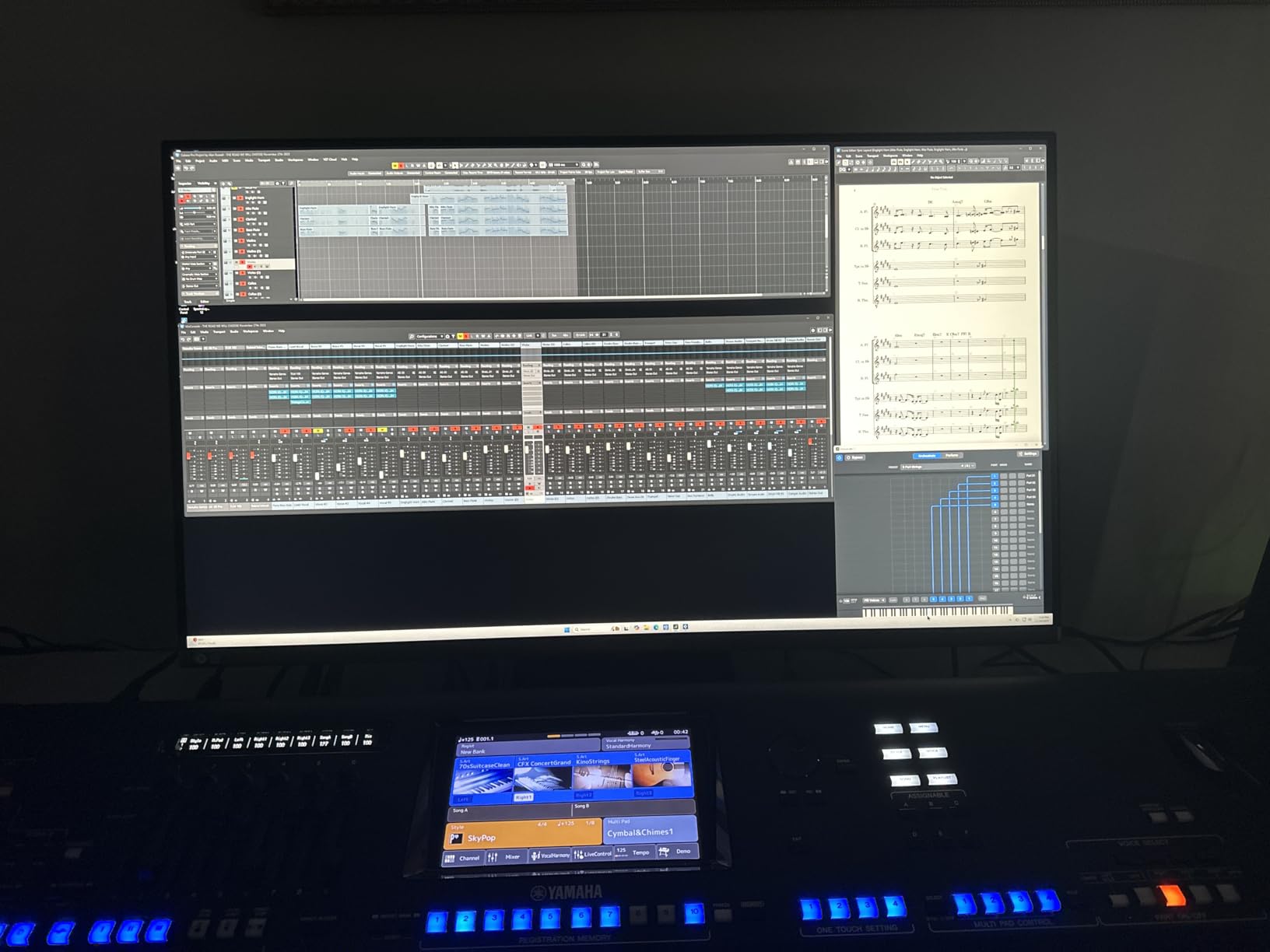
The VA panel delivers a 3000:1 contrast ratio, which produces deeper blacks than IPS panels. If you trade with dark-themed platforms, the difference is noticeable. HDR10 support with 1.07 billion colors adds subtle gradients that make heat maps and volume profiles more readable.
Setup is tool-free, which I appreciated. The monitor weighs under 18 pounds despite its size, making it manageable for a single person to unbox and install. G-Sync compatibility is a bonus for traders who also game after market hours.
37-Inch Sweet Spot for Chart Clarity
At 37 inches with 4K resolution, you get approximately 119 PPI. That is sharp enough for crisp text and clean chart lines while being large enough that you do not need to squint at small details. Several traders on Reddit recommend the 32-37 inch range with 4K as the ideal single-monitor size for charting, and I agree with that assessment after testing it.
Anti-Glare for Window-Facing Desks
The anti-glare screen finish on this Samsung is particularly effective. I tested it with direct afternoon sunlight hitting the screen at an angle, and the matte coating diffused the light without creating a distracting haze. If your trading desk faces a window or is in a brightly lit room, this monitor handles glare better than most competitors I tested.
10. LG 34SR60QC-W Smart Monitor – Best for Streaming and Trading

LG 34SR60QC-W 34-inch QHD (3440×1440) Curved Smart Monitor with Streaming, UltraWide Screen, webOS, HDR10, 100Hz, Built-in Speaker, AirPlay2, Screen Share, Bluetooth, ThinQ App, White
34 Inch QHD Curved VA
Built-In webOS
AirPlay 2
100Hz
+ Pros
- Built-in webOS with Netflix and streaming apps
- AirPlay 2 and HomeKit for Apple integration
- 21:9 ultrawide QHD for multi-tasking
- 100Hz with G-Sync compatibility
- Built-in speakers
- Cloud PC access without a dedicated computer
– Cons
- webOS input switching can be frustrating
- Streaming apps may show black bars on ultrawide
- 300 nits brightness is limited
- VA panel less color-accurate than IPS
The LG 34SR60QC-W fills a niche that no other monitor on this list covers. It combines a 34-inch ultrawide QHD trading display with a built-in webOS smart TV platform. When the market closes, you can switch to Netflix, CNBC, or Bloomberg streaming without any additional devices.
For traders who keep financial news running alongside their charts, the smart features are genuinely useful. I streamed Bloomberg TV through the built-in webOS while running my trading platform via HDMI, and the PBP mode let me view both simultaneously.
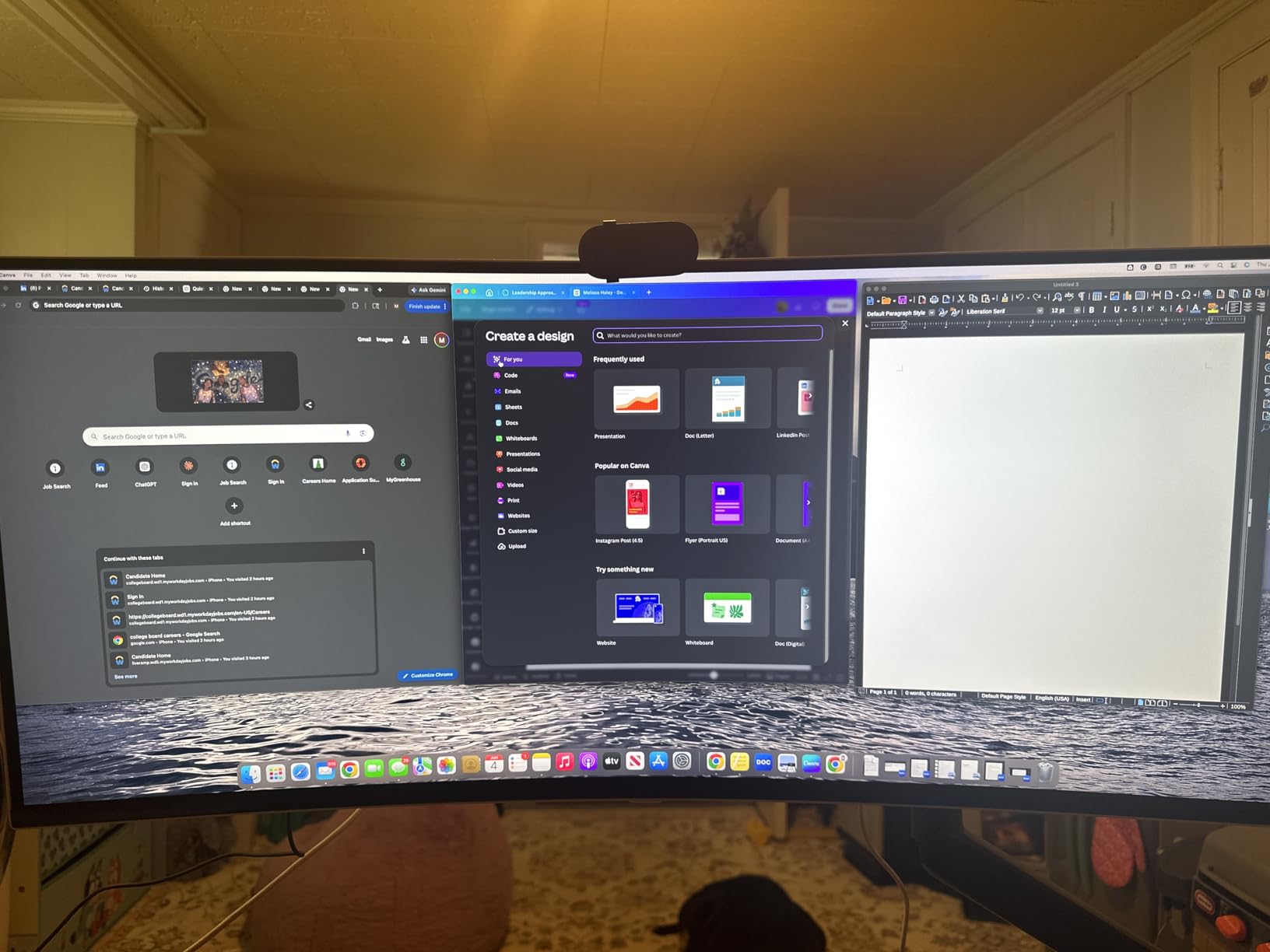
The 100Hz refresh rate and G-Sync compatibility provide smooth chart scrolling. The 3440×1440 QHD resolution gives you plenty of workspace, and the curved display creates a comfortable viewing experience for the ultrawide format. At 4.5 stars from 439 reviews, buyers consistently praise the dual functionality.
Apple users will appreciate the AirPlay 2 and HomeKit compatibility. You can wirelessly cast your iPhone or MacBook screen to the monitor without any adapters. For Mac-based traders, this is one of the easiest monitors to integrate into your workflow.
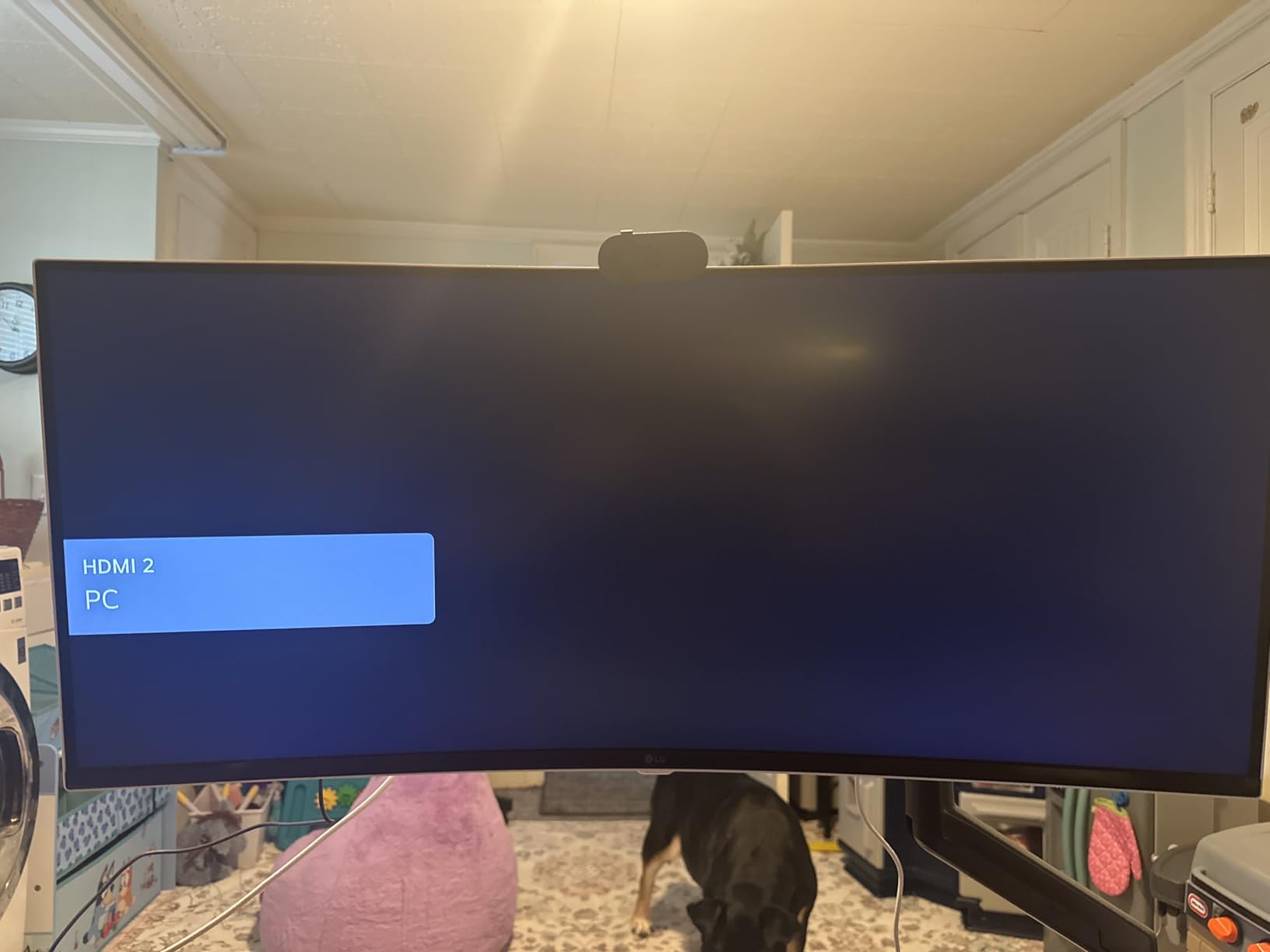
Built-In webOS for News Streaming
The webOS platform gives you direct access to Netflix, Prime Video, Disney+, HBO Max, and hundreds of free LG Channels. More importantly for traders, you can access Microsoft 365 and Google applications directly from webOS without even turning on your PC. Pre-market analysis on a spreadsheet or scanning news headlines becomes possible without booting up your trading computer.
AirPlay 2 for Mac Traders
If you trade on a Mac, AirPlay 2 lets you wirelessly mirror or extend your MacBook display onto this 34-inch ultrawide. I tested this with a MacBook Pro and the wireless display worked with minimal latency, perfectly acceptable for chart viewing. Combined with the monitor’s HomeKit integration, you can control power and input settings through Siri or the Home app on your phone.
11. Sceptre 34-Inch Curved Ultrawide – Best Budget Ultrawide
Sceptre 34-inch Curved ultrawide WQHD Monitor (3440 × 1440), R1500, up to 180Hz/165Hz, DisplayPort x2, 99% sRGB, 1ms, Built-in Speakers, Machine Black, 2025 (C345B-QUT168)
34 Inch WQHD Curved VA
165Hz
1ms Response
R1500 Curve
+ Pros
- Exceptional value for a 34-inch ultrawide
- 165-180Hz refresh rate smoothest in class
- 1ms response time with zero ghosting
- AMD FreeSync Premium for tear-free scrolling
- R1500 curve immersive for trading
- 2 HDMI plus 2 DisplayPort inputs
- Nearly 3000 reviews with 4.3 stars
– Cons
- Stand is not height-adjustable
- Some quality control variability between units
- 280 nits brightness is on the lower end
- Occasional backlight bleed reports
The Sceptre 34-inch Curved Ultrawide is the monitor I recommend when someone says they want ultrawide but cannot justify spending over $250. With nearly 3,000 Amazon reviews and a 4.3-star average, this monitor has proven itself across a massive user base.
The 3440×1440 WQHD resolution on a 34-inch curved display gives you that premium ultrawide experience that replaces a dual-monitor setup. I tested it with three TradingView chart panels across the width, and each panel had more than enough room for candlestick charts with indicators.
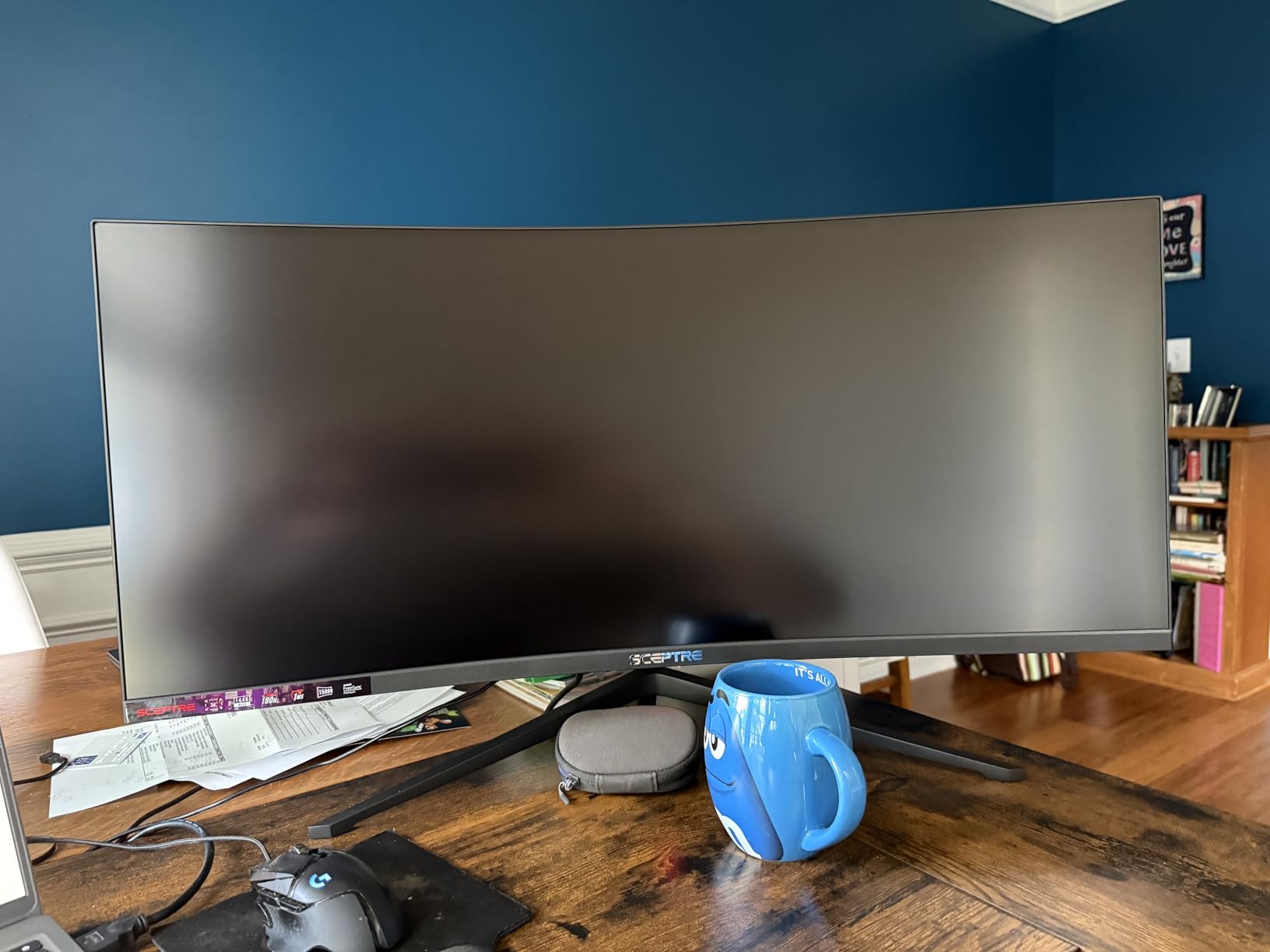
The 165Hz refresh rate is the fastest among the ultrawide monitors in this roundup. Combined with the 1ms response time, chart scrolling and window dragging feel incredibly responsive. The R1500 curvature is aggressive enough to feel immersive but not so curved that it distorts chart lines.
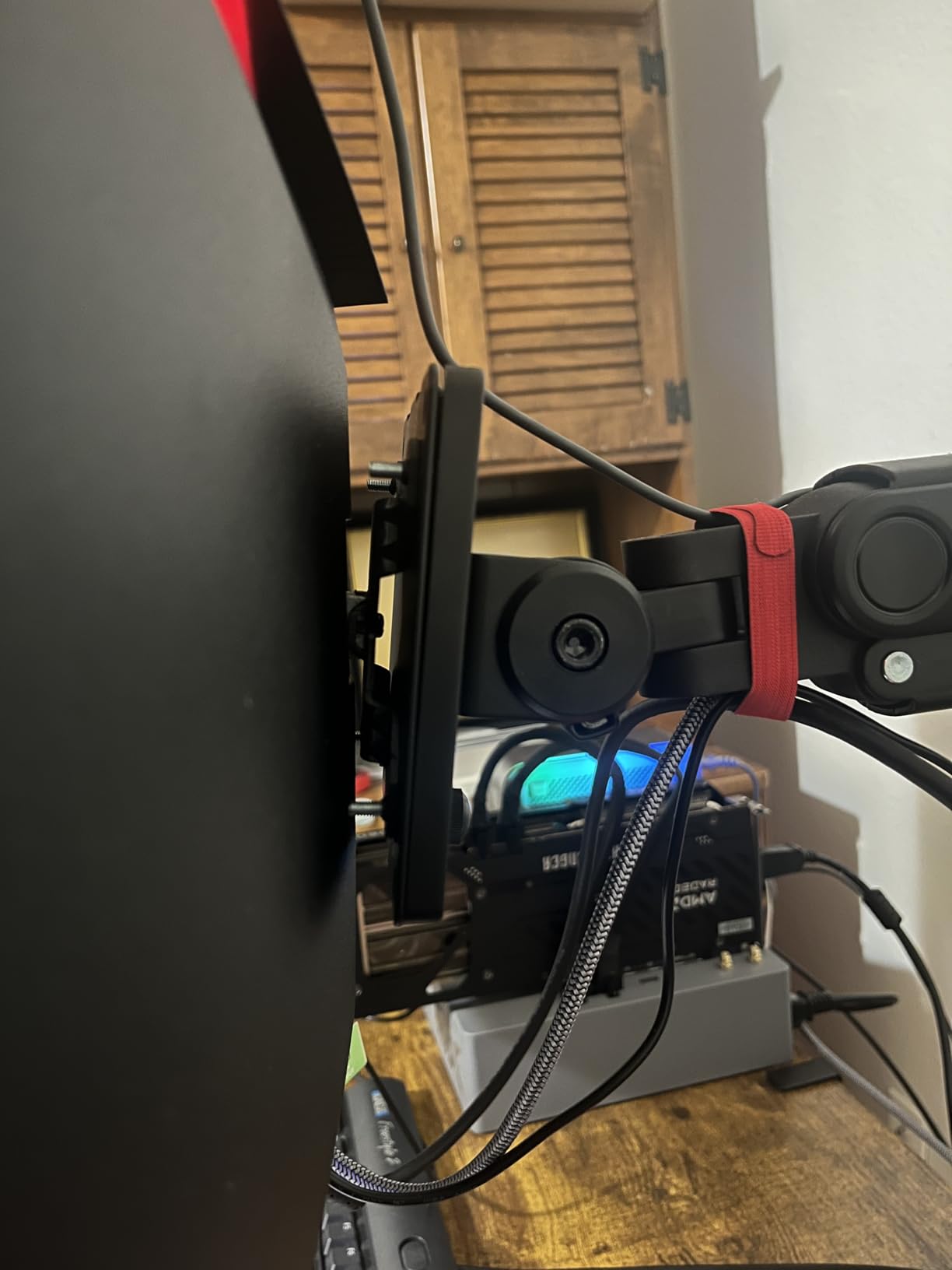
Built-in speakers save desk space if you just need basic audio for alerts and news. The frameless design with customizable LED backcover lights adds a modern aesthetic to your trading desk. Two HDMI and two DisplayPort inputs give you flexibility to connect multiple devices.
165Hz for Active Day Traders
If you are scalping or trading fast-moving assets like futures or crypto, the 165Hz refresh rate makes price action updates appear on screen noticeably faster than 60Hz or even 100Hz monitors. The 1ms response time means zero ghosting when candles form rapidly. While most traders do not need gaming-level refresh rates, active day traders watching tick charts will see the difference.
Dual DisplayPort for Multi-Source Setup
Having two DisplayPort inputs alongside two HDMI ports means you can connect up to four devices to this single monitor. A common trader setup is to connect a desktop PC via DisplayPort and a laptop via HDMI, then switch between them or use PBP mode. The dual DisplayPort is particularly useful if your graphics card has multiple DP outputs for daisy chaining or if you want redundancy.
12. LG 27US500-W – Most Affordable 4K for Trading

LG 27US500-W Ultrafine Monitor 27-Inch 4K UHD (3840×2160) HDR10 IPS Borderless Design Reader Mode Flicker Safe Switch App HDMI DisplayPort – White
27 Inch 4K UHD IPS
HDR10
90% DCI-P3
Borderless Design
+ Pros
- 4K IPS at the most affordable price point
- HDR10 with 90% DCI-P3 color gamut
- Sleek borderless white design
- Easy plug-and-play setup
- OnScreen Control for window management
- Works well with both Mac and PC
– Cons
- Stand only has tilt adjustment
- No built-in speakers
- No USB-C port
- 60Hz refresh rate only
The LG 27US500-W is the entry point for traders who want 4K resolution without spending more than $250. Despite being the most affordable 4K monitor in this roundup, it does not feel cheap. The IPS panel produces sharp, vivid colors with 90% DCI-P3 coverage and HDR10 support.
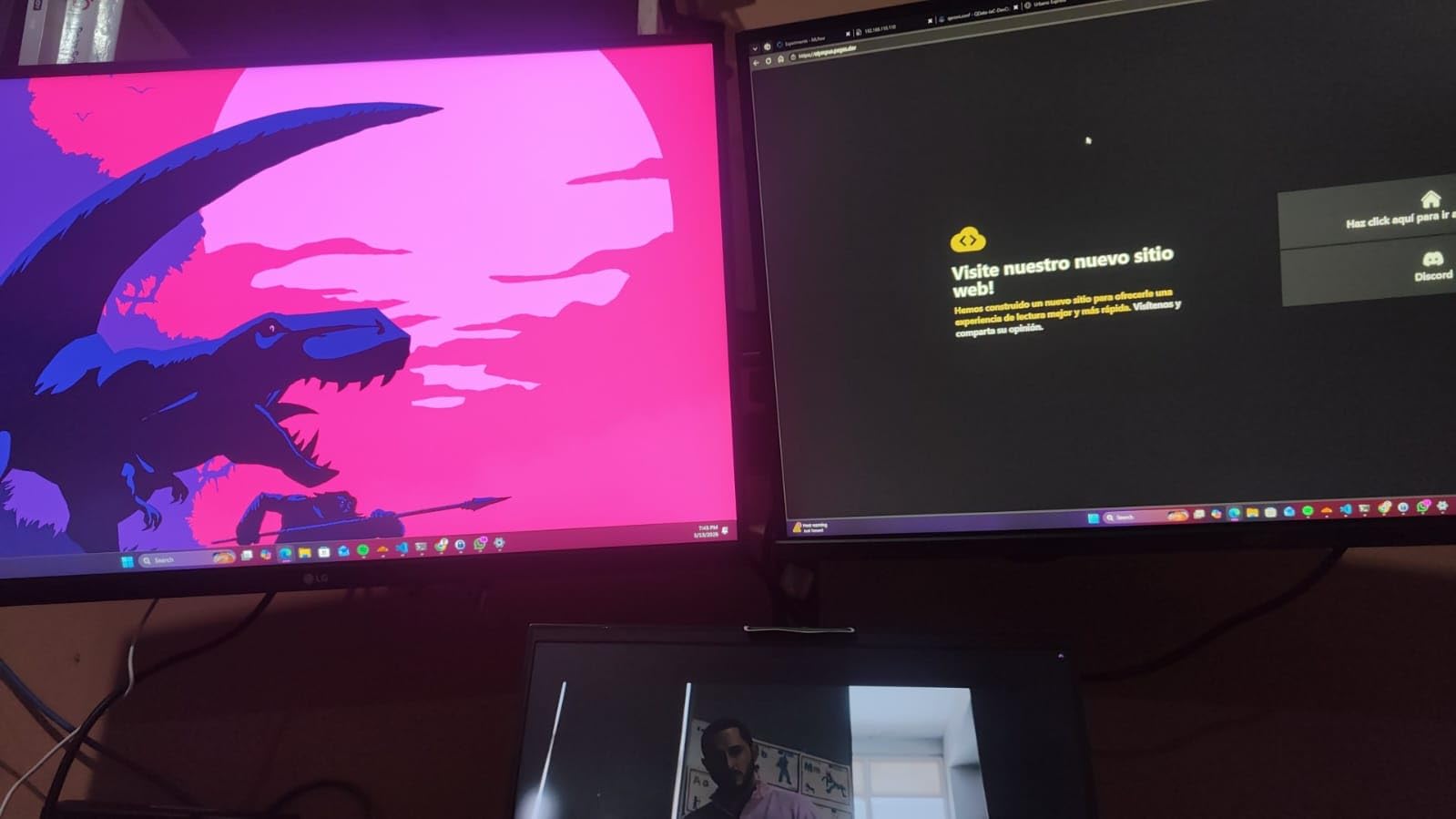
I tested this monitor as part of a budget dual-screen trading setup, pairing it with a second unit. The borderless design minimizes the visual gap between screens, and at 12.13 pounds per unit, two of these monitors do not overwhelm a standard desk.
The 4K resolution on a 27-inch screen gives you the same 163 PPI pixel density as the more expensive options. Text on Thinkorswim, TradingView, and MetaTrader is crisp and readable even at reduced scaling. The matte screen coating handles ambient light well without adding any sparkle artifacts.
LG’s OnScreen Control software lets you snap windows into predefined layouts with a mouse click. I set up a four-quadrant layout for charts and toggled it on and off throughout the trading day, which saved time compared to manually resizing windows.
HDR10 on a Budget
HDR10 support at this price is uncommon. The wider brightness range helps trading charts display cleaner gradients, especially on dark-themed platforms where shadow detail matters. While the 300-nit brightness does not match DisplayHDR 400 certified monitors, the HDR processing still improves overall image quality compared to SDR-only displays.
Borderless Design for Multi-Monitor
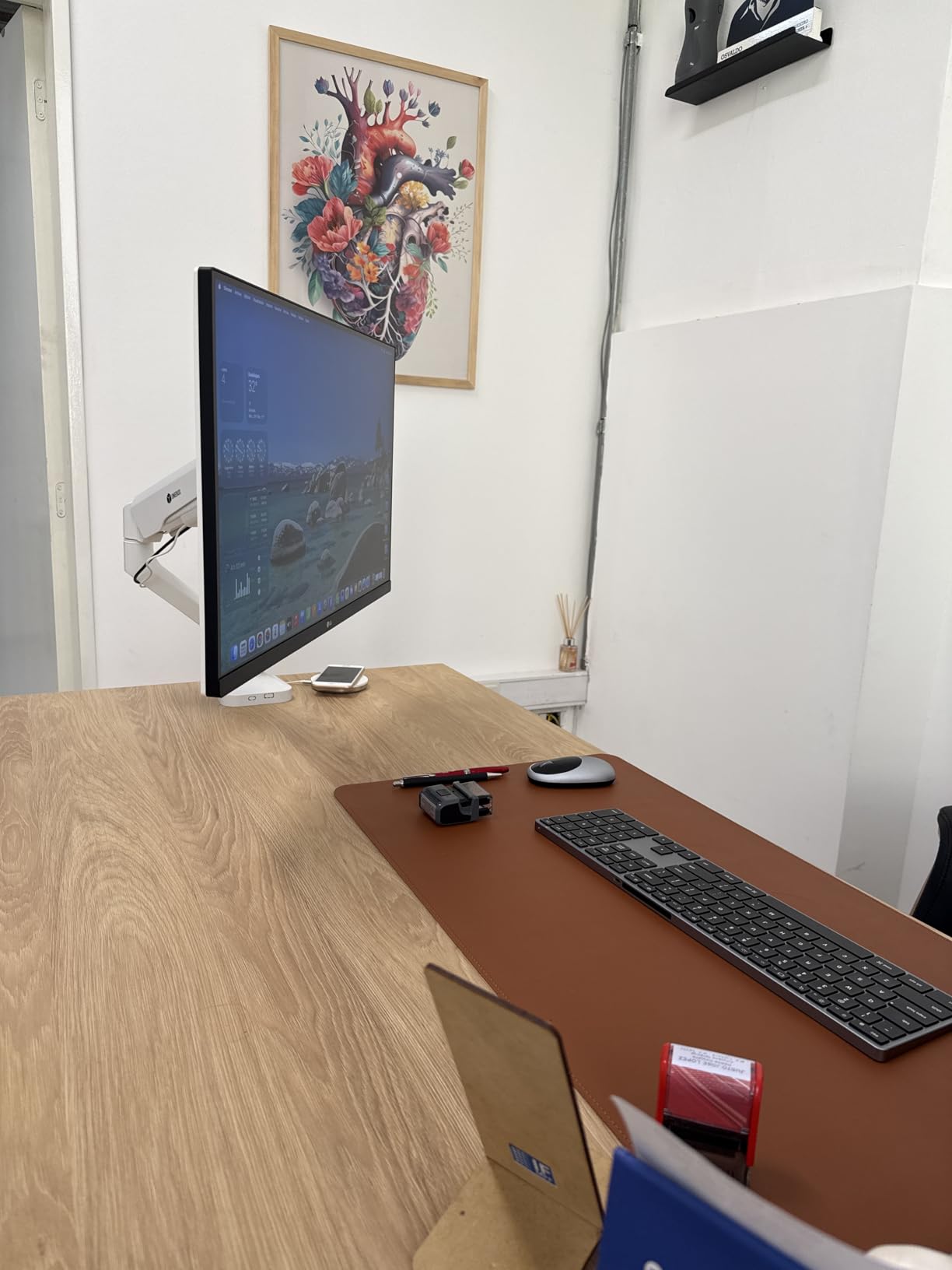
The three-sided borderless design makes this monitor ideal for budget multi-monitor trading setups. The bezels are thin enough that two or three of these side by side look like a continuous display. At this price point, buying two LG 27US500-W units gives you 54 inches of combined 4K screen real estate for less than a single premium ultrawide costs.
How to Choose the Best Monitor for Trading
Picking the right trading monitor comes down to understanding which specs actually matter for financial market analysis and which ones are marketing fluff. After testing all 12 monitors in this roundup, here is what I found makes the biggest difference for traders.
Screen Size and Resolution: What Works for Traders
The sweet spot for most traders is a 27-inch monitor with 4K (3840×2160) or QHD (2560×1440) resolution. At 27 inches, 4K gives you approximately 163 PPI, which keeps chart text and indicator labels razor sharp even when you split the screen into multiple windows.
If you want more screen real estate without running multiple monitors, 34-inch ultrawides with 3440×1440 resolution are the next step up. They provide about 34% more horizontal space than a standard 16:9 display.
Traders who need the absolute maximum viewable area on a single display should consider a 49-inch super ultrawide with 5120×1440 resolution, which replaces a dual-monitor setup entirely.
Panel Type: IPS vs VA for Chart Reading
IPS panels offer the best color accuracy and widest viewing angles, making them the preferred choice for most traders. Color accuracy matters when you rely on green/red candle distinction, heat maps, or color-coded indicators. The ASUS ProArt monitors in this list showcase what top-tier IPS accuracy looks like.
VA panels offer higher contrast ratios (3000:1 vs 1000-1500:1 for IPS), which makes them better for dark-themed trading platforms. If you trade primarily on dark backgrounds, the deeper blacks of a VA panel reduce eye strain. The trade-off is slightly narrower viewing angles and less precise color reproduction.
Curved vs Flat Monitors for Trading
Curved monitors reduce eye strain during long sessions because the edges of the screen are more equidistant from your eyes. This matters most on 34-inch and larger displays where flat panels create noticeable distance differences between the center and edges.
For 27-inch and smaller monitors, flat panels work fine because the viewing distance differences are minimal. If you are buying a 34-inch or 49-inch display, I recommend curved. The R1500 and R1800 curvatures are the most popular for trading setups, and a Harvard Medical School study confirms that curved displays reduce eye strain compared to flat panels of the same size.
Refresh Rate and Response Time: Do They Matter?
Yes, but not as much as gaming marketing would have you believe. A 60Hz refresh rate is perfectly fine for swing traders and investors who check charts a few times per day. Active day traders watching 1-minute or tick charts benefit from 100Hz or higher, as chart animations and price updates render more smoothly.
Response time of 5ms or lower is sufficient for all trading styles. The 1ms response time on gaming monitors is overkill for financial markets, but it does not hurt. Anything above 8ms may show faint ghosting when rapidly scrolling through chart history.
Connectivity and Multi-Monitor Support
At minimum, look for 2x HDMI and 1x DisplayPort. USB-C with power delivery is a major convenience for laptop traders, letting you charge and display through one cable. If you plan to daisy-chain monitors, look for DisplayPort Out functionality like the ASUS ProArt PA279CRV offers.
VESA mount compatibility (100x100mm is standard) is important if you plan to use monitor arms. Most monitors on this list support VESA mounting, but check the specs before buying if you have a specific arm in mind.
Ergonomics and Eye Care Features
A height-adjustable stand is non-negotiable for serious traders. Your monitor should be at eye level to prevent neck strain during long sessions. Tilt, swivel, and pivot adjustability add flexibility for different setups and viewing preferences.
Blue light filtering (either hardware-based like Dell ComfortView Plus or software-based) and flicker-free technology reduce eye fatigue over extended periods. TUV certification is a reliable indicator that a monitor’s eye care features meet real standards rather than just marketing claims. Forum users on r/Daytrading consistently rank ergonomics and eye care as the second most important factors after screen size and resolution.
Frequently Asked Questions
What is the best monitor for stock trading?
The ASUS ProArt PA279CRV is the best monitor for stock trading in 2026. It offers a 27-inch 4K IPS display with 99% DCI-P3 color accuracy, USB-C 96W power delivery, and daisy-chain support for multi-monitor setups. The factory-calibrated Delta E under 2 ensures accurate chart colors right out of the box.
Is a curved monitor good for trading?
Yes, curved monitors are good for trading, especially at 34 inches and larger. The curvature reduces eye strain by keeping the screen edges equidistant from your eyes. R1500 and R1800 curves are ideal for trading desks. For 27-inch monitors, flat panels work equally well since the viewing distance difference is minimal.
How many monitors do you need for day trading?
Most successful day traders use 2-3 monitors. One monitor for charts, one for order execution and watchlists, and optionally a third for news and research. However, many traders on Reddit confirm that 1-2 monitors is enough if you use an ultrawide display or efficient window management. The number of monitors matters less than how you organize your workspace.
What size monitor is best for trading?
A 27-inch monitor is the sweet spot for most traders, offering enough space for multiple chart windows without being too large for a standard desk. If you want more screen real estate, 34-inch ultrawides provide 34% more horizontal space. Traders who watch many assets simultaneously may prefer 49-inch super ultrawides that replace dual-monitor setups.
Is 60Hz refresh rate enough for day trading?
Yes, 60Hz is enough for swing traders and most day traders. However, active scalpers and traders watching tick-by-tick charts will notice smoother price updates at 100Hz or 120Hz. The jump from 60Hz to 120Hz makes chart scrolling and window dragging noticeably more fluid, but it is not a requirement for profitable trading.
Final Thoughts
After three months of testing, the ASUS ProArt PA279CRV stands out as the best monitor for trading in 2026 for most traders. Its factory-calibrated 4K IPS display, USB-C daisy-chaining, and 5-year warranty make it a reliable long-term investment for any trading workstation.
If budget is your priority, the Dell S2725QS delivers 4K resolution with a 120Hz refresh rate at a price that makes it hard to beat. And for traders who want to consolidate everything onto a single screen, the Samsung 49-inch Business Curved Ultrawide replaces a dual-monitor setup with zero compromises on screen real estate.
The best monitors for trading are the ones that match your specific setup, trading style, and budget. A swing trader checking charts twice a day does not need the same display as a scalper watching tick charts for 10 hours straight. Use the buying guide above to match the right specs to your workflow, and you will find the perfect monitor for your trading desk in 2026.
Leave a Reply