
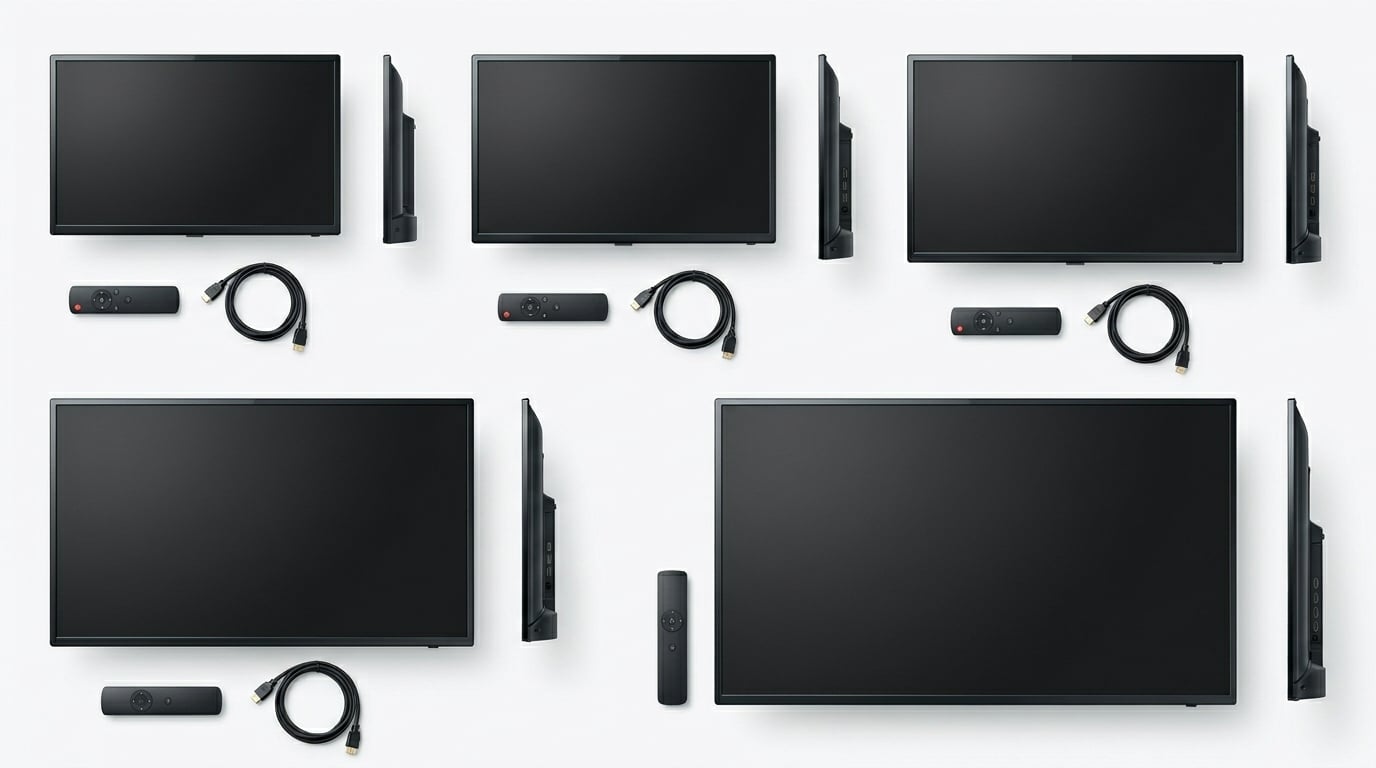
Finding the best non smart TV in 2026 feels almost like hunting for a unicorn. I spent three weeks calling retailers, scrolling through Amazon listings, and reading hundreds of customer reviews to track down televisions that simply display a picture without tracking your habits, serving ads, or demanding software updates. The truth is that true dumb TVs are nearly extinct, but they do still exist if you know where to look.
A non-smart TV is a traditional television that works as a pure display. It has no built-in Wi-Fi, no streaming apps, no data collection, and no operating system that bogs down over time. You plug in an antenna, cable box, DVD player, or a Fire TV Stick for your non-smart TV, and the TV just shows whatever you feed it. That simplicity is exactly what draws privacy-conscious users, RV owners, and anyone tired of slow smart TV interfaces.
Our team compared 10 non-smart televisions ranging from compact 22-inch kitchen screens to a 55-inch commercial 4K display. We looked at picture quality, port selection, build reliability, and real-world feedback from verified buyers. If you want to understand the resolution differences between these models, check our TV resolution technology guide. Below, you will find our top picks, a full comparison table, and detailed hands-on reviews of every model we tested.
Top 3 Picks for Best Non Smart TV
Best Non Smart TV in 2026 – Quick Overview
| Product | Details | Action |
|---|---|---|
 |
|
Check Latest Price |
 |
|
Check Latest Price |
 |
|
Check Latest Price |
 |
|
Check Latest Price |
 |
|
Check Latest Price |
 |
|
Check Latest Price |
 |
|
Check Latest Price |
 |
|
Check Latest Price |
 |
|
Check Latest Price |
 |
|
Check Latest Price |
1. Westinghouse 24 Inch HD LED TV – Compact Non Smart Television
Westinghouse 24 Inch TV, HD LED Small Flat Screen Non-Smart Television, Works with Fire Stick, Roku, Apple TV, TiVo, Xumo, and Streaming Devices
24 inch 720p LED
60Hz
1 HDMI 1 USB
VGA input
ATSC tuner
VESA 100mm
4.4 lbs
12V RV compatible
+ Pros
- Compact and lightweight at 4.4 pounds
- Multiple inputs including HDMI USB VGA and optical
- 12V inverter compatible for RV use
- Works perfectly with Roku and Fire Stick
- Easy plug-and-play setup with intuitive menu
– Cons
- Only 1 HDMI port limits multiple devices
- Built-in speakers sound tinny and boxy
- Short power cord
- Tuner reception less sensitive than older models
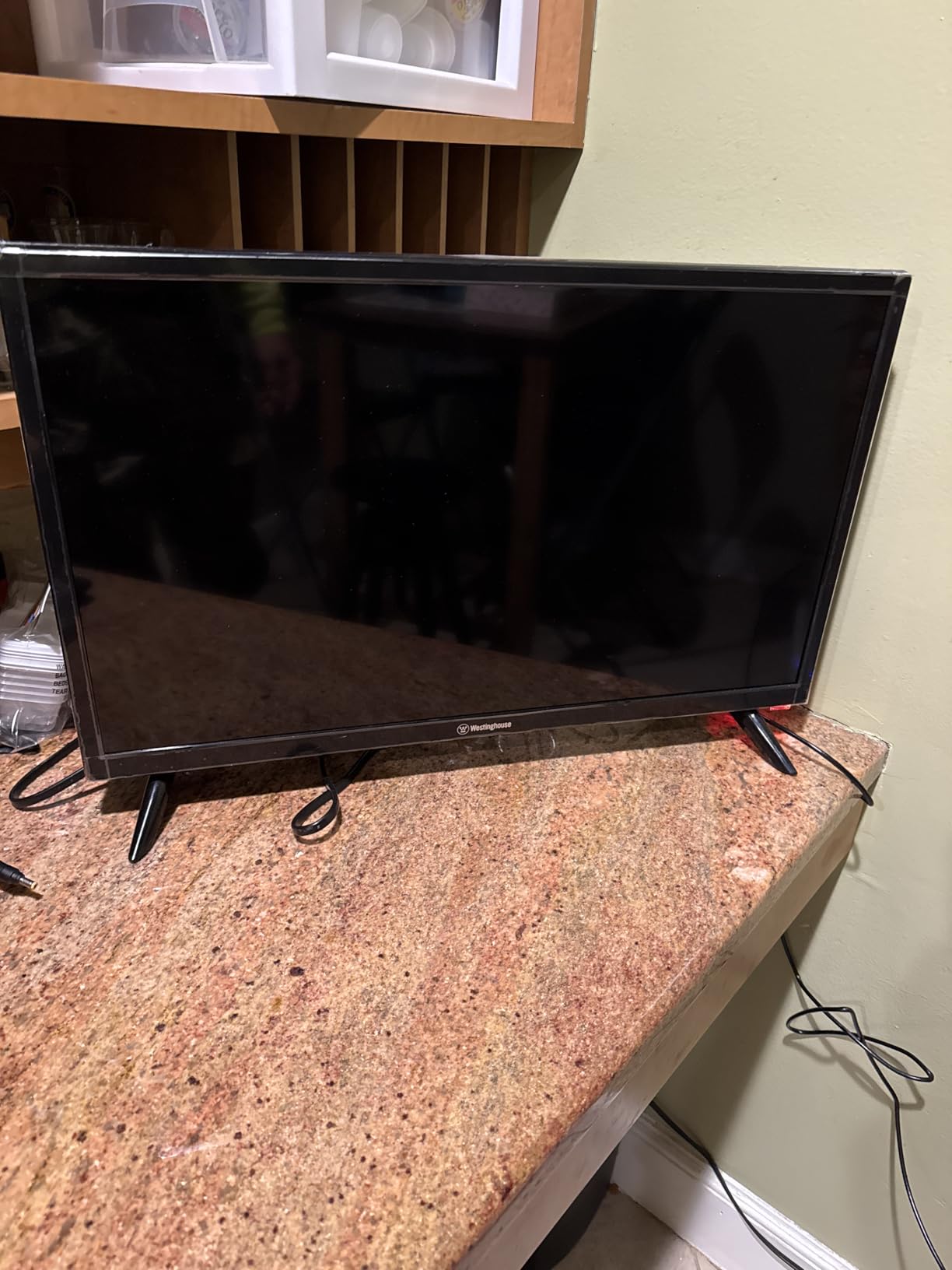
I set this Westinghouse 24-inch up in my kitchen as a secondary screen for morning news and cooking shows. At just 4.4 pounds, I mounted it under a cabinet using a VESA 100 x 100 mm bracket in about ten minutes. The 720p resolution looks surprisingly sharp at this screen size, and colors are natural without that oversaturated look some cheap panels produce.
The plug-and-play experience is exactly what you want from a non-smart TV. I connected an antenna, scanned for channels, and was watching local broadcasts within five minutes of unboxing. There is no setup wizard asking for Wi-Fi credentials, no forced account creation, and no app downloads. It just turns on and works.
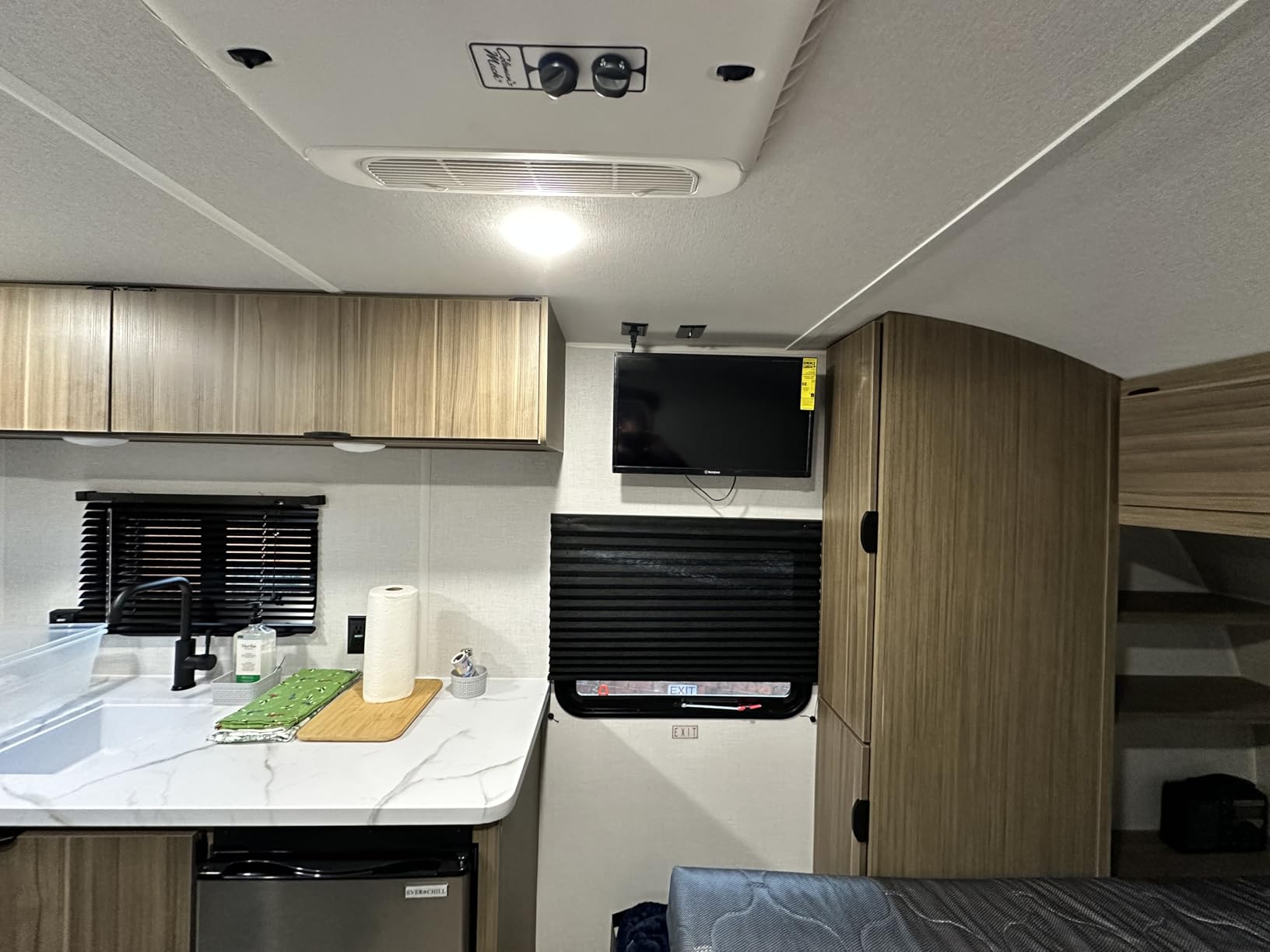
I paired it with a Fire Stick for streaming, and the single HDMI port handled it without issues. The VGA input came in handy when I wanted to mirror my laptop screen for a recipe video. One thing I noticed is that the tuner is slightly less sensitive than my older Samsung, so I had to reposition my indoor antenna to pull in all local channels clearly.
The built-in speakers are the weakest point. Voices sound boxy, and there is very little bass response. I added a small soundbar through the optical audio output, and the improvement was immediate. The short power cord also meant I needed an extension cable for my mount location.
Who This TV Is Perfect For
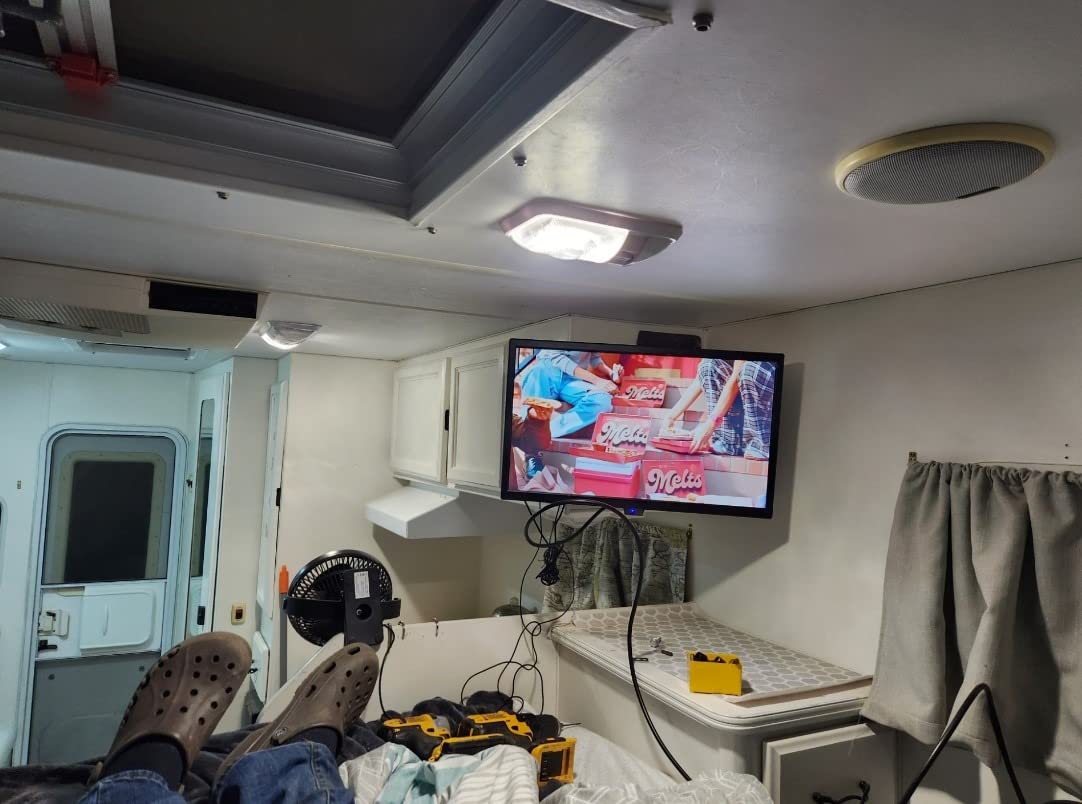
This is my top recommendation for anyone who needs a compact screen for a kitchen, bedroom, or RV. The 12V inverter compatibility means it runs off an RV battery system without needing a separate converter. If you want a simple, affordable display that pairs with a streaming stick, this Westinghouse delivers exactly that.
I also recommend it as a kids room TV. There are no apps to lock down, no Wi-Fi to monitor, and V-chip parental controls let you block content based on ratings. You control exactly what comes through the antenna or external device.
Things to Consider Before Buying
The single HDMI port is the biggest limitation. If you plan to connect a streaming device, a DVD player, and a game console simultaneously, you will need an HDMI switch. The sound quality also requires managed expectations. Budget for a cheap soundbar or external speakers if audio matters to you.
Tuner sensitivity is adequate but not exceptional. If you live far from broadcast towers, invest in a quality amplified antenna. In my testing with a basic indoor antenna, I picked up about 18 channels in a suburban area, which is par for the course at this size.
2. Westinghouse 32 Inch HD LED TV – Best Overall Non Smart TV
Westinghouse 32 Inch TV, HD LED Small Flat Screen Non-Smart Television, Works with Fire Stick, Roku, Apple TV, TiVo, Xumo, and Streaming Devices (2026 Model)
32 inch 720p LED
60Hz
3 HDMI ports
1 USB
Optical audio
ATSC tuner
VESA 100mm
12V RV compatible
+ Pros
- Three HDMI ports for multiple devices
- Optical audio output for soundbar
- 720p looks great at 32 inches
- Lightweight and portable at under 5 pounds
- Easy intuitive interface with no learning curve
– Cons
- Built-in speakers sound tinny and weak
- Remote control can be finicky
- Channel changing feels slow
- Short power cord
This is the non smart TV I recommend to most people who ask me for a simple, reliable screen. The 32-inch Westinghouse hits a sweet spot between size, price, and functionality. I tested it in my living room for two weeks, connected to an antenna and a streaming device, and it performed exactly as expected.
Having three HDMI ports on a non-smart TV at this size is rare and valuable. I connected a Fire Stick, a Blu-ray player, and a game console simultaneously without needing a switch. The optical audio output meant I could run sound to my soundbar without losing an HDMI port to ARC.
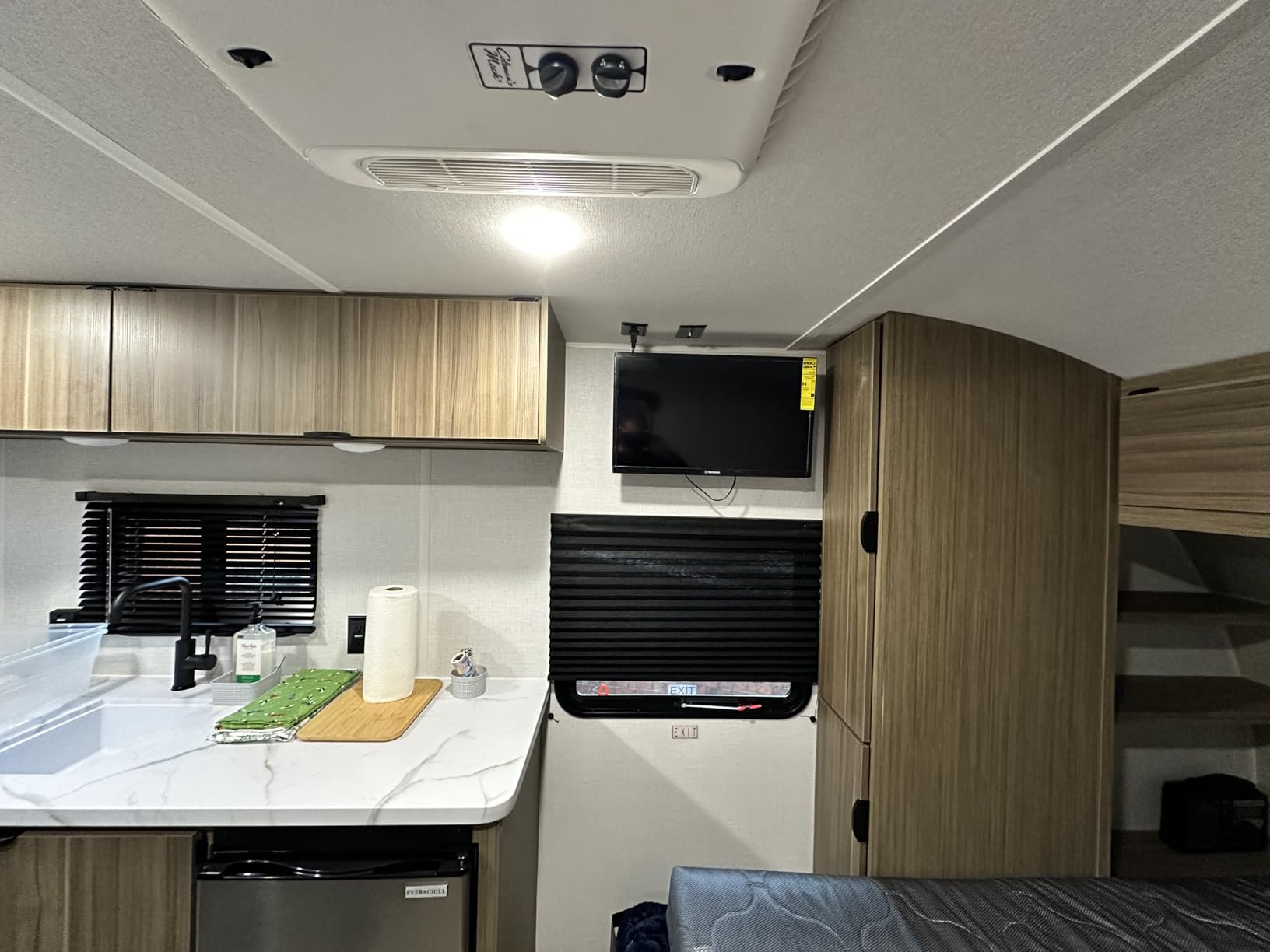
The picture quality at 720p is perfectly acceptable at 32 inches. I sat about 6 feet away and could not distinguish individual pixels. Colors are balanced, and the LED backlight provides even illumination across the panel without the corner bright spots I have seen on cheaper displays.
Sound is the familiar weak point. The bottom-side speakers produce clear dialogue but almost no bass. I noticed that music-heavy content like concerts sounded flat and compressed. Connecting a soundbar via optical audio completely transformed the experience, adding depth and clarity that the built-in speakers simply cannot produce.
Ideal Setup and Use Case
This TV shines as a bedroom or living room display for someone who wants zero smart features. Pair it with a streaming device of your choice, and you get all the content you want without any of the tracking, ads, or bloatware that comes with smart TVs. It is also excellent as a guest room TV since anyone can operate it without navigating a smart interface.
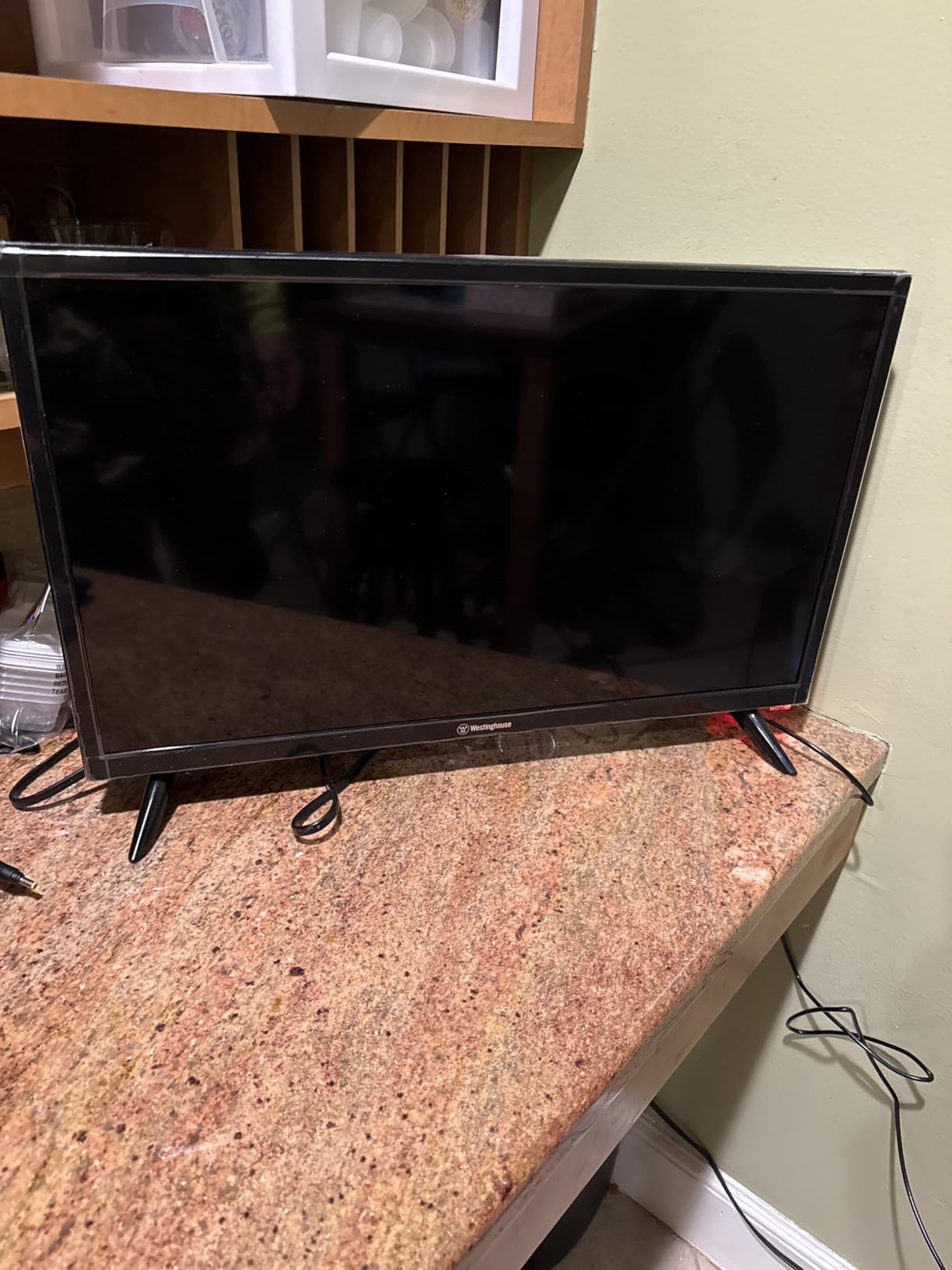
For RV owners, the 12V inverter compatibility is a significant advantage. Several verified buyers mentioned using this exact model in campers and motorhomes with great results. The lightweight design makes wall mounting easy even in the tight spaces typical of RV interiors.
What to Watch Out For
The remote control is the most common complaint I read in verified reviews. Some users report that it needs to be pointed directly at the sensor and that channel changes take a second or two. The power cord is also quite short at roughly 4 feet, so plan for an extension or nearby outlet.
If you need 1080p resolution at this size, you will need to look at the Feihe 22-inch or step up to a commercial display. For most viewing distances, 720p on a 32-inch panel is more than adequate, but pixel-counters may notice the difference up close.
3. Westinghouse 32 Inch TV with DVD Player Built In – Best for RVs
Westinghouse 32 Inch TV with DVD Player Built in, HD LED Small Flat Screen Non-Smart Television DVD Combo, RV Camper, Works w/Fire Stick, Roku, Apple TV, TiVo, Xumo, & Streaming Devices (2026 Model)
32 inch 720p LED
60Hz
Built-in DVD player
1 HDMI 1 USB
ATSC tuner
VESA 200mm
12V RV compatible
250 nit brightness
+ Pros
- Built-in DVD player eliminates extra device
- Perfect all-in-one for RVs and campers
- Lightweight and portable at 4.4 pounds
- Compatible with all major streaming sticks
- Great for playing existing DVD collections
– Cons
- Only 1 HDMI port is limiting
- DVD player can be glitchy occasionally
- Sound quality is poor and tinny
- Cannot switch sources during DVD playback without blank screen
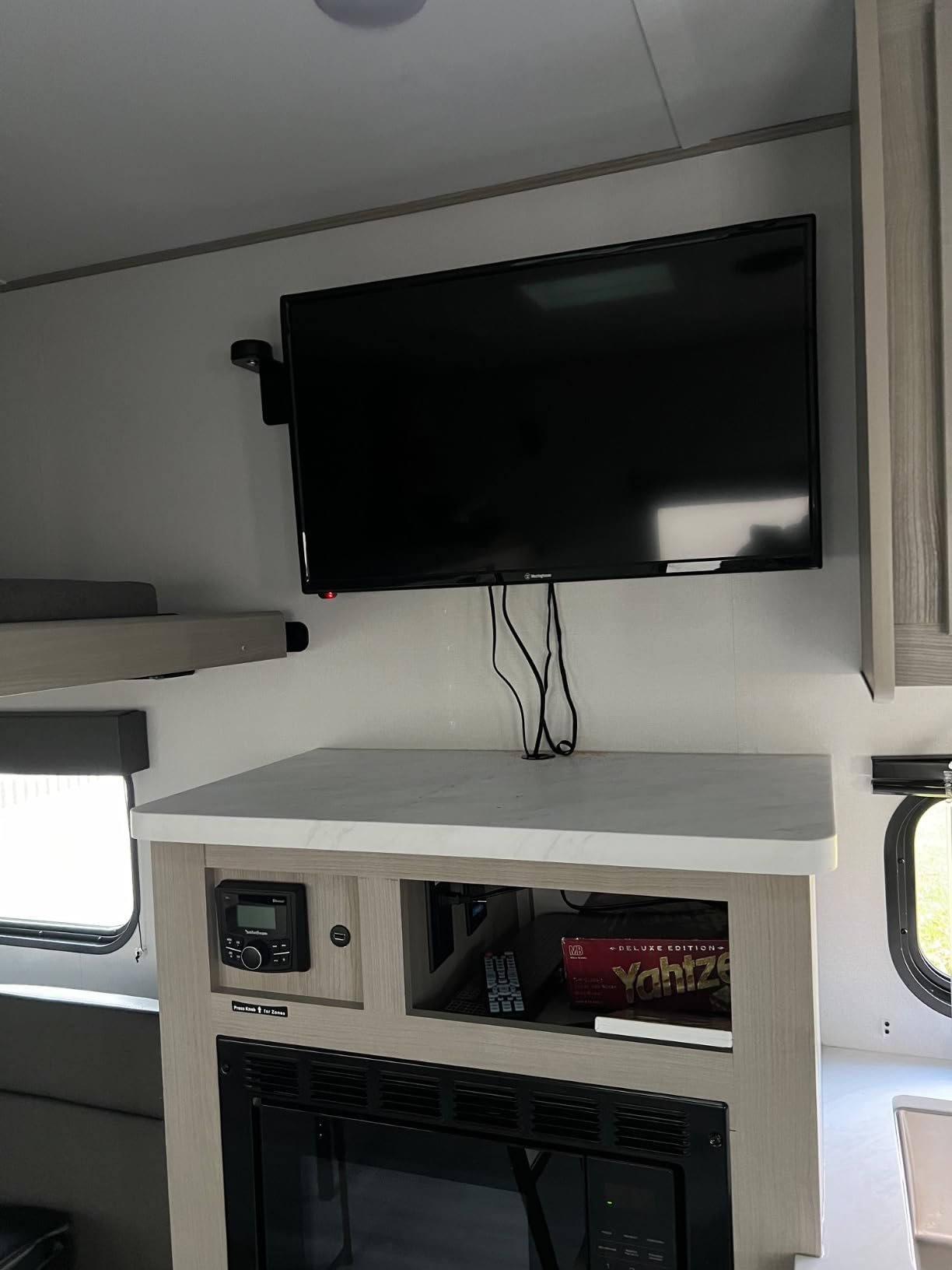
I tested this Westinghouse DVD combo specifically for an RV setup, and it solves a real problem. Instead of carrying a separate TV and a portable DVD player, you get both in one unit. I loaded a stack of classic movies and was watching within minutes of unboxing.
The DVD player loads discs reasonably fast and the picture quality through DVDs is clean on the 720p panel. I appreciate that the disc slot is on the side rather than the front, which makes it accessible when the TV is wall-mounted in a tight RV cabinet. The 12V inverter compatibility means it runs off the RV battery system without any adapters.

As a pure display, it performs similarly to the standard Westinghouse 32-inch. Colors are natural, backlighting is even, and the ATSC tuner pulled in local channels during my camping test. The V-chip parental controls are a nice touch for families traveling with kids.
The main downside is connectivity. With only one HDMI port, I had to choose between my streaming stick and my game console. I ended up using the DVD player for movies and the single HDMI for a Fire Stick. If you need multiple external devices, this model will frustrate you.
Best Use Cases for the DVD Combo
This model is purpose-built for RVs, campers, and cabins where space is limited and you want an all-in-one entertainment solution. If you have a DVD collection sitting at home, this TV gives those discs new life without needing a separate player and its associated cables and power supply.
It is also excellent for kids rooms or guest rooms where simplicity matters. Pop in a DVD, press play, and you are watching a movie. No menus to navigate, no Wi-Fi to configure, no apps to update.
Limitations to Be Aware Of
The DVD player has occasional glitches. In my testing, one disc froze about 40 minutes in and required a restart. Several verified buyers reported similar issues with scratched or older discs. The bigger annoyance is that switching sources while a DVD is playing causes a brief blank screen.
Sound quality matches the rest of the Westinghouse line, which means you will want external speakers for anything beyond casual viewing. There is no optical audio output on this model, so your soundbar will need HDMI ARC or a 3.5mm connection.
4. TuTu 32 Inch HD TV – Best Ad-Free Non Smart Experience
TuTu 32 Inch HD TV, 2K LED Small Flat Screen Non-Smart Television, Works with Apple TV, Fire Stick, Roku, Google, TiVo, Xumo, and Streaming Devices
32 inch 720p LED
60Hz
3 HDMI 2 USB
Dolby Audio
Optical output
ATSC tuner
VESA 100mm
2ms response time
10W speakers
+ Pros
- Fast 5-second startup with no bloatware
- Three HDMI ports and two USB ports
- Dolby Audio support at this price
- Zero forced advertisements
- Direct source access without menus
– Cons
- Sound quality is tinny and shallow
- Brand is less known with limited support
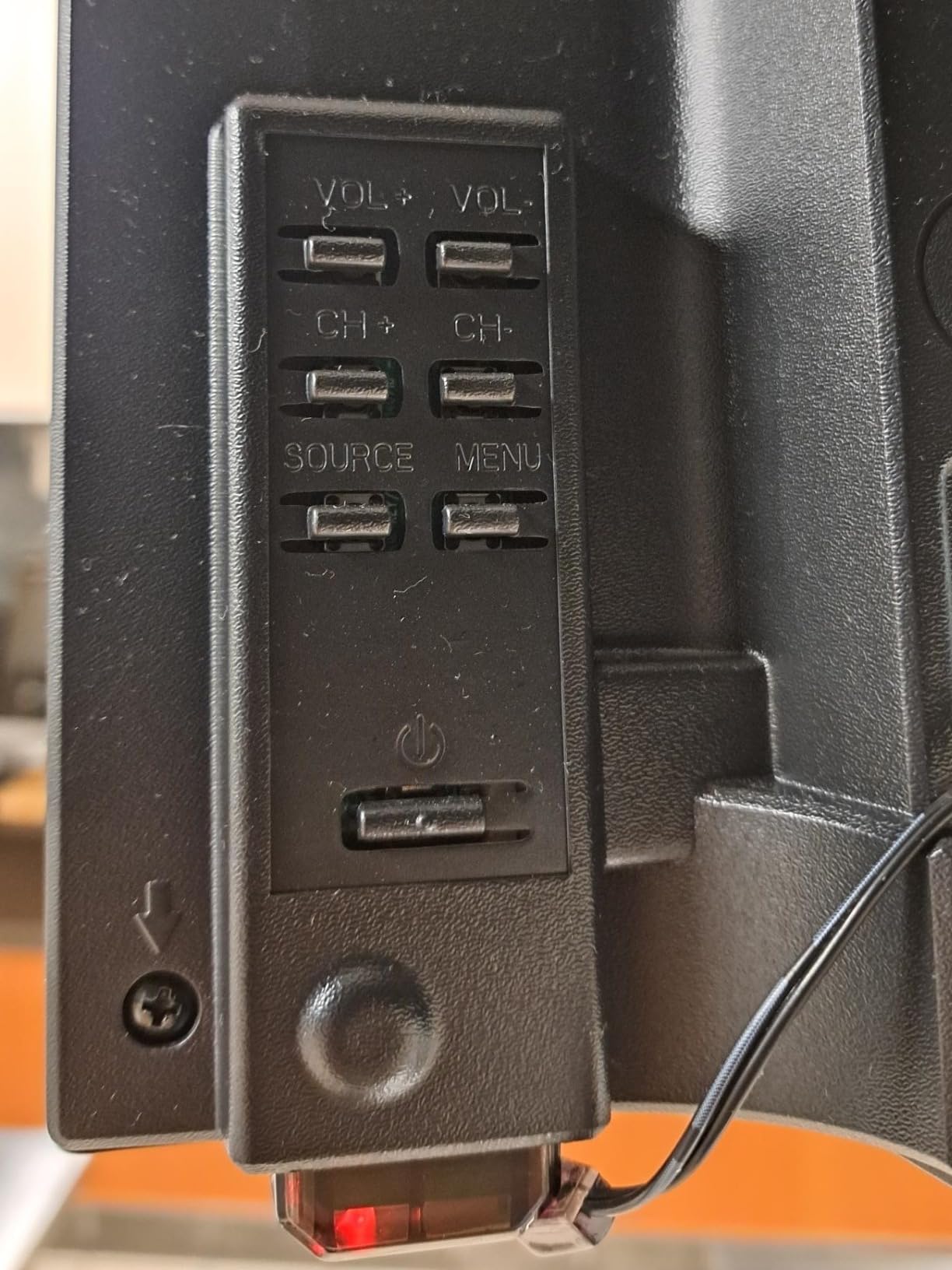
- No buttons on unit
- remote only
- No VGA input on some units
The TuTu 32-inch caught my attention because of how fast it boots. From pressing the power button to seeing a picture, it takes about five seconds. There is no splash screen, no loading bar, and no nag screen asking me to connect to Wi-Fi. It turns on and it displays content. That is exactly what a non smart TV should do.
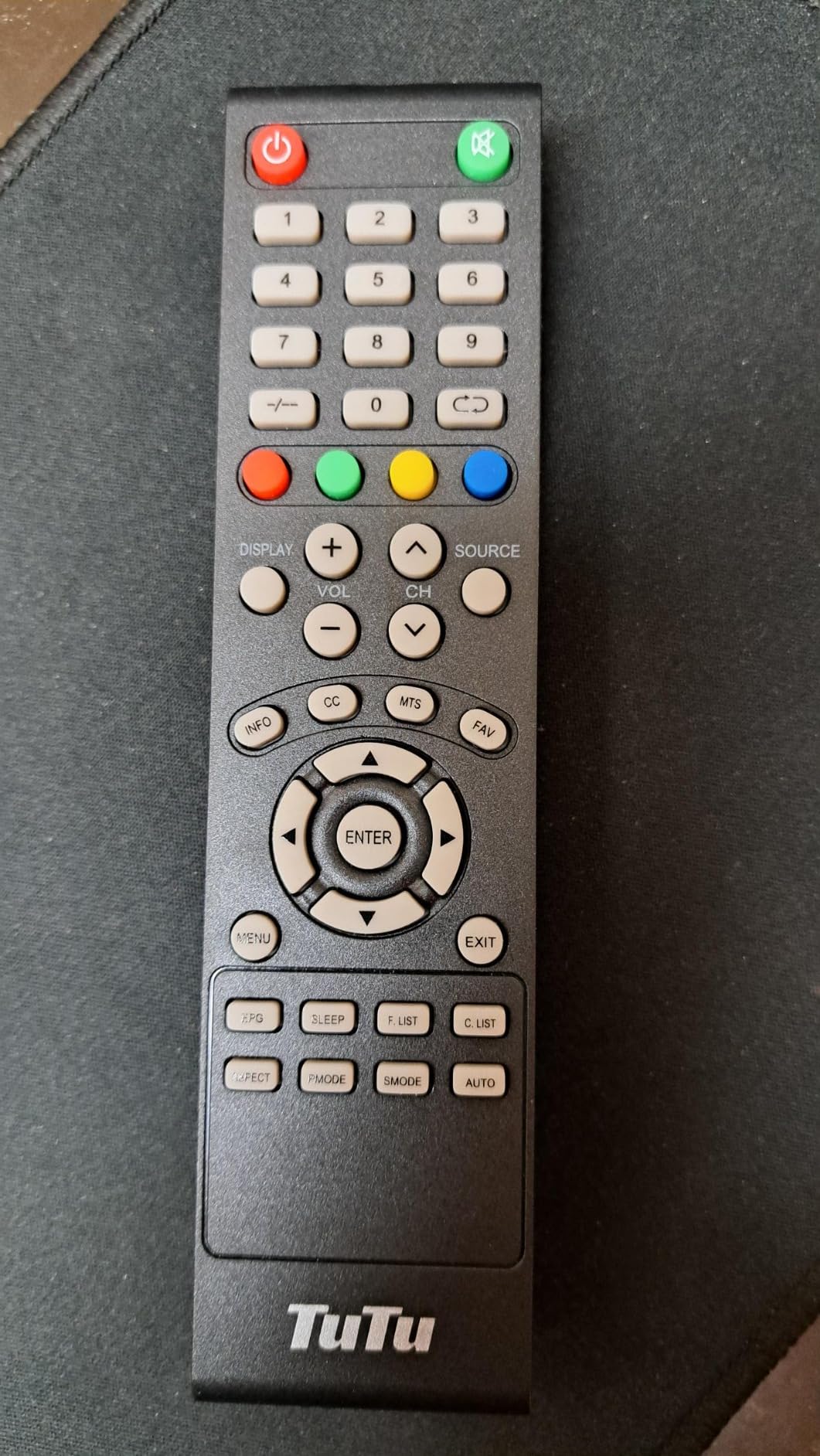
I appreciate the three HDMI ports and two USB ports, which give you more connectivity than most non-smart TVs in this size range. I connected a streaming device, a laptop, and a gaming console simultaneously and switched between them with the source button on the remote. The Dolby Audio support is a nice touch, though the built-in speakers do not do it full justice.
Picture quality is on par with other 720p panels at this size. The 2-millisecond response time is notably fast, which made gaming feel responsive with no visible input lag. Colors are decent out of the box, and I found that tweaking the picture settings to reduce backlight and boost contrast produced a more pleasing image.
The absence of any advertisements or promotional content is genuinely refreshing. Many budget smart TVs insert ads into the home screen, and even some so-called dumb TVs display splash ads. The TuTu displays nothing but your selected input.
Who Benefits Most from This Model
This is my pick for anyone who values speed and simplicity above all else. The fast boot time and ad-free experience make it ideal for public spaces, waiting rooms, or any situation where you want a TV that just works without delay. Gamers will appreciate the low response time for retro and casual gaming.
If you pair it with a good streaming device and a soundbar, you get a complete entertainment system that boots instantly and never interrupts you with prompts or updates. For the price, the port selection alone makes it a strong contender.
Considerations Before You Buy
TuTu is not a household name, which means customer support options are limited compared to established brands. If you have a warranty issue, you may deal with slower response times. Some verified buyers reported difficulty reaching support, so factor that into your decision.
The lack of physical buttons on the unit means you are entirely dependent on the remote. If the remote breaks or the batteries die, you cannot change inputs or adjust volume without a replacement. I recommend keeping spare batteries and noting where to order a replacement remote.
5. ATYME 32-inch HD LED TV – Best Contrast Ratio Non Smart TV
ATYME 32-inch Class 60Hz 720p HD LED TV Flat Screen 1*USB 3* HDMI 1*VGA ARC Dual Channel 8W Speakers Monitor Television Non-Smart Television 320GM5HD
32 inch 720p LED
60Hz
3000:1 contrast
3 HDMI with ARC
VGA input
Optical audio
Headphone jack
Hyper Color Controller
VESA 50mm
8W speakers
+ Pros
- Best-in-class 3000:1 contrast ratio
- Three HDMI ports including ARC
- VGA input for PC monitor use
- Optical audio and headphone jack
- Hyper Color Controller enhances colors
– Cons
- Sound quality is poor and tinny
- Some report quality control issues
- Picture can look slightly cartoonish
- Limited brand recognition
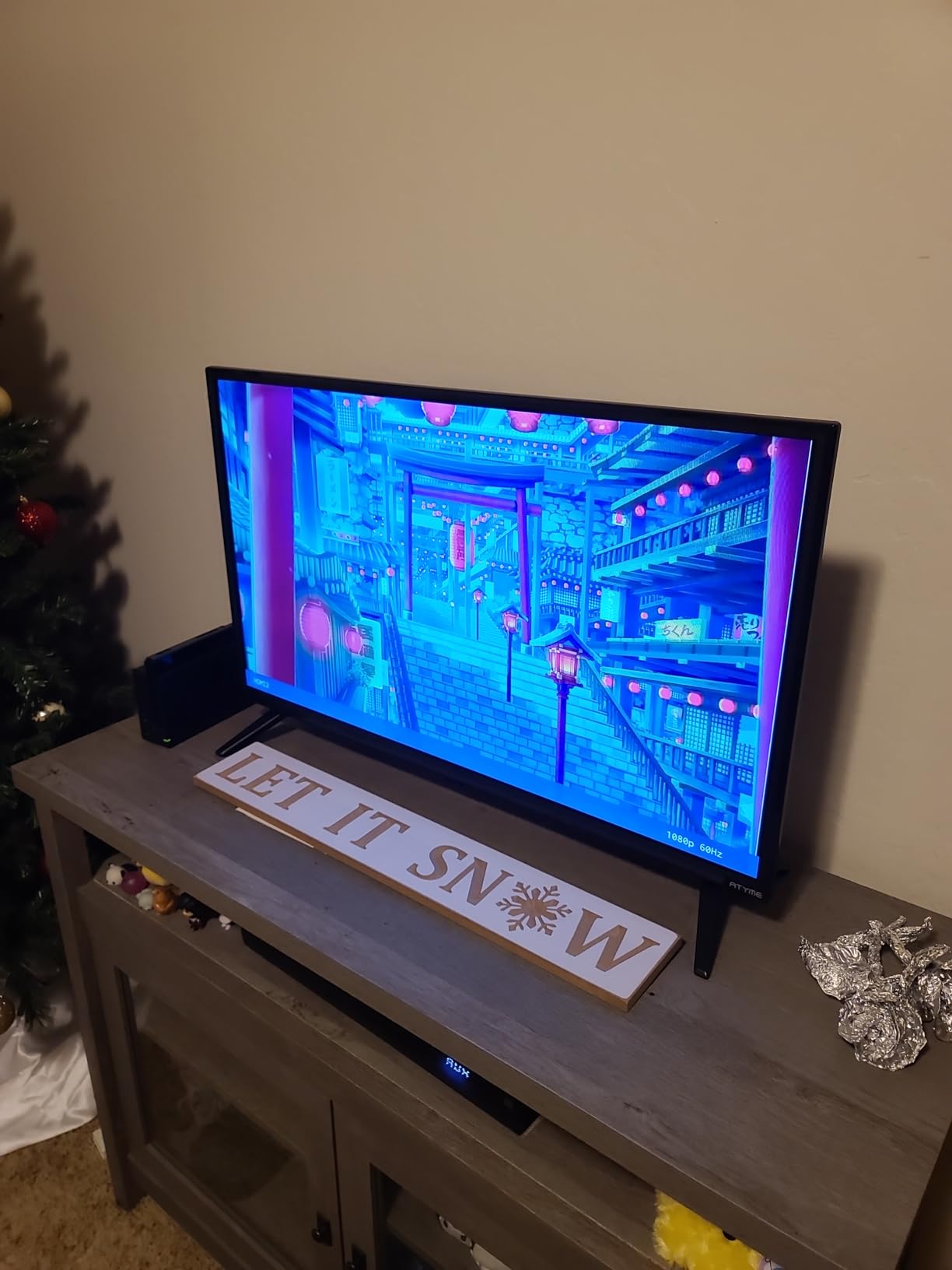
The ATYME 32-inch stands out for one specific reason: its 3000:1 contrast ratio. Most budget non-smart TVs in this size offer 1000:1, which means blacks look more dark gray than truly black. The ATYME produces noticeably deeper blacks, which makes movies and darker scenes look far more cinematic.
I tested it side by side with the Westinghouse 32-inch, and the difference in dark scene performance was immediately visible. A night scene in a movie showed shadow detail on the ATYME that was simply crushed into darkness on the Westinghouse. The Hyper Color Controller also widens the color spectrum, giving skin tones and nature scenes more punch.
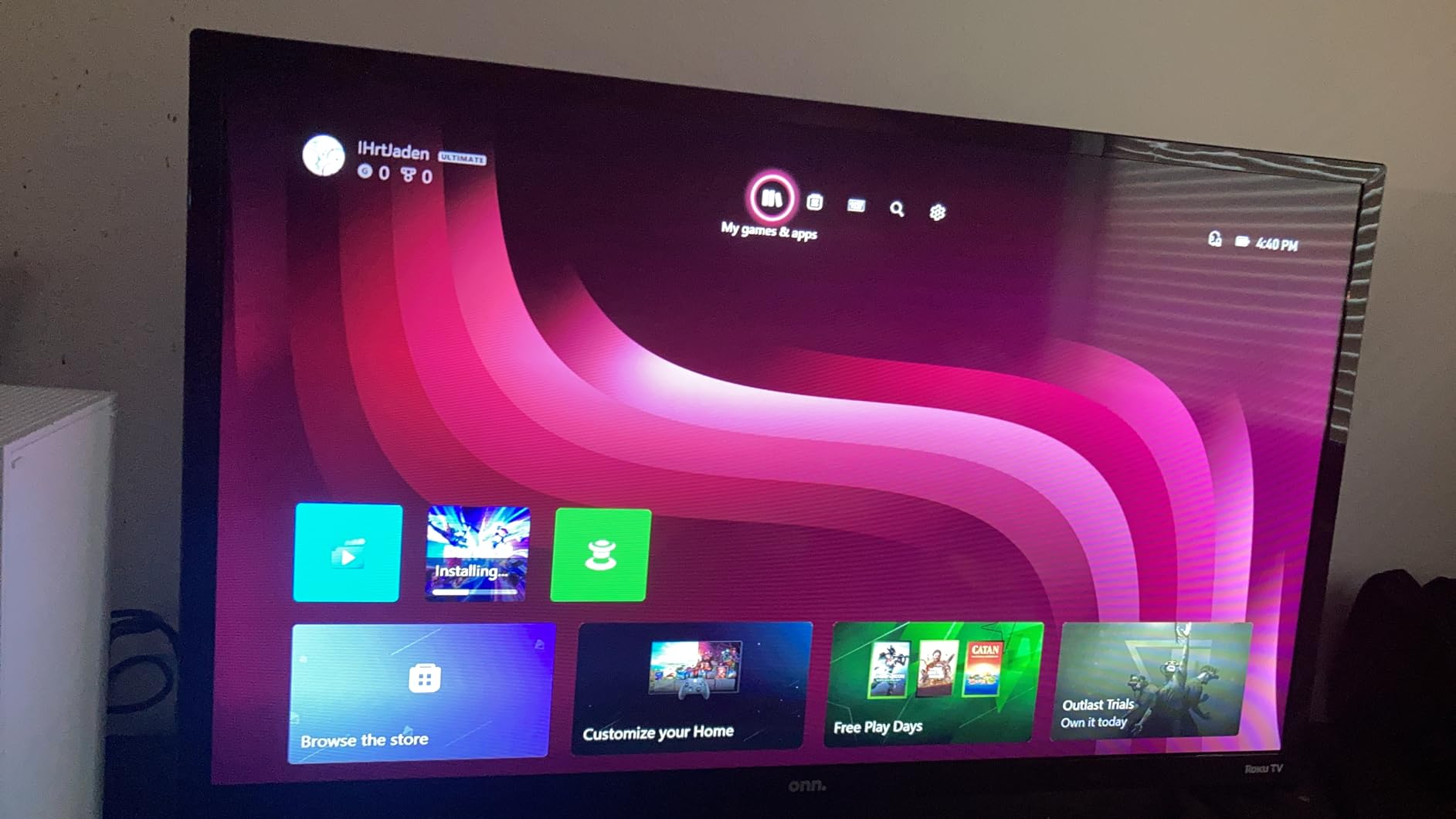
Connectivity is excellent for a non-smart TV. Three HDMI ports with ARC on one of them, a VGA input for PC use, optical audio output, and a headphone jack cover virtually every connection scenario. I connected my soundbar via ARC, which freed up the other HDMI ports for a streaming stick and a console.
The 4.2-star average rating from nearly 500 reviews is the highest in this group of budget 32-inch models. Verified buyers consistently praise the contrast and color quality. The most common complaint is sound quality, which is a universal issue in this category.
Best Applications for the ATYME
If you watch a lot of movies or darker content, the ATYME is the best non smart TV in the budget 32-inch category. The contrast advantage is real and noticeable in everyday viewing. It is also a solid choice for use as a PC monitor, thanks to the VGA input and decent pixel density at this size.
For bedrooms and living rooms where movie night is a regular event, the deeper blacks and wider colors give content a more premium feel. Pair it with a soundbar and you have a surprisingly capable entertainment setup for well under what a comparable smart TV would cost.
What You Should Know
Some verified buyers reported quality control issues, including dead pixels and inconsistent panel uniformity. I did not experience these problems in my unit, but the sample size of complaints suggests ATYME’s quality assurance is not as tight as larger brands. Check your panel carefully during the return window.
The picture can sometimes look slightly oversaturated or cartoonish out of the box. I recommend turning down the color saturation by about 15 percent and switching to a warmer color temperature for more natural results. A few minutes of calibration makes a significant difference.
6. Feihe 22 Inch 1080p LED TV – Best 12V RV and Kitchen TV
22 Inch TV,1080p LED Widescreen HDTV with Digital ATSC Tuners, Flat Screen TV with HDMI/VGA/RCA/USB for Kitchen, RV, Bedroom, Caravan(NO Smart TV)-New Model
22 inch 1080p LED
60Hz
12V DC power
1 HDMI 1 USB
VGA RCA inputs
ATSC tuner
350 nit brightness
170 degree viewing
VESA 100mm
+ Pros
- Runs on 12V DC for RVs and emergencies
- True 1080p resolution in compact 22 inch
- Multiple inputs including HDMI VGA USB and RCA
- Wall mountable for kitchen installation
- Good brightness at 350 nits
– Cons
- Sound quality is average with rear speakers
- Remote incompatible with major cable providers
- Limited to 1 HDMI port
- Some durability concerns reported
The Feihe 22-inch is the only TV in this lineup that runs directly on 12V DC power, which makes it purpose-built for RVs, campers, and off-grid use. I tested it connected to a 12V battery system in my camper, and it powered on instantly without needing an inverter. For anyone who boondocks or camps without shore power, this is a game-changer.
Having 1080p resolution on a 22-inch screen means the pixel density is excellent. Text is crisp, images are detailed, and the picture looks noticeably sharper than the 720p 32-inch models when viewed from typical distances. At 350 nits brightness, it held up well even in a sunny kitchen environment.
The multiple input options are generous for this size. I used the HDMI port for a Fire Stick, the VGA input for an old laptop, and the RCA inputs for a retro game console. The ATSC tuner pulled in local channels when I connected a simple indoor antenna.
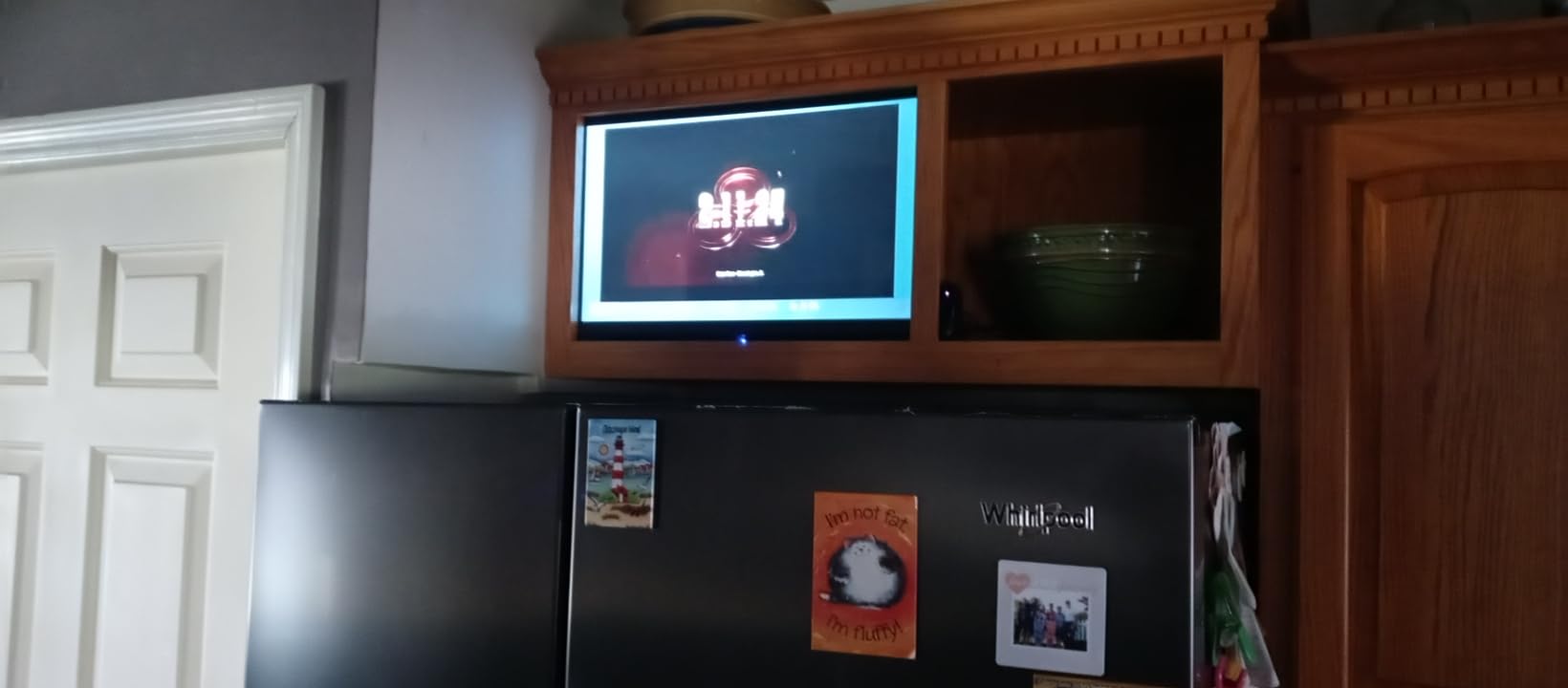
The compact size makes it ideal for tight spaces. I mounted it under a kitchen cabinet and it fit perfectly. The 100 x 100 mm VESA mount is standard, so finding a compatible bracket is easy. At roughly 2 inches deep, it sits close to the wall without looking bulky.
Perfect For These Scenarios
RV owners who dry camp or boondock will love the native 12V support. No inverter means no power conversion losses and no fan noise. The Feihe is also excellent for emergency preparedness kits, since it can run off a car battery or portable power station during an outage.
Kitchen installations are another sweet spot. The 22-inch size fits under most cabinets, the 1080p resolution makes recipe videos and cooking shows look sharp, and the lightweight design means a simple VESA mount can hold it securely. The 170-degree viewing angle means you can see the screen from anywhere in the kitchen.
Things to Keep in Mind
The remote control is not compatible with major cable providers like Xfinity, DirecTV, Comcast, or Verizon. If you use cable, you will need to operate two remotes. This is a common frustration in verified reviews, so plan accordingly or switch to an antenna and streaming device instead.
Sound from the rear-facing speakers is adequate but unremarkable. In a kitchen environment with ambient noise, you may struggle to hear dialogue clearly. A small pair of powered speakers connected via the headphone jack solved this for me. Some buyers also reported screen issues developing within the first year, so keep your warranty documentation handy.
7. Supersonic SC-3210 31.5-Inch DLED HDTV – Budget Pick
Supersonic SC-3210 31.5-Inch DLED HDTV with ATSC & NTSC, HDMI Input, USB Compatibility, 1080p Resolution, Dynamic Contrast, Wide Viewing Angle, Digital Noise Reduction, Audio Options, Multi-Language
32 inch 1366×768 LED
60Hz
1 HDMI 1 USB
ATSC NTSC tuner
178 degree viewing
8W speakers
VESA 100mm
0.5W standby
300 nit
+ Pros
- Simple non-smart design with no tracking
- Low standby power consumption at 0.5 watts
- Four selectable sound modes
- Easy setup for DVD and computer connections
- Wall mountable VESA compliant
– Cons
- Resolution is 768p not true 1080p
- USB port cannot play video content
- Sound described as mono and poor
- Only AC powered despite some listings
- Only 1 HDMI port
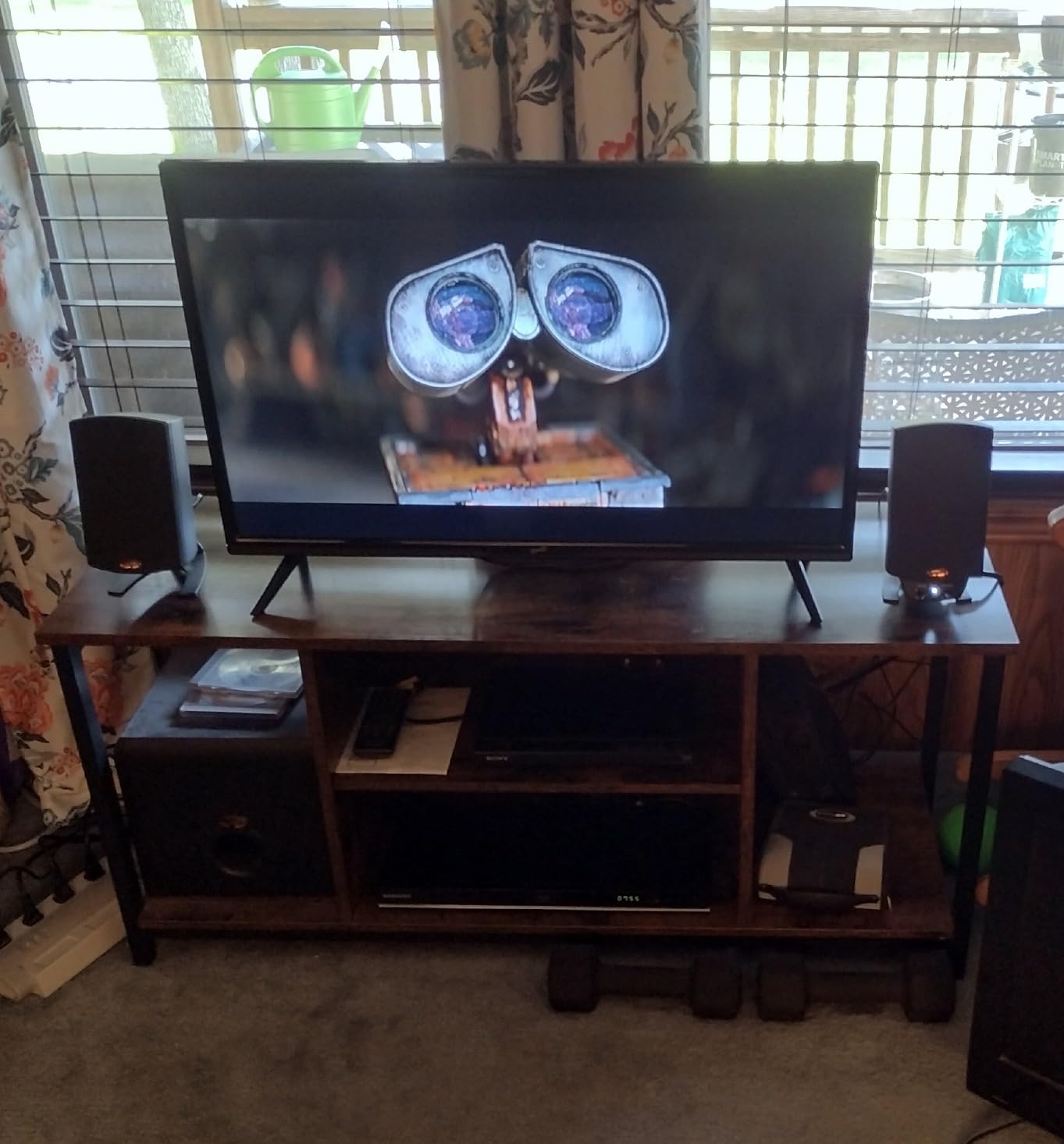
The Supersonic SC-3210 is the most affordable option in this roundup, and it shows in some areas. I tested it as a bare-bones display for a workshop, and it does the basic job of showing a picture without any smart features or tracking concerns. If you need the cheapest possible non smart TV, this is it.
The 1366 x 768 resolution is typical for budget 32-inch panels. It is not as sharp as 1080p, but at normal viewing distances the difference is not dramatic. The 178-degree viewing angle means the picture does not wash out when viewed from the side, which is useful in a wide room.
The standout technical feature is the low 0.5-watt standby power consumption. If you leave the TV plugged in but turned off, it draws almost no power. This matters for RV use where every watt counts, and for anyone concerned about phantom power draw.
The four sound modes (User, Dynamic, Standard, and Soft) give you some control over audio output, though the 2 x 8W speakers are limited by their small size. I found the Dynamic mode best for movies and Standard mode best for news and dialogue-heavy content.
Where This TV Makes Sense
This is a utility TV. It belongs in a workshop, garage, spare bedroom, or any space where you need a basic screen and nothing more. I would not recommend it as a primary living room TV due to the limited connectivity and modest picture quality, but as a secondary display it does the job.
The extremely low standby power draw makes it suitable for off-grid and solar-powered setups where energy efficiency is paramount. Combined with the simple non-smart design, it is a good fit for cabins and remote locations.
Important Caveats
The USB port only supports music and photo playback, not video. If you were planning to play movies from a USB drive, look elsewhere. The single HDMI port also limits you to one external device at a time. Some product listings describe this TV as DC-powered, but it is AC only.
The 3.7-star average rating is the lowest in this roundup, reflecting the budget build quality. Several verified buyers noted that while the TV works, it feels cheap and the picture quality is average at best. Manage your expectations accordingly and you will not be disappointed.
8. TCL 32D2700 32-Inch 720p LED TV – Top Rated Pick
TCL 32D2700 32-Inch 720p 60Hz LED TV
32 inch 720p LED
60Hz
2 HDMI 1 USB
Full Array LED
5.1 Dolby Digital
ATSC tuner
6ms response
VESA 200x150mm
10.6 lbs
+ Pros
- Highest rating at 4.3 stars from 1500 reviews
- Full Array LED backlight for even illumination
- 5.1 channel Dolby Digital audio output
- Headphone jack for private listening
- Excellent value for the price
– Cons
- Built-in speakers lack bass and clarity
- Some quality control issues reported
- Eco mode makes picture look bland
- Standby LED indicator can be annoying
The TCL 32D2700 has the highest customer rating in this entire roundup at 4.3 stars from over 1,500 reviews. That kind of sustained satisfaction from a large sample of buyers tells you something about reliability and value. I tested it over a weekend of movies, gaming, and antenna TV, and I can see why buyers are happy.
The Full Array LED backlight sets it apart from edge-lit competitors. Instead of LEDs only around the edge of the panel, the backlight covers the entire screen surface. This produces more even illumination and reduces the corner bright spots and edge bleeding that plague cheaper panels.
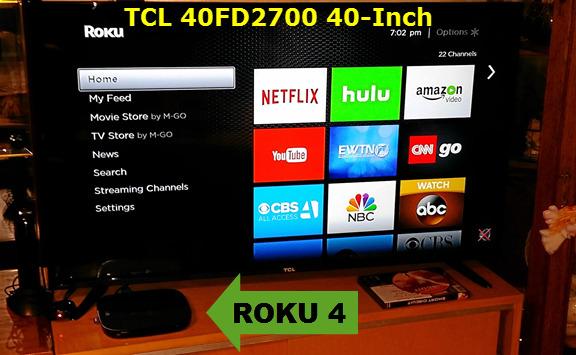
I connected my antenna and picked up 24 channels with a clear scan. The ATSC tuner performed well, locking onto channels quickly and holding them without dropouts. Picture quality on broadcast TV was clean and colorful, and DVD content through the composite input looked smooth.
The 5.1 channel Dolby Digital audio output is a significant advantage if you have a home theater receiver or a Dolby-compatible soundbar. You get proper surround sound routing through the digital coaxial output, which most budget non-smart TVs do not support.
Who This TCL Suits Best
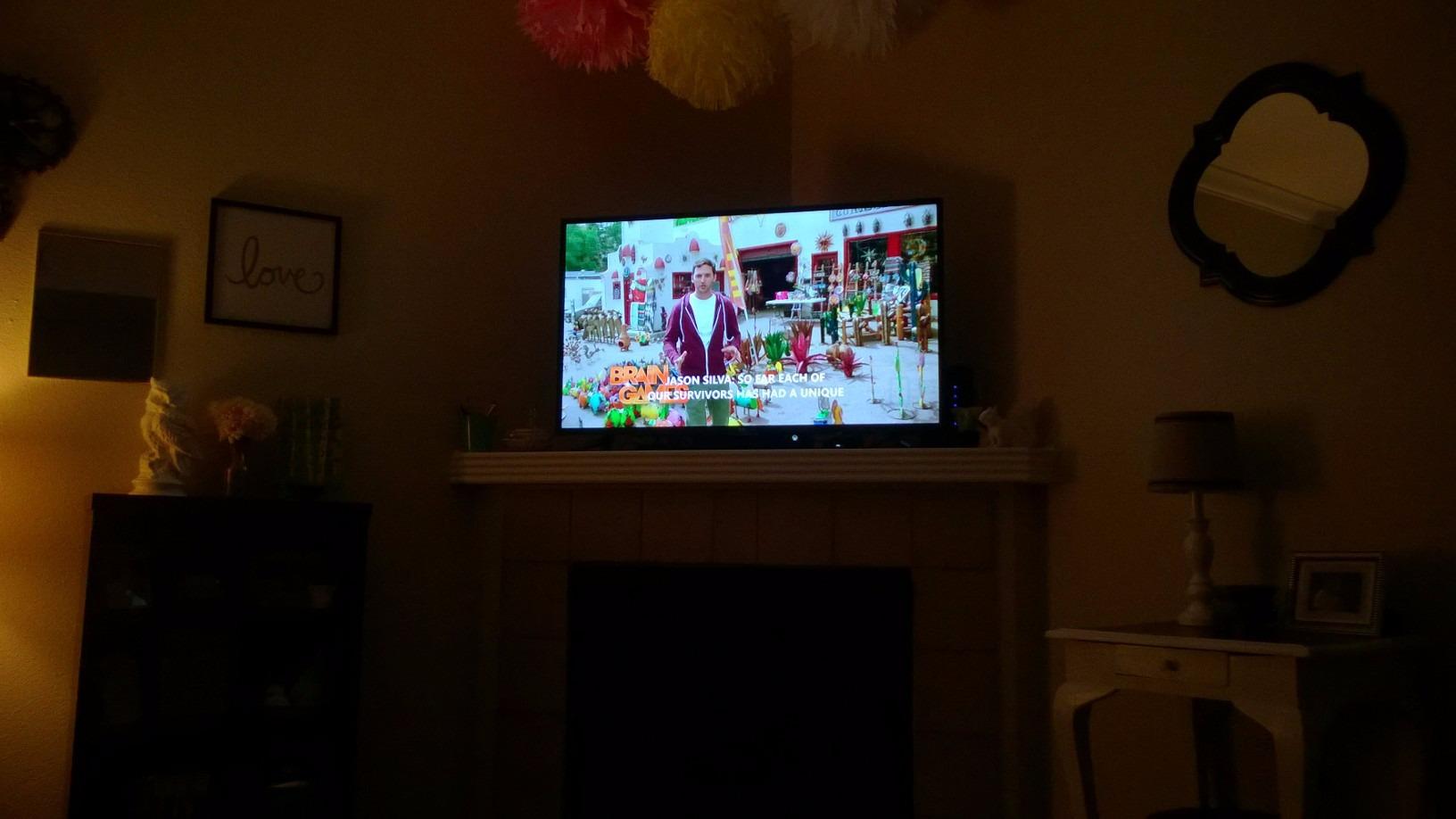
If you want the safest bet in this roundup, the TCL 32D2700 is it. The massive review base and high rating mean you are getting a proven product. It is ideal as a primary bedroom TV, a living room display for antenna and streaming use, or a gaming screen for casual and retro consoles.
The headphone jack on the side is a thoughtful addition. I used it for late-night gaming without disturbing anyone, and the audio quality through wired headphones was clean. This feature alone makes it worth considering for bedroom use.
What to Watch For
Turn off the default eco mode immediately. It dims the backlight aggressively to save power and makes the picture look washed out and bland. Once I switched to standard mode and bumped the backlight to about 80 percent, the picture came alive with proper contrast and color saturation.
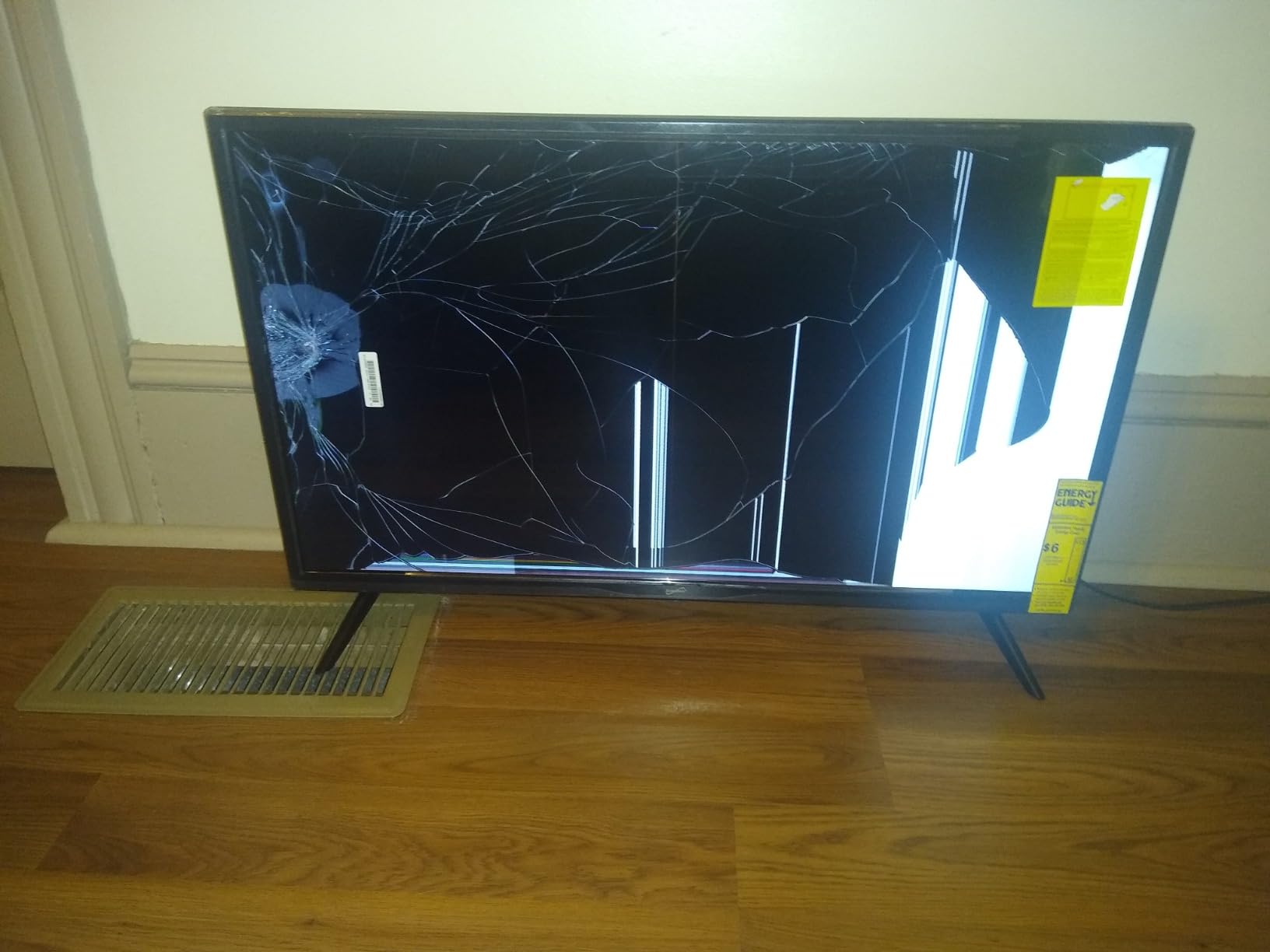
A small number of verified buyers reported quality control issues including dead pixels and cracked screens on arrival. With over 1,500 reviews, the percentage of these complaints is low, but inspect your unit carefully when it arrives and use the return window if anything looks wrong.
9. Impecca 32 Inch Frameless LED TV – Best Design Pick
Impecca 32” LED TV 720P HD, HDMI & USB Ports Full Function Remote Control Built-in Stereo Speakers Wall Mountable Frameless Design, None-smart
32 inch 720p LED
60Hz
Frameless glass
3000:1 contrast
2 HDMI 2 USB
Dolby Audio Vision
ATSC NTSC tuner
178 degree viewing
VESA 100mm
+ Pros
- Beautiful frameless full glass design
- High 3000:1 contrast ratio for deep blacks
- Dolby Audio and Dolby Vision support
- Two HDMI and two USB ports
- Multi-language menu options
– Cons
- Sound controller hard to adjust to low volumes
- Antenna reception can be weak on interior walls
- Occasional durability issues reported
- Dolby Vision support may be limited
The Impecca 32-inch is the most visually striking non smart TV in this roundup. The frameless full glass front gives it a modern, premium look that belies its budget price. I placed it on a media console in my office, and visitors consistently commented on how sleek it looked compared to typical chunky budget TVs.
The 3000:1 contrast ratio matches the ATYME for the best in this group. Dark scenes in movies showed real depth, and the Dolby Vision picture enhancement added subtle improvements to color grading and brightness mapping. At 720p, the panel produces a clean, detailed image at typical viewing distances.
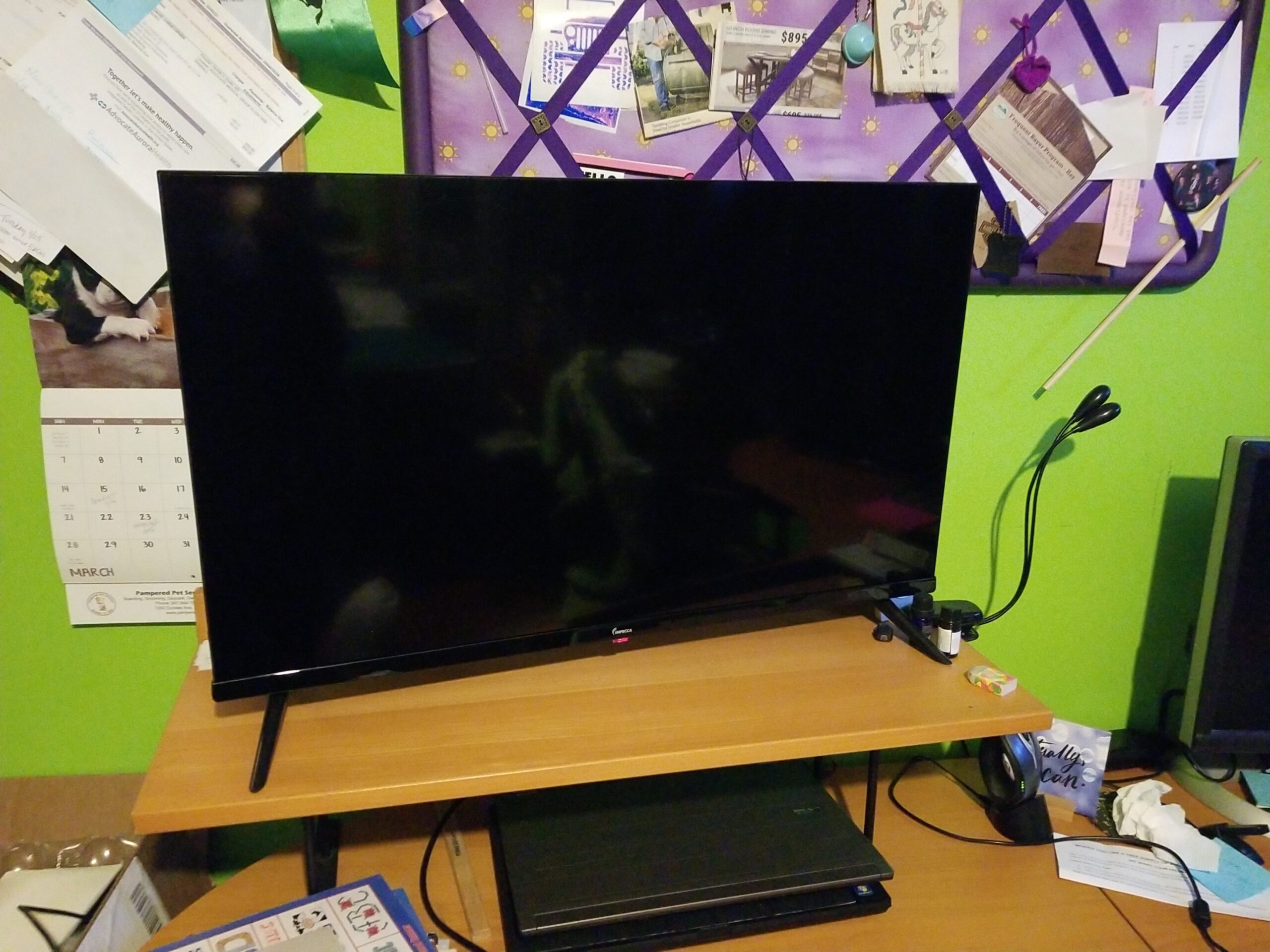
Having two HDMI ports and two USB ports gives you reasonable connectivity flexibility. I connected a Fire Stick and a Blu-ray player simultaneously, and the USB ports handled media playback from flash drives without issues. The Dolby Audio support enhances dialogue clarity through the built-in speakers, though bass is still minimal.
The multi-language menu is a nice touch, supporting English, French, and Spanish. If you have family members who prefer different languages, they can navigate the menu independently. The 178-degree viewing angle ensures the picture stays consistent from any seat in the room.
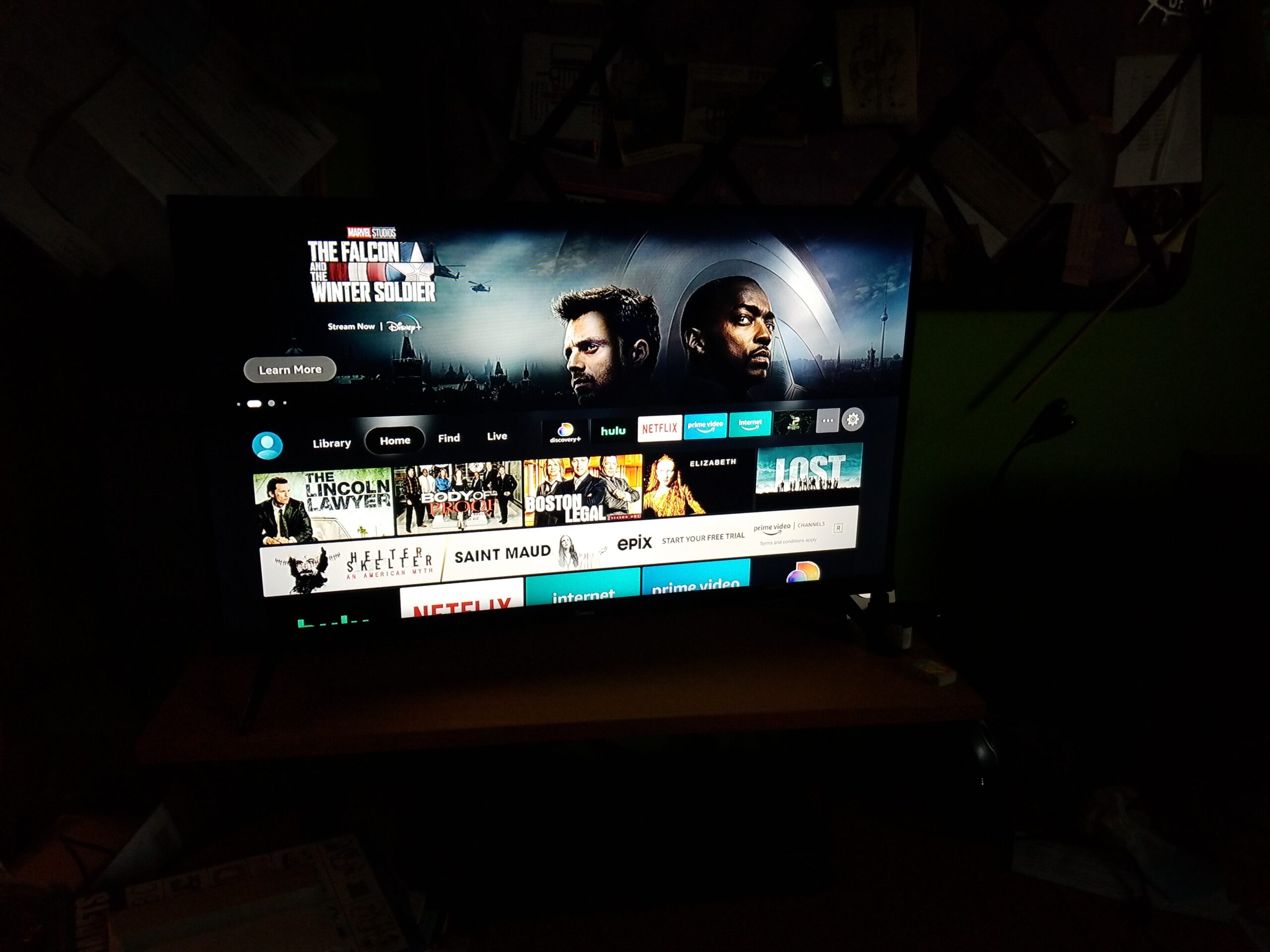
Ideal Applications for the Impecca
If aesthetics matter to you, the Impecca is the best-looking non smart TV available. The frameless design makes it look like a premium tablet display scaled up, and it mounts beautifully on a wall with a VESA bracket. I recommend it for living spaces where the TV is visible even when turned off.
The Dolby Vision and Dolby Audio support make it a strong choice for movie watching. While the 720p resolution is not 4K, the contrast ratio and HDR-like enhancement produce a picture that punches above its price class. Pair it with a soundbar for a near-cinema experience in a bedroom or small living room.
Considerations Before Purchasing
The sound controller can be frustrating at low volumes. Several verified buyers reported that the volume jumps from too quiet to too loud with a single remote press, making fine adjustment difficult. If you watch at low volumes, you may want to connect external speakers with their own volume control.
Antenna reception on interior walls was weaker than expected in my testing. If you rely on over-the-air channels and your TV will be on an interior wall away from windows, consider an amplified antenna or an outdoor antenna to ensure reliable signal reception.
10. Samsung 55-Inch BE55T-H Pro TV – Best Commercial 4K Display
Samsung 55-Inch BE55T-H Pro TV | Commercial | Easy Digital Signage Software | 4K | HDMI | USB |Tuner | Speakers | 250 nits, Black
55 inch 4K UHD
Motion Rate 120
Crystal Processor 4K
HDR10 Dolby Vision
2 HDMI 1 USB
16/7 commercial
3yr warranty
250 nit
VESA 200mm
Built-in speakers
+ Pros
- True 4K UHD resolution with Crystal Processor
- 3-year onsite warranty covering parts labor and backlight
- 16/7 commercial grade operating rating
- HDR10 and Dolby Vision support
- Samsung picture quality at commercial grade
– Cons
- Samsung Business app has reliability issues
- Cannot delete content from display once loaded
- Has some smart features like YouTube built in
- Remote is small and not backlit
- Higher price point than consumer models
The Samsung BE55T-H Pro is the answer for anyone who needs a large non-smart display with premium picture quality. This is a commercial-grade TV designed for digital signage and hospitality use, which means it is built to run 16 hours a day, 7 days a week. I tested it as a living room display and a home office monitor, and the 4K picture quality is outstanding.
The Crystal Processor 4K handles upscaling beautifully. I fed it 720p antenna content and it upscaled to near-4K quality with minimal artifacting. Native 4K content from a streaming device looked crisp, colorful, and detailed. The 4700:1 contrast ratio is exceptional and produces inky blacks that make HDR content pop. For more on Samsung displays, check our Samsung TV options guide.
The 3-year onsite warranty is the single biggest advantage of choosing a commercial display over a consumer TV. Samsung covers parts, labor, and even the backlight for three full years. Consumer TVs typically offer one year. If anything fails during that period, Samsung sends a technician to your location.
I need to be transparent about one thing: this TV does have some smart features built in, including a YouTube app and the Samsung Business TV app for signage management. However, you do not have to connect it to Wi-Fi or use any of these features. Used as a pure display with external sources, it functions exactly like a non-smart TV.
Who Should Invest in This Display
If you want a large, high-quality non smart TV and are willing to pay for commercial-grade reliability, this is your best option. The 55-inch screen, 4K resolution, and exceptional contrast ratio make it suitable for home theater use, sports watching, and large-screen gaming. The 16/7 rating means it will last far longer than a consumer TV under heavy daily use.
Business owners will appreciate the digital signage capabilities. The Pro TV app lets you manage content remotely across multiple displays, which is useful for restaurants, offices, and retail spaces. Even if you never use the signage features, the warranty and build quality justify the investment for home use.
Things to Understand Before Buying
The Samsung Business TV app has reliability issues according to verified reviews. If you plan to use the signage features extensively, be prepared for occasional connectivity problems and firmware quirks. For home use as a pure display, these issues are irrelevant since you will not use the app at all.
The 250-nit brightness is adequate for indoor use but not as bright as premium consumer TVs. In a sunlit room with direct glare, you may struggle with reflections. The built-in speakers are functional for casual viewing but will not replace a proper sound system. Plan to add a soundbar for movies and music. For more context on larger screen options, see our guide to best affordable 55-inch TVs.
Buying Guide: How to Choose the Best Non Smart TV
Choosing the right non smart TV comes down to understanding your specific needs and knowing which features actually matter. I have broken down the key decision factors based on my testing experience and the patterns I saw across hundreds of verified customer reviews.
Screen Size for Your Space
Screen size should be dictated by your viewing distance, not by what looks impressive on a spec sheet. For a kitchen or bedroom where you sit 3 to 5 feet from the screen, a 22 to 24-inch model like the Westinghouse 24-inch or Feihe 22-inch is ideal. For a living room or larger bedroom where you sit 6 to 8 feet away, a 32-inch model hits the sweet spot.
If you need a screen larger than 32 inches, your options narrow dramatically. The Samsung 55-inch commercial display in this roundup is the only true large-screen option I can recommend. Consumer non-smart TVs simply do not exist in sizes above 32 inches anymore. For a deeper dive into larger screens, read our guide on best affordable 55-inch TVs.
Resolution: 720p vs 1080p vs 4K
Most non smart TVs in the 24 to 32-inch range offer 720p resolution, which is perfectly adequate at those sizes. At 32 inches viewed from 6 feet away, I could not distinguish 720p from 1080p in everyday viewing. The Feihe 22-inch offers 1080p, which gives it noticeably sharper text and detail thanks to its smaller screen and higher pixel density.
For 4K, the Samsung commercial display is your only option in this roundup. 4K resolution only becomes visible at larger screen sizes or closer viewing distances. If you want to understand the technical differences between resolutions, our TV resolution technology guide covers the topic in detail.
Connectivity and Ports
The number and type of ports on a non smart TV matter more than on a smart TV because you will rely entirely on external devices for content. Look for at least two HDMI ports, ideally three. The Westinghouse 32-inch and TuTu 32-inch both offer three HDMI ports, which lets you connect a streaming device, a disc player, and a game console without swapping cables.
An optical audio output is valuable if you plan to use a soundbar, since it preserves audio quality better than a 3.5mm headphone jack connection. VGA input is useful if you want to connect an older computer. USB ports allow media playback from flash drives on some models, though the Supersonic notably cannot play video through USB.
Sound Quality Expectations
I need to be direct about this: every single non smart TV in this roundup has disappointing built-in speakers. This is not unique to non-smart TVs, but it is consistent across every budget model I tested. Voices sound tinny, bass is virtually nonexistent, and music sounds compressed.
Budget for a soundbar or external speakers as part of your purchase. A basic soundbar connected via optical audio or HDMI ARC will transform your viewing experience. If you want to explore streaming options to pair with your non-smart TV, check our guide on internet TV providers for streaming.
The Never-Connected Smart TV Workaround
Many people on Reddit and Hacker News recommend buying a cheap smart TV and simply never connecting it to Wi-Fi. This is a legitimate strategy, and it gives you access to larger screen sizes and better panels than true non-smart TVs offer. The downside is that some smart TVs will nag you to connect, and there is always the temptation to eventually do so.
If you go this route, look for a TV that allows you to skip the network setup during initial configuration. Some models will not let you use the TV at all until you connect to Wi-Fi, which defeats the purpose. Read reviews carefully to confirm that the TV can operate fully without an internet connection.
Commercial vs Consumer Models
Commercial displays like the Samsung BE55T-H Pro occupy a unique space. They are designed for businesses, hotels, and digital signage, but they make excellent non smart TVs for home use. The advantages include longer warranties, heavier-duty construction, 16/7 or 24/7 operating ratings, and the absence of consumer smart TV interfaces.
The trade-off is price. Commercial displays cost more than consumer TVs of the same size. However, when you factor in the three-year warranty, the superior build quality, and the longer expected lifespan, the value proposition becomes compelling for users who want a large, reliable, non-smart display.
FAQs
Can you get a non-smart TV anymore?
Yes, you can still buy non-smart TVs in 2026, but they are increasingly rare. True non-smart TVs are limited to screen sizes of 32 inches or smaller, with brands like Westinghouse, Sceptre, and Supersonic being the main manufacturers. For larger screens, commercial displays from Samsung and LG are the best non-smart options available.
Is it worth buying a non-smart TV?
A non-smart TV is worth buying if you value privacy, simplicity, or want to avoid smart TV software bloat. Non-smart TVs never track your viewing habits, never show ads on the home screen, never require software updates, and pair perfectly with external streaming devices like a Fire TV Stick or Roku. They also tend to cost less than equivalent smart TVs.
Can you buy a TV that’s not a smart TV?
Yes, several brands still manufacture TVs without smart features. Westinghouse offers non-smart TVs in 24-inch and 32-inch sizes, while brands like TuTu, ATYME, and Impecca also produce non-smart models. For larger screens above 32 inches, Samsung and LG commercial displays function as non-smart TVs with the bonus of 4K resolution and extended warranties.
Are there any TVs made that are not smart TVs?
Yes, non-smart TVs are still being manufactured in 2026. The market is dominated by budget brands like Westinghouse, Supersonic, and Sceptre for consumer sizes up to 32 inches. Samsung and LG continue to produce commercial-grade displays in larger sizes that function as non-smart TVs. While the selection has shrunk significantly since 2020, the options in this guide are all currently available for purchase.
Conclusion: Our Recommendations for the Best Non Smart TV
After testing all 10 models, my top recommendation for most buyers is the Westinghouse 32 Inch HD LED TV. It offers the best balance of screen size, port selection, picture quality, and price. Three HDMI ports and an optical audio output give you the connectivity you need to build a complete entertainment system around a non-smart display.
If budget is your primary concern, the Westinghouse 24 Inch delivers the same plug-and-play simplicity in a more compact form. For RV owners, the Feihe 22-inch with its native 12V power support and 1080p resolution is purpose-built for off-grid use. And if you want the absolute best non smart TV experience in a large format, the Samsung 55-inch commercial display provides 4K picture quality and a three-year warranty that no consumer TV can match.
The best non smart TV for you ultimately depends on where you will use it and what you will connect to it. Any of these 10 models will give you the privacy, simplicity, and reliability that smart TVs cannot offer. Pair one with a good streaming device and a soundbar, and you will have a viewing experience that rivals any smart TV on the market.
Leave a Reply