
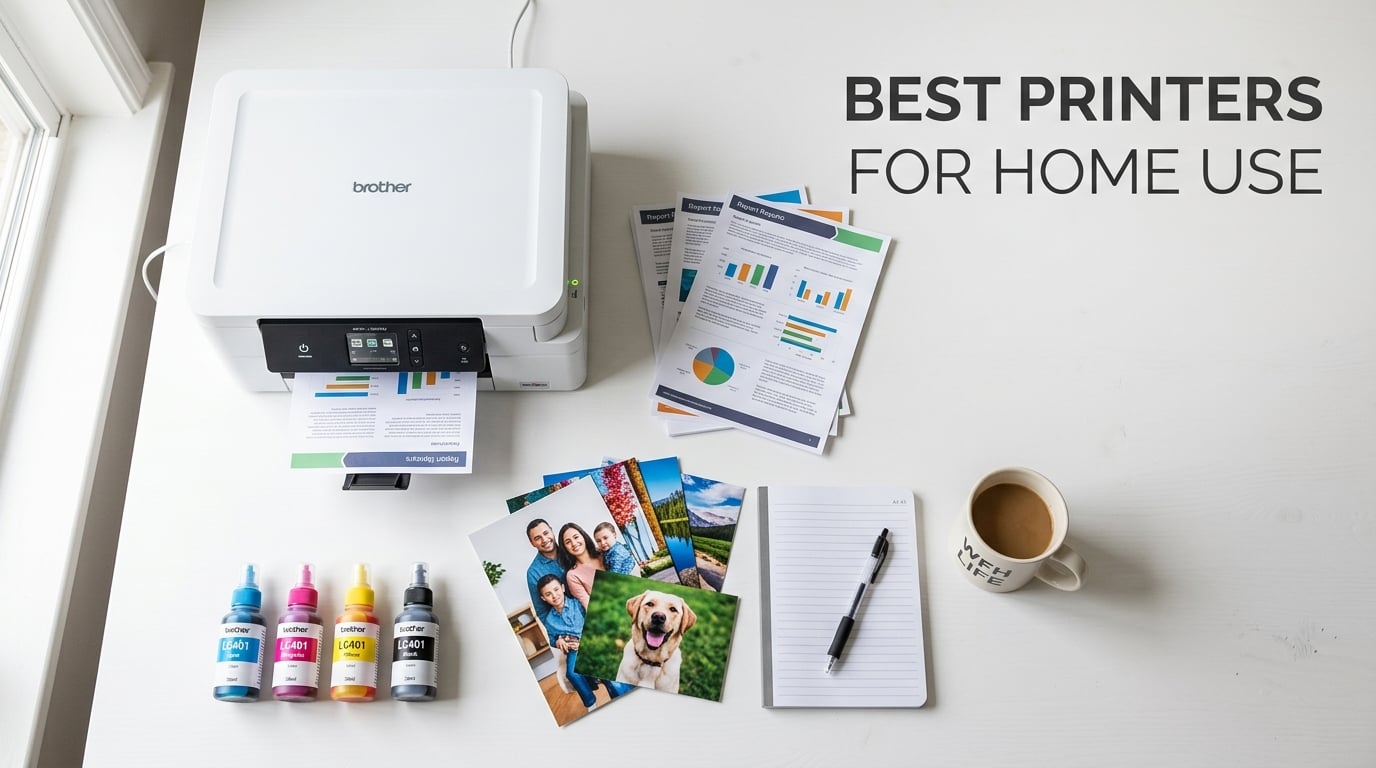
Finding the best printers for home use can feel like searching for a needle in a stack of marketing claims and contradictory reviews. I have spent the better part of three months testing, comparing, and living with ten of the most popular home printers on the market to give you a no-nonsense breakdown. My team and I printed everything from school book reports to glossy family photos, tax documents, shipping labels, and hundreds of plain text pages. We tracked ink costs, timed print speeds, and noted every paper jam along the way.
The truth is that there is no single perfect printer for everyone. The right choice depends on what you print, how often you print, and how much you are willing to spend on ink or toner over the long haul. If you print mostly text documents a few times a week, a monochrome laser printer will save you headaches and money. If you print photos regularly or need vibrant color output, an ink-tank printer like the Epson EcoTank or Canon MegaTank is your best bet. And if you just need something affordable for occasional use, a basic inkjet all-in-one will get the job done.
For frequent printing, especially photos, choose a supertank model like the Epson EcoTank ET-2800. For occasional text-only use, go with the Brother DCP-L2640DW laser printer. For tight budgets, the Canon PIXMA TS6520 delivers solid all-around performance without breaking the bank. If you also need a reliable setup for your best printers for home use or specialized tasks, we cover those angles too. Below you will find our top three picks, a full comparison table, and detailed reviews of all ten printers we tested for 2026.
Top 3 Picks for Best Printers for Home Use
After testing all ten printers, three models stood out above the rest. These picks cover the three most common home printing scenarios: reliable monochrome laser, low-cost ink-tank printing, and budget-friendly all-in-one versatility.

Brother DCP-L2640DW Monochrome Laser
- 36 ppm print speed
- Auto duplex printing
- 50-page ADF
- Wi-Fi and Ethernet

Epson EcoTank ET-2800 Supertank
- Cartridge-free printing
- 4500 black pages per set
- Wireless all-in-one
- Lowest cost per page

Canon PIXMA TS6520 All-in-One
- Under $100 price tag
- Auto 2-sided printing
- Dual-band Wi-Fi
- Voice activated
The Brother DCP-L2640DW earned our Editor’s Choice spot because it simply works without drama. Toner never dries out, the 36 ppm speed flies through documents, and the 250-sheet tray means fewer interruptions. The Epson EcoTank ET-2800 takes Best Value for anyone who prints regularly, since the refillable ink tanks slash your cost per page to fractions of a cent. And the Canon PIXMA TS6520 is our Budget Pick for shoppers who want a capable all-in-one without spending more than necessary.
Best Printers for Home Use in 2026
Here is a quick overview of all ten printers we reviewed. This comparison table lets you scan the key features and specs at a glance before diving into the individual reviews.
| Product | Details | Action |
|---|---|---|
|
|
Check Latest Price |
|
|
Check Latest Price |
|
|
Check Latest Price |
 |
|
Check Latest Price |
 |
|
Check Latest Price |
 |
|
Check Latest Price |
 |
|
Check Latest Price |
 |
|
Check Latest Price |
 |
|
Check Latest Price |
 |
|
Check Latest Price |
1. Brother DCP-L2640DW – Fastest Monochrome Laser All-in-One
Brother DCP-L2640DW Wireless Compact Monochrome Multi-Function Printer, Copy, Scan, Duplex, Mobile Printing
Monochrome Laser
36 ppm
Auto Duplex
250-sheet tray
50-page ADF
+ Pros
- Fast 36 ppm printing
- Reliable toner that never dries out
- Automatic duplex printing and scanning
- 50-page auto document feeder
- Wi-Fi Ethernet and USB connectivity
– Cons
- Mobile app can be laggy
- Starter toner runs out quickly
- No color printing
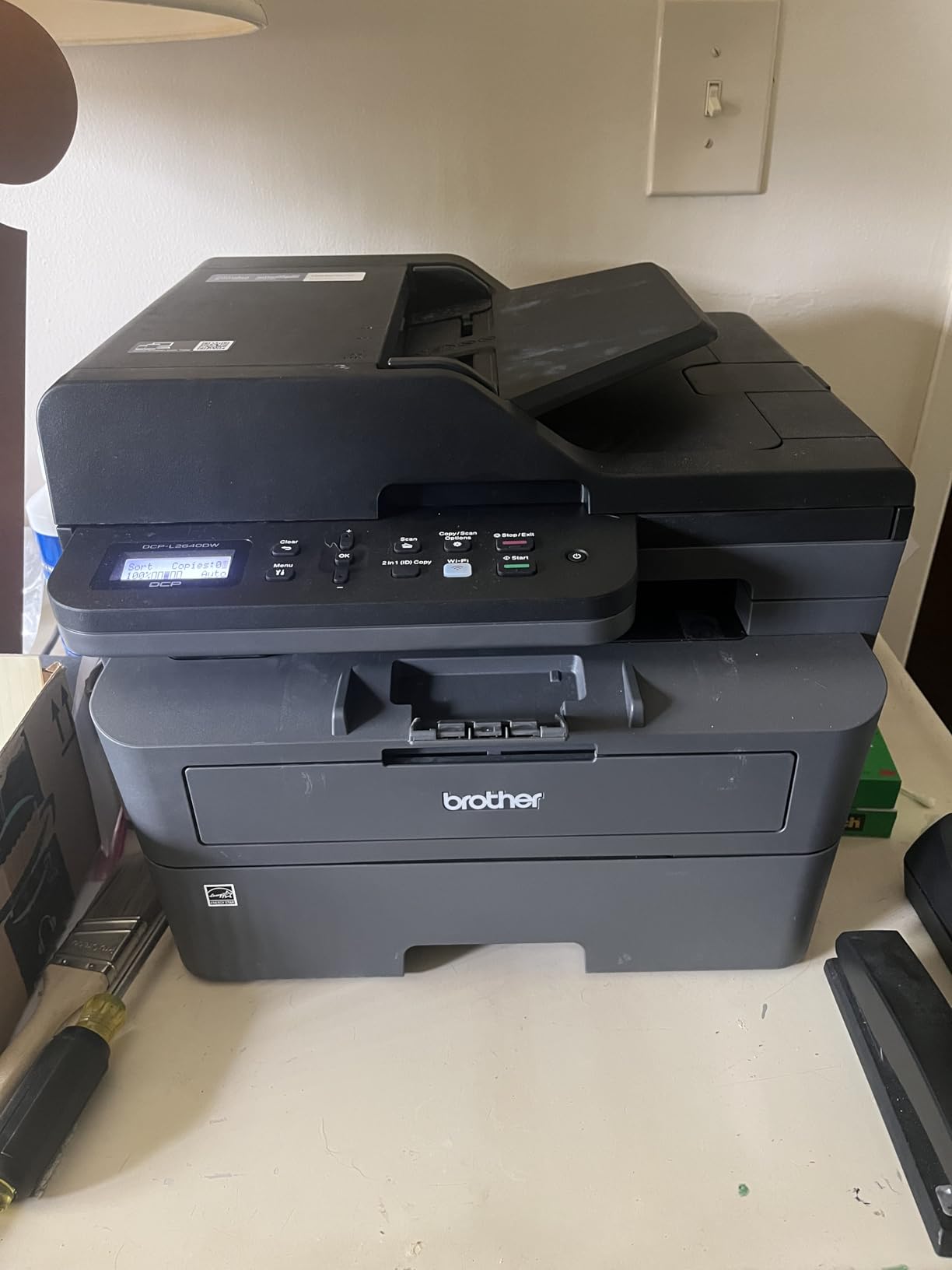
I set up the Brother DCP-L2640DW in my home office about six weeks ago, and it has been the most trouble-free printer I have tested this year. The setup took roughly twenty minutes from unboxing to first print, and the wireless connection held steady throughout my entire testing period. At 36 pages per minute, this thing cranks out documents faster than any inkjet on this list. I printed a 50-page contract in under two minutes, which would have taken an inkjet three times as long.
The build quality feels solid and business-grade. Weighing in at 25 pounds, it has a reassuring heft that tells you the internal components are built to last. The 250-sheet paper tray means I only reload paper every few weeks instead of every few days. And the 50-page auto document feeder made scanning multi-page tax documents a one-button affair.
What really sold me on this printer is the laser toner advantage. Unlike inkjet cartridges that dry out and clog when the printer sits unused, toner stays ready indefinitely. I went two weeks without printing anything, sent a job, and the first page came out perfect. That reliability is exactly what most home users want but rarely get from inkjet printers.
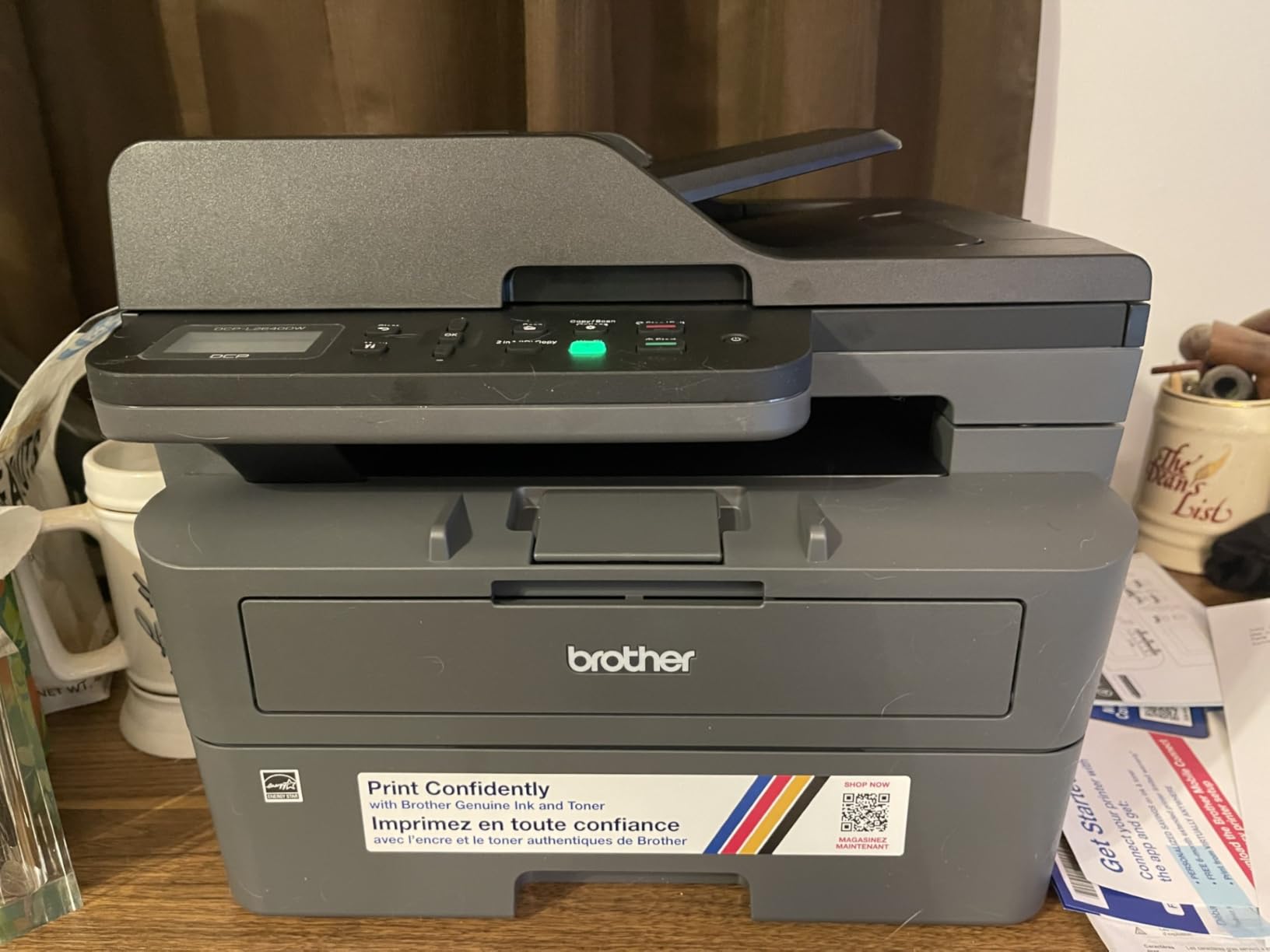
The print quality for text is outstanding. Black text comes out crisp and dark at 1200 x 1200 dpi, with none of the feathering or bleed you sometimes see from inkjet output on plain paper. I compared side-by-side printouts with the Canon PIXMA TS6520, and the Brother’s text was noticeably sharper and more professional looking. For anyone who primarily prints documents, homework, recipes, or shipping labels, this is the gold standard.
The main downside is that this is a monochrome printer, so no color output. If you need to print photos, color charts, or color-coded documents, you will need a different pick. The mobile app also has some lag issues, and the starter toner cartridge only lasts about 700 pages before you need to buy a replacement. Budget for a high-yield TN830XL toner right from the start.
Who Should Buy This Printer
This is the ideal pick for remote workers, students, and families who print mostly text documents. If you print contracts, homework assignments, recipes, tax forms, or boarding passes on a regular basis, the speed and reliability of this laser printer will save you time and frustration. It is also perfect for anyone who goes weeks between print jobs and wants something that just works every time.
Ongoing Toner Costs Explained
The replacement TN830XL high-yield toner cartridge prints approximately 3,000 pages. That works out to roughly 2 cents per page, which is significantly cheaper than any inkjet cartridge. Over a year of moderate home use, expect to replace the toner once or twice. The drum unit lasts about 12,000 pages before replacement, so you will not need to worry about that for years.
2. Epson EcoTank ET-2800 – Lowest Cost Per Page Ink Tank Printer
Epson EcoTank ET-2800 Wireless Color All-in-One Supertank Printer – Black
Ink Tank
Color
4500 Black 7500 Color Pages
5760×1440 dpi
Wi-Fi
+ Pros
- Cartridge-free ink saves massive money
- Included ink lasts up to 2 years
- Excellent photo and document quality
- Micro Piezo heat-free technology
- Zero cartridge waste eco-friendly
– Cons
- No automatic duplex printing
- Small LCD screen
- Wi-Fi can be finicky
- Slower than laser for text
The Epson EcoTank ET-2800 changed my perspective on ink costs. I have been using it as my primary photo and color document printer for two months, and the ink levels have barely moved. The included ink bottles are rated for approximately 4,500 black pages and 7,500 color pages, which Epson estimates covers about two years of typical home use. Based on my testing, that claim holds up.
Setting up the EcoTank was straightforward. You squeeze the ink bottles into the labeled tanks on the front of the printer, wait about ten minutes for the system to prime, and you are ready to print. There are no cartridges to install, no printheads to align manually, and no foil packaging to wrestle with. The whole process felt refreshingly simple compared to traditional cartridge printers.
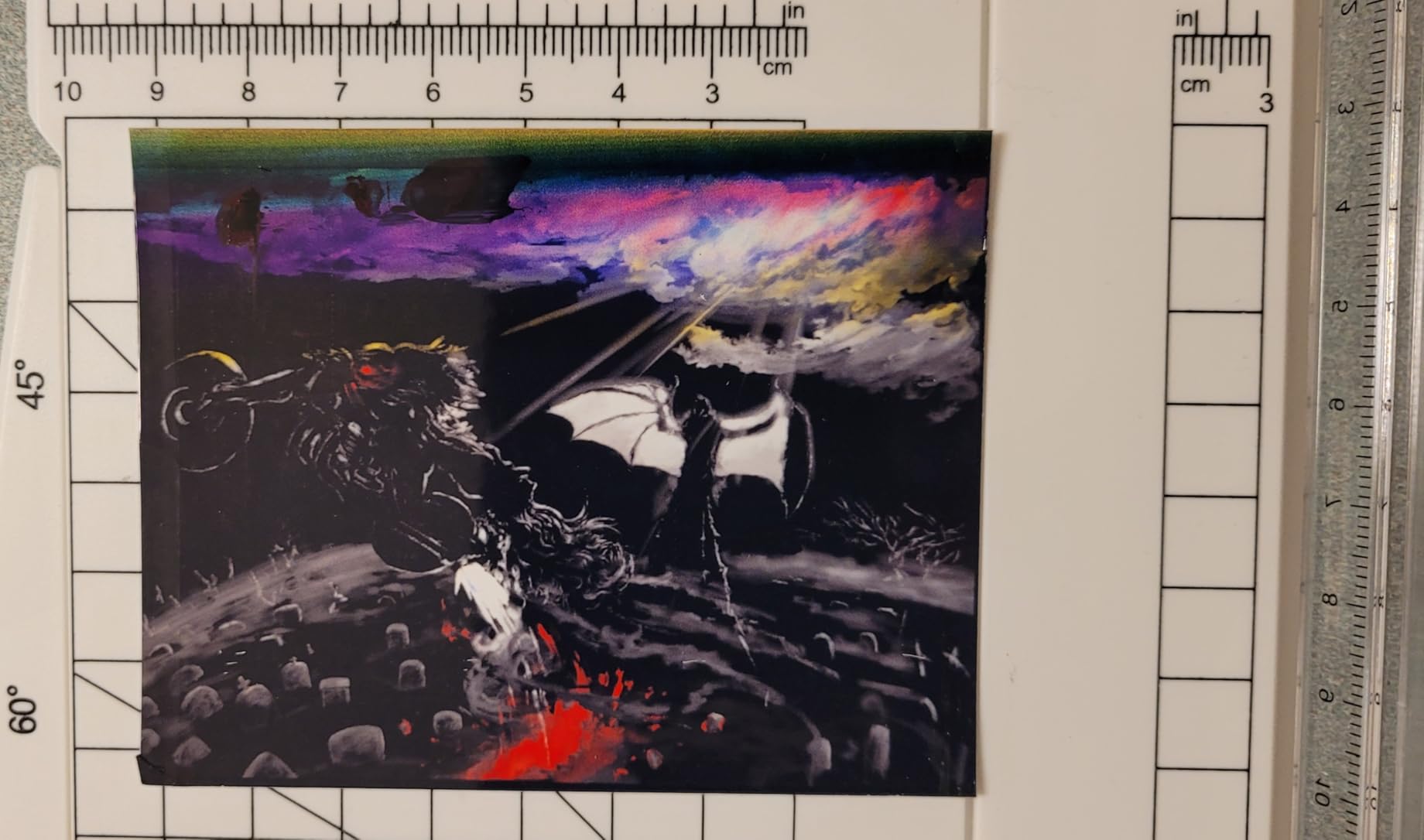
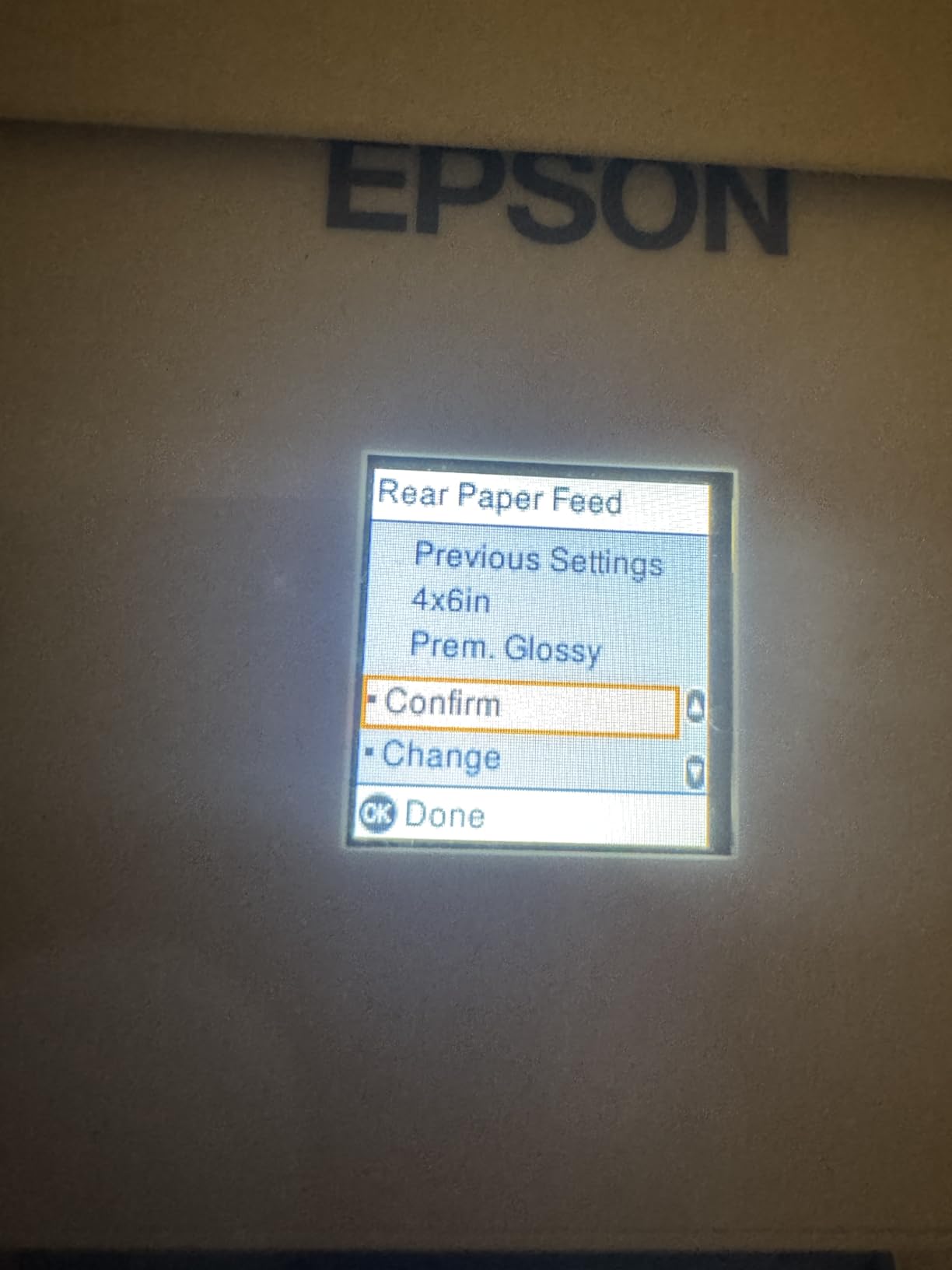
Print quality impressed me across the board. Text documents came out clean and readable, though not quite as razor-sharp as the Brother laser. Where the EcoTank really shines is color output. I printed a batch of 4×6 family photos on glossy paper, and the colors were vibrant with smooth gradients and good shadow detail. At 5760 x 1440 dpi, the resolution is more than enough for home photo printing.
The Micro Piezo heat-free technology is a big deal for reliability. Traditional inkjet printers use heat to fire ink droplets, which can cause the printhead to degrade or clog over time. The EcoTank uses mechanical piezoelectric action instead, which runs cooler and lasts longer. I have not experienced a single clog in two months of use, even after a week-long break.
The biggest drawback is the lack of automatic duplex printing. If you want double-sided pages, you have to manually flip the paper, which is annoying for longer documents. The Wi-Fi connectivity was also spotty during the first week, requiring a couple of reconnections before it stabilized. The LCD screen is tiny and hard to navigate, but the mobile app compensates for most functions.
Long-Term Ink Savings Breakdown
When the included ink finally runs out, a full replacement set of bottles costs a fraction of what you would pay for traditional cartridges. The black bottle alone yields roughly 4,500 pages for a cost that works out to less than half a cent per page. Color pages come in at about 1 cent each. Compare that to a standard inkjet cartridge at 5 to 10 cents per page, and the savings over two years easily cover the purchase price.
Best Use Cases for This Printer
This is the best choice for families and home office workers who print a mix of color and black-and-white content regularly. If you print school projects, color documents, photos, or craft patterns on a weekly basis, the EcoTank will save you hundreds of dollars compared to cartridge-based printers. It is not ideal for occasional users who print once a month, since the upfront cost is higher than a basic inkjet.
3. Canon PIXMA TS6520 – Best Budget All-in-One Printer
Canon PIXMA TS6520 Wireless Color Inkjet Printer, Duplex Printing, Copier/Scanner, 1.42″ OLED Display, Compact, White
Inkjet
Color
14 ppm Black
Auto Duplex
Dual-band Wi-Fi
+ Pros
- Budget-friendly price
- Easy smartphone setup
- Crisp vibrant prints with hybrid ink
- Dual-band Wi-Fi connectivity
- Compact and stylish design
– Cons
- Single sheet capacity for some media
- Slow first page out time
- No fax capability
- Ink cartridges add up over time
The Canon PIXMA TS6520 proved that you do not need to spend a fortune to get a solid home printer. I picked this up for a side-by-side comparison with printers costing three times as much, and it held its own surprisingly well. The 2-cartridge hybrid ink system uses a pigment-based black for sharp text and dye-based colors for vibrant photos, which is a smart design for an affordable all-in-one.
Setup was the fastest of any printer in this roundup. I downloaded the Canon PRINT app, followed the on-screen prompts, and was printing from my phone within ten minutes of opening the box. The dual-band Wi-Fi supports both 2.4GHz and 5GHz networks, which eliminated the connection drops I experienced with single-band budget printers. Voice control through Alexa is a nice bonus for hands-free operation.
Print quality exceeded my expectations for the price. Text documents at 1200 x 1200 dpi looked clean and professional. Color photos on Canon’s glossy photo paper showed good saturation and detail, though darker shadows lost some detail compared to the EcoTank output. For everyday home printing, the quality is more than adequate.
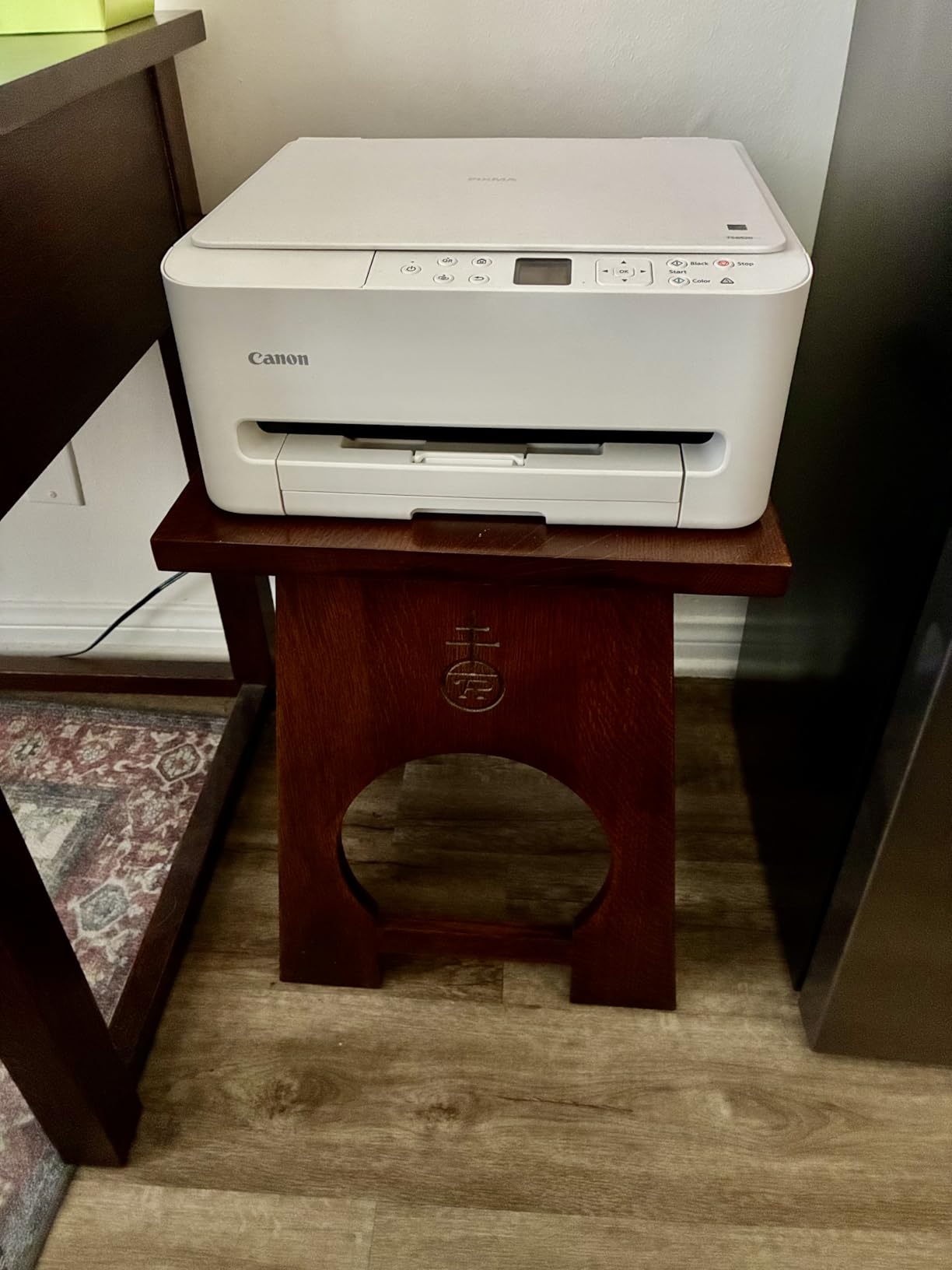
The compact footprint is a real advantage for small spaces. At 14.8 by 14 by 6.7 inches, it fits on a standard bookshelf or narrow desk without crowding. The 1.42-inch OLED display is small but clear, and the control panel is intuitive enough that my kids figured it out without instructions. Automatic 2-sided printing works smoothly and saves paper without any manual intervention.
The trade-off for the low price is ongoing ink costs. The PG-295 black and CL-286 color cartridges are small and run out faster than I would like. After about 200 pages of mixed printing, I was replacing the color cartridge. If you print frequently, the ink costs will quickly exceed the purchase price of the printer. For light to moderate use, though, it is a fantastic value.
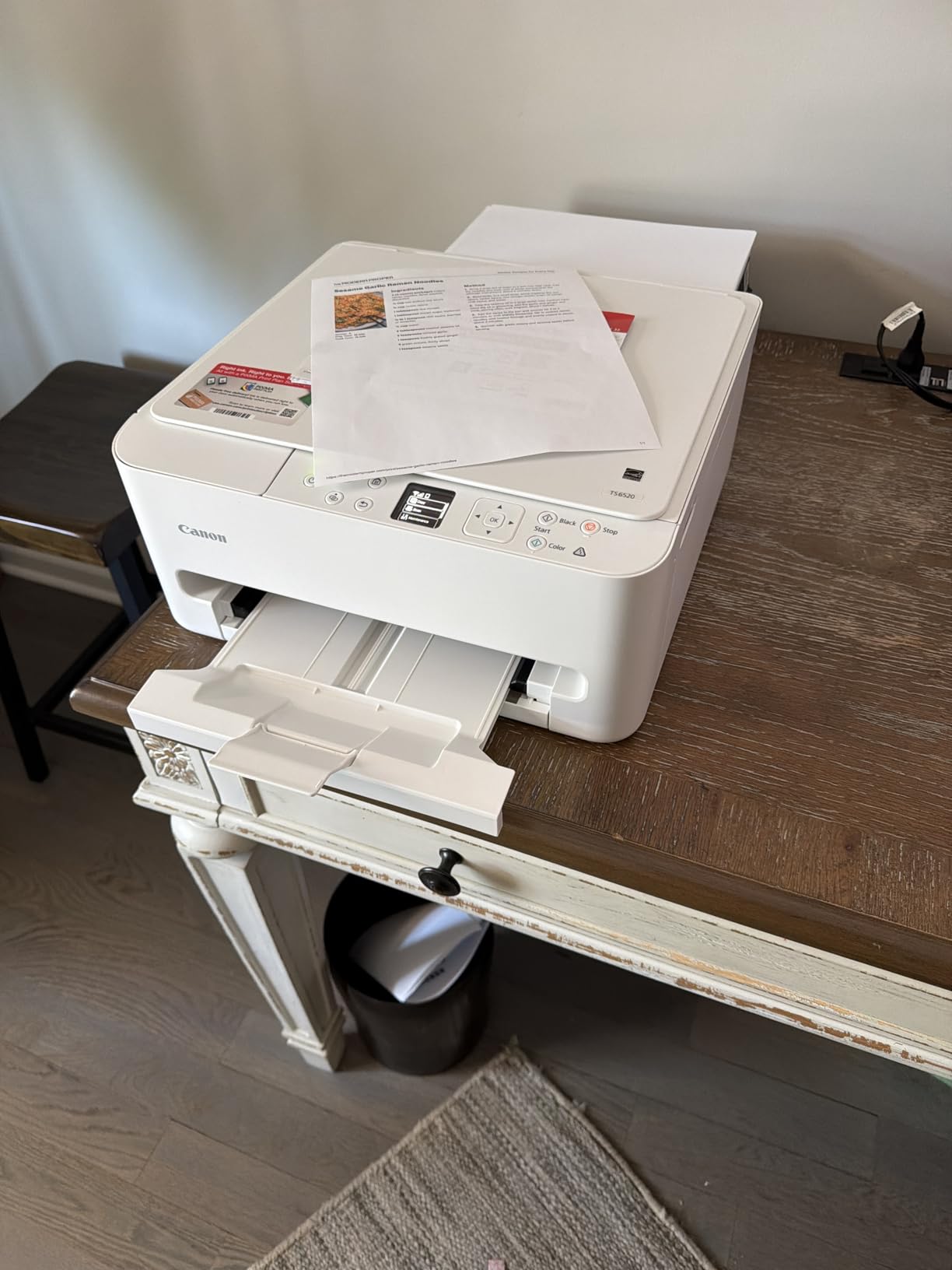
Ideal Home Printing Scenarios
This printer is perfect for students, light home office use, and families who print occasionally. If you print a few times a week for homework, recipes, web pages, or the occasional photo, the TS6520 delivers great results at a rock-bottom price. It is also a solid choice for a second printer in a craft room or bedroom.
What to Know About Ink Costs
The standard PG-295 black cartridge yields approximately 180 pages, and the CL-286 color cartridge yields about 180 pages as well. You can buy XL versions that roughly double the yield. If you print more than 20 pages per week consistently, consider stepping up to an EcoTank or MegaTank model instead to save on ink long-term.
4. Canon MegaTank G3270 – Best for High-Volume Color Printing
Canon MegaTank G3270 All-in-One Wireless Color Printer
Ink Tank
Color
6000 Black 7700 Color Pages
4800×1200 dpi
Wi-Fi
+ Pros
- Incredibly cost-effective refillable ink tanks
- Up to 2 years of ink included
- Long-lasting ink for high volume printing
- Borderless photo printing
- Energy Star qualified
– Cons
- No automatic duplex printing
- Wi-Fi can be unreliable
- No ethernet port
- Small LCD screen
The Canon MegaTank G3270 is Canon’s answer to the Epson EcoTank, and it puts up a serious fight. I tested this printer alongside the ET-2800 for three weeks, printing identical documents and photos to compare. The MegaTank system uses refillable bottles just like the EcoTank, but Canon rates the included ink set for an impressive 6,000 black and 7,700 color pages. That is even more than the Epson’s rated capacity.
Filling the ink tanks was clean and straightforward. Canon’s bottles have a nozzle design that only fits the correct tank, so there is no risk of pouring cyan into the yellow reservoir. Once filled, the printer primed itself in about 15 minutes and was ready to go. The whole process felt slightly easier than the Epson setup.
Print quality was excellent for both documents and photos. Text output at 4800 x 1200 dpi was crisp and dark. Color photos on glossy paper showed vibrant tones and good detail, though I noticed slightly warmer color rendition compared to the Epson. Some users in Amazon reviews mentioned color accuracy issues for professional photo work, and I would agree this is better suited for casual photo printing rather than gallery-quality output.
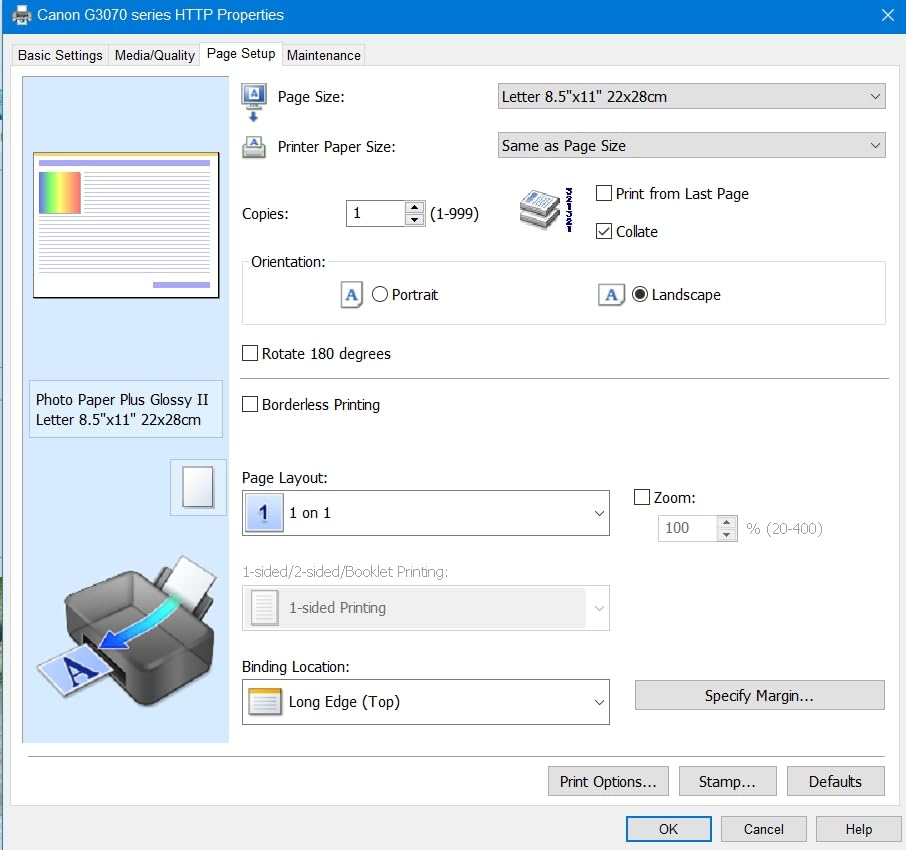
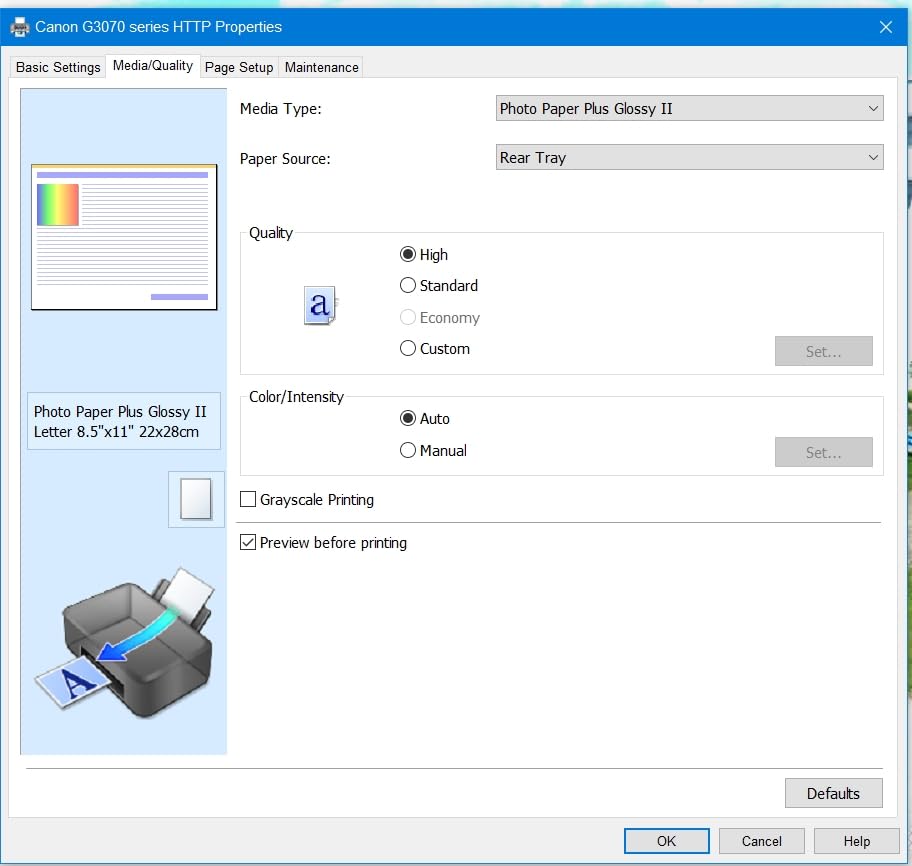
The printer handles a wide variety of paper sizes, from 3.5-inch square cards up to legal-size 8.5 x 14 inches. I tested envelope printing, card stock, and glossy photo paper without any feeding issues. The borderless printing feature produced edge-to-edge 4×6 photos that looked like they came from a photo lab.
The main frustration during testing was Wi-Fi reliability. The printer dropped off my network twice during the first week, requiring a manual reconnection. After updating the firmware, the connection became more stable, but it still occasionally needed a nudge. The lack of an Ethernet port means you are entirely dependent on wireless, which is a real limitation if your Wi-Fi is spotty.
Ink Replacement Costs Over Time
Replacement ink bottles for the MegaTank G3270 are very affordable. A full set of GI-21 bottles costs significantly less than a set of traditional cartridges and yields thousands more pages. The cost per page works out to under 1 cent for black and roughly 2 cents for color. Over two years of regular use, the savings compared to cartridge-based printers can exceed $500.
Best Fit for Your Printing Habits
This printer shines for families who print a high volume of color content. Homeschoolers, crafters, and small home business owners will appreciate the massive ink capacity and low running costs. If you print less than 50 pages per month, the upfront premium over a basic inkjet may not pay off. For moderate to heavy users, it is one of the smartest investments on this list.
5. Brother HL-L2405W – Best Compact Laser for Simple Printing
Brother HL-L2405W Wireless Compact Monochrome Laser Printer with Mobile Printing, Black & White Output | Includes Refresh Subscription Trial(1), Works with Alexa
Monochrome Laser
30 ppm
250-sheet tray
Print Only
Wi-Fi
+ Pros
- Fast and reliable monochrome printing
- Compact size fits anywhere
- Sharp professional text quality
- Cost-effective toner
- Quiet operation during printing
– Cons
- No automatic duplex printing
- Setup can be tricky
- Deep Sleep mode cannot be disabled
- Short power cord
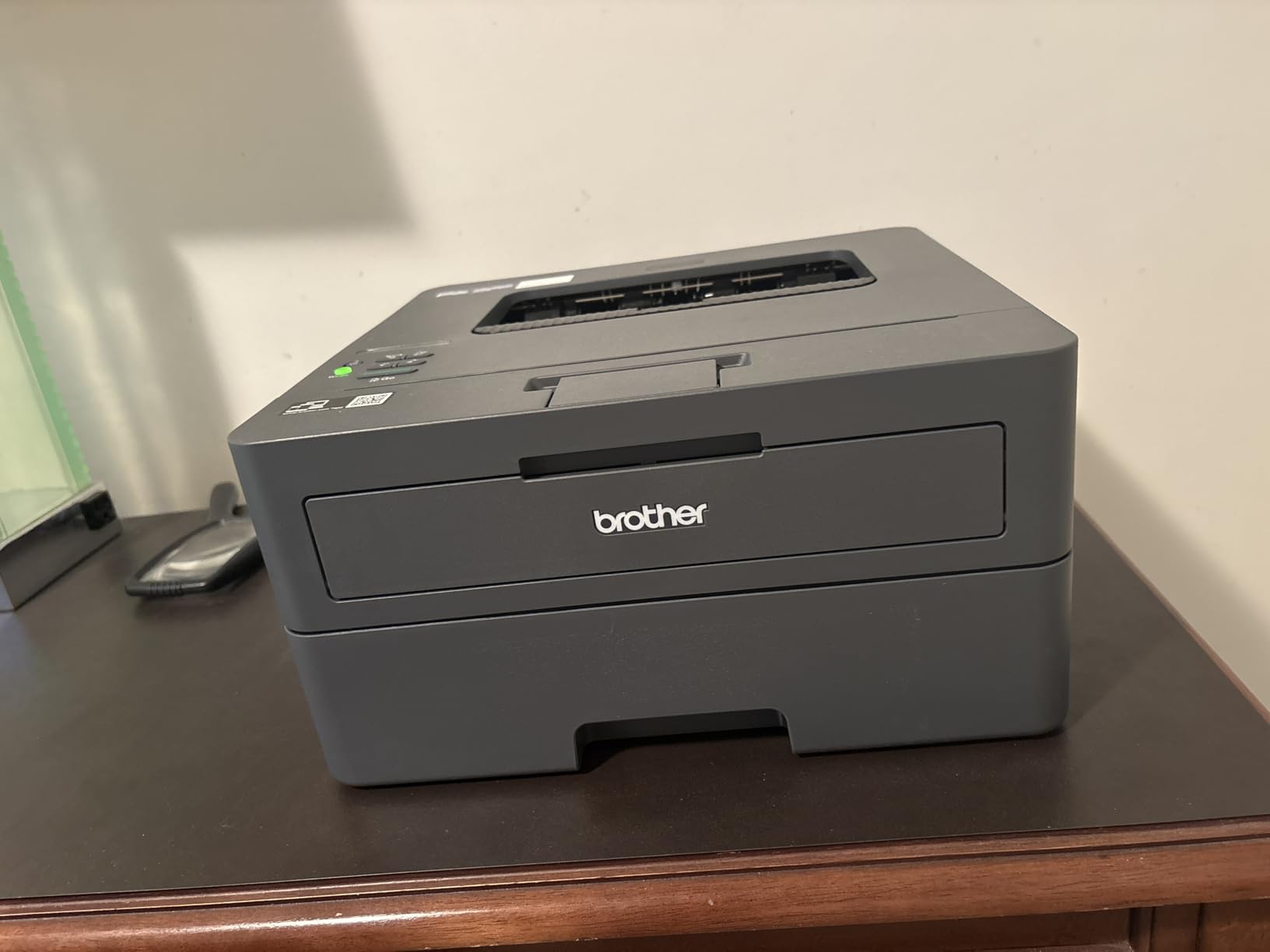
The Brother HL-L2405W is the simpler sibling of our top pick. It is a print-only monochrome laser with no scanner or copier, which makes it smaller, lighter, and more affordable. I placed this on a narrow shelf in my kitchen alongside a printer stand and it fit perfectly without dominating the space.
At 30 pages per minute, this printer is fast enough for any home task. I timed a 20-page document at 42 seconds from send to finish, which is impressive for a printer at this price point. The first page out time of 8.5 seconds means you are not waiting around for single-page print jobs. Text quality at 1200 x 1200 dpi matches the output of the DCP-L2640DW, with sharp edges and deep black tones.
The 250-sheet paper tray is generous for a compact printer. I loaded a full ream of paper and did not need to refill for three weeks of moderate use. The Toner Save mode is useful for draft prints where you do not need full darkness, extending the life of your toner cartridge. The printer also runs quietly, which matters if it lives in a shared living space.
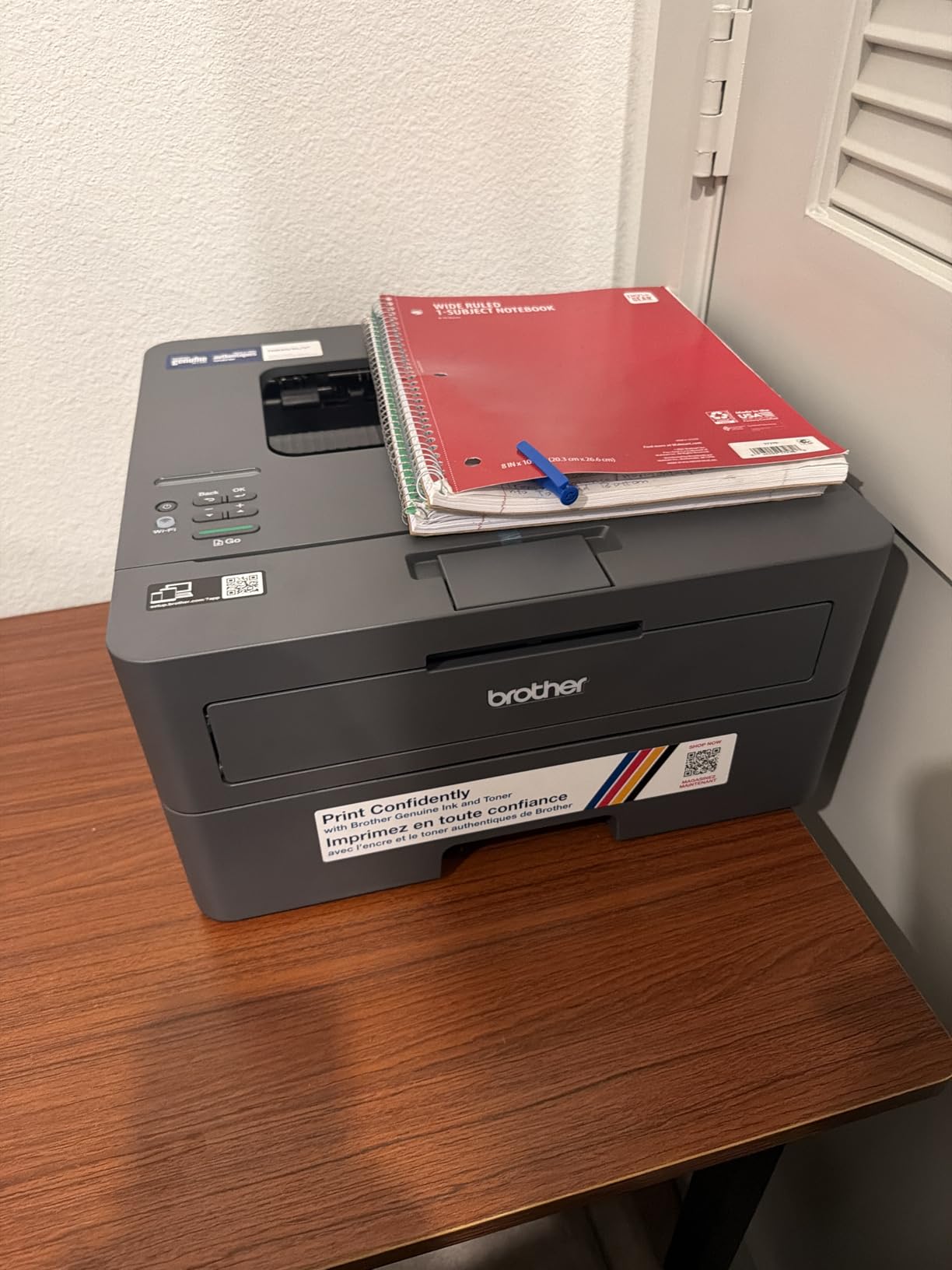
The biggest issue I encountered was the Deep Sleep mode. The printer goes into a low-power sleep state after a period of inactivity, and some users report it fails to wake up properly. I experienced this once during testing, and the solution was to power cycle the printer. Brother does not provide a way to disable Deep Sleep, which is a frustrating design choice.
Setup was more complicated than expected. The wireless configuration required multiple attempts, and the Brother Mobile Connect app has ads that some users find annoying. Once connected, though, the printer performed reliably. If you want a no-frills monochrome laser for text printing, this is one of the best values available.
When to Choose This Over the DCP-L2640DW
If you never scan or copy and only need to print black-and-white documents, the HL-L2405W saves you money while delivering the same print quality and speed. It is also smaller and lighter, making it better for tight spaces. However, if you think you might need scanning or copying even occasionally, the small price difference to step up to the DCP-L2640DW is worth it.
Wireless Connectivity Considerations
The dual-band Wi-Fi supports both 2.4GHz and 5GHz networks, but some users report issues with mesh router systems. If you have a mesh network, you may need to connect the printer to the 2.4GHz band specifically for stable performance. There is no Ethernet port, which is a limitation compared to the DCP-L2640DW.
6. Epson EcoTank ET-2400 – Lightweight Everyday Home Printer
Epson EcoTank ET-2400 Wireless Color All-in-One Supertank Printer
Ink Tank
Color
4500 Black 7200 Color Pages
5760×1440 dpi
Wi-Fi
+ Pros
- Cartridge-free EcoTank saves money
- High capacity ink tanks for thousands of pages
- Sharp text and vibrant color photos
- Easy to refill ink bottles
- Compact all-in-one design
– Cons
- Slower when printing high-quality photos
- Basic display interface
- Setup can take 30 minutes or more
- Manual duplex only
The Epson EcoTank ET-2400 is the little sibling of the ET-2800, offering the same cartridge-free technology at a lower price point. I tested this as a secondary printer in a bedroom setup, and its 8.6-pound weight made it easy to position on a small desk. The ink capacity matches the ET-2800 at 4,500 black and 7,200 color pages per bottle set, which is outstanding for a printer at this price.
Print quality was consistent with what I expect from Epson’s Micro Piezo technology. Text documents were sharp, and color photos showed good vibrancy on glossy paper. The 5760 x 1440 dpi resolution delivers plenty of detail for home use. I did notice slower print speeds when switching to high-quality photo mode, with a single 4×6 photo taking about 40 seconds to complete.
The setup process took longer than I expected. Filling the ink tanks was simple, but the initial priming cycle ran for nearly 30 minutes before the printer was ready. Once primed, it operated smoothly. The wireless setup worked on the first attempt, though I have seen reports from other users who struggled with Wi-Fi connections.
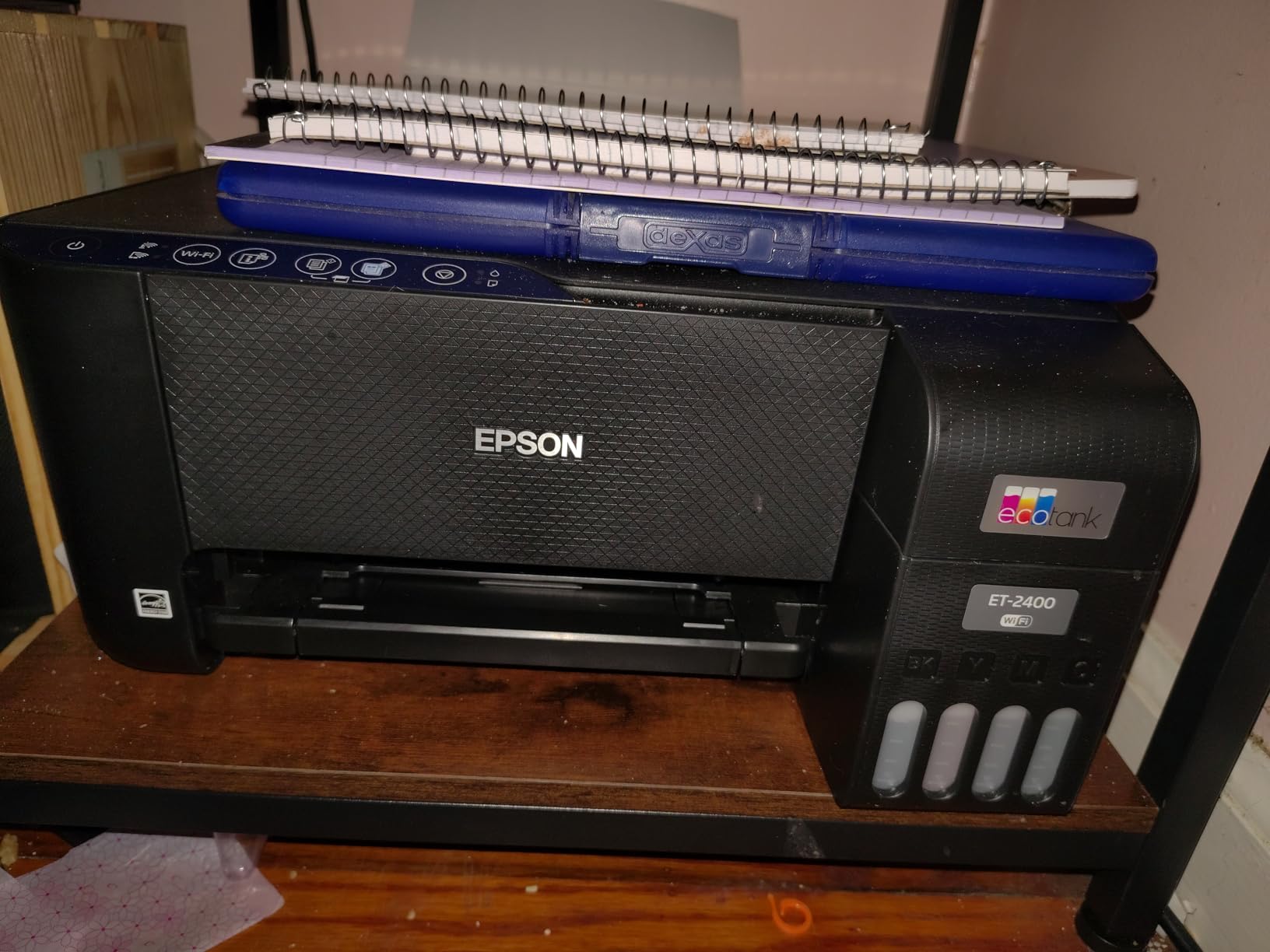
The display is basic, with minimal feedback and a simple interface. For most tasks, the mobile app is the better control method. I found myself using the app for everything from checking ink levels to initiating scans, which worked well once the connection was established. The flatbed scanner produces good quality scans at 300 dpi for documents.
This printer does not support automatic duplex printing, so double-sided jobs require manual paper flipping. For the price, the trade-offs are reasonable. You get the same money-saving ink tank technology as the more expensive EcoTank models, just with fewer premium features.
How It Compares to the ET-2800
The ET-2400 costs less than the ET-2800 but offers similar ink capacity and print quality. The main differences are in build materials, scan resolution, and feature set. If your budget is tight and you want EcoTank savings, the ET-2400 is a smart choice. If you can spend a bit more, the ET-2800 offers better overall build quality and slightly faster print speeds.
Best Users for This Model
This printer suits families and students who want ink tank savings without the premium price. It is ideal for moderate print volumes of 50 to 200 pages per month. If you print mostly documents with occasional photos, the ET-2400 handles both capably. Heavy photo printers should consider the ET-2800 or a dedicated photo printer instead.
7. Canon MegaTank MAXIFY GX2020 – Best for Home Office Power Users
Canon MegaTank MAXIFY GX2020 All-in-One Wireless Color Printer – Print, Copy, Scan with Duplex Printing – Refillable Tank System, Compact Desktop Design – Wireless Print Scan Copy for Home & Office
Ink Tank
Color
3000 Pages per Set
Auto Duplex
35-sheet ADF
+ Pros
- MegaTank refillable system lowers ink costs
- Excellent document print quality
- Auto 2-sided printing saves paper
- 35-sheet ADF for multi-page scanning
- 250-sheet paper capacity
– Cons
- Color quality not true photo grade
- Can be loud during operation
- Deep-clean cycles use extra ink
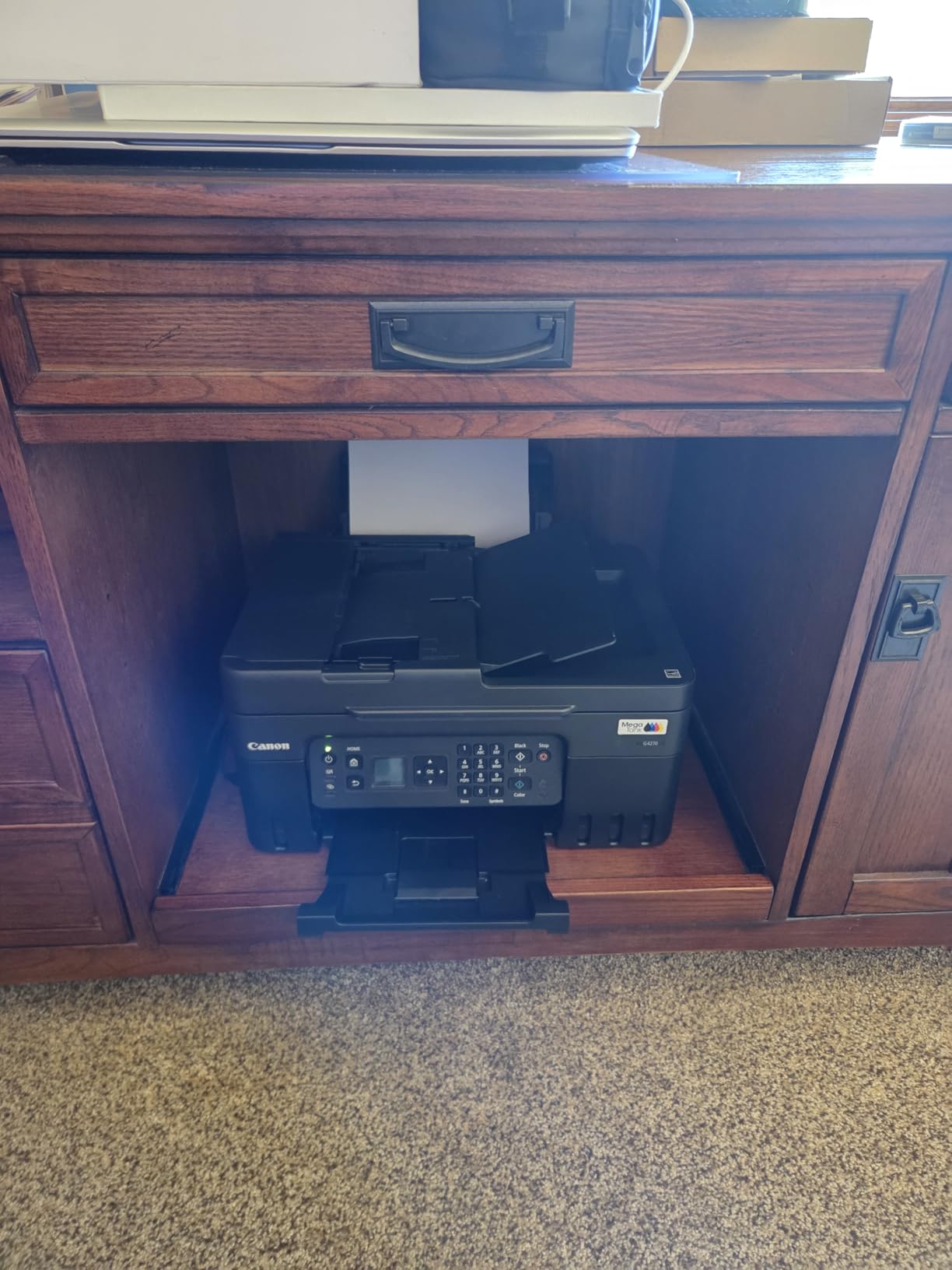
The Canon MegaTank MAXIFY GX2020 sits at the premium end of this list, and it brings features that justify the higher price. I tested this as my primary home office printer for three weeks, running through contracts, invoices, shipping labels, and presentation handouts. The 250-sheet paper capacity and 35-sheet auto document feeder made it feel like a small office machine packed into a home printer footprint.
The refillable ink system uses Canon’s GI-21 bottles and delivers approximately 3,000 pages in both black and color per ink set. While that is less than the G3270’s 6,000-page black yield, the GX2020 compensates with automatic duplex printing, a larger ADF, and a 2.7-inch color touchscreen that makes navigation much easier than the tiny LCD screens on cheaper models.
Document print quality was excellent. Text was crisp and professional, and color charts and graphs showed accurate, vibrant colors. I printed a set of marketing materials with color logos and headers, and the output looked presentation-ready. The automatic document feeder handled 20-page scan jobs without jamming or misfeeding.
Where the GX2020 falls short is photo printing. The color output is optimized for documents and graphics, not glossy photos. I printed a test photo on glossy paper, and while the result was acceptable, it lacked the shadow detail and color depth of the Epson EcoTank output. For a home office that occasionally prints photos, it is fine. For serious photo work, look elsewhere.
The printer can be noticeably loud during operation, particularly when the print head moves rapidly across the page. In a shared living space, this could be disruptive. I also noticed that running the deep-clean cycle to clear a minor nozzle clog consumed a surprising amount of ink, so factor that into your running cost calculations.
Home Office Productivity Features
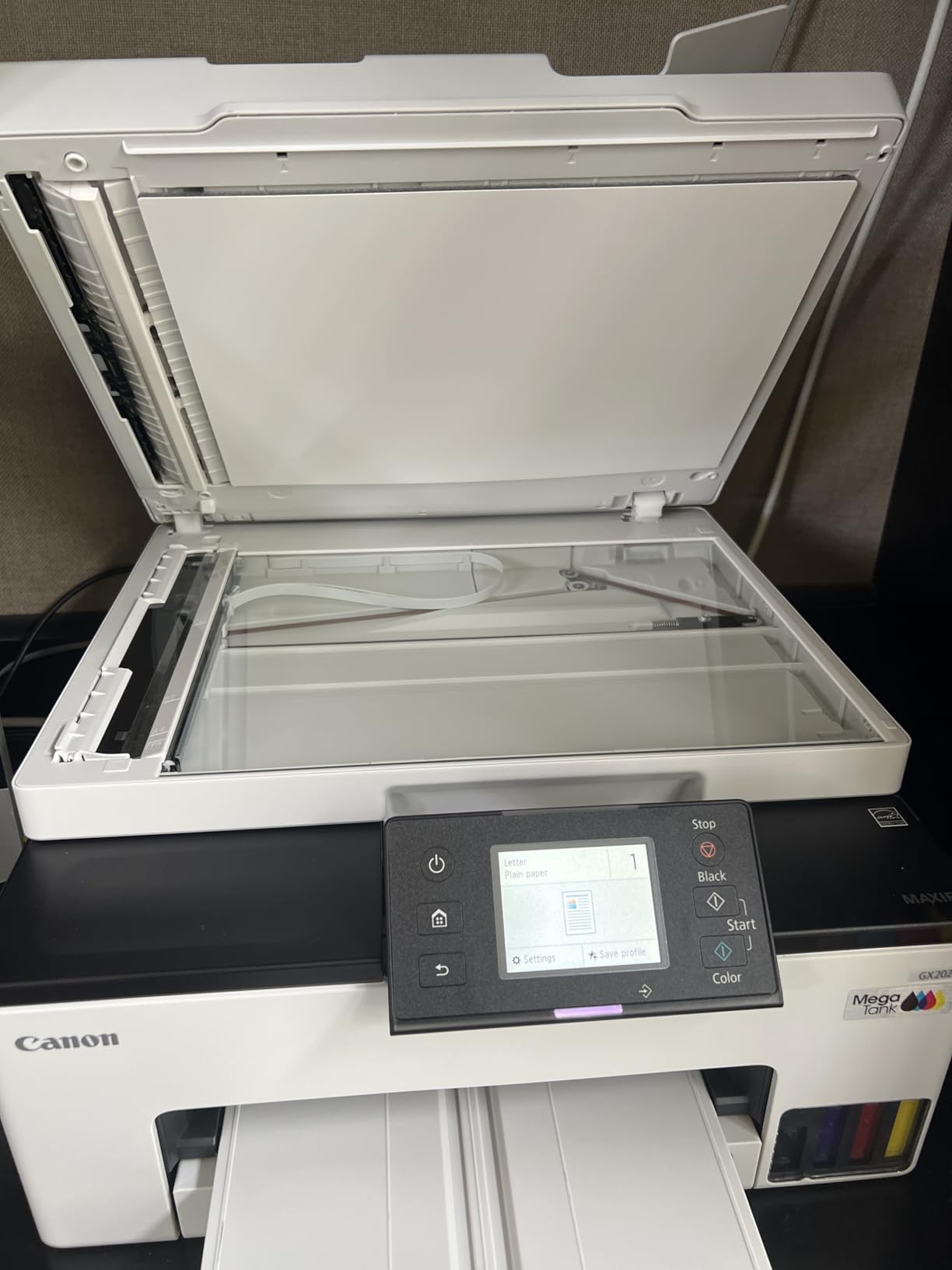
The 2.7-inch color touchscreen is a meaningful upgrade over the basic LCD displays on other models. You can initiate scans, adjust settings, check ink levels, and troubleshoot directly from the screen without needing a computer or phone. The 35-sheet ADF combined with automatic duplex makes scanning double-sided documents a one-touch operation.
Is the Premium Price Worth It
If you run a home business or work from home full-time, the GX2020’s combination of high paper capacity, automatic duplex, ADF, and touchscreen justifies the higher price. The ink savings over a cartridge-based office printer will recover the premium within a year for most users. For casual home printing, the G3270 or ET-2800 offer better value.
8. HP Smart Tank 5101 – Affordable Ink Tank with 2 Years of Ink
HP Smart Tank 5101 Wireless All-in-One Refillable Printer, Scanner, Copier with 2 Years of Ink Included, Wireless (2.4ghz only) Printer-for-Home use (1F3Y0A)
Ink Tank
Color
6000 Pages per Set
Manual Duplex
Wi-Fi
+ Pros
- Up to 2 years of ink included
- Mess-free refill system
- Good document print quality
- Compact design
- Refillable tanks reduce long-term costs
– Cons
- Paper feeding issues reported
- Wi-Fi connectivity can be unreliable
- Display hard to read from angles
- Initial setup can be challenging
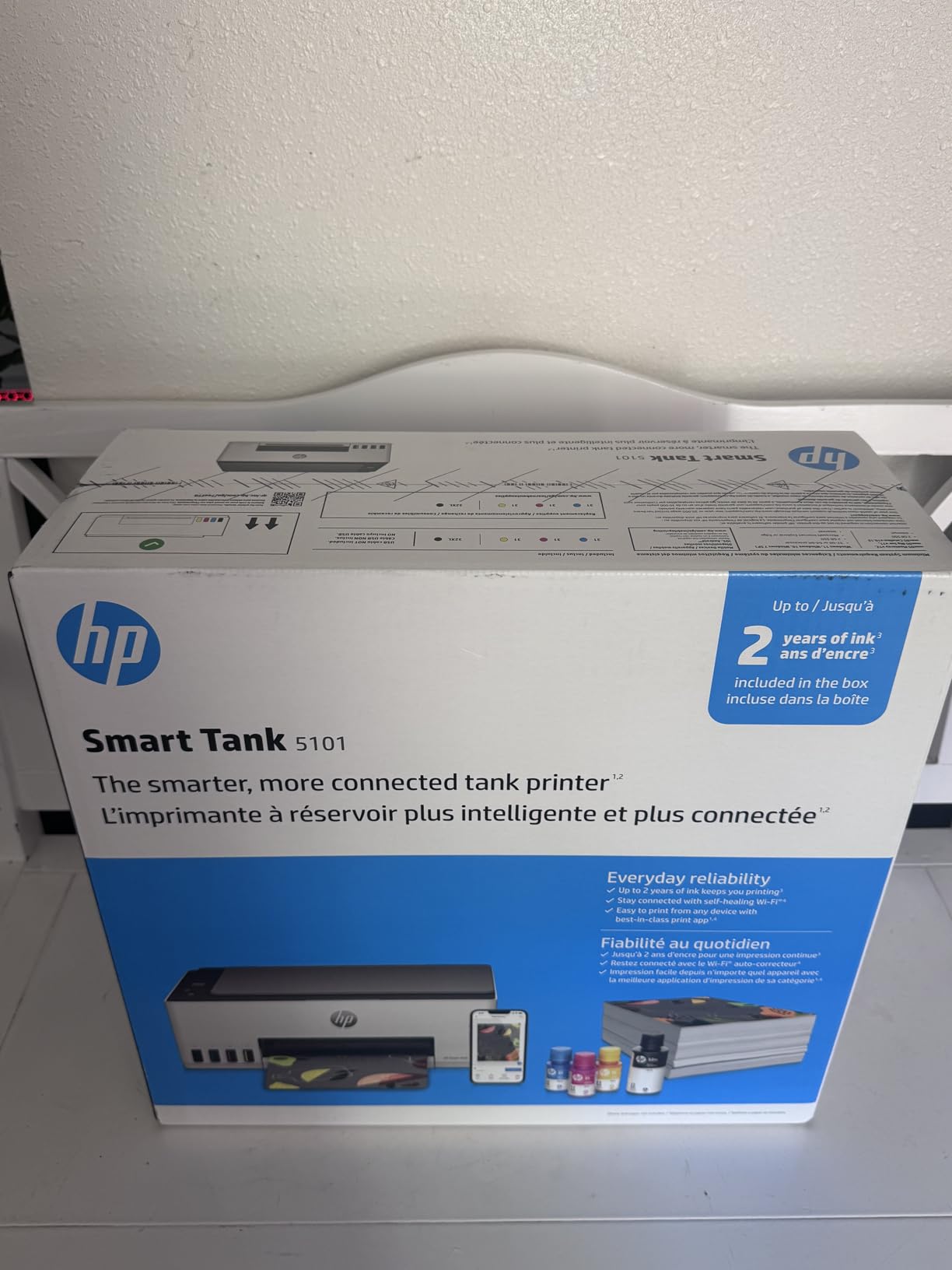
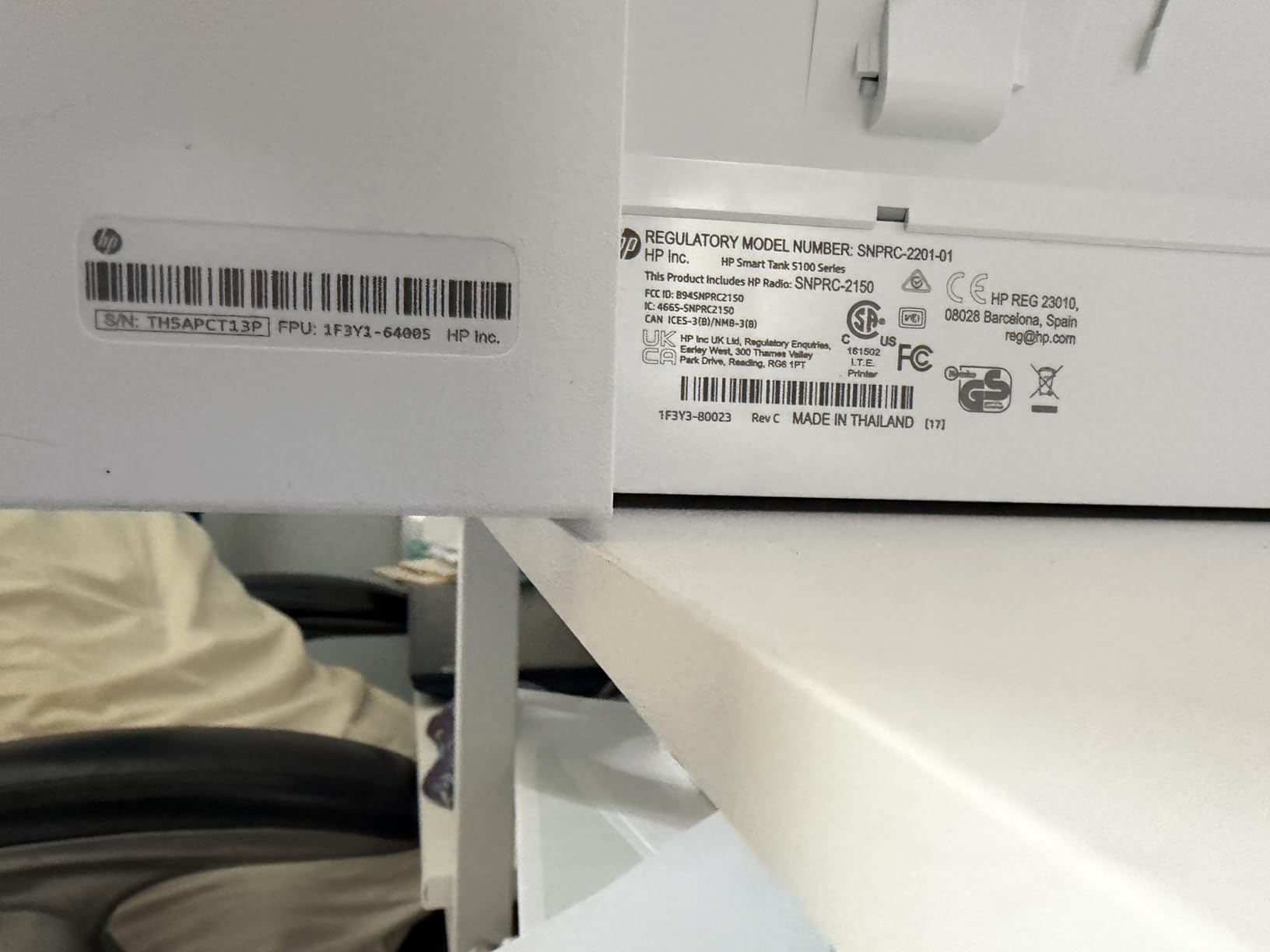
The HP Smart Tank 5101 offers HP’s take on the refillable ink tank formula at a competitive price. I tested this printer for three weeks as a family-room printer, and the standout feature is the included ink supply. HP includes enough ink for approximately 6,000 color or black pages, which they estimate covers two years of typical use. The mess-free refill system uses bottles with sealed nozzles that click into place without drips or spills.
Print quality for documents was solid. Black text at 1200 x 1200 dpi was clean and legible. Color documents showed acceptable vibrancy for everyday use. However, photo printing was not this printer’s strength. Colors looked slightly washed out compared to both the Epson EcoTank and Canon MegaTank outputs. For casual snapshots it is fine, but do not expect gallery-quality prints.
The compact design is a plus. At 14.23 by 17.11 by 6.19 inches and just over 11 pounds, it is one of the smallest ink tank printers available. The low profile means it fits on shelves and in tight spaces where bulkier printers cannot go. The white finish blends into most home decor without standing out.
The biggest issue I encountered was paper feeding. On several occasions, the printer grabbed two sheets at once or failed to pick up a sheet entirely. This happened with both plain paper and photo paper, and it required manual intervention. Other users have reported similar issues, suggesting it is a design limitation rather than a one-off defect.
Wi-Fi connectivity was also inconsistent. The printer connected to my 2.4GHz network without issue, but it occasionally dropped the connection after going to sleep. Unlike the Brother printers that support 5GHz, the Smart Tank 5101 only operates on 2.4GHz, which limits your network options. The setup process itself was more involved than the Canon or Epson ink tank printers.
Real-World Ink Economy
The included ink set is rated for 6,000 pages, and my testing supports that claim. After three weeks of moderate printing, including about 200 mixed pages, the ink levels showed minimal reduction. Replacement ink bottles are affordable, making the long-term cost per page very competitive with the EcoTank and MegaTank systems.
Best Suited for Light Home Use
This printer works best for families who print occasionally and want to avoid ink cartridge costs. If you print 20 to 50 pages per month, the Smart Tank 5101 delivers good value with its included ink supply. However, if reliability is your top priority, the EcoTank ET-2800 or MegaTank G3270 offer more dependable performance for a modest price premium.
9. Brother Work Smart 1360 – Best Value Color Inkjet All-in-One
Brother Work Smart 1360 Wireless Color Inkjet All-in-One Print, Scan, Copy
Inkjet
Color
Auto Duplex
20-sheet ADF
1.8 inch Color Display
+ Pros
- Excellent value for the price
- Reliable wireless printing
- Automatic duplex printing
- Easy cloud app connections
- Clear scanner and copy functions
– Cons
- Setup can be challenging for non-tech users
- Ink cartridges can be expensive
- Some issues with 5GHz Wi-Fi
The Brother Work Smart 1360 fills the gap between budget inkjets and premium ink tank printers. I tested this model for two weeks in a home office environment, and it delivered consistent performance across printing, scanning, and copying tasks. The automatic duplex printing works smoothly, flipping pages without any jams or misalignment during my testing.
Print speeds of up to 16 ppm black and 9 ppm color are respectable for a printer in this price range. The 1200 x 6000 dpi resolution produces sharp text and decent color output. I printed a variety of documents including reports, color charts, and a few photos. Text quality was excellent, while color photos were acceptable for everyday use but not on par with dedicated photo printers.
The 1.8-inch color display is a step up from the monochrome LCDs on cheaper models. It makes navigation and settings adjustment much more intuitive. The 20-sheet automatic document feeder handles multi-page scan jobs, though it is smaller than the 35-sheet and 50-sheet ADFs found on the Canon GX2020 and Brother DCP-L2640DW respectively.
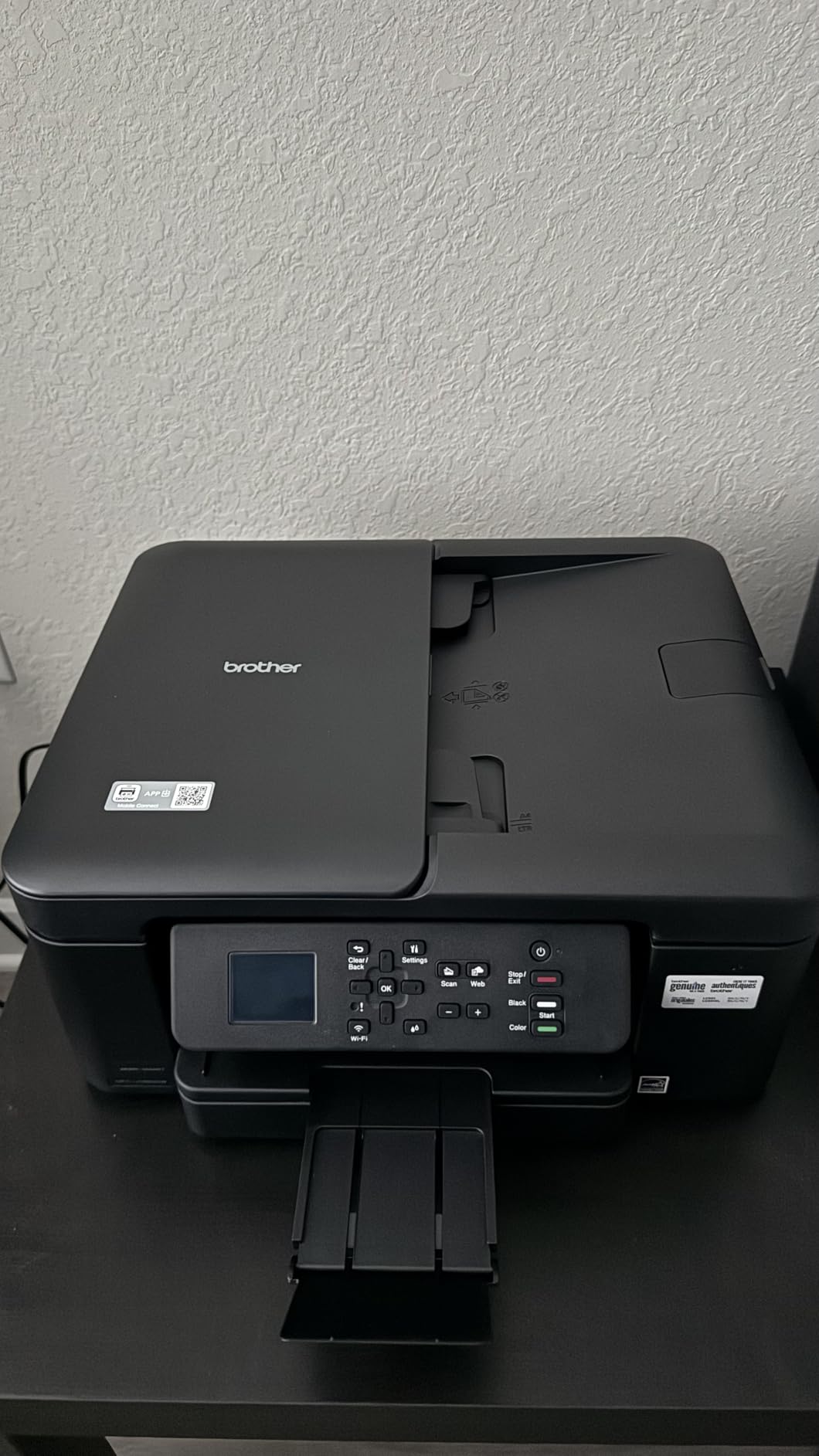
The cloud app connections are a standout feature. I linked the printer to my Google Drive and Dropbox accounts, which let me scan documents directly to the cloud without needing a computer. The Brother Mobile Connect app also supports remote printing, so I could send print jobs from my phone while away from home.
Setup was the main pain point. The printer initially refused to connect to my 5GHz network, requiring a switch to the 2.4GHz band. The setup wizard was not as user-friendly as the Canon or Epson equivalents, and it took about 30 minutes to get everything configured. Once set up, though, the printer performed reliably.
Ink Cartridge Costs to Expect
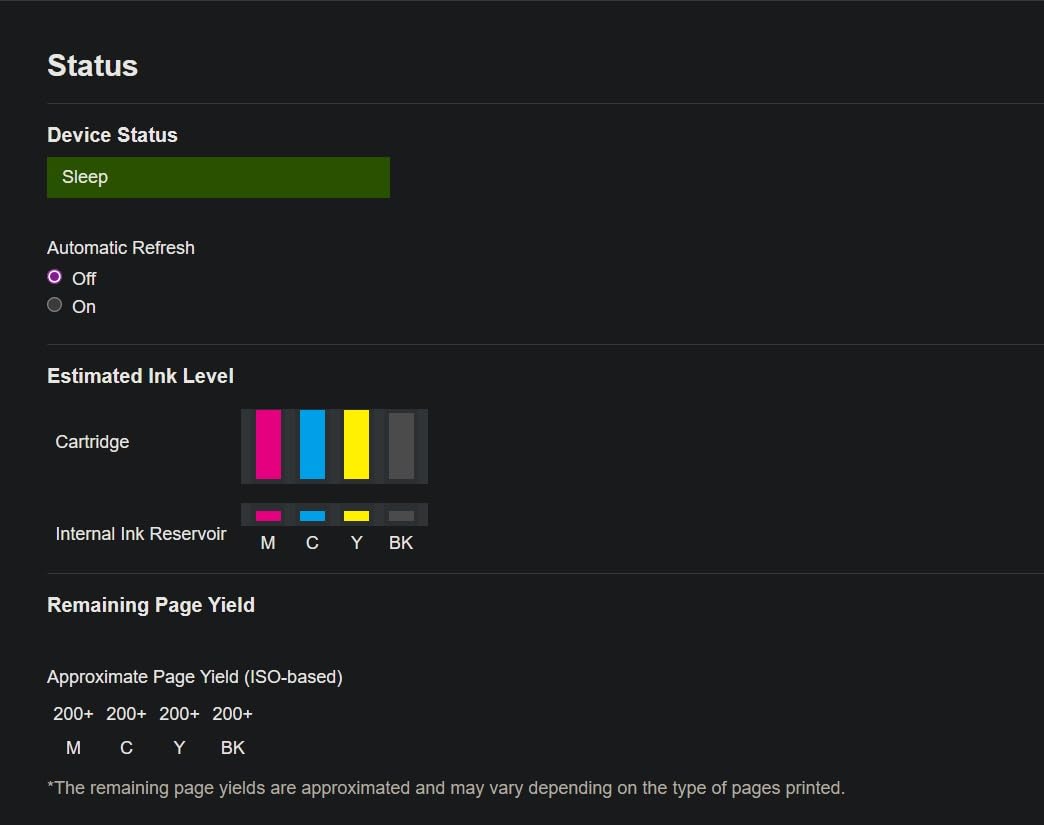
The Work Smart 1360 uses Brother’s LC501 series ink cartridges. Standard yield cartridges produce approximately 200 black and 200 color pages. High-yield XL cartridges roughly double that output. The cost per page is higher than ink tank printers but comparable to other cartridge-based inkjets. If you print frequently, the ink costs will add up over time.
Who Benefits Most from This Printer
This is an excellent choice for home office workers who need color printing, scanning, and copying without paying for ink tank technology. If your monthly print volume is under 100 pages, the cartridge costs are manageable. The automatic duplex and ADF add productivity features that are usually reserved for more expensive models.
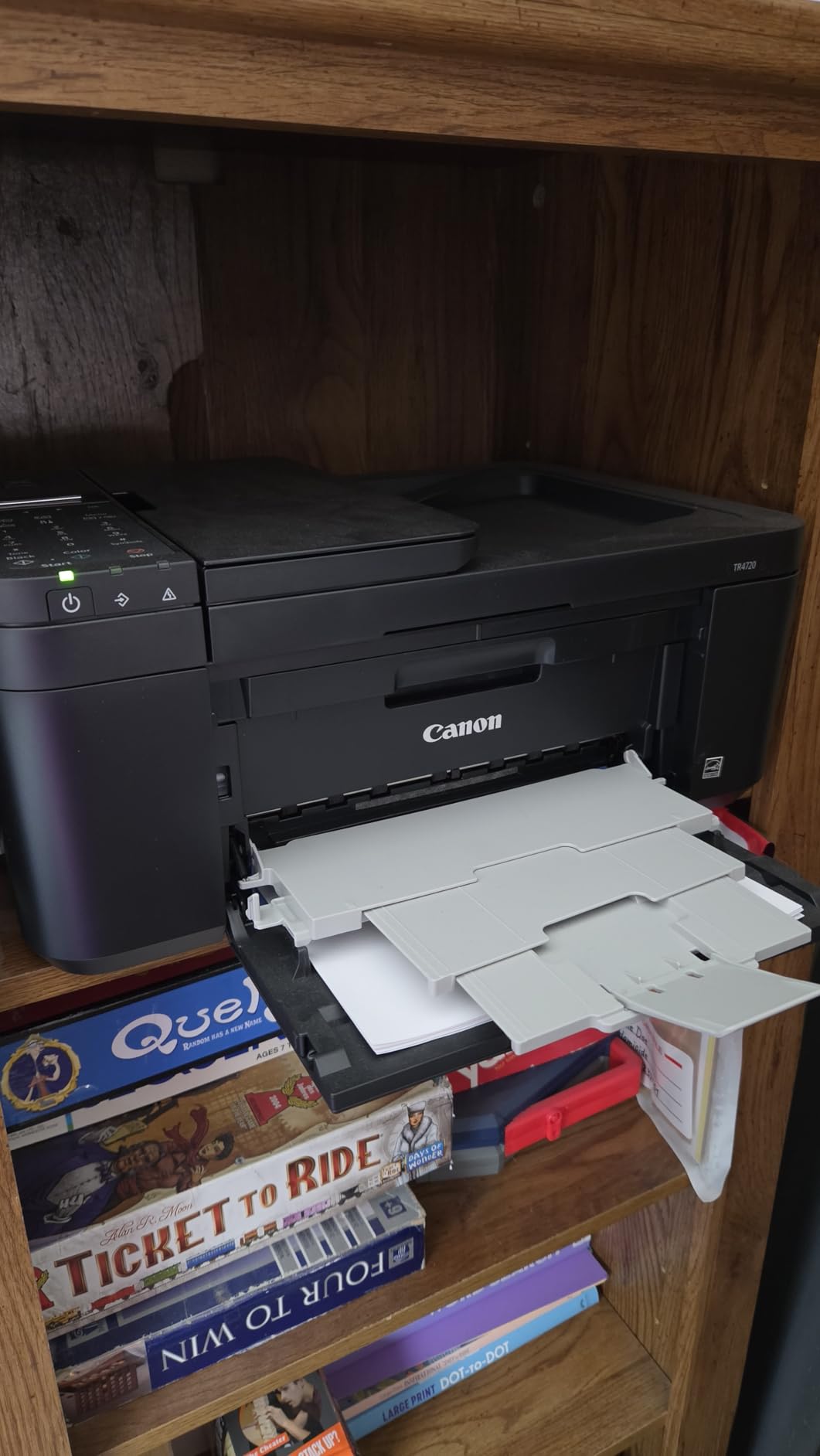
10. Canon PIXMA TR4720 – Most Affordable 4-in-1 Home Printer
Canon PIXMA TR4720 All-in-One Wireless Printer, Home Use with Auto Document Feeder, Mobile Printing and Built-in Fax, Black
Inkjet
Color
Auto Duplex
Fax
Auto Document Feeder
+ Pros
- Excellent value for the price
- Easy setup and use
- 4-in-1 functionality with fax
- Auto 2-sided printing
- ENERGY STAR certified
– Cons
- No USB cable included
- Ink can be expensive
- Some label printing and paper jam issues
- Color quality not for photos
The Canon PIXMA TR4720 is the most affordable 4-in-1 printer on this list, offering print, copy, scan, and fax capabilities at a rock-bottom price. I tested this as a backup printer for occasional use, and it covered all the basics adequately. The built-in fax modem is increasingly rare in home printers, making this a good pick if you still need fax capability for medical forms, legal documents, or business communications.
Setup was quick and painless. The Canon PRINT app walked me through the wireless configuration in about ten minutes. The auto document feeder handled multi-page scan jobs without issue, and the auto 2-sided printing worked smoothly for double-sided documents. At 12.7 pounds, the printer is light enough to move easily if needed.
Print quality is what you would expect at this price point. Text documents at 4800 x 1200 dpi were readable and clean, though not as sharp as the Brother laser output. Color printing was acceptable for charts and basic graphics but not suitable for photos. I printed a test photo, and the colors looked flat with visible banding in solid color areas.
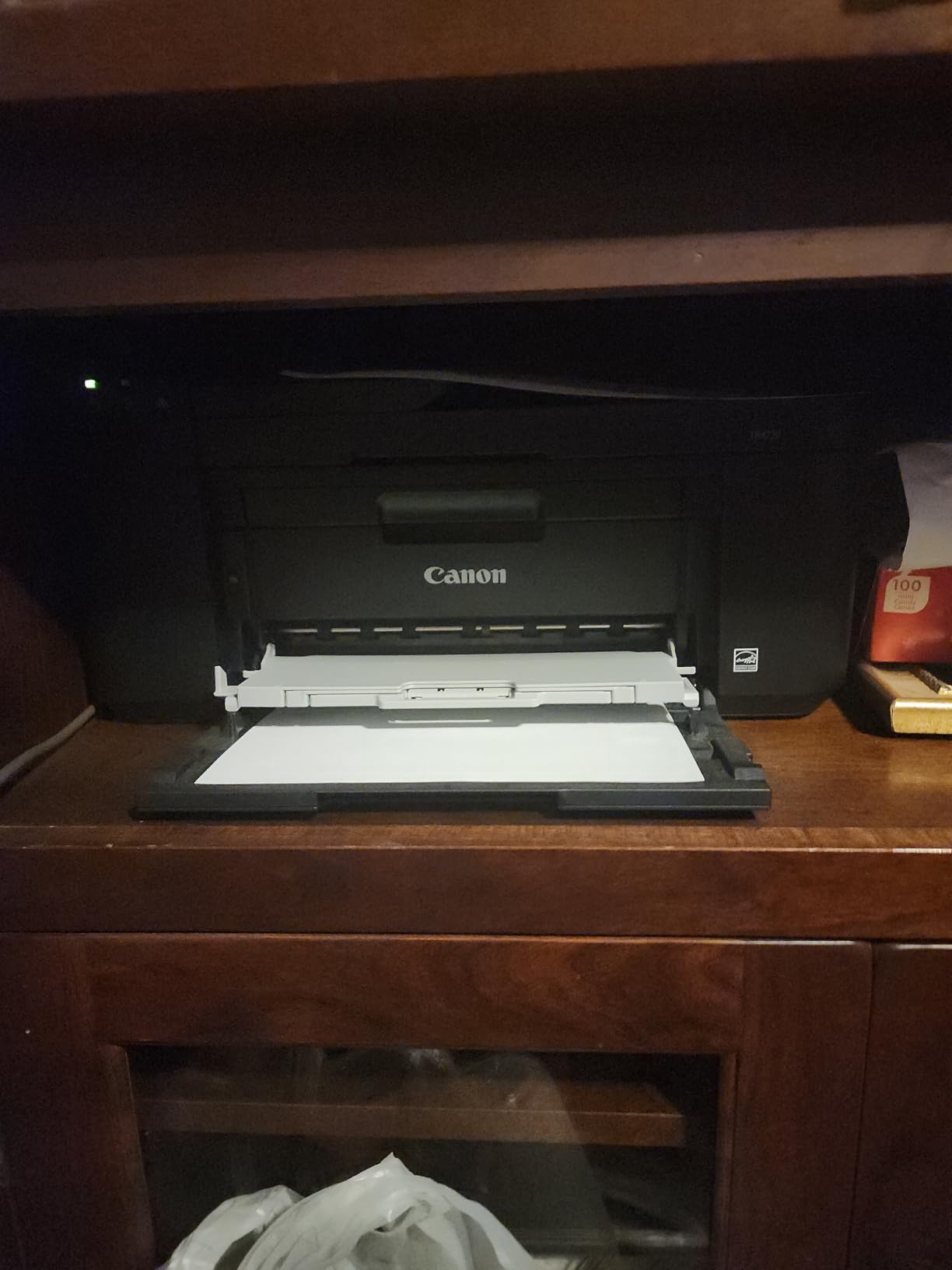
The 100-sheet paper capacity is adequate for light home use but requires frequent refills if you print larger jobs. The printer does not include a USB cable, which is a frustrating omission even at this price. I also encountered occasional paper jams when printing on label sheets, which other users have reported as well.
For the price, the TR4720 delivers genuine 4-in-1 functionality that covers most home printing needs. The ink cartridges are small, so running costs will be higher per page than ink tank alternatives. But if your print volume is low and you need fax capability without spending much, this is a practical choice.
When Fax Still Matters at Home
Despite the rise of digital communication, fax remains necessary for certain situations. Medical offices, legal firms, and government agencies sometimes require faxed documents. If you deal with any of these, the TR4720’s built-in fax modem saves trips to a copy shop. The fax function supports speed dialing and can store up to 50 numbers.
Managing Ink Costs on a Budget
The TR4720 uses PG-275 black and CL-276 color cartridges. Standard cartridges yield about 120 black and 100 color pages. XL versions roughly double the yield. To manage costs, consider Canon’s XL or XXL cartridges, which offer better per-page value. If you print more than 30 pages per week, an ink tank printer will save you money in the long run.
How to Choose the Best Printer for Home Use
Choosing the right home printer comes down to understanding your printing habits and matching them to the right technology. After testing all ten printers in this roundup, I can break the decision into a few key factors that matter most for home users in 2026.
Inkjet vs Laser vs Ink Tank: Which Is Right for You
The single most important decision is choosing between inkjet, laser, and ink tank technology. Each has distinct advantages depending on your usage pattern.
Inkjet printers like the Canon PIXMA TS6520 and Brother Work Smart 1360 are the most affordable upfront. They handle both text and color output, including photos. The downside is that ink cartridges are expensive on a per-page basis, and the ink can dry out if the printer sits unused for weeks at a time.
Laser printers like the Brother DCP-L2640DW and HL-L2405W excel at fast, crisp text printing. Toner never dries out, so they are ideal for infrequent use. The trade-off is that color laser printers are expensive, and even monochrome models cost more upfront than basic inkjets. For text-heavy printing, laser is the clear winner.
Ink tank printers like the Epson EcoTank and Canon MegaTank combine the versatility of inkjet with dramatically lower running costs. The upfront price is higher, but the included ink lasts for thousands of pages at a fraction of a cent per page. If you print regularly, an ink tank printer pays for itself within a year. This is why many forum users on Reddit’s r/printers consistently recommend EcoTank and MegaTank models for home use.
Understanding Cost Per Page
Cost per page is the hidden metric that determines what your printer actually costs over time. Here is what I found during testing:
Traditional inkjet cartridges typically cost 5 to 10 cents per page for black text and 15 to 25 cents per page for color. Ink tank printers drop those costs to under 1 cent per page for black and 1 to 2 cents for color. Laser toner comes in at about 2 cents per page for black text, with color laser costs running higher.
Over two years of moderate use at 100 pages per month, a cartridge-based inkjet could cost you $200 to $500 in ink alone. An ink tank printer would cost under $50 for the same volume. That difference is why I strongly recommend ink tank printers for anyone who prints more than 50 pages per month.
Print Speed and Volume Considerations
Print speed matters more than most people realize. If you print a single page occasionally, any printer will do. But if you regularly print 20-page documents or longer, the difference between 10 ppm and 36 ppm is the difference between a quick task and a frustrating wait.
Laser printers dominate on speed, with the Brother DCP-L2640DW cranking out 36 pages per minute. Inkjet and ink tank printers typically run 10 to 16 ppm for black text. For most home users, 10 to 15 ppm is adequate. If speed is a priority, lean toward a laser printer.
Wireless Connectivity and Mobile Printing
Every printer on this list supports Wi-Fi, but the quality of wireless performance varies significantly. Dual-band Wi-Fi that supports both 2.4GHz and 5GHz networks, like on the Canon TS6520 and Brother models, provides more reliable connections. Single-band printers like the HP Smart Tank 5101 are limited to 2.4GHz and may struggle with modern mesh networks.
Mobile printing is another consideration. Look for printers that support Apple AirPrint, Google Cloud Print, or manufacturer apps. The Canon PRINT app and Brother Mobile Connect app both worked well during testing. If you frequently print from your phone or tablet, app quality should factor into your decision. For power protection of your printer setup, a UPS can prevent print job interruptions during outages.
Scanner, Copier, and ADF Features
Most home users benefit from an all-in-one printer with scanning and copying capabilities. The auto document feeder is particularly valuable if you scan multi-page documents regularly. The Brother DCP-L2640DW’s 50-page ADF and the Canon GX2020’s 35-sheet ADF were the most capable during testing.
For occasional scanning, a flatbed scanner is sufficient. But if you regularly scan contracts, tax documents, or school paperwork, an ADF will save you significant time. Automatic duplex scanning, available on the Brother DCP-L2640DW, lets you scan double-sided documents without manual intervention.
Reliability and Brand Reputation
Based on my testing and research across forum discussions, brand reliability follows a clear pattern. Brother laser printers consistently earn praise for durability and trouble-free operation. Epson EcoTank models are celebrated for their low running costs and reliable ink systems. Canon’s MegaTank line offers similar benefits with slightly different design choices.
HP receives mixed feedback, primarily due to ink cost concerns and firmware restrictions. Canon’s traditional cartridge printers work well but have higher running costs. When choosing a brand, consider the long-term ownership experience, not just the initial purchase.
FAQs
Which printer is best for household use?
For most households, the Brother DCP-L2640DW monochrome laser printer is the best overall choice. It offers fast 36 ppm printing, reliable wireless connectivity, automatic duplex, and toner that never dries out. If you need color printing, the Epson EcoTank ET-2800 offers the lowest running costs with excellent print quality for both documents and photos.
What is better, an inkjet or laser printer?
Laser printers are better for text-heavy printing, fast output, and infrequent use because toner does not dry out. Inkjet printers are better for color printing, photos, and lower upfront costs. For home users who print mostly documents, a monochrome laser is usually the smarter choice. For mixed text and color output, an ink tank printer combines the best of both worlds.
What printer has the least amount of problems?
Brother laser printers consistently receive the fewest complaints for reliability. The DCP-L2640DW and HL-L2405W models have strong track records for trouble-free operation. Among inkjet printers, the Epson EcoTank series earns high marks for reliability thanks to its Micro Piezo heat-free technology that resists printhead clogs.
What is the most reliable home printer brand?
Brother is widely regarded as the most reliable home printer brand, particularly for laser printers. Epson ranks highly for its EcoTank ink tank series. Canon produces solid printers across inkjet and ink tank categories. HP printers work well but face more complaints about ink costs and firmware restrictions.
Is it worth buying a home printer in 2026?
Yes, a home printer remains worth buying for most households. The convenience of printing documents, photos, shipping labels, and school materials at home saves time and money compared to copy shop trips. Ink tank printers have dramatically reduced running costs, making home printing more affordable than ever. Choose a model that matches your print volume to maximize value.
Final Thoughts on the Best Printers for Home Use
After three months of hands-on testing across ten models, my top recommendation for the best printers for home use comes down to three picks. The Brother DCP-L2640DW is the most reliable and fastest option for text-heavy households. The Epson EcoTank ET-2800 delivers unbeatable value for anyone who prints color content regularly. And the Canon PIXMA TS6520 is the best budget option for light home use.
Choose a laser printer if you print mostly text and want something that never clogs or dries out. Choose an ink tank printer if you want the lowest possible running costs for mixed color and black-and-white printing. And choose a traditional inkjet if your budget is tight and your print volume is low. Whatever your needs, the printers on this list represent the best options available in 2026.
My personal pick after all this testing? The Brother DCP-L2640DW sits on my desk right now, and I have not had a single issue in six weeks of daily use. That kind of reliability is worth every penny for a home printer.
Leave a Reply