
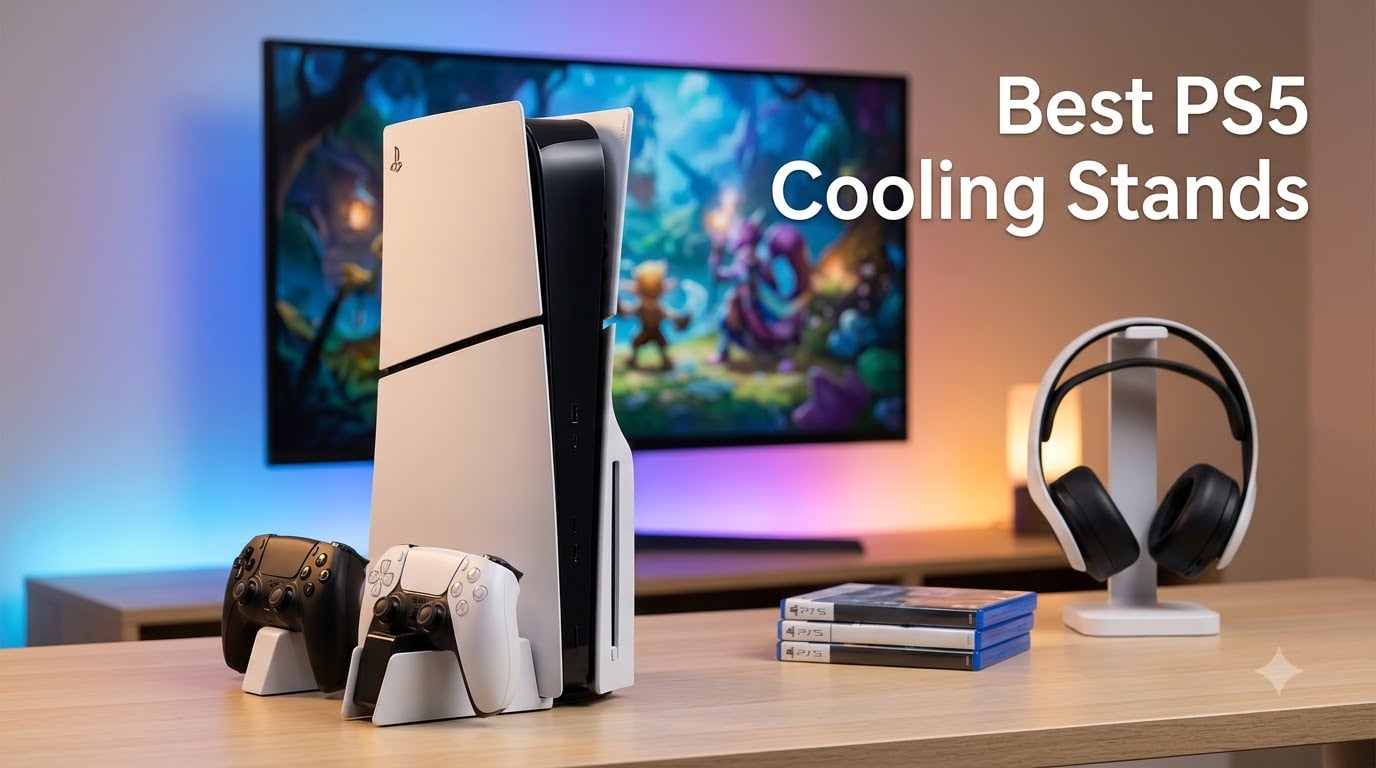
PS5 cooling stands are most useful as charging, storage, and airflow accessories—not as automatic fixes for an overheating console. I compared 12 stands and fans using their published specifications, customer feedback, and the practical questions owners ask about Slim, Pro, DualSense Edge, noise, and USB power.
My short answer: a well-designed stand can move air around the correct PS5 model and may help in a warm, confined entertainment center, but it cannot replace Sony’s own cooling system or guarantee a large temperature drop. The products below are the best PS5 cooling stands for different setups, with honest notes about compatibility and limitations.
I prioritized a secure fit and unobstructed vents over flashy “turbo” language. A stand that blocks the PS5 intake or exhaust can make cooling worse, so I treated airflow placement, fan controls, stability, and automatic shutoff as more meaningful than a headline RPM number.
Our Top 3 Tested PS5 Cooling Stands for 2026

OIVO PS5/Slim/Pro Stand and Cooling Station
- 3-speed fan
- dual controller charging
- 3 USB ports
- 14-disc storage

Tokluck PS5/Slim/Pro Cooling Station
- Auto temperature fan
- 2.5-hour charging
- 3 USB ports
- RGB modes

LIFUFUTEE PS5 Cooling Station
- 2.36-inch turbo fan
- 3 charging ports
- dual charging
- 13-disc storage
Comparing the Best PS5 Cooling Stands in 2026
1. OIVO PS5/Slim/Pro Stand and Cooling Station – Best Overall Features
PS5/Slim/Pro Stand and Cooling Station with LED Controller Charging Station for PlayStation 5 Console, Controller Charger, Cooling Stand, PS5/Slim/Pro Skin Accessories Kit with 3 Level Cooler Fan
3-speed 3100-3500 RPM fan
Dual controller charging
3 USB ports and 14-disc storage
+ Pros
- Charges two controllers
- Expands USB connectivity
- Stores discs
- Supports PS5
- Slim
- and Pro
– Cons
- High fan setting is noisy
- Rest-mode charging needs compatible settings
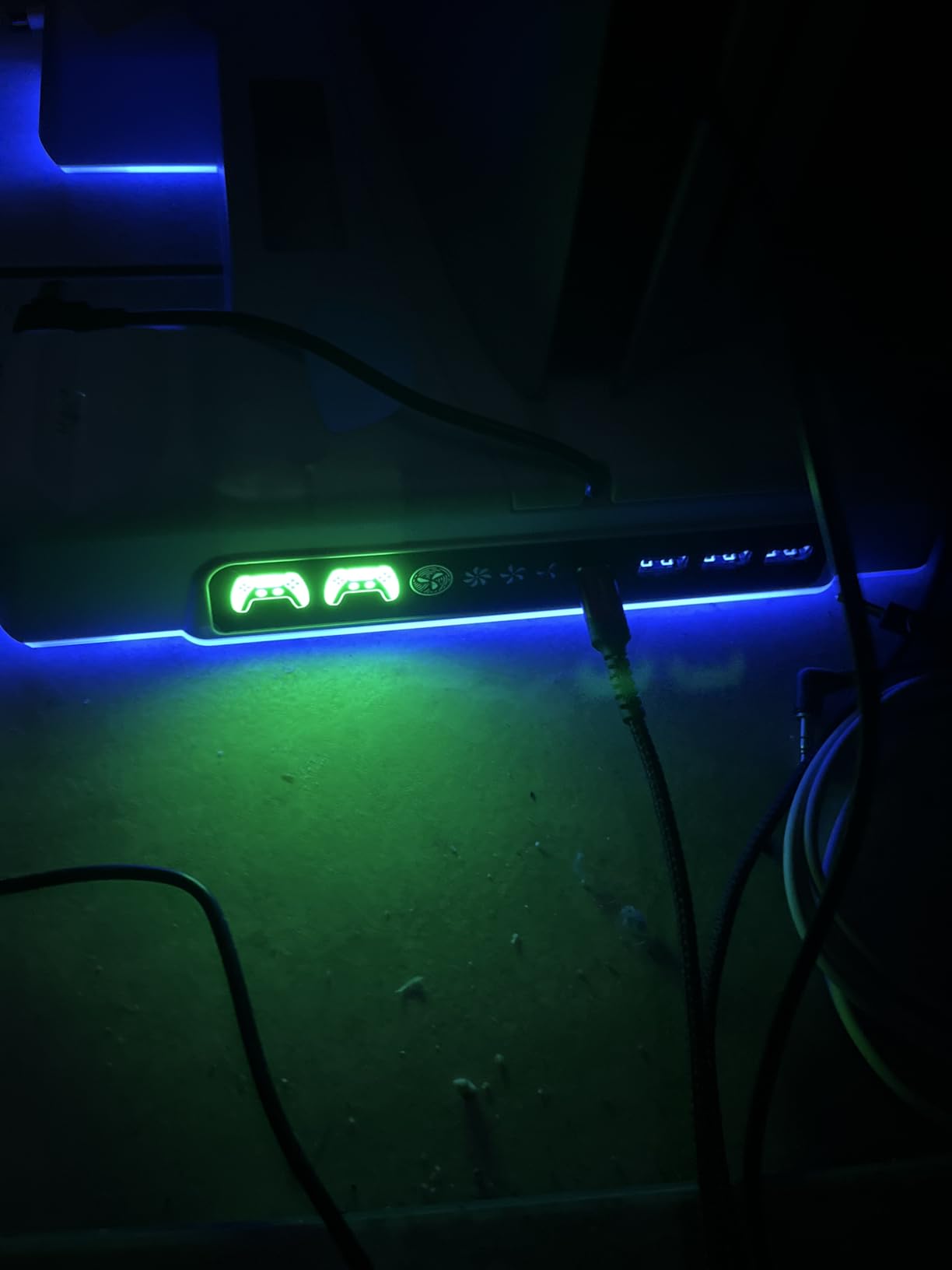
The OIVO is the strongest all-around pick because it treats the stand as a console dock rather than only a fan. Its three-speed fan is listed at 3100–3500 RPM, while the two charging docks can fill controllers in about 2.5 hours and LEDs make the charging state easy to see.
I like the three extra USB ports for headsets, a media remote, and storage. The 14-disc slots and headset hook are genuinely useful when your entertainment center has limited room.
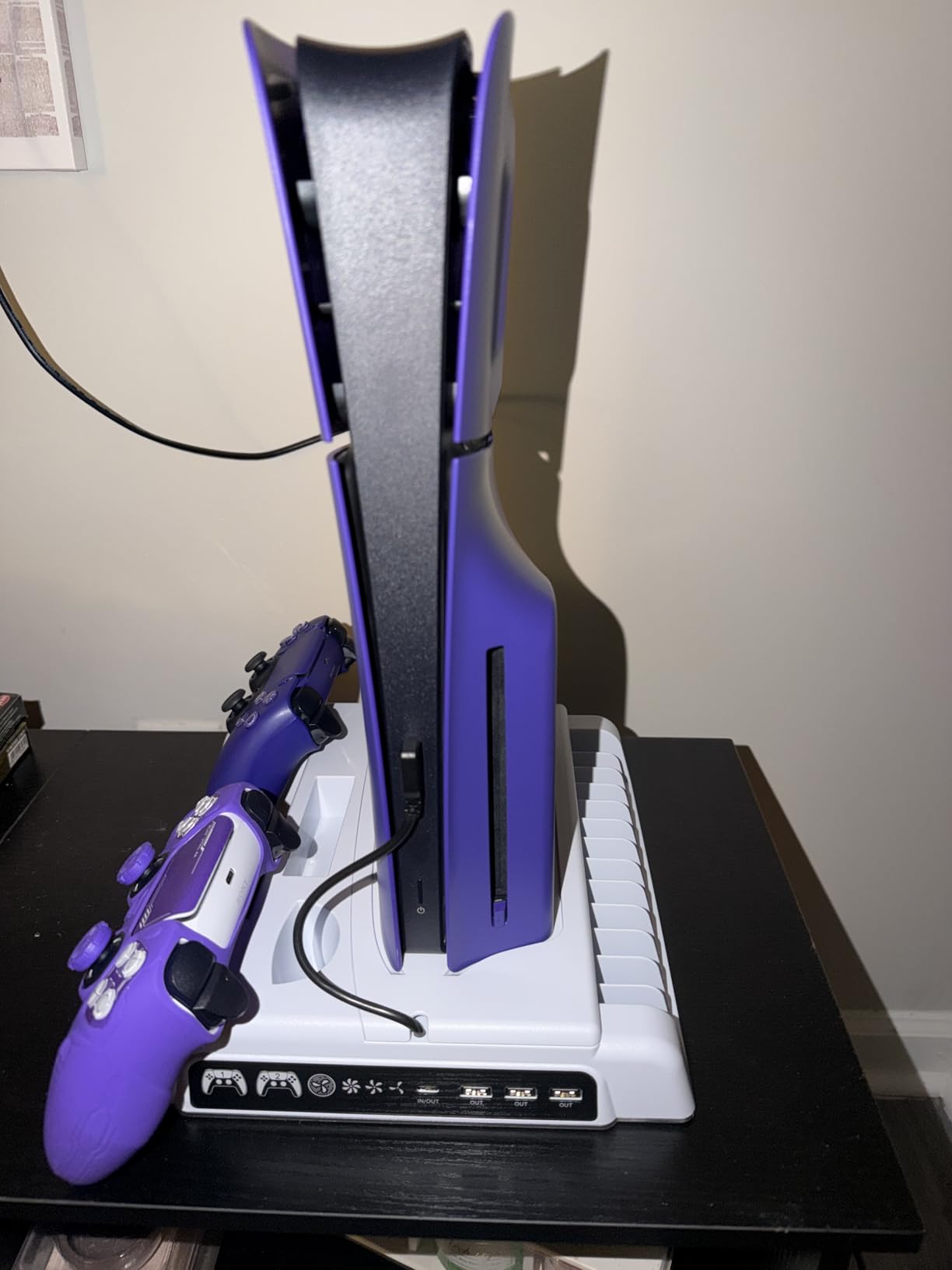
Customer feedback repeatedly praises its sturdy build and organization. The tradeoff is predictable: maximum fan speed adds noise, and controller charging depends on the PS5 being on or in rest mode with the correct USB setting.
Cooling and Airflow
The fan adds targeted airflow and has three levels, so I would start low or medium and increase it only when the room is warm. It is not a temperature display, and a large guaranteed reduction should not be assumed.
Charging and USB Expansion
Two charging docks, three USB ports, and a headset holder make this the most practical organizer in the group. The 14-disc capacity is unusually generous for a PS5 stand.
PS5 Model Fit
OIVO lists support for the original PS5, Slim, and Pro. I would still confirm the included bracket matches the console in hand, especially if the model is a limited-edition housing.
2. Rysker PS5/Slim/Pro Stand – Best Auto Fan With RGB

PS5/Slim/Pro Stand for Disc & Digital Console, PS5 Cooling & Charging Station with RGB Lights, PS5 Controller Charger Built-in 3 Level & AUTO Adjustable Fan, Accessories for PlayStation 4 Chargers
3-level auto fan
Dual Edge charging
3 USB hubs
RGB ambient lighting
+ Pros
- Automatic fan adjustment
- Edge controller support
- Quiet reported operation
- Three USB hubs
– Cons
- Rest-mode settings may be required
- Some charging complaints
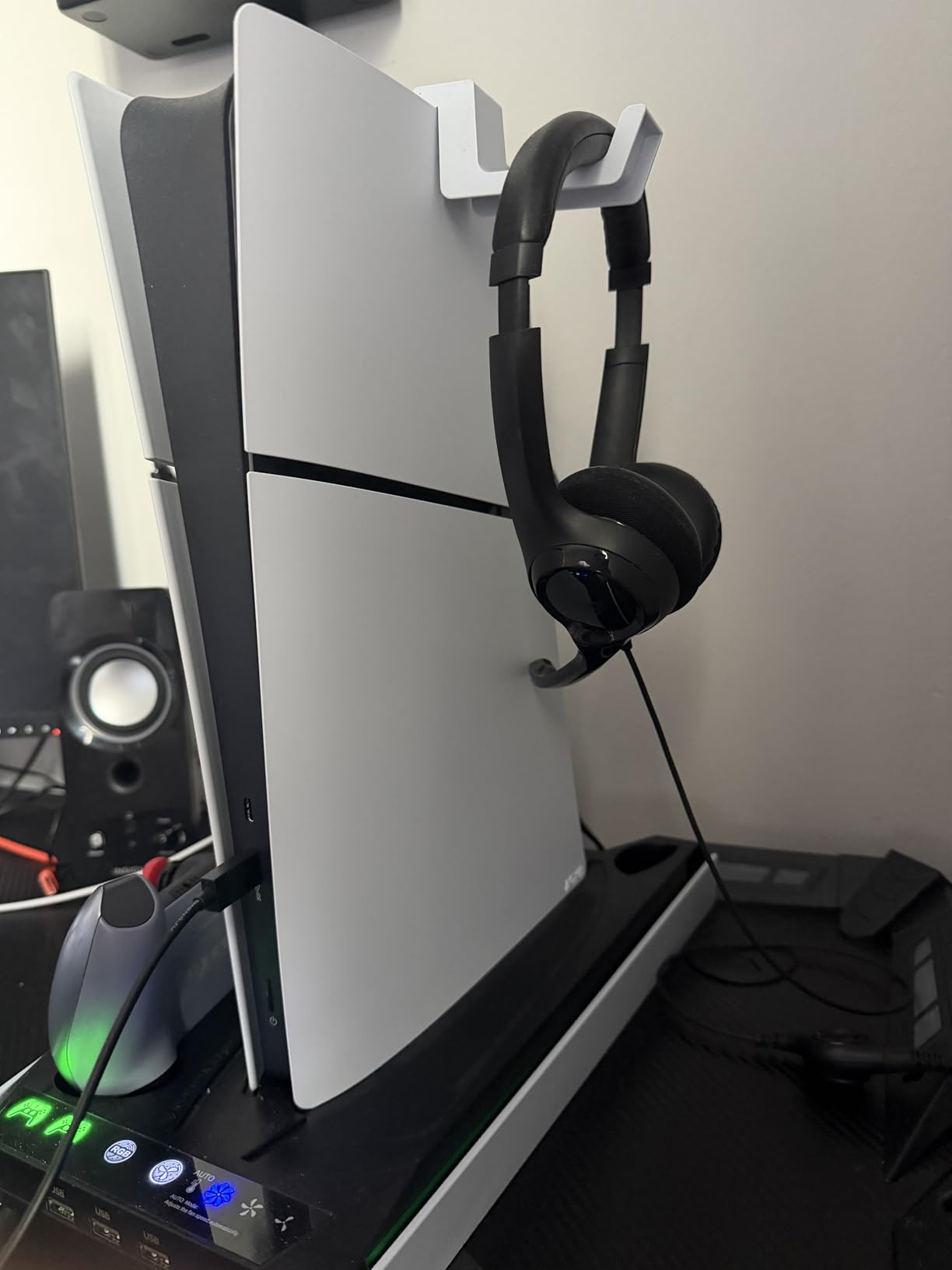
Rysker combines automatic fan adjustment with support for original and Edge controllers. That is a useful distinction because many otherwise similar stands mention PS5 Pro compatibility but do not clearly address the wider Edge charging cradle.
The product lists a 3.5-hour charge for original DualSense controllers and 2.5 hours for Edge controllers. Its three USB hubs, media remote slot, headphone hanger, and RGB lighting make it a tidy desktop hub.
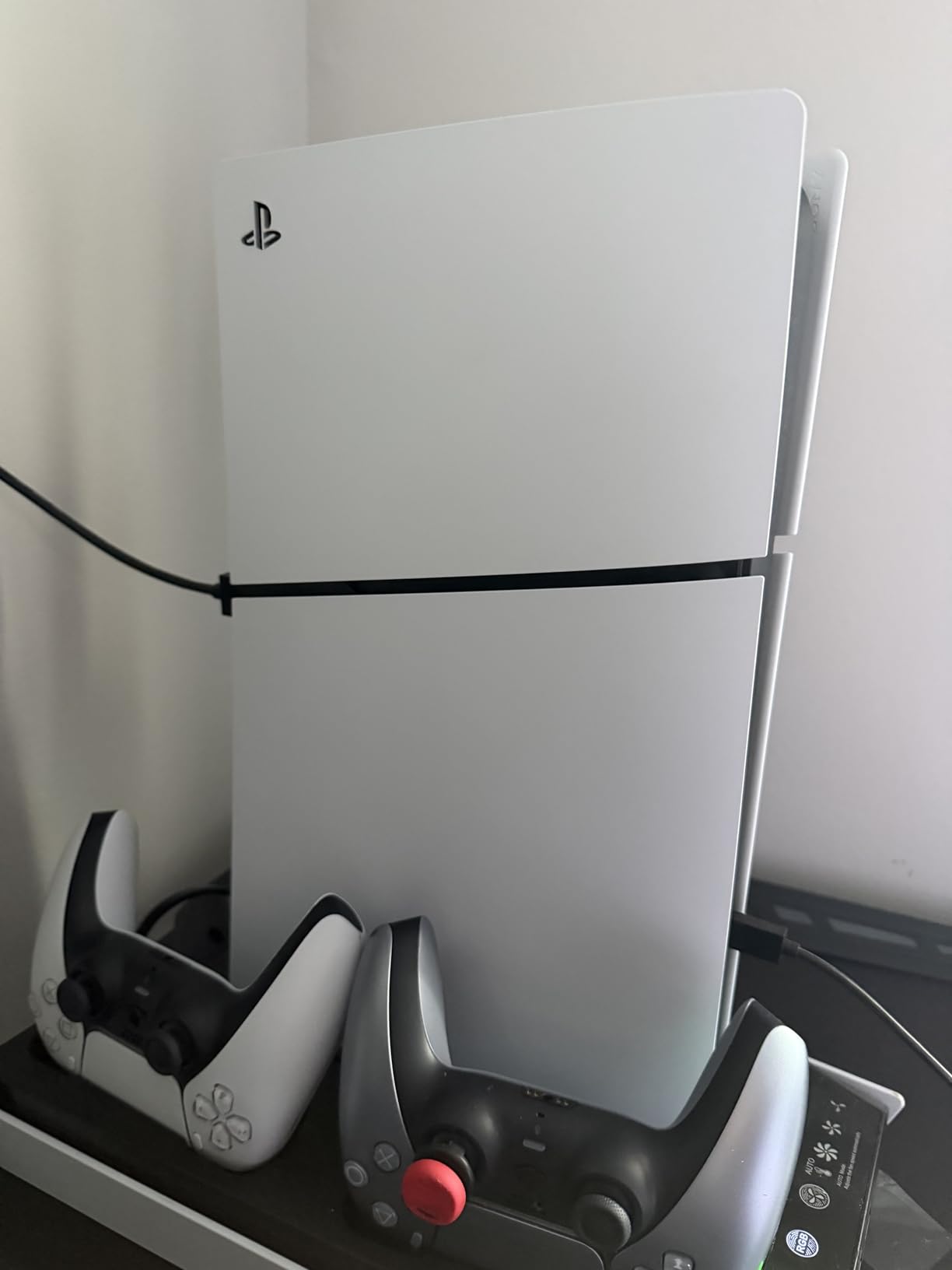
Users praise the variable-speed fan and relatively quiet operation. I would check the rest-mode USB setting before relying on overnight charging, since the product notes that power behavior can affect the dock.
Auto Fan Control
Auto mode is the main reason to choose this stand. It can change the fan level according to console heat instead of making you manually chase a setting during every session.
Controller and Accessory Storage
The charging cradle and USB hub are more useful than the RGB alone. I would place frequently used accessories here and keep the console’s own front USB port available.
Noise and Fit
Customer reports call the fan quiet even at full speed, but individual noise perception varies. Confirm the correct adapter is installed for the PS5 Slim or Pro before tightening the security screw.
3. LIFUFUTEE PS5 Cooling Station – Best Budget Multi-Port Pick
LIFUFUTEE PS5 Stand, PS5/Slim/Pro Cooling Station with 2.36in Cooling Fan, Controller Charger Station for PS5 Accessories, RGB Light, Headset Holder, 3 Charger Ports for PlayStation 5 Slim/Pro Console
2.36-inch turbo fan
Dual 3-hour charging
2 USB-A and 1 USB-C
13-disc storage
+ Pros
- Strong 4.6 rating
- Multiple charging ports
- RGB memory
- Disc and headset storage
– Cons
- Some reports question Pro fit
- High fan speed noise
The LIFUFUTEE is a compelling budget choice for someone who wants one accessory to cover cooling, controller charging, and desk organization. Its 2.36-inch fan has three speeds, and the listed dual-controller charging time is three hours.
The two USB-A ports plus one USB-C port give it more charging flexibility than a simple fan. I also like the memory function for the fan setting, although some customers report that PS5 Pro fitting can be inconsistent.
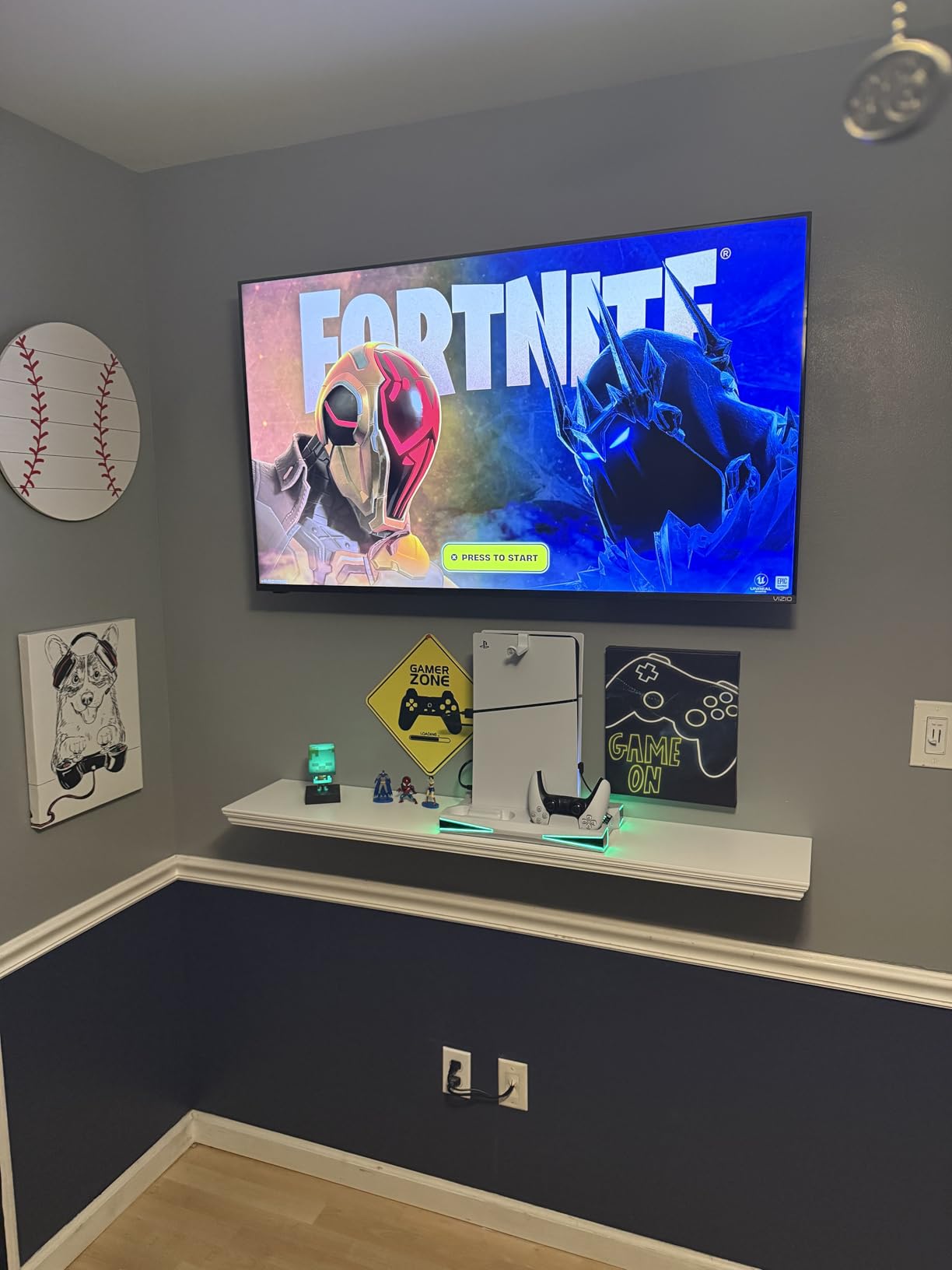
It holds 13 game discs and includes a headset holder and media remote slot. Six RGB modes add personality, but they are not needed for cooling and can be distracting in a dark room.
Turbo Fan and Memory
The fan is the product’s main cooling feature, with strong, medium, and normal levels. A memory function is convenient, but it is not the same as automatic temperature monitoring.
Ports and Storage
Two USB-A ports and one USB-C port are useful for charging small accessories. The 13-disc tray and headset holder make the stand a better organizer than a bare cooling plate.
Who Should Skip It
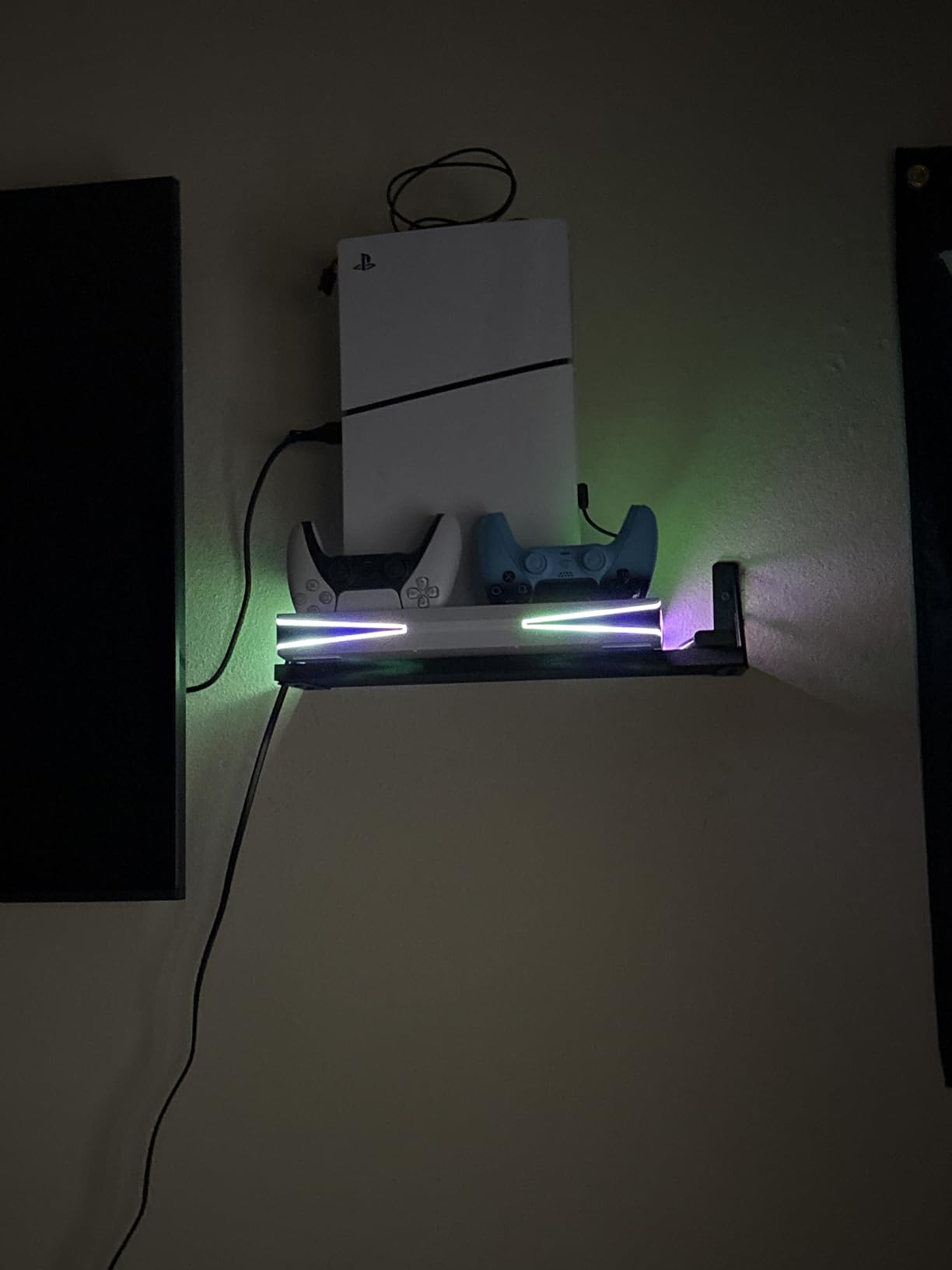
If your PS5 Pro fit is non-negotiable, compare the mounting dimensions and bracket carefully before ordering. A stand that needs repeated repositioning is not a good fit for a heavy console.
4. CYKOARMOR PS5/PS5 Slim/PS5 Pro Stand – Strong Charging and Port Selection

PS5/PS5 Slim/PS5 Pro Stand and Cooling Station with Dual Controller Charging Station for PlayStation 5 Console, PS5 Accessories Incl. Controller Charger, Cooling Fan, Headset Holder, 3 USB Hub, White
3 adjustable fan speeds
Dual controller charging
3 USB hubs
70% battery protection
+ Pros
- Three USB hubs
- Stable security screw
- Quiet low setting
- Slim and Pro support
– Cons
- 70% charge limit
- High fan noise
- Depends on PS5 USB power
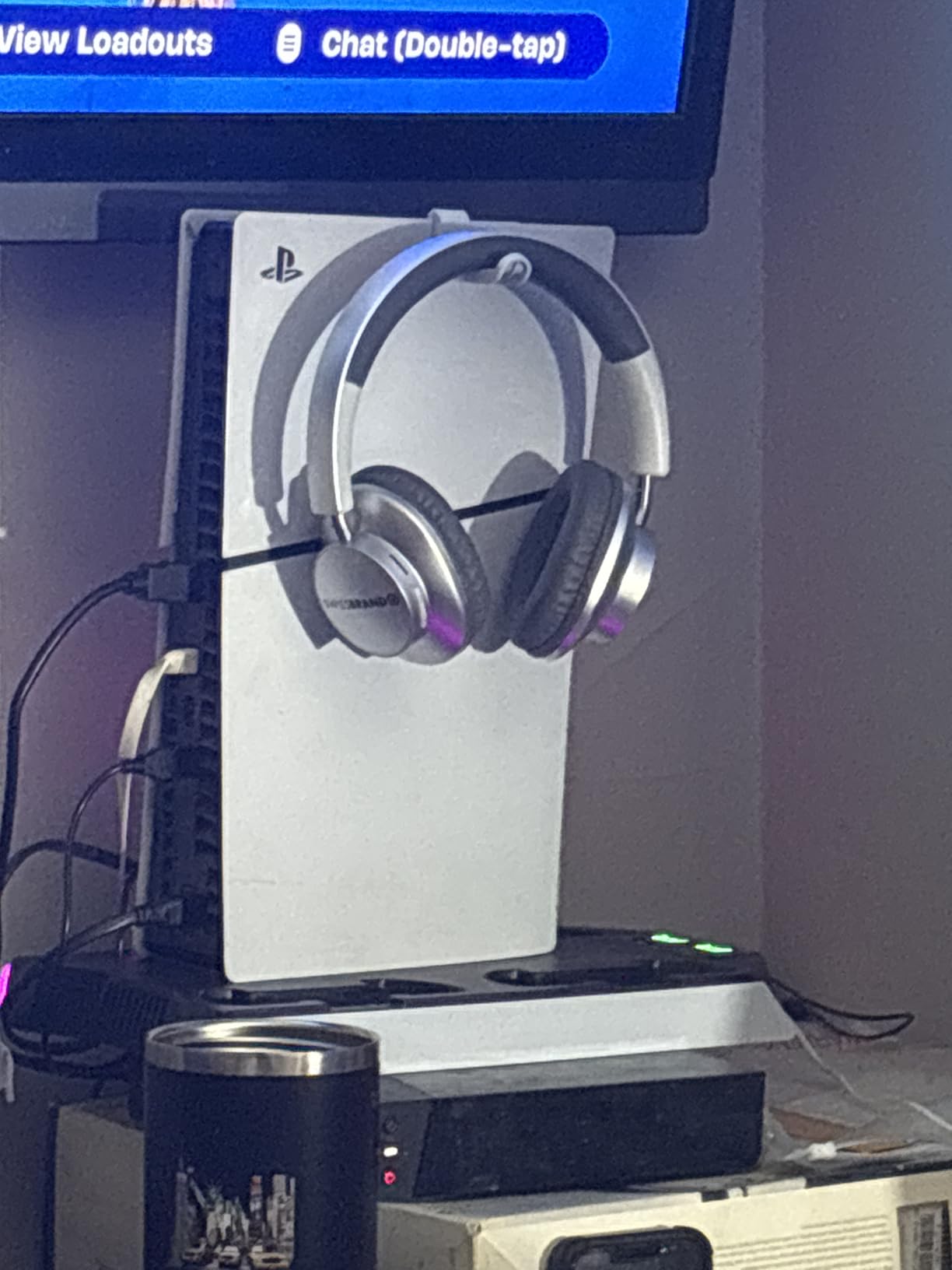
CYKOARMOR is designed for owners who want a dock with more than one place to plug in a headset or other USB device. Three adjustable fan speeds, three USB hubs, and a security screw make the setup feel more permanent than a lightweight clip-on fan.
The standout feature is the 70% charge limit, which can help preserve controller battery health. It means the dock is not for someone who insists on charging to 100% every time.
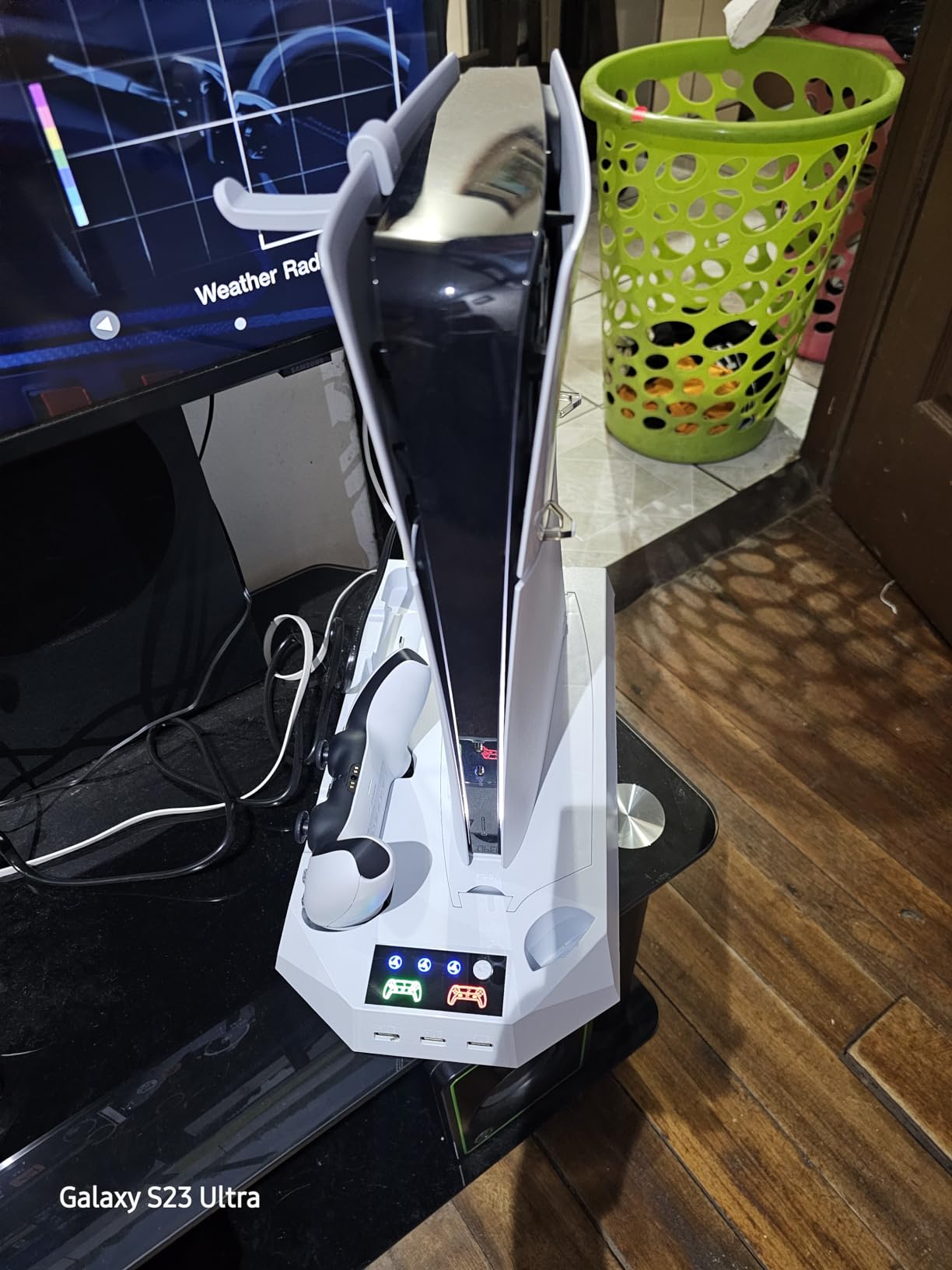
Customer feedback says the low fan setting is quiet, while the higher settings become more noticeable. Because the unit is powered through the PS5 connection, the controllers will not charge when the console is fully off unless the rest-mode power setting is enabled.
Stability and Security
The security screw is a meaningful plus in a busy entertainment center. I would tighten it only after confirming the console is seated evenly and every vent remains clear.
Charging Protection
The 70% limit is thoughtful, but it creates a clear trade-off between battery longevity and maximum charge. Some owners will prefer a dock that reaches full capacity.
Compatibility
The listing covers original PS5, Slim, and Pro consoles in disc and digital versions. Check the current bracket configuration because accessory revisions can change between batches.
5. OIVO Vertical Cooling Station – Fastest Listed Dual Charging

Cooling Station with Controller Charger for PS5/Slim/Pro, PlayStation 5 Vertical Stand for Disc & Digital Console, Dual PS 5 Controller Charging Station with 3 Level Cooling Fan, PlayStation 3 Games
3-level turbo fan
2-hour DualSense charging
2.5-hour Edge charging
9 RGB modes
+ Pros
- Fast listed charging
- Touch controls
- Phone holder
- Quiet reported operation
– Cons
- Bulky footprint
- Some reports of defects
- Phone holder sizing limits
This newer OIVO model is the pick for owners who prioritize fast controller charging. Its listed charge times are two hours for DualSense and 2.5 hours for DualSense Edge, with LED indicators and a touch switch.
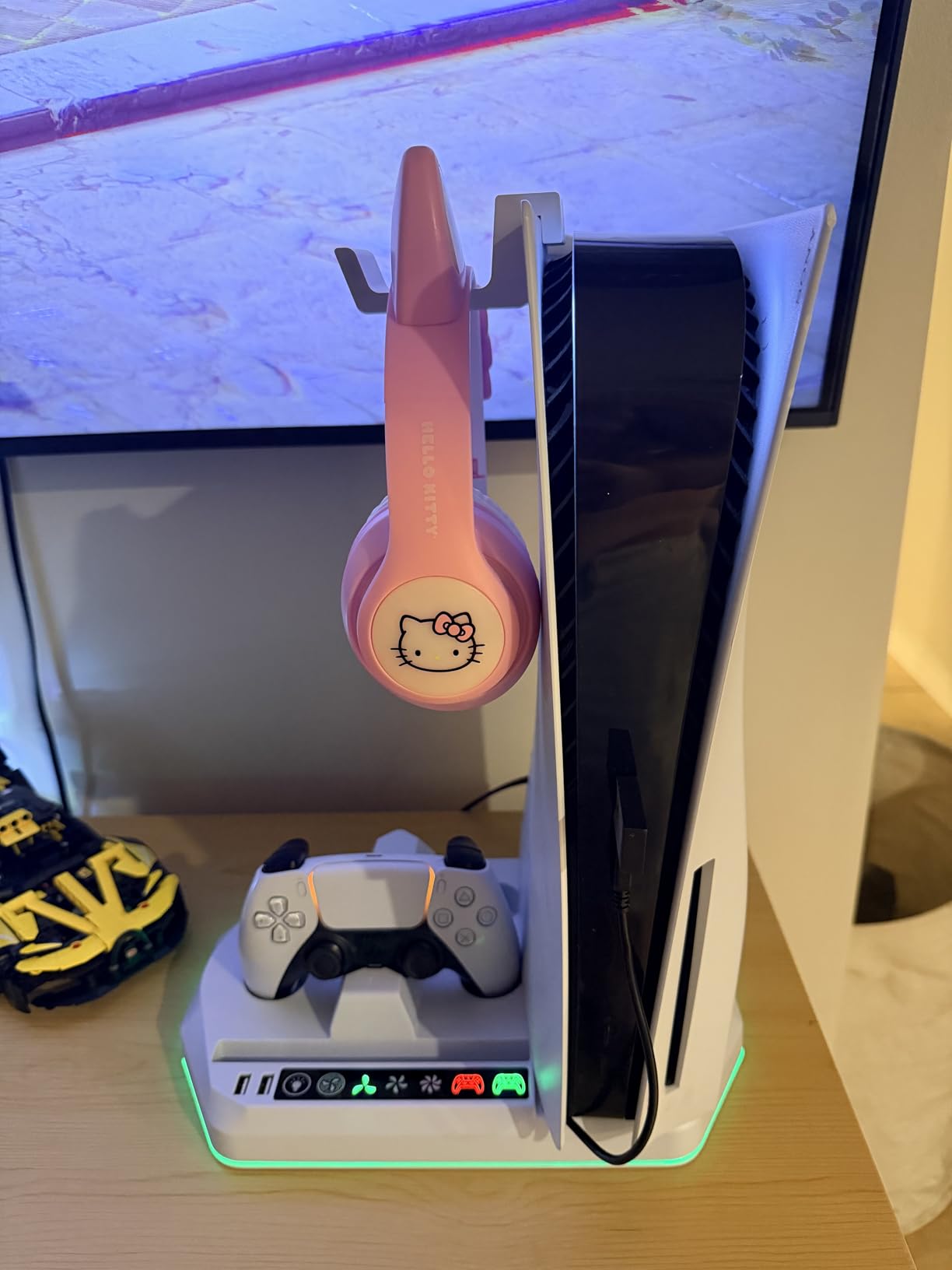
The vertical design saves desk space, but the added phone holder and headphone hook make the base wider than a minimal stand. Nine RGB modes are available, and the listed product details include protection against overcharging, overheating, overvoltage, and short circuits.
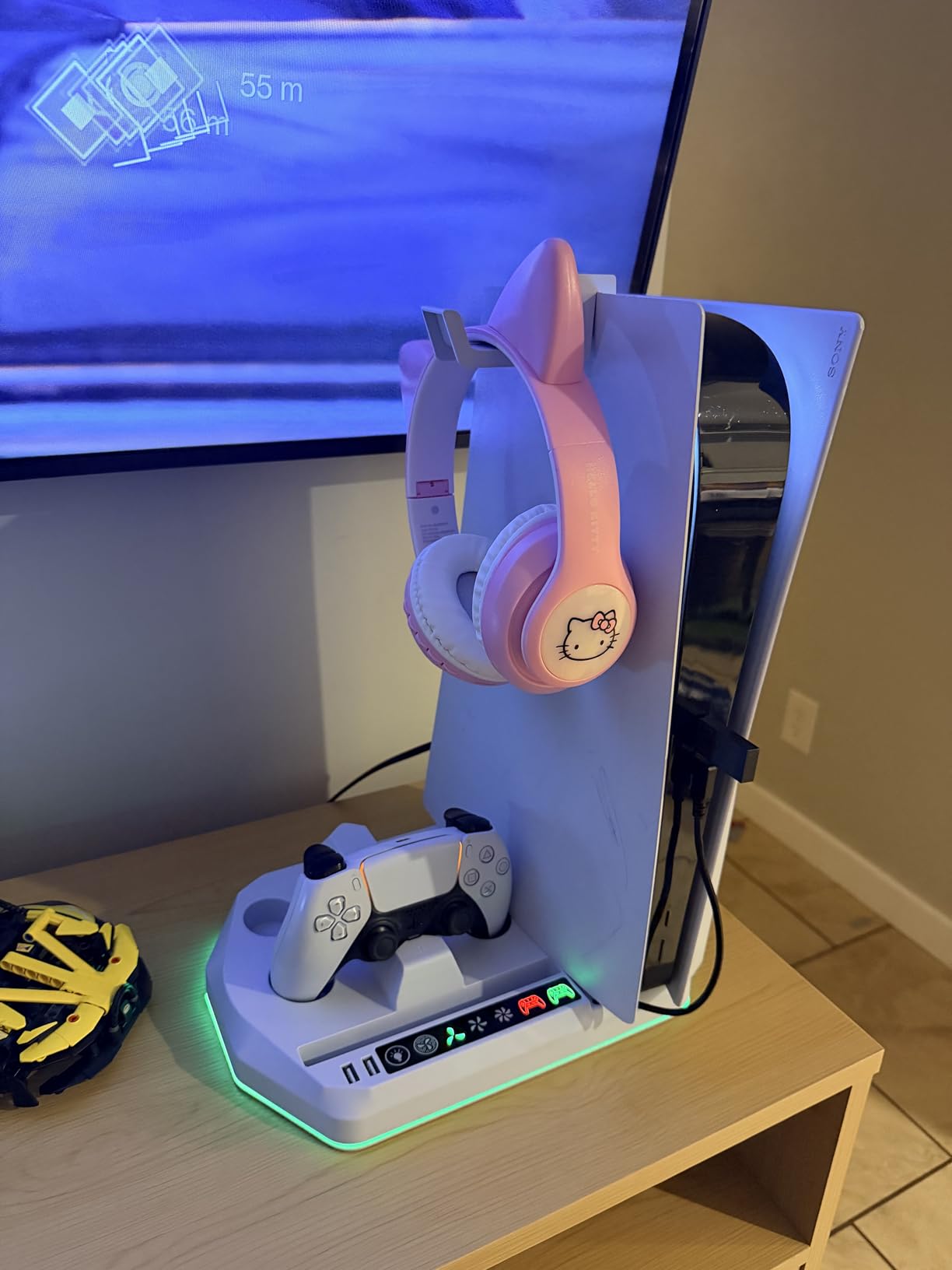
The trade-off is a smaller review base and reports of occasional defects or a bulky footprint. That is not unusual for a newer design, but I would inspect the bracket and cable connection immediately after arrival.
Fast Charging
The two-hour DualSense figure is the fastest listed among the reviewed docks with both an original and Edge controller. Actual time depends on the controller battery, cable, and power source.
Desktop Organization
A phone holder and headphone hook are useful if the console sits on a shared desk. Measure the base first, since the wider footprint can crowd a narrow media shelf.
Cooling and Controls
The fan has three levels, and the touch control is easy to reach. Start on the lower level if you are sensitive to fan noise during quiet games.
6. heclynis PS5 Cooling Stand – Best Organizer for Disc Collections

heclynis PS5 Cooling Stand for PS5/Slim/Pro, Dual Charger, RGB
3 silent fan levels
Dual 3-hour charging
12-disc storage
RGB lighting
+ Pros
- Twelve-disc capacity
- Dual charging
- RGB modes
- Security screw
– Cons
- No controller auto-shutoff
- High fan noise
- Possible wobble
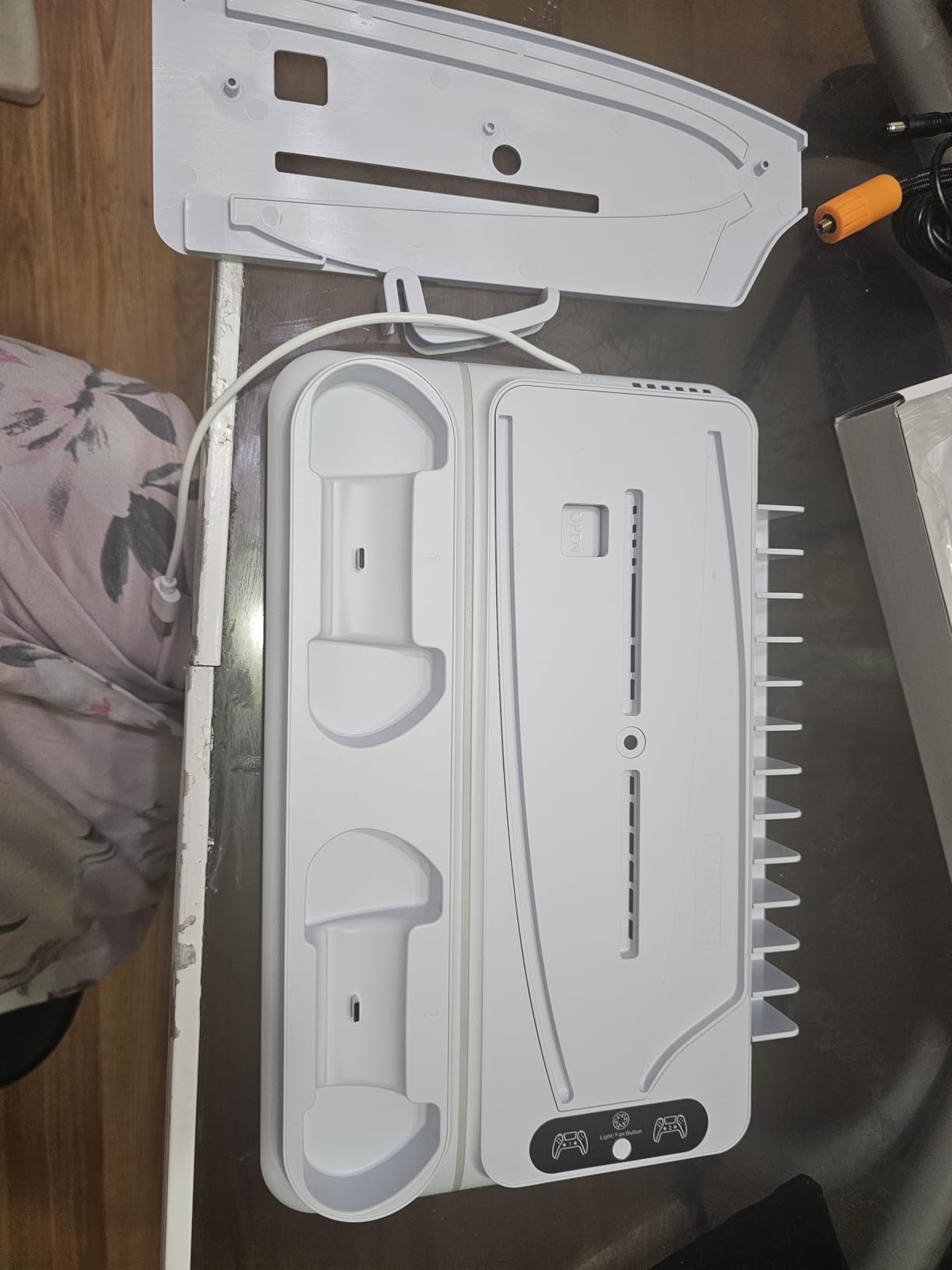
heclynis makes a strong case for the stand as an organizer. It supports original PS5, Slim, and Pro consoles, offers three fan levels, and stores 12 game discs along with a headset.
Dual controller charging is listed at about three hours. The product also includes a security screw and three USB ports, making it a practical hub for a console setup.
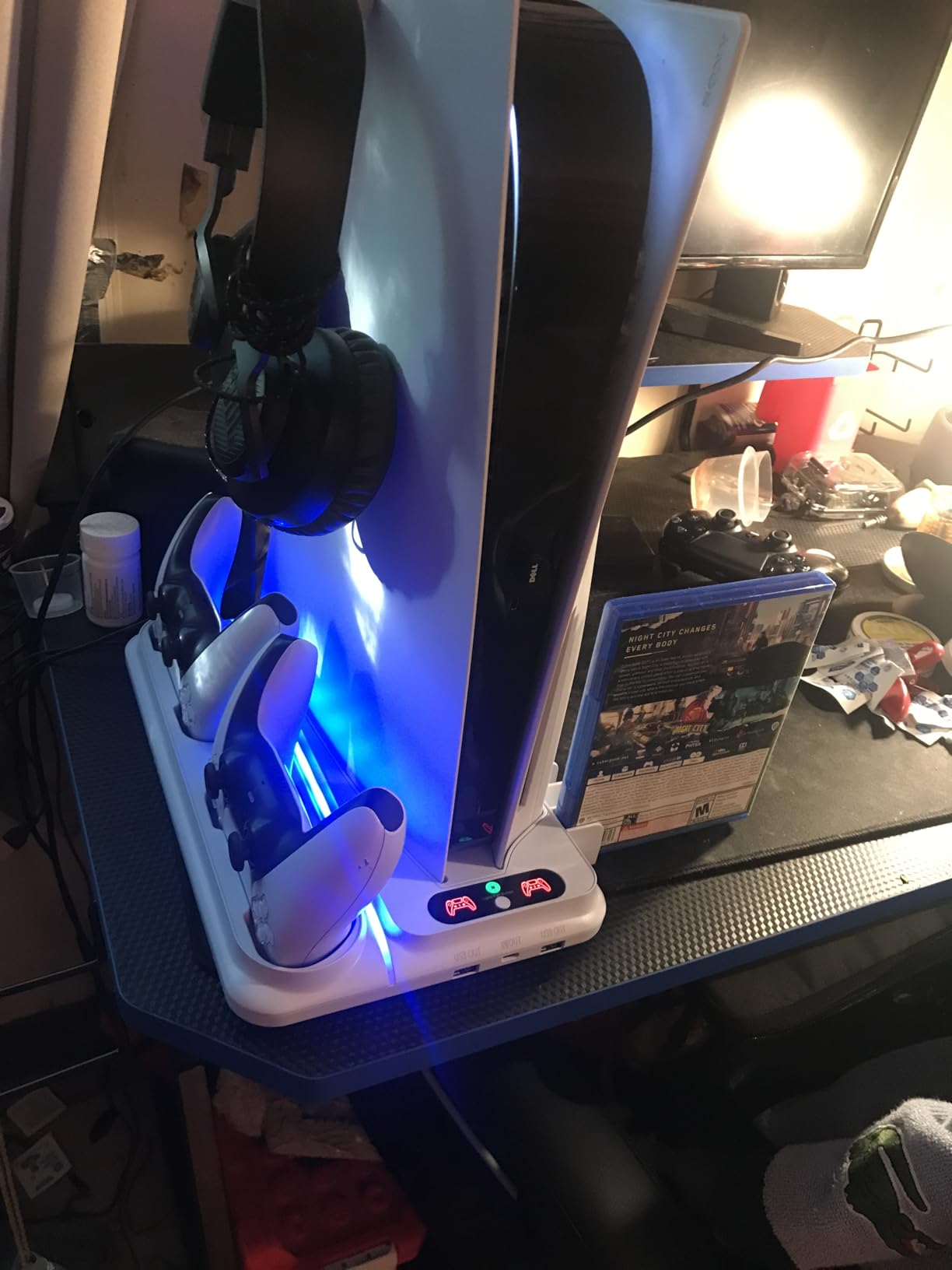
Customer reports mention a louder fan at higher levels and occasional wobble if the console is not secured correctly. I would assemble it on a flat surface, then check stability before attaching cables.
Fan and Noise
The three fan levels help, but “silent” should not be read as literally inaudible. The lower setting is the sensible choice for late-night play; high speed is for warmer rooms or longer sessions.
Storage and Charging
Twelve disc slots and a headset holder are the reason to choose this model. The lack of automatic controller shutoff is a drawback for anyone who leaves controllers on the dock continuously.
Long-Term Reliability
The security screw helps keep the console stable, but a few customers reported a fan stopping after roughly a week. Test every fan level and charging cradle during the return window.
7. Tokluck PS5/Slim/Pro Cooling Station – Best Automatic Fan Logic
Tokluck PS5/Slim/Pro Cooling Station with Auto Turbofan & 3-Level Speed, PS5 Vertical Stand Cooling Fan Station with Controller Charger, Cooler Docking Station for PlayStation 4 Adapters
Automatic 3-level fan
2.5-hour Edge charging
9 RGB modes
Temperature thresholds
+ Pros
- Temperature-based fan control
- 2.5-hour charging
- Quiet reports
- Memory function
– Cons
- Some Slim fit complaints
- Setup may require bracket changes
Tokluck is the most interesting option for someone who wants the fan to react to console temperature instead of manually changing speeds. Its listed auto mode uses high speed above 98.6°F/37°C, medium between 95–98.6°F/35–37°C, and low below 95°F/35°C.
The same dock supports original and Edge controllers with a listed 2.5-hour charge time. Nine RGB effects, brightness adjustment, and a memory function add convenience without making cooling fully automatic.
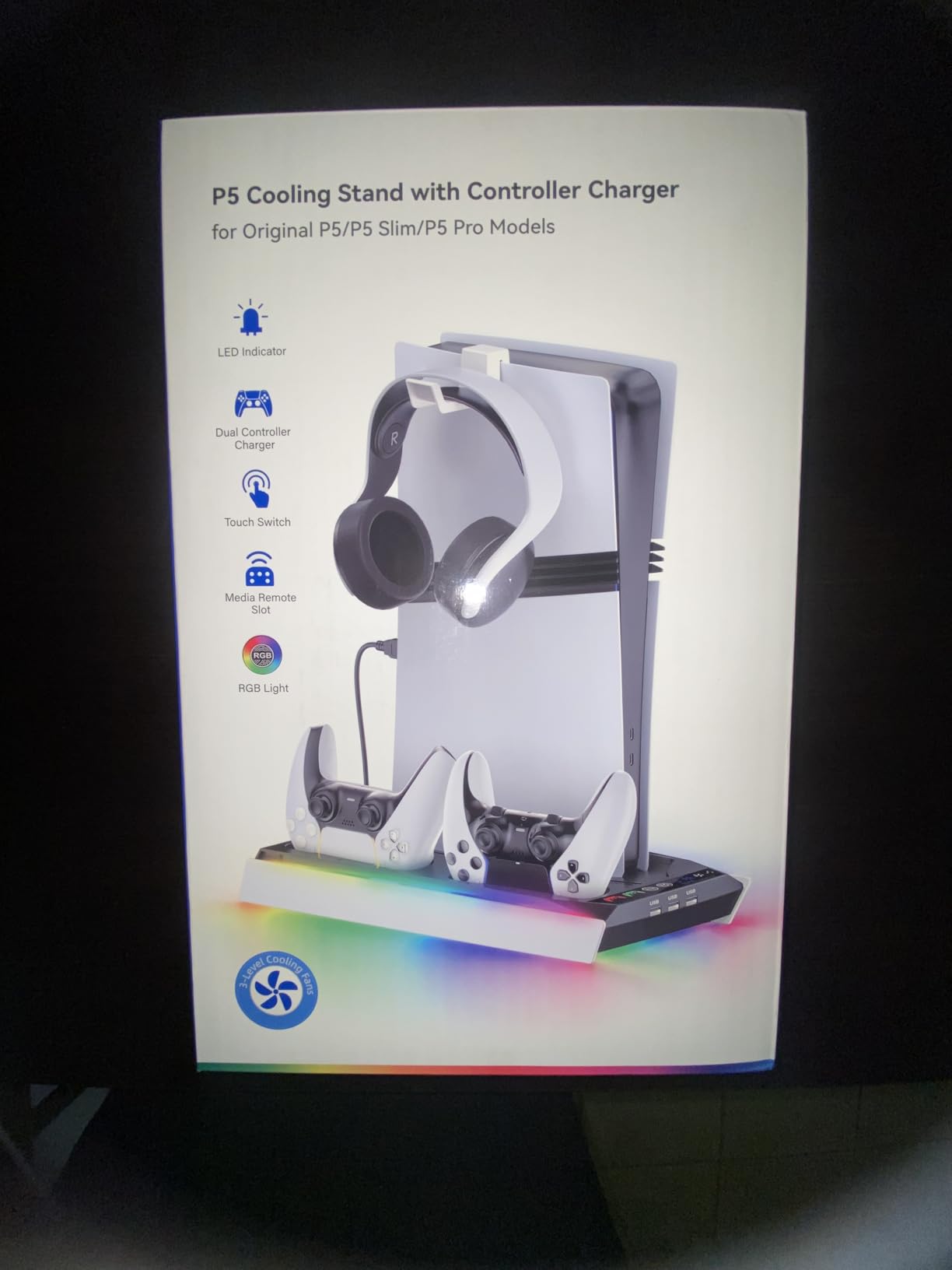
Customers praise the quiet operation and automatic adjustment, but some report difficulty fitting the PS5 Slim correctly. I would check the bracket before tightening anything because the first setup can require changing the base piece.
Temperature-Based Fan
Automatic fan logic is more useful than a fixed “turbo” label when the console moves between light games and demanding releases. The thresholds are product guidance, not a guaranteed internal-temperature reading.
Charging and RGB
The Edge support is a strong point, and 2.5 hours is competitive. RGB brightness can be reduced if the lights become distracting in a dark room.
Fit and Setup
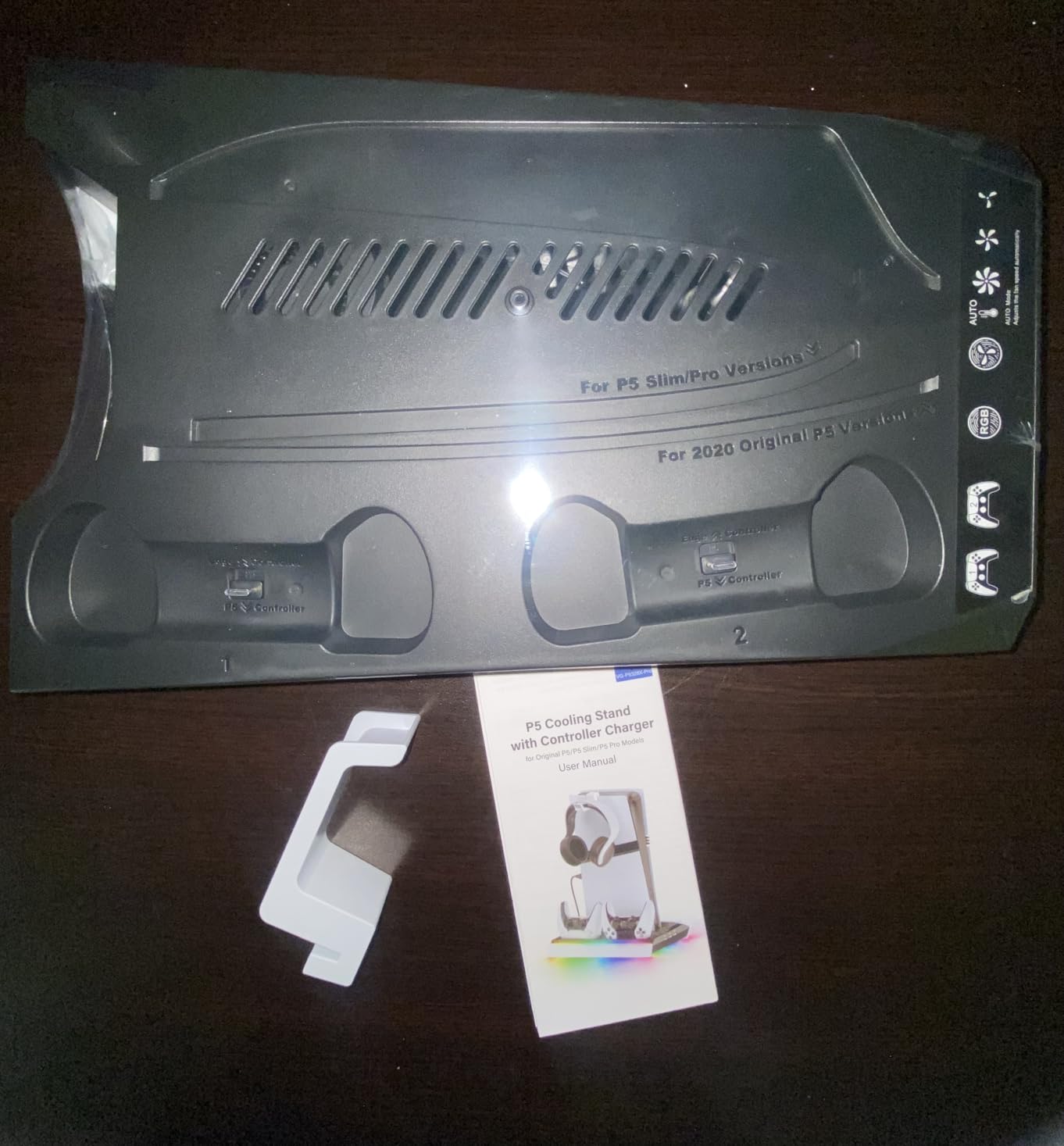
Support for Slim and Pro is listed, but fit complaints mean I would not assume every console revision seats identically. Keep the original box until the bracket and vents have been checked.
8. Tokluck PS5 Horizontal Stand – Best for Horizontal Placement

PS5/Slim/Pro Horizontal Stand with Cooling Fan & Charger for Original & Edge Controllers, Scalable Design PS5 Accessories Base with EVA Foams for All PS Five Disc & Digital, PS 5 Sideways Stand White
Horizontal scalable design
Three fan speeds
Dual Edge charging
EVA foam
+ Pros
- Fits original
- Slim
- and Pro
- Easy tool-free installation
- Edge support
– Cons
- Some wobble reports
- Charging slower than cable
- Airflow benefit is model-dependent
This Tokluck model is for horizontal placement, not a vertical tower. Its scalable design is listed for the 2020 PS5, 2023 Slim, and 2024 Pro, with EVA foam supplied for Digital Edition consoles.
The dual dock supports original and Edge controllers and is listed at roughly three to 3.5 hours for a full charge. Three fan speeds and one-step installation make it approachable for a first-time stand buyer.
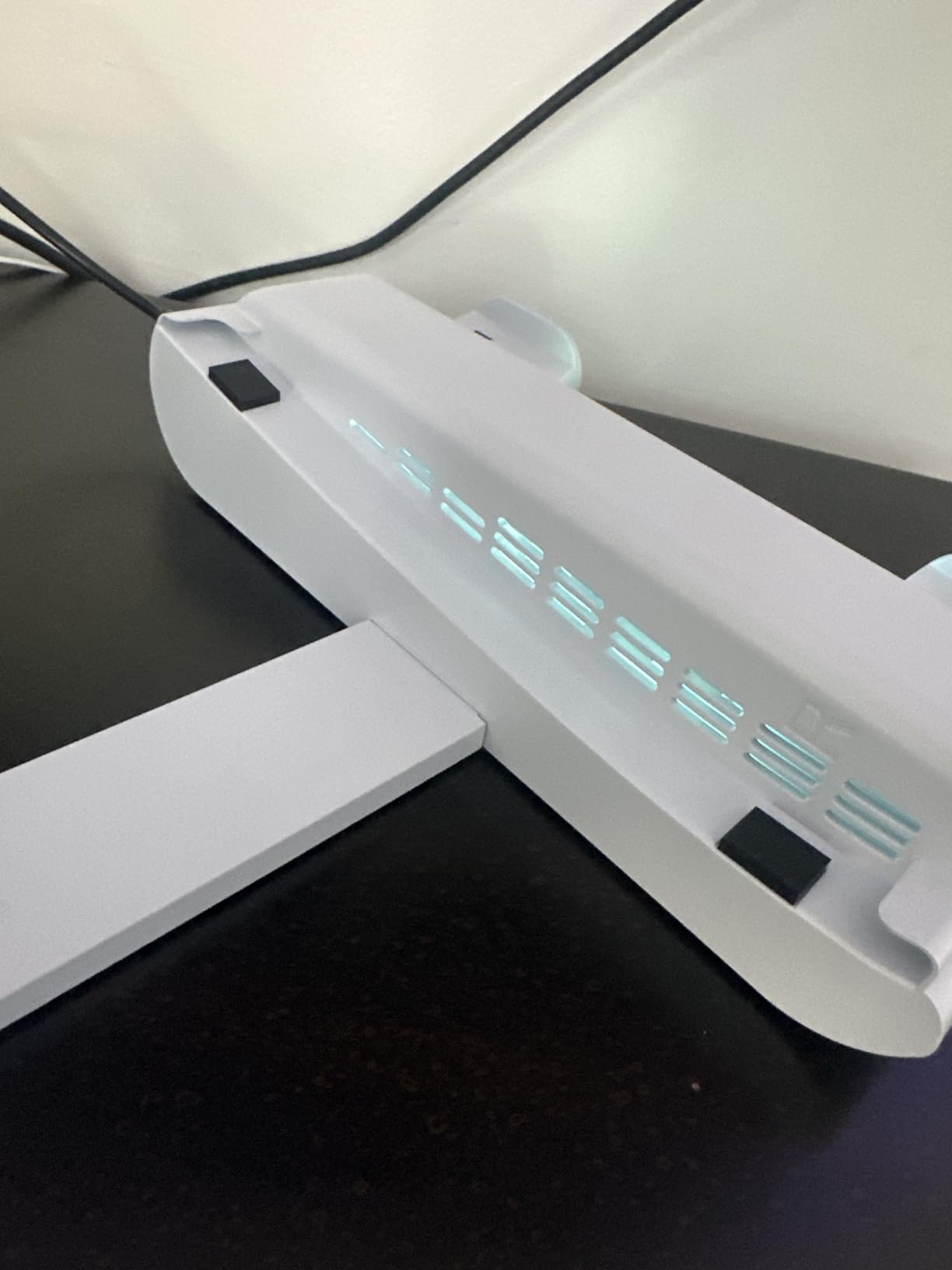
Owners like the horizontal format for a TV stand, but some report that the unit can sit unevenly or wobble when a controller is plugged in. I would place it on a rigid, level shelf and avoid pulling the controller cable sideways.
Horizontal Airflow
Horizontal placement can suit a low media console, but the stand does not magically cool internal components. Make sure the fan is directed through the intended vent path and the rear cable area is not crowded.
Edge Controller Support
Explicit Edge support makes this stand more flexible than several docks that only mention standard DualSense. Charging is still slower than a direct wired connection, according to customer feedback.
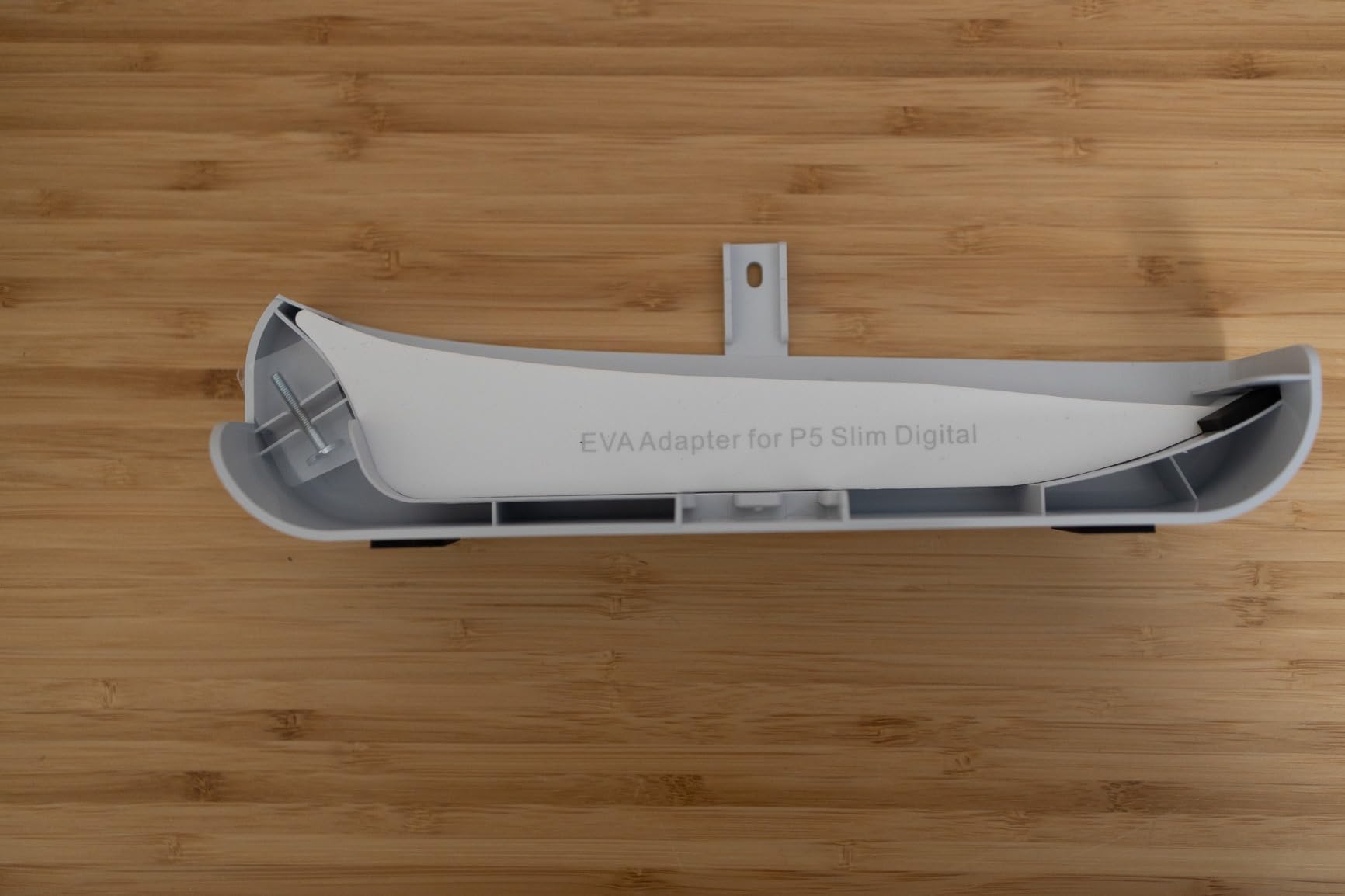
Installation Stability
Tool-free setup is convenient, yet the reported wobble makes a stability check worthwhile. I would avoid using the stand as a handle or lifting the console by its controller dock.
9. Kammkonb PS5/Slim/Pro Cooling Station – Best Three-Port Hub

PS5/Slim/Pro Cooling Station with Controller Charging Station for Playstation 5 Slim&Standard&Pro Disc/Digital Console, PS5 Pro Stand Cooler Accessories Incl Cooling Fan/3 USB Hubs
3-speed turbo fan
3-hour dual charging
3 USB hubs
13-disc storage
+ Pros
- Three USB hubs
- Dual charging
- Safety screw
- Quiet reported fan
– Cons
- No Edge controller support
- High fan noise
- Slim panel removal may be needed
Kammkonb focuses on an all-in-one dock: three-speed turbo fan, three USB hubs, dual controller charging, and storage for 13 game discs. It is a good fit for a console that needs more accessory ports.
The safety screw helps secure the console, while the listed 3-hour charging time is acceptable for a dock rather than a wired wall charger. Customer feedback praises its organization and build quality.
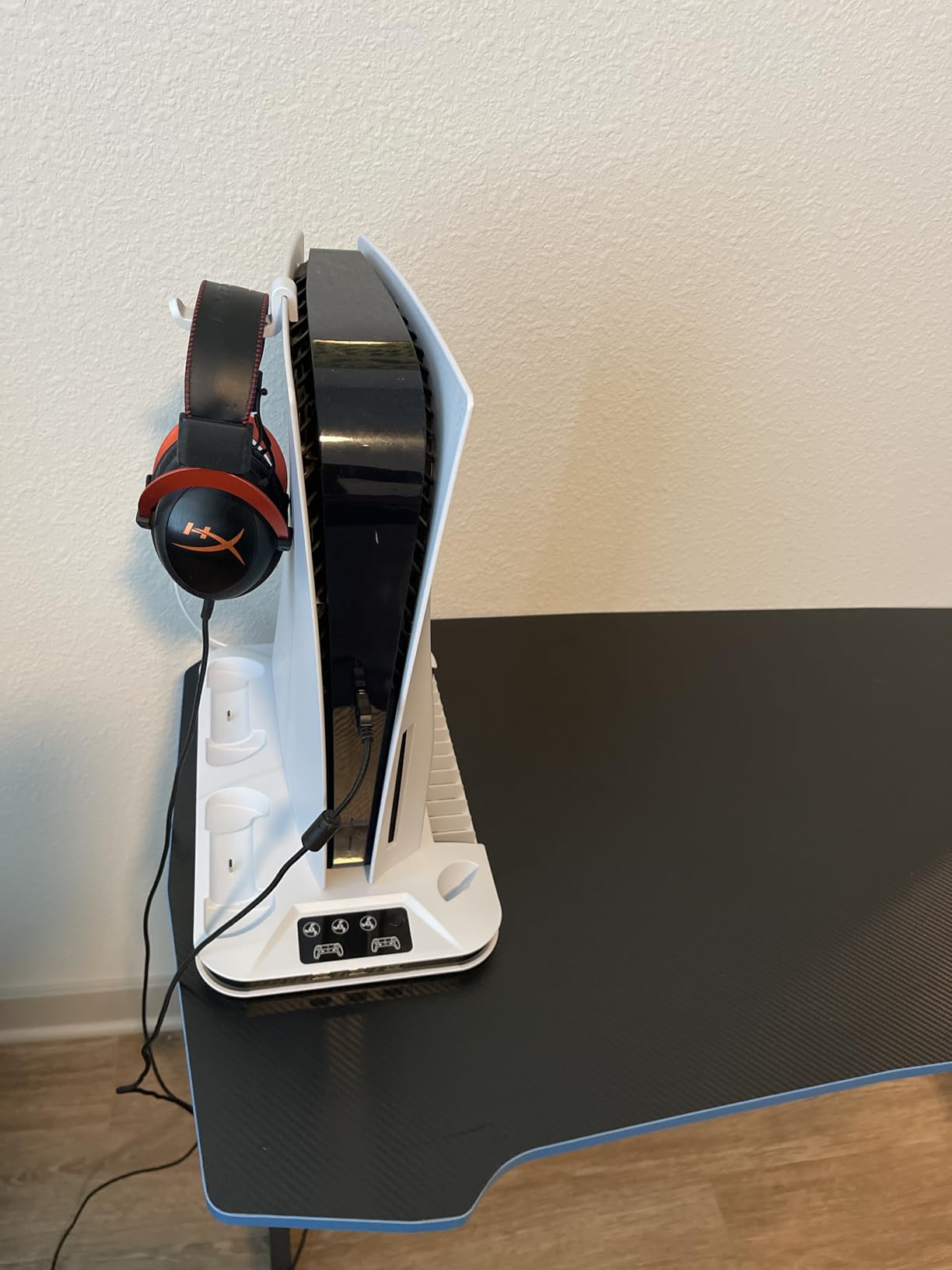
It does not list Edge controller support, and the Slim may require a panel adapter change. I would verify the exact console revision before ordering rather than relying only on the broad PS5/Slim/Pro description.
Hub Layout
Three USB hubs are useful for a headset, external drive, or charging cable. They are convenience ports, not a reason to block the PS5’s required ventilation.
Cooling and Charging
The three fan levels provide a choice between quieter operation and stronger airflow. The charging dock is practical, but the lack of Edge support makes the Rysker or Tokluck better for Edge owners.
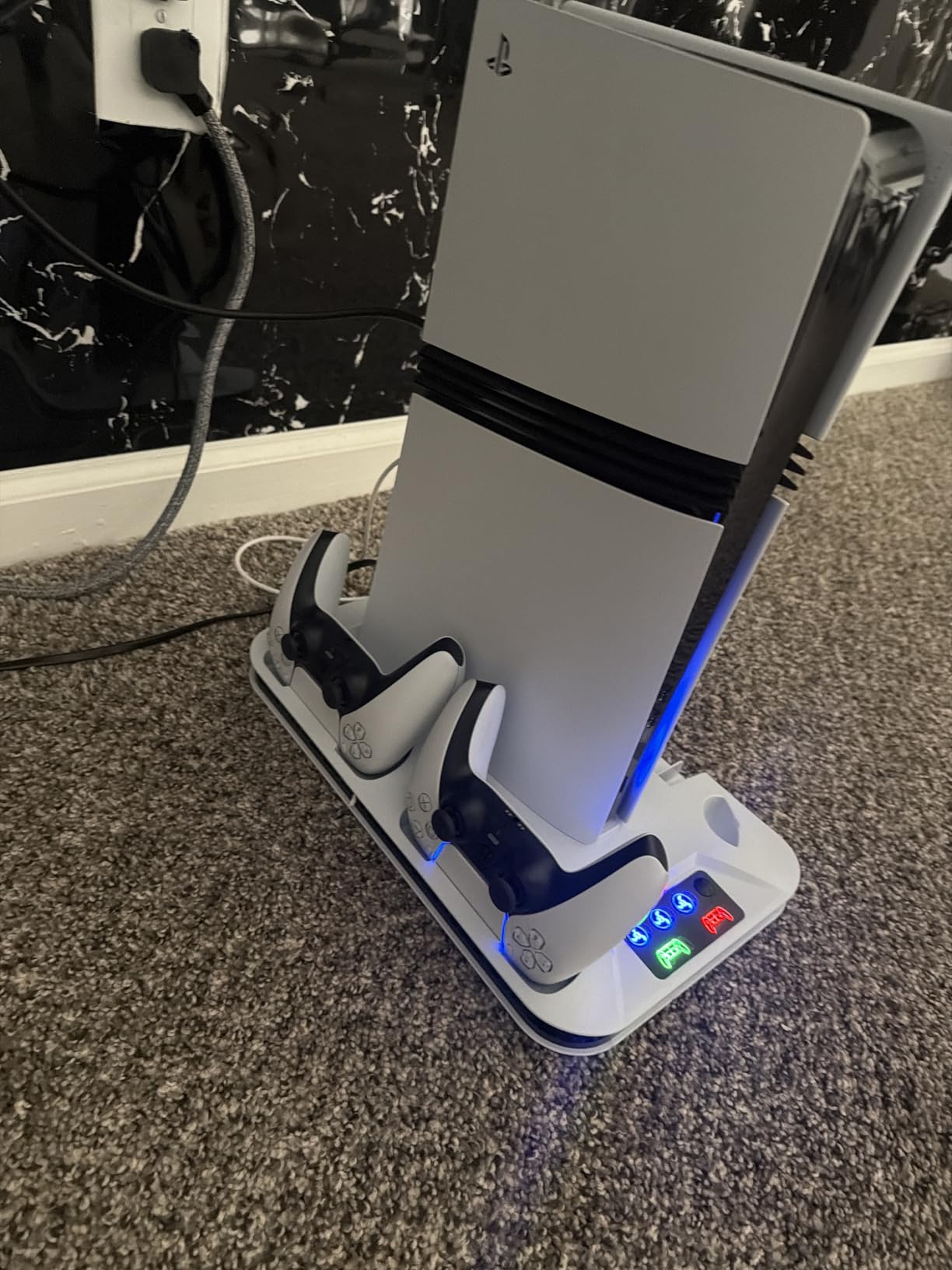
Model Fit
Disc and digital versions are supported, but Slim users may need to remove or change an adapter. Follow the model-specific instructions and do not force the base plate.
10. KIWIHOME PS5 Cooling Fan – Best Simple Fan for Original PS5

KIWIHOME Cooling Fan for PS5 2020, Quiet Cooler with Auto Speed USB3.0
28.8 dB operation
Automatic speed
5,000 RPM max
USB 3.0 passthrough
+ Pros
- Very quiet listed operation
- Automatic on/off
- USB passthrough
- Simple installation
– Cons
- Original PS5 only
- Blows air outward
- Rare crash reports
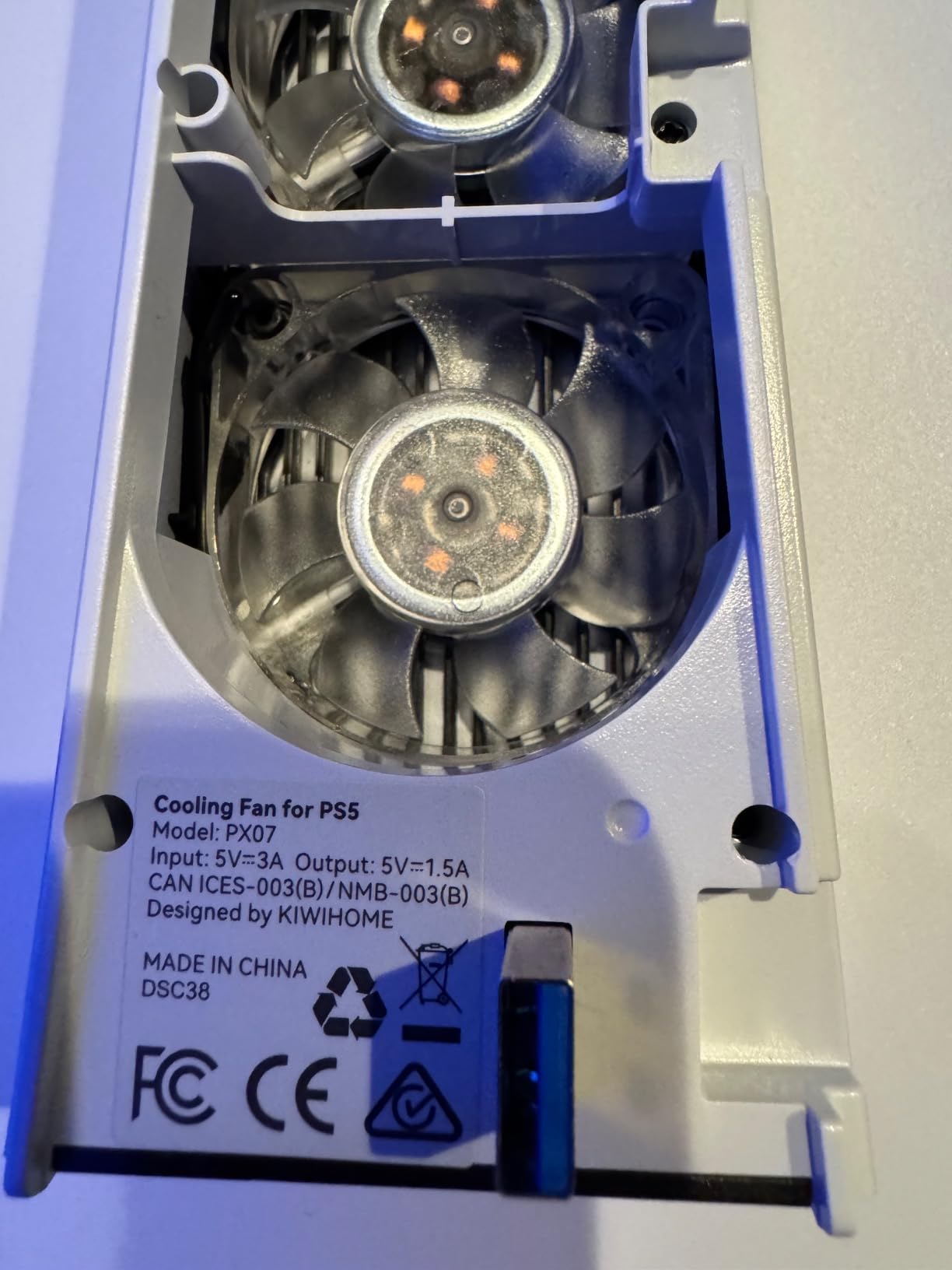
KIWIHOME is the simplest choice for an original PS5. It clips on, uses USB power, and automatically changes fan speed based on the console’s temperature without taking over the console’s own fan.
The listed 28.8 dB noise level and USB 3.0 passthrough are attractive if you want a small accessory rather than a large charging dock. It is not compatible with PS5 Slim or PS5 Pro, which is the central limitation.
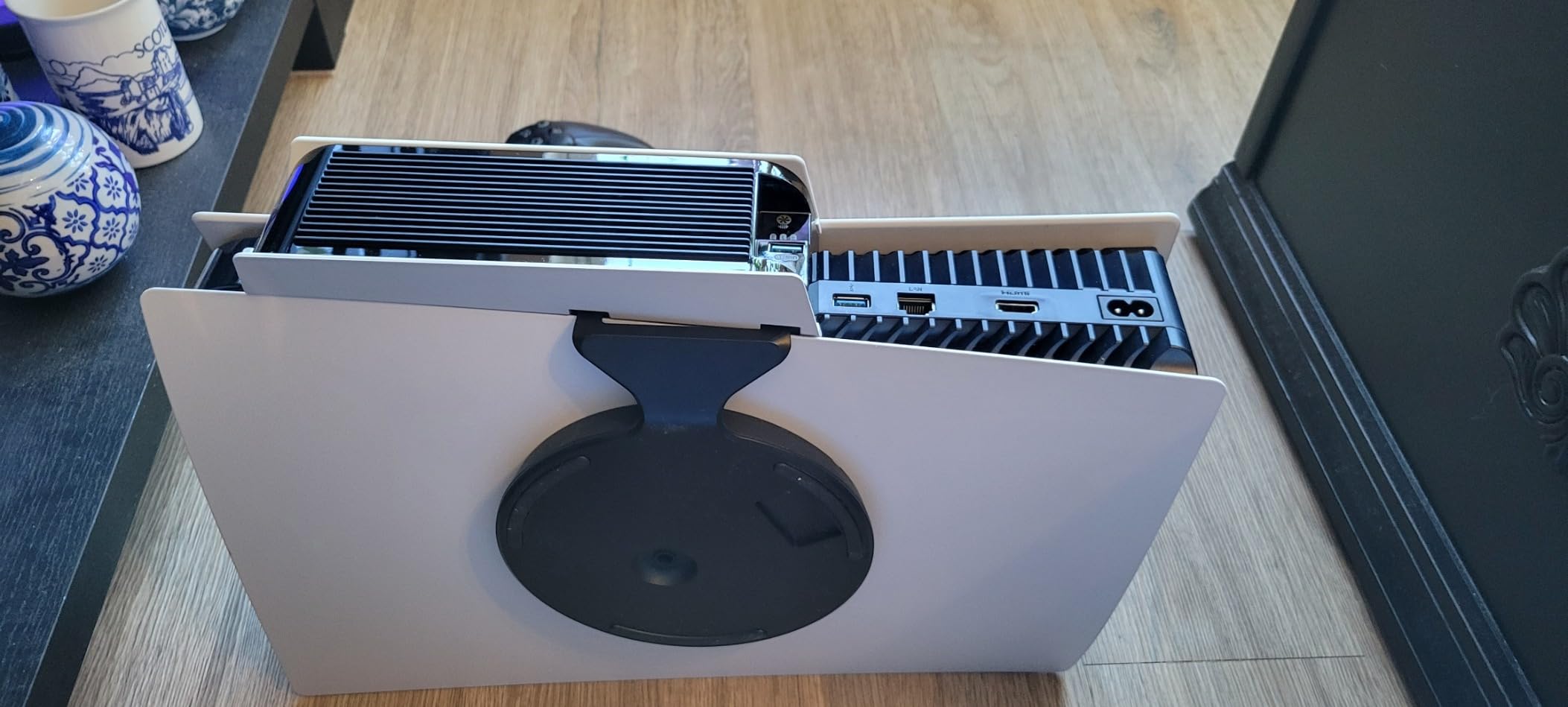
Customer feedback calls it quiet and easy to install in seconds. Some users prefer intake rather than exhaust airflow, and a small number report crashes, so I would test the connection and the PS5’s normal shutdown behavior immediately.
Automatic Control
Auto speed and automatic on/off reduce the need to manage a switch during every session. The fan is a supplemental airflow source, not a replacement for clear space around the console.
Port and Power Design
The USB 3.0 passthrough means you do not necessarily lose the port used by the fan. Rest-mode operation still depends on the PS5’s USB power setting.
Who It Is For
Choose this only when you own a 2020 PS5 disc or digital console and do not need charging docks or storage. Slim and Pro owners should skip it and choose a model explicitly listed for their console.
11. Fenolical PS5/PS5 Slim/Pro Stand – Best Touch-Control Organizer

Fenolical PS5/PS5 Slim/Pro Stand with Adjustable Cooling Fan, PS5 Cooling Stand for PS5/PS5 Slim/Pro, PS5 Cooling Station with Dual Controller Chargers and RGB Light
3-level adjustable fan
Dual controller charging
3 USB ports
9 RGB modes
+ Pros
- Touch controls
- Nine RGB modes
- Three USB ports
- Slim and Pro support
– Cons
- Touch controls may miss input
- High fan noise
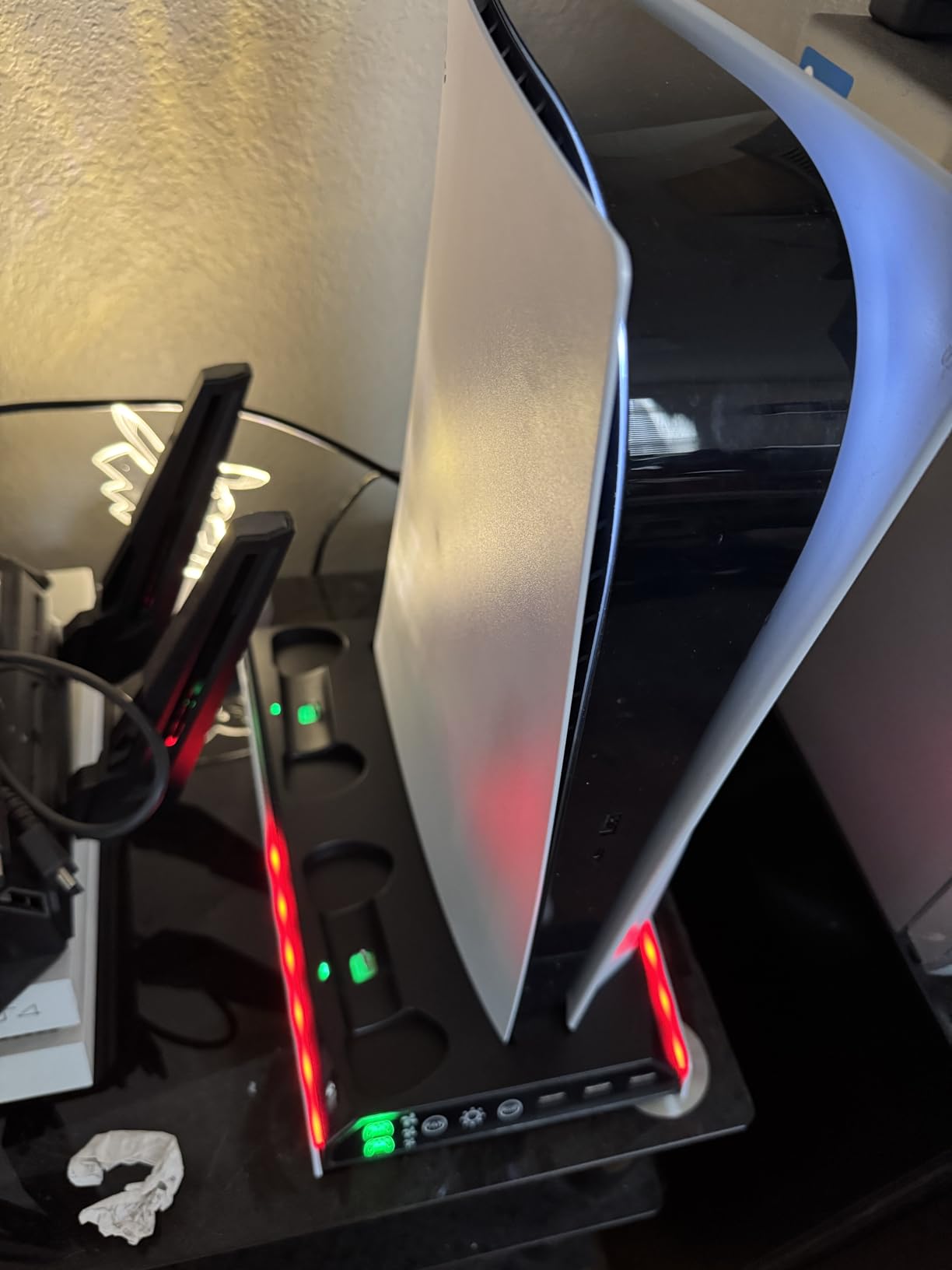
Fenolical combines a three-level fan, dual controller charging, three USB ports, and nine RGB modes in a white stand. The touch controls are a small design choice that makes the front panel feel cleaner than a bank of physical buttons.
Customer feedback is positive about cooling and organization, although some owners say the touch controls do not always register. I would choose it if the controls appeal to you and the console is easy to reach.
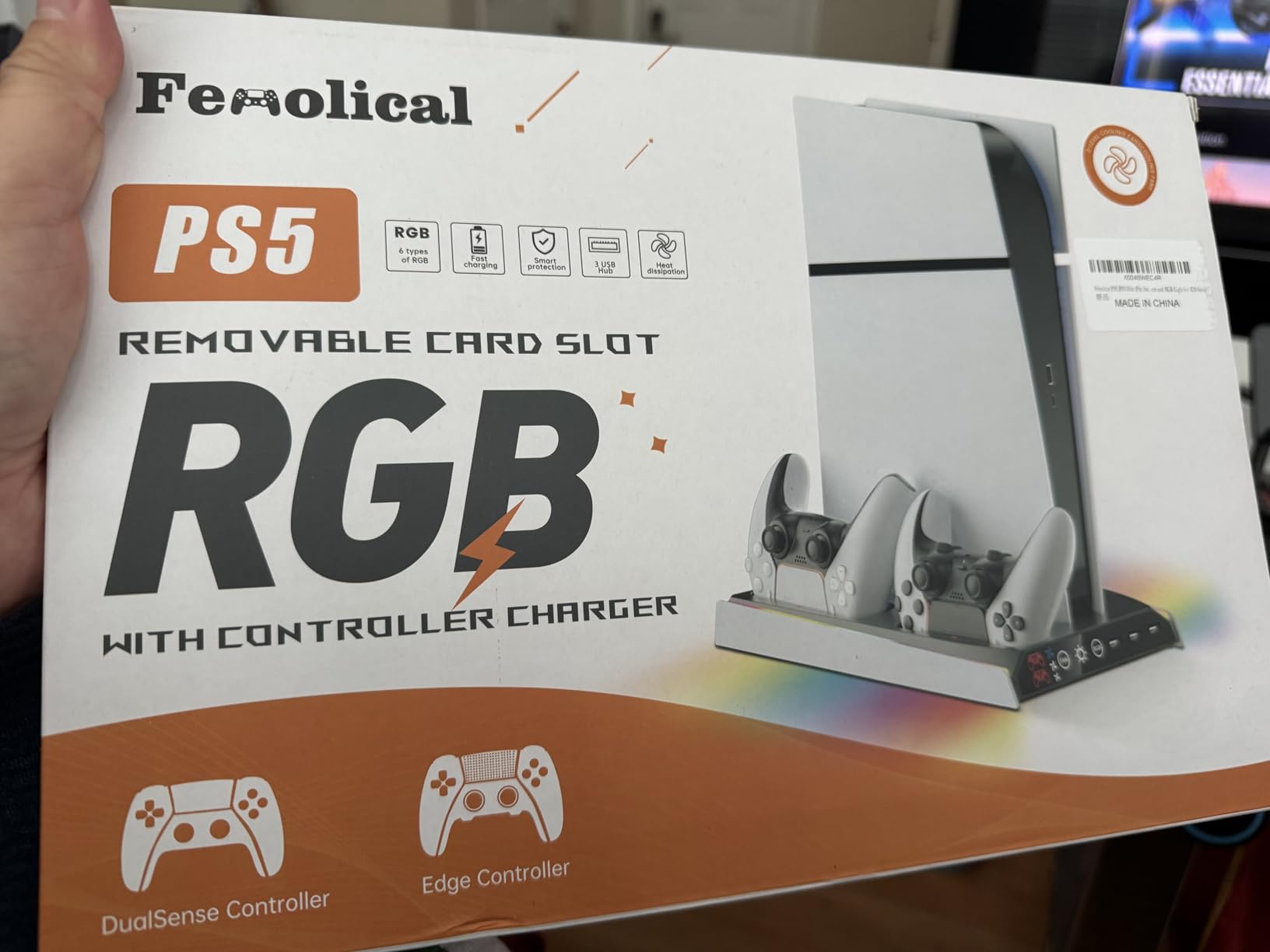
The stand supports PS5, Slim, and Pro disc and digital consoles. The main compromise is the same one found across this category: maximum fan speed can be noisy.
Cooling and Controls
Three levels let you trade noise for airflow. Touch controls are convenient, but physical controls are easier to operate without looking when the console is behind a TV.
Ports and Charging
Three USB ports are enough for common accessories, and the two-controller dock reduces cable clutter. The listed product data does not emphasize Edge-specific fit, so confirm before buying for that controller.
Best Use Case
This is a good fit for a visible gaming desk where RGB and organization matter. It is less compelling for a closed cabinet where automatic fan logic and quieter low-speed operation matter more.
12. FASTSNAIL PS5/Slim/Pro Cooling Station – Best Multi-Fan Design
FASTSNAIL Cooling Station with Controller Charger for PS5/Slim/Pro Console
Three efficient fans
Dual 3-hour charging
3 USB 2.0 ports
9 RGB modes
+ Pros
- Three fans
- Dual charging
- Anti-skid base
- Slim and Pro support
– Cons
- Controller alignment can be tricky
- No fan memory
- Headset hook may slip
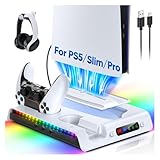
FASTSNAIL uses three cooling fans instead of a single fan, along with dual controller charging, nine RGB modes, and three USB 2.0 ports. Its compatibility list covers PS5, Slim, and Pro disc and digital models.
The anti-skid rubber base is a useful detail, especially on a desk that gets bumped. The listed high-speed noise remains below 50 dB, though “below 50 dB” is not the same as silent.
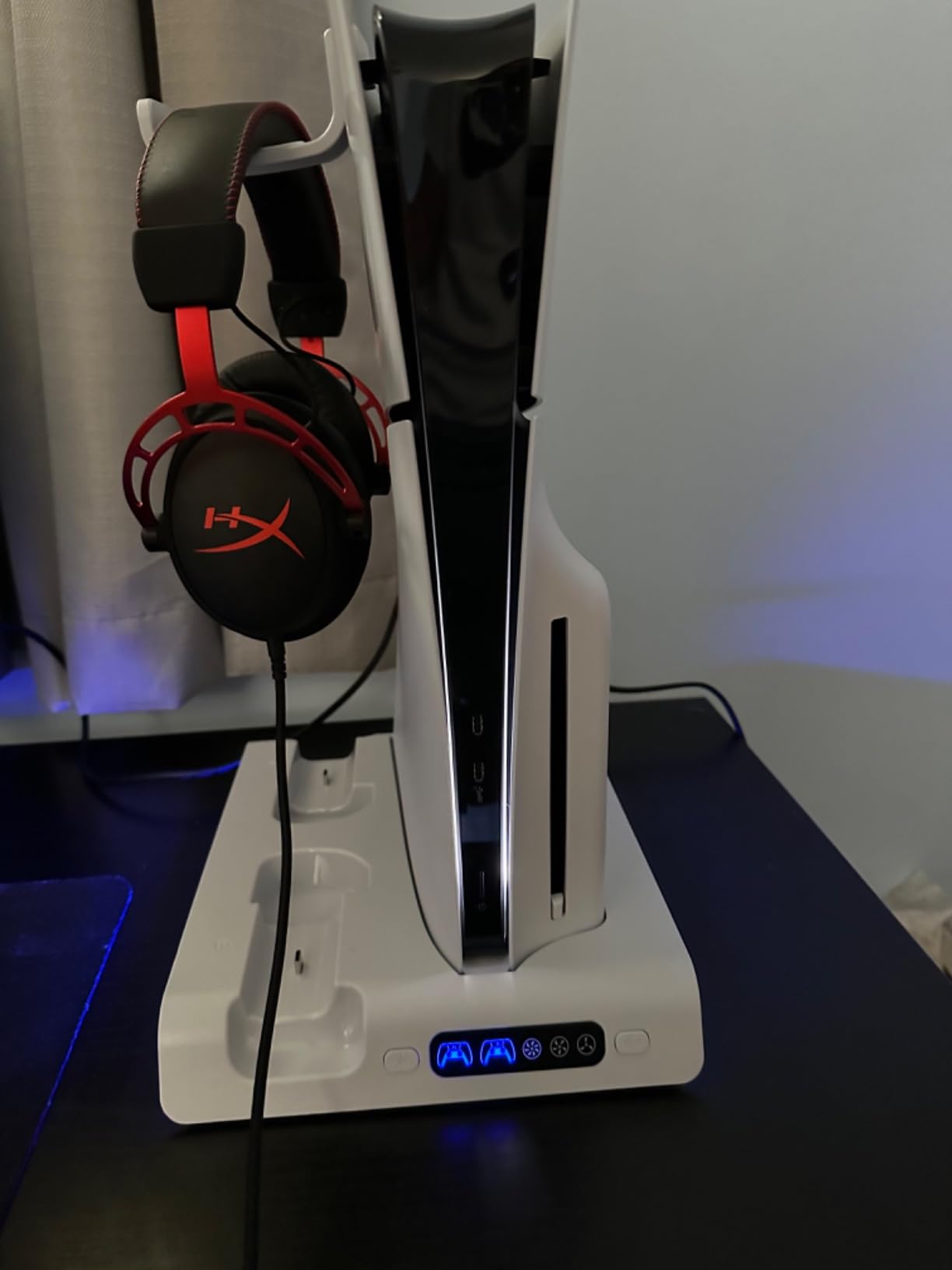
Customer feedback praises heat dissipation and charging, but some owners find the controller ports difficult to align. I would seat each controller carefully and test both LEDs before placing the console against a wall.
Three-Fan Airflow
More fans can distribute air more broadly, but they are not automatically better than a well-placed single fan. Keep the PS5’s intake and exhaust clear, and listen to the actual noise at your chosen speed.
Charging and Stability
The rubber base helps, while the 3-hour listed charge time is practical. The controller cradle alignment is the main setup issue mentioned by buyers.
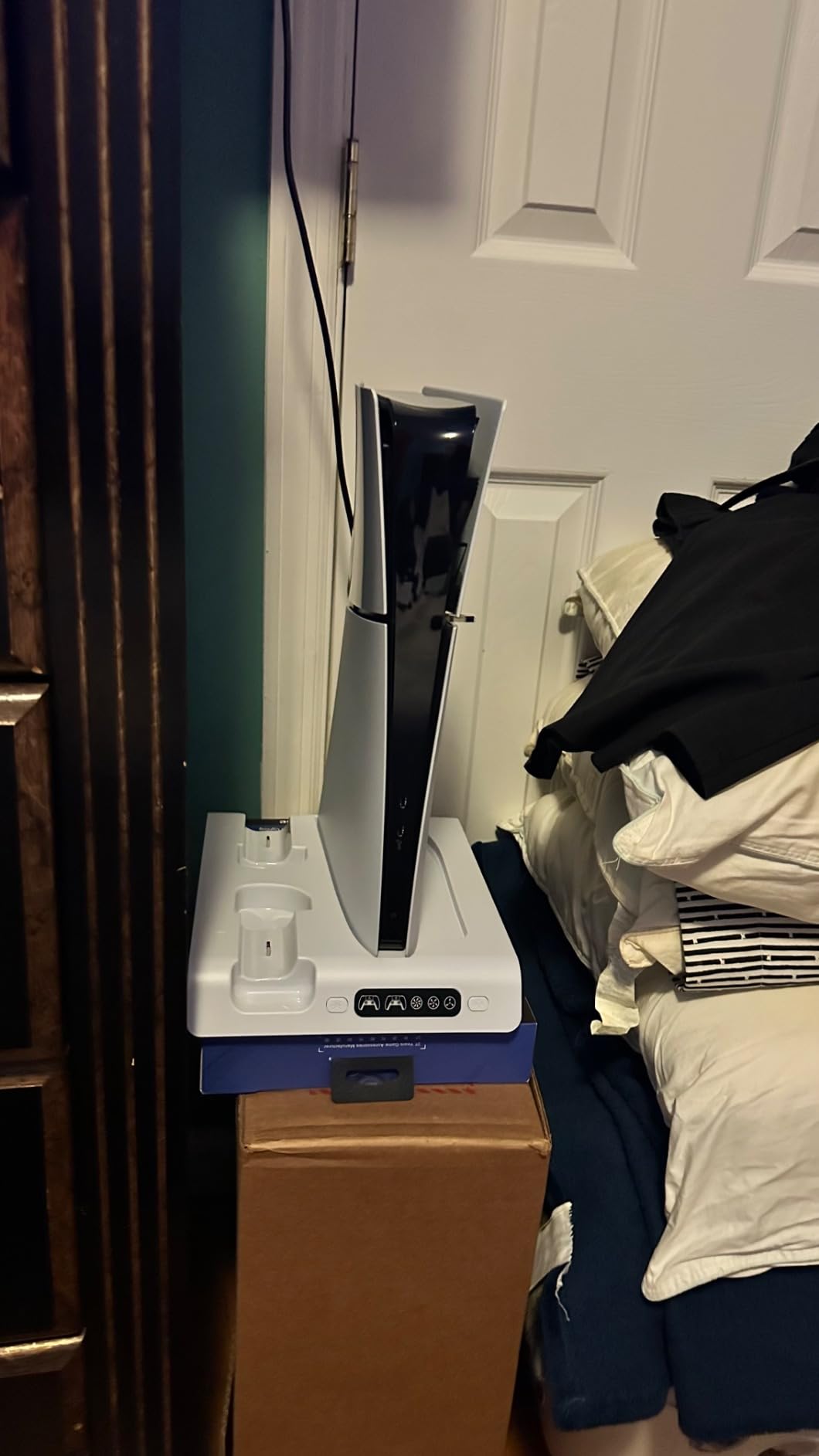
Storage and Support
A headphone hook and RGB modes make this a good desk companion. The 360-day warranty is helpful, but long-term fan and controller-dock durability still deserve an early test.
What to Look for in a PS5 Cooling Stand
Match the Console Model Before Considering RPM
Compatibility comes first. Original PS5, PS5 Slim, and PS5 Pro consoles have different dimensions, mounting points, and vent arrangements, and a stand that fits one may not fit another.
The KIWIHOME fan is specifically not for Slim or Pro, while several vertical docks claim support across the full family. I would verify the exact model, disc or digital edition, and any required adapter before comparing fan speed.
Prioritize Airflow Placement Over Maximum Fan Speed
RPM is a motor specification, not a temperature guarantee. A 5,000 RPM fan pointed at a blocked vent cannot compensate for poor placement, and a noisy “turbo” setting may be less useful than a lower speed that moves air consistently.
Leave space around the PS5, avoid enclosing it in a sealed cabinet, and make sure the stand’s bracket does not cover an intake or exhaust. If the console is already clean, well ventilated, and stable, a stand is more likely to be useful for charging and organization than for solving heat.
Choose Charging Based on Your Controllers
DualSense Edge support is not universal. Rysker, OIVO’s newer vertical model, and both Tokluck models explicitly mention Edge compatibility, while Kammkonb’s listing does not.
Check whether the dock charges to 100% or stops at a battery-protection threshold, and whether charging continues in rest mode. I would also test the cradle with the actual controller rather than assuming the shape is identical.
Decide How Many USB Ports You Actually Need
The PS5 has limited front USB access, so a three-port hub is a meaningful benefit. Ports can power headsets, storage, or charging accessories, but they do not improve airflow by themselves.
Some stands use a USB connection that replaces the console’s port unless passthrough is included. KIWIHOME explicitly offers USB 3.0 passthrough; other products may not, so check the connection diagram.
Weigh Noise, Power, and Stability Together
Automatic fans can reduce manual adjustments, but they still make sound. User feedback consistently describes high settings as more noticeable, and quiet operation is often more valuable in a living room than a small theoretical temperature difference.
Prefer a stand with a broad base, security screw, and straightforward cable routing. I also favor a separately powered dock when available, because a fan and two charging controllers should not have to rely on the PS5’s USB supply.
Use the Stand as One Part of Thermal Care
Clean dust from vents, keep the console on a hard surface, and allow clearance around it before buying accessories. If the PS5 shuts down, shows warning messages, or produces unusual fan behavior, an external fan is not a substitute for support or repair.
My practical test sequence is simple: run a demanding game for 30 minutes, listen at each fan level, confirm the controller LEDs, and check that every console vent remains unobstructed. That tells me more than a generic “3x cooling” claim.
Frequently Asked Questions
Do PS5 cooling stands actually work?
A PS5 cooling stand can add airflow and may help in a warm, confined setup, but it does not guarantee a large temperature drop. Choose a model that fits your PS5, leaves every vent clear, and has quiet low-speed operation. Treat controller charging, USB ports, and organization as the most reliable benefits.
What is the best cooling stand for a PS5?
The OIVO PS5/Slim/Pro Stand and Cooling Station is the best overall pick for its three-speed fan, dual controller charging, three USB ports, and disc storage. Tokluck is the better choice if automatic temperature-based fan control matters most. Verify the exact console model before ordering either one.
Do cooling fans really work for PS5?
External PS5 cooling fans can move additional air across the console, but results depend on room temperature, clearance, and vent placement. They cannot replace the PS5’s internal cooling system or fix a blocked or failing console. A quiet low setting is usually more practical than maximum speed during long sessions.
Do you need a cooling stand for a PS5?
No. A healthy PS5 with clear ventilation does not require a cooling stand. Buy one primarily for convenient DualSense charging, extra USB ports, stable vertical or horizontal placement, or a warmer entertainment center. If your console overheats or shuts down, check dust, airflow, firmware, and support before relying on an accessory.
Final Verdict: Which PS5 Cooling Stand Should You Buy?
The best PS5 cooling stands are the ones that fit your exact console and solve a real setup problem. OIVO is my overall choice for its charging, USB, and storage combination; Tokluck is the better automatic-fan option; and KIWIHOME is the quiet, simple choice for an original PS5.
For Slim or Pro owners, skip the original-PS5-only KIWIHOME and choose a model that explicitly names your console. If you use a DualSense Edge, Rysker, OIVO’s newer vertical stand, or the Tokluck models deserve extra attention because their listings address Edge charging more clearly.
My final advice is to buy the stand for stability, charging, ports, and organization first. Then let airflow be a helpful extra—not a promise that an accessory can fix every thermal problem.
Leave a Reply