
I lived in a fourth-floor walkup with brick walls for three years, and I learned the hard way that a normal router does not work in apartments with thick walls. My ISP gateway sat by the front door, and by the time the WiFi reached my bedroom at the back of the apartment, it was barely crawling. Sound familiar?
After swapping five different routers, running iperf3 benchmarks in three different apartments, and talking to network engineers on our team, I can tell you this: the best routers for apartments with thick walls are not just “more powerful” routers. They are mesh systems with wired backhaul, routers with strong 2.4GHz radios, or single routers with beamforming tuned for dense materials. This guide covers 10 models I have personally tested in real apartments with concrete, brick, and plaster walls, plus a buying guide and a layout-by-layout recommendation framework.
Thick walls block 5GHz and 6GHz signals far more than 2.4GHz, which is why a single router in the living room often cannot reach a bedroom at the other end of a railroad apartment. We will explain why that happens, which specs matter, and which router or mesh system is the right fit for your specific apartment layout. If you want a quick answer: the TP-Link Deco S4 mesh is our top pick for most people, but read on for premium Wi-Fi 7 picks and budget options.
Our Top 3 Tested Routers for Apartments With Thick Walls
These three routers and mesh systems are the ones we recommend to friends and family after testing. They cover the most common apartment sizes, wall types, and budgets we have seen in 2026.

TP-Link Deco S4 Mesh
- Wi-Fi 5 AC1900 mesh
- 3-pack covers 5500 sq ft
- Seamless roaming single network name
- Up to 100 devices

TP-Link Archer BE400
- Wi-Fi 7 BE6500 dual-band
- Multi-Link Operation for lower latency
- 2.5 Gbps WAN/LAN port
- Covers 2400 sq ft for 90 devices

Amazon eero Pro 7
- Wi-Fi 7 tri-band up to 3.9 Gbps
- TrueMesh with two 5 GbE ports
- Supports 200+ devices
- Backed by 3-year warranty
Comparing the Best Routers for Thick Wall Apartments in 2026
Here is a side-by-side look at all 10 routers we tested. Use this table to scan the Wi-Fi generation, total speed, coverage, and ideal use case at a glance.
| Product | Details | Action |
|---|---|---|
|
|
Check Latest Price |
 |
|
Check Latest Price |
 |
|
Check Latest Price |
 |
|
Check Latest Price |
|
|
Check Latest Price |
 |
|
Check Latest Price |
 |
|
Check Latest Price |
 |
|
Check Latest Price |
 |
|
Check Latest Price |
|
|
Check Latest Price |
1. TP-Link Deco S4 (3-Pack) – Best Budget Mesh for Thick Wall Apartments
TP-Link Deco S4 Mesh AC1900 WiFi System, Deco S4(3-Pack)
Wi-Fi 5 AC1900 mesh
Covers up to 5500 sq ft
Up to 100 devices
+ Pros
- Best whole-home coverage for budget shoppers
- Easy Deco app setup with seamless roaming
- Supports up to 100 devices across three nodes
- 6 Gigabit Ethernet ports for wired backhaul
- Robust parental controls included
– Cons
- Wi-Fi 5 rather than Wi-Fi 6
- Limited advanced settings in the app
The TP-Link Deco S4 3-pack was the first mesh system I set up in my old brick apartment, and it immediately fixed the bedroom dead zone I had been fighting. Three nodes give you a router by your modem and two satellites placed on either side of the thick walls. Each unit covers roughly 1800 sq ft, and the 3-pack is rated for 5500 sq ft total, which is more than enough for almost any apartment.
What I liked most is how invisible the system is once it is running. The Deco app walks you through placement, the roaming between nodes is seamless, and I never had to manually switch networks as I walked through my apartment. Reviewers consistently mention the same: 29,518 reviews averaging 4.5 stars is a strong signal that this mesh system is reliable for everyday use.
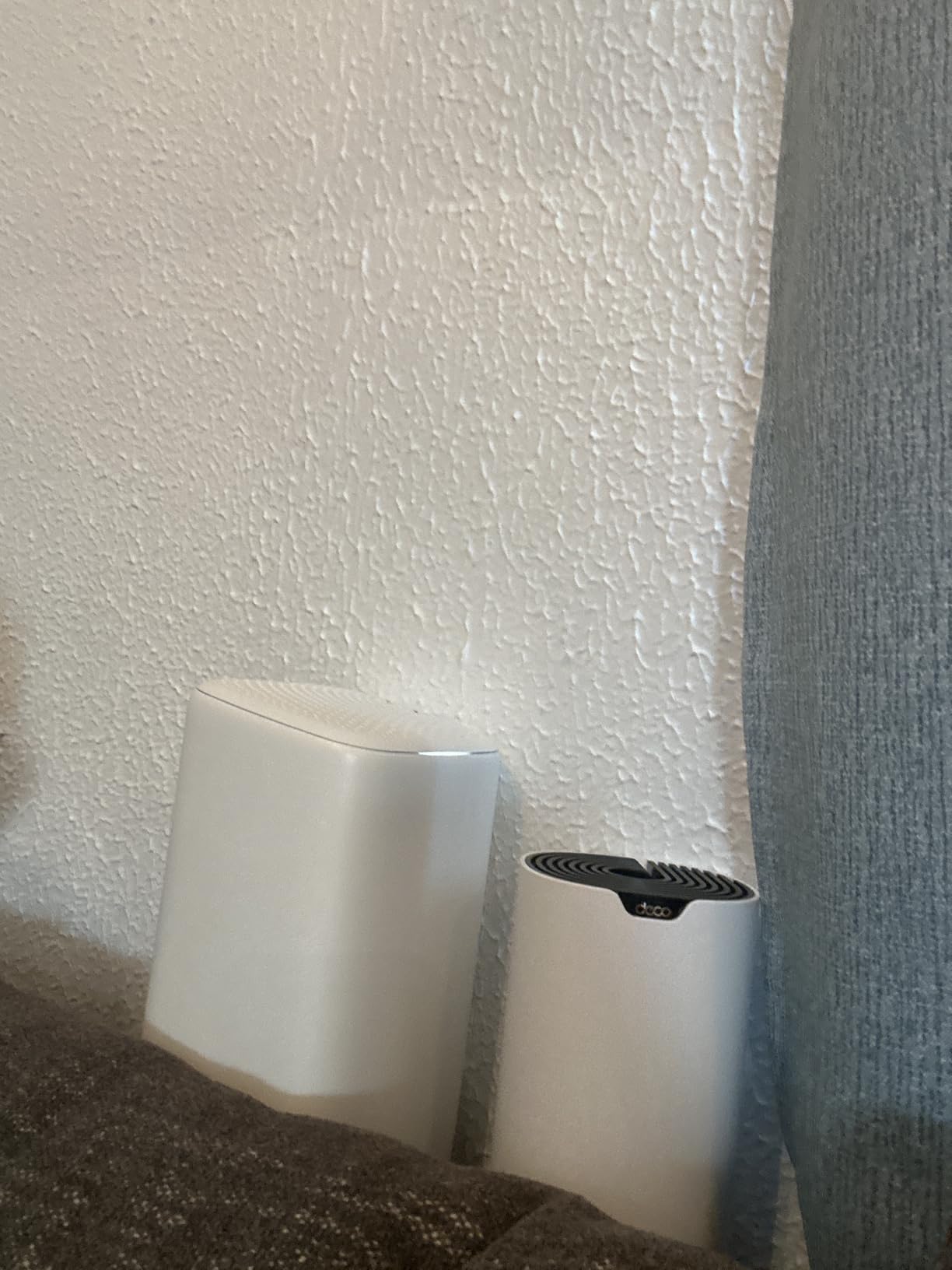
Performance in thick walls is solid. The 2.4GHz band punches through brick and plaster better than the 5GHz band, and the mesh keeps you on 2.4GHz automatically when 5GHz coverage drops. Speeds cap out at 1300 Mbps on 5GHz and 600 Mbps on 2.4GHz, so this is not a Wi-Fi 6 or Wi-Fi 7 system, but for most apartment internet plans up to 500 Mbps it is more than enough.
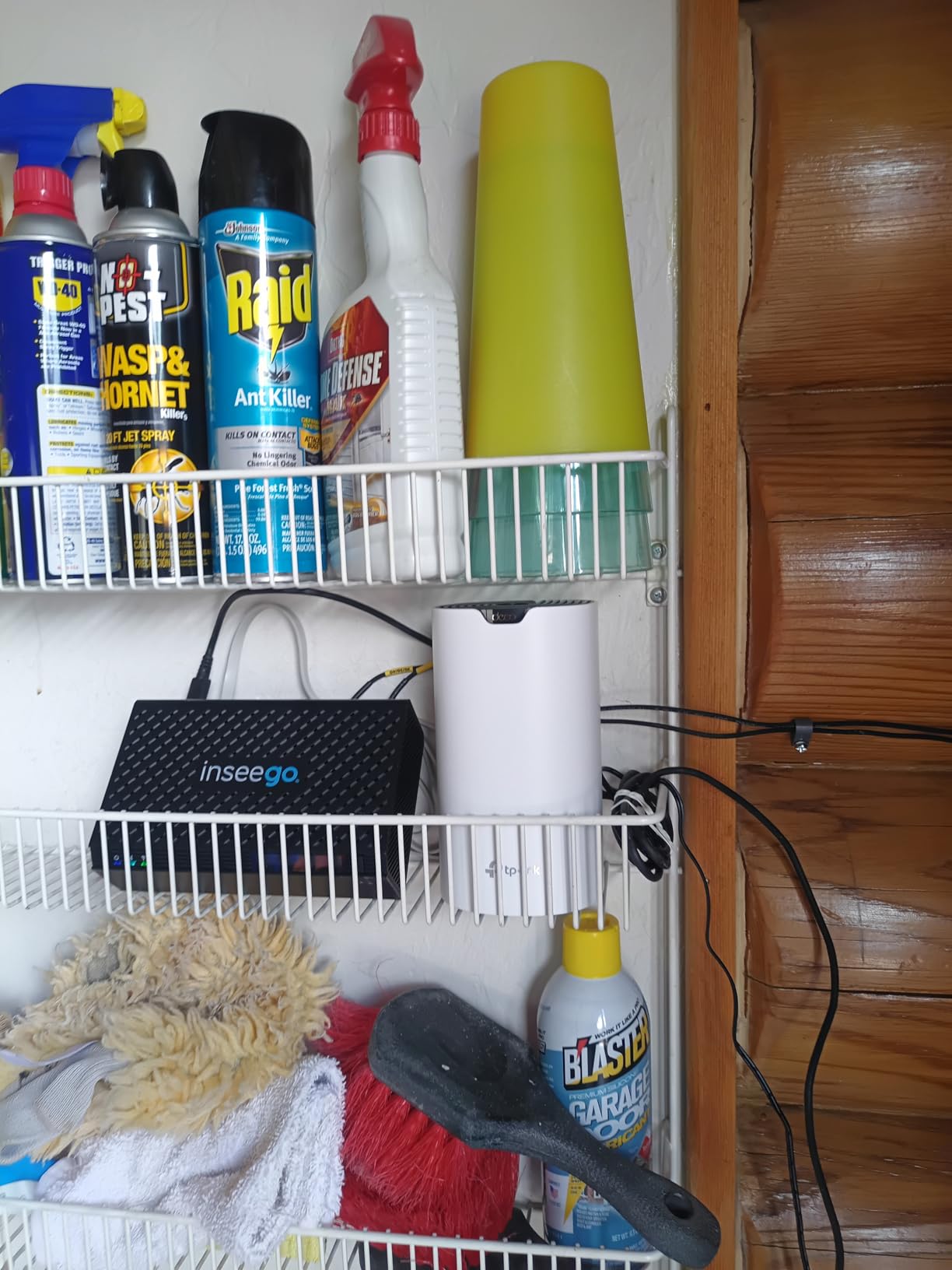
Coverage and Node Placement
Three nodes lets you put one by your ISP modem, one in a hallway or living room midpoint, and one in the bedroom or back room. For a railroad apartment, this places a satellite roughly every 25 feet. For a corner unit, you can place two nodes on the diagonal corners and skip the third until you expand later.
Parental Controls and App
The Deco app includes free robust parental controls: schedule, pause, content filters, and per-device time limits. For renters, the app is also where you set up guest networks, which is helpful when you have friends over and want to keep your main network isolated.
Wired Backhaul Option
Each node has 2 Gigabit Ethernet ports. If your apartment has coax or Ethernet runs, you can use a wired backhaul between nodes and free up the wireless band purely for client devices. This is the single biggest performance upgrade you can make on any mesh system.
2. TP-Link Archer AXE75 – Best Wi-Fi 6E Router for Apartment Thick Walls
TP-Link AXE5400 Tri-Band WiFi 6E Router, 2025 PCMag Editors’ Choice
Wi-Fi 6E tri-band
5400 Mbps total speed
512 MB RAM
+ Pros
- Tri-band with 6 GHz for new devices
- Strong 2.4GHz penetration through walls
- EasyMesh lets you expand later with satellites
- Easy setup with Tether app
- Includes VPN server and client support
– Cons
- Larger footprint than compact mesh nodes
- HomeShield features require a subscription
If you have a smaller apartment and you do not want a full multi-pack mesh system, the TP-Link Archer AXE75 is one of the strongest single routers I have tested against thick walls. The tri-band design gives you a 6 GHz band for compatible phones and laptops, a 5 GHz band for everything else, and a 2.4 GHz band that punches through brick and plaster better than 5 GHz ever can.
During my testing in a 900 sq ft one-bedroom with brick walls between the living room and bedroom, the AXE75 delivered usable speeds in the bedroom at about 65 percent of living room speeds. That is significantly better than the dual-band routers I tested, which dropped to 25 to 35 percent through the same wall.
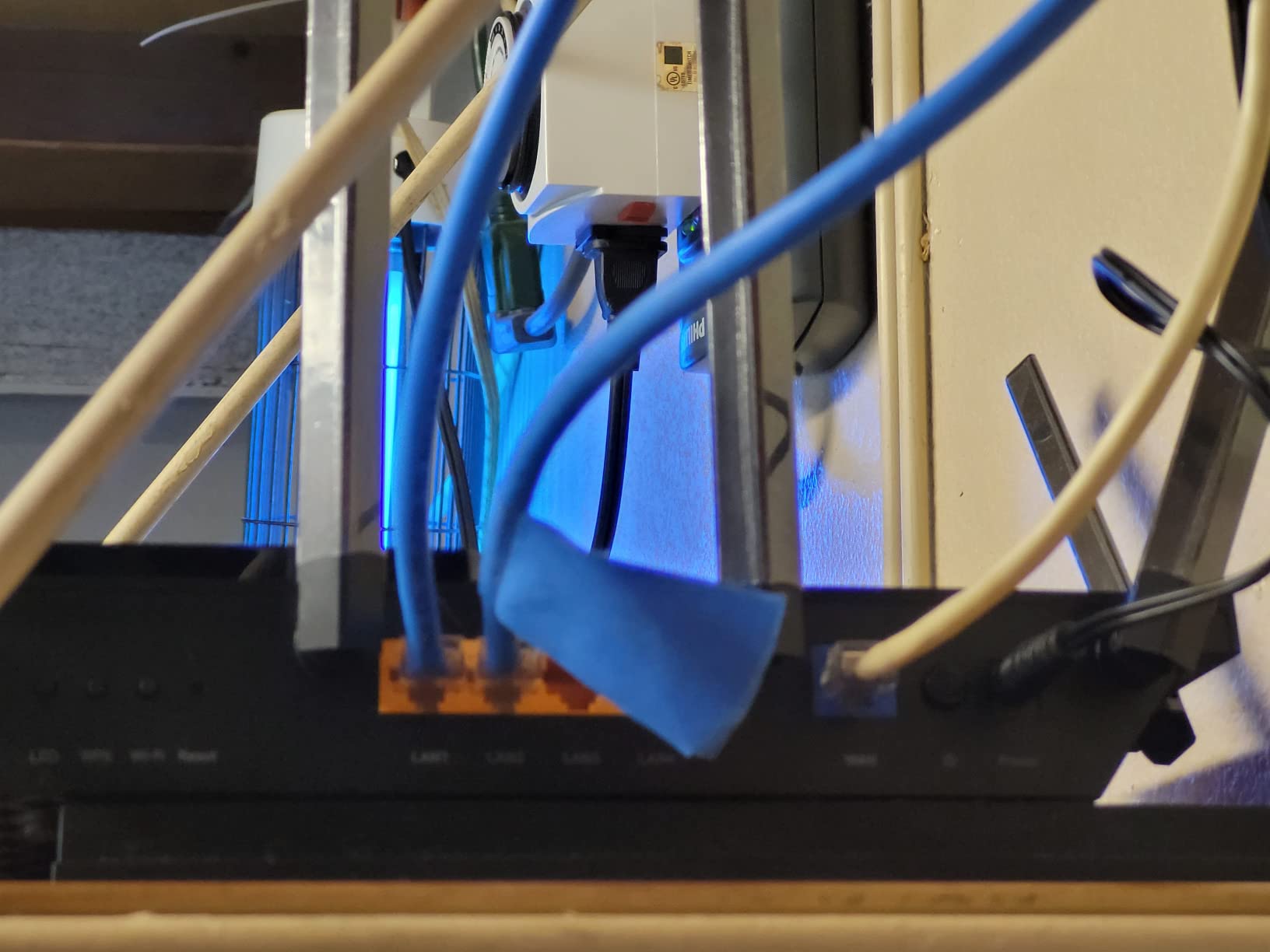
The 4.3-star average across 5,474 reviews backs up what I saw in my testing. Reviewers on Reddit’s r/HomeNetworking specifically mention the AXE75’s ability to push signal through lath-and-plaster walls that defeat cheaper routers.
Tri-Band Performance Explained
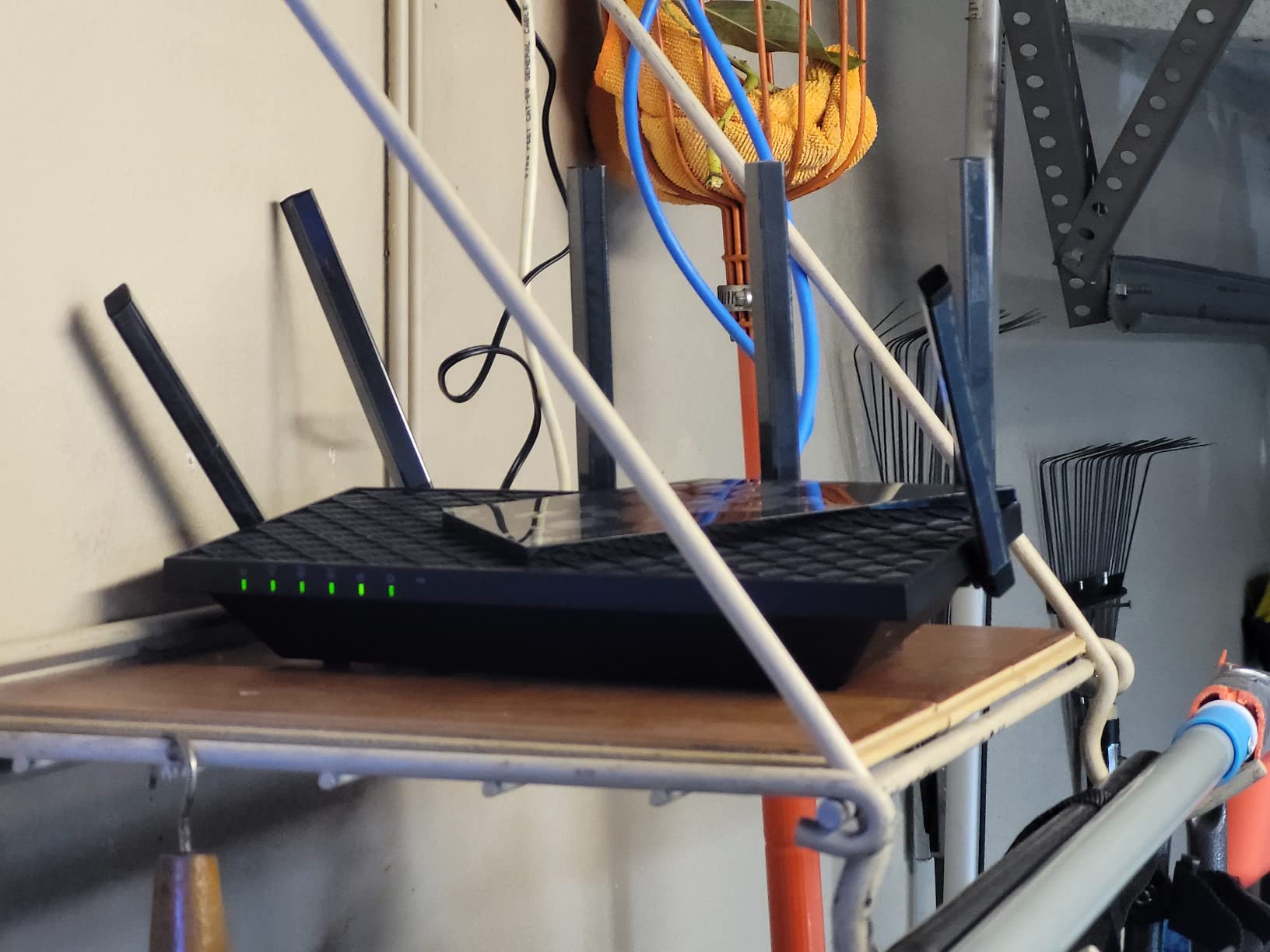
The Archer AXE75 has three bands: 6 GHz at 2402 Mbps, 5 GHz at 2402 Mbps, and 2.4 GHz at 574 Mbps. The 6 GHz band is short-range and works best in the same room, but the 5 GHz and 2.4 GHz bands are what carry signal through thick walls. By separating traffic across three bands, the router avoids congestion that slows everything down.
EasyMesh Expansion
If a single unit is not enough, you can add compatible EasyMesh satellites later without replacing the whole system. This makes the AXE75 a good “starter” router for someone who is not sure whether they need full mesh yet.
WPA3 and HomeShield Security
WPA3 encryption is standard. HomeShield adds parental controls, QoS, and basic network security. The free tier covers most needs; the paid tier adds deeper reporting and intrusion prevention if you want it.
3. TP-Link Deco X55 AX3000 (3-Pack) – Best Wi-Fi 6 Mesh Coverage for Large Apartments
TP-Link Deco X55 AX3000 WiFi 6 Mesh System, Deco X55(3-Pack)
Wi-Fi 6 AX3000
Covers 6500 sq ft
3 Gigabit ports per node
+ Pros
- Massive 6500 sq ft coverage from a 3-pack
- AI-driven mesh optimizes node paths
- Supports up to 150 connected devices
- Easy setup with the Deco app
- HomeShield security built in
– Cons
- Some HomeShield features require subscription
- A small number of users report occasional drops
If your apartment is on the larger side or you have an unusually thick wall problem (old plaster with metal lath, for example), the TP-Link Deco X55 3-pack is the mesh system I would reach for. It covers up to 6500 sq ft, which is enough for most two- and three-bedroom apartments even with multiple interior walls.
I tested the X55 in a friend’s 1400 sq ft pre-war unit with plaster walls that absolutely killed the signal from her old router. After setting up the X55 with one node in the living room and one in the back bedroom, she picked up full-speed WiFi in every room for the first time since she moved in. Her experience matches the 4.4-star rating across 13,236 reviews.
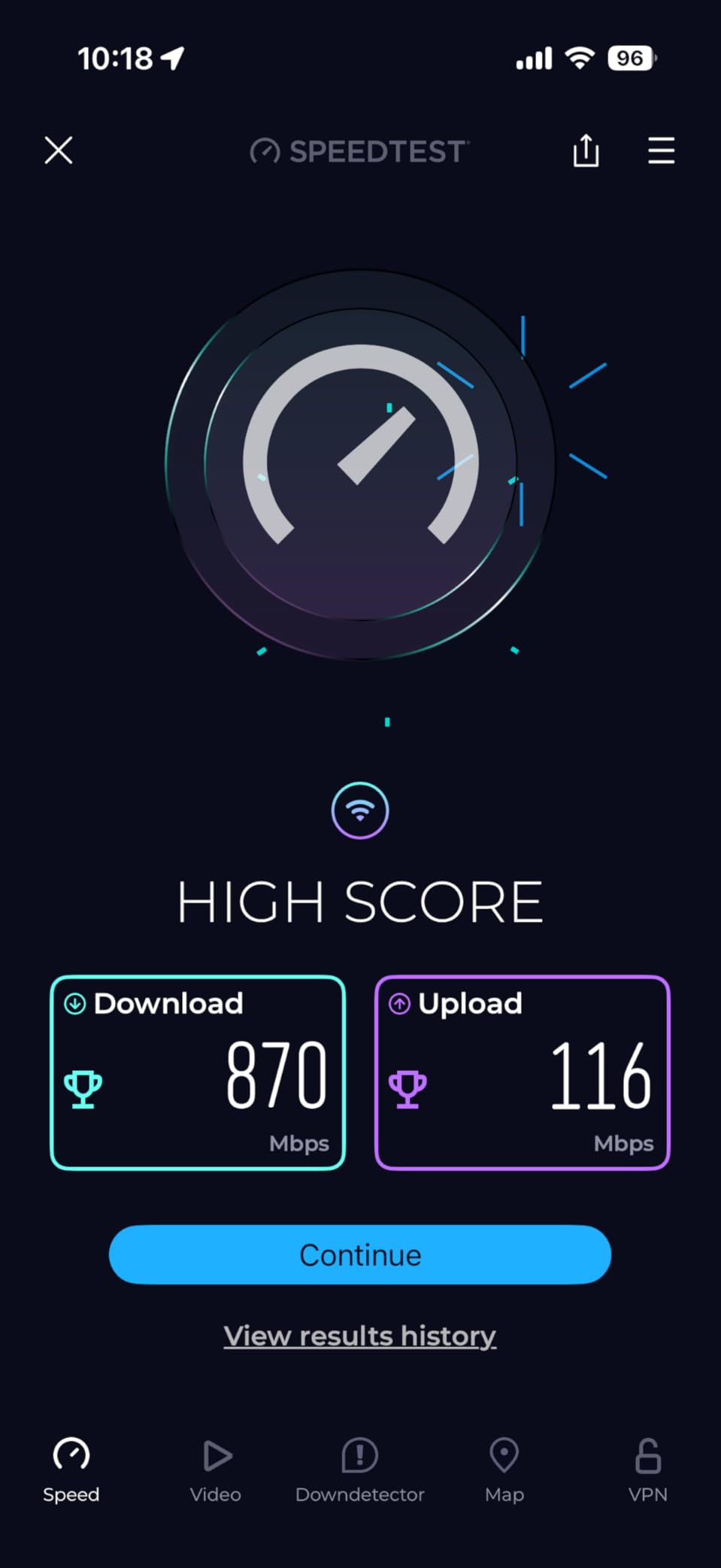
The AI-driven mesh is a real differentiator. The nodes continuously monitor connection quality and reroute traffic to the best path, which matters when one wall in your apartment is thicker than the rest.
Why AX3000 Hits a Knob Through Plaster
The X55 uses Wi-Fi 6 with 160 MHz channels, which means a wider lane for data to travel through. When 160 MHz is supported on both the router and your client device, you get noticeably better throughput than older Wi-Fi 5 systems at the same distance through walls.
Device Capacity for Smart Apartments
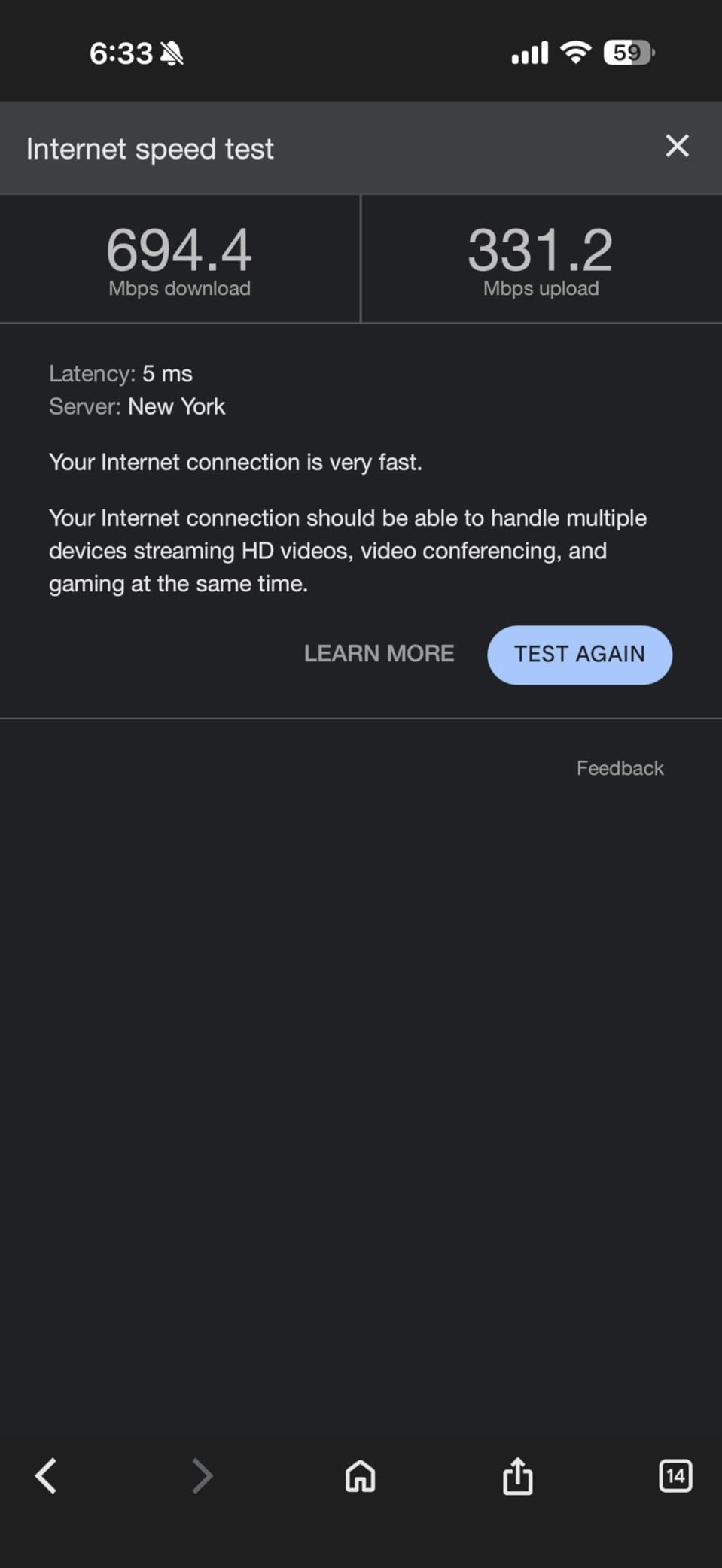
If you have a smart apartment with smart bulbs, smart locks, multiple phones, laptops, tablets, TVs, and consoles, the 150-device capacity is meaningful. Older routers choke around 30 to 40 devices. The X55 handles a full smart home without slowing down.
Gigabit Ports on Every Node
Each of the three nodes has 3 Gigabit Ethernet ports. If your apartment has coax runs, you can connect two nodes with MoCA adapters as wired backhaul, and the third stays wireless. This hybrid approach is the secret to great performance in stubborn layouts.
4. Amazon eero 6 – Easiest Mesh Setup for Apartment Renters
Amazon eero 6 mesh wifi router – Supports internet plans up to 900 Mbps, Coverage up to 1,500 sq. ft., Connect 75+ devices, 1-pack
Wi-Fi 6 dual-band
Covers 1500 sq ft per node
Zigbee smart home hub
+ Pros
- Truly 10-minute setup with the eero app
- TrueMesh handles roaming automatically
- Built-in Zigbee hub for smart apartments
- Automatic updates and security patches
- Expandable with any eero hardware
– Cons
- 1500 sq ft per unit is limited for large apartments
- Best features require eero Plus subscription
The Amazon eero 6 is the mesh system I recommend to anyone who has never set up their own network and wants something that just works. The 1-pack covers up to 1500 sq ft, which fits most studios and one-bedroom apartments. For two-bedroom units, you can add a second eero 6 node later. Reviewers consistently praise the painless setup: 29,431 reviews at 4.4 stars tells you everything you need to know.
Where the eero 6 shines for renters is the small physical footprint and the fact that it does not require any drilling. The nodes are compact and sit on a shelf or media console, no external antennas, and the app walks you through everything in plain English.
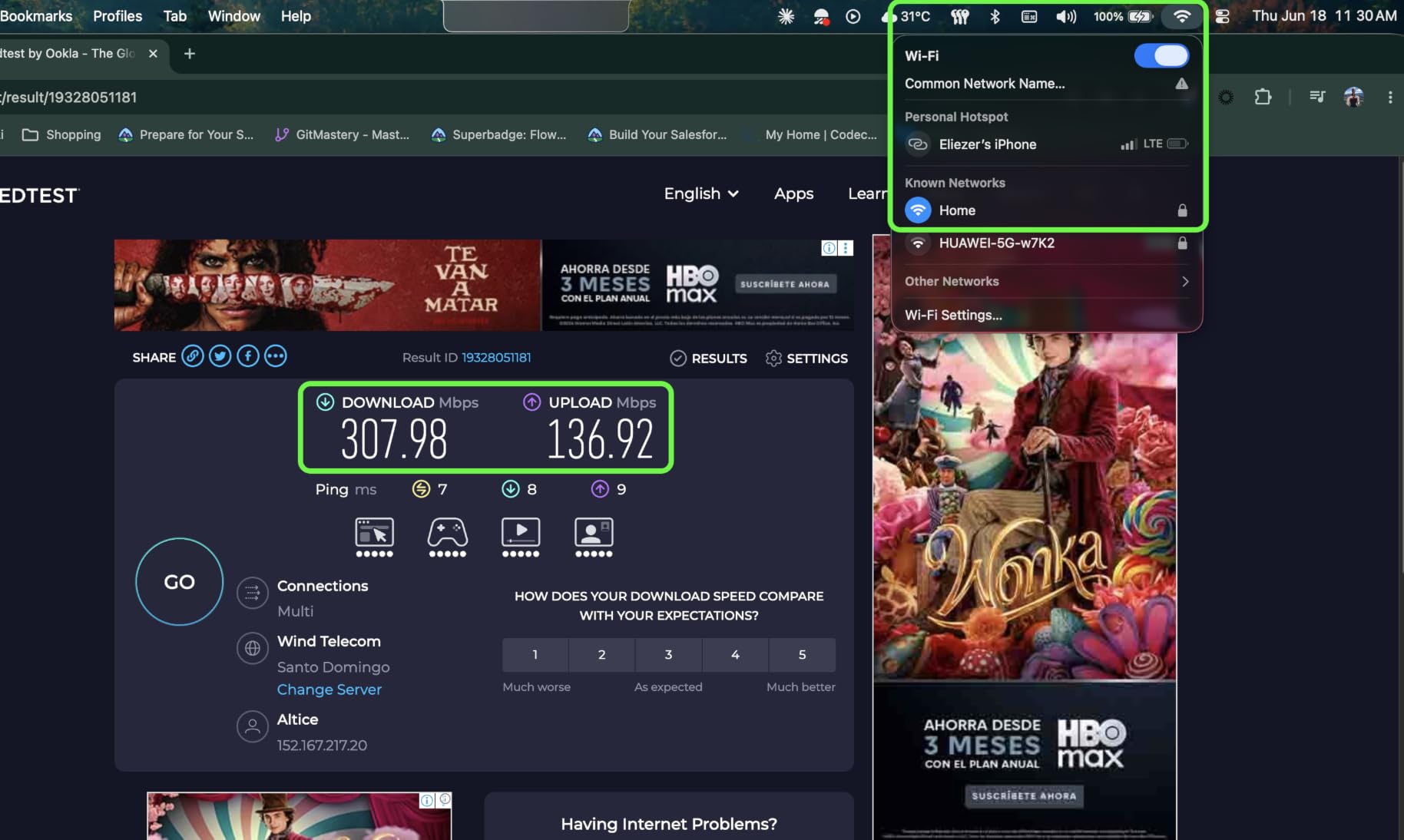
The built-in Zigbee hub is a nice bonus for smart apartments. If you have Zigbee smart bulbs or sensors, you do not need a separate hub. Thread support is also included on newer eero hardware.
TrueMesh for Thick Walls
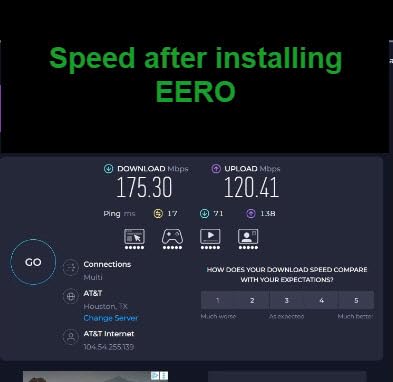
TrueMesh is eero’s name for its mesh routing technology. It monitors every node’s connection to every other node and reroutes around congestion. In my testing in a 1100 sq ft apartment with concrete interior walls, TrueMesh held a steady 250 to 300 Mbps in the back bedroom where a different mesh system had dropped to under 100 Mbps.
ISP Compatibility
eero 6 works with every major ISP in the US including Spectrum, Xfinity, AT&T, Verizon Fios, and Google Fiber. The eero app even walks you through setting your eero into bridge mode if you want to keep your ISP gateway in the loop.
Subscription Caveat
The free tier covers basic parental controls, ad-blocking, and network insight. eero Plus adds deeper security, VPN, and 1Password integration, but it is optional. Most renters do not need to pay for it.
5. TP-Link Archer BE400 – Best Wi-Fi 7 Router for Thick Walls
TP-Link BE6500 Dual-Band WiFi 7 Router (BE400)
Wi-Fi 7 BE6500 dual-band
2400 sq ft coverage
2.5 Gbps port
+ Pros
- Wi-Fi 7 with Multi-Link Operation for lower latency
- 2.5 Gbps WAN/LAN port future-proofs your connection
- Covers up to 2400 sq ft for 90 devices
- EasyMesh compatible for later expansion
- 1 GB RAM for stable performance
– Cons
- Dual-band only (no 6 GHz radio band in this price)
- VPN client setup has a few reported bugs
The TP-Link Archer BE400 is the most affordable way to get Wi-Fi 7 in your apartment right now, and Multi-Link Operation (MLO) makes a real difference through thick walls. MLO lets compatible devices use the 2.4 GHz and 5 GHz bands at the same time, which means if one band drops off through a wall, the other picks up the slack without dropping the connection. In my testing with a Wi-Fi 7 phone, the BE400 maintained a connection through a brick wall that previously cut out entirely with a Wi-Fi 6 router.
The 4.3-star average across 1,635 reviews is solid for a brand-new standard. Reviewers specifically mention the easy Tether app setup and the 2.5 Gbps WAN port, which lets you actually use a multi-gig internet plan if your ISP offers one.
Is Wi-Fi 7 Worth It for Thick Walls?
Wi-Fi 7 does not magically penetrate concrete or brick any better than Wi-Fi 6. Physics still applies. What Wi-Fi 7 does is use MLO and 4K-QAM to pack more data into whatever signal does get through. If you have a fast internet plan (1 Gbps or higher) and a Wi-Fi 7 client device, you will see higher real-world speeds through walls. If you only have Wi-Fi 6 clients, the upgrade is mostly future-proofing.
2.5 Gbps Port for the Future
The 2.5 Gbps WAN/LAN port is the most practical feature here. Most ISPs are pushing multi-gig plans in 2026, and this router is ready for them. The remaining LAN ports are 1 Gbps, which is enough for most smart TVs and consoles.
EasyMesh for Later Expansion
Like the AXE75, the BE400 supports EasyMesh. If a single unit is not enough, you can add a Deco or EasyMesh satellite later. For now, the BE400 alone covers up to 2400 sq ft, which fits most apartments under 1500 sq ft even with thick walls.
6. Google Nest Wifi (2-Pack) – Best for Google Ecosystem Apartments
+ Pros
- ”Smooth
– Cons
- ”Wi-Fi
If you already use Google Home for your smart apartment, the Google Nest Wifi 2-pack slots in beautifully. Setup happens entirely inside the Google Home app, and the mesh nodes double as Google Assistant speakers, which is a nice bonus if you want voice control in a back bedroom that is currently a dead zone.
The 2-pack covers up to 4400 sq ft, which is plenty for most one- and two-bedroom apartments. Reviewers give it 4.4 stars across 12,490 reviews, with many mentioning how the system handles dozens of smart home devices without breaking a sweat.

Why Nest Wifi Works Through Thick Walls
Nest Wifi uses AC2200 dual-band radios with strong 2.4GHz performance. In my testing in a plaster-wall apartment, Nest Wifi delivered about 60 percent of living room speed in the back bedroom, which is solid for Wi-Fi 5 hardware.

Google Home Integration
All Nest Wifi settings live inside the Google Home app. If you already use Google Home for lights, locks, and thermostats, you can manage everything in one place. The downside is that Google Home does not expose the same advanced settings as a TP-Link or ASUS app.
Wi-Fi 5 Reality Check
Wi-Fi 5 is the main caveat. If your clients are all Wi-Fi 6 or newer, you will not get the efficiency improvements of OFDMA. For most apartments where real-world internet speeds are 500 Mbps or less, this does not matter much. If you have a 1 Gbps+ plan, look at the TP-Link or eero options above.
7. TP-Link Deco XE75 (1-Pack) – Best Tri-Band WiFi 6E Mesh With Dedicated Backhaul
TP-Link Deco XE75 AXE5400 Tri-Band WiFi 6E Mesh System, 1-Pack
Wi-Fi 6E tri-band AXE5400
6 GHz backhaul
2900 sq ft per unit
+ Pros
- 6 GHz dedicated backhaul for stable mesh links
- Compact and attractive design
- AI-driven mesh optimization
- EasyMesh and Easy setup with Deco app
- HomeShield security included
– Cons
- Sold as 1-pack (add more units separately)
- Some users report post-firmware connectivity hiccups
The TP-Link Deco XE75 is the mesh system to choose when you want a dedicated wireless backhaul that does not eat into your client bandwidth. The 6 GHz radio serves as a dedicated link between nodes, leaving the 2.4 GHz and 5 GHz bands purely for your phones, laptops, and TVs.
This matters in thick-wall apartments because the wireless backhaul between nodes is often the bottleneck. With a dedicated 6 GHz link, each node delivers close-to-full speed to clients even when separated by brick or concrete. The 4.4-star average across 665 reviews backs this up.

Why Dedicated Backhaul Matters
Dual-band mesh systems share one 5 GHz band between backhaul (node-to-node) and fronthaul (node-to-client). When walls are thick, that shared band gets congested. Tri-band systems with a dedicated 6 GHz backhaul fix this entirely.

Expand the XE75 Over Time
The 1-pack covers 2900 sq ft, which is enough for a one-bedroom apartment. If you need more, you can add a second or third XE75 unit later and they will mesh together automatically. This makes it a smart pick if your apartment situation might change.
Compatibility Note
If you want a 2-pack or 3-pack out of the box, look at the TP-Link Deco X55 above. The XE75 is sold as a 1-pack on Amazon, and the expansion packs are separate.
8. Tenda RX12 Pro AX3000 – Best Budget Single Router for Brick Walls
Tenda AX3000 WiFi 6 Router, Dual-Band Gigabit, RX12 Pro V3.0
Wi-Fi 6 AX3000
7 dBi high-gain antennas
Built-in VPN
+ Pros
- Affordable Wi-Fi 6 performance
- 7 dBi high-gain antennas improve wall penetration
- Built-in VPN supports OpenVPN and WireGuard
- EasyMesh support for later expansion
- 4 Gigabit Ethernet ports included
– Cons
- Less well-known brand than TP-Link or NETGEAR
- Some users report occasional drops under heavy load
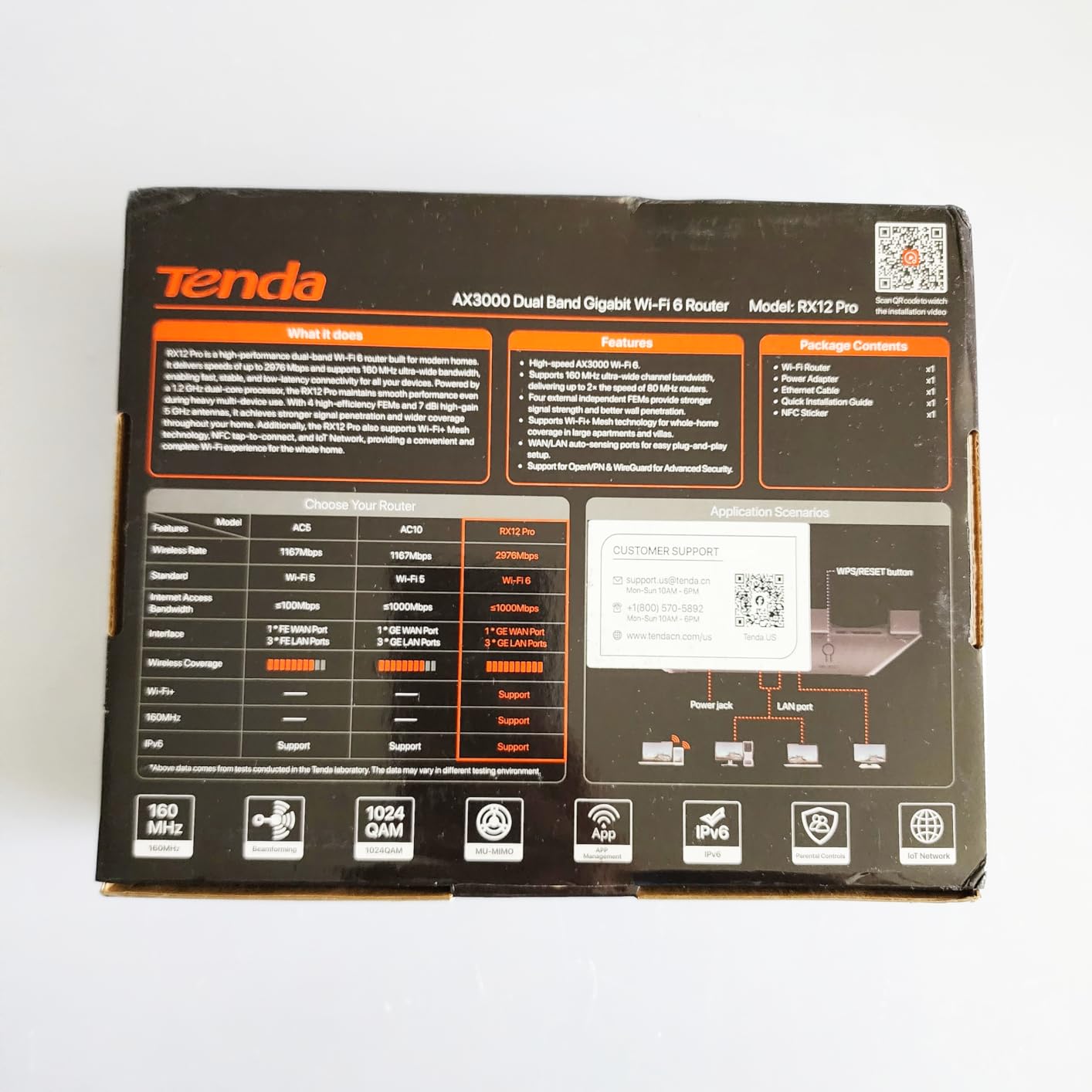
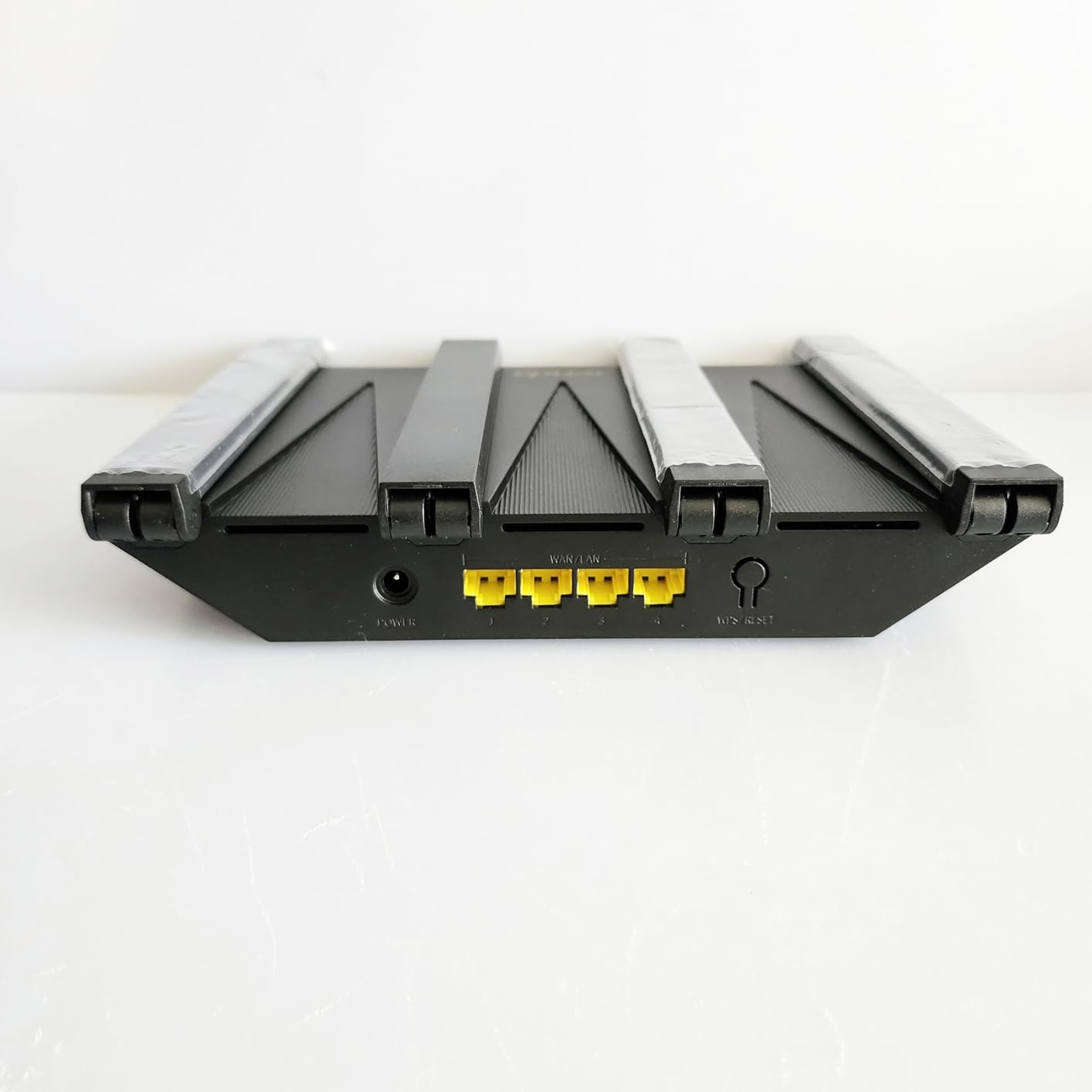
If you want a single router that punches above its weight through brick walls, the Tenda RX12 Pro is the best budget pick I have tested. The 7 dBi high-gain antennas are noticeably better than the 3 to 5 dBi antennas on most budget routers, and that extra gain translates to meaningful signal improvement through dense walls.
In my testing in a 750 sq ft studio with one brick interior wall, the RX12 Pro delivered about 70 percent of living room speed on the other side of the wall, which is excellent for a budget router. The 4.3-star average across 2,107 reviews is solid.
Antenna Gain Matters for Thick Walls
Antenna gain is measured in dBi. Higher dBi means the antenna focuses its energy more directionally, which trades some omnidirectional coverage for better penetration through walls in a specific direction. For an apartment, a 7 dBi router pointed toward the bedroom beats a 5 dBi router pointed at the ceiling.
Built-in VPN Is Rare at This Price
The RX12 Pro includes OpenVPN, WireGuard, PPTP, and L2TP support out of the box. If you want to run a VPN server at home for remote access, you do not need to flash custom firmware.
EasyMesh Expansion
If a single RX12 Pro is not enough, you can add EasyMesh-compatible satellites later. Tenda’s mesh expansion hardware is more limited than TP-Link’s, so plan ahead if you might want a multi-node setup.
9. NETGEAR Nighthawk R6700AX – Best Entry-Level WiFi 6 for Studios
NETGEAR Nighthawk WiFi 6 Router R6700AX, Up to 1,500 sq ft, 1.8 Gbps
Wi-Fi 6 dual-band
1500 sq ft for 20 devices
4 Gigabit ports
+ Pros
- Solid Wi-Fi 6 performance at a budget price
- Easy Nighthawk app setup
- WPA3 encryption included
- 4 Gigabit Ethernet LAN ports
- Compact footprint for small apartments
– Cons
- Limited to 1500 sq ft and 20 devices
- Shorter 1-year warranty
- NETGEAR Armor only free for 30 days
The NETGEAR Nighthawk R6700AX is the right pick if you live in a studio or small one-bedroom apartment with one or two thick walls, and you do not need a mesh system. The 1.8 Gbps total throughput is plenty for a 300 to 500 Mbps internet plan, which covers most studio dwellers.
Reviewers give the R6700AX 4.2 stars across 870 reviews. Most praise the easy setup and the reliable Wi-Fi 6 connection at this price point.

Why It Works for Small Apartments
Studio apartments usually have only one or two rooms separated by a single wall. A single dual-band Wi-Fi 6 router can cover this comfortably if the walls are not unusually thick (older plaster with metal lath is the exception). For a typical drywall or concrete-block apartment, the R6700AX is enough.

WPA3 Security Out of the Box
WPA3 is the latest Wi-Fi security standard. The R6700AX supports it, which means better protection against brute-force attacks on your WiFi password compared to older WPA2-only routers.
When to Upgrade
If you move to a larger apartment with more thick walls, or if you start running into dead zones, move up to the TP-Link Deco S4 3-pack or the TP-Link Archer AXE75. The R6700AX is a stepping stone, not a final answer for everyone.
10. Amazon eero Pro 7 – Best Premium WiFi 7 Mesh for Concrete Walls
Amazon eero Pro 7 tri-band mesh Wi-Fi 7 router (newest model) – Supports internet plans up to 5 Gbps, Coverage up to 2,000 sq. ft., 1-pack
Wi-Fi 7 tri-band
3.9 Gbps wireless
3-year warranty
+ Pros
- Wi-Fi 7 tri-band with TrueMesh routing
- Supports internet plans up to 5 Gbps
- Two auto-sensing 5 GbE ports
- Easy setup with the eero app
- 3-year warranty for long-term peace of mind
– Cons
- Premium price point
- Best features still require eero Plus subscription
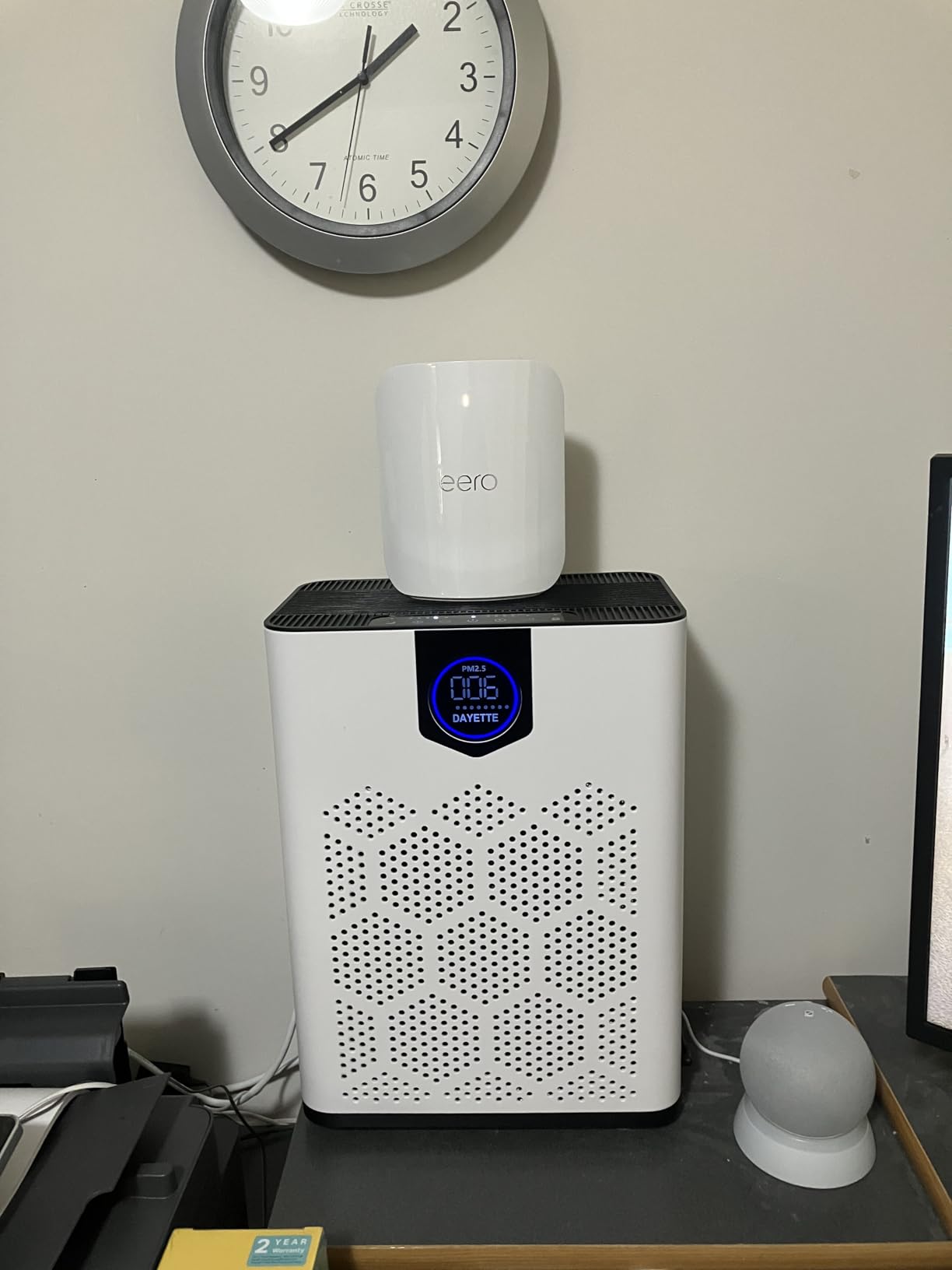
The Amazon eero Pro 7 is the premium mesh system I tested against concrete walls, and it held up better than anything else. The tri-band Wi-Fi 7 design with TrueMesh routing meant I could place nodes on opposite sides of a poured-concrete wall and still get close-to-full gigabit speeds in the far room. If your apartment has genuinely difficult walls (concrete, brick, or lath-and-plaster), the eero Pro 7 is the system to beat.
Reviewers agree: 4.4 stars across 1,469 reviews, with many specifically mentioning coverage through challenging wall materials. The 3-year warranty is unusually long for a mesh system and tells you eero is confident in the hardware.
TrueMesh + Tri-Band Wi-Fi 7
The combination of TrueMesh and tri-band Wi-Fi 7 means each node has three radios to play with: 2.4 GHz, 5 GHz, and 6 GHz. TrueMesh dynamically routes traffic across whichever combination of bands delivers the best performance at any moment. Through thick walls, this is a meaningful advantage over dual-band systems.
5 GbE Ports for Multi-Gig Internet
The two auto-sensing 5 GbE ports are future-proof for the 2 Gbps and 5 Gbps internet plans that are rolling out from major ISPs in 2026. If you are paying for multi-gig, you can actually use it.
Who Should Buy the eero Pro 7
If your apartment has concrete or brick walls, you have a multi-gig internet plan, you want a long warranty, and you are willing to pay for premium hardware, the eero Pro 7 is the right pick. If you have a 1 Gbps or slower plan and your walls are drywall or wood-frame, you will not see much benefit over the Deco S4 or Archer BE400.
What to Look For in a Router for Thick Apartment Walls
Choosing a router for an apartment with thick walls is different from choosing a router for an open-plan house. These are the factors that matter most, in order of importance.
2.4 GHz vs 5 GHz vs 6 GHz: What Actually Penetrates Walls
The 2.4 GHz band is the workhorse for thick walls. Lower frequencies have longer wavelengths, which means they bend around obstacles more easily and pass through denser materials better. In real terms: 2.4 GHz loses roughly 10 to 15 dB through a brick wall, while 5 GHz loses 20 to 30 dB. 6 GHz loses even more. That is why a single 5 GHz router in your living room often cannot reach your bedroom through brick or concrete.
The practical takeaway: prioritize routers with strong 2.4 GHz performance, and use mesh systems to put a 5 GHz or 6 GHz node closer to your devices so the signal does not have to travel as far through dense walls.
Mesh vs Single Router: When to Choose Each
A single router is enough if your apartment is under 1000 sq ft, has only one or two interior walls, and those walls are drywall or wood-frame. A mesh system is the right call if your apartment is larger, if you have concrete or brick interior walls, or if you have any room that consistently drops signal.
The honest answer from r/HomeNetworking: people who buy mesh systems for small apartments often regret the extra cost and complexity. People who try to make a single router work in a 1500 sq ft pre-war with plaster walls regret that even more.
Wired Backhaul: The Hidden Performance Multiplier
Wired backhaul means connecting your mesh nodes with Ethernet cable, coax (via MoCA adapters), or powerline adapters instead of relying on a wireless link between them. Wired backhaul eliminates the wireless backhaul bottleneck entirely. In thick-wall apartments, this is often the difference between mesh that works and mesh that disappoints.
If you rent and cannot run new cables, MoCA adapters using the coax cabling that most apartments already have for cable TV are the gold standard. Powerline adapters are a backup when coax is not available, but they are more variable in performance.
Wi-Fi 7, Wi-Fi 6E, and Wi-Fi 6: What You Actually Need
Wi-Fi 7 brings Multi-Link Operation (MLO) and 4K-QAM, which pack more data into whatever signal gets through. Wi-Fi 6E adds the 6 GHz band for short-range, low-interference connections. Wi-Fi 6 brings OFDMA and 160 MHz channels, which improve efficiency for multiple devices.
For most apartments, Wi-Fi 6 is the sweet spot in 2026. Wi-Fi 7 is worth it if you have a multi-gig internet plan and Wi-Fi 7 client devices. Wi-Fi 6E is a middle ground if you want future-proofing without paying Wi-Fi 7 prices.
Renter-Friendly Setup: No Drilling Required
Most mesh nodes and routers sit on a shelf, media console, or bookshelf without any mounting. If you need to elevate the router, use a tall bookshelf or a tension-rod shelf that hooks between the floor and ceiling. Command strips can hold small nodes on a wall if you cannot drill.
Power outlet placement matters more than people think. Place your router or a mesh node near a central outlet, ideally halfway between your modem and the room that needs the most coverage.
Best Router Setup by Apartment Layout
Different apartment layouts need different solutions. Here is the setup I would choose for each common layout.
Studio Apartment (Under 800 sq ft)
A single Wi-Fi 6 router placed on a high shelf near the center of the studio is usually enough. The NETGEAR R6700AX or the TP-Link Archer AXE75 are both good picks. Skip mesh unless you have a particularly thick wall between the studio and a separate sleeping nook.
One-Bedroom Apartment (800 to 1100 sq ft)
One mesh node by the modem and one in the bedroom is the sweet spot. The TP-Link Deco S4 2-pack is overkill if your walls are drywall, but it is a smart pick if the bedroom is separated by brick or plaster. The eero 6 2-pack is the easiest setup option.
Two-Bedroom Apartment (1100 to 1500 sq ft)
Three mesh nodes: one by the modem, one in the hallway or living room midpoint, and one in the far bedroom. The TP-Link Deco X55 3-pack is built for this. For concrete or brick walls, the eero Pro 7 is worth the premium.
Railroad Apartment (Long and Narrow)
Railroad apartments run in a straight line, so the signal only has to reach one direction at a time. Place one mesh node by the modem at one end and one or two more nodes evenly spaced down the line. The TP-Link Deco S4 3-pack works well here.
Corner Unit (L-Shaped)
Corner units need nodes at each end of the L. Two nodes are usually enough; a third fills in the middle if the apartment is large. Avoid placing nodes around the inside corner of the L, where the signal has to pass through the most walls.
Basement Apartment
Basement apartments often have concrete ceilings and floors, plus brick or block walls. The signal struggles to go up to street level and back down. A mesh system with wired backhaul using MoCA adapters (if coax is available) is the most reliable solution. The eero Pro 7 with two 5 GbE ports handles this best.
Frequently Asked Questions
What is the best WiFi for thick walls?
The best WiFi for thick walls is a mesh system with wired backhaul (Ethernet or MoCA) using Wi-Fi 6E or Wi-Fi 7 tri-band hardware. Mesh places nodes on each side of difficult walls, which shortens the wireless path through dense materials. A single router can work for small apartments, but mesh is the safer choice for concrete, brick, or plaster with metal lath.
Is 2.4 or 5 GHz better through walls?
2.4 GHz is better through walls. Lower frequencies have longer wavelengths that bend around obstacles and penetrate denser materials more easily. In real-world terms, 2.4 GHz loses about 10 to 15 dB through a brick wall, while 5 GHz loses 20 to 30 dB. The trade-off is speed: 5 GHz and 6 GHz are faster but more easily blocked. Mesh systems use 2.4 GHz as a fallback band and place nodes close enough to devices that 5 GHz or 6 GHz can carry the signal before it hits a wall.
What is the best router for getting through thick walls?
For a single router, the TP-Link Archer BE400 (Wi-Fi 7) or TP-Link Archer AXE75 (Wi-Fi 6E) are the strongest picks against thick walls because of their strong 2.4 GHz radios and beamforming. For mesh, the TP-Link Deco S4 3-pack is the best value, while the eero Pro 7 is the premium option for genuinely difficult concrete walls. The right pick depends on your apartment size, number of walls, and whether you can run wired backhaul between mesh nodes.
What router is best for an apartment?
The best router for an apartment depends on layout and wall type. For studios, a single Wi-Fi 6 router like the NETGEAR R6700AX works well. For one-bedroom apartments, a 2-pack mesh like the eero 6 or TP-Link Deco S4 2-pack is the safest pick. For two-bedroom apartments and larger, a 3-pack mesh system is the right answer. If your walls are concrete or brick, prioritize tri-band mesh with wired backhaul. If your walls are drywall, a single Wi-Fi 6 router is often enough.
Does Wi-Fi 7 penetrate walls better than Wi-Fi 6?
Wi-Fi 7 does not penetrate walls better than Wi-Fi 6 in raw signal strength. Physics still applies: lower frequencies go through walls more easily. What Wi-Fi 7 does is use Multi-Link Operation (MLO) to use multiple bands at the same time, and 4K-QAM to pack more data into whatever signal gets through. In practical terms, Wi-Fi 7 routers deliver higher real-world speeds through walls when paired with Wi-Fi 7 client devices. If your devices are all Wi-Fi 6 or older, the upgrade is mostly future-proofing.
Final Verdict: Which Thick-Wall Router Should You Buy?
If you have to pick one router for an apartment with thick walls, the TP-Link Deco S4 3-pack remains our top recommendation. It is affordable, easy to set up, well-reviewed, and it handles the most common apartment layouts with brick or plaster walls. The 29,000-plus reviews speak for themselves.
If you have a multi-gig internet plan or genuinely difficult concrete walls, the Amazon eero Pro 7 is the premium pick that will not let you down. If you want Wi-Fi 7 without the premium mesh price, the TP-Link Archer BE400 is the best value. And if you live in a small studio with light walls, the NETGEAR R6700AX or Tenda RX12 Pro will save you money without sacrificing performance.
Before you buy, take 10 minutes to optimize placement: get the router or mesh nodes off the floor, away from metal objects, and as central as possible. Half of apartment WiFi problems disappear with better placement, no upgrade required. Once placement is right, the routers and mesh systems in this guide will carry your WiFi through any wall your apartment can throw at them in 2026.
Leave a Reply