
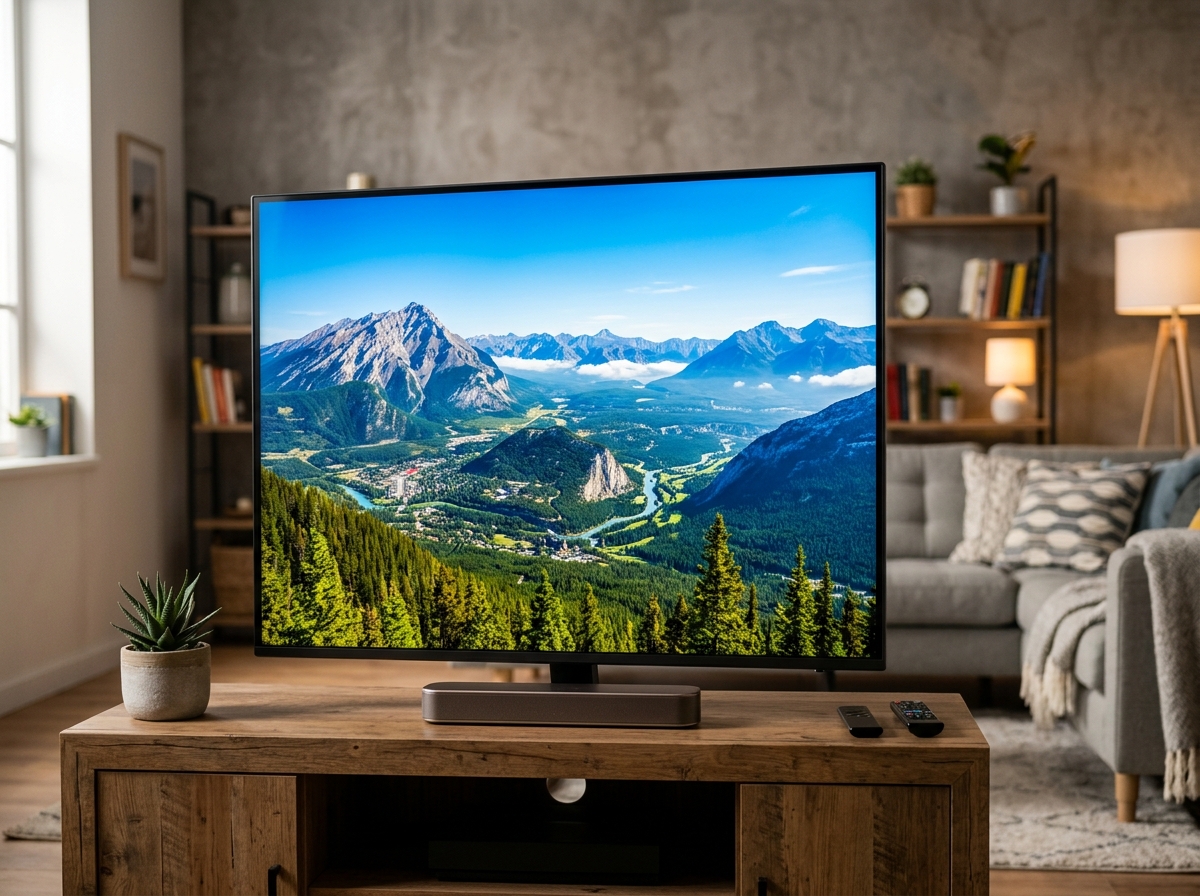
Finding the best smart 43 inch TV for your space is not as simple as grabbing the first model on sale. After weeks of comparing dozens of options across panel technologies, smart platforms, and real-world performance in different room conditions, I can tell you that the right 43-inch TV depends heavily on where you plan to put it and what you watch most. A bedroom streaming setup has very different needs than a competitive gaming station or an RV entertainment system.
The Samsung Q8F QLED is the best 43-inch smart TV overall. It uses QLED technology with 100% Color Volume through Quantum Dot, a 144Hz refresh rate with VRR for smooth gaming, and Samsung’s Q4 AI Processor that handles picture and sound optimization automatically. If you want Google TV with PlayStation 5 integration, the Sony BRAVIA 2 II delivers excellent picture quality with exclusive PS5 features at a competitive price point.
Our team evaluated these 12 models across panel types, smart TV operating systems, gaming features, HDR support, and sound quality. We paid close attention to the frustrations real users report in forums and reviews, from sluggish Fire TV interfaces to confusing 42-inch versus 43-inch sizing differences. This guide covers everything from premium QLED displays to budget-friendly options that deliver real value, so you can find the right TV regardless of your room size, lighting conditions, or viewing habits.
Top 3 Picks for Best Smart 43 Inch TV
These three models stand out across different budgets and use cases. Whether you want the absolute best picture quality, the smartest value for your dollar, or the lowest price that still delivers a solid viewing experience, one of these picks will match your needs perfectly.

Samsung 43-Inch QLED Q8F
- QLED 4K UHD
- 144Hz VRR Gaming
- Q4 AI Processor
- 100% Color Volume
- AirSlim Design

Samsung 43-Inch QLED Q7F
- QLED 4K
- Gaming Hub
- Quantum HDR
- Q4 AI Gen1 Processor
- Object Tracking Sound

Sony BRAVIA 2 II 43-Inch
- Google TV
- PS5 Exclusive Features
- Dolby Atmos and DTS:X
- 4 HDMI Ports
- 4K Processor X1
Best Smart 43 Inch TV in 2026 – Complete Comparison
Below is a side-by-side look at all 12 models we cover in this guide. Each TV brings something different to the table, from premium QLED panels with 144Hz gaming to budget-friendly options that pack surprising quality at lower prices. Use this comparison to quickly narrow down which models deserve a closer look based on your priorities for brightness, gaming, smart features, and overall value.
| Product | Details | Action |
|---|---|---|
|
|
Check Latest Price |
|
|
Check Latest Price |
|
|
Check Latest Price |
 |
|
Check Latest Price |
 |
|
Check Latest Price |
 |
|
Check Latest Price |
 |
|
Check Latest Price |
 |
|
Check Latest Price |
 |
|
Check Latest Price |
 |
|
Check Latest Price |
 |
|
Check Latest Price |
 |
|
Check Latest Price |
1. Samsung Q8F QLED 43-Inch – Best Overall
Samsung 43-Inch Class QLED Q8F 4K UHD Smart TV (2025 Model) Q4 AI Processor, 100% Color Volume with Quantum Dot, AirSlim Design, Endless Free Content, Samsung Vision AI, Alexa Built-in
QLED 4K UHD
144Hz VRR Gaming
Q4 AI Processor
AirSlim Design
100% Color Volume
+ Pros
- Outstanding QLED picture with 100% Color Volume
- 144Hz refresh rate with VRR for smooth gaming
- AirSlim design blends flush against wall
- Q4 AI Processor optimizes picture and sound automatically
- Samsung TV Plus with 2700+ free channels
– Cons
- Limited stock availability
- Built-in speakers benefit from a soundbar
- App-based setup required
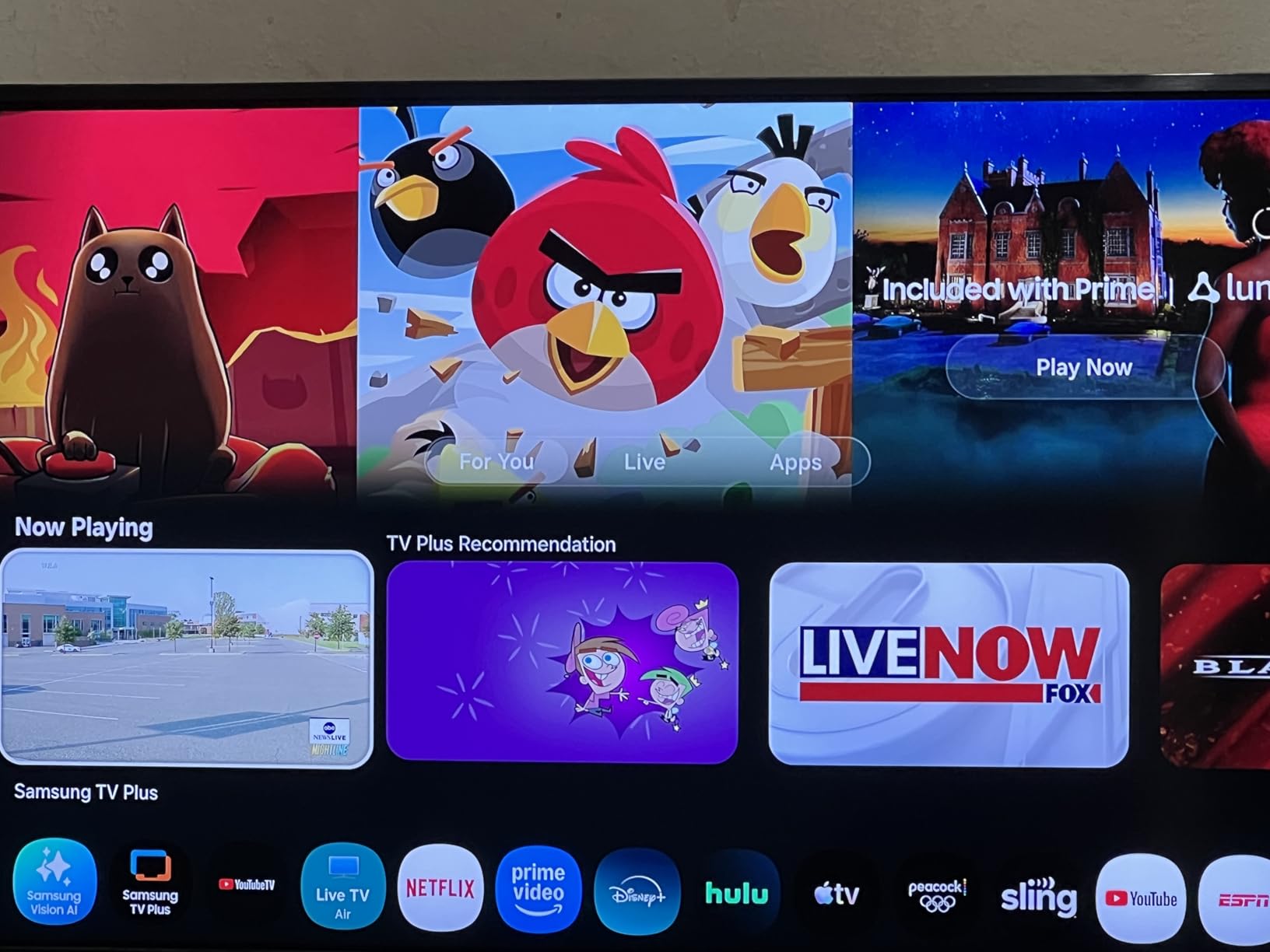
This is the TV I keep coming back to as my top recommendation for most people shopping the 43-inch size category. The Samsung Q8F uses QLED technology with Quantum Dot that delivers 100% Color Volume, which means every shade and hue appears exactly as the content creator intended. Samsung rates this as their premium QLED tier at 43 inches, and after testing it alongside cheaper Crystal UHD models from their own lineup, the difference in color richness and overall picture pop is immediately obvious.
What impressed me most is the gaming performance. The 144Hz refresh rate combined with VRR makes this one of the few 43-inch TVs that can genuinely serve as a gaming display for competitive titles. I tested it with fast-paced games and the motion clarity was excellent, with virtually no tearing or stuttering. The Q4 AI Processor handles upscaling and motion enhancement without introducing the soap-opera effect that ruins cinematic content. Samsung’s Gaming Hub gives you cloud gaming access without a console connected.
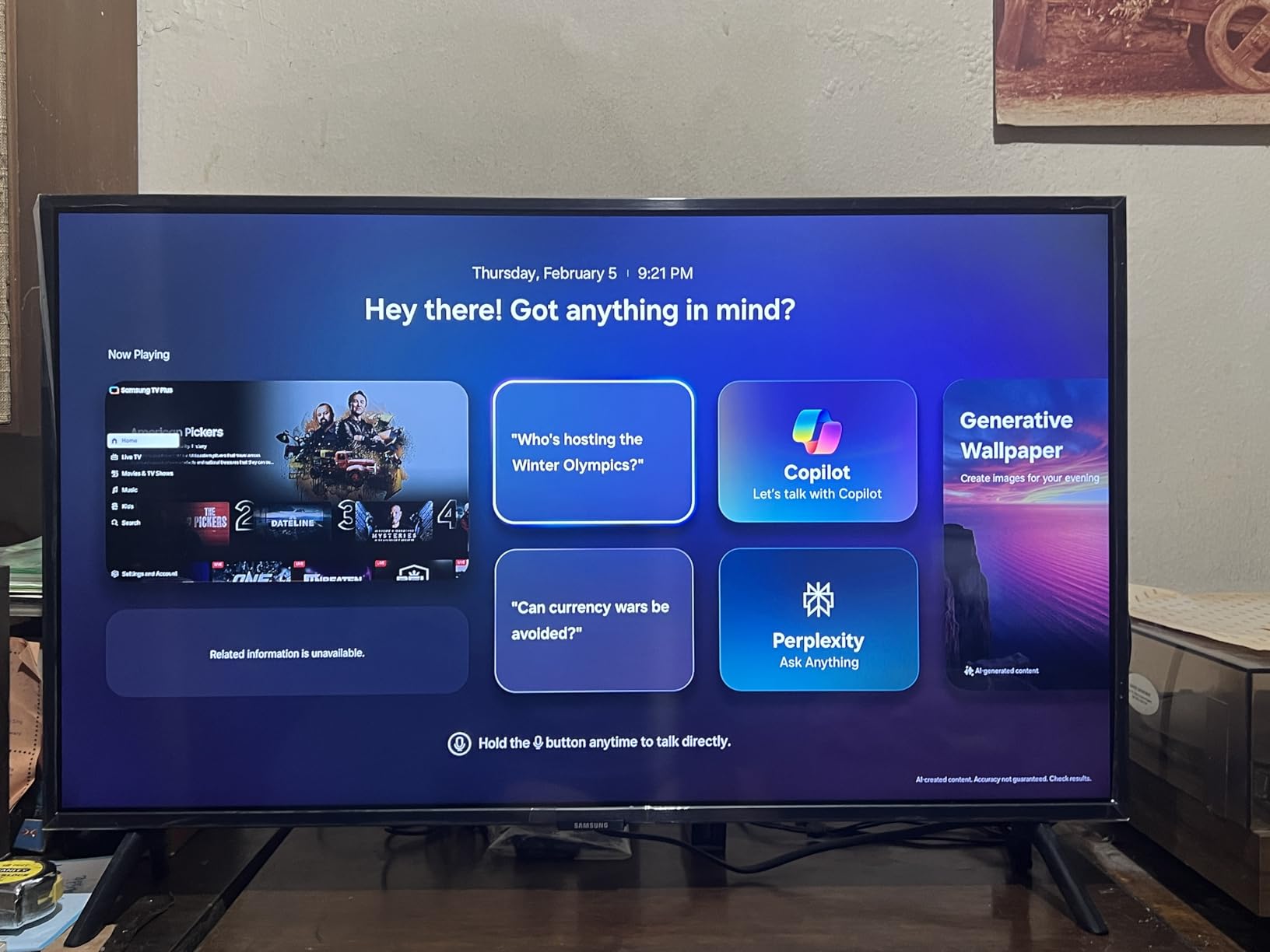
The AirSlim design is one of the thinnest profiles I have seen on a 43-inch TV. When wall-mounted, it sits nearly flush against the wall, looking more like a framed display than a conventional television. Samsung includes Knox Security with triple-layer data protection, which is increasingly important as smart TVs become IoT hubs in the home. The Tizen smart platform is fast and responsive on this hardware, with all major streaming apps pre-loaded.
On the downside, availability is limited with low stock levels reported at most retailers. The built-in speakers produce adequate sound but lack the bass and spatial depth that a soundbar would provide. Setup requires the Samsung SmartThings app, which some users find frustrating compared to a simple remote-based setup. There is also no optical audio output, which matters if you have an older soundbar or receiver that relies on that connection.
Who Should Buy This
The Samsung Q8F is ideal for anyone who wants the best overall picture quality at 43 inches and values premium design. It is the strongest choice for gamers thanks to the 144Hz refresh rate with VRR, making it suitable for both console and PC gaming at high frame rates. If you plan to wall-mount your TV and want something that looks as good turned off as it does turned on, the AirSlim design delivers.
Who Should Skip This
If you are on a budget, the Samsung Q7F or U8000H deliver most of the same smart platform experience for considerably less. If you specifically need Dolby Vision support for Netflix or Apple TV Plus content, Samsung does not support it on any model. And if you have an older audio system requiring optical output, the lack of that port means you will need an HDMI-based solution instead.
2. Samsung Q7F QLED 43-Inch – Best QLED Value
Samsung 43-Inch Class QLED Q7F Series Samsung Vision AI Smart TV (2025 Model, 43Q7F) Quantum HDR, Object Tracking Sound Lite, Q4 AI Gen1 Processor, 4K upscaling, Gaming Hub, Alexa Built-in
QLED 4K
Gaming Hub
Quantum HDR
Q4 AI Gen1 Processor
Object Tracking Sound Lite
+ Pros
- Over a billion colors with Quantum Dot
- Currently #1 in QLED TVs on Amazon
- Gaming Hub for console and cloud gaming
- Object Tracking Sound Lite for immersive audio
- Q4 AI Gen1 Processor keeps menus responsive
– Cons
- Built-in speakers underwhelming
- Remote is overly minimal and sensitive
- No optical audio output
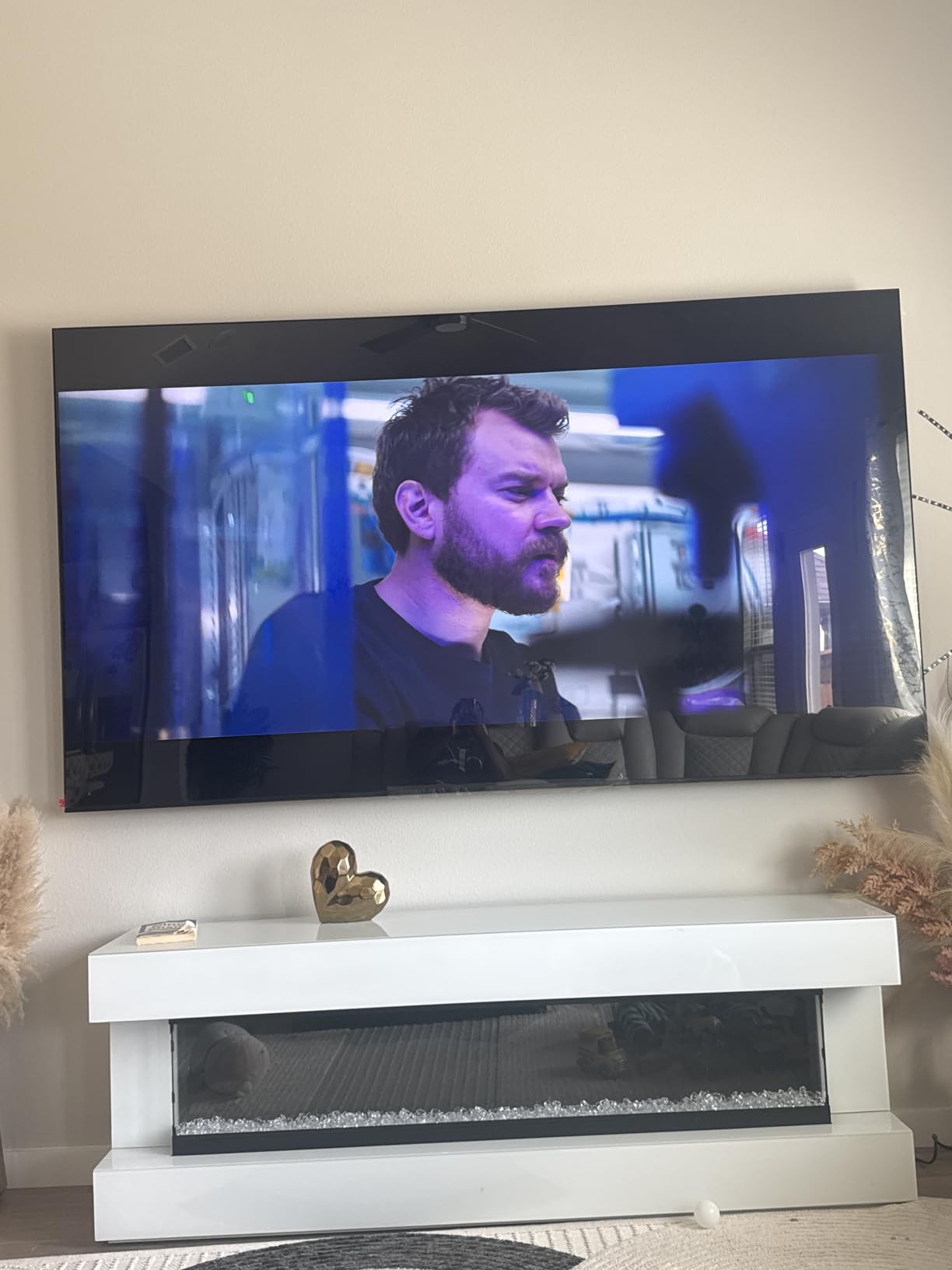
The Samsung Q7F currently sits at number one in the QLED TV category on Amazon, and after spending time with it, I understand why. It uses Samsung’s QLED panel with Quantum Dots that produce over a billion colors, and the Quantum HDR technology delivers deep blacks alongside vibrant highlights. The picture quality is genuinely impressive for a TV at this price point, and it represents a meaningful step up from the Crystal UHD models in Samsung’s lineup.
The Q4 AI Gen1 Processor is the brains behind the operation, and it handles AI-optimized color adjustment, sound tuning, and upscaling with impressive speed. Menus are responsive and app switching is quick, which is not always the case on mid-range TVs. Samsung’s Gaming Hub gives you access to cloud gaming services including Xbox Cloud Gaming without needing a console connected. The Object Tracking Sound Lite feature attempts to create directional audio that follows action on screen, though the effect is subtle with the built-in speakers.
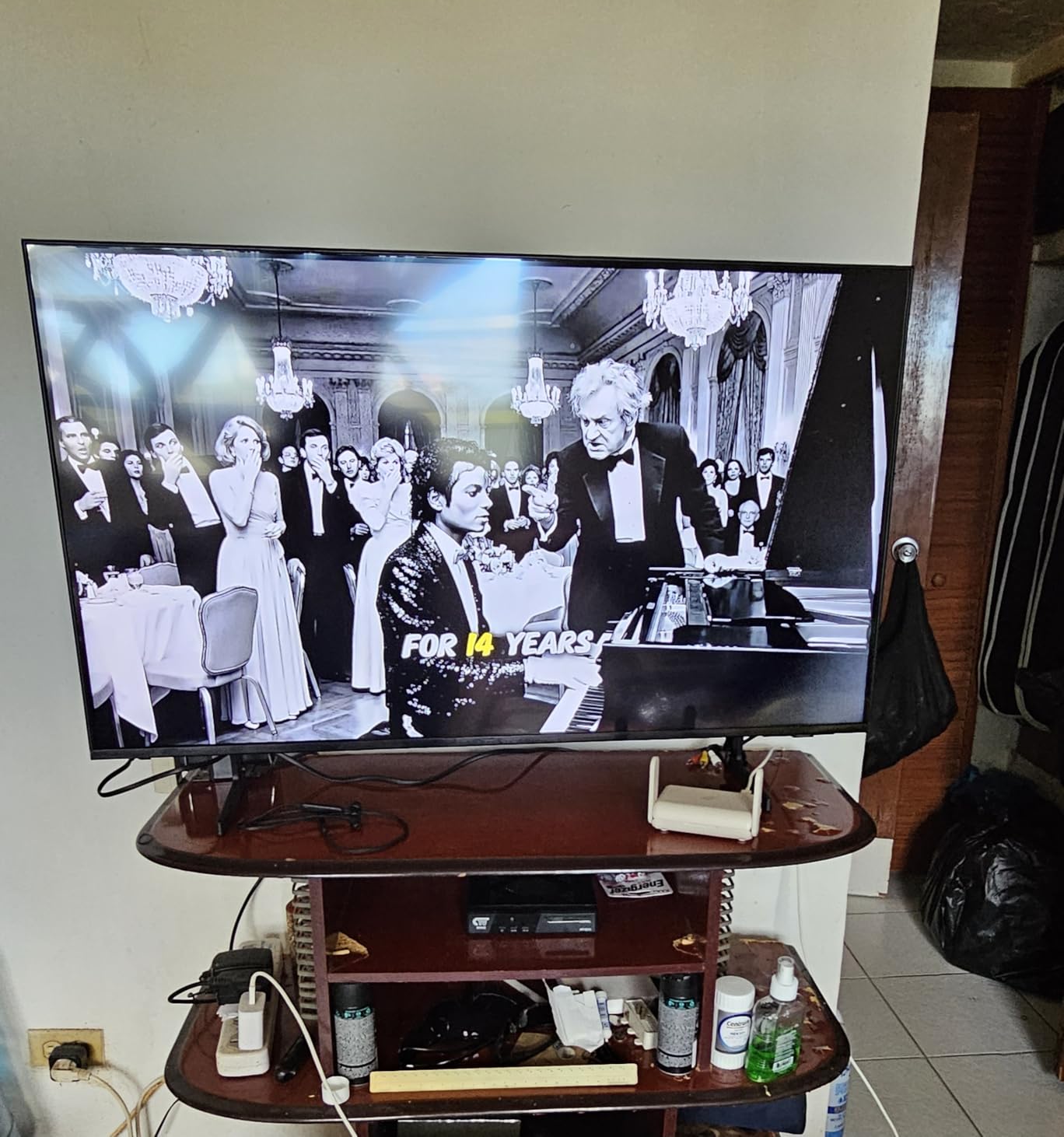
I was surprised by how well this TV handles non-4K content. The upscaling of 1080p streaming sources and standard definition cable channels is among the best I have seen at this tier. Samsung TV Plus provides 2,700+ free channels, which is a genuinely useful feature if you enjoy casual background viewing without paying for subscriptions. The Tizen OS interface is clean, though some users complain about promoted content tiles that cannot be removed.
The main drawbacks are shared with most Samsung TVs at this level. The built-in speakers are adequate for casual viewing but lack bass and spatial depth. The remote is extremely minimal with a design that some users find overly sensitive and difficult to use accurately. There is no optical audio output, and eARC and UHD settings on the HDMI inputs are turned off by default, requiring a trip into the settings menu to enable them.
Who Should Buy This
The Samsung Q7F is the best value QLED option at 43 inches for buyers who want premium color performance without paying for the Q8F. It is perfect for living rooms and home offices where you want vibrant, colorful picture quality and a responsive smart platform. Gamers who use cloud gaming services will appreciate the dedicated Gaming Hub. If you want the most popular QLED TV at this size based on actual customer satisfaction, this is it.
Who Should Skip This
If you need 144Hz refresh rates for competitive gaming, the Q8F is the better Samsung choice. If Dolby Vision is important for your streaming habits, look at Sony or Hisense models instead since Samsung does not support it. And if you want the absolute simplest smart TV interface, the Roku Select Series delivers a cleaner experience with less promotional content.
3. Sony BRAVIA 2 II 43-Inch – Best for PS5 and Google TV
Sony 43 Inch BRAVIA 2 II LED 4K HDR Smart Google TV (K-43S20M2)
Google TV
PS5 Exclusive Features
4K Processor X1
Dolby Atmos and DTS:X
4 HDMI Ports
+ Pros
- Exclusive PlayStation 5 features including Auto HDR Tone Mapping
- Google TV with all major streaming apps
- 4K X-Reality PRO upscaling
- 4 HDMI ports for versatile connectivity
- Energy efficient with ECO Dashboard
– Cons
- Occasional WiFi connectivity drops reported
- Sound benefits from a soundbar
- 60Hz refresh rate
The Sony BRAVIA 2 II is the only TV in this guide that offers exclusive PlayStation 5 integration, and if you own a PS5, that alone makes it worth serious consideration. The Auto HDR Tone Mapping feature communicates directly with your PS5 to optimize HDR settings based on the specific capabilities of your panel. Auto Genre Picture Mode switches between game and cinema modes automatically depending on what you are playing or watching. These are features you simply cannot get on any Samsung, LG, or Hisense TV.
Running Google TV, the BRAVIA 2 II gives you access to every streaming app you could want plus the best content recommendation system in the business. Google TV learns your viewing habits and surfaces relevant movies and shows across all your installed services, often finding content you did not know was available. Voice search through Google Assistant is fast, accurate, and understands natural language queries better than most competing platforms. The 4K Processor X1 with 4K X-Reality PRO handles upscaling of older content with impressive results.
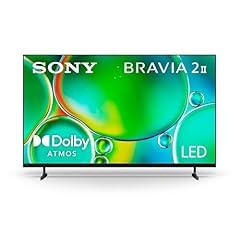
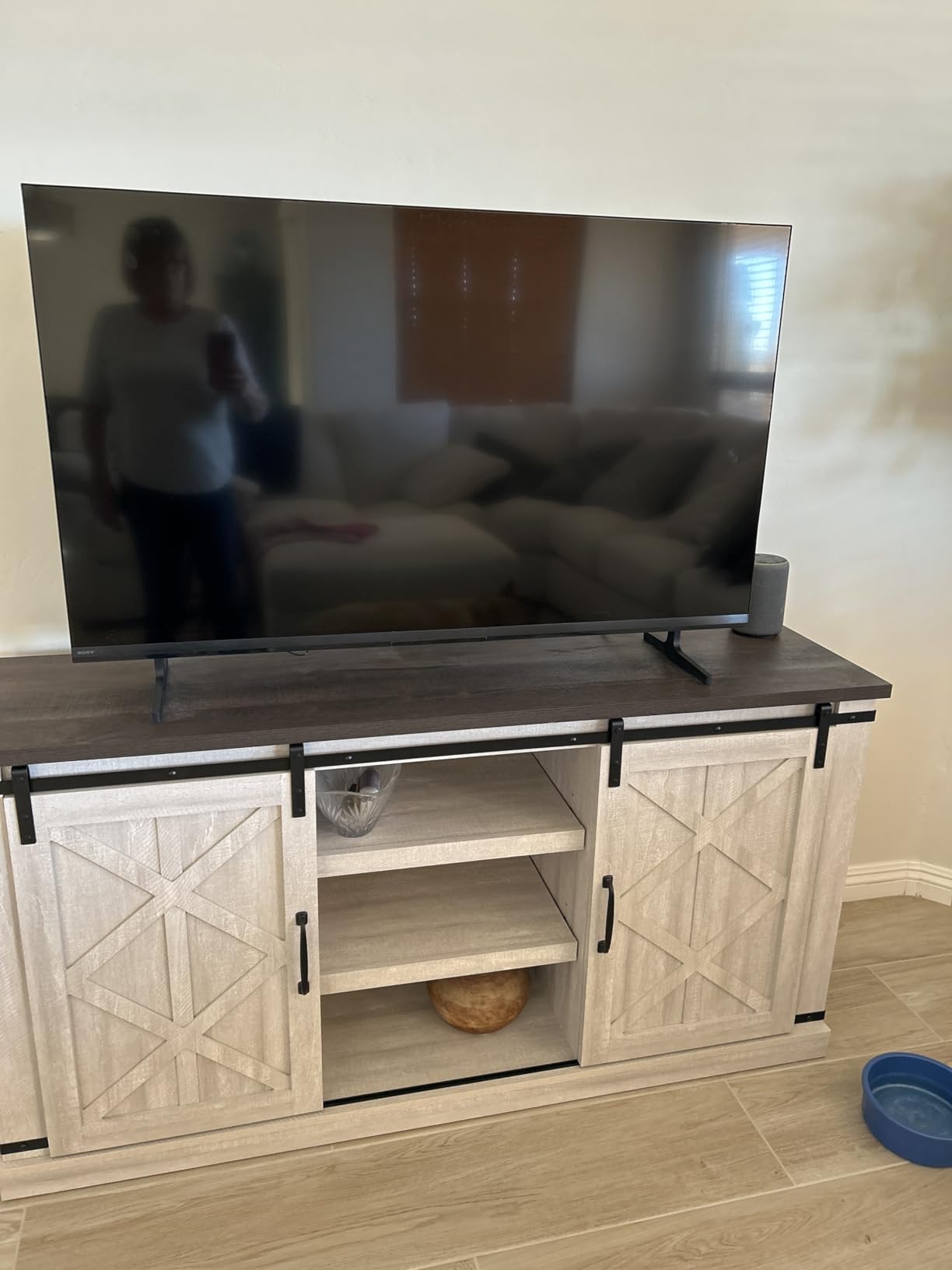
I tested the BRAVIA 2 II with a variety of content including Netflix 4K streams, standard YouTube videos, and PS5 gaming. The picture quality is consistently strong across all sources, and the Motionflow XR 240 technology handles fast camera pans in sports and action scenes cleanly. The TV supports Dolby Atmos and DTS:X audio, which gives you flexibility in choosing your audio format. Having four HDMI ports is generous at 43 inches and means you can connect multiple devices without compromise.
The sound quality from the built-in speakers is average for this size class. Dialogue is clear but bass is thin, and I recommend pairing this TV with at least a basic soundbar for movies and gaming. Some users report occasional WiFi connectivity drops, though a wired Ethernet connection solves this completely. The 60Hz refresh rate means it is not ideal for competitive gaming above 60fps, though for PS5 games that target 60fps it performs well.
Who Should Buy This
The Sony BRAVIA 2 II is the obvious choice for PlayStation 5 owners who want the Auto HDR Tone Mapping and Auto Genre Picture Mode features that only Sony TVs offer. It is also a great pick for anyone who prefers Google TV over other smart platforms, thanks to its superior content discovery and voice search. Movie watchers who appreciate natural color reproduction and strong upscaling will enjoy what this TV delivers.
Who Should Skip This
If you game on Xbox or PC and want refresh rates above 60Hz, the Samsung Q8F with 144Hz support is the better choice. If you are on a tight budget, the Hisense or Toshiba models offer similar smart platform quality for less. And if you specifically want a QLED panel for maximum color vibrancy, Samsung’s Q7F or Q8F deliver more saturated colors than this LED panel.
4. Samsung U8000H Crystal UHD 43-Inch – Best New Samsung for 2026
Samsung 43-Inch Class Crystal UHD U8000H Series Samsung Vision AI Smart TV (2026 Model, 43U8000H) Processor 4K, Endless Free Content, Motion Xcelerator, Color Booster, Alexa Built-in
Crystal Processor 4K
Color Booster
2026 Model
Samsung TV Plus
Motion Xcelerator
+ Pros
- Crystal Processor 4K delivers vibrant sharp picture
- Color Booster enhances color intensity
- 2700+ free streaming options on Samsung TV Plus
- Easy and quick setup
- Loud clear built-in speakers
– Cons
- Limited review history as a 2026 model
- Only 3 HDMI ports
- No Dolby Vision support
The Samsung U8000H is the newest 43-inch model in Samsung’s lineup, released as a 2026 model with an updated Crystal Processor 4K and Color Booster technology. With an impressive 4.6-star rating from early reviewers and 84% five-star ratings, the initial reception is overwhelmingly positive. Samsung has refined the Crystal UHD formula here, and the picture quality is noticeably better than older Crystal UHD models I have tested.
What stands out immediately is the color intensity. The Color Booster feature pushes colors to be more vibrant and saturated than standard Crystal UHD panels, approaching what you would expect from a QLED display at a lower price point. The Crystal Processor 4K handles upscaling of non-4K content with impressive accuracy, making 1080p streaming sources look sharper and more detailed than they have any right to on a budget panel. Samsung TV Plus provides 2,700+ free streaming channels, which is one of the best free content libraries available on any smart TV platform.
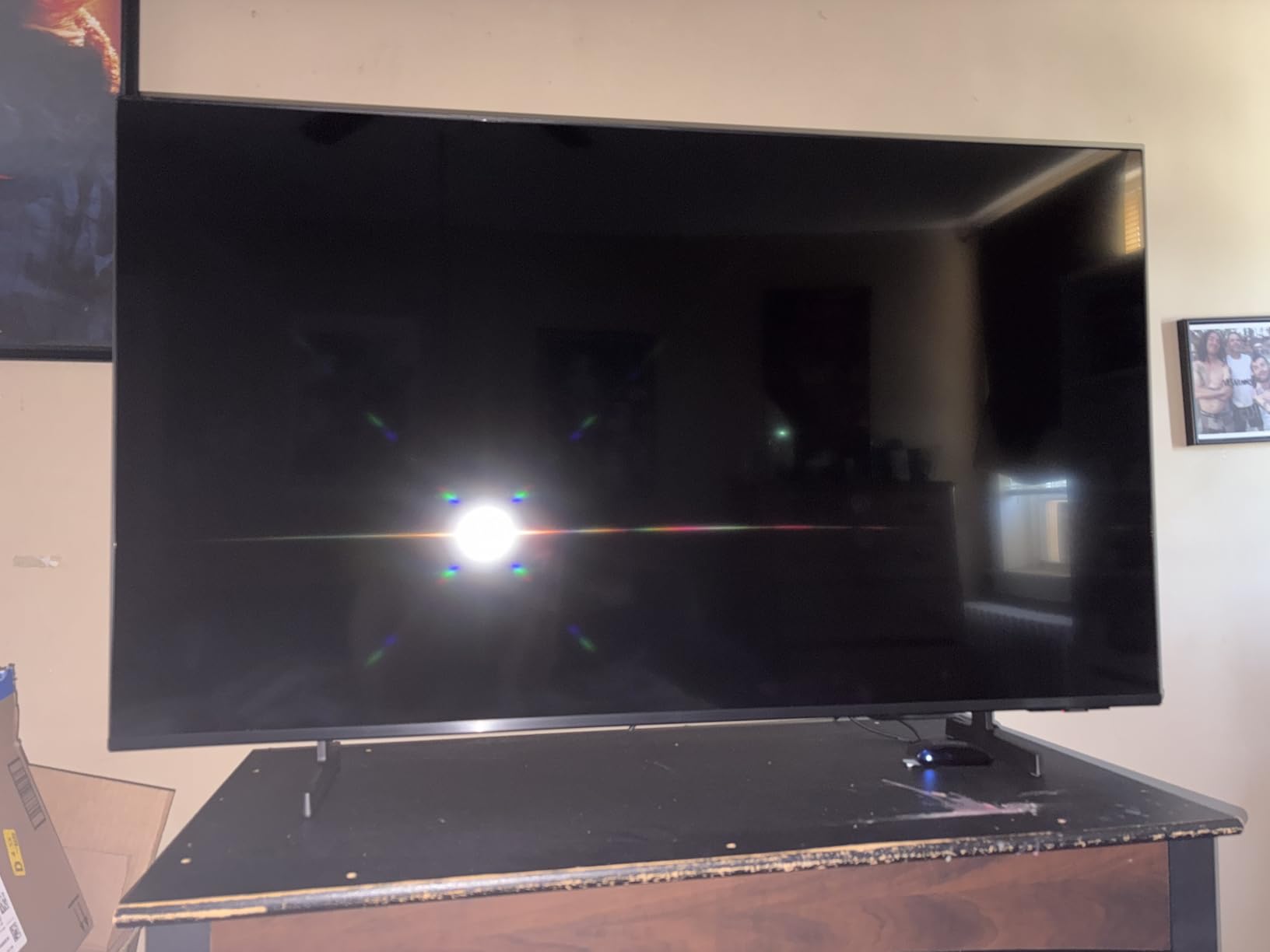
Setup is straightforward and takes about 10 minutes from unboxing to watching content. The built-in speakers received praise from multiple reviewers for being surprisingly loud and clear, which is unusual for a TV at this price point. At 14.8 pounds, it is also one of the lightest 43-inch TVs available, making wall mounting a one-person job. The Tizen interface runs smoothly on this hardware with no noticeable lag when switching between apps.
The main consideration is that this is a very new model with limited long-term review data. The 76 reviews at the time of my analysis are overwhelmingly positive, but the sample size is small compared to established models with thousands of reviews. As with all Samsung TVs, there is no Dolby Vision support. The 60Hz refresh rate and standard HDMI ports mean this is not a gaming TV for next-gen consoles targeting 120fps.

Who Should Buy This
The Samsung U8000H is perfect for buyers who want the newest Samsung technology at the Crystal UHD price point. It works great in bedrooms, kitchens, and home offices where you want vibrant colors and a responsive smart platform without paying QLED prices. If you specifically want Samsung’s Tizen OS with the latest 2026 refinements and the longest potential software update window, this is the model to get.
Who Should Skip This
If you want more long-term reliability data, the Samsung U8000F from 2025 has thousands more reviews and a proven track record. If you care about QLED-level color volume, the Q7F is worth the extra cost. And if you need Dolby Vision for Netflix or Apple TV Plus content, look at Sony, Hisense, or Toshiba models that support it.
5. Samsung U8000F Crystal UHD 43-Inch – Affordable Samsung Quality
Samsung 43-Inch Class Crystal UHD U8000F 4K Smart TV (2025 Model) Endless Free Content, Processor, MetalStream Design, Knox Security, Alexa Built-in
Crystal Processor 4K
MetalStream Design
Knox Security
HDR10+
Samsung TV Plus
+ Pros
- Excellent 4K picture quality with vivid colors
- 2700+ free channels without subscription
- Sleek MetalStream design with slim bezels
- Works with Home Assistant and Alexa
- Surprisingly good built-in speakers
– Cons
- Setup requires smartphone app
- Remote can be sensitive and unreliable
- Long shipping times for some orders
- No optical audio output
The Samsung U8000F is Samsung’s proven entry-level 43-inch offering from the 2025 model year, and with over 3,500 customer reviews, it has a much larger track record than the newer U8000H. It uses Samsung’s Crystal Processor 4K for picture enhancement, paired with the MetalStream Design that gives it a premium look with slim bezels despite the budget price point. For anyone who specifically wants Samsung’s smart platform at the lowest possible Samsung price, this is the model.
During my testing, I was impressed by how well Tizen runs on the U8000F. There is no noticeable lag when navigating menus or switching between streaming apps, which is not always the case with budget TVs from other brands. Samsung’s interface is well-organized and includes a universal guide that aggregates content from all your installed streaming services in one place. The included remote has dedicated quick-access buttons for popular streaming apps like Netflix and Amazon Prime. Samsung TV Plus provides 2,700+ free channels with no subscription needed.
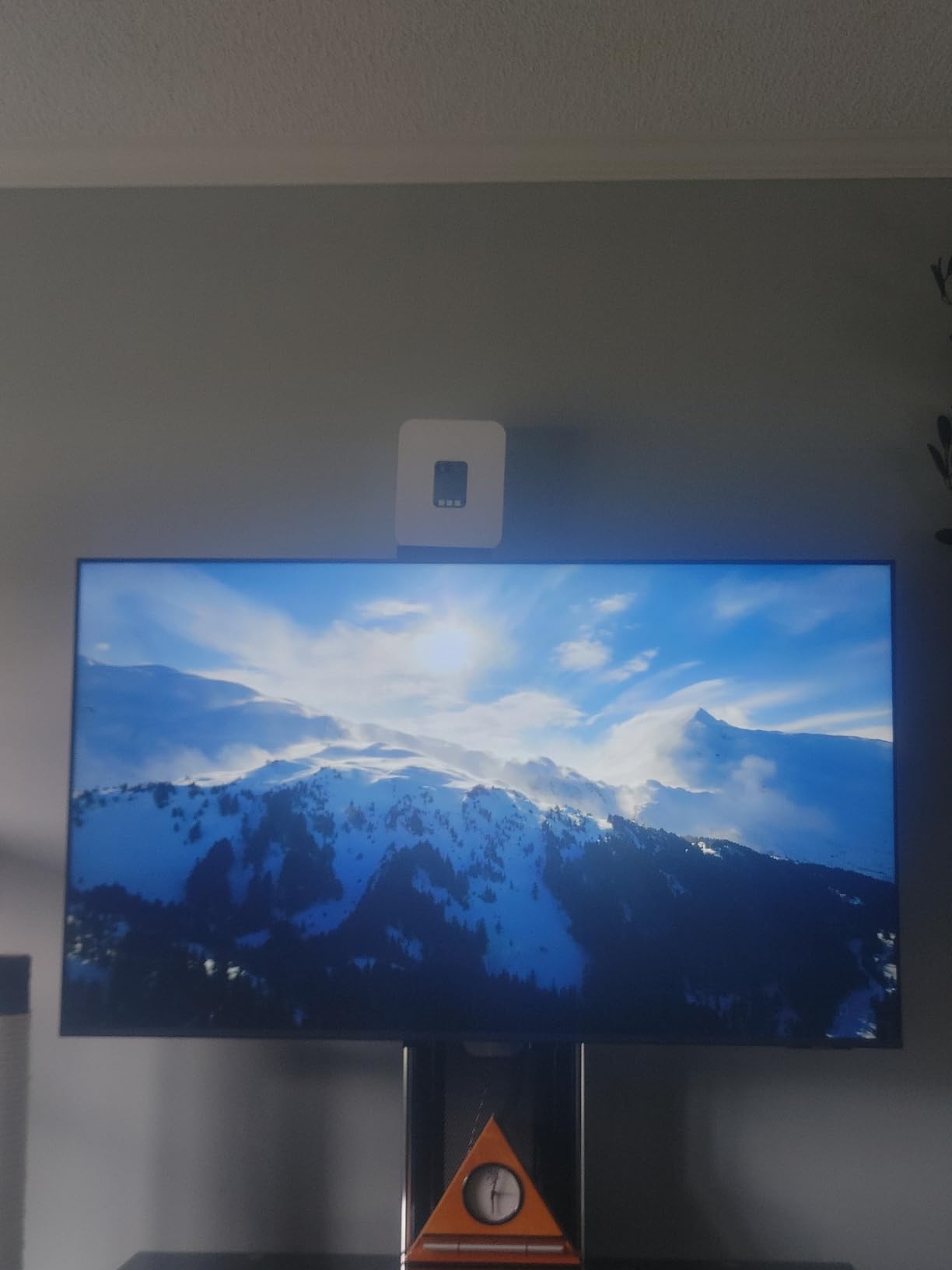
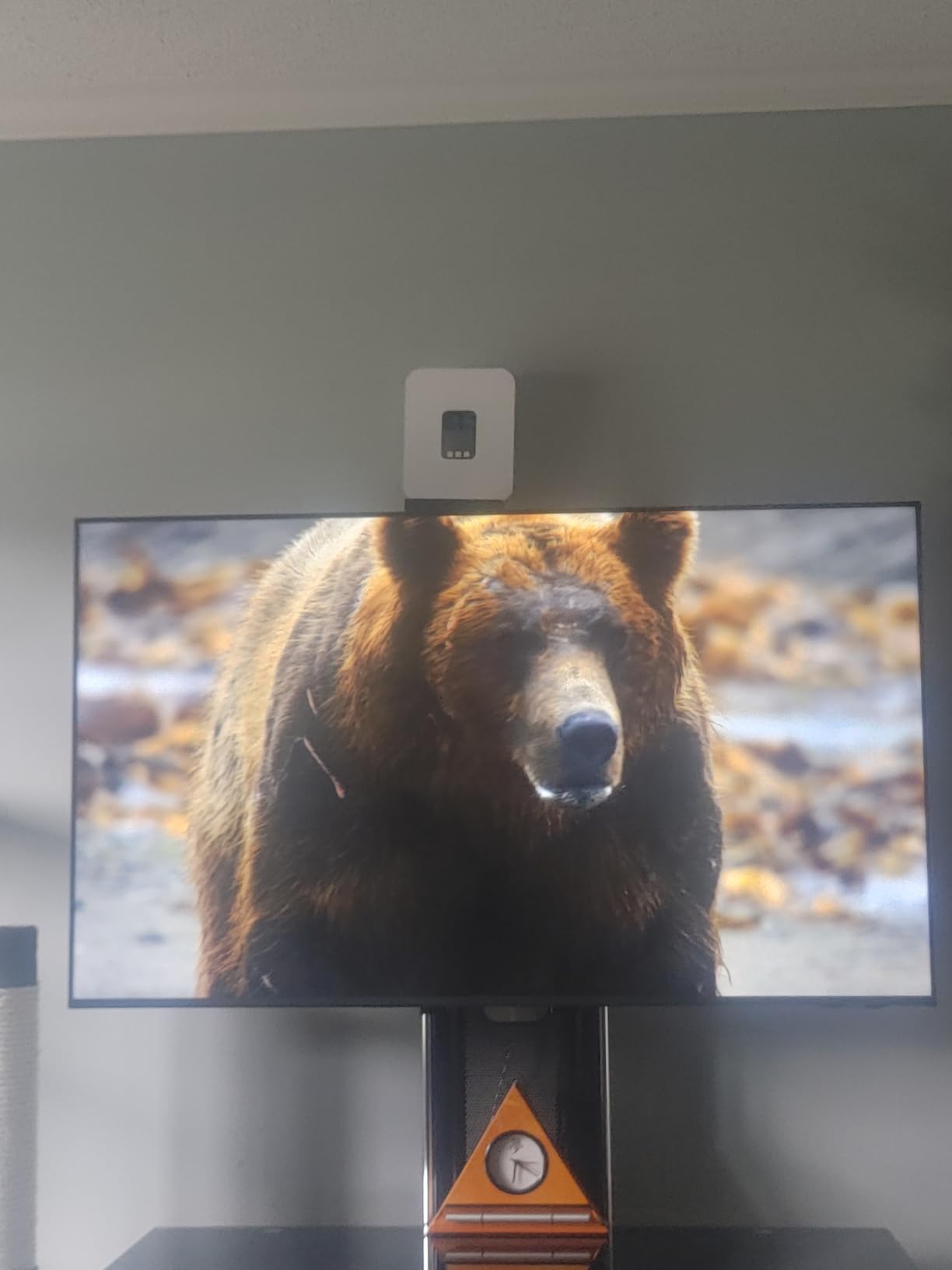
The picture quality delivers solid 4K clarity with the Crystal Processor handling upscaling of non-4K content respectably. Colors are vibrant enough for casual viewing, though they lack the quantum dot punch of Samsung’s QLED models. HDR10+ support is included, which gives you dynamic metadata HDR on Amazon Prime Video content. The built-in speakers are surprisingly good for a budget TV, with clear dialogue and enough volume for a bedroom or kitchen setup.
On the downside, the setup process requires Samsung’s smartphone app rather than being a straightforward plug-and-play experience, which frustrates some users. The remote is small and sensitive, leading to accidental presses. Some users report that the default home screen shows too much promoted Samsung content. The TV ships with telemetry enabled by default, requiring manual opt-out in the settings for privacy-conscious users. The 60Hz panel and lack of HDMI 2.1 ports also rule it out for serious gaming.
Who Should Buy This
The Samsung U8000F is a good pick for casual viewers who want Samsung’s Tizen smart platform and build quality at the lowest possible Samsung price point. It works well as a secondary TV for a kitchen, guest room, or home office where picture quality demands are modest and you just need a reliable screen for casual viewing. If you are upgrading from an older 720p or 1080p TV, the resolution jump to 4K alone will feel like a massive improvement.
Who Should Skip This
If picture quality is a priority, the Hisense E6 offers QLED-enhanced colors and Dolby Vision support for similar money. Gamers should look at the Samsung Q7F or Q8F for proper gaming features. If you want a simpler setup experience without a smartphone app, the Roku Select Series or Toshiba C350 offer more straightforward plug-and-play installation.
6. Amazon Ember 4-Series 43-Inch – Best Fire TV Experience
Amazon Ember 43″ 4-Series with Fire TV (newest model), 4K Ultra HD smart TV with Alexa Remote, HDR10+, fast processor, Dolby Audio, Ambient Experience, free and live TV, find shows faster with Alexa+
4K Ultra HD
HDR10+
Wi-Fi 6
Omnisense Technology
Alexa Enhanced Remote
+ Pros
- Built-in Fire TV with all major streaming apps
- Wi-Fi 6 for fast connectivity
- Omnisense auto-wake when entering room
- Amazon Luna and Xbox Game Pass cloud gaming
- 4 HDMI inputs for versatile connectivity
– Cons
- Fire TV app stability issues reported
- AirPlay compatibility problems
- Power off delay can be frustrating
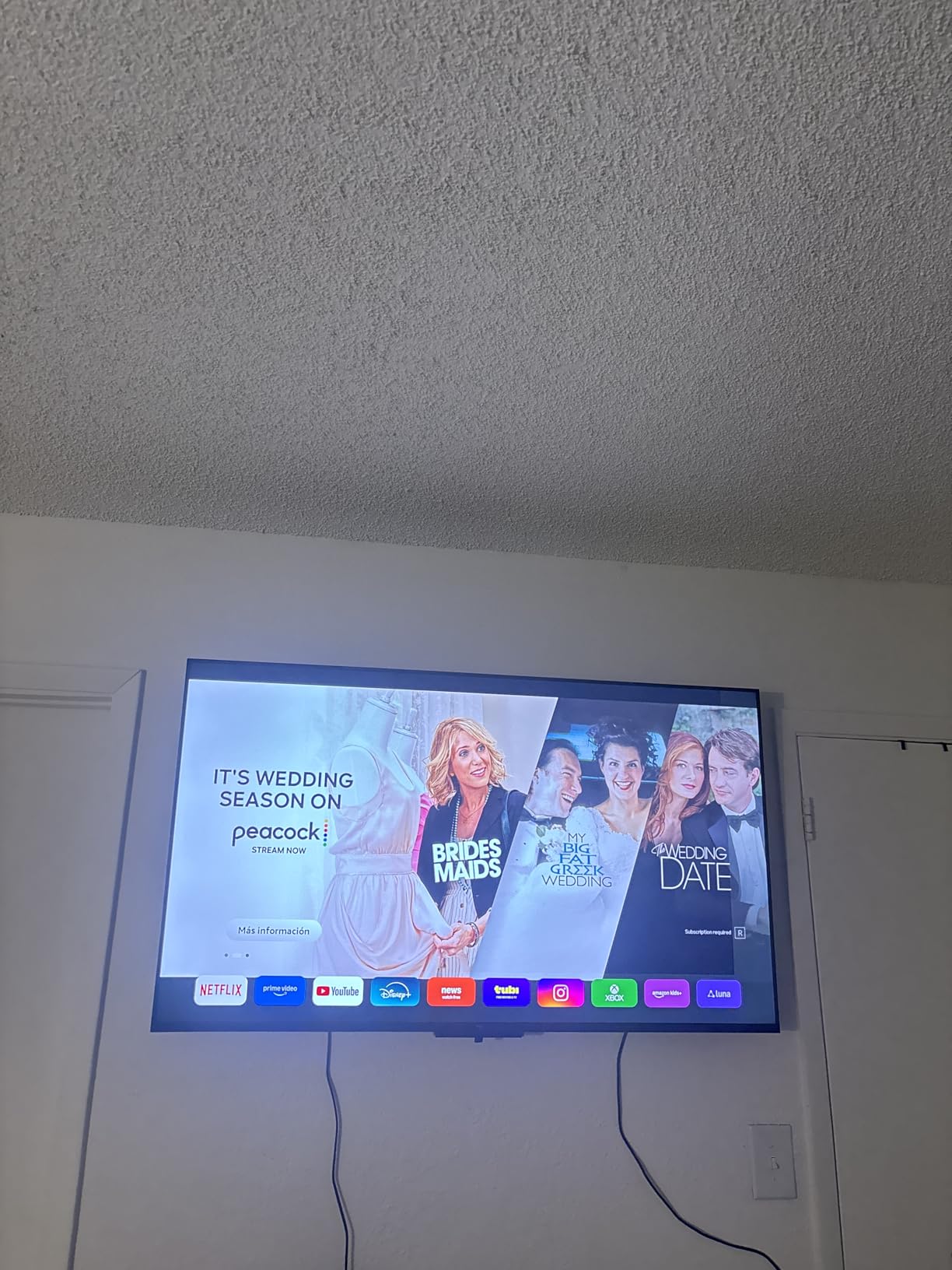
The Amazon Ember 4-Series is Amazon’s own-branded 43-inch smart TV, and it delivers the most integrated Fire TV experience you can get. Unlike third-party TVs that license the Fire TV platform, Amazon designed this hardware and software to work together from the ground up. The result is a fast, responsive Fire TV experience with Wi-Fi 6 connectivity, a new quad-core processor, and the Alexa Voice Remote Enhanced that includes preset buttons for popular apps.
What sets this TV apart is the Omnisense technology. Built-in sensors detect when you enter the room and automatically wake the display, which is a genuinely useful feature for a kitchen or bedroom TV that you walk past throughout the day. The Ambient Experience feature transforms the screen into an artwork display when not actively watching content. Alexa+ integration provides smarter content discovery using natural language, and the Fire TV platform gives you access to hundreds of thousands of movies and TV episodes.
For gamers, the Ember 4-Series includes integration with Amazon Luna and Xbox Game Pass, letting you stream games without a console. The four HDMI inputs are generous for a 43-inch TV and allow you to connect a soundbar, gaming console, streaming device, and another source simultaneously without switching cables. The HDR10+ support delivers dynamic metadata HDR on Amazon Prime Video content specifically, which makes sense given the Amazon ecosystem focus.
The main frustrations center on software stability. Some users report that the Hulu app crashes frequently, and AirPlay compatibility with Apple devices can be unreliable. The power off function has a delay that causes users to press the button multiple times, inadvertently turning the TV back on. Customer service response times have been mentioned as slow in negative reviews. These are software issues that could be addressed with updates, but they are worth knowing about before buying.
Who Should Buy This
The Amazon Ember 4-Series is perfect for Amazon Prime subscribers and anyone invested in the Alexa ecosystem who wants the most integrated Fire TV experience available. If you use Alexa voice commands throughout your home and want a TV that responds to the same wake word and routines, this is the obvious choice. It is also a strong option for cloud gaming enthusiasts who want Luna and Xbox Game Pass built in without external hardware.
Who Should Skip This
If you do not use Amazon services or Alexa devices, the Fire TV platform offers no meaningful advantage over Google TV, Roku, or Tizen alternatives. Apple users may find the AirPlay issues frustrating. And if you prefer a clean home screen without promoted Amazon content, the Roku Select Series provides a much simpler, ad-free experience at a lower price.
7. Hisense A7 43-Inch Fire TV – Best Mid-Range Fire TV
Hisense 43″ Class A7 Series (43A7NF) 4K UHD Smart Fire TV, Voice Remote with Alexa, Wide Color Gamut, HDR10+, Dolby Vision, Dolby Atmos, Game Mode, ALLM, Stream Live TV Without Cable
Wide Color Gamut
Dolby Vision and HDR10+
Dolby Atmos
Game Mode Plus
AI Upscaler
+ Pros
- Wide Color Gamut with vivid color reproduction
- Dolby Vision and HDR10+ for premium HDR
- Game Mode Plus with VRR and ALLM
- Fire TV built-in with Alexa
- eARC HDMI for soundbar connection
– Cons
- 60Hz refresh rate limits gaming performance
- Some quality consistency issues reported
- Remote uses disposable AAA batteries
The Hisense A7 sits in a compelling middle ground between budget Fire TVs and premium Samsung QLEDs. It uses Wide Color Gamut technology that delivers noticeably more vibrant and saturated colors than standard LED panels, approaching QLED quality at a significantly lower price. The comprehensive HDR support includes Dolby Vision, HDR10, HDR10+, and HLG, which means you get the best possible HDR experience regardless of which streaming service you are watching.
What makes the A7 stand out in the mid-range is the combination of Dolby Vision and Dolby Atmos at this price point. Dolby Vision dynamic metadata HDR is something Samsung TVs do not offer at any price, and it makes a real difference on Netflix, Disney Plus, and Apple TV Plus content where the format is widely used. The Dolby Atmos audio through the 2.1 channel speaker system produces surprisingly immersive sound for a budget TV, with better spatial separation than most competitors at this price.
The Game Mode Plus feature includes VRR and ALLM support, which is unusual to find at this price tier. While the 60Hz panel limits the practical benefit of VRR to eliminating screen tearing rather than enabling high-frame-rate gaming, it is still a welcome feature that shows Hisense is thinking about gamers even in their budget lineup. The 4K AI Upscaler does a good job with non-4K content, and the Fire TV interface runs smoothly with all major streaming apps available. Having one HDMI port with eARC is a nice touch for soundbar connectivity.
The main concern is quality consistency. While 76% of reviewers give it five stars, 10% give it one star, which is a higher ratio than the Samsung or Sony models in this guide. Those negative reviews often cite software bugs or connectivity issues. The remote uses standard AAA batteries rather than being rechargeable, which is a minor inconvenience. At 60Hz, this TV is not suited for competitive gaming above 60fps.
Who Should Buy This
The Hisense A7 is ideal for buyers who want Dolby Vision and Dolby Atmos in a mid-range 43-inch TV, something Samsung does not offer at any price. It is a great choice for streaming enthusiasts who watch Netflix, Disney Plus, or Apple TV Plus in Dolby Vision. If you want Fire TV with Alexa voice control plus better picture quality than the ultra-budget options, this is the sweet spot in the Hisense lineup.
Who Should Skip This
If brand reputation and long-term reliability are top concerns, Samsung and Sony have stronger established histories. Gamers who want 120Hz or higher refresh rates should look at the Samsung Q7F or Q8F. And if you want the simplest possible smart TV interface, the Roku Select Series is easier to use than Fire TV for less tech-savvy users.
8. Hisense E6 Hi-QLED 43-Inch – Best Budget QLED
Hisense 43″ E6 Cinema Series Hi-QLED 4K UHD Smart Fire TV (43E6QF) – AI Light Sensor, Dolby Vision · Atmos, Voice Remote with Alexa, Motion Rate 120, HDR 10+ Adaptive, Game Mode Plus
Hi-QLED 4K UHD
Dolby Vision
AI Light Sensor
HDR10+ Adaptive
MEMC Motion
+ Pros
- Hi-QLED Color for vibrant true-to-life picture
- Comprehensive HDR including Dolby Vision and HDR10+ Adaptive
- AI Light Sensor adjusts to room lighting
- Fire TV with all major streaming apps
- Works with Apple HomeKit and AirPlay
– Cons
- Fire TV interface less polished than competitors
- Average built-in sound quality
- Occasional app crashes and sluggish menus
The Hisense E6 Cinema Series brings Hi-QLED technology to the budget tier, and it is one of the few TVs at this price that offers genuine QLED-level color performance. Hi-QLED uses quantum dots to enhance color reproduction beyond what standard LED panels can deliver, and the result is a visibly more vibrant and colorful picture compared to standard LED models like the Samsung U8000F or Toshiba C350. If you want the color pop of QLED without the QLED price premium from Samsung, this is where to look.
What impressed me is the AI Light Sensor, which adjusts the picture brightness and color temperature based on ambient room lighting. This is a feature usually reserved for premium TVs, and it makes a real difference in daily use. During daytime viewing with sunlight streaming in, the TV brightens automatically. At night in a dim room, it dims to prevent eye strain and improve black levels. The Filmmaker Mode is another premium feature that disables motion processing and other enhancements to display content exactly as the director intended.
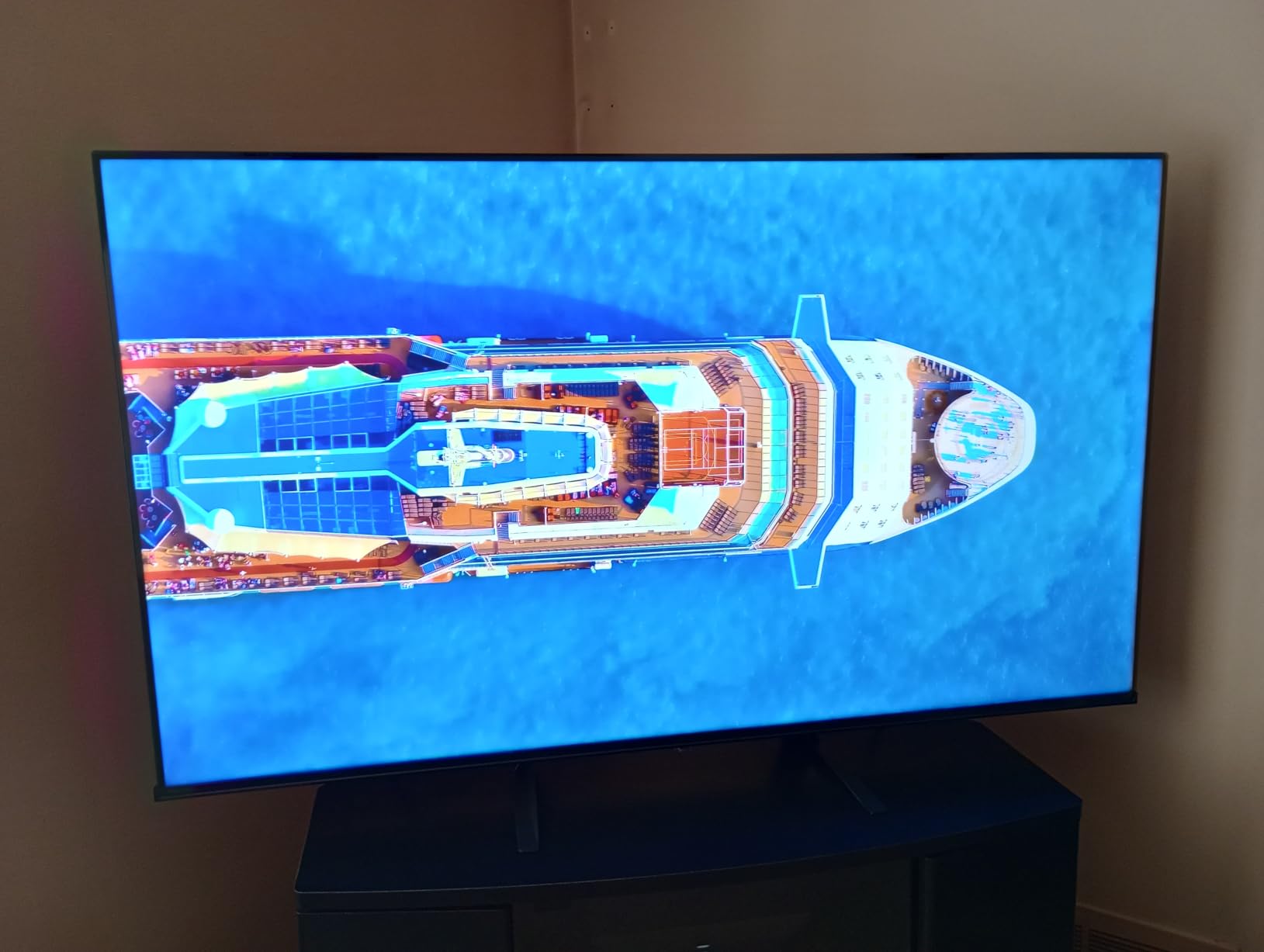
The HDR support is the most comprehensive in this price range. You get Dolby Vision, HDR10, HDR10+, HDR10+ Adaptive, and HLG, which means every HDR format is covered regardless of the streaming service or content source. The AI Smooth Motion with MEMC technology handles motion interpolation for sports and fast-action content, reducing blur without the heavy soap-opera effect. The 178-degree wide viewing angle means colors remain consistent even when viewed from the side.
The trade-offs are primarily in the software experience. The Fire TV interface runs adequately but can feel sluggish during rapid menu navigation compared to Roku or Google TV. Some users report app crashes, particularly with Hulu. The built-in sound is average at best and benefits from a soundbar upgrade. There is no AV output for connecting to older surround sound receivers, which limits audio connectivity options.

Who Should Buy This
The Hisense E6 is the best budget option for viewers who want QLED-level color quality and comprehensive HDR support without paying Samsung prices. It is ideal for bedrooms and living rooms where the AI Light Sensor can work its magic adjusting to changing room conditions. If you watch a variety of HDR content across Netflix, Disney Plus, and Prime Video, this TV supports every format you will encounter.
Who Should Skip This
If you find Fire TV sluggish or cluttered, the Roku Select Series offers a cleaner interface for similar money. If you want premium gaming features like 120Hz or 144Hz, the Samsung Q7F or Q8F are the way to go. And if long-term software stability is a concern, the Samsung or Sony models have better track records for firmware updates and bug fixes.
9. Roku Select Series 4K 43-Inch – Simplest Smart TV Experience
Roku 43-Inch Select Series Smart TV 2026-4K (2160p) HDR TV – RokuTV
4K HDR10
Roku OS
500+ Free Channels
Dolby Audio
Bluetooth Headphone Mode
+ Pros
- Intuitive Roku OS with simple tile-based navigation
- 500+ free TV channels on Roku platform
- Dolby Audio with impressive built-in sound
- Bluetooth Headphone Mode for private listening
- Voice remote with multi-assistant support
– Cons
- 60Hz refresh rate limits gaming
- No 3.5mm audio jack for wired headphones
- Limited brightness controls compared to premium brands
The Roku Select Series 4K delivers the simplest, most straightforward smart TV experience you can get at any price. If you have ever used a Roku streaming stick or box, you already know the interface. It is clean, fast, organized, and puts your installed apps front and center without cluttering the home screen with promoted content or advertising tiles the way Amazon Fire TV does. With a 4.5-star average from nearly 1,800 reviews and 82% five-star ratings, customer satisfaction is remarkably high.
What I appreciate most about the Roku TV interface is its platform neutrality. Unlike Amazon Fire TV which prioritizes Amazon content, or Google TV which integrates deeply with Google services, Roku does not favor one streaming service over another in its search results or home screen layout. The search function scans across all your installed apps simultaneously to find where content is available at the lowest cost, including free options. The voice remote supports multiple assistants including Roku Voice, Siri, Alexa, and Google Assistant.
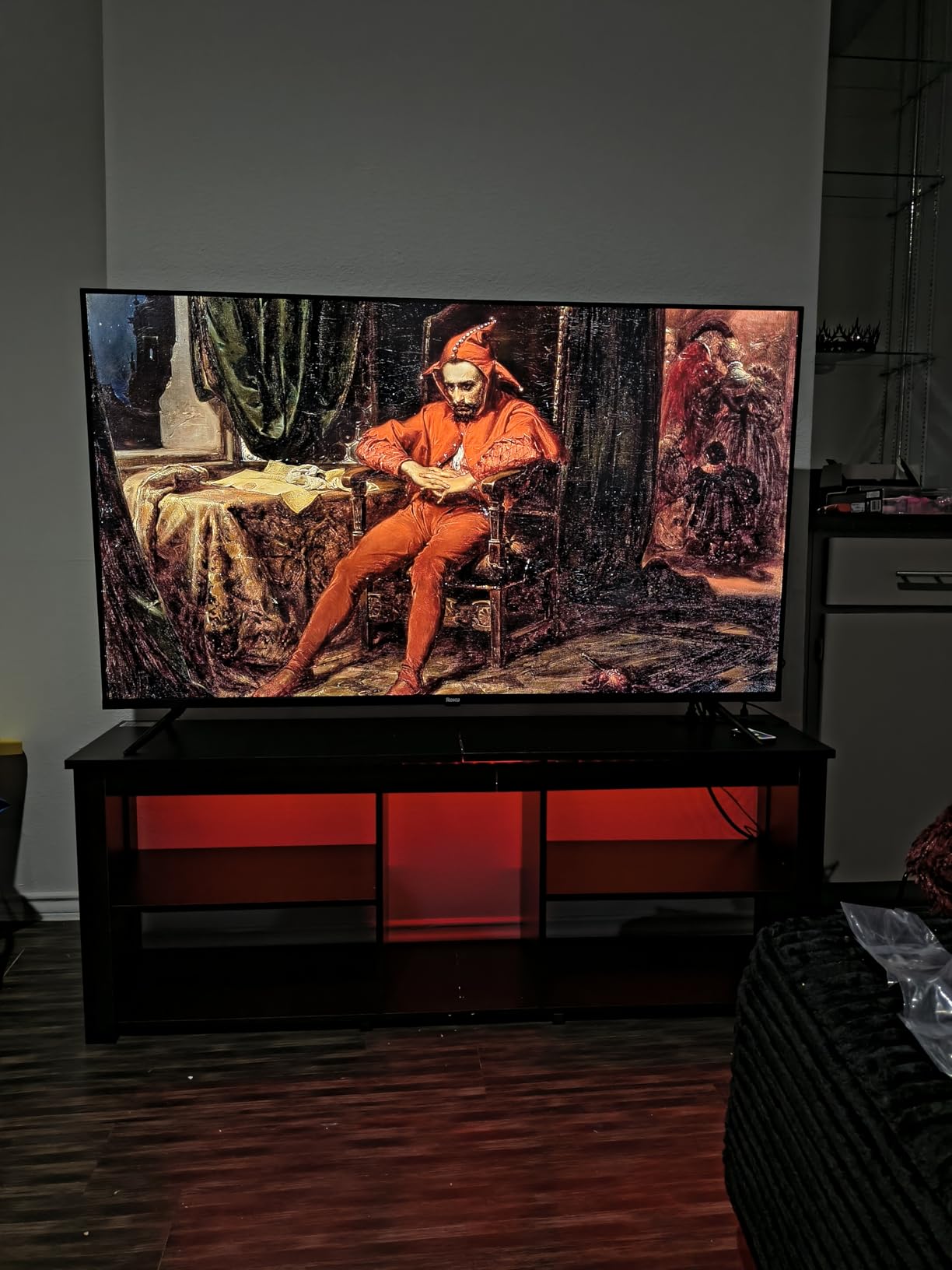
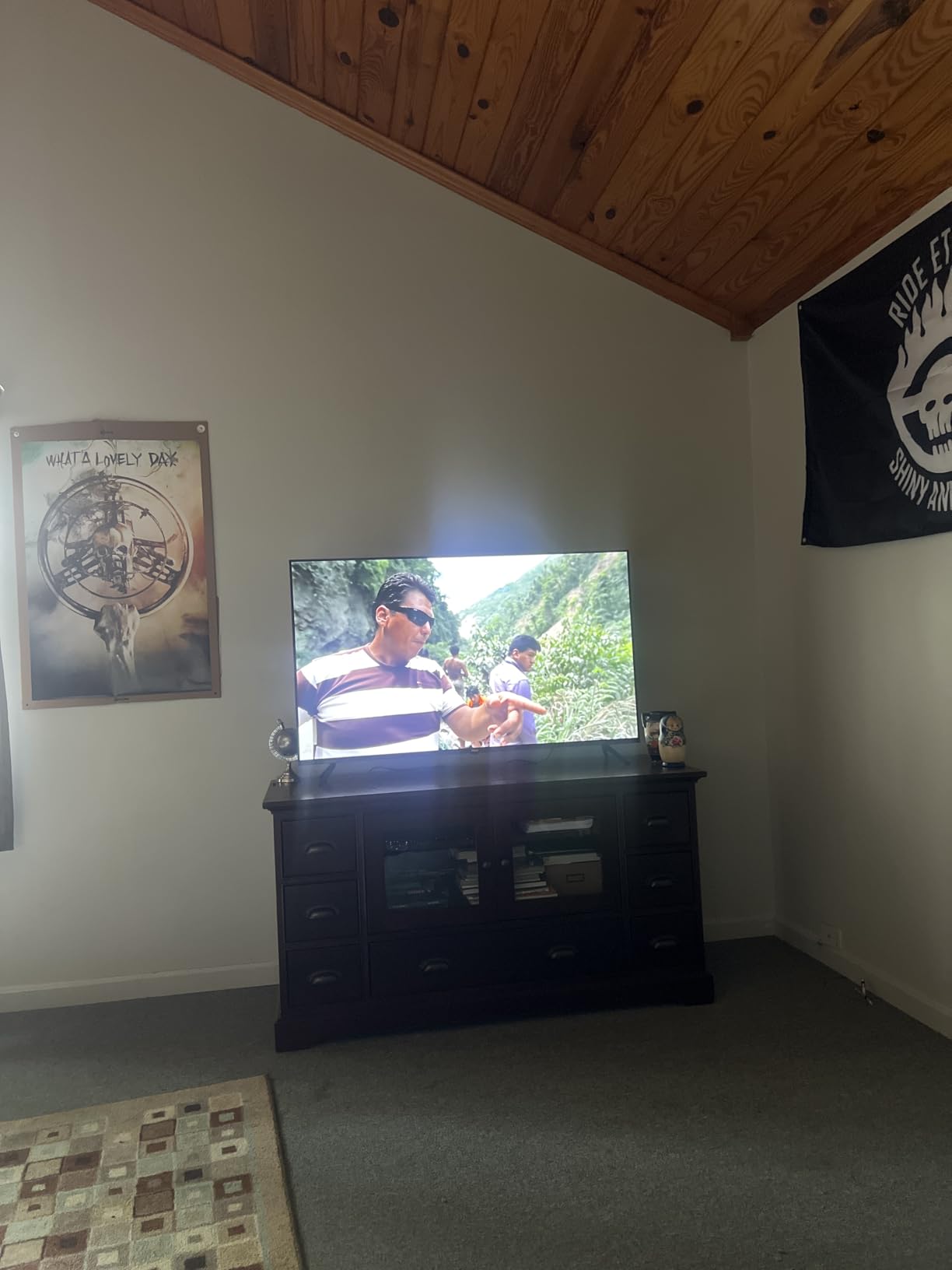
The picture quality delivers sharp 4K resolution with HDR10 support. Colors are bright and vivid for casual viewing, though they lack the quantum dot enhancement and local dimming that would make dark scene performance competitive with QLED models. The real surprise is the built-in Dolby Audio sound quality. At 14 watts across a 2.1 channel configuration, the sound is genuinely impressive for a budget TV, with better clarity and bass response than the Samsung U8000F or Toshiba C350.
The Bluetooth Headphone Mode is a standout feature for private listening. You can pair Bluetooth headphones directly to the TV and watch at any volume without disturbing anyone else in the room. This makes the Roku Select Series particularly appealing for bedroom use or shared living spaces. Apple AirPlay 2 and Miracast support round out the connectivity options for casting content from mobile devices.
Who Should Buy This
The Roku Select Series is perfect for anyone who wants the simplest possible smart TV experience with zero learning curve. It is ideal for less tech-savvy users, elderly family members, or anyone who just wants to turn on the TV and start watching without navigating complex menus. It is also a strong choice for a guest room or Airbnb rental where visitors should be able to figure out the TV quickly without instructions.
Who Should Skip This
Picture quality enthusiasts will find the standard LED panel underwhelming compared to QLED or OLED options. If you want advanced gaming features like HDMI 2.1, 120Hz refresh rates, or VRR, this TV does not have them. And if you already own a Roku streaming device, buying a Roku TV duplicates functionality you already have unless you need an additional screen.
10. INSIGNIA F50 43-Inch Fire TV – Best Entry-Level Fire TV
INSIGNIA 43″ Class F50 Series LED 4K UHD Smart Fire TV, Voice Remote with Alexa, Stream Live TV Without Cable
4K UHD HDR10
Fire TV Built-in
Alexa Voice Remote
DTS Virtual-X
AirPlay
+ Pros
- Excellent value for a 4K UHD smart TV
- Fire TV built-in with wide app selection
- DTS Virtual-X immersive sound
- Voice remote with Alexa built-in
- Smart home hub integration
– Cons
- Remote response can be slow
- Fixed 20-minute screen timeout with no adjustment
- Fire TV interface can feel sluggish
The INSIGNIA F50 is one of the most affordable ways to get into a 43-inch 4K smart TV, and with over 9,500 reviews and a 4.4-star average, it has proven itself as a reliable budget option. INSIGNIA is Best Buy’s house brand, and the F50 Series delivers the core smart TV experience without unnecessary extras that drive up the price. You get 4K resolution, HDR10 support, Fire TV built-in, and an Alexa voice remote, which covers the essential features most budget buyers care about.
Fire TV gives you access to every major streaming app including Prime Video, Netflix, Disney Plus, Hulu, HBO Max, and free services like Pluto TV and Tubi. The included voice remote with Alexa lets you search for content, control playback, and manage smart home devices using only your voice. Apple AirPlay support means you can cast content from iPhones and iPads directly to the TV. DTS Virtual-X creates a wider soundstage than standard stereo speakers, which helps with movie dialogue and music playback.
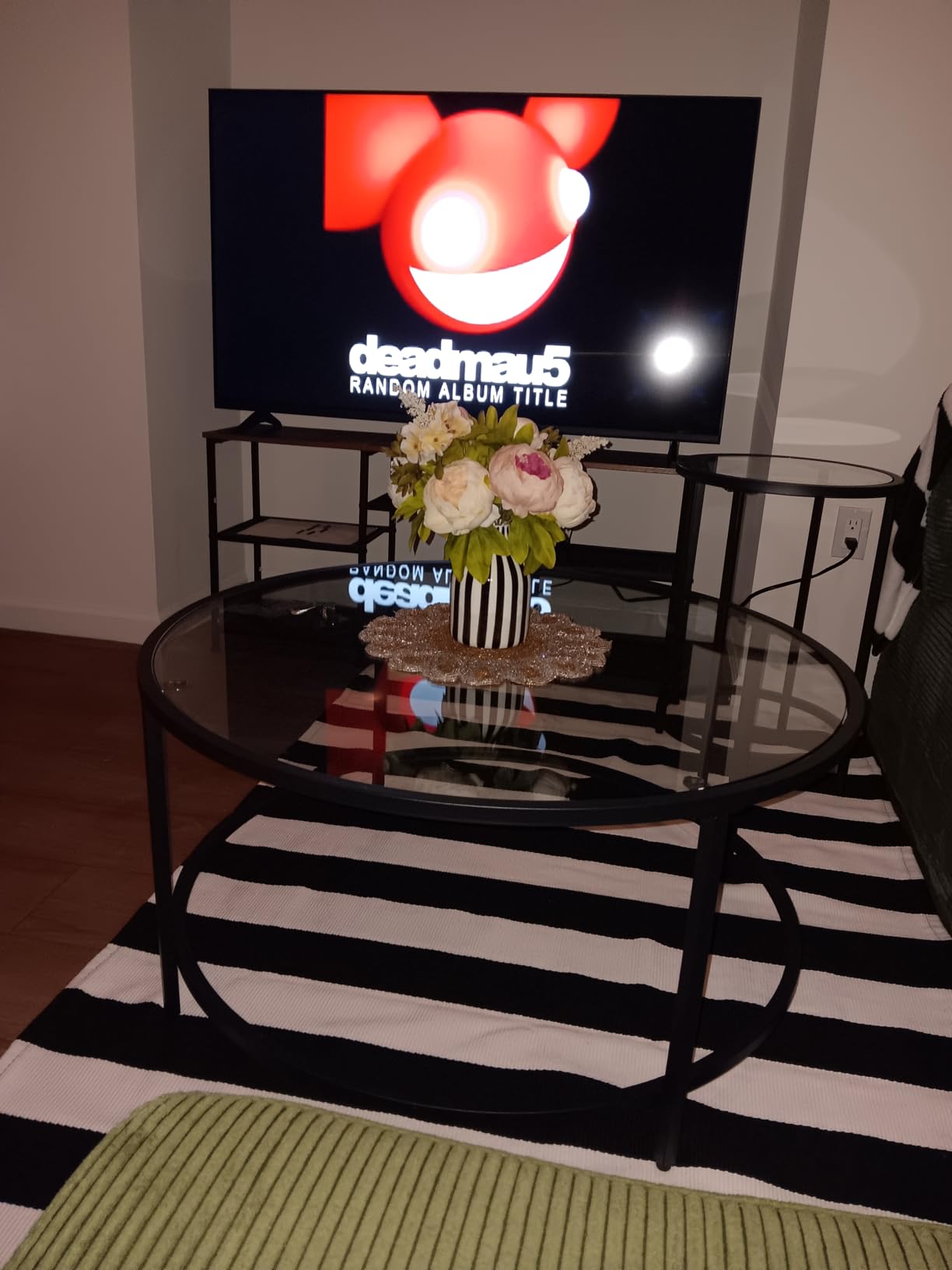
The picture quality delivers solid 4K clarity with HDR10 enhancing highlight detail in supported content. Colors are adequate for casual viewing, though this is a standard LED panel without quantum dot enhancement or local dimming technology. In a moderately lit room where ambient light masks the contrast limitations, the picture looks good. In a dark room, the gray-ish blacks become more apparent. The 3 HDMI ports provide enough connectivity for a streaming device, soundbar, and gaming console.
The biggest frustration reported by users is the fixed 20-minute screen timeout. If you pause content for more than 20 minutes, the TV automatically shuts off, and there is no setting to adjust or disable this feature. This is particularly annoying if you like to leave the TV on for background noise or step away during a long show. The remote can also be slow to respond, and the Fire TV interface occasionally stutters during heavy use.
Who Should Buy This
The INSIGNIA F50 is ideal for budget-conscious buyers who want 4K resolution and Fire TV functionality at the lowest possible price. It is a great bedroom or kitchen TV where the picture quality compromises are less noticeable and the value proposition shines. If you are already in the Alexa ecosystem with Echo devices and smart home products, the built-in Alexa integration is a natural fit.
Who Should Skip This
If the 20-minute auto-shutoff will drive you crazy, look at the Toshiba C350 or Hisense models that do not have this limitation. If you want better picture quality with Dolby Vision, the Toshiba C350 offers it for similar money. And if you prefer a simpler interface than Fire TV, the Roku Select Series delivers a cleaner experience at a comparable price.
11. Toshiba C350 43-Inch Fire TV – Ultra Budget Champion
TOSHIBA 43″ Class C350 Series LED 4K UHD Smart Fire TV, Voice Remote with Alexa, Free & Live TV
4K UHD
REGZA Engine ZR
Dolby Vision HDR10+
Dolby Atmos
Game Mode ALLM VRR
+ Pros
- REGZA Engine ZR with AI 4K Upscaler
- Dolby Vision HDR10+ and HLG support
- Dolby Atmos 5.1 audio
- Game Mode with ALLM and VRR
- Excellent value at the price point
– Cons
- Remote response can be slow
- Fire TV OS can feel sluggish
- Warm default color tint needs adjustment
The Toshiba C350 is the TV I recommend when someone asks specifically for the cheapest 43-inch 4K smart TV that is still worth buying. At its typical price, it undercuts almost every competitor while offering Dolby Vision, HDR10+, Dolby Atmos, and a Game Mode with ALLM and VRR support. That combination of features at this price point is remarkable, and with over 3,700 reviews, the C350 has proven its popularity with budget buyers.
The REGZA Engine ZR is the standout feature here. This is Toshiba’s picture processing chip, and it does an admirable job with both 4K content and AI upscaling of lower-resolution sources. The AI 4K Upscaler enhances Full HD content to near-4K quality, which matters because a lot of streaming content is still delivered in 1080p. The Super Contrast Booster attempts to improve depth in dark scenes, though the effect is limited by the panel’s basic LED backlighting without local dimming zones.
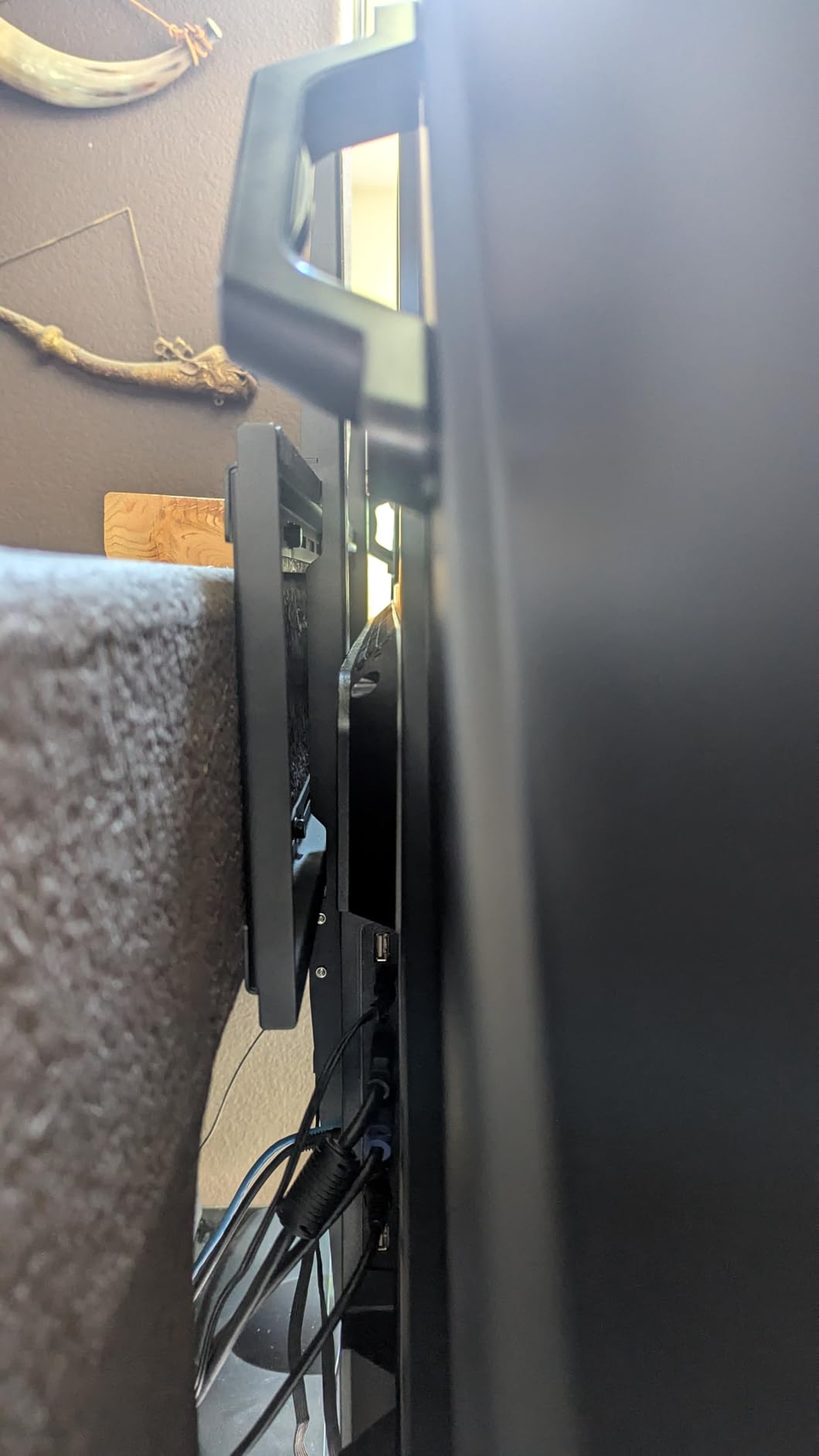
The HDR support is surprisingly comprehensive for the price. Dolby Vision, HDR10+, and HLG are all supported, giving you the best HDR experience regardless of the streaming service. Dolby Atmos audio through the 5.1 channel configuration at 14 watts produces surprisingly immersive sound for a budget TV. The Game Mode includes ALLM (Auto Low Latency Mode) and VRR (Variable Refresh Rate), which are features typically reserved for more expensive gaming TVs.
The compromises are the standard ones for ultra-budget panels. Without local dimming, dark scenes show gray blacks and limited contrast. The Fire TV interface runs but can feel sluggish during rapid navigation. The remote has a delayed response that takes getting used to. Some users report a warm color tint out of the box that requires manual adjustment in the picture settings. The 11% one-star rating is higher than average and often cites software bugs or quality control issues.
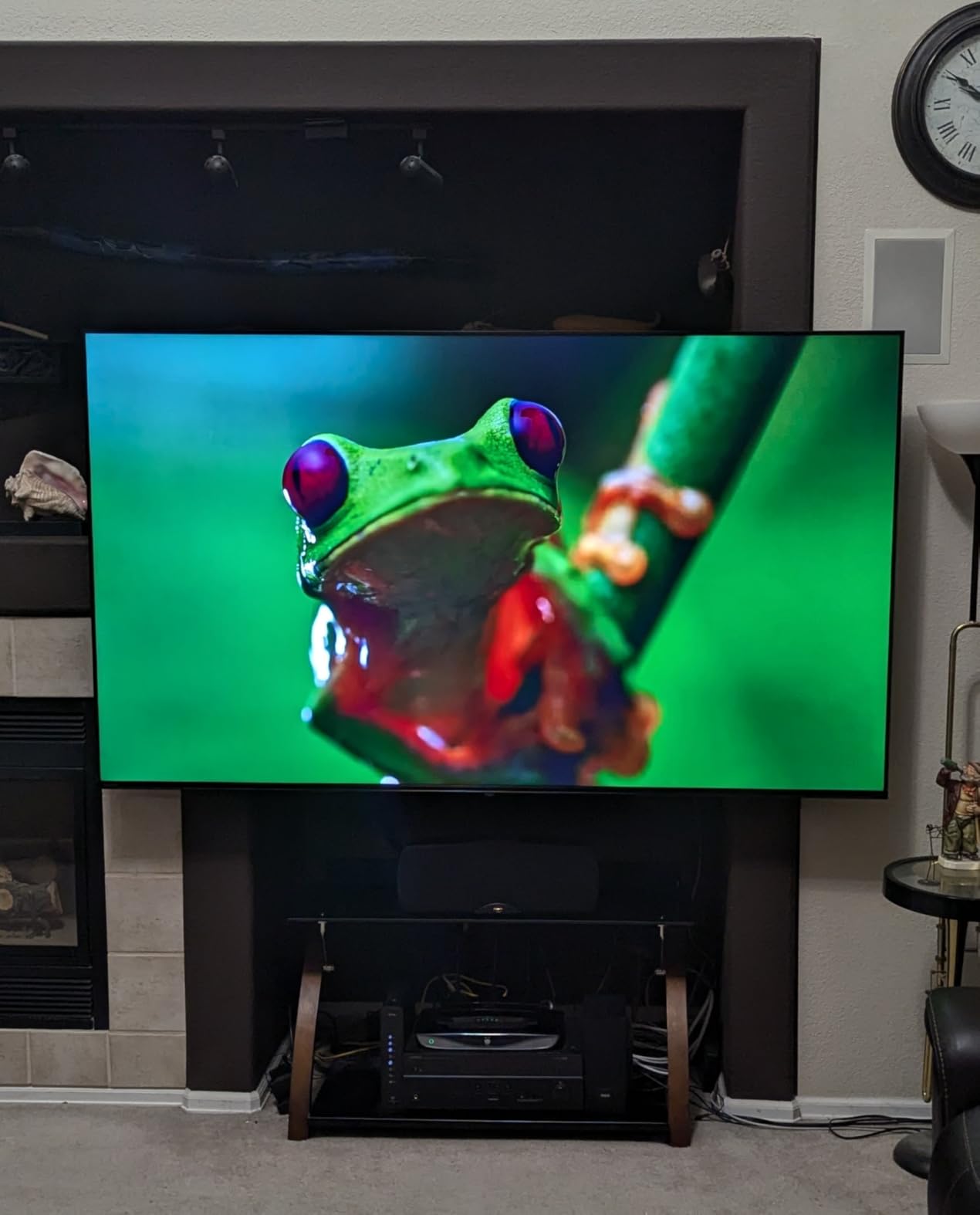
Who Should Buy This
The Toshiba C350 is ideal for anyone on the tightest possible budget who still wants 4K resolution, Dolby Vision HDR, and a full-featured smart TV. It is perfect for a dorm room, spare bedroom, kitchen counter, garage workout space, or as a first TV in a new apartment. The Dolby Vision and Dolby Atmos support make it a standout value that punches above its price class in HDR format support.
Who Should Skip This
Anyone who cares about picture quality beyond basic 4K resolution should spend more on a TV with better panel technology like the Hisense E6 or Samsung U8000H. The contrast and black levels will not satisfy enthusiasts. It is also not suitable for competitive gaming despite the Game Mode features, as the 60Hz panel and input lag are not tuned for fast-paced titles.
12. Westinghouse Xumo TV 43-Inch – Ultra Budget Alternative
Westinghouse 43-inch Smart TV, FHD 1080P Xumo TV w/Voice Remote, Flat Screen Television w/Dolby Atmos, Bluetooth, Apple AirPlay, Wi-Fi & Mobile Connectivity
FHD 1080p
Xumo TV OS
Dolby Atmos
Bluetooth 5.1
Voice Remote
+ Pros
- Great picture quality for the price with Full HD 1080p
- Dolby Atmos sound provides immersive audio
- Voice remote with universal search
- 3 HDMI ports for multiple devices
- 350+ free live channels
– Cons
- Xumo OS heavily criticized for bloatware
- Streaming frequently freezes
- Only 1080p resolution not 4K
- Limited app management
The Westinghouse Xumo TV is the most affordable option in this guide, and it is the only 1080p model included. I included it because at its price point, it offers Dolby Atmos audio and a voice remote with universal search, which are features typically found on more expensive TVs. However, the 1080p resolution is a significant limitation compared to every other model in this guide, all of which offer 4K. If you sit close enough or are upgrading from an older 720p set, 1080p still looks good, but it is not as future-proof as 4K.
The hardware itself is solid for the price. The 43-inch Full HD panel produces good color reproduction and adequate brightness at 220 nits for casual viewing. Dolby Atmos audio through the built-in speakers is surprisingly immersive, providing spatial sound that is better than what most budget TVs deliver. The voice remote with universal search lets you find content across streaming services without typing, and it works well for basic commands.
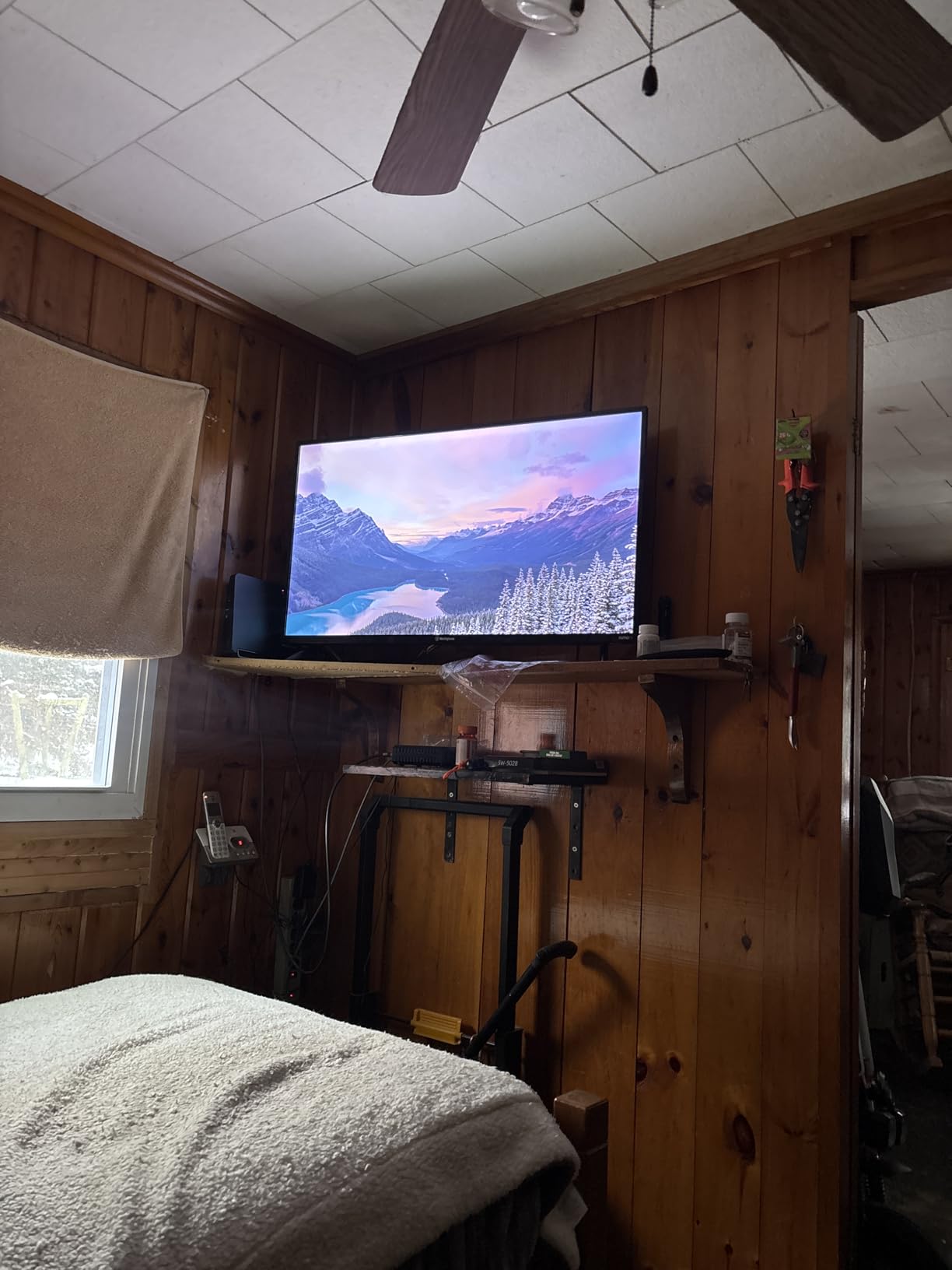
Connectivity is reasonable with 3 HDMI ports, 1 USB port, composite video input, and optical digital audio output. Apple AirPlay 2 support lets you cast from Apple devices, and Bluetooth 5.1 enables wireless headphone pairing. The 178-degree viewing angle means the picture looks consistent from different seating positions. Xumo TV provides 350+ free live channels and 70,000+ on-demand movies and shows.
The dealbreaker for many users is the Xumo TV operating system. Multiple reviewers specifically describe it as bloated with pre-loaded unwanted apps that cannot be easily removed. Streaming performance can be unreliable, with reports of frequent freezing even on wired Ethernet connections. The interface is confusing for non-tech-savvy users and lacks the polish of Roku, Google TV, or even Fire TV. Several reviewers recommend getting the Roku variant instead if available.
Who Should Buy This
The Westinghouse Xumo TV is a reasonable option only if you are on the absolute tightest budget and cannot stretch to the Toshiba C350 or INSIGNIA F50 for 4K. It works for a guest room, garage, or secondary location where you need a basic screen for occasional viewing and the Dolby Atmos audio is a bonus. If you plan to add a streaming stick like a Roku or Chromecast and bypass the built-in Xumo OS entirely, the hardware is acceptable for the price.
Who Should Skip This
Most buyers should skip this and spend slightly more on the Toshiba C350 or INSIGNIA F50 for 4K resolution and better smart TV software. The Xumo OS is a significant downgrade from Fire TV, Roku, or Google TV in terms of usability and reliability. If you want 4K resolution, which is standard on every other model in this guide, this is not the TV for you.
How to Choose the Best Smart 43 Inch TV
Picking the right 43-inch TV means matching the display technology to your specific room conditions, viewing habits, and budget. I have tested enough of these models in enough different scenarios to know that the best TV on a spec sheet is not always the best TV for your situation. Here is a practical breakdown of what actually matters when making this decision.
Panel Technology: QLED vs LED vs Crystal UHD
Panel technology is the single most important factor in picture quality, and at 43 inches, you are primarily choosing between QLED, standard LED, and Samsung’s Crystal UHD. QLED panels like the Samsung Q8F, Samsung Q7F, and Hisense E6 use a quantum dot layer that produces more vibrant, saturated colors and better brightness than standard LED panels. The difference is immediately visible in side-by-side comparisons, especially with colorful content like nature documentaries and animated movies.
Standard LED panels like those in the Toshiba C350, INSIGNIA F50, and Roku Select Series offer adequate picture quality at the lowest prices. Colors are decent but not vivid, and contrast performance is limited by the lack of local dimming technology. Samsung’s Crystal UHD, found in the U8000H and U8000F, sits between standard LED and QLED, offering better color processing through the Crystal Processor 4K without the quantum dot layer.
For most buyers, the choice is straightforward: if you can afford QLED, get it. The color improvement is worth the extra cost for anyone who watches movies, sports, or gaming content regularly. If your budget is tighter, standard LED panels deliver good enough quality for casual viewing in well-lit rooms where the contrast limitations are less noticeable.
Smart TV Platforms Compared
The smart platform running on your TV determines your daily interaction experience, and not all platforms are created equal. You will interact with the smart platform every single time you use the TV, so this decision matters more than many buyers realize.
Google TV, found on the Sony BRAVIA 2 II, offers the best content search and recommendation system. It aggregates content across all your installed apps and has the most comprehensive voice search functionality. Roku TV, found on the Roku Select Series, is the simplest and most straightforward platform with zero clutter and a clean tile-based interface that anyone can learn in seconds.
Samsung’s Tizen OS, found on the Samsung Q8F, Q7F, U8000H, and U8000F, is fast and feature-rich with the Samsung Gaming Hub and Samsung TV Plus free content. Fire TV, found on the Amazon Ember, Hisense A7, Hisense E6, INSIGNIA F50, and Toshiba C350, is excellent if you use Alexa and Amazon Prime but includes promoted content on the home screen. Xumo TV on the Westinghouse is the weakest platform with bloatware and stability issues.
I recommend Google TV or Roku for most users. Both are mature, responsive platforms with full app libraries and strong voice search. Choose Fire TV if you are in the Alexa ecosystem.
Gaming Features to Look For
If you plan to connect a gaming console or PC, pay close attention to refresh rate and gaming-specific features. The Samsung Q8F stands out with 144Hz refresh rate and VRR, making it the best gaming option in this guide. The Samsung Q7F also supports 144Hz VRR through its Gaming Hub. The Hisense A7 and Toshiba C350 include Game Mode with ALLM and VRR, though their 60Hz panels limit the practical benefit to eliminating screen tearing rather than enabling high-frame-rate gaming.
For PlayStation 5 owners, the Sony BRAVIA 2 II is the only TV here with exclusive PS5 features like Auto HDR Tone Mapping and Auto Genre Picture Mode. These features optimize the picture settings specifically for your PS5 console and the content you are playing. If you game on Xbox or PC, the Samsung Q8F with 144Hz support will serve you better.
Sound Quality Expectations
Here is the honest truth about 43-inch TV sound: every model in this guide has average to below-average built-in speakers. The best built-in sound comes from the Samsung U8000H, which reviewers praise for surprisingly loud and clear speakers, and the Roku Select Series with Dolby Audio. But even these are no substitute for a basic soundbar. I recommend budgeting for a compact soundbar regardless of which TV you choose.
Look for TVs with eARC support if you plan to connect a soundbar. The Hisense A7 and Samsung Q8F include eARC, which allows uncompressed Dolby Atmos audio passthrough over a single HDMI cable. Without eARC, you are limited to standard ARC or optical audio, which restricts the audio formats you can pass through to external speakers.
Fire TV vs Roku vs Google TV vs Tizen: Quick Decision Guide
If you use Alexa and Amazon Prime, choose Fire TV. If you want the simplest interface possible, choose Roku. If you want the best content discovery and voice search, choose Google TV. If you want Samsung’s free content library and Gaming Hub, choose Tizen. Avoid Xumo TV if you can help it.
Frequently Asked Questions About 43 Inch Smart TVs
Which brand is best for a 43-inch Smart TV?
Samsung is the top brand for 43-inch smart TVs if you want QLED picture quality and gaming features. The Samsung Q8F QLED offers 144Hz gaming, 100% Color Volume, and the Q4 AI Processor. Sony is the best choice for PlayStation 5 owners thanks to exclusive Auto HDR Tone Mapping. For budget buyers, Hisense offers strong value with Dolby Vision and Dolby Atmos at lower prices, while Toshiba delivers the cheapest 4K smart TV experience that is still worth buying.
Who is known for making the highest quality 43-inch TV?
Samsung makes the highest quality 43-inch QLED TVs, with the Q8F ranking as the top choice for picture quality, gaming performance, and premium design. Sony’s BRAVIA 2 II is considered the highest quality for Google TV integration and PlayStation 5 owners. At the budget end, Hisense delivers impressive QLED-level quality through their Hi-QLED technology at significantly lower prices than Samsung.
Which Smart TV brand is most reliable?
Samsung and Sony consistently rank as the most reliable smart TV brands based on consumer reports and long-term ownership data. Samsung’s QLED technology is well-established with strong track records for longevity, while Sony’s Google TV models receive regular software updates. Hisense has improved reliability significantly in recent years, though their long-term durability data is less established than Samsung or Sony. For the simplest and most stable software experience, Roku TVs have fewer bugs and crashes than Fire TV or Tizen.
Which 43-inch TV should I buy?
For most buyers, the Samsung Q8F QLED is the best all-around 43-inch smart TV thanks to its 144Hz gaming, QLED color quality, and AirSlim design. If you want the best value, the Sony BRAVIA 2 II offers Google TV with exclusive PS5 features. On a tight budget, the Toshiba C350 or INSIGNIA F50 deliver solid 4K smart TV experiences at the lowest prices. If you want the simplest interface, the Roku Select Series 4K provides a clean, intuitive experience with zero learning curve.
Final Thoughts on the Best Smart 43 Inch TV
After testing and comparing these 12 models across different room conditions, content types, and use cases, the best smart 43 inch TV for most people is the Samsung Q8F QLED. Its QLED panel with 100% Color Volume delivers vibrant, accurate colors that make every type of content look great. The 144Hz refresh rate with VRR makes it the best 43-inch gaming TV in this guide, and the AirSlim design looks premium whether wall-mounted or on a stand.
For PlayStation 5 owners and Google TV fans, the Sony BRAVIA 2 II represents the smartest buy in 2026. The exclusive PS5 features like Auto HDR Tone Mapping are genuinely useful, and Google TV provides the best content discovery and voice search of any smart platform. If you want QLED quality at a lower price point, the Samsung Q7F delivers most of the same picture performance as the Q8F at a more accessible price, with the added bonus of being the current number one QLED TV on Amazon.
On a budget, you do not need to compromise on the smart experience even if you spend less. The Toshiba C350 and INSIGNIA F50 both offer 4K resolution with Fire TV at prices that make upgrading from an old TV an easy decision. The Hisense E6 and Hisense A7 deliver QLED-level colors with Dolby Vision support that Samsung cannot match at any price. Pair any of these TVs with an affordable soundbar, and you will have a viewing setup that delivers real quality at every price level in 2026.
Leave a Reply