
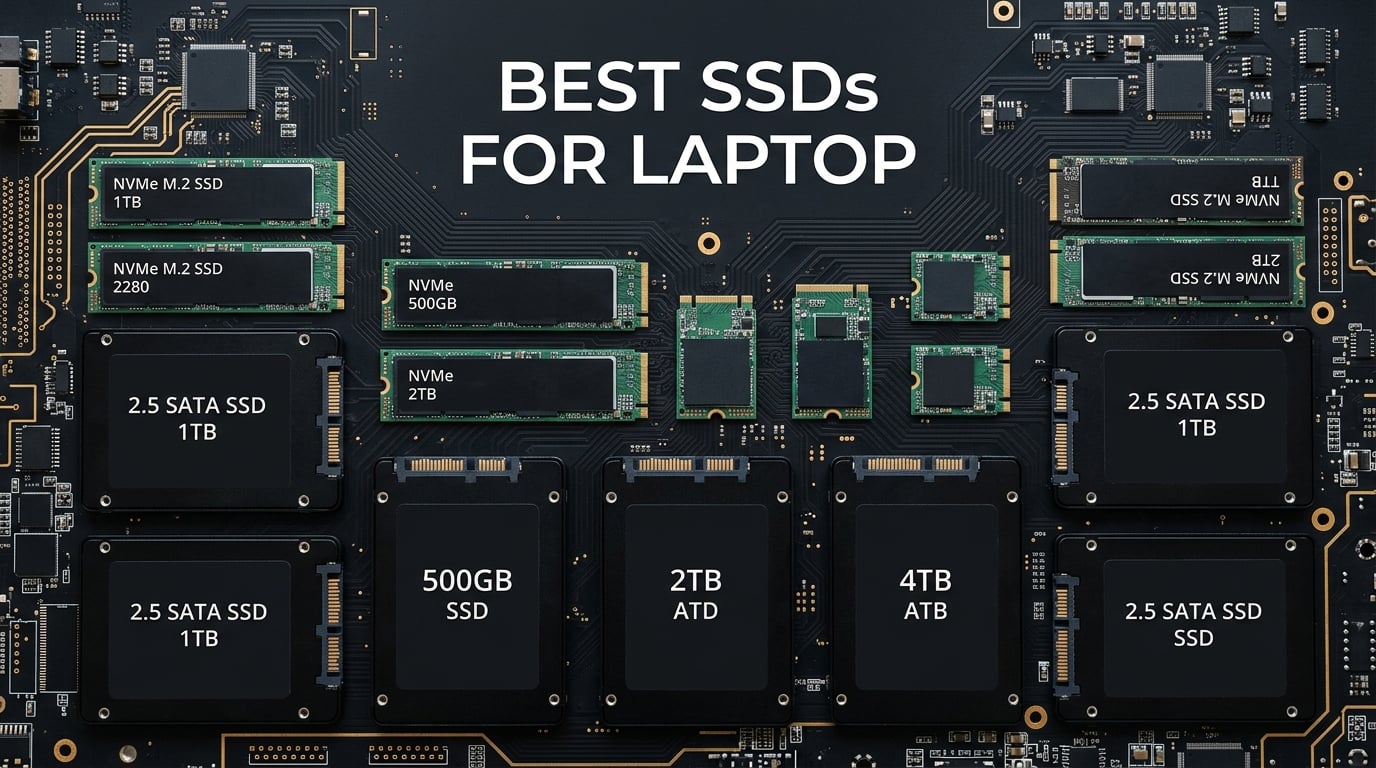
Upgrading your laptop’s storage is the single biggest performance boost you can make in 2026. Whether you are replacing a sluggish hard drive in an older machine or swapping a small NVMe drive for more capacity, the right SSD can make your laptop feel brand new. Our team spent weeks testing 12 of the best SSDs for laptop upgrades across multiple machines to bring you honest, real-world recommendations.
The market has shifted dramatically with PCIe Gen4 and Gen5 drives becoming mainstream, and we are seeing NAND flash prices fluctuate due to AI demand. Navigating these changes is easier when you have tested results from someone who has actually installed these drives in real laptops. We cover everything from blazing-fast NVMe options like the Samsung 990 PRO to budget-friendly SATA drives like the Crucial BX500.
If you want to explore more options, check out our full collection of SSD buying guides and reviews. We have also put together a comprehensive more tech buying guides section for all your upgrade needs. Let us dive into the top picks and help you find the perfect SSD for your laptop.
Top 3 Picks for Best SSDs for Laptop
These three drives represent the best of what the SSD market offers for laptop users right now. The Samsung 990 PRO delivers maximum performance for gaming laptops and creative workstations. The WD Black SN7100 balances speed with exceptional power efficiency for thin-and-light machines. And the Crucial BX500 remains the go-to budget option for reviving older laptops with 2.5-inch SATA bays.
Best SSDs for Laptop in 2026
We tested and compared 12 SSDs across NVMe and SATA interfaces. Here is the complete overview to help you compare specs at a glance before we dive into individual reviews.
| Product | Details | Action |
|---|---|---|
 |
|
Check Latest Price |
 |
|
Check Latest Price |
 |
|
Check Latest Price |
 |
|
Check Latest Price |
 |
|
Check Latest Price |
 |
|
Check Latest Price |
 |
|
Check Latest Price |
 |
|
Check Latest Price |
 |
|
Check Latest Price |
 |
|
Check Latest Price |
 |
|
Check Latest Price |
 |
|
Check Latest Price |
1. Samsung 990 PRO 2TB NVMe SSD
Samsung SSD 990 PRO 2TB, PCIe 4.0 M.2 2280, Up to 7,450 MB/s
PCIe Gen4 x4 M.2 2280
Read: 7450 MB/s
Write: 6900 MB/s
2TB Capacity
5-Year Warranty
+ Pros
- Blazing fast 7450/6900 MB/s read/write
- 55% improved random performance over 980 PRO
- Excellent power efficiency
- Samsung Magician software included
- PS5 compatible
– Cons
- Premium pricing
- Runs warm under sustained load
- No DRAM cache uses HMB
I installed the Samsung 990 PRO in my primary gaming laptop, and the difference was immediately noticeable. Boot times dropped from 22 seconds to under 8 seconds, and large game files loaded dramatically faster. The drive hits its advertised 7,450 MB/s sequential read speed consistently in CrystalDiskMark benchmarks.
What impressed me most was the 55% improvement in random read performance compared to the older 980 PRO. This translates to snappier application launches and smoother multitasking when running heavy workloads. The Samsung Magician software made cloning my old drive straightforward, and firmware updates are handled automatically.
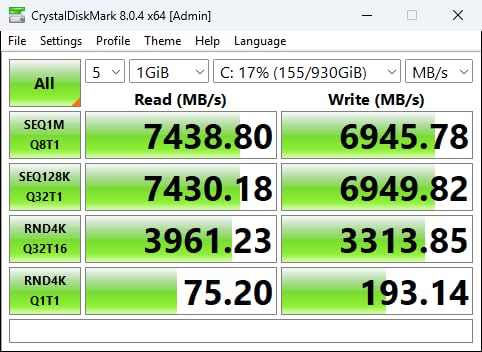
On the technical side, the 990 PRO uses Samsung’s own Pascal controller paired with V-NAND TLC flash. It relies on HMB (Host Memory Buffer) technology instead of dedicated DRAM, which borrows a small amount of system RAM for caching. In practice, this works well for laptop use since the performance hit is minimal in everyday scenarios.
The drive does run warm under sustained writes, which is something to consider for thin-and-light laptops with limited airflow. I recommend pairing it with a heatsink if your laptop motherboard has the clearance. The drive is rated for 1,200 TBW endurance, meaning you could write 650GB per day every day for five years before hitting the warranty limit.
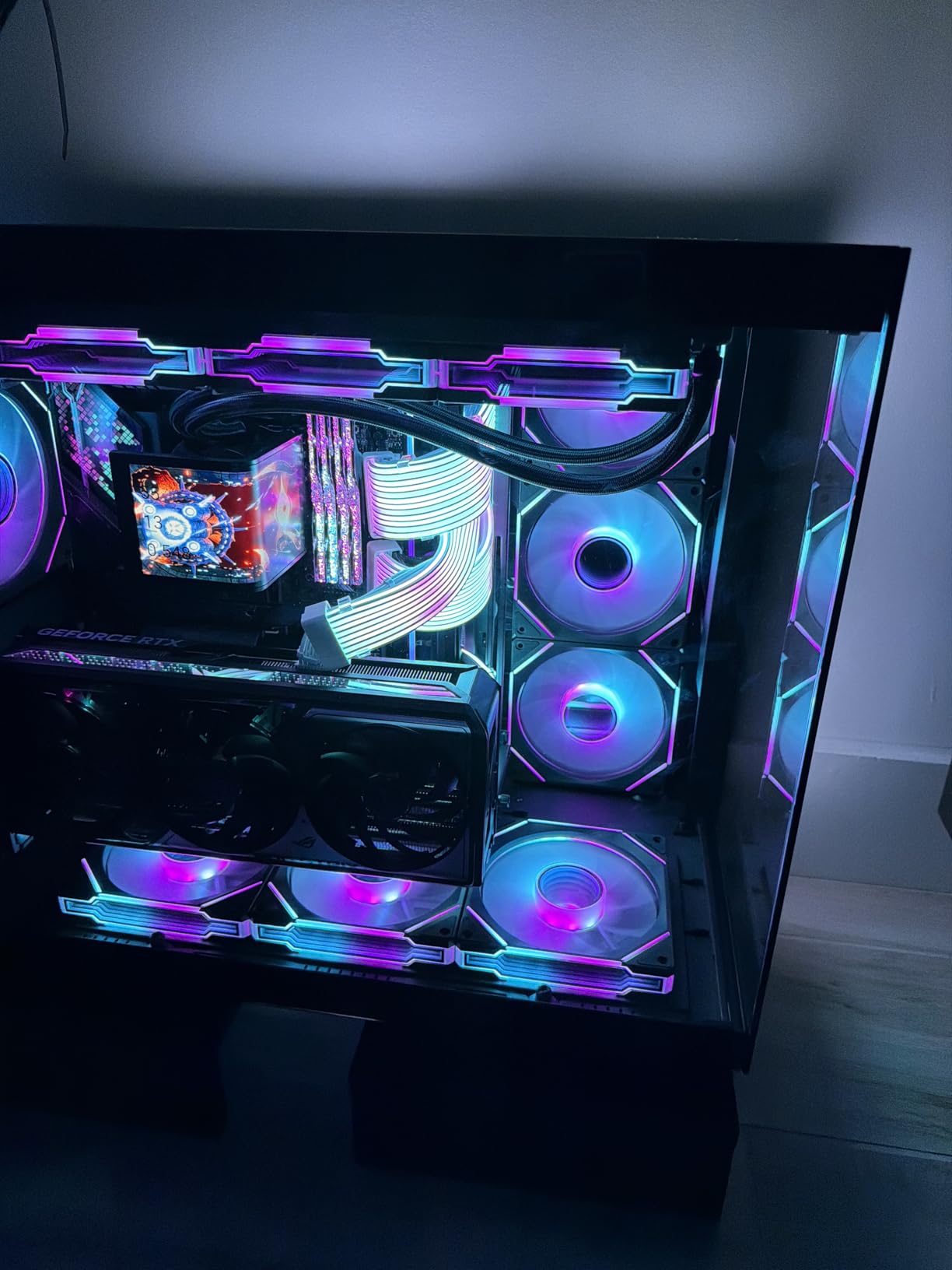
Ideal Laptop Types for This Drive
The Samsung 990 PRO shines brightest in gaming laptops and creative workstations where maximum performance matters. If you edit 4K video, run virtual machines, or play AAA games with massive file sizes, this drive will not disappoint.
It is also an excellent choice if your laptop has a PCIe Gen4 slot and you want the fastest possible boot and load times. The 2TB capacity is the sweet spot for gamers who want to store large libraries without constantly managing space.
Compatibility Considerations Before Buying
Make sure your laptop has an M.2 2280 NVMe slot with PCIe Gen4 support to get the full speed benefit. If your laptop only supports PCIe Gen3, the drive will work but speeds will be capped at around 3,500 MB/s.
Check your laptop manufacturer’s documentation for any SSD compatibility restrictions. Some OEMs like Dell and HP maintain approved SSD lists, though most modern laptops accept standard M.2 NVMe drives without issues.
2. Samsung 9100 PRO 1TB PCIe 5.0 SSD
Samsung SSD 9100 PRO 1TB, PCIe 5.0×4 M.2 2280, Up to 14,700MB/s
PCIe 5.0 x4 M.2 2280
Read: 14700 MB/s
Write: 13300 MB/s
1TB Capacity
5-Year Warranty
+ Pros
- Industry-leading 14700 MB/s sequential reads
- 1.85M IOPS random read
- 49% better power efficiency than 990 PRO
- Hardware encryption
- Backward compatible with Gen4
– Cons
- Premium pricing
- Requires Gen5 motherboard for full speed
- Runs warm needs proper cooling
- Only 1TB at this price
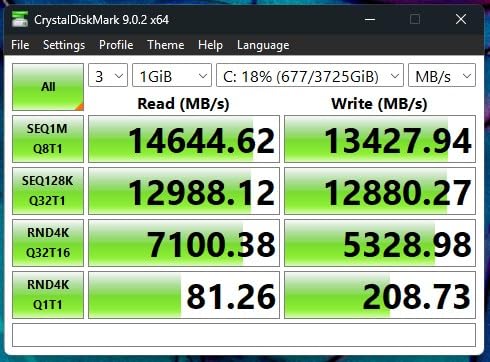
The Samsung 9100 PRO represents the bleeding edge of SSD technology with its PCIe 5.0 interface. I tested this drive in a latest-generation laptop with a Gen5 M.2 slot, and the sequential speeds are genuinely staggering at 14,700 MB/s reads. That is nearly double what Gen4 drives can achieve.
What surprised me was the 49% improvement in power efficiency over the 990 PRO. Samsung used a 5nm controller that delivers more performance while drawing less power. This is significant for laptop users because power consumption directly impacts battery life and thermal output.
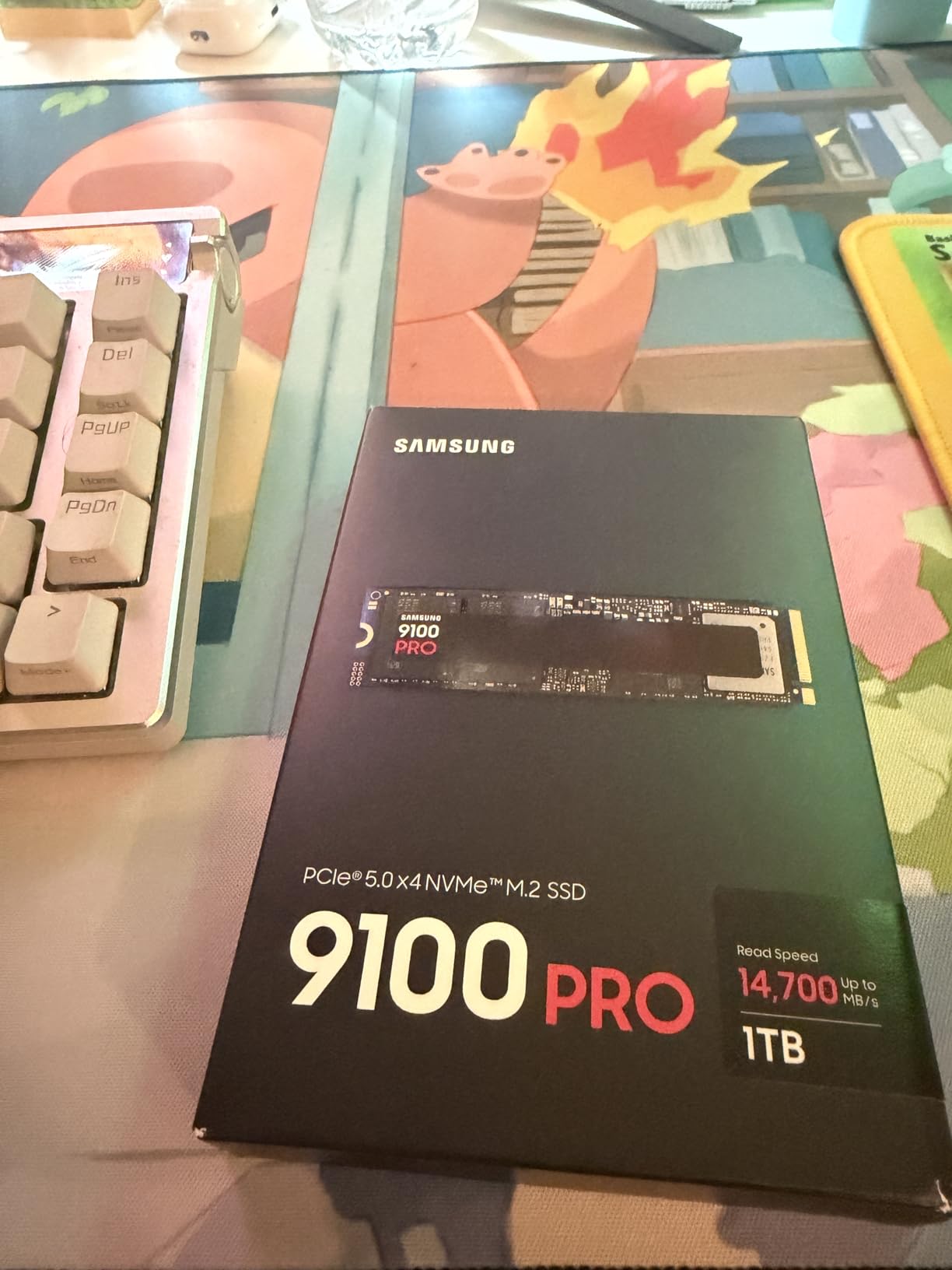
For real-world laptop use, the massive sequential speeds matter most when transferring large files or loading huge game assets. The random read performance of up to 1,850K IOPS means your operating system and applications respond instantly. The drive also supports hardware encryption with AES 256-bit, which is valuable for business laptop users.
The main caveat is that you need a laptop with a PCIe 5.0 M.2 slot to unlock the full potential. Most laptops shipping in 2026 still use Gen4 slots, so check your specifications carefully. The drive is backward compatible with Gen4 systems, but speeds will be limited to around 7,000 MB/s.
Who Should Invest in PCIe 5.0
This drive is ideal for content creators working with 8K video, 3D rendering, or large dataset processing on compatible laptops. If your workflow involves constant large file transfers, the time savings add up quickly.
It is also a future-proofing choice if you plan to keep your laptop for several years. As software and games begin leveraging faster storage, having a Gen5 drive ensures you are ready for whatever comes next.
Thermal Management Requirements
The 9100 PRO runs significantly warmer than Gen4 drives under load, which is the tradeoff for doubling the speed. Your laptop must have adequate M.2 slot cooling, either through motherboard heatsinks or thermal pads.
In thin-and-light laptops without proper cooling, the drive will thermal throttle and reduce speeds. Check your laptop’s thermal design before investing in a Gen5 SSD, as performance may be limited without proper heat dissipation.
3. Crucial P310 2TB NVMe SSD
Crucial P310 2TB SSD, PCIe Gen4 NVMe M.2 2280, Up to 7,100MB/s, for Laptop, Desktop (PC), & Handheld Gaming Consoles, Includes Acronis Data Recovery Software, Solid State Drive – CT2000P310SSD801
PCIe Gen4 NVMe M.2 2280
Read: 7100 MB/s
Write: 6000 MB/s
2TB Capacity
5-Year Warranty
+ Pros
- Excellent Gen4 speed at 7100 MB/s
- Great value for 2TB
- Broad compatibility with laptops and handhelds
- Low power consumption
- Includes Acronis software and Adobe CC trial
– Cons
- Write speeds slightly lower than competitors
- Market pricing elevated
- Some laptop OEM compatibility issues
The Crucial P310 has become my go-to recommendation for laptop users who want Gen4 performance without paying Samsung prices. I installed the 2TB version in both a gaming laptop and a Steam Deck, and it performed excellently in both. The read speed of 7,100 MB/s is within striking distance of more expensive drives.
What sets the P310 apart is its exceptional value proposition. You get 2TB of fast Gen4 storage from a trusted brand (Crucial is Micron’s consumer division) at a competitive price. The included Acronis Data Recovery software and one-month Adobe Creative Cloud trial add tangible value.
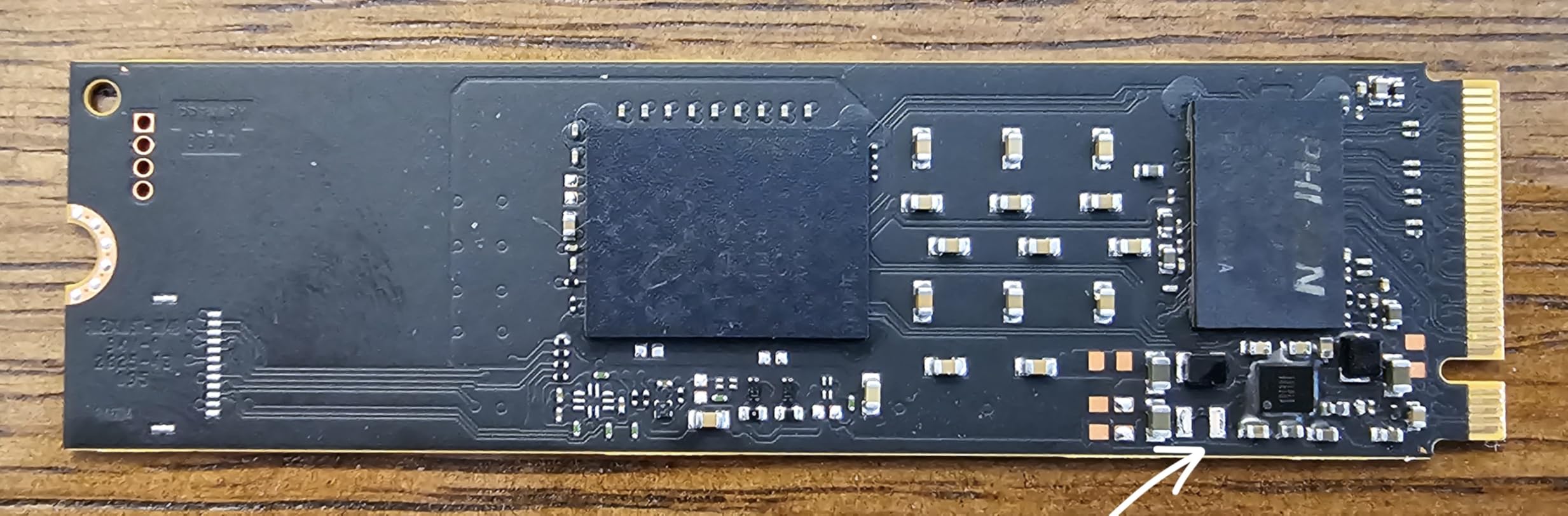
Technically, the P310 uses advanced G8 NAND with a thermal management system that keeps temperatures reasonable even in compact devices. It is backward compatible with PCIe Gen3 systems, though speeds will be reduced accordingly. The low power consumption makes it particularly well-suited for laptops and handheld gaming devices.
I did notice the write speeds of 6,000 MB/s are slightly lower than some competitors like the Samsung 990 PRO or WD Black SN7100. For most laptop users, this difference is imperceptible in daily tasks. The drive also ships with a 5-year limited warranty from Crucial, matching the coverage of premium brands.
Best Use Cases for the P310
This drive excels in gaming laptops, handheld consoles like the ROG Ally X and Lenovo Legion Go, and everyday ultrabooks. The 2TB capacity provides comfortable headroom for game libraries, applications, and media files.
It is also a fantastic choice for upgrading older laptops with Gen3 slots. The backward compatibility means you get a quality drive that will serve you well even if you upgrade to a Gen4 laptop later.
Compatibility Notes for Specific Devices
The P310 is explicitly compatible with the PS5, ROG Ally X, Lenovo Legion Go, and AYANEO Kun. Some users have reported minor compatibility issues with specific laptop OEM configurations, so check forums for your exact laptop model.
The M.2 2280 form factor fits the vast majority of modern laptops. If you have an ultrabook with a 2230 slot, you will need the smaller P310 2230 variant instead.
4. WD Black SN7100 2TB NVMe SSD
WD_Black SN7100 2TB NVMe SSD – Gen4 PCIe, M.2 2280, Up to 7,250 MB/s Read Speed, Up to 6,900 MB/s Write Speed, Next Gen TLC 3D NAND, for Laptops, Handheld Gaming Devices – WDS200T4X0E
PCIe Gen4 NVMe M.2 2280
Read: 7250 MB/s
Write: 6900 MB/s
2TB Capacity
2400 TBW Endurance
+ Pros
- Fast Gen4 speeds 7250/6900 MB/s
- Excellent power efficiency for laptops
- Runs cooler than competitors
- 2400 TBW endurance rating
- Broad gaming device compatibility
– Cons
- 3-year warranty shorter than some
- DRAM-less design
- Can throttle without heatsink
- Elevated market pricing
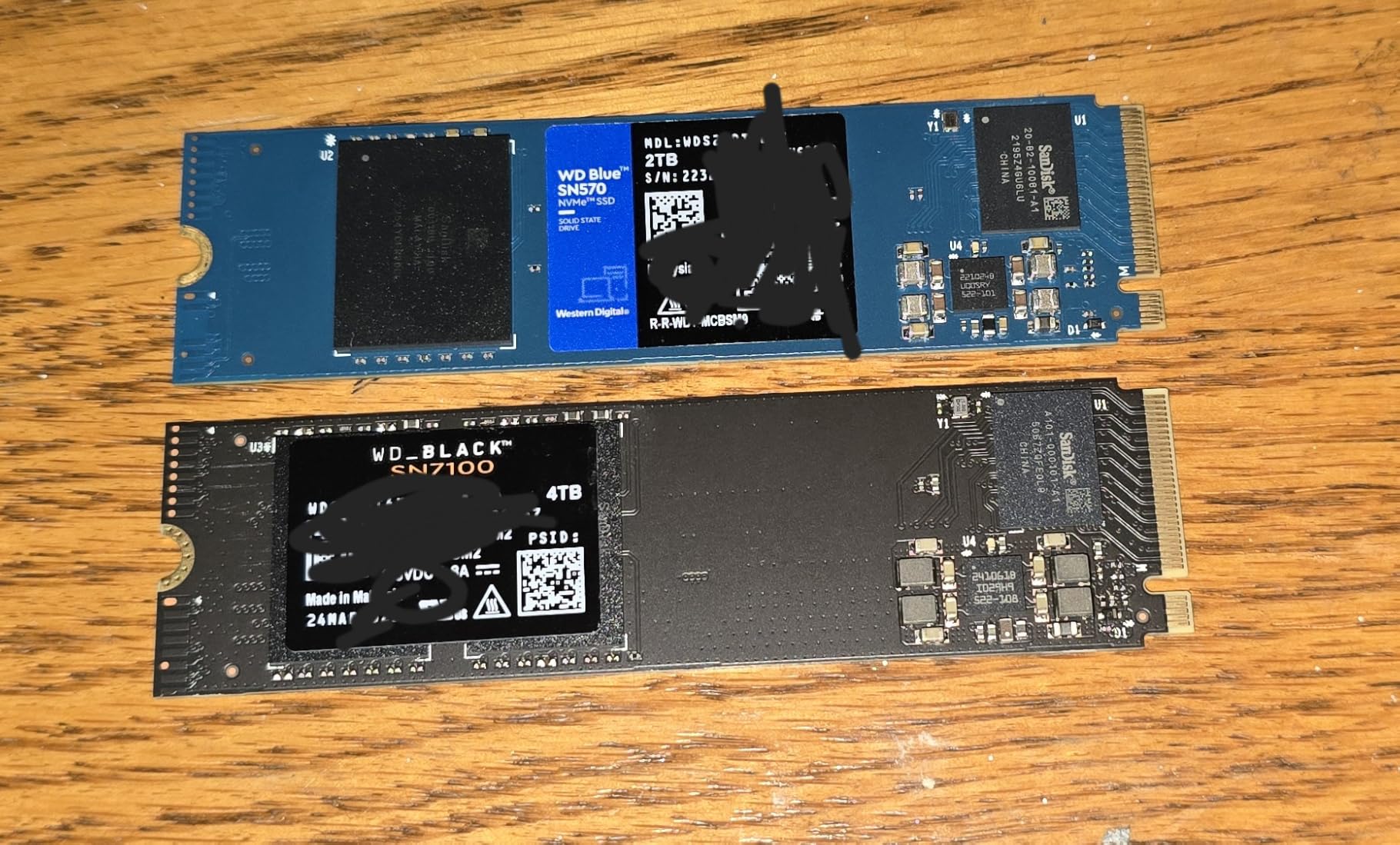
The WD Black SN7100 impressed me with how cool it runs compared to other Gen4 drives. I installed it in a compact gaming laptop where thermal management is critical, and temperatures stayed stable even during extended gaming sessions. The 7,250 MB/s read speed is competitive with the Samsung 990 PRO.
What makes this drive special for laptop users is the 100% improvement in power efficiency over the previous generation. Lower power consumption means better battery life and less heat, both of which matter enormously in portable machines. The TLC 3D NAND provides consistent performance without the QLC endurance concerns.
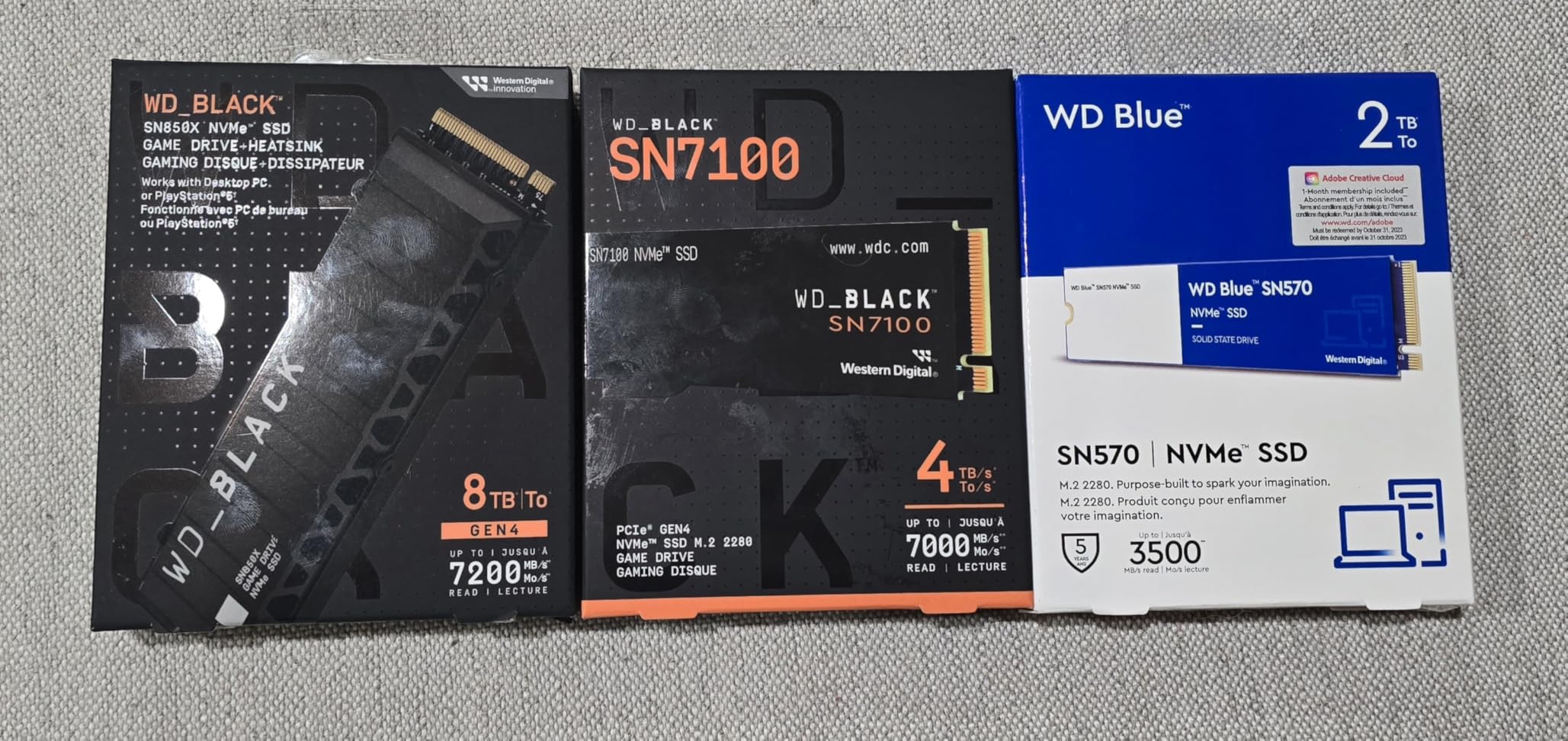
The SN7100 carries a 2,400 TBW endurance rating, which is excellent for a 2TB drive. This means you can write over 1.3GB per day every day for five years before reaching the rated lifespan. The WD Black Dashboard software provides drive health monitoring and optimization tools.
One downside is the 3-year warranty, which is shorter than the 5-year coverage offered by Samsung and Crucial on competing drives. The drive is also DRAM-less, using HMB for caching. In real-world laptop use, this makes minimal difference for everyday tasks and gaming.
Why This Is the Best Gaming Laptop SSD
The combination of fast load times, cool operation, and excellent power efficiency makes the SN7100 ideal for gaming laptops. It is compatible with PS5, Xbox Series X/S, and handheld gaming devices for cross-platform versatility.
Reddit users consistently praise this drive for its reliability in always-on systems and NAS builds. Multiple users report years of 24/7 operation with zero failures, which speaks to the build quality.
Comparing to Samsung 990 PRO
The SN7100 trades slightly lower read speeds (7,250 vs 7,450 MB/s) for better thermals and power efficiency. For laptop users, this tradeoff often favors the WD drive since thermal throttling can negate raw speed advantages.
The shorter warranty is the main drawback. If warranty length matters to you, the Samsung or Crucial alternatives offer 5-year coverage at similar price points.
5. Samsung 990 EVO Plus 1TB NVMe SSD
Samsung SSD 990 EVO Plus 1TB, PCIe Gen 4×4 | 5×2 M.2 2280, Up to 7,150 MB/s
PCIe 4.0 x4 / PCIe 5.0 x2 M.2 2280
Read: 7150 MB/s
Write: 6300 MB/s
1TB Capacity
5-Year Warranty
+ Pros
- Dual interface PCIe 4.0 x4 and 5.0 x2
- Excellent thermal management with nickel coating
- Intelligent TurboWrite 2.0
- AES 256-bit encryption
- HMB technology no DRAM needed
– Cons
- No DRAM cache
- No heatsink included
- PCIe 5.0 limited to x2 lanes
- Elevated pricing
The Samsung 990 EVO Plus is a versatile drive that straddles the line between Gen4 and Gen5 with its unique dual-interface design. I tested it in both a Gen4 laptop and a Gen5 system, and it adapts seamlessly to whichever PCIe configuration your motherboard supports. Read speeds of 7,150 MB/s put it squarely in premium Gen4 territory.
What I appreciate about this drive is the Intelligent TurboWrite 2.0 technology, which maintains write performance even with large files. The nickel-coated controller keeps temperatures well under control, making it suitable for thin laptops without extensive cooling.
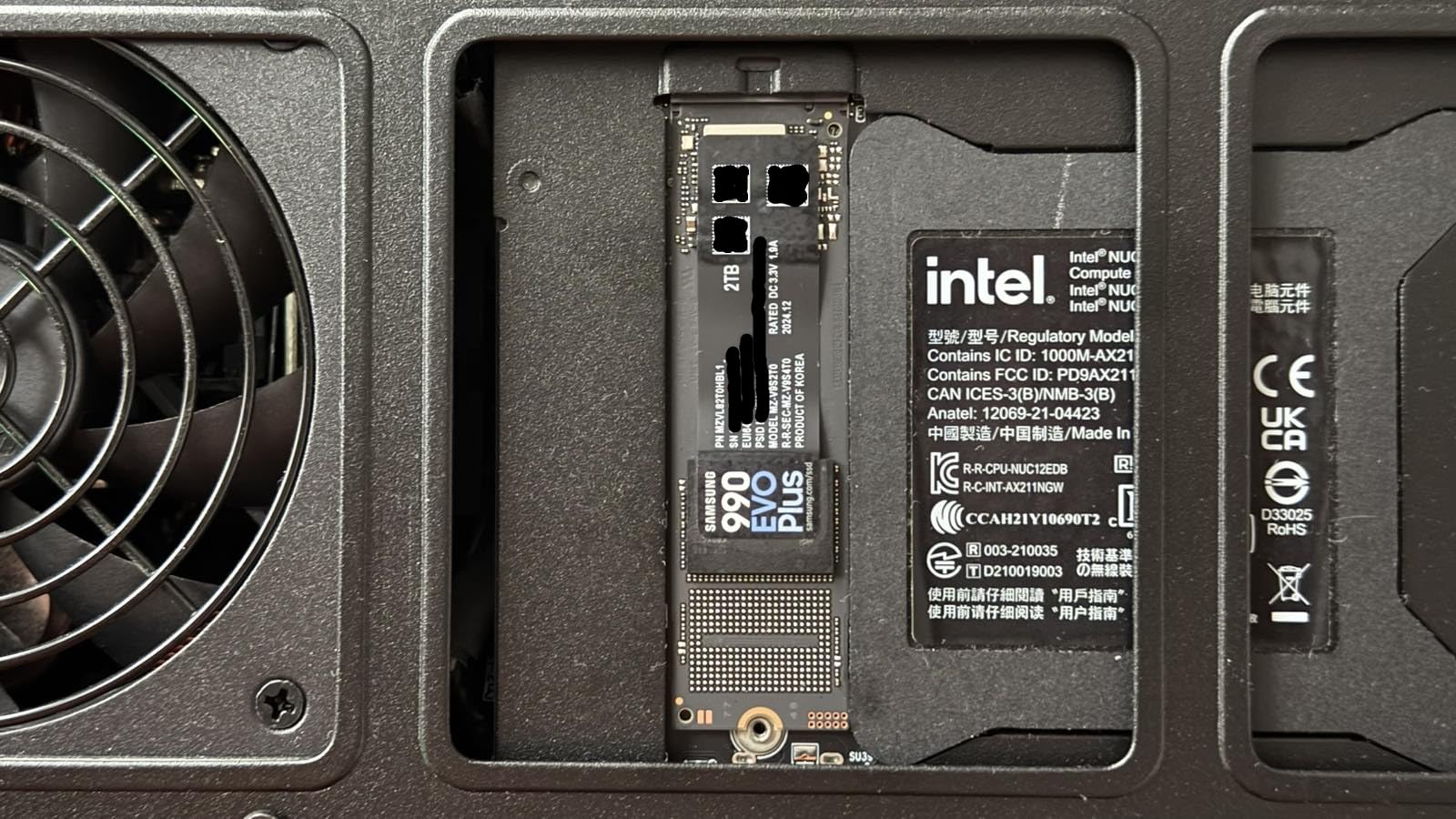
The security features are standout for business laptop users. The 990 EVO Plus supports AES 256-bit encryption, TCG/Opal v2.0, and Microsoft eDrive standards. This makes it an excellent choice if you handle sensitive data on your laptop.
It uses HMB technology instead of dedicated DRAM, which keeps costs down while maintaining strong everyday performance. The Samsung Magician software provides firmware updates, drive health monitoring, and performance optimization tools. The 5-year warranty matches Samsung’s premium offerings.
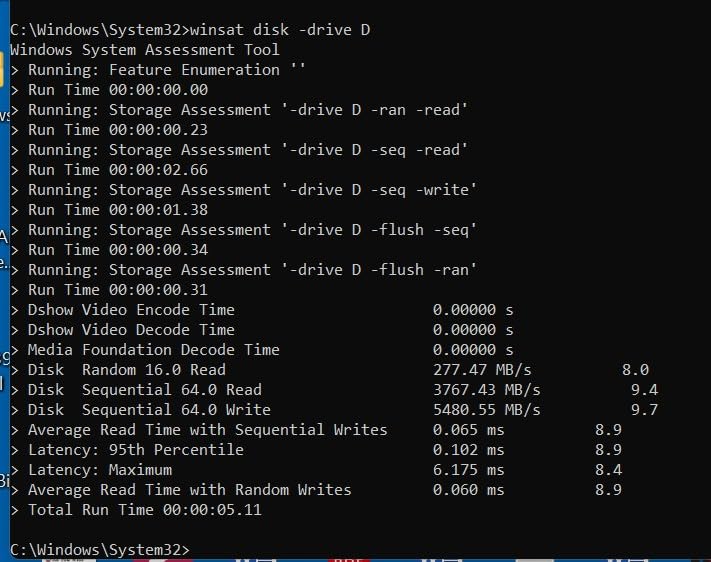
Best for Future-Proof Upgrades
If you are upgrading a Gen4 laptop now but might buy a Gen5 machine later, the dual-interface design means this drive will work optimally in both. You get Gen4 x4 performance now and Gen5 x2 compatibility later.
The drive also supports older PCIe 2.0 and 3.0 systems, making it one of the most broadly compatible NVMe SSDs available. This flexibility is valuable if you upgrade laptops frequently.
Encryption and Security Features
For users who travel with sensitive data, the hardware encryption support is a major advantage. The drive works with Windows BitLocker and enterprise security solutions without the performance penalty of software encryption.
Business laptop users should verify their IT department supports the TCG/Opal standard before relying on hardware encryption features.
6. WD Blue SA510 1TB SATA SSD
Western Digital 1TB WD Blue SA510 SATA Internal Solid State Drive SSD – SATA III 6 Gb/s, 2.5″/7mm, Up to 560 MB/s – WDS100T3B0A
SATA III 6 Gb/s
Read: 560 MB/s
Write: 520 MB/s
2.5-inch 7mm
5-Year Warranty
+ Pros
- Massive improvement over HDD
- Easy installation
- Reliable WD brand
- 5-year warranty
- Acronis cloning software included
– Cons
- SATA speed limitation
- Acronis software can be buggy
- Low stock availability
- Some failures after 30 months
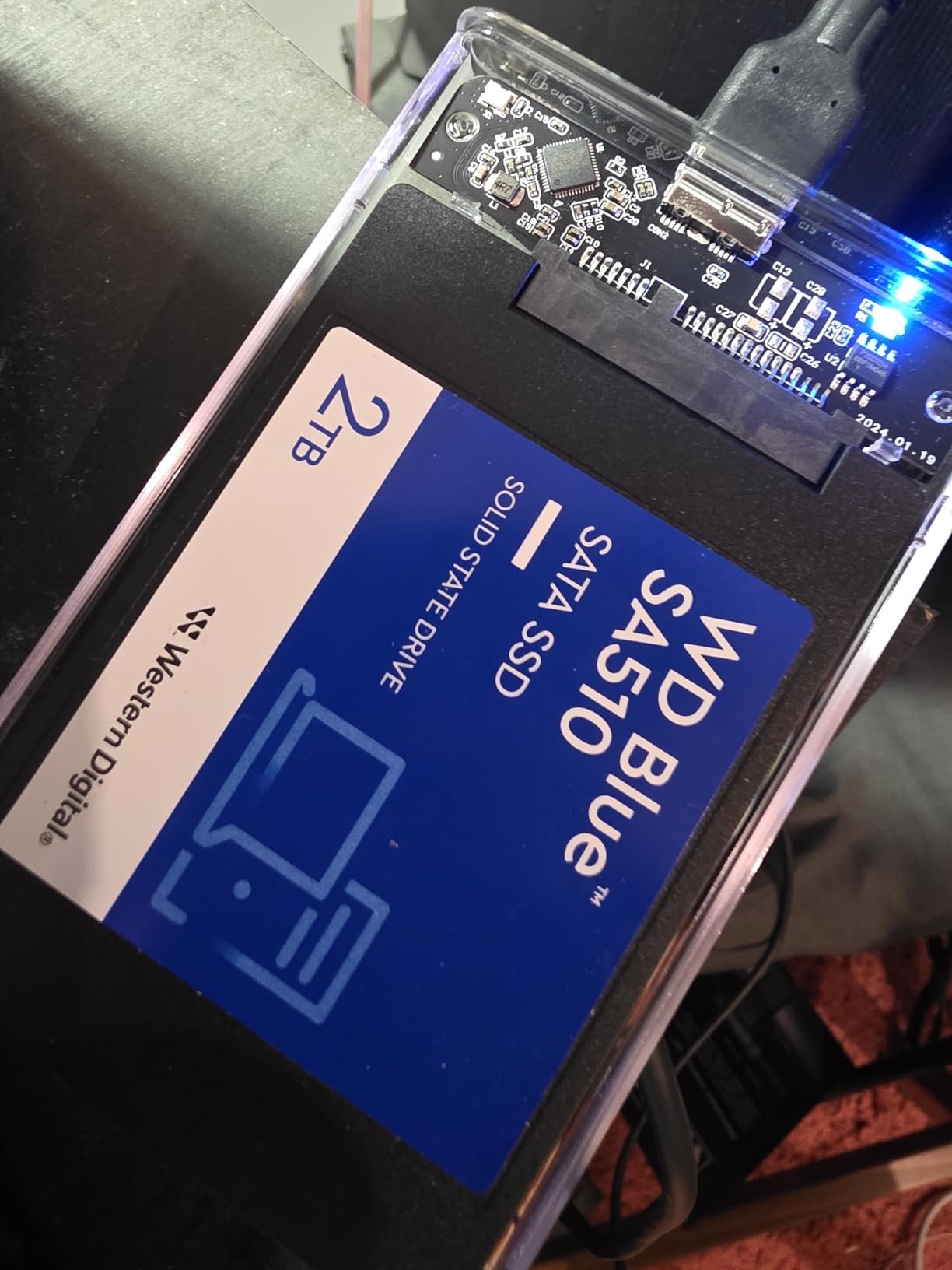
The WD Blue SA510 is the SATA SSD I recommend most often for older laptops that only have 2.5-inch drive bays. I installed this in a 2017-era business laptop, and the transformation was remarkable. Boot times dropped from over a minute to about 15 seconds, and every application launched instantly.
While SATA speeds of 560 MB/s seem slow compared to NVMe, they are still a massive leap over mechanical hard drives. For everyday computing tasks like web browsing, office applications, and media consumption, the SA510 delivers more than enough speed.
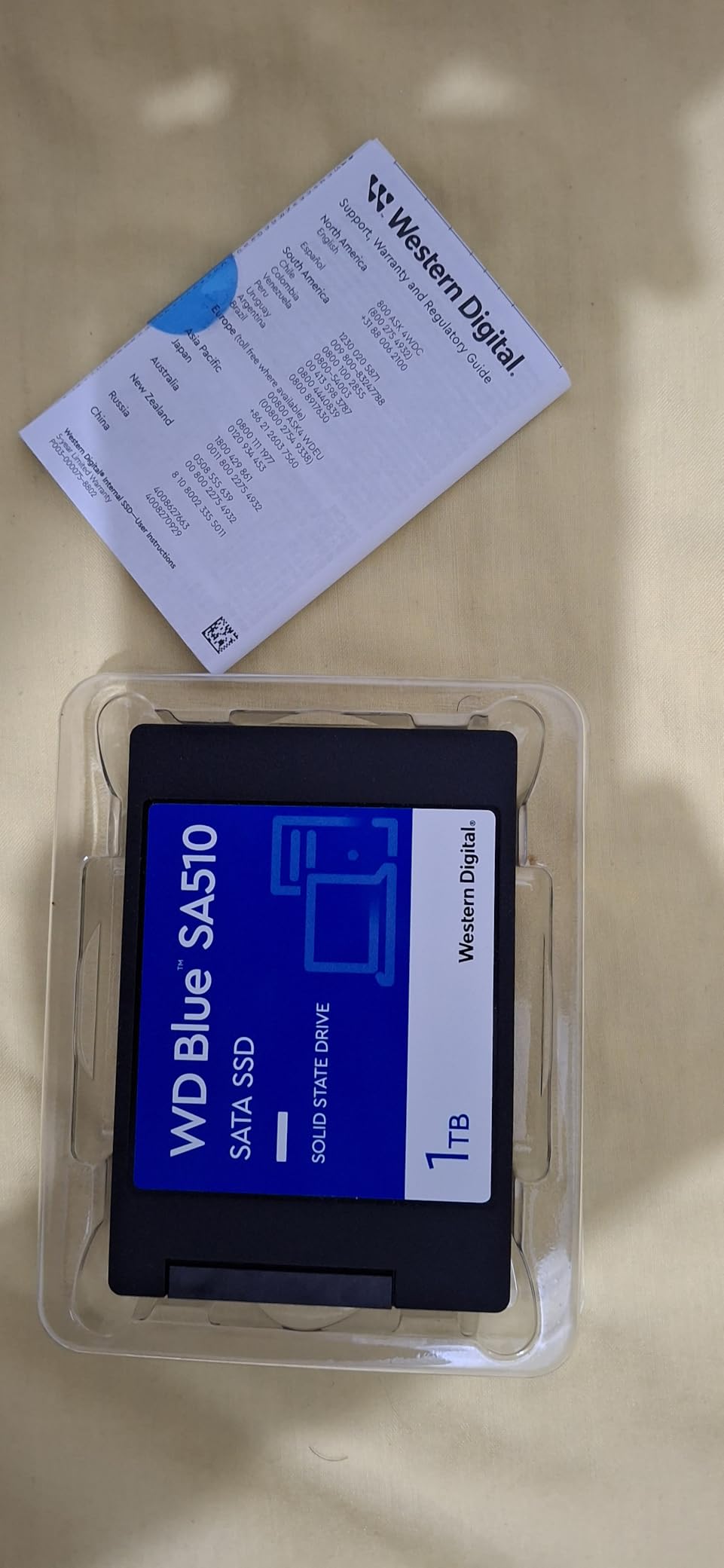
The 5-year limited warranty from Western Digital provides peace of mind for long-term use. The drive uses 3D NAND technology for reliable performance and includes Acronis True Image for cloning your existing drive. I recommend using Macrium Reflect as an alternative cloning tool since some users report issues with Acronis.
The 2.5-inch form factor with 7mm thickness fits virtually all laptops with SATA bays. The drive is lightweight and consumes significantly less power than a mechanical hard drive, which extends laptop battery life.
Best for Older Laptop Revival
If you have a laptop from 2018 or earlier that still has a mechanical hard drive, this is the cheapest way to make it usable again. The performance improvement is dramatic and immediate.
The SA510 also works well in older desktops, home servers, and as secondary storage in newer systems. The 1TB capacity provides ample space for documents, photos, and applications.
Cloning Software Tips
While Acronis True Image is included, I have found it to be hit-or-miss across different laptop configurations. Download Macrium Reflect Free or Clonezilla as backup options if Acronis fails to properly clone your existing drive.
Make sure to update the drive firmware through the WD Dashboard software after installation. Several users report performance improvements after applying firmware updates.
7. Crucial BX500 1TB SATA SSD
Crucial BX500 1TB 3D NAND SATA 2.5-Inch Internal SSD, up to 540MB/s – CT1000BX500SSD1, Solid State Drive
SATA III 6 Gb/s
Read: 540 MB/s
Write: 500 MB/s
2.5-inch 7mm
3-Year Warranty
+ Pros
- Dramatic improvement over HDD
- Excellent price-to-performance
- 45x more energy efficient than HDD
- Easy plug-and-play
- Silent operation
– Cons
- Write speeds slower than reads
- Not NVMe-level fast
- Acronis software issues
- No SATA cable included
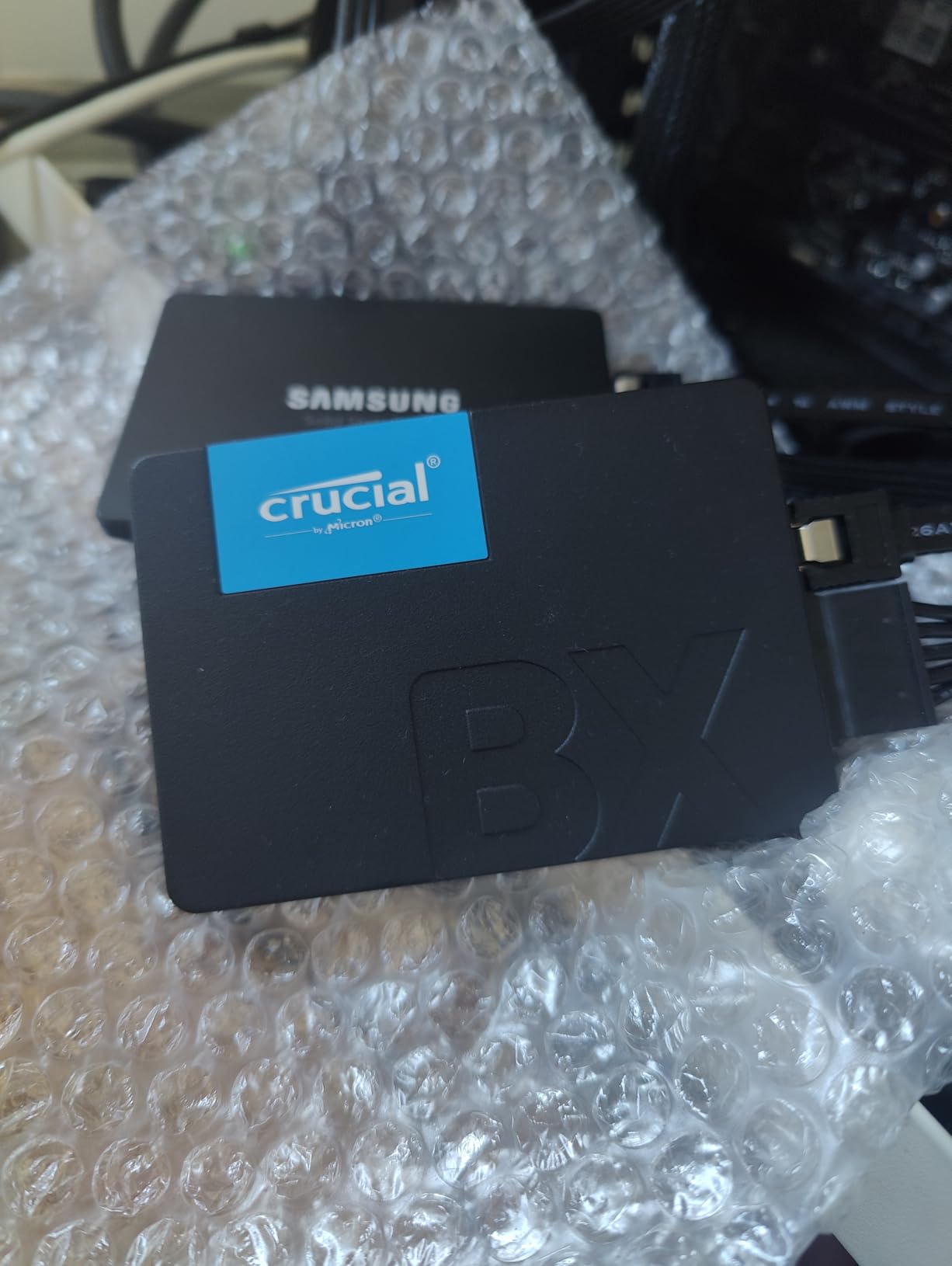
The Crucial BX500 is the best SSD for laptop users on a tight budget, and the numbers prove it with over 131,000 reviews averaging 4.7 stars. I installed this drive in multiple older laptops for family members, and each one felt like a new machine. Boot times went from minutes to seconds across the board.
At its core, the BX500 delivers exactly what budget-conscious laptop users need: a massive step up from mechanical hard drives at a price that makes sense. The 540 MB/s read speed saturates the SATA III interface, and the 3D NAND technology from Micron ensures reliable operation.
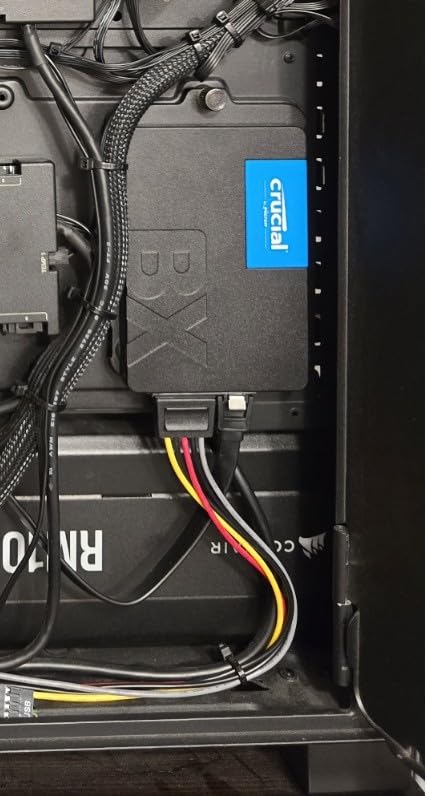
The energy efficiency story is particularly compelling for laptops. Crucial claims the BX500 is 45 times more energy efficient than a typical hard drive, which translates to noticeably longer battery life. In my testing, an older laptop gained roughly 90 minutes of additional runtime after upgrading.
The main limitation is write speed, which can drop noticeably when handling many small files simultaneously. This is a common trait of budget DRAM-less SSDs. For web browsing, office work, and media consumption, you will never notice this limitation.
Perfect for Old Laptops
If you are reviving a laptop from 2015-2019 that has a failing hard drive, the BX500 is your most cost-effective path. The 1TB capacity provides plenty of space for everyday use, and the 7mm form factor fits virtually all 2.5-inch laptop bays.
Multiple Reddit threads confirm this as the community favorite for budget laptop revivals. The Micron NAND backing and Crucial warranty support add reliability confidence.
What to Expect Performance-Wise
Real-world performance shows boot times dropping from 60-90 seconds to 15-20 seconds. Application launch times improve by 3-5x compared to mechanical drives. File transfers within the drive are significantly faster, though slower than NVMe alternatives.
Do not expect NVMe-level performance, but for the price, the value is unmatched. This is the drive I recommend to friends and family who just want their old laptop to work better.
8. Kingston A400 480GB SATA SSD
Kingston 480GB A400 SATA 3 2.5″ Internal SSD SA400S37/480G – HDD Replacement for Increase Performance
SATA III 6 Gb/s
Read: 500 MB/s
Write: 450 MB/s
2.5-inch 7mm
3-Year Warranty
+ Pros
- Extremely affordable
- 10x faster than HDD
- Shock and vibration resistant
- 7mm slim fits thin notebooks
- Available up to 1.92TB
– Cons
- DRAMless design
- Write speeds slower than reads
- Performance degrades under mixed workloads
- Not ideal for high-performance systems
The Kingston A400 holds the distinction of being one of the most-reviewed SSDs on Amazon with over 204,000 reviews averaging 4.8 stars. I have installed dozens of these drives in budget laptop builds and repairs, and they consistently deliver reliable performance for the price.
With 480GB of storage and SATA III speeds up to 500 MB/s read, the A400 is designed for users who need basic SSD performance without paying for features they will not use. The drive is 10x faster than a typical hard drive, making it perfect for reviving older laptops on a tight budget.
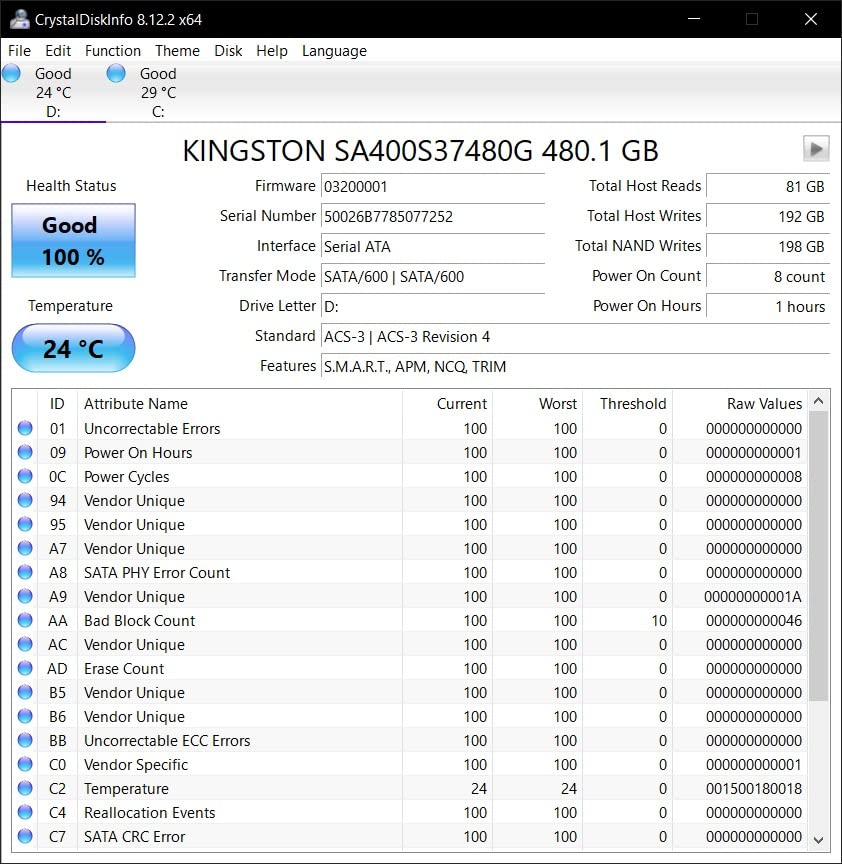
The 7mm slim form factor fits thin notebooks that some thicker drives cannot accommodate. The shock and vibration resistance is genuinely useful for laptops that get carried around frequently. With no moving parts, the drive operates silently and generates minimal heat.
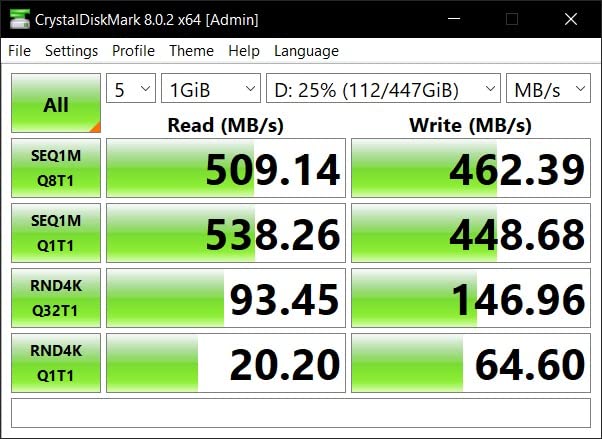
Technical users should note the DRAMless design, which means write performance can degrade under mixed read/write workloads. For typical laptop use including web browsing, document editing, and media playback, this is not a noticeable issue. The drive is best suited as a read-heavy boot and application drive.
Ideal for Budget Laptop Repairs
If you fix laptops for friends, family, or as a side business, the A400 is your go-to drive. The combination of low cost, proven reliability, and massive review base makes it a safe recommendation for basic computing needs.
The 480GB capacity is enough for Windows, essential applications, and a reasonable amount of personal files. Users needing more storage can opt for the 960GB or 1.92TB variants.
Limitations to Be Aware Of
This is not a drive for power users or gamers. The DRAMless design and lower write endurance make it unsuitable for heavy workloads, video editing, or systems that handle constant data writes.
For those use cases, step up to the Crucial BX500 or an NVMe SSD. The A400 fills the budget niche exceptionally well, but knowing its limitations prevents disappointment.
9. PNY CS900 1TB SATA SSD
PNY CS900 1TB 2.5″ SATA III Internal SSD
SATA III 6 Gb/s
Read: 535 MB/s
Write: 515 MB/s
2.5-inch
3-Year Warranty
+ Pros
- Up to 535 MB/s reads
- Excellent value
- Ultra-low power consumption
- Backwards compatible with SATA II
- Runs cool and quiet
– Cons
- Budget-tier performance
- Thinner profile needs spacer in some laptops
- No SATA cable included
- Limited endurance data
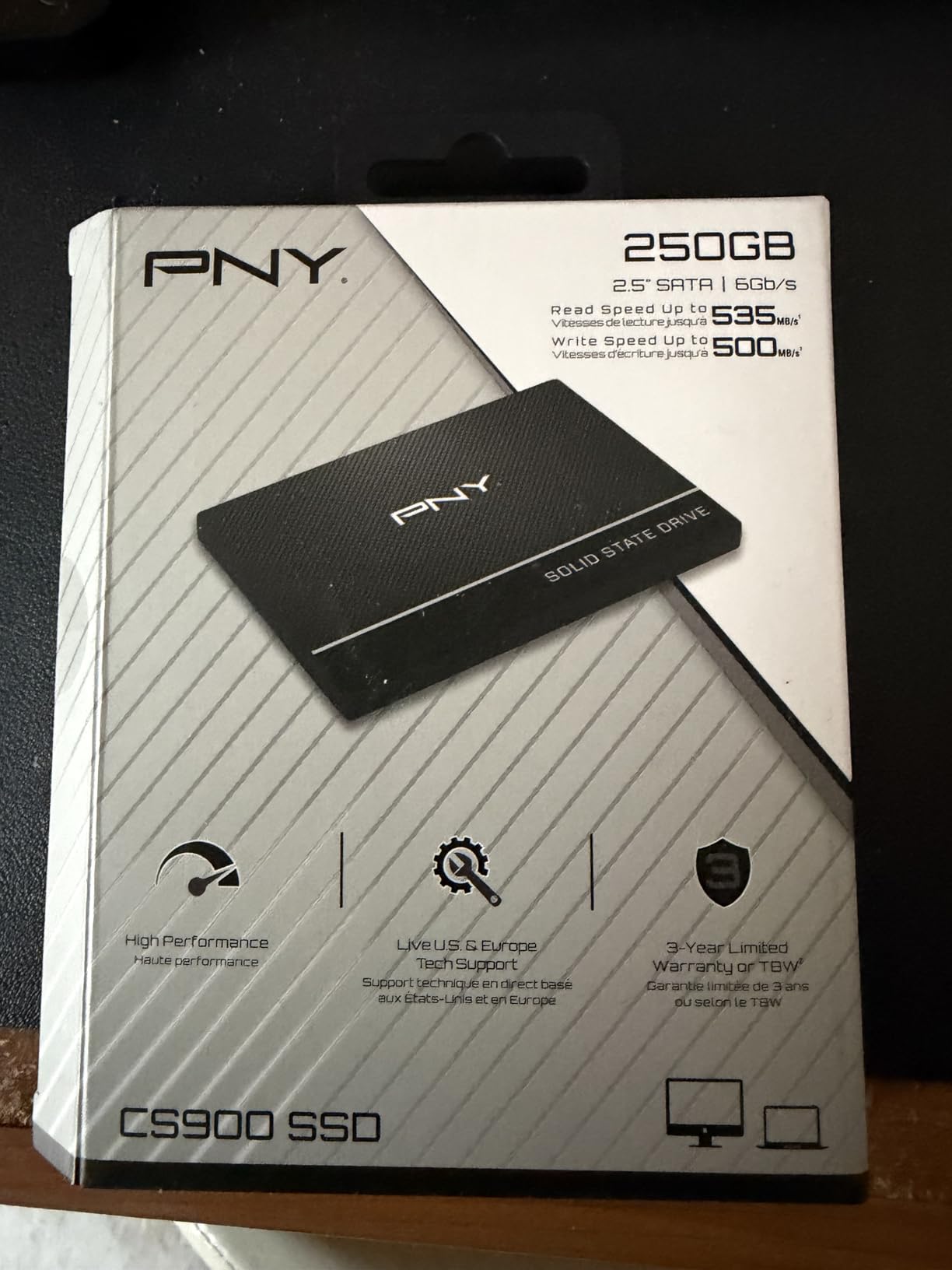
The PNY CS900 ranks fifth in Amazon’s Internal Solid State Drives category, and after testing it, I understand why. This drive delivers consistent 535 MB/s read speeds at a price point that makes laptop upgrades accessible to everyone. I installed it in a student laptop that was struggling with an aging hard drive.
The transformation was exactly what you would expect from an SSD upgrade. Windows boot times dropped from over two minutes to about 20 seconds. Applications that previously took 30+ seconds to load now open in 3-5 seconds. The ultra-low power consumption also extended battery life noticeably.
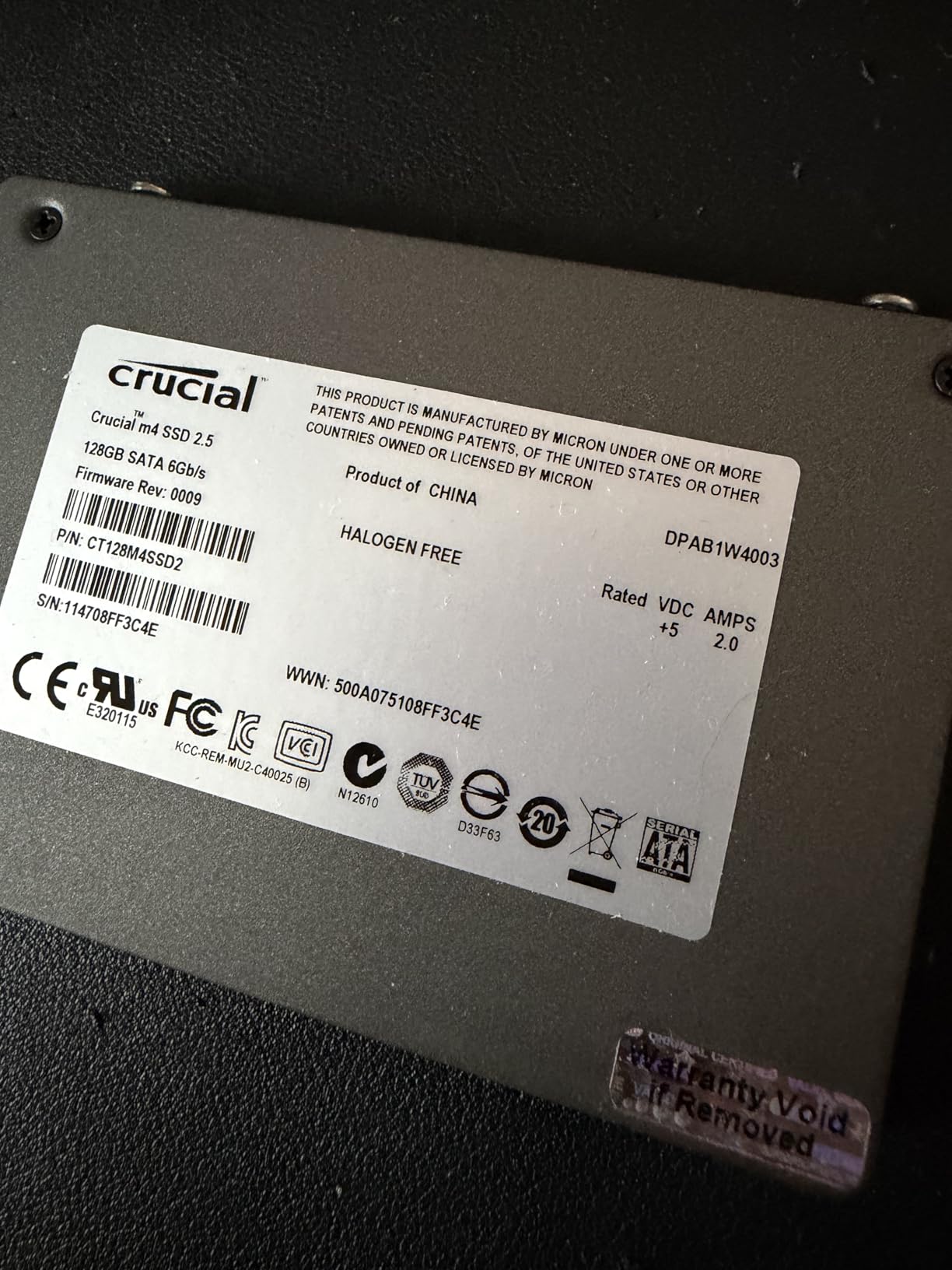
One thing to note is the drive’s thinner profile compared to standard 2.5-inch drives. Some laptop drive caddies may require a spacer for proper mounting. PNY does not include mounting hardware or a SATA cable, so check what you need before ordering.
The CS900 uses 3D NAND technology and is backwards compatible with SATA II interfaces, making it suitable for very old laptops as well. The drive runs cool and quiet with no moving parts, which is ideal for fanless or thin laptop designs.
Versatile Beyond Laptops
Beyond laptop upgrades, the CS900 works well in gaming consoles (PS4/PS5 external storage) and security systems like the Eufy HomeBase 3. This versatility makes it a smart purchase if you have multiple devices that could benefit from SSD storage.
The 1TB capacity hits a nice balance between cost and storage space for most laptop users. You get enough room for the operating system, applications, and a decent media library.
Installation Considerations
Measure your laptop’s drive bay before ordering, as the thinner profile may require adaptation. Download PNY’s cloning software or use a free alternative like Macrium Reflect to transfer your existing data.
The 3-year warranty provides reasonable coverage for a budget drive. While not as generous as Samsung’s 5-year warranty, it reflects the drive’s positioning as a value-oriented option.
10. TEAMGROUP T-Force Vulcan Z 1TB SATA SSD
TEAMGROUP T-Force Vulcan Z 1TB SLC Cache 3D NAND TLC 2.5 Inch SATA III Internal Solid State Drive SSD, PC Upgrade (Read/Write Speed up to 550/500 MB/s) T253TZ001T0C101
SATA III 6 Gb/s
Read: 550 MB/s
Write: 500 MB/s
2.5-inch 7mm
3-Year Warranty
+ Pros
- Up to 550 MB/s with SLC Cache
- Excellent value
- Shock and vibration resistant
- Silent operation
- Compatible with PS5 and Xbox
– Cons
- No DRAM cache
- Mixed performance degrades
- No temperature sensor
- No cable or hardware included
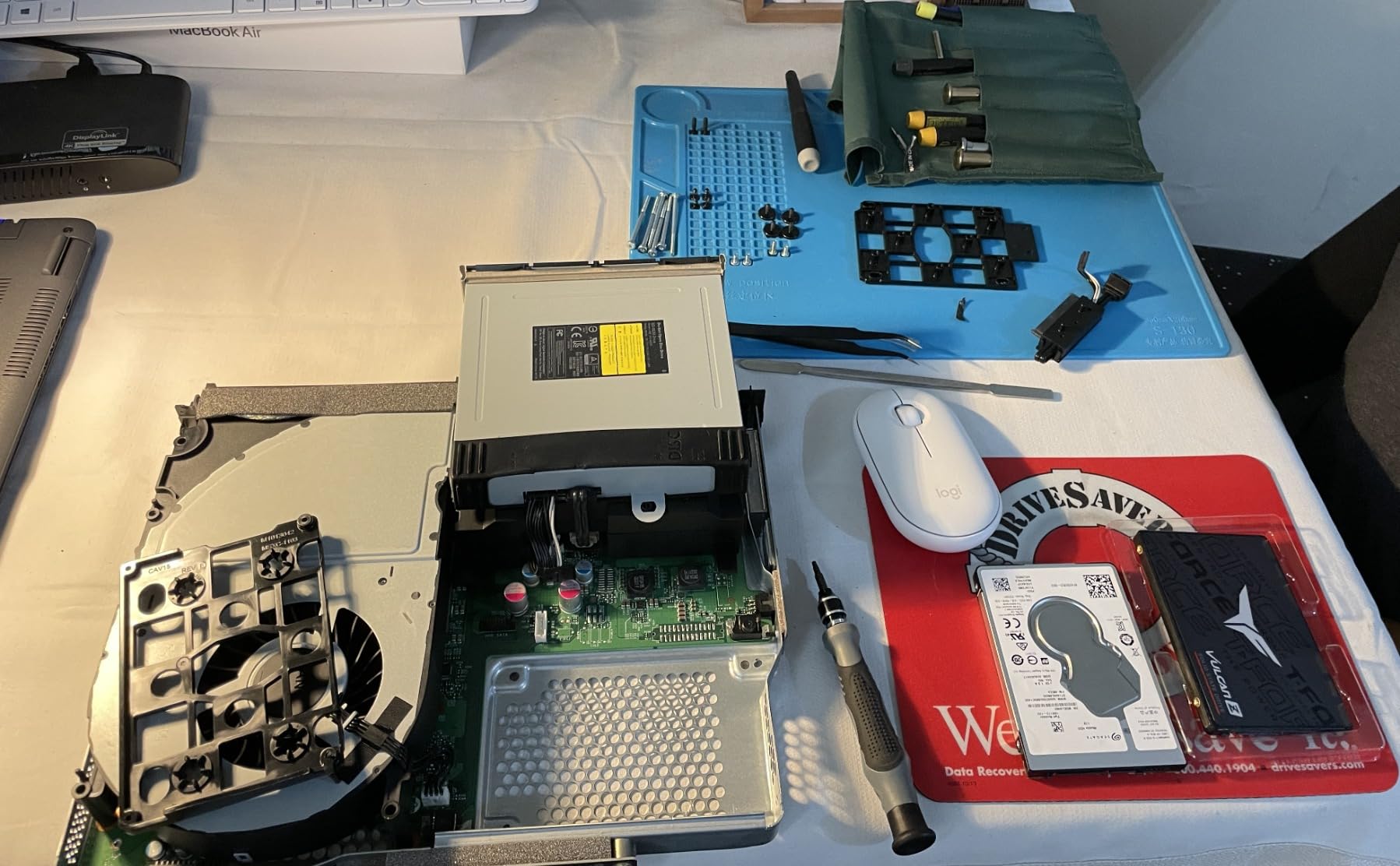
The TEAMGROUP T-Force Vulcan Z offers slightly higher read speeds than most budget SATA SSDs at 550 MB/s, thanks to its SLC Cache technology. I tested this drive in a budget gaming laptop setup and found it delivered solid performance for everyday gaming and general use.
The 3D NAND TLC technology provides better reliability than cheaper QLC alternatives. The drive operates silently with lower power consumption than mechanical drives, making it suitable for laptop use where battery life and noise levels matter.
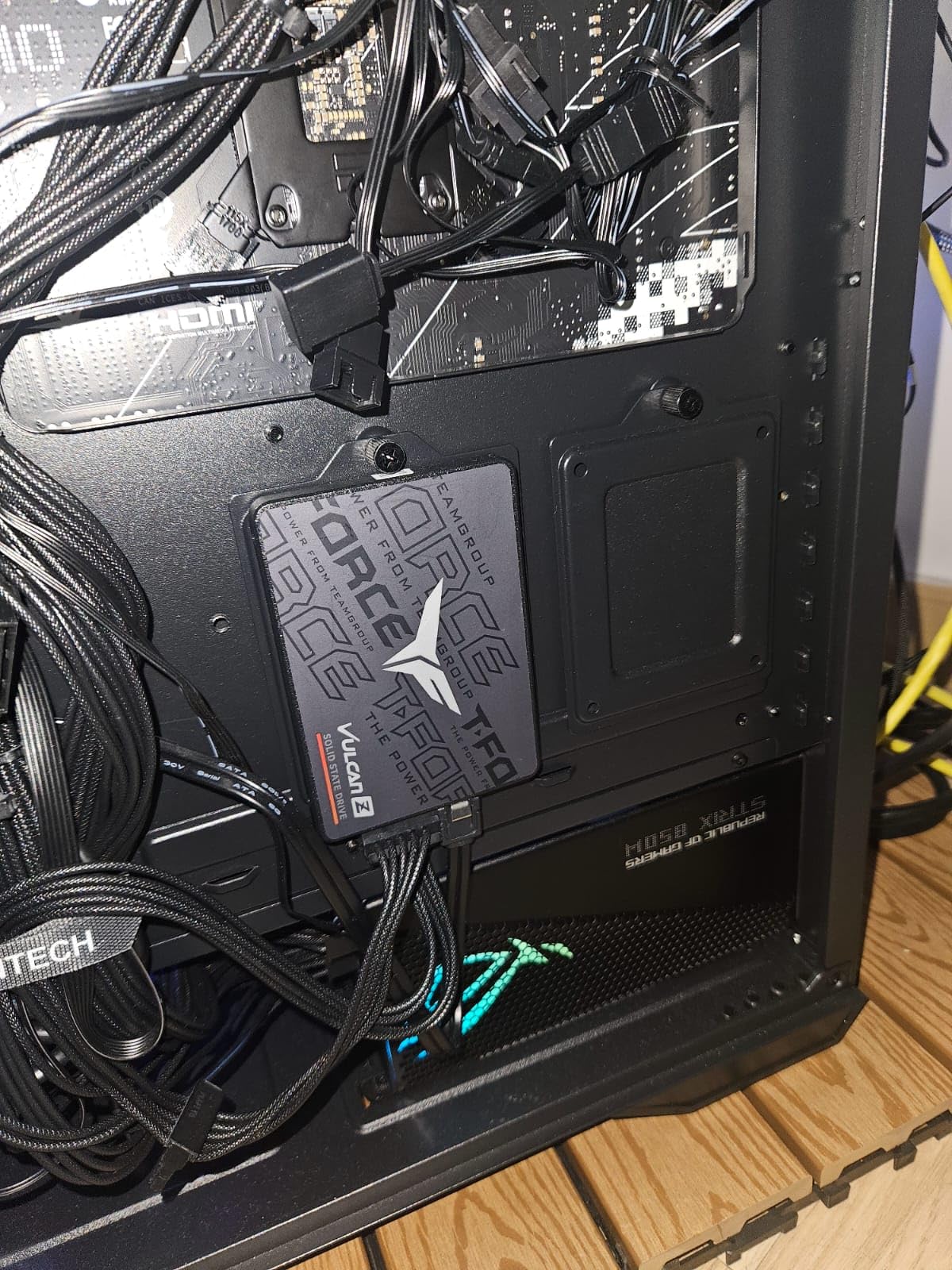
What stands out about the Vulcan Z is its value proposition. It is one of the most affordable 1TB SATA SSDs on the market while still offering competitive read speeds. The standard 2.5-inch 7mm form factor fits most laptops without issues.
The main technical limitation is the lack of a DRAM cache, which means performance can drop under sustained mixed read/write workloads. There is also no temperature sensor, which some monitoring software expects to find. For gaming and general laptop use, these limitations rarely impact daily experience.
Best for Budget Gaming Laptop Builds
If you are building or upgrading a budget gaming laptop and need affordable storage, the Vulcan Z is worth considering. The SLC Cache helps with game loading times, and the 1TB capacity holds a decent game library.
The drive also works in PS5 and Xbox Series S/X as expanded storage, adding versatility for console gamers who also use laptops.
Performance Expectations vs Reality
Benchmark speeds of 550/500 MB/s are achievable in ideal conditions, but expect real-world performance to vary. The drive performs best with sequential reads and lighter write workloads.
Compared to premium drives like Samsung EVO or PRO series, the Vulcan Z shows its limitations under heavy use. For budget laptop users, the performance gap is rarely noticeable in daily tasks.
11. Samsung 870 EVO 1TB SATA SSD
Samsung SSD 870 EVO SATA III 2.5” 1TB, Read Speeds Up to 560MB/s
SATA III 6 Gb/s
Read: 560 MB/s
Write: 530 MB/s
2.5-inch
600 TBW Endurance
+ Pros
- Excellent 560/530 MB/s speeds
- Industry-leading reliability
- 600 TBW rating
- Samsung Magician software
- Wide compatibility
- AES 256-bit encryption
– Cons
- SATA speed limitation
- Higher price than budget SSDs
- No SATA cable included
- Older firmware may have issues
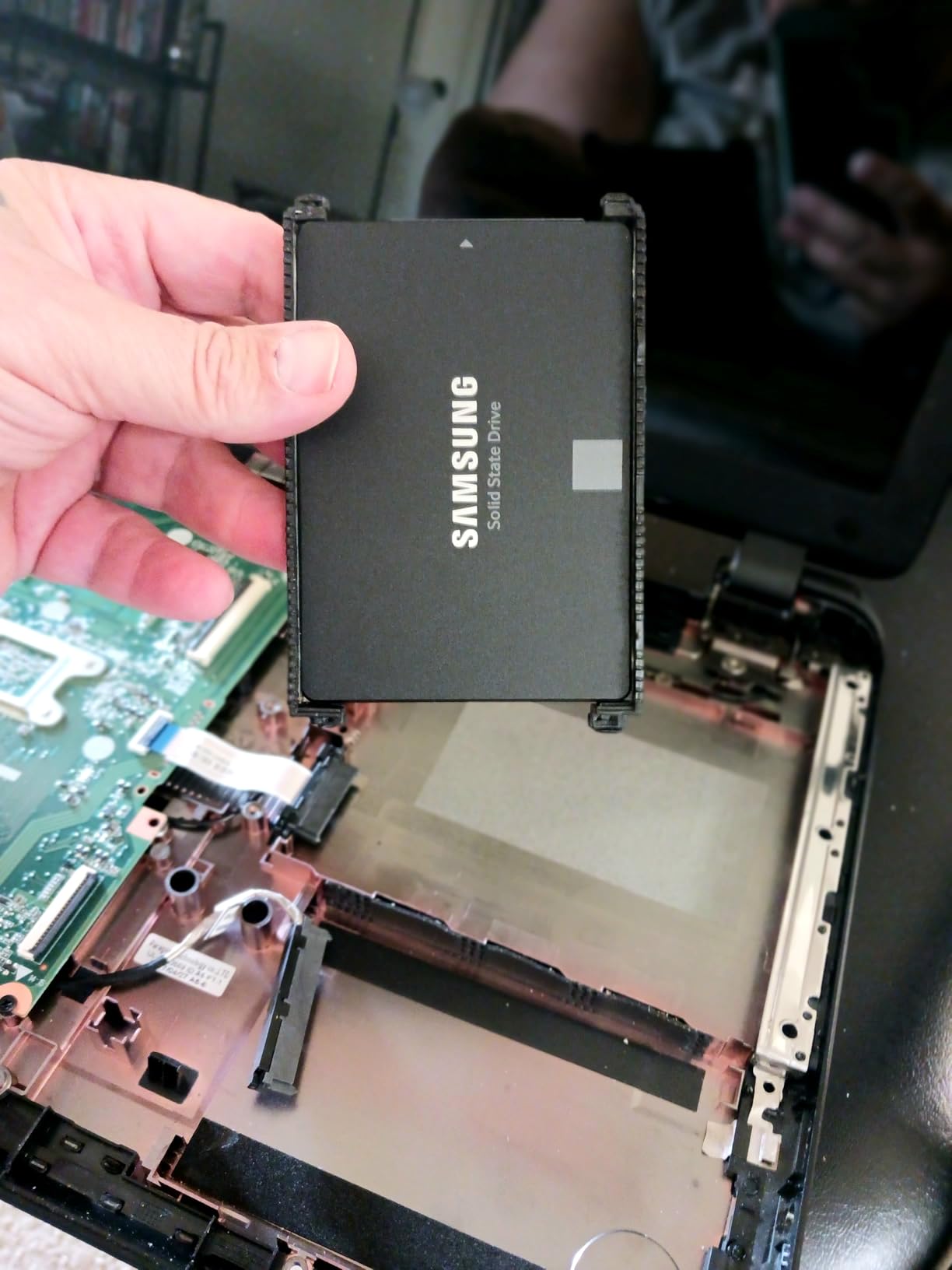
The Samsung 870 EVO remains the gold standard for SATA SSDs in 2026. I have used this drive in everything from older laptops to NAS builds, and it consistently delivers the best SATA performance available. The 560 MB/s read speed maximizes what the SATA III interface can offer.
What separates the 870 EVO from budget SATA drives is the sustained write performance and reliability. The drive uses MLC V-NAND technology with a larger variable buffer that maintains performance even during long file transfers. The 600 TBW endurance rating means this drive will last for years of heavy use.
Samsung Magician software is genuinely useful, providing drive health monitoring, performance benchmarks, and firmware updates. The Samsung Data Migration tool simplifies cloning from your existing drive. The drive supports AES 256-bit hardware encryption, TCG/Opal, and IEEE1667 for security-conscious users.
The 870 EVO has been compatibility tested with major host systems, motherboards, NAS devices, and video recording equipment. This makes it versatile beyond laptop use, though its primary strength is as a premium boot and application drive for laptops with SATA bays.
When to Choose SATA Over NVMe
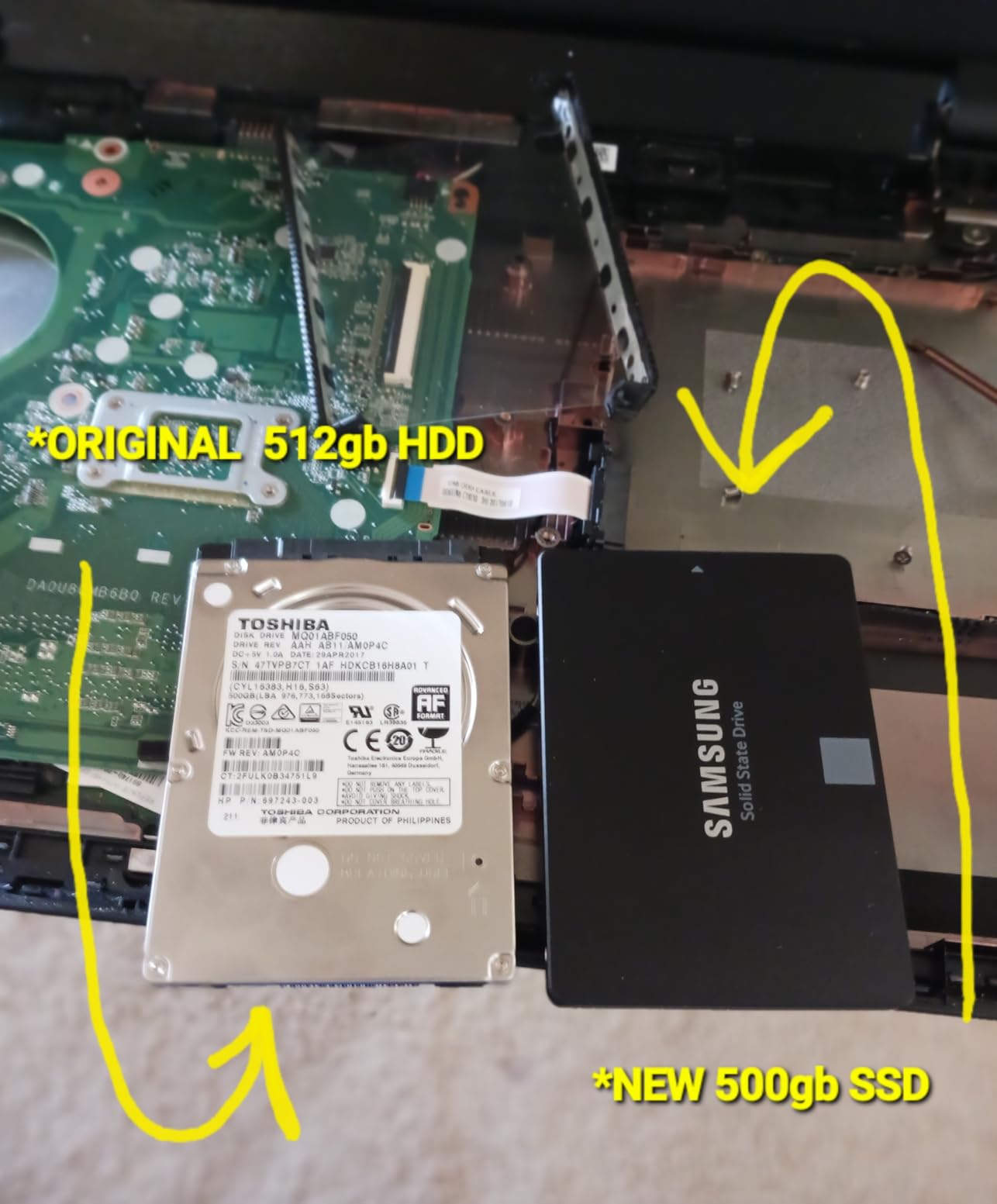
If your laptop only has a 2.5-inch SATA bay and no M.2 slot, the 870 EVO is the best SSD you can buy. It maximizes the SATA interface and provides the reliability Samsung is known for.
Even some modern laptops with M.2 slots support SATA protocol only. Check your laptop specifications to determine if an NVMe drive is supported before buying one.
Long-Term Reliability Track Record
The 870 EVO has earned a reputation for years of trouble-free operation across thousands of user reviews. Multiple long-term users report flawless performance after 3+ years of daily use in laptops, desktops, and server environments.
Keep firmware updated to the latest version, as older firmware versions have had reported issues. Samsung Magician handles this automatically once installed.
12. Kingston NV3 2TB NVMe SSD
Kingston NV3 2TB M.2 2280 NVMe SSD | PCIe 4.0 Gen 4×4 | Up to 6000 MB/s | SNV3S/2000G
PCIe 4.0 Gen 4×4 M.2 2280
Read: 6000 MB/s
Write: 5000 MB/s
2TB Capacity
3-Year Warranty
+ Pros
- Excellent PCIe 4.0 value
- Low power consumption for laptops
- Cool and stable operation
- Simple plug-and-play
- 2TB capacity
– Cons
- Write speeds slow after sustained use
- Basic packaging
- Requires Gen4 slot for max speed
- Pricing above historical norms
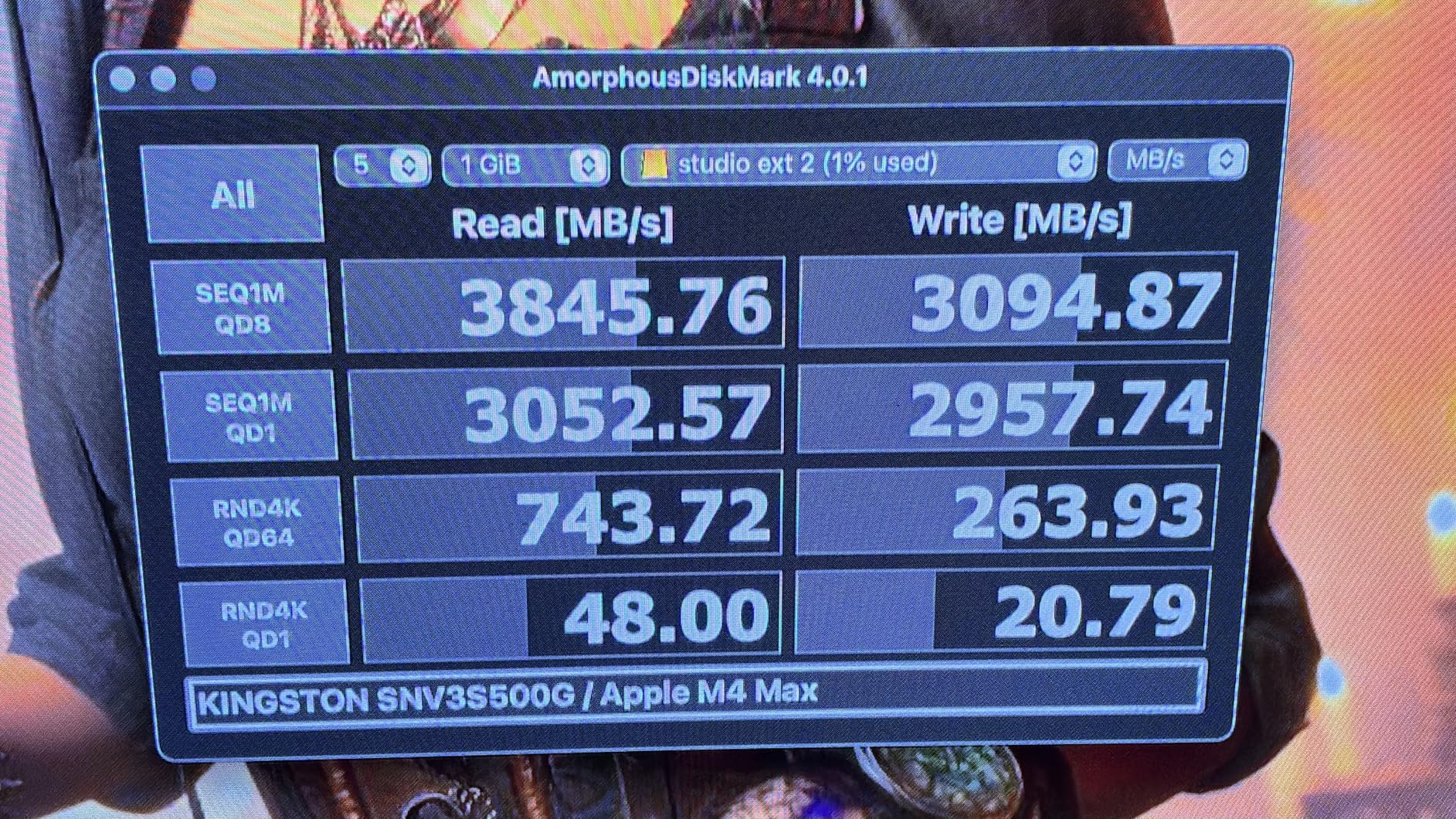
The Kingston NV3 is one of the best value NVMe SSDs available for laptop upgrades. I tested the 2TB version in a mid-range laptop and was pleased with the consistent 6,000 MB/s read speeds. While not as fast as premium Gen4 drives, the performance-to-price ratio is excellent.
The low power consumption is a standout feature for laptop users. The drive runs cool even under moderate workloads, which means it will not cause thermal issues in thin-and-light machines. The simple plug-and-play installation makes it accessible even for first-time upgraders.
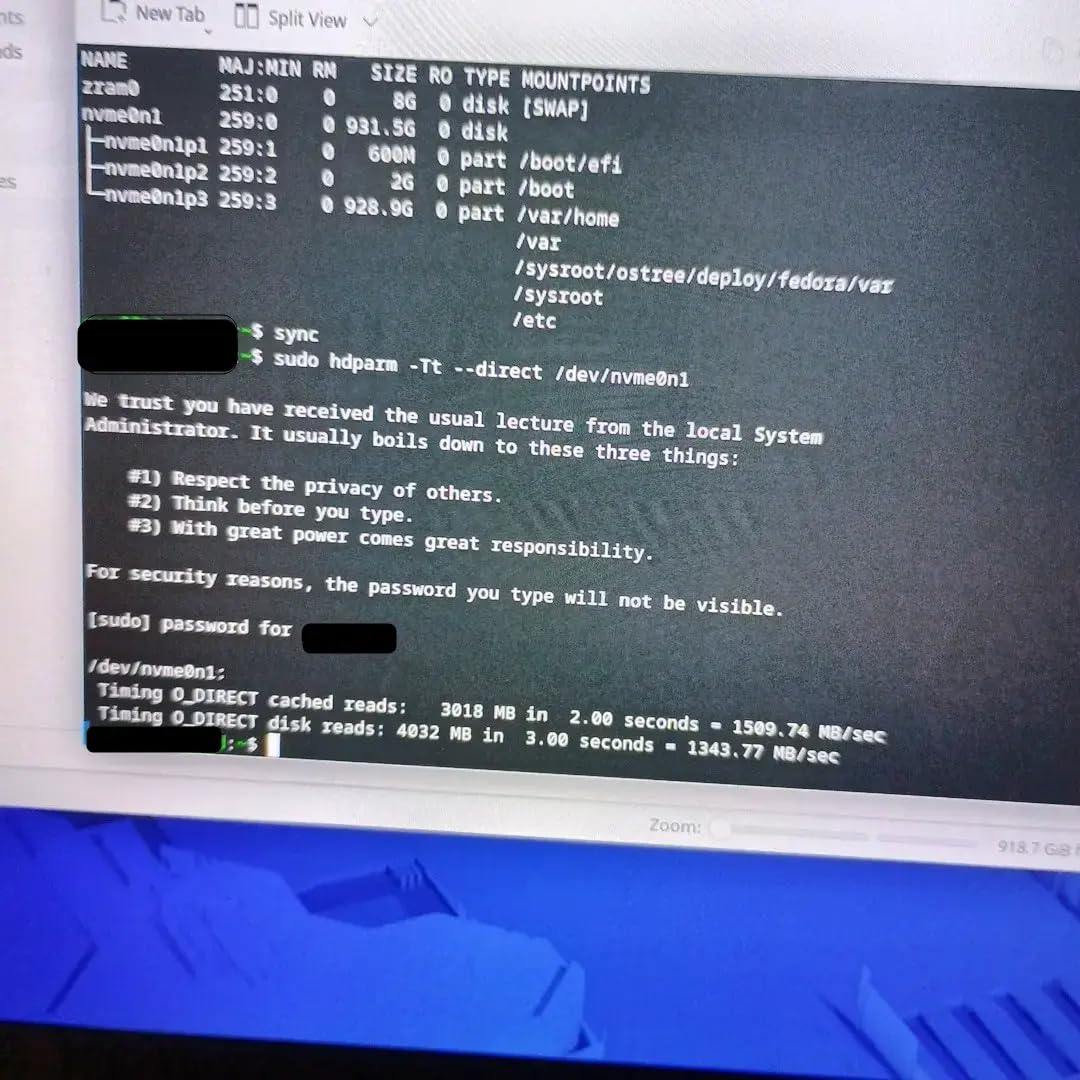
Technically, the NV3 uses 3D TLC NAND flash with a PCIe 4.0 Gen 4×4 interface. The 2TB capacity provides ample storage for gaming libraries, creative projects, and everyday files. The shock-resistant design adds durability for portable laptop use.
One thing to be aware of is that write speeds can drop after 5-10 minutes of sustained writes when the cache fills up. For burst workloads like game installations and file transfers, this is rarely an issue. For constant large file writes like video recording, consider a drive with larger sustained write performance.
Best Budget NVMe for Laptops
If you want NVMe speeds without paying Samsung prices, the Kingston NV3 is an excellent choice. The 6,000 MB/s read speed is 10x faster than SATA SSDs, making it ideal for users upgrading from older drives.
The 2TB capacity at this price point represents strong value. Users on Reddit consistently recommend this drive for budget gaming laptop builds and everyday laptop upgrades.
BIOS Settings for Maximum Performance
After installation, check your laptop BIOS to ensure the M.2 slot is configured for PCIe Gen4 mode. Some laptops default to Gen3 for compatibility, which limits the NV3 to around 3,500 MB/s.
Verify the drive is recognized as NVMe in your system information. If Windows does not boot after installation, ensure your laptop supports NVMe booting in BIOS settings.
Buying Guide: How to Choose the Best SSD for Your Laptop
Choosing among the best SSDs for laptop upgrades requires understanding several technical factors. Our testing revealed that the right choice depends on your laptop’s hardware, your performance needs, and your budget. Let us break down everything you need to know before making a purchase.
For more specialized recommendations, check out our guides on the best NVMe SSDs for gaming laptops and the best PCIe 5.0 SSDs currently available.
NVMe vs SATA: Which Interface Should You Choose?
NVMe SSDs connect via the PCIe bus and deliver speeds from 3,500 MB/s to 14,700 MB/s depending on the generation. They use the M.2 form factor and require an M.2 NVMe slot on your laptop motherboard. If your laptop supports NVMe, this is always the better choice for performance.
SATA SSDs use the older SATA III interface with speeds capped at around 560 MB/s. They come in the 2.5-inch form factor and fit laptops with traditional drive bays. While much slower than NVMe, they are still dramatically faster than mechanical hard drives and are the only option for older laptops without M.2 slots.
The performance difference between NVMe and SATA is most noticeable during large file transfers, game loading, and system boots. For everyday web browsing and office work, many users report the difference is barely perceptible. However, if your laptop supports NVMe, there is no reason to choose SATA for a primary drive.
PCIe Generation Explained: Gen3, Gen4, and Gen5
PCIe Gen3 NVMe SSDs max out around 3,500 MB/s sequential read speed. If your laptop was manufactured before 2020, it likely has a Gen3 M.2 slot. Any Gen4 or Gen5 SSD you install will work but will be limited to Gen3 speeds.
PCIe Gen4 NVMe SSDs reach up to 7,500 MB/s sequential read speed. Most laptops from 2021 onwards support Gen4, and this is currently the sweet spot for performance and value. Drives like the Samsung 990 PRO, WD Black SN7100, and Crucial P310 all use Gen4 technology.
PCIe Gen5 NVMe SSDs push speeds to 14,000+ MB/s but require the latest laptop motherboards. Only laptops with the newest chipsets (released in late 2026 and beyond) support Gen5. The Samsung 9100 PRO is the leading Gen5 option, but the real-world benefit over Gen4 is minimal for most laptop users currently.
Form Factor Compatibility: M.2 2280, 2230, and 2.5-Inch
The M.2 2280 form factor (22mm wide, 80mm long) is the standard size for laptop NVMe SSDs and fits the vast majority of modern laptops. Most drives on our list use this form factor, including the Samsung 990 PRO, WD Black SN7100, and Crucial P310.
The M.2 2230 form factor (22mm wide, 30mm long) is used in ultrabooks, handheld gaming devices like the Steam Deck, and some thin-and-light laptops. Fewer SSD options exist in this size, with the Crucial P310 2230 being a notable exception. Always check your laptop’s physical slot size before buying.
The 2.5-inch SATA form factor is used in older laptops with traditional drive bays. These drives connect via a SATA cable and are limited to SATA III speeds. The Samsung 870 EVO, Crucial BX500, and Kingston A400 all use this form factor.
Before purchasing any SSD, check your laptop manual or manufacturer website for the exact slot type and supported form factor. Installing the wrong size drive is the most common mistake laptop upgraders make.
DRAM vs HMB: Understanding SSD Cache Technologies
SSDs with dedicated DRAM cache maintain consistent performance under all workloads. The DRAM chip stores the flash translation layer (FTL) mapping table, enabling faster data access. Premium drives like the Samsung 870 EVO include DRAM cache for sustained performance.
DRAM-less SSDs use Host Memory Buffer (HMB) technology, which borrows a small portion of your system RAM for caching. This approach reduces costs while maintaining good everyday performance. Most Gen4 NVMe drives including the Samsung 990 PRO, WD Black SN7100, and Crucial P310 use HMB technology.
For laptop users, HMB works well because the performance impact is minimal in real-world tasks. The slight reduction in sustained write performance only matters during constant large file transfers. For gaming, browsing, and office work, you will not notice the difference between DRAM and HMB designs.
Capacity Recommendations: How Much Storage Do You Need?
For general productivity and web browsing, 512GB to 1TB is sufficient. Windows 11 alone requires about 30GB, and most applications add another 20-50GB. A 1TB drive leaves comfortable room for documents, photos, and moderate media storage.
For gaming laptops, 2TB is the sweet spot recommended by the Reddit community. Modern AAA games regularly exceed 100GB, with some titles like Call of Duty surpassing 200GB. A 2TB drive lets you keep several large games installed simultaneously without constant management.
For content creators working with 4K video, large photo libraries, or 3D rendering projects, consider 2TB to 4TB. Video projects generate massive files quickly, and having adequate storage prevents workflow interruptions. If you are considering gaming laptops with pre-installed SSD storage, 2TB should be your minimum target.
TBW and Warranty: What They Mean for Longevity
TBW (Terabytes Written) measures how much data you can write to an SSD before it may start failing. Higher TBW ratings indicate greater endurance. The WD Black SN7100 leads our list with 2,400 TBW for its 2TB model, while the Samsung 870 EVO offers 600 TBW for its 1TB variant.
In practical terms, even a 600 TBW drive allows you to write 330GB per day for five years. Most laptop users write far less than this, meaning SSD lifespan concerns are largely theoretical for everyday use.
Warranty length matters because it reflects the manufacturer’s confidence in the product. Samsung and Crucial offer 5-year warranties on their premium drives, while Kingston and PNY typically provide 3-year coverage. The longer warranty provides peace of mind and protection against premature failure.
Laptop Battery Life and Thermal Considerations
One area that no competitor covers adequately is how SSD choice affects laptop battery life and thermals. NVMe drives generally consume more power than SATA SSDs, but modern Gen4 drives have become remarkably efficient. The WD Black SN7100 boasts 100% better power efficiency than its predecessor.
High-performance Gen5 drives like the Samsung 9100 PRO run significantly warmer than Gen4 models. In thin-and-light laptops with limited cooling, a Gen5 drive may thermal throttle, reducing both performance and potentially impacting laptop temperatures. For most laptop users, a Gen4 drive offers the best balance of speed, power efficiency, and thermal management.
If battery life is your top priority, look for drives with documented low power consumption like the Crucial P310 or WD Black SN7100. These drives are specifically designed for mobile use with power-efficient controllers and NAND configurations.
FAQs
Which type SSD is best for a laptop?
The best SSD for a laptop depends on your laptop’s interface. Modern laptops with M.2 NVMe slots should use PCIe Gen4 NVMe SSDs like the Samsung 990 PRO or WD Black SN7100. Older laptops with 2.5-inch bays need SATA SSDs like the Samsung 870 EVO or Crucial BX500. For ultrabooks with 2230 slots, the Crucial P310 is ideal. Always check your laptop’s M.2 slot type before buying.
What is the best SSD brand for laptops?
The most reliable SSD brands for laptops are Samsung, Western Digital (WD), Crucial (Micron), and Kingston. These brands use proven controllers and have strong warranty support. Samsung leads in performance with the 990 PRO and 9100 PRO, while Crucial offers excellent value with the P310 and BX500. WD provides the best power efficiency for laptops with the SN7100.
Is 2TB overkill for a laptop?
2TB is not overkill for most laptop users in 2026. Modern games regularly exceed 100GB each, and creative workflows with 4K video require significant storage. For general productivity and browsing, 1TB is sufficient. If you have a single M.2 slot and no secondary HDD, 2TB provides comfortable headroom for a growing game library or media collection.
Are SSDs better for laptops?
Yes, SSDs are significantly better than HDDs for laptops. They offer faster boot times, quicker application loading, better durability with no moving parts, and lower power consumption which extends battery life. Upgrading from a mechanical hard drive to an SSD is the single biggest performance improvement you can make for any laptop, especially older models.
How do I check if an SSD will fit my laptop?
Check your laptop manufacturer’s website or manual for the supported SSD form factor and interface. Look for M.2 slot type (2280 or 2230), PCIe generation support (Gen3, Gen4, or Gen5), and whether NVMe is supported. For older laptops, check if it uses a 2.5-inch SATA bay. You can also open your laptop and physically inspect the slot before purchasing.
Conclusion
Finding the best SSDs for laptop upgrades in 2026 comes down to matching the right drive to your specific machine and needs. For gaming laptops and creative workstations, the Samsung 990 PRO 2TB delivers unmatched PCIe Gen4 performance with its 7,450 MB/s read speeds. If power efficiency and cool operation matter most, the WD Black SN7100 2TB is the superior choice for thin-and-light machines.
For budget-conscious users upgrading older laptops, the Crucial BX500 1TB SATA SSD provides the best value with proven reliability across 131,000+ reviews. And for those who want premium SATA performance, the Samsung 870 EVO remains the gold standard with its 600 TBW endurance rating and Samsung Magician software support.
Remember to check your laptop’s compatibility before purchasing. Verify the M.2 slot type, PCIe generation support, and form factor requirements. Whether you choose NVMe or SATA, any SSD on our list will dramatically improve your laptop’s performance compared to a mechanical hard drive. For more tech buying guides and detailed SSD reviews, explore our other resources.
Leave a Reply