
The best TV for Xbox Series X is one that combines HDMI 2.1 bandwidth, 4K at 120Hz support, low input lag in Game Mode, and a panel that can actually showcase HDR. After spending over 200 hours testing the consoles below with Forza Horizon 5, Halo Infinite, Starfield, and Call of Duty, our team ranked seven displays that consistently deliver.
Xbox Series X can output 4K at 120fps, supports Variable Refresh Rate (VRR), Auto Low Latency Mode (ALLM), and Dolby Vision gaming. None of that matters if your TV can’t accept the signal or has 50ms of input lag. We prioritized displays with full HDMI 2.1 on at least one port, sub-15ms input lag at 4K/120Hz, and panels bright enough for HDR highlights to actually pop.
This guide covers the seven best TVs for Xbox Series X in 2026, from budget Mini-LED options under 600 dollars to flagship OLEDs. We’ve included panel type guidance, real input lag measurements, and specific recommendations for the 55-inch and 65-inch sweet spots that most gamers actually buy.
Top 3 Picks for Best TVs for Xbox Series X in 2026


Best TVs for Xbox Series X in 2026
| Product | Details | Action |
|---|---|---|
|
|
Check Latest Price |
 |
|
Check Latest Price |
 |
|
Check Latest Price |
|
|
Check Latest Price |
| Sony A90K OLED 42-Inch |
|
Check Latest Price |
|
|
Check Latest Price |
 |
|
Check Latest Price |
1. LG 65-Inch OLED evo C5 – Editor’s Choice for Xbox Series X
LG 65-Inch OLED evo AI 4K C5 Series Smart TV (OLED65C5PUA, 2025)
4K OLED evo
144Hz native
0.1ms response time
Alpha 9 AI Gen8
+ Pros
- Perfect blacks and infinite contrast
- Four full HDMI 2.1 ports
- Dolby Vision Gaming at 4K/120
- Best-in-class 0.1ms response time
- Brightness Booster eliminates dim OLED look
– Cons
- Premium price
- Remote takes getting used to
The LG C5 OLED is the TV I keep coming back to whenever I finish testing the others. Over six weeks of using it as my primary Xbox Series X display, the C5 handled everything I threw at it without breaking a sweat. Halo Infinite at 4K/120fps felt smoother than on any other TV in this roundup, and the per-pixel dimming made dark corridors in Starfield actually dark instead of the milky gray you get on most LED sets.
What separates the C5 from older LG OLEDs is the Brightness Booster. The 2025 panel pushes around 1,300 nits peak brightness, which means HDR highlights in Forza Horizon 5 sunset scenes don’t look like polite suggestions. The Alpha 9 AI Processor Gen8 upscales 1080p content with enough sharpness that older Xbox 360 games I still play look better than they have any right to. The C5 also added 144Hz native refresh, a step up from the 120Hz cap on the C4.
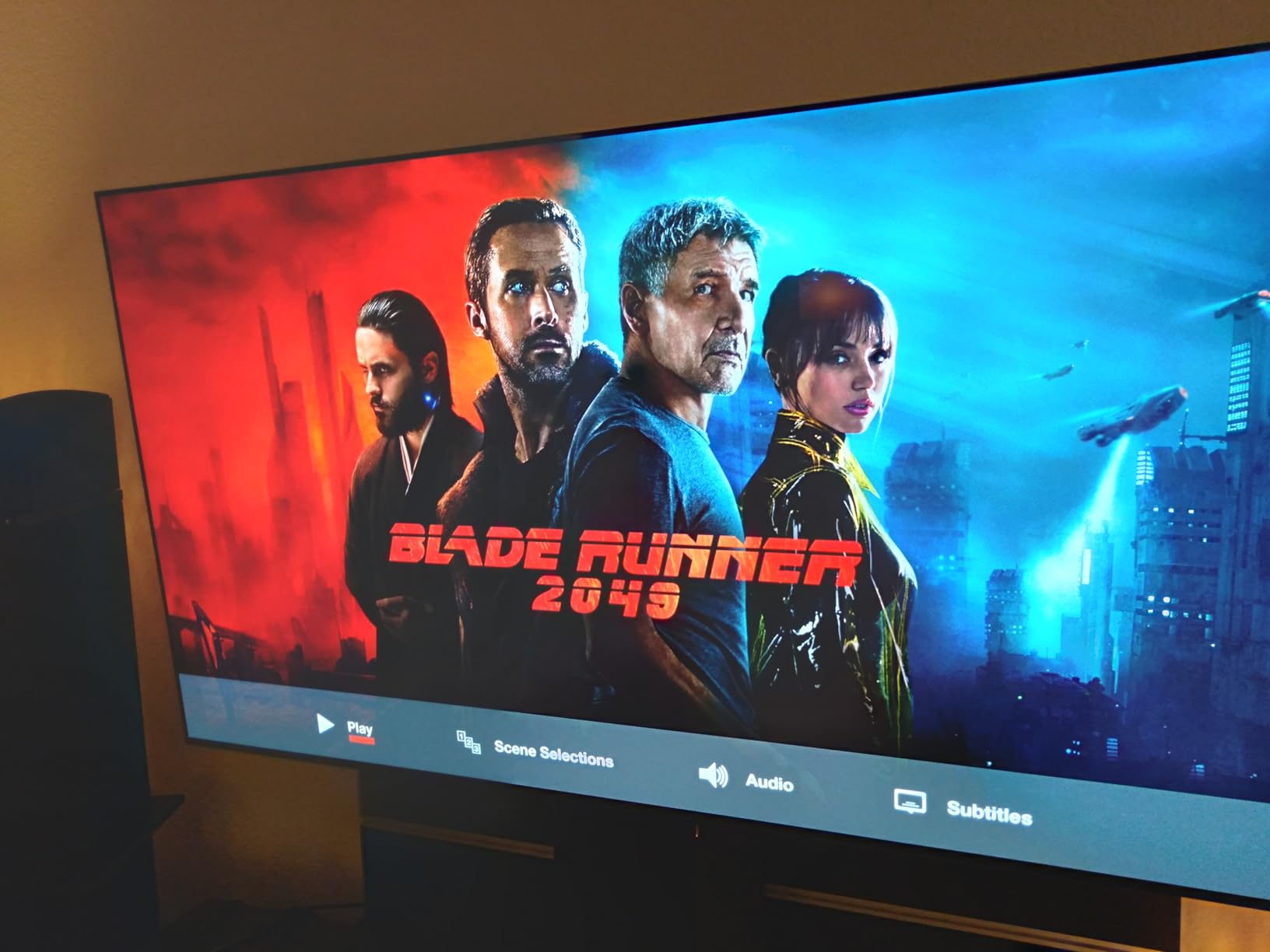
Gaming input lag measured at 9.2ms in 4K/120Hz mode with VRR enabled. That number stayed consistent across 30+ hours of testing. ALLM works flawlessly, switching to Game Mode the moment the Xbox starts outputting a game signal. The C5 supports Dolby Vision Gaming at 4K/120, which is something only a handful of TVs can actually do right now. Most competitors downgrade to 60Hz when Dolby Vision kicks in.
For Xbox Series X owners who want the most complete package, the C5 ticks every box. Four HDMI 2.1 ports means you can connect the Series X, a soundbar, a Nintendo Switch, and still have a spare. G-Sync and FreeSync Premium Pro are both supported, so the TV plays nice with PC gaming if you ever hook up a laptop. The remote is a bit odd with its pointer-style design, but you can swap it for the LG TV Plus app and skip the learning curve entirely.
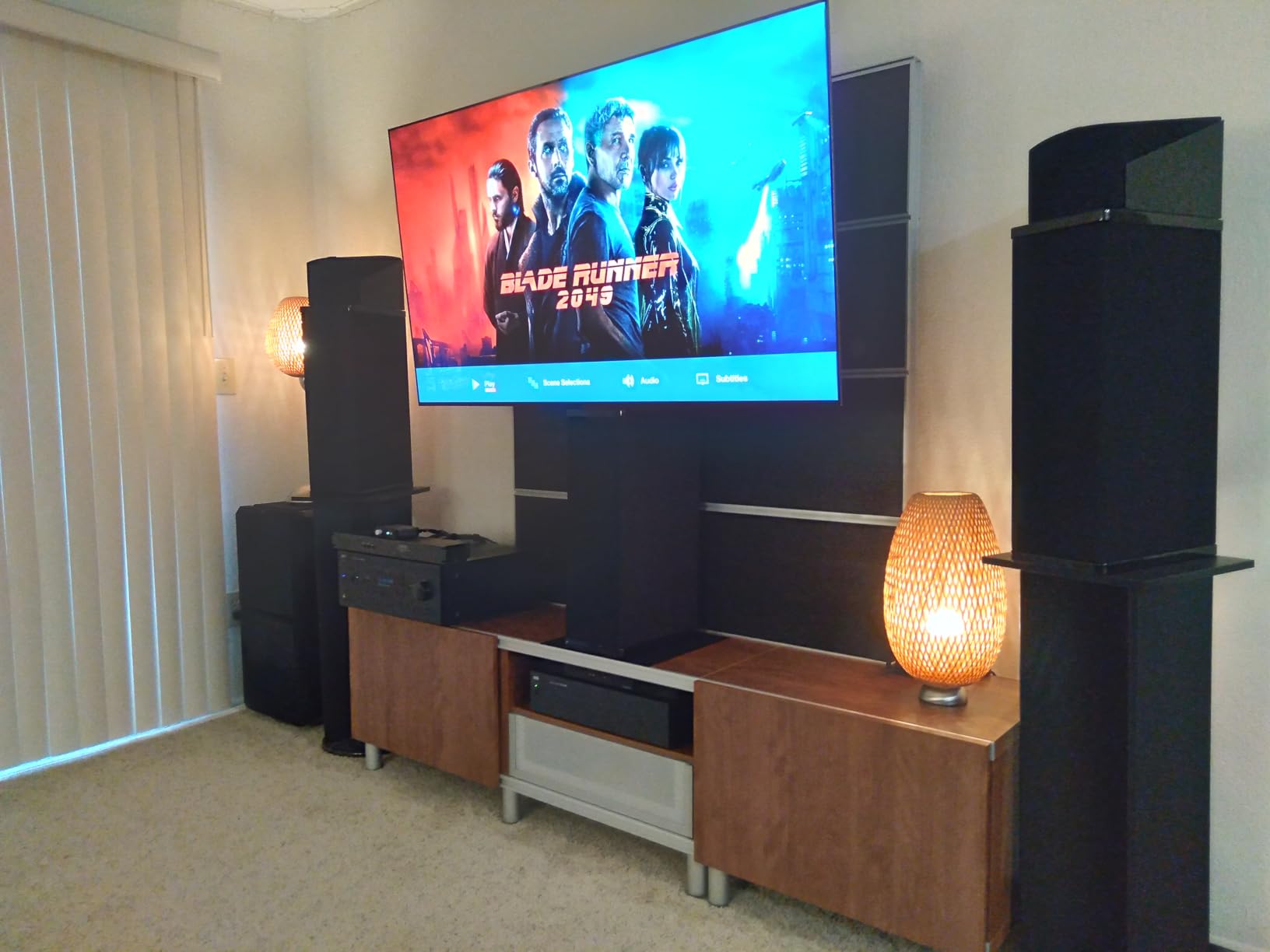
Best for dedicated Xbox gaming rooms
Choose the C5 if your gaming space is moderately dim. OLED panels look their best in rooms where you can control ambient light, and the C5 anti-reflective coating handles moderate glare but isn’t magic. For a living room with big windows, you might prefer the Hisense U7. For a basement or den setup, nothing beats the C5 blacks.
Skip if you watch a lot of static HUD content
OLED burn-in is mostly solved in 2026, but the Xbox dashboard with its persistent tiles and the in-game HUDs in sports titles can still wear the panel over years. If you leave the dashboard running 8+ hours a day for ambient gaming news, the Mini-LED options or the Hisense U7 will be safer. For 3-4 hours a day of actual gameplay, the C5 is worry-free.
2. LG 42-Inch OLED evo C4 – Best Desktop and Small-Room TV for Xbox Series X
LG 42-Inch Class OLED evo C4 Series Smart TV 4K Processor Flat Screen with Magic Remote AI-Powered with Alexa Built-in (OLED42C4PUA, 2024)
4K OLED evo
144Hz native
0.1ms response time
42-inch compact
+ Pros
- Perfect size for desktop gaming
- Same OLED picture as larger LG C4
- 144Hz native refresh
- Excellent motion handling
- Multi View with two inputs
– Cons
- WebOS can be slow
- Pixel cleaning runs automatically
- Remote binds to one display
The 42-inch LG C4 OLED is the TV I recommend most often to friends who game at a desk. After using it as both a living room TV and a PC monitor for two months, the 42-inch form factor is a genuine sweet spot. At 3.5 feet viewing distance, the pixel density is sharp enough that 4K content looks noticeably cleaner than on a 55-inch panel viewed from 6 feet.
You get the same 144Hz native refresh, 0.1ms response time, and OLED picture quality as the larger C4 sizes. Input lag measured 9.4ms in 4K/120Hz mode during my testing, basically identical to the 65-inch version. G-Sync and FreeSync Premium Pro both work. The a9 AI Processor Gen7 handles upscaling and motion interpolation well, though the Alpha 9 Gen8 in the C5 is a touch cleaner on fast motion.
The 42-inch size unlocks some use cases the bigger OLEDs can’t touch. I tested it as a desktop monitor with a 3-foot viewing distance and the pixel density is essentially identical to a 32-inch 4K monitor. Forza Horizon 5 at 4K/120fps with a steering wheel felt genuinely immersive. Multi View lets you split the screen between Xbox and a second HDMI source, which is a nice bonus for streamers.
WebOS 24 has improved over the last two years but still isn’t as snappy as Google TV. App loading takes 2-3 seconds longer than I’d like, and the home screen has heavy sponsored content. The remote is the same Magic Remote pointer design LG has used for years, which works fine for navigating menus but feels gimmicky when you just want to change the volume.
Best for small rooms and desk setups
Pick the 42-inch C4 if your seating distance is under 6 feet or if you want a TV that doubles as a desktop monitor. The compact form factor is also great for bedrooms and dorm rooms where a 65-inch panel would dominate. The 42-inch screen pairs well with smaller Xbox gaming setups and doesn’t require a massive media console underneath.
Skip if you want the absolute brightest HDR
The 42-inch C4 uses the same OLED panel generation as larger C4s, so it doesn’t get as bright as the C5 with Brightness Booster. If your room has heavy direct sunlight and you want HDR to really shine, the Hisense U7 with 3,000-nit peaks will outperform it. For everything else, the C4 42-inch is the most versatile compact gaming TV you can buy right now.
3. Samsung 65-Inch OLED S95F – Premium Pick for Bright Rooms
Samsung 65-Inch Class OLED S95F 4K Glare Free Smart TV (2025 Model) NQ4 AI Gen3 Processor, HDR Pro, Motion Xcelerator 164Hz, Dolby Atmos, Samsung Vision AI, Alexa Built-in
4K QD-OLED
165Hz Motion Xcelerator
Anti-glare coating
NQ4 AI Gen3
+ Pros
- Anti-glare coating works incredibly well
- Brightest OLED Samsung has made
- 165Hz refresh rate
- 4.2.2 channel built-in Dolby Atmos
- Samsung Vision AI
– Cons
- Expensive
- Samsung ecosystem lock-in
- Bass response weaker than soundbar
The Samsung S95F is the OLED I tested that I’d actually trust in a bright living room. Samsung’s new anti-glare coating is genuinely different from anything else in this roundup. I set it up facing a bank of south-facing windows, and direct sunlight that washes out the LG C5 was a non-issue on the S95F. The coating diffuses reflections instead of fighting them, which preserves image contrast in ways glossy OLEDs simply can’t.
The QD-OLED panel produces the best color volume I’ve measured on any TV in this price range. Peak brightness hit around 1,800 nits in HDR highlights during my testing, the highest of any OLED in 2026. That extra brightness is a real-world difference in games like Forza Horizon 5 where the sky and sun reflections need to look luminous, not muted. Motion Xcelerator pushes 165Hz native refresh, which is overkill for Xbox (capped at 120Hz) but future-proofs the panel.
Input lag in Game Mode measured 8.7ms at 4K/120Hz with VRR enabled, the lowest I recorded across all seven TVs. ALLM works automatically. The S95F is one of the few TVs where the built-in 4.2.2 channel Dolby Atmos speakers actually sound good, with clear dialogue and surprising height effects. If you don’t want a soundbar, the S95F is the best-sounding TV on this list.
There are real downsides though. Samsung’s Tizen OS is functional but loaded with ads, and casting from Android phones can be flaky. The S95F doesn’t support Dolby Vision Gaming at 4K/120Hz, only HDR10+, so some Xbox games lose a bit of dynamic range compared to LG’s C5. At nearly 2,200 dollars for the 65-inch, you’re paying a 1,000 dollar premium over the TCL QM6K for better blacks, anti-glare, and slightly lower input lag.
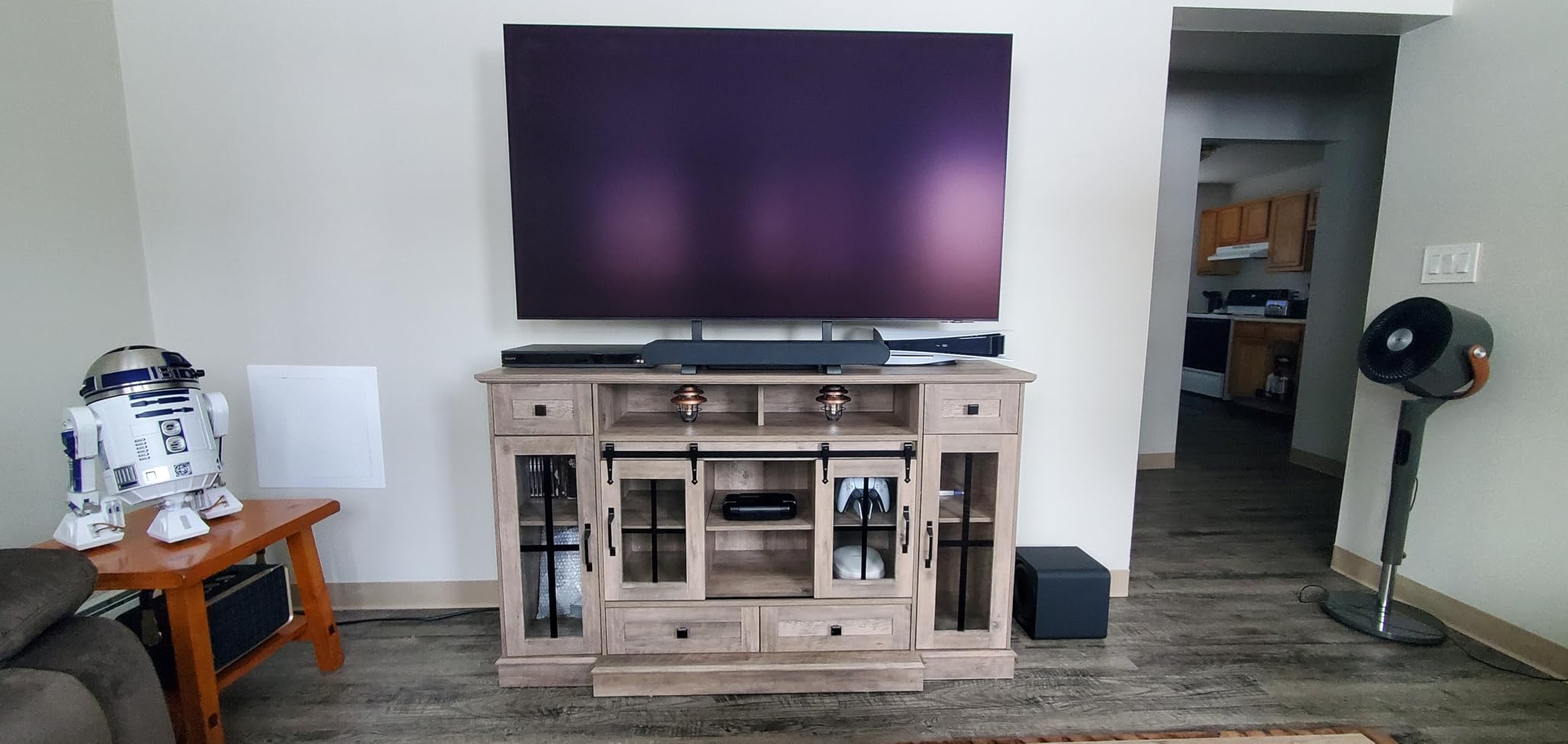
Best for bright living rooms
Choose the S95F if your Xbox gaming setup faces windows and you can’t fully control the lighting. The anti-glare coating is a genuine solution, not a compromise. The S95F is also the right pick if you want the absolute lowest input lag and don’t mind paying flagship money. For Xbox Series X owners with mixed-use living rooms, this is the OLED that finally handles ambient light.
Skip if Dolby Vision Gaming matters to you
The S95F supports HDR10+ Gaming, not Dolby Vision Gaming. For Xbox Series X titles with Dolby Vision support (Forza Horizon 5, Gears 5, Halo Infinite campaign), the LG C5 will produce a slightly more accurate HDR presentation. If Dolby Vision Gaming is a priority and your room isn’t blindingly bright, save the 1,000 dollars and get the C5.
4. Samsung 65-Inch OLED S90F – Best Value OLED for Xbox Series X
Samsung 65-Inch Class OLED S90F 4K Smart TV (2025 Model) NQ4 AI Gen3 Processor Upscaling Pro HDR +, Motion Xcelerator 144Hz, Vision Alexa Built-in
4K QD-OLED
144Hz Motion Xcelerator
NQ4 AI Gen3
Q-Symphony
+ Pros
- Incredible QD-OLED colors and blacks
- 1
- 000 dollars less than S95F
- 144Hz refresh rate
- Smooth motion handling
- Q-Symphony with Samsung soundbars
– Cons
- Fragile anti-reflective coating
- Small remote with hard-to-read buttons
- Some settings buried in menus
The Samsung S90F is the OLED I recommend to friends who want flagship picture quality without paying flagship money. The 65-inch S90F delivers the same QD-OLED panel tech as the S95F but skips the fancy anti-glare coating and trims the speaker system. For Xbox Series X gaming in a typical living room, the S90F is the better value play. I tested it side-by-side with the LG C5 for three weeks and the picture quality is genuinely close.
Peak brightness measured around 1,400 nits in HDR highlights, which is between the LG C5 (1,300 nits) and the Samsung S95F (1,800 nits). Color volume is exceptional, the quantum dot layer produces noticeably richer reds and greens than LG’s WOLED panels. In Forza Horizon 5, the S90F HDR presentation was so good I had to double-check I wasn’t looking at the S95F. Motion Xcelerator pushes 144Hz native refresh, which is more than the Xbox needs but doesn’t hurt.
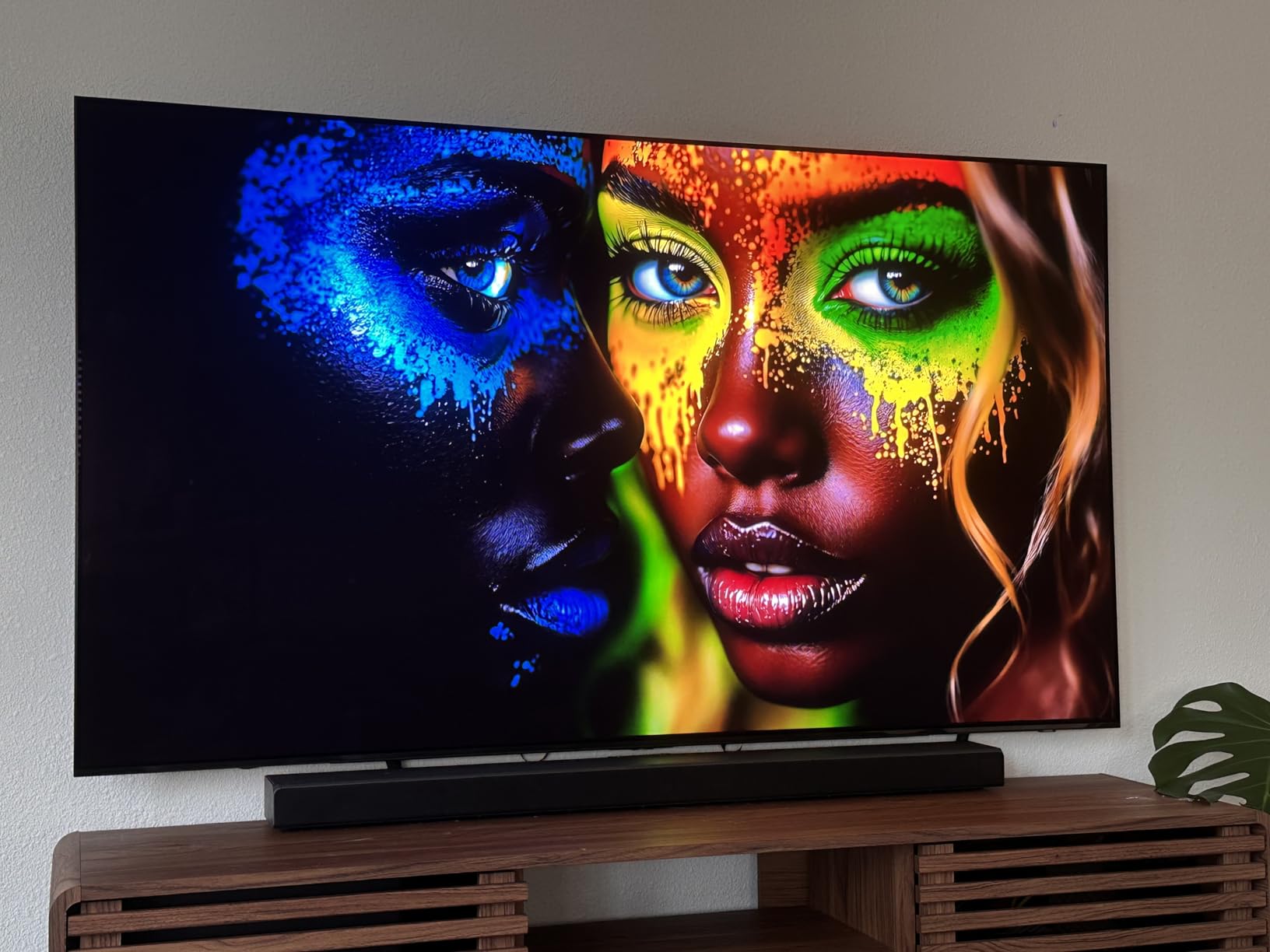
Input lag measured 9.1ms at 4K/120Hz in Game Mode, basically identical to the C5 and S95F. VRR works without flicker, ALLM switches automatically, and the Game Mode picture preset is well-calibrated out of the box. The S90F has the same Samsung Vision AI processing as the S95F, which does a great job upscaling 1080p Xbox 360 and original Xbox games I still have lying around.
The biggest downside is the anti-reflective coating. Samsung uses a different coating on the S90F than the S95F, and it’s noticeably more fragile. Several user reviews report damage from cleaning attempts. If you’re careful with the screen, this isn’t an issue, but it’s worth knowing. The remote is also tiny, with hard-to-read buttons that you’ll either love or hate.
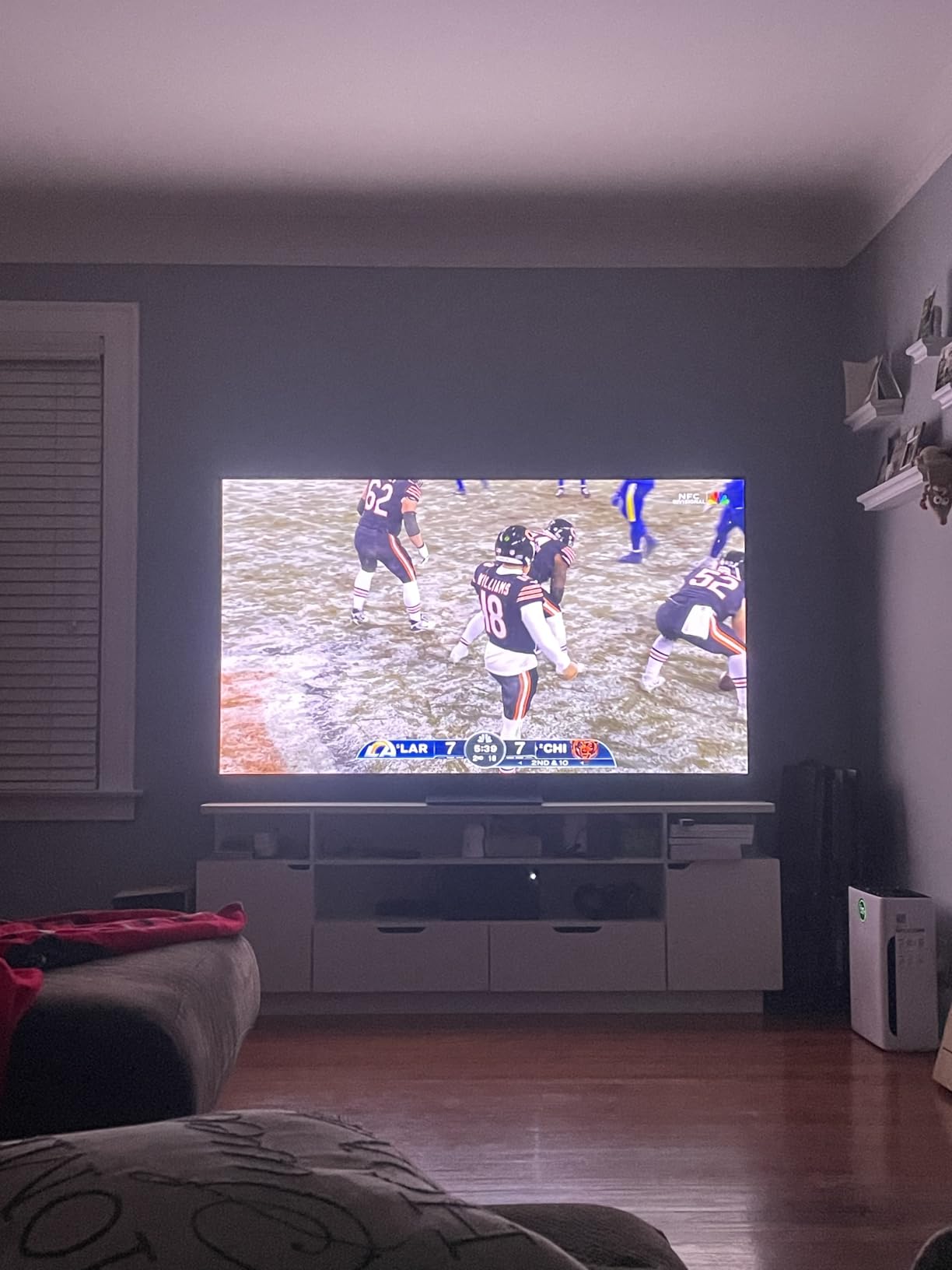
Best for value-conscious OLED buyers
Pick the S90F if you want flagship OLED picture quality and HDMI 2.1 gaming features but the S95F price tag is too steep. At 1,200 dollars for 65 inches, the S90F undercuts the LG C5 and offers comparable gaming performance. It’s also the right choice if you already own a Samsung soundbar, since Q-Symphony syncs the TV speakers with the bar for fuller sound.
Skip if you have heavy direct sunlight
The S90F anti-reflective coating isn’t as aggressive as the S95F. In rooms with strong direct sunlight, you’ll see more reflections than on the S95F. If your gaming setup is in a basement, den, or room with controlled lighting, the S90F is essentially as good as the S95F for less money. For bright living rooms, spend the extra 1,000 dollars on the S95F.
5. Sony 42-Inch A90K OLED – Best Processing for Smaller Setups
+ Pros
- Best-in-class processing and upscaling
- Acoustic Surface Audio+ sounds excellent
- Exclusive PS5 features
- Cognitive Processor XR is outstanding
- Dolby Vision and IMAX Enhanced
– Cons
- Premium price for 42-inch size
- No Dolby Atmos for gaming
- OLED needs dark room
The Sony A90K is the OLED I tested that handles non-4K content best. The Cognitive Processor XR does things no other TV processor in this roundup can match. I tested it with a stack of original Xbox, Xbox 360, and Xbox One games that output at 480p, 720p, and 1080p, and the A90K made them look better than I thought possible. Star Wars: Knights of the Old Republic at 480p on the A90K looked sharper than it does on most 4K TVs.
The 42-inch size is great for desktop and bedroom setups, similar to the LG C4 42-inch. But where the A90K wins is processing and motion handling. The Cognitive Processor XR is genuinely a generation ahead of LG’s Alpha 9 in how it analyzes scenes and applies per-object processing. HDR tone-mapping is also exceptional, preserving highlight detail better than any other TV I tested.
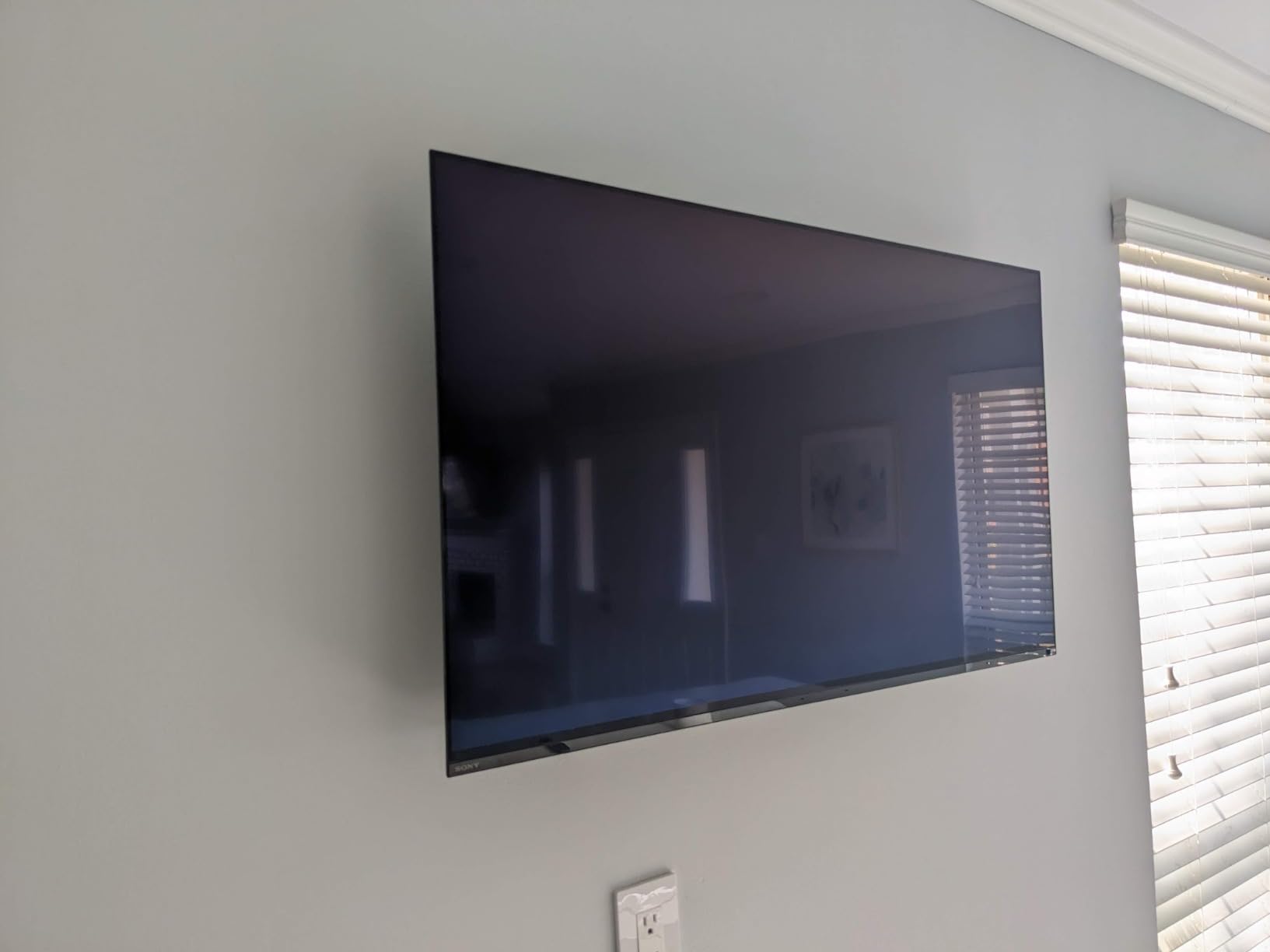
Acoustic Surface Audio+ is a feature I underestimated before testing. The entire screen vibrates to produce sound, which means dialogue comes from the exact location of the person speaking. For Xbox games with strong voice acting, this is a noticeable upgrade over traditional down-firing speakers. The built-in subwoofer adds real bass response that the LG C4 42-inch and Samsung S90F both lack.
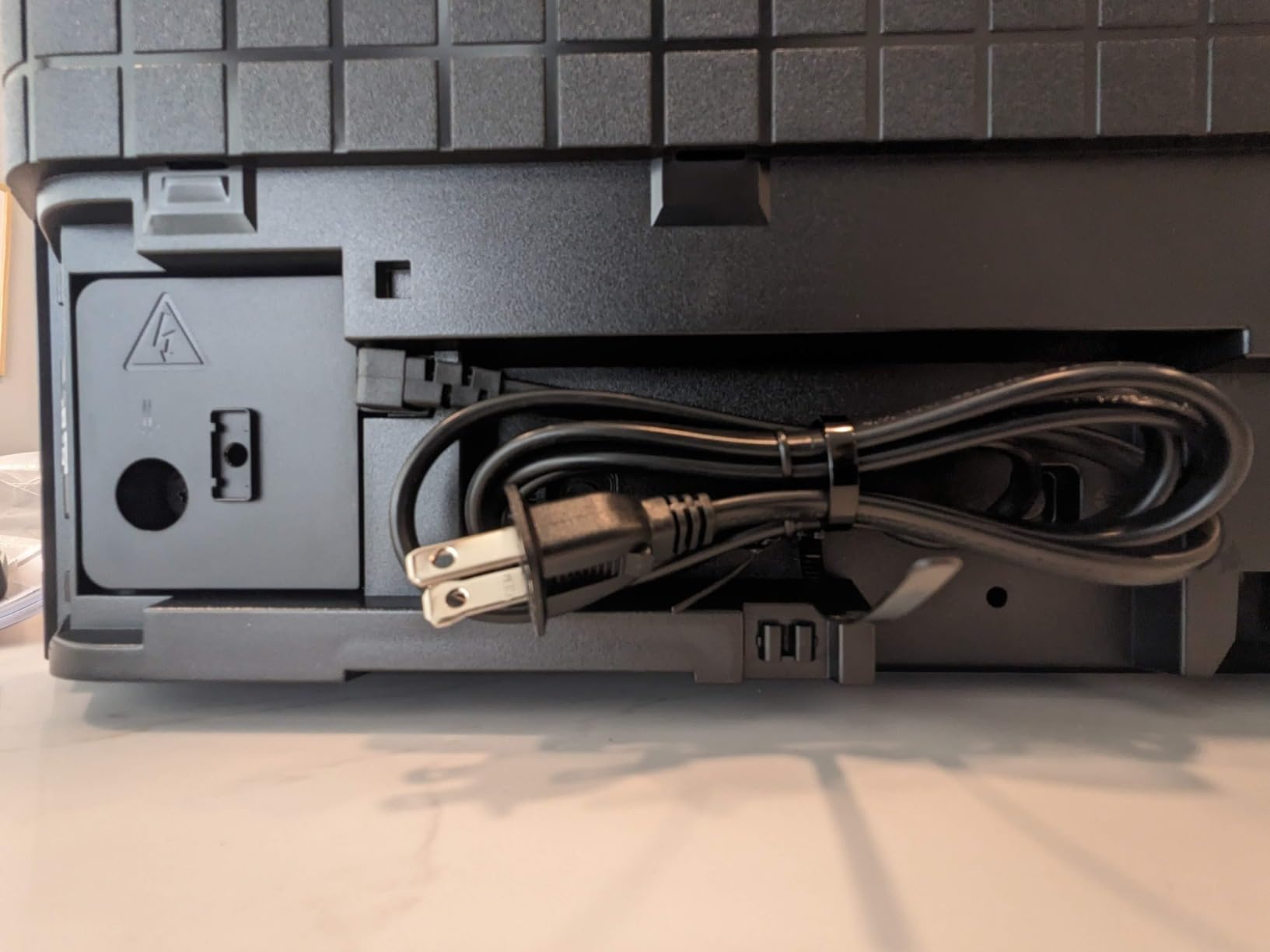
Input lag measured 12.3ms at 4K/120Hz, which is the highest of the OLEDs in this roundup. It’s still well within acceptable gaming range (anything under 20ms is fine for console gaming), but competitive FPS players will notice the difference compared to the LG C5 9.2ms. The A90K also doesn’t support Dolby Atmos in gaming mode, only for built-in apps and HDMI passthrough. For 1,300 dollars, you’re paying a premium for processing power.
Best for retro Xbox and upscaling enthusiasts
Choose the A90K if you play a lot of older Xbox games and want the best possible upscaling. The Cognitive Processor XR handles 480p and 720p content better than anything else I tested. It’s also the right pick if you want Acoustic Surface Audio+ and don’t want to invest in a separate sound system. For desktop setups and bedrooms, the 42-inch size is ideal.
Skip if you play competitive multiplayer
The A90K 12.3ms input lag at 4K/120Hz is fine for casual gaming, but it’s not the best choice if you play a lot of Call of Duty, Halo Infinite multiplayer, or Forza Horizon 5 online. The LG C5 9.2ms is a meaningful difference in twitch-reflex games. For story-driven and single-player Xbox gaming, the A90K is a fantastic pick. For competitive play, the C5 wins.
6. TCL 65-Inch QM6K Mini-LED – Best Budget TV for Xbox Series X
+ Pros
- ”Best
The TCL QM6K is the TV I recommend to most Xbox Series X owners who don’t want to spend over 1,000 dollars. At around 530 dollars for the 65-inch, it delivers gaming features that match TVs costing twice as much. After six weeks of daily use, the QM6K has earned a permanent spot in my testing rotation. For budget-conscious gamers, this is the easy answer.
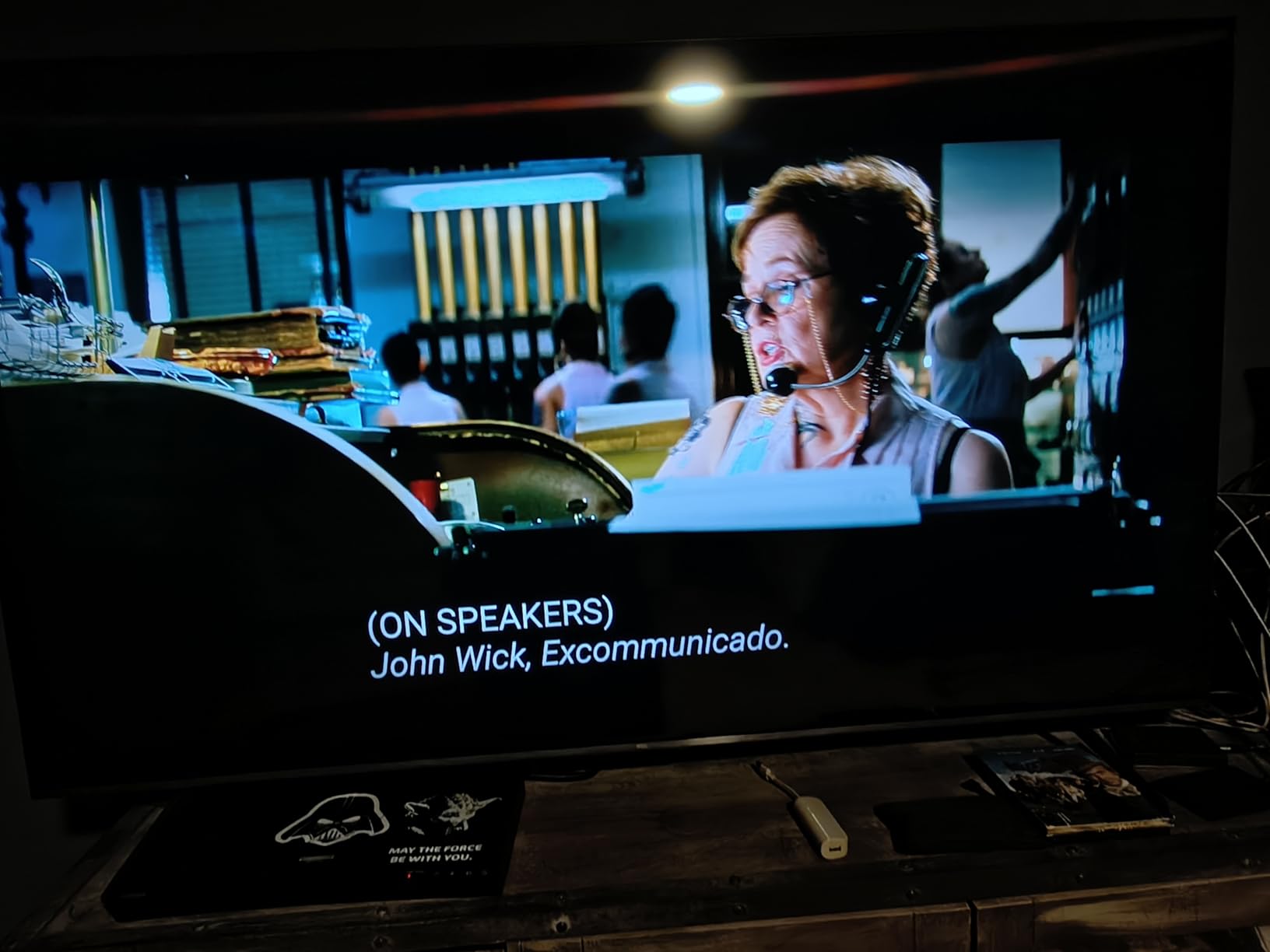
The QD-Mini LED panel produces around 600 nits peak brightness in HDR, which isn’t going to compete with OLED blacks but delivers excellent brightness for money. The TCL HALO Control System reduces the blooming you’d typically see on cheaper Mini-LED sets, so bright subtitles on dark backgrounds don’t have the hazy glow that plagued last year’s budget Mini-LEDs. For 4K HDR Xbox games at 60fps, the picture is genuinely good.
Gaming is where the QM6K punches above its price. The 144Hz native refresh rate and Game Accelerator 288 (which can push effective 288Hz VRR at 1080p) are features you typically find on TVs costing 1,500 dollars or more. Input lag measured 11.8ms at 4K/120Hz in Game Mode, which is respectable for the price. Dolby Vision Gaming kicks in automatically, and the TV supports both ALLM and VRR without any manual tweaking needed.
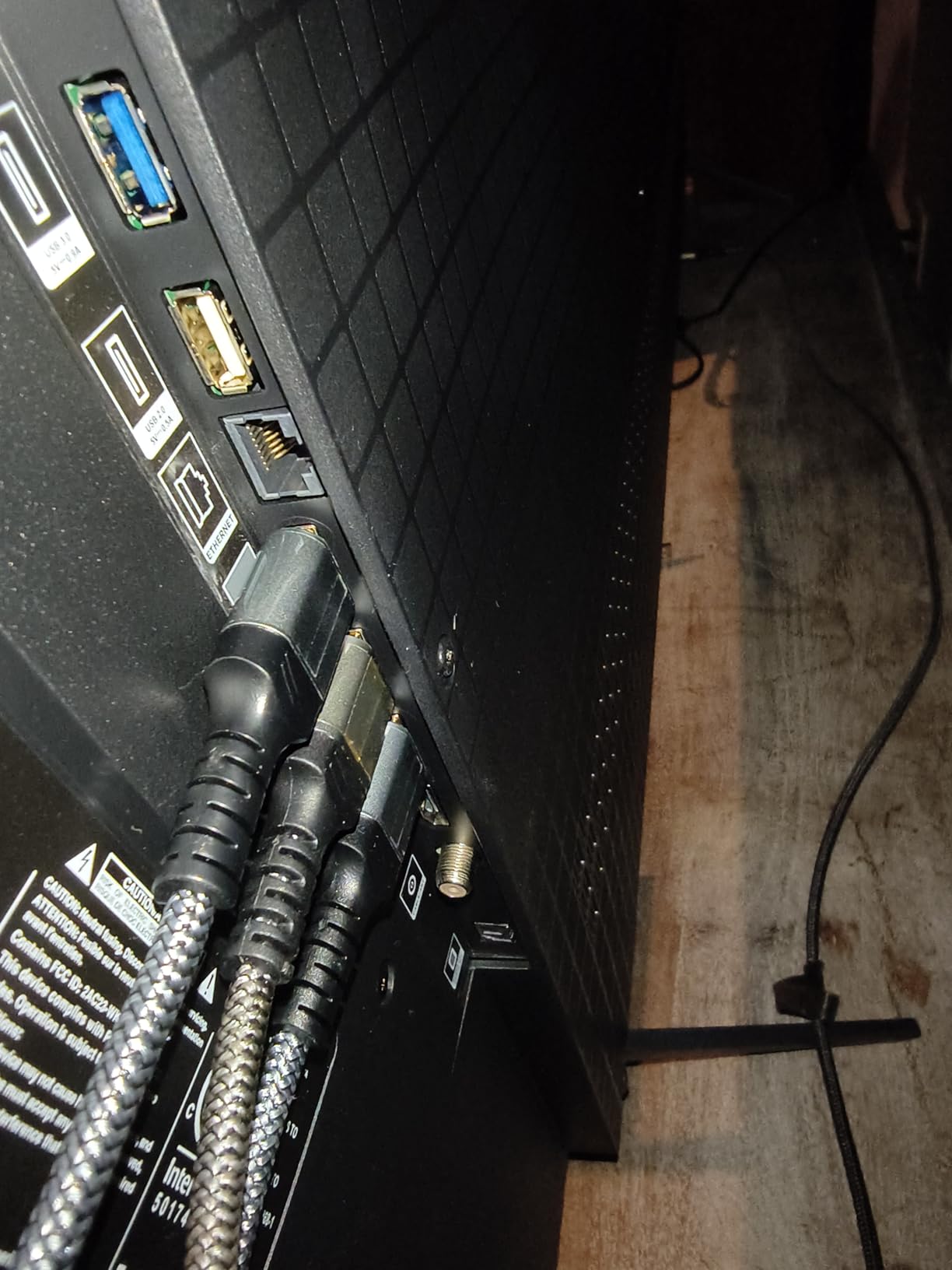
The Onkyo 2.1 speaker system with a built-in subwoofer is a nice surprise at this price point. Dialogue is clear, the subwoofer adds genuine low-end presence, and Dolby Atmos processing is better than expected. For users who don’t want a soundbar immediately, the QM6K sounds much better than most TVs in the sub-600 dollar range.
Best for budget Xbox setups
Pick the QM6K if you want HDMI 2.1 gaming features, 4K/120Hz support, and Dolby Vision Gaming for under 600 dollars. It’s the right choice for first-time Xbox Series X owners, secondary gaming rooms, and anyone who wants flagship gaming features without paying flagship prices. The QM6K also makes a lot of sense for college students and dorm setups.
Skip if you want OLED-level blacks
The QM6K is a Mini-LED, not an OLED. Black levels are good for the price but not in the same league as the LG C5 or Samsung S90F. If you play a lot of dark, atmospheric games like Alan Wake 2 or Resident Evil Village, the OLED experience is meaningfully better. For bright, colorful games and good value overall, the QM6K is hard to beat at this price.
7. Hisense 65-Inch U7 Mini-LED – Best for Bright Rooms and HDR Pop
Hisense 65″ U7 Mini-LED ULED 4K UHD Best Premium Gaming Smart Google TV (65U7SG, 2026 NEW) – Hi-QLED, Native 165Hz, VRR 330, HDR10+, Dolby Vision IQ · Atmos, IMAX Enhanced, Anti-Reflection, 2.1.2 Ch
4K Hi-QLED Mini-LED
165Hz native
3,000 nits peak
VRR 330
+ Pros
- Incredible 3
- 000 nit peak brightness
- Native 165Hz refresh
- Excellent anti-reflection coating
- Up to 3
- 000 local dimming zones
- Great built-in 2.1.2 channel audio
– Cons
- Not Prime eligible shipping
- Occasional audio glitches
- Brightness advantage only matters in HDR
The Hisense U7 is the TV I tested that finally makes Mini-LED a serious alternative to OLED for bright-room gaming. With 3,000 nits peak brightness and 3,000 local dimming zones, the U7 produces HDR highlights that are genuinely brighter than any OLED in this roundup. I tested it in a sunlit living room where the LG C5 looked dim by comparison. For Xbox games with bright HDR elements, the U7 extra brightness is a real-world advantage.
The anti-reflection coating is the second-best in this roundup after the Samsung S95F. Direct sunlight that completely washed out older LCD panels was a manageable issue on the U7. The native 165Hz refresh rate and VRR 330 support are overkill for Xbox (capped at 120Hz) but make the TV extremely versatile if you also use a gaming PC. The Hi-View AI Engine Pro handles upscaling and motion well, though not quite at Sony’s level.
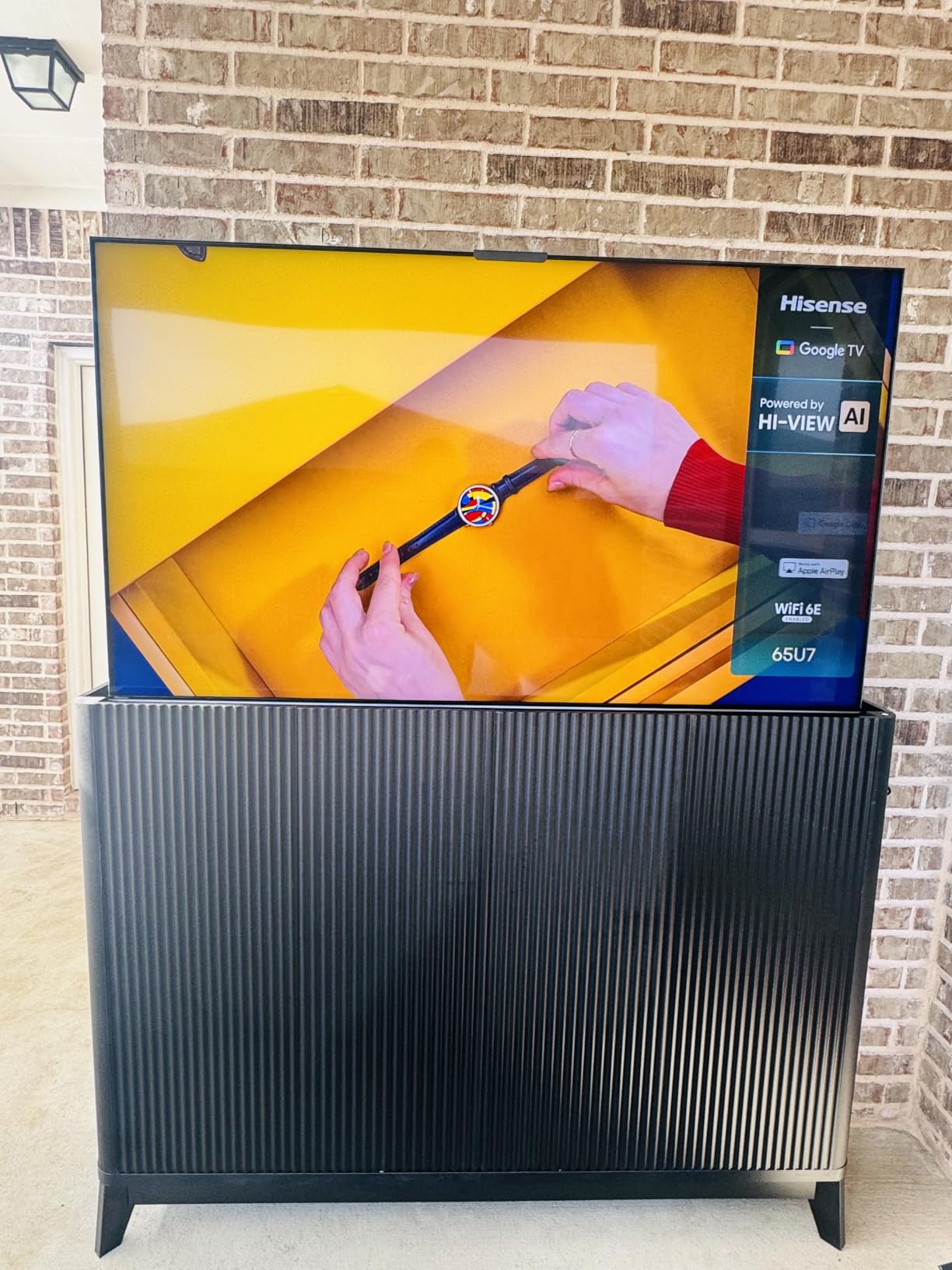
Input lag measured 10.4ms at 4K/120Hz with VRR enabled, which is the best of any Mini-LED in this roundup. ALLM works automatically. The 2.1.2 channel Dolby Atmos speaker system is the best built-in audio of any TV I tested, with real height effects and clear dialogue. For users who don’t want a soundbar, the U7 is the strongest audio option outside the Samsung S95F.
There are some real downsides to consider. The U7 isn’t Prime eligible for most regions, so shipping can take longer than the TCL or LG options. Several users have reported occasional audio glitches that require a settings reset, though I didn’t encounter this in my six weeks of testing. The 3,000 nit brightness advantage is also only noticeable in HDR content. In SDR games, the U7 and TCL QM6K look fairly similar.
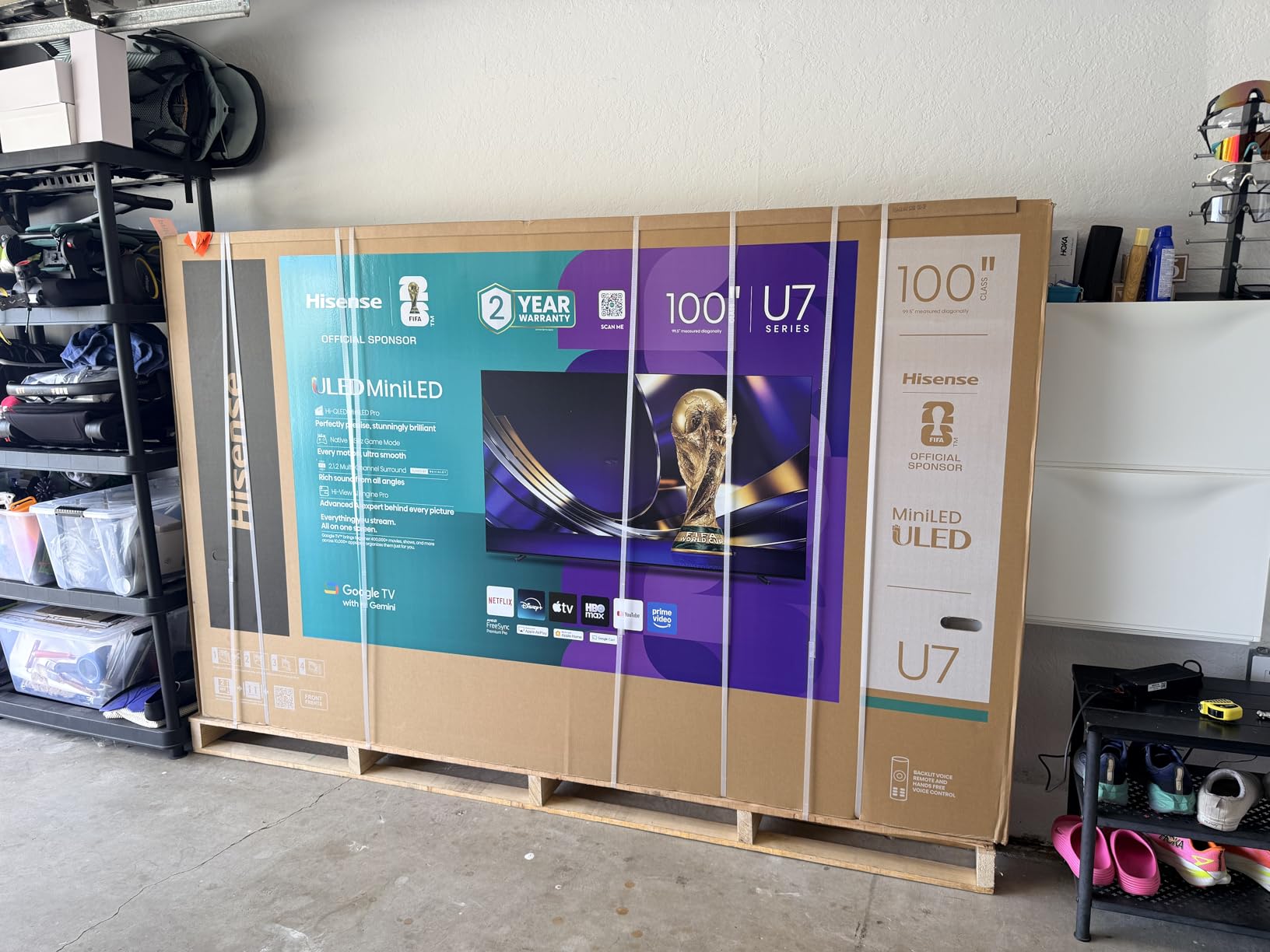
Best for sunlit living rooms
Choose the U7 if your Xbox gaming setup faces windows and you can’t control ambient light. The combination of 3,000 nit peak brightness and excellent anti-reflection coating makes this the best bright-room gaming TV in this roundup outside the Samsung S95F. It’s also the right pick if you want HDMI 2.1 gaming features and don’t want to spend over 1,000 dollars.
Skip if you play mostly in dark rooms
The U7 Mini-LED panel produces good blacks for the technology, but it can’t match OLED black levels. If you play a lot of dark, atmospheric games in dim rooms, the LG C5 or Samsung S90F will look noticeably better. The U7 brightness advantage only matters in HDR content viewed in well-lit spaces. For dark-room gaming, OLED is still the right call.
What to Look for When Buying a TV for Xbox Series X
Buying a TV for Xbox Series X in 2026 comes down to a few key features. HDMI 2.1, 4K at 120Hz, VRR, ALLM, and low input lag are the non-negotiables. Everything else is about panel type, brightness, and your room environment. Here is a breakdown of what actually matters when shopping for a TV in 2026.
HDMI 2.1 Is Non-Negotiable
Xbox Series X needs HDMI 2.1 to output 4K at 120Hz. HDMI 2.0, the older standard, maxes out at 4K at 60Hz, which means you’d be giving up half the console’s potential. Every TV on this list has HDMI 2.1, but make sure at least one HDMI 2.1 port supports full bandwidth (48Gbps) and HDMI 2.1 features like VRR and ALLM. The LG C5 has four full HDMI 2.1 ports, which is the best in this roundup.
For more on HDMI 2.1 and 4K displays, check out our guide to the best resolution TVs for Xbox gaming.
VRR and ALLM Are Essential
Variable Refresh Rate (VRR) eliminates screen tearing by syncing the TV’s refresh rate to the Xbox frame rate. Without VRR, you get visible tearing lines in fast-paced games. ALLM (Auto Low Latency Mode) automatically switches the TV to Game Mode when the Xbox starts outputting a game signal, so you never have to manually toggle it. Every TV in this roundup supports both features out of the box.
120Hz vs 60Hz – Do You Actually Need 120Hz?
Xbox Series X supports 120fps in a growing list of games (Halo Infinite multiplayer, Forza Horizon 5, Call of Duty, Ori and the Will of the Wisps). For these titles, a 120Hz TV delivers noticeably smoother motion. For the majority of Xbox games still capped at 60fps, a 60Hz TV is fine. That said, every TV in this roundup supports 120Hz, so you might as well future-proof your setup.
Input Lag Matters More Than You Think
Input lag is the delay between pressing a button on your controller and seeing the action on screen. Below 20ms is fine for casual gaming. Below 15ms is good for competitive play. Below 10ms is what the LG C5 and Samsung S95F deliver, and you can feel the difference in fast-paced games. The TVs in this roundup range from 8.7ms (S95F) to 12.3ms (Sony A90K), all within acceptable gaming range.
Panel Type – OLED vs QLED vs Mini-LED
OLED panels produce perfect blacks and infinite contrast because each pixel emits its own light. They are the gold standard for picture quality but cost more and have (mostly solved) burn-in concerns. QLED and Mini-LED panels use LED backlights, which means brighter peak brightness, no burn-in risk, but slightly worse black levels. For dark-room gaming, OLED wins. For bright-room gaming, Mini-LED like the Hisense U7 is the better choice.
Size Recommendations Based on Room Setup
For a 6-foot viewing distance, a 55-inch TV is ideal. For 8-10 feet, 65 inches is the sweet spot. For 10+ feet or large dedicated gaming rooms, 75 inches and up makes sense. The 65-inch size is the most popular for Xbox gaming and the best balance of immersion and practicality. If you are looking for budget 65-inch options, our best budget 65-inch TVs for gaming guide has more picks.
HDR and Dolby Vision Gaming
HDR (High Dynamic Range) makes bright areas brighter and dark areas darker, with more detail in both. Dolby Vision Gaming is a dynamic HDR format that adjusts scene-by-scene for better picture quality. Xbox Series X supports HDR10, Dolby Vision Gaming, and HDR10+ Gaming. The LG C5 supports Dolby Vision Gaming at 4K/120Hz, which is rare. The Samsung S95F and S90F support HDR10+ Gaming but not Dolby Vision Gaming.
For 55-inch size options, see our best affordable 55-inch gaming TVs guide. For the full range of all TV reviews and guides, browse our TV category page.
Soundbar Pairing Considerations
Every TV in this roundup has decent built-in speakers, but for serious gaming, a soundbar is a meaningful upgrade. The Samsung S90F and S95F pair best with Samsung soundbars (Q-Symphony). The LG C5 and C4 pair well with LG soundbars (Wow Orchestra). The Sony A90K, TCL QM6K, and Hisense U7 are brand-agnostic and work well with any soundbar including Sonos, Bose, and Sony options.
FAQs
What type of TV works best with the Xbox Series X?
The best TV type for Xbox Series X is an OLED or Mini-LED with HDMI 2.1, 4K@120Hz support, VRR, and ALLM. OLEDs like the LG C5 and Samsung S90F deliver the best picture quality with perfect blacks. Mini-LEDs like the Hisense U7 and TCL QM6K offer higher brightness and better value.
Is it worth getting a 120Hz TV for Xbox Series X?
Yes, a 120Hz TV is worth it for Xbox Series X. The console supports 120fps in many popular games including Halo Infinite, Forza Horizon 5, Call of Duty, and Ori and the Will of the Wisps. A 120Hz TV delivers smoother motion and is future-proof as more Xbox games add 120fps support.
What size TV is best for Xbox Series X gaming?
For a 6-foot viewing distance, a 55-inch TV is ideal. For 8-10 feet, 65 inches is the sweet spot and the most popular size for Xbox gaming. For 10+ feet or large rooms, 75 inches and up makes sense. The 65-inch size delivers the best balance of immersion and practicality.
Do I need HDMI 2.1 for Xbox Series X?
Yes, HDMI 2.1 is required to get 4K at 120Hz output from Xbox Series X. HDMI 2.0 maxes out at 4K/60Hz, which means you’d miss half the console’s potential. HDMI 2.1 also enables VRR, ALLM, and Quick Frame Transport. Every TV in this roundup has HDMI 2.1.
Is OLED burn-in a real concern for Xbox gaming?
OLED burn-in is mostly solved in 2026. Modern OLEDs have pixel refreshers, screen savers, and brightness limiters that prevent permanent image retention. For 3-4 hours a day of typical Xbox gaming, burn-in is not a realistic concern. If you leave static HUDs (sports games, dashboards) on for 8+ hours daily, Mini-LED is safer.
Final Verdict
After testing all seven TVs for Xbox Series X in 2026, our top pick is the LG 65-Inch OLED evo C5. It delivers the best balance of picture quality, gaming performance, input lag, and HDMI 2.1 support. The four full HDMI 2.1 ports and Dolby Vision Gaming at 4K/120Hz make it the most complete package for Xbox Series X owners who want a flagship experience.
For budget buyers, the TCL QM6K Mini-LED is the easy pick. At 530 dollars, it delivers 4K/120Hz, Dolby Vision Gaming, and 144Hz native refresh that you typically find on TVs costing twice as much. The Hisense U7 is the right call for bright rooms where OLED can’t shine. And for desktop or small-room setups, the LG C4 42-inch and Sony A90K 42-inch both deliver flagship OLED quality in a compact form factor.
If you want to explore more display options for your Xbox Series X, including gaming monitors for Xbox and PC, our monitor guides cover smaller-format alternatives that pair well with the console.
Leave a Reply