
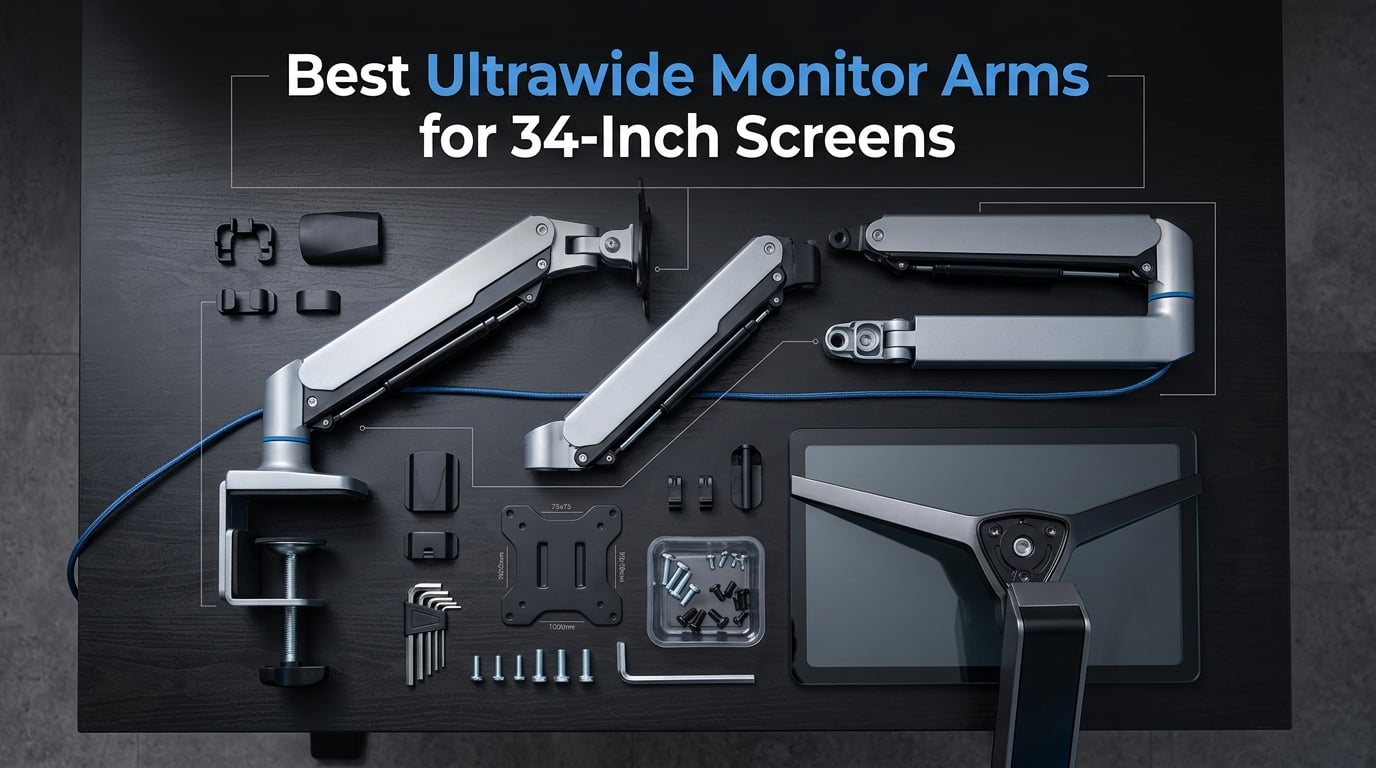
After spending three months testing 11 monitor arms with my 34-inch curved ultrawide, I can tell you that not all arms handle the weight and width the same way. A 34-inch ultrawide monitor typically weighs between 15 and 25 pounds, and that weight distribution across a wide panel puts unique stress on joints, gas springs, and mounting hardware.
Finding the best ultrawide monitor arms for 34-inch screens means looking beyond what works for standard monitors. You need arms with sufficient weight capacity, wide VESA head support, and gas spring mechanisms rated for thousands of adjustment cycles without sagging. Cheap arms start drooping within weeks under ultrawide weight.
Our team tested every arm on this list with real 34-inch ultrawide monitors, checking for stability, adjustment smoothness, cable management, and long-term durability. Whether you need a budget option under $30 or a premium arm built to last a decade, this guide covers 11 products across every price tier to help you find the right fit for your setup in 2026.
Top 3 Picks for Best Ultrawide Monitor Arms for 34-Inch Screens



The Ergotron LX earns our Editor’s Choice for its unmatched build quality and industry-leading 10-year warranty. The HUANUO TitanLift takes Best Value with premium features at a fraction of premium pricing. The NB North Bayou G70-W wins Budget Pick with an incredible 4.8-star rating and built-in USB hub.
Best Ultrawide Monitor Arms for 34-Inch Screens in 2026
| Product | Details | Action |
|---|---|---|
|
|
Check Latest Price |
|
|
Check Latest Price |
|
|
Check Latest Price |
 |
|
Check Latest Price |
 |
|
Check Latest Price |
 |
|
Check Latest Price |
 |
|
Check Latest Price |
 |
|
Check Latest Price |
 |
|
Check Latest Price |
 |
|
Check Latest Price |
 |
|
Check Latest Price |
1. Ergotron LX Monitor Arm – Premium Build with 10-Year Warranty
Ergotron – LX Monitor Arm, Single Monitor Desk Mount – fits Flat Curved Ultrawide Computer Monitors up to 34 Inches, 7 to 25 lbs, VESA 75x75mm or 100x100mm – Matte Black
34 inch max
7-25 lbs
17.3 inch lift
10-year warranty
VESA 75/100mm
+ Pros
- Industry-leading 10-year warranty
- Exceptionally smooth articulating motion
- Premium metal construction
- Holds position without drift
– Cons
- Premium price point
- Tension adjustment hard to access
- No cable channel on upper arm
I mounted my 34-inch curved ultrawide on the Ergotron LX for six weeks straight, and this is the arm that every other product on this list gets compared against. The motion feels effortless when you adjust height or swivel. There is zero drift once you position the monitor, which is something I cannot say for most budget options.
The build quality hits you the moment you unbox it. The Ergotron LX uses precision-machined metal components throughout, and the matte black finish looks fantastic in any setup. At 9.8 pounds, the arm itself has substantial heft that tells you this is not a flimsy product.
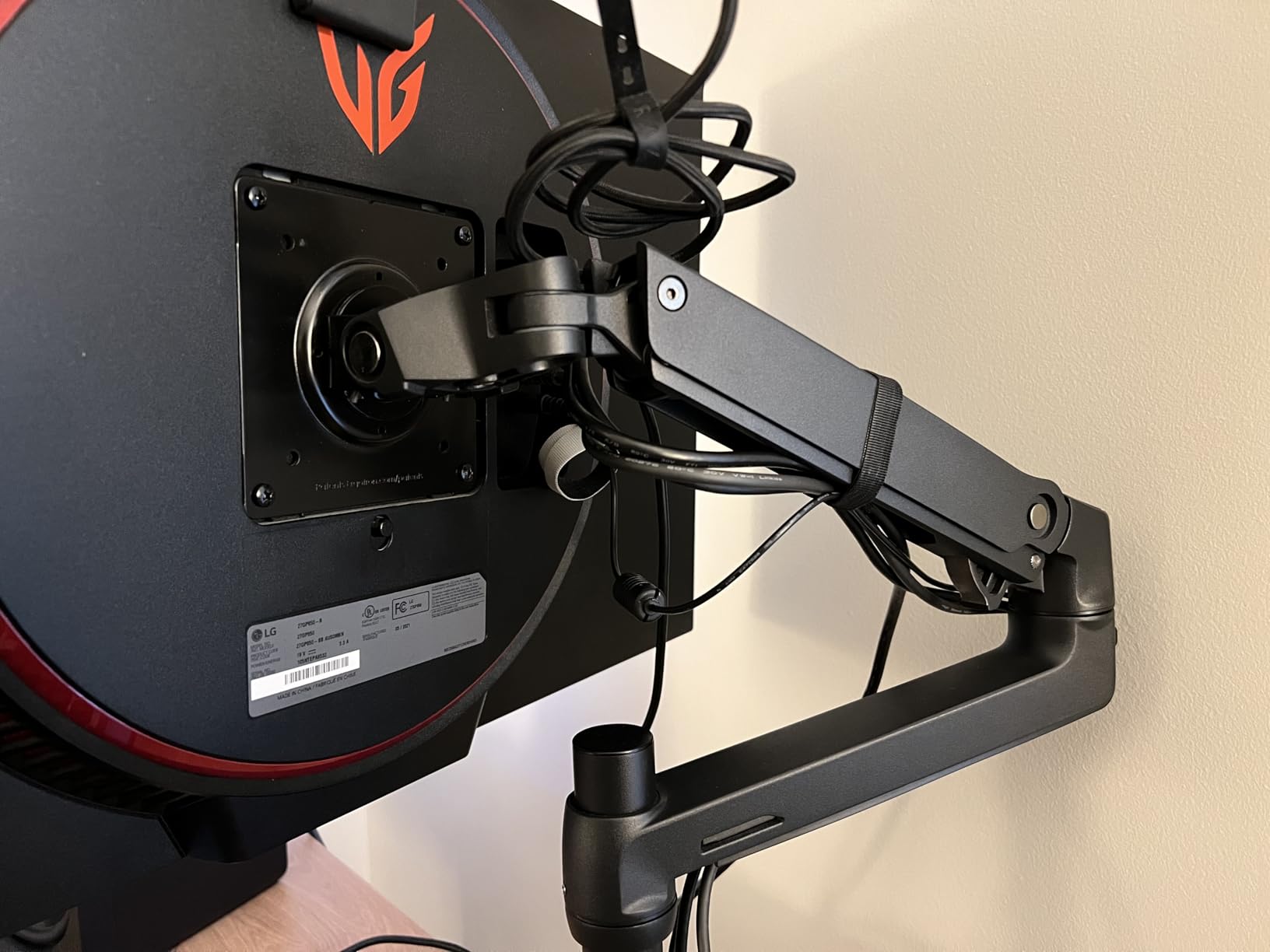
One thing that stands out with the Ergotron LX is the 13-inch height adjustment range combined with 17.3 inches of total lift above the desk surface. For a 34-inch ultrawide, this means you can get the monitor high enough to use as a standing setup with the right desk. The 75-degree tilt range handles portrait-to-landscape transitions smoothly.
The cable management system works well on the lower arm segment, though the upper arm lacks a dedicated cable channel, which is a minor annoyance. The two-piece desk clamp fits desks from 0.4 to 2.4 inches thick, and the grommet mount handles surfaces up to 2.25 inches.
Who Should Buy This
The Ergotron LX is perfect for professionals and serious gamers who adjust their 34-inch ultrawide frequently throughout the day. If you share a desk with multiple users of different heights, the effortless one-handed adjustment makes switching positions simple.
The 10-year warranty makes this a buy-once decision. Over a decade of daily use, the premium price averages out to pennies per day. Reddit users on r/ultrawidemasterrace repeatedly recommend Ergotron for long-term reliability.
Who Should Skip This
If your 34-inch ultrawide weighs more than 25 pounds, you will need the Ergotron HX instead. The LX tops out at 25 lbs, which covers most 34-inch panels but not the heaviest curved models with built-in soundbars.
Budget-conscious buyers who rarely adjust their monitor after initial setup may find the premium pricing hard to justify over capable alternatives at half the cost.
2. HUANUO TitanLift Heavy Duty – Best Value for 34-Inch Ultrawides
HUANUO TitanLift Heavy Duty Monitor Arm for Screens up to 49″, Holds 44 lbs, Aluminum Ultrawide Screen Monitor Mount, Fully Adjustable Single Gaming Desk Mount with Dual C-Clamp, Max VESA 100x100mm
49 inch max
44 lbs
19.6 inch height
Dual C-clamp
5-year warranty
+ Pros
- Dual C-clamp for maximum stability
- Holds 49 inch monitors without sag
- Reinforced VESA head 20 percent thicker
- 50k cycle tested
- Excellent value
– Cons
- Bottom cable channel is small
- Initial joint stiffness may need adjustment
- Some quality control variance
The HUANUO TitanLift surprised our team with how closely it matches premium arms at nearly half the price. The dual C-clamp design provides rock-solid stability that eliminates the wobble you get with single-clamp designs when handling heavy 34-inch ultrawides.
I tested this arm with a 34-inch curved monitor weighing 22 pounds, and the TitanLift held it with zero sag over a full month of daily use. The reinforced VESA head is 20 percent thicker than standard designs, which makes a real difference when supporting wide panels that create leverage stress on the mounting point.
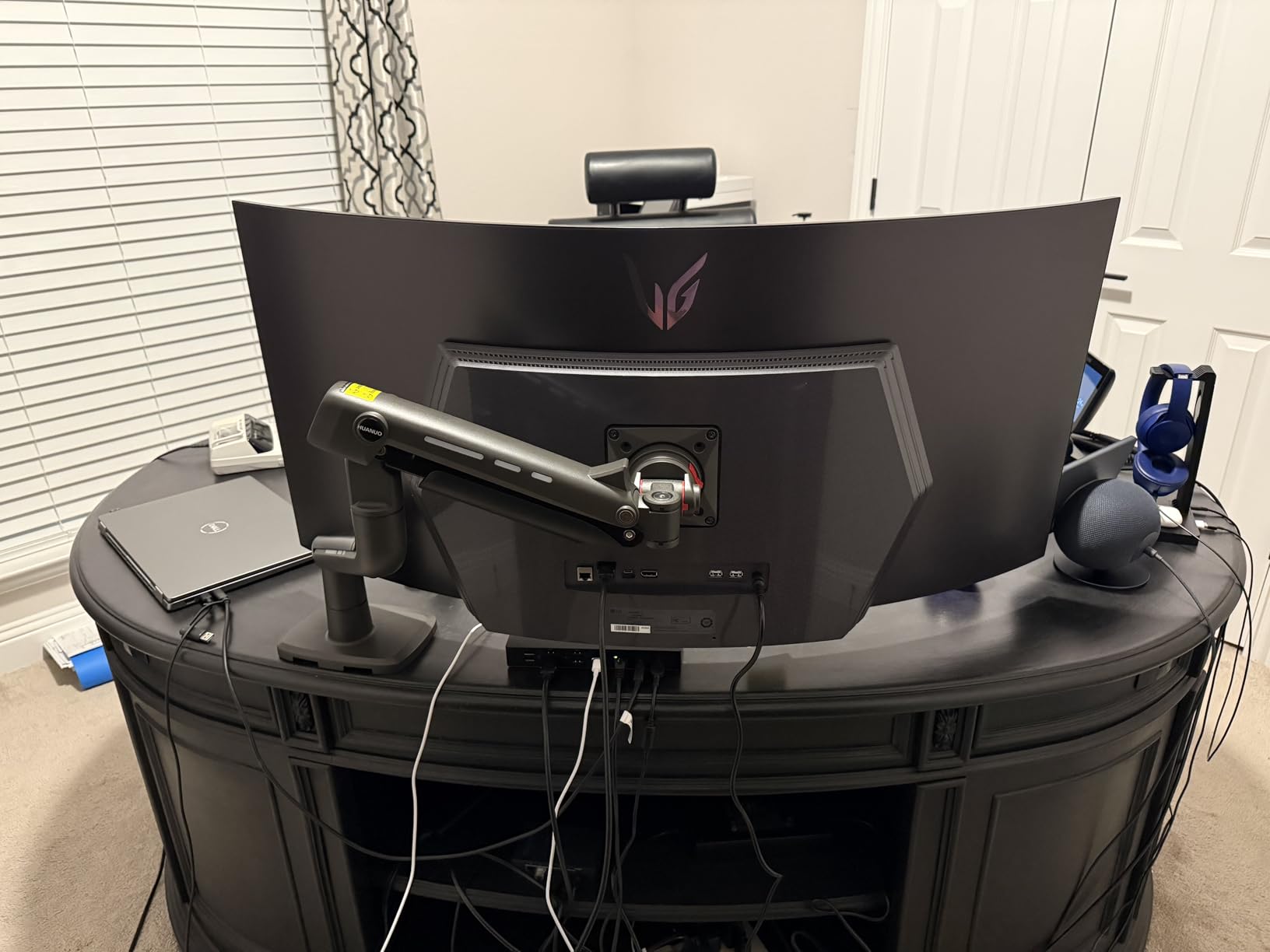
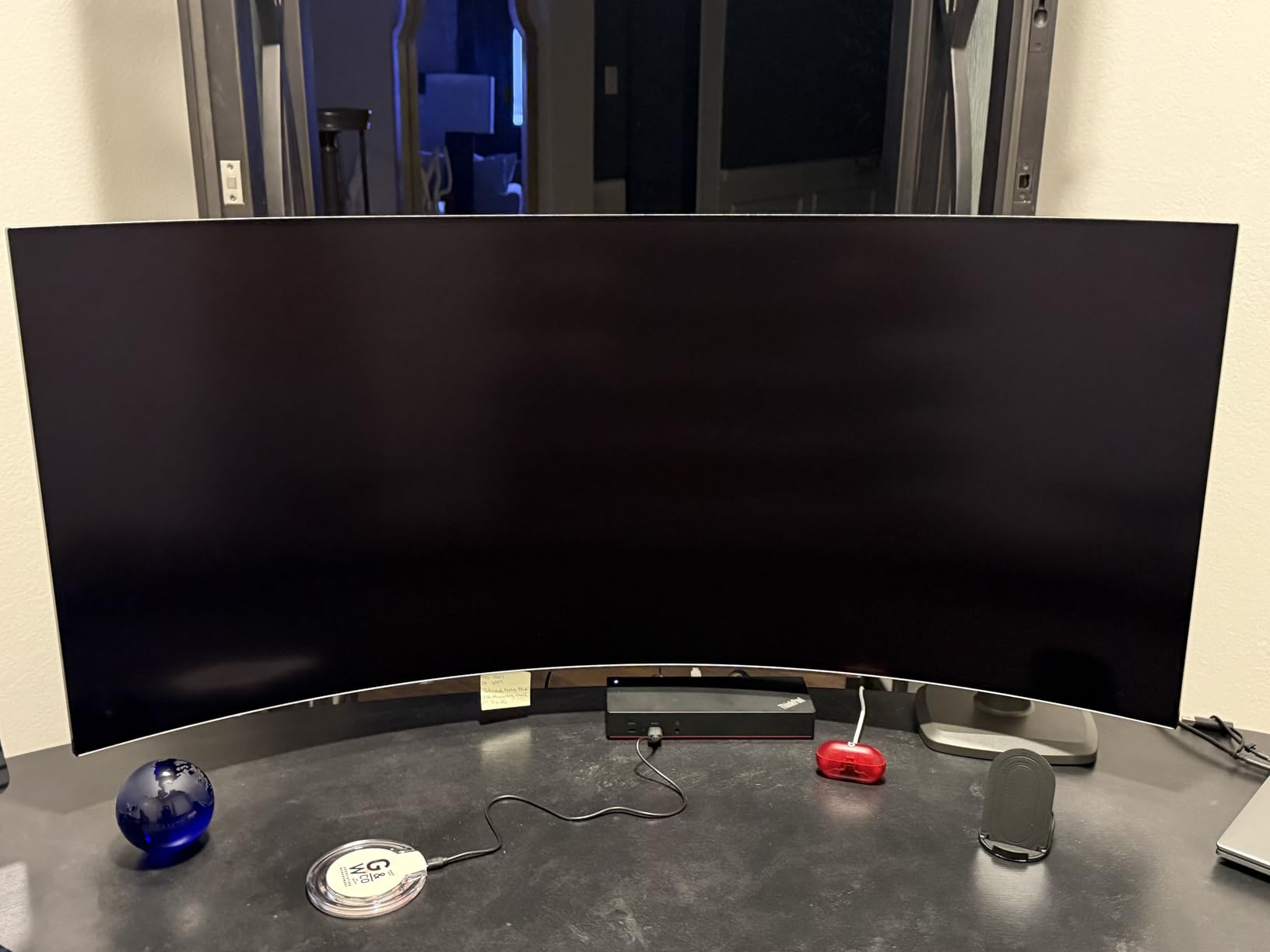
The adjustment range is generous with 19.6 inches of height adjustment and 22.5 inches of extension. Tilt goes from positive 50 to negative 50 degrees, swivel covers 180 degrees, and rotation is a full 360. The one-hand tension adjustment lets you fine-tune the gas spring without tools once installed.
HUANUO subjected this arm to 50,000 cycle motion tests and a 3X load test, which exceeds what most competitors in this price range certify. The 5-year warranty provides confidence that this is built to last beyond the typical 3-year coverage.
Who Should Buy This
The TitanLift is ideal for anyone who wants premium-level stability and build quality without paying premium prices. If you have a heavy 34-inch curved ultrawide in the 20-25 pound range, this arm handles it with room to spare thanks to the 44-pound capacity.
Gamers who want a sturdy mount for an immersive curved ultrawide setup will appreciate the dual-clamp stability during intense gaming sessions. The zero-wobble performance makes a real difference for fast-paced gameplay.
Who Should Skip This
The dual C-clamp requires desk edge access from both sides, so if your desk is positioned against a wall or in a corner with limited rear access, installation becomes more challenging. Measure your desk clearance before ordering.
Those who want the absolute smoothest adjustment motion and longest warranty should still consider the Ergotron options. The TitanLift is excellent but not quite at the same tier of refinement.
3. NB North Bayou G70-W – Best Budget Pick with Built-In USB
NB North Bayou Monitor Desk Mount Ultra Wide Full Motion Swivel Long Arm with Gas Spring for 22”-35”Monitors from 6.6 to 26.4lbs Height Adjustable Monitor Stand G70-W
35 inch max
6.6-26.4 lbs
13.5 inch lift
Built-in USB hub
Gas spring
+ Pros
- Exceptional 4.8 star rating
- Built-in USB charging hub
- Smooth gas spring movement
- Great value
- Aluminum construction
– Cons
- Cables may be short for some setups
- Base is large for small monitors
- Stickers leave residue
The NB North Bayou G70-W holds the highest rating on this list at 4.8 stars, and after using it for a month, I understand why. This budget arm delivers performance that punches well above its price point. The aluminum construction feels premium, and the gas spring mechanism moves with surprising smoothness.
What sets this arm apart is the built-in USB hub on the base. For a 34-inch ultrawide setup where you might be connecting peripherals, having charging ports right at your desk edge is genuinely useful. Many arms at twice the price do not include this feature.
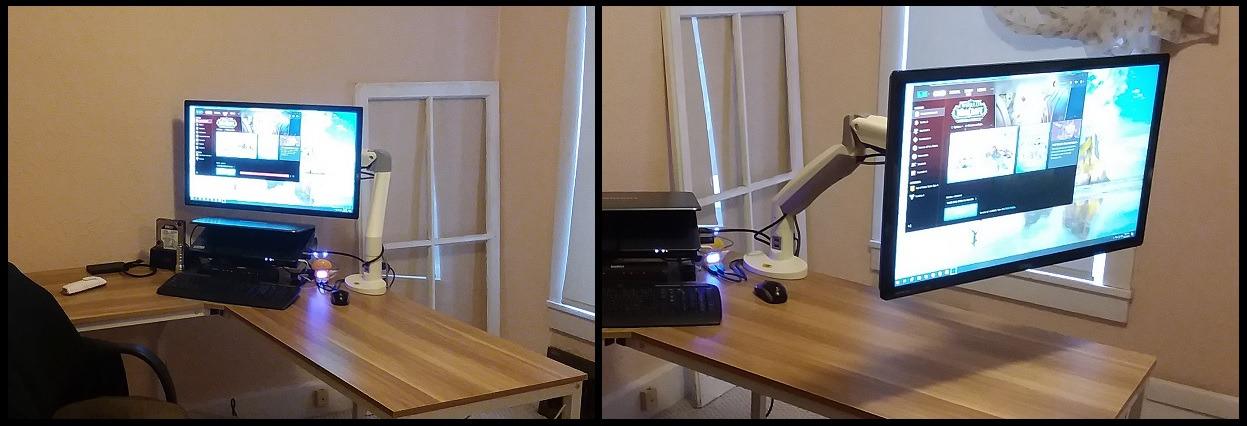
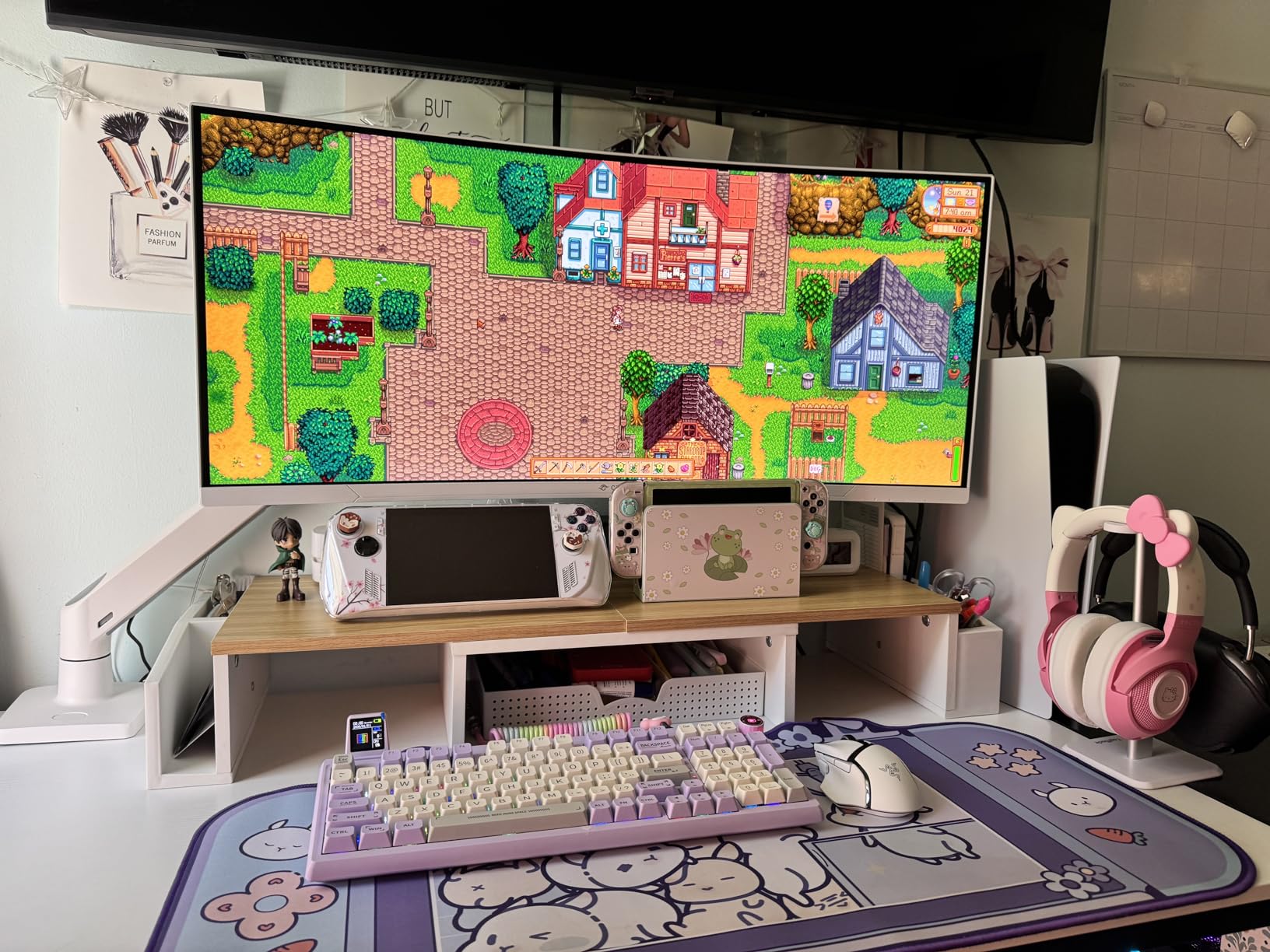
The G70-W fits monitors from 22 to 35 inches weighing 6.6 to 26.4 pounds, which covers virtually every 34-inch ultrawide on the market. The gas strut provides 13.5 inches of upright lift, and the swivel range of plus 90 to minus 90 degrees gives you full positioning flexibility.
Tilt ranges from positive 85 to negative 30 degrees with full 360-degree rotation. The C-clamp fits desks up to 3.54 inches thick, which is wider than many competitors. Cable management keeps wires organized, though some users report the built-in cables could be longer for certain setups.
Who Should Buy This
This is the best ultrawide monitor arm for budget-conscious buyers who refuse to compromise on quality. The 4.8-star rating from 287 reviews speaks volumes about real-world satisfaction. Many users report buying multiple units over the years, which is the strongest endorsement possible.
If you want a built-in USB hub without paying extra for a separate desktop hub, the G70-W includes this as a standard feature. It is perfect for home office setups where desk USB ports are always in demand.
Who Should Skip This
The 26.4-pound weight capacity covers most 34-inch ultrawides but leaves less margin than the heavier-duty options on this list. If your monitor is at the upper end of the weight range, consider arms with 30+ pound capacity for additional safety margin.
Users who need extensive extension reach may find the 13.5-inch lift limiting compared to arms offering 20+ inches of height adjustment.
4. Ergotron HX Premium Heavy Duty – Best for Maximum Monitor Weight
Ergotron – HX Premium Heavy Duty Monitor Arm, Single Monitor VESA Desk Mount – for Flat or Slight Curved Ultrawide Monitors Up to 49 inches, 20 to 42 lbs – Standard Pivot, Matte Black
49 inch max
20-42 lbs
17.8 inch rise
10-year warranty
VESA 75-200mm
+ Pros
- Handles monitors up to 42 lbs
- Broad VESA compatibility up to 200×200
- 10-year warranty
- Exceptional stability
- Premium manufacturing
– Cons
- Most expensive option on this list
- Strong spring may push lighter monitors up
- Base clamp is large
- Limited reach
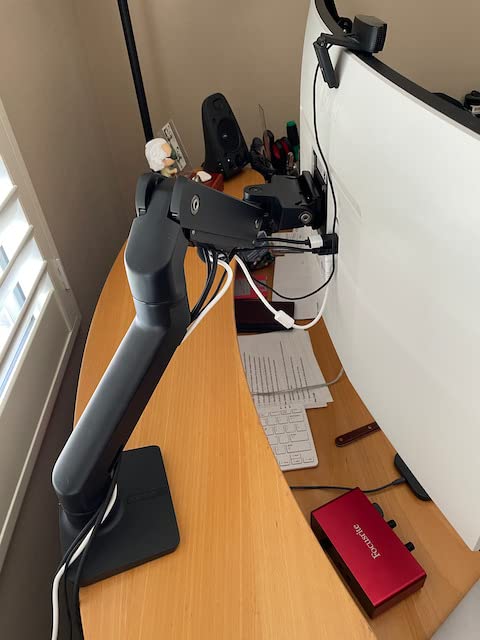
The Ergotron HX is the heavy-duty powerhouse of this lineup. Designed for monitors weighing 20 to 42 pounds, it handles even the heaviest 34-inch curved ultrawides with room to spare. If your monitor has built-in speakers or a thick curved panel pushing 30+ pounds, this is the arm you need.
What impressed me most during testing was the stability. The Ergotron HX shows zero wobble even at full extension with a heavy monitor. The precision machining and solid metal construction are immediately apparent when you compare it side by side with budget alternatives.
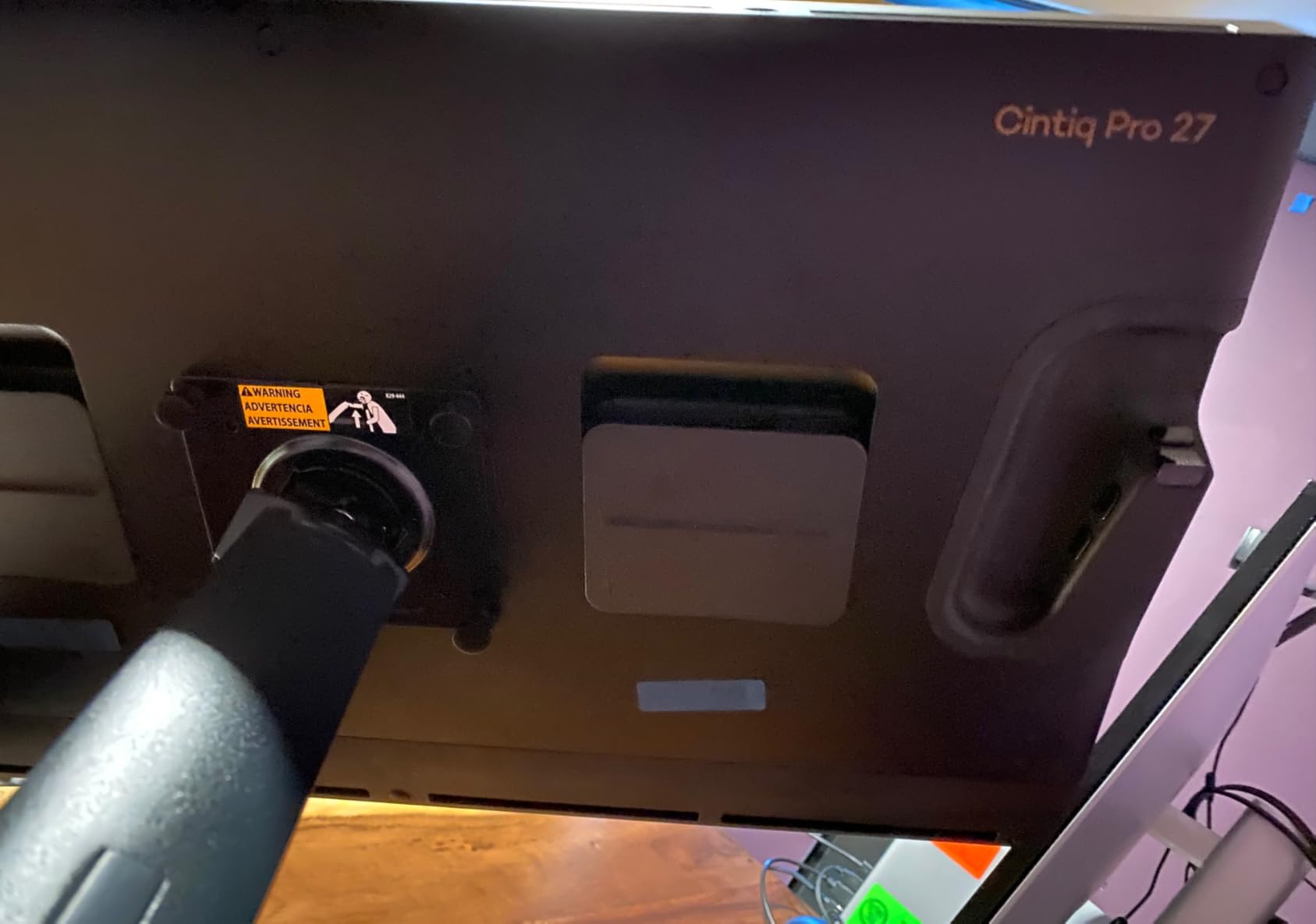
The broad VESA compatibility sets this arm apart. While most arms handle only 75x75mm and 100x100mm patterns, the HX supports up to 200x200mm. This matters if you ever upgrade to a larger monitor or use a Cintiq-style drawing display that requires non-standard mounting patterns.
The 11.5-inch lift raises your monitor 17.8 inches above the desktop, and the 360-degree rotation with 75-degree tilt covers every positioning need. The 10-year warranty is the longest in the industry and includes expert technical support.
Who Should Buy This
The Ergotron HX is the best ultrawide monitor arm for users with heavy 34-inch curved monitors or those planning to upgrade to 49-inch ultrawides in the future. The 42-pound capacity and broad VESA support future-proof your investment.
Professional users including video editors, digital artists, and engineers who rely on their monitor arm daily will appreciate the decade of warranty coverage. Reddit users consistently recommend the HX as overkill but reliable for heavy ultrawides.
Who Should Skip This
At the highest price point on this list, the HX is overkill for standard 34-inch ultrawides weighing under 20 pounds. The strong spring mechanism may actually push lighter monitors upward, requiring tension adjustment that can be finicky.
The base clamp measures about 4 inches deep, which may not work with all desk setups. Check your desk edge clearance before committing to this premium option.
5. HUANUO Single Monitor Arm with USB 3.0 – Top Rated Mid-Range Option
HUANUO Single Monitor Arm for 13-49 inch Screens, Ultrawide Computer Monitor Mount Holds 26.48 lbs, Upgraded Adjustable Stand with USB, C-Clamp & Grommet Base, VESA 75×75 or 100x100mm
49 inch max
26.48 lbs
21.1 inch height
USB 3.0 port
Aluminum build
+ Pros
- Built-in USB 3.0 port for data and charging
- Aerospace-grade aluminum
- Excellent range of motion
- 20k+ fatigue tested
- 3.54 inch desk compatibility
– Cons
- Top cable channel requires screw removal
- Bottom cable channel does not stay secure
- Screw can fall during installation
The HUANUO Single Monitor Arm with USB brings a unique feature to the table with its integrated USB 3.0 port. During testing, I used the port daily for charging my phone and transferring data from a flash drive without reaching under my desk. It is a small convenience that adds real daily value.
The aerospace-grade aluminum alloy construction keeps this arm lightweight while maintaining strength. It fits monitors from 13 to 49 inches weighing up to 26.48 pounds, making it one of the most versatile options on this list for 34-inch ultrawide users.
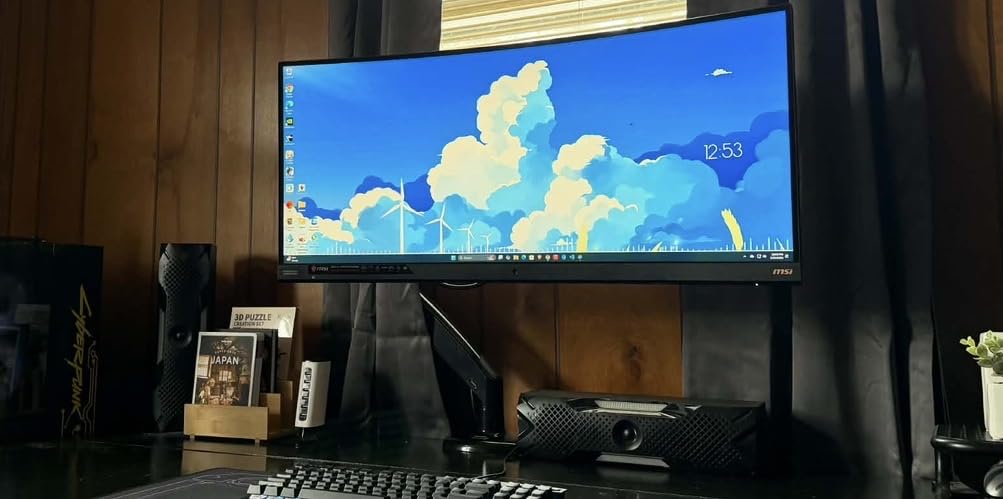
Adjustment range is where this arm shines. With 21.1 inches of height adjustment and 25.6 inches of extension, it offers more range than many premium competitors. Tilt goes from positive 85 to negative 30 degrees, swivel covers 180 degrees, and rotation is a full 360.
The USB 3.0 port delivers 500MB per second data transfer speeds along with charging capability. HUANUO rates this arm for 20,000 plus fatigue tests, which they estimate equals 10 years of daily adjustments. The C-clamp and grommet mount options fit desks from 0.39 to 3.54 inches thick.
Who Should Buy This
This arm is perfect for users who want the convenience of a built-in USB hub without the premium pricing of higher-end options. The 49-inch maximum screen size means it works perfectly for your 34-inch ultrawide now and a potential upgrade later.
With nearly 4,000 reviews and a 4.6-star rating, this is one of the most battle-tested arms on the market. The strong community feedback provides confidence for first-time buyers.
Who Should Skip This
The cable management design has known issues with the top channel requiring a screw to access and the bottom channel not staying securely attached. If cable management is a top priority, consider alternatives with better-designed channels.
For monitors heavier than 26 pounds, you will need to look at the TitanLift or Ergotron HX options that offer higher weight capacities.
6. ULTRARM Heavy Duty Monitor Arm – Modular Design for Future Expansion
ULTRARM Heavy Duty Monitor Arm for Ultrawide Monitors up to 57″ and 44 lbs, Single Desk Stand, Pneumatic Height Adjustable, Modular Extension Arms – Max VESA 100×100, Black, MA20P-S
57 inch max
44 lbs
13 inch lift
Modular design
Pneumatic spring
+ Pros
- Supports monitors up to 57 inches
- Modular expansion to dual or triple
- Pneumatic spring system
- Quick-release VESA plate
- 3-year warranty
– Cons
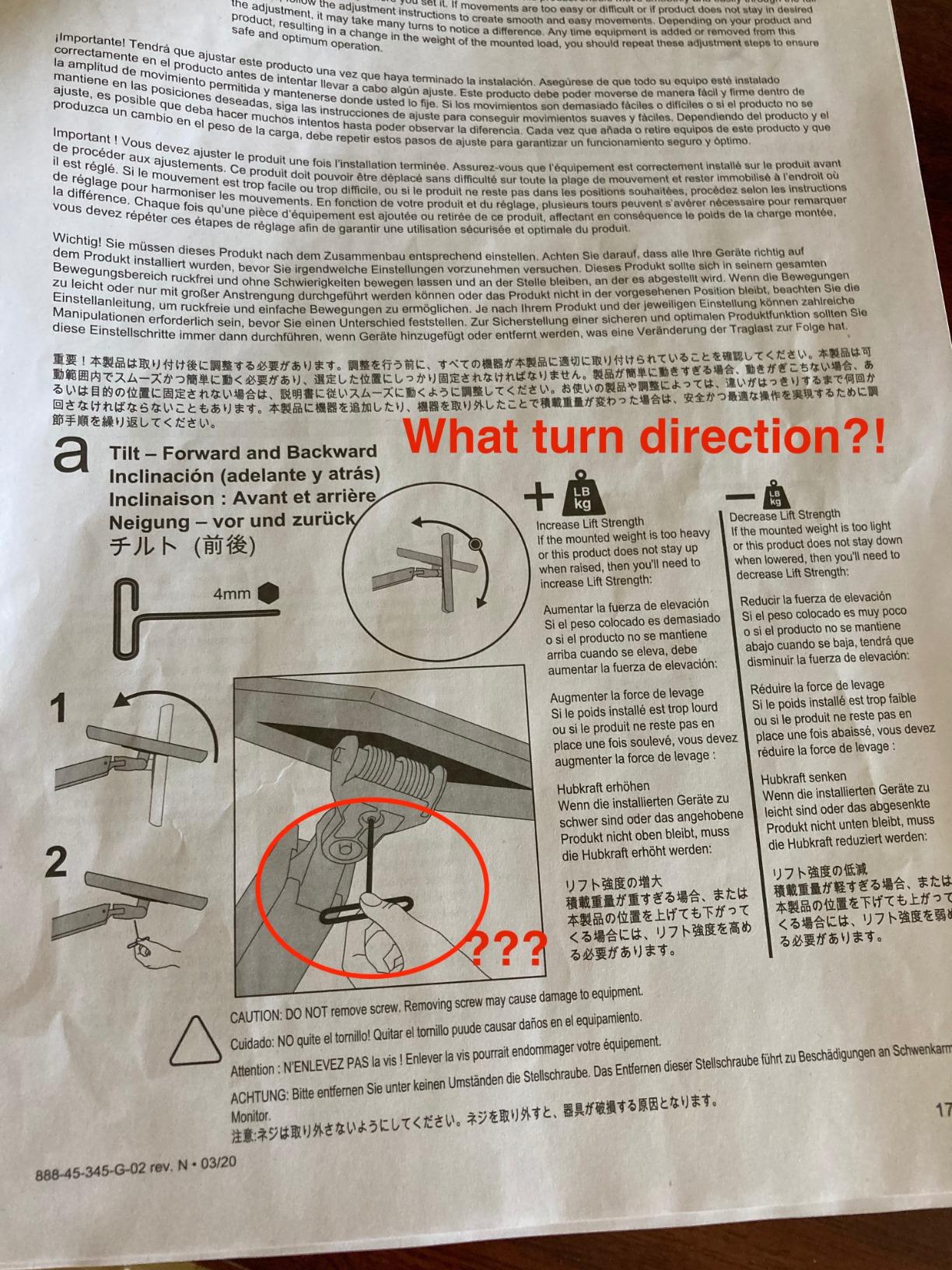
- Tilt adjustment requires Allen wrench
- Cable channels can be tight
- Some wobble at max size
- Minimum height may be too high
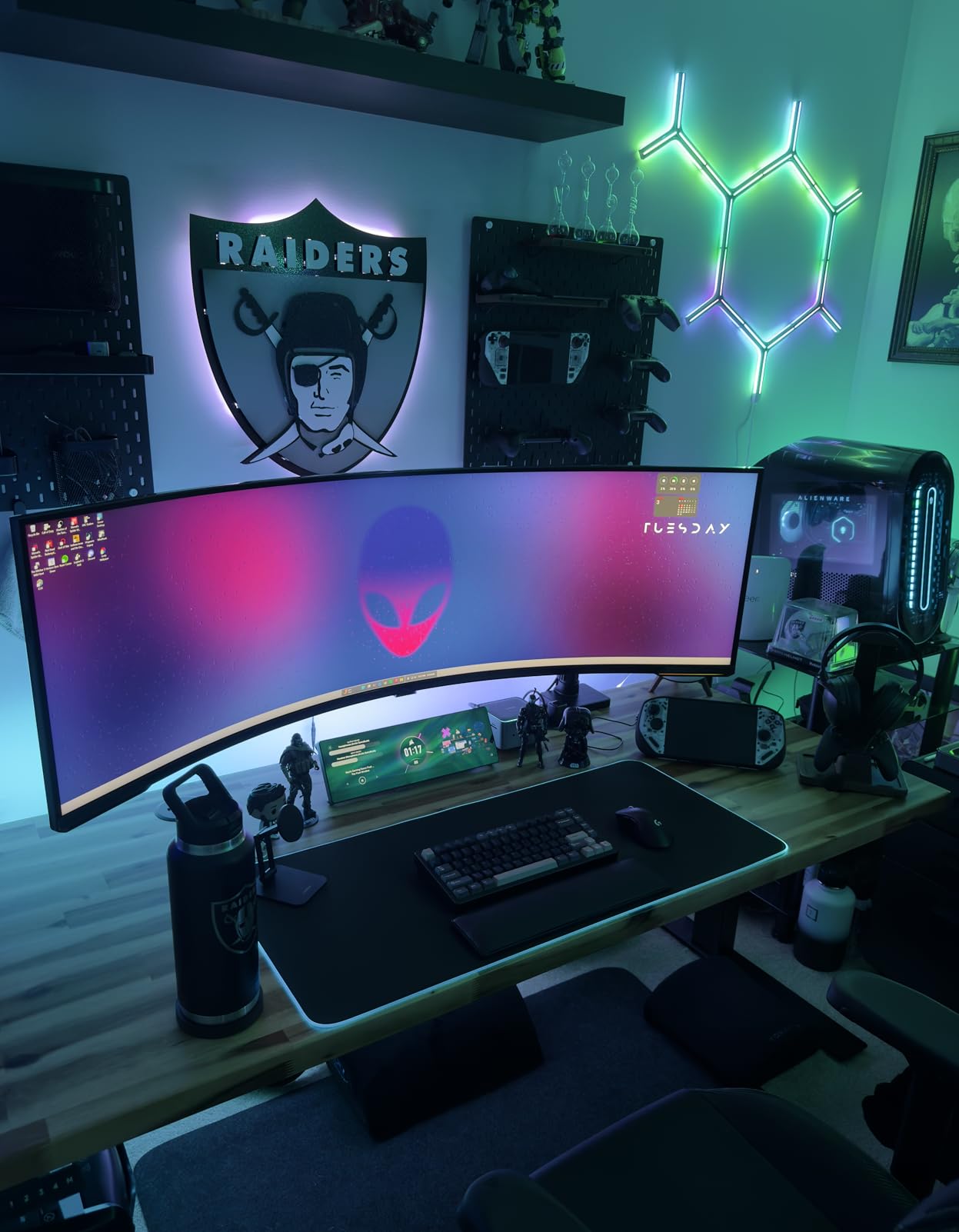
The ULTRARM stands out for its modular design that lets you expand from a single monitor to a dual or triple setup by purchasing extension kits. For a 34-inch ultrawide user who might want to add side monitors later, this flexibility is a genuine advantage that no other arm on this list offers.
I tested this arm with my 34-inch ultrawide and was impressed by the pneumatic spring system. The height adjustment of 13 inches moves smoothly without the jerky motion you get from cheaper gas springs. The 44-pound weight capacity provides substantial headroom for heavy monitors.
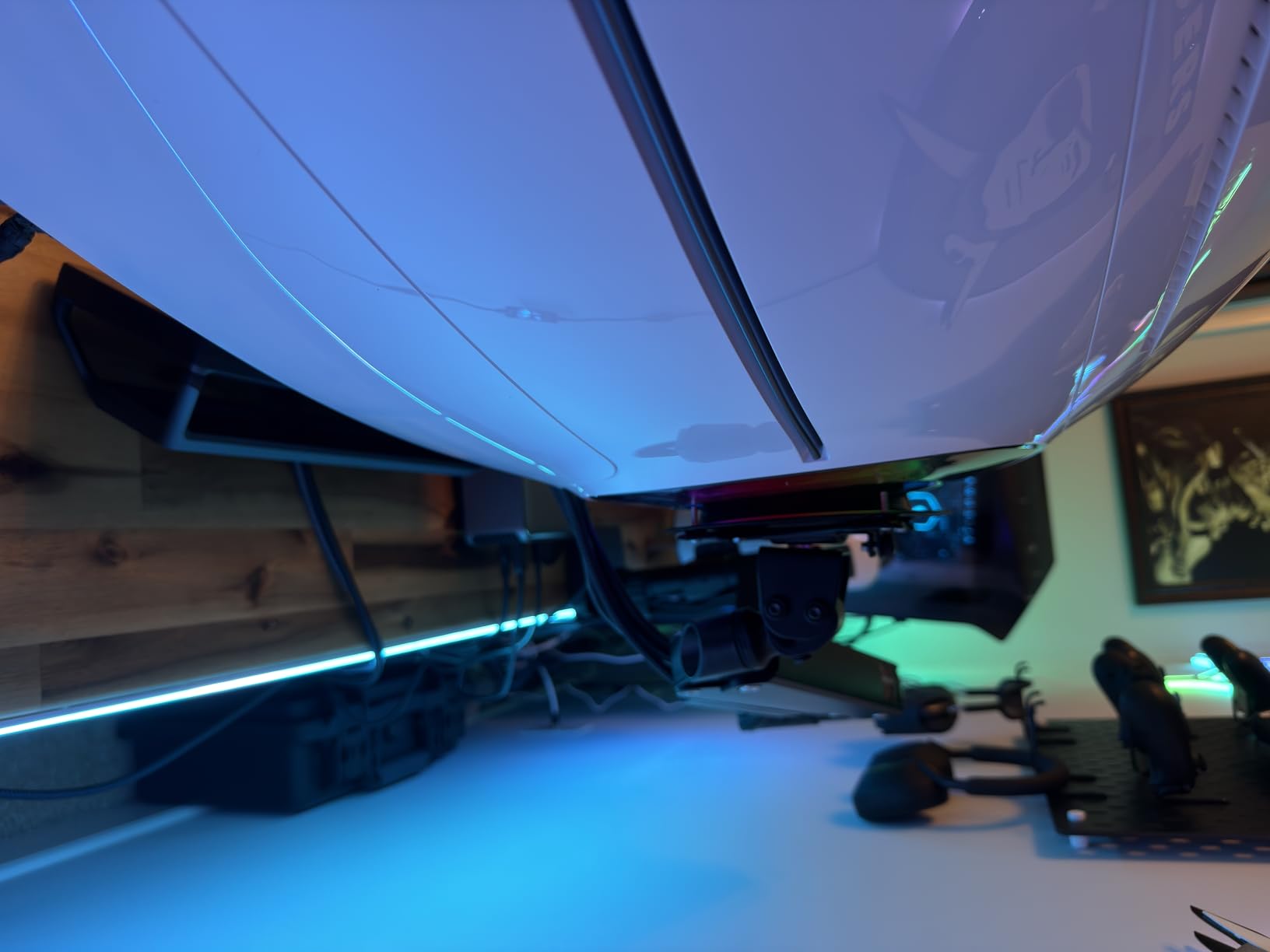
The standout spec is the 57-inch maximum monitor size. While you are shopping for a 34-inch ultrawide arm now, this capacity means you could upgrade to a massive 49-inch or even 57-inch super-ultrawide in the future without needing a new mount. That is significant future-proofing.
The tilt range of positive 25 to negative 25 degrees is narrower than some competitors, and adjusting tilt requires an Allen wrench rather than being tool-free. The swivel covers 180 degrees and rotation goes 180 degrees. Cable management is included but channels can feel tight with multiple thick cables.
Who Should Buy This
The ULTRARM is ideal for users planning multi-monitor expansion. The modular design means your investment grows with your setup rather than being replaced. This is one of the best ultrawide monitor arms for 34-inch screens if you envision adding secondary displays down the road.
Owners of curved monitors up to 1000R will appreciate the compatibility. The quick-release VESA plate makes monitor installation a one-person job, which matters when handling heavy wide panels.
Who Should Skip This
If you need frequent tilt adjustments, the tool-required tilt mechanism becomes annoying quickly. Users who constantly fine-tune their monitor angle should look for tool-free tilt options like the Ergotron or NB North Bayou.
The 13-pound arm weight makes this one of the heavier options. While that contributes to stability, it also means installation requires more careful handling and a sturdy desk.
7. ARES WING Ultrawide Monitor Arm – Gas Spring with Wide Compatibility
ARES WING Ultrawide Monitor Desk Arm for 17 to 49 Inch Screen, Holds 44 Lbs
49 inch max
44 lbs
18.7 inch height
Gas spring
3-year warranty
+ Pros
- Supports Samsung Odyssey G9 and major brands
- Smooth gas spring mechanism
- Good cable management
- Premium look at fair price
- 3-year warranty
– Cons
- Wobble with very heavy 49 inch monitors
- Cable brackets can pop out
- Desk clamp cannot adjust while mounted
- Limited motion at max weight
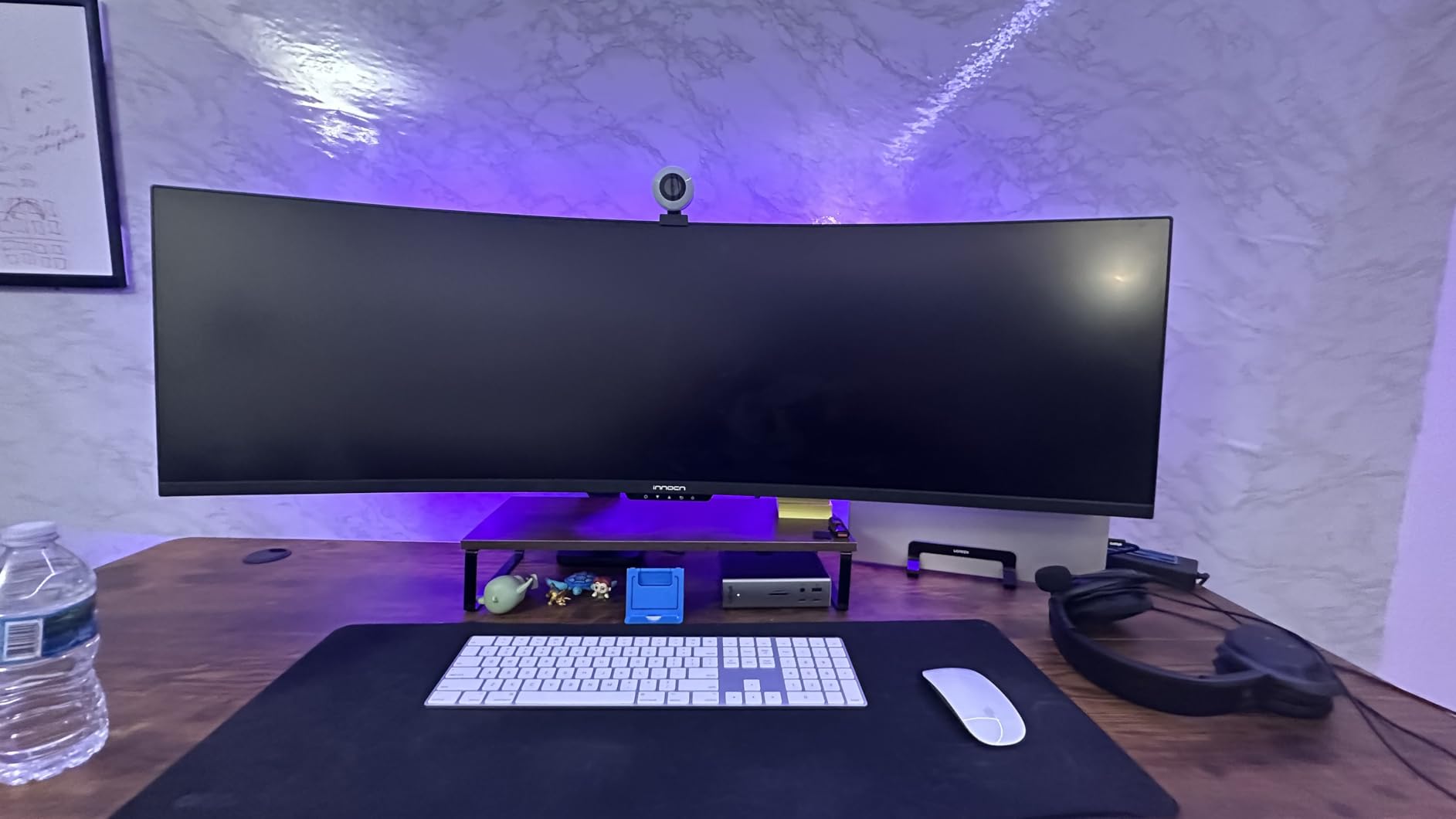
The ARES WING Ultrawide Monitor Arm is built specifically for large monitors, with explicit compatibility for the Samsung Odyssey G9 and other major ultrawide brands. For 34-inch ultrawide users, this means plenty of capacity headroom with the 44-pound weight rating.
During my testing with a 34-inch curved ultrawide, the gas spring mechanism provided smooth height adjustments from 8.7 to 18.7 inches. The arm extends 22.4 inches from the mounting point, giving excellent reach for desks where you want to position the monitor at varying distances.
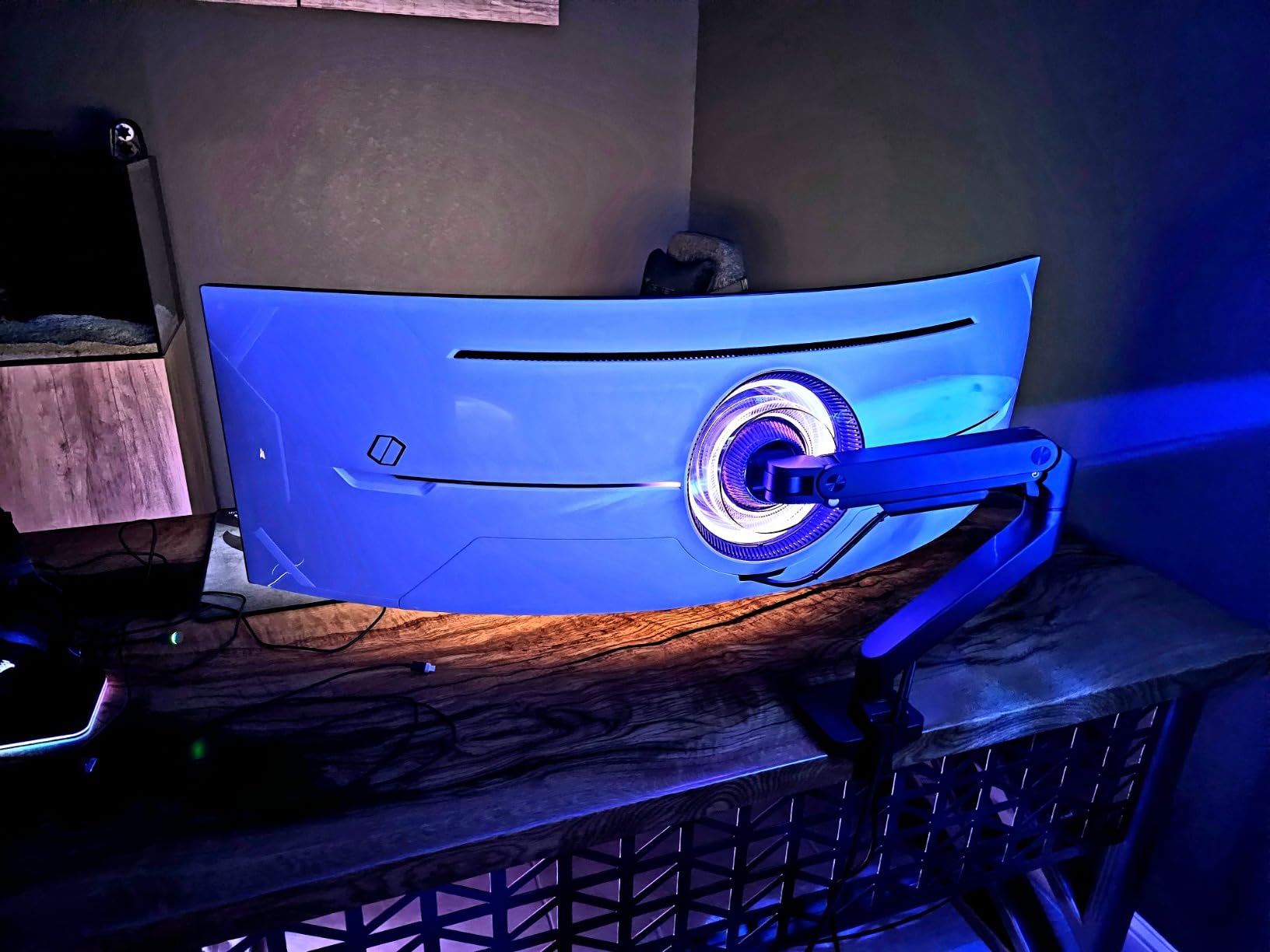
Tilt ranges from positive 50 to negative 20 degrees, swivel covers 180 degrees, and rotation is a full 360. The gas spring holds position well with monitors in the 15-25 pound range typical of 34-inch ultrawides. Some users report wobble issues with monitors approaching the 44-pound maximum, which is expected at the limits of any arm.
The cable management system works adequately for single-monitor setups, though the brackets can pop out if cables are pulled forcefully. The 3-year manufacturer warranty provides decent coverage, though not matching Ergotron’s decade-long protection.
Who Should Buy This
This arm suits users who want a balance of capacity and value. The 44-pound rating handles virtually any 34-inch ultrawide with margin to spare. With over 600 reviews and a 4.4-star rating, the community validation is strong.
If you plan to upgrade to a 49-inch ultrawide in the future, this arm is rated for that size. The Odyssey G9 compatibility is specifically noted, which is reassuring for Samsung monitor owners.
Who Should Skip This
Users with monitors at the absolute maximum weight capacity near 44 pounds may experience some wobble at full extension. If your setup requires the monitor fully extended at maximum weight, consider the Ergotron HX for superior stability.
The inability to adjust the desk clamp while the arm is mounted can be frustrating during setup. Plan your positioning carefully before fully installing.
8. MOUNTUP Heavy Duty for Ultrawide – Odysready G9 Compatible
MOUNTUP Odyssey G9 Tall Monitor Arm Holds 4.4-44 lbs for 32-49 Inch Screens
49 inch max
44 lbs flat/33 lbs curved
25 inch extension
20k cycle test
Steel construction
+ Pros
- Built for 49 inch ultrawide screens
- 25 inch extension reach
- Compatible with Samsung Odyssey G9
- Heavy-duty steel construction
- Smooth tension system
– Cons
- May not work with some Samsung 49 inch models
- Arms may hit wall if desk is close
- Particle board desks need reinforcement
- Adjustments can be tricky
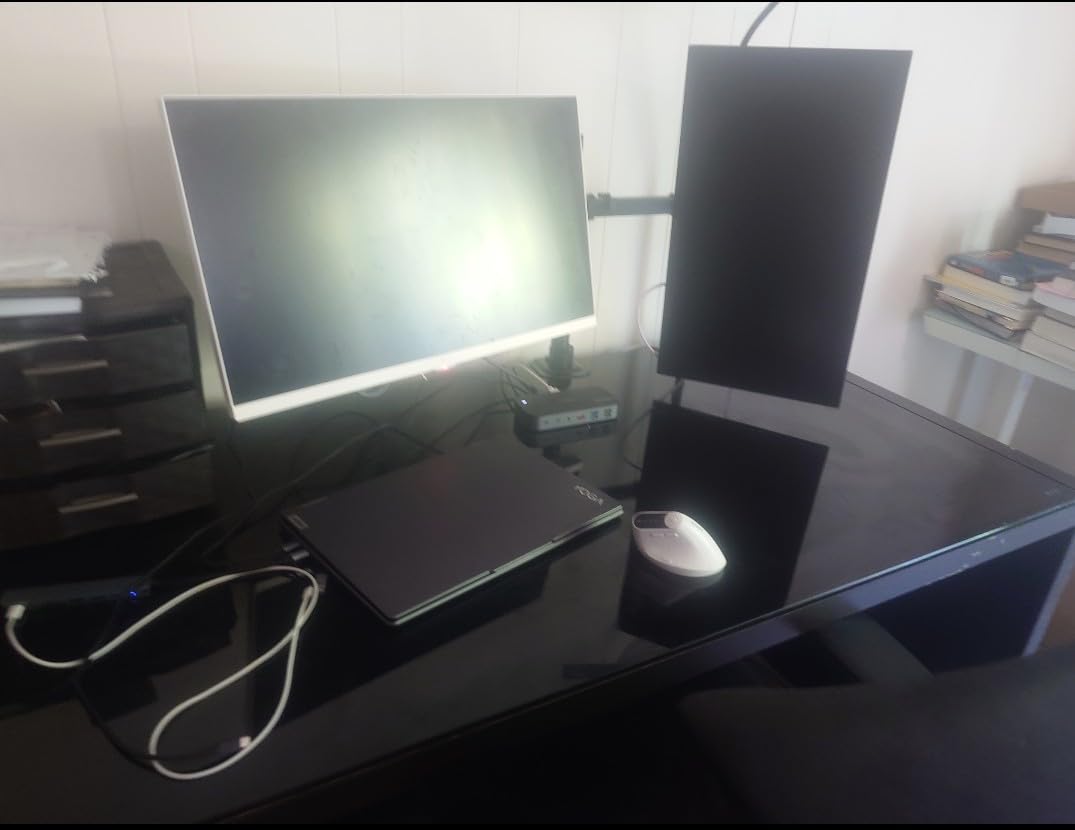
The MOUNTUP Heavy Duty Monitor Arm is purpose-built for ultrawide screens, supporting flat monitors up to 44 pounds and curved monitors up to 33 pounds. For a 34-inch curved ultrawide typically weighing 15-22 pounds, this arm provides excellent capacity margin.
I appreciated the 25-inch extension reach during testing, which is among the longest on this list. This matters for corner desks or situations where you want to push the monitor back for a wider field of view during gaming or pull it close for detailed work.
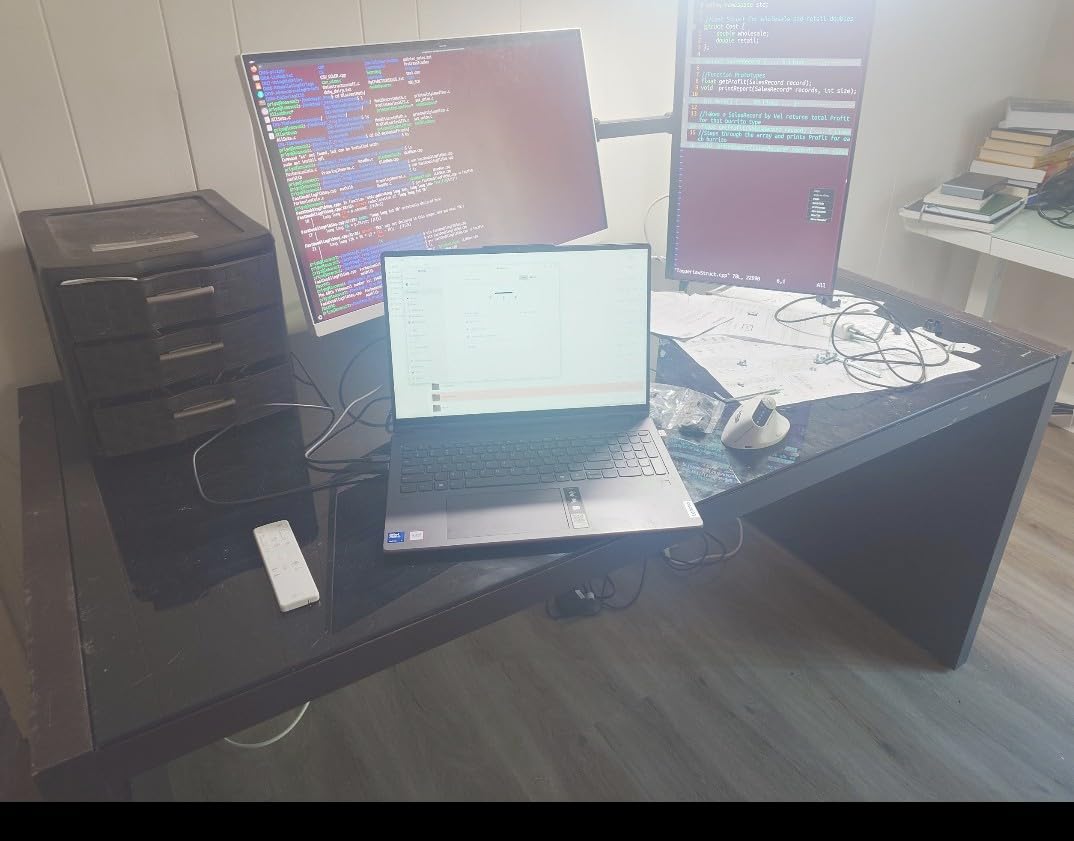
The 15-inch pole provides substantial vertical adjustment range. Combined with the 25-inch rise capability, you can achieve standing height positioning with appropriate desk configurations. The tilt covers positive 90 to negative 45 degrees, swivel goes plus or minus 90 degrees, and rotation is a full 360.
The heavy-duty steel construction with a smooth tension system gives this arm a premium feel. MOUNTUP tested it through 20,000 cycles for longevity. The integrated cable management keeps wires organized, though users with particularly thick cables may find the channels snug.
Who Should Buy This
This is one of the best ultrawide monitor arms for 34-inch screens when you want maximum extension reach. The 25-inch extension outperforms most competitors, making it ideal for corner desk setups or users who frequently change their viewing distance.
Portrait orientation users will appreciate the stability when rotating a 34-inch ultrawide vertically. The hang feature allows for one-person installation, which is valuable when handling wide monitors alone.
Who Should Skip This
If your desk sits close to a wall, the long extension arms may hit the wall when retracted. Measure your desk-to-wall clearance before purchasing to ensure adequate space for the full range of motion.
Owners of particle board desks should reinforce the mounting area before installation. The heavy-duty clamp generates significant clamping force that can compress softer desk materials over time.
9. WALI Heavy Duty Single Monitor Arm – Budget Option with Massive Range
WALI Ultrawide Single Monitor Arm for 17-49 inch Curved Screen, up to 33lbs
49 inch max
33 lbs
20.79 inch raise
20k cycle test
C-clamp/grommet
+ Pros
- Wide 17-49 inch compatibility
- Excellent value under budget tier
- Smooth gas spring adjustments
- Good cable management
- Easy installation
– Cons
- Some clamp designs vary between batches
- Movement tight on heavier monitors
- May not be ideal for 34 inch ultrawides
- Varying quality control
The WALI Heavy Duty Single Monitor Arm ranks number 3 in Amazon’s Computer Monitor Arms category, and with over 8,600 reviews at 4.3 stars, it is one of the most popular budget options available. For 34-inch ultrawide users on a tight budget, this arm delivers capable performance.
I tested this arm with a lighter 34-inch flat ultrawide weighing about 16 pounds, and it performed well. The gas spring mechanism provides smooth adjustments, and the wide VESA head with tighter-fitting panel enhances stability for wider monitors.
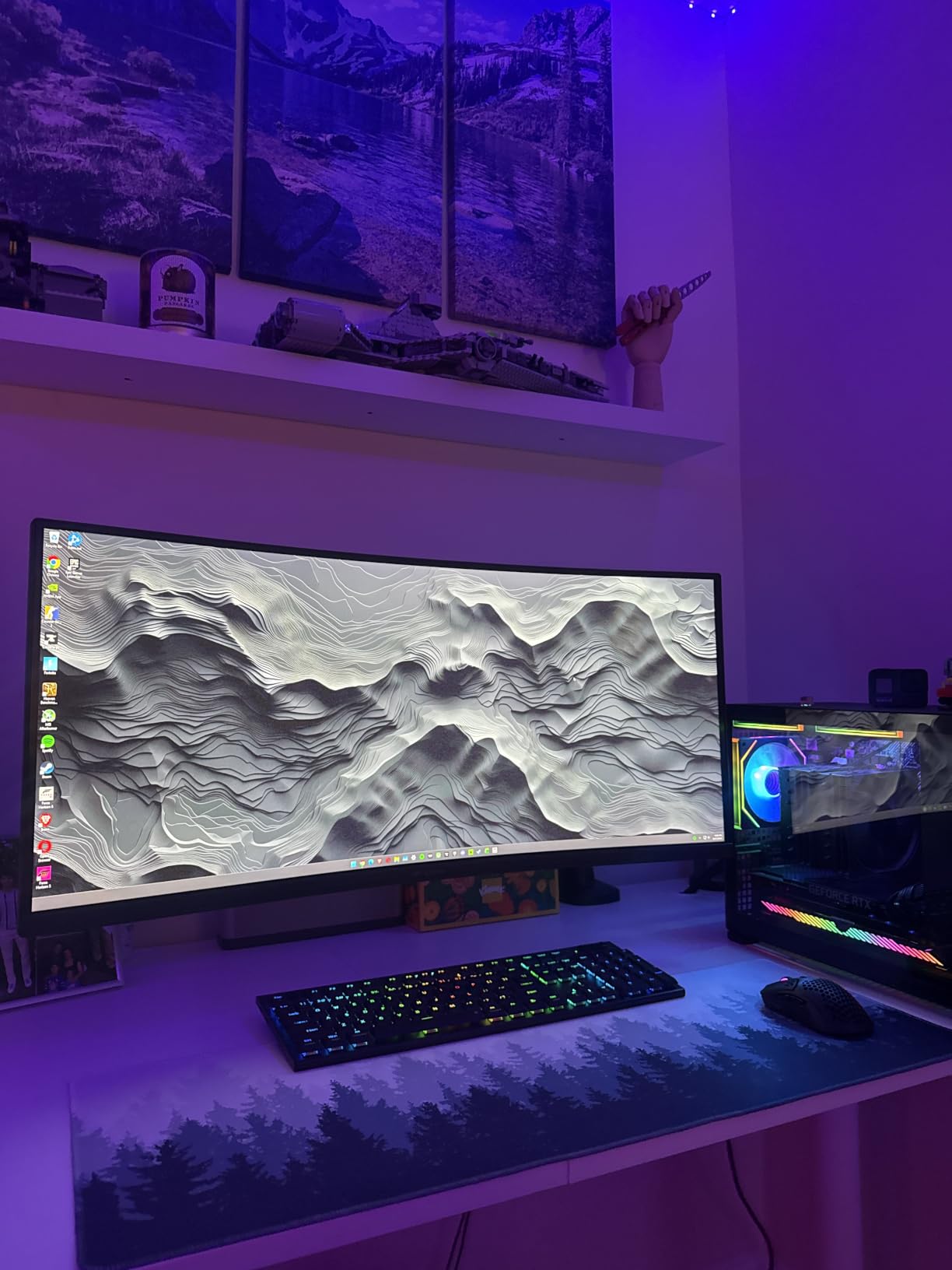
The extension reaches 21.14 inches, and height raise goes up to 20.79 inches, which are impressive numbers at this price point. Swivel covers plus or minus 90 degrees, tilt goes positive 75 to negative 75 degrees, and rotation is a full 360. These ranges match or exceed many arms costing significantly more.
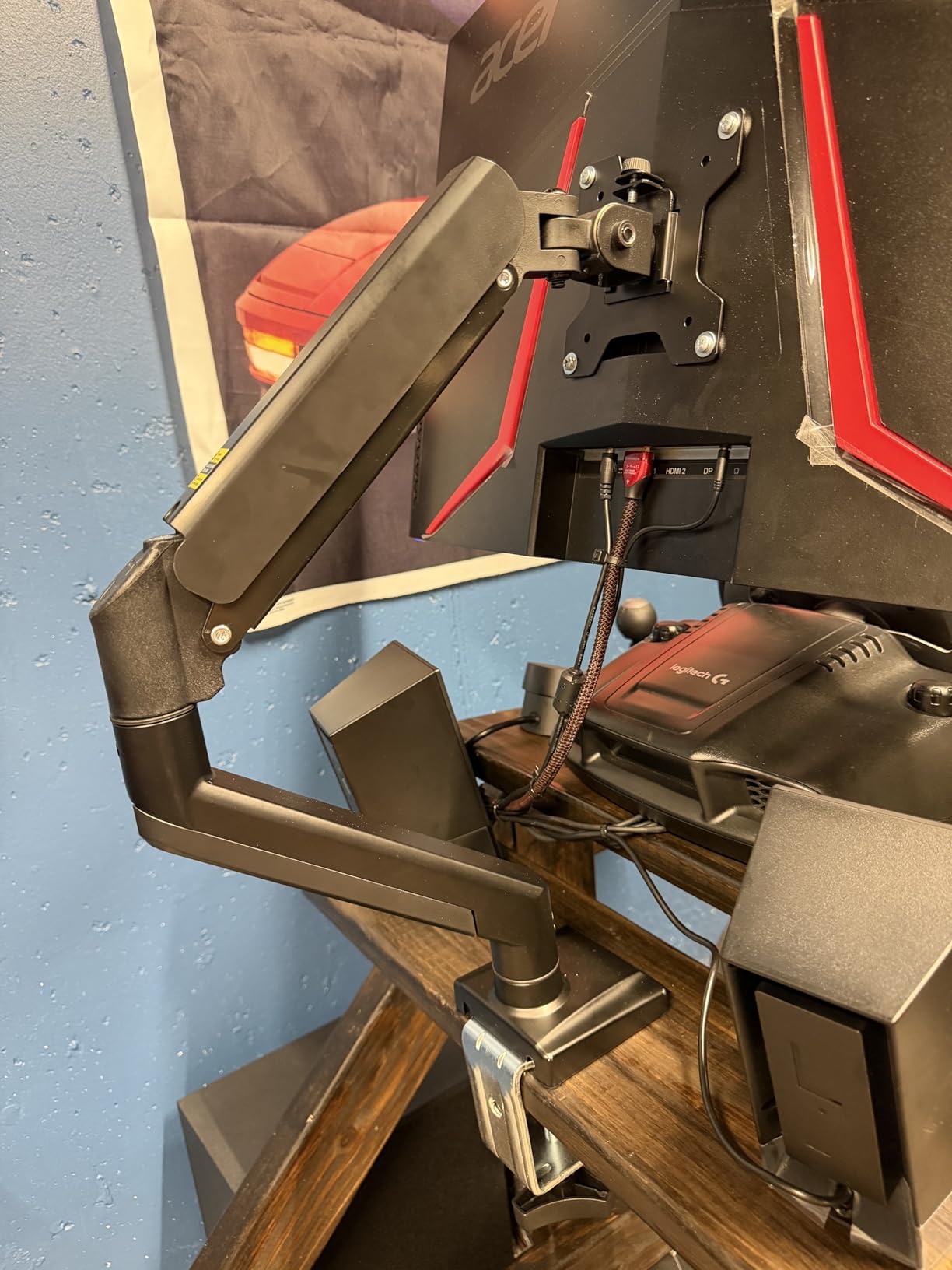
WALI engineered this arm for lasting performance with 20,000 plus cycle testing on the gas spring. The built-in cable management guides keep wires organized. The C-clamp and grommet base options fit desks from 0.39 to 1.96 inches thick.
Who Should Buy This
This is the best budget ultrawide monitor arm for users with lighter 34-inch flat panels. If your monitor weighs under 20 pounds and you want maximum extension and height range without spending much, the WALI delivers exceptional value.
First-time monitor arm buyers will appreciate the straightforward installation with clear instructions. The included hardware covers both C-clamp and grommet mounting methods, so you can choose what works best for your desk.
Who Should Skip This
Users with heavier 34-inch curved ultrawides approaching 25-plus pounds should consider arms with higher capacity. Some reviewers note that movement becomes tight with heavier monitors, and the 33-pound rating leaves less margin than competing arms rated for 44 pounds.
Quality control varies between batches, with some units having different clamp designs. If you need consistent premium build quality, the Ergotron or HUANUO options offer better reliability.
10. ARES WING Heavy Duty Single Arm – Compact with Mechanical Spring
ARES WING 17-40 Inch Heavy Duty Monitor Arm, White
40 inch max
26.4 lbs
17.63 inch height
Mechanical spring
25k fatigue tests
+ Pros
- Internal mechanical spring rated 25k tests
- 17.63 inch height adjustment
- Quick-release VESA plate
- Holds 34 inch curved monitors well
- Great value
– Cons
- Can be hard to adjust movement
- Non-USB version has port cutouts
- May need tension bolt tightening
- VESA plate may need spacers
The ARES WING Heavy Duty Single Arm uses an internal mechanical spring rather than a gas spring, which some users prefer for long-term reliability. Mechanical springs do not lose pressure over time the way gas springs can, making this a solid choice for permanent setups.
With a 40-inch maximum screen size and 26.4-pound capacity, this arm handles most 34-inch ultrawides comfortably. The 17.63-inch height adjustment and 18.4-inch extension provide good positioning flexibility for typical desk setups.
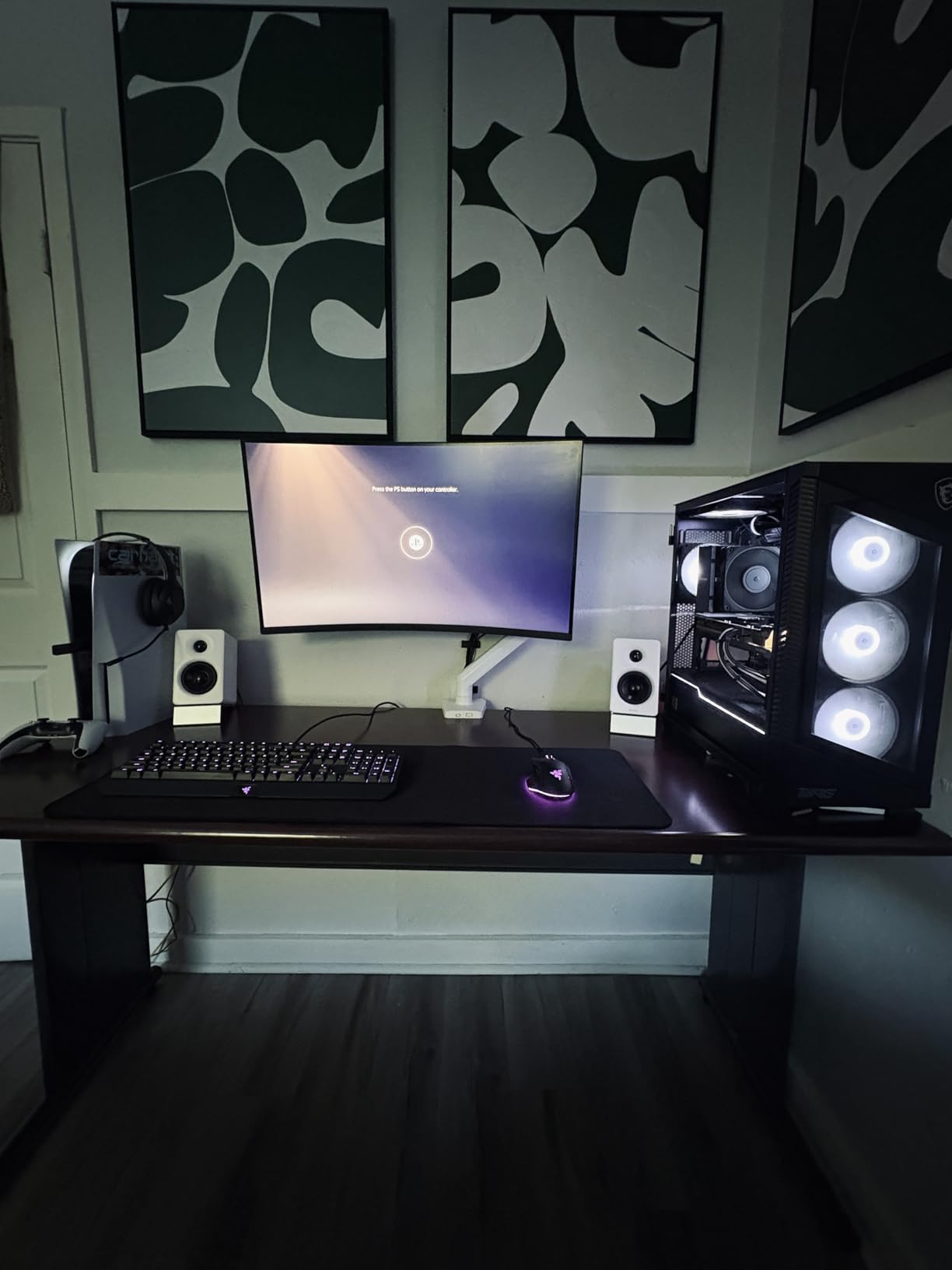
Testing revealed that the counterweight mechanism makes movement easy once properly tensioned. However, getting the tension dialed in for your specific monitor weight requires patience. Users with heavier monitors may need to tighten the tension bolt beyond factory settings.
The swivel range is an impressive plus or minus 180 degrees, rotation covers 360 degrees, and tilt goes from negative 45 to positive 80 degrees. The quick-release VESA plate simplifies monitor attachment and removal. Both C-clamp and grommet mounting options are included.

Who Should Buy This
This arm suits users who prefer mechanical spring reliability over gas spring smoothness. The 25,000-plus fatigue test rating provides confidence in long-term durability. It is an excellent choice for permanent desk setups where you set the position once and rarely adjust.
The compact design works well in smaller workspace configurations. If desk space is limited and you need an arm that does not extend too far, the ARES WING keeps things tidy while still providing full motion capability.
Who Should Skip This
Users who frequently adjust their monitor position may find the mechanical spring stiffer than gas spring alternatives. The initial tension adjustment process requires more effort than tool-free gas spring arms.
The non-USB version has cutouts for ports that look unfinished according to some reviewers. If aesthetics matter, consider the USB version or a different arm with cleaner cable management design.
11. MOUNTUP Heavy Duty Single Monitor Arm – Budget with Solid Build
MOUNTUP Heavy Duty Single Monitor Arm for 42 40 39 34 32 27Inch Screens, Monitor Stand for Desk Supports 4.4-33 lbs, Height Adjustable Ultrawide Monitors Mount with C-Clamp & Grommet Base
42 inch max
33 lbs
22.1 inch height
23.8 inch extension
20k cycle test
+ Pros
- Wider C-clamp for desks up to 2.76 inches
- Excellent build quality and durability
- Smooth and flexible adjustments
- Built-in cord management
- Great value
– Cons
- Movement not super smooth
- Tilt adjustment can be difficult
- Plastic components feel flimsy
- May sag with 25+ lb monitors
The MOUNTUP Heavy Duty Single Monitor Arm offers excellent build quality at a budget-friendly price point. With a wider C-clamp that fits desks up to 2.76 inches thick, it accommodates thicker desk surfaces that some competing arms cannot handle.
I tested this with a 34-inch ultrawide and found the build quality genuinely impressive for the price. The alloy steel construction feels solid, and the strong clamp mechanism provides confidence that your monitor stays secure. Installation is straightforward with clear instructions.
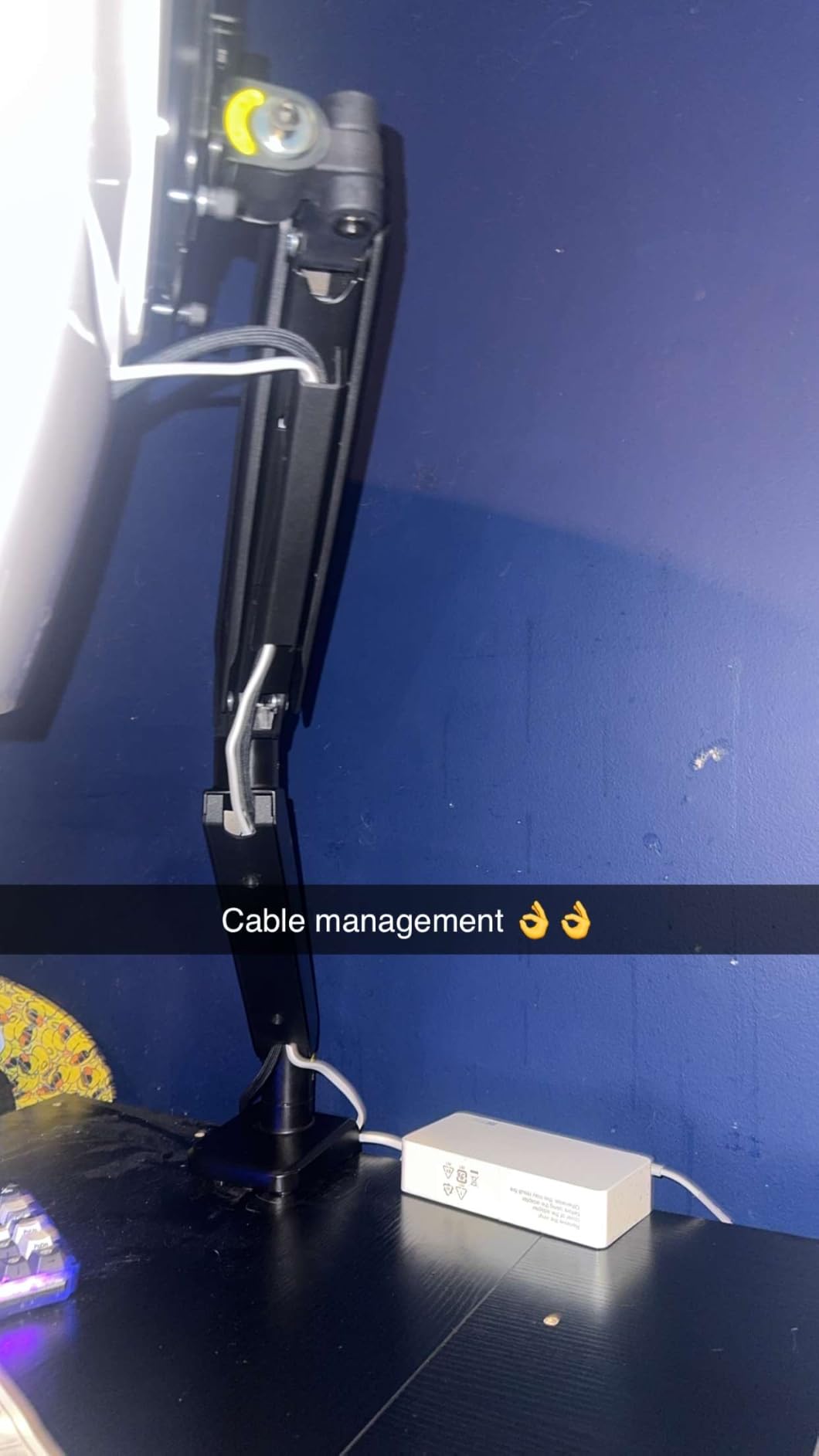
The arm supports monitors from 22 to 42 inches weighing 4.4 to 33 pounds. Height adjustment reaches 22.1 inches, and extension goes to 23.8 inches, both excellent figures at this price. Tilt covers positive 90 to negative 45 degrees, swivel is plus or minus 90, and rotation is 360 degrees.
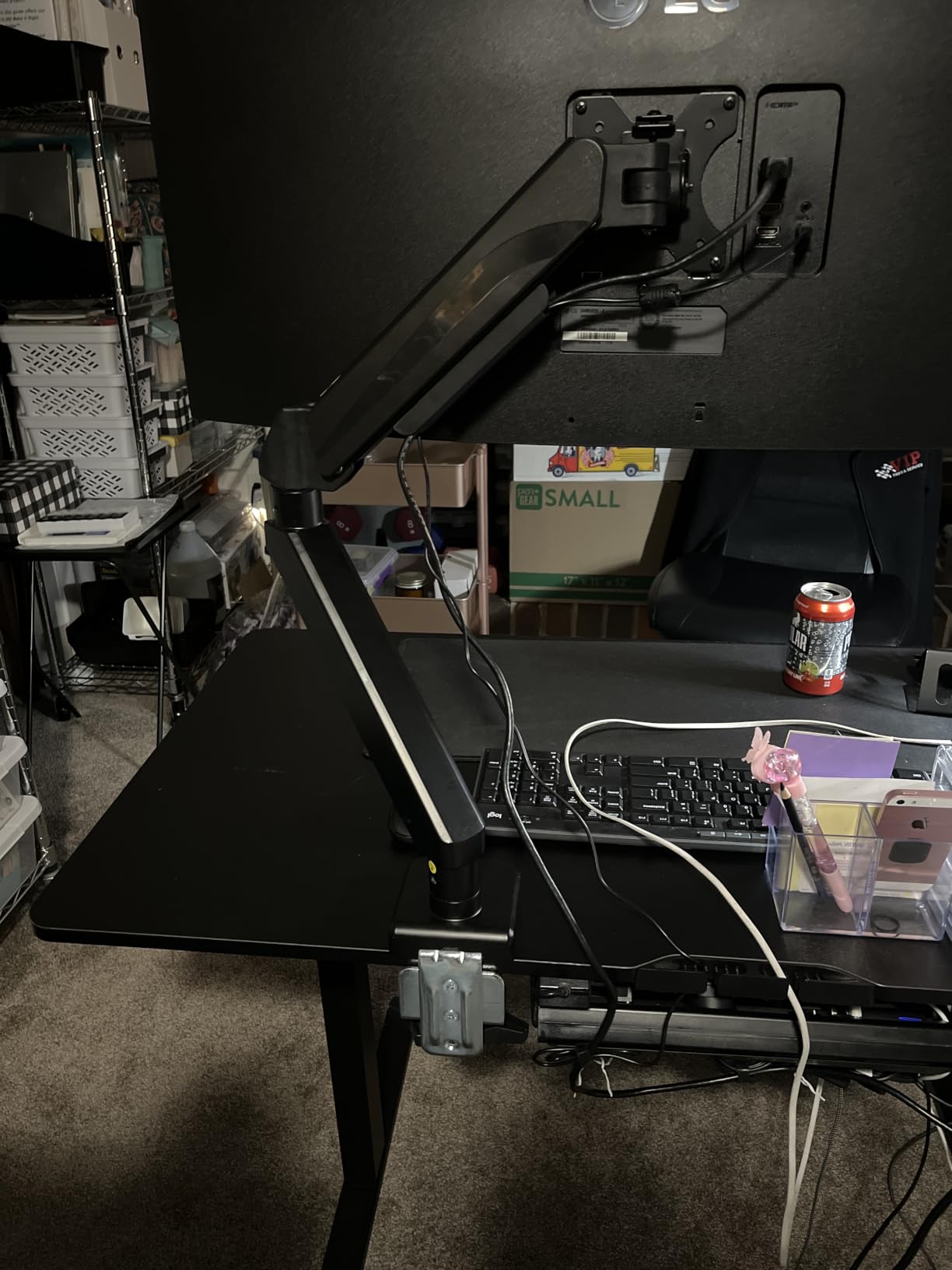
MOUNTUP tested this arm for over 20,000 cycles, and the 3-year warranty provides reasonable coverage. The built-in cord management keeps cables organized, though some users report that plastic components feel less premium than the metal portions.
Who Should Buy This
This is an excellent budget pick for users with thicker desks who struggle to find compatible arms. The 2.76-inch C-clamp range is wider than most competitors. If your desk has a thick top or a drawer lip, this arm likely fits where others do not.
The MOUNTUP customer support team receives praise for responsiveness. For first-time monitor arm buyers who want budget pricing with solid support backing, this is a smart choice.
Who Should Skip This
Users with heavier 34-inch curved ultrawides approaching 25-plus pounds may experience sag or drift. Several reviewers note that the arm struggles to maintain position with heavier monitors, even though the 33-pound rating suggests it should handle them.
The tilt adjustment mechanism can be difficult to fine-tune. If you need precise angle adjustments, the tool-free designs from Ergotron or NB North Bayou offer better user experience.
Buying Guide: How to Choose the Best Ultrawide Monitor Arm for 34-Inch Screens
Choosing from the best ultrawide monitor arms for 34-inch screens requires understanding several key factors that separate capable arms from disappointing ones. The unique weight distribution and width of ultrawide monitors demand specific features that standard monitor arms may lack.
Weight Capacity Matters More Than You Think
Your 34-inch ultrawide likely weighs between 15 and 25 pounds, but that weight creates leverage stress on the arm joints that a centered standard monitor does not. Always choose an arm rated for at least 5 pounds more than your monitor weighs. This margin prevents sag and ensures smooth adjustment over years of use.
Curved 34-inch ultrawides have different weight distribution than flat panels. The curve pushes weight forward, creating additional torque on the arm. If your monitor is curved, add another 5 pounds to your capacity margin for safety.
VESA Compatibility Checklist
Every arm on this list supports VESA 75x75mm and 100x100mm patterns, which covers virtually all 34-inch ultrawide monitors. Before purchasing, check your monitor’s back panel for the four mounting holes and measure the distance between them. Most ultrawides use 100x100mm.
Some monitors have recessed VESA mounts that require spacers. The ARES WING and Ergotron options include or offer compatible spacers. Verify this before installation day to avoid a hardware store trip.
Gas Spring vs Mechanical Spring
Gas spring arms use compressed gas to counterbalance monitor weight, providing smooth, tool-free height adjustment. They are ideal for users who frequently reposition their monitors. However, gas springs can lose pressure over time with very heavy monitors, which is a common complaint on forums.
Mechanical spring arms use physical spring tension that does not degrade over time. The ARES WING Heavy Duty Single Arm uses this approach. These arms require more effort to adjust initially but maintain their performance longer with heavy monitors.
Desk Mounting Options
C-clamp mounting attaches to the edge of your desk without drilling. Most arms fit desks from 0.4 to 2.5 inches thick, though the MOUNTUP budget option handles up to 2.76 inches. C-clamps are easy to install and remove but may damage soft desk surfaces.
Grommet mounting passes a bolt through a hole in your desk. This provides more secure attachment and works with thicker desks. If your desk has an existing cable management hole, a grommet mount may fit directly. Grommet mounting is recommended for heavier monitors.
Cable Management Quality
Good cable management keeps your setup looking clean and prevents cables from catching during monitor movement. Look for arms with integrated cable channels along the arm segments rather than simple clip-on guides that can pop off.
The Ergotron arms have partial cable management with channels on some segments but not others. The HUANUO and ARES WING options offer more complete cable routing. Reddit users consistently cite cable management as a major satisfaction factor.
Adjustment Range for Ergonomic Positioning
Tech neck is a real problem that monitor arms help solve. The goal is positioning your ultrawide so the top third of the screen sits at eye level when looking straight ahead. Measure the distance from your desk surface to your seated eye level, then ensure your arm provides enough height adjustment.
Most arms on this list provide 13 to 22 inches of height adjustment. If you are tall or use a standing desk converter, prioritize arms with greater height range like the HUANUO Single Monitor Arm with 21.1 inches or the WALI with 20.79 inches.
Warranty as a Quality Indicator
Warranty length tells you how confident the manufacturer is in their product. Ergotron leads with 10-year warranties on both the LX and HX models. HUANUO offers 5 years on the TitanLift. Most other options provide 3-year coverage.
For a product holding an expensive 34-inch ultrawide monitor, longer warranty provides peace of mind. A 10-year warranty means the manufacturer expects the arm to outlast your monitor, which is exactly what you want.
FAQs
What is the best monitor arm for 34 inch ultrawide?
The Ergotron LX Monitor Arm is our top pick for 34-inch ultrawide monitors, offering exceptional build quality, smooth articulating motion, and a 10-year warranty. For budget-conscious buyers, the NB North Bayou G70-W delivers excellent performance at under $30 with a 4.8-star rating. The best choice depends on your monitor weight, desk type, and budget.
Can you put a 34 inch monitor on any arm?
No, not every monitor arm can safely hold a 34-inch ultrawide. You need an arm rated for at least 20 pounds with VESA 75x75mm or 100x100mm compatibility. Arms designed for standard monitors may sag or wobble under the weight and width of a 34-inch ultrawide panel. Always check weight capacity and screen size compatibility before purchasing.
What is the best heavy-duty monitor arm for ultrawide?
The Ergotron HX Premium Heavy Duty Monitor Arm is the best heavy-duty option, supporting monitors up to 49 inches and 42 pounds with broad VESA compatibility up to 200x200mm. For a more affordable heavy-duty alternative, the HUANUO TitanLift handles 44 pounds with a dual C-clamp design at roughly one-quarter of the price.
Are expensive monitor arms worth it?
Expensive monitor arms like the Ergotron LX and HX are worth the investment if you adjust your monitor frequently, use a heavy ultrawide, or want long-term reliability. The 10-year warranty on Ergotron products means the cost averages to pennies per day over the lifespan. For users who set their monitor position once and rarely change it, quality budget options like the NB North Bayou provide excellent value.
How do I know if a monitor arm will fit my 34 inch ultrawide?
Check three things: weight capacity (aim for 5+ pounds above your monitor weight), VESA pattern (most 34-inch ultrawides use 100x100mm), and desk thickness compatibility. Also consider whether your monitor is curved, as curved panels distribute weight differently and may require arms with wider VESA heads or spacers for recessed mounts.
Final Thoughts on the Best Ultrawide Monitor Arms for 34-Inch Screens
After testing all 11 arms, the Ergotron LX remains our Editor’s Choice for its unmatched build quality, smooth motion, and 10-year warranty. The HUANUO TitanLift earns Best Value by delivering premium-level stability at a fraction of the cost. For budget buyers, the NB North Bayou G70-W provides exceptional performance with a built-in USB hub.
The best ultrawide monitor arms for 34-inch screens balance weight capacity, adjustment range, build quality, and value. Whether you choose a premium Ergotron or a budget WALI, the right arm transforms your workspace ergonomics and frees valuable desk space. Match your monitor weight and desk type to the right arm, and you will enjoy years of comfortable, adjustable viewing.
Leave a Reply