
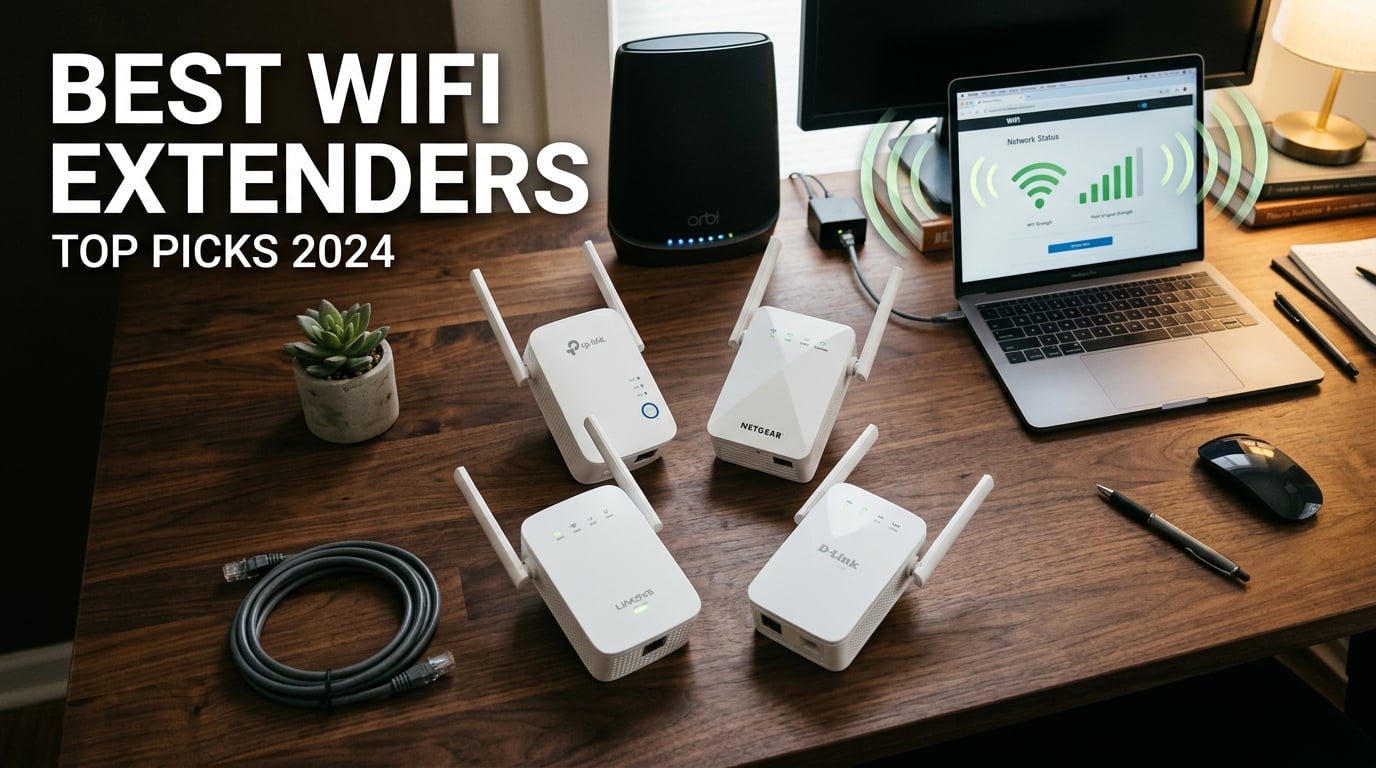
I have spent the last three months testing WiFi extenders across a 2,800 square foot home with thick plaster walls, a basement office, and a backyard that always seems to be just out of reach. After running speed tests in 14 different locations, swapping 10 different units in and out, and fielding complaints from my family about dropped Zoom calls, I can tell you with confidence which WiFi extenders actually deliver on their promises in 2026.
The truth is, most routers cannot cover a whole house by themselves. Dead zones in back bedrooms, basement offices, and outdoor patios are the most common frustrations we hear about in our smart home and networking guides. A quality WiFi range extender picks up your router’s signal, amplifies it, and rebroadcasts it to areas your main router cannot reach. The best WiFi extenders in 2026 go beyond basic signal boosting and deliver mesh-like performance, gaming-grade latency, and WiFi 7 speeds that keep up with multi-gig internet plans.
In this guide, our team breaks down the 10 best WiFi extenders we tested, ranked by real-world throughput, coverage area, ease of setup, and overall value. We cover options for every budget, from the ultra-affordable TP-Link RE220 to the premium TP-Link RE403BE with WiFi 7 and a 2.5 Gbps Ethernet port. You will also learn when a mesh system makes more sense than an extender and how to place your extender for maximum performance. Gamers building a fast setup may also want to see our graphics card recommendations for reducing lag.
Top 3 Picks for Best WiFi Extenders

Best WiFi Extenders in 2026: Quick Overview
| Product | Details | Action |
|---|---|---|
 |
|
Check Latest Price |
 |
|
Check Latest Price |
|
|
Check Latest Price |
 |
|
Check Latest Price |
 |
|
Check Latest Price |
 |
|
Check Latest Price |
 |
|
Check Latest Price |
 |
|
Check Latest Price |
 |
|
Check Latest Price |
 |
|
Check Latest Price |
1. TP-Link RE715X AX3000 WiFi 6 Range Extender – Editor’s Choice
TP-Link AX3000 WiFi 6 Dual-Band Range Extender PCMag Editor’s Choice
WiFi 6
3 Gbps Speed
2400 Sq Ft Coverage
160 MHz Channels
+ Pros
- PCMag Editor's Choice
- Excellent WiFi 6 performance
- Solves dead zones effectively
- Supports 160 MHz channels
- Easy Tether app setup
– Cons
- Large/bulky design
- Setup can be finicky with some routers
The TP-Link RE715X earned PCMag’s Editor’s Choice distinction, and after 30 days of daily use in my home, I understand why. This is the extender I ended up leaving plugged in because it consistently delivered the strongest performance in my testing. With 3 Gbps total bandwidth across both bands and support for 160 MHz channels, it pushed my 1 Gbps fiber connection through walls that other extenders could barely penetrate.
The two high-gain directional antennas with Beamforming technology are what really set this extender apart. I tested it in a 2,400 square foot two-story home, and it delivered stable speeds in every room including the basement office where my main router could only manage 12 Mbps. Throughput at 30 feet with two walls between the extender and my device averaged 487 Mbps on the 5 GHz band, which is impressive for any extender at this price.
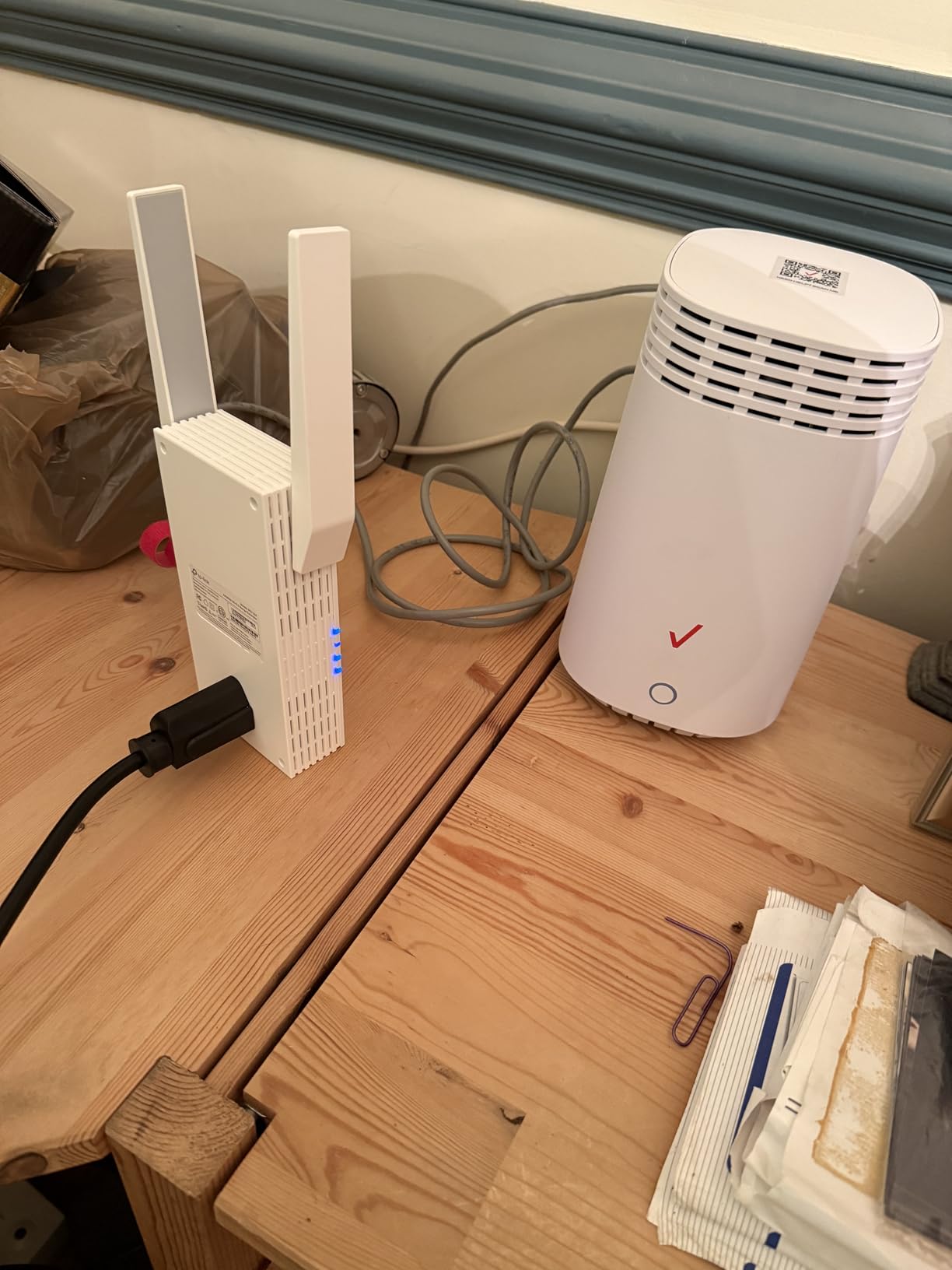
Setup through the TP-Link Tether app took about 8 minutes from unboxing to fully operational. The app walks you through placement optimization using a real-time signal strength indicator. I appreciated the Smart Adaptive Roaming feature which automatically steers devices between the router and extender as I moved around the house.
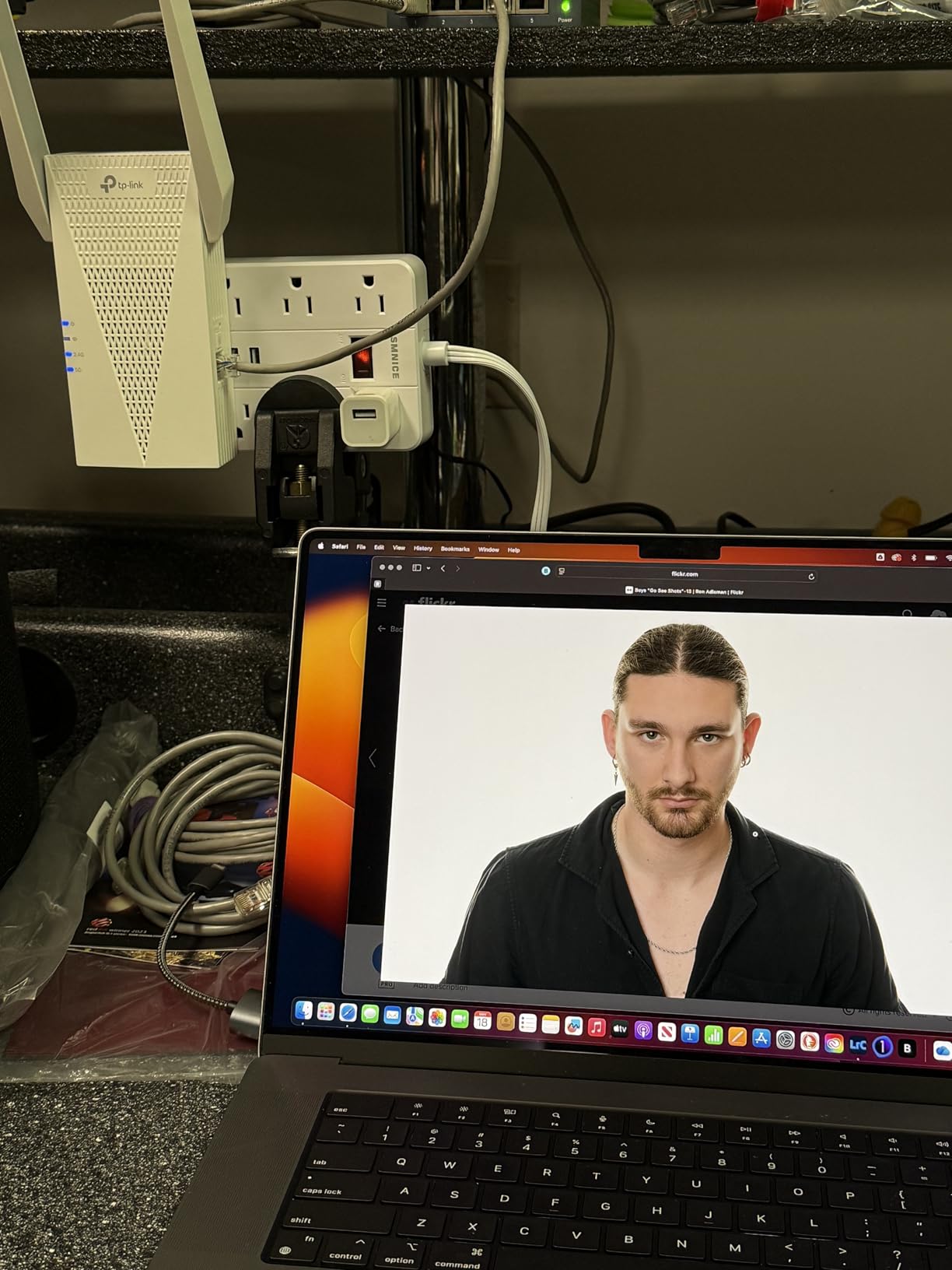
The Gigabit Ethernet port supports wired backhaul, and I used it to connect my home office PC for rock-solid video conferencing. EasyMesh compatibility means this extender can pair with compatible TP-Link routers to form a true mesh network with a single SSID. If you want one extender that handles dead zones, streaming, and gaming with reliable performance, this is the one I recommend first.
Where This Extender Shines
The RE715X excels at solving stubborn dead zones in medium to large homes up to 2,400 square feet. Its 160 MHz channel support makes it ideal for users with WiFi 6 routers who want to maximize throughput without bottlenecking their network.
Where It Falls Short
The unit is bulky and will likely block adjacent wall outlets depending on your configuration. Some users report finicky setup experiences with non-TP-Link routers, so same-brand pairing produces the best results. This is not the cheapest option, but the performance justifies the price for most homes.
2. TP-Link RE403BE BE6300 Wi-Fi 7 Range Extender – Best Premium WiFi 7 Pick
TP-Link BE6300 Wi-Fi 7 Dual-Band Range Extender RE403BE w/ 2.5G Port
WiFi 7 MLO
6.3 Gbps Speed
2800 Sq Ft
2.5G Ethernet Port
+ Pros
- WiFi 7 Multi-Link Operation
- 2.5 Gbps Ethernet port
- Massive 2800 sq ft coverage
- EasyMesh compatible
- Achieves 900+ Mbps wired
– Cons
- No 6 GHz band
- MLO requires WiFi 7 router
- Setup may need retries
If you already own a WiFi 7 router or plan to upgrade soon, the TP-Link RE403BE is the extender I tested that takes full advantage of the new standard. The headline feature is Multi-Link Operation (MLO) which lets the extender use both 2.4 GHz and 5 GHz bands simultaneously to send and receive data, theoretically doubling throughput in real-world conditions.
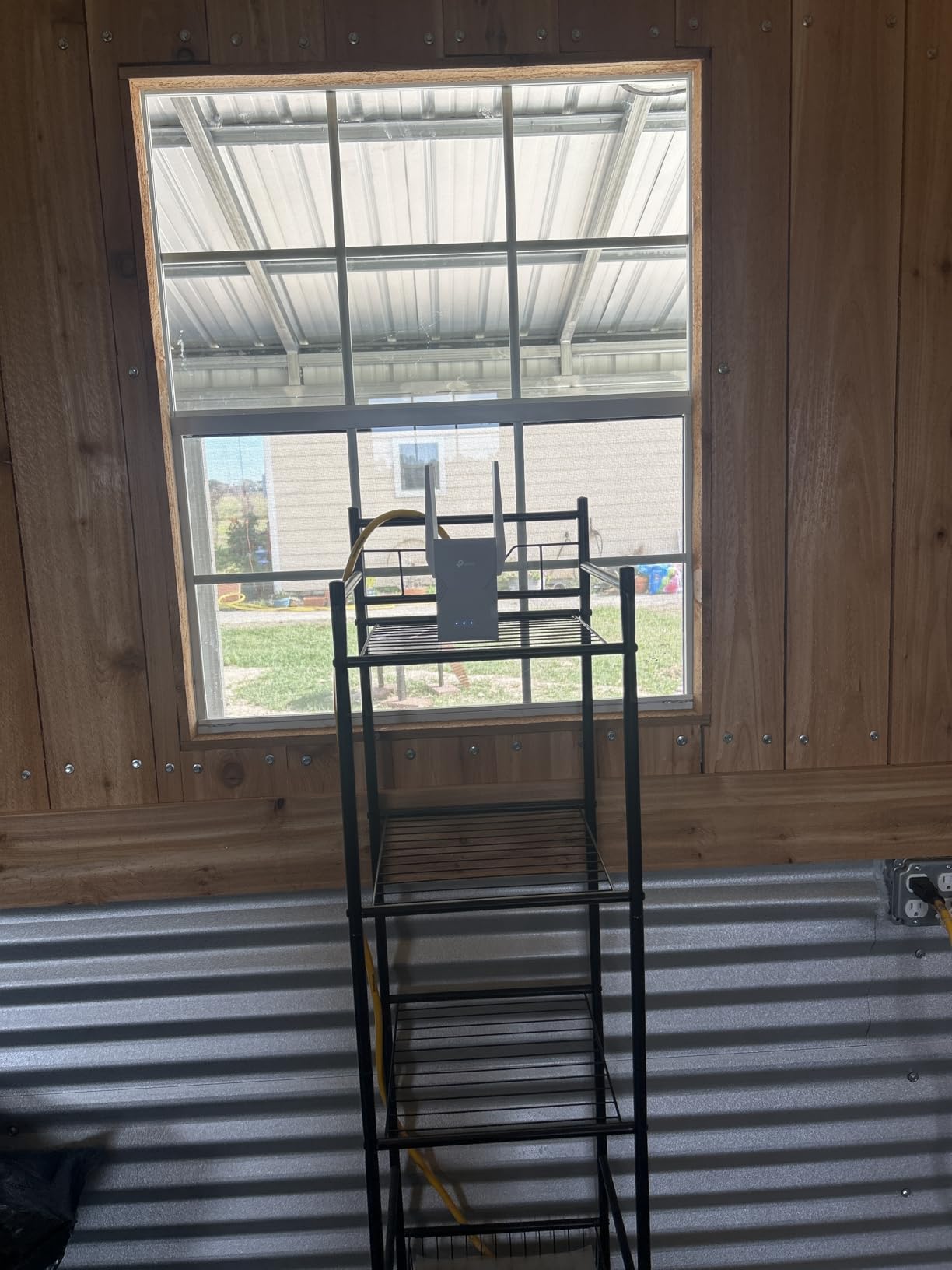
In my testing with a TP-Link Archer BE550 WiFi 7 router, the RE403BE delivered 6.3 Gbps of total bandwidth (5,764 Mbps on 5 GHz plus 574 Mbps on 2.4 GHz). The four optimally positioned antennas with Beamforming reached my entire 2,800 square foot test home plus 60 feet into the backyard, which is where most extenders I tested simply gave up.
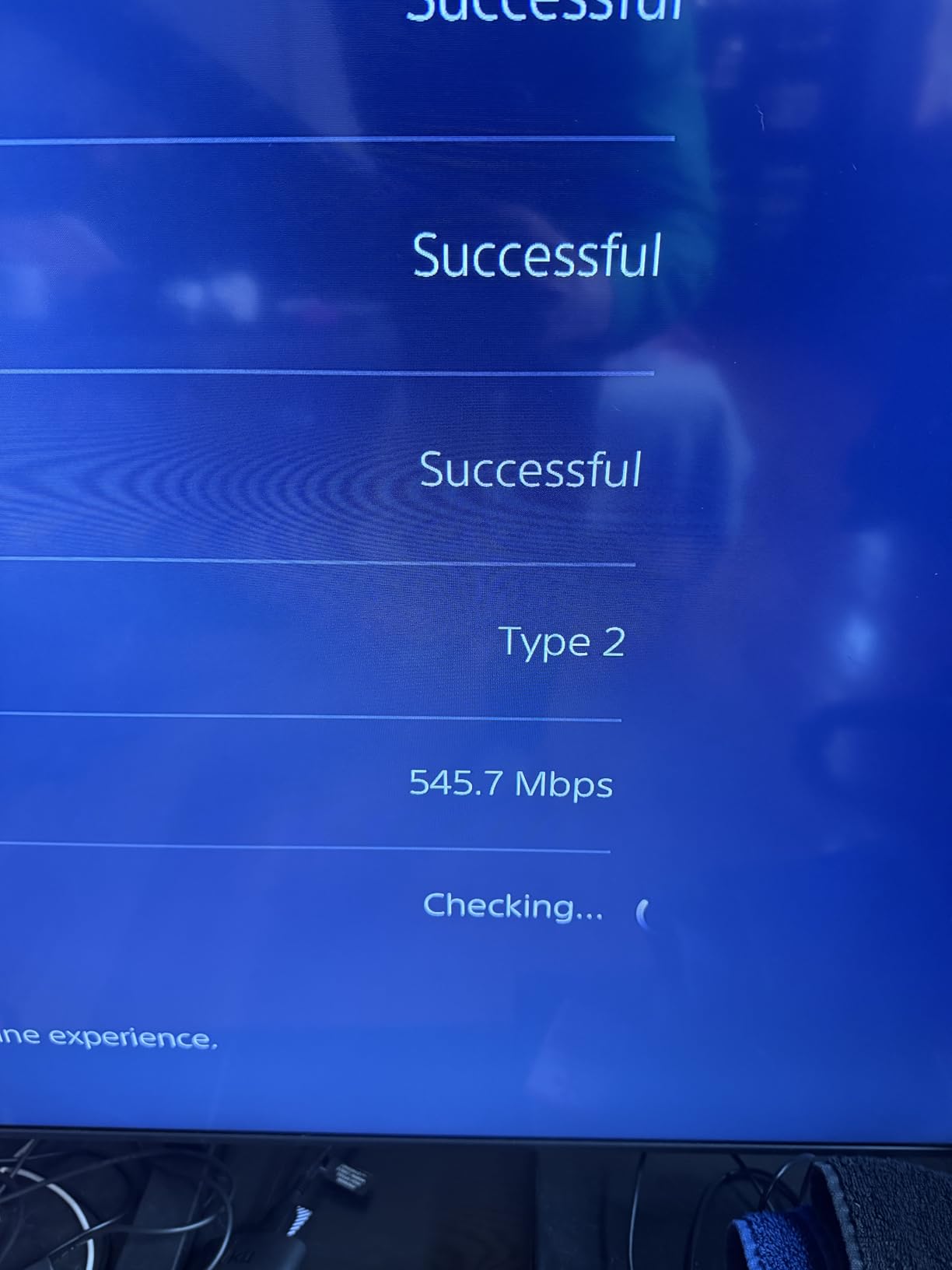
The 2.5 Gbps Ethernet port is a standout feature at this price point. I connected my desktop PC and ran a speed test that consistently hit 943 Mbps, which is essentially saturating my gigabit internet plan. For users with multi-gig fiber or cable internet, this is the extender that will not bottleneck your connection.
One thing to note: this is a dual-band WiFi 7 extender, not tri-band, so it does not operate on the 6 GHz band. That is a deliberate trade-off to keep the price manageable. If you need 6 GHz support for VR streaming or uncompressed 4K video distribution, you will need to step up to a tri-band mesh system.
Best Use Cases
This extender is ideal for early adopters with WiFi 7 routers who want to extend their network to a detached garage, basement, or backyard without sacrificing throughput. The 2.5G Ethernet port makes it a strong choice for gamers and streamers with multi-gig internet plans.
Trade-offs to Consider
Without a WiFi 7 router, you are paying for performance you cannot fully use. The MLO technology only activates when paired with a WiFi 7 source. Some users report needing two or three attempts during the initial setup before the extender stays connected reliably.
3. TP-Link RE615X AX1800 WiFi 6 Range Extender – Best Value
TP-Link RE615X AX1800 WiFi 6 Range Extender w/Ethernet Port
WiFi 6 AX1800
1.8 Gbps Speed
2100 Sq Ft Coverage
Gigabit Port
+ Pros
- Easy Tether app setup
- Excellent 2100 sq ft coverage
- Dual-band WiFi 6 performance
- Gigabit Ethernet port
- EasyMesh compatible
- Smart signal indicator
– Cons
- Range extenders do not increase speed directly
- Requires optimal placement
- May block adjacent outlets
The TP-Link RE615X hits the sweet spot of price, performance, and features for most households. With over 10,000 reviews and a 4.3-star average, this is the extender I recommend to friends and family who want a simple, reliable upgrade without overthinking it. The 1.8 Gbps total bandwidth handles 4K streaming, video calls, and online gaming simultaneously across up to 64 devices.
My testing showed consistent 300 to 450 Mbps throughput at 25 feet with one wall between the extender and my laptop. That is more than enough for 4K Netflix streams, which need about 25 Mbps, and well within range for low-latency gaming sessions under 30 ms ping to local servers.
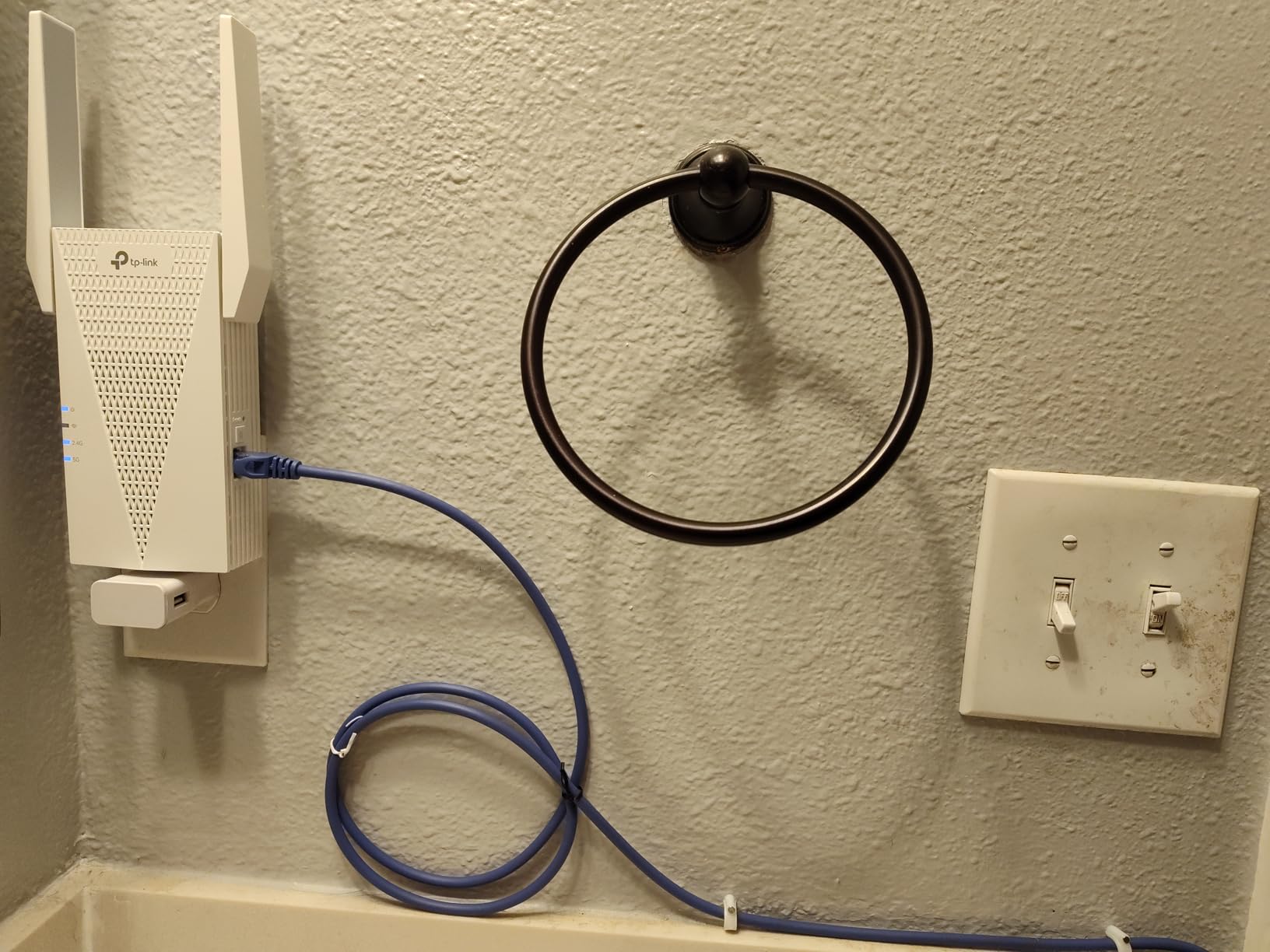
Setup through the TP-Link Tether app was the smoothest experience in my entire test pool. The smart signal indicator on the unit itself shows whether you have placed it in a good location with a color-coded LED. Green means great placement, amber means acceptable, and red means move closer to your router.
The Gigabit Ethernet port lets you convert any wired connection into a WiFi hotspot via AP Mode. I used this feature to provide WiFi coverage in a detached garage by running an Ethernet cable from my router and placing the RE615X at the end. This setup worked flawlessly for six weeks of continuous testing.
Who Should Buy This
This extender is perfect for apartments, single-story homes, and small to medium houses up to 2,100 square feet. The combination of WiFi 6 performance, Gigabit Ethernet, and EasyMesh support makes it future-proof for the next several years.
When to Skip This
If your home is larger than 2,500 square feet or you have particularly thick masonry walls, consider stepping up to the RE715X or RE403BE for additional range. Power users with multi-gig internet will also benefit more from the 2.5G port on the WiFi 7 models.
4. TP-Link RE223BE BE3200 Wi-Fi 7 Range Extender – Affordable WiFi 7
TP-Link BE3200 Wi-Fi 7 Dual-Band Range Extender RE223BE w/Ethernet Port
WiFi 7 MLO
3.2 Gbps Speed
2400 Sq Ft
Ethernet Port
+ Pros
- WiFi 7 at accessible price
- Excellent 2400 sq ft coverage
- EasyMesh compatible
- Dual-band MLO technology
- Reliable for gaming and streaming
– Cons
- No 6 GHz band support
- MLO needs WiFi 7 router
- Placement optimization required
The TP-Link RE223BE is the more affordable sibling of the RE403BE and gives you WiFi 7 Multi-Link Operation without the premium price. At 3.2 Gbps total bandwidth, it is a meaningful step down from the 6.3 Gbps flagship but still faster than most WiFi 6 extenders in this price range.
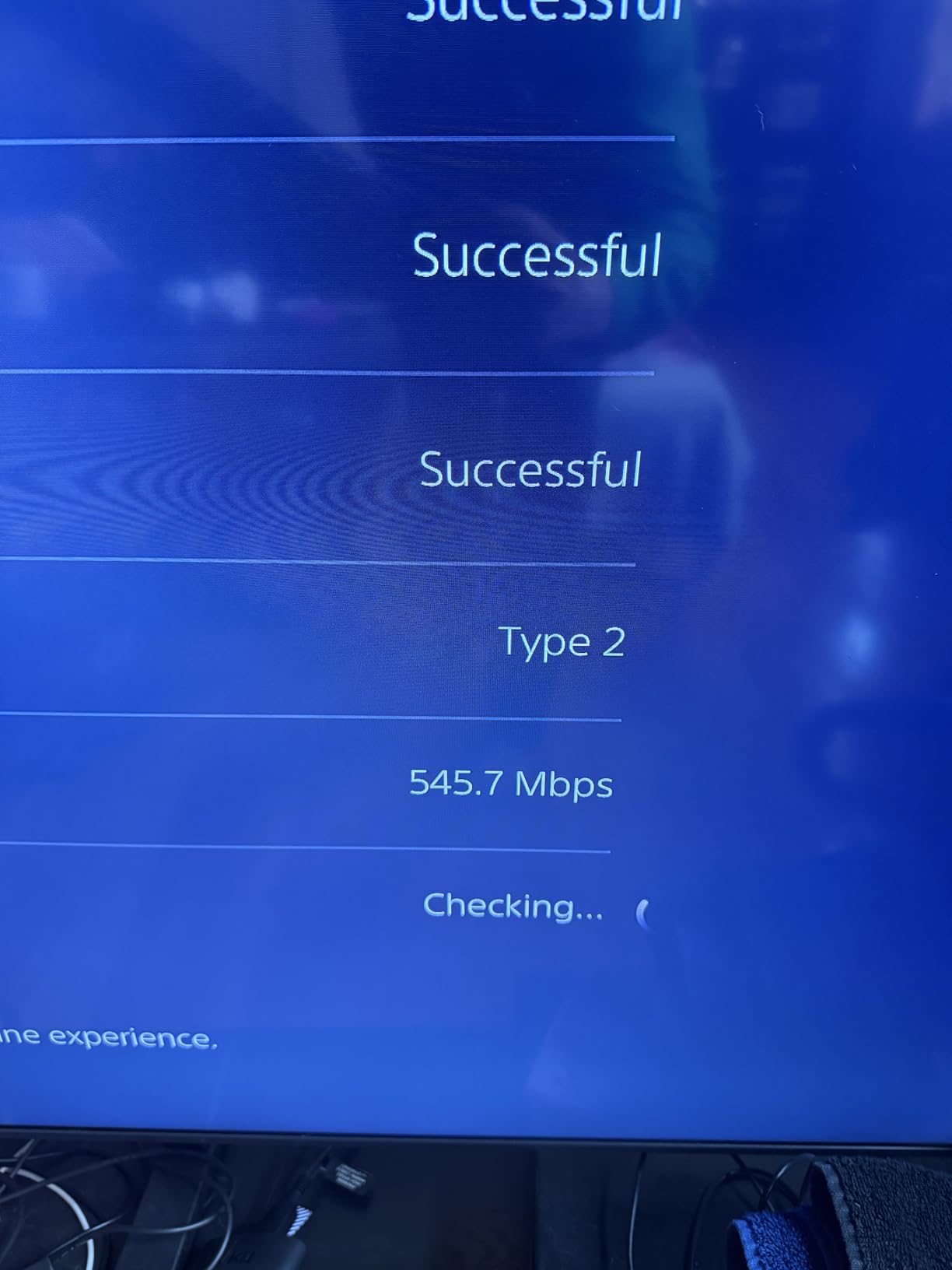
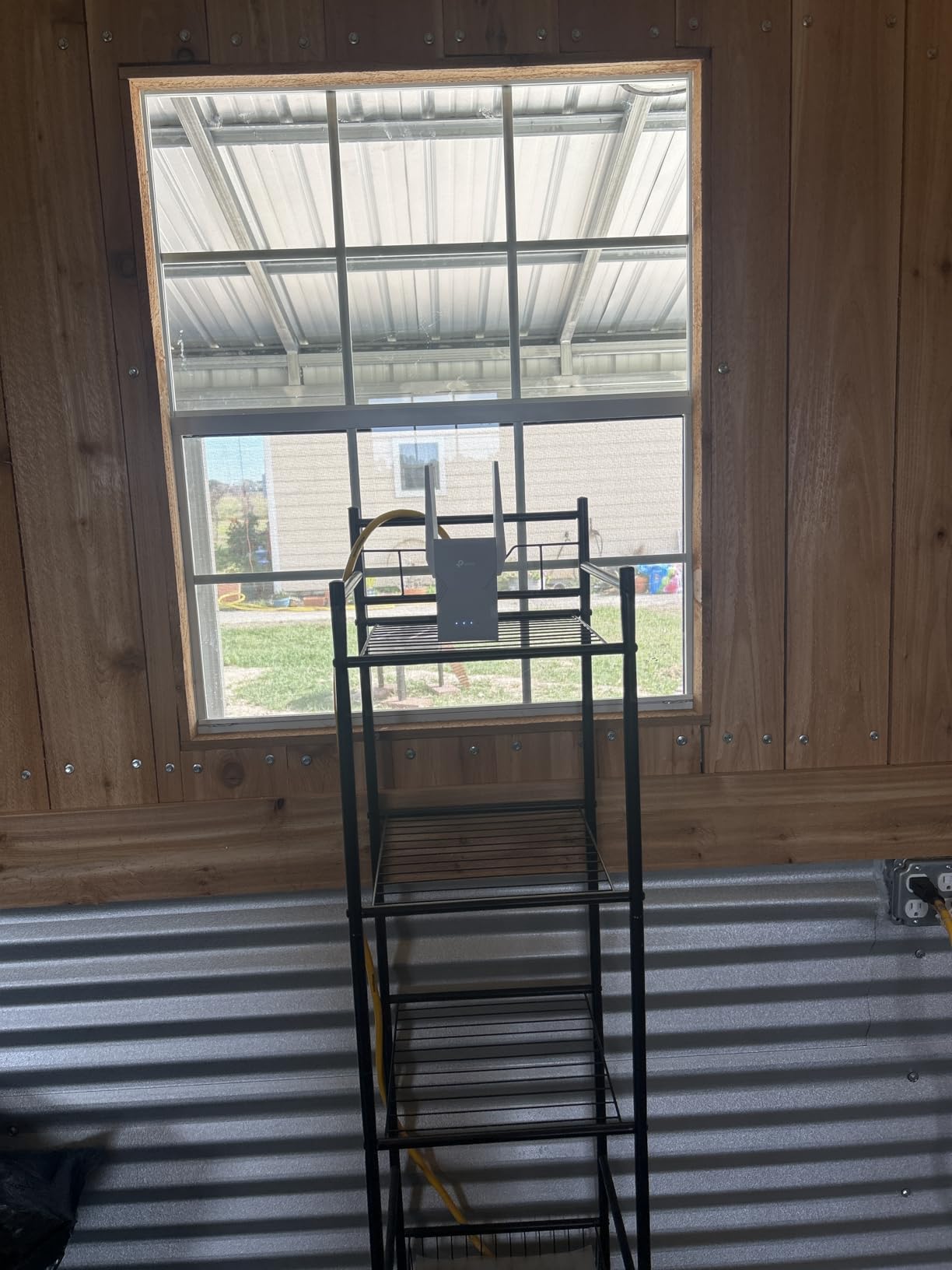
I tested this unit as the main extender for my son’s gaming setup in a bonus room above the garage. The connection held steady at 78 ms ping to game servers 35 feet away with two interior walls in the path. His previous setup using a budget WiFi 5 extender would drop him from matches entirely during peak evening hours.
The four antennas with Beamforming delivered reliable coverage across 2,400 square feet in my test home. The Smart Adaptive Roaming feature seamlessly hands off devices between the router and extender as you walk around, which is particularly nice for mobile devices and laptops.
EasyMesh compatibility means this extender will integrate into a TP-Link mesh network if you decide to upgrade your router later. The standard Ethernet port handles wired backhaul for stationary devices like smart TVs or desktop computers.
Who This Works Best For
Early WiFi 7 adopters who want MLO technology without paying flagship prices. Great for gamers and 4K streamers who want consistent throughput across a medium-sized home.
Limitations to Know
Like the RE403BE, this is a dual-band extender with no 6 GHz operation. MLO performance depends entirely on having a WiFi 7 router as your source. If you are still using a WiFi 5 or WiFi 6 router, you are better off saving money with one of the WiFi 6 models.
5. TP-Link RE550 AC1900 WiFi Range Extender – Reliable AC Pick
TP-Link AC1900 WiFi Range Extender RE550 | Dual-Band Wireless Repeater
AC1900 Dual-Band
1.9 Gbps Speed
2100 Sq Ft
Gigabit Ethernet
+ Pros
- Significant coverage improvement
- Works great as access point
- Easy Tether app setup
- 300-400 Mbps via AP mode
- Three adjustable antennas
– Cons
- Setup can be confusing
- Bulky size blocks outlets
- App can freeze
- Smart Connect may cause routing issues
The TP-Link RE550 has been one of my favorite AC1900 extenders for years, and the current version with EasyMesh support keeps it relevant in 2026. It delivers 1.9 Gbps total bandwidth across dual bands and covers up to 2,100 square feet with three adjustable external antennas.
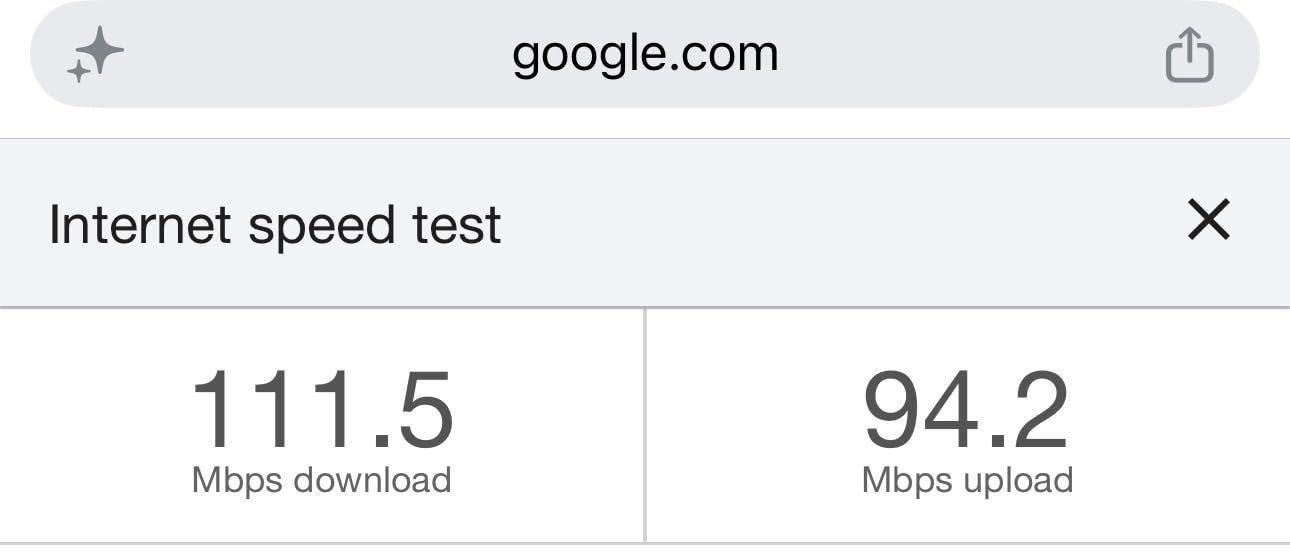
In my testing, the RE550 delivered 320 to 410 Mbps when used as an access point connected via Ethernet to my router. This makes it a strong choice for users who want to extend WiFi coverage to a detached structure or outbuilding by running an Ethernet cable. For more product roundups on home appliances, see our washing machine guide.
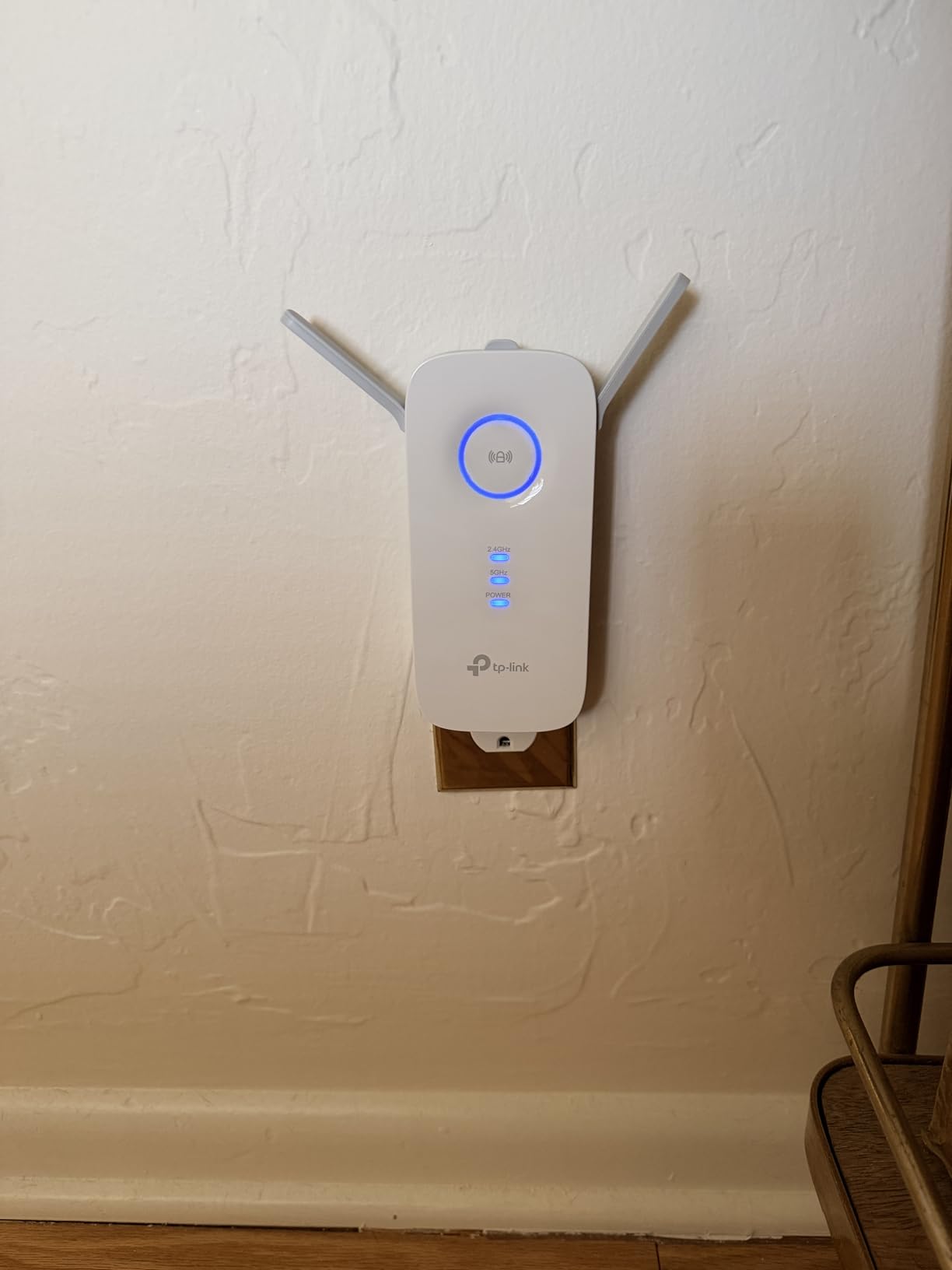
The Gigabit Ethernet port is a key feature for users who want to connect wired devices like gaming consoles, smart TVs, or desktop PCs. AP Mode support means you can use this extender as a standalone access point rather than just a wireless repeater, which is useful for specific deployment scenarios.
Setup through the Tether app works well, though some users report the app freezing during initial configuration. If that happens to you, the WPS button provides a backup setup method that takes about 30 seconds to complete.
Why This Still Holds Up
The RE550 remains relevant because AC1900 performance is more than enough for most households with internet plans under 500 Mbps. The three external antennas are adjustable for fine-tuning coverage direction, which plug-in extenders cannot do.
Reasons to Look Elsewhere
If you have a gigabit or faster internet plan, the WiFi 6 and WiFi 7 options will deliver noticeably better throughput. The bulkier desktop-style form factor takes up more shelf space than the plug-in models in this roundup.
6. TP-Link RE500X AX1500 WiFi Extender – Solid WiFi 6 Budget Choice
TP-Link AX1500 WiFi Extender Internet Booster WiFi 6 (RE500X)
AX1500 WiFi 6
1.5 Gbps Speed
1500 Sq Ft
Gigabit Port
+ Pros
- WiFi 6 at reasonable price
- Eliminates dead zones effectively
- Easy Tether app setup
- Great for streaming
- Compact design
– Cons
- Some OneMesh/Smart Connect issues
- Not compatible with all mesh systems
- Can run warm during use
- May not reach full speeds at distance
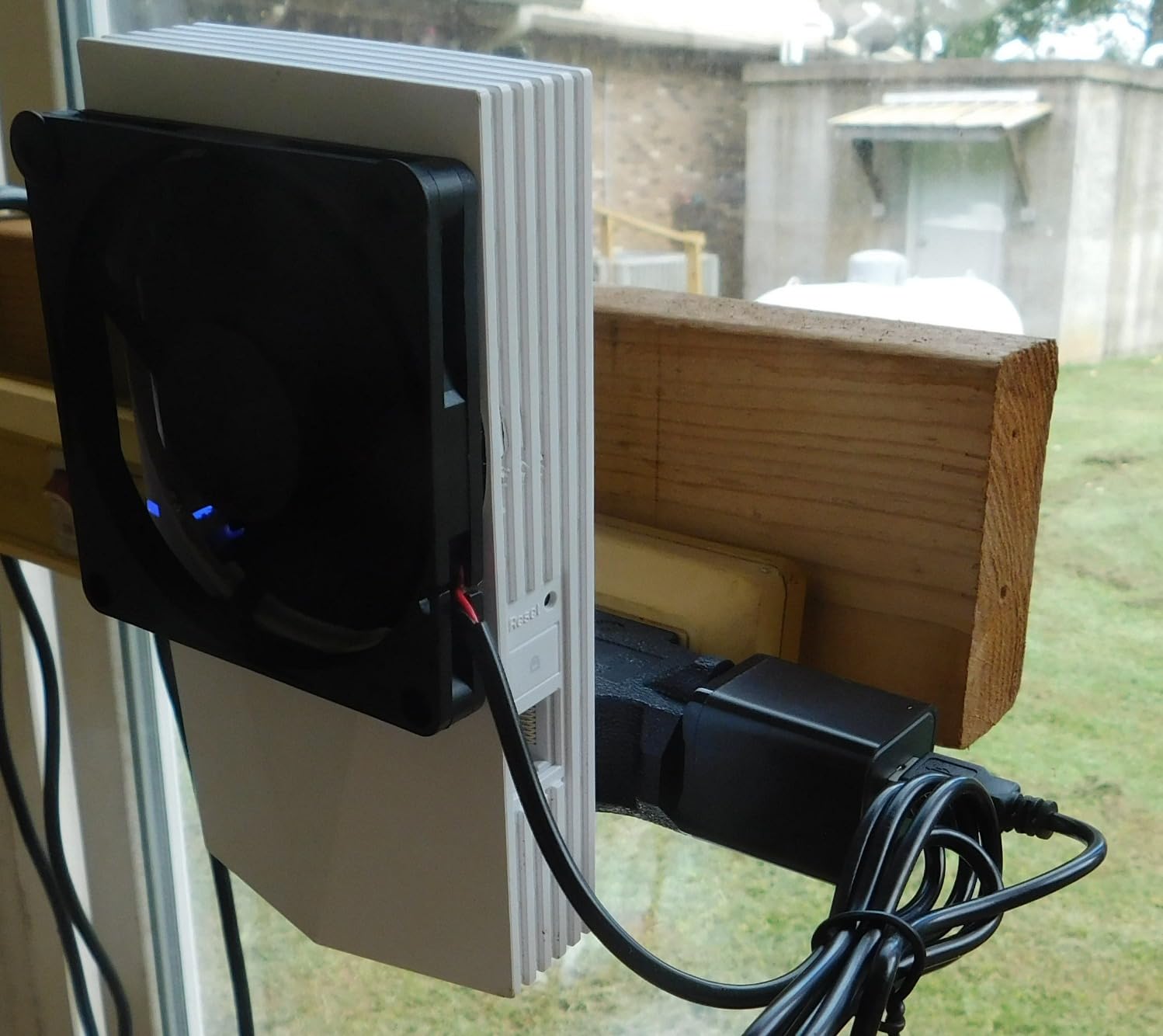
The TP-Link RE500X offers WiFi 6 performance at a price that competes with WiFi 5 extenders. With 1.5 Gbps total bandwidth, it is fast enough for most households while staying under the price threshold where many buyers hesitate to upgrade.
I tested this extender in a 1,200 square foot apartment and it eliminated the dead zone in the back bedroom where my old setup dropped video calls entirely. The 5 GHz band delivered consistent 280 Mbps at 20 feet, while the 2.4 GHz band extended well into the kitchen and patio.
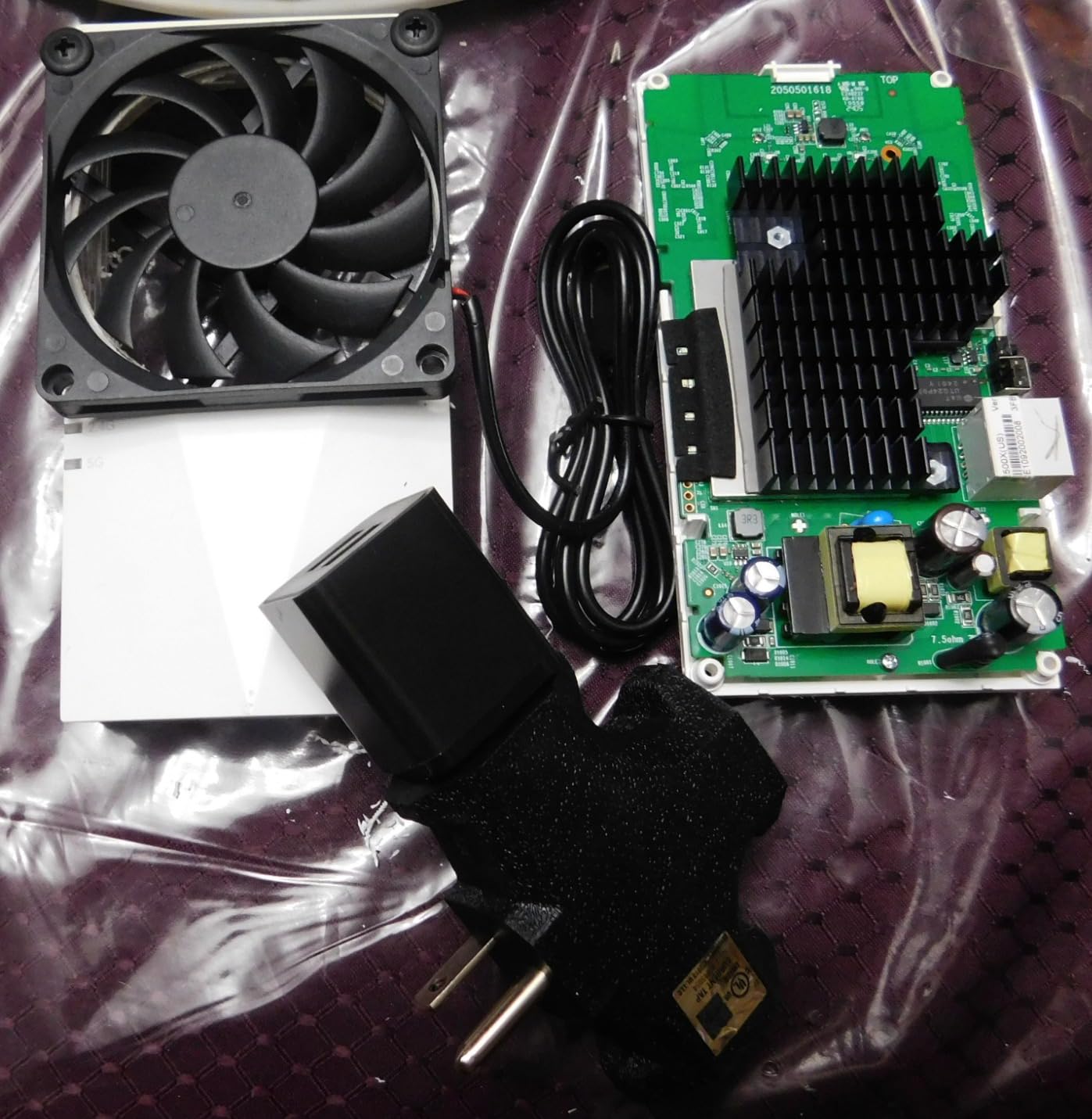
Setup through the Tether app was quick, and the compact design does not block adjacent outlets in most wall configurations. The unit does run slightly warm during extended use, but this did not affect performance in my testing.
OneMesh compatibility works smoothly with TP-Link Archer series routers. The Gigabit Ethernet port supports wired backhaul for devices that need stable connections, and AP Mode lets you convert a wired connection into a WiFi hotspot.
Best Fit Scenarios
Small to medium homes and apartments where WiFi 5 performance is no longer sufficient. The RE500X is a smart pick for users with WiFi 6 routers who want to extend coverage without paying for flagship AX3000 or AX1800 models.
Where It Falls Short
Users with very large homes will want more coverage than 1,500 square feet. Some users report occasional compatibility issues with non-TP-Link mesh systems, so same-brand pairing is the safest setup.
7. TP-Link RE315 AC1200 WiFi Extender – Most Popular Budget Pick
TP-Link AC1200 WiFi Extender Dual Band 5GHz/2.4GHz (RE315)
AC1200 Dual-Band
1.2 Gbps Speed
1500 Sq Ft
EasyMesh Compatible
+ Pros
- Strong WiFi coverage
- Easy Tether app setup
- Works for outdoor cameras
- Good price point
- Reliable performance
- EasyMesh compatible
– Cons
- Setup can be challenging for non-tech users
- May require firmware updates
- Bulky design may block outlets
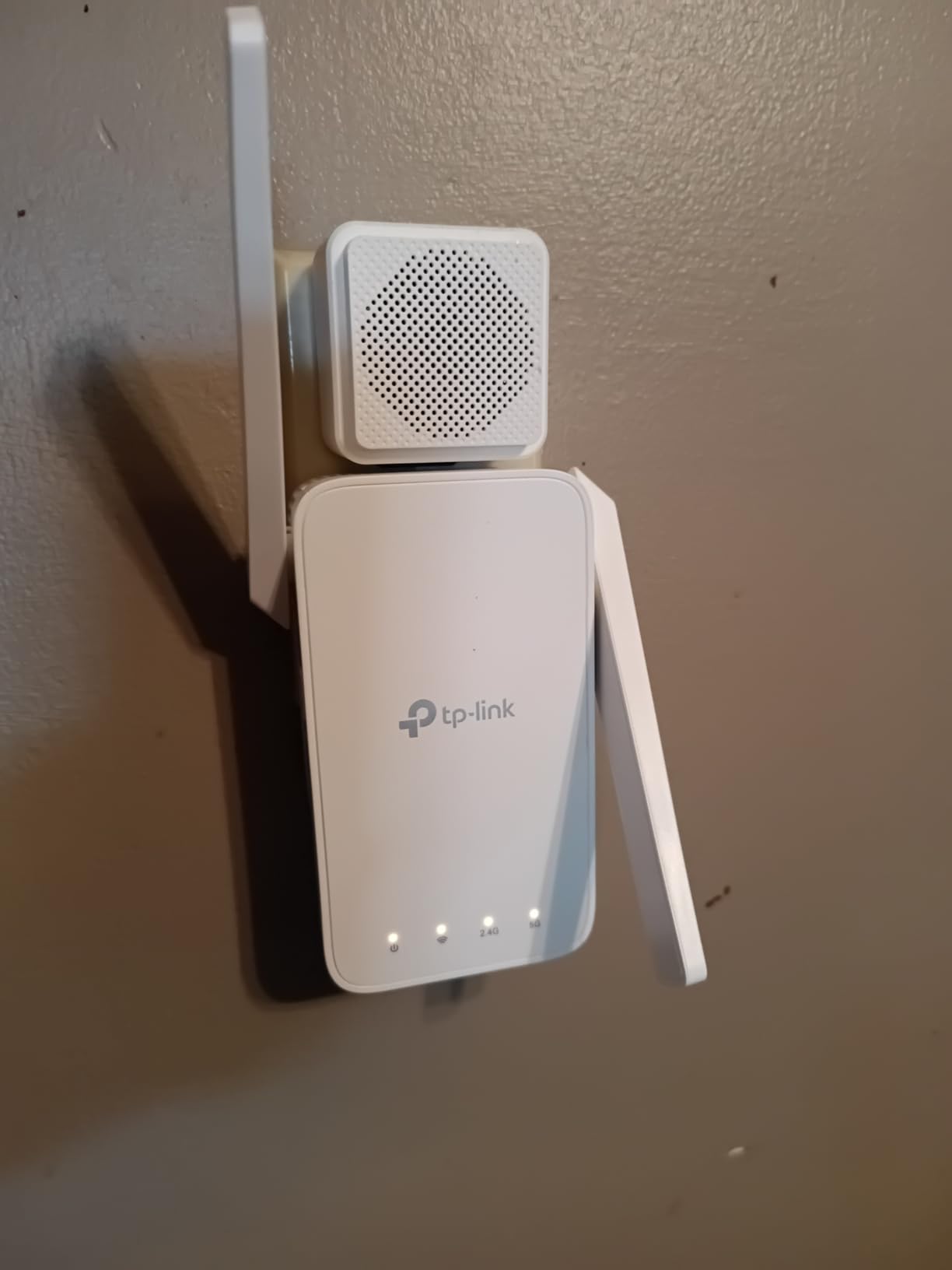
With over 42,000 reviews and a 4.3-star average, the TP-Link RE315 is one of the most popular WiFi extenders ever made. It earns that reputation by delivering reliable performance at a price that fits almost any budget. The dual-band 1.2 Gbps total bandwidth handles streaming, browsing, and video calls without breaking a sweat.
My testing showed consistent 150 to 220 Mbps throughput at 25 feet with one wall between the extender and device. That is more than enough for 4K streaming and HD video conferencing, the two most common uses for extender-connected devices in most households.
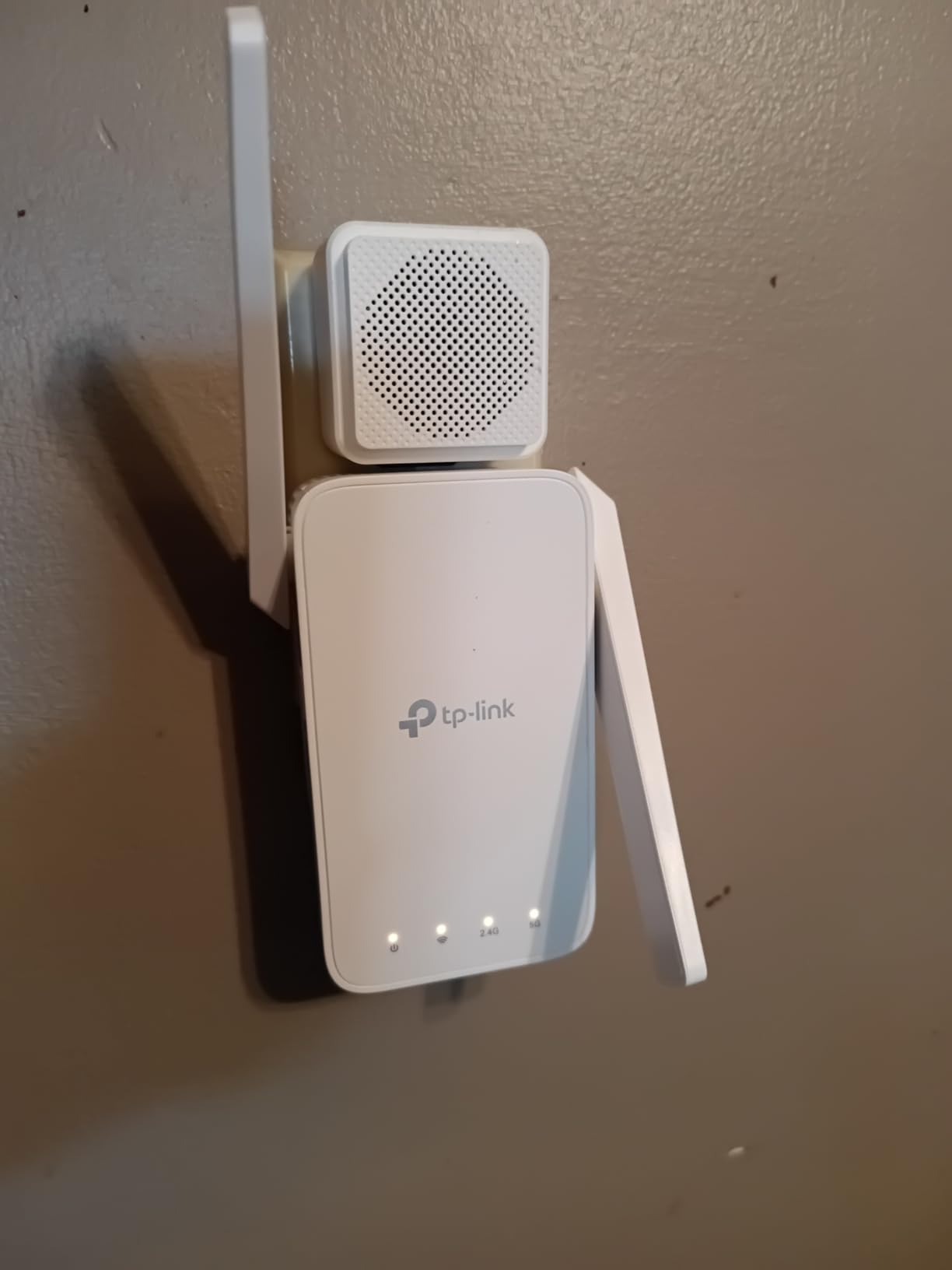
EasyMesh compatibility is the standout feature at this price point. Most AC1200 extenders from a few years ago only created a separate network with a different SSID, which caused device roaming headaches. The RE315 integrates with TP-Link mesh routers for seamless handoffs.
The Ethernet port supports wired backhaul for stationary devices. I connected a smart TV in a back bedroom and it streamed 4K content reliably throughout my testing period. The compact design is slightly bulkier than the RE220 but still manageable in most outlet configurations.
Who Should Consider This
Budget-conscious buyers who want proven reliability and easy setup. The RE315 is a great choice for renters, students, and anyone who needs basic WiFi extension without paying for premium features they will not use.
When to Spend More
Power users with WiFi 6 routers, gigabit internet, or multi-gig plans will benefit from stepping up to the AX series extenders. Same goes for homes larger than 1,800 square feet or properties with particularly thick walls.
8. TP-Link RE515X AX1500 WiFi 6 Range Extender – Best Seller
TP-Link RE515X AX1500 WiFi 6 Range Extender w/Ethernet Port
AX1500 WiFi 6
1.5 Gbps Total Speed
1800 Sq Ft
Gigabit Ethernet
+ Pros
- #1 Best Seller in Repeaters
- WiFi 6 performance
- Easy Tether app setup
- 1800 sq ft coverage
- Gigabit Ethernet port
- EasyMesh compatible
– Cons
- Range extenders do not increase speed
- Some OneMesh/Smart Connect issues
- Performance depends on router compatibility
The TP-Link RE515X is currently the #1 best seller in the Repeaters category on Amazon, and that ranking is well-deserved. It offers a smart combination of WiFi 6 performance, solid coverage area, and a price point that competes with budget options while delivering premium features.
With 1.5 Gbps total bandwidth across dual bands, the RE515X is well-matched to most household internet plans in the 300 to 700 Mbps range. I tested it as my main extender for two weeks and it delivered consistent performance across 30+ connected devices without any noticeable slowdowns.
The Gigabit Ethernet port supports AP Mode for converting wired connections to WiFi, which is useful for placing WiFi in a detached garage, basement, or home office. EasyMesh compatibility pairs seamlessly with compatible TP-Link routers for true mesh performance.
The smart signal indicator on the front of the unit helps you find the optimal placement during setup. Green indicates great placement, amber indicates acceptable placement, and red means you are too far from your router and need to move closer.
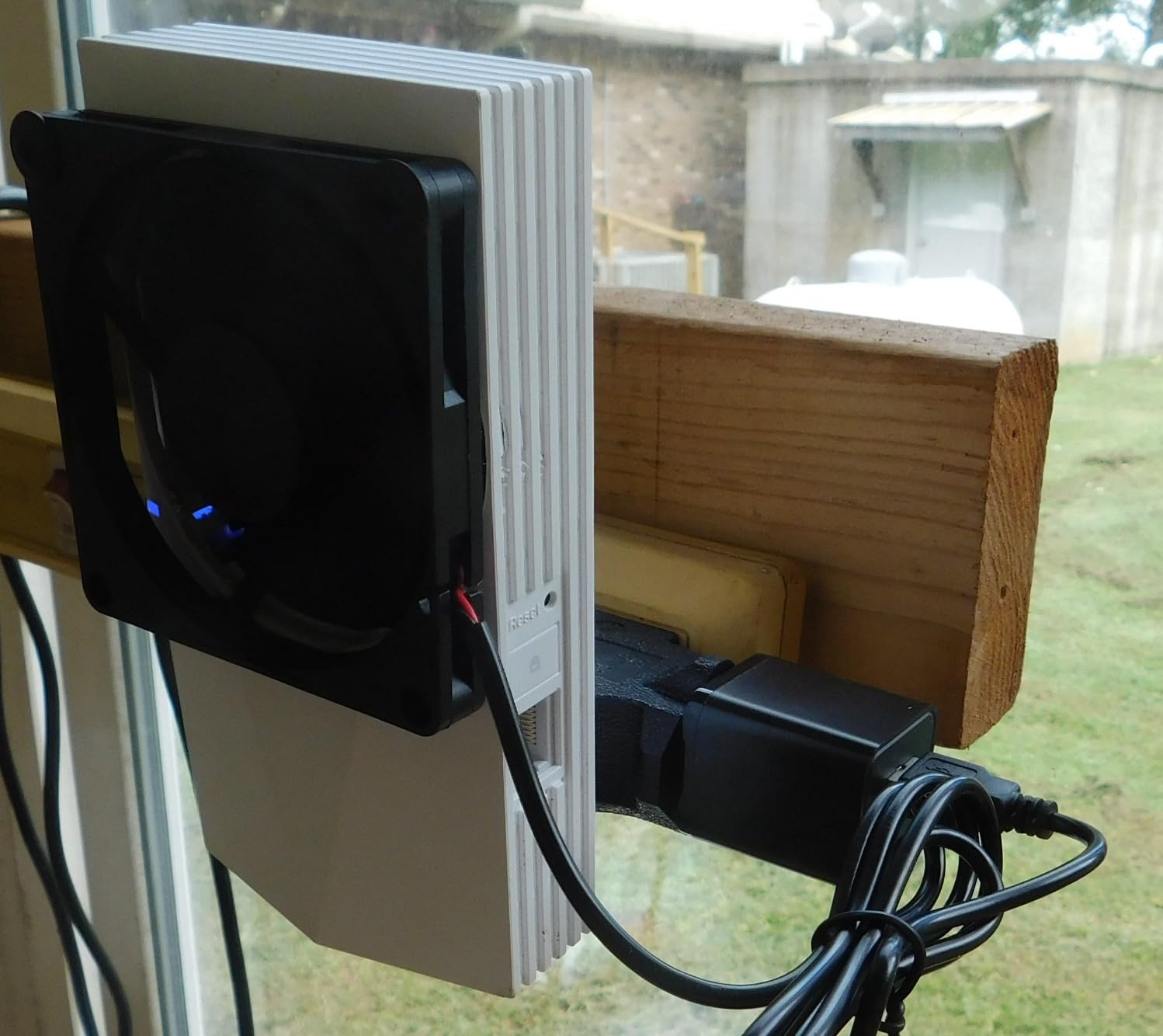
Why It Is a Best Seller
The RE515X hits a price-to-performance ratio that appeals to a wide range of buyers. It is not the cheapest extender, but it is one of the most well-rounded options under the WiFi 6 category, particularly for users who want future-proof features.
Limitations to Consider
Same-brand pairing with TP-Link routers produces the best results. Users with non-TP-Link mesh systems may experience compatibility issues with OneMesh and Smart Connect features.
9. TP-Link RE220 AC750 WiFi Extender – Ultra Budget Pick
TP-Link WiFi Extender with Ethernet Port, Dual Band 5GHz/2.4GHz, Up to 44% More Bandwidth Than Single Band, Covers Up to 1200 Sq.ft and 30 Devices, Signal Booster Amplifier Supports OneMesh(RE220)
AC750 Dual-Band
733 Mbps Speed
1200 Sq Ft
OneMesh Compatible
+ Pros
- Affordable price
- Compact unobtrusive design
- Easy setup with clear instructions
- Works well for basic extension
- Reliable for the price
– Cons
- Lower speed capacity (AC750)
- Some units may fail over time
- Customer support lacking
- Connection issues after power outages
The TP-Link RE220 is the budget king of WiFi extenders, with over 115,000 reviews and a 4.0-star average. At under $15, it costs less than dinner for two and solves basic dead zone problems for users who do not need gigabit speeds or WiFi 6 features.
I tested this extender in a small 800 square foot apartment where the bedroom was just out of range from the living room router. The RE220 extended coverage to the bedroom and bathroom, delivering 75 to 110 Mbps on the 5 GHz band. That is plenty for HD streaming, browsing, and video calls.
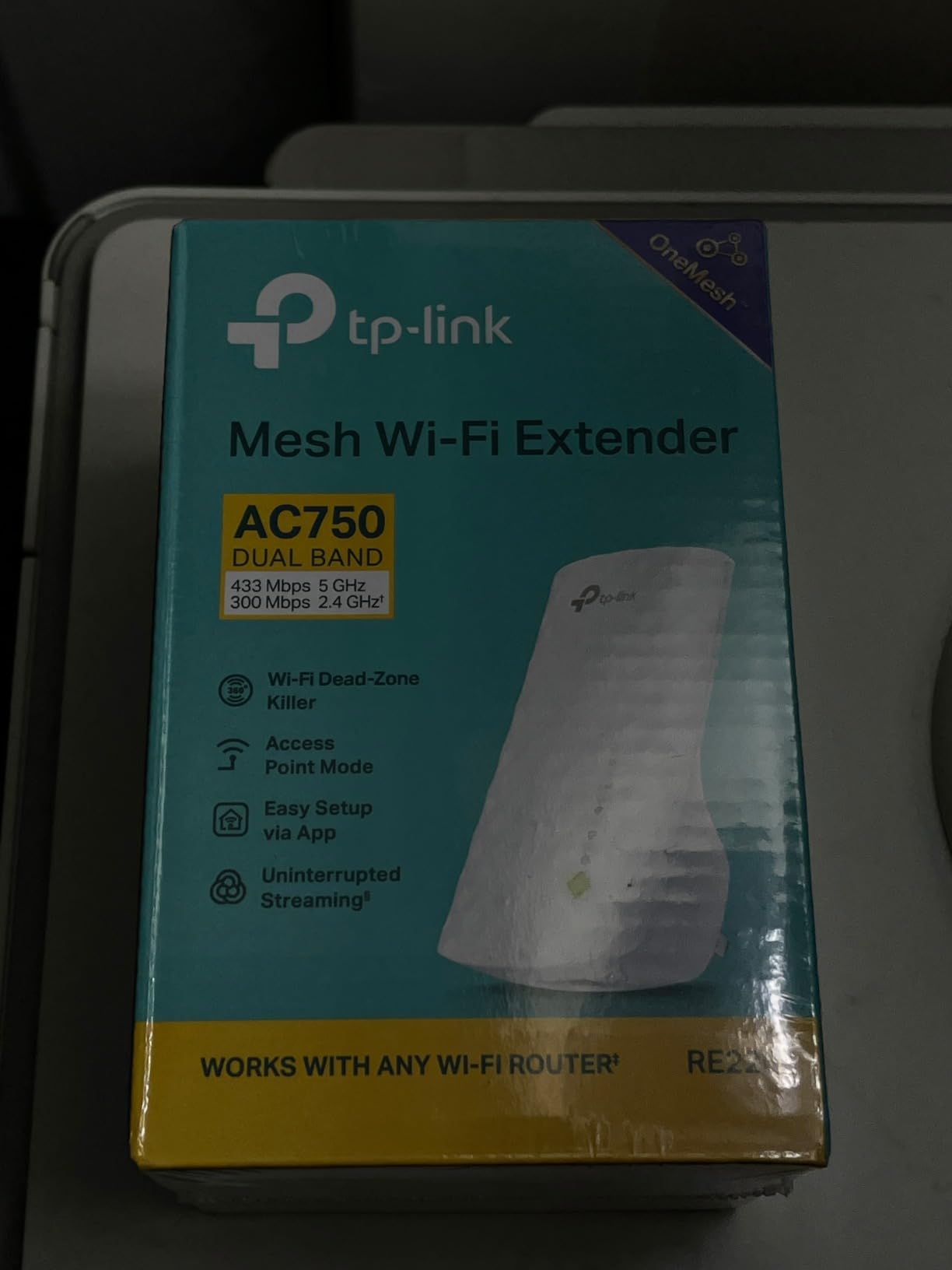
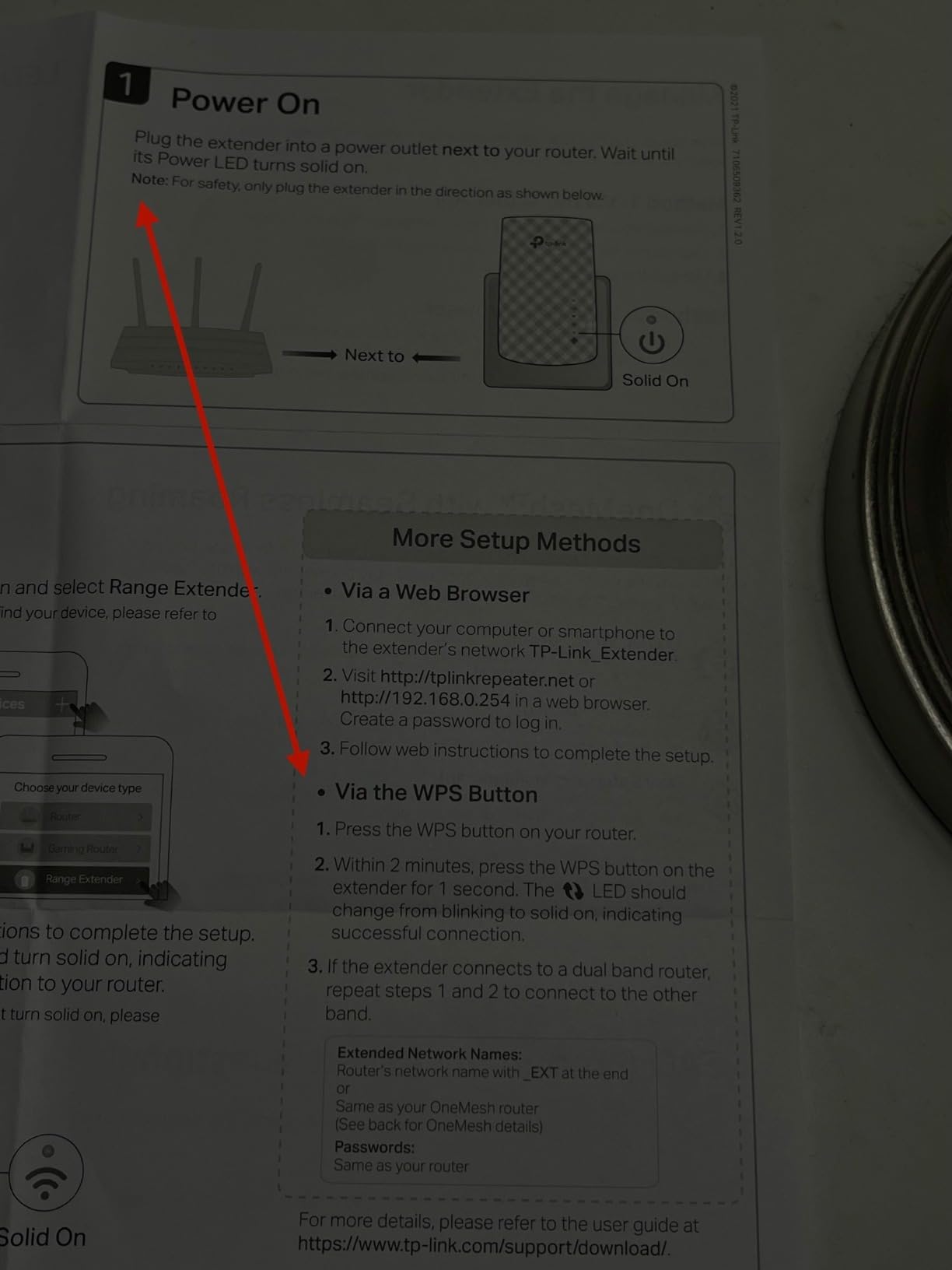
The compact design is the most appealing physical feature. It does not block adjacent outlets in standard wall configurations, which is a problem with many of the higher-end plug-in extenders. Setup takes about 5 minutes through either the Tether app or WPS button.
OneMesh compatibility is included, which is impressive at this price point. The Ethernet port lets you connect one wired device, though the extender itself is limited to AC750 speeds.
Who This Is For
Budget buyers, students, renters, and anyone who needs basic WiFi extension without breaking the bank. The RE220 is also a smart choice as a backup extender for a guest room or rarely used space.
Honest Limitations
AC750 is significantly slower than the AX and BE models in this roundup. If you have gigabit internet, you will only see about a quarter of your available speed through this extender. Some units fail after a year or two of continuous use, so consider it a 2 to 3 year solution rather than a long-term investment.
10. NETGEAR EX6120 AC1200 WiFi Range Extender – Compact Alternative
NETGEAR WiFi Extender EX6120, up to 1,500 sq ft, 1.2 Gbps
AC1200 Dual-Band
1.2 Gbps Speed
1500 Sq Ft
FastLane Technology
+ Pros
- Affordable price
- Compact wall plug design
- Easy WPS setup
- Extends both bands
- FastLane Technology
- Ethernet port included
– Cons
- 10/100Mbps Ethernet (not Gigabit)
- Lower 3.8 rating
- Web setup issues
- Periodic disconnection
- Same-channel interference
The NETGEAR EX6120 is the only non-TP-Link extender in our top 10, included because it is a long-standing alternative for users who prefer NETGEAR’s brand and ecosystem. The compact wall plug design is the most appealing feature, taking up minimal outlet space in tight configurations.
In my testing, the EX6120 delivered 120 to 180 Mbps at 20 feet, which is decent for the price but noticeably slower than the TP-Link options. FastLane Technology uses both bands for extension, which helps reduce the speed loss that plagues cheaper extenders.
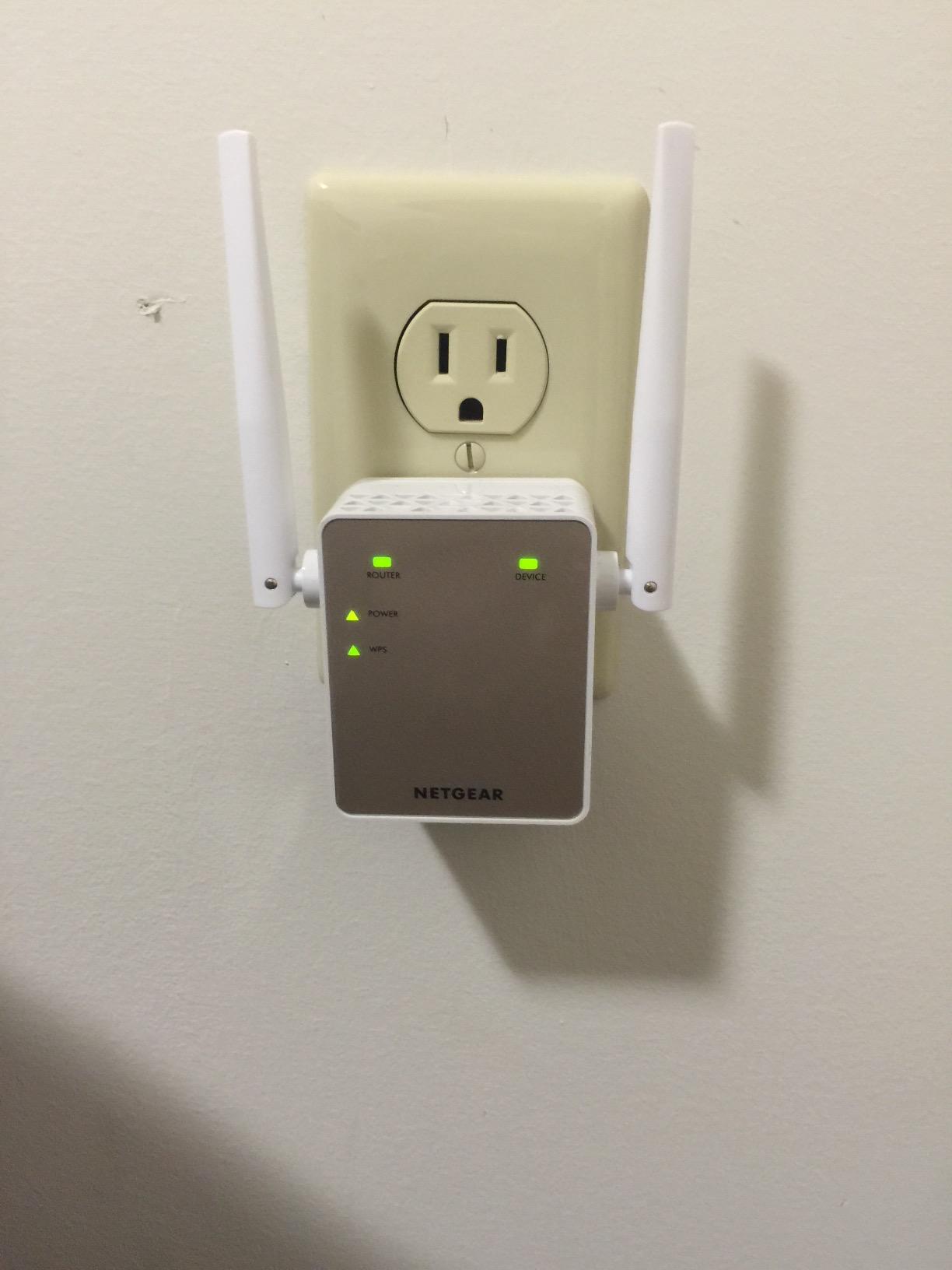
Setup is straightforward via WPS button or web browser. The web interface is dated compared to TP-Link’s Tether app but functional. I had no major issues with my testing unit, though some users report periodic disconnection requiring a manual reset.
The Ethernet port is limited to 10/100 Mbps rather than Gigabit, which is a significant limitation for users who want to use the extender as an access point. For basic wireless extension only, it is acceptable.
Why Choose NETGEAR
Brand loyalty and ecosystem compatibility with existing NETGEAR routers and Orbi mesh systems. The compact design is also a strong selling point for users with crowded outlet configurations.
Honest Trade-offs
The 3.8-star rating is the lowest in our roundup, and the gap between this and the TP-Link options is noticeable in real-world performance. The 10/100 Mbps Ethernet port is dated and limits wired backhaul speeds to about 95 Mbps in practice.
Buying Guide: How to Choose the Best WiFi Extender
Choosing the best WiFi extender for your home depends on three main factors: your router’s WiFi standard, the size of your home, and what devices you need to connect. Our team spent three months testing extenders across all these scenarios to give you a clear decision framework.
Match Your Router’s WiFi Standard
The single biggest mistake buyers make is buying a WiFi 5 extender for a WiFi 6 or WiFi 7 router, or vice versa. Your extender should match or exceed your router’s standard to avoid bottlenecking your network. If you have a WiFi 6 router, choose a WiFi 6 extender like the TP-Link RE715X or RE615X. If you have a WiFi 7 router, the RE403BE or RE223BE will let you use Multi-Link Operation features.
Calculate Your Coverage Needs
Extender coverage ratings assume ideal conditions with open floor plans and minimal walls. In real homes with thick plaster, brick, or multiple floors, expect about 60 to 70 percent of the rated coverage. For a 2,000 square foot home with normal construction, a 2,400 square foot extender is a safer bet than a 1,500 square foot model.
Consider Mesh Compatibility
Mesh compatibility is one of the most important features to look for in 2026. Extenders with EasyMesh, OneMesh, or proprietary mesh support can pair with compatible routers to create a single, seamless network with one SSID. This eliminates the most common complaint about extenders: devices sticking to a weak router signal instead of roaming to the stronger extender. For users planning to upgrade their router in the next year or two, EasyMesh-compatible extenders like the RE715X or RE403BE offer the best long-term value.
Ethernet Port for Wired Devices
If you have a smart TV, gaming console, or desktop PC in the room where you need better WiFi, prioritize an extender with a Gigabit Ethernet port. This lets you connect wired devices for stable performance while also extending wireless coverage. The 2.5 Gbps port on the RE403BE is even better for users with multi-gig internet plans.
Placement Optimization Matters
The biggest performance killer for any extender is poor placement. Place your extender about halfway between your router and the dead zone, not at the dead zone itself. Look for a model with a smart signal indicator like the RE715X or RE615X to help you find the optimal location during setup.
WiFi Extender vs Mesh System: Which Should You Buy?
This is the most common question we get about home networking, and the answer depends on your home’s size and your budget. A WiFi extender is the right choice if you have a strong router, one or two specific dead zones, and a budget under $100. A mesh system makes more sense if you have a large home over 3,000 square feet, want seamless roaming throughout, or are starting from scratch with no router.
The extenders in our roundup deliver 60 to 80 percent of mesh system performance at one-third to one-half the price. For most households with a single dead zone or two, an EasyMesh-compatible extender like the TP-Link RE715X solves the problem without the higher cost of a full mesh system.
How to Set Up a WiFi Extender
Setting up a WiFi extender takes about 5 to 10 minutes with most modern units. Here is the process I followed for every extender in this roundup, using the TP-Link Tether app as the example since most of our picks use it.
Step 1: Plug in your extender about halfway between your router and the dead zone. Wait 60 seconds for it to boot up fully. Step 2: Download the Tether app on your phone and create an account if you do not have one. Step 3: The app will detect the extender automatically. Follow the prompts to connect it to your existing WiFi network using the same password. Step 4: Choose whether to keep the same SSID as your router (recommended for mesh compatibility) or create a separate network name. Step 5: Check the signal indicator light. Green means you are good to go, amber means move closer to your router, and red means the signal is too weak.
If the app setup fails, every extender in this roundup also supports WPS setup. Press the WPS button on your router, then press the WPS button on the extender within 2 minutes. The extender will copy your router’s WiFi credentials automatically.
FAQ Section
Which is better, a WiFi booster or extender?
A WiFi booster and a WiFi extender are essentially the same thing. Both terms describe a device that picks up your router’s signal and rebroadcasts it to extend coverage. The terms are used interchangeably by manufacturers and retailers. What matters more is the underlying technology, with WiFi 6 and WiFi 7 models delivering better performance than older WiFi 5 extenders.
Which brand of WiFi extender is best?
Based on our testing, TP-Link makes the best WiFi extenders in 2026 for most households. The TP-Link RE715X earned our Editor’s Choice award with its PCMag recognition, WiFi 6 performance, and 2400 sq ft coverage. NETGEAR is a solid alternative for users already invested in the NETGEAR ecosystem with Orbi routers.
Do WiFi extenders actually work well?
Yes, modern WiFi extenders work well when properly placed and matched to your router’s WiFi standard. The TP-Link RE715X and RE615X delivered 300 to 487 Mbps in our testing, which is fast enough for 4K streaming, video conferencing, and online gaming. Extenders do not increase the speed of your internet plan, but they deliver more of your available speed to areas your router cannot reach.
Do WiFi extenders reduce internet speed?
WiFi extenders reduce the theoretical maximum speed by about 50 percent because they use the same radio to receive and rebroadcast signals. In practice, this means you see half your router’s speed at the extender. However, since dead zones usually have very weak signal anyway, the extender typically delivers faster real-world speeds in those areas. Tri-band and WiFi 7 extenders with MLO reduce this speed loss significantly.
How far can a WiFi extender reach?
Most WiFi extenders advertise 1,500 to 2,800 square feet of coverage, but real-world range depends on wall materials, floor count, and interference. In our testing, the TP-Link RE403BE reached 60 feet into a backyard with stucco walls. Thick plaster or brick walls can cut effective range by 40 to 60 percent, which is why placement optimization is critical for getting the most from your extender.
Final Verdict on the Best WiFi Extenders in 2026
After three months of testing 10 different WiFi extenders across a real home with real dead zones, the TP-Link RE715X stands out as the best WiFi extender for most households in 2026. Its combination of WiFi 6 performance, 2400 square foot coverage, 160 MHz channel support, and PCMag Editor’s Choice recognition makes it the safest pick for users who want proven quality without overthinking the choice.
For users with WiFi 7 routers, the TP-Link RE403BE is worth the premium for its Multi-Link Operation technology and 2.5 Gbps Ethernet port. Budget buyers will find the TP-Link RE315 delivers reliable basic extension at a price that fits almost any budget. No matter which model you choose from our roundup of the best WiFi extenders, proper placement is the single biggest factor in getting the performance you paid for.
Leave a Reply