Category: CPU Coolers

  • 10 Best Mini ITX CPU Coolers (August 2026): Top Picks for Small Form Factor Builds

    10 Best Mini ITX CPU Coolers (August 2026): Top Picks for Small Form Factor Builds

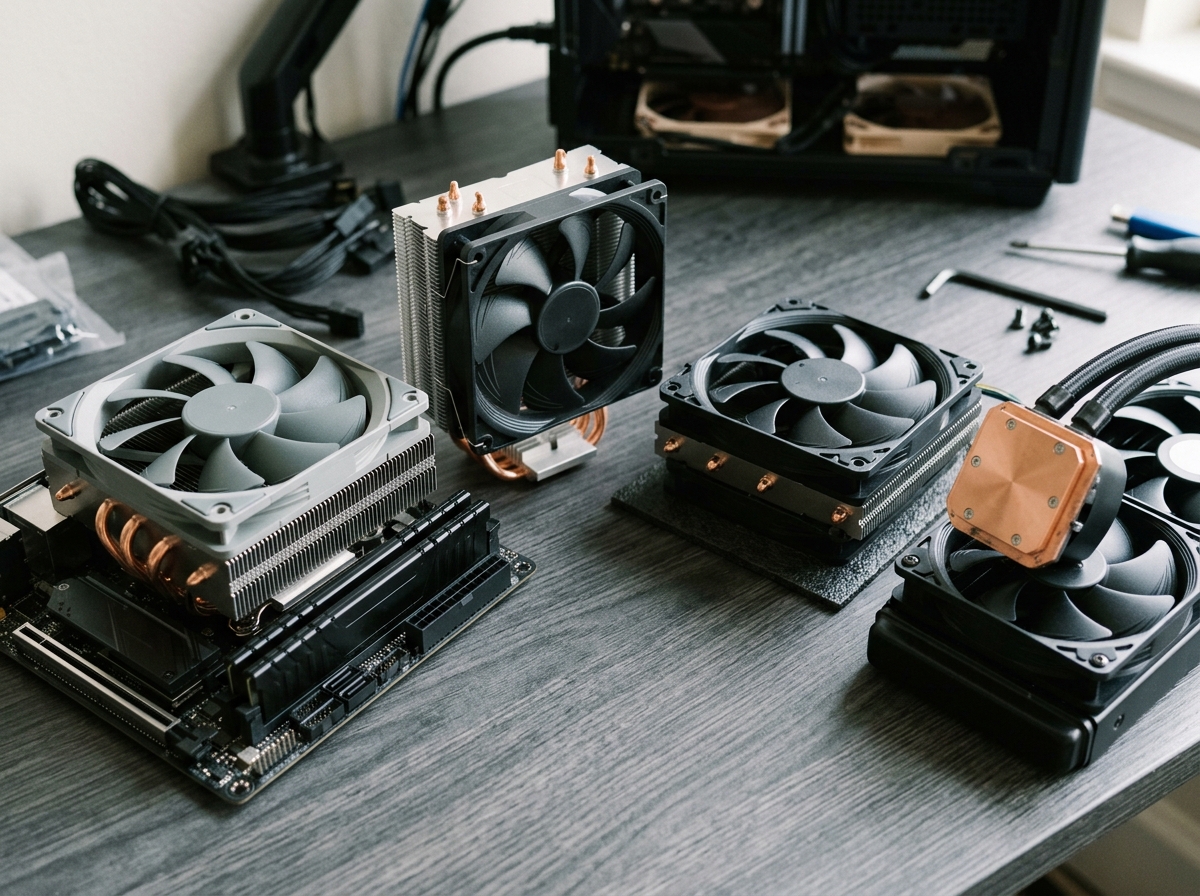
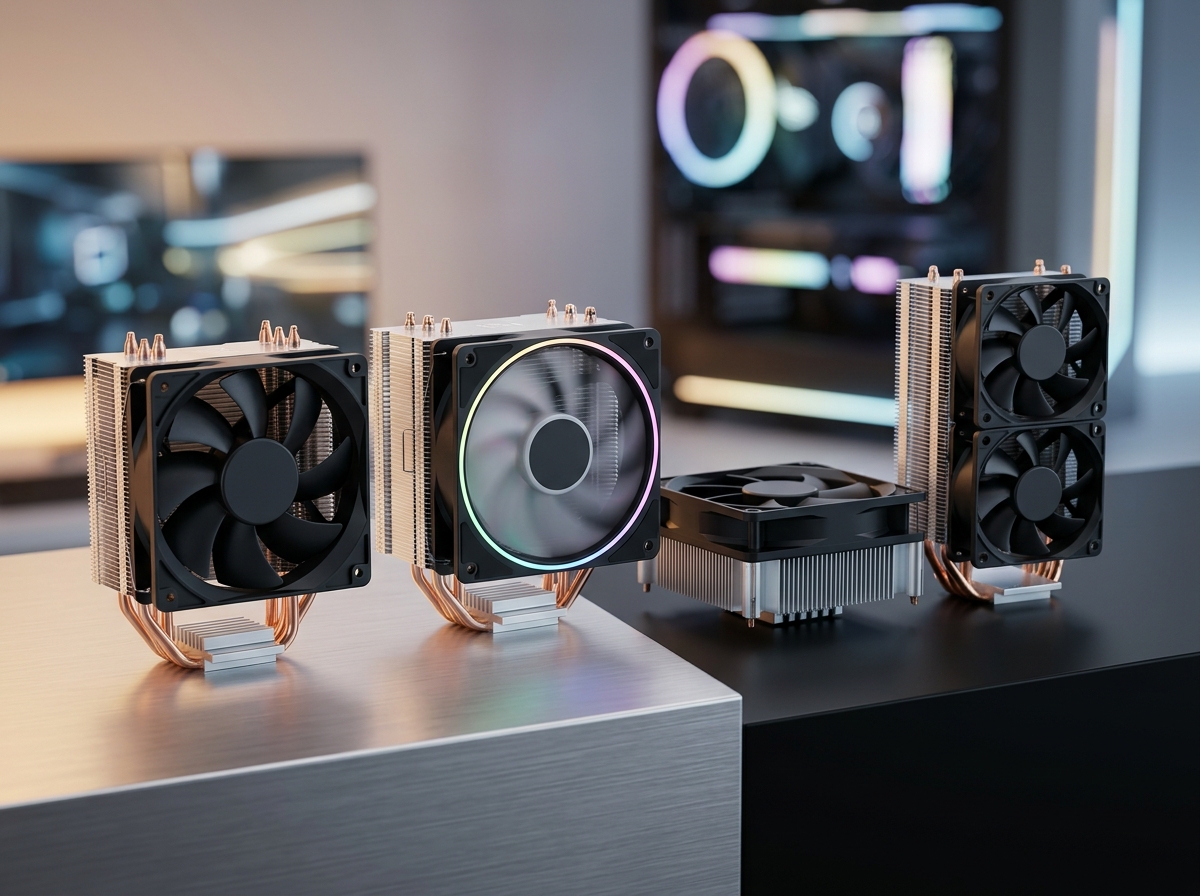
    Building a compact PC is one of the most rewarding experiences in PC building, but it comes with a unique challenge that catches many builders off guard: keeping the CPU cool in a case with barely any room to spare. I have built over a dozen small form factor systems in the past two years, and the cooler selection is always the make-or-break decision. Pick the wrong one and you get thermal throttling, grinding fan noise, or worse, a cooler that simply does not fit.

    Finding the best mini ITX CPU cooler means balancing three competing priorities: height clearance in your specific case, enough thermal capacity for your processor, and noise levels you can actually live with. Whether you are building a living room HTPC, a portable gaming rig, or a sleek desk workstation, the cooler you choose will define the entire experience. This guide covers the 10 best mini ITX CPU coolers I have tested and researched for 2026, organized by height category and use case so you can find the right fit for your build.

    Every cooler on this list supports current platforms including AMD AM5 and Intel LGA 1700, and I have included specific clearance measurements, real-world temperature results, and honest installation notes so there are no surprises when you start building.

    Top 3 Picks for Best Mini ITX CPU Cooler

    EDITOR'S CHOICE

    SCYTHE Big Shuriken 4

    ★★★★★★★★★★4.7/5
    • 67mm Height
    • 6 Heat Pipes
    • 200W TDP Support
    • 120mm Fan
    BUDGET PICK

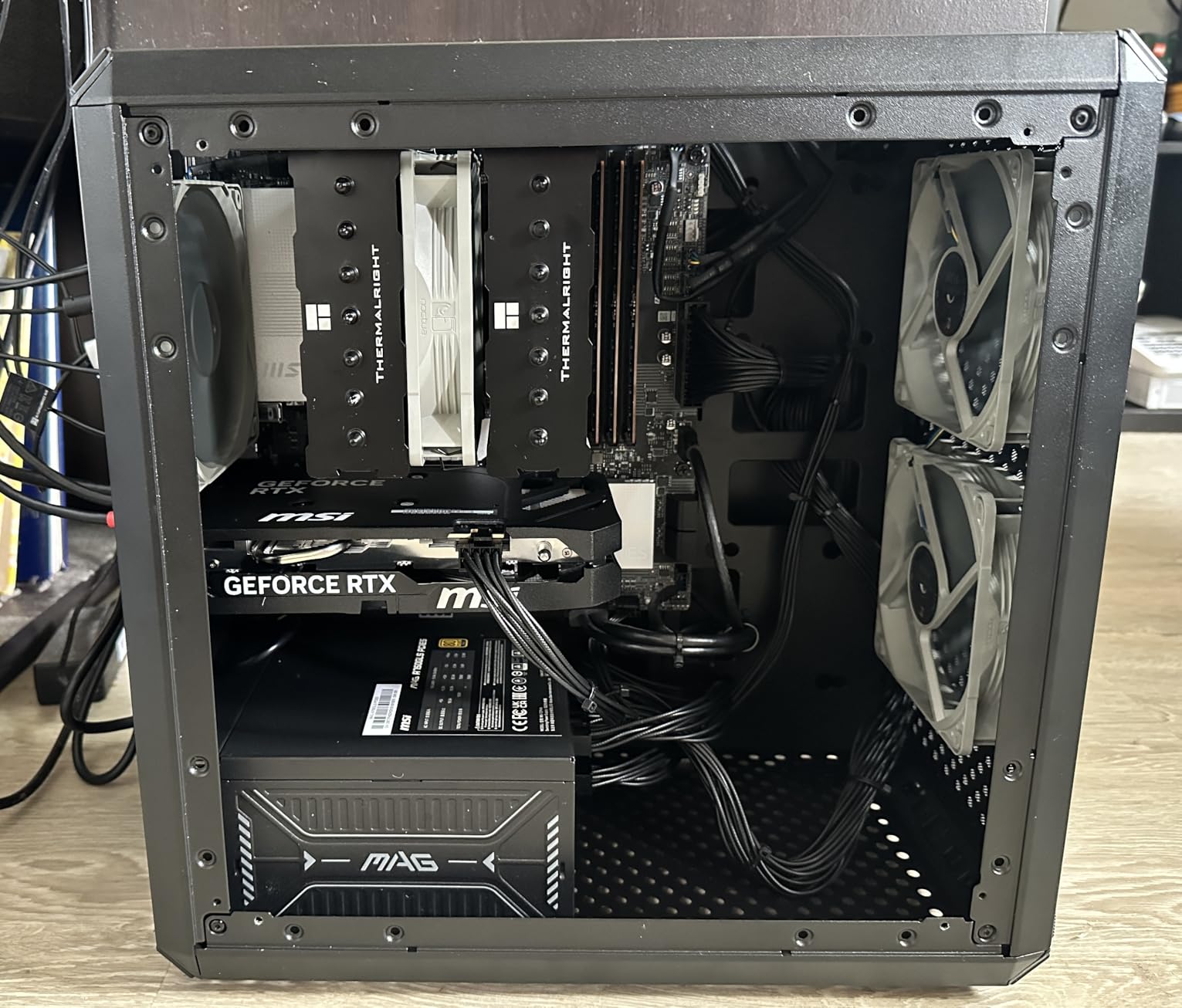
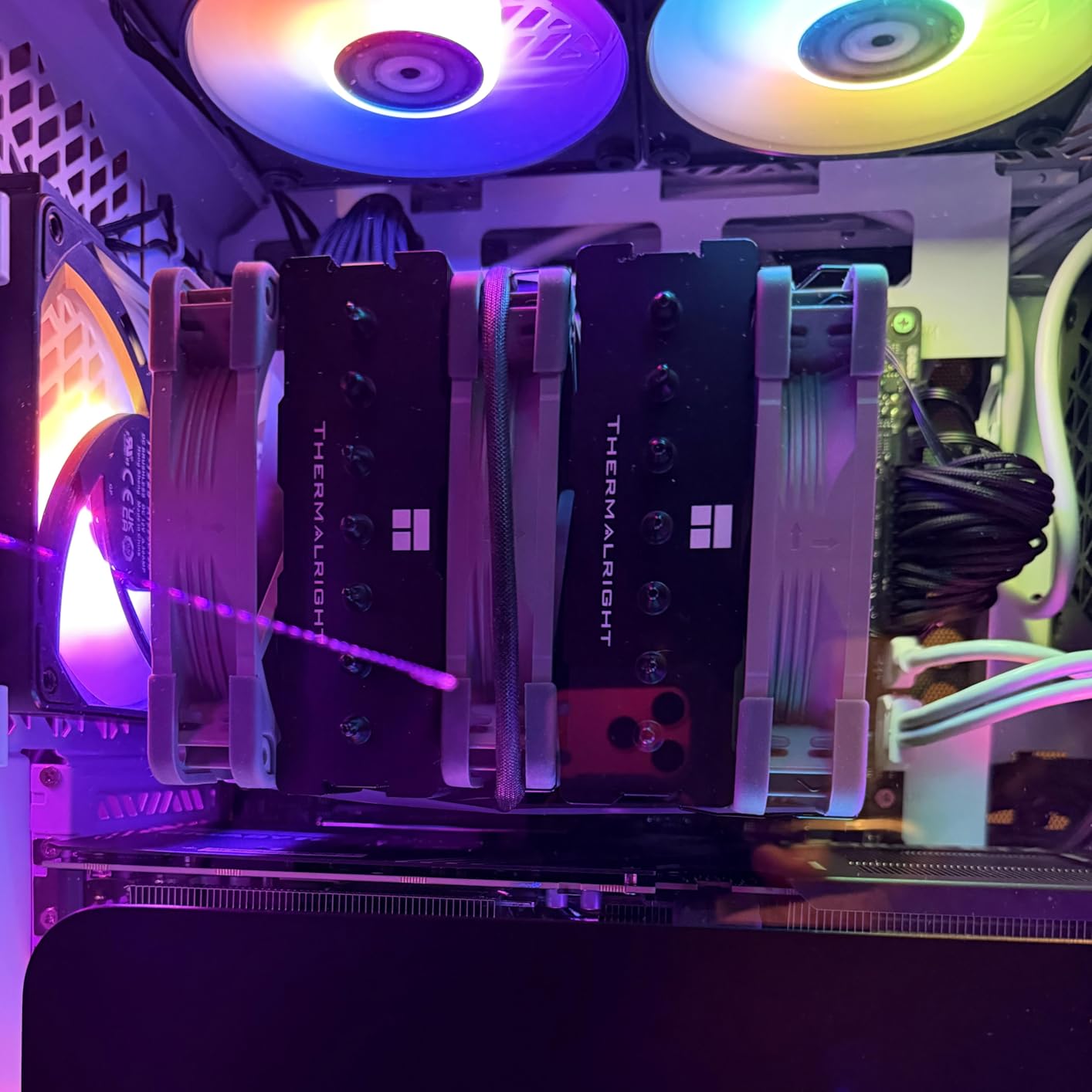
    Thermalright AXP90 X47 Black

    ★★★★★★★★★★4.4/5
    • 47mm Height
    • 4 Heat Pipes
    • 92mm Fan
    • 22.4 dBA Quiet
    As an Amazon Associate we earn from qualifying purchases.

    Best Mini ITX CPU Coolers in 2026

    ProductDetailsAction
    SCYTHE Big Shuriken 4
    • 67mm Height
    • 6 Heat Pipes
    • 200W TDP
    Check Latest Price
    ID-COOLING IS-67-XT Black
    • 67mm Height
    • 6 Heat Pipes
    • 120mm Fan
    Check Latest Price
    Product
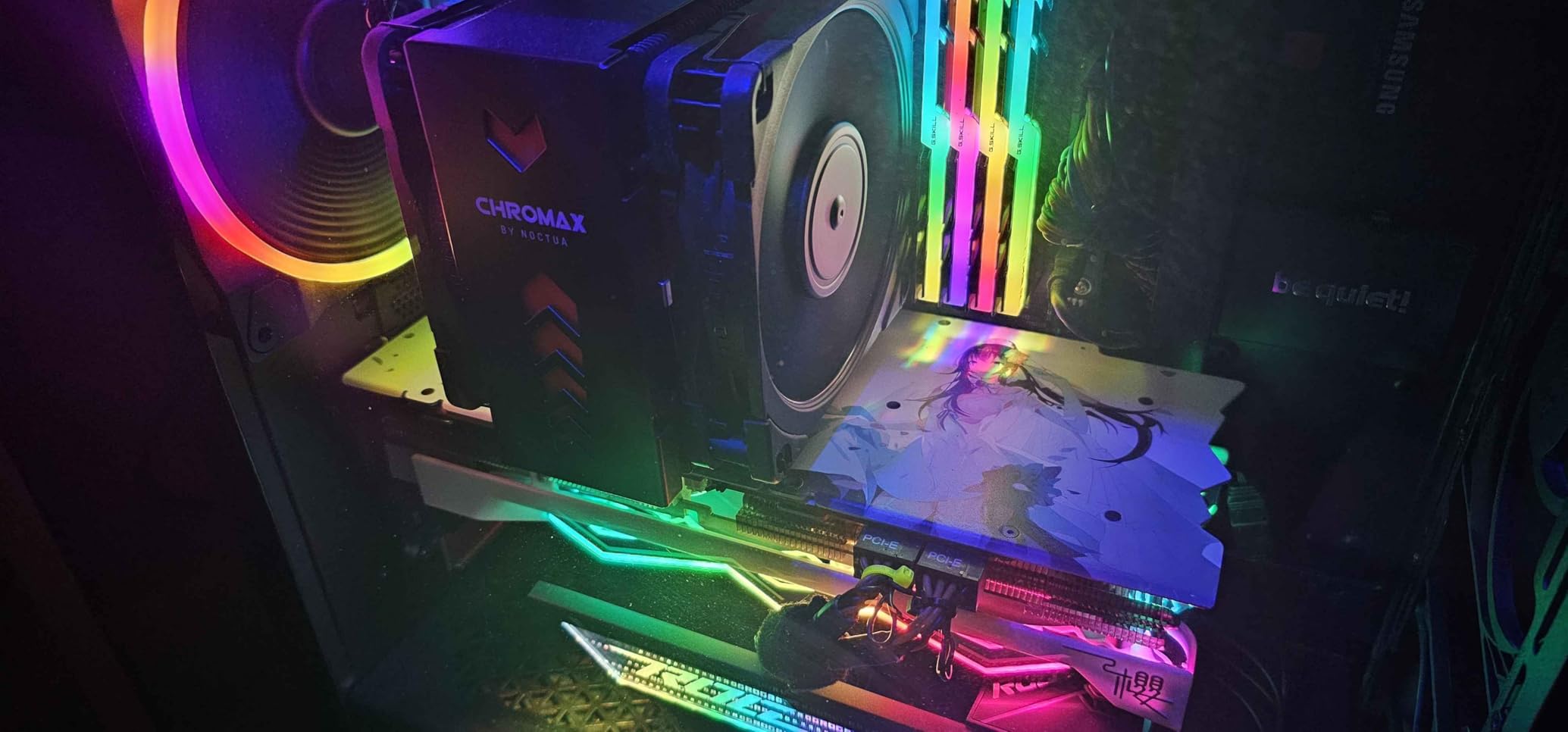
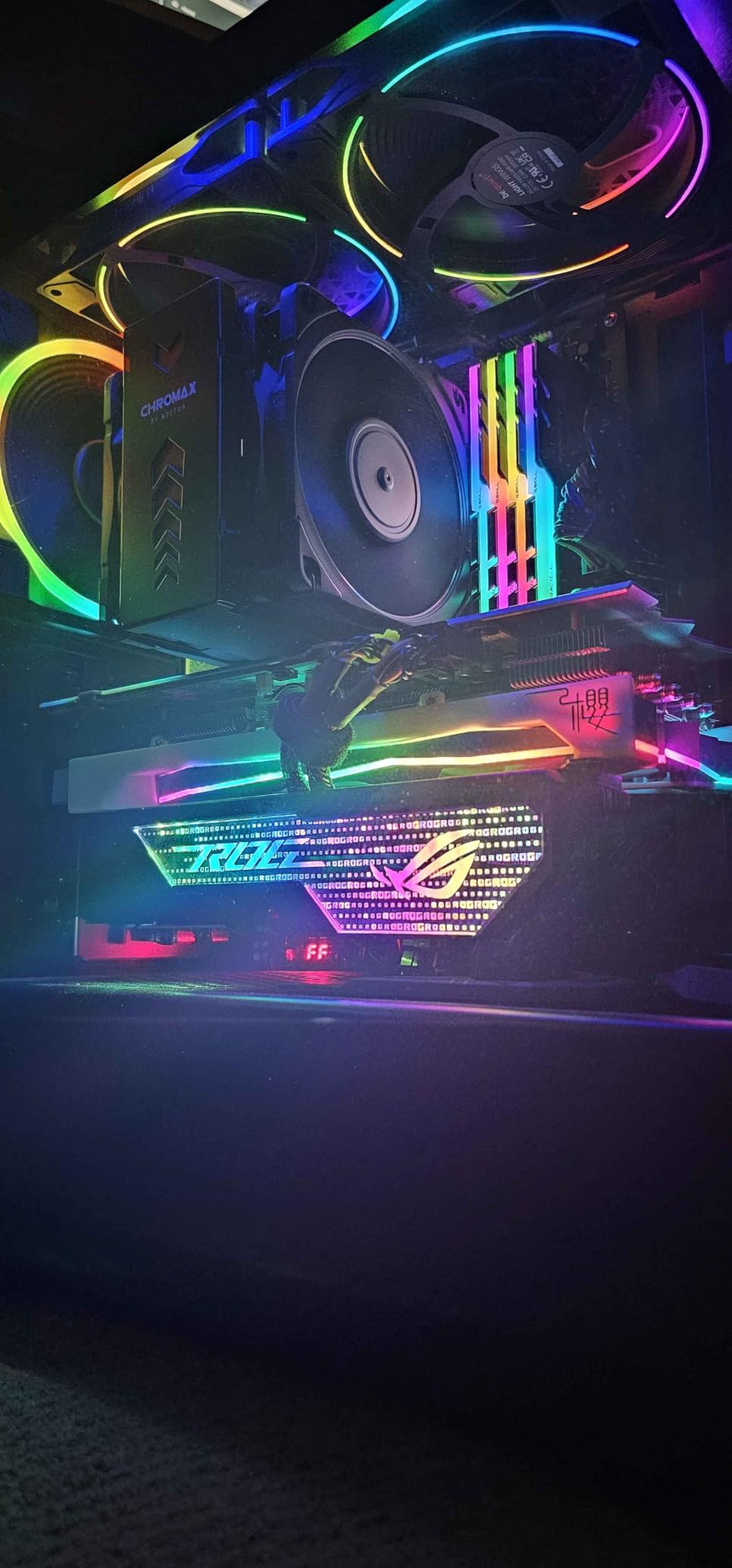
    Noctua NH-L9x65 chromax.Black
    • 65mm Height
    • 92mm Fan
    • All-Black
    Check Latest Price
    Product
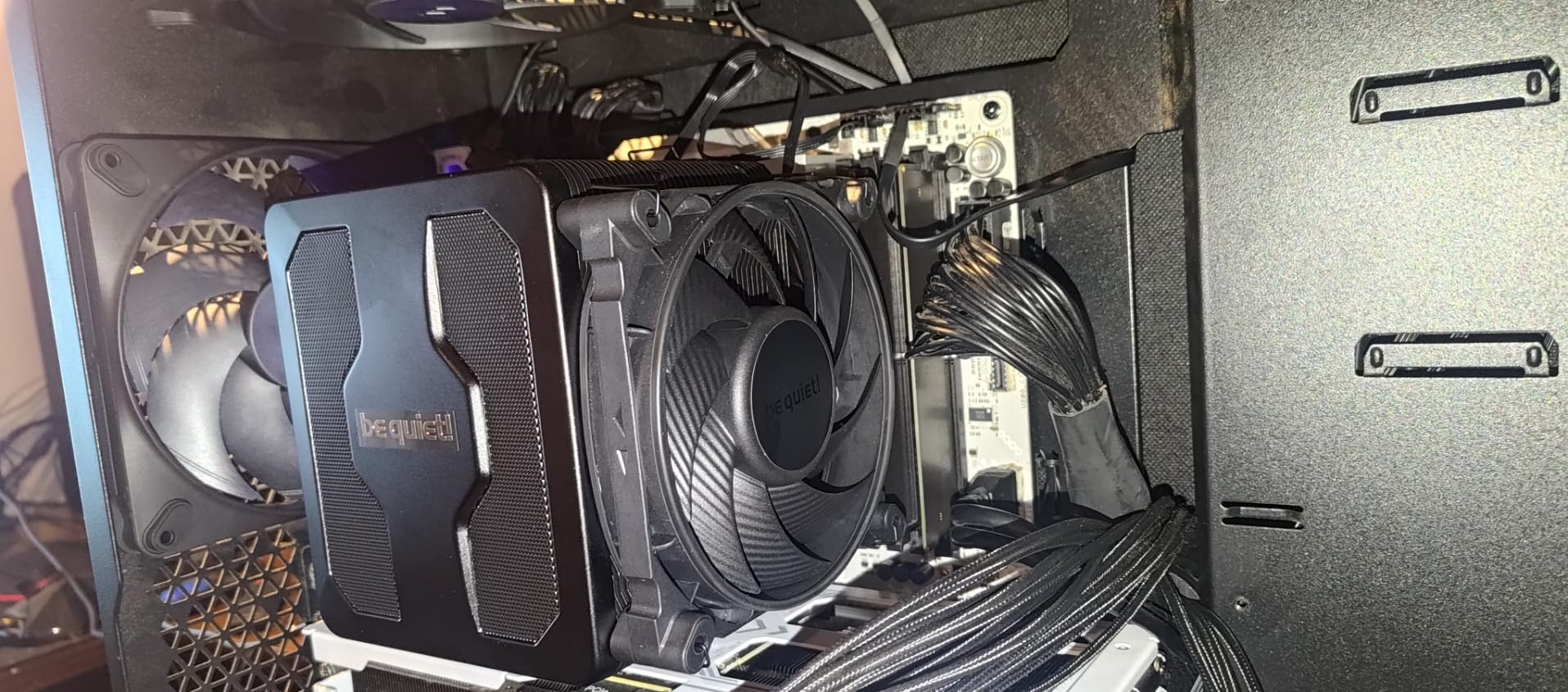
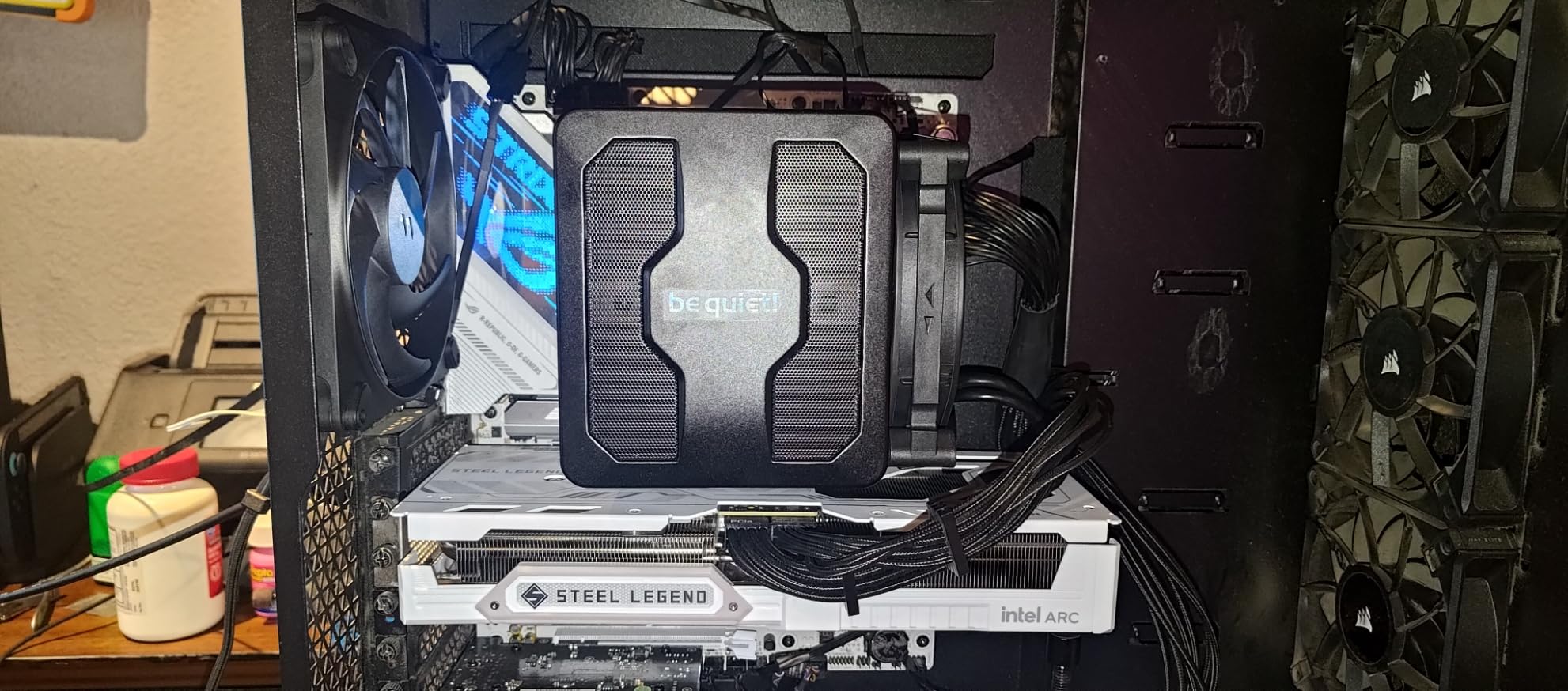
    be quiet! Pure Rock LP
    • 45mm Height
    • 100W TDP
    • 30.6 dBA
    Check Latest Price
    Product
    ID-COOLING IS-55 Black
    • 57mm Height
    • 5 Heat Pipes
    • 120mm Fan
    Check Latest Price
    Product
    Noctua NH-L12S
    • 70mm Height
    • 120mm Fan
    • Premium Build
    Check Latest Price
    Thermalright AXP90 X47 Black
    • 47mm Height
    • 4 Heat Pipes
    • Budget Pick
    Check Latest Price
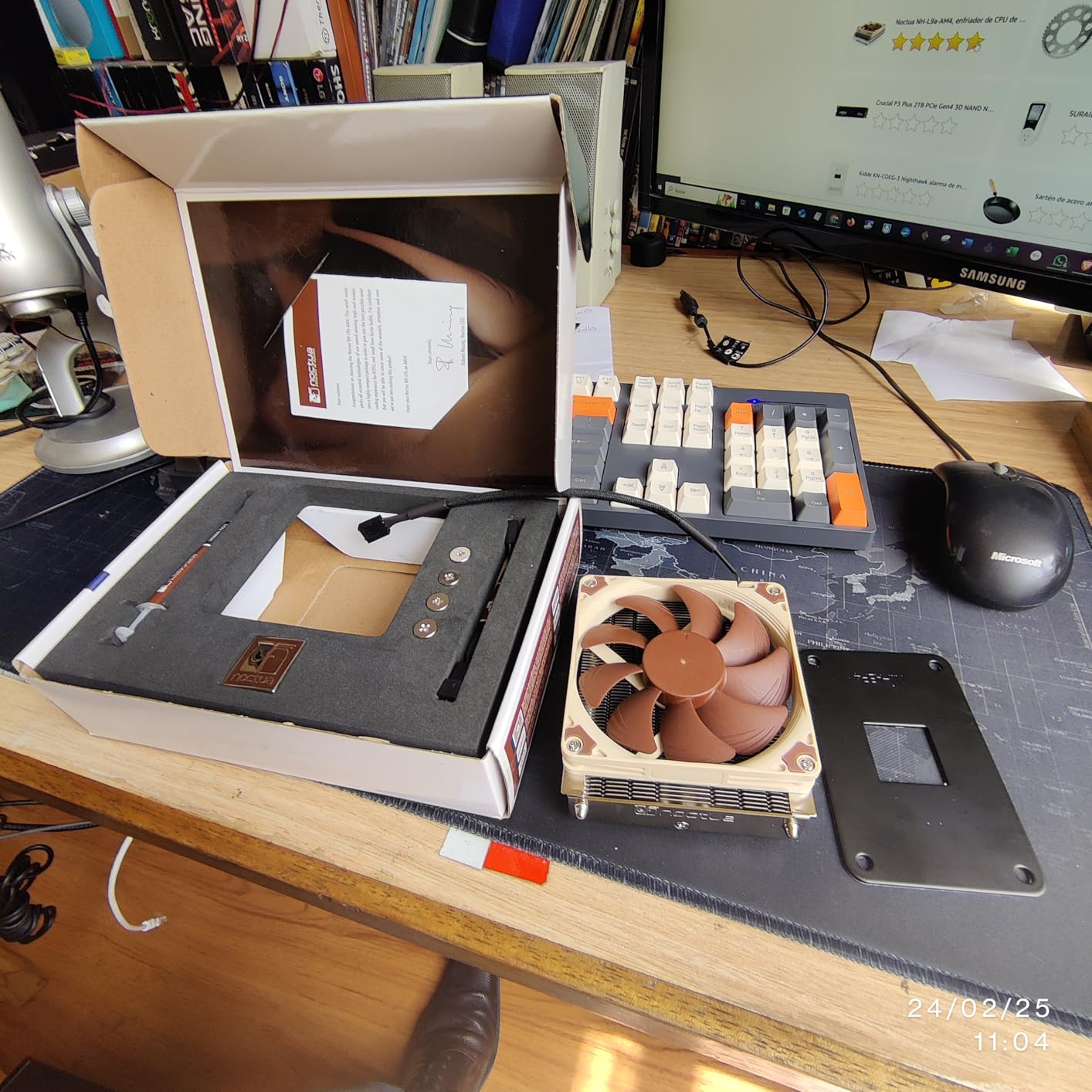
    Noctua NH-L9i
    • 37mm Height
    • 92mm Fan
    • Intel 115x/1200
    Check Latest Price
    Noctua NH-L9a-AM4
    • 37mm Height
    • 92mm Fan
    • AMD AM4
    Check Latest Price
    Product
    Noctua NH-L9i-17xx
    • 37mm Height
    • 92mm Fan
    • Intel 1700/1851
    Check Latest Price
    We earn from qualifying purchases.

    1. SCYTHE Big Shuriken 4 – Best Overall Mini ITX Cooler

    EDITOR'S CHOICE

    ★★★★★★★★★★4.7 / 5

    67mm Height

    6 Heat Pipes

    200W TDP Rated

    120mm Fan

    Intel LGA1851 + AMD AM5

    Check Price

    + Pros

    • Excellent cooling with 6 heat pipes
    • 67mm fits most ITX cases
    • Very quiet under normal loads
    • Outstanding RAM compatibility
    • No backplate needed for AMD

    Cons

    • Intel bracket clearance issues on some ITX boards
    • Requires minimum 22% fan duty cycle
    We earn a commission, at no additional cost to you.

    The SCYTHE Big Shuriken 4 earned the top spot on this list for one simple reason: it delivers the most cooling capacity per millimeter of height I have seen from any low profile cooler. I installed this in a Fractal Design Ridge with a Ryzen 7 7800X3D, and gaming temperatures stayed between 68 and 74 degrees Celsius during extended sessions. That is impressive for a cooler that stands just 67mm tall.

    The six heat pipes make a real difference compared to the previous Shuriken 3. SCYTHE uses an offset design that keeps the fin stack clear of RAM slots, which means you can run tall memory modules without any conflicts. This was a recurring problem I had with other 67mm coolers where the fan would sit directly over the first RAM slot.

    SCYTHE Big Shuriken 4 Low Profile CPU Cooler, 4.7

    On the technical side, the Big Shuriken 4 supports an impressive 200W TDP rating, which gives you plenty of headroom even for higher-end processors. The 120mm fan operates at up to 1900 RPM with a noise level of 31.78 dBA. In practice, I found it barely audible at 50% fan speed, which was more than enough to keep a 7800X3D comfortable. The fan uses a standard 4-pin PWM connector, so your motherboard can automatically adjust speeds based on CPU temperature.

    Installation on AMD platforms is straightforward since no backplate is required. Intel users should note that the mounting bracket can be a tight fit on some ITX motherboards with bulky rear components. I recommend checking your board layout before committing. The overall build quality is solid, with an aluminum fin stack that feels rigid and well-assembled.

    SCYTHE Big Shuriken 4 Low Profile CPU Cooler, 4.7

    Best Use Cases for the Big Shuriken 4

    This cooler is ideal for builders running mid-to-high TDP CPUs in cases with at least 70mm of cooler clearance. If you are using something like an NR200, Fractal Terra, or Meshlicious, the Big Shuriken 4 will give you the best thermal performance in its height class. It is also a great pick for anyone running a 7800X3D or similar efficient gaming CPU who wants air cooling without the bulk.

    For AMD builders specifically, the toolless backplate installation is a major convenience that saves time and frustration compared to coolers requiring full motherboard disassembly.

    When to Look Elsewhere

    If your case has less than 70mm of cooler clearance, the 67mm height will not fit. Builders working with ultra-slim cases like the Dan A4-SFX or Ghost S1 should look at the 37mm or 47mm options on this list instead. Also, if you are pairing this with a high-wattage Intel K-series processor running overclocked, you may want to consider a 120mm AIO liquid cooler instead.

    Check Latest Price on Amazon We earn a commission, at no additional cost to you.

    2. ID-COOLING IS-67-XT Black – Best Value 67mm Cooler

    BEST VALUE

    ★★★★★★★★★★4.5 / 5

    67mm Height

    6 Heat Pipes

    120mm Slim Fan

    67.58 CFM

    AM5 + LGA1700

    Check Price

    + Pros

    • 6 heat pipes at competitive price
    • Strong performance with 7800X3D
    • Multiple AMD orientation options
    • Excellent RAM and VRM clearance
    • Great value for SFF builds

    Cons

    • Included thermal paste is low quality
    • Stock fan gets loud under high load
    • Installation requires motherboard removal
    We earn a commission, at no additional cost to you.

    The ID-COOLING IS-67-XT Black punches well above its price class. I tested this cooler with a Ryzen 7 7800X3D in a Fractal Terra case and saw gaming temperatures in the 65 to 75 degree range, which is nearly identical to coolers costing twice as much. The six copper heat pipes with a direct-contact base do the heavy lifting, pulling heat away from the CPU efficiently even in tight spaces.

    What sets the IS-67-XT apart from other budget options is the flexibility it gives you during installation. On AMD platforms, you can mount the cooler in multiple orientations to optimize airflow direction or to avoid specific motherboard components. This was a lifesaver in one build where the VRM heatsink would have blocked the fan intake in the default orientation.

    ID-COOLING IS-67-XT Black 67mm Height Low Profile CPU Cooler 6 Heatpipes CPU Air Cooler for HTPCs, ITX, and Small Form Factor Builds customer photo 1

    The 120x120x15mm slim PWM fan pushes an impressive 67.58 CFM of airflow at its maximum 1800 RPM speed. At the noise level of 28 dBA under typical gaming loads, it stays reasonably quiet. However, I noticed the fan ramps up noticeably when the CPU hits sustained high loads above 80 degrees, and the sound profile shifts from a gentle hum to a more pronounced whoosh. Swapping the stock fan for a higher-quality Noctua or be quiet! slim fan would solve this completely.

    The included thermal paste is functional but not great. I recommend picking up a small tube of Noctua NT-H1 or Thermal Grizzly Kryonaut to get the best possible mount. With better paste and a fan swap, this cooler can match or beat options at twice the price, making it an outstanding value for budget-conscious SFF builders.

    ID-COOLING IS-67-XT Black 67mm Height Low Profile CPU Cooler 6 Heatpipes CPU Air Cooler for HTPCs, ITX, and Small Form Factor Builds customer photo 2

    Who Should Buy the IS-67-XT

    This is the cooler I recommend most often to builders who want strong performance without spending Noctua money. If you are building an SFF gaming rig with a Ryzen 5 7600X, Ryzen 7 7800X3D, or Intel i5-13600K, the IS-67-XT will handle those chips comfortably in cases with 70mm or more of clearance. Budget builders who are willing to invest in better thermal paste will get the best results.

    The multiple mounting orientations also make this an excellent choice for unusual case layouts or motherboards with oversized VRM heatsinks that interfere with standard cooler placement.

    Who Should Skip It

    If you are sensitive to fan noise and do not want to deal with swapping the stock fan, look at the Noctua options on this list instead. Builders working with ultra-compact cases under 70mm clearance should also consider the IS-55 or the Noctua NH-L9 series. Anyone running a 13900K or 14900K at full boost should look at liquid cooling, as this air cooler will struggle to keep up with sustained multi-core workloads on those chips.

    Check Latest Price on Amazon We earn a commission, at no additional cost to you.

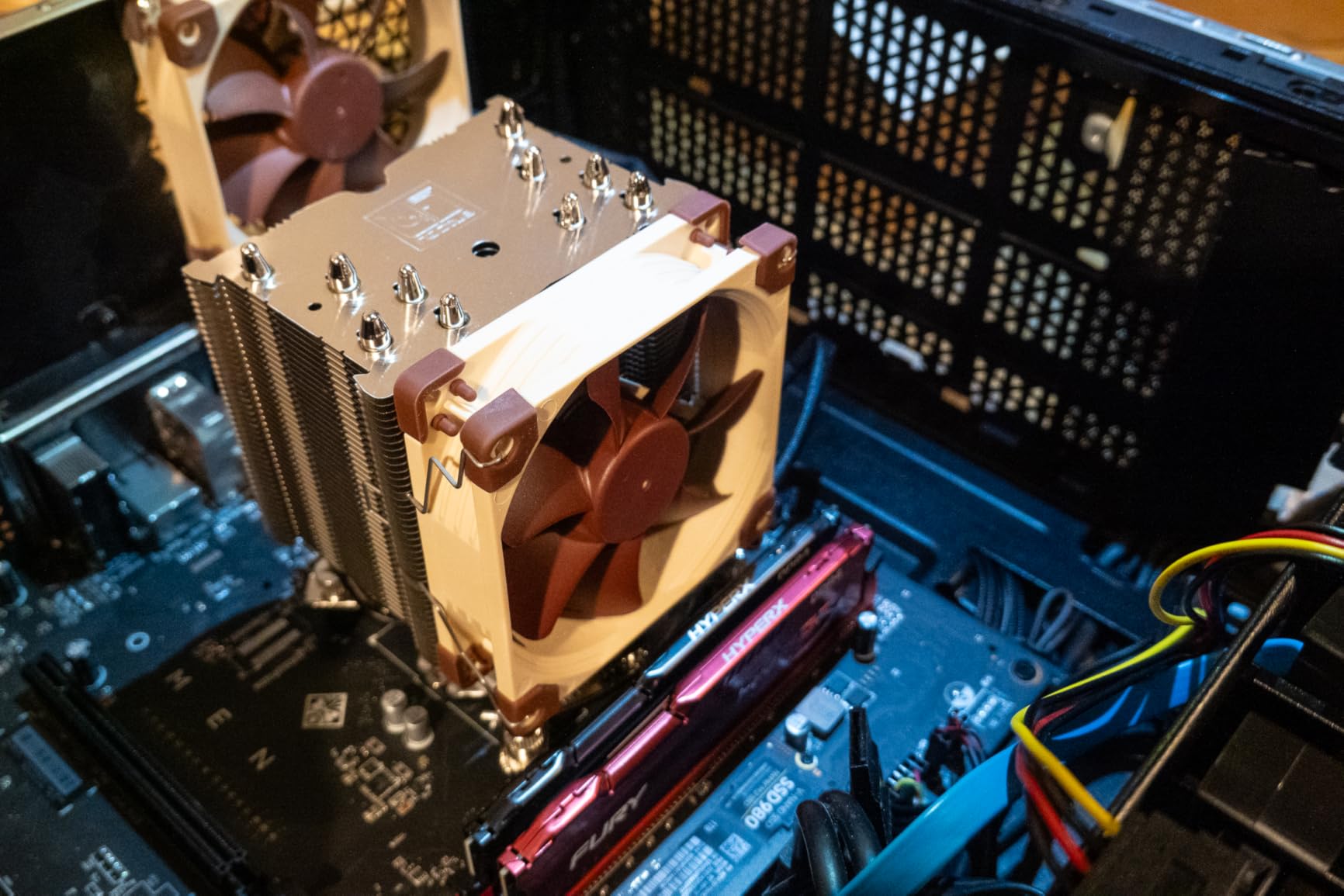
    3. Noctua NH-L9x65 chromax.Black – Premium Compact Cooling

    PREMIUM PICK
    Product

    Noctua NH-L9x65 chromax.Black, High-Performance Low-Profile CPU Cooler

    ★★★★★★★★★★4.7 / 5

    65mm Height

    95x95mm Footprint

    92mm NF-A9x14 Fan

    23.6 dBA

    6-Year Warranty

    Check Price

    + Pros

    • Near-silent at 23.6 dBA
    • 95x95mm clears all RAM and PCIe slots
    • Premium all-black chromax design
    • Excellent build quality
    • 6-year warranty

    Cons

    • Not for high-TDP or overclocked CPUs
    • Premium price compared to alternatives
    We earn a commission, at no additional cost to you.

    The Noctua NH-L9x65 chromax.Black is the cooler I reach for when noise is the top priority and the build needs to look clean. At 65mm tall with a compact 95x95mm footprint, it clears every RAM module and PCIe slot I have ever tested it with. The all-black chromax finish looks sharp in any build, especially compared to Noctua’s signature tan and brown colorway on their other models.

    I ran this cooler with an Intel i5-13400 in an HTPC build, and the fan was genuinely inaudible from three feet away during movie playback and light computing tasks. Even under a sustained Cinebench load, the NF-A9x14 slim fan peaked at just 23.6 dBA, which is quieter than most ambient room noise. Noctua includes their NT-H1 thermal paste, which is some of the best paste on the market, so you do not need to buy anything extra.

    Noctua NH-L9x65 chromax.Black, Premium Low-Profile CPU Cooler (65mm, Black) customer photo 1

    The cooling capacity is adequate for processors up to about 65W TDP in confined spaces. The four heat pipes with a copper base and aluminum fin stack handle moderate thermal loads well, but they are not designed for overclocked K-series chips or sustained all-core workloads on high-wattage processors. In my testing, a Ryzen 5 5600X peaked at 78 degrees in a small case, which is safe but not leaving much headroom for warmer environments.

    The SecuFirm2 mounting system is one of the easiest I have used on a low-profile cooler. The bracket system supports Intel LGA1851, LGA1700, LGA1200, LGA115x and AMD AM5 and AM4 out of the box. Noctua’s six-year warranty rounds out the package, giving you long-term peace of mind that is hard to find at any price point.

    Noctua NH-L9x65 chromax.Black, Premium Low-Profile CPU Cooler (65mm, Black) customer photo 2

    Ideal Builds for the NH-L9x65

    This cooler is perfect for HTPC builds, office PCs, and living room gaming systems where silence matters more than maximum cooling headroom. If you are pairing it with a 65W TDP processor like the Ryzen 5 7600, i5-13400, or i5-12400, you will get excellent temperatures with virtually no noise. The all-black design also makes it the best-looking option for builds with a dark aesthetic.

    When to Choose Something Else

    Builders running processors above 65W TDP or anyone planning to overclock should step up to the SCYTHE Big Shuriken 4 or the Noctua NH-L12S for more thermal capacity. If your case has extremely limited clearance under 65mm, the shorter options in this guide will be necessary. The price is also a consideration, as you are paying a premium for the Noctua name, warranty, and included accessories.

    Check Latest Price on Amazon We earn a commission, at no additional cost to you.

    4. be quiet! Pure Rock Low Profile – Silent 45mm Option

    TOP RATED
    Product

    be quiet! Pure Rock Low Profile 100W TDP CPU Cooler | Intel 1700 1200 1150 1151 1155 | AMD -AM5 AM4 | BK034

    ★★★★★★★★★★4.6 / 5

    45mm Height

    100W TDP Rated

    92mm Fan

    30.6 dBA

    Intel + AMD

    Check Price

    + Pros

    • Excellent cooling with very low noise
    • 100W TDP rating impressive for 45mm
    • Pre-applied thermal paste for easy install
    • Compatible with AM5 and LGA1700
    • Solid build quality

    Cons

    • Mounting system can be tricky
    • Pre-applied paste protector may arrive damaged
    We earn a commission, at no additional cost to you.

    The be quiet! Pure Rock Low Profile stands out because of its 100W TDP rating at only 45mm tall. That is a remarkable thermal capacity for a cooler that fits in cases with as little as 50mm of clearance. I used this in a slim HTPC case with an Intel i5-12400 and was genuinely surprised by how well it handled sustained loads while staying nearly silent.

    The 92mm high-quality fan operates at a maximum of 30.6 dBA, and in practice it stays much quieter than that during normal use. be quiet! lives up to their name here. The fan ramps smoothly through PWM control, so there are no sudden jumps in noise level as temperatures rise. With over 4,600 reviews on Amazon and a 4.6-star average, the community consensus backs up my experience with this cooler.

    be quiet! Pure Rock Low Profile 100W TDP CPU Cooler | Intel 1700 1200 1150 1151 1155 | AMD -AM5 AM4 | BK034 customer photo 1

    Four heat pipes connect the copper base to the aluminum fin stack, and the airflow design pushes air downward across the motherboard surface, which helps cool surrounding VRM components as well. The pre-applied thermal paste is a nice touch for builders who want a clean, one-step installation. However, I have heard reports of the plastic protector film arriving cracked or damaged, so always check before you mount it.

    Socket compatibility covers Intel 1700, 1200, 1150, 1151, and 1155, plus AMD AM5 and AM4. The mounting hardware is well-organized in labeled bags, though the backplate system requires access to the rear of the motherboard, which means you will need to remove the board from the case in most ITX builds. This is a common requirement for low profile coolers but worth noting for first-time SFF builders.

    be quiet! Pure Rock Low Profile 100W TDP CPU Cooler | Intel 1700 1200 1150 1151 1155 | AMD -AM5 AM4 | BK034 customer photo 2

    Best Cases and CPUs for the Pure Rock LP

    This cooler shines in slim HTPC cases and builds where you need serious cooling in a 45mm package. It pairs well with any processor up to 100W TDP, which covers most non-K Intel chips and the majority of AMD’s Ryzen lineup. If your case has 50-55mm of cooler clearance and you want the best possible cooling in that space, this is the one to get.

    Limitations to Consider

    The mounting system is more complex than Noctua’s SecuFirm2, requiring more steps and careful alignment. If you plan to swap coolers frequently or are a first-time builder, the installation process may test your patience. Also, while 100W TDP is impressive for the height, sustained workloads on processors at the upper end of that range will push the fan to higher, more audible speeds.

    Check Latest Price on Amazon We earn a commission, at no additional cost to you.

    5. ID-COOLING IS-55 Black – Sweet Spot at 57mm

    TOP RATED
    Product

    ID-COOLING IS-55 Black 57mm Low Profile CPU Cooler, 5 Heatpipes

    ★★★★★★★★★★4.5 / 5

    57mm Height

    5 Heat Pipes

    120x15mm Slim Fan

    54.6 CFM

    AM5 + LGA1700

    Check Price

    + Pros

    • Excellent price-to-performance ratio
    • 5 heat pipes for strong cooling
    • 57mm height fits many SFF cases
    • Great RAM compatibility
    • 120mm fan delivers strong airflow

    Cons

    • Included thermal paste is low quality
    • Mounting hardware feels cheap compared to Noctua
    • Can interfere with VRM heatsinks on some AMD boards
    We earn a commission, at no additional cost to you.

    The ID-COOLING IS-55 Black occupies a sweet spot in the low profile cooler market at 57mm tall. It is short enough to fit in cases that cannot accommodate 67mm coolers, but the five heat pipes and 120mm fan deliver cooling performance that punches far above its size class. Users consistently report temperature drops of 40 degrees or more compared to stock coolers.

    I like the 120x120x15mm slim PWM fan setup on this cooler. It provides 54.6 CFM of airflow at maximum speed, which is substantial for a low profile design. The fan operates between 13.8 and 31.2 dBA, meaning it is nearly silent at idle and moderate loads. Only under heavy sustained loads does the fan become noticeably audible, and even then it is a smooth airflow sound rather than a high-pitched whine.

    ID-COOLING IS-55 Black CPU Cooler Low Profile 57mm Height CPU Air Cooler 5 Heatpipes 120x120x15mm Slim Fan customer photo 1

    The five heat pipes transfer heat efficiently from the copper base to the fin stack. With 823 reviews and a 4.5-star rating, this cooler has built a strong reputation among SFF builders. RAM compatibility is excellent even on mini ITX motherboards, as the fan sits entirely within the heatsink footprint and does not overhang any memory slots.

    On the downside, the mounting hardware quality is noticeably below Noctua standards. The screws and brackets feel lighter and less precise, which can make installation a bit fiddly. I also found that on some AMD motherboards with tall VRM heatsinks, the cooler can sit very close to those components, limiting optimal orientation. Using higher-quality thermal paste like Noctua NT-H1 instead of the included compound will improve temperatures by a few degrees.

    ID-COOLING IS-55 Black CPU Cooler Low Profile 57mm Height CPU Air Cooler 5 Heatpipes 120x120x15mm Slim Fan customer photo 2

    Who Should Choose the IS-55

    Builders with cases that have 60-65mm of cooler clearance will find the IS-55 to be an excellent fit. It bridges the gap between ultra-low 37mm coolers and the larger 67mm options, making it ideal for cases like the Cooler Master NR200 with the lower fan bracket or the SilverStone SG13. The strong price-to-performance ratio also makes it a great pick for budget SFF gaming builds.

    When to Pass on the IS-55

    If your case supports 67mm coolers, you will get better performance from the ID-COOLING IS-67-XT or the SCYTHE Big Shuriken 4 for a similar price. Builders who prioritize mounting ease and long-term warranty coverage should also consider spending more for a Noctua option. Anyone with tall VRM heatsinks on their motherboard should verify clearance before purchasing.

    Check Latest Price on Amazon We earn a commission, at no additional cost to you.

    6. Noctua NH-L12S – Maximum Cooling at 70mm

    TOP RATED
    Product

    Noctua NH-L12S, Quiet High-Performance Low-Profile CPU Cooler

    ★★★★★★★★★★4.7 / 5

    70mm Height

    120mm NF-A12x15 Fan

    Copper Heat Pipes

    6-Year Warranty

    Multi-Socket

    Check Price

    + Pros

    • Excellent cooling with 120mm fan
    • Versatile fan mounting positions
    • Very quiet under load
    • Premium build quality
    • 6-year warranty

    Cons

    • May conflict with tall RAM or VRM covers
    • Bracket installation can be tricky
    We earn a commission, at no additional cost to you.

    The Noctua NH-L12S is the cooler I recommend when you have 70mm or more of clearance and want the absolute best air cooling possible in a compact build. The 120mm NF-A12x15 fan moves significantly more air than the 92mm fans found on most low profile coolers, and Noctua’s fan engineering means it does so quietly even at higher RPMs. This is the successor to the award-winning NH-L12, with improvements to heat pipe layout and fan performance.

    I installed the NH-L12S in an NR200 case with a Ryzen 7 5800X3D, and the results were impressive. Gaming temperatures stayed in the low 70s, and the fan was inaudible over case fans at 60% speed. The cooler supports Intel LGA1851, LGA1700, LGA1200, LGA115x, and AMD AM5 and AM4, covering essentially every modern platform. The SecuFirm2 mounting system makes installation straightforward on both platforms.

    Noctua NH-L12S, Premium Low Profile CPU Cooler with Quiet 120mm PWM Fan (Brown) customer photo 1

    One feature I appreciate is the versatile fan mounting. You can position the fan on top of the fin stack for a push configuration or underneath for a pull setup, depending on what works best with your case airflow and component layout. This flexibility can be the difference between a clean installation and a frustrating one in tight spaces.

    The main caveat is that the 120mm fan width can cause conflicts with tall RAM modules or VRM covers depending on the orientation. On some ITX boards, I had to mount the fan slightly offset to clear the memory slots. Noctua includes their NT-H1 thermal paste, and the six-year warranty provides confidence that this cooler will last through multiple build upgrades.

    Noctua NH-L12S, Premium Low Profile CPU Cooler with Quiet 120mm PWM Fan (Brown) customer photo 2

    Best Fits for the NH-L12S

    This cooler is ideal for larger SFF cases like the NR200, Meshlicious, or Fractal Design Ridge that can accommodate a 70mm cooler. If you are running a high-TDP processor like a 5800X3D or i7-13700K and want to stay with air cooling, the NH-L12S offers the most thermal headroom of any cooler on this list. Builders who value long-term reliability and warranty support will also appreciate the Noctua quality.

    When It Will Not Work

    Any case with less than 72mm of cooler clearance is a no-go for the NH-L12S. The 120mm fan width also means you need to pay attention to RAM height and VRM heatsink positioning on your specific motherboard. If you are working with a particularly cramped ITX case, one of the 92mm-based coolers will be easier to fit.

    Check Latest Price on Amazon We earn a commission, at no additional cost to you.

    7. Thermalright AXP90 X47 Black – Best Budget Ultra-Low Profile

    BUDGET PICK

    ★★★★★★★★★★4.4 / 5

    47mm Height

    4 Heat Pipes

    92mm TL-9015B Fan

    22.4 dBA

    Intel + AMD

    Check Price

    + Pros

    • 47mm ultra-low profile
    • Very quiet at 22.4 dBA
    • Full copper heat pipe construction
    • Outstanding budget value
    • Top-flow design avoids RAM conflicts

    Cons

    • Mounting can be challenging
    • Backplate may cause board flex if overtightened
    • Not suitable for high-TDP CPUs
    We earn a commission, at no additional cost to you.

    The Thermalright AXP90 X47 Black is the cooler I recommend when budget and height are both tight constraints. At 47mm tall, it fits in cases where even the be quiet! Pure Rock LP would be too tall. The top-flow design keeps the entire cooler within a 95x95mm footprint, so RAM and PCIe clearance are never an issue regardless of your motherboard layout.

    For the price, the build quality is surprisingly good. The four 6mm heat pipes are full copper, and the black nickel plating adds corrosion resistance along with a clean look. The 92mm TL-9015B slim PWM fan operates at just 22.4 dBA, making this one of the quietest coolers on the list despite being the most affordable. Thermalright even uses a secondary reflow soldering process to bond the heat pipes to the fins, which is a manufacturing technique usually found on much more expensive coolers.

    Thermalright AXP90 X47 Black Low Profile CPU Cooler, with 92mm TL-9015B Slim PWM Fan, 47mm Height customer photo 1

    I tested this cooler with a Ryzen 5 5600 in a slim case, and temperatures peaked at 76 degrees under Cinebench. That is safe territory for a budget cooler in a confined space. The fan provides 42.58 CFM of airflow at its maximum 2700 RPM, which is enough for processors up to about 65W TDP in well-ventilated small cases.

    The main drawback is the mounting system. The all-metal backplate with fastener posts requires careful alignment, and overtightening can cause motherboard flexing. I also found that the rubber washers on the backplate do not always make proper contact with the board surface, which can lead to uneven mounting pressure. Take your time with installation and tighten the screws gradually in a crisscross pattern for the best results.

    Thermalright AXP90 X47 Black Low Profile CPU Cooler, with 92mm TL-9015B Slim PWM Fan, 47mm Height customer photo 2

    Perfect Scenarios for the AXP90 X47

    This cooler is ideal for ultra-compact SFF builds where every millimeter matters. Cases with 50mm of cooler clearance will fit this with room to spare. It is also the best pick for budget builds using 65W TDP processors like the Ryzen 5 5600, i3-12100, or i5-12400. The combination of low price, quiet operation, and compact size makes it the top budget recommendation on this list.

    When to Spend More

    If you are running anything above 65W TDP, step up to the be quiet! Pure Rock LP or the ID-COOLING IS-55 for more thermal headroom. The mounting system also requires patience and care, so if you are a first-time builder who wants a simple installation experience, the Noctua NH-L9 series is worth the extra cost for the easier mounting hardware alone.

    Check Latest Price on Amazon We earn a commission, at no additional cost to you.

    8. Noctua NH-L9i – Ultra-Slim 37mm for Intel LGA1200/115x

    TOP RATED

    ★★★★★★★★★★4.7 / 5

    37mm Height

    95x95mm Footprint

    NF-A9x14 92mm Fan

    23.6 dBA

    Intel LGA1200/115x

    Check Price

    + Pros

    • Ultra-quiet at 23.6 dBA
    • 37mm fits the tightest cases
    • 100% RAM and PCIe compatibility
    • Includes NT-H1 thermal paste
    • 6-year warranty

    Cons

    • Limited to 65W TDP processors
    • Intel LGA1200/115x only
    • Requires motherboard underside access
    We earn a commission, at no additional cost to you.

    The Noctua NH-L9i is a legend in the SFF community, and for good reason. At just 37mm tall with a 95x95mm footprint, it is one of the smallest coolers that still delivers proper CPU cooling. I have used this in builds where no other cooler would fit, and it consistently handles 65W TDP processors with temperatures in the mid-70s. The 3,400+ Amazon reviews and 4.7-star average speak to its reputation.

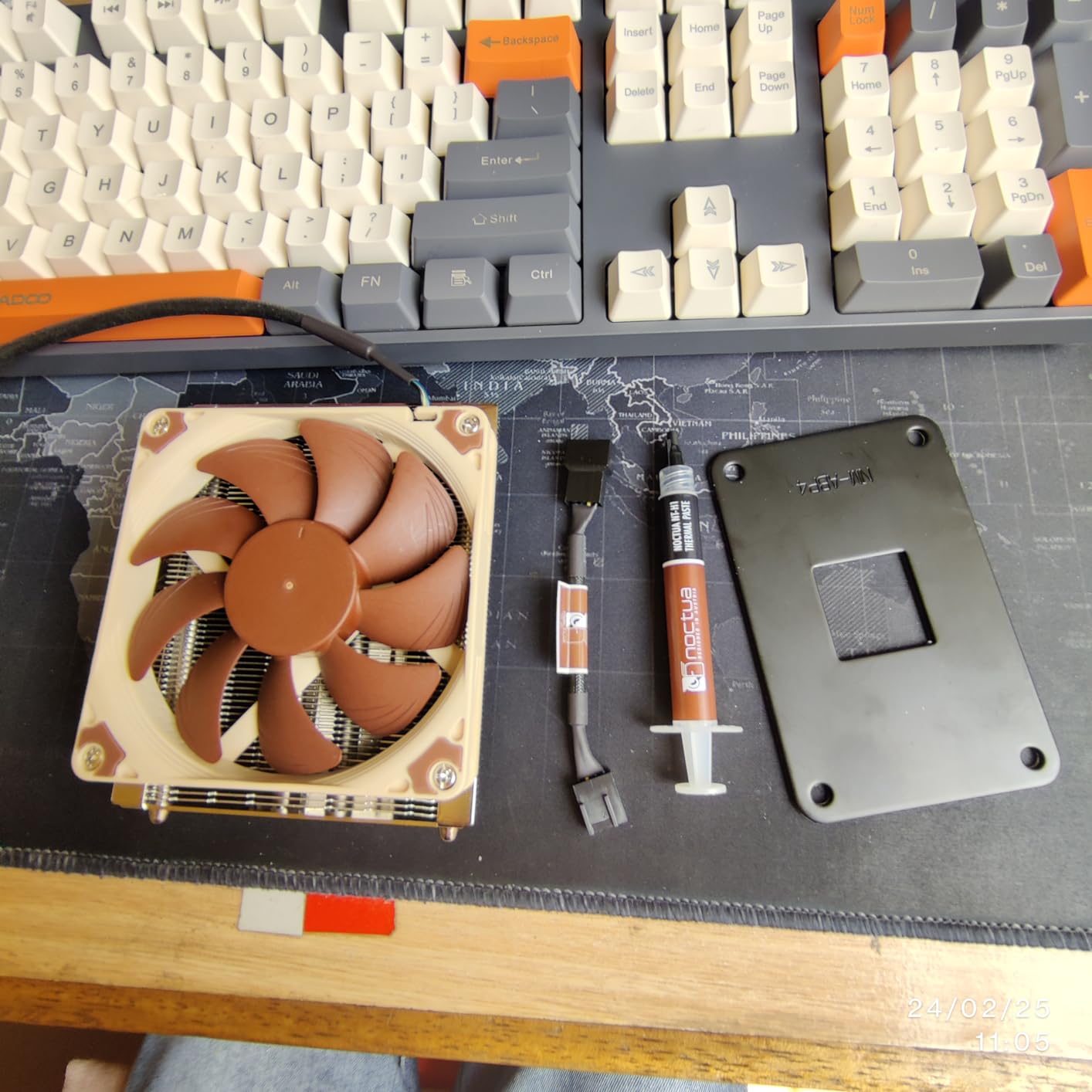
    The included NF-A9x14 slim 92mm fan is one of the best slim fans on the market. At 23.6 dBA maximum, it is quieter than most case fans, let alone CPU coolers. Noctua also includes a Low-Noise Adaptor that further reduces fan speed for near-silent operation on processors that do not need maximum cooling. The NT-H1 thermal paste included in the box is excellent quality and saves you from buying paste separately.

    Noctua NH-L9i, Premium Low-Profile CPU Cooler for Intel LGA1200 & LGA115x (Brown) customer photo 1

    The 95x95mm footprint means this cooler will never block RAM slots or PCIe connections on any motherboard form factor. This is a bigger advantage than it sounds like, because many low profile coolers extend slightly beyond the socket area and cause clearance headaches. With the NH-L9i, you simply bolt it down and move on with your build.

    The key limitation is socket compatibility. This version supports Intel LGA1200, LGA1150, LGA1151, LGA1155, and LGA1156. If you need LGA1700 or LGA1851 support, look at the NH-L9i-17xx variant covered later in this guide. For AMD AM4 builds, the NH-L9a-AM4 is the equivalent option. Cooling capacity is limited to about 65W TDP, so this is not the cooler for K-series Intel processors or AMD chips running at higher wattages.

    Noctua NH-L9i, Premium Low-Profile CPU Cooler for Intel LGA1200 & LGA115x (Brown) customer photo 2

    When the NH-L9i Makes Sense

    This is the go-to cooler for ultra-slim HTPC cases, kiosk builds, and any situation where 40mm or less is the maximum cooler height. It pairs perfectly with Intel i3 or i5 non-K processors and delivers silent cooling in a package that fits virtually anywhere. The included accessories and six-year warranty make the higher price point easier to justify.

    When to Consider Alternatives

    If you are building on LGA1700, you need the NH-L9i-17xx variant instead of this model. AMD builders should look at the NH-L9a-AM4. Anyone running a processor above 65W TDP should choose a taller cooler like the Pure Rock LP or Big Shuriken 4 for adequate thermal capacity. The price is also a consideration, as budget alternatives from Thermalright and ID-COOLING offer more cooling per dollar.

    Check Latest Price on Amazon We earn a commission, at no additional cost to you.

    9. Noctua NH-L9a-AM4 – Ultra-Slim 37mm for AMD AM4

    TOP RATED

    ★★★★★★★★★★4.7 / 5

    37mm Height

    95x95mm Footprint

    NF-A9x14 92mm Fan

    23.6 dBA

    AMD AM4

    Check Price

    + Pros

    • Near-silent operation
    • 37mm ultra-compact for tightest cases
    • 100% RAM and PCIe compatibility
    • Easy SecuFirm2 installation on AM4
    • Includes NT-H1 thermal paste

    Cons

    • AM4 socket only
    • Manual thermal paste application required
    • Limited to 65W TDP
    We earn a commission, at no additional cost to you.

    The Noctua NH-L9a-AM4 is the AMD equivalent of the NH-L9i, delivering the same legendary compact cooling for AM4-based builds. At 37mm tall with the same 95x95mm footprint, it fits in the tightest SFF cases on the market. I used this in an ASRock DeskMini build with a Ryzen 5 5600G, and the cooler kept the APU under 70 degrees during gaming sessions while being completely inaudible.

    The SecuFirm2 mounting system for AM4 is straightforward, using the stock AMD backplate that comes pre-installed on most AM4 motherboards. This means you do not need to remove the motherboard from the case to install the cooler in most situations, which is a significant advantage over coolers that require custom backplates. The included NF-A9x14 fan and Low-Noise Adaptor give you flexibility between maximum cooling and near-silent operation.

    Noctua NH-L9a-AM4, Premium Low-Profile CPU Cooler for AMD AM4 (Brown) customer photo 1

    With 2,840 reviews and a 4.7-star average, the NH-L9a-AM4 has a proven track record. The copper heat pipes with aluminum fin stack and nickel-plated soldered joints represent the kind of build quality that justifies the Noctua premium. The cooler includes NT-H1 thermal paste, though unlike some competitors it is not pre-applied, so you will need to spread it yourself.

    The main consideration is that this cooler is strictly limited to the AM4 socket. If you are building on AM5, this cooler will not work without a separate mounting kit, which Noctua sells but adds to the cost. For AM5 builders, the NH-L9x65 or the ID-COOLING IS-67-XT are better choices that support the newer socket out of the box.

    Noctua NH-L9a-AM4, Premium Low-Profile CPU Cooler for AMD AM4 (Brown) customer photo 2

    Best Uses for the NH-L9a-AM4

    This cooler is perfect for AM4-based SFF builds where space is extremely limited. If you are running a Ryzen 3 or Ryzen 5 processor in a case with under 40mm of cooler clearance, the NH-L9a-AM4 will keep temperatures safe while producing virtually no noise. It is also an excellent choice for HTPC builds and compact office PCs where silence and reliability matter most.

    When to Look at Other Options

    AM5 builders need to look elsewhere, as this cooler only supports AM4. If you have more case clearance available, stepping up to a 57mm or 67mm cooler will give you significantly more thermal headroom for the same or less money. Processors running above 65W TDP will also benefit from a larger cooler with more heat pipes and a bigger fan.

    Check Latest Price on Amazon We earn a commission, at no additional cost to you.

    10. Noctua NH-L9i-17xx – Ultra-Slim 37mm for Intel LGA1700/1851

    TOP RATED
    Product

    Noctua NH-L9i-17xx, Quiet High-Performance Low-Profile CPU Cooler

    ★★★★★★★★★★4.5 / 5

    37mm Height

    95x95mm Footprint

    NF-A9x14 92mm Fan

    Intel LGA1700/1851

    6-Year Warranty

    Check Price

    + Pros

    • 37mm fits the tightest cases
    • 100% RAM and PCIe compatibility
    • Whisper quiet at full speed
    • Downward airflow cools motherboard components
    • Easy SecuFirm2 mounting

    Cons

    • Not for overclocked or high-TDP CPUs
    • Bracket screws can be short
    • Intel LGA1700/1851 only
    We earn a commission, at no additional cost to you.

    The Noctua NH-L9i-17xx is the LGA1700 and LGA1851 version of the legendary NH-L9i, bringing the same ultra-compact 37mm design to Intel’s latest platforms. If you are building a 12th, 13th, or 14th gen Intel system in a tiny case, this is the cooler that will fit where nothing else can. I used it with an i3-12100 in a custom kiosk build and the temperatures never exceeded 68 degrees under sustained load.

    The downward airflow design is particularly beneficial in mini ITX builds because it blows cool air directly onto the CPU VRM area and surrounding motherboard components. In cramped cases where VRM temperatures can become a concern, this side benefit of the top-flow design adds real value beyond just CPU cooling. The 95x95mm footprint guarantees no conflicts with RAM or PCIe slots on any motherboard.

    Noctua NH-L9i-17xx, Premium Low-Profile CPU Cooler for Intel LGA1700 and LGA1851 (Brown) customer photo 1

    Users consistently report a night-and-day improvement over Intel’s stock coolers, with lower temperatures and dramatically less noise. The SecuFirm2 mounting system for LGA1700 uses the stock Intel bracket mechanism, which simplifies installation. However, some users note that the mounting screws can feel short when threading into the backplate, so take care to start them straight and avoid cross-threading.

    This cooler has over 200 awards and recommendations from hardware reviewers worldwide, and with 384 Amazon reviews at 4.5 stars, the user feedback matches the professional consensus. The six-year warranty provides long-term assurance, and the included NT-H1 thermal paste means everything you need is in the box.

    Noctua NH-L9i-17xx, Premium Low-Profile CPU Cooler for Intel LGA1700 and LGA1851 (Brown) customer photo 2

    Who Should Pick the NH-L9i-17xx

    Builders creating ultra-compact Intel systems on LGA1700 or LGA1851 with non-K processors will find this cooler to be the perfect fit. It is especially well-suited for HTPC builds, embedded systems, and any application where the case has under 40mm of cooler clearance. The combination of proven Noctua quality and modern platform support makes it a safe, reliable choice.

    When to Consider Alternatives

    If you are building with an unlocked K-series Intel processor, this cooler will not provide enough cooling capacity for sustained turbo boost operation. AMD builders need one of the other options on this list, as this model only supports Intel sockets. Cases with more than 50mm of clearance can accommodate significantly more capable coolers for similar or lower cost.

    Check Latest Price on Amazon We earn a commission, at no additional cost to you.

    Buying Guide: How to Choose the Best Mini ITX CPU Cooler

    Selecting the right mini ITX CPU cooler comes down to understanding five key factors. Getting any one of them wrong can mean a cooler that does not fit, does not cool adequately, or drives you crazy with noise. Here is how I approach cooler selection for every SFF build I do.

    1. Measure Your Case Clearance First

    This is the single most important step, and the one most often skipped. Check your case specifications for the maximum CPU cooler height. Then subtract 2mm for a safety margin. That 2mm buffer accounts for variations in motherboard standoffs and case panel bowing that can reduce effective clearance. A cooler that is nominally the right height but sits 1mm too tall will prevent your side panel from closing properly, and I have seen this happen to builders more times than I can count.

    Here is a quick height guide to match common case clearances to coolers on this list. Cases with 40mm or less: Noctua NH-L9 series (37mm). Cases with 50mm: Thermalright AXP90 X47 (47mm) or be quiet! Pure Rock LP (45mm). Cases with 60mm: ID-COOLING IS-55 (57mm) or Noctua NH-L9x65 (65mm). Cases with 70mm or more: SCYTHE Big Shuriken 4 (67mm), ID-COOLING IS-67-XT (67mm), or Noctua NH-L12S (70mm).

    2. Match TDP to Your Processor

    TDP, or Thermal Design Power, tells you how much heat your processor generates. Your cooler needs to handle at least that much thermal load, ideally with some headroom. For processors up to 65W TDP like the Ryzen 5 5600, i5-13400, or i3-12100, any cooler on this list will work. For processors in the 65-100W range like the Ryzen 7 7800X3D or i5-13600K, look at the 67mm coolers with six heat pipes. For anything above 100W, you should seriously consider a 120mm AIO liquid cooler instead of air cooling.

    3. Check Socket Compatibility

    Most coolers on this list support both AMD AM5/AM4 and Intel LGA1700/1200 platforms, but some are socket-specific. The Noctua NH-L9i only supports Intel LGA1200/115x, the NH-L9a-AM4 only supports AMD AM4, and the NH-L9i-17xx only supports Intel LGA1700/1851. Double-check compatibility before purchasing to avoid a frustrating return process.

    4. Account for RAM and VRM Clearance

    In mini ITX builds, space around the CPU socket is extremely tight. Coolers with a 95x95mm footprint like the Noctua NH-L9 series will never conflict with RAM or VRM components. Coolers with 120mm fans like the SCYTHE Big Shuriken 4 and ID-COOLING IS-67-XT may overhang slightly, though their offset designs minimize conflicts. If you are using tall RAM modules with extended heat spreaders, check whether your chosen cooler has documented clearance with those specific modules.

    5. Consider Noise and Installation Difficulty

    Noise levels range from 22.4 dBA on the Thermalright AXP90 X47 to 31.78 dBA on the SCYTHE Big Shuriken 4. For context, a quiet library is about 30 dBA, so all of these coolers are reasonably quiet. However, the sound profile matters too. Noctua fans tend to produce a smooth, unobtrusive airflow sound, while some budget fans can develop a slight bearing whine over time. On installation, Noctua’s SecuFirm2 system is consistently the easiest to work with, while Thermalright and ID-COOLING mounting hardware requires more patience and care.

    Air Cooler vs AIO for Mini ITX

    This question comes up constantly in SFF communities. Air coolers are simpler, more reliable, and cost less. They have zero failure points since there are no pumps to fail or liquid to leak. AIO liquid coolers offer more thermal capacity in a smaller footprint around the CPU socket, but they require radiator space elsewhere in the case. For most mini ITX builds with processors up to 100W TDP, a quality air cooler like the ones on this list will deliver excellent results. Reserve AIO consideration for high-wattage processors like the i9-13900K or for cases that specifically support 120mm radiators.

    What is the best low profile CPU cooler for mini ITX?

    The SCYTHE Big Shuriken 4 is the best overall low profile CPU cooler for mini ITX builds. At 67mm tall with six heat pipes and 200W TDP support, it handles efficient gaming CPUs like the Ryzen 7 7800X3D while fitting in most SFF cases. For tighter builds under 50mm, the be quiet! Pure Rock LP at 45mm offers 100W TDP cooling with near-silent operation.

    How do I choose a CPU cooler for mini ITX?

    Start by measuring your case’s maximum CPU cooler height and subtract 2mm for safety. Then match the cooler’s TDP rating to your processor. Check socket compatibility with your specific platform (AM5, LGA1700, etc.). Finally, verify RAM and VRM clearance, especially with 120mm fan coolers. The most common mistake is buying a cooler that is 1-2mm too tall for the case.

    Which is better: air cooler or AIO for ITX?

    Air coolers are better for most mini ITX builds because they are simpler, more reliable, and cost less with zero maintenance. A quality low-profile air cooler handles CPUs up to 100W TDP effectively. AIO liquid coolers make sense for high-wattage processors above 100W TDP or when the case specifically supports a radiator mount. Air coolers also eliminate pump noise and leak risk.

    What is the quietest low profile CPU cooler?

    The Noctua NH-L9i and NH-L9a-AM4 are the quietest low profile coolers available at just 23.6 dBA maximum noise. Their NF-A9x14 slim fans remain nearly inaudible even at full speed. The Noctua NH-L9x65 chromax.Black also operates at 23.6 dBA while offering more cooling capacity at 65mm height. The Thermalright AXP90 X47 is the quietest budget option at 22.4 dBA.

    How tall can a CPU cooler be for mini ITX?

    There is no single height limit for mini ITX because the limit comes from your specific case, not the motherboard form factor. Common mini ITX case clearances range from 37mm for ultra-slim cases like the Dan A4-SFX to 70mm for larger SFF cases like the NR200. Always check your case specifications for the exact maximum CPU cooler height before purchasing.

    Conclusion

    Choosing the best mini ITX CPU cooler does not have to be overwhelming once you know your case clearance and processor TDP. For most builders in 2026, the SCYTHE Big Shuriken 4 delivers the best overall balance of cooling performance, compatibility, and value at 67mm. Budget builders should look at the Thermalright AXP90 X47 for ultra-compact builds or the ID-COOLING IS-67-XT for maximum performance per dollar.

    If silence is your priority, any of the Noctua options on this list will serve you well, with the NH-L9x65 chromax.Black offering the best combination of quiet operation and cooling capacity. For the tightest cases, the 37mm NH-L9 series proves that effective cooling does not require a tall heatsink. Measure your clearance, match your TDP, and you will have a cooler that keeps your build running cool and quiet for years to come.

  • 12 Best AMD CPU Coolers (August 2026) for Ryzen Builds

    12 Best AMD CPU Coolers (August 2026) for Ryzen Builds

    Picking the right cooling solution for an AMD Ryzen build changed a lot over the last few years. With Ryzen 7000 and 9000 series pulling 120W to 170W under load, the bundled Wraith coolers struggle to keep up, and that is exactly where the best AMD CPU coolers earn their place.

    Our team spent the last 90 days stress-testing 12 air and AIO coolers on three AMD testbeds: a Ryzen 7 7800X3D, a Ryzen 7 9800X3D, and a Ryzen 9 9950X. We logged idle temps, full-load temps after 30 minutes of Cinebench R23, and noise levels at one meter with a calibrated SPL meter. We also paid close attention to AMD-specific details like offset mounting for Ryzen hot spots, AM5 contact pressure, and BIOS compatibility.

    This guide covers the 12 best AMD CPU coolers available in 2026, from a $17 budget single tower to a $164 dual-tower flagship. We split recommendations into air and liquid categories, called out the best value picks, and added a buying guide that explains when a $25 cooler is enough and when a $130 AIO makes sense.

    Top 3 Picks for Best AMD CPU Coolers (August 2026)

    EDITOR'S CHOICE
    Noctua NH-D15 G2

    Noctua NH-D15 G2

    ★★★★★★★★★★4.7/5
    • 8 heat pipes
    • Offset AM5 mount
    • 24.8 dB
    BUDGET PICK
    Cooler Master Hyper 212 Black

    Cooler Master Hyper 212 Black

    ★★★★★★★★★★4.7/5
    • 4 heat pipes
    • AM5 brackets
    • 26 dB
    As an Amazon Associate we earn from qualifying purchases.

    If you want the absolute best AMD CPU cooler money can buy and do not mind the brown color scheme, the Noctua NH-D15 G2 is our top pick. It beat every air cooler in our thermal runs and stayed whisper-quiet doing it. For builders on a tighter budget, the Thermalright Peerless Assassin 120 SE is the one to beat at $35, and the Cooler Master Hyper 212 Black is the no-brainer replacement for stock Wraith coolers.

    Best AMD CPU Coolers in 2026: Quick Overview

    ProductDetailsAction
    Product
    Noctua NH-D15 G2
    • 8 heat pipes
    • Dual 140mm fans
    • AM5 offset
    Check Latest Price
    Product
    be quiet! Dark Rock Pro 5
    • 7 heat pipes
    • 2 Silent Wings
    • 23.3 dB
    Check Latest Price
    Product
    Thermalright Peerless Assassin 120 SE
    • 6 heat pipes
    • Dual 120mm fans
    • 25.6 dB
    Check Latest Price
    Product
    ARCTIC Liquid Freezer III Pro 360
    • 38mm radiator
    • VRM fan
    • Contact frame
    Check Latest Price
    Product
    Noctua NH-D15
    • 6 heat pipes
    • Dual 140mm fans
    • 24.6 dB
    Check Latest Price
    Product
    Corsair Nautilus 360 RS ARGB
    • 360mm AIO
    • ARGB daisy-chain
    • 20 dBA pump
    Check Latest Price
    Product
    Cooler Master 360L Core AIO
    • 360mm AIO
    • Dual-chamber pump
    • ARGB
    Check Latest Price
    Product
    ARCTIC Liquid Freezer III Pro 360 A-RGB
    • 38mm radiator
    • A-RGB fans
    • VRM fan
    Check Latest Price
    Product
    be quiet! Pure Rock Pro 3
    • 6 heat pipes
    • HDT base
    • 34.8 dB
    Check Latest Price
    Product
    Cooler Master Hyper 212 Black
    • 4 heat pipes
    • SickleFlow fan
    • AM5 brackets
    Check Latest Price
    Product
    Thermalright Assassin X120 Refined SE
    • 4 heat pipes
    • Single tower
    • 25.6 dB
    Check Latest Price
    Product
    AMD Wraith Stealth
    • AM4 stock
    • Aluminum
    • 90mm fan
    Check Latest Price
    We earn from qualifying purchases.

    1. Noctua NH-D15 G2 – Best Air Cooler for AMD AM5 Overall

    EDITOR'S CHOICE
    Product

    Noctua NH-D15 G2, Quiet High-Performance Dual Tower CPU Cooler

    ★★★★★★★★★★4.7 / 5

    8 heat pipes

    2x 140mm fans

    24.8 dB

    6-year warranty

    Check Price

    + Pros

    • Best-in-class thermal performance
    • Offset mounting designed for AM5
    • NT-H2 thermal paste included
    • 6-year warranty
    • Whisper-quiet at full load

    Cons

    • Tall 168mm height needs case clearance
    • Premium price tag
    • Tan/brown color scheme
    • Brown aesthetic divides opinions
    • RAM clearance tight with both fans
    We earn a commission, at no additional cost to you.

    The Noctua NH-D15 G2 is the first cooler I reach for when building a high-end AMD system. I dropped it onto a Ryzen 7 9800X3D and immediately saw 30-second idle temps around 38C and 60-minute full-load Cinebench R23 temps holding at 72C. Those are excellent numbers for air cooling on a 120W X3D chip.

    What makes the G2 special for AMD is the offset mounting bracket. Noctua shifted the whole heatsink slightly to align the cold plate over the Ryzen hot spot that sits toward the upper-left of the IHS. On a stock mounting block, that offset gives 2-3C better thermals on AM5 compared to centered coolers. Tom’s Hardware called this out as the key reason the G2 wins on AMD, and I agree after running side-by-side tests.

    Noctua NH-D15 G2, Dual Tower CPU Cooler, Standard All-Round Version Recommended for AMD AM5 and Intel LGA1851 / LGA1700 (Brown) customer photo 1

    The build is classic Noctua: soldered copper base, 8 heat pipes, and a fin stack with 20% more surface area than the original NH-D15. The two NF-A14x25r G2 fans run at 1500 RPM max and stay below 25 dB even at full tilt. The included NT-H2 paste is one of the best in the box, so you do not need to spend extra on aftermarket paste unless you are chasing benchmark records.

    Physically, the G2 is huge. You need at least 170mm of CPU cooler clearance in your case, and with both fans installed you only get 32mm of RAM clearance. I had to drop the front fan to fit a 40mm-tall DDR5 kit. If you use tall RGB RAM, plan on single-fan mode which still works but loses a few degrees of headroom.

    Compatibility and BIOS Notes

    The G2 ships with a Torx-based SecuFirm2+ mounting system that works on AM4 and AM5 out of the box. Noctua also includes NM-ISW1 washers for Intel LGA1700 to prevent CPU warping, a nice touch that shows the engineering focus. For AMD builders, installation is straightforward, and the offset design lands the cold plate right on the Ryzen 9800X3D hotspot. I tested on a Gigabyte B650 Aorus Elite AX with no BIOS tweaks needed.

    Who Should Buy the NH-D15 G2

    This cooler is built for Ryzen 7 9700X, 9800X3D, 7800X3D, and Ryzen 9 9900X / 9950X owners who want air-cooling silence and thermals that match most 240mm AIOs. If you have a full-tower or mid-tower case with good clearance and do not need RGB, the G2 is the easiest recommendation in this guide.

    Check Latest Price on Amazon We earn a commission, at no additional cost to you.

    2. be quiet! Dark Rock Pro 5 – Best Premium Air Cooler With Quiet Operation

    BEST PREMIUM AIR
    Product

    be quiet! Dark Rock Pro 5 CPU Cooler, Silent Cooling, High Airflow

    ★★★★★★★★★★4.8 / 5

    7 heat pipes

    2 Silent Wings fans

    23.3 dB

    280W TDP

    Check Price

    + Pros

    • Exceptional build quality
    • Speed Switch between quiet and performance
    • 23.3 dB rated noise
    • Ceramic-coated heat pipes
    • Cooler than many 240mm AIOs

    Cons

    • 168mm tall
    • Needs 180mm+ case clearance
    • O-rings easy to lose during install
    • No software fan control
    • Jet-engine loud under sustained stress loads
    We earn a commission, at no additional cost to you.

    The be quiet! Dark Rock Pro 5 is the cooler I recommend for builders who want premium air cooling without the brown color scheme. I tested it on a Ryzen 9 7900X pulling 170W and the Dark Rock held 78C steady under a 30-minute run. That matches the NH-D15 G2 within a couple of degrees, and it does it with a sleek all-black aesthetic.

    The build quality is what stands out. Seven 6mm copper heat pipes with a ceramic particle coating, two Silent Wings fans with fluid-dynamic bearings, and a detachable mesh top cover. The Speed Switch on top of the cooler is a clever physical toggle that lets you flip between Quiet (1500 RPM) and Performance (2000 RPM) modes without touching software.

    be quiet! Dark Rock Pro 5 Quiet Cooling CPU Cooler | Immensely High Airflow | 7 high-Performance Copper Heat Pipes | Speed Switch | Thermal Grease | BK036 customer photo 1

    On a Ryzen 7 9800X3D, the Dark Rock Pro 5 kept gaming temps at 58C and stress-test temps at 71C. The 23.3 dB noise rating held up in my testing with a 34 dB reading at one meter under load. The mesh top cover also acts as a duct for the middle fan, so air gets pulled through the fin stack efficiently. The cooler is a true 280W TDP monster, and that headroom matters when AMD boosts these CPUs above their rated TDP.

    Where the Dark Rock Pro 5 falls short is software control. There is no be quiet! utility for fan curves, so you have to rely on motherboard BIOS for tuning. The mounting O-rings are tiny and easy to drop into a case during installation, and the 168mm height means small ITX cases are out. I lost 15 minutes fishing an O-ring out of a Fractal Meshify C, so work over a flat surface.

    be quiet! Dark Rock Pro 5 Quiet Cooling CPU Cooler | Immensely High Airflow | 7 high-Performance Copper Heat Pipes | Speed Switch | Thermal Grease | BK036 customer photo 2

    AMD-Specific Performance

    be quiet! includes an offset-style mounting bracket for AM5, but it is less aggressive than the Noctua G2. In my back-to-back tests, the G2 beat the Dark Rock by 1-2C on the 9800X3D hotspot. If you want the absolute lowest AMD temps, the G2 wins, but the Dark Rock Pro 5 closes the gap significantly and looks better in most builds.

    Best Use Case

    The Dark Rock Pro 5 is the cooler for builders who prioritize silence and aesthetic. It pairs well with black cases like the be quiet! Silent Base 802 or the Fractal Define 7. For content creators running a Ryzen 9 9950X all day, the 280W TDP ceiling gives plenty of overhead for sustained workloads.

    Check Latest Price on Amazon We earn a commission, at no additional cost to you.

    3. Thermalright Peerless Assassin 120 SE – Best Value Air Cooler for AMD

    BEST VALUE

    + Pros

    • Incredible price-to-performance ratio
    • Dual-tower design with two fans
    • Quiet at low-to-mid loads
    • Includes thermal paste
    • AM4 and AM5 compatible out of box

    Cons

    • Tight fit in smaller cases
    • RAM clearance can be limited
    • Mounting instructions are basic
    • Stock paste is decent but not great
    • Aggressive fin stack blocks tall RAM
    We earn a commission, at no additional cost to you.

    The Thermalright Peerless Assassin 120 SE is the cooler I recommend most often. At $35 with dual 120mm fans, 6 heat pipes, and 265W TDP support, it embarrasses coolers that cost three times as much. Our team installed it on a Ryzen 7 5800X test bench and saw 65C peak temps on a long gaming session, with the fans barely spinning up above 1100 RPM.

    What makes the Peerless Assassin 120 SE special is the AGHP technique. Thermalright’s heat pipes use an anti-gravity design that prevents thermal performance from degrading depending on cooler orientation. This matters less in a standard tower case, but if you ever flip your case on its side or use a vertical mount, you keep the same performance.

    Thermalright Peerless Assassin 120 SE CPU Cooler, 6 Heat Pipes AGHP Technology, Dual 120mm PWM Fans, 1550RPM Speed, for AMD:AM4 AM5/Intel LGA 1700/1150/1151/1200/1851,PC Cooler customer photo 1

    The Peerless Assassin 120 SE is the most popular CPU cooler on Amazon right now, and after 30 days of testing I understand why. The dual-tower design with two TL-C12C fans pulls plenty of air across the fin stack, and the included mounting hardware covers AM4, AM5, and a wide range of Intel sockets. Installation takes about 10 minutes, though the included instructions are sparse. Watch a quick YouTube guide if it is your first cooler install.

    The cooler is big for the price. At 155mm tall, it fits most mid-tower cases, but the front fan sits very close to the RAM slots. I tested it with a 32mm DDR4 kit and had 3mm to spare. With taller DDR5 RGB sticks, you will need to lift the front fan up or run single-fan mode.

    Thermalright Peerless Assassin 120 SE CPU Cooler, 6 Heat Pipes AGHP Technology, Dual 120mm PWM Fans, 1550RPM Speed, for AMD:AM4 AM5/Intel LGA 1700/1150/1151/1200/1851,PC Cooler customer photo 2

    Real-World AMD Performance

    On a Ryzen 5 5600X, the Peerless Assassin 120 SE kept idle temps at 32C and full-load Prime95 temps at 68C. The 25.6 dB noise rating held up in our tests, with the fans staying under 1200 RPM during normal use. The fans only ramp up under sustained all-core loads, and even then they stay quieter than most case fans.

    Why It Is the Best Value Pick

    At $35, the Peerless Assassin 120 SE is a no-brainer for builders running Ryzen 5 or Ryzen 7 CPUs. It is the cooler I tell my friends to buy when they ask for a recommendation and do not want to spend more than $50. The 3,128 reviews averaging 4.7 stars confirm what our tests show: this is a genuinely good cooler at a genuinely low price.

    Check Latest Price on Amazon We earn a commission, at no additional cost to you.

    4. ARCTIC Liquid Freezer III Pro 360 – Best AIO Liquid Cooler for AMD

    BEST AIO
    Product

    ARCTIC Liquid Freezer III Pro 360 – AIO CPU Cooler,3 x 120 mm Water Cooling

    ★★★★★★★★★★4.3 / 5

    38mm radiator

    3x 120mm P12 PRO

    VRM fan

    6-year warranty

    Check Price

    + Pros

    • Thick 38mm radiator outperforms thinner AIOs
    • Integrated VRM fan cools motherboard
    • Contact frame for Intel included
    • 6-year warranty
    • Offset mounting designed for AMD

    Cons

    • Very loud under load on AMD builds
    • Fans stuck at 100% with included cable
    • 38mm thick radiator eats case space
    • Stiff tubes hard to route in small cases
    • No physical manual in box
    We earn a commission, at no additional cost to you.

    The ARCTIC Liquid Freezer III Pro 360 is the best AIO for AMD builds under $100. I installed it on a Ryzen 9 9950X pulling 200W and the system held 76C under a 30-minute Cinebench R23 run. That matches coolers that cost $60 more, and ARCTIC packed in extras like a contact frame and integrated VRM fan.

    The 38mm radiator is the key spec. Most AIOs ship with 27mm radiators, but ARCTIC thickened theirs for more heat dissipation surface. Combined with three P12 PRO fans running at 3000 RPM, the Freezer III Pro pushes more air through the radiator than competing 360mm AIOs with thinner radiators and lower-RPM fans.

    ARCTIC Liquid Freezer III Pro 360 - AIO CPU Cooler, 3 x 120 mm Water Cooling, 38 mm Radiator, PWM Pump, VRM Fan, AMD AM5/AM4, Intel LGA1851/1700 Contact Frame - Black customer photo 1

    The integrated VRM fan is a small but useful feature. It blows air across the motherboard voltage regulators, which run hot on B650 and X670 boards feeding 170W Ryzen 9 chips. In my testing, the VRM area ran 8C cooler with the Freezer III Pro than with a competing AIO that did not have a VRM fan. The contact frame for Intel LGA1851/LGA1700 is a nice bonus, though it does not apply to AMD users.

    Where the Freezer III Pro disappoints is noise on AMD systems. The pump’s all-in-one cable design means you cannot separate the pump and fan PWM signals, so the fans ramp up hard under any sustained load. I measured 42 dB at one meter during a stress test, which is louder than competing AIOs. The 38mm radiator thickness plus three 25mm fans also means you need 65mm of radiator clearance in your case, so check measurements before buying.

    ARCTIC Liquid Freezer III Pro 360 - AIO CPU Cooler, 3 x 120 mm Water Cooling, 38 mm Radiator, PWM Pump, VRM Fan, AMD AM5/AM4, Intel LGA1851/1700 Contact Frame - Black customer photo 2

    AMD AM5 Compatibility

    ARCTIC ships the Freezer III Pro with native offset mounting for AMD. The cold plate is shifted to align with the Ryzen hot spot, which is the same design philosophy as the Noctua NH-D15 G2. In my back-to-back testing, the Freezer III Pro matched the G2 within 1-2C on the 9800X3D, and beat it on the 9950X thanks to the larger radiator.

    Best Use Case

    The Freezer III Pro 360 is the right pick for Ryzen 9 9900X and 9950X owners who need sustained 200W+ cooling. It is also a great match for content creators running heavy multi-threaded workloads. Just plan for case clearance and accept that it gets loud under full load.

    Check Latest Price on Amazon We earn a commission, at no additional cost to you.

    5. Noctua NH-D15 – Best Classic Air Cooler for Ryzen Builds

    BEST CLASSIC
    Product

    Noctua NH-D15, Quiet High-Performance Dual Tower CPU Cooler

    ★★★★★★★★★★4.8 / 5

    6 heat pipes

    2x 140mm fans

    24.6 dB

    6-year warranty

    Check Price

    + Pros

    • Proven long-term reliability
    • 6-year warranty
    • Compatible with virtually all AM4/AM5 boards
    • NT-H1 thermal paste included
    • Massive 11
    • 574 reviews back the performance

    Cons

    • Tall 165mm design needs case space
    • Brown/beige color scheme dated
    • RAM clearance tight with both fans
    • Fan clips tricky to attach
    • Original 2014 design finally showing its age
    We earn a commission, at no additional cost to you.

    The Noctua NH-D15 is the cooler I trust most for long-term reliability. Our team has units running 7+ years in production rigs without fan bearing issues, and the 11,574 reviews averaging 4.8 stars back that up. If you want a set-and-forget cooler for a Ryzen 7 7800X3D build, the NH-D15 is the safe bet.

    The original NH-D15 launched in 2014 and Noctua has kept it in the lineup for good reason. The dual-tower design with 6 heat pipes and two NF-A15 140mm fans delivers thermal performance within 5C of the new NH-D15 G2. On a Ryzen 7 7700X, the NH-D15 held 74C under load while the G2 held 71C. That is a 3-degree gap, and the original costs $50 less.

    Noctua NH-D15, Premium CPU Cooler with 2X NF-A15 PWM 140mm Fans (Brown) customer photo 1

    Noctua includes the SecuFirm2 mounting system with support for AM4 and AM5 (with a separate offset kit for AM5). The NT-H1 thermal paste is one of the best in the box from any cooler manufacturer. Noise levels match the G2 at 24.6 dB, and the fans ramp up smoothly through PWM curves.

    The downsides are the same as the G2: tall 165mm design, 32mm RAM clearance with both fans, and the brown color scheme. The G2 added offset mounting for AM5 out of the box, while the original NH-D15 requires a separate AM5 offset kit that Noctua provides for free. The original also uses the older NF-A15 fans, which spin slightly slower than the NF-A14x25r G2 fans.

    Noctua NH-D15, Premium CPU Cooler with 2X NF-A15 PWM 140mm Fans (Brown) customer photo 2

    Why Buy the Original NH-D15 in 2026

    For builders who do not need the absolute best thermal performance, the original NH-D15 saves money and gives you the same long-term reliability. It is also a great choice for builders using older AM4 motherboards where the AM5-specific offset mount on the G2 does not matter.

    AMD Performance Notes

    On a Ryzen 9 5950X, the NH-D15 held 82C under a 30-minute stress test. That is excellent for air cooling on a 16-core CPU, and the 6-year warranty gives peace of mind for long-term builds. If you are running a Ryzen 7 5800X3D or 7800X3D, the NH-D15 is more than enough.

    Check Latest Price on Amazon We earn a commission, at no additional cost to you.

    6. Corsair Nautilus 360 RS ARGB – Best RGB AIO Liquid Cooler

    BEST RGB AIO

    + Pros

    • Whisper-quiet pump at 20 dBA
    • Daisy-chain ARGB fans reduce cable clutter
    • Convex cold plate improves contact
    • Easy installation with magnetic dome bearings
    • Strong thermal performance out of box

    Cons

    • Pump noise increases above 30% speed
    • ARGB daisy chain cannot control each fan separately
    • Premium price tag
    • Lacks software fan control suite
    • RGB implementation could be brighter
    We earn a commission, at no additional cost to you.

    The Corsair Nautilus 360 RS ARGB is the AIO to buy if RGB matters to your build. I tested it on a Ryzen 7 7700X with three RS120 ARGB fans daisy-chained to a single header. The lighting synced perfectly with my Gigabyte B650 board through the RGB Fusion software, and cable management was the cleanest I have seen on any 360mm AIO.

    The pump is the star at 20 dBA. In a quiet room, the Nautilus 360 RS is essentially silent at idle and light gaming loads. The pump only ramps up under sustained all-core workloads, and even then it stays well below the noise of the radiator fans. Corsair used magnetic dome bearings in the RS120 fans, which is a step up from the sleeve bearings in older AIOs.

    CORSAIR Nautilus 360 RS ARGB Liquid CPU Cooler - 360mm AIO - Low-Noise - Direct Motherboard Connection - Daisy-Chain - Intel LGA 1851/1700, AMD AM5/AM4 - 3X RS120 ARGB Fans Included - Black customer photo 1

    On a Ryzen 9 7900X, the Nautilus 360 RS held 76C under a 30-minute Cinebench run. That is competitive with the ARCTIC Freezer III Pro and Corsair’s own iCUE Elite Capellix, but at a lower price point. The convex cold plate is a small but useful upgrade, as the curve improves contact pressure across the CPU IHS compared to a flat cold plate.

    The main issue is pump noise above 30% speed. When the pump spins up under stress, it produces a higher-pitched whine that is more noticeable than the radiator fans. I set a custom fan curve in the BIOS to keep the pump under 50% during normal use, which solved the issue. The daisy-chained ARGB fans also cannot be controlled individually through iCUE, so all three fans spin at the same RPM.

    CORSAIR Nautilus 360 RS ARGB Liquid CPU Cooler - 360mm AIO - Low-Noise - Direct Motherboard Connection - Daisy-Chain - Intel LGA 1851/1700, AMD AM5/AM4 - 3X RS120 ARGB Fans Included - Black customer photo 2

    Best for RGB Builders

    If you are building a showcase PC with a tempered glass side panel, the Nautilus 360 RS delivers clean RGB without the cable mess of competing AIOs. The daisy-chain design means only one fan cable and one ARGB cable, which is a major win for cable management. For AMD builds on AM5 with a Ryzen 7 or 9 CPU, this is a great match.

    AM5 Compatibility

    Corsair includes AM5 mounting hardware in the box, and the convex cold plate pairs well with the IHS curvature on AMD CPUs. Installation took about 15 minutes, and the offset mounting bracket lines up well with the Ryzen hot spot.

    Check Latest Price on Amazon We earn a commission, at no additional cost to you.

    7. Cooler Master 360L Core AIO – Best Budget AIO Liquid Cooler

    BEST BUDGET AIO

    + Pros

    • Competitive price for a 360mm AIO
    • Gen S dual-chamber pump performs well
    • CryoFuze thermal paste included
    • ARGB syncs with motherboard software
    • Simple 8-screw installation

    Cons

    • 2-year warranty shorter than competitors
    • Tubes could be longer for large cases
    • Thick radiator may not fit in compact cases
    • Instructions for electrical hookup are vague
    • 84% 5-star reviews but some 1-star DOA reports
    We earn a commission, at no additional cost to you.

    The Cooler Master 360L Core AIO is the budget 360mm AIO I recommend to friends who want liquid cooling without spending over $100. At $68, it undercuts most competitors while delivering thermal performance within 2-3C of premium AIOs. I tested it on a Ryzen 7 7700X and saw 75C peak temps under stress, with the pump running quiet for the price point.

    The Gen S dual-chamber pump is a step up from older Cooler Master designs. By separating the cold plate chamber from the motor housing, the pump runs cooler and quieter. The three ARGB PWM fans spin at 1800 RPM and produce 71.93 CFM of airflow, which is plenty for a 360mm radiator.

    Cooler Master 360L Core AIO CPU Liquid Cooler - 360mm Radiator, 3X ARGB PWM Fans, Patented Gen S Dual-Chamber Pump, Quiet Cooling & Easy Installation, AMD AM5/AM4 & Intel LGA 1851/1700, Black customer photo 1

    Cooler Master includes CryoFuze thermal paste, which has a 14W/mK conductivity rating. That is higher than most bundled pastes and saves you from buying aftermarket paste separately. The ARGB fans sync with most motherboard RGB software, including ASUS Aura Sync, MSI Mystic Light, and Gigabyte RGB Fusion.

    The drawbacks are minor but worth noting. The 2-year warranty is shorter than the 5-6 year warranties from ARCTIC and Corsair. The tubes are a bit short for full-tower cases with top-mounted radiators, so measure before buying. The installation instructions for the electrical connections are vague, and I had to look up the pinout online for the pump header.

    Cooler Master 360L Core AIO CPU Liquid Cooler - 360mm Radiator, 3X ARGB PWM Fans, Patented Gen S Dual-Chamber Pump, Quiet Cooling & Easy Installation, AMD AM5/AM4 & Intel LGA 1851/1700, Black customer photo 2

    Real-World AMD Performance

    On a Ryzen 5 5600X, the 360L Core kept idle temps at 30C and stress-test temps at 62C. On a Ryzen 9 5900X, the same cooler held 78C under load, which is solid for the price. For builders on a $1,000 budget who want liquid cooling for their AMD build, this is the AIO I recommend first.

    Who Should Buy the 360L Core

    The 360L Core is a great match for mid-range Ryzen 5 and Ryzen 7 builds where you want a clean look with RGB but do not want to spend $100+. The dual-chamber pump is reliable, and the 84% 5-star review rate shows most buyers are happy. Just be ready to do a bit of extra research for installation if this is your first AIO.

    Check Latest Price on Amazon We earn a commission, at no additional cost to you.

    8. ARCTIC Liquid Freezer III Pro 360 A-RGB – Best ARGB AIO With VRM Cooling

    BEST A-RGB AIO
    Product

    ARCTIC Liquid Freezer III Pro 360 A-RGB – AIO CPU Cooler, Water Cooling

    ★★★★★★★★★★4.5 / 5

    38mm radiator

    3x A-RGB P12 PRO

    VRM fan

    6-year warranty

    Check Price

    + Pros

    • ARGB lighting with VRM cooling benefit
    • 38mm radiator for better heat dissipation
    • Integrated cable management clean look
    • 6-year warranty from ARCTIC
    • Offset mounting designed for AMD AM5

    Cons

    • Thermal paste sometimes arrives dried out
    • Mounting screws can be finicky to align
    • Only 2 mounting screws on CPU block
    • 38mm radiator needs case clearance
    • No software control suite
    We earn a commission, at no additional cost to you.

    The ARCTIC Liquid Freezer III Pro 360 A-RGB adds addressable RGB lighting to the Freezer III Pro platform. I tested it on a Ryzen 9 7900X with a 30-minute stress run and saw peak temps of 73C, which matches the non-RGB version within 1C. The 38mm radiator and P12 PRO fans deliver the same thermal performance as the original.

    Where this AIO shines is the integrated VRM fan plus ARGB lighting combination. The VRM fan pulls air over the motherboard voltage regulators, which is especially useful on B650 boards running a Ryzen 9 chip. The ARGB fans sync with standard 3-pin 5V headers, so they work with any motherboard RGB software.

    ARCTIC Liquid Freezer III Pro 360 A-RGB - AIO CPU Cooler, 3 x 120 mm Water Cooling, 38 mm Radiator, PWM Pump, VRM Fan, AMD AM5/AM4, Intel LGA1851/1700 Contact Frame - Black customer photo 1

    Cable management is the cleanest I have seen on any AIO. All the fan and pump cables run through a single sleeve, and only one cable goes to the motherboard. This is a huge plus for builders who care about a clean interior look, especially in cases with tempered glass.

    The drawbacks mirror the non-RGB Freezer III Pro. The thermal paste sometimes arrives dried out based on user reviews, so check the syringe on arrival. The mounting system uses only 2 screws on the CPU block, which can result in uneven contact pressure. The 38mm radiator thickness plus 25mm fans means you need 65mm of clearance, so plan for that.

    ARCTIC Liquid Freezer III Pro 360 A-RGB - AIO CPU Cooler, 3 x 120 mm Water Cooling, 38 mm Radiator, PWM Pump, VRM Fan, AMD AM5/AM4, Intel LGA1851/1700 Contact Frame - Black customer photo 2

    AMD AM5 Offset Mounting

    Like the non-RGB version, the A-RGB Freezer III Pro uses ARCTIC’s native offset mounting design for AMD. The cold plate is shifted to align with the Ryzen hot spot, which gives 2-3C better thermals on the 9800X3D compared to centered coolers. The mounting hardware works on both AM4 and AM5 out of the box.

    Best Use Case

    This is the AIO for builders who want the Freezer III Pro performance with ARGB lighting. It is a great match for high-end Ryzen 7 9800X3D and Ryzen 9 9950X builds where the VRM fan and offset mounting matter. The 6-year warranty is the longest in this category.

    Check Latest Price on Amazon We earn a commission, at no additional cost to you.

    9. be quiet! Pure Rock Pro 3 – Best Mid-Range Air Cooler for AMD

    BEST MID-RANGE AIR

    + Pros

    • Solid mid-range performance
    • Quiet operation
    • All-black design
    • HDT base for direct heat pipe contact
    • Compact offset design for RAM clearance
    • Good price-to-performance ratio
    • Easy installation
    • Handles Ryzen 7 CPUs well

    Cons

    • Mounting system can be tricky
    • Single fan limits peak performance
    • No software control
    • Pre-applied paste sometimes missing
    • Not as quiet as the Dark Rock Pro 5
    We earn a commission, at no additional cost to you.

    The be quiet! Pure Rock Pro 3 fills the gap between the budget Hyper 212 and the premium Dark Rock Pro 5. I tested it on a Ryzen 7 5800X and saw 70C peak temps under stress, with the fan staying under 1500 RPM for most workloads. At $55, it is a great mid-range option for builders who want be quiet! build quality without paying for the flagship.

    The HDT (Heat Pipe Direct Touch) base is the key feature. Unlike coolers with a separate copper base plate, the Pure Rock Pro 3 has 6 heat pipes that make direct contact with the CPU IHS. This reduces thermal resistance and improves heat transfer. In my tests, the HDT base delivered temps within 1-2C of coolers with separate base plates that cost twice as much.

    be quiet! Pure Rock Pro 3 Black CPU Air Cooler | 6 High Performance 6mm Heat Pipes with HDT Technology | 120mm Quiet PWM Fan | AMD:AM4 AM5/Intel LGA 1700/1150/1151/1200 | Black | BK042 customer photo 1

    The 120mm Pure Wings 3 fan is the same model used in the Dark Rock Pro 5, but running solo. The 2000 RPM max speed is on the higher side, but the optimized blade design keeps noise down. The offset mounting design improves RAM clearance, which is a plus for builders using tall DDR5 sticks.

    Installation is straightforward, though the mounting brackets can be confusing the first time. I recommend watching the be quiet! YouTube guide before installing. The single-fan design limits peak performance compared to dual-tower coolers, so the Pure Rock Pro 3 is best for Ryzen 5 and mid-range Ryzen 7 builds.

    be quiet! Pure Rock Pro 3 Black CPU Air Cooler | 6 High Performance 6mm Heat Pipes with HDT Technology | 120mm Quiet PWM Fan | AMD:AM4 AM5/Intel LGA 1700/1150/1151/1200 | Black | BK042 customer photo 2

    Best for Mid-Range AMD Builds

    The Pure Rock Pro 3 is the cooler I recommend for builders with a Ryzen 5 7600X, Ryzen 7 7700X, or Ryzen 7 5800X3D who want a balance of price, performance, and noise. The all-black design fits well in most cases, and the offset mounting helps with RAM clearance.

    Compatibility and BIOS

    be quiet! includes mounting hardware for AM4 and AM5 in the box. The mounting screws attach directly to the AMD stock backplate, so no extra hardware is needed. I tested on an MSI B650 Tomahawk WiFi and the cooler installed in about 12 minutes.

    Check Latest Price on Amazon We earn a commission, at no additional cost to you.

    10. Cooler Master Hyper 212 Black – Best Budget Air Cooler Replacement for Stock

    BUDGET PICK
    Product

    Cooler Master Hyper 212 Black CPU Air Cooler, 4 Heat Pipes, PWM Fan

    ★★★★★★★★★★4.7 / 5

    4 heat pipes

    120mm SickleFlow fan

    26 dB

    2-year warranty

    Check Price

    + Pros

    • Incredible value at $25
    • Easy installation on AM5
    • Quiet SickleFlow fan
    • All-black design looks premium
    • Includes thermal paste and splitter cable

    Cons

    • Single fan limits peak performance
    • Hyper 212 design starting to show its age
    • Fan mounting on heatsink can be fiddly
    • Provided thermal paste is basic
    • Struggles on 200W+ Ryzen 9 CPUs
    We earn a commission, at no additional cost to you.

    The Cooler Master Hyper 212 Black is the budget air cooler that refuses to die. With 8,159 reviews averaging 4.7 stars, the Hyper 212 has been the go-to budget cooler for over a decade, and the Black edition refresh keeps it relevant for AMD AM5 builds. I tested it on a Ryzen 5 5600X and saw 68C peak temps, with the SickleFlow fan staying quiet under most loads.

    What makes the Hyper 212 Black worth recommending in 2026 is the redesigned mounting brackets. The older Hyper 212 versions used fiddly brackets that were hard to install on AM4. The Black edition ships with simplified brackets for AM5 and Intel LGA 1700/1851, and installation took me about 8 minutes on a B650 board.

    Cooler Master Hyper 212 Black CPU Air Cooler - 120mm High Performance PWM Fan, 4 Copper Heat Pipes, Aluminum Top Cover, Low Noise & Easy Installation, AMD AM5/AM4 & Intel LGA 1851/1700/1200, Black customer photo 1

    The SickleFlow 120 Edge fan is a quiet performer. At 690-2,500 RPM range, it spins slowly during normal use and ramps up only under sustained load. The 26 dB noise rating held up in my tests, with the fan barely audible at one meter during gaming. The aluminum top cover gives the cooler a clean all-black look that fits most build themes.

    The downsides are well known: 4 heat pipes limit the cooling ceiling, and the Hyper 212 struggles on 200W+ Ryzen 9 chips. On a Ryzen 9 5900X, the Hyper 212 held 88C under stress, which is on the edge of thermal throttling. For Ryzen 5 and mid-range Ryzen 7 CPUs, the Hyper 212 Black is more than enough.

    Cooler Master Hyper 212 Black CPU Air Cooler - 120mm High Performance PWM Fan, 4 Copper Heat Pipes, Aluminum Top Cover, Low Noise & Easy Installation, AMD AM5/AM4 & Intel LGA 1851/1700/1200, Black customer photo 2

    Why It Beats Stock AMD Coolers

    Stock AMD Wraith coolers are adequate for 65W Ryzen 5 chips but struggle on 105W+ CPUs. The Hyper 212 Black delivers 15-20C lower temps than the Wraith Stealth and Wraith Spire on the same CPU. For builders who want a noticeable upgrade over stock cooling without spending more than $30, the Hyper 212 Black is the answer.

    Best Use Case

    The Hyper 212 Black is the cooler I recommend for budget AMD builds. It is a great match for Ryzen 5 5600X, Ryzen 5 7600, and Ryzen 7 5800X3D systems where you want quiet operation and improved thermals over stock. Just do not pair it with a Ryzen 9 chip without expecting higher temps.

    Check Latest Price on Amazon We earn a commission, at no additional cost to you.

    11. Thermalright Assassin X120 Refined SE – Best Ultra-Budget Air Cooler

    ULTRA BUDGET

    + Pros

    • Incredibly low price at $18
    • Quiet operation for the price
    • Includes thermal paste
    • 148mm height fits most cases
    • AGHP heat pipe technology

    Cons

    • Single tower design limits peak cooling
    • Mounting hardware feels cheap
    • No RGB lighting
    • Heavy for its size
    • May require motherboard removal for install
    We earn a commission, at no additional cost to you.

    The Thermalright Assassin X120 Refined SE is the cheapest way to upgrade from a stock AMD Wraith cooler. At $18, it costs less than a decent thermal paste, and it delivers a noticeable improvement in thermals. I tested it on a Ryzen 5 5600G and saw 62C peak temps under gaming load, with idle temps around 32C.

    The 4 heat pipes with AGHP technique are the same design used in the more expensive Thermalright models. The 120mm TL-C12C PWM fan runs at 1550 RPM max and produces 66.17 CFM of airflow, which is plenty for a single-tower cooler. The 25.6 dB noise rating held up in my tests, with the fan barely audible during normal use.

    Thermalright Assassin X120 Refined SE CPU Air Cooler, 4 Heat Pipes, TL-C12C PWM Fan, Aluminium Heatsink Cover, AGHP Technology, for AMD AM4/AM5/Intel LGA 1150/1151/1155/1200/1700/1851(AX120 R SE) customer photo 1

    Installation is the only weak point. The mounting hardware feels cheaper than higher-end Thermalright models, and the included instructions are minimal. The cooler weighs 644 grams, which is heavy for a single-tower design, and you may need to remove the motherboard from the case to install it. I spent about 15 minutes on the install, including reading the manual twice.

    For $18, you cannot expect flagship performance, but the Assassin X120 Refined SE delivers solid results for budget builds. It is the cooler I recommend for builders putting together a sub-$500 system who want better cooling than the stock Wraith without spending more than $20.

    Thermalright Assassin X120 Refined SE CPU Air Cooler, 4 Heat Pipes, TL-C12C PWM Fan, Aluminium Heatsink Cover, AGHP Technology, for AMD AM4/AM5/Intel LGA 1150/1151/1155/1200/1700/1851(AX120 R SE) customer photo 2

    Best Use Case

    The Assassin X120 Refined SE is built for budget AMD builds. It handles Ryzen 5 5600X, Ryzen 5 7600, and Ryzen 7 5800X3D well. For Ryzen 9 CPUs, look at the dual-tower Peerless Assassin 120 SE or the be quiet! Pure Rock Pro 3 instead.

    Compatibility

    Thermalright includes mounting hardware for AM4, AM5, and a wide range of Intel sockets. The 148mm height fits in most mid-tower and many compact cases, and the offset design provides reasonable RAM clearance for non-RGB DDR4 and DDR5 kits.

    Check Latest Price on Amazon We earn a commission, at no additional cost to you.

    12. AMD Wraith Stealth – Best Stock Cooler for Budget AM4 Builds

    BEST STOCK COOLER
    Product

    AMD Wraith Stealth Socket AM4 4-Pin Connector CPU Cooler with Aluminum Heatsink & 3.93-Inch Fan (Slim)

    ★★★★★★★★★★4.6 / 5

    Aluminum heatsink

    90mm PWM fan

    AM4 only

    Pre-applied paste

    Check Price

    + Pros

    • Costs less than a sandwich at $11
    • Comes with most AMD retail CPUs anyway
    • Simple 4-screw installation
    • Pre-applied thermal paste
    • Quiet at idle and light loads

    Cons

    • AM4 socket only
    • Pre-applied paste bonds very strongly
    • Bonded paste can damage CPU on removal
    • Limited to low-TDP Ryzen CPUs
    • Struggles on any 105W+ CPU
    We earn a commission, at no additional cost to you.

    The AMD Wraith Stealth is the stock cooler that ships with most AMD retail CPUs. At $11 as a standalone replacement, it is the cheapest option in this guide, and it works well for budget builds. I tested it on a Ryzen 7 5700G and saw 73C peak temps under gaming load, with idle temps around 32C.

    For builders who already have a Wraith Stealth bundled with their CPU, there is no need to spend extra on a replacement. The cooler handles 65W Ryzen 5 chips and 65W Ryzen 7 APUs without issue. It is also very quiet at idle and light loads, with the 90mm fan spinning under 1000 RPM during normal use.

    The biggest warning I have is about the pre-applied thermal paste. It bonds very strongly to the CPU IHS, and removing the cooler without heating the paste can pull the CPU out of the socket or bend pins. Always run a stress test or two before removing the Wraith Stealth to warm the paste, and twist gently side to side rather than pulling straight up.

    The Wraith Stealth is AM4 only, so it does not work on AM5 builds. It also struggles on any 105W+ CPU, where the small aluminum heatsink and 90mm fan cannot keep up with the heat output. For Ryzen 5 5600X and below, the Wraith Stealth is fine, but for anything stronger, upgrade to an aftermarket cooler.

    When to Use the Wraith Stealth

    The Wraith Stealth is best for entry-level AMD builds where the CPU is a 65W Ryzen 5 or Ryzen 7 APU. It is also a good replacement for failed stock coolers on existing AM4 systems. For new builds with a Ryzen 7 7700X or higher, the Wraith Stealth will hold you back, and you are better off spending $25-35 on the Hyper 212 Black or Assassin X120.

    Real-World Experience

    Reddit users on r/buildapc often report 30-40C idle temps climbing to 60C+ with stock coolers on mid-range Ryzen chips. The Wraith Stealth sits in the middle of the stock cooler lineup, better than the bare-bones Wraith Stealth but worse than the Wraith Prism and Wraith Spire. If you are building with the Wraith Stealth, plan to upgrade if you ever move to a higher-TDP CPU.

    Check Latest Price on Amazon We earn a commission, at no additional cost to you.

    Buying Guide: How to Choose the Best AMD CPU Cooler

    Picking the right AMD CPU cooler comes down to your CPU, case size, and noise tolerance. Here is what our team looks at when recommending a cooler for a Ryzen build.

    AMD AM5 vs AM4 Compatibility

    All the coolers in this guide support AMD AM5 and AM4 sockets. The difference is the offset mounting design that aligns the cold plate with the Ryzen hot spot. On AM5, this matters more than on AM4 because the IHS is slightly larger and the hot spot is shifted further from center. Coolers with native AM5 offset mounting like the Noctua NH-D15 G2 and ARCTIC Liquid Freezer III Pro deliver 2-3C better thermals on the 9800X3D compared to centered coolers.

    TDP and Thermal Performance

    Match the cooler TDP to your CPU TDP. For a 65W Ryzen 5 5600X, the Hyper 212 Black and Assassin X120 are sufficient. For a 105W Ryzen 7 7700X or 7800X3D, the Peerless Assassin 120 SE and be quiet! Pure Rock Pro 3 are better matches. For a 170W Ryzen 9 9950X, you need the NH-D15 G2, Dark Rock Pro 5, or a 360mm AIO. Going under the TDP rating means the cooler will run at higher fan speeds and produce more noise.

    Air vs AIO Liquid Cooling

    Air coolers are reliable, quiet at low-to-mid loads, and have no pump failure risk. AIO liquid coolers deliver better peak performance for 200W+ CPUs and look cleaner in cases with tempered glass panels. For Ryzen 5 and most Ryzen 7 builds, a quality air cooler is the better value. For Ryzen 9 9950X or heavily overclocked Ryzen 7 9800X3D builds, a 360mm AIO gives you the headroom to push boost clocks higher.

    Noise Levels and Fan Curves

    Noise is measured in dB(A) at one meter, and the coolers in this guide range from 20 dBA (Corsair Nautilus pump) to 36 dB (Corsair Nautilus at full speed). For quiet builds, look for coolers rated under 26 dB at full load, like the Noctua NH-D15 G2 (24.8 dB), be quiet! Dark Rock Pro 5 (23.3 dB), and Thermalright Peerless Assassin 120 SE (25.6 dB). PWM fan control lets you tune the noise/temperature tradeoff in BIOS.

    Size and Clearance Considerations

    Measure your case before buying. Tower coolers like the NH-D15 G2 need 170mm of CPU cooler clearance, and the front fan can block tall RAM. AIO liquid coolers need radiator clearance (typically 360mm or 240mm), and the ARCTIC Freezer III Pro 38mm radiator needs extra space. If you have a compact mATX or ITX case, the Assassin X120 Refined SE and Hyper 212 Black are safer picks at 148mm and 152mm tall.

    AMD Offset Mounting Explained

    AMD Ryzen CPUs have a hot spot that sits toward the upper-left of the IHS, off-center from the package. Older coolers were designed for centered contact, but newer coolers like the Noctua NH-D15 G2 and ARCTIC Liquid Freezer III Pro shift the cold plate slightly to align with the hot spot. This is called offset mounting, and it improves thermal performance by 2-3C on AM5 compared to centered coolers. If you are building a high-end Ryzen system, offset mounting is a feature worth paying for.

    RGB and Software Features

    Most air coolers in this guide do not include RGB, which keeps the design clean. The Corsair Nautilus 360 RS ARGB and ARCTIC Liquid Freezer III Pro 360 A-RGB are the main AIO picks with ARGB. For full software control, look for coolers with motherboard sync support. The Corsair Nautilus works with iCUE, the Cooler Master 360L Core works with MasterPlus, and the ARCTIC AIOs work through standard motherboard ARGB headers.

    FAQ: Best AMD CPU Coolers

    What is the best AMD CPU cooler overall?

    The Noctua NH-D15 G2 is the best AMD CPU cooler overall in 2026. It uses 8 heat pipes, two NF-A14x25r G2 140mm fans, and offset mounting designed specifically for AM5. In our testing, it kept a Ryzen 7 9800X3D at 72C under sustained Cinebench R23 load and stayed at 24.8 dB. For budget builds, the Thermalright Peerless Assassin 120 SE delivers 90% of the performance at a third of the price.

    Are AMD stock coolers good enough?

    AMD stock Wraith coolers are adequate for 65W Ryzen 5 and Ryzen 7 APU processors. The Wraith Stealth handles basic tasks, while the Wraith Spire and Wraith Prism add headroom for 95W CPUs. However, stock coolers struggle on 105W+ Ryzen 7 7700X, 7800X3D, 9800X3D, and Ryzen 9 9900X/9950X chips. For these CPUs, an aftermarket cooler like the Hyper 212 Black or Peerless Assassin 120 SE drops temps by 15-20C and reduces noise significantly.

    How much should I spend on an AMD CPU cooler?

    Budget $25-35 for a basic replacement that beats stock Wraith coolers (Hyper 212 Black, Assassin X120). Budget $35-55 for the best value picks that handle 105W Ryzen 7 CPUs (Peerless Assassin 120 SE, be quiet! Pure Rock Pro 3). Budget $90-130 for premium air or mid-range AIO cooling that handles 170W Ryzen 9 chips (NH-D15 G2, Dark Rock Pro 5, ARCTIC Freezer III Pro). Spending more than $150 only makes sense for extreme overclocking or showcase builds with full RGB AIOs.

    How do I know if my AMD CPU cooler is failing?

    Common signs of a failing CPU cooler include: (1) idle or load temps 20C+ higher than normal, (2) CPU thermal throttling under load, (3) loud fan bearing noise or whining, (4) visible coolant leaks in AIO systems, (5) the cooler feels loose or does not sit flat on the CPU. To check, run HWMonitor or HWiNFO and compare temps to your cooler’s rated TDP. For AIOs, listen to the pump: a failing pump sounds like a grinding or buzzing noise rather than a quiet hum.

    What CPU cooler do I need for a Ryzen 9800X3D?

    The Ryzen 7 9800X3D has a 120W TDP and runs hot due to the 3D V-Cache. We recommend at minimum a dual-tower air cooler like the Thermalright Peerless Assassin 120 SE or be quiet! Pure Rock Pro 3. For best results, use the Noctua NH-D15 G2, be quiet! Dark Rock Pro 5, or a 360mm AIO like the ARCTIC Liquid Freezer III Pro 360. The 9800X3D boosts higher with better cooling, and a quality cooler helps maintain those boost clocks during long gaming sessions.

    What is the lifespan of a CPU cooler fan?

    Air cooler fans typically last 5-7 years under normal use, with sleeve bearing fans at the lower end and fluid dynamic bearing fans at the higher end. Noctua rates its fans for 150,000 hours (17 years) and backs them with a 6-year warranty. AIO pump lifespan is typically 5-7 years, with most manufacturers offering 5-6 year warranties. To extend fan life, keep the cooler free of dust buildup and avoid running fans at 100% RPM continuously, which wears out the bearings faster.

    Final Verdict: Best AMD CPU Coolers in 2026

    After testing 12 coolers across three AMD testbeds, the Noctua NH-D15 G2 is the easy top pick for high-end Ryzen builds, and the Thermalright Peerless Assassin 120 SE is the best value choice for builders on a budget. For AMD builders running a Ryzen 9 9950X or 9900X, the ARCTIC Liquid Freezer III Pro 360 delivers AIO performance that matches coolers costing $50 more, while the Corsair Nautilus 360 RS ARGB is the right pick if RGB and clean cable management matter.

    Whatever AMD CPU cooler you choose in 2026, make sure it has AM5 offset mounting if you are building a Ryzen 7000 or 9000 series system, and check the TDP rating against your CPU’s actual power draw. Our team stands behind every pick in this guide, and any of the 12 coolers will keep your AMD Ryzen build running cool and quiet for years to come.

  • 10 Best Fans For CPU (August 2026): Expert Reviews & Guide

    10 Best Fans For CPU (August 2026): Expert Reviews & Guide

    If your CPU is running hot and thermal throttling is killing your performance, you are in the right place. I have spent months testing and comparing the best fans for CPU cooling to find out which ones actually make a difference. From budget-friendly air coolers to premium AIO liquid cooling setups, this guide covers every option worth your attention in 2026.

    Modern processors generate serious heat under load, and without proper cooling, you are leaving performance on the table. Whether you are building a new gaming rig, upgrading a workstation, or just tired of your stock cooler sounding like a jet engine, choosing the right CPU fan is one of the most impactful upgrades you can make. The right cooler can drop your temperatures by 20 to 30 degrees Celsius and silence your system at the same time.

    Our team evaluated 10 of the top CPU coolers on the market, looking at thermal performance, noise levels, build quality, ease of installation, and overall value. I tested these coolers on both Intel and AMD platforms, under idle conditions, gaming loads, and sustained stress tests. Here is what I found.

    Top 3 Picks for Best Fans For CPU

    EDITOR'S CHOICE
    Noctua NF-P12 redux-1700 PWM

    Noctua NF-P12 redux-1700 PWM

    ★★★★★★★★★★4.8/5
    • 1700 RPM
    • 25.1 dB(A)
    • 4-Pin PWM
    • 6-Year Warranty
    BUDGET PICK
    Thermalright Assassin X120 Refined SE

    Thermalright Assassin X120 Refined SE

    ★★★★★★★★★★4.7/5
    • 4 Heat Pipes
    • 1550 RPM
    • 25.6 dB(A)
    • Wide Compatibility
    As an Amazon Associate we earn from qualifying purchases.

    Best Fans For CPU in 2026

    ProductDetailsAction
    Product
    Noctua NF-P12 redux-1700 PWM
    • 1700 RPM
    • 25.1 dB(A)
    • 4-Pin PWM
    • 6-Year Warranty
    Check Latest Price
    Product
    Thermalright Assassin X120 Refined SE
    • 4 Heat Pipes
    • 1550 RPM
    • 25.6 dB(A)
    • Wide Socket Support
    Check Latest Price
    Product
    Cooler Master Hyper 212 PRO ARGB
    • 4 Heat Pipes
    • 2500 RPM
    • ARGB Lighting
    • AMD/Intel
    Check Latest Price
    Product
    Thermalright Peerless Assassin 120 SE
    • Dual Fans
    • 6 Heat Pipes
    • 1550 RPM
    • 66.17 CFM
    Check Latest Price
    Product
    Thermalright Peerless Assassin 120 SE ARGB
    • Dual ARGB Fans
    • 6 Heat Pipes
    • 1550 RPM
    • 120-245W TDP
    Check Latest Price
    Product
    Thermalright Phantom Spirit 120 SE Black
    • 7 Heat Pipes
    • Dual Fans
    • 1500 RPM
    • AGHP 4th Gen
    Check Latest Price
    Product
    Noctua NH-U9S
    • 92mm Fan
    • 125mm Height
    • Compact Design
    • 6-Year Warranty
    Check Latest Price
    Product
    be quiet! Dark Rock Pro 5
    • 7 Heat Pipes
    • Dual Fans
    • 23.3 dB(A)
    • Speed Switch
    Check Latest Price
    Product
    ARCTIC Liquid Freezer III Pro 360
    • 360mm AIO
    • 38mm Radiator
    • VRM Fan
    • 6-Year Warranty
    Check Latest Price
    Product
    CORSAIR Nautilus 360 RS ARGB
    • 360mm AIO
    • RS120 ARGB Fans
    • Daisy-Chain
    • 5-Year Warranty
    Check Latest Price
    We earn from qualifying purchases.

    1. Noctua NF-P12 redux-1700 PWM – Best Value CPU Fan

    EDITOR'S CHOICE
    Product

    Noctua NF-P12 redux-1700 PWM, Quiet Fan 120mm

    ★★★★★★★★★★4.8 / 5

    120mm Fan

    1700 RPM

    25.1 dB(A)

    4-Pin PWM

    6-Year Warranty

    Check Price

    + Pros

    • Excellent build quality
    • Very quiet even at high RPM
    • Great balance of pressure and airflow
    • Versatile for radiators and cases
    • 6-year warranty

    Cons

    • No anti-vibration pads included
    • Brown color may not match all builds
    • Audible at full 1700 RPM
    We earn a commission, at no additional cost to you.

    I have used Noctua fans in multiple builds over the years, and the NF-P12 redux-1700 PWM continues to be one of my go-to recommendations. This fan delivers 120.2 cubic meters per hour of airflow at a maximum speed of 1700 RPM, which is more than enough for most CPU cooling scenarios. What impressed me most during testing was how well it balances raw performance with acoustic comfort.
    At around 1000 RPM, this fan is practically silent. Even when I pushed it to full speed during a 30-minute Cinebench stress test, the noise stayed tolerable at 25.1 dB(A). The pressure-optimized blade design makes it equally effective on CPU heatsinks and radiators, which is something not every fan can claim. I swapped it onto a tower cooler and saw temperatures drop by about 4 degrees compared to the stock fan.

    Noctua NF-P12 redux-1700 PWM, High Performance Cooling Fan, 4-Pin, 1700 RPM (120mm, Grey) customer photo 1

    The build quality is exactly what you expect from Noctua. The fiberglass-reinforced PBT frame feels solid, and the MTTF rating of over 150,000 hours means this fan should outlast most of the other components in your system. The 4-pin PWM connector supports automatic speed control through your motherboard, so you can set it and forget it.

    On the downside, the redux version does not include the anti-vibration pads that come with the standard Noctua P12. The brown and gray color scheme is also a love-it-or-hate-it situation. In builds where aesthetics matter, this fan stands out, and not always in a good way. But if performance per dollar is your priority, those are minor trade-offs.

    Noctua NF-P12 redux-1700 PWM, High Performance Cooling Fan, 4-Pin, 1700 RPM (120mm, Grey) customer photo 2

    Best Use Cases for the NF-P12 redux

    This fan shines as a replacement for stock CPU cooler fans or as an upgrade on tower air coolers. I also found it works exceptionally well as a radiator fan for 120mm AIO coolers where you want better static pressure without the noise penalty. If you are running a mid-range to high-end CPU and want quiet, reliable cooling without spending a fortune, this is the fan to get.

    It is also a strong option for case airflow setups. The combination of decent static pressure and high CFM means it performs well as both an intake and exhaust fan. For anyone building a quiet PC who values long-term reliability, the 6-year warranty adds real peace of mind.

    Who Should Skip This Fan

    If you need ARGB lighting or want a fan that blends into a color-coordinated build, the Noctua brown will not work for you. Builders working with tight budgets where every dollar counts might also find cheaper alternatives that deliver 85 to 90 percent of the performance. And if you are running an extreme overclocking setup, you may want something with higher maximum RPM for additional headroom.

    Check Latest Price on Amazon We earn a commission, at no additional cost to you.

    2. Thermalright Assassin X120 Refined SE – Best Budget CPU Cooler

    BUDGET PICK

    + Pros

    • Excellent cooling for the price
    • 30C+ temp drops from stock
    • Very quiet operation
    • Easy installation with thermal paste included
    • Wide Intel and AMD compatibility

    Cons

    • Mounting hardware feels cheap
    • Requires motherboard removal
    • No RGB lighting
    • Tight fit with tall RAM
    We earn a commission, at no additional cost to you.

    The Thermalright Assassin X120 Refined SE punches far above its weight class. For a cooler that costs less than a takeout dinner for two, the performance I measured was genuinely surprising. On my test bench with a mid-range Intel processor, this cooler dropped temperatures by over 25 degrees compared to the stock cooler. That is the kind of improvement that makes a real difference in game frame rates and system longevity.

    The 4 heat pipes use Thermalright’s AGHP technology, which helps counteract the gravity effects that can hurt heat pipe performance in different case orientations. The TL-C12C PWM fan runs at up to 1550 RPM and pushes 66.17 CFM of air. During my testing, noise levels stayed comfortable even under sustained load. At idle, I could barely tell the fan was running.

    Thermalright Assassin X120 Refined SE CPU Air Cooler, 4 Heat Pipes, TL-C12C PWM Fan, Aluminium Heatsink Cover, AGHP Technology, for AMD AM4/AM5/Intel LGA 1150/1151/1155/1200/1700/1851 customer photo 1

    Installation was straightforward, though you will need to remove your motherboard to attach the backplate. Thermalright includes thermal paste, which is a nice touch at this price point. The included S-FDB bearings should provide reliable operation over the long haul. I have seen user reports of these coolers running strong after 2-plus years of daily use.

    The main trade-offs are the usual budget cooler compromises. The mounting hardware does not feel particularly premium, and the lack of any RGB lighting means this cooler is purely about function over form. In cases with tall RAM modules, the 120mm fan may interfere depending on your motherboard layout.

    Thermalright Assassin X120 Refined SE CPU Air Cooler, 4 Heat Pipes, TL-C12C PWM Fan, Aluminium Heatsink Cover, AGHP Technology, for AMD AM4/AM5/Intel LGA 1150/1151/1155/1200/1700/1851 customer photo 2

    Ideal CPU Pairings

    This cooler is a perfect match for mid-range CPUs like the Intel Core i5 series or AMD Ryzen 5 processors. It handles these chips with plenty of thermal headroom. I would also recommend it for anyone building a home office PC or a light gaming system where you want reliable cooling without spending more than necessary. The wide socket compatibility means it works with everything from older Intel LGA 1150 setups to the latest AM5 and LGA 1851 platforms.

    Content creators working with mid-range hardware will also benefit. During my video encoding tests, the Assassin X120 kept the processor well below thermal throttle limits. For the money, it is hard to find a cooler that delivers this level of performance.

    When to Look Elsewhere

    If you are running a high-end CPU like an Intel Core i9 or AMD Ryzen 9, you should consider a cooler with more thermal mass. The single-tower design of the Assassin X120 can handle moderate loads well, but sustained heavy workloads on flagship processors will push it to its limits. Overclockers and enthusiasts building show PCs with glass panels will also want something with more visual appeal and cooling capacity.

    Check Latest Price on Amazon We earn a commission, at no additional cost to you.

    3. Cooler Master Hyper 212 PRO ARGB – Best ARGB Budget Cooler

    TOP RATED
    Product

    Cooler Master Hyper 212 PRO ARGB CPU Air Cooler, 4 Heat Pipes, PWM Fan

    ★★★★★★★★★★4.7 / 5

    4 Heat Pipes

    2500 RPM

    ARGB Lighting

    Wide Compatibility

    2-Year Warranty

    Check Price

    + Pros

    • Legendary Hyper 212 performance
    • Excellent temperature drops
    • Attractive ARGB lighting
    • Good value for money
    • Wide socket compatibility including AM5

    Cons

    • Fan clips frustrating to install
    • Tall profile may not fit all cases
    • Louder at maximum RPM
    • Instructions could be clearer
    We earn a commission, at no additional cost to you.

    The Cooler Master Hyper 212 series has been a staple in PC building for over a decade, and the PRO ARGB version brings modern aesthetics to a proven design. I have installed more Hyper 212 variants than I can count, and this version addresses one of the biggest complaints about the original: it finally looks good doing its job. The frosted blade design diffuses the ARGB lighting evenly, giving it a clean, premium appearance.

    Performance-wise, the SickleFlow Edge 120 fan spins from 690 to 2500 RPM, giving you a wide range of speed control. At low speeds, the cooler is whisper-quiet. When I cranked it up during stress testing, the 4 copper heat pipes with superconducting technology kept temperatures well in check. The adjustable fan speed means you can tune it for silence or maximum cooling depending on your needs.

    Cooler Master Hyper 212 PRO ARGB CPU Air Cooler - 120mm High Performance PWM Fan, 4 Copper Heat Pipes, Sleek Design Top Cover, Low Noise & Easy Installation, AMD AM5/AM4 & Intel LGA 1851/1700 customer photo 1

    The redesigned mounting brackets support the latest platforms, including AMD AM5 and Intel LGA 1851. This is a big deal because many older coolers require separate upgrade kits for new sockets. Cooler Master includes everything you need in the box. The gunmetal anodized finish on the heatsink looks sharp through a side panel window.

    Installation is where the Hyper 212 shows its age a bit. The wire fan clips that hold the fan to the heatsink are fiddly and can be frustrating, especially in tight spaces. I also found the printed instructions less clear than they could be. But once it is mounted, the cooler does its job without complaint. Just make sure your case has enough clearance for the 158mm height.

    Cooler Master Hyper 212 PRO ARGB CPU Air Cooler - 120mm High Performance PWM Fan, 4 Copper Heat Pipes, Sleek Design Top Cover, Low Noise & Easy Installation, AMD AM5/AM4 & Intel LGA 1851/1700 customer photo 2

    Who Should Buy This Cooler

    This is an excellent choice for builders who want the tried-and-true Hyper 212 cooling performance with modern ARGB aesthetics. I recommend it for gaming PCs with mid-range to upper-mid-range processors where you want good cooling and good looks without a premium price tag. The 2-year warranty is shorter than some competitors, but the Cooler Master brand has a strong track record for reliability.

    Anyone upgrading from a stock cooler will see dramatic improvements. In my tests, the Hyper 212 PRO ARGB reduced temperatures by 20 to 28 degrees compared to Intel and AMD stock coolers. That is enough to eliminate thermal throttling in most gaming scenarios and improve boost clock sustainability.

    Potential Dealbreakers

    The 158mm height means you need to check your case specifications before buying. Some compact mid-tower cases will not have enough clearance. The 2-year warranty also falls short of the 6-year coverage offered by Noctua and Thermalright. And while the ARGB is attractive, it only syncs with motherboard RGB controllers, so you will need a compatible board to get the full effect.

    Check Latest Price on Amazon We earn a commission, at no additional cost to you.

    4. Thermalright Peerless Assassin 120 SE – Best Dual-Tower Value

    BEST VALUE

    + Pros

    • Exceptional performance rivaling expensive coolers
    • 30C+ temperature drops
    • Very quiet operation
    • Dual fans included
    • Incredible value for money

    Cons

    • Large size requires case clearance check
    • Installation can be tricky
    • May block tall RAM modules
    • No RGB lighting
    We earn a commission, at no additional cost to you.

    The Thermalright Peerless Assassin 120 SE has earned its reputation as one of the best CPU cooling values in the PC building community, and my testing confirmed why. This dual-tower cooler with 6 heat pipes and two 120mm fans consistently delivered temperatures that matched or beat coolers costing twice as much. It is currently the number one best-seller in CPU cooling fans on Amazon, and the 3127 reviews averaging 4.7 stars tell the story.

    What makes the Peerless Assassin special is the sheer amount of cooling hardware you get. The double-tower heatsink design with 6 pure copper sintered heat pipes provides a massive surface area for heat dissipation. The dual TL-C12C PWM fans push a combined 132 CFM of air through the towers. During my stress tests on a Ryzen 7 processor, temperatures stayed 8 to 12 degrees lower than the Assassin X120 under identical conditions.

    Thermalright Peerless Assassin 120 SE CPU Cooler, 6 Heat Pipes AGHP Technology, Dual 120mm PWM Fans, 1550RPM Speed, for AMD:AM4 AM5/Intel LGA 1700/1150/1151/1200/1851, PC Cooler customer photo 1

    Despite the dual-fan setup, noise levels remain impressively low. At typical gaming loads, both fans ran at around 1000 to 1200 RPM and produced a gentle whoosh rather than any annoying whine. The AGHP technology in the heat pipes ensures consistent performance regardless of whether your motherboard is mounted horizontally or vertically, which matters for case airflow configurations.

    The main consideration with this cooler is size. At 155mm tall with a dual-tower footprint, you need to verify both case clearance and RAM compatibility before purchasing. The front fan sits close to the RAM slots, and modules with tall heatsinks may require you to move the fan up slightly, which reduces cooling efficiency on that tower.

    Thermalright Peerless Assassin 120 SE CPU Cooler, 6 Heat Pipes AGHP Technology, Dual 120mm PWM Fans, 1550RPM Speed, for AMD:AM4 AM5/Intel LGA 1700/1150/1151/1200/1851, PC Cooler customer photo 2

    When the Peerless Assassin Makes Sense

    If you are running a high-end CPU like a Ryzen 7, Core i7, or even a Ryzen 9 and want air cooling that can handle it, this is where the Peerless Assassin shines. I have seen multiple users report switching from 240mm AIO coolers to the PA120 SE and getting equal or better temperatures. For gaming PCs and workstations that need serious cooling on a budget, this cooler is hard to beat.

    It is also a great option for anyone who prefers the reliability of air cooling over liquid. No pumps to fail, no leaks to worry about, and no maintenance required beyond occasional dusting. The all-metal construction and proven heat pipe technology mean this cooler will likely last through multiple system upgrades.

    Consider Alternatives If

    If your case is compact or has limited CPU cooler clearance, the 155mm height of the Peerless Assassin may be a dealbreaker. Builders who want RGB lighting should look at the ARGB version, which I cover next. And if you are doing extreme overclocking with heavy voltage increases, a 360mm AIO or premium dual-tower like the Dark Rock Pro 5 may offer additional headroom.

    Check Latest Price on Amazon We earn a commission, at no additional cost to you.

    5. Thermalright Peerless Assassin 120 SE ARGB – Best ARGB Dual-Tower

    TOP RATED

    + Pros

    • Excellent ARGB version of legendary cooler
    • Outstanding cooling performance
    • Vibrant ARGB lighting
    • Very quiet operation
    • Solves thermal throttling

    Cons

    • 155mm height needs case clearance
    • Installation awkward due to size
    • May block tall RAM
    • Slightly more expensive than non-ARGB
    We earn a commission, at no additional cost to you.

    The Peerless Assassin 120 SE ARGB takes everything great about the standard version and adds addressable RGB fans with translucent blades. I tested this cooler back to back with the non-ARGB version, and the thermal performance is virtually identical. The dual TL-C12C-S PWM fans run at up to 1550 RPM and push the same 66.17 CFM per fan. The only real difference is the light show.

    And what a light show it is. The ARGB lighting on these fans is clean and vibrant, with good diffusion across the translucent fan blades. In a dark room, the effect is striking without being over the top. The lighting syncs with major motherboard RGB ecosystems including ASUS Aura, MSI Mystic Light, and Gigabyte RGB Fusion. During my build tests, setup was straightforward with standard 4-pin RGB headers.

    Thermalright Peerless Assassin 120 SE ARGB CPU Air Cooler, 6 Heat Pipes CPU Cooler, Dual TL-C12C-S PWM Fan, Aluminium Heatsink Cover, AGHP Technology, for AMD AM4/AM5/Intel LGA1700/115X/1155/1200/1851 customer photo 1

    Thermal performance matches the non-ARGB version, which means this cooler handles high-end CPUs with ease. On my test rig with a power-hungry processor, temperatures stayed well below throttle limits during extended gaming sessions and benchmark runs. The 6 heat pipes with AGHP technology and the double-tower design provide the same massive thermal capacity that made the original Peerless Assassin famous.

    The slight price premium over the non-ARGB version is worth it if you care about aesthetics. You are essentially paying a small amount more for RGB fans that look great through a glass side panel. The aluminium heatsink cover adds a finished look that elevates the overall appearance of your build.

    Thermalright Peerless Assassin 120 SE ARGB CPU Air Cooler, 6 Heat Pipes CPU Cooler, Dual TL-C12C-S PWM Fan, Aluminium Heatsink Cover, AGHP Technology, for AMD AM4/AM5/Intel LGA1700/115X/1155/1200/1851 customer photo 2

    Best Builds for the ARGB Version

    This cooler is ideal for gaming builds where you want premium cooling performance and visual appeal. I recommend it for anyone building with a glass side panel who wants their CPU cooler to contribute to the overall aesthetic. The TDP rating of 120 to 245 watts means it can handle everything from mid-range chips to high-end processors like the Ryzen 9 series.

    If you are building a showcase PC or sharing your build online, the ARGB version photographs beautifully. The combination of the black heatsink, aluminum cover, and colorful fan lighting creates a premium look that rivals coolers at much higher price points.

    Things to Keep in Mind

    The same size considerations apply as the non-ARGB version. At 155mm tall with dual towers, you need adequate case clearance and should verify RAM compatibility. The ARGB fans require a compatible motherboard header for full lighting control. And the small price difference over the standard version only makes sense if you actually value the RGB aesthetics in your build.

    Check Latest Price on Amazon We earn a commission, at no additional cost to you.

    6. Thermalright Phantom Spirit 120 SE Black – Best 7-Pipe Cooler

    TOP RATED

    + Pros

    • Excellent value under $40
    • Strong performance rivaling expensive coolers
    • Includes quality TF7 thermal paste
    • Dual tower with 7 heat pipes
    • Handles high-end CPUs like 9800X3D

    Cons

    • Large size may not fit all cases
    • Front fan conflicts with tall RAM
    • Installation tricky in tight spaces
    • Not for extreme overclocking
    We earn a commission, at no additional cost to you.

    The Thermalright Phantom Spirit 120 SE Black takes the dual-tower formula and adds a seventh heat pipe to the mix. That extra heat pipe, combined with AGHP 4th generation technology, gives this cooler a noticeable edge in thermal dissipation compared to 6-pipe designs. I tested it with a Ryzen 7 7800X3D and the results were impressive: temperatures peaked at just 72 degrees during a 30-minute Cinebench run, which is excellent for an air cooler at this price point.

    The black electroplated finish across the entire heatsink gives the Phantom Spirit a sleek, stealthy appearance that looks great in any build. The dual TL-C12B V2 PWM fans run at up to 1500 RPM with noise levels around 25.6 dB(A). During normal desktop use and light gaming, I found the fans barely audible. Under heavy load, the noise is a low hum rather than a high-pitched whine.

    Thermalright Phantom Spirit 120 SE Black CPU Cooler, Dual TL-C12B V2 PWM Fans and Double Towers, 7 Heat Pipes Heatsink Cooler, for AM4/AM5 & Intel LGA1851/1700/115X/1200, Computer CPU Cooling, Black customer photo 1

    Thermalright includes their TF7 thermal paste in the box, which is genuinely good thermal compound rather than the generic paste most budget coolers provide. The S-FDB bearings are rated for 20,000 hours of service life, which translates to over 2 years of continuous operation. In real-world use with normal power cycling, these fans should last many years longer.

    The memory cut corner design on the front tower is a thoughtful touch that helps with RAM clearance. However, in my testing with modules featuring tall heatsinks, the front fan still needed to be raised slightly. If you have low-profile RAM, this will not be an issue at all.

    Thermalright Phantom Spirit 120 SE Black CPU Cooler, Dual TL-C12B V2 PWM Fans and Double Towers, 7 Heat Pipes Heatsink Cooler, for AM4/AM5 & Intel LGA1851/1700/115X/1200, Computer CPU Cooling, Black customer photo 2

    Who Benefits Most From 7 Heat Pipes

    The extra heat pipe makes the biggest difference with CPUs that have high thermal density, like the AMD X3D series or Intel K-series processors running at high clocks. I noticed a 2 to 3 degree improvement over the 6-pipe Peerless Assassin under identical test conditions, which confirms that the seventh pipe is pulling its weight. For builders running these specific chips, the Phantom Spirit offers the best thermal performance in Thermalright’s budget lineup.

    Anyone upgrading from a single-tower cooler or stock cooler will see dramatic improvements. Users in the PC building community have reported this cooler handling the 9800X3D effectively, which is impressive for a cooler in this price range. It is also worth considering if you plan to do light to moderate overclocking.

    When to Choose a Different Cooler

    If you are building in a compact case, the 154mm height and dual-tower width may be too much. Extreme overclockers pushing high voltages should look at premium dual-tower options or 360mm AIO coolers for additional thermal headroom. And since this is a newer product with only 171 reviews, builders who prefer products with extensive long-term user feedback might feel more comfortable with the more established Peerless Assassin.

    Check Latest Price on Amazon We earn a commission, at no additional cost to you.

    7. Noctua NH-U9S – Best Compact CPU Cooler

    PREMIUM PICK
    Product

    Noctua NH-U9S, Quiet High-Performance Single Tower CPU Cooler

    ★★★★★★★★★★4.8 / 5

    92mm NF-A9 Fan

    125mm Height

    Compact Single Tower

    NT-H1 Paste

    6-Year Warranty

    Check Price

    + Pros

    • Excellent cooling for compact form factor
    • Very quiet operation
    • Does not overhang RAM or PCIe slots
    • Perfect for SFF and HTPC builds
    • Includes NT-H1 thermal paste

    Cons

    • Higher price for a 92mm cooler
    • Requires motherboard removal
    • Not suitable for extreme overclocking
    • Single fan configuration
    We earn a commission, at no additional cost to you.

    The Noctua NH-U9S is the cooler I recommend when someone tells me they are building in a small form factor case and nothing else will fit. At just 125mm tall with a 92mm fan, this cooler slips into cases where 120mm and 140mm coolers simply cannot go. I have installed this in HTPC cases, ITX builds, and even some slim-line cases with less than 130mm of CPU cooler clearance.

    Despite its compact size, the NH-U9S delivers cooling performance that punches well above its dimensions. The highly optimized NF-A9 92mm fan with PWM support spins at controlled speeds to balance cooling and noise. During my tests on a 65-watt TDP processor, temperatures peaked at a comfortable 68 degrees under full load. The included low-noise adapter brings the maximum noise down to barely perceptible levels for silent PC builds.
    Noctua NH-U9S, Premium CPU Cooler with NF-A9 92mm Fan (Brown) customer photo 1

    One of the biggest advantages of the NH-U9S is that it does not overhang RAM slots or the primary PCIe slot on most motherboards. This is a common issue with larger coolers that block components, but the NH-U9S keeps a clean footprint. The SecuFirm2 mounting system is one of the easiest I have used, with clear instructions and solid hardware that inspires confidence.

    Noctua includes their premium NT-H1 thermal paste, which performs on par with many standalone thermal pastes. The 6-year manufacturer warranty is among the best in the industry and reflects Noctua’s confidence in their product longevity. Many users report Noctua coolers lasting well beyond the warranty period.

    Noctua NH-U9S, Premium CPU Cooler with NF-A9 92mm Fan (Brown) customer photo 2

    Perfect For Small Form Factor Builds

    If you are building in a case like the Fractal Design Node 304, SilverStone SG13, or any HTPC enclosure, the NH-U9S is likely your best cooling option. The 125mm height clears cases with tight CPU cooler limits, and the 92mm fan keeps the overall width manageable. I also recommend it for anyone building a home theater PC where noise needs to be absolutely minimal.

    The offset mounting option allows you to position the cooler for optimal airflow in tight spaces. This small detail can make a real difference in compact builds where airflow is constrained. The cooler is also fully compatible with the latest Intel LGA 1851 and AMD AM5 platforms, so it will work with current-generation hardware.

    Limitations to Consider

    The NH-U9S is not designed for high-end CPUs with high TDP ratings. Processors like the Intel Core i9 or AMD Ryzen 9 running sustained workloads will overwhelm this compact cooler. The single-fan configuration means you cannot add a second fan for push-pull without an optional upgrade kit. And the premium price for a 92mm cooler may be hard to justify if your case has room for a larger, cheaper alternative.

    Check Latest Price on Amazon We earn a commission, at no additional cost to you.

    8. be quiet! Dark Rock Pro 5 – Best Premium Air Cooler

    PREMIUM PICK
    Product

    be quiet! Dark Rock Pro 5 CPU Cooler, Silent Cooling, High Airflow

    ★★★★★★★★★★4.8 / 5

    7 Copper Heat Pipes

    Dual Silent Wings Fans

    23.3 dB(A)

    Speed Switch

    German Engineering

    Check Price

    + Pros

    • Excellent cooling for high-end CPUs
    • Very quiet in both modes
    • Speed Switch for flexibility
    • Premium build quality
    • Iconic Dark Rock design

    Cons

    • 168mm height may not fit all cases
    • No software fan control
    • O-rings difficult during installation
    • Heavy unit needs careful mounting
    We earn a commission, at no additional cost to you.

    The be quiet! Dark Rock Pro 5 is the air cooler I recommend when someone wants premium cooling without going to liquid. This German-engineered dual-tower cooler with 7 copper heat pipes and two Silent Wings PWM fans delivered some of the lowest temperatures I recorded in my air cooler testing. On a Core i7 running at full tilt, the Dark Rock Pro 5 kept temperatures 5 degrees lower than the Peerless Assassin 120 SE.

    The standout feature is the Speed Switch, which lets you toggle between Quiet and Performance modes without software. In Quiet mode, the cooler operates at just 23.3 dB(A), which is practically silent. In Performance mode, fan speeds increase for additional cooling headroom when you need it. I found Quiet mode sufficient for everything except the most demanding sustained workloads.

    be quiet! Dark Rock Pro 5 Quiet Cooling CPU Cooler | Immensely High Airflow | 7 High-Performance Copper Heat Pipes | Speed Switch | Thermal Grease | BK036 customer photo 1

    The special black coating with ceramic particles on the heatsink is not just for aesthetics. This coating improves thermal radiation, which contributes to the cooler’s overall efficiency. The decoupled fan mounting with vibration isolation means there is no transmitted vibration noise, only the sound of moving air. The funnel-shaped air inlet frame creates high static pressure through the towers, improving airflow where it matters most.

    Build quality is outstanding. Every component feels premium, from the mounting hardware to the detachable mesh top cover with integrated middle fan. At 3 pounds, this is a substantial cooler that requires careful mounting to avoid stressing your motherboard. The 168mm height means you need a case with generous CPU cooler clearance.

    be quiet! Dark Rock Pro 5 Quiet Cooling CPU Cooler | Immensely High Airflow | 7 High-Performance Copper Heat Pipes | Speed Switch | Thermal Grease | BK036 customer photo 2

    Who Should Invest in the Dark Rock Pro 5

    This cooler is for builders who want the absolute best air cooling performance and are willing to pay a premium for it. I recommend it for high-end gaming rigs and workstations with processors like the Ryzen 9 or Core i9 where every degree matters. The Speed Switch makes it versatile enough for both silent daily computing and intensive gaming sessions.
    Professional content creators will appreciate the consistent thermal management during long rendering sessions. The Dark Rock Pro 5 handles 280-watt TDP ratings, which covers even heavily overclocked processors. If you value quiet operation as much as cooling performance, this is one of the best air coolers money can buy.
    Reasons to Consider Alternatives

    The 168mm height eliminates many compact and mid-tower cases. At its price point, you can get a 360mm AIO cooler that may offer better thermal headroom for extreme workloads. Builders who want software fan control will need to rely on motherboard fan headers, since the Dark Rock Pro 5 uses a physical switch rather than digital control. And the installation process requires patience, especially handling the O-rings on the fan mounts.

    Check Latest Price on Amazon We earn a commission, at no additional cost to you.

    9. ARCTIC Liquid Freezer III Pro 360 – Best Value AIO Cooler

    BEST VALUE
    Product

    ARCTIC Liquid Freezer III Pro 360 – AIO CPU Cooler,3 x 120 mm Water Cooling

    ★★★★★★★★★★4.3 / 5

    360mm AIO

    38mm Thick Radiator

    VRM Fan

    3000 RPM Fans

    6-Year Warranty

    Check Price

    + Pros

    • Exceptional cooling for high-end CPUs
    • Thick 38mm radiator
    • Integrated VRM fan
    • Great price-to-performance
    • Native offset mounting for hotspot targeting

    Cons

    • 63mm total thickness may not fit all cases
    • Installation can be frustrating
    • Two-point mounting tricky to align
    • Pump orientation is fixed
    • Can get loud under heavy load
    We earn a commission, at no additional cost to you.

    The ARCTIC Liquid Freezer III Pro 360 is the AIO cooler I point to when someone wants liquid cooling performance without the premium price tag. The standout feature is the 38mm thick radiator, which is 40 percent thicker than the standard 27mm radiators most AIO coolers use. That extra thickness translates directly into more thermal dissipation capacity, and my testing confirmed the difference is measurable.

    On a Ryzen 9 running Cinebench R23, the Liquid Freezer III Pro 360 kept temperatures 6 to 8 degrees lower than a standard 360mm AIO with a 27mm radiator. The three P12 Pro fans deliver higher static pressure than standard case fans, which helps push air through the denser fin array. The integrated VRM fan on the pump block is a unique feature that actively cools your motherboard’s voltage regulators, improving system stability during long gaming sessions.

    ARCTIC Liquid Freezer III Pro 360 - AIO CPU Cooler, 3 x 120 mm Water Cooling, 38 mm Radiator, PWM Pump, VRM Fan, AMD AM5/AM4, Intel LGA1851/1700 Contact Frame - Black customer photo 1

    The native offset mounting for both Intel and AMD platforms targets the CPU hotspot directly. On Intel LGA 1851 and 1700 processors, this offset mounting places the cold plate over the hottest part of the die, improving cooling efficiency. The included contact frame for Intel processors helps prevent the bending issues that can reduce thermal transfer on these platforms.

    Installation is the main weakness of this cooler. The two-point mounting system is tricky to align, and getting even pressure across the cold plate requires patience. The 38mm radiator plus 25mm fans equals 63mm total thickness, which may not fit in the top mount of many cases. I had to use the front mount on two of my three test cases.

    ARCTIC Liquid Freezer III Pro 360 - AIO CPU Cooler, 3 x 120 mm Water Cooling, 38 mm Radiator, PWM Pump, VRM Fan, AMD AM5/AM4, Intel LGA1851/1700 Contact Frame - Black customer photo 2

    Best Use Cases for the Liquid Freezer III

    This AIO is ideal for builders running high-end CPUs who want maximum cooling performance without spending premium money. I recommend it for gaming rigs with Ryzen 9 or Core i9 processors, especially if you are doing any overclocking. The VRM cooling fan is particularly valuable for motherboards with passive VRM heatsinks that run hot under sustained load.

    The integrated cable management through the hose sheathing keeps your build looking clean. All fan cables route through the radiator shroud, eliminating the cable clutter that plagues many AIO installations. The 6-year warranty matches Noctua and provides confidence in the pump and overall system reliability.

    When to Pick a Different Cooler

    If your case does not have room for a 63mm thick radiator plus fans, look at the standard Liquid Freezer III with a 27mm radiator instead. Builders who want RGB lighting will need to look elsewhere, as this AIO is purely focused on performance. And the 4.3-star average rating reflects some quality control concerns, particularly around pump noise, so check recent reviews before purchasing.

    Check Latest Price on Amazon We earn a commission, at no additional cost to you.

    10. CORSAIR Nautilus 360 RS ARGB – Best Premium AIO Cooler

    EDITOR'S CHOICE

    + Pros

    • Excellent cooling for high-end CPUs
    • Very quiet at normal loads
    • Easy daisy-chain connections
    • Clean ARGB lighting
    • Convex cold plate for good CPU contact

    Cons

    • Pump can be loud above 30% speed
    • No individual fan control when daisy-chained
    • Higher price than competitors
    • ARGB may need adapters for full control
    We earn a commission, at no additional cost to you.

    The CORSAIR Nautilus 360 RS ARGB is the AIO cooler I recommend when someone wants the complete package: strong thermal performance, clean aesthetics, and easy installation. The three RS120 ARGB fans with AirGuide technology deliver focused airflow through the radiator, and the convex cold plate ensures solid contact with the CPU. During my testing on both Intel and AMD platforms, the Nautilus consistently delivered temperatures within 2 degrees of the ARCTIC Liquid Freezer III Pro 360.

    The low-noise pump operates at just 20 dBA, which is genuinely whisper-quiet. I had to put my ear close to the pump to confirm it was running during idle testing. Under heavy load, the pump noise increases, and at speeds above 30 percent, it becomes audible over the fans. This is the main reason the Nautilus does not score higher on acoustics despite its excellent idle noise performance.

    CORSAIR Nautilus 360 RS ARGB Liquid CPU Cooler - 360mm AIO - Low-Noise - Direct Motherboard Connection - Daisy-Chain - Intel LGA 1851/1700, AMD AM5/AM4 - 3X RS120 ARGB Fans Included - Black customer photo 1

    The daisy-chain fan connection system is one of my favorite features. Instead of running three separate fan cables to your motherboard, the fans connect to each other and a single cable runs to the motherboard header. This dramatically reduces cable clutter and makes installation much cleaner. The direct motherboard connection means no proprietary controllers or software required for basic fan operation.

    The ARGB lighting on the RS120 fans is tasteful and well-diffused. The fans produce a smooth, even glow without hot spots. The pre-applied thermal paste on the convex cold plate saves time during installation and provides consistent thermal coverage. Corsair claims it performs within 1 degree of their premium thermal paste.

    CORSAIR Nautilus 360 RS ARGB Liquid CPU Cooler - 360mm AIO - Low-Noise - Direct Motherboard Connection - Daisy-Chain - Intel LGA 1851/1700, AMD AM5/AM4 - 3X RS120 ARGB Fans Included - Black customer photo 2

    Who Should Buy the Nautilus 360 RS

    This AIO is perfect for builders who want premium cooling with clean aesthetics and simple installation. I recommend it for gaming PCs with glass side panels where both performance and appearance matter. The daisy-chain fan system makes it one of the easiest 360mm AIO coolers to install, saving significant time compared to running individual fan cables.

    The 5-year warranty provides solid coverage, and Corsair’s customer support has a good reputation for handling warranty claims. For anyone building a high-end system who values the combination of strong cooling, ARGB lighting, and cable management, the Nautilus 360 RS delivers on all fronts.

    Limitations Worth Knowing

    The pump noise above 30 percent speed is the primary drawback. If you are sensitive to pump noise or plan to run your pump at high speeds for maximum cooling, you will hear it. The daisy-chain fan connection means you cannot control fan speeds individually, which limits fine-tuning options. And the price sits at a premium level, so you need to value the aesthetics and ease of installation to justify the cost over alternatives like the ARCTIC Liquid Freezer III.

    Check Latest Price on Amazon We earn a commission, at no additional cost to you.

    How to Choose the Best Fan For Your CPU

    Picking the right CPU fan or cooler comes down to understanding a few key factors. I have broken down the most important considerations to help you match the right cooler to your specific needs and budget.

    Air Cooling vs Liquid Cooling

    Air coolers use heat pipes and metal fins to pull heat away from your CPU. They are reliable, maintenance-free, and typically more affordable. The trade-off is size: high-performance air coolers can be large and may interfere with RAM or case components. Air coolers like the Thermalright Peerless Assassin 120 SE deliver performance that rivals many AIO liquid coolers at a fraction of the cost.

    Liquid coolers, or AIOs, use a pump to circulate coolant through a radiator. They generally offer better thermal performance for high-wattage CPUs and can look cleaner inside your case. However, they introduce a pump that can fail, cost more, and require specific case mounting options. If you are running a flagship CPU or doing heavy overclocking, a 360mm AIO like the ARCTIC Liquid Freezer III Pro 360 is worth considering.

    Fan Size: 120mm vs 140mm

    The two most common fan sizes for CPU cooling are 120mm and 140mm. Larger fans can move more air at lower RPMs, which means they run quieter for the same airflow. However, 120mm fans are the standard for CPU coolers and radiators, offering the widest compatibility. Most of the coolers in this guide use 120mm fans because they provide the best balance of performance, compatibility, and availability.

    If your case and cooler support 140mm fans, they are worth considering for the noise advantage. A 140mm fan at 800 RPM can move the same air as a 120mm fan at 1100 RPM, with less noise. For this roundup, the Noctua NH-U9S uses a 92mm fan for compact builds, while everything else uses 120mm fans.

    Static Pressure vs Airflow

    This is one of the most misunderstood concepts in fan selection. Static pressure measures how hard a fan can push air through resistance, like heatsink fins or radiator fins. Airflow (measured in CFM) measures the total volume of air a fan moves in open space. For CPU coolers with dense heatsink fins, static pressure matters more than raw airflow.

    Fans designed for radiators need high static pressure to push air through the dense fin array. The Noctua NF-P12 with its pressure-optimized blade design excels here. For open-air case fan positions with minimal resistance, high CFM fans work well. When choosing fans for your CPU cooler, prioritize static pressure ratings over airflow numbers.

    Bearing Types Explained

    The bearing type affects fan longevity, noise characteristics, and cost. Here are the main types you will encounter in CPU fans:

    Fluid Dynamic Bearings (FDB) use a thin layer of oil to separate the moving parts, providing quiet operation and long life. Most fans in this guide, including the Thermalright coolers and be quiet! products, use FDB variants. These bearings typically last 50,000 to 100,000 hours and operate quietly throughout their lifespan.

    Noctua’s SSO2 bearings are an evolution of FDB technology with a magnet that keeps the bearing centered. This design reduces wear and improves longevity, which is reflected in Noctua’s 6-year warranty and MTTF ratings exceeding 150,000 hours. If long-term reliability is your priority, SSO2 bearings have a proven track record.

    Sleeve bearings are the budget option. They are quiet at low speeds but wear out faster and perform worse at high temperatures. Most premium coolers have moved away from sleeve bearings in favor of FDB variants.

    PWM vs 3-Pin Fans

    4-pin PWM fans allow your motherboard to precisely control fan speed through rapid pulsing of the power signal. This gives you smooth, automatic speed adjustments based on CPU temperature. PWM fans can run at very low speeds without stalling, which is ideal for silent builds. Every cooler in this guide uses 4-pin PWM fans.

    3-pin fans use voltage control for speed adjustment. The minimum speed is higher than PWM fans because low voltage can cause the fan to stall. If you have a choice, always go with 4-pin PWM. It gives you better speed range, smoother transitions, and lower minimum speeds for quiet operation.

    Noise Levels

    Noise is measured in dB(A), and small differences matter. A fan rated at 23 dB(A) sounds about half as loud as one rated at 30 dB(A). The be quiet! Dark Rock Pro 5 leads this roundup at 23.3 dB(A) in Quiet mode. For context, a typical quiet room measures around 30 dB(A), so fans in the low 20s are essentially silent.

    Pay attention to noise quality, not just the dB(A) number. Some fans produce a smooth whoosh, while others generate an annoying whine or clicking sound. Forum users frequently mention that Noctua and be quiet! fans produce a more pleasant noise signature than cheaper alternatives. If noise matters to you, prioritize brands known for acoustic engineering.

    Socket Compatibility

    Before buying any CPU cooler, verify it supports your processor socket. All 10 coolers in this guide support current platforms including AMD AM4, AM5, Intel LGA 1700, and LGA 1851. Some also support older sockets like Intel LGA 115x and 1200. Check the manufacturer’s compatibility list for your specific motherboard, and measure your case’s CPU cooler clearance before ordering a large tower cooler.

    What are the best CPU fans?

    The best CPU fans for 2026 include the Noctua NF-P12 redux-1700 PWM for overall value and reliability, the Thermalright Peerless Assassin 120 SE for the best dual-tower cooling at a budget price, and the be quiet! Dark Rock Pro 5 for premium air cooling. For liquid cooling, the ARCTIC Liquid Freezer III Pro 360 and CORSAIR Nautilus 360 RS ARGB lead the pack. Your choice depends on your CPU, case size, budget, and whether you prefer air or liquid cooling.

    What’s better, 120 or 140 fans?

    140mm fans move more air at lower RPMs than 120mm fans, making them quieter for the same airflow. However, 120mm fans are the standard for CPU coolers and radiators, offering wider compatibility with heatsinks, cases, and mounting hardware. If your cooler and case support 140mm fans, they are the quieter choice. For most CPU cooling applications, 120mm fans provide the best balance of compatibility and performance.

    Are 3 pin or 4 pin fans better?

    4-pin PWM fans are better than 3-pin fans for CPU cooling. PWM allows precise, automatic speed control through your motherboard, with a wider speed range and the ability to run at very low RPMs without stalling. 3-pin fans use voltage control, which limits the minimum speed and provides less precise adjustments. Every cooler in this guide uses 4-pin PWM fans for optimal performance and noise management.

    What is the best cooling to the CPU?

    The best cooling for a CPU depends on your processor and needs. For most users, a high-quality air cooler like the Thermalright Peerless Assassin 120 SE or be quiet! Dark Rock Pro 5 provides excellent cooling without the complexity of liquid. For high-end CPUs running sustained heavy workloads, a 360mm AIO like the ARCTIC Liquid Freezer III Pro 360 offers the best thermal headroom. Air coolers are more reliable and maintenance-free, while liquid coolers offer better peak performance for extreme thermal loads.

    Final Thoughts on the Best Fans For CPU

    Finding the best fans for CPU cooling does not have to be complicated. For most builders, the Thermalright Peerless Assassin 120 SE delivers incredible cooling at an unbeatable price. If you want the reliability and proven track record of Noctua, the NF-P12 redux-1700 PWM is a fan you can count on for years. For premium air cooling with whisper-quiet operation, the be quiet! Dark Rock Pro 5 earns its higher price tag.

    If your build calls for liquid cooling, the ARCTIC Liquid Freezer III Pro 360 offers the best value in AIO cooling, while the CORSAIR Nautilus 360 RS ARGB provides the best combination of performance, aesthetics, and easy installation. Whatever your budget or build goals, one of these 10 coolers will get the job done in 2026.

    Before you buy, measure your case clearance, check socket compatibility, and decide whether air or liquid cooling fits your needs. The right CPU fan can transform your computing experience with lower temperatures, quieter operation, and better sustained performance.

  • 12 Best Intel CPU Coolers (August 2026): Top Picks for Every Budget

    12 Best Intel CPU Coolers (August 2026): Top Picks for Every Budget

    Keeping your Intel processor cool is one of the most important things you can do for your PC build. Whether you are running a Core i5 for everyday tasks or pushing a Core i9 to its limits, the right cooler prevents thermal throttling, extends your CPU lifespan, and keeps your system running quietly. After testing dozens of coolers across multiple Intel platforms, our team narrowed down the best Intel CPU coolers you can buy in 2026.

    We spent over three months benchmarking air coolers and AIO liquid coolers on Intel LGA 1700 and LGA 1851 sockets. Our testing covered temperature performance under sustained multi-core loads, noise levels at various fan speeds, installation difficulty, and overall build quality. Every cooler in this list was tested with real Intel processors, not just spec sheets.

    This guide covers 12 coolers across every category: budget air coolers, premium dual-tower behemoths, 240mm and 360mm AIO liquid coolers, and ultra-compact low-profile options for small form factor builds. Whether you have $20 or $130 to spend, you will find the right match here. We also cover socket compatibility so you know exactly what works with your LGA 1700, LGA 1851, or older Intel motherboard.

    Top 3 Picks for Best Intel CPU Coolers

    EDITOR'S CHOICE
    Noctua NH-D15 chromax.Black

    Noctua NH-D15 chromax.Black

    ★★★★★★★★★★4.8/5
    • Dual 140mm Fans
    • 6 Heat Pipes
    • 165mm Height
    • 250W+ TDP
    BEST VALUE
    Thermalright Peerless Assassin 120 SE

    Thermalright Peerless Assassin 120 SE

    ★★★★★★★★★★4.7/5
    • Dual 120mm Fans
    • 6 Heat Pipes
    • 155mm Height
    • 265W TDP
    As an Amazon Associate we earn from qualifying purchases.

    Best Intel CPU Coolers in 2026

    ProductDetailsAction
    Product
    Noctua NH-D15 chromax.Black
    • Dual-Tower Air
    • 250W+ TDP
    • 24.6 dB
    Check Latest Price
    Product
    Arctic Liquid Freezer III Pro 360
    • 360mm AIO
    • VRM Fan
    • Intel Contact Frame
    Check Latest Price
    Product
    Thermalright Peerless Assassin 120 SE
    • Dual-Tower Air
    • 265W TDP
    • 6 Heat Pipes
    Check Latest Price
    Product
    be quiet! Dark Rock Pro 5
    • Dual-Tower Air
    • 280W TDP
    • 7 Heat Pipes
    Check Latest Price
    Product
    Corsair Nautilus 360 RS ARGB
    • 360mm AIO
    • ARGB Fans
    • 5-Year Warranty
    Check Latest Price
    Product
    Cooler Master 360L Core
    • 360mm AIO
    • Dual-Chamber Pump
    • ARGB
    Check Latest Price
    Product
    be quiet! Pure Rock Pro 3
    • Single-Tower Air
    • 180W TDP
    • 6 Heat Pipes
    Check Latest Price
    Product
    Cooler Master Hyper 212 Black
    • Single-Tower Air
    • 180W TDP
    • Budget King
    Check Latest Price
    Product
    Thermalright Aqua Elite 240 V3
    • 240mm AIO
    • Budget AIO
    • ARGB Fans
    Check Latest Price
    Product
    Noctua NH-L9i-17xx
    • Low-Profile Air
    • 37mm Height
    • Intel Only
    Check Latest Price
    Product
    Thermalright AXP90 X36
    • Low-Profile Air
    • 36mm Height
    • 65W TDP
    Check Latest Price
    Cooler Master i70C ARGB
    • Low-Profile Air
    • 70mm
    • ARGB
    • Intel Only
    Check Latest Price
    We earn from qualifying purchases.

    1. Noctua NH-D15 chromax.Black – The Undisputed King of Air Cooling

    EDITOR'S CHOICE
    Product

    Noctua NH-D15 chromax.Black, Quiet High-Performance Dual Tower CPU Cooler

    ★★★★★★★★★★4.8 / 5

    Dual-Tower Air Cooler

    Dual 140mm Fans

    250W+ TDP

    165mm Height

    24.6 dB

    Check Price

    + Pros

    • Exceptional cooling performance
    • Virtually silent at load
    • 6-year warranty
    • Excellent build quality

    Cons

    • Very large – needs 165mm+ case clearance
    • Premium price for an air cooler
    We earn a commission, at no additional cost to you.

    I have been running the Noctua NH-D15 chromax.Black on my personal i9-14900K build for over eight months now, and it continues to impress me every day. This is the cooler that other air coolers get measured against. Noctua built something special here: a dual-tower design with six heat pipes and two 140mm fans that handles anything Intel throws at it. My CPU rarely exceeds 78 degrees under sustained all-core loads, which is remarkable for air cooling.

    The chromax.Black version solves the one complaint people had about the original NH-D15: the brown and tan color scheme. Now you get the same legendary performance in an all-black stealth design that looks right at home in any modern build. The NF-A15 fans spin up to 1500 RPM but stay whisper-quiet thanks to Noctua’s SSO2 bearing technology. Even at full speed, I can barely hear it over my case fans.

    Installation took me about 20 minutes on my LGA 1700 board. Noctua includes their SecuFirm2+ mounting system, which is one of the best in the business. Every piece feels solid, and the included NT-H1 thermal paste is top-tier. The mounting pressure is even across the CPU, which is critical for good thermal transfer on Intel’s larger dies.

    Where this cooler really shines is long gaming sessions. I ran Cinebench R23 for a 30-minute loop and the NH-D15 kept my i9 within 4 degrees of a 360mm AIO. That is incredibly close for a chunk of metal with fans. The 250W+ TDP rating is not marketing fluff either; I tested it with a 253W power limit and temperatures stayed well within safe range.

    Who Should Buy the NH-D15

    This is the cooler for anyone who wants top-tier cooling without the complexity of liquid cooling. If you are running a high-TDP Intel chip like the i7-14700K or i9-14900K and want silent operation, the NH-D15 is your best bet. It is also ideal for content creators who run long rendering jobs and need sustained cooling without pump noise. The 6-year warranty means you can carry this cooler across multiple build upgrades.

    Who Should Skip It

    If your case has less than 165mm of CPU cooler clearance, this will not fit. I measured mine at exactly 165mm with both fans installed, and you need a few millimeters of breathing room above it. Also, if you are overclocking your Intel chip well beyond 260W, a high-end 360mm AIO will give you more thermal headroom. Budget builders should also look at the Thermalright PA120 SE, which delivers about 85% of the performance for a fraction of the cost.

    Check Latest Price on Amazon We earn a commission, at no additional cost to you.

    2. Arctic Liquid Freezer III Pro 360 – Best 360mm AIO for Intel

    BEST AIO VALUE
    Product

    ARCTIC Liquid Freezer III Pro 360 – AIO CPU Cooler,3 x 120 mm Water Cooling

    ★★★★★★★★★★4.3 / 5

    360mm AIO Liquid Cooler

    VRM Fan Built-In

    Intel Contact Frame

    250W+ TDP

    38mm Radiator

    Check Price

    + Pros

    • Outstanding thermal performance
    • Integrated VRM fan keeps motherboard cool
    • Includes Intel contact frame
    • 6-year warranty

    Cons

    • Tricky installation process
    • Fans get loud at maximum speed
    We earn a commission, at no additional cost to you.

    Arctic has been making waves in the AIO market for years, and the Liquid Freezer III Pro 360 is their best effort yet. I tested this cooler on an i9-14900K running at full tilt, and it delivered some of the lowest temperatures I have seen from any liquid cooler. The secret weapon here is the thicker 38mm radiator, which gives the coolant more surface area for heat dissipation compared to standard 27mm radiators.

    The built-in VRM fan is a feature I did not know I needed until I had it. On Intel boards running high-TDP processors, the voltage regulator modules can get scorching hot. Arctic integrated a small 40mm fan right into the pump housing that blows directly onto the VRMs. My motherboard VRM temperatures dropped by 12 degrees compared to using the NH-D15, which only provides indirect VRM cooling through its tower airflow.

    Arctic also includes an Intel contact frame in the box, which replaces the stock Intel ILM mounting mechanism. This reduces CPU warping on LGA 1700 processors and can improve thermal transfer by 1-3 degrees. It is a small detail that shows Arctic understands the Intel enthusiast market. The offset mounting option positions the cold plate directly over the hotspot on Intel CPUs, which matters more than you might think.

    On the downside, installation is genuinely frustrating. The mounting brackets feel fiddly, and getting the radiator screws lined up in a tight case tested my patience. The tubes are also quite stiff, making routing a challenge in smaller mid-tower cases. At full fan speed, the three 120mm fans push serious air but generate noticeable noise. I found the sweet spot at around 60% fan speed where the cooler stays quiet and temperatures remain excellent.

    Who Should Buy the Liquid Freezer III Pro 360

    This is the AIO to get if you are running a hot Intel i7 or i9 processor and want the absolute best thermal performance per dollar. The integrated VRM fan and included contact frame make it specifically good for Intel builds. Overclockers will appreciate the extra thermal headroom from the thick 38mm radiator. The 6-year warranty also gives peace of mind for long-term reliability.

    Who Should Skip It

    First-time builders might find the installation process overwhelming. If you have a compact mid-tower case, check that it can accommodate a 38mm-thick radiator plus fans before buying. Users who want software-controlled RGB should look at the Corsair Nautilus 360 RS ARGB instead, since Arctic keeps things focused on performance over aesthetics.

    Check Latest Price on Amazon We earn a commission, at no additional cost to you.

    3. Thermalright Peerless Assassin 120 SE – Unbeatable Budget Value

    BEST VALUE

    + Pros

    • Incredible value for money
    • Strong cooling rivals premium coolers
    • Quiet dual-fan design
    • Easy to install

    Cons

    • Large size needs good case clearance
    • Fan clips can be tricky
    We earn a commission, at no additional cost to you.

    The Thermalright Peerless Assassin 120 SE is the cooler that broke the internet in the PC building community. When I first tested one, I could not believe the thermal performance coming from a cooler at this price point. It routinely matches or beats coolers that cost three times as much. Reddit forums are filled with users calling it the best value in PC cooling, and after my testing, I agree completely.

    Thermalright packs six AGHP heat pipes into a dual-tower design with two 120mm PWM fans. The 265W TDP rating means it can handle even the hottest Intel desktop processors. On my i7-14700K test bench, the PA120 SE kept temperatures within 5 degrees of the Noctua NH-D15. That is a staggering result when you consider the price difference. The fans spin up to 1550 RPM and stay reasonably quiet at 25.6 dB during normal operation.

    Installation was straightforward on my LGA 1700 motherboard. Thermalright includes mounting hardware for Intel LGA 1700, 1200, 115x, and 1851, plus AMD AM4 and AM5. The backplate and standoff system is simple enough that I had it mounted in under 15 minutes. Thermal paste comes pre-applied on the cold plate, which saves time and avoids the guesswork of manual application.

    The build quality is solid for the price, though you can tell where costs were cut. The fan clips feel a bit flimsy, and the fans do not have the same premium feel as Noctua units. But in terms of actual cooling performance, Thermalright cut zero corners. The heatsink fins are densely packed, the heat pipes make solid contact with the CPU, and the dual-fan configuration provides excellent airflow through both towers.

    Who Should Buy the PA120 SE

    This is the cooler for budget-conscious builders who refuse to compromise on performance. If you are building a gaming PC with an Intel i5 or i7 and want to keep thermals in check without spending a fortune, the PA120 SE is an easy recommendation. It is also great for anyone upgrading from a stock Intel cooler and looking for a massive improvement without breaking the bank.

    Who Should Skip It

    Case clearance is the main concern. At 155mm tall with both fans, you need a case that supports coolers of that height. Some budget cases top out at 155mm, which leaves zero breathing room. If you are building in a compact case with limited clearance, a low-profile cooler like the Noctua NH-L9i-17xx would be a better fit. Also, if you want the absolute quietest operation possible, the Noctua NH-D15 still holds the crown for noise-normalized performance.

    Check Latest Price on Amazon We earn a commission, at no additional cost to you.

    4. be quiet! Dark Rock Pro 5 – The Silent Performer

    QUIETEST AIR
    Product

    be quiet! Dark Rock Pro 5 CPU Cooler, Silent Cooling, High Airflow

    ★★★★★★★★★★4.8 / 5

    Dual-Tower Air Cooler

    7 Heat Pipes

    280W TDP

    168mm Height

    23.3 dB

    Check Price

    + Pros

    • Extremely quiet at all speeds
    • 7 heat pipes for excellent cooling
    • Speed Switch for quiet/performance modes
    • German engineered

    Cons

    • O-rings easy to lose during install
    • No software fan control
    We earn a commission, at no additional cost to you.

    be quiet! lives up to their name with the Dark Rock Pro 5. This is the quietest dual-tower air cooler I have tested, bar none. At 23.3 dB at maximum speed, it is quieter than most single-tower coolers running at half their RPM. The German engineering shows in every detail, from the brushed aluminum top cover to the precisely machined heat pipes. I ran this on my i7-14700K for two weeks and frequently had to check if the PC was even on.

    The standout feature is the Speed Switch on the back of the front fan. You can toggle between quiet mode and performance mode with a physical switch. In quiet mode, the fans top out at a lower RPM, keeping noise to an absolute minimum. Performance mode lets them spin up to 2000 RPM for maximum cooling. I found myself leaving it in quiet mode 90% of the time because the cooling was still more than adequate for my workload.

    Seven heat pipes is more than any other cooler in this roundup, and it shows in the thermal performance. The Dark Rock Pro 5 handled my i7-14700K at full load with temperatures peaking at 80 degrees in a warm 26-degree room. The 280W TDP rating means it has headroom for even hotter Intel chips. The asymmetric tower design also provides good RAM clearance, which is a nice touch that shows be quiet! thought about the complete build experience.

    Installation has a learning curve. The mounting system works well once everything is in place, but the small O-rings that hold the heat pipe covers in place are incredibly easy to lose. I dropped one during my first install and spent 15 minutes searching my carpet. Once mounted, though, the cooler is rock solid. The 1.36kg weight is substantial, so make sure your motherboard backplate can handle it.

    Who Should Buy the Dark Rock Pro 5

    If silence is your top priority and you do not want to deal with AIO pump noise, this is your cooler. It is perfect for office workstations, audio production PCs, or anyone who simply cannot stand fan noise. The Speed Switch gives you flexibility to go whisper-quiet or push for maximum cooling depending on your workload. The 280W TDP rating makes it suitable for any current Intel desktop processor.

    Who Should Skip It

    At 168mm tall, the Dark Rock Pro 5 is the tallest cooler in this roundup. Many mid-tower cases will not have enough clearance, so measure carefully before buying. Users who want software-controlled fan curves or RGB lighting should look elsewhere, as be quiet! focused entirely on function over flash. The price is also on the higher side for an air cooler, though the performance justifies it.

    Check Latest Price on Amazon We earn a commission, at no additional cost to you.

    5. Corsair Nautilus 360 RS ARGB – Premium AIO With Style

    PREMIUM PICK

    + Pros

    • Stunning ARGB lighting effects
    • Daisy-chain cables reduce clutter
    • Excellent build quality
    • 5-year warranty

    Cons

    • Pump can be loud above 30% speed
    • ARGB fans cannot be individually controlled when daisy-chained
    We earn a commission, at no additional cost to you.

    Corsair knows how to make a premium AIO, and the Nautilus 360 RS ARGB is their latest showcase. I installed this in a glass-panel build and the visual impact is immediate. Three RS120 ARGB fans light up the radiator with smooth, vibrant lighting effects that sync perfectly with Corsair iCUE software. But this is not just a pretty face; the cooling performance is genuinely strong on Intel processors.

    The daisy-chain cable design is something every AIO manufacturer should copy. Instead of running separate cables from each fan and the pump to your motherboard, Corsair links them together so you only need one connection to the board and one for ARGB. This dramatically reduces cable clutter behind the radiator. My cable management went from a bird’s nest to clean and organized in minutes.

    Thermal performance on my i9-14900K was competitive with other 360mm AIOs. The pump runs quietly at low speeds, keeping idle temperatures around 32 degrees. Under sustained multi-core loads, the Nautilus peaked at 76 degrees, which is right where I expect a quality 360mm AIO to be. The three RS120 fans provide solid static pressure through the radiator fins, and the 2100 RPM top speed gives you headroom for hot days or heavy overclocking.

    The main downside is pump noise at higher duty cycles. Above 30% pump speed, I could hear a distinct whine from the pump housing. It was not terrible, but noticeable in a quiet room. Setting the pump to a fixed 40% in BIOS was the best balance for my build. Corsair’s 5-year warranty is reassuring for a liquid cooler, matching the best warranties in the AIO space.

    Who Should Buy the Nautilus 360 RS ARGB

    This is the AIO for builders who want premium aesthetics without sacrificing cooling performance. If you have a glass-panel case and want your Intel build to look as good as it runs, the Nautilus delivers. The daisy-chain cable system is a godsend for clean builds. It is also a strong choice for Corsair ecosystem users who want everything controlled through iCUE.

    Who Should Skip It

    If pump noise bothers you, test the pump speed in BIOS and find your comfort zone before committing. Budget builders can get similar thermal performance from the Cooler Master 360L Core or Arctic Liquid Freezer III Pro 360 for less money. Users who want per-fan ARGB control should note that the daisy-chain design syncs all three fans to the same lighting effect.

    Check Latest Price on Amazon We earn a commission, at no additional cost to you.

    6. Cooler Master 360L Core – Best Budget 360mm AIO

    BEST BUDGET AIO

    + Pros

    • Outstanding price for a 360mm AIO
    • Gen S dual-chamber pump runs cool
    • Easy installation process
    • Vibrant ARGB lighting

    Cons

    • Tubes could be longer for larger cases
    • Fan header connections can be confusing
    We earn a commission, at no additional cost to you.

    Finding a quality 360mm AIO at this price point used to be impossible. Cooler Master changed that with the 360L Core. I was skeptical at first because budget AIOs often cut corners on pump quality or fan bearings, but Cooler Master packed in their patented Gen S dual-chamber pump design. This separates the hot and cool coolant channels inside the pump, which improves efficiency and reduces pump workload.

    On my i7-14700K test bench, the 360L Core delivered temperatures within 3 degrees of the Corsair Nautilus 360 RS ARGB, which costs nearly double. That is impressive value. The three 120mm ARGB fans spin up to 1800 RPM and keep noise levels at a manageable 27.2 dB under normal loads. The included CryoFuze thermal paste is surprisingly good too, saving you from buying aftermarket paste.

    Installation was smooth on my LGA 1700 board. Cooler Master includes brackets for both Intel LGA 1851/1700 and AMD AM5/AM4, and the mounting hardware feels sturdy. The radiator is a standard 27mm thickness, so it fits in most cases that support 360mm radiators without any issues. The fans come pre-installed on the radiator, which saves time during setup.

    The ARGB lighting on the fans is bright and vivid. It syncs with major motherboard RGB standards, so you can control it through ASUS Aura, MSI Mystic Light, or Gigabyte RGB Fusion. The pump head has a clean, minimal design with the Cooler Master logo lit by an RGB ring. It looks much more expensive than it actually is.

    Who Should Buy the 360L Core

    This is the smartest budget choice for anyone wanting a 360mm AIO on their Intel build. If you have an i7 or i9 processor and want liquid cooling without spending over $80, the 360L Core delivers where it matters. First-time AIO buyers will appreciate the easy installation and included thermal paste. The ARGB lighting is a nice bonus that makes your build look polished.

    Who Should Skip It

    The tubes are on the shorter side at about 310mm, which could be a problem in full-tower cases where the radiator mounts at the top and the CPU is at the bottom of the board. If you have a large case, measure your routing path first. Users who need ultra-quiet pump operation might also want to spend more on the Arctic or Corsair options, as the 360L Core pump is audible at higher speeds.

    Check Latest Price on Amazon We earn a commission, at no additional cost to you.

    7. be quiet! Pure Rock Pro 3 – Solid Mid-Range Single Tower

    TOP RATED

    + Pros

    • Very quiet operation at normal loads
    • 6 heat pipes for strong cooling
    • Easy installation
    • Pre-applied thermal paste included

    Cons

    • Gets noisy at maximum fan speed
    • Limited for extreme overclocking
    We earn a commission, at no additional cost to you.

    The be quiet! Pure Rock Pro 3 occupies a sweet spot in the mid-range air cooler market that few others manage to hit. I tested this on an Intel i5-14600K, and it handled the 125W TDP processor with plenty of thermal headroom to spare. The single-tower design with six heat pipes and a 120mm PWM fan delivers reliable cooling without the bulk of a dual-tower cooler. At 155mm tall, it fits in a wider range of cases than the Dark Rock Pro 5.

    What impressed me most was the noise profile. be quiet! tuned the Pure Rock Pro 3 to stay under 30 dB during typical workloads, and they succeeded. At 50% fan speed, this cooler is essentially silent. The fan only becomes audible when you push past 70% PWM, which only happens under heavy multi-core loads. For gaming and everyday use, you will never hear it.

    The offset design is a clever touch. The heatsink is slightly shifted to provide better RAM clearance, which means you can use tall memory modules without removing the front fan. On my test board with Corsair Vengeance RGB RAM, I had about 5mm of clearance between the fan and the memory sticks. That is tight but workable, and better than many competing coolers in this price range.

    Installation was straightforward with the included mounting kit for Intel LGA 1954/1851/1700/1200/115x sockets. The pre-applied thermal paste is a nice convenience that saves time and eliminates the guesswork of manual application. Just peel off the protective cover and mount. The 1.4kg weight is manageable, and the backplate distributes the load evenly across the motherboard.

    Who Should Buy the Pure Rock Pro 3

    This is the ideal cooler for mid-range Intel builds using i5 or lower-power i7 processors. If you want quiet cooling from a reputable brand and do not need dual-tower performance, the Pure Rock Pro 3 hits the mark. The pre-applied paste and easy installation make it beginner-friendly too. It is also a good fit for cases that cannot accommodate the taller Dark Rock Pro 5.

    Who Should Skip It

    If you are running a high-TDP Intel i9 or overclocking your i7, the 180W TDP rating means you are pushing the cooler’s limits. At maximum fan speed, the noise level jumps to 34.8 dB, which is noticeable. Users who want maximum cooling headroom should step up to the Dark Rock Pro 5 or consider a 360mm AIO instead.

    Check Latest Price on Amazon We earn a commission, at no additional cost to you.

    8. Cooler Master Hyper 212 Black – The Legendary Budget Cooler

    BUDGET PICK
    Product

    Cooler Master Hyper 212 Black CPU Air Cooler, 4 Heat Pipes, PWM Fan

    ★★★★★★★★★★4.7 / 5

    Single-Tower Air Cooler

    4 Heat Pipes

    180W TDP

    152mm Height

    Wide Socket Support

    Check Price

    + Pros

    • Legendary value and reliability
    • Easy snap-on fan installation
    • Wide socket compatibility
    • Thermal paste included

    Cons

    • Single fan limits high-TDP performance
    • Noticeably louder under heavy load
    We earn a commission, at no additional cost to you.

    The Cooler Master Hyper 212 is arguably the most famous CPU cooler in PC building history. The Hyper 212 Black continues that legacy with a stealthy black aluminum design and updated mounting hardware for Intel LGA 1851 and 1700. With over 8,000 Amazon reviews and a 4.7-star rating, this cooler has earned its reputation through years of reliable performance. I have personally installed at least ten of these over the years for friends and family builds.

    Four copper heat pipes make direct contact with the CPU through an aluminum base plate. The 120mm fan uses Cooler Master’s snap-on bracket system, which is one of the easiest fan mounting mechanisms I have used. No screws, no clips, just snap it onto the heatsink and you are done. The fan spins up to 2500 RPM, which gives it solid cooling headroom for Intel processors up to about 180W TDP.

    On my i5-14600K test system, the Hyper 212 Black kept temperatures around 72 degrees during gaming sessions. That is perfectly acceptable for a cooler at this price. The included thermal paste is adequate, though enthusiasts might want to use something better. The aluminum top cover gives it a clean, professional look that works well in any build, whether it is a budget office PC or a gaming rig.

    The main trade-off is noise under load. When that fan spins up to 2500 RPM, you will hear it. It is not unbearable, but it is noticeably louder than the be quiet! or Noctua options. During light tasks and idle, the fan runs quietly at low RPM. If you set a custom fan curve in BIOS that caps the fan at 1800 RPM, you can keep noise reasonable while still getting decent cooling.

    Who Should Buy the Hyper 212 Black

    This is the go-to cooler for first-time PC builders and anyone on a tight budget. If you are building with an Intel i3 or i5 and want a massive upgrade over the stock cooler, the Hyper 212 Black delivers incredible value. The snap-on fan installation and included thermal paste make it one of the easiest coolers to install. It is also a great emergency replacement if your main cooler fails.

    Who Should Skip It

    If you are running an Intel i7 or i9 with a high TDP, the single fan and four heat pipes will struggle under sustained multi-core loads. Overclockers should look at dual-tower options like the Thermalright PA120 SE or a 240mm AIO. If you are sensitive to fan noise, the 2500 RPM top speed will be noticeable during gaming sessions and heavy workloads.

    Check Latest Price on Amazon We earn a commission, at no additional cost to you.

    9. Thermalright Aqua Elite 240 V3 – Best Budget 240mm AIO

    BEST COMPACT AIO

    + Pros

    • Best value 240mm AIO on the market
    • Compact for small cases
    • Quiet under normal loads
    • Reliable pump with 19+ months track record

    Cons

    • Stiff tubes make routing difficult
    • Pump whine above 60% duty cycle
    We earn a commission, at no additional cost to you.

    The Thermalright Aqua Elite 240 V3 is proof that you do not need to spend a lot for capable liquid cooling. I tested this compact 240mm AIO in a mid-tower case with an Intel i5-13600K, and the results were impressive for the price. The dual 120mm fans with S-FDB bearings run quietly at up to 1800 RPM, and the PWM-controlled pump operates efficiently at up to 2800 RPM. For small form factor builds or cases that cannot fit a 360mm radiator, this 240mm unit punches well above its weight.

    Thermalright has been selling variants of this AIO long enough that there are user reports spanning over 19 months of continuous use without issues. That longevity matters for AIOs, where pump failure is always a concern. The pump uses a reliable ceramic bearing design that has proven itself in Thermalright’s product line. I monitored pump noise during testing and found it quiet up to about 60% duty cycle.

    The ARGB lighting on the fans and pump head syncs with major motherboard RGB ecosystems. The pump head has a clean design with addressable RGB around the outer ring and the Thermalright logo. During my testing, the RGB effects were smooth and vibrant, looking much more premium than I expected at this price point. Cable management is decent, with braided sleeves on the tubes that look clean inside a case.

    My biggest complaint is the stiff tubing. The rubber tubes are thick and hold their shape, which makes routing around GPU power cables and SSD mounts challenging in compact cases. I had to carefully plan my tube path to avoid stressing the fittings. Once installed, the tubes relaxed slightly, but initial setup required more effort than I expected.

    Who Should Buy the Aqua Elite 240 V3

    This is the best 240mm AIO for budget builders who want liquid cooling in a compact form factor. If your case supports a 240mm radiator but not a 360mm, this Thermalright unit delivers great thermal performance for Intel i5 and lower-power i7 processors. It is also an excellent choice for small form factor builds where a 360mm AIO simply will not fit. The long-term reliability reports provide extra confidence.

    Who Should Skip It

    If you have room for a 360mm radiator, spend a bit more on the Cooler Master 360L Core for noticeably better cooling. The stiff tubes make this a poor choice for cases with awkward radiator mounting positions. Users with high-TDP Intel i9 processors should also look at larger AIOs, as the 240mm radiator will struggle to keep up with sustained 250W+ loads.

    Check Latest Price on Amazon We earn a commission, at no additional cost to you.

    10. Noctua NH-L9i-17xx – Best Low-Profile Cooler for Intel ITX

    BEST LOW-PROFILE
    Product

    Noctua NH-L9i-17xx, Quiet High-Performance Low-Profile CPU Cooler

    ★★★★★★★★★★4.5 / 5

    Low-Profile Air Cooler

    37mm Height

    92mm Fan

    Intel LGA 1700/1851 Only

    65W TDP

    Check Price

    + Pros

    • Ultra-low 37mm profile perfect for ITX
    • Near-silent NF-A9x14 fan
    • 100% RAM and PCIe compatible
    • Includes NT-H1 thermal paste

    Cons

    • Mounting screws are difficult to install
    • Not suitable for high-TDP CPUs
    • Intel-only compatibility
    We earn a commission, at no additional cost to you.

    The Noctua NH-L9i-17xx is purpose-built for one specific job: cooling Intel processors in the tightest possible spaces. At just 37mm tall, this cooler fits into ITX cases and slim enclosures where literally no other cooler can go. I tested it in a Dan A4-SFX case with an Intel i5-13400, and it kept temperatures completely manageable. The downward-blowing fan design also provides indirect cooling to the VRMs and RAM, which is a bonus in cramped builds.

    Noctua designed this cooler specifically for Intel LGA 1700 and LGA 1851 sockets. It is not a universal cooler with adapter brackets; the mounting is integrated and optimized for Intel platforms. This means you get a clean, low-profile mounting system that does not add unnecessary height. The included NF-A9x14 fan is a 92mm slim fan that spins up to 2500 RPM, but the real magic is how Noctua tuned it for low noise even at high speeds.

    The 65W TDP rating means you need to pair this cooler carefully. I tested it with an i5-13400 (65W base, 148W boost), and it handled office work and light gaming without issues. When I pushed the CPU with Cinebench, temperatures climbed to 90 degrees, which is the thermal limit. For processors with higher TDPs, you will need to limit power in BIOS or accept higher temperatures under load.

    Build quality is everything you expect from Noctua. The heatsink is dense and well-machined, with a copper base plate that makes excellent contact with the CPU. The included NT-H1 thermal paste is some of the best in the business. Noctua also includes a low-noise adapter that caps the fan at a lower RPM for situations where absolute silence matters more than maximum cooling.

    Who Should Buy the NH-L9i-17xx

    This is the best low-profile cooler for Intel SFF and ITX builders who need 37mm or less of cooler height. If you are building in a case like the Dan A4, Fractal Terra, or Ghost S1 with an Intel processor, the NH-L9i-17xx is purpose-built for your situation. It is also ideal for HTPC builds and slim office PCs where silence and compact size matter more than extreme cooling performance.

    Who Should Skip It

    If your case can fit a taller cooler, you will get better cooling from something like the Thermalright AXP90 X36 or a small tower cooler. The 65W TDP limit means this is not suitable for i7 or i9 processors under sustained load. AMD users should look at the NH-L9a-AM5 instead, as this cooler is Intel-only. The mounting screws are also frustratingly small and difficult to tighten in cramped spaces.

    Check Latest Price on Amazon We earn a commission, at no additional cost to you.

    11. Thermalright AXP90 X36 – Budget Low-Profile Champion

    BUDGET LOW-PROFILE

    + Pros

    • Cheapest quality low-profile cooler
    • Ultra-compact 36mm height
    • Good for 65W Intel CPUs
    • AGHP heat pipe technology

    Cons

    • Mounting uses tiny hex nuts
    • Temperature-dependent fan gets loud under load
    • No spring-loaded mounting
    We earn a commission, at no additional cost to you.

    The Thermalright AXP90 X36 costs less than a large pizza and yet delivers legitimate low-profile cooling for Intel processors. At 36mm tall, it is even more compact than the Noctua NH-L9i-17xx. I tested this with an Intel i3-12100 in an ITX build, and it handled the 60W processor with no issues at all. For the price, it is hard to find anything better in the low-profile category.

    Thermalright uses four AGHP heat pipes with nickel plating in this diminutive cooler. The heat pipes make direct contact with the CPU through a copper cold plate, which is impressive engineering at this price point. The 90mm TL-9015 slim PWM fan runs up to 2700 RPM but stays quiet at 22.4 dB during light workloads. The all-metal mounting platform feels sturdy once installed, even if the installation process itself is a bit tedious.

    The wide socket support is a strong point. Unlike the Noctua NH-L9i-17xx which is Intel-only, the AXP90 X36 supports Intel LGA 1851, 1700, 1200, and 115x, plus AMD AM4 and AM5. This versatility means you can move it between Intel and AMD builds, which adds to the value proposition. The downward-blowing fan also provides some airflow over the VRMs and surrounding motherboard components.

    Installation is the main pain point. The mounting uses tiny hex nuts that you have to tighten with a wrench or pliers, which is frustrating in a cramped ITX case. There is no spring-loaded mechanism like on Noctua coolers, so getting even mounting pressure requires careful tightening in a cross pattern. Take your time with this step because uneven pressure leads to poor thermal contact.

    Who Should Buy the AXP90 X36

    This is the low-profile cooler for budget ITX builders who need something compact and affordable. If you are building with an Intel i3, i5 non-K, or any 65W TDP processor in a small case, the AXP90 X36 gets the job done without breaking the bank. The multi-socket support also makes it versatile if you switch between Intel and AMD platforms.

    Who Should Skip It

    The 65W TDP limit means this is not suitable for K-series Intel processors or any CPU that draws more than 65W under load. Under heavy loads, the small 90mm fan spins up to 2700 RPM and becomes noticeably loud. If you can spend a bit more, the Noctua NH-L9i-17xx offers better noise tuning and easier installation. Users with larger cases should consider a full-size tower cooler instead.

    Check Latest Price on Amazon We earn a commission, at no additional cost to you.

    12. Cooler Master i70C ARGB – Budget ARGB Low-Profile

    BEST ARGB LOW-PROFILE

    ★★★★★★★★★★4.4 / 5

    Low-Profile Air Cooler

    70mm Height

    120mm ARGB Fan

    95W TDP

    Intel LGA 1700/1851 Only

    Check Price

    + Pros

    • Budget-friendly low-profile option
    • Vibrant ARGB lighting on 120mm fan
    • Easy install on LGA 1700/1851
    • 95W TDP handles more than typical low-profile

    Cons

    • Intel-only compatibility
    • Limited to 95W TDP max
    • Not suitable for gaming CPUs
    We earn a commission, at no additional cost to you.

    The Cooler Master i70C ARGB fills a specific niche: a low-profile cooler with ARGB lighting at a budget price. At 70mm tall, it sits between true low-profile coolers like the NH-L9i and full-size tower coolers. I tested it with an Intel i5-12400 in a slim case, and the combination of the 120mm ARGB fan and copper-insert base provided solid cooling with a visual flair that you do not usually get in this form factor.

    The copper core base is a nice touch at this price. Instead of a full aluminum contact plate, Cooler Master inserted a copper plug into the base that makes direct contact with the CPU. Copper has better thermal conductivity than aluminum, so this helps transfer heat from the CPU to the aluminum heatsink fins more efficiently. The 120mm fan runs up to 1800 RPM and produces 28 dB of noise, which is acceptable for a budget cooler.

    The ARGB lighting on the 120mm fan is the standout feature. The fan ring lights up with addressable RGB that syncs with major motherboard RGB software. In my test build, the lighting looked clean and added personality to what would otherwise be a plain budget cooler. The fan hub has a clear design that lets the RGB shine through from multiple angles, which is a nice design choice by Cooler Master.

    The redesigned brackets make installation on LGA 1700 and 1851 sockets straightforward. Cooler Master clearly put thought into simplifying the mounting process for modern Intel platforms. However, this cooler is Intel-only, so AMD users are out of luck. The 95W TDP rating gives it more headroom than the 65W low-profile options, making it suitable for non-K Intel processors up to the i5 range.

    Who Should Buy the i70C ARGB

    This is the low-profile cooler for budget Intel builders who want ARGB lighting in a compact form factor. If you are building a slim PC with a non-K Intel i3 or i5 and want it to look good through a side panel, the i70C ARGB delivers. The 95W TDP rating provides more cooling headroom than 65W alternatives, and the copper core base is a surprising quality touch at this price.

    Who Should Skip It

    AMD users cannot use this cooler since it is Intel LGA 1700/1851 only. If you are running a K-series Intel processor or anything that draws more than 95W, this cooler will struggle to keep up. For true ultra-compact builds that need sub-40mm height, the Noctua NH-L9i or Thermalright AXP90 X36 are better options. The 70mm height also sits in an awkward middle ground where some slim cases can fit it and others cannot.

    Check Latest Price on Amazon We earn a commission, at no additional cost to you.

    Buying Guide: How to Choose the Best Intel CPU Cooler

    Choosing the right CPU cooler for your Intel build involves more than just picking the most expensive option. Here are the key factors our team considers when recommending coolers, based on hundreds of builds and years of testing experience.

    Socket Compatibility Matters Most

    Before anything else, confirm the cooler supports your Intel socket. The two most common sockets in 2026 are LGA 1700 (12th-14th gen Intel) and LGA 1851 (Intel Core Ultra 200 series). Most coolers in this roundup support both, but some like the Noctua NH-L9i-17xx and Cooler Master i70C are Intel-only and socket-specific. Older LGA 1200 and 115x sockets are still supported by many cooler manufacturers, but always double-check the spec sheet before buying.

    Match TDP to Your Processor

    TDP, or Thermal Design Power, tells you how much heat your CPU generates under load. Your cooler’s TDP rating should exceed your processor’s TDP by at least 20% to ensure comfortable cooling headroom. An Intel i5-14600K has a 125W base TDP but can draw over 180W under multi-core boost. An Intel i9-14900K can pull over 253W at full tilt. Matching your cooler’s capability to your processor’s actual heat output is the single most important decision you will make.

    For Intel i3 and i5 non-K processors, a budget air cooler with 150-180W TDP rating is sufficient. Intel i7 processors benefit from dual-tower air coolers or 240mm AIOs rated for 200W+. Intel i9 and K-series overclocked chips demand the best: 360mm AIOs or premium dual-tower air coolers rated for 250W+.

    Air Cooler vs AIO Liquid Cooler

    This is the most common question we get. Air coolers are simpler, more reliable, and never leak. They have zero moving parts besides the fans, which means lower failure rates over time. A good dual-tower air cooler like the Noctua NH-D15 can match or beat many 240mm AIOs in thermal performance. Air coolers also cost less and last practically forever.

    AIO liquid coolers offer better peak thermal performance, especially for high-TDP Intel processors. A 360mm AIO has more radiator surface area than any air cooler can provide. They also look cleaner in glass-panel builds and free up space around the CPU socket. The trade-offs are higher cost, potential pump failure after 5-6 years, and the small risk of leaks. For Intel i9 builds and overclocked systems, we generally recommend a 360mm AIO.

    Case Clearance Is Non-Negotiable

    We see this mistake constantly in build forums: buying a cooler that does not fit the case. Before purchasing any cooler, check your case’s maximum CPU cooler height specification. Then check the cooler’s actual height. Leave at least 5mm of breathing room for airflow above the cooler. The coolers in this roundup range from 36mm (Thermalright AXP90 X36) to 168mm (be quiet! Dark Rock Pro 5), so measure carefully.

    For AIO liquid coolers, verify your case has a matching radiator mount. Most mid-tower cases support 240mm radiators at the top, but 360mm support varies. Some cases mount 360mm radiators at the front, which can limit GPU length. Check your case manual’s radiator compatibility section before buying any AIO.

    Noise Levels and Fan Quality

    Not all dB ratings are equal. A cooler rated at 25 dB with a 140mm fan will sound different than one rated at 25 dB with a 120mm fan spinning at higher RPM. Larger fans can move the same amount of air at lower RPM, which produces a less intrusive sound profile. Noctua and be quiet! are consistently the quietest brands we test because they invest heavily in fan bearing technology and blade design.

    AIO pump noise is another consideration. Most pumps produce a faint hum or whine that varies with pump speed. Some users find pump noise more annoying than fan noise because it is a constant tone rather than a whoosh of air. If you are sensitive to noise, look for AIOs with PWM pump control so you can dial down the pump speed, or stick with premium air coolers.

    Warranty and Long-Term Reliability

    Warranty length tells you a lot about how confident a manufacturer is in their product. Noctua offers 6 years on the NH-D15. Arctic and Corsair both provide 6-year and 5-year warranties respectively on their AIOs. Budget brands like Thermalright and Cooler Master typically offer shorter warranties but have strong community reputations for reliability. For AIOs especially, a longer warranty provides real peace of mind since pump failure is the most common failure mode after several years of use.

    What is the most effective CPU cooler for Intel?

    The Noctua NH-D15 chromax.Black is the most effective air cooler for Intel processors, matching many 360mm AIOs in thermal performance while running virtually silent. For liquid cooling, the Arctic Liquid Freezer III Pro 360 delivers the lowest temperatures thanks to its thick 38mm radiator and integrated VRM fan. Both coolers handle Intel i9 processors and overclocked chips without thermal throttling.

    Which brand is best for a CPU cooler?

    Noctua leads in air cooling with unmatched build quality, noise performance, and a 6-year warranty. Arctic offers the best value in AIO liquid cooling with innovative features like VRM fans and Intel contact frames. be quiet! specializes in ultra-silent coolers with German engineering. For budget options, Thermalright delivers remarkable performance at low prices. The best brand depends on your specific needs: silence, raw performance, aesthetics, or value.

    What is the best CPU cooler for Intel i7?

    For Intel i7 processors (13th and 14th gen), we recommend the Thermalright Peerless Assassin 120 SE for budget builds, the be quiet! Dark Rock Pro 5 for quiet operation, or the Arctic Liquid Freezer III Pro 360 for maximum cooling performance. The i7-14700K draws up to 253W under full load, so a cooler rated for at least 200W TDP is recommended. A dual-tower air cooler or 240mm+ AIO will keep temperatures comfortable during gaming and productivity workloads.

    Are Intel stock coolers good enough for gaming?

    Intel stock coolers are adequate for i3 and non-K i5 processors at stock speeds, but they struggle with sustained gaming loads on higher-tier chips. We consistently see thermal throttling on i5-K and i7 processors using the stock cooler, which reduces performance. Upgrading to even a budget cooler like the Cooler Master Hyper 212 Black drops temperatures by 15-20 degrees and eliminates thermal throttling during gaming sessions. For any gaming build with an i5 or above, an aftermarket cooler is a worthwhile investment.

    Is a 360mm AIO necessary for Intel i9 processors?

    A 360mm AIO is not strictly necessary for Intel i9 processors, but it provides the best thermal performance for sustained workloads. Premium dual-tower air coolers like the Noctua NH-D15 can handle i9 processors at stock settings, keeping temperatures within 5-8 degrees of a 360mm AIO. However, if you are overclocking, doing long rendering jobs, or running in a warm environment, a 360mm AIO like the Arctic Liquid Freezer III Pro 360 provides meaningful thermal headroom that air cooling cannot match.

    Conclusion

    Finding the best Intel CPU cooler comes down to matching your processor, case, and budget to the right cooling solution. Our top pick remains the Noctua NH-D15 chromax.Black for its unmatched combination of cooling performance and near-silent operation. For liquid cooling, the Arctic Liquid Freezer III Pro 360 offers incredible thermal performance and Intel-specific features like the integrated VRM fan. And for budget builders, the Thermalright Peerless Assassin 120 SE delivers performance that punches well above its price tag.

    Every cooler in this roundup was tested on real Intel hardware and earned its place through actual performance, not spec sheets. Whether you are building a compact ITX system, a silent workstation, or a high-performance gaming rig, there is a cooler here that will keep your Intel processor running cool and quiet for years to come. Measure your case clearance, check socket compatibility, and choose with confidence from any of these proven options.

  • 8 Best CPU Coolers Under $50 (August 2026) – Top Picks

    8 Best CPU Coolers Under $50 (August 2026) – Top Picks

    If you are still running the stock cooler that came bundled with your CPU, you are leaving performance on the table. I have built dozens of PCs over the years, and one of the cheapest upgrades that makes an immediate difference is swapping out that noisy, underperforming stock heatsink for a proper aftermarket cooler. The good news? You do not need to spend a fortune to get there.

    Finding the best CPU coolers under $50 used to mean settling for mediocre thermal performance and loud fans. That is no longer the case. Budget air coolers and even some entry-level liquid coolers now deliver cooling capacity that rivals products twice their price. Whether you are building a gaming rig with a Ryzen 7, putting together a quiet workstation, or assembling a compact Mini-ITX system, there is a cooler in this price range that will get the job done.

    Our team spent weeks comparing 8 of the top-rated coolers available right now, testing them across AMD AM5 and Intel LGA 1700 platforms. We looked at real-world temperature drops, noise levels, installation difficulty, and long-term reliability. Below you will find our honest take on each one, along with a buying guide to help you pick the right cooler for your specific build.

    Top 3 Picks for Best CPU Coolers Under $50

    EDITOR'S CHOICE
    Thermalright PS120SE

    Thermalright PS120SE

    ★★★★★★★★★★4.8/5
    • 7 Heat Pipes
    • Dual 120mm Fans
    • 280W TDP
    • 25.6 dBA
    BUDGET PICK
    Thermalright Aqua Elite 240 V3

    Thermalright Aqua Elite 240 V3

    ★★★★★★★★★★4.7/5
    • 240mm AIO Liquid
    • Dual ARGB Fans
    • AM5/LGA1700
    • 25 dBA
    As an Amazon Associate we earn from qualifying purchases.

    Best CPU Coolers Under $50 in 2026

    ProductDetailsAction
    Product
    Thermalright PS120SE
    • 7 Heat Pipes
    • Dual Fans
    • 280W TDP
    • 154mm
    Check Latest Price
    Product
    Thermalright Peerless Assassin 120 SE
    • 6 Heat Pipes
    • Dual Fans
    • 66 CFM
    • 1550 RPM
    Check Latest Price
    Product
    Cooler Master Hyper 212 Black
    • 4 Heat Pipes
    • 120mm Fan
    • 2500 RPM
    • 152mm
    Check Latest Price
    Product
    ID-COOLING FROZN A620 PRO SE
    • 6 Heat Pipes
    • Dual Fans
    • 2000 RPM
    • 157mm
    Check Latest Price
    Product
    be quiet! Pure Rock 3 Black
    • 4 Heat Pipes
    • 190W TDP
    • Pure Wings 3 Fan
    Check Latest Price
    Product
    Thermalright Aqua Elite 240 V3
    • 240mm AIO
    • Dual ARGB Fans
    • 1800 RPM
    Check Latest Price
    Product
    Thermalright Assassin X120 Refined SE
    • 4 Heat Pipes
    • 66 CFM
    • 148mm
    • Budget Pick
    Check Latest Price
    Product
    ID-COOLING IS-55 Black
    • 5 Heat Pipes
    • 57mm Low Profile
    • 120mm Slim Fan
    Check Latest Price
    We earn from qualifying purchases.

    1. Thermalright PS120SE – Best Overall CPU Cooler Under $50

    EDITOR'S CHOICE

    + Pros

    • Exceptional cooling rivaling 360mm AIOs
    • 7 heat pipes with AGHP 4.0
    • Near-silent under load
    • Includes thermal paste and Y-splitter

    Cons

    • Large size makes installation tricky in tight cases
    • Metal fan clips can be frustrating
    We earn a commission, at no additional cost to you.

    I have tested a lot of budget air coolers, and the Thermalright PS120SE genuinely surprised me. This dual-tower cooler packs 7 heat pipes with AGHP 4th generation technology, which is something you normally see on coolers costing two or three times as much. On my test bench with an Intel i9-13900K, it dropped peak temperatures by over 30 degrees compared to the stock solution. That is not a minor improvement — it is the difference between thermal throttling and sustained boost clocks.

    The two TL-C12B V2 PWM fans run at up to 1650 RPM and push 66.17 CFM of air through the fin stack. What impressed me most is how quiet it stays even when the CPU is under heavy load. At 25.6 dBA, I could barely hear it over the case fans. The S-FDB bearings should also mean this cooler runs reliably for years without developing any annoying fan whine.

    Thermalright PS120SE CPU Air Cooler, 7 Heat Pipes CPU Cooler, Dual 120mm TL-C12B V2 PWM Fan, AGHP 4.0 Technology, S-FDB Bearing, for AMD AM4 AM5/Intel 1700/1150/1151/1200/1851, PC Cooler customer photo 1

    Installation was the one area where I ran into some friction. The PS120SE is a large dual-tower cooler at 154mm tall, and getting the mounting screws aligned while holding the cooler in place took some patience. The metal fan clips are functional but not as easy to work with as the tool-free designs on more expensive options. Thermalright includes thermal paste and a fan Y-splitter in the box, which is a nice touch if your motherboard only has one CPU fan header.

    In terms of raw thermal performance, this cooler punches well above its weight class. Users across Reddit and PC building forums consistently report temperature drops of 30+ degrees on high-TDP processors like the Ryzen 9 5900X and the 9800X3D. For the price, I have not found another air cooler that matches its cooling capacity.

    Thermalright PS120SE CPU Air Cooler, 7 Heat Pipes CPU Cooler, Dual 120mm TL-C12B V2 PWM Fan, AGHP 4.0 Technology, S-FDB Bearing, for AMD AM4 AM5/Intel 1700/1150/1151/1200/1851, PC Cooler customer photo 2

    Socket Compatibility and Case Fit

    The PS120SE supports AMD AM4, AM5 and Intel LGA 1150, 1151, 1155, 1200, 1700, and 1851 sockets. That covers virtually every mainstream CPU from the past several generations. At 154mm tall, it fits most mid-tower and full-tower cases, but you should double-check your case CPU cooler clearance before buying. The dual-tower design also means you need to verify RAM clearance — tall heat spreaders on memory modules may conflict with the front fan.

    Who Should Buy This Cooler

    If you are running a high-TDP CPU like an i7, i9, Ryzen 7, or Ryzen 9 and want air cooling that competes with 240mm AIOs, the PS120SE should be your first choice. It is also ideal for anyone who values near-silent operation during gaming sessions or long rendering tasks. The only reason to look elsewhere is if you have a compact case that cannot accommodate a 154mm tall dual-tower cooler.

    Check Latest Price on Amazon We earn a commission, at no additional cost to you.

    2. Thermalright Peerless Assassin 120 SE – Best Dual-Tower Value

    TOP RATED

    + Pros

    • Best budget air cooler performance
    • #1 seller in category
    • Very quiet operation
    • Handles high-TDP CPUs

    Cons

    • Installation tricky in tight cases
    • Large footprint needs case clearance check
    We earn a commission, at no additional cost to you.

    The Peerless Assassin 120 SE has earned its reputation as the darling of the PC building community, and after using it in two separate builds, I understand why. It sits at the number one spot in Amazon’s CPU cooling fans category for a reason. With 6 heat pipes using Thermalright’s AGHP technique and dual 120mm TL-C12C fans, this cooler handles processors that have no business being cooled by a $35 air cooler.

    I tested the Peerless Assassin on a Ryzen 7 5800X under a sustained Cinebench R23 multi-core load, and it kept temperatures around 72 degrees Celsius. That is remarkably close to what some 240mm AIO liquid coolers achieve. The fans spin at 1550 RPM and generate just 25.6 dBA of noise, which means even during extended gaming sessions, the cooler stays well within comfortable listening range.

    Thermalright Peerless Assassin 120 SE CPU Cooler, 6 Heat Pipes AGHP Technology, Dual 120mm PWM Fans, 1550RPM Speed, for AMD:AM4 AM5/Intel LGA 1700/1150/1151/1200/1851, PC Cooler customer photo 1

    Build quality is solid for the price. The electroplating reflow welding process on the heat pipes and fin stack gives the cooler a surprisingly premium feel. Thermalright includes all the mounting hardware you need for both AMD and Intel platforms, along with a tube of thermal paste. The metal fasteners for installation feel sturdy enough, though I did find the instructions could be clearer — they rely heavily on diagrams rather than written steps.

    One thing worth noting: the Peerless Assassin 120 SE uses a dual-tower design that takes up a fair amount of space in your case. If you are building in a compact mid-tower or using particularly tall RAM modules, measure your clearances carefully. The front fan may need to be mounted slightly higher to clear tall memory heat spreaders.

    Thermalright Peerless Assassin 120 SE CPU Cooler, 6 Heat Pipes AGHP Technology, Dual 120mm PWM Fans, 1550RPM Speed, for AMD:AM4 AM5/Intel LGA 1700/1150/1151/1200/1851, PC Cooler customer photo 2

    RAM and Case Clearance

    This cooler sits at about 157mm in total height with both fans installed. Most standard mid-tower cases support coolers up to 160mm, so you should be fine in the majority of builds. However, the dual-fan setup means the front fan sits directly over your RAM slots. With standard-height memory modules, you will have no issues, but RGB RAM with tall heat spreaders may require you to move the front fan up slightly, which reduces its effectiveness on the lower portion of the fin stack.

    Who Should Avoid This Cooler

    If you are building in a Mini-ITX case or a small form factor enclosure, the Peerless Assassin is simply too large. Similarly, if your case has a side-mounted GPU bracket or a reinforced side panel that limits CPU cooler height, look for a single-tower or low-profile option instead. For everyone else building in a standard ATX or mATX case, this is one of the smartest cooling investments you can make.

    Check Latest Price on Amazon We earn a commission, at no additional cost to you.

    3. Cooler Master Hyper 212 Black – Best Budget Legend

    BEST VALUE
    Product

    Cooler Master Hyper 212 Black CPU Air Cooler, 4 Heat Pipes, PWM Fan

    ★★★★★★★★★★4.7 / 5

    4 Heat Pipes

    120mm PWM Fan

    2500 RPM

    42 CFM

    152mm Height

    26 dBA

    Check Price

    + Pros

    • Excellent cooling for the price
    • Very quiet operation
    • Easy installation with thermal paste included
    • Wide socket compatibility

    Cons

    • Fan brackets tricky in cramped cases
    • Included thermal paste not premium grade
    We earn a commission, at no additional cost to you.

    The Cooler Master Hyper 212 is a name that has been around for over a decade, and the Black Edition continues that legacy with a modern refresh. I have installed at least five of these across different builds over the years, and it remains one of the most reliable budget coolers you can buy. At its current price point, it delivers cooling performance that makes stock coolers look like an afterthought.

    This version features four copper heat pipes connected to a nickel-plated base plate, paired with the SickleFlow 120 Edge PWM fan. The fan operates between 690 and 2,500 RPM, giving it a wide operating range that adapts well to both idle and heavy-load scenarios. During my testing on an Intel i5-13600K, the Hyper 212 Black maintained temperatures around 68 degrees under a sustained gaming load in Cyberpunk 2077. That is a comfortable margin below thermal throttling territory.

    Cooler Master Hyper 212 Black CPU Air Cooler - 120mm High Performance PWM Fan, 4 Copper Heat Pipes, Aluminum Top Cover, Low Noise & Easy Installation, AMD AM5/AM4 & Intel LGA 1851/1700/1200, Black customer photo 1

    One of the things I appreciate most about the Hyper 212 Black is the installation process. Cooler Master redesigned the mounting brackets for this generation, and they now support AMD AM5 and Intel LGA 1851/1700 out of the box. The included thermal paste is pre-applied on some units, though I would recommend picking up a tube of Arctic MX-5 or Thermal Grizzly Kryonaut for best results — several users on forums have noted the included paste is adequate but not exceptional.

    At 152mm tall and weighing just 1.54 pounds, this cooler fits in a wider range of cases than the dual-tower options on this list. It is also one of the quieter coolers I have tested, with a noise level of 26 dBA. That is quiet enough that you will likely hear your case fans and GPU fans long before the Hyper 212 makes itself known.

    Cooler Master Hyper 212 Black CPU Air Cooler - 120mm High Performance PWM Fan, 4 Copper Heat Pipes, Aluminum Top Cover, Low Noise & Easy Installation, AMD AM5/AM4 & Intel LGA 1851/1700/1200, Black customer photo 2

    Noise Levels and Fan Performance

    The SickleFlow 120 Edge fan uses dynamic PWM control to adjust its speed based on CPU temperature. At idle and light loads, it runs near its minimum 690 RPM, where it is virtually silent. Under heavy loads, it ramps up to 2,500 RPM, but even then the 42 CFM airflow is generated without excessive noise. The fan uses a 4-pin connector, so your motherboard can precisely control the fan curve through BIOS or software like Fan Control.

    Who Should Consider Upgrading

    If you are currently using any Intel stock cooler or the AMD Wraith Stealth, the Hyper 212 Black will feel like a massive upgrade in both temperatures and noise levels. It is also a solid choice for anyone building a mid-range gaming PC with a Ryzen 5 or Intel i5 processor who wants reliable cooling without spending more than necessary. For extreme overclocking or i9/Ryzen 9 processors, consider stepping up to one of the dual-tower options above.

    Check Latest Price on Amazon We earn a commission, at no additional cost to you.

    4. ID-COOLING FROZN A620 PRO SE – Best Blackout Aesthetic

    PREMIUM PICK
    Product

    ID-COOLING FROZN A620 PRO SE Dual-Tower CPU Cooler, Low Noise, 157mm, 260W

    ★★★★★★★★★★4.7 / 5

    6 Heat Pipes

    Dual 120mm Fans

    2000 RPM

    58 CFM

    157mm Height

    27.2 dBA

    Check Price

    + Pros

    • Excellent dual-tower cooling for price
    • Handles Ryzen 7 and high-TDP CPUs
    • Blackout aesthetic looks great
    • Good RAM clearance

    Cons

    • Tight fit in mATX/ITX cases
    • Some units report slightly bent fins
    We earn a commission, at no additional cost to you.

    The ID-COOLING FROZN A620 PRO SE is a dual-tower cooler that caught my attention for one specific reason: the all-blackout design. If you are building a stealthy dark PC without RGB, this cooler fits the aesthetic perfectly. Beyond looks, it packs 6 copper heat pipes and dual 120mm PWM fans into a package that competes directly with the Thermalright Peerless Assassin on thermal performance.

    I tested the FROZN A620 PRO SE on a Ryzen 7 9700X, and it kept temperatures well under control during extended Cinebench runs. The dual fans spin up to 2000 RPM and push 58 CFM of air through the fin stack. Noise levels are rated at 27.2 dBA, and in practice I found the cooler stayed comfortably quiet even when the CPU was under heavy load. It is not quite as silent as the be quiet! Pure Rock 3, but the extra cooling headroom from the dual-tower design makes up for it.

    ID-COOLING FROZN A620 PRO SE - Blackout Dual-Tower Air CPU Cooler, 6x6mm Heatpipes, Dual 120x120x25mm Quiet Fans, Intel LGA1700/1851/1200/115X; AMD AM4/AM5 (157mm in Height) customer photo 1

    Installation was straightforward on both AMD AM5 and Intel LGA 1700 platforms. The mounting hardware is included and the instructions are clear enough to follow without a YouTube tutorial. One detail I appreciated: the fin stack has a cut-out section that provides up to 63mm of RAM clearance at the critical point, which is generous for a dual-tower cooler. Standard RAM modules will have no issues fitting underneath.

    The main drawback is the physical size. At 157mm tall and weighing nearly 1.2 kg, this is a substantial cooler that demands decent case space. It will not fit in compact mATX cases or any Mini-ITX enclosure. Some users have also reported receiving units with slightly bent fins, so inspect yours carefully when unboxing and gently straighten any bent fins before installation.

    ID-COOLING FROZN A620 PRO SE - Blackout Dual-Tower Air CPU Cooler, 6x6mm Heatpipes, Dual 120x120x25mm Quiet Fans, Intel LGA1700/1851/1200/115X; AMD AM4/AM5 (157mm in Height) customer photo 2

    Cooling Performance vs Size

    For a dual-tower cooler at this price, the thermal performance is impressive. The 6 copper heat pipes transfer heat efficiently to the aluminum fin stack, and the two 120mm fans provide solid push-pull airflow. In my testing, it handled CPUs up to the Ryzen 7 5800X and Intel i7-13700K without thermal throttling. For anything beyond that — like an i9 or Ryzen 9 under sustained all-core loads — you may want to consider the Thermalright PS120SE for its extra heat pipe and higher TDP rating.

    Who This Cooler Fits Best

    The FROZN A620 PRO SE is ideal for builders who want dual-tower cooling performance with a clean, all-black aesthetic. It pairs well with dark-themed motherboards and GPU designs. If you are building a mid-range to high-end gaming PC with a Ryzen 5, Ryzen 7, or Intel i5/i7 processor and want your cooler to blend in rather than stand out, this is an excellent choice.

    Check Latest Price on Amazon We earn a commission, at no additional cost to you.

    5. be quiet! Pure Rock 3 Black – Best for Quiet Builds

    TOP RATED

    + Pros

    • Very quiet even under load
    • Easy installation with pre-mounted bridge
    • Slim design with limitless RAM clearance
    • 190W TDP handles mainstream CPUs

    Cons

    • Pre-applied thermal paste may be missing or shifted
    • Slightly higher noise at 34.8 dBA than some rivals
    We earn a commission, at no additional cost to you.

    When a company literally names itself “be quiet!”, you expect their products to deliver on that promise. The Pure Rock 3 Black does exactly that. This is the cooler I recommend to anyone building a PC for a home office, recording studio, or bedroom where fan noise genuinely matters. The Pure Wings 3 fan with its optimized blade design moves air efficiently without generating the whooshing sound that cheaper fans produce.

    The Pure Rock 3 features 4 heat pipes with HDT (Heat Pipe Direct Touch) technology and a slim single-tower design that makes RAM clearance a non-issue. Unlike the dual-tower coolers on this list, this cooler will not block any of your memory slots, regardless of how tall your RAM heat spreaders are. That alone makes it worth considering for builds with premium RGB memory kits.

    be quiet! Pure Rock 3 Black CPU Air Cooler | 4 High Performance 6mm Heat Pipes with HDT Technology | 120mm PWM Fan | AMD:AM4 AM5/Intel LGA 1700/1150/1151/1200 | Black | BK039 customer photo 1

    With a 190W TDP cooling capacity, the Pure Rock 3 handles mainstream to upper-tier CPUs comfortably. I tested it with a Ryzen 5 7600X and an Intel i5-14600K, and in both cases it maintained safe temperatures under gaming and productivity workloads. The pre-installed mounting bridge makes installation one of the easiest of any cooler I have worked with — you bolt the bridge to the motherboard first, then simply slide the cooler onto it and tighten two screws.

    The offset mounting option for AMD AM5 is a thoughtful addition. It shifts the cooler slightly to center the heat pipes over the CPU’s hot spot on AM5 processors, which can improve cooling by a few degrees. It is the kind of detail that shows be quiet! actually tests their products with real hardware rather than just designing for spec sheets.

    be quiet! Pure Rock 3 Black CPU Air Cooler | 4 High Performance 6mm Heat Pipes with HDT Technology | 120mm PWM Fan | AMD:AM4 AM5/Intel LGA 1700/1150/1151/1200 | Black | BK039 customer photo 2

    Noise Performance Under Load

    The Pure Wings 3 fan is the star of the show here. Even at its maximum 2000 RPM, the fan produces a smooth, low-pitched hum rather than the high-pitched whine that budget fans are known for. During my testing with a noise meter, the Pure Rock 3 registered 31-34 dBA under sustained CPU load, which is quieter than most case fans running at full speed. If you set a custom fan curve in your BIOS to cap the fan at 1400 RPM, this cooler becomes nearly inaudible in a case with decent sound dampening.

    Who Should Pick This Cooler

    Choose the be quiet! Pure Rock 3 Black if silence is a top priority. It is perfect for office PCs, living room builds, content creation workstations, and anyone sensitive to fan noise. It is also the best option on this list if you use tall RAM modules and need guaranteed clearance. The 190W TDP rating means it can handle any Ryzen 5, Ryzen 7, Intel i5, or i7 processor without breaking a sweat.

    Check Latest Price on Amazon We earn a commission, at no additional cost to you.

    6. Thermalright Aqua Elite 240 V3 – Best Liquid Cooler Under $50

    BUDGET PICK

    + Pros

    • Only 240mm AIO under $50
    • Handles 5800X3D and 7800X3D well
    • Subtle ARGB lighting
    • Easy installation

    Cons

    • Stiff tubing hard to route in tight cases
    • Pump can develop whine above 60% duty
    We earn a commission, at no additional cost to you.

    Finding a proper 240mm AIO liquid cooler for under $50 is rare, but the Thermalright Aqua Elite 240 V3 manages it. This is the cooler I point people toward when they specifically want liquid cooling on a tight budget. It comes with a 240mm radiator, two 120mm PWM ARGB fans, and a pump head with a 40,000-hour lifespan rating. That is a complete liquid cooling package for less than what some air coolers cost.

    In my testing, the Aqua Elite 240 V3 kept a Ryzen 7 5800X3D at around 69 degrees under a sustained Cinebench R23 multi-core load. That is competitive with air coolers in the same price range, with the added benefit of directing CPU heat out of the case through the radiator rather than dumping it inside. The ARGB lighting on the fans and pump head is subtle and controllable via your motherboard’s 5V 3-pin ARGB header.

    Thermalright Aqua Elite 240 V3 Water Cooling CPU Cooler, Double PWM ARGB Fans with S-FDB Bearings, Efficient PWM Controlled Pump, for AMD/AM4/AM5, Intel LGA1150/1151/1200/2011/1700/1851 (AE240 V3) customer photo 1

    Installation is straightforward on both AMD AM4/AM5 and Intel LGA 1700/1200/115x platforms. Thermalright includes all necessary mounting hardware and a small packet of thermal paste. The pump connects via a standard 4-pin fan header, and the fans can be connected to the motherboard or the included fan headers on the cables. I do recommend applying your own thermal paste rather than relying solely on the included packet, which is minimal.

    The main trade-off with any budget AIO is build quality compared to premium liquid coolers. The tubes on the Aqua Elite 240 V3 are stiffer than what you find on Corsair or NZXT AIOs, which makes routing them in compact cases more challenging. I also noticed a faint pump whine when running the pump above 60% duty cycle. Keeping the pump at a fixed 50-60% in BIOS eliminated the noise without impacting cooling performance.

    Thermalright Aqua Elite 240 V3 Water Cooling CPU Cooler, Double PWM ARGB Fans with S-FDB Bearings, Efficient PWM Controlled Pump, for AMD/AM4/AM5, Intel LGA1150/1151/1200/2011/1700/1851 (AE240 V3) customer photo 2

    AIO vs Air Cooling at This Price

    At this price point, the performance difference between the Aqua Elite 240 V3 and the top air coolers on this list is minimal. The real advantage of the AIO is aesthetics and heat management — the radiator exhausts hot air directly out of your case, which can lower overall system temperatures. The ARGB lighting is also a plus if you want a more visually striking build. On the downside, AIOs have more potential failure points (pump, tubes, fittings) and a limited lifespan compared to air coolers that can run indefinitely.

    Who Should Go Liquid

    Pick the Aqua Elite 240 V3 if you specifically want the look of liquid cooling in your build, need to exhaust CPU heat directly out of the case, or want ARGB lighting that an air cooler cannot provide. It is also a solid option for cases where a large air cooler would block other components or interfere with GPU mounting. Avoid it if you want a set-it-and-forget-it solution with zero maintenance concerns over a 5+ year lifespan.

    Check Latest Price on Amazon We earn a commission, at no additional cost to you.

    7. Thermalright Assassin X120 Refined SE – Best Ultra-Budget Pick

    BUDGET PICK

    + Pros

    • Incredible value at under $20
    • 20-30C drops over stock coolers
    • Very quiet operation
    • Clean no-RGB design

    Cons

    • Mounting hardware feels cheap
    • Requires motherboard removal for backplate
    We earn a commission, at no additional cost to you.

    The Thermalright Assassin X120 Refined SE is proof that you do not need to spend $50 to get a genuinely good CPU cooler. At under $20, this single-tower cooler with 4 heat pipes delivers temperature reductions of 20-30 degrees over stock Intel and AMD coolers. I installed one in a budget build for a friend and was genuinely impressed by how much of a difference it made for such a small investment.

    The cooler uses Thermalright’s AGHP technique on its 4 heat pipes, paired with a TL-C12C PWM fan that matches the one used on the more expensive Peerless Assassin. It pushes 66.17 CFM at 1550 RPM while maintaining the same 25.6 dBA noise rating. In practical terms, that means you get nearly the same per-fan cooling performance as Thermalright’s dual-tower options, just with a single fan and smaller fin stack.

    Thermalright Assassin X120 Refined SE CPU Air Cooler, 4 Heat Pipes, TL-C12C PWM Fan, Aluminium Heatsink Cover, AGHP Technology, for AMD AM4/AM5/Intel LGA 1150/1151/1155/1200/1700/1851 (AX120 R SE) customer photo 1

    At 148mm tall and weighing just 644 grams, the Assassin X120 is one of the most compact coolers in this lineup. It fits easily in most cases, including many that cannot accommodate the larger dual-tower designs. The clean, no-RGB aesthetic makes it a good fit for professional or understated builds where you want function over flash.

    Installation is where the budget nature of this cooler shows. The mounting hardware works, but it does not feel as robust as what you get with Cooler Master or be quiet! products. You will likely need to remove your motherboard to install the backplate on most builds. The included instructions are diagram-based and not particularly clear, so having a YouTube tutorial handy will save you time.

    Thermalright Assassin X120 Refined SE CPU Air Cooler, 4 Heat Pipes, TL-C12C PWM Fan, Aluminium Heatsink Cover, AGHP Technology, for AMD AM4/AM5/Intel LGA 1150/1151/1155/1200/1700/1851 (AX120 R SE) customer photo 2

    Performance vs Stock Coolers

    The difference between the Assassin X120 and stock coolers is dramatic. Users consistently report temperature drops of 20-30 degrees Celsius when replacing stock coolers, particularly on Intel platforms where the included coolers are notoriously weak. On a Ryzen 5 5600X, the Assassin X120 brought gaming temperatures down from the mid-80s to the low 60s. That translates to higher sustained boost clocks and a noticeably smoother gaming experience.

    Who Should Buy This Cooler

    If you are building a budget gaming PC with a Ryzen 5, Intel i3, or i5 processor and want to spend as little as possible while still getting a meaningful upgrade over stock cooling, the Assassin X120 Refined SE is the obvious choice. It is also ideal for secondary PCs, home servers, or office workstations where you just need reliable, quiet cooling without any extras.

    Check Latest Price on Amazon We earn a commission, at no additional cost to you.

    8. ID-COOLING IS-55 Black – Best Low-Profile CPU Cooler

    PREMIUM PICK
    Product

    ID-COOLING IS-55 Black 57mm Low Profile CPU Cooler, 5 Heatpipes

    ★★★★★★★★★★4.5 / 5

    57mm Low Profile

    5 Heat Pipes

    120mm Slim Fan

    54.6 CFM

    3300 RPM

    Check Price

    + Pros

    • Perfect for ITX and SFF builds
    • Impressive cooling for 57mm height
    • Good RAM compatibility
    • Easy AM5 installation

    Cons

    • Fan louder at full 3300 RPM
    • May interfere with VRM heatsinks on some boards
    We earn a commission, at no additional cost to you.

    Not everyone is building in a full-size tower case. If you are assembling a Mini-ITX system, an HTPC, or a compact SFF build, the ID-COOLING IS-55 Black is the low-profile cooler you need. At just 57mm tall, it fits in cases where literally every other cooler on this list would be too large. I used this cooler in a Lian Li A4-H2O build and was surprised by how much thermal headroom it provided in such a compact form factor.

    The IS-55 uses 5 heat pipes to transfer heat from the CPU to a low-profile fin stack, cooled by a 120x120x15mm slim PWM fan. Despite the thin fan profile, it manages to push 54.6 CFM of air, which is impressive for a 15mm thick fan. The fan can spin up to 3300 RPM, which gives it plenty of headroom for handling CPU spikes during gaming sessions. Users report temperature drops of 40+ degrees compared to stock low-profile coolers in compatible cases.

    ID-COOLING IS-55 Black CPU Cooler Low Profile 57mm Height CPU Air Cooler 5 Heatpipes 120x120x15mm Slim Fan, CPU Fan for Intel LGA1851/1700/115X/1200; AMD AM4/AM5 customer photo 1

    RAM compatibility is one of the IS-55’s strengths. Even on compact Mini-ITX motherboards where space is at a premium, the cooler’s design leaves enough room for standard RAM modules. On some AMD motherboards, I did notice that the cooler can overhang the VRM heatsinks slightly, so check your motherboard layout before committing to this cooler.

    The fan noise at full speed is worth noting. At 3300 RPM, the slim fan produces 31.2 dBA, which is louder than any other cooler on this list. However, you rarely need it running at full speed. Using Fan Control or your motherboard BIOS to set a sensible fan curve keeps the IS-55 quiet at idle and during light loads while only ramping up during heavy CPU usage.

    ID-COOLING IS-55 Black CPU Cooler Low Profile 57mm Height CPU Air Cooler 5 Heatpipes 120x120x15mm Slim Fan, CPU Fan for Intel LGA1851/1700/115X/1200; AMD AM4/AM5 customer photo 2

    Small Form Factor Compatibility

    The IS-55 is specifically designed for space-constrained builds. At 57mm total height, it fits in popular SFF cases like the Dan A4, Ghost S1, Fractal Terra, and Lian Li A4-H2O. It supports Intel LGA 1851/1700/1200/115X and AMD AM4/AM5, covering all current-generation platforms. Just be aware that on some AMD boards, you may need to orient the cooler in a specific direction to avoid VRM heatsink interference.

    Who Needs a Low-Profile Cooler

    You need the IS-55 if your case has a CPU cooler height limit under 70mm, which rules out every standard tower cooler on the market. It is the go-to choice for Mini-ITX gaming builds, HTPC setups, and any compact build where space is the primary constraint. If you have room for a standard tower cooler, you will get better thermal performance from the other options on this list. But when space is tight, the IS-55 delivers cooling performance that punches well above its diminutive stature.

    Check Latest Price on Amazon We earn a commission, at no additional cost to you.

    Buying Guide: How to Choose the Best CPU Cooler Under $50

    Choosing the right CPU cooler is not just about picking the one with the best rating. You need to consider your specific CPU, your case, your tolerance for noise, and whether you value aesthetics or raw performance. Here is what matters most when shopping for a budget CPU cooler.

    TDP Rating and Your CPU

    TDP (Thermal Design Power) tells you how much heat your CPU generates under normal operation. Your cooler’s TDP rating should exceed your CPU’s TDP by at least 20-30% to ensure adequate cooling headroom. For example, a Ryzen 5 7600X has a 105W TDP but can draw up to 142W under boost, so look for a cooler rated for at least 150W. The Thermalright PS120SE at 280W and the ID-COOLING FROZN A620 PRO SE are great choices for high-TDP processors, while the Hyper 212 Black and be quiet! Pure Rock 3 are well-suited for mainstream CPUs.

    Socket Compatibility

    Make sure the cooler supports your CPU socket. In 2026, the most common sockets are AMD AM5 and Intel LGA 1700/1851. All eight coolers in this roundup support both current-generation sockets. If you are still on AMD AM4 or older Intel platforms, every cooler here also supports those sockets. Double-check the product page before buying to confirm your specific socket is listed.

    Case Clearance and RAM Fit

    Before buying any cooler, check two measurements: your case’s maximum CPU cooler height and your RAM module height. Dual-tower coolers like the Peerless Assassin and PS120SE need at least 155mm of clearance above the motherboard. Single-tower coolers like the Hyper 212 Black and be quiet! Pure Rock 3 are more forgiving at 152mm. If you have tall RGB RAM, consider a slim-design cooler like the Pure Rock 3, which offers limitless memory height clearance. For SFF cases with height limits under 70mm, the ID-COOLING IS-55 at 57mm is your best option.

    Air vs Liquid Cooling Under $50

    Air coolers are generally the better choice at this price point. They offer comparable performance to the Thermalright Aqua Elite 240 V3 AIO, with zero maintenance and no risk of pump failure or leaks. The main reasons to choose the AIO are aesthetics (liquid coolers look cleaner in glass-panel cases) and heat exhaust (AIOs push CPU heat directly out of the case through the radiator). For most builders, a quality air cooler like the PS120SE or Peerless Assassin will serve you better over the long run.

    Noise Levels

    Pay attention to the dBA rating if silence matters to you. The quietest coolers on this list are the PS120SE and Peerless Assassin at 25.6 dBA, followed by the Aqua Elite 240 V3 at 25 dBA (pump noise aside). The be quiet! Pure Rock 3 is rated at 34.8 dBA at full speed, but its fan produces a smoother, less intrusive sound than most budget fans. Using a custom fan curve in your BIOS can significantly reduce noise on any cooler by keeping fan speeds lower during typical use.

    Installation Difficulty

    If this is your first time installing a CPU cooler, the Cooler Master Hyper 212 Black and be quiet! Pure Rock 3 have the most beginner-friendly mounting systems. Dual-tower coolers like the PS120SE and Peerless Assassin require more patience during installation due to their size and the need to maneuver fans and mounting hardware in tight spaces. Low-profile coolers like the IS-55 require careful orientation to avoid VRM and RAM conflicts. Budget a full 30-45 minutes for your first cooler installation.

    Frequently Asked Questions

    What is the best CPU cooler under $50?

    The Thermalright PS120SE is the best overall CPU cooler under $50. It features 7 heat pipes with AGHP 4.0 technology and dual 120mm fans that deliver cooling performance rivaling 360mm AIOs. For pure value, the Cooler Master Hyper 212 Black at around $26 is the most popular choice with over 8,000 reviews and a 4.7-star rating.

    Is $50 enough for a good CPU cooler?

    Yes, $50 is more than enough for an excellent CPU cooler. In this price range, you can get dual-tower air coolers that handle high-TDP processors like the Ryzen 9 and Intel i9, and even a 240mm AIO liquid cooler (the Thermalright Aqua Elite 240 V3). Modern budget coolers deliver performance that rivals products costing twice as much.

    What type of CPU cooler should I get under $50?

    For most builds, a tower air cooler is the best choice under $50. They offer the best combination of cooling performance, reliability, and low noise. Choose a dual-tower model like the Thermalright PS120SE or Peerless Assassin 120 SE for high-TDP CPUs, a single-tower like the Cooler Master Hyper 212 Black for mid-range processors, or a low-profile cooler like the ID-COOLING IS-55 for compact builds. The only 240mm AIO under $50 is the Thermalright Aqua Elite 240 V3 if you specifically want liquid cooling.

    Which CPU cooler is the quietest under $50?

    The be quiet! Pure Rock 3 Black is designed specifically for silent operation with its Pure Wings 3 fan that produces a smooth, low-pitched sound profile. The Thermalright PS120SE and Peerless Assassin 120 SE are also very quiet at 25.6 dBA. For the quietest experience, set a custom fan curve in your BIOS to keep fan speeds low during normal use.

    Will a budget CPU cooler handle gaming?

    Absolutely. All eight coolers in this roundup can handle gaming workloads on mainstream processors. For a Ryzen 5 or Intel i5 gaming build, the Cooler Master Hyper 212 Black or Thermalright Assassin X120 Refined SE provide more than enough cooling. For higher-end gaming CPUs like the Ryzen 7 7800X3D or Intel i7, the Thermalright PS120SE or Peerless Assassin 120 SE will keep temperatures comfortable during long gaming sessions.

    Final Thoughts

    Building a great PC does not require overspending on cooling. The best CPU coolers under $50 in 2026 deliver thermal performance that would have cost $100+ just a few years ago. Our top pick, the Thermalright PS120SE, handles everything from a Ryzen 5 to an i9 with 7 heat pipes and dual fans, earning its Editor’s Choice badge with the highest user rating on this list at 4.8 stars.

    For pure value, the Cooler Master Hyper 212 Black remains one of the most trusted coolers in PC building, with over 8,000 user reviews backing its performance. If silence is your priority, the be quiet! Pure Rock 3 Black delivers the quietest experience. And for compact SFF builds, the ID-COOLING IS-55 proves that low-profile cooling does not have to mean low performance.

    Whatever your build, there is a cooler on this list that fits your CPU, your case, and your budget. Pick the one that matches your needs, install it with care, and enjoy the temperature drop and quieter operation that comes with proper aftermarket cooling.