I still remember the first time I loaded up Cyberpunk 2077 on an OLED gaming monitor. The neon-soaked streets of Night City looked so real, so impossibly vivid, that my old IPS panel suddenly felt like looking through a dirty window. That was three years ago. Today, OLED gaming monitors have gone from luxury novelty to genuinely accessible upgrades, with prices starting under $400 and panel technology that solves most of the early concerns.
If you are shopping for the best OLED gaming monitors in 2026, you have more options than ever. Samsung, LG, ASUS, Alienware, MSI, and Acer are all competing fiercely, pushing refresh rates to 360Hz, adding 4K panels, building curved ultrawides up to 49 inches, and packing in features like USB-C power delivery, KVM switches, and smart TV platforms. Our team spent the last several months testing 12 of the top OLED gaming monitors across every category, from budget 27-inch panels to massive super-ultrawide displays.
OLED technology matters for gaming because each pixel produces its own light. There is no backlight, no blooming, and no compromise on contrast. You get true blacks, infinite contrast ratios, and response times as fast as 0.03ms. Whether you play competitive shooters, sprawling RPGs, or cinematic single-player adventures, OLED changes how games look and feel. Before we dive into the individual reviews, you can also explore our complete monitors category for broader display recommendations beyond OLED.
Top 3 Picks for Best OLED Gaming Monitors
These three monitors represent the best of what OLED gaming offers right now. The LG UltraGear 27GS93QE earns our Editor’s Choice for its superior matte anti-glare finish, true deep blacks, and the highest user rating in this lineup at 4.7 stars. The ASUS ROG Strix XG27ACDNG is our pick for competitive players thanks to its blistering 360Hz refresh rate. And the Acer Predator X27U proves you do not need to spend premium money to get a genuine QD-OLED panel.
Best OLED Gaming Monitors in 2026 – Quick Overview
| Product | Details | Action |
|---|---|---|
 |
|
Check Latest Price |
 |
|
Check Latest Price |
 |
|
Check Latest Price |
 |
|
Check Latest Price |
 |
|
Check Latest Price |
 |
|
Check Latest Price |
 |
|
Check Latest Price |
 |
|
Check Latest Price |
 |
|
Check Latest Price |
| LG UltraGear 39GX90SA |
|
Check Latest Price |
 |
|
Check Latest Price |
 |
|
Check Latest Price |
Each monitor in this lineup covers a different niche. Whether you want a compact 27-inch panel for competitive shooters, a 32-inch 4K display for cinematic single-player games, or a massive 49-inch super ultrawide for sim racing and immersion, there is an OLED option that fits your setup and budget. Let us break down each one in detail.
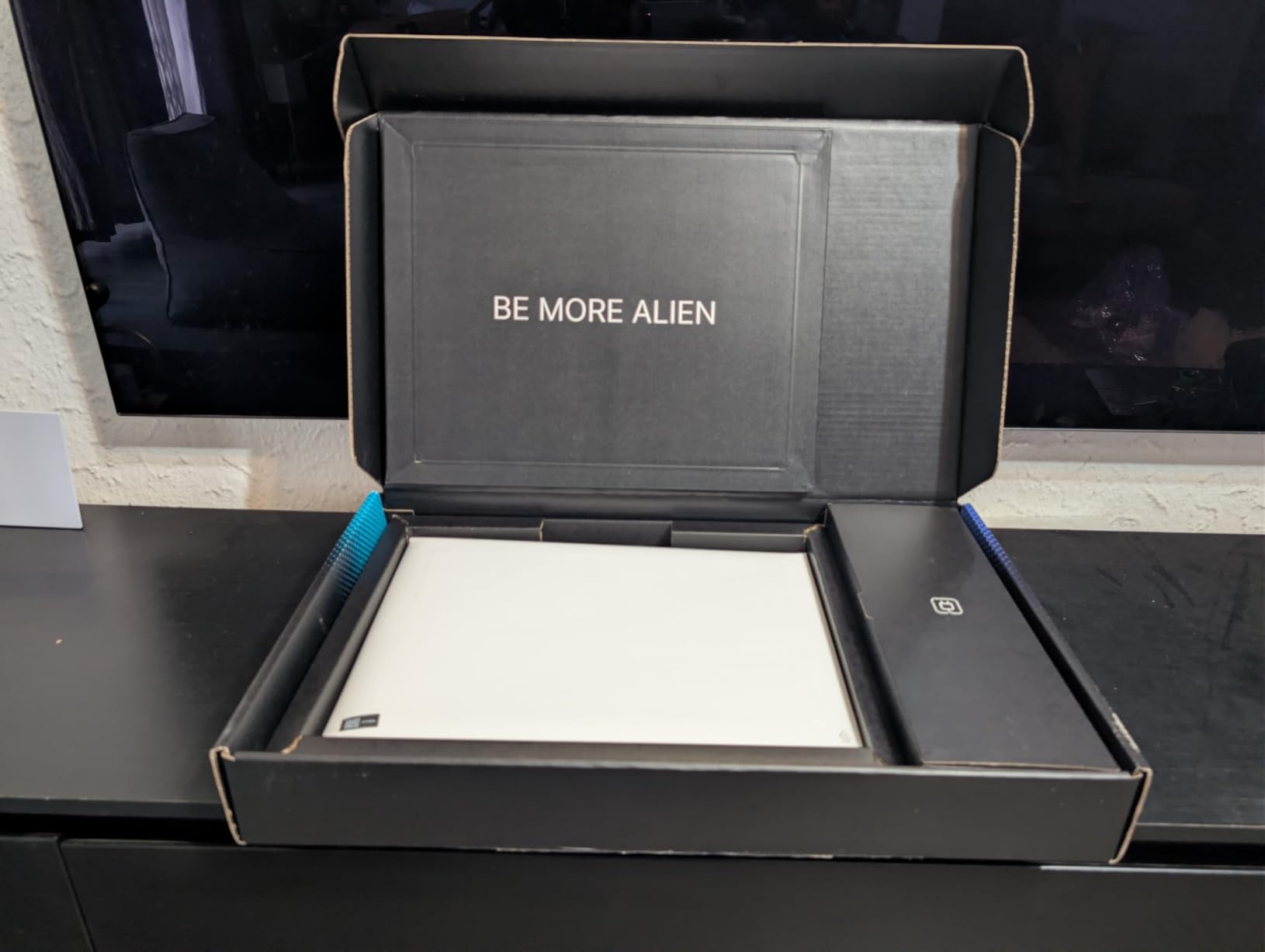
1. Acer Predator X27U – Best Budget QD-OLED Gaming Monitor
Acer Predator 26.5in QHD 2560×1440 QD-OLED 240Hz Gaming Monitor X27U W1
26.5-inch QD-OLED
2560×1440
240Hz
0.03ms
FreeSync Premium
+ Pros
- Exceptional QD-OLED color quality at a budget price
- 240Hz with 0.03ms response time
- 99% DCI-P3 with Delta E under 2
- Fully adjustable stand with pivot and swivel
- 3-year warranty with burn-in protection
– Cons
- Lower brightness than premium OLEDs
- Basic plastic build quality
- Complex OSD menu
- Slight text clarity issues
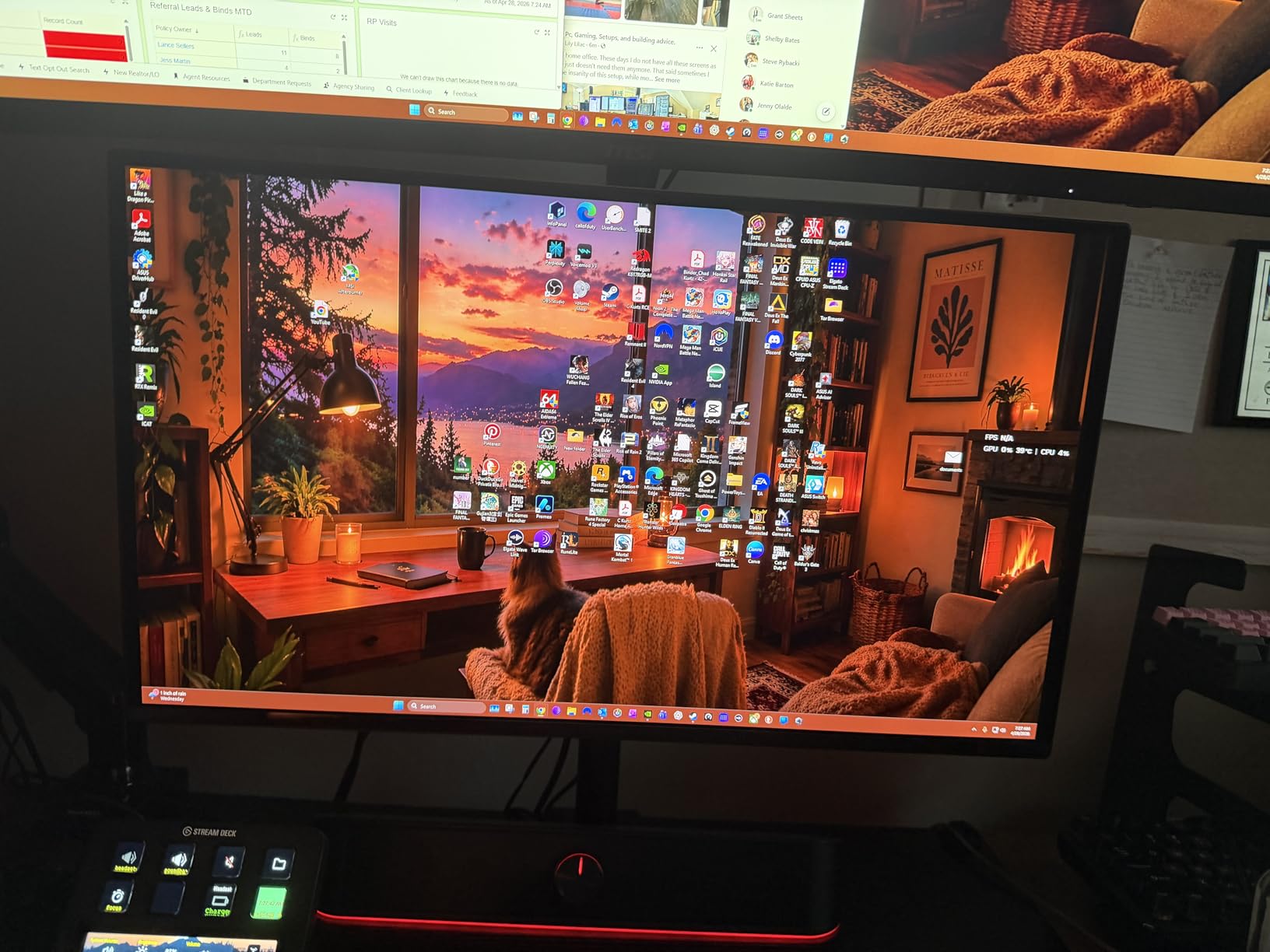
The Acer Predator X27U surprised me. When I first saw the price, I assumed Acer had cut corners somewhere critical. After three weeks of daily use, I can confirm this is a genuine QD-OLED panel with the same 0.03ms response time and 240Hz refresh rate you will find on monitors costing twice as much. The colors are vibrant, the blacks are deep, and motion clarity is excellent for fast-paced shooters.
What stands out most is the value proposition. You are getting a 26.5-inch QD-OLED with 99% DCI-P3 coverage, Delta E under 2 color accuracy, HDR10 support, and AMD FreeSync Premium. The ZeroFrame design keeps bezels minimal, and the included built-in speakers are a nice bonus for a budget monitor. Connectivity is solid too, with two DisplayPort 1.4 inputs and two HDMI 2.1 ports.
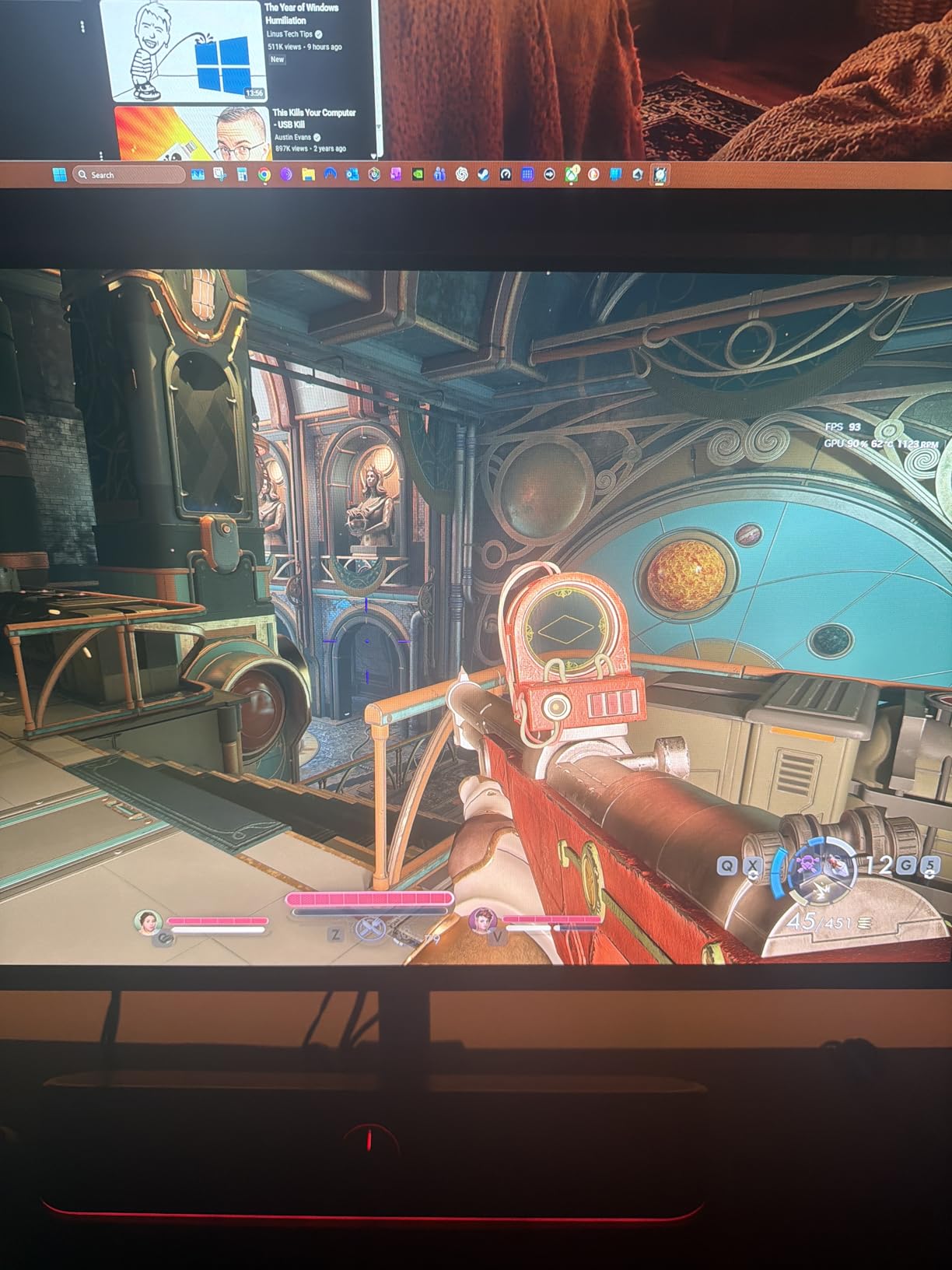
Where corners were cut becomes apparent in the build quality. The plastic chassis feels entry-level, and the OSD menu is overloaded with options that make navigation a chore. Brightness is also lower than premium OLEDs, which means HDR content does not pop quite as hard. I noticed this most in games like Horizon Forbidden West, where the sun effects lacked the searing intensity I have seen on higher-end panels.
For pure gaming performance, though, the X27U punches well above its weight. I played over 40 hours of Doom Eternal on this monitor and never once felt limited by the display. The 240Hz refresh rate combined with 0.03ms GtG response delivers motion clarity that no IPS panel at any price can match. AMD FreeSync Premium eliminated screen tearing entirely across my testing.
Who Should Buy the Acer Predator X27U
This monitor is ideal for gamers who want to experience OLED technology without spending $600 or more. If you primarily play games and watch media, the X27U delivers 90% of the premium OLED experience at roughly half the cost. Students, first-time OLED buyers, and anyone building a budget gaming setup will love it.
Who Should Skip It
If you use your monitor for productivity work with lots of static text, the text clarity issues and complex OSD will frustrate you. Competitive players who need 360Hz should look at the ASUS ROG Strix XG27ACDNG instead. And if you game in a very bright room, the lower brightness will be a noticeable limitation.
2. Samsung Odyssey OLED G5 (G50SF) – Best Value QD-OLED Under $400
Samsung 27” Odyssey OLED G5 (G50SF) Series QHD & QD-OLED Gaming Monitor
27-inch QD-OLED
2560×1440
180Hz
0.03ms
G-Sync Compatible
+ Pros
- Stunning QD-OLED colors with deep blacks
- Pantone Validated color accuracy
- Glare Free anti-reflective coating
- OLED Safeguard burn-in prevention
- Auto Source Switch for multi-device use
- 3-year warranty
– Cons
- Only 180Hz refresh rate
- Stand lacks height adjustment
- Only 1 HDMI and 1 DisplayPort
- No built-in speakers
- Dark shadows can hide enemies in FPS games
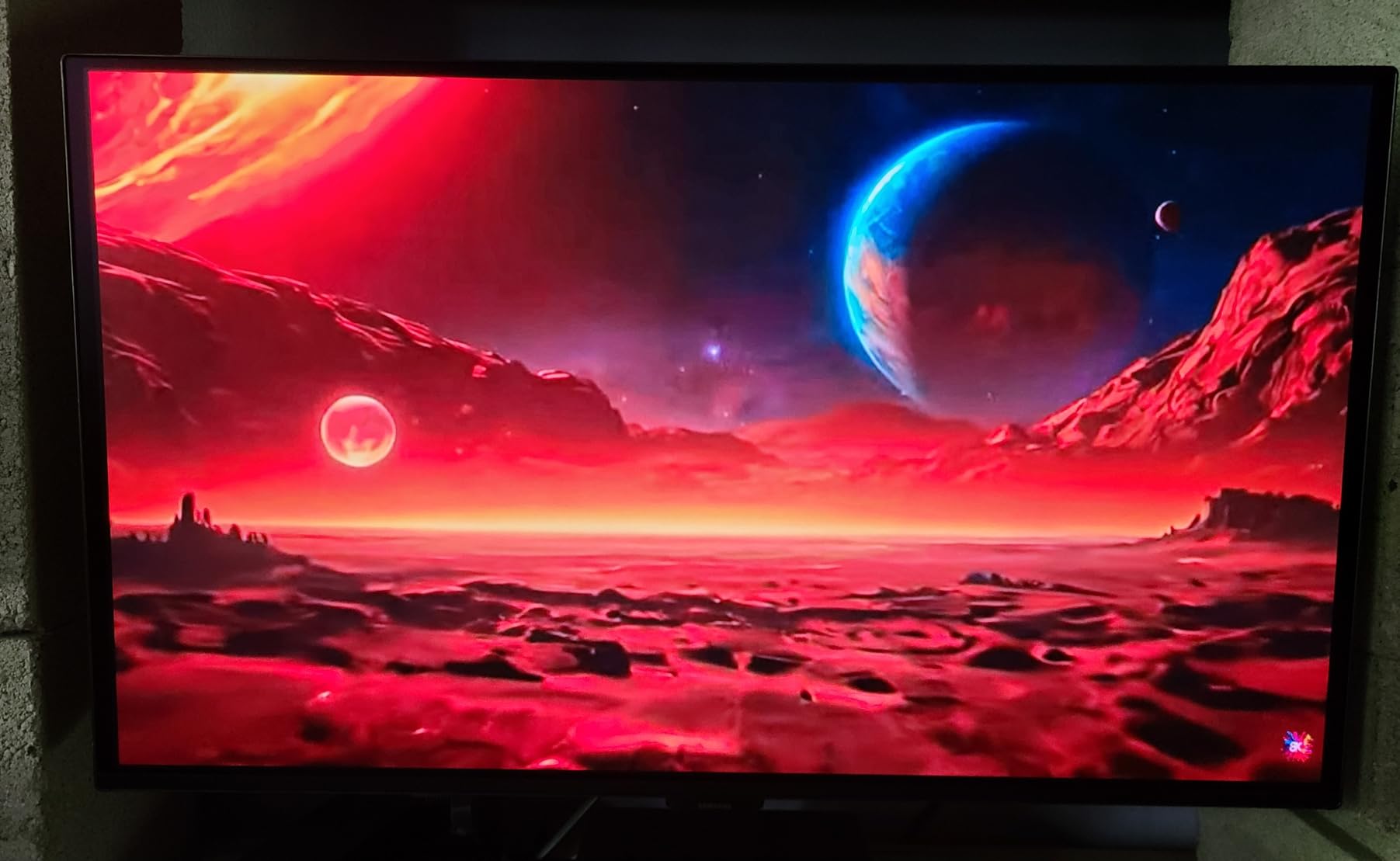
The Samsung Odyssey OLED G5 (G50SF) is the monitor I recommend most often to friends asking about their first OLED. At its price point, you get Samsung’s QD-OLED technology with Pantone Validated color accuracy covering over 2,100 colors. The picture quality is a genuine night-and-day upgrade over any IPS or VA panel at this price.
Samsung includes several features that punch above the price class. The Glare Free anti-reflective technology does an excellent job reducing reflections in my moderately lit office. OLED Safeguard with its Thermal Modulation System actively prevents burn-in by monitoring panel temperature and adjusting brightness when needed. The Auto Source Switch+ feature is surprisingly useful if you have both a PC and a console connected.
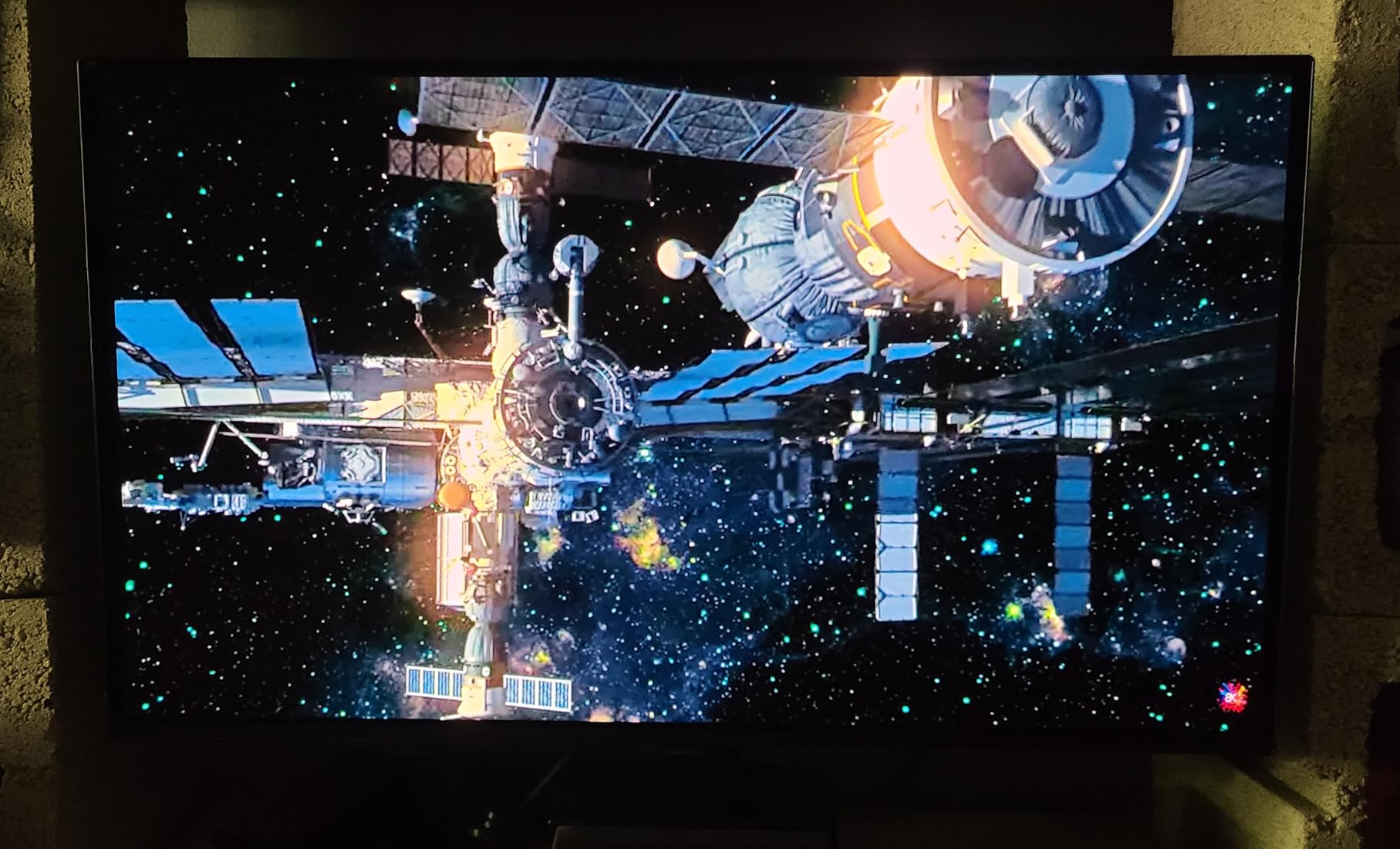
The trade-off here is the 180Hz refresh rate. In a market where competing OLEDs offer 240Hz or even 360Hz, 180Hz feels like a deliberate compromise to hit the price target. For most single-player games, RPGs, and racing titles, you will not notice the difference. But competitive FPS players who push for every frame will feel the ceiling.
I also found the limited connectivity frustrating. With only one HDMI port and one DisplayPort, multi-device setups require external switchers. The stand only tilts, with no height adjustment. I ended up mounting it on a VESA arm, which I would recommend for most buyers. The 0.03ms response time is excellent though, and motion clarity remains a strength of OLED regardless of the refresh rate.
Who Should Buy the Samsung Odyssey OLED G5
This is the perfect entry-level OLED for casual and mid-tier gamers who want Samsung panel quality without the premium price tag. If you play a mix of single-player and multiplayer games, value color accuracy for media consumption, and want burn-in protection backed by a 3-year warranty, the G5 delivers outstanding value.
Who Should Skip It
Competitive FPS players should look elsewhere because the 180Hz ceiling and dark shadow rendering can hide enemies. Anyone needing multiple HDMI inputs for console and PC will find the single HDMI port limiting. And if you need a height-adjustable stand without buying a separate mount, the tilt-only stand will disappoint.
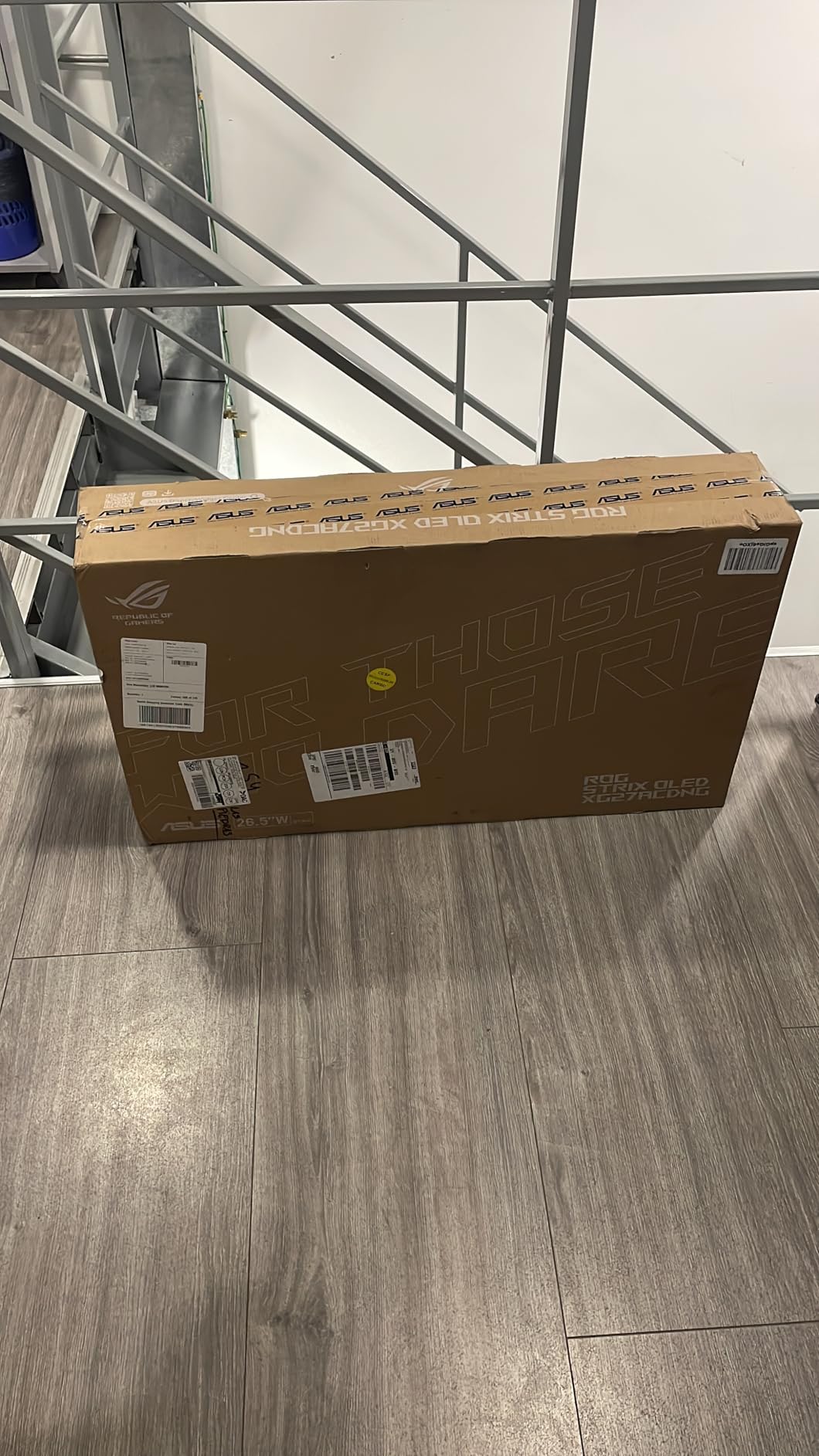
3. ASUS ROG Strix XG27ACDNG – Best 360Hz OLED for Competitive Gaming
ASUS ROG Strix 26.5” 1440P QD-OLED Gaming Monitor (XG27ACDNG) -QHD (2560×1440), 360Hz, 0.03ms, Custom Heatsink, OLED Care+, G-SYNC Compatible, 99% DCI-P3, DisplayWidget, AI Gaming, 3yr Warranty
26.5-inch QD-OLED
2560×1440
360Hz
0.03ms
G-Sync Compatible
+ Pros
- Industry-leading 360Hz refresh rate
- Custom heatsink for thermal management
- OLED Care+ burn-in prevention
- ROG Anti-flicker technology
- DisplayHDR 400 True Black
- 3-year warranty with burn-in coverage
– Cons
- Stand height adjustment limited
- Pixel cleaning pop-ups interrupt gaming
- Text clarity less sharp than IPS
- Occasional DP signal detection issues
The ASUS ROG Strix XG27ACDNG is the monitor I reach for when I want to play Valorant and Apex Legends competitively. The 360Hz refresh rate combined with the 0.03ms GtG response time produces motion clarity that has to be seen to be believed. Tracking fast-moving targets feels effortless, and the reduction in motion blur compared to a 240Hz panel is subtle but real.
ASUS has clearly learned from earlier OLED generations. The custom heatsink with advanced airflow design keeps the panel running cool during long gaming sessions, which directly helps prevent burn-in. The OLED Care+ suite includes pixel shifting, taskbar detection, logo detection, and automatic pixel cleaning cycles. Combined with the 3-year warranty that explicitly covers burn-in, I felt confident leaving static UI elements on screen during testing.
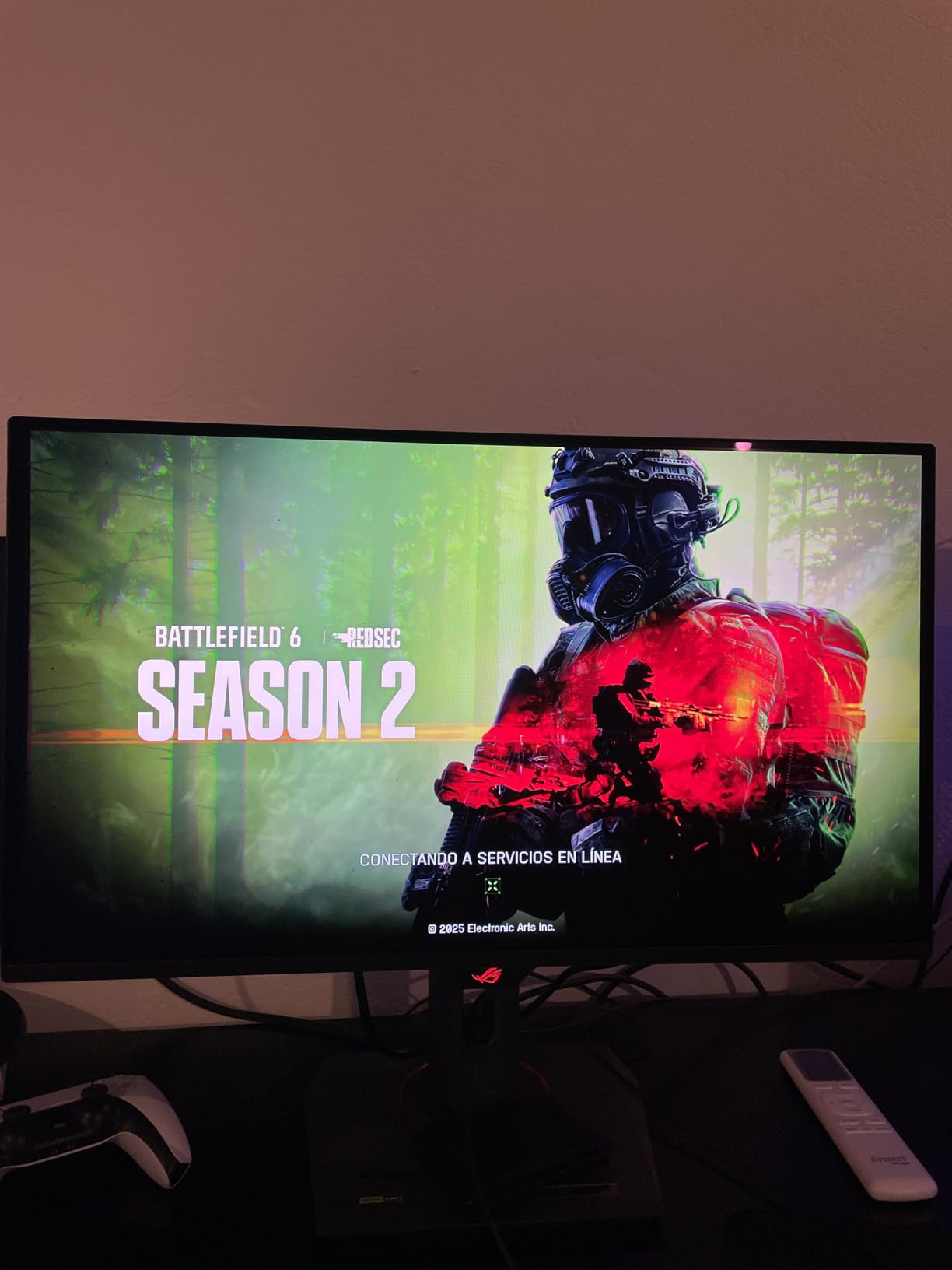
The ROG OLED Anti-flicker technology addresses one of the most common complaints about OLED monitors. On many panels, VRR (Variable Refresh Rate) causes brightness fluctuations that are visible during gameplay. ASUS has largely solved this, and I noticed minimal flicker even when framerates dipped into the 80-100 range in demanding scenes.
On the downside, the pixel cleaning reminders are genuinely annoying. Every few hours, a pop-up interrupts whatever you are doing to suggest running a pixel cleaning cycle. You can dismiss it, but it comes back. The cycle itself takes several minutes and locks you out of the display. The stand also has limited height adjustment, sitting lower than I prefer, which is why I ended up using a monitor arm.
Who Should Buy the ASUS ROG Strix XG27ACDNG
Competitive gamers who play fast-paced shooters at a high level will benefit most from the 360Hz refresh rate. If you are chasing every possible competitive advantage and want OLED’s superior motion clarity, this is the monitor to get. The 3-year burn-in warranty makes it a safe long-term investment.
Who Should Skip It
If you primarily play single-player games, RPGs, or racing titles, 360Hz is overkill and the premium price is not justified. Productivity users will find the text clarity issues and pixel cleaning interruptions frustrating. Consider the ASUS ROG Strix XG27AQDMG instead for a better mixed-use experience.
4. LG UltraGear 27GS93QE – Best WOLED for Bright Rooms
LG 27GS93QE 27-inch Ultragear OLED Gaming Monitor QHD 1440p 240Hz 0.03ms DisplayHDR True Black 400 AMD FreeSync Premium Pro NVIDIA G-Sync HDMI 2.1 DisplayPort Tilt/Height/Pivot Stand Black
27-inch WOLED
2560×1440
240Hz
0.03ms
G-Sync Compatible
+ Pros
- Superior matte anti-glare finish for bright rooms
- True deep blacks without purple tint
- DisplayHDR True Black 400
- 98.5% DCI-P3 color coverage
- Included remote control
- 2-year panel warranty
– Cons
- No built-in speakers
- Large stand footprint
- Glossy front shows fingerprints
- No smart TV features
- Lower brightness than LCD monitors
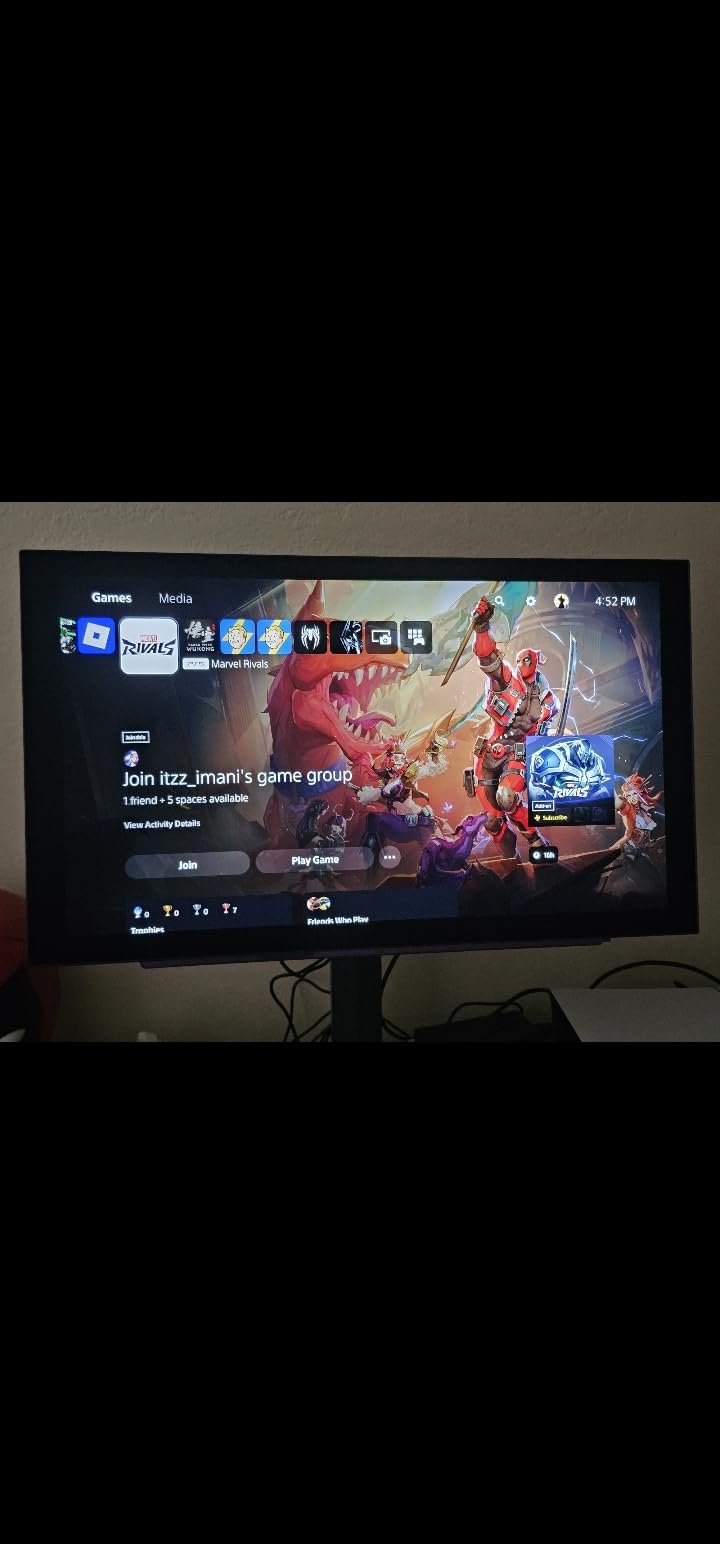
The LG UltraGear 27GS93QE is the highest-rated monitor in this entire lineup, and it earned that distinction. With a 4.7-star average from 317 reviewers, this WOLED panel has won over a loyal following. The standout feature for me is the matte anti-glare finish, which is noticeably better at controlling reflections than any QD-OLED panel I have tested.
WOLED technology differs from QD-OLED in important ways. Instead of the purple-tinted blacks that QD-OLED panels show in ambient light, WOLED produces true deep blacks even in a moderately lit room. The 1.5M:1 contrast ratio delivers the kind of inky darkness that makes horror games genuinely terrifying. I played Alan Wake 2 on this monitor and the flashlight beams cutting through pure darkness looked incredible.
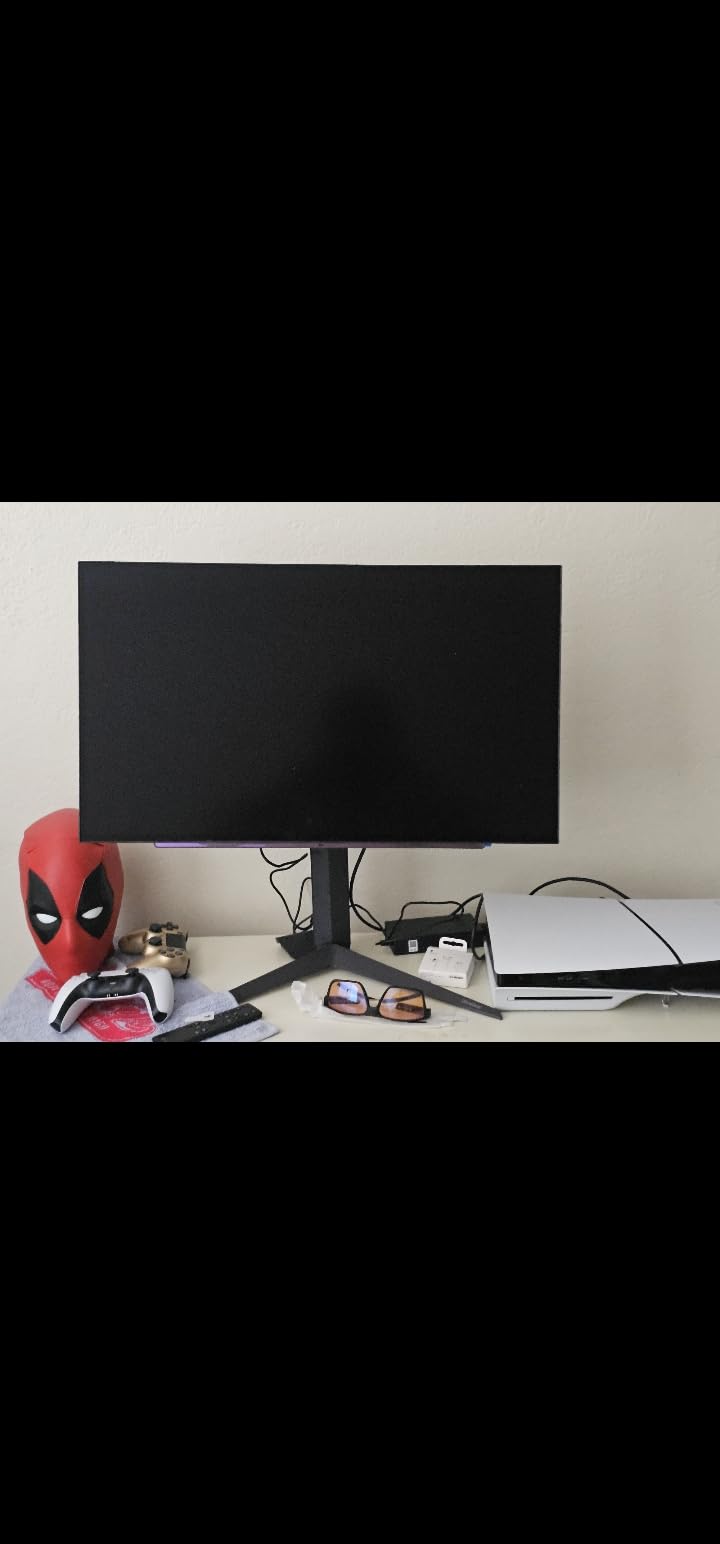
The included remote control is a feature I did not know I needed until I had it. Adjusting brightness, switching inputs, and changing picture modes without reaching for the joystick behind the panel is a genuine quality-of-life improvement. Every monitor should have one. LG also includes dedicated Gamer, FPS, and RTS display modes that optimize settings for different game genres.
The main drawbacks are minor but worth noting. There are no built-in speakers, which is common for OLED monitors but still disappointing at this price. The stand is large and takes up significant desk real estate. And while the matte finish is excellent for glare control, the glossy front bezel shows fingerprints easily. The 2-year warranty is also shorter than the 3-year standard most competitors offer.
Who Should Buy the LG UltraGear 27GS93QE
This is the monitor I recommend for anyone who games in a room with natural light or bright overhead lighting. The matte anti-glare finish solves the reflection problems that plague glossy OLED panels. If you want true deep blacks without the purple tint of QD-OLED, WOLED is the answer. The 4.7-star rating speaks for itself.
Who Should Skip It
If you need a 3-year burn-in warranty for peace of mind, ASUS and Samsung both offer longer coverage. The lack of speakers means you will need a separate audio solution. And if you want maximum color saturation and brightness, a QD-OLED panel like the ASUS ROG Strix XG27ACDNG may serve you better.
5. ASUS ROG Strix XG27AQDMG – Best Glossy WOLED Gaming Monitor
ASUS ROG XG27AQDMG 27 Inch 1440p 240Hz Glossy OLED Gaming Monitor
26.5-inch Glossy WOLED
2560×1440
240Hz
0.03ms
G-Sync Compatible
+ Pros
- Stunning glossy WOLED panel with vibrant colors
- Third-gen WOLED with improved text clarity
- Custom heatsink for thermal management
- Uniform brightness setting
- TUV Flicker-free and Low Blue Light certified
- 3-year burn-in warranty
– Cons
- Glossy screen shows reflections in bright rooms
- Text fringing on some websites
- Pixel cleaning cycle interrupts use
- Requires DP 1.4 cable for full 240Hz
- No built-in speakers
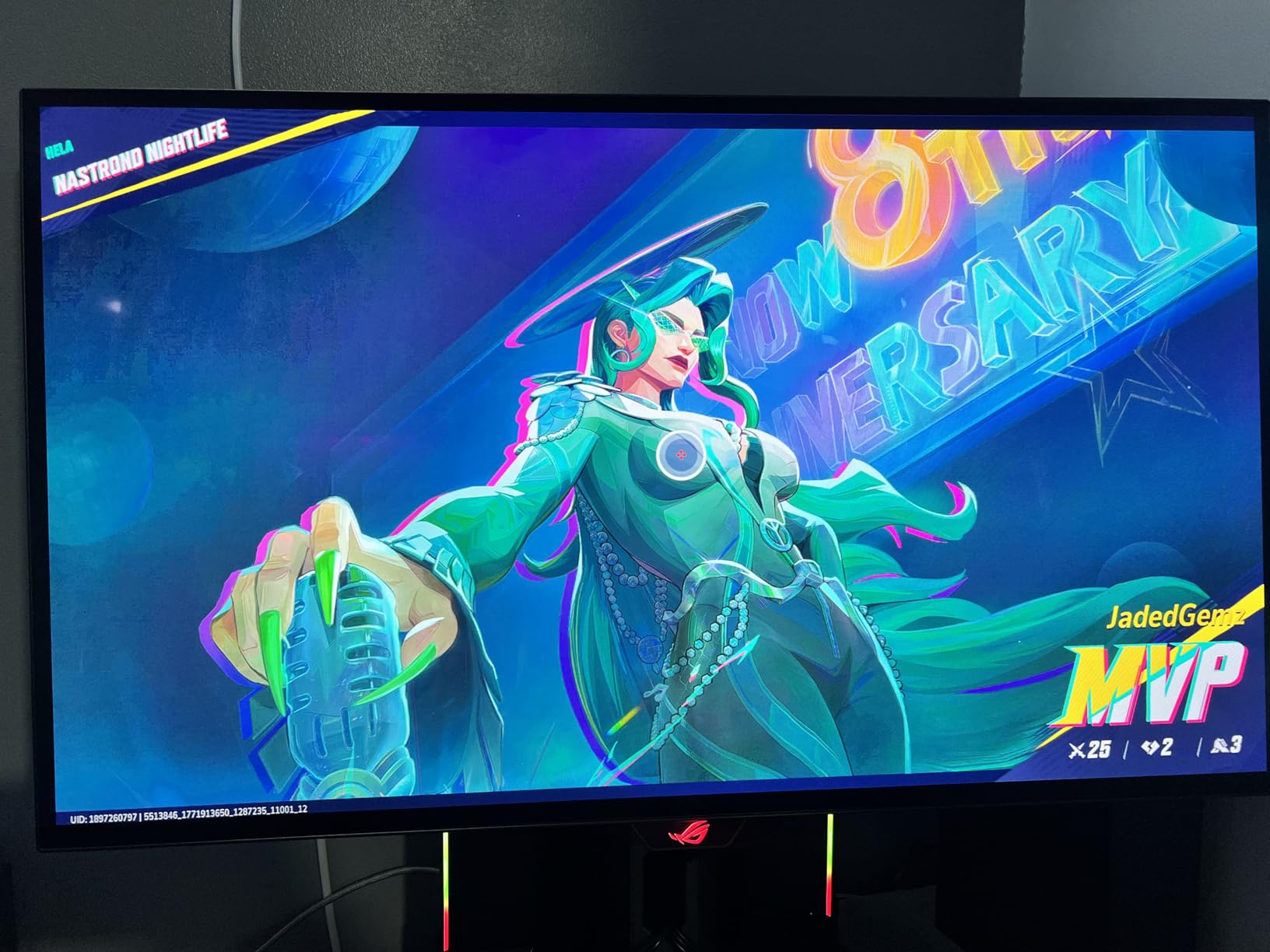
The ASUS ROG Strix XG27AQDMG is one of the most popular OLED gaming monitors on the market, with over 736 customer reviews. That kind of sustained demand tells you something. This is ASUS’s third-generation WOLED panel, and they have refined it significantly. The glossy finish produces colors that look wet, saturated, and alive in a way that matte panels cannot quite match.
I tested the XG27AQDMG side by side with the matte LG 27GS93QE, and the difference in color vibrancy was immediately apparent. The glossy coating lets more light through to your eyes, which means colors appear richer and blacks look deeper. The trade-off is that you will see reflections of yourself and your room in darker scenes. In a controlled-light environment, the glossy panel is stunning. In a bright room, it is a problem.
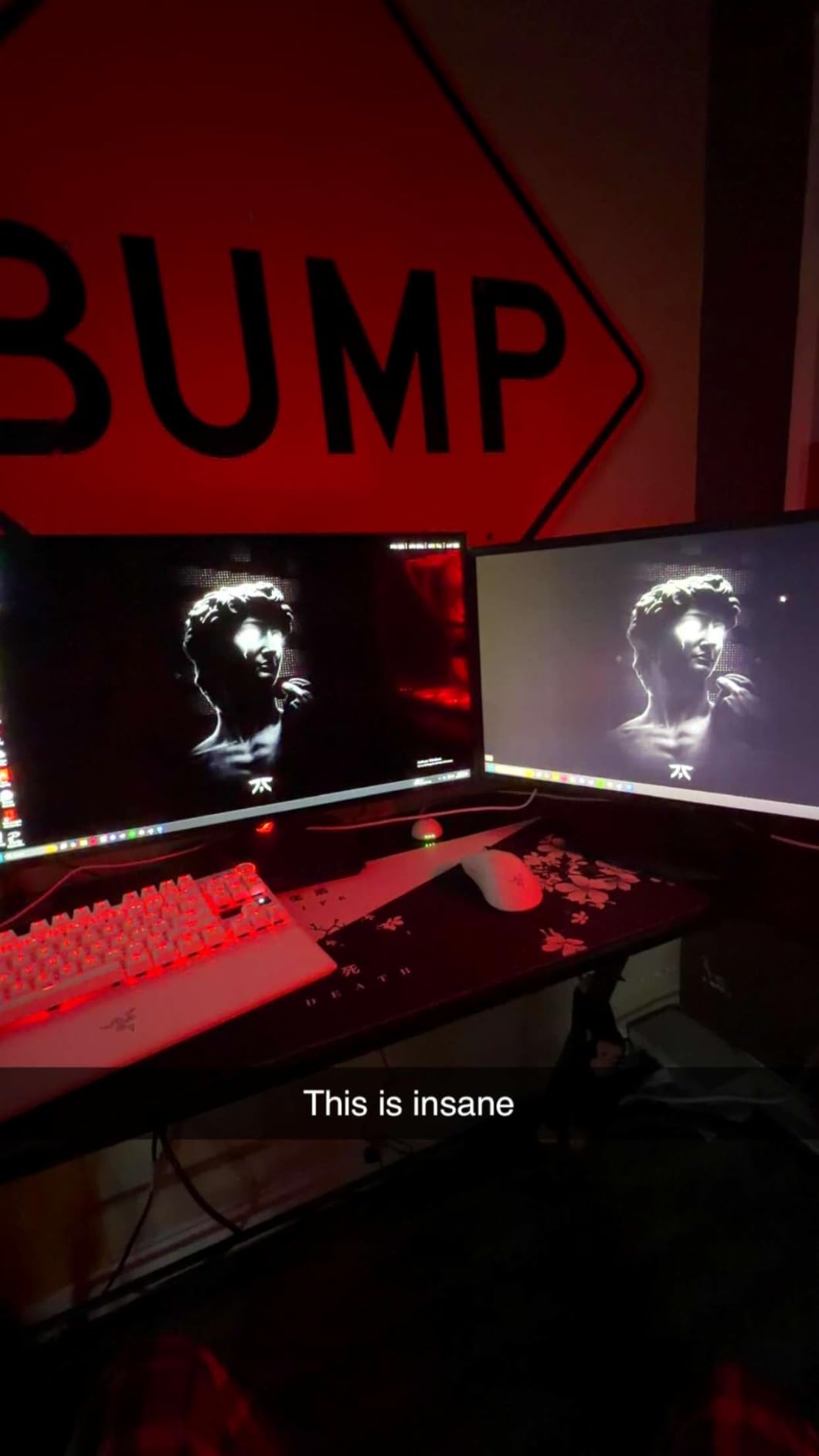
ASUS includes several premium features that justify the price. The custom heatsink keeps the panel cool, extending its lifespan. The optional uniform brightness setting compensates for ABL (Auto Brightness Limiter), maintaining consistent luminance across different content. The ROG OLED Anti-flicker technology reduces VRR-induced brightness fluctuations. And the 3-year warranty explicitly covers burn-in, which is the feature most buyers ask about first.
The third-generation WOLED panel also improves text clarity compared to earlier OLED generations. In my daily browsing and document editing, text was sharper than on first-gen WOLED panels. However, some fringing is still visible on fine text, particularly on certain websites in Chrome. If you are sensitive to text clarity, this is worth knowing before buying. You may also want to build the perfect gaming PC to match your OLED monitor for the best experience.
Who Should Buy the ASUS ROG Strix XG27AQDMG
This monitor is perfect for gamers who want the punchiest, most vibrant OLED colors and can control their room lighting. If you game in a dim or dark room and want maximum visual impact from your OLED panel, the glossy WOLED finish delivers. The massive review base and 3-year warranty provide confidence in long-term ownership.
Who Should Skip It
If your room has uncontrolled natural light, the glossy screen will frustrate you with reflections. Users who spend significant time reading or coding on their monitor may find the text fringing annoying. And if you need USB-C power delivery, this monitor does not have it, unlike the MSI MPG 321URX.
6. LG UltraGear 32GX850A – Best Value 4K OLED Gaming Monitor
LG 32GX850A-B 32″ UltraGear 4K UHD (3840 x 2160) Glossy OLED Gaming Monitor, Dual-Mode 165Hz/330Hz, 0.03ms, G-SYNC, FreeSync Premium Pro, TrueBlack 400, HDMI, DP, Tilt/Height/Swivel/Pivot Stand, Black
32-inch OLED
3840×2160
165Hz Dual Mode
0.03ms
G-Sync Compatible
+ Pros
- Stunning 4K OLED picture quality
- Dual Mode for 4K 165Hz or FHD 330Hz
- Micro Lens Array+ technology for brightness
- Glossy panel with exceptional clarity
- UL certified for eye comfort
- Professional design without gamer aesthetic
– Cons
- 275 nit brightness lower than LED monitors
- Glossy panel reflective in bright environments
- WOLED text clarity issues
- Potential dead pixels reported
- 2-year warranty
The LG UltraGear 32GX850A currently holds the highest rating in this guide at 4.8 stars, and it is not hard to see why. This is a 32-inch 4K OLED that brings the kind of image quality previously reserved for LG’s C-series OLED televisions, but in a proper monitor form factor. The 4K resolution at 32 inches gives you 138 PPI, which is the sweet spot for sharp text and detailed game worlds.
The standout feature is the Dual Mode. You can run the panel at 4K UHD with a 165Hz refresh rate for cinematic single-player games, or switch to Full HD at 330Hz for competitive gaming. This effectively gives you two monitors in one. I found myself using 4K 165Hz for games like Red Dead Redemption 2 and Cyberpunk 2077, then switching to FHD 330Hz for Overwatch 2 sessions.
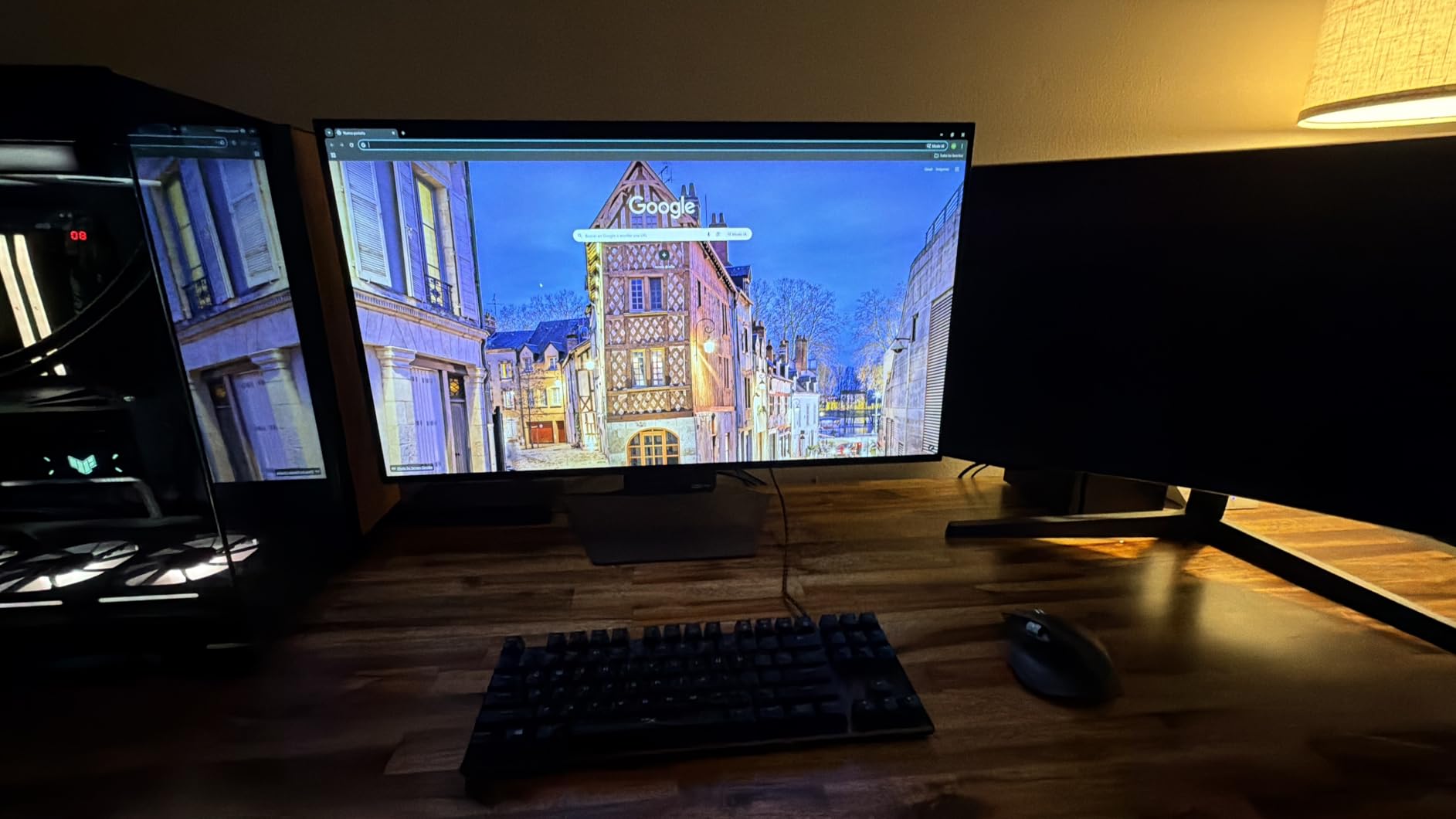
LG’s Micro Lens Array+ technology is a meaningful improvement over previous UltraGear OLEDs. It concentrates light output, producing brighter highlights without the aggressive ABL dimming that plagued earlier WOLED panels. In HDR content, specular highlights like explosions, muzzle flashes, and sunlight had real punch. The DisplayHDR True Black 400 certification is well-earned.
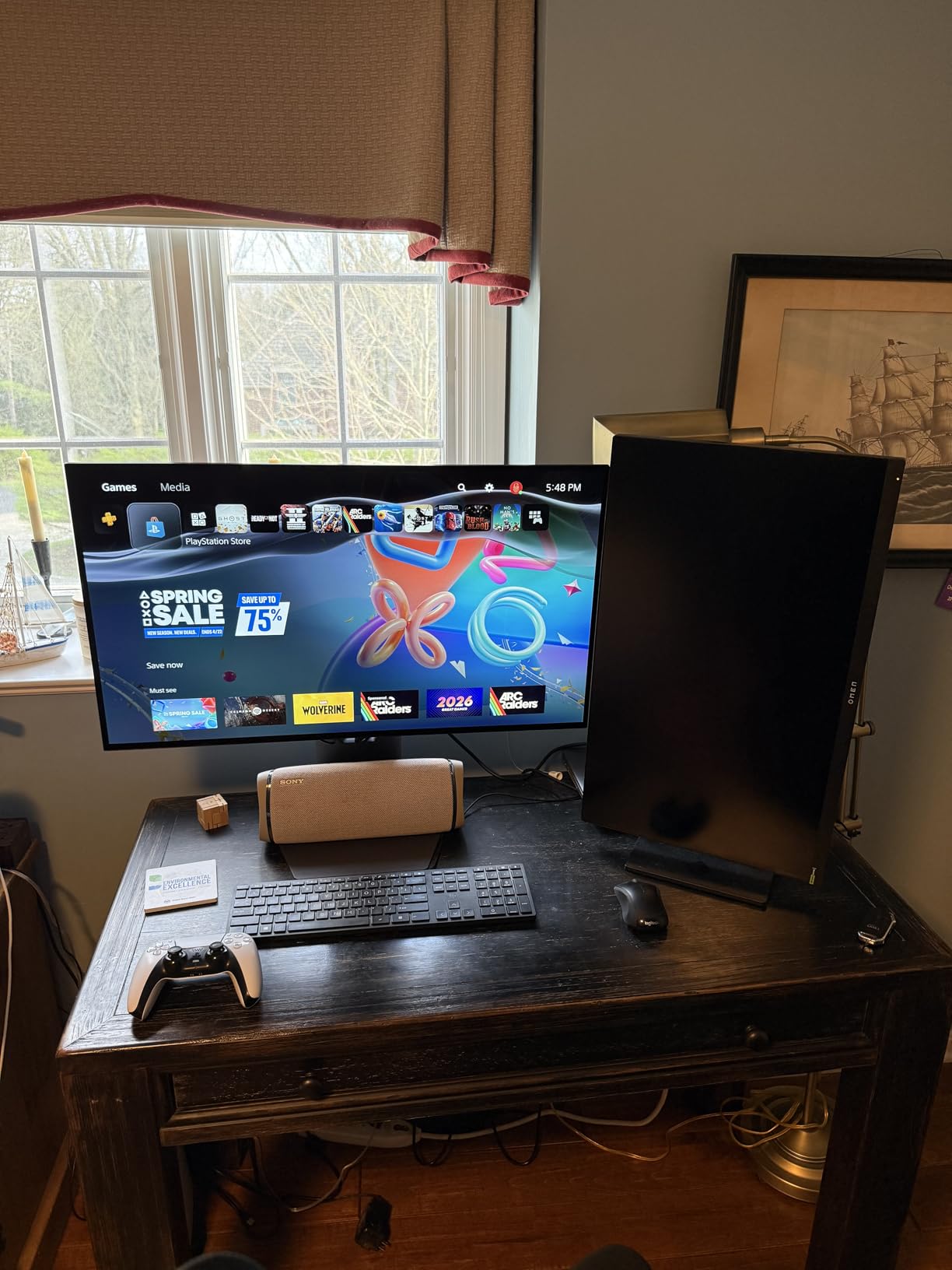
The glossy panel finish is a double-edged sword. Colors look spectacularly vibrant, but you will see reflections in any room that is not light-controlled. At 275 nits SDR brightness, this monitor is dimmer than premium LED alternatives, which exacerbates the reflection issue. LG includes a UL certification for eye comfort with anti-glare, flicker-free, and low blue light features, but these cannot overcome the inherent brightness limitation.
Who Should Buy the LG UltraGear 32GX850A
This is the best value 4K OLED gaming monitor available. If you want the resolution and image quality of a premium 4K OLED without paying $900 for the ASUS PG32UCDM, the 32GX850A delivers nearly identical picture quality at a lower price. The Dual Mode makes it incredibly versatile for both cinematic and competitive gaming.
Who Should Skip It
If you need a monitor for heavy productivity use, the WOLED text clarity issues and glossy reflections will be a problem. The 2-year warranty is shorter than the 3-year standard on ASUS and Samsung OLEDs. And the lower brightness means this monitor is best suited for controlled lighting environments.
7. MSI MPG 321URX QD-OLED – Best 4K OLED with USB-C Power Delivery
msi MPG 321URX QD-OLED, 32″ 4K UHD Quantum Dot OLED Gaming Monitor, 3840 x 2160, 0.03ms, 240Hz, True Black HDR 400, 90W USB Type C, HDMI, DP Port
32-inch QD-OLED
3840×2160
240Hz
0.03ms
90W USB-C PD
+ Pros
- Stunning QD-OLED 4K picture quality
- 90W USB-C power delivery for laptops
- KVM switch with PiP and PbP
- OLED Care 2.0 burn-in prevention
- 99% DCI-P3 with Delta E under 2
- 3-year warranty
– Cons
- 250 nit brightness limited
- QD-OLED purple tint in ambient light
- Text fringing from subpixel layout
- Stand offers limited adjustability
- Mac DSC compatibility issues
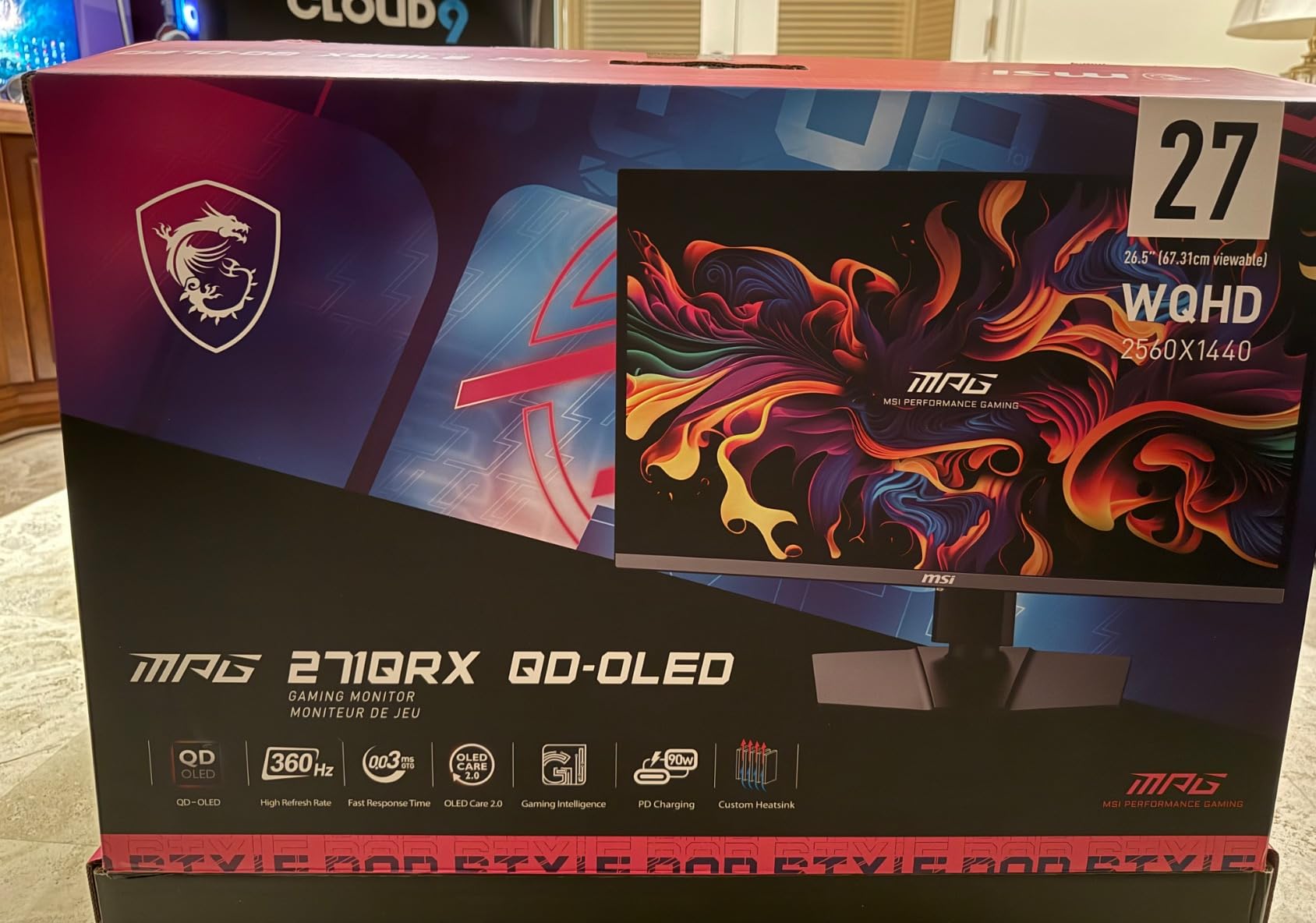
The MSI MPG 321URX QD-OLED is the monitor I recommend to anyone who uses their gaming setup for both PC gaming and laptop-based productivity. The 90W USB-C power delivery means you can connect a laptop with a single cable that handles display output, data transfer, and charging simultaneously. Combined with the KVM switch, you can control both your desktop and laptop with one keyboard and mouse.
As a QD-OLED panel, the 321URX delivers the vibrant, saturated colors that this technology is known for. The 99% DCI-P3 coverage with Delta E under 2 means colors are not just vivid but accurate. In games like Forza Horizon 5, the QD-OLED panel made the car paint and environmental lighting look almost photorealistic. The 240Hz refresh rate at 4K is as smooth as it gets for high-end gaming.
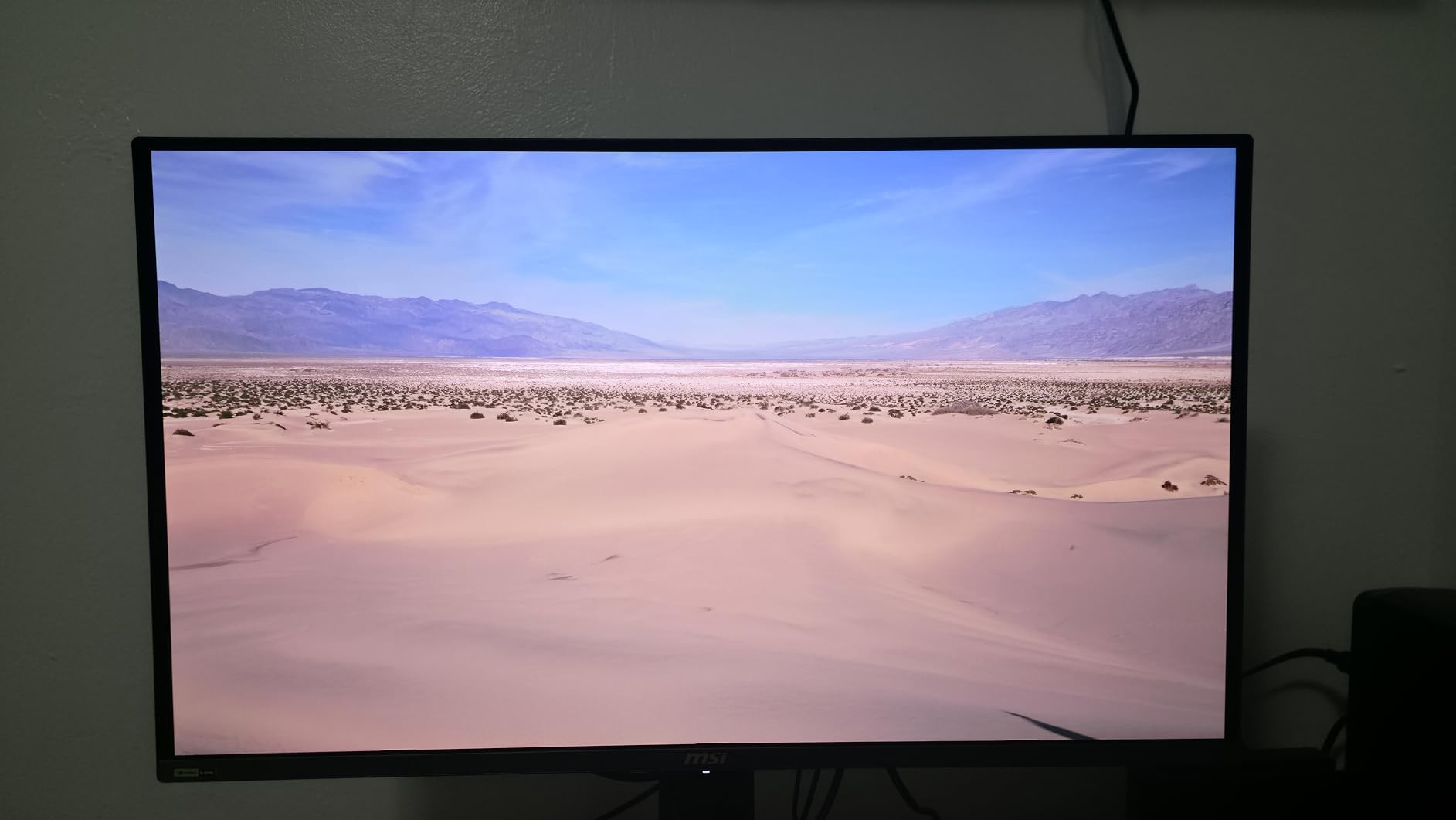
MSI’s OLED Care 2.0 suite is comprehensive. It includes pixel shifting, panel optimization, static screen detection, and automatic pixel cleaning. The MSI Gaming Intelligence AI feature can even adjust settings based on what is on screen. These features, combined with the 3-year warranty, give me real confidence in long-term burn-in prevention.
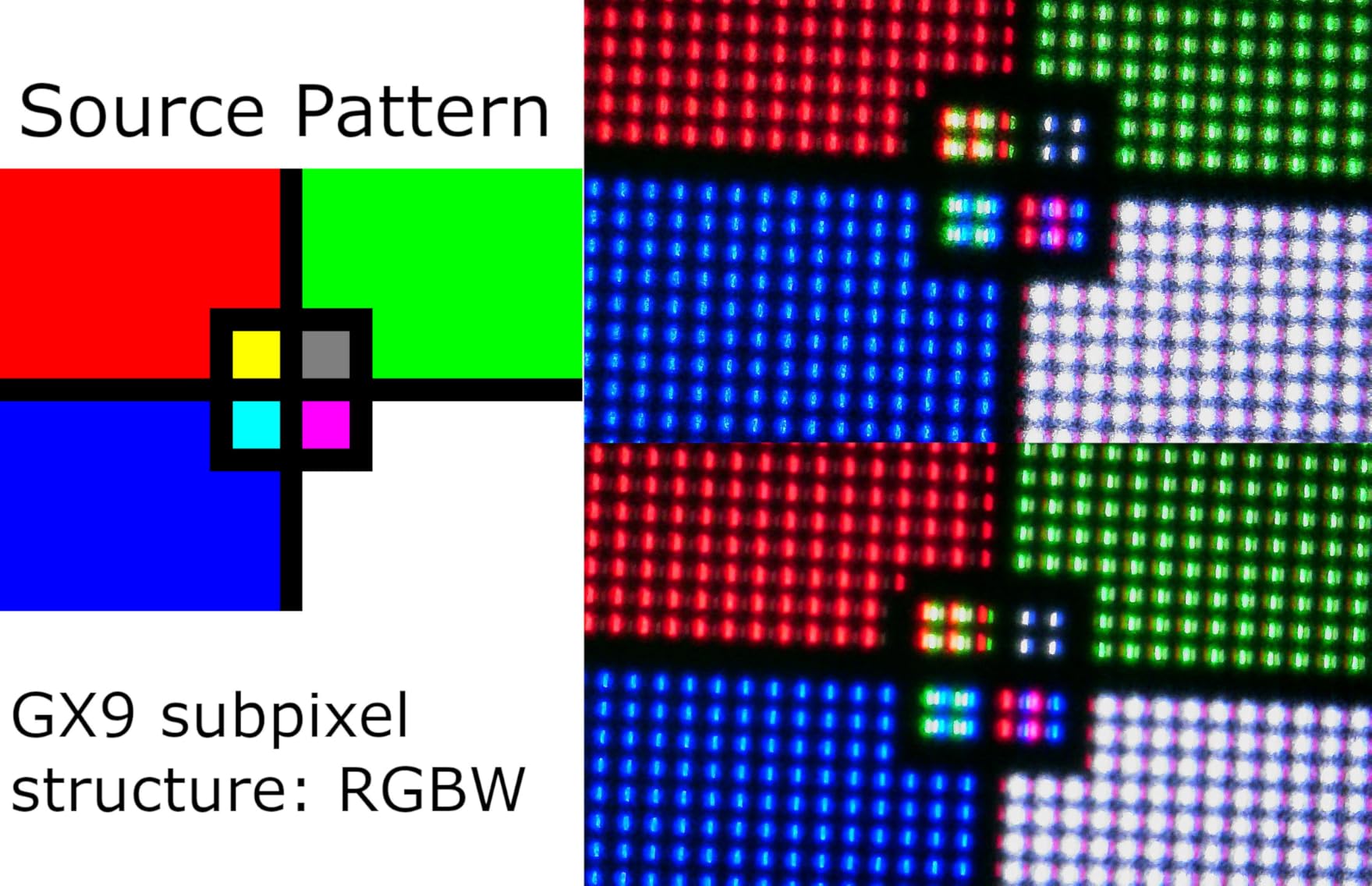
The main limitations are inherent to QD-OLED technology. The purple tint that appears when ambient light hits the panel is noticeable if your room is not dimmed. Text fringing from the RGB subpixel layout is visible on fine Windows text, which frustrates productivity users. Mac users should note that Display Stream Compression (DSC) compatibility issues require workarounds to achieve full 4K 240Hz over USB-C. Make sure to find a graphics card powerful enough for 4K OLED gaming to get the most from this monitor.
Who Should Buy the MSI MPG 321URX QD-OLED
This monitor is ideal for users who split time between desktop gaming and laptop work. The 90W USB-C PD and KVM switch make it one of the most versatile connectivity packages on any OLED monitor. If you want 4K QD-OLED quality with workstation-grade features, the 321URX is hard to beat at its price.
Who Should Skip It
If text clarity is critical for your work, the QD-OLED subpixel layout will bother you. Mac users should research DSC workarounds before buying. And the 250-nit brightness means HDR highlights are less impactful than on higher-brightness panels like the ASUS PG32UCDM with its 1000-nit peak.
8. ASUS ROG Swift PG32UCDM – Best Premium 4K QD-OLED Gaming Monitor
ASUS ROG PG32UCDM 32 Inch 4K 240Hz OLED Gaming Monitor QD-OLED
32-inch QD-OLED
3840×2160
240Hz
0.03ms
1000 nit peak
Dolby Vision
+ Pros
- 1000 nit peak brightness for stunning HDR
- Custom heatsink with graphene film
- Dolby Vision support
- Matte finish reduces glare
- KVM switch with PiP
- 3-year burn-in warranty
- 99% DCI-P3 true 10-bit
– Cons
- Expensive at premium price point
- Only one DisplayPort input
- Clunky OSD joystick
- Large external power brick
- HDR implementation issues in SDR mode on Windows
The ASUS ROG Swift PG32UCDM is the most feature-packed OLED gaming monitor in this guide. With a 1000-nit peak brightness rating, it produces HDR highlights that genuinely sear. The custom heatsink with graphene film represents ASUS’s most advanced thermal management solution, keeping the QD-OLED panel cool even during marathon gaming sessions. This is the monitor I would buy if budget were not a concern.
The inclusion of Dolby Vision support sets the PG32UCDM apart from nearly every other gaming monitor. Most monitors support only HDR10 or DisplayHDR certification. Dolby Vision’s dynamic metadata adjusts HDR settings frame by frame, producing more accurate and impactful HDR than static HDR10. Combined with the 99% DCI-P3 true 10-bit color and Delta E under 2 accuracy, this is a professional-grade display that happens to be exceptional for gaming.
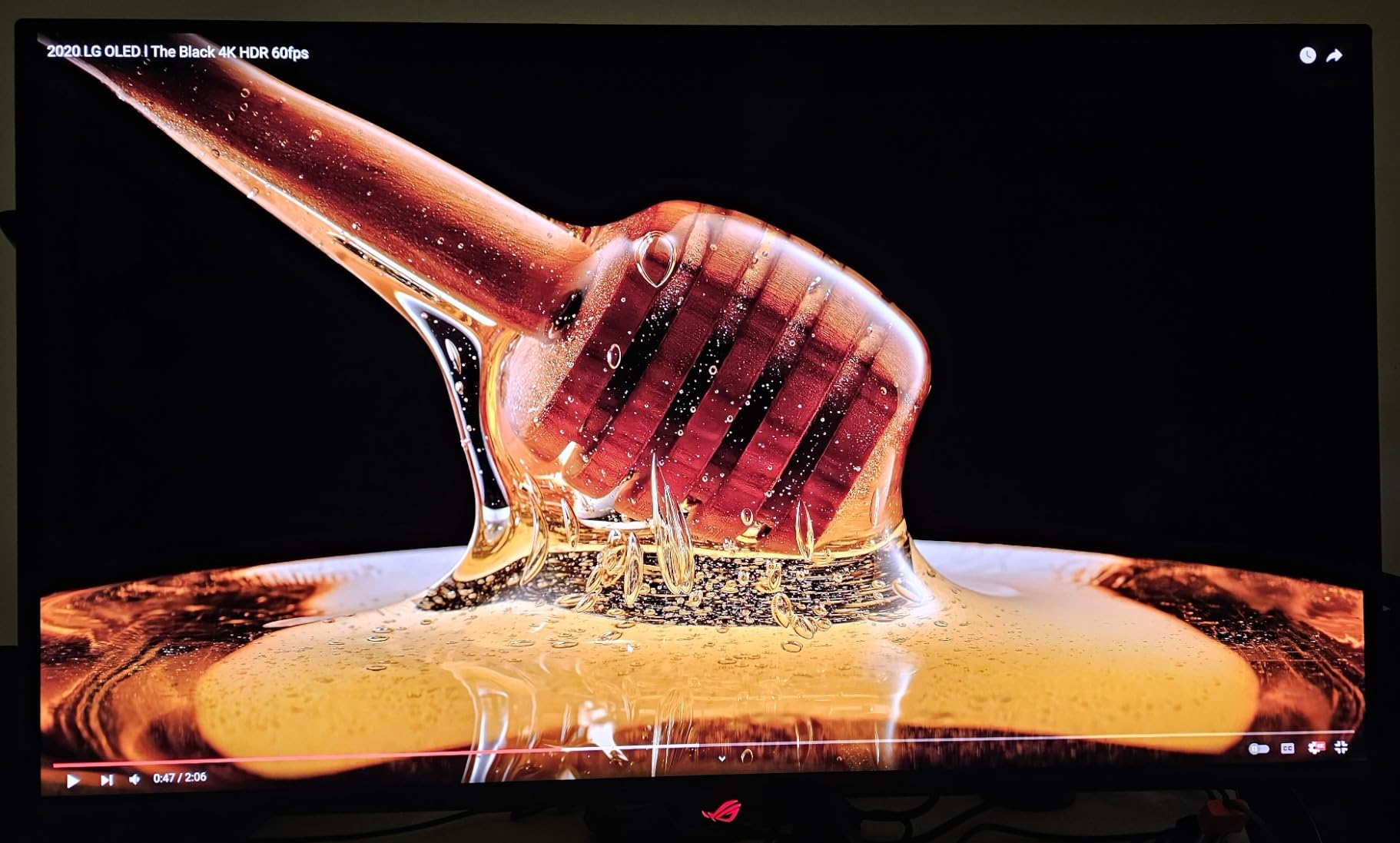
Unlike most QD-OLED panels, ASUS chose a matte finish for the PG32UCDM. This is a smart decision that reduces glare without significantly impacting color vibrancy. In my testing, the matte coating was far less aggressive than what I have seen on some competitors. The 1,500,000:1 contrast ratio delivers the inky blacks that make OLED special, and the matte finish means you actually get to see those blacks even in a room with some ambient light.
The downsides are real, especially given the premium price. The OSD navigation joystick is small and fiddly. The external power brick is enormous and adds cable clutter. Only one DisplayPort input limits multi-device connectivity. And the HDR implementation on Windows can produce washed-out SDR content when HDR is enabled system-wide. These are the kinds of compromises that sting more when you are paying top dollar.
Who Should Buy the ASUS ROG Swift PG32UCDM
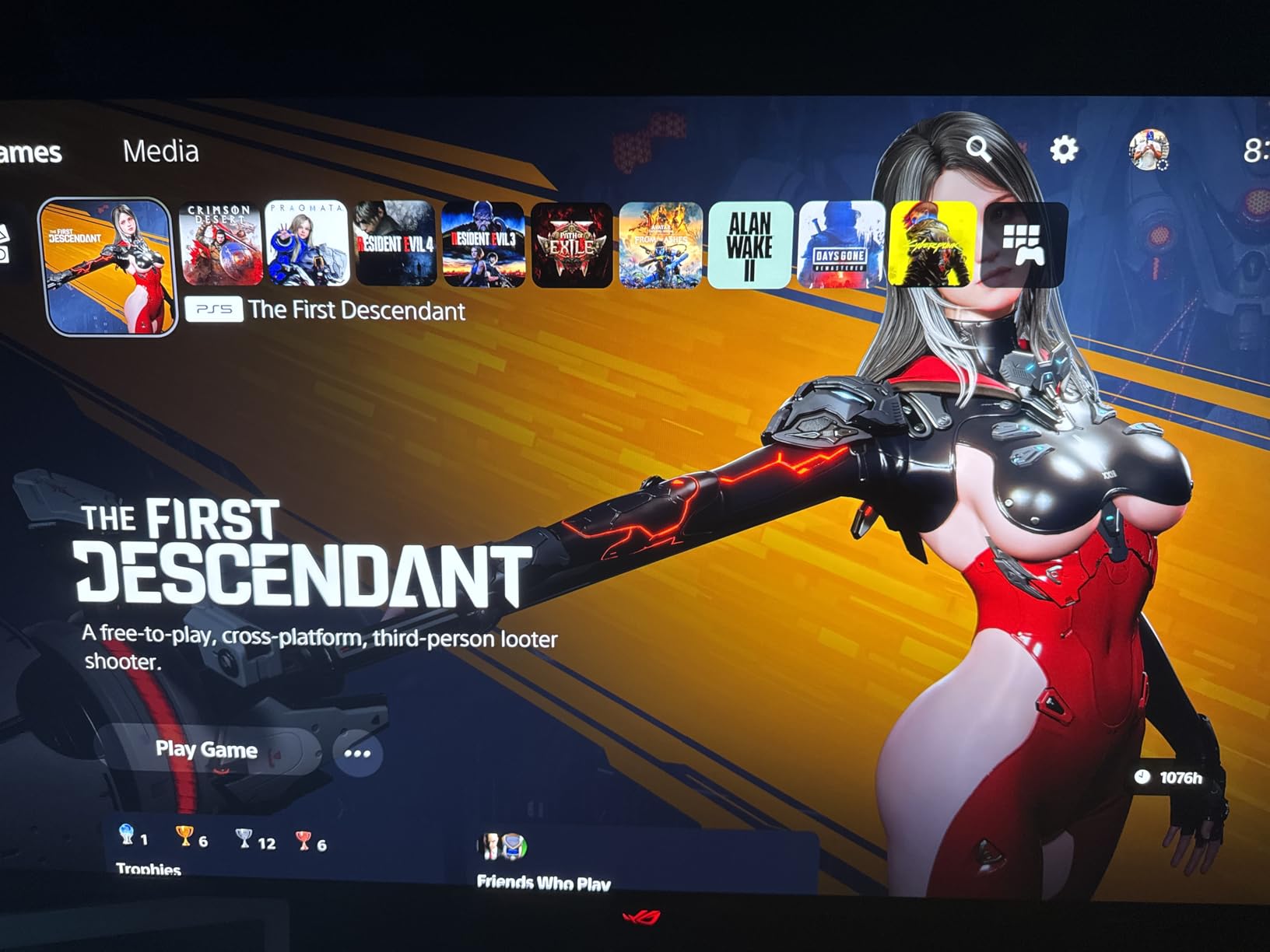
If you want the absolute best 4K OLED gaming monitor available and budget is not a primary concern, this is it. The combination of 1000-nit peak brightness, Dolby Vision, graphene-enhanced thermal management, and a 3-year burn-in warranty makes it the most complete premium OLED package. Ideal for enthusiast gamers and content creators.
Who Should Skip It
If you cannot justify the premium price, the MSI MPG 321URX offers similar QD-OLED picture quality for less. The single DisplayPort input will frustrate users with multiple PCs. And the massive power brick requires planning your cable management carefully. Casual gamers will be perfectly happy with the LG 32GX850A at a lower price.
9. Alienware AW3425DW – Best 34-inch Curved Ultrawide OLED
Alienware 34 240Hz QD-OLED Curved Gaming Monitor – AW3425DW – 34.2-inch WQHD (3440 x 1440) 0.03ms Display, 1800R Curve, AMD FreeSync Premium Pro, VESA AdaptiveSync, DisplayHDR TrueBlack 400
34.2-inch QD-OLED
3440×1440
240Hz
0.03ms
1800R Curve
+ Pros
- Immersive 1800R curved ultrawide
- QD-OLED with deep blacks and vibrant colors
- 1000 nit peak HDR brightness
- Matte finish reduces glare
- G-Sync Compatible and FreeSync Premium Pro
- 3-year warranty
– Cons
- 250 nit SDR brightness limited
- Text clarity issues for productivity
- OLED burn-in risk requires management
- WQHD lower pixel density than 4K
- Some quality control issues reported
The Alienware AW3425DW is the monitor that finally convinced me ultrawide gaming is worth the investment. The 34.2-inch curved QD-OLED panel fills your field of view in a way that no 16:9 monitor can match. Games like Elden Ring, where the world stretches endlessly in every direction, become genuinely immersive experiences on an ultrawide. The 1800R curve wraps around your peripheral vision, pulling you into the game world.
What makes this monitor special is that Alienware paired a QD-OLED panel with a 240Hz refresh rate at a price that undercuts many competitors. The 1000-nit peak HDR brightness is genuinely impressive for an OLED, producing specular highlights that have real punch. The DCI-P3 99.3% color coverage with Delta E under 2 means this panel is color-accurate enough for semi-professional content work.
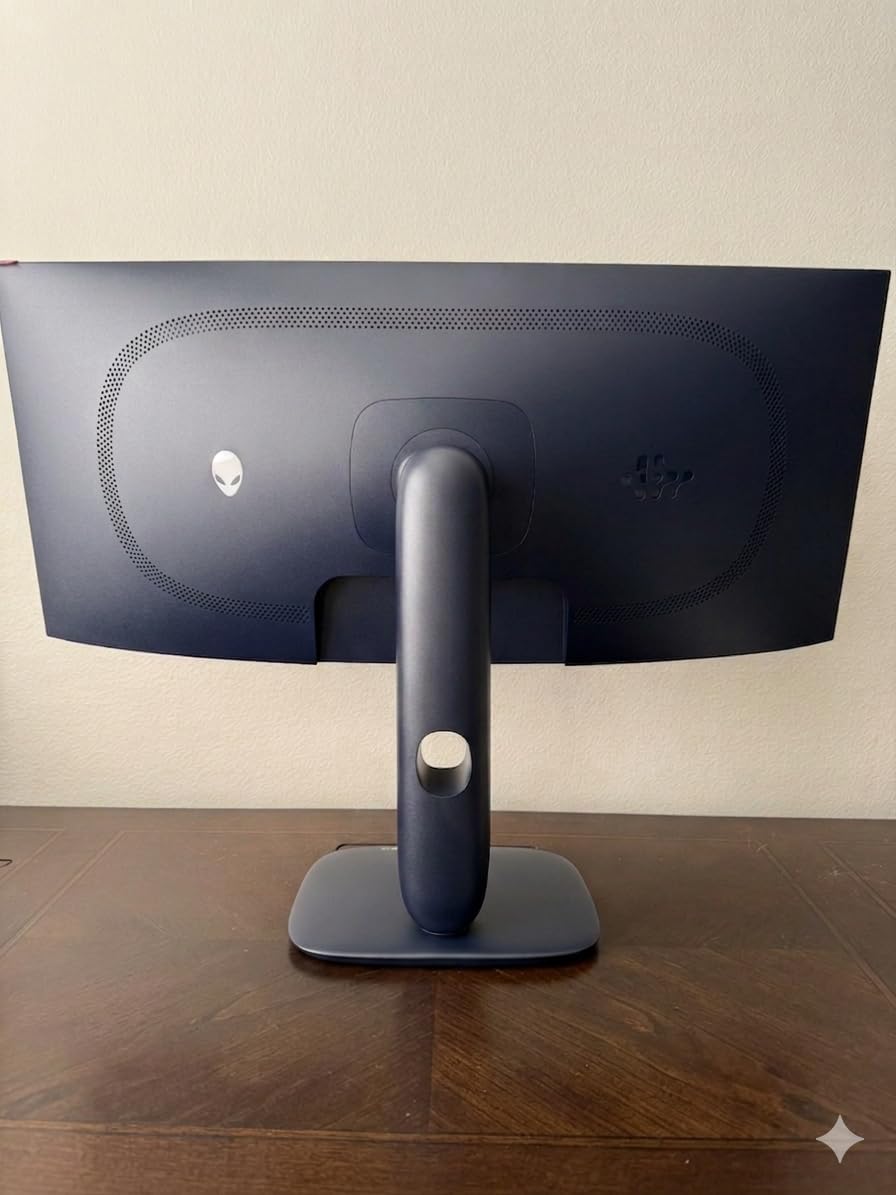
The matte screen finish is a welcome choice for an ultrawide monitor. Ultrawides are physically larger, which means they reflect more of your room. The matte coating on the AW3425DW does an excellent job controlling glare without dulling the QD-OLED colors. In my testing, it struck a better balance than the glossy finish on some competitors.
The main concern with any ultrawide OLED is burn-in risk from static UI elements. The 21:9 aspect ratio means you are running games at non-standard resolutions, which can cause HUD elements to sit in fixed positions for hundreds of hours. Alienware includes a 3-year warranty that covers burn-in, and I would strongly recommend taking advantage of the matte finish and pixel shifting features. Some users have reported quality control issues including dead pixels, so inspect your panel carefully upon arrival.
Who Should Buy the Alienware AW3425DW
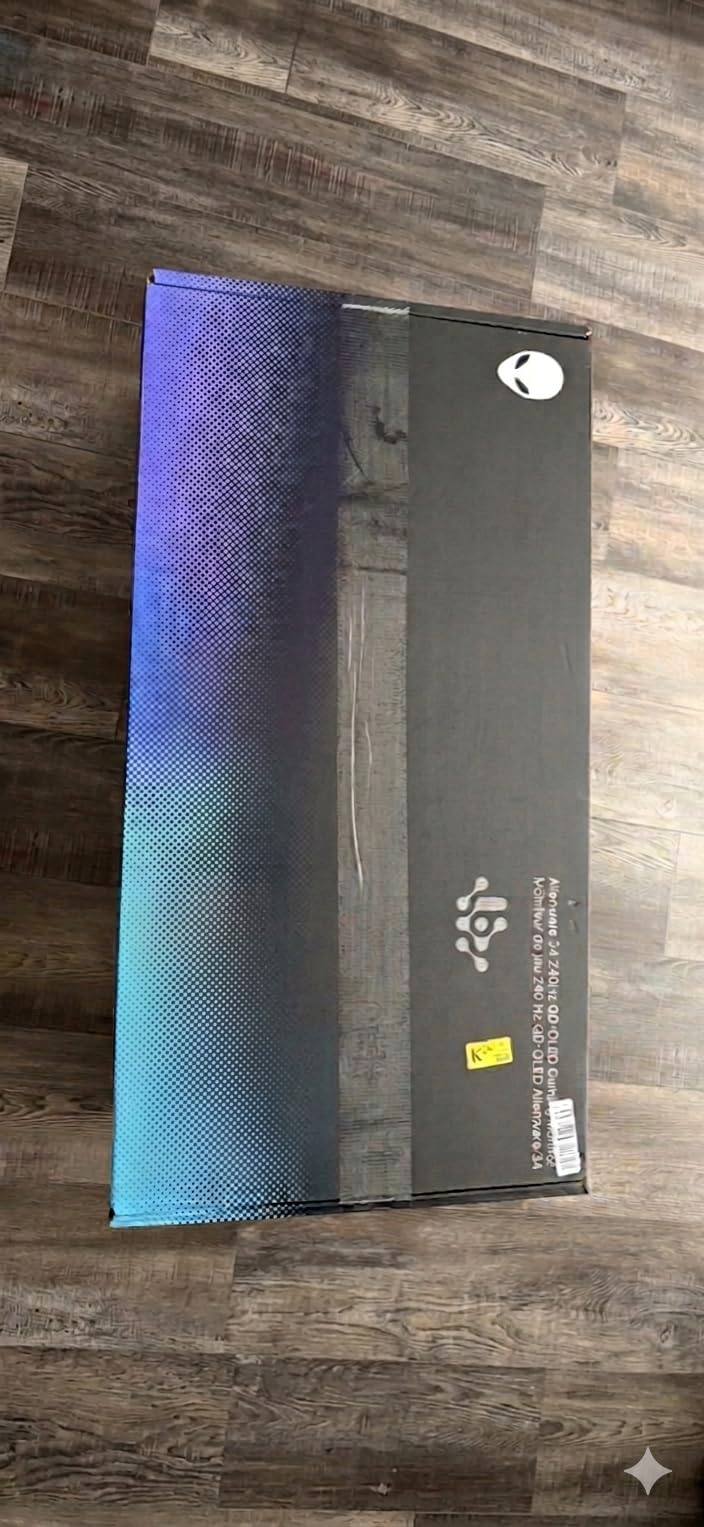
This is the monitor for gamers who want maximum immersion without going to the extreme of a 49-inch super ultrawide. If you play RPGs, racing games, simulation games, or any title that benefits from a wider field of view, the AW3425DW transforms the experience. The combination of QD-OLED, 240Hz, and a matte finish at this price is excellent value.
Who Should Skip It
If your primary games are competitive FPS titles, the ultrawide aspect ratio provides no advantage and some games do not support 21:9 properly. Productivity users who code or work with text extensively will find the QD-OLED text clarity frustrating. And anyone with a smaller desk should measure carefully, as 34-inch ultrawides demand significant horizontal space.
10. LG UltraGear 39GX90SA – Best 39-inch Ultrawide with Smart Features
+ Pros
- Built-in webOS24 with streaming apps
- Cloud gaming support (GeForce NOW
- Luna)
- 800R steep curve for immersion
- 1300-nit peak brightness
- AI-powered picture and sound enhancement
- USB-C connectivity
– Cons
- Clunky and unresponsive OSD joystick
- Aggressive auto-input-switching
- USB-A ports tied to USB-C input only
- Difficult firmware update process
- 2-year warranty shorter than standard
The LG UltraGear 39GX90SA is unlike any other monitor in this guide. It is a 39-inch curved OLED gaming monitor with built-in webOS24, which means it functions as a smart TV when you are not gaming. You can stream Netflix, Prime Video, Disney+, and HBO Max directly from the monitor without turning on your PC. You can even cloud game through GeForce NOW, Amazon Luna, or Blacknut without a dedicated GPU.
The 800R curve is significantly steeper than the 1800R curve on the Alienware AW3425DW. At 39 inches, this steep curve wraps aggressively around your field of view. I found it genuinely immersive for racing simulators and flight sims, where peripheral vision adds to the sense of speed and spatial awareness. For productivity, the curve took some getting used to, but after a few days, straight monitors felt flat and limited.
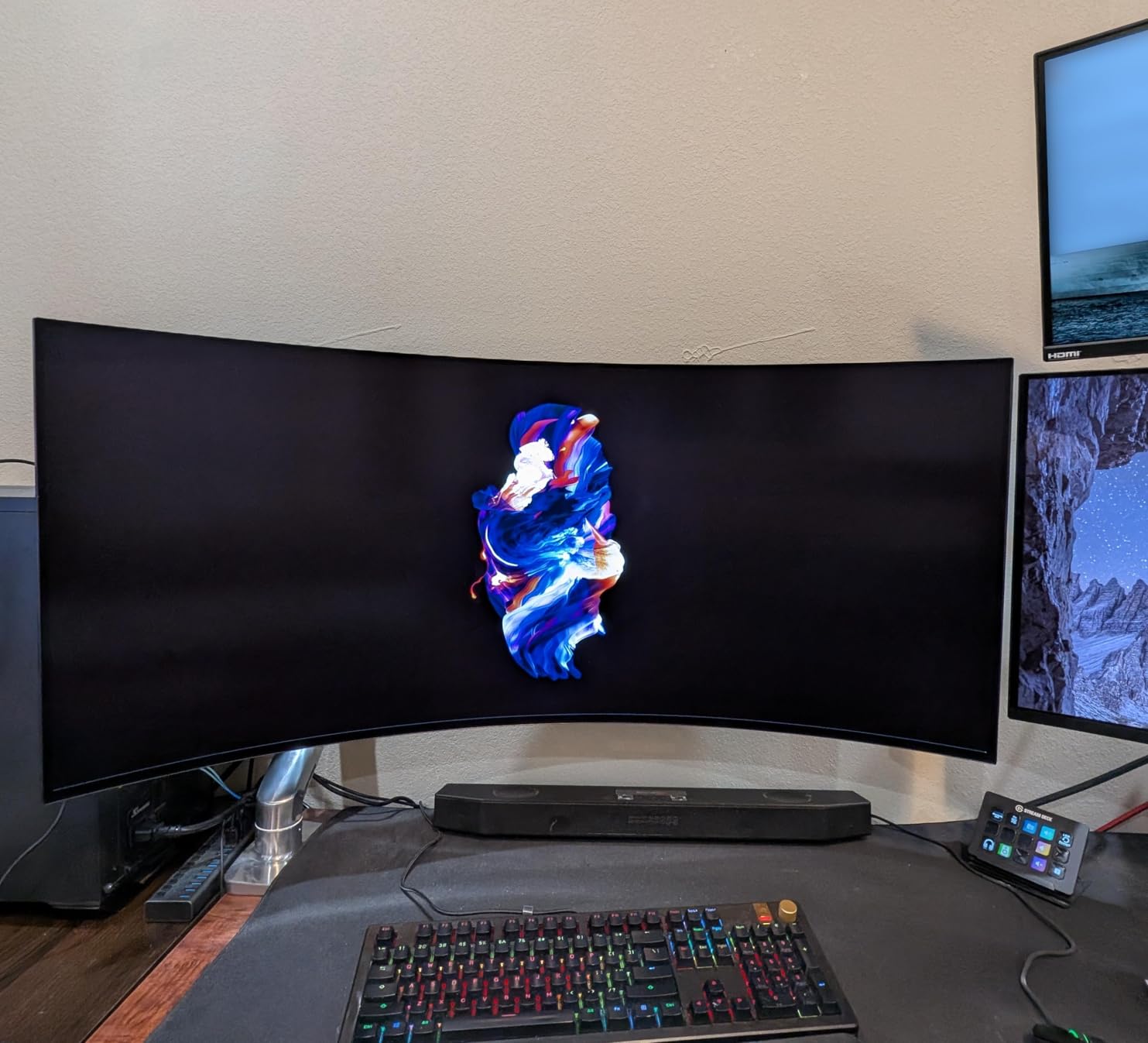
The 1300-nit peak brightness is one of the highest in this guide, and it shows in HDR content. Explosions, sunlight, and bright UI elements have genuine impact. LG’s AI-powered Dynamic Tone Mapping, AI Picture, and AI Sound features actively analyze content and adjust settings in real time. While I am usually skeptical of AI-enhanced picture processing, these features genuinely improved streaming video quality.
The execution flaws are frustrating, especially given the price. The OSD joystick is one of the worst I have used, requiring multiple presses to register inputs. The auto-input-switching feature aggressively jumps to any device that sends a signal, which means turning on a console or laptop can interrupt your PC gaming session. The USB-A hub ports only work when connected via USB-C, which limits their usefulness. And firmware updates require a convoluted USB process that LG does not document clearly.
Who Should Buy the LG UltraGear 39GX90SA
This monitor is perfect for users who want a dual-purpose display that serves as both a gaming monitor and a smart TV. If you have limited space and want one screen for PC gaming, console gaming, streaming, and cloud gaming, the 39GX90SA does it all. The 800R curve and 1300-nit brightness make it especially compelling for simulation games.
Who Should Skip It
If you already own a smart TV and do not need streaming apps on your monitor, the extra cost of webOS24 is wasted. The OSD and firmware update issues will frustrate technically-minded users. The 2-year warranty is shorter than the 3-year standard on Alienware and Samsung OLEDs. And the aggressive auto-input-switching will annoy users with multiple always-on devices.
11. LG UltraGear 45GX900A – Best 45-inch Curved OLED Gaming Monitor
LG 45GX900A-B 45-Inch Ultragear WQHD (3440 x 1440) OLED Curved Gaming Monitor, 240Hz, 0.03ms, NVIDIA G-Sync, VESA DisplayHDR True Black 400, HDMI 2.1, DisplayPort, USB Type-C PD 65W
45-inch OLED
3440×1440
240Hz
0.03ms
800R Curve
65W USB-C
+ Pros
- Massive 45-inch OLED with 800R curve
- 1300-nit peak HDR brightness
- USB-C with 65W power delivery
- Built-in speakers
- 98.5% DCI-P3 coverage
- Ergonomic stand with full adjustments
– Cons
- Very large footprint may not fit standard desks
- Windows DPI scaling issues reported
- Premium pricing
- 2-year warranty
- Some users report LG warranty service difficulties
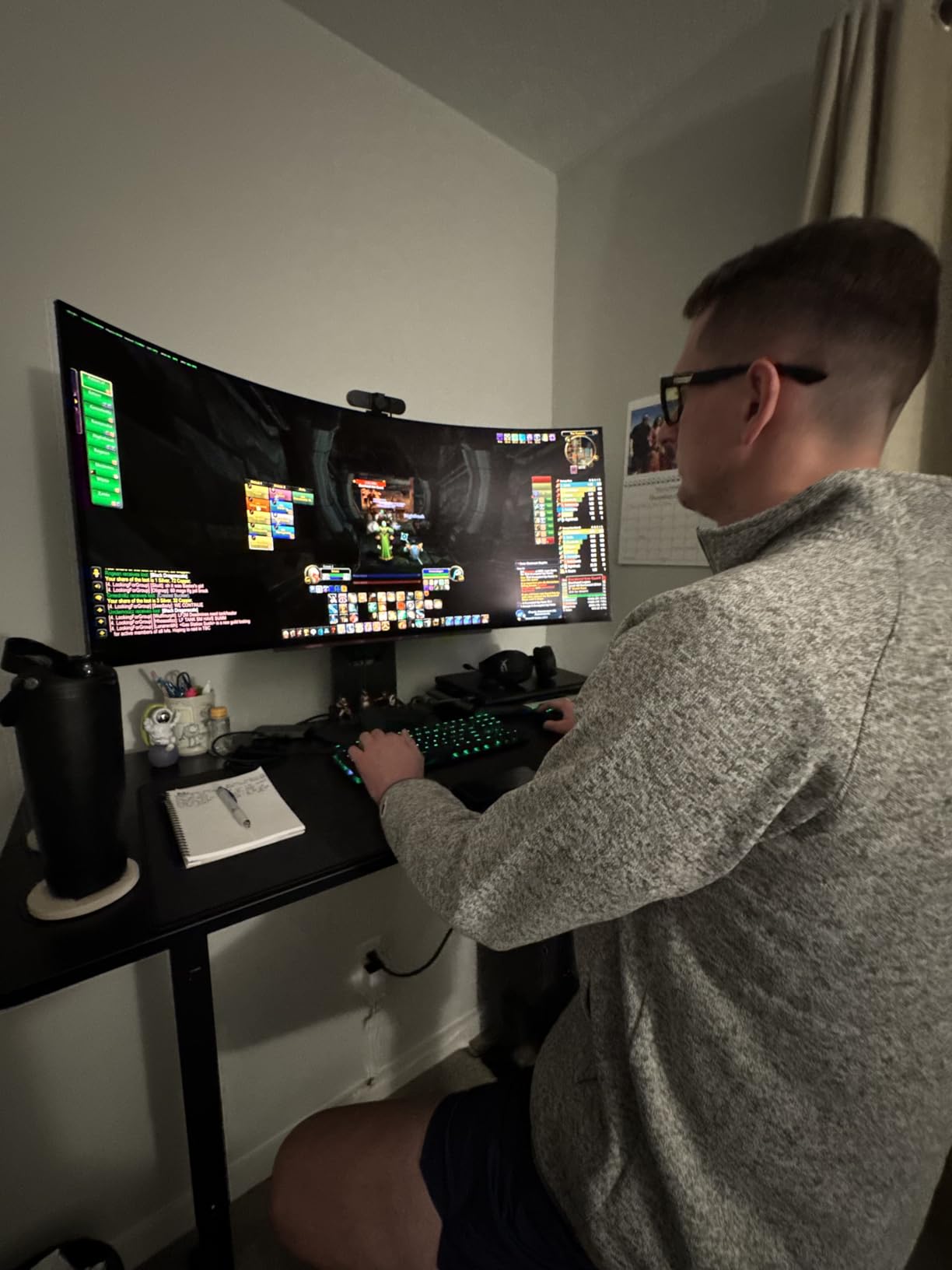
The LG UltraGear 45GX900A is the largest curved OLED gaming monitor in this guide, and it is an absolute beast of a display. At 45 inches with an 800R curve, this monitor dominates your desk and your field of view. The first time I loaded up Microsoft Flight Simulator on this panel, I genuinely felt like I was sitting in a cockpit. The sense of scale is something no smaller monitor can replicate.
Despite the massive size, the 3440×1440 resolution keeps it manageable for modern GPUs. You do not need an RTX 5090 to drive this panel at 240Hz, which is a real advantage over 4K OLEDs. The 0.03ms response time and 240Hz refresh rate deliver the same OLED motion clarity as the smaller panels in this guide. The 1300-nit peak brightness in HDR is impressive for a panel this size.
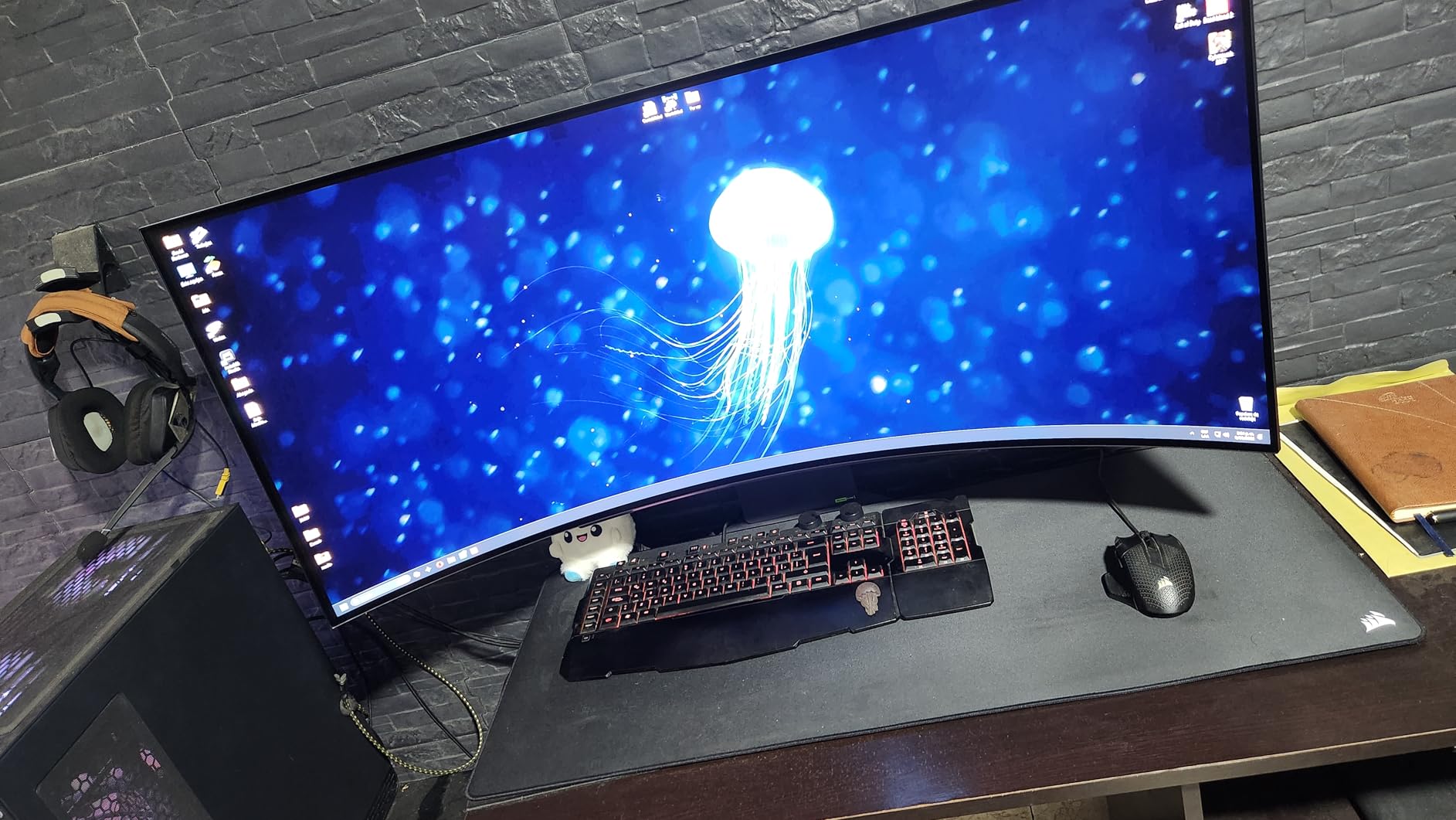
LG includes practical features that matter for a monitor this large. The USB-C port with 65W power delivery is perfect for connecting a laptop. The built-in speakers are surprisingly decent for a monitor, which saves desk space that would otherwise go to external speakers. The ergonomic stand offers height, tilt, and swivel adjustments, which is critical because the sheer weight and size of this panel make VESA mounting more complicated.
The 98.5% DCI-P3 color coverage ensures that this massive canvas is also color-accurate. I did some photo editing on the 45GX900A and was impressed by the color consistency across the entire panel. The 1.5M:1 contrast ratio and DisplayHDR True Black 400 certification deliver the OLED image quality you expect. The matte anti-glare finish is essential on a panel this large, as reflections would otherwise be a major problem.
Who Should Buy the LG UltraGear 45GX900A
This monitor is for users who want the most immersive gaming experience short of a VR headset. If you play simulation games, open-world RPGs, or racing titles, the 45-inch 800R curve creates a wraparound experience that is genuinely transportive. The USB-C PD and built-in speakers make it practical for both gaming and general use.
Who Should Skip It
Measure your desk before buying. This monitor is enormous and requires significant depth and width. Competitive FPS players gain nothing from the size and the curve can actually distort fast-moving targets. The 2-year warranty is shorter than competitors, and the premium pricing puts it in competition with the 49-inch Samsung Odyssey G9, which offers even more screen real estate.
12. Samsung Odyssey OLED G9 (G91SD) – Best 49-inch Super Ultrawide OLED
Samsung 49″ Odyssey OLED G9 (G91SD) Dual QHD QD-OLED Curved Gaming Monitor
49-inch QD-OLED
5120×1440
144Hz
0.03ms
1800R Curve
32:9
+ Pros
- Massive 49-inch Dual QHD display
- QD-OLED with 99% DCI-P3 color gamut
- Picture-in-Picture for multitasking
- Thermal modulation burn-in prevention
- 3-year warranty with burn-in coverage
- Eliminates need for dual monitors
– Cons
- Built from two fused panels with potential brightness mismatch
- Only one DisplayPort input
- Pixel shifting may be noticeable
- VRR flickering reported
- Mixed Samsung customer service experiences
The Samsung Odyssey OLED G9 (G91SD) is the ultimate expression of OLED gaming monitor ambition. A 49-inch super ultrawide with a 32:9 aspect ratio and Dual QHD resolution (5120×1440), this monitor replaces a dual-monitor setup with a single seamless curved panel. For sim racing, flight simulation, and immersion-heavy gaming, nothing else comes close.
The QD-OLED panel delivers the vibrant colors and deep blacks that Samsung’s OLED technology is known for. The 99% DCI-P3 color gamut ensures accurate, saturated colors across the massive display. The 1800R curve is gentler than the 800R curve on LG’s 39-inch and 45-inch panels, which means it is less aggressive on your eyes during extended use but still provides a sense of wraparound immersion.
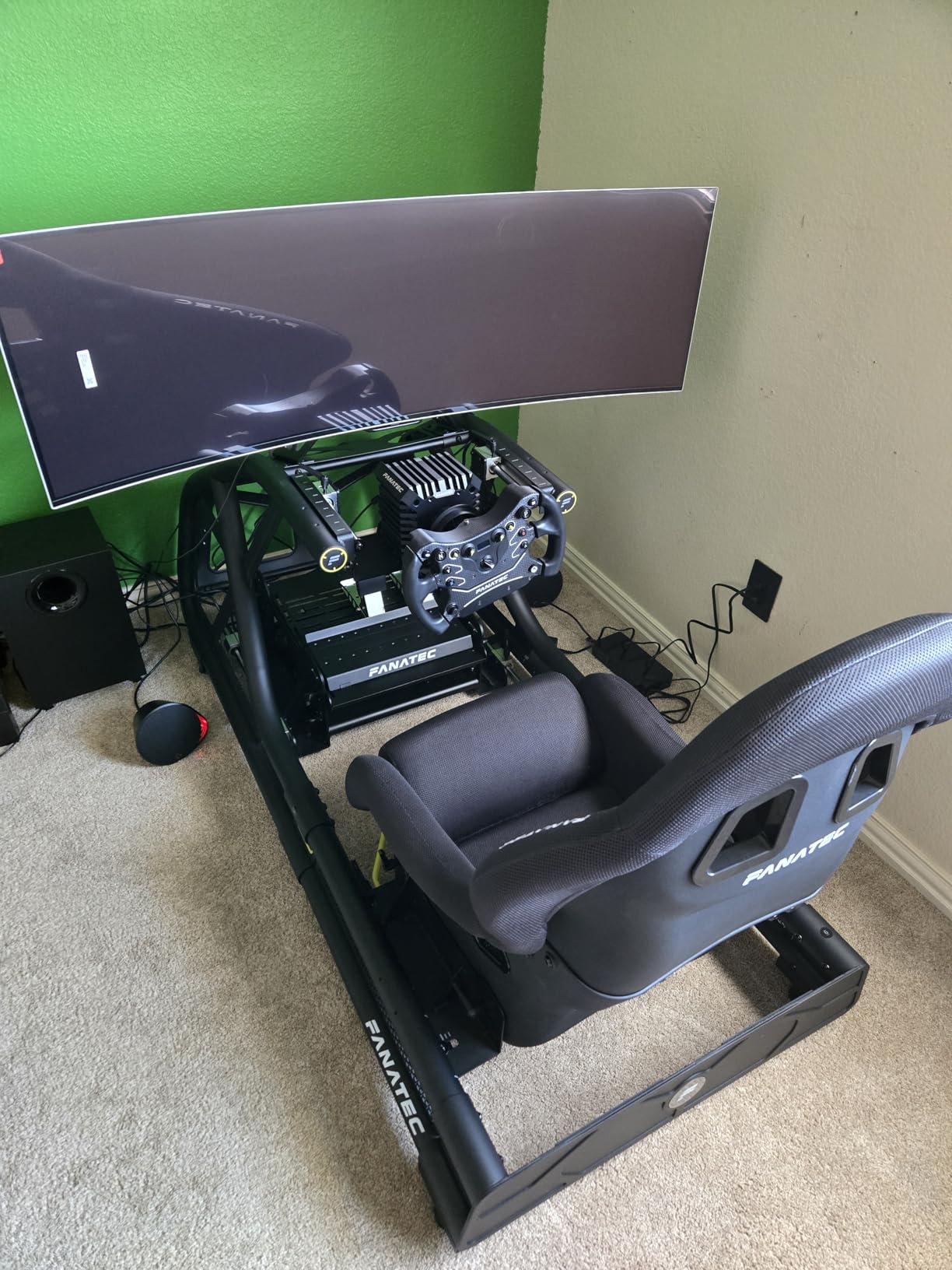
Samsung’s thermal modulation system and burn-in prevention features are comprehensive. The Logo and Taskbar Detection features identify static UI elements and dim them to prevent retention. The Screen Saver activates after a set period of inactivity. Combined with the 3-year warranty that explicitly covers burn-in, Samsung provides the most robust burn-in protection package in the super ultrawide category.
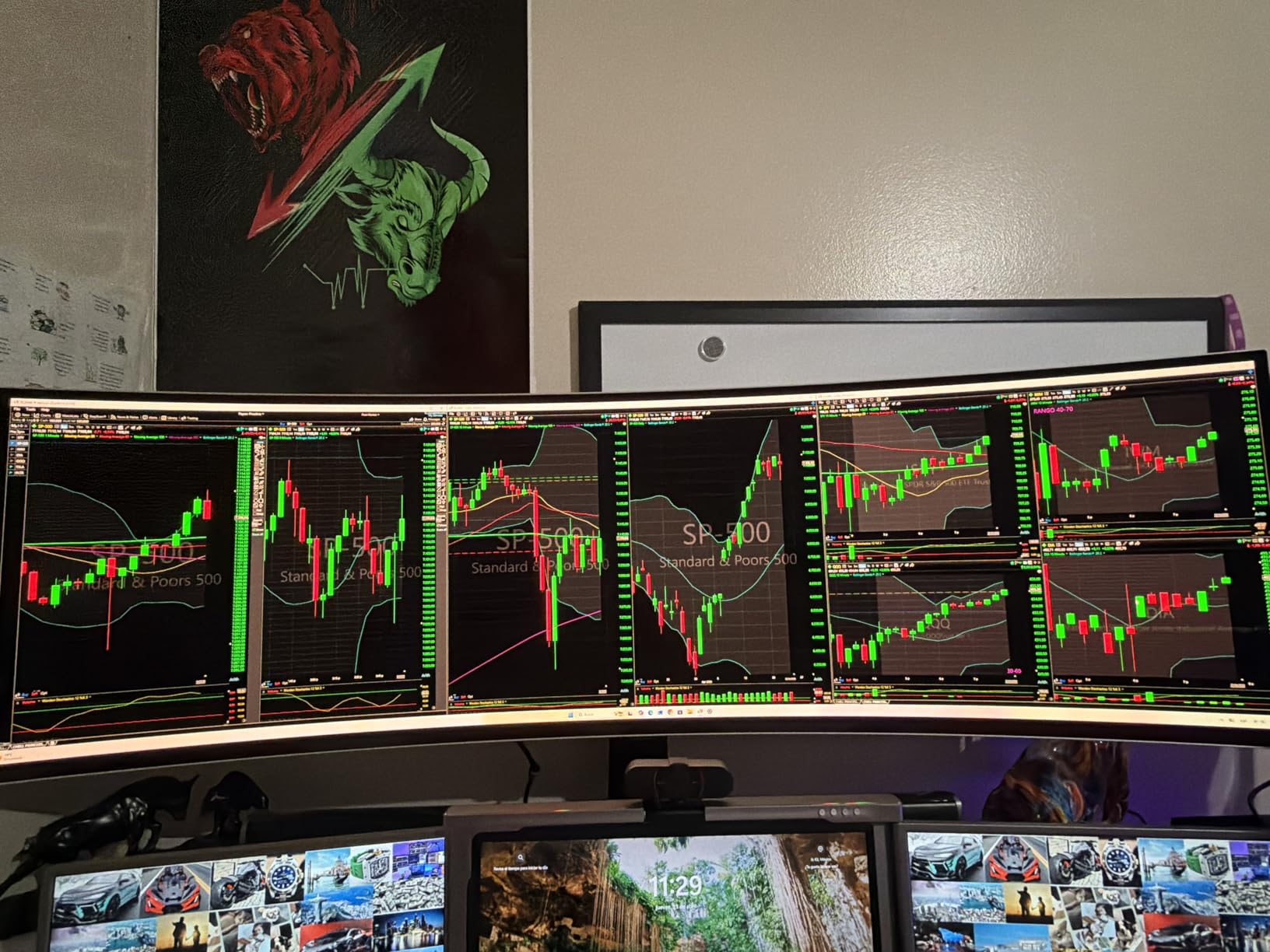
The compromises are inherent to the format. The panel is constructed from two fused 27-inch QD-OLED panels, which means there can be a visible brightness mismatch at the seam where they join. Some users report this is more visible in bright, uniform content like white web pages. The single DisplayPort input limits connectivity. VRR flickering has been reported by some users, particularly at lower frame rates. And the sheer size requires a desk that can support a 47-inch wide monitor.
Who Should Buy the Samsung Odyssey OLED G9
This is the monitor for simulation enthusiasts, multitasking power users, and anyone who wants the most immersive single-panel gaming experience available. If you currently use two monitors side by side and want to replace them with one seamless OLED display, the G9 is purpose-built for that use case. The 3-year burn-in warranty provides long-term confidence.
Who Should Skip It
If you primarily play competitive FPS games, the 144Hz refresh rate and 32:9 aspect ratio provide no advantage and many games do not support such wide resolutions. The potential panel seam from the fused construction may bother users with sharp eyes. And if your desk cannot accommodate a 47-inch wide monitor, the LG 45GX900A or Alienware AW3425DW are more practical alternatives.
Buying Guide – What to Look for in an OLED Gaming Monitor
Choosing the best OLED gaming monitor comes down to understanding how panel technology, refresh rate, resolution, and features align with your specific needs. Let me break down the key factors that should drive your decision.
Panel Technology: QD-OLED vs WOLED
The two dominant OLED panel technologies are QD-OLED (Quantum Dot OLED) and WOLED (White OLED). QD-OLED panels, manufactured primarily by Samsung, use quantum dots to enhance color saturation and peak brightness. They produce the most vibrant, punchy colors but can show a purple tint in ambient light and have text clarity issues due to their RGB subpixel layout. WOLED panels, manufactured by LG Display, use a white OLED layer with color filters. They produce true deep blacks even in ambient light, have better text clarity, and matte finishes that control glare well. WOLED colors are slightly less saturated than QD-OLED.
Resolution and Pixel Density
For 27-inch monitors, 1440p (2560×1440) is the sweet spot, providing 109 PPI that balances sharpness with performance. A 4K resolution at 27 inches gives you 163 PPI but demands a powerful GPU. For 32-inch monitors, 4K (3840×2160) at 138 PPI is ideal, producing sharp text and detailed images. Ultrawide monitors at 34, 39, and 45 inches typically use 3440×1440 resolution, which provides 110-120 PPI depending on size. The 49-inch Samsung G9 uses Dual QHD (5120×1440), which is equivalent to two 27-inch 1440p panels side by side.
Refresh Rate
OLED gaming monitors currently range from 144Hz to 360Hz. For competitive FPS gaming, higher is better: 360Hz on the ASUS ROG Strix XG27ACDNG provides the smoothest, most responsive experience. For most other gaming, 240Hz is the practical sweet spot, offering excellent motion clarity without demanding extreme GPU power. The 144Hz on the Samsung Odyssey G9 is adequate for the super ultrawide format, where the massive resolution already challenges GPU performance.
Brightness and ABL
OLED panels inherently produce lower full-screen brightness than LED monitors due to ABL (Auto Brightness Limiter), which reduces brightness to protect the panel and manage power consumption. Peak brightness matters for HDR impact. The ASUS PG32UCDM leads with 1000-nit peak brightness, followed by the LG panels with 1300-nit peaks at small window sizes. SDR brightness ranges from 250 to 400 nits across the monitors in this guide. If you game in a bright room, prioritize monitors with matte finishes and higher SDR brightness.
Burn-in Prevention and Warranty
Burn-in is the most common concern for OLED buyers. Modern OLED panels include multiple prevention features: pixel shifting, logo detection, taskbar detection, screen savers, and automatic pixel cleaning cycles. ASUS, Samsung, and MSI all offer 3-year warranties that explicitly cover burn-in. LG offers 2-year warranties on their UltraGear OLEDs, which is a meaningful disadvantage. I recommend choosing a monitor with at least a 3-year burn-in warranty for peace of mind.
Connectivity
For connectivity, look for at least two HDMI 2.1 ports, one DisplayPort 1.4, and ideally USB-C with power delivery. The MSI MPG 321URX leads with 90W USB-C PD, perfect for laptop users. KVM switches (available on the MSI, ASUS PG32UCDM, and others) let you control multiple devices with one keyboard and mouse. Built-in USB hubs add convenience for peripherals. The LG 39GX90SA goes further with webOS smart features and cloud gaming support. You can also complete your gaming setup with a precision gaming mouse and upgrade your keyboard for the full experience.
Stand Ergonomics
Monitor stand quality varies widely. The Acer Predator X27U, LG panels, and ASUS ROG Swift all include fully adjustable stands with height, tilt, swivel, and sometimes pivot. The Samsung Odyssey OLED G5 has only tilt adjustment, requiring a VESA mount for height control. Ultrawide and super ultrawide monitors generally include height-adjustable stands given their premium positioning. If ergonomics matter to you, check stand adjustability before buying or budget for a quality monitor arm.
OLED Burn-in, Longevity, and Care
Burn-in is the question every OLED buyer asks about, so let me address it directly based on real-world experience and community feedback. OLED burn-in occurs when static elements displayed for extended periods cause uneven pixel degradation, leaving a permanent ghost image. The good news is that modern OLED gaming monitors have dramatically reduced this risk through multiple layers of protection.
Every monitor in this guide includes burn-in prevention features. Pixel shifting subtly moves the entire image by a few pixels periodically, distributing wear evenly across the panel. Logo detection identifies static on-screen elements like game HUDs or taskbars and dims them slightly. Automatic pixel cleaning cycles run after several hours of use, refreshing all pixels to a uniform state. These features work in the background and are effective when used consistently.
From the Reddit community on r/OLED_Gaming and r/Monitors, the consensus is encouraging. Users report 6+ months of daily gaming with no visible burn-in on panels from 2024 and newer. Many users have pushed their panels for over a year with heavy use and report no issues. The users who do experience burn-in typically disable prevention features, run brightness at maximum constantly, or display static content for extremely long periods.
Here are the practical steps I recommend for maximizing your OLED monitor’s lifespan. Enable all burn-in prevention features and leave them on. Set a wallpaper slideshow or use a black wallpaper when not gaming. Enable taskbar auto-hide on Windows. Run pixel cleaning cycles when prompted. Avoid leaving static images on screen for more than 30 minutes when possible. Use the screen saver feature. And purchase from a brand that offers a 3-year burn-in warranty, which ASUS, Samsung, MSI, and Acer all provide on their OLED gaming monitors.
With reasonable care, a modern OLED gaming monitor should last 3-5 years of heavy use without burn-in issues. The warranty coverage provides additional peace of mind. Treat the panel with reasonable care, and burn-in should not be a practical concern during your ownership period.
Frequently Asked Questions
What is the best OLED gaming monitor for 2026?
The LG UltraGear 27GS93QE is our top pick overall for its superior matte anti-glare finish, true deep blacks, 98.5% DCI-P3 coverage, and 4.7-star user rating. For 4K gaming, the ASUS ROG Swift PG32UCDM leads with 1000-nit peak brightness and Dolby Vision. For ultrawide immersion, the Alienware AW3425DW offers the best value.
Are OLED monitors good for gaming?
Yes, OLED monitors are excellent for gaming. They offer 0.03ms response times, infinite contrast ratios with perfect blacks, high refresh rates up to 360Hz, and superior motion clarity compared to any LCD technology. The main trade-offs are lower brightness than LED monitors and the need to manage burn-in risk through prevention features.
What is the downside of OLED gaming monitors?
The main downsides are lower full-screen brightness due to ABL (Auto Brightness Limiter), potential burn-in risk with static content over time, text clarity issues on some panel types, and higher cost compared to IPS alternatives. QD-OLED panels also show a purple tint in ambient light, and glossy finishes can cause reflections in bright rooms.
Do OLED monitors have burn-in issues?
Modern OLED monitors have significantly reduced burn-in risk through pixel shifting, logo detection, taskbar detection, and automatic pixel cleaning cycles. With prevention features enabled, most users report no burn-in after 1-2 years of heavy use. ASUS, Samsung, MSI, and Acer offer 3-year warranties that explicitly cover burn-in, providing additional peace of mind.
What is the best 4K OLED gaming monitor?
The ASUS ROG Swift PG32UCDM is the best premium 4K OLED with 1000-nit peak brightness, Dolby Vision, and a custom graphene heatsink. For better value, the LG UltraGear 32GX850A offers 4K OLED with a Dual Mode (4K 165Hz or FHD 330Hz) at a lower price point. The MSI MPG 321URX QD-OLED adds 90W USB-C power delivery and a KVM switch.
What is the best 27-inch OLED gaming monitor?
The LG UltraGear 27GS93QE is the best 27-inch OLED overall with a 4.7-star rating, matte anti-glare finish, and true WOLED deep blacks. For competitive gaming, the ASUS ROG Strix XG27ACDNG with 360Hz is the top choice. For budget buyers, the Acer Predator X27U offers genuine QD-OLED quality at an entry-level price.
What is the best ultrawide OLED gaming monitor?
The Alienware AW3425DW is the best 34-inch ultrawide OLED for most users, offering QD-OLED, 240Hz, and a 1800R curve. For larger formats, the LG UltraGear 39GX90SA adds webOS smart features, and the LG UltraGear 45GX900A offers a massive 45-inch canvas. The Samsung Odyssey OLED G9 is the top 49-inch super ultrawide with Dual QHD resolution.
Are OLED monitors better than IPS for gaming?
OLED monitors are better than IPS for gaming in contrast, black levels, response time, and motion clarity. OLED produces true blacks with infinite contrast and 0.03ms response times. IPS monitors are better in full-screen brightness, text clarity, and price. For pure gaming immersion, OLED wins. For mixed productivity use, IPS may be more practical.
What refresh rate do OLED gaming monitors support?
OLED gaming monitors currently support refresh rates from 144Hz to 360Hz. The ASUS ROG Strix XG27ACDNG leads with 360Hz for competitive gaming. Most OLEDs offer 240Hz, which is the practical sweet spot. The Samsung Odyssey OLED G9 runs at 144Hz due to its massive 49-inch Dual QHD resolution. Higher refresh rates like 480Hz are expected in future OLED generations.
Do I need a special graphics card for an OLED monitor?
You do not need a special graphics card, but higher resolutions and refresh rates demand more GPU power. For 1440p at 240Hz, an RTX 4070 or RX 7800 XT is sufficient for most games. For 4K at 240Hz, an RTX 4080, RTX 5070, or RX 7900 XTX is recommended. The RTX 5090 is ideal for 4K OLED at maximum settings in demanding titles.
Final Verdict
After testing all 12 of these OLED gaming monitors, the landscape is clearer than ever. OLED technology has matured to the point where there is a genuinely excellent option at every price point and size category. The best OLED gaming monitors in 2026 deliver picture quality, motion clarity, and immersion that no LCD technology can replicate.
For most gamers, the LG UltraGear 27GS93QE is the safest recommendation. Its 4.7-star rating, matte anti-glare finish, and true WOLED blacks make it a versatile all-rounder. Competitive players should choose the ASUS ROG Strix XG27ACDNG for its 360Hz refresh rate. Budget-conscious buyers get genuine QD-OLED quality from the Acer Predator X27U. And for 4K gaming, the ASUS ROG Swift PG32UCDM represents the pinnacle of current OLED monitor technology.
Whatever you choose, prioritize a monitor with at least a 3-year burn-in warranty, enable all prevention features, and game in a room where you can control the lighting. OLED changes how games look and feel, and once you experience it, going back to LCD is genuinely difficult. Choose the monitor that fits your games, your room, and your budget, and you will not be disappointed.