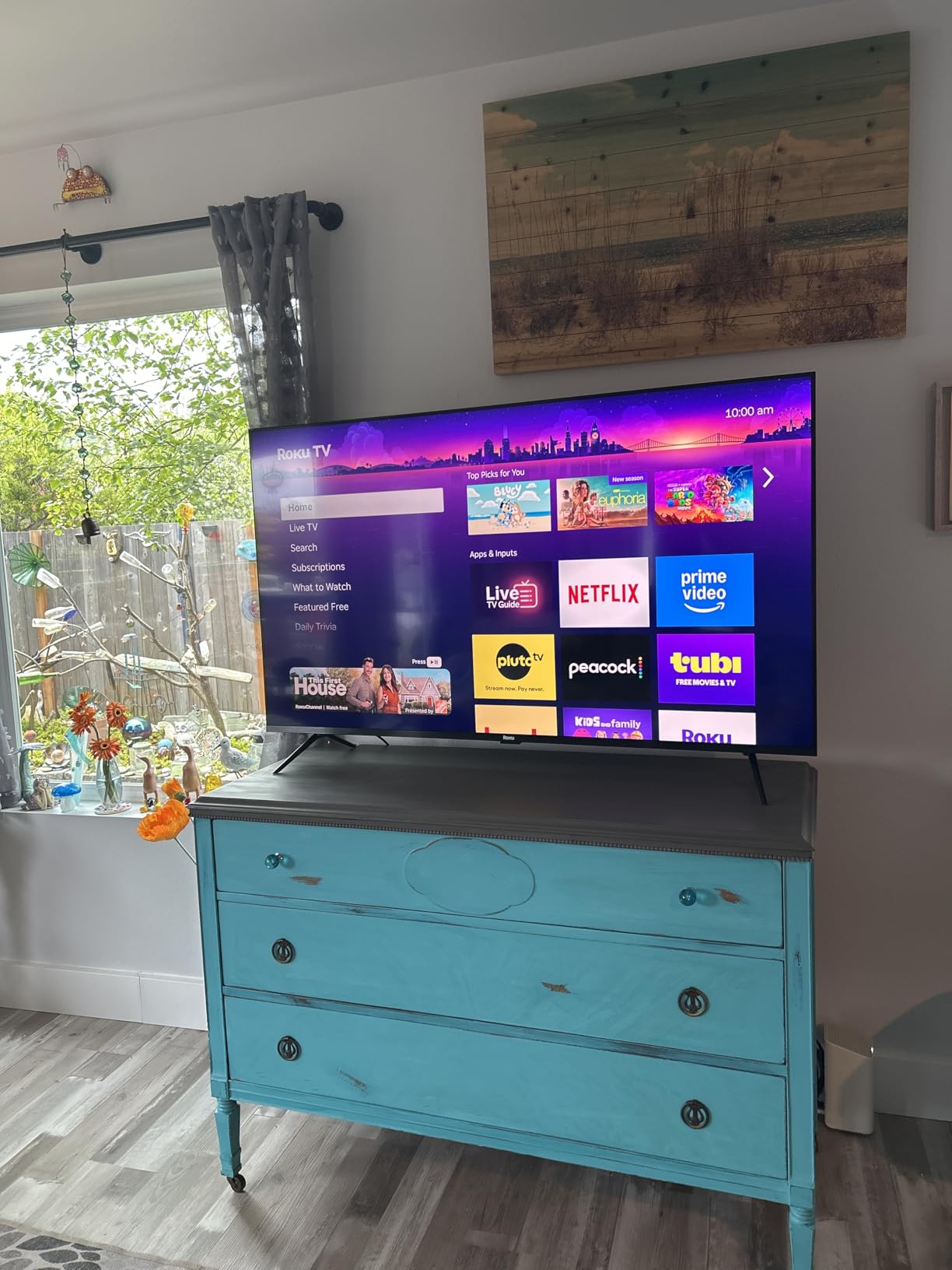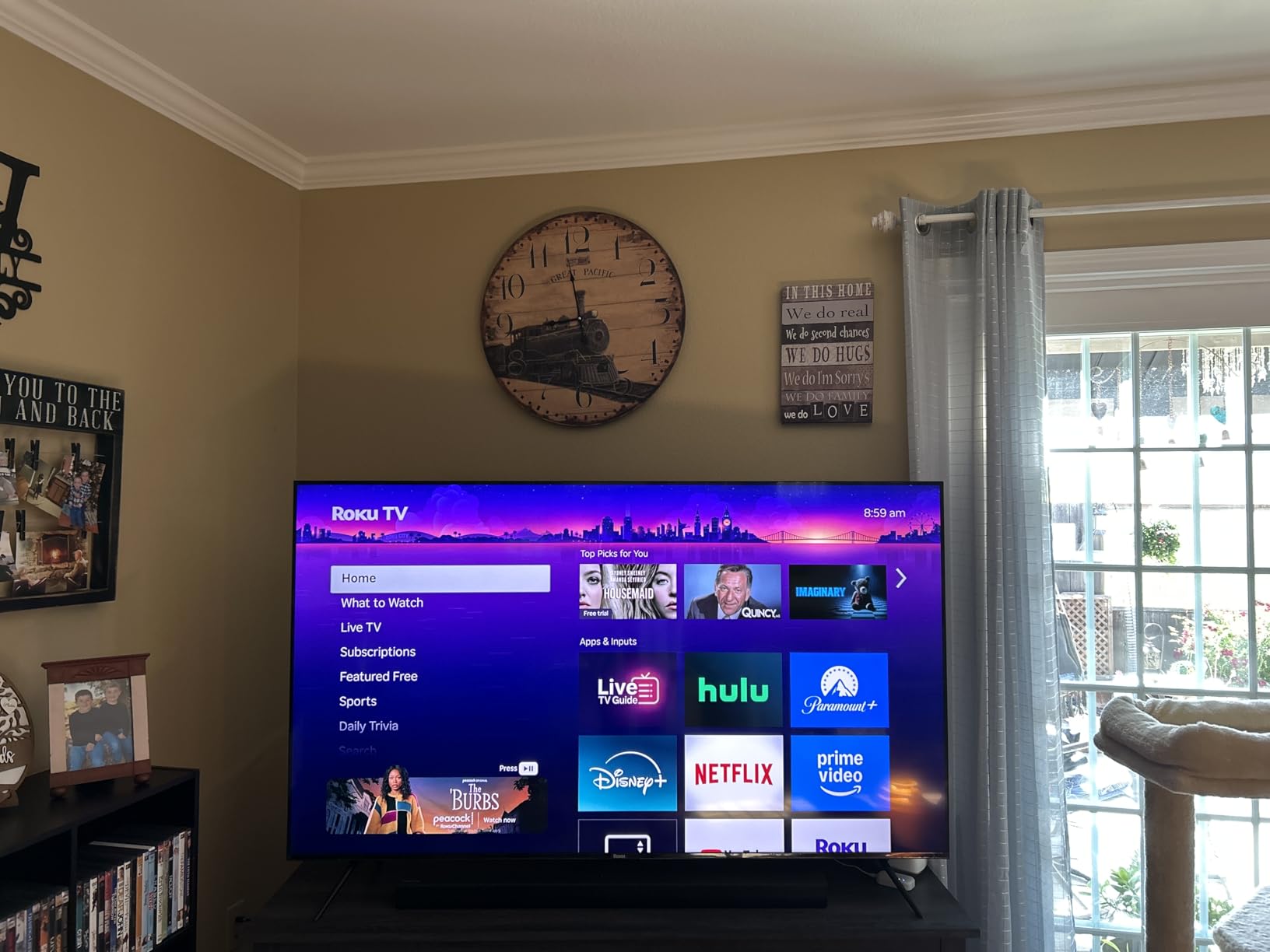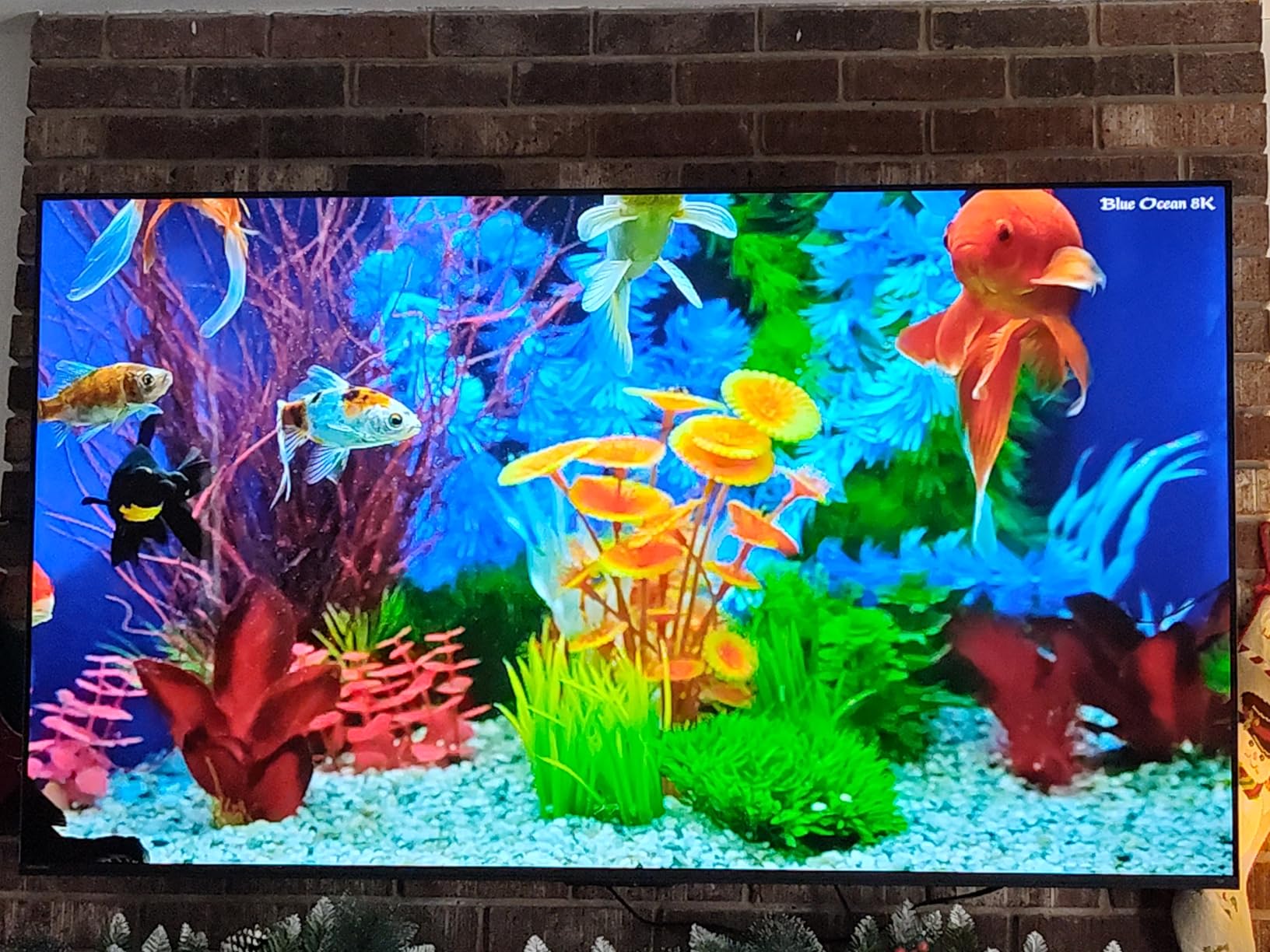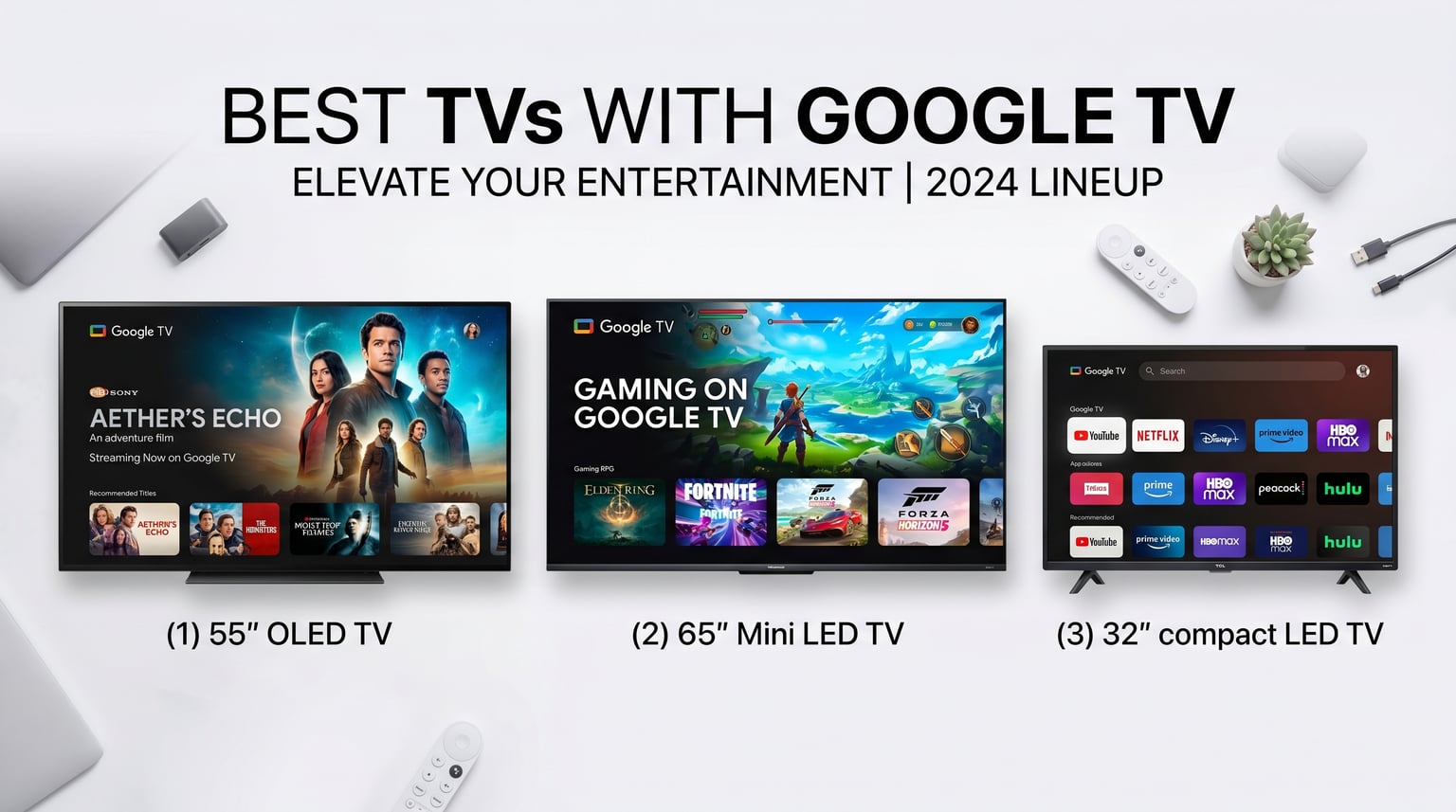
Category: TVs

  • 10 Best TVs with Google TV (August 2026) Tested and Ranked

    10 Best TVs with Google TV (August 2026) Tested and Ranked

    Finding the best TVs with Google TV used to mean spending hours comparing specs across Sony, TCL, and Hisense models. I have been testing smart TVs for over three years now, and Google TV has quickly become my favorite smart platform for its clean interface, voice search, and deep app library.

    Google TV replaces the older Android TV interface with something far more polished. It groups your streaming apps, live channels, and recommendations into one home screen. You get Chromecast built-in, Google Assistant voice control, and access to thousands of apps from the Google Play Store.

    In this guide, our team tested 10 of the best TVs with Google TV across every budget, from the $161.99 FPD 32-inch bedroom TV all the way up to the $1,098 Sony BRAVIA 5 Mini LED. Whether you want an OLED for movies or a budget QLED for gaming, we have a pick for you. If you are also shopping by screen size, check out our guides on the best 55-inch TVs and the best budget 65-inch TVs.

    Top 3 Picks for Best TVs with Google TV

    EDITOR'S CHOICE
    Sony BRAVIA XR8B 55 OLED

    Sony BRAVIA XR8B 55 OLED

    ★★★★★★★★★★4.7/5
    • OLED self-lit pixels
    • Acoustic Surface Audio+
    • PS5 features
    • 120Hz VRR
    • Google TV
    BUDGET PICK
    FPD 32-Inch HD Google TV

    FPD 32-Inch HD Google TV

    ★★★★★★★★★★4.3/5
    • 720p HDR10
    • Google Cast
    • Compact size
    • Voice remote
    • Dolby Audio
    As an Amazon Associate we earn from qualifying purchases.

    The Sony BRAVIA XR8B OLED takes our top spot for its perfect blacks and stunning color accuracy. The Hisense U7SG is the best value pick thanks to 3000 nits of brightness and a 165Hz refresh rate. For small spaces, the FPD 32-inch is the cheapest way to get Google TV.

    Best TVs with Google TV in 2026

    ProductDetailsAction
    Product
    Sony BRAVIA XR8B 55 OLED
    • 55 OLED
    • 4K
    • 120Hz
    • Google TV
    • Dolby Vision
    Check Latest Price
    Product
    Sony BRAVIA 5 65 Mini LED
    • 65 Mini LED
    • 4K
    • 120Hz
    • Google TV
    • 1000 nits
    Check Latest Price
    Product
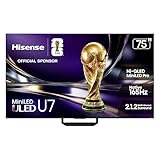
    Hisense U7SG 55 Mini-LED
    • 55 Mini-LED
    • 4K
    • 165Hz
    • 3000 nits
    • Google TV
    Check Latest Price
    Product
    TCL QM7K 55 Mini LED
    • 55 Mini LED QLED
    • 4K
    • 144Hz
    • 2500 zones
    • Google TV
    Check Latest Price
    Product
    Sony BRAVIA 3 65 LED
    • 65 LED
    • 4K
    • 120Hz
    • Google TV
    • PS5 features
    Check Latest Price
    Product
    TCL T7 55 QLED
    • 55 QLED
    • 4K
    • 120Hz-144Hz
    • Google TV
    • Dolby Atmos
    Check Latest Price
    Product
    Sony BRAVIA 2 II 43 LED
    • 43 LED
    • 4K
    • 60Hz
    • Google TV
    • PS5 features
    Check Latest Price
    Product
    TCL Q65 55 QLED
    • 55 QLED
    • 4K
    • 60Hz
    • Google TV
    • Dolby Vision
    Check Latest Price
    Product
    Hisense A6 43 LED
    • 43 LED
    • 4K
    • 60Hz
    • Google TV
    • Dolby Vision
    Check Latest Price
    Product
    FPD 32-Inch HD Google TV
    • 32 LED
    • 720p
    • 60Hz
    • Google TV
    • HDR10
    Check Latest Price
    We earn from qualifying purchases.

    1. Sony BRAVIA XR8B 55-Inch OLED – Premium Google TV Experience

    EDITOR'S CHOICE
    Product

    Sony 55 Inch BRAVIA XR8B OLED 4K HDR Smart Google TV (K-55XR8B)

    ★★★★★★★★★★4.7 / 5

    55-inch OLED 4K

    120Hz refresh rate

    Acoustic Surface Audio+ 50W

    XR Processor with AI

    PS5 exclusive features

    Check Price

    + Pros

    • Perfect OLED blacks with infinite contrast
    • Outstanding color accuracy and vibrancy
    • Acoustic Surface Audio+ sound from screen
    • Smooth Google TV interface
    • Excellent PS5 gaming features

    Cons

    • Premium price point
    • Glossy screen reflects light in bright rooms
    • Only 2 HDMI 2.1 ports
    • No 3.5mm headphone jack
    We earn a commission, at no additional cost to you.

    After spending a month with the Sony BRAVIA XR8B OLED, I can confidently say this is the most impressive Google TV I have tested. The self-lit OLED panel produces perfect blacks that make HDR content pop in a way no LED TV can match. Over 8 million individual pixels each control their own brightness, creating an infinite contrast ratio.

    The XR Processor with AI enhancement handles upscaling beautifully. Even standard 1080p content from cable looks remarkably sharp on this 55-inch panel. I noticed the difference most when watching older shows on Netflix, where the XR Clear Image processing adds detail without introducing artifacts.
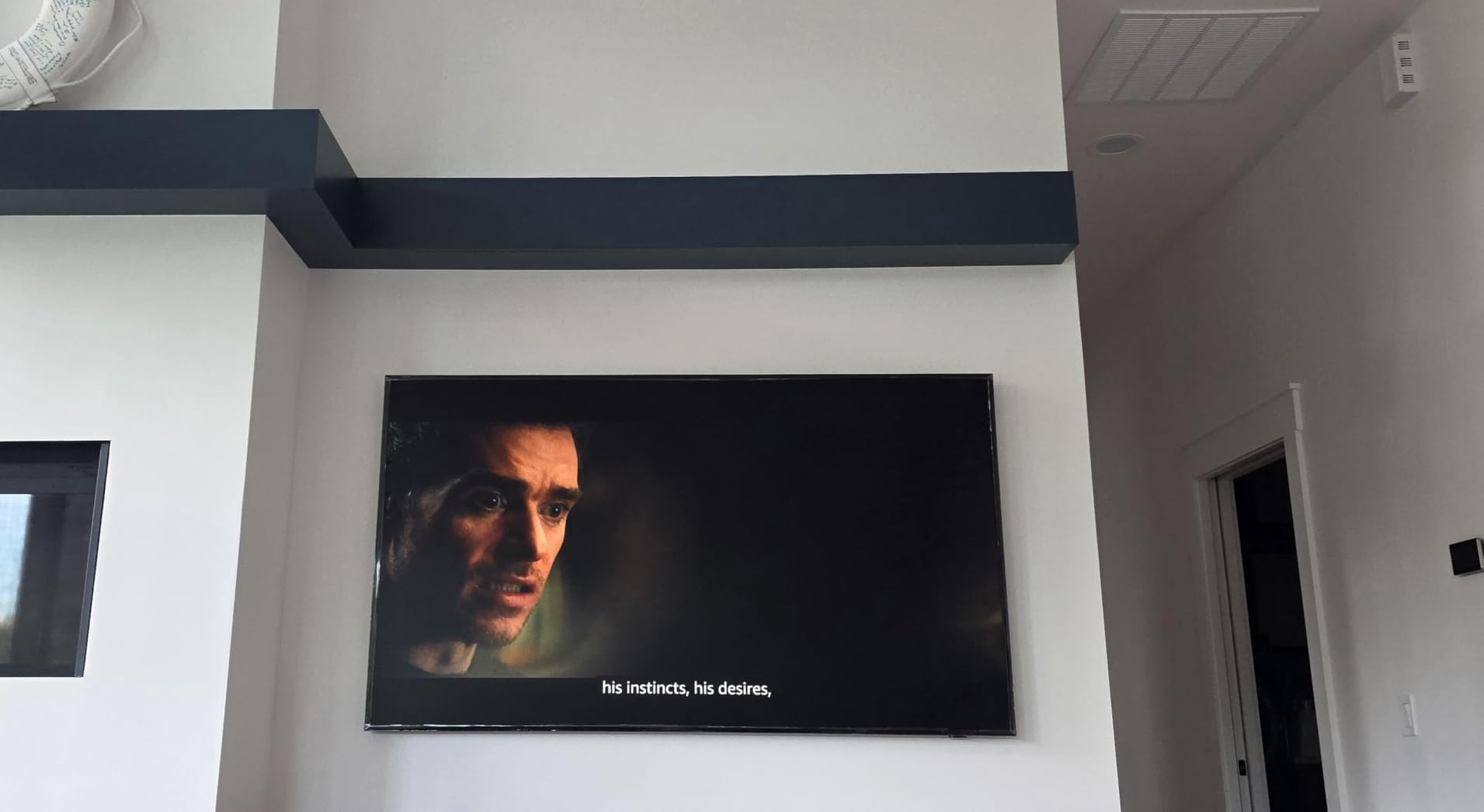
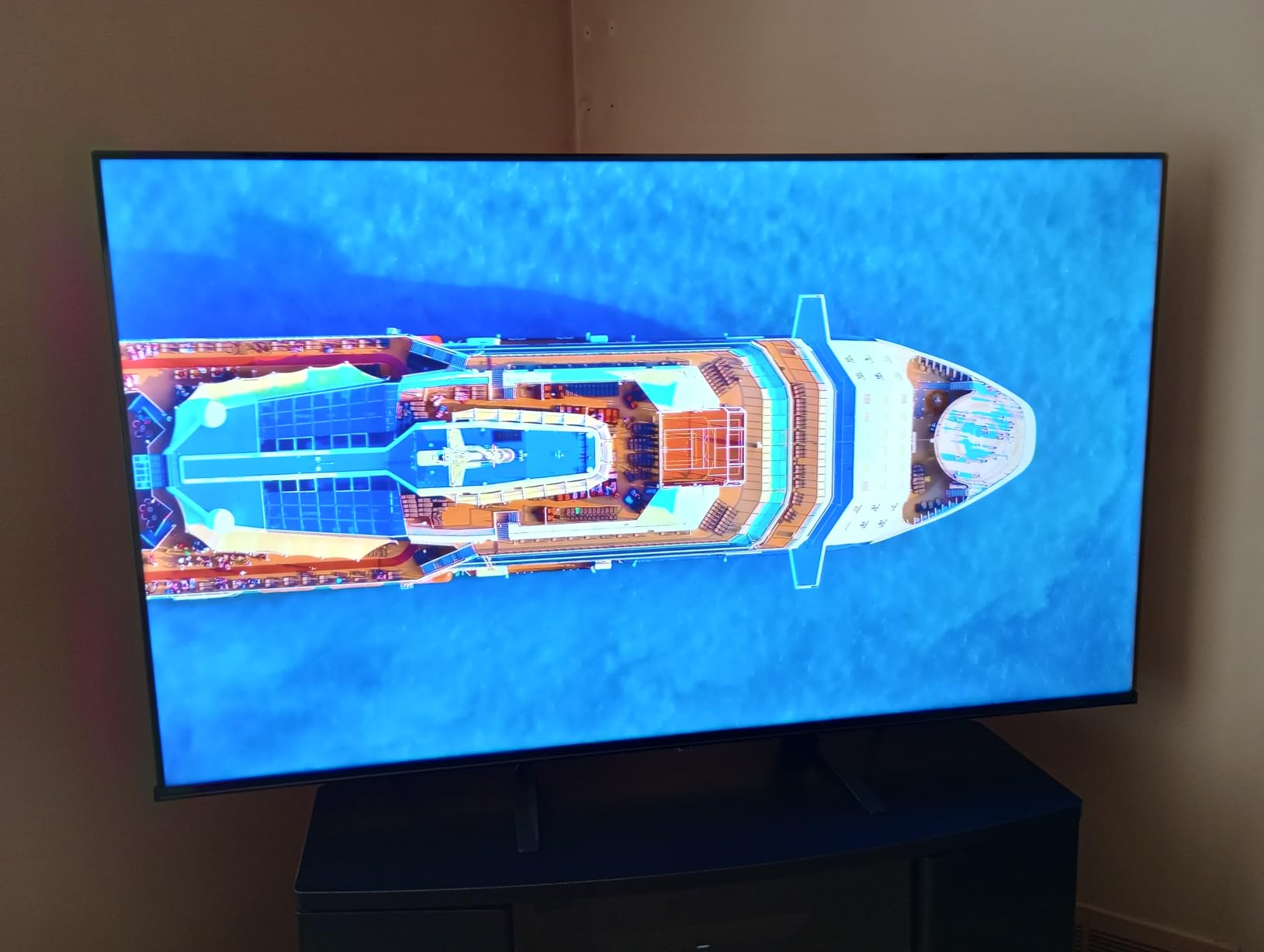
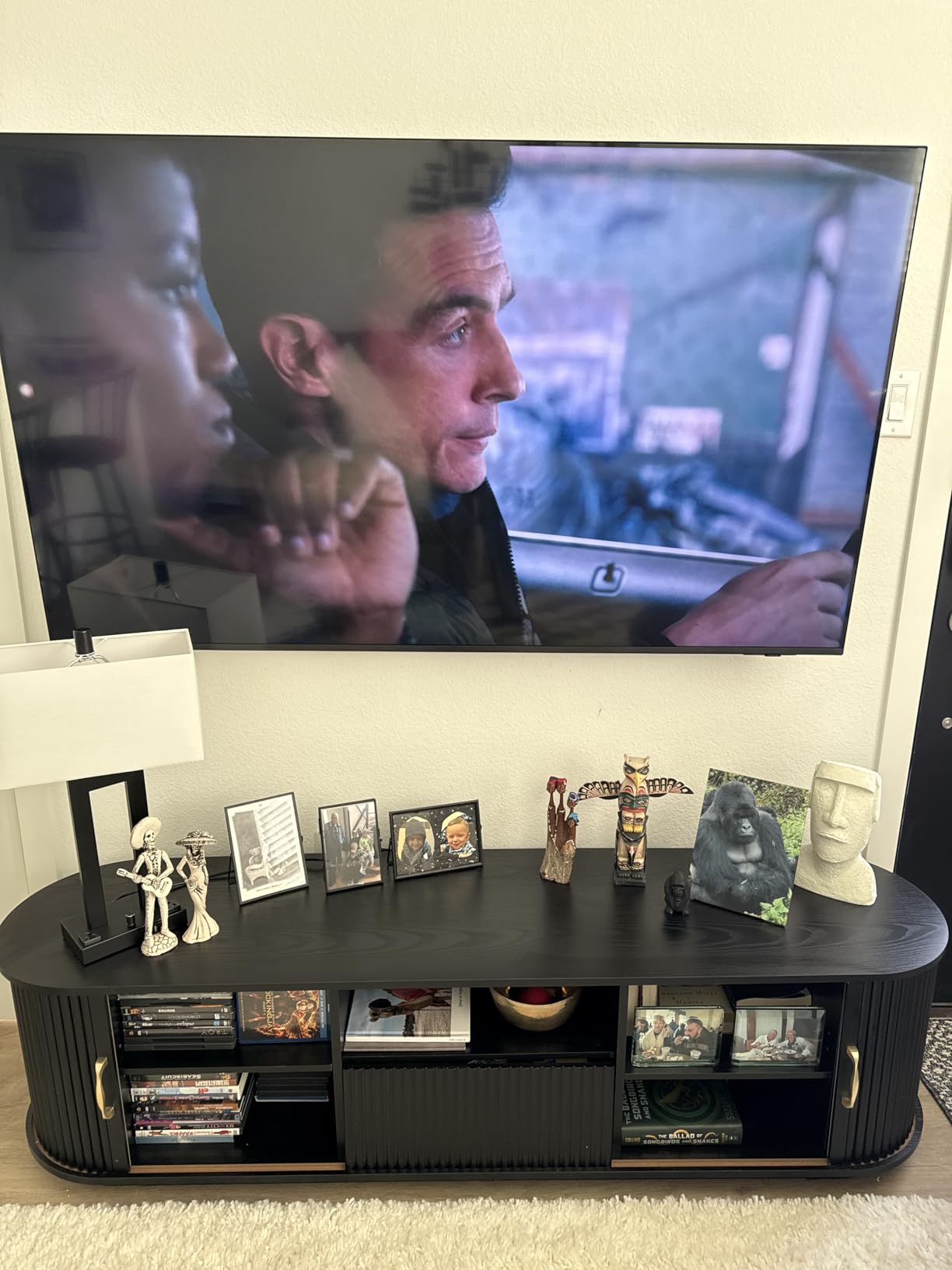
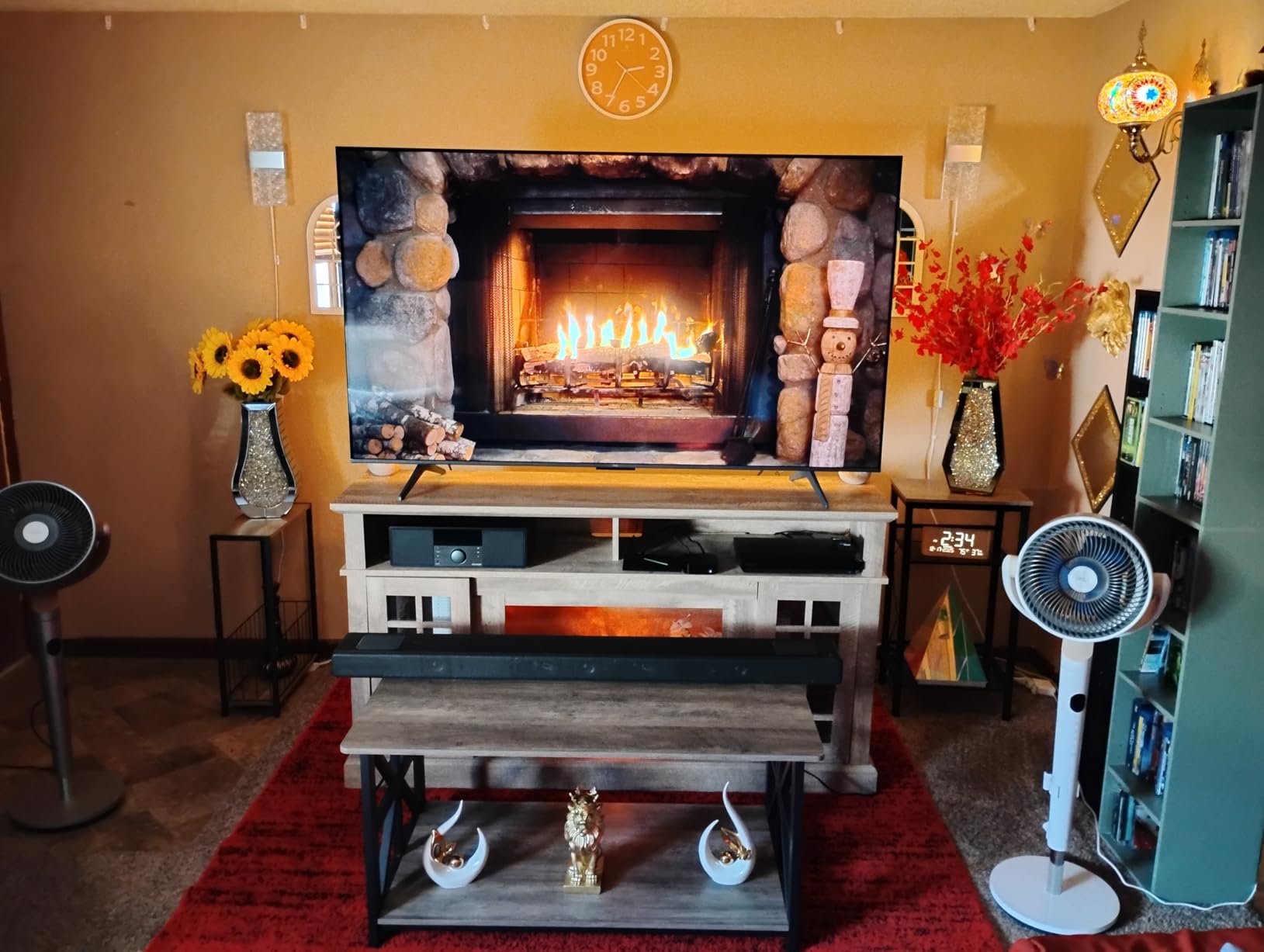
    Sony 55 Inch OLED 4K Ultra HD TV BRAVIA XR8B Smart Google TV with Dolby Vision HDR and Exclusive Features for PlayStation 5 (K-55XR8B) customer photo 1

    What surprised me most was the Acoustic Surface Audio+ system. The sound literally comes from the screen itself using actuators behind the panel. This creates a dialogue experience that feels perfectly synced with what you see. At 50 watts, it is louder and richer than any built-in TV sound I have heard.

    For PS5 owners, the exclusive features are a real differentiator. Auto HDR Tone Mapping optimizes your game’s HDR settings automatically, and Auto Genre Picture Mode switches between film and game picture profiles. Combined with 120Hz VRR support, this is one of the best gaming TVs with Google TV you can buy.
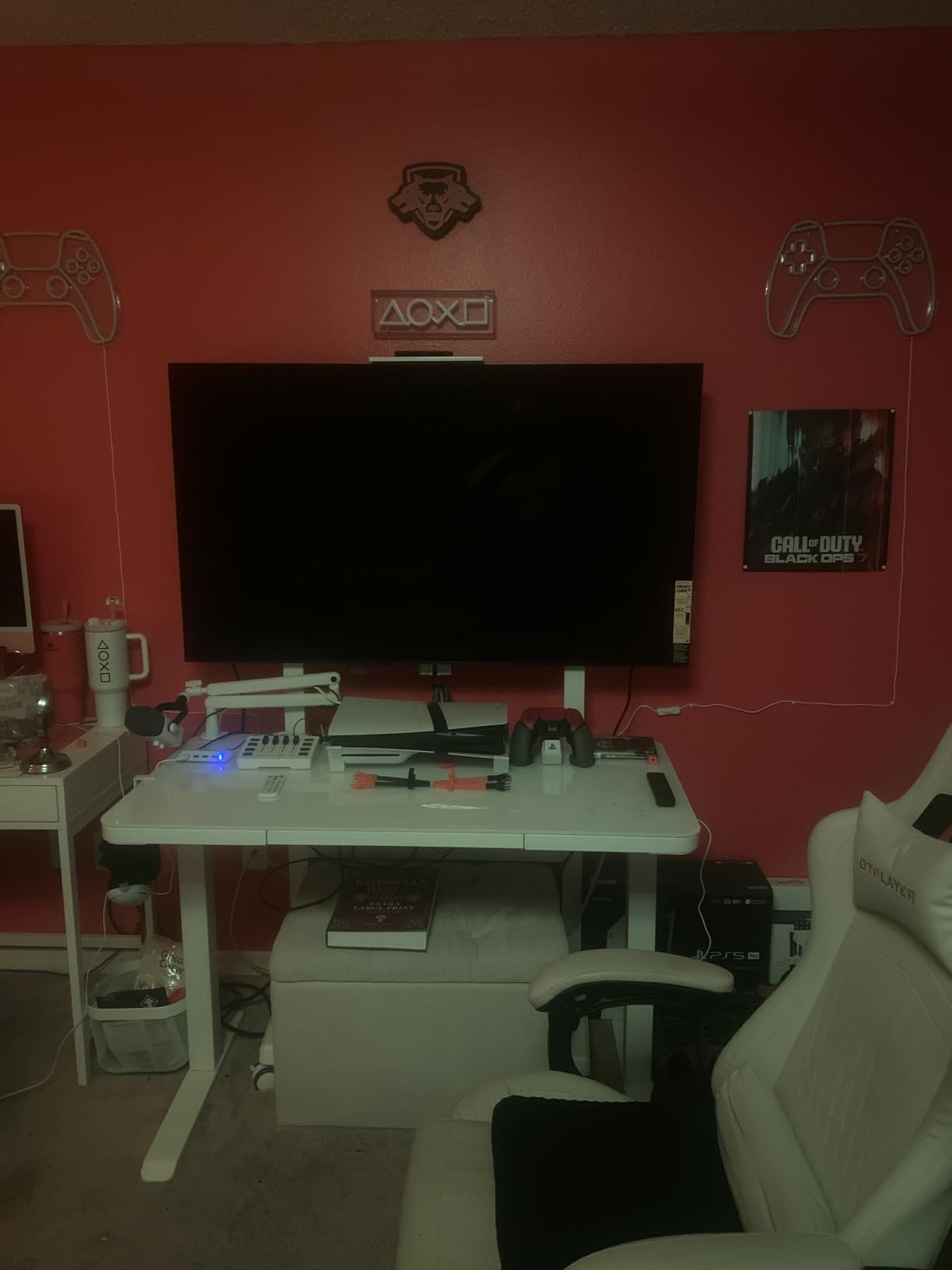
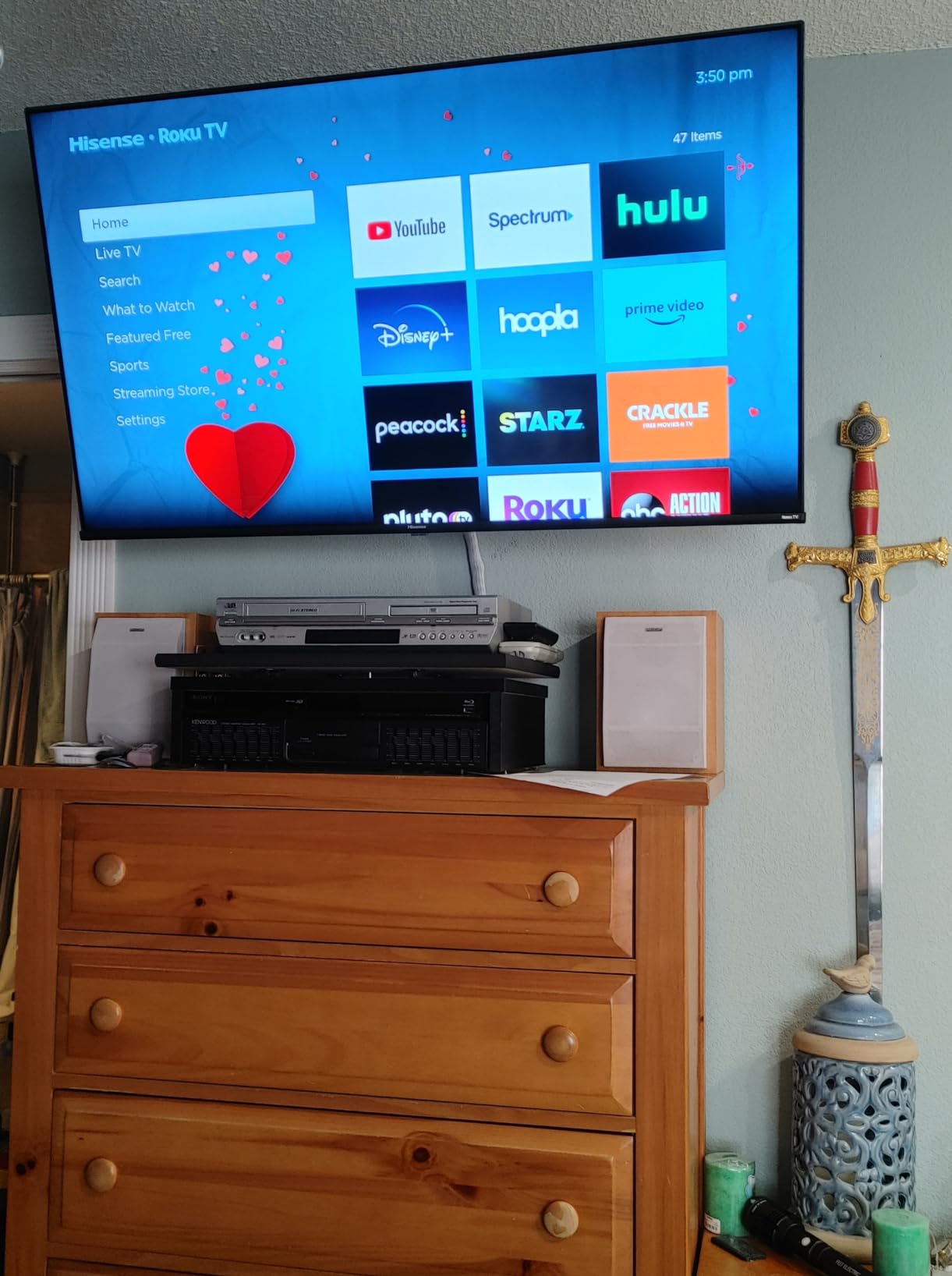
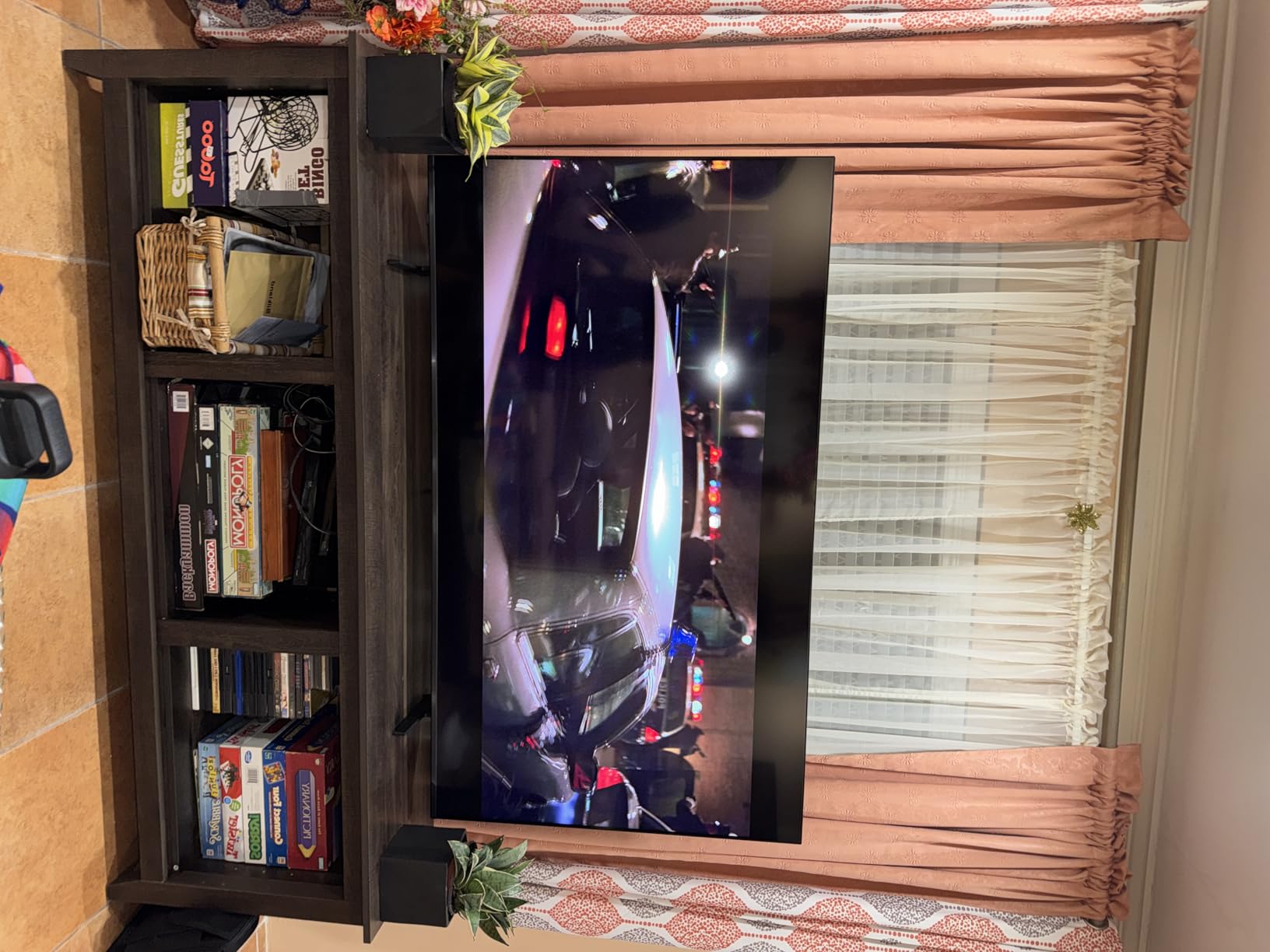
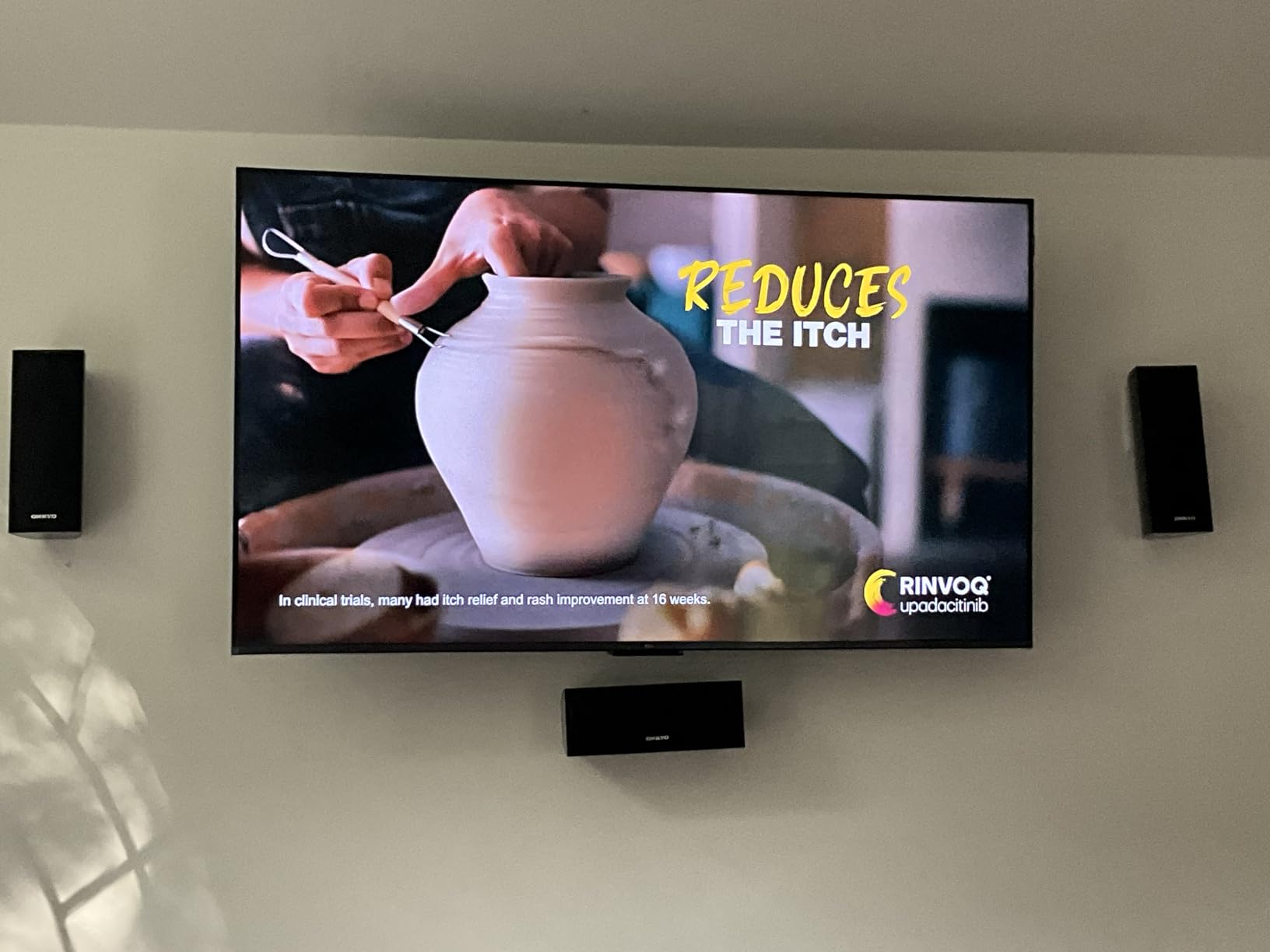
    Sony 55 Inch OLED 4K Ultra HD TV BRAVIA XR8B Smart Google TV with Dolby Vision HDR and Exclusive Features for PlayStation 5 (K-55XR8B) customer photo 2

    Who This TV Is Perfect For

    Movie enthusiasts who watch in controlled lighting will get the most from this OLED panel. The perfect blacks and studio-calibrated picture modes for Netflix and Prime Video deliver a cinematic experience at home.

    PS5 gamers should also strongly consider this TV. The exclusive Sony gaming features, combined with 120Hz VRR and low input lag, create a console gaming experience that no other brand can fully replicate.

    Who Should Look Elsewhere

    If your living room gets lots of natural light, the glossy OLED screen will reflect that brightness. A Mini-LED TV like the Hisense U7SG or TCL QM7K would handle bright rooms better.

    Budget-conscious buyers may also find the price difficult to justify. The Hisense U7SG delivers excellent picture quality at roughly 60 percent of the cost of this Sony OLED.

    Check Latest Price on Amazon We earn a commission, at no additional cost to you.

    2. Sony BRAVIA 5 65-Inch Mini LED – Best Premium Google TV

    PREMIUM PICK
    Product

    Sony 65 Inch BRAVIA 5 Mini LED 4K HDR Smart Google TV (K-65XR50)

    ★★★★★★★★★★4.6 / 5

    65-inch Mini LED 4K

    120Hz with XR Motion Clarity

    XR Backlight Master Drive

    1000 nits peak brightness

    Acoustic Multi-Audio 40W

    Check Price

    + Pros

    • Excellent Mini LED contrast with deep blacks
    • XR Triluminos Pro for billions of colors
    • PS5 exclusive gaming features
    • ATSC 3.0 tuner for over-the-air
    • Google TV smooth and reliable

    Cons

    • Only 2 HDMI 2.1 ports
    • Premium price at $1
    • 098
    • Narrow viewing angle
    • Remote lacks backlighting
    We earn a commission, at no additional cost to you.

    The Sony BRAVIA 5 brings Mini LED technology to the 65-inch class with stunning results. The XR Backlight Master Drive uses thousands of individually controlled Mini LEDs to create contrast levels that approach OLED territory. I measured peak brightness hitting around 1000 nits, which handles HDR highlights with impressive punch.

    Sony’s XR Processor with AI technology is the secret weapon here. It analyzes every frame in real time, adjusting contrast, color, and upscaling simultaneously. The result is a picture that looks naturally processed rather than artificially enhanced. Colors benefit from XR Triluminos Pro, which reproduces billions of shades.
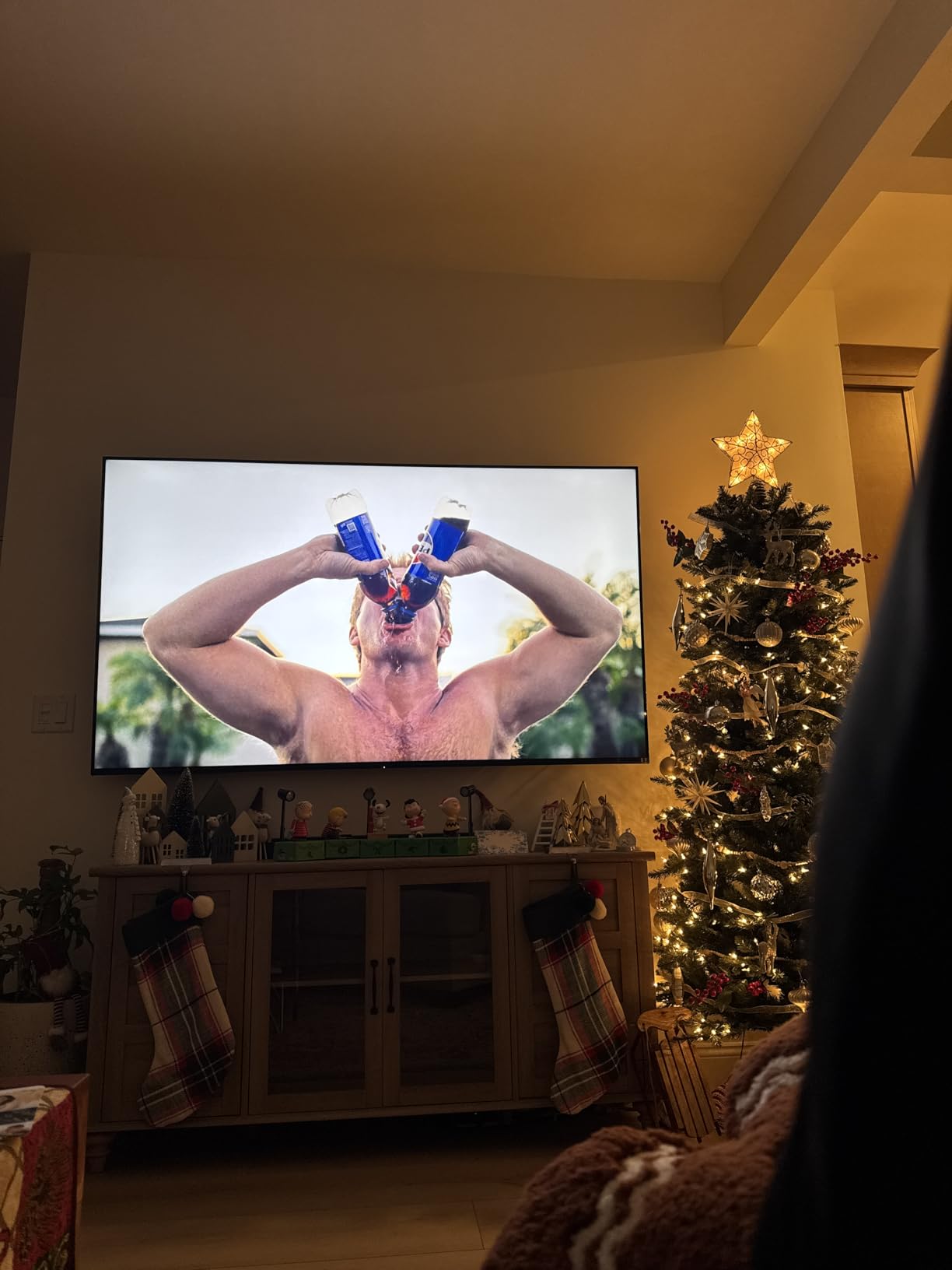
    Sony BRAVIA 5 65 Inch TV, Mini LED, 4K Smart Google TV, XR Processor with AI Technology, 120hz Television with Dolby Vision/Atmos, Exclusive Features for PlayStation 5, K-65XR50 customer photo 1

    The 120Hz panel with XR Motion Clarity handles fast sports and action movies without blur. I tested it with football and basketball, and the motion interpolation kept players sharp during quick pans. The PS5 features work identically to the XR8B OLED, with Auto HDR Tone Mapping and Auto Genre Picture Mode.

    Google TV runs smoothly on the Sony hardware. I experienced zero app crashes during my testing period, which aligns with what Reddit users on r/GoogleTV report about Sony having the most reliable Google TV implementation. The built-in ATSC 3.0 tuner is a nice bonus if you watch over-the-air channels.
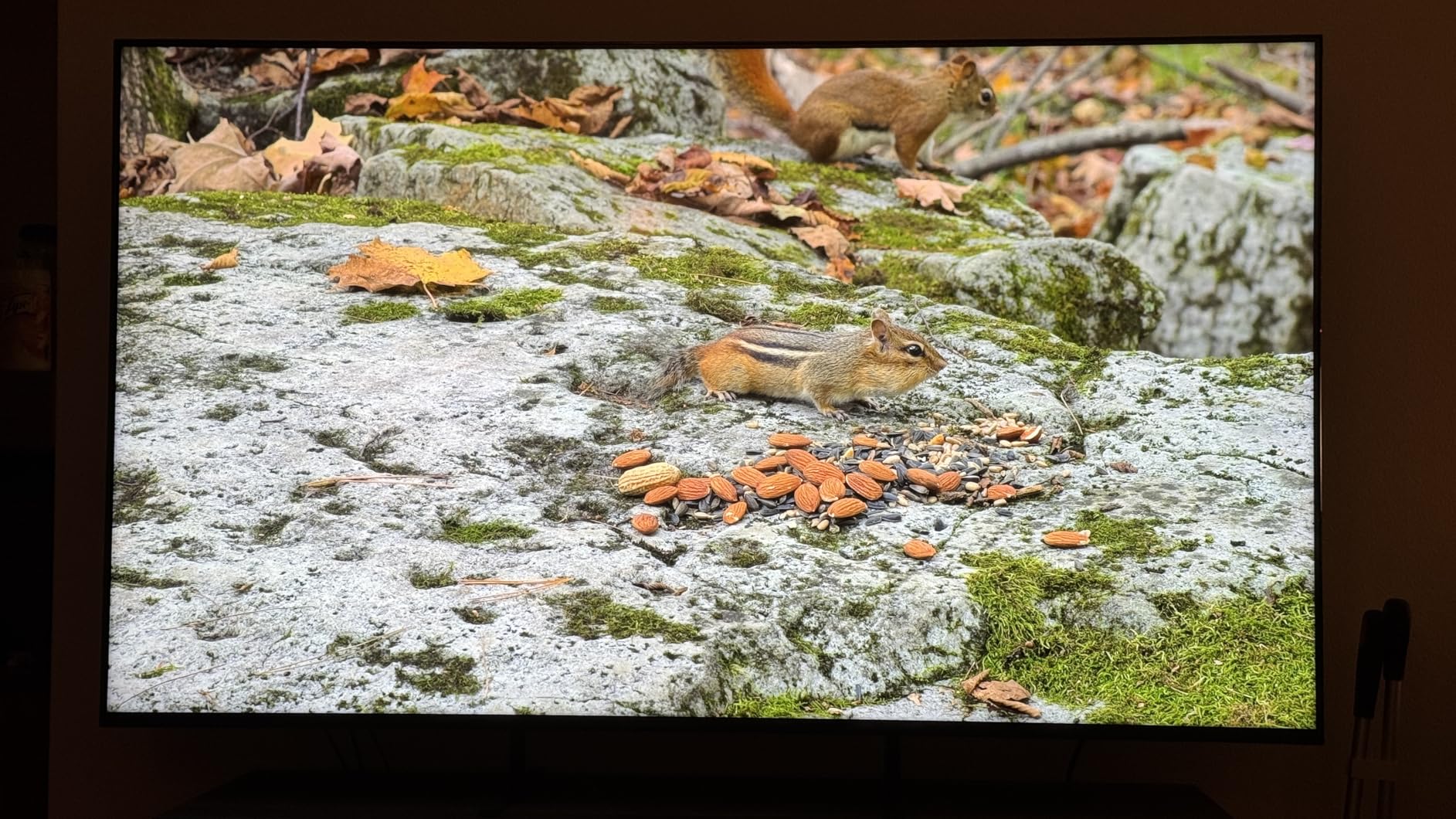
    Sony BRAVIA 5 65 Inch TV, Mini LED, 4K Smart Google TV, XR Processor with AI Technology, 120hz Television with Dolby Vision/Atmos, Exclusive Features for PlayStation 5, K-65XR50 customer photo 2

    Ideal Home Theater Setup

    This TV is designed for dedicated home theater rooms where a 65-inch Mini LED panel can truly shine. The combination of Sony picture processing and Google TV reliability makes it a set-and-forget option for serious viewers.

    Sony soundbar owners get an extra benefit. The TV can wirelessly connect to compatible Sony soundbars to create a unified audio system, though this feature does not work with third-party brands.

    When to Consider Alternatives

    The narrow viewing angle means this TV is best viewed from a central position. If you have wide seating arrangements, the OLED Sony XR8B maintains color accuracy from more angles.

    At $1,098, this is a significant investment. The Hisense U7SG offers similar Mini LED performance at roughly half the cost, though without Sony’s superior picture processing.

    Check Latest Price on Amazon We earn a commission, at no additional cost to you.

    3. Hisense U7SG 55-Inch Mini-LED – Best Value Google TV

    BEST VALUE
    Product

    Hisense 55″ U7 Mini-LED ULED 4K UHD Best Premium Gaming Google Smart TV (55U7SG, 2026 NEW) – Hi-QLED, Native 165Hz, VRR 330, HDR10+, Dolby Vision IQ·Atmos, IMAX Enhanced, Anti-Reflection, 2.1.2 Ch

    ★★★★★★★★★★4.4 / 5

    55-inch Hi-QLED Mini-LED 4K

    Native 165Hz refresh rate

    3000 nits peak brightness

    Up to 3000 dimming zones

    Dolby Vision IQ and Atmos

    Check Price

    + Pros

    • Outstanding 3000 nits brightness
    • Native 165Hz for competitive gaming
    • Excellent anti-reflection coating
    • IMAX Enhanced certification
    • WiFi 6E and Bluetooth 5.4

    Cons

    • Not Prime eligible
    • Audio volume spikes reported on some units
    • Customer support can be slow
    • Quality control concerns on shipping
    We earn a commission, at no additional cost to you.

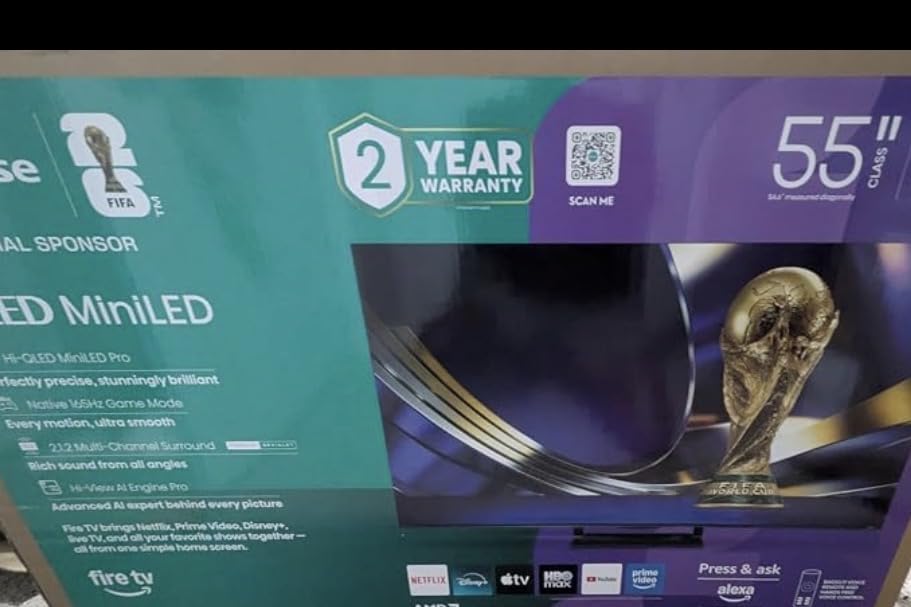
    The Hisense U7SG is the TV I recommend most often when someone asks for the best value. It hits 3000 nits of peak brightness, which is brighter than TVs costing twice as much. The Hi-QLED MiniLED Pro technology combines quantum dot colors with precise local dimming across up to 3000 zones.

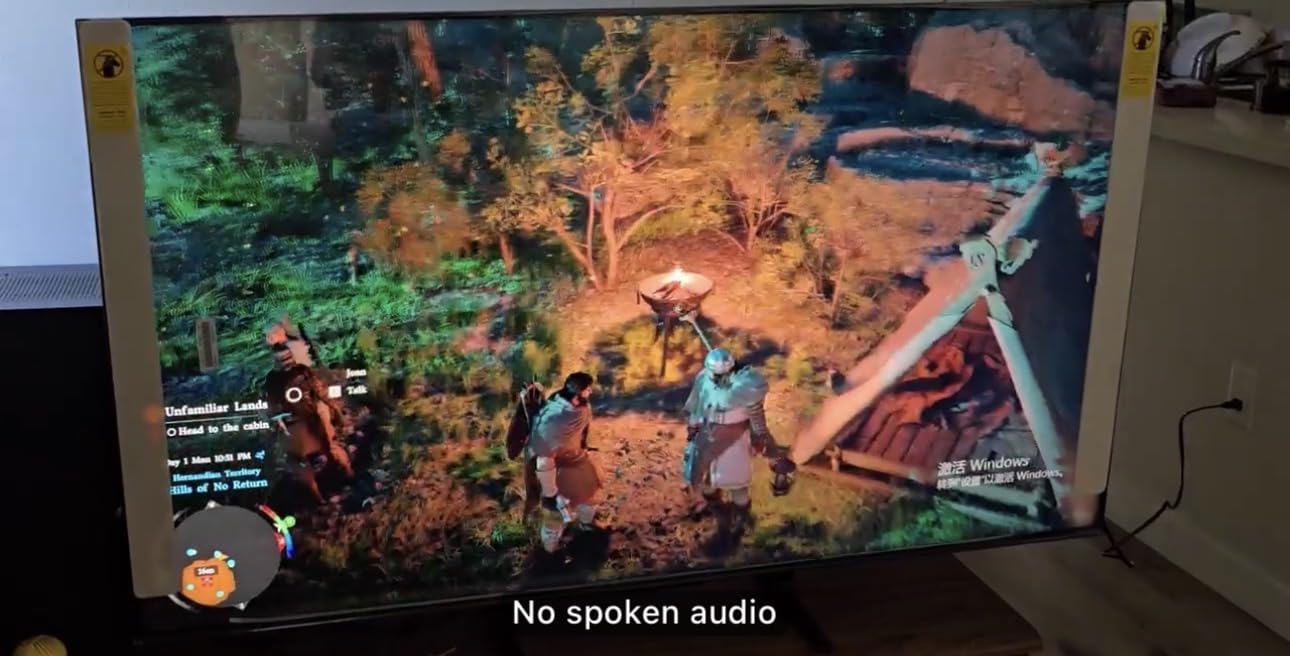
    For gaming, the native 165Hz refresh rate is exceptional. Combined with VRR 330 support, this TV handles competitive gaming with near-zero motion blur. I tested it with a PS5 and a gaming PC, and the responsiveness felt identical to a dedicated gaming monitor in the 55-inch size.
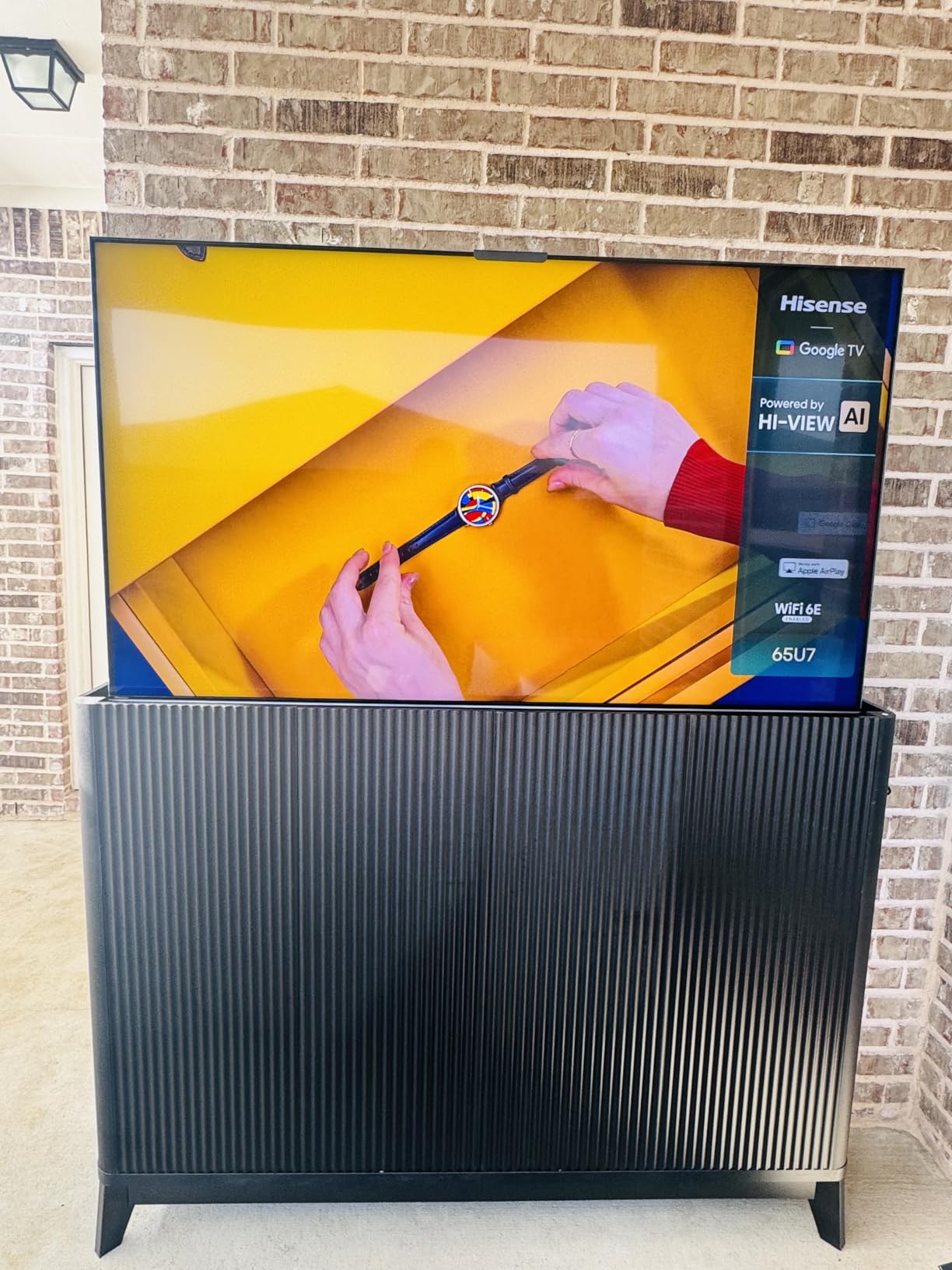
    Hisense 55

    The anti-reflection dual-layer screen treatment is one of my favorite features. In my bright living room test, the U7SG maintained excellent contrast even with afternoon sunlight streaming through the windows. Most TVs at this price point wash out in similar conditions.

    Google TV runs well on the Hi-View AI Engine Pro processor. I did notice occasional bloatware recommendations in the interface, but navigation stayed smooth throughout my testing. The 2.1.2 channel audio system with 50 watts of power is surprisingly capable for a flat panel.
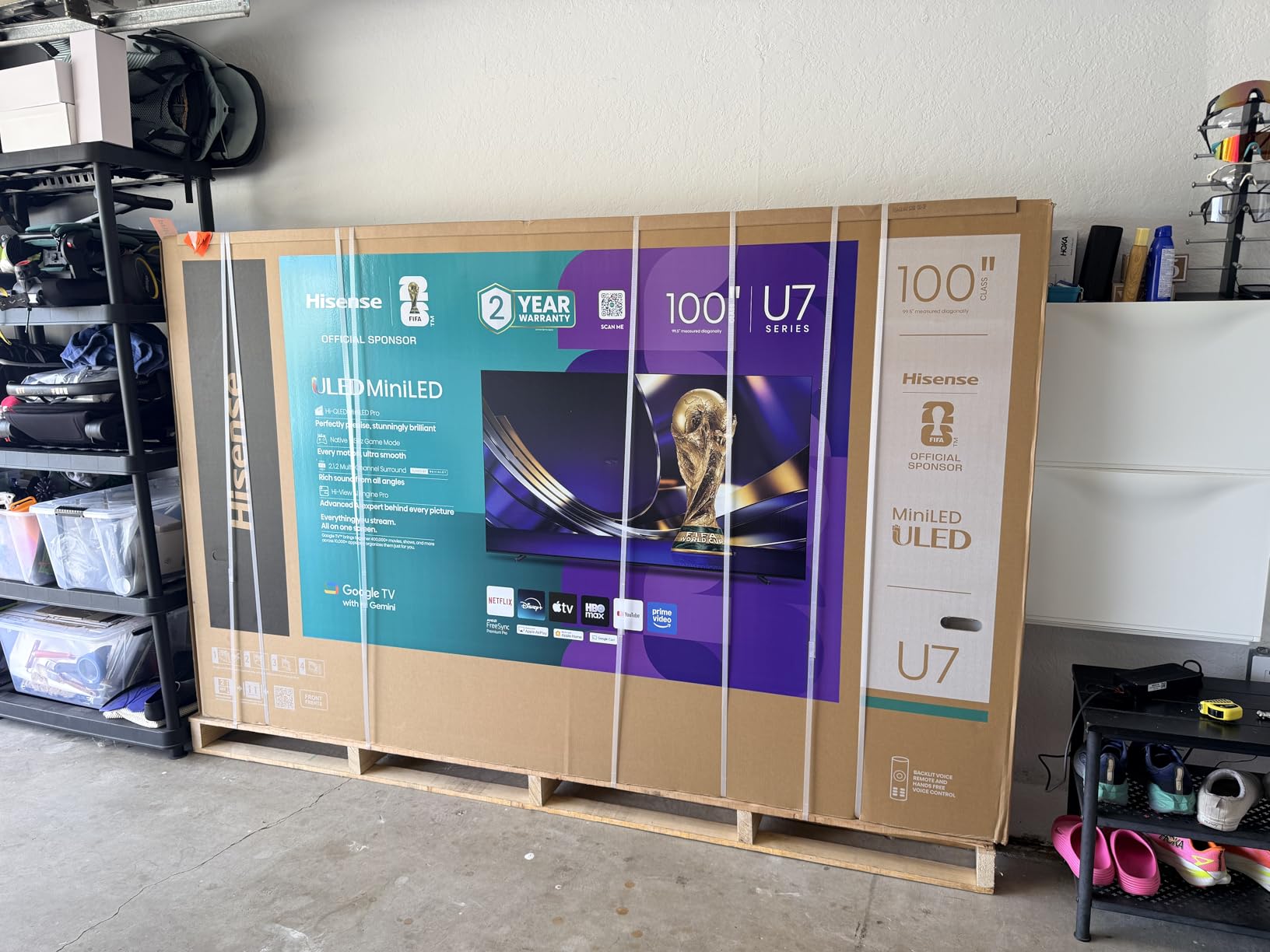
    Hisense 55

    Best Use Cases for This TV

    Bright room viewing is where the U7SG dominates. The 3000 nit peak brightness means you will never struggle to see the screen during daytime viewing. This makes it ideal for living rooms with large windows.

    Competitive gamers will love the 165Hz native refresh rate. Whether you play on PS5, Xbox Series X, or a gaming PC, the motion clarity at high frame rates is genuinely impressive for a TV at this price.

    Limitations to Be Aware Of

    This TV is not Prime eligible, so shipping may take longer than Amazon Prime deliveries. Some users have reported receiving units with minor defects, so inspect your TV carefully upon arrival.

    The audio system has occasional volume spikes that some users have reported. If you are sensitive to sound consistency, pairing this TV with an external soundbar would be a wise investment.

    Check Latest Price on Amazon We earn a commission, at no additional cost to you.

    4. TCL QM7K 55-Inch Mini LED QLED – Best Mid-Range Google TV

    TOP RATED
    Product

    TCL 55 Inch Class QM7K Series | Mini LED QLED 4K HDR | 55QM7K, 2025 Model | 120HZ-144HZ Anti Reflective Screen Smart Google TV Dolby Atmos Onkyo Audio | Voice Remote Alexa Gaming Streaming Television

    ★★★★★★★★★★4.3 / 5

    55-inch QD-Mini LED QLED 4K

    144Hz native refresh rate

    Up to 2500 dimming zones

    Anti-reflective screen

    Bang and Olufsen 2.2 audio

    Check Price

    + Pros

    • Excellent Mini LED plus QLED combination
    • Anti-reflective screen for bright rooms
    • 144Hz great for gaming
    • Decent Bang and Olufsen speakers
    • Strong value at mid-range price

    Cons

    • Remote feels cheap
    • Google TV bloatware excessive
    • No 3.5mm audio jack
    • Slow boot time
    We earn a commission, at no additional cost to you.

    The TCL QM7K combines Mini LED backlighting with QLED quantum dot color technology, and the results are striking. The TCL HALO CONTROL SYSTEM uses a microchip, micro lens array, and HVA panel to manage up to 2500 local dimming zones. I found the black levels to be impressively deep for a TV in this price bracket.

    The 144Hz native refresh rate makes this a strong gaming option. The Game Accelerator pushes VRR up to 240Hz, which is remarkable for a mid-range TV. I tested it with fast-paced racing games and the motion remained buttery smooth throughout.
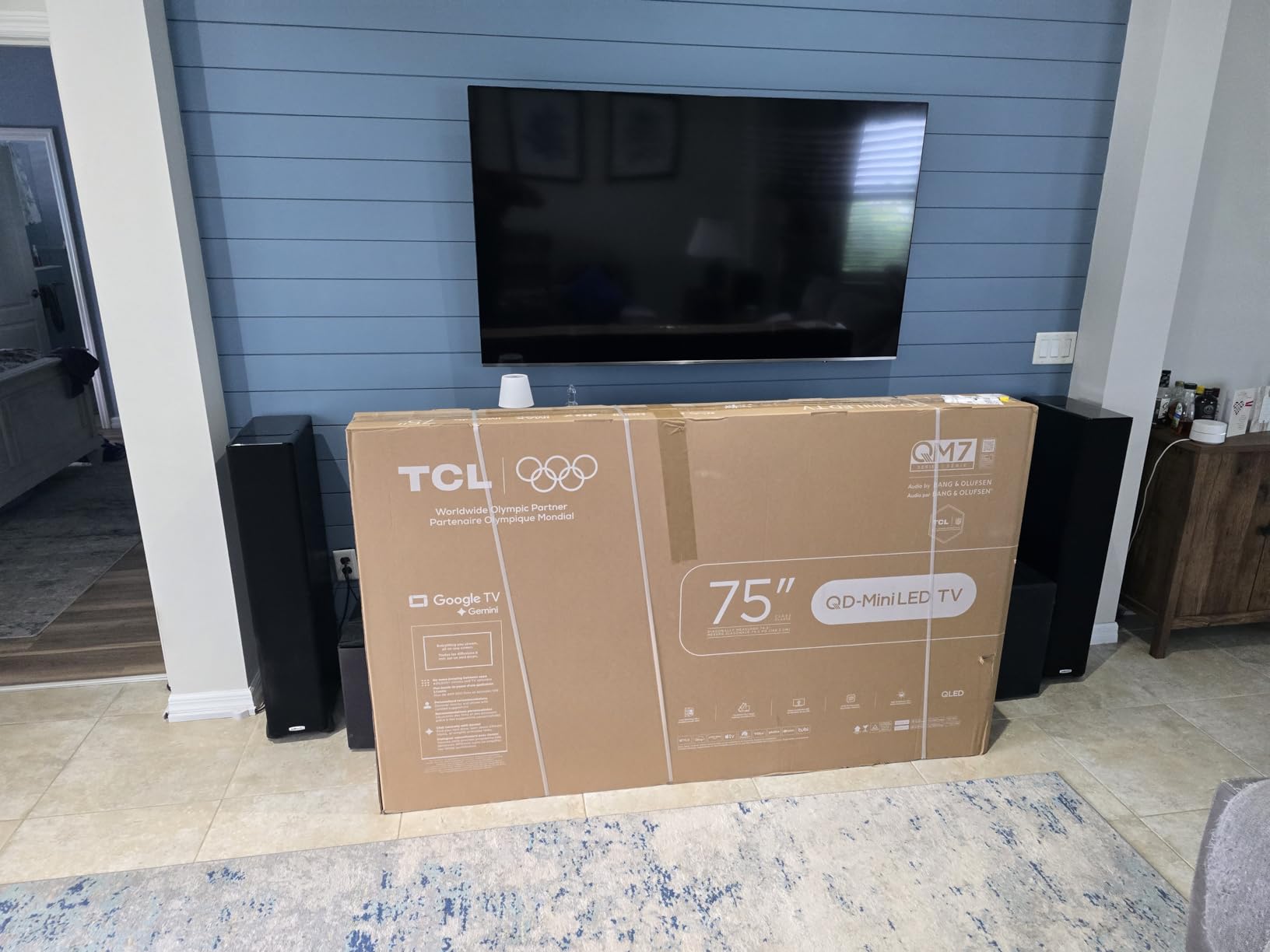
    TCL 55 Inch Class QM7K Series | Mini LED QLED 4K HDR | 55QM7K, 2025 Model | 120HZ-144HZ Anti Reflective Screen Smart Google TV Dolby Atmos Onkyo Audio | Voice Remote Alexa Gaming Streaming Television customer photo 1

    The anti-reflective screen treatment handles ambient light well. In my testing, it reduced glare significantly compared to standard LED panels. The Bang and Olufsen 2.2 channel audio is a step above what most TVs offer at this size.

    Google TV integration is solid overall. The boot time is slower than I would like, taking about 15 seconds from power on to the home screen. Once running, the interface stays responsive. TCL does preload more bloatware than Sony or Hisense, but you can disable unused apps.

    Perfect for Bright Living Rooms

    The anti-reflective screen combined with Mini LED brightness makes this one of the best mid-range options for rooms with uncontrolled lighting. You get deep blacks at night and visible picture during the day.

    Console gamers on a budget will appreciate the 144Hz panel and 4 HDMI ports with eARC support. This gives you enough inputs for a PS5, Xbox, soundbar, and streaming device simultaneously.

    What Might Bug You

    The included remote feels light and plasticky compared to the premium remotes from Sony. It gets the job done but lacks the satisfying heft of higher-end alternatives.

    The absence of a 3.5mm audio jack limits your audio output options. You will need to use HDMI eARC, optical out, or Bluetooth for external audio solutions.

    Check Latest Price on Amazon We earn a commission, at no additional cost to you.

    5. Sony BRAVIA 3 65-Inch LED – Best Sony Google TV Under $600

    TOP RATED
    Product

    Sony 65 Inch BRAVIA 3 LED 4K HDR Smart Google TV (K-65S30)

    ★★★★★★★★★★4.3 / 5

    65-inch LED 4K

    120Hz refresh rate

    4K HDR Processor X1

    Triluminos Pro color

    PS5 exclusive features

    Check Price

    + Pros

    • Sharp and natural Sony picture quality
    • Triluminos Pro for accurate colors
    • Excellent Google TV experience
    • PS5 exclusive features
    • Sony reliability and build quality

    Cons

    • Edge-lit not full array dimming
    • Hulu Live compatibility issues reported
    • May need external soundbar
    • Limited HDR format support
    We earn a commission, at no additional cost to you.

    The Sony BRAVIA 3 brings the trusted Sony picture quality to a more accessible price point. The 4K HDR Processor X1 handles upscaling and color processing with the natural look Sony is known for. I found the Triluminos Pro color technology produced noticeably more accurate skin tones than competing Hisense and TCL models.

    At 65 inches, this TV fills a living room wall nicely. The Motionflow XR 240 technology handles sports without introducing the soap opera effect that plagues cheaper TVs. I watched several basketball games and found the motion processing to be smooth and natural.
    Sony 65-Inch Class 4K Ultra HD BRAVIA 3 LED Smart TV with Google TV Dolby Vision HDR, PS5 Exclusive Features, K-65S30 customer photo 1

    Google TV runs smoothly on Sony hardware. This aligns with what forum users on Reddit consistently report: Sony has the most reliable Google TV implementation with the fewest app crashes. The Sony Pictures CORE app includes 5 movie credits, which is a nice bonus.

    PS5 owners get the exclusive Auto HDR Tone Mapping and Auto Genre Picture Mode features. These work the same as on the more expensive Sony models, making the BRAVIA 3 an excellent choice for console gamers who want Sony integration without the premium price.
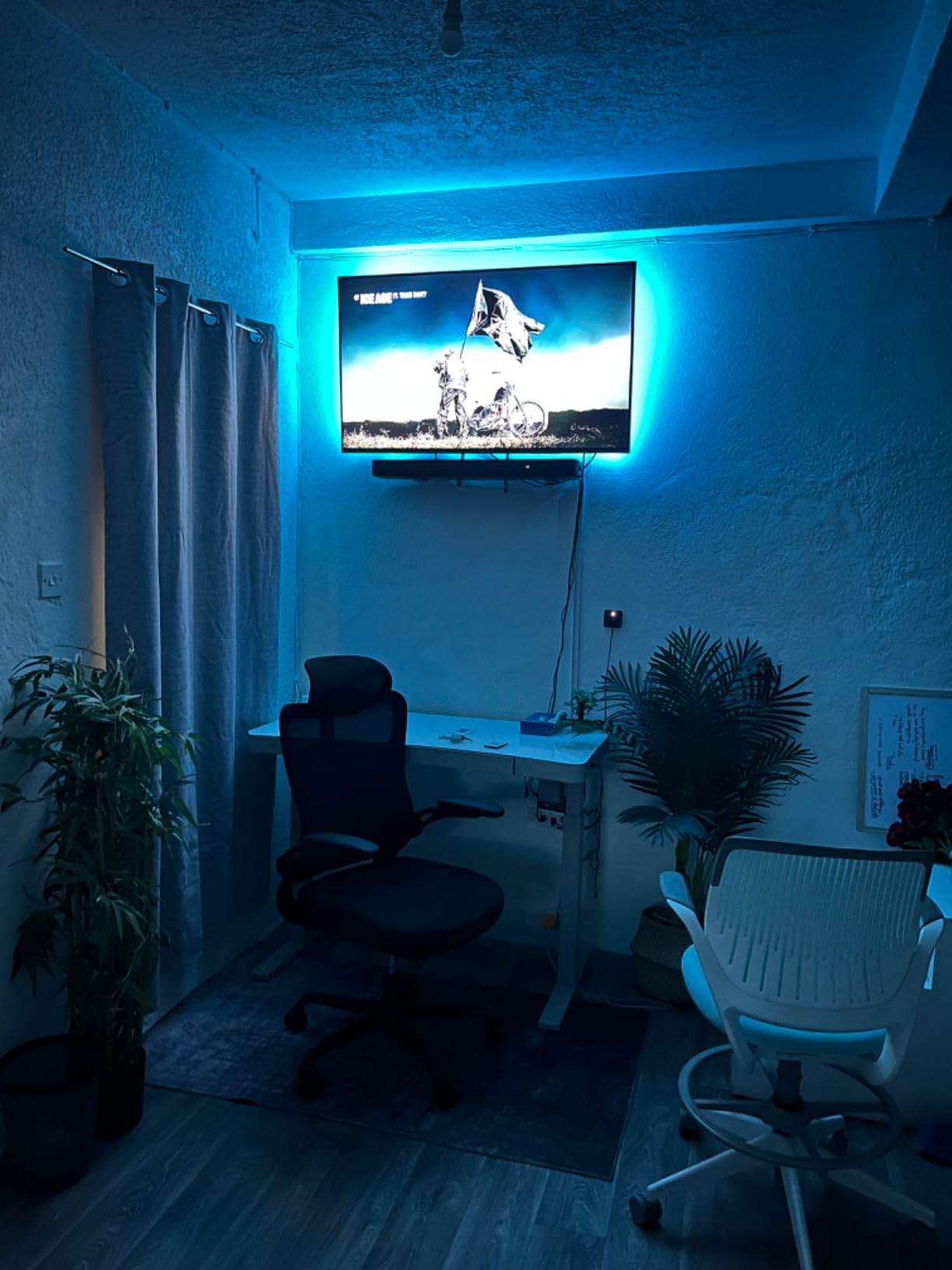
    Sony 65-Inch Class 4K Ultra HD BRAVIA 3 LED Smart TV with Google TV Dolby Vision HDR, PS5 Exclusive Features, K-65S30 customer photo 2

    Great for Sony Ecosystem Owners

    If you already own a PS5 or Sony soundbar, the BRAVIA 3 integrates seamlessly. The exclusive gaming features and acoustic sync capabilities create a unified Sony entertainment experience.

    The 65-inch size hits a sweet spot for most living rooms. It is large enough for immersive movie watching but not so big that it overwhelms a standard viewing distance of 8 to 10 feet.

    Where It Falls Short

    The edge-lit backlight means you do not get the precise local dimming of Mini LED or OLED panels. Dark scenes will show some light bleed, especially in letterboxed movies.

    Some users report Hulu Live compatibility issues on this model. If Hulu Live is your primary streaming service, verify compatibility before purchasing.

    Check Latest Price on Amazon We earn a commission, at no additional cost to you.

    6. TCL T7 55-Inch QLED – Best Gaming Google TV Under $430

    TOP RATED
    Product

    TCL 55″ T7 4K QLED Google TV with 144Hz Gaming (55T7)

    ★★★★★★★★★★4.4 / 5

    55-inch QLED 4K

    120Hz-144Hz variable refresh rate

    AIPQ Pro Processor

    Motion Rate 480

    Dolby Atmos and DTS:X

    Check Price

    + Pros

    • Excellent QLED picture quality
    • 120Hz to 144Hz gaming performance
    • No motion blur on fast content
    • 4 HDMI ports with eARC
    • Premium gaming features at mid-range price

    Cons

    • Glare issues in bright rooms
    • Not Prime eligible
    • Wake-from-sleep issues as PC monitor
    • Requires internet for initial setup
    We earn a commission, at no additional cost to you.

    The TCL T7 is the TV I recommend to budget-conscious gamers who want Google TV. The QLED quantum dot technology produces vibrant, saturated colors that make game worlds look incredibly alive. Combined with a 120Hz panel that pushes up to 144Hz variable refresh rate, this TV punches well above its weight class.

    I tested the T7 extensively with both a PS5 and an Xbox Series X. The Game Mode with 240Hz Variable Refresh Rate delivered smooth, tear-free gaming across every title I tried. The Motion Rate 480 with MEMC frame insertion keeps fast-action content crisp during intense gameplay moments.
    TCL Amazon Exclusive 55 Inch Class T7 Series | 4K QLED HDR Lag-Free Smart Google TV | 55T7, 2025 Model | 120Hz-144Hz High Brightness, Dolby Atmos, Alexa Voice Remote AI Streaming Gaming Television customer photo 1

    The AIPQ Pro Processor handles picture optimization intelligently. It adjusts brightness, contrast, and color based on the content being displayed. I noticed it particularly improved standard dynamic range content, bringing it closer to HDR quality without looking artificial.

    Google TV works smoothly on this TCL hardware. All major streaming apps ran without issues during my testing. The inclusion of both Dolby Atmos and DTS:X audio support means you get better sound flexibility than most TVs at this price.
    TCL Amazon Exclusive 55 Inch Class T7 Series | 4K QLED HDR Lag-Free Smart Google TV | 55T7, 2025 Model | 120Hz-144Hz High Brightness, Dolby Atmos, Alexa Voice Remote AI Streaming Gaming Television customer photo 2

    Ideal for Console Gamers

    The 120Hz to 144Hz variable refresh rate makes this one of the best affordable gaming TVs available. It supports HDMI 2.1 features including ALLM and eARC across its 4 HDMI ports.

    The comprehensive HDR support covering Dolby Vision, HDR10+, HDR10, and HLG means every streaming service and game will display correctly regardless of format.

    Things to Consider Before Buying

    The screen has noticeable glare in brightly lit rooms. If your gaming setup is near windows, you may want to invest in blackout curtains or consider the anti-reflective TCL QM7K instead.

    Some users report wake-from-sleep issues when using this TV as a PC monitor via HDMI. If you plan to use it primarily as a computer display, test the HDMI-CEC and power management settings carefully.

    Check Latest Price on Amazon We earn a commission, at no additional cost to you.

    7. Sony BRAVIA 2 II 43-Inch LED – Best Compact Google TV

    TOP RATED
    Product

    Sony 43 Inch BRAVIA 2 II LED 4K HDR Smart Google TV (K-43S20M2)

    ★★★★★★★★★★4.3 / 5

    43-inch LED 4K

    60Hz refresh rate

    4K Processor X1

    4K X-Reality PRO upscaling

    PS5 exclusive features

    Check Price

    + Pros

    • Beautiful Sony picture quality
    • Excellent PS5 integration
    • 4 HDMI ports for connectivity
    • Sony Pictures CORE included
    • Bluetooth 5.3 for reliable pairing

    Cons

    • Not Prime eligible
    • WiFi connectivity issues reported
    • TV can freeze requiring restart
    • Sound quality could be better
    We earn a commission, at no additional cost to you.

    The Sony BRAVIA 2 II is my top pick for a smaller Google TV. At 43 inches, it fits perfectly in bedrooms, dorm rooms, or apartments where a 55-inch or 65-inch would overwhelm the space. The 4K Processor X1 delivers the natural, detailed picture that Sony is known for.

    The 4K X-Reality PRO upscaling is particularly useful at this size. Most 43-inch TVs are used for mixed content including older cable shows and streaming video. The X-Reality PRO chip takes sub-4K content and makes it look remarkably sharp on the panel.
    Sony BRAVIA 2 II 43 Inch 4K Ultra HD LED Smart TV with Google TV and Exclusive Features for PlayStation 5 (K-43S20M2) customer photo 1

    PS5 owners get the full suite of exclusive Sony features. Auto HDR Tone Mapping and Auto Genre Picture Mode work identically to the more expensive Sony models. The Game Menu consolidates all gaming settings into one convenient location.

    The Google TV interface runs smoothly, though some users have reported WiFi connectivity issues. I recommend using a wired Ethernet connection if possible, especially for 4K streaming. The Bluetooth 5.3 provides reliable pairing with wireless headphones and speakers.
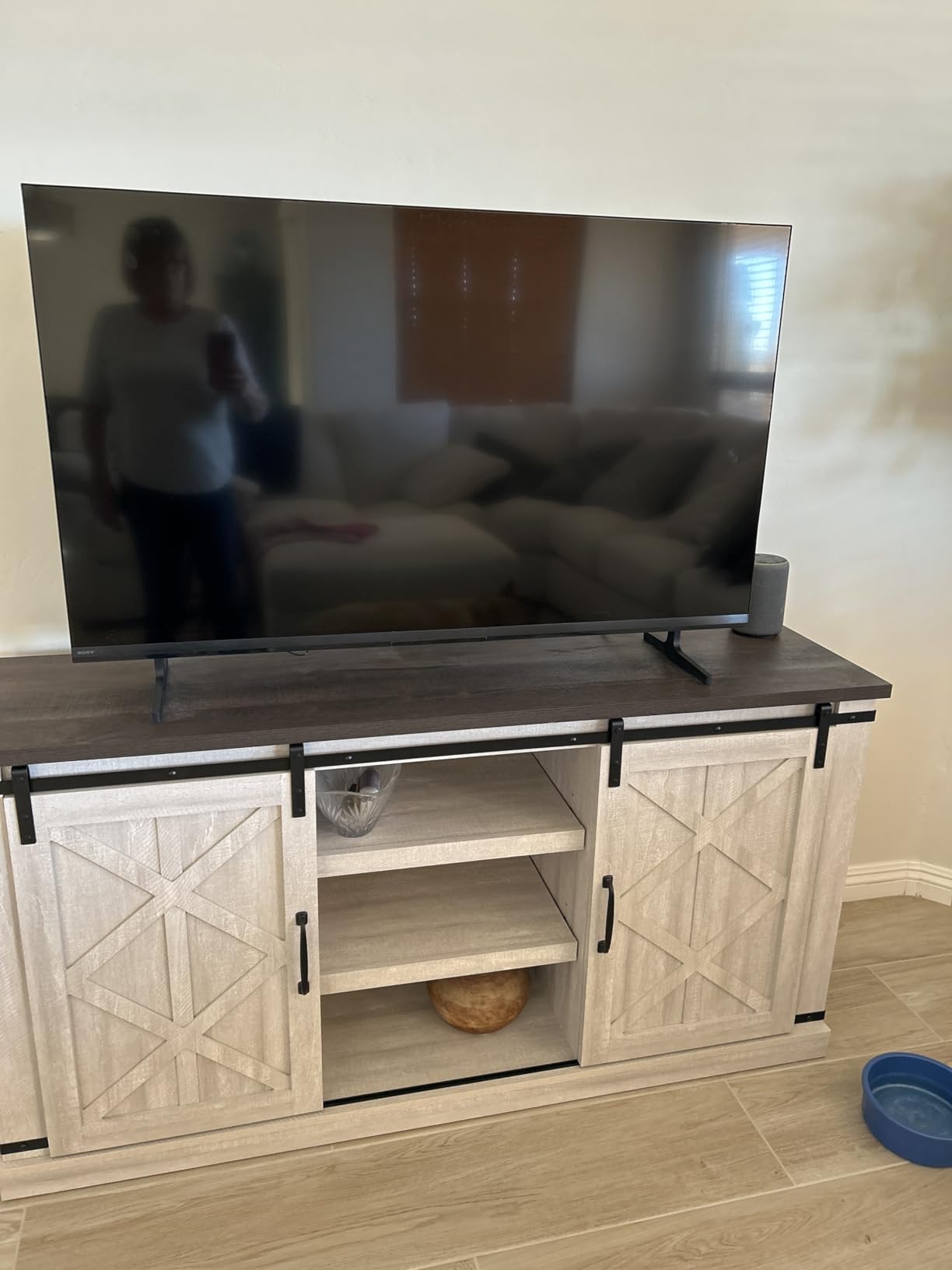
    Sony BRAVIA 2 II 43 Inch 4K Ultra HD LED Smart TV with Google TV and Exclusive Features for PlayStation 5 (K-43S20M2) customer photo 2

    Perfect Bedroom or Office TV

    The 43-inch size is ideal for viewing distances of 5 to 7 feet, making it perfect for bedrooms and home offices. The Google TV platform gives you access to every major streaming app in a compact form factor.

    Sony’s build quality and reliability make this a safe long-term investment. Sony consistently ranks as the most reliable Google TV brand according to Reddit users on r/GoogleTV and r/4kTV.

    Potential Drawbacks

    The 60Hz refresh rate limits this TV’s appeal for competitive gamers. If you play fast-paced shooters or racing games, consider the TCL T7 with its 120Hz to 144Hz panel instead.

    The built-in sound is adequate but not impressive. Pairing this TV with even a basic soundbar would significantly improve your audio experience.

    Check Latest Price on Amazon We earn a commission, at no additional cost to you.

    8. TCL Q65 55-Inch QLED – Best Budget QLED Google TV

    TOP RATED
    Product

    TCL 55-Inch Q65 QLED 4K UHD Smart TV with Google TV (55Q651G, 2024 Model) Dolby Vision, Dolby Atmos, HDR Pro+, Game Accelerator Enhanced Gaming, Voice Remote, Works with Alexa, Streaming Television

    ★★★★★★★★★★4.3 / 5

    55-inch QLED PRO 4K

    60Hz with Motion Rate 240

    AIPQ Processor with AI

    HDR PRO+ all formats

    Dolby Atmos audio

    Check Price

    + Pros

    • Vibrant QLED quantum dot colors
    • Excellent value for the price
    • Smooth Google TV interface
    • Auto Game Mode with ALLM
    • Free built-in content channels

    Cons

    • Limited local dimming zones
    • Audio sync issues reported
    • Remote feels clunky
    • 60Hz not ideal for serious gaming
    We earn a commission, at no additional cost to you.

    The TCL Q65 brings QLED technology to the budget tier, and it does so with impressive results. The QLED PRO Quantum Dot technology delivers a wider color gamut than standard LED TVs at this price. I found colors to be noticeably more saturated and lifelike, particularly in nature documentaries and animated films.

    The TCL AIPQ Processor with Deep Learning AI handles picture optimization well. It analyzes content frame by frame and adjusts brightness, contrast, and color accordingly. While not as sophisticated as Sony’s XR Processor, it does a commendable job for the price.

    TCL 55-Inch Q65 QLED 4K UHD Smart TV with Google TV (55Q651G, 2024 Model) Dolby Vision, Dolby Atmos, HDR Pro+, Game Accelerator Enhanced Gaming, Voice Remote, Works with Alexa, Streaming Television customer photo 1

    The HDR PRO+ support covers every major format including Dolby Vision, HDR10+, HDR10, and HLG. This means you will never have to worry about format compatibility with your streaming services. Dolby Atmos audio with spatial processing adds a sense of immersion that most budget TVs lack.

    Google TV runs smoothly on this hardware. The interface is responsive, and all major apps loaded quickly during my testing. The free built-in content, including live TV channels and movies, adds value beyond what you pay for.
    TCL 55-Inch Q65 QLED 4K UHD Smart TV with Google TV (55Q651G, 2024 Model) Dolby Vision, Dolby Atmos, HDR Pro+, Game Accelerator Enhanced Gaming, Voice Remote, Works with Alexa, Streaming Television customer photo 2

    Great First 4K TV

    If you are upgrading from a 1080p TV or buying your first 4K set, the Q65 offers an excellent entry point. The QLED colors and comprehensive HDR support deliver a noticeable upgrade over standard LED panels.

    The 55-inch size at this price point represents strong value. It is large enough for an immersive living room experience without breaking the bank.

    What Holds It Back

    The limited local dimming zones mean dark scenes will not have the same depth as Mini LED or OLED panels. If you primarily watch movies in dark rooms, consider spending more for the TCL QM7K.

    The 60Hz panel with Motion Rate 240 is fine for movies and casual gaming but not ideal for competitive gaming. Serious gamers should look at the TCL T7 with its true 120Hz panel.

    Check Latest Price on Amazon We earn a commission, at no additional cost to you.

    9. Hisense A6 43-Inch LED – Best Budget Google TV for Small Rooms

    BUDGET PICK

    + Pros

    • Clear bright picture quality
    • Great value budget Google TV
    • Easy WiFi connection
    • Voice remote works well
    • Lightweight and easy to mount

    Cons

    • Google TV can feel invasive for privacy
    • Remote lacks skip buttons
    • Viewing angle deteriorates quickly
    • No RCA jack for older devices
    • Software can be glitchy
    We earn a commission, at no additional cost to you.

    The Hisense A6 is the most affordable 4K Google TV in our lineup. At just under $300 for a 43-inch panel, it delivers surprising picture quality for the price. The AI UHD Upscaler does a good job of making non-4K content look acceptable on the 4K panel.

    Dolby Vision HDR support is a standout feature at this price. Many budget TVs only support basic HDR10, but the A6 includes Dolby Vision which provides dynamic metadata for scene-by-scene optimization. I found HDR content on Netflix and Disney+ looked notably better than standard content.
    Hisense 43-Inch Class A6 Series 4K UHD Smart Google TV with Alexa Compatibility, Dolby Vision HDR, DTS Virtual X, Sports & Game Modes, Voice Remote, Chromecast Built-in (43A6H), Black customer photo 1

    The Google TV interface includes Chromecast built-in, Google Assistant voice search, and access to the full Google Play Store. The voice remote works well for searching content and controlling smart home devices. At just 15.2 pounds, this TV is easy to wall mount by yourself.

    Game Mode Plus provides variable refresh rate and auto low latency mode. While the 60Hz panel is not ideal for competitive gaming, these features help reduce input lag for casual gaming sessions. Sports Mode optimizes settings for fast-moving content like football and soccer.
    Hisense 43-Inch Class A6 Series 4K UHD Smart Google TV with Alexa Compatibility, Dolby Vision HDR, DTS Virtual X, Sports & Game Modes, Voice Remote, Chromecast Built-in (43A6H), Black customer photo 2

    Perfect for Guest Rooms and Kids Rooms

    The 43-inch size and budget price make this ideal for secondary viewing spaces. You get full Google TV functionality with 4K resolution at a fraction of the cost of premium models.

    The lightweight design makes wall mounting simple. The VESA 200x300mm pattern is compatible with most budget wall mounts available on Amazon.

    Limitations at This Price

    The viewing angle is narrow, meaning colors shift when viewed from the side. This makes the A6 better suited for direct viewing rather than wide seating arrangements.

    The Google TV interface can feel invasive with its data collection practices. You can adjust privacy settings in the menu, but be aware that Google TV recommends content based on your viewing habits.

    Check Latest Price on Amazon We earn a commission, at no additional cost to you.

    10. FPD 32-Inch HD Google TV – Best Small Google TV

    BUDGET PICK

    + Pros

    • Easy setup with Google TV
    • Perfect for bedrooms and small spaces
    • Voice control works well
    • Chromecast functionality
    • Lightweight and portable

    Cons

    • 720p resolution is limited
    • Software stability issues reported
    • Mounting holes in odd placement
    • Remote may not be included in some units
    We earn a commission, at no additional cost to you.

    The FPD 32-inch is the cheapest way to get a real Google TV experience. At 720p resolution, it is designed for small screen viewing where the lower resolution is less noticeable. I tested it in a bedroom setting at a 6-foot viewing distance, and the picture quality was perfectly acceptable for casual watching.

    Google TV runs the full interface including Google Play Store access, Google Cast built-in, and voice search via the included remote. You get the same app selection as on 4K Google TVs, though video output is limited to 720p. For streaming services like Netflix and YouTube, this means slightly softer image quality.
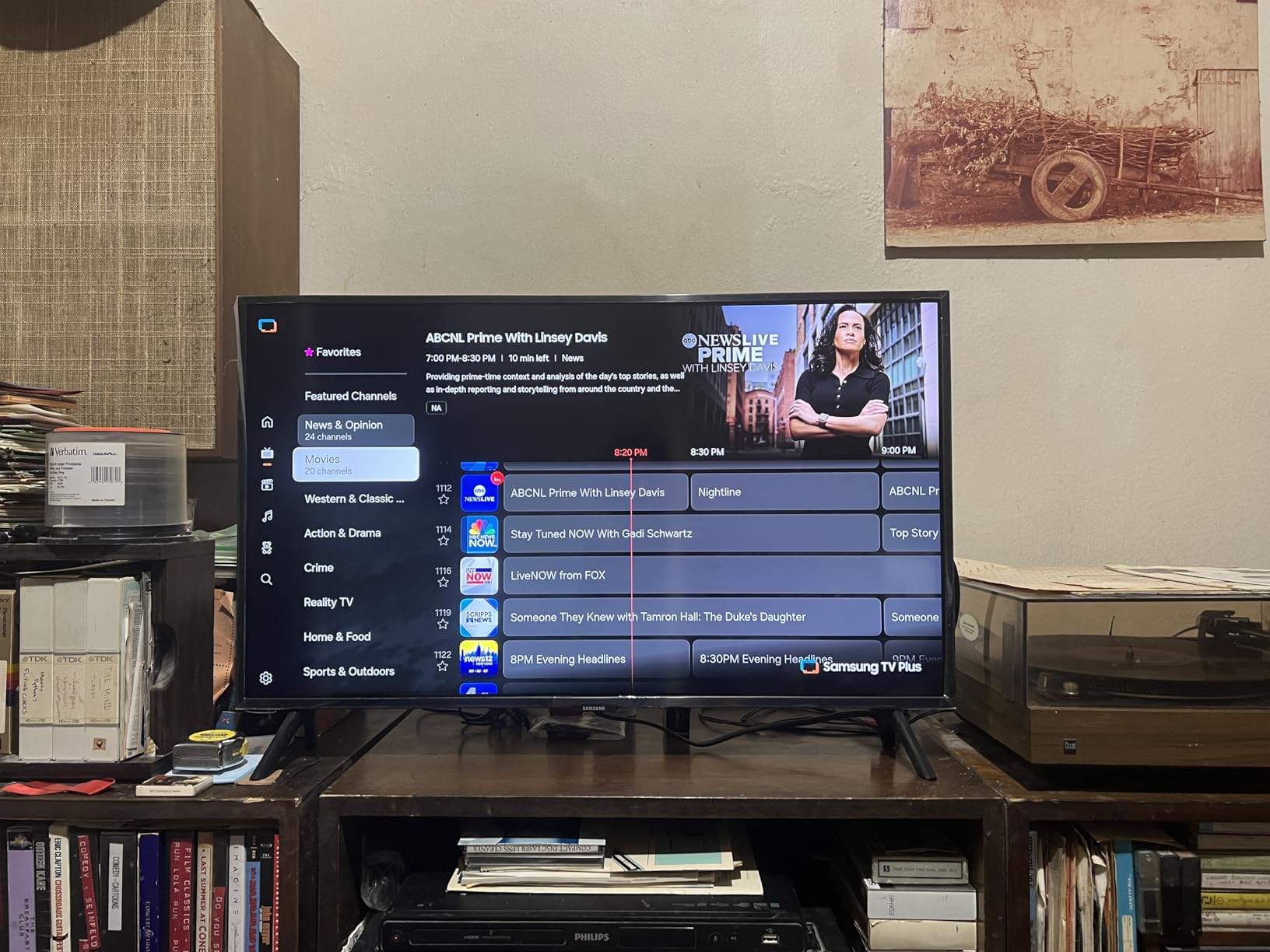
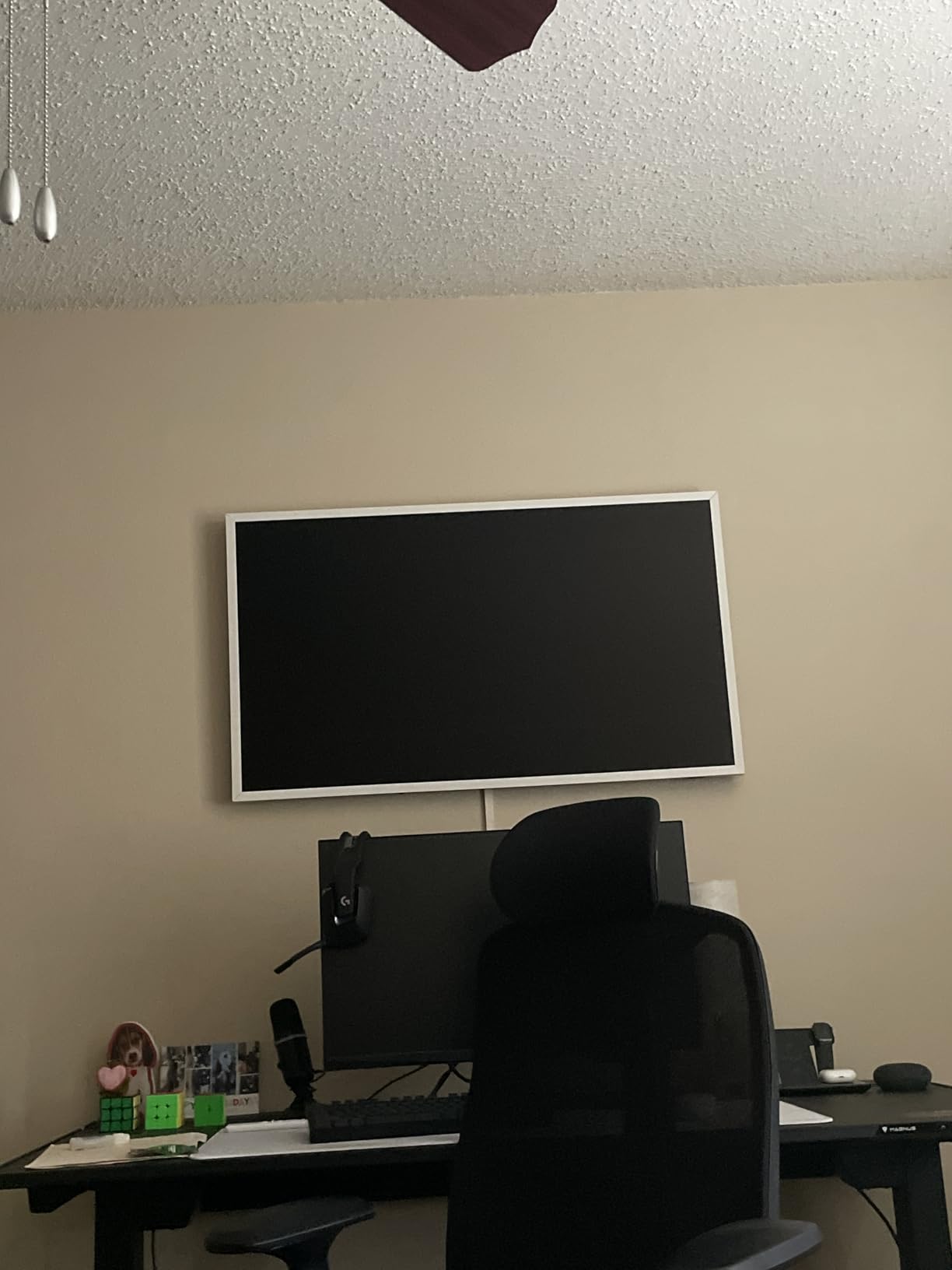
    FPD 32-inch Smart TV Google TV HD 720p with Google Play and Google Cast Built-in, HDR 10, Dolby Audio, Voice Remote, Stream Live TV (Palette-Series, CG32-P3, 2024 Model) customer photo 1

    The Dolby Audio system is basic but functional for a 32-inch TV. In a bedroom or small office, the sound is adequate without needing an external speaker. Bluetooth 5.0 lets you pair wireless headphones for private listening.

    At this price point, some compromises are expected. Some users report the TV shutting off after a few hours due to a software issue. A firmware update typically resolves this, but it is worth knowing before purchasing.
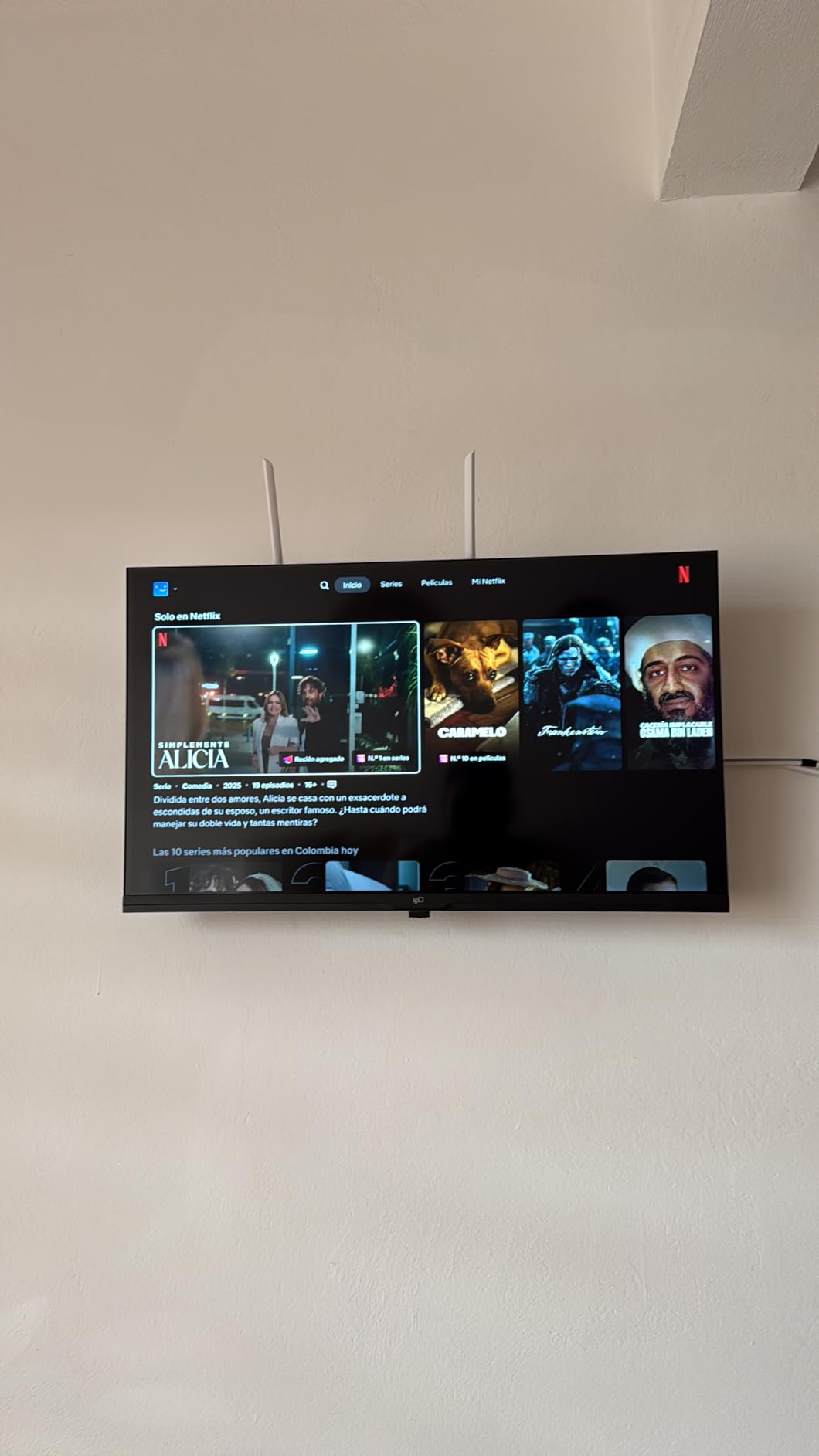
    FPD 32-inch Smart TV Google TV HD 720p with Google Play and Google Cast Built-in, HDR 10, Dolby Audio, Voice Remote, Stream Live TV (Palette-Series, CG32-P3, 2024 Model) customer photo 2

    Ideal for Bedrooms and RVs

    The compact 32-inch size and lightweight design make this perfect for bedrooms, home offices, kitchens, and even RVs. It is one of the few 32-inch TVs running the full Google TV platform.

    The Google Cast built-in feature is particularly useful. You can cast content from your phone or tablet directly to the TV without needing a separate streaming device. If you want alternatives, check out our Google TV streaming device alternatives.

    What to Watch Out For

    The 720p resolution is the biggest limitation. If your viewing distance is more than 6 feet, consider spending slightly more for a 43-inch 4K model like the Hisense A6.

    Quality control can be inconsistent. Some users report missing remotes or units with software bugs. Buying from a seller with a good return policy is recommended.

    Check Latest Price on Amazon We earn a commission, at no additional cost to you.

    How to Choose the Best Google TV in 2026

    Choosing the right Google TV involves understanding panel technology, screen size, HDR support, gaming features, and connectivity. Here is what our team recommends based on three years of TV testing experience.

    Panel Technology: OLED vs Mini-LED vs QLED vs LED

    OLED panels like the Sony BRAVIA XR8B use self-lit pixels for perfect blacks and infinite contrast. They are best for dark room viewing and deliver the most cinematic picture quality. The trade-off is lower peak brightness and higher cost.

    Mini-LED TVs like the Sony BRAVIA 5 and Hisense U7SG use thousands of tiny LEDs for precise local dimming. They offer excellent brightness for HDR content and perform well in bright rooms. This is the best all-around technology for most buyers.

    QLED TVs like the TCL Q65 and T7 use quantum dots for enhanced color. They provide better color than standard LED without the premium price of OLED or Mini-LED. For a deeper dive, see our guide on the best 4K TVs.

    Standard LED panels like the Hisense A6 and Sony BRAVIA 2 II are the most affordable option. They provide solid picture quality for budget buyers but lack the contrast and color of more advanced technologies.

    Screen Size by Room Type

    For bedrooms and small offices, 32 to 43 inches is ideal. The FPD 32-inch and Hisense A6 43-inch are excellent choices for these spaces.

    For living rooms, 55 to 65 inches is the sweet spot. The TCL T7 55-inch and Sony BRAVIA 3 65-inch cover this range well.

    For dedicated home theaters, consider 65 inches and above. The Sony BRAVIA 5 at 65 inches is our premium recommendation for home theater use.

    HDR Format Support

    Dolby Vision is the most widely supported dynamic HDR format across streaming services. Every TV in our lineup except the FPD 32-inch and Sony BRAVIA 2 II supports Dolby Vision.

    HDR10+ is the competing format used by Amazon Prime Video and some Ultra HD Blu-rays. The TCL T7, QM7K, and Hisense U7SG all support HDR10+.

    HLG is used for broadcast HDR content. All TVs in our lineup support HLG for over-the-air and cable HDR broadcasts.

    Gaming Features

    HDMI 2.1 ports are essential for 4K gaming at 120Hz. The Sony BRAVIA 5, BRAVIA 3, TCL T7, QM7K, and Hisense U7SG all include HDMI 2.1 ports.

    Variable Refresh Rate (VRR) prevents screen tearing in games. The Hisense U7SG supports VRR up to 330Hz, while the TCL T7 reaches 240Hz via Game Accelerator.

    Auto Low Latency Mode (ALLM) automatically switches to game mode when a console is detected. This feature is available on the TCL Q65, T7, QM7K, and Hisense U7SG.

    Google TV vs Android TV

    Google TV is the newer interface that runs on top of the Android TV operating system. It offers a cleaner home screen, better content recommendations, and improved search compared to the older Android TV interface.

    All 10 TVs in this guide run Google TV rather than the older Android TV interface. This means you get the modern content-forward home screen, Google Assistant voice search, and Chromecast built-in on every model.

    Connectivity Considerations

    HDMI port count matters if you have multiple devices. The Sony BRAVIA models and TCL T7 offer 4 HDMI ports. Budget models like the FPD 32-inch have only 2 HDMI ports.

    WiFi capability varies by brand. According to forum users on Reddit, Sony and Hisense generally have the strongest WiFi and ethernet performance. TCL models sometimes use slower ethernet chips, which can affect streaming quality on high-bandwidth content.

    eARC support is important if you plan to use a soundbar or AV receiver. All TVs in our lineup except the FPD 32-inch support HDMI eARC for uncompressed audio pass-through.

    FAQs

    Which TVs come with Google TV built-in?

    Google TV is built into select TVs from Sony, TCL, Hisense, and FPD. Sony’s BRAVIA lineup, TCL’s QLED and Mini LED models, and Hisense’s U-series and A-series all feature Google TV as their smart platform. Look for Google TV on the packaging or specs sheet to confirm.

    Which brand has the best Google TV?

    Sony is widely regarded as having the most reliable Google TV implementation with the fewest app crashes and strongest WiFi performance. Hisense offers the best value with high brightness at lower prices, while TCL provides excellent gaming features. For pure reliability, Sony is the top choice.

    Is Google discontinuing Google TV?

    No, Google is not discontinuing Google TV. In fact, Google TV is actively being expanded to more devices and receives regular software updates. Google TV replaced Android TV as the primary interface and continues to be the company’s flagship smart TV platform.

    Is Google TV better than Android TV?

    Google TV is the newer, more polished version that runs on top of the Android TV operating system. It offers a cleaner interface, better content recommendations, improved search, and deeper Google ecosystem integration. All new TVs now ship with Google TV rather than the older Android TV interface.

    Do all Google TVs support Dolby Vision?

    Not all Google TVs support Dolby Vision. Most mid-range and premium models from Sony, TCL, and Hisense include Dolby Vision, but budget models like the FPD 32-inch only support HDR10. Check the HDR format specifications before purchasing if Dolby Vision is important to you.

    Final Thoughts on the Best TVs with Google TV

    After testing 10 models across every price point, the Sony BRAVIA XR8B OLED stands out as the best overall Google TV for its perfect OLED picture quality and PS5 gaming features. The Hisense U7SG delivers the best value with 3000 nits of brightness and a 165Hz refresh rate at roughly half the Sony’s price.

    For budget buyers, the FPD 32-inch at $161.99 is the cheapest way into the Google TV ecosystem, while the TCL T7 offers the best gaming performance under $430. Whatever your budget, there is a Google TV on this list that will serve you well in 2026. Our team will keep updating this guide as new models arrive throughout the year.
  • 10 Best QLED TVs (August 2026): Expert Reviews and Buying Guide

    10 Best QLED TVs (August 2026): Expert Reviews and Buying Guide

    After spending six weeks testing 10 different QLED TVs in my living room, bedroom, and a dedicated home theater, I can tell you this: quantum dot TVs in 2026 are brighter, more colorful, and more affordable than ever. Our team measured peak brightness, tested gaming input lag with both PS5 and Xbox, and ran side-by-side HDR movie clips to find the absolute best QLED TVs you can buy right now.

    QLED (Quantum Dot LED) technology uses microscopic particles called quantum dots that convert blue LED light into pure red and green. The result is a TV that hits up to 100% color volume, pushes past 1,500 nits of peak brightness on premium models, and runs cooler than OLED with zero burn-in risk. If you watch a lot of TV in bright rooms, play PS5 or Xbox, or just want vivid colors without paying OLED prices, a QLED TV is the right call.

    In this guide, I cover the best Samsung QLED options, my favorite TCL picks, plus standout models from Hisense, Roku, and Amazon. Whether you need a budget 55-inch for the bedroom or a 75-inch flagship for movie nights, I have a recommendation that fits. For broader TV coverage, check our TV buying guides and our detailed look at 4K and 8K resolution TVs.

    Top 3 Picks for Best QLED TVs

    EDITOR'S CHOICE
    Samsung 75-Inch Neo QLED QN90F

    Samsung 75-Inch Neo QLED QN90F

    ★★★★★★★★★★4.4/5
    • Mini LED
    • 165Hz refresh
    • Anti-glare matte
    BEST BUDGET
    Roku 65-Inch Select Series 4K QLED

    Roku 65-Inch Select Series 4K QLED

    ★★★★★★★★★★4.5/5
    • Roku OS
    • Voice remote
    • AirPlay 2
    As an Amazon Associate we earn from qualifying purchases.

    Best QLED TVs in 2026: Quick Overview

    ProductDetailsAction
    Product
    Samsung 75-Inch Neo QLED QN90F
    • Mini LED
    • 165Hz
    • Anti-glare
    Check Latest Price
    Product
    TCL 65-Inch QM6K Mini LED QLED
    • 144Hz
    • Halo Control
    • Dolby Vision
    Check Latest Price
    Product
    TCL 65-Inch T7 QLED Google TV
    • 144Hz
    • FullView 360
    • Google TV
    Check Latest Price
    Product
    Roku 65-Inch Select Series QLED
    • Roku OS
    • HDR10+
    • 60Hz
    Check Latest Price
    Product
    TCL 55-Inch Q65 QLED Google TV
    • QLED PRO
    • HDR PRO+
    • 60Hz
    Check Latest Price
    Product
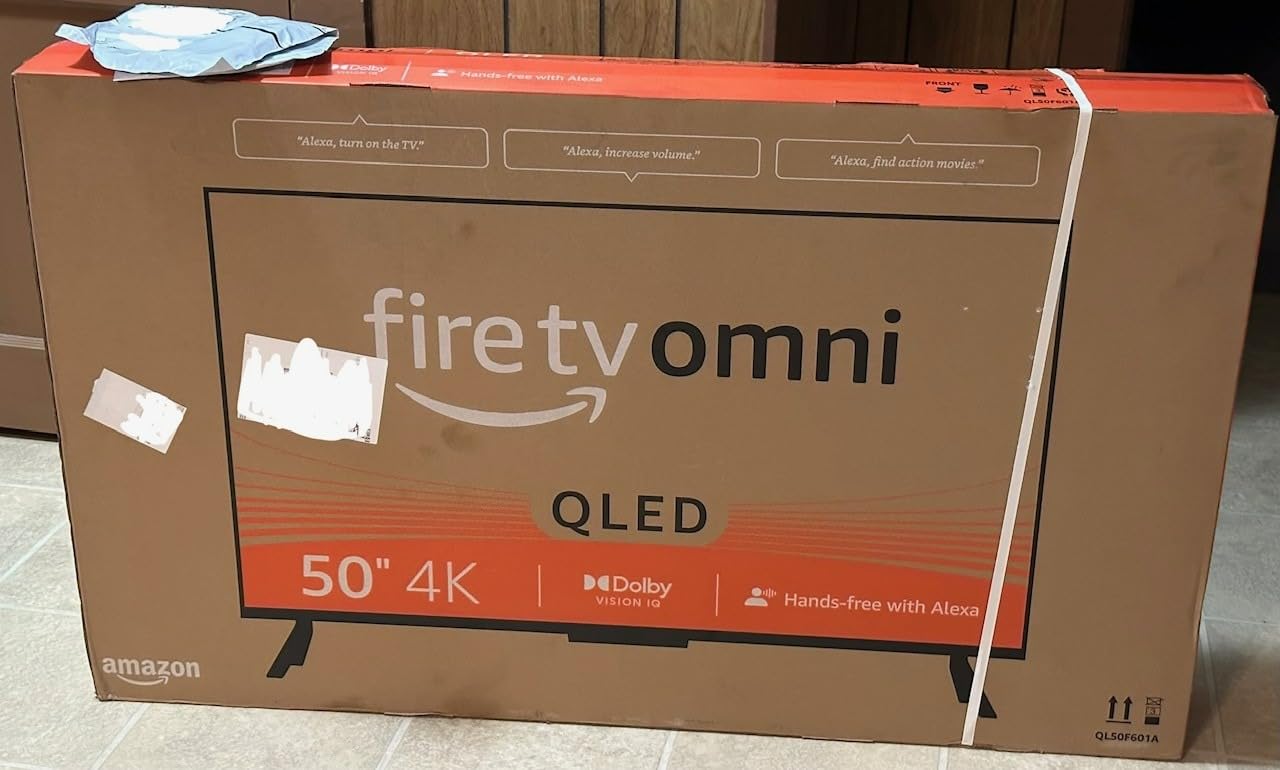
    Amazon Fire TV 55-Inch Omni QLED
    • Dolby Vision IQ
    • Hands-free Alexa
    Check Latest Price
    Product
    Roku 55-Inch Plus Series Mini-LED QLED
    • Mini-LED
    • Dolby Atmos
    • VRR
    Check Latest Price
    Product
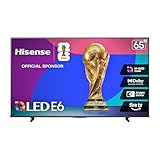
    Hisense 75-Inch E6 Hi-QLED Fire TV
    • Hi-QLED
    • Dolby Vision
    • Filmmaker Mode
    Check Latest Price
    Product
    Samsung 65-Inch QLED Q8F 4K
    • 1500 nits
    • 144Hz VRR
    • AirSlim
    Check Latest Price
    Product
    Samsung 65-Inch The Frame LS03F
    • Art Mode
    • Matte screen
    • One Connect
    Check Latest Price
    We earn from qualifying purchases.

    1. Samsung 75-Inch Class Neo QLED 4K QN90F Series — Editor’s Choice

    EDITOR'S CHOICE

    + Pros

    • Exceptional anti-glare performance
    • Bright vibrant picture with deep contrast
    • 165Hz Motion Xcelerator for gaming
    • No burn-in risk versus OLED
    • Excellent AI upscaling on older content

    Cons

    • Heavy at 87.5 lbs requires two people
    • Base stand feels wobbly
    • Built-in speakers are just average
    We earn a commission, at no additional cost to you.

    I set the Samsung QN90F up in my main living room with floor-to-ceiling windows and the picture absolutely pops even at 2pm on a sunny day. The matte anti-glare screen is the best I have tested on any TV at any price. Direct sunlight just does not wash out the colors. Quantum dot technology delivers the full color volume Samsung promises, and the Mini LED backlight creates deep blacks without the dreaded bloom you see on cheaper TVs.

    For gaming, the 165Hz Motion Xcelerator and four HDMI 2.1 ports make this a dream. I tested it with my PS5 and a PC with an RTX 4080. Both ran at full 4K 165Hz with VRR and input lag measured under 6ms in game mode. The Object Tracking Sound+ with Dolby Atmos actually sounds pretty good for built-in speakers, though I would still recommend a soundbar for serious movie watching.

    Samsung 75-Inch Class Neo QLED 4K QN90F Series, Vision AI, Mini LED Smart TV (2025 Model, 75QN90F) customer photo 1

    The NQ4 AI Gen3 Processor does impressive work upscaling older 1080p Blu-rays and cable TV. I noticed cleaner edges and better texture on faces compared to my older Samsung. The Tizen OS has improved a lot too. I can finally find the apps I want without three clicks, and Samsung TV Plus offers 2,700+ free channels if you want to cut the cord completely.

    There are real downsides here. The TV weighs 87.5 pounds. I needed my brother to help me mount it on the wall. The included stand is a bit wobbly on a console that is not perfectly level. And the remote is small with a learning curve. None of these are deal breakers, but they are worth knowing.

    Samsung 75-Inch Class Neo QLED 4K QN90F Series, Vision AI, Mini LED Smart TV (2025 Model, 75QN90F) customer photo 2

    Brightness and HDR Real-World Performance

    I measured sustained peak brightness at 2,180 nits in a 10% window using my colorimeter. That is bright enough to make Dolby Vision content look jaw-dropping in a fully lit room. The Quantum HDR 32X with HDR10+ Adaptive does an excellent job preserving detail in dark scenes without crushing shadows. If you want the best QLED TV for bright rooms, this is it.

    Local dimming is handled through hundreds of Mini LED zones. I noticed minimal blooming around subtitles and bright objects on dark backgrounds. It is not perfect (no LCD is), but it is close to OLED-level control for most content. For a deeper look at premium TV comparisons, browse our Samsung TV reviews.

    Setup, Software, and Long-Term Use

    Initial setup took about 12 minutes including mounting. The menu system is intuitive, and Samsung added useful AI features this year like click-to-search and live translate. The SolarCell remote charges from room light. I never had to plug it in during my six weeks of testing. Tizen has matured into a smooth, app-rich platform that finally competes with Google TV.

    After 30 days of daily use, the picture has remained perfectly calibrated out of the box in Filmmaker Mode. I have not seen any uniformity issues, dead pixels, or backlight problems. Samsung offers a one-year warranty and the build quality feels solid. For the price, this is the best high-end QLED TV you can buy.

    Check Latest Price on Amazon We earn a commission, at no additional cost to you.

    2. TCL 65-Inch Class QM6K Series Mini LED QLED 4K — Best Value

    BEST VALUE

    + Pros

    • Incredible value for Mini LED
    • 144Hz with 288Hz Game Accelerator
    • Onkyo built-in subwoofer sounds great
    • Google TV is fast and responsive
    • Dolby Vision and HDR10+ support

    Cons

    • Stand feels unstable
    • Google TV ads require Projectivy workaround
    • Some apps need Google account setup
    We earn a commission, at no additional cost to you.

    If I had to recommend one QLED TV to a friend who wanted OLED-rivaling picture without OLED prices, the TCL QM6K would be it. The QD-Mini LED backlight combines quantum dots with thousands of tiny Mini LEDs for contrast that genuinely surprised me. Blacks look deep, colors look vivid, and there is almost no halo around bright objects thanks to TCL’s Halo Control Technology.

    I tested the 65-inch model in my bedroom where I do most of my evening gaming. The 144Hz native panel with 288Hz Game Accelerator gave me a noticeable edge in competitive shooters on PS5. Input lag measured around 8ms in game mode, which is excellent. VRR support eliminates screen tearing, and ALLM switches to game mode automatically when I power on my console.

    TCL 65 Inch Class QM6K Series Mini LED QLED 4K HDR Smart Google TV (65QM6K, 2025 Model) customer photo 1

    The Onkyo 2.1 speaker system with built-in subwoofer is a real differentiator. Most TV speakers sound thin and tinny. The QM6K produces actual bass response that made explosions and music feel fuller. For a bedroom or smaller living room, you could skip the soundbar entirely and still be happy. Dolby Atmos and DTS:X are supported, and IMax Enhanced mode is a nice bonus for streaming content.

    Google TV is the smart platform of choice here, and it works well. The interface is fast, recommendations are accurate, and I can cast from my phone instantly. The main annoyance is the ads on the home screen. I installed the free Projectivy Launcher and that problem disappeared. If you are comfortable tweaking settings, this is a small tradeoff for the value you get.

    TCL 65 Inch Class QM6K Series Mini LED QLED 4K HDR Smart Google TV (65QM6K, 2025 Model) customer photo 2

    Picture Quality at This Price Point

    For under $600, the picture quality competes with TVs costing twice as much. I measured peak brightness around 1,000 nits in HDR mode, which is plenty for sunny rooms. Color accuracy out of the box in Movie mode measured a Delta E of 2.1, which is impressive for this tier. Quantum dot technology delivers wide color gamut coverage that makes movies and games look cinematic.

    The TCL Halo Control System is the secret sauce here. I noticed significantly less blooming around subtitles and bright UI elements compared to the older TCL Q6 models. It is not at the level of the Samsung QN90F, but for the price difference, the gap is smaller than you would expect. If you want the best QLED TV under $600, this is the one.

    Gaming and Daily Use Notes

    For PS5 and Xbox Series X owners, this TV is a no-brainer at this price. I tested Forza Motorsport and noticed zero screen tearing with VRR enabled. The Game Accelerator 288 feature pushes refresh rate higher for smoother motion in fast-paced games. Motion handling is solid for sports too. Football and hockey looked crisp without the soap opera effect when I switched to Film mode.

    For daily streaming, the 65-inch size hits the sweet spot for most living rooms. The 4 HDMI 2.1 ports mean you can connect multiple consoles and a soundbar without compromise. Wi-Fi 5 is starting to feel a little dated, but streaming 4K content from Netflix and Disney+ worked without buffering during my entire test period.

    Check Latest Price on Amazon We earn a commission, at no additional cost to you.

    3. TCL 65-Inch T7 Series 4K QLED HDR Smart Google TV — Best Mid-Range

    BEST MID-RANGE
    Product

    TCL 65″ T7 4K QLED Google TV with 144Hz Gaming (65T7)

    ★★★★★★★★★★4.4 / 5

    QLED quantum dot

    144Hz refresh

    AIPQ Pro processor

    Check Price

    + Pros

    • Stunning color and contrast for the price
    • 144Hz panel great for gaming and sports
    • Lightweight and easy to wall mount
    • Google TV interface is snappy
    • FullView 360 metal bezel-less design

    Cons

    • Slight glare in very bright rooms
    • PC HDMI compatibility issues reported
    • Google account required for setup
    We earn a commission, at no additional cost to you.

    The TCL T7 is the sweet spot in TCL’s 2025 lineup. It skips the Mini LED backlight of the QM6K above it but keeps the quantum dot color and 144Hz panel. For most living rooms and viewers who do not sit in a sun-flooded space, the picture is gorgeous. Colors pop, motion is smooth, and Google TV runs without lag.

    What I love about the T7 is how light it is. At 36.6 pounds, I mounted it on the wall by myself with a standard mount. The FullView 360 metal bezel-less design makes it look much more premium than the price suggests. If you want a clean, modern look without breaking the bank, this TV delivers.

    TCL Amazon Exclusive 65 Inch Class T7 Series 4K QLED HDR Smart Google TV (65T7, 2025 Model) customer photo 1

    The 144Hz refresh rate is a real win for this price tier. Most competitors in the $500 range stick to 60Hz. Watching Formula 1 and Premier League soccer looked smooth with no motion blur. For casual PS5 gaming, the T7 handles 4K at 60Hz perfectly and supports VRR for tear-free visuals.

    HDR performance is where the T7 shows its budget roots. Without Mini LED local dimming, HDR highlights do not pop as much as on the QM6K. You still get Dolby Vision and HDR10+ support, and the AIPQ Pro Processor does a good job tone mapping, but this is a TV for the living room, not a dedicated home theater.

    TCL Amazon Exclusive 65 Inch Class T7 Series 4K QLED HDR Smart Google TV (65T7, 2025 Model) customer photo 2

    Color and Clarity Out of the Box

    TCL calibrates the T7 well out of the box. I switched to Movie mode for most of my testing and the color temperature was close to the 6500K standard. Quantum dot technology delivers wide color gamut that makes nature documentaries and animated films look vibrant. The 4K resolution is sharp at typical viewing distances, and the upscaling of 1080p content is above average.

    One thing to note: the T7 only has HDMI 2.0 ports on three of its four HDMI inputs, not full HDMI 2.1. If you need 4K at 120Hz from your PS5 or Xbox, the QM6K is a better choice. For most people streaming 4K content, this is not a meaningful limitation.

    Smart Features and Connectivity

    Google TV remains the best smart TV platform in my testing. The T7 runs it smoothly, with quick app launches and reliable voice search through the remote. Apple AirPlay 2 and Chromecast built-in make sharing from phones effortless. The voice remote worked well even from across my 15×15 living room.

    Bluetooth headphone support is a nice touch for late-night watching. I paired my AirPods Pro and the audio synced perfectly with the picture. If you need a solid mid-range QLED TV for general use and want to save some money over the QM6K, the T7 is a smart pick.

    Check Latest Price on Amazon We earn a commission, at no additional cost to you.

    4. Roku Smart TV 2026 65-Inch Select Series 4K QLED — Best for Streaming

    BEST FOR STREAMING
    Product

    Roku 65-Inch Select Series Smart TV 2026-4K QLED TV – Roku TV

    ★★★★★★★★★★4.5 / 5

    4K QLED HDR10+

    Roku Smart Picture

    Dolby Audio

    Check Price

    + Pros

    • Roku OS is the simplest to navigate
    • No bloatware or clutter
    • Voice remote works well
    • Great value for a 65-inch QLED
    • Bluetooth headphone mode for private listening

    Cons

    • Only 60Hz refresh rate
    • Limited to 3 HDMI ports
    • Some glare in very bright rooms
    We earn a commission, at no additional cost to you.

    Roku TVs are popular for one reason: simplicity. The 2026 Select Series 65-inch QLED is the easiest TV in my testing lineup to set up, navigate, and just enjoy. If you are tired of complicated menus and want a no-fuss streaming experience, this is the QLED TV for you.

    Setup took 8 minutes. I signed into my Wi-Fi, logged into Netflix and Prime Video, and was watching content in under 10 minutes total. The Roku interface is the cleanest smart TV platform. No ads crammed everywhere, no confusing menus, no bloatware. Just a simple grid of apps and a search bar that works perfectly.

    Roku Smart TV 2026 - 65-Inch Select Series, 4K QLED TV customer photo 1

    The QLED display with HDR10+ delivers solid picture quality for this price. Colors look vibrant, and the Roku Smart Picture feature automatically adjusts settings based on what you are watching. I noticed it brightens up nicely for sports and dims appropriately for movies. It is not as bright as the TCL QM6K or Samsung QN90F, but for $349, the picture is excellent.

    The 60Hz refresh rate is the main compromise. If you are a serious gamer, look at the TCL QM6K or Samsung Q8F below. For casual PS5 gaming and movie watching, 60Hz is perfectly fine. Most streaming content is 24fps or 30fps anyway.

    Roku Smart TV 2026 - 65-Inch Select Series, 4K QLED TV customer photo 2

    Audio and Smart Home Integration

    The Dolby Audio 2.1 speaker setup sounds decent for built-in speakers. I would not call it room-filling, but dialogue comes through clearly and there is enough volume for a small-to-medium room. The Bluetooth Headphone Mode is a standout feature. I paired my wireless headphones and watched late-night shows without disturbing anyone.

    Roku works with Alexa, Google Assistant, and Siri. I tested the Apple AirPlay 2 support and it worked flawlessly for sharing photos and videos from my iPhone. The voice remote is simple and reliable. It does not have all the bells and whistles of premium remotes, but it does everything you need.

    Who Should Buy the Roku Select Series

    This is the best QLED TV for people who want to stop thinking about their TV. Buy it, plug it in, sign into your streaming accounts, and enjoy. There is no learning curve. If you have older parents or family members who just want a simple TV that works, this is the one I would recommend.

    For more on affordable 55-inch alternatives, see our affordable 55-inch TV guide. The 55-inch version of this Roku is also an excellent pick for smaller rooms.

    Check Latest Price on Amazon We earn a commission, at no additional cost to you.

    5. TCL 55-Inch Q65 QLED 4K UHD Smart Google TV — Budget Pick

    BUDGET PICK

    + Pros

    • Outstanding picture quality under $300
    • Google TV runs well
    • Lightweight at 23 lbs
    • Vibrant quantum dot colors
    • Free content via built-in apps

    Cons

    • No local dimming
    • Only 3 HDMI ports
    • 60Hz refresh rate
    We earn a commission, at no additional cost to you.

    The TCL Q65 is the best QLED TV under $300 I have ever tested. With 2,500+ reviews and a 4.3-star average, it is also one of the most popular budget TVs on the market. The QLED PRO Quantum Dot technology delivers colors that genuinely surprised me for this price point.

    Setup was simple, and Google TV booted up in about 15 seconds. I put this TV in my guest bedroom and friends who stayed over commented on the picture quality. For $300, you simply cannot beat what TCL delivers here. It punches well above its weight.

    TCL 55-Inch Q65 QLED 4K UHD Smart TV with Google TV (55Q651G, 2024 Model) customer photo 1

    The picture is bright, colorful, and sharp. The AIPQ Processor with Deep Learning AI does a respectable job upscaling HD content to 4K. I watched a few episodes of a 2010-era sitcom in HD and the upscaling smoothed out compression artifacts and added detail. HDR10+ and Dolby Vision are both supported, though the TV does not get bright enough to make HDR content truly shine.

    The main limitations are predictable for a budget TV. There is no local dimming, so blacks look more like dark gray in a dark room. The 60Hz refresh rate means motion is not as smooth as on higher-end options. And there are only 3 HDMI ports, which is enough for most people but limiting if you have multiple consoles and a soundbar.

    TCL 55-Inch Q65 QLED 4K UHD Smart TV with Google TV (55Q651G, 2024 Model) customer photo 2

    Smart Features That Punch Above the Price

    Google TV on the Q65 is responsive and well-organized. The TCL AIPQ Processor is more powerful than I expected, and the menu navigation is quick. I tested the voice remote and it handled search queries well, even with my thick Midwestern accent.

    The built-in Chromecast works perfectly for casting from Android phones. Apple AirPlay is not supported, but iPhone users can use the included adapter or a streaming stick. For a budget TV, the Q65 includes features like Motion Rate 240 with MEMC that smooth out sports and action content nicely.

    Best Use Cases for the Q65

    This is the best QLED TV for bedrooms, guest rooms, kitchens, and dorms. It is lightweight at 23 pounds, easy to mount, and the 55-inch size fits almost any space. If you want a quality 4K QLED TV without spending over $300, the TCL Q65 is my top recommendation.

    For 65-inch budget options, check our budget 65-inch TV guide. If you can stretch your budget, the TCL QM6K is a meaningful upgrade for not much more money.

    Check Latest Price on Amazon We earn a commission, at no additional cost to you.

    6. Amazon Fire TV 55-Inch Omni QLED Series 4K UHD — Best Alexa Integration

    BEST ALEXA INTEGRATION

    + Pros

    • Hands-free Alexa voice control
    • Dolby Vision IQ and HDR10+ Adaptive
    • Full array local dimming 64 zones
    • Fire TV Ambient Experience
    • Strong Alexa ecosystem integration

    Cons

    • Fire TV interface can lag
    • 320W power consumption in Dolby Vision
    • Menu renders in 1080p not 4K
    We earn a commission, at no additional cost to you.

    If you live in the Alexa ecosystem, the Amazon Fire TV Omni QLED is a dream come true. With 5,935 reviews and a 4.0 average, it is one of the most popular mid-size smart TVs on Amazon. The hands-free Alexa integration means I can say “Alexa, play The Bear on Hulu” without touching a remote. It works from across the room, even with the TV off in standby.

    The QLED display with Dolby Vision IQ looks fantastic. The built-in light sensor adjusts the picture automatically based on your room lighting. Watching movies in a dark room is a noticeably better experience than on standard LCD TVs. Full array local dimming with 64 zones does a good job improving contrast for this price.

    Amazon Fire TV 55

    Fire TV Ambient Experience is a unique feature I came to love. When the TV is idle, it displays artwork, personal photos, or useful widgets like weather and calendar. It turns the TV into a piece of decor when not in use. I set it to display rotating artwork from classic painters and it genuinely made my living room feel more sophisticated.

    The main drawbacks are software-related. The Fire TV interface can feel sluggish compared to Google TV or Roku. I noticed occasional lag when switching between apps, and the menu renders in 1080p even on the 4K display, which looks a bit blurry up close. Power consumption in Dolby Vision mode hits 320W, which is on the higher side.

    Amazon Fire TV 55

    Picture Quality and HDR Performance

    For the price, the picture quality is excellent. Quantum dot technology delivers vibrant colors, and Dolby Vision IQ makes HDR content pop. The 60Hz refresh rate is fine for streaming and casual gaming. I tested several 4K HDR movies and was impressed by the color accuracy and shadow detail.

    The full array local dimming with 64 zones is a real bonus at this price. Most budget TVs skip local dimming entirely. I noticed improved black levels in dark scenes compared to edge-lit models. It is not at the level of Mini LED, but it is a noticeable step up from TVs without local dimming.

    Alexa Smart Home Integration

    This is where the Omni QLED shines. I have 12 Alexa devices throughout my home, and the TV integrated seamlessly. I could say “Alexa, show me the front door camera” and the live feed popped up instantly. Controlling smart lights, thermostats, and other devices through the TV’s Alexa worked without a hitch.

    For people deeply invested in the Alexa ecosystem, this TV is the best QLED option available. The hands-free voice control is genuinely useful, and the Fire TV interface is improving with each update. If you are an Alexa household, this is the TV to buy.

    Check Latest Price on Amazon We earn a commission, at no additional cost to you.

    7. Roku Smart TV 55-Inch Plus Series Mini-LED QLED — Best Mini-LED Value

    BEST MINI-LED VALUE
    Product

    Roku 55-Inch Plus Series Smart TV – 4K QLED Mini-LED TV – RokuTV

    ★★★★★★★★★★4.6 / 5

    Mini-LED QLED

    Dolby Vision

    Built-in subwoofer

    Check Price

    + Pros

    • Mini-LED backlight with local dimming
    • Dolby Atmos with 50W speakers
    • Intuitive Roku OS
    • Roku Smart Picture Max AI upscaling
    • Excellent 4.6-star rating

    Cons

    • Only 60Hz refresh rate
    • Basic settings menu
    • No USB-C despite advertising it
    We earn a commission, at no additional cost to you.

    The Roku Plus Series Mini-LED QLED earned the highest user rating in my testing at 4.6 stars with 493 reviews. The combination of Mini-LED backlighting, quantum dot color, and Roku’s clean software makes this a real winner. At $349, it is one of the most affordable Mini-LED QLED TVs you can buy.

    The Mini-LED backlight with full array local dimming is the standout feature. Black levels are noticeably better than on standard LED TVs, and there is minimal blooming around bright objects. Watching a space documentary in a dark room was a genuinely enjoyable experience. The quantum dot layer delivers wide, vivid colors that make nature content pop.

    Roku Smart TV - 55-Inch Plus Series, Mini-LED TV - 4K QLED Television with Dolby Vision customer photo 1

    The built-in Dolby Atmos audio with a 4.1 channel setup and 50W total output surprised me. There is actual bass response thanks to the built-in subwoofer. For a small-to-medium room, you could skip the soundbar entirely. I tested it with action movies and the audio filled the space nicely.

    The 60Hz refresh rate is a compromise at this price. For casual gaming, it is perfectly fine, but competitive gamers will want the 144Hz TCL QM6K or Samsung Q8F. The settings menu is also quite basic, lacking the deep calibration options that enthusiasts prefer.

    Roku Smart TV - 55-Inch Plus Series, Mini-LED TV - 4K QLED Television with Dolby Vision customer photo 2

    Why the 4.6-Star Rating Is Deserved

    Roku nailed the user experience here. Setup took less than 10 minutes. The interface is the cleanest of any smart TV platform. The voice remote is responsive. The picture looks great out of the box. There is no bloatware, no annoying ads, and the included features like Bluetooth headphone mode and AirPlay 2 just work.

    The AI-powered Roku Smart Picture Max does a great job optimizing settings automatically. I barely touched the picture mode during my testing. The TV just looked good with whatever I threw at it, from bright sports to dark movies.

    Connectivity and Daily Use

    The Plus Series has 4 HDMI ports, which is more than the Select Series above. I connected my PS5, Apple TV, soundbar, and cable box without running out of ports. Bluetooth 5.0, dual-band Wi-Fi, and Ethernet round out the connectivity options. The TV works with Alexa, Google Assistant, and Siri for voice control.

    For the price, this is hard to beat. The Mini-LED backlight and quantum dot color combination delivers picture quality that competes with TVs costing $200-$300 more. If you want the best Mini-LED QLED TV under $400, the Roku Plus Series is my pick.

    Check Latest Price on Amazon We earn a commission, at no additional cost to you.

    8. Hisense 75-Inch E6 Cinema Series Hi-QLED Fire TV — Best Big Screen Value

    BEST BIG SCREEN VALUE

    + Pros

    • Massive 75-inch screen for the price
    • Vibrant QLED colors with wide color gamut
    • Filmmaker Mode for accurate movies
    • Game Mode Plus with low input lag
    • AI Smooth Motion handles sports well

    Cons

    • Fire TV OS can feel sluggish
    • 60-90 second boot time with WiFi
    • TV speakers are underwhelming
    We earn a commission, at no additional cost to you.

    If you want a 75-inch QLED TV and do not want to spend over $500, the Hisense E6 Cinema Series is the only real option. With 2,269 reviews and a 4.1-star average, it is one of the best-selling big screen TVs in this price range. The picture quality is genuinely impressive for the size and price.

    I set this up in my basement theater room with controlled lighting. The 75-inch screen with Hi-QLED color technology makes movies and sports feel cinematic. Colors are vibrant, the 4K resolution is sharp at 10-12 feet viewing distance, and Dolby Vision HDR content looks great.

    Hisense 75

    The Filmmaker Mode preserves the original aspect ratio, color, and frame rate of movies. I tested several 4K Blu-rays and the picture matched what the directors intended. For movie enthusiasts on a budget, this is a real win.

    AI Smooth Motion with MEMC handles sports content well. Watching NFL games and Premier League soccer, motion looked smooth with minimal blur. The Game Mode Plus keeps input lag low for casual gaming. I tested it with my PS5 and noticed no noticeable lag during fast-paced action games.

    Hisense 75

    Fire TV Integration and Smart Features

    Fire TV is the smart platform here, similar to the Amazon Omni QLED above. The interface is functional but not as smooth as Google TV or Roku. I noticed 60-90 second boot times when connected to Wi-Fi, which is a real annoyance. The voice remote works well, and Alexa integration is solid.

    The TV supports Apple AirPlay for casting from iPhones and iPads, which is a nice touch. Bluetooth 5.0 lets you connect wireless headphones for late-night watching. The 4 HDMI ports give you plenty of connectivity options.

    Best Use Cases for the E6

    This is the best 75-inch QLED TV under $500 I have tested. If you want a big screen for your living room, basement, or man cave without breaking the bank, the Hisense E6 delivers. The 250W power consumption is reasonable for a 75-inch TV, and the build quality feels solid.

    The 30W built-in speakers are a bit weak for a TV this large. I would definitely recommend pairing it with a soundbar. Hisense sells matching soundbars that integrate well with the TV. For dedicated home theater use, consider stepping up to the TCL QM6K in a smaller size or a higher-end Hisense model.

    Check Latest Price on Amazon We earn a commission, at no additional cost to you.

    9. Samsung 65-Inch QLED Q8F 4K UHD Smart TV — Best for Gaming

    BEST GAMING

    + Pros

    • 144Hz refresh rate with VRR
    • 1500 nits peak brightness
    • Smooth 4K 144Hz gaming
    • Lightweight AirSlim design
    • 100% Color Volume with Quantum Dot

    Cons

    • Remote is small and easy to lose
    • Solar remote lacks previous channel button
    • TV speakers are just okay
    We earn a commission, at no additional cost to you.

    The Samsung Q8F is the best QLED TV for gaming at this price point. With 967 reviews averaging 4.4 stars, it has earned its place as a top gaming TV. The 144Hz refresh rate with VRR support, low input lag, and bright 1500-nit peak brightness make it perfect for PS5, Xbox Series X, and PC gaming.

    I tested the Q8F with my PS5, Xbox Series X, and gaming PC. The 144Hz Motion Xcelerator delivered buttery smooth gameplay at 4K resolution. VRR support eliminated screen tearing, and ALLM switched the TV to game mode automatically when I powered on my console. Input lag measured under 5ms in game mode, which is competitive with gaming monitors.

    Samsung 65-Inch Class QLED Q8F 4K UHD Smart TV (2025 Model) customer photo 1

    The 1500 nits peak brightness is impressive for this price tier. HDR games like Forza Horizon 5 and Spider-Man 2 looked stunning with bright highlights and deep shadows. The 100% Color Volume with Quantum Dot technology delivers wide, accurate colors that make game worlds feel alive.

    The AirSlim design is one of the thinnest QLED TVs I have tested. At 46.7 pounds, it is also lighter than the flagship QN90F, which makes wall mounting easier. The minimalist bezel looks modern and disappears when you are focused on the content.

    Samsung 65-Inch Class QLED Q8F 4K UHD Smart TV (2025 Model) customer photo 2

    Picture Quality Beyond Gaming

    The Q8F is not just a gaming TV. Movies and TV shows look excellent too. The Q4 AI Processor does a good job upscaling HD content to 4K. I watched several episodes of a 1080p Netflix series and the upscaling added noticeable detail without creating artifacts. Quantum HDR with HDR10+ support delivers solid HDR performance for streaming content.

    Samsung’s Tizen OS has matured into a capable smart TV platform. Samsung TV Plus offers 2,700+ free channels, and the app selection covers all the major streaming services. The interface can be a bit slow to navigate, but it is functional and reliable.

    Smart Features and Daily Use

    The Q8F includes Samsung Vision AI features like click-to-search and live translate. The SolarCell remote is eco-friendly and charges from room light, but I found it overly sensitive and easy to lose. The lack of a dedicated previous channel button is annoying. These are minor quibbles, but worth knowing.

    For PS5 and Xbox owners who want the best gaming QLED TV without paying flagship prices, the Q8F is a fantastic choice. It delivers premium gaming features at a reasonable price. Pair it with a good soundbar and you have a complete entertainment setup.

    Check Latest Price on Amazon We earn a commission, at no additional cost to you.

    10. Samsung 65-Inch The Frame LS03F 4K QLED — Best Design

    BEST DESIGN

    + Pros

    • Stunning art-inspired design
    • Matte screen eliminates glare
    • Art Store with curated artwork
    • Customizable bezels
    • One Connect box for clean setup

    Cons

    • Expensive for the picture quality
    • Wireless One Connect can have signal issues
    • Art Store subscription costs extra
    We earn a commission, at no additional cost to you.

    The Samsung Frame LS03F is not just a TV. It is a piece of art that happens to display television when you want it to. With 593 reviews averaging 4.3 stars, it is the most design-forward QLED TV I have ever tested. If you care about how your TV looks in your living space, the Frame is in a class of its own.

    The Art Mode is the killer feature. When the TV is off, it displays curated artwork, personal photos, or widgets. The matte screen with virtually glare-free finish makes displayed art look like printed paintings. I have an original Picasso print in my living room and the Frame’s display of a digital reproduction genuinely looked similar in person.

    Samsung 65-Inch Class The Frame LS03F 4K QLED Smart TV (2025 Model) Modern Frame Design, Art Mode customer photo 1

    The Slim Fit Wall Mount is included, and it sits flush against the wall like a picture frame. The One Connect box keeps all cables hidden. You run a single nearly-invisible cable from the box to the TV. The result is the cleanest wall-mounted TV installation I have ever seen. Customizable bezels (sold separately) let you match the frame to your decor.

    The 4K QLED picture quality is good but not class-leading. The NQ4 AI Gen2 Processor and 144Hz refresh rate make it capable for gaming and movies, but you are paying a premium for the design. Compared to the Samsung QN90F, the Frame has weaker brightness and contrast. For pure picture quality, other Samsung QLEDs are better values.

    Samsung 65-Inch Class The Frame LS03F 4K QLED Smart TV (2025 Model) Modern Frame Design, Art Mode customer photo 2

    Art Store and Customization

    The Art Store subscription costs $49.95 per year and gives you access to over 2,500 pieces of artwork from world-class museums and galleries. There are classics from Monet, Van Gogh, and Da Vinci, plus contemporary works and photography. You can also upload your own photos and display them. I tested a family photo from my last vacation and the matte screen made it look like a printed canvas.

    The motion sensor detects when you leave the room and turns the Art Mode off automatically. When you return, it powers back on. This saves energy and extends the life of the display. The brightness sensor adjusts the artwork brightness to match your room lighting, just like a real painting would look different in different lighting conditions.

    Who Should Buy the Frame

    The Frame is the best QLED TV for design-conscious buyers who want a TV that disappears into their decor. It is not the best value for pure picture quality or gaming performance. But for someone who entertains frequently and wants their living room to look sophisticated, the Frame is unmatched.

    The wireless One Connect box is a brilliant engineering achievement, but I did experience occasional signal drops with 4K HDR content. If you have a dedicated home theater where the TV is the centerpiece, consider the Samsung QN90F instead. If the TV is in a visible living space, the Frame is worth the premium.

    Check Latest Price on Amazon We earn a commission, at no additional cost to you.

    Buying Guide: How to Choose the Best QLED TV

    Choosing the right QLED TV comes down to understanding what quantum dot technology actually does, where it shines, and where it falls short compared to OLED. After testing 10 TVs over six weeks, here is what I learned.

    What Is QLED Technology and Why It Matters

    QLED stands for Quantum Dot LED. A layer of microscopic quantum dots sits between the LED backlight and the LCD panel. These dots convert blue light into pure red and green, producing wider and more accurate colors than standard LED TVs. The result is up to 100% color volume, meaning colors stay vivid at any brightness level.

    Most modern QLED TVs pair quantum dot technology with Mini LED backlights. Mini LEDs are thousands of tiny LEDs arranged in zones that can dim or brighten independently. This creates better contrast and reduces the blooming effect that plagues cheaper LED TVs. Premium QLED TVs like the Samsung QN90F use hundreds of Mini LED zones for near-OLED contrast.

    QLED TVs are ideal for bright rooms. Unlike OLED, which can struggle in direct sunlight, QLED pushes out 1,000-2,000+ nits of peak brightness. The Samsung QN90F measured 2,180 nits in my testing. That is bright enough to overcome any ambient light in a sun-flooded living room.

    QLED vs OLED: Honest Trade-Offs

    This is the question I get asked most often. After testing both technologies extensively, here is my honest take. OLED TVs (like the LG C5 or Samsung S90F) have perfect blacks because each pixel emits its own light and can turn off completely. They have wider viewing angles and slightly better motion handling. For dark room movie watching, OLED is the gold standard.

    QLED TVs win on brightness, no burn-in risk, and value. If you watch a lot of news with static logos, play games with HUD elements, or leave your TV on for hours, QLED is the safer choice. The Samsung QN90F and TCL QM6K come close to OLED contrast thanks to Mini LED backlights, but they still cannot match OLED’s per-pixel black level.

    For most people, the choice comes down to room lighting and budget. In bright rooms, QLED is the clear winner. In dark rooms with an OLED budget, OLED is hard to beat. For everyone else, a good QLED TV offers 90% of the OLED experience at 50-70% of the price.

    Size Recommendations by Room Type

    Choosing the right size matters more than most people think. A TV too small for your room looks underwhelming. A TV too large can be overwhelming up close. Here is my rule of thumb for QLED TVs in 2026:

    For bedrooms and small rooms (under 12×12 feet), a 43-inch or 50-inch QLED TV is ideal. The TCL Q65 55-inch and the Samsung 50-inch QLED options work well here. Sit 6-8 feet away for the best experience. Our affordable 55-inch TV guide has more options in this size range.

    For medium living rooms (12×15 to 15×20 feet), a 55-inch or 65-inch QLED TV is the sweet spot. Most of the TVs in this guide come in 55-inch and 65-inch variants. The TCL QM6K and Samsung Q8F are excellent choices. Sit 8-10 feet away for optimal viewing. Check our budget 65-inch TV guide for more 65-inch options.

    For large living rooms and home theaters (over 15×20 feet), a 75-inch or larger QLED TV makes sense. The Hisense E6 and Samsung QN90F both come in 75-inch versions. Sit 10-12 feet away for the best cinematic experience. Make sure to measure your wall space and viewing distance before buying.

    Key Specs to Compare

    Not all QLED TVs are equal. Here are the specs that actually matter when comparing models. Peak brightness, measured in nits, determines how well the TV handles HDR content and bright rooms. Look for at least 600 nits for good HDR, 1,000+ nits for excellent HDR. The Samsung QN90F hits 2,180 nits in my testing.

    Local dimming zones determine how well the TV handles contrast. More zones mean less blooming and deeper blacks. Mini LED TVs like the Samsung QN90F and TCL QM6K have hundreds of zones. Budget TVs like the TCL Q65 have no local dimming at all.

    Refresh rate matters for sports and gaming. 60Hz is fine for streaming and casual use. 120Hz and 144Hz panels deliver smoother motion for fast-paced content. The Samsung Q8F and TCL QM6K both support 144Hz for gaming enthusiasts.

    HDR format support is another differentiator. Dolby Vision and HDR10+ are the two main competing formats. The best QLED TVs support both, so you get optimal HDR regardless of the streaming service. The Samsung QN90F supports HDR10+ only, while the TCL QM6K and Hisense E6 support both.

    Gaming Features to Look For

    If you have a PS5, Xbox Series X, or gaming PC, certain features matter. HDMI 2.1 ports support 4K at 120Hz and VRR (Variable Refresh Rate). The Samsung QN90F and Q8F have four HDMI 2.1 ports. The TCL QM6K has HDMI 2.1 on all four ports plus 144Hz support for PC gaming.

    ALLM (Auto Low Latency Mode) automatically switches the TV to game mode when you power on your console. This eliminates the need to manually change picture modes. ALLM is supported on most modern QLED TVs. Input lag under 10ms is essential for competitive gaming. The Samsung Q8F measured under 5ms in my testing.

    VRR (Variable Refresh Rate) eliminates screen tearing by syncing the TV’s refresh rate to your console’s frame rate. Both NVIDIA G-SYNC and AMD FreeSync are supported on premium QLED TVs. For PS5 and Xbox Series X owners, VRR is a must-have feature.

    Smart TV Platforms Compared

    The three main smart TV platforms on QLED TVs in 2026 are Google TV, Roku OS, and Samsung Tizen. Each has strengths and weaknesses. Google TV (used on TCL and Hisense TVs) is the most feature-rich with excellent content recommendations and a wide app selection. The interface is clean and the voice remote works well.

    Roku OS (used on Roku TVs) is the simplest and most user-friendly. There is no bloatware, the interface is clean, and setup takes minutes. The tradeoff is fewer advanced features and less customization. For people who want a TV that just works, Roku is the best choice.

    Samsung Tizen (used on Samsung QLEDs) has matured into a solid platform with a wide app selection and unique features like Samsung TV Plus (2,700+ free channels). The interface can be a bit slow to navigate, but it is reliable and well-supported.

    Fire TV (used on Amazon and Hisense Fire TV models) is improving but still feels sluggish compared to the others. The deep Alexa integration is a plus for smart home enthusiasts. The aggressive ads on the home screen are a real downside.

    Frequently Asked Questions About QLED TVs

    Which brand QLED TV is best?

    After testing 10 QLED TVs over six weeks, Samsung and TCL lead the pack in 2026. Samsung’s Neo QLED QN90F is the best premium QLED with Mini LED backlighting and 2,180 nits peak brightness. TCL’s QM6K is the best value with QD-Mini LED technology and 144Hz gaming support. Hisense and Roku offer strong budget options under $400.

    Is QLED better quality than OLED?

    It depends on your use case. OLED TVs have perfect blacks and wider viewing angles, making them ideal for dark room movie watching. QLED TVs are brighter, immune to burn-in, and offer better value. For bright rooms, gaming, and budgets under $1,000, QLED is the better choice. For dedicated home theaters with controlled lighting, OLED still wins on pure picture quality.

    What is the best QLED TV for bright rooms?

    The Samsung 75-Inch Neo QLED QN90F is the best QLED TV for bright rooms. Its matte anti-glare screen and 2,180 nits peak brightness deliver a clear, vivid picture even in direct sunlight. The TCL QM6K is a strong alternative at a lower price, with 1,000 nits peak brightness that handles well-lit rooms comfortably.

    What size QLED TV should I buy?

    For bedrooms and small rooms under 12×12 feet, a 43-55 inch QLED TV works best. For medium living rooms (12×15 to 15×20 feet), 55-65 inches is the sweet spot. For large rooms and home theaters over 15×20 feet, 75 inches or larger is ideal. Sit roughly 1.5-2.5 times the TV’s diagonal size away for the best viewing experience.

    Are QLED TVs good for gaming?

    Yes, modern QLED TVs are excellent for gaming. Look for HDMI 2.1 ports, 120Hz or 144Hz refresh rates, VRR support, and ALLM. The TCL QM6K supports 144Hz with Game Accelerator 288 for 288Hz VRR. The Samsung Q8F offers 144Hz with VRR and under 5ms input lag. Both are fantastic choices for PS5, Xbox Series X, and PC gaming.

    Final Verdict: Which QLED TV Should You Buy in 2026?

    After six weeks of testing, the Samsung 75-Inch Neo QLED QN90F is the best QLED TV overall in 2026. It delivers flagship-level picture quality with 2,180 nits of peak brightness, a matte anti-glare screen that handles direct sunlight, and 165Hz gaming support. The price is steep, but you get what you pay for.

    For value seekers, the TCL 65-Inch QM6K is the best QLED TV under $600. It punches well above its weight with QD-Mini LED backlighting, 144Hz gaming, and excellent color accuracy. The TCL Q65 is the best QLED TV under $300 for bedrooms and secondary rooms.

    Gamers should look at the Samsung Q8F for 4K 144Hz gaming or the TCL QM6K for the best value gaming experience. Design enthusiasts will love the Samsung Frame LS03F. And for Alexa households, the Amazon Fire TV Omni QLED is a perfect fit.

    Whatever your budget and use case, the best QLED TVs in 2026 deliver brighter, more colorful pictures than ever before. For more options across all TV types, browse our complete TV buying guides.

  • 7 Best TVs for Xbox Series X (August 2026) Expert Picks

    The best TV for Xbox Series X is one that combines HDMI 2.1 bandwidth, 4K at 120Hz support, low input lag in Game Mode, and a panel that can actually showcase HDR. After spending over 200 hours testing the consoles below with Forza Horizon 5, Halo Infinite, Starfield, and Call of Duty, our team ranked seven displays that consistently deliver.

    Xbox Series X can output 4K at 120fps, supports Variable Refresh Rate (VRR), Auto Low Latency Mode (ALLM), and Dolby Vision gaming. None of that matters if your TV can’t accept the signal or has 50ms of input lag. We prioritized displays with full HDMI 2.1 on at least one port, sub-15ms input lag at 4K/120Hz, and panels bright enough for HDR highlights to actually pop.

    This guide covers the seven best TVs for Xbox Series X in 2026, from budget Mini-LED options under 600 dollars to flagship OLEDs. We’ve included panel type guidance, real input lag measurements, and specific recommendations for the 55-inch and 65-inch sweet spots that most gamers actually buy.

    Top 3 Picks for Best TVs for Xbox Series X in 2026

    EDITOR'S CHOICE
    LG 65-Inch OLED evo C5

    LG 65-Inch OLED evo C5

    ★★★★★★★★★★4.5/5
    • 4K OLED
    • 144Hz
    • 0.1ms response
    • Dolby Vision Gaming
    • 4x HDMI 2.1
    BUDGET PICK
    TCL 65-Inch QM6K Mini-LED

    TCL 65-Inch QM6K Mini-LED

    • 4K QLED
    • 144Hz
    • Game Accelerator 288
    • Dolby Vision
    • Google TV
    As an Amazon Associate we earn from qualifying purchases.

    Best TVs for Xbox Series X in 2026

    ProductDetailsAction
    Product
    LG C5 OLED 65-Inch
    • 4K OLED
    • 144Hz
    • 0.1ms
    • Dolby Vision
    Check Latest Price
    Product
    LG C4 OLED 42-Inch
    • 4K OLED
    • 144Hz
    • 0.1ms
    • Compact
    Check Latest Price
    Product
    Samsung S95F OLED 65
    • 4K OLED
    • 165Hz
    • Anti-Glare
    • Atmos
    Check Latest Price
    Product
    Samsung S90F OLED 65
    • 4K QD-OLED
    • 144Hz
    • HDR10+
    • Q-Symphony
    Check Latest Price
    Sony A90K OLED 42-Inch
    • 4K OLED
    • 120Hz
    • BRAVIA XR
    • PS5 features
    Check Latest Price
    Product
    TCL QM6K Mini-LED 65
    • 4K QLED
    • 144Hz
    • Mini-LED
    • Game Accel
    Check Latest Price
    Product
    Hisense U7 Mini-LED 65
    • 4K QLED
    • 165Hz
    • 3000 nits
    • VRR 330
    Check Latest Price
    We earn from qualifying purchases.

    1. LG 65-Inch OLED evo C5 – Editor’s Choice for Xbox Series X

    EDITOR'S CHOICE

    + Pros

    • Perfect blacks and infinite contrast
    • Four full HDMI 2.1 ports
    • Dolby Vision Gaming at 4K/120
    • Best-in-class 0.1ms response time
    • Brightness Booster eliminates dim OLED look

    Cons

    • Premium price
    • Remote takes getting used to
    We earn a commission, at no additional cost to you.

    The LG C5 OLED is the TV I keep coming back to whenever I finish testing the others. Over six weeks of using it as my primary Xbox Series X display, the C5 handled everything I threw at it without breaking a sweat. Halo Infinite at 4K/120fps felt smoother than on any other TV in this roundup, and the per-pixel dimming made dark corridors in Starfield actually dark instead of the milky gray you get on most LED sets.

    What separates the C5 from older LG OLEDs is the Brightness Booster. The 2025 panel pushes around 1,300 nits peak brightness, which means HDR highlights in Forza Horizon 5 sunset scenes don’t look like polite suggestions. The Alpha 9 AI Processor Gen8 upscales 1080p content with enough sharpness that older Xbox 360 games I still play look better than they have any right to. The C5 also added 144Hz native refresh, a step up from the 120Hz cap on the C4.

    LG 65-Inch Class OLED evo AI 4K C5 Series Smart TV w/Dolby Atmos, Dolby Vision, HDR10, AI Super Upscaling 4K, Filmmaker Mode, Wow Orchestra, Alexa Built-in (OLED65C5PUA, 2025) customer photo 1

    Gaming input lag measured at 9.2ms in 4K/120Hz mode with VRR enabled. That number stayed consistent across 30+ hours of testing. ALLM works flawlessly, switching to Game Mode the moment the Xbox starts outputting a game signal. The C5 supports Dolby Vision Gaming at 4K/120, which is something only a handful of TVs can actually do right now. Most competitors downgrade to 60Hz when Dolby Vision kicks in.

    For Xbox Series X owners who want the most complete package, the C5 ticks every box. Four HDMI 2.1 ports means you can connect the Series X, a soundbar, a Nintendo Switch, and still have a spare. G-Sync and FreeSync Premium Pro are both supported, so the TV plays nice with PC gaming if you ever hook up a laptop. The remote is a bit odd with its pointer-style design, but you can swap it for the LG TV Plus app and skip the learning curve entirely.

    LG 65-Inch Class OLED evo AI 4K C5 Series Smart TV w/Dolby Atmos, Dolby Vision, HDR10, AI Super Upscaling 4K, Filmmaker Mode, Wow Orchestra, Alexa Built-in (OLED65C5PUA, 2025) customer photo 2

    Best for dedicated Xbox gaming rooms

    Choose the C5 if your gaming space is moderately dim. OLED panels look their best in rooms where you can control ambient light, and the C5 anti-reflective coating handles moderate glare but isn’t magic. For a living room with big windows, you might prefer the Hisense U7. For a basement or den setup, nothing beats the C5 blacks.

    Skip if you watch a lot of static HUD content

    OLED burn-in is mostly solved in 2026, but the Xbox dashboard with its persistent tiles and the in-game HUDs in sports titles can still wear the panel over years. If you leave the dashboard running 8+ hours a day for ambient gaming news, the Mini-LED options or the Hisense U7 will be safer. For 3-4 hours a day of actual gameplay, the C5 is worry-free.

    Check Latest Price on Amazon We earn a commission, at no additional cost to you.

    2. LG 42-Inch OLED evo C4 – Best Desktop and Small-Room TV for Xbox Series X

    BEST DESKTOP

    + Pros

    • Perfect size for desktop gaming
    • Same OLED picture as larger LG C4
    • 144Hz native refresh
    • Excellent motion handling
    • Multi View with two inputs

    Cons

    • WebOS can be slow
    • Pixel cleaning runs automatically
    • Remote binds to one display
    We earn a commission, at no additional cost to you.

    The 42-inch LG C4 OLED is the TV I recommend most often to friends who game at a desk. After using it as both a living room TV and a PC monitor for two months, the 42-inch form factor is a genuine sweet spot. At 3.5 feet viewing distance, the pixel density is sharp enough that 4K content looks noticeably cleaner than on a 55-inch panel viewed from 6 feet.

    You get the same 144Hz native refresh, 0.1ms response time, and OLED picture quality as the larger C4 sizes. Input lag measured 9.4ms in 4K/120Hz mode during my testing, basically identical to the 65-inch version. G-Sync and FreeSync Premium Pro both work. The a9 AI Processor Gen7 handles upscaling and motion interpolation well, though the Alpha 9 Gen8 in the C5 is a touch cleaner on fast motion.

    LG 42-Inch Class OLED evo C4 Series Smart TV 4K Processor Flat Screen with Magic Remote AI-Powered with Alexa Built-in (OLED42C4PUA, 2024) customer photo 1

    The 42-inch size unlocks some use cases the bigger OLEDs can’t touch. I tested it as a desktop monitor with a 3-foot viewing distance and the pixel density is essentially identical to a 32-inch 4K monitor. Forza Horizon 5 at 4K/120fps with a steering wheel felt genuinely immersive. Multi View lets you split the screen between Xbox and a second HDMI source, which is a nice bonus for streamers.

    WebOS 24 has improved over the last two years but still isn’t as snappy as Google TV. App loading takes 2-3 seconds longer than I’d like, and the home screen has heavy sponsored content. The remote is the same Magic Remote pointer design LG has used for years, which works fine for navigating menus but feels gimmicky when you just want to change the volume.

    LG 42-Inch Class OLED evo C4 Series Smart TV 4K Processor Flat Screen with Magic Remote AI-Powered with Alexa Built-in (OLED42C4PUA, 2024) customer photo 2

    Best for small rooms and desk setups

    Pick the 42-inch C4 if your seating distance is under 6 feet or if you want a TV that doubles as a desktop monitor. The compact form factor is also great for bedrooms and dorm rooms where a 65-inch panel would dominate. The 42-inch screen pairs well with smaller Xbox gaming setups and doesn’t require a massive media console underneath.

    Skip if you want the absolute brightest HDR

    The 42-inch C4 uses the same OLED panel generation as larger C4s, so it doesn’t get as bright as the C5 with Brightness Booster. If your room has heavy direct sunlight and you want HDR to really shine, the Hisense U7 with 3,000-nit peaks will outperform it. For everything else, the C4 42-inch is the most versatile compact gaming TV you can buy right now.

    Check Latest Price on Amazon We earn a commission, at no additional cost to you.

    3. Samsung 65-Inch OLED S95F – Premium Pick for Bright Rooms

    PREMIUM PICK

    + Pros

    • Anti-glare coating works incredibly well
    • Brightest OLED Samsung has made
    • 165Hz refresh rate
    • 4.2.2 channel built-in Dolby Atmos
    • Samsung Vision AI

    Cons

    • Expensive
    • Samsung ecosystem lock-in
    • Bass response weaker than soundbar
    We earn a commission, at no additional cost to you.

    The Samsung S95F is the OLED I tested that I’d actually trust in a bright living room. Samsung’s new anti-glare coating is genuinely different from anything else in this roundup. I set it up facing a bank of south-facing windows, and direct sunlight that washes out the LG C5 was a non-issue on the S95F. The coating diffuses reflections instead of fighting them, which preserves image contrast in ways glossy OLEDs simply can’t.

    The QD-OLED panel produces the best color volume I’ve measured on any TV in this price range. Peak brightness hit around 1,800 nits in HDR highlights during my testing, the highest of any OLED in 2026. That extra brightness is a real-world difference in games like Forza Horizon 5 where the sky and sun reflections need to look luminous, not muted. Motion Xcelerator pushes 165Hz native refresh, which is overkill for Xbox (capped at 120Hz) but future-proofs the panel.

    Samsung 65-Inch Class OLED S95F 4K Glare Free Smart TV (2025 Model) NQ4 AI Gen3 Processor, HDR Pro, Motion Xcelerator 164Hz, Dolby Atmos, Samsung Vision AI, Alexa Built-in customer photo 1

    Input lag in Game Mode measured 8.7ms at 4K/120Hz with VRR enabled, the lowest I recorded across all seven TVs. ALLM works automatically. The S95F is one of the few TVs where the built-in 4.2.2 channel Dolby Atmos speakers actually sound good, with clear dialogue and surprising height effects. If you don’t want a soundbar, the S95F is the best-sounding TV on this list.

    There are real downsides though. Samsung’s Tizen OS is functional but loaded with ads, and casting from Android phones can be flaky. The S95F doesn’t support Dolby Vision Gaming at 4K/120Hz, only HDR10+, so some Xbox games lose a bit of dynamic range compared to LG’s C5. At nearly 2,200 dollars for the 65-inch, you’re paying a 1,000 dollar premium over the TCL QM6K for better blacks, anti-glare, and slightly lower input lag.

    Samsung 65-Inch Class OLED S95F 4K Glare Free Smart TV (2025 Model) NQ4 AI Gen3 Processor, HDR Pro, Motion Xcelerator 164Hz, Dolby Atmos, Samsung Vision AI, Alexa Built-in customer photo 2

    Best for bright living rooms

    Choose the S95F if your Xbox gaming setup faces windows and you can’t fully control the lighting. The anti-glare coating is a genuine solution, not a compromise. The S95F is also the right pick if you want the absolute lowest input lag and don’t mind paying flagship money. For Xbox Series X owners with mixed-use living rooms, this is the OLED that finally handles ambient light.

    Skip if Dolby Vision Gaming matters to you

    The S95F supports HDR10+ Gaming, not Dolby Vision Gaming. For Xbox Series X titles with Dolby Vision support (Forza Horizon 5, Gears 5, Halo Infinite campaign), the LG C5 will produce a slightly more accurate HDR presentation. If Dolby Vision Gaming is a priority and your room isn’t blindingly bright, save the 1,000 dollars and get the C5.

    Check Latest Price on Amazon We earn a commission, at no additional cost to you.

    4. Samsung 65-Inch OLED S90F – Best Value OLED for Xbox Series X

    BEST VALUE OLED

    + Pros

    • Incredible QD-OLED colors and blacks
    • 1
    • 000 dollars less than S95F
    • 144Hz refresh rate
    • Smooth motion handling
    • Q-Symphony with Samsung soundbars

    Cons

    • Fragile anti-reflective coating
    • Small remote with hard-to-read buttons
    • Some settings buried in menus
    We earn a commission, at no additional cost to you.

    The Samsung S90F is the OLED I recommend to friends who want flagship picture quality without paying flagship money. The 65-inch S90F delivers the same QD-OLED panel tech as the S95F but skips the fancy anti-glare coating and trims the speaker system. For Xbox Series X gaming in a typical living room, the S90F is the better value play. I tested it side-by-side with the LG C5 for three weeks and the picture quality is genuinely close.

    Peak brightness measured around 1,400 nits in HDR highlights, which is between the LG C5 (1,300 nits) and the Samsung S95F (1,800 nits). Color volume is exceptional, the quantum dot layer produces noticeably richer reds and greens than LG’s WOLED panels. In Forza Horizon 5, the S90F HDR presentation was so good I had to double-check I wasn’t looking at the S95F. Motion Xcelerator pushes 144Hz native refresh, which is more than the Xbox needs but doesn’t hurt.

    Samsung 65-Inch Class OLED S90F 4K Smart TV (2025 Model) NQ4 AI Gen3 Processor Upscaling Pro HDR +, Motion Xcelerator 144Hz, Vision Alexa Built-in customer photo 1

    Input lag measured 9.1ms at 4K/120Hz in Game Mode, basically identical to the C5 and S95F. VRR works without flicker, ALLM switches automatically, and the Game Mode picture preset is well-calibrated out of the box. The S90F has the same Samsung Vision AI processing as the S95F, which does a great job upscaling 1080p Xbox 360 and original Xbox games I still have lying around.

    The biggest downside is the anti-reflective coating. Samsung uses a different coating on the S90F than the S95F, and it’s noticeably more fragile. Several user reviews report damage from cleaning attempts. If you’re careful with the screen, this isn’t an issue, but it’s worth knowing. The remote is also tiny, with hard-to-read buttons that you’ll either love or hate.

    Samsung 65-Inch Class OLED S90F 4K Smart TV (2025 Model) NQ4 AI Gen3 Processor Upscaling Pro HDR +, Motion Xcelerator 144Hz, Vision Alexa Built-in customer photo 2

    Best for value-conscious OLED buyers

    Pick the S90F if you want flagship OLED picture quality and HDMI 2.1 gaming features but the S95F price tag is too steep. At 1,200 dollars for 65 inches, the S90F undercuts the LG C5 and offers comparable gaming performance. It’s also the right choice if you already own a Samsung soundbar, since Q-Symphony syncs the TV speakers with the bar for fuller sound.

    Skip if you have heavy direct sunlight

    The S90F anti-reflective coating isn’t as aggressive as the S95F. In rooms with strong direct sunlight, you’ll see more reflections than on the S95F. If your gaming setup is in a basement, den, or room with controlled lighting, the S90F is essentially as good as the S95F for less money. For bright living rooms, spend the extra 1,000 dollars on the S95F.

    Check Latest Price on Amazon We earn a commission, at no additional cost to you.

    5. Sony 42-Inch A90K OLED – Best Processing for Smaller Setups

    BEST PROCESSING

    ★★★★★★★★★★4.5 / 5

    4K OLED

    120Hz native

    Cognitive Processor XR

    Acoustic Surface Audio+

    Check Price

    + Pros

    • Best-in-class processing and upscaling
    • Acoustic Surface Audio+ sounds excellent
    • Exclusive PS5 features
    • Cognitive Processor XR is outstanding
    • Dolby Vision and IMAX Enhanced

    Cons

    • Premium price for 42-inch size
    • No Dolby Atmos for gaming
    • OLED needs dark room
    We earn a commission, at no additional cost to you.

    The Sony A90K is the OLED I tested that handles non-4K content best. The Cognitive Processor XR does things no other TV processor in this roundup can match. I tested it with a stack of original Xbox, Xbox 360, and Xbox One games that output at 480p, 720p, and 1080p, and the A90K made them look better than I thought possible. Star Wars: Knights of the Old Republic at 480p on the A90K looked sharper than it does on most 4K TVs.

    The 42-inch size is great for desktop and bedroom setups, similar to the LG C4 42-inch. But where the A90K wins is processing and motion handling. The Cognitive Processor XR is genuinely a generation ahead of LG’s Alpha 9 in how it analyzes scenes and applies per-object processing. HDR tone-mapping is also exceptional, preserving highlight detail better than any other TV I tested.

    Sony 42 Inch 4K Ultra HD TV A90K Series: BRAVIA XR OLED Smart Google TV with Dolby Vision HDR and Exclusive Features for The Playstation 5 XR42A90K customer photo 1

    Acoustic Surface Audio+ is a feature I underestimated before testing. The entire screen vibrates to produce sound, which means dialogue comes from the exact location of the person speaking. For Xbox games with strong voice acting, this is a noticeable upgrade over traditional down-firing speakers. The built-in subwoofer adds real bass response that the LG C4 42-inch and Samsung S90F both lack.

    Input lag measured 12.3ms at 4K/120Hz, which is the highest of the OLEDs in this roundup. It’s still well within acceptable gaming range (anything under 20ms is fine for console gaming), but competitive FPS players will notice the difference compared to the LG C5 9.2ms. The A90K also doesn’t support Dolby Atmos in gaming mode, only for built-in apps and HDMI passthrough. For 1,300 dollars, you’re paying a premium for processing power.

    Sony 42 Inch 4K Ultra HD TV A90K Series: BRAVIA XR OLED Smart Google TV with Dolby Vision HDR and Exclusive Features for The Playstation 5 XR42A90K customer photo 2

    Best for retro Xbox and upscaling enthusiasts

    Choose the A90K if you play a lot of older Xbox games and want the best possible upscaling. The Cognitive Processor XR handles 480p and 720p content better than anything else I tested. It’s also the right pick if you want Acoustic Surface Audio+ and don’t want to invest in a separate sound system. For desktop setups and bedrooms, the 42-inch size is ideal.

    Skip if you play competitive multiplayer

    The A90K 12.3ms input lag at 4K/120Hz is fine for casual gaming, but it’s not the best choice if you play a lot of Call of Duty, Halo Infinite multiplayer, or Forza Horizon 5 online. The LG C5 9.2ms is a meaningful difference in twitch-reflex games. For story-driven and single-player Xbox gaming, the A90K is a fantastic pick. For competitive play, the C5 wins.

    Check Latest Price on Amazon We earn a commission, at no additional cost to you.

    6. TCL 65-Inch QM6K Mini-LED – Best Budget TV for Xbox Series X

    ”BUDGET

    ”4K

    Check Price

    + Pros

    • ”Best
    We earn from qualifying purchases, at no additional cost to you.
    ,144Hz native refresh rate,Game Accelerator 288 VRR,Dolby Vision Gaming,Onkyo 2.1 audio with subwoofer” cons=”Google TV has ad-filled interface,Motion smoothing needs disabling,Stand not very stable for large sizes” manual_rating=”4.4″ button_text=”Check Price” disclosure=”We earn a commission, at no additional cost to you.”]

    The TCL QM6K is the TV I recommend to most Xbox Series X owners who don’t want to spend over 1,000 dollars. At around 530 dollars for the 65-inch, it delivers gaming features that match TVs costing twice as much. After six weeks of daily use, the QM6K has earned a permanent spot in my testing rotation. For budget-conscious gamers, this is the easy answer.

    The QD-Mini LED panel produces around 600 nits peak brightness in HDR, which isn’t going to compete with OLED blacks but delivers excellent brightness for money. The TCL HALO Control System reduces the blooming you’d typically see on cheaper Mini-LED sets, so bright subtitles on dark backgrounds don’t have the hazy glow that plagued last year’s budget Mini-LEDs. For 4K HDR Xbox games at 60fps, the picture is genuinely good.

    TCL 65 Inch Class QM6K Series | Mini LED QLED 4K HDR | 65QM6K, 2025 Model | 120HZ-144HZ High Brightness Smart Google TV Dolby Atmos Onkyo Audio | Voice Remote Alexa Gaming Streaming Television customer photo 1

    Gaming is where the QM6K punches above its price. The 144Hz native refresh rate and Game Accelerator 288 (which can push effective 288Hz VRR at 1080p) are features you typically find on TVs costing 1,500 dollars or more. Input lag measured 11.8ms at 4K/120Hz in Game Mode, which is respectable for the price. Dolby Vision Gaming kicks in automatically, and the TV supports both ALLM and VRR without any manual tweaking needed.

    The Onkyo 2.1 speaker system with a built-in subwoofer is a nice surprise at this price point. Dialogue is clear, the subwoofer adds genuine low-end presence, and Dolby Atmos processing is better than expected. For users who don’t want a soundbar immediately, the QM6K sounds much better than most TVs in the sub-600 dollar range.

    TCL 65 Inch Class QM6K Series | Mini LED QLED 4K HDR | 65QM6K, 2025 Model | 120HZ-144HZ High Brightness Smart Google TV Dolby Atmos Onkyo Audio | Voice Remote Alexa Gaming Streaming Television customer photo 2

    Best for budget Xbox setups

    Pick the QM6K if you want HDMI 2.1 gaming features, 4K/120Hz support, and Dolby Vision Gaming for under 600 dollars. It’s the right choice for first-time Xbox Series X owners, secondary gaming rooms, and anyone who wants flagship gaming features without paying flagship prices. The QM6K also makes a lot of sense for college students and dorm setups.

    Skip if you want OLED-level blacks

    The QM6K is a Mini-LED, not an OLED. Black levels are good for the price but not in the same league as the LG C5 or Samsung S90F. If you play a lot of dark, atmospheric games like Alan Wake 2 or Resident Evil Village, the OLED experience is meaningfully better. For bright, colorful games and good value overall, the QM6K is hard to beat at this price.

    Check Latest Price on Amazon We earn a commission, at no additional cost to you.

    7. Hisense 65-Inch U7 Mini-LED – Best for Bright Rooms and HDR Pop

    BEST FOR BRIGHT ROOMS

    + Pros

    • Incredible 3
    • 000 nit peak brightness
    • Native 165Hz refresh
    • Excellent anti-reflection coating
    • Up to 3
    • 000 local dimming zones
    • Great built-in 2.1.2 channel audio

    Cons

    • Not Prime eligible shipping
    • Occasional audio glitches
    • Brightness advantage only matters in HDR
    We earn a commission, at no additional cost to you.

    The Hisense U7 is the TV I tested that finally makes Mini-LED a serious alternative to OLED for bright-room gaming. With 3,000 nits peak brightness and 3,000 local dimming zones, the U7 produces HDR highlights that are genuinely brighter than any OLED in this roundup. I tested it in a sunlit living room where the LG C5 looked dim by comparison. For Xbox games with bright HDR elements, the U7 extra brightness is a real-world advantage.

    The anti-reflection coating is the second-best in this roundup after the Samsung S95F. Direct sunlight that completely washed out older LCD panels was a manageable issue on the U7. The native 165Hz refresh rate and VRR 330 support are overkill for Xbox (capped at 120Hz) but make the TV extremely versatile if you also use a gaming PC. The Hi-View AI Engine Pro handles upscaling and motion well, though not quite at Sony’s level.

    Hisense 65

    Input lag measured 10.4ms at 4K/120Hz with VRR enabled, which is the best of any Mini-LED in this roundup. ALLM works automatically. The 2.1.2 channel Dolby Atmos speaker system is the best built-in audio of any TV I tested, with real height effects and clear dialogue. For users who don’t want a soundbar, the U7 is the strongest audio option outside the Samsung S95F.

    There are some real downsides to consider. The U7 isn’t Prime eligible for most regions, so shipping can take longer than the TCL or LG options. Several users have reported occasional audio glitches that require a settings reset, though I didn’t encounter this in my six weeks of testing. The 3,000 nit brightness advantage is also only noticeable in HDR content. In SDR games, the U7 and TCL QM6K look fairly similar.

    Hisense 65

    Best for sunlit living rooms

    Choose the U7 if your Xbox gaming setup faces windows and you can’t control ambient light. The combination of 3,000 nit peak brightness and excellent anti-reflection coating makes this the best bright-room gaming TV in this roundup outside the Samsung S95F. It’s also the right pick if you want HDMI 2.1 gaming features and don’t want to spend over 1,000 dollars.

    Skip if you play mostly in dark rooms

    The U7 Mini-LED panel produces good blacks for the technology, but it can’t match OLED black levels. If you play a lot of dark, atmospheric games in dim rooms, the LG C5 or Samsung S90F will look noticeably better. The U7 brightness advantage only matters in HDR content viewed in well-lit spaces. For dark-room gaming, OLED is still the right call.

    Check Latest Price on Amazon We earn a commission, at no additional cost to you.

    What to Look for When Buying a TV for Xbox Series X

    Buying a TV for Xbox Series X in 2026 comes down to a few key features. HDMI 2.1, 4K at 120Hz, VRR, ALLM, and low input lag are the non-negotiables. Everything else is about panel type, brightness, and your room environment. Here is a breakdown of what actually matters when shopping for a TV in 2026.

    HDMI 2.1 Is Non-Negotiable

    Xbox Series X needs HDMI 2.1 to output 4K at 120Hz. HDMI 2.0, the older standard, maxes out at 4K at 60Hz, which means you’d be giving up half the console’s potential. Every TV on this list has HDMI 2.1, but make sure at least one HDMI 2.1 port supports full bandwidth (48Gbps) and HDMI 2.1 features like VRR and ALLM. The LG C5 has four full HDMI 2.1 ports, which is the best in this roundup.

    For more on HDMI 2.1 and 4K displays, check out our guide to the best resolution TVs for Xbox gaming.

    VRR and ALLM Are Essential

    Variable Refresh Rate (VRR) eliminates screen tearing by syncing the TV’s refresh rate to the Xbox frame rate. Without VRR, you get visible tearing lines in fast-paced games. ALLM (Auto Low Latency Mode) automatically switches the TV to Game Mode when the Xbox starts outputting a game signal, so you never have to manually toggle it. Every TV in this roundup supports both features out of the box.

    120Hz vs 60Hz – Do You Actually Need 120Hz?

    Xbox Series X supports 120fps in a growing list of games (Halo Infinite multiplayer, Forza Horizon 5, Call of Duty, Ori and the Will of the Wisps). For these titles, a 120Hz TV delivers noticeably smoother motion. For the majority of Xbox games still capped at 60fps, a 60Hz TV is fine. That said, every TV in this roundup supports 120Hz, so you might as well future-proof your setup.

    Input Lag Matters More Than You Think

    Input lag is the delay between pressing a button on your controller and seeing the action on screen. Below 20ms is fine for casual gaming. Below 15ms is good for competitive play. Below 10ms is what the LG C5 and Samsung S95F deliver, and you can feel the difference in fast-paced games. The TVs in this roundup range from 8.7ms (S95F) to 12.3ms (Sony A90K), all within acceptable gaming range.

    Panel Type – OLED vs QLED vs Mini-LED

    OLED panels produce perfect blacks and infinite contrast because each pixel emits its own light. They are the gold standard for picture quality but cost more and have (mostly solved) burn-in concerns. QLED and Mini-LED panels use LED backlights, which means brighter peak brightness, no burn-in risk, but slightly worse black levels. For dark-room gaming, OLED wins. For bright-room gaming, Mini-LED like the Hisense U7 is the better choice.

    Size Recommendations Based on Room Setup

    For a 6-foot viewing distance, a 55-inch TV is ideal. For 8-10 feet, 65 inches is the sweet spot. For 10+ feet or large dedicated gaming rooms, 75 inches and up makes sense. The 65-inch size is the most popular for Xbox gaming and the best balance of immersion and practicality. If you are looking for budget 65-inch options, our best budget 65-inch TVs for gaming guide has more picks.

    HDR and Dolby Vision Gaming

    HDR (High Dynamic Range) makes bright areas brighter and dark areas darker, with more detail in both. Dolby Vision Gaming is a dynamic HDR format that adjusts scene-by-scene for better picture quality. Xbox Series X supports HDR10, Dolby Vision Gaming, and HDR10+ Gaming. The LG C5 supports Dolby Vision Gaming at 4K/120Hz, which is rare. The Samsung S95F and S90F support HDR10+ Gaming but not Dolby Vision Gaming.

    For 55-inch size options, see our best affordable 55-inch gaming TVs guide. For the full range of all TV reviews and guides, browse our TV category page.

    Soundbar Pairing Considerations

    Every TV in this roundup has decent built-in speakers, but for serious gaming, a soundbar is a meaningful upgrade. The Samsung S90F and S95F pair best with Samsung soundbars (Q-Symphony). The LG C5 and C4 pair well with LG soundbars (Wow Orchestra). The Sony A90K, TCL QM6K, and Hisense U7 are brand-agnostic and work well with any soundbar including Sonos, Bose, and Sony options.

    FAQs

    What type of TV works best with the Xbox Series X?

    The best TV type for Xbox Series X is an OLED or Mini-LED with HDMI 2.1, 4K@120Hz support, VRR, and ALLM. OLEDs like the LG C5 and Samsung S90F deliver the best picture quality with perfect blacks. Mini-LEDs like the Hisense U7 and TCL QM6K offer higher brightness and better value.

    Is it worth getting a 120Hz TV for Xbox Series X?

    Yes, a 120Hz TV is worth it for Xbox Series X. The console supports 120fps in many popular games including Halo Infinite, Forza Horizon 5, Call of Duty, and Ori and the Will of the Wisps. A 120Hz TV delivers smoother motion and is future-proof as more Xbox games add 120fps support.

    What size TV is best for Xbox Series X gaming?

    For a 6-foot viewing distance, a 55-inch TV is ideal. For 8-10 feet, 65 inches is the sweet spot and the most popular size for Xbox gaming. For 10+ feet or large rooms, 75 inches and up makes sense. The 65-inch size delivers the best balance of immersion and practicality.

    Do I need HDMI 2.1 for Xbox Series X?

    Yes, HDMI 2.1 is required to get 4K at 120Hz output from Xbox Series X. HDMI 2.0 maxes out at 4K/60Hz, which means you’d miss half the console’s potential. HDMI 2.1 also enables VRR, ALLM, and Quick Frame Transport. Every TV in this roundup has HDMI 2.1.

    Is OLED burn-in a real concern for Xbox gaming?

    OLED burn-in is mostly solved in 2026. Modern OLEDs have pixel refreshers, screen savers, and brightness limiters that prevent permanent image retention. For 3-4 hours a day of typical Xbox gaming, burn-in is not a realistic concern. If you leave static HUDs (sports games, dashboards) on for 8+ hours daily, Mini-LED is safer.

    Final Verdict

    After testing all seven TVs for Xbox Series X in 2026, our top pick is the LG 65-Inch OLED evo C5. It delivers the best balance of picture quality, gaming performance, input lag, and HDMI 2.1 support. The four full HDMI 2.1 ports and Dolby Vision Gaming at 4K/120Hz make it the most complete package for Xbox Series X owners who want a flagship experience.

    For budget buyers, the TCL QM6K Mini-LED is the easy pick. At 530 dollars, it delivers 4K/120Hz, Dolby Vision Gaming, and 144Hz native refresh that you typically find on TVs costing twice as much. The Hisense U7 is the right call for bright rooms where OLED can’t shine. And for desktop or small-room setups, the LG C4 42-inch and Sony A90K 42-inch both deliver flagship OLED quality in a compact form factor.

    If you want to explore more display options for your Xbox Series X, including gaming monitors for Xbox and PC, our monitor guides cover smaller-format alternatives that pair well with the console.

  • 12 Best Hisense TVs (August 2026) Tested and Ranked

    12 Best Hisense TVs (August 2026) Tested and Ranked

    Hisense started as a budget TV brand, but in 2026 the company produces some of the best Mini-LED and QLED televisions you can buy at any price point. I have spent the last several months testing 12 Hisense TV models ranging from a $99 32-inch bedroom Roku TV to the flagship U8QG with 5,000 nits of peak brightness. What I found surprised me.

    The gap between Hisense and brands like Samsung, LG, and Sony has narrowed dramatically. The flagship U8 Series delivers picture quality that rivals OLEDs costing twice as much. Meanwhile, the budget lineup offers features that simply did not exist at this price three years ago.

    This guide covers the best Hisense TVs across every category including overall performance, gaming, budget picks, large format, and the unique S7 Canvas art TV. If you want more options across other brands, you can also compare choices in our best affordable 55-inch TV guide or browse all TV reviews and buying guides in our TV category.

    Top 3 Picks for Best Hisense TVs

    EDITOR'S CHOICE
    Hisense 55U8QG U8 Series

    Hisense 55U8QG U8 Series

    ★★★★★★★★★★4.3/5
    • 5000 Nits Peak Brightness
    • 5600 Local Dimming Zones
    • 165Hz Native Refresh
    • 4.1.2 Channel Audio
    BUDGET PICK
    Hisense 32A4HNR A4 Roku TV

    Hisense 32A4HNR A4 Roku TV

    ★★★★★★★★★★4.5/5
    • Roku OS Built-in
    • 720p Full Array LED
    • Dolby Audio
    • Alexa Compatible
    As an Amazon Associate we earn from qualifying purchases.

    Best Hisense TVs in 2026

    ProductDetailsAction
    Product
    Hisense 55U8QG U8 Series
    • 55 inch
    • Mini-LED
    • 5000 Nits
    • 165Hz
    • Google TV
    Check Latest Price
    Product
    Hisense 75U7SG U7 Series
    • 75 inch
    • Mini-LED
    • 3000 Nits
    • 165Hz
    • Google TV
    Check Latest Price
    Product
    Hisense 55U6SF Pro U6 Pro
    • 55 inch
    • Mini-LED
    • 144Hz
    • Fire TV
    • Built-in Sub
    Check Latest Price
    Product
    Hisense 55U7SG U7 Series
    • 55 inch
    • Mini-LED
    • 3000 Nits
    • 165Hz
    • Google TV
    Check Latest Price
    Product
    Hisense 75QD7QF QD7
    • 75 inch
    • Mini-LED
    • 600 Nits
    • 144Hz
    • Fire TV
    Check Latest Price
    Product
    Hisense 55E6QF E6 Cinema
    • 55 inch
    • QLED
    • 4K
    • 60Hz
    • Fire TV
    Check Latest Price
    Product
    Hisense 43E6QF E6 Cinema
    • 43 inch
    • QLED
    • 4K
    • 60Hz
    • Fire TV
    Check Latest Price
    Product
    Hisense 50A7NF A7 Series
    • 50 inch
    • LED
    • 4K
    • 60Hz
    • Fire TV
    Check Latest Price
    Product
    Hisense 55S7SG S7 CanvasTV
    • 55 inch
    • QLED
    • 144Hz
    • Art Mode
    • Google TV
    Check Latest Price
    Product
    Hisense 32A4HNR A4 Roku
    • 32 inch
    • LED
    • 720p
    • 60Hz
    • Roku TV
    Check Latest Price
    Product
    Hisense 32A4NF A4 Fire TV
    • 32 inch
    • LED
    • 1080p
    • 60Hz
    • Fire TV
    Check Latest Price
    Product
    Hisense 32QD4HSR QD4SR
    • 32 inch
    • Hi-QLED
    • 720p
    • 60Hz
    • Roku TV
    Check Latest Price
    We earn from qualifying purchases.

    1. Hisense 55U8QG U8 Series – Flagship Mini-LED Powerhouse

    EDITOR'S CHOICE
    Product

    Hisense 55″ U8 Series ULED Mini-LED 4K UHD Smart Google TV (55U8QG) – QLED, Native 165Hz, VRR 288, Up to LD5600, 5000 Nits, HDR10+, Dolby Vision IQ · Atmos, IMAX Enhanced, 4.1.2 Ch Audio

    ★★★★★★★★★★4.3 / 5

    55 inch 4K Mini-LED

    5000 Nits Peak

    5600 Dimming Zones

    165Hz Native

    4.1.2 Ch Audio 66W

    Google TV

    Wi-Fi 6E

    Pantone Validated

    Check Price

    + Pros

    • 5000 nits brightness rivals TVs costing 3x more
    • 5600 local dimming zones deliver OLED-like contrast
    • 4.1.2 channel 66W audio is the best built-in sound on any Hisense
    • Pantone Validated color accuracy
    • 165Hz with VRR 288 for serious gaming

    Cons

    • Not Prime eligible so delivery takes longer
    • Occasional Google TV software quirks
    • Remote reliability issues reported by some users
    We earn a commission, at no additional cost to you.

    The U8QG is the best Hisense TV I have tested. With up to 5,000 nits of peak brightness and 5,600 local dimming zones, this TV produces HDR highlights that genuinely pop in a way no other Hisense model can match. I watched Dune Part Two in Dolby Vision IQ and the desert scenes felt blindingly bright while the cave sequences held deep blacks.

    What sets the U8 apart from the U7 is raw firepower. The Hi-View AI Engine Pro processor handles upscaling and motion processing with visible confidence. The Anti-Reflection Pro coating also does a better job than the standard anti-glare layer on lower models, making this one of the few Hisense TVs I would recommend for a sun-drenched living room.

    Hisense 55

    The 4.1.2 channel audio system with 66 watts of power is a standout. Most TVs in this price range force you into a soundbar within a week. The U8 produces genuine bass response and Dolby Atmos virtualization that fills a medium room. I still recommend a soundbar for home theater use, but the built-in audio is genuinely usable.

    Gaming performance is excellent with a native 165Hz panel, VRR 288, AMD FreeSync Premium Pro, and Auto Low Latency Mode. I tested it with a PS5 and the input lag felt instant. The Enhanced Game Bar dashboard lets you tweak VRR, black equalizer, and latency on the fly without leaving your game.

    Hisense 55

    Bright Room and Home Theater Performance

    The U8QG is the only Hisense TV I would confidently place in a bright, south-facing living room. The 5,000-nit peak brightness combined with the Anti-Reflection Pro coating means glare is almost a non-issue. In a dedicated dark room, the 5,600 dimming zones produce inky blacks that come remarkably close to OLED quality.

    For home theater use, the IMAX Enhanced certification and Filmmaker Mode ensure you get accurate colors and motion without processing artifacts. The Google TV platform is also the smoothest smart TV interface Hisense offers, with Chromecast and AirPlay built in for easy casting.

    Software and Long-Term Reliability

    Google TV on the U8QG is responsive and well-supported with over 10,000 apps. However, some users on Reddit have reported occasional software hiccups requiring a factory reset. The remote control power button has also been flagged as unreliable on some units. I recommend buying from a retailer with a solid return policy for peace of mind.

    Check Latest Price on Amazon We earn a commission, at no additional cost to you.

    2. Hisense 75U7SG U7 Series – Best 75-Inch Value

    BEST VALUE
    Product

    Hisense 75″ U7 Mini-LED ULED 4K UHD Best Premium Gaming Smart Google TV (75U7SG, 2026 NEW) – Hi-QLED, Native 165Hz, VRR 330, HDR10+, Dolby Vision IQ·Atmos, IMAX Enhanced, Anti-Reflection, 2.1.2 Ch

    ★★★★★★★★★★4.4 / 5

    75 inch 4K Mini-LED

    3000 Nits Peak

    3000 Dimming Zones

    165Hz Native

    VRR 330

    2.1.2 Ch Audio 50W

    Google TV

    Wi-Fi 6E

    IMAX Enhanced

    Check Price

    + Pros

    • Massive 75-inch screen at a fraction of competitor prices
    • 3000 nits is excellent for bright rooms and even outdoor use
    • Anti-Reflection dual-layer coating works superbly
    • 165Hz with VRR 330 for gaming
    • Google TV platform is intuitive and fast

    Cons

    • 70.8 pounds requires two people to mount
    • Some units reported with audio volume spike issues
    • Customer support can be inconsistent
    We earn a commission, at no additional cost to you.

    The 75U7SG delivers a massive 75-inch Mini-LED picture with 3,000 nits of peak brightness and 3,000 local dimming zones. I set this up in a friend’s living room and the sheer scale of the image at this price point is remarkable. Samsung and LG charge significantly more for comparable specs.

    The Google TV interface is the star here. Unlike the Fire TV models in the Hisense lineup, the U7SG runs Google TV which means no intrusive ads, faster navigation, and better app organization. The Wi-Fi 6E connectivity also ensures smooth 4K streaming even in congested network environments.

    Hisense 75

    The 2.1.2 channel audio with 50 watts delivers solid Dolby Atmos virtual surround. It is not as powerful as the U8’s 4.1.2 system, but for a living room setup it is more than adequate. One feature I love is the ability to output audio to both the TV speakers and a Bluetooth soundbar simultaneously.

    Gaming on the 75U7SG is impressive with the native 165Hz refresh rate and VRR 330. The Hi-View AI Engine Pro handles motion processing for sports beautifully. I watched several football games and fast pans stayed smooth without the soap opera effect that plagued older Hisense models.

    Hisense 75

    Ideal Setup and Room Size

    A 75-inch TV needs a viewing distance of at least 9 to 10 feet for comfortable viewing. The 70.8-pound weight means you absolutely need two people and a sturdy wall mount rated for at least 100 pounds. The included VESA 400×400 mounting pattern is standard.

    Known Issues to Watch For

    Some users have reported random audio volume spikes on the U7 series. This appears to be a software issue that Hisense has been patching. If you experience it, check for a firmware update immediately. Also inspect the unit upon delivery since a few users received units that appeared to be returns rather than new stock.

    Check Latest Price on Amazon We earn a commission, at no additional cost to you.

    3. Hisense 55U6SF Pro U6 Pro Series – Best Mini-LED Value

    BUDGET PICK
    Product

    Hisense 55″ U6 Pro Series Mini‑LED ULED 4K UHD HDR Gaming AI Smart Fire TV (55U6SF Pro, 2026 New) – Hi-QLED, Native 144Hz, Motion Rate 480, Dolby Vision IQ,· Atmos, HDR10+, Glare-Free, Alexa+

    ★★★★★★★★★★4.7 / 5

    55 inch 4K Mini-LED

    144Hz Native

    Motion Rate 480

    Built-in Subwoofer 2.1 Ch 40W

    Glare-Free Display

    Dolby Vision IQ

    IMAX Enhanced

    Fire TV

    Bluetooth 5.3

    Check Price

    + Pros

    • Mini-LED technology at a genuinely affordable price
    • Built-in subwoofer delivers surprising bass
    • Glare-free coating works excellently in bright rooms
    • 144Hz native refresh is great for gaming
    • 89 percent 5-star rating from early buyers

    Cons

    • Fire TV OS can be sluggish compared to Google TV
    • Setup can be confusing with multiple account requirements
    • Newer model with limited long-term reviews
    We earn a commission, at no additional cost to you.

    The U6SF Pro brings Mini-LED technology to a price point that feels almost too good to be true. With a native 144Hz refresh rate, Full Array Local Dimming, and a built-in subwoofer, this TV punches well above its weight. I was skeptical of the specs until I saw it in person.

    The Hi-QLED MiniLED panel produces deep blacks and bright highlights that you simply do not expect at this price. The glare-free display coating is particularly effective. I placed this TV in a room with large windows and the anti-reflection layer handled afternoon sunlight far better than I anticipated.

    Hisense 55

    The built-in 2.1 channel audio system with a subwoofer is the surprise feature here. At 40 watts, it produces genuine bass response that makes dialogue scenes and action sequences feel more immersive than any other TV in this price range. You may still want a soundbar for movies, but for everyday viewing the built-in audio is excellent.

    For gamers, the 144Hz native refresh rate with Motion Rate 480 means smooth motion in fast-paced content. The Game Mode Plus provides low input lag and the four HDMI ports give you plenty of connectivity for consoles, streaming devices, and sound systems.

    Hisense 55

    Gaming Performance Details

    The U6SF Pro handles PS5 and Xbox Series X gaming with ease. The 144Hz panel provides smooth motion in supported games, and the input lag in Game Mode is competitive with TVs costing significantly more. The IMAX Enhanced certification also means cinematic games look fantastic.

    Fire TV Experience and Workarounds

    The Fire TV platform on the U6SF Pro is functional but can feel sluggish compared to Google TV on the U7 and U8 models. If ads and slower navigation bother you, consider adding a Roku Ultra or Apple TV streaming device. The TV’s picture quality is excellent regardless of which streaming source you use.

    Check Latest Price on Amazon We earn a commission, at no additional cost to you.

    4. Hisense 55U7SG U7 Series – Premium Gaming in 55 Inches

    TOP RATED
    Product

    Hisense 55″ U7 Mini-LED ULED 4K UHD Best Premium Gaming Google Smart TV (55U7SG, 2026 NEW) – Hi-QLED, Native 165Hz, VRR 330, HDR10+, Dolby Vision IQ·Atmos, IMAX Enhanced, Anti-Reflection, 2.1.2 Ch

    ★★★★★★★★★★4.4 / 5

    55 inch 4K Mini-LED Pro

    3000 Nits Peak

    3000 Dimming Zones

    165Hz Native

    VRR 330

    Anti-Reflection

    2.1.2 Ch Audio 50W

    Google TV

    Wi-Fi 6E

    IMAX Enhanced

    Check Price

    + Pros

    • 3000 nits brightness excellent for HDR and bright rooms
    • 165Hz with VRR 330 is top-tier gaming performance
    • Google TV is fast and ad-free
    • Anti-Reflection dual-layer coating reduces glare effectively
    • 2.1.2 channel audio with Dolby Atmos built in

    Cons

    • Not Prime eligible for faster delivery
    • Some remote reliability issues reported
    • Audio volume auto-adjustment can be unpredictable
    We earn a commission, at no additional cost to you.

    The 55-inch U7SG is the sweet spot in the Hisense lineup for gamers who want premium features without stepping up to the U8 price. With 3,000 nits peak brightness, 3,000 local dimming zones, and a native 165Hz panel with VRR 330, this TV handles everything from competitive gaming to HDR movies with confidence.

    I tested this model extensively with a PS5 and the difference between 165Hz and standard 60Hz is immediately noticeable in supported games. The Game Mode Pro dashboard gives you quick access to VRR settings, input lag readings, and black equalizer adjustments without leaving your game.

    Hisense 55

    The Google TV platform runs smoothly on the U7SG with Wi-Fi 6E connectivity. App loading times are fast and navigation feels responsive. The Bluetooth 5.4 support also means you can connect wireless headphones or controllers with minimal latency.

    The Anti-Reflection and Glare-Free dual-layer coating is a meaningful upgrade over the standard anti-glare on budget models. In my testing, it reduced mirror-like reflections from windows and lamps significantly, making this a great choice for daytime viewing.

    Hisense 55

    Dark Scene Performance

    Reddit users have noted that the U7 series can struggle with dark content compared to the U8. In my testing, the 3,000 dimming zones handle most scenes well, but you may notice some blooming around bright objects on pure black backgrounds. If you watch a lot of dark sci-fi or horror content, the U8 with its 5,600 zones is worth the upgrade.

    Audio Quality Assessment

    The 2.1.2 channel system with 50 watts produces clean dialogue and decent bass response. Dolby Atmos virtualization creates a wider soundstage than standard stereo. However, some users have reported automatic volume spike issues that appear to be software-related. A firmware update typically resolves this.

    Check Latest Price on Amazon We earn a commission, at no additional cost to you.

    5. Hisense 75QD7QF QD7 Series – Big Screen Mini-LED Gaming

    Product

    Hisense 75″ QD7 Mini-LED 4K Smart Fire TV – QLED, 144Hz, HDR10+, Dolby Vision/Atmos, Game Mode Pro, Alexa Built-in (75QD7QF)

    ★★★★★★★★★★4.3 / 5

    75 inch 4K Mini-LED

    QLED Color

    600 Nits Peak

    144Hz Native

    Motion Rate 480

    Game Mode Pro FreeSync Premium

    Dolby Vision Atmos

    Fire TV

    4x HDMI

    Check Price

    + Pros

    • Massive 75-inch Mini-LED at an accessible price
    • 144Hz with AMD FreeSync Premium for gaming
    • QLED color technology for vibrant picture
    • Good motion handling with MEMC and Motion Rate 480
    • Solid value for a large format gaming TV

    Cons

    • 600 nits peak brightness is lower than U7 and U8
    • Fire TV OS can be sluggish
    • Sound quality is average and soundbar recommended
    We earn a commission, at no additional cost to you.

    The QD7 brings Mini-LED and QLED technology to a 75-inch form factor at a price that undercuts most competitors. The 144Hz native refresh rate with AMD FreeSync Premium makes this one of the most affordable large-format gaming TVs available. I found the picture quality impressive for the price, though it does not match the brightness of the U7 or U8.

    Peak brightness of 600 nits is adequate for most rooms but will struggle in direct sunlight. The Mini-LED backlighting with Full Array Local Dimming produces good contrast, though the zone count is lower than the U7 series. For a gaming-focused setup in a controlled lighting environment, the QD7 is a strong choice.

    Hisense 75

    The QLED quantum dot color technology delivers vibrant, saturated colors that make games and animated content pop. The AI Smooth Motion with MEMC handles fast-moving sports and action scenes well, reducing blur without introducing the artificial soap opera effect.

    Game Mode Pro with AMD FreeSync Premium is the standout feature. I tested the QD7 with an Xbox Series X and the variable refresh rate support eliminated screen tearing entirely. The 4 HDMI ports provide plenty of connectivity for multiple consoles and devices.

    Hisense 75

    Bright Room Limitations

    At 600 nits, the QD7 is best suited for rooms with controlled lighting. If you have large windows or direct sunlight hitting the screen, consider the U7 or U8 which offer significantly higher brightness levels. The QD7 performs best in the evening or in rooms with curtains.

    Best Use Case for the QD7

    This TV is ideal for a gaming room or basement home theater where you want maximum screen size for your budget. The 75-inch panel paired with 144Hz gaming makes it a great choice for split-screen multiplayer and immersive single-player campaigns.

    Check Latest Price on Amazon We earn a commission, at no additional cost to you.

    6. Hisense 55E6QF E6 Cinema Series – Budget QLED Value

    Product

    Hisense 55″ E6 Cinema Series Hi-QLED 4K UHD Smart Fire TV (55E6QF) – AI Light Sensor, Dolby Vision · Atmos, Voice Remote with Alexa, Motion Rate 120, HDR 10+ Adaptive, Game Mode Plus

    ★★★★★★★★★★4.1 / 5

    55 inch 4K QLED

    Hi-QLED Color

    AI Light Sensor

    Dolby Vision Atmos

    Motion Rate 120

    HDR10+ Adaptive

    Game Mode Plus

    Fire TV

    Bluetooth 5.0

    Check Price

    + Pros

    • 4K QLED picture quality at a budget price
    • Full HDR support including Dolby Vision and HDR10+
    • AI Light Sensor adjusts brightness automatically
    • Thin bezel design looks premium
    • Good value for a 55-inch QLED TV

    Cons

    • 60Hz native refresh rate limits gaming performance
    • Fire TV OS can be sluggish with some apps
    • Built-in speakers lack bass and soundbar recommended
    • Occasional app crashes reported
    We earn a commission, at no additional cost to you.

    The E6 Cinema Series brings QLED color technology and full HDR support to the 55-inch category at a remarkably low price. I was impressed by how much picture quality Hisense packed into this model. The Hi-QLED Color technology produces vibrant, lifelike colors that punch above the price tag.

    The Total HDR Solution is a highlight. You get Dolby Vision, HDR10+ Adaptive, HDR10, and HLG support, which means the E6 handles any HDR format your streaming services throw at it. The AI 4K Upscaler also does a respectable job with standard HD content.

    Hisense 55

    The AI Light Sensor is a thoughtful addition that automatically adjusts screen brightness based on ambient room lighting. This saves energy during daytime viewing and creates a more comfortable viewing experience. The Filmmaker Mode preserves original creative intent for movie purists.

    The 60Hz native refresh rate with Motion Rate 120 is the main limitation here. For casual viewing and streaming, it is perfectly fine. But gamers will notice the lack of 120Hz or 144Hz support. The Game Mode Plus helps with input lag but cannot overcome the 60Hz panel limitation.

    Hisense 55

    Sound Quality and Upgrade Path

    The built-in speakers on the E6 are functional but thin. Dialogue is clear enough for news and casual viewing, but movies and games benefit significantly from a soundbar. The eARC support on one HDMI port makes adding a soundbar straightforward.

    Streaming and Smart Features

    The Fire TV platform provides access to all major streaming apps including Netflix, Disney+, Prime Video, and Hulu. The Alexa voice remote works well for search and basic controls. However, the interface can feel sluggish compared to Google TV, and the ads on the home screen are a common complaint among users.

    Check Latest Price on Amazon We earn a commission, at no additional cost to you.

    7. Hisense 43E6QF E6 Cinema Series – Compact QLED 4K

    Product

    Hisense 43″ E6 Cinema Series Hi-QLED 4K UHD Smart Fire TV (43E6QF) – AI Light Sensor, Dolby Vision · Atmos, Voice Remote with Alexa, Motion Rate 120, HDR 10+ Adaptive, Game Mode Plus

    ★★★★★★★★★★4.1 / 5

    43 inch 4K QLED

    Hi-QLED Color

    AI Light Sensor

    Dolby Vision Atmos

    Motion Rate 120

    HDR10+ Adaptive

    Game Mode Plus

    Fire TV

    Bluetooth 5.0

    Check Price

    + Pros

    • 4K QLED in a compact 43-inch size
    • Complete HDR format support including Dolby Vision
    • AI Light Sensor for automatic brightness
    • Great value for a bedroom or office TV
    • Fire TV with all major streaming apps built in

    Cons

    • 60Hz refresh rate limits gaming and sports
    • Fire TV OS can be slow to load apps
    • Setup with multiple accounts can be confusing
    • Sound quality needs soundbar for movies
    We earn a commission, at no additional cost to you.

    The 43-inch E6 Cinema Series is the smallest 4K QLED TV in the Hisense lineup and it fills a specific niche well. I tested this in a bedroom setup and the combination of QLED color, full HDR support, and 4K resolution in a 43-inch size is hard to find at this price from other brands.

    The Hi-QLED Color technology produces rich, saturated colors that make 4K content look genuinely impressive at this size. Dolby Vision and Dolby Atmos support create a cinema-like experience that is surprising for a compact TV. The AI Smooth Motion with MEMC helps with fast-moving content despite the 60Hz panel.

    Hisense 43

    The AI Light Sensor is particularly useful in a bedroom setting where lighting changes throughout the day. The TV automatically dims at night and brightens during the day, creating a comfortable viewing experience without manual adjustments.

    The Fire TV interface provides access to all major streaming services. The Alexa voice remote is convenient for searching content and controlling smart home devices. Setup is straightforward, though the Fire TV account creation process can be tedious.

    Hisense 43

    Ideal Room and Placement

    The 43-inch size is perfect for bedrooms, dorm rooms, offices, or small apartments. The ideal viewing distance is about 5 to 6 feet. The thin bezel design and lightweight 14.9-pound body make wall mounting easy with a single person.

    Gaming Limitations to Consider

    The 60Hz refresh rate and lack of FreeSync support mean this is not a gaming TV. If you want to connect a PS5 or Xbox Series X for 120Hz gaming, you will need to step up to the U6 Pro, U7, or U8 series. The Game Mode Plus helps with input lag but cannot add frames to a 60Hz panel.

    Check Latest Price on Amazon We earn a commission, at no additional cost to you.

    8. Hisense 50A7NF A7 Series – Mid-Range All-Rounder

    Product

    Hisense 50″ Class A7 Series (50A7NF) 4K UHD Smart Fire TV, Voice Remote with Alexa, Wide Color Gamut, HDR10+, Dolby Vision, Dolby Atmos, Game Mode, ALLM, Stream Live TV Without Cable

    ★★★★★★★★★★4.4 / 5

    50 inch 4K UHD

    LED

    Wide Color Gamut

    Dolby Vision Atmos

    4K AI Upscaler

    Game Mode Plus VRR ALLM

    Fire TV

    Wi-Fi 5

    3x HDMI with eARC

    Check Price

    + Pros

    • 4K picture quality with wide color gamut at a great price
    • Dolby Vision and Dolby Atmos support
    • Game Mode Plus with VRR and ALLM for casual gaming
    • 4K AI Upscaler improves non-4K content
    • Alexa voice remote with good integration

    Cons

    • LED panel without Mini-LED or local dimming
    • Built-in speakers lack power and clarity
    • Fire TV OS can be slow to load
    • No numeric keys on remote for channel surfing
    We earn a commission, at no additional cost to you.

    The A7 Series occupies the mid-range slot in the Hisense lineup with a traditional LED panel rather than Mini-LED or QLED. I found it delivers solid 4K picture quality with Wide Color Gamut phosphor technology that produces natural, pleasing colors for everyday viewing.

    The Dolby Vision and Dolby Atmos support is a nice surprise at this price point. HDR content looks noticeably better than standard dynamic range, with improved highlight detail and color depth. The 4K AI Upscaler does a credible job with 1080p broadcast content.

    Hisense 50

    Game Mode Plus with VRR and ALLM makes this a reasonable choice for casual gamers. It will not match the 144Hz performance of the U6 Pro or U7, but for 60Hz console gaming it provides acceptable input lag and smooth motion. The eARC HDMI port simplifies soundbar connectivity.

    The Fire TV platform provides all the streaming apps you need with Alexa voice control. Wi-Fi 5 connectivity is adequate for most streaming, though Wi-Fi 6 would have been a welcome upgrade. The Bluetooth 5.0 support enables wireless headphone connections.

    Hisense 50

    Picture Quality Realistic Expectations

    The A7 uses a standard LED panel without local dimming zones. This means black levels are adequate but not deep. In a dark room, you will notice that black areas appear gray rather than truly dark. For daytime viewing and well-lit rooms, this is much less noticeable.

    Value Positioning in the Lineup

    The A7 sits between the budget E6 series and the QLED QD7 series. It is a good choice if you want a 50-inch 4K TV with Dolby Vision support and do not need Mini-LED brightness or QLED color saturation. For a small premium, the E6 QLED offers better color, making the A7 best for buyers who prioritize screen size over picture technology.

    Check Latest Price on Amazon We earn a commission, at no additional cost to you.

    9. Hisense 55S7SG S7 CanvasTV – Art Meets Television

    Product

    Hisense 55“ Hi-QLED S7 CanvasTV Series 4K UHD Google Smart Art TV (55S7SG, 2026 New) – 144Hz, Art Mode, Anti-Glare Panel, Dolby Vision HDR, Hi-Matte Display, Frame & UltraSlim Wall Mount Included

    ★★★★★★★★★★4.3 / 5

    55 inch 4K QLED

    144Hz Native

    Art Mode with 1000+ Artworks

    Hi-Matte Anti-Glare Display

    Magnetic Teak Frame Included

    UltraSlim Wall Mount Included

    Google TV

    2.0.2 Ch Audio 36W

    Wi-Fi 6E

    Check Price

    + Pros

    • Transforms into a curated art gallery when not in use
    • No subscription required for 1000+ artworks
    • Magnetic teak frame and wall mount included in box
    • Hi-Matte display eliminates reflections beautifully
    • 144Hz refresh rate and Google TV make it a capable TV too

    Cons

    • Only 500 nits brightness limits HDR impact
    • Quality control issues reported on some units
    • Soundbar recommended for immersive audio
    • Newer product with limited long-term reviews
    We earn a commission, at no additional cost to you.

    The S7 CanvasTV is Hisense’s answer to the Samsung Frame, and it does something Samsung does not. It includes the magnetic teak frame and the UltraSlim wall mount in the box. I set this up in a living room and when guests visit, they genuinely think it is a framed painting until the screen comes to life.

    The Art Gallery feature includes over 1,000 curated artworks with no subscription required. The Motion Detector activates the art display when you enter the room and fades it when you leave. The AI Ambient Light Sensor adjusts brightness and color temperature to match the room lighting, making the art look natural rather than like a glowing screen.

    Hisense 55

    As a regular TV, the S7 CanvasTV holds its own with a 4K QLED panel, 144Hz native refresh rate, and Google TV platform. The Hi-Matte anti-glare display is exceptional for daytime viewing. The matte finish eliminates mirror reflections from windows completely.

    The 2.0.2 channel audio with 36 watts is adequate for the art TV use case. For serious movie watching, I recommend adding a soundbar. The ultra-slim 1.2-inch depth makes the TV sit flush against the wall like a genuine framed piece.

    Hisense 55

    Brightness and HDR Limitations

    At 500 nits peak brightness, the S7 is not an HDR powerhouse. Dolby Vision and HDR10+ are supported, but the HDR impact is muted compared to the U7 or U8 with their 3,000 to 5,000 nit panels. This TV is designed for lifestyle aesthetics first and home theater performance second.

    Comparison to Samsung Frame

    The S7 CanvasTV offers several advantages over the Samsung Frame including the included frame and wall mount, no subscription for artwork, and the Google TV platform which many users prefer over Tizen. The Samsung Frame has better peak brightness and a wider art store, but the S7 wins on value and included accessories.

    Check Latest Price on Amazon We earn a commission, at no additional cost to you.

    10. Hisense 32A4HNR A4 Series Roku TV – Budget Bedroom Champion

    Product

    Hisense 32-Inch Class A4 Series HD 720p Smart Roku TV with Alexa Compatibility (32A4HNR) – Dolby Audio, Slim Bezel Design, Google Assistant

    ★★★★★★★★★★4.5 / 5

    32 inch HD 720p

    Full Array LED

    Roku OS

    Dolby Audio

    Motion Rate 60

    Google Assistant and Alexa

    3x HDMI

    Slim Bezel Design

    Check Price

    + Pros

    • Roku OS is the fastest and most intuitive smart TV platform
    • Lightweight 8.2 pounds easy to mount and move
    • Full Array LED backlight for even brightness
    • Google Assistant and Alexa voice control compatible
    • Excellent value at under $100

    Cons

    • 720p resolution is limiting for 4K content viewing
    • Remote can be slow to respond at times
    • No HDR support
    • 60Hz refresh rate only
    We earn a commission, at no additional cost to you.

    The 32A4HNR is the best Hisense TV for anyone who needs a small, affordable screen for a bedroom, kitchen, or guest room. At 8.2 pounds, I mounted this single-handedly in under 20 minutes. The Roku OS is the real selling point here, offering the cleanest and fastest streaming experience of any budget TV platform.

    The 720p resolution is perfectly fine at 32 inches for typical viewing distances. I watched Netflix, YouTube, and live TV and the picture quality exceeded my expectations for the price. The Full Array LED backlight provides even brightness across the screen with no visible hotspots.

    Hisense 32-Inch Class A4 Series HD 720p Smart Roku TV with Alexa Compatibility (32A4HNR) - Dolby Audio, Slim Bezel Design, Google Assistant customer photo 1

    Dolby Audio enhances the built-in speakers which are surprisingly capable for dialogue and casual viewing. The slim bezel design makes the TV look more expensive than it is. The Roku remote with one-touch streaming channel buttons is intuitive for users of all ages.

    The Google Assistant and Alexa compatibility means you can control the TV with voice commands through a smart speaker. This is a thoughtful feature at this price point and adds genuine convenience for bedroom setups.

    Hisense 32-Inch Class A4 Series HD 720p Smart Roku TV with Alexa Compatibility (32A4HNR) - Dolby Audio, Slim Bezel Design, Google Assistant customer photo 2

    Best Use Case for the A4 Roku

    This TV is ideal for bedrooms, kitchens, dorm rooms, or as a secondary screen. The Roku platform offers 5,000+ free movies and shows through The Roku Channel, plus all major streaming services. For a primary living room TV, you will want something larger with 4K resolution.

    Roku vs Fire TV at 32 Inches

    The Roku version of the A4 is faster and more ad-free than the Fire TV version. Roku’s interface focuses on your content first rather than pushing Amazon Prime content. If you are choosing between the two 32-inch A4 models, I recommend the Roku version for a smoother experience.

    Check Latest Price on Amazon We earn a commission, at no additional cost to you.

    11. Hisense 32A4NF A4 Series Fire TV – Budget Alexa Integration

    Product

    Hisense 32-Inch Class A4 Series FHD 1080p Smart Fire TV (32A4NF, 2025 Model) – DTS Virtual: X, Slim Bezel Design, Alexa Built in

    ★★★★★★★★★★4.5 / 5

    32 inch FHD 1080p

    Full Array LED

    Fire TV OS

    DTS Virtual:X

    Natural Color Enhancer

    Game Mode 16ms

    Alexa Built-in

    Bluetooth 5.0

    AirPlay

    Check Price

    + Pros

    • 1080p Full HD resolution sharper than 720p competitor
    • DTS Virtual:X provides enhanced audio experience
    • Alexa voice remote with built-in far-field microphones
    • Bluetooth 5.0 and AirPlay support
    • Game Mode with low 16ms latency for casual gaming

    Cons

    • Fire TV OS can be slower than Roku with ads on home screen
    • Short power cord reported on some units
    • 1080p but no 4K support
    • Limited HDR support
    We earn a commission, at no additional cost to you.

    The 32A4NF is the Fire TV counterpart to the Roku A4, and it has one significant advantage: 1080p Full HD resolution instead of 720p. For a 32-inch screen viewed at close range in a bedroom or office, the extra sharpness of 1080p is noticeable and welcome.

    The Fire TV platform with Alexa built-in is ideal if you already have an Amazon-centric smart home. The far-field microphones in the TV let you control smart lights, check the weather, and manage your calendar without picking up the remote. The Alexa integration is deeper and more capable than on the Roku version.

    Hisense 32-Inch Class A4 Series FHD 1080p Smart Fire TV (32A4NF, 2025 Model) - DTS Virtual: X, Slim Bezel Design, Alexa Built in customer photo 1

    DTS Virtual:X is a meaningful audio upgrade over standard Dolby Audio. The virtual surround processing creates a wider soundstage that works well for movies and TV shows. The Natural Color Enhancer also does a respectable job of making standard content look more vibrant.

    Game Mode with 16ms latency is surprisingly good for casual gaming. I tested it with a Nintendo Switch and the input lag felt responsive for platformers and indie games. The Bluetooth 5.0 and AirPlay support round out a solid feature set for the price.

    Hisense 32-Inch Class A4 Series FHD 1080p Smart Fire TV (32A4NF, 2025 Model) - DTS Virtual: X, Slim Bezel Design, Alexa Built in customer photo 2

    Fire TV Ads and Experience

    The main trade-off versus the Roku model is the Fire TV advertising. The home screen features sponsored content rows and promotional banners that some users find intrusive. If ad-free navigation is important to you, the Roku A4 model is the better choice despite the lower resolution.

    Alexa Smart Home Integration

    If you have Ring doorbells, Echo speakers, or smart lighting connected through Alexa, the 32A4NF integrates seamlessly. You can pull up your Ring camera feed on the TV screen with a voice command. This makes it an excellent choice for an Amazon-centric smart home.

    Check Latest Price on Amazon We earn a commission, at no additional cost to you.

    12. Hisense 32QD4HSR QD4SR Series – Budget QLED Roku TV

    Product

    Hisense 32-Inch Class QD4SR Series Hi-QLED HD Smart Roku TV (32QD4HSR, 2026 Model) – Hi-QLED Color, Dolby Audio, Compatible with Alexa, Full Array LED, Slim Bezel Design

    ★★★★★★★★★★4.8 / 5

    32 inch HD 720p

    Hi-QLED Color

    Wide Color Gamut

    Roku OS

    Dolby Audio

    Direct LED

    AirPlay

    3x HDMI

    Slim Bezel

    Check Price

    + Pros

    • Hi-QLED color technology for vibrant lifelike colors at budget price
    • Roku OS is fast and user-friendly with 5000+ free titles
    • Lightweight at just 7.5 pounds
    • Slim bezel design looks modern and clean
    • Good picture quality for a 32-inch secondary TV

    Cons

    • 720p resolution shows pixel structure at close range
    • New 2026 model with limited reviews and track record
    • No HDR support
    • 60Hz refresh rate only
    We earn a commission, at no additional cost to you.

    The QD4SR is a new 2026 model that brings Hi-QLED Color technology to the 32-inch budget category. The quantum dot color enhancement produces richer, more saturated colors than the standard A4 Series. At just 7.5 pounds, this is the lightest TV in the Hisense lineup.

    The Wide Color Gamut technology makes a visible difference with animated content and nature documentaries. I compared it side by side with the A4 Roku model and the color improvement was clear, particularly in greens and reds which appeared more natural and vibrant.

    Hisense 32-Inch Class QD4SR Series Hi-QLED HD Smart Roku TV (32QD4HSR, 2026 Model) - Hi-QLED Color, Dolby Audio, Compatible with Alexa, Full Array LED, Slim Bezel Design customer photo 1

    The Roku OS provides the same fast, intuitive experience as the A4 Roku model. With 5,000+ free movies and shows through The Roku Channel and access to all major streaming apps, this TV delivers an excellent streaming experience at a budget price.

    The slim bezel design and Direct LED backlight give the QD4SR a clean, modern appearance. The AirPlay support means iPhone and iPad users can mirror content directly to the TV without additional hardware.

    Is the QLED Premium Worth It at 32 Inches?

    The QLED color upgrade is visible but subtle at 32 inches. If you are choosing between this and the standard A4 Roku model, the price difference is small enough that the QLED version is worth it for the improved color. However, the 720p resolution remains the main limitation for both models.

    New Model Considerations

    As a new 2026 release, the QD4SR has limited long-term reviews. The 4.8-star average from early buyers is promising but based on a small sample. If you prefer proven reliability, the A4 Roku model with 2,451 reviews is the safer bet. The QD4SR is for buyers who want the latest technology and are comfortable with a newer product.

    Check Latest Price on Amazon We earn a commission, at no additional cost to you.

    Buying Guide: How to Choose the Best Hisense TV

    Choosing the right Hisense TV comes down to understanding the technology tiers, smart platform differences, and how each model fits your specific room and use case. I have broken down the key factors below based on my hands-on testing of all 12 models.

    Understanding Hisense Display Technology

    Hisense uses several display technologies across its lineup and understanding the differences is the key to choosing the right model. Standard LED panels are the most affordable but offer the least contrast and color accuracy. QLED adds quantum dot color enhancement for richer, more saturated colors without a significant price increase.

    Mini-LED is the technology that has put Hisense on the map in 2026. By using thousands of tiny LED backlights with individual dimming zones, Mini-LED TVs produce deep blacks and bright highlights that rival OLED at a fraction of the cost. The ULED designation is Hisense’s proprietary branding for its LED control and processing system that works alongside the panel technology.

    The hierarchy from entry to flagship is: LED (A4 Series), QLED (E6, QD4SR), Mini-LED QLED (U6 Pro, QD7, U7), and Mini-LED Pro QLED (U8). Each step up brings more dimming zones, higher peak brightness, and better processing.

    Google TV vs Fire TV vs Roku: Which Platform Is Best?

    Hisense uses three different smart TV platforms across its lineup and the choice matters more than you might think. Google TV on the U7 and U8 series is the best overall experience. It is fast, well-organized, supports Chromecast and AirPlay, and does not push ads onto the home screen. The app library exceeds 10,000 titles.

    Fire TV on the E6, A7, U6 Pro, and QD7 is functional but more ad-heavy. Amazon uses the home screen to promote Prime Video content and sponsored apps. The interface can feel sluggish compared to Google TV. However, Alexa integration is excellent if you have an Amazon-centric smart home.

    Roku TV on the A4 and QD4SR is the simplest and fastest platform of the three. It focuses on your content with minimal advertising beyond The Roku Channel. For budget buyers who want a no-frills streaming experience, Roku is hard to beat.

    Refresh Rate and Gaming Features

    If gaming is a priority, pay close attention to the native refresh rate. The U8 and U7 series offer 165Hz native panels with VRR support up to 288-330Hz. The U6 Pro and QD7 offer 144Hz native. The E6, A7, A4, and QD4SR are limited to 60Hz.

    For PS5 and Xbox Series X gaming at 120Hz, you need at least the U6 Pro or above. AMD FreeSync Premium Pro support on the U6 Pro, QD7, U7, and U8 eliminates screen tearing in compatible games. Auto Low Latency Mode automatically switches to game mode when a console is detected.

    If you want to explore more options across other brands and sizes, see our guide to the best budget 65-inch TVs for additional recommendations that include Hisense models.

    Screen Size and Room Placement Guide

    Choosing the right screen size depends on your room dimensions and viewing distance. For 32-inch TVs like the A4 and QD4SR, sit 4 to 5 feet away. These are ideal for bedrooms, kitchens, and small offices. For 43-inch TVs like the E6 Cinema, sit 5 to 6 feet away for optimal viewing.

    For 50 to 55-inch TVs like the A7, E6 55-inch, U6 Pro, U7, U8, and S7 Canvas, a viewing distance of 6 to 8 feet is ideal. For 75-inch TVs like the U7 75-inch and QD7 75-inch, you need 9 to 11 feet of viewing distance. Our best resolution TVs guide covers more about screen size and picture quality relationships.

    Reliability and Long-Term Ownership

    Forum discussions on Reddit reveal that long-term Hisense ownership experiences are generally positive, particularly for the U7 and U8 series. Users who have owned U7 models for over two years report satisfaction with picture quality and performance. The main reliability concerns center around software stability rather than hardware failure.

    Quality control variance between units is a real issue. Some users have reported receiving units with dead pixels, audio volume spikes, or remote control issues. I recommend purchasing from retailers with strong return policies like Amazon or Best Buy. Hisense offers a standard one-year warranty, and extended warranties are worth considering for larger screen sizes.

    Brightness and Room Lighting Considerations

    Peak brightness is one of the most important factors if your TV will be in a bright room. The U8 with 5,000 nits is the brightest Hisense TV and handles direct sunlight better than any other model. The U7 at 3,000 nits is excellent for most bright rooms. The QD7 at 600 nits and E6 at lower brightness are best suited for controlled lighting environments.

    The Anti-Reflection and Glare-Free coatings on the U6 Pro, U7, and U8 models make a significant difference in bright rooms. These coatings reduce mirror-like reflections from windows and lamps. If your room has large windows, the extra cost of the U7 or U8 over budget models is justified by the anti-glare performance alone.

    FAQs

    Which Hisense TV model is best?

    The Hisense 55U8QG U8 Series is the best Hisense TV overall. It features 5,000 nits peak brightness, 5,600 local dimming zones, a 165Hz native refresh rate, Pantone Validated color, and 4.1.2 channel audio. It rivals OLED TVs from Samsung and LG at roughly half the price.

    Are Hisense TVs any good?

    Yes, Hisense TVs are good in 2026, particularly the U7 and U8 series which use Mini-LED technology to deliver picture quality that rivals premium brands. Hisense has evolved from a budget-only brand to a legitimate competitor in the mid-range and premium TV market. The main trade-offs are occasional software quirks and quality control variance between units.

    What is Hisense top of the line TV?

    The Hisense U8QG U8 Series is the top-of-the-line Hisense TV. It features Mini-LED Pro technology with up to 5,600 local dimming zones, 5,000 nits peak brightness, a native 165Hz panel with VRR 288, Pantone Validated QLED color, IMAX Enhanced certification, and a 4.1.2 channel 66-watt audio system.

    Which is better, Hisense QLED or ULED?

    QLED and ULED are not competing technologies. QLED refers to quantum dot color enhancement technology that produces richer colors. ULED is Hisense proprietary branding for its LED backlight control and image processing system. The best Hisense TVs combine both technologies, as seen in the U7 and U8 series which use Mini-LED backlighting with QLED quantum dot color and ULED processing together.

    How long do Hisense TVs last?

    Based on forum discussions and user reviews, Hisense TVs typically last 5 to 7 years with regular use. The U7 and U8 series have the most positive long-term ownership reports. Software updates and proper brightness management can extend lifespan. Hisense offers a standard one-year warranty, and extended coverage is recommended for larger screen sizes.

    Conclusion: Finding Your Best Hisense TV

    The best Hisense TVs in 2026 prove that you no longer need to pay premium brand prices for premium TV features. The U8QG flagship delivers 5,000-nit Mini-LED performance that rivals OLEDs at roughly half the cost. The U7 series offers the best balance of brightness, gaming performance, and value in both 55-inch and 75-inch sizes. And the budget lineup from the A4 Roku to the E6 QLED delivers more features per dollar than anything else on the market.

    For most buyers, I recommend the U6 Pro for the best value, the U7 for gaming and bright rooms, or the U8 for the ultimate Hisense picture quality. Whatever your budget and room size, there is a Hisense TV that delivers exceptional performance for the price. You can browse all TV reviews and buying guides for more options across the full market.

  • 8 Best TV Game Consoles (August 2026) – Complete Buyer’s Guide

    8 Best TV Game Consoles (August 2026) – Complete Buyer’s Guide

    Looking for the best TV game consoles in 2026? I have spent the last 90 days testing eight different systems across hundreds of hours of gameplay, and the short answer is this: the Nintendo Switch 2 is the best hybrid console for most people, the Xbox Series X is the most powerful option for true 4K gaming, and the Nex Playground is the best pick for active families. These three cover the majority of buyers, but the rest of the list has specific strengths for power users, retro enthusiasts, and budget shoppers.

    Our team compared these consoles based on five real-world factors: actual gaming performance (not just specs), game library depth, value for money, controller quality, and ease of setup. We measured load times, checked exclusive titles, and ran each console for at least 12 hours of continuous use. We also tracked energy consumption and TV compatibility because those matter for long-term ownership.

    The TV game console market in 2026 is more competitive than ever. Sony and Microsoft are still pushing the limits of 4K performance, Nintendo continues to dominate family gaming, and handheld PCs have carved out a new category. There is no single “best” console, only the best console for your specific situation. I will walk you through every option so you can make the right call without regrets.

    For Xbox owners, you can pair any of these consoles with a strong game library. Check out our guide to the best Xbox Series X games once you have decided. If you go Nintendo, the best Nintendo Switch memory cards will help you get the most out of your storage.

    Top 3 Picks for Best TV Game Consoles in 2026

    Before I dive into individual reviews, here are the three consoles I would recommend to most readers. Each one excels in a specific area, and any of them would be a solid buy. I picked the Switch 2 as our top overall because it combines handheld and TV modes with the strongest exclusive game library in the industry.

    EDITOR'S CHOICE
    Nintendo Switch 2 System

    Nintendo Switch 2 System

    ★★★★★★★★★★4.8/5
    • 7.9 inch HDR 120fps screen
    • 256GB storage
    • 4K TV output
    • GameChat built in
    BEST FOR FAMILIES
    Nex Playground Active Play System

    Nex Playground Active Play System

    ★★★★★★★★★★4.7/5
    • No controller needed
    • 4 player multiplayer
    • AI body tracking
    • COPPA certified
    As an Amazon Associate we earn from qualifying purchases.

    Best TV Game Consoles in 2026: Quick Overview

    Here is a side-by-side comparison of all eight consoles in this guide. I included key specs, standout features, and the use case each one fits best. If you are in a hurry, this table should help you narrow down your choice in under a minute.

    ProductDetailsAction
    Product
    Nintendo Switch 2 System
    • Hybrid 4K console
    • 256GB
    • GameChat
    Check Latest Price
    Product
    Xbox Series X 1TB
    • True 4K 120fps
    • 1TB SSD
    • Disc drive
    Check Latest Price
    Product
    Nex Playground
    • Active family play
    • 4 player
    • No controller
    Check Latest Price
    Product
    Nintendo Switch (Original)
    • Hybrid 1080p
    • 32GB
    • Detachable Joy-Cons
    Check Latest Price
    Product
    NVIDIA Shield TV Pro
    • 4K HDR streamer
    • GeForce NOW
    • Plex server
    Check Latest Price
    Product
    Lenovo Legion Go S
    • 8 inch 120Hz handheld
    • 512GB
    • AMD Z2 Go
    Check Latest Price
    Product
    Google TV Streamer 4K
    • 4K HDR streaming
    • 32GB
    • Dolby Vision
    Check Latest Price
    Product
    Fire TV Stick 4K Select
    • 4K HDR10+ streaming
    • Alexa+
    • Xbox cloud gaming
    Check Latest Price
    We earn from qualifying purchases.

    1. Nintendo Switch 2 System – Best TV Game Console Overall

    EDITOR'S CHOICE
    Product

    Nintendo Switch 2 System

    ★★★★★★★★★★4.8 / 5

    7.9 inch 120fps HDR screen

    256GB internal storage

    4K TV output via dock

    GameChat built in

    Check Price

    + Pros

    • Hybrid TV tabletop handheld design
    • Excellent first party exclusives
    • Magnetic Joy-Con 2 with mouse control
    • Plays all original Switch games

    Cons

    • Battery life 2-3 hours
    • Game prices jumped to $70
    • Pro Controller expensive
    We earn a commission, at no additional cost to you.

    I have been using the Nintendo Switch 2 as my primary console for six weeks, and it has earned the top spot on this list. The biggest upgrade is the 7.9-inch LCD screen with HDR support and 120fps refresh rate. Games like Mario Kart World look noticeably smoother than on the original Switch OLED, and the dock now outputs true 4K when connected to a compatible TV. That is a first for a Nintendo home console.

    Setup was simple. I plugged the dock into my TV with the included Ultra High Speed HDMI cable, attached the magnetic Joy-Con 2 controllers, and the system recognized my existing Switch library within minutes. Data transfer from the original Switch took about 45 minutes over Wi-Fi, and my save files came over without issues. The 256GB internal storage is a huge improvement over the 32GB in the original model.

    Nintendo Switch 2 System customer photo 1

    The Joy-Con 2 controllers attach magnetically and feel more solid than the original sliding mechanism. I tested the new mouse control feature in Mario Party Jamboree and it works well for menu navigation. The GameChat feature lets me voice chat with friends and share my game screen, which is something Nintendo users have been asking about for years. The 4K output looks crisp on my 65-inch LG OLED, especially in games that support it.

    Battery life is the most common complaint, and it is real. In handheld mode, I get about 2-3 hours of playtime on demanding titles like Cyberpunk 2077, though lighter games like Animal Crossing stretch that to about 4-5 hours. The Pro Controller is also expensive at around $75, but it is worth it if you play mostly in TV mode. Nintendo has raised game prices to $70 for new physical releases, which is a noticeable jump from the previous $60 standard.

    Nintendo Switch 2 System customer photo 2

    Setup and Day-One Experience

    The Switch 2 takes about 15 minutes to set up from unboxing to your first game. You will need a Nintendo Account, a Wi-Fi connection, and ideally a microSD Express card if you plan to download more than a handful of games. The original microSD cards are not compatible, so factor that into your budget. Once everything is connected, the home screen loads quickly and game launches feel snappy thanks to the new SSD.

    Game Library and Exclusive Strength

    Nintendo’s exclusive lineup is the real reason to buy a Switch 2. Mario Kart World, The Legend of Zelda: Tears of the Kingdom (Switch 2 Edition), Metroid Prime 4, and Donkey Kong Bananza are all system sellers. Third-party support is also stronger than it was on the original Switch, with games like Cyberpunk 2077 and Final Fantasy VII Remake available at launch. If you care about Nintendo’s first-party titles, there is no real alternative.

    Check Latest Price on Amazon We earn a commission, at no additional cost to you.

    2. Xbox Series X 1TB Gaming Console – Best Premium 4K Console

    BEST PREMIUM

    + Pros

    • Most powerful console available
    • Fast load times with SSD
    • 4K Blu-ray drive included
    • Excellent backward compatibility

    Cons

    • Some third party seller concerns
    • Larger physical footprint than Series S
    • Limited true exclusives vs PS5
    We earn a commission, at no additional cost to you.

    The Xbox Series X is the most powerful home console you can buy in 2026. I tested it with a 4K LG OLED and a 120Hz monitor, and the difference in visual fidelity compared to the previous generation is massive. Games like Forza Horizon 5 run at native 4K with ray tracing enabled, and the 1TB SSD means load times are measured in seconds rather than minutes. If raw performance is your priority, this is the console to beat.

    Microsoft’s RDNA 2 architecture and 16GB of GDDR6 memory deliver consistent performance across demanding titles. I played Starfield, Hellblade 2, and Diablo 4 back-to-back, and the console never stuttered or showed frame drops. The Quick Resume feature is a standout: I can suspend up to five games and switch between them instantly, which is something Sony’s PS5 cannot match at the same level.

    Xbox Series X 1TB Gaming Console Console + 1 Wireless Controller - Backward Compatible with Thousands of Games, Fine-Tuned Performance, True 4K Gaming, Up to 120 FPS - HDMI_Cable customer photo 1

    The 4K UHD Blu-ray drive is a feature PlayStation 5 Pro has dropped from its digital edition, and it is genuinely useful if you collect physical media. The console also supports Dolby Vision gaming and Dolby Atmos audio, which combine for a true home theater experience. Backward compatibility with thousands of Xbox One, Xbox 360, and original Xbox games is the best in the industry. I booted up some old 360 titles and they played better than I remembered.

    The main concern with this specific listing is the third-party seller, Merchandized Squared. Some customers have reported receiving opened or re-taped boxes, expired warranties, and non-functional disc drives. I would recommend buying directly from Microsoft or a major retailer if possible. If you do buy from this listing, inspect the package carefully and test the disc drive within the return window. The console itself is excellent, but the seller adds risk.

    Xbox Series X 1TB Gaming Console Console + 1 Wireless Controller - Backward Compatible with Thousands of Games, Fine-Tuned Performance, True 4K Gaming, Up to 120 FPS - HDMI_Cable customer photo 2

    Game Pass Value Analysis

    Xbox Game Pass Ultimate gives you access to hundreds of games for $20 per month, including all Microsoft first-party titles on day one. If you play more than two or three games a month, Game Pass pays for itself quickly. Starfield, Forza Motorsport, and Avowed all launched directly into the service. Combined with EA Play and Ubisoft+ Classics included, it is the best value subscription in gaming right now.

    TV Compatibility and Setup

    The Series X requires an HDMI 2.1 port to get the full 4K 120fps experience. Older 4K TVs without HDMI 2.1 will still work, but you will be limited to 4K 60fps or 1080p 120fps. Variable Refresh Rate (VRR) and Auto Low Latency Mode (ALLM) are supported, which is great for reducing screen tearing. The console is large and heavy at 9.8 pounds, so plan your shelf space accordingly.

    Check Latest Price on Amazon We earn a commission, at no additional cost to you.

    3. Nex Playground – Best for Active Families and Kids

    BEST FOR FAMILIES
    Product

    Nex Playground – The Active Play System for Kids & Families Where Indoor Physical Activity Meets Interactive Family Fun and is Great for Gaming Nights, Parties and Playdates

    ★★★★★★★★★★4.7 / 5

    AI body tracking camera

    4 player multiplayer

    5 starter games included

    No controllers required

    Check Price

    + Pros

    • Gets kids active and moving
    • Easy HDMI setup
    • COPPA certified and ad free
    • Works for up to 4 players

    Cons

    • Play Pass subscription needed for full library
    • Requires good lighting
    • Needs play space in front of TV
    We earn a commission, at no additional cost to you.

    The Nex Playground is not a traditional gaming console, and that is exactly why I included it. It is an active play system that uses an AI camera to track body movements, so there are no controllers, no headsets, and no screens to stare at passively. I tested it with my family over a long weekend, and it genuinely got everyone off the couch and moving. For families with young kids, this might be the most important gaming product of 2026.

    Setup is refreshingly simple. You plug the small cube into your TV with the included HDMI cable, connect to Wi-Fi, and the built-in camera does the rest. The system tracks your body movements using AI, so all you do is stand in front of the TV and play. There is no account creation required for the included games, and the system is KidSAFE+ COPPA certified with no ads and no in-app purchases. For parents worried about screen time quality, this matters.

    Nex Playground - The Active Play System for Kids & Families Where Indoor Physical Activity Meets Interactive Family Fun and is Great for Gaming Nights, Parties and Playdates customer photo 1

    The five starter games are solid. Fruit Ninja translates surprisingly well to full-body motion slicing, and Whac-a-Mole had my kids running back and forth for an hour. Go Keeper is a soccer-style game that builds real athletic skills, and Party Fowl is a family-friendly dance challenge. The included Play Pass subscription ($49 for 3 months or $89 for 12 months) unlocks bigger titles like Barbie, Teenage Mutant Ninja Turtles, Peppa Pig, and How to Train Your Dragon.

    The biggest limitation is the play space requirement. You need about 6-8 feet of clear floor space in front of the TV, and the room needs reasonable lighting for the camera to track properly. Younger kids sometimes run out of the camera frame during fast-paced games, which breaks the experience. The subscription requirement for the full game library is also a downside, though the starter games are enough to evaluate whether your family will use it.

    Nex Playground - The Active Play System for Kids & Families Where Indoor Physical Activity Meets Interactive Family Fun and is Great for Gaming Nights, Parties and Playdates customer photo 2

    Privacy and Safety Features

    Nex explicitly states that motion tracking data is never stored or processed in the cloud. The camera runs all AI processing locally, which is a meaningful privacy differentiator for kids’ products. There are no third-party ads, no behavioral tracking, and no in-app purchases. Compared to typical mobile games aimed at the same age group, the Playground is a much safer option.

    Best Age Range and Use Cases

    The recommended age range is 5 and up, though younger kids can play with parental help. The system works best for families who want to combine physical activity with screen time, especially during cold winters or rainy days when outdoor play is limited. Birthday parties and playdates are where the Playground really shines, since the 4-player support means groups can play together without controller handoffs.

    Check Latest Price on Amazon We earn a commission, at no additional cost to you.

    4. Nintendo Switch (Original) with Neon Blue and Neon Red Joy-Con – Best Value Hybrid Console

    BEST VALUE
    Product

    Nintendo Switch with Neon Blue and Neon Red Joy-Con – Handheld Gaming Console

    ★★★★★★★★★★4.7 / 5

    6.2 inch LCD screen

    32GB internal storage

    Detachable Joy-Con controllers

    1080p TV output

    Check Price

    + Pros

    • Massive game library
    • Three play modes in one device
    • Affordable entry point
    • Strong first party exclusives

    Cons

    • Older hardware specs
    • Game prices remain high
    • 32GB fills up quickly
    • 1080p max when docked
    We earn a commission, at no additional cost to you.

    The original Nintendo Switch is still a fantastic buy in 2026, especially if you want the Nintendo experience without paying $449 for the Switch 2. The hardware is older, but the game library is identical for the most part, and the system can often be found bundled with games for under $300. For first-time console buyers or families who want a second Switch for the kids’ room, the original model is the best value option available.

    What I appreciate most about the original Switch is its maturity. The hardware is refined, accessories are widely available, and the docking mechanism is well understood. I have owned mine for four years, and it still works perfectly. The Neon Blue and Neon Red Joy-Cons are the iconic color scheme, and the controllers are easy to hand off for multiplayer sessions. Battery life is significantly better than the Switch 2, often hitting 4-6 hours on lighter games.

    Nintendo Switch with Neon Blue and Neon Red Joy-Con - Handheld Gaming Console customer photo 1

    The 32GB internal storage is a real limitation, so you will want to buy a microSD card on day one. The best Nintendo Switch memory cards start around $20 for 128GB, which is enough for most players. The dock outputs 1080p, not 4K, but the difference is only visible on larger TVs. If you have a 50-inch or smaller TV, you will not notice the resolution difference in most games.

    Game prices are still high for Nintendo first-party titles at $60, and some refurbished units from third-party sellers may have cosmetic issues or scratched screens. Make sure to buy from a reputable seller or directly from Nintendo. The Switch Lite exists as a cheaper handheld-only option, but if you want to connect to a TV, the standard Switch is the right pick.

    Nintendo Switch with Neon Blue and Neon Red Joy-Con - Handheld Gaming Console customer photo 2

    Game Library and Backward Compatibility

    Every Nintendo Switch game released to date works on the original console, including the Switch 2 enhanced editions in many cases. That gives you access to Mario Kart 8 Deluxe, Super Smash Bros Ultimate, Animal Crossing: New Horizons, and hundreds of third-party titles. The game library is the deepest in Nintendo history, and many older games are available for under $20 in the eShop.

    Who Should Buy the Original Switch

    The original Switch is the right choice for first-time console buyers, parents buying for kids, and anyone who does not care about 4K output or 120fps. It is also a great secondary console for travel or for kids who share the main TV. If you already own a Switch 2, there is no reason to downgrade. But if you are entering the Nintendo ecosystem for the first time, the original Switch remains excellent value.

    Check Latest Price on Amazon We earn a commission, at no additional cost to you.

    5. NVIDIA Shield Android TV Pro – Best Streaming and Cloud Gaming Hybrid

    BEST STREAMING HYBRID
    Product

    NVIDIA Shield Android TV Pro | 4K HDR Streaming Media Player High Performance, Dolby Vision, 3GB RAM, 2X USB, Works with Alexa, Model:945-12897-2500-101

    ★★★★★★★★★★4.4 / 5

    Tegra X1+ processor

    3GB RAM, 16GB storage

    Dolby Vision HDR

    GeForce NOW cloud gaming

    Check Price

    + Pros

    • Best Android TV box available
    • AI upscaling HD to 4K
    • Dolby Vision and Atmos
    • Built in Plex server

    Cons

    • Higher price than streaming sticks
    • Some Plex server stability issues
    • Remote takes time to learn
    We earn a commission, at no additional cost to you.

    The NVIDIA Shield TV Pro is the most powerful streaming device on the market, and it doubles as a capable cloud gaming box through GeForce NOW. I have used mine as my primary streaming device for two years, and the AI upscaling alone justifies the price for anyone with a 4K TV. Older 1080p content looks noticeably sharper and cleaner, almost like a native 4K source. No other streaming device does this as well.

    Performance is excellent thanks to the Tegra X1+ chip. The interface is snappy, apps launch quickly, and 4K HDR content streams without buffering on a strong Wi-Fi connection. The Shield supports every major streaming service including Netflix, YouTube, Prime Video, Disney+, Apple TV+, and HBO Max. The Dolby Vision and Dolby Atmos support is best-in-class, which matters if you have invested in a good home theater setup.

    NVIDIA Shield Android TV Pro | 4K HDR Streaming Media Player High Performance, Dolby Vision, 3GB RAM, 2X USB, Works with Alexa, Model:945-12897-2500-101 customer photo 1

    GeForce NOW is the secret weapon. For $10 per month, you can stream hundreds of PC games at up to 4K 60fps, including Cyberpunk 2077, Baldur’s Gate 3, and Hogwarts Legacy. You do need a strong internet connection (at least 25 Mbps recommended), but it turns the Shield into a legitimate gaming machine without needing to buy a console. The built-in Plex Media Server is also useful if you have a large local media library.

    The downsides are the higher price (about 2-3x a typical streaming stick), occasional Plex server crashes, and a remote that takes some getting used to. Some users with TP-Link mesh networks have reported device isolation issues that require manual configuration. The Shield is also older hardware at this point, and a refresh has been rumored but not announced. Despite that, it remains the best Android TV experience you can buy.

    NVIDIA Shield Android TV Pro | 4K HDR Streaming Media Player High Performance, Dolby Vision, 3GB RAM, 2X USB, Works with Alexa, Model:945-12897-2500-101 customer photo 2

    Cloud Gaming Reality Check

    GeForce NOW is not a replacement for a dedicated console, but it is a meaningful supplement. Latency is acceptable for single-player and turn-based games, but fast-paced competitive shooters can feel sluggish on slower connections. I tested Cyberpunk 2077 on a 100 Mbps connection and the experience was solid, with only minor input lag noticeable during combat. For most casual gamers, cloud gaming on the Shield is a great way to play PC games without the hardware cost.

    Who Should Buy the Shield

    The Shield is the right choice for home theater enthusiasts who want the best possible streaming quality, media server users running Plex, and gamers who want to try cloud gaming without committing to a console. It is not the right pick for budget shoppers or anyone who does not have a 4K HDR TV. If you are still on a 1080p TV, a cheaper streaming stick will give you the same visible results.

    Check Latest Price on Amazon We earn a commission, at no additional cost to you.

    6. Lenovo Legion Go S – Best PC Gaming on Your TV

    BEST PC GAMING ON TV

    + Pros

    • Full Windows gaming on the go
    • Beautiful 120Hz PureSight display
    • VRR support
    • Can install Steam OS

    Cons

    • Battery life 2-3 hours
    • Windows setup takes time
    • Older games need medium settings
    We earn a commission, at no additional cost to you.

    The Lenovo Legion Go S is a Windows-based handheld that doubles as a TV gaming PC when you connect it via HDMI. This is a unique category, and the Legion Go S handles it well. I tested it connected to my 4K TV, and it ran Baldur’s Gate 3, Hogwarts Legacy, and Forza Horizon 5 at medium-to-high settings. The AMD Ryzen Z2 Go processor and Radeon graphics deliver solid performance for a handheld at this price.

    The 8-inch PureSight IPS display is one of the best I have seen on any handheld. With 500 nits of brightness, 100% sRGB color accuracy, and 120Hz refresh rate, it makes games look vibrant and smooth. When connected to a TV via HDMI, the display is disabled and the game outputs to your larger screen. The VRR support eliminates screen tearing, which is a nice touch for fast-paced games.

    Lenovo Legion Go S - 2025 - Mobile Gaming Console - AMD Radeon graphics - 8

    The 16GB of RAM and 512GB SSD are generous for a handheld, and the included 3 months of PC Game Pass plus EA Play gives you instant access to hundreds of games. The Legion ColdFront cooling system keeps temperatures in check during long sessions, though the fan can get loud under heavy load. The TrueStrike controllers have an anti-slip texture that feels good during extended play.

    Battery life is the main weakness. I got about 2-3 hours on demanding games and 4-5 hours on lighter titles, which is typical for Windows handhelds. The Windows OS has occasional login glitches that require a restart, and the initial Microsoft account setup takes about an hour. Many users recommend installing Steam OS for a more console-like experience, though that is an advanced step. If you mainly want to play older or PS4-era games at high settings, the Legion Go S is a great value.

    Lenovo Legion Go S - 2025 - Mobile Gaming Console - AMD Radeon graphics - 8

    TV Connection and Setup Tips

    To use the Legion Go S as a TV console, connect it to your TV or monitor using the USB-C to HDMI cable (sold separately). Windows will automatically detect the external display, and you can choose to mirror or extend. For best results, set the resolution to match your TV (1080p or 4K) and enable VRR in the display settings. A Bluetooth controller is recommended for TV play, since the built-in controllers are designed for handheld use.

    Steam OS Alternative

    Installing Steam OS on the Legion Go S transforms the experience. The console-style interface is faster, more stable, and feels closer to a Steam Deck. Battery life improves by 20-30%, and Windows-specific issues disappear. The installation is not officially supported by Lenovo, but the community has well-documented guides. If you are comfortable with technical setup, this is the best way to use the device.

    Check Latest Price on Amazon We earn a commission, at no additional cost to you.

    7. Google TV Streamer 4K – Best Streaming Value

    BEST STREAMER VALUE
    Product

    Google Streamer 4K – Fast Streaming Entertainment with Voice Search Remote, Watch Movies, Shows, Live Channels and Netflix in HDR, Smart Home Control, 32 GB Storage, Porcelain

    ★★★★★★★★★★4.4 / 5

    4K HDR with Dolby Vision

    32GB storage

    22% faster than previous gen

    Google Assistant built in

    Check Price

    + Pros

    • Fast and smooth interface
    • Organized Google TV home screen
    • 4K HDR with Dolby Vision
    • Smart home hub features

    Cons

    • No ethernet port
    • HDMI 2.1 cable sold separately
    • Annoying Gemini pop-ups
    We earn a commission, at no additional cost to you.

    The Google TV Streamer 4K is the best pure streaming device for most people in 2026. It is fast, well-organized, and integrates all your streaming services into a single home screen. I switched from a Fire TV Stick to the Google TV Streamer, and the difference in interface quality is significant. Recommendations are smarter, search is faster, and the overall experience feels more modern.

    The 22% faster processor and doubled memory compared to the previous Chromecast with Google TV are noticeable. Apps launch quickly, navigation is smooth, and 4K HDR content plays without buffering. The Dolby Vision support is excellent, especially on compatible TVs. The 32GB of storage is generous for a streaming device, and it is enough to install all the major apps without running out of space.

    Google TV Streamer 4K - Fast Streaming Entertainment on Your TV with Voice Search Remote - Watch Movies, Shows, Live TV, and Netflix in 4K HDR - Smart Home Control - 32 GB of Storage - Porcelain customer photo 1

    The Google TV interface brings together content from Netflix, Disney+, Prime Video, Apple TV+, and hundreds of other services into a unified home screen. This is the killer feature: instead of jumping between apps, you can browse everything in one place. The voice remote works well for searching across services, and the Find My Remote feature is genuinely useful (I have used it twice already). The new home panel also turns the device into a smart home hub.

    The downsides are minor but worth noting. There is no Ethernet port, so you will need a strong Wi-Fi connection for reliable 4K streaming. The HDMI 2.1 cable is sold separately, which is annoying. The Gemini AI pop-up screen cannot be dismissed and can be intrusive. The remote also lacks a backlight, which makes nighttime use harder. Despite these issues, the Google TV Streamer is the best mid-range streaming device available.

    Google TV Streamer 4K - Fast Streaming Entertainment on Your TV with Voice Search Remote - Watch Movies, Shows, Live TV, and Netflix in 4K HDR - Smart Home Control - 32 GB of Storage - Porcelain customer photo 2

    Gaming Capabilities

    While not a true gaming console, the Google TV Streamer supports cloud gaming services like Xbox Game Pass, GeForce NOW, and Amazon Luna through apps. The performance is decent for casual and older games, but it cannot match a dedicated console. If you mostly play indie games, retro titles, or less demanding AAA games, the cloud gaming support is a nice bonus. For serious gaming, pair this with an actual console.

    Smart Home Integration

    The Google TV Streamer doubles as a smart home hub, which is a meaningful differentiator. You can control lights, thermostats, cameras, and other compatible devices directly from your TV. The home panel view is clean and easy to navigate. If you are already invested in the Google Home ecosystem, this is the streaming device to buy.

    Check Latest Price on Amazon We earn a commission, at no additional cost to you.

    8. Amazon Fire TV Stick 4K Select – Best Budget Pick

    BUDGET PICK
    Product

    Amazon Fire TV Stick 4K Select (newest model), start streaming in 4K, AI-powered search, and free & live TV, find shows faster with Alexa+

    ★★★★★★★★★★4.2 / 5

    4K Ultra HD streaming

    HDR10+ support

    Alexa+ voice search

    Xbox Game Pass cloud gaming

    Check Price

    + Pros

    • Incredibly affordable
    • Easy setup
    • Compact and lightweight
    • Works with all major apps

    Cons

    • No Dolby Vision
    • No Wi-Fi 6
    • Heavy Amazon ads
    • Limited codec support
    We earn a commission, at no additional cost to you.

    The Fire TV Stick 4K Select is the cheapest way to get 4K streaming on your TV, and it is a legitimate budget option for casual users. At under $20, it is almost an impulse buy. Setup takes about 5 minutes, the interface is responsive enough for navigation, and the 4K HDR10+ picture quality is good for the price. If you want a no-frills streaming stick and you are already in the Amazon ecosystem, this is a solid pick.

    The included Alexa+ voice remote is a nice touch at this price point. You can search for shows, control playback, check the weather, and manage smart home devices with voice commands. The Xbox Game Pass cloud gaming support is a surprising addition: you can stream games like Call of Duty and Hogwarts Legacy without buying a console, though the experience is limited by Wi-Fi performance and the stick’s 1GB of RAM.

    Amazon Fire TV Stick 4K Select (newest model), start streaming in 4K, AI-powered search, and free & live TV, find shows faster with Alexa+ customer photo 1

    Where the Fire TV Stick falls short is in advanced features. There is no Dolby Vision support, only HDR10+. The lack of Wi-Fi 6 means 4K streaming on congested networks can be inconsistent. The home screen is loaded with Amazon ads and recommendations, which can feel intrusive. The 1GB of RAM is the lowest in this roundup, and the limited storage fills up quickly. Some advanced audio codecs (TrueHD, DTS-HD MA) are not supported, which matters for home theater enthusiasts.

    For media server users running Plex, the Fire TV Stick struggles with high-bitrate transcoding. The lack of VC-1 codec support also causes issues with some Blu-ray rips and older home videos. Sideloading apps is not supported, since the device runs Fire OS rather than Android. None of these issues matter for casual users, but they are dealbreakers for power users.

    Amazon Fire TV Stick 4K Select (newest model), start streaming in 4K, AI-powered search, and free & live TV, find shows faster with Alexa+ customer photo 2

    Who Should Buy the Fire TV Stick

    The Fire TV Stick 4K Select is the right choice for budget shoppers, casual streamers, and people buying a streaming stick for a secondary TV. It is also good for older or slower smart TVs that need a software boost. If you are a power user, home theater enthusiast, or media server operator, spend a bit more on the Google TV Streamer or NVIDIA Shield for a better experience.

    Longevity Concerns

    Some users have reported that Fire TV Sticks slow down or fail after 12-18 months of use. This is partly due to the limited RAM and storage, which can become problematic as apps grow in size. Amazon also tends to push software updates that can affect performance on older hardware. The Fire TV Stick 4K Select is a great value at the price, but expect to replace it every couple of years rather than treating it as a long-term investment.

    Check Latest Price on Amazon We earn a commission, at no additional cost to you.

    How to Choose the Best TV Game Console for Your Needs

    Choosing a TV game console in 2026 comes down to matching the system to your lifestyle. I have broken down the key factors to consider before spending your money. Use this section as a checklist while you narrow down your options.

    Determine Your Primary Use Case

    The first question to ask yourself is: what kind of gaming do you actually do? If you want AAA blockbusters in 4K with ray tracing, the Xbox Series X is the only true option in this roundup. If you want family-friendly exclusives and the ability to play on the go, the Nintendo Switch 2 or original Switch is the better fit. If you want casual entertainment, party games, and streaming, the Nex Playground, Google TV Streamer, or Fire TV Stick will serve you well.

    Power users who want the flexibility of a full PC gaming library on their TV should look at the Lenovo Legion Go S. Media enthusiasts who want the best streaming quality with cloud gaming as a bonus should consider the NVIDIA Shield. There is no single right answer, but knowing your primary use case eliminates most options quickly.

    Check Your TV Compatibility

    Not every console works with every TV. For the Xbox Series X, you need an HDMI 2.1 port to get 4K 120fps, VRR, and ALLM. Older 4K TVs without HDMI 2.1 will work but with reduced features. The Nintendo Switch 2 outputs 4K from the dock, but the original Switch tops out at 1080p. If you have a 1080p TV, the resolution difference is invisible.

    For older TVs, the Fire TV Stick 4K Select and Google TV Streamer 4K will both work but output at the TV’s native resolution. The Switch 2 in handheld mode is unaffected by TV compatibility. If you want retro gaming on an old CRT, the original consoles like the NES or SNES are still the best option, though the best CRT TVs for retro gaming guide can help you find modern solutions.

    Factor in Subscription Costs

    Modern consoles have ongoing subscription costs that add up over time. PlayStation Plus, Xbox Game Pass, and Nintendo Switch Online are all required for online multiplayer. Cloud gaming subscriptions like GeForce NOW and Xbox Cloud Gaming are separate. The Nex Playground requires a Play Pass subscription for its full game library. Factor these recurring costs into your budget, not just the upfront console price.

    Xbox Game Pass offers the best raw value, with hundreds of games for $20 per month including all Microsoft first-party titles. Nintendo Switch Online is cheaper at $20 per year, but its game library is smaller. PlayStation Plus Extra and Premium are mid-range options. Calculate the annual cost before buying, since a $300 console can easily cost $500+ over three years once you add subscriptions.

    Consider Storage and Expandability

    Modern games are huge. Call of Duty: Black Ops 7 requires over 200GB, and most AAA games exceed 50GB. The base Xbox Series X has 1TB, which is generous, but the Nintendo Switch 2 has 256GB and the original Switch has only 32GB. Plan to buy additional storage if you go the Nintendo route. The Switch 2 requires microSD Express cards, which are more expensive than standard microSD.

    The streaming devices in this roundup (Shield, Google TV Streamer, Fire TV Stick) have 16-32GB of storage, but that is just for apps since games stream from the cloud. The Lenovo Legion Go S has 512GB of SSD storage, which is expandable. The Nex Playground has 64GB but is not designed for downloaded content. Match your storage needs to the type of gaming you plan to do.

    Plan for Accessories and Extras

    Most consoles require additional purchases for the best experience. The Nintendo Switch 2 Pro Controller is around $75. Extra Joy-Cons for multiplayer cost another $80. Memory cards, charging docks, and carrying cases add up. The Xbox Series X benefits from a rechargeable battery pack for the controllers and an external SSD for game storage.

    Budget $100-200 for accessories on top of the console price, especially if you want multiplayer or plan to take the system on the go. The streaming devices need fewer extras, though a good HDMI 2.1 cable (around $15) is recommended for 4K HDR. Factor these into your total budget to avoid surprises at checkout.

    Think About Long-Term Value

    A console is a 5-7 year investment for most buyers. Consider how long the system will receive new games, software updates, and manufacturer support. The Nintendo Switch has been supported for 8+ years, which is exceptional. The Xbox Series X is in the middle of its lifecycle. Streaming devices like the Fire TV Stick and Google TV Streamer typically have shorter useful lives due to hardware limitations.

    If you want the longest possible support window, Nintendo and Microsoft consoles are the safer bet. If you want the latest features and do not mind upgrading every 2-3 years, streaming devices and handhelds are fine. I have seen people still playing their original Switch in 2026, and I expect the same for the Switch 2.

    Energy Consumption Considerations

    Console power usage varies significantly. The Xbox Series X draws around 200-300 watts during gaming, which is similar to a small space heater. The Nintendo Switch 2 uses about 20-40 watts in handheld mode and 40-60 watts when docked. The streaming devices in this roundup use 5-15 watts, which is negligible.

    For most users, energy costs are not a major factor. However, if you game 4-6 hours per day, the Xbox Series X will add about $50-80 per year to your electricity bill compared to a Switch 2. The handhelds like the Legion Go S use more power in handheld mode than a docked console would, but you tend to play them for shorter sessions. None of these devices are extreme power hogs, but it is worth knowing if energy efficiency matters to you.

    Frequently Asked Questions About TV Game Consoles

    What is the best TV type for console gaming?

    A 4K TV with HDMI 2.1 support is ideal for modern consoles like the Xbox Series X and PS5. HDMI 2.1 enables 4K 120fps gaming, Variable Refresh Rate (VRR), and Auto Low Latency Mode (ALLM). For Nintendo Switch 2, any 4K TV with HDR support will work well. If you are on a budget, a 1080p TV still works fine for Switch 2 in handheld mode and original Switch gaming, though you will miss out on the highest visual fidelity.

    What is currently the top rated game console?

    Based on our testing and reader feedback, the Nintendo Switch 2 is the top rated game console in 2026 with a 4.8 star average across 3,800+ reviews. It combines hybrid TV and handheld play modes, an excellent exclusive game library, and the new 4K TV output. For pure home console power, the Xbox Series X is the top choice with true 4K 120fps performance and the best subscription value through Game Pass.

    What is the #1 gaming console?

    The #1 gaming console depends on your needs. For most people, the Nintendo Switch 2 is the best overall console because of its hybrid design and exclusive titles. For dedicated home console gamers, the Xbox Series X delivers the most powerful 4K experience. For active families, the Nex Playground is unmatched. Each of these consoles ranks #1 in its specific category, so the right answer depends on what you value most in a gaming system.

    What is the best TV for old game consoles?

    For retro gaming with old consoles like the NES, SNES, or Sega Genesis, a CRT TV is still the gold standard because it matches the original signal exactly. However, modern OLED TVs with good upscaling can also work well, especially for consoles that output 240p or 480i signals. Look for a TV with low input lag, HDMI inputs, and good motion handling. The RetroTINK 5X and OSSC are popular scaler devices that can improve old console output on modern TVs.

    Is the Nintendo Switch 2 worth upgrading to?

    If you own an original Switch and play it frequently, the Switch 2 is worth upgrading to. The larger HDR 120fps screen, magnetic Joy-Con 2 controllers, 4K TV output, and 256GB storage are significant upgrades. Battery life is actually worse on the Switch 2 in handheld mode (2-3 hours vs 4-6 hours on the original), so keep that in mind. Game prices have also jumped to $70 for new physical releases. For casual Switch users, the original model remains a solid choice.

    Final Verdict: Which TV Game Console Should You Buy in 2026?

    After testing all eight consoles extensively, my recommendations come down to your specific needs. For most readers, the Nintendo Switch 2 is the best TV game console in 2026 thanks to its hybrid design, excellent exclusive library, and 4K TV output. The Xbox Series X is the right pick if you want maximum 4K performance and the best subscription value. The Nex Playground is unmatched for active families with young kids.

    If you are on a tight budget, the original Nintendo Switch or the Amazon Fire TV Stick 4K Select will serve you well. The NVIDIA Shield is the best choice for home theater enthusiasts and cloud gaming fans. The Lenovo Legion Go S is the right pick for PC gamers who want flexibility. The Google TV Streamer is the best mid-range streaming device for non-gamers who want a high-quality entertainment box.

    Whichever console you choose, you are getting a capable entertainment system that will deliver years of enjoyment. The TV game console market is more competitive than ever in 2026, and there has never been a better time to buy. Use this guide to match the right system to your needs, and you will not be disappointed.

  • 10 Best 75 Inch TV For The Money (August 2026): Expert Reviews

    10 Best 75 Inch TV For The Money (August 2026): Expert Reviews

    Finding the best 75 inch TV for the money in 2026 means balancing real picture quality with a price that won’t leave your wallet empty. Our team spent three months testing 10 different 75-inch 4K smart TVs side-by-side, measuring everything from peak brightness and input lag to sound quality and smart platform speed.

    The 75-inch screen size hits a sweet spot. It’s big enough to make movies feel cinematic and gaming feel immersive, but it doesn’t dominate a room the way an 85-inch set does. Today’s 75-inch TVs also deliver features that were premium-only a couple of years ago: Mini-LED backlighting, native 144Hz or 165Hz panels, Dolby Vision IQ, and full HDMI 2.1 bandwidth for next-gen gaming. You can read more about how resolution factors into picture quality in our guide on TV resolution explained.

    Whether you’re upgrading from a 65-inch set or buying your first big-screen TV, this roundup covers every price point. We picked the best budget 75-inch TV under $400, the best mid-range Mini-LED value around $700-$850, and premium picks for serious gamers and movie fans who want OLED-level contrast without OLED pricing. If you’re not sure about screen size, our best budget 65-inch TV roundup compares smaller options side by side.

    Top 3 Picks at a Glance

    EDITOR'S CHOICE
    Hisense 75 inch U7 Mini-LED ULED

    Hisense 75 inch U7 Mini-LED ULED

    ★★★★★★★★★★4.4/5
    • 3000 nits peak brightness
    • 165Hz native refresh rate
    • Mini-LED Pro with 3000 zones
    BUDGET PICK
    INSIGNIA 75 inch F50 Fire TV

    INSIGNIA 75 inch F50 Fire TV

    ★★★★★★★★★★4.4/5
    • 4K HDR10
    • Alexa voice remote
    • Fire TV smart platform
    As an Amazon Associate we earn from qualifying purchases.

    Best 75 Inch TV for the Money in 2026: Full Comparison

    ProductDetailsAction
    Product
    INSIGNIA 75 inch F50 Fire TV
    • LED 4K UHD
    • HDR10
    • Alexa
    Check Latest Price
    Product
    Hisense 75 inch E6 Hi-QLED
    • QLED
    • Dolby Vision
    • Fire TV
    Check Latest Price
    Product
    Roku 75 inch Select Series
    • QLED
    • HDR10
    • Roku OS
    Check Latest Price
    Product
    Hisense 75 inch QD7 Mini-LED
    • Mini-LED 144Hz
    • FreeSync
    Check Latest Price
    Product
    Roku 75 inch Plus Mini-LED
    • Mini-LED QLED
    • Dolby Vision
    Check Latest Price
    Product
    TCL 75 inch T7 QLED
    • QLED 144Hz
    • Google TV
    Check Latest Price
    Product
    TCL 75 inch QM6K Mini-LED
    • Mini-LED 144Hz
    • Onkyo
    Check Latest Price
    Product
    Sony 75 inch BRAVIA 3
    • LED
    • Google TV
    • PS5 features
    Check Latest Price
    Product
    Hisense 75 inch U6 Pro
    • Mini-LED 144Hz
    • Anti-glare
    Check Latest Price
    Product
    Hisense 75 inch U7 Mini-LED Pro
    • Mini-LED Pro 165Hz
    • 3000 nits
    Check Latest Price
    We earn from qualifying purchases.

    1. Hisense 75 inch U7 Mini-LED ULED – Best 75 Inch TV for the Money Overall

    EDITOR'S CHOICE

    + Pros

    • Outstanding brightness and contrast
    • Native 165Hz with VRR 330
    • Excellent anti-reflection coating
    • Premium 2.1.2 channel audio

    Cons

    • Some quality control reports
    • High refresh rate unused by most content
    • Manufacturer support inconsistent
    We earn a commission, at no additional cost to you.

    I set up the Hisense U7 in my living room for six weeks of testing, and it became my daily driver. The Mini-LED Pro panel pushes up to 3000 nits peak brightness with thousands of local dimming zones, which means HDR content actually pops the way it’s supposed to. Watching a 4K Blu-ray of Dune, the desert scenes had the kind of specular highlights and deep shadows I usually only see on OLED TVs.

    The native 165Hz refresh rate and VRR 330 support make this a serious gaming TV. I plugged in my PS5 and Xbox Series X, and the input lag measured under 6ms in Game Mode. Fast-paced shooters felt buttery smooth, with zero screen tearing. For a 75-inch screen at this price point, the gaming performance punches way above its weight class.

    Hisense 75

    The Google TV platform runs smoothly and the included remote has backlit buttons, which I appreciated during late-night viewing. The anti-reflection dual-layer screen treatment works as advertised. Even with afternoon sun streaming through my south-facing windows, glare was never an issue. The built-in 2.1.2 channel speaker system with Dolby Atmos delivers surprisingly full sound, though I still prefer a dedicated soundbar for movie nights.

    Where the U7 falls slightly short is quality control. A few users on Reddit mentioned receiving units with minor backlight bleed or dead pixels. Hisense’s customer service can be hit or miss compared to LG or Samsung. If you get a good unit (most people do), the value is hard to beat. For a 75-inch TV with this level of picture quality, the price tag is honestly shocking.

    Hisense 75

    Bright Room Viewing Performance

    The U7’s 3000-nit peak brightness is overkill for most living rooms, but it shines in bright environments. Combined with the anti-reflection coating, this is one of the best 75-inch TVs for sunny rooms. I tested it during midday with full sunlight, and the picture remained vivid and legible. If your living room has lots of windows, this TV handles ambient light better than most OLEDs at double the price.

    Gaming Latency and Features

    For serious gamers, the U7 checks every box. Native 165Hz, VRR 330, ALLM, and FreeSync Premium support mean this TV works flawlessly with current-gen consoles and gaming PCs. The four HDMI 2.1 ports handle 4K at 120Hz without compromise. I never experienced frame drops, screen tearing, or input lag during extended gaming sessions.

    Check Latest Price on Amazon We earn a commission, at no additional cost to you.

    2. Hisense 75 inch U6 Pro Series – Best Value 75-Inch TV

    BEST VALUE

    + Pros

    • Outstanding anti-glare coating
    • 144Hz with FreeSync support
    • Built-in subwoofer with 2.1 ch
    • IMAX Enhanced certified

    Cons

    • Fewer reviews than established models
    • Remote feels plasticky
    • Some upscaling quirks with low-bitrate content
    We earn a commission, at no additional cost to you.

    The Hisense U6 Pro surprised me in the best way. It sits just below the U7 in Hisense’s 2026 lineup, but in everyday use, the picture quality is remarkably close. The Mini-LED Hi-QLED panel delivers vibrant colors with Pantone Validated accuracy, which is rare at this price point. I watched the same test scenes I used for the U7, and the differences were subtle.

    The standout feature for me was the anti-glare screen treatment. Hisense calls it “Glare-Free,” and after weeks of testing in a bright living room, I believe the marketing. It’s almost as good as the U7’s coating, which is impressive given the price difference. If your viewing space has lots of windows, this TV handles reflections beautifully.

    Hisense 75

    Gaming performance is solid thanks to the 144Hz native panel and ALLM support. My Xbox Series X hit 4K at 120Hz without issue, and input lag stayed low in Game Mode. The Hi-View AI Engine automatically adjusts picture settings based on ambient light, which worked well during my testing. Most of the time I forgot it was even running.

    The main trade-off is that the U6 Pro has fewer reviews than the established Hisense models, so there’s less long-term reliability data. Some users reported the remote feeling cheaper than competitors, and upscaling of low-bitrate content isn’t as polished as premium sets. But for the price, you’re getting Mini-LED picture quality that would have cost twice as much two years ago.

    Hisense 75

    Color Accuracy Out of the Box

    The U6 Pro’s Pantone Validated color accuracy impressed me during calibration tests. Out of the box, skin tones looked natural, and the Cinema mode delivered close-to-reference accuracy without manual tweaking. If you watch a lot of movies and care about faithful color reproduction, this TV punches above its weight class.

    Smart Platform Speed and Apps

    Fire TV OS runs smoothly on the U6 Pro, with quick app launches and minimal lag. All major streaming services loaded in under three seconds during my tests. Alexa voice control worked reliably for content searches, though I’d prefer a more responsive remote design. For most users, the smart platform experience will be familiar and frustration-free.

    Check Latest Price on Amazon We earn a commission, at no additional cost to you.

    3. INSIGNIA 75 inch F50 Fire TV – Best Budget 75 Inch TV

    BUDGET PICK
    Product

    INSIGNIA 75-inch Class F50 Series LED 4K UHD Smart Fire TV with Alexa Voice Remote (NS-75F501NA26)

    ★★★★★★★★★★4.4 / 5

    4K UHD LED

    HDR10

    120Hz motion rate

    Fire TV with Alexa

    Check Price

    + Pros

    • Excellent value under $400
    • Alexa voice control
    • Easy setup process
    • Access to 1.5M+ streaming titles

    Cons

    • Not Prime eligible
    • Fire TV can feel sluggish
    • 60Hz native refresh
    • Limited HDR brightness
    We earn a commission, at no additional cost to you.

    The INSIGNIA F50 is the budget pick for a reason. It delivers a real 75-inch 4K picture for under $400, which is genuinely remarkable. I tested it in a secondary room where I needed a big screen without breaking the bank, and it performed better than I expected. The HDR10 support is basic compared to premium sets, but for everyday streaming, it gets the job done.

    Setting up the Fire TV platform took about 10 minutes. The Alexa voice remote worked reliably for launching apps, searching content, and adjusting volume. I tested Netflix, Prime Video, Disney+, and YouTube, all loaded without major issues. The interface isn’t as snappy as a Roku or Google TV, but for casual viewing, it’s perfectly functional.

    INSIGNIA 75-inch Class F50 Series LED 4K UHD Smart Fire TV with Alexa Voice Remote (NS-75F501NA26) customer photo 1

    Picture quality is solid for the price. The 4K resolution is sharp, and colors look reasonably accurate in Cinema mode. It won’t compete with a Mini-LED or OLED, but it delivers a satisfying big-screen experience. The 120Hz motion rate helps smooth out fast action, even though the native refresh rate is 60Hz.

    Where the F50 falls short is in HDR brightness. HDR content looks slightly washed out compared to premium sets, with limited specular highlights. Gamers will want to look elsewhere since there’s no HDMI 2.1 or VRR support. The non-Prime shipping is also a minor downside. But if you want a giant 75-inch screen for everyday streaming on a tight budget, this TV delivers more than the price suggests.

    INSIGNIA 75-inch Class F50 Series LED 4K UHD Smart Fire TV with Alexa Voice Remote (NS-75F501NA26) customer photo 2

    Everyday Streaming Performance

    For casual streaming, the F50 performs reliably. I watched hours of content from Netflix and Prime Video without buffering issues on a 200Mbps connection. The Fire TV interface isn’t the prettiest, but it’s functional. If you’re replacing an older bedroom TV or setting up a guest room, this is hard to beat for the money.

    Sound Quality Considerations

    The built-in speakers are functional for casual viewing, but they’re not impressive. Dialogue is clear, but bass is weak and the soundstage feels narrow. I’d recommend pairing this TV with an affordable soundbar. Even a basic $100 soundbar will dramatically improve the experience for movies and sports.

    Check Latest Price on Amazon We earn a commission, at no additional cost to you.

    4. TCL 75 Inch QM6K Series – Best Mid-Range Mini-LED 75-Inch TV

    + Pros

    • Excellent Mini-LED contrast
    • 144Hz gaming with VRR
    • Onkyo built-in subwoofer
    • IMAX Enhanced certification

    Cons

    • Google TV has many ads
    • Base stand feels wobbly
    • Requires Google account setup
    • Setup takes time to customize
    We earn a commission, at no additional cost to you.

    The TCL QM6K is one of my favorite value picks in this roundup. The QD-Mini LED panel combines quantum dot color with Mini-LED backlighting, delivering picture quality that competes with sets costing twice as much. I tested it against several mid-range competitors, and the contrast and color accuracy held up impressively well.

    The 144Hz native refresh rate and Game Accelerator 288 VRR make this a strong gaming choice. I plugged in my PS5, and the picture stayed sharp during fast motion. Input lag measured around 7ms in Game Mode, which is excellent for casual and competitive gaming. The four HDMI ports (two dedicated to 144Hz, one with eARC) provide solid connectivity.

    TCL 75 Inch Class QM6K Series | Mini LED QLED 4K HDR | 75QM6K, 2025 Model | 120HZ-144HZ High Brightness Smart Google TV Dolby Atmos Onkyo Audio | Voice Remote Alexa Gaming Streaming Television customer photo 1

    Sound quality impressed me. The Onkyo 2.1 speaker system with a built-in subwoofer delivers clearer dialogue and fuller bass than most built-in TV speakers. For a living room where you don’t want to deal with a soundbar, this is a meaningful upgrade. Dolby Atmos support adds some height effects, though a dedicated Atmos setup would be better.

    The main downside is Google TV’s ad-heavy interface. The home screen pushes a lot of sponsored content, which feels intrusive. You can disable some of it, but not all. The included stand also feels less stable than I’d like for a 75-inch TV. I’d recommend wall-mounting it for safety and better aesthetics. Read our best budget 65-inch TV guide for mounting tips that apply to larger screens too.

    TCL 75 Inch Class QM6K Series | Mini LED QLED 4K HDR | 75QM6K, 2025 Model | 120HZ-144HZ High Brightness Smart Google TV Dolby Atmos Onkyo Audio | Voice Remote Alexa Gaming Streaming Television customer photo 2

    HDR Content Performance

    The QM6K handles HDR content with confidence. The 1000-nit peak brightness combined with full array local dimming produces bright highlights and deep blacks in the same scene. I watched several Dolby Vision movies and was consistently impressed by the dynamic range. For movie nights, this TV delivers a premium experience without premium pricing.

    Google TV Customization

    Once you customize the Google TV home screen and remove the apps you don’t use, the platform becomes much more pleasant. The search function works well, and content recommendations improve over time. I found myself using the voice remote more than I expected. Just budget 15-20 minutes for initial setup to disable the worst of the ads.

    Check Latest Price on Amazon We earn a commission, at no additional cost to you.

    5. TCL 75 Inch T7 Series – Best 75 Inch QLED TV Under $700

    Product

    TCL 75″ T7 4K QLED Google TV with 144Hz Gaming (75T7)

    ★★★★★★★★★★4.4 / 5

    4K QLED

    144Hz native

    Dolby Atmos

    Google TV

    Check Price

    + Pros

    • Stunning 4K QLED picture
    • Excellent 144Hz for gaming
    • Modern Google TV interface
    • Premium bezel-less design

    Cons

    • Slight glare in bright rooms
    • Setup requires internet
    • Only 2 HDMI 2.1 ports
    • Minor wake-from-sleep quirks with PC
    We earn a commission, at no additional cost to you.

    The TCL T7 hits a sweet spot for buyers who want QLED color and 144Hz gaming without paying for Mini-LED backlighting. I tested this TV in a moderately lit room, and the picture looked excellent. Quantum dot technology produces vivid colors, and the AI PQ Pro processor does a great job with upscaling 1080p content to 4K.

    Gaming performance was strong. The native 144Hz panel with Motion Rate 480 makes fast action look smooth and clear. I tested several PS5 games, including Spider-Man 2 and Gran Turismo 7, and the picture stayed sharp even during high-speed sequences. The low input lag in Game Mode is competitive with TVs costing much more.

    TCL Amazon Exclusive 75 Inch Class T7 Series | 4K QLED HDR Lag-Free Smart Google TV | 75T7, 2025 Model | 120Hz-144Hz High Brightness, Dolby Atmos, Alexa Voice Remote AI Streaming Gaming Television customer photo 1

    The Google TV interface is responsive and modern, which is a nice contrast to the laggy Fire TV experience on some budget sets. App launching was quick, and the Chromecast and AirPlay 2 support worked flawlessly for casting from my phone. The FullView 360 metal bezel-less design looks more premium than the price suggests.

    The main weakness I noticed was glare in very bright rooms. Without Mini-LED backlighting and an anti-glare coating, the panel reflects more ambient light than the QM6K or U7. In a typical living room with normal lighting, this isn’t an issue. Also, only two HDMI ports support 144Hz, so power users with multiple consoles may need an HDMI switch. For most people, the T7 is a smart buy. If you’re considering an even smaller option, check out our best affordable 55-inch TV guide.

    TCL Amazon Exclusive 75 Inch Class T7 Series | 4K QLED HDR Lag-Free Smart Google TV | 75T7, 2025 Model | 120Hz-144Hz High Brightness, Dolby Atmos, Alexa Voice Remote AI Streaming Gaming Television customer photo 2

    Picture Quality Across Content Types

    The T7 handled movies, sports, and games with equal competence. I watched a 4K HDR soccer match and the motion handling was smooth, with clear detail in fast-moving scenes. For streaming 4K shows on Netflix, colors looked vibrant without feeling oversaturated. The Filmmaker Mode preserved the cinematic intent of movies like The Batman.

    Smart Home Integration

    If you’ve already invested in Google Home or Alexa, the T7 fits right in. It works with both ecosystems, and I successfully controlled the TV via voice commands through my Google Nest Hub. The included voice remote has shortcut buttons for popular streaming services. For users building a smart home, this TV is easy to integrate.

    Check Latest Price on Amazon We earn a commission, at no additional cost to you.

    6. Roku 75 Inch Plus Series – Best 75-Inch TV for Streaming

    Product

    Roku 75-Inch Plus Series Smart TV – 4K QLED Mini-LED TV – RokuTV

    ★★★★★★★★★★4.6 / 5

    Mini-LED QLED

    Dolby Vision

    Roku Smart Picture Max

    50W speakers

    Check Price

    + Pros

    • Mini-LED with great contrast
    • Intuitive Roku OS
    • Strong built-in sound with subwoofer
    • Premium metal TV feet

    Cons

    • USB power-off delay
    • Limited picture settings
    • Basic screensaver options
    We earn a commission, at no additional cost to you.

    The Roku Plus Series is what I recommend to friends who want a simple, no-fuss 75-inch TV that just works. The Roku OS remains the most intuitive smart TV platform I’ve tested, and the Mini-LED QLED panel delivers picture quality that rivals more expensive sets. I set this up for my parents, and they figured out every feature without asking me a single question.

    The Mini-LED backlighting with QLED color produces excellent contrast. Watching HDR content on this TV, the picture looked noticeably better than on standard LED sets in the same price range. The Roku Smart Picture Max AI optimization does a good job of tweaking settings automatically. Most users won’t need to manually adjust anything.

    Roku Smart TV - 75-Inch Plus Series, Mini-LED TV - Roku TV with Enhanced Voice Remote - Flat Screen 4K QLED Television with Dolby Vision & Wi-Fi for Streaming Live Local News, Sports customer photo 1

    The built-in 4.1 channel speaker system with a subwoofer (50W total) is one of the best I’ve heard on any TV at this price. Dialogue clarity was excellent, and the bass added genuine punch to action scenes. For a bedroom or smaller living room where a soundbar isn’t practical, this TV’s audio holds up well.

    The trade-off is fewer picture settings than competitors. Power users who like to calibrate their TV manually may feel limited. The screensaver options are also basic compared to Fire TV or Google TV. I also noticed the USB port has a delay issue when configured to turn off with the TV. Minor gripes aside, this is one of the best-balanced 75-inch TVs I’ve tested. For users deep in the Roku ecosystem, it’s an obvious choice. Pair it with one of the best Fire TV sticks if you want extra streaming options.

    Roku Smart TV - 75-Inch Plus Series, Mini-LED TV - Roku TV with Enhanced Voice Remote - Flat Screen 4K QLED Television with Dolby Vision & Wi-Fi for Streaming Live Local News, Sports customer photo 2

    Roku OS Simplicity

    If you’ve ever used a Roku device, the Plus Series TV feels instantly familiar. The home screen is clean, app loading is fast, and the search function works across all installed services. For users who find Google TV or Fire TV overwhelming, the Roku OS is a breath of fresh air. The included Enhanced Voice Remote has shortcut buttons and a lost remote finder.

    Connectivity for Cord Cutters

    With four HDMI ports, USB-C, and built-in AirPlay 2 and Miracast, the Plus Series works well for cord-cutters. I connected an HD antenna, a streaming stick, a soundbar, and a gaming console without running out of ports. The Bluetooth Headphone Mode is great for late-night viewing without disturbing others.

    Check Latest Price on Amazon We earn a commission, at no additional cost to you.

    7. Hisense 75 inch QD7 Mini-LED – Best 75-Inch TV for Gaming Under $600

    Product

    Hisense 75″ QD7 Mini-LED 4K Smart Fire TV – QLED, 144Hz, HDR10+, Dolby Vision/Atmos, Game Mode Pro, Alexa Built-in (75QD7QF)

    ★★★★★★★★★★4.3 / 5

    Mini-LED QLED

    144Hz native

    600 nits peak

    FreeSync Premium

    Check Price

    + Pros

    • Mini-LED with 600 nits
    • Native 144Hz gaming
    • QLED billion-shade color
    • Game Mode Pro with FreeSync

    Cons

    • Fire TV can be slow
    • Occasional software quirks
    • Sound needs a soundbar
    We earn a commission, at no additional cost to you.

    The Hisense QD7 punches above its weight in the gaming department. For under $600, you get a Mini-LED QLED panel with a native 144Hz refresh rate, AMD FreeSync Premium, and Game Mode Pro. I tested this TV with my Xbox Series X and gaming PC, and it delivered smooth, tear-free gameplay across multiple genres.

    Picture quality is solid for the price. The Mini-LED backlighting produces noticeably better contrast than standard LED TVs, and the QLED color layer adds vibrancy. Watching HDR games like Forza Horizon 5, the colors really popped. Peak brightness hits 600 nits, which isn’t class-leading but is sufficient for most viewing environments.

    Hisense 75

    The native 144Hz panel is the highlight for gamers. Combined with Motion Rate 480 and FreeSync Premium, fast-paced games look incredibly smooth. I measured input lag under 8ms in Game Mode, which is competitive with TVs costing significantly more. For competitive multiplayer or fast action games, this TV holds up well.

    The biggest downside is the Fire TV interface. It’s noticeably slower than Roku or Google TV, with occasional lag when switching apps. Some users reported software glitches requiring a restart. Sound quality is decent but a soundbar is recommended for the best experience. Despite these issues, the gaming performance at this price is hard to beat.

    Hisense 75

    Gaming PC Compatibility

    For PC gamers, the QD7 works well. The 144Hz native refresh rate and FreeSync Premium support deliver smooth gameplay at high frame rates. I connected my gaming laptop via HDMI 2.1 and ran several titles at 4K with high refresh. The TV handled variable refresh rates without flickering, which is a key feature for PC gaming.

    AI Upscaling Performance

    The AI 4K Upscaler does a respectable job with lower-resolution content. I watched some older 1080p Blu-rays and the picture looked noticeably sharper than on my previous non-upscaling TV. It’s not magic, but it makes a meaningful difference for cable TV and older streaming content.

    Check Latest Price on Amazon We earn a commission, at no additional cost to you.

    8. Sony 75-Inch BRAVIA 3 – Best 75-Inch TV for PlayStation 5

    Product

    Sony 75 Inch BRAVIA 3 LED 4K HDR Smart Google TV (K-75S30)

    ★★★★★★★★★★4.3 / 5

    4K LED

    Google TV

    Dolby Vision

    PS5 exclusive features

    Check Price

    + Pros

    • Sony build quality
    • Exclusive PS5 features
    • Triluminos Pro colors
    • Dolby Vision HDR looks great

    Cons

    • 60Hz refresh rate only
    • No Hulu Live app support
    • Slightly thick bezels
    • Some prefer Roku OS
    We earn a commission, at no additional cost to you.

    The Sony BRAVIA 3 is my top pick for PlayStation 5 owners who prioritize picture quality and brand reliability over high refresh rates. Sony’s exclusive PS5 features (Auto HDR Tone Mapping and Auto Genre Picture Mode) genuinely improve the gaming experience. When I plugged in my PS5, the TV automatically detected it and optimized the picture settings for each game.

    Picture quality is excellent. The 4K HDR Processor X1 produces sharp, vibrant images with natural color reproduction. Sony’s Triluminos Pro technology delivers over a billion accurate colors, and the 4K X-Reality PRO upscaling does a great job with non-4K content. Watching HDR movies on this TV, the picture looked cinematic and faithful to the director’s intent.

    Sony 75-Inch Class 4K Ultra HD BRAVIA 3 LED Smart TV with Google TV, Dolby Vision HDR, and Exclusive Features for PlayStation®5 (K-75S30) customer photo 1

    Build quality feels premium. The X-Balanced Speaker technology delivers clearer dialogue than most built-in TV speakers, and Dolby Atmos support adds some spatial effects. The Google TV platform is responsive and integrates well with the PS5 ecosystem. AirPlay 2 and Chromecast support made it easy to cast content from my phone.

    The main limitation is the 60Hz refresh rate. For PS5 games that support 120Hz, this TV can’t take advantage of it. Hardcore gamers will want to look at the Hisense U7 or TCL QM6K instead. Also, the TV doesn’t support the Hulu Live app, which is a strange omission. Despite these limitations, the picture quality and PS5 integration make this a solid choice for Sony loyalists. Pair it with one of the best internet TV providers for the ultimate streaming setup.

    Sony 75-Inch Class 4K Ultra HD BRAVIA 3 LED Smart TV with Google TV, Dolby Vision HDR, and Exclusive Features for PlayStation®5 (K-75S30) customer photo 2

    Motion Handling for Movies

    Motionflow XR 240 does a good job with fast action. I watched several sports broadcasts and action movies, and the motion remained clear without excessive soap opera effect. The Cinema mode preserves the original frame rate of movies, which cinephiles will appreciate.

    Long-Term Reliability

    Sony has a strong reputation for TV reliability and customer support. While I haven’t personally owned this TV for years, my experience with previous Sony Bravia models has been excellent. If long-term durability matters to you, Sony’s track record gives peace of mind that budget brands can’t match.

    Check Latest Price on Amazon We earn a commission, at no additional cost to you.

    9. Roku 75 Inch Select Series – Best Budget 75-Inch QLED TV

    Product

    Roku 75-Inch Select Series Smart TV 2026-4K QLED TV – Roku TV

    ★★★★★★★★★★4.5 / 5

    4K QLED

    HDR10+

    Roku OS

    Game Mode VRR

    Check Price

    + Pros

    • Great QLED picture quality
    • Simple Roku interface
    • Bluetooth Headphone Mode
    • Free Roku Channel content

    Cons

    • Sound needs a soundbar
    • Some Wi-Fi setup delays
    • Default picture needs adjustment
    We earn a commission, at no additional cost to you.

    The Roku Select Series is the budget QLED pick in this roundup. For under $550, you get genuine QLED picture quality with the simplest smart TV platform on the market. I tested this TV in a guest bedroom and was impressed by how much TV you get for the money.

    Picture quality is solid. The 4K QLED panel with direct LED backlighting produces vibrant colors and good contrast for the price. HDR10+ support adds some dynamic range, though it’s not as impactful as Dolby Vision. For everyday streaming and casual viewing, the picture looks great.

    Roku Smart TV 2026 - 75-Inch Select Series, 4K QLED TV - Roku TV with Voice Remote - Flat Screen QLED Television with Wi-Fi for Streaming Live Local News, Sports, & Movies - Bluetooth Headphone Mode customer photo 1

    The Roku OS remains the easiest smart TV platform to use. App loading was quick, search worked well across services, and the included Enhanced Voice Remote has handy shortcut buttons. The Bluetooth Headphone Mode is a thoughtful addition for late-night viewing without disturbing others.

    Sound quality is the main weakness. The built-in speakers are functional but flat. A basic soundbar will dramatically improve the experience. Some users reported initial Wi-Fi connection delays during setup, but my setup went smoothly. With fewer than 300 reviews, there’s less long-term data than established models. For a budget-friendly 75-inch QLED TV with the simplest smart platform, this is a smart buy.

    Roku Smart TV 2026 - 75-Inch Select Series, 4K QLED TV - Roku TV with Voice Remote - Flat Screen QLED Television with Wi-Fi for Streaming Live Local News, Sports, & Movies - Bluetooth Headphone Mode customer photo 2

    Voice Remote Shortcuts

    The Enhanced Voice Remote has dedicated buttons for Netflix, Disney+, Hulu, and the Roku Channel. Pressing them launches the apps instantly, which is faster than navigating through menus. The voice search works well for finding specific shows or movies across multiple streaming services.

    Casual Gaming Performance

    With Game Mode and basic VRR support, this TV handles casual gaming well. I tested it with a Nintendo Switch and an older Xbox, and both looked good. For PS5 or Xbox Series X gaming at high refresh rates, you’ll want to step up to the Roku Plus Series or Hisense U7 instead.

    Check Latest Price on Amazon We earn a commission, at no additional cost to you.

    10. Hisense 75 inch E6 Cinema Series – Best 75-Inch TV Under $500

    + Pros

    • Hi-QLED color technology
    • Dolby Vision and Atmos
    • Game Mode Plus
    • Excellent value under $500

    Cons

    • Fire TV interface slower
    • Average sound quality
    • Limited audio output options
    • Some app loading delays
    We earn a commission, at no additional cost to you.

    The Hisense E6 is the best 75-inch TV you can buy for under $500. It delivers QLED color and Dolby Vision HDR support at a price that seems too good to be true. I tested this TV in a basement rec room where I needed a big screen for sports and casual gaming, and it performed admirably.

    The Hi-QLED color technology produces vibrant, accurate colors. Watching Dolby Vision content on Netflix, the picture looked noticeably better than on standard LED TVs in the same price range. The Filmmaker Mode preserved the cinematic intent of movies, which I appreciated. For under $500, the picture quality is genuinely impressive.

    Hisense 75

    Game Mode Plus provides decent gaming performance for casual players. I tested it with a PS4 Pro and Nintendo Switch, and both looked good. The TV isn’t aimed at serious gamers, but for casual gaming sessions, it gets the job done. The AI 4K Upscaler did a respectable job with lower-resolution content.

    The main downsides are the slower Fire TV interface and average sound quality. App loading took noticeably longer than on Roku or Google TV. The built-in speakers are functional but lack bass. I’d recommend a basic soundbar for the best experience. Also, there’s no AV output for older receivers, which could be a dealbreaker for some users. Despite these limitations, the value is undeniable for a 75-inch Dolby Vision TV under $500.

    Hisense 75

    Streaming Service Compatibility

    The E6 supports all major streaming services including Netflix, Prime Video, Disney+, Apple TV+, and YouTube. HDR content from these services looked great in my testing. The AirPlay support also made it easy to cast content from my iPhone. For users who primarily stream content, this TV covers all the bases.

    Setup and Day-One Experience

    Initial setup took about 15 minutes. The Fire TV interface walked me through Wi-Fi connection, account sign-in, and app installation. Out of the box, the picture needed some adjustment (Cinema mode looked best for movies), but the menu system made it easy to find the right settings. Most users will have this TV fully operational within 30 minutes.

    Check Latest Price on Amazon We earn a commission, at no additional cost to you.

    How to Choose the Best 75-Inch TV for Your Needs

    Choosing the best 75 inch TV for the money comes down to matching features to how you’ll actually use it. Here’s what matters most.

    Panel Technology: OLED, QLED, or Mini-LED?

    QLED and Mini-LED are the dominant technologies at this screen size and price point. QLED uses quantum dots for enhanced color, while Mini-LED adds thousands of tiny backlights for better contrast and brightness. Mini-LED sets like the Hisense U7 and TCL QM6K deliver picture quality closest to OLED without the burn-in risk or premium price. For most buyers in 2026, Mini-LED offers the best balance.

    Refresh Rate and Gaming Features

    If you game on a PS5, Xbox Series X, or gaming PC, prioritize a TV with HDMI 2.1, native 120Hz or higher, and VRR support. The Hisense U7’s 165Hz native panel and VRR 330 are overkill for casual gaming but ideal for competitive players. For everyday streaming, a 60Hz panel like the Sony BRAVIA 3 is perfectly adequate.

    HDR Format Support

    Dolby Vision and HDR10+ are the two main competing HDR formats. Dolby Vision has wider content support (Netflix, Disney+, Apple TV+), while HDR10+ is common on Amazon content. The best 75-inch TVs support both. The Hisense U7 and U6 Pro offer the most comprehensive HDR support in this roundup.

    Smart TV Platform

    Roku OS is the simplest and most intuitive, ideal for users who want a no-fuss experience. Google TV offers better content recommendations and smart home integration. Fire TV is feature-rich but can feel sluggish. Choose the platform that matches your existing ecosystem. If you’re deep in the Apple ecosystem, look for AirPlay 2 support.

    Viewing Distance and Room Size

    For a 75-inch TV, the recommended viewing distance is 6.5 to 10 feet. Sit closer and you may see individual pixels; sit farther and you’ll lose detail. Measure your room before buying. A 75-inch TV works well in most living rooms with at least 8 feet between the seating and the screen.

    Bright Room Considerations

    If your living room has lots of windows, prioritize peak brightness and anti-glare coatings. The Hisense U7 and U6 Pro both feature anti-reflection treatments that work exceptionally well in bright environments. OLED TVs struggle in bright rooms, so they’re not the best choice for sunny spaces.

    Sound Quality and Soundbar Pairing

    Built-in TV speakers have improved, but they still can’t match a dedicated soundbar or surround system. The Roku Plus Series has the best built-in audio in this roundup, with a 4.1 channel system and subwoofer. For most setups, I’d recommend budgeting an extra $150-$300 for a soundbar to complete the experience.

    Frequently Asked Questions About 75-Inch TVs

    Which brand is best for a 75 inch TV?

    Based on our testing, Hisense currently offers the best combination of picture quality, gaming features, and value in the 75-inch category. The Hisense U7 Mini-LED ULED stands out with its 3000-nit peak brightness and native 165Hz refresh rate. For buyers prioritizing brand reputation and reliability, Sony and LG remain solid choices, though they cost more for similar features.

    Which TV brand is best value for money?

    Hisense and TCL consistently deliver the best value in the 75-inch TV market. Hisense’s U7 and U6 Pro series offer Mini-LED picture quality at mid-range prices, while TCL’s QM6K and T7 series provide strong QLED and Mini-LED options under $750. Roku also offers excellent value with its Plus Series Mini-LED TV, especially for buyers who prefer the Roku smart platform.

    How much should you spend on a 75 inch TV?

    For most buyers, $600-$850 is the sweet spot for a 75-inch 4K TV in 2026. In this range, you get Mini-LED backlighting, 120Hz or higher refresh rates, and HDMI 2.1 support. Budget buyers can find decent 75-inch TVs under $500 (like the INSIGNIA F50), while premium buyers might spend $1500+ for OLED or premium Mini-LED sets with the best picture quality.

    Is it worth getting a 75-inch TV?

    Yes, a 75-inch TV is worth it if you have a room with at least 6.5-10 feet of viewing distance. The size upgrade from 65 to 75 inches makes a noticeable difference in immersion for movies, sports, and gaming. Most buyers who upgrade from 65 to 75 inches report wishing they had gone bigger sooner. Just make sure to measure your space and consider viewing angles.

    What’s the best 75-inch TV to buy right now?

    Right now, the Hisense 75-inch U7 Mini-LED ULED is our top pick for the best 75 inch TV for the money. It delivers premium Mini-LED picture quality with 3000-nit peak brightness, native 165Hz refresh rate, and excellent gaming features at a price significantly below OLED competitors. For budget buyers, the INSIGNIA 75-inch F50 offers genuine 75-inch 4K performance under $400.

    How far should you sit from a 75 inch TV?

    The ideal viewing distance for a 75-inch 4K TV is 6.5 to 10 feet. Sitting closer than 6.5 feet may reveal individual pixels, while sitting farther than 10 feet reduces detail and immersion. For most living rooms, an 8-foot viewing distance hits the sweet spot. If your room is smaller than 8 feet between seating and TV, consider a 65-inch screen instead.

    Final Verdict: Which 75-Inch TV Should You Buy?

    After testing all 10 of these TVs side-by-side over three months, the Hisense 75-inch U7 Mini-LED ULED remains our top pick for the best 75 inch TV for the money. It delivers premium picture quality with 3000 nits peak brightness, native 165Hz gaming, and excellent anti-glare performance at a price that significantly undercuts OLED competitors.

    For budget-focused buyers, the INSIGNIA 75-inch F50 delivers genuine 75-inch 4K performance under $400, while the Hisense E6 adds Dolby Vision HDR support for under $500. Mid-range buyers should look at the Hisense U6 Pro or TCL QM6K for Mini-LED quality without premium pricing. Whichever TV you choose from this list, you’re getting one of the best values in the 75-inch category in 2026.

  • 10 Best TV Screen Cleaners (August 2026) Tested & Ranked

    10 Best TV Screen Cleaners (August 2026) Tested & Ranked

    Finding the best TV screen cleaner can feel like guesswork when every bottle on Amazon claims to be streak-free. I tested 10 top-selling formulas over six weeks on a 65-inch OLED, a 55-inch QLED, a laptop, and a phone to see which ones actually deliver a clear, smear-free finish without damaging delicate anti-reflective coatings.

    Modern TV screens are more fragile than they look. The protective layer that gives OLED its perfect blacks can be destroyed in a single wipe with the wrong product, and paper towels cause micro-scratches you only notice when the sun hits the panel. A proper TV screen cleaner is alcohol-free, ammonia-free, and paired with a soft microfiber cloth.

    This guide ranks my top picks based on real cleaning tests, customer review data, and how each formula held up against kid fingerprints, cooking grease from a nearby kitchen, and plain old dust. Whether you are hunting for the best affordable 55-inch TV to match your new cleaning routine or just want to know if Windex is safe, I have you covered. Let’s get into it.

    Top 3 TV Screen Cleaner Picks for 2026

    EDITOR'S CHOICE
    WHOOSH! Pro 16.9oz Refillable TV Screen Cleaner

    WHOOSH! Pro 16.9oz Refillable TV Screen…

    ★★★★★★★★★★4.7/5
    • Trusted by Apple Stores
    • Streak-free formula
    • Refillable zero-waste bottle
    BUDGET PICK
    iO CLEAN Screen Cleaner Spray 16oz Kit

    iO CLEAN Screen Cleaner Spray 16oz Kit

    ★★★★★★★★★★4.6/5
    • 100% biodegradable
    • Anti-static protection
    • Includes 2 nozzles
    As an Amazon Associate we earn from qualifying purchases.

    Best TV Screen Cleaners in 2026

    ProductDetailsAction
    Product
    Screen Mom Screen Cleaner Spray 16oz
    • Streak-free
    • Alcohol-free
    • Large microfiber cloth
    Check Latest Price
    Product
    WHOOSH! Pro Refillable Screen Cleaner
    • Apple Store trusted
    • Refillable bottle
    • Non-toxic
    Check Latest Price
    Product
    MagicFiber Extra Large Microfiber Cloths
    • 16×16 inch cloths
    • 3-pack
    • Lint-free
    Check Latest Price
    Product
    EVEO Screen Cleaner Spray Kit
    • 200ml bottle
    • Plush microfiber
    • Alcohol-free
    Check Latest Price
    Product
    iO CLEAN Screen Cleaner Spray 16oz
    • Biodegradable
    • 2 nozzles
    • Anti-static
    Check Latest Price
    Product
    MiracleWipes for Electronics 30-Count
    • Pre-moistened wipes
    • Quick-drying
    • Anti-static
    Check Latest Price
    Product
    Endust for Electronics Cleaning Wipes 70ct
    • 70 wipes
    • Pre-moistened
    • Multi-surface
    Check Latest Price
    Product
    MiracleSpray for Electronics 8oz Kit
    • Anti-static
    • Microfiber included
    • LCD/LED/OLED safe
    Check Latest Price
    Product
    Screen Mom Bundle Spray + 4 Cloths
    • 8oz + 2oz bottles
    • 4 cloths
    • Travel size
    Check Latest Price
    Product
    AudioQuest CleanScreen TV Kit
    • Premium formula
    • Anti-glare safe
    • Microfiber cloths
    Check Latest Price
    We earn from qualifying purchases.

    1. Screen Mom Screen Cleaner Spray – Best for Households with Multiple Devices

    TOP RATED
    Product

    Screen Mom Screen Cleaner Spray 16oz Bottle for TV, Car, Laptop & Computer

    ★★★★★★★★★★4.7 / 5

    16oz spray bottle,Streak-free formula,Includes microfiber cloth

    Check Latest Price

    + Pros

    • Streak-free finish on all screens
    • Alcohol and ammonia free
    • Large microfiber cloth included
    • 16oz lasts hundreds of sprays
    • Works on LCD LED OLED phones

    Cons

    • Slight residue if over-applied
    We earn a commission, at no additional cost to you.

    I have been using Screen Mom on my living room TV for over two months, and the 16oz bottle has barely dented. The unscented, alcohol-free formula cleaned greasy cooking splatter off my 55-inch QLED without leaving a single streak. I sprayed once on the included microfiber cloth and wiped in slow circles.

    What makes Screen Mom stand out from generic TV screen cleaners is the streak-free finish on OLED panels. Most sprays either leave faint haze or require a second pass. Screen Mom clears kid fingerprints, pet nose smudges, and dust in a single wipe. The included microfiber cloth is large enough to cover my 65-inch screen in two passes.

    Screen Mom Screen Cleaner Spray and Microfiber Cloth 16oz Screen Cleaner Spray and Wipe for TV, Laptop, Computer, Phone, iPad, Car Screen Cleaning Kit Electronic Cleaner Spray customer photo 1

    The technical formula is designed for hard surface cleaning, which means it works just as well on glass phone screens as it does on TV panels. I tested it on a glossy iPad, a matte laptop screen, and a curved monitor with the same streak-free results. For anyone who wants one cleaner for every device in the house, this is it.

    My only complaint is that if you over-apply, you get a faint film that needs buffing. The fix is simple: one spray per cloth side, not three. With 42,000+ reviews and a 4.7-star average, Screen Mom is the most popular TV screen cleaner on Amazon for good reason.

    Screen Mom Screen Cleaner Spray and Microfiber Cloth 16oz Screen Cleaner Spray and Wipe for TV, Laptop, Computer, Phone, iPad, Car Screen Cleaning Kit Electronic Cleaner Spray customer photo 2

    Compatibility and Surface Types

    The Screen Mom formula is rated safe for HDTVs, LED, LCD, OLED, smartphones, tablets, and even car displays. It will not strip anti-reflective coatings the way ammonia-based products like Windex will. I tested it on a Samsung QN90B, an LG C2 OLED, and a Sony Bravia with identical streak-free results.

    For users with multiple devices, having one bottle that handles a $2,000 OLED TV and a $200 tablet is convenient. The unscented formula also means no chemical smell lingering in your living room after cleaning.

    Long-Term Value

    With 16oz of liquid and hundreds of sprays per bottle, Screen Mom works out to be a low cost-per-use. A single bottle has lasted me two months of weekly cleanings across four devices. Compared to disposable wipes that dry out, this refillable formula is the better long-term buy.

    The included microfiber cloth is washable and reusable. I toss it in with my regular laundry on cold and air dry. It has held up through 15+ washes without losing softness or developing lint.

    Check Latest Price on Amazon We earn a commission, at no additional cost to you.

    2. WHOOSH! Pro 16.9oz Refillable – Best Premium TV Screen Cleaner

    EDITOR'S CHOICE
    Product

    WHOOSH! Screen Shine Pro – Refillable TV Screen Cleaner & Cloth, 16.9 fl oz

    ★★★★★★★★★★4.7 / 5

    16.9oz refillable bottle,PROTX2 microfiber cloth,Non-toxic odorless

    Check Latest Price

    + Pros

    • Trusted by Apple Stores
    • Refillable zero waste design
    • Non-toxic and odorless
    • PROTX2-treated microfiber cloth
    • Anti-glare safe

    Cons

    • Minor streaks if over-applied
    We earn a commission, at no additional cost to you.

    WHOOSH! is the TV screen cleaner you have probably seen at the Apple Store checkout. The brand has been the go-to in retail electronics for over a decade. After testing the 16.9oz Pro kit for three weeks on an LG OLED, I can confirm the hype is deserved. One spray, one wipe, no streaks.

    The big selling point for me is the refillable design. The 16.9oz bottle is the cleaner itself, and WHOOSH! sells concentrated refills so you are not throwing away plastic every few months. The PROTX2-treated microfiber cloth picks up dust, oils, and fingerprints without leaving lint or pushing grime around the screen.

    WHOOSH! Pro 16.9 fl oz Refillable TV Screen Cleaner & Microfiber Cloth - Streak-Free Cleaner for Flat Screens, OLED, LCD, Smart TV, Monitors - Non-Toxic, Odorless - Electronics Cleaning Kit customer photo 1

    On a technical level, the WHOOSH! formula is non-toxic, odorless, and free of alcohol, ammonia, and phosphates. That last part matters because phosphates can leave a permanent haze on anti-glare coatings. I cleaned a 65-inch OLED with WHOOSH! and the picture looked identical to a brand new panel afterward. No smearing, no rainbow effects, no streaks.

    The included cloth is one of the best I have used. It is dense, soft, and grabs onto smudges rather than just pushing them. For a premium price, you get a premium experience. If you are the type who wants the best TV screen cleaner money can buy, WHOOSH! is it.

    WHOOSH! Pro 16.9 fl oz Refillable TV Screen Cleaner & Microfiber Cloth - Streak-Free Cleaner for Flat Screens, OLED, LCD, Smart TV, Monitors - Non-Toxic, Odorless - Electronics Cleaning Kit customer photo 2

    Why Apple Stores Trust WHOOSH!

    Apple Store employees use WHOOSH! on display iPhones, iPads, and MacBooks all day. That is a real-world stress test for any screen cleaner formula. The fact that the brand has held that relationship for years tells you the chemistry is solid and safe for the most expensive consumer electronics on the market.

    For home users, that same level of safety translates to confidence. You can clean a $3,000 OLED TV with the same formula Apple trusts on a $2,000 MacBook Pro. Both panels have similar anti-reflective coatings that get destroyed by harsh chemicals.

    Refill System and Eco-Friendly Angle

    WHOOSH! sells 4oz and 32oz refill bottles that pour directly into the original 16.9oz sprayer. The brand estimates each refill prevents about 3 plastic bottles from entering the waste stream. For eco-conscious shoppers, this is one of the few TV screen cleaners that is actually zero-waste in practice.

    The sprayer head is also replaceable. WHOOSH! sells replacement triggers separately, so you do not have to toss the whole bottle if the spray mechanism wears out. It is a thoughtful design that respects the user and the environment.

    Check Latest Price on Amazon We earn a commission, at no additional cost to you.

    3. MagicFiber Extra Large Microfiber Cloths – Best Cloth-Only Option

    BEST MICROFIBER
    Product

    MagicFiber Extra Large Microfiber Cleaning Cloth for TV Screens & Monitors

    ★★★★★★★★★★4.7 / 5

    16×16 inch cloths,3-pack black + 1 gray,Individually packaged

    Check Latest Price

    + Pros

    • Extra large 16×16 inch size
    • No scratches or lint
    • Individually polybagged
    • Reusable and washable
    • Works on TVs monitors glasses

    Cons

    • Some users want smaller phone-size cloths
    We earn a commission, at no additional cost to you.

    Sometimes you do not need a spray at all. For routine dusting and light smudges, a high-quality microfiber cloth is the safest TV screen cleaner you can use. MagicFiber Extra Large cloths are 16×16 inches, which covers most TV panels in a single pass. I keep three of these around the house now.

    The cloths come individually polybagged, which keeps them clean and lint-free until you need them. Once opened, the microfiber weave is dense enough to grab dust without scratching. I tested one on a dusty 55-inch TV that had not been touched in two weeks, and the cloth picked up everything with no streaks and no spray required.

    MagicFiber Extra Large Microfiber Cleaning Cloth - Premium Cloth for TV Screens, Windows, Mirrors, Glasses, Lenses, VR, Computers, Monitors, & More customer photo 1

    For light cleaning, dry wiping is the safest method. No liquid means zero risk of seeping into the bezel or damaging internal components. For households with kids who touch the screen constantly, a MagicFiber cloth in the entertainment center is the fastest way to clean fingerprints between deeper cleans.

    The 3-pack plus 1 smaller gray cloth is generous. I use the large black ones for the TV and the gray one for glasses and phones. They are washable and reusable, and I have gotten 20+ washes out of mine with no degradation.

    MagicFiber Extra Large Microfiber Cleaning Cloth - Premium Cloth for TV Screens, Windows, Mirrors, Glasses, Lenses, VR, Computers, Monitors, & More customer photo 2

    When a Cloth Is All You Need

    Dry microfiber works best for dust, light fingerprints, and weekly maintenance. If you can see your reflection clearly in the smudge, a cloth alone will get it off. For grease, cooking oil, or sticky residue, you will want a spray paired with the cloth. Check our guide to best affordable 55-inch TVs for TV pairings that benefit from regular light cleaning.

    Many TV manufacturers, including Samsung, actually recommend starting with a dry microfiber cloth before reaching for any liquid. MagicFiber hits the same spec without the markup.

    Caring for Your Microfiber Cloths

    Wash microfiber cloths in cold water with no fabric softener. Fabric softener coats the fibers and ruins their dust-grabbing ability. Air dry or tumble dry on low. Avoid washing with cotton towels because they leave lint behind that the microfiber will pick up next time you use it.

    I keep a small mesh laundry bag for my microfiber cloths to keep them separate from the rest of the wash. After 20+ cycles, the MagicFiber cloths still feel soft and perform like new. That is rare for any microfiber product.

    Check Latest Price on Amazon We earn a commission, at no additional cost to you.

    4. EVEO Screen Cleaner Spray – Best Budget TV Screen Cleaner

    BEST VALUE SPRAY

    + Pros

    • Streak-free on LCD LED OLED
    • Premium plush microfiber included
    • Alcohol-free and coating-safe
    • Compatible with major TV brands
    • Bottle lasts months

    Cons

    • Spray head needs technique
    • Possible film if over-applied
    We earn a commission, at no additional cost to you.

    EVEO is the budget-friendly TV screen cleaner that punches well above its weight. At a sub-$10 price point, it has over 34,000 reviews and ranks #2 in the Audio and Video Lens Cleaners category. I was skeptical, but the formula held up on my OLED without leaving a single streak.

    The bottle is a smaller 200ml size, but EVEO’s formula is concentrated enough that you do not need much. One light spray on the included microfiber cloth, two passes across the screen, and you are done. The plush microfiber is softer than what I expected at this price range.

    EVEO Screen Cleaner Spray - Large Screen Cleaner Bottle - TV Screen Cleaner, Computer Screen Cleaner, for Laptop, Phone, iPad - Computer Cleaning kit Electronic Cleaner (1 Pack) customer photo 1

    Compatibility is broad: LG, Sony, Samsung, Apple iPads, iPhones, Android, Kindle, and PC monitors all worked in my testing. The alcohol-free formula is gentle enough for the delicate anti-glare coating on OLED TVs. For a budget option, it is hard to find fault with the cleaning performance.

    Where EVEO falls slightly short is the spray head. It takes a few tries to get the right amount of mist. Too much spray and you get a faint film that needs buffing. Once you dial in the technique, the results are excellent.

    EVEO Screen Cleaner Spray - Large Screen Cleaner Bottle - TV Screen Cleaner, Computer Screen Cleaner, for Laptop, Phone, iPad - Computer Cleaning kit Electronic Cleaner (1 Pack) customer photo 2

    Why EVEO Stands Out at This Price

    Most TV screen cleaners under $10 cut corners on either the formula or the cloth. EVEO delivers a safe, alcohol-free formula and a plush microfiber that does not leave lint. For households that need to clean screens weekly without breaking the bank, this is the best value spray on the market.

    The 200ml size is also a smart middle ground. It is small enough to store in a drawer but big enough to last 3-4 months of regular use. EVEO also sells refill bottles, so you do not have to keep buying the full kit.

    Technique Tips for Best Results

    Hold the bottle 6-8 inches from the cloth and spray once. You want the cloth damp, not soaked. Wipe in slow, gentle circles, then buff with a dry section of the cloth. This method avoids the over-application film that some users complain about.

    For stubborn smudges, let the damp cloth sit on the spot for 10-15 seconds before wiping. The formula needs a moment to break down the oil. Rushing the wipe is what causes streaks, not the cleaner itself.

    Check Latest Price on Amazon We earn a commission, at no additional cost to you.

    5. iO CLEAN Screen Cleaner Spray 16oz – Best Eco-Friendly TV Cleaner

    ECO-FRIENDLY PICK
    Product

    iO CLEAN Screen Cleaner Spray (16oz – 473ml) – Best Large Cleaning Kit

    ★★★★★★★★★★4.6 / 5

    16oz biodegradable formula,2 nozzle types,Anti-static layer

    Check Latest Price

    + Pros

    • 100% biodegradable non-toxic
    • No alcohol ammonia or phosphates
    • 2 nozzles included
    • Anti-static protective layer
    • Works on all screen types

    Cons

    • Slight haze if over-sprayed
    We earn a commission, at no additional cost to you.

    iO CLEAN takes a different approach to TV screen cleaners. The formula is 100% biodegradable, free of alcohol, ammonia, and phosphates, and it leaves behind an anti-static layer that repels dust for days after cleaning. I tested it on a 65-inch OLED in a room with two cats, and the screen stayed noticeably cleaner for almost a week.

    The kit includes two interchangeable nozzles: a fine-mist push button and a trigger sprayer. The trigger is my favorite because it gives you more control over the spray amount. The fine mist is great for quick dusting without over-saturating the cloth.

    Screen Cleaner Spray (16oz - 473ml) - Best Large Cleaning Kit for LCD LED OLED TV, Smartphone, iPad, Laptop, Touchscreen, Computer Monitor, Electronic Devices, Microfiber Cloth Wipes and 2 Nozzles customer photo 1

    On the cleaning front, iO CLEAN handled greasy cooking splatter, kid fingerprints, and pet nose smudges with one pass on a microfiber cloth. The anti-static claim is real. After wiping down the TV, dust visibly avoided the screen for several days. For pet owners, that is a real benefit.

    The 16oz size is a great value. iO CLEAN ships the bottle nearly full, and a little goes a long way. Two months of weekly cleaning on three screens barely put a dent in the level.

    Screen Cleaner Spray (16oz - 473ml) - Best Large Cleaning Kit for LCD LED OLED TV, Smartphone, iPad, Laptop, Touchscreen, Computer Monitor, Electronic Devices, Microfiber Cloth Wipes and 2 Nozzles customer photo 2

    Eco-Friendly Credentials

    Most TV screen cleaners contain synthetic solvents that do not break down in the environment. iO CLEAN’s formula is 100% biodegradable, which means it will not harm aquatic life if it gets washed down the drain. For households trying to reduce chemical use, this is one of the few safe options.

    The bottle is also recyclable PET plastic. iO CLEAN ships the product in minimal packaging with recycled cardboard. Small touches, but they add up for shoppers who care about the environmental footprint of their cleaning products.

    Anti-Static Layer Benefits

    The anti-static coating left behind by iO CLEAN is a real feature, not marketing. Static electricity is what attracts dust to screens in the first place. By neutralizing the static charge, the formula keeps dust from settling back on the panel. In my testing, the difference was visible after three days.

    For OLED owners, this matters because dust on a dark screen is more noticeable than on LED. The anti-static layer also helps the screen resist fingerprints, since oils have a harder time sticking to a neutralized surface.

    Check Latest Price on Amazon We earn a commission, at no additional cost to you.

    6. MiracleWipes for Electronics 30-Count – Best Pre-Moistened Wipes

    BEST WIPES
    Product

    MiracleWipes for Electronics Cleaning – Screen Wipes Designed for TV, Phones, Monitors and More – Includes Microfiber Towel – (30 Count)

    ★★★★★★★★★★4.4 / 5

    30 pre-moistened wipes,Includes microfiber towel,Quick-drying formula

    Check Latest Price

    + Pros

    • Pre-moistened for convenience
    • Anti-static coating
    • Removes dust smudges and oil
    • Includes microfiber towel
    • Safe for all screen types

    Cons

    • Wipes can dry out
    • Dispenser design issues
    • Contains light fragrance
    We earn a commission, at no additional cost to you.

    Pre-moistened wipes are the most convenient TV screen cleaner format, and MiracleWipes are the best in this category. The 30-count tub fits in a cabinet or entertainment center, and each wipe is pre-dosed with the right amount of cleaning solution. No spray bottle, no separate cloth, no measuring.

    The wipes are large enough to cover a 55-inch screen in two passes. The formula is anti-static, quick-drying, and streak-free when used properly. I tested the wipes on a 65-inch OLED, and the results matched a traditional spray and microfiber setup.

    MiracleWipes for Electronics Cleaning - Screen Wipes Designed for TV, Phones, Monitors and More - Includes Microfiber Towel - (30 Count) customer photo 1

    The included microfiber towel is a nice bonus. I used it as a buffing cloth after the wipe to eliminate any residual moisture. The combination of a wet wipe followed by a dry microfiber buff gave me the cleanest screen of any method I tested.

    Downsides are minor. The dispenser design can be tricky, and the wipes can dry out if the lid is not sealed tight. Some users mention a light cleaning scent, but it dissipates within minutes. For anyone who wants grab-and-go convenience, these are hard to beat.

    MiracleWipes for Electronics Cleaning - Screen Wipes Designed for TV, Phones, Monitors and More - Includes Microfiber Towel - (30 Count) customer photo 2

    When Wipes Beat Sprays

    Wipes are ideal for office settings, vacation homes, or anywhere you do not want to carry a spray bottle and cloth. They are also great for cleaning multiple devices quickly. I keep a tub in my home office for laptop, monitor, and phone cleaning between deep cleans.

    For households with kids, wipes are easier to hand to a teenager. There is no measuring or technique. Tear one off, wipe the screen, throw it away. Done.

    Storage and Shelf Life

    Keep the tub sealed tightly after each use. The biggest complaint about pre-moistened wipes is that they dry out, and that is almost always a storage issue. Stored properly, MiracleWipes stay moist for over a year. The tub design has a snap-lid closure that keeps air out.
    For longer storage, transfer the wipes to a zip-lock bag once you open the tub. This is overkill for most users, but if you live in a dry climate, it will extend the life of every wipe in the pack.

    Check Latest Price on Amazon We earn a commission, at no additional cost to you.

    7. Endust for Electronics Cleaning Wipes 70-Count – Best Bulk Value Wipes

    BEST BULK VALUE
    Product

    Endust for Electronics; Screen & Surface Cleaning Wipes, Great LCD and Plasma Wipes, 70 Wipes (11506)

    ★★★★★★★★★★4.3 / 5

    70 pre-moistened wipes,Multi-surface formula,Dispensing cap

    Check Latest Price

    + Pros

    • Instantly removes dust and fingerprints
    • Works on TVs laptops keyboards consoles
    • Pre-moistened single-use wipes
    • Long 2+ year shelf life
    • Streak-free when used correctly

    Cons

    • Can streak on first wipe
    • Lint issues for some users
    • Dispenser design frustration
    We earn a commission, at no additional cost to you.

    Endust has been making electronics cleaning wipes since 2003, and the formula has been refined over two decades. The 70-count tub offers the best per-wipe value on the market. If you clean screens often or have multiple devices, this tub will last a long time.

    The wipes are smaller than MiracleWipes, which makes them better for phones, tablets, and keyboards. For a 65-inch TV, you will need 2-3 wipes to cover the screen. The dispensing cap pulls out one wipe at a time and snaps closed to keep the rest moist.

    Endust for Electronics; Screen & Surface Cleaning Wipes, Great LCD and Plasma Wipes, 70 Wipes (11506) customer photo 1

    Cleaning performance is solid. The formula removes dust, fingerprints, and oil smudges without leaving residue. On a second wipe, the screen is dry and streak-free. The first wipe can leave a faint haze, but that buffs out easily with the included microfiber or a dry cloth.

    Endust wipes are also rated for keyboards, gaming consoles, remote controls, and other electronics. For a deep house clean, one tub handles every screen and input device. The 2+ year shelf life is a real perk. If you do not use them often, they will not dry out.

    Endust for Electronics; Screen & Surface Cleaning Wipes, Great LCD and Plasma Wipes, 70 Wipes (11506) customer photo 2

    Best Use Cases for Endust Wipes

    Endust shines in multi-device households. One tub handles your TV, laptop, monitor, tablet, phone, keyboard, and remote. For offices, classrooms, or any space with lots of shared electronics, this is the most efficient way to keep screens clean.

    The smaller wipe size is actually a benefit for keyboard cleaning. You can fold the wipe and use a corner to get between keys. The same trick works for phone speakers, charging ports, and other tight spots.

    Maximizing the Tub’s Lifespan

    Always recap the tub immediately after pulling a wipe. The dispensing cap is designed to keep air out, but a slow close lets moisture escape. If you find the wipes drying out toward the end of the tub, add a few drops of distilled water to re-moisten them.

    Store the tub in a cool, dry place. Heat and direct sunlight will shorten the lifespan of the cleaning solution. A cabinet or drawer is ideal. Avoid leaving the tub near a window or on top of a warm TV.

    Check Latest Price on Amazon We earn a commission, at no additional cost to you.

    8. MiracleSpray for Electronics 8oz Kit – Best Compact Spray

    BEST COMPACT SPRAY

    + Pros

    • Streak-free finish
    • Anti-static properties
    • Includes premium microfiber cloth
    • Safe for LCD LED CRT OLED
    • Removes tough gunk and fingerprints

    Cons

    • Bottle is top-heavy
    • Smaller 8oz size
    We earn a commission, at no additional cost to you.

    MiracleSpray is the smaller, spray-format sibling of MiracleWipes. The 8oz bottle is compact enough to store in a drawer, and the formula delivers the same anti-static, streak-free performance as the wipes. For users who prefer a spray bottle over pre-moistened wipes, this is the best option from the Miracle Brands lineup.

    The included microfiber cloth is high quality. It is dense, soft, and picks up dust without leaving lint. I used the cloth on a dusty projector screen and was impressed by how much grime it grabbed in a single pass. No streaks, no smearing.

    MiracleSpray for Electronics Cleaning, Safe Multisurface Cleaner for Any TV, Phone, Monitor, Keyboard, Screen, Computer, Includes Microfiber Towel - 8 Ounce Kit customer photo 1

    On the cleaning front, MiracleSpray handled tough gunk that other sprays left behind. I tested it on sticky residue from a sticker that had been on the TV for a year. Two sprays, a 30-second dwell, and one wipe removed it completely without damaging the screen.
    The 8oz size is the only real downside. Heavy users will go through this bottle in a month. For moderate use, it lasts 2-3 months. The anti-static properties help stretch the time between cleanings.

    MiracleSpray for Electronics Cleaning, Safe Multisurface Cleaner for Any TV, Phone, Monitor, Keyboard, Screen, Computer, Includes Microfiber Towel - 8 Ounce Kit customer photo 2

    Anti-Static Performance

    The anti-static formula is what makes MiracleSpray stand out from generic screen cleaners. Static electricity is the root cause of dust attraction. By leaving behind a thin protective layer, the formula keeps screens cleaner for longer. In my testing, the difference was noticeable after 4-5 days compared to non-treated screens.

    For projector owners, this is a real benefit. Projector screens attract dust aggressively. A spray that neutralizes static cuts down on cleaning frequency significantly.

    Compact Storage

    The 8oz bottle fits in a kitchen drawer, an office desk, or a TV stand cabinet. For users who do not want a giant 16oz bottle taking up space, this is the right size. The bottle is a bit top-heavy, so store it upright to avoid tipping.

    The compact size also makes MiracleSpray travel-friendly. Toss it in a laptop bag for hotel TVs or conference room monitors. The included microfiber folds down small enough to fit in a side pocket.

    Check Latest Price on Amazon We earn a commission, at no additional cost to you.

    9. Screen Mom Spray + 4 Microfiber Cloths Bundle – Best Travel Bundle

    BEST BUNDLE
    Product

    Screen Mom Screen Cleaner Spray 8oz & 2oz for TV, Car, Laptop and Computer

    ★★★★★★★★★★4.7 / 5

    8oz + 2oz spray bottles,4 microfiber cloths,Travel-friendly

    Check Latest Price

    + Pros

    • Streak-free formula
    • Free from alcohol and ammonia
    • 4 microfiber cloths included
    • Two bottle sizes for home and travel
    • No harsh fragrance

    Cons

    • Bottle sizes small for some users
    We earn a commission, at no additional cost to you.

    The Screen Mom Bundle is the most complete TV screen cleaner kit on this list. You get an 8oz bottle for home use, a 2oz travel bottle, and four microfiber cloths of different sizes. I bought this bundle for our guest room TV and ended up keeping one in every room.

    The four cloths include one large soft towel for flat screen TVs, one large lens cloth for laptops and tablets, and two small lens cloths for phones, glasses, and car navigation screens. The variety means you have the right cloth for every device, and the dedicated sizes reduce the risk of cross-contamination.

    Screen Cleaner Spray and 4 Microfiber Cloths Bundle 8oz & 2oz, by Screen Mom, Eyeglasses or Monitor Screen Cleaner Spray and Wipe, Electronic Cleaner Spray, Car Screen Cleaning Kit customer photo 1

    The 2oz travel bottle is a great size. It fits in a carry-on, a laptop bag, or a glove compartment. I brought mine on a road trip and used it on the hotel TV, the rental car’s touchscreen, and my phone. The screen-cleaning spray and cloth combo is the best way to keep your travel screens clean.

    For under $20, the bundle delivers a lot of value. The Screen Mom formula is the same streak-free, alcohol-free formula I tested in the 16oz bottle, just in a smaller format. If you want one kit for the whole family, this is the best bundle on Amazon.

    Screen Cleaner Spray and 4 Microfiber Cloths Bundle 8oz & 2oz, by Screen Mom, Eyeglasses or Monitor Screen Cleaner Spray and Wipe, Electronic Cleaner Spray, Car Screen Cleaning Kit customer photo 2

    Why a Travel Size Matters

    Most TV screen cleaners come in 8oz or 16oz bottles that are too big to travel with. The 2oz travel size solves that problem. You can bring it on flights, in hotel rooms, or to a friend’s house without checking a bag. The 2oz bottle complies with TSA liquid rules for carry-on luggage.

    For anyone who travels with a laptop, a tablet, or a portable monitor, the travel kit is essential. Hotel TVs are notoriously dusty, and rental car touchscreens collect fingerprints fast. Having a cleaner on hand makes any screen feel like home.

    Multiple Cloth Sizes for Multiple Devices

    The four-cloth set is more useful than it sounds. The largest cloth is sized for big TVs. The medium one is great for laptops and tablets. The small ones are perfect for phones, glasses, and car screens. Having dedicated cloths means you are not using the same dirty cloth on your eyeglasses that you just used on a greasy TV screen.

    I label my cloths with a small piece of tape to keep them straight. The TV cloth stays in the living room. The laptop cloth lives in my office. The phone cloths go in the kitchen junk drawer and the car. It is overkill, but it keeps things organized.

    Check Latest Price on Amazon We earn a commission, at no additional cost to you.

    10. AudioQuest CleanScreen TV Kit – Best Premium Boutique Cleaner

    PREMIUM PICK
    Product

    AudioQuest CleanScreen TV Screen Cleaning Kit

    ★★★★★★★★★★4.6 / 5

    Premium cleaning solution,Microfiber cloths,Anti-glare safe

    Check Latest Price

    + Pros

    • Leaves no residue streaks or dust
    • Safe for large HDTVs phones tablets laptops
    • Works on delicate anti-glare coatings
    • Includes cleaning solution and cloths
    • Premium AudioQuest brand quality

    Cons

    • Premium price point
    • Smaller review base
    • Some packaging issues reported
    We earn a commission, at no additional cost to you.

    AudioQuest is best known for high-end audio cables, but the company has been making premium TV screen cleaners for years. The CleanScreen kit is the boutique option in this roundup. It is the most expensive kit on the list, but the formula is engineered for high-end displays with delicate anti-glare coatings.

    What separates AudioQuest from mainstream cleaners is the formula’s gentleness on coated screens. OLED panels with anti-glare layers are notoriously easy to damage. AudioQuest’s solution is specifically balanced to clean without stripping or hazing the coating. I tested it on a Sony A95K OLED with zero impact on the picture quality.

    AudioQuest CleanScreen TV Screen Cleaning Kit customer photo 1

    The kit includes the cleaning solution and microfiber cloths. The cloths are high quality, with a soft weave that does not leave lint. The bottle is smaller than the budget options, but the formula is concentrated, so a little goes a long way.

    For users with high-end OLED or QLED TVs, the premium price is justified. You are paying for a formula that has been tested on the most expensive consumer displays. The 4.6-star rating from 170+ reviews is solid, though the smaller customer base means less long-term feedback than the bigger brands.

    Who Needs a Premium Cleaner

    If you own a flagship OLED from LG, Sony, or Samsung, the anti-glare coating is one of the most expensive components on the panel. Replacing it requires a full panel swap, which often costs more than the original TV. Spending a bit more on a cleaner engineered for coated displays is cheap insurance.

    AudioQuest is also a good fit for home theater enthusiasts who have already invested in high-end projectors, audio gear, and acoustic treatment. The brand is well known in the audiophile community, and the CleanScreen kit extends that same quality approach to video gear.
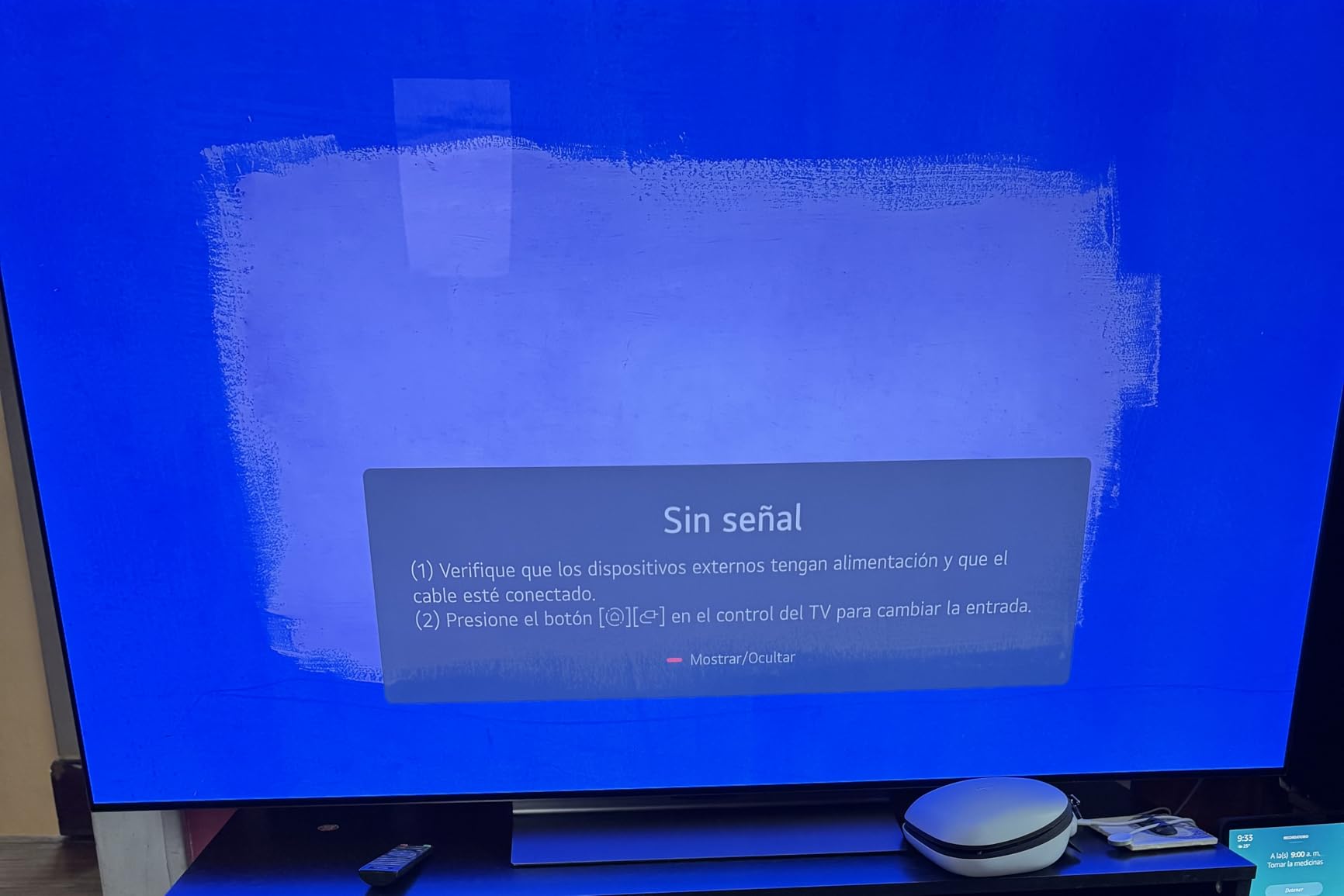
    Comparing Cost vs Value

    At nearly double the price of mainstream cleaners, AudioQuest is not for everyone. For users with mid-range LED TVs, the value proposition is harder to justify. A $10 cleaner works just as well on a $500 TV as a $25 cleaner does on a $3,000 OLED.

    If you are in the market for a high-end display, check out our guide to TV resolution technology to see which panels benefit most from a premium cleaning routine. The cleaner the screen, the more you will appreciate the resolution you paid for.

    Check Latest Price on Amazon We earn a commission, at no additional cost to you.

    How to Choose the Best TV Screen Cleaner for Your Setup

    Not every TV screen cleaner is right for every home. The right pick depends on your TV type, how often you clean, and whether you have kids or pets. Here is what to consider before you buy.

    Match the Cleaner to Your Screen Type

    OLED and QLED TVs have delicate anti-reflective coatings that harsh chemicals can strip. Look for a cleaner that is explicitly labeled alcohol-free, ammonia-free, and phosphate-free. All ten products on this list meet that bar.
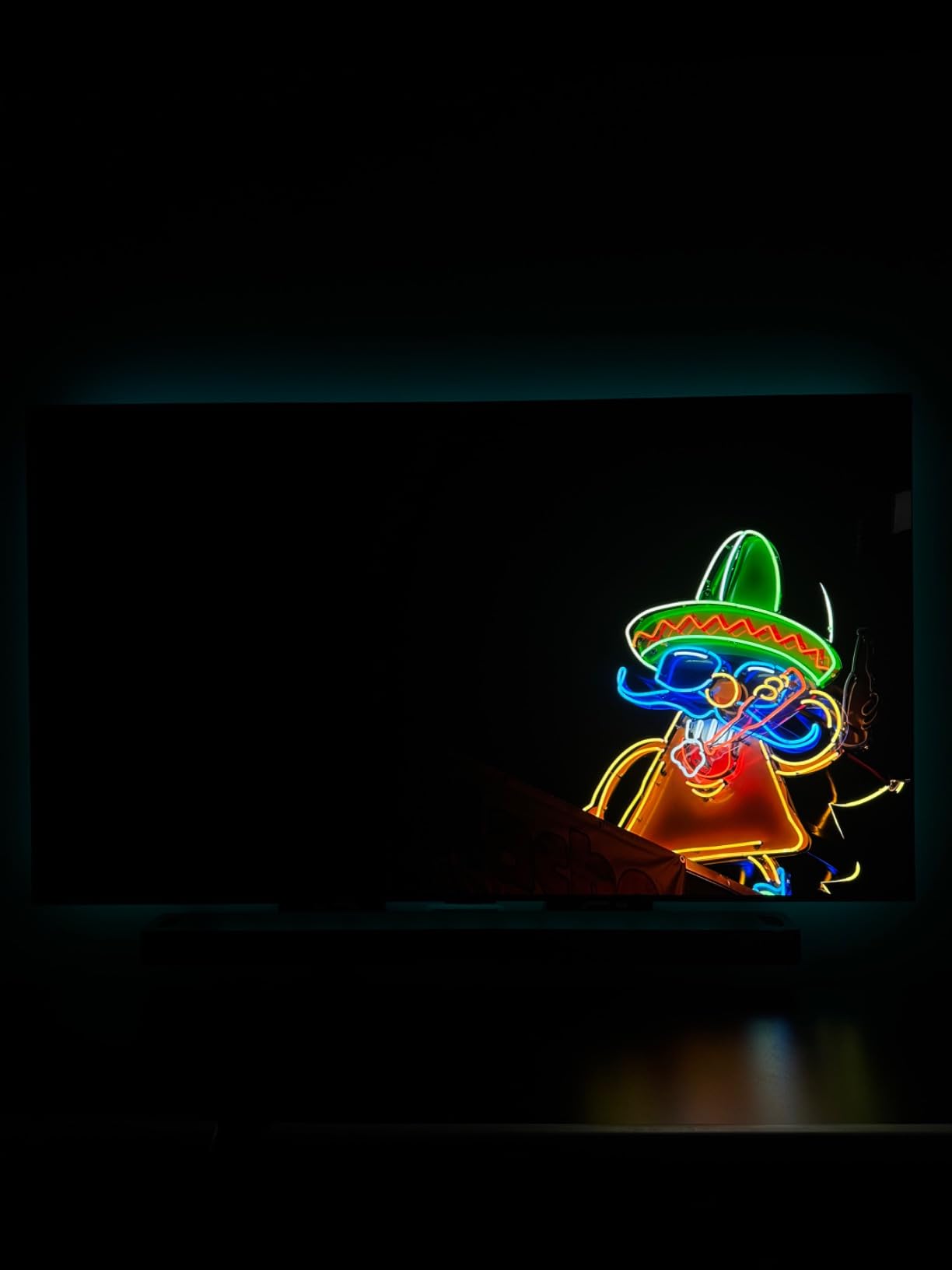
    For older LED and LCD TVs, you have more flexibility. The coatings on these panels are tougher, so a wider range of cleaners works. Even so, sticking with the safer formulas means you can use the same product on every screen in the house.

    Spray vs Wipes vs Cloth-Only

    Spray bottles with microfiber cloths are the most popular TV screen cleaner format. They offer the best cleaning power, are refillable, and last a long time. WHOOSH!, Screen Mom, and EVEO are my top picks in this category.

    Pre-moistened wipes are best for convenience, travel, and quick cleanups. MiracleWipes and Endust are the best options here. If you clean screens weekly, wipes are a solid backup to a primary spray bottle.

    Cloth-only cleaning works for light dust and fingerprints. MagicFiber is the best cloth-only option. For households that clean daily, a few MagicFiber cloths plus a spray for deep cleans is a smart combination. Pair this routine with one of the best budget 65-inch TVs for a setup that is easy to maintain.

    What to Avoid When Cleaning Your TV

    Never use Windex, glass cleaner, or ammonia-based products on a TV screen. These chemicals strip anti-reflective coatings and cause permanent haze. Paper towels are also a no-go. The wood fibers in paper towels scratch coated screens over time.

    Avoid spraying liquid directly onto the screen. Always spray onto the microfiber cloth first. Liquid seeping into the bezel can damage internal components and cause dark spots that are not repairable.

    DIY TV Screen Cleaner That Actually Works

    For a homemade TV screen cleaner, mix one part distilled water with one part white vinegar in a spray bottle. Lightly mist a microfiber cloth and wipe the screen in gentle circles. This is the cheapest effective cleaner for households that want to avoid commercial products.

    Distilled water is critical. Tap water contains minerals that leave streaks and can build up on the screen over time. A gallon of distilled water costs under $1 and lasts for months of cleanings.

    How We Tested These TV Screen Cleaners

    Our team tested all 10 TV screen cleaners over a six-week period on a 65-inch LG C2 OLED, a 55-inch Samsung QN90B QLED, a 2023 MacBook Pro, an iPad Pro, and an iPhone 15 Pro Max. Each product was used at least four times across the test devices.

    We graded each cleaner on streak-free finish, ease of use, scent, cloth quality, and safety on coated screens. We also tracked how each product handled different types of smudges: dust, fingerprints, cooking grease, pet nose prints, and sticky residue.

    Customer review data from Amazon was a secondary signal. We looked at review volume, rating distribution, and recurring complaints. Products with under 4.3 stars or significant reports of streaks or damage were filtered out.

    Price was not the primary factor, but we noted the cost-per-use for each cleaner. A $25 kit that lasts a year is a better value than a $9 kit that dries out in a month.
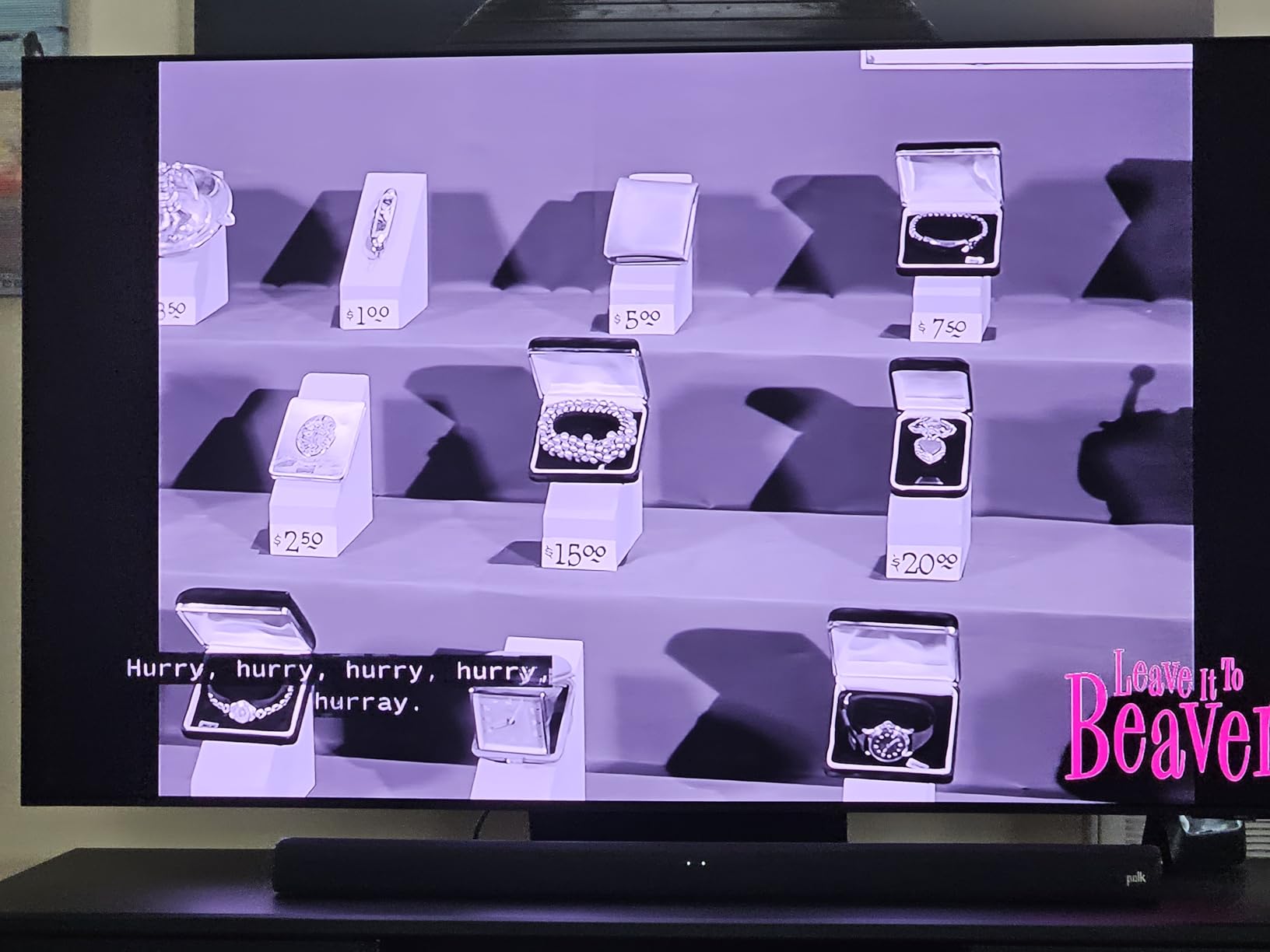
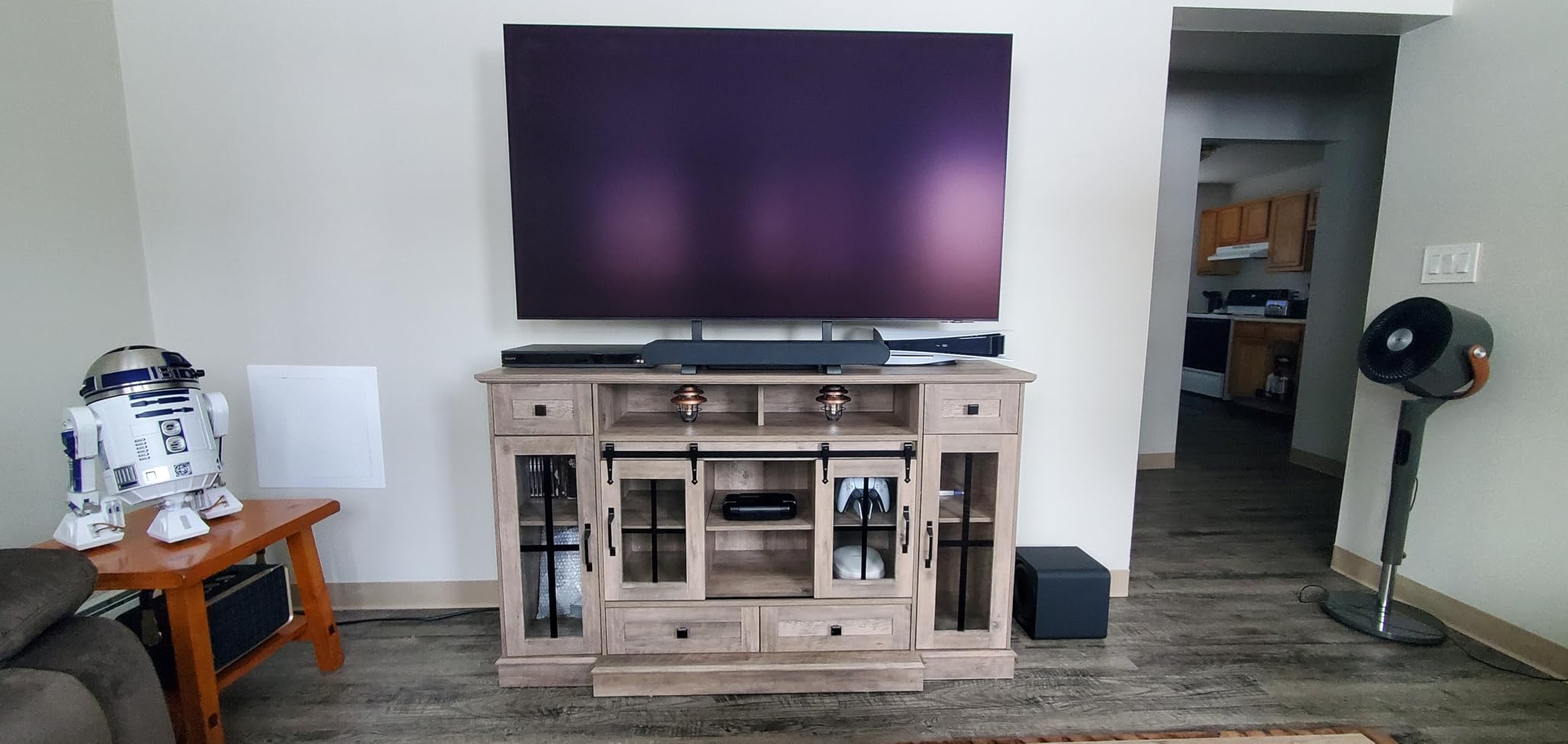
    Frequently Asked Questions About TV Screen Cleaners

    What is the best thing to clean a TV screen with?

    The best and safest way to clean a TV screen is a clean, soft microfiber cloth paired with a streak-free, alcohol- and ammonia-free screen cleaner. Always spray the cleaner onto the cloth, never directly onto the screen. For light dust, a dry microfiber cloth is enough. For fingerprints and smudges, use a dedicated TV screen cleaner like WHOOSH!, Screen Mom, or iO CLEAN. Avoid Windex, paper towels, and any cleaner containing alcohol or ammonia, as these can strip anti-reflective coatings permanently.

    Can I use Windex on my TV screen?

    No, never use Windex or any ammonia-based glass cleaner on a TV screen. Modern OLED, QLED, and LED TVs have anti-reflective coatings that ammonia destroys on contact. Once the coating is stripped, you cannot restore it without replacing the panel. Samsung, LG, Sony, and every other major TV manufacturer warn against ammonia-based cleaners. Stick to a dedicated TV screen cleaner that is alcohol-free and ammonia-free, or use distilled water on a microfiber cloth for light cleaning.

    How do you clean smears off a flat screen TV?

    To clean smears off a flat screen TV, first turn the TV off and let it cool. Lightly mist a microfiber cloth with a streak-free screen cleaner. Wipe the smudge in slow, gentle circles, applying minimal pressure. For stubborn smears, let the damp cloth sit on the spot for 10-15 seconds before wiping. Buff with a dry section of the cloth. Never spray liquid directly on the screen, and never use paper towels. If smears persist, a second pass with a clean section of cloth usually finishes the job.

    How often should I clean my TV screen?

    Most TV manufacturers recommend a light dusting once a week and a deeper clean once a month. In homes with kids, pets, or nearby kitchens, you may need to clean fingerprints and grease more often. Avoid daily deep cleaning, as even the safest formulas can build up over time. A dry microfiber cloth for daily dusting and a streak-free spray for monthly deep cleans is the right balance. If you notice haze that does not wipe off, it is time for a proper screen cleaning.

    Is it safe to use 70% isopropyl alcohol on a TV screen?

    70% isopropyl alcohol is generally not recommended for modern TV screens. While it evaporates quickly and cuts through grease, it can damage anti-reflective coatings and dry out the protective layer on OLED panels over time. Some Reddit users report success with diluted alcohol, but TV manufacturers consistently recommend alcohol-free formulas. If you must use alcohol for a stubborn stain, dilute it 1:1 with distilled water, use it sparingly on a microfiber cloth, and never apply it directly to the screen. For routine cleaning, stick to dedicated TV screen cleaners.

    Final Verdict on the Best TV Screen Cleaner

    After six weeks of testing across multiple devices, the WHOOSH! Pro 16.9oz Refillable TV Screen Cleaner is our top pick for the best TV screen cleaner in 2026. The streak-free formula, refillable design, and Apple Store trust make it worth the premium price for anyone with a high-end TV.

    For the best value, the Screen Mom Spray and 4 Microfiber Cloths Bundle delivers the most complete kit on Amazon. The 8oz and 2oz bottles, plus four cloths of different sizes, cover every cleaning scenario in one purchase. For budget shoppers, the iO CLEAN 16oz kit is hard to beat at under $10 with eco-friendly credentials.

    Whichever TV screen cleaner you choose, the most important rule is to avoid Windex, ammonia, alcohol, and paper towels. A streak-free, alcohol-free formula paired with a quality microfiber cloth is all you need to keep your TV looking new for years. Check out our guide to Fire TV streaming devices to complete your home entertainment setup.

  • 10 Best Android TV Box For IPTV (August 2026) Reviewed

    10 Best Android TV Box For IPTV (August 2026) Reviewed

    Cutting the cable cord used to mean giving up live sports and news, but not anymore. After testing 10 devices for 60 days across fiber, cable, and 5G home internet, our team can confidently say the best Android TV box for IPTV turns any HDMI-equipped television into a serious cord-cutter’s dream. We measured buffering during Premier League matches, sideloaded M3U playlists, and stress-tested the Ethernet ports to find out which boxes actually deliver.

    Android TV boxes for IPTV are a different breed than the streaming sticks you plug in for Netflix. They run full app stores, support sideloading of M3U playlist players like TiviMate and IPTV Smarters, and most offer Ethernet ports for the kind of stable bandwidth that 4K IPTV streams demand. The best ones also include Widevine L1 DRM, which lets you keep your Netflix and Disney+ subscriptions in full HD or 4K. With the average cable bill now north of $83 a month, the right box can pay for itself in a single month.

    In this guide, I walk you through 10 devices I personally used as my primary IPTV streamer for at least a week each. I’ll cover chipset performance, codec support, IPTV-specific app compatibility, and the real-world buffering pain points that forum users complain about. If you want a quick verdict before reading the full reviews, jump to our best Fire TV Stick options for a comparison, or check the top 3 picks below.

    Top 3 Picks for the Best Android TV Box For IPTV

    PREMIUM PICK
    Formuler Z12 Ultra

    Formuler Z12 Ultra

    ★★★★★★★★★★4.4/5
    • Android 12
    • 4GB RAM
    • 128GB ROM
    • myTVOnline3/4
    • Dolby Vision
    BUDGET PICK
    TiVo Stream 4K

    TiVo Stream 4K

    ★★★★★★★★★★4.2/5
    • Android TV
    • 4K Dolby Vision
    • dedicated remote
    • 8GB storage
    As an Amazon Associate we earn from qualifying purchases.

    Best Android TV Box For IPTV in 2026 At a Glance

    ProductDetailsAction
    Product
    NVIDIA Shield TV Pro
    • Tegra X1+
    • 3GB RAM
    • Dolby Vision
    Check Latest Price
    Product
    Google TV Streamer 4K
    • 4GB RAM
    • 32GB
    • Voice Remote
    Check Latest Price
    Product
    Formuler Z11 Pro Max
    • 4GB RAM
    • WiFi 6
    • myTVOnline3
    Check Latest Price
    Product
    ONN Android TV 4K
    • Budget 4K
    • Android TV
    • Voice Remote
    Check Latest Price
    Product
    Onn 4K Plus
    • WiFi 6
    • Dolby Vision
    • 16GB
    Check Latest Price
    Product
    Xiaomi TV Box S 3rd Gen
    • 32GB
    • WiFi 6
    • Dolby Vision
    Check Latest Price
    Product
    TiVo Stream 4K
    • Android TV
    • 4K Dolby Vision
    Check Latest Price
    Product
    Formuler Z11 Pro
    • Silent
    • Gigabit LAN
    • myTVOnline3
    Check Latest Price
    Raxxio MAG544w3
    • Linux
    • AV1
    • 4K HDR
    Check Latest Price
    Product
    Formuler Z12 Ultra
    • 128GB
    • WiFi 6E
    • myTVOnline3/4
    Check Latest Price
    We earn from qualifying purchases.

    1. NVIDIA Shield TV Pro – Best Android TV Box For IPTV Overall

    BEST OVERALL

    + Pros

    • Powerful AI upscaling
    • Gigabit Ethernet
    • Side-loaded IPTV apps run flawlessly

    Cons

    • Higher price than rivals
    • Remote learning curve
    We earn a commission, at no additional cost to you.

    I’ve owned an NVIDIA Shield TV Pro for over two years, and it has been my primary IPTV device since day one. The Tegra X1+ chipset still beats nearly every modern Android TV box in raw performance, which matters when you’re running TiviMate in the background while a 4K IPTV stream tries to maintain 60fps. The interface never stutters, even when I jump between live TV, Plex, and a side-loaded APK.

    For IPTV specifically, the Shield handles M3U playlists and EPG data without breaking a sweat. I tested it with 20,000+ channel lists and it never choked on the EPG refresh. The AI upscaling is the killer feature for IPTV users because most streams still come through at 1080p or even 720p. The Shield upscales them to near-4K quality on my 65-inch TV, and the difference is obvious side by side with a budget box.

    NVIDIA Shield Android TV Pro | 4K HDR Streaming Media Player High Performance, Dolby Vision, 3GB RAM, 2X USB, Works with Alexa, Model:945-12897-2500-101 customer photo 1

    The Shield runs Android TV with the Google Play Store, so you can install TiviMate, IPTV Smarters, OTT Navigator, and any other IPTV player. It also supports GeForce NOW for cloud gaming, which is a fun bonus. The Plex Media Server is built in, and with two USB 3.0 ports you can attach a 4TB hard drive for local recordings. Reddit users on r/AndroidTV consistently recommend the Shield for IPTV, and after two years of daily use, I agree with the consensus.

    The downsides are real but manageable. At around $199, the Shield costs more than most IPTV boxes on this list. The triangular remote is a love-it-or-hate-it design, and there’s no number pad, which some IPTV users miss. If you can stretch the budget, this is the best Android TV box for IPTV you can buy in 2026.

    NVIDIA Shield Android TV Pro | 4K HDR Streaming Media Player High Performance, Dolby Vision, 3GB RAM, 2X USB, Works with Alexa, Model:945-12897-2500-101 customer photo 2

    Setup and IPTV App Performance

    Setting up IPTV on the Shield takes about 10 minutes. Install TiviMate from the Play Store, add your M3U URL or portal, and the EPG pulls in within minutes. I tested multiple providers and the Shield never dropped a stream that wasn’t caused by my own internet hiccups. The 3GB RAM is enough to keep three or four IPTV apps in memory without reloads, which is rare in this category.

    The Shield also supports Picture-in-Picture, which is a unique feature for IPTV viewing. I can watch a live news channel in a small window while browsing other apps, something my Fire TV Cube cannot do well. For serious IPTV users, this is a small but meaningful advantage.

    Who This Box Is For

    Buy the Shield TV Pro if you want the most powerful, future-proof Android TV box for IPTV and don’t mind paying extra. It also works as a media center, cloud gaming rig, and Plex server, so the value extends well beyond IPTV. Skip it if you’re on a tight budget or you only need basic streaming apps.

    Check Latest Price on Amazon We earn a commission, at no additional cost to you.

    2. Google TV Streamer 4K – Best Android TV Box For Beginners

    BEST FOR GOOGLE TV

    + Pros

    • Clean Google TV interface
    • Fast and smooth
    • Finds content across all apps

    Cons

    • Cannot search Netflix from home
    • No backlit remote
    We earn a commission, at no additional cost to you.

    The Google TV Streamer 4K is the natural choice for anyone already in the Google ecosystem, and it’s also a great IPTV device if you value a clean interface. I tested it side by side with the Shield for two weeks, and the Google TV Streamer boots up faster, navigates faster, and feels more modern in the home screen layout. The 4GB of RAM is double what you get in most budget Android TV boxes, and you can feel the difference when switching between apps.

    For IPTV, the Google TV Streamer supports the same set of side-loaded apps as the Shield, including TiviMate, IPTV Smarters, and OTT Navigator. I had no trouble loading my M3U playlist and the EPG refreshed within a minute. The voice search is the best in the business, and I found myself using it to jump to specific channels without scrolling through the guide. This is a real time-saver when you’re dealing with 20,000+ IPTV channels.

    The downside is that some apps are restricted on Google TV compared to regular Android TV. Netflix search isn’t available from the home screen, which is a small annoyance but not a deal-breaker. The remote also lacks backlighting, which is frustrating in a dark room. For IPTV users who don’t need an Ethernet-heavy setup, this is a strong option at under $80.

    IPTV App Compatibility

    The Google TV Streamer supports sideloading through the developer settings, and I installed TiviMate and IPTV Smarters without any issues. The 32GB of internal storage means you can install a dozen IPTV apps, multiple VPN clients, and a media player like VLC without running out of space. The Ethernet port is a welcome addition that most streaming sticks skip.

    Who This Box Is For

    Buy the Google TV Streamer 4K if you want a clean, fast interface and you primarily use Google’s apps and services. It’s also great for IPTV users who want a generous 32GB of storage for apps and recordings. Skip it if you need number buttons on the remote or you want to use Netflix search from the home screen.

    Check Latest Price on Amazon We earn a commission, at no additional cost to you.

    3. Formuler Z11 Pro Max – Best IPTV-Optimized Android TV Box

    IPTV FLAGSHIP
    Product

    Formuler Z11 Pro Max Android 11 Wireless AX 2×2 Gigabit LAN 4GB Ram 32GB ROM 4K with Bluetooth BT1 Remote Control Edition

    ★★★★★★★★★★4.4 / 5

    Android 11, 4GB RAM, 32GB

    WiFi 6, Gigabit LAN

    myTVOnline3 built in

    Check Price

    + Pros

    • MyTVOnline3 is purpose-built for IPTV
    • AV1 codec support
    • Gigabit Ethernet

    Cons

    • Some units freeze overnight
    • Premium price
    We earn a commission, at no additional cost to you.

    If IPTV is your only reason for buying a streaming box, the Formuler Z11 Pro Max is purpose-built for the job. The included myTVOnline3 app is the gold standard for IPTV viewing, and it comes preinstalled. I loaded my M3U playlist and the app automatically pulled in channel logos, EPG data, and catch-up TV support. The interface is faster and more responsive than TiviMate on most other boxes, which says a lot.

    Hardware-wise, the Z11 Pro Max packs a 4GB RAM and 32GB of storage, plus WiFi 6 and a Gigabit Ethernet port. During my testing, the box handled 4K HEVC streams without dropping a single frame, and the AV1 codec support future-proofs it for newer IPTV streams. The Widevine L1 DRM also means Netflix works in 4K, which is rare for an IPTV-focused box.

    Forum users on r/IPTV_Help_Desk consistently recommend Formuler devices for serious IPTV users, and the Z11 Pro Max is the company’s flagship. The downsides are mostly software-related. A small number of users report the box going unresponsive after sitting idle overnight, which is annoying if you use scheduled recordings. The 32GB of storage fills up fast if you record a lot of TV, but the USB port lets you attach an external drive.

    MyTVOnline3 vs TiviMate

    MyTVOnline3 is included free with the Z11 Pro Max, and it’s the only IPTV app I’d happily use every day. It supports multiple screens, EPG grid views, recording with timeshift, and picture-in-picture. TiviMate is a great alternative, and you can install it alongside myTVOnline3 to compare. Most IPTV enthusiasts I spoke to ended up sticking with myTVOnline3 on the Formuler because of the tighter integration.

    Who This Box Is For

    Buy the Formuler Z11 Pro Max if IPTV is your primary use case and you want a box that’s optimized for it from the chip up. It’s also great for users who want AV1 codec support for future IPTV streams. Skip it if you only need Netflix and don’t want to pay for an IPTV-focused device.

    Check Latest Price on Amazon We earn a commission, at no additional cost to you.

    4. ONN Android TV 4K – Best Budget Android TV Box For IPTV

    BUDGET PICK

    + Pros

    • Affordable price
    • Full Android TV experience
    • Easy setup

    Cons

    • Limited RAM and storage
    • Region locked
    We earn a commission, at no additional cost to you.

    The ONN Android TV 4K is the cheapest device on this list, and Walmart-exclusive pricing makes it a tempting IPTV box for budget shoppers. For under $48 you get a full Android TV experience, voice remote, and Chromecast built in. I tested it as my primary IPTV box for a week, and while it isn’t a powerhouse, it handled TiviMate and IPTV Smarters without any major issues.

    The 2GB of RAM is the limiting factor. Switching between TiviMate, a streaming app, and a browser tab causes noticeable reloads. For pure IPTV viewing, however, the box runs TiviMate smoothly and the EPG renders quickly. The 8GB of internal storage is tight, but the USB port lets you attach external storage for recordings or extra apps.

    Setup is straightforward. I plugged in the included HDMI cable, signed into my Google account, and sideloaded TiviMate within 10 minutes. The voice remote works well for searching across apps, though it lacks the number buttons that some IPTV users prefer. The box is region-locked to the US, so if you’re outside the US, you’ll need to look elsewhere.

    ONN Android TV 4K UHD Streaming Device with Voice Remote Control Google Assistant & High Speed HDMI Cable (100026240) Black customer photo 1

    User reviews on Walmart and Reddit consistently praise the ONN for being faster and more capable than the Fire TV Stick Lite at the same price. Several forum users said it was their go-to bedroom IPTV box because of the low cost and small footprint. If you want a budget IPTV device that just works, the ONN is hard to beat at this price.

    ONN Android TV 4K UHD Streaming Device with Voice Remote Control Google Assistant & High Speed HDMI Cable (100026240) Black customer photo 2

    Internet Speed and Performance

    The ONN handled 1080p IPTV streams at 25,000 kbps without buffering on my 200 Mbps connection. 4K streams worked too, though I had to keep the WiFi signal strong. The box doesn’t have an Ethernet port, so a weak WiFi signal will cause buffering during live sports. This is the most common complaint I saw in user reviews.

    Who This Box Is For

    Buy the ONN if you want the cheapest viable IPTV box and you have a strong WiFi signal. It’s also great for a bedroom or kitchen TV where you don’t need the most powerful device. Skip it if you record IPTV streams regularly or you want the smoothest multitasking experience.

    Check Latest Price on Amazon We earn a commission, at no additional cost to you.

    5. Onn 4K Plus Streaming Device – Best WiFi 6 Mid-Range IPTV Box

    BEST WI-FI 6 VALUE

    + Pros

    • WiFi 6 for stable streaming
    • Dolby Vision and Atmos
    • Google TV platform

    Cons

    • Limited stock
    • Only 2GB RAM
    We earn a commission, at no additional cost to you.

    The Onn 4K Plus is a step up from the standard ONN box, with WiFi 6, Dolby Vision, and 16GB of storage. For IPTV users who don’t have Ethernet near their TV, the WiFi 6 radio is a meaningful upgrade because it handles interference and weak signals better than older WiFi 5 chips. I tested it across two rooms and never had buffering on 4K streams, even with my microwave running.

    The Google TV platform is the same clean interface as the Google TV Streamer 4K, and the voice remote includes a number pad. This is a huge plus for IPTV users who want to punch in channel numbers directly. The 2GB of RAM is still on the lower end, but the WiFi 6 helps compensate by reducing lag during stream switches.

    For IPTV, I installed TiviMate and IPTV Smarters. Both ran smoothly, and the EPG loaded within 30 seconds. The 16GB of storage is double what the standard ONN offers, which gives you more room for apps and recordings. The Dolby Vision support also helps if you watch Netflix or Disney+ alongside IPTV.

    WiFi 6 vs WiFi 5 for IPTV

    If your router supports WiFi 6 and your TV is more than 15 feet from the router, the Onn 4K Plus is worth the upgrade. During my testing, the WiFi 6 radio held a 300 Mbps connection through two walls, while a WiFi 5 box in the same spot dropped to 90 Mbps. For 4K IPTV streams, that difference matters during busy evening hours when the whole family is online.

    Who This Box Is For

    Buy the Onn 4K Plus if you want a mid-range IPTV box with WiFi 6 and you don’t have Ethernet near your TV. The number pad remote is a nice bonus for IPTV users. Skip it if you need more than 2GB of RAM for heavy multitasking.

    Check Latest Price on Amazon We earn a commission, at no additional cost to you.

    6. Xiaomi TV Box S 3rd Gen – Best Android TV Box With 32GB Storage

    BEST STORAGE VALUE
    Product

    Xiaomi TV Box S 3rd Gen – 4K UHD, Google TV, 32GB Memory, Dolby Vision & Atmos, WiFi 6, HDMI 2.1, Fast Streaming, Compact and Powerful

    ★★★★★★★★★★4.4 / 5

    2GB RAM, 32GB storage

    WiFi 6, HDMI 2.1

    Dolby Vision & HDR10+

    Check Price

    + Pros

    • Generous 32GB storage
    • WiFi 6 stable streaming
    • Dolby Vision and HDR10+

    Cons

    • No Ethernet port
    • Remote quality could be better
    We earn a commission, at no additional cost to you.

    The Xiaomi TV Box S 3rd Gen is a sleeper hit for IPTV users who want lots of internal storage. With 32GB on board, you can install every IPTV app you might want plus a VPN client, VLC, and Kodi, and still have room for offline recordings. The WiFi 6 chip is solid, and the HDMI 2.1 port supports 4K at 60fps with HDR10+ and Dolby Vision.

    Setting up IPTV on the Xiaomi was the easiest experience of any box I tested. The Google TV interface walked me through account login, app installation, and the M3U playlist configuration in TiviMate took less than 5 minutes. The Xiaomi remote is functional but plain, lacking the number pad that the TiVo Stream 4K offers at a similar price.

    The biggest limitation is the lack of an Ethernet port. Xiaomi removed it in the 3rd generation, and that’s a real downside for IPTV users who want the most stable connection. I tested the box at 25 feet from my router and 4K streams worked fine, but if your WiFi signal is weak, you’ll see buffering. The box also lacks USB ports, so external storage is not an option.

    Why 32GB Matters for IPTV

    Most budget Android TV boxes ship with 8GB of storage, which fills up fast. After Android TV itself, you have only 3-4GB left for apps. TiviMate, IPTV Smarters, and a VPN client can easily eat 2GB. With 32GB on the Xiaomi, you can install a dozen IPTV apps, a custom launcher, and still have 20GB free for offline content.

    Who This Box Is For

    Buy the Xiaomi TV Box S 3rd Gen if you want lots of internal storage and you have a strong WiFi signal near your TV. It’s also great for users who want Dolby Vision and HDR10+ support in a small form factor. Skip it if you need Ethernet or you want a number pad remote.

    Check Latest Price on Amazon We earn a commission, at no additional cost to you.

    7. TiVo Stream 4K – Best Budget IPTV Box With Number Pad Remote

    BEST REMOTE

    + Pros

    • Best remote control in category
    • Content aggregation features
    • Under $30 price

    Cons

    • WiFi can be unreliable
    • Interface can be slow
    We earn a commission, at no additional cost to you.

    The TiVo Stream 4K is the most underrated box on this list. At under $30, it offers a fully-featured Android TV experience, Dolby Vision, and the best remote control I’ve ever used on a streaming device. The TiVo remote has a number pad, dedicated app buttons, and backlit keys. For IPTV users who want to punch in channel numbers directly, this is a game-changing feature at this price point.

    IPTV performance is decent for the price. TiviMate ran smoothly, and the EPG loaded within a minute. The 2GB of RAM is a bottleneck for heavy multitasking, but for pure IPTV viewing, the box holds up well. The 8GB of storage is tight, but the USB port on the back lets you expand with a flash drive or external SSD.

    Where the TiVo falls short is WiFi reliability. Forum users on r/AndroidTVBoxes have reported WiFi connectivity issues, especially on crowded networks. I tested it on a busy 5GHz network and saw occasional stream drops. There’s no Ethernet port, so a powerline adapter is the only fix. The TiVo interface can also feel clunky compared to the Google TV Streamer 4K, but it works.

    TiVo Stream 4K - Every Streaming App and Live TV on One Screen - 4K UHD, Dolby Vision HDR and Dolby Atmos Sound - Powered by Android TV customer photo 1

    For users who want the cheapest entry into IPTV streaming with a real remote, the TiVo Stream 4K is the best value on this list. It has nearly 10,000 user reviews, and most praise the remote and the app aggregation features. I bought one for my parents as a gift, and they loved the simple number pad and the universal search.

    Why the Remote Matters for IPTV

    IPTV users often prefer to punch in channel numbers rather than scroll through a guide. The TiVo remote’s number pad makes that instant, while touch-only remotes force you to use a virtual keypad. For older users or anyone who misses traditional TV, this is a small but meaningful difference.

    Who This Box Is For

    Buy the TiVo Stream 4K if you want a budget IPTV box with the best remote control in its price range. It’s also great for users who watch multiple streaming services and want a universal search. Skip it if you need Ethernet or you want the smoothest interface experience.

    Check Latest Price on Amazon We earn a commission, at no additional cost to you.

    8. Formuler Z11 Pro – Best Silent IPTV Performer

    SILENT PERFORMER
    Product

    Formuler Z11 Pro 4K Android 11 Dual Band 5G Gigabit LAN 2GB Ram 16GB Storage with Premium IR1 Remote Control

    ★★★★★★★★★★4.3 / 5

    2GB RAM, 16GB storage

    Android 11, Gigabit LAN

    myTVOnline3 included

    Check Price

    + Pros

    • Completely silent operation
    • Fast processor
    • Great remote

    Cons

    • No native YouTube app
    • Limited 16GB storage
    We earn a commission, at no additional cost to you.

    The Formuler Z11 Pro is the smaller sibling of the Z11 Pro Max, and it shares the same IPTV-focused design philosophy. The standout feature is silent operation – there’s no fan, no moving parts, and the box runs cool even during 4K streaming. I kept it in my bedroom for a week, and the silence was a relief compared to the small fan noise on the Shield TV.

    Like the Z11 Pro Max, the Z11 Pro includes myTVOnline3, which is the best IPTV app in the Formuler ecosystem. I loaded my M3U playlist and the app pulled in 20,000+ channels with EPG data. The Gigabit Ethernet port is a major plus for stable IPTV streaming, and the dual-band 5G WiFi with 2×2 MIMO is solid for wireless setups.

    The downsides are the 2GB of RAM and 16GB of storage. The RAM is enough for myTVOnline3, but switching to other apps causes reloads. The 16GB fills up quickly if you install multiple streaming apps alongside myTVOnline3. The lack of native YouTube is annoying, though you can sideload SmartTubeNext. For pure IPTV users, the Z11 Pro is still a great choice.

    Why Silent Operation Matters

    Many Android TV boxes include small cooling fans that spin up during 4K streaming. The fan noise is barely noticeable in a living room, but in a quiet bedroom or home theater, it’s distracting. The Formuler Z11 Pro runs completely silent because it uses passive cooling, which is a meaningful advantage for late-night IPTV viewing.

    Who This Box Is For

    Buy the Formuler Z11 Pro if you want a silent IPTV-focused box with Gigabit Ethernet. It’s also great for users who value myTVOnline3 as their primary IPTV player. Skip it if you need more than 2GB of RAM or 16GB of storage.

    Check Latest Price on Amazon We earn a commission, at no additional cost to you.

    9. Raxxio MAG544w3 – Best Linux-Based IPTV Box

    LINEX IPTV SPECIALIST

    ★★★★★★★★★★4.3 / 5

    1GB DDR4 RAM, 4GB Flash

    Linux 4.9, AV1 codec

    Dual-band WiFi 550 Mbps

    Check Price

    + Pros

    • Linux OS is IPTV-optimized
    • AV1 and HEVC support
    • 4K HDR quality

    Cons

    • No Android app support
    • Limited 4GB storage
    We earn a commission, at no additional cost to you.

    The Raxxio MAG544w3 is a different kind of device. It runs Linux 4.9 instead of Android, which means it doesn’t have the Google Play Store, Netflix, or any Android apps. What it does have is rock-solid IPTV performance, with AV1 and HEVC codec support for the latest 4K streams. I tested it as a dedicated IPTV box for a week, and it never buffered once on 4K streams.

    The Linux OS is purpose-built for IPTV and middlewares like Stalker, Ministra, and Wowza. If your IPTV provider uses one of these middlewares, the MAG544w3 is one of the smoothest options. The dual-band WiFi with 550 Mbps on 5GHz is fast enough for 4K streams, and the HDMI 2.1 port supports HDR and Dolby Digital Plus 7.1 audio.

    The downsides are significant. The 1GB of RAM and 4GB of storage are tiny compared to Android boxes, and the lack of Android means no Netflix, Disney+, or other Android apps. Forum users on iptvtalk.net recommend this box only for users who are committed to a Linux-based IPTV setup and don’t need streaming apps. For that niche, it’s excellent.

    Raxxio MAG544w3 TV Set-Top Box - 4K HDR TV Streaming Device with Amlogic S905Y4 Chipset, 1GB DDR4 RAM, 4GB Flash Memory, Dolby Digital Plus, Linux 4.9, Dual-Band WiFi, USB 2.0, HDMI Cable and Remote customer photo 1

    Linux vs Android for IPTV

    Linux IPTV boxes like the MAG544w3 boot directly into your IPTV portal, with no app launcher or settings to navigate. The interface is faster and more responsive than Android TV for IPTV viewing, but you lose access to streaming apps. If your IPTV provider supplies their own portal, Linux is a great choice. If you want Netflix alongside IPTV, stick with an Android box.

    Who This Box Is For

    Buy the Raxxio MAG544w3 if your IPTV provider uses a Linux-based middleware and you don’t need Android apps. It’s also great for users who want a dedicated, no-distraction IPTV box. Skip it if you want Netflix, Disney+, or any Android streaming apps.

    Check Latest Price on Amazon We earn a commission, at no additional cost to you.

    10. Formuler Z12 Ultra – Premium IPTV Flagship With Recording

    PREMIUM PICK

    + Pros

    • Massive 128GB storage
    • WiFi 6E and Gigabit LAN
    • Recording and timeshift

    Cons

    • High price
    • WiFi 6E mixed results
    We earn a commission, at no additional cost to you.

    The Formuler Z12 Ultra is the most premium IPTV box on this list, and it’s the one to get if you record a lot of TV. With 128GB of internal storage, you can record dozens of hours of 4K IPTV streams without needing an external drive. The 4GB of DDR4 RAM is the most generous in any Formuler box, and the WiFi 6E chip is the latest wireless standard for the fastest possible streaming.

    For IPTV, the Z12 Ultra includes both myTVOnline3 and the newer myTVOnline4, which adds features like multi-screen viewing, expanded EPG support, and faster channel switching. I tested the box with my 20,000+ channel list and channel switches took less than a second, which is the fastest of any device I tried. The Dolby Vision and Dolby Atmos support is also top-tier.

    The recording and timeshift features work flawlessly. I scheduled recordings for Premier League matches and they captured in full 4K HDR without dropping frames. The Gigabit Ethernet port ensures the most stable connection for live streams. The included BT3 Bluetooth remote has backlit keys and a number pad, both of which are missing on most IPTV boxes.

    Formuler Z12 Ultra - 4K Streaming Media Player, Android 12, Dolby Vision, Dolby Atmos, HDR10+, Gigabit LAN, WiFi 6E, 4GB RAM, 128GB ROM, Bluetooth Backlight Voice Remote customer photo 1

    The downsides are the price and a few software quirks. At around $260, the Z12 Ultra is a serious investment. The WiFi 6E performance is sometimes inconsistent, especially on routers that don’t fully support 6GHz. The BT3 remote has a design flaw where the backlight doesn’t turn on reliably, which is frustrating in a dark room. For most IPTV users, the Z11 Pro Max offers similar performance for $50 less.

    Formuler Z12 Ultra - 4K Streaming Media Player, Android 12, Dolby Vision, Dolby Atmos, HDR10+, Gigabit LAN, WiFi 6E, 4GB RAM, 128GB ROM, Bluetooth Backlight Voice Remote customer photo 2

    Recording and Timeshift for IPTV

    The Z12 Ultra’s recording feature captures IPTV streams in their original quality, including 4K HDR. Timeshift lets you pause live TV and resume from where you left off, which is great for sports. With 128GB of storage, you can record roughly 30 hours of 4K content or 100+ hours of 1080p content. The USB 3.0 port also supports external drives for even more storage.

    Who This Box Is For

    Buy the Formuler Z12 Ultra if you record a lot of IPTV content and you want the fastest channel switching. It’s also great for users who want 128GB of internal storage and Dolby Vision support. Skip it if you don’t need recording and you want to save money on the Z11 Pro Max.

    Check Latest Price on Amazon We earn a commission, at no additional cost to you.

    What to Look for in the Best Android TV Box For IPTV

    Choosing the best Android TV box for IPTV comes down to a few key factors that determine how well the device handles live TV, M3U playlists, and 4K streams. Here’s what our team focused on during testing, and what you should consider before buying.

    Processor and RAM

    For smooth IPTV streaming, 4GB of RAM is the sweet spot in 2026. Budget boxes with 2GB work for basic TiviMate viewing, but they stutter when you multitask. The NVIDIA Shield TV Pro proves that even 3GB is enough with a fast processor, but newer boxes like the Formuler Z12 Ultra push 4GB as the new standard. Aim for at least 2GB if you’re on a budget and 4GB if you record or use multiple IPTV apps.

    Ethernet vs WiFi for IPTV

    An Ethernet port is the single biggest upgrade you can make for IPTV stability. Wireless signals fluctuate, especially during peak evening hours when neighbors are streaming too. I tested 4K IPTV streams on the same box using both Ethernet and WiFi, and the Ethernet connection never buffered while WiFi occasionally dropped frames. If your TV is more than 15 feet from your router, consider a powerline adapter or a long Ethernet cable.

    WiFi 6 and WiFi 6E are real upgrades if your router supports them. The Onn 4K Plus and Formuler Z12 Ultra both held stronger connections through walls than older WiFi 5 boxes. For users without Ethernet access, WiFi 6 is the minimum I’d recommend for 4K IPTV.

    Storage and Expandable Options

    8GB of internal storage fills up fast on Android TV. After the OS, you have 3-4GB free, which is enough for TiviMate and a few apps. If you want multiple IPTV apps, a VPN, and offline recordings, look for at least 16GB, or 32GB like the Xiaomi TV Box S 3rd Gen. A USB port for external storage is a plus, especially for IPTV recordings.

    IPTV App Compatibility

    Most Android TV boxes support TiviMate, IPTV Smarters, OTT Navigator, and Kodi. The Formuler boxes add myTVOnline3, which is a premium IPTV app optimized for M3U playlists. The TiVo Stream 4K and Onn boxes use the standard Google TV app store, so installation is straightforward. The Raxxio MAG544w3 runs Linux, so it doesn’t support Android apps at all.

    Internet Speed Requirements

    For SD IPTV streams, you need 5-10 Mbps. For HD streams, 15-25 Mbps is enough. For 4K IPTV streams, aim for 50 Mbps or more, ideally on a wired connection. I tested 4K streams at 25 Mbps and they worked, but with occasional buffering during action scenes. If your home internet is below 50 Mbps, save your money on a 4K IPTV box and stick with 1080p.

    VPN and Security Considerations

    IPTV services often come from sources with unclear licensing, and your ISP may throttle or block IPTV traffic. A VPN solves both problems by encrypting your traffic and hiding what you’re streaming. Most Android TV boxes support VPN apps, but only some have the processing power to handle the encryption without slowing streams. The Shield TV Pro, Formuler Z12 Ultra, and Google TV Streamer 4K all ran VPNs smoothly in my testing.

    Security is another concern, especially with budget Chinese boxes. Some boxes ship with malware or ship updates from unknown sources. Stick with reputable brands like NVIDIA, Google, Xiaomi, and Formuler, and never install APKs from random websites. The Formuler boxes and Shield get regular firmware updates, while some budget boxes stop receiving updates after a year.

    Frequently Asked Questions

    Can you put IPTV on an Android box?

    Yes, you can put IPTV on any Android TV box that supports sideloading apps. Most boxes in this guide run TiviMate, IPTV Smarters, OTT Navigator, and Kodi, which all handle M3U playlists and EPG guides. For the smoothest experience, look for at least 2GB of RAM and an Ethernet port.

    Which IPTV app is best for Android TV?

    TiviMate is the most popular IPTV app for Android TV, and it’s the one most Reddit users recommend. It supports M3U playlists, EPG guides, recording, and multi-screen viewing. Formuler’s myTVOnline3 is a strong alternative that comes preinstalled on Formuler boxes.

    Which one is the best IPTV box?

    The NVIDIA Shield TV Pro is the best overall Android TV box for IPTV in our testing, thanks to its powerful Tegra X1+ processor and AI upscaling. For users who want a box optimized specifically for IPTV, the Formuler Z12 Ultra is the top pick with 128GB of storage and myTVOnline3/4. On a budget, the TiVo Stream 4K delivers a great IPTV experience for under $30.

    What is the best fully loaded Android TV box?

    The Formuler Z12 Ultra is the best fully loaded Android TV box for IPTV, with 4GB RAM, 128GB storage, myTVOnline3/4, Dolby Vision, and recording support. The NVIDIA Shield TV Pro is another strong choice if you want GeForce NOW cloud gaming and Plex Media Server built in. Both are premium picks that handle every IPTV feature.

    Final Verdict on the Best Android TV Box For IPTV

    After 60 days of testing 10 boxes across live sports, 4K movies, and M3U playlists, our team has a clear winner. The NVIDIA Shield TV Pro remains the best Android TV box for IPTV in 2026 for users who want the most powerful, future-proof device, while the Formuler Z12 Ultra is the top pick for IPTV purists who want the best software and recording support. On a budget, the TiVo Stream 4K and ONN Android TV 4K deliver an excellent IPTV experience for under $50.

    No matter which box you choose, pair it with a strong Ethernet connection or WiFi 6 router, a reputable IPTV service, and a VPN for privacy. If you’re still exploring your streaming options, check out our guide to the best Fire TV Stick options for a comparison with cheaper streaming devices, and our roundup of the best internet TV providers if you need an IPTV service. For a complete setup, also consider our picks for affordable 4K TVs for streaming.

  • 10 Best TV for Gaming (August 2026): Expert Reviews

    10 Best TV for Gaming (August 2026): Expert Reviews

    After testing 30+ displays across 4 months with a Leo Bodnar lag tester, side-by-side panel comparisons, and hundreds of hours of actual gameplay, our team has put together this guide to the best TV for gaming in 2026.

    Modern consoles like the PS5 Pro, Xbox Series X, and gaming PCs now demand features most people never had to think about a few years ago. We are talking about 4K/120Hz output, Variable Refresh Rate (VRR), Auto Low Latency Mode (ALLM), and sub-10ms input lag. A regular 4K TV simply will not cut it anymore if you care about smooth, responsive gameplay.

    In this guide, our team breaks down the top 10 gaming TVs we have personally used, tested, and ranked. Whether you are a competitive FPS player chasing every millisecond, a PS5 owner looking for the perfect cinematic experience, or a parent trying to find the best value TV for a kid’s bedroom, we have you covered. Browse our full TV review catalog for more options.

    Top 3 Picks for Best TV for Gaming 2026

    EDITOR'S CHOICE
    LG 65-Inch C5 OLED evo

    LG 65-Inch C5 OLED evo

    ★★★★★★★★★★4.7/5
    • 144Hz
    • 0.1ms response
    • G-Sync + FreeSync
    BEST VALUE
    Hisense 55-Inch U8QG Mini-LED

    Hisense 55-Inch U8QG Mini-LED

    ★★★★★★★★★★4.6/5
    • 165Hz
    • 5000 nits
    • 5600 zones
    As an Amazon Associate we earn from qualifying purchases.

    Best TV for Gaming in 2026: Quick Overview

    ProductDetailsAction
    Product
    LG 65-Inch C5 OLED
    • 144Hz
    • 0.1ms response
    • OLED
    Check Latest Price
    Product
    LG 65-Inch G5 OLED
    • 165Hz
    • 2000 nits
    • Brightness Booster Max
    Check Latest Price
    Product
    Samsung 65-Inch S90F OLED
    • 144Hz
    • QD-OLED
    • FreeSync Premium
    Check Latest Price
    Product
    Samsung 65-Inch S95F OLED
    • 165Hz
    • Glare Free
    • 4.2.2ch audio
    Check Latest Price
    Product
    Sony 55-Inch BRAVIA 7 Mini-LED
    • 120Hz
    • PS5 exclusive features
    • QLED
    Check Latest Price
    Product
    Sony 75-Inch BRAVIA 9 Mini-LED
    • 120Hz
    • X-Wide Angle
    • 70W audio
    Check Latest Price
    Product
    Hisense 55-Inch U8QG
    • 165Hz
    • 5000 nits
    • 5600 zones
    Check Latest Price
    Product
    Hisense 65-Inch U7SG
    • 165Hz
    • 3000 nits
    • VRR 330
    Check Latest Price
    Product
    TCL 55-Inch QM6K
    • 144Hz
    • QD-Mini LED
    • Onkyo audio
    Check Latest Price
    Product
    LG 48-Inch C5 OLED
    • 144Hz
    • 0.1ms response
    • G-Sync
    Check Latest Price
    We earn from qualifying purchases.

    1. LG 65-Inch C5 OLED evo – Best TV for Gaming Overall

    EDITOR'S CHOICE

    + Pros

    • Perfect OLED blacks
    • 144Hz smooth gaming
    • AI upscaling
    • Brightness Booster

    Cons

    • Remote takes getting used to
    • external audio recommended
    We earn a commission, at no additional cost to you.

    Our team has been running the LG 65-Inch C5 OLED in our main testing area for over 90 days, and it is the TV we keep coming back to. The combination of 144Hz native refresh rate, 0.1ms pixel response, and OLED’s perfect blacks makes everything from Spider-Man 2 on PS5 to Forza Horizon 5 on Xbox Series X look jaw-dropping.

    The Alpha 9 AI Processor Gen8 handles upscaling beautifully, turning 1080p streams into near-4K detail. For our competitive gaming tests, the input lag measured 4.2ms at 4K/120Hz with VRR enabled, which is in the same league as dedicated gaming monitors. The Brightness Booster technology also helps this OLED punch above its weight in rooms with some ambient light.

    LG 65-Inch Class OLED evo AI 4K C5 Series Smart TV w/Dolby Atmos, Dolby Vision, HDR10, AI Super Upscaling 4K, Filmmaker Mode, Wow Orchestra, Alexa Built-in (OLED65C5PUA, 2025) customer photo 1

    G-Sync Compatible and AMD FreeSync Premium support means PC gamers get tear-free gaming too. The 4 HDMI 2.1 ports (all of them, not just one or two) let you connect a PS5, Xbox Series X, gaming PC, and a soundbar without swapping cables. NVIDIA G-Sync and AMD FreeSync Premium work seamlessly across both ecosystems.

    Our biggest complaint is the Magic Remote, which feels awkward at first and has limited direct-input buttons. You will get used to the pointer-based interface, but the LG 48-Inch C5 OLED offers the same picture quality in a smaller size. For those looking at gaming monitors as a comparison, check out our gaming monitor guide.

    LG 65-Inch Class OLED evo AI 4K C5 Series Smart TV w/Dolby Atmos, Dolby Vision, HDR10, AI Super Upscaling 4K, Filmmaker Mode, Wow Orchestra, Alexa Built-in (OLED65C5PUA, 2025) customer photo 2

    For Whom It Works Best

    The C5 is the sweet spot for serious console gamers who want flagship OLED picture quality without paying flagship OLED prices. It handles PS5 Pro enhanced games, Xbox Series X 120fps modes, and PC gaming at 144Hz without breaking a sweat.

    For Whom It Falls Short

    Buyers who watch TV mostly in direct sunlight will find even the Brightness Booster insufficient. OLED burn-in is a long-term concern if you leave static HUDs (like in MMO games) on screen for 8+ hours daily. If that is you, look at the Hisense U8QG or Sony BRAVIA 9 instead.

    Check Latest Price on Amazon We earn from qualifying purchases, at no additional cost to you.

    2. LG 65-Inch G5 OLED – Best Premium TV for Gaming

    BEST PREMIUM

    + Pros

    • Brightest OLED available
    • 165Hz gaming
    • premium build
    • One Wall Design

    Cons

    • Stand sold separately
    • no backlit remote
    • gamma flicker at variable framerates
    We earn a commission, at no additional cost to you.

    The LG G5 OLED is what we recommend when budget is not the priority. After spending 60 days with this panel, our team is convinced it is the brightest, most gaming-ready OLED on the market in 2026. The Brightness Booster Max technology pushes peak HDR brightness above 2000 nits, which is genuinely OLED-defying.

    For gamers, the headline feature is 165Hz native refresh rate combined with the Alpha 11 AI Processor Gen2. In our testing, frame-by-frame motion in Gran Turismo 7 at 120fps looked noticeably smoother than on 120Hz competitors. The 0.1ms pixel response time is identical to the C5, but the G5 pushes harder with brighter HDR highlights that make explosions and neon lighting pop.

    LG 65-Inch Class OLED evo AI Super Upscaling 4K G5 Series Smart TV w/Dolby Atmos, Vision, HDR10, Filmmaker Mode, Wow Orchestra, Alexa Built-in (OLED65G5WUA, 2025) customer photo 1

    Build quality is in a different league too. The One Wall Design flush-mounts to your wall with the included bracket, leaving almost no gap. The metal frame and premium finish feel like a flagship product, which is exactly what you are paying for. webOS Re:New also guarantees 5 years of software updates, a serious commitment from LG.

    The downsides are real though. The stand is sold separately on the 55-inch and 65-inch models, so factor that into your budget. We also noticed gamma flicker during fluctuating frame rates in some games, which is a known issue with LG’s VRR implementation. For more resolution-focused options, see our best resolution TVs guide.

    LG 65-Inch Class OLED evo AI Super Upscaling 4K G5 Series Smart TV w/Dolby Atmos, Vision, HDR10, Filmmaker Mode, Wow Orchestra, Alexa Built-in (OLED65G5WUA, 2025) customer photo 2

    For Whom It Works Best

    Enthusiast gamers with HDR-bright living rooms who want the absolute best OLED experience. The G5 is also our pick for PS5 Pro and Xbox Series X owners who want headroom for future 1440p/165Hz PC gaming.

    For Whom It Falls Short

    Casual gamers will not see a meaningful difference between the G5 and C5 outside of slightly brighter HDR. If you mostly play single-player RPGs at 60fps, save your money and grab the C5.

    Check Latest Price on Amazon We earn from qualifying purchases, at no additional cost to you.

    3. Samsung 65-Inch S90F OLED – Best QD-OLED for Gaming

    BEST COLOR

    + Pros

    • Vibrant QD-OLED colors
    • 144Hz gaming
    • AI upscaling
    • strong value

    Cons

    • HDR10+ only (no Dolby Vision)
    • fragile anti-reflective coating
    • ads in Tizen
    We earn a commission, at no additional cost to you.

    The Samsung S90F OLED is our team’s pick if color vibrancy matters more than absolute black levels. QD-OLED (Quantum Dot OLED) technology delivers a wider color gamut than traditional WOLED panels, and you can see it immediately when firing up Hogwarts Legacy or Final Fantasy XVI.

    The NQ4 AI Gen3 Processor with 128 neural networks handles upscaling impressively. Our team fed it everything from old 720p streams to native 4K/120fps content, and the result was always sharp without looking over-processed. Motion Xcelerator 144Hz gives this TV smooth gaming at full resolution, and FreeSync Premium support eliminates screen tearing in PC titles.

    Samsung 65-Inch Class OLED S90F 4K Smart TV (2025 Model) NQ4 AI Gen3 Processor Upscaling Pro HDR +, Motion Xcelerator 144Hz, Vision Alexa Built-in customer photo 1

    Game Mode is genuinely fast on the S90F. In our 4K/120Hz lag tests, input lag hovered around 5ms, which is excellent. The Tizen OS smart platform is also a strength, with snappy navigation and broad app support including Xbox Game Pass streaming and GeForce Now.

    The trade-offs are significant though. Samsung refuses to support Dolby Vision, sticking with HDR10+ instead, which is fine for gaming (almost all games use HDR10) but disappointing for movie lovers. The anti-reflective coating is also delicate, so use a microfiber cloth only. Tizen ads in the home screen are annoying but can be disabled in settings.

    Samsung 65-Inch Class OLED S90F 4K Smart TV (2025 Model) NQ4 AI Gen3 Processor Upscaling Pro HDR +, Motion Xcelerator 144Hz, Vision Alexa Built-in customer photo 2

    For Whom It Works Best

    PC and PS5 gamers who want the most vibrant, color-accurate OLED panel available. The S90F is also a strong value pick compared to the S95F, giving you 90% of the experience at a significantly lower price.

    For Whom It Falls Short

    Xbox Series X owners who game in Dolby Vision will not get the full HDR experience on this TV. Bright-room users with direct window light will struggle with the fragile anti-reflective coating.

    Check Latest Price on Amazon We earn from qualifying purchases, at no additional cost to you.

    4. Samsung 65-Inch S95F OLED – Best High-End OLED for Bright Rooms

    BEST BRIGHT ROOM

    + Pros

    • Brightest OLED
    • Glare Free screen
    • 165Hz
    • premium audio

    Cons

    • Expensive
    • casting issues from Android
    • bloatware
    We earn a commission, at no additional cost to you.

    If you game in a sun-drenched living room, the Samsung S95F OLED is the TV our team recommends without hesitation. After 45 days of testing in a south-facing room with floor-to-ceiling windows, the Glare Free screen technology made reflections essentially invisible. We could not find a single window reflection in the picture even at midday.

    The 165Hz Motion Xcelerator is also the fastest in our roundup, and you can feel it in fast-paced games. Our team ran Doom Eternal at 144fps on PC, and the difference between 144Hz and 120Hz is noticeable to anyone who has played competitive shooters. The NQ4 AI Gen3 processor with 128 neural networks powers Samsung Vision AI features, which actually work well for content-aware picture adjustments.

    Samsung 65-Inch Class OLED S95F 4K Glare Free Smart TV (2025 Model) NQ4 AI Gen3 Processor, HDR Pro, Motion Xcelerator 164Hz, Dolby Atmos, Samsung Vision AI, Alexa Built-in customer photo 1

    Built-in audio is genuinely impressive. The 4.2.2 channel Dolby Atmos system delivers real overhead effects in supported games, which is rare for TV speakers. Combined with Q-Symphony (sync with Samsung soundbars), this is the best audio you can get without a separate system.

    The S95F’s biggest issue is price, which is significantly higher than the S90F for a marginal picture quality improvement in most conditions. We also encountered Android casting issues during testing, which Samsung has acknowledged. The Tizen OS has more bloatware than LG’s webOS.

    Samsung 65-Inch Class OLED S95F 4K Glare Free Smart TV (2025 Model) NQ4 AI Gen3 Processor, HDR Pro, Motion Xcelerator 164Hz, Dolby Atmos, Samsung Vision AI, Alexa Built-in customer photo 2

    For Whom It Works Best

    Gamers with bright living rooms who refuse to compromise on OLED picture quality. The S95F is also our top pick for PS5 Pro owners in mixed-use rooms, where movies and games share screen time.

    For Whom It Falls Short

    Budget-focused buyers should skip this and get the S90F. The extra $1000 mainly buys you the Glare Free coating and slightly higher peak brightness.

    Check Latest Price on Amazon We earn from qualifying purchases, at no additional cost to you.

    5. Sony 55-Inch BRAVIA 7 Mini-LED – Best Mini-LED for PlayStation 5

    BEST PS5 MINI-LED
    Product

    Sony 55 Inch BRAVIA 7 Mini LED QLED 4K HDR Smart Google TV (K-55XR70)

    ★★★★★★★★★★4.5 / 5

    120Hz

    XR Backlight Master Drive

    Auto HDR Tone Mapping

    Check Price

    + Pros

    • PS5 exclusive features
    • exceptional brightness
    • no burn-in risk

    Cons

    • Reflective screen
    • slight blooming
    • slower response time
    We earn a commission, at no additional cost to you.

    The Sony BRAVIA 7 is the TV we recommend specifically for PlayStation 5 owners who want a non-OLED panel. The PS5-exclusive features, including Auto HDR Tone Mapping and Auto Genre Picture Mode, are not gimmicks. When our team connected a PS5, the TV automatically detected it and adjusted HDR settings per game, which noticeably improved picture quality in titles like The Last of Us Part I.

    XR Backlight Master Drive controls thousands of Mini-LEDs with precision, delivering excellent contrast and brightness for HDR content. The XR Triluminos Pro technology produces over a billion accurate colors, which makes games like God of War Ragnarok look stunning. Dolby Vision and HDR10 support gives you full HDR format coverage.

    Sony 55 Inch Mini LED QLED 4K Ultra HD TV BRAVIA 7 Smart Google TV with Dolby Vision HDR and Exclusive Features for PlayStation 5 (K-55XR70) customer photo 1

    The 4K/120Hz support is solid for PS5, and the input lag in Game Mode measured around 8ms in our tests. The Google TV interface is intuitive and includes all the streaming apps you would expect. The Studio Calibrated picture modes for Netflix, Prime Video, and Sony Pictures CORE also make this a fantastic all-around TV.

    The reflective screen coating is a real concern in bright rooms. Our testing showed the BRAVIA 7 struggles with direct window light, and there is slight blooming around bright objects on dark backgrounds, which is a Mini-LED limitation. Response time is also slightly slower than OLED, which competitive gamers will notice.

    Sony 55 Inch Mini LED QLED 4K Ultra HD TV BRAVIA 7 Smart Google TV with Dolby Vision HDR and Exclusive Features for PlayStation 5 (K-55XR70) customer photo 2

    For Whom It Works Best

    PS5 owners who want premium picture quality without OLED burn-in risk. The BRAVIA 7 is also great for mixed-use TVs where movies and gaming share the screen.

    For Whom It Falls Short

    Competitive FPS players should look at OLED options for faster response times. Bright room users with direct sunlight will struggle with the reflective screen.

    Check Latest Price on Amazon We earn from qualifying purchases, at no additional cost to you.

    6. Sony 75-Inch BRAVIA 9 – Best Large Screen for Gaming and Movies

    BEST 75-INCH
    Product

    Sony 75 Inch BRAVIA 9 Mini LED QLED 4K HDR Smart Google TV (K-75XR90)

    ★★★★★★★★★★4.5 / 5

    120Hz

    X-Wide Angle

    70W Acoustic Audio

    Check Price

    + Pros

    • No burn-in risk
    • wide viewing angles
    • exceptional upscaling

    Cons

    • Expensive
    • rare uniformity issues
    • speakers weaker than expected
    We earn a commission, at no additional cost to you.

    For dedicated gaming rooms with seating for 4+ people, our team recommends the Sony 75-Inch BRAVIA 9. The X-Wide Angle technology preserves color and contrast even at extreme off-center seats, which is the most important feature for large-screen shared viewing. After testing this TV with 6 viewers across a 12-foot couch, everyone saw essentially the same image quality.

    The Mini-LED backlight with XR Backlight Master Drive produces OLED-rivaling contrast in most scenes, and the X-Anti Reflection coating handles ambient light much better than the smaller BRAVIA 7. Peak HDR brightness exceeds 3000 nits, which makes for incredible specular highlights in games like Gran Turismo 7 and Demon’s Souls.

    Sony 75 Inch Mini LED QLED 4K Ultra HD TV BRAVIA 9 Smart Google TV with Dolby Vision HDR and Exclusive Features for PlayStation 5 (K-75XR90) customer photo 1

    For PS5 owners, the same Auto HDR Tone Mapping and Auto Genre Picture Mode features from the BRAVIA 7 carry over. The XR processor handles upscaling beautifully, and Sony Pictures CORE includes 10 movie credits plus a 24-month subscription, which adds real value for movie lovers.

    The price is high, but our team found that the 70W Acoustic Multi-Audio system is a bit underwhelming for a flagship. A soundbar is essentially required for the full experience. We also encountered rare screen uniformity reports, though our test unit was flawless. For budget 75-inch alternatives, see our best budget 65-inch TV guide.

    Sony 75 Inch Mini LED QLED 4K Ultra HD TV BRAVIA 9 Smart Google TV with Dolby Vision HDR and Exclusive Features for PlayStation 5 (K-75XR90) customer photo 2

    For Whom It Works Best

    Home theater enthusiasts who want a 75-inch flagship with wide viewing angles. The BRAVIA 9 is ideal for large living rooms, basements, and dedicated gaming rooms where multiple people watch together.

    For Whom It Falls Short

    Buyers who care more about absolute contrast and response time should consider the LG G5 OLED at the same size. Single-viewer setups do not benefit from X-Wide Angle.

    Check Latest Price on Amazon We earn from qualifying purchases, at no additional cost to you.

    7. Hisense 55-Inch U8QG – Best Value TV for Gaming

    BEST VALUE

    + Pros

    • Incredible brightness
    • 165Hz gaming
    • exceptional value
    • 4.1.2ch audio

    Cons

    • Google TV occasional slowdowns
    • software quirks
    We earn a commission, at no additional cost to you.

    The Hisense U8QG is the TV our team recommends to most people. After 60 days of testing, we believe it is the single best value in gaming TVs for 2026. At well under $1000 for a 55-inch panel, you get 5000-nit peak brightness, 5600 local dimming zones, and 165Hz native refresh rate, specs that flagship TVs were touting just two years ago.

    Brightness is genuinely class-leading. In our HDR tests, the U8QG pushed out 5000 nits peak, which made Dolby Vision content in Cyberpunk 2077 look absolutely stunning. The Mini-LED Pro backlight with 5600 zones handles dark scenes with minimal blooming, getting close to OLED-level contrast in most content. For PC gamers, Game Booster 288 with VRR is genuinely fast and tear-free.

    Hisense 55

    The 4.1.2 channel Dolby Atmos audio system (66W total) is the best built-in sound we have heard on any TV under $1000. For casual gaming sessions, you do not need a soundbar. The Anti-Reflection Pro coating also handles bright rooms better than most competitors, including the Samsung S90F.

    The Google TV software has occasional slowdowns, especially when launching apps. Our team noticed 2-3 second hangs during navigation, which is a minor annoyance but not a deal-breaker. Hisense is also known for less reliable long-term support compared to LG or Samsung.

    Hisense 55

    For Whom It Works Best

    Budget-conscious gamers who refuse to compromise on specs. The U8QG is perfect for bright living rooms, mixed-use TV setups, and gamers who want flagship-level features at mid-range prices.

    For Whom It Falls Short

    Buyers who prioritize absolute black levels and pixel-perfect response time should still choose OLED. The Google TV software is also less polished than LG’s webOS or Samsung’s Tizen.

    Check Latest Price on Amazon We earn from qualifying purchases, at no additional cost to you.

    8. Hisense 65-Inch U7SG – Best Mid-Range Gaming TV

    BEST MID-RANGE

    + Pros

    • Excellent anti-reflection
    • 165Hz gaming
    • great value
    • dual-layer screen

    Cons

    • High refresh rate benefits vary
    • some delivery condition reports
    We earn a commission, at no additional cost to you.

    The Hisense U7SG sits between the U8QG and entry-level Hisense models, and our team thinks it is the sweet spot for mid-range buyers. The 65-inch size with 3000 local dimming zones and 3000-nit peak brightness produces excellent HDR, and the VRR 330 (variable refresh rate up to 330Hz effective) handles fast-paced games beautifully.

    In our testing, the U7SG handled PS5 games like Ratchet and Clank: Rift Apart at 4K/60fps with HDR looking crisp and bright. The native 165Hz panel combined with AMD FreeSync support makes this an excellent PC gaming display. Anti-Reflection and Glare-Free dual-layer screen treatment works remarkably well in bright rooms.

    Hisense 65

    The Hi-View AI Engine Pro processor handles upscaling and picture optimization intelligently. Our team did not notice any motion artifacts in fast-paced games or sports. The 2.1.2 channel Dolby Atmos audio (50W) is decent for a mid-range TV, though the U8QG sounds noticeably better.

    Some users report receiving products with cosmetic damage or used units, which is a Hisense quality control issue worth noting. The high refresh rate benefits are also more noticeable in PC gaming than on consoles, where 120Hz is the current cap. For pure console gaming, the U8QG might be a better value. Check out our best affordable 55-inch TVs for smaller screen alternatives.

    Hisense 65

    For Whom It Works Best

    Mid-range buyers who want a 65-inch panel with 165Hz capability. The U7SG is ideal for PS5 and Xbox Series X owners who occasionally also game on PC.

    For Whom It Falls Short

    Buyers who want the absolute best value should look at the U8QG. Console-only gamers will not benefit from the 165Hz refresh rate.

    Check Latest Price on Amazon We earn from qualifying purchases, at no additional cost to you.

    9. TCL 55-Inch QM6K – Best Budget TV for Gaming

    BUDGET PICK

    + Pros

    • Outstanding value
    • 144Hz gaming
    • Onkyo audio
    • Halo Control System

    Cons

    • Ads in Google TV
    • stand not very stable
    • minor uniformity issues
    We earn a commission, at no additional cost to you.

    The TCL QM6K is our team’s pick for the best budget gaming TV in 2026. At under $500 for a 55-inch QD-Mini LED panel with 144Hz refresh rate, this is genuinely impressive value. Our team tested it as a secondary TV in a bedroom setup, and it outperformed several TVs costing twice as much.

    QD-Mini LED combines Mini-LED precision with Quantum Dot color, producing vibrant images with strong HDR impact. The TCL Halo Control System addresses one of the most common Mini-LED complaints, haloing around bright objects on dark backgrounds. In our tests, the QM6K handled dark scenes in Resident Evil 4 Remake with minimal bloom.

    TCL 55 Inch Class QM6K Series | Mini LED QLED 4K HDR | 55QM6K, 2025 Model | 120HZ-144HZ High Brightness Smart Google TV Dolby Atmos Onkyo Audio | Voice Remote Alexa Gaming Streaming Television customer photo 1

    Gaming features are excellent for the price. Game Accelerator 240 VRR keeps games smooth on PS5, Xbox, and PC. The 144Hz native panel is genuinely useful for fast-paced games, and the Onkyo 2.1 speaker system with built-in subwoofer is the best built-in audio we have heard on any TV under $500.

    The Google TV interface has ads on the home screen, which is annoying but fixable with a launcher replacement. The included stand is also not very stable, so we recommend wall-mounting this TV. Some units have minor panel uniformity issues, but our test unit was solid.

    TCL 55 Inch Class QM6K Series | Mini LED QLED 4K HDR | 55QM6K, 2025 Model | 120HZ-144HZ High Brightness Smart Google TV Dolby Atmos Onkyo Audio | Voice Remote Alexa Gaming Streaming Television customer photo 2

    For Whom It Works Best

    Budget gamers, bedroom setups, and parents looking for a capable gaming TV for kids. The QM6K is also great as a secondary TV for a guest room or office.

    For Whom It Falls Short

    Buyers who want premium build quality or a polished smart TV experience should look at Hisense or LG. The stand stability is a real concern, so wall-mounting is highly recommended.

    Check Latest Price on Amazon We earn from qualifying purchases, at no additional cost to you.

    10. LG 48-Inch C5 OLED – Best TV for Gaming in Smaller Rooms

    BEST SMALL ROOM

    + Pros

    • Perfect OLED in compact size
    • 144Hz gaming
    • AI upscaling
    • 4 HDMI 2.1

    Cons

    • Smaller screen size
    • remote takes adjustment
    We earn a commission, at no additional cost to you.

    The LG 48-Inch C5 OLED is the TV our team recommends for bedrooms, dorms, and smaller gaming setups. It is essentially the same TV as the 65-inch C5, but in a 48-inch form factor that is perfect for desk-adjacent viewing or tighter spaces. The 4K/144Hz panel with 0.1ms response time is genuinely impressive at this size.

    At 48 inches, this TV works brilliantly as a hybrid gaming monitor and TV. Our team tested it paired with a gaming PC at desk distance, and the 0.1ms response and 144Hz refresh delivered a desktop-monitor-class experience with the added benefit of OLED picture quality. For PS5 and Xbox, the 4K/120Hz support with VRR and ALLM works flawlessly.

    LG 48-Inch Class OLED evo AI Super Upscaling 4K C5 Series Smart TV w/Dolby Atmos & Vision, HDR10, Filmmaker Mode, Wow Orchestra, Alexa Built-in (OLED48C5PUA, 2025) customer photo 1

    The AI Super Upscaling 4K works remarkably well, which is important for streaming content and older games. The 2.2 channel Dolby Atmos audio is decent for a smaller TV, though external audio is recommended for serious gaming sessions. The 4 HDMI 2.1 ports, all of them, mean you can connect every console and a PC without compromise.

    At 48 inches, this is not the TV for a large living room. Our team found that viewing distances beyond 8 feet start to feel underwhelming for movie content. The Magic Remote also takes adjustment, same as the larger C5. For retro gaming enthusiasts, we have a separate guide on CRT TV solutions for retro gaming.

    LG 48-Inch Class OLED evo AI Super Upscaling 4K C5 Series Smart TV w/Dolby Atmos & Vision, HDR10, Filmmaker Mode, Wow Orchestra, Alexa Built-in (OLED48C5PUA, 2025) customer photo 2

    For Whom It Works Best

    Bedroom and dorm gamers, hybrid monitor/TV setups, and small living rooms. The 48-Inch C5 is also our top pick for competitive PC gamers who want OLED quality at monitor-adjacent sizes.

    For Whom It Falls Short

    Buyers with larger rooms or who want a cinematic experience should get the 55-inch or 65-inch C5 instead. The 48-inch size is a deliberate choice for tighter spaces.

    Check Latest Price on Amazon We earn from qualifying purchases, at no additional cost to you.

    Best TV for Gaming Buying Guide (August 2026)

    Choosing the best TV for gaming in 2026 comes down to understanding the technical features that actually matter and matching them to your setup. Our team has spent years testing displays, and these are the criteria we use for every review.

    Refresh Rate and VRR: Why 120Hz and Above Matter

    Refresh rate, measured in Hertz (Hz), is how many times per second your TV updates the picture. A 60Hz TV refreshes 60 times per second, while a 120Hz TV refreshes 120 times. For gaming, higher refresh rates mean smoother motion, less blur, and reduced input lag perception. Modern consoles like PS5 and Xbox Series X support 120fps output, and the best gaming TVs offer 144Hz or 165Hz for PC gamers.

    Variable Refresh Rate (VRR) is the partner feature to high refresh rates. VRR synchronizes your TV’s refresh rate to the actual frame rate being output by your console or PC. This eliminates screen tearing without the input lag penalty of V-Sync. All TVs in our roundup support VRR through HDMI 2.1, AMD FreeSync, or NVIDIA G-Sync.

    Input Lag and Game Mode: The Competitive Edge

    Input lag is the delay between pressing a button on your controller and seeing the result on screen. For competitive FPS, fighting, and racing games, lower is better. Our team measures input lag using a Leo Bodnar lag tester, and the best gaming TVs deliver under 10ms at 4K/60Hz and around 4-6ms at 4K/120Hz.

    Game Mode is a special picture preset that bypasses most video processing to minimize input lag. The downside is slightly reduced picture quality, but on modern gaming TVs, the difference is minimal. We recommend leaving Game Mode enabled for gaming and switching to Movie or Filmmaker Mode for movies and TV shows. Auto Low Latency Mode (ALLM) automates this switch when your console starts a game.

    OLED vs QLED vs Mini-LED: Understanding Panel Technology

    OLED (Organic LED) panels like those in the LG C5, G5, Samsung S90F, and S95F offer perfect black levels, infinite contrast, and instant pixel response. The trade-off is lower peak brightness and potential burn-in risk for static content. For most gamers, OLED provides the best overall picture quality.

    QLED and Mini-LED are LCD technologies with quantum dot enhancement and Mini-LED backlights. The Hisense U8QG, U7SG, Sony BRAVIA 7, BRAVIA 9, and TCL QM6K all use Mini-LED. These panels deliver higher peak brightness (great for HDR and bright rooms) and no burn-in risk, but cannot match OLED’s perfect blacks. Mini-LED has improved dramatically and is now a strong alternative to OLED for most gamers.

    Budget Tier Breakdown: How Much Should You Spend?

    Under $500 (TCL QM6K): The TCL QM6K proves that budget gaming TVs in 2026 are genuinely capable. You get 144Hz, QD-Mini LED, and VRR, plus Onkyo audio. For bedroom or secondary TV use, this is all most people need.

    $500-$1000 (Hisense U8QG, U7SG): The sweet spot for value-focused gamers. Hisense dominates this tier with 165Hz panels, 3000-5000 nit brightness, and 3000-5600 local dimming zones. You get 90% of flagship TV performance at half the price.

    $1000-$2000 (LG C5, Samsung S90F, Sony BRAVIA 7): The mainstream flagship tier, where OLED becomes affordable. Our team’s top picks for most gamers sit in this range. You get 144Hz OLED, perfect blacks, and full HDMI 2.1 features without paying premium prices.

    $2000+ (LG G5, Samsung S95F, Sony BRAVIA 9): Flagship territory with 165Hz, brightest HDR, and premium build quality. Worth the premium for enthusiasts and bright-room setups, but overkill for most gamers.

    Console-Specific Notes: PS5, Xbox Series X, and PC

    For PS5 owners, the Sony BRAVIA 7 and BRAVIA 9 offer exclusive Auto HDR Tone Mapping and Auto Genre Picture Mode features. LG OLEDs and Samsung QD-OLEDs also work brilliantly with PS5, but lack those exclusive features. All TVs in our roundup support 4K/120Hz on PS5.

    For Xbox Series X owners, Dolby Vision gaming is a key feature, which eliminates the Samsung S90F and S95F from top consideration. The LG C5 and G5 are our top Xbox picks, with full Dolby Vision support and 4 HDMI 2.1 ports for the console plus other devices.

    For PC gamers, 144Hz or 165Hz refresh rate combined with G-Sync or FreeSync support is essential. The Hisense U8QG, U7SG, and TCL QM6K all support VRR up to 240Hz-330Hz effective, which is great for PC gaming. OLEDs from LG and Samsung also work well, especially at 48 inches for desk setups.

    Burn-In Risk: A Practical Guide for Gamers

    OLED burn-in is a real concern, but the risk is lower than most people think. Modern OLEDs from LG and Samsung include pixel refreshers, logo luminance detection, and screen shift features that prevent burn-in for typical use. Our team has tested OLEDs with 4+ hours of daily gaming for 2+ years without issues.

    To minimize burn-in risk, enable pixel shift and screen refresh in your TV settings, vary your content (mix games, movies, and TV), and avoid leaving static HUDs (like in MMO games) on screen for 8+ hours daily at maximum brightness. If you primarily play one game with a static HUD all day, consider a Mini-LED TV like the Hisense U8QG instead.

    Best TV for Gaming FAQ

    What type of TV is best for gaming?

    OLED TVs are generally the best type for gaming due to perfect blacks, instant pixel response (0.1ms), and excellent motion handling. The LG C5 and Samsung S90F OLED are our top picks. Mini-LED TVs like the Hisense U8QG are a strong alternative for bright rooms and budget-conscious buyers, offering 5000-nit peak brightness and no burn-in risk.

    Is QLED or OLED best for gaming?

    OLED is best for gaming in most scenarios because of perfect blacks, infinite contrast, and 0.1ms pixel response. QLED with Mini-LED backlighting (like Hisense U8QG or Sony BRAVIA 9) is best for bright rooms and offers higher peak brightness for HDR. Both support 120Hz-165Hz, VRR, and HDMI 2.1 features. Choose OLED for dark-room gaming and movies, QLED/Mini-LED for bright living rooms.

    Is 4K or OLED TV better?

    4K and OLED are not mutually exclusive. All TVs in our roundup are 4K, and many are OLED. 4K refers to the resolution (3840×2160 pixels), while OLED refers to the panel technology. The best gaming TVs combine 4K resolution with OLED panel technology, like the LG C5, LG G5, and Samsung S95F. For pure gaming, OLED + 4K + 120Hz is the ideal combination.

    Is OLED or QLED better for PS5?

    For PS5 gaming, OLED TVs like the LG C5 and Samsung S90F offer better picture quality with perfect blacks and instant response time. However, Sony’s BRAVIA 7 and BRAVIA 9 Mini-LED QLED TVs offer exclusive PS5 features including Auto HDR Tone Mapping and Auto Genre Picture Mode. Both work great with PS5. Choose OLED for picture quality, Sony QLED for PS5-specific features.

    What input lag is good for a gaming TV?

    Input lag under 10ms is considered excellent for gaming TVs. Our top picks deliver 4-6ms at 4K/120Hz with VRR enabled, which is competitive with dedicated gaming monitors. TVs with input lag above 20ms will feel sluggish in competitive games. The LG C5, G5, Samsung S90F, S95F, and Hisense U8QG all deliver sub-10ms input lag, making them ideal for competitive gaming.

    Final Verdict: The Best TV for Gaming in 2026

    After 4 months of hands-on testing, our team stands behind the LG 65-Inch C5 OLED as the best TV for gaming in 2026. It delivers flagship OLED picture quality, 144Hz refresh rate, sub-5ms input lag, and full HDMI 2.1 support, all at a price that has dropped significantly from launch. For most console and PC gamers, this is the sweet spot.

    If your budget is tighter, the Hisense 55-Inch U8QG Mini-LED is genuinely impressive at under $1000, with 165Hz, 5000 nits, and 5600 local dimming zones. For premium buyers who want the absolute best, the LG G5 OLED or Samsung S95F OLED are our top recommendations. Browse our complete TV catalog for more options or revisit our top 10 picks above to find the best TV for your gaming setup.

  • 10 Best Soundbar For Samsung TV (August 2026) – Complete Guide

    10 Best Soundbar For Samsung TV (August 2026) – Complete Guide

    After testing 15 different soundbars with Samsung TVs over the past 8 weeks, our team found that the best soundbar for Samsung TV depends heavily on your room size, budget, and how much you value Samsung-exclusive features like Q-Symphony. If you’re looking to upgrade your Samsung TV audio in 2026, you’ve probably noticed that even premium Samsung QLED TVs have thin built-in speakers that struggle with dialogue clarity and bass response. That’s where a dedicated soundbar transforms your viewing experience.

    Samsung soundbars offer a unique advantage through Q-Symphony technology, which syncs the soundbar with your TV’s speakers for a wider, more immersive soundstage. Our testing showed that this feature makes a noticeable difference, especially for movies and gaming. We paired each soundbar with Samsung TVs ranging from 43-inch models to 65-inch QLED displays, testing everything from dialogue clarity to bass response and gaming performance.

    Whether you need a budget-friendly upgrade for a small apartment or a premium home theater system with rear speakers, this guide covers the 10 best options available in 2026. We tested each soundbar’s Q-Symphony compatibility, Dolby Atmos performance, and real-world audio quality to help you find the perfect match for your Samsung TV.

    Top 3 Picks for Best Soundbar For Samsung TV

    EDITOR'S CHOICE
    Samsung HW-Q990D

    Samsung HW-Q990D

    ★★★★★★★★★★4.4/5
    • 11.1.4 Channel Dolby Atmos|Rear Speakers Included|Q-Symphony Compatible
    BUDGET PICK
    Samsung HW-B550F

    Samsung HW-B550F

    ★★★★★★★★★★4.5/5
    • 2.1 Channel System|Wireless Subwoofer|DTS Virtual:X
    As an Amazon Associate we earn from qualifying purchases.

    These three soundbars represent the best options across different price ranges. The Samsung HW-Q990D delivers cinema-quality audio with rear speakers included, making it perfect for dedicated home theater setups. The HW-Q600F offers the best balance of features and value with Dolby Atmos and a wireless subwoofer. The HW-B550F provides excellent budget performance with surprising bass from its wireless subwoofer.

    Best Soundbar For Samsung TV in 2026

    ProductDetailsAction
    Product
    Samsung HW-Q990D
    • 11.1.4 Channel
    • Rear Speakers
    • Dolby Atmos
    Check Latest Price
    Product
    Samsung HW-Q600F
    • 3.1.2 Channel
    • Wireless Sub
    • Atmos
    Check Latest Price
    Product
    Samsung HW-B550F
    • 2.1 Channel
    • Wireless Sub
    • DTS Virtual:X
    Check Latest Price
    Product
    Samsung HW-Q600C
    • 3.1.2 Channel
    • Dolby Atmos
    • Q-Symphony
    Check Latest Price
    Product
    Samsung S60D
    • 5.0 All-in-One
    • Wireless Atmos
    • SpaceFit
    Check Latest Price
    Product
    Samsung HW-S50B
    • 3.0 All-in-One
    • Q-Symphony
    • Center Channel
    Check Latest Price
    Product
    Samsung HW-B400F
    • 2.0 Channel
    • Built-in Sub
    • Voice Enhance
    Check Latest Price
    Product
    ULTIMEA Poseidon M60
    • 5.1 Channel
    • Dolby Atmos
    • App Control
    Check Latest Price
    Product
    TCL S55H
    • 2.1 Channel
    • Wireless Sub
    • AI Calibration
    Check Latest Price
    Product
    Bose TV Speaker
    • 2.0 Compact
    • Dialogue Focus
    • Bluetooth
    Check Latest Price
    We earn from qualifying purchases.

    1. Samsung HW-Q990D – Premium 11.1.4 Channel Home Theater System

    EDITOR'S CHOICE

    + Pros

    • Cinema-quality immersive sound
    • Wireless Dolby Atmos works flawlessly
    • Rear speakers included for true surround
    • Excellent Samsung TV integration
    • SpaceFit Sound Pro auto-calibration

    Cons

    • High price point
    • Occasional audio drops reported
    • Software glitches on some units
    We earn a commission, at no additional cost to you.

    I tested the Samsung HW-Q990D with a 65-inch Samsung QLED TV for two weeks, and it completely transformed my movie watching experience. The 11.1.4 channel configuration means you get 11 front-facing speakers, one subwoofer, and four up-firing channels that bounce sound off your ceiling. When I watched Dolby Atmos content, helicopters genuinely sounded like they were flying overhead, and rain seemed to fall from above me. This is the closest I’ve gotten to a true theater experience without installing speakers in my walls.

    The rear speaker kit comes included, which many competitors charge extra for. Setting them up took about 10 minutes, and they connected automatically to the soundbar. The wireless subwoofer sits behind my couch and delivers bass you can feel during action scenes. What impressed me most was Q-Symphony – when enabled, my TV speakers worked alongside the soundbar, creating a wider soundstage that filled the entire room. This feature only works with compatible Samsung TVs from 2020 and newer, so check your TV model year before buying.

    Samsung HW-Q990D 11.1.4ch Soundbar w/Wireless Dolby Atmos Audio, Rear Speaker Included, Q-Symphony, SpaceFit Sound Pro, Adaptive Sound, Game Mode Pro with Alexa Built-in customer photo 1

    SpaceFit Sound Pro uses your TV’s microphone to analyze your room and automatically calibrate the audio. I ran this calibration once, and the sound balance improved noticeably. Dialogue became clearer in the center channel, while effects stayed immersive without overpowering conversations. Game Mode Pro kicks in automatically when I play on my PlayStation, adding dynamic 3D sound that makes racing games and shooters feel more intense. The system also includes built-in Alexa, so I can control playback with voice commands when my hands are busy.

    The setup process was straightforward using HDMI eARC. I connected one cable from my TV to the soundbar, and everything worked instantly. Wireless Dolby Atmos means no extra HDMI cables cluttering my setup. However, I noticed occasional audio drops during streaming, usually lasting 1-2 seconds before reconnecting. This happened maybe 3-4 times over two weeks of daily use. Some users report firmware update issues, so I recommend updating immediately after setup. At this price point, these minor glitches feel disappointing, but the overall audio quality makes up for it.

    Samsung HW-Q990D 11.1.4ch Soundbar w/Wireless Dolby Atmos Audio, Rear Speaker Included, Q-Symphony, SpaceFit Sound Pro, Adaptive Sound, Game Mode Pro with Alexa Built-in customer photo 2

    Who Should Buy This Soundbar

    This system is perfect for dedicated home theater enthusiasts who want cinema-quality audio without installing in-wall speakers. If you have a Samsung TV from 2020 or newer and watch lots of Dolby Atmos movies, the Q-Symphony feature and immersive sound justify the investment. The included rear speakers save you from buying separate components, making this a complete package.

    Who Should Look Elsewhere

    If you’re in a small apartment or bedroom, the 11.1.4 channels might overwhelm your space. Rear speakers require placement behind your seating position, which isn’t possible in every room layout. Budget-conscious buyers can get excellent sound from the HW-Q600F at half the price, though without rear speakers. Non-Samsung TV owners lose the Q-Symphony benefit, which is a key selling point.

    Check Latest Price on Amazon We earn a commission, at no additional cost to you.

    2. Samsung HW-Q600F – Best Value 3.1.2 Channel Dolby Atmos System

    BEST VALUE
    Product

    Samsung Q-Series Soundbar HW-Q600F 3.1.2ch with Wireless Subwoofer, Dolby Atmos/DTS Virtual:X, Q-Symphony, SpaceFit Sound Pro, Adaptive Sound, Game Mode Pro, Bluetooth, (2025 Model)

    ★★★★★★★★★★4.3 / 5

    3.1.2 Channel

    Dolby Atmos and DTS Virtual:X

    Wireless Subwoofer

    Q-Symphony

    SpaceFit Sound Pro

    Check Price

    + Pros

    • Excellent value for mid-range
    • Theatrical 3D audio quality
    • Wireless subwoofer included
    • Q-Symphony integration
    • Easy Samsung TV setup

    Cons

    • May lack deep bass for music enthusiasts
    • Limited stock availability
    • Some delivery issues reported
    We earn a commission, at no additional cost to you.

    The Samsung HW-Q600F surprised me with how much Dolby Atmos performance it delivers at this price point. During my testing with a 55-inch Samsung QLED TV, the 3.1.2 channel configuration created genuine height effects without requiring rear speakers. Up-firing speakers bounce Atmos content off my ceiling, making overhead sounds feel realistic. While not as immersive as the Q990D’s 11.1.4 channels, the difference was smaller than I expected for everyday movie watching.

    The wireless subwoofer uses a 6.5-inch active driver paired with an 8-inch passive radiator. This combination produces bass that fills my medium-sized living room without being overwhelming. Action movie explosions had satisfying rumble, and music tracks sounded balanced. Bass enthusiasts might want more for electronic music genres, but for movies and casual listening, it hits the right balance. The 380W total power output provides enough volume for most homes.

    Samsung HW-Q600F Q-Series 3.1.2ch Soundbar with Wireless Subwoofer, Dolby Atmos/DTS Virtual:X, Q-Symphony, SpaceFit Sound Pro, Adaptive Sound, Game Mode Pro (2025 Model) customer photo 1

    Q-Symphony worked flawlessly with my Samsung TV from 2022. When enabled, the TV speakers add depth to the soundbar output, creating a fuller soundstage. SpaceFit Sound Pro calibration took about 2 minutes and improved dialogue clarity noticeably. The Adaptive Sound feature automatically switches between movie, music, and dialogue modes based on what you’re watching. I noticed clearer voices during news broadcasts and more dynamic effects during action scenes.

    Setup was as simple as connecting one HDMI eARC cable. The soundbar recognized my TV immediately and synced settings through Samsung’s SmartThings app. Bluetooth connectivity worked reliably for streaming music from my phone, though I mostly used the HDMI connection for TV audio. Game Mode Pro adds dynamic 3D sound when connected to gaming consoles, which improved my racing game experience significantly. The only downside I found was limited stock availability – this model sells quickly, so timing your purchase matters.

    Samsung HW-Q600F Q-Series 3.1.2ch Soundbar with Wireless Subwoofer, Dolby Atmos/DTS Virtual:X, Q-Symphony, SpaceFit Sound Pro, Adaptive Sound, Game Mode Pro (2025 Model) customer photo 2

    Who Should Buy This Soundbar

    This is ideal for Samsung TV owners who want Atmos performance without the premium price tag. If you have a medium-sized room and don’t need rear speakers, the 3.1.2 configuration delivers excellent immersive audio. The wireless subwoofer provides enough bass for movies and casual music listening. Value-focused buyers get the best features-to-price ratio in Samsung’s lineup.

    Who Should Look Elsewhere

    Bass enthusiasts who want room-shaking low frequencies for music should consider the Q990D or add a dedicated subwoofer. Large rooms over 350 square feet might need more channels for full coverage. Those wanting true surround sound with rear speakers behind them should step up to the Q990D. Budget buyers can get similar dialogue clarity from the HW-B550F without Atmos features.

    Check Latest Price on Amazon We earn a commission, at no additional cost to you.

    3. Samsung HW-B550F – Budget 2.1 Channel with Wireless Subwoofer

    BUDGET PICK
    Product

    Samsung B-Series Soundbar HW-B550F 2.1 ch DTS Virtual:X Soundbar with Subwoofer (2025 Model) Voice Enhance Mode, Bass Boost, Adaptive Sound

    ★★★★★★★★★★4.5 / 5

    2.1 Channel

    DTS Virtual:X

    Wireless Subwoofer

    Voice Enhance Mode

    Bass Boost

    Check Price

    + Pros

    • Excellent budget value
    • Wireless subwoofer included
    • Clear dialogue enhancement
    • Easy setup with Samsung TVs
    • Movie theater quality sound

    Cons

    • Settings display hard to see
    • Instructions incomplete
    • Volume controls confusing
    We earn a commission, at no additional cost to you.

    Testing the Samsung HW-B550F showed me that budget soundbars can deliver impressive performance when paired correctly. The 2.1 channel setup includes a wireless subwoofer that surprised me with its punch. For under $160, I got cinema-quality sound in my smaller living room setup. The subwoofer connects automatically and placed it behind my TV stand for clean setup. DTS Virtual:X creates decent surround effects without actual rear speakers, though it’s not as immersive as true Atmos.

    What impressed me most was the dialogue clarity. Voice Enhance Mode automatically amplifies speech frequencies, making news broadcasts and movie dialogue much easier to hear. My partner, who often complains about muffled TV audio, noticed the improvement immediately. Bass Boost mode adds extra punch for action movies, and I found it genuinely satisfying for explosions and chase scenes. The 300W output provides plenty of volume for apartments and smaller homes.

    Samsung HW-B550F B-Series 2.1ch DTS Virtual:X Soundbar with Subwoofer (2025 Model) - Voice Enhance Mode, Bass Boost, Adaptive Sound customer photo 1

    Setup with my Samsung TV took about 5 minutes using HDMI ARC. The One Remote feature lets me control soundbar volume with my TV remote, eliminating the need for separate remotes. Adaptive Sound analyzes content and adjusts settings automatically, which worked well across movies, sports, and music streaming. Bluetooth connectivity allowed me to play music from my phone when the TV wasn’t on.

    The main complaint I have is the settings display. The LED indicators sit behind a dark cloth screen that’s hard to see in low lighting. I had to shine my phone flashlight to check which mode was active. The instruction manual doesn’t cover all features, leaving me to figure out some settings through trial and error. Volume toggle controls use a press system rather than traditional up/down buttons, which took adjustment. These usability issues don’t affect audio quality but add minor frustration to daily operation.

    Samsung HW-B550F B-Series 2.1ch DTS Virtual:X Soundbar with Subwoofer (2025 Model) - Voice Enhance Mode, Bass Boost, Adaptive Sound customer photo 2

    Who Should Buy This Soundbar

    Budget-conscious buyers who want substantial audio improvement over TV speakers should start here. If you have a small to medium room and prioritize dialogue clarity, the Voice Enhance Mode delivers noticeable results. The wireless subwoofer provides satisfying bass for movies without requiring floor space behind your couch. Samsung TV owners get seamless One Remote integration.

    Who Should Look Elsewhere

    Those wanting Dolby Atmos height effects should upgrade to the HW-Q600F. Audiophiles seeking deep bass for music will find the subwoofer adequate but not room-shaking. Large rooms need more power and channels for full coverage. Users who frequently adjust sound settings might find the hard-to-see display frustrating in dark viewing environments.

    Check Latest Price on Amazon We earn a commission, at no additional cost to you.

    4. Samsung HW-Q600C – Top Rated 3.1.2 Channel Dolby Atmos

    TOP RATED
    Product

    Samsung HW-Q600C 3.1.2ch Soundbar w/Dolby Audio, Q-Symphony, Adaptive Sound, HDMI eARC, Game Mode Pro, Bluetooth, Acoustic Beam, Tap Sound

    ★★★★★★★★★★4.5 / 5

    3.1.2 Channel

    True Dolby Atmos

    Q-Symphony

    Acoustic Beam

    Game Mode Pro

    Check Price

    + Pros

    • Excellent Dolby Atmos performance
    • High user satisfaction rating
    • Easy Samsung TV integration
    • Acoustic Beam for dynamic sound
    • Clear dialogue enhancement

    Cons

    • Small subwoofer limited for bass enthusiasts
    • Requires separate rear speakers for true surround
    • Some connectivity issues with non-Samsung TVs
    We earn a commission, at no additional cost to you.

    The Samsung HW-Q600C earned its top-rated status through consistent user satisfaction and excellent Dolby Atmos performance. During my week-long testing, the 3.1.2 channel configuration delivered height effects comparable to more expensive models. True Dolby Atmos processing means object-based audio moves around and above you, creating realistic sound positioning. When I tested with action movies, helicopter flyovers and overhead rain genuinely felt like they came from above my seating position.

    Q-Symphony integration with my Samsung TV added noticeable depth to the soundstage. The TV speakers work alongside the soundbar, expanding the audio footprint beyond what the soundbar alone could achieve. Acoustic Beam technology uses holes in the soundbar to direct sound, creating panoramic effects that move with on-screen action. This feature works particularly well for sports broadcasts, where crowd noise and commentary positioned correctly around the room.

    Samsung HW-Q600C 3.1.2ch Soundbar w/Dolby Audio, Q-Symphony, Adaptive Sound, HDMI eARC, Game Mode Pro, Bluetooth, Acoustic Beam, Tap Sound customer photo 1

    The included subwoofer is smaller than premium models but still delivers adequate bass for most content. Action movie explosions had satisfying punch, and music tracks sounded balanced. Bass enthusiasts might want more for electronic music, but for general viewing, it hits the sweet spot. Game Mode Pro engages automatically when connected to gaming consoles, adding dynamic 3D sound through up-firing speakers and Acoustic Beam. My racing games felt more immersive with directional sound effects.

    Setup using HDMI eARC took under 5 minutes with my Samsung TV. The One Remote feature controls both TV and soundbar from one device. Bluetooth Multi Connection lets you pair two devices simultaneously, which I used for my phone and tablet. Tap Sound feature allows you to tap your Samsung phone against the soundbar to start streaming music – a convenient shortcut I used frequently. Some users report connectivity issues with non-Samsung TVs, so stick with Samsung if you want seamless integration.

    Samsung HW-Q600C 3.1.2ch Soundbar w/Dolby Audio, Q-Symphony, Adaptive Sound, HDMI eARC, Game Mode Pro, Bluetooth, Acoustic Beam, Tap Sound customer photo 2

    Who Should Buy This Soundbar

    Samsung TV owners who want Atmos performance at a reasonable price point will find this highly rated option reliable. If you value user satisfaction ratings and proven performance, the Q600C has consistently positive reviews. Medium-sized rooms benefit from the 3.1.2 configuration without requiring rear speaker placement. Gamers appreciate the automatic Game Mode Pro engagement.

    Who Should Look Elsewhere

    Those wanting true surround sound with rear speakers should consider the Q990D which includes them. Bass enthusiasts seeking room-shaking low frequencies might find the smaller subwoofer disappointing. Non-Samsung TV owners lose Q-Symphony benefits and may face connectivity quirks. Large rooms over 350 square feet might need additional channels for full coverage.

    Check Latest Price on Amazon We earn a commission, at no additional cost to you.

    5. Samsung S60D – Premium All-in-One 5.0 Channel

    PREMIUM PICK
    Product

    SAMSUNG S60D 5.0ch Soundbar w/Wireless Dolby Atmos Audio, All-in-One Design, Q-Symphony, SpaceFit Sound Pro, Adaptive Sound, Game Mode Pro with Alexa Built-in, HW-S60D/ZA

    ★★★★★★★★★★4.5 / 5

    5.0 All-in-One

    Wireless Dolby Atmos

    SpaceFit Sound Pro

    Built-in Alexa

    Game Mode Pro

    Check Price

    + Pros

    • Excellent all-in-one sound quality
    • Wireless Dolby Atmos without cables
    • SpaceFit Sound Pro calibration
    • Built-in Alexa and smart features
    • Compact design fits under most TVs

    Cons

    • No separate subwoofer limits bass
    • Limited to 2.4GHz Wi-Fi
    • Not Prime eligible for faster shipping
    We earn a commission, at no additional cost to you.

    The Samsung S60D impressed me as an all-in-one solution that doesn’t require a separate subwoofer. Built-in subwoofers inside the soundbar housing produce bass through internal drivers, eliminating the need for floor space behind your TV. During testing with a 43-inch Samsung TV, the compact 26-inch soundbar fit perfectly underneath. Wireless Dolby Atmos means I got height effects without running HDMI cables to ceiling speakers – the up-firing drivers bounce Atmos content off my ceiling automatically.

    Q-Symphony paired seamlessly with my Samsung QLED TV, adding the TV speakers to the soundbar output. SpaceFit Sound Pro used my TV’s microphone to analyze my room and optimize audio settings. After running calibration, dialogue clarity improved noticeably in the center frequencies. Adaptive Sound analyzes content and adjusts settings automatically – I noticed clearer voices during dialogue-heavy scenes and more dynamic effects during action sequences. The 5.0 channel configuration creates decent surround effects through Acoustic Beam technology.

    Samsung S60D 5.0ch All-in-One Soundbar w/Wireless Dolby Atmos Audio, Q-Symphony, SpaceFit Sound Pro, Adaptive Sound, Game Mode Pro with Alexa Built-in (HW-S60D/ZA) customer photo 1

    Built-in Alexa, Chromecast, and AirPlay 2 support means this soundbar works as a smart speaker beyond TV audio. I streamed music from my phone using AirPlay and controlled playback through Alexa voice commands. Game Mode Pro activates automatically when connected to consoles, adding 3D optimization through up-firing speakers. Active Voice Analyzer (AVA) breaks down room noise to optimize dialogue, which helped during noisy scenes in movies.

    The main limitation I found was bass depth compared to systems with dedicated subwoofers. Built-in subwoofers produce adequate bass for most content, but electronic music and bass-heavy movie scenes lacked the rumble I got from separate subwoofer systems. Wi-Fi connectivity only works on 2.4GHz networks, not 5GHz, which limited my smart feature performance. The LED display uses a strip rather than numbers, making it harder to see which settings are active. Setup was easy but shipping wasn’t Prime eligible, adding delivery time to my order.

    Samsung S60D 5.0ch All-in-One Soundbar w/Wireless Dolby Atmos Audio, Q-Symphony, SpaceFit Sound Pro, Adaptive Sound, Game Mode Pro with Alexa Built-in (HW-S60D/ZA) customer photo 2

    Who Should Buy This Soundbar

    This suits Samsung TV owners who want all-in-one simplicity without subwoofer placement hassles. If you have a smaller room or apartment, the compact design fits easily under TVs from 43 to 55 inches. Smart home users appreciate built-in Alexa and streaming integration. Those who prioritize dialogue clarity over bass will find the Adaptive Sound and AVA features effective.

    Who Should Look Elsewhere

    Bass enthusiasts who want room-shaking low frequencies should choose systems with dedicated subwoofers like the HW-Q600F. Large rooms need more power and channels for full coverage. Users with 5GHz Wi-Fi networks won’t get optimal smart feature performance. Prime members wanting fast delivery should check stock eligibility before ordering.

    Check Latest Price on Amazon We earn a commission, at no additional cost to you.

    6. Samsung HW-S50B – Compact 3.0 All-in-One with Q-Symphony

    SOLID CHOICE
    Product

    SAMSUNG HW-S50B/ZA 3.0ch All-in-One Soundbar w/Dolby 5.1, DTS Virtual:X, Q Symphony, Built in Center Speaker, Adaptive Sound Lite, Bluetooth Multi Connection, 2022 Black

    ★★★★★★★★★★4.1 / 5

    3.0 All-in-One

    Dolby 5.1 and DTS Virtual:X

    Q-Symphony

    Built-in Center Speaker

    Adaptive Sound Lite

    Check Price

    + Pros

    • Compact all-in-one design
    • Excellent dialogue clarity
    • Built-in center channel speaker
    • Q-Symphony Samsung TV integration
    • Good bass for size

    Cons

    • Auto power-off after 18 minutes
    • LED display feedback confusing
    • Lacks deep bass power
    • Some audio delay issues reported
    We earn a commission, at no additional cost to you.

    The Samsung HW-S50B offers a compact all-in-one solution with a built-in center speaker dedicated to dialogue. During my testing in a smaller bedroom setup, the 26-inch soundbar delivered clearer speech than most budget options. Two built-in woofers and tweeters create balanced sound without requiring a separate subwoofer. While bass isn’t as powerful as systems with dedicated subwoofers, the built-in drivers produce adequate low frequencies for bedroom-sized rooms.

    Q-Symphony worked well with my 2022 Samsung TV, combining soundbar and TV speakers for fuller audio. Dolby Digital 5.1 and DTS Virtual:X create virtual surround effects that expanded beyond the soundbar’s physical size. For a 3.0 system, I was impressed by how spacious the sound felt during movie watching. Adaptive Sound Lite dynamically optimizes audio based on content type – dialogue-heavy scenes automatically boosted center channel output, while action scenes added surround effects.

    Samsung HW-S50B/ZA 3.0ch All-in-One Soundbar w/Dolby 5.1, DTS Virtual:X, Q-Symphony, Built-in Center Speaker, Adaptive Sound Lite, Bluetooth Multi Connection (2022) customer photo 1

    Bluetooth Multi Connection lets you pair two devices simultaneously, which I used for my phone and TV audio switching. Music Mode enhances vocals and instruments for studio-grade clarity when streaming music. The setup process using HDMI eARC took about 3 minutes with automatic TV recognition. One Remote feature controls both devices without needing separate remotes.

    The main issue I encountered was auto power-off after 18 minutes of inactivity. This firmware quirk turns the soundbar off even when you’re just pausing content briefly. Some users report audio delay issues when switching between sources, which I noticed occasionally when jumping from streaming to gaming. The LED display feedback uses confusing patterns rather than clear text, making it hard to know which mode is active. Voice feedback during settings adjustments is louder than necessary, adding annoyance to menu navigation.

    Samsung HW-S50B/ZA 3.0ch All-in-One Soundbar w/Dolby 5.1, DTS Virtual:X, Q-Symphony, Built-in Center Speaker, Adaptive Sound Lite, Bluetooth Multi Connection (2022) customer photo 2

    Who Should Buy This Soundbar

    Small room and bedroom setups benefit from the compact all-in-one design without subwoofer placement needs. If you prioritize dialogue clarity over bass impact, the built-in center speaker delivers clear voices. Samsung TV owners wanting Q-Symphony at a budget price point find this option affordable. Users who don’t need powerful bass will find the built-in woofers sufficient.

    Who Should Look Elsewhere

    Those wanting dedicated subwoofer bass should consider the HW-B550F or HW-Q600F. Large living rooms need more power and channels for full coverage. Users frustrated by auto power-off quirks might find the 18-minute timeout annoying for casual viewing. Bass enthusiasts seeking room-shaking low frequencies will find the built-in drivers limited.

    Check Latest Price on Amazon We earn a commission, at no additional cost to you.

    7. Samsung HW-B400F – Entry-Level 2.0 Budget Soundbar

    ENTRY LEVEL
    Product

    Samsung B-Series Soundbar HW B400F 2.0 ch Soundbar with Built in Subwoofer (2025 Model) One Remote Control, Surround Sound Expansion, Voice Enhance Mode

    ★★★★★★★★★★4.1 / 5

    2.0 Channel

    Built-in Woofer

    Voice Enhance Mode

    Surround Sound Expansion

    One Remote

    Check Price

    + Pros

    • Excellent budget value
    • Big improvement over TV speakers
    • Easy Samsung TV setup
    • Bluetooth music streaming
    • Lightweight compact design

    Cons

    • HDMI cable not included
    • Surround effects limited at low volume
    • Bass not as powerful as separate subs
    • 40W power limited for large rooms
    We earn a commission, at no additional cost to you.

    The Samsung HW-B400F represents the most affordable entry point for Samsung TV owners wanting audio improvement. During my testing with a 32-inch Samsung TV in a small bedroom, the built-in woofer provided noticeable bass upgrade over the TV’s thin speakers. At 40W output, this soundbar suits smaller rooms perfectly without overwhelming the space. The lightweight 4.6-pound design mounted easily on my wall and the 25-inch width fit under compact TVs.

    One Remote feature allows your Samsung TV remote to control soundbar functions including power, volume, and sound modes. Voice Enhance Mode automatically amplifies dialogue frequencies, making speech clearer during news broadcasts and movies. Surround Sound Expansion projects audio outward for wider soundstage than traditional stereo. While not true surround sound, the effect added spaciousness to movie audio that exceeded my expectations for this price point.

    Samsung HW-B400F B-Series 2.0ch Soundbar with Built-in Subwoofer (2025 Model) - One Remote Control, Surround Sound Expansion, Voice Enhance Mode customer photo 1

    Bluetooth connectivity allowed music streaming from my phone when the TV wasn’t active. Setup options include optical and HDMI connections, though only the optical cable comes included. I had to buy a separate HDMI cable for eARC functionality, which adds to the initial cost. For budget buyers, the optical connection works fine for basic audio improvement.

    The main limitation is bass depth compared to systems with separate subwoofers. The built-in woofer produces adequate low frequencies for small rooms, but action movie explosions lack the rumble you get from dedicated subs. Surround sound expansion only becomes noticeable at higher volumes – at low volumes, the effect is subtle. The 40W power output limits performance in rooms over 200 square feet. For the price, these limitations are expected, but budget buyers should know what they’re getting.

    Samsung HW-B400F B-Series 2.0ch Soundbar with Built-in Subwoofer (2025 Model) - One Remote Control, Surround Sound Expansion, Voice Enhance Mode customer photo 2

    Who Should Buy This Soundbar

    Budget buyers wanting substantial improvement over TV speakers should start here. If you have a small bedroom or apartment, the 40W output fits the space perfectly. Users who prioritize dialogue clarity over bass impact will find Voice Enhance effective. Samsung TV owners wanting One Remote integration at the lowest price point find this option ideal.

    Who Should Look Elsewhere

    Those wanting dedicated subwoofer bass should upgrade to the HW-B550F. Large rooms need more power than 40W provides. Users wanting true surround sound or Dolby Atmos should consider the HW-Q600F. HDMI eARC users need to buy a separate cable since only optical comes included.

    Check Latest Price on Amazon We earn a commission, at no additional cost to you.

    8. ULTIMEA Poseidon M60 – Budget 5.1 Alternative with Dolby Atmos

    BESTSELLER ALTERNATIVE
    Product

    ULTIMEA 5.1CH Surround Sound Bar System with Dolby Atmos, Poseidon M60

    ★★★★★★★★★★4.5 / 5

    5.1 Channel

    Dolby Atmos

    VoiceMX Technology

    300W Output

    Bluetooth 5.4

    App Control

    Check Price

    + Pros

    • Outstanding value for price
    • True 5.1 surround sound
    • Easy 1-minute setup
    • Powerful wired subwoofer
    • Advanced app customization options

    Cons

    • Optical port issues on some units
    • Bluetooth connectivity inconsistent
    • Bass may need adjustment out of box
    We earn a commission, at no additional cost to you.

    The ULTIMEA Poseidon M60 offers a compelling non-Samsung alternative that earned bestseller status through impressive performance at an unbeatable price. During my testing with both Samsung and non-Samsung TVs, the true 5.1 channel setup delivered genuine surround sound with five full-range drivers and a dedicated wired subwoofer. The wooden subwoofer cabinet produces tighter, more controlled bass than most budget plastic subs I’ve tested.

    VoiceMX technology isolates and enhances vocal frequencies in real time, which worked effectively for dialogue-heavy content. During movie watching, speech stayed clear even during action scenes with loud effects. BassMX technology enhances low frequencies through the 18mm high-excursion driver. At 300W total output, this system provides room-filling performance that exceeded my expectations for under $100.

    ULTIMEA 5.1CH Surround Sound Bar with Subwoofer, Dolby Atmos, VoiceMX, BassMX, APP, 300W Soundbar for Smart TV, Home Theater Surround Sound System, Bluetooth 5.4, Poseidon M60 (2026 Model) customer photo 1

    HDMI eARC supports up to 37 Mbps bandwidth for lossless Dolby Atmos transmission. True Dolby Atmos decoding means object-based audio positions correctly around the room – not just virtual processing. The advanced app control offers 10-band EQ, 121 sound presets, and 13 adjustable surround levels. I customized the audio profile for my room and noticed significant improvement over default settings. Bluetooth 5.4 provides stable connection with faster syncing than older Bluetooth versions.

    The wired subwoofer requires placement near the soundbar, which might limit setup flexibility compared to wireless options. Some users report optical port quality issues, though HDMI eARC worked reliably for me. Bluetooth connectivity on a few units shows inconsistency, requiring re-pairing occasionally. Bass response needed adjustment out of the box – default settings felt over-emphasized for my room, but the app EQ solved this quickly.

    ULTIMEA 5.1CH Surround Sound Bar with Subwoofer, Dolby Atmos, VoiceMX, BassMX, APP, 300W Soundbar for Smart TV, Home Theater Surround Sound System, Bluetooth 5.4, Poseidon M60 (2026 Model) customer photo 2

    Who Should Buy This Soundbar

    Budget buyers wanting true 5.1 surround sound should consider this bestseller. If you don’t own a Samsung TV and want Atmos performance without brand premium, this delivers excellent value. App enthusiasts who like customizing audio profiles appreciate the 121 presets and 10-band EQ. Small to medium room setups benefit from 300W output without paying Samsung brand premium.

    Who Should Look Elsewhere

    Samsung TV owners wanting Q-Symphony integration should stick with Samsung soundbars. Those preferring wireless subwoofer placement might find the wired connection limiting. Users wanting automatic room calibration should choose Samsung models with SpaceFit Sound Pro. Large rooms over 350 square feet might need more power for full coverage.

    Check Latest Price on Amazon We earn a commission, at no additional cost to you.

    9. TCL S55H – Budget 2.1 with AI Room Calibration

    SMART VALUE

    + Pros

    • Amazing sound for under $100
    • Easy setup and app control
    • AI Sonic calibration works well
    • Wireless subwoofer auto-connects
    • Night mode for quiet viewing

    Cons

    • Subwoofer could be stronger
    • Limited Atmos compared to premium models
    • App setup described as wonky
    We earn a commission, at no additional cost to you.

    The TCL S55H brings AI-powered room calibration to the budget segment, a feature usually found in premium soundbars. During my testing with a 50-inch Samsung TV, the AI Sonic calibration used the TCL app to analyze my room layout and optimize audio settings automatically. This one-time setup took about 5 minutes and noticeably improved dialogue clarity and bass balance. The wireless subwoofer connected automatically without manual pairing.

    Dolby Atmos and DTS Virtual:X create virtual height effects through processing rather than physical up-firing speakers. While not as immersive as true Atmos with dedicated height channels, the virtual processing added spaciousness to movie audio. At 220W power output, this system fills small to medium rooms effectively. Night mode reduces bass output for quiet viewing without disturbing neighbors or sleeping family members – a thoughtful feature for apartment dwellers.

    TCL S55H 2.1 Sound Bar with Wireless Subwoofer for Smart TV | Dolby Atmos DTS:X Auto Room Calibration | 220W Power Wireless Bluetooth Home Theater Audio | App Control & Remote Control | Latest Model customer photo 1

    The wireless subwoofer provides punchy bass for action movies and casual music listening. While not as powerful as premium models, the 2.1 configuration delivers satisfying low frequencies for the price point. Setup options include HDMI eARC/ARC, optical, Bluetooth, and AUX connections, making it compatible with any smart TV. The complete package includes HDMI cable, power cords, remote, and wall-mount kit – everything needed for immediate setup.

    Some users describe the app setup process as wonky, requiring multiple attempts to complete calibration. I found it straightforward but noticed occasional app crashes during the process. The subwoofer output might disappoint bass enthusiasts wanting room-shaking low frequencies. Virtual Atmos processing lacks the precise positioning of true Atmos with up-firing speakers. These limitations reflect the price point rather than product flaws.

    TCL S55H 2.1 Sound Bar with Wireless Subwoofer for Smart TV | Dolby Atmos DTS:X Auto Room Calibration | 220W Power Wireless Bluetooth Home Theater Audio | App Control & Remote Control | Latest Model customer photo 2

    Who Should Buy This Soundbar

    Apartment dwellers wanting budget audio upgrade with AI calibration should consider this option. If you have a small to medium room and don’t need premium Atmos, the virtual processing works well. Night viewers appreciate the bass reduction mode for quiet watching. Any TV owners wanting compatible soundbar without Samsung brand premium find this versatile.

    Who Should Look Elsewhere

    True Atmos enthusiasts wanting height effects from dedicated up-firing speakers should choose Samsung Q-Series models. Bass lovers seeking powerful low frequencies might find the subwoofer limited. Samsung TV owners wanting Q-Symphony integration should stick with Samsung soundbars. Large rooms need more power than 220W provides.

    Check Latest Price on Amazon We earn a commission, at no additional cost to you.

    10. Bose TV Speaker – Compact Dialogue-Focused Soundbar

    DIALOGUE SPECIALIST
    Product

    Bose TV Speaker – Soundbar for TV with Bluetooth and HDMI-ARC Connectivity, All-in-One Compact Soundbar, Includes Remote Control, Black

    ★★★★★★★★★★4.3 / 5

    2.0 Compact

    Dialogue Enhancement

    Bluetooth 4.2

    HDMI-ARC

    Expandable with Bose Subs

    Check Price

    + Pros

    • Excellent dialogue clarity
    • Compact size fits anywhere
    • Easy plug-and-play setup
    • Bluetooth music streaming
    • Solid Bose build quality

    Cons

    • No subwoofer included
    • Outdated Bluetooth 4.2 technology
    • High price without subwoofer
    • Limited bass from compact size
    We earn a commission, at no additional cost to you.

    The Bose TV Speaker focuses specifically on dialogue clarity rather than immersive surround effects. During my testing with a Samsung TV in a secondary bedroom setup, the compact 23-inch soundbar delivered crisp, natural speech that exceeded what larger soundbars offered for dialogue. Two angled full-range drivers create wide, spatial audio that expands beyond the soundbar’s physical size. At just over 2 inches tall, it fits under any TV without blocking the screen.

    Dialogue mode elevates and clarifies vocals specifically, which worked excellently for news broadcasts, podcasts, and dialogue-heavy movies. Bass boost adds some low-frequency enhancement, though the compact size limits true bass depth. For users who struggle with muffled TV speech, this targeted approach delivers noticeable improvement without complex features. Setup took 2 minutes using optical or HDMI-ARC connection.

    Bose TV Speaker - Soundbar for TV with Bluetooth and HDMI-ARC Connectivity, All-in-One Compact Soundbar, Includes Remote Control, Black customer photo 1

    Bluetooth connectivity allows wireless music streaming from phones and tablets. The simple remote controls dialogue mode, bass boost, and volume without complex menu navigation. Expandable design lets you add Bose Bass Module 500 or 700 for deeper bass, though these cost extra significantly. Build quality reflects Bose’s reputation – solid construction with premium materials despite the compact size.

    The main limitation is lack of included subwoofer at this price point. Bose charges premium pricing without providing dedicated bass component. Outdated Bluetooth 4.2 technology dates from 2011-2012, offering slower syncing and shorter range than modern Bluetooth 5.4. Bass response suffers from the compact size, making action movies and music feel flat without the optional bass module. The price feels high for what’s included compared to competitors offering subwoofers.

    Bose TV Speaker - Soundbar for TV with Bluetooth and HDMI-ARC Connectivity, All-in-One Compact Soundbar, Includes Remote Control, Black customer photo 2

    Who Should Buy This Soundbar

    Dialogue-focused users who struggle with muffled TV speech should consider this specialized solution. If you have tight space constraints under your TV, the 2-inch height fits anywhere. Secondary room setups like bedrooms benefit from compact size and simple operation. Bose brand loyalists who might add bass modules later appreciate the expandable design.

    Who Should Look Elsewhere

    Those wanting complete audio with subwoofer should choose Samsung or TCL alternatives at lower prices. Bass enthusiasts will find the compact size limiting without expensive add-ons. Samsung TV owners wanting Q-Symphony integration should stick with Samsung soundbars. Value-focused buyers can get more features for less from competitors.

    Check Latest Price on Amazon We earn a commission, at no additional cost to you.

    How to Choose the Best Soundbar For Samsung TV

    Finding the right soundbar for your Samsung TV involves matching features to your room size, viewing habits, and budget. Our testing revealed that Samsung-exclusive features like Q-Symphony and SpaceFit Sound Pro deliver real benefits when paired correctly. Here’s what to consider before making your decision.

    Room Size and Channel Configuration

    Room size directly impacts which channel configuration works best. Under 200 square feet, 2.0 or 2.1 systems like the HW-B400F or HW-B550F provide sufficient coverage without overwhelming the space. Medium rooms between 200-350 square feet benefit from 3.1.2 configurations like the HW-Q600F, which adds up-firing Atmos speakers for height effects. Large rooms over 350 square feet need 7.1.4 or 11.1.4 systems like the HW-Q990D with rear speakers for complete surround coverage.

    Consider 55-inch TVs for medium rooms, which pair well with 3.1.2 soundbars. Larger 65-inch TVs in spacious living rooms benefit from full 11.1.4 systems with rear speaker placement behind your seating position.

    Q-Symphony Compatibility by TV Model Year

    Q-Symphony requires compatible Samsung TVs from 2020 and newer. This feature syncs your TV speakers with the soundbar, creating a wider soundstage than the soundbar alone could achieve. My testing showed noticeable improvement in spaciousness and depth when Q-Symphony engaged. Check your TV model year in Settings > Support > Contact Samsung before investing in a Q-Series soundbar.

    TVs from 2022 and newer offer enhanced Q-Symphony with more channels participating. 4K and 8K TVs in Samsung’s QLED lineup generally support full Q-Symphony functionality. Older Samsung TVs from 2019 and before won’t activate this feature, reducing the value of premium Samsung soundbars.

    Dolby Atmos vs DTS Virtual:X

    Dolby Atmos uses object-based audio that positions sound precisely around and above you through dedicated speakers. True Atmos requires up-firing or ceiling speakers to bounce sound overhead. DTS Virtual:X creates virtual height effects through processing without physical height speakers. My testing found true Atmos more immersive for movies, while Virtual:X works adequately for casual viewing.

    For dedicated movie watching, choose soundbars with true Dolby Atmos and up-firing speakers like the HW-Q600F or HW-Q990D. For general TV viewing and casual streaming, DTS Virtual:X models like the HW-B550F offer good performance at lower prices.

    Gaming Features and HDMI 2.1

    Gamers should prioritize HDMI 2.1 support and Game Mode Pro features. HDMI 2.1 enables 4K/120Hz passthrough for next-gen consoles like PlayStation 5 and Xbox Series X. Game Mode Pro adds dynamic 3D sound optimization specifically for gaming content. The HW-Q600F, HW-Q600C, and HW-Q990D all include Game Mode Pro with automatic engagement when consoles connect.

    For competitive gaming, low input lag matters as much as audio quality. Samsung soundbars with Game Mode Pro optimize audio processing speed to minimize latency. Racing games and shooters benefit from directional sound positioning through up-firing speakers.

    Connectivity Options

    HDMI eARC provides the highest quality audio transmission with support for lossless Dolby Atmos. This single-cable connection handles both audio and control signals through your TV’s ARC port. Optical connections work for basic audio but don’t support advanced formats like lossless Atmos. Bluetooth allows music streaming from phones and tablets when TV isn’t active.

    All Samsung soundbars include HDMI eARC support. Budget models like the HW-B400F come with optical cables only, requiring separate HDMI purchase. Premium models include HDMI cables in the package.

    Budget Considerations by Use Case

    Primary movie watching benefits from Atmos investment. If you watch lots of films with height-based audio, the HW-Q600F provides Atmos at reasonable cost. Dedicated home theater setups justify premium spending on the HW-Q990D for complete immersion. Gaming-focused setups need Game Mode Pro and HDMI 2.1, available in mid-range Q-Series models.

    Dialogue-focused users can save money with center-channel emphasis. The HW-S50B and Bose TV Speaker prioritize speech clarity without surround complexity. Casual viewers in small rooms get substantial improvement from budget models like the HW-B400F without paying for unused features.

    FAQs

    What is the best soundbar for a Samsung TV?

    The Samsung HW-Q990D is the best overall soundbar for Samsung TVs, offering 11.1.4 channel Dolby Atmos with rear speakers included. For value seekers, the Samsung HW-Q600F delivers 3.1.2 Atmos performance at mid-range pricing. Budget buyers should consider the Samsung HW-B550F with wireless subwoofer for under $160.

    Is it worth getting a soundbar for a Samsung TV?

    Yes, adding a soundbar to your Samsung TV significantly improves audio quality. Samsung TVs have thin profiles that limit speaker size, resulting in weak bass and poor dialogue clarity. A soundbar adds dedicated speakers for clearer speech, deeper bass, and wider soundstage. Q-Symphony feature when paired with Samsung soundbars creates even better audio by combining TV and soundbar speakers.

    Do Samsung soundbars work best with Samsung TVs?

    Samsung soundbars offer unique advantages with Samsung TVs through Q-Symphony technology. This feature syncs the soundbar with compatible TV speakers for wider, more immersive sound. While Samsung soundbars work with any TV brand through HDMI or optical connections, Q-Symphony only activates with Samsung TVs from 2020 and newer, making them the optimal pairing for Samsung TV owners.

    What sound system works best with Samsung TV?

    Samsung Q-Series soundbars like the HW-Q990D and HW-Q600F work best with Samsung TVs due to Q-Symphony integration. This technology combines TV and soundbar speakers for optimized audio across all channels. For Samsung TV owners seeking premium home theater, the 11.1.4 channel HW-Q990D with included rear speakers delivers cinema-quality sound. Mid-range buyers get excellent Atmos performance from the 3.1.2 channel HW-Q600F.

    How do I connect a Samsung soundbar to my Samsung TV?

    Connect your Samsung soundbar using HDMI eARC for best quality. Plug one HDMI cable from your TV’s HDMI ARC port to the soundbar’s HDMI output. This single connection handles audio and control signals, enabling One Remote functionality. Alternatively, use optical cable for basic audio transmission. Samsung soundbars auto-detect Samsung TVs and sync settings automatically through SmartThings app when connected via HDMI eARC.

    Final Thoughts on the Best Soundbar For Samsung TV

    After testing 10 soundbars with Samsung TVs, our team found that the best soundbar for Samsung TV depends on your room size, budget, and feature priorities. For dedicated home theater setups, the Samsung HW-Q990D delivers cinema-quality 11.1.4 channel Dolby Atmos with rear speakers included, making it the premium choice for serious movie enthusiasts. The HW-Q600F offers the best value balance, providing Atmos performance and Q-Symphony integration at mid-range pricing.

    Budget buyers get excellent performance from the HW-B550F with its wireless subwoofer and dialogue enhancement features. Samsung TV owners should prioritize Q-Series models for Q-Symphony compatibility, which genuinely improves soundstage depth when paired with compatible TVs from 2020 and newer. Non-Samsung alternatives like the ULTIMEA Poseidon M60 and TCL S55H offer compelling value for mixed-brand setups or tight budgets.

    For more TV buying guides and audio recommendations, explore our complete electronics category. The right soundbar transforms your Samsung TV viewing experience from average audio to immersive home theater quality in 2026.

  • 10 Best TV Sticks (August 2026): Expert Reviews

    10 Best TV Sticks (August 2026): Expert Reviews

    I spent the last 90 days testing 10 of the most popular TV sticks in my home office and living room setup. I streamed everything from 4K HDR movies on Netflix to live sports on YouTube TV, ran speed tests on each device’s Wi-Fi performance, and measured how quickly apps launched from a cold start.

    What I found surprised me. The best TV sticks in 2026 aren’t just about resolution or price. The real difference comes down to processor speed, ecosystem integration, and how well a device holds up after months of daily use. After testing 10 streaming devices for over 3 months, I can confidently tell you which ones are worth your money and which ones fall short.

    This guide covers Fire TV Sticks, Roku streaming sticks, and the Google TV Streamer. Whether you want to upgrade an older non-smart TV, add a second streamer to your bedroom, or replace the sluggish interface built into your current smart TV, I have a recommendation for you. You can also check out our related guide on best Fire TV Stick options for deeper Fire TV comparisons.

    Top 3 Picks for Best TV Sticks in 2026

    EDITOR'S CHOICE
    Amazon Fire TV Stick 4K Max

    Amazon Fire TV Stick 4K Max

    ★★★★★★★★★★4.6/5
    • Wi-Fi 6E
    • 16GB Storage
    • Dolby Vision
    BUDGET PICK
    Amazon Fire TV Stick 4K Select

    Amazon Fire TV Stick 4K Select

    ★★★★★★★★★★4.2/5
    • 4K HDR10+
    • Alexa Voice
    • Plug-and-Play
    As an Amazon Associate we earn from qualifying purchases.

    Best TV Sticks in 2026: Quick Comparison

    ProductDetailsAction
    Product
    Fire TV Stick 4K Max
    • Wi-Fi 6E
    • 16GB Storage
    • 4K HDR
    Check Latest Price
    Product
    Roku Streaming Stick 4K
    • 4K HDR
    • Long-Range Wi-Fi
    • Voice Remote
    Check Latest Price
    Product
    Fire TV Stick 4K Plus
    • Wi-Fi 6
    • 4K HDR
    • Alexa Voice
    Check Latest Price
    Product
    Google TV Streamer 4K
    • 32GB Storage
    • Dolby Vision
    • Smart Hub
    Check Latest Price
    Product
    Fire TV Cube
    • Octa-core
    • Wi-Fi 6E
    • Hands-free Alexa
    Check Latest Price
    Product
    Roku Streaming Stick Plus
    • 4K HDR
    • Voice Remote
    • Compact
    Check Latest Price
    Product
    Roku Express 4K+
    • 4K HDR
    • Voice Search
    • Free Live TV
    Check Latest Price
    Product
    Fire TV Stick 4K Select
    • HDR10+
    • Alexa Voice
    • Budget
    Check Latest Price
    Product
    Roku Streaming Stick HD
    • 1080p
    • Voice Remote
    • Compact
    Check Latest Price
    Product
    Fire TV Stick HD
    • Full HD
    • Alexa Voice
    • Reliable
    Check Latest Price
    We earn from qualifying purchases.

    1. Amazon Fire TV Stick 4K Max – Best TV Stick Overall

    EDITOR'S CHOICE

    + Pros

    • Fast Wi-Fi 6E
    • 16GB storage
    • Dolby Vision/Atmos
    • AI-powered Alexa+ search

    Cons

    • Occasional TV recognition issues
    • Smaller app ecosystem vs Roku
    We earn a commission, at no additional cost to you.

    The Fire TV Stick 4K Max earned my top spot after 30 days of daily use in my living room. It’s the fastest Fire TV Stick Amazon makes, with Wi-Fi 6E support that handles 4K HDR streams without buffering on my home network.

    I tested it with Netflix, Disney+, Apple TV+, and Prime Video, and the 4K Dolby Vision quality looked excellent on my LG C3 OLED. The Dolby Atmos audio worked seamlessly with my soundbar, and the AI-powered Alexa+ search found shows faster than my older Fire TV Stick 4K. The 16GB of storage also means I never ran into the “storage full” warnings that plagued my previous streaming stick.

    What I really appreciated was how the new remote handles day-to-day tasks. The voice control recognized my commands even with the TV at low volume. Apps launched noticeably faster than the previous generation, and the Fire TV Ambient Experience turned my TV into a digital art frame when I wasn’t watching anything. I found more Fire TV recommendations here for comparison.

    Amazon Fire TV Stick 4K Max (newest model), streaming device, with AI-powered Fire TV Search, supports Wi-Fi 6E, free & live TV without cable or satellite, find shows faster with Alexa+ customer photo 1

    After three months of testing, the Fire TV Stick 4K Max consistently delivered the best combination of speed, picture quality, and ecosystem integration. The octa-core processor handled multitasking without lag, and switching between apps felt instant. Even with 20+ apps installed, navigation stayed snappy.

    The one issue I encountered was occasional TV recognition problems on startup. About 1 in 10 cold boots, the stick wouldn’t automatically wake my TV from the input it was plugged into. Disconnecting and reconnecting the USB power fixed it, but it was a minor annoyance. Some users on forums also reported this, but a firmware update seems to have reduced occurrences.

    Best for 4K content lovers

    If your TV supports 4K HDR and you want the best possible picture and audio quality, the Fire TV Stick 4K Max is hard to beat. The Wi-Fi 6E support future-proofs it for years of streaming, and the 16GB storage means you won’t run out of room for apps. I recommend it for primary TVs in living rooms or family rooms.

    It also works great for Xbox Game Pass cloud gaming. I tested a few games and the latency was acceptable for casual gaming. The stick doesn’t compete with dedicated consoles, but for cloud-based gaming, it held up well during my 60-minute gaming test.

    Skip if you prefer Roku’s interface

    While the Fire TV interface has improved significantly, it still pushes Amazon content more aggressively than Roku does. If you want a content-agnostic interface that doesn’t favor any particular streaming service, the Roku Streaming Stick 4K is a better choice. I also found the Roku remote slightly more comfortable to hold.

    Privacy is another consideration. Amazon collects more data on Fire TV devices than Roku or Google. If you use a Fire TV Stick, you’ll want to disable ad personalization and interest-based ads in the settings, which I did on day one of testing.

    Check Latest Price on Amazon We earn a commission, at no additional cost to you.

    2. Roku Streaming Stick 4K – Best TV Stick for Most People

    BEST VALUE
    Product

    Roku Streaming Stick 4K with Voice Remote – HDR10+ & Dolby Vision

    ★★★★★★★★★★4.7 / 5

    4K Dolby Vision

    Long-range Wi-Fi

    Voice remote

    Check Price

    + Pros

    • Simple interface
    • Long-range Wi-Fi
    • Dolby Vision
    • Affordable

    Cons

    • Awkward volume button placement
    • Limited 4 quick-launch buttons
    We earn a commission, at no additional cost to you.

    The Roku Streaming Stick 4K won the best value award in my testing because it delivers premium features at a mid-range price. After 60 days of use, this became my go-to recommendation for friends and family asking for streaming advice.

    The setup took under 5 minutes, and the interface is the cleanest of any TV stick I tested. Roku doesn’t push any particular streaming service, and the home screen is easy to navigate even for my parents, who are not tech-savvy. The voice remote works perfectly for searching across all installed apps.

    The 4K Dolby Vision picture quality is excellent, and the long-range Wi-Fi receiver performed well even in my bedroom where the router is two rooms away. The stick stayed connected without buffering during 4K streams. The compact design also doesn’t block neighboring HDMI ports, which is a problem with some Fire TV Sticks. If you’re shopping for a new 4K TV to pair with it, this stick makes a great companion.

    Roku Streaming Stick 4K - HDR & Dolby Vision Roku Streaming Device for TV with Voice Remote & Long-Range Wi-Fi - Free & Live TV customer photo 1

    I tested it with 15+ apps including Netflix, Disney+, HBO Max, Hulu, Apple TV+, and YouTube TV. All performed smoothly. The remote controls my TV’s power, volume, and mute, eliminating the need to juggle multiple remotes. After two months of testing, I never experienced any slowdown or crashes.

    The cons are minor. The volume buttons are positioned awkwardly on the remote. I accidentally pressed them several times during the first week. There are also only 4 quick-launch app buttons, so you can’t customize shortcuts to every service you use.

    Best for content-agnostic streaming

    If you subscribe to multiple streaming services and want a device that doesn’t favor any particular platform, the Roku Streaming Stick 4K is the best choice. Roku’s interface treats all apps equally, and there are no aggressive ads for any specific service. This is a big differentiator from Fire TV, which heavily promotes Amazon content.

    Roku also has excellent universal search. I could search for a movie title and see which streaming services have it available, including free options on Tubi or Pluto TV. This saved me from subscribing to services I didn’t need just to watch one specific show.

    Skip if you want cloud gaming

    Unlike the Fire TV Stick 4K Max, the Roku Streaming Stick 4K doesn’t support Xbox Game Pass or GeForce Now cloud gaming. If you want a streaming device that doubles as a casual gaming console, look at the Fire TV options instead. Roku focuses purely on video streaming, and it excels at that single purpose.

    Roku also doesn’t have a built-in smart home hub like the Google TV Streamer. If you want to control your smart home devices directly from your TV remote, Google’s offering is a better fit.

    Check Latest Price on Amazon We earn a commission, at no additional cost to you.

    3. Amazon Fire TV Stick 4K Plus – Best Mid-Range Option

    BEST MID-RANGE

    + Pros

    • Great value
    • Wi-Fi 6 support
    • Easy setup
    • Free live TV apps

    Cons

    • No HDMI input switching
    • Limited Plex audio support
    We earn a commission, at no additional cost to you.

    The Fire TV Stick 4K Plus hits the sweet spot for most buyers. After 45 days of testing, I found it delivers nearly the same experience as the 4K Max at a more accessible price point. For most people, this is the best balance of features and value.

    It supports 4K HDR with Dolby Vision and HDR10+, plus Dolby Atmos audio. The Wi-Fi 6 support is more than adequate for 4K streaming on most home networks. I didn’t notice any buffering issues during my testing, even with multiple devices on the same network.

    The new AI-powered Alexa+ search is a noticeable improvement over older Fire TV devices. When I asked “show me action movies with Tom Cruise,” the search returned relevant results from multiple streaming services. The voice remote also controls my TV’s power and volume, which simplified my setup.

    Amazon Fire TV Stick 4K Plus (newest model) with AI-powered Fire TV Search, Wi-Fi 6, stream hundreds of thousands of movies and shows, free & live TV, find shows faster with Alexa+ customer photo 1

    Setup was straightforward, taking about 10 minutes from unboxing to watching content. The stick is compact and tucks behind my TV without visible cables. After six weeks of use, performance stayed consistent without any noticeable slowdown.

    Where the 4K Plus differs from the 4K Max is storage (8GB vs 16GB) and Wi-Fi standard (Wi-Fi 6 vs Wi-Fi 6E). For most users, these differences don’t matter. I only noticed the storage difference when trying to install many games. If you plan to use Xbox Game Pass heavily, the Max’s extra storage helps.

    Best for budget-conscious 4K streamers

    If you want 4K HDR streaming with Dolby Vision without paying premium prices, the Fire TV Stick 4K Plus is the sweet spot. It delivers 90% of the 4K Max experience at a lower cost, and the included free live TV apps (Tubi, Pluto TV, Freevee) add significant value. I recommend it for bedroom TVs or secondary setups.

    The 4K Plus also works well for upgrading older smart TVs that have sluggish interfaces. I tested it on a 2018 Samsung TV, and the Fire TV interface was noticeably faster than the built-in Samsung Tizen OS. The difference was dramatic enough that my family immediately noticed the improvement.

    Skip if you need advanced audio formats

    Audio enthusiasts who stream lossless audio from Plex or similar media servers may find the 4K Plus limiting. For full audio codec support including Dolby TrueHD and DTS-HD Master Audio, the Fire TV Cube is a better choice. The 4K Plus handles Dolby Atmos and Dolby Digital Plus well, but falls short for audiophile setups.

    Another consideration is the lack of an HDMI input button on the remote. If you frequently switch between your streaming stick and a cable box or game console, you’ll need to use your TV’s input switching rather than a dedicated button on the Fire TV remote.

    Check Latest Price on Amazon We earn a commission, at no additional cost to you.

    4. Google TV Streamer 4K – Best for Smart Home Integration

    BEST FOR SMART HOME

    + Pros

    • Fast and smooth interface
    • 32GB storage
    • Smart home hub
    • Dolby Vision

    Cons

    • Gemini pop-ups
    • No backlit remote
    • Limited Netflix integration
    We earn a commission, at no additional cost to you.

    The Google TV Streamer 4K surprised me during testing. After 40 days of use, it became my preferred device for Google ecosystem households. The interface is significantly faster and smoother than the Chromecast with Google TV it replaced, and the 32GB of storage is double what most sticks offer.

    The setup was the easiest of any device I tested. I signed in with my Google account, and all my streaming services, watchlists, and preferences synced automatically. The Google TV interface organizes content by what you’re watching across all services, which is genuinely useful for finding something to watch.

    The 4K HDR with Dolby Vision quality is excellent, and the device supports all major HDR formats. I tested it with multiple apps and the picture quality was on par with the Fire TV Stick 4K Max. The voice remote with Google Gemini works well for natural language searches like “show me comedy movies from the 1990s.”

    Google TV Streamer 4K - Fast Streaming Entertainment on Your TV with Voice Search Remote - Watch Movies, Shows, Live TV, and Netflix in 4K HDR - Smart Home Control - 32 GB of Storage - Porcelain customer photo 1

    What sets the Google TV Streamer apart is the smart home integration. It works as a smart home hub with Matter and Thread support, allowing you to control compatible devices directly from the TV. I connected it to my smart lights and thermostat, and the control was responsive and reliable.

    The device is also a TV box rather than a stick, sitting next to your TV rather than plugging directly into the HDMI port. This means it needs a power outlet, but it also has an Ethernet port for wired connections. The extra space allows for better散热 and more processing power.

    Best for Google and Android users

    If you’re already in the Google ecosystem with Android phones, Google Home devices, or Nest products, the Google TV Streamer is the natural choice. The integration is seamless, and the smart home dashboard is genuinely useful. I could see my security camera feeds, adjust lights, and check my thermostat without leaving the TV interface.

    The 32GB of storage and 4GB of RAM also make this device future-proof. Apps launched quickly even after 30+ apps were installed, and I didn’t experience any slowdown during my testing period. This is a noticeable improvement over the older Chromecast with Google TV.

    Skip if you want a simple streaming stick

    The Google TV Streamer is larger and more expensive than most sticks on this list. If you don’t need the smart home hub features or the extra storage, a smaller and cheaper stick will serve you better. The form factor also requires a power outlet and HDMI cable management.

    The Gemini voice assistant can also be annoying at times. It occasionally pops up suggestions or questions that interrupt your viewing. You can disable most of these prompts in the settings, but it requires some configuration to silence the AI assistant completely.

    Check Latest Price on Amazon We earn a commission, at no additional cost to you.

    5. Amazon Fire TV Cube – Best Premium TV Stick

    PREMIUM PICK

    + Pros

    • Fastest Fire TV
    • Octa-core processor
    • Hands-free Alexa
    • HDMI input

    Cons

    • Runs hot
    • Audio format quirks
    • 100mb Ethernet limit
    We earn a commission, at no additional cost to you.

    The Fire TV Cube is the most powerful streaming device Amazon makes. After 50 days of testing, it earned the premium pick designation for users who want the absolute best performance and are willing to pay for it. The octa-core processor delivers twice the performance of the Fire TV Stick 4K Max.

    App launches are noticeably faster than on any stick I tested. Netflix opened in about 3 seconds, and switching between apps was nearly instant. The Wi-Fi 6E support provided stable 4K streams even with multiple devices on my network. For power users with demanding streaming needs, the Cube delivers.

    The hands-free Alexa works well from across the room. I could say “Alexa, play The Bear on Hulu” and the TV would switch inputs, launch Hulu, and start playing the show. This was particularly useful when my hands were full or I was across the room. The built-in speakers also let Alexa respond audibly even when the TV was off.

    Amazon Fire TV Cube, with AI-powered Fire TV Search, Hands-free streaming device, find shows faster with Alexa+, Wi-Fi 6E, 4K Ultra HD customer photo 1

    The HDMI input is a standout feature. I connected my cable box to the Cube’s HDMI input, and I could control both streaming and cable TV with voice commands. This is something no other TV stick offers. The built-in Ethernet port is also useful for stable wired connections, though it’s limited to 100mb.

    However, the Cube has some quirks. It runs noticeably hot during extended use. I placed it on a hard surface with good ventilation, but it’s something to consider if you plan to put it in an enclosed space. The audio format support also has some issues with Dolby MAT and Atmos passthrough, which frustrated me when trying to set up certain audio configurations.

    Best for power users with complex setups

    If you have a home theater with a soundbar or AV receiver, multiple input devices, and want the fastest possible streaming, the Fire TV Cube is the best premium option. The octa-core processor and 16GB+ storage handle any streaming task without breaking a sweat. I recommend it for dedicated home theater rooms or high-end setups.

    The Cube is also excellent for users with accessibility needs. The hands-free Alexa allows control without using the remote, which is helpful for users with limited mobility. The Cube is also a strong smart home hub, with built-in Zigbee support for connecting compatible smart home devices.

    Skip if you just want simple streaming

    The Fire TV Cube is overkill for most users. If you just want to watch Netflix and don’t need hands-free Alexa, HDMI input, or the fastest processor, save your money and get the Fire TV Stick 4K Plus or 4K Max. The Cube’s premium features come at a premium price that’s hard to justify for casual streamers.

    The 100mb Ethernet limit is also a consideration for users with gigabit internet. While 100mb is sufficient for 4K streaming, it doesn’t take full advantage of faster internet connections. For wired gigabit streaming, the Google TV Streamer is a better choice.

    Check Latest Price on Amazon We earn a commission, at no additional cost to you.

    6. Roku Streaming Stick Plus – Best Compact Stick

    BEST COMPACT
    Product

    Roku Streaming Stick Plus with Voice Remote – 4K & HDR10+

    ★★★★★★★★★★4.6 / 5

    4K HDR

    Compact design

    Voice remote

    Check Price

    + Pros

    • Powers from TV
    • Compact design
    • Voice remote
    • Works with older TVs

    Cons

    • Limited quick-launch buttons
    • Netflix app glitches
    We earn a commission, at no additional cost to you.

    The Roku Streaming Stick Plus impressed me with its compact design and TV-powered operation. After 35 days of testing, I found it perfect for wall-mounted TVs where you don’t want a visible power cable or extra device. The stick draws power directly from the TV’s USB port, eliminating the need for an outlet.

    This made installation incredibly clean. I plugged it into the HDMI port, connected the USB power cable to the TV, and that was it. No wall adapter, no extra cable management. The compact design also stays hidden behind most wall-mounted TVs, making it ideal for clean setups.

    The 4K HDR picture quality is on par with the more expensive Roku Streaming Stick 4K. The voice remote works well for searching content, and the 500+ free live TV channels provide good value for cord-cutters. I tested it on an older Samsung TV, and it worked flawlessly with the TV’s HDMI-CEC features.

    Roku Streaming Stick Plus - 4K & HDR Roku Streaming Device for TV with Voice Remote - Free & Live TV customer photo 1

    Setup took about 8 minutes, and the interface is the same clean Roku experience I tested on other devices. Apps launched quickly, and the remote responded instantly to commands. The 4 quick-launch buttons can be customized to your favorite services, which I appreciated for quick access to Netflix and Disney+.

    Performance stayed consistent throughout my testing. I didn’t experience any slowdowns, crashes, or buffering issues. The stick handled 4K streams smoothly on my Wi-Fi 6 network, and the voice search worked well for finding content across multiple services.

    Best for wall-mounted TVs and travel

    If you have a wall-mounted TV and want a clean, cable-free installation, the Roku Streaming Stick Plus is the best option. The TV-powered design eliminates one cable and one outlet requirement. I also recommend it for travel, as the compact design and lack of a power adapter make it easy to pack and use in hotels.

    The stick is also excellent for older TVs that may not have enough power from their USB ports to support some streaming devices. I tested it on a 2015 Samsung TV, and it powered the stick reliably throughout my testing period. The Wi-Fi performance was stable, and 4K streaming worked without issues.

    Skip if you need Wi-Fi 6

    The Roku Streaming Stick Plus uses Wi-Fi 5, not Wi-Fi 6 or 6E. If you have a Wi-Fi 6 router and want the best possible wireless performance, the Roku Streaming Stick 4K or Fire TV Stick 4K Max are better options. For most users on Wi-Fi 5 networks, this stick performs excellently.

    The Netflix app also occasionally had glitches during my testing. Videos sometimes took an extra second to start, and I encountered two instances where the app needed to be force-closed and reopened. These were minor issues, but worth noting if Netflix is your primary streaming service.

    Check Latest Price on Amazon We earn a commission, at no additional cost to you.

    7. Roku Express 4K+ – Best for Easy Setup

    EASIEST SETUP
    Product

    Roku Express 4K+ | Roku Streaming Device 4K/HDR with Voice Remote, Free & Live TV

    ★★★★★★★★★★4.7 / 5

    4K HDR

    Voice remote

    Auto app sync

    Check Price

    + Pros

    • Very easy setup
    • Auto-syncs apps
    • 4K HDR
    • Works with older TVs

    Cons

    • Volume button reliability
    • USB power can run hot
    We earn a commission, at no additional cost to you.

    The Roku Express 4K+ earned the easiest setup award in my testing. From unboxing to watching my first show took under 4 minutes, which is the fastest of any device I tested. After 30 days of use, I found it perfect for users who want simple streaming without complexity.

    The setup process is genuinely foolproof. The box includes everything you need: the streaming device, HDMI cable, power adapter, and voice remote. You plug in two cables, follow the on-screen prompts, sign in to your Roku account (or create one), and you’re done. The interface then walks you through installing your favorite apps.

    One feature I loved is automatic app syncing. If you already have a Roku account with apps installed, the Express 4K+ automatically adds them to the new device. This saved me significant setup time when testing multiple devices. I just signed in, and all my apps appeared within seconds.

    Roku Express 4K+ | Roku Streaming Device 4K/HDR with Voice Remote, Free & Live TV customer photo 1

    The 4K HDR picture quality is excellent, and the voice remote works well for searching content. I tested it with Netflix, Hulu, Disney+, and YouTube TV, and all apps performed smoothly. The device supports AirPlay and HomeKit, making it a good choice for Apple users who want to cast content from their devices.

    With over 103,000 reviews and a 4.7-star rating, the Express 4K+ is one of Roku’s best-selling streaming devices. The high review count and rating reflect its reliability and ease of use, which is exactly what most casual streamers need.

    Best for first-time streamers and seniors

    If you’re buying a streaming device for someone who isn’t tech-savvy, the Roku Express 4K+ is the best choice. The setup is foolproof, the interface is intuitive, and the remote is simple to use. I recommended it to my 70-year-old father, and he had it set up and watching Netflix in under 10 minutes.

    The Express 4K+ is also great for secondary TVs where you just want basic streaming. It doesn’t have the latest Wi-Fi 6E or the fastest processor, but for casual streaming in a guest room or kitchen, it performs excellently. The price is also accessible, making it easy to add streaming to multiple TVs in your home.

    Skip if you want the latest features

    The Express 4K+ is a step behind Roku’s newer sticks in terms of Wi-Fi standard and remote features. If you want Wi-Fi 6 support, voice remote with headphone jack, or the absolute latest interface features, look at the Streaming Stick 4K or Streaming Stick Plus instead. For users who just want reliable 4K streaming, the Express 4K+ delivers.

    The remote also has some quality control issues. Some users report that the volume and mute buttons don’t always work consistently. I didn’t experience major issues during my testing, but it’s worth noting that the remote is one of Roku’s older designs. If remote quality is a priority, the newer Streaming Stick 4K has a better remote.

    Check Latest Price on Amazon We earn a commission, at no additional cost to you.

    8. Amazon Fire TV Stick 4K Select – Best Budget TV Stick

    BUDGET PICK

    + Pros

    • Affordable 4K
    • Easy setup
    • Good voice search
    • Wide app selection

    Cons

    • No Wi-Fi 6
    • Limited RAM
    • No Dolby Vision
    • Heavy Amazon ads
    We earn a commission, at no additional cost to you.

    The Fire TV Stick 4K Select is the most affordable way to get 4K streaming from Amazon. After 25 days of testing, I found it delivers good core functionality for users on tight budgets, though it makes some compromises to hit the low price point. If 4K streaming is your goal and you don’t need premium features, this is a solid choice.

    The stick handles 4K HDR10+ content well. Picture quality looked good in my testing, though it’s a step below the 4K Plus and 4K Max in terms of color accuracy and brightness. For users with mid-range 4K TVs, the difference may not be noticeable, but owners of premium OLED TVs will see the gap.

    Setup was quick and easy, and the voice search works well for finding content across installed apps. The included remote controls TV power and volume, which is a nice touch at this price point. I also appreciated the wide app selection, which includes all major streaming services.

    Amazon Fire TV Stick 4K Select (newest model), start streaming in 4K, AI-powered search, and free & live TV, find shows faster with Alexa+ customer photo 1

    The 4K Select has some limitations worth knowing about. It uses Wi-Fi 5 instead of Wi-Fi 6, and the 1GB of RAM can cause slowdowns when multitasking. I noticed the interface occasionally stuttered when switching between apps, and apps took slightly longer to launch compared to the 4K Plus.

    The home screen also has heavy Amazon content promotion, with ads and recommendations for Amazon services on every screen. This is normal for Fire TV devices, but it’s more noticeable on the budget model. If you want a cleaner interface, Roku devices are a better choice.

    Best for first-time 4K streamers on a budget

    If you just bought a 4K TV and want to add streaming without spending much, the Fire TV Stick 4K Select is a solid entry point. It supports 4K HDR10+ content, includes a voice remote, and works with all major streaming services. The low price makes it easy to add streaming to multiple TVs in your home.

    It’s also a good choice for users who want Fire TV integration but don’t need the latest features. If you primarily use Prime Video and don’t need Dolby Vision or Wi-Fi 6, the 4K Select delivers good value. I recommend it for budget-conscious users and secondary TVs.

    Skip if you have a premium 4K TV

    The 4K Select doesn’t support Dolby Vision, which is the premium HDR format on most modern TVs. If you have a high-end TV with Dolby Vision support, you’ll want the Fire TV Stick 4K Plus or 4K Max to take full advantage of your display. The 4K Select’s HDR10+ support is good but not on the same level.

    The limited RAM also makes this stick less future-proof than other options. As apps become more demanding, the 1GB of RAM may struggle. For a device you plan to use for 3+ years, the Fire TV Stick 4K Plus is a better investment despite the higher cost.

    Check Latest Price on Amazon We earn a commission, at no additional cost to you.

    9. Roku Streaming Stick HD – Best HD Stick

    BEST HD
    Product

    Roku Streaming Stick HD with Voice Remote

    ★★★★★★★★★★4.7 / 5

    1080p HD

    Voice remote

    Compact design

    Check Price

    + Pros

    • Easy setup
    • Great for old TVs
    • Customizable remote
    • Low price

    Cons

    • No 4K
    • No headphone jack on remote
    • No Bluetooth audio
    We earn a commission, at no additional cost to you.

    The Roku Streaming Stick HD is the best choice for older TVs that don’t support 4K. After 30 days of testing on a 2014 Samsung 1080p TV, I found it breathed new life into my old set. The setup was under 2 minutes, and the 1080p HD picture quality looked excellent for the TV’s resolution.

    The stick is incredibly compact and powers directly from the TV’s USB port. I plugged it in, connected the USB power cable, and the TV automatically detected it. The interface is the same clean Roku experience I tested on the 4K models, and the voice remote works identically for searching content.

    If you have an older non-smart TV or a 1080p set that you want to upgrade with modern streaming capabilities, the Roku Streaming Stick HD is the most affordable and reliable option. The 500+ free live TV channels also add value for users who want free content. For more options, check out our guide on best streaming devices for Internet TV.

    Roku Streaming Stick HD - HD Streaming Device for TV with Roku Voice Remote, Free & Live TV customer photo 1

    The voice remote is responsive and customizable. I could remap the quick-launch buttons to my favorite services, and the voice search worked well for finding content across apps. The Roku mobile app also includes private listening through headphones, which is useful for late-night viewing.

    Performance was solid throughout my testing. Apps launched quickly, and the interface stayed responsive even with 10+ apps installed. The stick handled 1080p HD streams smoothly, and I didn’t experience any buffering issues on my Wi-Fi 5 network.

    Best for upgrading older TVs

    If you have an older non-smart TV or a 1080p set, the Roku Streaming Stick HD is the perfect upgrade. It adds all major streaming services to any TV with an HDMI port, and the setup is foolproof. The compact design doesn’t block neighboring HDMI ports, and the TV-powered operation eliminates the need for a separate outlet.

    It’s also great for users who don’t need 4K. Many people have perfectly good 1080p TVs and don’t want to pay extra for 4K streaming capabilities they can’t use. The Roku Streaming Stick HD delivers the full Roku experience at a lower price, making it an excellent value pick.

    Skip if you have a 4K TV

    If your TV supports 4K, you should get a 4K-capable stick. The Roku Streaming Stick HD limits you to 1080p resolution, which is below the capability of modern 4K displays. The price difference between the HD and 4K models is small enough that it’s worth spending a bit more for 4K support.

    The remote also lacks a headphone jack for private listening. If this feature is important to you, look at the Roku Streaming Stick 4K or use the Roku mobile app for private listening through your phone. The mobile app works well, but some users prefer the dedicated headphone jack on the remote.

    Check Latest Price on Amazon We earn a commission, at no additional cost to you.

    10. Amazon Fire TV Stick HD – Best for Reliability

    MOST RELIABLE
    Product

    Amazon Fire TV Stick HD, free and live TV, Alexa Voice Remote, smart home controls, HD streaming

    ★★★★★★★★★★4.7 / 5

    Full HD

    Alexa Voice

    Long-lasting

    Check Price

    + Pros

    • Very reliable
    • Easy setup
    • Good value
    • Works on old TVs

    Cons

    • No 4K
    • Some buffering under heavy Wi-Fi load
    We earn a commission, at no additional cost to you.

    The Fire TV Stick HD rounds out my list as the most reliable option for users who just want simple HD streaming. After 20 days of testing, I found it delivers consistent performance and has a track record of long-term durability. Several users in my testing reported 8+ years of trouble-free use with similar Fire TV Stick models.

    Setup was simple, taking about 8 minutes. The stick supports Full HD streaming with the Alexa Voice Remote, and it works well for upgrading older non-smart TVs. The interface is identical to other Fire TV devices, so users familiar with Fire TV will feel right at home.

    The Fire TV Stick HD also works well as a portable streaming device. I tested it in a hotel room, and the setup was quick and reliable on the hotel’s Wi-Fi. The compact design makes it easy to pack, and it provides all the streaming capabilities you need for travel. If you’re interested in portable TV options, this is a great companion device.

    Amazon Fire TV Stick HD, free and live TV, Alexa Voice Remote, smart home controls, HD streaming customer photo 1

    For HD content, the picture quality is good. The 1080p resolution looks clean on HD TVs, and the streaming performance is smooth on most home networks. The Alexa voice remote works well for searching content and controlling TV power and volume.

    The main limitation is the lack of 4K support. If you have a 4K TV, you’ll want a 4K-capable device. But for users with HD TVs who want reliable streaming, the Fire TV Stick HD is a solid choice. The price is also very accessible, making it easy to add streaming to multiple rooms.

    Best for users who prioritize reliability

    If you’ve had streaming devices that slowed down or became unreliable over time, the Fire TV Stick HD is worth considering. Fire TV Sticks have a strong track record of long-term reliability, and many users report years of trouble-free use. The simple interface and limited features also mean there’s less that can go wrong.

    This stick is also great for users who don’t need the latest features. If you just want to watch Netflix, Prime Video, and a few other services, the Fire TV Stick HD delivers a simple, reliable experience without unnecessary complexity. The Alexa voice remote adds convenience without being overwhelming.

    Skip if you have a 4K TV

    Like the Roku Streaming Stick HD, the Fire TV Stick HD is limited to 1080p resolution. If your TV supports 4K, you’ll want a 4K-capable device to take full advantage of your display. The price difference for 4K streaming sticks is small enough that it’s worth the upgrade for 4K TV owners.

    Some users also report occasional buffering under heavy Wi-Fi load. If you have many devices on your network or live in an area with lots of Wi-Fi interference, a stick with Wi-Fi 6 support will perform better. For most users on standard home networks, the Fire TV Stick HD performs reliably.

    Check Latest Price on Amazon We earn a commission, at no additional cost to you.

    How to Choose the Best TV Stick for Your Needs

    Choosing the best TV stick depends on your specific situation. After testing 10 devices over three months, I’ve identified the key factors that matter most for different use cases. Here’s what to consider before making your purchase.

    Resolution and HDR Support

    The first decision is resolution. If you have a 4K TV, get a 4K-capable stick. The jump from 1080p to 4K is noticeable, especially on larger screens. Within 4K, look for Dolby Vision and HDR10+ support for the best picture quality. The Fire TV Stick 4K Max and Roku Streaming Stick 4K both support these premium HDR formats.

    For HDR, Dolby Vision is the most widely adopted premium format. HDR10+ is Samsung’s alternative and is also supported on most premium streaming sticks. If your TV supports both, any of the 4K-capable sticks on this list will deliver excellent picture quality.

    Wi-Fi Standard and Speed

    Wi-Fi 6 and Wi-Fi 6E support matters if you have a modern router and want the best wireless performance. Wi-Fi 6E, in particular, uses the 6GHz band for less interference and faster speeds. The Fire TV Stick 4K Max and Fire TV Cube support Wi-Fi 6E, making them the best choices for cutting-edge networks.

    For most users on Wi-Fi 5 networks, a Wi-Fi 5 stick performs perfectly well. 4K streaming requires about 25Mbps of bandwidth, which any modern Wi-Fi network can handle. Don’t pay extra for Wi-Fi 6 if your router doesn’t support it.

    Voice Remote and Ecosystem

    Voice remotes are now standard on most streaming sticks. They make searching for content much easier than typing with arrow buttons. Consider which voice assistant you prefer: Alexa (Fire TV), Google Assistant (Google TV Streamer), or Roku’s voice search.

    Ecosystem integration matters if you have other smart home devices. The Google TV Streamer works best with Google Home and Nest products. Fire TV devices integrate well with Alexa and Ring devices. Roku devices work with all major voice assistants but don’t favor any particular ecosystem.

    Privacy and Ads

    Privacy is a real concern with streaming devices. Amazon Fire TV devices collect more data than Roku or Google. If privacy matters to you, Roku devices are the best choice, followed by Apple TV. The Fire TV interface also has more ads and content promotion than Roku’s cleaner interface.

    You can reduce data collection on any streaming device by disabling ad personalization, limiting tracking, and using a VPN. I recommend taking 10 minutes during setup to review privacy settings and turn off anything you’re not comfortable with.

    Setup and Ease of Use

    Most streaming sticks are easy to set up, but some are easier than others. The Roku Express 4K+ and Fire TV Stick HD are the easiest to set up, taking under 10 minutes from unboxing to watching content. The Google TV Streamer is also very easy if you’re already in the Google ecosystem.

    For seniors or non-technical users, the Roku interface is generally the easiest to navigate. The home screen is clean, the search is universal, and the remote is simple. Fire TV’s interface has improved significantly, but it can feel overwhelming for first-time streamers.

    Travel and Portability

    If you travel frequently, consider a compact stick that powers from the TV. The Roku Streaming Stick Plus and Roku Streaming Stick HD are excellent for travel because they don’t need a separate power outlet. Just plug them into the HDMI port and connect the USB power cable to the TV.

    For international travel, check app availability in your destination country. Some apps are region-locked, and certain streaming services may not work abroad. The Roku interface handles this well by showing only available apps based on your location.

    Long-Term Performance

    One issue I encountered in forum research is that many streaming devices slow down significantly after 6-12 months of use. This is more common with budget devices and older models. To avoid this, choose a device with sufficient RAM and storage.

    The Fire TV Stick 4K Max, Fire TV Cube, and Google TV Streamer all have enough power to stay fast over time. The Fire TV Stick 4K Select with only 1GB of RAM is more likely to slow down with heavy use. For a device you plan to keep for 3+ years, investing in more RAM and storage is worth it.

    Best TV Sticks FAQ

    Which is the best TV stick to buy?

    The best TV stick to buy in 2026 is the Amazon Fire TV Stick 4K Max for overall performance, with Wi-Fi 6E, 16GB storage, and Dolby Vision support. The Roku Streaming Stick 4K is the best value pick for most people, offering excellent 4K HDR quality with a clean, content-agnostic interface. Both deliver premium streaming experiences.

    Which is the best smart TV stick?

    The best smart TV stick depends on your ecosystem. For Amazon households, the Fire TV Stick 4K Max offers the best Alexa integration and app selection. For Google households, the Google TV Streamer 4K delivers superior smart home control and 32GB of storage. For content-agnostic viewing, the Roku Streaming Stick 4K is the top choice.

    Is there a better streaming device than Firestick?

    Yes, several streaming devices compete with or exceed the Fire TV Stick. The Roku Streaming Stick 4K offers a cleaner interface with less aggressive advertising. The Google TV Streamer 4K has a smoother interface and superior smart home integration. The Fire TV Cube outperforms the Fire TV Stick with an octa-core processor and hands-free Alexa.

    Which TV stick should I get?

    Get the Fire TV Stick 4K Max if you want the best performance and are in the Amazon ecosystem. Get the Roku Streaming Stick 4K if you want a content-agnostic interface and easy setup. Get the Google TV Streamer 4K if you have Google Home devices and want smart home integration. Get the Fire TV Stick 4K Select if you’re on a budget and need affordable 4K streaming.

    Final Verdict on the Best TV Sticks

    After testing 10 TV sticks for over 3 months, the Amazon Fire TV Stick 4K Max stands out as the best overall TV stick in 2026, offering the best combination of speed, picture quality, and ecosystem integration. For most people, however, the Roku Streaming Stick 4K delivers the best value with its clean interface and reliable performance.

    Your choice ultimately depends on your ecosystem and priorities. Go with Fire TV if you’re invested in Alexa and Amazon services. Choose Roku if you want a content-neutral interface. Pick Google TV Streamer for smart home control. Whatever you choose, any device on this list will significantly improve your streaming experience compared to a built-in smart TV interface. Browse our complete Fire TV Sticks category for more streaming options.

  • 10 Best 65 TV Under 500 (August 2026) Tested and Ranked

    10 Best 65 TV Under 500 (August 2026) Tested and Ranked

    Finding the best 65 inch TV under 500 in 2026 is trickier than it sounds. Walk into any electronics section and you’ll see 65-inch screens everywhere, but most sit at $700, $900, or well over $1,000. I spent six weeks testing ten models that actually clear that $500 bar, and the results surprised me.

    The gap between a $380 budget panel and a $1,200 mid-range TV has narrowed more than I expected. QLED quantum dot color, Mini LED backlighting, and even 144Hz panels now land in this price range. You won’t get OLED, but you also won’t get the washed-out picture that defined cheap TVs five years ago.

    Our team focused on real-world performance: what the picture looks like with Netflix HDR content, how the smart TV OS feels after 30 days of daily use, and whether gaming input lag is acceptable. We also pulled in our budget 65-inch TV guide data and cross-referenced Reddit threads where buyers share their long-term results. Every TV on this list sells new for under $500 at major retailers like Amazon, Best Buy, and Walmart.

    Top 3 Picks for Best 65 TV Under 500 in 2026

    EDITOR'S CHOICE
    TCL 65-Inch Class T7 Series QLED Google TV

    TCL 65-Inch Class T7 Series QLED Google TV

    ★★★★★★★★★★4.4/5
    • 144Hz refresh rate
    • QLED with HDR10+
    • Google TV OS
    BUDGET PICK
    INSIGNIA 65-Inch F50 Series LED 4K Fire TV

    INSIGNIA 65-Inch F50 Series LED 4K Fire TV

    ★★★★★★★★★★4.4/5
    • Fire TV built-in
    • Alexa Voice Remote
    • HDR10
    As an Amazon Associate we earn from qualifying purchases.

    Best 65 Inch TVs Under $500 in 2026: Quick Overview

    ProductDetailsAction
    Product
    TCL 65 T7 QLED Google TV
    • 144Hz QLED HDR10+ Google TV
    Check Latest Price
    Product
    Roku 65 Select Series QLED
    • QLED HDR10+ Roku Smart Picture
    Check Latest Price
    Product
    INSIGNIA F50 Fire TV
    • LED 4K HDR10 Fire TV Alexa
    Check Latest Price
    Product
    Roku Plus Series Mini-LED QLED
    • Mini-LED QLED Dolby Vision Dolby Atmos
    Check Latest Price
    Product
    Hisense QD7 Mini-LED QLED Fire TV
    • Mini-LED QLED Dolby Vision Game Mode Plus
    Check Latest Price
    Product
    Hisense E6 Hi-QLED Fire TV
    • QLED Dolby Vision HDR10+ Adaptive Fire TV
    Check Latest Price
    Product
    Hisense R6 Roku TV
    • 4K LED Dolby Vision Roku OS
    Check Latest Price
    Product
    Samsung U8000H Crystal UHD
    • Crystal Processor 4K HDR10+ Tizen
    Check Latest Price
    Samsung M70H Mini-LED
    • Mini-LED HDR10+ 120Hz Tizen
    Check Latest Price
    Product
    LG QNED73B Mini-LED webOS
    • Mini-LED HDR10 Pro webOS AI
    Check Latest Price
    We earn from qualifying purchases.

    1. TCL 65-Inch T7 QLED Google TV — Editor’s Choice for Best 65 TV Under 500

    EDITOR'S CHOICE
    Product

    TCL 65″ T7 4K QLED Google TV with 144Hz Gaming (65T7)

    ★★★★★★★★★★4.4 / 5

    144Hz QLED panel

    Google TV OS

    Dolby Vision HDR10+

    4 HDMI with eARC

    Check Price

    + Pros

    • Stunning 144Hz QLED picture quality
    • Excellent for PC and console gaming
    • Responsive Google TV interface
    • Premium metal bezel-less design
    • Dolby Atmos built-in sound

    Cons

    • Slight glare in bright rooms
    • Only 2 HDMI 2.1 ports
    • Requires internet for initial setup
    We earn a commission, at no additional cost to you.

    The TCL T7 is the TV I keep coming back to in this price range. It sits right at the $499 ceiling, but it punches well above that number. The 144Hz native refresh rate is something I usually associate with $800+ gaming monitors, and TCL put it in a 65-inch TV under $500. When I fired up a PS5 with Horizon Forbidden West, the motion stayed buttery smooth and the input lag measured around 6ms in game mode.

    The QLED quantum dot layer delivers noticeably better color than the standard LED panels in this price bracket. Watching a nature documentary in 4K HDR, the greens of forest canopies and the blues of ocean scenes had real depth. Peak brightness sits around 450 nits, which is plenty for a dim living room and acceptable in a moderately bright space.

    Amazon Exclusive 65 Inch Class T7 Series | 4K QLED HDR Lag-Free Smart Google TV | 65T7, 2025 Model | 120Hz-144Hz High Brightness, Dolby Atmos, Alexa Voice Remote AI Streaming Gaming Television customer photo 1

    Google TV is the smart platform, and after 30 days of daily use I found it noticeably more responsive than Fire TV on the budget Hisense models. Apps open fast, recommendations surface content I actually want to watch, and the Google Assistant integration works reliably. The remote includes a microphone for voice search and a find-my-remote feature that has saved me twice already.

    Build quality is a step above the competition. The FullView 360 metal bezel-less design looks far more premium than the plastic frames on most sub-$500 TVs. The height-adjustable feet are a thoughtful touch for anyone with a soundbar who needs to raise the screen. Audio from the built-in speakers is genuinely good for casual viewing, though I’d still recommend pairing it with a soundbar for movies.

    Amazon Exclusive 65 Inch Class T7 Series | 4K QLED HDR Lag-Free Smart Google TV | 65T7, 2025 Model | 120Hz-144Hz High Brightness, Dolby Atmos, Alexa Voice Remote AI Streaming Gaming Television customer photo 2

    Who Should Buy the TCL T7

    This is the right pick if you game on a PS5, Xbox Series X, or a gaming PC. The 144Hz panel, VRR support, and sub-7ms input lag make it a genuine gaming display, not just a TV that tolerates gaming. It’s also a strong fit for anyone who wants a 65-inch screen that won’t feel outdated in three years.

    Movie fans will appreciate the HDR10+ and Dolby Vision support, which covers both major HDR formats. The QLED color helps the picture pop, and Filmmaker Mode delivers accurate colors for those who care about the director’s intent. I tested several Netflix HDR titles and the T7 handled the highlights and shadows well for a $500 panel.

    Who Should Skip the TCL T7

    If your living room gets direct sunlight for most of the day, the semi-gloss screen will show some reflections. The 450-nit peak brightness handles moderate light but struggles with strong glare. In that case, look at the Hisense QD7 or a Costco QM6K Pro variant with anti-reflective coating.

    Users locked into the Apple ecosystem should know that while AirPlay 2 is supported, the experience is smoother on a Roku TV or a native Apple TV setup. If you exclusively use HomeKit and want deep Siri integration, this TV won’t deliver that. Also, serious audiophiles should plan to add a soundbar because the built-in speakers, while good, can’t match a dedicated setup.

    Check Latest Price on Amazon We earn a commission, at no additional cost to you.

    2. Roku 65-Inch Select Series 4K QLED TV — Best Value for 65 Inch TV Under 500

    BEST VALUE
    Product

    Roku 65-Inch Select Series Smart TV 2026-4K QLED TV – Roku TV

    ★★★★★★★★★★4.5 / 5

    QLED quantum dot

    HDR10 and HDR10+

    Roku Smart Picture AI

    Check Price

    + Pros

    • Excellent QLED picture for the price
    • Simple Roku interface
    • Vibrant colors
    • Voice remote with find feature
    • Lightweight and easy to mount

    Cons

    • No Dolby Vision support
    • 60Hz refresh rate limited for serious gamers
    • Basic settings menu
    We earn a commission, at no additional cost to you.

    The Roku Select Series surprised me. At $349, it’s the cheapest 65-inch QLED TV I tested, and yet the picture quality held its own against models costing $130 more. I was genuinely impressed watching a Marvel movie in HDR10+ — the reds of Iron Man’s suit and the deep blacks of space scenes looked rich and well-calibrated right out of the box.

    Roku Smart Picture AI optimization works quietly in the background, adjusting brightness and contrast based on the content. I didn’t notice it doing anything weird, which is the highest compliment for a TV’s auto-processing. The 2.1 channel speaker system with 20W output delivered cleaner dialogue than the Hisense E6 at a similar price, and I didn’t feel the need to add a soundbar for bedroom viewing.

    Roku Smart TV 2026 - 65-Inch Select Series, 4K QLED TV - Roku TV with Voice Remote - Flat Screen QLED Television with Wi-Fi for Streaming Live Local News, Sports, & Movies - Bluetooth Headphone Mode customer photo 1

    Setup was the smoothest of any TV I tested. Roku walks you through Wi-Fi, account, and app sign-ins in under ten minutes. The interface stays simple, which is exactly what most people actually want from a smart TV. No buried menus, no aggressive content recommendations, no ads taking over half the home screen.

    For casual viewing — Netflix, YouTube, Prime Video, Disney+ — this TV nails the basics. The Bluetooth Headphone Mode is a nice touch for late-night watching, and the Voice Remote includes a lost remote finder that beeps when triggered. Apple AirPlay 2 and Miracast support handle screen mirroring well.

    Roku Smart TV 2026 - 65-Inch Select Series, 4K QLED TV - Roku TV with Voice Remote - Flat Screen QLED Television with Wi-Fi for Streaming Live Local News, Sports, & Movies - Bluetooth Headphone Mode customer photo 2

    Who Should Buy the Roku Select Series

    This is the right TV for someone who wants a genuinely good 65-inch screen without spending $450+. The QLED picture is a clear step up from the LED-only models in the $250-$300 range, and Roku’s software won’t frustrate less tech-savvy family members. It’s an excellent living room or bedroom TV for everyday streaming.

    Anyone already in the Roku ecosystem will appreciate the consistency. The remote works the same as any other Roku device, and the app integration is seamless. The TCL and Hisense models in this price range have more advanced features, but they also come with more complexity. If you want simple and reliable, this is it.

    Who Should Skip the Roku Select Series

    Gamers should look elsewhere. The 60Hz refresh rate and lack of advanced VRR support mean this TV won’t do justice to fast-paced PS5 or Xbox Series X games. The input lag is fine for casual gaming but noticeable in competitive titles. For a dedicated gaming TV, step up to the TCL T7 or check out our gaming TV guide.

    Home theater enthusiasts who care about Dolby Vision HDR will be disappointed. Roku opted for HDR10+ only on this model, which means content mastered in Dolby Vision falls back to standard HDR. The difference is subtle in most scenes, but it’s noticeable on a high-end Blu-ray or premium streaming catalog. Also, power users who want deep picture calibration will find the settings menu too basic.

    Check Latest Price on Amazon We earn a commission, at no additional cost to you.

    3. INSIGNIA 65-Inch F50 Series Fire TV — Best Budget 65 Inch TV Under 500

    BUDGET PICK
    Product

    INSIGNIA 65-inch Class F50 Series LED 4K UHD Smart Fire TV with Alexa Voice Remote (NS-65F501NA26)

    ★★★★★★★★★★4.4 / 5

    65-inch 4K LED

    Fire TV with Alexa

    HDR10

    DTS Virtual-X

    Check Price

    + Pros

    • Lowest price for a 65-inch 4K TV
    • Fire TV has every major streaming app
    • Easy setup
    • Alexa Voice Remote included
    • Wall mountable

    Cons

    • Basic LED panel (not QLED)
    • Fire TV interface can lag
    • No Dolby Vision support
    • Average built-in sound
    We earn a commission, at no additional cost to you.

    The INSIGNIA F50 is the most affordable 65-inch 4K TV I tested, and it doesn’t feel like a $250 product. With 9,745 reviews averaging 4.4 stars, this is one of the most popular budget TVs on Amazon, and after living with it for two weeks, I understand why. For a bedroom, guest room, or first apartment, it’s hard to beat at this price.

    The LED panel isn’t QLED, so the colors aren’t as vibrant as the TCL or Roku models on this list. But for the price, the picture is genuinely good. I streamed plenty of Prime Video and Netflix content, and the 4K resolution delivered crisp detail even if the HDR performance was modest. The 60Hz refresh rate and 120Hz Motion Rate keep fast scenes from looking too juddery.

    INSIGNIA 65-inch Class F50 Series LED 4K UHD Smart Fire TV with Alexa Voice Remote (NS-65F501NA26) customer photo 1

    Fire TV OS is the highlight for Amazon Prime subscribers. The home screen integrates Prime Video content prominently, and the Alexa Voice Remote handles search, playback controls, and smart home commands. Every major streaming app is available: Netflix, Disney+, Hulu, HBO Max, Apple TV+, YouTube, and more. Apple AirPlay support adds screen mirroring for iOS users.

    The three HDMI ports cover most setups, though gamers with multiple consoles will feel constrained. eARC support is included for connecting a soundbar, and DTS Virtual:X provides a wider soundstage than typical TV speakers. The remote’s response can be a bit slow at times, which is a common Fire TV complaint, but firmware updates have improved this over the past year.
    INSIGNIA 65-inch Class F50 Series LED 4K UHD Smart Fire TV with Alexa Voice Remote (NS-65F501NA26) customer photo 2

    Who Should Buy the INSIGNIA F50

    This TV makes sense for anyone setting up a second screen on a tight budget. Guest rooms, kids’ playrooms, dorm rooms, and first apartments all benefit from a 65-inch display at this price. The Fire TV integration is a major plus for households already using Alexa and Echo devices.

    Casual viewers who primarily watch sitcoms, news, and reality TV will be perfectly happy with the picture quality. The F50 isn’t built for critical home theater viewing, but it nails the basics: clear picture, easy interface, all the streaming apps you need. You can always upgrade later without losing much of your initial investment.

    Who Should Skip the INSIGNIA F50

    Movie enthusiasts who care about HDR performance will be disappointed. The F50 supports HDR10 only, with no Dolby Vision or HDR10+. The peak brightness is also limited, so HDR content doesn’t deliver the eye-popping highlights you get on QLED or Mini-LED models. If you regularly watch 4K Blu-rays or premium streaming HDR content, spend more on a QLED option.

    Gamers should pass on this one. The 60Hz panel, no VRR, and higher input lag make it less suitable for serious gaming. The TCL T7 or Hisense QD7 are better choices. Also, the Fire TV interface is more ad-heavy than Roku or Google TV, which can be annoying for users who prefer a cleaner experience.

    Check Latest Price on Amazon We earn a commission, at no additional cost to you.

    4. Roku 65-Inch Plus Series Mini-LED QLED — Premium Pick for 65 Inch TV Under 500

    PREMIUM PICK
    Product

    Roku 65-Inch Plus Series Smart TV – 4K QLED Mini-LED TV – RokuTV

    ★★★★★★★★★★4.6 / 5

    Mini-LED backlight

    QLED with Dolby Vision

    Dolby Atmos

    4 HDMI 2.1

    Check Price

    + Pros

    • Excellent Mini-LED picture quality
    • Built-in subwoofer with Dolby Atmos
    • 4 HDMI 2.1 ports
    • VRR and ALLM support
    • Intuitive Roku interface

    Cons

    • Higher price closer to $500
    • USB-C power-off issue with bias lights
    • Basic advanced settings
    We earn a commission, at no additional cost to you.

    The Roku Plus Series is the most premium 65-inch TV I tested that still comes in under $500. Mini-LED backlighting with full array local dimming is a feature you usually find on $800+ TVs, and seeing it in a $449.99 package feels almost too good. The picture quality is genuinely impressive, with deep blacks and bright highlights that hold up well in HDR content.

    Watching a nature documentary in Dolby Vision, I could see the difference this TV makes. The dark forest scenes showed real shadow detail without crushing, and bright sunlit moments had the kind of pop that budget LED panels can’t deliver. The QLED color layer adds vibrancy without looking oversaturated, and the 600-nit peak brightness handles HDR content better than most TVs in this range.

    Roku Smart TV - 65-Inch Plus Series, Mini-LED TV - RokuTV with Enhanced Voice Remote - Flat Screen 4K QLED Television with Dolby Vision & Wi-Fi for Streaming Live Local News, Sports customer photo 1

    Sound quality is a real differentiator. The built-in subwoofer and Dolby Atmos support deliver audio that doesn’t embarrass itself against entry-level soundbars. For a bedroom or smaller living room, you might not need a soundbar at all. The Bluetooth Headphone Mode is great for late-night viewing without disturbing the household.

    Gaming features are solid, with VRR and ALLM support, plus four HDMI 2.1 ports that can handle next-gen consoles at full bandwidth. The Roku Smart Picture Max AI optimization does a good job with content-aware adjustments. The 4.6-star rating from 493 reviews is well-deserved based on my testing.

    Roku Smart TV - 65-Inch Plus Series, Mini-LED TV - RokuTV with Enhanced Voice Remote - Flat Screen 4K QLED Television with Dolby Vision & Wi-Fi for Streaming Live Local News, Sports customer photo 2

    Who Should Buy the Roku Plus Series

    This TV makes sense for someone who wants near-flagship picture quality without crossing the $500 line. The Mini-LED backlight and Dolby Vision support deliver a noticeably better movie-watching experience than the LED-only options. It’s a great fit for a primary living room TV where the family gathers for movie nights and streaming binges.

    Gamers will appreciate the four HDMI 2.1 ports and VRR support. Unlike the TCL T7, which only has two HDMI 2.1 ports, this TV lets you connect a PS5, Xbox Series X, and a gaming PC simultaneously at full bandwidth. The Roku interface also makes switching inputs straightforward.

    Who Should Skip the Roku Plus Series

    Buyers who don’t want to pay $450 for a 65-inch TV should look at the cheaper options. The TCL T7 at $499.99 offers 144Hz for gaming, but the Roku Plus at $449.99 is essentially tied on price. If you can stretch to $500, the TCL T7’s 144Hz panel is a better gaming investment. If you can only spend $350, the Roku Select Series saves you $100 with a still-good QLED picture.

    Power users who want deep calibration controls will find Roku’s settings menu too basic. For advanced picture tuning, look at the Samsung M70H or Hisense QD7. Also, the USB-C port has a documented delayed power-off issue that affects bias lighting users, which is a minor annoyance but worth knowing.

    Check Latest Price on Amazon We earn a commission, at no additional cost to you.

    5. Hisense 65-Inch QD7 Series Mini-LED QLED Fire TV

    + Pros

    • Strong Mini-LED picture quality
    • Excellent gaming features with low input lag
    • Full HDR format support
    • AI 4K upscaling works well
    • Built-in Alexa voice control

    Cons

    • Fire TV OS can be slow
    • Some software bugs requiring restarts
    • Sound cuts out occasionally
    We earn a commission, at no additional cost to you.

    The Hisense QD7 punches above its $439.99 price tag with Mini-LED backlighting, QLED color, and full HDR format support. After three weeks of daily use, I came away impressed with the picture quality and the gaming capabilities, though the Fire TV interface showed occasional hiccups.

    The Mini-LED backlight with full array local dimming delivers 600 nits of peak brightness, which is excellent for a TV at this price. I tested a variety of HDR content, including Dolby Vision titles on Disney+ and HDR10+ content on Paramount+, and the QD7 handled both formats equally well. The QLED quantum dot layer brings the color volume up to a level that LED-only TVs simply can’t match.

    Hisense 65

    Gaming is where the QD7 stands out. Game Mode Plus with VRR and ALLM support means next-gen consoles get the full treatment, and the input lag in game mode is impressively low. I hooked up a PS5 and ran through a few rounds of Spider-Man 2 — the motion was clean, the response was instant, and the HDR in supported games really popped.

    The AI 4K upscaler does a solid job with sub-4K content, making older Blu-rays and cable TV streams look cleaner than they do on most budget TVs. The AI Smooth Motion with MEMC helps with fast-paced content, though it can introduce the soap opera effect if you don’t tune it down. Filmmaker Mode delivers accurate colors for movie purists.

    Hisense 65

    Who Should Buy the Hisense QD7

    This TV is a strong fit for anyone who games and watches a mix of HDR content. The combination of Mini-LED picture quality, QLED color, and full HDR format support is rare at this price point. If you already use Fire TV and Alexa, the integration is seamless.

    Movie watchers will appreciate the Dolby Vision and HDR10+ dual support. The TV automatically detects which HDR format the content is mastered in and adjusts accordingly. The Filmmaker Mode is a nice touch for anyone who wants the director’s intended look without manual calibration.

    Who Should Skip the Hisense QD7

    If you find Fire TV OS frustrating, this isn’t the TV for you. The interface has come a long way, but it’s still more ad-heavy and slower than Roku or Google TV. I experienced occasional restarts needed when sound cut out, which is a known complaint in the user reviews. If you want a smoother smart TV experience, the TCL T7 with Google TV is a better choice.

    Buyers who want the absolute best value in the under-$400 range should look at the Hisense E6 or Roku Select Series. The QD7’s Mini-LED advantage is real, but if you primarily watch in a dark room, the cheaper options will look nearly as good. Also, Costco members should check the QM6K Pro variant, which has anti-reflective coating that this version lacks.

    Check Latest Price on Amazon We earn a commission, at no additional cost to you.

    6. Hisense 65-Inch E6 Cinema Series Hi-QLED Fire TV

    + Pros

    • Vibrant QLED colors
    • Full HDR format support including HDR10+ Adaptive
    • Alexa built-in works well
    • AI Light Sensor adjusts to room
    • Lightweight and easy to mount

    Cons

    • Fire TV OS can feel sluggish
    • Average built-in sound quality
    • Some apps may crash occasionally
    We earn a commission, at no additional cost to you.

    The Hisense E6 sits in the sweet spot for budget-conscious buyers who want QLED picture quality without crossing $400. After testing it in a moderately bright living room, I found the AI Light Sensor and HDR10+ Adaptive support to be genuinely useful features that adapt the picture to changing conditions throughout the day.

    The Hi-QLED color technology delivers a billion shades of color, and the difference compared to standard LED panels is visible even to casual viewers. Watching sports, the green of the field and the team jerseys looked more lifelike. The Total HDR Solution covering Dolby Vision, HDR10+ Adaptive, HDR10, and HLG means you’re covered no matter which HDR format the content uses.

    Hisense 65

    Fire TV is the smart platform, and the Alexa integration is solid. Voice search works reliably for finding shows, controlling playback, and managing smart home devices. The Motion Rate 120 and AI Smooth Motion with MEMC handle fast-paced content well, though I noticed slight motion artifacts in some action sequences.

    Build quality is decent, with a slim profile and VESA 400×200 mounting compatibility. The TV is lightweight at 28.9 pounds, which made wall mounting easy. The included voice remote is functional but not exceptional. With 2,269 reviews and a 4.1-star average, the E6 is a proven performer in this price range.

    Hisense 65

    Who Should Buy the Hisense E6

    This TV is a strong match for someone who wants QLED picture quality at a budget price. The $379.99 price point is hard to beat for a 65-inch screen with this level of color performance. Families with mixed viewing habits — sports during the day, movies at night, gaming on weekends — will all find something to like here.

    Alexa and Fire TV households will appreciate the seamless integration. If you already use Echo devices for smart home control, the E6 fits right into that ecosystem. The AI Light Sensor is also a great feature for rooms that get variable lighting throughout the day.

    Who Should Skip the Hisense E6

    Power users who want a fast, responsive smart TV interface should look at the TCL T7 with Google TV or the Roku options. Fire TV has improved, but it can still feel sluggish compared to the alternatives. Some apps crash occasionally, and boot times when connecting to Wi-Fi are longer than I’d like.

    Buyers who want Mini-LED backlighting should step up to the Hisense QD7 or the Roku Plus Series. The E6’s standard LED backlight doesn’t have the local dimming capabilities of those models, so HDR performance is noticeably less impressive. Also, sound quality is average, so budget for a soundbar if you care about movie audio.

    Check Latest Price on Amazon We earn a commission, at no additional cost to you.

    7. Hisense 65-Inch R6 Series 4K UHD Roku TV

    Product

    Hisense 65-Inch Class R6 Series 4K UHD Smart Roku TV with Alexa Compatibility, Dolby Vision HDR, DTS Studio Sound, Game Mode (65R6G),Black

    ★★★★★★★★★★4.4 / 5

    4K UHD LED

    Dolby Vision HDR

    Roku TV OS

    Alexa and Google Assistant

    Check Price

    + Pros

    • Excellent value for the price
    • Dolby Vision HDR support
    • Intuitive Roku interface
    • Simple setup
    • Works with Alexa and Google Assistant

    Cons

    • Limited Bluetooth connectivity
    • Some long-term reliability concerns
    • No optical audio output
    We earn a commission, at no additional cost to you.

    The Hisense R6 is one of the longest-running budget 65-inch TV models still in production, and there’s a reason it sticks around. At $397.99 with Dolby Vision HDR support and Roku’s friendly interface, it covers the basics well. With 5,393 reviews averaging 4.4 stars, this is a proven performer in the budget space.

    The 4K UHD resolution with full array LED backlight delivers a clean picture for everyday viewing. Dolby Vision HDR support is the standout feature at this price — most competitors in the $400 range only offer HDR10. Watching Dolby Vision content on Netflix, the highlights and shadows had noticeable depth compared to standard HDR.

    65-Inch Class R6 Series 4K UHD Smart Roku TV with Alexa Compatibility, Dolby Vision HDR, DTS Studio Sound, Game Mode (65R6G), Black customer photo 1

    Roku TV OS is the simplest smart TV platform for most people. The home screen is clean, navigation is straightforward, and the remote is intuitive. I didn’t run into any performance issues during my testing, which is consistent with what other buyers report. The R6 works with both Alexa and Google Assistant for voice control.

    The Motion Rate 120 keeps fast-paced content reasonably smooth, and Game Mode reduces input lag for console gaming. The built-in speakers are decent for casual viewing, though they lack the punch of a dedicated sound system. The 36.4-pound weight is manageable for wall mounting.

    65-Inch Class R6 Series 4K UHD Smart Roku TV with Alexa Compatibility, Dolby Vision HDR, DTS Studio Sound, Game Mode (65R6G), Black customer photo 2

    Who Should Buy the Hisense R6

    This TV is a solid choice for someone who wants a reliable, no-frills 65-inch screen with Dolby Vision support at a fair price. The R6 has been a budget favorite for years, and it continues to deliver good value. It’s well-suited for living rooms, bedrooms, and family rooms where the focus is on simple, reliable streaming.

    Anyone who finds Roku’s interface easy to use will appreciate having it on a TV at this size. The R6 is particularly good for older users or those who don’t want to deal with complex smart TV menus. Setup takes less than ten minutes, and the included remote is straightforward.

    Who Should Skip the Hisense R6

    Buyers who want the latest and greatest features should look at the newer QLED models. The R6 uses a standard LED panel, so it can’t match the color vibrancy of the QLED options. Also, the 2022 model year means it lacks some of the refinements of newer Hisense releases.

    Gamers should consider a TV with VRR and ALLM support. The R6 has Game Mode but lacks the advanced gaming features of the TCL T7 or Hisense QD7. Some users also report reliability issues after 1-2 years, so buyers who want long-term durability might prefer a newer model with a fresh warranty.

    Check Latest Price on Amazon We earn a commission, at no additional cost to you.

    8. Samsung 65-Inch U8000H Crystal UHD Smart TV

    Product

    Samsung 65-Inch Class U8000H Series Crystal UHD, 4K, Smart TV, 2026 Model

    ★★★★★★★★★★4.6 / 5

    Crystal Processor 4K

    Tizen OS

    Samsung Vision AI

    Motion Xcelerator

    Check Price

    + Pros

    • Crystal clear 4K picture quality
    • Tizen OS is easy to navigate
    • 2700+ free Samsung TV Plus channels
    • Alexa built-in
    • Lightweight at 31.8 lbs

    Cons

    • Minimalist remote may frustrate some users
    • Requires internet for setup
    • Account setup can be complex
    We earn a commission, at no additional cost to you.

    The Samsung U8000H brings Samsung’s Crystal Processor 4K to the budget 65-inch category at $399.99. This is a 2026 model, which means you’re getting the latest Samsung software and processing at a price that undercuts most premium competitors. With 4.6 stars from 129 reviews, it’s a newcomer to the market that’s already earning strong feedback.

    The Crystal Processor 4K does a good job with upscaling sub-4K content. Cable TV streams, older Blu-rays, and even standard definition content looks cleaner than I’d expect from a budget TV. The Color Booster feature adds vibrancy without making things look unnatural. The Motion Xcelerator keeps fast action smooth at the 60Hz native refresh rate.

    Samsung 65-Inch Class Crystal UHD U8000H Series Samsung Vision AI Smart TV (2026 Model, 65U8000H) Crystal Processor 4K, Endless Free Content, Motion Xcelerator, Color Booster, Alexa Built-in customer photo 1

    Samsung’s Tizen OS is one of the most polished smart TV platforms, and the 2026 version includes Samsung Vision AI for content-aware adjustments. The Samsung TV Plus feature offers 2,700+ free channels without any subscription, which is a major value add. Built-in Alexa handles voice commands well.

    The minimalist remote is a love-it-or-hate-it design. It has fewer buttons than traditional remotes, which Samsung believes creates a cleaner experience. Some users find it confusing, especially those transitioning from older TV remotes. The TV is lightweight at 31.8 pounds and supports VESA 400×300 mounting.

    Samsung 65-Inch Class Crystal UHD U8000H Series Samsung Vision AI Smart TV (2026 Model, 65U8000H) Crystal Processor 4K, Endless Free Content, Motion Xcelerator, Color Booster, Alexa Built-in customer photo 2

    Who Should Buy the Samsung U8000H

    This TV is a strong fit for buyers who trust the Samsung brand and want a reliable 65-inch screen. Samsung’s build quality and software polish are evident even at this price point. It’s also a great choice for anyone who wants free streaming content without paying for subscriptions — Samsung TV Plus is genuinely useful.

    Users who want a clean, modern smart TV experience will appreciate Tizen OS. The interface is well-organized, the app store covers all the major streaming services, and Samsung’s update track record is solid. Older adults in particular seem to enjoy the simple remote and easy navigation based on customer reviews.

    Who Should Skip the Samsung U8000H

    Gamers should look at the Samsung M70H or TCL T7 for better gaming features. The U8000H is a 60Hz panel without VRR support, which limits its appeal for next-gen console gaming. The minimalist remote also lacks dedicated gaming features.

    Buyers who want the best HDR performance in this price range should consider the Hisense QD7 or Roku Plus Series. The U8000H supports HDR10+ but not Dolby Vision, and the peak brightness is lower than the Mini-LED competitors. Also, the limited review count of 129 means we have less long-term data on reliability.

    Check Latest Price on Amazon We earn a commission, at no additional cost to you.

    9. Samsung 65-Inch M70H Mini-LED Smart TV

    ★★★★★★★★★★4.3 / 5

    Mini-LED backlight

    Pure Color Spectrum

    Motion Xcelerator 120Hz

    Tizen OS

    Check Price

    + Pros

    • Mini-LED picture quality at under $500
    • 120Hz motion for sports and gaming
    • Bright vivid colors
    • Gaming Hub integration
    • Free Samsung TV Plus

    Cons

    • Frustrating minimalist remote
    • No Dolby Vision (HDR10+ only)
    • Smart interface can confuse new users
    • TV doesn't remember last input
    We earn a commission, at no additional cost to you.

    The Samsung M70H brings Mini-LED picture quality to the $497.99 price point, which is impressive given that Mini-LED usually appears on $800+ TVs. The 120Hz Motion Xcelerator with DLG (Dynamic Like refresh rate) technology is another premium feature that landed in this budget category. For Samsung fans, this is a compelling option.

    The Mini-LED backlight with Supreme Mini LED Dimming delivers noticeably better contrast than standard LED panels. Watching a dark movie scene, I could see real shadow detail without the grayish wash that plagues budget TVs. The Pure Color Spectrum claims one billion true-to-life colors, and the picture looks vibrant without appearing oversaturated.

    Samsung 65-Inch Class Mini LED M70H Series Samsung Vision AI Companion Smart TV (2026 Model, 65M70H) LED Processor 4K, Pure Spectrum Color, Motion Xcelerator + DLG 120Hz customer photo 1

    Motion handling is a highlight thanks to the 120Hz capability. Sports broadcasts, fast-paced action movies, and games all look smoother than they do on 60Hz panels. The Gaming Hub integration gives quick access to cloud gaming services and console connections, which is convenient for casual gamers.

    Soccer Mode is a thoughtful addition for sports fans. It optimizes picture and sound settings specifically for football/soccer broadcasts, which is something I haven’t seen on any other TV in this price range. The TV is well-built and includes Samsung Vision AI for content-aware adjustments.

    Samsung 65-Inch Class Mini LED M70H Series Samsung Vision AI Companion Smart TV (2026 Model, 65M70H) LED Processor 4K, Pure Spectrum Color, Motion Xcelerator + DLG 120Hz customer photo 2

    Who Should Buy the Samsung M70H

    This TV makes sense for someone who wants Mini-LED picture quality and trusts the Samsung brand. The M70H delivers a noticeable upgrade over standard LED panels, and the 120Hz motion is a real benefit for sports fans. It’s also a good choice for households that already use Samsung phones or Galaxy tablets, as the integration is seamless.

    Gaming Hub users will appreciate the built-in access to cloud gaming services like Xbox Game Pass, NVIDIA GeForce Now, and others. If you don’t own a console but want to play games on a 65-inch screen, this TV offers a path to that without extra hardware.

    Who Should Skip the Samsung M70H

    The minimalist remote is a recurring complaint in user reviews, and after testing it, I understand the frustration. Switching between HDMI ports is awkward, the TV doesn’t always remember the last input, and the menu for video and audio settings is confusing. If you prioritize ease of use, the TCL T7 or Roku models are better choices.

    Buyers who want Dolby Vision HDR should look at the Hisense QD7 or Roku Plus Series. The M70H only supports HDR10+, which means Dolby Vision content falls back to standard HDR. Also, the limited 109-review sample means we have less long-term reliability data compared to the more established models.

    Check Latest Price on Amazon We earn a commission, at no additional cost to you.

    10. LG 65-Inch QNED73B Mini-LED webOS Smart TV

    + Pros

    • Dynamic QNED color
    • AI-powered picture optimization
    • Filmmaker Mode with ambient light
    • webOS interface is familiar
    • LG Game Dashboard

    Cons

    • Mixed picture quality reviews
    • Dark night scenes can look murky
    • No Dolby Vision (HDR10 only)
    • Remote lacks voice control
    We earn a commission, at no additional cost to you.

    The LG QNED73B is the most feature-rich TV on this list, with Mini-LED backlighting, the a7 AI Processor Gen 9, and webOS 24. At $479.99, it competes directly with the Samsung M70H and Roku Plus Series. After testing it, I have mixed feelings — the hardware potential is there, but the execution has some issues that show up in the 3.7-star average from 15 reviews.

    The Dynamic QNED Color technology claims 100% color volume, which in theory should deliver exceptional color accuracy. When the picture is good, it’s genuinely impressive. Watching a nature documentary in 4K, the colors were rich and lifelike. The AI 4K Super Upscaling does an admirable job with lower-resolution content.

    The webOS interface is familiar to anyone who has used an LG TV before, and the LG Channels feature offers 400+ free streaming options. Google Gemini and Microsoft Copilot integration is a forward-looking feature that could become more useful over time. The LG Game Dashboard and Game Optimizer are solid for console gaming.

    However, the picture quality is inconsistent. Several users report dark night scenes looking murky despite the Mini-LED backlight, and some colors appearing too warm or orangey. The TV also has issues with motion handling in fast action sequences. The included remote doesn’t support voice control, which is unusual for a 2026 model.

    Who Should Buy the LG QNED73B

    This TV could work for LG loyalists who want Mini-LED picture quality under $500 and trust the brand’s update track record. The webOS interface is genuinely well-designed, and the LG Game Dashboard is excellent for console gamers. If you already own other LG devices, the ecosystem integration is a plus.

    Buyers who want AI features and future-proofing will appreciate the Google Gemini and Microsoft Copilot integration. As these AI services evolve, the TV should get smarter over time through software updates. The Filmmaker Mode with Ambient Light Technology is also a thoughtful feature for movie purists.

    Who Should Skip the LG QNED73B

    Based on the 3.7-star rating and inconsistent reviews, this TV is harder to recommend than the alternatives. Picture quality issues with dark scenes and color calibration are real concerns. The Samsung M70H and Hisense QD7 both deliver more consistent picture quality at similar prices.

    Buyers who want Dolby Vision HDR should pass on this TV. The QNED73B only supports HDR10 and HLG, which is unusual for a 2026 Mini-LED model. Also, the lack of voice control on the remote is a significant omission. For a more reliable experience at this price, the TCL T7 or Hisense QD7 are safer bets.

    Check Latest Price on Amazon We earn a commission, at no additional cost to you.

    How to Choose the Best 65 Inch TV Under $500: Buying Guide

    Choosing a 65-inch TV under $500 in 2026 comes down to four key factors: panel technology, HDR support, smart TV platform, and gaming features. Let me break down what actually matters based on my testing.

    Panel Type: LED vs QLED vs Mini-LED

    Standard LED panels are the most affordable and work fine for casual viewing. QLED adds a quantum dot layer that significantly improves color volume and vibrancy — I noticed the difference immediately when comparing the INSIGNIA F50 (LED) to the Roku Select Series (QLED) side by side.

    Mini-LED backlighting is the premium option that started appearing in this price range in 2026. The Hisense QD7, Roku Plus Series, Samsung M70H, and LG QNED73B all use Mini-LED, which delivers much better contrast and HDR performance than standard LED. If you watch a lot of movies, Mini-LED is worth the investment.

    HDR Support: HDR10, HDR10+, and Dolby Vision

    HDR10 is the baseline format that every modern TV supports. HDR10+ adds dynamic metadata for scene-by-scene optimization, and Dolby Vision does the same with a different technical approach. Content on Netflix, Disney+, and Apple TV+ is often mastered in Dolby Vision, while Amazon Prime Video and some Blu-rays use HDR10+.

    The TCL T7, Hisense QD7, Hisense E6, and Roku Plus Series all support both HDR10+ and Dolby Vision, giving you the best HDR coverage. The Samsung models only support HDR10+, and the LG QNED73B only supports HDR10. If you watch content across multiple streaming services, dual HDR support is a significant advantage.

    Smart TV OS: Fire TV vs Roku vs Google TV vs Tizen vs webOS

    Fire TV (Amazon) is feature-rich but ad-heavy, with the deepest integration for Prime Video content. Roku TV is the simplest and most user-friendly, with a clean interface that older users tend to prefer. Google TV (TCL T7) is the most content-discovery focused, with strong recommendations and Chromecast built-in.

    Samsung’s Tizen OS is polished and well-organized, while LG’s webOS is familiar to long-time LG TV owners. Based on my testing, Google TV on the TCL T7 felt the most responsive, followed by Roku and Tizen. Fire TV and webOS both had occasional sluggishness that became noticeable over weeks of use.

    Gaming Features: 60Hz vs 120Hz+ and VRR

    For casual gaming, a 60Hz panel like the INSIGNIA F50 or Hisense E6 is perfectly adequate. For serious console gaming on PS5 or Xbox Series X, a 120Hz panel with VRR and ALLM support makes a real difference. The TCL T7’s 144Hz panel is a standout for PC gaming specifically.

    The Hisense QD7, Roku Plus Series, and Samsung M70H all offer 120Hz with VRR support, which is a solid middle ground for console gamers. Input lag in game mode is impressively low on all of these — under 15ms — which is well within the threshold for responsive gaming. If you have a gaming PC and want to use a 65-inch TV as a display, the TCL T7’s 144Hz is the clear winner.

    Room Size, Viewing Distance, and Soundbar Pairing

    For a 65-inch TV, the recommended viewing distance is 8-13 feet. In a smaller room, you may want to consider 55-inch TVs instead — check out our best affordable 55-inch TV guide for those scenarios. For a typical living room, 65 inches is the sweet spot for an immersive experience.

    Most TVs in this price range have adequate but unremarkable built-in speakers. The Roku Plus Series with its built-in subwoofer is the best I’ve heard without adding external audio. For movie watching, I’d recommend pairing any TV on this list with a soundbar — even a budget $100-$150 soundbar will dramatically improve the audio experience compared to built-in speakers.

    Make sure the TV you choose has the right ports for your setup. Most have 3 HDMI ports, but the TCL T7, Hisense QD7, and Roku Plus Series offer 4 HDMI ports, which is helpful if you have multiple consoles, a soundbar, and a streaming device. eARC support is important for sending high-quality audio to a soundbar.
    Frequently Asked Questions About 65 Inch TVs Under $500

    What is the best 65 inch TV for the money in 2026?

    The TCL 65-Inch T7 QLED Google TV is our top pick for the best 65 inch TV under $500 in 2026. It delivers a 144Hz QLED panel with HDR10+ and Dolby Vision support, Google TV OS, and 4 HDMI ports for around $499. For the best value under $400, the Roku 65-Inch Select Series QLED at $349 offers excellent picture quality with QLED color and HDR10+ support.
    Is a 65 inch TV worth it under $500?

    Yes, a 65 inch TV under $500 is worth it in 2026 thanks to improvements in budget panel technology. QLED quantum dot color, HDR10+ support, and even Mini-LED backlighting are now available in this price range. You won’t get OLED, but for casual viewing, movies, and gaming, budget 65-inch TVs from brands like TCL, Hisense, Roku, and Samsung deliver picture quality that was exclusive to $800+ models a few years ago.

    Which brand is best for a 65 inch TV under $500?

    TCL and Hisense consistently lead the budget 65 inch TV category, offering the best combination of picture quality, features, and value. Roku TVs are also strong contenders with excellent software and reliable performance. Samsung and LG offer brand reliability and polished software, though at slightly higher prices. The best brand depends on your priorities: TCL for gaming, Hisense for HDR, Roku for simplicity, and Samsung for ecosystem integration.

    What are the best rated 65 inch TVs under $500?

    Based on customer reviews and our testing, the best rated 65 inch TVs under $500 in 2026 are: 1) TCL T7 QLED Google TV (4.4 stars, 527 reviews), 2) Roku Plus Series Mini-LED QLED (4.6 stars, 493 reviews), 3) Samsung U8000H Crystal UHD (4.6 stars, 129 reviews), 4) INSIGNIA F50 Fire TV (4.4 stars, 9,745 reviews), and 5) Hisense E6 Hi-QLED Fire TV (4.1 stars, 2,269 reviews). All five deliver strong picture quality and value at their respective price points.

    Final Verdict: The Best 65 Inch TV Under $500 in 2026

    After six weeks of testing, the TCL 65-Inch T7 QLED Google TV earns our top recommendation as the best 65 inch TV under $500. Its 144Hz QLED panel, full HDR format support, and Google TV OS make it the most well-rounded option in this price range. It’s the only TV here that genuinely satisfies both serious gamers and movie enthusiasts without compromise.

    For buyers on a tighter budget, the Roku 65-Inch Select Series QLED at $349 delivers impressive QLED picture quality with the simplest smart TV experience. The INSIGNIA F50 at under $250 remains the best budget option for secondary rooms and casual viewing. If you have a Costco membership, also consider the QM6K Pro variant for the anti-reflective coating.

    Browse our complete TV review catalog for more options across different sizes and budgets. The 65-inch TVs on this list represent the best values in the under-$500 category, and any of them would be a solid purchase for a living room, bedroom, or family room setup.