
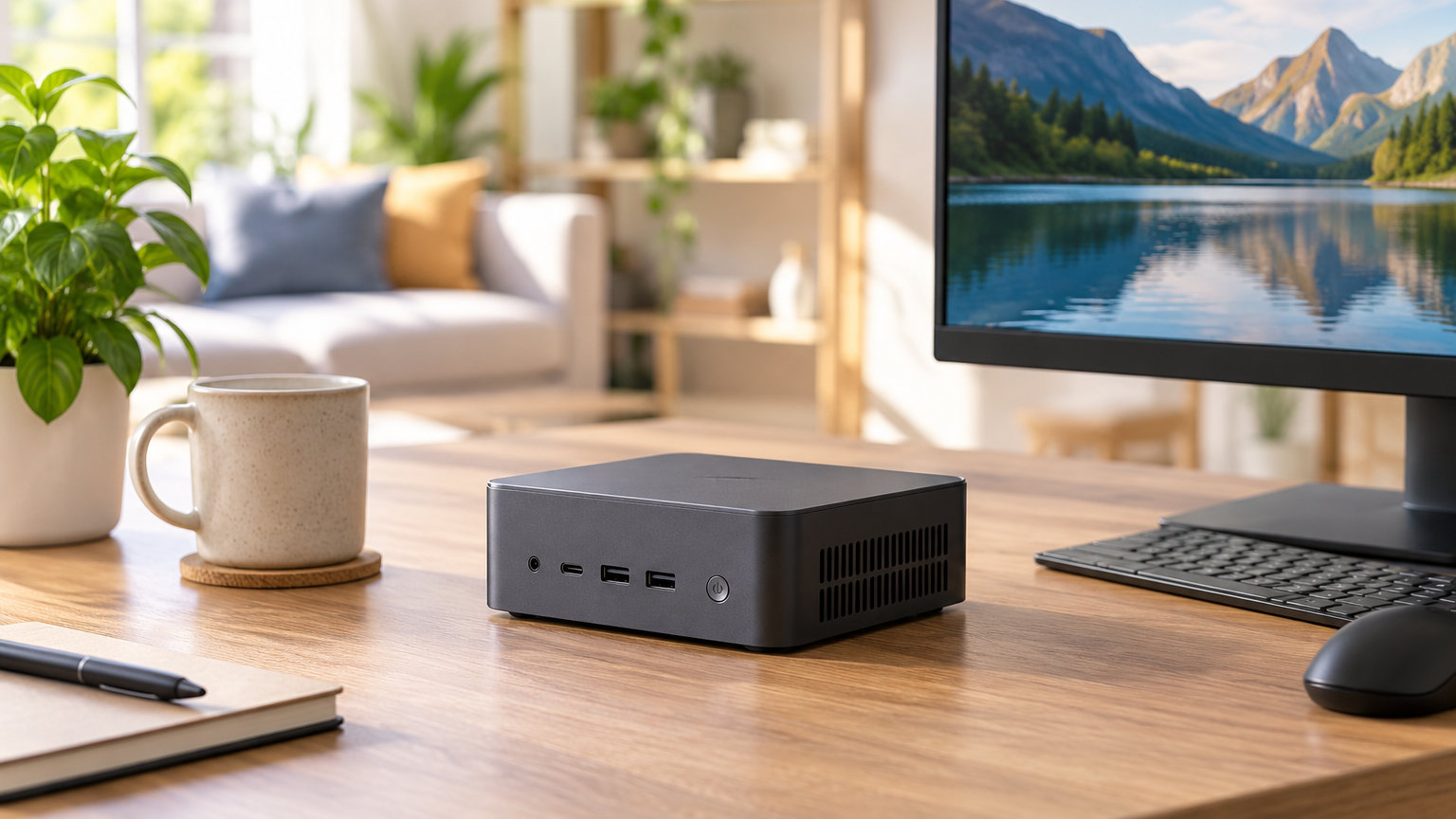
The KAMRUI Pinova P2 leads our Mini PC deals for Prime Big Deal Days roundup because it pairs a Ryzen 3 7330U with 16GB of RAM and a true triple-4K output for a price that lands well below most Ryzen 5 boxes. It suits buyers who want a small desktop for office work, light photo edits, and three-monitor productivity without spending on a dedicated GPU.
Right behind it sit the Beelink SER5 for the cleanest value pick and the ACEMAGIC K1 if you want the most processing headroom per dollar. Prime Big Deal Days runs October 6-7, 2026, and the picks below are the compact desktops worth watching when the sale goes live.
Our Top 3 Picks for Mini PC Deals for Prime Big Deal Days
Mini PC Deals for Prime Big Deal Days Compared (2026)
| Product | Details | Action |
|---|---|---|
 |
|
Check Deal Price |
 |
|
Check Deal Price |
 |
|
Check Deal Price |
 |
|
Check Deal Price |
 |
|
Check Deal Price |
 |
|
Check Deal Price |
 |
|
Check Deal Price |
 |
|
Check Deal Price |
 |
|
Check Deal Price |
 |
|
Check Deal Price |
How We Chose
We compared CPU generation, RAM and storage ceilings, port selection, display output, owner ratings, and review counts across ten compact desktops that typically see movement during October Prime events. Every pick below has at least 400 owner reviews on Amazon, with ratings from 4.0 to 4.4 stars. Data was checked in October 2026 against each product’s current listing, and we favored boxes with real expandability over locked-down soldered RAM where it mattered for the use case.
1. KAMRUI Pinova P2: Editor’s Choice for Prime Big Deal Days
KAMRUI Pinova P2 Mini PC, AMD Ryzen 7330U(4 Cores, 8 Threads, Up to 4.3GHz), 16GB RAM 256GB SSD, Zen3 Architecture 7nm Processor, 8MB L3 Smart Cache Mini Computers,Triple 4K Display Home/Business
CPU: Ryzen 3 7330U
RAM: 16GB
Storage: 256GB SSD
Display: Triple 4K
Weight: 573 g
+ Pros
- Ryzen 3 7330U handles multi-core work well
- Triple 4K output over HDMI 2.0
- DP 1.4 and USB-C
- USB 3.2 Gen2 with DP Alt Mode
- VESA mount included in box
– Cons
- RAM is soldered and capped at 16GB
- Single M.2 slot on this configuration
The Pinova P2 is the pick that fits the most buyers during the sale. It uses a Zen 3 Ryzen 3 7330U with 4 cores and 8 threads, and reviewers say the multi-core jump over older Ryzen 3 4300U parts is noticeable when you have a browser full of tabs plus a spreadsheet going. Triple 4K at 60Hz is real here, and you can run it from HDMI 2.0, DisplayPort 1.4, or the front USB-C with DP Alt Mode.
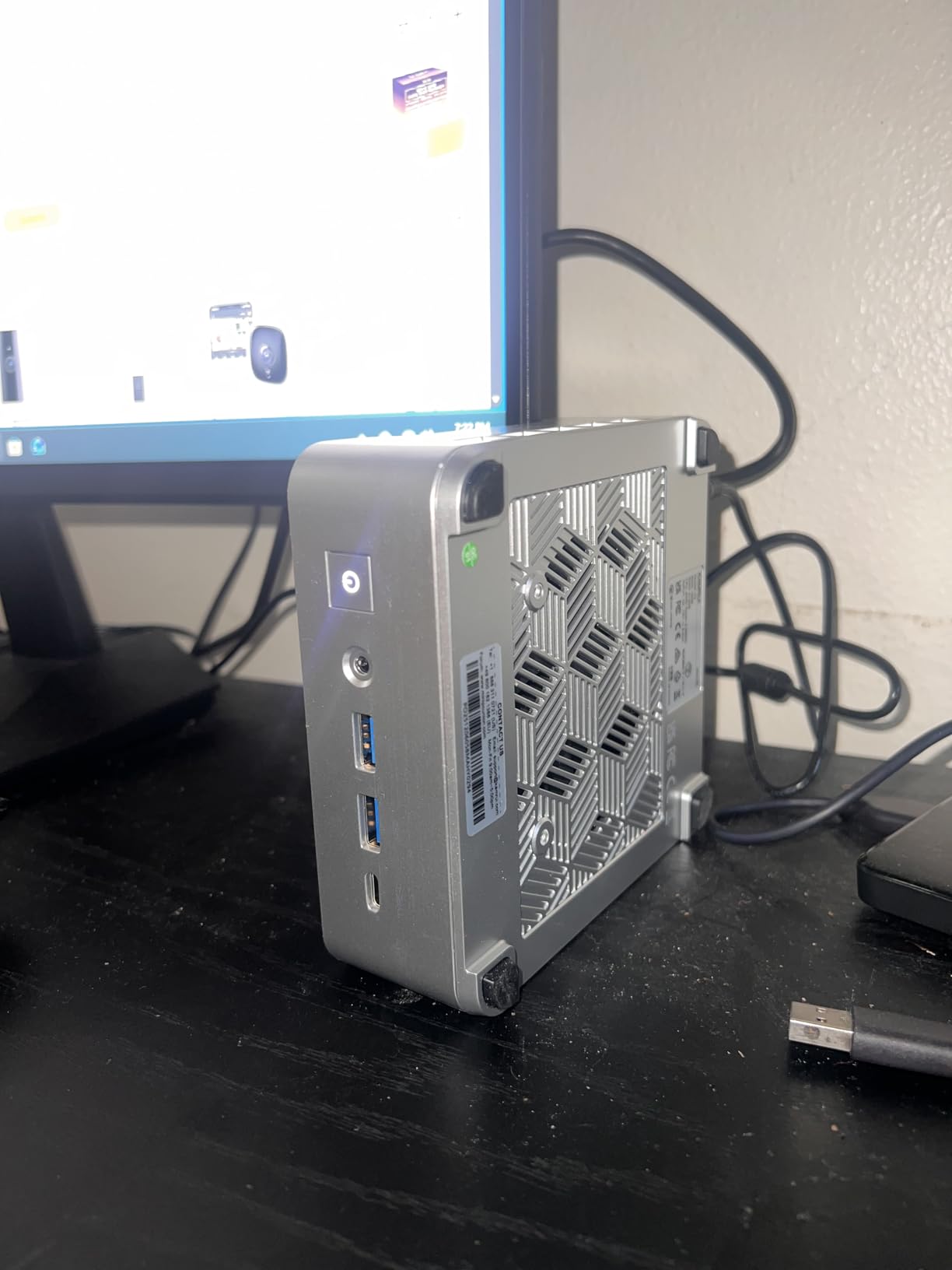
If you dock it behind a monitor with the included VESA plate, the 5-inch square chassis disappears. Owners who compared it to the slightly cheaper N100 boxes say the extra cores make a difference the moment you run Docker, Home Assistant, or a Plex transcode alongside a browser. The 573-gram weight is light enough that the VESA mount does not stress the monitor arm.
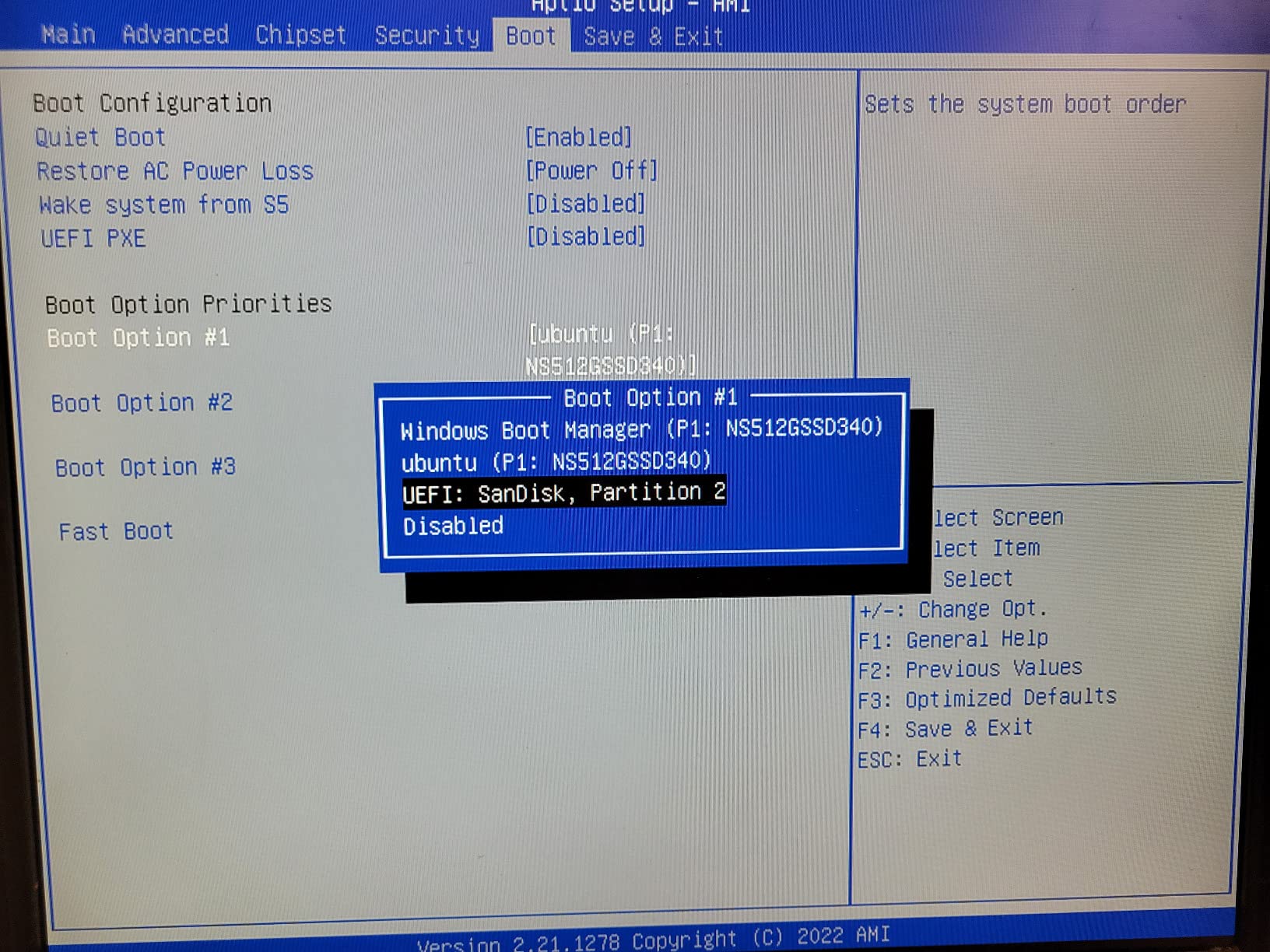
Skip it if you need to push past 16GB of RAM later. The LPDDR4X is soldered, so what you buy is what you keep. For everyone else, this is the safest compact desktop to watch on Prime Big Deal Days. The Beelink SER5 below has more USB ports but a slightly heavier chassis, while the KAMRUI keeps a cleaner triple-4K implementation out of the box.
Good to know: the USB-C port is full-function, so a single-cable dock setup is realistic on a standing desk.
2. Beelink SER5: Best Value Pick
Beelink SER5 Mini PC, AMD Ryzen 5 5500U 16GB DDR4+480GB NVMe M.2 SSD
CPU: Ryzen 5 5500U
RAM: 16GB DDR4
Storage: 480GB NVMe
Display: Triple 4K
Network: 2.5G LAN
+ Pros
- Ryzen 5 5500U handles video edits and 4K playback
- 2.5G Ethernet and WiFi 6
- DDR4 dual channel expandable to 64GB
- 480GB PCIe 4 NVMe plus 2.5 inch SATA slot
- Three year warranty with lifetime support
– Cons
- Some units ship with USB 2.0 ports
- Sustained heavy loads can warm the chassis
The Beelink SER5 is the value tier done right. The Ryzen 5 5500U with 6 cores and 12 threads is a meaningful step up from the 4-core N100 class, and reviewers say 4K video editing in DaVinci Resolve and Premiere is workable if you keep effects modest. Triple display output covers a productivity setup, and 2.5G Ethernet plus WiFi 6 covers modern networking.
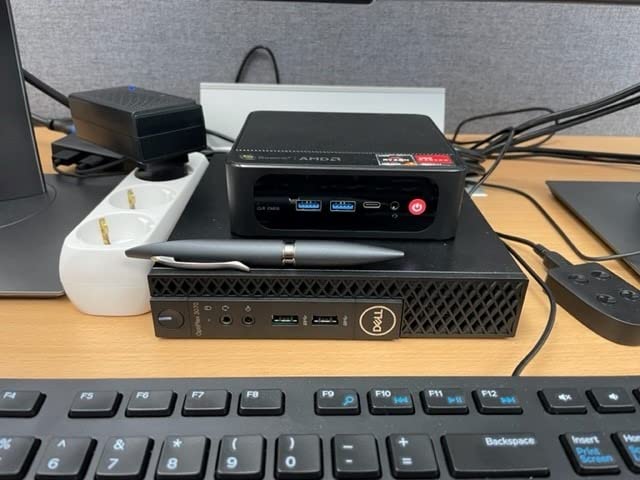
Expandability is the headline feature. Dual-channel DDR4 goes up to 64GB, and the 480GB PCIe 4 NVMe can be paired with a 2.5-inch SATA drive for media storage. Owners who use it as a small home server or Plex box say the upgrade path is one of the easier ones in this size class.
Compared with the KAMRUI Pinova P2, the SER5 trades soldered RAM for a real upgrade path and adds 2.5G Ethernet. Pick the SER5 if you plan to grow into more memory or a faster wired network. Pick the Pinova P2 if you want the smallest possible box with the cleanest triple-4K output and you do not need to upgrade later.
3. ACEMAGIC K1: Most Versatile for Heavy Multitasking
ACEMAGIC K1 Gaming Mini PC Ryzen 7 7735HS 24GB 512GB SSD Windows 11 Pro
CPU: Ryzen 7 7735HS
RAM: 24GB LPDDR5
Storage: 512GB SSD
Display: Triple 4K
OS: Windows 11 Pro
+ Pros
- Ryzen 7 7735HS with 8 cores and 16 threads
- 24GB LPDDR5 at 5500MT/s
- Triple 4K over HDMI
- DP and Type-C
- Two M.2 2280 slots up to 4TB
– Cons
- LPDDR5 is soldered and not user upgradable
- Can run warm under sustained all-core loads
The ACEMAGIC K1 is what you buy when the sale lines up with a real workload upgrade. The Ryzen 7 7735HS brings 8 cores and 16 threads to a 5-inch chassis, and reviewers note a 35% CPU and 38% GPU jump over the Ryzen 7 7730U. The 24GB of LPDDR5 at 5500MT/s is enough headroom to keep dozens of Chrome tabs, Docker containers, and a code editor open at once.
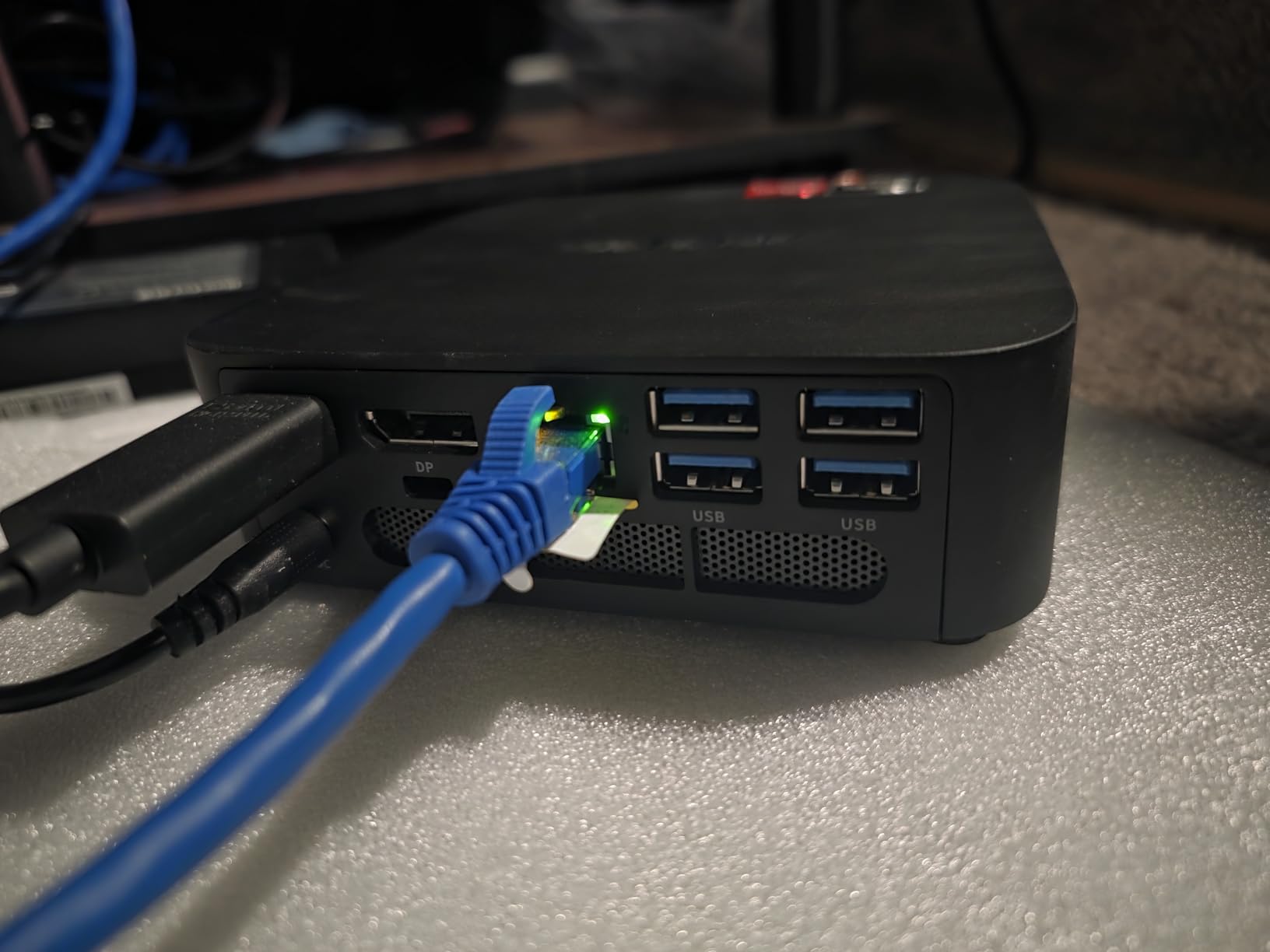
Two M.2 2280 slots let you push storage to 4TB, and triple 4K over HDMI, DisplayPort, and Type-C means a full productivity dock is realistic. The 680M integrated graphics handle casual and indie games at 1080p without the chassis sounding like a vacuum.
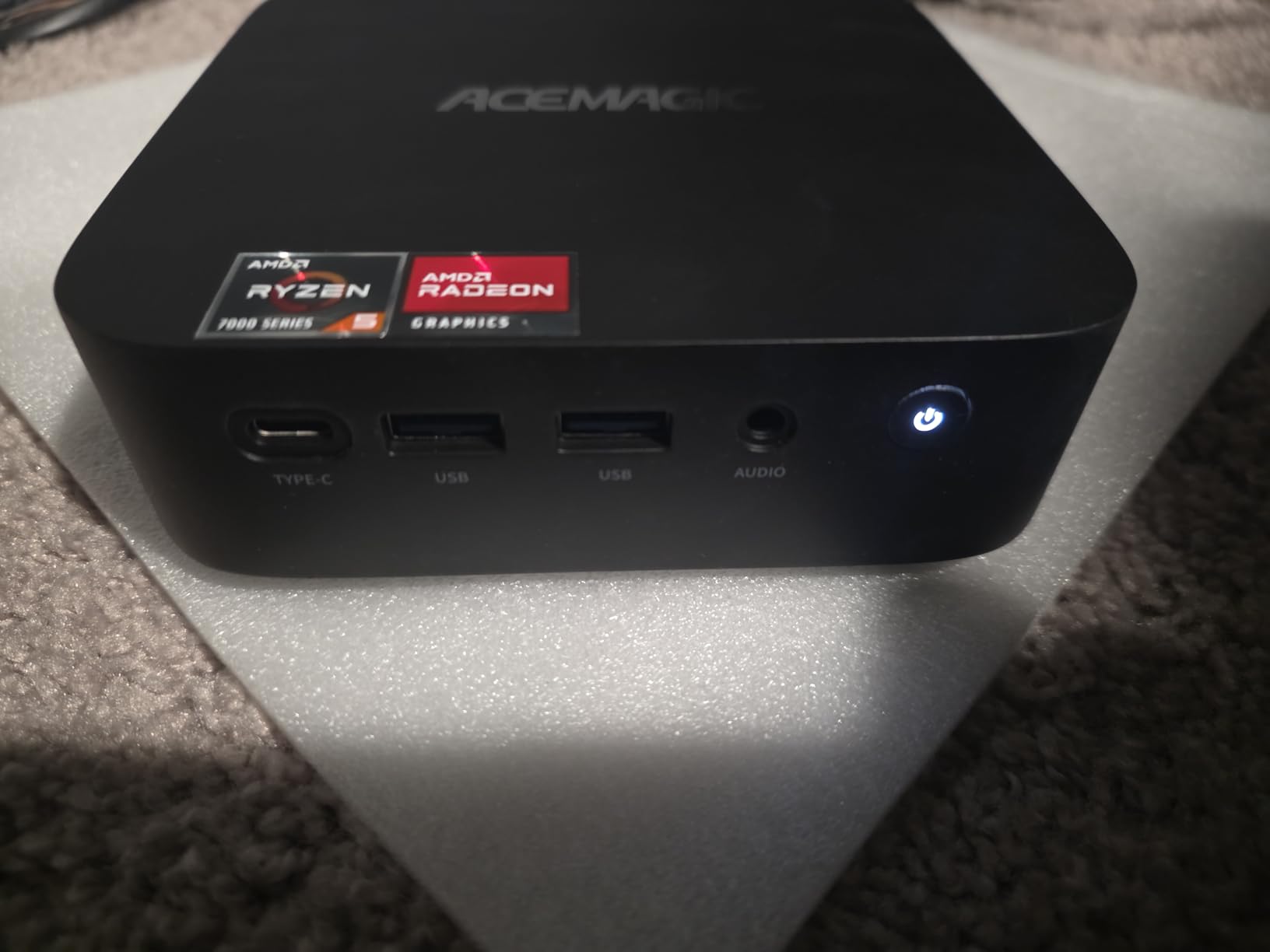
The 680M graphics and 24GB of LPDDR5 put the K1 ahead of the Beelink SER5 MAX in single-threaded apps, even though both share a similar 8-core count. Pick the K1 if you want LPDDR5 speed and Windows 11 Pro out of the box. Pick the Beelink SER5 MAX below if a longer three-year warranty matters more than a small CPU clock advantage.
4. GMKtec M5 Ultra: Best for Home Servers
GMKtec M5 Ultra Mini PC AMD Ryzen 7 7730U (Turbo 4.5GHz) Upgradeable RAM
CPU: Ryzen 7 7730U
RAM: 16GB DDR4
Storage: 512GB SSD
Network: Dual 2.5G LAN
Display: Triple 4K
+ Pros
- Dual 2.5 Gigabit Ethernet ports
- DDR4 expandable to 64GB
- Storage expandable to 8TB across two M.2 slots
- WiFi 6E and Bluetooth 5.2
- VESA mount ready
– Cons
- Some owners report WiFi connectivity quirks
- Fan is audible under sustained load
- Linux may need extra driver work
The GMKtec M5 Ultra is built for the homelab crowd. Two 2.5 Gigabit Ethernet ports let you dedicate one to your main LAN and the other to a separate VLAN, a NAS, or a pfSense/OPNsense build without swapping cables. The Ryzen 7 7730U with 8 cores and 16 threads has the headroom to run Proxmox, Docker, Pi-hole, and a Home Assistant container on a single host.
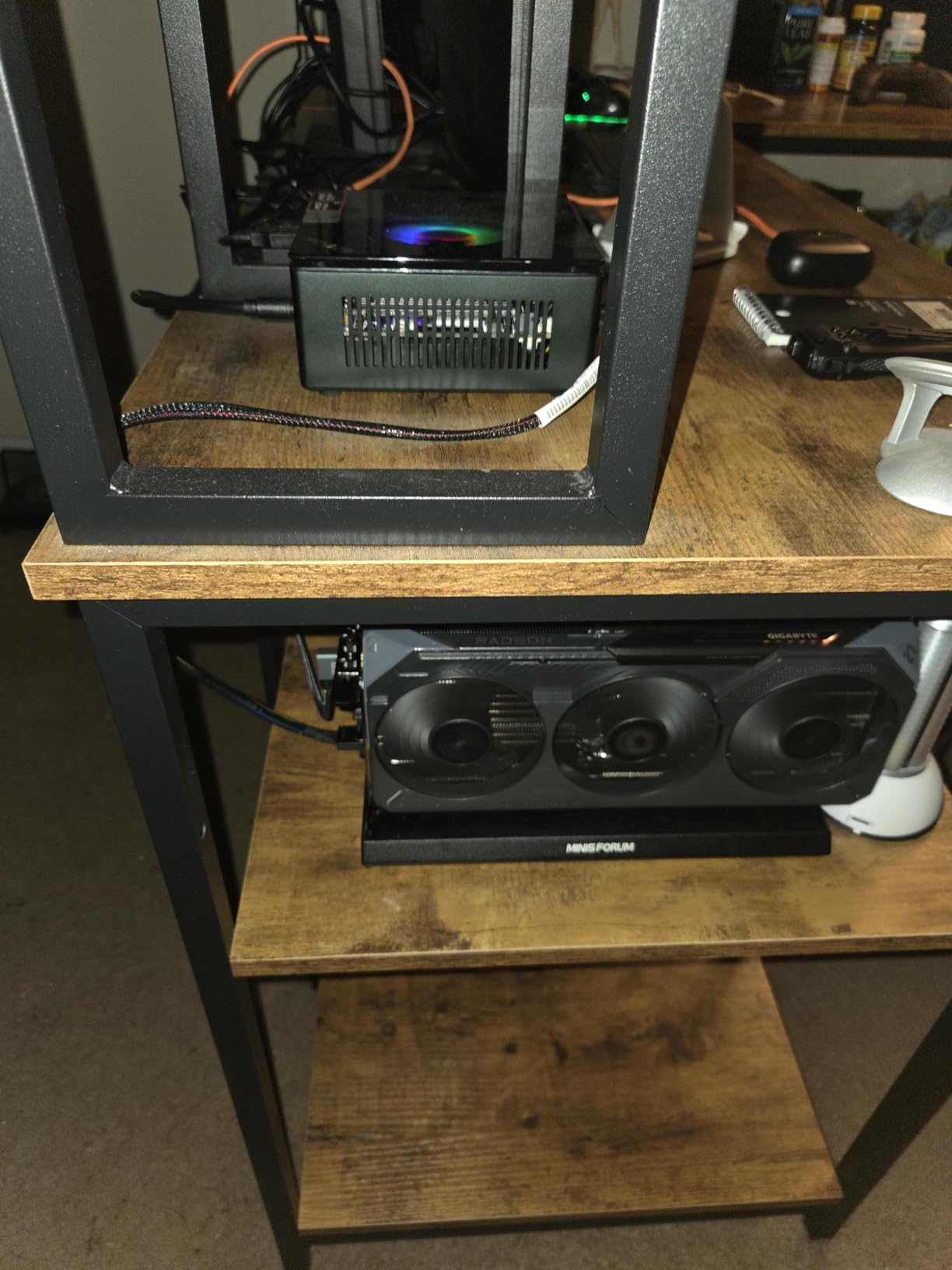
DDR4 dual channel is expandable to 64GB and storage scales to 8TB across two M.2 slots. Reviewers running TrueNAS or Unraid in a VM say the box stays cool at idle and only ramps the fan under real load. For a compact 24/7 server, the wattage is modest and the chassis is small enough to bolt behind a monitor with the included VESA plate.
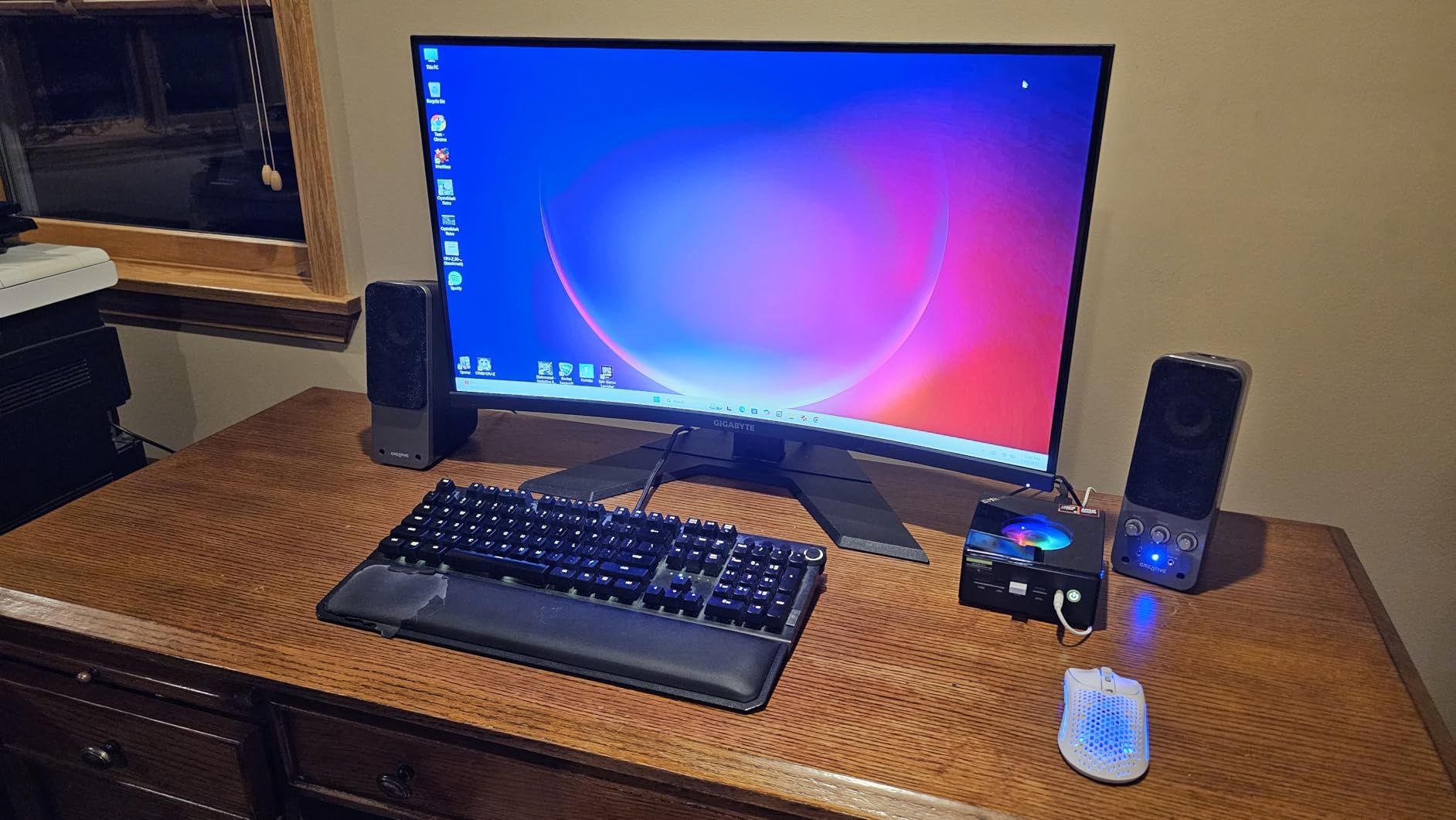
Compared with the KAMRUI Pinova P2, the GMKtec adds a second Ethernet port and far more expandability, at the cost of a slightly louder fan under stress. Pick this one for a home server or a router-firewall hybrid. Pick the Pinova P2 if your workload is mostly client-side office work.
5. Beelink SER5 MAX: Best for Multitasking
Beelink SER5 MAX Mini PC, AMD Ryzen 7 7735U(6nm, 8C/16T) up to 4.75GHz
CPU: Ryzen 7 7735U
RAM: 24GB LPDDR5
Storage: 500GB NVMe
Display: Triple 4K
Network: 2.5G LAN
+ Pros
- 8 core Ryzen 7 7735U up to 4.75GHz
- 24GB LPDDR5 for fast multitasking
- Triple display over HDMI
- DP and Type-C
- Three year warranty with lifetime support
– Cons
- LPDDR5 is soldered
- USB port count is modest versus peers
- Some units needed a BIOS update out of the box
Inside the Beelink SER5 MAX sits the 6nm Ryzen 7 7735U with 8 cores and 16 threads, 24GB of LPDDR5, and a 500GB PCIe 4.0 NVMe drive. The Radeon graphics with 12 cores and a 2200MHz clock make light 1080p gaming and 4K60 video playback comfortable. Think of it as the polished version of the SER5 line, with the warranty stretched to three years.
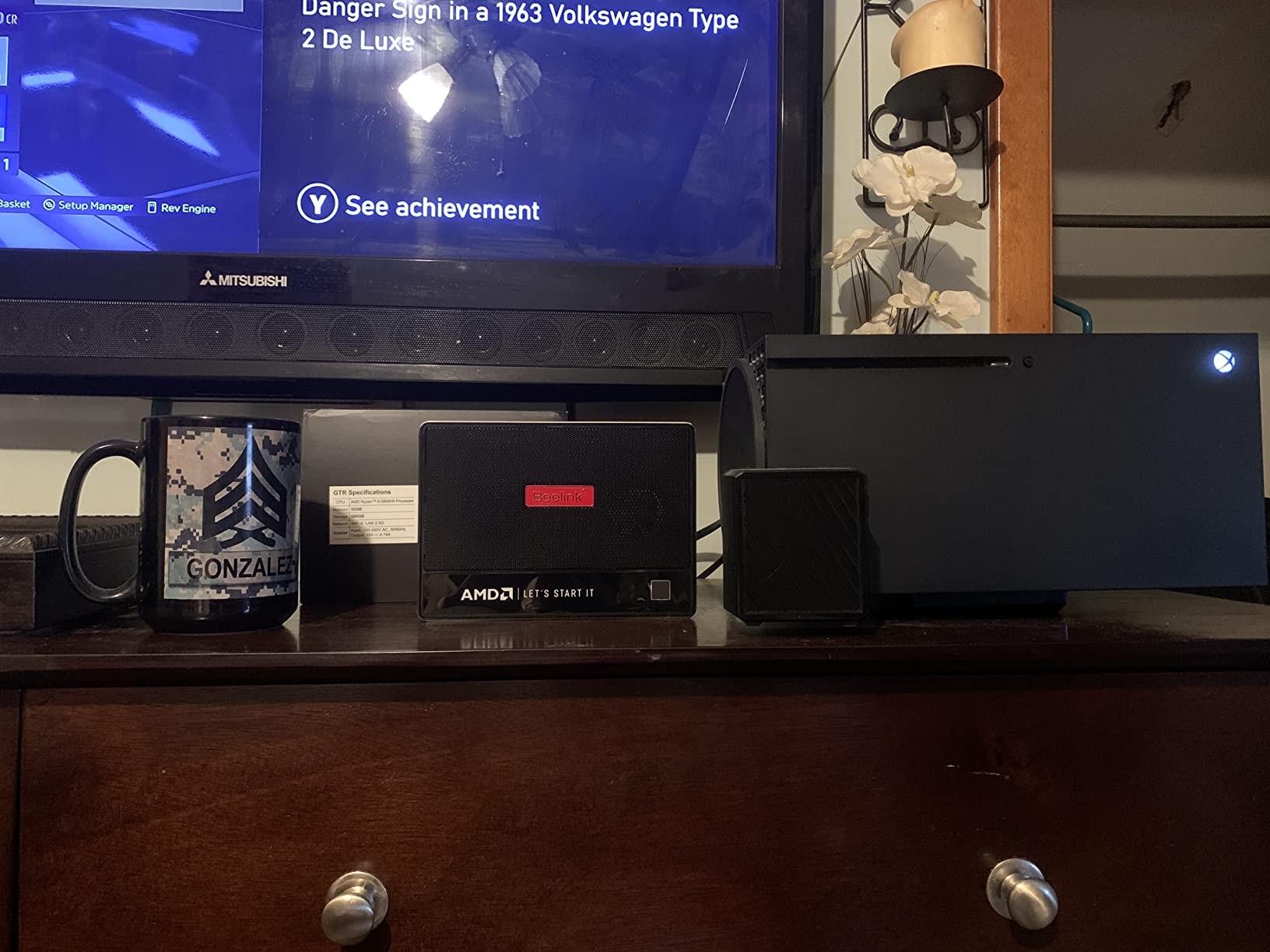
Triple 4K output, 2.5G Ethernet, and a three-year warranty make this an easy recommendation for anyone who wants a long-support compact desktop. Reviewers who used it for spreadsheet-heavy office work, video calls, and browser research say the 24GB of fast memory keeps everything responsive even with a few dozen tabs open.
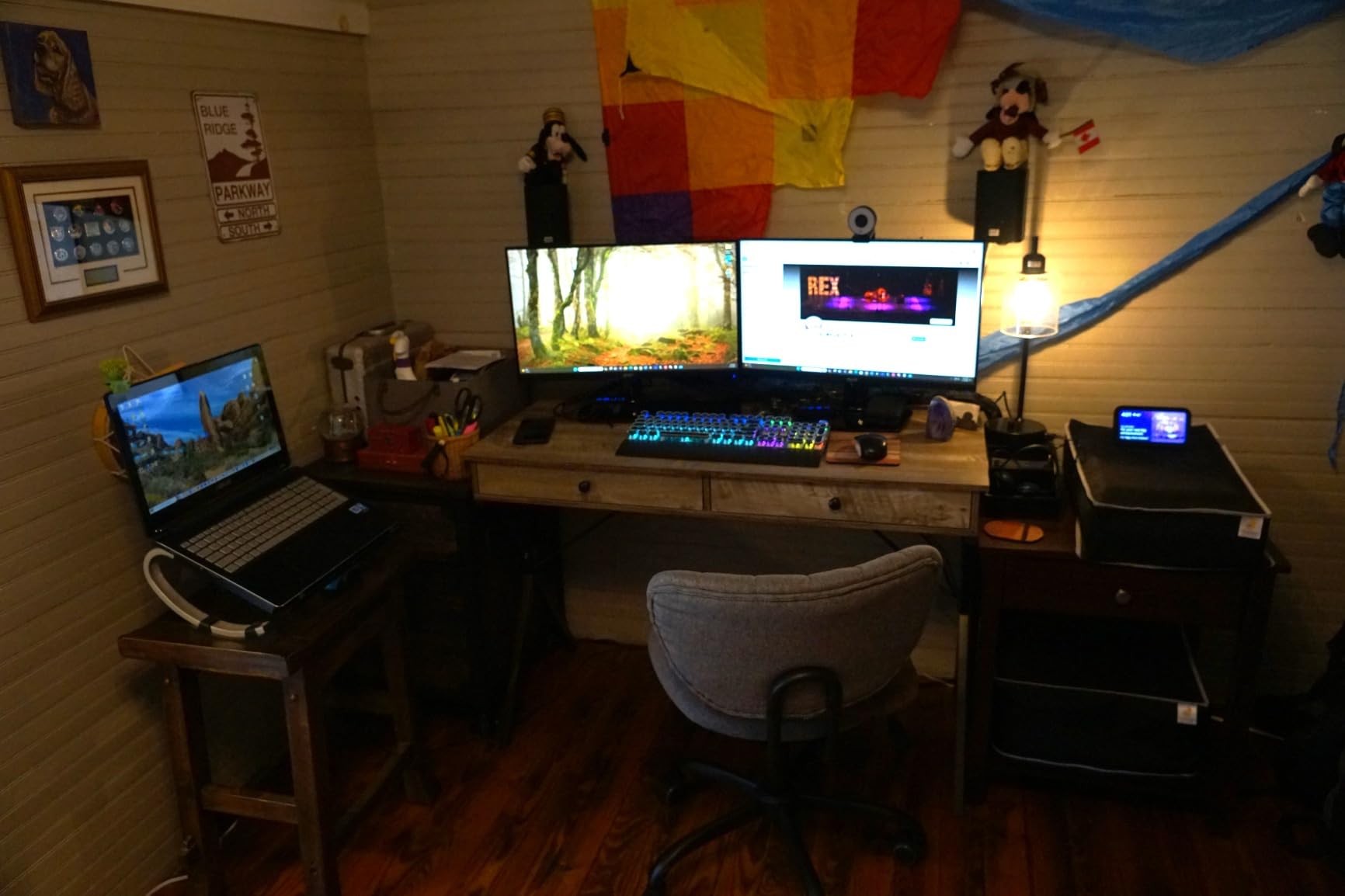
The SER5 MAX trades a slightly faster memory clock for a longer warranty and Beelink’s known support track record when you line it up against the ACEMAGIC K1. Pick the SER5 MAX if you value a three-year warranty and quiet operation. Pick the ACEMAGIC K1 if you want the fastest raw CPU clock and Windows 11 Pro in the box.
6. Bmax B8A Pro: Best for 8K Displays
Gaming Mini PC with AMD Ryzen 7 8745HS (Upgraded 7840HS/7735HS) Up to 4.9GHz 8C/16T,16GB RAM (Upgradable to 256GB) & 512GB M.2 NVMe SSD Desktop Mini Computers Office Home,2.5GbE,Triple 8K Display Bmax
CPU: Ryzen 7 8745HS
RAM: 16GB DDR5
Storage: 512GB NVMe
Display: Triple 8K
GPU: Radeon 780M
+ Pros
- Zen 4 Ryzen 7 8745HS up to 4.9GHz
- Radeon 780M graphics on RDNA 3
- DDR5 expandable all the way to 256GB
- Triple 8K over dual HDMI 2.1 and USB-C
- Compact 5 inch chassis
– Cons
- 4.0 star rating trails the other Ryzen 7 picks
- Some owners report preloaded bloatware
- Support response times vary
The Bmax B8A Pro is the pick if you want the most future-proof spec sheet under the sale. The Ryzen 7 8745HS on Zen 4 boosts to 4.9GHz with 8 cores and 16 threads, and the Radeon 780M on RDNA 3 is the strongest integrated GPU in this roundup. Owners using it as a media PC push 4K HDR streams and even 8K video files without breaking a sweat.
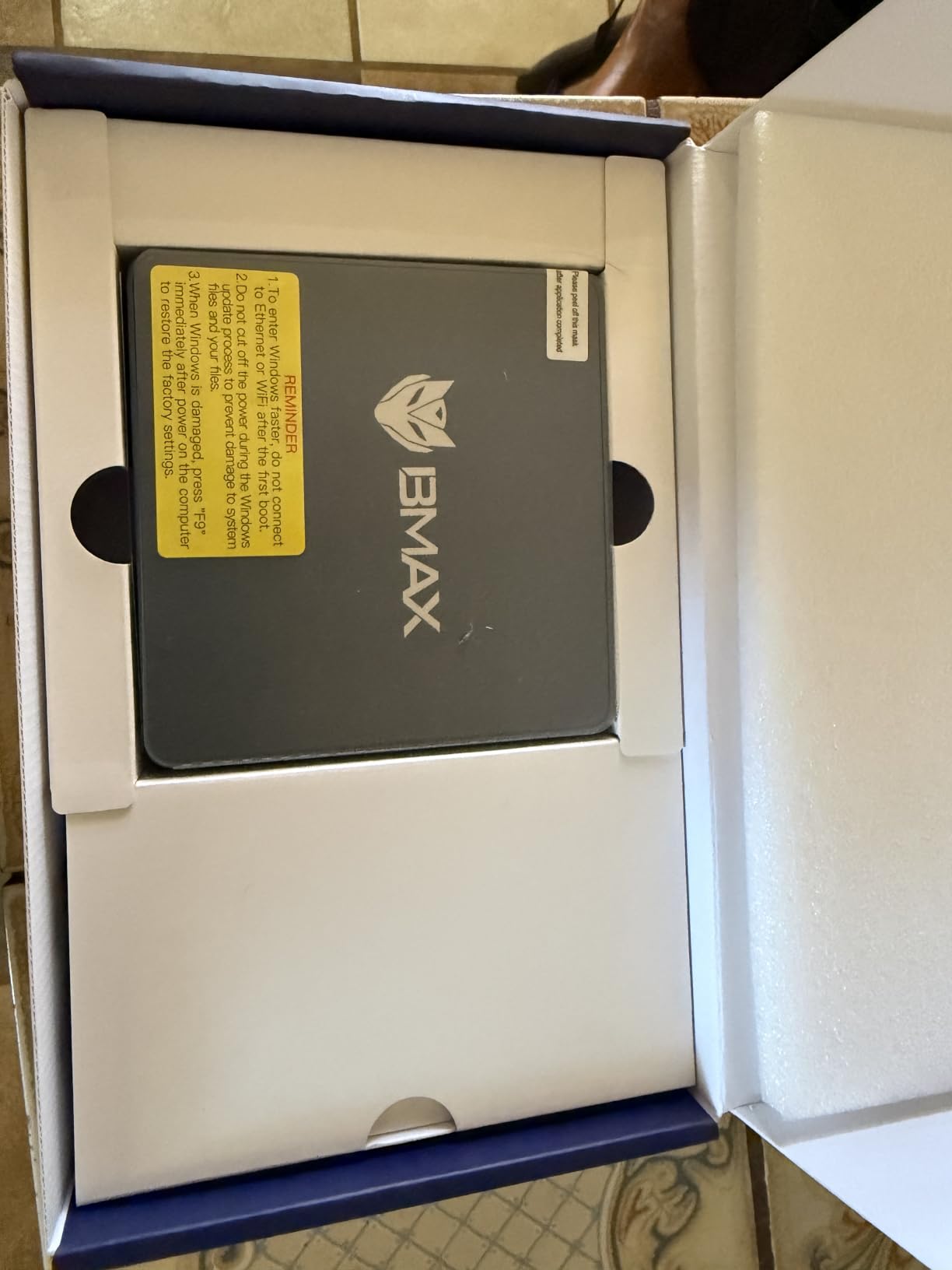
Triple 8K output over dual HDMI 2.1 and USB-C is a real spec, not a marketing line. DDR5 goes up to a wild 256GB if you ever need it, and the 512GB NVMe has room to grow. For creators who want to drive a high-resolution monitor array, this is the one to watch.
Compared with the ACEMAGIC K1, the B8A Pro has a newer CPU architecture, stronger integrated graphics, and 8K display output. The trade-off is a slightly lower average rating and a smaller track record of long-term owner reviews. Pick the Bmax for 8K monitor work. Pick the ACEMAGIC for a more proven Ryzen 7 7735HS platform.
7. HP EliteDesk 800 G2: Budget Pick
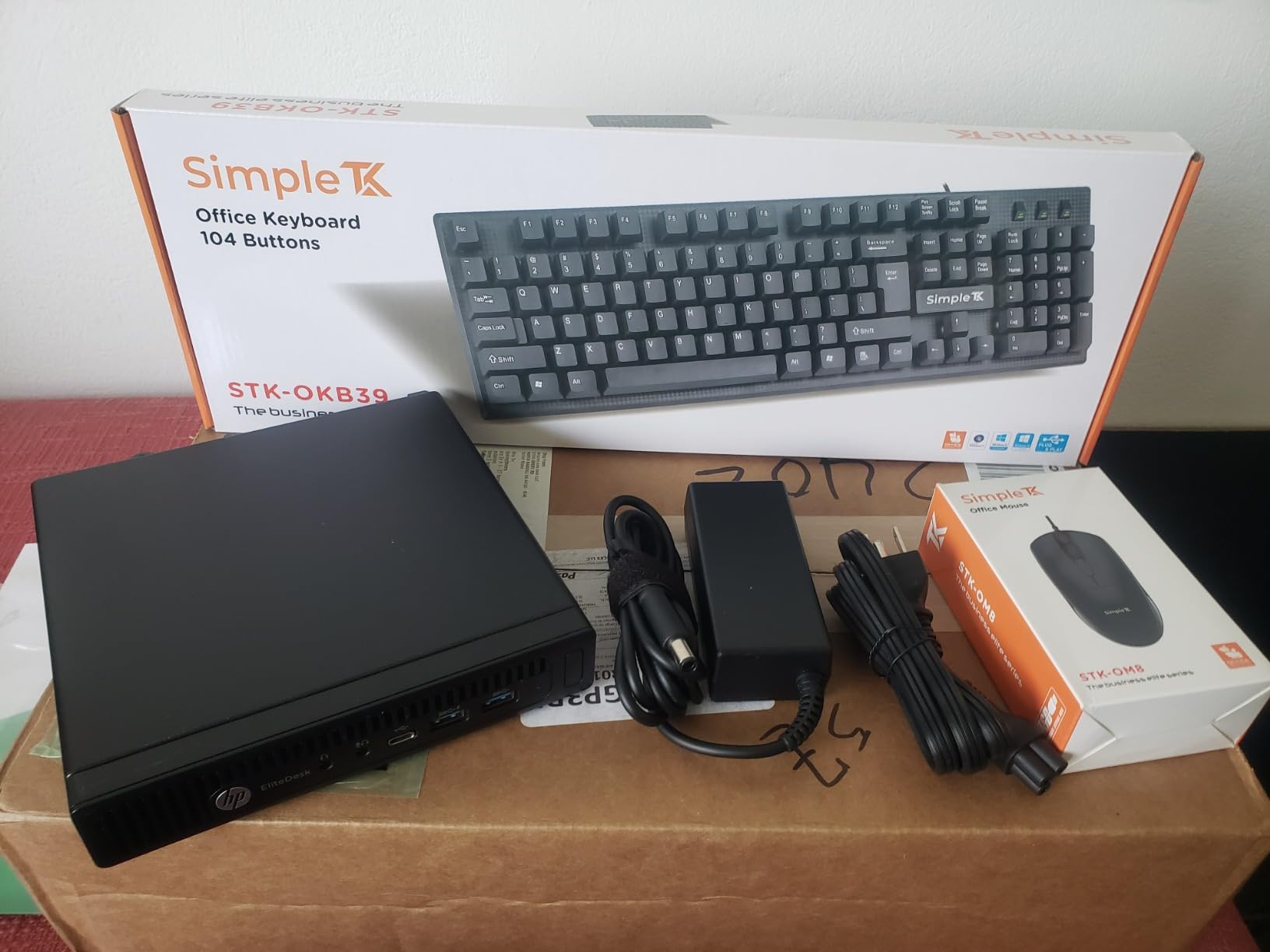
HP EliteDesk 800 G2 Desktop Mini Business PC, Intel Quad-Core i5-6500T up to 3.1G, 16GB DDR4, 240GB SSD, VGA, DP, Win 11 Pro 64 bit (Renewed)
CPU: i5-6500T
RAM: 16GB DDR4
Storage: 240GB SSD
Display: VGA plus DP
OS: Windows 11 Pro Renewed
+ Pros
- Lowest entry price in the roundup
- 16GB DDR4 with two SODIMM slots
- 240GB SSD included
- Windows 11 Pro with proper TPM
- Quiet operation under office loads
– Cons
- Sixth generation Intel processor is dated
- Renewed unit with 90 day warranty
- Some units ship without WiFi
The HP EliteDesk 800 G2 is the bargain pick for buyers who want a name brand on the smallest possible budget. The 6th-gen i5-6500T is older, but 4 cores at up to 3.1GHz still handle web apps, Office, and Windows 11 Pro without drama. Sixteen gigabytes of DDR4 in two SODIMM slots means you can push it to 32GB later.
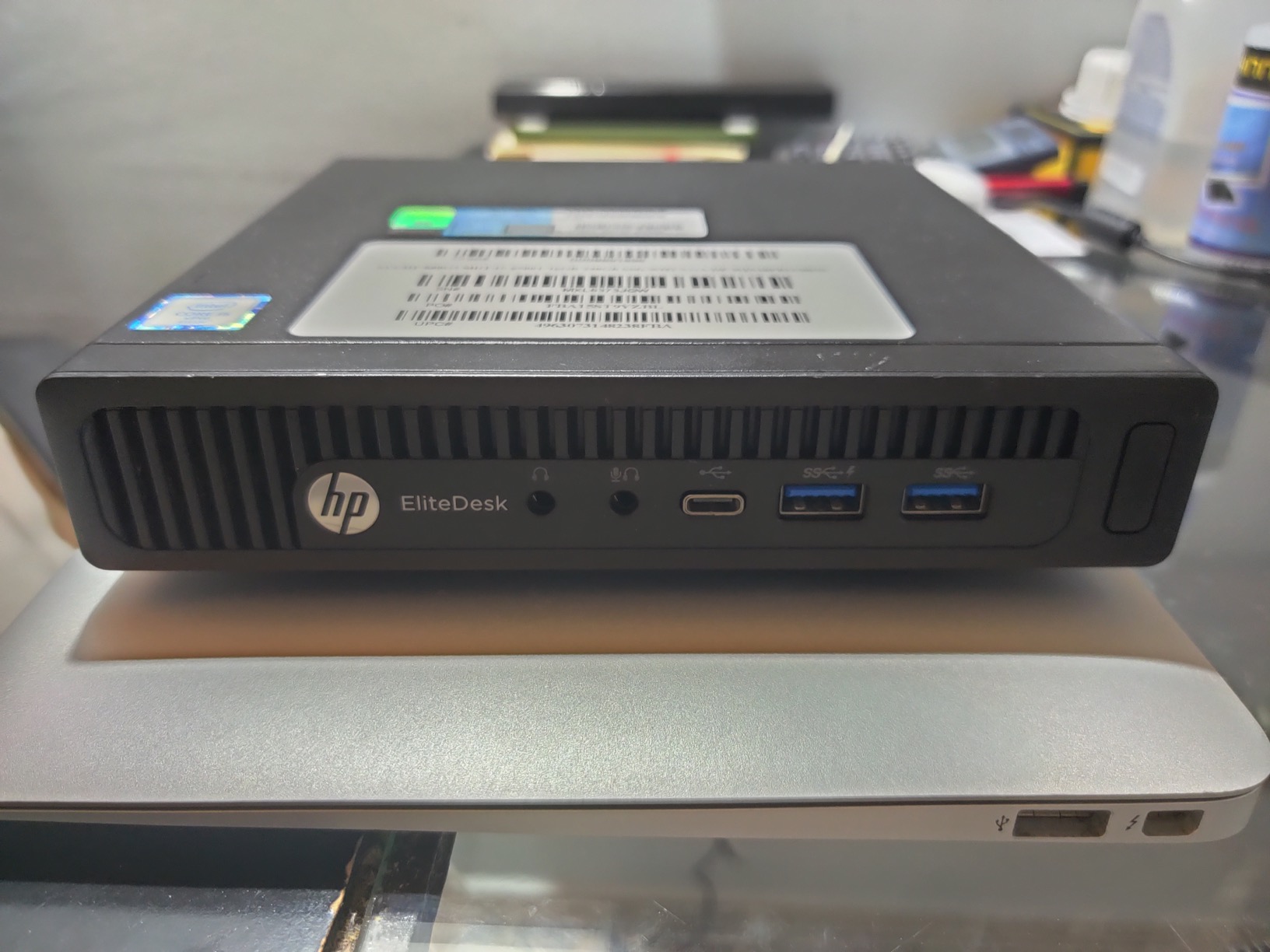
This is a renewed unit, so the 90-day warranty and the chance of minor cosmetic wear are part of the deal. Owners who treat it as a secondary PC for a guest room, a small business counter, or a schoolwork station say it punches above its size. VGA plus DisplayPort covers older monitors you may already own.
Skip it for any modern creative workload. The Bmax B3 Pro below has a slower CPU but ships new with newer connectivity. Pick the EliteDesk for a brand-name office box on a tight budget. Pick the Bmax B3 Pro for a new unit with newer connectivity.
8. BOSGAME E4 Air: Best for Everyday Use
BOSGAME E4 Air Mini PC, AMD Ryzen 5 3500U 8GB DDR4 256GB SATA SSD
CPU: Ryzen 5 3500U
RAM: 8GB DDR4
Storage: 256GB SATA
Display: Triple 4K
Network: Dual Gigabit
+ Pros
- Ryzen 5 3500U with Radeon Vega 8
- 4K triple display over HDMI
- DP and USB-C
- Dual Gigabit Ethernet
- Storage expandable to 4TB
– Cons
- 8GB RAM feels tight for heavy multitasking
- SATA SSD is slower than NVMe
- Some owners report WiFi quirks
The BOSGAME E4 Air is the everyday driver. The Ryzen 5 3500U with Radeon Vega 8 graphics is plenty for web browsing, 4K streaming, and Office. Owners running two or three monitors for a home office say the triple 4K output and the dual Gigabit Ethernet make the desk cleaner than a typical tower-and-laptop setup.
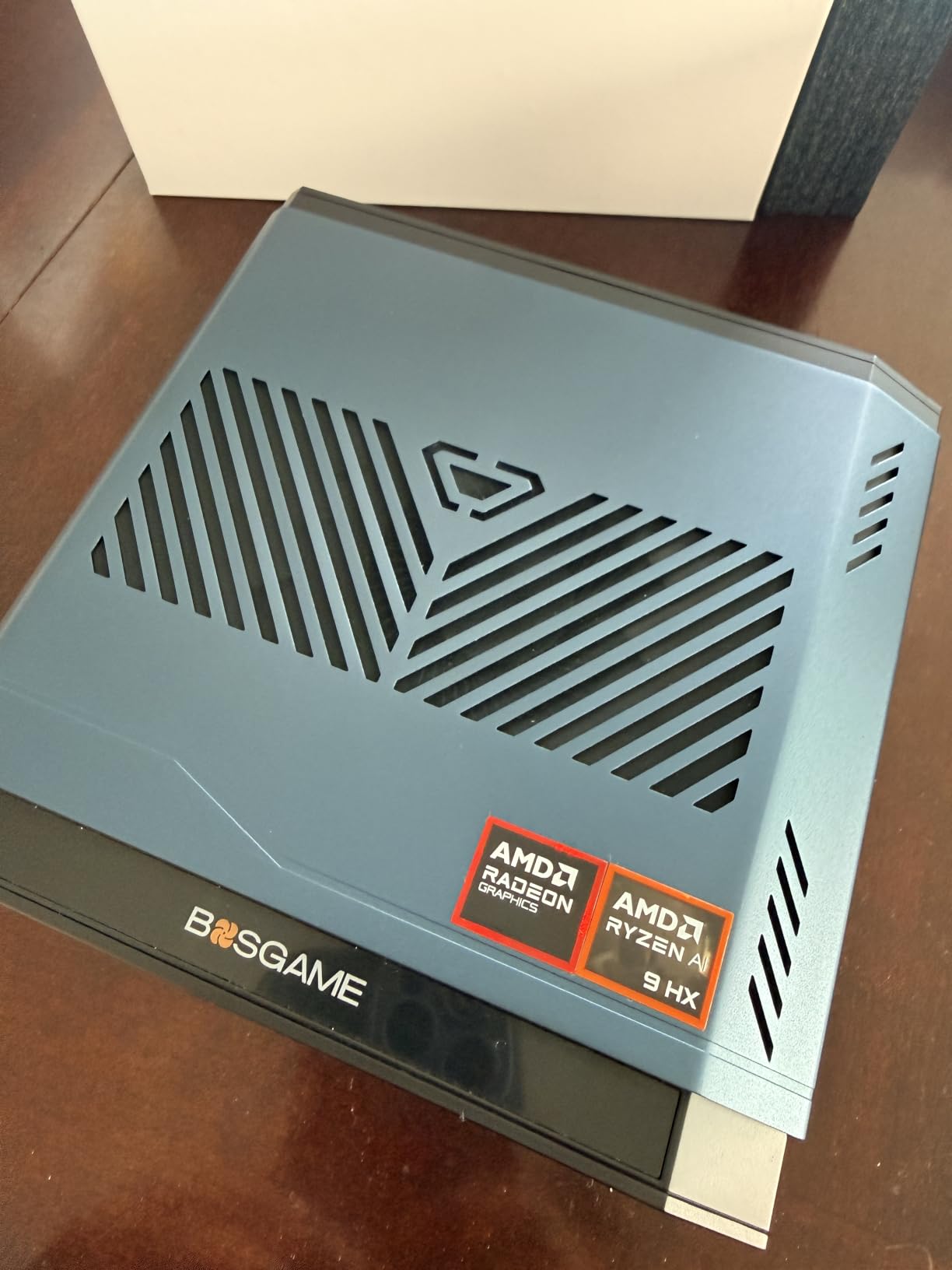
Storage is expandable to 4TB across the dual M.2 SATA slots, and Linux and Ubuntu are listed as supported alongside Windows 11. The three-year parts warranty is unusually long for the price class. For a small family PC or a kitchen desk computer, this is the safe pick.
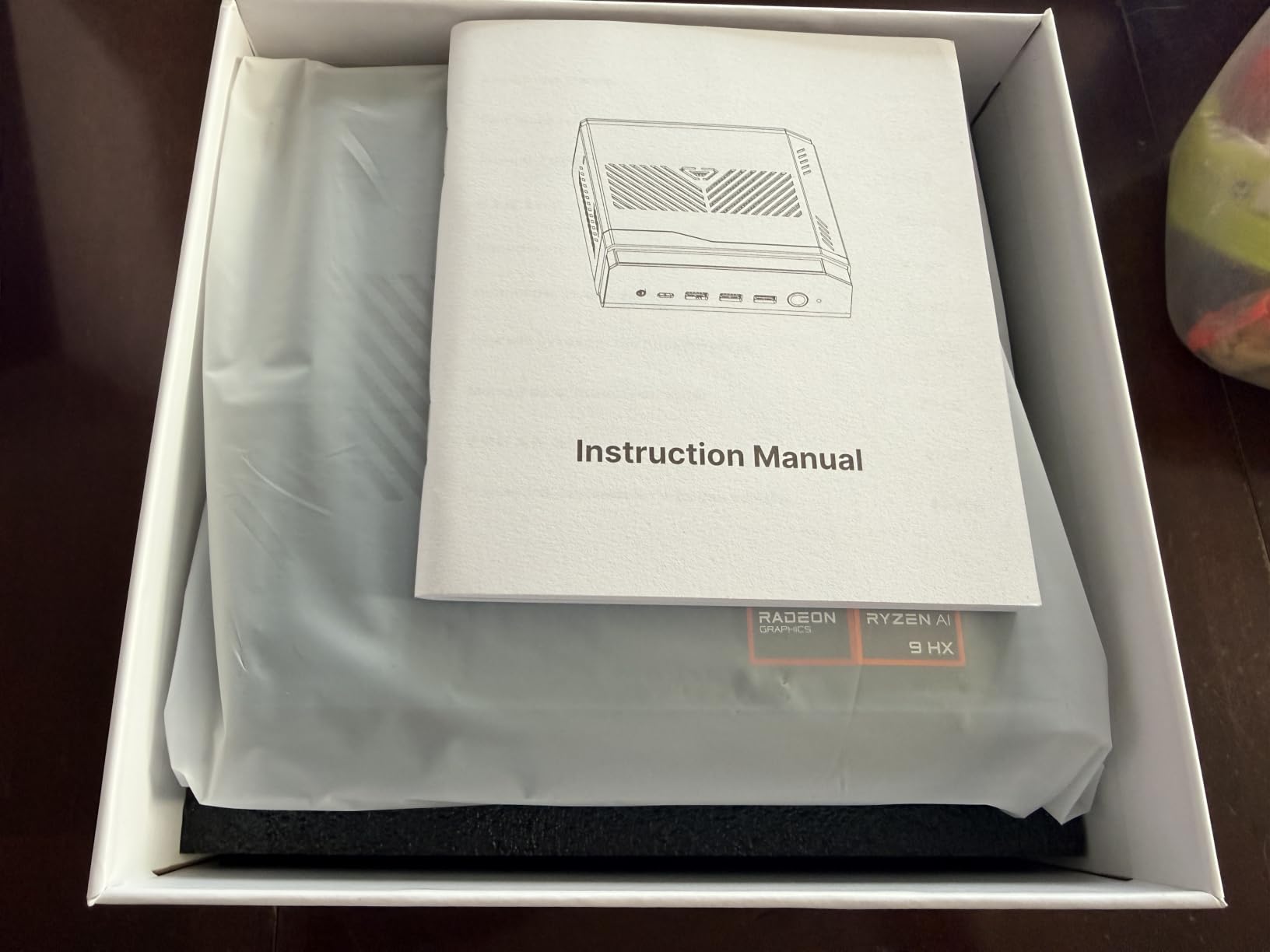
Compared with the HP EliteDesk 800 G2 above, the BOSGAME E4 Air ships new, runs a newer Ryzen 5 platform, and has triple 4K output. The trade-off is 8GB of RAM rather than 16GB. Pick the BOSGAME for a new, modern everyday box. Pick the EliteDesk for the lowest possible price on a brand-name office PC.
9. GMKtec M6 Ultra: Top Rated Performance
GMKtec M6 Ultra Gaming Mini PC Ryzen 7640HS 32GB RAM DDR5 1TB SSD
CPU: Ryzen 5 7640HS
RAM: 32GB DDR5
Storage: 1TB PCIe SSD
GPU: Radeon 760M
Display: Triple 4K and 8K
+ Pros
- Ryzen 5 7640HS on Zen 4 up to 5GHz
- 32GB DDR5 expandable to 128GB
- 1TB PCIe 4.0 SSD with room to 8TB
- Oculink port for external GPU enclosure
- 8K at 60Hz over USB4
– Cons
- Highest price in this roundup
- Fan noise rises under long gaming sessions
- Integrated GPU has limits for AAA titles
The GMKtec M6 Ultra is the top-tier performance box. The Ryzen 5 7640HS on Zen 4 boosts to 5GHz with 6 cores and 12 threads, and reviewers note a 30% jump over the Ryzen 7 6800H. The 32GB of DDR5 in dual SO-DIMM slots scales to 128GB, and the 1TB PCIe 4.0 SSD is already bigger than most desktops ship with.
Triple 4K plus 8K at 60Hz over USB4 is the rare spec combination that actually shows up on a single compact box. The Oculink port lets you bolt on an external GPU enclosure for AAA gaming later. Owners running a creator workload with DaVinci Resolve and Blender say the box is the closest you get to a workstation in this size class.
The GMKtec M6 Ultra ships with 32GB of DDR5 and a 1TB SSD out of the box, while the Bmax B8A Pro above gives you a slightly newer Ryzen 7 8745HS with stronger integrated graphics. Pick the GMKtec for a creator workstation with maximum memory headroom. Pick the Bmax for 8K displays on a tighter budget.
10. Bmax B3 Pro: Best for Basic Tasks
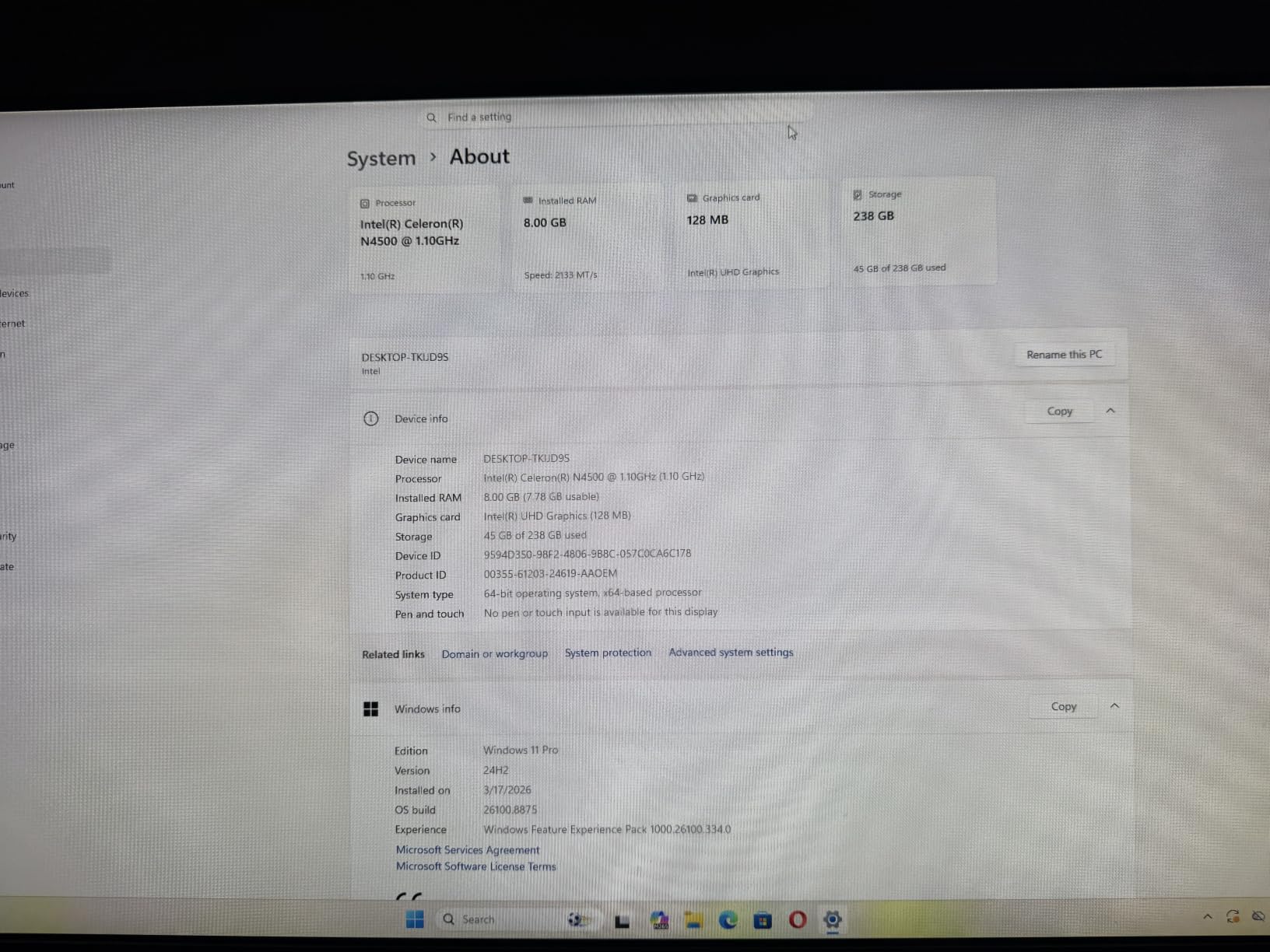
Bmax Mini PC, Intel N4500 Processor Up to 2.8GHz, 8GB RAM 256GB M.2 SSD, Windows 11 Pro Mini Desktop Computer, Dual 4K Display, WiFi 5, VESA Mount, for Office, Home Business & HTPC, B3 Pro
CPU: Intel N4500
RAM: 8GB
Storage: 256GB M.2 SSD
Display: Dual 4K
OS: Windows 11 Pro
+ Pros
- Energy efficient Intel N4500
- 36 percent jump over N100 family chips
- Dual 4K HDMI at 60Hz
- Storage expandable to 4TB
- Windows 11 Pro in the box
– Cons
- Entry level processor for light workloads only
- 8GB RAM is not expandable
- SATA M.2 SSD rather than NVMe
The Bmax B3 Pro is the right size for a guest-room PC, a digital signage box, or a small office terminal. The Intel N4500 with 2 cores and 2 threads is enough for web apps, video calls, and 4K video playback, and reviewers say it stays cool and quiet enough to hide behind a TV. Dual 4K HDMI at 60Hz means a clean two-monitor setup is straightforward.
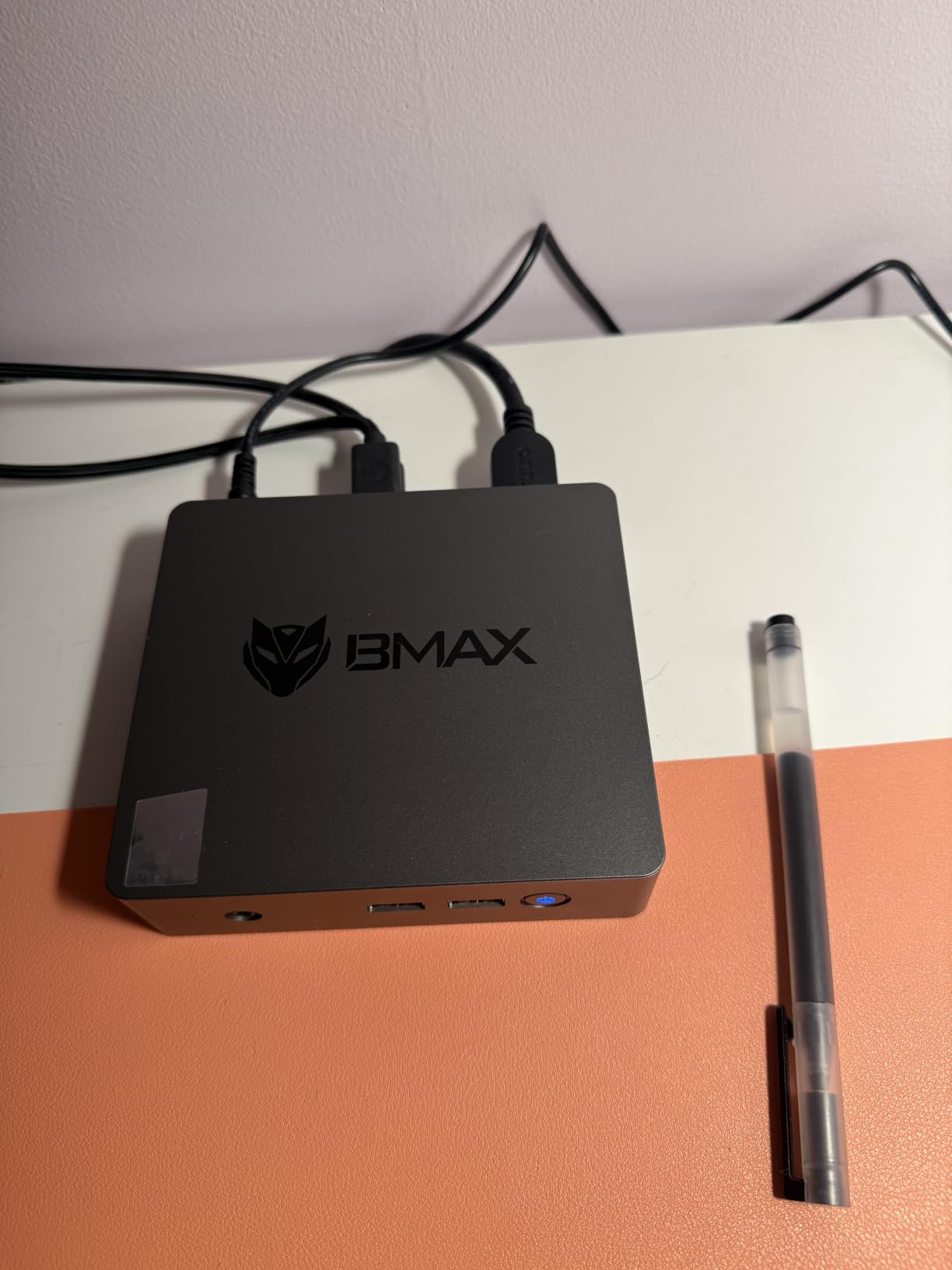
Storage scales to 4TB across the dual M.2 slots, and Windows 11 Pro is included. Power draw at idle is low enough that leaving the box on 24/7 for a home automation controller is a realistic plan.
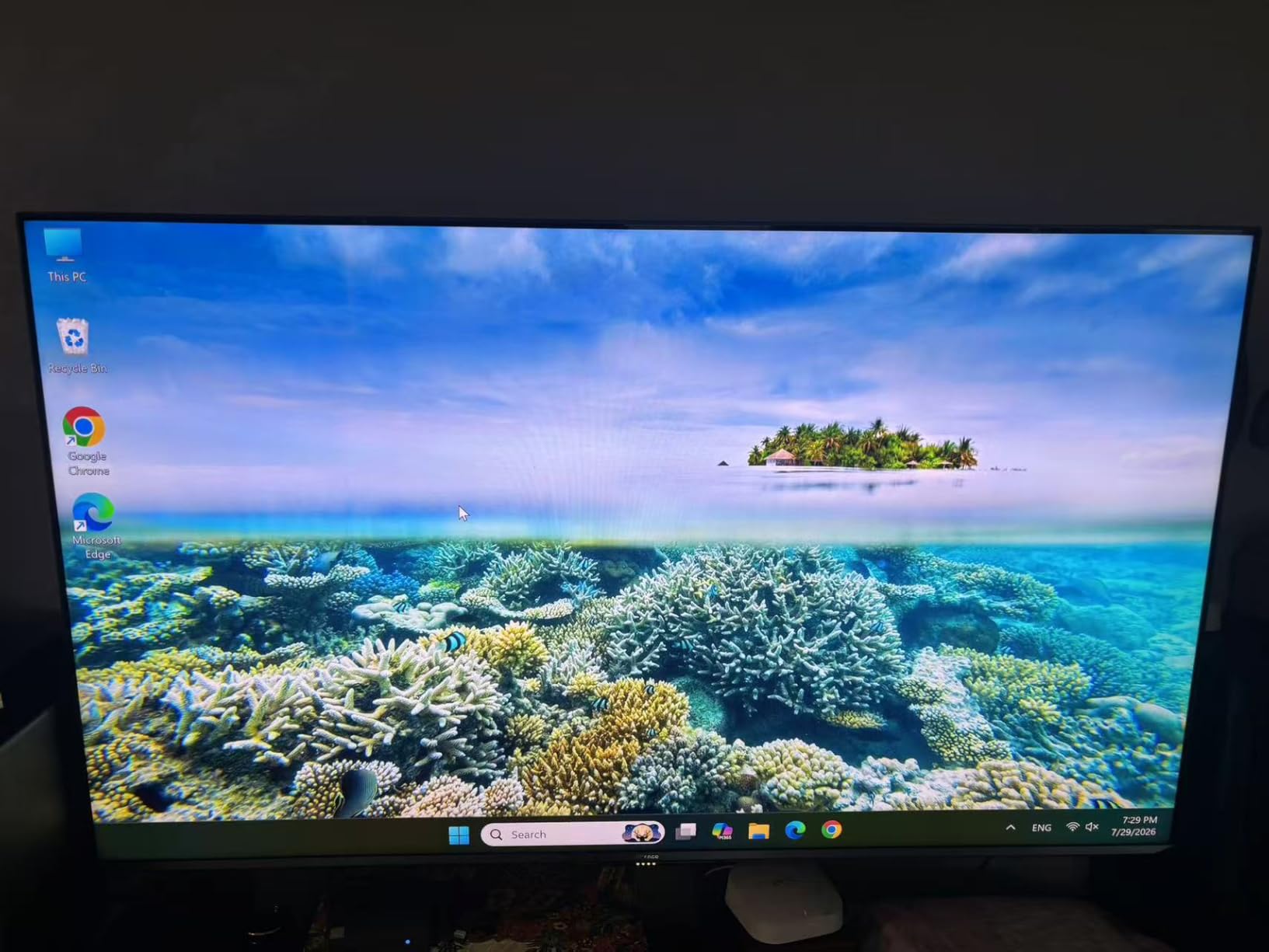
The Bmax B3 Pro has a slower processor than the BOSGAME E4 Air above, but a smaller chassis and a more efficient power profile. Pick the Bmax for a low-power always-on box. Pick the BOSGAME for a faster everyday PC that still keeps up with light multitasking.
How to Choose Mini PCs During Prime Big Deal Days
Pick by workload first, then by expandability and price. The picks above cover the four jobs a compact desktop is most often used for during a sale: office work, home server, media and home theater, and a creator workstation. The right Ryzen or Intel N-class chip matters more than the brand on the box.
CPU and Integrated Graphics Tier
For office work and light browsing, an Intel N-class or a Ryzen 3 7330U is enough. For 4K media, a Ryzen 5 5500U or Ryzen 5 3500U with Vega graphics handles streaming and Plex transcoding well. For creator work and casual gaming, aim for a Ryzen 7 7735HS, 8745HS, or Ryzen 5 7640HS so the integrated Radeon 680M, 780M, or 760M has the headroom for video edits and indie games. If you want the best home theater performance, look at our best Mini PCs for home theaters picks for chips that push clean 4K HDR.
RAM and Storage Expandability
Soldered LPDDR4X or LPDDR5 is fast but capped at the factory configuration. SO-DIMM DDR4 or DDR5 slots let you push to 32GB, 64GB, or even 128GB later. For a home server, pick a box with two M.2 slots and at least one 2.5-inch SATA bay so storage can grow with your media library. Our best Mini PCs for home servers guide goes deeper on the homelab side.
Ports, Networking, and Display Output
USB4, USB-C with DP Alt Mode, 2.5G Ethernet, and WiFi 6E separate the modern picks from the older ones. Triple 4K output is common on Ryzen 5 and Ryzen 7 boxes in this roundup. If you need two wired networks for a router-firewall or a NAS segment, only the GMKtec M5 Ultra in this list has dual 2.5G LAN. Older refurbished units often skip WiFi, so check the listing before you commit.
Intended Workload and Use Case
For a productivity desk with two or three monitors, the KAMRUI Pinova P2, Beelink SER5, and ACEMAGIC K1 are the right tier. For a 24/7 homelab, the GMKtec M5 Ultra is the most flexible. For an office on a tight budget, the HP EliteDesk 800 G2 or Bmax B3 Pro get the job done. Our best Mini PCs for office work guide has more options for that specific scenario.
How to Shop Mini PC Deals During the Sale
Most Prime Big Deal Days offers need a Prime membership, and a free trial counts. Check the model number and CPU generation on the listing before you add it to your cart. Older N100 boxes can look like newer N450 boxes at a glance. Watch the seller and shipping note on the listing, since third-party sellers sometimes move in and out of the event. Most offers do change through the two-day window, so a price you see in the morning may not be the same one at night.
Quick checklist for Prime Big Deal Days Mini PC shoppers:
- Match the CPU to the workload: N-class for basic, Ryzen 5 for media, Ryzen 7 for creators.
- Prefer SO-DIMM RAM and dual M.2 slots if you plan to upgrade later.
- Look for 2.5G Ethernet, USB4, and WiFi 6 or 6E for modern networking.
- Confirm triple display output if you run more than one monitor.
- Check the warranty length and whether the unit ships new or renewed.
Frequently Asked Questions
When does Prime Big Deal Days run in 2026?
Prime Big Deal Days runs October 6-7, 2026. Amazon confirmed the dates for the October sale, and most offers are available throughout the two-day window.
Do I need an Amazon Prime membership to use Mini PC deals during Prime Big Deal Days?
Most Mini PC offers during Prime Big Deal Days need an active Amazon Prime membership. A free trial counts, so you can sign up just for the sale and cancel before the renewal date if you do not want to keep it.
Are barebones Mini PCs worth buying during Prime Big Deal Days?
Barebones Mini PCs can be a smart buy if you already own compatible DDR4 or DDR5 SO-DIMMs and an M.2 SSD. During Prime Big Deal Days, the discount on a barebones chassis plus your existing parts can beat the price of a fully configured box.
Which Mini PC configurations usually see the biggest discounts during Prime Big Deal Days?
Mid-range Ryzen 5 and Intel N-class boxes in the mid-range tier see the deepest cuts, and older Ryzen 7 5700U and 5800U configurations often get marked down to clear inventory. Premium Ryzen 7 7735HS and 8745HS boxes tend to drop less in absolute terms but still move during the sale.
How much RAM and storage should I look for in a Mini PC on sale?
For office work, 16GB of RAM and a 256GB SSD is the floor. For a home server or media box, 16GB plus a 512GB NVMe gives you room to grow. For a creator workstation, look for 32GB of DDR5 and at least a 1TB PCIe 4.0 SSD so you are not bottlenecked on day one.
Is a Mini PC a better deal than a laptop at the same price during Prime Big Deal Days?
A Mini PC at the same price usually gives you more RAM, more storage, and a stronger CPU than a laptop, and you avoid the battery and display markup. The trade-off is no screen, keyboard, or battery, so a Mini PC only wins if you already own a monitor and a workspace.
Final Verdict: Mini PC Deals for Prime Big Deal Days
The Mini PC most worth watching during Prime Big Deal Days is the KAMRUI Pinova P2. It leads on a real mix of value, low weight, and a working triple-4K output, and its 2,000-plus owner reviews show it holds up over months of daily use. The HP EliteDesk 800 G2 is the budget-friendly alternative if you want a name-brand office box at the lowest price in the roundup.
Pick the Beelink SER5 for a clean value play with real RAM expandability, the ACEMAGIC K1 for heavy multitasking with 24GB of LPDDR5, and the GMKtec M5 Ultra if you want a home server with dual 2.5G LAN. For 8K monitor work, the Bmax B8A Pro is the one. For a creator workstation with maximum memory, the GMKtec M6 Ultra leads. Watch the listings on October 6-7, 2026, and add your picks early, because the best prices on compact desktops often move fast.
Leave a Reply