
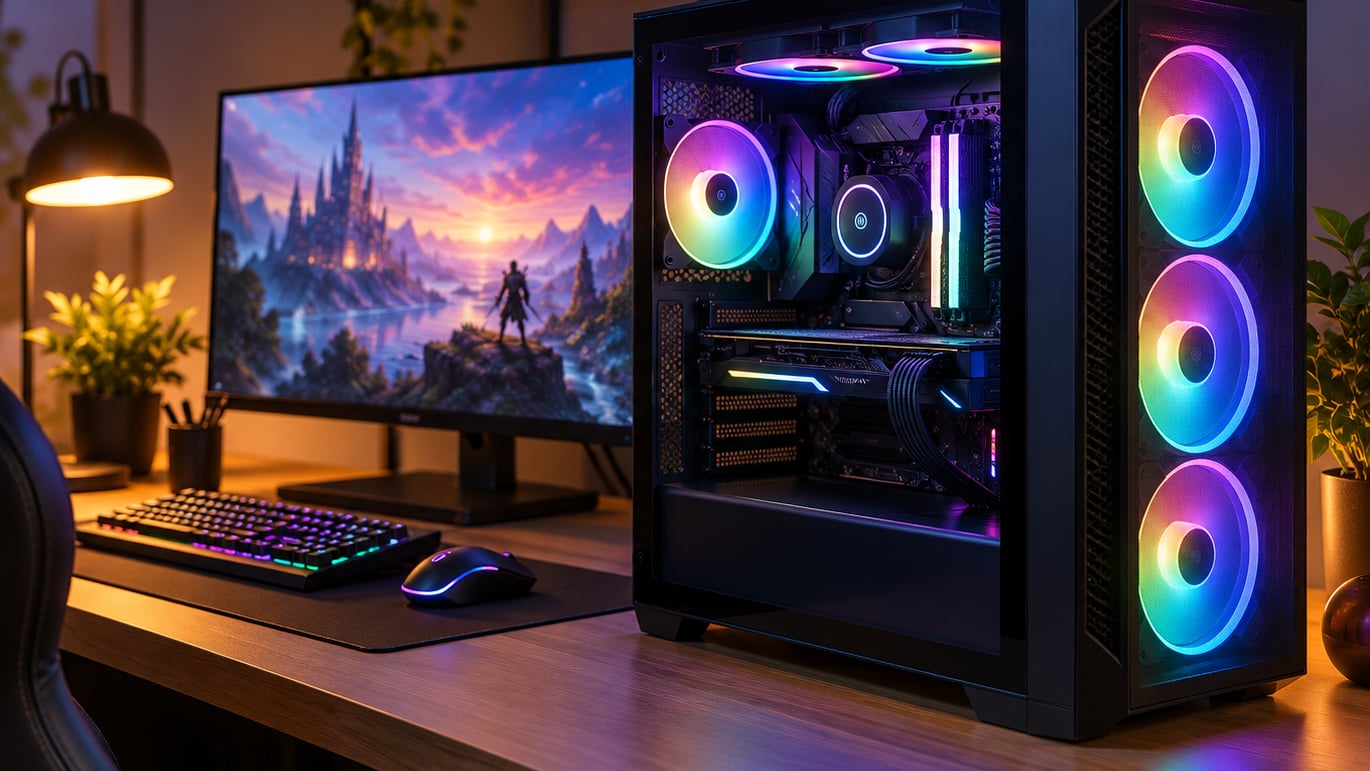
The Skytech Azure 9850X3D tops our list for the best prebuilt gaming PC deals to watch during Prime Big Deal Days, pairing a Ryzen 7 9850X3D with an RX 9070 XT and a 360mm AIO in a clean tempered-glass chassis. It’s the most balanced build for shoppers who want a high-end 4K-ready rig on day one without picking parts themselves. If the GPU matters more than the CPU, the MSI Codex Z2 with its RTX 5070 is the strongest value swing at a lower tier. For mainstream 1440p shoppers, the CyberPowerPC Gamer Master with the RTX 5060 Ti hits a sweet spot on specs and price.
Prime Big Deal Days runs October 6-7, 2026, and most offers need an active Prime membership (a free trial counts). Deals change throughout the 48-hour window, so the picks below are the configurations worth watching rather than confirmed discounts at any one moment.
Our Top 3 Picks for Prebuilt Gaming PC Deals for Prime Big Deal Days


Prebuilt Gaming PC Deals for Prime Big Deal Days Compared (October 2026)
| Product | Details | Action |
|---|---|---|
|
|
Check Deal Price |
 |
|
Check Deal Price |
|
|
Check Deal Price |
 |
|
Check Deal Price |
 |
|
Check Deal Price |
 |
|
Check Deal Price |
 |
|
Check Deal Price |
 |
|
Check Deal Price |
 |
|
Check Deal Price |
 |
|
Check Deal Price |
How We Chose
We compared GPU tier, CPU generation, RAM and storage configuration, owner ratings, and review volume across the products Amazon has live right now, then checked the data in October 2026. Chassis quality, PSU headroom, and standardized parts also mattered because they decide whether a build can grow with you.
1. Skytech Azure 9850X3D: Best Overall Prime Big Deal Days Pick
Skytech Gaming PC Desktop, Ryzen 7 9850X3D, RX 9070 XT, 32GB RAM, 2TB SSD
CPU: Ryzen 7 9850X3D
GPU: RX 9070 XT 16GB
RAM: 32GB DDR5
Storage: 2TB NVMe
Cooling: 360mm AIO
+ Pros
- Ryzen 7 9850X3D with 3D V-Cache for top frame rates
- RX 9070 XT 16GB handles 4K and ray tracing
- 32GB DDR5 leaves headroom for modern titles
- 360mm AIO keeps thermals under control
- 2TB Gen4 NVMe loads games fast
– Cons
- Premium tier price
- GPU brand can vary by batch
The Skytech Azure 9850X3D is the build to watch if you want a no-compromise rig and don’t want to build it yourself. The 9850X3D pairs AMD’s 3D V-Cache with the RX 9070 XT, which is the configuration reviewers report holding high frame rates at both 1440p and 4K in demanding titles.
The 360mm AIO liquid cooler is the headline spec, and reviewers note it keeps the chip well under throttle thresholds even during long sessions. The 2TB Gen4 NVMe means modern games don’t fight over space, and the 32GB DDR5 kit runs dual-channel from the factory.
The Codex Z2 is the cheaper RTX 5070 alternative, but it uses an AM4 platform and a smaller case. The Skytech’s RX 9070 XT and 9850X3D outpace it on raw rasterization at 4K, while the Codex counters with a newer architecture and ray-tracing strengths.
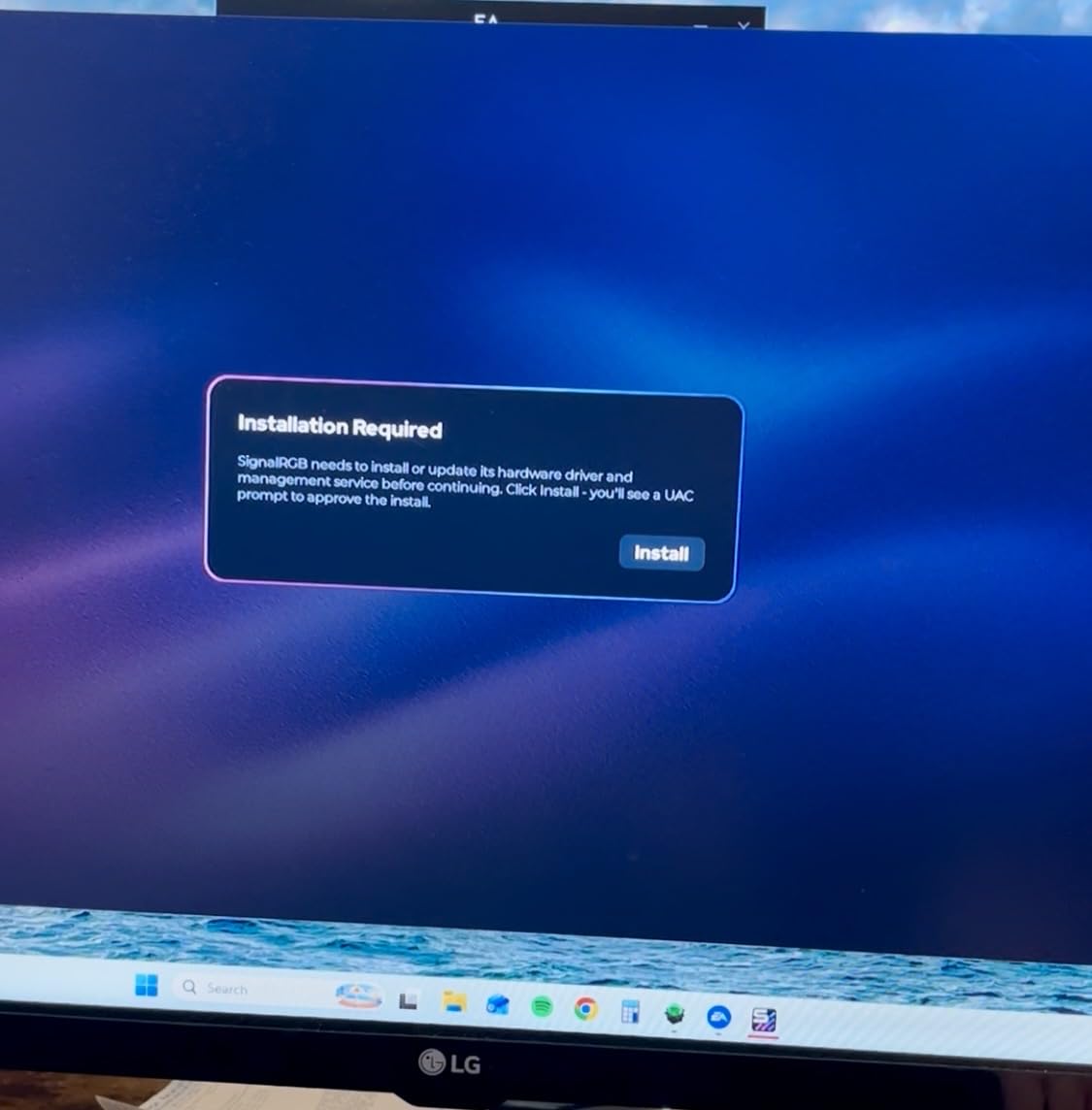
Owners report the case runs quiet at idle and the cabling is cleaner than most prebuilts in this tier. Watch the listing for the GPU brand, since the same model sometimes ships with different partner cards.
Skip it if: You mainly play at 1080p and want a smaller box. The Alienware Aurora offers a tighter footprint and similar specs at the GPU level, though at a different price point.
2. MSI Codex Z2: Best RTX 5070 Power-to-Value
msi Codex Z2 Gaming Desktop, AMD R7-8700F, RTX 5070, 32GB DDR5, 2TB SSD
CPU: Ryzen 7 8700F
GPU: RTX 5070
RAM: 32GB DDR5
Storage: 2TB SSD
Cooling: ARGB Air Cooler
+ Pros
- RTX 5070 Blackwell GPU with strong ray tracing
- 32GB DDR5 is more than most builds at this tier
- 2TB SSD holds a large library
- ARGB air cooler with four system fans
- MSI Center software for tuning and lighting
– Cons
- AM4 platform limits future CPU upgrades
- Stock air cooler runs loud under load
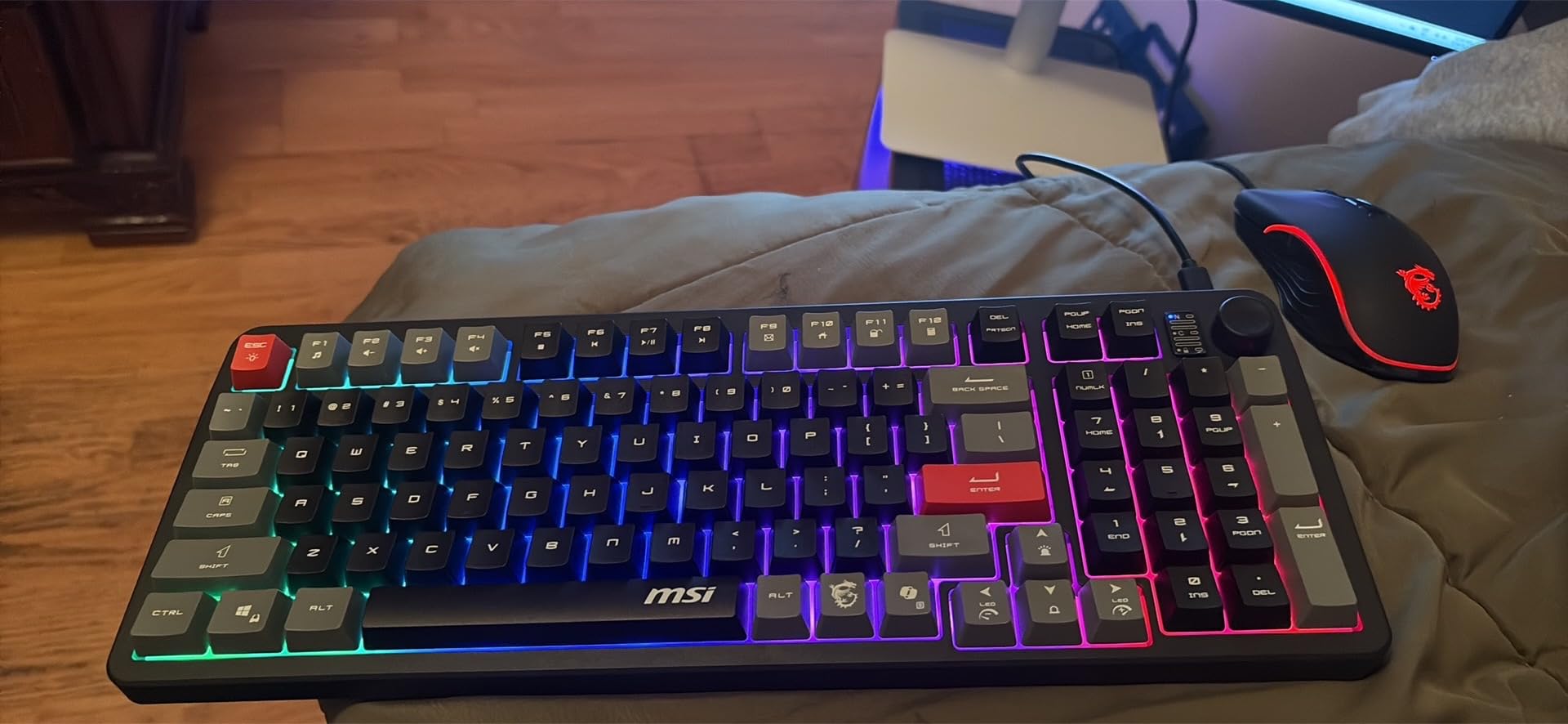
The MSI Codex Z2 is the pick for shoppers who want Blackwell generation ray tracing and DLSS 4 without stepping into the RX 9070 XT price band. It hits a sweet spot where the GPU leads and the CPU is strong enough to feed it at high-refresh 1440p.
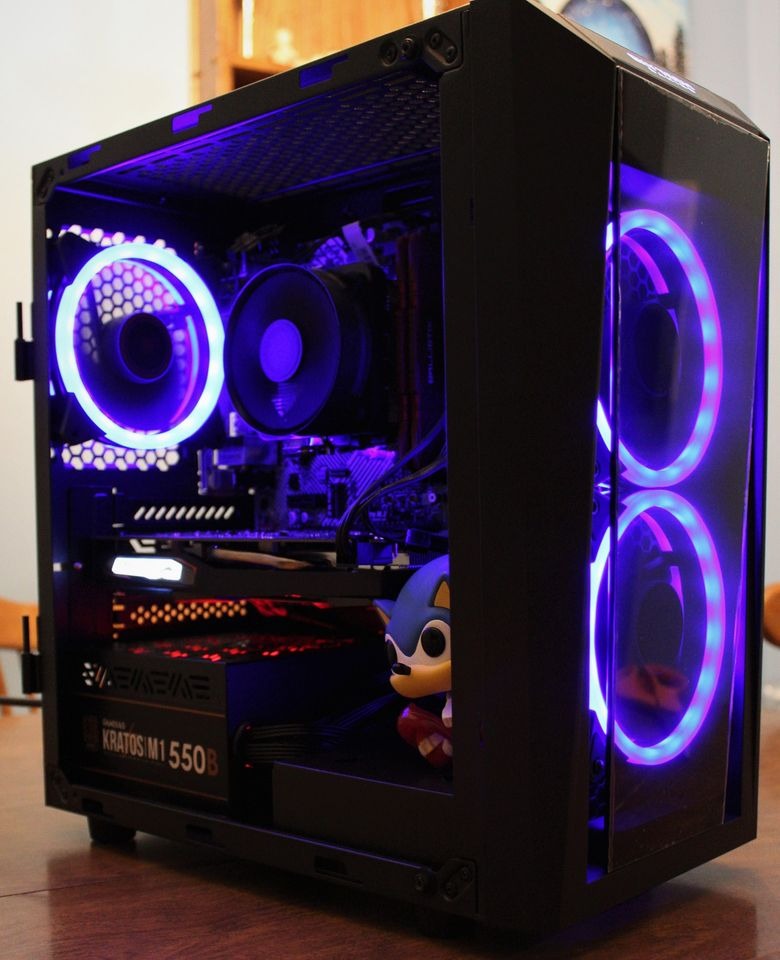
Best for: Ray-traced AAA gaming at 1440p and creators who want a CUDA-equipped GPU for video work. The four ARGB fans and the LED button on the front panel let the case double as a showpiece.
Trade-off owners mention: A few reviews note that the stock air cooler is the loudest component in the box, so a third-party tower cooler is a worthwhile upgrade down the line. The AM4 socket also caps future CPU upgrades, so plan around the GPU instead.
The Gamer Master pairs a similar CPU with a lower-tier RTX 5060 Ti. The Codex Z2’s RTX 5070 pulls ahead in ray-traced and path-traced titles, but the Gamer Master is the cheaper option if you only need solid rasterization at 1440p.
The Codex Z2 weighs 21.3 pounds, which makes it lighter than the Alienware Aurora at 33.9 pounds. Worth checking if you’ll move it between rooms often.
3. CyberPowerPC Gamer Master: Best Mainstream 1440p Pick
CyberPowerPC Gaming PC, AMD Ryzen 7 8700F, GeForce RTX 5060 Ti 8GB
CPU: Ryzen 7 8700F
GPU: RTX 5060 Ti 8GB
RAM: 16GB DDR5
Storage: 1TB NVMe
Connectivity: WiFi 6
+ Pros
- RTX 5060 Ti 8GB for 1440p high-refresh gaming
- 16GB DDR5 with capacity to expand later
- 1TB PCIe 4.0 NVMe
- AM5 platform is future-proof
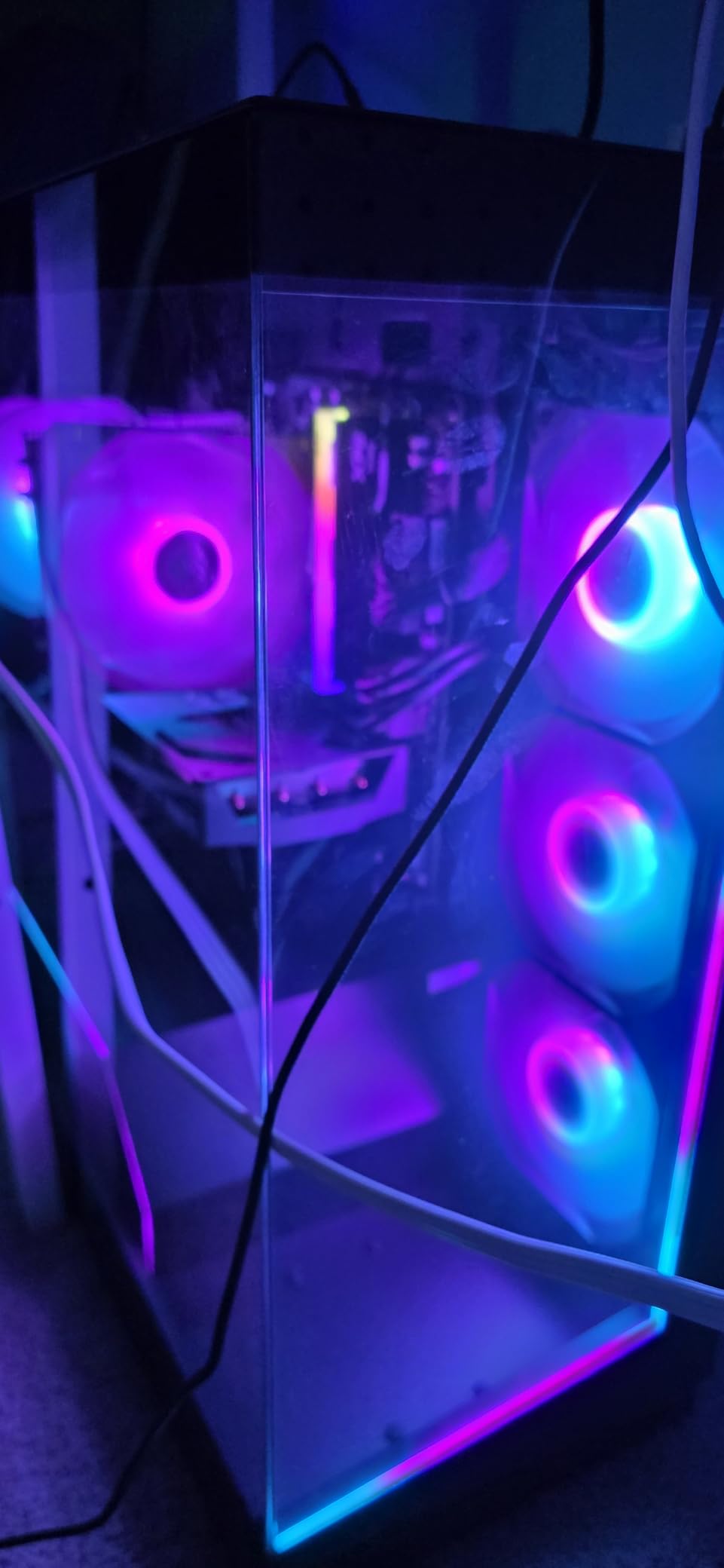
- Custom RGB lighting and tempered side panel
– Cons
- 16GB RAM is the floor for modern AAA
- Some reviews mention initial setup hiccups
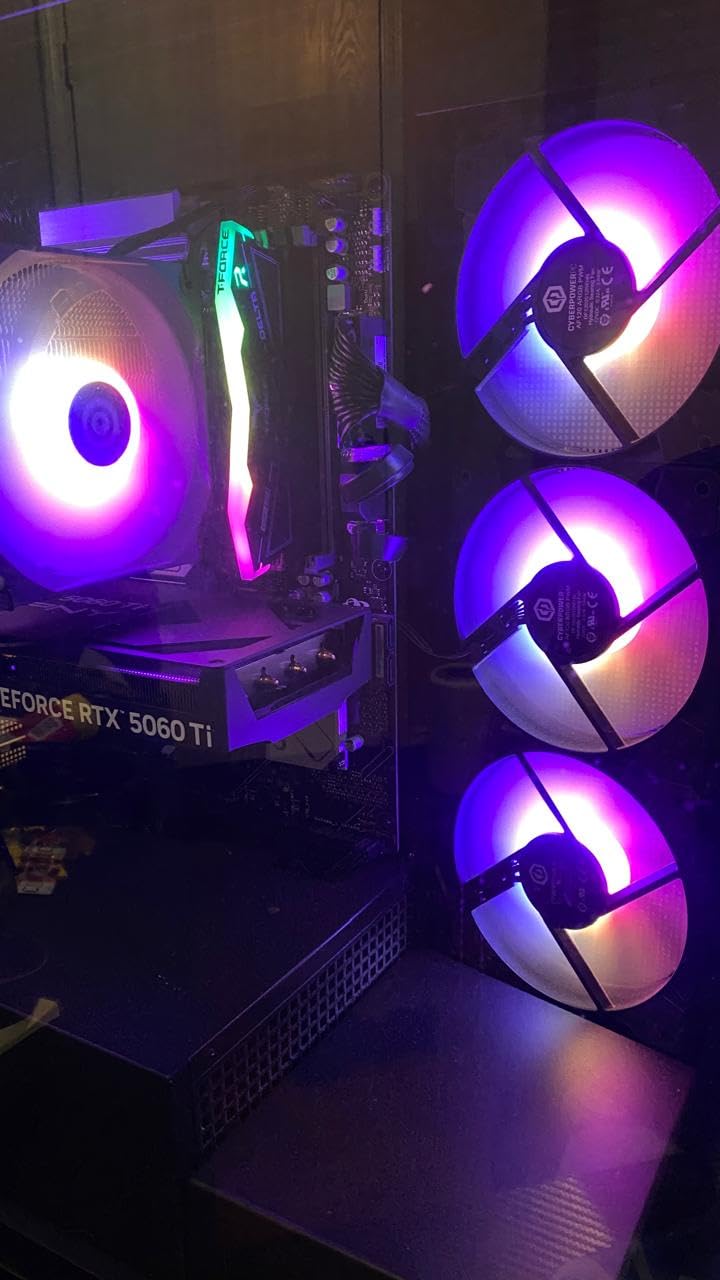
The CyberPowerPC Gamer Master is the safe mainstream 1440p pick for Prime Big Deal Days shoppers. It carries the RTX 5060 Ti and an AM5 platform, so the CPU socket can take future Ryzen upgrades, which is rare at this tier.
The AM5 socket is the long-term play. Most prebuilts at this tier still ship AM4, so this build gives you a path to a 9800X3D or 9950X3D down the line without replacing the motherboard. The B850 chipset also supports PCIe 4.0 across the board, and the chassis includes a tempered side panel and custom RGB.
Compared with the MSI Codex Z2: The Codex Z2’s RTX 5070 wins on raw GPU power, but the Gamer Master is the better value if you want a future-proof socket. At 1080p the gap shrinks, and 16GB of DDR5 is enough for esports titles without a memory upgrade.
Several reviews mention the system arriving with a single RAM stick in some batches, which runs memory in single-channel mode. If you see stuttering in CPU-bound games, adding a second stick of DDR5 fixes it.
Skip it if: You need 32GB out of the box. The MSI Codex Z2 ships with 32GB and the same generation GPU, so it’s worth the step up if you don’t want to crack the case open.
4. Alienware Aurora RTX 5070: Best Premium Build
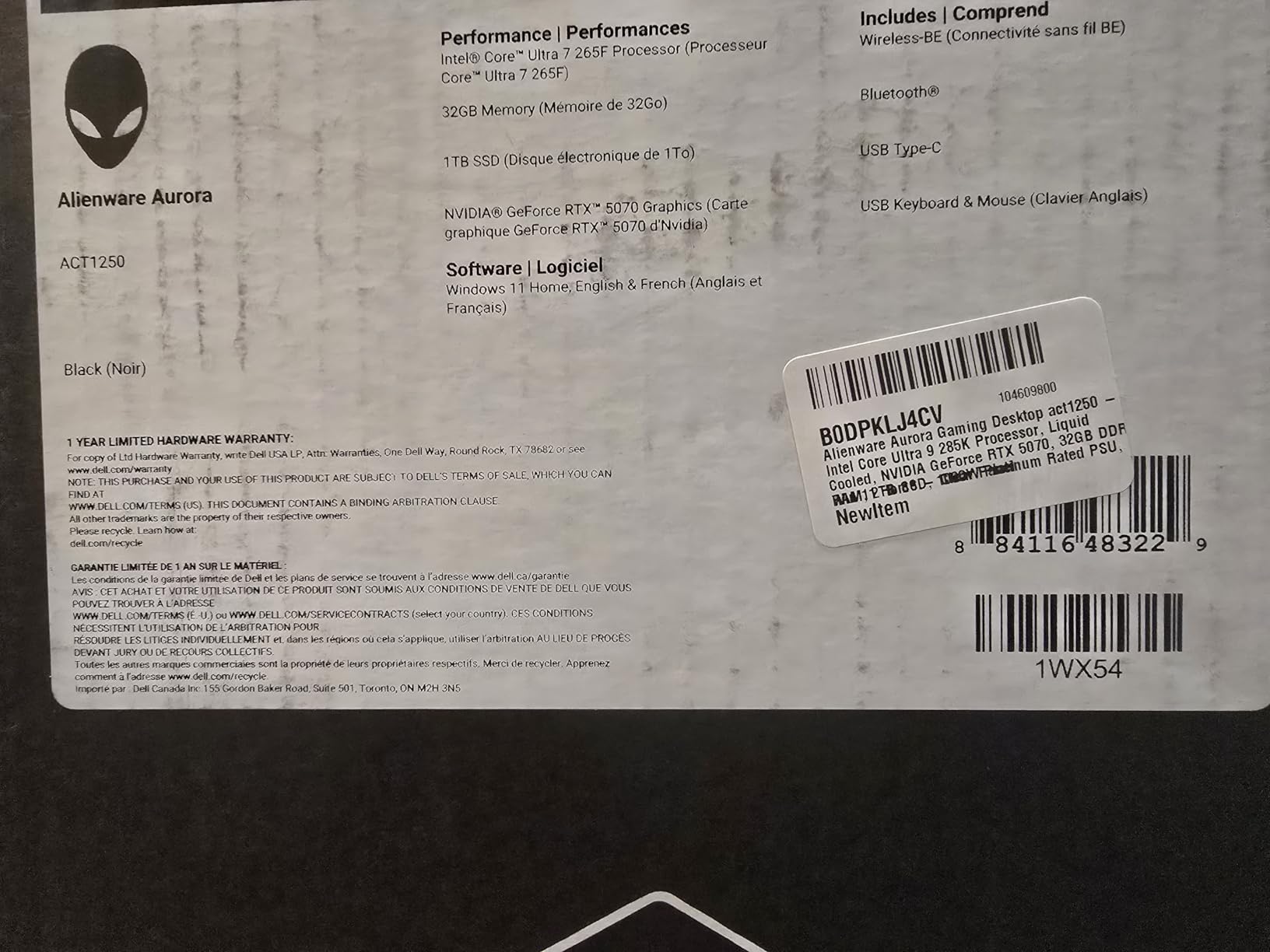
Alienware Aurora Gaming Desktop, RTX 5070, Intel Core Ultra 7 265F
CPU: Core Ultra 7 265F
GPU: RTX 5070 12GB
RAM: 32GB DDR5
Cooling: Air Cooled
Design: Aurora
+ Pros
- RTX 5070 12GB GDDR7
- Intel Core Ultra 7 265F with 20 cores
- 32GB DDR5 RAM
- 1-Year Onsite Service included
- Alienware Command Center for system control
– Cons
- 33.9 pounds is heavy
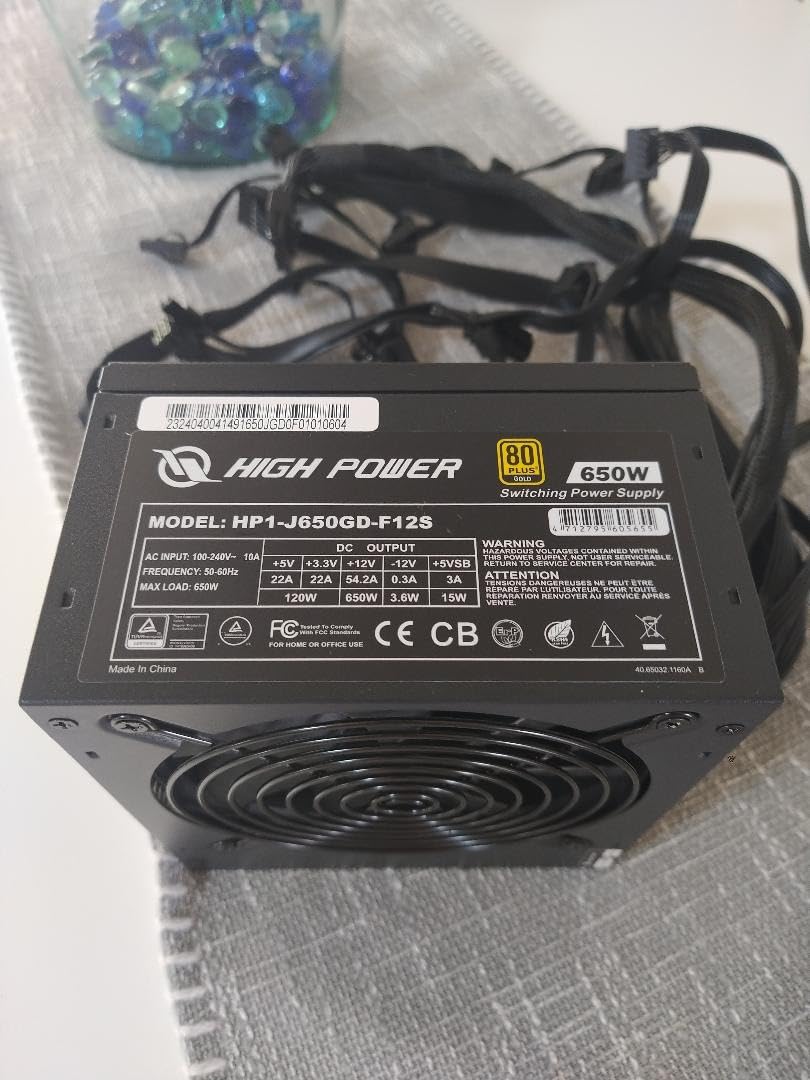
- 450W PSU is tight for an RTX 5070 build
The Alienware Aurora is the most premium prebuilt in the lineup, and the one to watch if you want a polished case with a real warranty behind it. The matte basalt black finish and stadium lighting give it a look that cheaper prebuilts can’t match.
The Core Ultra 7 265F pairs 20 cores with the RTX 5070 12GB, which is overkill for pure gaming but a smart pick if you stream, edit video, or run a second workload alongside games. The 32GB DDR5 ceiling is the right call for creators, and the 1-year onsite service is the only one in this list that sends a technician to your door.
Compared with the Skytech Azure 9850X3D: The Skytech wins on gaming frame rates thanks to the 9850X3D’s 3D V-Cache, while the Aurora wins on multitasking, styling, and warranty. Pick Aurora if you want a desktop that handles work and play without compromise.
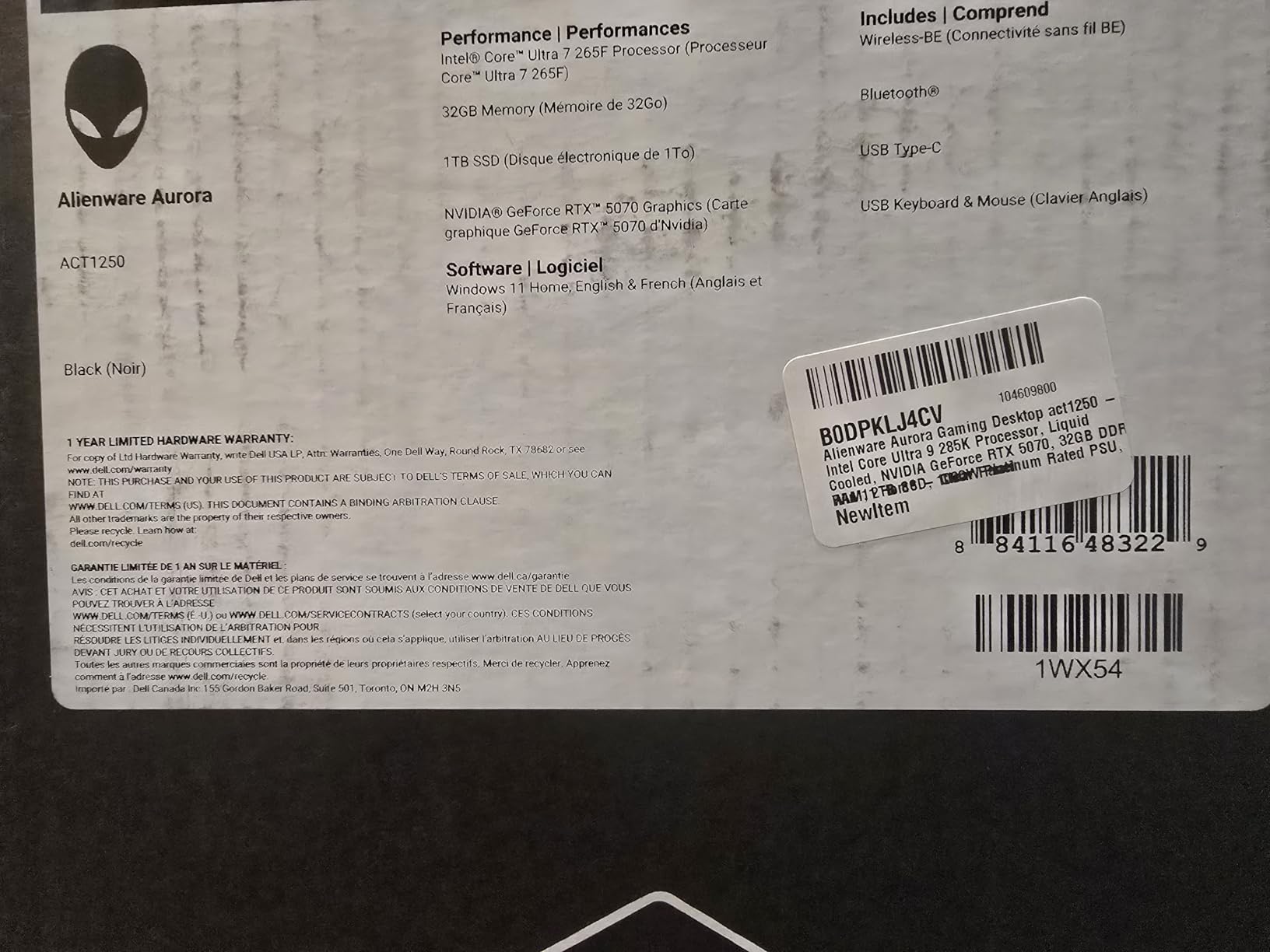
The 450W PSU is the spec to watch. It runs the RTX 5070 fine at stock but leaves little headroom for an upgraded GPU later, so factor that in if you plan to drop in an RTX 5070 Ti or RTX 5080 down the road.
5. MSI Aegis ZS: Best DIY-Friendly Build
msi Aegis ZS Gaming Desktop, AMD Ryzen 7 7700, GeForce RTX 4060, 16GB RAM, 1TB SSD, RGB Fan Cooling, Wi-Fi 6E, Keyboard & Mouse Included, DIY Friendly, Windows 11 Home-Adv: 7NUC-607US
CPU: Ryzen 7 7700
GPU: RTX 4060 8GB
RAM: 16GB DDR5
Storage: 1TB SSD
Connectivity: Wi-Fi 6E
+ Pros
- Ryzen 7 7700 with strong single-core performance
- RTX 4060 8GB GDDR6X
- 16GB DDR5 expandable to 192GB
- Wi-Fi 6E
- DIY-friendly case with standard parts
– Cons
- Only 3 USB ports on the front
- Bundled keyboard and mouse are basic
The MSI Aegis ZS is the pick for shoppers who want a prebuilt today and a custom rig tomorrow. It uses standard parts and a case that’s easy to open, so the GPU, RAM, and storage are all reachable without proprietary headaches.
The Ryzen 7 7700 hits 5.3 GHz and the AM5 platform matches the long upgrade path of the CyberPowerPC Gamer Master. With 192GB of maximum RAM supported, the motherboard leaves room to grow into a content creation build over time. Reviewers also note quiet operation under load, which is rare at this tier.
Both are around the same price, but the Aegis ZS has a newer CPU, Wi-Fi 6E, and a brand-name chassis. The VIPRTECH Ghost 3.0 has an older 3700X and DDR4, so it’s the better pick only if you want a liquid cooler out of the box.
Several owners mention the GPU arrives in protective packaging that needs careful removal, and that the bundled keyboard and mouse are basic. Plan on real peripherals if you’re picky about feel.
6. Skytech Azure RTX 5060: Most Compact 1080p Pick
Skytech Gaming PC Desktop, Ryzen 7 5700, RTX 5060, 16GB RAM, 1TB SSD
CPU: Ryzen 7 5700
GPU: RTX 5060 8GB
RAM: 16GB DDR4
Storage: 1TB NVMe
Cooling: ARGB Air Cooler
+ Pros
- RTX 5060 8GB GDDR7
- 1TB NVMe M.2 SSD
- 16GB DDR4 with heat spreader
- High-performance air cooler with ARGB
- Free gaming keyboard and mouse
– Cons
- DDR4 caps the platform
- RAM is not expandable beyond 16GB
The Skytech Azure RTX 5060 is the simplest answer for shoppers who game at 1080p and want a brand-name prebuilt without a high-end tax. It’s the build to watch if you mainly play competitive titles and don’t need 32GB of RAM.
The RTX 5060 8GB with GDDR7 is the GPU that drives most 1080p esports monitors at full refresh, and the 1TB NVMe holds a healthy library. The air cooler with ARGB fans is also quieter than the budget coolers on competing prebuilts, owners report.
The Skytech’s RTX 5060 is two GPU generations newer and ships with a Ryzen 7 5700 instead of an older 8th gen Intel chip. It costs more, but the upgrade is real for anyone who plays more than indie games.
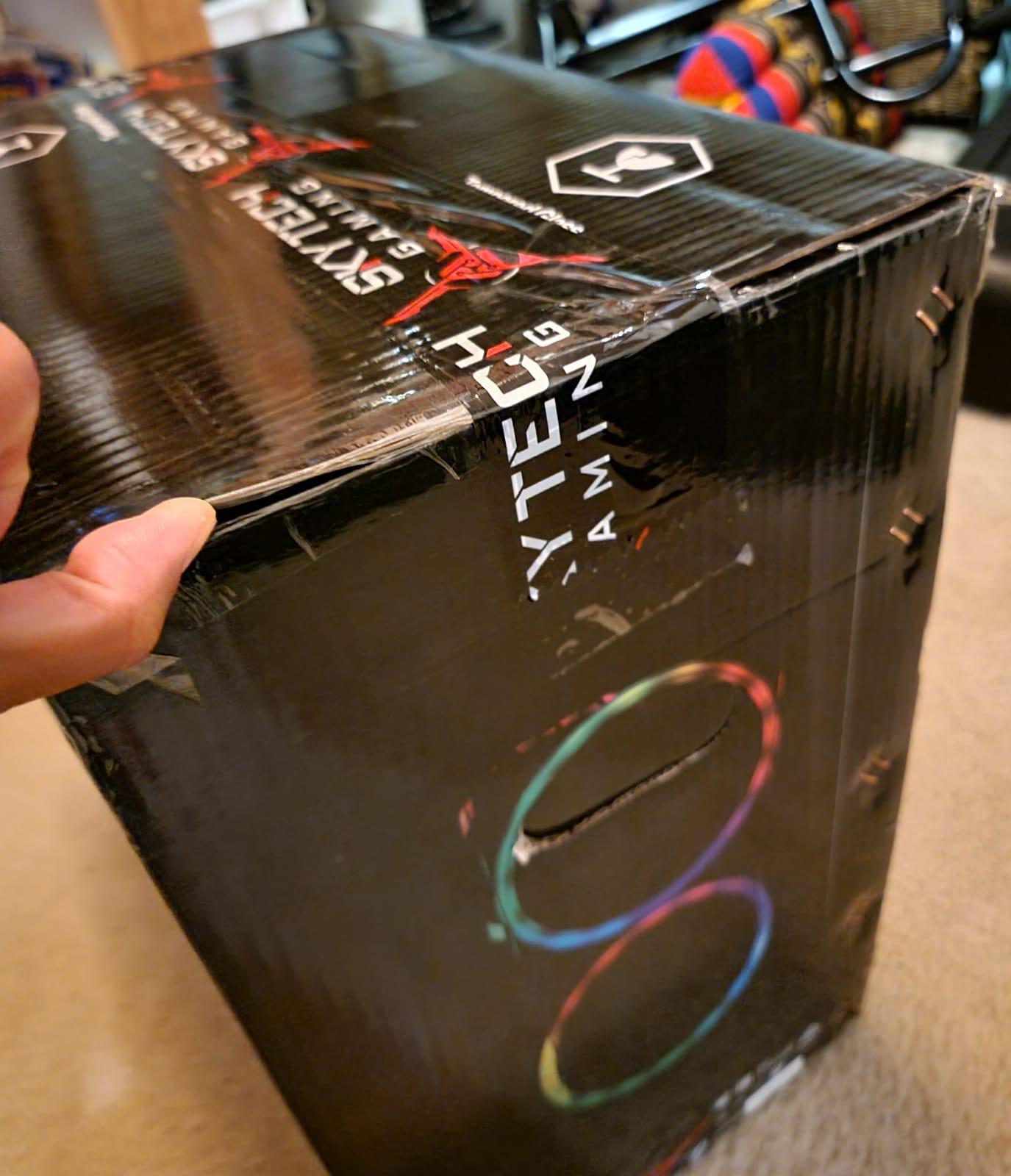
The Ryzen 7 5700 sits on the AM4 platform, which is end-of-life for new CPU upgrades. The chassis and PSU are still standard, so a GPU swap to a future RTX 5060 Ti or RTX 5070 is straightforward.
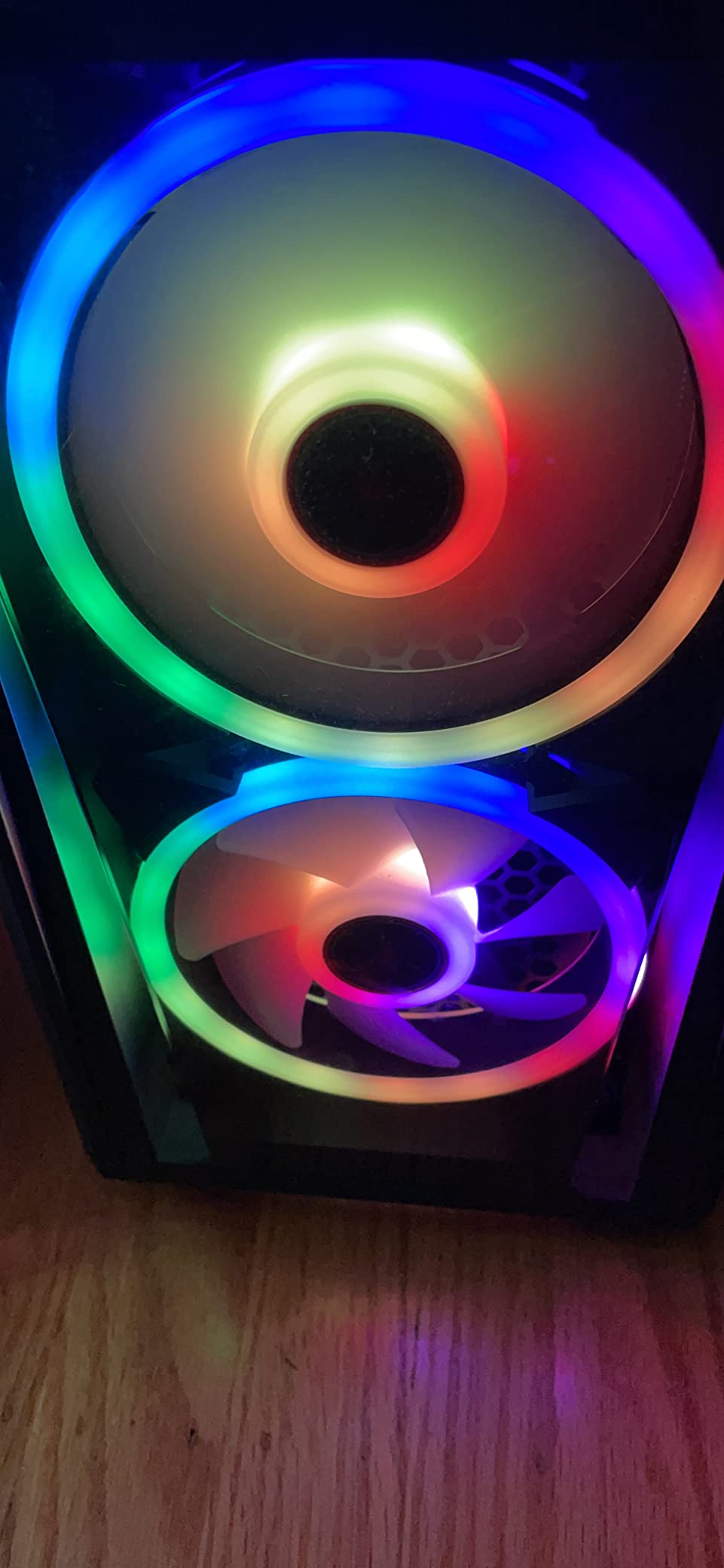
7. VIPRTECH Ghost 3.0: Best Budget RTX 4060 Build
VIPRTECH Ghost 3.0 GamingPC, Ryzen 7, RTX 4060 8GB, 16GB/1TB SSD Onyx Black
CPU: Ryzen 7 3700X
GPU: RTX 4060 8GB
RAM: 16GB DDR4
Storage: 1TB SSD
PSU: 600W Gold
+ Pros
- RTX 4060 8GB at the budget tier
- 120mm RGB liquid cooler
- 600W Gold-rated PSU
- Windows 11 Pro
- USA-built with QA testing
- 1-year warranty
– Cons
- DDR4 at 2400 MHz is slower than newer kits
- Older 3700X CPU generation
The VIPRTECH Ghost 3.0 is the cheapest prebuilt in the list with a current-generation RTX 4060. For shoppers trying to keep their total low during Prime Big Deal Days, this is the configuration worth tracking.
A 120mm RGB liquid cooler and a 600W Gold-rated PSU at this price tier is unusual. Most budget prebuilts use stock air coolers and 80 Plus Bronze PSUs, so the Ghost 3.0 has a small upgrade path advantage if you ever swap the GPU for a higher-tier RTX 4070 or RTX 4070 Ti.
Compared with the Olialia RTX 3060 Ti: The Ghost 3.0 has a newer RTX 4060 with DLSS 3 frame generation, while the Olialia has a 3060 Ti that’s strong on pure raster at 1440p. The Olialia also has a higher 4.6-star average rating. Pick the Ghost 3.0 for frame gen and the Olialia if raw 1440p frame rate matters more.
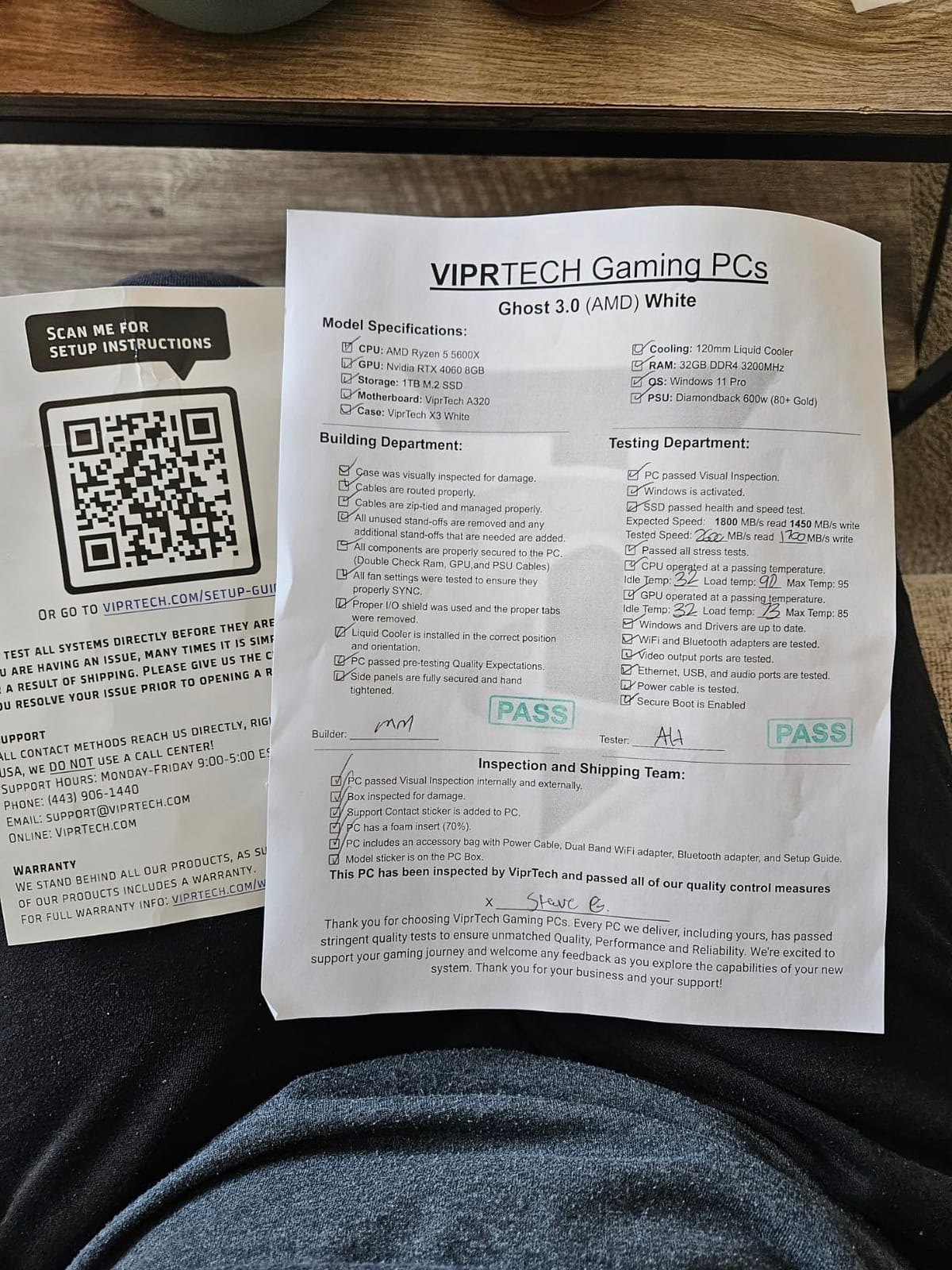
The 16GB of RAM is DDR4 at 2400 MHz, which is the slowest in the lineup. A faster 3200 MHz stick unlocks noticeably smoother performance in CPU-bound games, and the cost is small.
8. Olialia RTX 3060 Ti: Best 1440p Value Per Dollar
Olialia Gaming PC Prebuilt, RTX 3060 Ti, AMD Ryzen 5 5500, 16GB RAM
CPU: Ryzen 5 5500
GPU: RTX 3060 Ti
RAM: 16GB DDR4
Storage: 512GB SSD
Cooling: 6 RGB Fans
+ Pros
- RTX 3060 Ti for strong 1440p gaming
- 6-core Ryzen 5 5500 at 4.2 GHz
- Panoramic dual-chamber glass case
- 6 RGB case fans and RGB CPU cooler
- Dust filters for cleaner internals
– Cons
- 512GB SSD fills up fast
- 1-year warranty
The Olialia RTX 3060 Ti is the highest-rated prebuilt in the lineup at 4.6 stars, and the one to watch if you want solid 1440p gaming at the lowest tier. It’s a straightforward build with a focus on cooling and case design.
The dual-chamber case with twin tempered glass panels and six RGB fans is more aggressive than any other prebuilt here. Reviewers say the dust filters make routine cleaning easy, and the 3060 Ti is well-matched to a 1440p 144Hz monitor for most modern games.
Compared with the VIPRTECH Ghost 3.0: The Olialia’s 3060 Ti is two tiers below the RTX 4060 in raw performance, but the card still pushes 60+ FPS at 1440p in many AAA titles. If 1440p is your target resolution and you don’t need DLSS 3, the Olialia is the better fit.
The 512GB SSD is the main constraint. A 1TB or 2TB NVMe upgrade is cheap, and the case has a spare M.2 slot, so this is an easy fix after the sale.
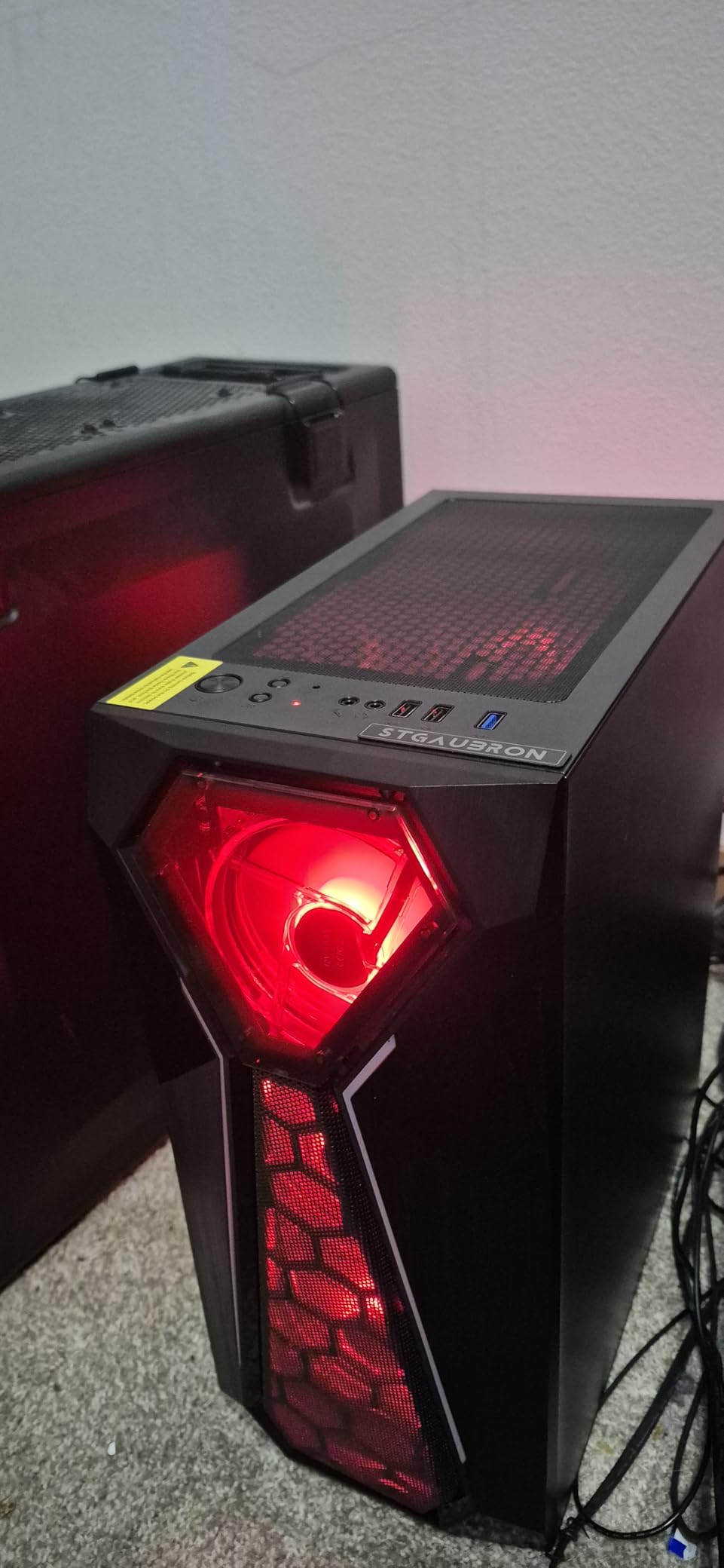
9. STGAubron RX 580: Cheapest Gaming PC Worth Watching
STGAubron Gaming PC Computer Desktop, Intel Core i7 up to 3.9GHz, Radeon RX 580 8G Video Card, 16GB RAM, 1TB SSD, WiFi 6, BT 5.0, RGB Fan x 6, Windows 11 Home
CPU: Core i7 4th Gen
GPU: RX 580 8GB
RAM: 16GB DDR3
Storage: 1TB SSD
Connectivity: WiFi 6
+ Pros
- Lowest price in the lineup
- RX 580 8GB handles light 1080p gaming
- 1TB SSD out of the box
- WiFi 6 and Bluetooth 5.0
- RGB keyboard and mouse included
– Cons
- Older 4th gen Intel CPU
- DDR3 RAM is a generation behind
- Some users report stability issues after months
The STGAubron RX 580 is the cheapest prebuilt in the lineup, and the only one in the conversation for shoppers with a tight budget cap. Treat it as a starter box rather than a long-term build.
The RX 580 8GB and 1TB SSD are the real spec highlights. The card handles 1080p esports and older AAA games, and the 1TB of storage is unusual at this price. The chassis ships with six RGB fans and a bundled keyboard and mouse, so it’s a complete setup out of the box.
The RTX 3050 version is the better pick if you can stretch the budget. It has a newer 8th gen Intel CPU, DLSS support, and faster DDR4 memory, so it lasts longer before the next upgrade.
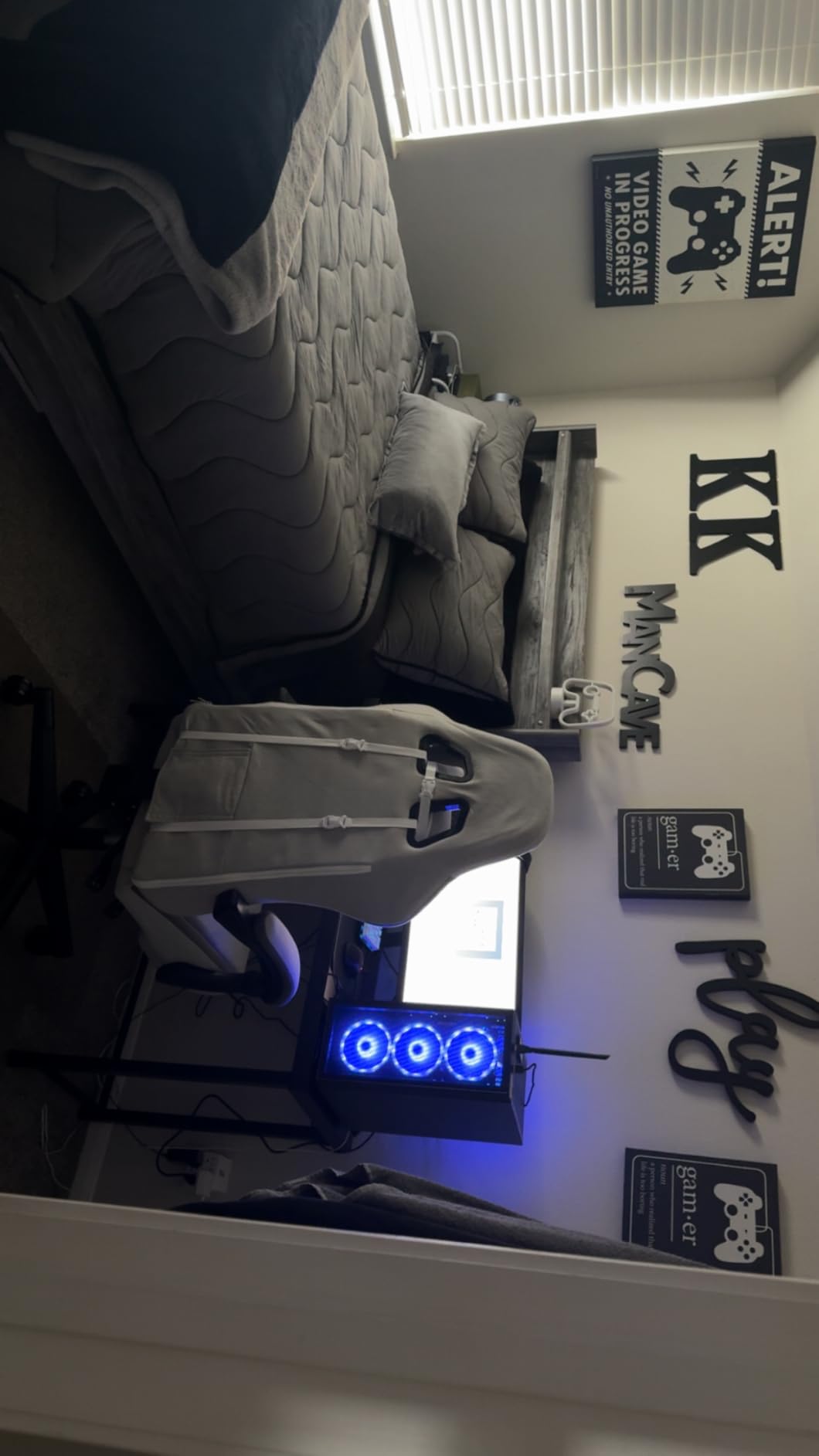
Some owners report blue-screen issues after several months of use, which is a known risk with the older platform. Plan on a warranty exchange or a CPU/RAM swap if you want it to last past two years.
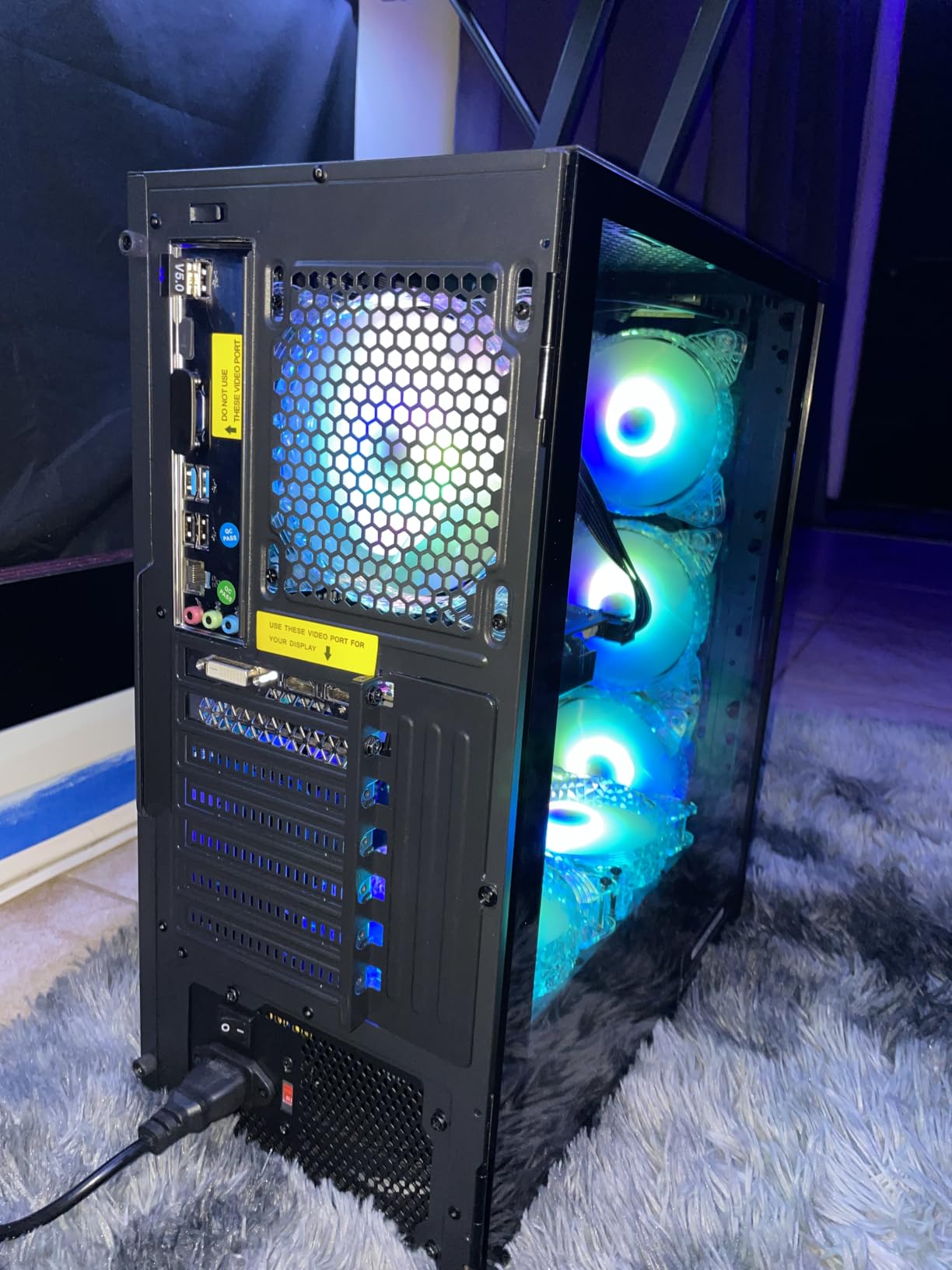
10. STGAubron RTX 3050: Best Starter 1080p Prebuilt
STGAubron Gaming PC Desktop,Corei7 8th Gen,RTX 3050 6G,16G DDR4,512G SSD
CPU: Core i7 8th Gen
GPU: RTX 3050 6GB
RAM: 16GB DDR4
Storage: 512GB SSD
Connectivity: WiFi 6
+ Pros
- RTX 3050 6GB with DLSS support
- Core i7 8th gen with 6 cores
- WiFi 6 and Bluetooth 5.2
- RGB mouse and keyboard included
- Free lifetime tech support
– Cons
- 512GB SSD is the smallest in the lineup
- 8th gen Intel is end-of-line
The STGAubron RTX 3050 is the cheapest path to a current-generation NVIDIA card in the lineup. It’s the starter prebuilt to watch if you’re a first-time buyer or a parent buying for a teen.
DLSS support on the RTX 3050 lets lighter esports titles run well even at 1080p high settings, and the 16GB of DDR4 is a step above the budget tier. The 8th gen Core i7 also has six cores, so it can handle streaming or homework alongside games.
The RTX 3050 has DLSS, better driver support, and a newer CPU. The RX 580 has a larger 1TB SSD. Pick the 3050 for longevity and the 580 if you care more about storage space on day one.
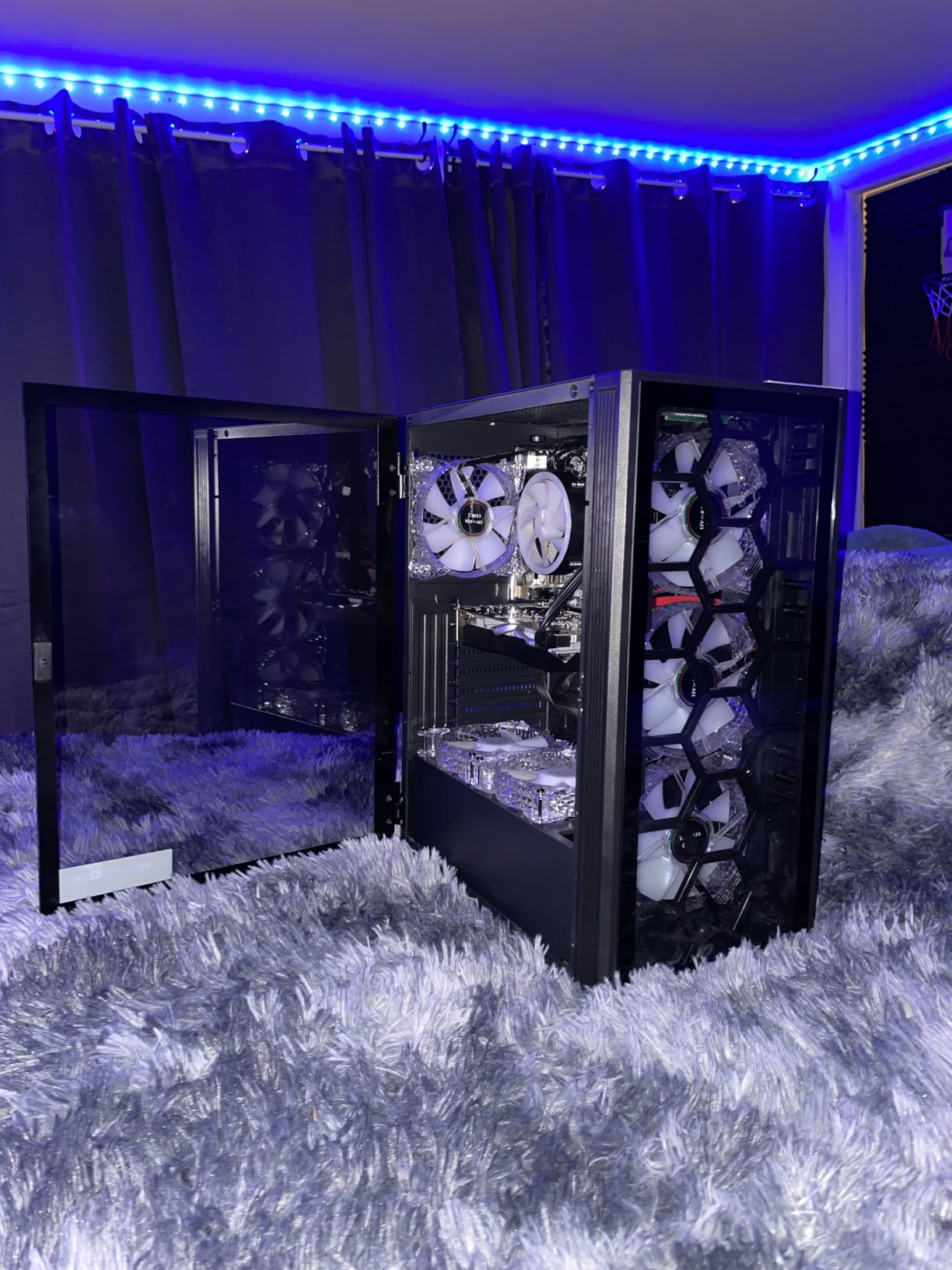
512GB is tight for a modern game library, so budget for a 1TB NVMe add on the same order. The case has a spare M.2 slot, and the swap takes about 15 minutes with a single screwdriver.
How to Choose a Prebuilt Gaming PC During Prime Big Deal Days
GPU Tier and Target Resolution
The GPU is the part that decides what your monitor can do, and it’s the component most worth tracking during the sale. An RTX 5060 handles 1080p high-refresh, an RTX 5070 is the right pick for 1440p, and an RX 9070 XT or RTX 5070 Ti is the move for 4K. Our picks for shoppers chasing each resolution include the best prebuilt gaming PCs for 1440p as a separate deep dive if you want more options.
CPU Pairing for Gaming
AMD’s Ryzen 7 9800X3D and 9950X3D are the gaming leaders in 2026 thanks to 3D V-Cache, and Intel’s Core Ultra 7 265F pairs well for mixed gaming and productivity. For budget tiers, the Ryzen 7 7700 and 8700F are still strong performers at 1080p and 1440p.
RAM and Storage Floor
16GB of DDR5 is the floor for modern AAA gaming, and 32GB is the safer ceiling if you also stream or run creative apps. A 1TB NVMe is the minimum for a new build, and a 2TB drive is worth it if you have a large library. If you want more storage options, our guide to PCIe 5.0 NVMe SSDs for gaming PCs walks through the best upgrades. Newer shoppers should also check our budget gaming PCs for beginners guide.
Cooling and PSU Headroom
A 360mm AIO is the right cooler for high-end Ryzen 7 X3D chips, and a tower air cooler with multiple fans handles mid-range builds fine. The PSU is the silent spec to check: 600W Gold covers an RTX 4070, 750W handles an RTX 5070, and 850W is the right ceiling for an RTX 5080 build. The Alienware Aurora’s 450W PSU is a tight fit for an RTX 5070, which is worth keeping in mind.
Form Factor and Upgrade Path
Mid-tower ATX cases with standard motherboards and PSUs are the most upgradeable. The MSI Aegis ZS is the cleanest example in the lineup, and our budget gaming PCs under 1000 guide highlights other small-tower options. Avoid proprietary boards or non-standard PSUs if you plan to swap parts later.
How to Shop Prebuilt Gaming PC Deals During Prime Big Deal Days
Check the model number on the listing and confirm the generation, not just the family name. A “Ryzen 7” can be a 5700, 7700, 8700F, or 9850X3D, and the GPU brand can vary between batches of the same listing. Look at who sells and ships the unit, since Amazon-fulfilled listings tend to have the cleanest return paths during sale events. Most offers need a Prime membership, and a free trial works. If you’re also shopping for a new GPU down the line, our graphics cards for PC guide covers the standalone market.
Quick checklist for Prime Big Deal Days shoppers:
- Confirm the exact CPU and GPU model, not just the family name
- Check the PSU wattage against your planned GPU tier
- Verify dual-channel memory, since some batches ship single-channel
- Look for 1TB or larger NVMe storage
- Read the warranty terms, including onsite service where available
- Watch the listing through the full 48-hour window, since stock and pricing change
Frequently Asked Questions
When does Prime Big Deal Days run in 2026?
Prime Big Deal Days runs October 6-7, 2026. The event is a 48-hour window, with new deals appearing throughout, so it’s worth checking the listings on both days rather than only the first morning.
Do I need an Amazon Prime membership to access prebuilt gaming PC deals during Prime Big Deal Days?
Yes, most offers need an active Prime membership. A free trial works, so you can sign up the day the event starts and still see the same pricing on eligible prebuilt gaming PCs. Some third-party sellers also run their own discounts that are visible without Prime.
Which prebuilt gaming PC specs should I prioritize during the sale?
Start with the GPU tier, since it decides what resolution and refresh rate your monitor can drive. After the GPU, check the CPU generation, RAM capacity and channel configuration, storage size, and PSU wattage for headroom. Cooler quality and case airflow matter more on higher-end builds where the components run hotter under load.
Are last-generation prebuilt gaming PCs worth buying during Prime Big Deal Days?
Sometimes, yes. A discounted RTX 4060 or RTX 4060 Ti build is still a strong 1080p and 1440p machine, and the savings can fund a better SSD or a better monitor. The trade-off is the platform, so check the CPU socket and chipset before buying if you want a future CPU upgrade path.
How much should I expect to save on a prebuilt gaming PC during Prime Big Deal Days?
Savings vary by tier and by configuration, and the live price is the only reliable reference. As a rough guide, mid-range builds tend to see the deepest absolute cuts because the components are widely available, while high-end RTX 5080 and RTX 5090 rigs are less common and see smaller percentage drops. Watch the listing through the full event, since pricing changes.
Can I upgrade a prebuilt gaming PC after I buy it?
Most mainstream prebuilts use standard parts, so RAM, storage, and GPU upgrades are straightforward. CPU upgrades depend on the socket, and PSU upgrades depend on the case size and form factor. Check the model number on the listing before you buy if you plan a future CPU swap, since AM5 boards support more upcoming chips than AM4 boards.
Final Verdict: Prebuilt Gaming PC Deals for Prime Big Deal Days
Buy the Skytech Azure 9850X3D if you want the most balanced prebuilt worth watching during Prime Big Deal Days, with a 3D V-Cache CPU and an RX 9070 XT that handle 4K without compromise. For a budget-friendly alternative, the VIPRTECH Ghost 3.0 pairs an RTX 4060 with a liquid cooler at a lower tier, and it’s the most capable budget build in the lineup.
Pick the MSI Codex Z2 if you want the strongest value swing to the RTX 5070, or the CyberPowerPC Gamer Master if you need an AM5 platform and a 1440p card for less. The Alienware Aurora is the move for shoppers who want onsite warranty and a polished case, the MSI Aegis ZS is the right pick for future upgrades, and the Skytech Azure RTX 5060 is the simple 1080p answer.
Watch the listings through the full 48-hour window, confirm the exact model number before you buy, and check the price button for the live deal. Prime Big Deal Days runs October 6-7, 2026, and most offers need a Prime membership.
Leave a Reply