

The HP 14 Renewed leads this list of laptop deals under $500 for Prime Big Deal Days thanks to a strong 4.3 average across 2980 owner reviews and a price that fits a tight student or remote-work budget. The PADIX 15.6 is the best value pick for shoppers who want a larger 1080p screen and the highest rating (4.8) of any laptop here. The Lenovo IdeaPad 16 is the premium watch-list pick with a 13th-gen Intel Core i5, 16GB of DDR5 RAM and a 512GB SSD when its price drops into sale range.
Prime Big Deal Days runs October 6-7, 2026, and these nine Windows picks are the ones worth watching during the sale. Most offers need a Prime membership (a free trial counts), and prices change through the event.
Our Top 3 Picks for Windows Laptop Deals Under $500



Windows Laptop Deals Under $500 Compared (2026)
| Product | Details | Action |
|---|---|---|
|
|
Check Deal Price |
|
|
Check Deal Price |
|
|
Check Deal Price |
 |
|
Check Deal Price |
 |
|
Check Deal Price |
 |
|
Check Deal Price |
 |
|
Check Deal Price |
 |
|
Check Deal Price |
 |
|
Check Deal Price |
How We Chose
We pulled specs, ratings, and review counts from the product listings and cross-checked them against the model numbers. Every laptop below runs Windows 11 and was available for under $500 at the time of selection, though prices move during Prime Big Deal Days. The list mixes brand-new units with renewed models, since both groups see real movement in the sale. Data was refreshed October 2026.
1. HP 14 Renewed: Editor’s Choice for Everyday Tasks
HP 14″ HD Laptop, Windows 11, Intel Celeron Dual-Core Processor Up to 2.60GHz, 4GB RAM, 64GB SSD, Webcam, Dale Pink (Renewed)
Display: 14 inch HD
CPU: Intel Celeron dual core
Storage: 64GB SSD
RAM: 4GB
Battery: 9 hours
Weight: 3.2 lb
+ Pros
- Lightest feel in this lineup at 3.2 pounds
- Strong 4.3 rating across 2980 owner reviews
- 9 hour battery for a full school day
- HP webcam with integrated microphone
- Windows 11 out of the box
– Cons
- HD 1366×768 screen looks dated next to 1080p rivals
- Only 4GB RAM limits heavy multitasking
- 64GB SSD fills up fast with Windows updates
The HP 14 Renewed is the kind of laptop a parent hands a high-schooler without flinching at the receipt. It weighs 3.2 pounds, comes with Windows 11, and the dual-core Intel Celeron runs web browsers, Google Docs, and Zoom calls without much drama. Owner reviews lean positive because the unit does what most students actually need: open a tab, type a paper, join a class.

What stands out is the 9-hour battery claim, which matters more than people expect on a sub-300 laptop. Reviewers on the listing say it lasts a school day plus an evening of homework. The 64GB SSD is tight once Windows 11 and a few Office files land on it, so a microSD card or cloud storage is a smart add-on. Compared with the PADIX 15.6, the HP trades a smaller, dimmer screen for a noticeably lower entry price.
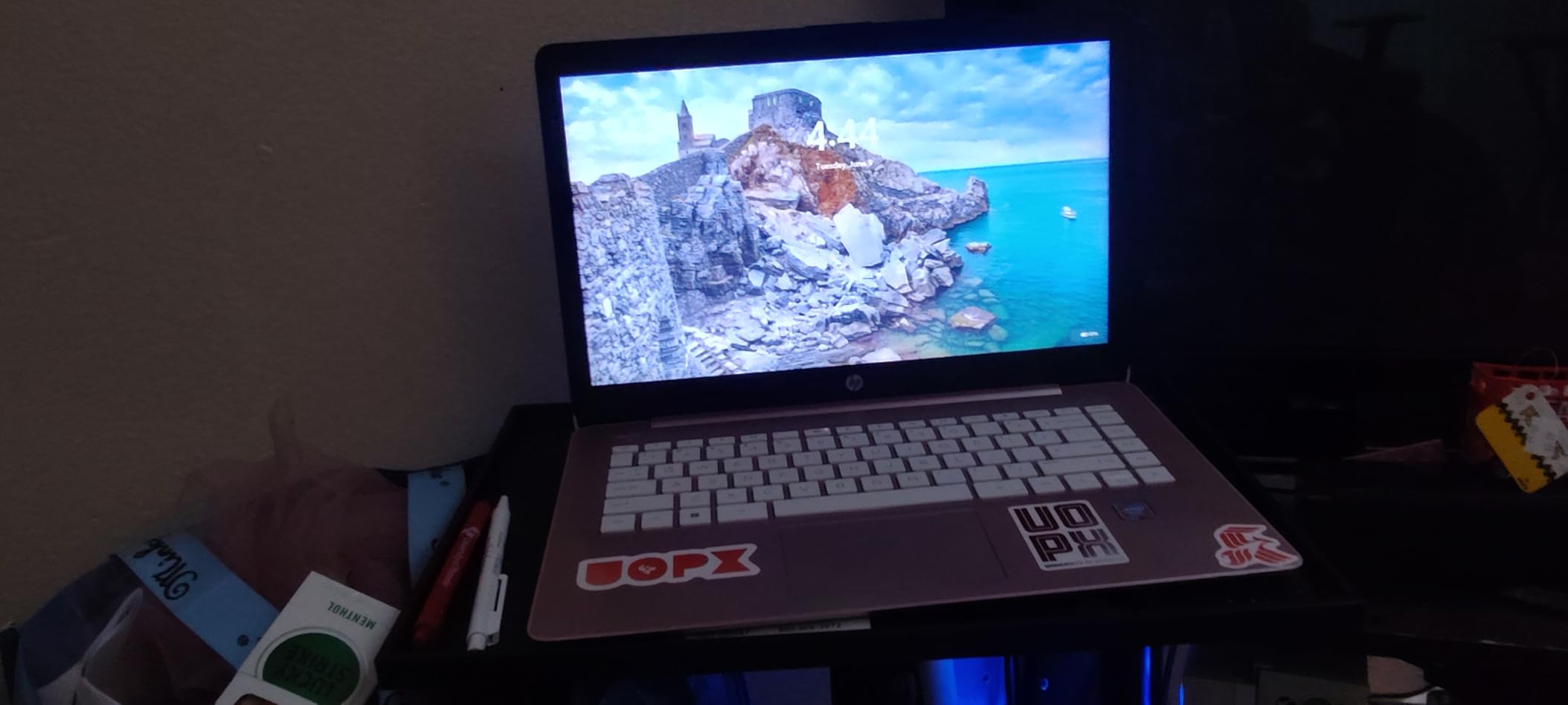
The 1366×768 screen is the most common complaint in reviews, so a sharp 1080p panel is not on the table here. The Dell Latitude 5420 is the upgrade path for shoppers who want more RAM and a faster CPU in a similar 14-inch shell. This is also a renewed unit, so the listing photos show real condition expectations. If you want something newer with a bigger display, jump to the PADIX below.
The Dale Pink colorway cycles through the listing, so the color you see at the button may differ from the listing photo at any given second.
2. PADIX 15.6: Top Rated With a Full HD Display
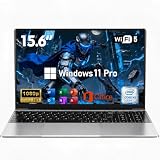
15.6 Inch Laptop Computer, N4020, 4GB DDR4 RAM, 128GB eMMC,with Windows 11
Display: 15.6 inch FHD
CPU: Intel Celeron N4020
Storage: 128GB eMMC
RAM: 4GB
Charging: 45W USB-C
+ Pros
- Top rating in the list at 4.8 across 2020 reviews
- Full HD 15.6 inch anti glare display
- Dual USB-C with 45W fast charging
- Fanless silent design for quiet rooms
- Expandable storage via 1TB TF card
– Cons
- eMMC is slower than a true SSD
- Celeron N4020 is basic for heavy apps
- 4GB RAM caps multitasking
The PADIX 15.6 is the laptop to watch if a sharp screen and quiet operation top your list. It runs a 1920×1080 anti-glare panel at 15.6 inches, which makes streaming and split-window work feel much less cramped than the smaller HD screens lower in this lineup. The fanless design is a real perk for bedrooms and shared study spaces.
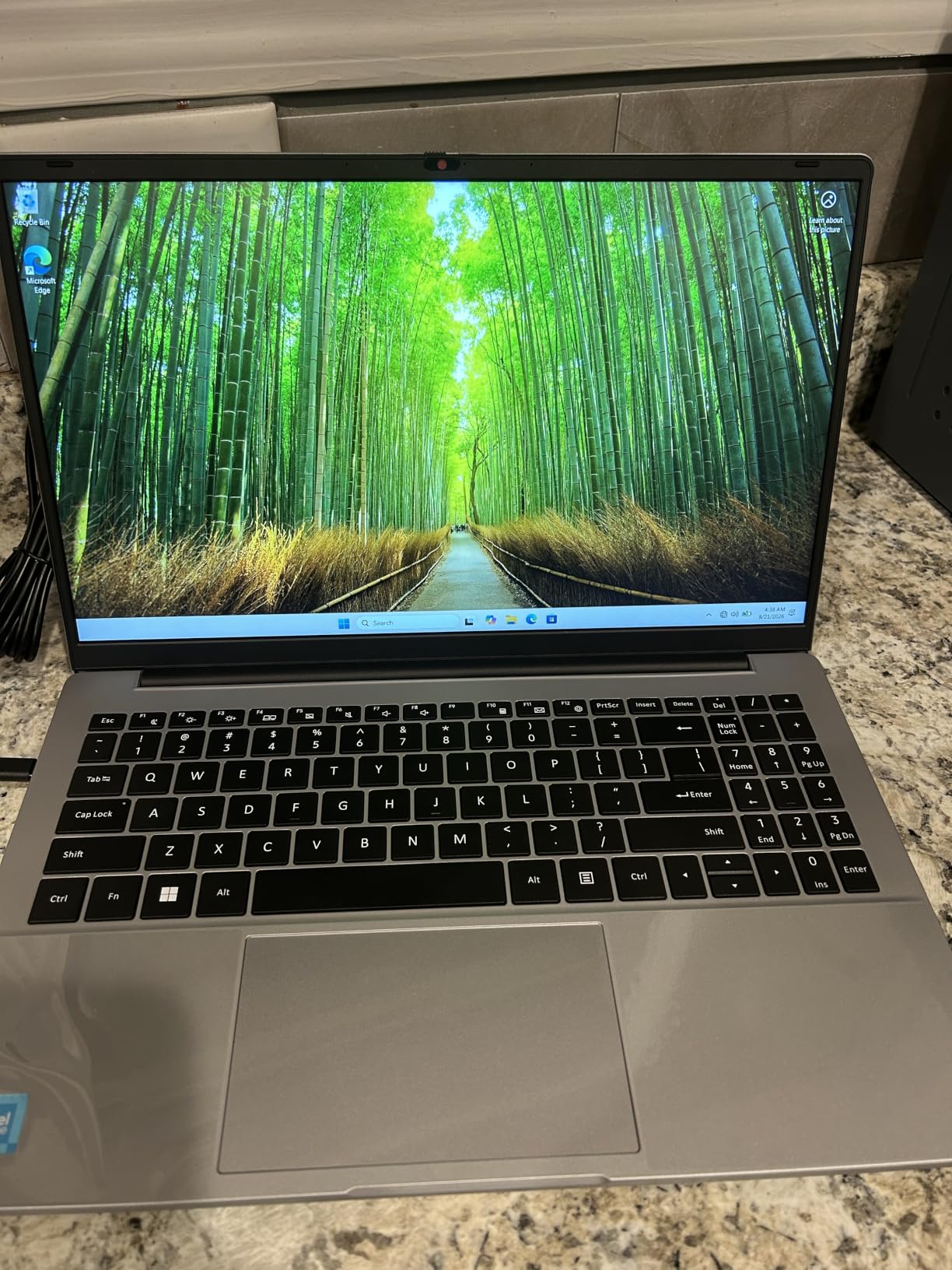
Owner reviews pile up positive notes on the 45W USB-C fast charging and the lightweight chassis. The Celeron N4020 is a basic chip, but for browser tabs, Office, and Netflix it lands the job without spinning a fan. Storage is the trade-off: 128GB of eMMC is fine for most students, though the 1TB expansion slot covers anyone who wants to keep a lot of video locally.
The PADIX trades a real SSD for eMMC storage, which is the main spec down-side next to the ASUS Vivobook Go. The win is the 4.8 rating and the larger full HD canvas that makes split-screen work actually usable. If a quieter laptop with a sharper picture matters, this is the one. If SSD responsiveness on a basic machine matters more, the Vivobook Go is the alternative.
PADIX’s listing photos show a fanless, sealed-bottom design, which means no easy RAM upgrade later. Anyone planning to keep this laptop for years should plan for cloud or external storage from day one.
3. Lenovo IdeaPad 16: Premium Pick for Heavy Multitasking
Lenovo Business 15.6″ FHD Laptop, Intel Processor, 8GB DDR5, 128GB Storage
Display: 16 inch WUXGA
CPU: Intel Core i5-13420H 8 core
Storage: 512GB NVMe SSD
RAM: 16GB DDR5
Wi-Fi: 6
+ Pros
- 13th gen 8 core Intel Core i5
- 16GB DDR5 RAM for serious multitasking
- 512GB PCIe Gen4 NVMe SSD
- 16 inch WUXGA IPS display
- MIL-STD-810H military grade durability
- Wi-Fi 6 plus Bluetooth 5.2
– Cons
- List price above typical sub-500 ceiling
- Shorter review history at 122 ratings
- 16 inch chassis is larger to carry
The Lenovo IdeaPad 16 is the most capable machine on the page, and the one most likely to slip under the budget ceiling during the sale. It pairs a 13th-generation Intel Core i5-13420H with 16GB of DDR5 RAM and a 512GB PCIe Gen4 NVMe SSD. That stack handles dozens of browser tabs, Office files, and a Zoom window without breaking a sweat.
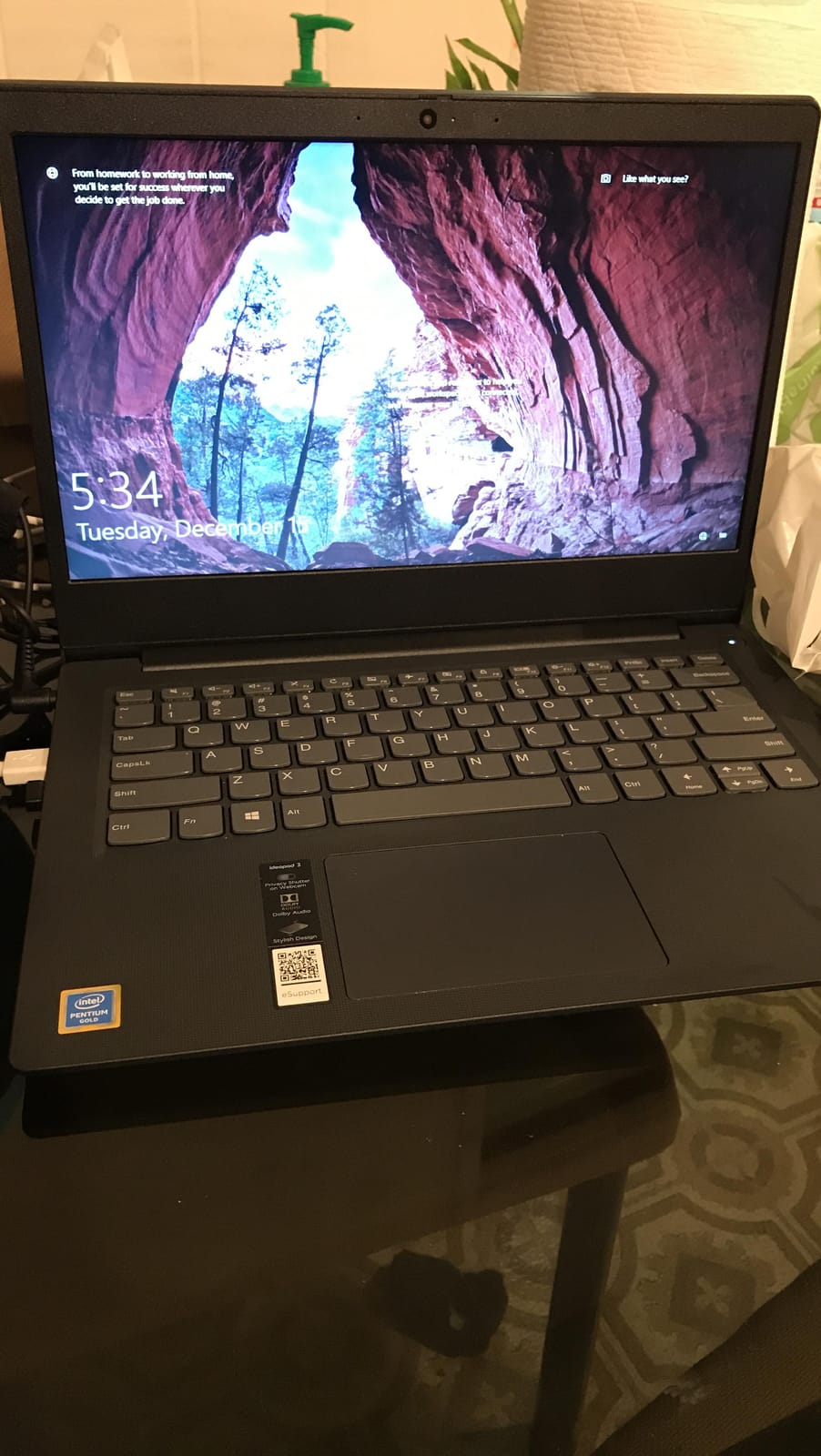
Build quality is the surprise here. The IdeaPad 16 carries MIL-STD-810H military-grade durability and a TÜV Rheinland low blue light certification, which is unusual for the price tier. The 16-inch WUXGA panel gives more vertical room than a 15.6-inch screen, helpful for spreadsheets and coding. The 720p webcam with a privacy shutter is a nice touch for remote workers.
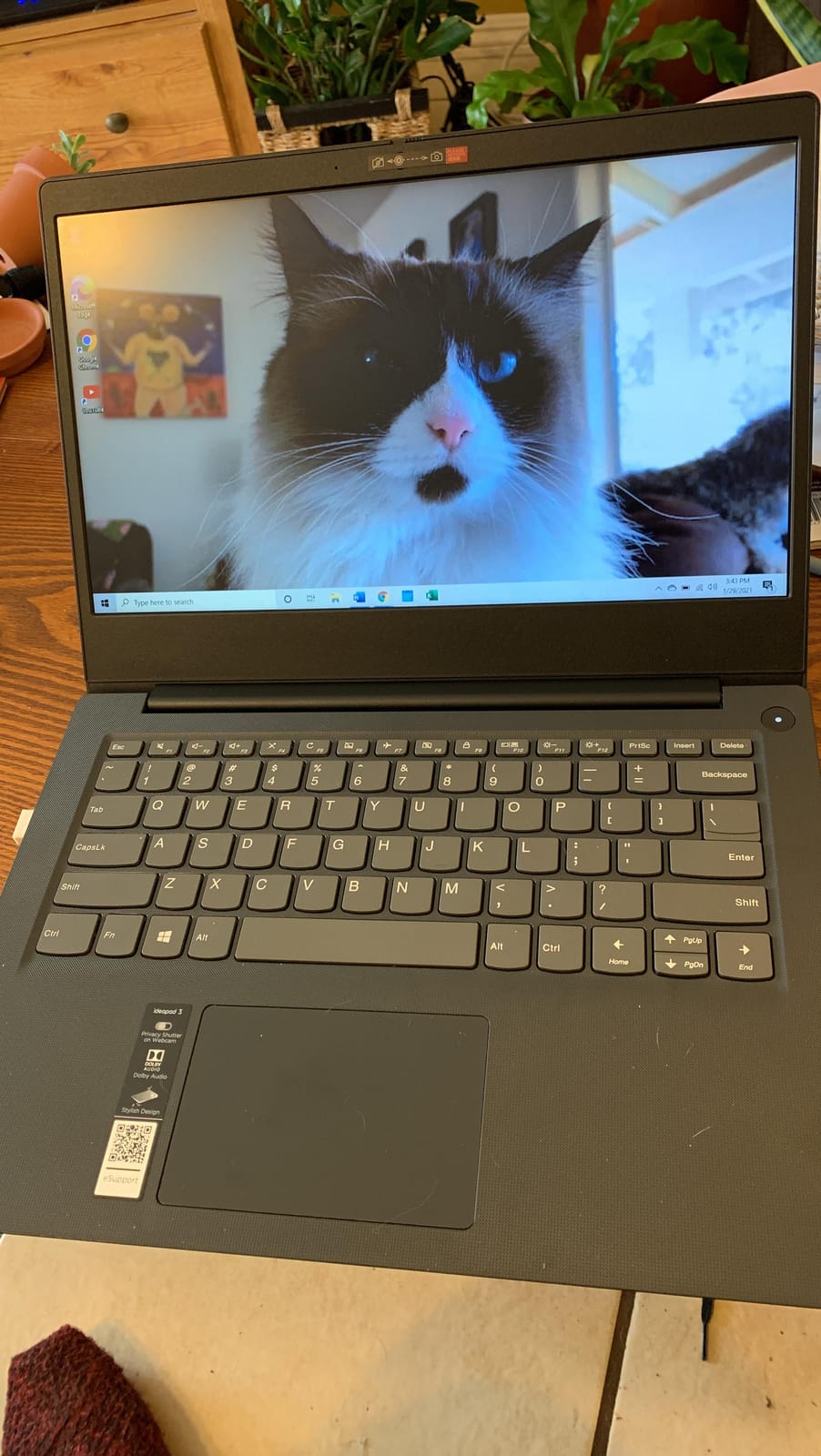
The Lenovo jumps a generation ahead of the Dell Latitude 5420 with a 13th-gen chip and faster DDR5 memory, while the Latitude leans on Windows 11 Pro and Thunderbolt 4 for business users. Pick the Lenovo for raw performance per dollar; pick the Dell Latitude 5420 if Pro features and business ports matter more than CPU generation.
Anyone watching Prime Big Deal Days should track this listing closely, since the gap between list and sale price is the biggest in this roundup. The chassis is closer to a small desktop replacement than an ultraportable, so 3.7 pounds in a 16-inch body is worth knowing before the carry.
4. ASUS Vivobook Go: Most Versatile With a True SSD
ASUS 15.6” Vivobook Go Slim Laptop, Thin & Portable for Student Study, Intel Dual Core N4500, 4GB RAM, 128GB SSD, Windows 11, Star Black, L510KA-ES04
Display: 15.6 inch FHD
CPU: Intel Celeron N4500
Storage: 128GB SSD
RAM: 4GB
Charge: 60 percent in 49 min
+ Pros
- Real 128GB SSD at a low entry price
- 15.6 inch full HD anti glare display
- Fast-charge hits 60 percent in 49 minutes
- Lightweight at 3.5 pounds
- ErgoSense backlit keyboard
– Cons
- 4GB RAM limits multitasking
- Celeron N4500 is slow under heavy load
- S-mode Windows limits some apps
- Only one USB-C port
The ASUS Vivobook Go earns its budget badge by giving shoppers a true SSD and a 15.6-inch full HD display well under the budget ceiling. Reviews are mixed on raw speed, but owners consistently call out the fast-charge feature, which fills 60 percent of the battery in about 49 minutes. For students moving between classes, that quick top-up matters.
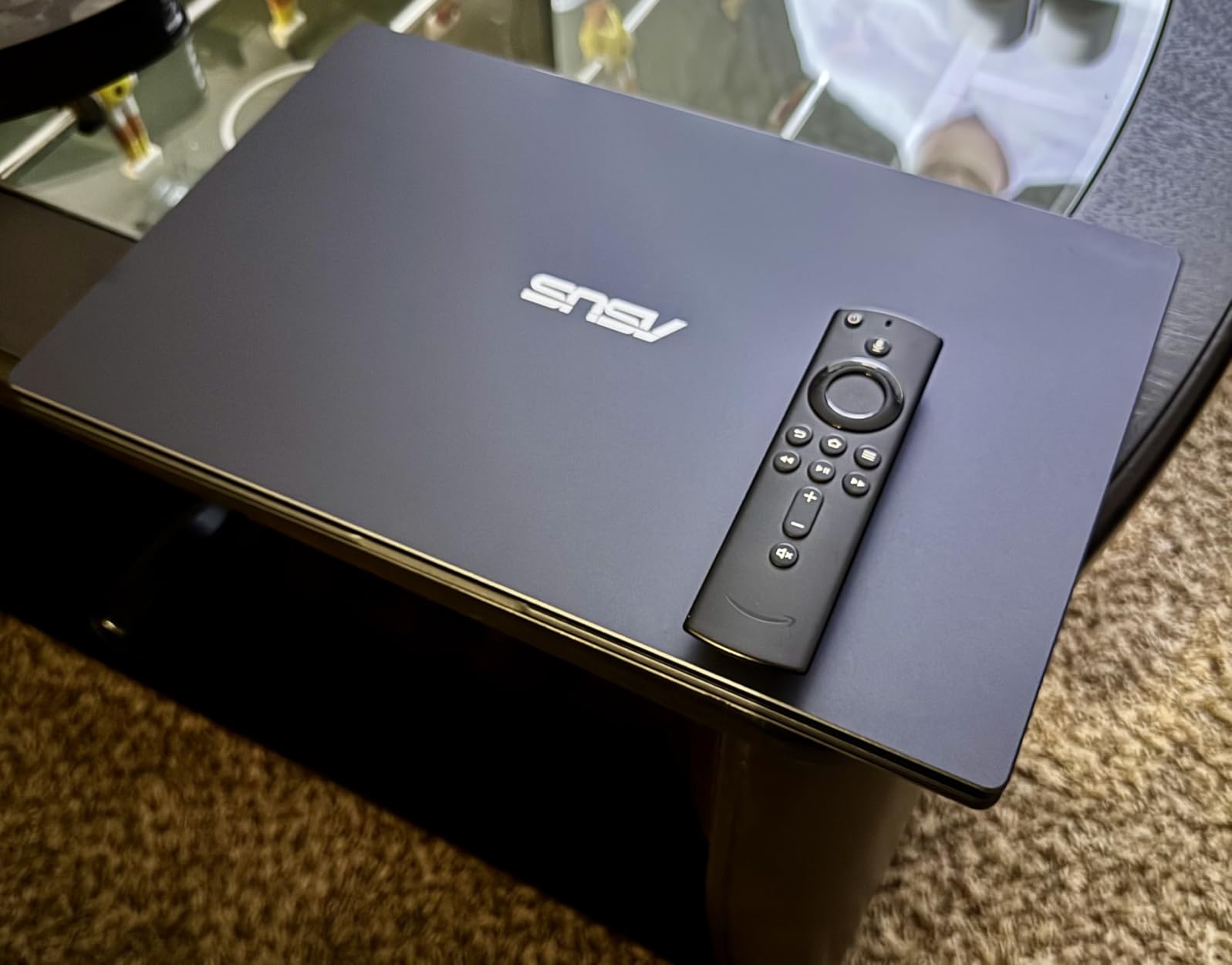
The backlit ErgoSense keyboard and SonicMaster audio make the Vivobook a friendly pick for late-night studying. Storage is a real SSD rather than eMMC, which makes Windows feel snappier than the on-paper specs suggest. The trade-off is 4GB of RAM and a Celeron N4500, both of which struggle once you stack Chrome tabs and a video call on top of each other.
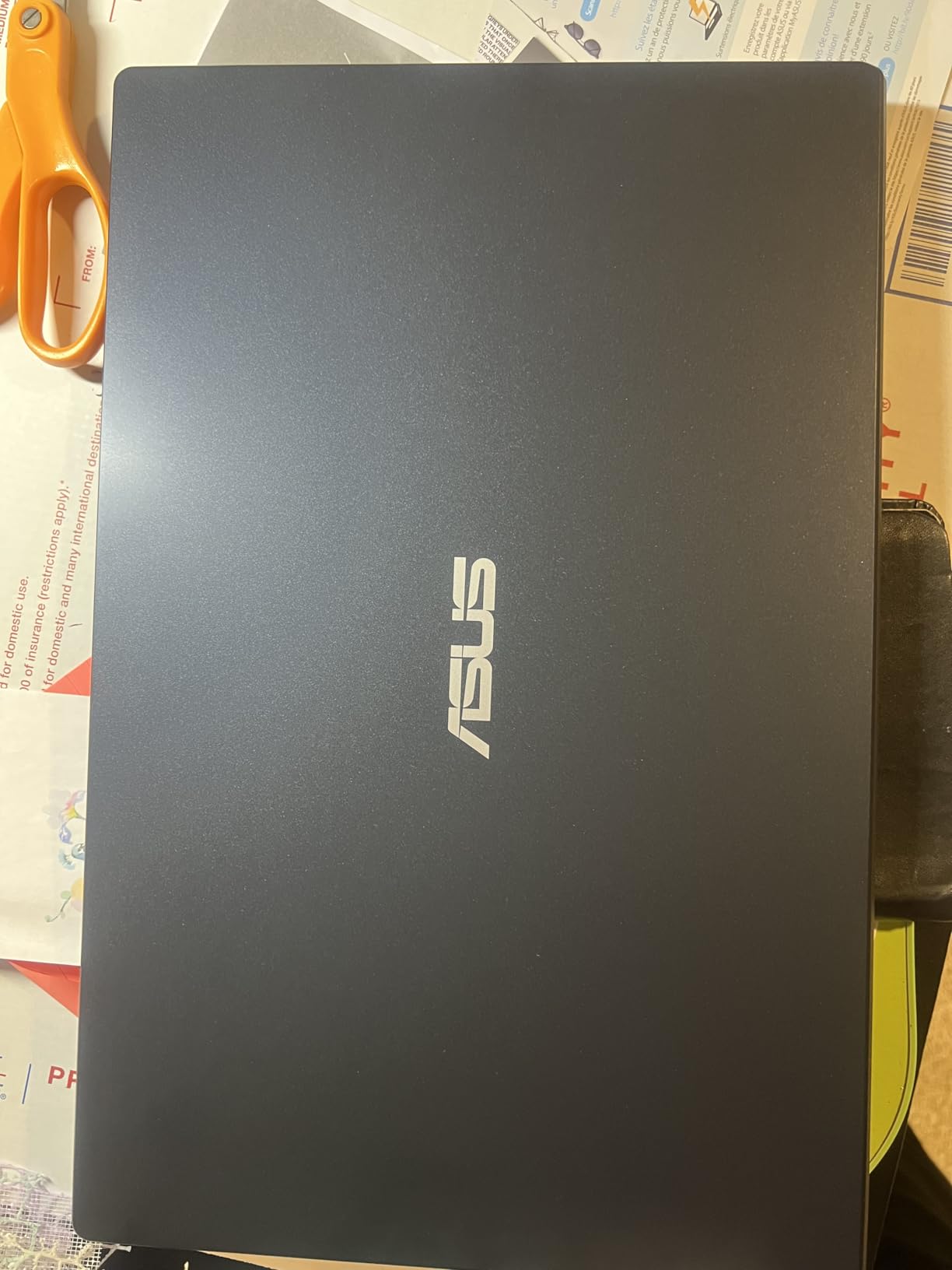
The Vivobook wins on SSD responsiveness and fast-charging against the PADIX 15.6, while the PADIX wins on a higher 4.8 rating and silent fanless operation. Pick the Vivobook Go if a snappy feel and fast top-ups matter. Pick the PADIX if a sharper screen and a quieter room are higher priorities.
The Vivobook runs in Windows S-Mode, which locks down sideloading of apps outside the Microsoft Store. Switching out of S-Mode is one click but is worth knowing before you buy.
5. Dell 15 Core 3: Best Value for Everyday Performance
Dell 15.6 Laptop, FHD, Intel Core 3 100U, 8 GB RAM, Windows 11 Home
Display: 15.6 inch FHD 120Hz
CPU: Intel Core 3 100U
Storage: 512GB SSD
RAM: 8GB
Wi-Fi: 6
+ Pros
- Intel Core 3 100U with strong single core boost
- 8GB RAM fits real multitasking
- 512GB SSD leaves room for files
- 15.6 inch FHD panel with 120Hz refresh
- Dell ComfortView reduces blue light
- 1 year onsite service included
– Cons
- Heavier than rivals at 4.2 pounds
- Core 3 100U is a step below Core i5
- Carbon Black finish shows fingerprints
The Dell 15 Core 3 is the most balanced laptop on this list for everyday Windows work. It pairs an Intel Core 3 100U with 8GB of RAM and a generous 512GB SSD, which is rare at this price tier. The 15.6-inch 120Hz panel is a quiet standout; scrolling feels smoother than the 60Hz panels on most budget laptops.
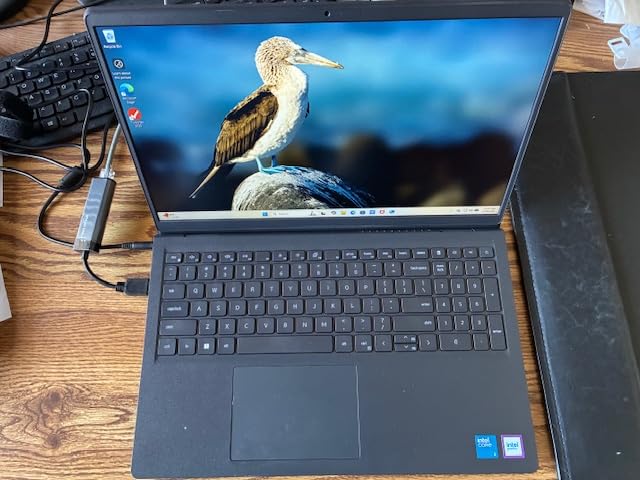
Owners in the reviews highlight Dell ComfortView for reducing eye strain during long work sessions. Wi-Fi 6 plus Bluetooth 5.3 keeps connections current, and the 1-year onsite service is a real perk if something goes wrong. At 4.2 pounds it is the heaviest 15-inch laptop here, but the trade is a numeric pad for spreadsheets and a sturdier-feeling chassis.
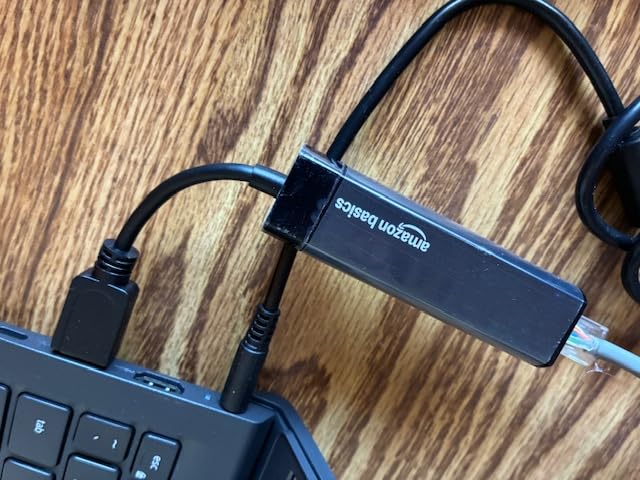
The Dell uses a less powerful Core 3 chip and 8GB of RAM next to the Lenovo IdeaPad 16, but it lands closer to the budget ceiling today and is more likely to qualify for sub-500 laptop deals during Prime Big Deal Days. Pick the Dell if balance and warranty support matter; pick the Lenovo if maximum performance is the goal.
A short plug-in session on the Dell gives meaningful runtime for a meeting or a class block, thanks to the Express Charge support that ships in the box.
6. ASUS Lightweight 15: Best for Student Typing
ASUS Lightweight 15.5″ Full HD Laptop, Windows 11 Home OS, Intel Celeron Processor Up to 2.76GHz, 4GB LPDDR4, 128GB SSD, Backlit Keyboard, Star Black (Renewed)
Display: 15.5 inch FHD
CPU: Intel Celeron up to 2.76GHz
Storage: 128GB SSD
RAM: 4GB
Keyboard: Backlit
+ Pros
- Backlit keyboard for late night notes
- Full HD 15.5 inch display
- Lightweight chassis around 3.46 pounds
- USB-C plus dual USB-A ports
- Real SSD instead of eMMC
– Cons
- Only 4GB RAM for multitasking
- Renewed with shorter coverage
- Basic Celeron chip under load
- Wi-Fi spec not clearly listed
The ASUS Lightweight 15 is a renewed laptop aimed at students who type a lot and want a backlit keyboard without spending much. The 15.5-inch full HD panel gives more vertical room for documents than smaller 14-inch screens, and the chassis lands around 3.46 pounds, which is light for a 15-inch class machine.
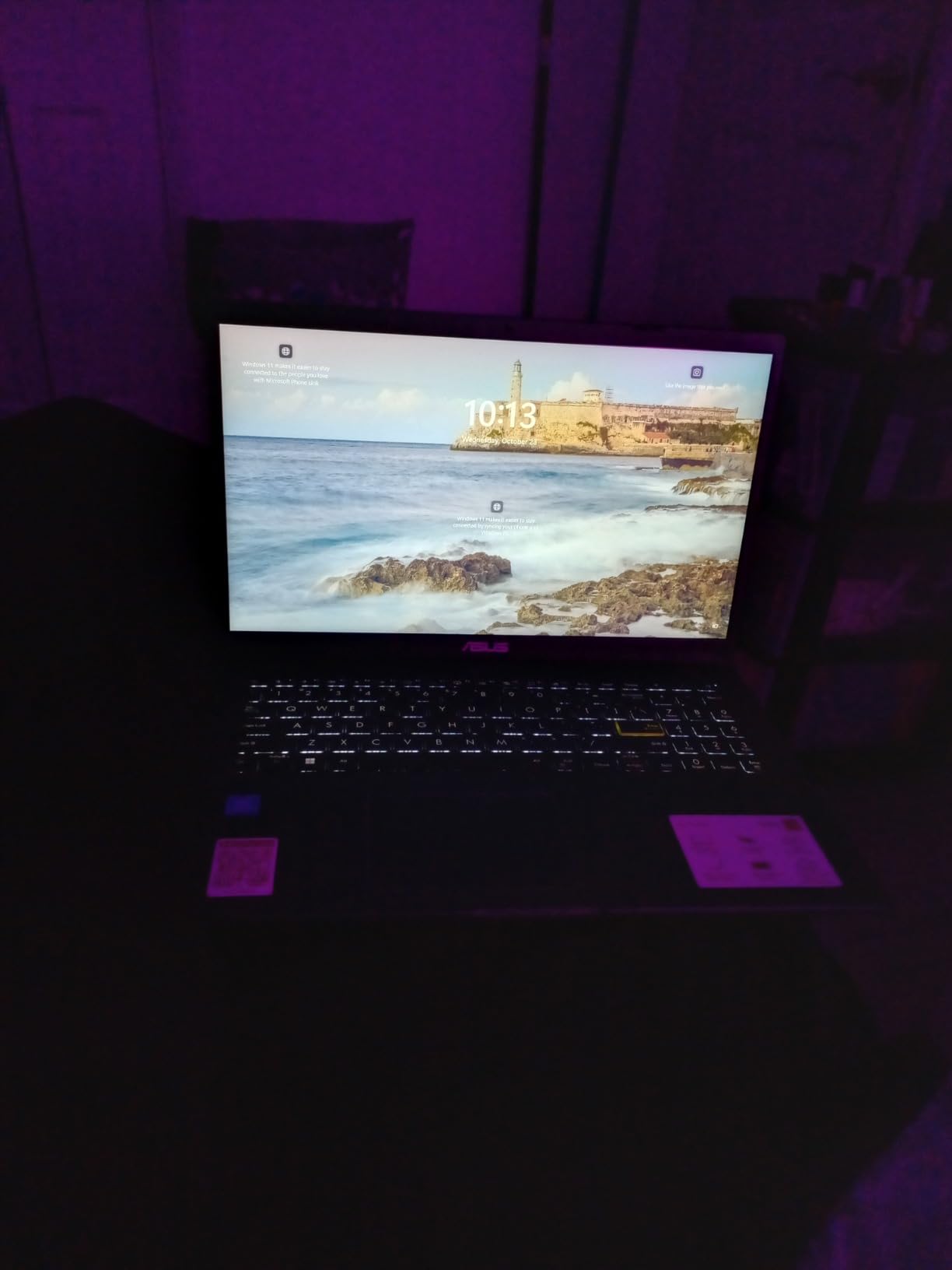
The backlit keyboard is the headline feature at this price. Owners in the reviews call out the comfortable key travel and the surprisingly solid build for a renewed unit. Port selection is generous: one USB-C and two USB-A ports cover most dorm-room setups without a dongle. The 90-day renewed warranty is short, so factor that into the decision.
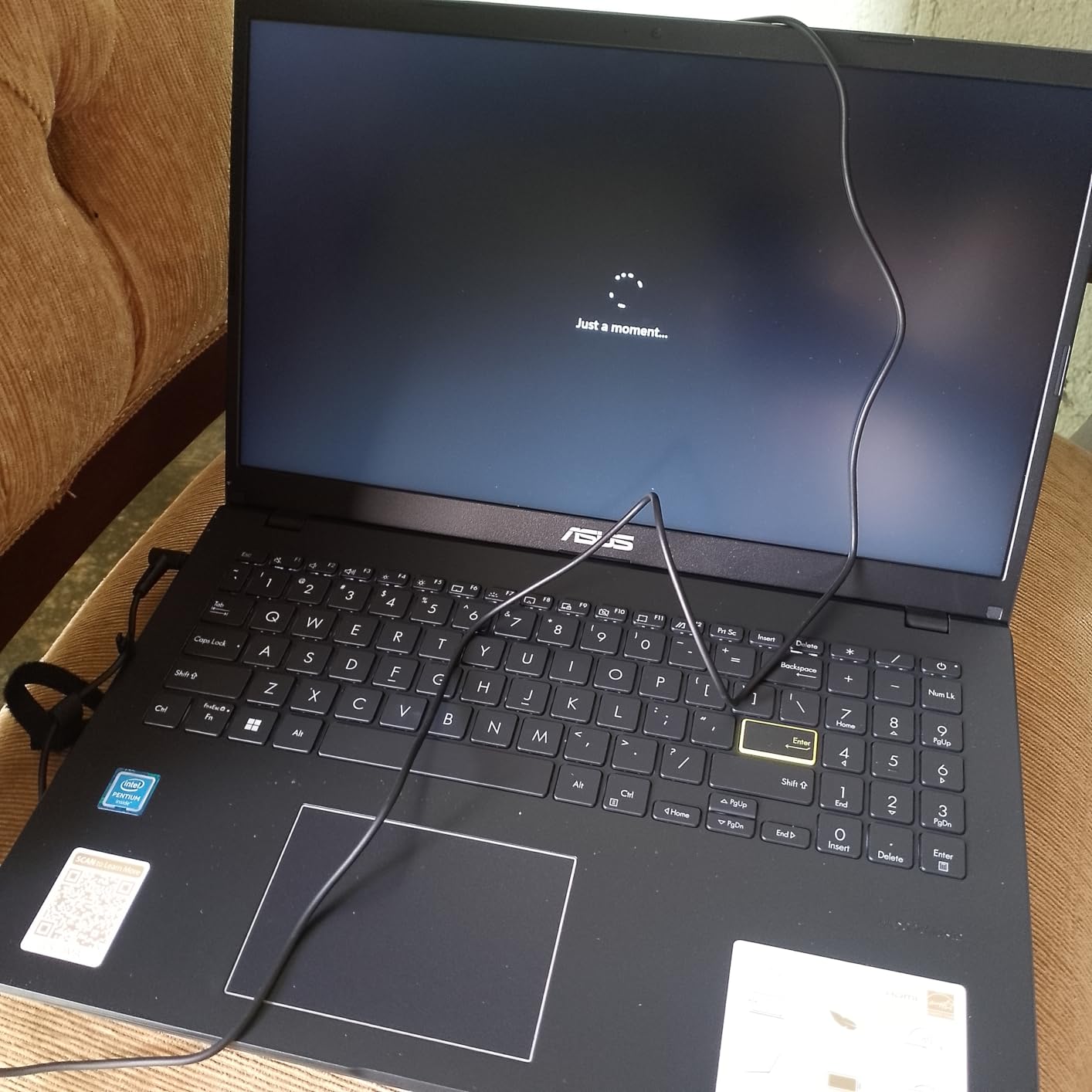
The Lightweight 15 shares the Celeron class and 4GB of RAM with the ASUS Vivobook Go, but adds a backlit keyboard and a true SSD. Pick the Lightweight 15 if late-night typing is part of your routine. Pick the Vivobook Go if you want a brand-new unit and fast-charge support.
4GB of RAM is the bottleneck reviewers mention most, so coursework with heavy multitasking or video editing will push this machine. For a similar form factor with more RAM, the Dell 15 Core 3 is the next step up.
7. Dell Latitude 5420: Best for Business Use
Dell Latitude 5420 14″ FHD Business Laptop Computer, Intel Quad-Core i5-1145G7, 16GB DDR4 RAM, 256GB SSD, Camera, HDMI, Windows 11 Pro (Renewed)
Display: 14 inch FHD
CPU: Intel Core i5-1145G7
Storage: 256GB SSD
RAM: 16GB
OS: Windows 11 Pro
+ Pros
- Quad core 11th gen Core i5
- 16GB DDR4 RAM for heavy multitasking
- Thunderbolt 4 for docks and fast drives
- Business grade Latitude build
- Windows 11 Pro with BitLocker
– Cons
- Renewed with only 30 day warranty
- Rating sits at 3.8 with mixed reviews
- Battery life draws complaints in reviews
- Older 11th gen silicon versus newer picks
The Dell Latitude 5420 is a renewed business laptop with the specs of a much pricier machine. The 11th-generation Intel Core i5-1145G7 pairs with 16GB of DDR4 RAM and a 256GB SSD, which covers office work, spreadsheets, video calls, and light photo editing without breaking a sweat. Windows 11 Pro adds BitLocker and remote desktop, both useful for work setups.
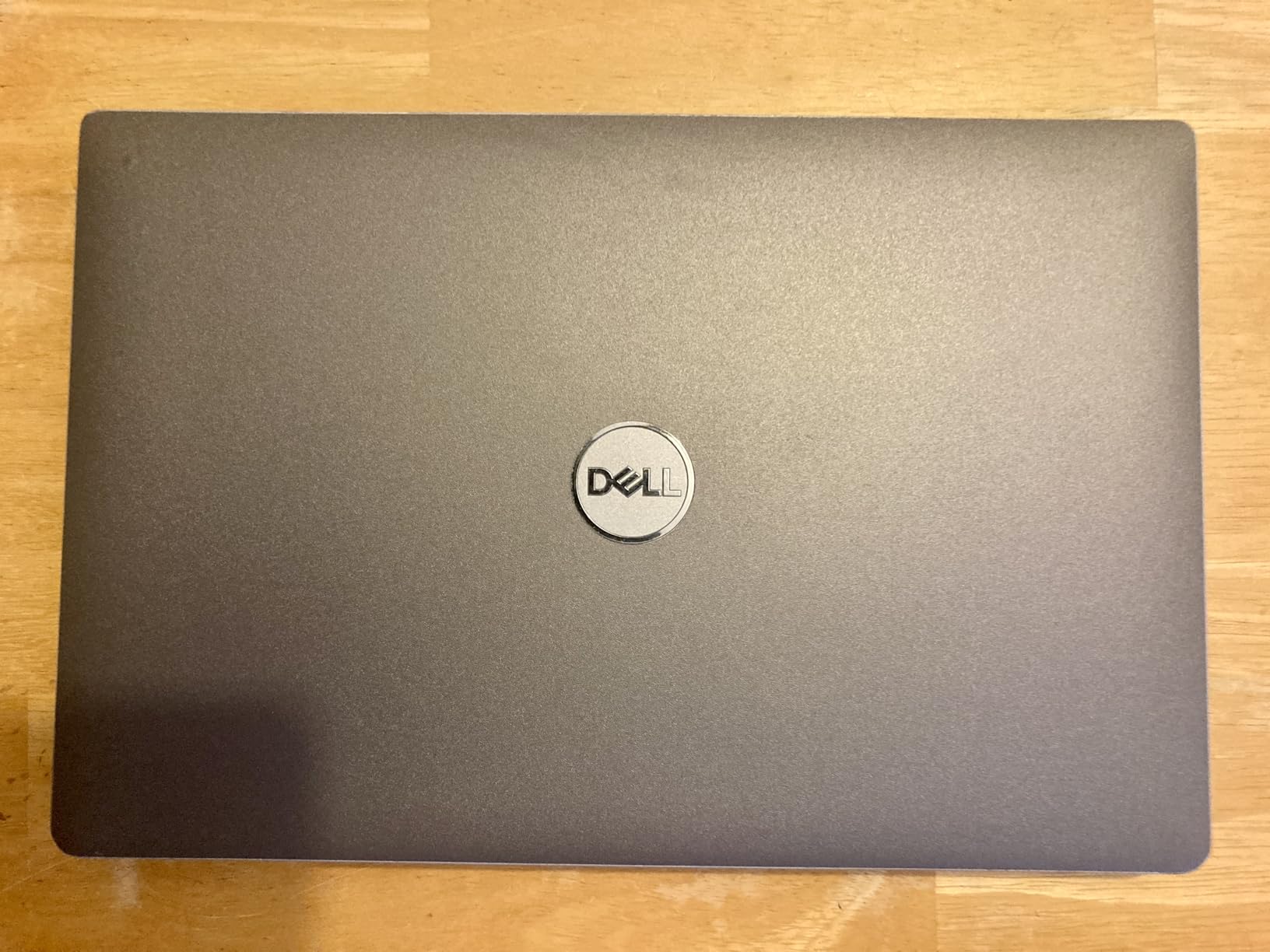
Thunderbolt 4 is the standout port feature at this price, letting the Latitude dock into a full desk setup with a single cable. The 14-inch anti-glare display keeps glare down in bright offices. Reviewer feedback is mixed on battery life and renewed-unit consistency, which is the trade for a business-class machine at this price.
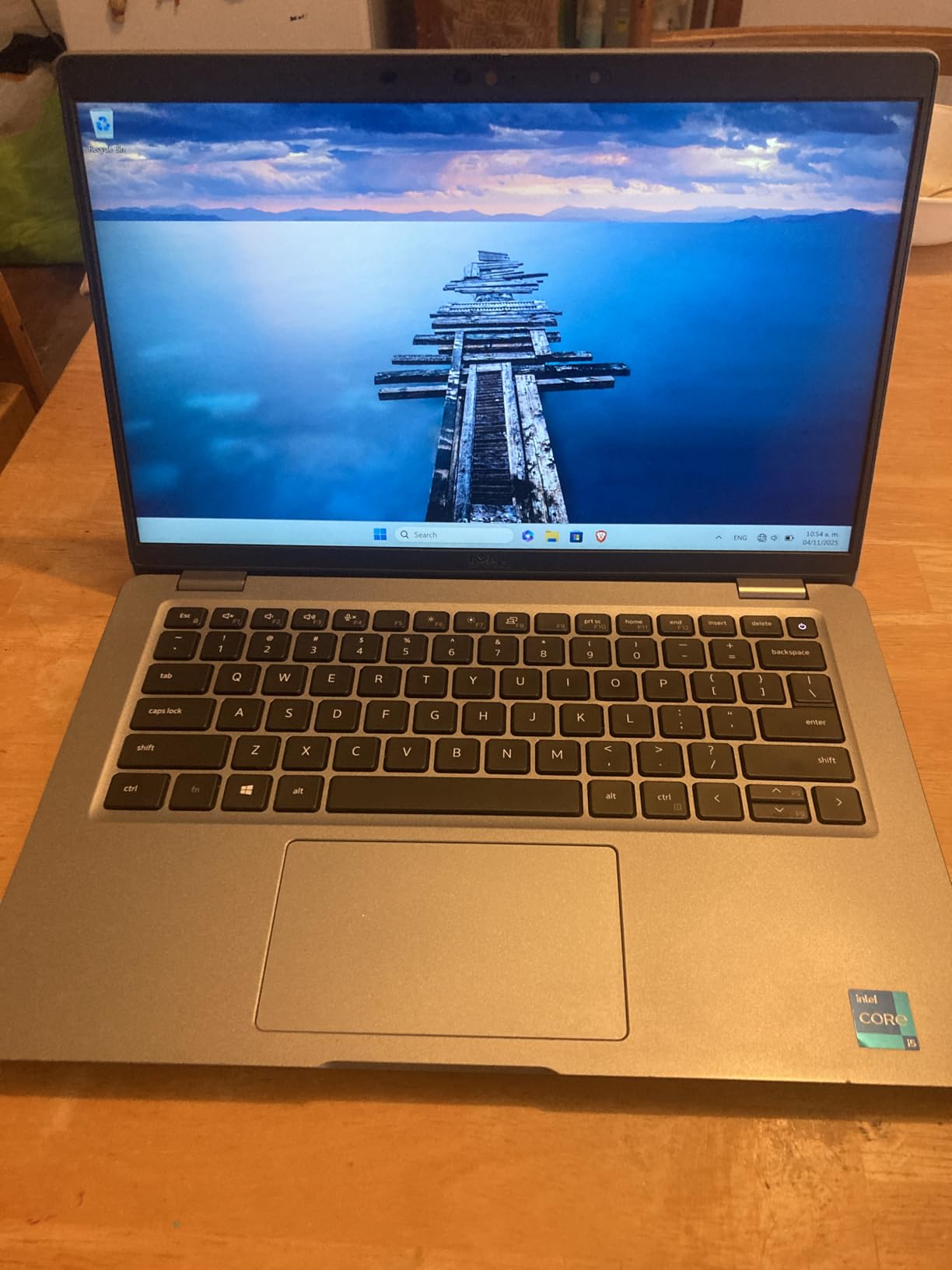
The Latitude trades a newer 13th-gen CPU and DDR5 RAM for Windows Pro and Thunderbolt 4 against the Lenovo IdeaPad 16. Pick the Latitude if your office setup already runs on Thunderbolt docks. Pick the Lenovo IdeaPad 16 if raw speed and a larger screen matter more than business features.
A 30-day warranty is short, so test the unit thoroughly in the first month. Anyone uncomfortable with renewed hardware should consider the Dell 15 Core 3 instead for similar everyday performance with a longer safety net.
8. Dell Latitude 3190: Best for Basic Browsing
Dell Latitude 3190 Intel Celeron N4100 X4 2.4GHz 4GB 64GB 11.6in Windows 11 Pro, Black (Renewed)
Display: 11.6 inch touchscreen
CPU: Intel Celeron N4100
Storage: 64GB eMMC
RAM: 4GB
Weight: 2.8 lb
+ Pros
- Lowest price in the roundup
- Compact 11.6 inch touchscreen form factor
- Lightest laptop at 2.8 pounds
- Windows 11 Pro for older software
- TrackPoint for fans of ThinkPad style nav
– Cons
- Tiny 64GB eMMC fills quickly
- Low resolution 1366×768 display
- Older Wi-Fi 3 802.11abg standard
- Rating at 3.8 with quality complaints
The Dell Latitude 3190 is the cheapest laptop on the list and the smallest, with an 11.6-inch touchscreen in a 2.8-pound chassis. For shoppers who only need a browser, email, and the occasional video call, the Celeron N4100 and 4GB of RAM are enough to keep things moving.
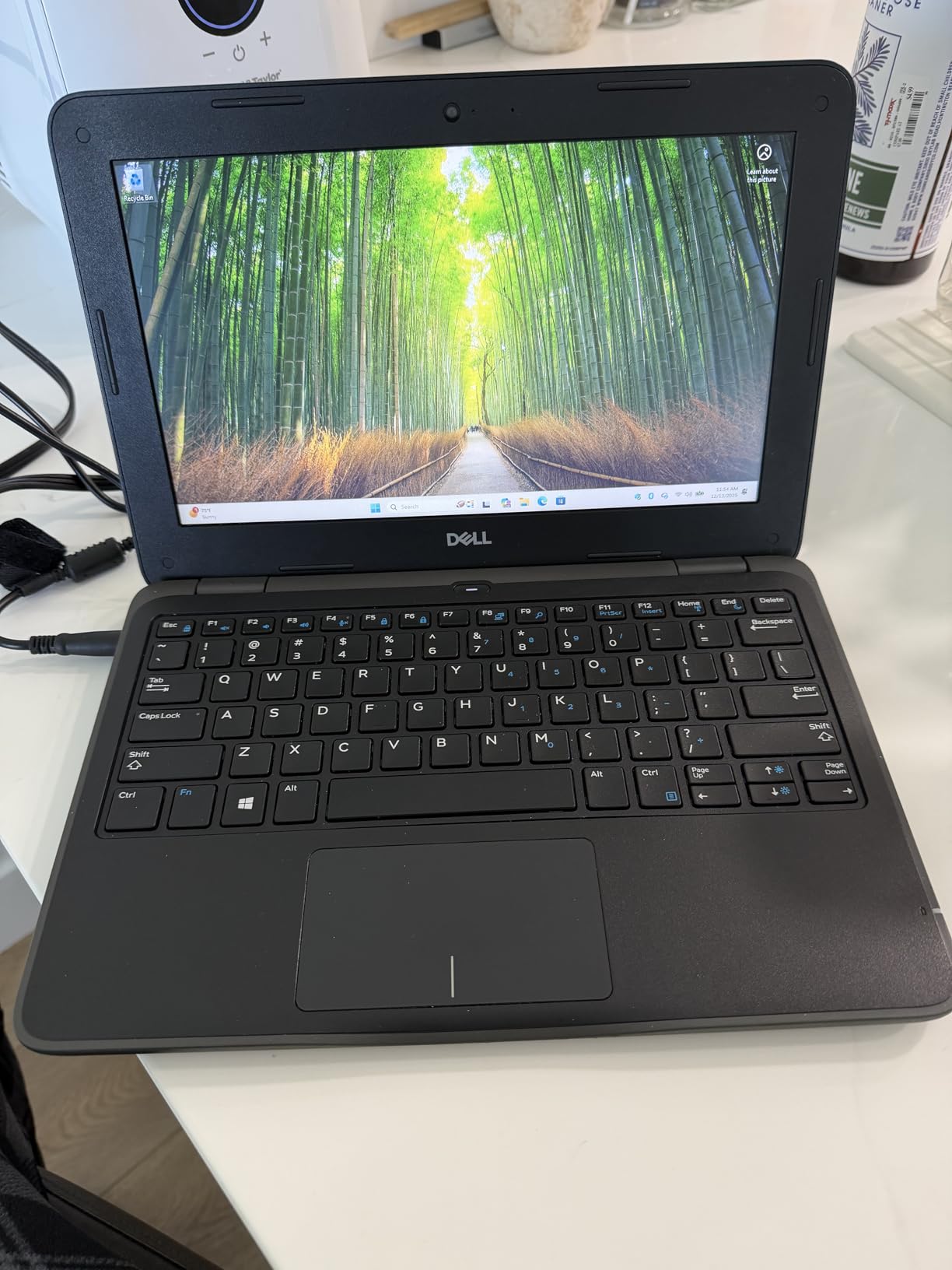
The compact size is the real story. It slips into a small backpack or a kitchen drawer without complaint, which makes it useful as a secondary household machine or a travel notebook. The touchscreen helps when handing the laptop over for a quick recipe or a video chat. Windows 11 Pro is a nice extra at this price.
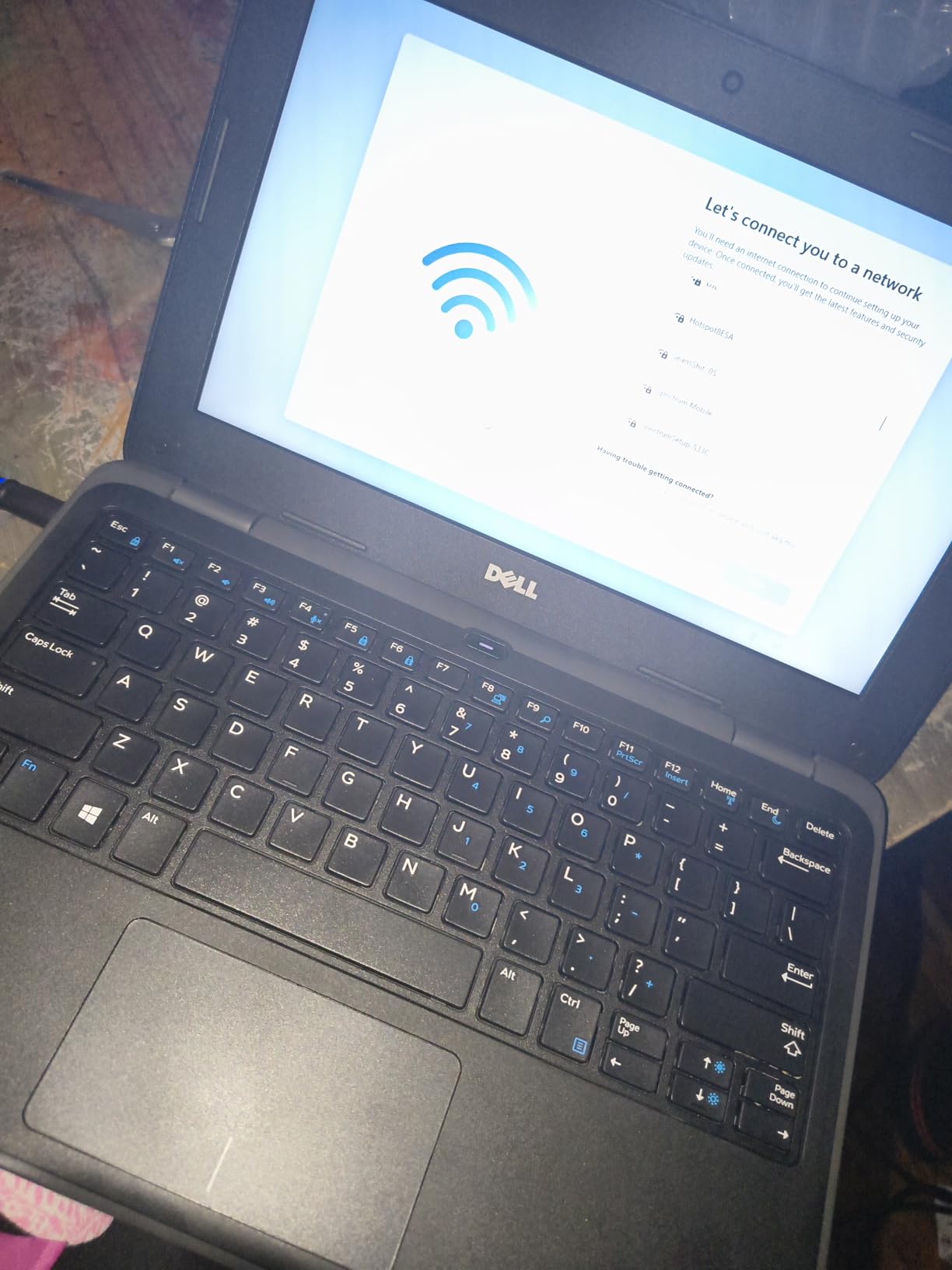
The Latitude 3190 is smaller, lighter, and cheaper than the HP 14 Renewed, but it lands with a tighter 64GB of eMMC and a slower Wi-Fi standard. Pick the Latitude 3190 if compact size is the priority. Pick the HP 14 Renewed if you want a longer battery claim and a more standard 14-inch form factor.
The older 802.11abg Wi-Fi shows up as a complaint in reviews, so a busy home network will struggle. For a similar low price with stronger networking, the HP 14 Renewed is the safer pick.
9. NIAKUN 15.6: Best for Multitasking on a Tight Budget
NIAKUN Laptop, Window 11 Pro Laptop Computer 2026, 15.6 Inch Lap Top, 16GB RAM 256GB SSD PC, M3-6Y30 Processor, FHD Display, WIFI5, BT4.2, Webcam, Office 365 for Business, School, Work, Student, Gray
Display: 15.6 inch FHD
CPU: Intel M3-6Y30
Storage: 256GB SSD
RAM: 16GB
Warranty: 2 years
+ Pros
- 16GB RAM at this price is unusual
- 256GB SSD for plenty of local storage
- 2 year warranty is longest in the list
- 180 day return window for peace of mind
- 15.6 inch FHD display
– Cons
- Newer product with only 59 reviews
- Intel M3-6Y30 is older generation silicon
- 4 hour battery life is short
- No USB-C port listed
The NIAKUN 15.6 stands out for fitting 16GB of RAM and a 256GB SSD into a sub-500 Windows laptop, which is rare at this price tier. For shoppers who keep dozens of browser tabs open while running Word and a video call, the extra RAM is the difference between a smooth day and constant slowdowns. The 2-year warranty is the longest in this roundup.
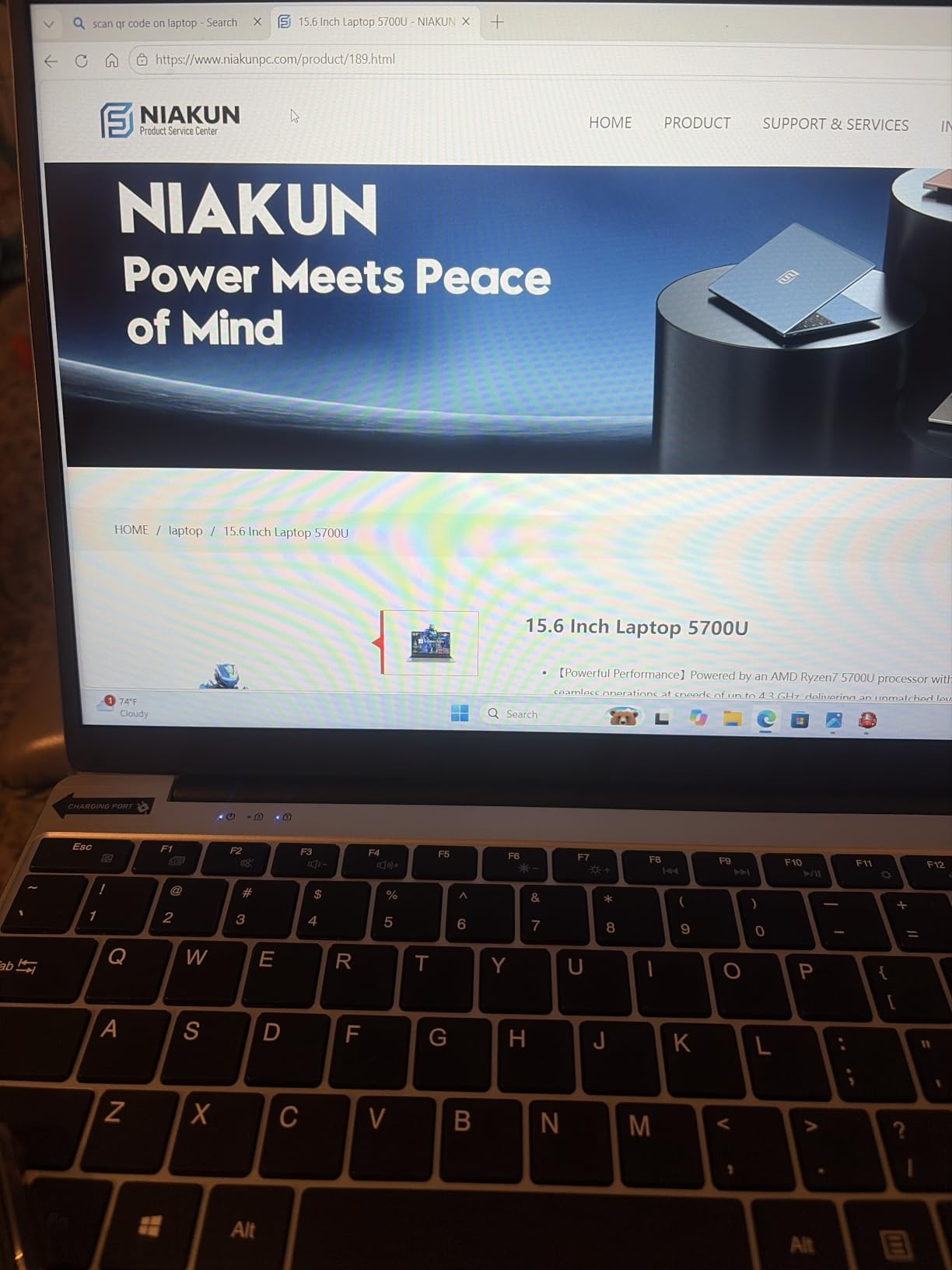
The 15.6-inch full HD panel gives plenty of room for split-window work, and the included Office 365 license covers student or home-office basics out of the box. The Intel M3-6Y30 is an older chip, but it handles productivity tasks well as long as you stay clear of video editing or modern gaming. The 4-hour battery life is the biggest limitation in the listing.
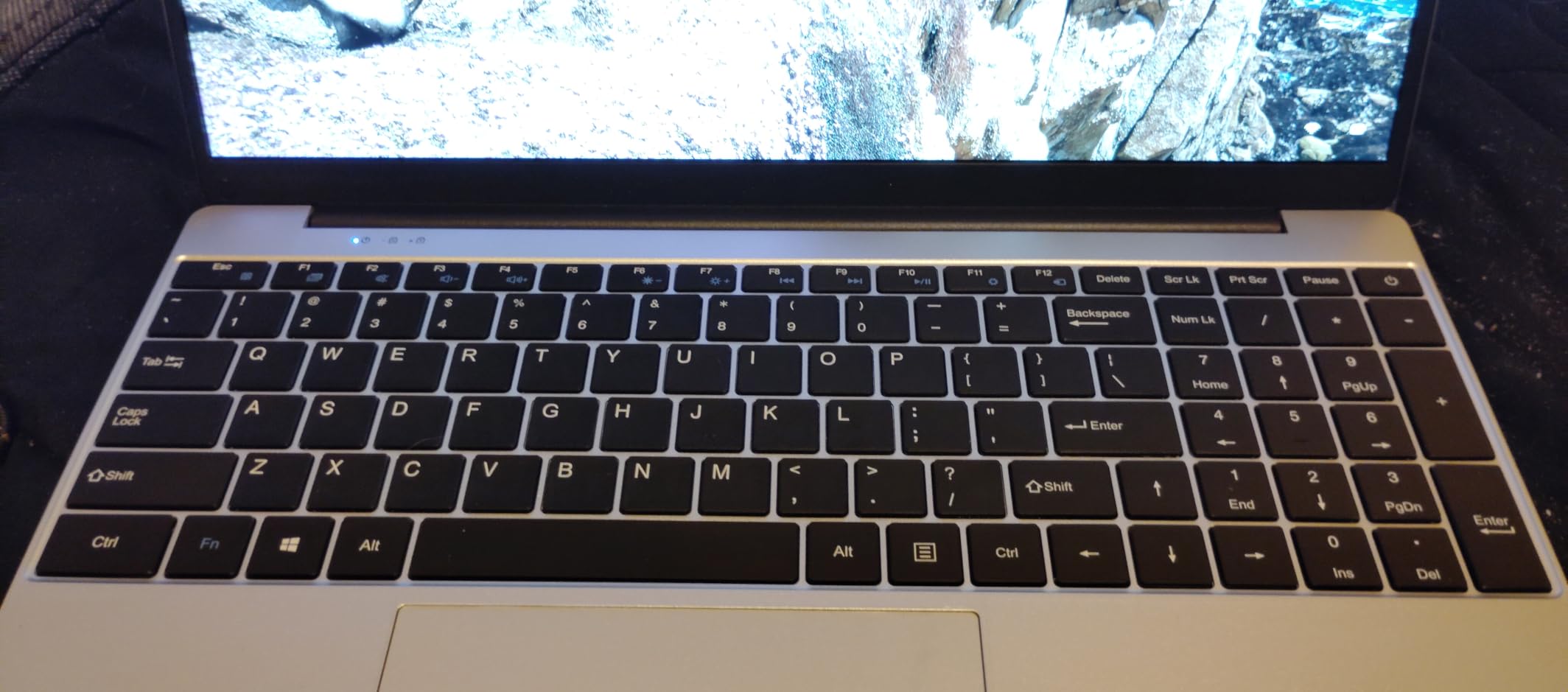
The next closest in this list to the NIAKUN’s 16GB of RAM is the Dell Latitude 5420 at the same count but with an older Core i5 and only a 30-day warranty. Pick the NIAKUN if multitasking RAM matters and a 2-year warranty is a real plus. Pick the Dell Latitude 5420 if business ports and Windows Pro features are higher priorities.
The listing advertises a 180-day return window, which gives a long runway to test the laptop against your daily routine before committing. Anyone watching this one during the sale should track both the laptop and the Office 365 bundle version, since some listings differ.
How to Choose a Windows Laptop During Prime Big Deal Days
Match the CPU to Your Workload
For browsing, Office, and video calls, an Intel Celeron, Intel Processor N-series, or AMD Ryzen 3 chip is plenty. The PADIX 15.6 and ASUS Vivobook Go are good examples. If you keep many tabs open or do light creative work, step up to an Intel Core i3 or Core 5 class machine like the Dell 15 Core 3. For real multitasking and heavier apps, the Lenovo IdeaPad 16 with its Core i5-13420H and 16GB of DDR5 is the only pick in this list that comfortably handles spreadsheets, code editors, and video calls at the same time.
RAM: 8GB Is the Real Floor
4GB of RAM is the most common compromise on a budget Windows laptop, and it shows up in real slowdowns once Chrome and a video call share the screen. The Dell 15 Core 3, Dell Latitude 5420, Lenovo IdeaPad 16, and NIAKUN 15.6 all carry 8GB or more. If you can stretch to one of those during the sale, do it; the difference in everyday snappiness is worth more than the savings.
Storage: SSD Beats eMMC Every Time
An SSD makes Windows feel fast even on a basic CPU, while eMMC storage feels slow once updates land. The HP 14 Renewed, ASUS Vivobook Go, Dell 15 Core 3, Dell Latitude 5420, ASUS Lightweight 15, and NIAKUN 15.6 all use real SSDs. The PADIX 15.6 uses eMMC but offsets that with a higher rating and silent operation. Aim for at least 128GB, with 256GB or 512GB being a real upgrade for anyone keeping large files locally.
Display Size and Resolution
A 15.6-inch full HD panel is the sweet spot for most users in this price tier: the PADIX 15.6, ASUS Vivobook Go, Dell 15 Core 3, and NIAKUN 15.6 all hit that mark. Smaller 14-inch screens like the HP 14 Renewed and Dell Latitude 5420 are easier to carry but feel cramped for split windows. Anything below 1080p resolution at this point is a real compromise.
Battery, Ports, and Extras
The HP 14 Renewed advertises 9 hours of battery, which leads this list on paper. The NIAKUN 15.6 lands at around 4 hours, the lowest here, which matters if your workday is mobile. For ports, the Dell Latitude 5420 stands out with Thunderbolt 4, while the Dell 15 Core 3 adds a numeric pad and Express Charge. Backlit keyboards are useful for late-night work and show up on the ASUS Vivobook Go and ASUS Lightweight 15.
How to Shop Laptop Deals During Prime Big Deal Days
During the sale, watch the listing closely for the actual selling price, since list prices on this page can move quickly. Check the model number on each listing against the spec table above; a similar name with a different suffix often arrives with weaker RAM or storage. Most offers in this sale need a Prime membership, which a free trial satisfies. Renewed units come with shorter warranties (the Dell Latitude 5420 has 30 days, the Dell Latitude 3190 and ASUS Lightweight 15 around 90 days), so weigh the savings against the safety net. For shoppers comparing deals across retailers, our Amazon Big Spring Sale air fryer deals guide uses the same approach for kitchen gear, and our Xbox Series X deal picks roundup shows the same pattern for consoles. If you want a side-by-side on home-office setups, our smart blinds for large windows guide covers another category that often sees sale overlap.
Quick checklist for Prime Big Deal Days laptop deals:
- Confirm the model number and full spec list before clicking through.
- Aim for 8GB of RAM and a real SSD whenever the price allows.
- Compare renewed warranty terms against new-unit savings.
- Check return windows (the NIAKUN ships with 180 days, longer than most).
- Track the Lenovo IdeaPad 16 closely, since its list price is the highest here and the sale discount could push it under the budget ceiling.
Frequently Asked Questions
When does Prime Big Deal Days 2026 run?
Prime Big Deal Days runs October 6-7, 2026. Most offers need a Prime membership, and a free trial counts. Laptop deals tend to move throughout the event, so checking the listing daily is the best way to catch price drops on Windows laptops under $500.
Can I get a good Windows laptop for $500?
Yes. Laptops like the Dell 15 Core 3 and Lenovo IdeaPad 16 hit real productivity territory when they drop into sale range, with 8GB or 16GB of RAM and proper SSD storage. The PADIX 15.6 and ASUS Vivobook Go are solid picks for tighter budgets that focus on everyday tasks.
What should I look for in a budget Windows laptop?
Aim for at least 8GB of RAM, a real SSD instead of eMMC storage, a 1080p display, and a current-generation CPU like the Intel Core 3 100U or Core i5-13420H. These specs separate a laptop that will last four years from one that struggles after Windows updates.
Should I buy a renewed laptop to save money?
Renewed laptops like the Dell Latitude 5420 and HP 14 Renewed can offer real value when money is tight, but check the warranty term and return window before buying. The Dell Latitude 5420 comes with a 30-day warranty, while the ASUS Lightweight 15 and Dell Latitude 3190 offer around 90 days, which is short for a daily-use machine.
Which laptop on this list has the best battery life?
The HP 14 Renewed leads this list on paper with a 9-hour battery claim, which suits a full school or work day on the go. The NIAKUN 15.6 sits at the other end with about 4 hours, so it works best for short sessions near an outlet. The Dell 15 Core 3 adds Express Charge support for quick top-ups between meetings or classes.
Final Verdict: Windows Laptop Deals Under $500
Buy the HP 14 Renewed if you want the strongest track record on this list: 2980 owner reviews and a 4.3 rating at a price that fits the tightest student budgets. Buy the PADIX 15.6 if a 1080p screen and silent operation matter more than absolute speed, and you want the highest rating in the roundup. Buy the Lenovo IdeaPad 16 if your work involves real multitasking and you want a 13th-gen Core i5, 16GB of DDR5, and a 512GB SSD when its price dips into sale range. For a balanced daily driver, the Dell 15 Core 3 hits the best combination of 8GB of RAM and a 512GB SSD near the budget ceiling. Track these listings through October 6-7, 2026, and grab the one that matches your workload while Prime Big Deal Days is live.
Leave a Reply