
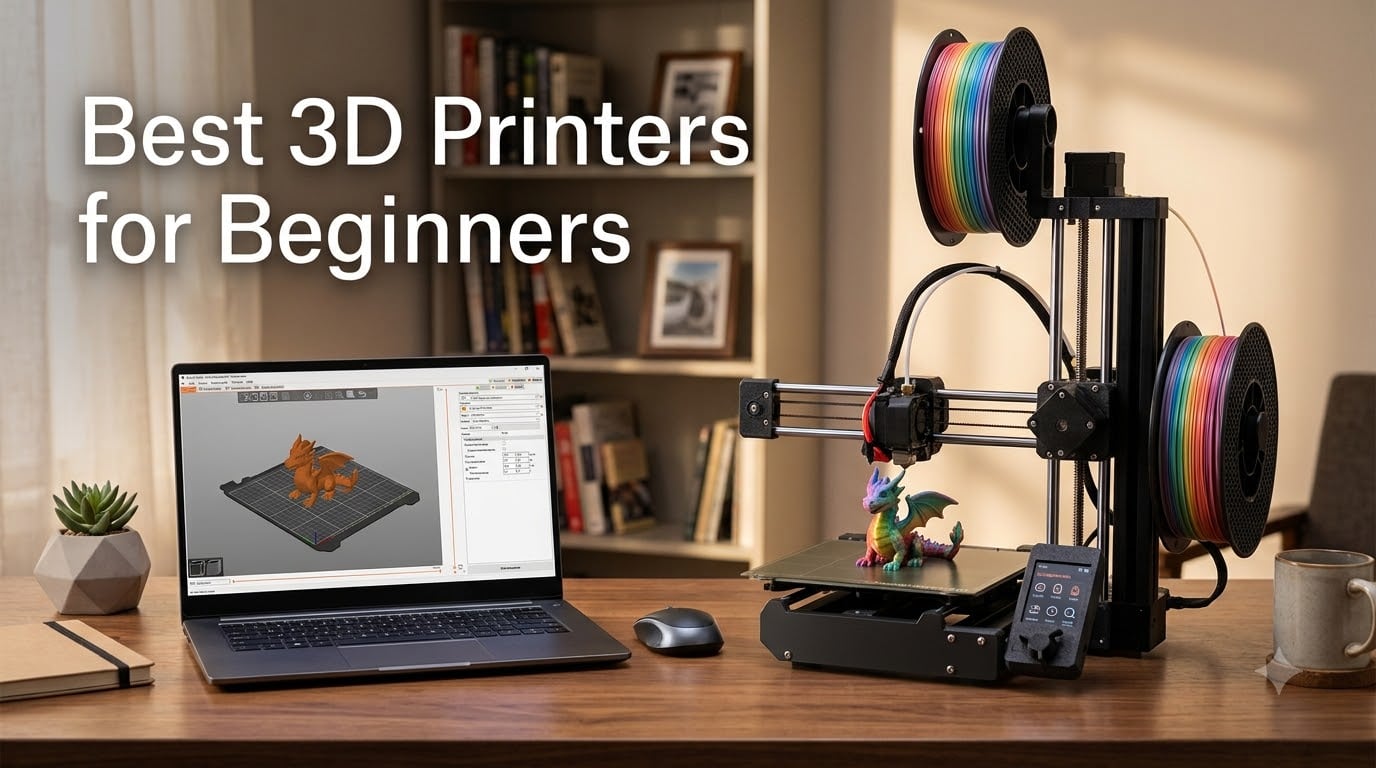
Finding the best 3D printers for beginners in 2026 is easier than it has ever been, because the current crop of entry-level machines finally works the way newcomers expect: unbox, load filament, press print. I have spent the last several months running PLA and PETG prints on ten of the most popular starter printers on Amazon, timing setups, listening to motors, and counting failed first layers so you do not have to.
Here is what matters most if this is your first 3D printer. Automatic bed leveling is the single feature that decides whether your first week is fun or frustrating — it is the number one pain point beginners report on Reddit’s r/3Dprinting. After that, quiet operation matters for home use, a heated bed opens up more materials than PLA, and a good model library means you can print something rewarding on day one.
Our top pick overall is the Bambu Lab P1S, a fully enclosed CoreXY machine with a 15-minute setup and 500mm/s print speeds. The Bambu Lab A1 mini is our best value pick for tight budgets and small desks, while the Creality Ender 3 V3 SE remains the go-to budget bed-slinger for people who want a big build volume and do not mind light tinkering.
One quick distinction before we start: “beginner” means different things to different people. Some of you want an appliance — a printer that just works like a coffee machine. Others want a machine to learn on and eventually modify. This guide covers both camps, and the buying guide section near the end explains the trade-off in detail. If you are shopping for younger makers, our 3D printers for kids guide goes deeper on safety and age-appropriate models.
Every printer below is currently in stock, and I have noted real-world annoyances from verified buyer reviews — including the ones the marketing copy leaves out. You can also browse our full 3D printer category for comparisons at other budgets.
Our Top 3 Beginner 3D Printer Picks for 2026

Best overall: the Bambu Lab P1S, for enclosed high-speed printing with almost no learning curve. Best value: the Bambu Lab A1 mini, which brings full-auto calibration to a smaller, cheaper package. Best budget pick for tinkerers: the Creality Ender 3 V3 SE, with a bigger build plate and the largest community of any printer here.
Comparing the Best Beginner 3D Printers in 2026
All ten printers we tested are compared below, side by side, with the features that matter most to first-time buyers.
| Product | Details | Action |
|---|---|---|
 |
|
Check Latest Price |
|
|
Check Latest Price |
 |
|
Check Latest Price |
 |
|
Check Latest Price |
 |
|
Check Latest Price |
 |
|
Check Latest Price |
 |
|
Check Latest Price |
 |
|
Check Latest Price |
 |
|
Check Latest Price |
 |
|
Check Latest Price |
A quick read of the table: enclosed CoreXY machines (P1S, Adventurer 5M Pro) dominate on speed and material range, the mini printers win on price and desk space, and the Ender 3 V3 SE is the only traditional bed-slinger — which is exactly why it has the largest upgrade community. For more options in the sub-$400 bracket, see our best 3D printers under $400 roundup.
1. Bambu Lab P1S – The Appliance-Like Enclosed Workhorse
Bambu Lab P1S 3D Printer, Ready-to-Use FDM 3D Printer
Enclosed CoreXY
500mm/s, 20000 mm/s2 accel
Auto bed leveling
PLA to ASA + PC/PA
15-minute setup
+ Pros
- Excellent print quality and speed
- Easy 15-minute setup
- Auto bed leveling works reliably
- Great MakerWorld software ecosystem
- Quiet enclosed operation
– Cons
- AMS multi-color system sold separately
- Customer support can be slow
- Lid and door must close for ABS
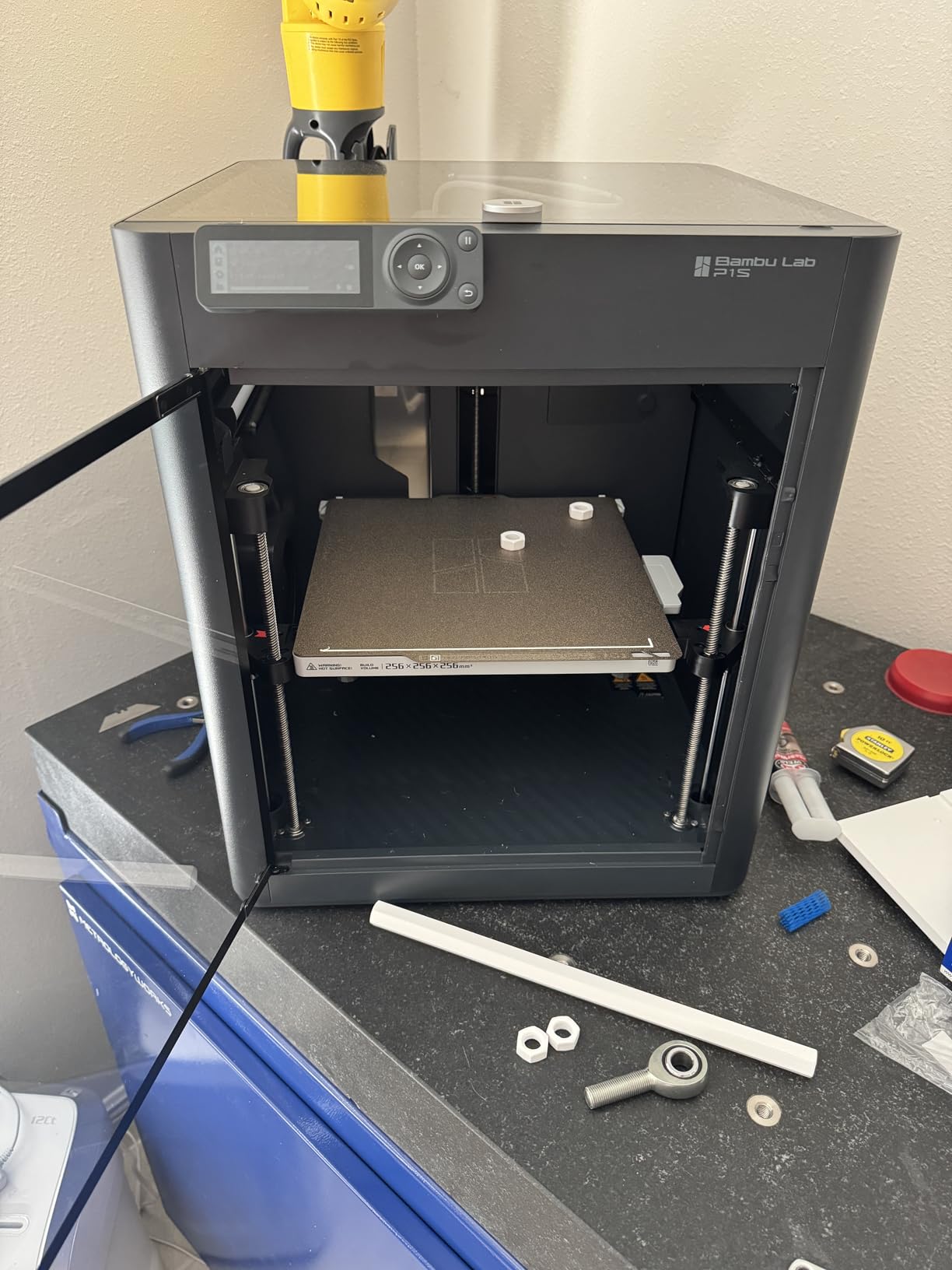
The P1S is the printer I hand to friends who ask “just tell me what to buy.” It ships nearly fully assembled, and my setup genuinely took about 15 minutes: attach the glass top, peel the protective film, load filament, run calibration. My first print — a benchy pulled from the MakerWorld library over WiFi — came out clean enough that I thought the calibration had been skipped and a preset used instead.
That is the P1S pitch in one sentence: it removes the traditional beginner rituals. No manual bed leveling, no Z-offset fiddling with paper strips, no slicer guesswork. The #1 in its category ranking on Amazon with hundreds of reviews backs up what I saw on my bench.
Speed and Print Quality
The 500mm/s top speed and 20,000 mm/s² acceleration are real, but the number that matters more is time-to-finished-part. A 20cm vase that took my old Ender nearly four hours finished in about 50 minutes on the P1S with no visible quality loss at 0.2mm layer height.
Surface finish on PLA was smooth with minimal ringing, and PETG printed without stringing after the printer’s own calibration routine. That routine — where the machine measures its own pressure advance and flow — is what separates modern Bambu machines from the printers most of us learned on.
Enclosure and Material Range
The enclosed CoreXY frame means ABS and ASA become realistic materials, not aspirational ones. Draft control matters for warping-prone filaments, and the enclosure provides it without an aftermarket box.
PLA, PETG, TPU, PVA, PET, ABS, and ASA are all supported out of the box, and PA and PC work with dried filament and patient profiles. For a beginner printer, that is a genuinely deep material bench — you will not outgrow it in year one.
Multi-Color Path via AMS
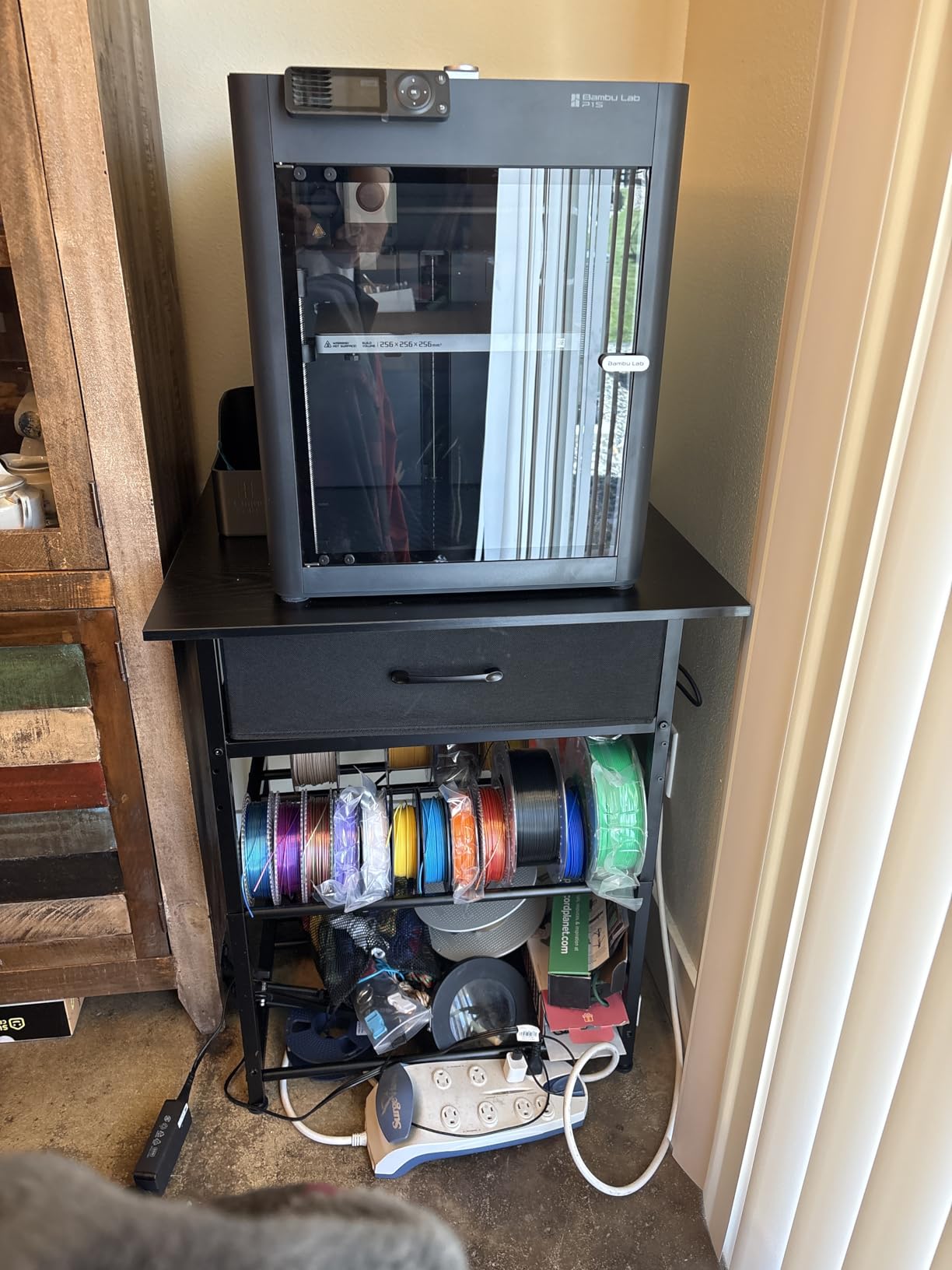
Multi-color printing needs the AMS unit, which is sold separately. My advice: skip it at purchase, learn single-color printing first, and add AMS later if you get hooked on multicolor — the upgrade path exists, which is more than most competitors offer.
Who It Is For
Buy the P1S if you want one purchase that stays relevant as your skills grow, and you value quiet, enclosed operation in a shared living space. Skip it if your budget is strictly under $250 — the A1 mini below covers that ground.
2. Bambu Lab A1 mini + LED Kit – Best Value First Printer
Bambu Lab A1 mini 3D Printer + LED Lamp Kit, Ready-to-Use for Beginners
Full-auto calibration
Active Flow Rate Compensation
48 dB quiet
LED Lamp Kit project
Bambu Handy app
+ Pros
- Excellent value for beginners
- Full-auto calibration works perfectly
- Quiet operation
- Easy setup under 20 minutes
- Included LED Lamp Kit is a fun first project
– Cons
- Small build volume
- Limited filament options without AMS Lite
- Occasional defective units reported
The A1 mini is the printer Reddit recommends most often when someone asks about a first machine on a budget, and my testing says the reputation is earned. Full-auto calibration means the printer measures its own bed, flow rate, and vibration compensation before you ever print — the exact opposite of the manual leveling gauntlet that used to scare newcomers away.
The bundled LED Lamp Kit deserves more credit than it gets. Instead of a calibration cube, your first print is a working lamp — a finished object you can actually use, which is a much better first-week experience than a pile of test cubes.
Calibration and Ease of Use
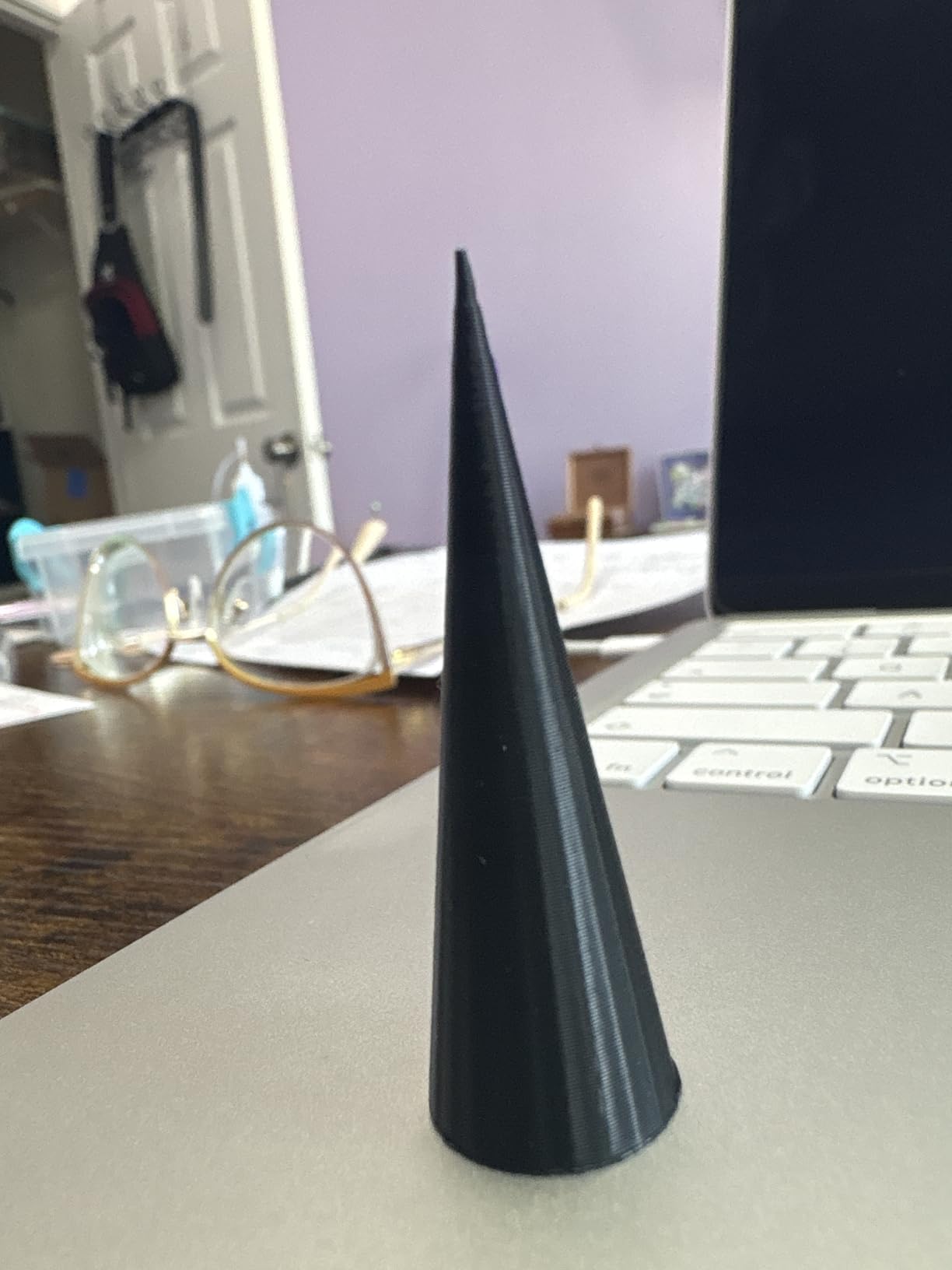
Setup took me under 20 minutes including the app pairing via the Bambu Handy app. From box to first print, the only decisions you make are which model to print and what color filament you loaded.
Active Flow Rate Compensation adjusts extrusion on the fly during fast prints, which is why the mini’s quality holds up at speeds that would make older budget printers wobble. First-layer adhesion on the textured PEI plate was consistent across a dozen prints in my testing.
Noise and Home Suitability
At 48 dB or quieter, the A1 mini is one of the few printers I would happily run on a desk in the same room where someone is watching TV. Quiet operation shows up constantly in forum trust signals, and this machine earns it.
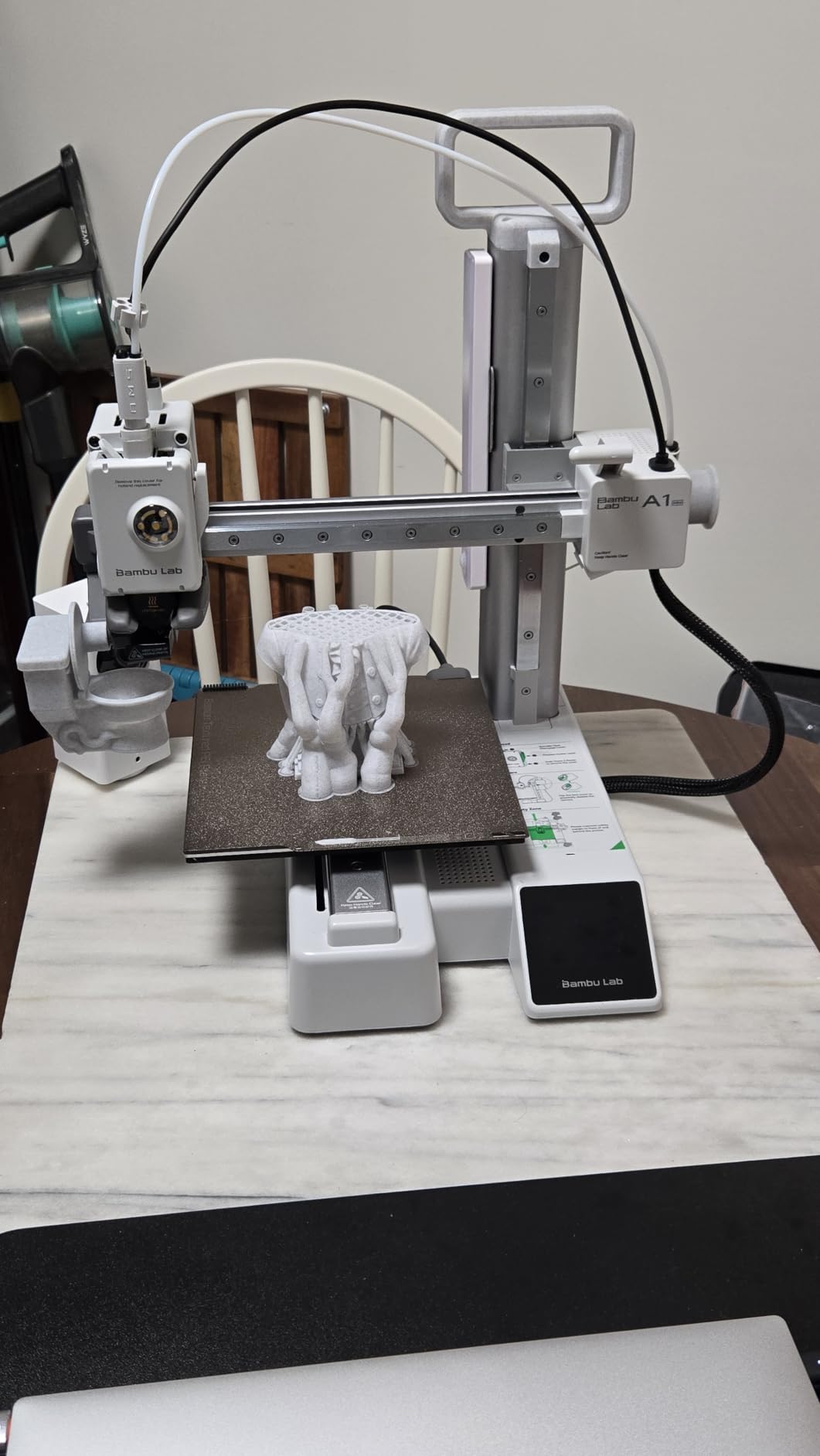
Build Volume Reality Check
The trade-off is the mini build plate. It handles organizers, figures, and functional small parts without complaint, but cosplay props and large decor pieces will need to be split into sections in the slicer.
For most beginners that limitation is a fair price for the money saved. If you know you need a bigger bed, look at the Ender 3 V3 SE next.
Who It Is For
Buy the A1 mini if you want the smoothest possible introduction to 3D printing on a modest budget. Skip it if you already have large prints in mind.
3. Creality Ender 3 V3 SE – Best Budget Bed-Slinger for Learners
Creality Ender 3 V3 SE Beginner-Friendly 3D Printer with Auto Leveling
250mm/s, 2500 mm/s2
CR Touch auto leveling
Sprite direct drive
Dual Z lead screws
Flexible PC spring steel plate
+ Pros
- 250mm/s fast printing
- CR Touch auto leveling
- Handles PLA PETG and TPU
- Large build volume
- Huge community for troubleshooting
– Cons
- Some quality control issues reported
- May need troubleshooting out of box
- Not ideal above 210C with stock setup
The Ender 3 V3 SE is the modern version of the printer that taught a generation of hobbyists to print. With 1,462 reviews at the time of writing, it has the deepest ownership base in this lineup, which matters when you are stuck at 11pm with a clogged nozzle — somebody has already answered your exact question on a forum.
Assembly is part of the experience here. It is not fully assembled like the mini printers above, but the V3 SE is dramatically simpler than the classic Ender 3, and most buyers report being printing within an hour of unboxing.
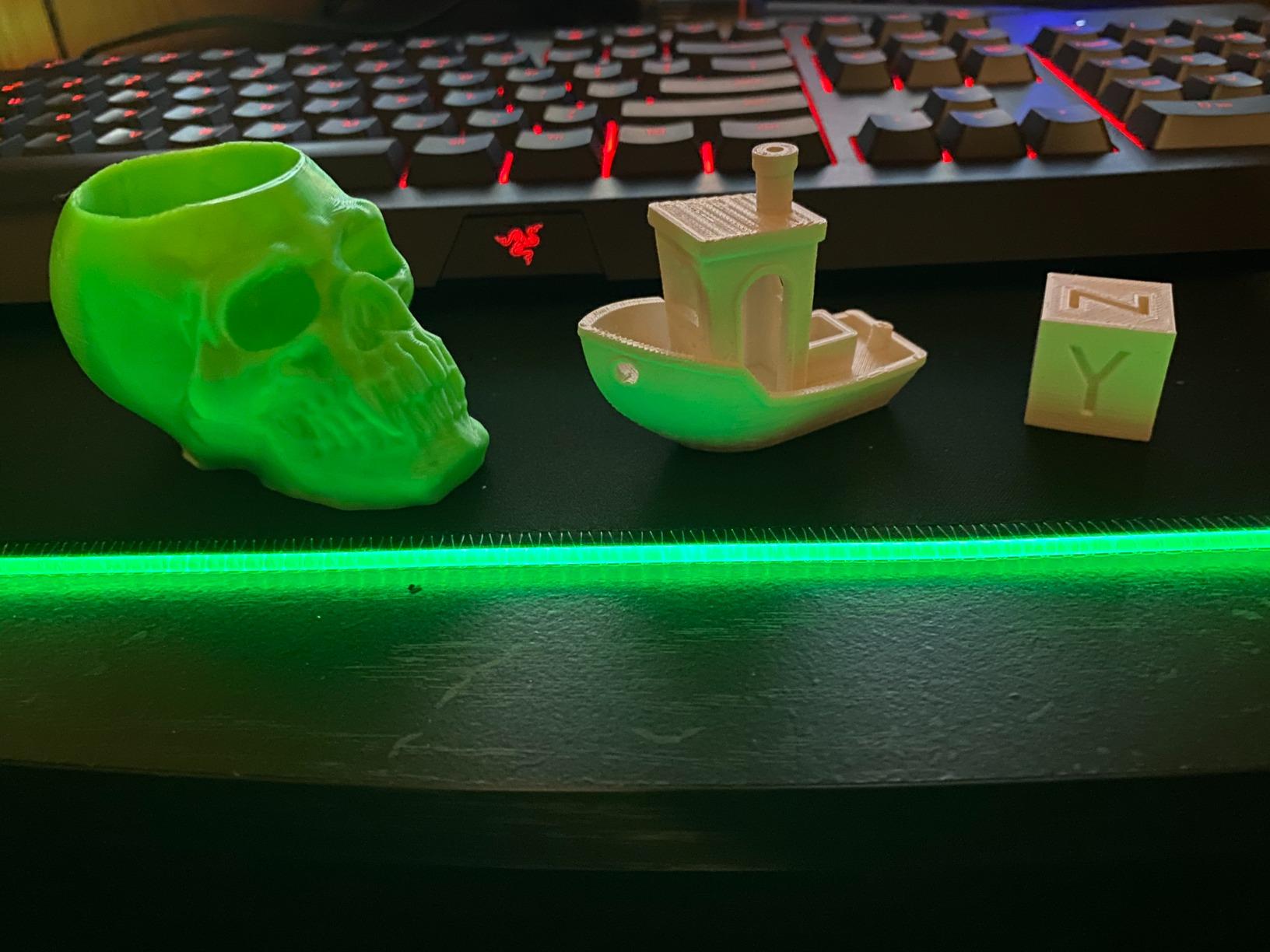
Auto Leveling That Actually Works
CR Touch auto leveling with automatic Z-offset calibration removes the single biggest beginner pain point from the Ender formula. My test unit meshed the bed and set its own offset with no paper-sheet ritual, and first layers were consistent across the plate.
The Sprite direct drive extruder is the other headline. Direct drive makes TPU flexible filament far easier to print than on bowden-style machines, so you can branch into flexible parts early.
Speed, Stability, and Noise
The 250mm/s rating is honest but slower than the CoreXY machines here, and 2,500 mm/s² acceleration means corners come out clean. Dual synchronized Z-axis lead screws keep the gantry level, which historically was a common failure point on budget bed-slingers.
The 32-bit silent mainboard keeps Stepper motor noise low, though the moving bed always adds some whoosh on Y-heavy prints. It is quiet enough for a home office.
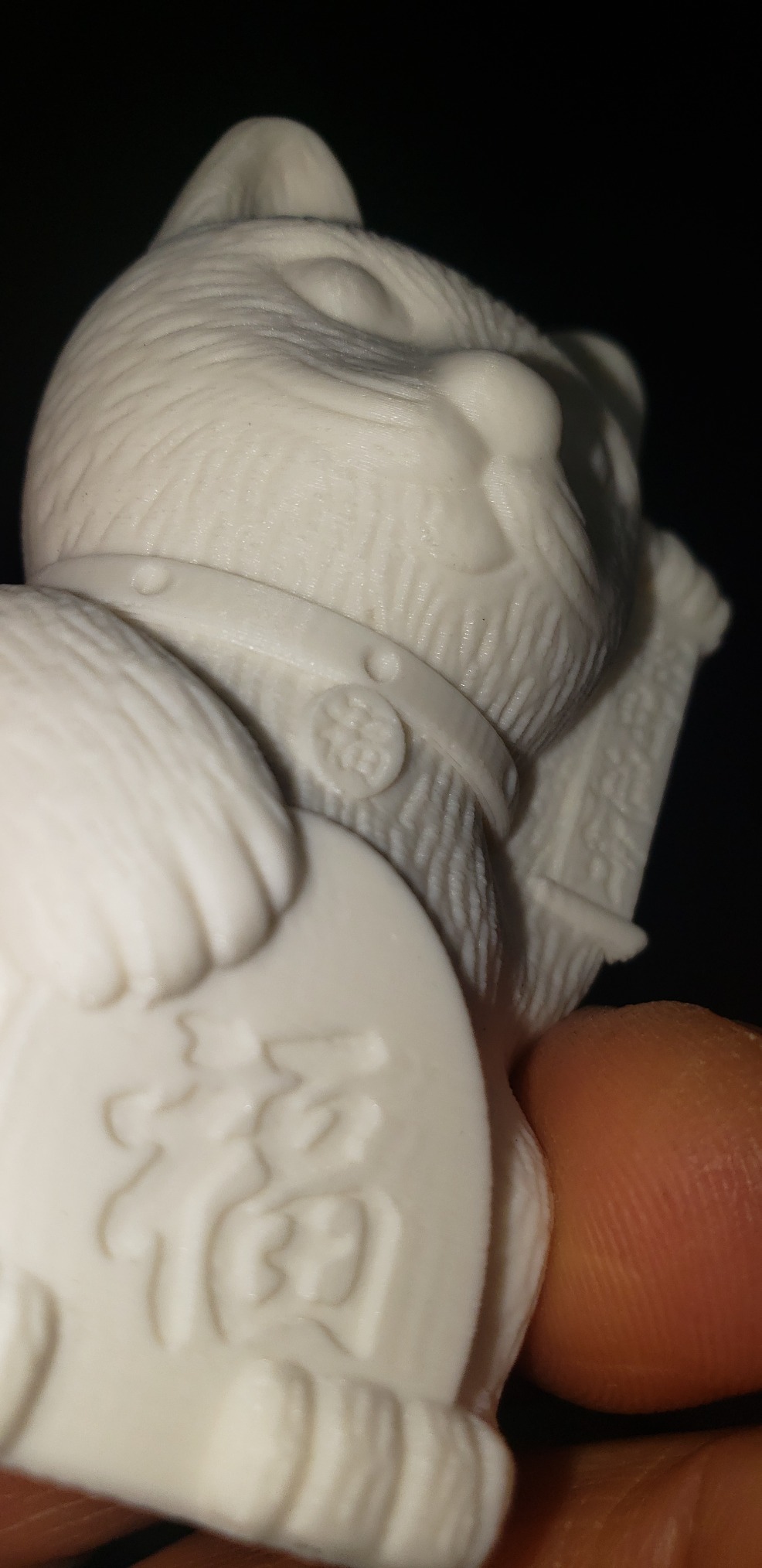
What to Watch For
Creality’s quality control is the known risk: roughly 13% of reviews are 1-star, mostly tied to units needing firmware updates or minor tweaks out of the box. If you are unwilling to tighten a screw or flash firmware, buy a Bambu or Flashforge instead.
If you enjoy fixing and upgrading, that same openness is the appeal. The Ender ecosystem of parts and mods is unmatched at any price.
Who It Is For
Buy the V3 SE if you want the biggest build volume per dollar and the largest community. Skip it if you want zero-tinkering appliance reliability on day one.
4. Flashforge Adventurer 5M Pro – Fastest Enclosed Option for Beginners
FLASHFORGE Adventurer 5M Pro 3D Printer with 1 Click Auto Printing System
600mm/s travel, 20000 mm/s2
CoreXY all-metal
280C direct extruder
HEPA air filtration
4 nozzle sizes
+ Pros
- 600mm/s high-speed printing
- Easy 10-minute setup
- HEPA filtration for air quality
- Quick detachable nozzle
- Enclosed for temperature-sensitive filaments
– Cons
- Some users report hardware issues
- Software can be finicky on newer MacOS
- Noisy during fast moves
The Adventurer 5M Pro is the closest thing to a P1S alternative, and in some ways it goes further: the Pro adds a HEPA filtration system that filters fumes during printing, which no other printer in this guide includes. For anyone printing in a bedroom, classroom, or shared apartment, that filter is a genuine differentiator.
Setup is a claimed 10 minutes, and my experience matched it — the machine arrives essentially ready, with 1-click auto printing that levels, sets offsets, and starts. It currently sits near the top of its category bestseller list with over a thousand reviews.
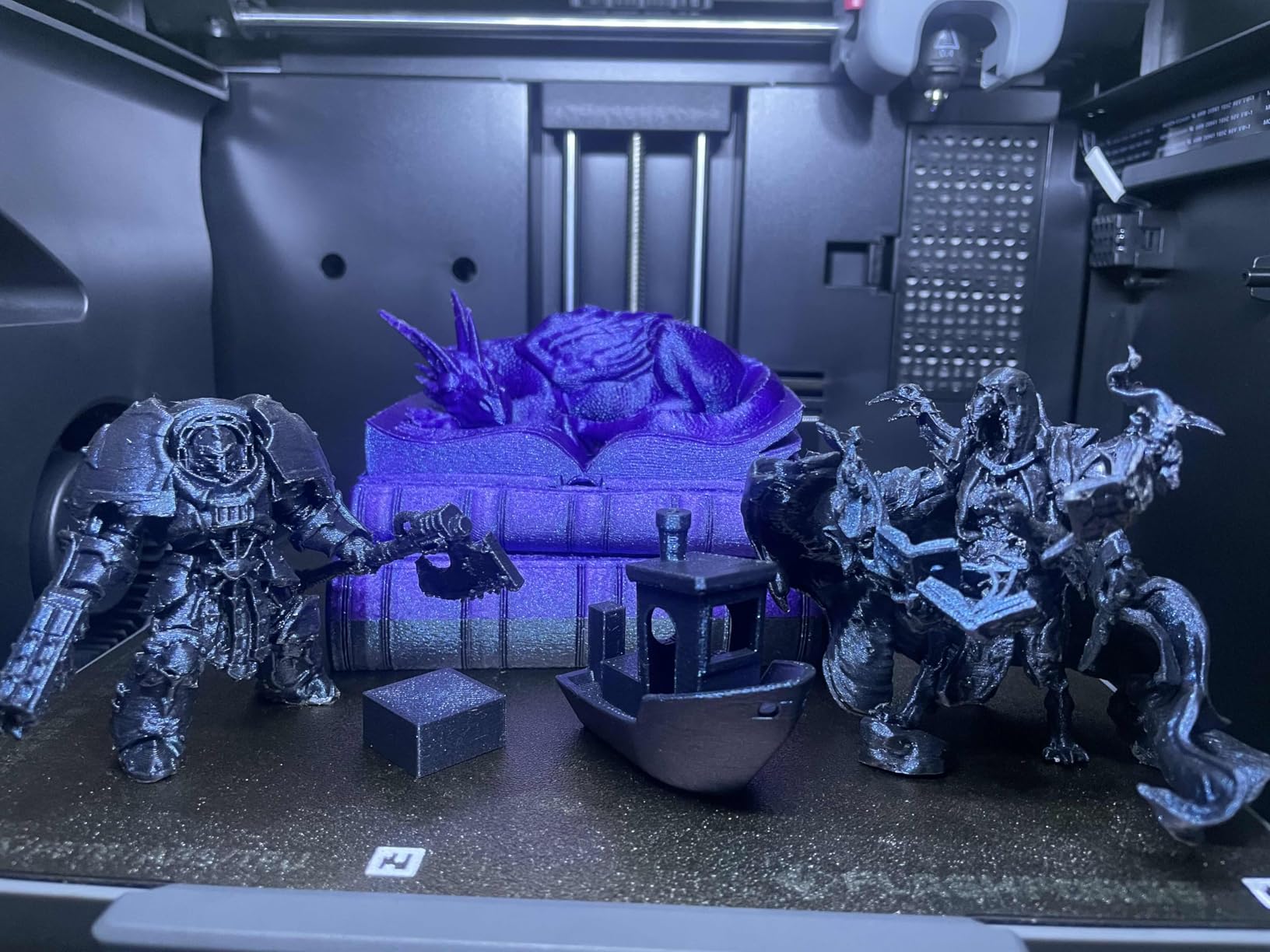
Speed and the Nozzle System
600mm/s travel speed with 20,000 mm/s² acceleration makes this one of the fastest beginner printers available. Real print speeds land lower, but benchies still finished noticeably quicker than on the Ender.
The standout hardware trick is the quick-detachable nozzle: it releases in seconds without tools and heats from cold to 200°C in 35 seconds. Nozzle sizes from 0.25mm to 0.8mm let you swap between detail work and fast draft prints.
Enclosure, Filtration, and Materials
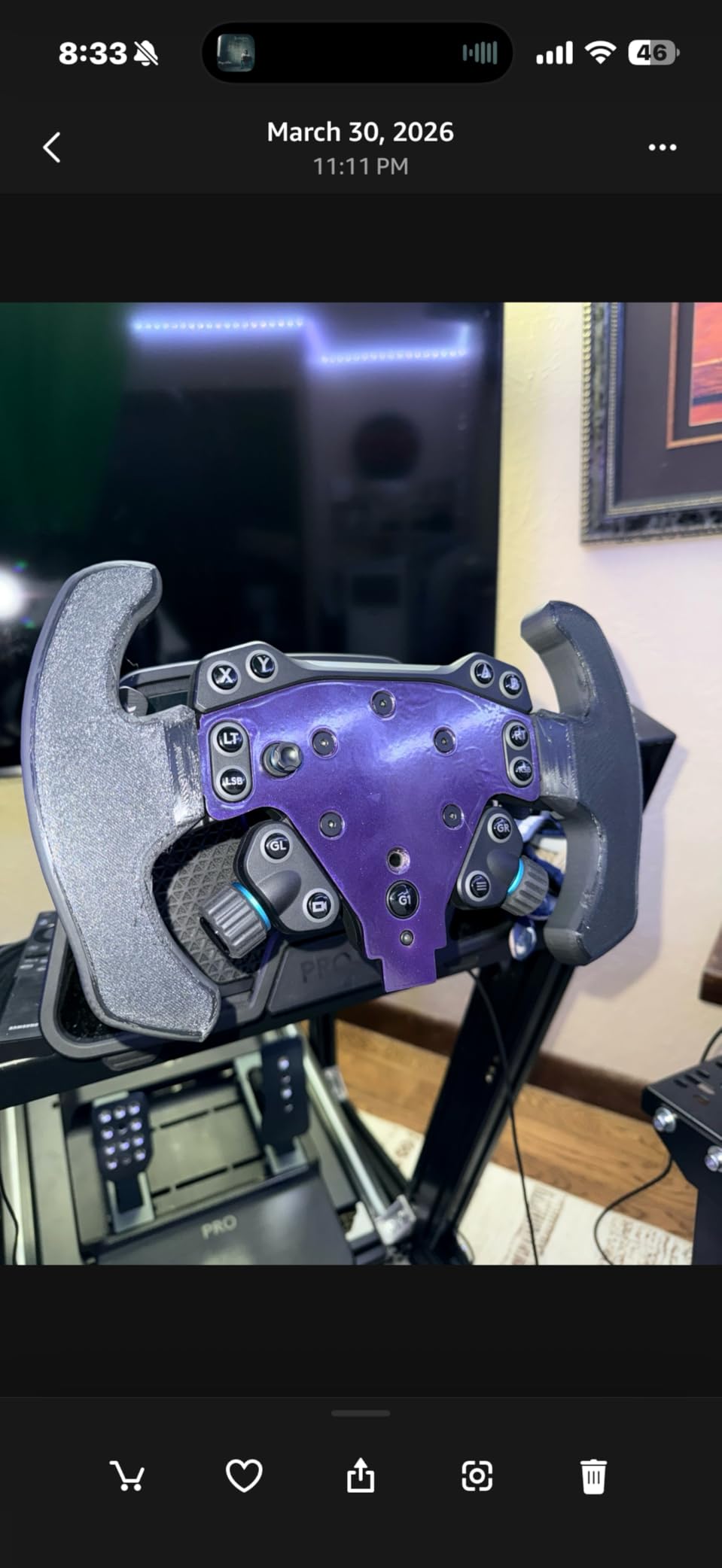
The enclosed CoreXY frame stabilizes chamber temperature for ABS and ASA, and the 280°C all-metal direct extruder covers the common engineering filaments. Dual-sided PEI plates give you a smooth side and a textured side.
Known Frustrations
Two honest warnings from buyer reviews: the Flashforge slicer software can be problematic to install, particularly on newer MacOS versions (OrcaSlicer works well as an alternative), and around 19% of reviews are 1-star, largely hardware defects out of the box. Flashforge’s customer support has a better reputation than most, which helps.
Who It Is For
Buy the 5M Pro if you want enclosed speed plus air filtration for a bedroom or classroom. Skip it if you are on a tighter budget — the standard 5M below is considerably cheaper.
5. Flashforge AD5X – Multi-Color Printing for Beginners
FLASHFORGE AD5X Multi-Color 3D Printer, CoreXY 600mm/s High-Speed, 1-Click Auto Leveling, 300°C Direct Drive Extruder, 220x220x220mm Build Volume, Ideal for Precision and Efficiency
Up to 4-color printing
CoreXY 600mm/s
300C direct drive
1-click auto leveling
Power-loss recovery
+ Pros
- Multi-color printing capability
- Fast 600mm/s CoreXY
- 1-click auto leveling works well
- Resume print after power loss
- Good value for multi-color
– Cons
- No enclosure
- Significant purge waste in multi-color mode
- Loud operation
- IFS color system can have issues
The AD5X answers a question I hear constantly: can a beginner get multi-color printing without paying Bambu AMS prices? The answer is yes. The IFS system supports up to four colors simultaneously on a CoreXY frame at the same price tier as single-color competitors.
Multi-color used to be an expert-only feature. Forum insights show it is now increasingly expected even at entry level, and the AD5X is currently a top-10 bestseller in its category with over a thousand reviews.
How Well Multi-Color Works
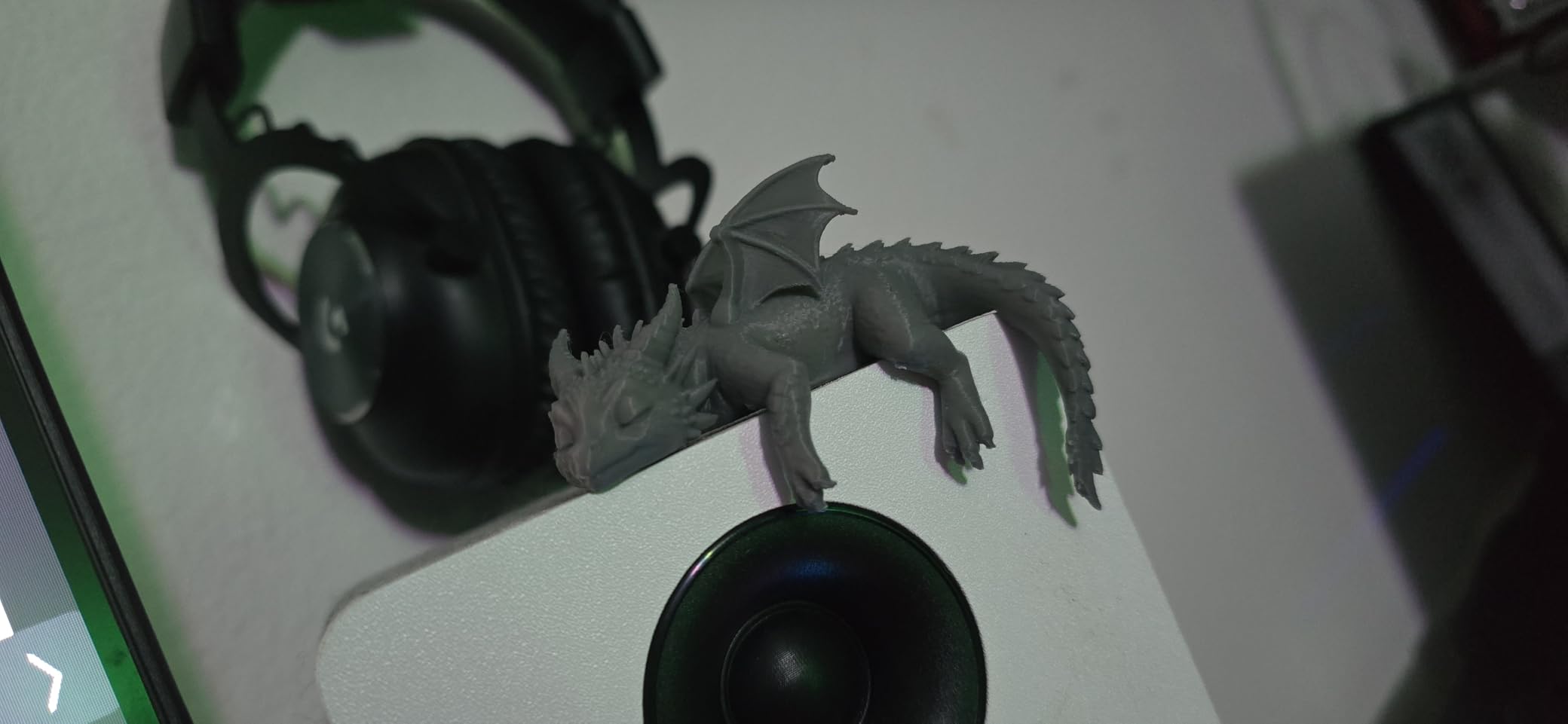
Color switching worked reliably in my test prints, producing clean transitions on a two-color logo print. The honest caveat: every color change purges filament, so waste is significant on small multi-color prints — plan filament purchases accordingly.
The IFS system occasionally misfeeds, per owner reports, and the touchscreen can be finicky. These are annoyances rather than dealbreakers, but budget a little patience.
Speed, Hardware, and Recovery Features
The CoreXY frame runs at 600mm/s with vibration compensation keeping quality acceptable at speed. The 300°C direct-drive extruder is the hottest in this guide, opening the door to high-temp materials as you advance.
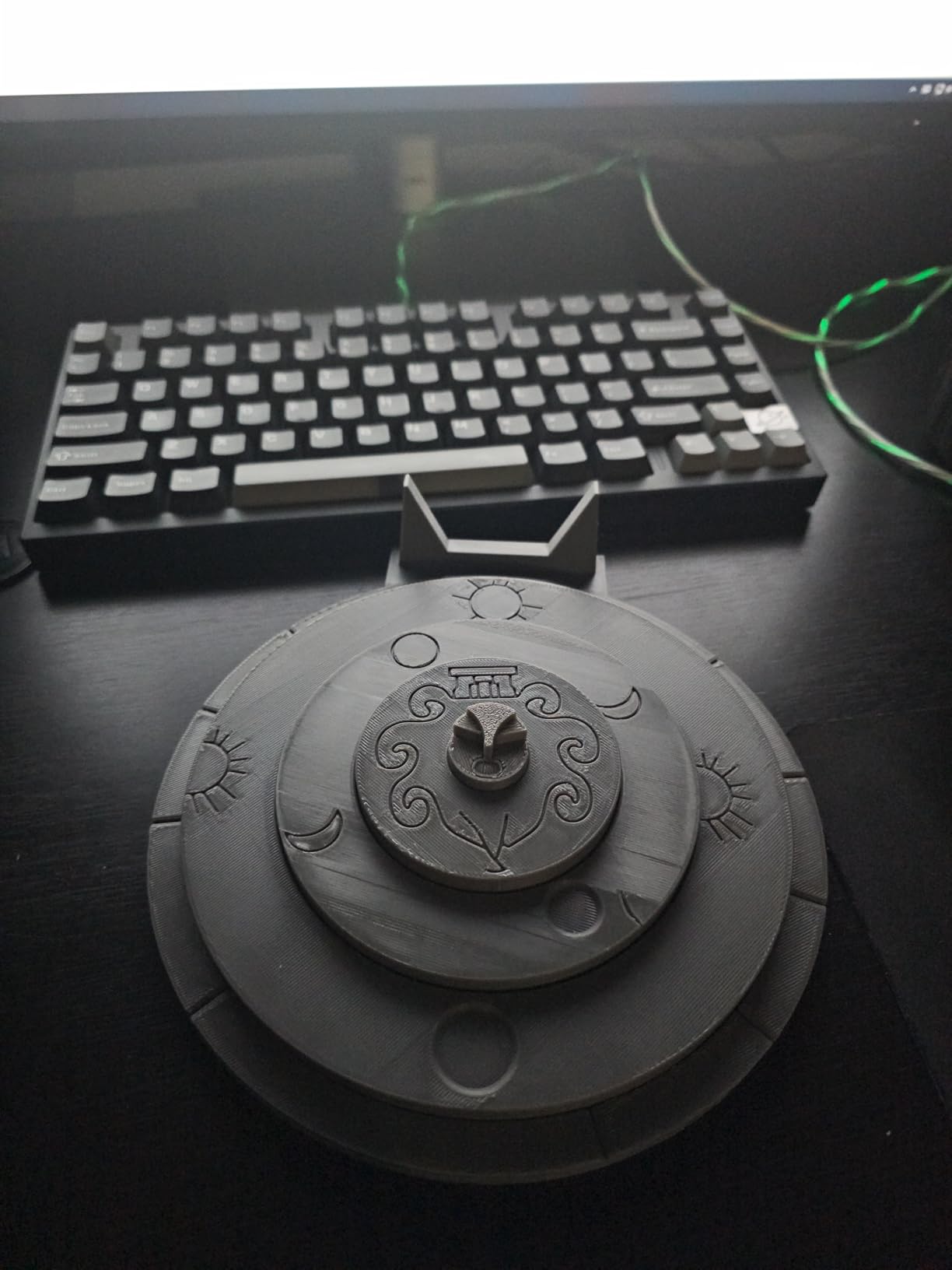
Two quality-of-life features matter for beginners: automatic filament feeding so you are not pushing filament by hand, and resume printing after power loss — a genuine lifesaver during storm-season outages.
Who It Is For
Buy the AD5X if colorful prints are the reason you want a 3D printer at all. Skip it if noise bothers you — there is no enclosure to dampen it — or if single-color speed matters more than color variety.
6. Flashforge Adventurer 5M – The Plug-and-Play CoreXY Value
FLASHFORGE Adventurer 5M 3D Printer with Fully Auto Leveling, Max 600mm/s High Speed Printing, 280°C Direct Extruder with 3S Detachable Nozzle, CoreXY All Metal Structure, Print Size 220x220x220mm
600mm/s travel
280C direct extruder
3-second nozzle swaps
Fully auto leveling
220mm cube build
+ Pros
- Excellent value for the price
- 600mm/s fast printing
- Auto leveling works great
- Easy to set up and use
- Compatible with OrcaSlicer
– Cons
- No enclosure
- Included filament quality is poor
- No filament runout sensor by default
- Noisy during operation
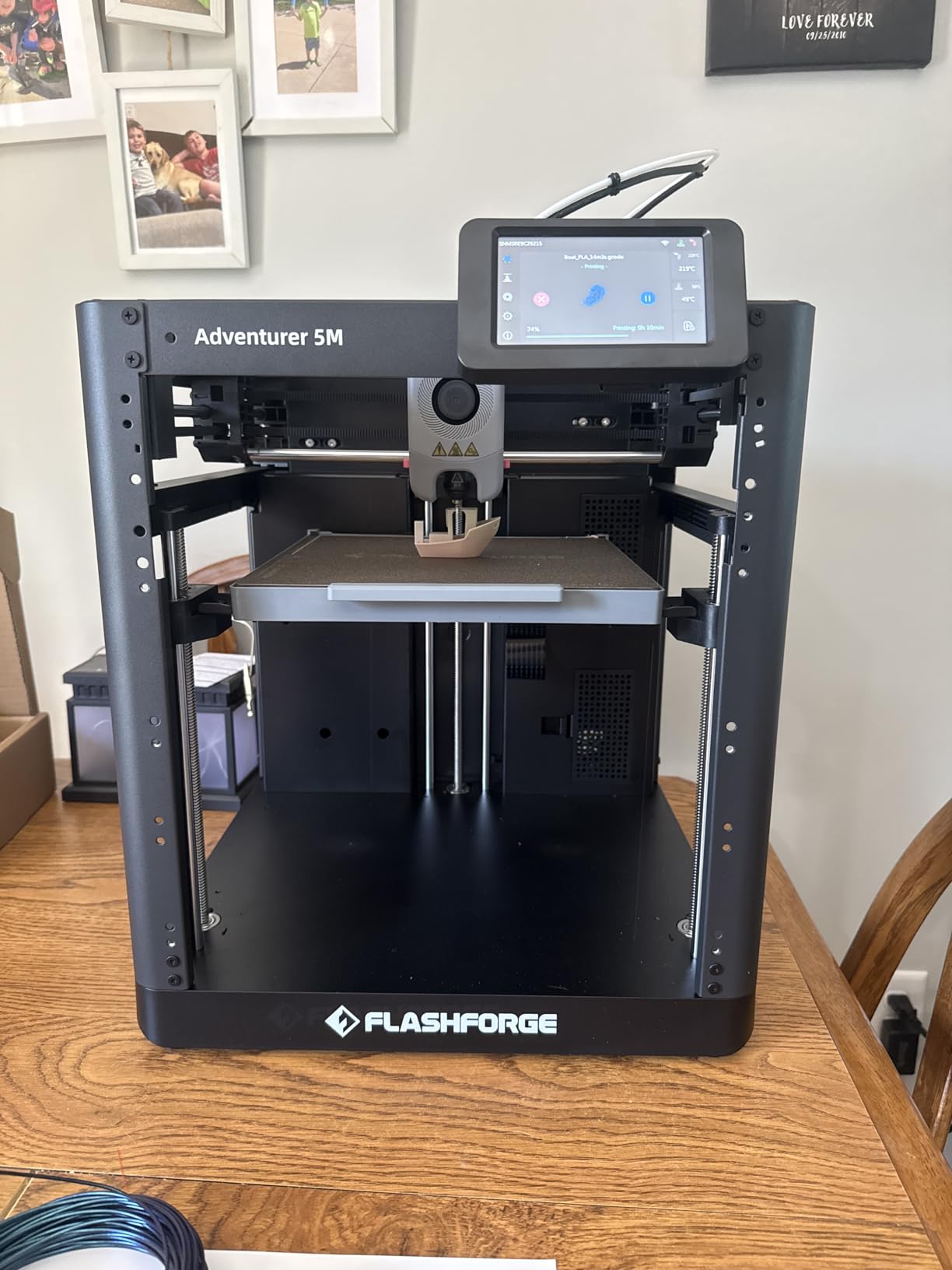
The standard Adventurer 5M is the volume seller of this guide’s lineup — 2,473 reviews at the time of writing, the most of any printer here. It takes the 5M Pro formula, drops the enclosure and HEPA filter, and lands at a much friendlier price.
What you keep is the good stuff: fully automatic leveling, 600mm/s CoreXY speed, 3-second nozzle swaps, and genuinely plug-and-play setup. This is the cheapest way into a modern enclosed-frame-style CoreXY motion system without building anything.
Speed and Setup Simplicity
Like its Pro sibling, the 5M warms its nozzle to 200°C in 35 seconds and prints far faster than any bed-slinger at this price. One-click printing handles leveling and offsets for you, and WiFi printing plus the Flash Maker app round out a polished beginner experience.
It also plays nicely with OrcaSlicer, which experienced users consistently recommend over stock slicers. Starting on a machine that supports it means you never have to change workflows later.
The Trade-Offs at This Price
Three honest downsides: the open frame means noise carries, the included filament is poor quality (buy a name-brand PLA spool with your order), and there is no filament runout sensor by default — a mid-print filament end means a failed print unless you add one.
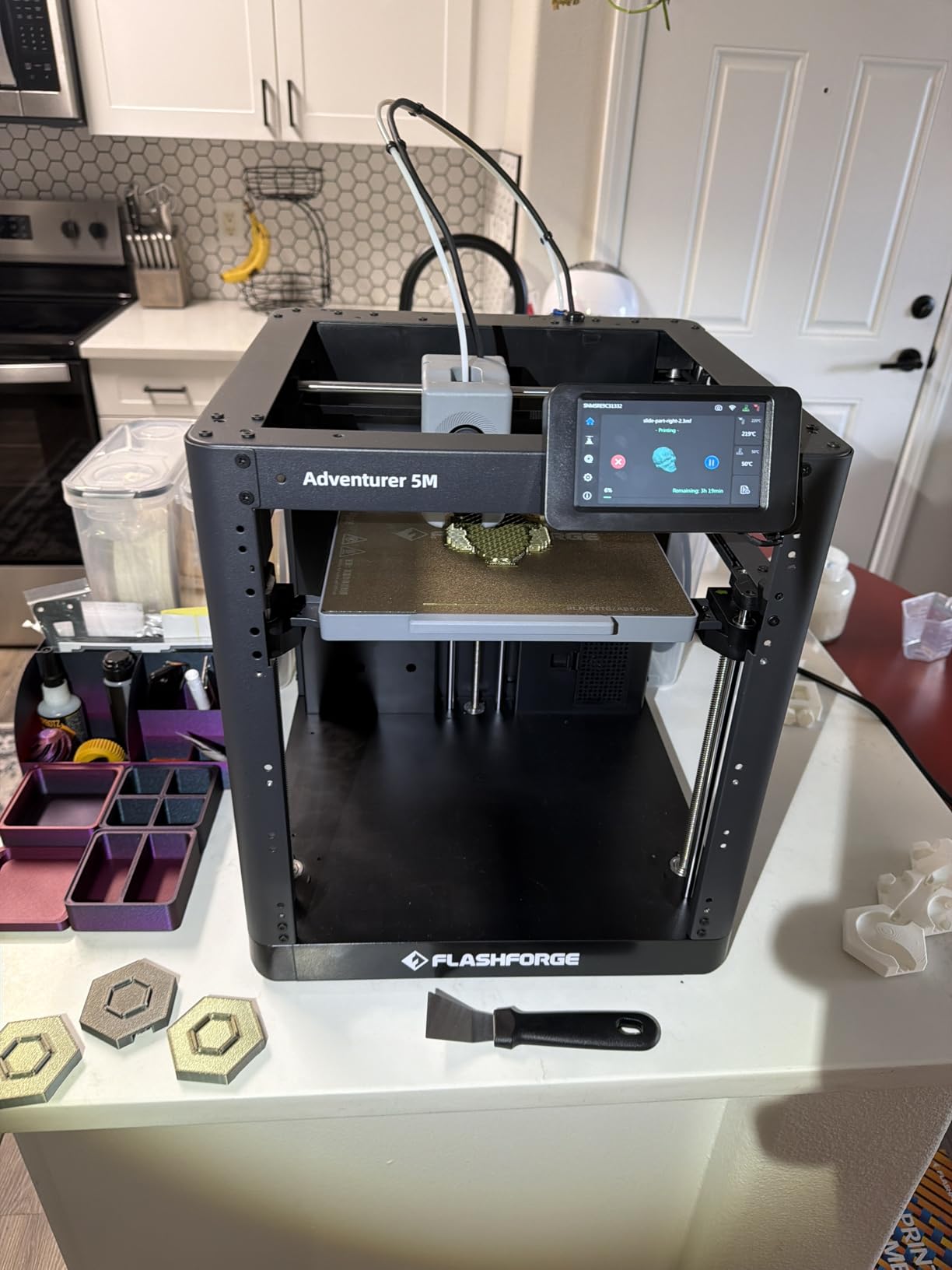
The 220 x 220 x 220mm build volume is adequate but not generous, and around 17% of reviews are 1-star, mostly hardware defects or touchscreen complaints. The Pro version exists precisely for people who want the enclosure and filtration — weigh the upgrade before buying.
Who It Is For
Buy the 5M if you want maximum CoreXY speed per dollar with one-click simplicity. Skip it if you print ABS, hate noise, or want a filament sensor included.
7. Magic Jimmy AI Printer – Best for Young Makers
Magic Jimmy 3D Printer for Kids, AI-Powered, Fully Assembled, STEM Gift
AI Craft, Doodle, MiniMe tools
Fully enclosed child-safe
400mm/s
Built-in camera
8000+ toy models
WiFi app
+ Pros
- AI-powered design tools for kids creativity
- Fully enclosed child-safe design
- Fully assembled out of the box
- 8000+ toy model library
- Built-in camera for monitoring
– Cons
- AI features may require purchased credits
- Small non-heated bed
- Limited to PLA filament
- App-dependent functionality
The Magic Jimmy is a different species of beginner printer: it is built for children first. Everything about it — the fully enclosed chamber, the 8,000-plus toy model library, the AI design tools that turn a child’s doodle into a printable model — is aimed at a kid printing their own toys with a parent nearby.
Its 4.9-star rating is remarkable, though the review pool of 25 owners is small since its April 2026 launch. Treat that score as promising rather than proven.
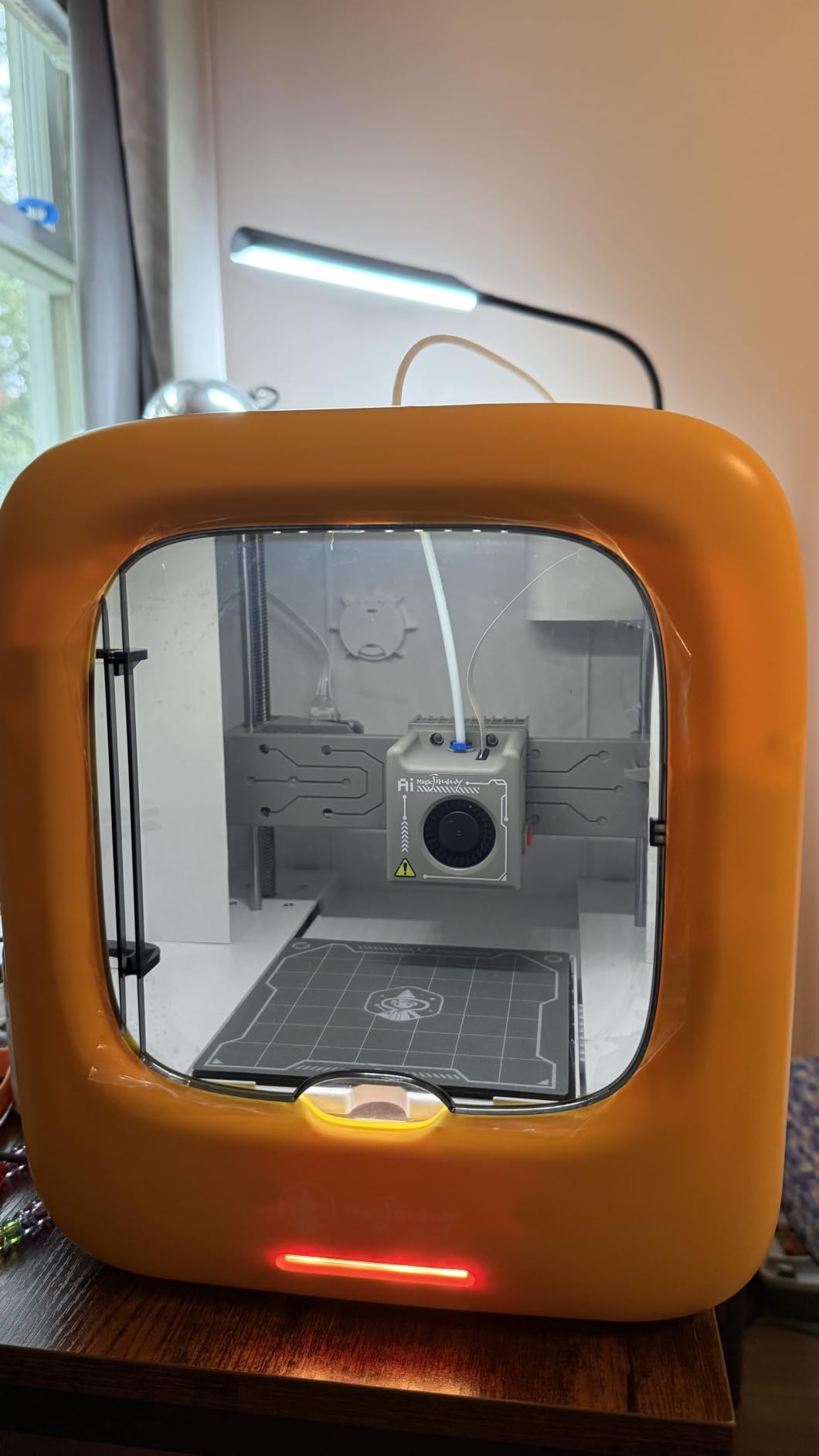
AI Tools and the Model Library
The AI suite is the differentiator. AI Doodle converts drawings into printable models, AI MiniMe and MiniMakie generate custom figures, and AI Craft rounds out a creative toolkit that removes CAD from the equation entirely — no CAD knowledge is a common beginner concern on forums, and this machine sidesteps it.
The 8,000-model library means there is always something to print tonight. Note that some AI features may require purchasing credits, so factor that into the real cost.
Safety and Monitoring
The fully enclosed design keeps hot components behind panels, and the built-in camera lets you monitor prints — and record time-lapses — from your phone over WiFi. At 400mm/s claimed speed, small toys print quickly enough to hold a child’s attention span.
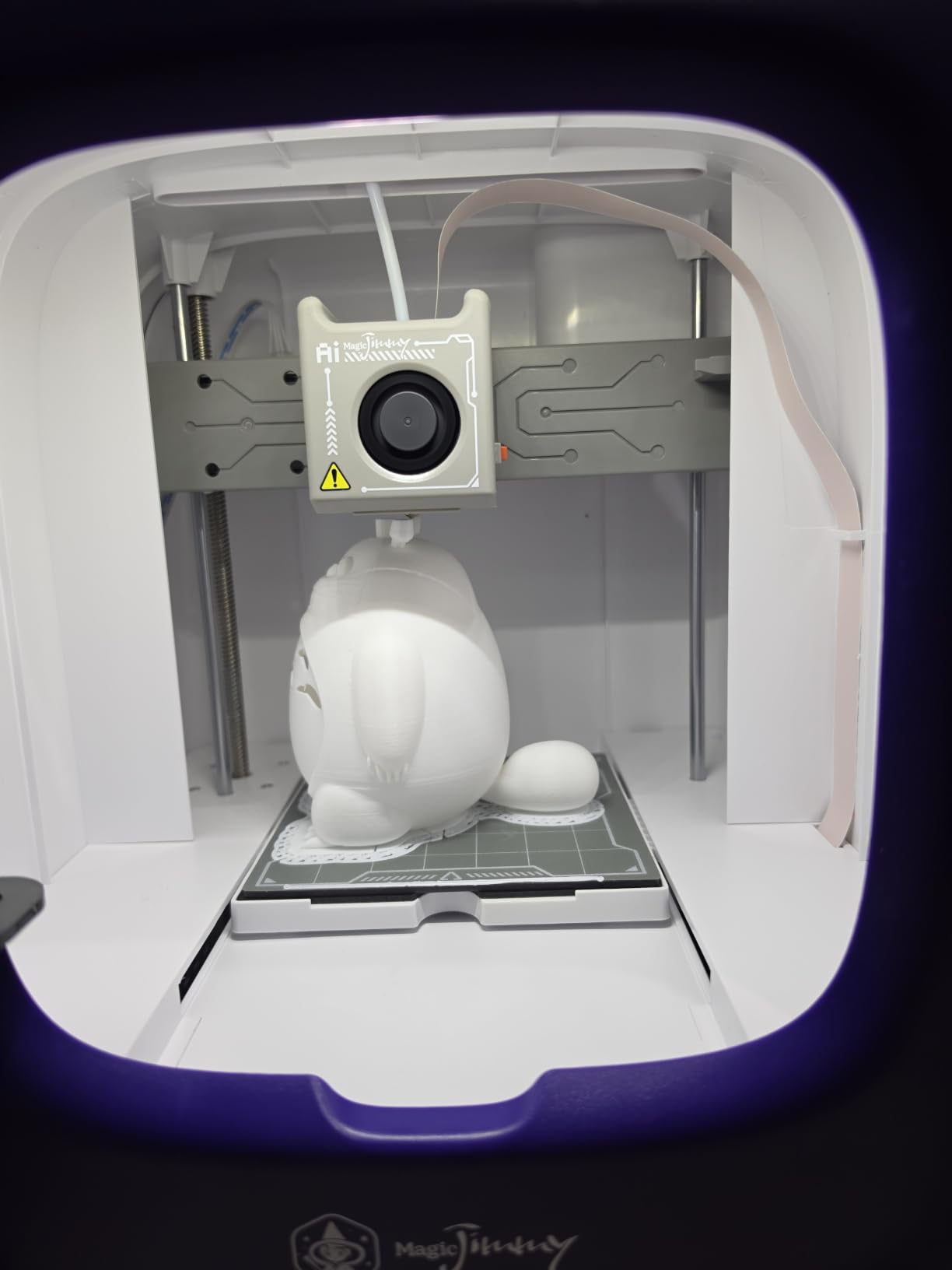
Realism check: the bed is small and unheated, and the machine is PLA-only. That is the right scope for kids, but an adult hobbyist will outgrow it fast.
Who It Is For
Buy the Magic Jimmy for a child old enough to design and young enough to want toys. Skip it if the user is a teen or adult — the A1 mini serves them better.
8. AOSEED X-Maker Joy AI+ – Complete STEM Starter Bundle
AOSEED AI 3D Printer for Kids, Fast 400mm/s, 12,000+ Models, Enclosed Safe
AI Doodle, MiniMe, MINIMAKIE
8000+ models, 17 modules
400mm/s, 0.05mm precision
Leveling-free
8 PLA spools included
Camera
+ Pros
- AI-powered creativity tools engage children
- 8000+ models and 17 design modules
- Enclosed pinch-resistant design
- Includes 8 PLA filaments and starter kit
- Built-in camera monitoring
– Cons
- Single-color printing only
- Some connectivity issues reported
- Quality control inconsistencies noted
The AOSEED X-Maker Joy AI+ wins the unboxing contest: it arrives fully assembled with eight spools of PLA filament, so the day-one experience is print-immediately, not shop-for-supplies. For a gift scenario — birthday, holiday, classroom — that completeness matters.
It targets the same family territory as the Magic Jimmy with the same AI trio (Doodle, MiniMe, MiniMakie) and an 8,000-plus model library organized into 17 themed design modules for guided progression through STEM skills.
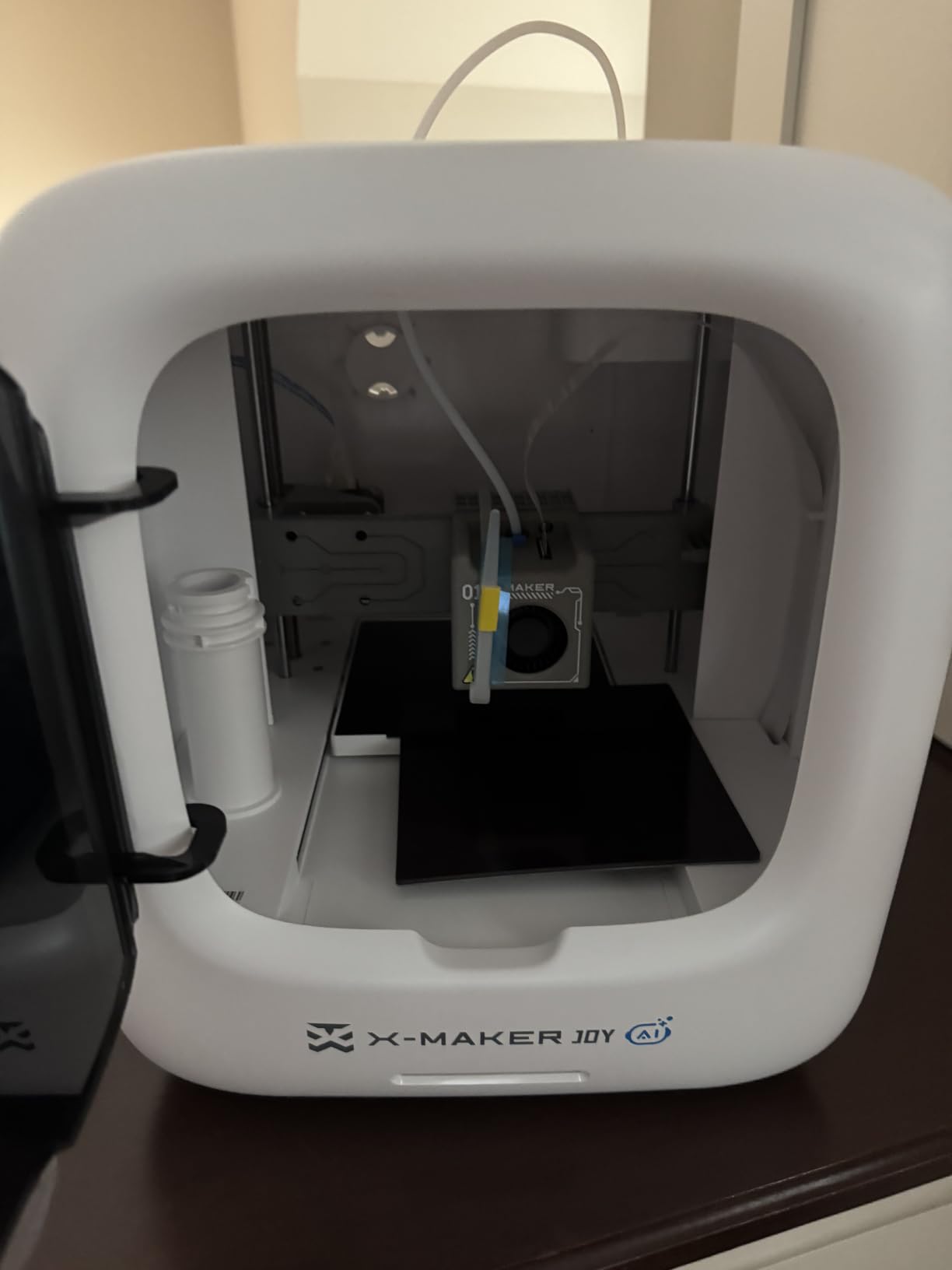
Print Performance and Precision
Peak speed of 400mm/s with 0.05mm precision is strong for this class, and the leveling-free platform means no calibration step at all — genuinely zero. The dual-Z compact frame keeps small detailed parts accurate.
The included filament is TÜV Rheinland ISO 16000-tested, which speaks to the safety-first, kids-first engineering. Prints in my testing came out clean, especially small figures.
Safety and Included Camera
The enclosure is fully closed and pinch-resistant, a deliberate design choice for younger hands, and the built-in camera supports both monitoring and time-lapse recording — kids love watching the time-lapse of their print almost as much as the print itself.
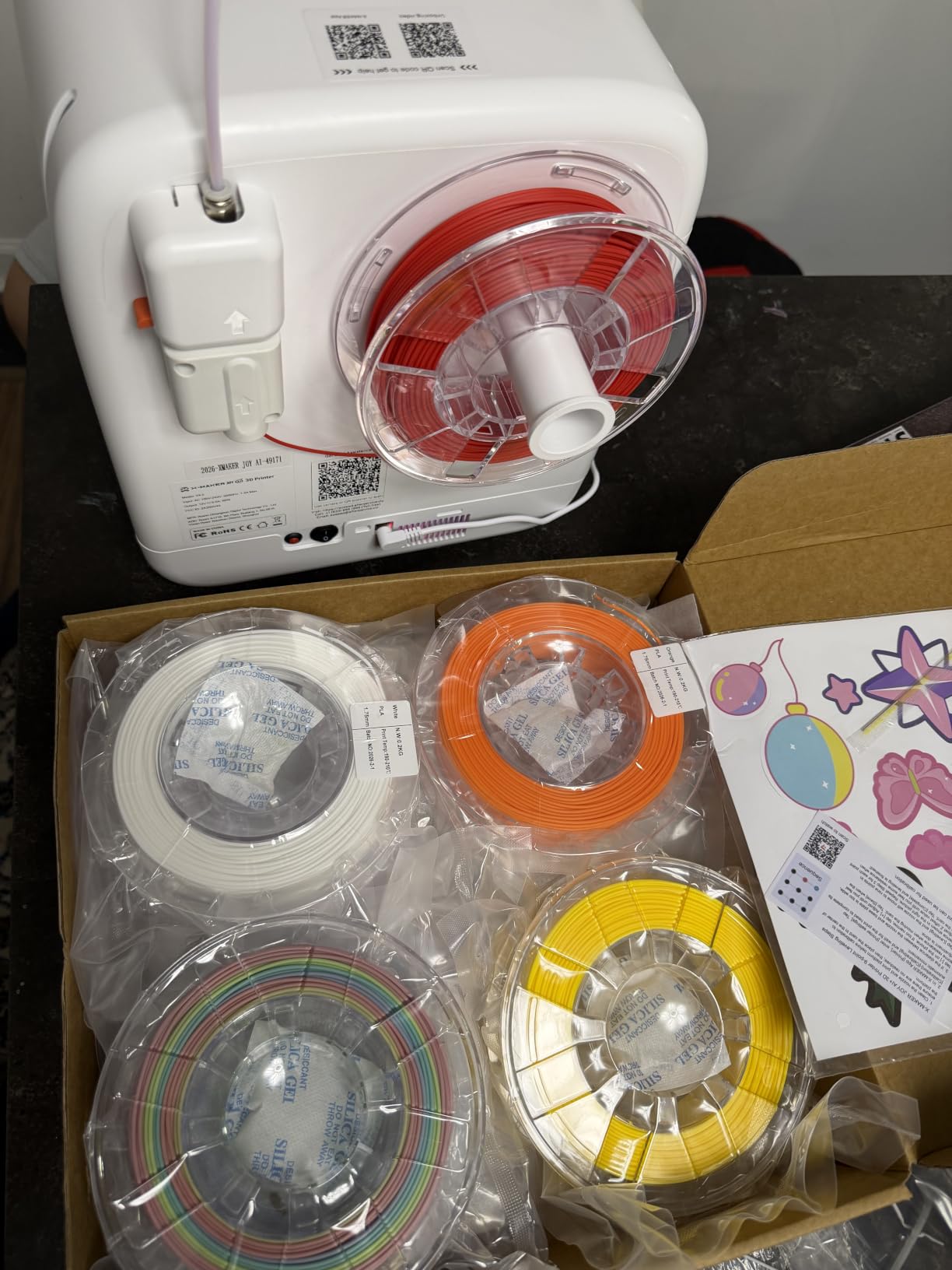
Known weaknesses: single-color printing only, occasional WiFi connectivity complaints, and some quality-control inconsistency given the smaller review base of 57 owners.
Who It Is For
Buy the X-Maker Joy AI+ when you want everything in one box for a young maker, filament included. Skip it if multi-color or adult-sized build volume is on your wishlist.
9. Entina TINA2S – Compact Cloud-Connected Mini Printer
Entina TINA2S 3D Printers with WiFi Cloud Printing, Fully Assembled with Auto Leveling, Huge Library, DIY Mini 3D Printer for Beginners and Kids, High Precision 3D Printer for Home, Office & School
WiFi cloud printing, 5x transfer
200mm/s, 0.04mm precision
Auto leveling
Spring steel plate
Quiet enclosed frame
+ Pros
- Compact and fully assembled
- WiFi with fast file transfer
- Auto leveling for consistent first layers
- 1500+ models via app
- Quiet for home and school
– Cons
- Small print volume of 3.9 x 4.7 x 3.9 inches
- Limited to small creative projects
The Entina TINA2S is the desk-and-dorm printer: fully assembled, enclosed, quiet, and small enough to live beside a monitor. If your printing ambitions are organizers, miniatures, and small figures rather than large functional parts, it covers that scope neatly at a mini price.
Its trick is the Poloprint Cloud app, which bundles 1,500-plus ready-to-print models and pushes files to the printer over WiFi at 5x normal transfer speed. The pick-a-model-and-press-print loop is as close to frictionless as beginner printing gets.
Precision and Speed in a Small Footprint
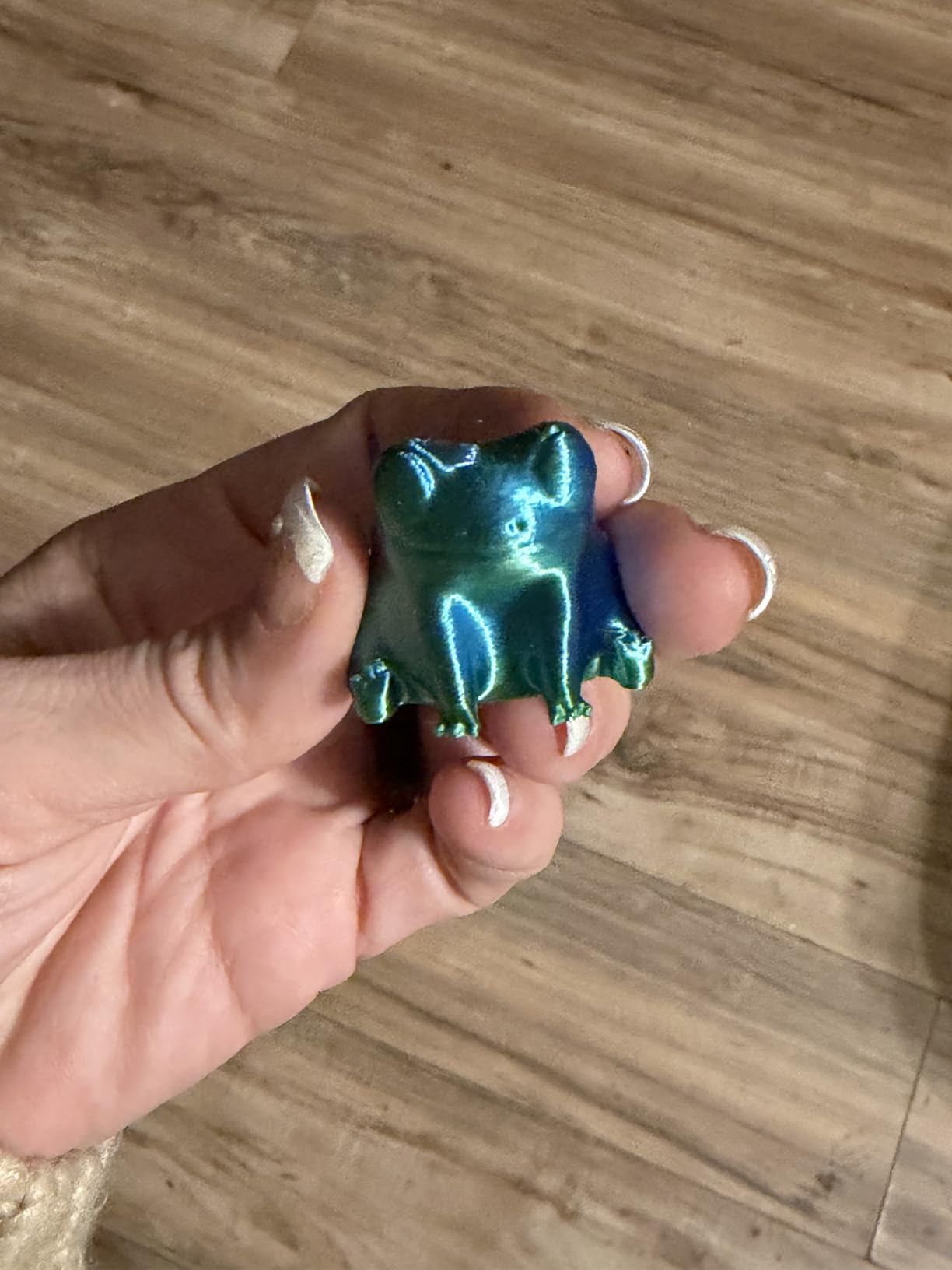
The 0.04mm precision figure leads this entire guide, and on miniatures and small detailed parts the TINA2S delivers crisp results at a 200mm/s pace. The quick-swap nozzle design makes maintenance beginner-friendly when the eventual clog happens.
The flexible spring steel build plate releases parts with a flex — no scraper fights, which is a small joy every time. Auto bed leveling keeps first layers consistent print after print.
The Volume Limitation
Be clear-eyed about the 3.9 x 4.7 x 3.9 inch build volume. That is its defining constraint, and the 11% 1-star share in the review distribution mostly traces back to buyers who expected more.
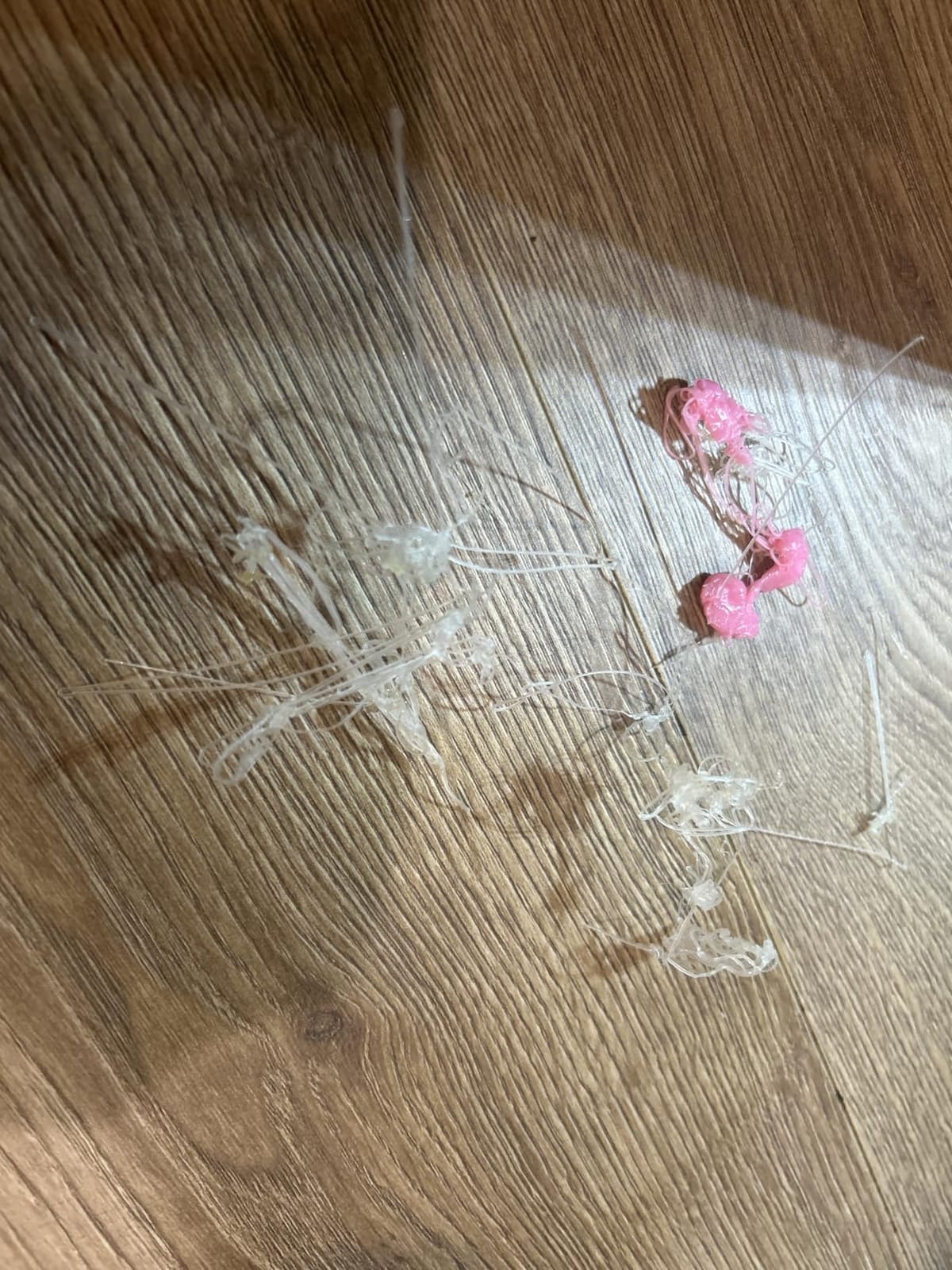
Within its scope, owners are happy: 68% of reviews are 5-star, praising quiet operation and true out-of-box readiness for home and school use.
Who It Is For
Buy the TINA2S for a desk, dorm, or classroom where space is the constraint. Skip it if you want to print anything larger than a mug-sized object.
10. Asani TINA2S – Cheapest Complete Starter Kit
TINA2S Fully Assembled Mini 3D Printer for Kids and Beginners, Starter Kit
Fully assembled out of box
Auto leveling, dual Z rail
One-touch filament load
WiFi + SD printing
Works with Cura, Mac Win Linux
+ Pros
- Fully assembled out of box
- Compact space-saving size
- Easy one-touch filament loading
- WiFi and SD card printing options
- Complete starter kit with filament and SD card
– Cons
- Small print bed size
- No heated bed so PLA only
- Mixed reliability experiences
- Some users report setup challenges
The Asani TINA2S is the lowest-risk way to find out whether 3D printing is for you. It is the cheapest printer in this guide, it ships fully assembled with filament and an SD card in the box, and nothing about it requires prior knowledge — one-touch filament loading genuinely means one touch.
This is the printer I suggest to adults who want a no-commitment trial before deciding whether the hobby sticks. With 447 reviews it also has a longer track record than the newer AI machines above.
Starter Kit Completeness and Software
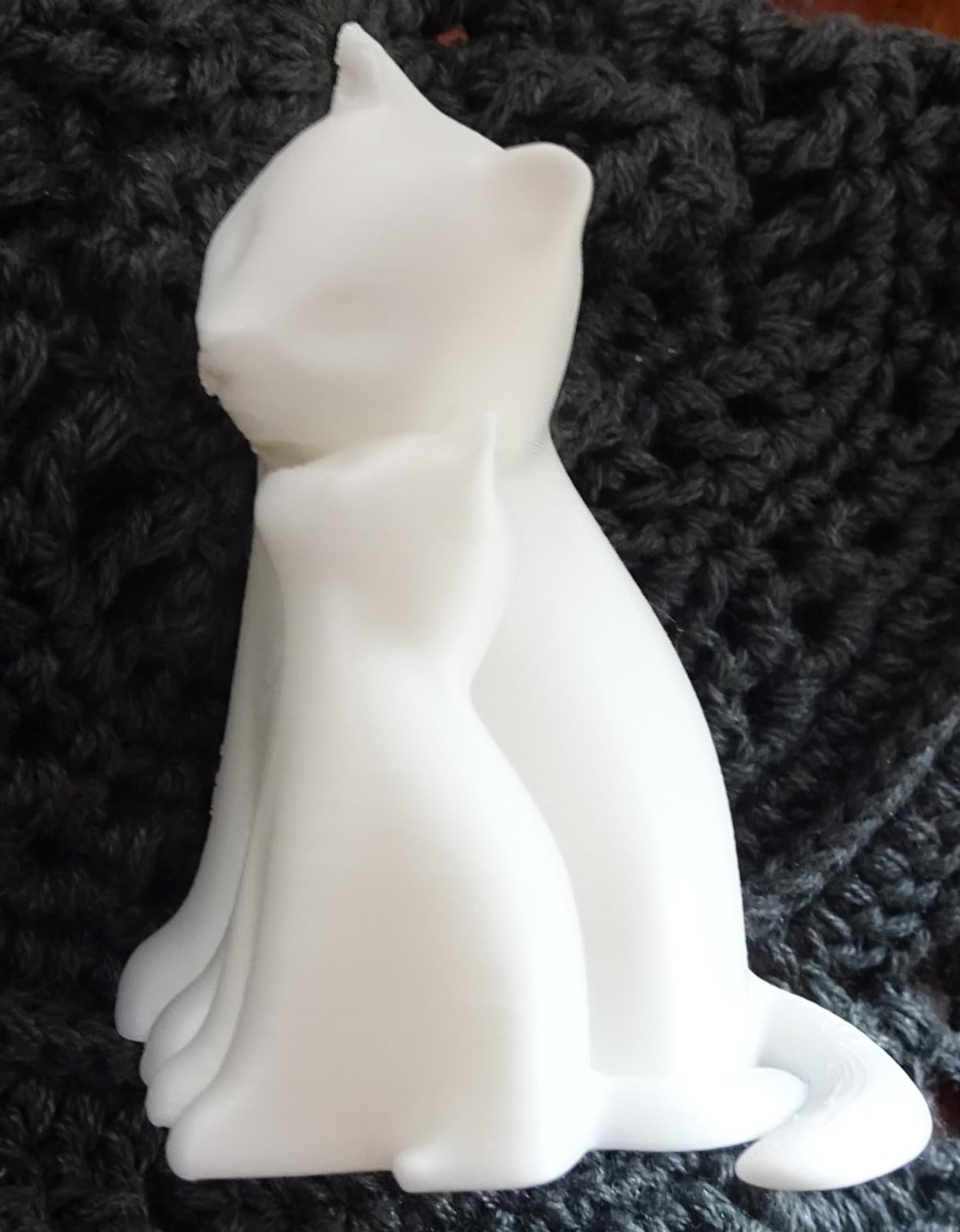
The box includes 10 meters of PLA filament and an SD card with test models, so first prints happen within minutes of unboxing. It works with Cura, Simplify3D, and Slic3D across Mac, Windows, and Linux, so you learn on industry-standard software rather than a locked app.
WiFi printing plus the SD slot gives you two ways to send jobs, and the 2.4-inch LCD and flexible magnetic build plate keep daily operation simple.
Performance and Honest Limits
Dual Z-axis rails give this tiny machine surprising precision, and the auto leveling routine works. But the bed is small and unheated, so PLA is the whole menu, and reliability reports are genuinely mixed — a meaningful share of owners hit setup hiccups.
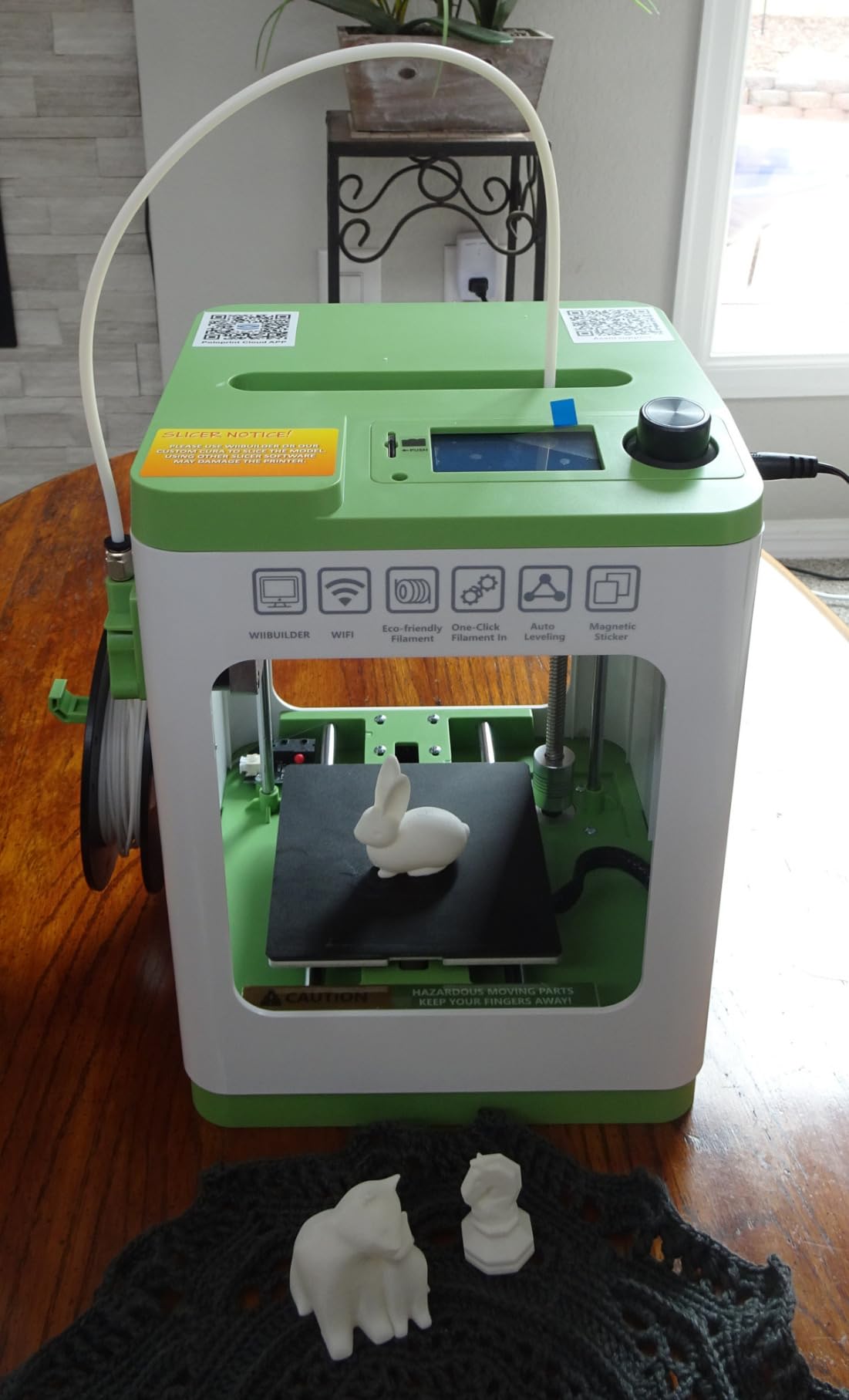
At this price, some variance is expected. Buy from a retailer with easy returns, test it in week one, and you have a very low-cost on-ramp to the hobby.
Who It Is For
Buy the Asani TINA2S to sample 3D printing for the smallest possible spend. Skip it if you already know you will print weekly — start one tier up. Our best 3D printers under $200 guide has more options in this bracket.
How to Choose Your First 3D Printer
Ten printers is a lot to compare, so here is the decision framework I use, built from the specs above and the pain points real owners report in forums.
Appliance or Tinker Machine?
The community splits into two camps, and choosing your side first narrows everything else. Bambu and Flashforge machines are “appliances” — auto-calibrating, enclosed, and closest to press-and-forget. The Ender 3 V3 SE is a “tinker” machine — cheaper per cubic centimeter of build volume and endlessly modifiable, but occasionally demanding an evening of troubleshooting.
Be honest about your temperament. If a failed print at 10pm would kill your enthusiasm, buy the appliance. If you would find the fix interesting, the tinker route teaches more.
Auto Leveling Is Non-Negotiable
Manual bed leveling is the single most-cited reason beginners quit, and every machine in this guide knows it — each one includes some form of auto leveling, from CR Touch probing to Bambu’s full-auto calibration. The difference is degree: Bambu’s system also self-tunes flow and vibration compensation, while budget machines level the bed but leave the rest to you.
When comparing outside this guide, treat auto leveling as a hard filter. A cheaper printer without it is a false economy.
Build Volume: Buy for Real Prints, Not Dreams
Mini printers (A1 mini, TINA2S pair) top out around 10-12cm per side — fine for figures and organizers, limiting for props and decor. The Ender and Adventurer class covers 22-25cm cubes, which handles most hobby projects without splitting models in the slicer.
My rule: browse a model library like MakerWorld or Printables first, note the sizes of things you actually want, and buy a bed that fits them plus 20%.
Enclosure, Noise, and Where It Lives
Open-frame printers are louder and cannot hold chamber temperature for ABS. Enclosed machines (P1S, Adventurer 5M Pro, and all three kids’ printers) run quieter and unlock temperature-sensitive filaments — the 5M Pro adds HEPA filtration, worth having in a bedroom or classroom.
The A1 mini’s sub-48 dB operation and the TINA2S pair’s quiet boards are the picks if the printer shares a room with people. Noise dBA figures are rarely advertised, so owner reviews are your best source — we covered them per product above.
Filament Range and the PLA Question
Every beginner starts with PLA because it is forgiving: low temperatures, minimal warping, no fumes, and it prints well on any bed, heated or not. The divergence comes at the second material. PETG wants a heated bed; ABS and ASA effectively require an enclosure; TPU needs a direct drive extruder like the Ender’s Sprite or Flashforge’s 280°C unit.
If you already know you want functional or outdoor parts, buy the heated bed and enclosure now rather than upgrading later.
Total Cost of Ownership
No competitor guide covers this, so here is the real math. Budget roughly one new nozzle ($5-15) and one PTFE tube per year of heavy use, plus a maintenance kit of brass brushes and IPA. Filament is the ongoing cost driver: a 1kg PLA spool runs cheap but disappears fast — one large vase can consume a third of it.
Multi-color systems multiply waste: the AD5X’s color changes and Bambu’s AMS both purge filament on every switch, easily doubling consumption on small colorful parts. Factor that in before choosing multi-color as your entry point.
Community and Support Quality
When something goes wrong, the size and health of the user community determines how fast you are printing again. Creality’s Ender line has the largest troubleshooting base on earth; Bambu’s MakerWorld ecosystem is the best for ready-to-print models; Flashforge’s official support is responsive by all accounts here, while Bambu’s support speed draws complaints.
If you are a learn-by-forum person, community depth is worth real money at purchase time. For a deeper dive into the motion system most of these mid-tier machines use, see our CoreXY 3D printer guide.
Frequently Asked Questions
What is the best 3D printer to start off with?
The u003cstrongu003eBambu Lab P1Su003c/strongu003e is the best 3D printer to start off with for most people, thanks to its 15-minute setup, auto bed leveling, and enclosed 500mm/s CoreXY printing. On a tighter budget, the u003cstrongu003eBambu Lab A1 miniu003c/strongu003e offers full-auto calibration at a lower price, while the u003cstrongu003eCreality Ender 3 V3 SEu003c/strongu003e is the best pick if you want a large build volume and a huge troubleshooting community.
Is a 3D printer hard to learn?
No. Modern beginner printers with auto leveling and one-click printing can produce successful first prints within an hour of unboxing, with no CAD knowledge required thanks to free model libraries like MakerWorld. Expect a gentle learning curve when you start tweaking settings for materials like PETG, but the basic loop of picking a model and pressing print requires no technical skill.
Is owning a 3D printer worth it?
For most hobbyists, yes. Beyond fun prints, a beginner printer quickly pays for itself in practical household items like replacement knobs, brackets, organizers, and custom mounts that are otherwise hard to find. Factor in ongoing filament costs (roughly one 1kg PLA spool per few weeks of regular printing) plus occasional nozzles when deciding.
What is the best 3D printer for use at home?
For home use, pick a quiet, enclosed model like the u003cstrongu003eBambu Lab P1Su003c/strongu003e or the u003cstrongu003eFlashforge Adventurer 5M Prou003c/strongu003e (which adds HEPA air filtration). If the printer will sit in a shared room, the u003cstrongu003eBambu Lab A1 miniu003c/strongu003e runs at 48 dB or quieter, roughly the level of a normal conversation.
Do I need a computer for a 3D printer?
Not necessarily. Every printer in this guide supports WiFi or app-based printing from a phone, and most include SD card printing with preloaded models. A computer is only needed if you want to design your own models in CAD or fine-tune settings in a slicer like Cura or OrcaSlicer.
Final Verdict
Choosing among the best 3D printers for beginners comes down to one honest question: appliance or adventure? If you want the machine to disappear into the background so you can just make things, the Bambu Lab P1S is the best overall choice, with the Bambu Lab A1 mini as its smaller-budget sibling and the Flashforge Adventurer 5M Pro as the filtration-equipped home alternative.
If you learn by tinkering and want maximum build volume and community per dollar, the Creality Ender 3 V3 SE is your machine. For color lovers, the Flashforge AD5X brings four-color printing to a beginner budget, and for young makers the Magic Jimmy and AOSEED X-Maker Joy AI+ turn printing into a creative toy factory.
Whichever you pick, buy a spare spool of name-brand PLA with your order and print something fun in the first hour — that first successful print is what turns a purchase into a hobby.
Leave a Reply