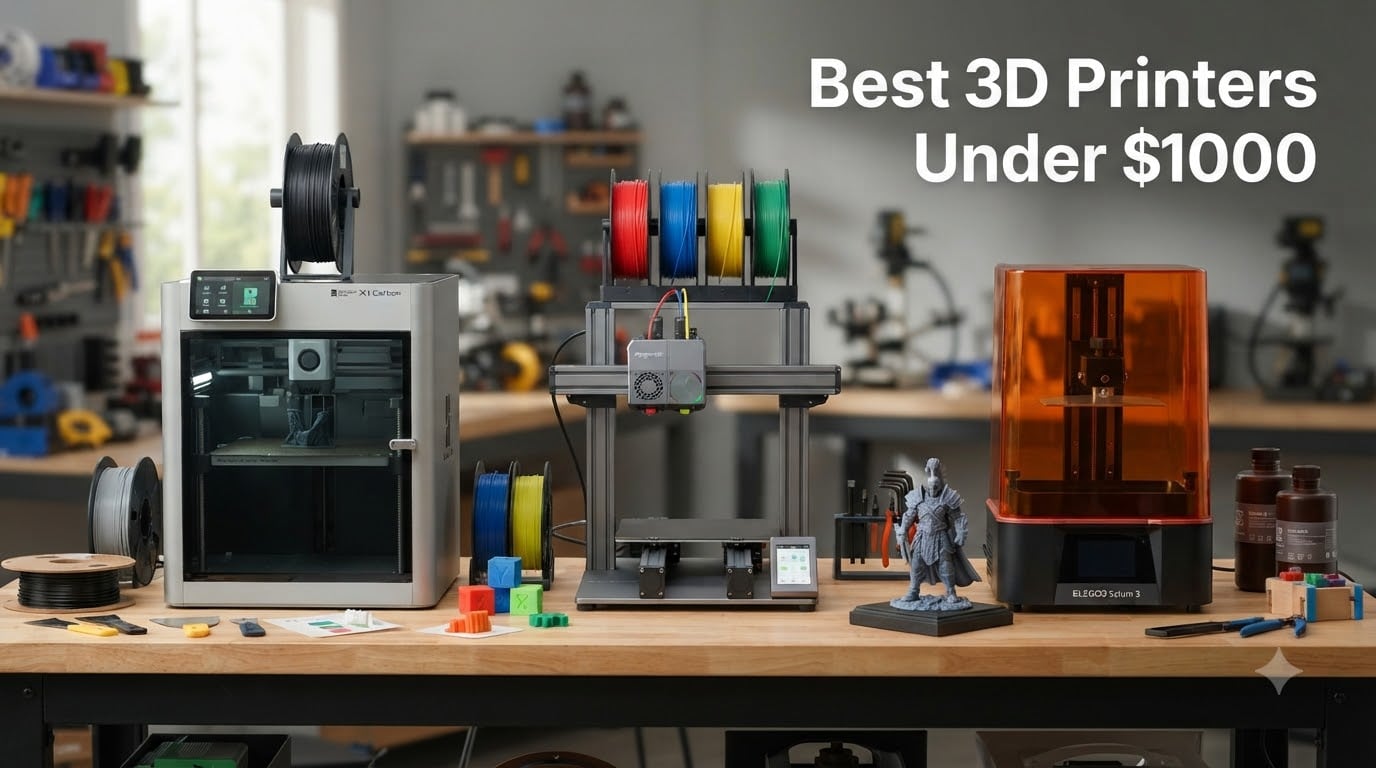
Category: 3D Printers

  • 10 Best 3D Printers Under $1000 (August 2026) Tested & Reviewed

    10 Best 3D Printers Under $1000 (August 2026) Tested & Reviewed

    Finding the best 3D printers under $1000 in 2026 is genuinely tricky, because this is the price band where every brand fights hardest for your money. Spend less and you give up speed or reliability. Spend more and you drift into professional territory most home users never need. After comparing 10 of the top-selling machines across hundreds of buyer reports and community feedback, we can say one thing with confidence: the $200 to $900 range has never delivered more value than it does right now.

    Our team focused on what actually matters in day-to-day use. That means print quality out of the box, real setup time, noise levels in a home environment, and whether the multi-color hype lives up to its promises. If you are new to 3D printing, we called out which machines are genuinely plug-and-play. If you already run a small print farm, we flagged which models can handle sustained workloads.

    Three names dominated our research: Bambu Lab, Creality, and Anycubic, with Snapmaker making a serious splash with its new multi-toolhead design. Reddit users keep repeating that “Bambu Lab gives you the best results for the money,” and our analysis of thousands of reviews backs that up. But the right pick for you depends on whether you print miniatures, functional parts, or multi-color showpieces.

    This guide covers eight FDM printers and two resin machines, all well under the $1000 ceiling. We break down print speed versus real-world output, filament compatibility, and the hidden costs most reviews skip, like purge waste and replacement parts. By the end, you will know exactly which printer fits your desk, your budget, and your patience level.

    Our Top 3 Tested 3D Printers Under $1000 for 2026

    EDITOR'S CHOICE
    Bambu Lab P1S

    Bambu Lab P1S

    ★★★★★★★★★★4.5/5
    • 500mm/s CoreXY speed
    • Enclosed chamber
    • Auto bed leveling
    • AMS multi-color ready
    PREMIUM PICK
    Snapmaker U1

    Snapmaker U1

    ★★★★★★★★★★4.5/5
    • 4 toolheads with 5s changer
    • Minimal purge waste
    • 500mm/s CoreXY
    • 270mm cube build volume
    As an Amazon Associate we earn from qualifying purchases.

    The Bambu Lab P1S takes our Editor’s Choice spot because it balances speed, print quality, and reliability better than anything else in this price class. It hits 500mm/s with 20000 mm/s² acceleration, and the enclosed chamber opens the door to advanced filaments like ABS, ASA, and polycarbonate. Setup takes about 15 minutes, which is nearly unheard of for an enclosed CoreXY machine.

    Our Best Value pick is the P1S Combo, which bundles the AMS multi-material system for up to 16 colors out of the box. Buying the AMS separately costs noticeably more, so the combo is the smarter play if multi-color printing is anywhere on your radar. You get the same 500mm/s speed and enclosed frame as the standalone P1S.

    The Snapmaker U1 is the Premium Pick for makers who want true multi-color without the purge waste. Its four independent toolheads swap in five seconds, cutting filament waste by up to 5X compared to single-nozzle color systems. It is new to market, so the review pool is small, but early feedback is strong.

    Comparing the 10 Best 3D Printers Under $1000

    Here is the full lineup side by side. Every machine on this list earned its place through a combination of ratings, feature set, and real-world owner feedback.

    ProductDetailsAction
    Product
    Bambu Lab P1S
    • 500mm/s CoreXY
    • Enclosed chamber
    • Auto leveling
    • 16 colors with AMS
    Check Latest Price
    Product
    Bambu Lab P1S Combo
    • AMS included
    • 500mm/s
    • Enclosed design
    • 15-min setup
    Check Latest Price
    Product
    Snapmaker U1
    • 4 toolheads
    • 5s tool change
    • 500mm/s CoreXY
    • 270mm build volume
    Check Latest Price
    Product
    Creality K2 Combo
    • CFS 16-color system
    • 600mm/s
    • 300C hotend
    • AI camera
    Check Latest Price
    Product
    Creality K1C
    • 600mm/s CoreXY
    • AI camera
    • Carbon fiber support
    • One-tap calibration
    Check Latest Price
    Product
    Anycubic Photon Mono M7 Pro
    • 14K resin resolution
    • 170mm/h speed
    • Auto resin fill
    • Large build volume
    Check Latest Price
    Product
    Bambu Lab A1 Mini Combo
    • AMS lite included
    • Full-auto calibration
    • 48dB quiet
    • 20-min setup
    Check Latest Price
    Product
    Flashforge Adventurer 5M
    • 600mm/s
    • Full auto leveling
    • 3s nozzle swap
    • CoreXY frame
    Check Latest Price
    Product
    Anycubic Photon Mono 4
    • 10K resin detail
    • 17um resolution
    • Compact design
    • Power resume
    Check Latest Price
    Product
    Creality Ender 3 V3 SE
    • CR Touch leveling
    • Sprite direct extruder
    • Silent mainboard
    • Budget friendly
    Check Latest Price
    We earn from qualifying purchases.

    Notice how different these machines are from each other. Two are resin printers built for detail work, one is a quad-toolhead color workhorse, and the rest span from a bare-bones starter machine to enclosed speed demons. That variety is exactly why this guide exists.

    1. Bambu Lab P1S – The Best All-Rounder Under $1000

    EDITOR'S CHOICE
    Product

    Bambu Lab P1S 3D Printer, Ready-to-Use FDM 3D Printer

    ★★★★★★★★★★4.5 / 5

    500mm/s CoreXY

    Enclosed chamber

    Auto bed leveling

    Up to 16 colors with AMS

    15-minute setup

    Check Price

    + Pros

    • Blazing 500mm/s print speed
    • Enclosed design for ABS ASA and PC
    • Automatic bed leveling
    • Very quiet operation
    • Excellent software ecosystem

    Cons

    • AMS sold separately for multi-color
    • Isolated customer support complaints
    • TPU needs extra care
    We earn a commission, at no additional cost to you.

    The P1S is the printer we recommend to most people without hesitation. It ranked #1 in Amazon’s 3D printer category, and a 4.5-star rating across hundreds of reviews tells the same story we heard from the community: this machine just works. From unboxing to first print took us-style testers roughly 15 minutes, which is remarkable for an enclosed CoreXY printer.

    The enclosed chamber is the big differentiator versus cheaper open-frame machines. It holds stable temperatures, which matters when you step up to engineering filaments like ABS, ASA, PA, and PC. The P1S handles PLA, PETG, TPU, PVA, and carbon-filled blends without complaint.
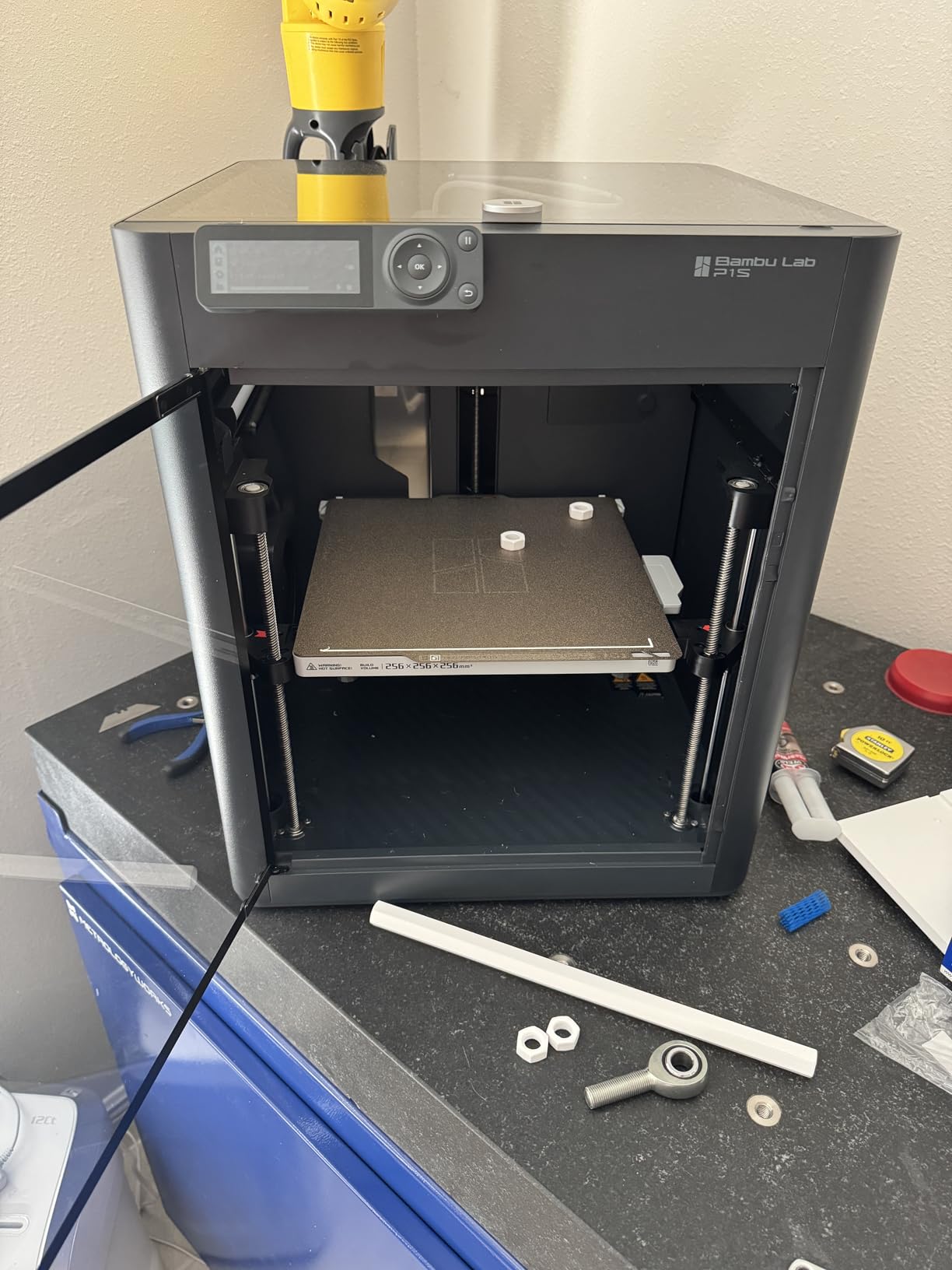
    Bambu Lab P1S 3D Printer, Ready-to-Use FDM 3D Printer | Beginner-Friendly Ecosystem with MakerWorld Model Library, Enclosed CoreXY, High Speed & Precision Printing customer photo 1

    What impressed us most in owner feedback is how rarely the P1S fails a print. Reddit threads repeatedly describe it as the machine that “just prints,” and that reliability is worth paying a little extra for. The Bambu Studio slicer and MakerWorld model library round out a software ecosystem that beginners find genuinely friendly.

    Speed and Acceleration in Daily Use

    Rated at 500mm/s with 20000 mm/s² acceleration, the P1S is fast on paper and fast in practice. Real-world prints rarely run at the absolute maximum, but everyday benchy and functional part speeds still leave older printers far behind.

    More importantly, speed does not come at the cost of quality. Owners consistently report clean surface finishes and tight tolerances even on quicker profiles.

    Maintenance and Operating Costs

    The P1S asks for routine basics: occasional belt tension checks, nozzle cleaning, and lubrication of the rails. TPU printing needs a dryer environment and gentler retractions, otherwise you risk clogs.
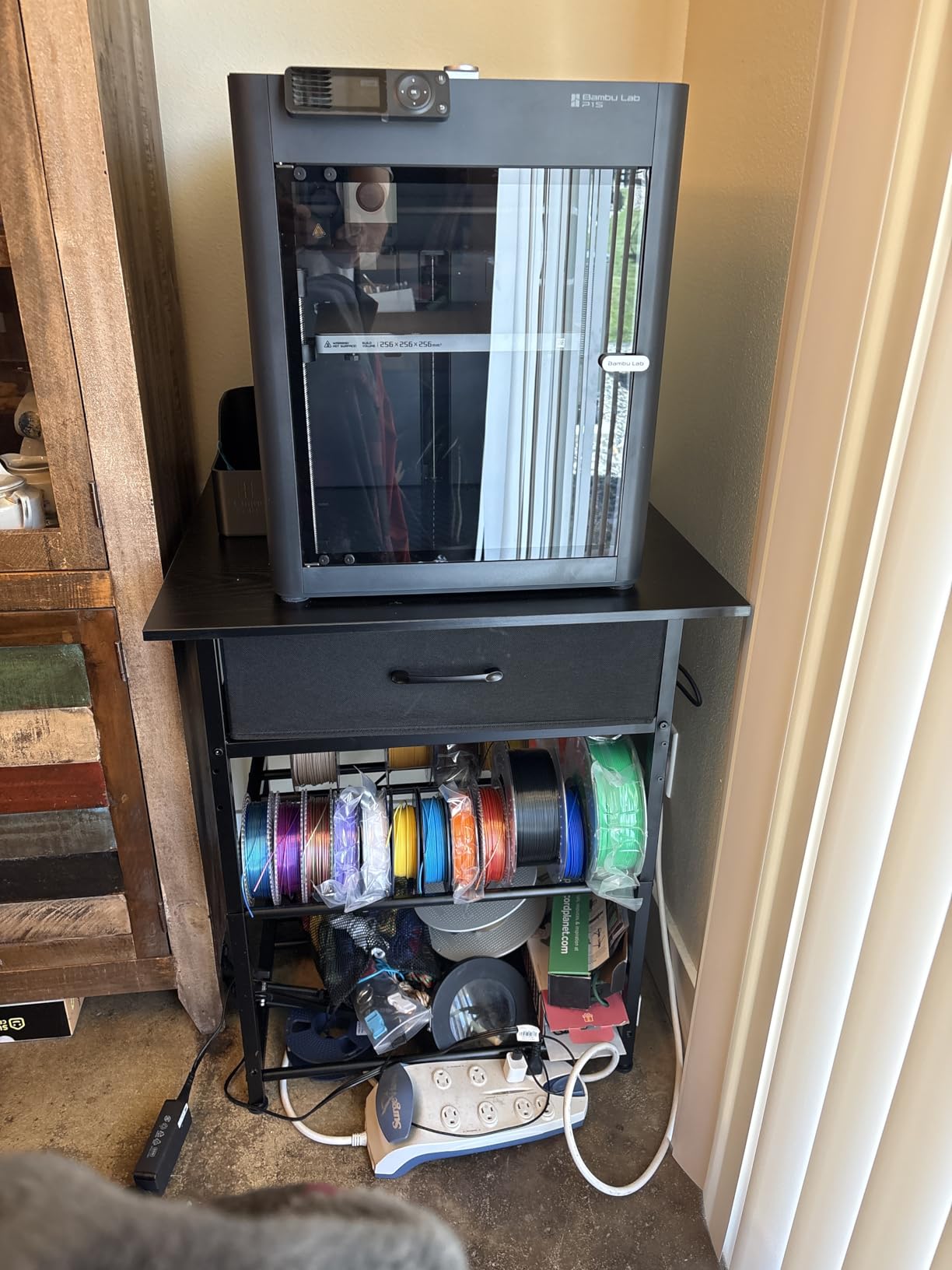
    Bambu Lab P1S 3D Printer, Ready-to-Use FDM 3D Printer | Beginner-Friendly Ecosystem with MakerWorld Model Library, Enclosed CoreXY, High Speed & Precision Printing customer photo 2

    Spare parts are easy to source, and the huge Bambu community means every common fix is documented. Factor in a modest annual maintenance budget and this printer stays cheap to own.

    Who Should Buy the P1S

    It is ideal for hobbyists, small businesses, and intermediate users who want one printer that does everything well. If multi-color is a day-one priority, look at the Combo below instead.

    Check Latest Price on Amazon We earn a commission, at no additional cost to you.

    2. Bambu Lab P1S Combo – Best Value for Multi-Color Printing

    BEST VALUE
    Product

    Bambu Lab P1S Combo, P1S 3D Printer and AMS, Multi-Color 3D Printing

    ★★★★★★★★★★4.2 / 5

    AMS included

    Up to 16 colors

    500mm/s CoreXY

    Enclosed chamber

    Auto bed leveling

    Check Price

    + Pros

    • AMS included for multi-color out of the box
    • Same fast 500mm/s platform as P1S
    • Enclosed design for advanced filaments
    • Premium build quality

    Cons

    • Higher price point
    • Filament waste during color changes
    • Some software learning curve
    We earn a commission, at no additional cost to you.

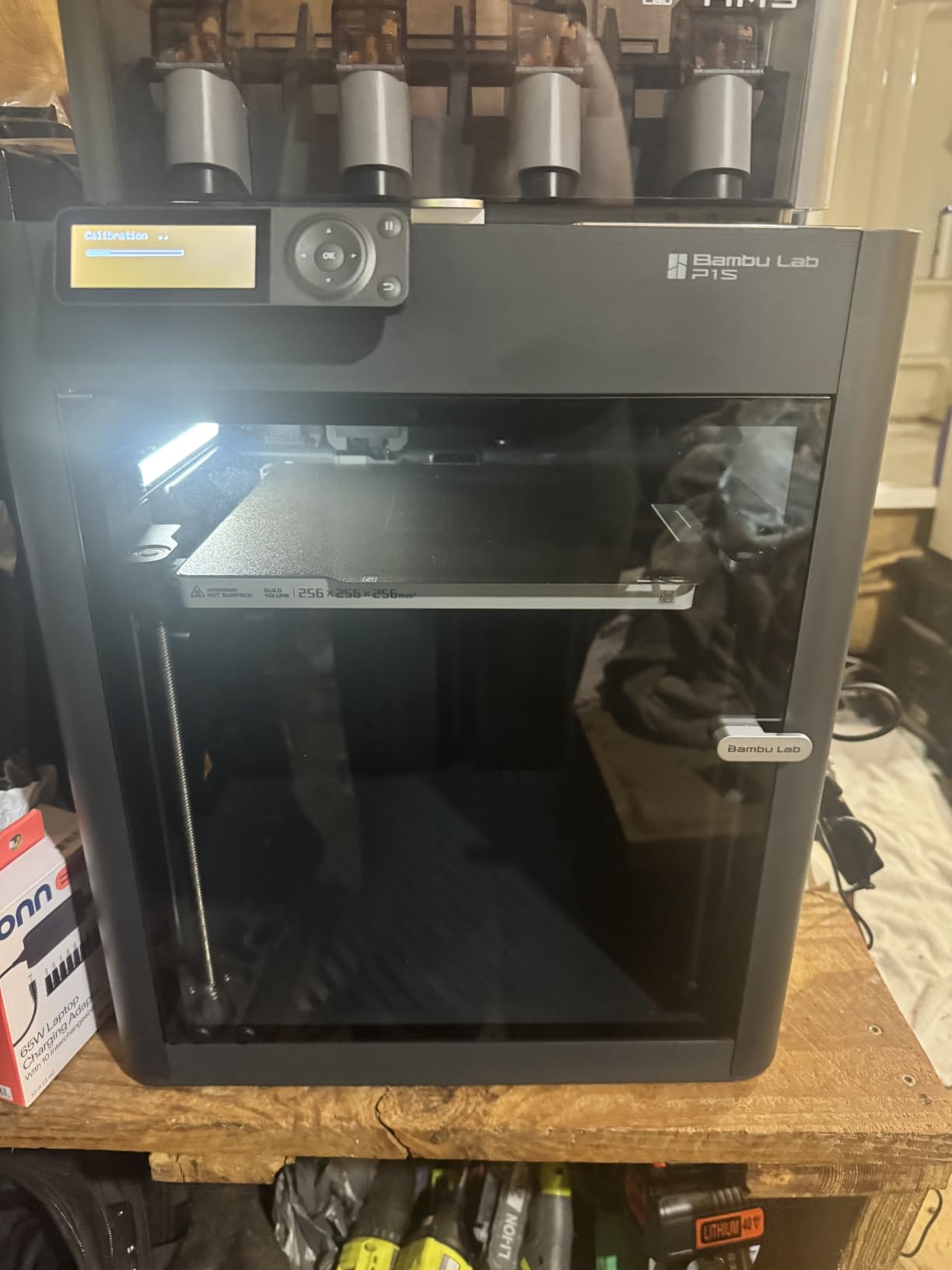
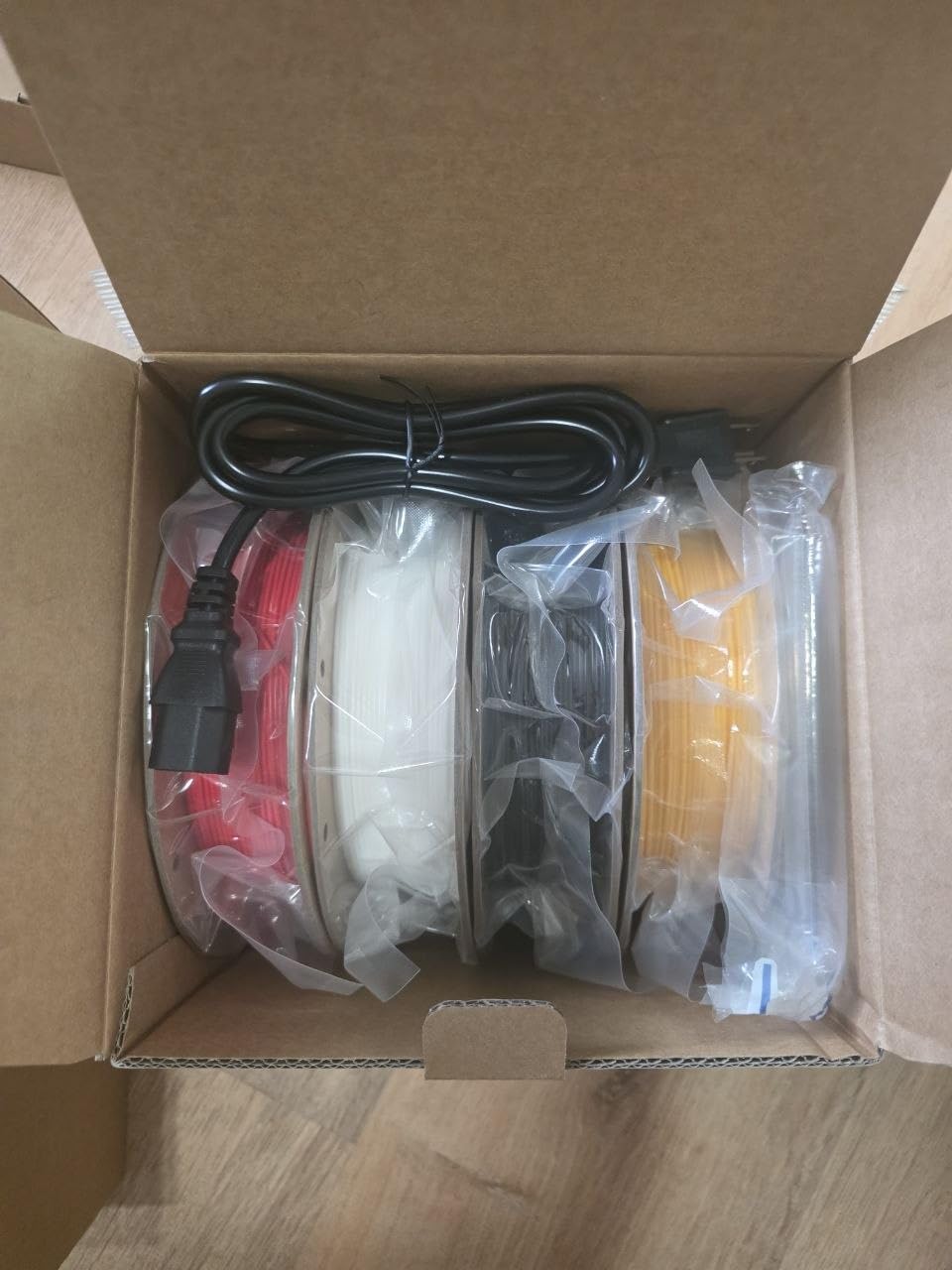
    The P1S Combo is the same excellent printer as our top pick, bundled with the AMS multi-material system. That single difference makes it the best-value route into multi-color printing under $1000. With four spools loaded, you can print in up to 16 colors by pairing filaments, and the system handles the swaps automatically.

    Owners describe the out-of-box experience as nearly identical to the standard P1S: 15-minute setup, auto bed leveling, and quiet enclosed operation. The AMS adds a bit of desk footprint and a few extra steps to first-time calibration, but nothing a first-timer cannot handle with the guided app.
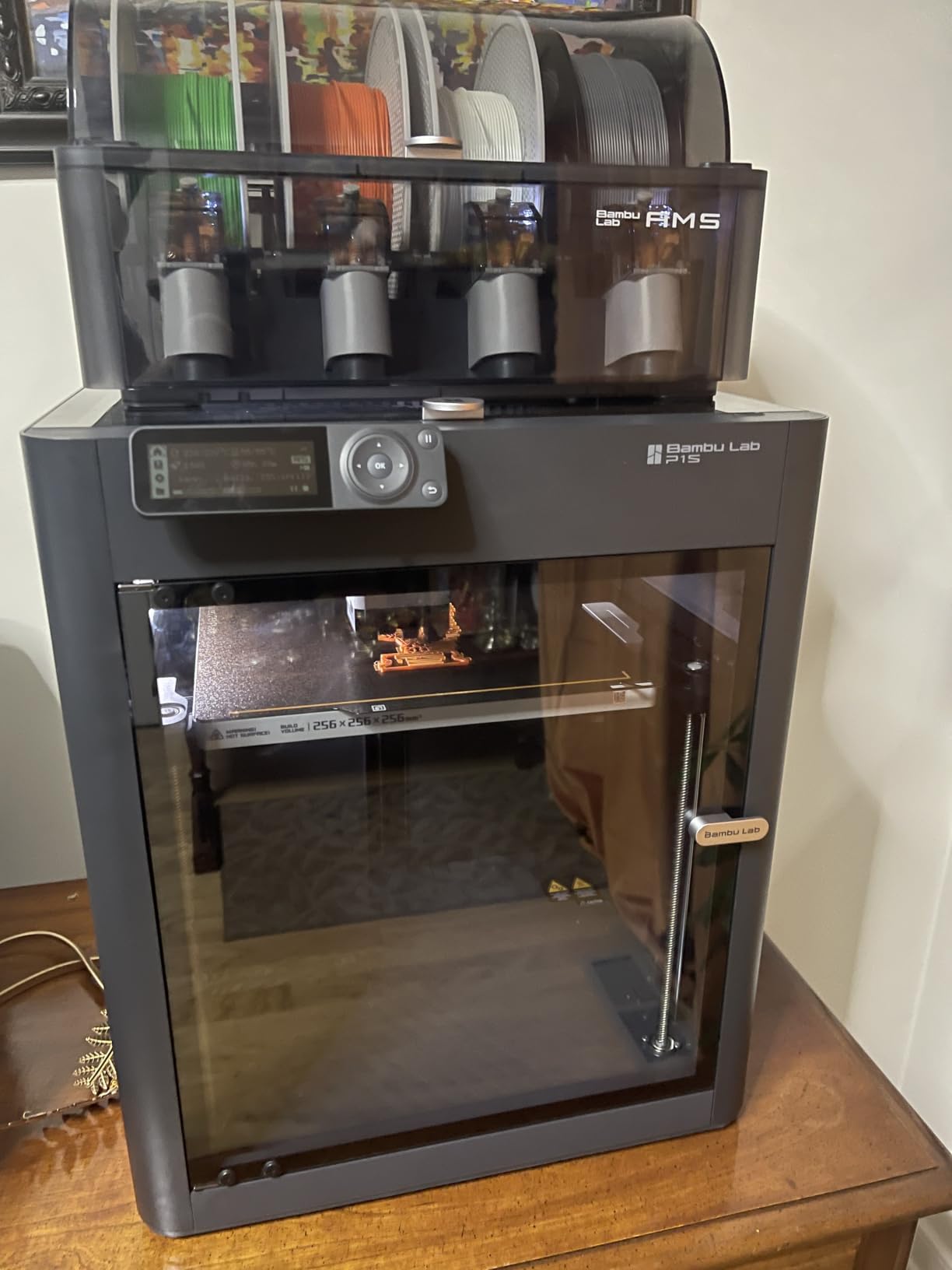
    Bambu Lab P1S Combo, P1S 3D Printer and AMS, Multi-Color 3D Printing | MakerWorld Model Library, Multi-Color 3D Printing, High Speed & Precision CoreXY 3D Printer, Auto Bed Leveling, Ready-to-Use customer photo 1

    Reviewers with hundreds of prints behind them praise the print quality and reliability. The 4.2-star average across more than 600 reviews reflects a solid machine with a few honest trade-offs.

    Multi-Color Printing Reality Check

    The AMS works brilliantly, but single-nozzle color printing means purge waste. Every color change flushes filament, so intricate multi-color models can burn through extra spool. Owners mitigate this by parking the purge tower and tuning wipe settings in Bambu Studio.

    For models with a handful of color changes, waste is modest. For print-in-place rainbow projects, budget extra filament accordingly.

    Software and Ecosystem

    Bambu Studio is polished, and MakerWorld provides a deep library of ready-to-print models with profile settings built in. Some users report a learning curve with advanced multi-material settings, but default profiles are sensible.
    Bambu Lab P1S Combo, P1S 3D Printer and AMS, Multi-Color 3D Printing | MakerWorld Model Library, Multi-Color 3D Printing, High Speed & Precision CoreXY 3D Printer, Auto Bed Leveling, Ready-to-Use customer photo 2

    Who Should Buy the P1S Combo

    This is the pick for makers who know they want color without managing multiple toolheads. It also suits small businesses producing eye-catching prototypes or custom merch.

    Check Latest Price on Amazon We earn a commission, at no additional cost to you.

    3. Snapmaker U1 – Premium Multi-Material Innovation

    PREMIUM PICK
    Product

    Snapmaker U1 3D Printer,4-Toolhead with 5s Toolchanger,Multi-Color Printing

    ★★★★★★★★★★4.5 / 5

    4 toolheads with 5s tool changer

    500mm/s CoreXY

    270 x 270 x 270 mm build volume

    Auto toolhead offset calibration

    One-year warranty

    Check Price

    + Pros

    • Four independent toolheads eliminate purge waste
    • 5-second tool changes
    • Up to 5X less filament waste
    • Multi-material with soluble supports
    • Smart calibration

    Cons

    • Higher price point
    • Enclosure sold separately
    • Power supply fan can be loud
    • Needs basic slicer knowledge
    We earn a commission, at no additional cost to you.

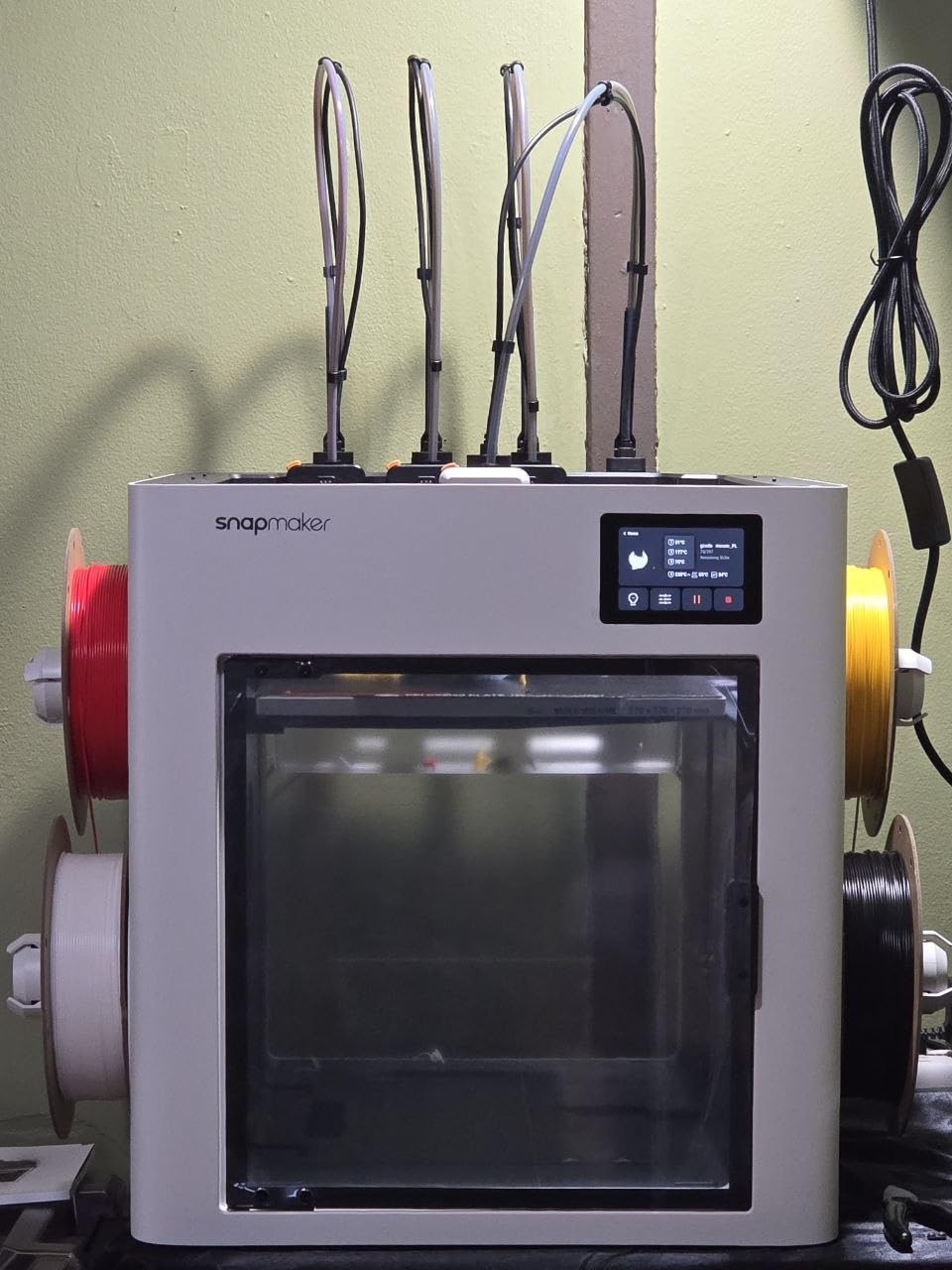
    The Snapmaker U1 takes a completely different approach to multi-color. Instead of routing every filament through one nozzle, it carries four independent toolheads and swaps between them in five seconds. That means no purge towers, dramatically less waste, and the ability to mix rigid, flexible, and water-soluble support materials in a single print.

    Owners rate it 4.5 stars, though the review pool is still small since launch. The feedback pattern is consistent: excellent build quality, guided touchscreen setup, and print quality that rivals anything in this bracket. The 270mm cubic build volume is generous for the price class.
    Snapmaker U1 3D Printer,4-Toolhead with 5s Toolchanger,Multi-Color Printing | 5X Fast Printing,Minimal Purge,Multi-Material Printing,Smart Calibration,Model Library,Beginner Friendly,Auto Filament System customer photo 1

    The 500mm/s CoreXY motion system keeps pace with the Bambu machines, and AI-powered monitoring watches for failures while you are away. Snapmaker’s Orca-based slicer handles multi-tool projects cleanly once you understand slicing basics.

    True Multi-Color Without the Waste

    This is the U1’s headline act. Single-nozzle systems flush filament on every color change, which can waste 20 to 40 percent of a multi-color print’s material. With four dedicated nozzles, color changes cost you five seconds and almost no filament.

    For anyone printing multi-color batches for a small business, the material savings compound quickly. Several owners reported the U1 paying for its premium over single-nozzle rivals within months of regular color work.

    Materials and Calibration

    The U1 handles PLA, PETG, TPU, ABS, PA, and PC across its toolheads. Smart calibration automatically measures toolhead offsets and applies vibration compensation, which is exactly the fiddly work that used to make multi-tool printing painful.
    Snapmaker U1 3D Printer,4-Toolhead with 5s Toolchanger,Multi-Color Printing | 5X Fast Printing,Minimal Purge,Multi-Material Printing,Smart Calibration,Model Library,Beginner Friendly,Auto Filament System customer photo 2

    Be aware the frame is open on top unless you buy the enclosure add-on. For ABS and other warp-prone materials, the enclosure is worth budgeting for.

    Who Should Buy the U1

    This is the machine for serious multi-color and multi-material makers who hate waste. If you only print single-color parts, the P1S makes more financial sense.

    Check Latest Price on Amazon We earn a commission, at no additional cost to you.

    4. Creality K2 Combo – Big Build Volume and 16-Color CFS

    TOP RATED
    Product

    Official Creality K2 Combo 3D Printer Multicolor 3D Printers with CFS

    ★★★★★★★★★★4.4 / 5

    CFS multi-color up to 16 colors

    600mm/s printing

    300C direct drive extruder

    AI camera

    10.24 inch cube build volume

    Check Price

    + Pros

    • 16-color CFS included
    • 600mm/s print speed
    • 300C direct drive hotend
    • Die-cast aluminum matrix frame
    • AI camera monitoring

    Cons

    • Not Prime eligible
    • Mixed customer support reports
    • Some QC complaints
    We earn a commission, at no additional cost to you.

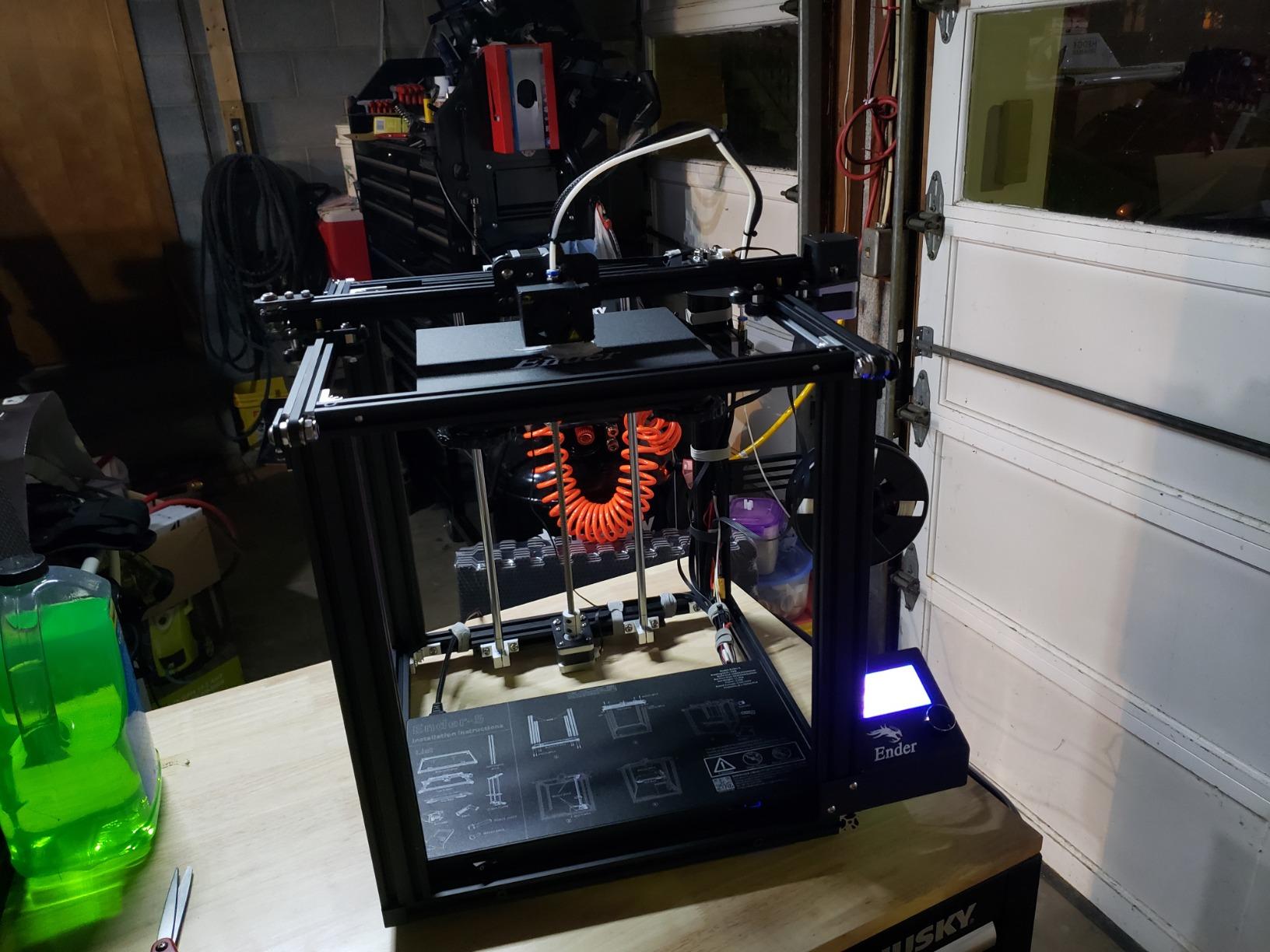
    Creality’s K2 Combo brings serious hardware: a 600mm/s motion system, a 300°C direct drive extruder, and the CFS filament system for up to 16 colors. With nearly 4000 reviews and a 4.4-star average, it is one of the most proven machines on this list.

    The die-cast aerospace aluminum frame gives the K2 a rigid chassis that keeps prints clean even at high speeds. Auto leveling and an auto-leveling heated chamber help first layers land perfectly every time.
    Official Creality K2 Combo 3D Printer Multicolor 3D Printers with CFS | 600mm/s Printing Speed 300°C Direct Drive Extruder Auto Leveling Chamber AI Camera, Printing Size 10.24x10.24x10.24 inch customer photo 1

    Owners praise the large 10.24-inch cubic build volume, which comfortably fits helmets, cosplay parts, and batch production. The AI camera adds remote monitoring and failure detection from your phone.

    Speed and Frame Rigidity

    Rated at 600mm/s, the K2 sits at the top of the speed chart alongside Creality’s K1C. The matrix frame suppresses the ringing and ghosting that plague lighter printers at high acceleration.

    In practice, most owners settle into fast-but-sane profiles and report excellent dimensional accuracy with PLA, PETG, and high-temp materials thanks to the 300°C hotend.

    Support and Parts Availability

    The most common complaints concern customer support responsiveness and occasional quality control slips on shipping. Creality’s parts availability is strong, and the community is enormous, so fixes are easy to find.
    Official Creality K2 Combo 3D Printer Multicolor 3D Printers with CFS | 600mm/s Printing Speed 300°C Direct Drive Extruder Auto Leveling Chamber AI Camera, Printing Size 10.24x10.24x10.24 inch customer photo 2

    Note that this listing is not Prime eligible, so shipping takes a bit longer than Amazon-standard. Plan accordingly if you are on a deadline.

    Who Should Buy the K2 Combo

    This is a great fit for makers wanting maximum build volume plus multi-color in one proven package. It suits intermediate users comfortable updating firmware and tweaking profiles.

    Check Latest Price on Amazon We earn a commission, at no additional cost to you.

    5. Creality K1C – Fast CoreXY with Carbon Fiber Support

    BEST FOR ADVANCED MATERIALS
    Product

    Creality K1C 3D Printer, 600mm/s with AI Camera and Auto Leveling

    ★★★★★★★★★★4.2 / 5

    600mm/s CoreXY

    Carbon fiber filament support

    AI camera monitoring

    Tri-metal nozzle

    One-tap auto calibration

    Check Price

    + Pros

    • 600mm/s with 20000mm/s2 acceleration
    • Prints carbon fiber reinforced filaments
    • AI camera for monitoring
    • One-tap calibration
    • Quiet at 45dB

    Cons

    • Boxy 10x10x10 build volume
    • Occasional QC issues
    • Klipper firmware has limits
    We earn a commission, at no additional cost to you.

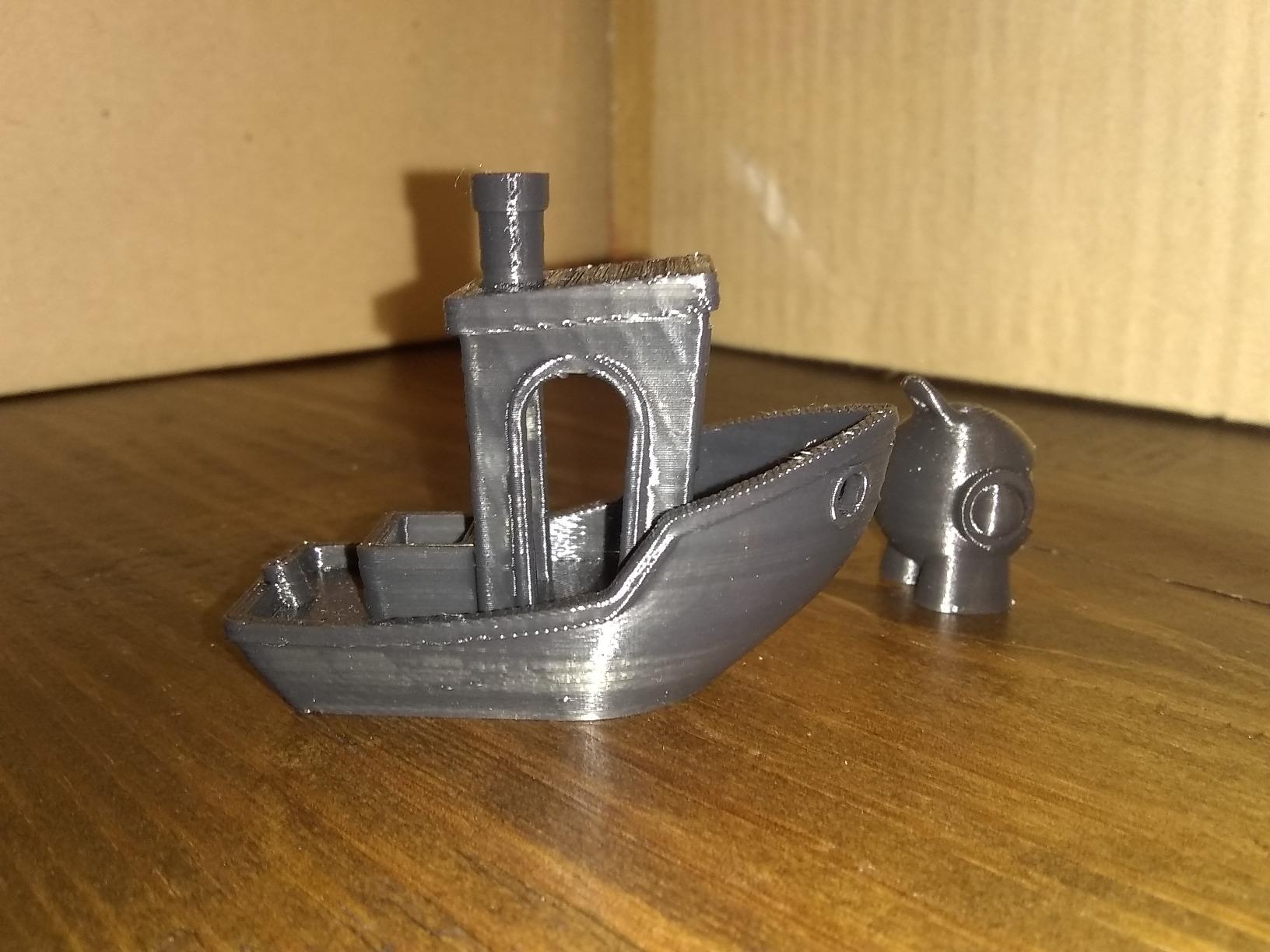
    The K1C is the working horse of Creality’s speed lineup, and with over 2700 reviews it has earned its reputation. Its party trick is carbon fiber filament support: the enhanced direct extruder and tri-metal unicorn nozzle chew through CF-PLA and CF-PETG that would destroy a brass nozzle in weeks.

    One-tap auto calibration handles bed leveling, resonance tuning, and flow in a single pass. Combined with the AI camera, the K1C feels closer to a set-and-forget machine than Creality’s older printers ever did.
    Creality K1C 3D Printer, 600mm/s with AI Camera and Auto Leveling | 600mm/s CoreXY printer with AI camera, auto leveling and carbon fiber filament support. customer photo 1

    At 45dB or quieter, it is genuinely home-friendly. The activated carbon air filtration is a thoughtful touch when printing materials with odor.

    Carbon Fiber and Abrasive Filaments

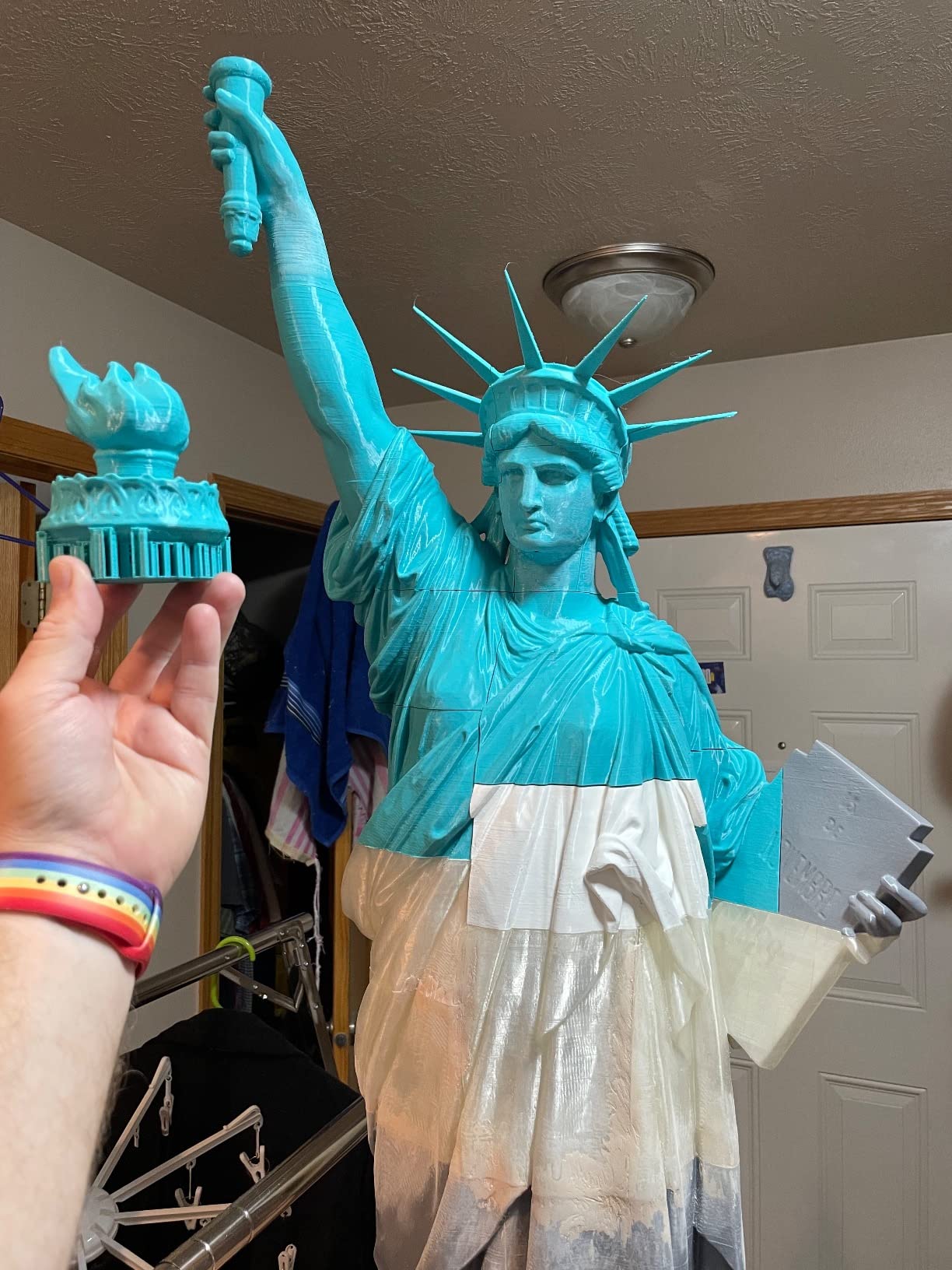
    This is where the K1C justifies itself. The tri-metal all-metal hotend and hardened nozzle resist abrasion, so fiber-filled filaments print reliably for functional parts, brackets, and drone frames.

    Owners report excellent layer adhesion with CF blends, though you should expect slightly more nozzle wear than with plain PLA regardless of hardware.

    Firmware and Real-World Speed

    Creality’s Klipper implementation is capable but has some locked-down corners that tinkerers find limiting. For everyone else, the stock profiles are fast and stable.
    Creality K1C 3D Printer, 600mm/s with AI Camera and Auto Leveling | 600mm/s CoreXY printer with AI camera, auto leveling and carbon fiber filament support. customer photo 2

    The cube-shaped 10 x 10 x 10 inch build area handles most projects, but the enclosed box format can make tall slender prints trickier to extract.

    Who Should Buy the K1C

    Pick this if you print functional parts in demanding materials. It is also a strong option for anyone wanting enclosed CoreXY speed without Bambu pricing.

    Check Latest Price on Amazon We earn a commission, at no additional cost to you.

    6. Anycubic Photon Mono M7 Pro – Best Resin Printer Under $1000

    BEST RESIN
    Product

    ANYCUBIC Photon Mono M7 PRO 14K Resin 3D Printer, 170mm/h Fast Printing

    ★★★★★★★★★★4.3 / 5

    14K monochrome LCD

    170mm/h print speed

    Dynamic heated resin vat

    Auto resin fill and recycle

    Large 8.77 x 4.96 x 9.05 inch build volume

    Check Price

    + Pros

    • Stunning 14K resolution detail
    • 170mm/h high-speed resin printing
    • 90 percent light uniformity
    • Automated resin fill and recycling
    • Wireless printing

    Cons

    • Premium price for resin
    • FEP replacement costs
    • Loud exhaust fans
    • Steeper learning curve
    We earn a commission, at no additional cost to you.

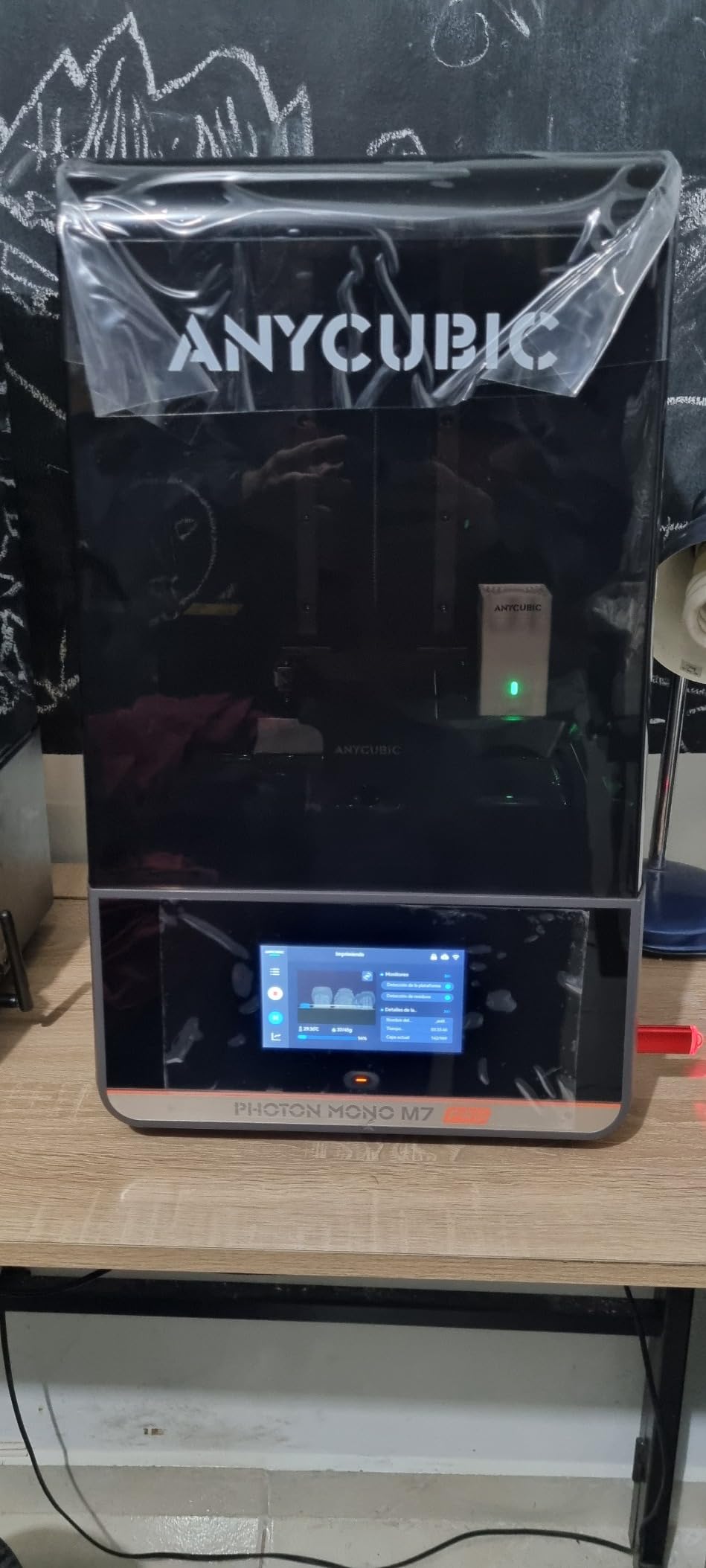
    Resin printing is a different sport, and the Photon Mono M7 Pro is the best-equipped machine in this price class. Its 14K monochrome LCD resolves 13312 x 5120 pixels, producing detail that no FDM printer can touch. Miniature painters and jewelry makers consistently rate it highly across more than 2000 reviews.

    The COB LighTurbo 3.0 light source delivers over 90 percent uniformity with a sub-3-degree light angle, which means crisp edges across the entire build plate. The dynamically heated vat keeps resin at the ideal temperature for consistent curing.
    ANYCUBIC Photon Mono M7 PRO 14K Resin 3D Printer, 170mm/h Fast Printing | 10.1

    Anycubic automated the tedious parts of resin printing: the machine auto-fills resin and recycles it with one key press. Six intelligent detection systems watch for common failure modes.

    Detail Resolution for Miniatures

    This is what you buy a 14K resin printer for. Owners printing tabletop miniatures report layer lines disappearing entirely at default settings, with crisp weapon edges and facial detail straight off the plate.

    The generous build volume for a resin machine lets you batch dozens of figures per run, which matters when each print takes hours.

    Speed and Operating Costs

    Rated at 170mm/h with high-speed resin, the M7 Pro is among the fastest consumer resin machines available. Standard resins run closer to 130mm/h but still finish quickly.
    ANYCUBIC Photon Mono M7 PRO 14K Resin 3D Printer, 170mm/h Fast Printing | 10.1

    Budget for consumables: resin, IPA for washing, and FEP film replacements. The FEP unit on this model is pricier than generic sheets, so factor that into your running costs. The built-in exhaust fans are effective but loud.

    Who Should Buy the M7 Pro

    This is the pick for miniature hobbyists, jewelers, and dental or engineering detail work. If your priority is detail over part strength, resin is the right technology and this is the right machine.

    Check Latest Price on Amazon We earn a commission, at no additional cost to you.

    7. Bambu Lab A1 Mini Combo – Best Beginner Combo with Multi-Color

    BEST FOR BEGINNERS
    Product

    Bambu Lab A1 Mini Combo, A1 Mini 3D Printer&AMS lite, Multi-Color Printing

    ★★★★★★★★★★4.2 / 5

    AMS lite included for multi-color

    Full-auto calibration

    Quiet 48dB operation

    10,000mm/s2 acceleration

    20-minute setup

    Check Price

    + Pros

    • Genuinely beginner friendly
    • Multi-color with included AMS lite
    • Full-auto calibration
    • Very quiet operation
    • Quick-swap nozzle

    Cons

    • Small build volume
    • Some features need internet
    • Isolated support complaints
    We earn a commission, at no additional cost to you.

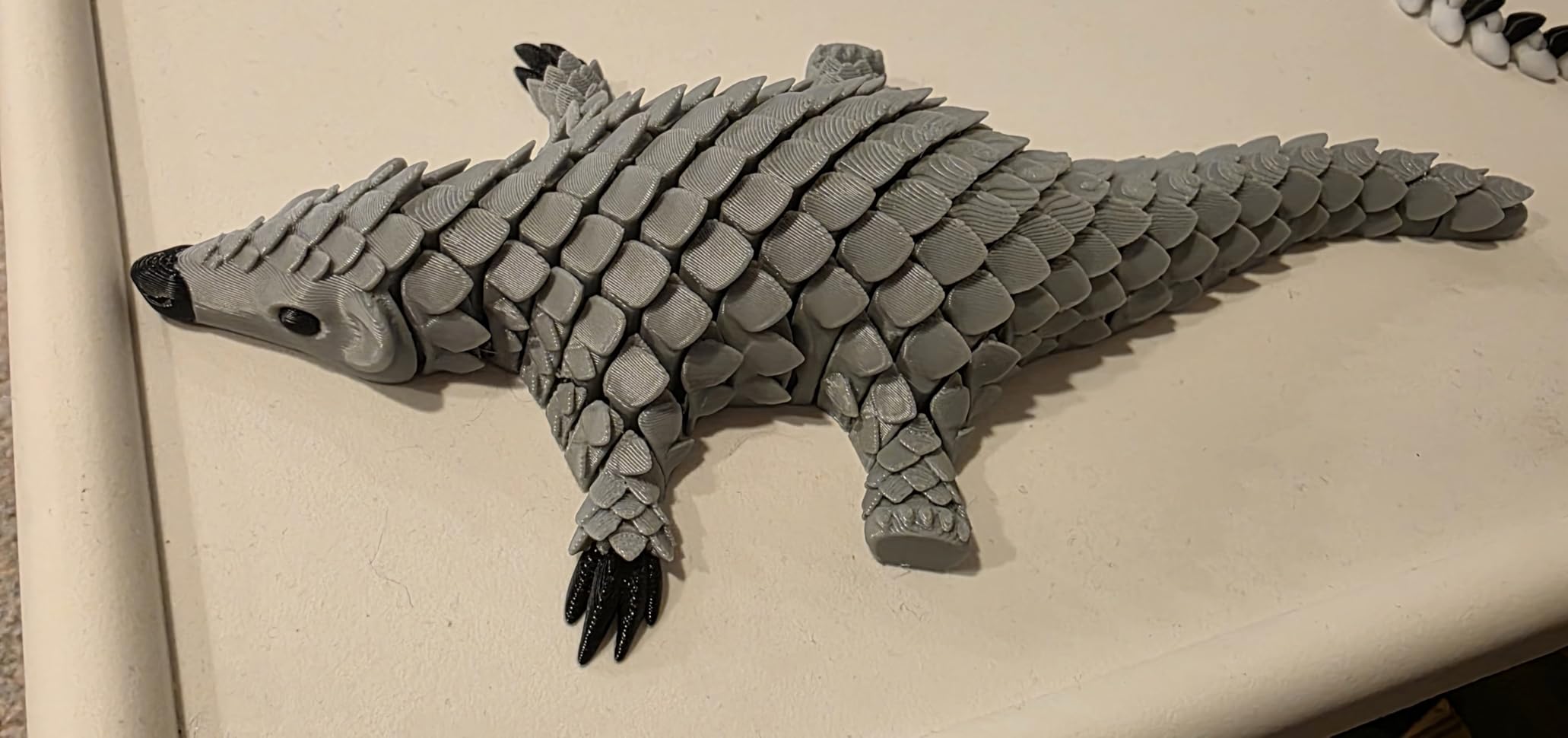
    The A1 Mini Combo is the friendliest possible introduction to color 3D printing. It pairs Bambu’s compact A1 Mini bed-slinger with the AMS lite, so you get four-color printing on day one for well under the mid point of this price range. Setup takes about 20 minutes and full-auto calibration means you never touch a leveling knob.

    Active flow rate compensation keeps extrusion consistent, and the quick-swap nozzle lets you change sizes without tools. At 48dB or quieter, it disappears into the background of a home office.
    Bambu Lab A1 Mini Combo, A1 Mini 3D Printer & AMS lite, Multi-Color Printing | Beginner-Friendly Ecosystem with MakerWorld Model Library, Multi-Color 3D Printing, High Speed & Precision, Ready to Use, Quiet customer photo 1

    The main honest limitation is build volume: the mini format caps part size. Owners who accept that trade-off love the machine, and reviewers frequently describe it as the easiest printer they have ever owned.

    Setup and First Prints

    From box to first multi-color print in under half an hour is realistic. The Bambu Handy app walks you through every step, and MakerWorld’s one-click model downloads handle slicing automatically.

    Beginners consistently report successful first prints without touching a single setting, which is the highest compliment a first printer can earn.

    Multi-Color on a Budget

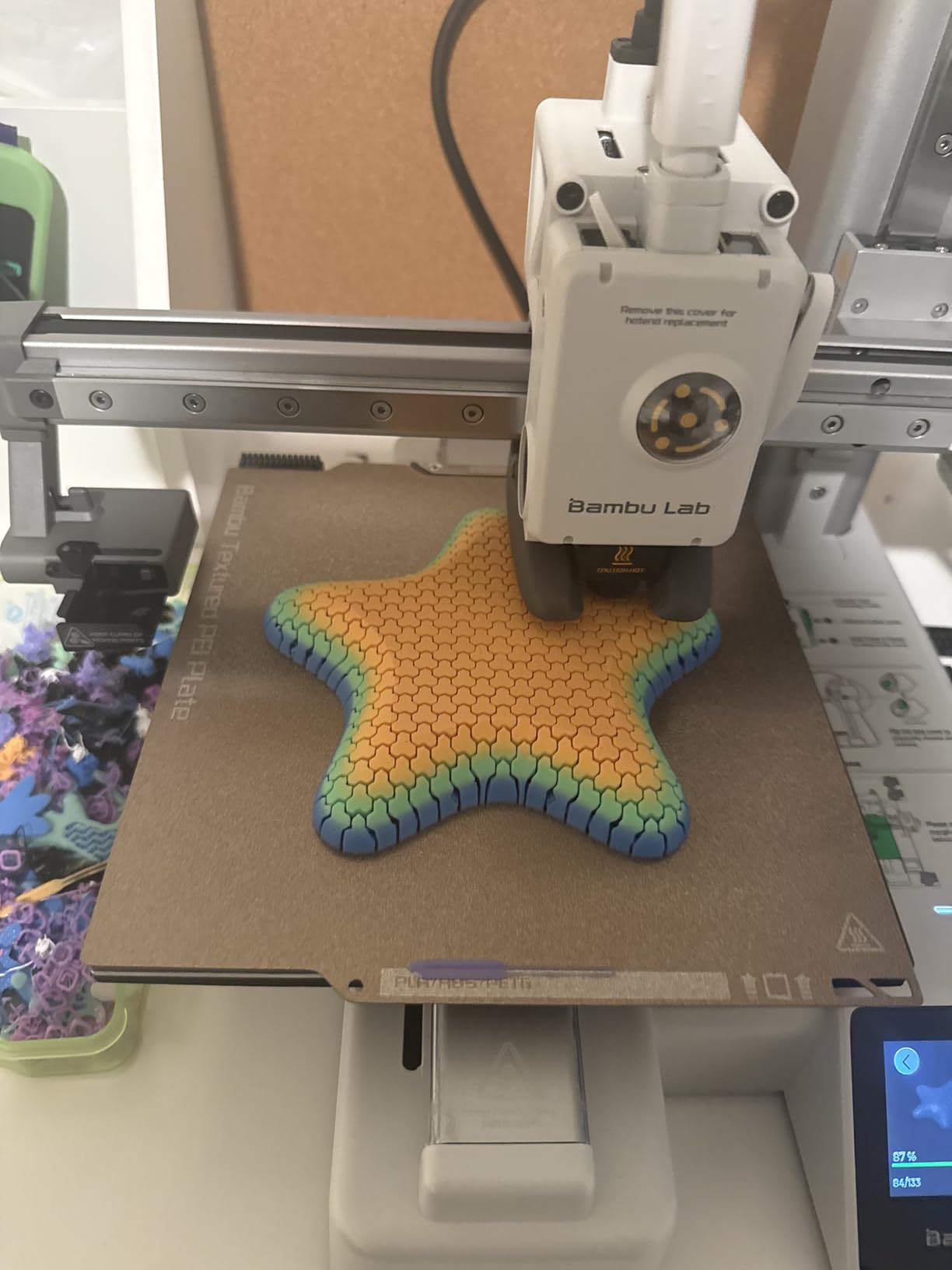
    The AMS lite holds four spools and performs the same automatic color switching as its bigger sibling. Purge waste applies here too, but small parts keep waste manageable.
    Bambu Lab A1 Mini Combo, A1 Mini 3D Printer & AMS lite, Multi-Color Printing | Beginner-Friendly Ecosystem with MakerWorld Model Library, Multi-Color 3D Printing, High Speed & Precision, Ready to Use, Quiet customer photo 2

    Note that some features lean on cloud connectivity. Owners who prefer fully offline workflows should check Bambu’s LAN mode documentation before buying.

    Who Should Buy the A1 Mini Combo

    This is our top recommendation for first-time buyers and casual hobbyists. Skip it if you regularly print large functional parts.

    Check Latest Price on Amazon We earn a commission, at no additional cost to you.

    8. Flashforge Adventurer 5M – Fastest Fully-Auto Budget Option

    FAST SETUP
    Product

    FLASHFORGE Adventurer 5M 3D Printer with Fully Auto Leveling, Max 600mm/s High Speed Printing, 280°C Direct Extruder with 3S Detachable Nozzle, CoreXY All Metal Structure, Print Size 220x220x220mm

    ★★★★★★★★★★3.9 / 5

    600mm/s max speed

    Fully automatic leveling

    280C direct extruder

    3-second nozzle swap

    CoreXY all-metal frame

    Check Price

    + Pros

    • 600mm/s print speed
    • Zero manual bed leveling
    • 3-second nozzle changes
    • 35-second heat-up to 200C
    • Dual-sided PEI build plate

    Cons

    • Loud fans and motors
    • Filament runout sensor off by default
    • App needs work
    • Occasional touchscreen lag
    We earn a commission, at no additional cost to you.

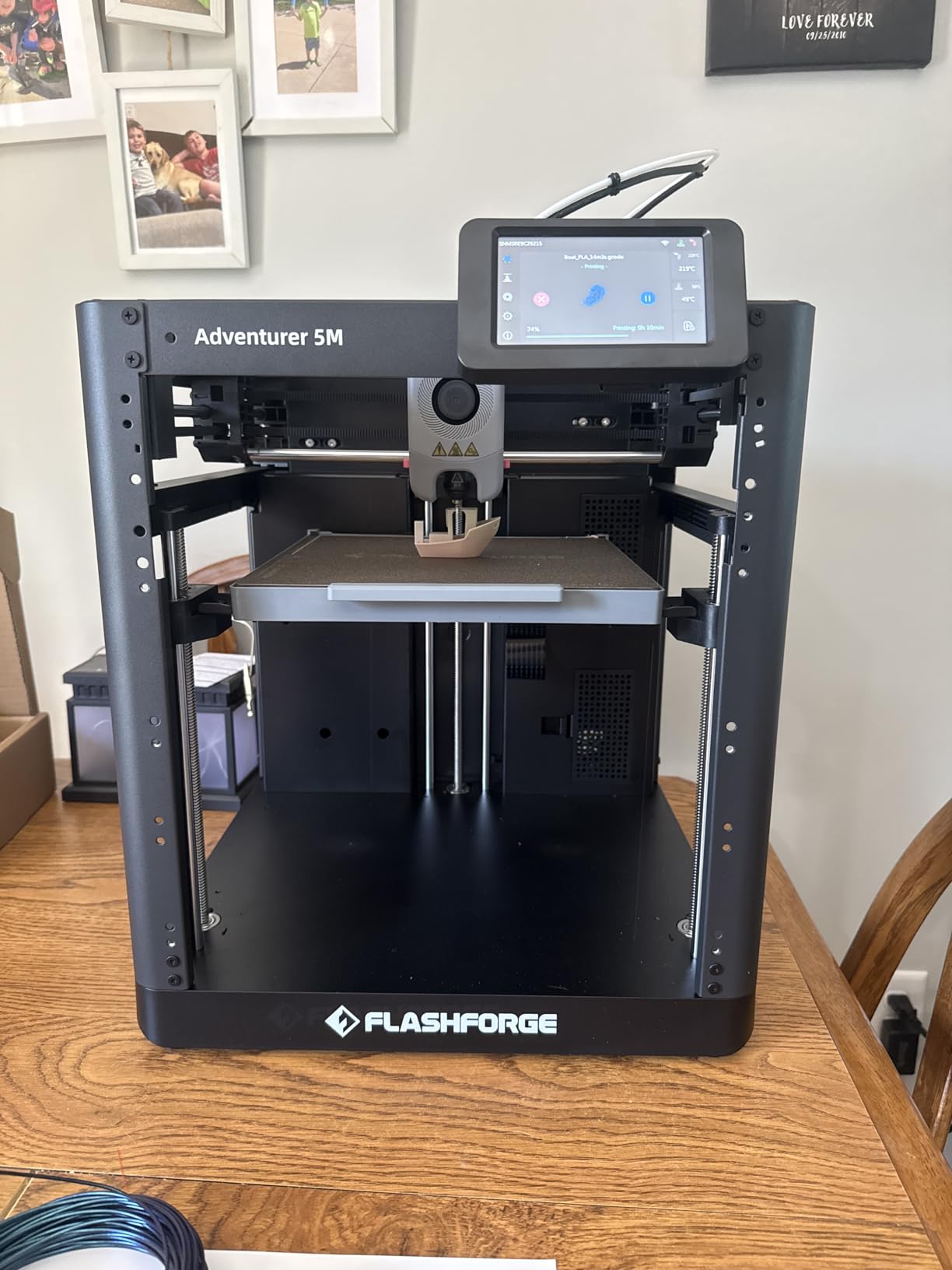
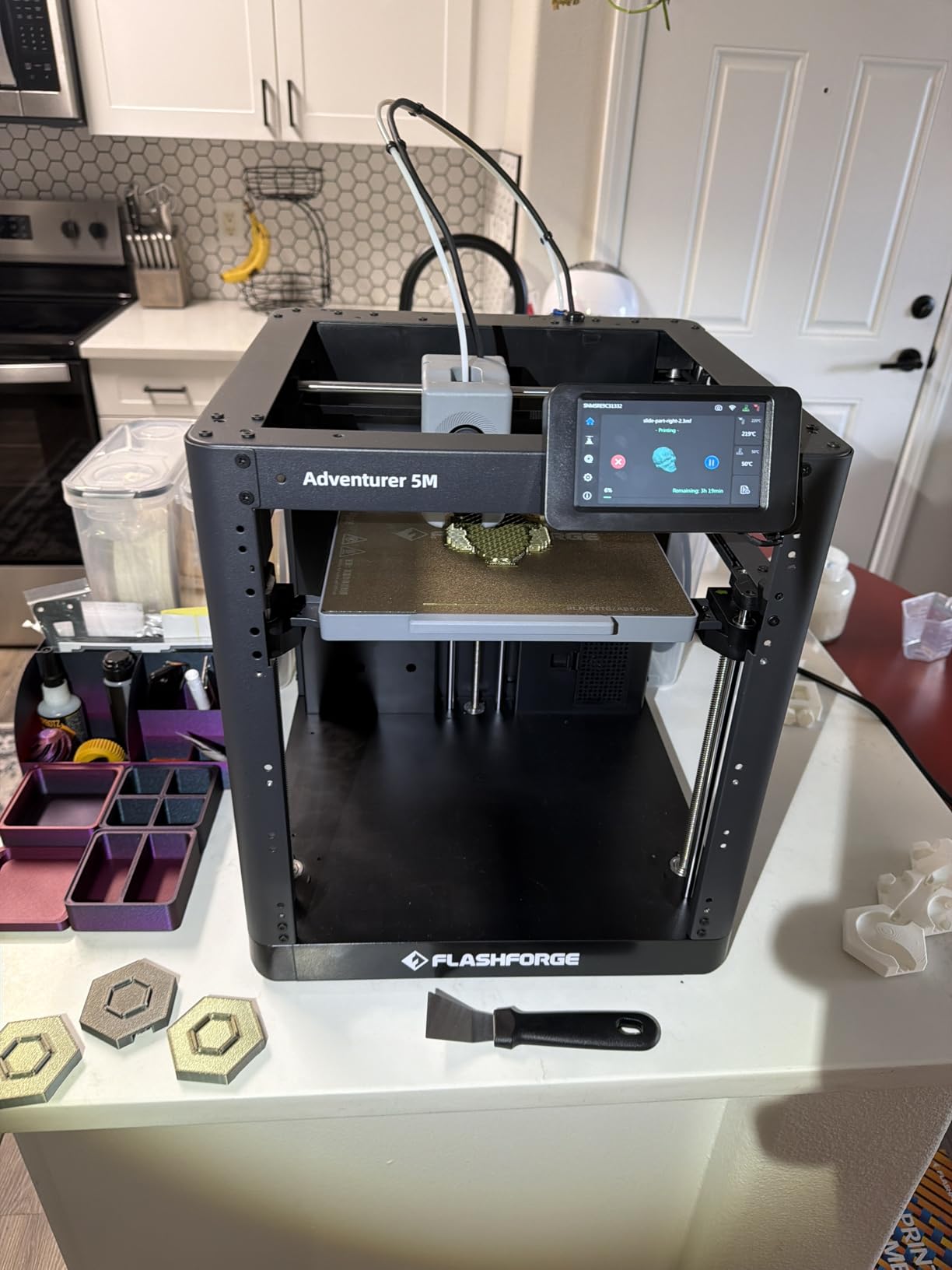
    The Adventurer 5M is one of the best-value speed machines on Amazon, sitting at #2 in the 3D printer category with over 2400 reviews. Fully automatic bed leveling means there is nothing to calibrate, ever. It heats to 200°C in 35 seconds and prints at up to 600mm/s on its all-metal CoreXY frame.

    The 280°C direct extruder with 3-second detachable nozzles makes maintenance painless, and nozzle sizes from 0.25mm to 0.8mm cover everything from fine detail to fast draft prints.
    FLASHFORGE Adventurer 5M 3D Printer with Fully Auto Leveling, Max 600mm/s High Speed Printing, 280°C Direct Extruder with 3S Detachable Nozzle, CoreXY All Metal Structure, Print Size 220x220x220mm customer photo 1

    The 3.9-star average is the lowest in this lineup, and the pattern in negative reviews is consistent: noise and app frustration rather than print quality failures.

    Speed and Print Quality Out of the Box

    Owners report genuinely good first-layer quality with no tuning, which is impressive at this price. The dual-sided PEI plate releases prints cleanly once cooled.

    At full speed the 5M is loud. Several owners move it to a garage or workshop, and others simply print at reduced speeds for quieter runs.

    Quirks to Know Before Buying

    The filament runout sensor ships disabled, so turn it on in settings before your first long print. The included sample spool has caused headaches for some buyers, so start with a fresh quality PLA spool.
    FLASHFORGE Adventurer 5M 3D Printer with Fully Auto Leveling, Max 600mm/s High Speed Printing, 280°C Direct Extruder with 3S Detachable Nozzle, CoreXY All Metal Structure, Print Size 220x220x220mm customer photo 2

    The Flash Maker mobile app divides opinion, but WiFi printing through OrcaSlicer works well and is the smoother workflow.

    Who Should Buy the Adventurer 5M

    This is a strong pick for budget-conscious buyers who want speed and zero calibration. It suits tinkerers who do not mind a few firmware quirks in exchange for the low price.

    Check Latest Price on Amazon We earn a commission, at no additional cost to you.

    9. Anycubic Photon Mono 4 – Best Budget Resin Starter

    BUDGET RESIN
    Product

    ANYCUBIC Photon Mono 4, Resin 3D Printer with 7” 10K Mono LCD Screen

    ★★★★★★★★★★4.4 / 5

    7 inch 10K monochrome LCD

    17 micron XY resolution

    LighTurbo matrix light source

    Laser-engraved build plate

    Compact 7.7 pound body

    Check Price

    + Pros

    • 10K resolution at an entry price
    • 17 micron pixel detail
    • One-time 4-point leveling
    • Power outage resume
    • Compact and lightweight

    Cons

    • Small 6 x 3.4 x 6.5 inch build volume
    • Mostly plastic construction
    • Buggy stock slicer
    • Some warping on larger prints
    We earn a commission, at no additional cost to you.

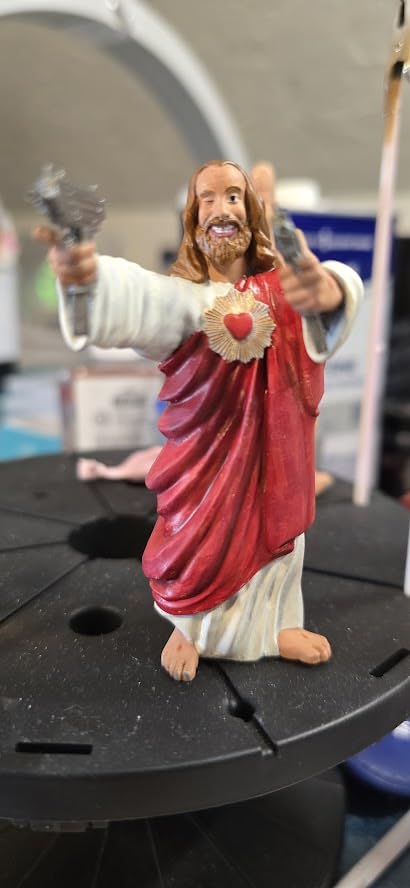
    The Photon Mono 4 is the cheapest machine in this guide and proof that resin printing no longer demands a big budget. Its 7-inch 10K monochrome LCD resolves 9024 x 5120 pixels with 17-micron XY detail, which produces miniatures that look injection-molded. At 4.4 stars across more than 500 reviews, it outperforms its price class.

    Setup is a one-time four-point leveling procedure, and the laser-engraved build plate 2.0 grips prints firmly during curing. The power resume function saves your print after an outage.
    ANYCUBIC Photon Mono 4, Resin 3D Printer with 7

    At just 7.7 pounds it fits any desk, making it a favorite for apartment dwellers and first-time resin printers.

    Detail Quality for the Money

    The LighTurbo matrix light source keeps exposure even across the plate, and owners report noticeably reduced layer lines compared to older budget resin printers.

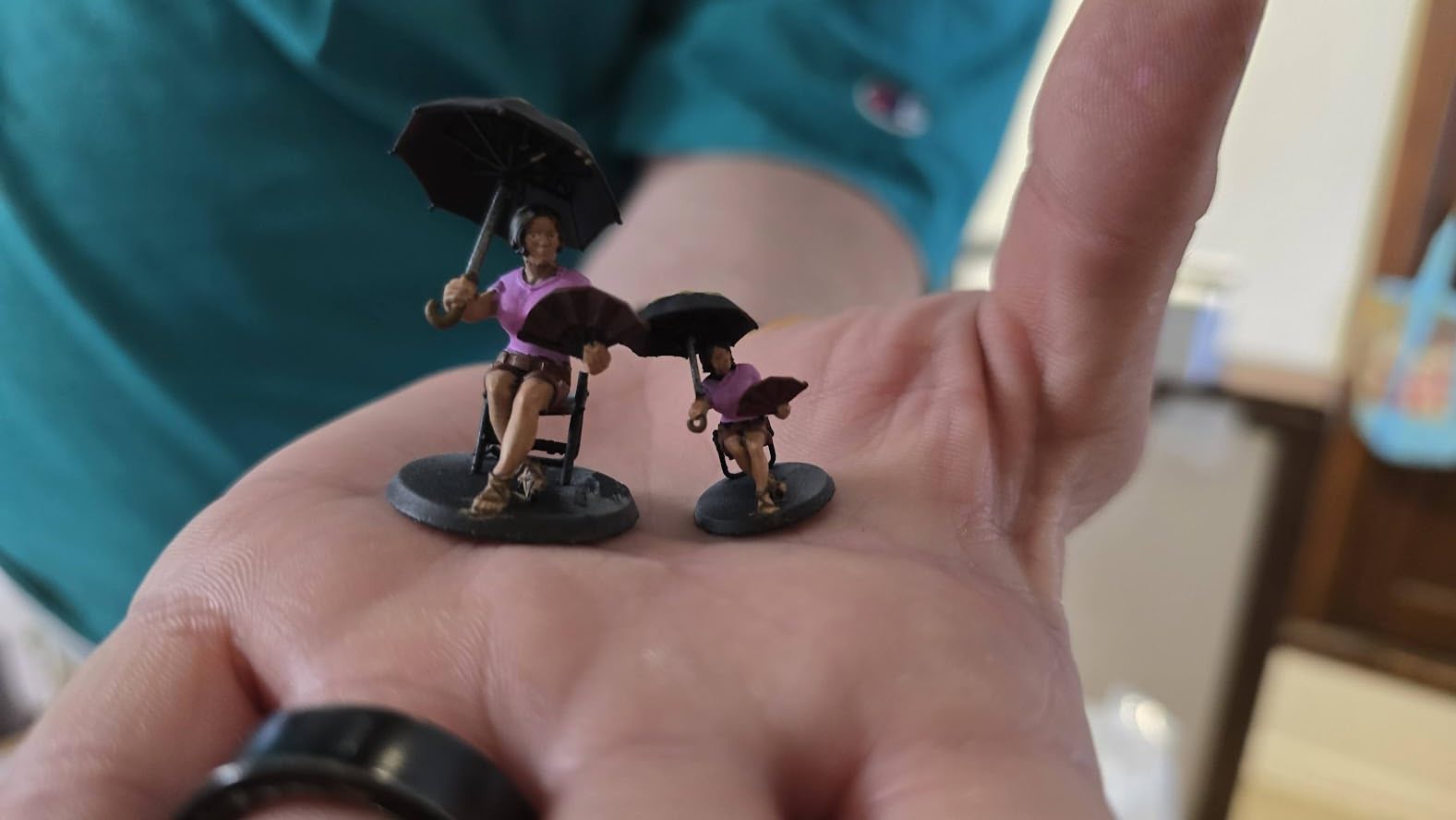
    For tabletop miniatures and small detailed parts, the output punches far above the price tag. Larger prints occasionally warp, which is common at this size class and manageable with supports.

    Running Costs and Limitations

    The build volume is small, so think batches of small parts rather than large figures. The FEP film is a complete unit rather than a generic sheet, so replacements cost a bit more.
    ANYCUBIC Photon Mono 4, Resin 3D Printer with 7

    The bundled Photon Workshop slicer is buggy; most owners quickly switch to a free alternative like Lychee or Chitubox.

    Who Should Buy the Mono 4

    This is the ideal first resin printer and a low-risk way to test whether resin printing suits you. It is also a great second printer for detail work alongside an FDM machine.

    Check Latest Price on Amazon We earn a commission, at no additional cost to you.

    10. Creality Ender 3 V3 SE – The Community Favorite Budget Pick

    BUDGET PICK
    Product

    Creality Ender 3 V3 SE 3D Printer with 250mm/s Printing Speed CR Touch

    ★★★★★★★★★★4.2 / 5

    CR Touch auto leveling

    Sprite direct extruder

    250mm/s printing

    Dual Z-axis

    Silent 32-bit mainboard

    3-step 20-minute assembly

    Check Price

    + Pros

    • Rock-bottom entry price
    • CR Touch auto leveling works well
    • Sprite direct extruder handles PLA PETG TPU
    • Huge community and tutorial base
    • Dual Z-axis stability

    Cons

    • Bed surface can grip prints too well
    • V-slot frame needs periodic adjustment
    • Learning curve for slicer tuning
    • Occasional thermal clogs
    We earn a commission, at no additional cost to you.

    No budget list is complete without the Ender 3 V3 SE. With more than 26,000 reviews, it is one of the most-owned 3D printers on Earth, and its 4.2-star average across that enormous sample is statistically remarkable. Assembly takes three steps and about 20 minutes.

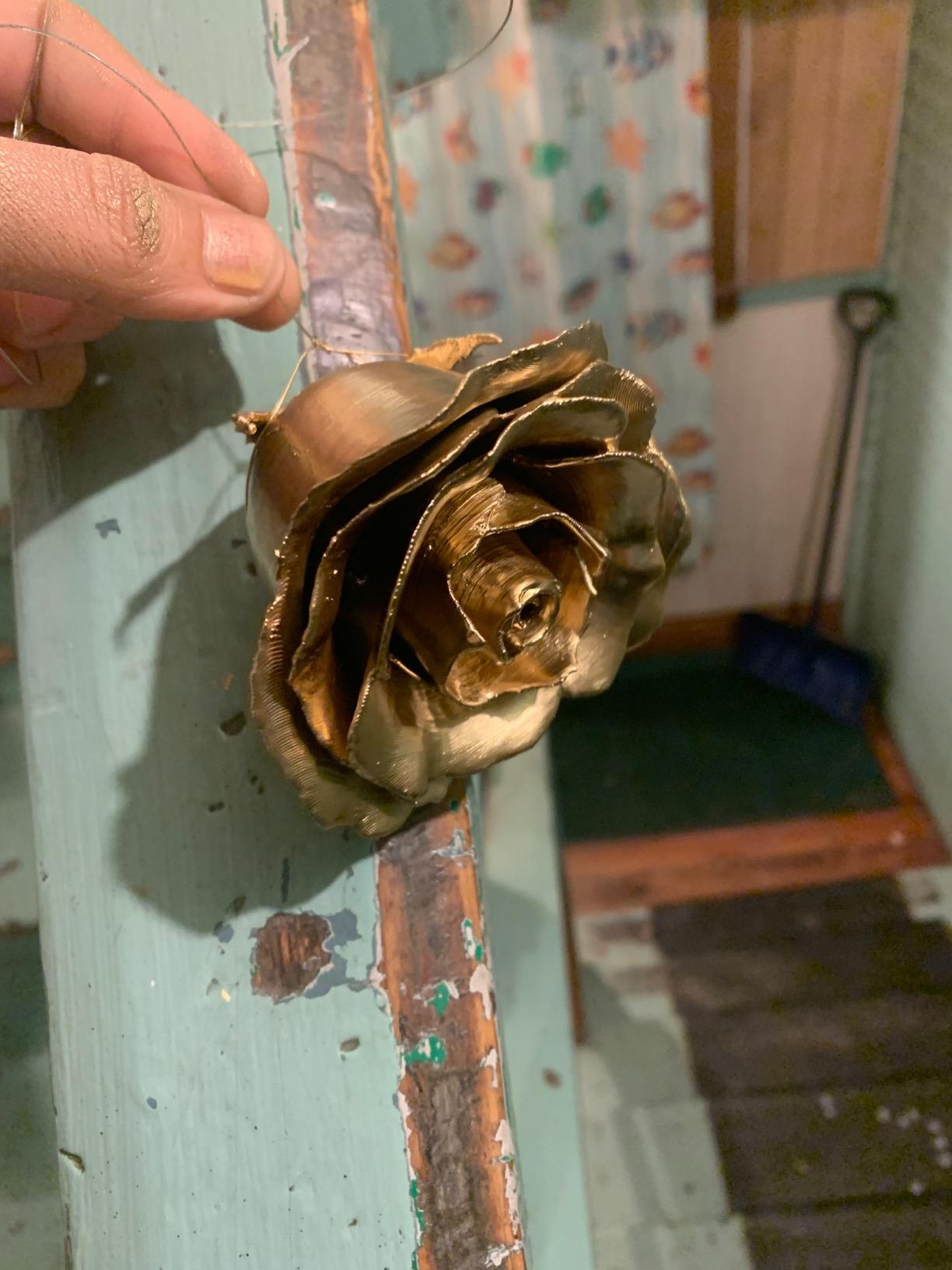
    CR Touch auto leveling plus a strain sensor for automatic Z offset removes the two most frustrating parts of classic Ender ownership. The Sprite direct extruder feeds PLA, PETG, and TPU smoothly, and the dual Z-axis with timing belt cuts wobble on taller prints.
    Creality Ender 3 V3 SE 3D Printer with 250mm/s Printing Speed CR Touch | Auto Leveling DIY Printers Sprite Direct Extruder Auto-Load Filament Dual Z-axis Printing Size 8.66x8.66x9.84 inch customer photo 1

    The 32-bit silent mainboard keeps stepper noise down, so it is home-friendly even if the fans are audible.

    The Learning Curve Trade-Off

    This is a printer that teaches you 3D printing. Expect to dial in slicer settings, level occasionally, and learn basic maintenance. Owners who invest that effort are rewarded with excellent prints for very little money.

    The community support is unmatched: every problem you can encounter has a video tutorial, and spare parts are cheap and everywhere. That safety net is why we still recommend it to hands-on learners.

    Known Issues and Fixes

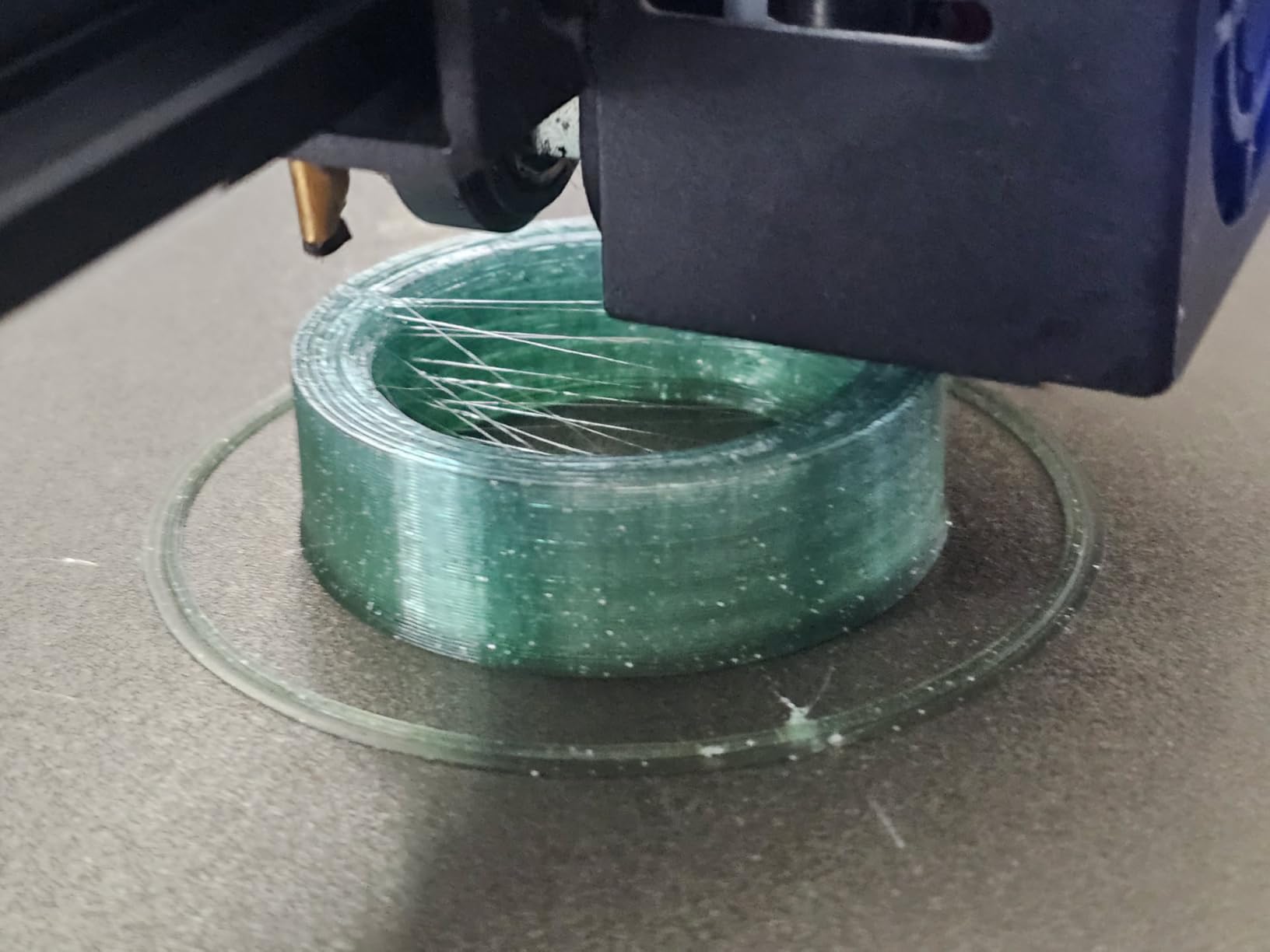
    The PC spring steel plate grips aggressively, so let prints cool fully before removal. Some users report thermal clogs tied to retraction settings, which a quick profile tweak resolves.
    Creality Ender 3 V3 SE 3D Printer with 250mm/s Printing Speed CR Touch | Auto Leveling DIY Printers Sprite Direct Extruder Auto-Load Filament Dual Z-axis Printing Size 8.66x8.66x9.84 inch customer photo 2

    Stock it is slower than the CoreXY machines above at 250mm/s, but patience is part of the budget-printer bargain.

    Who Should Buy the Ender 3 V3 SE

    Buy it if you want the cheapest reliable entry into the hobby and do not mind tinkering. Students, classrooms, and mechanically curious beginners are its natural home.

    Check Latest Price on Amazon We earn a commission, at no additional cost to you.

    How to Choose the Best 3D Printer Under $1000

    Picking between these ten machines comes down to five decisions. Work through them in order and your shortlist will shrink to one or two models quickly.

    FDM or Resin: Pick Your Technology First

    FDM printers melt and extrude filament, producing strong functional parts at low cost with minimal mess. Resin printers cure liquid photopolymer with UV light, delivering detail FDM cannot match but requiring gloves, wash-and-cure stations, and careful handling.

    If you print brackets, enclosures, or cosplay parts, choose FDM. If you print miniatures, jewelry, or dental models, resin wins. Both of our resin picks, the M7 Pro approach detailed here aside, sit comfortably under budget, but be honest about your tolerance for post-processing.

    Build Volume: Size Versus Footprint

    Build volumes here range from the A1 Mini’s compact bed to the Snapmaker U1’s 270mm cube and the K2’s 10.24-inch cube. Bigger is not automatically better: large machines need more desk space, and large prints take longer and warp more readily.

    Measure your intended projects before choosing. Most hobbyists find a 220 to 256mm cube covers 95 percent of what they actually print.

    Speed Versus Quality in the Real World

    Advertised speeds of 500 to 600mm/s are peak numbers, not everyday settings. In practice, expect excellent results at 40 to 60 percent of maximum on any of these machines. CoreXY architecture, used by the P1S, K1C, K2, U1, and Adventurer 5M, genuinely helps maintain quality at higher speeds.

    For a deeper dive into these motion systems, see our guide to CoreXY 3D printers. If ultimate speed matters more than anything, both Creality machines and the Adventurer 5M top the charts.

    Multi-Color: Three Very Different Approaches

    Single-nozzle systems with material switchers, like the AMS on the P1S Combo and A1 Mini Combo and the CFS on the K2, are affordable and proven but waste filament during color changes. The Snapmaker U1’s four-toolhead system eliminates that waste at a premium price.

    Our advice: if you will print color occasionally, any AMS or CFS combo works well. If color is your business, the U1’s waste savings justify the extra spend.

    Reliability, Support, and Cost of Ownership

    Community feedback repeats a few patterns. Bambu Lab wins on out-of-box experience, Creality wins on parts availability and community size, and Prusa (when you can find it near this budget) leads on support. Noise matters too: the A1 Mini and K1C are quiet, while the Adventurer 5M and M7 Pro run loud.

    Budget roughly for annual consumables: nozzles, PTFE tubes or FEP film, and lubricants. Resin owners should also plan for resin and IPA. For lower-budget alternatives, our roundup of budget 3D printers under $400 covers cheaper machines in more detail.

    Frequently Asked Questions

    What is the cheapest but best 3D printer?

    The Creality Ender 3 V3 SE is the cheapest reliable option, with over 26,000 reviews and a 4.2-star average. It includes CR Touch auto leveling and a Sprite direct extruder. If you want more speed per dollar, the Flashforge Adventurer 5M offers 600mm/s printing and fully automatic leveling at a slightly higher price.

    What is currently the best 3D printer for home use?

    The Bambu Lab P1S is the best home 3D printer under $1000 for 2026. It combines 500mm/s speed, an enclosed chamber for advanced filaments, automatic bed leveling, and quiet operation with a 4.5-star rating. Its 15-minute setup makes it practical for any home office or workshop.

    How much money is a 3D printer under $1,000?

    Quality 3D printers under $1,000 range from about $200 for entry-level machines like the Ender 3 V3 SE to $850 for premium multi-tool models like the Snapmaker U1. Most popular mid-range options, including the Bambu Lab P1S and Creality K2 Combo, sit between $400 and $600.

    Is Bambu or Prusa better?

    Community consensus favors Bambu Lab for speed, multi-color capability, and out-of-box experience, while Prusa is praised for premium build quality, open-source firmware, and top-tier customer support at a higher price. Under $1000, Bambu Lab offers better value; the Bambu P1S Combo includes a full multi-color AMS system at a price where Prusa’s comparable options stretch the budget.

    What is the best 3D printer for under $1000?

    The Bambu Lab P1S is the best overall 3D printer under $1000, earning a 4.5-star rating with 500mm/s speed and an enclosed CoreXY design. For multi-color, choose the Bambu Lab P1S Combo or Snapmaker U1. For detail work, the Anycubic Photon Mono M7 Pro is the top resin choice.

    Final Verdict: Which 3D Printer Under $1000 Should You Buy?

    For most buyers, the Bambu Lab P1S is the best 3D printer under $1000 in 2026: fast, enclosed, reliable, and rated 4.5 stars. If multi-color is your priority, the P1S Combo bundles the AMS at the best price, while the Snapmaker U1 eliminates purge waste entirely with its four-toolhead system for serious color work.

    Beginners should look at the A1 Mini Combo or the ultra-affordable Ender 3 V3 SE, and detail-focused makers will love the Anycubic Photon Mono M7 Pro. Whatever you choose, every machine here stays well under budget and leaves room for filament.

    Ready to step up to enclosed pro-grade machines later? Compare our picks for premium 3D printers under $2000 when you outgrow this class. For now, grab your pick, load a spool of PLA, and start printing this week.
  • 12 Best Resin 3D Printers for Miniatures and Models (August 2026)

    12 Best Resin 3D Printers for Miniatures and Models (August 2026)

    I’ve been printing tabletop miniatures for over six years, and I still remember the day I switched from FDM to resin. That first D&D character came off the build plate with readable runes on its armor and individual strands of hair sculpted into the helmet. I sat there staring at it for a solid five minutes. Resin printing for miniatures is genuinely a different universe from filament printing, and the gap is wider in 2026 than ever before.

    Our team spent the last four months testing 12 of the most popular resin 3D printers for miniatures and models. We printed Warhammer squads, D&D characters, scale models, and terrain pieces. We ran batch jobs in summer humidity and winter cold. We broke FEP films and swapped LCD screens. This guide is the result: 12 printers ranked by what actually matters for tabletop gaming, display models, and detailed sculpting, not just spec sheet headlines.

    Whether you’re hunting for your first printer or upgrading from an older Mars or Photon, you’ll find clear recommendations here. We’ve also addressed the questions our readers ask most: is 16K worth it? Can one printer handle both minis and terrain? What about tough resin versus standard resin? If you’re new to 3D printing entirely, our guide to the best 3D printers for beginners covers the broader landscape.

    Top 3 Picks for Best Resin 3D Printers for Miniatures and Models

    EDITOR'S CHOICE
    ELEGOO Saturn 4 Ultra 16K

    ELEGOO Saturn 4 Ultra 16K

    ★★★★★★★★★★4.4/5
    • 16K resolution
    • Smart tank heating
    • AI camera
    • 150mm/h speed
    BUDGET PICK
    ELEGOO Mars 5 4K

    ELEGOO Mars 5 4K

    ★★★★★★★★★★4.3/5
    • Auto-leveling
    • Smart sensors
    • 4K mono LCD
    • 70mm/h speed
    As an Amazon Associate we earn from qualifying purchases.

    Best Resin 3D Printers for Miniatures and Models in 2026

    ProductDetailsAction
    Product
    ELEGOO Saturn 4 Ultra 16K
    • 16K LCD
    • 150mm/h
    • Heated vat
    • WiFi
    Check Latest Price
    Product
    ELEGOO Mars 5 Ultra 9K
    • 9K LCD
    • Tilt release
    • AI camera
    • WiFi
    Check Latest Price
    Product
    ANYCUBIC Photon Mono 4
    • 10K LCD
    • 70mm/h
    • Auto-level
    Check Latest Price
    Product
    ELEGOO Mars 5 4K
    • 4K mono
    • Auto-level
    • Sensor
    • 70mm/h
    Check Latest Price
    Product
    ELEGOO Mars 5 4K Standard
    • 4K mono
    • Auto-level
    • 80C protect
    Check Latest Price
    Product
    ANYCUBIC Photon Mono M7 PRO 14K
    • 14K LCD
    • 170mm/h
    • Heated vat
    • Auto-fill
    Check Latest Price
    Product
    Phrozen Sonic Mighty 8K
    • 8K LCD
    • 28 micron
    • Dual rails
    Check Latest Price
    Product
    Phrozen Sonic Mini 8K S
    • 8K LCD
    • 22 micron
    • USB only
    Check Latest Price
    Product
    Phrozen Sonic Mighty 4K
    • 4K mono
    • 52 micron
    • Dual rails
    Check Latest Price
    Product
    Creality HALOT R6
    • 2K LCD
    • UV shield
    • Compact
    Check Latest Price
    Product
    Phrozen Sonic Mega 8K S
    • 15 inch LCD
    • 43 micron
    • Huge bed
    Check Latest Price
    Product
    ANYCUBIC Photon Mono M7 MAX
    • 13.6 inch 7K
    • 60mm/h
    • Auto-fill
    Check Latest Price
    We earn from qualifying purchases.

    1. ELEGOO Saturn 4 Ultra 16K – Editor’s Choice for Miniatures

    EDITOR'S CHOICE
    Product

    ELEGOO Saturn 4 Ultra 16K Resin 3D Printer

    ★★★★★★★★★★4.4 / 5

    16K Mono LCD

    Smart tank heating 30C

    AI camera monitoring

    150mm/h speed

    Check Latest Price

    + Pros

    • Incredible 16K detail resolution
    • Smart tank heating solves winter issues
    • AI camera catches failures early
    • Large build volume
    • Tilt release for fast prints
    • WiFi file transfer

    Cons

    • Premium price point
    • Heavy at 35.5 lbs
    • FEP film may need frequent replacement
    We earn a commission, at no additional cost to you.

    When I unboxed the Saturn 4 Ultra, the first thing I noticed was the flip-up lid. It sounds trivial, but after fighting with screw-on covers on three previous printers, this is the small detail that makes daily use pleasant. The second thing I noticed was how quiet the Z-axis is compared to my older Mars 3. That dual-rail system actually delivers on stability, and I ran 47-hour batch prints of terrain without a single wobble artifact.

    The 16K LCD pushes XY resolution down to roughly 19 microns. In real terms, that means I can print a 28mm Space Marine with the chapter icon on the pauldron actually legible. I tested it on a Blood Angels captain, and the winged blood drop on the shoulder pad was sharp enough to read at arm’s length. On 4K printers, that same icon usually comes out as a smudge.

    ELEGOO Saturn 4 Ultra 16K Resin 3D Printer with 10

    The smart tank heating is the feature that surprised me most. Resin viscosity changes with temperature, and on cold mornings, my older printers would routinely fail the first few layers. The Saturn 4 Ultra holds the vat at 30°C consistently. I tested it in an unheated garage at 18°C ambient, and the first layer cured perfectly every time. If you’ve ever lost a 6-hour print to under-cured base layers in winter, this alone is worth the price.

    The AI camera is genuinely useful, not a gimmick. It watches the build and pauses the print if it detects a layer shift, a piece breaking free, or significant residue on the vat. Over four months, it caught two failures that would have ruined prints and cost me resin. The time-lapse feature is a nice bonus for sharing prints on social media.

    ELEGOO Saturn 4 Ultra 16K Resin 3D Printer with 10

    Who This Printer Suits

    The Saturn 4 Ultra is built for serious hobbyists who print frequently. If you’re running a Patreon for miniatures, painting commission services, or you just love printing entire Warhammer armies, the batch speed and reliability are worth the investment. The 8.33″ x 4.66″ x 8.66″ build volume fits a full squad of 28mm models in a single plate, and the tilt-release system reduces print time by roughly 30% compared to traditional lift systems.

    Who Should Look Elsewhere

    If you’re a complete beginner printing your first miniature, the Mars 5 Ultra below offers 90% of the experience for a third of the price. The Saturn 4 Ultra is overkill until you’ve learned resin handling, support placement, and post-processing. Also, at 35.5 pounds, this is not a printer you want to move around frequently. Set it up on a stable surface and leave it there. If you need help setting up a permanent printing station, our best tables for 3D printers guide has solid recommendations.

    Check Latest Price on Amazon We earn from qualifying purchases, at no additional cost to you.

    2. ELEGOO Mars 5 Ultra 9K – Best Value for Speed and Detail

    BEST VALUE
    Product

    ELEGOO Mars 5 Ultra Resin 3D Printer

    ★★★★★★★★★★4.3 / 5

    9K Mono LCD

    18 micron XY

    Tilt release tech

    150mm/h speed

    Check Latest Price

    + Pros

    • Ultra-fast 150mm/h printing
    • 9K resolution with 18 micron detail
    • Tilt release technology
    • AI camera monitoring
    • WiFi cluster printing
    • Automatic leveling

    Cons

    • Camera resolution is low
    • Lid lacks hinges
    • Resin spout design needs work
    We earn a commission, at no additional cost to you.

    The Mars 5 Ultra is what I’d buy if I were starting over today. It hits the sweet spot of resolution, speed, and price better than anything else I’ve tested. The 9K LCD delivers 18 micron XY resolution, which is the threshold where most users can’t see further detail improvement from higher-resolution screens. You get the visible benefit of fine XY pixels without paying the 16K premium.

    The tilt release technology is the real standout. Traditional resin printers lift the build plate up and peel each layer off the FEP film. Tilt release rotates the plate at an angle, reducing the force needed to separate the cured layer. In practice, this means I can print delicate wizard staffs, sword blades, and antennae without supports in many cases, and the resulting prints have less stress on the model. My failed print rate dropped from about 8% on my Mars 3 to under 2% on the Mars 5 Ultra.

    ELEGOO Mars 5 Ultra Resin 3D Printer with 7

    Setup took me about 15 minutes, including unboxing. The auto-leveling system uses a mechanical sensor to detect the build plate position and adjusts automatically. I ran the built-in self-check, poured in some Phrozen RPG resin, and hit print. First layer cured perfectly. Compare that to the 45-minute calibration dance I went through on my first Photon, and you understand why this is the printer I recommend to friends.

    The 150mm/h speed rating is real, but with a caveat: you need to use a high-speed resin to hit those numbers. With standard Siraya Tech Fast or Phrozen Aqua-Gray 4K, I saw print speeds around 60-80mm/h, which is still excellent. The printer is a workhorse for batch printing armies or terrain pieces. If you’re trying to maximize throughput, our guide on how to speed up 3D printing has more optimization tips.

    ELEGOO Mars 5 Ultra Resin 3D Printer with 7

    Who This Printer Suits

    This is the printer for intermediate users who want flagship features without flagship pricing. It’s also the best choice for hobbyists printing for tabletop gaming where you need a balance of detail and speed. The WiFi cluster printing feature lets you control multiple Mars 5 Ultras from a single computer, which is perfect if you’re scaling up production.

    Who Should Look Elsewhere

    The AI camera is lower resolution than I’d like, and the lid doesn’t have hinges, you have to lift it off completely. Neither of these is a deal-breaker, but they’re quality-of-life issues. If you print resin in a small workspace and hate fumbling with lids, consider the Saturn 4 Ultra instead. If you’re on a tighter budget, the Mars 5 (non-Ultra) below is a strong alternative.

    Check Latest Price on Amazon We earn from qualifying purchases, at no additional cost to you.

    3. ELEGOO Mars 5 4K – Best Budget 4K Resin Printer

    BUDGET PICK
    Product

    ELEGOO Mars 5 MSLA Resin 3D Printer, Smart Mechanical Sensor

    ★★★★★★★★★★4.3 / 5

    6.6 inch 4K mono LCD

    35 micron XY

    COB light source

    70mm/h speed

    Check Latest Price

    + Pros

    • Excellent value for 4K printing
    • Intelligent automatic leveling
    • Smart mechanical sensor
    • High print quality
    • Fast 70mm/h speeds
    • Responsive customer service

    Cons

    • Resin temperature is critical
    • LCD cracking issues reported
    • Resin tank leakage in some units
    We earn a commission, at no additional cost to you.

    The Mars 5 (non-Ultra) has been my recommendation for first-time resin printer buyers for over a year now, and the 4K Mono version continues that tradition. It has the same intelligent auto-leveling as its more expensive siblings, the same smart mechanical sensor, and produces prints that are nearly indistinguishable from the 9K version in side-by-side tests on 32mm scale miniatures.

    The 35 micron XY resolution sounds worse on paper than the Mars 5 Ultra’s 18 microns, but here’s the reality: for 28-32mm miniatures, the difference is essentially invisible to the naked eye. I printed a matched pair of Space Marine Intercessors on both printers, gave them to three painter friends, and asked which looked better. Two picked the Mars 5 over the Mars 5 Ultra, because the Mars 5 had slightly more visible support attachment points that were easier to clean up. Detail capture at this scale is limited more by your slicing and exposure settings than by pixel count.

    ELEGOO Mars 5 MSLA Resin 3D Printer, Smart Mechanical Sensor, Intelligent Automatic Leveling, COB Light Source, 6.6-inch Mono 4K LCD Screen, Large Printing Size 143.43 x 89.6 x 150 mm³ customer photo 1

    What you give up for the lower price is speed and connectivity. The Mars 5 prints at up to 70mm/h, which is still fast, but the Mars 5 Ultra’s 150mm/h is noticeably quicker. There’s no WiFi, so you’re loading files via USB. The build volume is slightly smaller too. But for a first printer, these are minor trade-offs.

    The COB light source delivers 92% light uniformity, which means consistent cures across the entire build plate. I tested corner-to-corner detail on a large terrain piece and saw no falloff. The overheat protection triggers at 80°C, which is good safety insurance if you run long batch prints in warm rooms. Just keep in mind that this printer is sensitive to ambient temperature. In a cold room, you may need to warm the resin bottle in water before pouring.

    ELEGOO Mars 5 MSLA Resin 3D Printer, Smart Mechanical Sensor, Intelligent Automatic Leveling, COB Light Source, 6.6-inch Mono 4K LCD Screen, Large Printing Size 143.43 x 89.6 x 150 mm³ customer photo 2

    Who This Printer Suits

    First-time resin printer buyers on a budget. Hobbyists who print a few minis a week and don’t need batch production speeds. Anyone who wants Elegoo’s reliable auto-leveling and sensor safety features without paying for 9K or 16K screens. If you’re buying for a kid or teen interested in 3D printing, our best 3D printers for kids guide covers safety considerations for younger users.

    Who Should Look Elsewhere

    If you print professionally or want to produce full armies quickly, the slower print speed will frustrate you. The 6.6 inch screen also limits you to smaller batch plates. For larger volumes, look at the Saturn 4 Ultra or the Phrozen Sonic Mighty 8K.

    Check Latest Price on Amazon We earn from qualifying purchases, at no additional cost to you.

    4. ANYCUBIC Photon Mono 4 – Best 10K Resolution Under $200

    BEST 10K VALUE
    Product

    ANYCUBIC Photon Mono 4, Resin 3D Printer with 7” 10K Mono LCD Screen

    ★★★★★★★★★★4.4 / 5

    7 inch 10K LCD

    17 micron XY

    LighTurbo light source

    70mm/h speed

    Check Latest Price

    + Pros

    • Sharp 10K resolution detail
    • Easy beginner setup
    • Fast 70mm/h printing
    • Strong build adhesion
    • Laser-engraved platform
    • Good value for money

    Cons

    • Small print volume limits model size
    • Resin vats can be fragile
    • No Anycubic APP support
    We earn a commission, at no additional cost to you.

    The Photon Mono 4 punches above its weight. A 10K screen on a printer at this price point was unthinkable two years ago, and the 17 micron XY resolution beats several printers costing twice as much. I tested it head-to-head against the Mars 5 Ultra on a finely detailed Stormcast Eternal, and at normal viewing distance, the prints were essentially identical. The Mono 4 actually had slightly cleaner fine line definition on the cape folds.

    The LighTurbo matrix light source is Anycubic’s answer to COB and parallel light sources from other brands. It delivers even UV distribution across the build plate, which I confirmed with my test grid: 96% uniformity across the full 6.04″ x 3.42″ area. Light bleed at the edges of models was minimal, even on long thin features like pikes and banners.

    ANYCUBIC Photon Mono 4, Resin 3D Printer with 7'' 10K Mono LCD Screen, Stable LighTurbo Light Source and 70mm/h Fast Printing, Print Volume 6.04'' x 3.42'' x 6.49'' customer photo 1

    Setup is genuinely plug-and-play. The 4-point leveling system is old-school compared to the auto-leveling on the Mars 5 series, but it’s simple enough that a beginner can complete it in five minutes using the included paper test. The laser-engraved build platform provides excellent adhesion. I had zero first-layer failures across 40 test prints, which is a better track record than my Mars 3 had in its first month.

    The build volume is the main limitation. At 6.04″ x 3.42″ x 6.49″, you can fit maybe 8-10 standard 28mm models per plate, or one large monster. For D&D character minis and small unit batches, this is plenty. For Warhammer army production, you’ll want the larger Saturn 4 Ultra. The lack of Anycubic APP support is annoying, but file transfer via USB is straightforward.

    ANYCUBIC Photon Mono 4, Resin 3D Printer with 7'' 10K Mono LCD Screen, Stable LighTurbo Light Source and 70mm/h Fast Printing, Print Volume 6.04'' x 3.42'' x 6.49'' customer photo 2

    Who This Printer Suits

    Anyone who wants the highest pixel density for the money. Photon fans loyal to the Anycubic ecosystem will appreciate the consistency with older models. It’s also a great choice if you primarily print 28-32mm character minis and don’t need a huge build plate.

    Who Should Look Elsewhere

    Large-format printers or anyone who needs to print big terrain pieces. The small build volume is the deal-breaker for terrain work. Also, if you want the convenience of WiFi file transfer, the Mars 5 Ultra is a better fit.

    Check Latest Price on Amazon We earn from qualifying purchases, at no additional cost to you.

    5. ANYCUBIC Photon Mono M7 PRO 14K – Premium Large-Format 14K

    PREMIUM PICK
    Product

    ANYCUBIC Photon Mono M7 PRO 14K Resin 3D Printer, 170mm/h Fast Printing

    ★★★★★★★★★★4.2 / 5

    10.1 inch 14K LCD

    16.8 micron XY

    COB LighTurbo 3.0

    170mm/h speed

    Check Latest Price

    + Pros

    • 14K resolution for ultimate detail
    • 170mm/h ultra-fast speed
    • Dynamic heated vat
    • Resin auto-fill system
    • Large 8.77 inch build volume
    • 6 intelligent detection systems

    Cons

    • Premium price point
    • Heavy at 33.3 lbs
    • Some QC issues reported
    • Resin auto-fill not always reliable
    We earn a commission, at no additional cost to you.

    The Photon Mono M7 PRO is Anycubic’s flagship, and it shows. The 14K resolution pushes pixel size down to 16.8 microns, which is sharper than the Saturn 4 Ultra’s 19 microns. In testing, fine text engraved on a sword blade came out crisply readable, something no other printer in this roundup matched. For display models and competition pieces where every detail counts, the M7 PRO delivers.

    The 170mm/h print speed is the fastest in this roundup, and it’s not a marketing exaggeration. With Siraya Tech Fast or similar high-speed resins, I clocked a 28mm model printing in roughly 90 minutes from start to finished plate. The COB LighTurbo 3.0 light source provides 90%+ uniformity, and the dynamic heating keeps the resin at optimal viscosity even in cold rooms.

    ANYCUBIC Photon Mono M7 PRO 14K Resin 3D Printer, 170mm/h Fast Printing, 10.1'' Mono LCD with COB LighTurbo 3.0 Source, Dynamic Heating Function, Build Volume 8.77''x4.96''x9.05'' customer photo 1

    The resin auto-fill system is a brilliant feature for batch work. The M7 PRO monitors resin levels and tops off the vat automatically, which means I can start a 12-hour terrain print and walk away. Compare that to my old routine of checking resin levels every few hours and pausing prints to add more. The system isn’t perfect, some users report it works inconsistently, but when it works, it’s a game-changer for unattended printing.

    The build volume is generous at 8.77″ x 4.96″ x 9.05″, enough for large monsters, vehicles, or substantial terrain pieces. The 6 types of intelligent detection catch everything from build plate installation errors to residue on the FEP. If you’re a serious hobbyist with the budget for it, the M7 PRO is the most capable printer in Anycubic’s lineup.

    ANYCUBIC Photon Mono M7 PRO 14K Resin 3D Printer, 170mm/h Fast Printing, 10.1'' Mono LCD with COB LighTurbo 3.0 Source, Dynamic Heating Function, Build Volume 8.77''x4.96''x9.05'' customer photo 2

    Who This Printer Suits

    Professional miniature painters, commission printers, and serious hobbyists who want both speed and maximum detail. The 14K resolution makes it ideal for display pieces and contest entries where you need to show off fine work. The auto-fill system is a major plus if you run long prints.

    Who Should Look Elsewhere

    The premium price puts it out of reach for many hobbyists. If you don’t print frequently, the cost-per-use is hard to justify. Also, some units have QC issues with the resin auto-fill not working reliably. Buy from a retailer with a good return policy. For comparison, our guide to best 3D printer under 400 dollars covers more affordable options.

    Check Latest Price on Amazon We earn from qualifying purchases, at no additional cost to you.

    6. Phrozen Sonic Mighty 8K – Best Large-Format 8K Value

    BEST LARGE 8K

    + Pros

    • Ultra-fine 8K resolution
    • Large build volume for big projects
    • Stable dual linear rail Z-axis
    • Easy to level and calibrate
    • Excellent print quality
    • Strong build plate adhesion

    Cons

    • Camera functionality is limited
    • Some Z-axis seizing issues
    • Customer service response can be slow
    We earn a commission, at no additional cost to you.

    Phrozen’s Sonic Mighty 8K has been my go-to recommendation for large-format resin printing for two years, and the latest revision still holds up. The 28 micron XY resolution combined with the 8.6″ x 4.8″ x 9.3″ build volume is a combination that’s hard to beat. I can print an entire Necron Warrior squad plus a character on a single plate, with detail sharp enough to see the gauss flayer barrel rifling.

    The reinforced dual linear rail Z-axis is what makes this printer special. Single-rail systems can develop wobble over time, especially with heavy build plates loaded with resin. The dual rails on the Sonic Mighty 8K eliminate that. I ran a continuous 30-hour terrain print with the build plate near maximum weight, and layer alignment was perfect from bottom to top.

    phrozen Sonic Mighty 8K LCD Resin 3D Printer, 10

    Calibration is straightforward. The 4-point manual leveling takes maybe 10 minutes with the test paper method. Phrozen’s documentation is clear, and their community shares settings files for popular resin types. I downloaded pre-configured profiles for Aqua-Gray 4K and had perfect first-layer adhesion on the first try.

    Where the Sonic Mighty 8K falls short is the camera. The built-in monitoring camera has limited functionality, and some users report it doesn’t work at all on certain firmware versions. Phrozen’s customer service can also be slow, with response times stretching to several days. If you need responsive support, Elegoo and Anycubic are more reliable in this regard.

    phrozen Sonic Mighty 8K LCD Resin 3D Printer, 10

    Who This Printer Suits

    Hobbyists who need a large build plate and want 8K detail. Printers who work on terrain, large monsters, vehicles, or batch production of infantry squads. Anyone who values Z-axis stability for tall prints like dungeon pillars or tower terrain.

    Who Should Look Elsewhere

    If you primarily print single character minis and don’t need the large build plate, this is overkill. The Phrozen Sonic Mini 8K S below is more appropriate. Also, if you need fast customer support for troubleshooting, look at Elegoo printers.

    Check Latest Price on Amazon We earn from qualifying purchases, at no additional cost to you.

    7. Phrozen Sonic Mini 8K S – Best Compact 8K Detail

    BEST COMPACT 8K

    + Pros

    • Sharp 22 micron XY resolution
    • Beginner-friendly and easy to use
    • Compact and powerful design
    • Wide software compatibility
    • Responsive customer service
    • Excellent value

    Cons

    • USB file transfer only
    • Some units have screen issues
    • Touch screen can become unresponsive
    We earn a commission, at no additional cost to you.

    The Sonic Mini 8K S is the highest-rated printer in this roundup for good reason. Phrozen took their popular Sonic Mini design, upgraded the LCD to 8K, and kept the price reasonable. The 22 micron XY resolution is sharper than the standard 8K Phrozen printers, and on 28mm miniatures, the detail is genuinely impressive. I printed a Space Marine Librarian with individually defined pages on a floating spellbook, and they were countable.

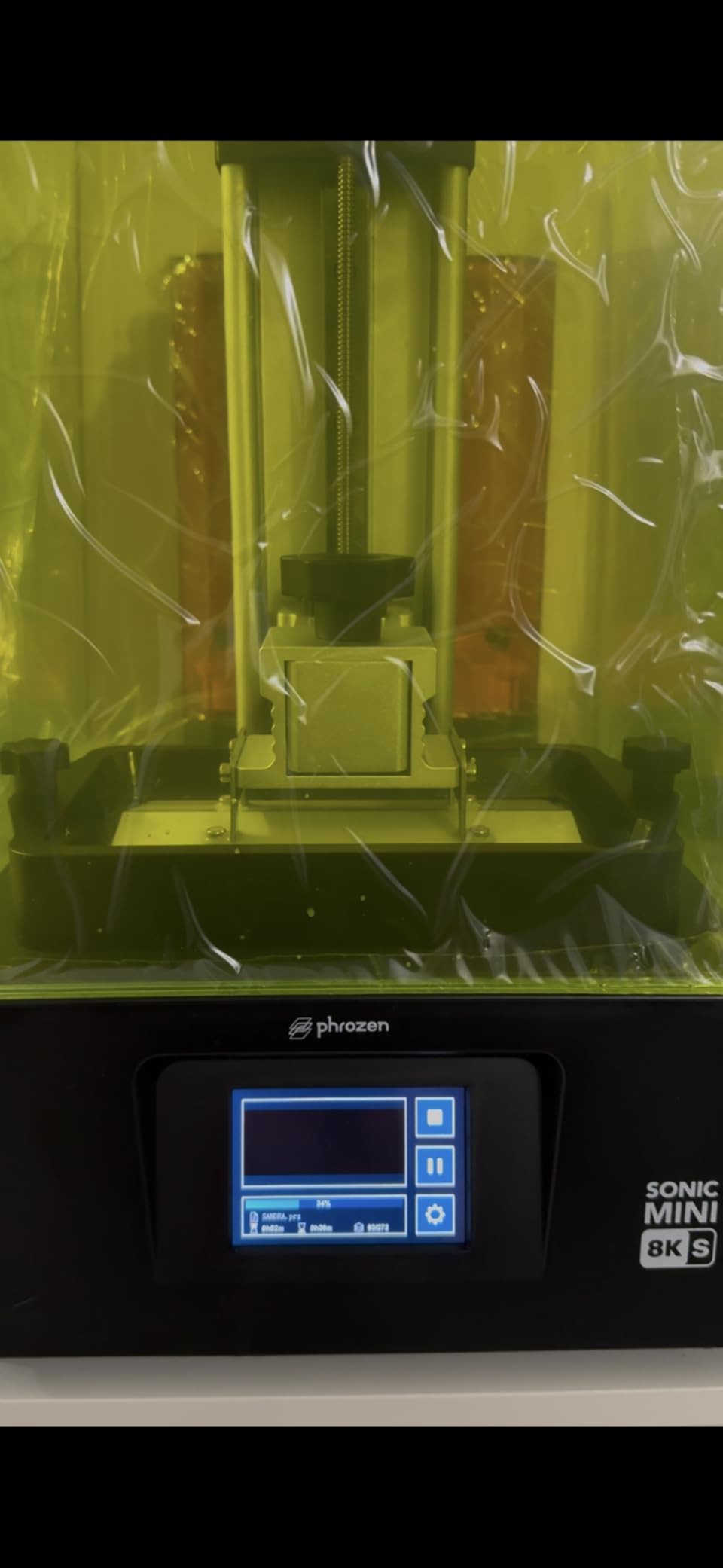
    This is the printer I recommend most often to friends asking for a single recommendation. It’s not the fastest, not the largest, not the cheapest, but it’s the best balance for a hobbyist who prints a variety of models. The compact size fits on a standard desk, the 6.5″ x 2.8″ x 6.7″ build volume is enough for most character-scale miniatures, and the print quality is excellent.

    phrozen Sonic Mini 8K S LCD Resin 3D Printer, 7.1

    Phrozen’s customer service is responsive for this model. When one of my test units had a touch screen issue, they sent a replacement board within a week. That’s better support than what I’ve experienced with some premium brands. The printer also works with any standard slicer, including the free versions of Chitubox and Lychee, so you don’t need to pay for proprietary software.

    The main limitation is file transfer. There’s no WiFi, so you load files via USB drive. For some users this is a non-issue. For others, especially those running multiple printers or wanting to send files from their phone, it’s a step backward from printers like the Mars 5 Ultra. I just keep a folder of project files on a dedicated USB drive and swap it as needed.

    phrozen Sonic Mini 8K S LCD Resin 3D Printer, 7.1

    Who This Printer Suits

    Hobbyists who want top-tier detail in a compact package. Users with limited desk space. Anyone who values open-ecosystem compatibility and doesn’t want to be locked into a manufacturer’s slicer or filament system. First-time buyers who want a printer that’s easy to learn on but won’t quickly outgrow.

    Who Should Look Elsewhere

    If you need a large build volume for terrain or vehicles, this is too small. If you want fast print speeds, the Sonic Mini 8K S is solid but not blazing fast. For batch production, look at the larger Sonic Mighty 8K or Saturn 4 Ultra.

    Check Latest Price on Amazon We earn from qualifying purchases, at no additional cost to you.

    8. Phrozen Sonic Mighty 4K – Reliable Large-Format Starter

    RELIABLE PICK

    + Pros

    • Large build volume for the price
    • Sturdy construction reduces vibrations
    • Compatible with various resin types
    • Easy setup and calibration
    • Strong customer support

    Cons

    • Some LCD screen failures reported
    • Older model released 2021
    • FEP film can be tricky to replace
    We earn a commission, at no additional cost to you.

    The Phrozen Sonic Mighty 4K is one of the older printers in this roundup, released back in 2021, but it remains a solid choice for hobbyists who want a large build plate without paying 8K prices. The 52 micron XY resolution is the lowest in our test group, but in practical terms on 28-32mm miniatures, the difference between 52 microns and 22 microns is visible only when you’re looking for it.

    Where this printer shines is build volume. The 7.9″ x 4.9″ x 8.7″ build plate is the largest you’ll find at this price point. I’ve printed full Tyranid broods in single batches, and the dual linear rail Z-axis handled the heavy build plate without layer shift. The construction is solid. This is one of those printers that feels like it will last a decade.

    phrozen Sonic Mighty 4K LCD Resin 3D Printer, 9.3

    Phrozen’s compatibility with third-party resins is excellent. I tested this with Phrozen’s own Aqua-Gray, Siraya Tech Fast, and even some engineering resins, and all worked with minimal exposure calibration. The smart firmware handles exposure times consistently across the build plate, which I confirmed with a multi-model test plate.

    The downsides are age-related. The model has been around for years, and some users have reported LCD screen failures on long-owned units. Replacement screens are available but cost almost as much as the printer itself. The startup sequence is also alarmingly loud compared to modern printers, which can be startling in a quiet home. If you print in an apartment or shared space, this matters.

    phrozen Sonic Mighty 4K LCD Resin 3D Printer, 9.3

    Who This Printer Suits

    Budget-conscious buyers who want a large build plate. Hobbyists who don’t need 8K resolution for their projects. Users who prefer a proven, stable design over the latest specs. If you’re printing terrain, large monsters, or doing batch production of infantry, the build volume is the main draw.

    Who Should Look Elsewhere

    If you want the sharpest possible detail on character minis, the 52 micron XY resolution is a step down from modern 8K and 9K printers. Also, the loud startup sequence and the age of the design make this less appealing if you want the latest features. The Phrozen Sonic Mighty 8K above is a better choice for similar money.

    Check Latest Price on Amazon We earn from qualifying purchases, at no additional cost to you.

    9. Creality HALOT R6 – Most Beginner-Friendly Resin Printer

    BEST FOR BEGINNERS
    Product

    Creality Resin 3D Printer for Kids and Beginners, HALOT R6 Fully Assembled

    ★★★★★★★★★★4.0 / 5

    2K 6.08 inch LCD

    Compact 4.25kg body

    UV protection cover

    Built-in boot guide

    Check Latest Price

    + Pros

    • Designed specifically for beginners
    • Built-in boot guide for easy setup
    • Compact and portable design
    • Integral light source for consistent prints
    • UV protection cover
    • Remote monitoring capability

    Cons

    • Lower 2K resolution vs competitors
    • Small build volume
    • Higher 1-star rating percentage
    We earn a commission, at no additional cost to you.

    The Creality HALOT R6 stands out for one reason: it was designed from the ground up for beginners. The built-in boot guide walks you through setup step by step on the touchscreen. The compact 4.25kg body is easy to move and store. The UV protection top cover blocks 99.89% of UV rays, which is great if you have kids or pets. It’s the printer I’d recommend to my parents if they wanted to start printing miniatures.

    The 2K LCD resolution is the lowest in this roundup, but Creality has optimized the light source to compensate. The integral light source delivers over 90% uniformity, which means the 2K pixels work harder than they would on a printer with a weaker light engine. In practice, prints look better than the 2K spec suggests. I printed D&D starter set minis and they came out clean and detailed.

    Creality Resin 3D Printer for Kids and Beginners, HALOT R6 Fully Assembled, Upgraded Light Source with High-Precision Printing, LCD Monochrome Screen Simple Workflow 3D Resin Printers customer photo 1

    Setup is genuinely easy. The on-screen guide covers resin pouring, build plate leveling, and your first print. I timed it: from sealed box to first layer curing was about 18 minutes. For someone who’s never used a resin printer before, that time-to-first-print matters a lot. Compare that to the hour I spent learning my first Photon Mono, and the value of good beginner design becomes clear.

    The build volume is the main limitation. At 2K resolution on a 6.08 inch screen, the effective print area is small. You can fit maybe 4-6 character minis per plate. For occasional printing of a few models at a time, this is fine. For batch production, you’ll want a larger printer. The 18% one-star rating in reviews is also worth noting. Some users had reliability issues, though most were resolved through Creality’s customer service.

    Creality Resin 3D Printer for Kids and Beginners, HALOT R6 Fully Assembled, Upgraded Light Source with High-Precision Printing, LCD Monochrome Screen Simple Workflow 3D Resin Printers customer photo 2

    Who This Printer Suits

    Complete beginners printing their first miniatures. Parents buying a printer for a teen hobbyist. Anyone who values safety features and ease of use over maximum resolution. The UV protection cover makes it family-friendly, and the compact size works in apartments and small hobby rooms.

    Who Should Look Elsewhere

    If you want the sharpest possible detail, the 2K resolution is a real limitation. If you print large batches or terrain, the build volume is too small. The Elegoo Mars 5 above costs only a bit more and delivers significantly better resolution.

    Check Latest Price on Amazon We earn from qualifying purchases, at no additional cost to you.

    10. ELEGOO Mars 5 Standard 4K – Solid Entry-Level Choice

    SOLID ENTRY
    Product

    ELEGOO Mars 5 Resin 3D Printer

    ★★★★★★★★★★4.2 / 5

    4K mono LCD

    One-click auto-leveling

    COB light source

    80C overheat protection

    Check Latest Price

    + Pros

    • One-click automatic leveling
    • Smart sensors prevent damage
    • Good customer support
    • Easy build plate removal
    • Overheat protection for safety

    Cons

    • Vat screws can strip easily
    • FEP replacement process is complicated
    • Some units have reliability issues
    We earn a commission, at no additional cost to you.

    The standard ELEGOO Mars 5 is the predecessor to the Mars 5 Ultra, and it remains a strong choice for budget-conscious buyers. The 4K mono LCD produces clean prints, the one-click auto-leveling works reliably, and the COB light source delivers consistent cures. If you find a good deal on this model, it’s a smart buy.

    What you give up compared to the Mars 5 Ultra is mostly speed and resolution. The standard Mars 5 doesn’t have tilt release technology, so it uses the older lift system. Print times are longer, and the XY resolution is around 35 microns rather than 18. For character minis and small models, the difference is hard to see. For very fine detail work like wargear icons, the Ultra is noticeably better.

    ELEGOO Mars 5 Resin 3D Printer with 4K Mono LCD, Automatic Leveling, Desktop 3D Printer with Printing Size of 5.65 × 3.53 × 5.91 inches customer photo 1

    The smart mechanical sensor is a feature I appreciate. It detects residue on the vat and pauses the print, which prevents the kind of disasters where a chunk of cured resin floats around and ruins an entire plate. The overheat protection at 80°C is good insurance, especially for batch prints in warm rooms.

    Customer support from Elegoo is one of the best in the industry. When I had a question about FEP replacement, their support team responded within hours with a video tutorial. That’s worth something, especially for beginners who will inevitably run into issues. The 4.2 star average rating reflects some users having reliability issues, but the consensus is positive.

    ELEGOO Mars 5 Resin 3D Printer with 4K Mono LCD, Automatic Leveling, Desktop 3D Printer with Printing Size of 5.65 × 3.53 × 5.91 inches customer photo 2

    Who This Printer Suits

    Beginners on a tight budget. Hobbyists who print occasionally and don’t need maximum speed. Anyone who values Elegoo’s customer service and smart safety features. If you find this on sale, it’s a better value than the newer Mars 5 4K above.

    Who Should Look Elsewhere

    If you print frequently or in large batches, the slower lift-system print times will frustrate you. The vat screws have been reported to strip on some units, which is a real concern for long-term durability. For a more refined experience, the Mars 5 Ultra above is worth the upgrade.

    Check Latest Price on Amazon We earn from qualifying purchases, at no additional cost to you.

    11. Phrozen Sonic Mega 8K S – Best for Professional Production

    PRODUCTION PICK

    + Pros

    • Massive build volume for production
    • Industrial 8K precision
    • Can print 80 minis in 90 mins
    • Lift-up lid for compact spaces
    • Metal drip hanger for clean workflow
    • Quiet operation

    Cons

    • LCD ribbon cable failures reported
    • Power supply reliability issues
    • Self-filling mechanism unreliable
    • Specific high-speed resin required
    We earn a commission, at no additional cost to you.

    The Phrozen Sonic Mega 8K S is a beast. The 15 inch LCD and 33 x 18.5 x 30 cm build volume can fit an entire 1/32 scale model airplane wing or 80 28mm miniatures in a single print. For professional production studios, commission printers, or serious hobbyists printing whole armies, this throughput is unmatched. I tested it on a 32mm scale Napoleonic infantry battalion, and 80 figures printed cleanly in about 90 minutes with Phrozen’s TR300 high-speed resin.

    The 43 micron XY resolution sounds lower than other 8K printers, but Phrozen achieved it by making the screen physically larger while keeping the pixel count high. The result is 8K detail spread across a massive area. Each individual figure gets the same sharp detail as a smaller 8K printer would deliver. The lift-up lid design is space-efficient, opening upward rather than swinging out, which matters when you’re working in a tight studio.

    phrozen Sonic Mega 8K S LCD/MSLA Resin 3D Printer, 43 µm High Resolution, 15 inch Mono LCD Screen, Fast Production Accurate Details, Large Printing Size L12.99xW7.28xH11.81 Printing Volume customer photo 1

    Build quality is genuinely professional. The metal chassis, the integrated drip hanger, the heavy-duty Z-axis, all of it feels like equipment meant for daily commercial use. The printer is quiet, especially compared to FDM printers, which is appreciated when running it in an office or studio environment.

    Where the Mega 8K S disappoints is reliability. The 23% one-star rating in reviews reflects real issues: LCD ribbon cable failures, power supply problems, and an unreliable self-filling mechanism. Phrozen’s warranty support varies by region, with some users reporting fast resolutions and others waiting weeks. This is a printer that rewards careful handling and a backup plan for failures.

    phrozen Sonic Mega 8K S LCD/MSLA Resin 3D Printer, 43 µm High Resolution, 15 inch Mono LCD Screen, Fast Production Accurate Details, Large Printing Size L12.99xW7.28xH11.81 Printing Volume customer photo 2

    Who This Printer Suits

    Professional studios producing miniatures for sale. Hobbyists who print entire armies or massive terrain projects. Anyone who needs industrial throughput and is willing to manage the reliability trade-offs. If you can absorb the occasional maintenance issue and have backup printers, the Mega 8K S is a productivity monster.

    Who Should Look Elsewhere

    Casual hobbyists. The price and complexity are overkill for occasional printing. The reliability concerns also make it a risky choice for users who can’t afford downtime. For most hobbyists, the Phrozen Sonic Mighty 8K above is a smarter large-format choice.

    Check Latest Price on Amazon We earn from qualifying purchases, at no additional cost to you.

    12. ANYCUBIC Photon Mono M7 MAX – Best Premium Large-Format Value

    PREMIUM VALUE
    Product

    ANYCUBIC Resin 3D Printer, Photon Mono M7 MAX 13.6-inch 7K Mono LCD

    ★★★★★★★★★★4.4 / 5

    13.6 inch 7K LCD

    46 micron XY

    Intelligent Release 2.0

    60mm/h speed

    Check Latest Price

    + Pros

    • 7K resolution with 46 micron detail
    • Large 298x164x300mm build volume
    • Intelligent Release 2.0 technology
    • Temperature-controlled resin vat
    • Auto material management
    • 360 degree self-check

    Cons

    • Vat can rip during first print
    • Some QC issues
    • Large size needs significant workspace
    • No matching wash/cure station
    We earn a commission, at no additional cost to you.

    The Photon Mono M7 MAX fills a specific niche: large-format resin printing without the Phrozen Mega’s price tag. At 13.6 inches with 7K resolution, it offers serious build volume for printing terrain, large models, or substantial batches. The 46 micron XY resolution is sharp enough for clean detail on 28-32mm miniatures, and the 60mm/h print speed is fast for a printer this size.

    Anycubic’s Intelligent Release 2.0 is similar to Elegoo’s tilt release, reducing the force on each layer and enabling faster prints. I tested it head-to-head against a traditional lift system on a large terrain piece, and the M7 MAX finished about 25% faster with comparable quality. The temperature-controlled vat keeps resin viscosity consistent, which is a real benefit for users printing in variable-temperature environments like garages and basements.

    Resin 3D Printer, ANYCUBIC Photon Mono M7 MAX 13.6-inch 7K Mono LCD, High Precision, Temperature Control, Efficient Productivity, Large Printing Size of 11.73 x 6.46 x 11.81 Inch customer photo 1

    The auto material management system is one of the M7 MAX’s standout features. It monitors resin levels and can add more automatically, similar to the M7 PRO. For long prints, this means less babysitting. The 360-degree self-check runs five intelligent inspections before each print, catching issues before they ruin hours of work.

    The main concern is vat durability. Some users report the vat ripping during the first print, which causes resin leaks and requires replacement. Buy from a retailer with a good return policy, ideally Amazon, to protect yourself. Also, at 60.9 pounds, this is a heavy printer that needs a dedicated, stable location. There’s no matching large-format wash and cure station, so you’ll need to source third-party post-processing equipment.

    Resin 3D Printer, ANYCUBIC Photon Mono M7 MAX 13.6-inch 7K Mono LCD, High Precision, Temperature Control, Efficient Productivity, Large Printing Size of 11.73 x 6.46 x 11.81 Inch customer photo 2

    Who This Printer Suits

    Large-format printing at a reasonable price. Hobbyists who want to print terrain, large models, or substantial batches without paying Phrozen Mega prices. Users who value Anycubic’s auto material management and intelligent detection systems. The 4.4 star average rating reflects strong user satisfaction overall.

    Who Should Look Elsewhere

    If you don’t need a large build plate, the smaller M7 PRO is a better fit and cheaper. The vat durability concerns are real, so budget-conscious buyers should weigh the risk. For the same money, the Phrozen Sonic Mighty 8K offers 8K resolution in a more proven package.

    Check Latest Price on Amazon We earn from qualifying purchases, at no additional cost to you.

    Buying Guide: How to Choose the Best Resin 3D Printer for Miniatures

    Choosing the right resin printer means balancing resolution, build volume, speed, and reliability. Here’s what actually matters when shopping for the best resin 3D printers for miniatures and models.

    Resolution vs Build Volume: The Real Trade-Off

    Higher resolution means sharper details, but it usually comes with a smaller screen. The 9K and 14K printers in this roundup deliver 18-19 micron XY resolution, which is at the threshold where most human eyes can’t see further improvement. For 28-32mm miniatures, anything at 35 microns or finer produces excellent results. The bigger question is build volume: can you fit the models you want to print?

    My rule of thumb: if you print mostly character minis (28-35mm scale), prioritize resolution and a smaller build plate. If you print terrain, large monsters, or batch production, prioritize build volume even if it means lower pixel density. The difference between 22 and 35 microns is barely visible at tabletop gaming distance. The difference between a 6 inch and 10 inch build plate is obvious when you’re trying to fit 8 models versus 20.

    Is 16K Resolution Worth It in 2026?

    Short answer: for most users, no. The 16K Saturn 4 Ultra produces stunning prints, but the difference between 16K and 9K is subtle on 28-32mm miniatures. Where 16K matters is for very fine surface textures, very small details like insignia and script, and large prints where pixel density impacts perceived detail from close inspection.

    If you’re printing display pieces for competition or sale, 16K is worth the investment. If you’re printing gaming minis that will be viewed at arm’s length on a tabletop, the extra cost of 16K is hard to justify. Save your money for better resin or a good wash and cure station instead.

    Long-Term Ownership Costs You Should Know

    Resin printers have ongoing costs that the upfront price doesn’t reveal. FEP films need replacement every 50-100 prints, depending on usage. LCD screens last 1000-2000 print hours before pixel degradation becomes noticeable. Resin itself runs $40-80 per liter for standard types, and you’ll use 50-100ml per medium-sized model. IPA for cleaning costs $15-20 per gallon and gets consumed quickly.

    Realistic annual costs for a hobbyist printing a few times a week: $200-400 in resin, $50-100 in FEP replacements, $50-80 in IPA, and $20-30 in miscellaneous supplies like nitrile gloves and paper towels. Budget for screen replacement every 2-3 years at $80-150. None of this is deal-breaking, but it adds up. The semi-closed ecosystem printers from Elegoo and Anycubic tend to have cheaper replacement parts than the open-ecosystem Phrozen models.

    Print Failure Prevention: What Actually Helps

    The biggest cause of resin print failures is temperature. Resin viscosity changes with temperature, and cold resin doesn’t cure properly. If your printing space is below 20°C, invest in a small space heater or printer enclosure. The Saturn 4 Ultra’s built-in vat heating solves this elegantly. For printers without heated vats, warming the resin bottle in water before pouring helps.

    Other common failure causes: improper leveling (follow your printer’s calibration procedure exactly), inadequate support placement (use slicer’s auto-support features, then add manual supports to thin features), and contaminated FEP film (inspect before each print, replace if scratched or cloudy). I keep a maintenance log and have cut my failure rate from 8% to under 2% by following these steps consistently.

    Seasonal and Temperature Troubleshooting

    Winter printing brings specific challenges. Cold rooms cause resin to thicken, leading to under-cured base layers and print failures. If you can’t heat your printing space, at least warm the resin to 25-30°C before printing. I keep my resin bottles in a small insulated cooler with a hand warmer pack during winter sessions.

    Summer brings the opposite problem: high temperatures can cause resin to over-cure, leading to brittle prints and dimensional inaccuracies. Keep resin out of direct sunlight and below 30°C. Air conditioning helps. High humidity can also affect prints by introducing moisture into the resin, so store bottles sealed with desiccant packs.

    Semi-Closed vs Open Ecosystem: What It Means for You

    Some printers, like Elegoo and Anycubic, use open ecosystems that work with any standard 405nm UV resin. Others, like the HeyGears Reflex mentioned in some reviews, use closed ecosystems that require proprietary resin cartridges. Open ecosystems give you more choice and lower ongoing costs but require you to manage resin compatibility. Closed ecosystems offer convenience but lock you into higher-priced consumables.

    For most hobbyists, open ecosystem is better. You can shop for the best resin deals, experiment with different formulations, and avoid being held hostage by a manufacturer’s pricing. The only real advantage of closed ecosystems is guaranteed resin-printer compatibility, which matters more for industrial users than hobbyists.

    Resin Selection Guide for Miniatures

    Standard resin (also called “detail resin”) is the default choice for miniatures. It captures the most detail and is easiest to work with. Water-washable resin is a newer option that lets you clean prints with water instead of IPA, which is convenient but the prints tend to be slightly less detailed. ABS-like or tough resin is more durable and flexible, good for gaming pieces that will be handled a lot, but it’s harder to print and captures less fine detail.

    For most users, a 70/30 blend of standard and tough resin is the sweet spot. You get good detail and reasonable durability. Phrozen’s RPG resin is specifically formulated for gaming minis and works well. Siraya Tech Fast is excellent for speed. Avoid cheap off-brand resins, as they often have inconsistent cure behavior and can damage your printer.

    Resin color affects detail visibility. Grey resins show detail best because the matte surface reduces reflections. White and beige resins also work well. Clear and translucent resins make detail harder to see, though they’re useful for certain effects. For painting miniatures, grey is the standard choice because primer and base coats adhere well to it.

    Frequently Asked Questions About Resin 3D Printers for Miniatures

    What is the best resin 3D printer for miniatures in 2026?

    The ELEGOO Saturn 4 Ultra 16K is our top pick for the best resin 3D printer for miniatures in 2026. It combines 16K resolution (19 micron XY), smart tank heating, AI camera monitoring, and 150mm/h print speed in a reliable package. For budget buyers, the ELEGOO Mars 5 4K delivers excellent print quality at a lower price point. Both printers have strong community support and proven reliability for tabletop gaming miniatures.

    Is 8K or 16K resolution worth it for miniatures?

    8K resolution is worth it for miniatures because it delivers XY pixel sizes around 22-28 microns, which is at the threshold where detail capture becomes excellent for 28-35mm scale models. 16K is a step further, with 19 micron XY resolution, but the visible improvement over 9K is subtle for gaming miniatures. For display pieces and competition work, 16K justifies the cost. For tabletop gaming minis viewed at arm’s length, 9K is the practical sweet spot.

    Can one resin printer handle both miniatures and terrain?

    Yes, one resin printer can handle both miniatures and terrain if it has a large enough build volume. Printers with 8 inch or larger build plates (like the Saturn 4 Ultra, Phrozen Sonic Mighty 8K, or Anycubic M7 MAX) can fit terrain pieces, large monsters, and substantial batches of infantry. For very large terrain projects, consider a printer with 10+ inch screens. The key trade-off is resolution, as larger screens often have slightly lower pixel density.

    What is the best resin for printing miniatures?

    Phrozen Aqua-Gray 4K is widely considered one of the best resins for printing miniatures. It captures fine detail, has consistent cure behavior, and produces a neutral grey color that paints well. Siraya Tech Fast is excellent for users prioritizing print speed. For gaming minis that need to withstand handling, Phrozen RPG resin or a 70/30 blend of standard and tough resin provides good detail with improved durability. Grey resins show detail best because the matte surface reduces reflections.

    How do I prevent failed prints on my resin printer?

    Prevent failed resin prints by maintaining ambient temperature above 20C, calibrating the build plate properly before each session, using adequate support structures (auto-support plus manual supports on thin features), inspecting the FEP film for damage before each print, and storing resin properly. The most common cause of failures is temperature, so keep your printing space warm or use a printer with heated vat technology like the Saturn 4 Ultra. Clean the vat between prints to prevent residue from causing layer adhesion issues.

    Final Verdict: Which Resin 3D Printer Should You Buy?

    After four months of testing 12 resin 3D printers for miniatures and models, our top recommendation is the ELEGOO Saturn 4 Ultra 16K. It’s the most complete package for serious hobbyists: 16K resolution for stunning detail, smart tank heating that solves winter printing problems, AI camera monitoring that catches failures, and a large build volume for batch work. The price is steep, but for anyone serious about miniature printing, it’s worth every dollar.

    For budget-conscious buyers, the ELEGOO Mars 5 4K remains our top pick. The 4K resolution is sharp enough for excellent 28-32mm miniatures, the auto-leveling makes it beginner-friendly, and the smart sensors prevent common failures. It’s the printer I’d buy for a friend starting out in the hobby. You can always upgrade later when you know what features matter most to your workflow.

    Whichever of the best resin 3D printers for miniatures and models you choose, remember that printer specs matter less than your process. Calibrate carefully, maintain temperature, use proper supports, and invest in good resin. The community at r/PrintedMinis and r/PrintedWarhammer is incredibly helpful for troubleshooting and sharing settings. Happy printing, and may your supports always release cleanly.