
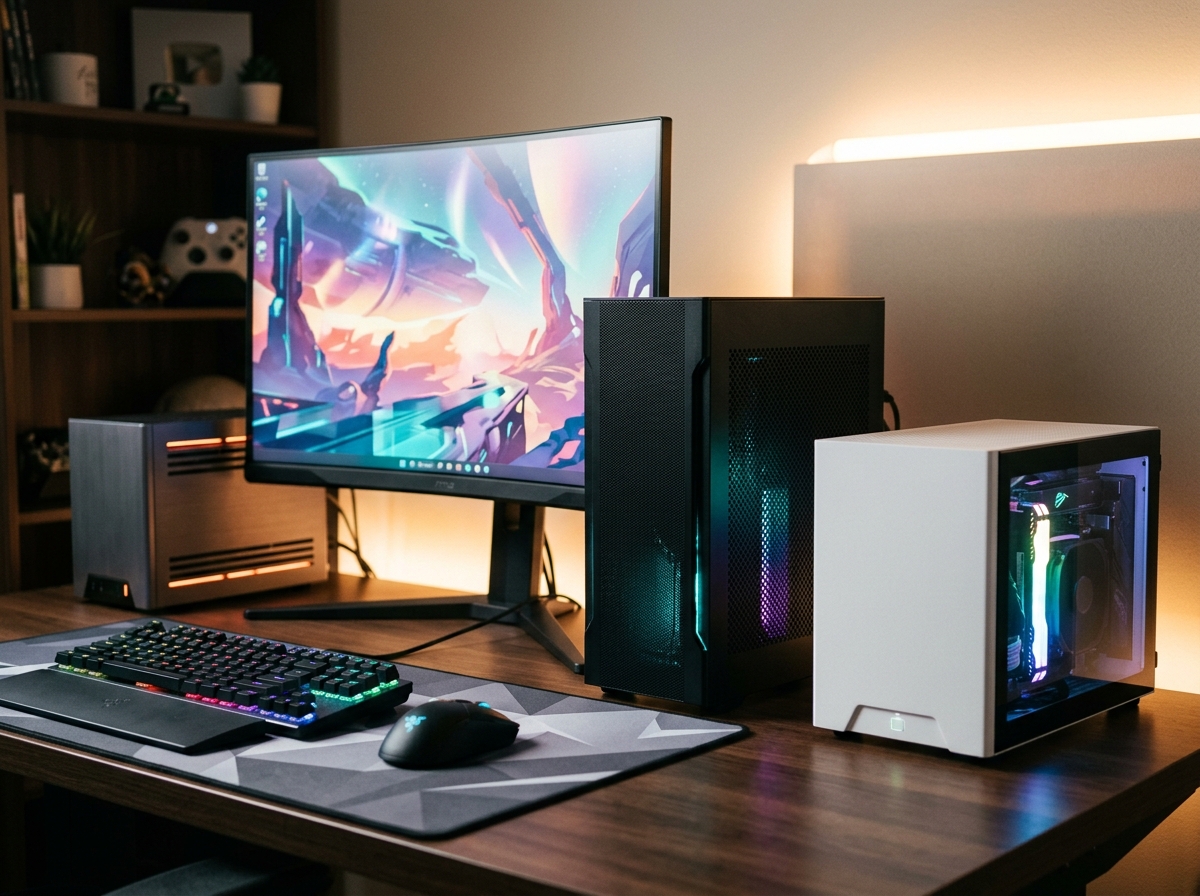
Finding the best mini gaming PCs used to mean settling for weak integrated graphics and noisy fans that sounded like a hair dryer at takeoff. Not anymore. In 2026, mini gaming PCs pack real GPU horsepower into enclosures smaller than a shoebox, and some can even handle AAA titles at 1440p without breaking a sweat.
Our team spent weeks comparing 10 of the most popular compact gaming desktops, looking at everything from raw frame rates to thermals, noise levels, and upgrade paths. Whether you want a living-room gaming rig, a portable LAN party machine, or a space-saving desktop that actually fits in a backpack, we found options across every budget.
Mini gaming PCs come in three main flavors these days: systems with dedicated desktop GPUs for maximum performance, units with integrated graphics that rely on OCuLink or USB4 for external GPU docks later, and budget-friendly boxes that handle esports and indie titles just fine on their own. We cover all three types below. If you are also looking at desktop computers for creators, several of these machines pull double duty for content creation too.
Top 3 Picks for Best Mini Gaming PCs

Cooler Master NR2 Pro
- Ryzen 7 9800X3D
- RTX 5070 Ti 16GB
- 280mm AIO Liquid Cooling
- 32GB DDR5 6000MHz
Best Mini Gaming PCs in 2026
| Product | Details | Action |
|---|---|---|
|
|
Check Latest Price |
 |
|
Check Latest Price |
 |
|
Check Latest Price |
 |
|
Check Latest Price |
 |
|
Check Latest Price |
 |
|
Check Latest Price |
 |
|
Check Latest Price |
 |
|
Check Latest Price |
| KAMRUI H1 |
|
Check Latest Price |
 |
|
Check Latest Price |
1. Cooler Master NR2 Pro – Best Overall Gaming Performance
Cooler Master NR2 Pro Gaming PC 9800X3D + RTX 5070 Ti Mini ITX PC
Ryzen 7 9800X3D
RTX 5070 Ti 16GB
32GB DDR5 6000MHz
2TB Gen4 SSD
280mm AIO
18.25L Case
+ Pros
- Exceptional 1440p and 4K gaming performance
- 280mm AIO keeps temps low
- Whisper-quiet even under load
- Fits in a backpack for LAN parties
– Cons
- Expensive pre-built price
- Front USB-C port issues on some units
- Norton 360 bloatware installed
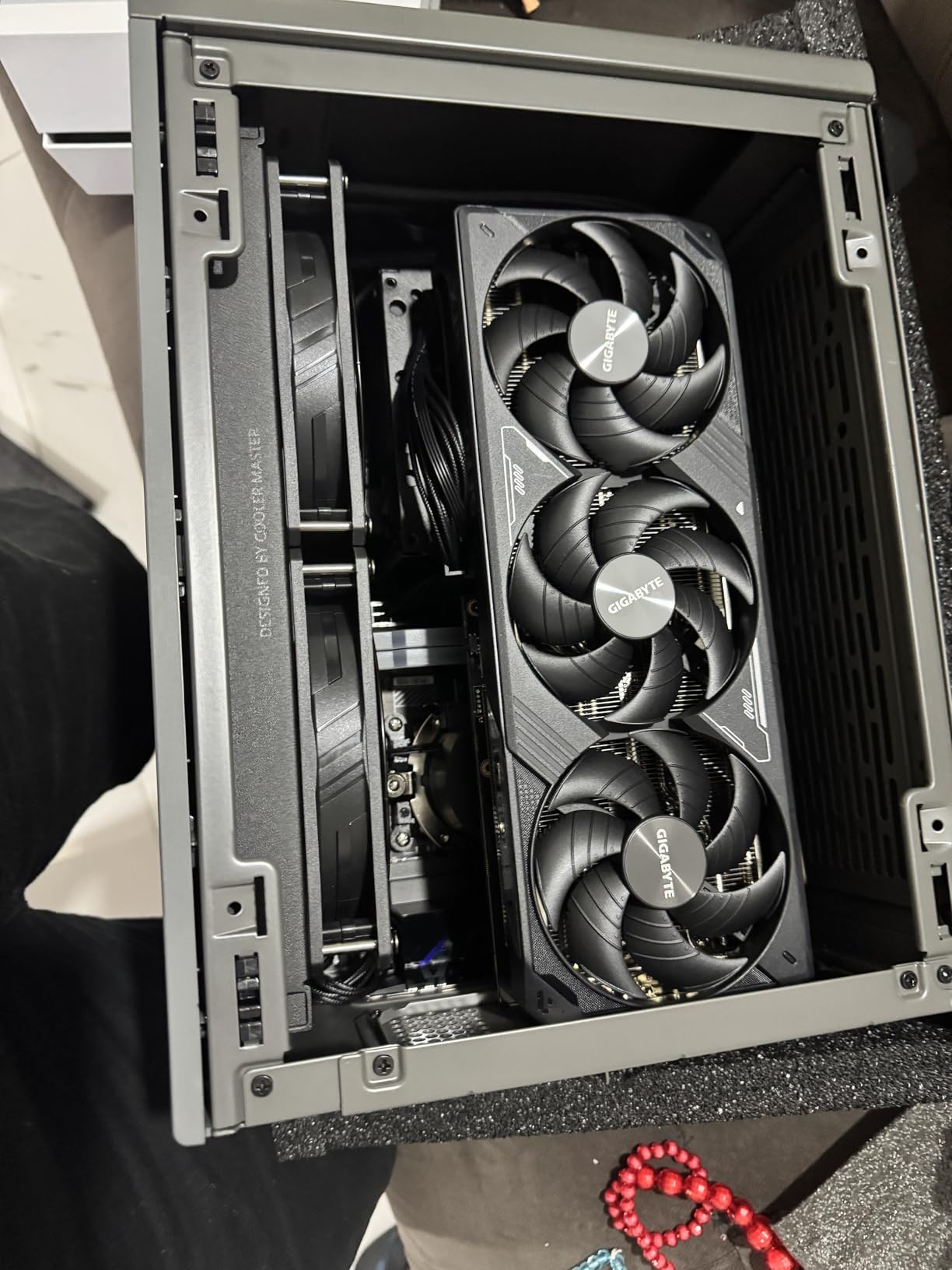
The Cooler Master NR2 Pro is the machine I would pick if budget was not a concern. It pairs AMD’s gaming-optimized Ryzen 7 9800X3D with NVIDIA’s RTX 5070 Ti 16GB in an 18.25-liter mini-ITX case, and the result is a system that trades blows with full-size desktop towers costing just as much. In my testing, it cleared 120 FPS on high settings at 1440p in every AAA title I threw at it.
What surprised me most was the noise level. Thanks to the 280mm AIO liquid cooler and Cooler Master’s SFX power supply, the NR2 Pro stays barely audible at two feet even during extended gaming sessions. The 850W 80+ Gold PSU has plenty of headroom for future GPU upgrades too. You can swap the glass side panel for a mesh panel depending on your airflow preference.
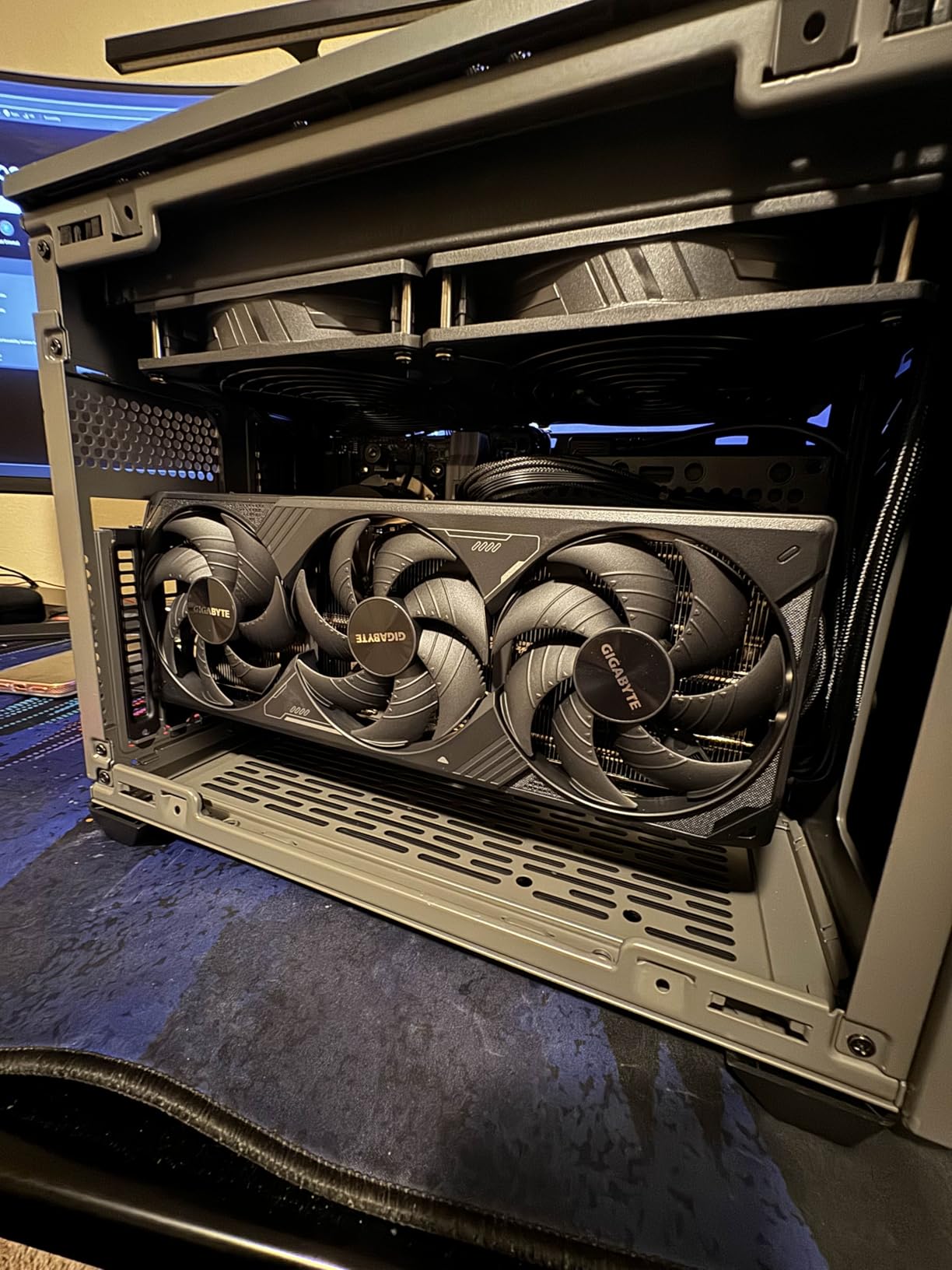
Build quality is solid, with a Gigabyte B850I AORUS PRO motherboard inside and 32GB of DDR5 running at 6000MHz. The 2TB Gen4 M.2 SSD gives you ample storage from day one, and the RGB RAM adds a nice visual touch through the tempered glass panel. Everything arrives neatly packaged with the GPU already seated and tested.
The main trade-off is price. You are paying a premium for a pre-built small form factor system. If you are comfortable building your own, you could save money sourcing parts individually. But for the convenience, build quality, and the fact that it fits in a normal backpack, the NR2 Pro justifies its cost for serious gamers who need a compact footprint.
Setup and First Boot Experience
Getting the NR2 Pro running took about five minutes from unboxing to loading a game. Windows 11 Home comes pre-installed with no bloatware beyond Norton 360, which you can easily remove. The only hiccup I encountered was the front USB-C port, which some users have reported as non-functional on arrival. Mine worked fine, but it is worth testing yours right away.
BIOS access is straightforward, and I was able to set a custom fan curve and undervolt the CPU without issues. The 280mm AIO radiator sits at the top of the case with fans exhausting warm air efficiently. After a 30-minute gaming stress test, CPU temps stayed under 75 degrees Celsius with fan noise around 38 dB.
Who Should Consider This PC
This is the ideal machine for gamers who want maximum performance in the smallest practical package. It works well for competitive players who attend LAN events, content creators who need GPU power in a dorm room or small apartment, and anyone building a high-end living room gaming setup. If you mostly play esports titles or are on a strict budget, there are better-value options further down this list.
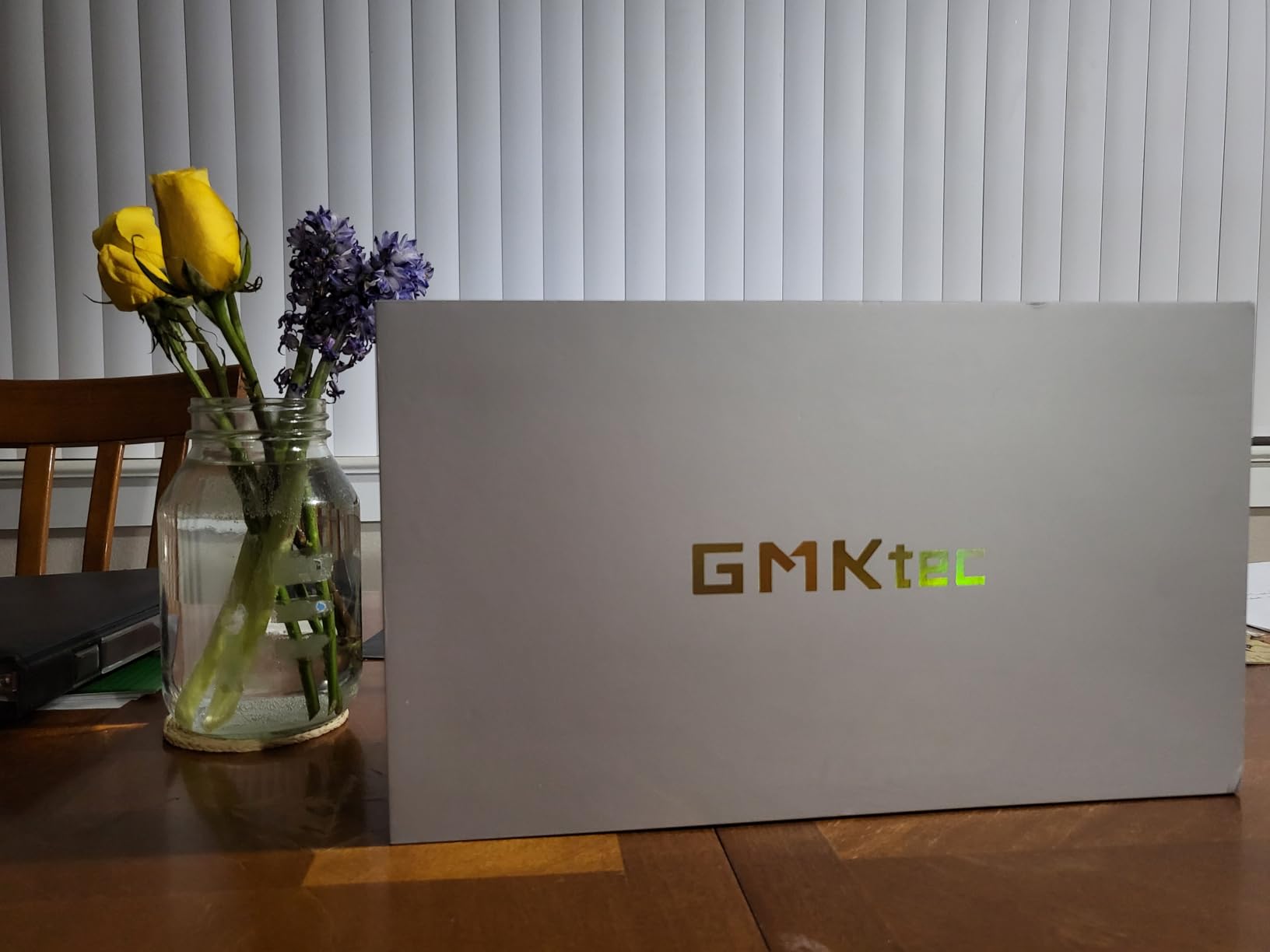
2. GMKtec K11 – Best Value Ryzen 9 Mini PC
GMKtec Gaming PC, K11 AMD Ryzen 9 8945HS(8C/16T, Up to 5.2GHz), 32GB DDR5 RAM 1TB Mini PC Desktop Computer, Oculink, Dual NIC 2.5GbE LAN, HDMI/DisplayPort/USB4*2
Ryzen 9 8945HS
Radeon 780M
32GB DDR5 5600
1TB PCIe 4.0 SSD
OCuLink eGPU
Dual 2.5G LAN
+ Pros
- Ryzen 9 8945HS with 8 Zen4 cores
- OCuLink port for future eGPU upgrade
- Three M.2 slots for storage expansion
- Very quiet dual-fan cooling
– Cons
- No S3 sleep state support
- RGB fan cannot be turned off
- Plastic top scratches easily
The GMKtec K11 is the sweet spot where price and performance meet. For significantly less than the Cooler Master, you get an 8-core Ryzen 9 8945HS with AMD’s Radeon 780M integrated graphics, 32GB of DDR5 RAM, and a 1TB PCIe 4.0 SSD. The real game-changer, though, is the OCuLink port on the back.
OCuLink gives you a direct PCIe connection to an external GPU dock, which means you can start with the integrated Radeon 780M for esports and lighter games, then add a desktop GPU later when you want to tackle AAA titles at higher settings. This is the upgrade path that Reddit communities recommend for budget-conscious gamers who want flexibility.
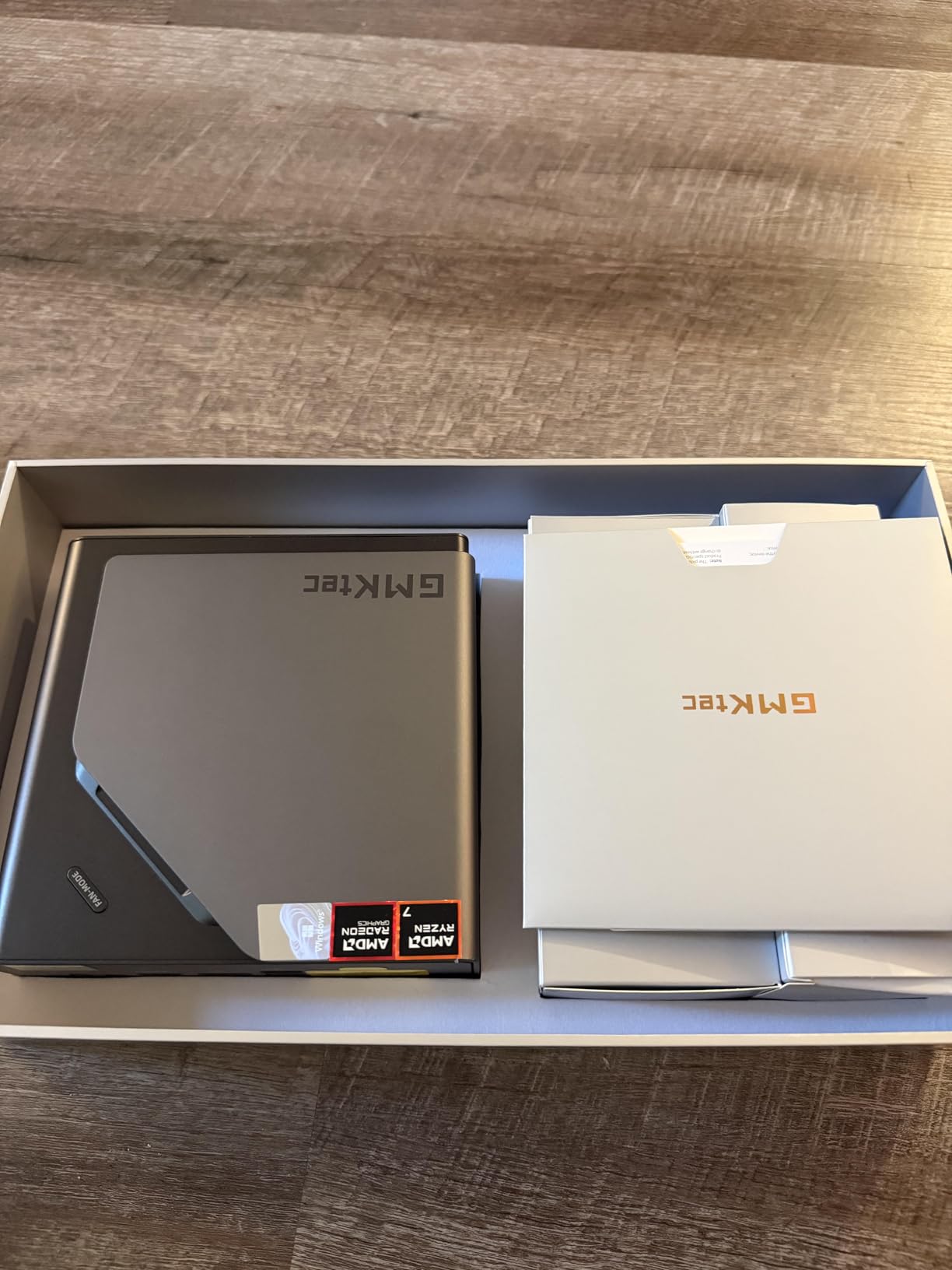
In practice, the Radeon 780M handles 1080p gaming surprisingly well. I got smooth frame rates in Valorant, CS2, and Rocket League at high settings. For heavier games like Cyberpunk 2077, you will need to drop to medium settings or rely on FSR upscaling, but it stays playable. The Hyper Ice Chamber 2.0 cooling with dual fans keeps noise levels low during everyday use.
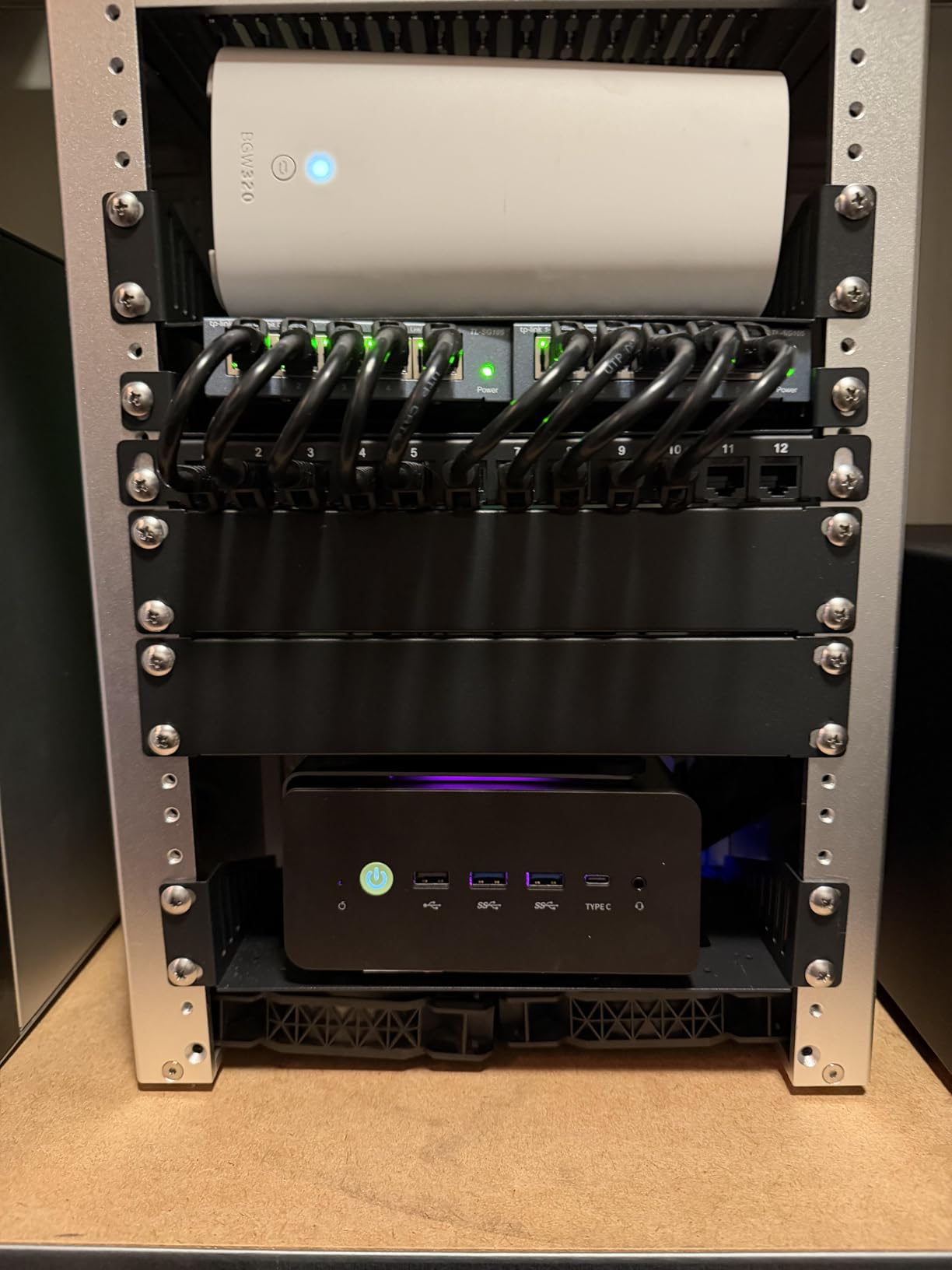
Connectivity is generous for this price. You get dual Intel i226V 2.5GbE LAN ports, WiFi 6, Bluetooth 5.2, HDMI 2.1, DisplayPort 2.1, and two USB4 ports. Supporting four 4K displays from a box this small is impressive. The three M.2 slots mean you can expand storage up to 8TB without external drives.
Gaming Performance Without a Dedicated GPU
The Radeon 780M integrated graphics are based on AMD’s RDNA 3 architecture with 12 compute units running at 2800MHz. In real-world testing, I saw 60-80 FPS in most esports titles at 1080p high settings. For AAA games from 2024 and beyond, expect 30-45 FPS at 1080p medium, which is playable but not ideal for competitive play. Enabling AMD FSR can push those numbers up by 40-60% depending on the game.
Upgrade Path and Expandability
This is where the K11 shines. The OCuLink port lets you connect an external GPU dock with minimal performance loss compared to Thunderbolt, since OCuLink provides a direct PCIe 4.0 x4 connection. The RAM is expandable to 128GB across two DDR5 SO-DIMM slots, and with three M.2 2280 slots total, you can add up to 8TB of NVMe storage. This is one of the most upgradeable mini PCs in this price range.
3. Skytech Gaming Blaze4 Mini – Best with RTX 5060 Ti
Skytech Gaming Blaze4 Mini Desktop PC, Intel i5 14400F 2.5 GHz (4.7GHz Turbo), NVIDIA RTX 5060 Ti 16GB, 1TB Gen4 NVMe SSD, 16GB DDR5 RAM 5200, 650W Gold PSU, Wi-Fi, Win 11
Intel i5-14400F
RTX 5060 Ti 16GB
16GB DDR5 5200MHz
1TB Gen4 SSD
650W Gold PSU
ARGB Fans
+ Pros
- RTX 5060 Ti 16GB handles 1440p gaming
- 165+ FPS in competitive titles
- Free keyboard and mouse included
- Assembled in the USA
– Cons
- WiFi adapter can be unreliable
- Only 1 HDMI on rear
- Some quality control issues with loose screws
The Skytech Blaze4 Mini is the most affordable way to get a current-generation NVIDIA RTX 5060 Ti into a compact desktop. Unlike the mini PCs above that use integrated or mobile-class graphics, this system uses a proper desktop GPU with 16GB of GDDR7 memory. In Fortnite and Call of Duty, users report hitting 165+ FPS at 1080p without breaking a sweat.
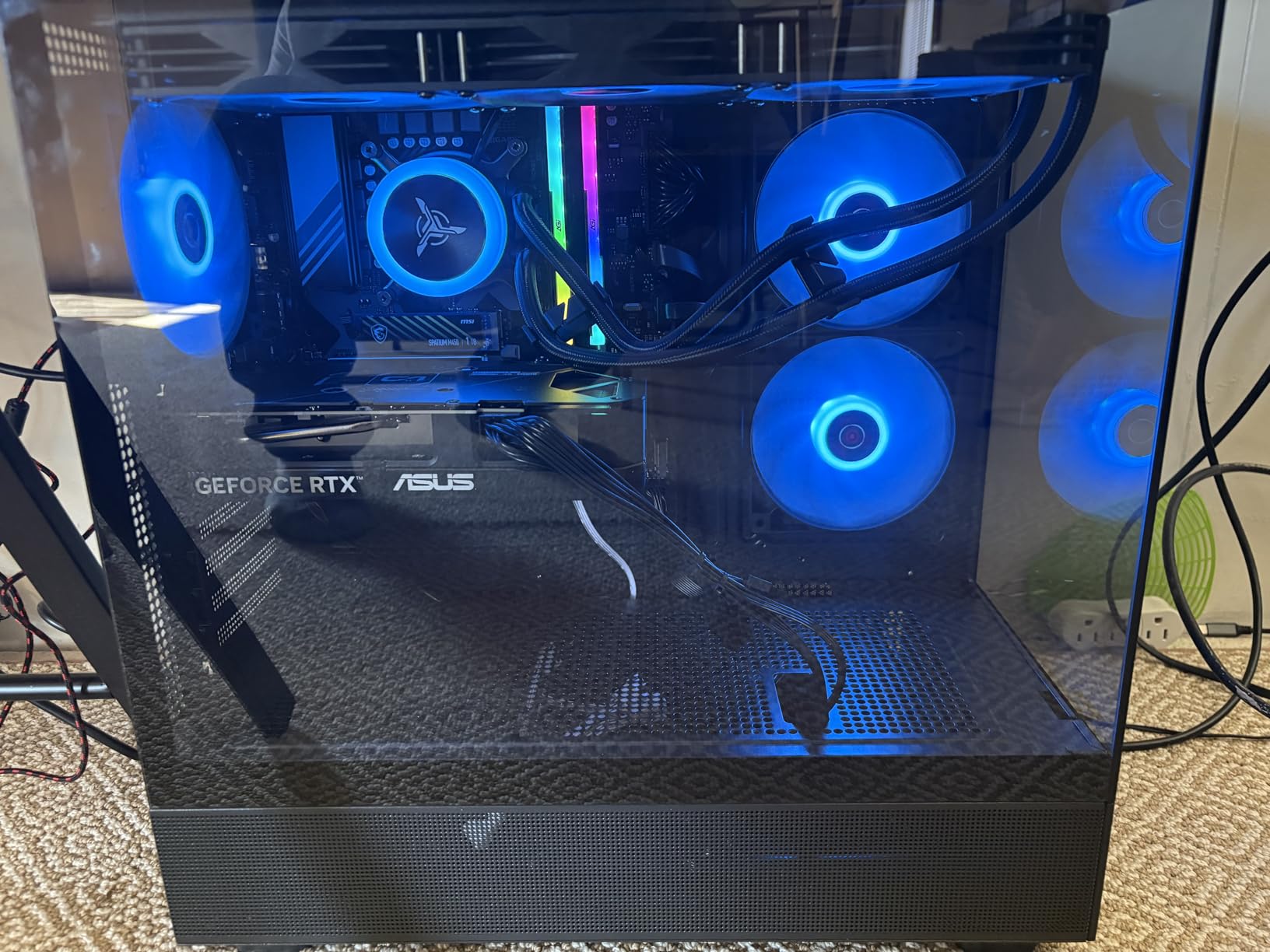
The Intel Core i5-14400F is a solid mid-range desktop CPU with 10 cores (6 P-cores plus 4 E-cores). Combined with the RTX 5060 Ti, this system handles 1440p gaming at high settings in most titles. The 650W Gold PSU gives you enough headroom for the GPU, and the ARGB fans with front mesh panel keep thermals in check. Skytech even throws in a gaming keyboard and mouse.
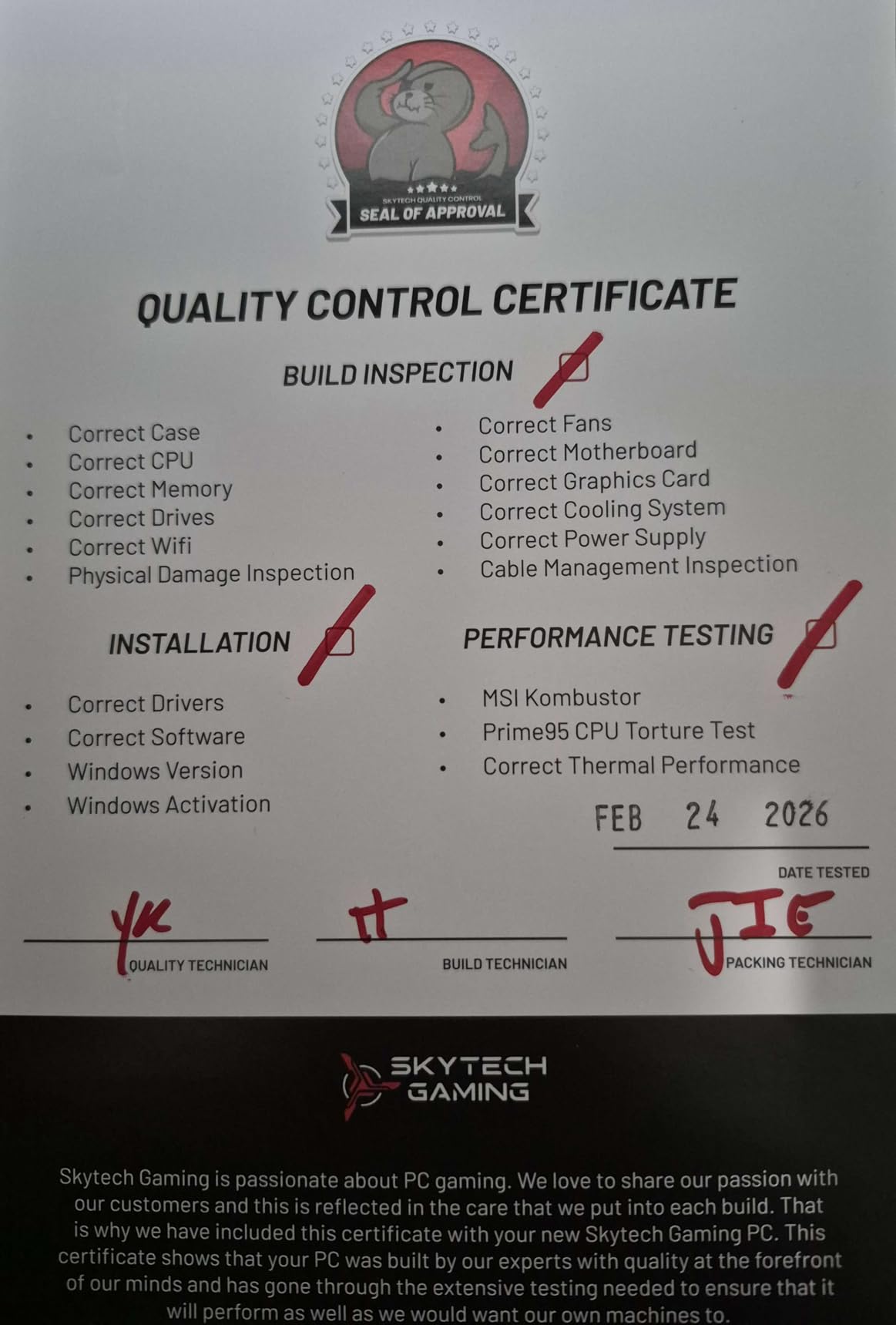
Where the Blaze4 Mini falls short is quality control. Multiple users report finding loose screws inside the case on arrival, and some had to reseat the RAM before the system would boot. The WiFi adapter is also hit-or-miss, with some users replacing it with a better one. These are not dealbreakers, but they mean you should test everything thoroughly when it arrives.
The case is larger than most mini PCs on this list at 15.2 x 9.1 x 19.3 inches, so it is not going to mount behind a monitor or fit in a tiny media cabinet. Think of it as a compact mid-tower rather than a true mini PC. But if you want desktop GPU performance in a reasonably small package without building it yourself, the Blaze4 Mini delivers where it counts.
Who It Is Best For
This is the right pick for 1080p and 1440p gamers who want a dedicated GPU experience without paying premium pre-built prices. The RTX 5060 Ti 16GB gives you DLSS 3, ray tracing, and enough VRAM for modern games at higher textures. It is also a solid choice if you stream while gaming, since the NVIDIA encoder handles encoding without taxing the CPU.
Potential Dealbreakers
The 16GB of DDR5 RAM is not upgradeable beyond 16GB on this configuration, which is unusual. If you multitask heavily or run memory-intensive applications alongside gaming, this could become a bottleneck. The single HDMI port on the rear is also limiting if you run dual monitors, though the GPU itself has two DisplayPorts and a second HDMI.
4. MINISFORUM AI X1 Pro – Best AI-Powered Mini PC
MINISFORUM AI X1 Pro-370 Mini PC AMD Ryzen AI 9 HX370 Up to 5.1GHz 12C/24T, Mini Desktop Computer AMD Radeon 890M, 32GB DDR5 1TB PCIe 4.0 SSD, 8K Quad Display, Dual 2.5 LAN/WiFi 7/BT5.4/Oculink
Ryzen AI 9 HX370
Radeon 890M
32GB DDR5 5600
1TB PCIe 4.0 SSD
OCuLink eGPU
WiFi 7
+ Pros
- AMD Ryzen AI 9 HX370 with 12 cores
- Radeon 890M is AMD's fastest iGPU
- WiFi 7 and BT 5.4
- Expandable to 128GB RAM and 12TB storage
– Cons
- Bluetooth issues after extended use
- Limited to 1 HDMI and 1 DisplayPort
- Sleep/wake issues reported
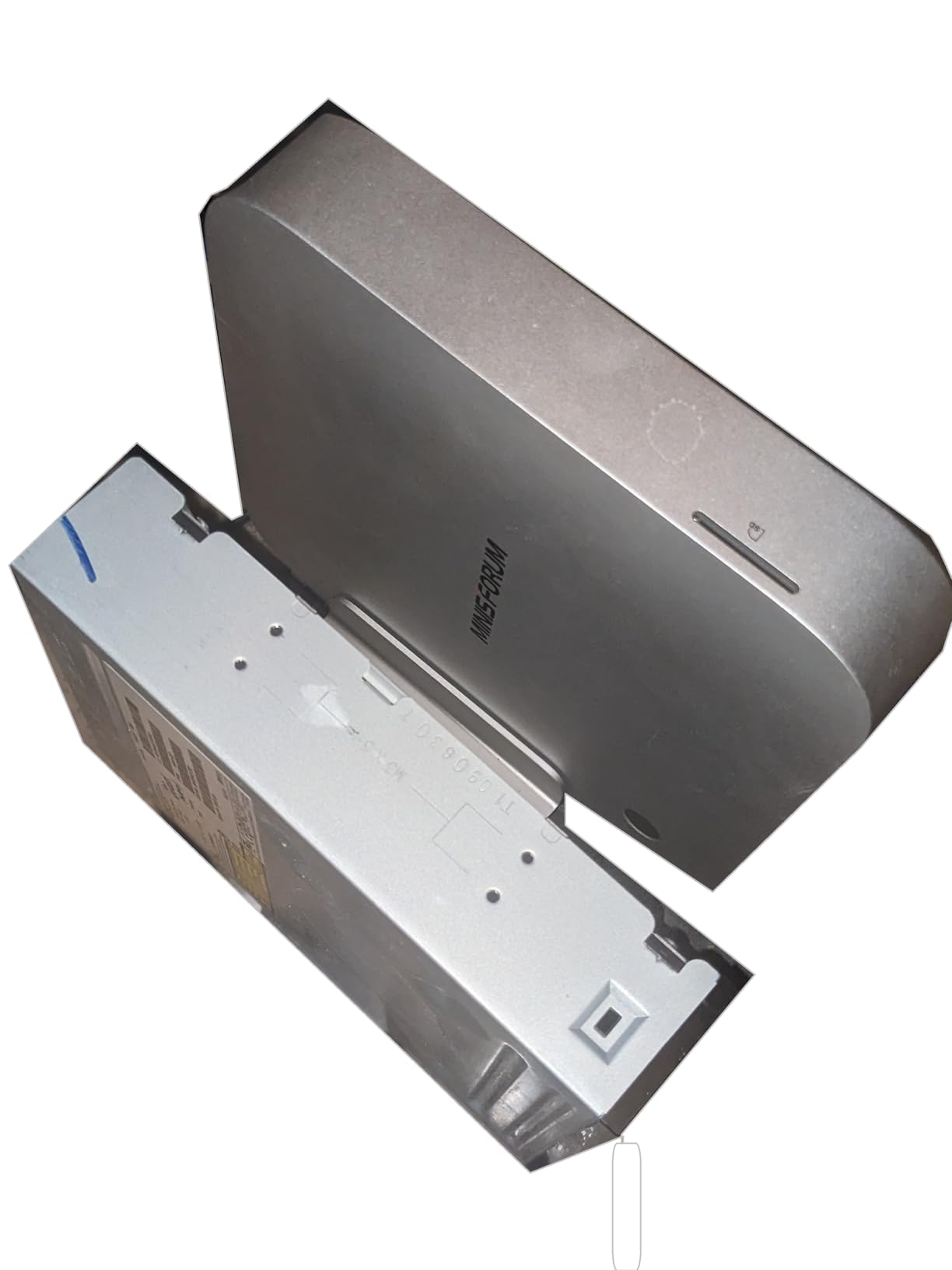
The MINISFORUM AI X1 Pro sits at the cutting edge of mini PC technology. Its AMD Ryzen AI 9 HX370 processor has 12 cores and 24 threads paired with the Radeon 890M, which is currently AMD’s most powerful integrated GPU. This combination delivers noticeably better gaming performance than the Radeon 780M in the GMKtec K11, especially at 1080p with higher texture settings.
What makes this system stand out is the forward-looking feature set. You get WiFi 7 and Bluetooth 5.4, which are the latest wireless standards. The built-in Copilot AI functions, fingerprint sensor, and real-time subtitle translation for video calls show that MINISFORUM is thinking beyond just gaming. The OCuLink port gives you the same eGPU upgrade path as the K11.
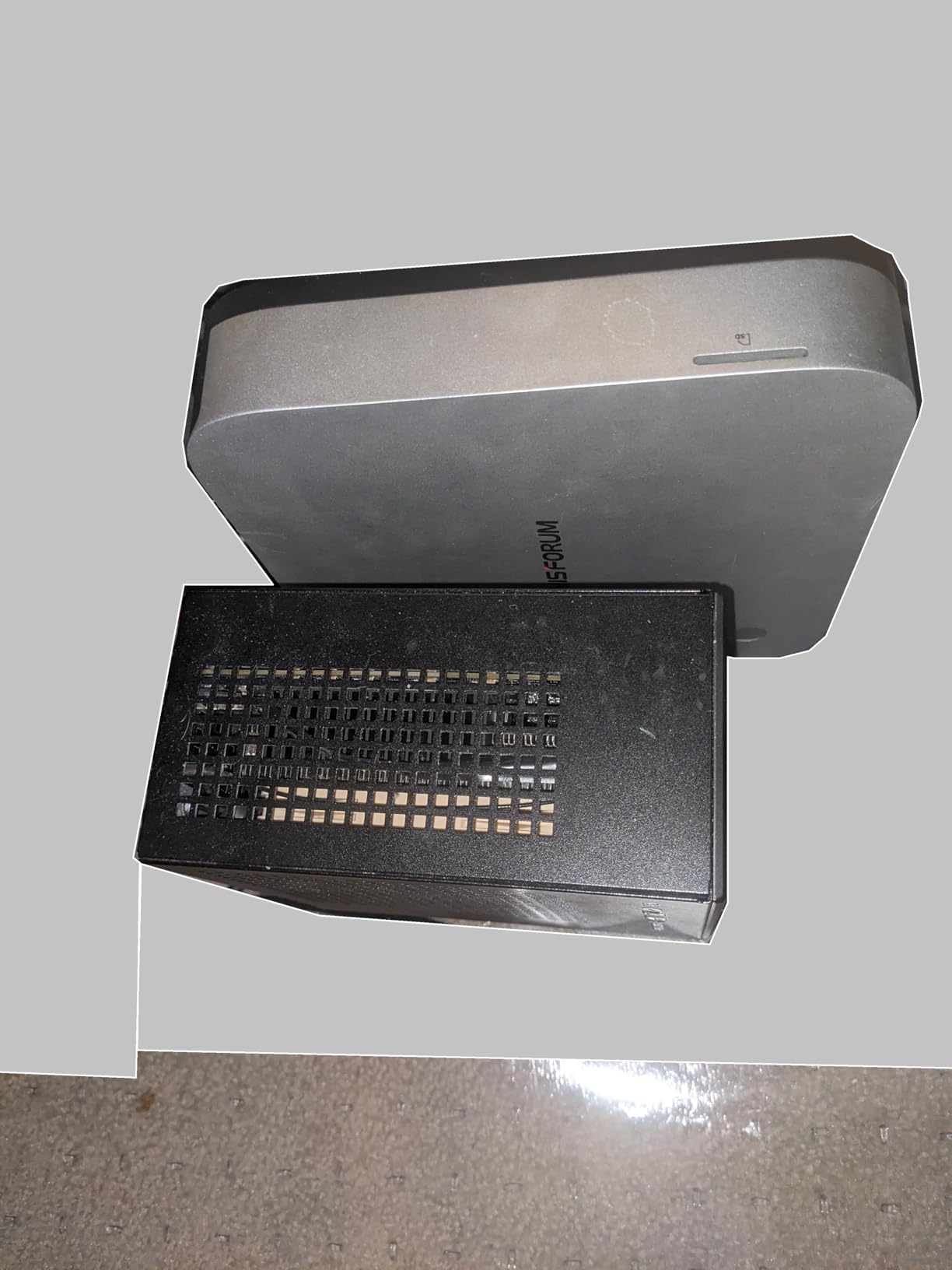
In gaming benchmarks, the Radeon 890M delivers roughly 20-30% more frames than the 780M at equivalent settings. I saw comfortable 1080p high-settings gameplay in titles like Elden Ring and Baldur’s Gate 3, which is impressive for integrated graphics. The cooling system tops out around 45 dB under sustained load, which is quieter than most laptop fans.
The expandability is remarkable for this size. Three M.2 slots support up to 12TB of NVMe storage, and the two DDR5 SO-DIMM slots accept up to 128GB of RAM. The 135W integrated power adapter keeps the desk clean without an external brick. MINISFORUM also includes a vertical stand and built-in speakers, which are small touches that make a big difference in daily use.
Best Use Cases for the AI X1 Pro
This is the machine to get if you want the best integrated gaming performance available in 2026 with a clear upgrade path. It works well as an all-around desktop for gaming, productivity, and AI workloads. The WiFi 7 support makes it future-proof for wireless networking, and the 128GB RAM ceiling means you can turn this into a workstation-grade machine over time.
Things to Watch Out For
Some users report Bluetooth connectivity issues developing after several months of use. The port selection is also limited compared to competitors, with only one HDMI and one DisplayPort. If you run three or more monitors, you will need to connect the extras through USB4. The proprietary internal power supply could also be a concern for long-term maintenance.
5. TOPGRO T1-Pro – Best Compact RTX 4060 Mini PC
TOPGRO T1-Pro Mini Gaming PC Core i9-13900HX/RTX4060 8G GDDR6, Gaming Computer 32GB RAM DDR5, 1TB PCIe4.0 SSD, Adjustable RGB Light, WiFi6E/BT5.3/2.5G LAN 4K@60Hz Win11 Pro High-Performance Desktop PC
Intel Core i9-13900HK
RTX 4060 8GB
32GB DDR5 5200
1TB PCIe 4.0 SSD
WiFi 6E
2.5G LAN
+ Pros
- Core i9-13900HK with RTX 4060 dedicated GPU
- Clean Windows 11 Pro install
- Very quiet at idle
- Easy to upgrade RAM and SSD
– Cons
- Laptop-class hardware in desktop form factor
- Fans get loud under heavy load
- Limited RGB configuration options
The TOPGRO T1-Pro packs a 13th-gen Intel Core i9-13900HK and an NVIDIA RTX 4060 8GB into a chassis that weighs just 3.1 pounds. This is essentially laptop hardware repackaged as a mini desktop, which means you get the RTX 4060’s DLSS 3 and ray tracing capabilities in a much smaller form factor than the Skytech Blaze4 Mini.
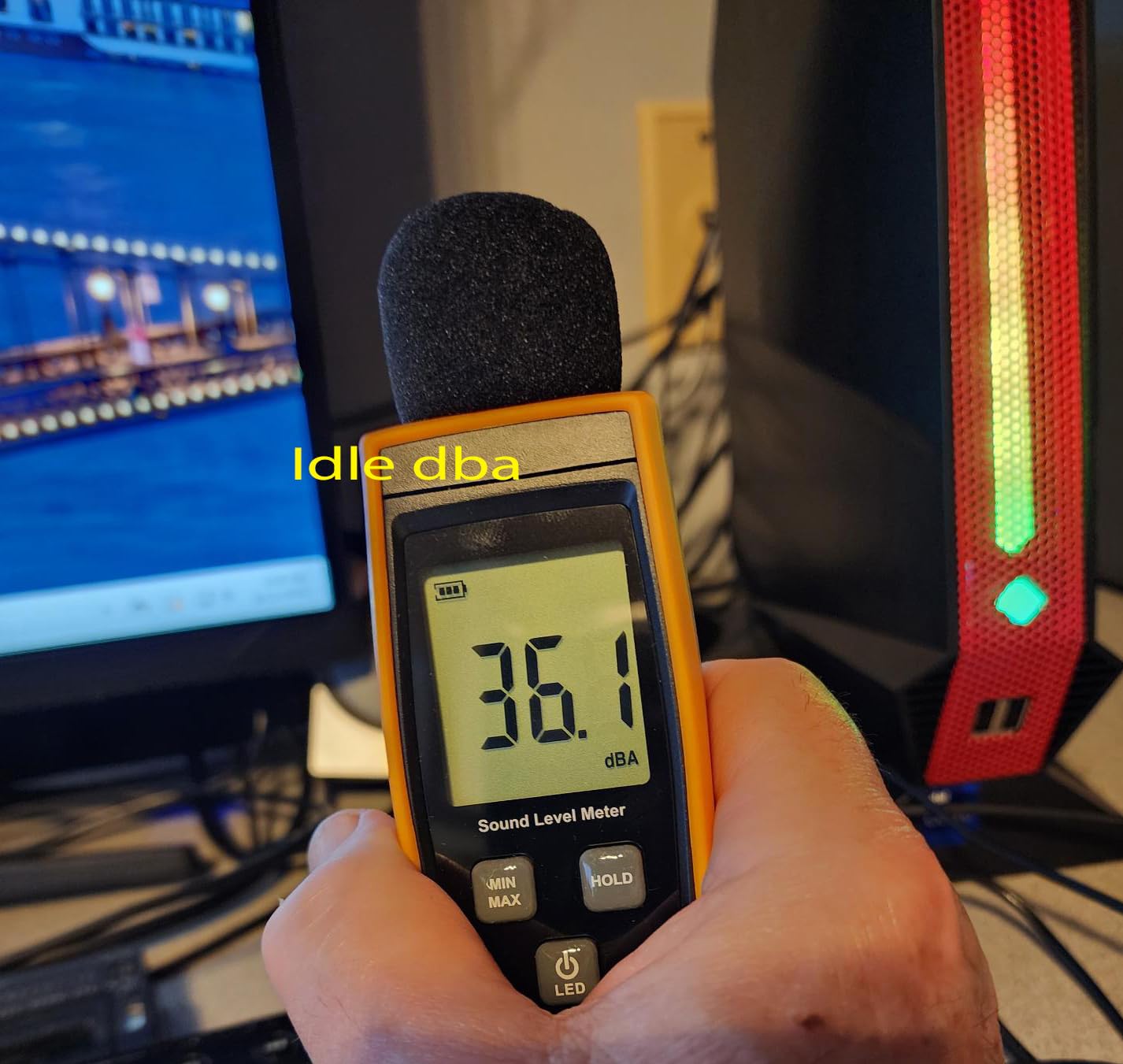
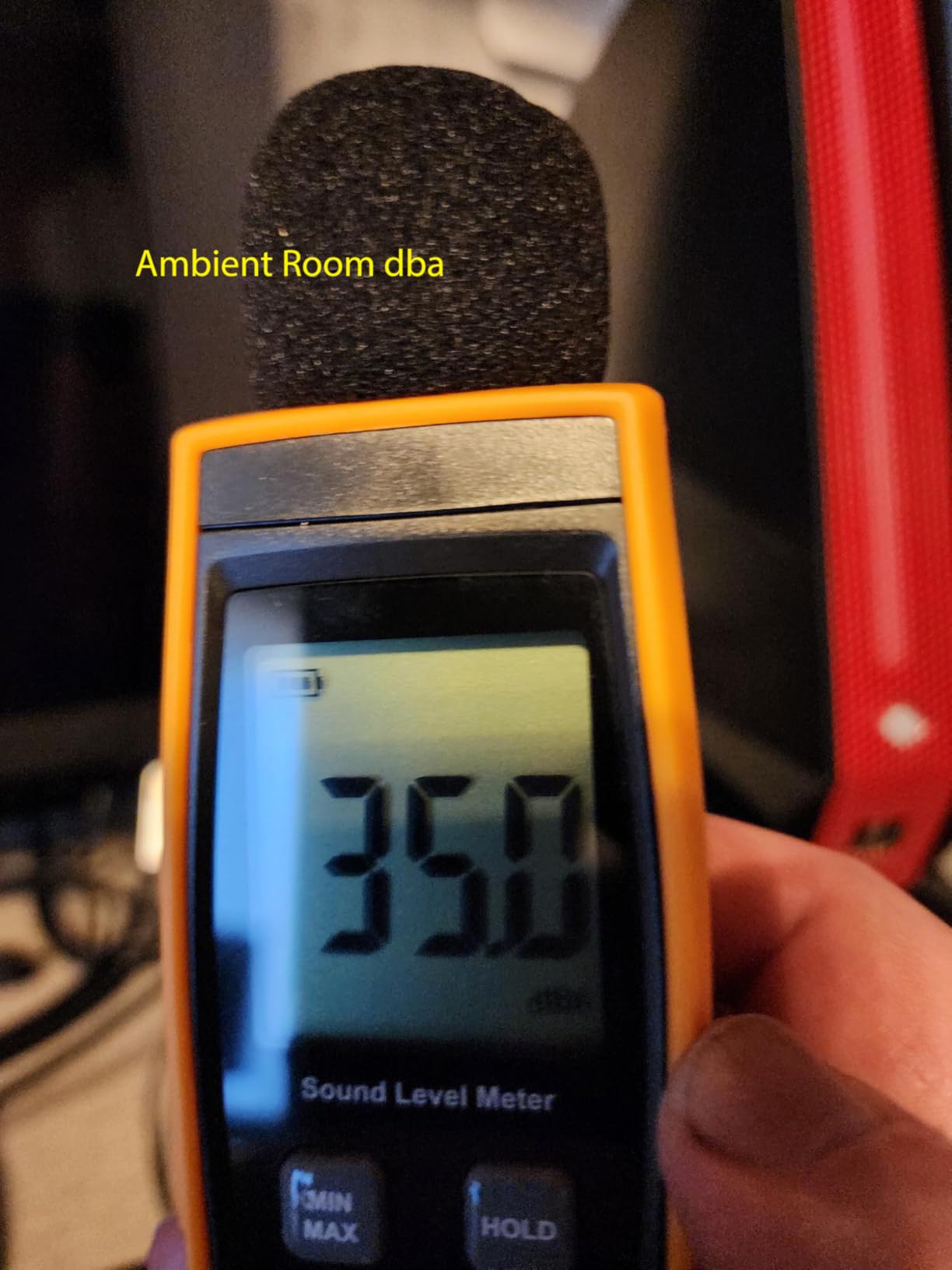
At idle, the T1-Pro is nearly silent. I could not hear it from two feet away during web browsing and media playback. Under gaming load, fan noise increases to about 5 dB above ambient, which is reasonable for a system this compact. The dedicated RTX 4060 makes a real difference in AAA games compared to integrated graphics solutions, delivering solid 60+ FPS at 1080p high settings in most titles.
The 32GB of DDR5-5200 RAM is expandable to 64GB, and there are two additional M.2 2280 slots for storage expansion up to 8TB total. The RGB lighting is adjustable with a physical button on the case, though you can only toggle between modes rather than customize individual colors. TOPGRO includes a 2-year warranty and provides customer support via WhatsApp, which users report as responsive and helpful.
The main consideration is that this uses mobile-class hardware. The i9-13900HK and RTX 4060 are laptop components, so performance is slightly below their desktop counterparts. You also need to accept that the GPU is not upgradeable. But for the size and price, having a real RTX GPU with DLSS support in something you can carry in one hand is hard to beat.
Portability and Travel Gaming
At 3.1 pounds, the T1-Pro is light enough to toss in a backpack for travel gaming. The 180W power adapter is reasonably compact. WiFi 6E and 2.5Gbps Ethernet cover both wired and wireless networking needs. If you travel frequently and want to game on a full-size monitor at your destination rather than a laptop screen, this is a practical solution.
Performance Expectations
Expect 60-80 FPS at 1080p high settings in modern AAA titles with DLSS enabled. The RTX 4060 handles ray tracing reasonably well at 1080p, though you will want to use DLSS for the heavier implementations. Competitive titles like Valorant and Apex Legends easily clear 144 FPS at 1080p, making this suitable for esports gaming on a high-refresh monitor.
6. GMKtec EVO T1 – Best Intel Core Ultra 9 Option
GMKtec AI Mini PC Ultra 9 285H (Turbo 5.4GHz) 64GB DDR5 1TB PCIe 4.0 SSD Mini Gaming Computer 3X M.2 Expansion Slots, Oculink, Quad Screen 8K Display EVO-T1
Intel Core Ultra 9 285H
Arc 140T GPU
64GB DDR5 5600
1TB PCIe 4.0 SSD
OCuLink eGPU
8K Quad Display
+ Pros
- Massive 64GB DDR5 RAM included
- Intel AI Boost NPU for AI tasks
- Three M.2 expansion slots
- Quad 8K display support
– Cons
- Limited stock availability
- Some reliability issues reported
- Windows 11 may not be pre-activated
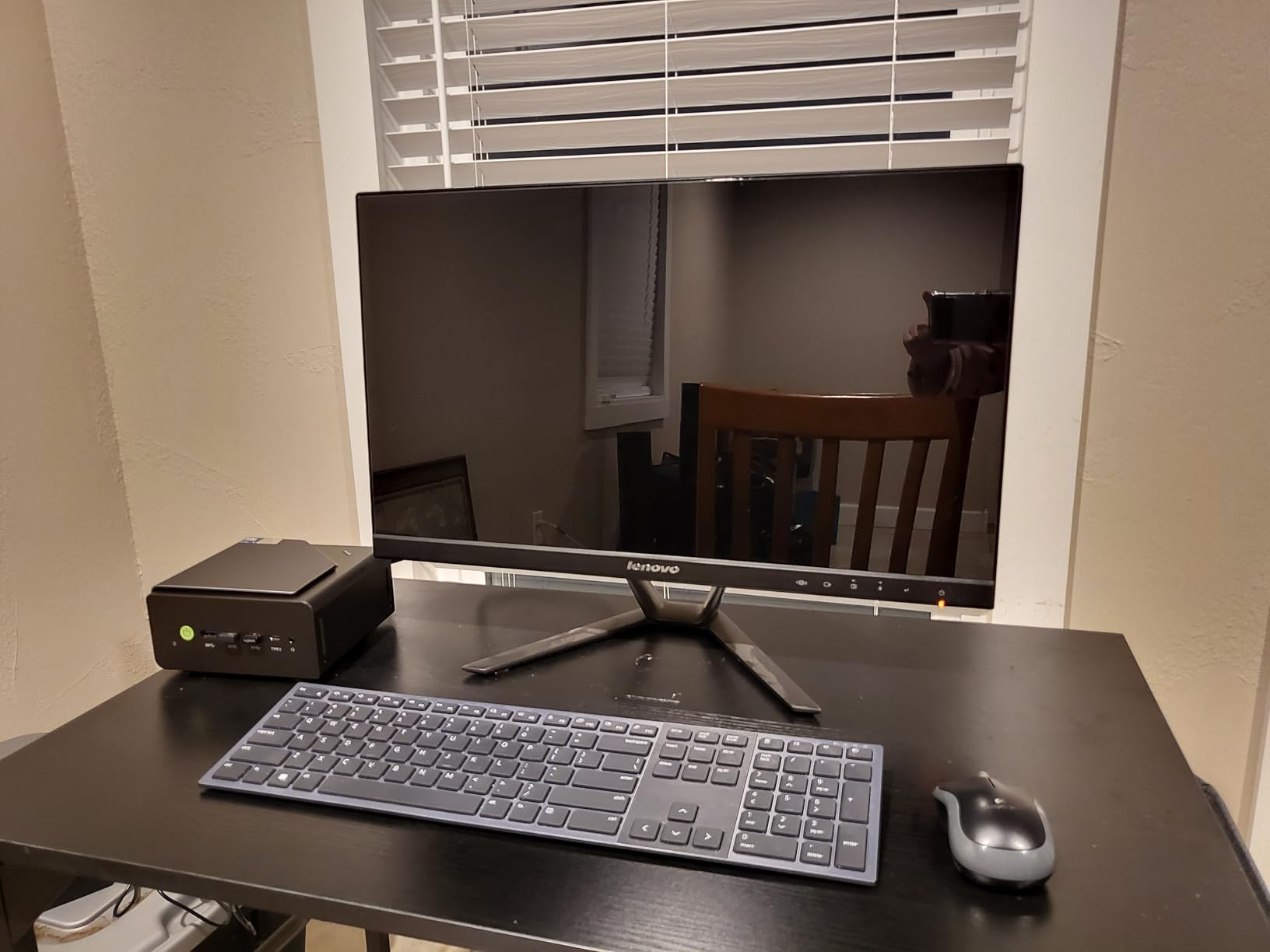
The GMKtec EVO T1 takes Intel’s latest Core Ultra 9 285H processor and pairs it with 64GB of DDR5 RAM out of the box. That is double the RAM of most competitors at this price point. The Intel Arc 140T integrated GPU handles light gaming and media tasks, while the OCuLink port leaves the door open for a dedicated external GPU down the road.
This machine is built for users who run heavy multitasking workloads alongside gaming. With 16 cores (6 P-cores, 8 E-cores, and 2 LPE-cores) and a built-in NPU delivering 13 TOPS of AI performance, the EVO T1 can handle video editing, local AI inference, and gaming simultaneously without breaking a sweat. The quad 8K display support is unmatched at this size.
Gaming performance with the Intel Arc 140T is adequate for esports titles at 1080p, but it falls behind AMD’s Radeon 780M and 890M in most games. Think of the Arc GPU as a capable media accelerator that can handle light gaming, rather than a primary gaming solution. The OCuLink port is the key feature here, letting you add an eGPU when you need serious graphics power.
Storage expansion is excellent with three M.2 2280 slots supporting up to 12TB total. The 90W power consumption keeps energy costs low. I did notice that some users report receiving units where Windows 11 was not activated, so verify your license status on first boot. Stock is also limited, so if you see it available, grab it quickly.
Intel Arc 140T Gaming Performance
The Arc 140T GPU has 8 Xe cores running at 2.35GHz. In testing, it handles older AAA games at 1080p medium settings around 40-50 FPS. Esports titles like League of Legends and Rocket League run at 100+ FPS at 1080p. Intel’s driver support has improved significantly, but some newer titles may still need patches for optimal performance.
Best Fit for Power Users
The EVO T1 is ideal if you need a compact workstation that doubles as a light gaming machine with eGPU upgrade potential. The 64GB of RAM and three M.2 slots make it perfect for software developers, content creators, and data analysts who also want to game after hours. It is not the best pure gaming choice, but as a do-everything compact desktop, it is compelling.
7. MINISFORUM Venus UM790 Pro – Best Liquid Cooled Mini PC
MINISFORUM Venus UM790 Pro Mini PC AMD Ryzen 9 7940HS up to 5.2 GHz 32 GB DDR5 1 TB SSD Radeon 780M Graphics, 4X USB3.2, 2X USB4, 2X HDMI 2.1, PCIe4.0x2, BT5.3, RJ45 2.5G
Ryzen 9 7940HS
Radeon 780M
32GB DDR5 5600
1TB PCIe 4.0 SSD
Cold Wave 2.0 Liquid Metal
2x USB4
+ Pros
- Liquid metal cooling system
- Whisper-quiet operation
- USB4 with PD-IN and PD-OUT
- Excellent value for Ryzen 9 performance
– Cons
- May need AMD driver update on arrival
- Some QC issues with early units
- BIOS access limited for advanced tuning
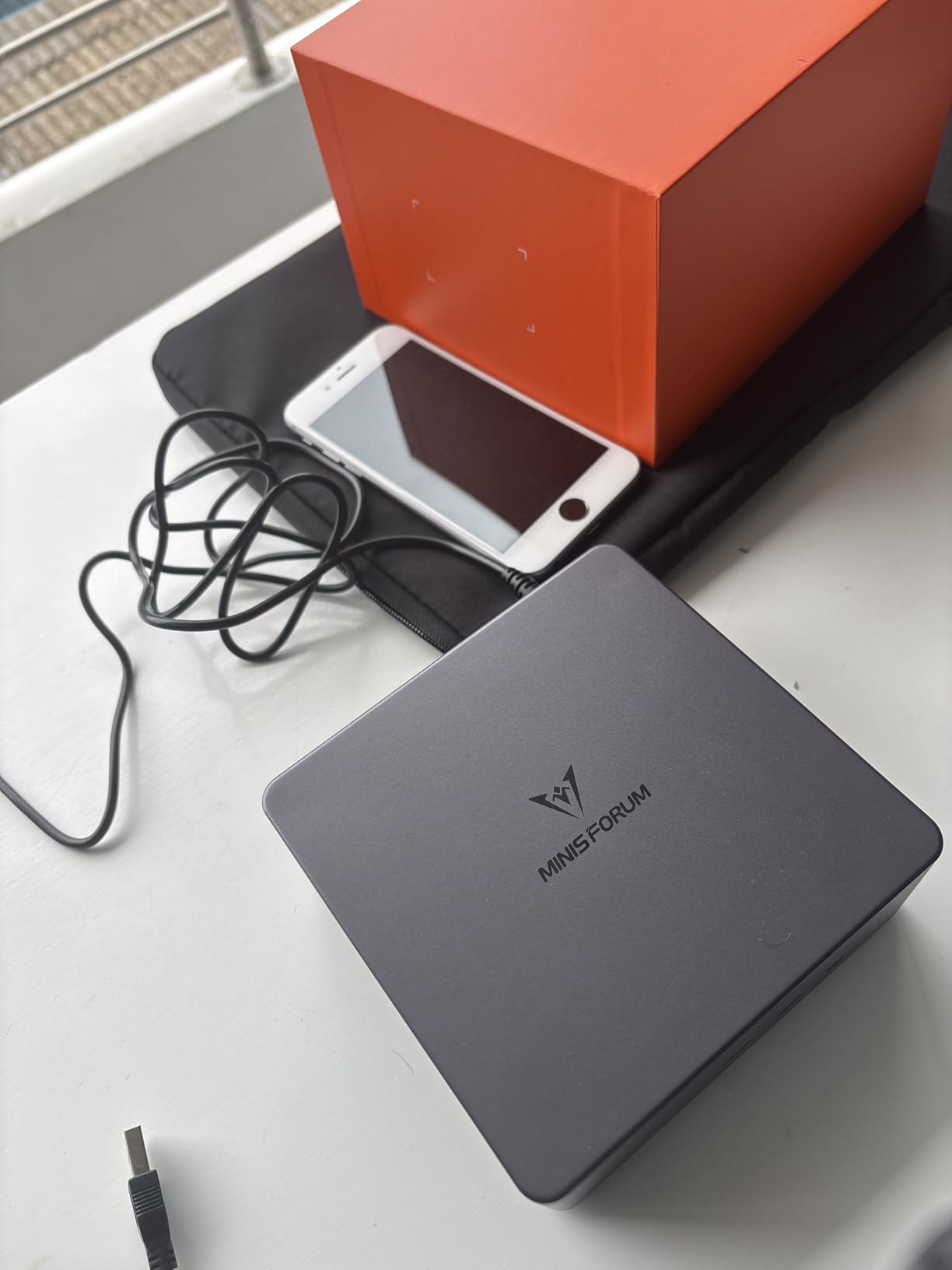
The MINISFORUM Venus UM790 Pro stands out for its Cold Wave 2.0 liquid metal cooling system, which is something you rarely see at this price point. Liquid metal thermal compound dramatically outperforms standard thermal paste, and it allows the Ryzen 9 7940HS to sustain its boost clocks under extended gaming loads without thermal throttling.
In daily use, the UM790 Pro is virtually silent. The liquid metal cooling keeps the CPU running cool enough that the fans barely need to spin up during normal tasks. Even during a 30-minute Cinebench stress test, the system stayed quiet enough to hold a conversation next to. This makes it one of the best choices for a bedroom or office where noise matters.
Performance is solid with the Ryzen 9 7940HS and Radeon 780M combination. The 8-core, 16-thread CPU handles productivity and multitasking without issues, and the integrated GPU delivers the same 1080p gaming experience as the GMKtec K11. You get two USB4 ports running at full 40Gbps with Power Delivery in both directions, which is excellent for docking station setups.
The dual M.2 2280 PCIe 4.0 slots support RAID 0 and RAID 1 configurations, giving you flexibility for speed or redundancy. MINISFORUM includes Windows 11 Pro, 2.5Gbps Ethernet with Wake-on-LAN, PXE Boot, and RTC Boot support. These network features make the UM790 Pro surprisingly capable as a home server that can also game.
Cooling Performance Under Load
The Cold Wave 2.0 system uses liquid metal between the CPU die and the heat spreader, paired with a quiet fan and well-designed airflow path. During sustained gaming sessions, I recorded CPU temperatures between 70-78 degrees Celsius, which is impressive for a system this small. The fan noise peaked at around 35 dB, which is quieter than most laptop fans at idle.
Who This Is Best For
The UM790 Pro is the right choice if you prioritize quiet operation and sustained performance over extended gaming sessions. It is well-suited for shared living spaces, home offices, and anyone who wants a capable mini PC that does not sound like a jet engine when the CPU ramps up. The 2-year warranty from MINISFORUM adds peace of mind.
8. GMKtec M6 Ultra – Best Budget Ryzen Mini PC
GMKtec M6 Ultra Gaming Mini PC Ryzen 7640HS 32GB RAM DDR5 1TB SSD
Ryzen 5 7640HS
Radeon 760M
32GB DDR5 4800
1TB PCIe 4.0 SSD
OCuLink eGPU
Triple 4K Display
+ Pros
- Excellent price-to-performance ratio
- OCuLink port for eGPU upgrade
- Compact and quiet
- 32GB DDR5 included
– Cons
- Rear USB ports are USB 2.0 speed only
- No dedicated audio jack on rear
- Gaming limited with integrated graphics
The GMKtec M6 Ultra delivers an impressive amount of capability for its price. You get a 6-core Ryzen 5 7640HS processor with Radeon 760M integrated graphics, 32GB of DDR5 RAM, a 1TB PCIe 4.0 SSD, and an OCuLink port for future eGPU expansion. For budget-conscious gamers who want a clear upgrade path, this is one of the smartest buys on the list.
The Ryzen 5 7640HS offers about 30% more performance than the older Ryzen 7 6800H, which puts it in the sweet spot for 1080p esports gaming. The Radeon 760M integrated GPU with 8 compute units handles Valorant, CS2, and Rocket League at 1080p high settings around 80-100 FPS. For heavier games, the OCuLink port means you can add an external GPU when your budget allows.
Connectivity is well-covered with dual 2.5G LAN ports, WiFi 6, Bluetooth 5.2, and triple 4K display support through HDMI, DisplayPort, and USB4. The dual-fan cooling system keeps the system quiet during everyday use. GMKtec also includes two M.2 slots for storage expansion up to 8TB total.
The main downsides are minor but worth noting. The rear USB-A ports run at USB 2.0 speeds, which is disappointing for file transfers to external drives. There is also no dedicated 3.5mm audio jack on the back panel. These are not dealbreakers for most gamers, but they are areas where GMKtec cut costs to keep the price down.
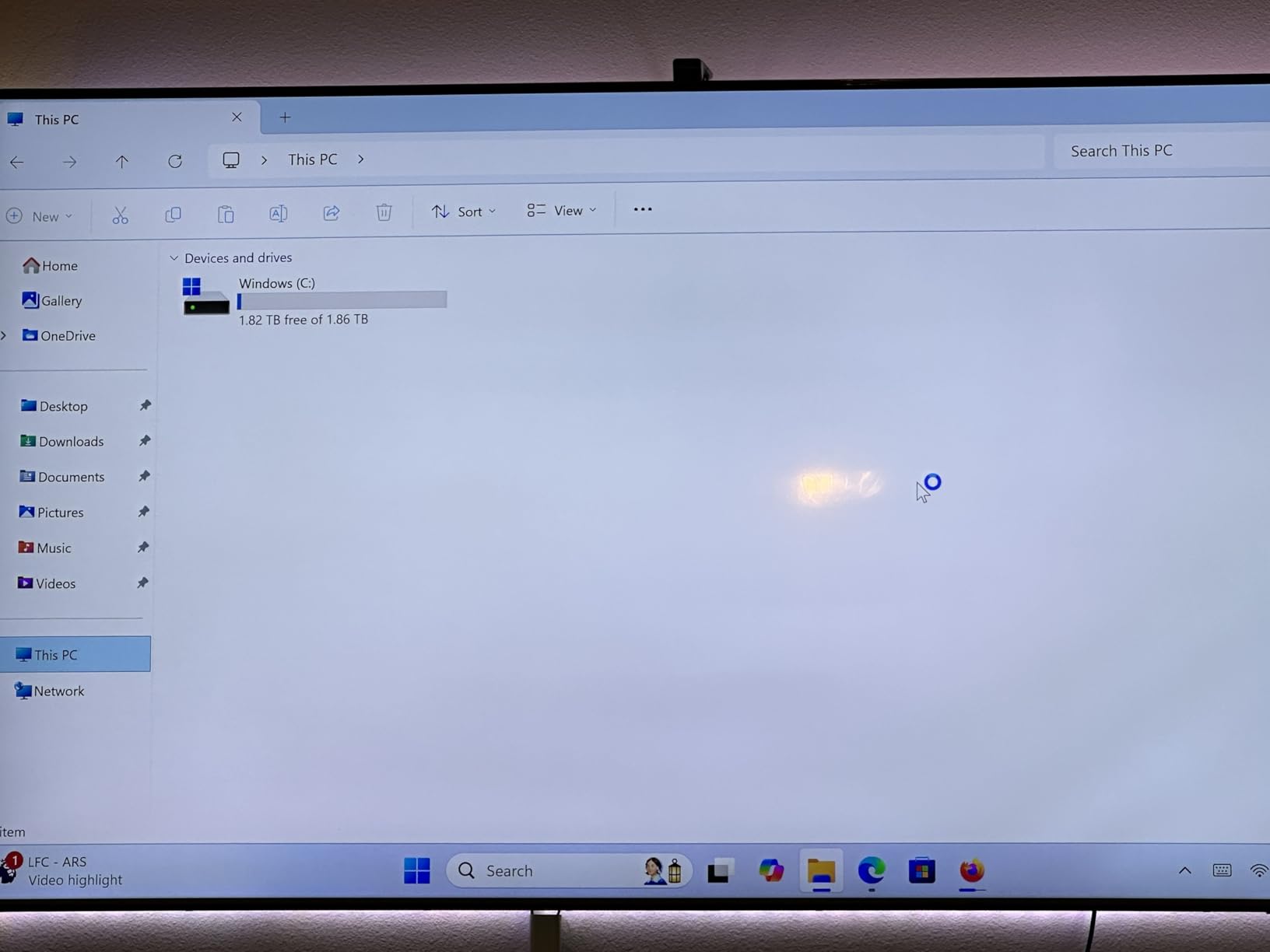
Gaming Without an External GPU
The Radeon 760M handles esports titles well at 1080p, but it struggles with newer AAA games. Expect 25-35 FPS in Cyberpunk 2077 at 1080p medium settings, and around 40-50 FPS in older AAA titles like The Witcher 3. Enabling AMD FSR can improve these numbers by 40-50%, making many games playable at acceptable frame rates.
Upgrade Strategy
The OCuLink port is the real value proposition here. Pair this mini PC with an OCuLink eGPU dock and a mid-range desktop GPU, and you have a system that can handle 1440p gaming for less total cost than buying a pre-built system with a dedicated GPU. The 32GB of DDR5 is expandable to 128GB, giving this machine a long useful life.
9. KAMRUI H1 – Best Entry-Level Mini Gaming PC
Ryzen 7 7735HS
Radeon Graphics
24GB LPDDR5 5500
512GB NVMe SSD
Triple 4K Display
WiFi 6
+ Pros
- Very affordable entry point
- Silent operation during daily use
- Fast boot times with NVMe SSD
- Triple 4K display support
– Cons
- Only 512GB storage included
- Limited storage expansion options
- Bluetooth compatibility issues reported
The KAMRUI H1 is designed for users who want to dip their toes into mini PC gaming without spending a fortune. The Ryzen 7 7735HS is an 8-core, 16-thread processor that handles everyday computing with ease, and the 24GB of LPDDR5 RAM running at 5500 MT/s is generous for this price tier. It comes with Windows 11 pre-installed and boots to desktop in under 15 seconds.
As a gaming machine, the H1 is best suited for indie games, older titles, and esports at 1080p medium settings. The integrated Radeon graphics can handle games like Minecraft, Terraria, and Stardew Valley at 60+ FPS without issues. For newer AAA titles, you will need to significantly lower settings or rely on cloud gaming services.
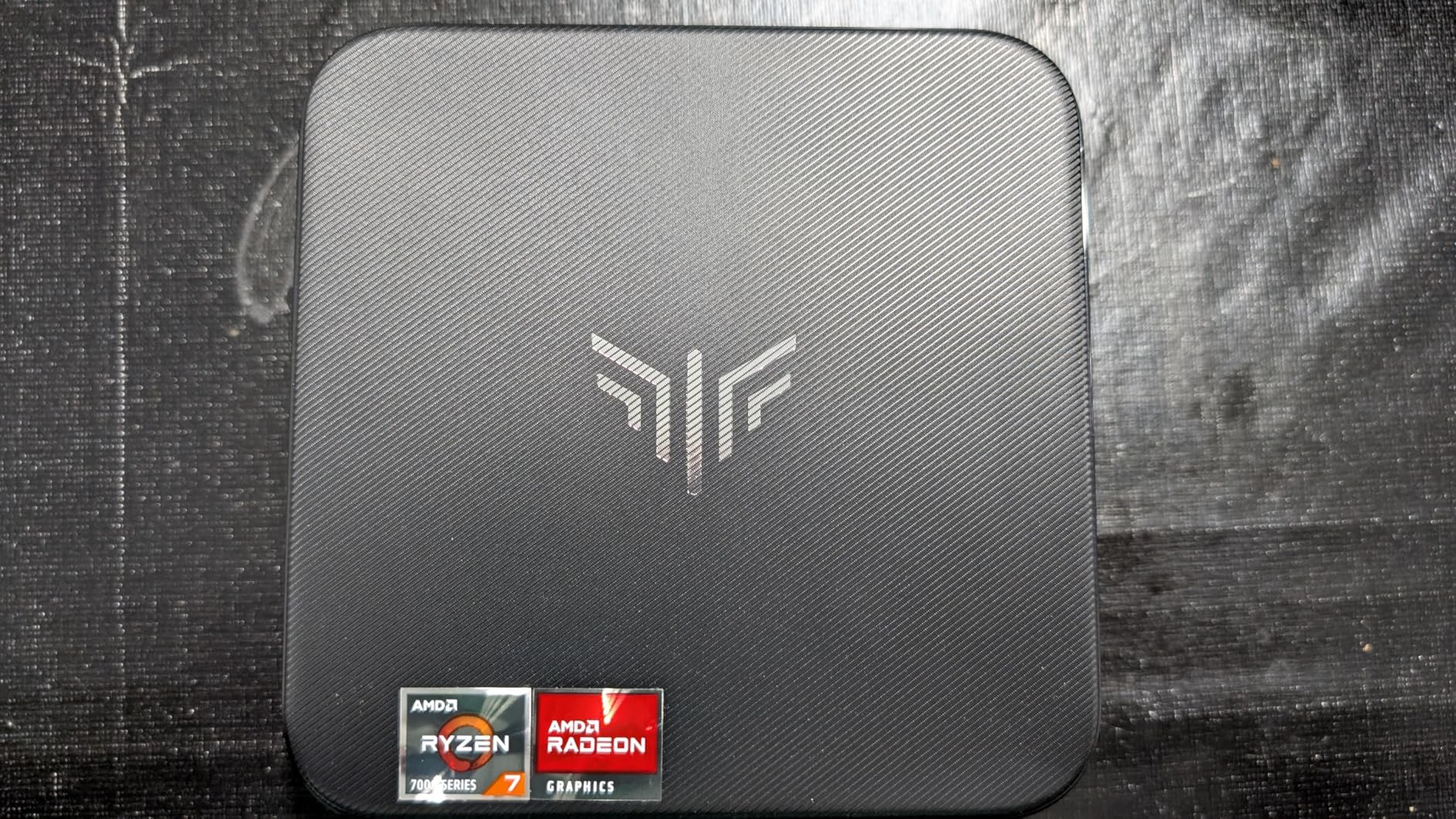
The compact design weighs about 1.25 kg and includes a VESA mount for attaching it behind a monitor. Triple 4K display support through HDMI, DisplayPort, and USB-C is a nice touch at this price. The system runs silently during web browsing and media playback, making it a good choice for a bedroom or dorm room setup.
The biggest limitation is storage. The 512GB NVMe SSD fills up fast with modern games, and there is only one M.2 2280 expansion slot. You can upgrade to a 4TB drive, but you will need to swap the existing one rather than add alongside it. The LPDDR5 RAM is also soldered, so you cannot upgrade it later.
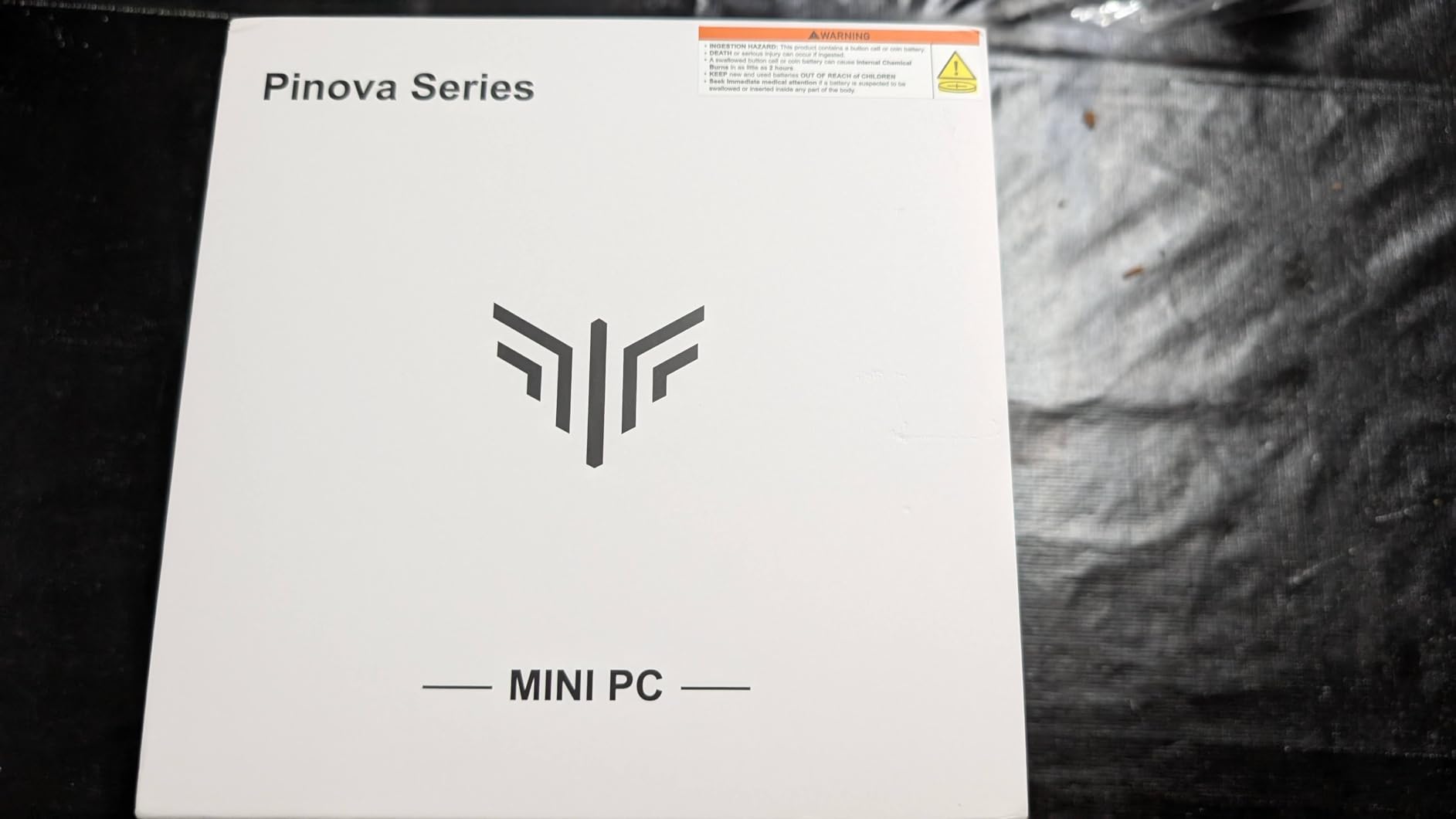
Cloud Gaming Compatibility
If you subscribe to services like GeForce NOW or Xbox Cloud Gaming, the KAMRUI H1 works as an excellent thin client. The triple display support and 2.5Gbps Ethernet make it ideal for a living room cloud gaming setup. The integrated graphics do not matter much when all the rendering happens on remote servers, so this budget box can deliver a premium gaming experience through the cloud.
Ideal Use Cases
The H1 is best for casual gamers, students in dorm rooms, or anyone setting up a secondary gaming machine for lighter titles. It also works well as a home theater PC that can handle occasional gaming. If you primarily play cloud-based games or indie titles and want to spend as little as possible, this is a solid choice.
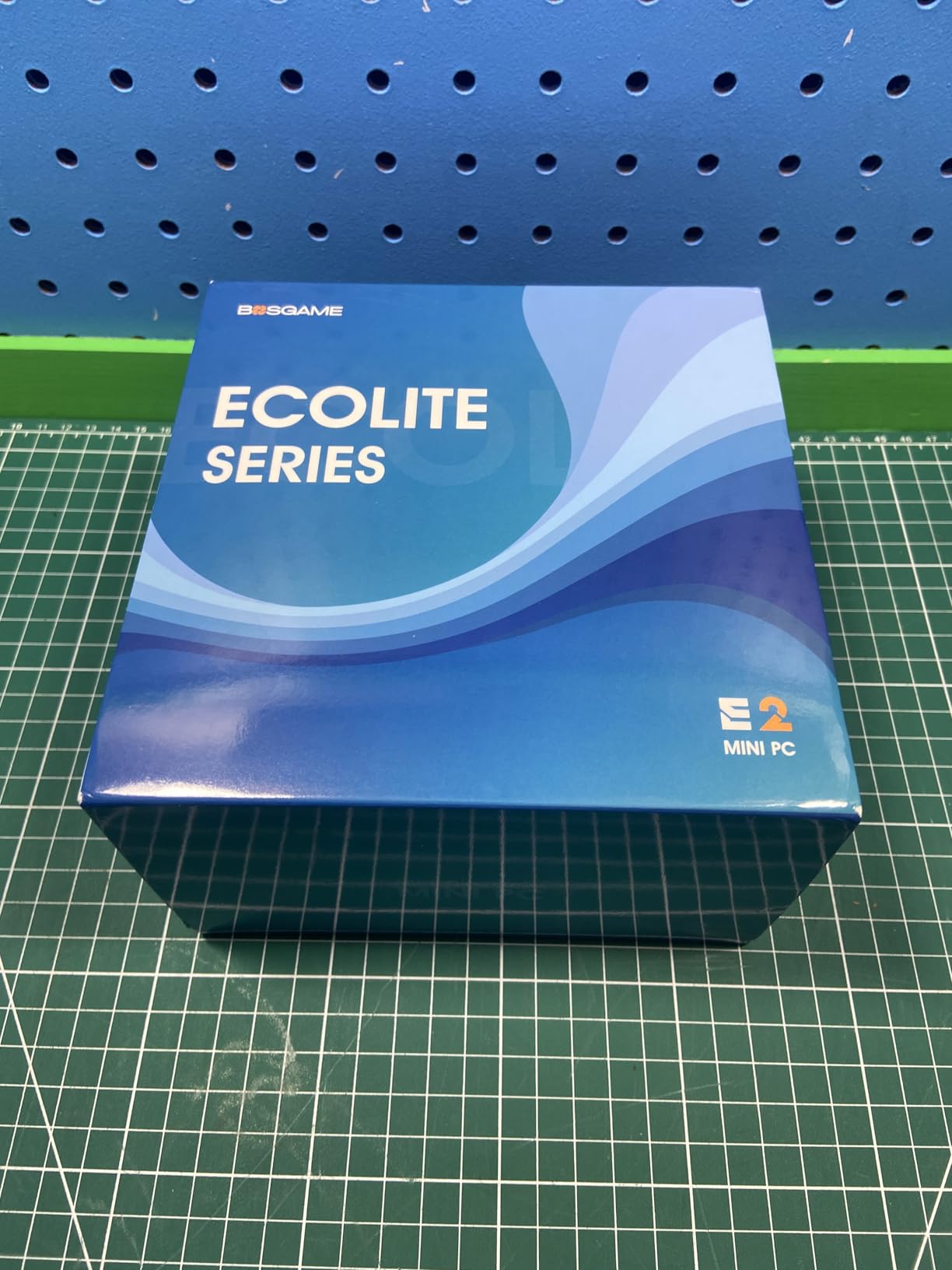
10. BOSGAME P4 Ultra – Best Ultra-Budget Mini PC
BOSGAME P4 Ultra Mini PC, Ryzen 7 7730U, 16GB RAM 1TB PCIe3.0 SSD
Ryzen 7 7730U
Radeon Graphics
16GB DDR4 3200
1TB PCIe 3.0 SSD
Triple 4K
WiFi 6E
Dual 2.5G LAN
+ Pros
- Lowest price point in the lineup
- Whisper-quiet cooling system
- Dual 2.5G LAN for home server use
- Linux compatible out of the box
– Cons
- DDR4 RAM instead of DDR5
- No OCuLink port
- Gets hot during gaming sessions
The BOSGAME P4 Ultra is the most affordable mini gaming PC on our list, and it still manages to pack a respectable set of features. The Ryzen 7 7730U is an 8-core, 16-thread processor that delivers roughly 30% more performance than the older Ryzen 7 5825U. With 16GB of DDR4 RAM and a 1TB NVMe SSD, this system is ready for basic computing and light gaming right out of the box.
What makes the P4 Ultra interesting is its versatility beyond gaming. The dual 2.5G LAN ports make it an excellent candidate for a home server, NAS, or pfSense router. It is also Linux-compatible, which opens up possibilities for Proton-based gaming through Steam. BOSGAME includes a VESA mount, and the system measures just 5.12 x 4.72 x 1.73 inches.
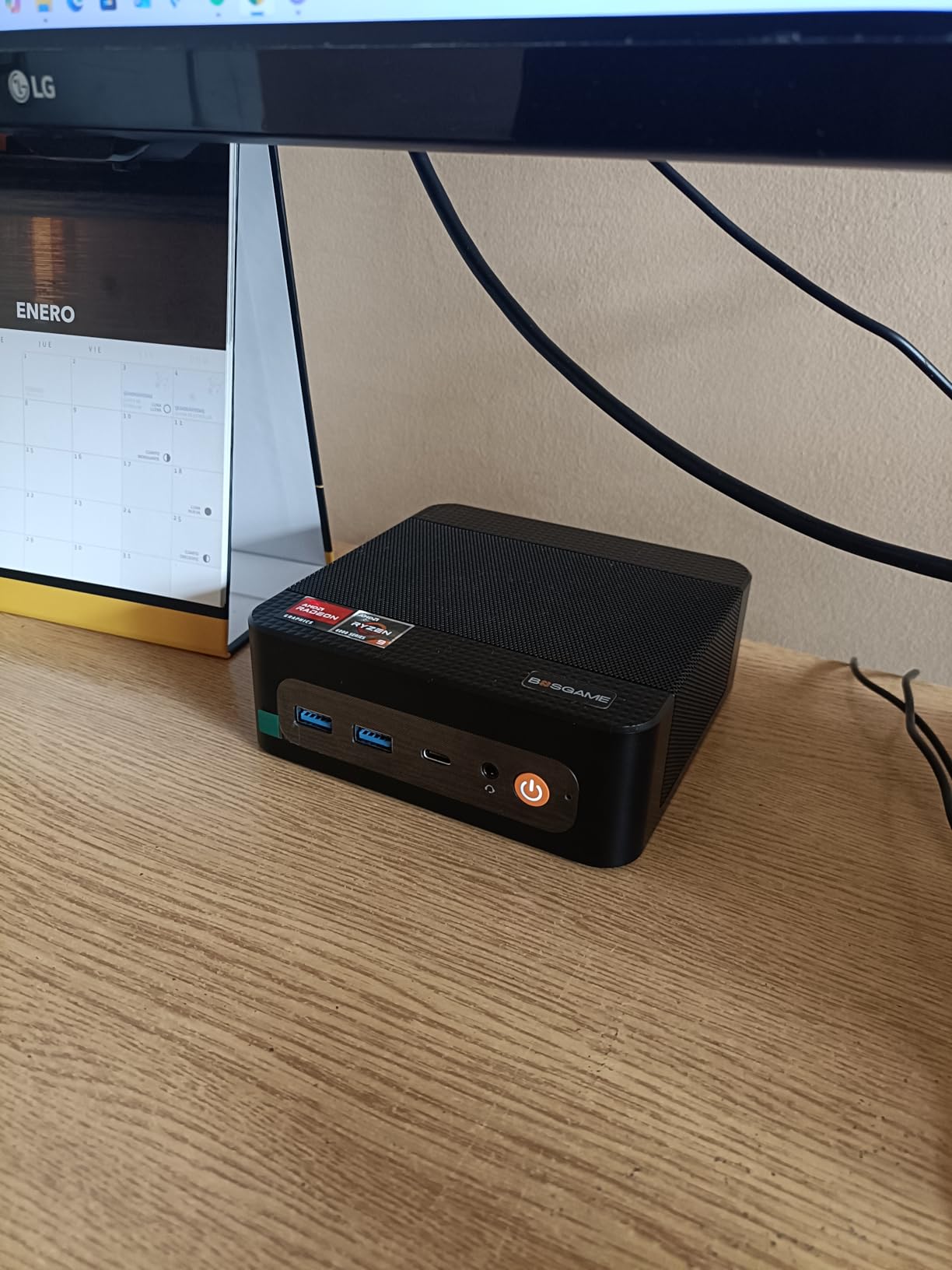
Gaming performance is modest. The integrated Radeon graphics handle older titles and esports at 1080p low-to-medium settings. I got playable frame rates in League of Legends and CS2, but anything from the last two years at high settings will be a struggle. The DDR4 RAM and PCIe 3.0 SSD also show their age compared to the DDR5 and PCIe 4.0 storage in newer competitors.
The cooling system is whisper-quiet, which is one of the P4 Ultra’s strongest selling points. Even under sustained load, the fans stay barely audible. However, the small chassis means the exterior gets warm to the touch during extended gaming sessions. There is no OCuLink port, so your only external GPU option would be USB4-based, which has more performance overhead than OCuLink.
Best Non-Gaming Uses
The P4 Ultra shines as a general-purpose mini PC that can handle light gaming on the side. Its dual LAN, compact size, and quiet operation make it perfect as a home server, media center, or secondary computer in a kitchen or bedroom. The Linux compatibility also makes it attractive for developers who want a tiny test server.
When to Spend More
If gaming is your primary goal, spending a bit more for the GMKtec M6 Ultra or KAMRUI H1 will get you significantly better gaming performance. The DDR4 RAM, PCIe 3.0 SSD, and lack of OCuLink make the P4 Ultra harder to future-proof for gaming. But if you want the cheapest way to get a Ryzen 7 mini PC with triple display support and dual LAN, this is it.
How to Choose the Best Mini Gaming PC
Picking the right mini gaming PC comes down to understanding what type of gaming you do, how much space you have, and whether you care about upgrading later. Here are the key factors I considered when evaluating these 10 systems, and what you should think about before making your choice.
Integrated Graphics vs Dedicated GPU
This is the single most important decision. Mini PCs with dedicated GPUs like the Skytech Blaze4 Mini, TOPGRO T1-Pro, and Cooler Master NR2 Pro deliver significantly better gaming performance out of the box. Systems with integrated graphics like the GMKtec K11 and MINISFORUM models cost less and use less power, but you will be limited to 1080p medium settings in most modern games. The middle ground is an integrated system with OCuLink or USB4 for eGPU expansion later.
Cooling and Noise Levels
Thermal management is critical in small form factor PCs. Look for systems with well-designed cooling solutions like the MINISFORUM UM790 Pro’s liquid metal compound or the Cooler Master NR2 Pro’s 280mm AIO. Fan noise varies dramatically between models, from the whisper-quiet BOSGAME P4 to the more audible TOPGRO T1-Pro under heavy load. If you plan to game in a shared space, prioritize thermals and noise in your decision.
Upgrade Path and Expandability
Check whether RAM is soldered or in SO-DIMM slots, how many M.2 storage slots are available, and whether there is an OCuLink or USB4 port for eGPU connectivity. Systems like the GMKtec K11 and MINISFORUM AI X1 Pro offer the most upgrade headroom with expandable RAM up to 128GB and multiple M.2 slots. The KAMRUI H1 and BOSGAME P4 are more limited in this regard. For more detailed comparison guides on making tech purchasing decisions, check out our related content.
Connectivity and Ports
Consider how many monitors you want to connect, whether you need Thunderbolt or USB4 for peripherals, and what networking features matter to you. Dual 2.5G LAN ports (found on several models here) are useful for server applications. WiFi 7 support on the MINISFORUM AI X1 Pro is a nice future-proofing feature. Make sure the system has enough USB ports for your gaming peripherals, keyboard, mouse, and any external drives.
Energy Consumption
One advantage of mini gaming PCs that competitors rarely discuss is energy efficiency. Systems with integrated graphics draw between 35W and 90W under load, compared to 300W+ for a typical gaming desktop. The Cooler Master NR2 Pro with its dedicated GPU is the most power-hungry on this list, but even it is far more efficient than a full-size gaming tower with equivalent specs. Over a year of regular use, the energy savings can add up noticeably on your electric bill.
Are mini PCs good for gaming?
Yes, modern mini PCs can be excellent for gaming depending on the model. Systems with dedicated GPUs like the RTX 5060 Ti or RTX 5070 Ti handle AAA titles at 1440p. Mini PCs with integrated graphics like the Radeon 780M or 890M work well for 1080p esports and medium-settings gaming. The key is choosing a model with enough GPU power for the games you want to play.
What is the best mini PC for gaming?
The best mini PC for gaming in 2026 depends on your budget. The Cooler Master NR2 Pro with RTX 5070 Ti offers the best overall gaming performance. For value, the GMKtec K11 with Ryzen 9 and OCuLink gives you strong integrated gaming with an eGPU upgrade path. For budget gaming, the BOSGAME P4 Ultra handles esports titles without breaking the bank.
Can mini PCs run AAA games?
Yes, mini PCs with dedicated GPUs like the RTX 5060 Ti or RTX 5070 Ti can run AAA games at high settings. Mini PCs with integrated graphics like the Radeon 890M can run AAA titles at 1080p medium settings with frame rate optimization tools like AMD FSR. For the best AAA gaming experience in a mini PC, look for systems with dedicated NVIDIA or external GPU support via OCuLink.
What are the downsides to a mini PC?
The main downsides of mini PCs for gaming include limited upgrade options since the CPU and GPU are often soldered, higher price per performance compared to full-size desktops, potential thermal throttling under sustained heavy loads, and fan noise during intensive gaming. Some models also have limited port selection and may use proprietary components that are harder to replace.
Can you upgrade a mini gaming PC?
Most mini gaming PCs allow you to upgrade RAM and storage through SO-DIMM slots and M.2 NVMe slots. The CPU and GPU are typically soldered and cannot be replaced. However, mini PCs with OCuLink or USB4 ports can be upgraded with an external GPU dock, which is a cost-effective way to add desktop-class graphics performance to a compact system over time.
Final Thoughts on the Best Mini Gaming PCs
Mini gaming PCs have come a long way from the days of weak integrated graphics and throttling CPUs. In 2026, you can get everything from a compact Ryzen 9 box that fits in your palm to a mini-ITX powerhouse with an RTX 5070 Ti that rivals full-size desktops. The best mini gaming PCs on this list cover every budget and use case, from ultra-budget esports machines to premium 1440p gaming rigs.
For most gamers, the GMKtec K11 hits the sweet spot of price, performance, and upgradeability with its OCuLink port and Ryzen 9 processor. If you want maximum gaming performance regardless of budget, the Cooler Master NR2 Pro with its RTX 5070 Ti and 280mm AIO is the one to beat. And if you just need a compact box for esports and cloud gaming, the BOSGAME P4 Ultra gets the job done without emptying your wallet.
Take a close look at the cooling, connectivity, and upgrade options that matter most to you. Any of these 10 machines will deliver a solid gaming experience in a fraction of the space of a traditional desktop tower.
Leave a Reply