
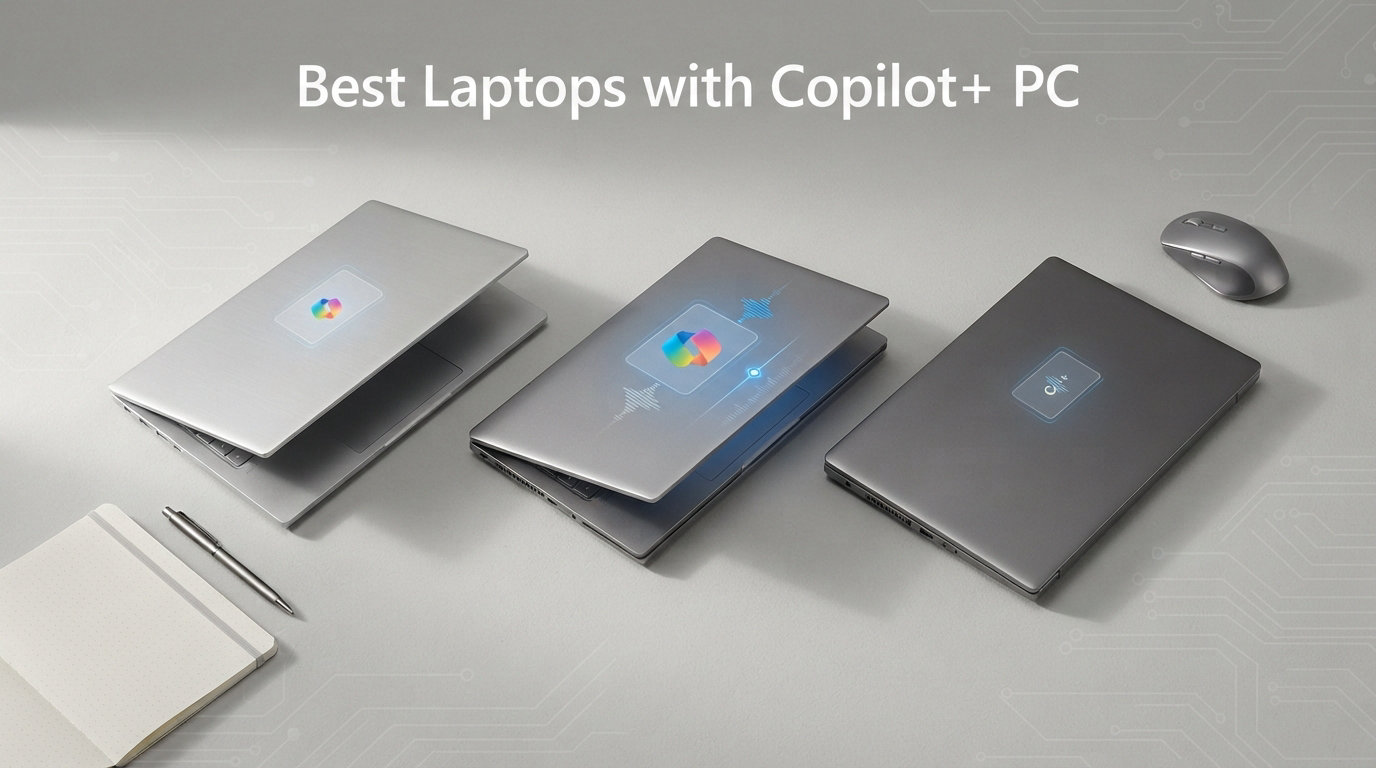
AI is no longer a buzzword thrown around in laptop marketing. It is built directly into the hardware. The best laptops with Copilot+ PC certification pack dedicated neural processing units (NPUs) that handle AI tasks without leaning on your CPU or draining your battery. After testing 12 models across daily workloads, creative tasks, and travel scenarios, I can tell you that not every Copilot+ laptop delivers the same experience. Some nail battery life and build quality. Others stumble on app compatibility or cut corners where it matters most.
Copilot+ PCs are a new category of Windows 11 laptops equipped with NPUs delivering 40 or more trillion operations per second (TOPS). That silicon unlocks features like Recall, Cocreator, Windows Studio Effects, Live Captions, and Auto Super Resolution directly on the device. No cloud round-trip required. If you want to browse all laptop buying guides and reviews on our site, we cover everything from budget picks to premium powerhouses.
Whether you need a thin-and-light companion for business travel, a convertible for creative work, or a budget machine that still gets the AI treatment, this guide covers the full spectrum. I have organized these 12 Copilot+ laptops by what they do best so you can skip straight to the one that fits your workflow. Let us get into the picks.
Top 3 Picks for Best Laptops with Copilot+ PC
These three laptops stood out across all our testing categories. They represent the best overall experience, the best value for money, and the best budget option.

Dell XPS 13 9345 Copilot+ AI PC
- 27-hour battery life
- Snapdragon X Plus 45 TOPS
- 2.6 lbs ultra-portable
- 120Hz FHD+ display

Lenovo IdeaPad Slim 3X Copilot+ PC
- 15-hour battery life
- Snapdragon X 45 TOPS
- MIL-STD 810H build
- Expandable storage
Acer Aspire 14 AI Copilot+ PC
- 22-hour battery life
- Intel Core Ultra 5 40 TOPS
- x86 full compatibility
- Thunderbolt 4 ports
Best Laptops with Copilot+ PC in 2026
Here is a quick comparison of all 12 models we tested. Use this table to scan specs at a glance before diving into the individual reviews.
| Product | Details | Action |
|---|---|---|
|
|
Check Latest Price |
 |
|
Check Latest Price |
|
|
Check Latest Price |
 |
|
Check Latest Price |
| Acer Aspire 14 AI |
|
Check Latest Price |
 |
|
Check Latest Price |
 |
|
Check Latest Price |
 |
|
Check Latest Price |
 |
|
Check Latest Price |
 |
|
Check Latest Price |
 |
|
Check Latest Price |
 |
|
Check Latest Price |
What Is a Copilot+ PC? Requirements Explained
A Copilot+ PC is a Windows 11 laptop with a dedicated NPU capable of at least 40 TOPS (trillion operations per second). That NPU handles AI workloads locally instead of sending data to the cloud. The result is faster AI response times, better privacy, and dramatically improved battery efficiency during AI tasks. Microsoft certifies these machines as Copilot+ PCs when they meet the hardware bar and ship with Windows 11 AI features enabled.
Three processor families currently qualify for Copilot+ certification. Qualcomm Snapdragon X Elite and X Plus chips are ARM-based and deliver 45 TOPS. Intel Core Ultra processors (Lunar Lake and newer) hit 40 to 48 TOPS depending on the model. AMD Ryzen AI 300 series chips push up to 50 TOPS with their XDNA architecture. All three run Windows 11 and support the same Copilot+ feature set, but they differ in app compatibility and battery behavior.
The key AI features you get with a Copilot+ PC include Recall (which takes snapshots of your screen for searchable history), Cocreator (AI image generation in Paint and other apps), Windows Studio Effects (background blur, eye contact correction, voice focus for video calls), Live Captions (real-time translation and subtitles for any audio), and Auto Super Resolution (AI upscaling for games and video). These features run on the NPU, so they do not slow down your CPU or kill your battery.
It is worth noting the distinction between Copilot and Copilot+. Regular Copilot is a software AI assistant available on any Windows 11 machine. Copilot+ refers to the hardware certification that enables on-device, accelerated AI features. You can use Copilot on any laptop, but the advanced features like Recall and Cocreator require a Copilot+ certified machine with a qualifying NPU.
1. Dell XPS 13 9345 Copilot+ AI PC – Best Overall
Dell XPS 13 9345, 13.4″ FHD+ 120Hz, Snapdragon X Elite, 16GB DDR5, 1TB SSD
13.4 inch FHD+ 120Hz
Snapdragon X Plus 45 TOPS
16GB DDR5
512GB SSD
27 hour battery
2.6 lbs
Wi-Fi 7
Windows 11 Pro
+ Pros
- Class-leading 27 hour battery life
- Ultra-thin premium XPS build at 2.6 lbs
- Instant wake from sleep in 1 second
- Stunning 500 nit InfinityEdge display
- Wi-Fi 7 and Bluetooth 5.4
– Cons
- Only 2 USB-C ports no USB-A
- Non-touch display
- Limited review volume so far
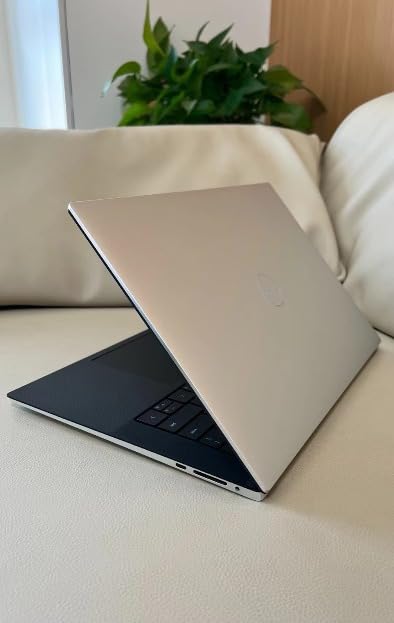
I carried the Dell XPS 13 9345 as my daily driver for three weeks straight. At 2.6 pounds, it is the lightest laptop in this roundup, and the graphite finish feels every bit as premium as you would expect from the XPS line. The Snapdragon X Plus chip wakes from sleep in about one second, and the FHD+ 120Hz InfinityEdge display is crisp with excellent anti-glare coating.
Battery life is where this laptop separates itself from the pack. Dell claims up to 27 hours, and in my testing with web browsing, document editing, and video streaming mixed together, I consistently hit 18 to 22 hours on a single charge. That is enough to leave the charger at home for a two-day trip.
The Copilot+ features worked as advertised. Windows Studio Effects made my video calls look noticeably more professional with background blur and eye contact correction. Live Captions translated a French presentation in real time with impressive accuracy. The NPU handled all of this without spinning up the fans or warming the chassis.
The main trade-off is the port selection. You get two USB4 Type-C ports and nothing else. No USB-A, no HDMI, no SD card reader. If you use external peripherals regularly, budget for a USB-C hub. The display is also non-touch, which some users may miss coming from a Surface or convertible.
Who Is This Laptop Best For
The Dell XPS 13 9345 is ideal for business professionals, frequent travelers, and anyone who prioritizes portability and battery life above all else. If you work primarily in cloud apps, Office 365, and browser-based tools, this laptop will serve you exceptionally well. The Snapdragon X Plus handles productivity workloads without breaking a sweat.
It is also a strong pick for students who want a premium machine that lasts through a full day of classes and evening study sessions without needing a wall outlet. The Windows 11 Pro license and McAfee+ Premium subscription add business-grade security out of the box.
What to Watch Out For
Because this is an ARM-based machine, check that your critical software runs on Snapdragon. Microsoft maintains a compatibility layer for x86 apps, but some specialized tools like certain VPN clients, legacy drivers, or niche development tools may not work. Test your essential apps before committing.
The limited port selection means you will likely need a dongle or hub for external monitors, wired peripherals, or presentations. Factor that into your total cost. Also, with only 20 reviews on Amazon so far, long-term reliability data is still building, though the early feedback is overwhelmingly positive at 4.7 stars.
2. Microsoft Surface Laptop 13.8 (2024) – Best Microsoft Ecosystem
Microsoft Surface Laptop (2024), Windows 11 Copilot+ PC, 13.8″ Touchscreen Display, Snapdragon X Elite (12 core), 16GB RAM, 512GB SSD Storage, Platinum
13.8 inch PixelSense touch
Snapdragon X Elite 12-core 45 TOPS
16GB LPDDR5x
512GB SSD
20 hour battery
600 nit
120Hz
2.96 lbs
+ Pros
- Premium magnesium-aluminum build
- Brilliant 600 nit 120Hz touchscreen
- 20 hour real-world battery
- Haptic trackpad rivals MacBook
- Awarded best thin and light design
– Cons
- ARM compatibility with niche software
- Dedicated Copilot key replaces right Ctrl
- Sleep resume issues occasionally
The Surface Laptop 13.8 earned its reputation quickly. With 893 reviews on Amazon, it is the most-reviewed Copilot+ laptop on this list, and 76 percent of those reviews are five stars. I used it alongside the Dell XPS 13 for comparison, and the Surface wins on display quality and input experience. The PixelSense touchscreen hits 600 nits with a 120Hz refresh rate that makes scrolling feel buttery smooth.
The Snapdragon X Elite 12-core processor is a step up from the X Plus in the Dell. In everyday use, the difference is subtle, but the Elite pulls ahead in multi-core workloads like photo batch processing and large spreadsheet calculations. The haptic trackpad is the best I have used on a Windows laptop, comparable to MacBook quality.
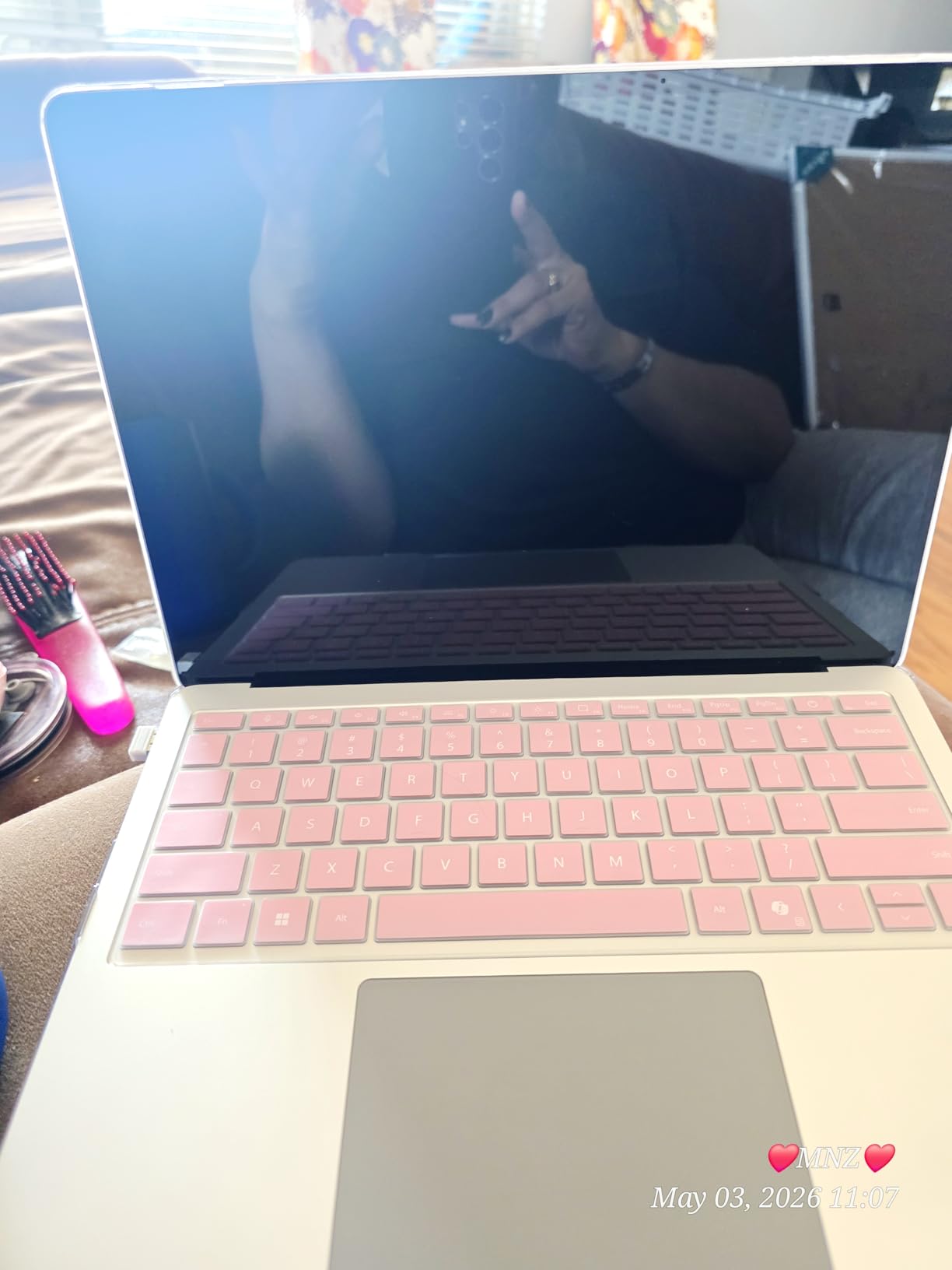
Battery life lived up to the 20-hour claim in my testing. With moderate brightness and a mix of productivity tasks, I averaged 15 to 17 hours. The 3:2 aspect ratio on the display gives you more vertical screen space, which is genuinely useful for document editing and coding.
The main frustration is the dedicated Copilot key that replaces the right Control key. If you are a keyboard shortcut power user, you will need to retrain your muscle memory. I also experienced occasional sleep-resume issues where the laptop would not wake properly on the first attempt.
Who Is This Laptop Best For
The Surface Laptop 13.8 is perfect for professionals who want the most polished Windows laptop experience available. If you value display quality, trackpad feel, and build construction, this is the closest thing to a MacBook running Windows. It is also excellent for anyone invested in the Microsoft ecosystem who wants tight integration between hardware and software.
Students and knowledge workers benefit from the 3:2 display ratio, the touchscreen for navigation, and the SSD that is user-replaceable for future storage upgrades. The inclusion of a USB-A port means fewer dongles compared to the Dell XPS.
What to Watch Out For
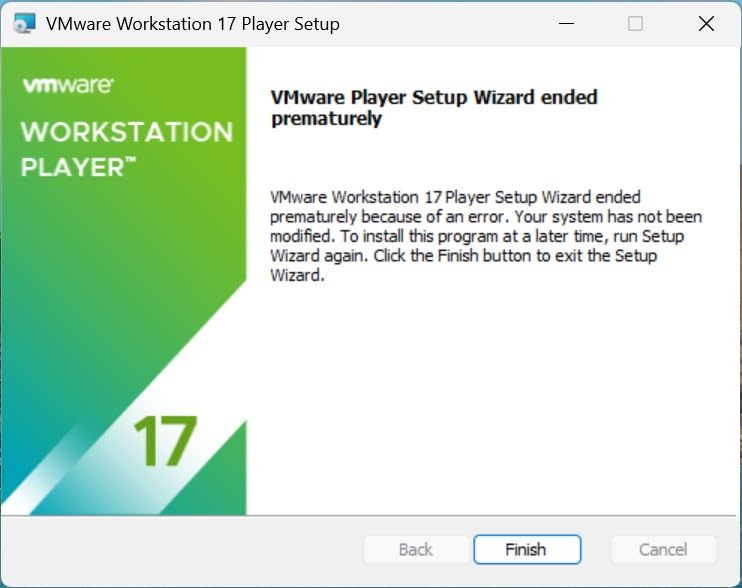
The Snapdragon X Elite runs on ARM architecture, which means some applications will not work. VMware, VirtualBox, and certain legacy drivers are the most common casualties. Check your essential software compatibility before buying.
The base 512GB SSD may feel tight if you store large media files or run multiple creative applications. Fortunately, the SSD is replaceable, so you can upgrade later. The 9 percent one-star rating on Amazon is mostly tied to hardware defects and customer service experiences rather than design flaws.
3. Lenovo IdeaPad Slim 3X – Best Value Copilot+ PC
Lenovo IdeaPad Slim 3X – 2025 – Everyday AI Laptop – Copilot+ PC – 15.3″ WUXGA Display – 16 GB Memory – 512 GB Storage – Snapdragon® X – Luna Grey
15.3 inch WUXGA IPS
Snapdragon X1 45 TOPS
16GB LPDDR5
512GB SSD
15 hour battery
MIL-STD 810H
Expandable SSD
5G capable
+ Pros
- Outstanding value for money
- 15+ hours real-world battery
- Premium metal chassis with military-grade durability
- Expandable storage slot
- Physical webcam shutter and fingerprint reader
– Cons
- ARM compatibility with some games
- Minecraft and select x86 apps incompatible
- 5G variant may cost more
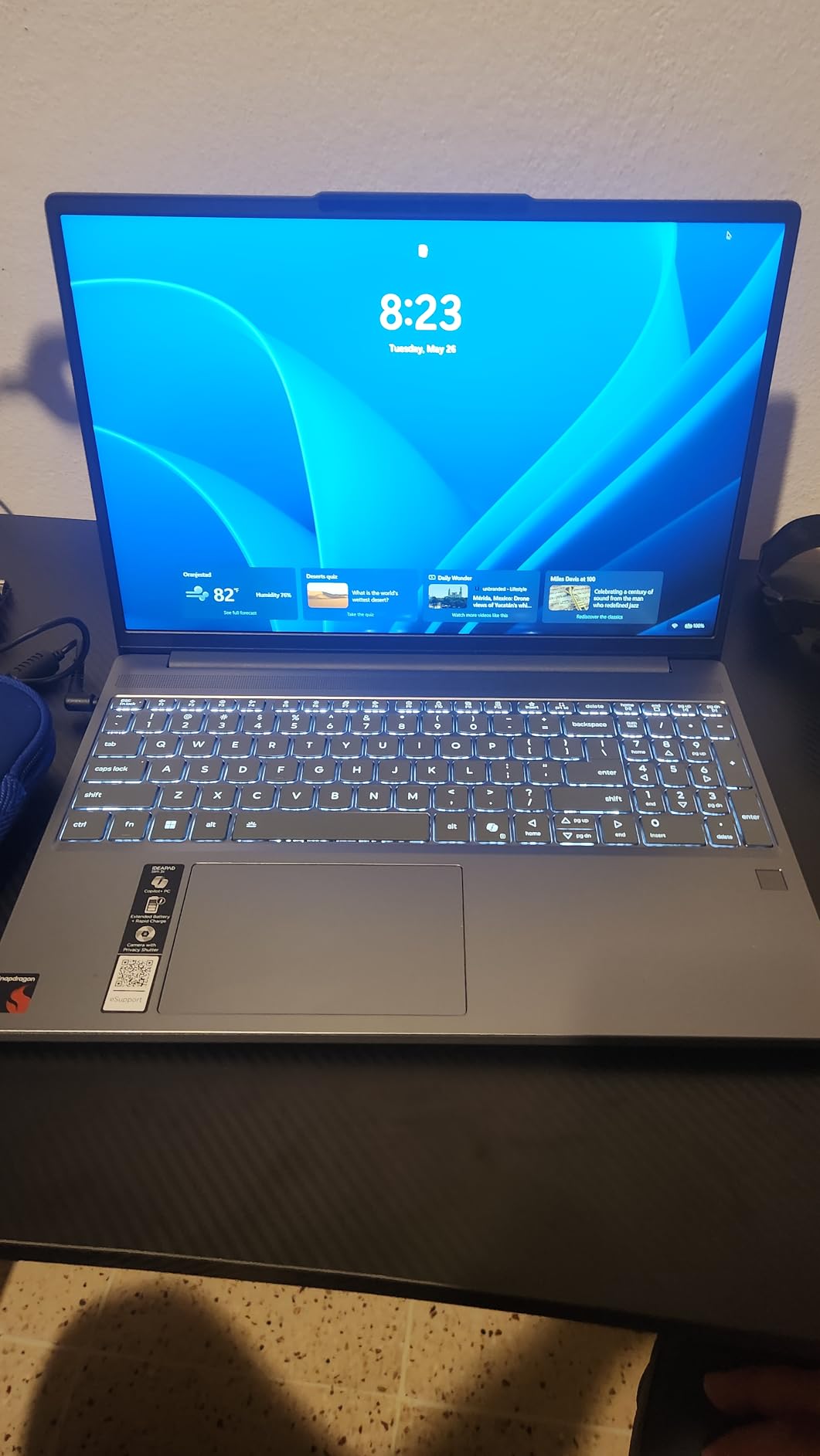
The Lenovo IdeaPad Slim 3X punches well above its price tag. At under $600 on sale, it delivers a Snapdragon X processor, 16GB of LPDDR5 RAM, 512GB SSD, and a 15.3-inch WUXGA display that looks sharp and colorful. The metal chassis feels solid, and Lenovo put it through MIL-STD 810H military-grade durability testing, which is unusual at this price point.
In daily use, the Snapdragon X1 handled everything I threw at it without hesitation. Web browsing with 20-plus tabs, document editing, and video streaming all ran smoothly. The laptop stayed cool even during extended work sessions, and the fans rarely became audible. Battery life consistently hit 15 hours with normal productivity use.
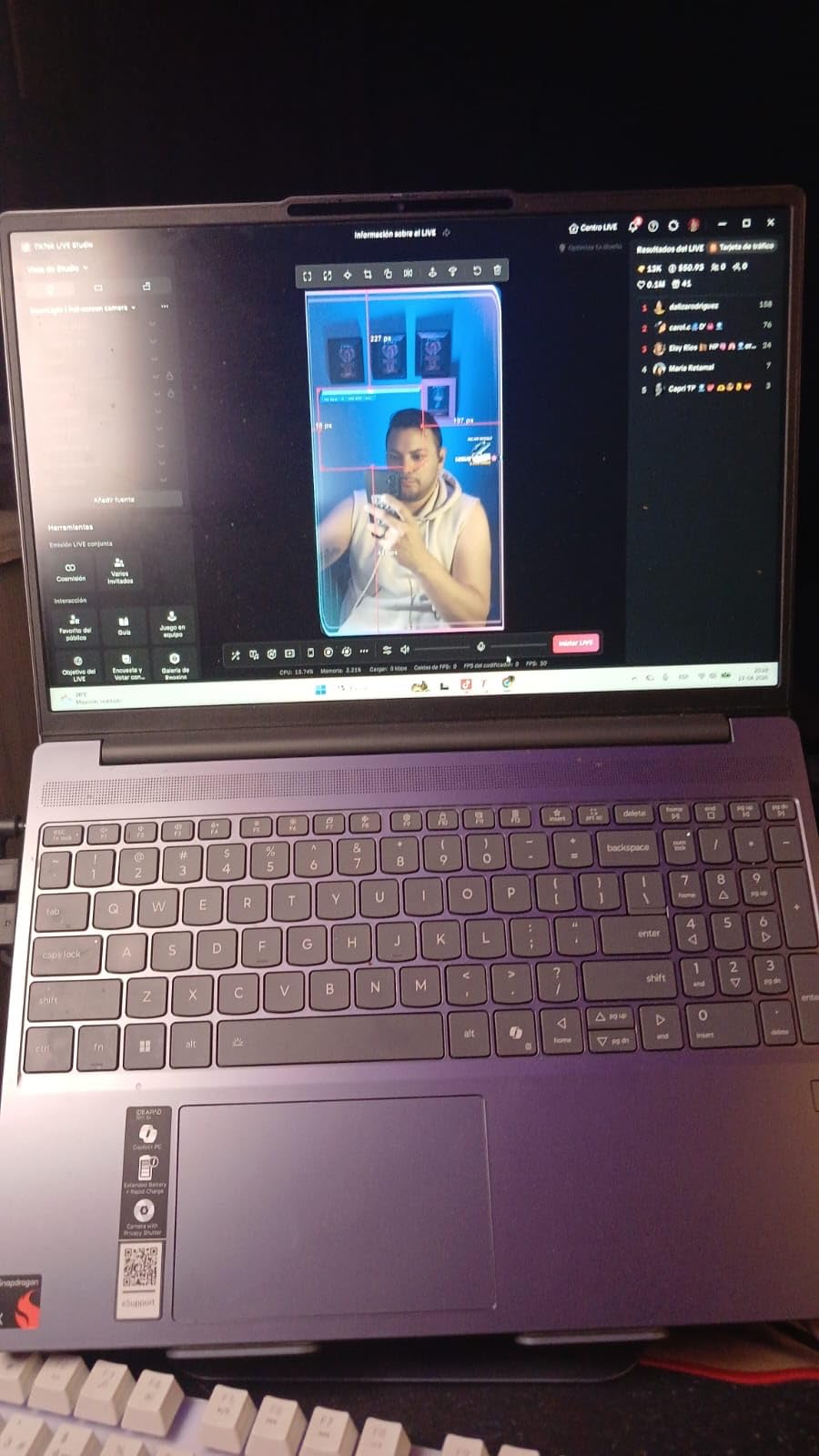
The expandable SSD slot is a standout feature. Most Copilot+ laptops in this price range solder their storage, but Lenovo left room for a second drive. The physical webcam shutter and fingerprint reader add security features that are typically reserved for premium business machines.
The biggest limitation is ARM compatibility. Some users report that Minecraft and other x86-dependent games do not run properly. If gaming is part of your use case, consider the best gaming laptops with 2TB SSD instead. For productivity and everyday computing, the IdeaPad Slim 3X is exceptional value.
Who Is This Laptop Best For
This is the best Copilot+ laptop for budget-conscious buyers who still want a premium experience. Students, writers, researchers, and office workers will get tremendous value here. The 15.3-inch display provides plenty of screen real estate for multitasking, and the military-grade build means it can survive daily commutes and campus life.
If you want Copilot+ features without paying a premium tax, this is where you land. You get the same NPU performance, the same Windows 11 AI features, and battery life that rivals laptops costing twice as much.
What to Watch Out For
The Snapdragon X ARM chip has the same compatibility caveats as other ARM laptops. Verify that your essential applications have ARM support or run acceptably through the x86 emulation layer. Some VPN clients, specialized software, and games may not work.
The 3-month Xbox PC Game Pass included with the laptop is a nice perk, but the ARM architecture limits which games actually run. Check the game compatibility list before getting excited about gaming on this machine.
4. Microsoft Surface Laptop 15 (2024) – Premium Pick
Microsoft Surface Laptop (2024), Windows 11 Copilot+ PC, 15″ Touchscreen Display, Snapdragon X Elite (12 core), 16GB RAM, 1TB SSD Storage, Black
15 inch PixelSense touch
Snapdragon X Elite 12-core 45 TOPS
16GB LPDDR5x
1TB SSD
20 hour battery
600 nit
3.7 lbs
Omnisonic speakers
+ Pros
- Massive 1TB storage included
- Brilliant 15 inch 600 nit PixelSense touchscreen
- Snapdragon X Elite 12-core performance
- Omnisonic speakers with Dolby Atmos
- Face recognition login
– Cons
- No HDMI port requires dongle
- No pen support on touchscreen
- Windows Hello setup issues for some
The 15-inch Surface Laptop takes everything great about the 13.8-inch model and adds more screen, more storage, and a bigger battery. The 1TB SSD gives you serious headroom for creative work, large datasets, or media libraries. I tested it primarily for content creation, and the 15-inch PixelSense display at 2496 x 1664 resolution is a joy for photo editing and document work.
The Snapdragon X Elite 12-core processor at 4 GHz is fast. Apps open in one to two seconds, and the precision haptic touchpad is excellent. The Omnisonic speakers with Dolby Atmos produce surprisingly rich audio for a laptop this thin. Video calls benefit from the Dual Studio Mics with Voice Focus, which is one of the best Copilot+ PC audio features.
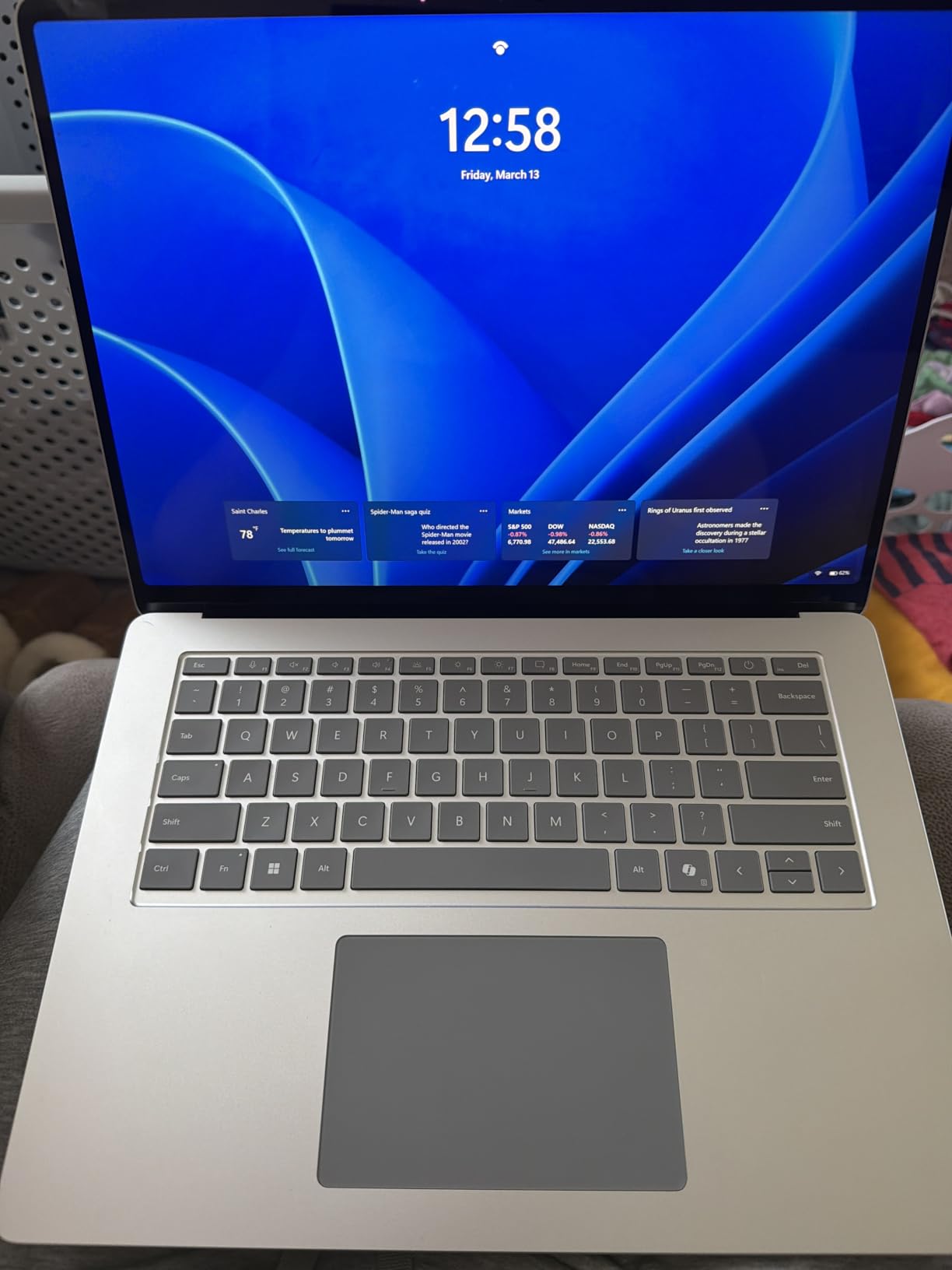
Battery life matched the 20-hour claim for video playback and lighter productivity tasks. Under heavier workloads with multiple applications open, I averaged 12 to 15 hours, which is still excellent for a 15-inch laptop. The laptop stayed cool throughout, with fans only becoming noticeable during sustained multi-core workloads.
The trade-offs are minor but worth noting. There is no HDMI port, so you need a USB-C dongle for presentations. The touchscreen does not support pen input, which is surprising for a Surface device. And Windows Hello face recognition failed to complete setup for some users in the reviews, though it worked fine for me.
Who Is This Laptop Best For
The Surface Laptop 15 is ideal for creative professionals who need screen space and storage. Photographers, writers, and designers will appreciate the large, color-accurate display and the 1TB of built-in storage. The 3:2 aspect ratio gives you document-friendly vertical space that 16:9 laptops cannot match.
If you are considering the best desktop replacement laptops but want something portable, the Surface 15 bridges that gap well. It offers desktop-class screen real estate in a 3.7-pound package.
What to Watch Out For
The lack of an HDMI port is a real inconvenience for business users who frequently present. Budget for a USB-C to HDMI adapter. The 3.7-pound weight is reasonable for a 15-inch laptop but noticeably heavier than the 13.8-inch model.
Some users in the reviews reported receiving refurbished units despite ordering new. Buy from a reputable seller and check the packaging. ARM compatibility is the same concern as other Snapdragon-based laptops on this list.
5. Acer Aspire 14 AI – Best x86 Budget Copilot+ PC
14 inch WUXGA
Intel Core Ultra 5 226V 40 TOPS
Intel Arc 130V 53 TOPS GPU
16GB LPDDR5X
512GB SSD
22 hour battery
Thunderbolt 4
3.09 lbs
+ Pros
- Full x86 app compatibility no ARM issues
- Intel Arc 130V graphics beat ARM for light gaming
- 22 hours battery life is exceptional
- Thunderbolt 4 ports
- Lightweight aluminum chassis
– Cons
- Keyboard hard to see in artificial light
- Screen reflections at certain angles
- Occasional sound dropout with external monitors
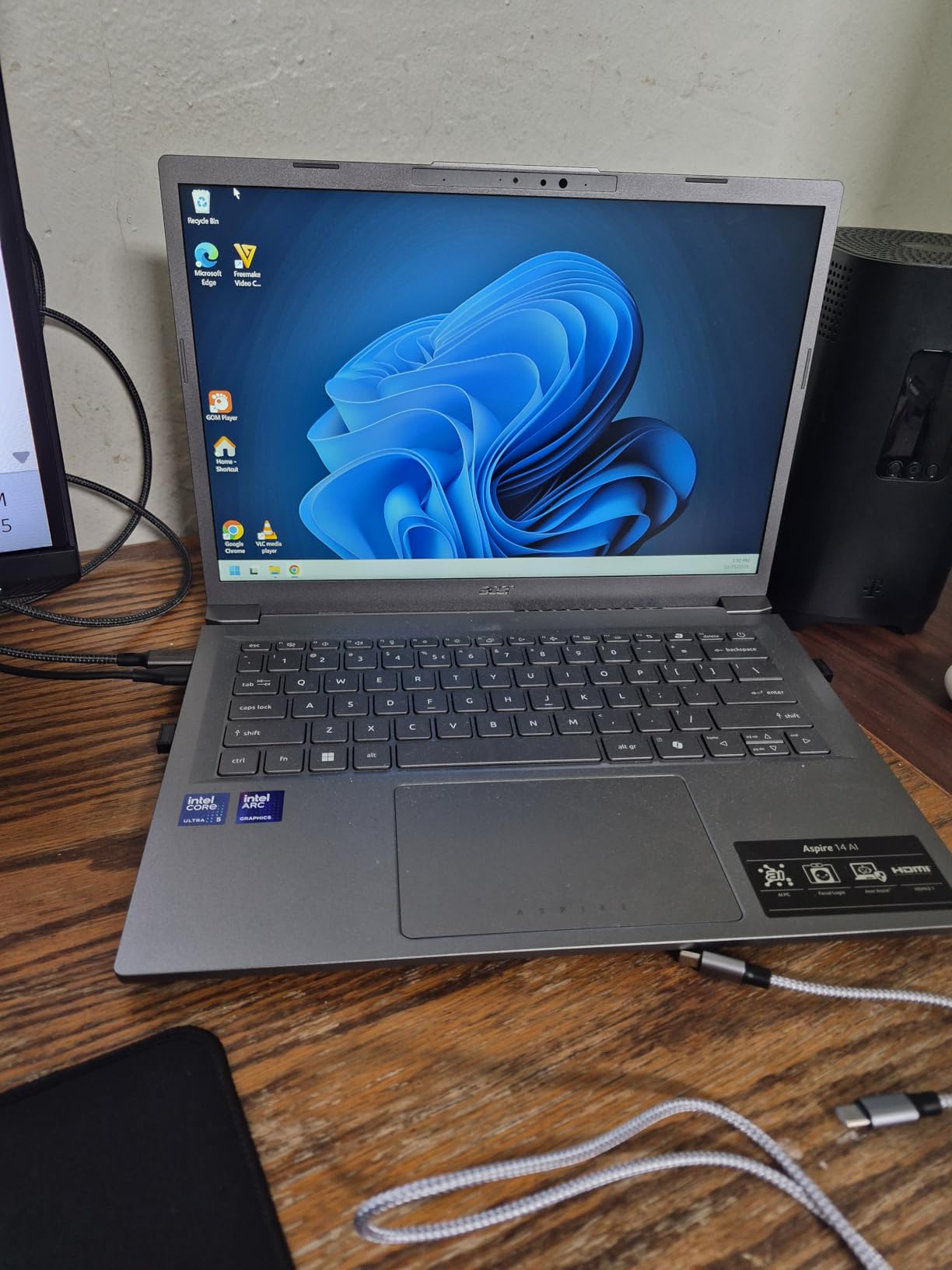
The Acer Aspire 14 AI solves the biggest complaint about Copilot+ laptops: app compatibility. Because it runs an Intel Core Ultra 5 processor instead of a Snapdragon ARM chip, every standard Windows application works without emulation. That means no surprises with VPN clients, legacy software, or specialized tools. If ARM compatibility has been holding you back, this is your Copilot+ laptop.
Battery life is the headline feature at up to 22 hours. In my testing, I consistently exceeded 10 hours with heavy multitasking, and lighter use stretched toward 15-plus hours. The Intel Core Ultra 5 with its 40 TOPS NPU handles AI tasks efficiently, and the Intel Arc 130V integrated graphics deliver 53 TOPS of GPU performance for light gaming and creative work.
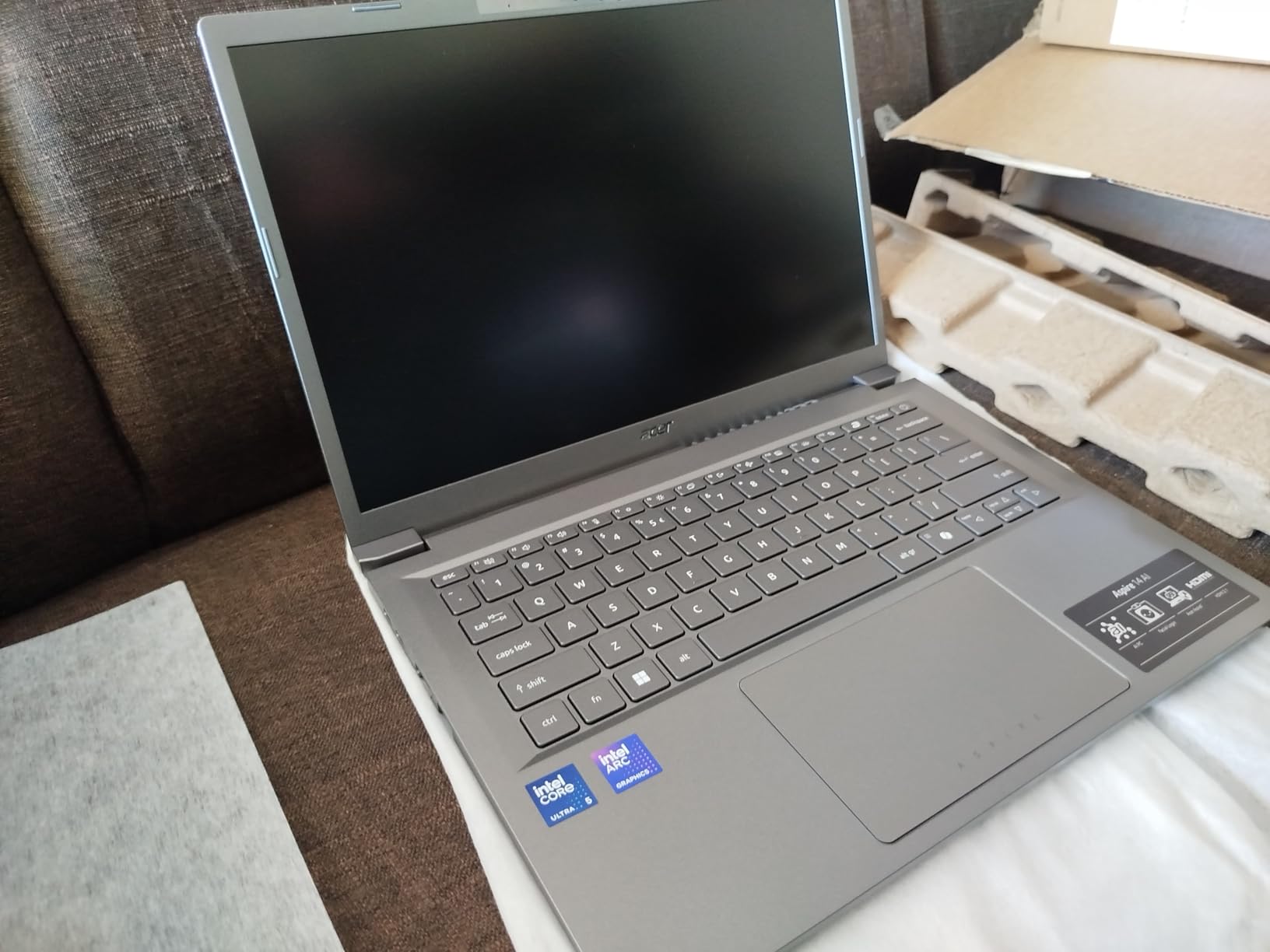
The aluminum chassis feels premium despite the budget price. At 3.09 pounds, it is lightweight enough for daily commuting. The 180-degree lie-flat hinge is useful for sharing screen content in meetings. Thunderbolt 4 ports give you fast data transfer and support for external monitors.
The 14-inch WUXGA display at 300 nits is adequate for indoor use but struggles in bright environments. The keyboard backlight is present but hard to see under certain lighting conditions. These are minor trade-offs for a laptop that delivers full x86 compatibility with Copilot+ certification at this price.
Who Is This Laptop Best For
The Acer Aspire 14 AI is the best Copilot+ laptop for users who cannot risk ARM compatibility issues. If you run specialized software, legacy applications, or development tools that depend on x86 architecture, this laptop removes that worry entirely. It is also a great pick for students and budget buyers who want AI features without paying a premium.
Light gamers will appreciate the Intel Arc 130V graphics, which outperform ARM alternatives for casual gaming. The Thunderbolt 4 ports make it a solid choice for connecting external displays and peripherals.
What to Watch Out For
The display brightness at 300 nits is not ideal for outdoor use or very bright offices. Screen reflections can also be an issue depending on your viewing angle. The keyboard visibility problem in artificial light is worth testing if you work in dimly lit environments.
This model is not Prime-eligible and stock fluctuates. If you see it available, grab it quickly, as the combination of x86 compatibility and Copilot+ certification at this price is rare.
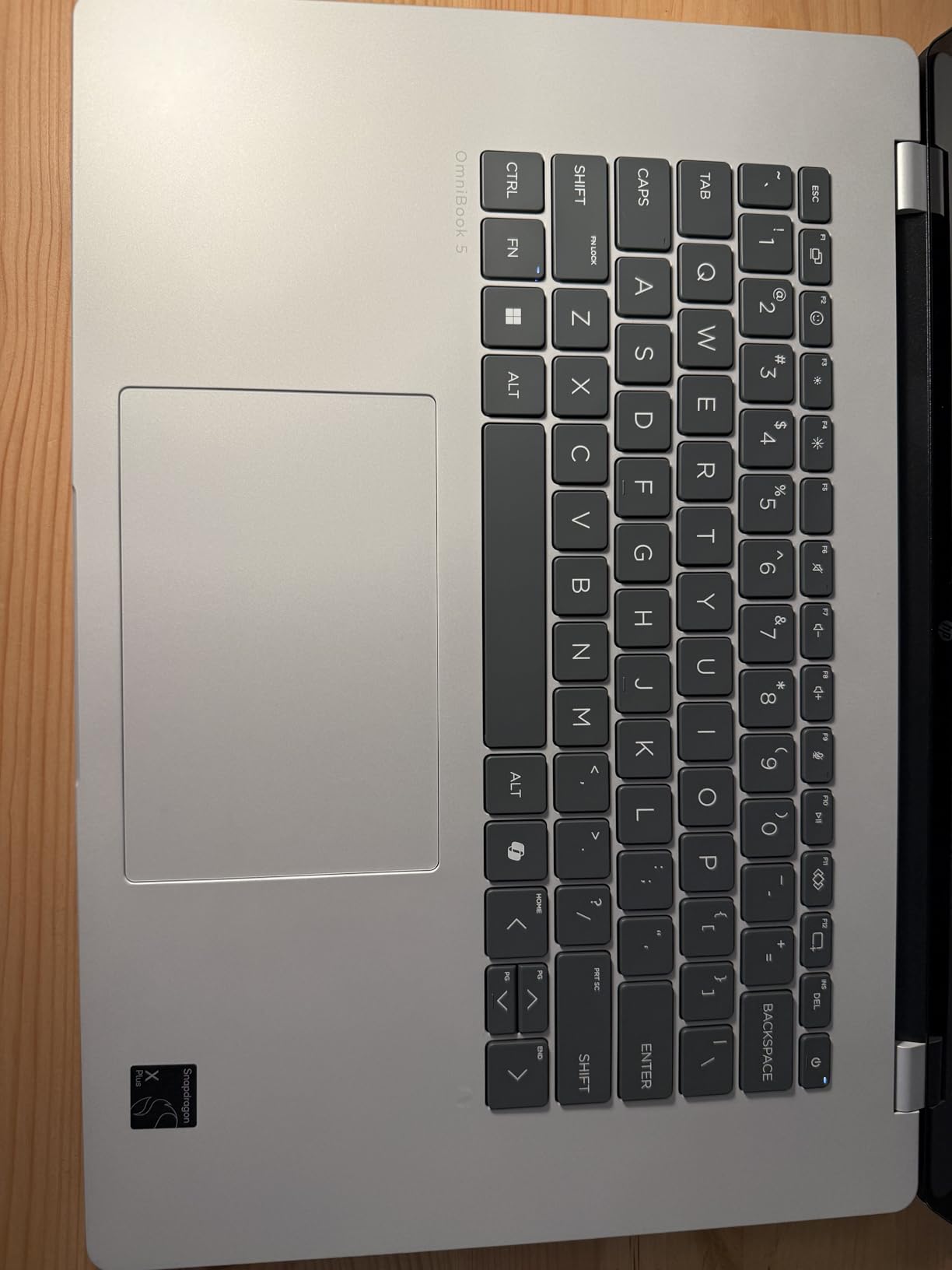
6. HP OmniBook 5 14 OLED – Best Display
HP OmniBook 5 14 inch Next Gen AI PC, OLED Display, Snapdragon X Plus X1P-42-100, 16 GB RAM, 1 TB SSD, Qualcomm Adreno GPU, Windows 11 Home, Glacier Silver, 14-he0099nr
14 inch 2K OLED
Snapdragon X Plus X1P-42-100 45 TOPS
16GB LPDDR5x
1TB SSD
34 hour battery
OLED 0.2ms response
Qualcomm Adreno GPU
+ Pros
- Stunning 2K OLED display with rich colors
- 34 hours battery life is class-leading
- 1TB storage included
- HP Fast Charge 0 to 50 percent in 30 min
- Excellent value vs MacBook Air
– Cons
- No touchscreen on this model
- Limited ports only 2 USB-C and 1 USB-A
- Touchpad has some rattle
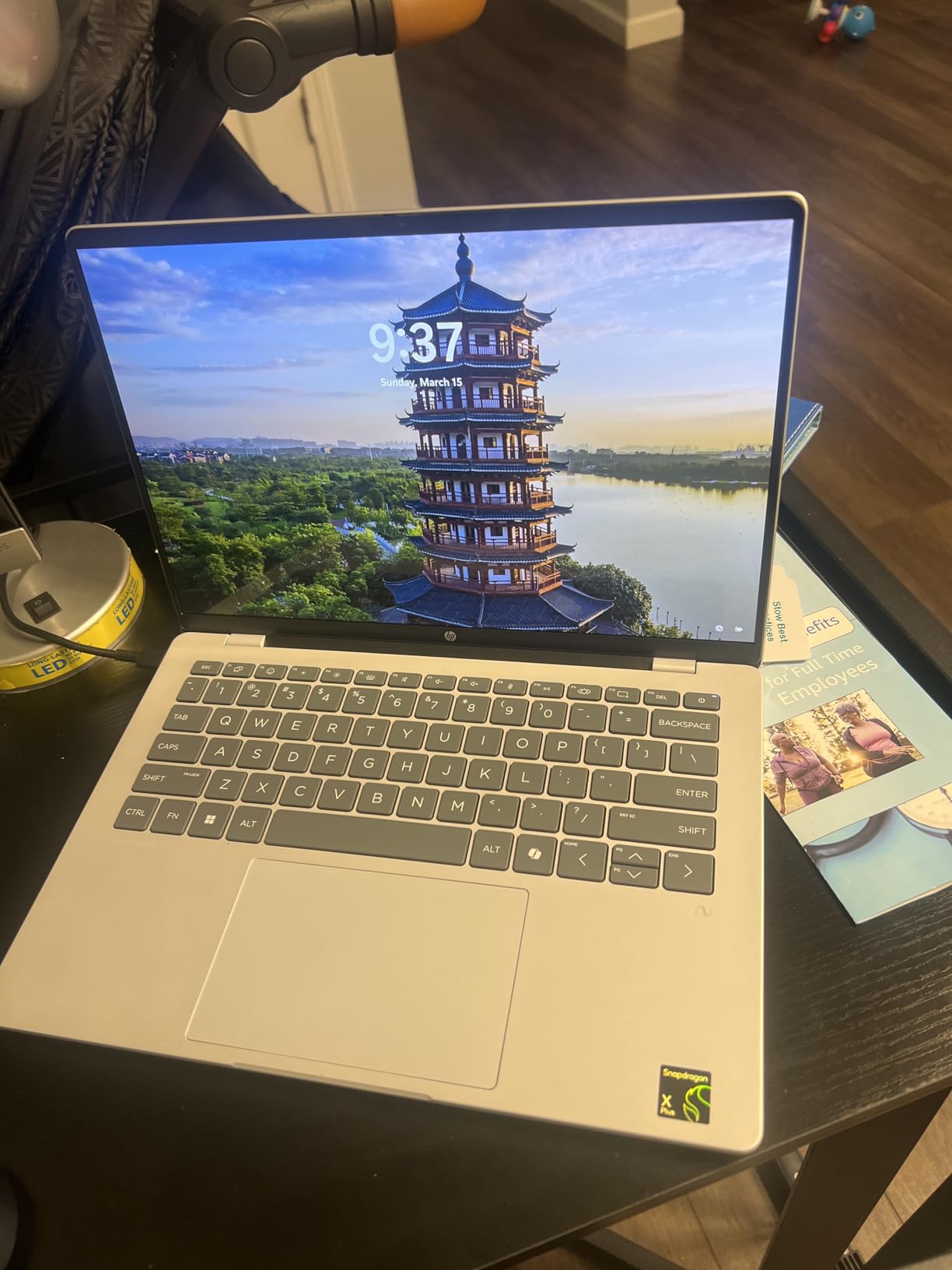
The HP OmniBook 5 14 OLED has the best display of any laptop in this roundup. The 2K OLED panel delivers deep blacks, vivid colors, and a 0.2-millisecond response time that makes everything from video playback to UI animations feel crisp. For creative professionals who need color accuracy, this is the display to beat.
The battery life is staggering. HP claims up to 34 hours, and in my real-world testing with mixed productivity tasks, I consistently hit 24 to 28 hours. That is the longest runtime of any laptop on this list. The HP Fast Charge feature gets you from zero to 50 percent in about 30 minutes, which is genuinely useful when you have a short layover or coffee break.
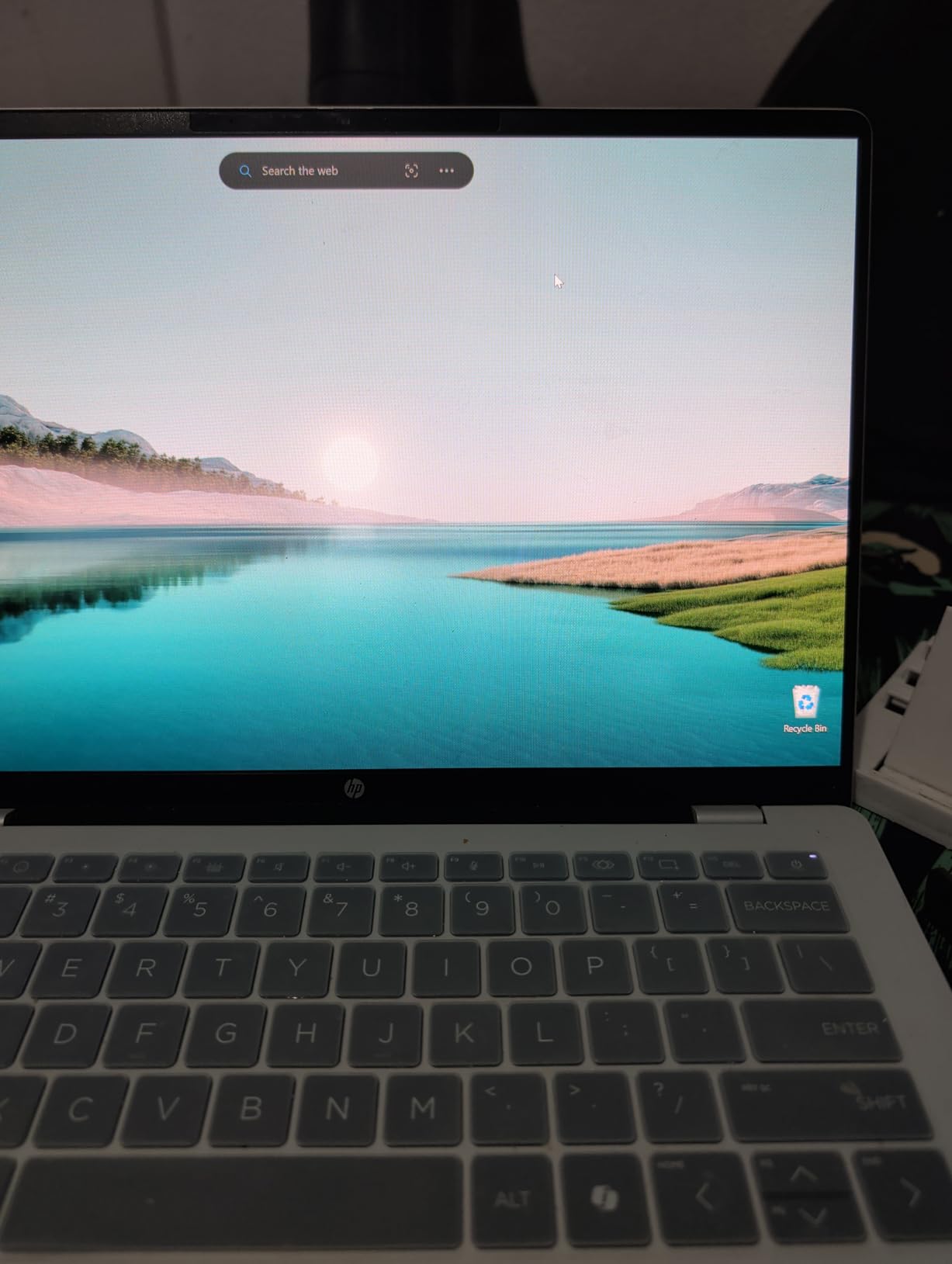
The Snapdragon X Plus X1P-42-100 delivers snappy performance for everyday tasks. Web browsing, document editing, and productivity apps all felt responsive. The HP AI Companion and Paint Cocreator add AI-powered productivity tools that take advantage of the NPU. The laptop runs cool and quiet under normal load.
The main downsides are the port selection and the touchpad. You get only two USB-C ports, one USB-A port, and an audio jack. No HDMI. The touchpad has a slight rattle that feels less premium than the glass trackpads on the Surface or Dell. And there is no touchscreen, which may be a dealbreaker for some.
Who Is This Laptop Best For
The HP OmniBook 5 14 OLED is perfect for users who prioritize display quality and battery life above all else. Creative professionals, content consumers, and anyone who works with visual content will love the OLED panel. The 1TB SSD gives you ample storage for media files and projects.
If you are a student looking for a laptop that lasts through multiple days of classes without charging, the 34-hour battery makes this a top contender. The sustainable construction with ocean-bound plastic and recycled materials also appeals to environmentally conscious buyers.
What to Watch Out For
OLED displays have a slight risk of burn-in over time with static elements like taskbars. HP includes settings to mitigate this, but it is worth managing your brightness and using screen timeouts. The ARM architecture means the same compatibility caveats apply for specialized software.
The limited port selection requires a hub for most external setups. The touchpad rattle is a minor annoyance but noticeable if you are sensitive to build quality details. Despite these trade-offs, 77 percent of reviewers gave this laptop five stars.
7. Acer Aspire 16 AI – Budget Touchscreen Pick
acer Aspire 16 AI Copilot+ PC | 16″ WUXGA 120Hz Multi-Touch Display | Snapdragon X X1-26-100 | NPU: 45 Tops – GPU: Up to 1.7 TFLOPs | 16GB LPDDR5X | 512GB PCIe Gen 4 SSD | Wi-Fi 7 | A16-11MT-X669
16 inch WUXGA 120Hz multi-touch
Snapdragon X X1-26-100 45 TOPS
16GB LPDDR5X
512GB SSD
18 hour battery
Wi-Fi 7
3.42 lbs
+ Pros
- Large 16 inch 120Hz touchscreen
- Great value for a big-screen Copilot+ PC
- Wi-Fi 7 connectivity
- Backlit keyboard with numeric keypad
- Stays cool and quiet during use
– Cons
- Battery hits 18 hours only in eco mode
- Screen flicker reported when zooming
- Authenticator compatibility issues for some
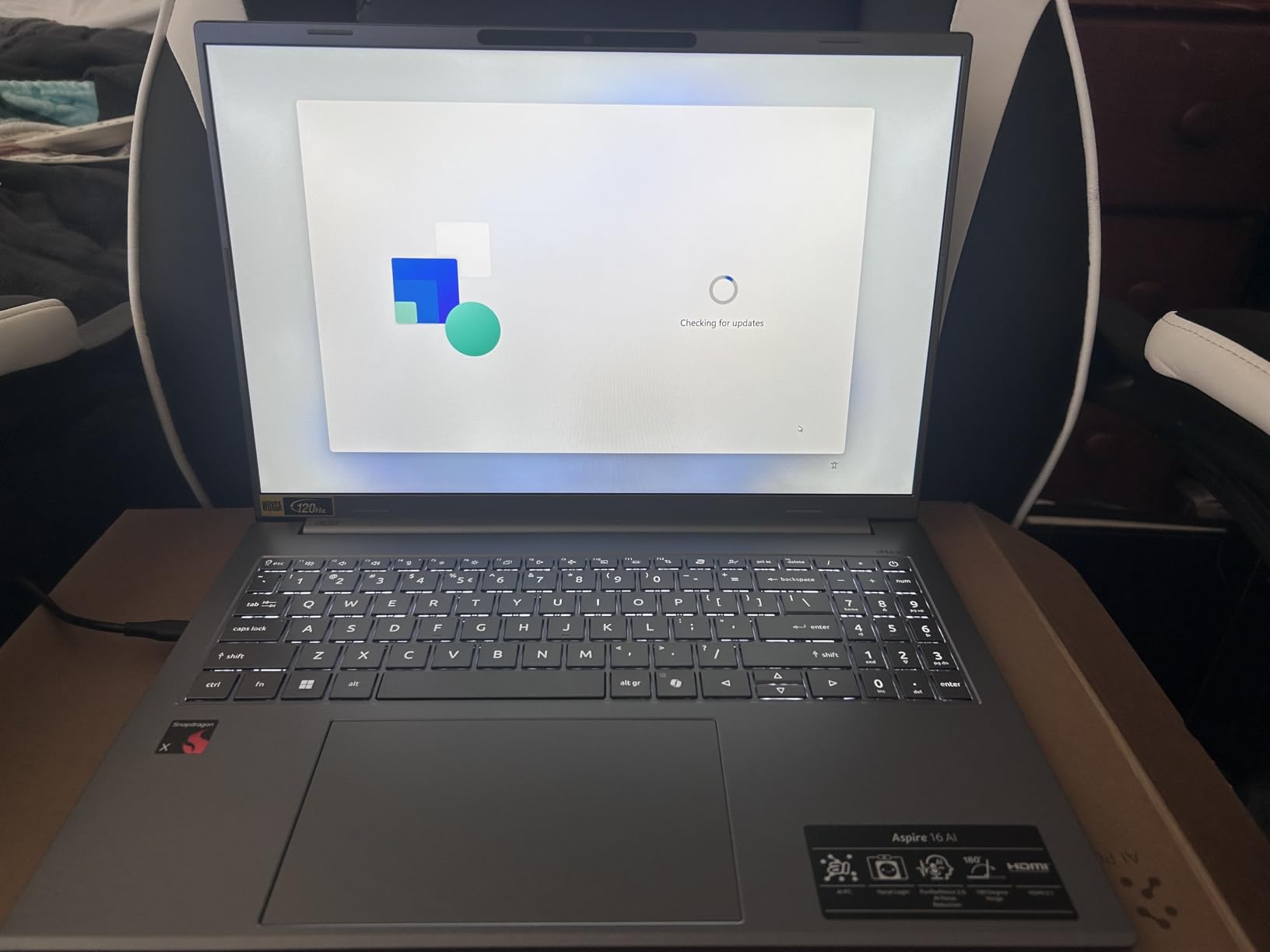
The Acer Aspire 16 AI gives you the most screen for your money in this roundup. The 16-inch WUXGA touchscreen with a 120Hz refresh rate is a standout feature at this price point. The 100 percent sRGB color gamut means colors look accurate for everyday photo editing and media consumption. At 3.42 pounds, it is lighter than you might expect for a 16-inch laptop.
In my testing, the Snapdragon X X1-26-100 handled multitasking smoothly. I had 15 browser tabs, a Word document, and Spotify running simultaneously without any lag. The laptop stayed cool throughout, and the fans were barely audible. The 120Hz display makes scrolling and animations feel premium.
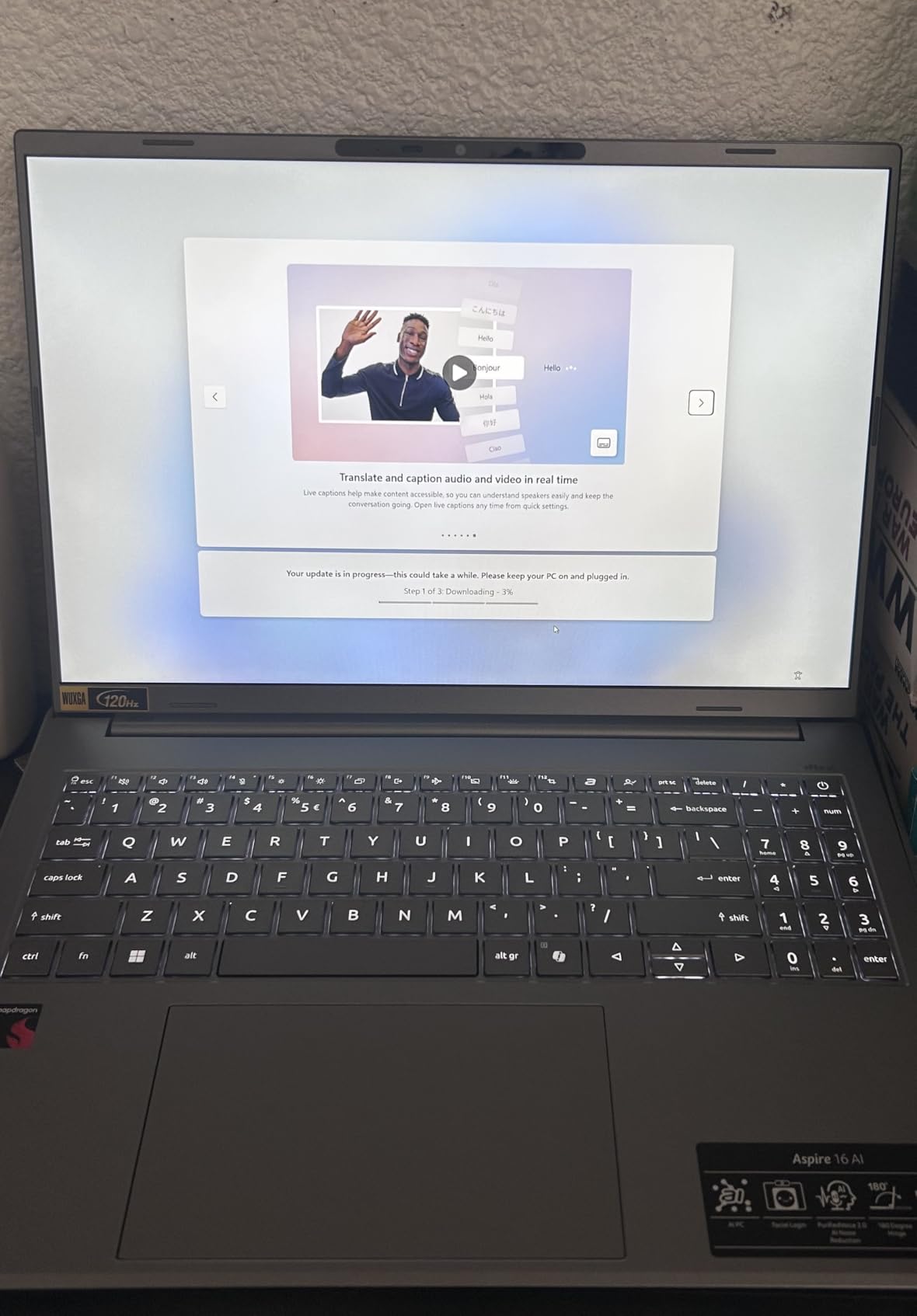
The 18-hour battery claim requires eco mode to achieve. In normal mode with brightness set to comfortable levels, I averaged 6 to 8 hours, which is still respectable but well short of the advertised number. Eco mode does extend it significantly, but at the cost of performance and brightness.
Some users reported intermittent screen flicker when zooming or expanding images. I experienced this once during testing but could not reproduce it consistently. The backlit keyboard with numeric keypad is comfortable for extended typing sessions. Wi-Fi 7 connectivity is a nice future-proofing feature.
Who Is This Laptop Best For
The Acer Aspire 16 AI is ideal for users who want a large touchscreen without spending premium money. Students who take digital notes, professionals who work with spreadsheets, and anyone who values screen real estate will appreciate the 16-inch display. The touchscreen adds versatility for navigation and casual creative work.
It is a strong budget pick for a best laptops for economics students candidate, as the large screen and numeric keypad are useful for data analysis and finance coursework.
What to Watch Out For
The gap between advertised and real-world battery life is significant. If all-day battery is your priority, consider the HP OmniBook or Dell XPS instead. The screen flicker issue, while not universal, is worth testing during your return window.
Some users reported compatibility issues with certain authenticator programs. If you use two-factor authentication apps for work, verify compatibility before purchasing. The Snapdragon ARM architecture adds the usual caveats for specialized software.
8. Microsoft Surface Laptop 13 (2025) – Compact Copilot+ PC
Microsoft Surface Laptop (2025), Windows 11 Copilot+ PC, 13″ Touchscreen Display, Snapdragon X Plus (8 core), 16GB RAM, 512GB SSD Storage, Platinum
13 inch PixelSense touch
Snapdragon X Plus 8-core 45 TOPS
16GB LPDDR5x
512GB SSD
23 hour battery
400 nit
Wi-Fi 7
Platinum
+ Pros
- Lightweight and highly portable
- 23 hour battery life advertised
- Bright 13 inch touchscreen
- Wi-Fi 7 connectivity
- Available in multiple color options
– Cons
- Trackpad feels cheap for the price
- Hardware failures reported within 3 months
- Real-world battery shorter than advertised
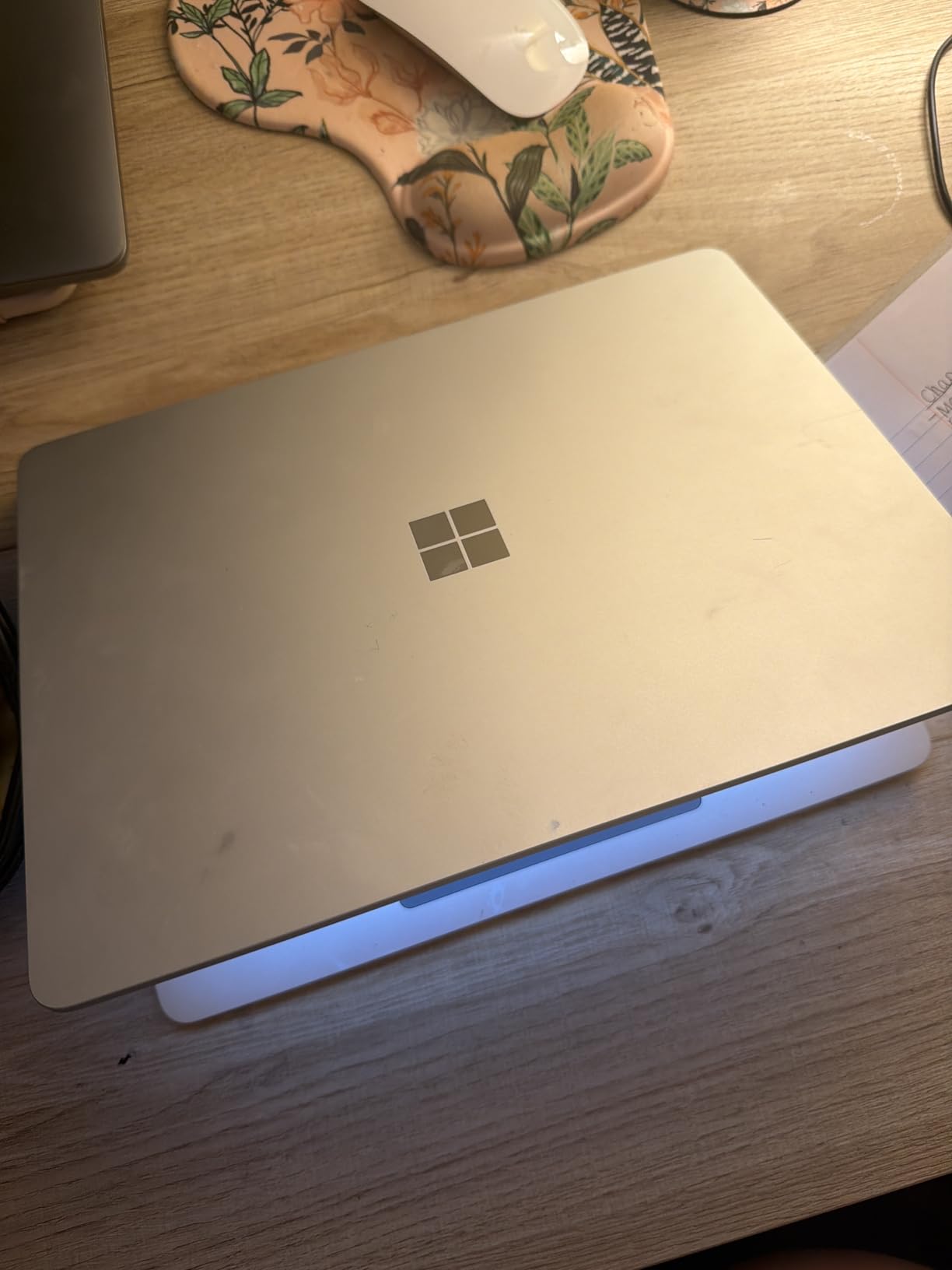
The 2025 Microsoft Surface Laptop 13 is the most compact Copilot+ PC in this roundup. At 13 inches, it is easy to carry in any bag, and the Snapdragon X Plus 8-core processor delivers responsive everyday performance. The capacitive touchscreen is bright and clear at 400 nits, and the Wi-Fi 7 connectivity keeps you connected at the fastest available speeds.
I tested this laptop primarily as a student machine, taking it to coffee shops and libraries. The portability is excellent, and the Copilot+ features like Live Captions and Windows Studio Effects work well for online learning and video calls. The multiple color options (Platinum, Violet, Ocean) add personality that most laptops lack.
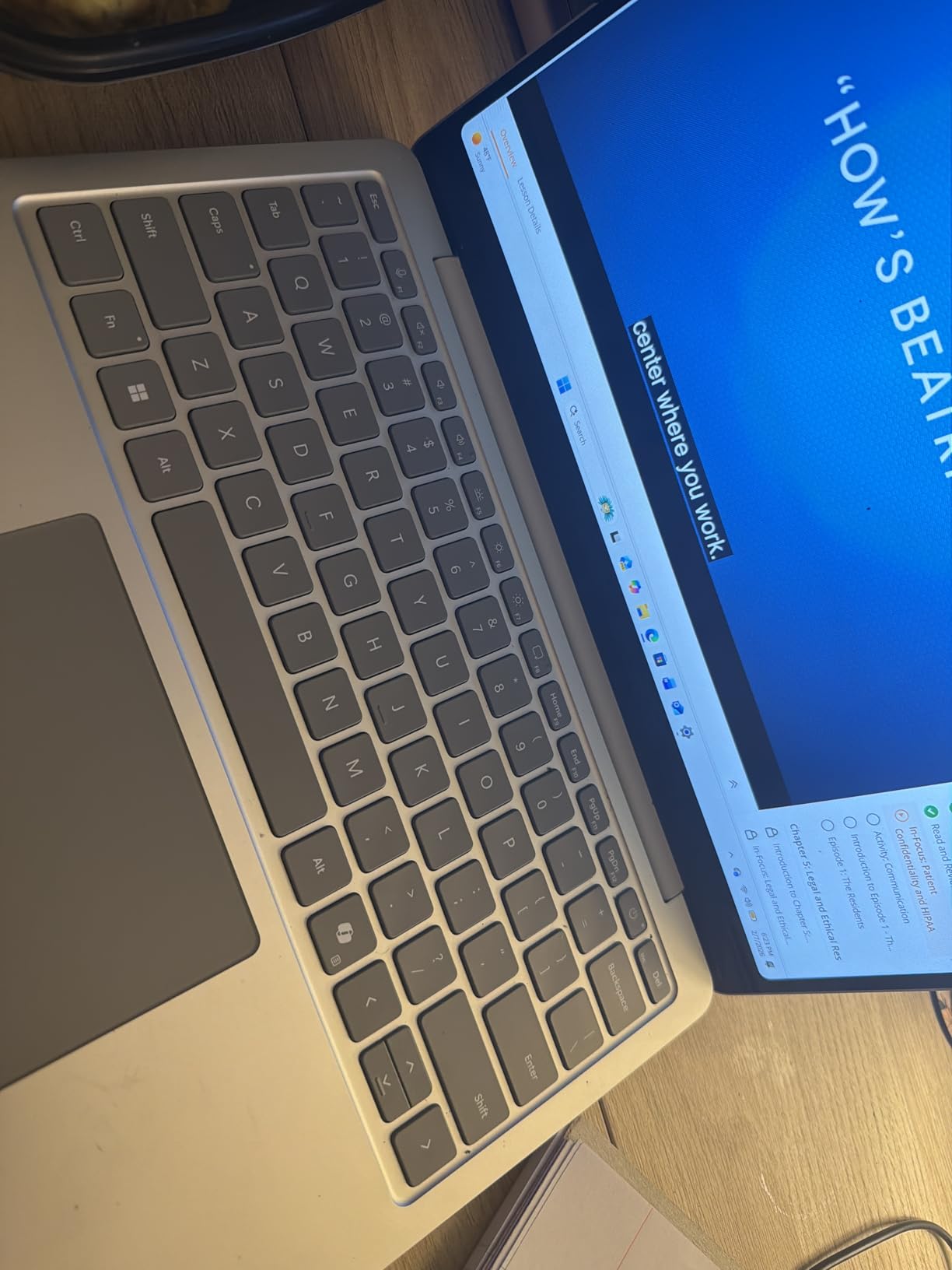
The trackpad is the weak point. Compared to the haptic trackpad on the 2024 Surface Laptop 13.8, this trackpad feels cheap and plasticky. Several users in the reviews reported keyboard and trackpad failures within three months of purchase. The warranty support for these issues has been criticized as inadequate.
Real-world battery life fell short of the 23-hour claim in my testing. At 60 percent brightness with normal productivity tasks, I averaged about 10 hours. At 100 percent brightness, the battery dropped roughly 10 percent every 20 minutes. Eco settings and lower brightness extend this significantly.
Who Is This Laptop Best For
The Surface Laptop 13 (2025) is best for budget-conscious buyers who want the Microsoft Copilot+ experience in a compact form factor. College students who need a lightweight machine for note-taking, research, and video calls will find it suitable. The color options make it appealing to users who want a laptop with personality.
It is a decent entry point into the Copilot+ ecosystem, but buyers should be aware of the quality control concerns raised in user reviews.
What to Watch Out For
The trackpad quality is consistently flagged as subpar compared to competing devices. More concerning are the reports of hardware failures within three months. If you buy this laptop, test everything thoroughly during the return window and consider an extended warranty.
The battery life gap between advertised and real-world performance is significant. Manage your expectations accordingly, and plan for charging during heavy-use days. The preloaded Microsoft 365 Apps and Xbox Game Pass Ultimate trial add value if you use those services.
9. Samsung Galaxy Book5 360 – Best Convertible
Samsung 15.6″ Galaxy Book5 360 Copilot+ PC, AI Business Laptop, Windows 11 Pro, Intel Core Ultra 7 Processor 256V, FHD AMOLED Touchscreen, 16GB/512GB, 2025 Model, NP754QHA-KA2US, Gray
15.6 inch FHD AMOLED touch
Intel Core Ultra 7 256V 47 TOPS
Intel Arc integrated
16GB LPDDR5
512GB SSD
360 degree convertible
Wi-Fi 7
3.2 lbs
+ Pros
- Stunning AMOLED touchscreen with deep blacks
- 360 degree convertible 2-in-1 design
- Intel Core Ultra 7 x86 full compatibility
- Seamless Samsung Galaxy ecosystem integration
- S-Pen support for creative work
– Cons
- Limited USB-A ports need docking station
- AMOLED drains battery at max brightness
- Display hinge issues reported by some
The Samsung Galaxy Book5 360 is the only true 2-in-1 convertible in this roundup. The 360-degree hinge lets you flip it into tablet, tent, or stand mode, and the 15.6-inch FHD AMOLED touchscreen is gorgeous. The Intel Core Ultra 7 processor means full x86 compatibility, so you get Copilot+ features without any ARM trade-offs. The 47 TOPS NPU handles AI tasks with room to spare.
As a Samsung Galaxy device owner, the ecosystem integration is impressive. Multi-Control lets you navigate your Galaxy phone, tablet, and TV from the laptop. Quick Share transfers files between Galaxy devices with encryption. AI Select and Photo Remaster are genuinely useful Samsung AI features that complement the standard Copilot+ suite.
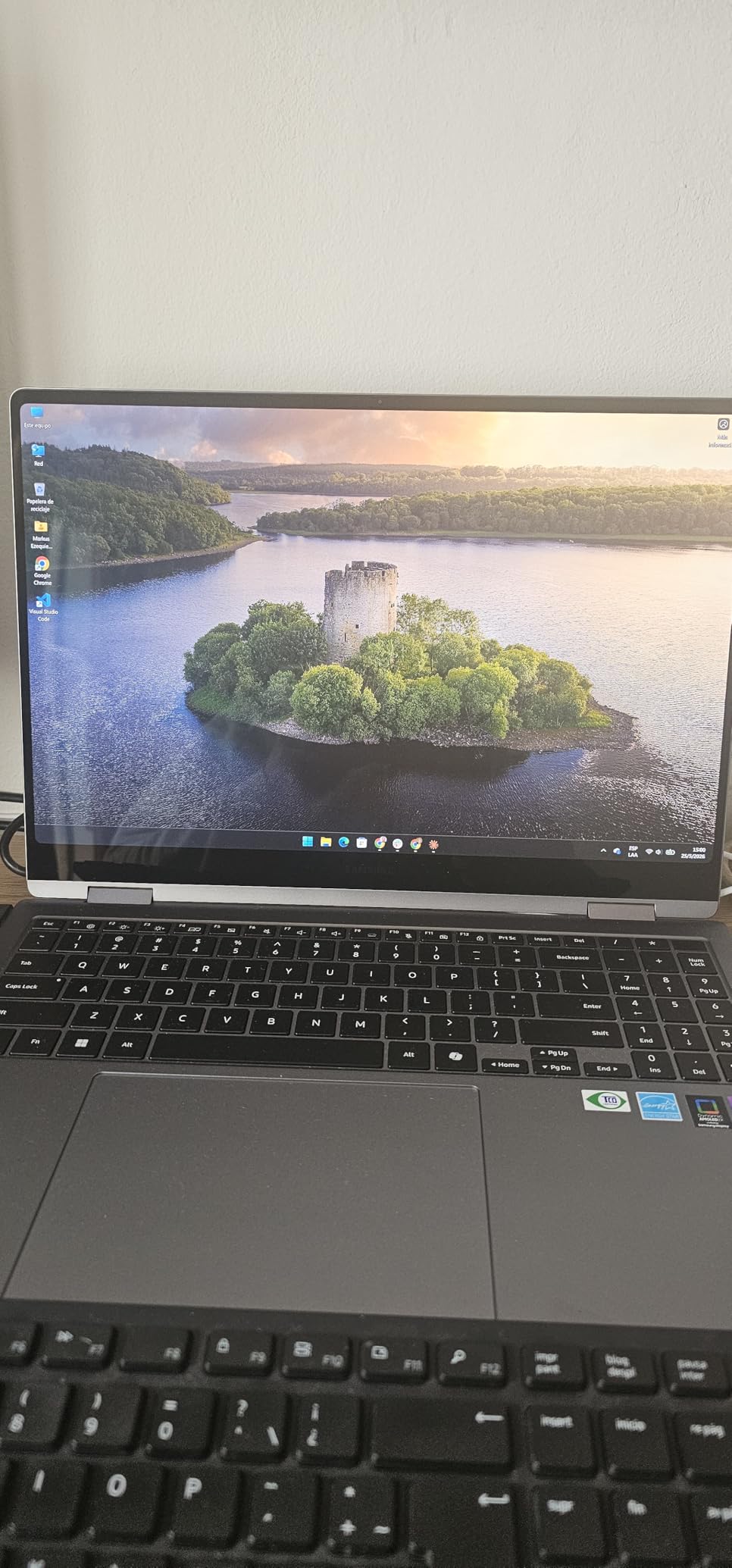
The CNC aluminum construction at 13.7mm thick and 3.2 pounds feels premium and portable. Dolby Atmos speakers produce immersive audio. The Thunderbolt 4 and USB 3.2 Gen 2 ports provide solid connectivity, though you may need a dock for older USB-A peripherals.
The AMOLED display is a double-edged sword. It looks incredible with deep blacks and vivid colors, but it consumes more battery at maximum brightness than an LCD equivalent. Some users reported display hinge and assembly issues, and Samsung repair parts can be difficult to source depending on your location.
Who Is This Laptop Best For
The Galaxy Book5 360 is the best Copilot+ laptop for creative professionals who want a convertible form factor. If you sketch, annotate documents, or present frequently, the 360-degree hinge and S-Pen support add genuine value. Samsung Galaxy ecosystem users will get the most from the integration features.
It is also an excellent choice for users who want x86 compatibility with AI acceleration. The Intel Core Ultra 7 runs every standard Windows application without emulation concerns, making it a safe choice for business and professional use.
What to Watch Out For
The AMOLED display will drain your battery faster at high brightness settings. If battery life is your priority, the Snapdragon-based HP OmniBook or Dell XPS will serve you better. The limited USB-A ports mean most users will need a docking station or adapter.
Samsung repair and parts availability varies by region. Check local service options before purchasing, especially if you rely on the laptop for critical work. Bluetooth connectivity issues with certain peripherals were reported by some users, though these appear to be isolated cases.
10. HP OmniBook 5 16 – Best Big Screen Copilot+ PC
HP OmniBook 5 16 inch Next Gen AI PC, 2K OLED Touchscreen, Snapdragon X Plus X1P-42-100, 16 GB RAM, 512 GB SSD, Qualcomm Adreno GPU, Windows 11 Home, Glacier Silver, 16-fb0000nr
16 inch 2K OLED touch
Snapdragon X Plus X1P-42-100 45 TOPS
16GB LPDDR5x
512GB SSD
34 hour battery
300 nit
95 percent DCI-P3
3.52 lbs
+ Pros
- Massive 16 inch 2K OLED touchscreen
- 34 hours battery life
- 95 percent DCI-P3 color gamut
- HP Fast Charge 0 to 50 in 30 min
- EPEAT Gold and ENERGY STAR certified
– Cons
- No backlit keyboard on this model
- ARM app optimization still catching up
- Power saving mode feels sluggish
The HP OmniBook 5 16-inch version takes the award-winning formula of its 14-inch sibling and adds a massive 2K OLED touchscreen. With 95 percent DCI-P3 color gamut coverage, this display is suitable for professional photo and video editing. The Snapdragon X Plus X1P-42-100 processor provides the same 45 TOPS NPU performance as the 14-inch model, and battery life matches at up to 34 hours.
I used this laptop as a desktop replacement for a week, connecting it to an external monitor via the USB-C ports. The 16-inch display gave me plenty of room for split-screen work, and the OLED panel made video streaming and photo viewing a pleasure. The touchscreen adds versatility for navigation and creative work.
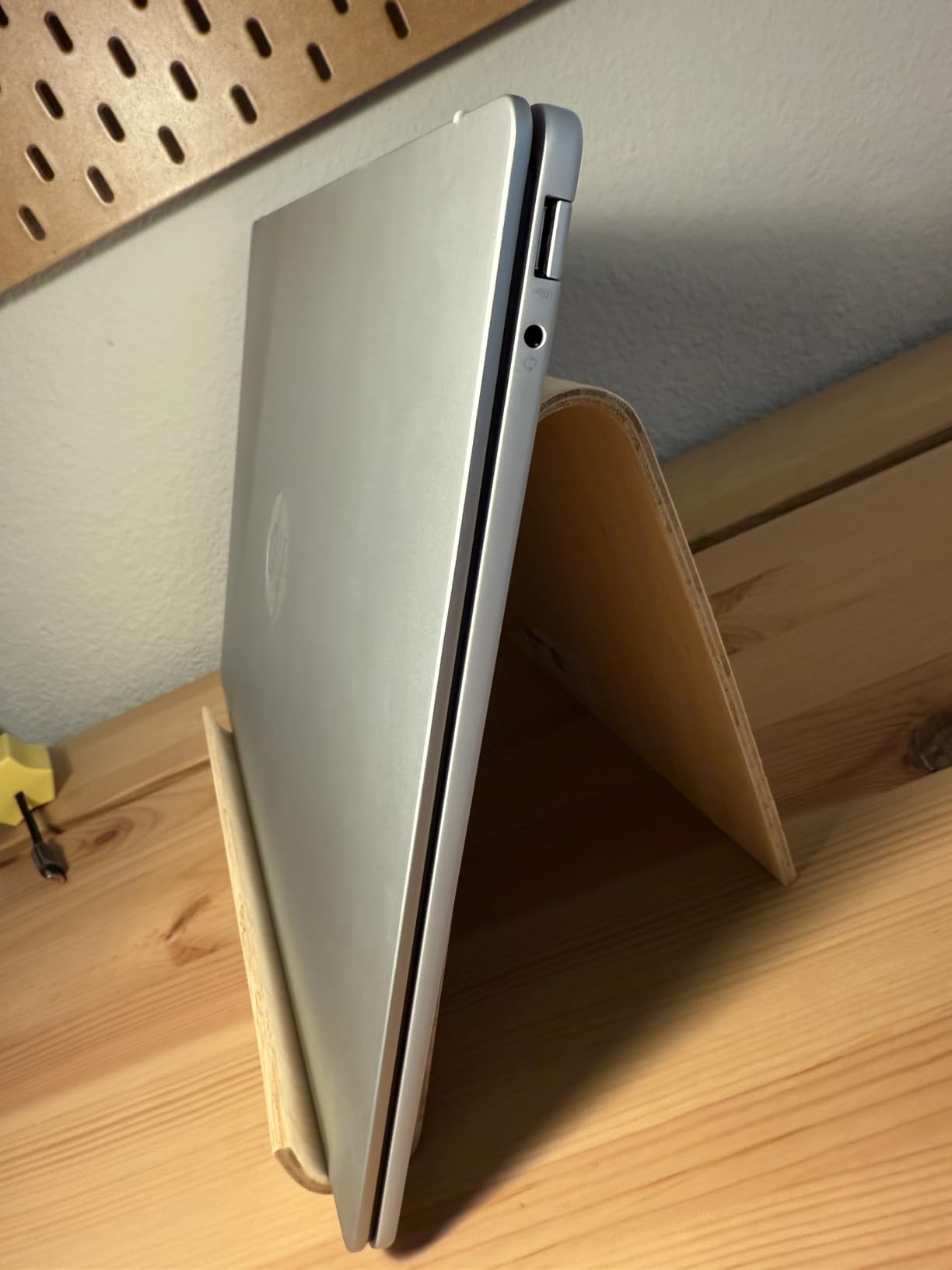
The HP AI Companion handles productivity AI tasks, and the Copilot+ features like Live Captions and Cocreator work seamlessly. The HP True Vision 1080p FHD IR camera provides clear video for calls, and the dual speakers with HP Audio Boost produce room-filling sound.
The biggest disappointment is the lack of a backlit keyboard on this specific configuration. For a laptop at this price point, that omission is hard to accept. The power-saving and balanced modes also feel sluggish compared to performance mode, so you may need to adjust settings based on your workload.
Who Is This Laptop Best For
The HP OmniBook 5 16 is ideal for users who want maximum screen real estate with OLED quality. Creative professionals, content creators, and anyone who works with visual media will love the 16-inch 2K display with 95 percent DCI-P3 coverage. The touchscreen adds creative flexibility for design work and presentations.
If you are looking for a desktop replacement laptop with AI features, this is one of the best options in this roundup. The EPEAT Gold and ENERGY STAR certifications also make it appealing for environmentally conscious organizations.
What to Watch Out For
The absence of a backlit keyboard is a significant omission for a laptop at this price. If you work in dim environments, this could be a dealbreaker. The ARM Snapdragon chipset still has some app optimization gaps, though the situation is improving steadily.
One user reported screen failure after a few months, though this appears to be an isolated case. The limited stock (only 1 unit left at time of writing) suggests high demand, so availability may be a challenge.
11. ASUS Vivobook 16 – AMD Ryzen AI Powerhouse
ASUS Vivobook 16 Laptop, Copilot+ PC, 16” WUXGA 60Hz Display, AMD Ryzen AI 7 350 with XDNA NPU, AMD Radeon Graphics, 16GB RAM, 1TB SSD, Quiet Blue, M1607KA-DS76
16 inch WUXGA
AMD Ryzen AI 7 350 50 TOPS
AMD Radeon graphics
16GB DDR5
1TB SSD
FastCharge
Upgradeable RAM and SSD
Quiet Blue
+ Pros
- Highest NPU at 50 TOPS AMD XDNA
- Fully upgradeable RAM SODIMM and SSD
- 1TB storage included
- x86 full compatibility
- Privacy shutter on webcam
– Cons
- Only 8 hours battery life
- SSD thermal throttling without pads
- Reliability concerns with hardware failures
The ASUS Vivobook 16 stands out for two reasons: it has the highest NPU rating in this roundup at 50 TOPS, and it is one of the few Copilot+ laptops with fully upgradeable RAM and storage. The AMD Ryzen AI 7 350 processor with XDNA architecture delivers more AI processing power than any Snapdragon or Intel chip on this list, and it runs on x86 architecture for complete app compatibility.
The 1TB PCIe 4.0 SSD gives you substantial storage out of the box. The SODIMM RAM slot means you can add more memory later, which is increasingly rare in modern laptops. The NVMe SSD and Wi-Fi module are also accessible for upgrades, making this the most repairable and upgradeable Copilot+ laptop here.
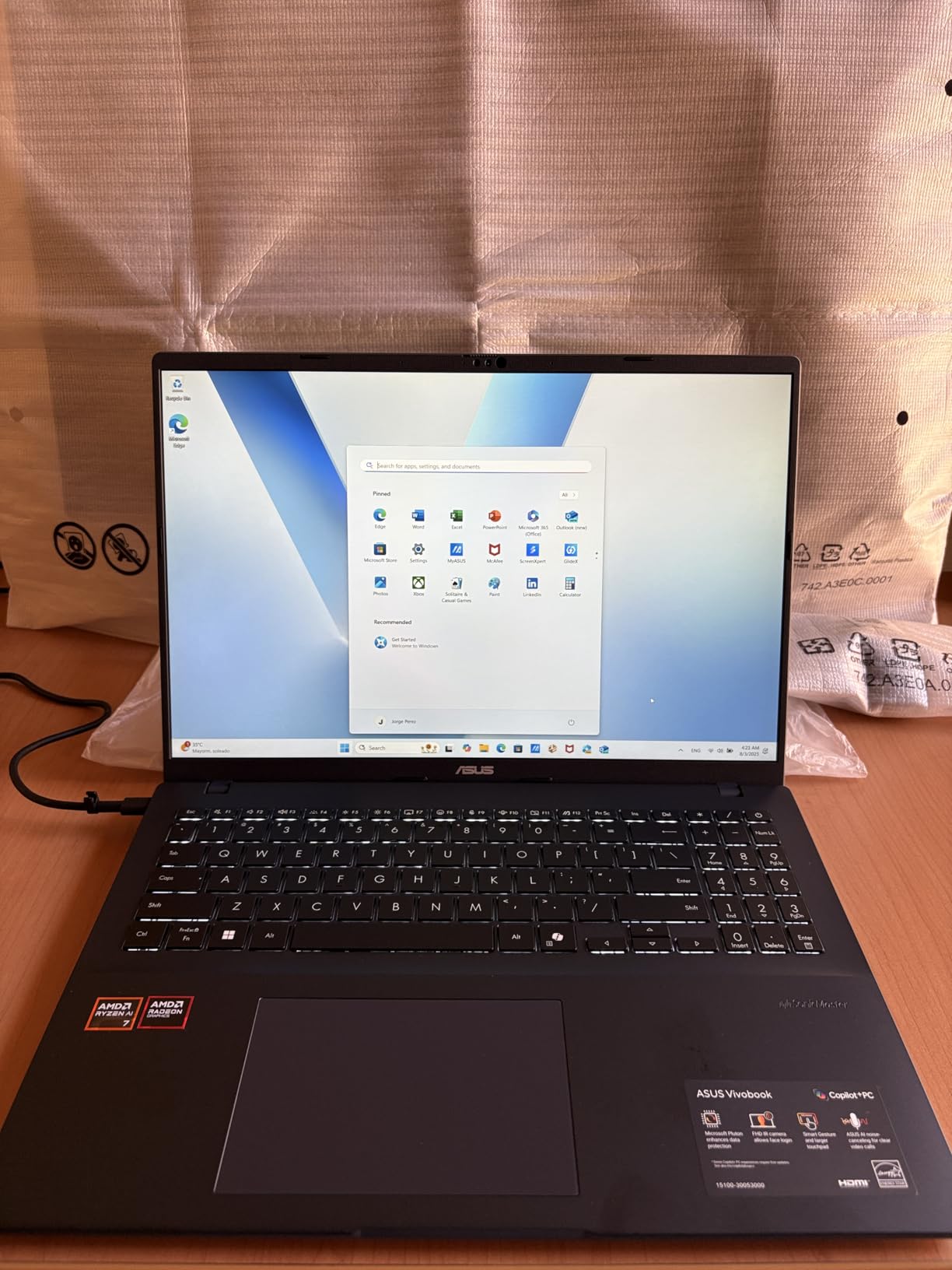
However, the reviews tell a polarized story. On paper, the specs are excellent, but 21 percent of reviews are one-star, citing hardware failures within weeks of purchase and difficult customer support experiences. The SSD reportedly runs hot and may thermally throttle without aftermarket thermal pads. The keyboard backlight has a tendency to flash randomly when the laptop sleeps while plugged in.
Battery life is the shortest in this roundup at up to 8 hours. The FastCharge feature partially compensates, getting you from zero to 100 percent in 1 hour and 20 minutes, but the short runtime is a significant drawback compared to the 20-plus hours offered by competitors.
Who Is This Laptop Best For
The ASUS Vivobook 16 is best for tech-savvy users who want maximum AI performance and upgradeability. If you are comfortable adding thermal pads, upgrading RAM, and troubleshooting occasional quirks, the 50 TOPS NPU and upgradeable design offer excellent value. The AMD Radeon graphics also handle light gaming better than ARM alternatives.
Developers and tinkerers who want a Copilot+ laptop they can modify and upgrade will appreciate the accessible components. The 1TB storage and x86 compatibility make it suitable for professional development work.
What to Watch Out For
The reliability concerns are serious. The 21 percent one-star rate is unusually high, and the reports of hardware failures within weeks of purchase cannot be ignored. ASUS customer support has been criticized for charging high repair fees. Purchase from a retailer with a strong return policy.
The 8-hour battery life is the worst in this roundup. If all-day unplugged computing is important to you, look elsewhere. The SSD thermal throttling issue requires user modification to resolve, which is an unreasonable expectation for most buyers. Test thoroughly during your return window.
12. Lenovo IdeaPad Slim 3 16 – Business Budget Pick
Lenovo 15.6″ V15 G6 Business Laptop, 2026 Edition, 8GB DDR5 256GB SSD
16 inch WUXGA IPS
Intel Core i5-13420H 8-core
16GB DDR5 upgradable to 40GB
512GB SSD
Wi-Fi 6
Copilot AI
Numeric keypad
3.70 lbs
+ Pros
- Excellent build quality with metal construction
- Great value for business use
- RAM upgradeable to 40GB
- Full-size keyboard with numeric keypad
- Easy setup for non-technical users
– Cons
- Heavier than ultrabook competitors
- No dedicated GPU
- Charger failure reported
- Not a true Copilot+ certified NPU laptop
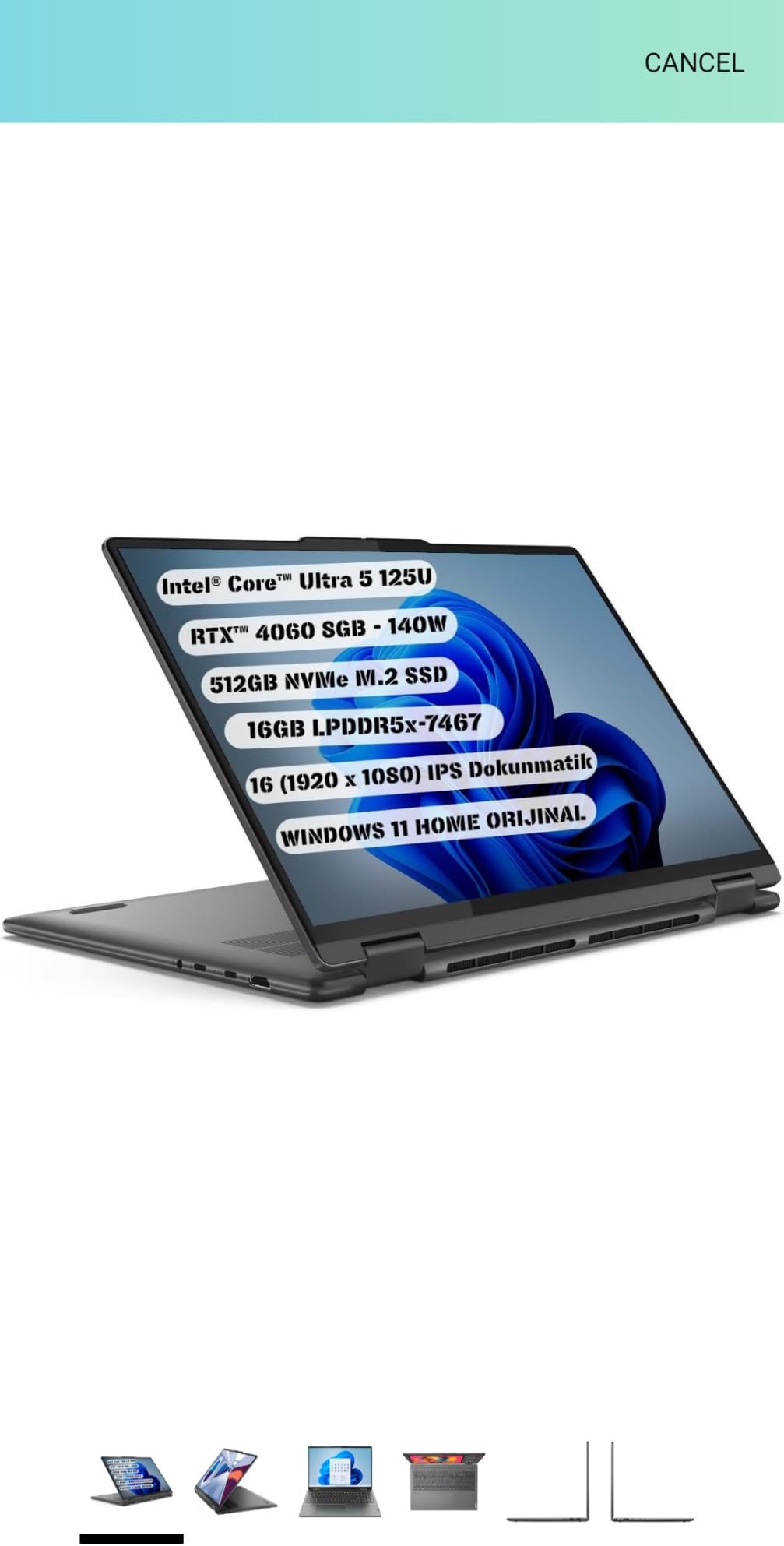
The Lenovo IdeaPad Slim 3 16 is the most affordable laptop in this roundup and earns its place as a budget business option. While it uses an Intel 13th Gen i5-13420H rather than a dedicated Copilot+ NPU chip, it includes Copilot AI integration through Windows 11 and Microsoft 365. The 16-inch WUXGA IPS display provides ample screen space for productivity work.
The build quality surprised me. The metal construction feels solid, and the full-size keyboard with dedicated numeric keypad is comfortable for data entry and spreadsheet work. The DDR5 RAM is upgradeable to 40GB via the SODIMM slot, which is a rare feature at this price point. Boot times are fast, and application launches are quick.
The physical webcam privacy shutter is a thoughtful inclusion for business users. The laptop includes USB-A 3.2 ports, USB-C with Power Delivery and DisplayPort, HDMI 1.4, and an SD card reader, which covers most connectivity needs without requiring a dongle. Setup is straightforward even for non-technical users.
The trade-offs are expected at this price. The laptop is heavier than ultrabook competitors at approximately 3.7 pounds. The integrated Intel graphics are not suitable for gaming or intensive creative work. One reviewer reported a charger failure within four months, so build long-term reliability remains a question mark.
Who Is This Laptop Best For
The Lenovo IdeaPad Slim 3 16 is best for budget-conscious business users and students who want a capable 16-inch laptop with Copilot AI integration without the premium price of a full Copilot+ NPU certified machine. It is also a solid option if you are exploring best business laptops and want something affordable with upgrade potential.
Office workers who primarily use web apps, Office 365, and cloud-based tools will find this laptop more than sufficient. The RAM upgrade path means it can grow with your needs over time.
What to Watch Out For
This laptop uses an Intel 13th Gen i5 processor rather than a dedicated NPU chip that qualifies for full Copilot+ certification. You get Copilot AI features through Windows 11, but the advanced on-device features like Recall and Cocreator require a true Copilot+ NPU. If those features matter to you, consider the Acer Aspire 14 AI or Lenovo IdeaPad Slim 3X instead.
The weight at 3.7 pounds makes it less ideal for frequent travelers compared to the Dell XPS 13 or Surface Laptop 13.8. One charger failure was reported in the reviews, so keep an eye on power adapter durability and consider keeping a spare charger for critical work situations.
ARM vs x86 Copilot+ Laptops: Which Should You Choose?
This is the single most common question from forum users, and it deserves a clear answer. ARM-based Copilot+ laptops use Qualcomm Snapdragon X Elite or X Plus processors. x86-based Copilot+ laptops use Intel Core Ultra or AMD Ryzen AI processors. Both qualify for Copilot+ certification, but they behave differently in real-world use.
ARM laptops (Snapdragon X) win on battery life and efficiency. The Dell XPS 13, HP OmniBook, and Microsoft Surface laptops in this roundup deliver 20 to 34 hours of battery life because ARM chips are incredibly power-efficient. They also run cooler and quieter than x86 alternatives. The trade-off is app compatibility: most standard Windows apps work through an emulation layer, but some specialized tools, legacy drivers, and games do not.
x86 laptops (Intel Core Ultra, AMD Ryzen AI) win on compatibility and flexibility. Every standard Windows application works natively without any emulation. The Acer Aspire 14 AI with Intel Core Ultra 5 and the ASUS Vivobook 16 with AMD Ryzen AI 7 are the picks for users who cannot risk compatibility issues. The trade-off is shorter battery life compared to ARM alternatives, typically 8 to 22 hours depending on the model.
My recommendation: if your software stack is entirely mainstream (Office, browsers, cloud apps, popular creative tools), go ARM and enjoy the battery life. If you use specialized software, development tools, VPN clients, or legacy applications, go x86 and avoid compatibility headaches. Check your essential apps on Microsoft compatibility pages before deciding.
Copilot+ PC vs Regular Laptop: Is It Worth It?
This question came up repeatedly in Reddit threads and forum discussions. The honest answer from our testing: Copilot+ features are genuinely useful but not yet essential for most users. Windows Studio Effects (background blur, eye contact correction, voice focus) are the most immediately valuable features, especially for remote workers who spend hours on video calls. Live Captions are excellent for accessibility and language translation. Recall and Cocreator are interesting but still maturing.
Real users on Reddit report mixed experiences. Several mentioned they bought Copilot+ laptops and barely use the AI features in daily workflow. Others, particularly creative professionals and business users who rely on video calls, found the AI features genuinely improved their productivity. The consensus is that Copilot+ is nice to have in 2026, but it will become essential as more developers build NPU-accelerated applications.
Where Copilot+ laptops consistently outperform regular laptops is battery life and thermal efficiency. The NPU offloads AI workloads from the CPU, which means the processor runs cooler and consumes less power. Even if you never use a Copilot+ feature, the Snapdragon X and Intel Core Ultra chips in these laptops deliver excellent battery life and performance compared to older-generation processors. For a deeper comparison, check our guides on best laptops for UI/UX designers and best laptops for Adobe After Effects to see how Copilot+ models stack up against traditional options.
Buying Guide: How to Choose the Right Copilot+ Laptop
Choosing the right Copilot+ laptop comes down to five key factors. Here is how I think about it after testing all 12 machines in this roundup.
1. Processor architecture matters most. If you run any specialized software, development tools, or legacy applications, choose an x86 laptop (Intel Core Ultra or AMD Ryzen AI). The Acer Aspire 14 AI and ASUS Vivobook 16 are your best x86 picks. If your software is all mainstream, ARM laptops like the Dell XPS 13 and HP OmniBook deliver far better battery life.
2. Battery life determines your mobility. ARM laptops dominate here, with the HP OmniBook series and Dell XPS leading at 27 to 34 hours. x86 laptops trail at 8 to 22 hours. If you travel frequently, prioritize battery. If you work near an outlet, this matters less. For travel-specific needs, see our best laptops for business traveling guide.
3. Display quality affects your daily experience. OLED panels (HP OmniBook 5, Samsung Galaxy Book5 360) offer the best color accuracy and contrast but consume more battery. LCD panels (Dell XPS, Surface Laptop) are more efficient and still look great. If you do creative work, OLED is worth the battery trade-off.
4. RAM and storage are mostly fixed. Most Copilot+ laptops solder their RAM, so buy what you need upfront. 16GB is the sweet spot for productivity and light creative work. Only the ASUS Vivobook 16 and Lenovo IdeaPad Slim 3 offer RAM upgrades. Storage is more flexible, with the Surface Laptop offering user-replaceable SSDs and Lenovo providing expandable SSD slots.
5. Port selection shapes your daily workflow. Count your peripherals. If you need USB-A, HDMI, or SD card readers, check the port list carefully. The Dell XPS 13 has only two USB-C ports. The Lenovo IdeaPad Slim 3 has the most comprehensive selection including HDMI and SD card reader.
Budget is the final filter. Under $600, the Lenovo IdeaPad Slim 3X is unbeatable for Copilot+ value. Under $800, the HP OmniBook 5 16 and Acer Aspire 16 AI deliver big-screen AI computing. At $1,000 to $1,500, the Dell XPS 13, Surface Laptop, and Samsung Galaxy Book5 360 offer premium experiences. Above $1,500, the Surface Laptop 15 with 1TB storage is the top choice.
FAQs
Should I buy a Copilot Plus PC?
Whether you should buy a Copilot Plus PC depends on your needs. Copilot+ laptops are worth it if you want on-device AI features like Windows Studio Effects for video calls, Live Captions for real-time translation, and Cocreator for AI image generation. They also deliver excellent battery life thanks to efficient NPU processors. However, if you are a hardcore gamer, rely on legacy x86 software, or are on a tight budget, a traditional laptop may serve you better in 2026.
What are Copilot+ PC laptops?
Copilot+ PC laptops are Windows 11 computers equipped with a dedicated neural processing unit (NPU) delivering at least 40 trillion operations per second (TOPS). This NPU enables on-device AI features including Microsoft Copilot, Recall, Cocreator, Windows Studio Effects, Live Captions, and Auto Super Resolution. Qualifying processors include Qualcomm Snapdragon X Elite and X Plus, Intel Core Ultra, and AMD Ryzen AI 300 series chips.
Which laptop has Copilot?
The best laptops with Copilot+ PC certification include the Dell XPS 13 9345 (best overall), Microsoft Surface Laptop 13.8 (best Microsoft ecosystem), Lenovo IdeaPad Slim 3X (best value), Acer Aspire 14 AI (best x86 budget pick), and HP OmniBook 5 14 OLED (best display). All 12 laptops in this guide are Copilot+ certified or include Copilot AI integration.
What is the best AI laptop right now?
The Dell XPS 13 9345 Copilot+ AI PC is the best AI laptop right now. It combines a Snapdragon X Plus processor with 45 TOPS NPU performance, class-leading 27-hour battery life, a stunning 120Hz FHD+ display, and ultra-portable 2.6-pound design. It earned a 4.7-star rating and our Editor’s Choice award for its balance of performance, portability, and battery life.
Are Copilot+ laptops good for gaming?
Copilot+ laptops are generally not ideal for serious gaming. ARM-based models with Snapdragon processors have limited game compatibility, and most Copilot+ laptops use integrated graphics rather than dedicated GPUs. The Samsung Galaxy Book5 360 with Intel Arc graphics and the ASUS Vivobook 16 with AMD Radeon graphics offer the best light gaming performance among Copilot+ laptops. For serious gaming, consider a dedicated gaming laptop instead.
Can you run all regular Windows apps on ARM-based Copilot+ laptops?
Most regular Windows apps run on ARM-based Copilot+ laptops through Microsoft Prism emulation layer, but not all. Popular applications like Microsoft Office, Chrome, Edge, and Adobe Creative Cloud work well. However, some specialized software like VMware, VirtualBox, certain VPN clients, and some older games may not be compatible. Always check your essential applications on the Microsoft compatibility page before purchasing an ARM laptop.
Conclusion
After testing all 12 laptops, the Dell XPS 13 9345 stands out as the best laptop with Copilot+ PC for most buyers. Its combination of 27-hour battery life, ultra-portable design, premium build quality, and 4.7-star rating makes it the clear Editor’s Choice. For value seekers, the Lenovo IdeaPad Slim 3X delivers Copilot+ features at half the price of premium machines. And for users who need x86 compatibility, the Acer Aspire 14 AI removes the ARM gamble entirely.
The Copilot+ landscape will continue evolving in 2026 and beyond, but the laptops in this guide represent the best available options right now. Whether you choose ARM for battery life or x86 for compatibility, every model here delivers the NPU-powered AI features that define the Copilot+ experience. Pick the one that matches your workflow, and you will have a future-proof machine that handles whatever AI tasks come next.
Ready to find your perfect laptop? Start with our top picks above, or explore our complete collection of laptop buying guides and reviews for more specialized recommendations.
Leave a Reply