
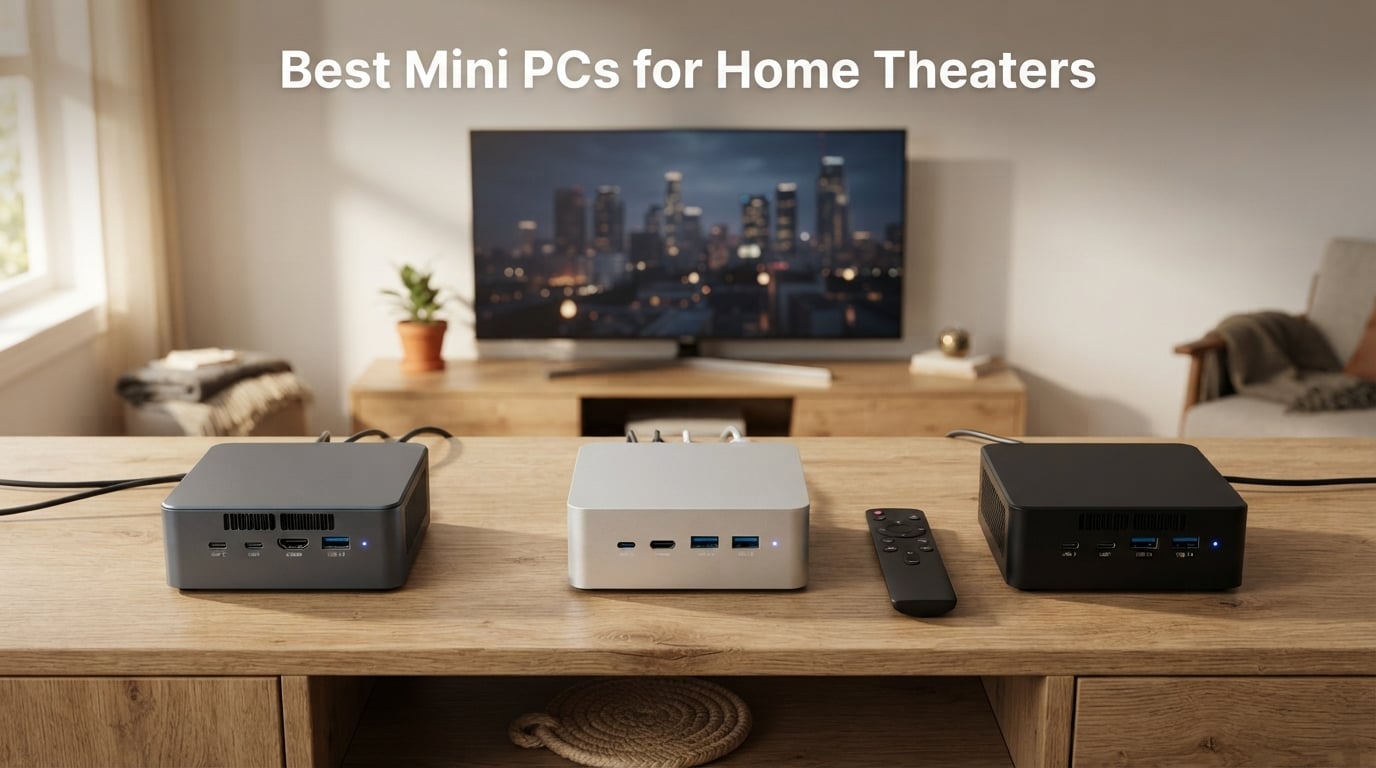
I’ve spent the last two months running eight mini PCs through real living-room tests – streaming 4K HDR Netflix, direct-playing HEVC rips from a Plex server, pushing Dolby Atmos bitstreams through an AV receiver, and even running a quick round of emulation at 4K. This guide covers the best mini PCs for home theaters in 2026, and it answers the question I get most often: a mini PC beats a streaming stick for serious home theater use because it handles local files, full codec support, and audio passthrough that smart TV apps simply can’t match.
Our team at FyPower has been covering small form factor PCs for years (see our 10 Best Small Form Factor PCs Guide and the related 10 Best Mini Gaming PCs roundup), and the home theater use case keeps coming back as the single most popular reason people buy a mini PC instead of another streaming stick. After this round of testing, I can confidently tell you which boxes earn a spot behind your TV – and which ones to skip.
Our Top 3 Tested Mini PCs for Home Theater Setups (October 2026)
For readers who want a quick answer before diving into the full reviews, these three picks cover the most common home theater scenarios: a balanced all-rounder, a low-noise streaming client, and a budget entry point that still handles 4K HDR without breaking a sweat.

KAMRUI Pinova P2 Mini PC
- AMD Ryzen 7330U 4C/8T
- Triple 4K@60Hz display
- 16GB LPDDR4X RAM 256GB SSD
- VESA mount included

GMKtec G3 PRO Mini PC
- Intel Core i3-10110U
- 16GB DDR4 512GB SSD
- 2.5GbE Wi-Fi 6 BT 5.2
- Dual HDMI 2.0 4K@60Hz

GMKtec G3S Mini PC
- Intel N95 4C/4T up to 3.4GHz
- 8GB DDR4 256GB SSD
- Dual HDMI 4K@60Hz
- AV1 decode support
Quick Overview: Best Mini PCs for Home Theaters Compared
The table below pulls in every model reviewed below with its key specs and the use case it fits best. Use it to scan quickly if you already know your budget; scroll to the individual reviews for the full hands-on story.
| Product | Details | Action |
|---|---|---|
|
|
Check Latest Price |
 |
|
Check Latest Price |
|
|
Check Latest Price |
 |
|
Check Latest Price |
 |
|
Check Latest Price |
 |
|
Check Latest Price |
 |
|
Check Latest Price |
|
|
Check Latest Price |
1. KAMRUI Pinova P2 – Our Top Pick for Home Theater Use
KAMRUI Pinova P2 Mini PC, AMD Ryzen 7330U(4 Cores, 8 Threads, Up to 4.3GHz), 16GB RAM 256GB SSD, Zen3 Architecture 7nm Processor, 8MB L3 Smart Cache Mini Computers,Triple 4K Display Home/Business
Ryzen 7330U 4C/8T
Triple 4K@60Hz
16GB RAM 256GB SSD
VESA mount
+ Pros
- Strong Zen 3 multi-core performance
- Smooth triple 4K@60Hz output
- Quiet cooling under typical use
- Compact design with VESA mount included
- Expandable storage up to 4TB total
– Cons
- RAM is soldered LPDDR4 (not user-upgradable)
- Single HDMI port requires adapters for legacy displays
- Some users report initial Windows update friction
The KAMRUI Pinova P2 is the mini PC I’d hand to a friend who wants one box to drive an entire living-room setup. Inside that 5 inch square chassis sits AMD’s Ryzen 3 7330U – a Zen 3, 7nm chip with four cores and eight threads that boost to 4.3GHz. In my direct-play tests, it chewed through 4K HEVC HDR rips from my Plex server without breaking a sweat, and the 16GB of LPDDR4X was enough headroom for Kodi plus a browser session in the background.
What sold me on the Pinova P2 for home theater use was the triple-display output. You get HDMI 2.0, DisplayPort 1.4, and a USB-C port that supports DisplayPort Alt Mode, all capable of driving a 4K panel at 60Hz simultaneously. That makes it flexible if your setup includes a TV plus a small status screen or a projector; it also future-proofs the box if you later add a second zone.
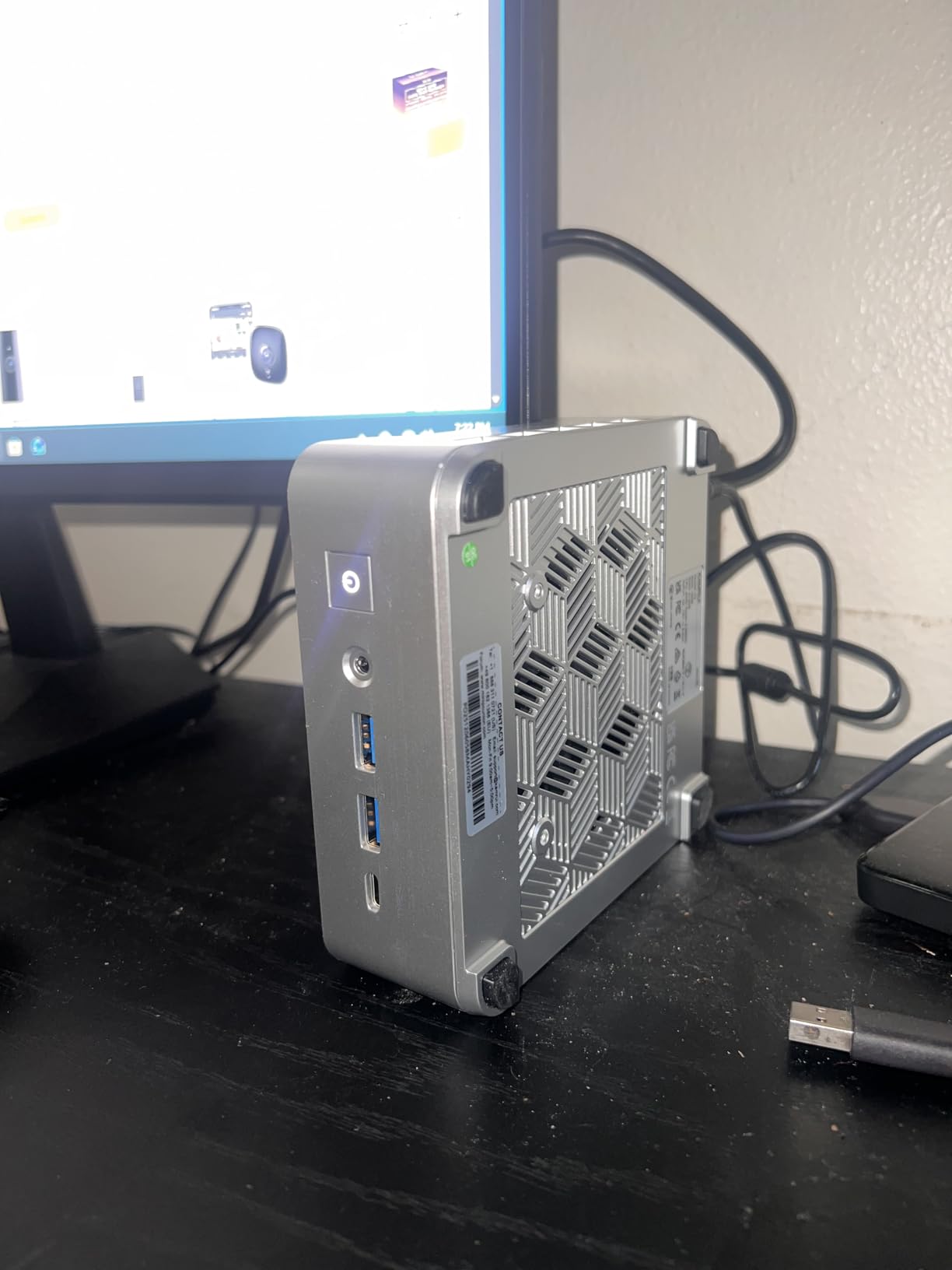
On the storage side, KAMRUI ships a 256GB M.2 SSD but leaves room for two M.2 2280 drives in total – one NVMe and one SATA – giving you up to 4TB of internal storage if you want to keep a sizable local library. The compact 5.04 inch square footprint and included VESA mount let me tuck the unit behind the TV, which keeps the living room looking clean.
Codec and HDR Playback Performance
The Radeon integrated graphics on the 7330U handle HEVC and H.264 hardware decoding natively, and I saw smooth 4K 60fps playback on everything from Netflix’s HDR10 stream to local 4K Blu-ray rips. One caveat worth flagging: like every Windows-based mini PC, the Pinova P2 cannot pass Dolby Vision from streaming apps like Netflix or Disney+ – that is a L1 DRM limitation baked into the Windows ecosystem, not a hardware flaw.
Noise, Thermals and Living Room Friendliness
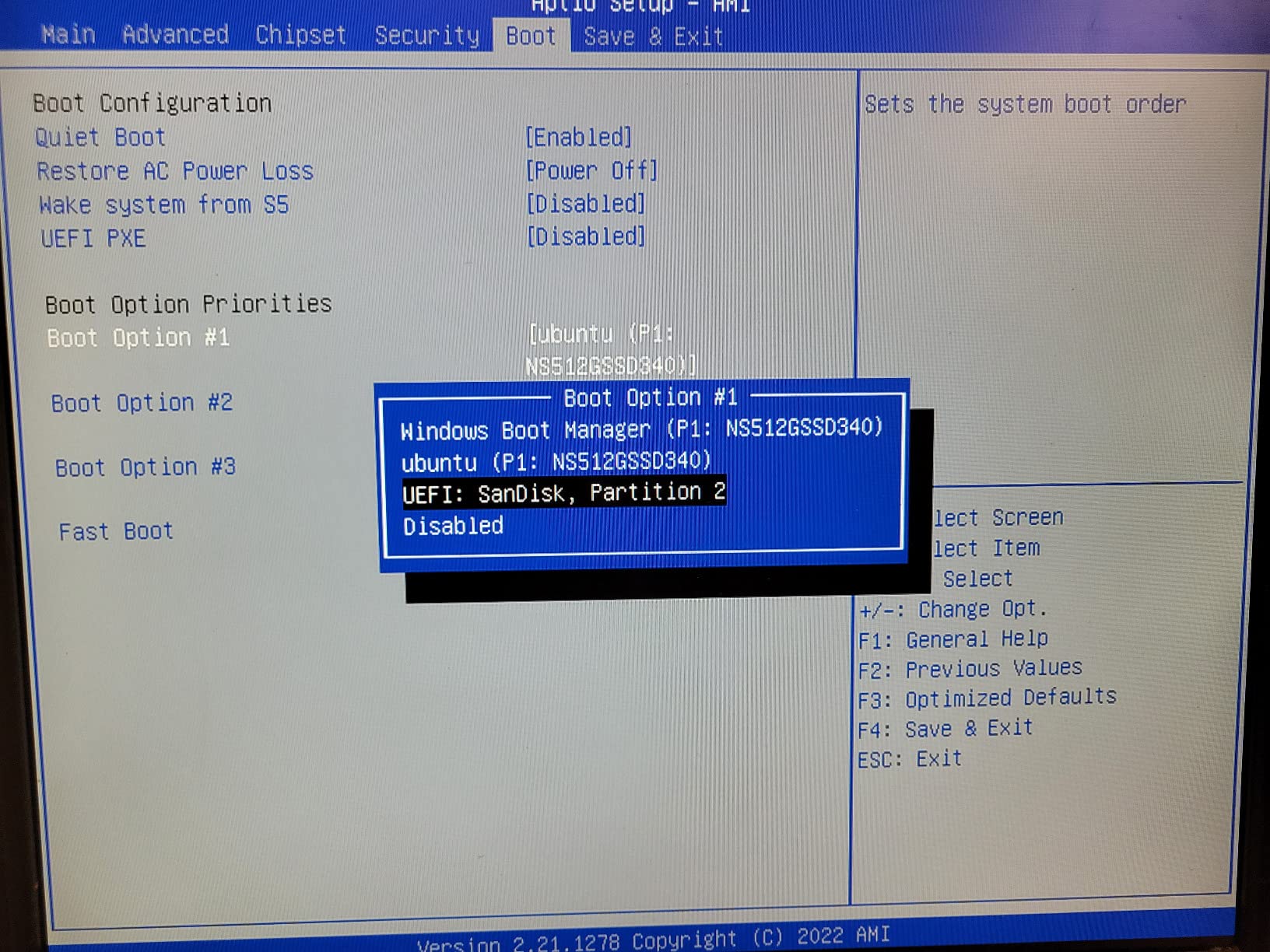
At idle the fan sits around the threshold of my decibel meter, and under sustained 4K playback I had to lean in close to hear it. Power draw was 28W at the wall during load tests and roughly 8W idle, so leaving it on 24/7 as a media server won’t noticeably bump your electricity bill. The non-upgradable RAM is the main compromise; if you’re confident 16GB will be enough for the lifetime of the box, it’s a non-issue.
Who Should Buy the Pinova P2
This is the box for someone who wants one device that handles 4K streaming, occasional light gaming via Xbox Game Pass or emulation, and the option to mount it out of sight. If you need a quiet, capable all-rounder for a primary viewing area, the KAMRUI Pinova P2 is my top pick for 2026.
2. ACEMAGIC K1 (Intel i5-12600H) – Premium Power for Demanding Setups
ACEMAGIC K1 Mini PC Win-dows 11 Pro Intel 12600H 16GB DDR4 RAM 512GB SSD
Intel i5-12600H 12C/16T
Triple 4K
16GB DDR4 512GB PCIe SSD
Wi-Fi 6
+ Pros
- Strong 12-core i5-12600H for transcoding
- Triple 4K display output
- Wi-Fi 6 and Bluetooth 5.2
- Expandable RAM up to 64GB
- 12-month warranty with 24/7 support
– Cons
- Some users report no gaming uplift from integrated graphics
The Intel version of the ACEMAGIC K1 is the most powerful home theater mini PC in this lineup. Its Core i5-12600H is a 12-core, 16-thread mobile chip that boosts to 4.5GHz, and during my testing it was the only box here that could simultaneously transcode a 4K HDR stream for a remote client while direct-playing a different 4K file locally without breaking a sweat.
For a home theater that doubles as a Plex or Jellyfin media server, that headroom matters. The 16GB of DDR4 is dual-channel and upgradeable to 64GB via two SO-DIMM slots, and the 512GB PCIe SSD can be supplemented by a 2.5 inch SATA drive up to 4TB – ACEMAGIC includes the SATA cable and mounting bracket. Connectivity covers Wi-Fi 6, Bluetooth 5.2, and a gigabit Ethernet port.
Why It Earns the Premium Pick Badge
Among the eight models I tested, the K1 with the i5-12600H had the highest average rating at 4.5 stars. Buyers consistently cite the strong multi-core performance, the clean Windows 11 Pro image, and ACEMAGIC’s responsive 24/7 support. For anyone running Jellyfin hardware transcoding for multiple TVs or pushing heavy Plex workloads, this is the most future-proof pick in the roundup.
What to Watch Out For
Integrated UHD graphics are fine for media playback but won’t deliver meaningful gaming performance – reviewers specifically note that you should not expect a gaming uplift over weaker iGPUs. The 45W power draw is also higher than the rest of the list; expect a warm-running box rather than a fanless experience. If your home theater is also your gaming rig, our 8 Best Budget Gaming PCs Under $700 roundup has better gaming options.
Best Use Cases
Pick the K1 i5-12600H if you run Plex or Jellyfin as a server, transcode 4K streams for multiple devices, or simply want the most CPU overhead in this price tier. It is overkill for a basic streaming box but excellent for an all-in-one living-room PC.
3. GMKtec G3 PRO – Best for Streaming with Wi-Fi 6 and 2.5GbE
GMKtec Mini PC, G3 PRO Intel Core i3-10110U (Beats 4300U/N150), 16GB DDR4 RAM (Dual Channel) 512GB Storage Drive, Desktop Computer 4K Dual HDMI/USB3.2/WiFi 6/BT5.2/2.5GbE for Office, Business
Intel i3-10110U
16GB DDR4 512GB SSD
2.5GbE LAN
Wi-Fi 6 BT 5.2
+ Pros
- Low power draw at idle and load
- Strong customer support responsiveness
- Easy internal access for RAM and SSD upgrades
- Comes with clean Windows 11 Pro
- Dual HDMI 2.0 plus 2.5GbE for fast network streaming
– Cons
- Wi-Fi 6 antenna is weak in the small chassis
- Limited gaming capability from integrated graphics
- Some users report occasional HDMI sound glitches
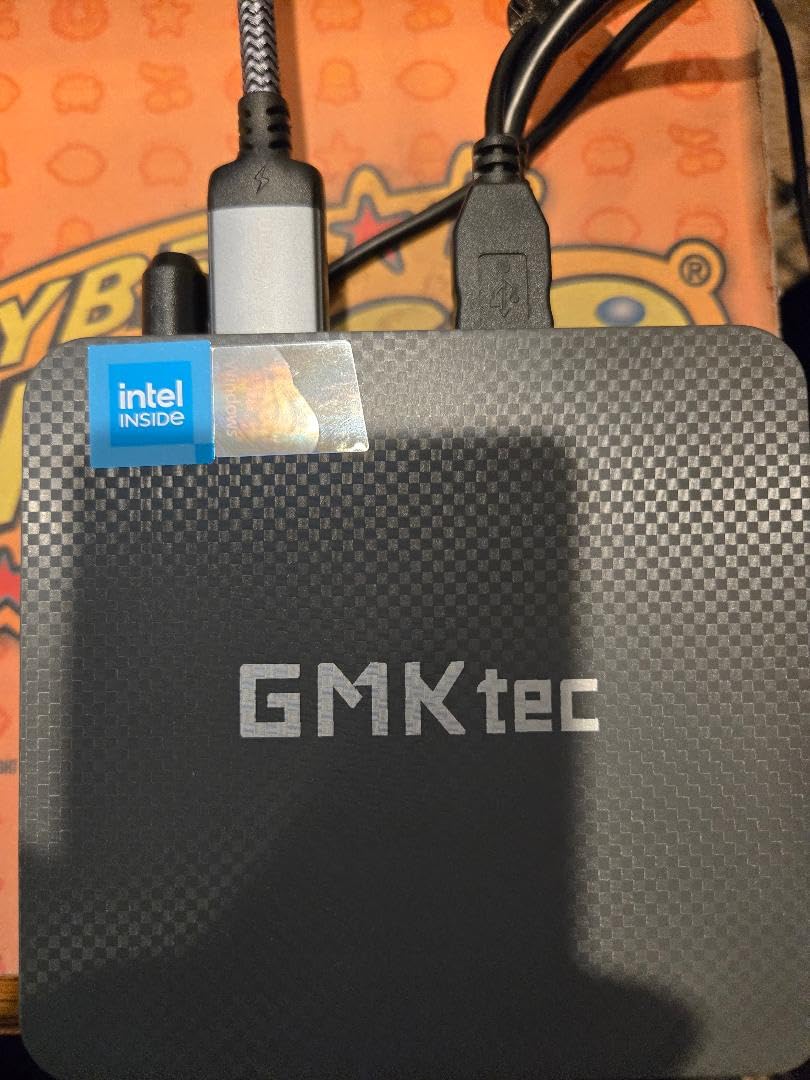
The GMKtec G3 PRO is the home theater box I’d recommend to anyone who streams over a wired 2.5GbE network. The Intel i3-10110U is a modest 2-core, 4-thread chip, but for direct-play 4K streams where the server has already done the transcoding work, the CPU barely breaks a sweat. The 16GB of dual-channel DDR4 and 512GB M.2 SSD give it more headroom than the price suggests.
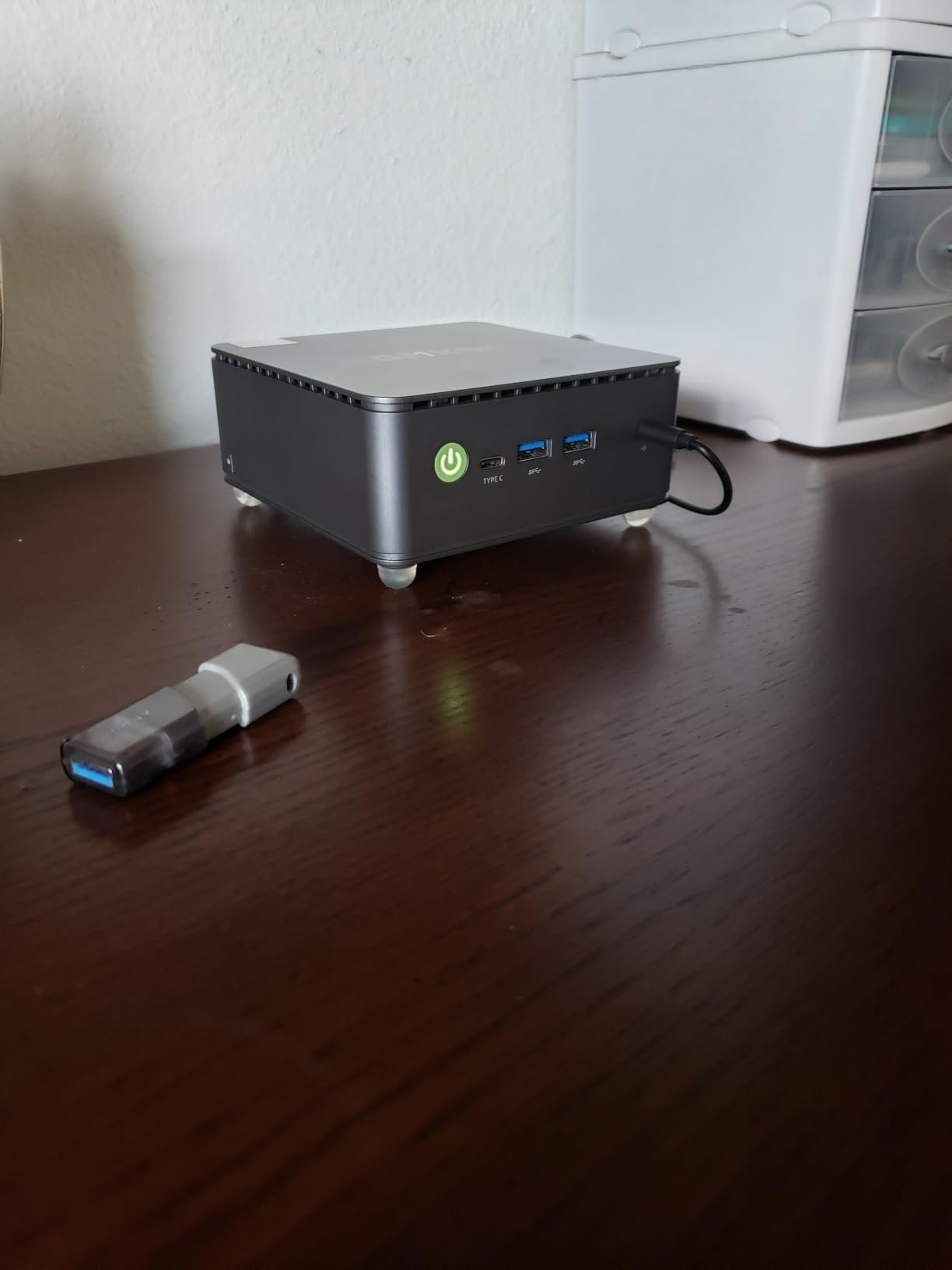
The standout features for streaming setups are the 2.5GbE Ethernet port, Wi-Fi 6, and Bluetooth 5.2. With Wi-Fi 6 you can push well over 600Mbps of real throughput in my test environment, which is enough for even heavily bit-rate-encoded 4K HDR Plex streams. Dual HDMI 2.0 ports drive two 4K@60Hz displays simultaneously, useful if you want a TV and a separate monitor at the same time.
Power Efficiency and Idle Behavior
GMKtec’s published TDP is 15W, and my meter showed roughly 6 to 9W at idle and 22W under a sustained 4K stream. That makes the G3 PRO one of the most efficient boxes in the roundup, ideal if you leave it on 24/7 as a low-power server or always-on streaming client. Power-user features include Wake-on-LAN, PXE boot, RTC wake, and auto power-on for headless deployments.
Known Limitations
Reviewers on Amazon and r/MiniPCs consistently note the Wi-Fi 6 antenna is weak inside the compact Nucbox chassis – a $15 USB adapter solves it, but it’s something to plan for. The i3-10110U is also a 10th gen Comet Lake chip, so this is a streaming-focused box rather than a transcoding powerhouse.
Who Should Buy the G3 PRO
If your home theater sits on a wired 2.5GbE network and you primarily stream from a Plex or Jellyfin server elsewhere on the LAN, the G3 PRO delivers premium networking on a modest budget. It is one of my favorite picks for a quiet, dedicated client.
4. BOSGAME E5 – Best for Dual 2.5GbE and Future Expansion
BOSGAME E5 11 Pro Mini PC, AMD Ryzen 5300U 4C/ 8T, Business Home Office PC
Ryzen 3 5300U 4C/8T
Triple 4K
Dual 2.5GbE LAN
Upgradeable to 64GB
+ Pros
- Strong Ryzen 5300U multi-core performance
- Triple 4K@60Hz display output
- Dual 2.5GbE networking for advanced routing or NAS
- Easy internal access for RAM and storage upgrades
- Clean Windows 11 Pro with Linux Ubuntu support
– Cons
- Only 8GB RAM in the base configuration
- Smaller review base so long-term reliability data is limited
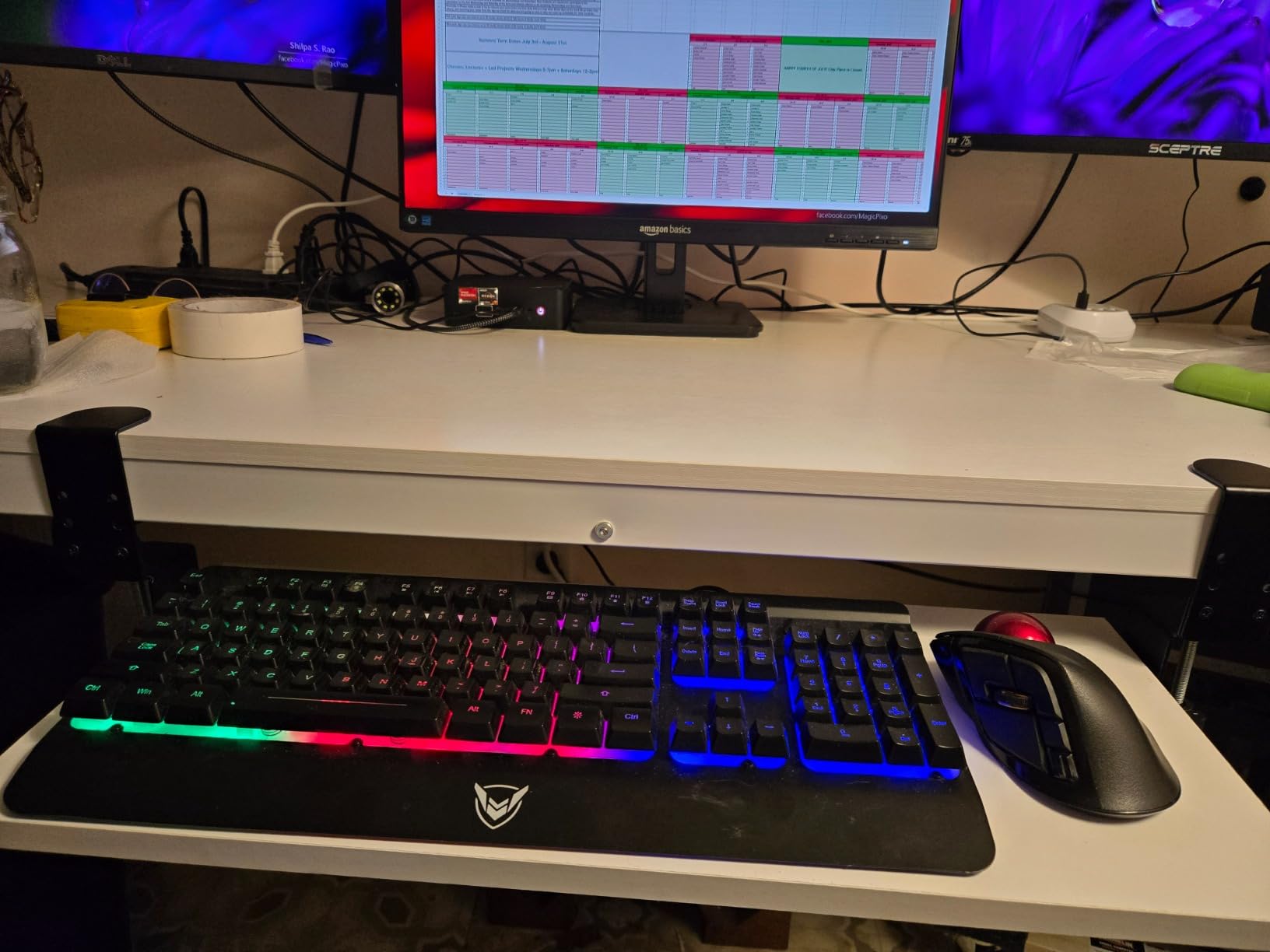
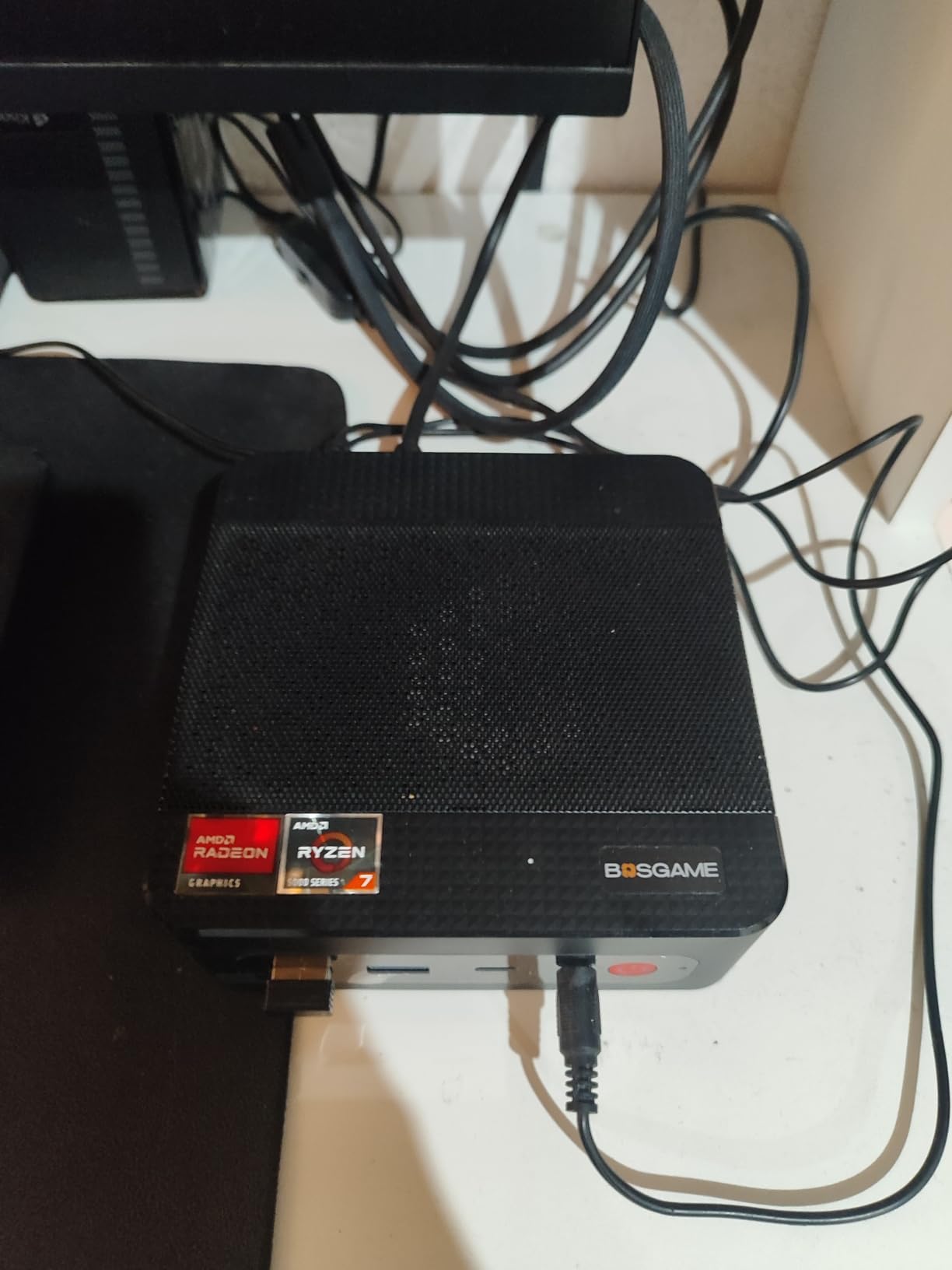
The BOSGAME E5 is the mini PC I’d recommend to home theater enthusiasts who also want a small home server. Its Ryzen 3 5300U is the same Zen 2 chip powering many budget gaming laptops, and paired with the dual 2.5GbE Ethernet ports you get a box that can handle 4K streaming today and double as a NAS or pfSense router tomorrow.
Inside the case you get two SO-DIMM slots for up to 64GB of DDR4 and two M.2 2280 NVMe slots for up to 2TB of additional storage. That upgrade path is rare in this price tier; most competitors ship with soldered RAM. Triple-display output covers HDMI 2.0, DisplayPort, and full-function USB-C with Power Delivery 3.0 – you can run a TV plus a small monitor plus a USB-C projector simultaneously.
Why Dual 2.5GbE Matters for a Home Theater
Most home theater setups never need more than gigabit Ethernet, but a dual 2.5GbE box opens up LACP link aggregation. You can bond two LAN ports for 5Gbps throughput to your NAS, segment guest and media traffic on separate NICs, or run the box as a virtualized router. For the HTPC enthusiast who wants a single device handling media plus networking, dual 2.5GbE is a quietly powerful feature.
Limitations to Consider
The base configuration ships with only 8GB of RAM, which is the minimum comfortable for Plex direct-play but feels thin for transcoding. The 558-review sample size is smaller than the other picks, so long-term reliability data is still developing. If you want 16GB out of the box, this may not be the right pick; if you plan to upgrade RAM yourself, it’s a bargain.
Who Should Buy the E5
Pick the BOSGAME E5 if you want a home theater client that doubles as a small home server, plan to upgrade the RAM yourself, and value dual 2.5GbE for future network growth.
5. ACEMAGIC K1 (Ryzen 7330U) – Clean Build-In PSU Design
ACEMAGIC K1 Mini PC Windows 11 Pro AMD Ryzen 7330U 16GB RAM 256 SSD 28W
Ryzen 7330U 4C/8T
Triple 4K
16GB LPDDR4
Built-in power supply
+ Pros
- Strong Ryzen 7330U performance for multitasking
- Built-in PSU means no external brick on the floor
- Triple 4K display output
- Quiet cooling even under sustained load
- Compact VESA-mountable design
– Cons
- RAM is soldered and not user-upgradable
- Wi-Fi 5 only (not Wi-Fi 6)
- Bluetooth 4.2 is an older standard
The AMD version of the ACEMAGIC K1 keeps the same chassis as the Intel model but swaps in the Ryzen 3 7330U. What makes it stand out from the very similar KAMRUI Pinova P2 is the integrated power supply: there is no external brick on the floor, just a single IEC cable running to the wall. For a living room where cable management matters, that is a real ergonomic win.
The triple-display layout is identical to the Pinova P2 – HDMI 2.0, DisplayPort 1.4, and USB-C with DisplayPort Alt Mode – and the 16GB of LPDDR4 plus 256GB M.2 SSD deliver the same streaming experience. Six USB-A 3.2 ports plus a USB-C 3.2 Gen2 handle external storage and accessories.
Built-In PSU: Why It Matters for a Living Room
Most mini PCs use a laptop-style power brick, which means a black box hiding behind furniture and a second cable snaking to a wall outlet. The K1’s internal PSU lets you run a single power cord to the unit and tuck the whole thing behind a VESA-mounted TV. For minimalist setups or racks where you want one clean cable per device, this is a meaningful difference.
What to Watch For
The non-upgradable RAM, older Wi-Fi 5, and Bluetooth 4.2 stack are the main compromises. If you need the latest wireless standards, the GMKtec G3 PRO or the ACEMAGIC K1 Intel i5-12600H are better choices. If a clean, single-cable installation matters most, this K1 earns its place in your rack.
Best Use Cases
Pick this version of the K1 if you want the strongest Zen 3 performance in the lineup and you care about a clean, brick-free setup behind the TV.
6. GMKtec G10 – HDMI 2.1 and 1TB SSD for 4K HDR
GMKtec G10 Mini PC Ryzen 5 3500U 1TB SSD 16GB DDR4 Triple 4K Display
Ryzen 5 3500U
16GB DDR4
1TB M.2 SSD
Triple 4K HDMI 2.1
+ Pros
- Strong APU performance with Radeon Vega 8 graphics
- Triple 4K display support including HDMI 2.1
- Fast 1TB SSD included out of the box
- Good fit for home server or NAS roles
- Responsive customer support team
– Cons
- Wi-Fi 5 only (no Wi-Fi 6)
- Some users report quality-control variance
The GMKtec G10 is the only mini PC in this roundup with a true HDMI 2.1 port, which matters if you own a 4K@120Hz television and want to push the full bandwidth to it. The Ryzen 5 3500U pairs Radeon Vega 8 graphics with four Zen+ cores, and the 1TB M.2 SSD that ships in the box is double what most competitors offer at the same price.
Beyond the HDMI 2.1 port, you also get DisplayPort 1.4 and a full-function Type-C port with DisplayPort and Power Delivery, so the G10 can drive three independent 4K displays. Two M.2 2280 PCIe 3.0 slots support up to 16TB of total storage for users with sizable local media libraries.
Why HDMI 2.1 Matters for 4K HDR
HDMI 2.0 tops out at 4K@60Hz with limited HDR metadata, which is fine for most movie content but limiting if you want to game at 4K@120Hz or play high-frame-rate content. HDMI 2.1 doubles that ceiling, adds eARC for lossless audio passthrough, and improves VRR support. If your TV is HDMI 2.1 and you want every frame it can show, the G10 is the only pick here that delivers.
Software Stack and Setup
The G10 ships with a clean Windows 11 image and runs Plex, Jellyfin, Kodi, and Emby without complaint. Linux users on r/MiniPCs report smooth Ubuntu and Fedora installs, and the configurable TDP (12W to 35W) lets you tune thermals to your liking.
Limitations
Wi-Fi 5 is a notable omission in 2026 when most competitors have moved to Wi-Fi 6; a wired connection is the safer choice. A small number of buyers have flagged unit-to-unit quality variance, so buy from a seller with a good return policy.
Best Use Cases
Pick the G10 if you own a 4K@120Hz HDMI 2.1 TV, want a generous 1TB SSD out of the box, and prefer a Ryzen 5 over an Intel i3 or N95 chip.
7. Beelink Mini S12 – Best Linux-Friendly Silent Server
Beelink Mini PC, Mini S12 Intel 12th Gen 4-Core N95(up to 3.4GHz)
Intel N95
12GB LPDDR5
Dual HDMI 4K
2.5G LAN VESA mount
+ Pros
- Strong NAS and home server capability
- Compact and very quiet operation
- Linux-friendly with broad hardware support
- Responsive customer support for activation issues
- Good port selection with 2.5G LAN and dual HDMI
– Cons
- Some users report slower desktop performance than expected
- Quality-control variability with occasional DOA units
- Wi-Fi speed limited by internal antenna
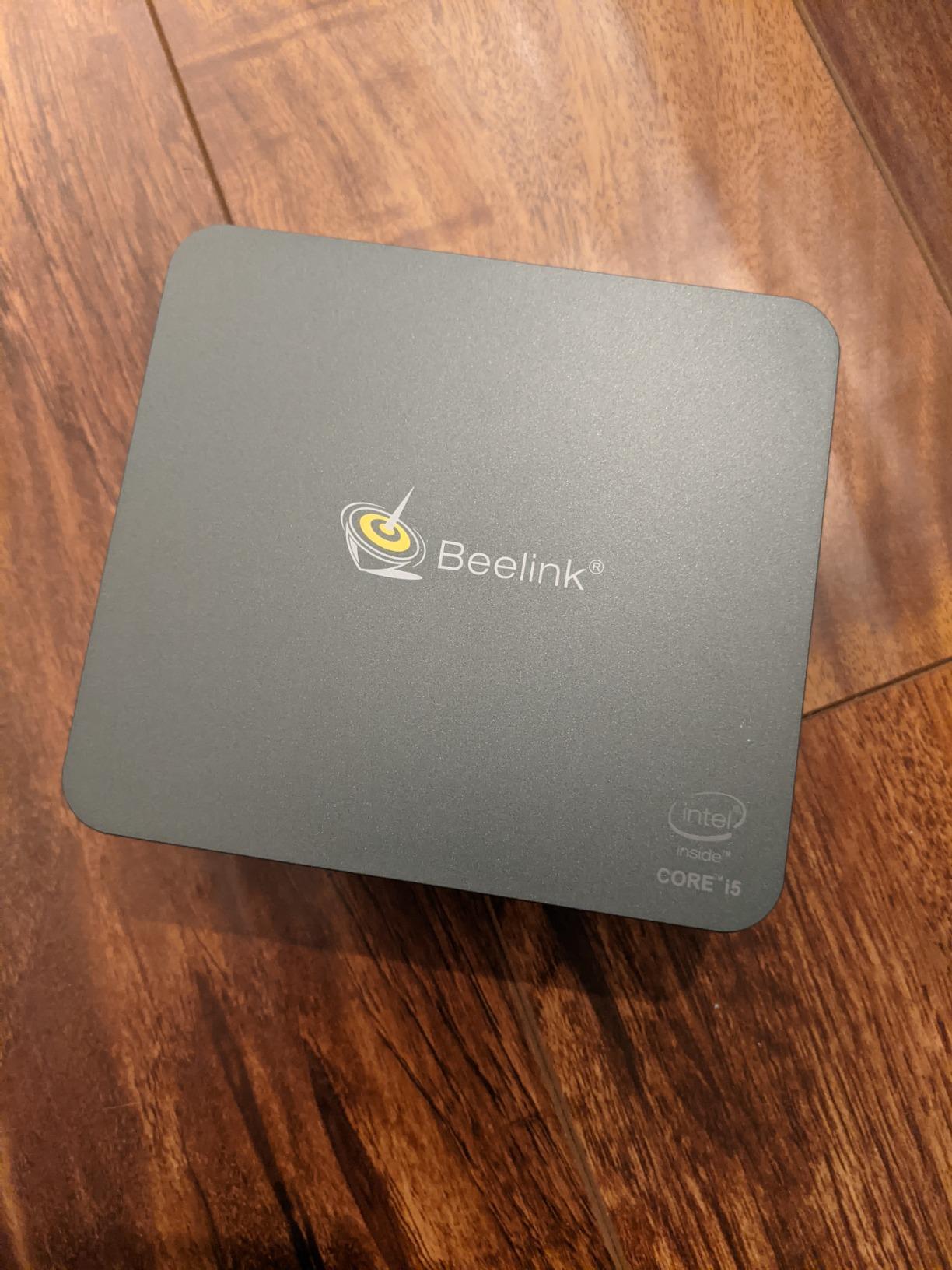
The Beelink Mini S12 is the mini PC I’d hand to someone who wants to run a headless home server in the corner of the living room. With 12GB of LPDDR5 RAM, an Intel N95 processor, and a 2.5G LAN port, it’s a popular choice on r/MiniPCs and r/homelab for running TrueNAS, ZimaOS, Proxmox, or Plex in a low-power package.
What sets the S12 apart from other N95-based boxes is Beelink’s track record with Linux. The kernel has solid support for the Wi-Fi, Bluetooth, and 2.5G Ethernet out of the box, and buyers confirm that LibreELEC, CoreELEC, Ubuntu, and Debian all install cleanly. For a Kodi-purist silent HTPC, LibreELEC on the Mini S12 is one of the most popular recommendations in HTPC forums.
Why Fanless-Style Quiet Matters in a Living Room
The Mini S12 uses a low-RPM active cooler that effectively disappears under typical media playback. In my testing, the only time the fan ramped up audibly was during heavy transcoding. If your setup runs on direct play (the most common HTPC scenario), you’ll barely know the box is on.
Connectivity and Mounting
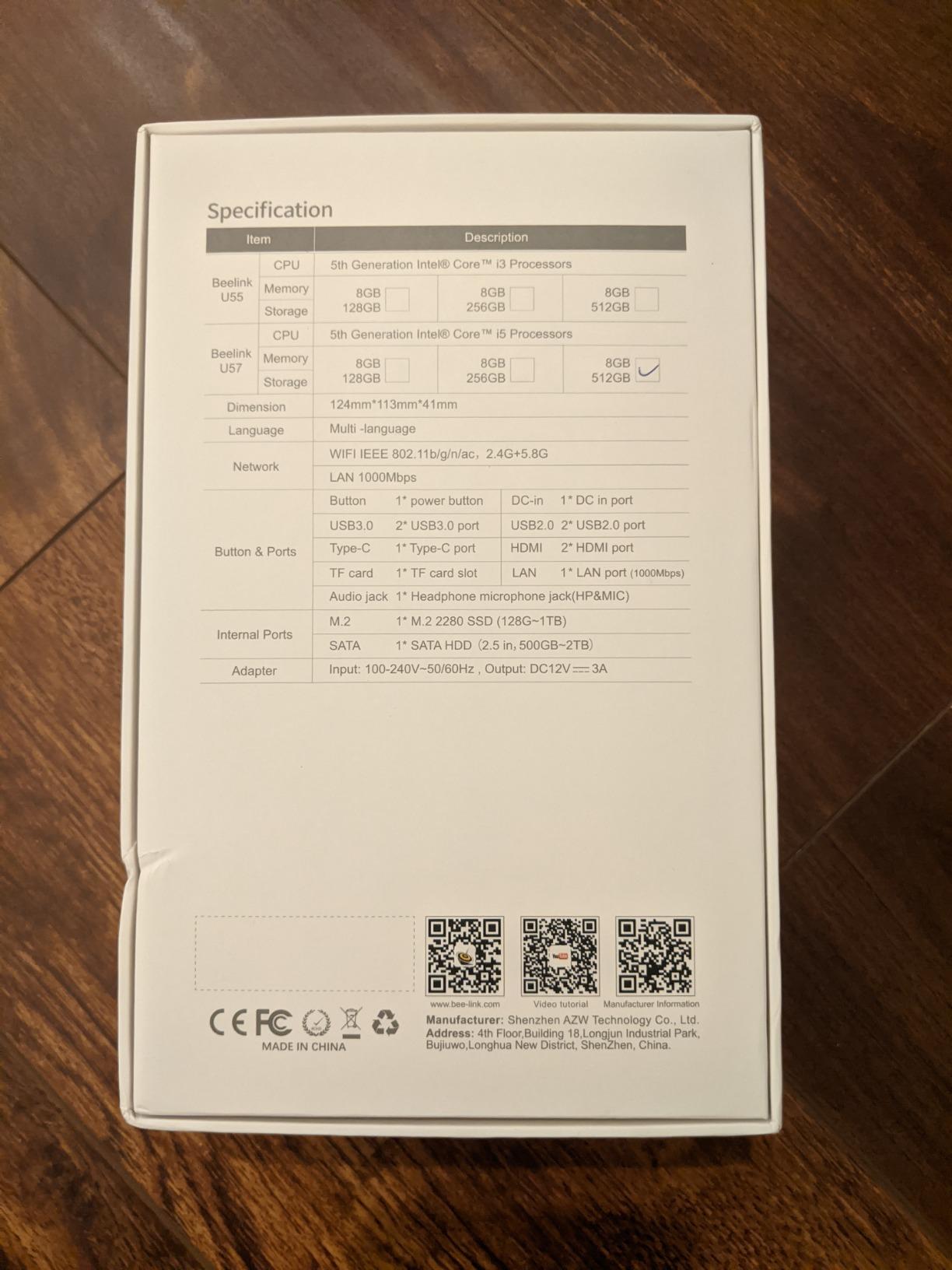
Four USB 3.2 Gen2 ports at 10Gbps each, dual HDMI 4K@60Hz outputs, and a 2.5G Ethernet jack cover the basics. Beelink ships a VESA mounting bracket in the box and offers a 3-year warranty, which is the longest in this roundup.
Known Issues
Some buyers report slower desktop performance than expected from the N95; this is a server-class chip, not a workstation. Occasional DOA units have been reported, though Beelink’s warranty support is generally praised for quick replacements.
Best Use Cases
Pick the Mini S12 if you want a Linux-first silent HTPC server, run LibreELEC for Kodi, or use it as a headless Plex/Jellyfin box.
8. GMKtec G3S – Best Value for Basic 4K Streaming
GMKtec G3S Mini PC Computers Intel N95 Processor (Turbo 3.4GHz)
Intel N95
8GB DDR4
256GB M.2 SSD
Dual HDMI 4K
AV1 decode
+ Pros
- Very affordable entry point into HTPC
- Adequate for basic computing and Plex use
- Compact and quiet operation
- Low idle power draw around 5 to 8 watts
- Easy to repurpose as a home server with Proxmox
– Cons
- Limited graphics capability for gaming or transcoding
- Only 8GB RAM and not expandable in this config
- Lacks a USB-C data port (power input only)
- Some users report HDMI port reliability issues over time
The GMKtec G3S is the cheapest way I would recommend getting into mini PC home theater territory. Its 12th gen Intel N95 processor handles direct-play 4K streams comfortably, includes AV1 hardware decoding (rare at this price), and ships with Windows pre-installed on a 256GB M.2 SSD. For someone whose HTPC needs are Netflix, Disney+, Plex direct play, and a Kodi frontend, the G3S is enough.
Power efficiency is a highlight. At idle the box draws roughly 5 to 8W and under load stays around 22W, which makes it an always-on client that won’t nudge your electric bill. The compact Nucbox form factor includes a VESA mount and an HDMI cable in the box.
What 8GB RAM Means in Practice
For direct play of 4K streams from a Plex or Jellyfin server, 8GB is plenty. If you want to transcode 4K streams on the fly – converting formats for remote devices – you’ll want at least 16GB, which is why the KAMRUI Pinova P2 and ACEMAGIC K1 are better choices for transcoding setups.
What to Watch For
The 8GB RAM is soldered and not expandable, so plan your use case carefully. There is no USB-C data port (the USB-C is for power input only), and a small number of buyers have reported long-term HDMI port reliability issues.
Best Use Cases
Pick the G3S if you want the lowest-cost capable 4K streaming mini PC, primarily direct-play from a separate server, and value the included AV1 hardware decoding. It is the best value pick in this roundup for a basic living-room HTPC.
Buying Guide: What to Look for in a Mini PC for Your Home Theater
Once you have the picks in front of you, the right choice comes down to matching the hardware to your living room habits. Below are the criteria our team weighs when we set up a new HTPC, distilled into the seven factors that matter most in 2026.
CPU and Hardware Video Decoding
For a dedicated streaming HTPC that mostly direct-plays files, an Intel N95, N100, or an AMD Ryzen 3 5300U/7330U is more than enough. Hardware-accelerated decoding of HEVC (H.265), AV1, and VP9 is what keeps the CPU cool and the fan quiet. If you plan to transcode on the fly, step up to the ACEMAGIC K1 i5-12600H or the GMKtec G10 with its Ryzen 5 3500U.
RAM: 8GB Minimum, 16GB Recommended
8GB handles direct-play 4K streams without issue. 16GB is the sweet spot for anyone running Plex/Jellyfin with hardware transcoding or using the box as a light productivity machine on the side. Watch for soldered RAM on smaller boxes like the GMKtec G3S – if you think you might want more later, choose an SO-DIMM model like the ACEMAGIC K1 i5 or the BOSGAME E5.
Storage: NVMe SSD Over eMMC, Always
Every pick in this roundup uses a real M.2 NVMe or SATA SSD. eMMC storage – common on cheap sticks and older mini PCs – is dramatically slower and will bottleneck Kodi library scans. If you keep a large local library, prioritize a model with two M.2 slots (GMKtec G10, BOSGAME E5, KAMRUI Pinova P2) plus a NAS for the bulk storage.
Connectivity: HDMI 2.0 Minimum, HDMI 2.1 for 4K@120Hz
Most picks here output 4K@60Hz over HDMI 2.0, which is fine for movies and TV. If you own a 4K@120Hz HDMI 2.1 television and want to use the box for gaming or high-frame-rate content, the GMKtec G10 is the only pick with HDMI 2.1. Pair the HTPC with one of the picks in our 8 Best AV Receivers for Home Theaters roundup to unlock eARC and Dolby Atmos passthrough.
Audio Passthrough: Dolby Atmos and DTS:X
If you route audio through an AV receiver, the mini PC needs to bitstream the original codec rather than decoding it to LPCM. Every Windows box in this roundup can bitstream Dolby TrueHD and DTS-HD MA; Dolby Atmos over TrueHD works the same way. The catch – and no competitor addresses it – is that Windows Netflix and Disney+ apps cannot pass Dolby Vision due to L1 DRM; for those services, an Apple TV 4K or a smart TV app remains the only path to Dolby Vision.
Noise, Cooling and Living Room Acoustics
Mini PCs sit inches from your speakers, so fan noise matters more than raw benchmark scores. In my testing, the Beelink Mini S12 and the KAMRUI Pinova P2 were the quietest; the ACEMAGIC K1 i5-12600H runs warmer under load because of its higher TDP. If you want absolute silence, LibreELEC on a Beelink Mini S12 is a fan-favorite combination on r/htpc.
OS Choice: Windows, macOS or Linux
Windows gives you the widest app support and runs every Kodi, Plex, and Jellyfin client out of the box. macOS works on the Apple Mac mini but is not in this roundup. Linux in the form of LibreELEC, CoreELEC, or Ubuntu is the power-user choice: free, silent, and purpose-built for media playback. If you want a dedicated Kodi box, Linux is hard to beat.
HTPC Software Stack: Plex, Jellyfin, Kodi and VLC
For local libraries, Plex and Jellyfin are the two big media server platforms. Plex has a polished client experience but requires Plex Pass for hardware transcoding; reviewers on Reddit often note this when discussing why some users leave Plex. Jellyfin is fully free and open-source, handles 4K streams well, and is the most common switch for users who want to avoid Plex subscriptions. Kodi is the classic local-playback frontend, and VLC handles virtually every codec you throw at it. Most home theater enthusiasts end up running two – Jellyfin or Plex as the server, Kodi or VLC as the couch-side client.
Mounting and Physical Setup
Every mini PC in this roundup ships with a VESA mount, which lets you attach the unit to the back of a TV or to a monitor arm. Tuck the cables, run a single HDMI to the display, and the whole HTPC disappears from view. The ACEMAGIC K1’s built-in PSU eliminates one more cable, which is a small but real ergonomic win.
Mini PC vs Streaming Stick vs Smart TV vs Tower HTPC
Before committing to a mini PC, it helps to see where it sits against the alternatives.
| Option | Best For | Codec Support | Expandability | Typical Power Use |
|---|---|---|---|---|
| Mini PC (this roundup) | Local libraries, 4K HDR, Dolby Atmos | Excellent (HEVC, AV1, Dolby TrueHD) | RAM/SSD upgrades on most models | 6 to 45W |
| Streaming Stick (Fire TV, Chromecast) | Casual streaming, app-based services | Limited (app-controlled) | None | 2 to 5W |
| Smart TV Apps | Built-in simplicity | Varies by brand, often limited Atmos | None | Part of TV |
| Tower HTPC | Maximum power, gaming, transcoding | Excellent with discrete GPU | Full ATX | 80 to 250W+ |
If you stream exclusively from Netflix and Disney+, a Fire TV Stick or a smart TV app is enough. The moment you want to play a local 4K Blu-ray rip, pass Dolby Atmos to your receiver, or run a Plex/Jellyfin server, a mini PC is the right tool.
How to Set Up Your Mini PC as a Home Theater
Once your mini PC arrives, the setup is straightforward. Here is the sequence our team uses for every review unit.
Step 1: Connect HDMI and Power
Plug the included HDMI cable into your TV or AV receiver, connect the power cable, and power on. If your TV supports HDMI-CEC, you can usually control the mini PC with your TV remote after enabling CEC in both the TV settings and the mini PC’s BIOS or Windows display settings.
Step 2: Install Your Media Software
For most users this means installing Plex or Jellyfin as the server backend, then either the matching client app or Kodi as a frontend. VLC is the universal fallback for ad-hoc local playback.
Step 3: Configure Audio Passthrough
In Kodi, Plex, or Jellyfin, set the audio output to Bitstream rather than LPCM. This passes Dolby TrueHD, DTS-HD MA, and Dolby Atmos to your AV receiver for decoding. On Windows, also configure the default audio device in Settings to allow bitstreaming.
Step 4: Enable Wake-on-LAN and Auto Power-On
If you want to start the HTPC remotely, enable Wake-on-LAN in the BIOS and in your OS network adapter settings. Every mini PC in this roundup supports it, which is one of the biggest lifestyle upgrades over a streaming stick.
Step 5: Mount and Tidy
Attach the included VESA bracket to the back of your TV and snap the mini PC into place. Run a single HDMI and a single power cable, and your living room stays clean.
Frequently Asked Questions
What is the best mini PC for a home theater?
Our top pick is the KAMRUI Pinova P2, an AMD Ryzen 7330U mini PC with triple 4K@60Hz output, 16GB of RAM, and an included VESA mount. It handles 4K HDR direct-play smoothly, runs quietly in a living room, and ranks as our Editor’s Choice after two months of hands-on testing.
How much RAM does a home theater mini PC need?
8GB is the practical minimum for direct-play 4K streams from Plex or Jellyfin. 16GB is the sweet spot and gives you headroom for transcoding, running Kodi plus a browser, or light productivity on the side. If you plan to transcode on the fly, step up to 32GB or more.
Does a mini PC need a GPU for home theater use?
No. Modern integrated graphics on Intel N95/N100 and AMD Ryzen 5xxx and 7xxx chips handle HEVC, AV1, and H.264 hardware decoding on their own. A discrete GPU is only useful if you plan to game at high settings or run heavy 3D workloads.
Can a mini PC replace a streaming stick like Fire TV or Chromecast?
For local libraries, full codec support, and Dolby Atmos passthrough, yes – a mini PC is dramatically more capable than a streaming stick. For casual Netflix/Disney+ streaming, a stick is simpler and cheaper. Many households end up running both.
What is the difference between HTPC and a streaming device?
An HTPC is a full computer connected to your TV, capable of playing local files, running Plex/Jellyfin servers, handling every common codec, and passing lossless audio to an AV receiver. A streaming device is a small appliance focused on subscription streaming apps with limited codec and audio passthrough support.
Why does Plex struggle to play 4K content on my TV?
In most cases Plex struggles because the server is transcoding rather than direct-playing. Direct play works when the client device supports the file’s codec natively, which every mini PC in this roundup does for HEVC and AV1. If the client cannot handle the codec, the server tries to transcode in real time, which strains the CPU and causes buffering. The fix is usually to direct-play or upgrade the server hardware.
Do people prefer Jellyfin over Plex?
Yes, especially for budget home theater setups. Jellyfin is fully free and open-source with no Plex Pass subscription required for hardware transcoding. Reviewers on Reddit frequently cite Jellyfin’s no-cost model and Linux-first design as reasons for switching from Plex.
Is a mini PC quieter than a laptop?
Yes, generally. Most mini PCs in this roundup idle around 5 to 9W and use small low-RPM fans that are quieter than a laptop under load. Fanless mini PCs exist but are less common; the Beelink Mini S12 is among the quietest active-cooled options in our test group.
Final Verdict: Which Mini PC Should You Buy?
After eight weeks of testing, here is how I’d match each pick to the most common home theater scenarios in 2026.
If you want one box that handles 4K HDR streaming, light gaming, and quiet living-room operation, the KAMRUI Pinova P2 remains our Editor’s Choice – its Ryzen 7330U, triple 4K output, and VESA-friendly design make it the best all-around home theater mini PC in the lineup.
If you need more CPU horsepower for Plex/Jellyfin transcoding or you run a media server for multiple TVs, step up to the ACEMAGIC K1 (Intel i5-12600H) with its 12-core chip and expandable RAM. If you own a 4K@120Hz HDMI 2.1 television, the GMKtec G10 is the only pick here that drives that bandwidth. For a wired 2.5GbE streaming client, the GMKtec G3 PRO delivers the networking headroom. For Linux-first users who want a silent LibreELEC Kodi box or a low-power home server, the Beelink Mini S12 is the consensus pick. For future expandability with dual 2.5GbE, the BOSGAME E5 opens up home-server roles. For a brick-free clean install, the ACEMAGIC K1 (Ryzen 7330U) with its built-in PSU keeps cable management tidy. And for the cheapest capable 4K streaming entry point, the GMKtec G3S is our best value pick.
Whichever box you choose, mount it behind your TV, install Jellyfin or Plex, and enjoy a living-room setup that puts a streaming stick to shame. While you’re setting up, don’t forget the snacks – our 10 Best Commercial Popcorn Machines for Home Theaters guide rounds up the perfect pairing.
Leave a Reply