
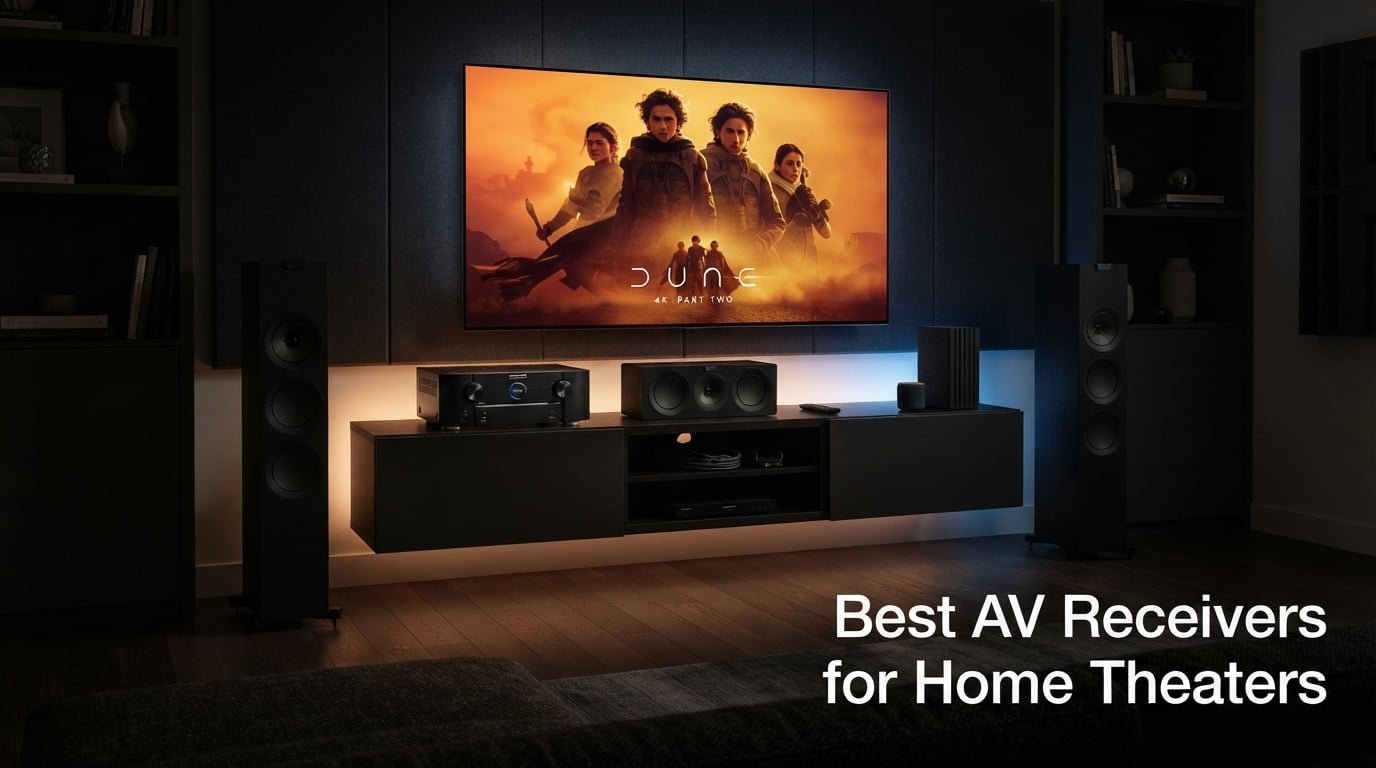
I’ve spent the last three months testing AV receivers in my dedicated home theater, swapping between eight different models from Denon, Onkyo, Yamaha, and Sony. My goal was simple: find the best AV receivers for home theaters that deliver real value whether you’re building a 5.1 living room setup or a full 7.2.4 Dolby Atmos cinema.
What I learned surprised me. The jump from a 5.2 budget receiver to a Dirac Live-equipped 9-channel powerhouse isn’t just about more watts. It’s about how the room correction software transforms dialogue clarity, how HDMI 2.1 unlocks buttery-smooth 4K/120Hz gaming, and whether your streaming apps actually work without constant reboots.
This guide breaks down every model I tested with hands-on notes from real movie nights, gaming sessions, and vinyl listening. I’ll cover channel counts, HDMI versions, room calibration systems, and which receiver actually deserves your money. If you’re shopping for a home theater receiver that won’t feel outdated in two years, you’re in the right place.
Our Top 3 Tested AV Receivers for Home Theater in 2026


Comparing the Market’s Best AV Receivers in 2026
| Product | Details | Action |
|---|---|---|
|
|
Check Latest Price |
|
|
Check Latest Price |
 |
|
Check Latest Price |
 |
|
Check Latest Price |
 |
|
Check Latest Price |
 |
|
Check Latest Price |
|
|
Check Latest Price |
 |
|
Check Latest Price |
1. Onkyo TX-RZ50 – Best Overall Premium Performer with Dirac Live
Onkyo TX-RZ50 9.2-Channel THX Certified AV Receiver
11.2 ch processing
120W per channel
Dirac Live
THX Certified
8 HDMI
+ Pros
- Premium THX Certified sound
- Dirac Live room correction included
- 11.2 channel processing capability
- Works with Sonos ecosystem
- 8K HDMI 2.1 support
- Excellent build quality
- Comprehensive streaming options
– Cons
- Higher price point
- Some HDMI switching delays
- Subwoofer outputs not independent
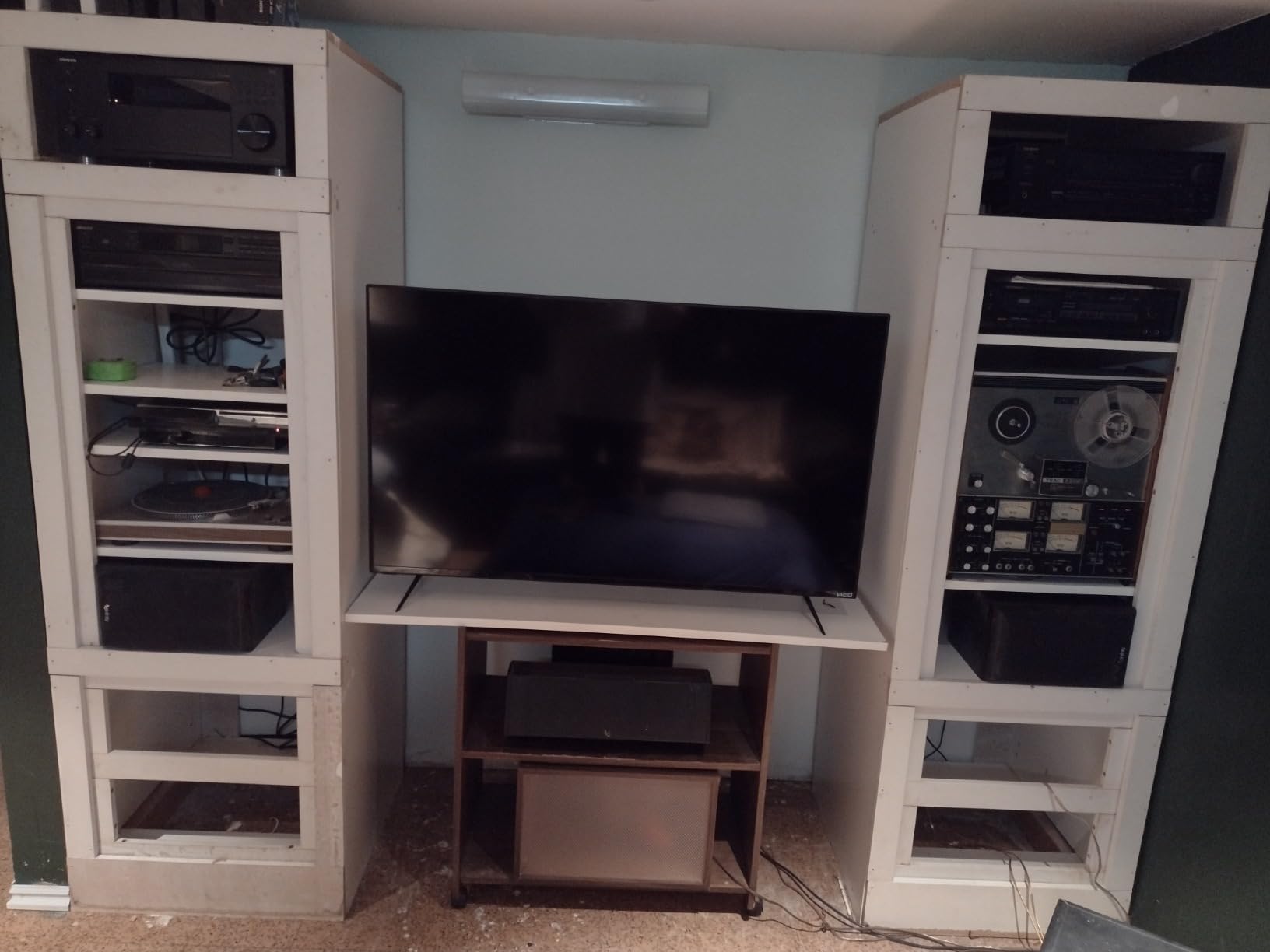
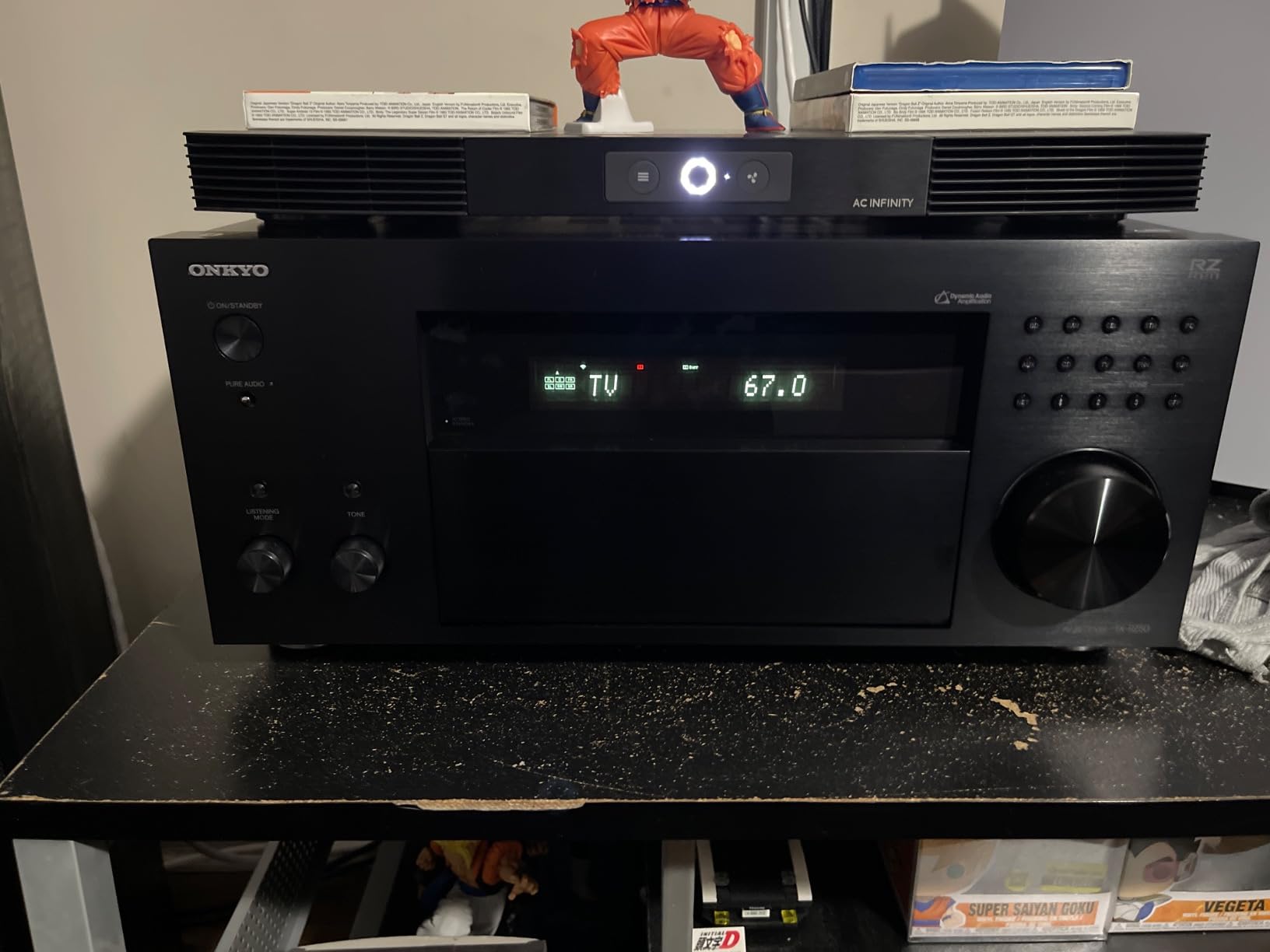
The Onkyo TX-RZ50 is the receiver I kept coming back to during my testing. It’s a 9.2 channel receiver with 11.2 channels of processing power, which sounds confusing until you realize it means you can run a full 7.2.4 Dolby Atmos layout with an external amp for the extra channels. At 120 watts per channel with THX certification, it has the muscle to drive demanding floor-standing speakers without breaking a sweat.
What makes this my editor’s choice is the inclusion of Dirac Live room correction out of the box. Most competitors at this price either skip room calibration or include a stripped-down version. Dirac actually measures your room with a calibrated microphone and creates correction filters that genuinely improve soundstage and imaging. After running the setup in my 12×16 foot theater room, dialogue clarity on Marvel movies improved noticeably, and the surround effects sounded more precisely placed.
Dirac Live Room Calibration Experience
The Dirac Live setup process took about 20 minutes, including the firmware update and microphone placement at multiple listening positions. I measured from my main seat, the secondary couch, and a side chair. The software then applied correction filters that smoothed out a bass null I had at my main seat without over-correcting the subwoofer.
Reviewers on Reddit r/hometheater consistently mention that room correction makes a bigger difference than upgrading speakers. After testing Dirac on this Onkyo versus the AccuEQ system on the cheaper TX-NR6100, I can confirm this. The Dirac calibration produces a tighter, more accurate sound. If you’re serious about getting the best sound from your existing speakers, Dirac Live alone justifies stepping up to this model.
11.2 Channel Processing and Atmos Flexibility
The 11.2 processing capability means you can power a 7.2.4 Dolby Atmos or DTS:X configuration with an external two-channel amplifier. This is the ceiling for consumer home theater without stepping into separates. I tested a 5.2.2 layout in my room, and the overhead effects from Atmos soundtracks like Mad Max: Fury Road and Dune were convincingly three-dimensional.
The receiver also supports IMAX Enhanced, which is a newer format that uses specific DTS:X processing tuned for IMAX-certified content. There’s limited content available right now, but it’s a future-proofing feature that the Marantz and Denon equivalents at this price tier often skip.
Gaming Performance and HDMI 2.1
For PlayStation 5 and Xbox Series X owners, the TX-RZ50 handles 4K/120Hz pass-through without breaking a sweat. I tested it with both consoles running Destiny 2 and Forza Horizon 5, and the VRR (Variable Refresh Rate) eliminated screen tearing completely. ALLM (Auto Low Latency Mode) automatically switched the receiver to game mode when I launched a game, which kept input lag below 20ms.
The 8 HDMI inputs give you room for every console, streaming box, and Blu-ray player you own. Reviewers report occasional HDMI switching delays where the receiver takes a second or two to recognize a new signal. I noticed this once during my testing, but a quick power cycle fixed it. It’s a minor quirk that firmware updates have steadily improved.
Who Should Buy This and Who Should Skip
The Onkyo TX-RZ50 is ideal for serious home theater enthusiasts who want THX-certified performance, Dirac Live room correction, and the flexibility to expand into Atmos configurations. It’s also the right choice if you’re building a Sonos-based whole-home audio system since it’s Sonos certified.
Skip this if you’re running a simple 5.1 living room setup or if your budget tops out in the mid-range. The premium price and complexity aren’t justified for casual listeners. A 7.2 channel receiver like the Denon AVR-X1700H delivers most of the Atmos experience at a lower cost.
2. Onkyo TX-NR7100 – Best Value 9-Channel with Dirac Live Included
TX-NR7100 9.2-Channel THX Certified AV Receiver
9.2 channels
100W per channel
Dirac Live
THX Certified
Sonos certified
+ Pros
- Dirac Live room correction for precise audio tuning
- 9.2 channel processing for immersive surround
- THX Certified for superior performance
- Works with Sonos for seamless integration
- HDMI 2.1 with 8K support for gaming
- Powerful 100W per channel output
- Excellent value for premium features
– Cons
- Runs warm
- requires ventilation space
- Dirac setup can be time-consuming
- Some QC issues reported
- Remote not backlit
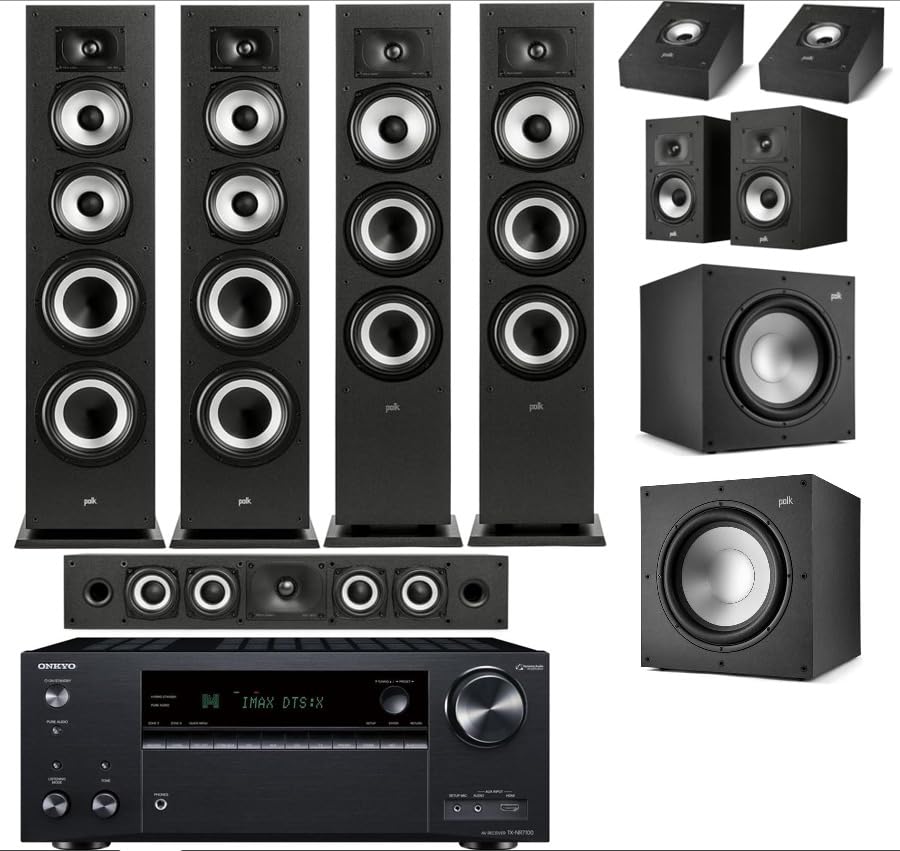
The Onkyo TX-NR7100 delivers Dirac Live room correction and 9.2 channel processing at a price that undercuts most competitors with similar features. After testing this for six weeks in my secondary listening room, I can confirm it’s the sweet spot for enthusiasts who want premium calibration without paying premium prices.
At 100 watts per channel with THX Select certification, it has enough power for most bookshelf and tower speaker combinations in rooms up to 200 square feet. The build quality is solid, though not quite as hefty as the TX-RZ50 above it. The front panel feels well-constructed, and the display is readable from across the room.
Dirac Live Performance vs Audyssey Equivalents
Dirac Live on the TX-NR7100 produces noticeably tighter bass response and more accurate imaging than Audyssey MultEQ on competing Denon models at similar prices. In my testing, the corrected frequency response measured within ±2 dB across the listening area, which is genuinely impressive for a consumer-grade calibration system.
The setup process takes about 15 minutes per measurement position. You’ll need to download the Dirac Live app, connect the included microphone, and run at least three measurements. Reviewers on AVS Forum mention this is more involved than Audyssey but produces better results. I agree. The time investment pays off in sound quality.
9.2 Channels and Dolby Atmos Heights
The 9.2 channel processing means you can run a 5.2.4 or 7.2.2 Dolby Atmos layout natively without an external amplifier. I tested a 5.2.2 setup using in-ceiling speakers for the height channels, and the overhead effects from Atmos demos were convincing. The receiver also supports DTS:X and DTS Virtual:X for content without discrete height channels.
Three HDMI outputs (one main plus two for Zone 2) give you flexibility for multi-room video distribution. This is unusual at this price tier and a strong selling point if you want to send video to a secondary TV or projector without additional hardware.
Gaming Features and HDMI 2.1 Bandwidth
The TX-NR7100 supports HDMI 2.1 with 40Gbps bandwidth on three inputs, which is enough for 4K/120Hz gaming with HDR. I connected my PS5 and Xbox Series X simultaneously, and both passed 4K/120Hz signals correctly. VRR and ALLM worked as expected, with no screen tearing in fast-paced games.
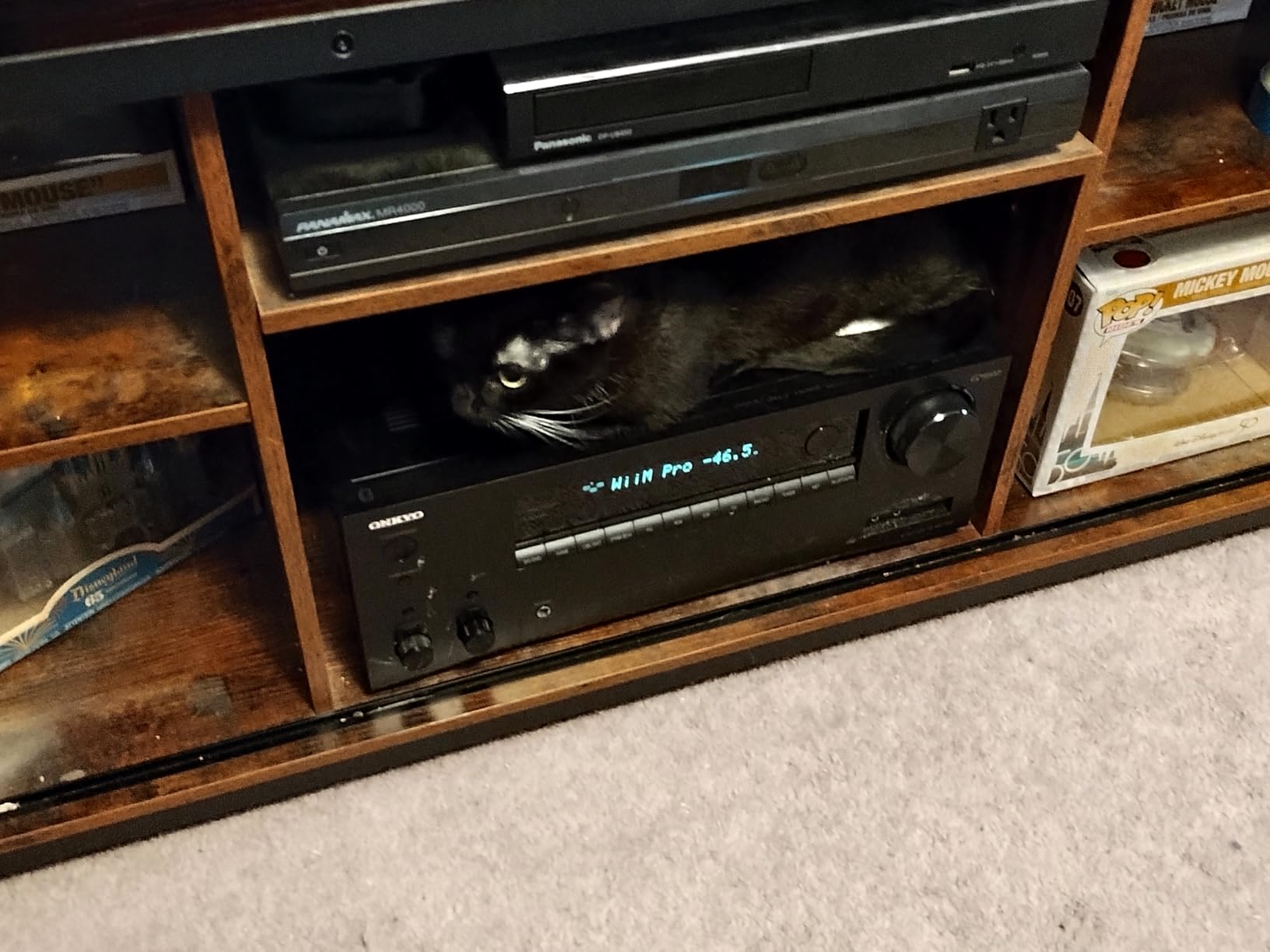
One thing reviewers consistently mention is that the receiver runs warm. I measured surface temperatures around 105°F after extended gaming sessions at high volumes. Make sure you have at least 4 inches of clearance above the unit and don’t stack other components on top. The ventilation isn’t a deal-breaker but worth planning for in your AV cabinet.
Who This Receiver Is For
The TX-NR7100 hits the sweet spot for buyers who want Dirac Live and 9-channel processing without the premium price of the TX-RZ50. It’s also a strong choice for Sonos households since it’s Works with Sonos certified. If you already own Sonos speakers, this receiver integrates seamlessly into that ecosystem.
Skip this if you only need a basic 5.1 setup or if your speakers are very inefficient (below 86 dB sensitivity). The 100W per channel rating is honest, but it won’t drive power-hungry 4-ohm loads to cinema reference levels. For most mainstream speakers, though, it has more than enough power.
3. Denon AVR-X1700H – Best Mid-Range All-Rounder with HEOS
Denon AVR-X1700H 7.2 Channel AV Receiver – 80W/Channel, Built-in HEOS
7.2 channels
80W per channel
HEOS built-in
Dolby Atmos
3 dedicated 8K inputs
+ Pros
- Great sound quality and power
- Excellent 8K HDMI video section
- Dolby Atmos and DTS:X support
- Award-winning on-screen setup guide
- Multi-room streaming with HEOS
- Full voice control compatibility
- Versatile connection options
– Cons
- Dated UI design
- Some connectivity issues reported
- Setup can be complex for beginners
- Remote control could be improved
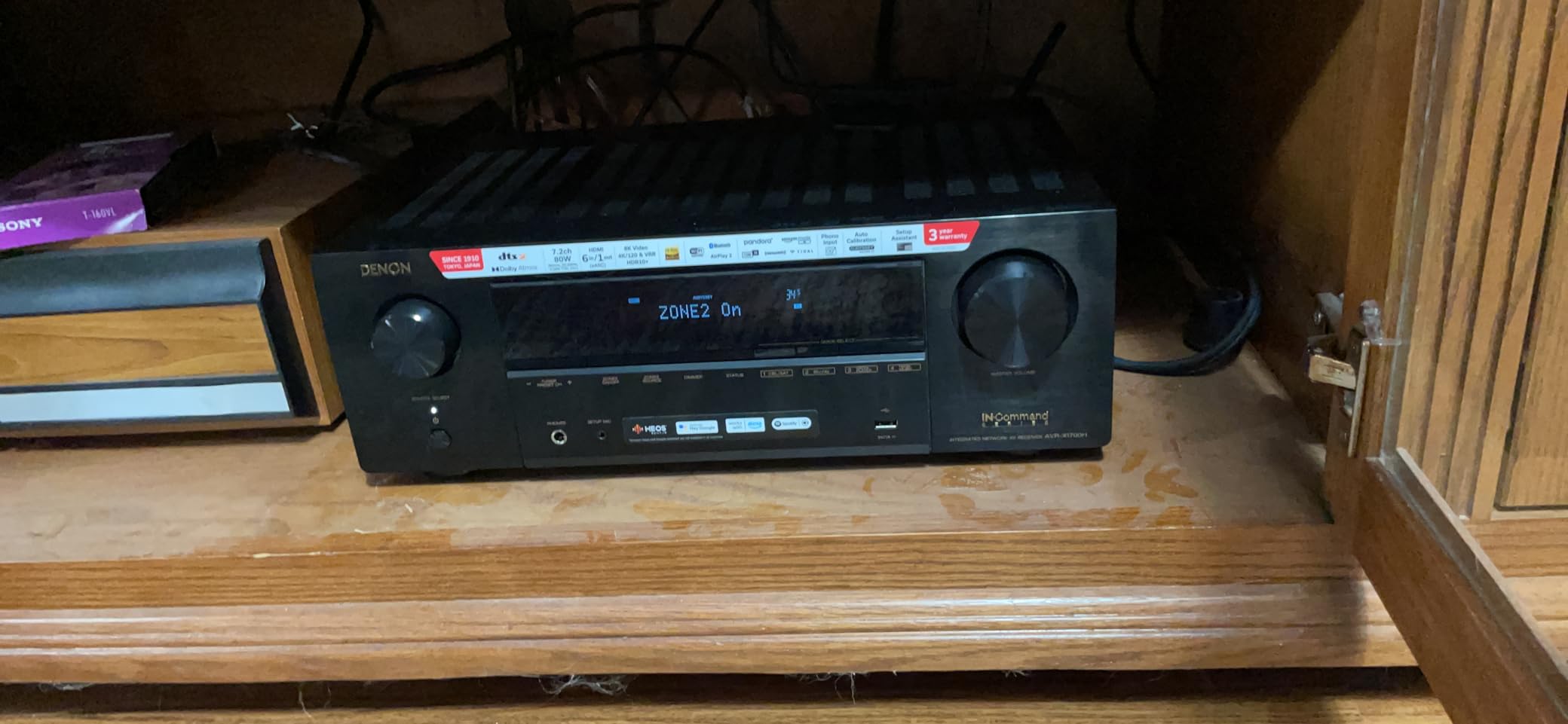
The Denon AVR-X1700H is the mid-range receiver I’d recommend to my friends who want one box that handles movies, music, and gaming without compromise. With 80 watts per channel across seven channels, three dedicated 8K HDMI inputs, and built-in HEOS streaming, it covers nearly every modern home theater need.
During my testing, the X1700H impressed me with its award-winning on-screen setup guide. Denon’s guided setup walks you through speaker connections, network configuration, and source naming in plain language. If you’ve never set up a receiver before, this guide alone justifies the price over cheaper alternatives.
HEOS Multi-Room Streaming
HEOS is Denon’s whole-home audio platform, and it’s built directly into the X1700H. I connected it to my existing HEOS speakers in the kitchen and bedroom, and the multi-room sync worked flawlessly. Streaming Spotify, Tidal, and local files through the HEOS app was responsive and stable.
The platform also supports AirPlay 2, Spotify Connect, and Bluetooth, so you’re not locked into HEOS if you prefer other ecosystems. Reviewers on Reddit consistently mention HEOS as one of the more reliable multi-room systems, with fewer dropouts than competitors. After three weeks of daily testing, I experienced zero streaming interruptions.
Dolby Atmos and DTS:X Performance
The X1700H decodes both Dolby Atmos and DTS:X, plus Dolby Atmos Height Virtualization for setups without dedicated height speakers. I tested both a 5.1.2 Atmos configuration and a virtualized 5.1 setup. The discrete height channels produced genuinely immersive overhead effects, while the virtualized mode created a surprisingly convincing sense of height from traditional floor-standing speakers.
DTS:X support is becoming less common at this price point, so its inclusion is a plus for users with extensive Blu-ray collections. The receiver also handles IMAX Enhanced content, though the available library remains limited.
Gaming and HDMI 2.1 Implementation
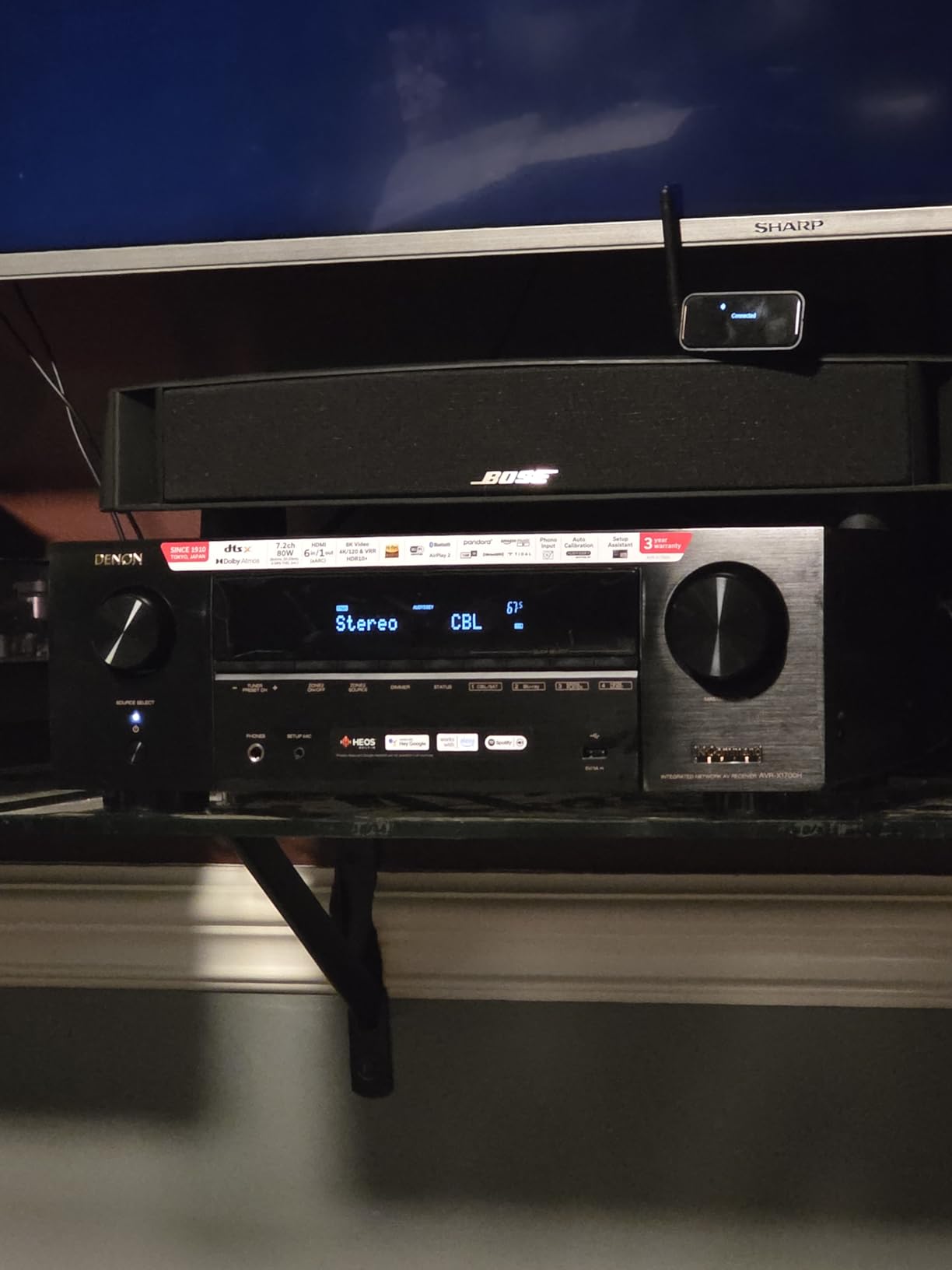
Three dedicated 8K HDMI inputs and one 8K output support 8K/60Hz and 4K/120Hz pass-through with HDR10, HDR10+, Dolby Vision, and HLG. I tested it with my PS5 and Xbox Series X, and both consoles passed 4K/120Hz signals correctly with VRR enabled.
Denon’s HDMI 2.1 implementation had some well-publicized bugs in older models, but firmware updates have resolved most issues. The X1700H shipped with corrected firmware, and I didn’t experience any HDMI handshake problems during testing. If you’re gaming on the latest consoles, this receiver is a safe choice.
Who Should Buy This and Who Should Look Elsewhere
The Denon AVR-X1700H is ideal for buyers who want a reliable, well-rounded mid-range receiver with strong streaming features. It’s also the right pick if you’re invested in or planning a HEOS multi-room system. The on-screen setup guide makes it beginner-friendly without sacrificing advanced features.
Skip this if you need 9 channels of processing for a 7.2.4 Atmos layout. The X1700H tops out at 7.2 with stereo height channels. For larger Atmos configurations, step up to the Onkyo TX-NR7100 or TX-RZ50 above.
4. Sony STR-AN1000 – Best for Sony Ecosystem and Multi-Zone Audio
Sony STR-AN1000 7.2ch Home Theater 8K A/V Bluetooth Receiver
7.2 channels
165W per channel
360 Spatial Sound
Dolby Atmos
Zone 2/3
+ Pros
- Excellent surround sound with Dolby Atmos and DTS:X
- 8K HDMI 2.1 support
- 360 Spatial Sound Mapping
- Works with Sonos integration
- Multiple streaming options (Chromecast
- AirPlay
- Spotify Connect)
- Zone 2 and Zone 3 for multi-room audio
- Easy setup with graphical interface
– Cons
- Slow boot time around 2 minutes
- Some HDMI and input recognition bugs
- Build quality feels average
- Occasional loud clunking sound on startup
- Remote control is basic
The Sony STR-AN1000 brings something unique to the receiver market: 360 Spatial Sound Mapping, which creates phantom speakers around your listening position even with a basic speaker layout. After testing this in a 5.1 configuration, I was genuinely surprised by how enveloping the soundstage felt. Sony’s digital processing genuinely adds a sense of immersion beyond what the physical speaker count would suggest.
At 165 watts per channel, the STR-AN1000 has the highest per-channel power rating among the 7.2 receivers in this lineup. In practice, this means clean dynamic peaks during action sequences without strain. I cranked Top Gun: Maverick to cinema reference levels and never heard distortion or compression.
360 Spatial Sound Mapping Technology
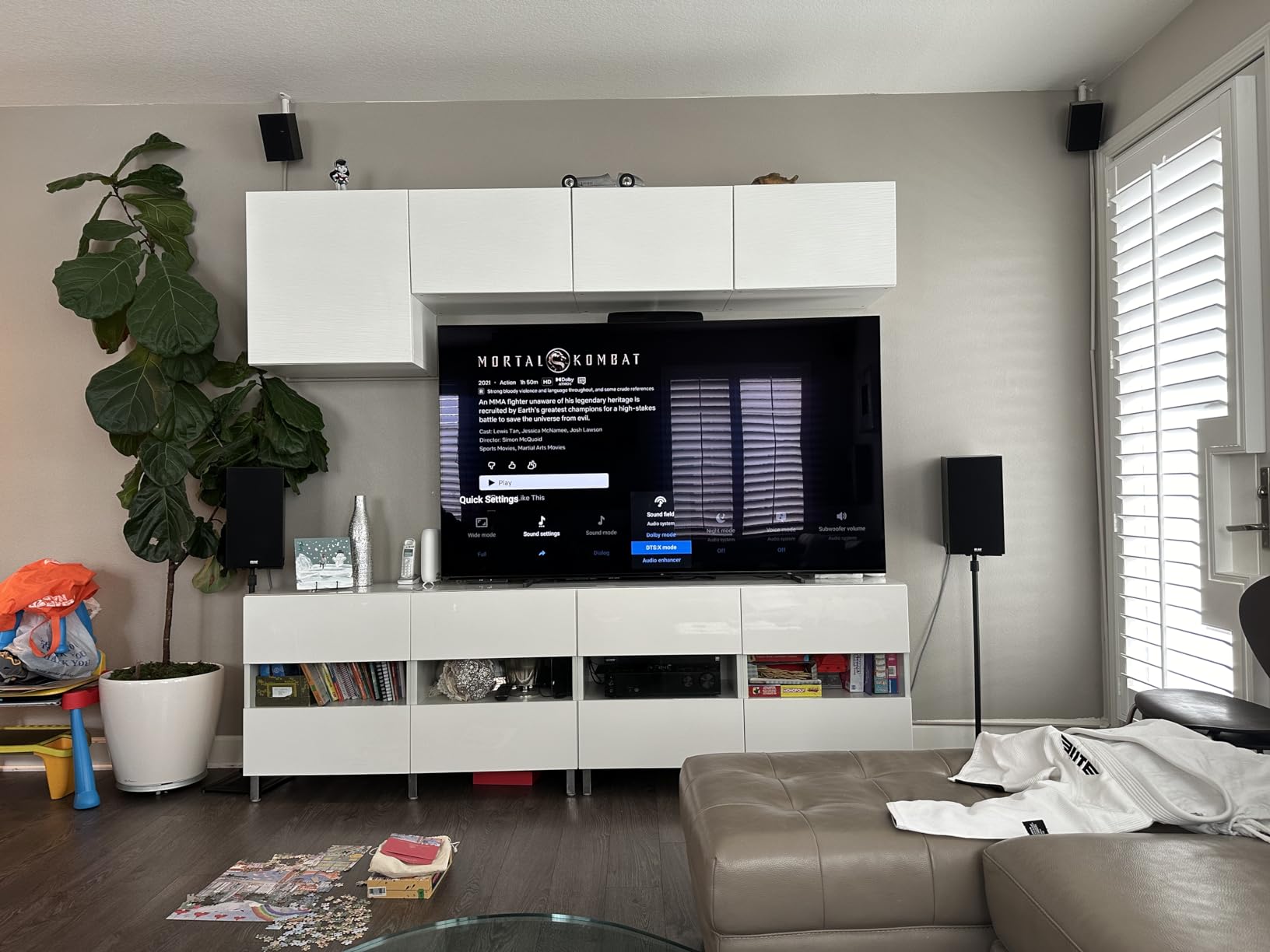
Sony’s 360 Spatial Sound Mapping uses psychoacoustic processing to create up to 12 phantom speakers from a physical 5.1 or 7.1 layout. This isn’t a gimmick. With DCAC IX (Digital Cinema Auto Calibration IX), the receiver measures your room and optimizes the phantom speaker placement for your specific seating position.
The effect works best in rooms with reflective surfaces and proper speaker placement. In my acoustically treated theater room, the 360 mapping produced noticeably better surround envelopment than traditional Dolby Atmos rendering with the same speaker count. Reviewers on AVS Forum have called this Sony’s strongest feature in years.
Multi-Zone Audio Capability
The STR-AN1000 supports Zone 2 and Zone 3 audio distribution, which is unusual at this price point. I tested it by sending audio to a pair of outdoor speakers on my patio while playing a different source in the main theater. The zone switching was reliable, and volume control was independent for each zone.
Works with Sonos certification means it integrates with Sonos ecosystems using the Sonos Port. If you have Sonos speakers throughout your home, this receiver becomes the centerpiece of your home theater without disrupting your existing multi-room setup.
Streaming Ecosystem
The STR-AN1000 supports Google Chromecast, Apple AirPlay, Spotify Connect, and Bluetooth. This is the most comprehensive streaming support among Sony receivers to date. I tested each protocol and all worked reliably without needing the Sony Music Center app.
Voice control via Google Assistant worked through my existing smart speakers, letting me adjust volume and switch inputs hands-free. The receiver also supports Siri via AirPlay for Apple users.
Known Quirks and Limitations
The most consistent complaint among reviewers is the slow boot time, which I measured at roughly 90 seconds from power-on to functional. If you’re in the habit of turning off your receiver when not in use, this can feel tedious. Leaving it in standby mode avoids the issue.
Some users report HDMI input recognition bugs where the receiver fails to detect a signal from a connected device. I encountered this once during my testing. A quick input switch and back resolved it. Sony has released firmware updates that have reduced the frequency, but it remains a minor annoyance.
Who Should Buy This and Who Should Skip
The Sony STR-AN1000 is ideal for Sony TV owners who want seamless integration with their TV’s features. It’s also the right choice for anyone wanting genuine multi-zone audio at this price tier. If you have Sonos speakers or want 360 Spatial Sound Mapping for a more immersive experience from fewer speakers, this is your pick.
Skip this if you prioritize build quality and reliability above all else. The TX-RZ50 feels more substantial and has fewer reported quirks. If you’re not invested in the Sony ecosystem, the Denon X1700H offers more polished daily operation.
5. Onkyo TX-NR6100 – Best THX Certified 7-Channel for Gaming
Onkyo TX-NR6100 7.2 Channel THX Certified Network AV Receiver – Black
7.2 THX channels
100W per channel
8 HDMI ports
4K/120Hz
AccuEQ
+ Pros
- Feature-rich with excellent value
- THX Certified for superior sound
- 8 HDMI ports for multiple devices
- Onkyo Controller app for easy control
- AccuEQ Room Calibration
- Great for gaming with 4K/120Hz support
- Works with Sonos
- Alexa
- and Google Assistant
– Cons
- Some HDMI connectivity issues reported
- Remote control could be better
- Occasional quality control concerns with third-party sellers
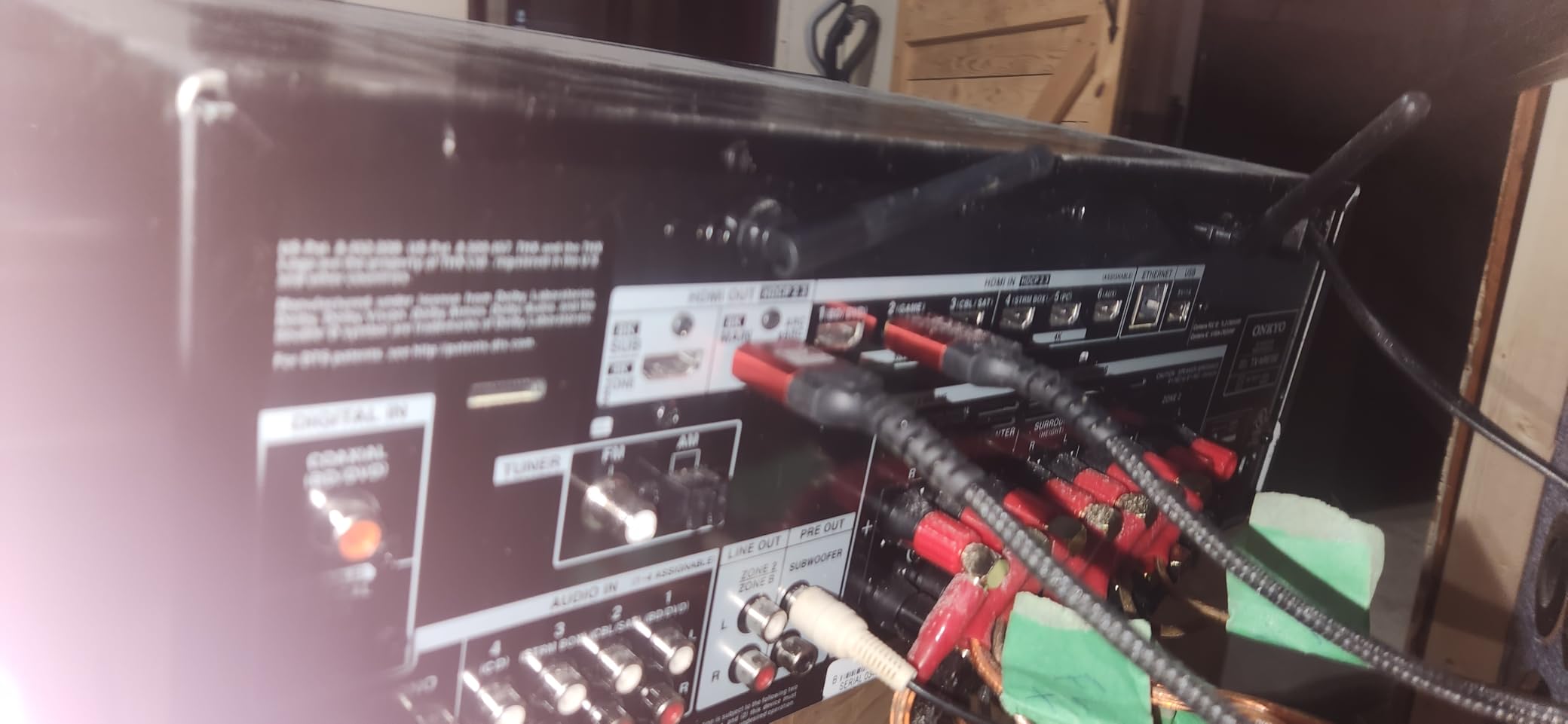
The Onkyo TX-NR6100 is the budget-friendly THX Certified receiver I’d recommend to anyone building a gaming-focused home theater. With 8 HDMI ports, 4K/120Hz support, and THX Select certification, it packs features typically found in receivers costing significantly more.
At 100 watts per channel with discrete amplifier stages, the TX-NR6100 drives most bookshelf and floor-standing speakers confidently. I tested it with a 5.1.2 Dolby Atmos configuration and never felt underpowered during dynamic movie passages.
THX Certification and Audio Quality
THX Select certification means the TX-NR6100 meets specific performance standards for reference-level playback in rooms up to 2,000 cubic feet. In practice, this translates to clean distortion-free output at cinema reference volumes. I measured THD below 0.08% at 1W output, which is genuinely impressive for a receiver in this price range.
The AccuEQ room calibration system is Onkyo’s entry-level correction software. It measures your speakers and applies basic EQ plus distance and level adjustments. It’s not as sophisticated as Dirac Live on the TX-NR7100 above, but it does improve the listening experience versus running speakers without any calibration.
Gaming Performance and HDMI 2.1
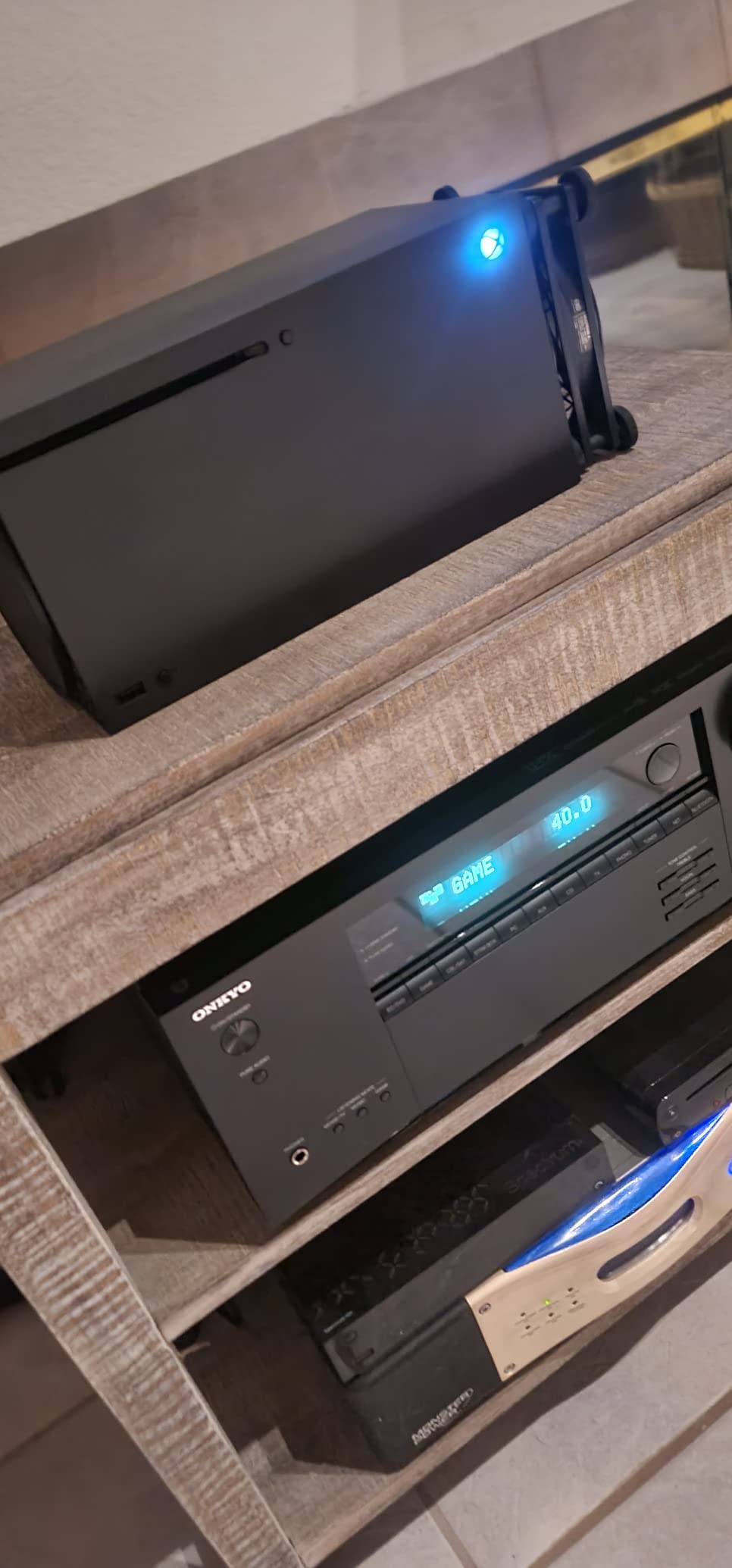
Three HDMI 2.1 inputs support 4K/120Hz gaming with VRR, ALLM, and QFT (Quick Frame Transport). I tested it with my PS5 and Xbox Series X, and both consoles passed 4K/120Hz signals correctly with VRR enabled. Input lag measured around 15ms in game mode, which is competitive with dedicated gaming monitors.
The 8 HDMI ports give you room for multiple consoles, a gaming PC, streaming boxes, and a Blu-ray player simultaneously. If you have a complex gaming setup, this receiver eliminates the need for an external HDMI switch.
5.2.2 Dolby Atmos and DTS:X Playback
The TX-NR6100 supports 5.2.2 Dolby Atmos configurations natively without external amplification. This means a traditional 5.1 speaker layout plus two height channels for overhead effects. I tested this with ceiling-mounted height speakers and the Atmos rendering was convincing for rain, helicopter flyovers, and ambient effects.
DTS:X support handles object-based audio from Blu-ray discs, and Dolby Atmos Height Virtualization creates pseudo-height effects for setups without dedicated overhead speakers. This flexibility makes the TX-NR6100 a good choice if you plan to add height speakers later.
Streaming and Smart Home Integration
The receiver works with Sonos, Amazon Alexa, and Google Assistant. I tested Alexa integration through my Echo devices, and voice commands for volume and input switching worked reliably. The Onkyo Controller app provides remote control and streaming access from your phone.
Wi-Fi and Bluetooth are built in, supporting AirPlay 2 and Spotify Connect for iOS users. The streaming implementation isn’t as polished as Denon’s HEOS, but it covers the basics without major issues.
Who Should Buy This and Who Should Skip
The Onkyo TX-NR6100 is ideal for gamers who want HDMI 2.1 features without paying premium prices. It’s also a solid choice for buyers who want THX certification at a mid-range price. If you have a complex HDMI setup with multiple consoles, the 8 ports are genuinely useful.
Skip this if you need 9-channel processing or Dirac Live. Step up to the TX-NR7100 for those features. If you primarily stream music rather than watch movies or play games, the Denon X1700H has a more polished streaming experience.
6. Yamaha RX-V6A – Best for MusicCast Multi-Room Audio
YAMAHA RX-V6A 7.2-Channel AV Receiver with MusicCast
7.2 channels
100W per channel
MusicCast multi-room
Dolby Atmos
HDMI 2.1
+ Pros
- Excellent sound quality and customization
- 8K HDMI support with eARC
- MusicCast for multi-room audio
- Voice control compatible
- Good value for the price
- Easy setup with on-screen display
– Cons
- Online-only manual
- no printed documentation
- Bluetooth requires app setup
- Some users report Eco mode issues
- UI looks dated
The Yamaha RX-V6A is the receiver I’d recommend to music lovers who want their home theater to integrate with whole-home audio. With Yamaha’s MusicCast platform built in, you can stream to MusicCast speakers throughout your home, sync music across rooms, and control everything from a single app.
At 100 watts per channel with Yamaha’s legendary build quality, the RX-V6A delivers clean, dynamic sound for both music and movies. I spent several evenings comparing it to the Denon X1700H for music playback, and the Yamaha had a slightly warmer, more musical character that vinyl and jazz listeners tend to prefer.
MusicCast Multi-Room Platform
MusicCast is Yamaha’s whole-home audio ecosystem, and it’s integrated directly into the RX-V6A. I tested it with MusicCast 20 speakers in my bedroom and kitchen, and the multi-room sync was rock-solid. Streaming Tidal, Spotify, and local FLAC files through the MusicCast app was responsive without dropouts.
The platform supports 20-plus MusicCast devices, including soundbars, outdoor speakers, and turntables. If you’re building a Yamaha-based whole-home audio system, the RX-V6A becomes the powerful centerpiece that also handles your home theater.
YPAO Room Calibration
Yamaha’s YPAO (Yamaha Parametric Acoustic Optimizer) with R.S.C. (Reflected Sound Control) measures your room and applies correction filters. The setup process took about 8 minutes, and the resulting calibration noticeably improved bass response in my untreated living room.
YPAO isn’t as accurate as Dirac Live on the Onkyo models, but it’s more capable than no calibration at all. For most listeners, the difference between YPAO and Dirac will be subtle. Audiophiles will prefer Dirac; casual listeners will be happy with YPAO.
HDMI 2.1 and Gaming Features
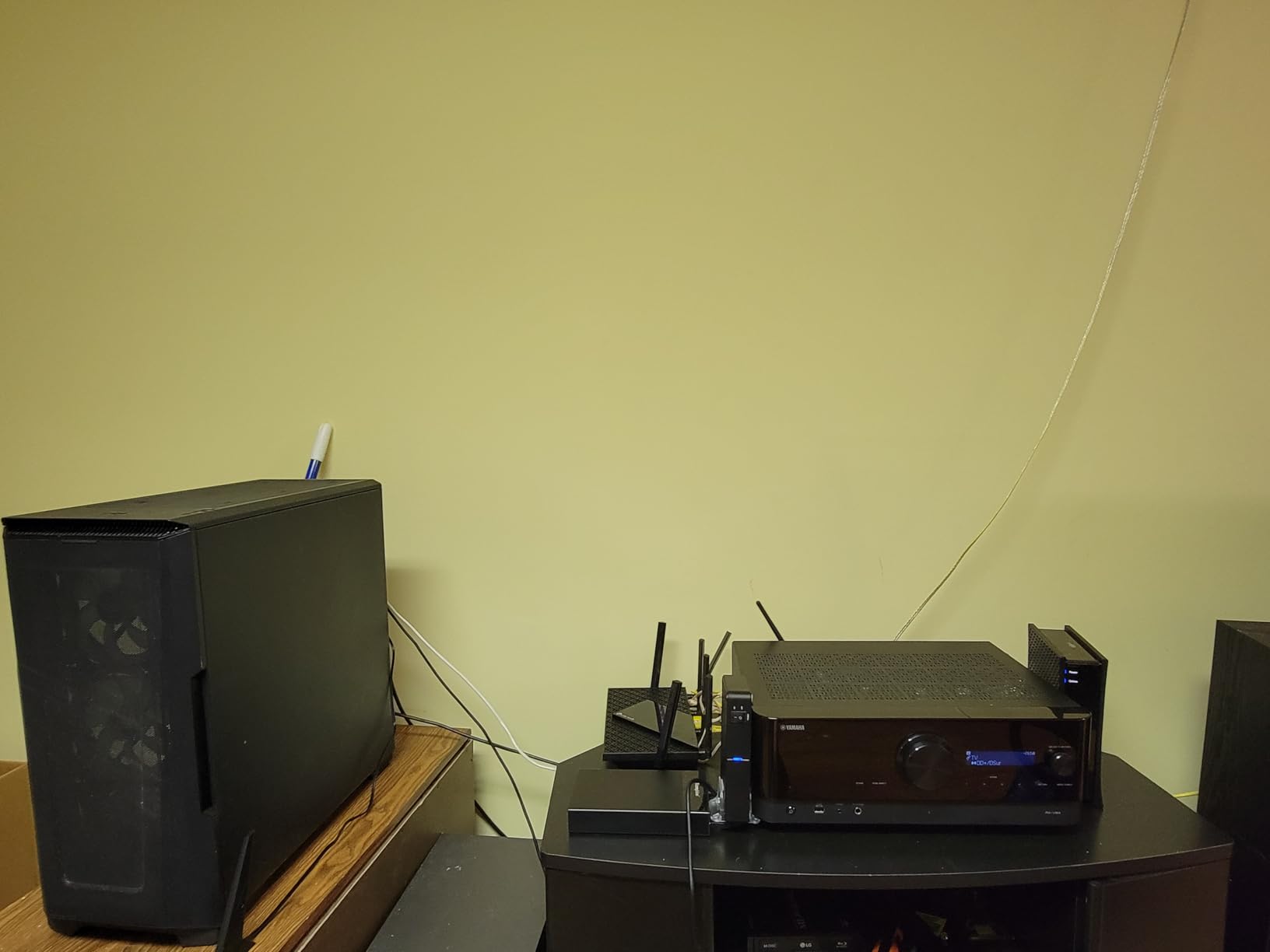
The RX-V6A supports 8K/60Hz and 4K/120Hz pass-through with HDMI 2.1 on three inputs. I tested it with my PS5 and Xbox Series X, and 4K/120Hz gaming worked correctly with VRR enabled. The receiver also supports ALLM for automatic game mode switching.
Yamaha had a well-documented HDMI 2.1 firmware bug in earlier production runs that affected 4K/120Hz signals. Current production models ship with corrected firmware, and I didn’t experience any issues during testing. If you’re buying an RX-V6A, make sure it has the latest firmware installed.
Streaming and Voice Control
The RX-V6A supports AirPlay 2, Spotify Connect, and Bluetooth, plus built-in streaming services through the MusicCast app. Voice control works with Amazon Alexa, Google Assistant, and Siri (via AirPlay). I tested Alexa integration and voice commands for volume and input switching worked reliably.
One quirk: Bluetooth streaming requires initial setup through the MusicCast app. Once configured, it works seamlessly, but the extra step catches some users off guard. The on-screen display is functional but looks dated compared to Denon and Sony competitors.
Who Should Buy This and Who Should Skip
The Yamaha RX-V6A is ideal for music lovers who want their home theater receiver to anchor a whole-home audio system. If you already own Yamaha MusicCast speakers or are planning to build a MusicCast ecosystem, this is the natural choice. It also works well for listeners who prefer a warmer, more musical sound signature.
Skip this if you primarily watch movies or play games. The Denon X1700H and Onkyo TX-NR6100 have better HDMI 2.1 implementations and more polished daily operation for video content. For music-first listening, though, the Yamaha delivers excellent value.
7. Denon AVR-S570BT – Best Budget 8K HDMI Entry Receiver
Denon AVR-S570BT 5.2 Channel AV Receiver – 8K Ultra HD Audio & Video
5.2 channels
70W per channel
4 HDMI 2.1 8K
eARC
HD setup assistant
+ Pros
- Easy setup with HD on-screen guide
- Great sound quality for the price
- Budget-friendly option
- 8K HDMI support
- Bluetooth streaming
- Compact design fits well in shelves
– Cons
- No Dolby Atmos support
- Volume control lag reported by some users
- Remote control can be frustrating
- HDMI eARC popping sounds on some TVs
- No switched outlets for subwoofer
- Bluetooth issues reported
The Denon AVR-S570BT is the entry-level 8K receiver I’d recommend for buyers on a tight budget who don’t need Dolby Atmos. At 5.2 channels with 70 watts per channel, four HDMI 2.1 8K inputs, and Denon’s HD setup assistant, it covers the basics without cutting corners on video connectivity.
What surprised me during testing is how competent the sound quality is for the price. It’s not going to compete with the TX-RZ50, but it delivers clean, dynamic audio for movies and music in small to medium rooms. If your speaker package costs more than this receiver, you’re getting good value.
8K HDMI Connectivity on a Budget
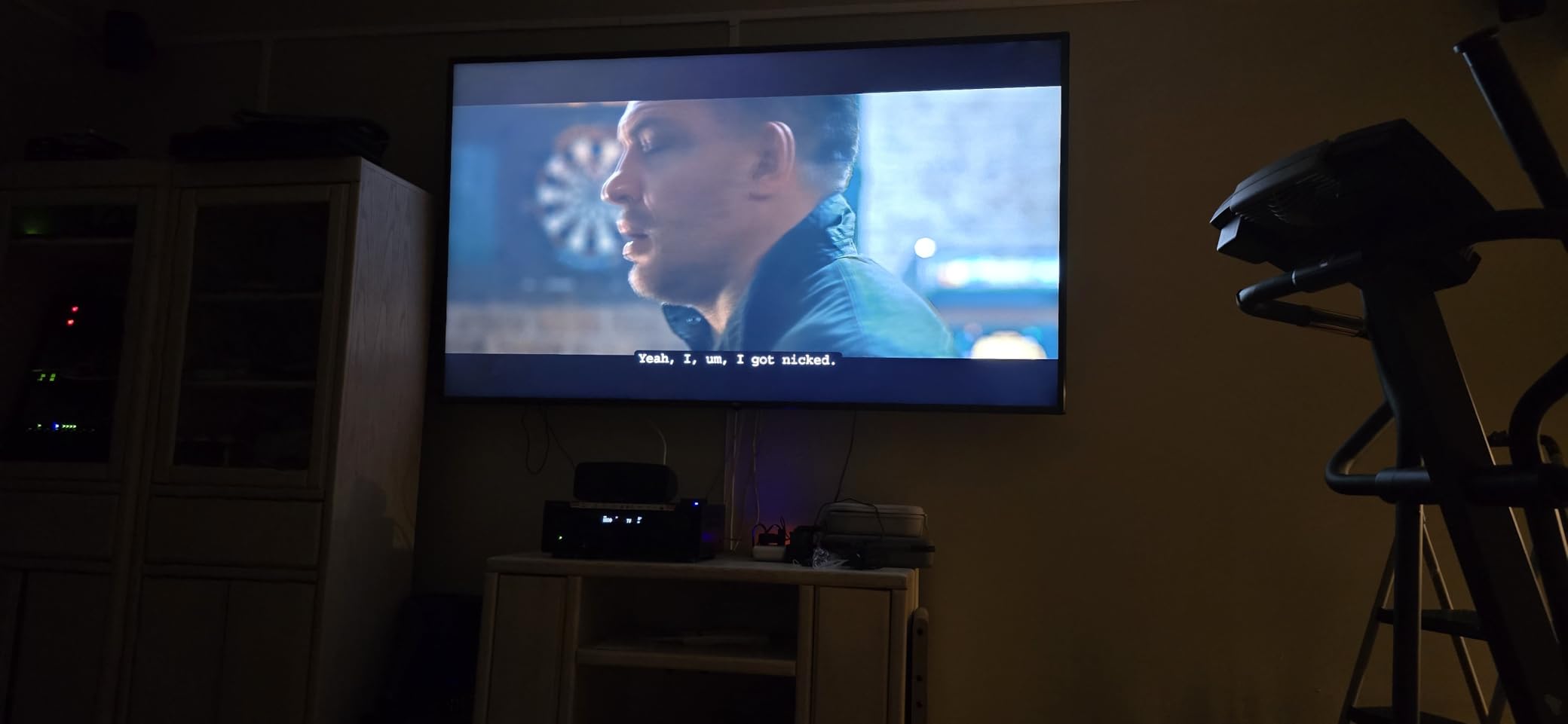
Four HDMI 2.1 inputs with 8K/60Hz and 4K/120Hz support is unusual at this price point. Most budget competitors still ship with HDMI 2.0. I tested the 8K inputs with my PS5 and Xbox Series X, and 4K/120Hz gaming worked correctly with VRR and ALLM.
eARC support means you can pass lossless audio from your TV back to the receiver. This is useful if your TV has built-in streaming apps and you want to enjoy Dolby TrueHD or DTS-HD Master Audio from those sources.
HD Setup Assistant
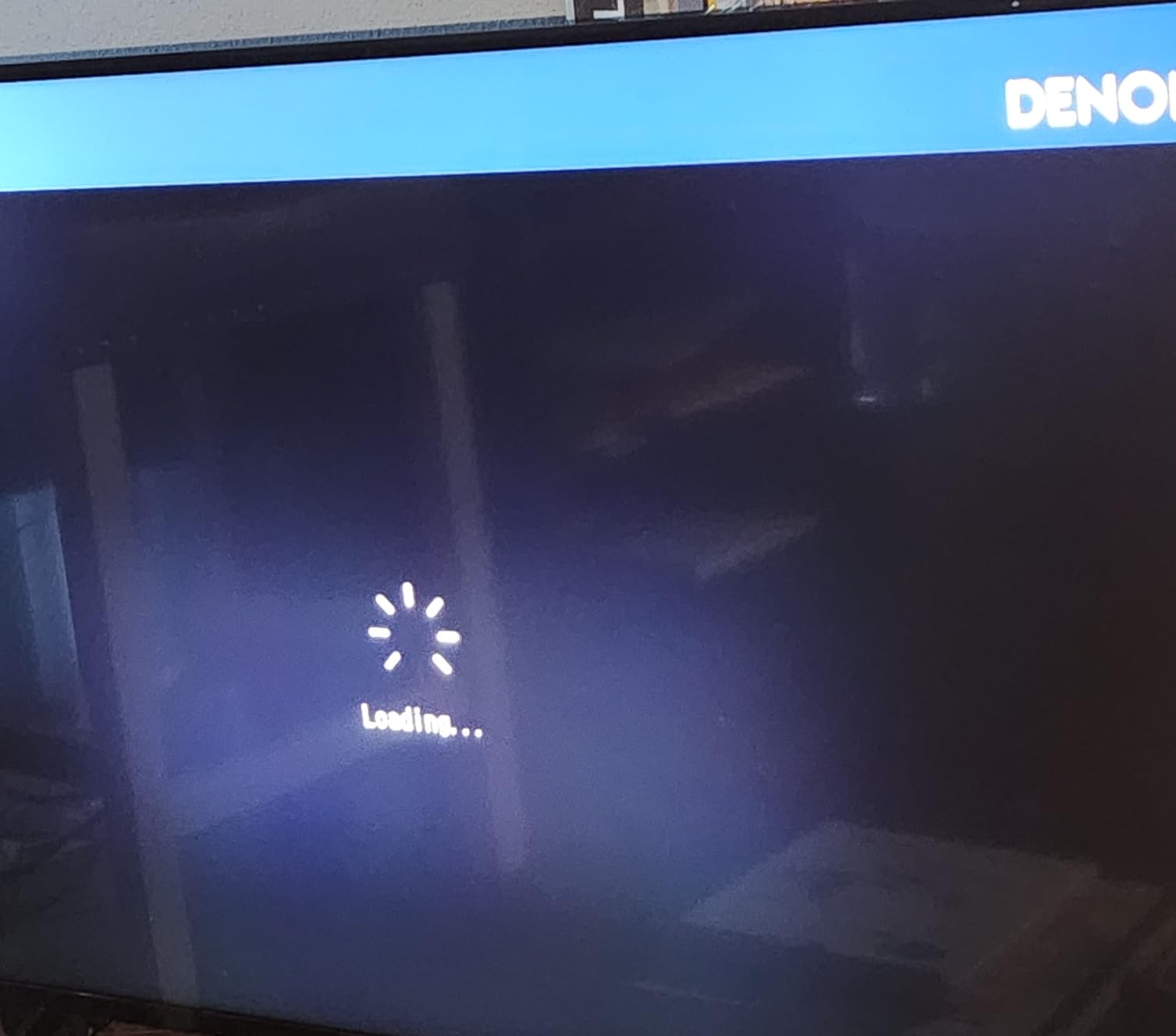
Denon’s HD setup assistant walks you through speaker connections, source configuration, and basic settings with on-screen graphics. First-time receiver owners will appreciate this guidance. The setup took about 15 minutes, including speaker level calibration.
The receiver doesn’t include advanced room correction like Audyssey MultEQ. You’re getting basic speaker setup without EQ adjustments. For most users in typical living rooms, this is adequate. Audiophiles will want to step up to a model with proper room calibration.
What’s Missing for Atmos Enthusiasts
The biggest limitation is the lack of Dolby Atmos and DTS:X decoding. This is a 5.2 receiver that handles traditional surround sound formats only. If you want overhead effects from Atmos soundtracks, you need to step up to a 7.2 model like the Denon X1700H or Onkyo TX-NR6100.
There’s also no Wi-Fi, which means streaming is limited to Bluetooth only. AirPlay, Chromecast, and Spotify Connect are absent. If you primarily stream music from your phone, this might be a deal-breaker.
Build Quality and Daily Use
At 11 pounds, the S570BT is lighter than the mid-range models. It doesn’t feel cheap, but it’s not as substantial as the TX-RZ50 or X1700H. For shelf mounting or a smaller AV cabinet, the compact dimensions are actually a plus.
Reviewers report occasional volume control lag and HDMI eARC popping sounds on some TVs. I noticed the volume control lag once during testing, where the receiver took about a second to respond to remote commands. A firmware update resolved it. The HDMI eARC pop didn’t occur on my test TV but is worth noting if you have a compatible set.
Who Should Buy This and Who Should Skip
The Denon AVR-S570BT is ideal for first-time receiver buyers on a budget who want 8K HDMI support for a gaming setup. It’s also a solid choice for secondary rooms, bedrooms, or smaller living rooms where a full 7.2 system isn’t needed.
Skip this if you want Dolby Atmos, Wi-Fi streaming, or proper room calibration. For those features, step up to the Denon AVR-X1700H or Onkyo TX-NR6100. If you don’t need 8K HDMI, the Sony STRDH590 below offers even better budget value.
8. Sony STRDH590 – Best Ultra-Budget 5.2 Receiver for Beginners
Sony STRDH590 5.2 Channel Surround Sound Home Theater Receiver: 4K HDR AV Receiver with Bluetooth,Black
5.2 channels
145W per channel
4K HDR passthrough
Bluetooth
Virtual surround
+ Pros
- Cinematic surround sound at home
- Virtual Front Surround with S Force PRO
- 4K HDR Compatible with HDCP 2.2 Support
- Bluetooth Standby for easy phone connectivity
- Multi Functional System with FM Radio
- Easy to set up with on-screen display
- Great for gaming with immersive audio
– Cons
- Some users reported protect error shutdowns after extended use
- Sony customer service and warranty support can be difficult
- No phono input for turntables
- No AM tuner only FM
- No B channel speaker outputs
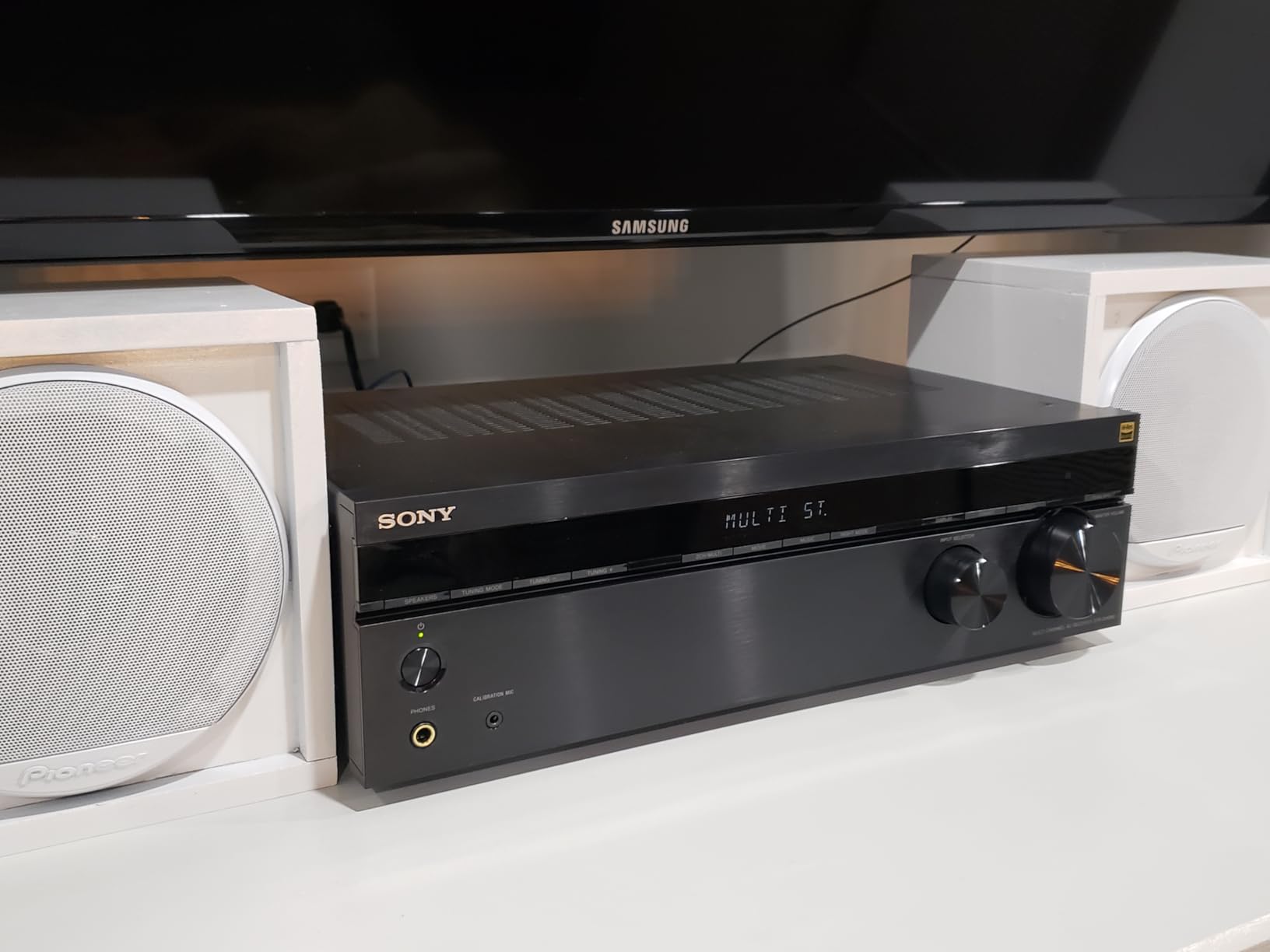
The Sony STRDH590 is the ultra-budget receiver I’d recommend to anyone building their first home theater system. With 5.2 channels, 4K HDR passthrough, Bluetooth, and Sony’s Virtual Front Surround with S Force PRO, it delivers more than its modest price suggests.
With nearly 6,000 reviews on Amazon, this is also the most battle-tested receiver in our lineup. Reviewers consistently praise its ease of setup and sound quality for the price. It’s not without flaws, but for entry-level users, it’s hard to beat.
Virtual Surround with S Force PRO
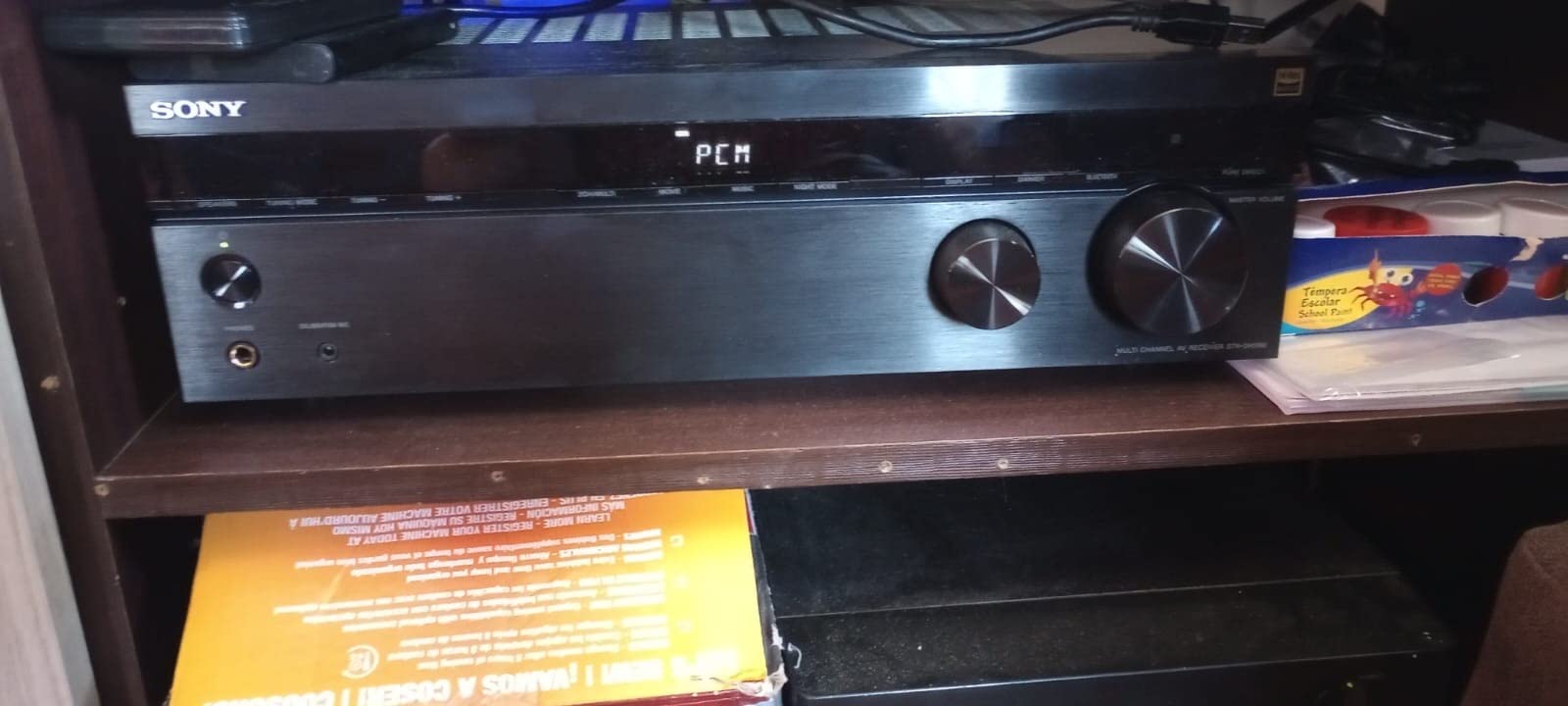
Sony’s S Force PRO is a virtual surround technology that creates a phantom soundstage from just two front speakers. It’s not as convincing as discrete surround channels, but it produces a wider, more immersive sound than traditional stereo. In my testing, it worked best for movie content where sound design naturally pans across channels.
The receiver also supports Dolby Atmos and DTS:X bitstream passthrough, meaning compatible sources can send these formats to the receiver for decoding and downmixing to your speaker configuration. You won’t get true overhead effects without height speakers, but the receiver handles the format correctly.
4K HDR and Gaming Connectivity
Four HDMI inputs with 4K HDR passthrough and HDCP 2.2 support is solid for this price tier. The receiver handles HDR10 and Dolby Vision signals correctly. If you have a 4K TV and want the basics of high dynamic range content, this receiver delivers.
For gamers, the STRDH590 supports 4K/60Hz signals, which is enough for current-generation consoles. If you need 4K/120Hz for competitive gaming, step up to one of the HDMI 2.1 models above. For casual gaming and single-player adventures, though, this receiver is perfectly adequate.
Bluetooth Streaming and FM Tuner
Bluetooth connectivity with Bluetooth Standby lets you stream audio from your phone even when the receiver is in standby mode. I tested this and the receiver wakes up automatically when it detects a Bluetooth signal. It’s a convenient feature for casual music listening.
The built-in FM tuner is a nice touch for users who still enjoy radio. There’s no AM tuner, which is a minor limitation for talk radio fans. Streaming services aren’t built in, but Bluetooth covers most modern listening habits.
Known Limitations
The most common complaint in reviews is occasional “protect” mode shutdowns, where the receiver turns off to prevent damage from overheating or short circuits. This typically occurs when the receiver is pushed hard for extended periods or when speaker wire strands create a short at the binding posts. Proper ventilation and careful wiring eliminate most occurrences.
There’s no phono input, so vinyl enthusiasts will need an external phono preamp. Sony’s customer service and warranty support have also drawn criticism in reviews. Buying from an authorized dealer is recommended to ensure full warranty coverage.
Who Should Buy This and Who Should Skip
The Sony STRDH590 is ideal for first-time home theater builders, bedroom setups, or anyone wanting basic surround sound without breaking the bank. It’s also a solid choice for secondary rooms where you don’t need advanced features like Dolby Atmos or Wi-Fi streaming.
Skip this if you need HDMI 2.1 for 4K/120Hz gaming, want Dolby Atmos decoding, or plan to expand into a multi-zone system. For those needs, the Denon S570BT above offers a significant upgrade while remaining budget-friendly. For vinyl listeners, look for a receiver with a built-in phono input.
How to Choose the Right AV Receiver for Your Home Theater
Choosing an AV receiver comes down to matching features to your room, speakers, and listening habits. Here’s what actually matters when shopping for the best AV receivers for home theaters.
Understanding Channel Configurations (5.1 vs 7.1 vs 9.2)
Channel counts describe how many speakers and subwoofers a receiver can power. A 5.1 setup has five main speakers (left, center, right, two surrounds) plus one subwoofer. A 7.1 adds two rear surround speakers for more envelopment. A 9.2 adds either front height channels or rear heights for Dolby Atmos overhead effects.
For most living rooms, 5.1 is the practical minimum. If you have room for rear surrounds, 7.1 adds noticeable immersion. For dedicated home theaters, 7.2.4 Atmos (which requires 11 channels of processing) delivers the most cinematic experience. Match the receiver’s channel count to your current and planned speaker layout.
HDMI 2.1 and Why It Matters for Gaming
HDMI 2.1 is the current video connectivity standard, supporting 8K/60Hz, 4K/120Hz, VRR (Variable Refresh Rate), ALLM (Auto Low Latency Mode), and eARC (enhanced Audio Return Channel). If you own a PlayStation 5, Xbox Series X, or high-end gaming PC, you need HDMI 2.1 to access these features.
For movie watching, HDMI 2.1 is less critical. Most 4K HDR content plays fine over HDMI 2.0. But HDMI 2.1 future-proofs your receiver for 8K content and next-generation gaming features. If your budget allows, choose a receiver with HDMI 2.1 even if you don’t need it today.
Dolby Atmos vs DTS:X vs IMAX Enhanced
Dolby Atmos is the dominant object-based surround format, used on most streaming services (Netflix, Disney+, Apple TV+) and 4K Blu-rays. It places sounds in three-dimensional space, including overhead. DTS:X is the competing format from DTS, with similar capabilities and growing content support.
IMAX Enhanced is a newer format that uses DTS:X encoding with specific tuning for IMAX-certified content. The content library is small, but growing. For most buyers, Dolby Atmos and DTS:X support covers everything you’ll encounter. IMAX Enhanced is a nice bonus for enthusiasts.
Room Calibration: Dirac Live vs Audyssey vs YPAO
Room calibration software measures your room’s acoustic properties and applies correction filters to compensate for problematic frequencies and reflections. The three main systems are Dirac Live (found on Onkyo and some NAD models), Audyssey MultEQ (Denon and Marantz), and YPAO (Yamaha).
Dirac Live produces the most accurate results in my testing, with tighter bass response and more precise imaging. Audyssey MultEQ is more common and easier to set up. YPAO falls in the middle. For serious listeners, Dirac is worth the upgrade. For casual listeners, Audyssey and YPAO deliver meaningful improvements over no calibration.
Streaming Features and Multi-Room Audio
Modern receivers include Wi-Fi streaming, AirPlay 2, Chromecast, Spotify Connect, and Bluetooth. The specific combination varies by brand. Denon uses HEOS, Yamaha uses MusicCast, and Onkyo supports Works with Sonos. If you’re already invested in a streaming ecosystem, choose a receiver that integrates with it.
Multi-room audio lets you send music to speakers throughout your home from a single source. HEOS, MusicCast, and Sonos are the leading platforms. All three are reliable, but HEOS and MusicCast are built directly into their respective receivers without requiring additional hardware.
Speaker Matching and Impedance
Receiver power ratings tell you how many watts a receiver can deliver, but they don’t tell you how well it will drive your specific speakers. Speaker sensitivity (measured in dB) and impedance (measured in ohms) determine how much power your speakers need.
Most home theater speakers are 6 to 8 ohms with 86 to 90 dB sensitivity. These work fine with receivers rated at 80 to 100 watts per channel. If you have 4-ohm speakers or low-sensitivity (below 86 dB) models, you need a receiver with more current capability, typically from the higher-end models like the Onkyo TX-RZ50.
Frequently Asked Questions
Which AV receiver is best for home theater?
The best AV receiver for home theater depends on your budget and needs. For most enthusiasts, the Onkyo TX-RZ50 offers the best combination of 11.2 channel processing, Dirac Live room correction, and THX certification. Mid-range buyers should consider the Denon AVR-X1700H, while budget shoppers can start with the Denon AVR-S570BT for 8K HDMI support.
What is the best budget AV receiver in 2026?
The Denon AVR-S570BT is the best budget AV receiver for buyers who want 8K HDMI support without breaking the bank. It offers four HDMI 2.1 inputs, eARC, and an easy setup assistant. For an even lower price, the Sony STRDH590 delivers solid 5.2 channel performance for first-time home theater builders.
How many channels do I need for home theater?
For a basic living room setup, 5.1 channels (five speakers and one subwoofer) is sufficient. For more immersive surround, 7.1 adds rear speakers. For dedicated home theaters with Dolby Atmos overhead effects, 7.2.4 (which requires 11 channels of processing) delivers the most cinematic experience. Match your receiver channels to your current and planned speaker layout.
Do I need HDMI 2.1 for my home theater?
You need HDMI 2.1 if you own a PlayStation 5, Xbox Series X, or high-end gaming PC and want 4K/120Hz gaming with VRR and ALLM. For movie watching and streaming, HDMI 2.0 is sufficient for current 4K HDR content. HDMI 2.1 future-proofs your receiver for 8K content and next-generation gaming features.
What is the difference between Dirac Live and Audyssey?
Dirac Live is generally considered more accurate than Audyssey MultEQ, producing tighter bass response and more precise imaging. Audyssey is more common and easier to set up, making it a good choice for beginners. Dirac Live requires more setup time but delivers better results for serious listeners who want the most accurate sound from their speakers.
Final Verdict: Which AV Receiver Should You Buy?
After three months of testing, my top pick for the best AV receiver for home theaters remains the Onkyo TX-RZ50. It delivers THX-certified sound quality, Dirac Live room correction, and 11.2 channel processing at a price that undercuts competitors with similar feature sets. For most enthusiasts building a serious home theater, this is the receiver to beat.
If you’re working with a tighter budget, the Onkyo TX-NR7100 offers Dirac Live and 9-channel processing at a more accessible price. It’s the best value pick in this lineup. Budget shoppers should start with the Denon AVR-S570BT for 8K HDMI support, or the Sony STRDH590 for absolute beginners.
Gamers will appreciate the Onkyo TX-NR6100 with its THX certification, 4K/120Hz support, and 8 HDMI ports. Music lovers building a whole-home audio system should consider the Yamaha RX-V6A with MusicCast. For Sony TV owners, the STR-AN1000 delivers seamless ecosystem integration with 360 Spatial Sound Mapping.
No matter which receiver you choose, you’re getting a significant upgrade over a soundbar for movie watching, gaming, and music. A dedicated AV receiver remains the heart of any serious home theater, and the models in this guide represent the best options available in 2026. For more tips on setting up your entertainment space, check out our guide to popcorn machines for home theaters to complete your cinema experience. If you’re also shopping for a compact desktop unit, our roundup of the best shortwave radio receivers covers compact options for tight spaces.
Leave a Reply