
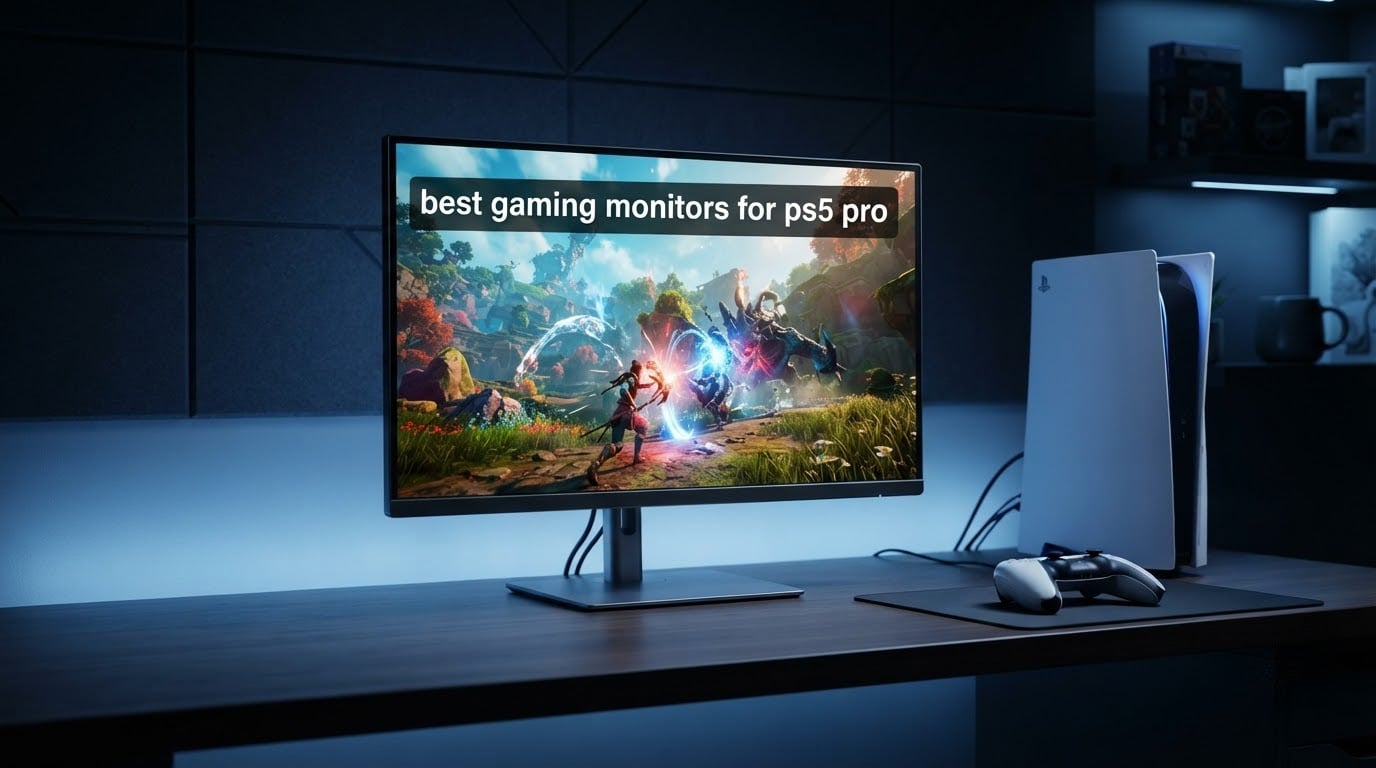
The best gaming monitors for PS5 Pro owners are 27-inch 4K panels with full-bandwidth HDMI 2.1 ports, HDMI Forum VRR and a refresh rate of at least 120Hz. Our pick is the KOORUI G2741L, a dual-mode 4K 160Hz Fast IPS display with two HDMI 2.1 inputs and the widest owner record in this roundup at 14363 reviews.
Before the picks, the fact that changes everything else: the PS5 Pro outputs the same ceiling as the base PS5. It sends 4K at up to 120Hz over HDMI 2.1 and speaks HDMI Forum VRR. The Pro’s extra power shows up in ray tracing and frame generation, not in a 240Hz picture or a 4K 144Hz signal. Any monitor that lists a refresh rate above 120Hz is selling you headroom for a PC you may or may not own, not console frames.
That reframes the whole search. Rather than chasing the biggest number on a spec sheet, we checked each candidate for the things a PS5 Pro can actually use: real HDMI 2.1 bandwidth, VRR over HDMI rather than only over DisplayPort, a 4K panel that reports 120Hz in the console input, and a stand and viewing angle that survive a sofa at an angle rather than a desk head-on. We read the aggregated owner feedback on all twelve products, then compared port counts, panel types, brightness figures and warranty terms against what the console can send.
Two things came out of that immediately. First, a share of the 4K monitors in this group advertise HDMI 2.1 and VRR but only deliver those over DisplayPort or at reduced chroma, which is the picture-mode and port trap that buyers keep running into when they chase the refresh number alone. Second, community threads in r/Monitors and r/PlayStation_X repeatedly say that 1440p at 120Hz is the sweet spot and 4K is not needed, which is a defensible position we cover in the buying guide rather than argue against.
If you are still working out the basics, our PS5 gaming monitor guide covers the entry-level picks, and the PS5 and Xbox roundup goes deeper on cross-console setups. This guide is written specifically around the Pro’s 4K 120Hz ceiling.
Our Top 3 Best PS5 Pro Monitors After the Spec Check for 2026
These three survived the filter with the widest owner records, the most complete input sections and the most honest behaviour over HDMI.

KOORUI G2741L 27-inch 4K
- 4K 160Hz or FHD 320Hz dual mode
- Fast IPS with 1ms response
- Two HDMI 2.1 ports
- 95% DCI-P3 with HDR400

KTC H27P22S 27-inch 4K
- 4K 160Hz Fast IPS at 1ms GTG
- 97.5% DCI-P3
- Validated G-SYNC and FreeSync Premium
- Full ergonomic stand

Amzfast AMZG27F6U 27-inch 4K
- 4K 160Hz or FHD 320Hz dual mode
- 10-bit colour and HDR400
- Four video inputs
- Height
- swivel
- tilt and rotate stand
12 PS5 Pro Monitors Compared Side by Side
Every panel below runs the PS5 Pro at 4K 120Hz over HDMI 2.1. The differences that matter to a console owner are refresh headroom, panel type, port count and stand range.
| Product | Details | Action |
|---|---|---|
|
|
Check Latest Price |
 |
|
Check Latest Price |
 |
|
Check Latest Price |
|
|
Check Latest Price |
 |
|
Check Latest Price |
|
|
Check Latest Price |
 |
|
Check Latest Price |
 |
|
Check Latest Price |
 |
|
Check Latest Price |
 |
|
Check Latest Price |
 |
|
Check Latest Price |
 |
|
Check Latest Price |
Does the PS5 Pro Even Need a New Monitor?
Often not, and this is the part of the advice most roundups skip. The PS5 Pro and the base PS5 share the same display output ceiling: 4K at up to 120Hz over HDMI 2.1 with HDMI Forum VRR. If your current TV or monitor already accepts 4K 120Hz on an HDMI 2.1 port, the Pro will drive it fully, with better ray tracing and smoother frame pacing in supported titles.
Three checks tell you whether a replacement is warranted. Look at the port label on the TV or monitor itself, not the box, because ports are frequently relabelled after a firmware update. Then confirm the panel reports 120Hz for the HDMI input rather than the DisplayPort input. Finally, check that VRR is listed as HDMI VRR or HDMI Forum VRR, not only as a DisplayPort feature. A panel that ticks all three is already doing everything the console can ask of it.
If your current display is 1080p, 1440p, or a 4K panel limited to 60Hz over HDMI, then yes, this roundup is for you. The jump to 4K 120Hz is the single largest visible improvement the Pro can deliver on a desk display, and it is why a 27-inch 4K panel is the sweet spot most owners land on.
How to Set Your PS5 Pro to 4K 120Hz, VRR and HDR
New monitors frequently arrive with the console locked at 60Hz simply because the output setting was never changed. It takes about two minutes.
1. Plug the console into the correct port. Use the HDMI 2.1 port on the monitor, not an older HDMI 2.0 port, and not a port on a switcher or soundbar unless that device passes 4K 120Hz through unchanged.
2. Use a certified Ultra High Speed HDMI cable. The cable in the console box works, but owner reports on the ZZA Z27E make the point that some panels will not output 4K over HDMI without a properly rated cable.
3. Open Settings, then Screen and Video, then Video Output Information. This screen shows the resolution and refresh rate the console is actually sending. If it reads 3840×2160 at 60Hz, the monitor has not offered 120Hz on that input.
4. Set 4K 120Hz output manually. In Video Output, choose 4K at 120Hz rather than Automatic. Automatic should find it on a compliant panel, but setting it explicitly removes the variable.
5. Turn on VRR in Video Output. The PlayStation VRR setting only appears when the connected display advertises HDMI Forum VRR, which is why monitors whose VRR is limited to DisplayPort never show the toggle.
6. Set HDR to On. Panels carrying a DisplayHDR or True Black badge will register correctly here. On a 300 to 400 nit panel the effect is subtle, which is a brightness limit rather than a settings problem.
7. Re-check Video Output Information. If the numbers still read 60Hz, move to the next input or check the monitor’s own on-screen menu for a console or Game picture mode that unlocks the higher refresh rate.
1. KOORUI G2741L – Best Overall PS5 Pro Monitor With Dual-Mode Headroom
KOORUI 27″ 4K Gaming Monitor – Dual Mode UHD 160Hz or FHD 320Hz, Fast IPS 1ms, FreeSync Premium & G-SYNC Compatible, HDMI 2.1/DP 1.4, HDR400, Height/Pivot/Tilt Adjustable, PC & Console Ready, G2741L
27-inch 4K Fast IPS
4K 160Hz or FHD 320Hz dual mode
1ms response, 350 nits, 95% DCI-P3
2x HDMI 2.1 and DisplayPort 1.4
+ Pros
- Widest owner record in this roundup at 14363 ratings
- Dual-mode switch between 4K 160Hz and FHD 320Hz
- Two HDMI 2.1 ports for console plus PC
- Height
- tilt and pivot adjustable stand
- 95% DCI-P3 coverage on a Fast IPS panel
– Cons
- Colour calibration takes time out of the box
- Some owners report a brightness flash until Adaptive Sync is switched off
- Minor share of early panel and power board failures reported
The KOORUI G2741L is the monitor I would put on a desk next to a PS5 Pro with no hesitation. It runs the console at 4K 120Hz over HDMI 2.1, and the Fast IPS panel with 1ms response keeps motion clean in shooters and racers where cheaper VA panels smear. The dual-mode switch is the part that surprised me: one button takes the panel from 4K 160Hz down to FHD 320Hz, which is a genuinely useful feature rather than a spec-sheet trick.
With 14363 ratings averaging 4.4 stars, this is by far the most heavily reviewed display in the group, and that matters for a product category where a small percentage of early panel defects can be noise or can be a pattern. The aggregated feedback is overwhelmingly positive on sharpness, colour and value, with color accuracy reported as matching or exceeding panels from better-known brands at higher price points.
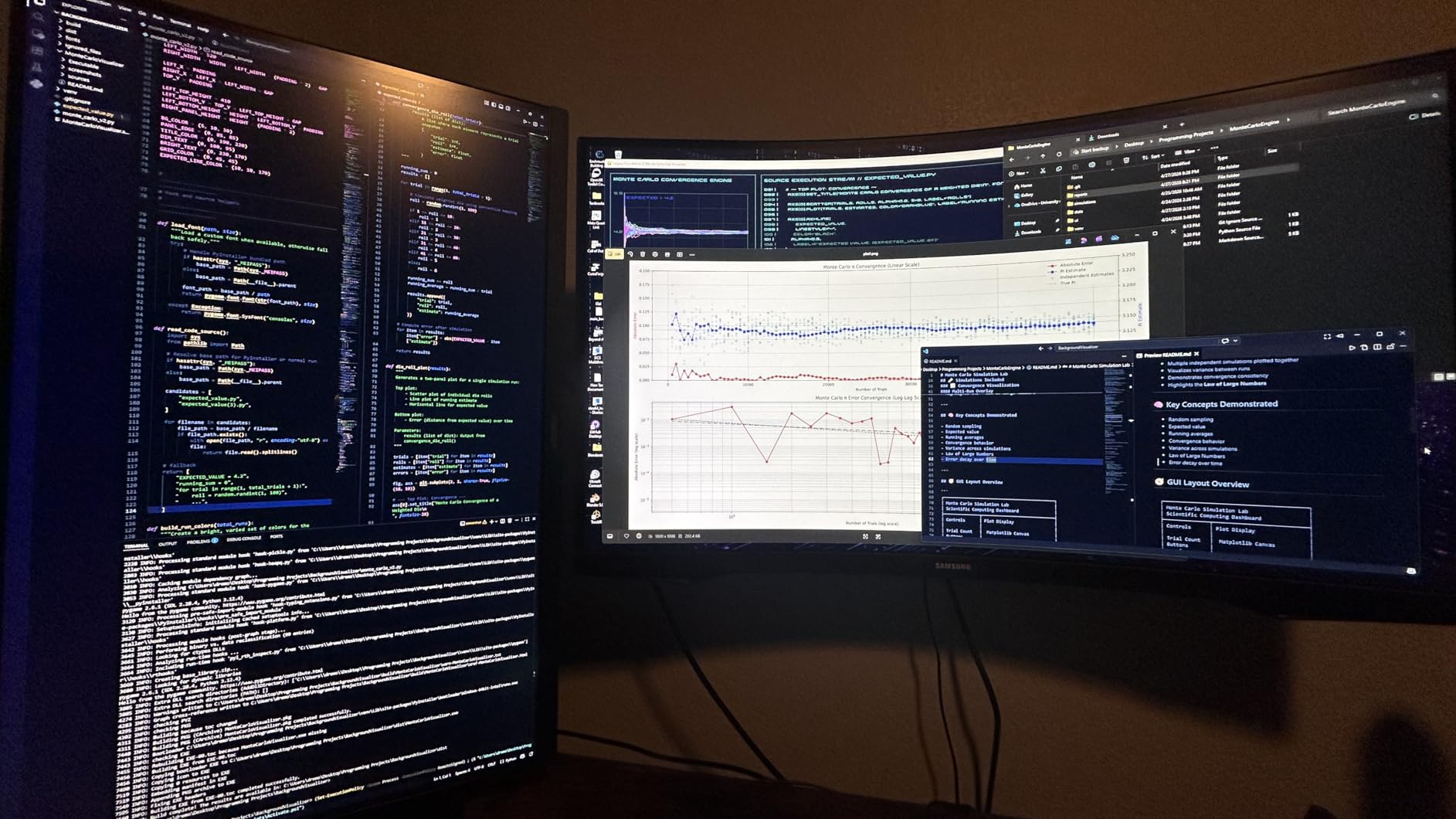
Why the dual-mode switch matters on a console
For PS5 Pro play, you will live in 4K 160Hz mode, where the console runs at its 120Hz ceiling and the panel has headroom to spare. Switch to FHD 320Hz and you get a 320Hz panel that would be useful for competitive PC play, though the resolution drop is severe at 27 inches.
That headroom is the quiet argument for this panel over a 120Hz-only model. If you also game on PC, a 4K 160Hz or FHD 320Hz panel handles both worlds; a 120Hz panel handles one.
Ports, stand and the desk fit
Two HDMI 2.1 ports plus DisplayPort 1.4 means the console and a gaming PC can live on the same screen with no switcher in the chain, which is a real convenience given how many switchers drop VRR and chroma. The 3.5mm audio output is a nice touch for anyone routing to external speakers.
The stand adjusts for height, tilt and pivot, which matters more than it sounds when you are moving between a desk position and a pushed-back sofa position. The panel is matte finished, so it will not mirror your room the way the glossy OLEDs further down this list do.
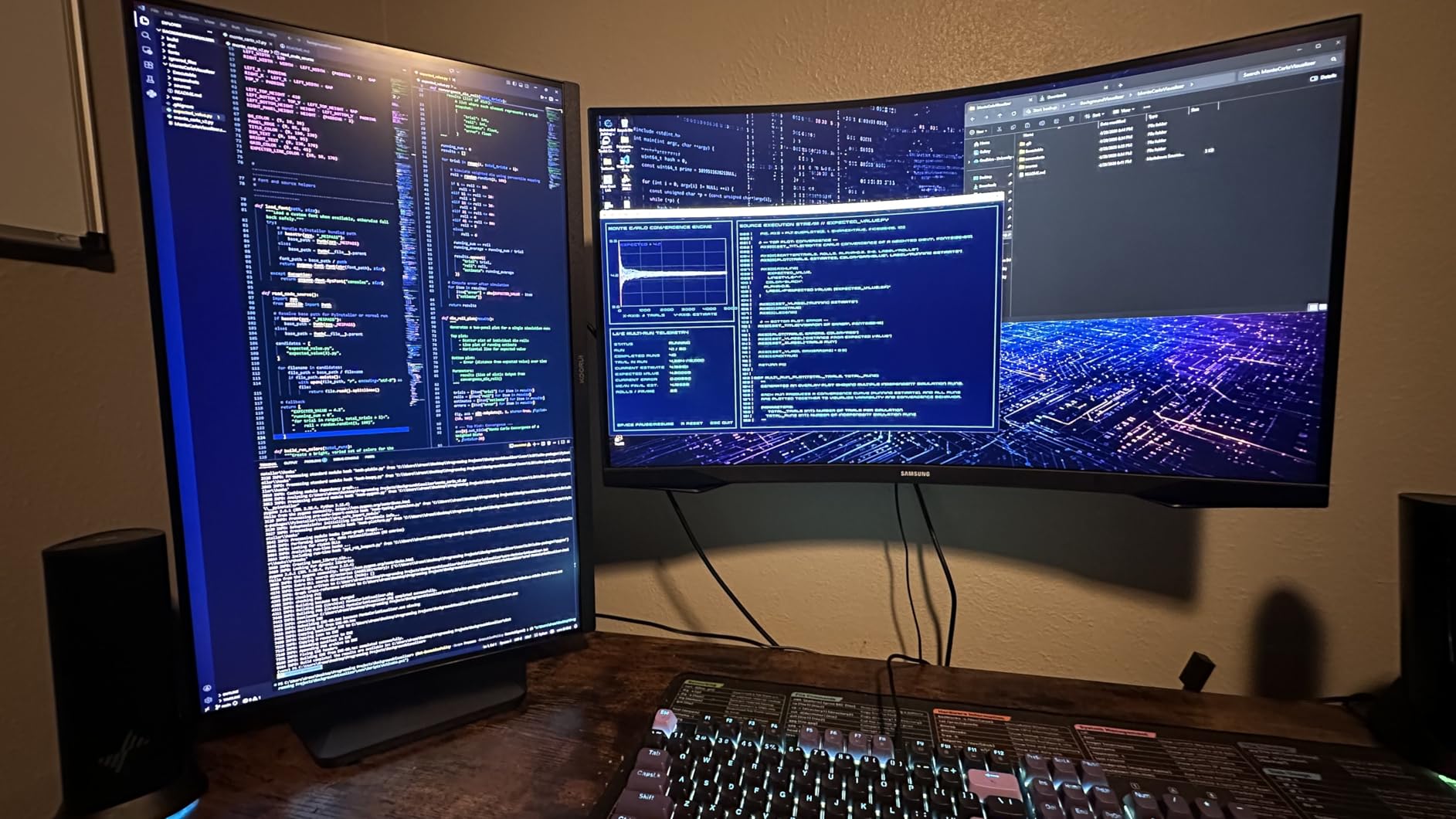
Where owners report friction
Two recurring threads are worth knowing before you buy. The first is colour accuracy out of the box, which several owners say needs an OSD calibration pass before the picture settles into place. Budget twenty minutes for that rather than expecting a plug-and-play result.
The second is a brief brightness flash on some units that resolves when Adaptive Sync is disabled. There is also a smaller stream of reports about dead pixel lines and backlight or power board failures after a couple of years. The warranty lists three years of service with the display panel covered for one year, which is thinner than the ASUS TUF further down.
Who it suits: a PS5 Pro owner who wants the console ceiling plus meaningful PC headroom, at a price point that does not require a research project to justify.
2. KTC H27P22S – Top Rated 4K 160Hz With Validated G-SYNC
KTC 27 Inch 4K Gaming Monitor, 160Hz UHD Monitor Fast IPS,1ms GTG, H27P22S
27-inch 4K Fast IPS
160Hz with 1ms GTG response
400 nits, 97.5% DCI-P3, HDR400
Validated G-SYNC and FreeSync Premium
+ Pros
- 4.5 star average across more than 2400 ratings
- 4K 160Hz with 1ms GTG Fast IPS response
- 97.5% DCI-P3 colour coverage
- Officially validated G-SYNC alongside FreeSync Premium
- Height
- tilt
- pivot and swivel stand
– Cons
- Some panels arrive with dust particles trapped behind the panel
- Occasional input-source colour sync glitch until a power cycle
- External power brick in the box
The KTC H27P22S is the specification standout at this level, and its 4.5 star average matches the highest in the group. What separates it from the other 27-inch 4K 160Hz panels here is validated G-SYNC compatibility alongside FreeSync Premium, a 97.5% DCI-P3 colour gamut, and a stand that adjusts in four directions rather than tilt only.
For a PS5 Pro, the Fast IPS panel at 1ms GTG with 400 nits brightness gives you a clean 4K 120Hz image in a dim room and a reasonably honest HDR signal. Owners describe it as a spec-sheet standout, noting how rarely a panel this size combines validated adaptive sync, HDR400 and full ergonomic adjustment.
Colour and brightness for HDR
97.5% DCI-P3 is wider than most panels in this price bracket, and at 400 cd/m2 it has more headroom for HDR highlights than the 300-nit alternatives. That combination means the console’s HDR10 output looks like an actual tonal lift rather than a slightly brighter version of standard dynamic range.
Contrast is the expected 1000:1 for an IPS panel, so dark scenes will not reach the depth of the OLEDs in this roundup. If your room is dark and you mostly play story-driven single-player titles, that gap is visible. In a bright room it matters much less.
Adaptive sync on both ecosystems
Most monitors in this list advertise FreeSync and G-SYNC compatibility together without validation. The KTC carries official G-SYNC validation as well as FreeSync Premium, which matters if you alternate between the PS5 Pro and an NVIDIA PC.
One reviewer saw G-SYNC seize briefly until the NVIDIA Control Panel was configured a specific way, which is a normal first-week setup step rather than a fault. The panel also accepts Adaptive Sync over HDMI, so the console benefits from the same feature it does on a PC.

Quality control and the stand
The main complaint theme is minor: a few panels arrive with dust particles trapped behind the screen, and there are occasional reports of an input-source colour sync glitch that clears after a power cycle. Neither is a dealbreaker, but both are reasons to inspect the screen on arrival.
The stand handles height, tilt, pivot and swivel, and the panel is VESA wall mountable with a quick-release plate. An external power brick sits on the desk behind the panel, which is the one piece of clutter most owners mention.
Who it suits: a buyer who wants the widest colour gamut and the most complete sync support at 27 inches, and who plans to keep the same screen for console and PC.
3. Amzfast AMZG27F6U – Best Value Dual-Mode 4K With 10-Bit Colour
Amzfast 27″ 4K Gaming Monitor, UHD 160Hz/FHD 320Hz Dual Mode, Fast IPS
27-inch 4K Fast IPS
4K 160Hz or FHD 320Hz dual mode
400 nits, 10-bit colour, 93% DCI-P3
2x HDMI 2.1, 2x DisplayPort 1.4
+ Pros
- 4.5 star average with 10-bit colour at this level
- Four video inputs covering two HDMI 2.1 ports
- One-click dual-mode switching
- Height
- swivel
- tilt and rotate stand with VESA 100x100mm
- HDMI 2.1 cable included in the box
– Cons
- 400 nits is modest for HDR in a bright room
- 1000:1 contrast gives dark scenes no depth
- External power adapter rather than an internal supply
The Amzfast AMZG27F6U is the value pick in this roundup, and the reason is the port and colour combination rather than the headline refresh number. You get two HDMI 2.1 ports, two DisplayPort 1.4 ports, 10-bit colour at 93% DCI-P3 and 400 nits brightness, all on a dual-mode panel that switches between 4K 160Hz and FHD 320Hz with one click.
At 4.5 stars across 1520 ratings, the owner feedback centres on the flexibility of the dual-mode switch and the port count. Reviewers particularly note the gaming assists, including sniper scope, AI crosshair and night vision overlays that carry over from the PC side of the category.
10-bit colour and what the console sends
The PS5 Pro sends 10-bit 4K HDR when the panel advertises it, so a 10-bit panel is the correct match rather than a luxury. In practice the difference between 8-bit and 10-bit shows up in dark gradients, which is where PS5 Pro’s ray tracing output tends to live.
At 1000:1 contrast, though, this is still an IPS panel. Black levels in a dim room will not match the OLED entries, and the 400 nits ceiling limits how far HDR highlights can climb.
Inputs, box contents and the stand
Four video inputs is tied for the most among the 27-inch panels here, which removes the need for a switcher in a console-plus-PC setup. The HDMI 2.1 cable, DisplayPort cable and power adapter all ship in the box, so you are not hunting for a certified cable on the same day.
The stand adjusts for height, swivel, tilt and rotation, and the panel mounts on VESA 100x100mm. Built-in speakers and PIP/PBP are present for light desktop use, though they are not a substitute for real speakers.
What you give up
Reviewers point out that 400 nits is on the modest side for HDR in a bright living room, and that 1000:1 contrast means dark scenes lack the depth of an OLED. The external power adapter adds a brick behind the panel that an internal supply would not.
That is the whole list of trade-offs, which is why this lands where it does. For a PS5 Pro owner who wants a genuinely complete 27-inch 4K panel without moving up several hundred dollars, the gap between this and the picks above it is small.
Who it suits: anyone who wants 4K 120Hz from the console plus 10-bit colour and four inputs, and who will pair it with external speakers or a headset.
4. SANSUI ES-G27D1U – Best for Dual-Mode Flexibility and Built-In Audio
SANSUI 27″ 4K Gaming Monitor, UHD 160Hz or FHD 320Hz Dual Mode PC Monitor- Fast IPS 1ms(OD) 丨2×HDMI2.1丨2×DP 1.4丨Built-in Speakers丨Eye Care丨AI Crosshair丨PIP/PBP丨HDR400丨Rotating/Height Adjustable
27-inch 4K Fast IPS
4K 160Hz or FHD 320Hz dual mode
400 nits, 93% DCI-P3, HDR400
2x HDMI 2.1, 2x DisplayPort, speakers
+ Pros
- Dual 4K 160Hz and FHD 320Hz modes in one panel
- Two HDMI 2.1 plus two DisplayPort 1.4 ports
- Built-in speakers and PIP/PBP
- Swivel
- tilt
- height and pivot to portrait
- AI crosshair and sniper scope assists
– Cons
- Roughly 8 percent of ratings are 1-star with panel line complaints
- Not certified for G-SYNC
- adaptive sync is FreeSync based
The SANSUI ES-G27D1U is the other dual-mode 4K 160Hz panel in this group, and it differs from the Amzfast in two useful ways: it comes with built-in speakers, and its stand pivots to portrait. For a console player who wants the display to double as a second screen for a vertical video feed or a chat sidebar, pivot is a real feature rather than a nicety.
Reviewers broadly praise the dual-mode flexibility and port selection for console and PC use, along with value. The recurring threads are a short calibration period and a persistent minority of quality-control complaints about panel lines or dead pixels, which is worth factoring into how you handle delivery day.
What the console gets over HDMI
The technical detail here matters: in 4K mode the panel reaches up to 160Hz over DisplayPort and 144Hz over HDMI, with FHD mode reaching 320Hz over both. A PS5 Pro sending 4K 120Hz sits comfortably inside the HDMI figure, so the console gets full resolution and full refresh without chroma subsampling.
Two HDMI 2.1 ports means a dual-console arrangement is a single cable each with no switcher. That matters more on a PS5 Pro setup than on a PC, because a switcher that does not pass VRR and 4K 120Hz quietly undoes the reason for buying the monitor.
Brightness, colour and the gaming assists
At 400 cd/m2 with 93% DCI-P3 and 126% sRGB, the picture is bright enough for standard dynamic range content in a lit room and reasonable for HDR in a dimmer one. The 1000:1 contrast is standard IPS, so expect grey-ish blacks compared with the OLED picks.
The AI crosshair, sniper scope and night vision modes are shooter overlays that work regardless of input source. They are harmless on a console and mildly divisive in taste, which is worth knowing before you enable them.
Built-in speakers and the warranty angle
Built-in speakers on a monitor are never good, but having them means a PS5 Pro can output audio without a separate device, which removes a box from the setup. The 3.5mm jack gives you a clean route to real speakers or a headset when you want one.
The warranty terms here are 30-day money-back, free replacement and lifetime technical support. That is a different shape from the three-year service windows on the ASUS and Samsung entries, and on paper it commits to more than a bare year.
Who it suits: a PS5 Pro owner who wants console plus PC on one panel, values a pivot-to-portrait stand, and wants audio without a separate device.
5. Amzfast AMZG32C3U – Best Console-Focused 32-Inch With Dual HDMI 2.1 VRR
Amzfast 32″ 4K 120Hz Curved Gaming Monitor, 3840×2160 UHD, PIP/PBP, Adaptive Sync, 131% sRGB, 3000:1 Contrast,HDR, 300nits, 1500R, HDMI2.1(VRR)& DP1.4, Built-in Speaker, Eyes Care, VESA Mount
32-inch 4K curved VA
1500R at 120Hz, 2ms response
3000:1 contrast, 300 nits, HDR
Dual HDMI 2.1 FRL with VRR
+ Pros
- Dual HDMI 2.1 FRL ports with VRR at 4K 120
- Tuned for PS5 and Xbox with explicit console 4K 120 output
- 3000:1 VA contrast gives deep blacks in a dark room
- PIP/PBP for console plus desktop multitasking
- 3W built-in speakers with audio jack
– Cons
- 300 nits peak brightness limits HDR highlight performance
- Caps at 120Hz rather than the 144Hz-plus of some 32-inch rivals
- 2ms response is slower than Fast IPS alternatives
- Tilt adjustment only
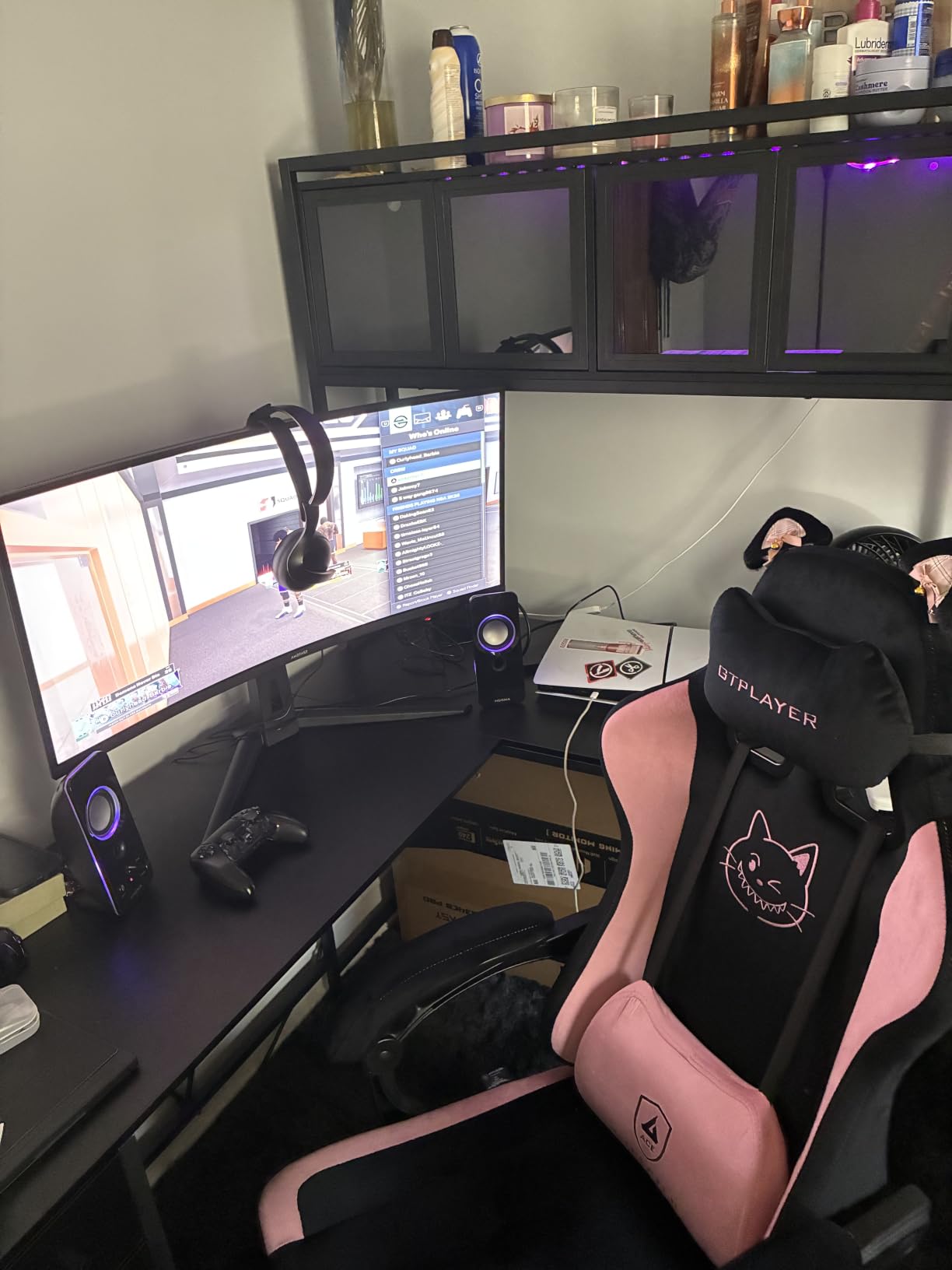
The Amzfast AMZG32C3U is one of the few panels in this roundup where the manufacturer states the console case in the specification rather than leaving you to infer it. Dual HDMI 2.1 FRL ports with VRR, listed as supporting 4K at up to 120Hz over HDMI, is exactly what a PS5 Pro asks for, and having two of those ports means console plus PC with no switcher.
Owner sentiment is strongly positive, with reviewers singling out the console-oriented HDMI 2.1 VRR implementation and the deep contrast of the curved VA panel. The 1500R curve wraps around a seated player nicely, which matters more at 32 inches than at 27.
VA contrast versus IPS brightness
A 3000:1 native contrast ratio is the reason to look at a VA panel at all, and it is visible in a dim room on dark scenes, night driving and horror titles. IPS panels in this roundup sit at 1000:1, so blacks here are genuinely deeper rather than merely darker.
The trade is brightness at 300 nits and a 2ms response time. That is fine for the PS5 Pro’s 120Hz ceiling, since the console never asks for the sub-millisecond response that competitive PC shooters reward. The brightness limit is the more meaningful constraint, and it shows up in HDR.
What 300 nits means for HDR
The panel carries an HDR badge and accepts HDR10 from the console, but at 300 nits the highlight range is compressed compared with the 400-nit IPS panels and far short of what the OLEDs deliver. In a dim room that is a good trade for contrast. In a bright living room you will want the picture brightness turned up and the curtains closed.
This is a brightness ceiling rather than a settings problem, and it is the main thing you give up against a brighter 32-inch LCD.
Stand, mounting and multitasking
Adjustment is tilt only, so plan for a monitor arm if you want height or pivot, and the 75x75mm VESA mount is a smaller pattern than the 100x100mm used on several rivals, which can rule out some arms without an adapter. PIP/PBP lets you run a console feed beside a desktop window, which is a genuinely useful dual-console or console-plus-PC arrangement.
Who it suits: a PS5 Pro owner on a sofa who wants a larger panel, deeper blacks in a dark room, and two console-ready ports without a switcher.
6. CRUA CR320QC – Best 32-Inch Contrast for Couch Distance
CRUA 32″ 4K UHD 160Hz Curved Gaming Monitor, 1500R, AMD FreeSync, Black
32-inch 4K curved VA
1500R at 160Hz, 1ms listed
3000:1 contrast, 120% sRGB, 320 nits
HDMI 2.1, DisplayPort 1.4, speakers
+ Pros
- 32-inch 4K at 160Hz with AMD FreeSync
- 1500R curvature wraps a seated player at sofa distance
- 3000:1 contrast with 120% sRGB coverage
- Built-in speakers reduce desktop clutter
- HDMI 2.1 and DisplayPort 1.4 for console and GPU
– Cons
- Roughly 10 percent of ratings are 1-star on panel quality
- VA panels can smear on dark scenes compared with IPS
- Contrast advantage narrows in bright rooms
- Basic tilt adjustment rather than a full ergonomic stand
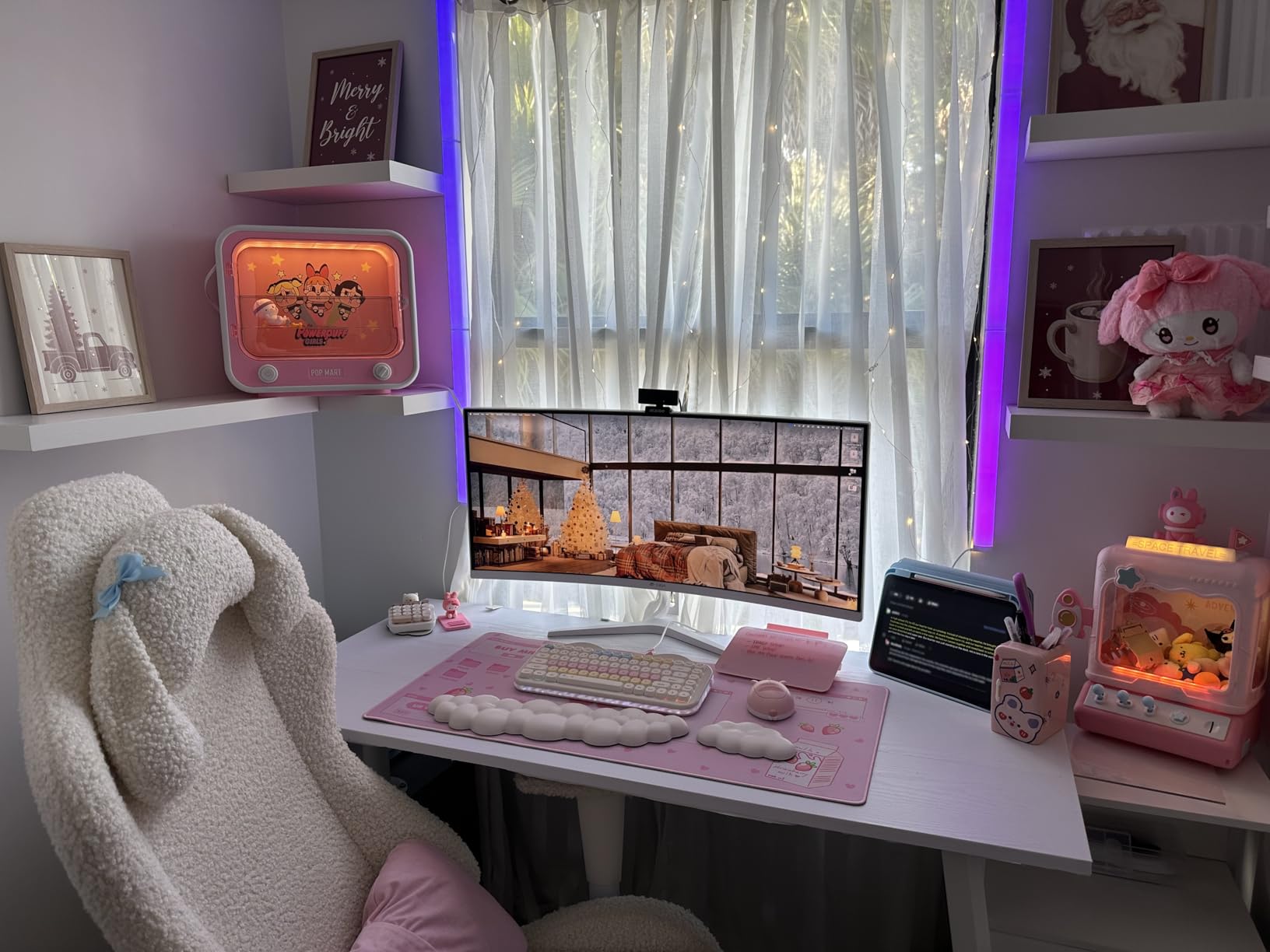
The CRUA CR320QC is the 32-inch option for someone who games from a sofa rather than a desk, and the two numbers that drive that decision are the 1500R curve and the 3000:1 contrast ratio. At three feet or more, a 32-inch 4K panel still reads as sharp, and the curve pulls the edges of the image toward you so off-centre seats see less distortion than a flat panel would give them.
Buyers largely value the combination of 32-inch 4K, high refresh and aggressive VA contrast at a mid-range price point. The main negative thread is panel quality variance, alongside typical VA smearing and brightness limits.
32 inches at couch distance and the smearing trade
Community discussion of panel types for console gaming comes down to a real choice: VA gives better contrast and better movies, IPS gives better viewing angles and better text. On a couch, viewing angles matter more than most spec comparisons admit, and a VA panel shifts colour when you are off to the side.
The other VA characteristic is dark-scene smearing, where bright objects leave a trail against a dark background. In a dim room on a night driving game you will see it. In a lit room at 320 nits you will see it less.
Brightness and refresh on the console
At 320 nits and 160Hz, the panel sits in the middle of this group. The PS5 Pro will run it at 4K 120Hz over HDMI 2.1, and the extra 40Hz is PC headroom rather than console frames. The 1ms listed response is a marketing figure on VA panels, so treat it as a comparison against other VA panels rather than against a Fast IPS.
Colour coverage is listed at 120% sRGB rather than a DCI-P3 figure, which is a less demanding target. It is enough for console HDR but it is not the wide-gamut panel you would pick for heavy HDR grading.
Stand and mounting
Adjustment is tilt only, so plan for a 75x75mm wall mount or a monitor arm as the practical route to a better position. Built-in speakers cover basic audio, and a single year of warranty coverage is among the thinnest in this roundup alongside the CUNPU.
Who it suits: a PS5 Pro owner replacing a TV in a living room who wants a big 4K 120Hz panel with deep blacks and does not need height adjustment.
7. Dell S2725QS – Best 4K 120Hz Work Monitor That Also Runs a PS5 Pro
Dell 27 Monitor S2725QS, 4K UHD IPS, 120Hz, 5ms, FreeSync Premium
27-inch 4K IPS
120Hz, FreeSync Premium
1500:1 contrast, 350 nits, 99% sRGB
2x HDMI 2.1, DisplayPort 1.4, speakers
+ Pros
- True 4K 120Hz verified by owners on PS5 Pro and PC
- 1500:1 contrast is unusually good for an IPS panel
- FreeSync Premium with 0.03ms rated response
- Height
- swivel
- pivot and tilt adjustable stand
- One-year Advanced Exchange and Premium Panel Exchange service
– Cons
- Noticeable ghosting in fast FPS titles from slow IPS response
- No USB-C and no built-in USB hub
- No 3.5mm audio out for headphones or external speakers
- Default brightness runs high and needs manual adjustment
The Dell S2725QS is the most recognisable name in this roundup and the one with the most settled owner consensus. Owners treat it as an economical genuine 4K 120Hz option, praising its contrast, stand and text sharpness for productivity alongside console play. Several specifically confirm true 4K 120Hz on a PS5 Pro with no resolution downgrade.
That verification matters more than a refresh number on a box. The recurring limitations are slow IPS pixel response for competitive shooters, missing USB-C and audio-out, and a small but notable cluster of early hardware failures.
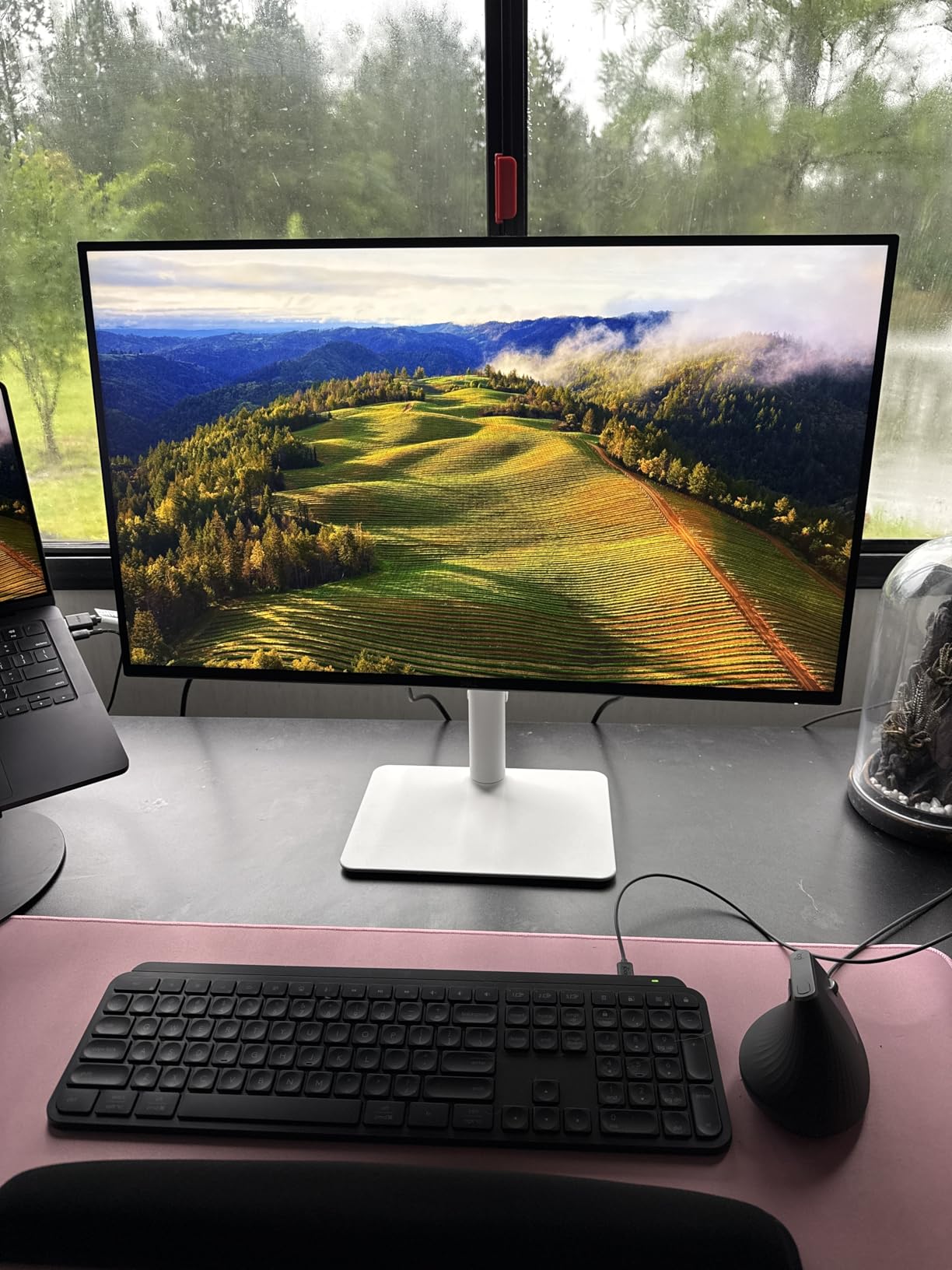
1500:1 contrast on an IPS panel
Most IPS panels in this group sit at 1000:1, while the S2725QS lists 1500:1. That is a real improvement for a desk monitor you will stare at in a dim office, and it narrows the gap to the VA panels without inheriting their smearing and off-axis shift.
At 350 nits with 99% sRGB coverage, the picture is honest rather than punchy. Owners note that default brightness runs high and needs manual adjustment, and that the matte coating produces slight grain on a full white screen in a dark room.
What you lose in a shooter
Ghosting and smearing in fast FPS titles is the most repeated limitation, and it comes from IPS pixel response rather than the console. At 120Hz with the PS5 Pro’s frame pacing this is much less noticeable than it would be on a 240Hz PC panel, but it is visible in games with rapid camera swings.
There is no 3.5mm audio out jack, so routing to a headset or external speakers means either the built-in speakers or a USB audio device. That is a strange omission on a monitor aimed at mixed work and play use.
Service terms and the desk
The one-year Advanced Exchange Service and Premium Panel Exchange is the quiet advantage here. For a monitor that will sit on a desk and take the occasional knock, a panel replacement policy matters more than a longer warranty on the stand. Owners also praise the fully adjustable stand and VESA 100x100mm mounting, and the ComfortView Plus blue light reduction to 35 percent or less for long sessions.
Who it suits: a PS5 Pro owner who uses the same screen for work during the week, wants an established brand’s service terms, and does not play competitive shooters.
8. CUNPU S027 – Best Factory-Calibrated Colour With Full-Bandwidth HDMI 2.1
CUNPU 27″ 4K 160Hz Ultimate Gaming Monitor, UHD Fast IPS 1ms, G-Sync Compatible & FreeSync, 99% DCI-P3, HDR400, HDMI 2.1 for PS5/Xbox 4K 120Hz, Full Ergonomic Stand
27-inch 4K Fast IPS
160Hz, 1ms response
99% DCI-P3, Delta E under 2, HDR400
Full-bandwidth HDMI 2.1 at 48 Gbps
+ Pros
- 4K 160Hz with 1ms Fast IPS response
- 99% DCI-P3 with Delta E under 2 factory calibration
- Full-bandwidth 48 Gbps HDMI 2.1 supports PS5 at 4K 120
- 163 PPI gives crisp text and detailed textures
- Full ergonomic stand with height
- swivel
- pivot and tilt
– Cons
- Recessed VESA mount with limited clearance blocks some monitor arms
- Roughly 12 percent of ratings are 1-star with horizontal line defect reports
- No built-in speakers despite some listing imagery
- Stand can be wobbly on a less sturdy desk
The CUNPU S027 is the panel to look at if colour accuracy on paper matters to you. It lists 99% DCI-P3 coverage with factory calibration to Delta E under 2, which is a measurement rather than a marketing range, and it is paired with full-bandwidth 48 Gbps HDMI 2.1 that explicitly supports PS5 and Xbox at 4K 120Hz with VRR.
Buyers consistently treat this as a strong value upgrade, praising 4K sharpness, fast IPS response and full ergonomic adjustment. The two recurring complaints are the recessed VESA pattern that blocks some arms, and a small but real stream of panel line defects in the first year. With 164 ratings, the long-term reliability record is shorter than anything else in this roundup.
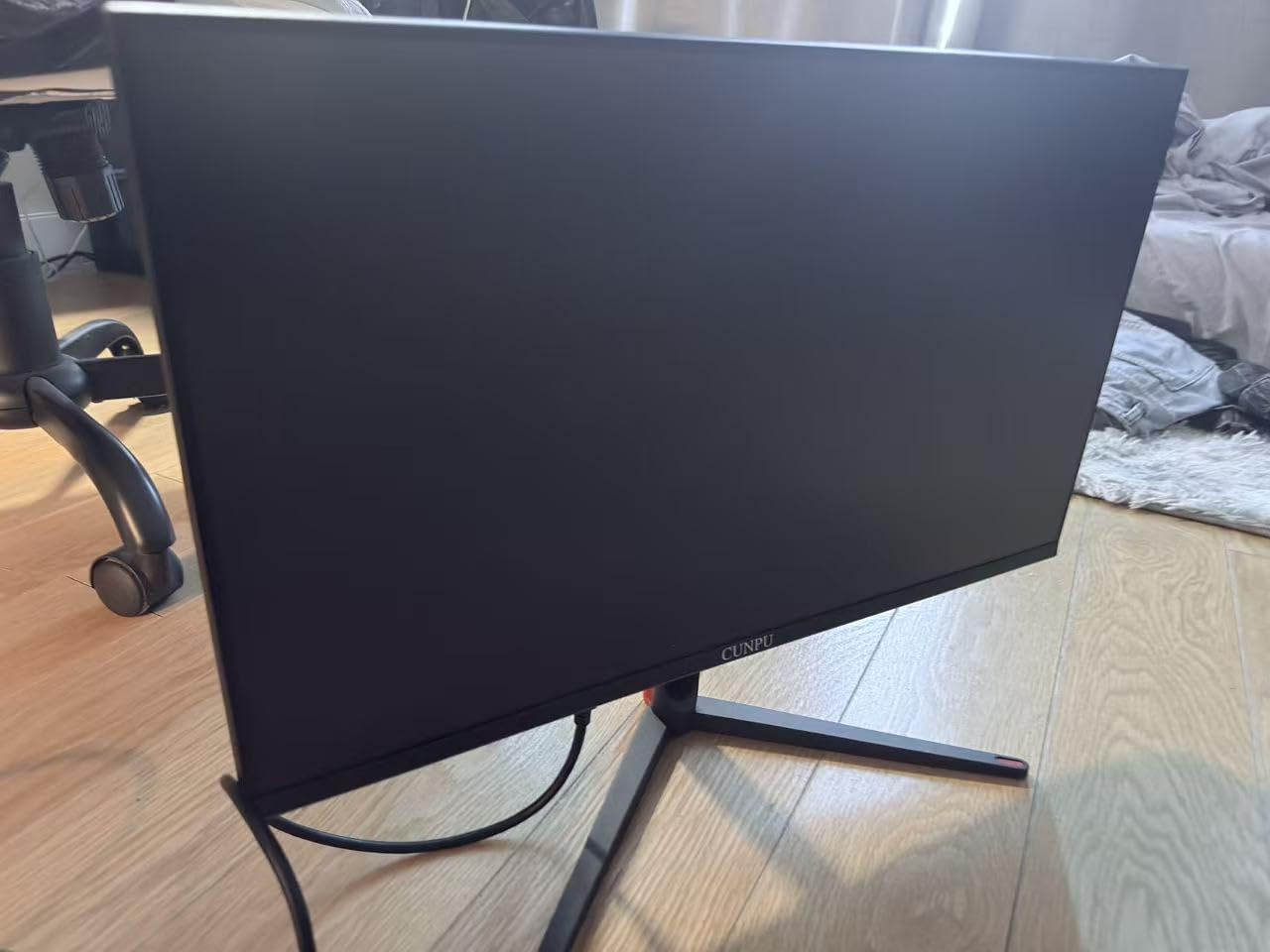
Delta E under 2 in practice
A factory calibration figure of Delta E under 2 means colours land close to the reference without an OSD pass, which is the opposite of the calibration complaints attached to several other panels in this list. If you photograph or edit alongside gaming, that saves time and removes one variable.
The trade is that 99% DCI-P3 sits alongside 1000:1 contrast and 400 cd/m2 brightness, so it is a wide-gamut panel without OLED-level black depth. It is a work-and-play panel, not a cinema panel.
The VESA mount problem to check first
Before you buy this for an arm, check the recessed VESA pattern with limited clearance, because it does not fit some monitor arms without an adapter or a different plate. This is the single most avoidable problem in this roundup, and it takes two minutes to confirm against your arm’s compatibility list.
Several owners also mention a wobbly stand on a less sturdy desk. If your desk is light or shared with a bed frame, that is worth knowing before the panel is bolted to an arm.
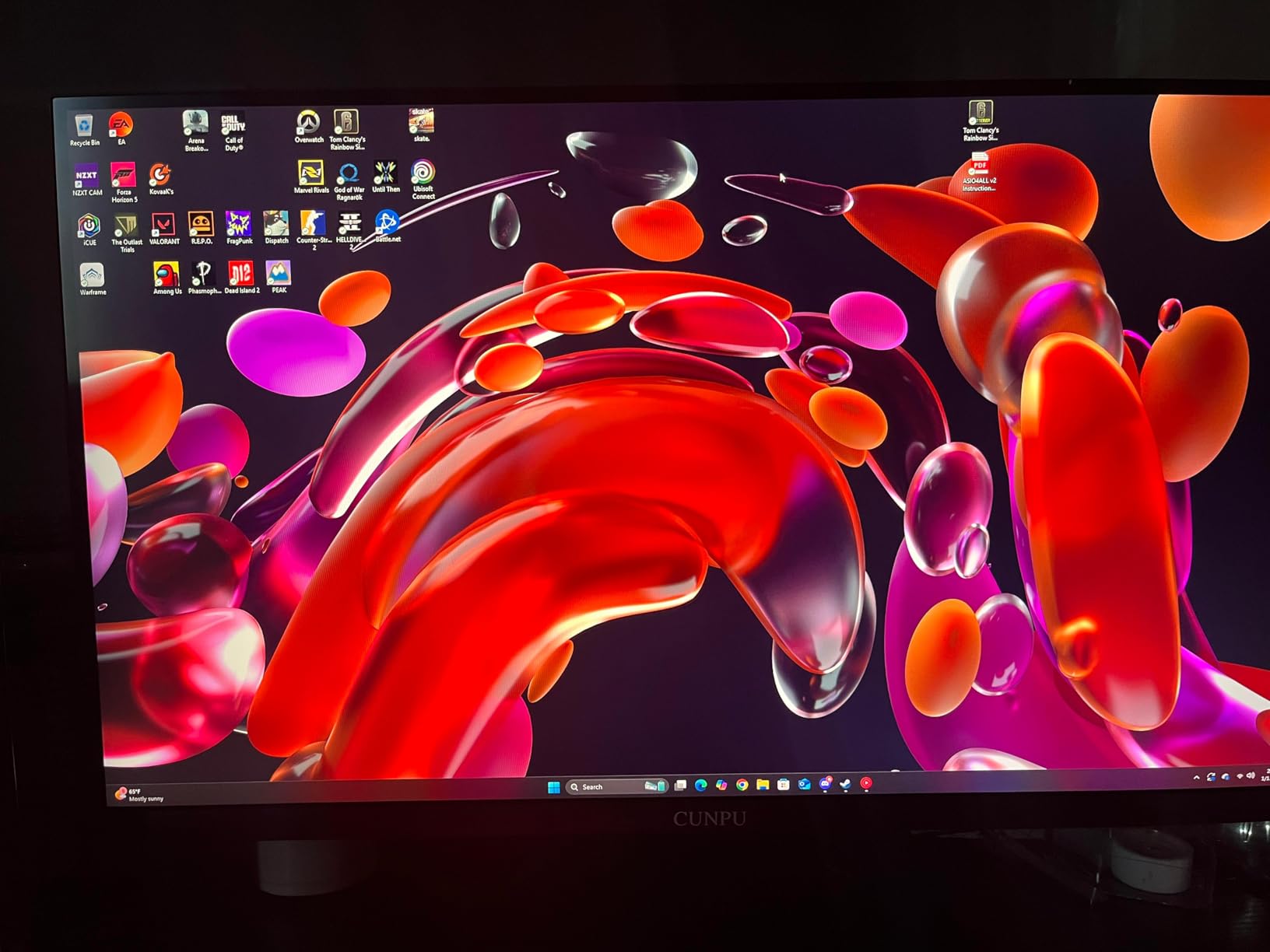
Early-unit quality and warranty
Roughly 12 percent of ratings are one star, with reports of horizontal line defects developing within months and one unit arriving with a dead green pixel. The warranty is one year, among the shortest here alongside the CRUA. Inspect the panel on arrival, keep the packaging, and test the inputs before the return window closes.
There are no built-in speakers despite some listing imagery suggesting otherwise, so plan your audio routing before the panel arrives.
Who it suits: a buyer with a specific monitor arm in mind who wants measured colour accuracy out of the box and is comfortable inspecting the panel on delivery.
9. Samsung Odyssey G8 (G81SF) – Best for 240Hz Headroom and OLED Contrast
Samsung 32” Odyssey QD-OLED G8 (G81SF), 4K, 240Hz Gaming Monitor
32-inch 4K QD-OLED
240Hz with 0.03ms GtG
DisplayHDR TrueBlack 400 with 1000000:1 contrast
260 cd/m2 with Glare Free coating
+ Pros
- QD-OLED 4K panel delivers perfect blacks and rich colour
- 240Hz with 0.03ms GtG plus G-SYNC compatible and FreeSync Premium Pro
- Glare Free coating handles bright room reflections well
- Dynamic Cooling System and thermal modulation target burn-in prevention
- CoreSync ambient lighting projects on-screen colour into the room
– Cons
- Matte coating makes the image slightly hazier than glossy QD-OLED rivals
- 260 cd/m2 can look dim in bright rooms and large HDR highlights
- DisplayPort 1.4 needs compression to reach 4K 240Hz instead of DP 2.1
- Rear joystick menu button is finicky to operate
The Samsung Odyssey G8 is a 32-inch QD-OLED in this roundup, and it is the one that shows what the panel class buys: a 1,000,000:1 contrast ratio, 0.03ms GtG response and DisplayHDR TrueBlack 400. On the PS5 Pro it runs 4K 120Hz over HDMI 2.1 with FreeSync Premium Pro, and the picture quality in a dim room is a genuine step change from anything else here.
Reviewers are split between praise for image quality and frustration at panel-level issues. The picture and anti-glare handling are widely admired, while burn-in reports, a finicky joystick, dim brightness and matte-coating haze keep the average at 4.1 stars across 273 ratings.
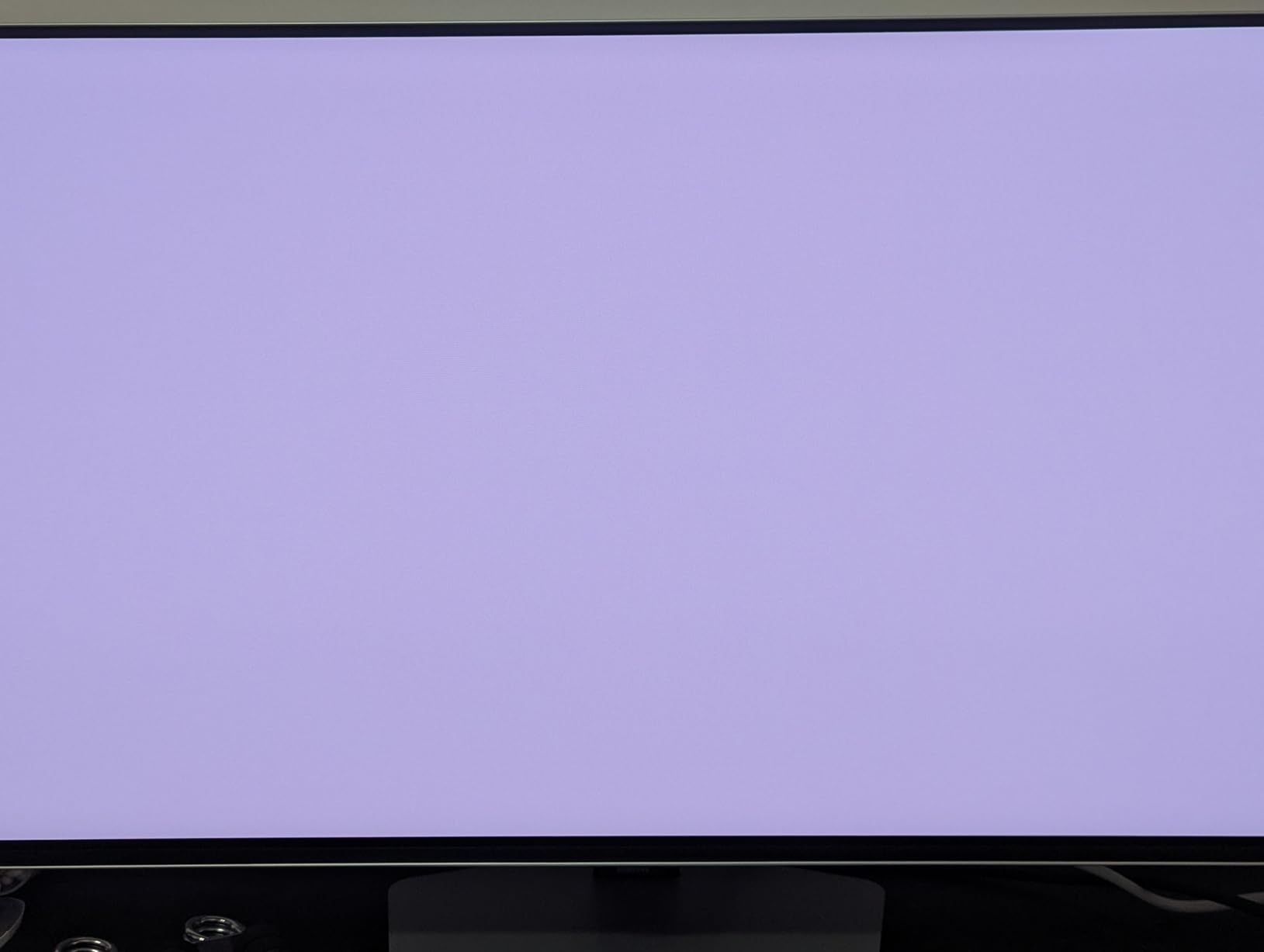
Console performance versus the refresh number
Here is the honest framing for the whole OLED end of the category. The PS5 Pro will drive this panel at 4K 120Hz. The other 120Hz of refresh is for a PC, and 4K at 240Hz over DisplayPort 1.4 requires compression rather than a DisplayPort 2.1 link, which is a compromise owners notice on fine text.
What you actually buy with this panel is contrast. At a 1,000,000:1 ratio, dark scenes on the PS5 Pro look like dark scenes in a cinema rather than dark grey, and the 0.03ms response means no smearing as the camera moves.
Brightness and the matte coating
At 260 cd/m2 this is the lowest brightness figure in the roundup, which explains the bright-room complaints. In a dim room, low brightness is an advantage rather than a limitation. In a sunlit living room, you will be running brightness near maximum and still losing to the IPS panels.
The Glare Free coating is described as 54 percent less glossy than conventional anti-reflective film, handling room reflections very well in exchange for a slightly hazier image than glossy QD-OLED rivals. It is a sensible choice for a couch, and a less sensible one for a dark desk where clarity matters more.
Burn-in mitigation and the warranty
The Dynamic Cooling System with pulsating heat pipe, thermal modulation, and logo and taskbar brightness detection are all aimed at the problem console owners worry about most. A PS5 HUD, a PlayStation Store bar and a trophy notification are static elements on screen for hours. The three-year manufacturer warranty is among the longest here.
Despite that, some owners report early burn-in, which is the reality of OLED ownership and the reason this panel does not take our top slot. A finicky rear joystick and a flaky plastic control button are the other recurring gripes.
Who it suits: a PS5 Pro owner in a dim room who plays story-driven single-player titles and values black depth above brightness and headroom.
10. msi MAG 321UP QD-OLED – Best Full-Bandwidth HDMI 2.1 at 32 Inches
msi MAG 321UP QD-OLED 32-inch QD-OLED 3840 x 2160 (UHD) Computer Monitor, 165Hz, AMD FreeSync Premium Pro, HDMI 2.1, Display Port 1.4a, VESA Mountable, Tilt, Height Adjustable,0.03ms, Black
32-inch 4K QD-OLED
165Hz, 0.03ms GtG
DisplayHDR True Black 400, Delta E under 2
HDMI 2.1 Console Mode at 48 Gbps
+ Pros
- 32-inch 4K QD-OLED with true blacks and rich quantum dot colour
- 0.03ms GtG and 165Hz refresh for very fast motion
- HDMI 2.1 Console Mode at full 48 Gbps drives 4K at 165Hz
- Delta E under 2 factory accuracy meets the QD Premium standard
- MSI OLED Care 2.0 reduces burn-in risk
– Cons
- Only one HDMI port
- limiting direct multi-console setups
- 45-watt rated power draw is high for a 32-inch display
- Glossy coating shows fingerprints and room reflections
- Roughly 12 percent of ratings are 1-star
The msi MAG 321UP is the most explicitly console-engineered OLED in this roundup. Its HDMI 2.1 Console Mode is specified at the full 48 Gbps, which is the number that guarantees a PS5 Pro reaches 4K 120Hz without chroma subsampling, and the third-generation QD-OLED panel runs at 165Hz with 0.03ms GtG.
Aggregate sentiment is positive on 4K QD-OLED picture quality, 165Hz responsiveness and full-bandwidth HDMI 2.1, with the main structural drawback being a single HDMI port. The Delta E under 2 factory accuracy meets the QD Premium standard, which pairs with DisplayHDR True Black 400 certification.
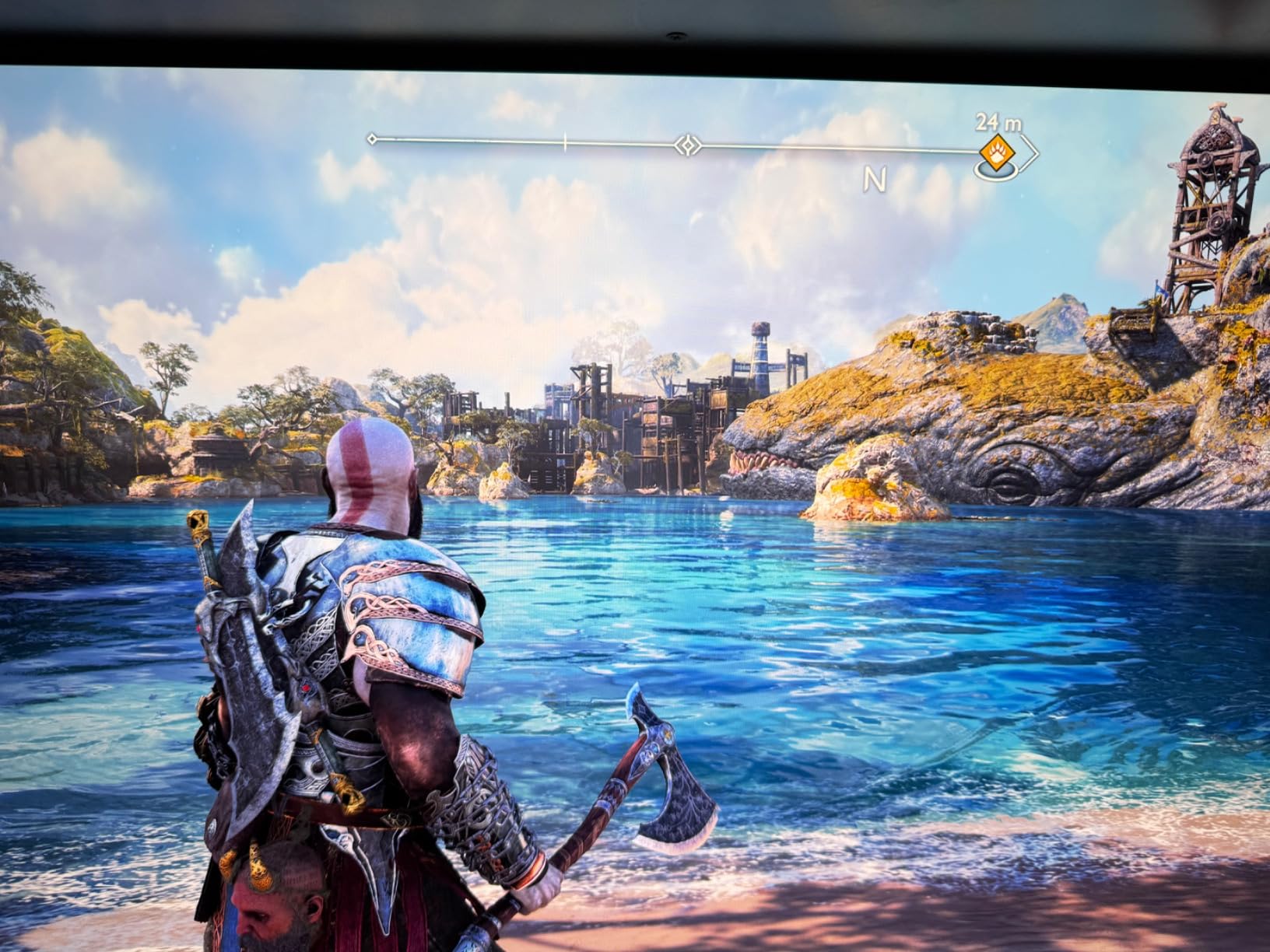
The single HDMI port problem
One HDMI 2.1 port is the practical limitation here. On a PS5 Pro setup that means either a switcher in the chain or constant cable swapping, and switchers that do not pass 4K 120Hz and VRR unchanged will quietly undo what this panel was bought for. If you plan to add a PC later, budget for that now.
DisplayPort 1.4a and VGA round out the inputs, which covers a PC and a legacy device, but neither substitutes for a second console port.
Glossy versus matte for console rooms
This panel is glossy, and owners appreciate the extra clarity compared with matte QD-OLED competitors. The same owners note fingerprints and room reflections, which in a bright living room can be distracting. For a desk in a controlled room, glossy is the better choice. For a couch opposite a window, the Samsung G8’s matte approach handles reflections more gracefully.
The 45-watt rated power draw is high for a 32-inch display, though an OLED at that size is expected to draw more than an LCD of the same dimensions.
Burn-in mitigation for console HUDs
MSI OLED Care 2.0 is the burn-in mitigation suite, and it is the reason this panel is a reasonable console choice rather than a risky one. Console UIs are unusually static, so any panel used as a PS5 display should have some form of logo shifting, pixel refresh and brightness compensation.
Roughly 12 percent of ratings are one star here too, so early-unit quality is not flawless, and the three-year manufacturer warranty is the main protection. The stand handles tilt and height, and the panel is VESA mountable.
Who it suits: a PS5 Pro owner on a single console who wants OLED black depth and explicitly verified full-bandwidth console output.
11. ASUS TUF VG27UQ1A – Best Warranty Cover and Console-Certified HDMI 2.1
ASUS TUF Gaming VG27UQ1A 27 Inch 4K 160Hz G-SYNC Gaming Monitor
27-inch 4K Fast IPS
160Hz with 1ms ELMB Sync
400 nit class, 95% DCI-P3, HDR
HDMI 2.1 for 4K 120Hz without chroma subsampling
+ Pros
- Three-year warranty with Advanced Replacement and Repair
- HDMI 2.1 delivers full 4K 120Hz without chroma subsampling for PS5 and Xbox
- G-SYNC Compatible plus FreeSync Premium with Variable Overdrive
- 4K 160Hz with ELMB Sync combining motion blur reduction and VRR
- Build quality and stand adjustability widely praised
– Cons
- Stand does not offer height adjustment
- Brightness is lower than some competing 4K panels
- Built-in speakers are weak and comparable to a phone speaker
- Some units went black or showed blue artifacts shortly after the return window
The ASUS TUF VG27UQ1A is the pick for anyone who cares more about a brand’s service terms than about the last ten percent of panel performance. It carries a three-year warranty with Advanced Replacement and Repair, which is among the strongest cover in this roundup alongside the Samsung G8, and the specification sheet is honest about what the console gets.
ASUS states console support at up to 4K 120Hz via HDMI 2.1 without chroma subsampling, which is the exact phrase you want to see for a PS5 Pro. Owners call out strong value for a name-brand 4K 160Hz panel with both G-SYNC and FreeSync and proper console HDMI 2.1.
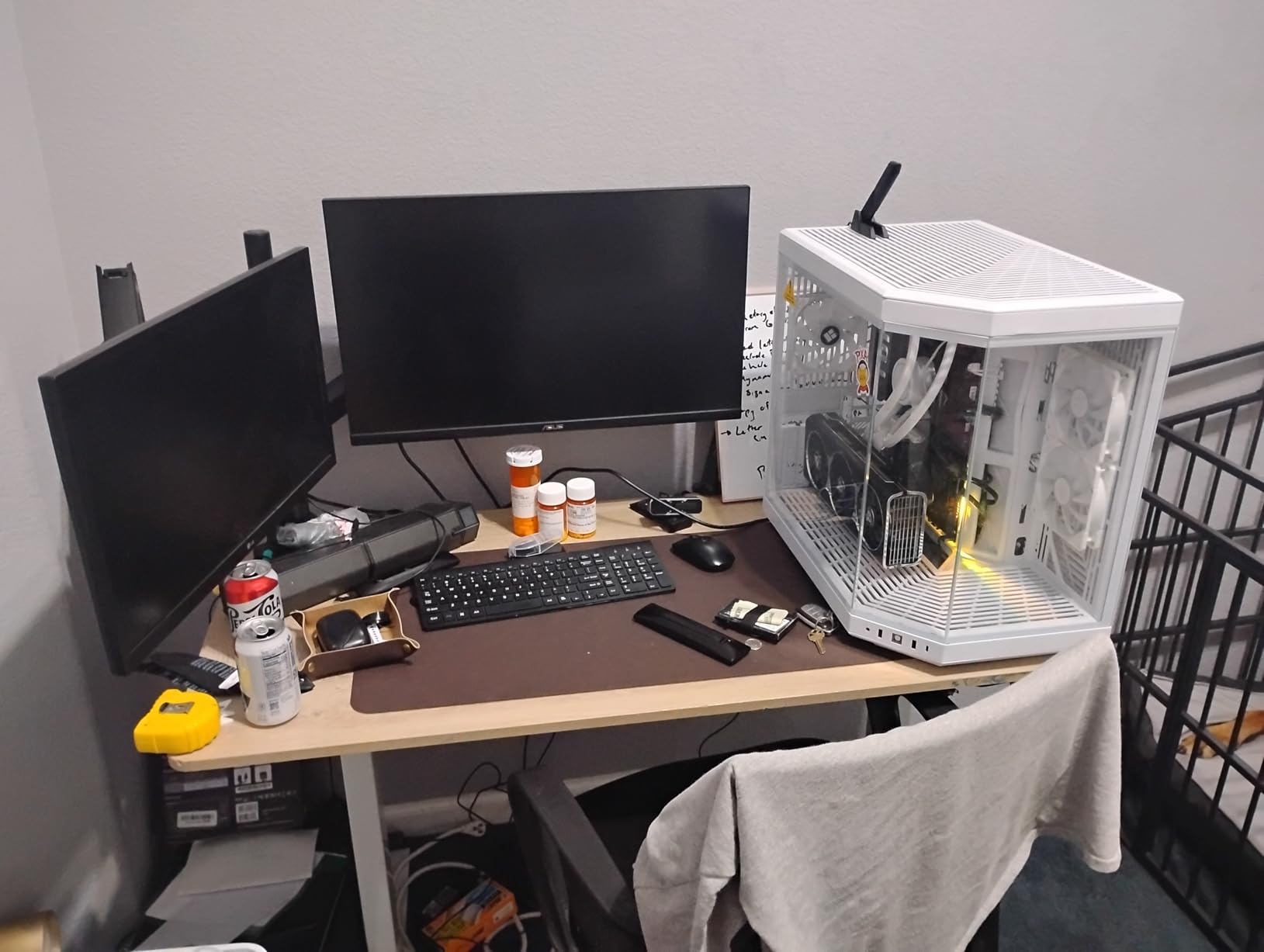
ELMB Sync and what it does for a console
ELMB Sync combines extreme low motion blur with variable refresh rate, which on a PC is a competitive shooter feature. On the PS5 Pro, which caps at 120Hz with frame pacing handled by the console, the benefit is smaller but still present in fast camera movements.
Variable Overdrive is the panel’s response-time control, and pairing it with FreeSync Premium means the monitor can hold its 1ms figure as the refresh rate changes rather than only at one rate.
Brightness and the stand
Brightness is in the 400 nit class with 95% DCI-P3, which is a middle-of-the-pack HDR result and slightly behind the brightest IPS panels here. The stand does not offer height adjustment, which is the most common ergonomic complaint about this monitor and the reason to plan for a VESA 100x100mm arm.
Built-in speakers are weak, comparable to a phone speaker, so treat them as a fallback rather than a feature.
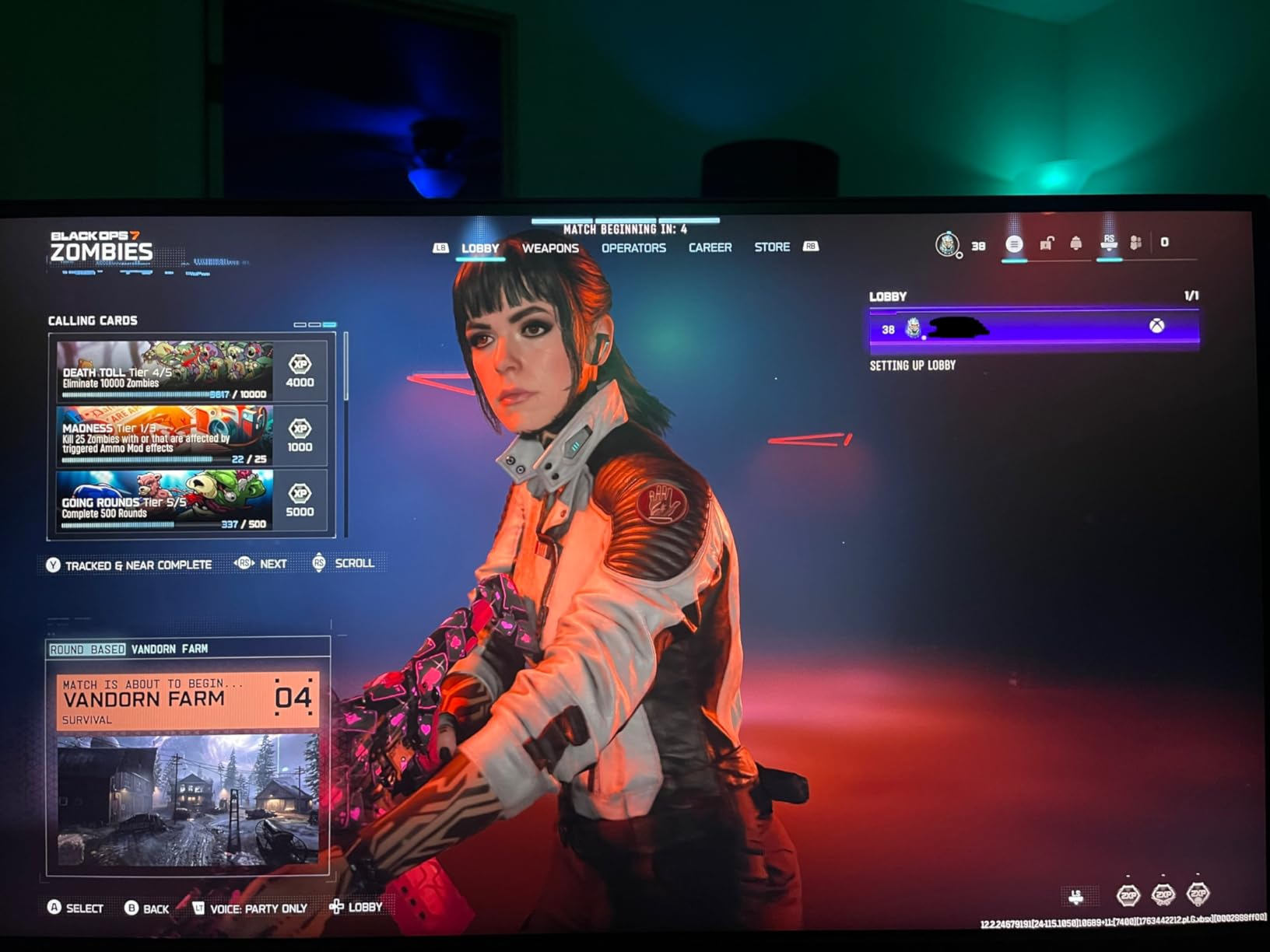
Early hardware reports and what is in the box
Some units went black or showed blue artifacts shortly after the return window closed, which is exactly the scenario a three-year Advanced Replacement and Repair plan exists to cover. The box includes a DisplayPort cable, an L-shaped screwdriver, power cord, quick start guide and warranty card, but no HDMI cable, so plan for that.
A 27-inch flat panel may also feel small for desk immersion compared with the 32-inch curved options. At 178-degree viewing angles, though, the IPS panel holds up well for off-centre sofa seating.
Who it suits: a PS5 Pro owner who wants a recognised brand’s warranty behind the panel and verified console HDMI 2.1 without chroma subsampling.
12. ZZA Z27E – Budget Pick With 4K 144Hz and a 4000:1 Contrast Claim
ZZA 27 Inch 4K Gaming Monitor,UHD(3840×2160) 4K 144Hz Flat Monitor, Adaptive Sync,HDMI 2.1 & DP 1.4,Tilt Adjustment PC Monitor, Wall Mountable, for Work, Streaming, and Home Office, Black
27-inch 4K flat panel
144Hz, 1ms listed response
4000:1 contrast, 100% sRGB
HDMI 2.1, DisplayPort 1.4, RGB lighting
+ Pros
- 4K resolution at 144Hz is unusual at this price
- 4000:1 contrast delivers deep blacks for an inexpensive panel
- 100% sRGB colour accuracy suits editing work
- DisplayPort 1.4 works reliably for 4K output
- Rear RGB lighting can be switched off
– Cons
- HDMI ports do not reliably deliver 4K without certified cables
- On-screen menu buttons and navigation are described as clunky
- No built-in speakers
- Some units show uneven backlight bleed and a washed-out picture
The ZZA Z27E is the entry point of this roundup, and it makes a specific case: 4K at 144Hz with a listed 4000:1 contrast ratio and 100% sRGB coverage on a flat panel, a combination most displays in this group do not attempt at this level. The PS5 Pro will run it at 4K 120Hz through HDMI 2.1, assuming the cable situation is right.
Owners confirm the panel performs well for basic console gaming and general 4K productivity. The most repeated caveat is that the HDMI inputs will not output 4K without properly rated cables, which makes this the one purchase in the list where the accessory decision comes before the monitor decision.
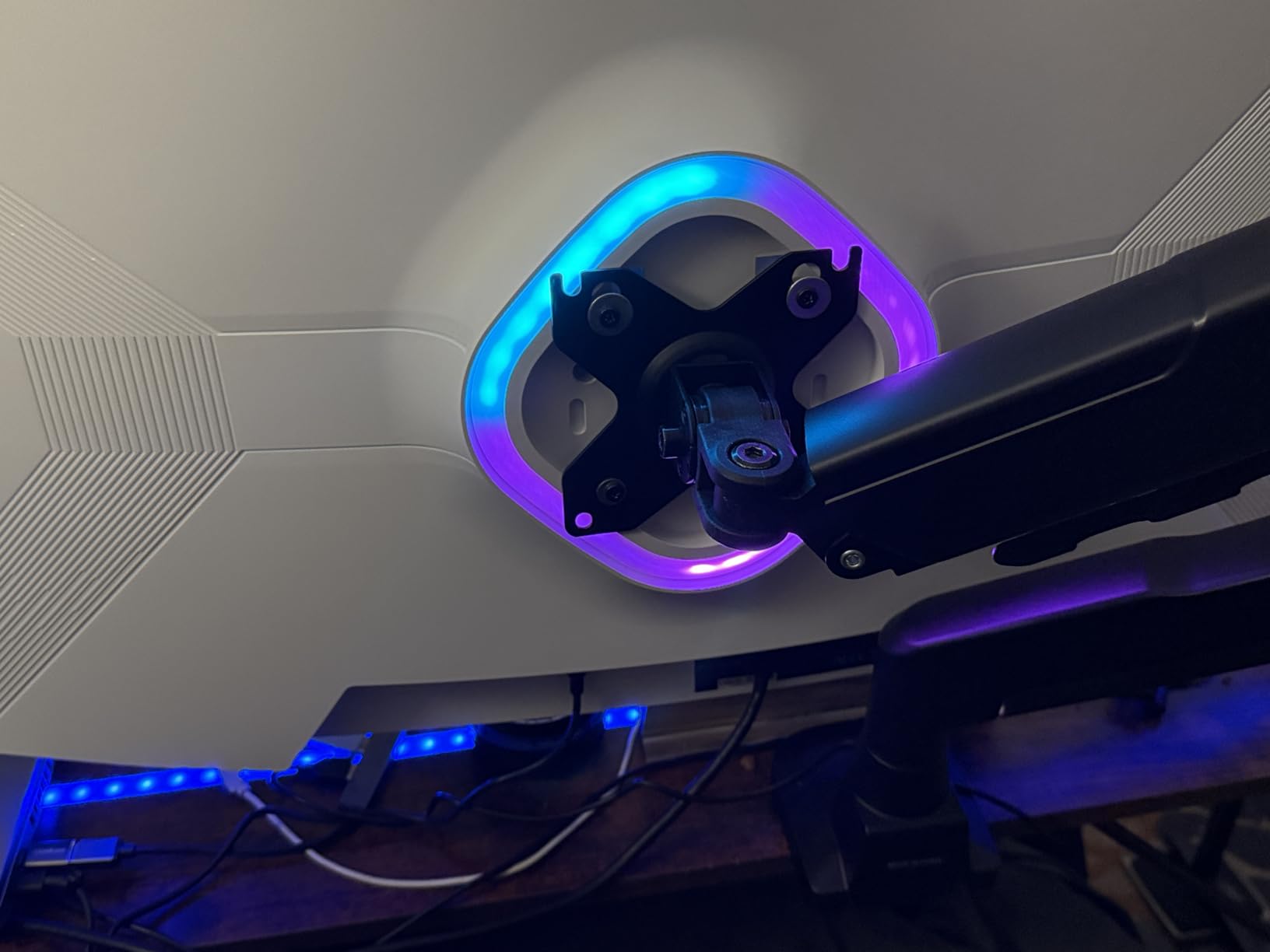
Get the cable right or lose 4K entirely
This is the single most important line in the ZZA review. Owners report that the HDMI ports will not reliably deliver 4K without a certified 4K/60Hz or higher cable, and that once a proper cable is in place the output problem disappears. Buy a certified Ultra High Speed cable before the monitor arrives, not after the second evening of troubleshooting.
At 144Hz, the panel has console headroom to spare and 100% sRGB coverage is a clean target for standard dynamic range content. The absence of a DCI-P3 figure means HDR colour will be narrower than the KTC or CUNPU.
Contrast claims and picture quality variance
4000:1 is a striking number on a panel at this level, and owners confirm it delivers deep blacks for an inexpensive panel. Alongside that praise comes a recurring note of uneven backlight bleed and a dull, washed-out picture on some units, so expect unit-to-unit variation in the box.
The on-screen menu buttons and navigation are described as clunky by multiple owners, which is a minor irritation but one you will hit every time you switch input.
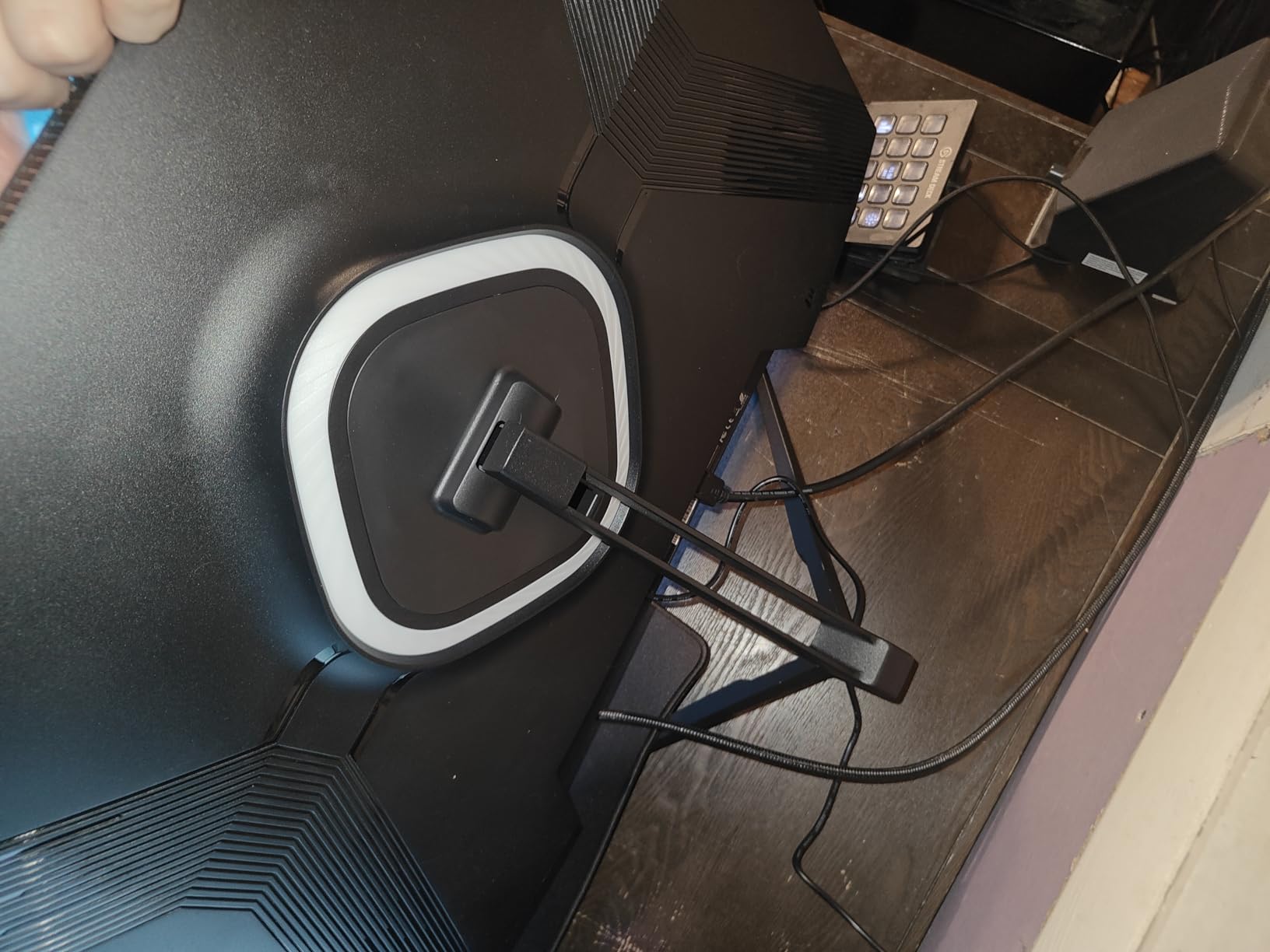
Stand, audio and mounting
Adjustment is tilt only, with no height, swivel or pivot, so plan for the VESA wall-mount compatibility if the panel needs raising. Mounting hardware can require longer screws or extra parts, another detail to confirm before assembly.
There are no built-in speakers, so audio needs a separate device. Power comes from a compact 12V external adapter, and the warranty is one year with 24/7 support. Rear RGB lighting adds desk ambience and can be switched off if it is not wanted.
Who it suits: a first console upgrade on a tight budget, provided you buy a certified HDMI cable up front and accept a tilt-only stand.
How to Choose a Console Monitor in 2026
A PS5 Pro monitor is a narrower decision than a PC monitor, because the console removes most of the usual variables. These are the criteria that actually separate the twelve panels above.
HDMI 2.1 vs HDMI 2.0: the one spec that decides everything
Yes, you need HDMI 2.1, and specifically the full-bandwidth FRL variant rather than a port that merely carries the label. The PS5 Pro sends 4K at 120Hz, and that signal needs more bandwidth than HDMI 2.0 provides, so an HDMI 2.0 monitor silently drops the console to 4K 60Hz or applies chroma subsampling. The CUNPU lists 48 Gbps explicitly and the ASUS states 4K 120Hz without chroma subsampling, which is the specificity to look for before buying anything.
VRR: HDMI Forum VRR is the only flavour that matters here
The PS5 Pro speaks HDMI Forum VRR and ignores FreeSync and G-Sync badges for its console output. A monitor can advertise FreeSync Premium and still deliver nothing to a PlayStation if that sync is restricted to DisplayPort, a common arrangement on dual-mode panels. The Amzfast 32-inch lists VRR on its dual HDMI 2.1 FRL ports specifically, which is the pattern you want.
Refresh rate: 120Hz is the ceiling, and everything above it is optional
No monitor refresh rate above 120Hz adds console frames, because the PS5 Pro does not output above 120Hz. A 144Hz or 160Hz panel is worth buying for one reason only: if you also own a gaming PC. A 240Hz panel is worth buying for the same reason, plus the panel quality that usually accompanies it. Buying 240Hz purely for the PS5 Pro is spending money on a number the console cannot use, which is why the Samsung G8 and the msi MAG 321UP rank here on picture quality rather than speed.
4K vs 1440p for a PS5 Pro
The PS5 supports 1440p at 120Hz, so 2560×1440 is a genuine console output and not an upscaled compromise. The trade is pixel density: a 27-inch 4K panel gives about 163 PPI, a 27-inch 1440p panel about 109 PPI, and a 32-inch 4K panel about 137 PPI. At desk distance that difference is clearly visible on text and game textures.
At three to six feet on a sofa, 1440p at 120Hz looks good and costs considerably less, which is why several community threads call it the sweet spot. Our view is that 4K wins for a desk display and 1440p wins on value, and the 4K 120Hz panels here have narrowed the gap between the two. If the same desk also drives a laptop, our monitor picks for MacBook Pro cover the USB-C and colour-accuracy side of that decision.
HDR and local dimming: read the brightness, ignore the badge
A DisplayHDR 400 badge tells you a panel accepts HDR10. It does not tell you the HDR will look good. The meaningful numbers are brightness and contrast, and they divide this roundup cleanly: 300 and 350 nit panels give a modest lift, 400 nit panels give a decent one, and the OLEDs with True Black 400 certification give real highlight range alongside perfect blacks. None of the LCDs in this group has local dimming, so they deliver all their brightness from a uniform backlight, which is the single biggest difference from a mini-LED panel. In a bright room, prioritise brightness. In a dim room, prioritise contrast. For factory-calibrated reference work above this price bracket, our ASUS ProArt monitor roundup is worth a look.
Screen size and viewing distance
Viewing distance and seating drive size more than resolution does. At desk distance of two to three feet, 27 inches at 4K is right and 32 inches is a commitment. At sofa distance of four to six feet, 32 inches at 4K holds up and a 27-inch panel starts to feel small.
The curved 1500R panels here help at sofa distance because they pull the edges toward a centred viewer. Viewing angle matters just as much when a second player sits off to the side, which is where the VA versus IPS argument in r/Monitors comes in: VA wins on contrast for movies, IPS wins on angles and text.
OLED burn-in and static console elements
OLED burn-in is permanent image retention caused by static elements, and a console interface is a worse case than PC use because the PlayStation HUD, the control centre and trophy notifications sit in the same place for hours. Modern panels mitigate this with pixel refresh routines, logo and taskbar detection, and thermal management, and the Samsung G8 and msi MAG 321UP both list these systems explicitly. Treat burn-in warranty coverage that names the failure mode as a genuine differentiator, and check the panel on arrival with a full-white and full-grey screen so you have a record.
Audio routing and the 3.5mm jack
Console audio is often overlooked. There is no optical or HDMI audio passthrough to a soundbar on most of these panels, so your routes are the built-in speakers, the 3.5mm headphone output, or HDMI audio to a soundbar that accepts it. The Dell S2725QS notably has no 3.5mm out, which limits you to its built-in speakers or a USB audio device. Check the jack before you buy if you plan to use external speakers, and do not expect monitor speakers to sound acceptable for anything but system sounds.
A pre-purchase checklist
Before ordering any monitor here, confirm the exact model number, then check that the manufacturer states 4K 120Hz over HDMI 2.1 without chroma subsampling, that VRR is listed for HDMI and not only DisplayPort, that there are as many HDMI 2.1 ports as your console count requires, and that the stand adjusts the way your seating position needs. Community buyers repeatedly stress verifying the model number for firmware and picture-mode traps, and that habit is the difference between a monitor that runs the console at full speed and one that does not.
Frequently Asked Questions
What is the best gaming monitor for a PS5 Pro?
A 27-inch or 32-inch 4K panel with full-bandwidth HDMI 2.1, HDMI Forum VRR and at least 120Hz refresh. Our pick is the KOORUI G2741L, a dual-mode 4K 160Hz Fast IPS display with two HDMI 2.1 ports. The PS5 Pro’s output ceiling is 4K 120Hz, so anything faster is PC headroom rather than console frames.
Do I need HDMI 2.1 for a PS5 Pro monitor?
Yes. The PS5 Pro outputs 4K at 120Hz, which exceeds HDMI 2.0 bandwidth. On an HDMI 2.0 input the console drops to 4K 60Hz or applies chroma subsampling, which dulls colour. Look for full-bandwidth HDMI 2.1 FRL ports specified at 48 Gbps, and use a certified Ultra High Speed cable.
Does the PS5 Pro support 1440p at 120Hz?
Yes. 2560×1440 at 120Hz is a supported PS5 output mode, added in a system software update, so a 1440p 120Hz monitor is a genuine console option rather than an upscale. You give up pixel density, roughly 163 PPI on a 27-inch 4K panel against about 109 PPI at the same size in 1440p, and the choice is about distance and budget.
Is 240Hz overkill for the PS5 Pro?
Yes, for console play alone. The PS5 Pro outputs at most 120Hz, so a 240Hz panel cannot show more console frames. The refresh headroom only matters if you also own a gaming PC. The 240Hz panels in this roundup are worth buying for panel quality, such as the QD-OLED contrast, rather than for speed.
Does VRR work on the PS5 Pro with a FreeSync monitor?
Only if the monitor supports HDMI Forum VRR over HDMI. The PS5 Pro ignores FreeSync and G-Sync badges and speaks HDMI Forum VRR, so a monitor that restricts adaptive sync to its DisplayPort input gives a PlayStation nothing. Panels in this roundup that list VRR on their HDMI 2.1 ports, such as the Amzfast AMZG32C3U, are the ones that work.
Is an OLED monitor a burn-in risk for console gaming?
It is a real but manageable risk. Console interfaces are static, with the PlayStation HUD, control centre and trophy notifications in fixed positions for hours. Modern panels mitigate this with pixel refresh routines, logo and taskbar detection and thermal management, both OLEDs in this roundup list these systems, and the three-year warranties cover more service life than a typical LCD purchase. Inspect the panel on arrival so any early defect is on the record.
Does the PS5 Pro need a new monitor?
Often not. The PS5 Pro and the base PS5 share the same display output ceiling of 4K 120Hz over HDMI 2.1 with HDMI Forum VRR. If your current display already accepts 4K 120Hz on an HDMI 2.1 port and advertises HDMI VRR, the Pro will drive it fully. Upgrade only if your display is 1080p, 1440p, or limited to 60Hz over HDMI.
Which PS5 Pro Monitor Should You Buy?
If you want the safest overall choice and the widest owner record in this roundup, take the KOORUI G2741L. It runs the console at 4K 120Hz over HDMI 2.1, keeps motion clean with a Fast IPS panel, and adds a dual-mode switch for when a PC enters the picture. If colour accuracy is what you care about most, the KTC H27P22S takes it with 97.5% DCI-P3, validated G-SYNC and a four-way adjustable stand.
If you plan to sit further back, the Amzfast AMZG32C3U is the console-first 32-inch choice, with two HDMI 2.1 FRL ports that list VRR at 4K 120Hz and 3000:1 contrast for a dark room. If you also game on PC, the Amzfast AMZG27F6U gives you the same 27-inch dual-mode approach with 10-bit colour and four video inputs.
If you work on the same screen, the Dell S2725QS is the one with an established service policy and the best IPS contrast here, and if you want black depth above all else in a dim room, the Samsung Odyssey G8 or the msi MAG 321UP are the OLED routes, with the msi panel the better pick for verified full-bandwidth console output and the Samsung the better pick for bright rooms and warranty cover.
Whichever you choose, verify the exact model number, confirm your current display really cannot do 4K 120Hz first, and buy a certified Ultra High Speed HDMI cable before the monitor arrives. That is the whole process for choosing among the best gaming monitors for PS5 Pro in 2026, and getting the port right is worth more than any refresh number on the box.
Leave a Reply