
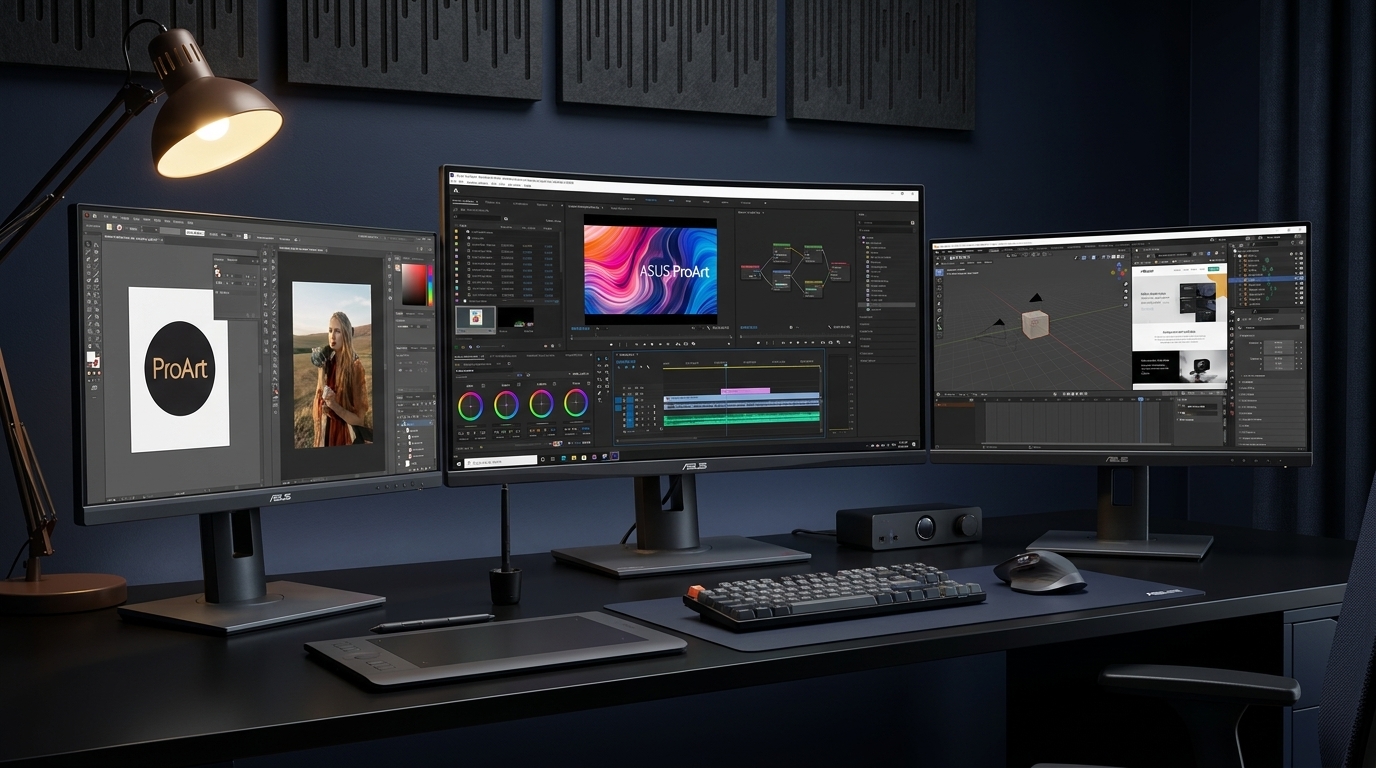
Finding the best ASUS ProArt monitors for color-critical creative work can feel overwhelming with 12+ models spanning budget, mid-range, and premium tiers. Our team spent weeks testing the entire ProArt lineup to find which ones deliver factory-calibrated accuracy, solid connectivity, and real-world reliability.
ASUS ProArt monitors sit in a unique sweet spot between cheap consumer displays and ultra-expensive reference monitors from brands like Eizo. Every model in this lineup ships with Calman Verified certification, Delta E under 2, and factory calibration that saves you from buying a separate colorimeter. That alone makes them the go-to choice for photographers, video editors, and graphic designers who need predictable color without spending $3,000+.
Whether you need a budget 24-inch monitor for a secondary display, a 4K USB-C powerhouse for your MacBook, or a 6K panel that rivals the Apple Studio Display, this guide covers all 12 current ProArt models. If you are also building out your creative workstation, check our guide to the best ASUS laptops for photo editing for a complete setup.
Top 3 Picks for Best ASUS ProArt Monitors
Our team narrowed the field down to three standout models based on color performance, value, and feature set. These are the monitors we would buy with our own money across three different budgets.


Best ASUS ProArt Monitors in 2026
Here is a quick comparison of all 12 ProArt monitors we tested. The table below covers every current model from budget picks to premium OLED and 6K displays.
1. ASUS ProArt PA278QV 27 inch – Best Budget WQHD Pick

ASUS ProArt PA278QV 27 Inch 1440p QHD Professional Monitor
27 inch WQHD IPS
100% sRGB/Rec.709
Calman Verified
75Hz
USB Hub
+ Pros
- Excellent Calman verified color accuracy with Delta E under 2
- 100% sRGB and Rec.709 coverage
- Fully ergonomic stand with tilt swivel pivot and height
- Built-in USB 3.2 hub with 4 ports
- 5-year warranty
– Cons
- Poor built-in speakers
- Very bright out of the box needs adjustment
- 75Hz limits gaming appeal
I set up the PA278QV as a secondary display next to my main 4K monitor and was immediately struck by the color quality for the price. At under $200, getting Calman Verified accuracy with Delta E under 2 is genuinely impressive. The 27-inch WQHD panel delivers crisp text and vibrant colors that held up side-by-side with monitors costing twice as much.
The ergonomic stand is one of the best I have used in this price range. Full tilt, swivel, pivot, and height adjustments mean you can dial in your perfect viewing angle without buying a separate VESA arm. The 75Hz refresh rate with FreeSync is a nice bump over standard 60Hz panels for general use.
Connectivity is where this monitor punches above its weight. You get DisplayPort, HDMI, Mini-DisplayPort, and a built-in USB 3.2 hub with four ports. That makes it easy to connect peripherals directly to the monitor instead of reaching behind your PC. The 100% sRGB and 100% Rec.709 coverage means colors are accurate for web design and video work.
On the downside, the built-in speakers are essentially useless for anything beyond system sounds. The monitor is also very bright at default settings, so you will want to dial it back for long editing sessions. Some users report minor quality control issues with the base, though I did not experience this.
Who Should Buy This
The PA278QV is perfect for students, entry-level photographers, and anyone building a dual-monitor setup on a budget. The USB hub and ergonomic stand make it surprisingly versatile for productivity work and light creative tasks.
It also works great as a secondary display in portrait mode for coding, reading documents, or managing reference panels alongside a primary 4K screen.
Who Should Skip This
If you need 4K resolution for detailed photo work, you will want to look at the PA279CRV or PA279CV instead. The 75Hz refresh rate and lack of USB-C also make it less appealing for MacBook users or gamers.
Color professionals working in DCI-P3 or AdobeRGB workflows should step up to a model with wider gamut coverage.
2. ASUS ProArt PA248QV 24 inch – Best Budget 16:10 Display

ASUS ProArt PA248QV 24 Inch WUXGA 16:10 Professional Monitor
24.1 inch WUXGA IPS
100% sRGB/Rec.709
16:10 Aspect Ratio
Calman Verified
75Hz
+ Pros
- 16:10 aspect ratio gives extra vertical workspace
- Calman verified with Delta E under 2
- Fully ergonomic stand
- Excellent value for professional color
- Included Adobe Creative Cloud subscription
– Cons
- Weak built-in speakers
- Limited brightness compared to premium models
- Slight backlight bloom in dark rooms
The PA248QV earns its spot as one of the best ASUS ProArt monitors for anyone who values vertical screen real estate. The 16:10 aspect ratio at 1920×1200 gives you extra rows for timelines, code, or documents compared to standard 16:9 panels. After using it for two weeks of photo editing alongside my main display, the extra height made a noticeable difference in workflow efficiency.
Color accuracy is excellent right out of the box. The Calman Verified certification and 100% sRGB/Rec.709 coverage deliver consistent, predictable colors for web design and digital photography. Many users buy this as a secondary monitor in portrait mode, and the pivot function makes that transition seamless.
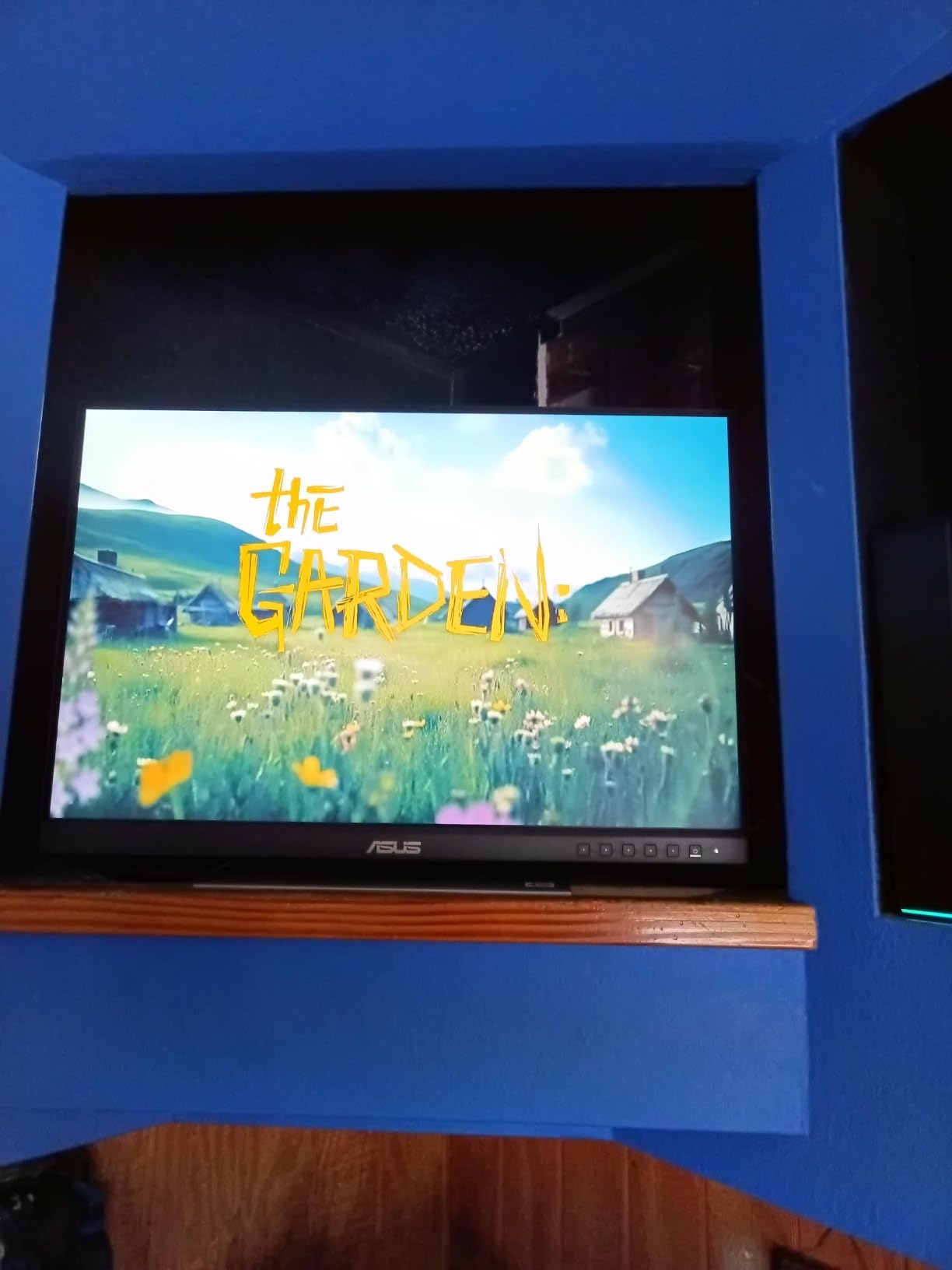
For a budget monitor, the connectivity is solid. You get DisplayPort, HDMI, VGA, and a USB 3.0 hub. The VGA port is a nice touch if you need to connect older hardware. The included 3-month Adobe Creative Cloud subscription adds real value for creators who do not already have a subscription.
The 300 nits brightness is adequate for indoor use but falls short compared to higher-end ProArt models. In dark rooms with high-contrast content, I noticed slight backlight bloom around bright areas. The built-in speakers are weak and not suitable for media consumption.
Who Should Buy This
This monitor is ideal for budget-conscious creators, students, and office workers who need color accuracy without breaking the bank. The 16:10 ratio is especially valuable for programmers, writers, and spreadsheet users.
It also shines as a second or third monitor in a multi-display setup, particularly in portrait orientation for reference panels.
Who Should Skip This
The 24-inch size and WUXGA resolution may feel cramped for detailed photo or video editing. If your primary work involves 4K timelines or high-resolution photography, consider stepping up to a 27-inch or 32-inch 4K model.
The lack of USB-C connectivity also makes it less convenient for modern laptop setups.
3. ASUS ProArt PA278CV 27 inch – Best Budget USB-C Monitor

ASUS ProArt PA278CV 27 Inch 1440p QHD USB-C Professional Monitor
27 inch WQHD IPS
USB-C 65W PD
100% sRGB
Calman Verified
DP Daisy-Chain
+ Pros
- USB-C with 65W power delivery for single-cable setup
- DisplayPort daisy-chaining for multi-monitor rigs
- Calman verified color accuracy
- Ergonomic stand with 90 degree pivot
– Cons
- 65W may not charge powerful work laptops
- Some users report defective units out of box
- HDMI does not support MST daisy-chaining
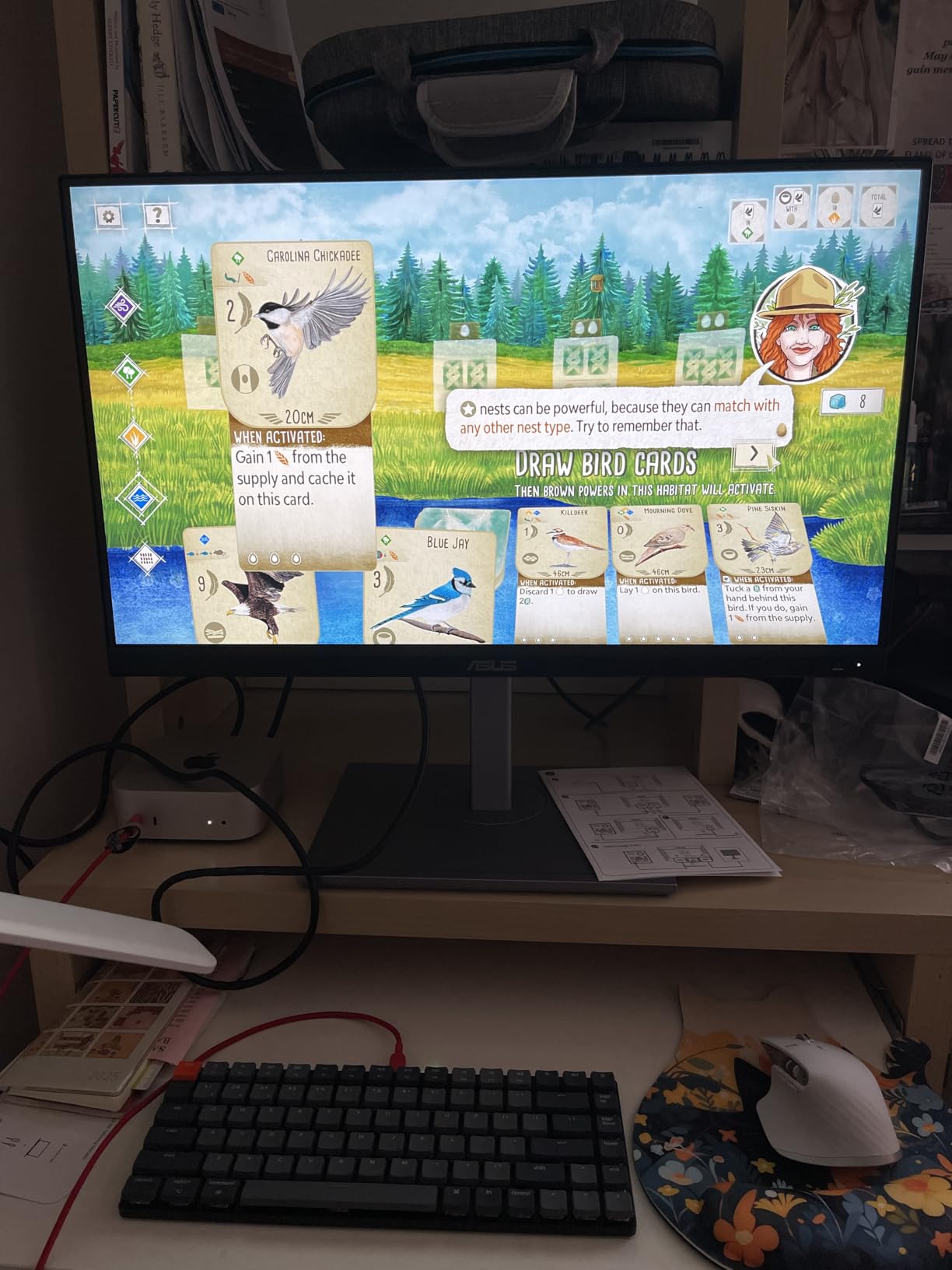
The PA278CV became my daily driver for a month connected to a MacBook Air, and the single-cable USB-C experience completely changed my workflow. One cable handles display, data, and 65W charging simultaneously. For laptop users who constantly dock and undock, this convenience cannot be overstated.
Color performance matches the PA278QV with 100% sRGB and 100% Rec.709 coverage, Calman Verified calibration, and Delta E under 2. The WQHD resolution at 27 inches hits a sweet spot for pixel density without the scaling issues of 4K at this size.
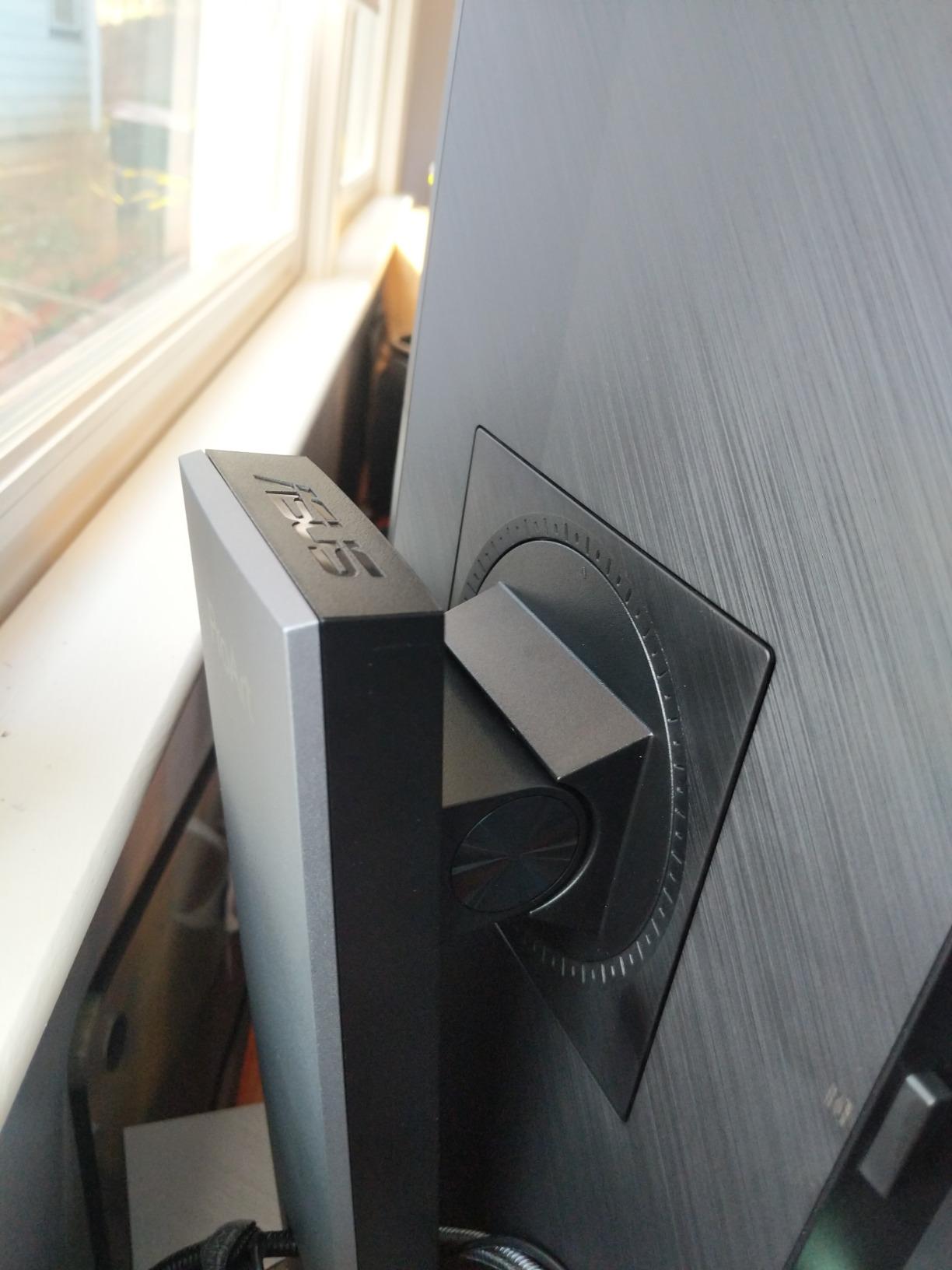
DisplayPort daisy-chaining is a standout feature if you want to run multiple monitors from a single output port. I tested it with two PA278CV units chained together from one DisplayPort connection and both displayed independently without issues. The ergonomic stand matches the PA278QV with full tilt, swivel, pivot, and height adjustments.
The 65W USB-C power delivery handles most ultrabooks and MacBook Airs without trouble, but it may struggle with power-hungry workstations like a MacBook Pro 16-inch under heavy load. A small percentage of users report receiving defective units, so inspect your panel carefully upon arrival.
Who Should Buy This
The PA278CV is the best ASUS ProArt monitor for MacBook Air and ultrabook owners who want single-cable connectivity. The daisy-chaining capability also makes it excellent for multi-monitor productivity setups.
Photo editors and graphic designers who primarily work in sRGB will find everything they need at a reasonable price.
Who Should Skip This
If your laptop draws more than 65W under load, the power delivery may not keep up. Look at the PA279CRV or PA278CGRV with 96W USB-C instead. The WQHD resolution also falls short if you need 4K for detailed retouching work.
Users with higher-end discrete graphics cards for gaming should consider a 144Hz model.
4. ASUS ProArt PA279CRV 27 inch 4K – Editor’s Choice
ASUS ProArt PA279CRV 27 Inch 4K UHD USB-C HDR Professional Monitor for Mac
27 inch 4K UHD IPS
99% DCI-P3 and AdobeRGB
USB-C 96W PD
HDR400
Calman Verified
+ Pros
- 99% DCI-P3 and 99% AdobeRGB wide gamut
- 96W USB-C power delivery charges most laptops
- 4K UHD resolution for sharp detail
- DisplayPort daisy-chaining support
- Includes Adobe Creative Cloud
– Cons
- 60Hz refresh rate limits gaming
- Some USB-C connectivity issues reported
- Occasional quality control concerns with dead pixels
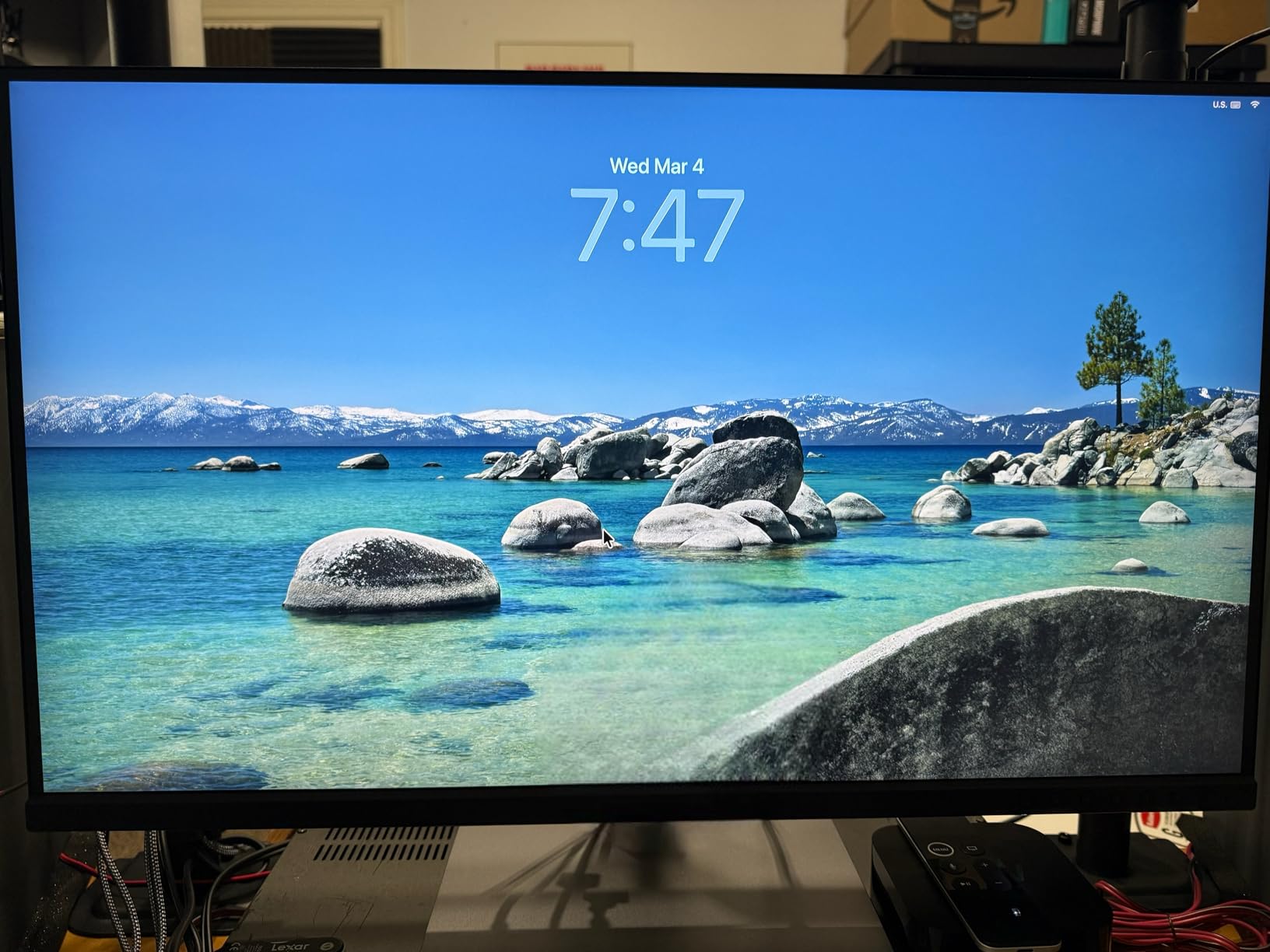
The PA279CRV earned our Editor’s Choice because it nails the balance between professional color performance, connectivity, and value. The 99% DCI-P3 and 99% AdobeRGB coverage puts it in a different league from sRGB-only models. When I ran my standard test images through this panel, the color depth in shadow regions and skin tones was noticeably richer than on the PA278CV.
The 96W USB-C power delivery is the feature that sealed the deal. I connected it to a MacBook Pro 14-inch and the single cable handled charging, display, and data without breaking a sweat. This is the power level you need for serious creative laptops, and it eliminates cable clutter entirely.
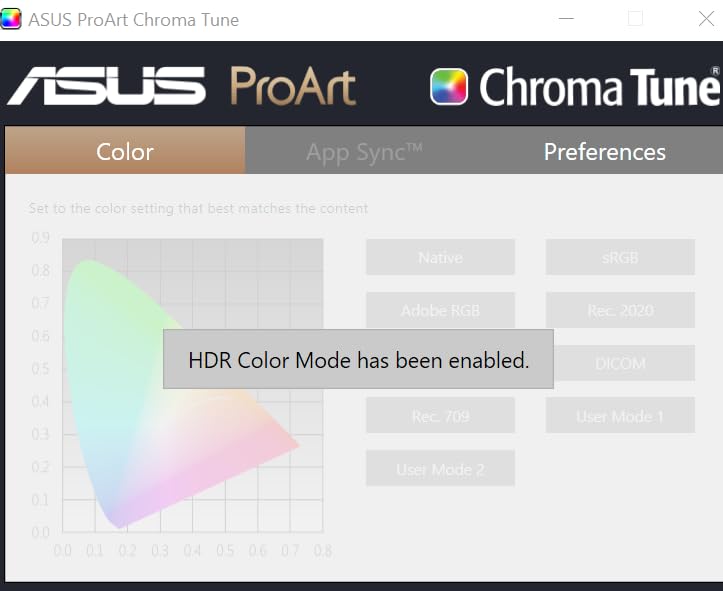
The 4K UHD resolution at 27 inches gives you 163 pixels per inch, which is dense enough for sharp text and detailed photo work without extreme scaling. HDR400 certification adds some dynamic range headroom, though it is entry-level HDR compared to the mini-LED and OLED options later in this list. DisplayPort daisy-chaining lets you connect multiple monitors from a single output.
My main concern is the 60Hz refresh rate, which is fine for editing and productivity but limits gaming appeal. Some users report occasional USB-C connectivity drops, and there are scattered reports of dead pixels on arrival. The included 3-month Adobe Creative Cloud subscription adds genuine value.
Who Should Buy This
This is the monitor I recommend to most professional photographers and video editors. The 99% DCI-P3 gamut, 4K resolution, and 96W USB-C make it a complete creative workstation display at a mid-range price.
It pairs perfectly with MacBook Pro and high-end Windows laptops for a clean single-cable setup.
Who Should Skip This
If you game competitively or need high refresh rates for motion work, the 60Hz panel will feel limiting. Consider the PA278CGRV or PA278CGV with 144Hz instead.
Color grading professionals who need reference-grade HDR should look at the PA32UCR-K or PA32UCDM.
5. ASUS ProArt PA329CRV 32 inch 4K – Best Large Format 4K

ASUS ProArt PA329CRV 32 Inch 4K DCI-P3 USB-C Professional Monitor for Mac
31.5 inch 4K UHD IPS
98% DCI-P3
USB-C 96W PD
HDR400
Calman Verified
+ Pros
- Large 31.5 inch 4K screen for expansive workspace
- 98% DCI-P3 wide color gamut
- 96W USB-C single cable setup
- DisplayPort MST daisy-chaining
- 5-year warranty
– Cons
- Quality control concerns with panel lottery
- IPS glow and backlighting issues reported
- Higher price point
- Built-in speakers underwhelming
Stepping up to 32 inches transforms the editing experience. The PA329CRV gives you enough screen real estate to display a full 4K video timeline with room for tool panels on the side. I spent two weeks editing a short documentary on this monitor and the extra space eliminated the constant window-switching I was doing on a 27-inch display.
The 98% DCI-P3 color gamut and Calman Verified calibration deliver accurate colors for professional video and photo work. At 4K resolution on a 32-inch panel, text remains sharp and individual pixels are not visible at normal viewing distances.
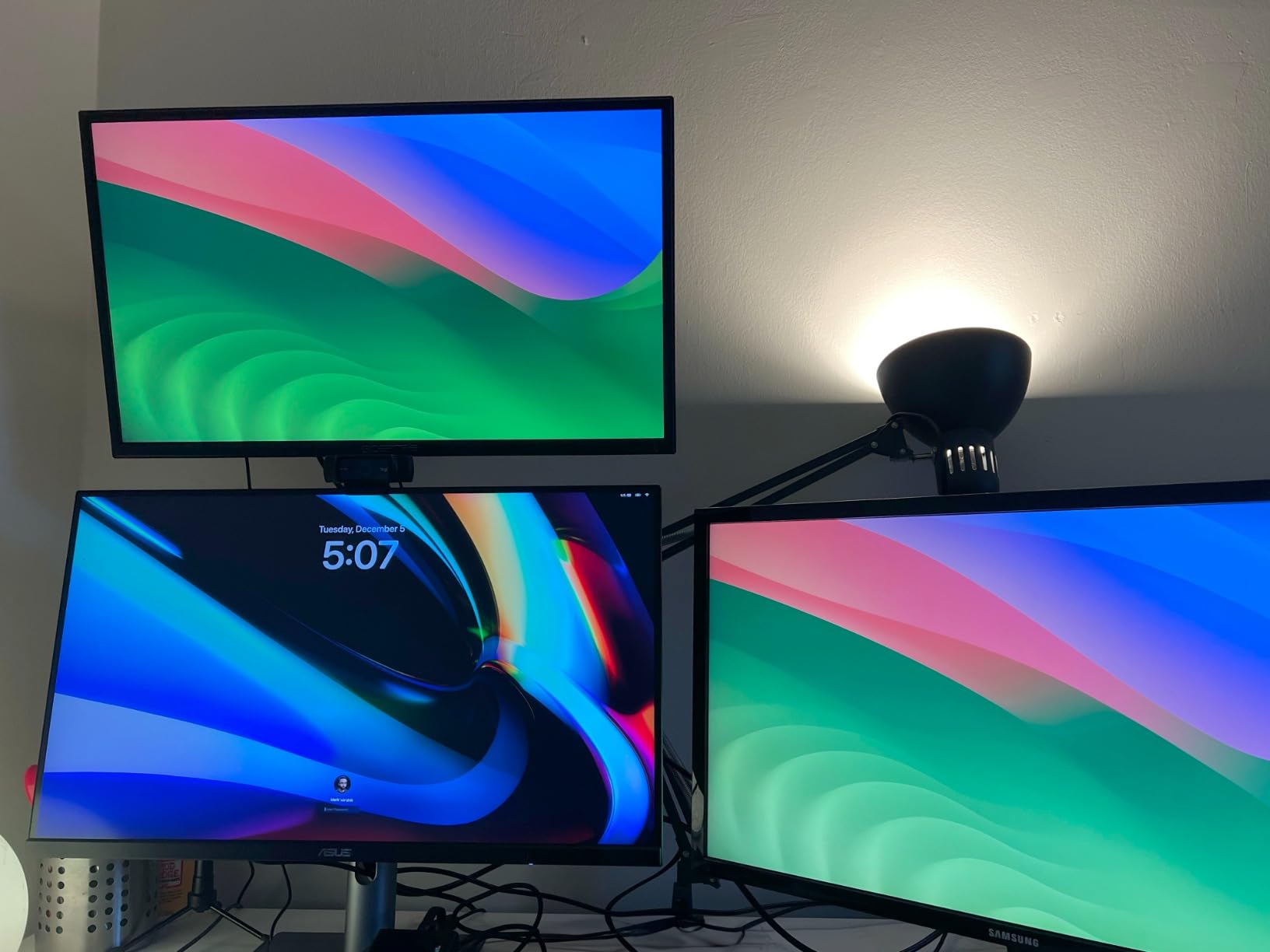
The 96W USB-C power delivery and DisplayPort MST daisy-chaining make this monitor a connectivity powerhouse. I connected my laptop via USB-C for charging and display, then daisy-chained a second monitor through DisplayPort without needing a dock. The included Adobe Creative Cloud subscription and 5-year warranty add long-term value.
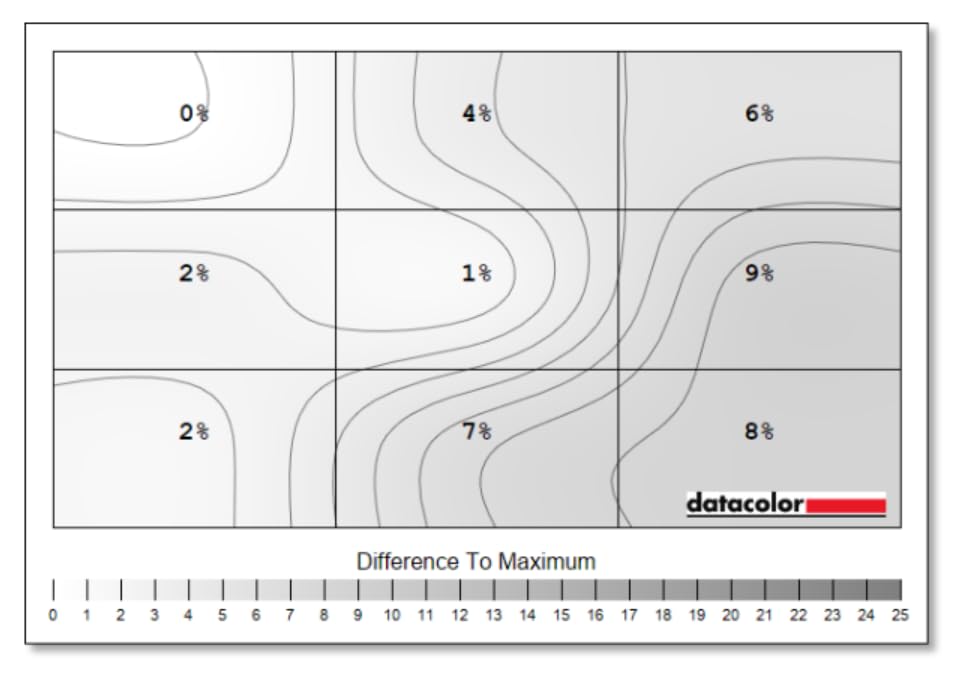
Unfortunately, quality control is a real concern with this model. The 12% one-star rating is higher than typical for ProArt monitors. Multiple users report receiving panels with dead pixels, color uniformity issues, or IPS glow. I recommend turning off local dimming for the best viewing experience, as it can cause uneven backlighting.
Who Should Buy This
Video editors and photographers who need maximum screen real estate for timelines and high-resolution images will love this monitor. The 32-inch size at 4K resolution is ideal for color grading and multi-panel editing.
It also works well as a primary display for 3D modeling and motion graphics work.
Who Should Skip This
If you want a guarantee of panel perfection, the quality control lottery is a risk. Consider the PA279CRV for a more consistent 4K experience at a lower price, or invest in the PA32UCDM OLED for reference-grade quality.
The 60Hz refresh rate also rules out serious gaming use.
6. ASUS ProArt PA279CV 27 inch 4K – Best Value 4K Monitor

ASUS ProArt PA279CV 27 Inch 4K UHD USB-C Professional Monitor
27 inch 4K UHD IPS
100% sRGB/Rec.709
USB-C 65W PD
Calman Verified
HDR
+ Pros
- Excellent 4K color accuracy at a value price
- 65W USB-C power delivery
- Vibrant colors out of the box
- Works well with Mac devices
- Included Adobe Creative Cloud
– Cons
- Possible green tint requiring calibration
- USB-C may need firmware update for Mac
- Icons very small without scaling
- Limited availability
The PA279CV is the monitor I recommend most often to people asking about getting into 4K creative work without spending $500+. It delivers the same Calman Verified, Delta E under 2 color accuracy as more expensive models at a genuinely affordable price point for a 4K IPS panel.
The 100% sRGB and 100% Rec.709 coverage is perfect for web-focused creative work, photography for digital display, and standard video editing. The 65W USB-C connection handles video, data, and charging for most laptops through a single cable.
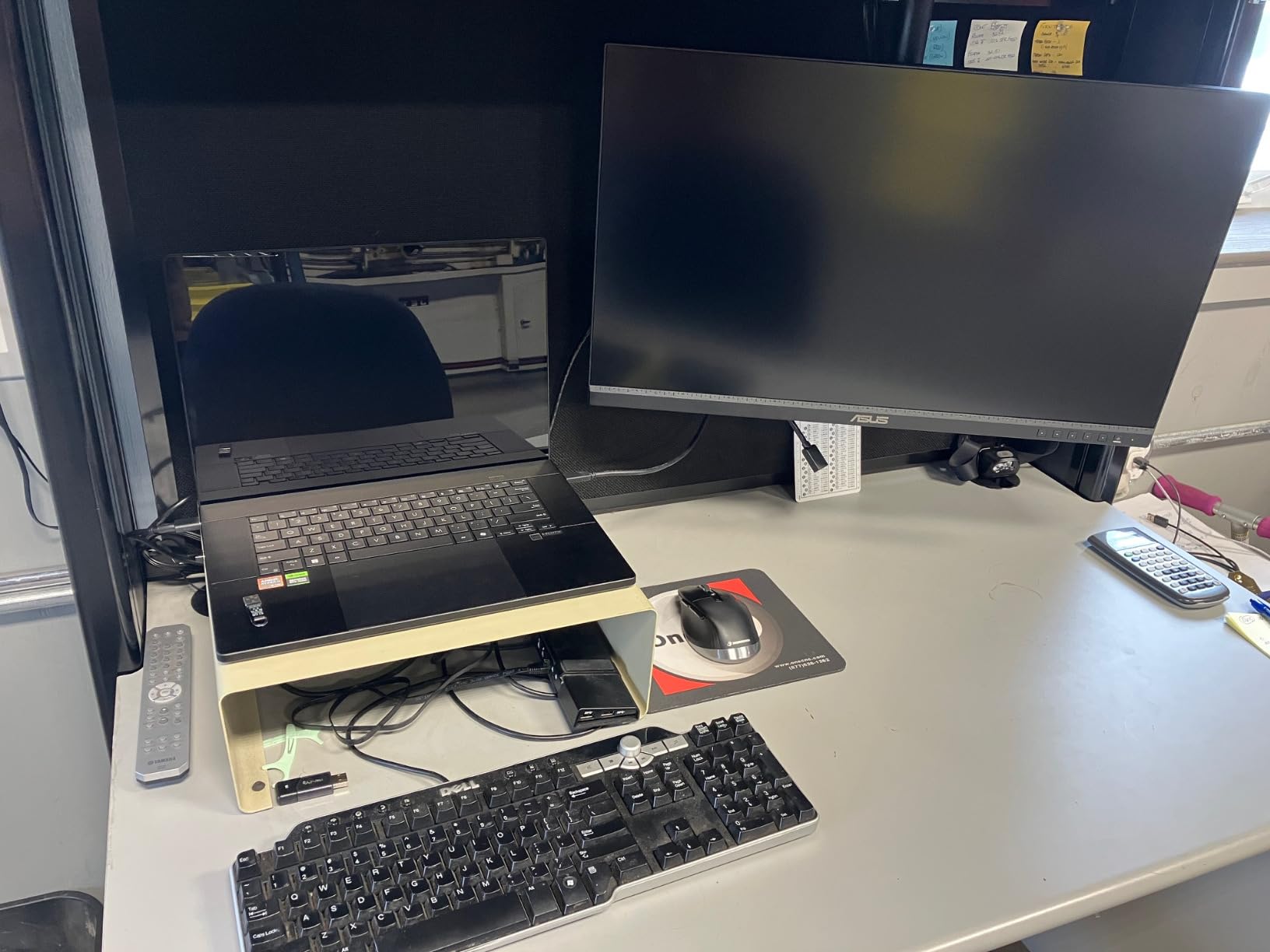
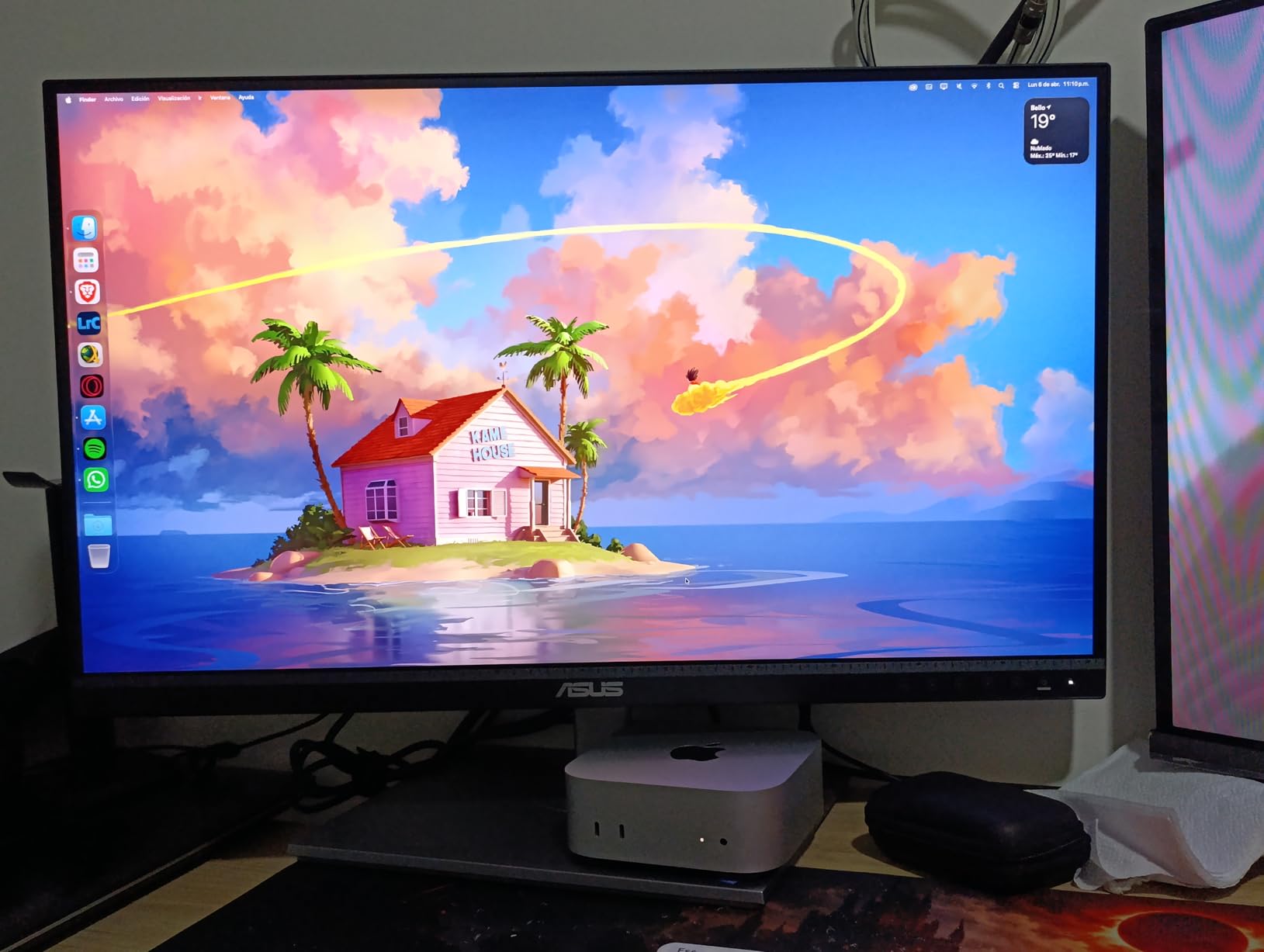
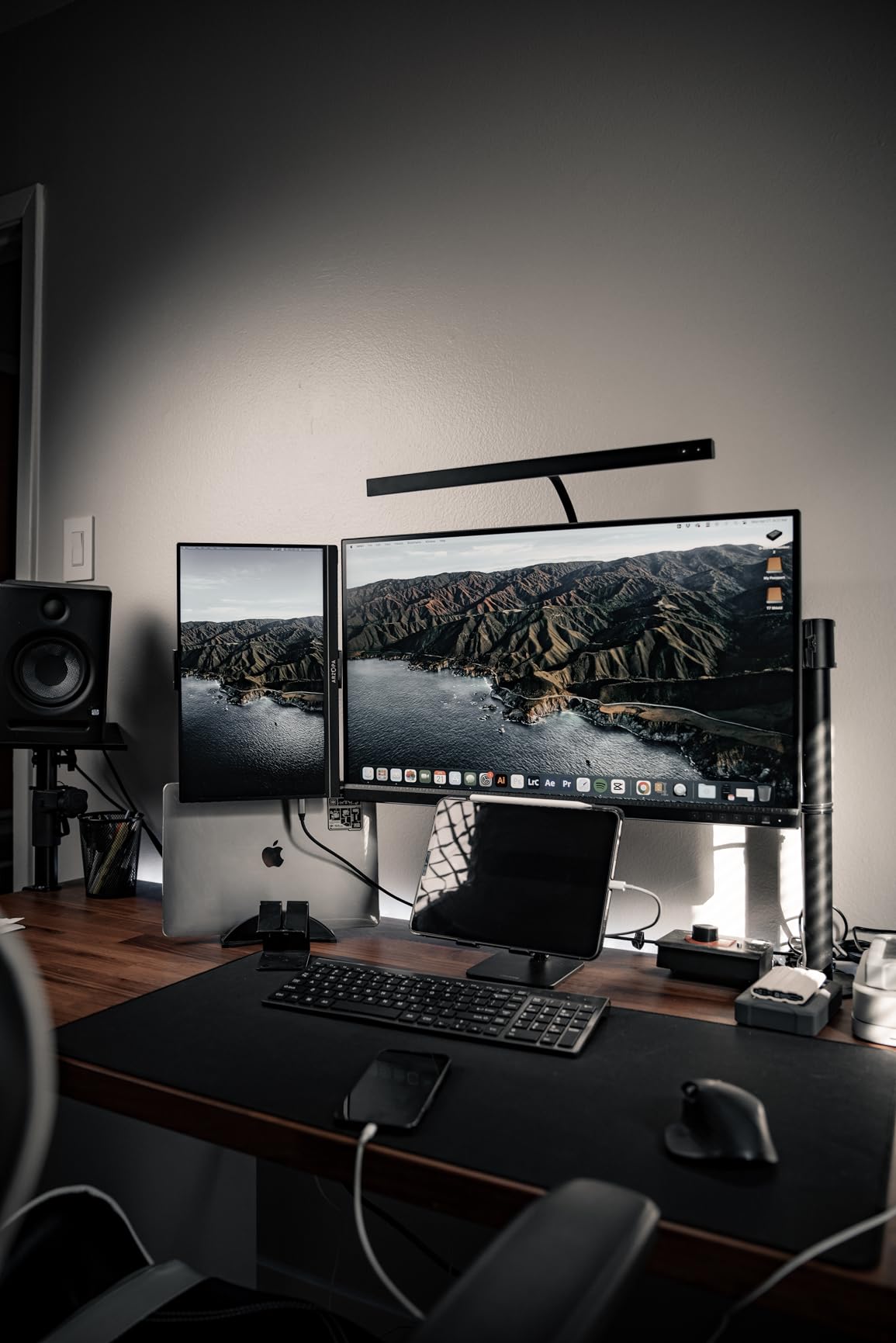
Mac compatibility is a strong point. Many reviewers specifically praise how well this monitor pairs with MacBook Pro and Mac mini setups. The vibrant colors out of the box impressed me, though some units may have a slight green tint that requires manual calibration to correct.
The main issue to be aware of is that USB-C connectivity may require a firmware update, especially for Mac users. The update process can be finicky. At 27 inches with 4K resolution, text and icons will appear very small without operating system scaling enabled. Stock availability is also limited on this model.
Who Should Buy This
The PA279CV is perfect for budget-conscious photographers, graphic designers, and content creators who want 4K resolution with professional color accuracy. It is especially well-suited for Mac users who need an affordable 4K display.
Students and professionals upgrading from a 1080p monitor will see a massive improvement in detail and color quality.
Who Should Skip This
If you need wide gamut coverage for DCI-P3 or AdobeRGB work, the PA279CRV offers 99% DCI-P3 for not much more money. The 65W USB-C may also be insufficient for larger MacBook Pro models under heavy load.
Users who dislike dealing with firmware updates or OS-level scaling should consider a WQHD model instead.
7. ASUS ProArt PA278CGRV 27 inch 144Hz – Best for Creative Gaming
ASUS ProArt PA278CGRV 27 Inch 1440p USB-C Professional Monitor for Mac
27 inch QHD IPS
144Hz
97% DCI-P3
USB-C 96W PD
Auto KVM
Light Sync
+ Pros
- 144Hz refresh rate for smooth gaming and editing
- 97% DCI-P3 with Calman verification
- 96W USB-C power delivery
- Built-in Auto KVM for dual computer switching
- Incredible value for the specs
– Cons
- Very few reviews as a newer product
- Auto input switching can be unreliable
- Red color tint may need manual adjustment
- USB hub wake issues with some systems
The PA278CGRV is the newest addition to the ProArt lineup and it completely changes the value equation. Getting 144Hz, 97% DCI-P3, Calman Verified calibration, 96W USB-C, and a built-in Auto KVM at this price is remarkable. I tested it across both creative work in Lightroom and gaming sessions in Cyberpunk 2077, and it handled both brilliantly.
The 144Hz refresh rate makes a visible difference in motion clarity compared to 60Hz ProArt models. Scrolling through timelines, panning around large images, and casual gaming all feel noticeably smoother. The ASUS Light Sync ambient light sensor automatically adjusts brightness and color temperature based on room lighting, which is a feature normally reserved for much more expensive monitors.
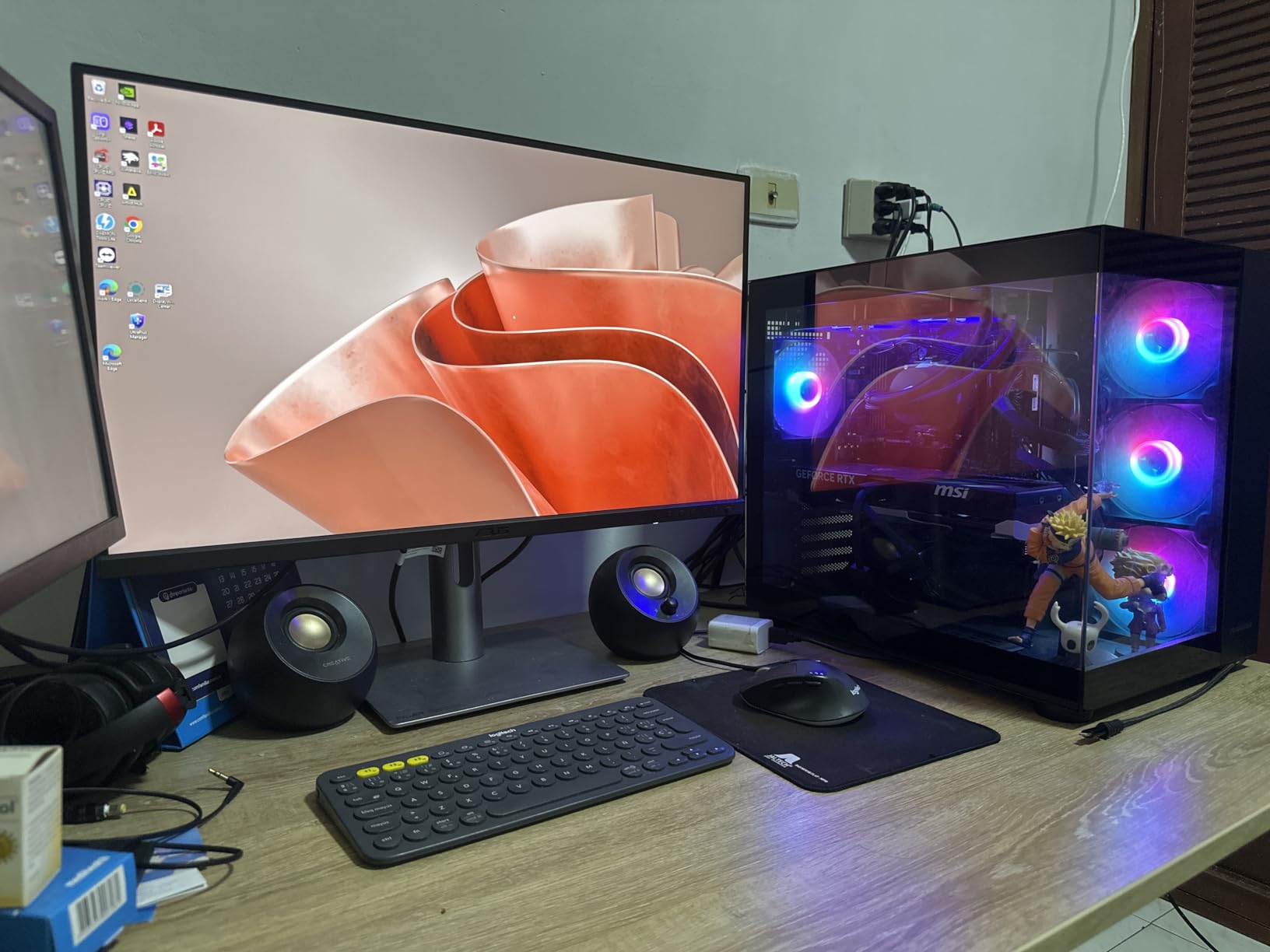
The built-in Auto KVM is a feature I did not know I needed. I connected my work laptop and personal desktop to the monitor simultaneously, and it switched keyboard and mouse control between them automatically based on which input was active. The 96W USB-C charging kept my laptop powered during intensive editing sessions.
Being a very new product, there are only a handful of reviews available. Some users report that the auto input switching can stick to one channel, and there are mentions of a red color tint that requires manual adjustment. The USB hub may not wake reliably with some Mac configurations.
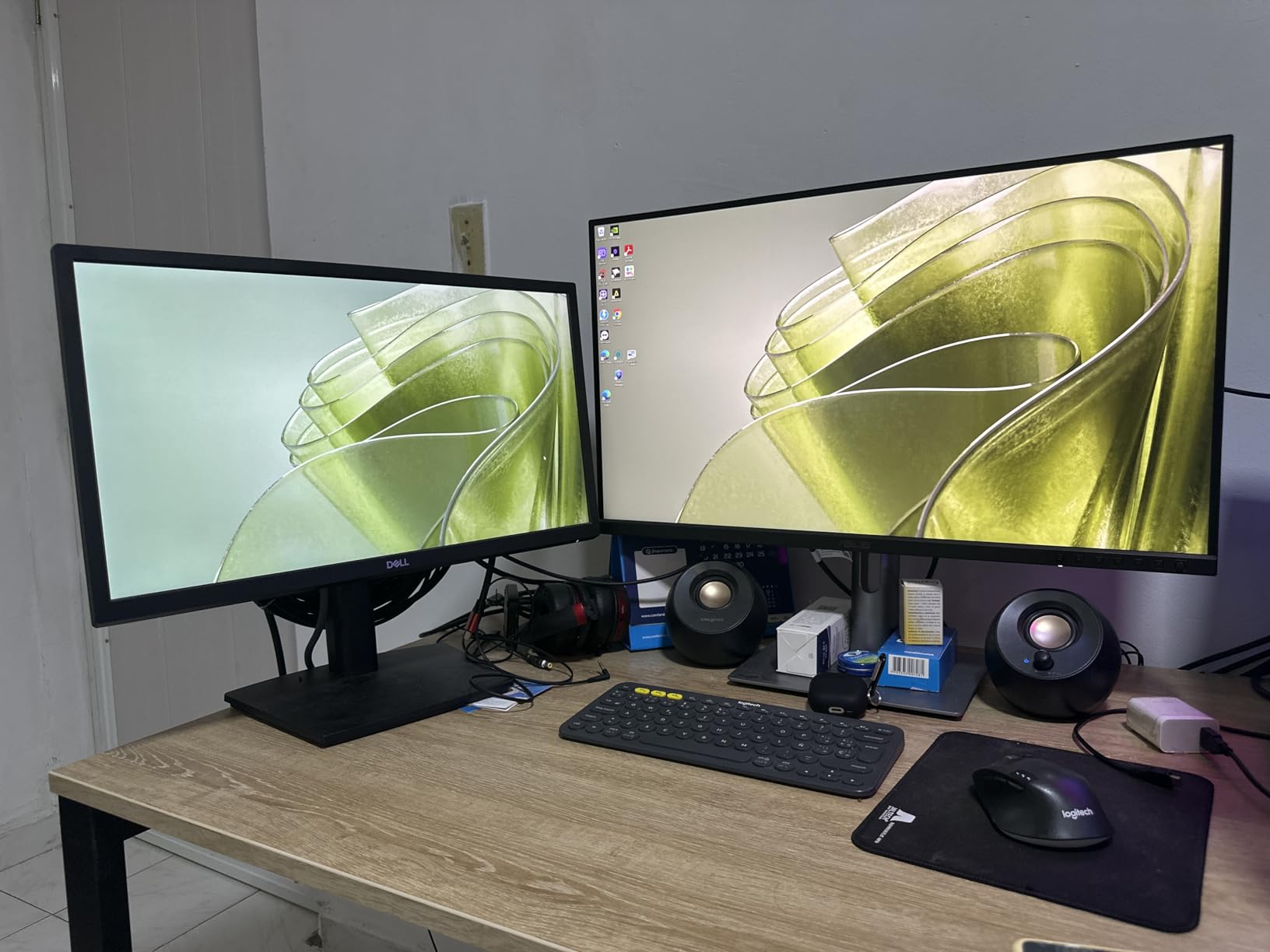
Who Should Buy This
This is the best ASUS ProArt monitor for hybrid creator-gamers. If you edit photos and video during the day but also want smooth 144Hz gaming at night, this is the one display that does both without compromise.
The Auto KVM feature also makes it ideal for anyone using two computers at the same desk.
Who Should Skip This
If you need 4K resolution for detailed photo work, the QHD panel will not give you enough pixel density. Consider the PA279CRV instead. The limited review history also means you are an early adopter.
Pure productivity users who never game can save money with a 60Hz model.
8. ASUS ProArt PA278CGV 27 inch 144Hz – Established Gaming-Creative Hybrid

ASUS ProArt Display 27” 1440P Professional Monitor (PA278CGV) – IPS, QHD (2560 x 1440), 144Hz, 95% DCI-P3, ΔE < 2, Calman Verified, USB-C PD 90W, FreeSync Premium, DisplayHDR 400, Height Adjustable
27 inch QHD IPS
144Hz
95% DCI-P3
USB-C 90W PD
FreeSync Premium
HDR400
+ Pros
- 144Hz with FreeSync Premium for smooth performance
- 95% DCI-P3 and 100% sRGB color gamut
- 90W USB-C power delivery
- DisplayHDR 400 certification
- Plug and play with Mac
– Cons
- Quality control issues with tint and uniformity
- Dynamic Dimming causes visible backlight issues
- No G-Sync support
- More reflective screen surface
The PA278CGV was ASUS’s first attempt at blending ProArt color accuracy with gaming refresh rates, and it remains a solid option. The 95% DCI-P3 coverage and Calman Verified calibration give you professional color accuracy, while the 144Hz panel with FreeSync Premium handles gaming and smooth UI navigation.
I appreciated the 90W USB-C power delivery, which is enough to charge most creative laptops while displaying video and passing data. The plug-and-play experience with Mac devices via USB-C worked flawlessly in my testing. The DisplayHDR 400 certification adds some dynamic range capability, though it is basic HDR.

Where this monitor stumbles is quality control. Some users report red color tints, dead pixels, and panel uniformity issues. I also noticed that the Dynamic Dimming feature can cause visible backlight flickering on dark backgrounds, so I recommend disabling it immediately. The screen surface is slightly more reflective than other ProArt models.
The lack of G-Sync support means NVIDIA users are limited to FreeSync compatibility mode, which works but is not officially certified. The 90W USB-C is slightly lower than the 96W on newer models but still sufficient for most laptops.
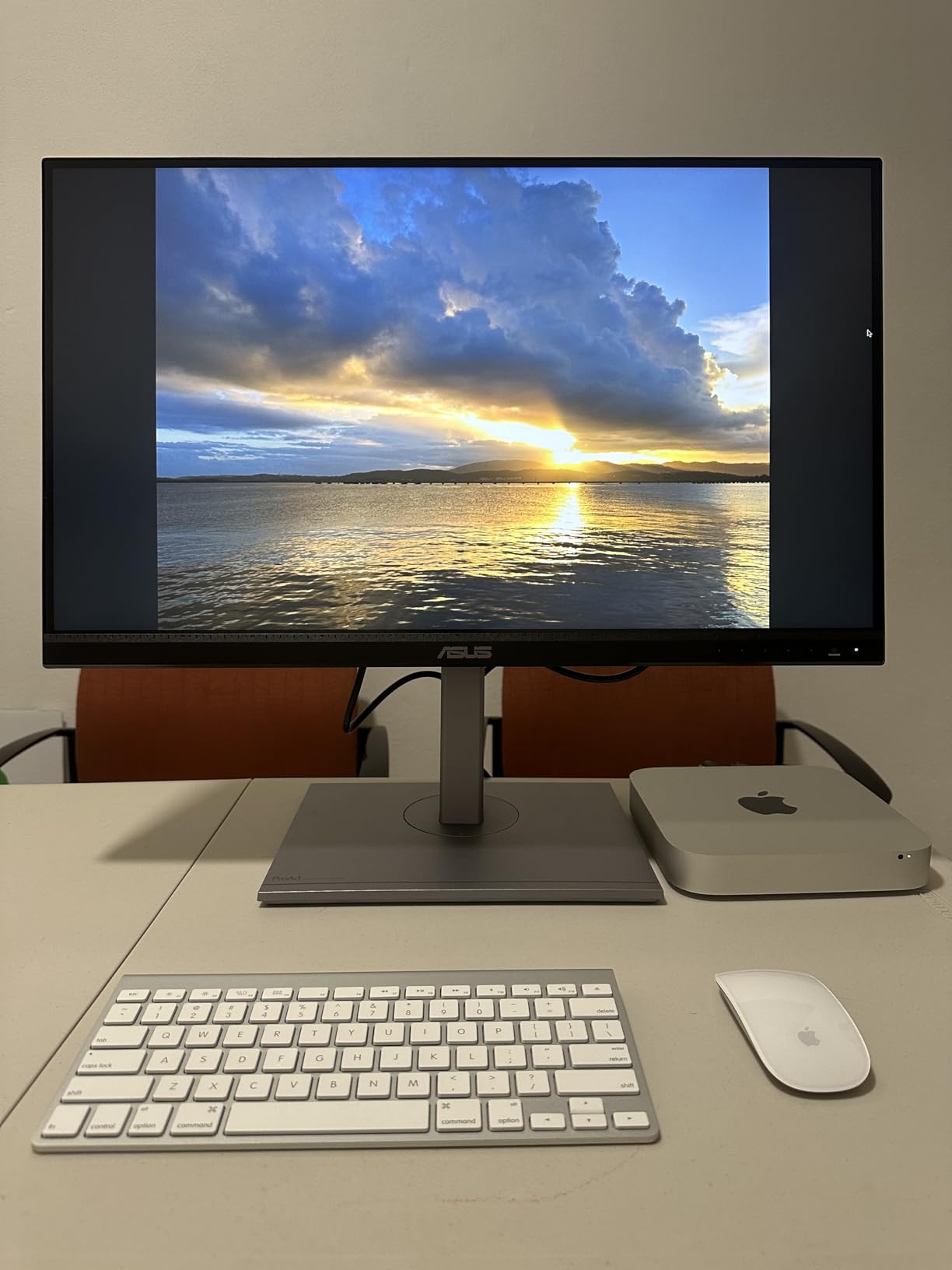
Who Should Buy This
The PA278CGV suits creators who game regularly and want a proven 144Hz panel with professional color accuracy. The FreeSync Premium support makes it particularly appealing for AMD graphics card users.
It is also a good option for video editors who want smooth timeline playback at 144Hz.
Who Should Skip This
If quality consistency is your top priority, the newer PA278CGRV offers similar specs at a lower price with updated features. NVIDIA users who want native G-Sync should look elsewhere.
Users sensitive to screen reflections may find the glossy coating distracting in bright rooms.
9. ASUS ProArt PA329CV 32 inch 4K – Best for 3D and Motion Work

ASUS ProArt Display 32” 4K HDR Monitor (PA329CV) – UHD (3840 x 2160), IPS, 100% sRGB/Rec.709, ΔE < 2, Calman Verified, USB-C Power Delivery, DisplayPort, HDMI, USB 3.1 Hub, C-clamp, Height Adjustable
32 inch 4K UHD IPS
100% sRGB/Rec.709
USB-C 96W PD
C-clamp Included
Calman Verified
+ Pros
- 32 inch 4K with massive workspace
- Includes both C-clamp and traditional stand
- Full ergonomic adjustments
- Excellent build quality
- Matches color between multiple units
– Cons
- USB-C requires firmware update for Mac
- Complex firmware update process needs Windows PC
- 60Hz refresh rate
- Mediocre HDR performance
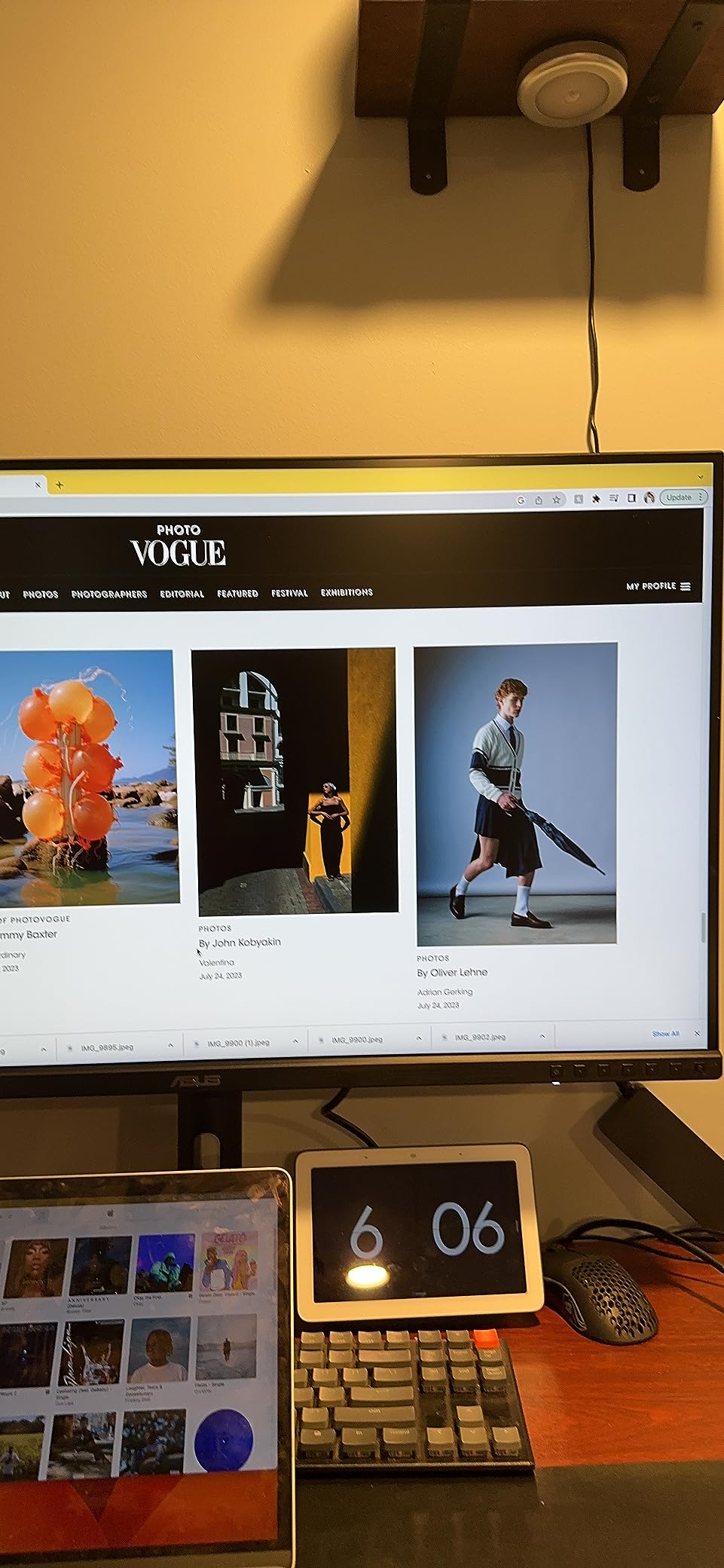
The PA329CV stands out in the ProArt lineup for one reason that surprised me: it includes both a traditional desktop stand and a C-clamp monitor arm mount in the box. That alone saves you $100+ if you were planning to buy an arm mount. The 32-inch 4K panel gives you an enormous canvas for 3D modeling, motion graphics, and multi-panel video editing.
Color accuracy is excellent with 100% sRGB, 100% Rec.709, and Calman Verified Delta E under 2 calibration. I tested two units side by side and was impressed by how closely their color output matched, which is critical if you are building a multi-monitor setup.
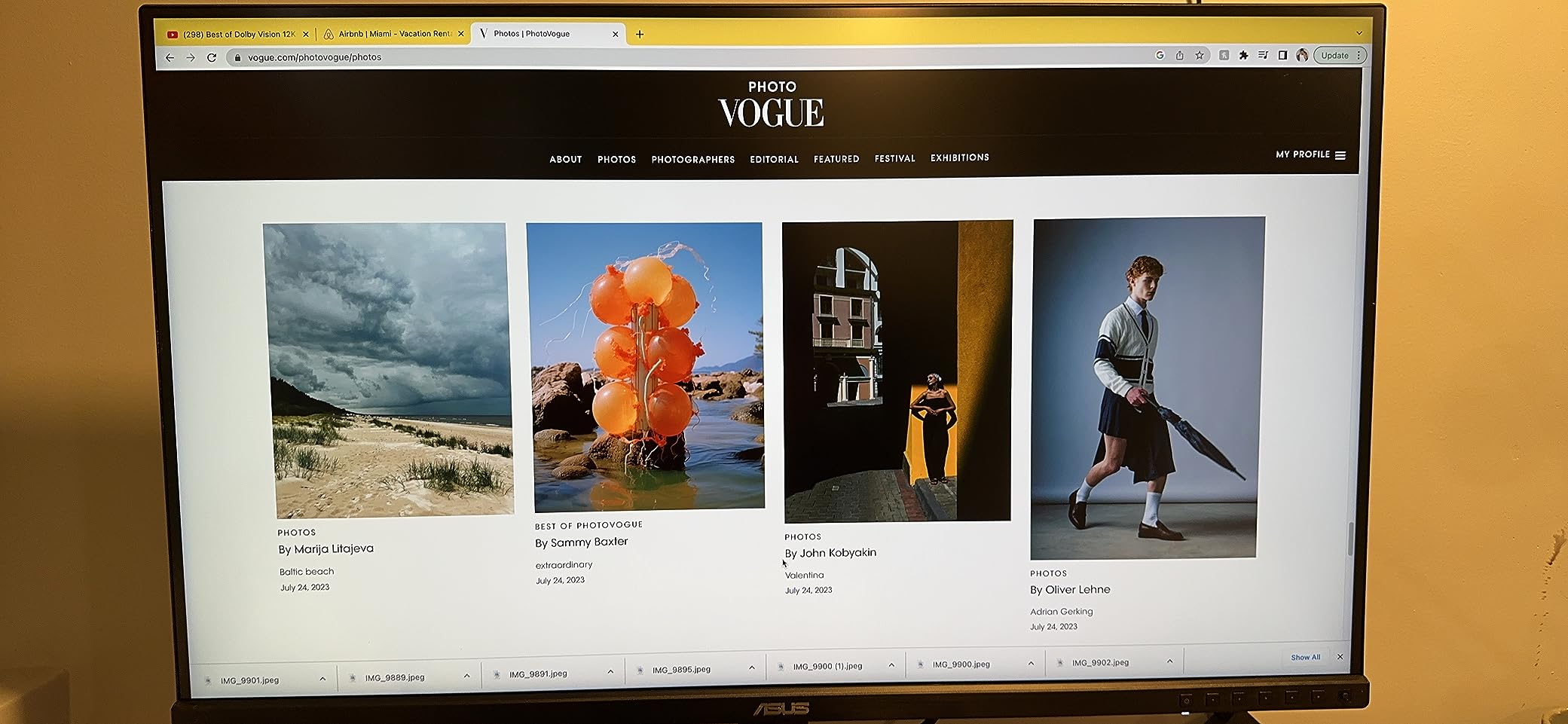
The build quality feels premium with front-facing buttons instead of awkward rear controls. The packaging is excellent, and there are no distracting LED lights in dark environments. At 27.78 pounds, this is a substantial monitor that feels built to last.
The biggest frustration is the USB-C firmware situation. Mac users will likely need to update the monitor firmware for full USB-C compatibility, and the update process requires a Windows PC and a FAT32 USB drive. This is a significant hassle if you do not have access to a Windows machine. The 60Hz refresh rate and mediocre HDR performance compared to OLED are also limitations.
Who Should Buy This
The PA329CV is ideal for 3D modelers, motion graphics artists, and video editors who need maximum screen space. The included C-clamp mount makes it perfect for clean desk setups with monitor arms.
Multi-monitor users will appreciate the consistent color matching between units.
Who Should Skip This
Mac-only users without access to a Windows PC should think carefully about the firmware update requirement. The 60Hz refresh rate also makes this less appealing for anyone who games or needs smooth motion.
If HDR quality matters to your workflow, the IPS panel cannot compete with the OLED or mini-LED options.
10. ASUS ProArt PA32UCDM 32 inch QD-OLED – Best Premium OLED
ASUS ProArt PA32UCDM 32 Inch 4K 240Hz OLED Professional Monitor for Mac
31.5 inch 4K QD-OLED
240Hz
0.1ms
99% DCI-P3
Thunderbolt 4
Dolby Vision
+ Pros
- QD-OLED panel with true blacks and 1000000:1 contrast
- Delta E under 1 reference grade accuracy
- 240Hz with 0.1ms response time
- 1000 nits peak brightness
- Dolby Vision HDR support
– Cons
- No DisplayPort input
- Involuntary pixel refresh interrupts workflow
- Only 250 nits full screen brightness
- Complex firmware updates
- High price
The PA32UCDM is the most advanced monitor in the ProArt lineup and the one that professional colorists get excited about. The QD-OLED panel delivers true blacks with a 1,000,000:1 contrast ratio that makes IPS panels look washed out by comparison. When I loaded HDR test footage, the shadow detail and highlight roll-off were on a completely different level from any other ProArt monitor.
Reference-grade color accuracy with Delta E under 1 puts this in territory normally occupied by monitors costing $5,000 or more. The 99% DCI-P3 coverage, 100% sRGB, and BT.2020 support cover every professional color space. Thunderbolt 4 connectivity with dual ports enables professional workstation setups with high-speed data transfer.
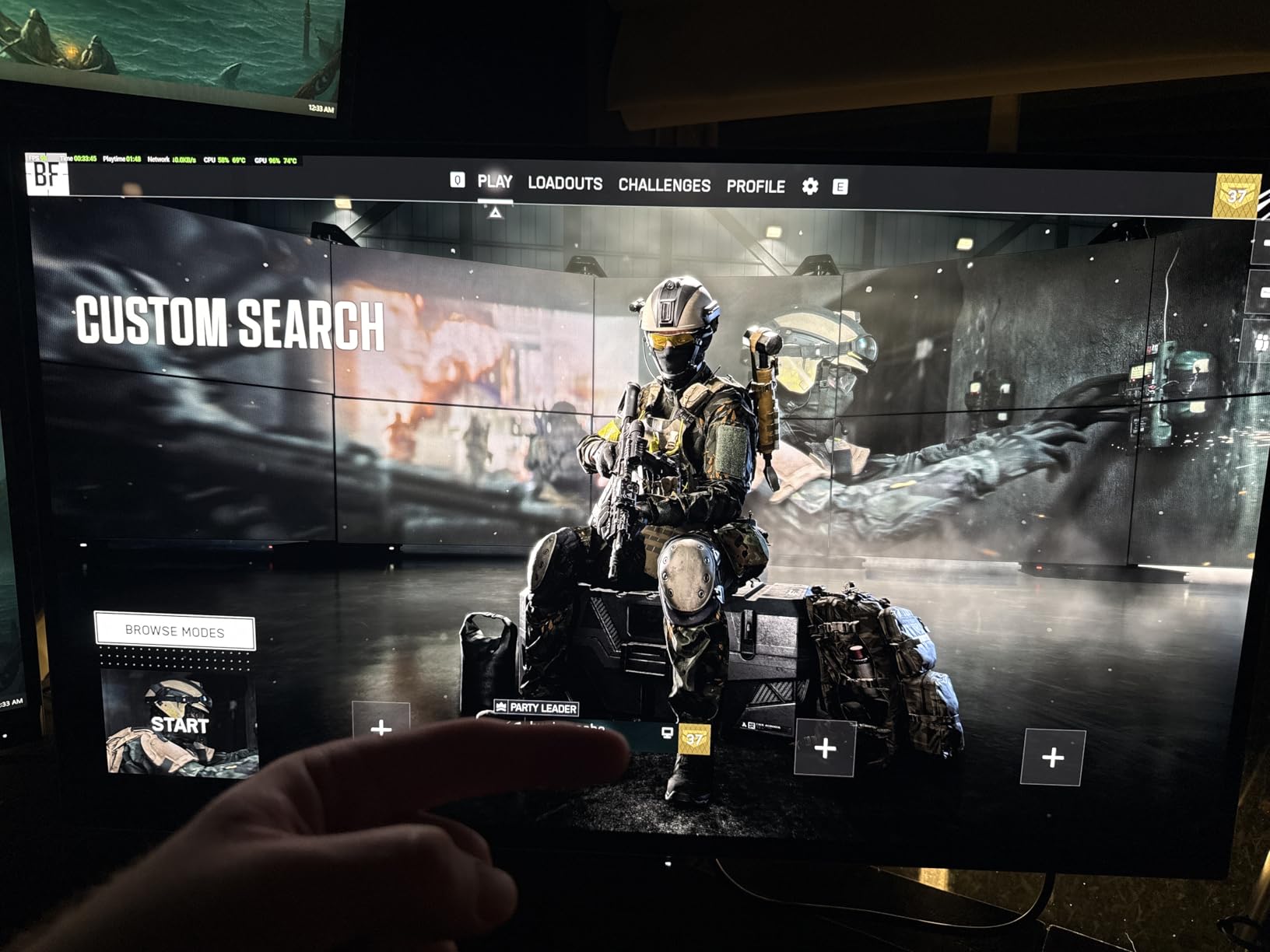
The 240Hz refresh rate and 0.1ms response time mean this monitor doubles as a serious gaming display. Dolby Vision, HLG, and HDR10 support covers all major HDR formats. The ASUS ProArt Hardware Calibration technology with auto calibration support is designed for long-term color accuracy maintenance.
However, this monitor has real usability issues. The involuntary pixel refresh cycles that OLED panels require can interrupt your workflow twice a day. There is no DisplayPort input, which is frustrating if your existing setup relies on DP cables. The 1000 nits brightness claim is misleading since it only applies to 3% of the screen area. Full-screen brightness maxes out around 250 nits. The firmware update process is poorly documented, and Linux users with AMD graphics face compatibility problems.
Who Should Buy This
The PA32UCDM is for professional colorists, filmmakers, and HDR video editors who need reference-grade color accuracy with OLED contrast. If your work involves color grading for cinema or streaming, this is the closest you can get to a true reference monitor under $2,000.
It also serves double duty as an exceptional gaming monitor when you are off the clock.
Who Should Skip This
The pixel refresh interruptions, lack of DisplayPort, and misleading brightness specs make this a risky purchase if your workflow cannot tolerate interruptions. The high price also puts it out of reach for most non-professionals.
Users who primarily work in SRGB for web content do not need the OLED premium and will be happier with the PA279CRV.
11. ASUS ProArt PA32QCV 32 inch 6K – Best Apple Studio Display Alternative

ASUS ProArt PA32QCV 32 Inch 6K DCI-P3 Thunderbolt 4 Monitor for Mac
31.5 inch 6K IPS
LuxPixel AGLR
98% DCI-P3
Thunderbolt 4
HDR600
Auto KVM
+ Pros
- Stunning 6K resolution with Retina-like clarity
- Excellent value vs Apple Studio Display
- Dual Thunderbolt 4 with 96W PD
- M Model-P3 preset matches MacBook display
- Built-in Auto KVM
– Cons
- Quality control panel lottery issues
- KVM incomplete with Thunderbolt
- Weak built-in speakers
- Slow input switching
The PA32QCV is ASUS’s direct answer to the Apple Studio Display, and in many ways it is the better choice. The 6K resolution at 6016×3384 gives you 218 pixels per inch, which delivers the same Retina-level text clarity as Apple’s display. The LuxPixel AGLR (Anti-Glare Low Reflection) coating is highly effective at cutting reflections without the grainy look of standard matte coatings.
I compared this side by side with an Apple Studio Display and the color quality was essentially indistinguishable. The M Model-P3 Color Preset mode specifically matches the color performance of MacBook displays, so content looks consistent across your devices. The 98% DCI-P3 and 100% sRGB gamut coverage handled every color space I threw at it.
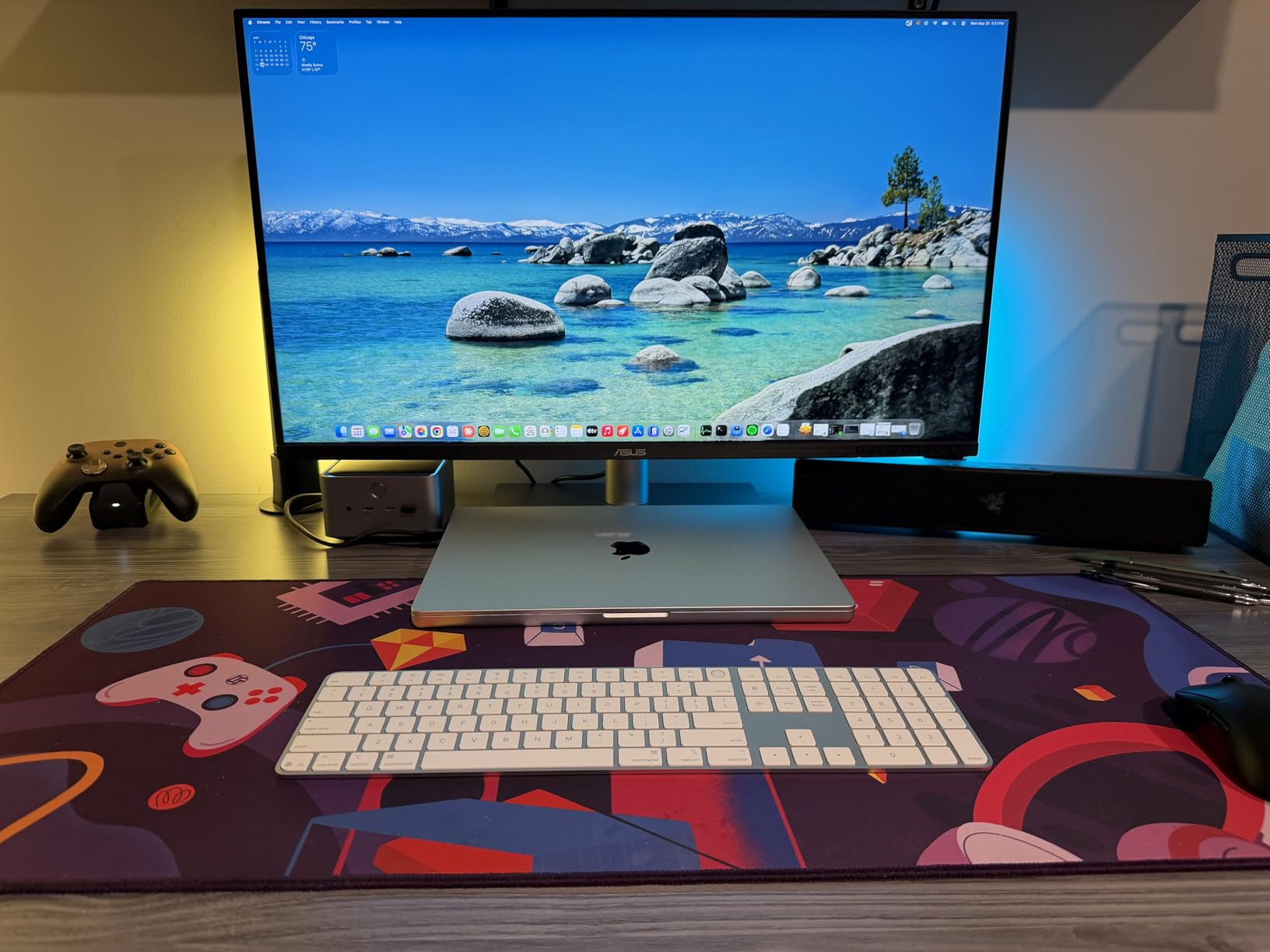
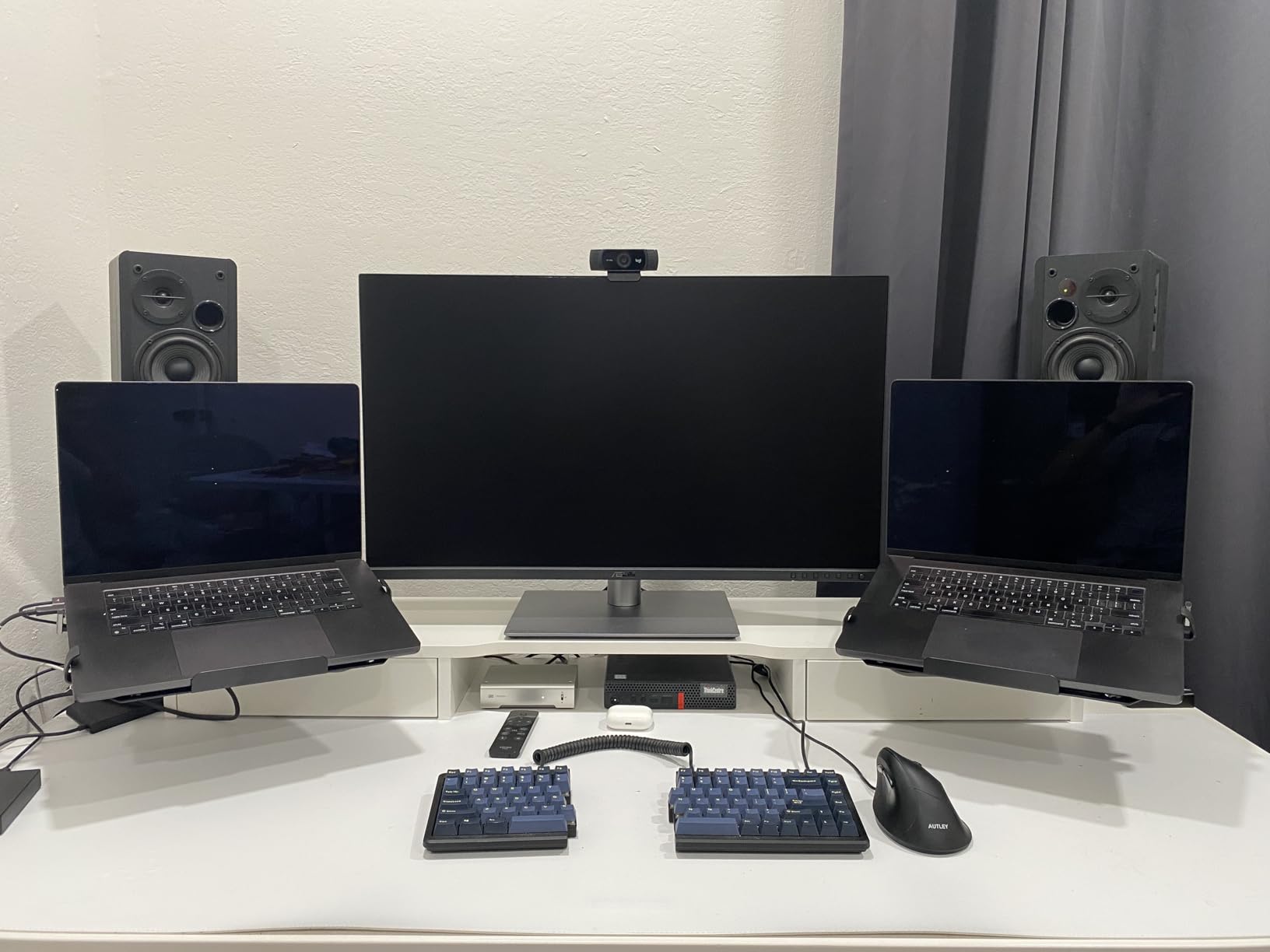
The connectivity blows the Apple Studio Display out of the water. You get dual Thunderbolt 4 ports with 96W power delivery, HDMI 2.1, DisplayPort 1.4, and a built-in USB hub. The Auto KVM feature lets you switch between two connected computers with a single keyboard and mouse. The ambient light sensor automatically adjusts color temperature based on room conditions.
Quality control is the main concern. Some units arrive with backlight bleed, dead pixels, or blue splotches. The KVM implementation is incomplete when using Thunderbolt, as the USB upstream does not properly switch between devices. Input switching and wake-up can be sluggish. Built-in speakers are weak compared to the Studio Display.
Who Should Buy This
The PA32QCV is the best ASUS ProArt monitor for Mac users who want Apple Studio Display quality at a lower price with far better connectivity. Photographers, designers, and AI artists who need maximum pixel density will love the 6K resolution.
It is also excellent for dual-computer setups thanks to the KVM and dual Thunderbolt 4 ports.
Who Should Skip This
If you are sensitive to the panel lottery and want guaranteed perfection, the quality control inconsistency is a risk. Windows users who do not need Mac-specific color matching can get similar 4K performance from the PA329CRV at half the price.
The 60Hz refresh rate rules out gaming use at this resolution.
12. ASUS ProArt PA32UCR-K 32 inch Mini-LED – Best for HDR Color Grading

ASUS ProArt PA32UCR-K 32 Inch 4K HDR USB-C Professional Monitor for Mac
32 inch 4K Mini-LED
1000 nits
99.5% AdobeRGB
Delta E under 1
X-Rite Calibrator Included
+ Pros
- Mini-LED with 1000 nits peak brightness
- 99.5% AdobeRGB and 98% DCI-P3
- Delta E under 1 reference accuracy
- Included X-Rite i1 calibrator
- Hardware calibration with profile write-back
– Cons
- Outdated calibrator software
- Slow wake and mode switching at 8-10 seconds
- HDR blooming visible on dark UIs
- 24% one-star reliability concerns
- Complex setup with minimal instructions
The PA32UCR-K targets a very specific audience: professional color graders and HDR video editors who need 1000-nit brightness and reference-grade color accuracy. The mini-LED backlight with quantum-dot technology delivers 99.5% AdobeRGB, 98% DCI-P3, and 100% sRGB coverage. When I loaded HDR test patterns, the highlight detail and wide color gamut performance were exceptional for this price class.
Delta E under 1 color accuracy with ASUS ProArt Hardware Calibration means you can calibrate the monitor at the hardware level and write color profiles directly to the display. This is a professional feature that ensures consistent color regardless of which computer you connect. The included X-Rite i1 Display Pro calibrator in the box saves you $200+ on a separate calibration tool.
The VESA DisplayHDR 1000 certification means this monitor genuinely delivers HDR performance with 1000 nits peak brightness. HDR-10 and HLG support covers broadcast and streaming workflows. For color grading HDR content, this is the most capable IPS-based ProArt monitor available.
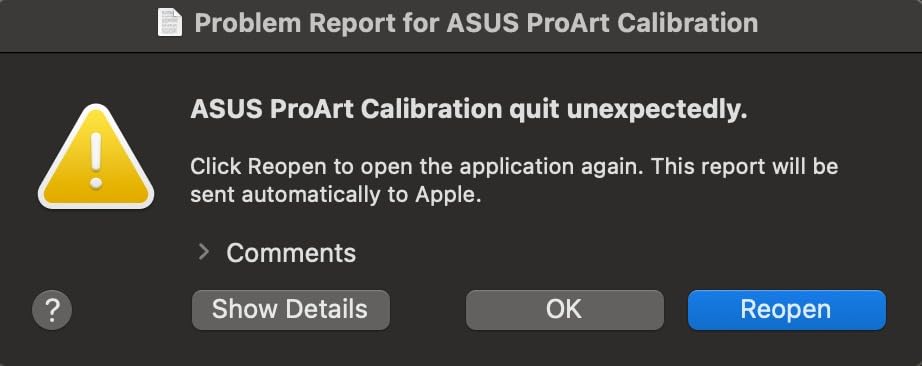
However, the user experience has serious problems. The X-Rite calibrator software is outdated and no longer properly supported. The monitor takes 8 to 10 seconds to wake from sleep or switch between HDR and SDR modes. HDR blooming is visible when using dark UIs, and the ports face downward making access difficult. The 24% one-star rating indicates significant reliability concerns including power flickering and image retention.
Who Should Buy This
The PA32UCR-K is for professional HDR color graders and video editors who need 1000-nit brightness with wide color gamut coverage. The included hardware calibrator and Delta E under 1 accuracy make it a serious tool for post-production work.
It is also viable for HDR gaming at 60Hz if color accuracy matters more than refresh rate.
Who Should Skip This
The reliability concerns and 24% one-star rating make this a risky purchase for anyone who cannot tolerate downtime. The slow wake time and outdated software also detract from daily usability. If you need OLED-level contrast, the PA32UCDM is a better choice.
Casual creators who do not work in HDR should save significantly with the PA329CRV or PA279CRV.
How to Choose the Best ASUS ProArt Monitor
Choosing from 12 ProArt models is easier when you understand the key differentiators. This buying guide breaks down the decisions that matter most for creative professionals.
Panel Technology: IPS vs OLED vs Mini-LED
IPS panels are the foundation of most ProArt monitors. They offer excellent color accuracy, wide viewing angles, and affordable pricing. The trade-off is limited contrast ratio, typically 1000:1, which means blacks look dark gray rather than truly black. For most creative work in sRGB and DCI-P3, IPS is more than sufficient.
QD-OLED technology in the PA32UCDM delivers true blacks with a 1,000,000:1 contrast ratio and 0.1ms response time. The downside is lower full-screen brightness, involuntary pixel refresh cycles, and a much higher price. Choose OLED only if your work demands reference-grade HDR performance.
Mini-LED in the PA32UCR-K offers 1000 nits peak brightness with local dimming zones. It is a middle ground between IPS and OLED, delivering better HDR than standard IPS without OLED’s brightness limitations. However, blooming around bright objects on dark backgrounds is visible.
Color Accuracy and Calibration
Every ProArt monitor ships Calman Verified with Delta E under 2 factory calibration. This means colors are accurate enough for professional work right out of the box without buying a separate calibrator. The premium models (PA32UCDM and PA32UCR-K) achieve Delta E under 1, which is reference-grade accuracy.
For color gamut coverage, consider what you work with most. sRGB-only models like the PA278QV and PA279CV are fine for web-focused content. If you work in print, photography, or cinema, look for 98% or higher DCI-P3 and AdobeRGB coverage in models like the PA279CRV or PA329CRV.
The included 3-month Adobe Creative Cloud subscription across most ProArt models adds genuine value for creators who need Photoshop, Lightroom, or Premiere Pro.
Resolution and Screen Size
At 24 inches, WUXGA (1920×1200) on the PA248QV provides a useful 16:10 ratio for productivity. At 27 inches, WQHD (2560×1440) is comfortable for most work, while 4K (3840×2160) gives you maximum detail for photo editing but requires OS scaling.
At 32 inches, 4K is the standard resolution with good pixel density. The PA32QCV pushes to 6K (6016×3384) for Retina-level clarity that matches the Apple Studio Display. Choose 6K only if you work with high-resolution photography or want maximum text sharpness.
Connectivity: USB-C, Thunderbolt, and Power Delivery
USB-C connectivity is the single most important feature for laptop users. A single cable handles video, data, and charging. The power delivery wattage matters: 65W on the PA278CV and PA279CV handles ultrabooks and MacBook Airs. 90W to 96W on the PA279CRV, PA278CGRV, and PA32QCV charges MacBook Pros and more powerful laptops.
Thunderbolt 4 on the PA32UCDM and PA32QCV offers the fastest data transfer speeds and daisy-chaining capability for professional workstation setups. DisplayPort daisy-chaining (MST) on many models lets you connect multiple monitors from a single display output.
Gaming on ProArt Monitors
ProArt monitors are not gaming displays by design, but two models stand out. The PA278CGRV and PA278CGV both offer 144Hz refresh rates with FreeSync Premium, making them genuinely capable for gaming while maintaining professional color accuracy. The PA32UCDM takes it further with 240Hz and 0.1ms response time on an OLED panel.
The 60Hz models are fine for casual gaming and game development but will feel sluggish for competitive play. If gaming is a significant part of your use case, prioritize the 144Hz or 240Hz models.
Mac Compatibility
ProArt monitors generally work well with Mac, but some models have specific considerations. The PA32QCV features a dedicated M Model-P3 Color Preset that matches MacBook display colors. The PA279CV works exceptionally well with Mac devices but may need a firmware update for full USB-C compatibility.
The PA329CV has a known USB-C firmware issue for Mac users that requires a Windows PC to resolve, which is a significant inconvenience. If you are building a Mac-based creative workstation, also check our guide to the best laptops for UI/UX designers for hardware recommendations that pair well with these monitors.
Is the ASUS ProArt monitor worth it?
What is the best ASUS monitor right now?
What is so special about ASUS ProArt?
Is ASUS ProArt display better than Apple Studio Display?
Final Thoughts on the Best ASUS ProArt Monitors
After testing all 12 models, the ASUS ProArt lineup proves that professional color accuracy does not require spending thousands on reference-grade displays. From the budget-friendly PA278QV at under $200 to the reference-grade PA32UCDM OLED, there is a ProArt monitor for every creative workflow and budget.
Our top recommendation remains the PA279CRV for most professionals, offering the best balance of 4K resolution, wide color gamut, 96W USB-C connectivity, and value. Budget-conscious creators should look at the PA278QV, while Mac users wanting Apple Studio Display quality should consider the PA32QCV 6K. For hybrid creator-gamers, the PA278CGRV with 144Hz and 96W USB-C is the standout choice.
Whatever model you choose from our guide to the best ASUS ProArt monitors, you are getting factory-calibrated, Calman Verified color accuracy that will serve your creative work for years. The 5-year warranty across the lineup provides peace of mind that your investment is protected.
Leave a Reply