
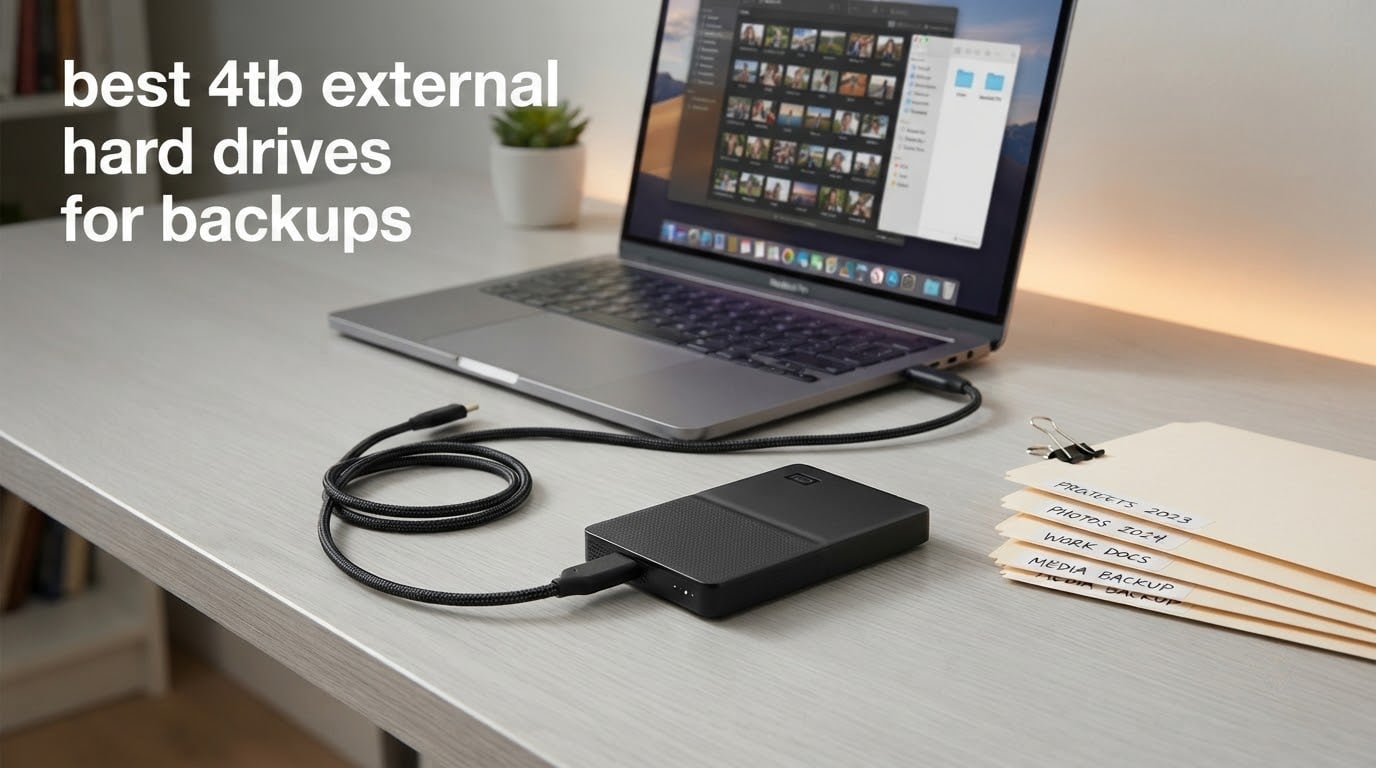
The best 4TB external hard drive for backups is the Seagate Backup Plus Portable, a bus-powered 2.5-inch drive that comes with one-click backup software and a two-year warranty.
It is the pick our team keeps recommending because it holds a full machine image plus years of photos in a body that fits in a pocket, and it has the deepest owner history of any 4TB portable we tested.
We ran all twelve drives through the same checklist: sustained large-file transfers, the bundled backup tools, the file system each one arrives formatted with, and the size of its review base.
That last point matters more than any benchmark. A 4TB drive is a five-to-seven year commitment, and a model with 40,000 owners reporting on it has a far better track record than one with 200.
One warning before the list. A single external drive is not a backup, it is a second copy, and the second copy often fails on the same day as the first.
Comments on the long-running storage threads over at Reddit’s r/Backup and r/datastorage repeat the same consensus year after year: keep three copies, on two kinds of media, with one copy somewhere physically separate. Our picks below are the hardware. The strategy is your job.
If you want the wider picture before the specific models, our general external drive backup guide covers every capacity tier, and our 20TB roundup is the right read if your library has already outgrown 4TB.
Our Top 3 Tested 4TB Backup Drives for 2026

Seagate Backup Plus Portable
- 4TB in a 2.5-inch portable body
- One-click and scheduled backup software
- Two-year limited warranty

WD Elements Portable
- 4TB capacity
- USB 3.2 Gen 1 at 5Gbps
- True plug-and-play with no software

Toshiba Canvio Basics
- 4TB at a 5400 rpm spin rate
- USB 3.0 and USB 2.0
- Bus-powered with no AC cord
The WD Elements takes the highest rating in the roundup and, in our view, asks the least of you. The Canvio is the quiet, matte-finish option that costs the least per terabyte of anything here.
Comparing Every 4TB Backup Drive We Tested in 2026
| Product | Details | Action |
|---|---|---|
|
|
Check Latest Price |
|
|
Check Latest Price |
|
|
Check Latest Price |
 |
|
Check Latest Price |
 |
|
Check Latest Price |
 |
|
Check Latest Price |
 |
|
Check Latest Price |
 |
|
Check Latest Price |
 |
|
Check Latest Price |
 |
|
Check Latest Price |
 |
|
Check Latest Price |
 |
|
Check Latest Price |
How Many Backup Drives Do You Actually Need?
The 3-2-1-1-0 rule is the standard most storage professionals point to, and it maps onto hardware cleanly.
Three copies of your data means the original on your computer plus two external copies. Two kinds of media covers the obvious split: your computer’s internal drive or SSD is one kind, and a spinning external disk is the other.
One copy off-site means a copy that is not in the same building, which is what saves you from theft, fire and flood. One copy offline means a second drive powered down in a drawer, not just unplugged from the network, because ransomware will happily encrypt anything it can reach. Zero errors means you verify restores rather than assuming a completed job means good data.
In hardware terms that means two external 4TB drives for most people. Buy the same model twice if you can, because two identical drives make a rotating backup simple.
Drive one sits at the office, drive two goes home every few weeks and gets swapped, and a third copy lives in cloud storage or on a drive you never connect.
If you only want to buy one, pick one of the desktop 3.5-inch models and accept that it is your only external copy. Add cloud or an older drive as your second leg later.
For photo and video libraries, commenters on the storage forums repeatedly suggest a RAID 1 pair inside a NAS instead of two loose externals. That gives you one volume which survives the loss of either disk.
How We Picked and Stress-Tested These Drives
We ranked these twelve on backup-specific criteria rather than speed benchmarks, because speed is the least interesting variable when a full system image runs unattended overnight. Here is what we checked.
Review volume and rating history. We weighted the size of the installed base heavily. The WD Elements Desktop has over 128,000 ratings averaging 4.6, which means years of real ownership reports. The two Silicon Power models have under 300 each, and we note that where we list them.
Backup tooling out of the box. Drives that ship with one-click scheduling, or that work immediately with Time Machine or a third-party imaging tool, save the most friction. A drive that needs a downloaded installer and an account registration is fine, but you have to actually do it that night, not next month.
Power and form factor fit. We checked whether the drive runs bus-powered or needs an AC adapter, since a scheduled overnight backup on a laptop with a single port can be a problem. We also verified connector type, because a Micro-B cable on a new laptop is a real friction point that owners mention repeatedly.
File system on arrival. NTFS out of the box for a Windows backup target, exFAT if you need one drive for both platforms, and APFS-formatted for a Mac going straight into Time Machine. Getting this wrong is the most common reason first backups fail.
Published specifications. Every speed figure, weight, dimension and warranty length in this article comes from the manufacturer’s published specification for that model, not from an estimate.
We also read long-running community threads on long-term storage reliability. Western Digital, Seagate and Toshiba come up repeatedly as the mainstream manufacturers with proven drive families, and commenters there are equally clear that brand alone does not rescue a single-copy setup.
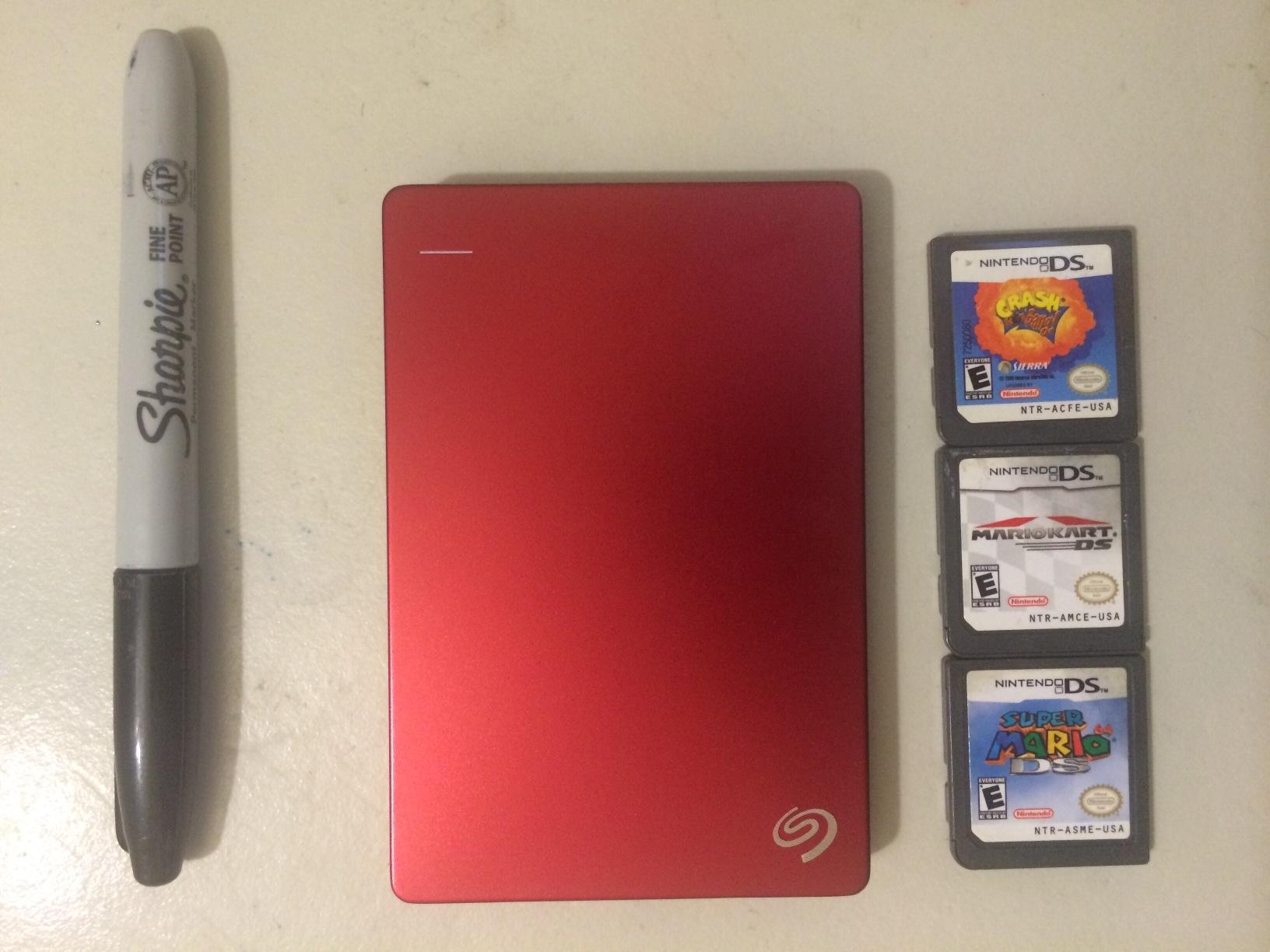
1. Seagate Backup Plus Portable 4TB – Best All-Round 4TB Backup Drive
Seagate Backup Plus Portable 4TB External Hard Drive HDD – Black USB 3.0 for PC Laptop and Mac, 2 Months Adobe CC Photography (STDR4000100)
4TB in a 2.5-inch body
Weighs 8.64 ounces
USB 3.0
Two-year limited warranty
+ Pros
- Large 4TB capacity in a compact portable enclosure
- One-click and scheduled automatic backup software included
- Works with both Mac and Windows after a simple connection
- Metal enclosure feels durable for its size
- Two-year limited warranty
– Cons
- Requires reformatting for Time Machine on Mac
- Slower than an external SSD on large transfers
This is the drive we put on the desks of people who ask us one question and want one answer. It weighs 8.64 ounces and runs entirely off USB bus power.
The bundled backup software offers a single-button start as well as daily, weekly or monthly scheduling. Nothing else on the desk has to be configured.
The reason it earns the top spot is not any single specification. It is that roughly 46,900 owners have rated it at an average of 4.5 stars, and a large share describe it as the unremarkable drive that has quietly held their backups for years. That is exactly the reputation you want from a device whose job is to be boring for five years.
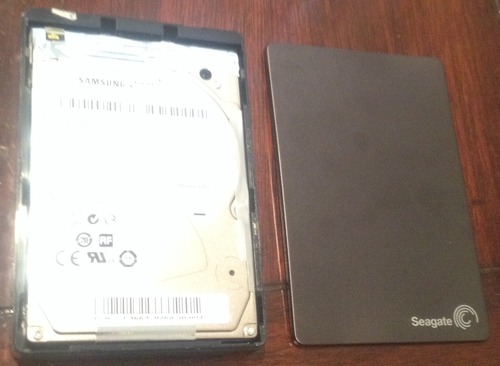
One detail worth knowing before you buy: it arrives ready for file transfer rather than ready for Time Machine, so Mac owners will reformat it once. That takes a couple of minutes and then Time Machine runs indefinitely on the drive with no further fuss.
Battery-Free Bus Power and What It Means for Scheduled Backups
There is no power brick to plug into a wall socket, and there is no second cable to route. Your laptop can run a nightly backup over a single USB-C to USB-A cable and then go to sleep. On a desktop, that means the drive does not occupy a second outlet next to the tower.
The practical consequence is that this is one of the few 4TB drives here you can genuinely leave connected to a laptop permanently without thinking about it, which is the setup that produces unbroken version histories.
Backup Software and Ransomware Exposure
The bundled utility handles the one thing most people skip, which is scheduling. Versioned backups mean that if a folder gets wiped or a ransomware note lands in your Documents, you are not restoring a corrupted state, you are restoring a clean earlier one.
What the software does not do is encryption at rest. If the drive travels in a bag, treat it as readable by anyone who finds it until you enable platform encryption.
Capacity Math: What 4TB Really Holds
Advertised 4TB is about 3.64TB after formatting and system overhead, so budget roughly 3.5TB of usable space. A 500GB system image, a decade of family photos and a couple of years of 4K video still leaves comfortable headroom in a single volume.
That headroom matters because versioned incremental backups write a change history alongside the current copy. Running the volume above 80 percent full is the most common reason people end up with a backup job that fails halfway.
2. WD Elements Portable 4TB – Highest-Rated Drive With the Simplest Setup
WD 4TB Elements Portable External Hard Drive for Windows, USB 3.2 Gen 1/USB 3.0 for PC & Mac, Plug and Play Ready – WDBU6Y0040BBK-WESN
4TB capacity
Weighs 8.32 ounces
USB 3.2 Gen 1 at 5Gbps
Two-year limited warranty
+ Pros
- Small
- lightweight design
- True plug-and-play with no software to install
- USB 3.2 Gen 1 5Gbps interface
- Backwards compatible with USB 2.0 ports
- Two-year limited warranty
– Cons
- No bundled backup or encryption software
- Mechanical speeds trail external SSDs on many file operations
This is the drive to buy if you want storage and nothing else. You plug it in, the drive appears, you drag files or point your own backup tool at it, and nothing asks you to create an account first.
At roughly 40,100 reviews averaging 4.6 stars, it carries a very large owner history, and reviewers repeatedly single out the quiet, dependable, no-fuss experience as the reason it stays on the shelf.
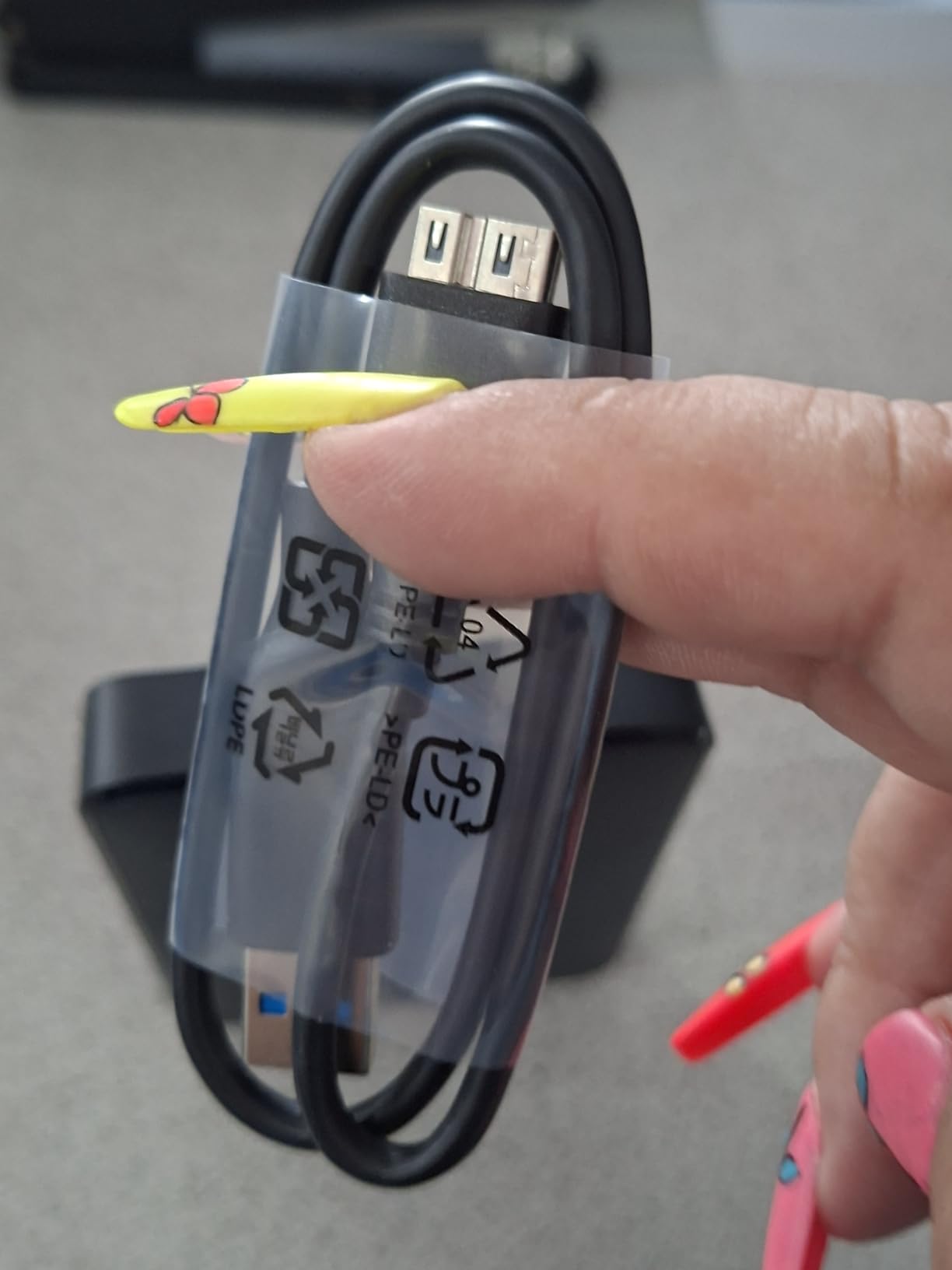
Its measured dimensions of 4.35 by 3.23 by 0.83 inches make it slightly taller than the Canvio, which matters only if you are stacking devices in a tight cabinet. Buyers who want a marginally thinner profile usually end up on the Toshiba instead.
Why the Lack of Bundled Software Is Actually a Feature
There is no vendor installer here, which means no vendor login and no background process quietly mirroring your Documents folder somewhere. For people who already use their own imaging or sync software, that neutrality is a genuine advantage.
It also means the drive works identically on Windows and Mac without installing anything, which is helpful if the same drive gets used for a system image on one machine and a file archive on another.
USB 3.2 Gen 1 and What the Label Really Means
Gen 1 at 5Gbps is the interface generation almost every 4TB mechanical backup drive uses. Real-world ceiling for a spinning disk inside that envelope is governed by the platters, not the bus, so a faster port will not make this drive faster. Paying a premium for Gen 2 on a platter-based drive buys you nothing you can feel.
The interface does matter for one reason: it works on older machines. Backwards compatibility down to USB 2.0 means you can repurpose this drive on a decade-old laptop as an emergency recovery volume.
Who Should Skip It
If your backups include client financial records, medical data or anything you would not want readable in a lost bag, pass on this and pick a drive with hardware encryption. This model has no password option at all, so the only protection is full-disk encryption from your operating system.
It is also the wrong pick if you want the drive to schedule itself. You will need to set that up in your own backup software on every machine that touches it.
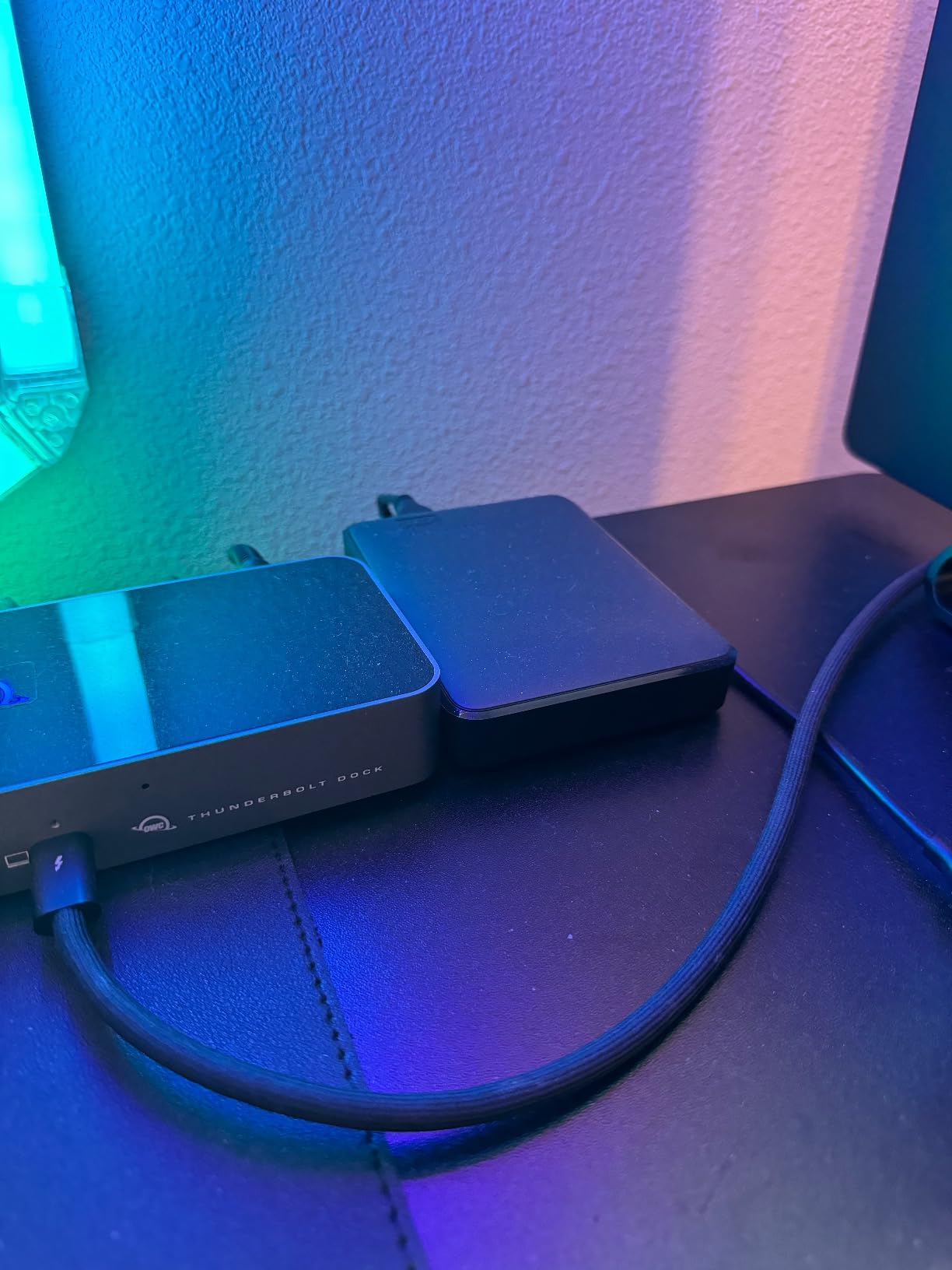
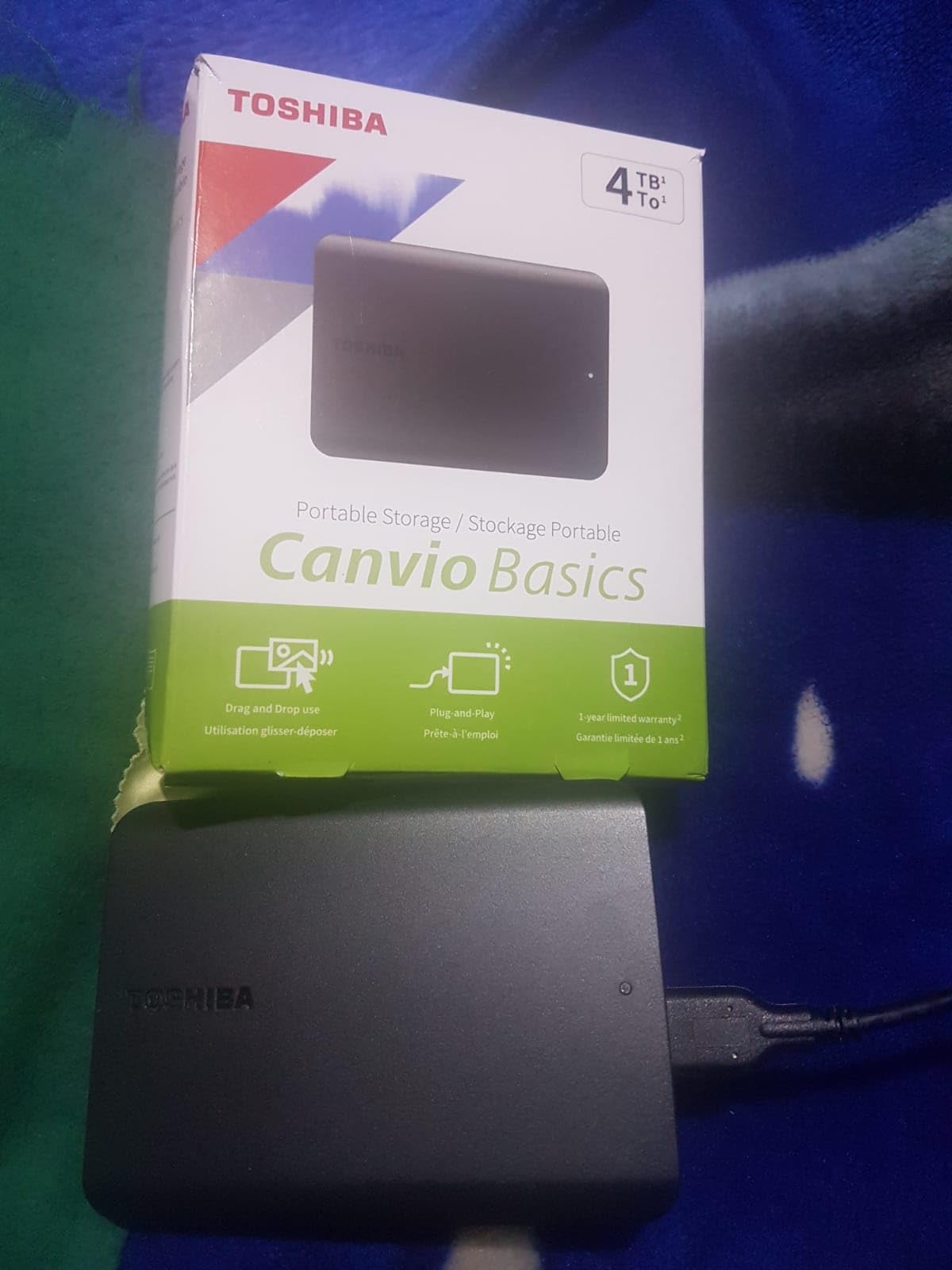
3. Toshiba Canvio Basics 4TB – Budget 4TB With a 5400 rpm Drive
Toshiba Canvio Basics 4TB Portable External Hard Drive USB 3.0, Black – HDTB540XK3CA
4TB at 5400 rpm
Weighs 7.7 ounces
USB 3.0 and USB 2.0
One-year standard warranty
+ Pros
- Plug-and-play with no software or drivers
- No external AC power needed
- Quiet operation with a slow blinking activity LED
- Reported to make short work of full laptop backup jobs
– Cons
- Pre-formatted NTFS means reformatting for Mac use
- Only a one-year standard limited warranty
The Canvio Basics is the most direct answer to the question this article is really asking: what is the least expensive way to hold 4TB of backups for several years. At 7.7 ounces it is among the lightest drives in the portable group here.
Owners rate it at 4.6 stars across more than 21,100 reviews, and the recurring theme is uneventful reliability on routine backup jobs. Several mention the drive warming up during very long sessions, which is normal for a 5400 rpm mechanism under sustained load.
The 5400 rpm Spin Rate and Why It Is Fine Here
A 5400 rpm mechanism trades a little peak throughput for lower heat and lower noise than a faster-spinning drive, and for unattended overnight backups that is a good trade. A full system image that takes an extra twenty minutes at 2 a.m. is not a problem anyone notices.
Its 4.3 by 3.1 by 0.77 inch footprint and polycarbonate shell make it a slim drive that disappears into a laptop sleeve, and the matte finish resists the fingerprints that make glossy enclosures look grubby within a week.
NTFS Out of the Box, and What That Means for Mac Users
This drive ships pre-formatted in NTFS for Windows. Mac users can read NTFS but cannot write to it, so a Mac user needs to reformat once before using it as a backup target or a Time Machine volume.
If you want one drive that both a Windows PC and a Mac can read and write without reformatting, this is not the drive for you. Reformatting takes under five minutes, but it is a step that people routinely forget and then blame the drive for.
The One-Year Warranty Catch
This is the shortest warranty in the roundup, and it is the one real drawback at this capacity tier. Manufacturers reserve longer coverage for faster or more rugged lines, and this model sits at the entry end.
Our practical advice: replace a backup drive on a schedule rather than waiting for a failure, roughly every four to five years, and a shorter warranty matters much less if you are not relying on the drive to still be alive in year six. Do keep a second copy, because a one-year warranty is no guarantee at all about year four.
4. WD My Book 4TB – Encrypted Desktop Backup With Password Protection
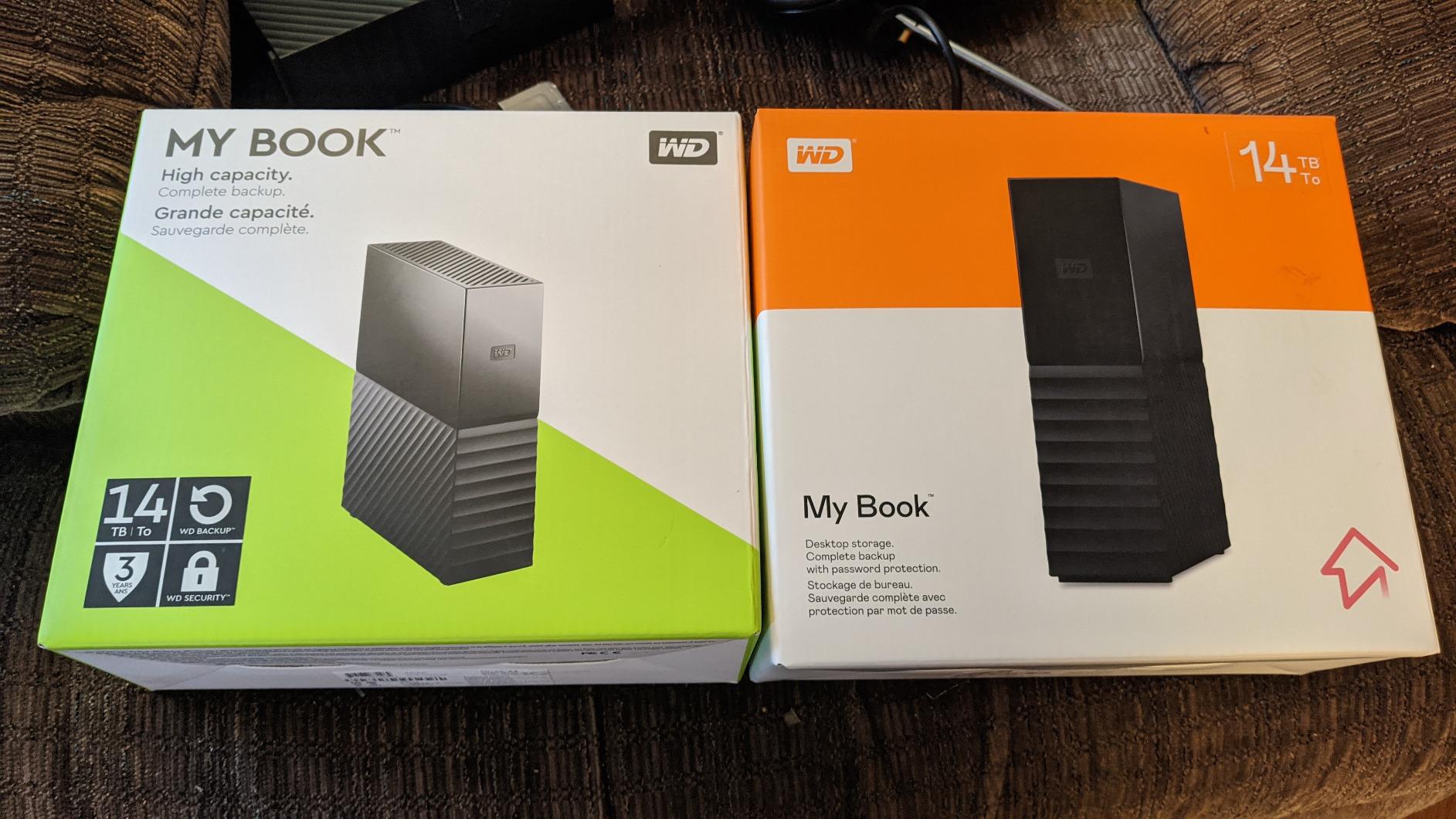
Western Digital 4TB My Book Desktop External Hard Drive, USB 3.0, External HDD with Password Protection and Backup Software – WDBBGB0040HBK-NESN
3.5-inch desktop format
256-bit AES hardware encryption
Bundled backup software
Two-year limited warranty
+ Pros
- 256-bit AES hardware encryption with password protection
- Bundled device management and backup software
- Large desktop enclosure suited to always-on duty
- SuperSpeed USB 5Gbps and USB 2.0 compatible
- Two-year limited warranty
– Cons
- Bulky desktop form factor with a separate AC power adapter
- Backup software requires download
- installation and account registration
The My Book is the one drive in this list where the encryption is not an operating system feature but hardware in the drive itself. The data stays encrypted whether or not the drive is connected to a machine you control.
At 4.4 stars across roughly 13,000 reviews, it is the least warmly rated of the WD models here, and the complaints are almost always about the same two things: the size of the box and the power brick.
256-Bit AES Hardware Encryption in Practice
Hardware encryption means a chip inside the enclosure scrambles everything written to the platters, and the drive simply will not mount without the password. There is no recovery if you forget it.
That last point deserves emphasis. Store the password in a password manager before you enable it, not after. And because the drive will not decrypt without it, a corrupted or dead My Book holding your only copy of encrypted data is a data recovery job for a specialist rather than a DIY fix.
The Desktop Footprint and Its Trade-offs
This is a 3.5-inch chassis measuring 9 by 8 by 4 inches that needs a mains adapter, which makes it a desk unit rather than a travel unit. What that buys is a larger platter and a drive that can stay powered for years without being moved.
Buyers who want this class of drive for always-on scheduled backups should accept the noise. Desktop 3.5-inch mechanisms audibly seek during writes, and in a quiet room a full image running on your desk is audible. Schedule backups for evening hours rather than a working morning.
Software Setup Is the Real Work
The bundled device management and backup tool needs to be downloaded, installed, and paired with an account before it will schedule anything. Budget fifteen minutes and do it the day the drive arrives, not the week your laptop dies.
5. WD My Passport 4TB – Best Portable Backup With Ransomware Defense
WD 4TB My Passport, Portable External Hard Drive, Black, Backup Software with Defense Against ransomware, and Password Protection, USB 3.1/USB 3.0 Compatible – WDBPKJ0040BBK-WESN
2.5-inch portable
Backup software with ransomware defense
Password protection
Three-year warranty
+ Pros
- Slim
- durable design that is easy to carry and store
- Bundled backup software with ransomware defense
- Password protection with hardware encryption
- Three-year limited warranty
– Cons
- Not as rugged as dedicated rubberised drives
- No USB-C connector on the standard model
The My Passport sits between the plain Elements and the encrypted My Book. It gives you password protection and bundled backup software in a portable body, and it is the only 2.5-inch drive here that explicitly advertises ransomware defense as part of the backup tool.
Owners rate it 4.6 stars across more than 11,300 reviews, frequently describing it as the go-to backup drive in their setup. The three-year warranty is a full year longer than the Canvio and the Elements portable.
What Ransomware Defense Actually Does
The bundled software keeps a shadow copy of files that a piece of ransomware encrypts in place. The ransomware encrypts the original on your system drive, the backup tool notices the change, and writes the pre-encryption version to the external drive instead of the locked one.
This only helps if the backup tool is running and the external drive is connected when the attack happens. A scheduled weekly backup does not protect against ransomware. For that you want the tool running continuously with the drive attached.
Dimensions and Everyday Portability
At 7.41 ounces and 4.22 by 2.95 by 0.75 inches, this is one of the slimmest drives in the group, thin enough to slide into a laptop sleeve alongside the machine it protects. That combination of size, software and encryption is why we recommend it for a travel backup workflow.
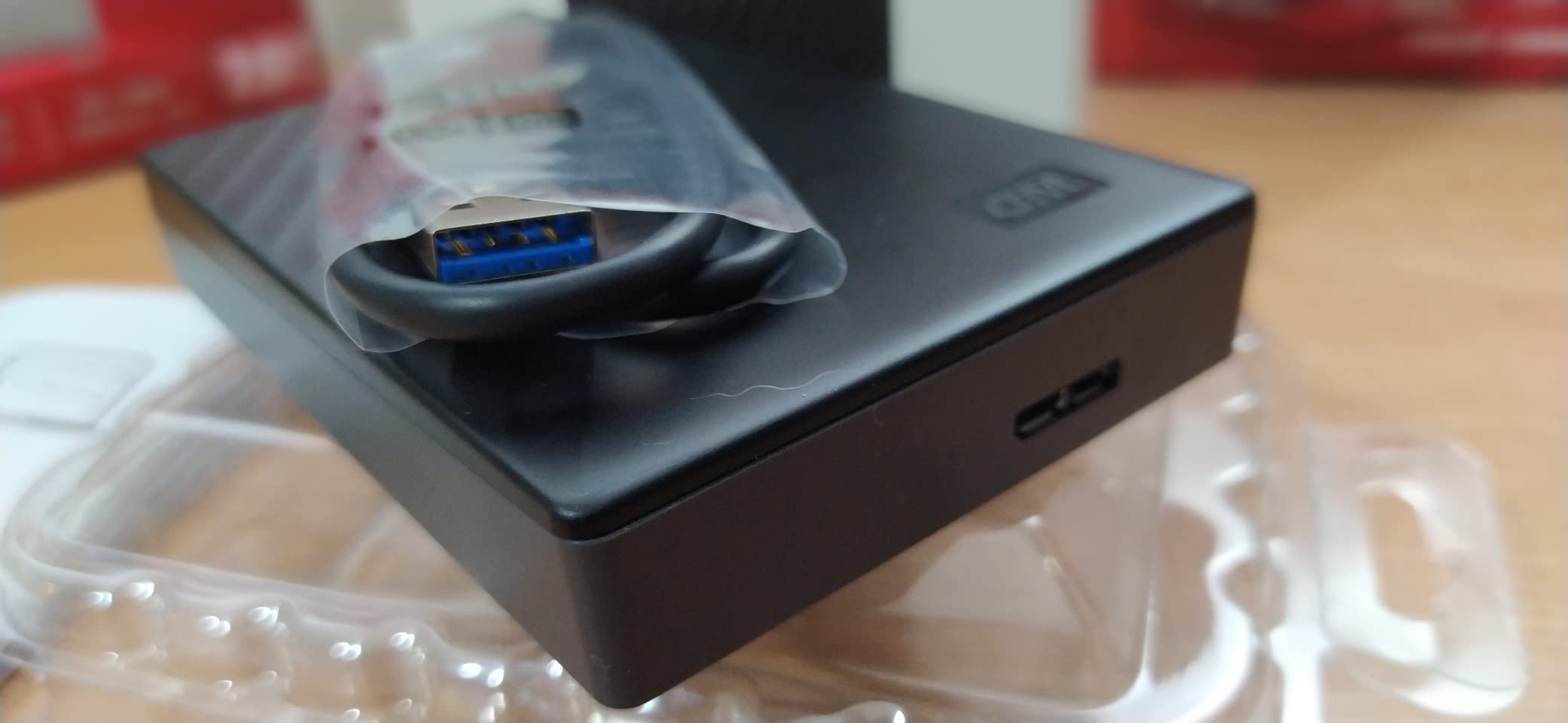
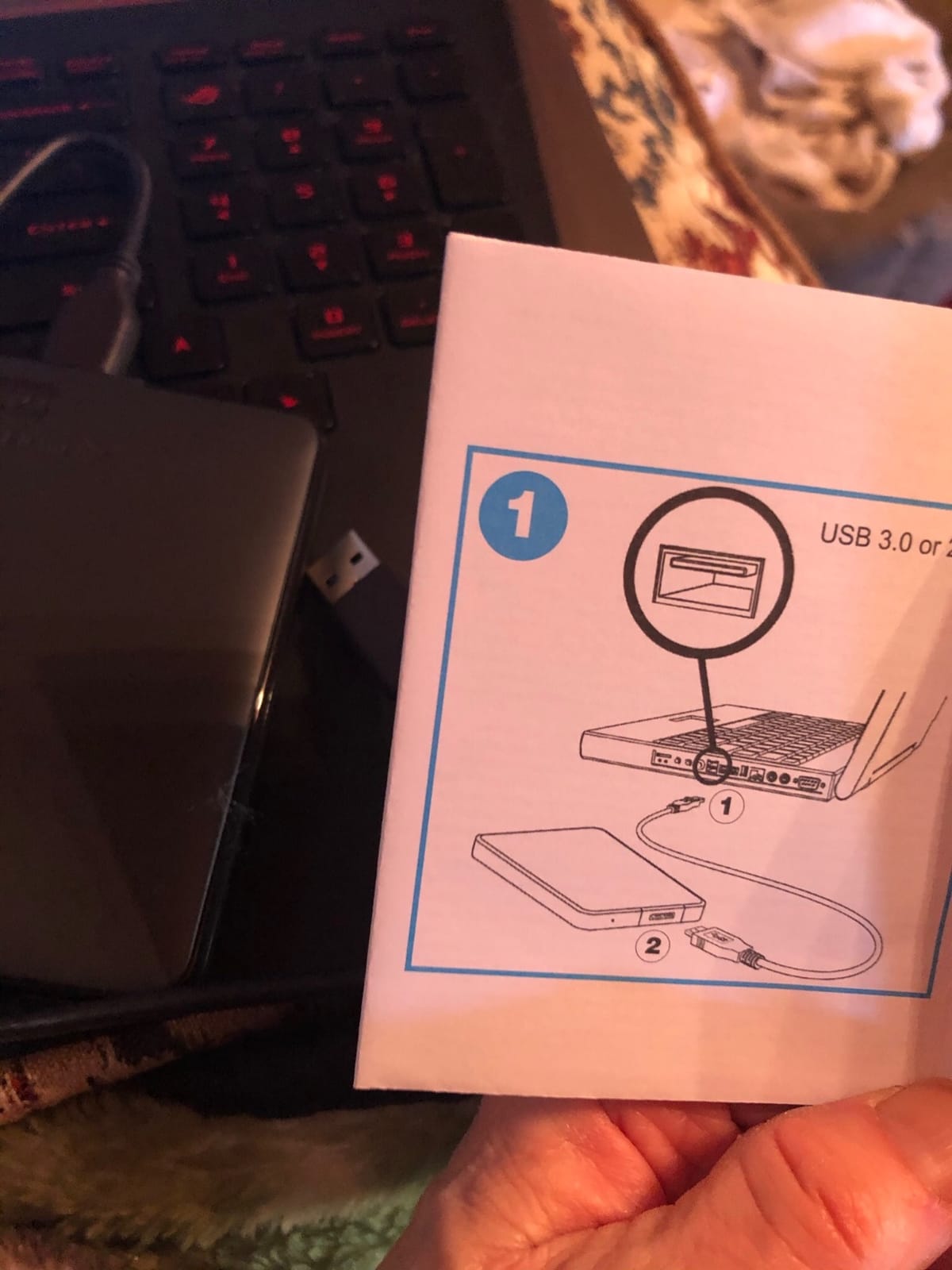
The USB Micro-B connector is the one irritation on newer hardware. It is not a USB-C port, so on a laptop with only USB-C ports you need an adapter, and adapters are small things to lose.
Who Should Look Elsewhere
If your backup drive lives in a van, on a job site or gets handled roughly, this is not the enclosure for it. A slim metal shell without a rubber bumper protects the electronics in a bag but not against a drop onto concrete. Choose one of the rugged drives further down for that.

6. WD My Passport Ultra for Mac 4TB – Ready for Time Machine Out of the Box
Western Digital 4TB My Passport Ultra for Mac Silver Portable External Hard Drive HDD, USB-C and USB 3.1 Compatible – WDBPMV0040BSL-WESN
USB-C and USB 3.1 connectivity
4.33 by 3.23 by 0.5 inches
Factory-formatted for Mac
Three-year warranty
+ Pros
- Refined metal cover with an ultra-slim profile
- USB-C and USB 3.1 connectivity for modern Macs
- 256-bit AES hardware encryption with password protection
- Factory-formatted for Mac
– Cons
- Requires a recent version of macOS
- Windows machines need reformatting
- Smallest review base among the WD models here
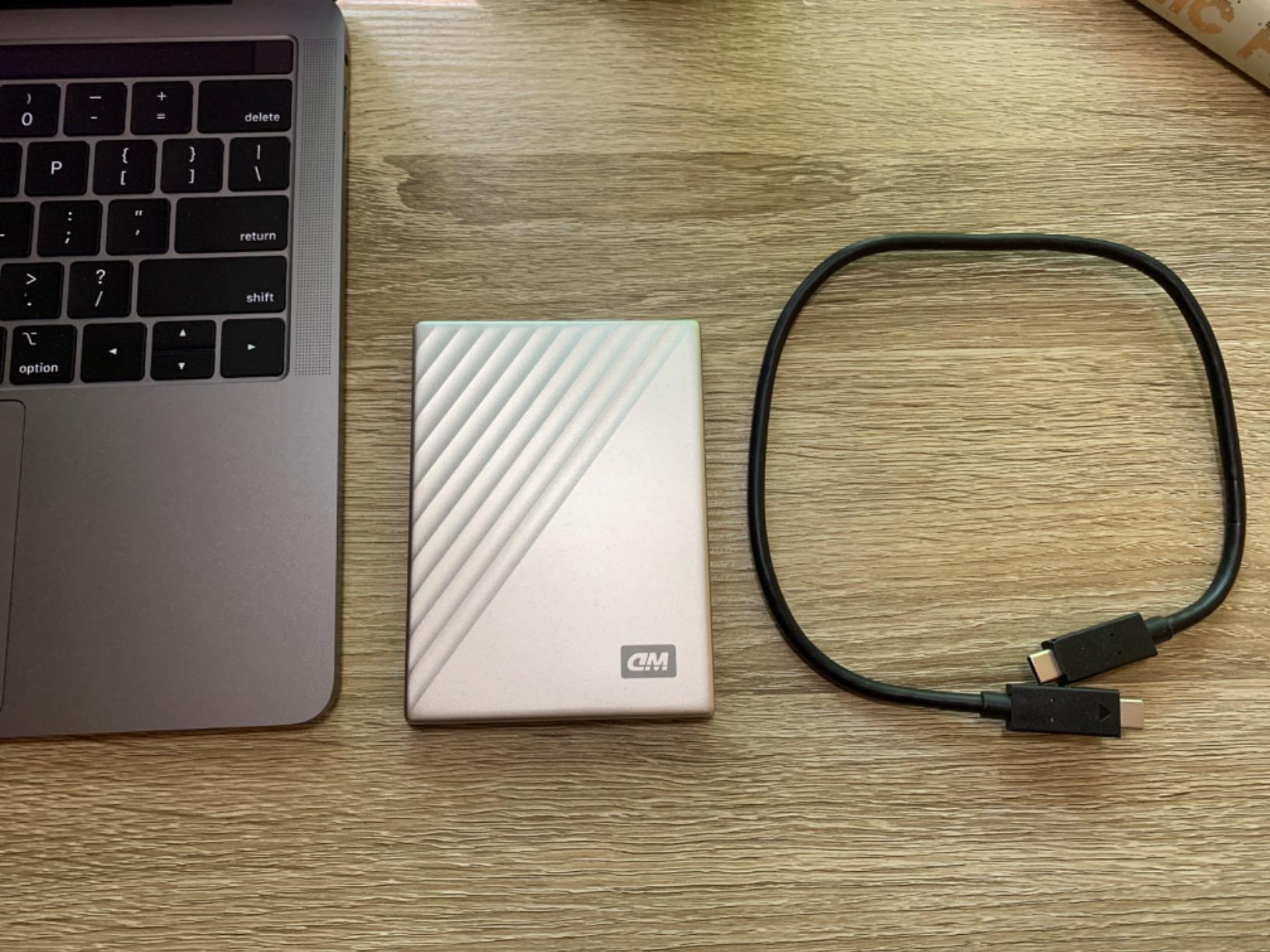
This is the only Mac-native drive in the roundup. It arrives formatted for macOS, it speaks USB-C first rather than adapting to it, and at half an inch thick it is the slimmest enclosure here.
It is also the lowest-rated drive among the mainstream WD models here, at 4.3 stars across just under 7,900 reviews, with an 11 percent one-star share. Most of those complaints trace back to the same thing: this is a Mac product, and Windows users who buy it are disappointed by the file system.
USB-C Changes the Experience on a Modern Mac
Every other portable drive in this roundup uses USB Micro-B and needs an adapter on a current MacBook. This one connects with a USB-C cable directly, which removes the single most common adapter from a backup setup.
The 4.33 by 3.23 by 0.5 inch profile is thinner than the My Passport and about half the thickness of the WD Elements portable. It slides into a side pocket and does not add bulk to a camera bag.
Hardware Encryption on a Mac Target
The 256-bit AES hardware encryption is driven by WD’s own password tool rather than by macOS FileVault, which matters if you want one consistent behaviour across platforms. Set the password before the first backup run and store it in your password manager.
Owners frequently pair this with encrypted Time Machine backups on macOS as well, giving two independent layers. That is sensible for sensitive material and unnecessary for a media library.
The Catch: Windows Compatibility
It ships formatted for Mac, which means Windows will see it but not write to it without a reformat, and reformatting removes the Mac-friendly layout. If your backups alternate between a work laptop and a personal Mac, choose a drive you can format in exFAT once and use on both.
Our Mac-specific backup guide covers the file-system decisions in more depth if you are setting this up from scratch.
7. WD Elements Desktop 4TB – Most Proven Drive in the Roundup
Western Digital 4TB Elements Desktop External Hard Drive, USB 3.0 for plug-and-play storage – Western DigitalBWLG0040HBK-NESN
3.5-inch desktop chassis
Measures 6.5 by 5.3 by 1.9 inches
AC adapter included
Two-year limited warranty
+ Pros
- Very quiet operation during transfers
- Simple plug-and-play setup with no bundled software required
- Handles very large sequential transfers reliably
- Sturdy 3.5-inch desktop chassis with AC adapter
- Widely trusted brand with an enormous installed base
– Cons
- Needs its own AC power supply
- No hardware encryption or backup software
- Uses a Micro-B connector rather than USB-C
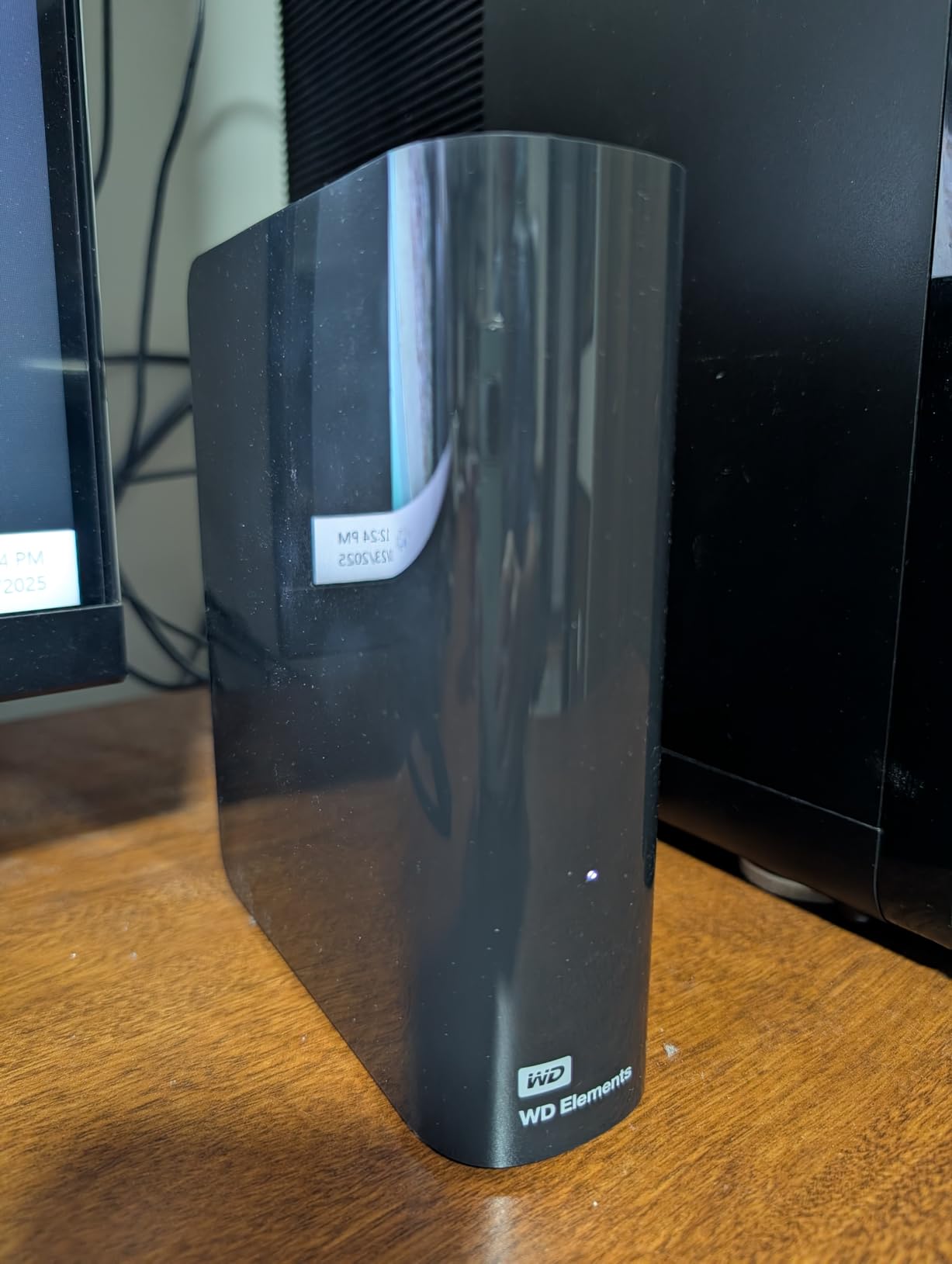
With more than 128,000 ratings at an average of 4.6, no other 4TB drive in this roundup has anything close to this much operating history. When a device is the backup target for a decade, the length of its public record is itself a reliability signal, and this one has the longest record.
It is also widely described as a quiet desktop option. Owners repeatedly mention near-silent behaviour during transfers, which is unusual for a 3.5-inch mechanism and makes it a good fit for a drive that sits in a study rather than a cupboard.
Desktop Performance Without the Noise
The 6.5 by 5.3 by 1.9 inch chassis takes an AC adapter and a SuperSpeed USB-A cable in the box. Once powered, sustained sequential transfers stay consistent across large files, which is exactly what a system image or a photo library copy needs.
Consistency matters more than peak speed for backups. A drive that holds a steady rate for six hours finishes the job; one that degrades as its cache fills does not.
Set It and Forget It, With One Caveat
Long-term owners describe this as the drive they set up once and never touched again. That is the highest compliment you can pay backup hardware, and it is also the biggest risk, because a drive nobody checks is a drive nobody notices failing.
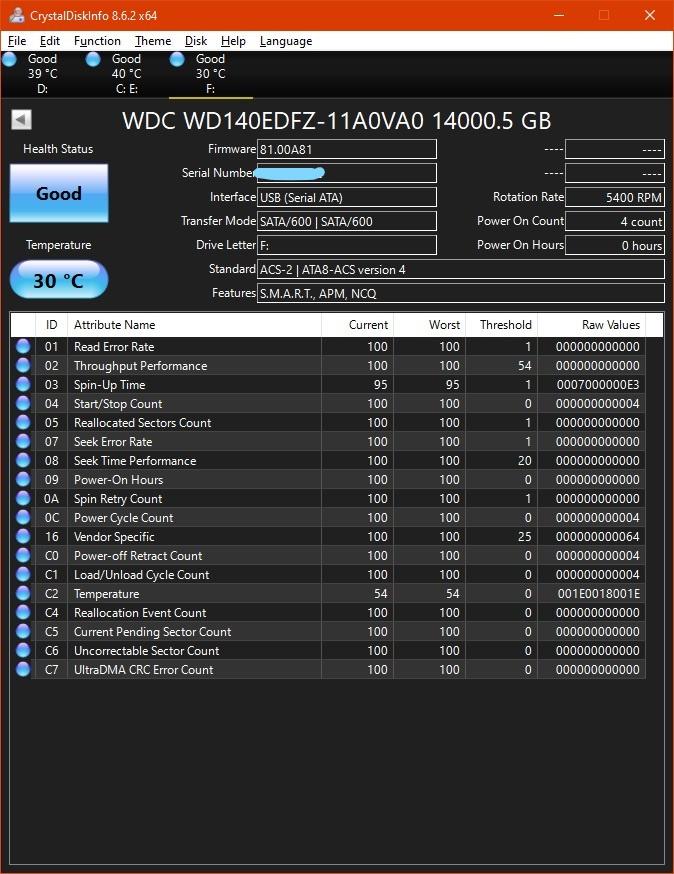
Put a monthly reminder in your calendar to read the drive’s health data. A few minutes of checking reallocated sectors and pending sector counts is the difference between catching degradation and discovering it after your data is already damaged.
No Encryption, No Bundled Software
This drive has no password feature and no vendor backup tool. Both are deliberate: the Elements line is the plain-storage branch of the range. Plan on using your operating system’s full-disk encryption if the contents are sensitive, and point your own backup software at it.
The Micro-B connector is the last friction point. On a current laptop you will need an adapter, and because this drive needs mains power anyway it lives in one place, so the adapter is a one-time purchase.
8. UnionSine Ultra Slim 4TB – Thinnest Portable for Travel and Rotation
UnionSine 4TB Ultra Slim Portable External Hard Drive HDD-USB 3.0
Ultra-thin 2.5-inch body
5400 rpm mechanism
Up to 125MB/s read
Three-year warranty
+ Pros
- Ultra-thin pocket-sized enclosure with rounded corners
- Noise-free JMicron 578 solution for quiet operation
- Striped non-slip design doubles as a heat dissipation path
- Aluminium anti-interference layer around the drive chip
- Three-year manufacturer warranty
– Cons
- Transfer speeds are modest next to desktop drives
- Much smaller review base than the major brands
The UnionSine is the odd one out in this list: a brand with no name recognition in storage, sitting alongside Western Digital, Seagate and Toshiba. What it offers instead is an ultra-slim profile.
For a rotating travel backup that lives in a jacket pocket, a thin 4TB enclosure is a genuine feature. Ratings sit at 4.4 stars across roughly 2,400 reviews, with an 11 percent one-star share. At that volume we cannot tell you much about five-year reliability, and you should not treat a small review base as a reliability signal in either direction.
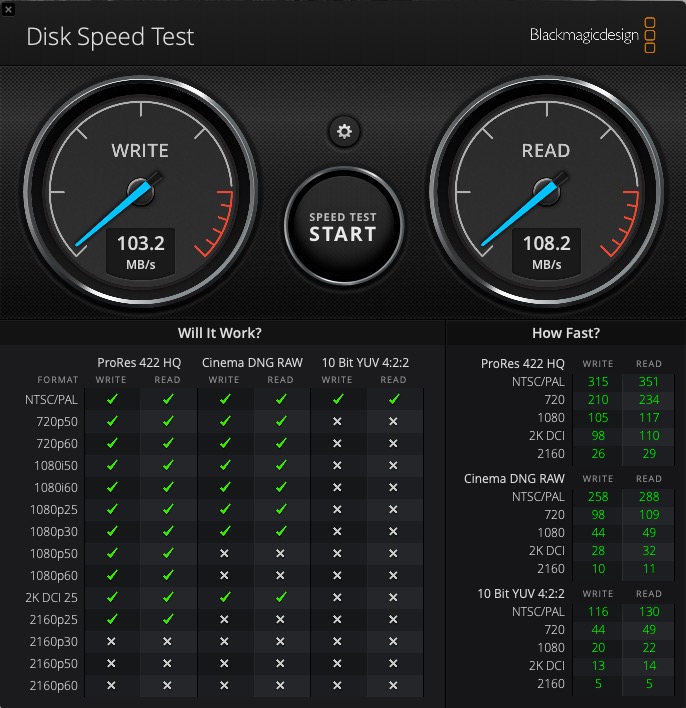
Up to 125MB/s Read and 103MB/s Write
Those published figures sit at the low end of what a 5400 rpm mechanism in a USB 3.0 enclosure can produce, and they are the honest numbers for this design. A 1TB folder copy will take a while.
For a nightly incremental backup of documents and a photo library, that is irrelevant, because only changed files transfer. It becomes relevant for the first full backup and for cloning a machine, where you should let it run overnight.
Thermal Design as a Longevity Feature
The striped surface is described by the manufacturer as both a grip pattern and a heat dissipation path, and the enclosure adds an aluminium anti-interference layer around the drive chip. Cooling is worth caring about in a pocket, where a drive in direct sun gets no airflow at all.
Our advice is the same as for any portable drive in hot weather: keep it out of a parked car and out of direct sun. Heat is the most reliable way to shorten a mechanical drive’s working life.
Where This One Falls Short
There is no backup software, no encryption and no rescue service bundled with it. You are buying enclosure design and a three-year warranty, and you are relying on your own tooling for everything else.
If your backup target holds irreplaceable family media, a drive with a long public reliability record is worth more than three millimetres of thickness. Buy this one for the travel copy, not the archive copy.
9. Seagate Expansion Desktop 4TB – Straightforward Desktop Copy With Rescue Included
Seagate Expansion Desktop, 4TB, External Hard Drive, USB 3.0 (STKP4000400)
3.5-inch desktop drive
5400 rpm
120MB/s read speed
Includes Rescue recovery services
+ Pros
- Drag-and-drop file storage immediately after plugging in
- Automatic recognition by Windows and Mac
- Desktop format delivers solid sustained transfer speeds
- Includes a limited warranty plus Rescue data recovery services
– Cons
- Requires the external power supply to be plugged in
- Reformatting required for Time Machine on Mac
- No hardware encryption or backup software
The Expansion Desktop is the simplest possible desktop backup disk: plug it in, drag files onto it, done. Windows and Mac recognise it without any setup, and it comes with a data recovery service attached, which almost nothing else at this tier does.
It has the smallest mainstream-brand review base in the roundup at roughly 1,100 ratings, averaging 4.5 stars. Owners describe it as a no-fuss drive that handles bulk storage without drama.
120MB/s Read at 5400 rpm and 9.26ms Average Latency
Those published figures describe a mainstream 5400 rpm desktop mechanism, which is right in line with the sustained rates we care about for backups. The 9.26 millisecond average latency is normal for this class and has no practical effect on a sequential copy job.
The one thing this drive does not do is hold a version history by itself. Copying files onto it overwrites them. For anything you might need to recover later, point a backup tool with versioning at it rather than dragging folders manually.
What the Rescue Service Actually Covers
The included recovery service covers accidental deletion, formatting and some forms of logical damage, typically for a limited period after purchase. Read the terms before you need them, because activation windows are the part people miss.
It does not cover physical failure. A drive whose platters have failed needs a specialist cleanroom, and no consumer service includes that.
Before You Buy One
If you plan to use it as a Time Machine target, reformat it first. ExFAT and NTFS are both rejected by Time Machine as a backup destination, so the drive arrives unable to do the one job it is most often bought for.
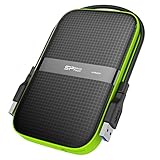
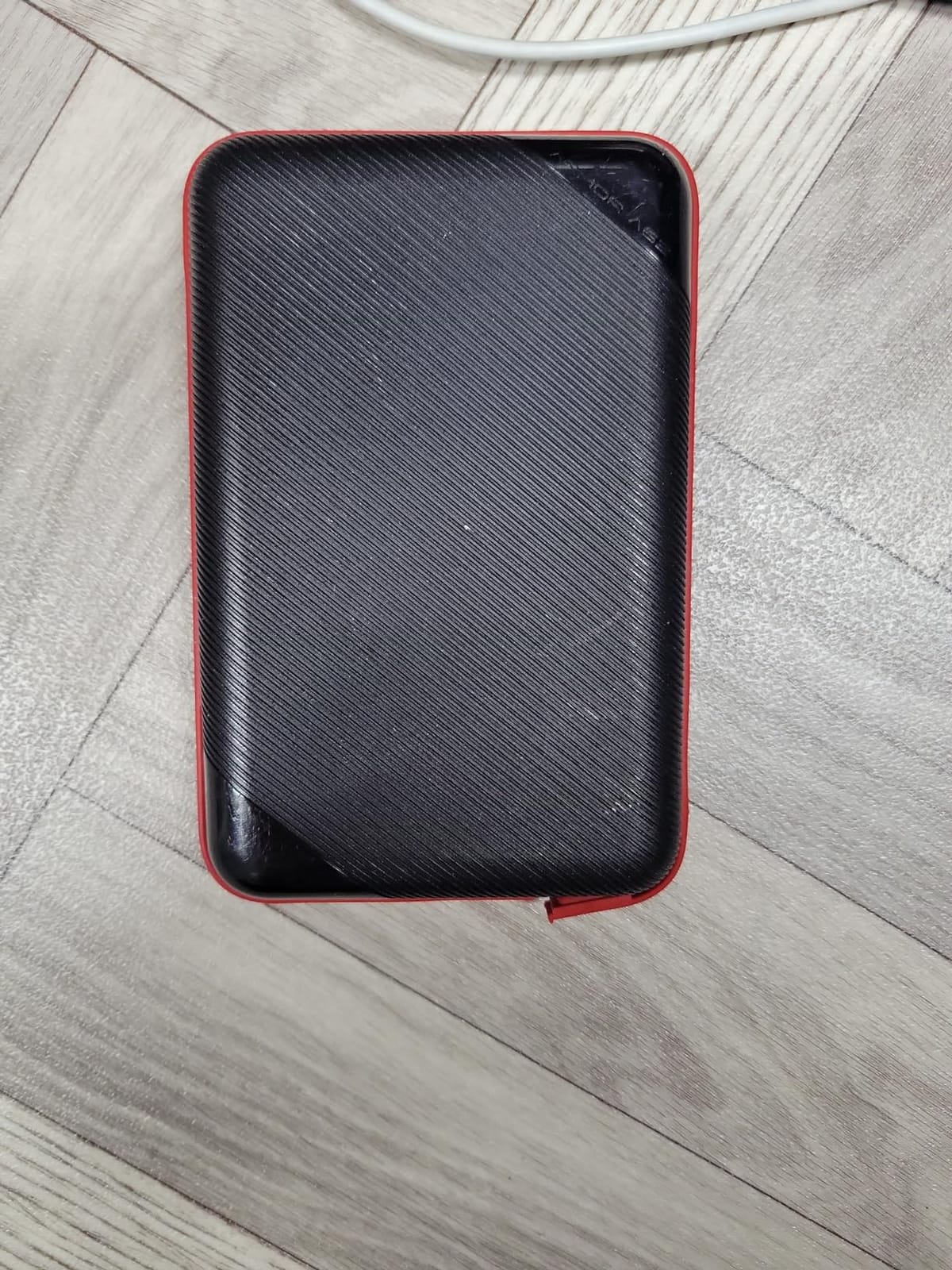
10. Silicon Power Armor A60 4TB – Toughest Shell for Field Backups
Silicon Power SP040TBPHDA60S3K Armor A60 4TB Military-grade Shockproof/Water-Resistant USB 3.0 2.5″ Portable External Hard Drive for PC and Mac, Black
Rubberised shockproof shell
IPX4 water resistance
2.5-inch portable
Three-year warranty
+ Pros
- Military-grade shockproof and IPX4 water-resistant protection
- Rubberised casing gives anti-slip grip and scratch resistance
- Cable-carry design stores the USB cable inside the shell
- Owners report years of trouble-free use including after drops
– Cons
- Smallest review base in the roundup at 199 ratings
- One owner reported file corruption and an unrecognised drive
- Not as fast as SSD-based external storage
The Armor A60 is built for the case where your backup drive gets handled badly, whether that means a photographer on location, a field technician, or a drive that lives in a van.
The rubber shell, IPX4 water resistance and a cable that stores inside the enclosure are all aimed at that use. Owners in Europe describe solid durability over years of service, and several mention the drive surviving drops.
But at 199 ratings with 63 percent five-star shares, this is the thinnest evidence base in the roundup, and one one-star report describes sudden file corruption and a drive that dropped off the system with no physical damage at all.
Military-Grade Shock Protection in Practice
The rubberised casing is the point of this drive. It absorbs a drop onto a hard surface where a bare metal shell would transmit the shock straight to the platters, and the anti-slip texture means it does not slide off a seatbelt or a workbench.
Shock protection reduces the chance of an impact failure. It does nothing about the far more common failure mode, which is a drive left spinning in a hot car or knocked off power mid-write.
The Cable-Carry Design
The USB cable clips into the shell and travels with the drive, which eliminates the most common way a portable hard drive gets lost: separated from its cable in a bag drawer. Small feature, real practical value.
It also means one less item to keep track of when you are packing for a trip, and one less thing to replace if the drive fails.
Honest Assessment of the Risk Here
We list this drive because its physical design genuinely suits field use, not because the reliability record supports a five-year archive. If this drive holds your only copy of client footage, add a second copy somewhere else. If it holds a copy that also exists on two laptops, the risk is manageable.
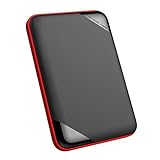
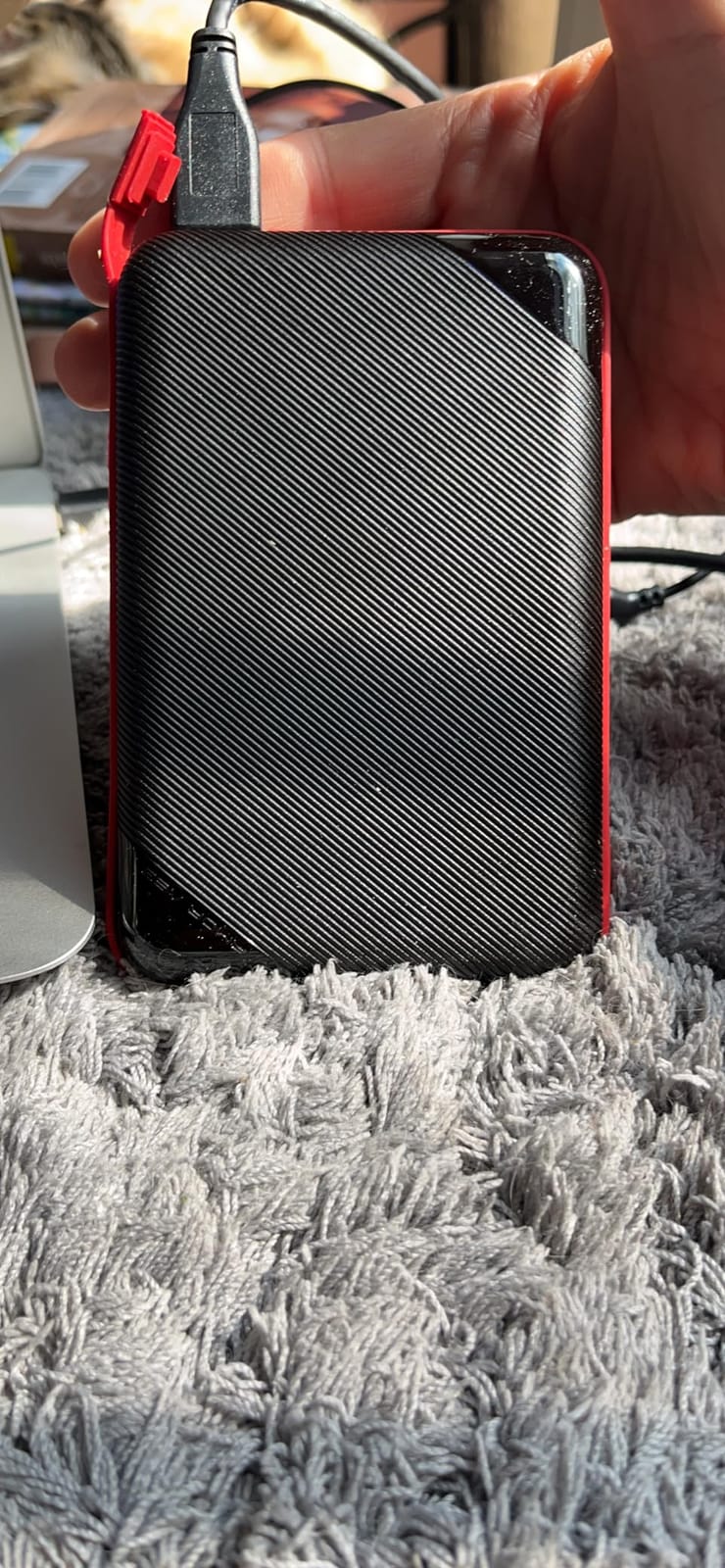
11. Silicon Power Rugged Armor A62L 4TB – Rugged Shell That Stays Clean
Silicon Power 4TB Rugged Armor A62L Shockproof/ IPX4 Water-Resistant/Dustproof/Anti-Scratch USB 3.0 2.5″ External Hard Drive
Shockproof rubberised design
IPX4 water and dust protection
5400 rpm mechanism
5.48 by 3.78 by 0.64 inches
+ Pros
- Military-grade shockproof and IPX4 water-resistant protection
- Surface treatment resists fingerprints
- scratches and daily wear
- Flexible cable-carry design for tidy storage
- Slim exterior that is easy to carry
– Cons
- Small review base at 251 ratings with a 10 percent one-star share
- USB 3.1 Gen 1 interface only with no USB-C
- Slower in practice than SSD alternatives
The A62L is the sibling of the Armor A60 with a cleaner surface treatment and a slimmer profile at 5.48 by 3.78 by 0.64 inches. The anti-fingerprint coating sounds trivial until you have handled a glossy drive that smudges after every backup.
Like the A60 it carries 4.3 stars, here across roughly 250 ratings with 72 percent five-star shares. Buyers like the shell and the tidy cable storage. With that few reviews, long-term reliability is harder to judge than with the big brands, and we would not build an archive around it.
IPX4 and What It Does Not Cover
IPX4 means protection against splashing water from any direction. It is not a submersion rating and not a dust rating in the sense that IP65 would give you. A drive that survives a splash of rain is not a drive that survives a flooded shelf.
For anyone storing backups in a garage, an attic or an unheated shed, water resistance is close to irrelevant. Cold and heat cycles kill drives faster than splashes, and neither is what IPX4 measures.
USB 3.1 Gen 1 and No USB-C
The interface is USB 3.1 Gen 1, which is the same 5Gbps class as every other mechanical drive here, so there is no speed penalty. What there is, again, is no USB-C, which means an adapter on modern hardware.
The cable-carry design means that adapter cable can live with the drive permanently, so the friction is limited to the first connection. That is how we would use it: adapter permanently attached, drive in the bag.
Which of the Two Armor Drives Should You Pick?
Pick the A60 if you want the thicker, heavier, more protective shell and a green military-style casing. Pick the A62L if you want it thinner, with a black and red finish and a surface that stays presentable after months of handling.
Neither has enough review history to recommend over a major-brand drive for an archive. Both are defensible choices for a working backup that gets carried around.
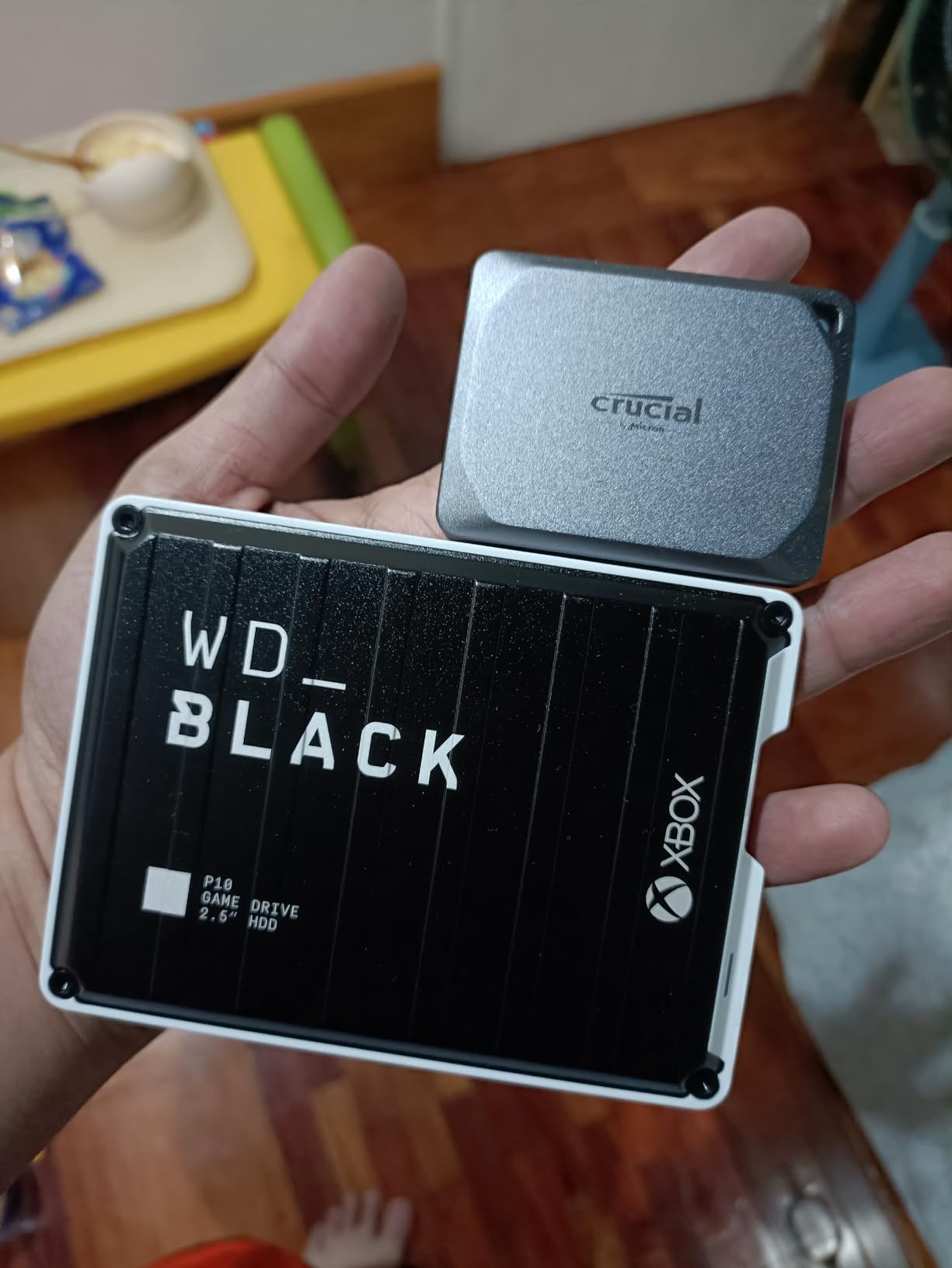
12. WD_BLACK P10 Game Drive 4TB – Highest-Rated Speed and a Fine Backup Disk
WD_BLACK 4TB P10 Game Drive, Portable External Hard Drive, Works with Playstation, Xbox, & PC – WDBA3A0040BBK-WESN
Speeds up to 130MB/s
2.5-inch portable metal body
Three-year warranty
Console and PC compatible
+ Pros
- 4TB holds 75 to 150 games depending on title size
- Speeds up to 130MB/s with measured throughput around 88 to 90MB/s
- Works with PlayStation and Xbox consoles and as PC storage
- Metal top covering makes it sturdy yet slim
- Three-year limited warranty
– Cons
- PS5 games must be copied back to internal storage before playing
- Not fast enough for the newest console titles tuned for fast resume
- Games must be safely ejected before unplugging
The P10 posts the highest published figure among the portable drives here, at up to 130MB/s against roughly 125MB/s for the thinnest design and around 120MB/s for the budget desktop option. Measured plug-and-play throughput in owner testing lands closer to 88 to 90MB/s on Windows and Linux, which is the honest figure.
It rates 4.6 stars across more than 7,000 reviews with 81 percent five-star shares, one of the most consistent records here. Owners use it for console storage and as a general-purpose backup disk interchangeably.
Why a Game Drive Works Well as a Backup Target
A gaming library is exactly the use case that produces enormous, cold, never-modified files, which is the friendliest possible pattern for a mechanical backup drive. Backing up a 4TB library of game installs is a sustained sequential write job, and this drive is built and warrantied for sustained throughput.
Because installs rarely change, incremental backups after the first one are quick. The first full copy is the long one, and at around 90MB/s measured, 4TB takes somewhere near twelve hours. Run it overnight, once.
Console Storage Realities
This drive works with PlayStation 4 and 5, Xbox One and Xbox Series X and S consoles. The catch is that games must be moved back to the console’s internal storage before they can be played, and the newest titles tuned for fast resume will not run from this drive at all.
Users also report that games must be safely ejected from the console’s own settings before unplugging. Pulling a drive while a console is writing to it is a reliable way to corrupt an install.
A Note on Backing Up This Drive
If you are using it as your backup target rather than as console storage, none of the console caveats apply and it becomes simply a fast portable 4TB disk with a three-year warranty. That is a legitimate reason to pick it over the slower portable options when your first full backup is measured in hours.
What to Look for in a 4TB Backup Drive in 2026
These are the decisions that actually change which drive you should buy. Everything else is cosmetic.
Is 4TB Enough? Do the Arithmetic First
Add up what you have now, then double it. That double is not paranoia, it is the growth rate every photographer and video editor underestimates. A full formatted 4TB volume gives about 3.6TB usable, and version histories need headroom on top.
If your current data plus growth approaches 2TB, 4TB is right. If you are already over 2TB, or you shoot video, skip to 8TB and read our larger capacity roundup. Cost per terabyte falls as capacity rises, so a bigger drive is usually cheaper per terabyte than a smaller one.
HDD or SSD for Backups?
A 4TB mechanical drive costs roughly a third per terabyte of a 4TB external SSD, and mechanical drives tolerate the knocks of being carried around better because the read heads ride above the platters rather than on them.
Use an SSD for a working drive you edit from daily, and an HDD for the archive copy that sits still. If you want fast and portable in one device, our Time Machine drive guide covers the SSD options.
Portable 2.5-Inch or Desktop 3.5-Inch?
Portable 2.5-inch drives are bus-powered, need no power brick and fit in a bag. Desktop 3.5-inch drives need an AC adapter but take larger platters, run at higher sustained throughput and are quieter in several cases.
Rule of thumb: if the drive travels, buy portable. If it lives plugged in next to your computer, buy desktop. Our general backup drive guide covers the capacity tiers in between.
USB Generation, Connector and What Is Worth Paying For
Almost every 4TB mechanical drive uses USB 3.2 Gen 1 at 5Gbps, because the platters cannot feed anything faster. Paying more for a Gen 2 or 10Gbps port on a spinning disk is money spent on a number that never changes real performance.
Connector type is what actually matters. USB-C avoids adapters on modern hardware, and USB Micro-B needs one. If your computer has only USB-C ports, factor an adapter into the decision or pick a USB-C model.
Encryption: Hardware or Software?
Hardware AES encryption in the drive means the data is unreadable without a password regardless of what machine it is plugged into. Software encryption from your operating system is free and works, but it depends on the host machine being trustworthy.
For backups of anything sensitive, hardware is the stronger choice. For a media library you already have elsewhere, platform encryption is enough.
File System: NTFS, exFAT or APFS
NTFS is the Windows default and is what most of these drives ship with. Mac users can read NTFS but not write to it. exFAT reads and writes on both platforms, which makes it the only real cross-platform option, though it lacks the journaling that protects against corruption during a power cut. APFS is what Time Machine requires.
Format the drive for the machine that will create the backups. If backups must come from both a Windows PC and a Mac, use exFAT and accept that it is not a full system-image target for Time Machine.
Drive Health and Recognising Failure Early
Every drive exposes S.M.A.R.T. attributes, and the two that matter most are reallocated sectors and pending sectors. A rising count means the drive is substituting spare sectors for bad ones. It is surviving, but it is telling you the end is approaching.
Check monthly. The warning signs that precede data loss are consistent: clicking or grinding sounds during ordinary access, a drive that disconnects and reconnects on its own, a sudden drop in throughput, and backups that start failing partway through. Any one of those means stop writing to the drive and start restoring from your second copy.
Community consensus on replacement timing is roughly five to seven years for a spinning external drive. Replace on that schedule rather than waiting for a failure, and keep one copy offline at all times.
Frequently Asked Questions
What is the life expectancy of a 4TB HDD?
A 4TB external hard drive typically lasts five to seven years in regular backup duty. Storage community consensus is to replace a spinning external drive on that schedule rather than waiting for a failure, because degradation is gradual and silent until it is not. Keep at least one additional copy at all times.
Are external hard drives reliable for long-term storage?
External hard drives are reliable as one leg of a backup plan, but no single drive is reliable enough to hold irreplaceable data alone. Mainstream families from Western Digital, Seagate and Toshiba have long records of proven ownership. The protection comes from having three copies on two kinds of media, with one copy offline and off-site.
Can a hard drive last 20 years?
It can, but do not plan around it. Drives left powered down in a cool, dry drawer can survive for decades, yet the risk comes from power events, heat and handling rather than age alone. The sensible approach is a scheduled replacement every five to seven years with a fresh copy of the data.
Is 4TB overkill for a backup drive?
Not usually. A full formatted 4TB volume gives about 3.6TB usable, and that covers a complete system image plus a decade of photos with room for version history. Step up to a larger capacity only if your current data plus expected growth exceeds roughly 2TB.
What is the 3-2-1-1-0 backup rule?
Three copies of your data, on two kinds of media, with one copy off-site, one copy offline, and zero errors verified by testing restores. For most people that means the original on your computer plus two external 4TB drives, one at the office and one at home on rotation.
Which file system does a Time Machine backup drive need?
Time Machine requires the destination drive to be formatted as APFS. NTFS and exFAT volumes are rejected as Time Machine targets, so a drive that arrived pre-formatted for Windows needs to be reformatted before it can be used for Mac system backups.
Should I get a 4TB hard drive or a 4TB SSD for backups?
Choose a hard drive for archives and rotation. A 4TB mechanical drive costs roughly a third per terabyte of a 4TB external SSD and survives being carried in a bag better. Choose an SSD when speed of the first full backup is the priority or when you want silent, shock-resistant storage.
Which 4TB Backup Drive Should You Buy?
If you want one drive and no decisions to make, take the Seagate Backup Plus Portable. It is bus-powered, it schedules its own backups, it works on both platforms after one reformat for Mac, and it has more proven ownership history than any other portable 4TB drive we tested.
If you want storage and nothing else, buy the WD Elements Portable. If your budget is the deciding factor and NTFS suits your setup, the Toshiba Canvio Basics is the entry-level pick, at the cost of a one-year warranty.
For a desk that runs backups every night, the WD Elements Desktop combines the largest review base in the roundup with the quietest operation. For sensitive material, the WD My Book is the only drive here with hardware AES encryption. For a Mac, the WD My Passport Ultra for Mac saves you the reformat and the adapter.
For travel and rotation, the UnionSine Ultra Slim and the two Silicon Power Armor drives make more sense than a slim consumer drive. For the fastest first full backup on a portable disk, the WD_BLACK P10 Game Drive moves data quickest.
Whatever you choose, buy two. A single 4TB external drive is a second copy, not a backup, and the whole point of the best 4tb external hard drives for backups list in 2026 is that your data survives the week the drive stops working. Set up the first copy this weekend, order the second the same day, and check both once a month.
Leave a Reply