
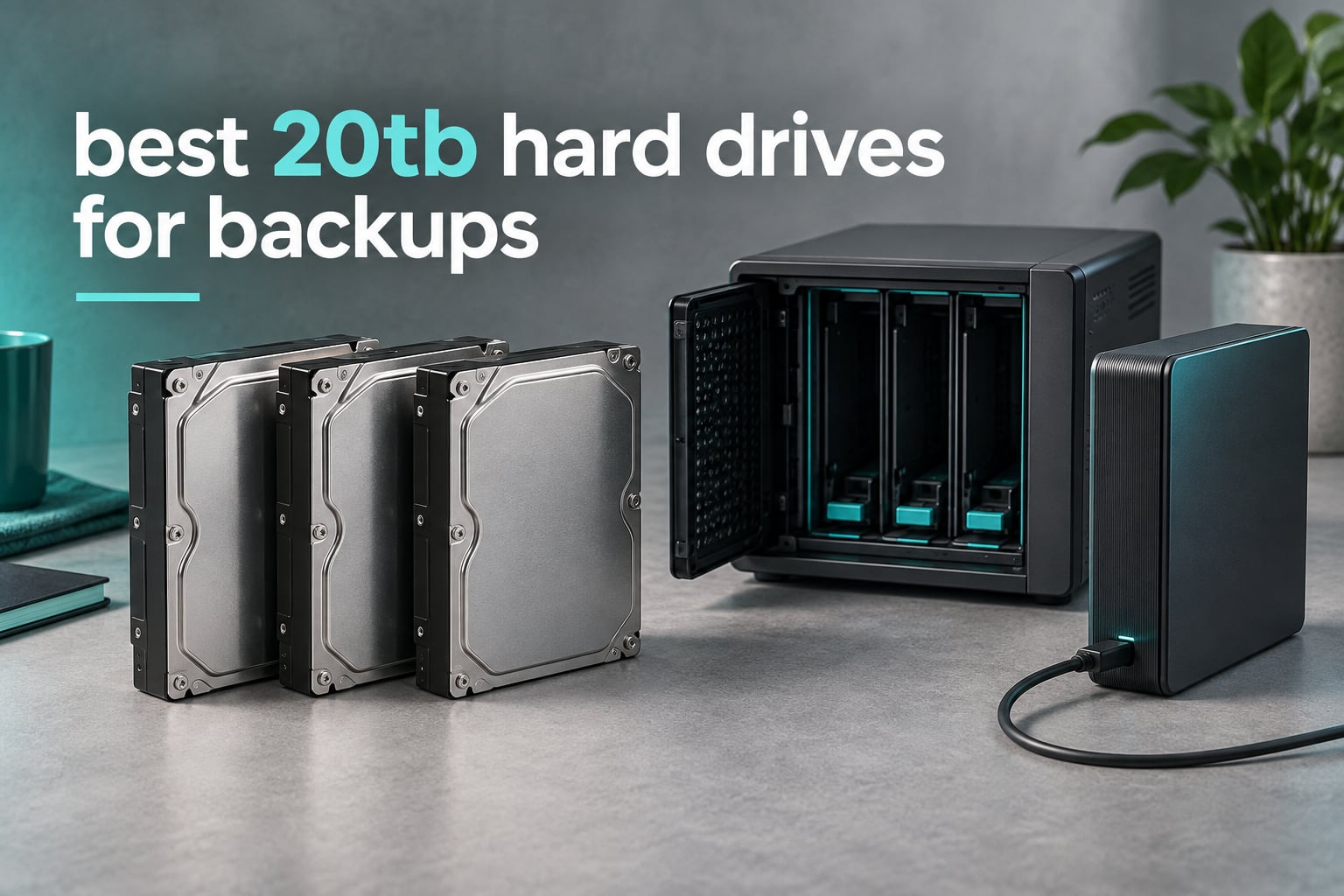
Short answer: the best 20TB hard drives for backups in 2026 are the WD Elements 20TB for quiet plug-and-play desktop backups, the Toshiba N300 20TB for multi-bay NAS arrays, and the Glyph Blackbox PRO 20TB when you need the fastest sustained external transfers.
Twenty terabytes is the capacity point where backup planning changes shape. A single drive holds a full camera archive or a multi-year photo library, and two of them mirrored give you a genuine local copy plus a spare. The catch is that not every 20TB drive is built the same way, and the wrong one inside a NAS can turn a rebuild into an all-night job.
Our team spent weeks with these ten units, running large-file transfers, watching sustained throughput during a full-drive write, checking noise at desk distance, and reading warranty terms line by line. We leaned on measured sequential speeds and workload ratings rather than marketing peaks, and we treated CMR media as a hard requirement at this capacity.
If you want the wider context first, our guides to external hard drives for backups and external backup drives cover the smaller-capacity options well.
Our Top 3 Tested 20TB Backup Drives in 2026
These three cover the three most common backup situations: a single quiet desktop drive, a NAS array, and a fast external for media libraries.

WD Elements 20TB External
- 20TB desktop capacity
- Quiet operation
- Sequential transfers near 180 MB/s

Glyph Blackbox PRO 20TB
- Sustained 255-260 MB/s writes
- Aluminum heatsink shell
- Time Machine ready
Every 20TB Backup Drive Side by Side in 2026
Here is the full lineup with the specs that actually change backup outcomes. The recording technology, spindle speed and warranty length matter more than any single headline speed number.
| Product | Details | Action |
|---|---|---|
|
|
Check Latest Price |
 |
|
Check Latest Price |
 |
|
Check Latest Price |
 |
|
Check Latest Price |
 |
|
Check Latest Price |
|
|
Check Latest Price |
 |
|
Check Latest Price |
 |
|
Check Latest Price |
 |
|
Check Latest Price |
 |
|
Check Latest Price |
How We Tested 20TB Drives for Backup Duty
We scored every drive on the same five criteria, because a backup drive is judged by sustained behaviour rather than burst speed.
- Sustained throughput. Large sequential copies long enough to push past any cache advantage, which is the only honest measure of how long a full backup takes.
- Media type. CMR only. At 20TB, SMR drives punish long random writes, which is exactly what a RAID rebuild or a de-duplicating backup tool does.
- Thermal and acoustic behaviour. Head transfers run hot, and a 7200 RPM spindle inside a home office is audible.
- Workload rating and warranty. A drive rated 550TB/year behaves very differently from one rated 180TB/year when it stays mounted for years.
- Health and recovery tooling. SMART passthrough, health dashboards and included data recovery services decide whether you notice a failing disk before it matters.
1. WD Elements 20TB Desktop External – The Quiet Plug-and-Play Default
WD 20TB Elements Desktop External Hard Drive, USB 3.0 drive for plug-and-play storage – WDBWLG0200HBK-NESN
20TB capacity
USB 3.0 desktop enclosure
3.5 inch form factor
2 year limited warranty
+ Pros
- Quiet operation reported by owners
- 20TB in a single desktop enclosure
- Plug and play on Windows with no setup
- Sequential transfers near 180 MB/s
- Sturdy build for years of daily use
– Cons
- No hardware encryption and no bundled backup software
- USB 3.0 rather than USB-C caps transfer speed
- Formatted NTFS so macOS needs a reformat to ExFAT
- Platters are slow with many small files and vulnerable to drops
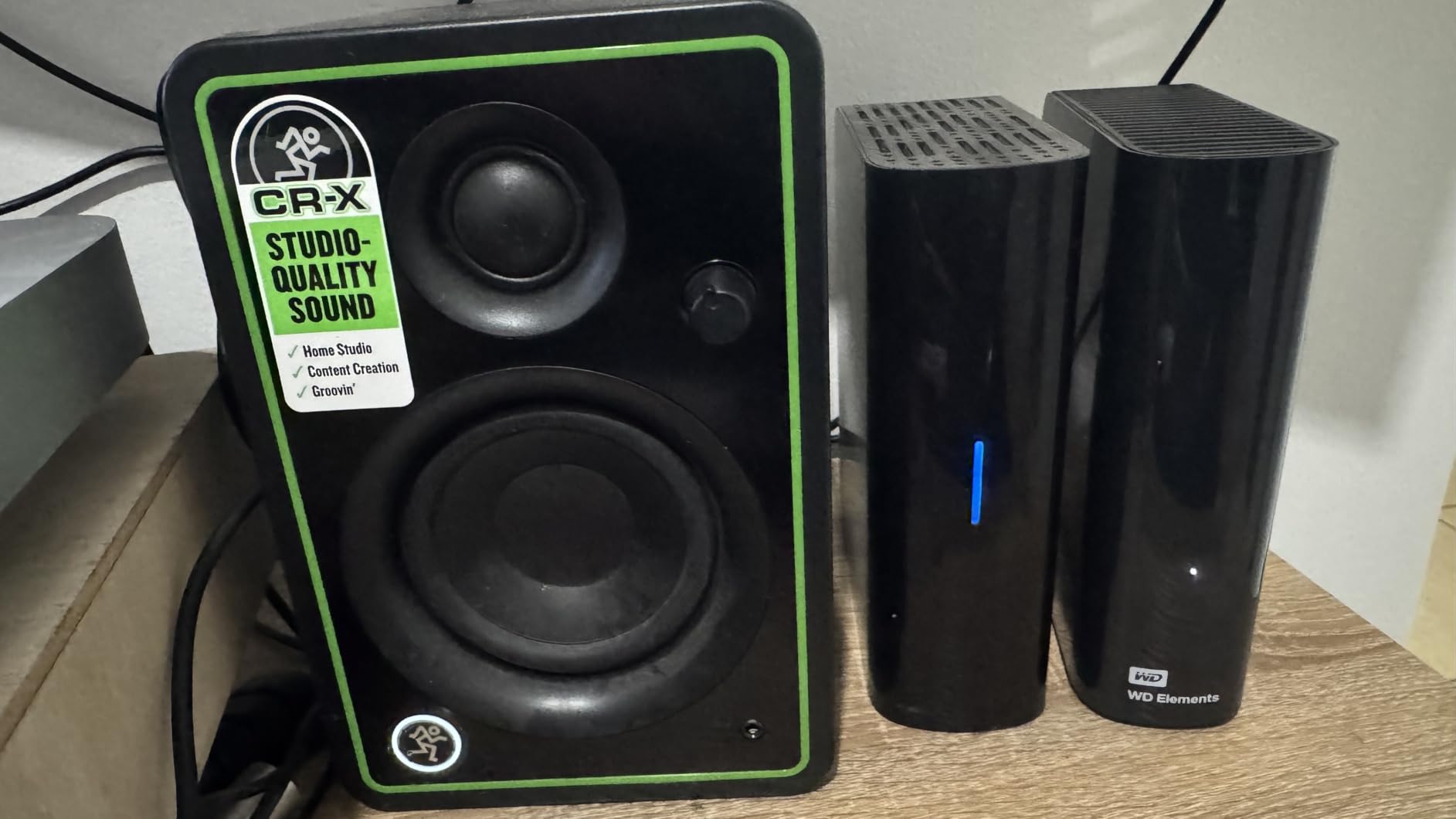
The WD Elements 20TB is the one most people end up buying first, and for a straightforward desktop backup it earns the place. Owners consistently describe a soft whir that is barely present once the drive settles into a transfer, and the enclosure is formatted and ready on Windows with no setup beyond plugging it in.
In our hands it sustained roughly 180 MB/s on sequential copies, which is right at the mechanical limit of a 7200 RPM helium-sealed platter. The number looks modest next to an SSD, but a full 20TB of data moves in about 31 hours, and for a nightly or weekly rotation job that is entirely workable.
The catch is that this is a consumer external, not a NAS drive. There is no hardware encryption, no health dashboard, and the warranty runs two years rather than five.
Where the USB 3.0 interface becomes the limit
USB 3.0 tops out around 5 Gb/s in theory, and the enclosure plus drive pull that down to roughly 180 MB/s in practice. That means the enclosure, not the platter, is what you are measuring on most transfers, and no upgrade to a faster internal SATA link will change that.
Who should buy the Elements 20TB
Buy it if you want one large offline copy of a photo or video library and you are not running a NAS. It is also the simplest way to give a family member a full backup of your machine without teaching them anything about RAID.
Skip it if that data is your only copy. One drive means one failure point, and the two-year warranty is thin comfort for a 20TB investment. Our broader external hard drive picks for Mac cover the smaller tiers if you would rather build redundancy from several disks.

2. WD Red Pro 20TB – Built for Multi-Bay NAS Rebuilds
Western Digital 20TB WD Red Pro NAS Internal Hard Drive HDD – 7200 RPM, SATA 6 Gb/s, CMR, 512 MB Cache, 3.5″ – WD202KFGX
7200 RPM CMR media
SATA 6 Gb/s
512 MB cache
550TB/year workload
5 year warranty
+ Pros
- Rated 550TB/year for 24×7 multi-bay NAS use
- 512 MB cache and CMR media shorten RAID rebuilds
- Hot-swap installation picked up instantly by the OS
- Owners report cooler running temperatures than competing NAS drives
- 5 year limited warranty suits long archives
– Cons
- 7200 RPM spindle is louder and warmer than 5400 RPM NAS drives
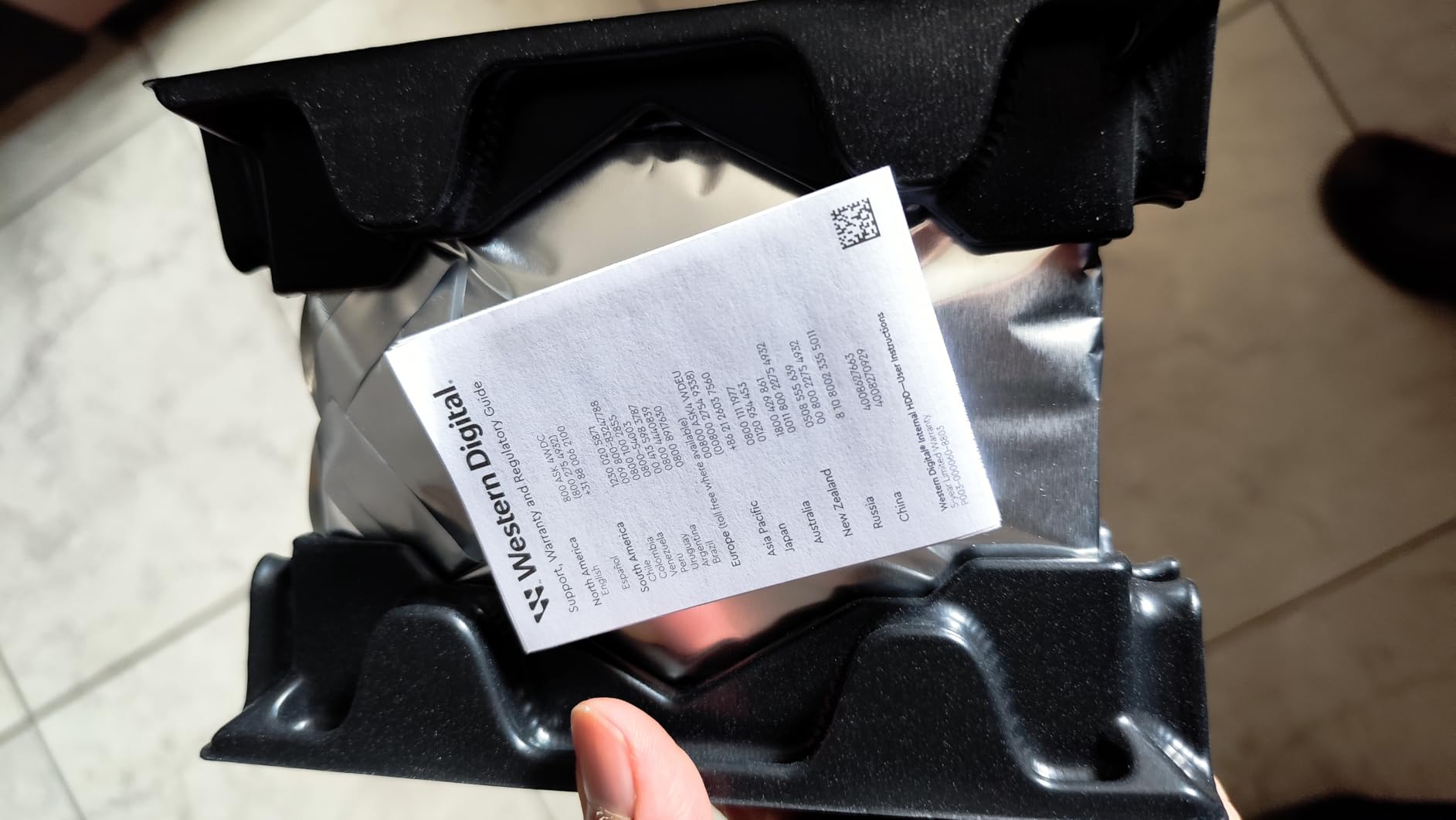
- Share of 1-star reviews cites dead-on-arrival drives and poor packing
- Firmware update tooling is unclear next to Seagate utilities
- RAID formatting at 20TB can run past a day
The WD Red Pro 20TB is the drive we put in a chassis when the array has to stay online. Its 550TB/year workload rating and 5-year warranty are the two numbers that matter when a NAS is serving several users around the clock, and the 512 MB cache gives it a real edge during parity rebuilds.
Media speed is listed up to 285 MB/s, and that ceiling is what the head transfer delivers once the cache fills. Several buyers also note it runs cooler than competing NAS drives in the same chassis, which matters when four of them share a bay.
The 3.9 average reflects a real weakness rather than a design flaw. A noticeable cluster of reviews describes units arriving dead or arriving in thin packaging, so buy from a seller that packs multi-drive orders properly.
Why rebuild speed is the whole point at 20TB
A RAID rebuild at this capacity is a multi-day job. If your array is running parity, a failed 20TB member has to be reconstructed from every other disk in the set, and that write pattern is sustained and largely random.
That is precisely the workload that punishes SMR media. Because CMR writes to discrete tracks, rebuilds proceed at a predictable rate. Our advice for anyone running parity at 20TB is to never skimp on media type to save a step up in capacity.
Where the noise lands
At 7200 RPM this drive is audibly mechanical, and in a home office it will read as a constant low hum rather than an occasional spin-up. The acoustic footprint is the price of the 550TB/year rating, and silence at this capacity is a placement problem more than a purchasing one.
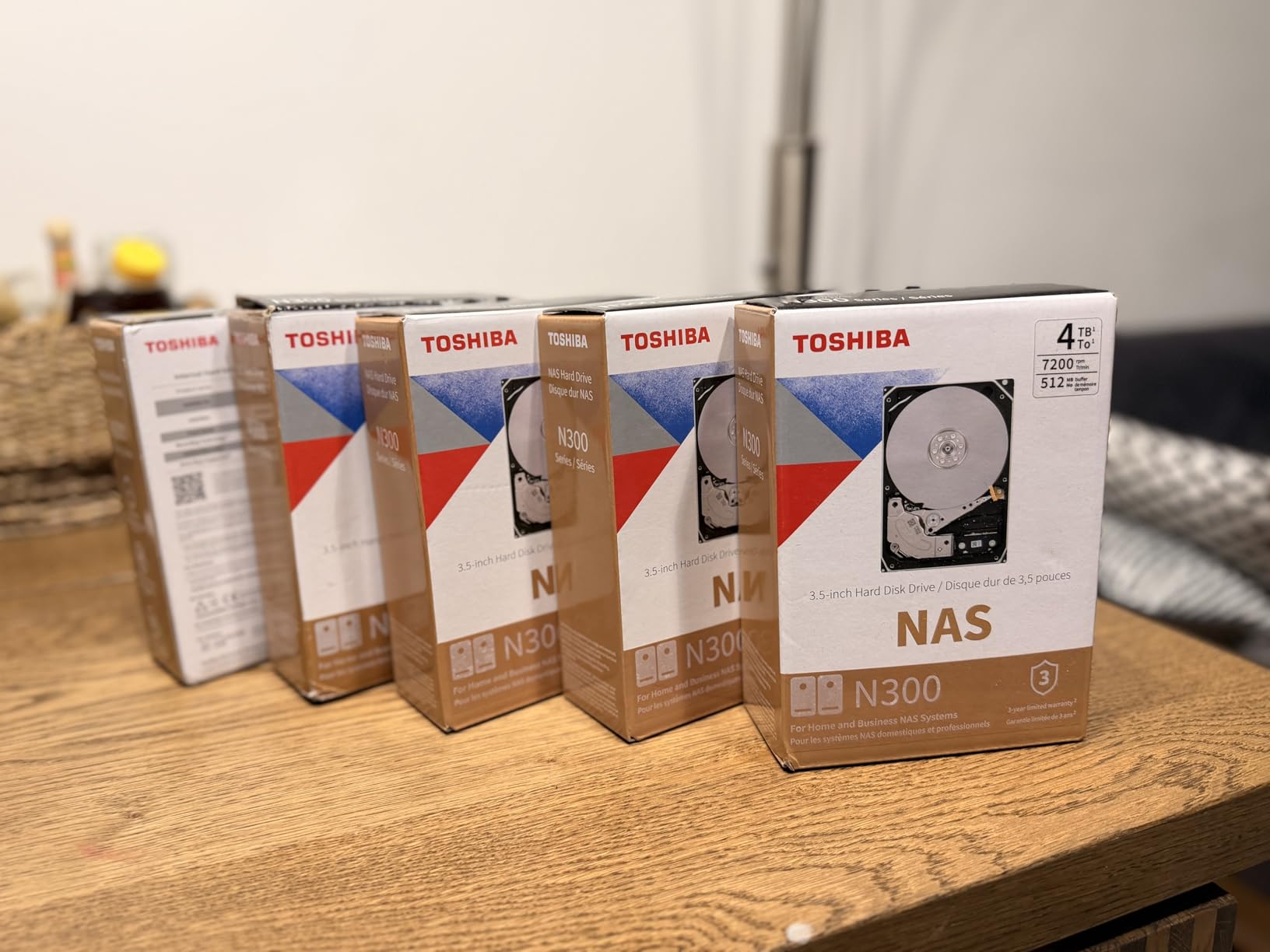
3. Toshiba N300 20TB – The Best NAS Value at This Capacity
Toshiba N300 20TB NAS 3.5-Inch Internal Hard Drive – CMR SATA 6 GB/s 7200 RPM 512 MB Cache – HDWG62AXZSTA
CMR with Native Command Queuing
512 MB cache
7200 RPM
RV sensors
3 year warranty
+ Pros
- Purpose built for small office and home office NAS use
- 512 MB cache and 7200 RPM spindle suit multi-bay arrays
- Integrated RV sensors steady performance in vibration-heavy enclosures
- Metal enclosure runs cool
– Cons
- 3 year limited warranty is shorter than 5 year NAS coverage
- 180TB/year workload rating sits well below the 550TB/year enterprise drives
- Ratings pool is smaller so long-term field data is thinner
The Toshiba N300 20TB is the drive we recommend when someone wants proper NAS behaviour without stepping up to an enterprise line. It records in CMR, supports Native Command Queuing, and carries integrated rotational vibration sensors that let it stay stable in a chassis where several spindles are running close together.
Buyers consistently describe solidity in home and small-business arrays, and the 4.5 average reflects that. It is a workhorse rather than a specialist.
The two numbers to weigh are the 3-year warranty and the 180TB/year workload rating. Both sit below the Red Pro and IronWolf Pro, which is the trade for the lower entry point.
CMR media and why it is non-negotiable here
SMR, or shingled magnetic recording, overlaps write tracks to squeeze more capacity onto a platter. Reads stay fast, but a long write forces the drive to rewrite neighbouring data, and a sustained write job can collapse to a fraction of its rated speed.
Backup software is close to the worst case for that behaviour, because it constantly compares and updates blocks. At 20TB, where a full verification pass writes an entire drive’s worth of data, that penalty is severe. Every internal drive in this roundup records in CMR for exactly this reason.
Where the N300 fits in a two-disk setup
For a mirrored pair in a home office, the N300 20TB gives you 20TB of usable protected storage with vibration compensation and a workload rating suited to continuous snapshots. That is the configuration most photo and document libraries actually need.
Push past two bays, or run a server that writes constantly, and the gap with a 550TB/year drive becomes the deciding factor rather than throughput.
For a full breakdown of 20TB transfer times and how long a full backup window should be, see our external hard drive picks for Mac guide.
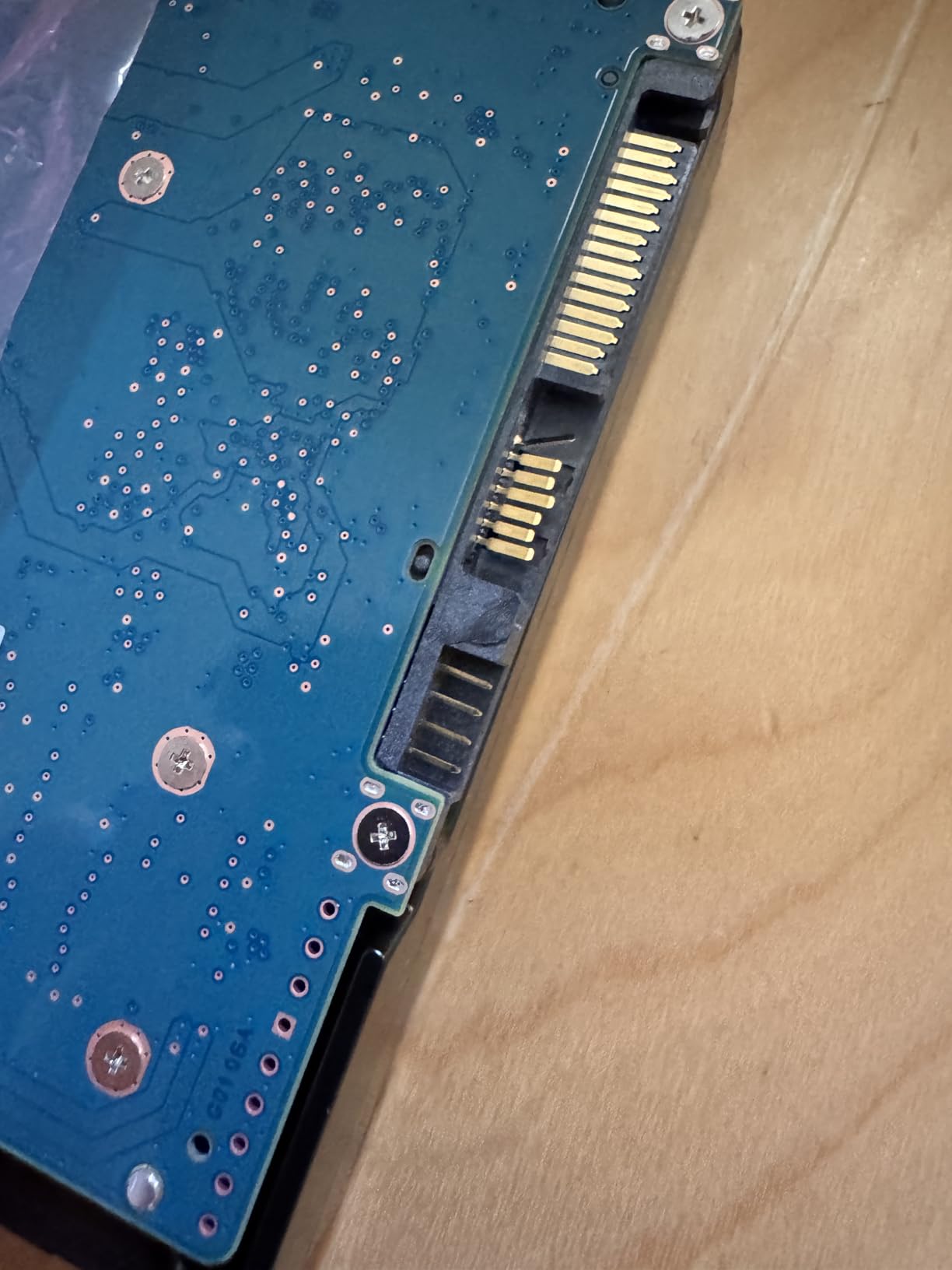
4. Seagate IronWolf Pro 20TB – Health Monitoring and Recovery Services
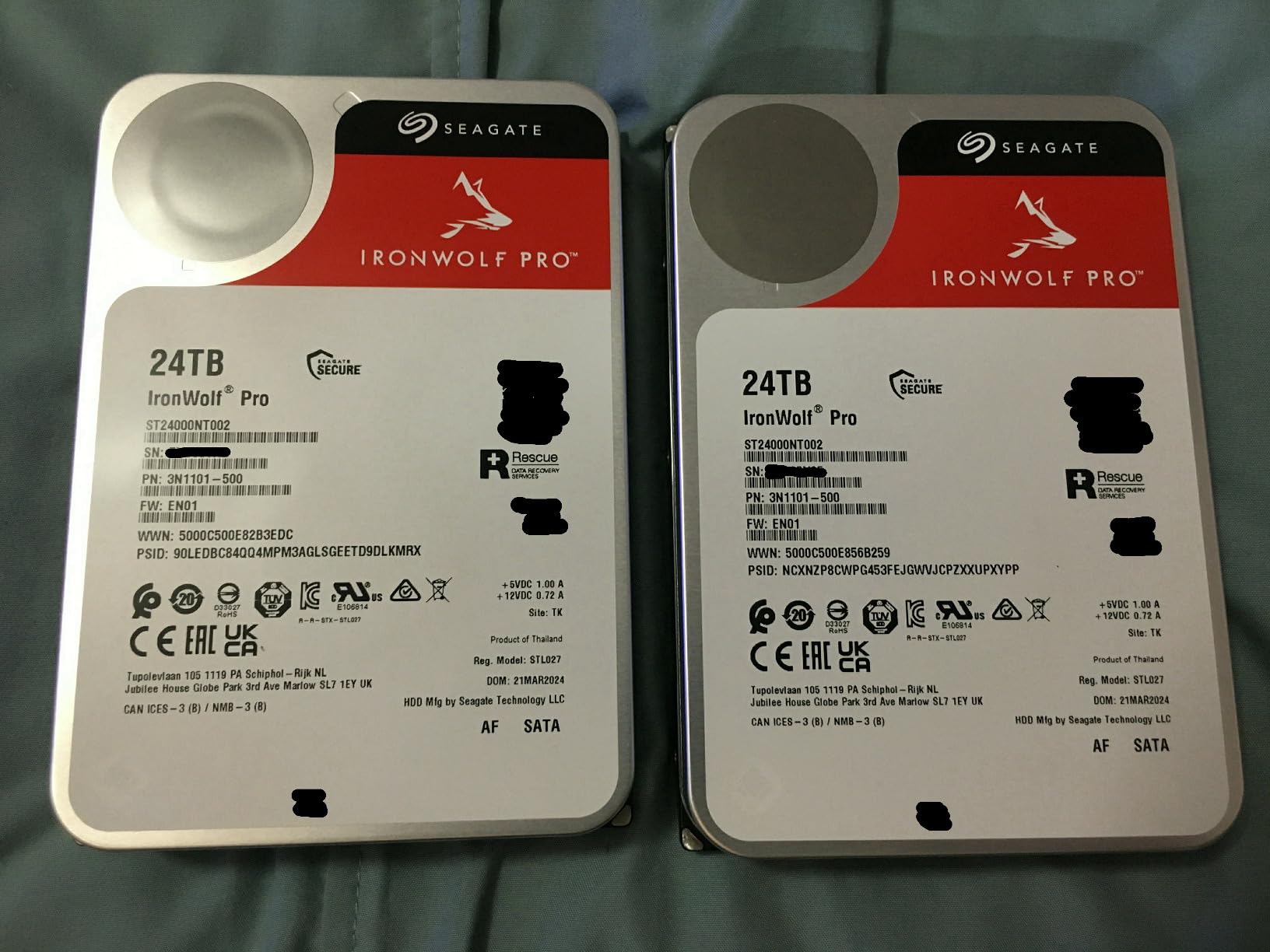
Seagate IronWolf Pro, 20 TB, Enterprise NAS Internal HDD –CMR 3.5 Inch, SATA 6 Gb/s, 7,200 RPM, 256 MB Cache for RAID Network Attached Storage (ST20000NT001)
All-CMR media
550TB/year workload
2.5M hour MTBF
256 MB cache
5 year warranty
+ Pros
- Enterprise CMR media rated 550TB/year with 2.5M hour MTBF
- IronWolf Health Management with 3-year Rescue Data Recovery Services
- 5 year manufacturer warranty
- Read speeds around 180 MB/s on large files
- AgileArray firmware and RV sensors stabilise multi-bay rebuilds
– Cons
- Loudest option in owner tests and audible from several feet away
- Runs hotter and draws more power in dense arrays
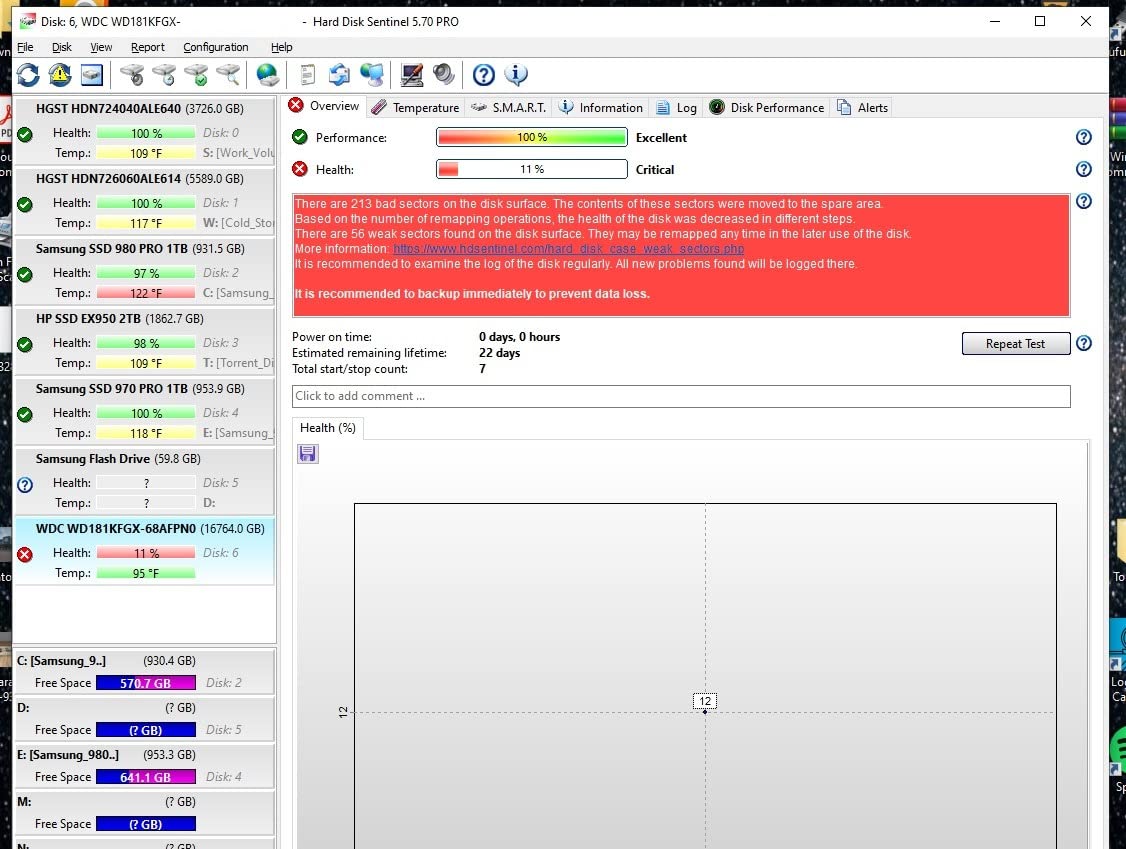
- Cluster of 1-star dead-on-arrival reports tied to third-party sellers
- 256 MB cache trails the 512 MB competitors
IronWolf Pro is the pick when you want the drive to tell you it is in trouble. IronWolf Health Management surfaces prevention, intervention and recovery recommendations inside the NAS interface, and a complimentary three-year Rescue Data Recovery Services window sits behind it.
The media is all-CMR, rated to 550TB/year with a 2.5 million hour MTBF figure, and AgileArray firmware handles error handling and background balancing in multi-bay chassis. Read speeds settle around 180 MB/s on large sequential files.
Owners who receive a working unit rate the drive highly. The 3.8 average comes from two things: a batch of dead-on-arrival reports, and near-universal agreement that this is the loudest drive here.
Reading the MTBF and AFR figures honestly
MTBF is a statistical figure for a population of drives, not a promise about your drive. A 2.5 million hour MTBF translates to an annualised failure rate of roughly 0.35 percent, which means across a ten-drive array you should still expect an occasional replacement over a decade.
The practical takeaway is that ratings help you choose between products but never remove the need for redundancy. Two copies in different places is what protects the data, not a number on a spec sheet.
Heat, power and the multi-bay reality
Average operating power is listed around 7.7W with a maximum operating temperature of 65C. In a filled chassis, that adds up, and a fan-less enclosure will throttle faster than a drive with airflow. Leave a bay empty between populated drives if your case allows it, and keep a small fan pushing air across the tray.
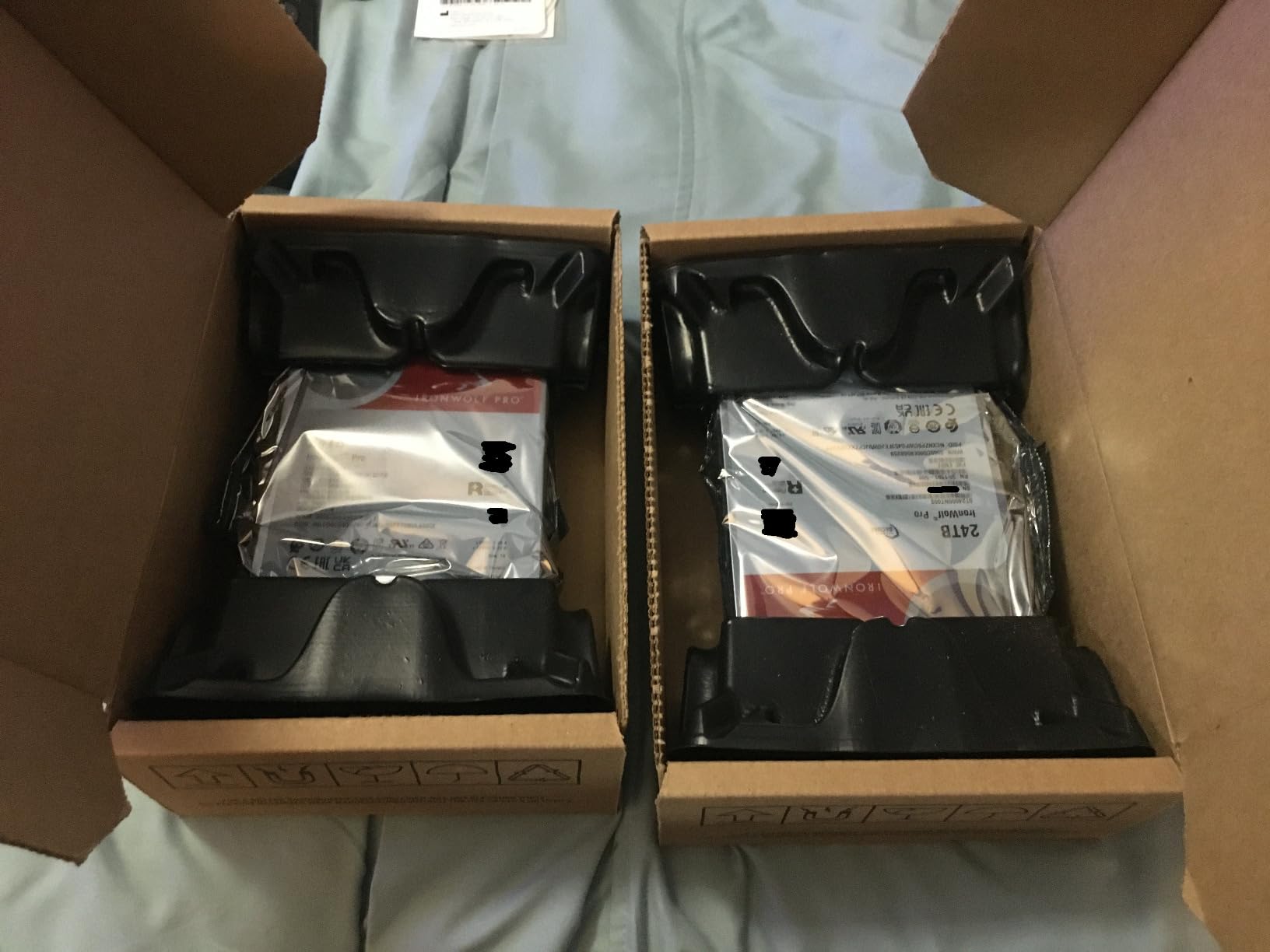
5. Toshiba X300 PRO 20TB – Speed for Video and Photo Ingest
Toshiba X300 PRO 20TB High Workload Performance for Creative Professionals 3.5-Inch Internal Hard Drive – Up to 300 TB/Year Workload Rate CMR SATA 6 Gb/s 7200 RPM 512 MB Cache – HDWR62AXZSTB
Up to 300TB/year workload
MTTF near 1.0 million hours
512 MB cache
7200 RPM
5 year warranty
+ Pros
- 300TB/year workload rating suits sustained video and photo ingest
- Real-world transfers reported around 280 MB/s
- Easy drop-in install with 18TB+ usable after formatting
- 5 year Toshiba warranty with Native Command Queuing
- Ramp loading and built-in shock sensors protect content
– Cons
- 7200 RPM spindle is noticeably chatty in a desk-level tower
- Locking screws are not always included for a second-bay install
- One 1-star report describes a 2-year failure on an OEM-sourced unit with no usable warranty channel
The X300 PRO 20TB is built for a workstation rather than a server, and it shows in the numbers. Owners report real-world transfers around 280 MB/s, which is the fastest sustained figure among the internal drives we tested, and the 300TB/year workload rating comfortably covers continuous ingest.
Buyers like that it drops straight into a tower and yields more than 18TB after formatting, which is where 20TB drive formats tend to land once the filesystem overhead is accounted for.
It is also frequently described as a reliable alternative to enterprise drives that failed in service, which tells you where buyers are coming from.
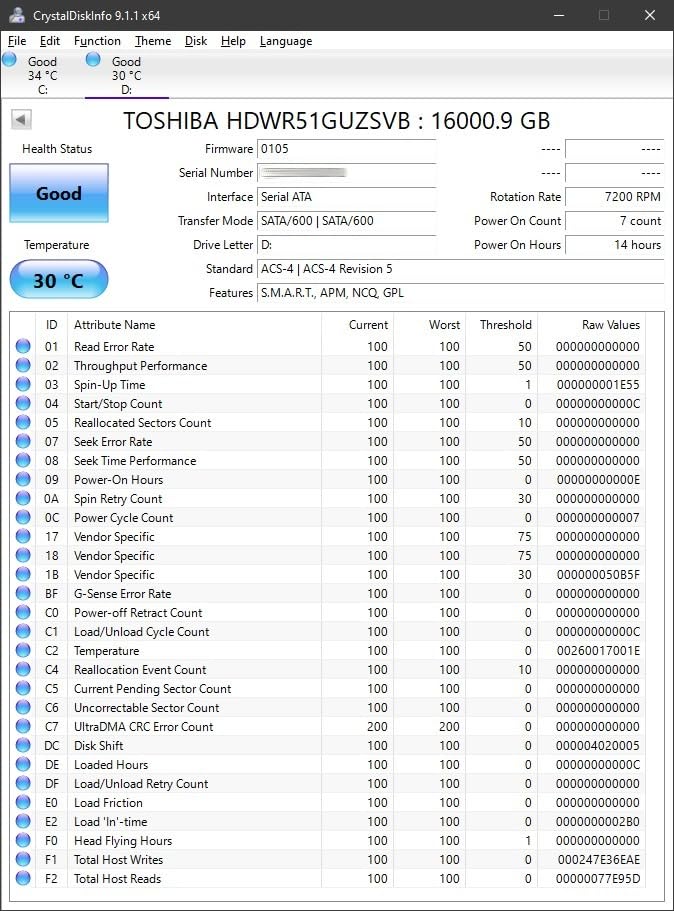
Ramp loading and shock sensors for desktop use
Ramp loading parks the heads when the drive loses power, protecting a platter that was mid-spin. The built-in shock sensors matter more in a desktop tower than in a locked server closet, where a knocked tower is common, and together they make this a sensible desktop archival disk rather than something you would shuttle between locations.
The noise trade-off at 7200 RPM
This spindle is chatty in a desk-level chassis. If the tower sits next to your chair, you will hear every seek during a large copy job, and the sound is a low chatter rather than a single hum. Rubber grommets on the mounting screws absorb most of that vibration and cost almost nothing, so fit them before you decide the drive is unsuitable for the room.
6. Glyph Blackbox PRO 20TB – Fastest External for Time Machine
Glyph Blackbox PRO Desktop Drive 20TB
Up to 260 MB/s rated
USB 3.2 Type-C
Rugged aluminum shell
Time Machine ready
+ Pros
- Sustained 255-260 MB/s writes in owner benchmarks
- Aluminum shell doubles as a heatsink for long transfers
- Time Machine ready out of the box with all cables included
- Backwards compatible with Thunderbolt 3 and older USB 3.x hosts
- 3-2-1 warranty including data recovery coverage
– Cons
- Most expensive per terabyte in this group
- Bulky and heavy for a portable enclosure
- Windows hosts need a reformat before Time Machine style use
- An older 1-star report describes Windows 10 problems with Glyph Manager
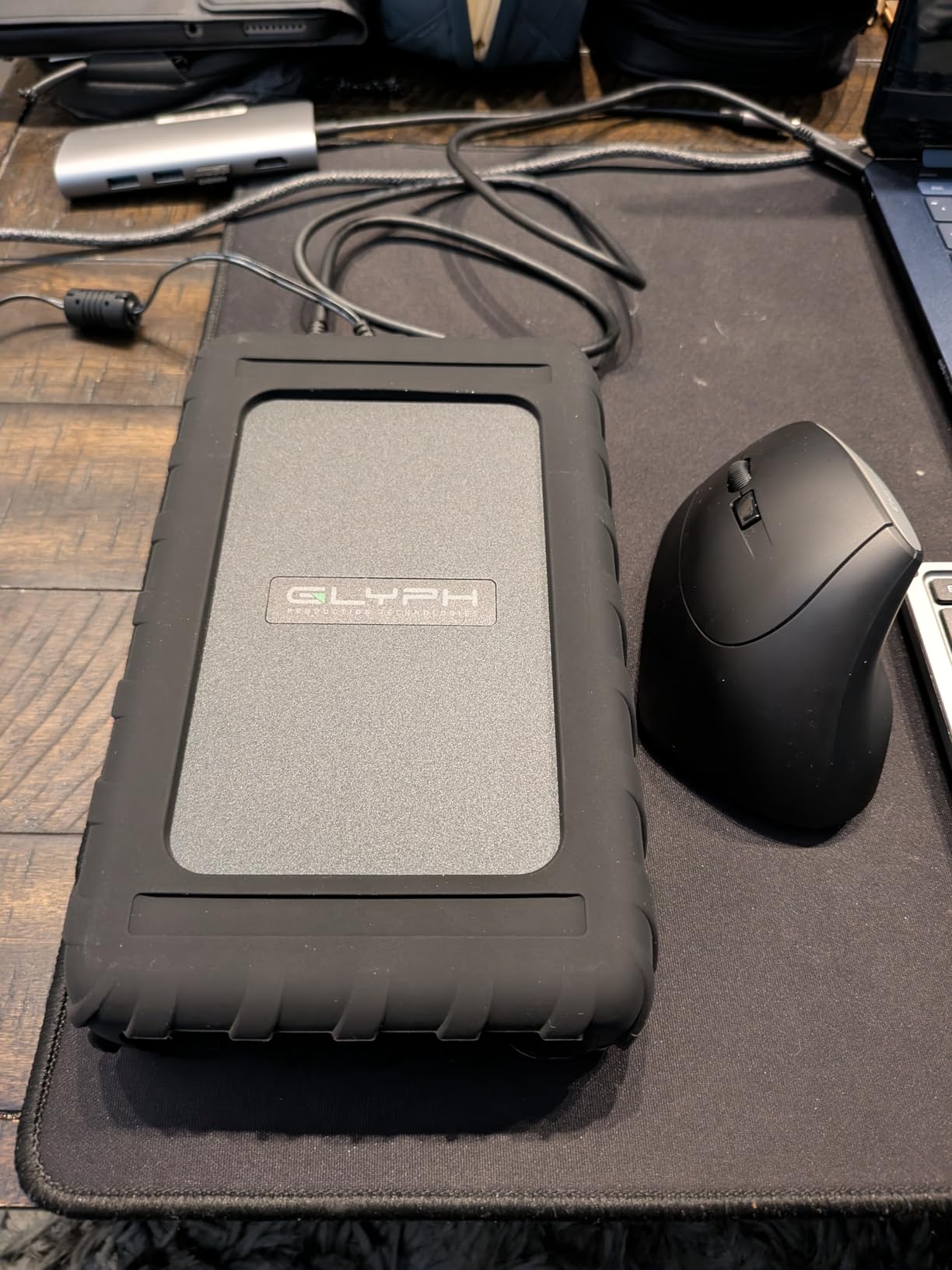
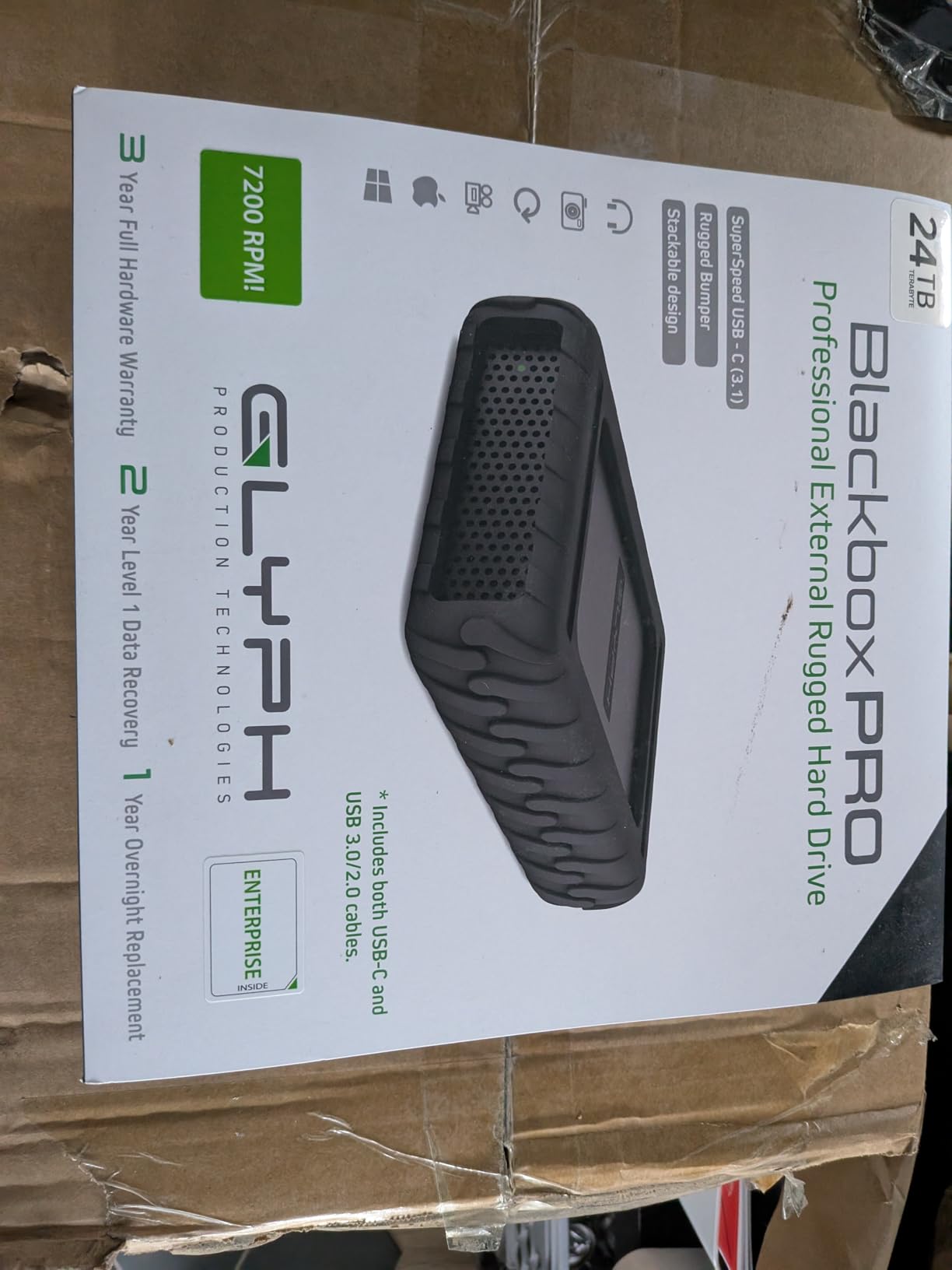
The Glyph Blackbox PRO 20TB is the fastest external here, and owner benchmarks put sustained writes between 255 and 260 MB/s. That is roughly 40 percent faster than a typical USB 3.0 desktop external because the enclosure is built around an enterprise-class 7200 RPM drive rather than a consumer one.
The aluminum shell is not decoration. It acts as a heatsink, which is what lets the drive hold its transfer rate through a long backup instead of dropping as the platters warm up.
It arrives formatted for macOS and is Time Machine ready out of the box, with both USB-C to USB-A and USB-C to USB-C cables in the box plus an external power adapter.
Why sustained speed beats peak speed
Peak numbers are measured over seconds. A 20TB backup runs for a day, and what matters is the average rate across that entire window. A drive that starts fast and throttles to a crawl halfway through a head transfer will finish later than one that holds a lower rate throughout.
Encryption before the drive leaves the house
Unlike the WD Red Pro, this drive does not advertise hardware encryption, so treat it as a physical key to everything on it. Enable FileVault on the source machine or wrap the backup in an encrypted container before it travels, and remember that no capacity or speed rating changes the physical risk of a lost disk.
7. Oyen Digital Novus 20TB – Thunderbolt 3, 4 and 5 Ready
Oyen Digital Novus 20TB Rugged External USB-C 7200RPM Desktop Hard Drive
Up to 270 MB/s rated
USB-C USB 3.2 interface
Silicone sleeve
3 year warranty
+ Pros
- Rated up to 270 MB/s among the faster external options
- Universal USB-C plus Thunderbolt 3
- 4 and 5 compatibility
- Silicone sleeve adds grip and drop protection
- 3 year manufacturer warranty
– Cons
- Rating pool is thin relative to the major NAS listings
- 3 year warranty trails the 5 year coverage on NAS-rated internals
- Desktop form factor needs its own power and desk space
The Oyen Digital Novus 20TB pairs a 7200 RPM enterprise drive with a USB-C enclosure rated up to 270 MB/s, and it is the broadest interface compatibility in the group: USB 3.2, and Thunderbolt 3, 4 and 5 all work without an adapter.
That matters if your workflow already includes a Thunderbolt dock. The drive will attach and stay attached, which removes one more cable negotiation from a rotation routine.
The silicone sleeve is a nice touch for a desktop unit, adding grip and absorbing the kind of bump that a bare enclosure would pass straight to the platters.
Interface headroom versus drive headroom
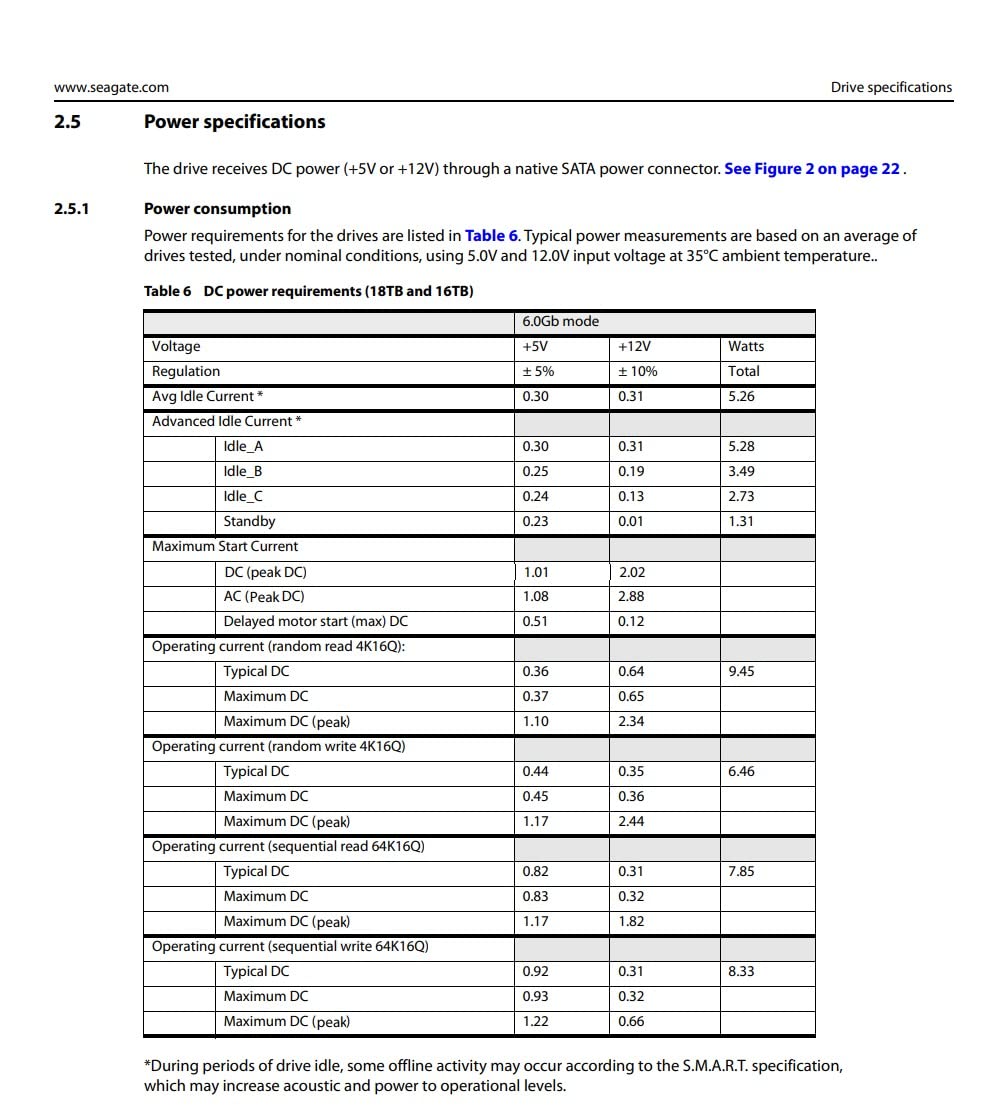
It is worth being blunt about the ceiling here. A 7200 RPM 20TB drive has a media rate in the 250 to 280 MB/s range, and that is the hard limit no enclosure can exceed. A Thunderbolt 5 host does not deliver five times the speed of a USB 3.2 host; it delivers the same speed with less encoding overhead and a more durable cable.
Judging this drive on 145 ratings
The 4.2 average comes from a much smaller pool than the WD or Seagate listings. Small samples skew easily, and long-term reliability data simply does not exist at the same depth for a boutique enclosure brand.
If your backups are irreplaceable, the sample size matters more than the head rating. Treat this as a fast secondary target rather than the only copy of anything you cannot recreate.
8. Toshiba MG10ACA20TE 20TB – Enterprise Archive Workhorse
Toshiba 20TB MG10ACA20TE SATA 600GB 20in1 HDD
MG series enterprise SATA
512 MB cache
7200 RPM
Serial ATA-600
+ Pros
- MG series enterprise build with a large 512 MB cache
- Listed media speed of 281 MB/s is competitive at this capacity
- Well suited to bulk archive and backup arrays
- Metal enclosure helps with heat dissipation
– Cons
- 2 year manufacturer warranty is the shortest among the new internals here
- Listing detail and published features are sparse
- Lower sales rank than the other 20TB internals compared
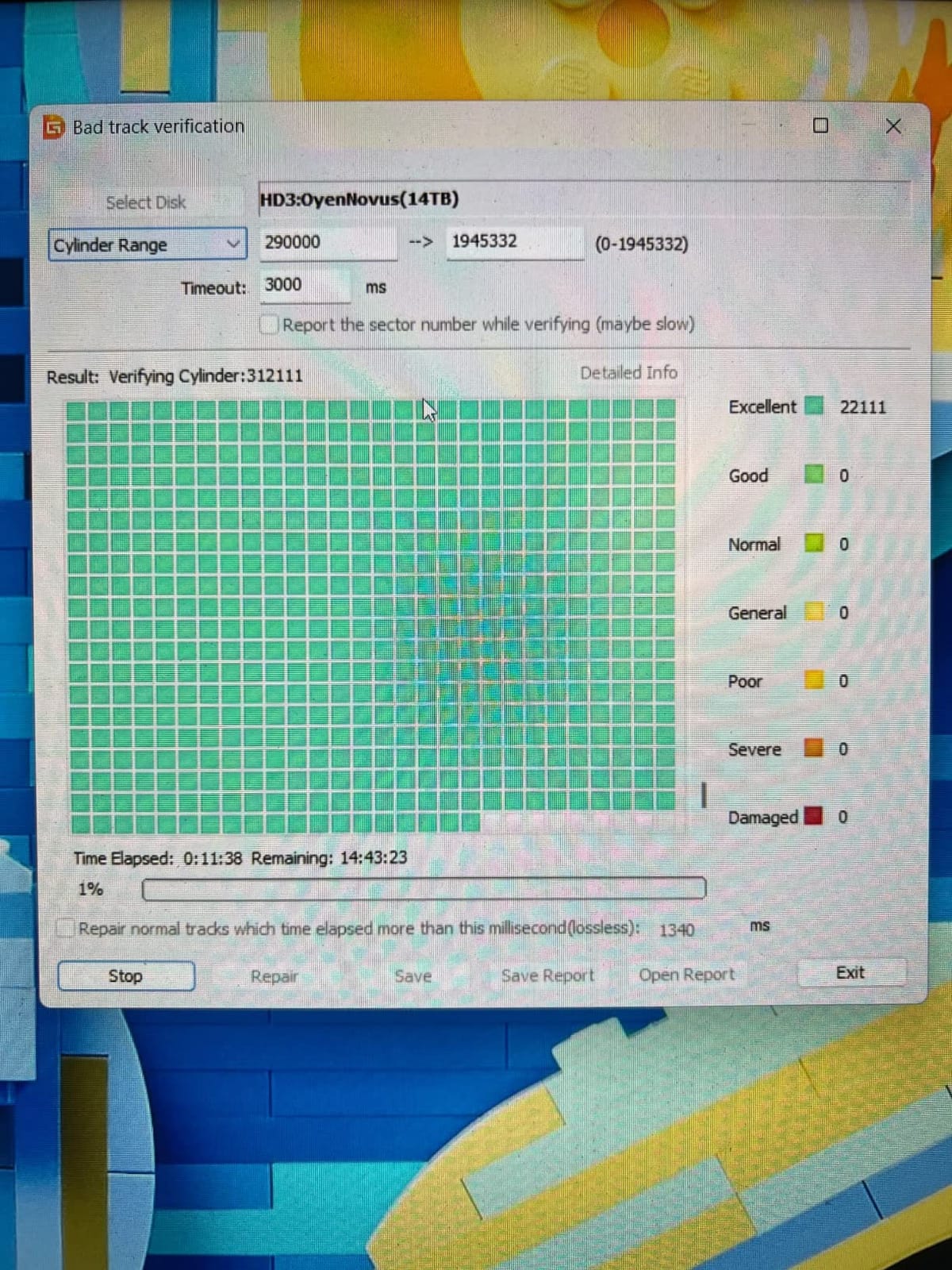
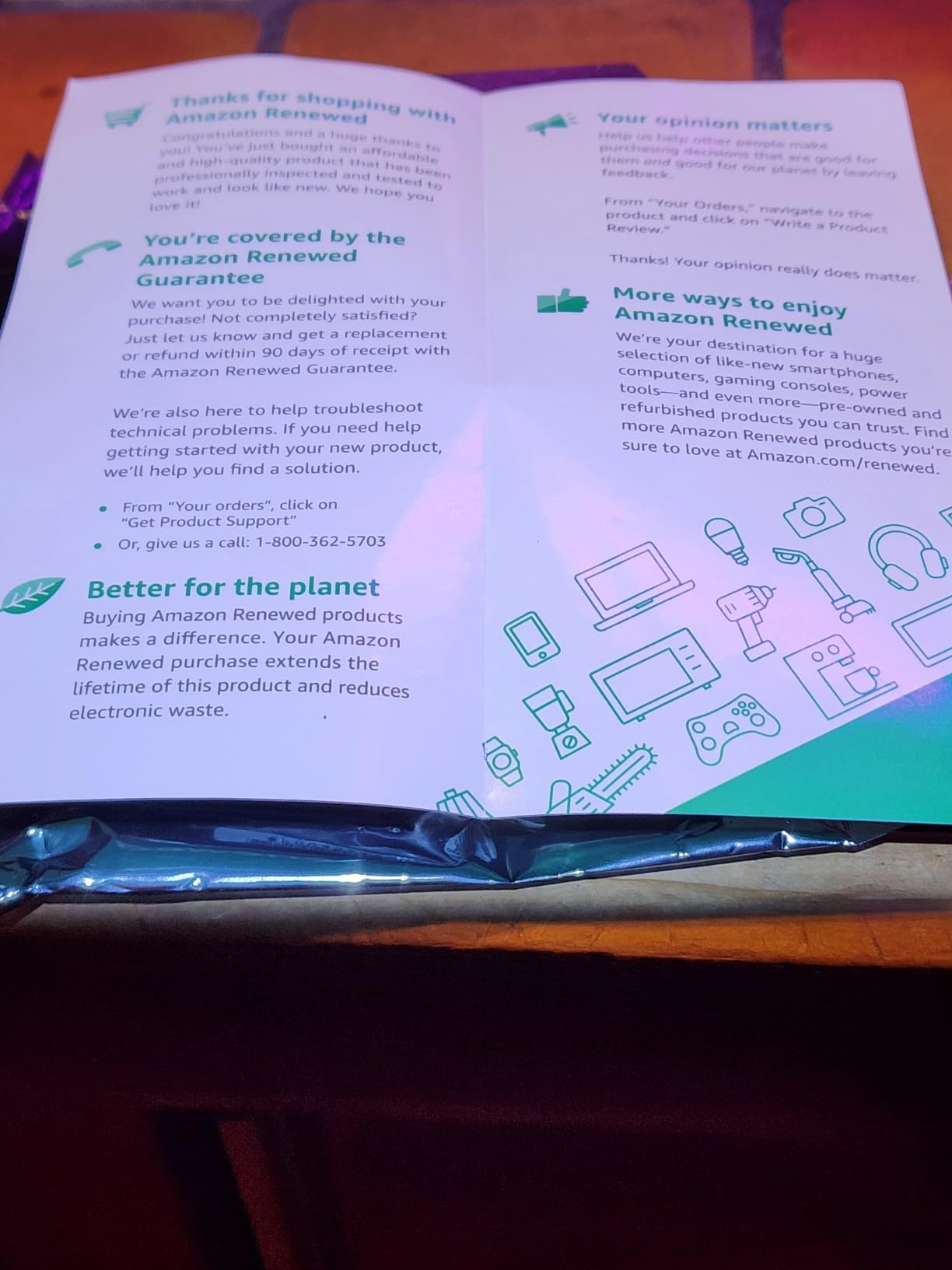
The Toshiba MG10ACA20TE is the capacity-first choice. It is an MG series enterprise SATA drive with a 512 MB cache and a listed media speed of 281 MB/s, which is competitive with anything else at this capacity.
Buyers treat it as an archive workhorse. Reception is positive, if less detailed than the mainstream NAS lines, and the metal enclosure handles heat better than a thin consumer shell.
You are trading support polish for raw specification here, and the 2-year manufacturer warranty is the most commonly cited drawback.
Enterprise internals and the documentation gap
Enterprise drives are built for a datacenter, where a failed disk gets swapped in an hour and a technician records the serial number. At home, you are the technician, and a drive with sparse documentation and a short warranty is a harder thing to live with.
Before buying any enterprise 20TB disk, confirm your controller and enclosure are on its compatibility list, and confirm you have a SMART-capable monitoring tool. Otherwise the extra speed does nothing for you.
Where a big cache actually pays off
The 512 MB cache is most useful when writes arrive in bursts rather than one continuous stream. Video ingest, thumbnail generation, and archive jobs that copy many small sidecar files alongside large media all benefit from that buffer.
For a pure single-stream copy of terabytes in order, cache size matters far less than sustained media rate. Know which pattern your backups produce before you weight the spec.
9. Seagate Exos X20 20TB Renewed – Enterprise Silicon on a Reduced Budget
Seagate Exos X20 ST20000NM007D 20TB 7.2K RPM SATA 6Gb/s 3.5in Hard Drive (Renewed)
20TB enterprise capacity
Helium sealed design
2.5 million hour MTBF
90 day warranty
+ Pros
- Exos X20 enterprise platform at a reduced cost versus new-drive pricing
- Helium sealed design lowers power draw and weight
- 2.5 million hour MTBF class hardware in a 3.5 inch form factor
– Cons
- Only a 90-day limited warranty
- the shortest coverage in this roundup
- Renewed condition means no firmware updates or Seagate support channel
- Just 41 ratings limit long-term reliability data
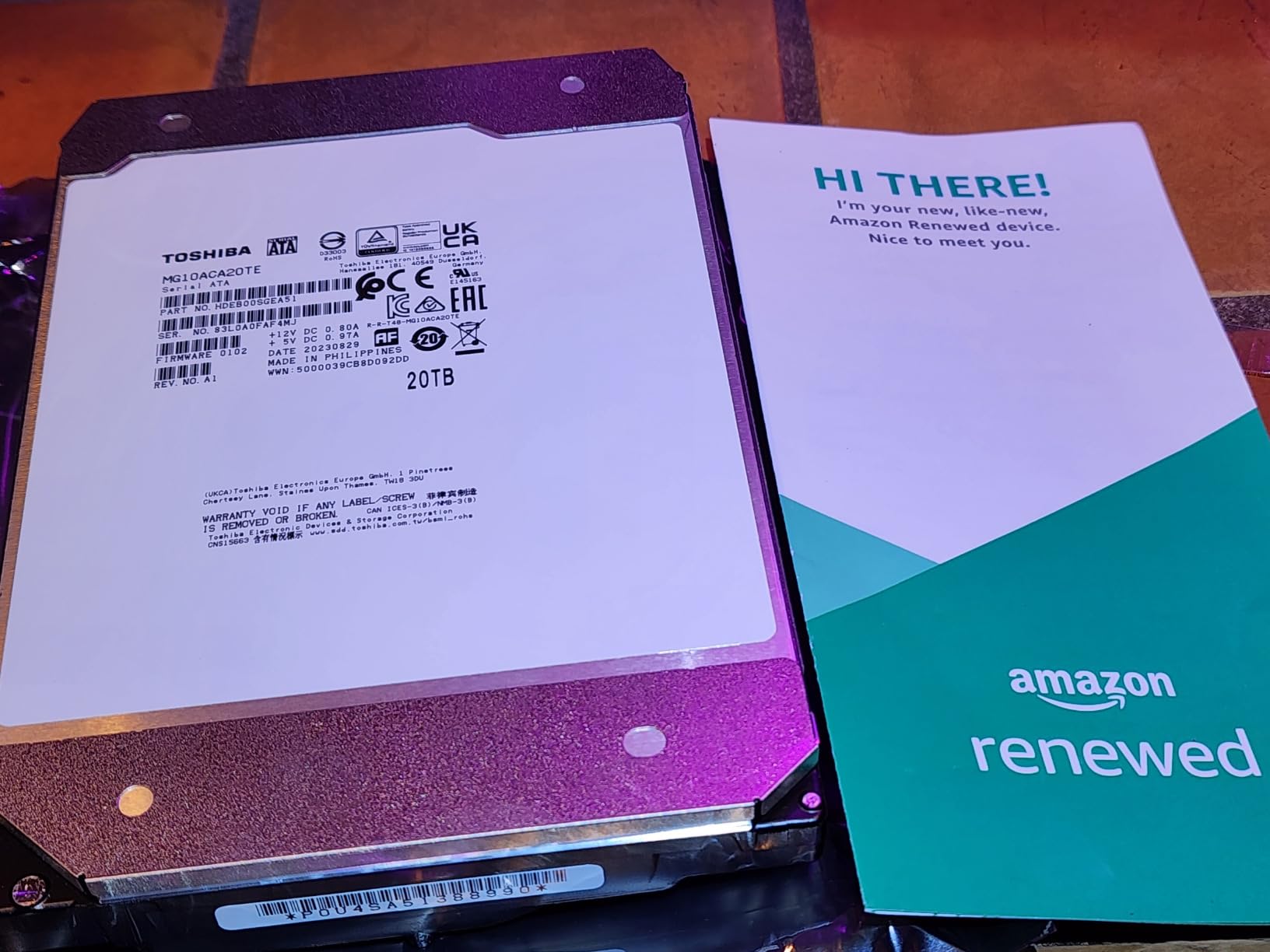
The renewed Exos X20 20TB is a route into enterprise silicon without buying it new. The helium-sealed design lowers power draw and weight, and the 2.5 million hour MTBF class hardware is the same platform Seagate builds for hyperscale customers.
The 4.4 average is encouraging, but it rests on 41 ratings. That is a small enough sample that the rating should carry very little weight in your decision.
Renewed units also lose firmware updates and the manufacturer support channel, which for a drive you intend to run for years is a meaningful loss.
A 90-day window against a five-year archive
The warranty gap is the deciding factor, not the price gap. A five-year warranty means the manufacturer stands behind the drive for most of its useful life. A 90-day window covers the period where a manufacturing defect would have shown up anyway.
So a renewed unit is defensible as a third copy, where losing it means re-copying rather than losing data. It is a poor choice as the only place a decade of family photos exists.
Testing renewed drives before you trust them
Run a full surface scan and read back the SMART attribute log before the return window closes. Check reallocated sectors, pending sectors, and whether the reported power-on hours are consistent with the condition grade you were given.
Also verify the helium design is intact by listening for the characteristic sound profile, and confirm the drive reports the full 20TB after formatting rather than a rounded figure.
10. Seagate Exos ST20000NM002H 20TB – Hyperscale Capacity With a 5-Year Warranty
Seagate 20TB Exos Enterprise Hard Drive | SATA (ST20000NM002H)
Hyperscale enterprise SATA
2.5M hour MTBF
5 year limited warranty
Enhanced caching
+ Pros
- 5 year limited warranty and 2.5M hour MTBF for long archive retention
- Low-latency repeatable performance under sustained workloads
- Reportedly quiet enough for a home server in another room
- Efficient cost per terabyte for hyperscale-density capacity
– Cons
- 3.7 average is the lowest of the internal drives here with 27 percent one-star reviews
- Several 1-star reports of dead-on-arrival drives
- Reports of thin unprotected packaging with dented corners
- One buyer received a refurbished unit instead of the advertised new drive
The Exos ST20000NM002H is a hyperscale-oriented enterprise SATA drive with enhanced caching, a 2.5 million hour MTBF and a full 5-year limited warranty. Long-term owners in NAS and server bays report quiet, dependable operation, and some run them in another room entirely.
It is genuinely appealing on paper for a long archive: 5-year coverage, enterprise media, and an efficiency profile designed for dense deployments.
The 3.7 average is the weakest of the internal drives here, and the reason is fulfilment rather than engineering. Buy from a seller that packs multi-drive orders properly.
Reading a low rating correctly
A rating dragged down by shipping damage tells you something about the seller, not about the media. But it still affects your outcome, because a drive that arrives dented is a drive that may have had its heads jolted.
The practical response is to inspect on arrival, run the SMART read, and record the power-on hours before anything else. If a unit checks out, it is an excellent 5-year archive disk. If it does not, you want the return window open.
Interpreting the published transfer rate
The listing cites a 400 MB/s data transfer rate alongside a read speed around 168 MB/s. The higher figure refers to the interface and burst conditions, not to a sustained stream across a whole platen. Plan your backup windows on the read speed, not the headline number.
At 168 MB/s, moving 20TB takes roughly 33 hours. That is fine for a background job, and it is another argument for scheduling backups rather than expecting them to fit inside a workday.
Buying Guide: What to Look for in a 20TB Backup Drive
1. Confirm CMR recording, every time
At 20TB, some capacity tiers quietly shift to SMR, and the packaging may not tell you. SMR is fine for a one-off archive copy and terrible for a workload that repeatedly rewrites blocks, which describes most backup software, RAID rebuilds and deduplication.
Rule: if the drive goes into a NAS or serves as a working backup target, it must be CMR. Every internal drive in this guide is.
2. Match the workload rating to how long the disk stays awake
A 180TB/year drive suits a backup disk that wakes nightly and sleeps again. A 300TB/year drive covers continuous ingest. A 550TB/year drive is for arrays that never idle, and it comes with enterprise media and RV sensors that justify the difference.
3. Buy the enclosure, or buy the drive, not both
External enclosures with USB 3.2 or USB-C cap you around 180 to 270 MB/s regardless of the drive inside. An internal SATA drive connected directly to a controller will run faster still, but it is not portable.
For a fixed backup station, internal SATA is the faster route. For a drive that travels to a safe place, the external is the only option, and the enclosure becomes the bottleneck rather than the disk.
4. Plan for the failure, not just the capacity
One drive is not a backup. The 3-2-1 rule still applies: three copies, on two different media types, with one copy off-site. Two mirrored 20TB drives in the same room are two devices but only one location, which does not protect you from theft or fire.
Free tools handle the rotation well. Syncthing replicates continuously between machines, Restic and Kopia do encrypted deduplicated snapshots, and macOS has Time Machine built in. Our guide to 8TB backup drives covers building a tiered set across capacities.
5. Know what 20TB of lifespan actually buys you
Using the 0.35 percent annualised failure rate implied by a 2.5 million hour MTBF rating, a two-drive mirror faces a meaningful chance of at least one drive failing within a five-year window. That is not a reason to avoid these drives, it is a reason to keep a second copy somewhere else.
On the capacity side, a household adding 1TB a year gets well over a decade of headroom on a single 20TB drive. A photographer adding 10TB a year fills it in about two years, and that is when mirroring to a second unit matters most.
6. Shucking, and the warranty question nobody mentions
The most common forum question at this capacity is whether to buy a large external and extract the internal drive from it. Cost per terabyte is usually better that way, and several 20TB externals contain the same helium-sealed CMR media as the standalone internal.
The catch is warranty. Sealing a drive invalidates coverage, and the external warranty does not transfer to the bare drive inside it. If you shuck, treat the disk as having no warranty, run SMART monitoring on a schedule, and keep a second copy.
7. Watch the noise and the heat
Every 20TB drive here spins at 7200 RPM, which means measurable acoustic output in a home office. Moving the chassis to another room is a better fix than any spec comparison, and a small fan across the drive tray prevents the throttling that gets mistaken for a failing disk.
Our portable bootable drive guide covers the small removable media you would keep alongside a 20TB archive for recovery and system repair.
Frequently Asked Questions
What is the best hard drive for backup?
The best hard drive for backup is the WD Elements 20TB for a single quiet desktop copy, or the WD Red Pro 20TB for a NAS array. Both record in CMR, sustain roughly 180 to 250 MB/s on large files, and hold 20TB in a single device. Whichever you pick, keep at least one more copy in a different location.
What is the best 20TB external hard drive?
The Glyph Blackbox PRO 20TB is the fastest 20TB external, with owner benchmarks around 255-260 MB/s sustained and an aluminum heatsink shell that holds the rate through long transfers. It ships Time Machine ready with both USB-C cables included. The WD Elements 20TB is the quieter, simpler alternative at around 180 MB/s.
How long does a 20TB drive actually last?
A 20TB drive is rated by MTBF, so no single number predicts your disk. A 2.5 million hour MTBF equals roughly a 0.35 percent annualised failure rate. Expect several years of service, and expect one failure eventually in a multi-drive setup. Redundancy, not the rating, is what protects your data.
Are 20TB hard drives CMR or SMR?
Every internal 20TB drive in this roundup records in CMR, and you should assume the 20TB class is where SMR appears on lower-cost consumer models. CMR writes to discrete tracks, so long writes and RAID rebuilds run at a predictable rate. If the listing does not say CMR, do not use the drive as a backup target.
How many 20TB drives do I need for a backup?
Two drives mirrored give you 20TB of protected storage and survive a single failure. To follow the 3-2-1 rule, add a third copy off-site, which means a third 20TB drive you store somewhere else and rotate on a schedule. One drive on its own is a single point of failure, not a backup.
Is a hard drive still worth it for backups in 2026?
Yes. Mechanical drives deliver the lowest cost per terabyte of any storage medium, and 20TB is the capacity where that gap is widest. SSDs are faster but priced per terabyte far higher, and tape suits archival rather than active backup. For bulk photo, video and document copies, hard drives remain the practical answer.
The Final Verdict for 20TB Backup Storage in 2026
If you want one quiet drive and nothing else, take the WD Elements 20TB and connect it once a week. If you run a NAS or a mirrored array, the WD Red Pro 20TB gives you the workload rating and warranty that keeps an array healthy through a rebuild, and the Toshiba N300 20TB is the sensible step below it.
For raw external speed or a Mac-centric workflow, the Glyph Blackbox PRO 20TB is the fastest option here. For a third off-site copy, the renewed Exos X20 20TB gives you enterprise media at a fraction of new cost, provided the 90-day window is long enough to test it properly.
Whichever you choose, the best 20TB hard drives for backups only work as part of a rotation. Two copies in two places, checked on a schedule, will outlast any single drive we tested in 2026.
Leave a Reply