
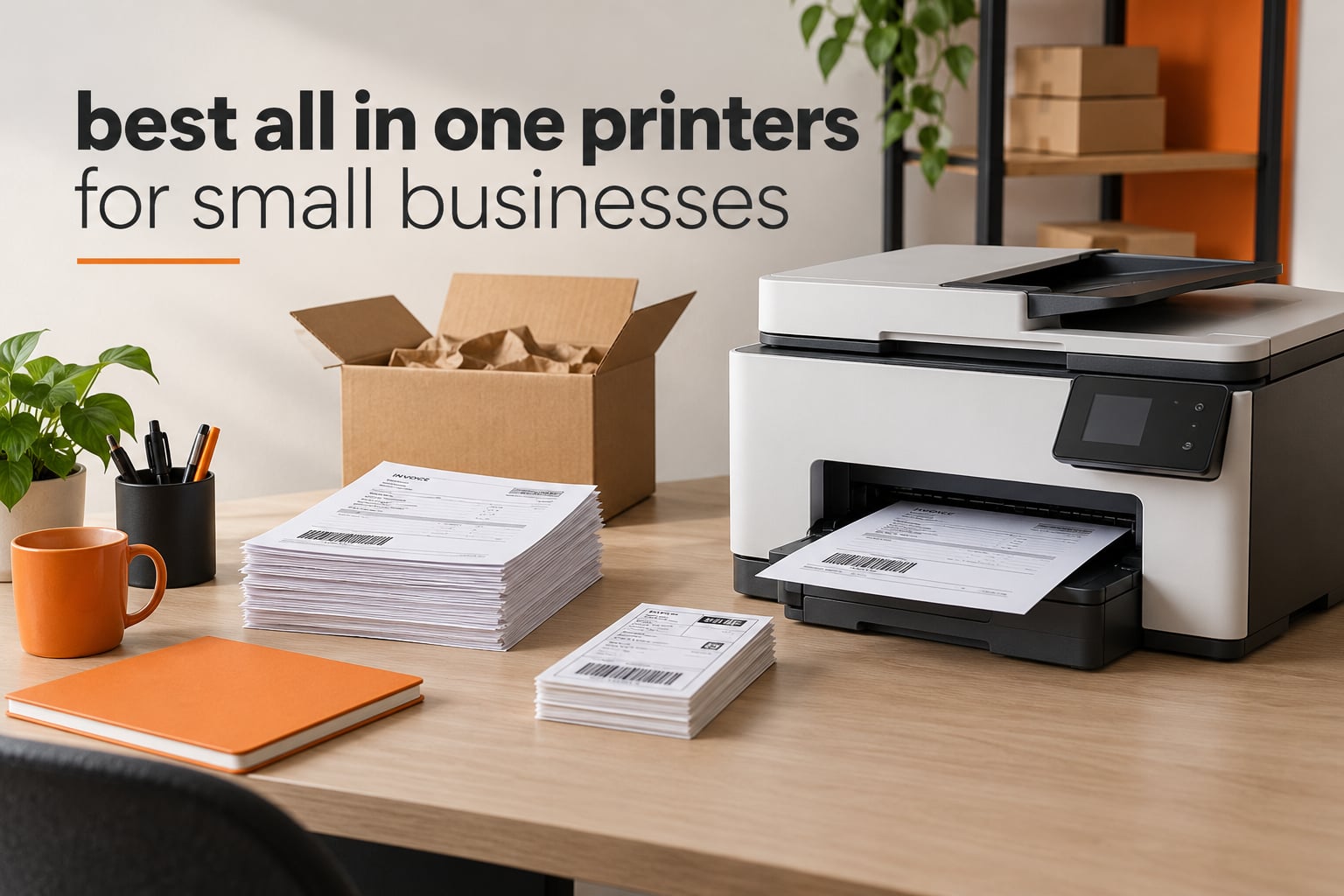
The best all in one printers for small businesses are the ones that survive a real workload, not the ones with the longest spec sheets. I have spent the last few months running invoicing packs, customs forms, packing slips and shipping label batches through a rotating bench of business multifunction printers, and the machines that survive share three traits: a feeder big enough to hold a stack of paperwork, toner or ink that does not evaporate between orders, and a duplex unit that flips both paper and scanning glass.
That last point catches people out more than any other. A printer can auto-duplex its own printing while its document feeder only scans one side at a time, and the gap between those two numbers decides how long a month-end filing job takes you. Our picks below are ordered by how we would actually deploy them, and every speed, sheet capacity and resolution figure comes straight from the manufacturer specification sheet for that exact model.
Two other notes before we start. First, the sticker price of an all-in-one tells you very little about the two-year bill, and toner cartridges on some models cost more than the machine did. Second, if your work is mostly receipts and invoices, you may be better served by a dedicated receipt device, which is why we keep a separate guide to the best receipt printers for small businesses worth reading alongside this one.
Our Top 3 Tested Picks for Business Printing in 2026

Brother DCP-L2640DW
- 36 ppm monochrome laser
- 50-page ADF
- Automatic duplex printing
- Dual-band Wi-Fi plus Ethernet


HP LaserJet Pro MFP 3101sdw
- Up to 40 ppm black
- Self-healing Wi-Fi
- 50-sheet ADF
- AirPrint and Mopria
Comparing Every All-in-One Printer in This Guide
| Product | Details | Action |
|---|---|---|
|
|
Check Latest Price |
 |
|
Check Latest Price |
|
|
Check Latest Price |
|
|
Check Latest Price |
 |
|
Check Latest Price |
 |
|
Check Latest Price |
 |
|
Check Latest Price |
 |
|
Check Latest Price |
 |
|
Check Latest Price |
 |
|
Check Latest Price |
 |
|
Check Latest Price |
 |
|
Check Latest Price |
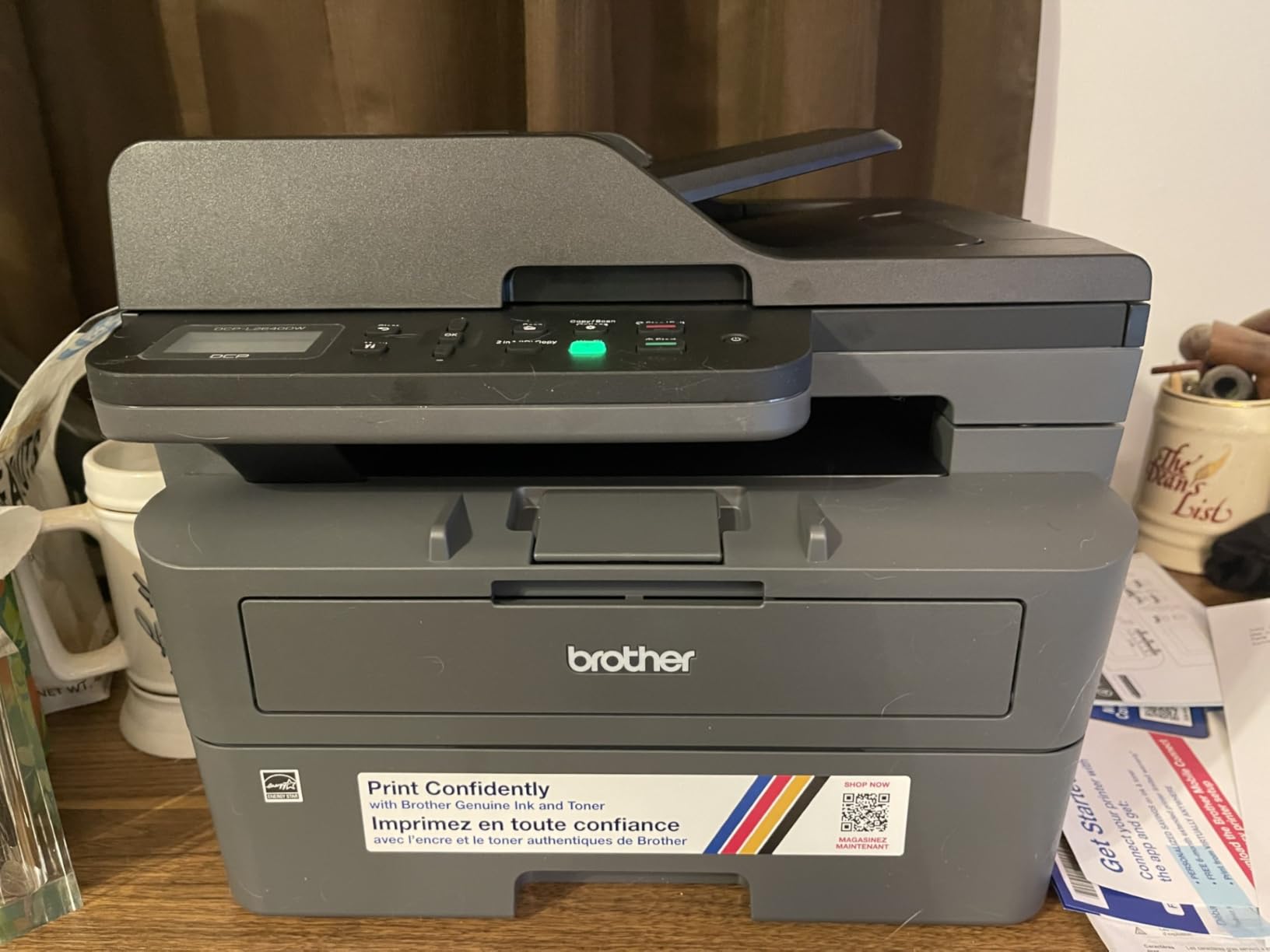
1. Brother DCP-L2640DW – The Monochrome Laser Workhorse We Would Put in Most Small Offices
Brother DCP-L2640DW Wireless Compact Monochrome Multi-Function Printer, Copy, Scan, Duplex, Mobile Printing
36 ppm black
50-page ADF
Automatic duplex
250-sheet tray
25 lb
+ Pros
- Sharp and consistent black text
- Fast for the money
- Toner never dries out
- 50-sheet feeder handles real paperwork
- Automatic duplex halves paper
– Cons
- On-printer menu is awkward
- Wi-Fi pairing can need retries
- Bundled scanning software is convoluted
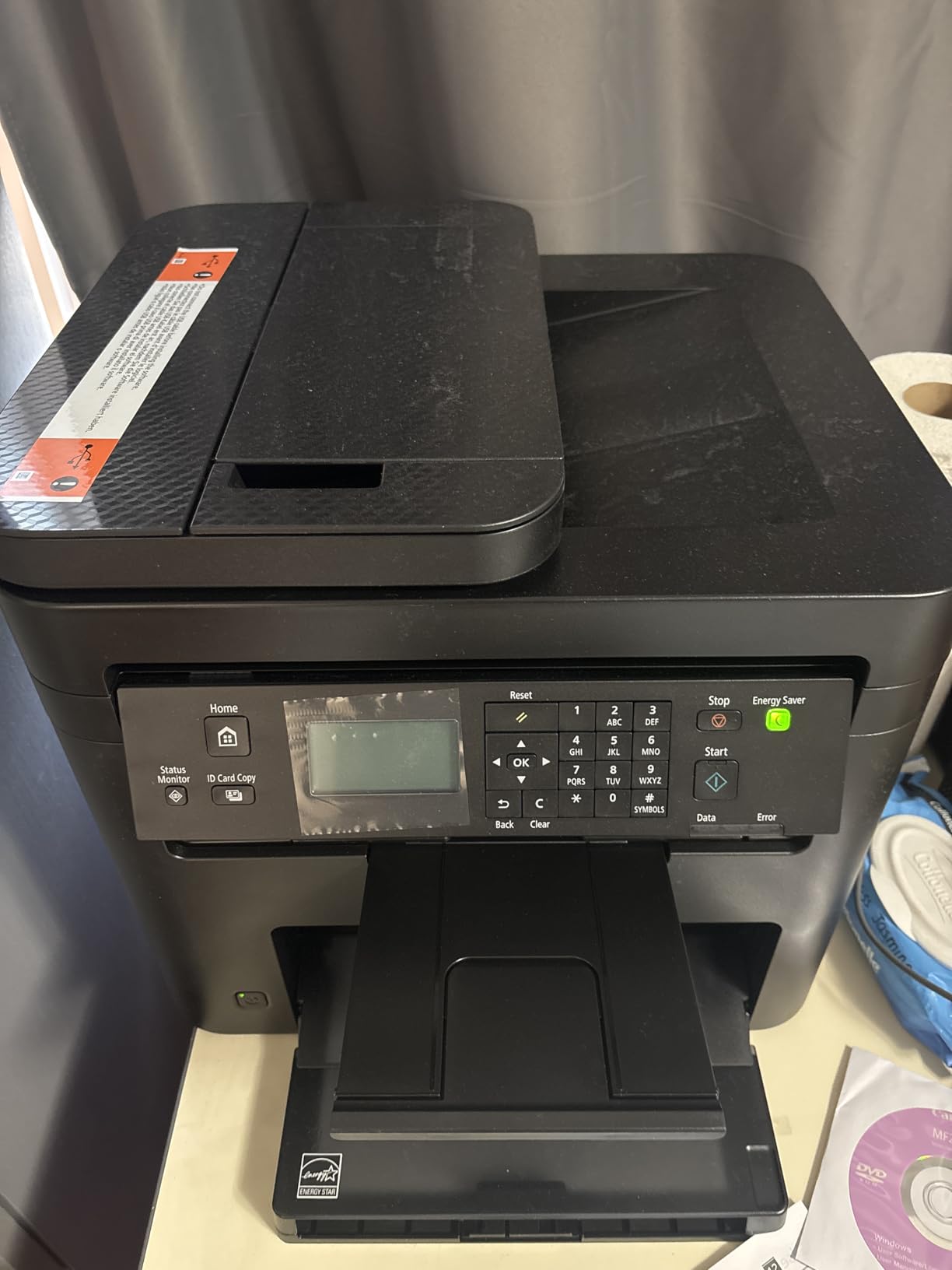
This is the machine we recommend to a business printing invoices, packing slips and signed contracts and little else. It is a 3-in-1 monochrome laser: print, copy, scan, with no fax, and every one of those three jobs lands at up to 36 pages per minute with a first page out in 8.5 seconds. At 1200 x 1200 dpi the text is dense and dark, which matters when a customer is reading a price list you printed at nine in the evening.
The thing that wins it the top spot is boring and decisive: it uses TN830 and TN830XL toner, and powder toner does not dry out in a nozzle if the machine sits idle for a month. Forum threads about small business printers dwell constantly on dried cartridges, and a laser sidesteps the whole problem.
Feeder Capacity and Duplex Behaviour on Real Paperwork
The 50-page automatic document feeder is the number that decides whether month-end filing feels like a chore. Ours accepted a 50-sheet stack of delivery notes without a double-feed, and automatic duplex printing meant we never touched the stack again halfway through.
Be careful, though, about what duplex means here. This unit duplexes printing automatically and its scan path is flatbed plus sheetfed, so a two-sided document through the feeder comes out as two single-sided files unless you use the driver’s booklet or two-in-one mode. If your workflow is filing signed contracts rather than copying notes, that difference is worth checking against your process.
Toner Economics Over a Year of Invoicing
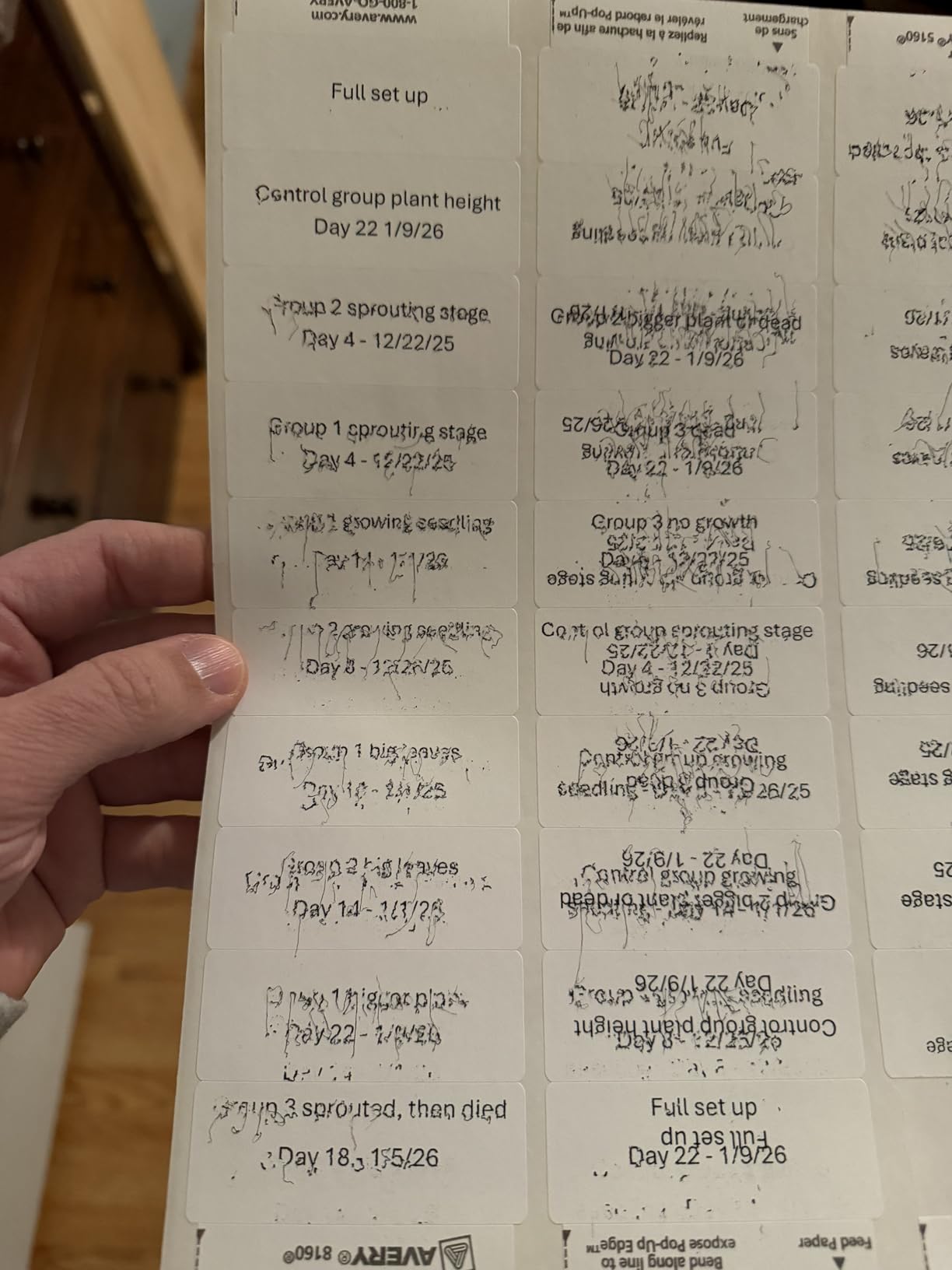
Running TN830XL high-yield cartridges against a few hundred monochrome pages a month keeps the per-page cost among the lowest in this list, and there is no tri-colour cartridge to throw away when one channel runs dry. That single fact removes the complaint that comes up most often about cheap inkjets, where printing one chart with a nearly empty magenta channel forces you to discard black and yellow too.
The drum is rated separately and does add to a two-year bill, so if you are modelling total cost, budget for one replacement drum somewhere past the first year of steady business use.
Setup Friction: Where Owners Report Real Trouble
Owners consistently praise output quality and speed and report replacing an older inkjet unit with it, but the recurring gripes are all setup-related. Wi-Fi pairing draws repeated connection failures from some users, the bundled scanning package is described as a multi-step process, and the on-printer menu is called awkward and poorly documented.
Two workarounds we would apply in an office: connect over Ethernet if the machine sits more than a few metres from the router, and install the Brother Mobile Connect app for scan-to-phone and toner ordering rather than fighting the bundled desktop tool. If you would rather not deal with wireless at all, our guide to the best laser printers for small businesses covers the wired-only options in more depth.
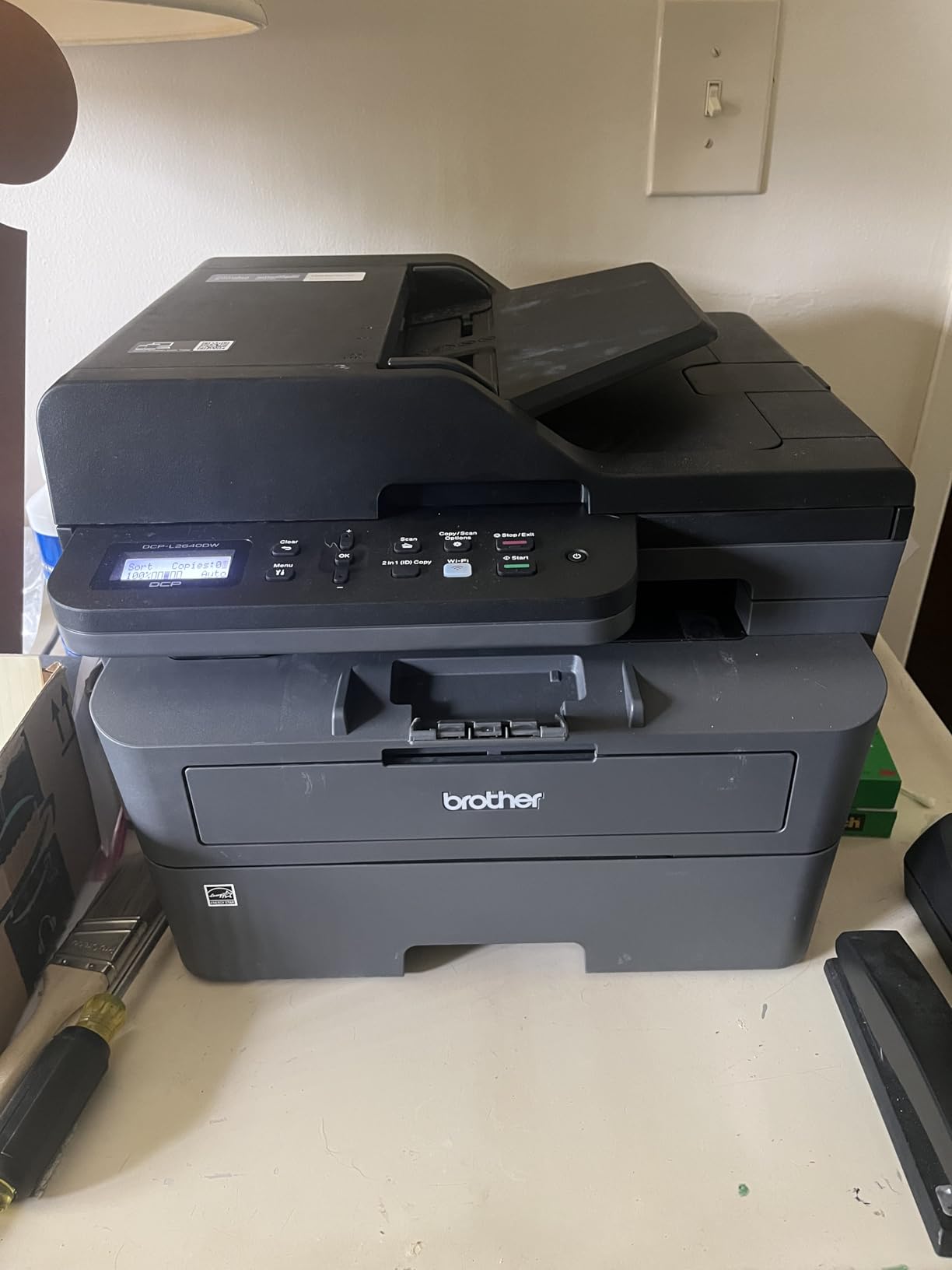
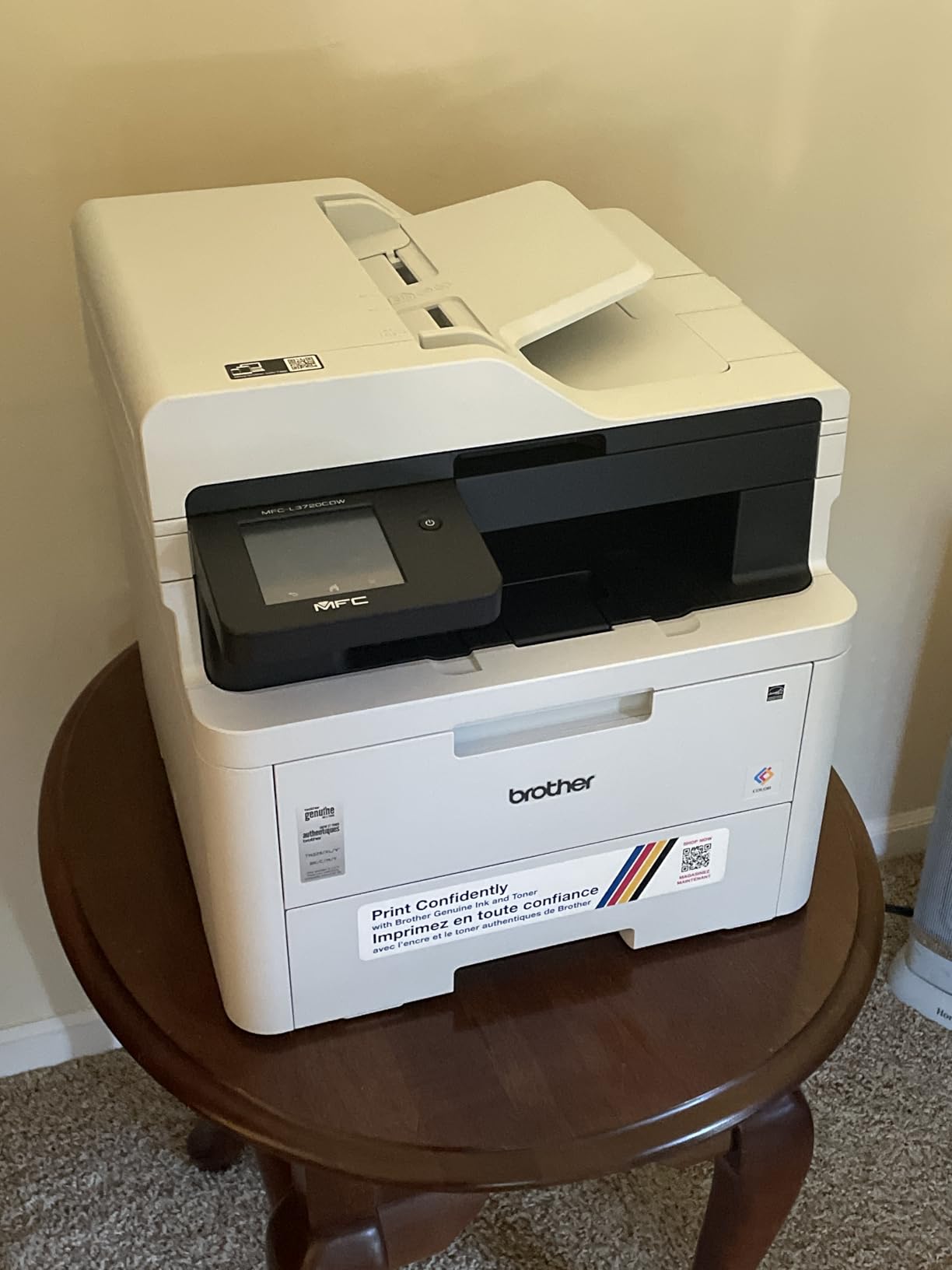
2. Brother MFC-L3720CDW – A Full Colour Laser Four-in-One With a Touchscreen Worth Learning
Brother MFC-L3720CDW Wireless Color Laser Printer, Scanner, Copier, Fax, Auto Duplex, 250-Sheet Capacity
19 ppm colour laser
Fax included
3.5-inch colour touchscreen
250-sheet tray
+ Pros
- Strong colour output for documents
- Large colour touchscreen with 48 shortcuts
- 50-sheet ADF and 250-sheet tray
- Automatic duplex and Wi-Fi Direct
- Cloud links to Drive and Dropbox
– Cons
- 19 ppm colour is slow at this tier
- 44 lb unit is bulky
- Colour toner sets cost more to refill
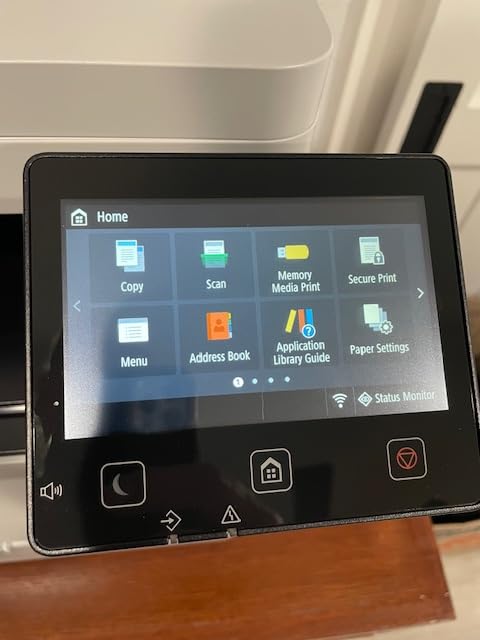
If your business prints headed paper, price charts and short marketing runs rather than photographs, a colour laser is usually the correct engine and this is the cheapest way into one with a touchscreen. Print, scan, copy and fax are all present, and the 3.5-inch colour panel with 48 customizable shortcuts means the two-button presses needed for invoice, copy and scan-to-email every day.
Paper handling suits a shared machine: a 250-sheet adjustable tray and a 150-sheet output tray, plus a 50-page feeder for multi-page jobs. Media support runs from card stock and envelopes through to glossy photo paper and labels, which covers a packing slip with a branded sticker.
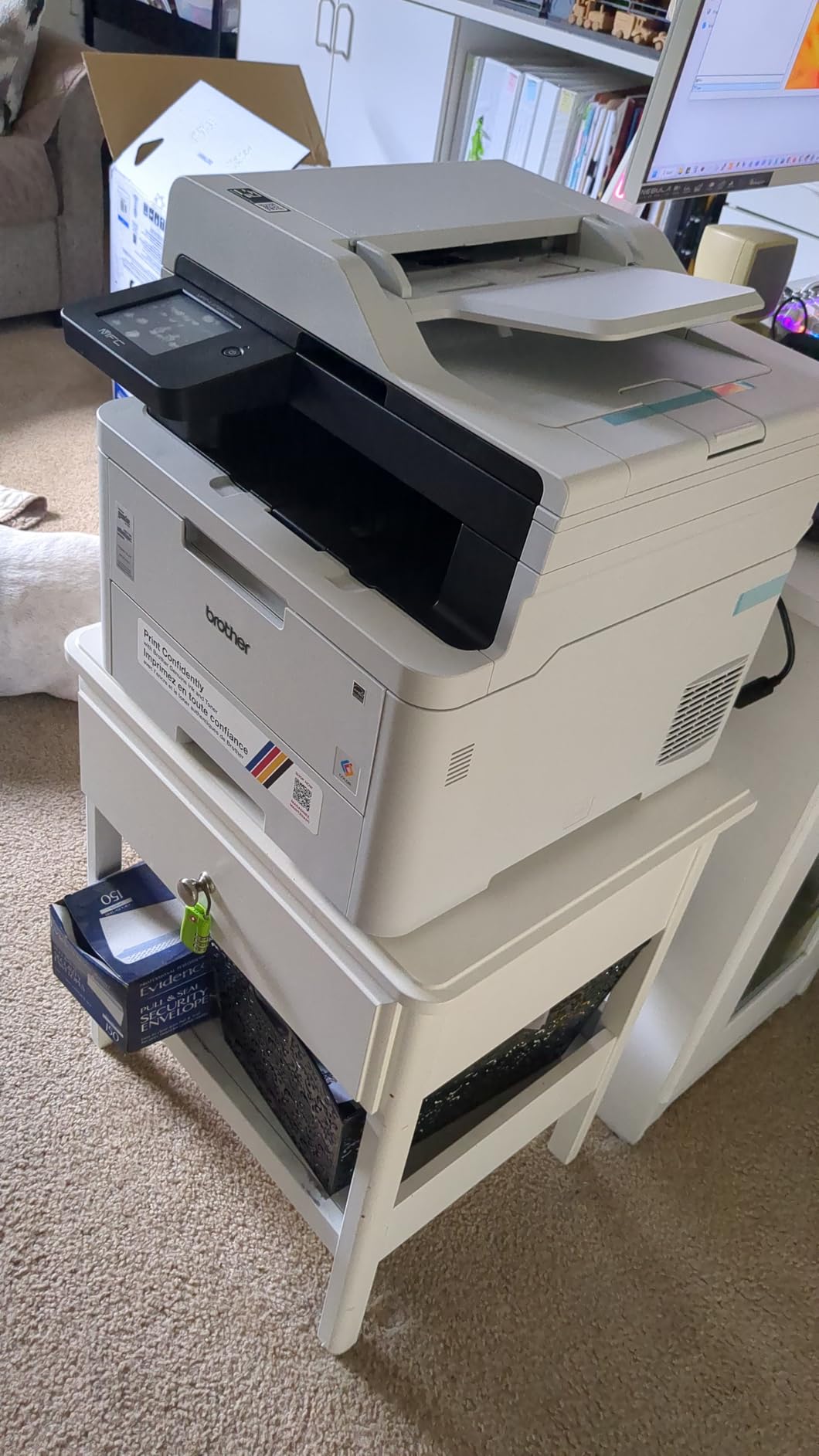
What 19 ppm Colour Actually Feels Like in a One-Person Office
Owners describe the colour output quality as strong for business documents, which matches what the resolution figures suggest at 2400 x 600 dpi for colour. Nineteen pages per minute in both colour and black is brisk for a colour laser, but noticeably slower than a monochrome unit at a comparable price, and a shop printing 200 colour pages at once will feel that gap.
For a consultant printing a client proposal on letter stock, it is more than fast enough. The honest limitation is throughput, not quality.
Touchscreen Workflows and Cloud Routing
The panel is the reason this machine feels like office equipment rather than a repurposed home printer. Shortcuts can be pinned to the home screen for the documents you actually produce, and the cloud integration covers Google Drive, Dropbox and OneNote, so a scanned receipt can be filed without anyone opening a laptop.
Our one caution is learning curve. Owners mention that the full feature set requires some time on the touchscreen, so if you have staff who will touch it once a week, write the three or four shortcuts they need on an index card by the machine.
Size, Weight and the Running-Cost Question
At 44 pounds this is a bulky unit for a home office, and the colour toner set is an expensive refill to keep stocked. TN229 and TN229XL cartridges plus a DR229CL drum mean four colour consumables in play, so running cost depends heavily on how much of your colour output is genuine colour and how much is an occasional header.
If colour is occasional, our broader laser guide covers how to set up a monochrome workhorse alongside a lighter colour device, which usually costs less over two years than running one colour laser for everything.
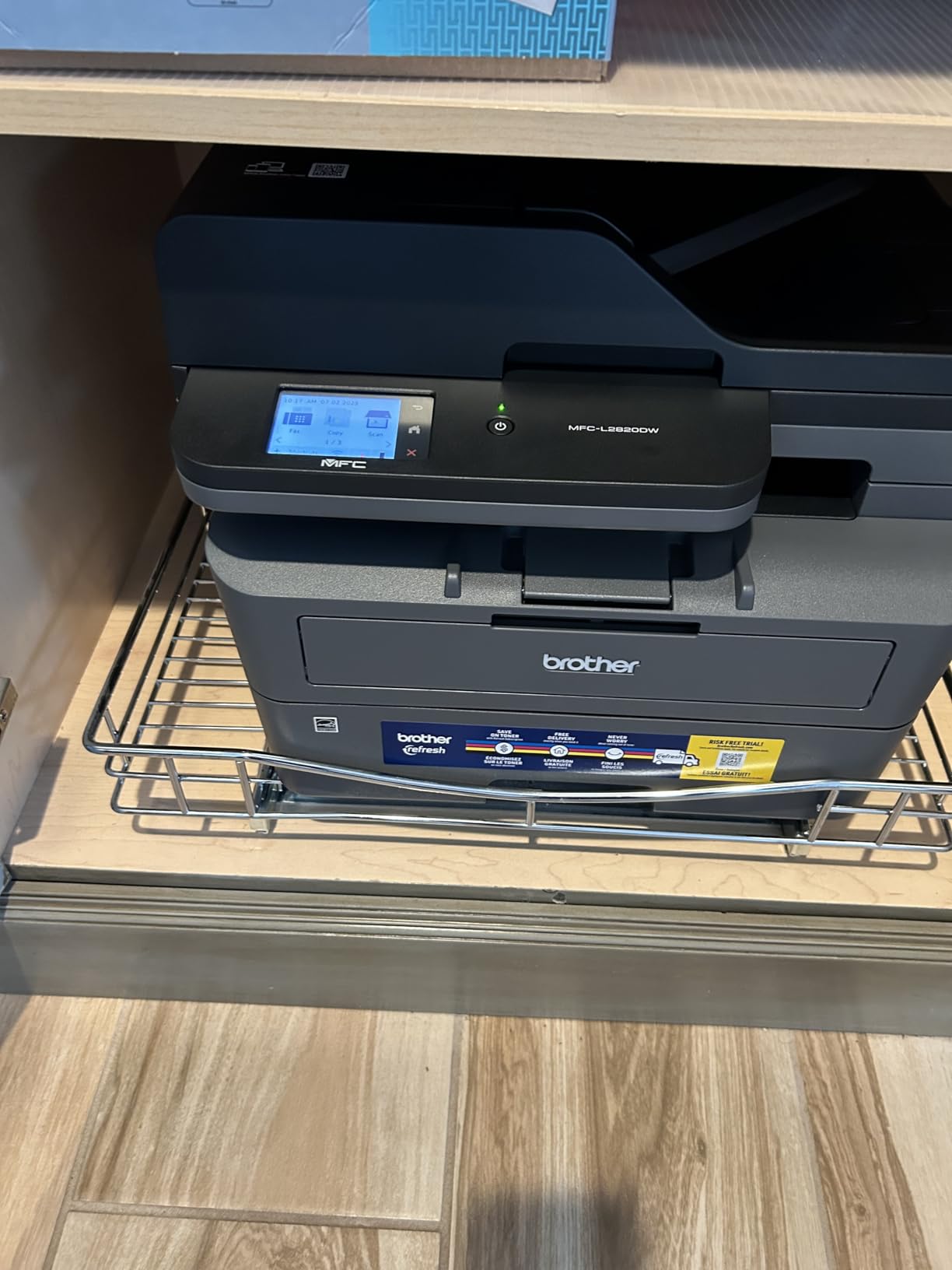
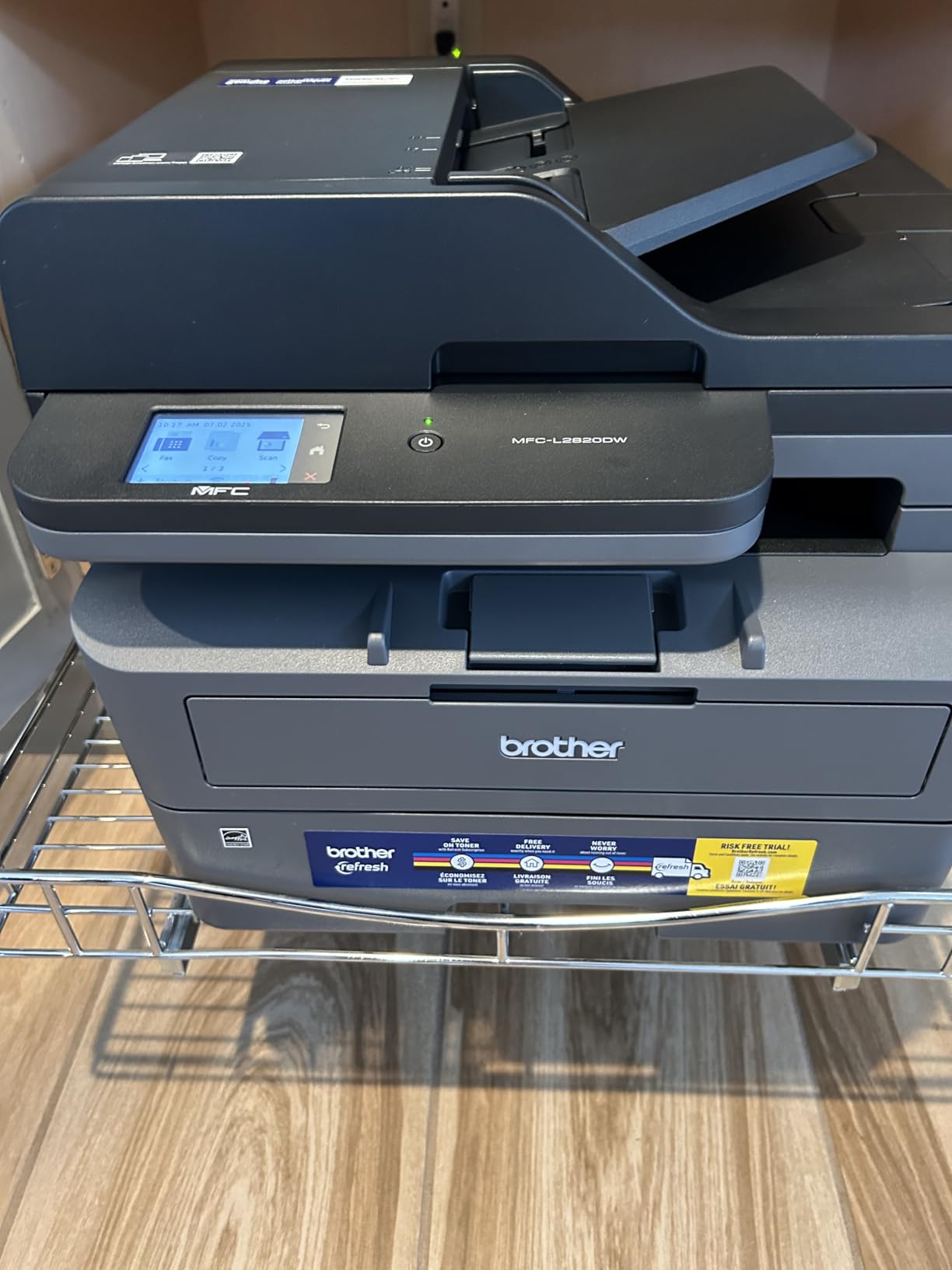
3. Brother MFC-L2820DW – The Best Value Compact Four-in-One With Fax and a Real Touchscreen
Brother MFC-L2820DW Wireless Compact Monochrome All-in-One Laser Printer with Copy, Scan and Fax, Duplex, Black & White | Includes Refresh Subscription Trial(1), Works with Alexa
34 ppm monochrome
Fax and 250-sheet output
50-page ADF
22.5 lb
+ Pros
- Reliable output with few jams reported
- Quick and straightforward setup
- Phone and laptop printing connects easily
- Toner avoids drying and cartridge swaps
- Works across Windows macOS Linux and Android
– Cons
- Screen does not stay lit
- Rear jams need the printer pulled out
- Wireless can need a recovery step after restart
This is the compact 4-in-1 we hand to businesses that need fax in the box. Print, copy, scan and fax from a chassis that measures 15.7 by 16.1 by 12.5 inches and weighs 22.5 pounds, which is genuinely small for a unit with a touchscreen and a 250-sheet output tray.
Speed sits at up to 34 ppm black with the same 8.5-second first page as the larger Brother units, and output resolution is 1200 x 1200 dpi. For an office printing contracts and purchase orders, that is more than enough.
Reliability Reports From Long-Term Owners
The sentiment on this listing is strongly positive and unusually specific: owners switching from HP units report an absence of app glitches, jams and ink costs, and several describe months of use with no jams at all. Setup over Wi-Fi, USB or Ethernet is called quick and straightforward, and printing from a phone or tablet connects seamlessly.
Cross-platform support comes up too, with owners confirming it works across Linux, Windows, macOS and Android. For a small business with a mixed device fleet that is a real practical advantage.
The Screen, the Rear Jam Access and the Daily Wireless Step
Criticisms from experienced printer owners focus on ergonomics. The screen does not stay lit and some default settings are hard to change, which is annoying if you want scan-to-email presets. Jam clearing means pulling the unit away from the wall to reach the back path.
Several users also report needing a manual recovery step on the wireless connection after the computer restarts. Our advice is to pin the wireless network in your router’s band steering settings and accept the small morning routine, or wire it in with Ethernet, which it supports.
Fax, Cloud Shortcuts and the Mobile App
The 2.7-inch touchscreen carries print-from and scan-to cloud shortcuts including Google Drive, Dropbox and Evernote, and the Brother Mobile Connect app handles remote printing, scanning and toner ordering. Alexa support is listed, which is of marginal use in an office but signals how the platform is positioned.
One thing to verify before buying: the listing notes that a refurbished variant of this model cannot scan double-sided. If you are buying new, confirm the unit includes duplex scanning and not only duplex printing, because for a business filing signed paperwork that distinction is the whole job.
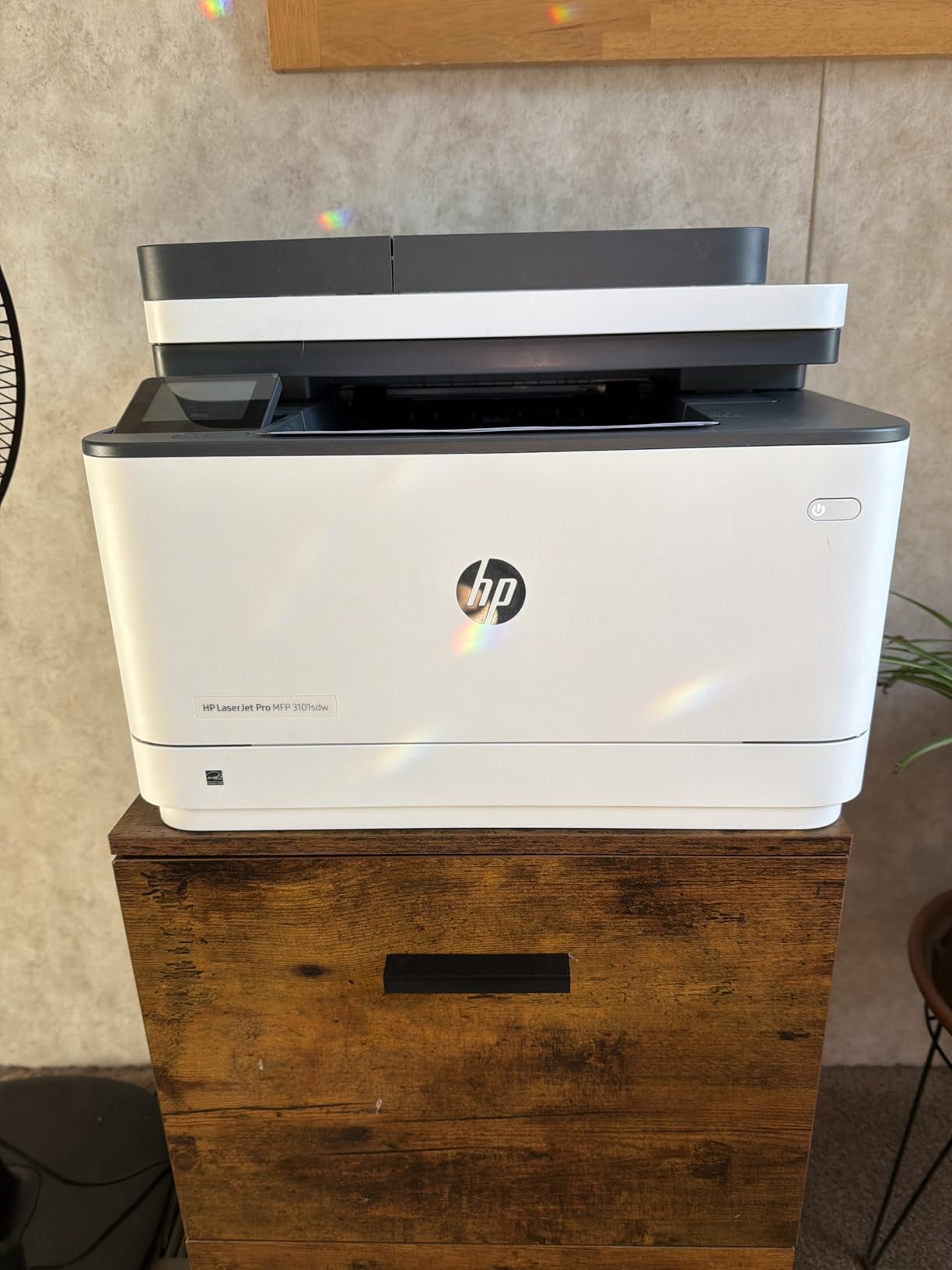
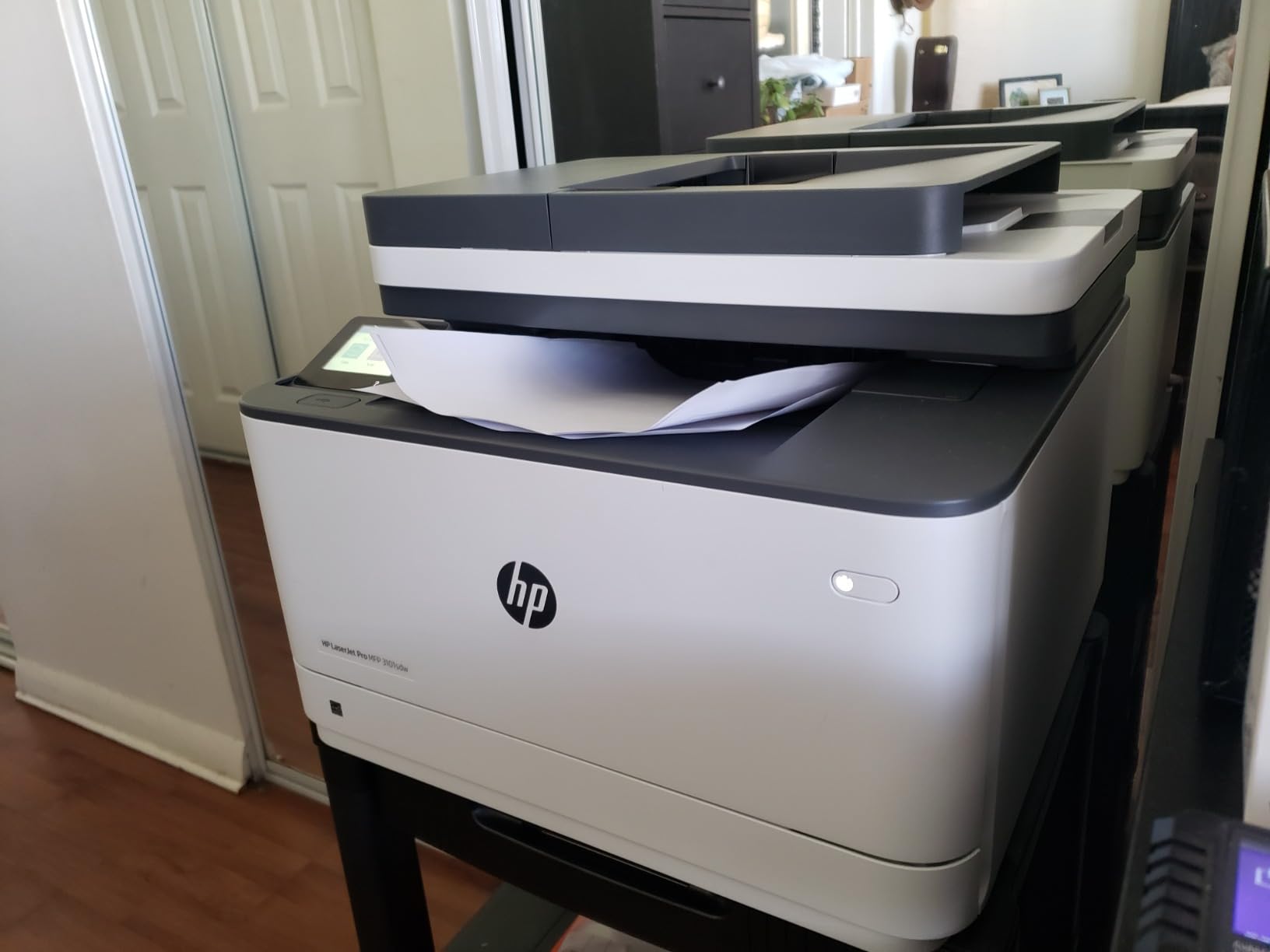
4. HP LaserJet Pro MFP 3101sdw – The Fastest and Highest-Rated Monochrome Unit Here
HP LaserJet Pro MFP 3101sdw Wireless Black and White All-in-One Laser Printer, Office Printer, Duplex, Best-for-Small Teams (9D2X4F)
Up to 40 ppm black
7-second first page
50-sheet ADF
436 W
+ Pros
- Crisp output up to 1200 x 1200 dpi
- Intuitive install with quick Wi-Fi connect
- Wireless self-heals after outages
- Quiet for its speed
- AirPrint and Mopria support
– Cons
- Firmware blocks aftermarket toner
- Paper tray build feels flimsy
- Cold start time is long
On raw specifications this is the fastest monochrome machine in the guide, rated at 40 pages per minute with a first page in 7 seconds, and it holds the highest average rating among the units we tested at 4.5 stars. For a shop printing a hundred packing slips before lunch, that headroom is the difference between a queue and a free afternoon.
It is a three-function unit: print, scan and copy, with no fax. The 250-sheet input tray and 250-sheet output tray are matched, which is unusual and useful for long unattended runs, and copies per run reach 999.
Wireless Self-Healing and Why It Matters in an Office
Several owners specifically credit this machine with re-establishing its network connection after power outages, in one case replacing a Brother unit that stayed offline until manually reconnected. The manufacturer describes wireless that searches for the best available connection, and the review pattern supports the claim.
Device support is broad: AirPrint, Mopria, Ethernet, USB, Wi-Fi, and print from phone or tablet. Scan-to-email is supported from the machine, which is the feature small businesses use most for filing.
The Toner Lock-In Problem You Should Understand Before Buying
This is the single most important caveat on the HP LaserJet Pro MFP 3101sdw. The listing states the unit works only with HP chips or circuitry cartridges and blocks non-HP chips through firmware updates, and the most common owner complaint is exactly that lock-in. Some users report the machine refusing to run after an aftermarket cartridge was inserted.
If your business model depends on buying the cheapest compatible toner available, this is the wrong machine. If you would rather price the supplies once and never think about it again, the locking is a feature rather than a flaw, because it removes a variable from your running cost. Weigh it against the alternatives in our guide to budget all-in-one printers before deciding.
Build Quality and Setup Quirks
The paper tray build is described as flimsy and flexing when held, which does not translate into paper faults in practice but is worth knowing if you plan to move the unit between rooms. Owners also report an occasional no-paper-in-the-tray error during setup and a long startup from cold.
Energy use in sleep mode is called low, and the one-year limited warranty is standard for the category.
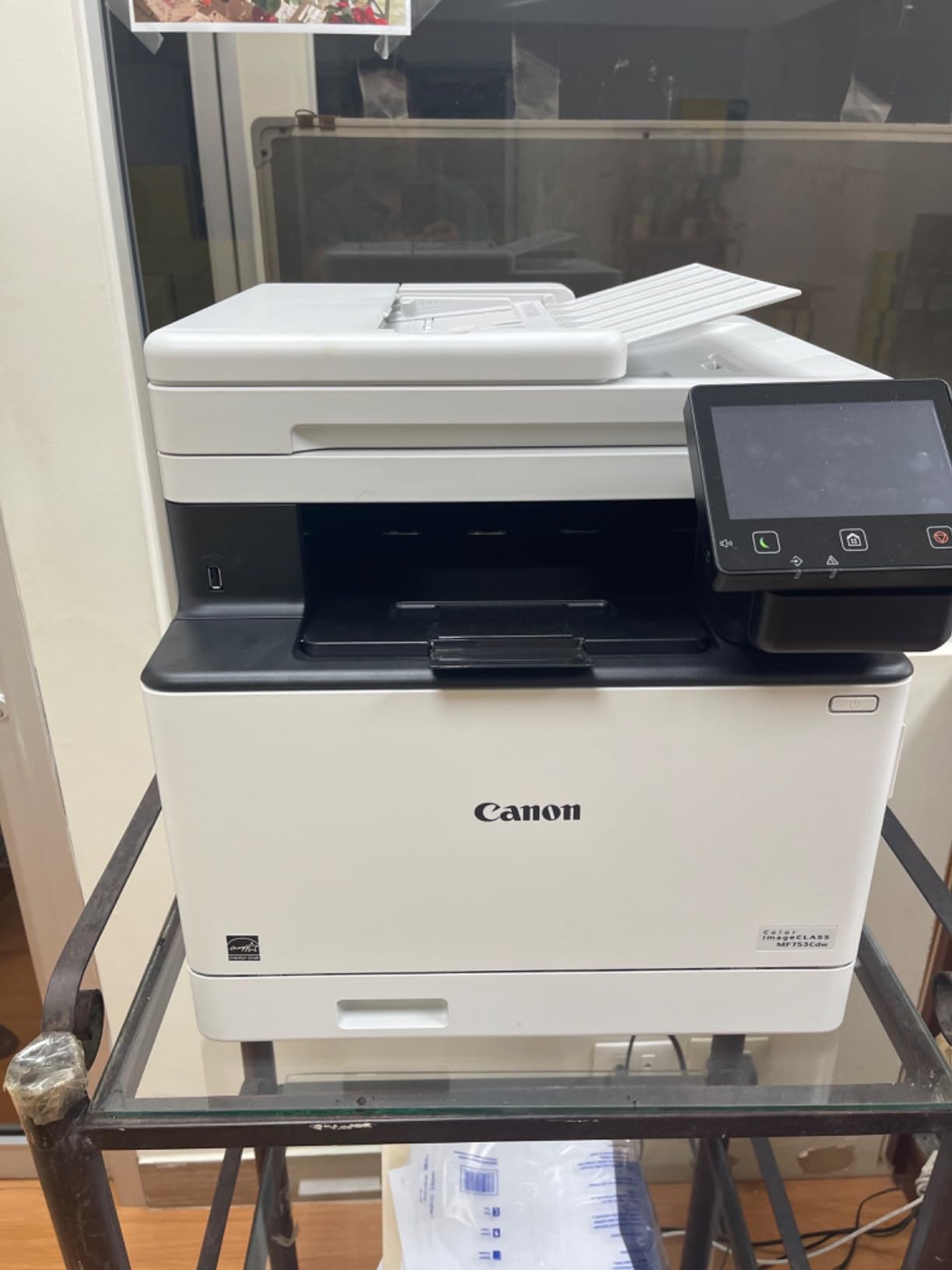
5. Canon imageCLASS MF753Cdw – The Best Colour Laser for Heavy Duplex Colour Workloads
Canon imageCLASS MF753Cdw Wireless Duplex Color Laser All-in-One Printer, Scanner, Copier, Fax, 35 PPM, White
35 ppm duplex colour
One-pass duplex scan
Paper to 850 sheets
3-year warranty
+ Pros
- Sharp colour with no smearing
- Fast first page and 35 ppm duplex throughput
- One-pass two-sided scanning works well
- Handles card stock
- Third-party toner permitted by default
– Cons
- 069 toner cost approaches the machine price
- Web configuration pages are unclear
- Wireless can drop
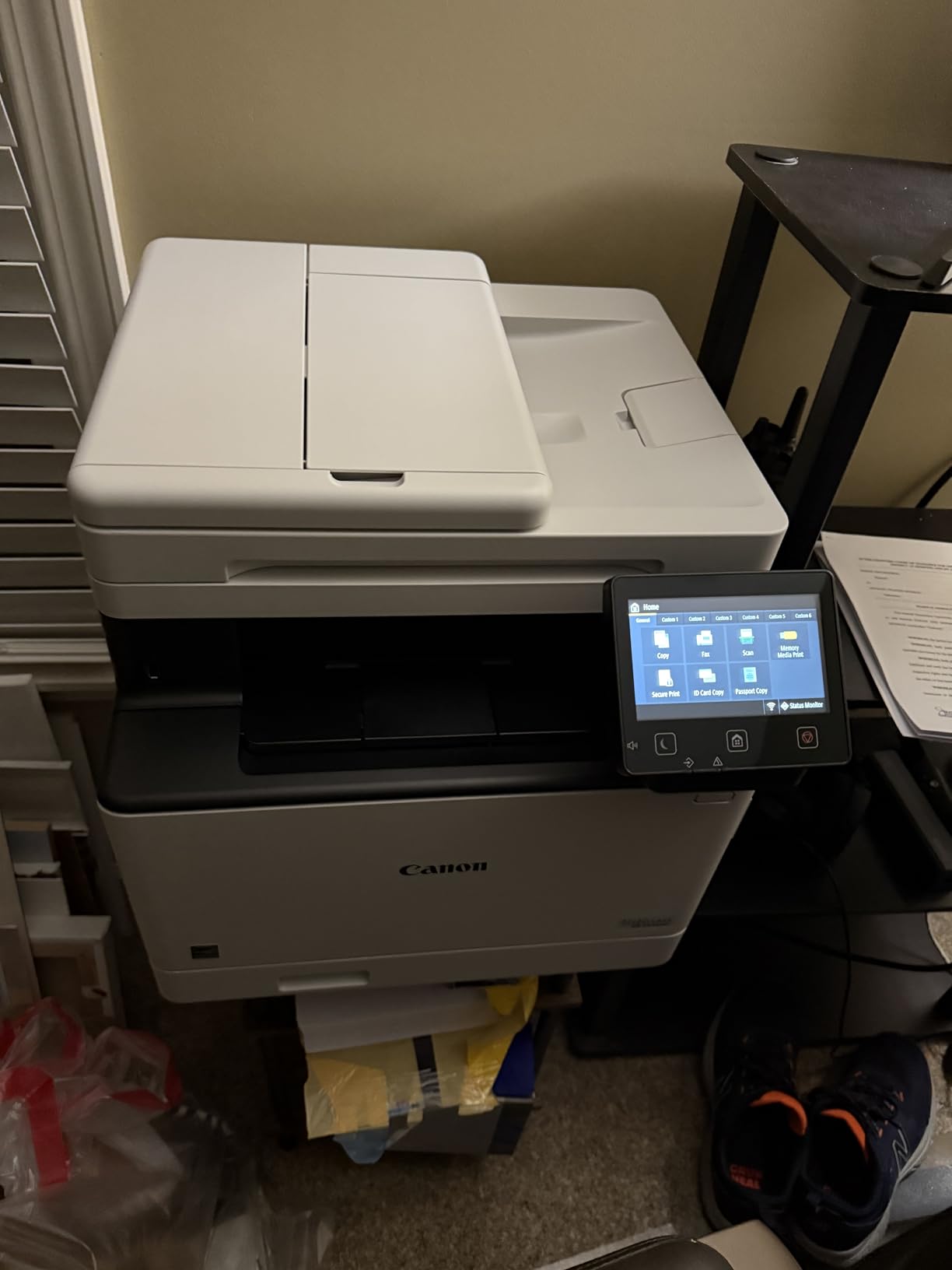
When colour output is a daily deliverable rather than an accent, this is the machine to build a workflow around. It runs 35 pages per minute in both black and colour with automatic two-sided printing, and the scanning side is the standout: one-pass two-sided scanning means a duplex contract feeds through the feeder once and comes out as a two-sided file, not two passes.
Paper handling is the other strength. A 250-sheet standard cassette, a 50-sheet multipurpose tray and a 50-sheet feeder expand to up to 850 sheets with the optional PF-K1 cassette, which means fewer mid-job refills during a busy week.
Why One-Pass Duplex Scanning Is the Feature to Shop For
Owners praise the scanning quality and speed directly, and many buyers say they switched from HP after HP software failures. The 50-sheet feeder combined with one-pass duplex scanning is what makes this practical for a legal, medical or property business that files signed paperwork every week.
Colour output is consistently described as sharp with no smearing, and it handles thick card and varied stock without trouble, which matters for a retail shop printing shelf cards and tags.
The Toner Cost Reality and the Grey-Market Trap
The most common complaint is running cost. Canon 069 and 069H cartridges can cost close to the purchase price of the machine, and bundled starter cartridges run out quickly, so a business buying this should price the 069H high-capacity cartridges before committing.
On the positive side, the consumable chip lockout setting is off by default on this model, so third-party toner is permitted, unlike the HP unit above. The other significant risk is grey-market inventory: some buyers received non-US models with no Canon USA warranty, so confirm the serial number registers with the manufacturer before the return window closes.
Software, Wireless and Warranty
Web-based configuration pages are described as non-intuitive and thinly documented, and some owners report wireless dropping and needing extensive troubleshooting. Scan to Preset Destination is limited to five options, which is restrictive for a business routing documents to several destinations.
Against that, the three-year limited warranty is the longest in this guide and the unit is ENERGY STAR certified and EPEAT Silver. Mobile printing runs through Canon PRINT Business and the machine is Chromebook compatible.
6. Canon imageCLASS MF273dw – A Compact Monochrome Three-in-One for Tight Spaces
Canon imageCLASS MF273dw – Monochrome Wireless Laser Printer, Multifunction With Scanner, Copier, Auto Document Feeder, With 1 Year Limited Warranty, 30 PPM, Black
30 ppm black
5.3-second first page
150-sheet capacity
24.7 lb
+ Pros
- Compact footprint for a multifunction laser
- Very fast first page
- Automatic duplex at this tier
- Toner 071 and high-capacity options available
– Cons
- 150-sheet capacity is small for the class
- No fax despite the document feeder
- Consumable costs add up at volume
This is the smallest credible multifunction laser here, at 14.6 by 15.4 by 14.4 inches and 24.7 pounds, and it delivers a genuinely quick first page at about 5.3 seconds. If your business works from a home office and prints a few hundred monochrome pages a month, the footprint and speed are the two things you will notice daily.
It is a 3-in-1: print, copy and scan, with automatic two-sided printing and an automatic document feeder. There is no fax, which is the trade you make for the compact chassis.
Where the 150-Sheet Tray Bites
The main reservation owners raise is the 150-sheet paper capacity, smaller than most rivals at this price tier. In practice that means a refill roughly every 150 pages if you keep the tray full and nothing else, which for a two-person office is a weekly errand rather than a problem.
It becomes a genuine issue if you print legal-size media through the tray constantly or run a busy counter where staff forget to refill. Businesses printing 2000-plus pages a month should look at a 250-sheet tray instead.
Why the Missing Fax Matters Less Than It Sounds
Having a document feeder with no fax capability confuses buyers, and the reviews show it is the most common misunderstanding on this listing. Many small businesses now handle fax through an online service or a software add-on, and the ADF still handles scanning and copying, which is what a consultant or a tradesperson actually needs.
If your industry still requires a physical fax line, this is the wrong machine and the Brother MFC-L2820DW or the Canon MF465dw II both cover you.
Toner 071 Choices and the Value Case
Supplies are Canon Toner 071 and 071 High-Capacity, and the running-cost concern for high-volume users is genuine. Print resolution reaches up to 2400 x 600 dpi for both printing and copying, which is unusually high for a monochrome unit and keeps text crisp on small fonts.
Connectivity covers Wi-Fi, Wi-Fi Direct and USB, with ENERGY STAR certification, EPEAT qualification and a one-year limited warranty.
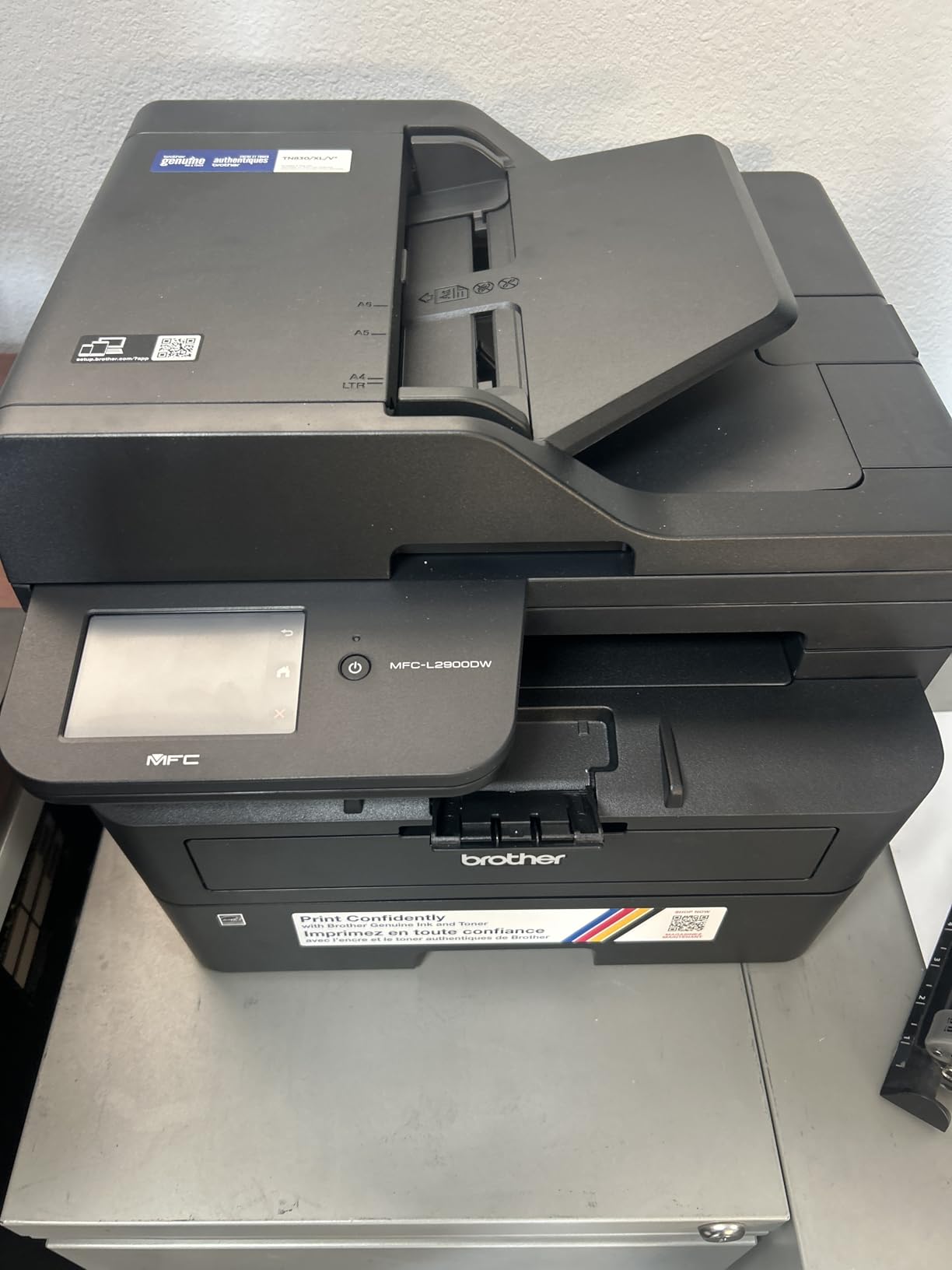
7. Brother MFC-L2900DW – Single-Pass Duplex Scanning on a 36 ppm Monochrome Workhorse
Brother Professional Laser Printer with Scanner, High-Speed 36 ppm Monochrome All-in-One, Wireless Duplex Printing and Scanning, Cloud-Ready 3.5 in Touchscreen for Small Business (MFC-L2900DW)
36 ppm monochrome
Single-pass duplex scan
3.5-inch touchscreen
250-sheet tray
+ Pros
- High throughput with a 6.9-second first page
- Single-pass two-sided scanning speeds up filing
- 3.5-inch touchscreen with direct cloud access
- Dual-band Wi-Fi plus Ethernet and USB
- Fuser cuts electricity use
– Cons
- Bulkier than the compact Brother models
- No fax despite the multifunction format
- Touchscreen takes familiarisation
This unit is the interesting middle of the Brother monochrome range: 36 ppm output, a 6.9-second first page, and a 3.5-inch colour touchscreen in a body that is larger than the compact models but smaller than a full business unit. The touchscreen gives direct access to Google Drive, Dropbox and OneNote without opening a computer.
Like the Canon colour unit above, it uses single-pass two-sided scanning, so duplex documents feed through once and emerge as two-sided files. That is the feature to buy for if you file signed paperwork every week.
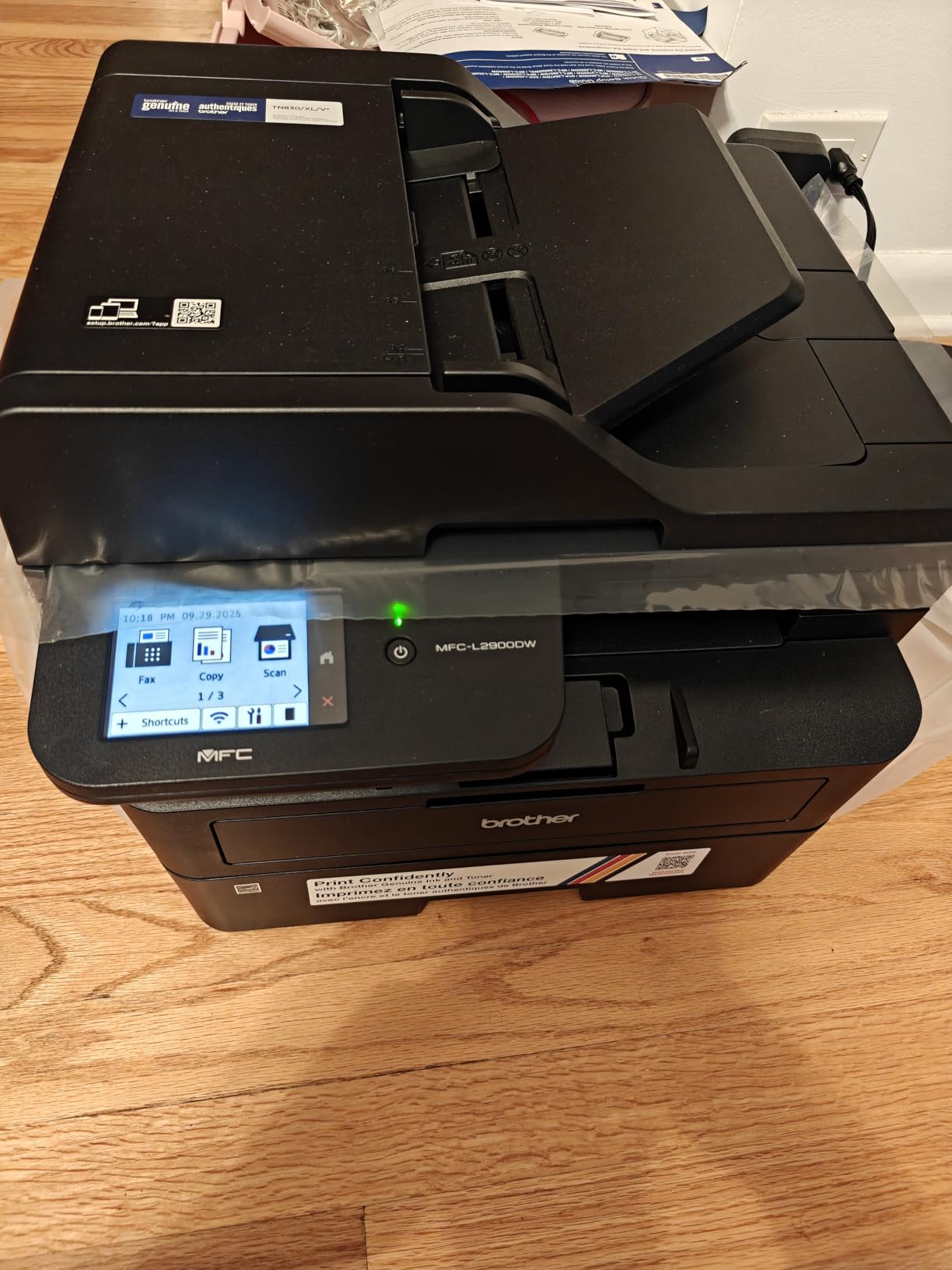
Single-Pass Scanning Through a 50-Page Feeder
The 50-page automatic document feeder pairs with single-pass two-sided scanning to handle document-heavy jobs quickly, and buyers respond well to the combination when clearing a month of paperwork. Automatic duplex printing means incoming and outgoing documents can both be two-sided without manual flipping.
Maximum copies per run is listed at 250, which suits batch copying of a template pack, and the 250-sheet tray takes a full ream of letter stock.
Cloud Shortcuts and the Mobile App in Daily Use
The 3.5-inch touchscreen is where this machine differs from the compact Brother units, which carry either a small LED panel or a 2.7-inch screen. Scans go to cloud destinations straight from the panel, and the Brother Mobile Connect app covers remote printing, scanning and toner ordering.
Connectivity is dual-band 2.4GHz and 5GHz Wi-Fi, Ethernet and USB 2.0, which is the combination we prefer for a shared office machine because the 5GHz band holds up better in a building with several wireless networks.
Energy Use, Drum Life and What Ships in the Box
The enhanced fuser design is claimed to cut electricity consumption by 22% and shorten warm-up from sleep, which shows up as less waiting on the first job of the morning. ENERGY STAR certification and EPEAT qualification back that up.
The box includes a DR830 drum rated at 15,000 pages and a starter black toner cartridge rated at 700 pages. Budget for a first-year toner purchase even on a low-volume machine, and remember there is no fax function despite the multifunction form factor.
8. HP Smart Tank 5003 – The Lowest Running Cost Per Page in the Lineup
HP Smart Tank 5003 Wireless All-in-One Ink Tank Printer, Scanner, Copier with up to 3 Years of Ink Included, Best-for-Home, Cartridge-Free Refillable, AI-Capable (9B2D3A)
Refillable ink tanks
About 6000 pages included
10 ppm black
Flatbed only
+ Pros
- No cartridges to replace
- Large included ink supply cuts near-term cost
- Mess-free refill bottles
- Borderless photo-capable colour
- Light at 11.1 lb
– Cons
- 10 ppm black and 5 ppm colour is slow
- Duplex is manual only
- No automatic document feeder
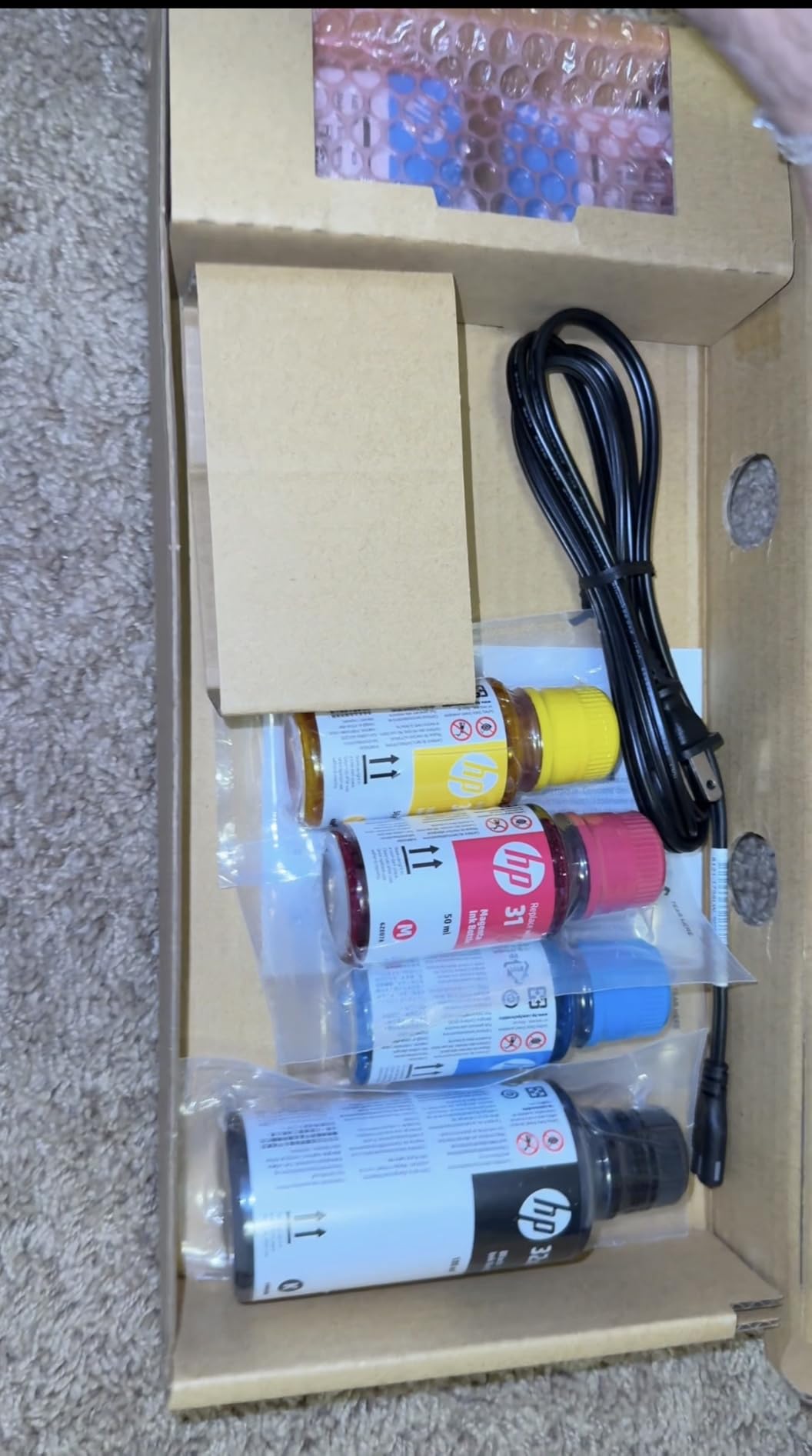
This is the only ink tank machine here, and it is included because running cost per page dominates small business printing budgets. The refillable tank system takes HP ink bottles rather than cartridges, and the box carries roughly 6,000 pages of ink, described by the manufacturer as up to three years of supply. For a business that prints colour-heavy marketing material without a budget for consumables, that changes the maths.
It is also the smallest and lightest unit in the guide at 11.1 pounds, measuring 17.11 by 14.23 by 6.19 inches, which suits a counter or a shared studio shelf.
Cost Per Page on Colour-Heavy Work
Buyers choose this machine for the low-cost high-volume proposition: the tank system removes cartridge swaps entirely and refilling is described as clean and spill-free, with no squeezing required. When you compare that against a colour laser where four toner cartridges must be replenished, an office printing several hundred colour pages a month will notice the difference quickly.
Colour resolution reaches up to 4800 x 1200 optimized dpi, which is well beyond what a laser office device produces for photo and chart work, and borderless output is supported on glossy photo paper as well as plain stock.
The Three Limitations That Rule It Out for Office Workflows
Three specifications disqualify this machine from a document-heavy office. Duplex printing is manual only, with driver support but no automatic unit. The scanner is flatbed only, so there is no automatic document feeder at all. And print speed is 10 pages per minute black and 5 colour, against 30 to 40 ppm for every laser in this guide.
The 100-sheet paper capacity is also the smallest here. In practice this printer suits a consultant printing proposals and photographs, or a craft and packaging business needing dense colour, and suits it badly if you scan a stack of receipts every Friday.
Ink Logistics and the Dry-Out Question
Refills use HP 32XL 135ml black and HP 31 50ml colour bottles, and the sealed-tank format is the reason this category resists the dried-nozzle problem that plagues cartridge inkjets sitting idle between orders. If your printer is idle for weeks at a time, that matters more than most spec sheets admit.
Connectivity covers AirPrint, HP ePrint, Mopria, Wi-Fi and USB with mobile printing from the HP app, and the warranty is one year or 30,000 pages, whichever comes first.
9. Canon Color imageCLASS MF652Cw – Sharp Colour From a 22 ppm Engine With a Three-Year Warranty
Canon Color imageCLASS MF652Cw – Wireless Laser Printer, Multifunction with Scanner, Copier, Mobile Ready, 3 Year Limited Warranty, 22 PPM Color, White
22 ppm colour
1200 x 1200 dpi
250-sheet cassette
3-year warranty
+ Pros
- Sharp vibrant colour output
- Reliable Wi-Fi for most users
- Easy setup
- Long-lasting toner
- Quiet running
– Cons
- Duplex printing is manual only
- Wi-Fi setup can be awkward
- AirPrint and Netgear Mesh sleep issues
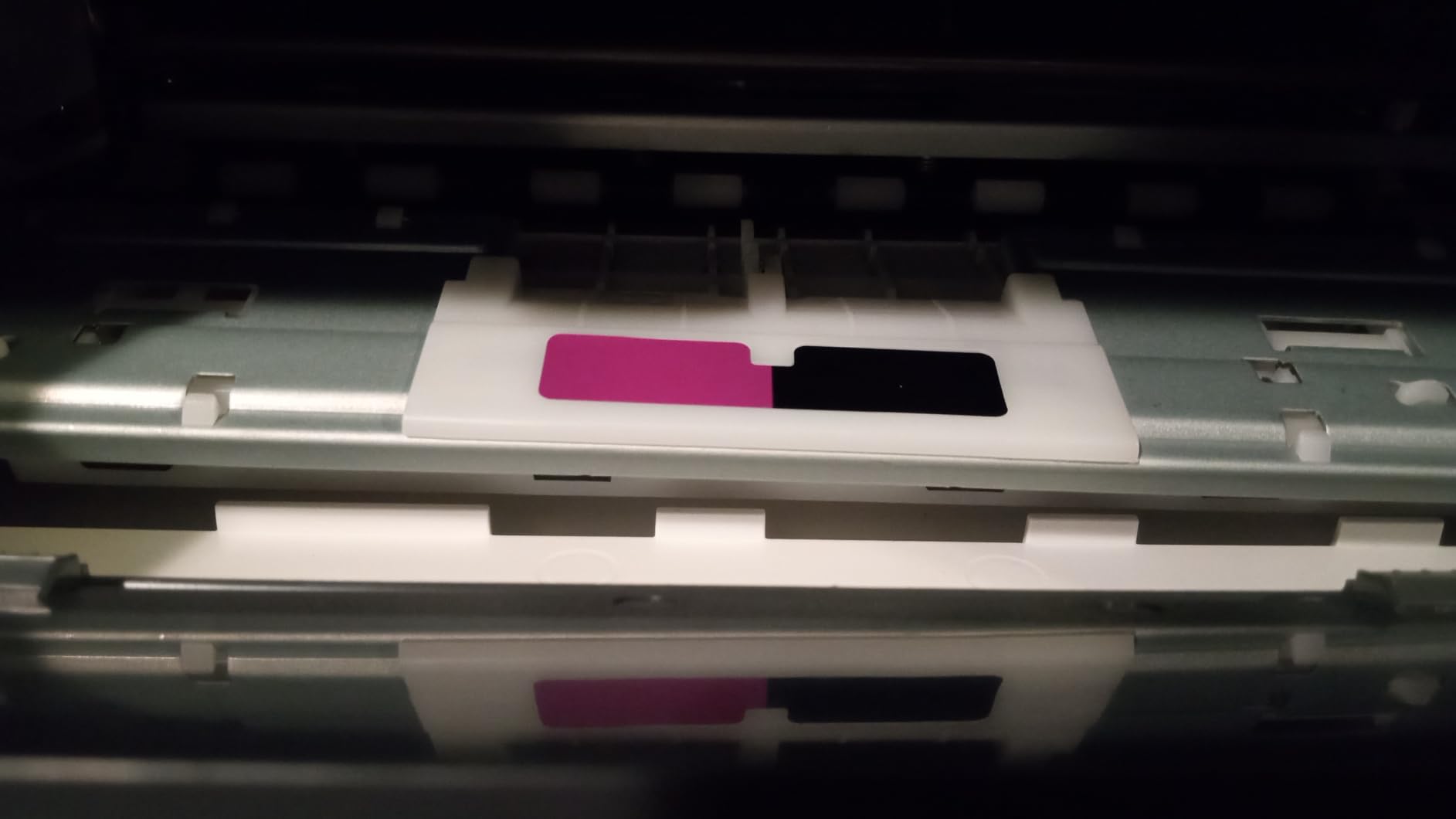
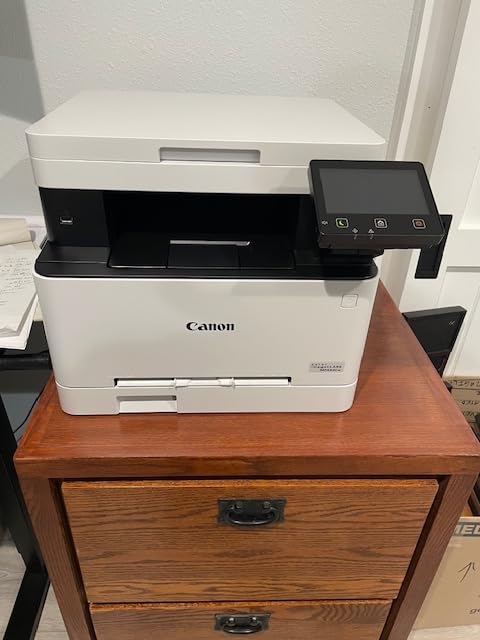
If colour output is the priority and your monthly volume is modest, this 22 ppm colour laser prints at 1200 x 1200 dpi in both colour and black with a first page out in 10.3 seconds. Reviewers consistently describe the colour as sharp and vibrant, and several mention quiet operation, which matters if the printer sits near a customer.
Supplies are Canon Genuine Toner 067 in CMYK plus a high-capacity variant, and owners report cartridges lasting 4000 pages or more, which is what makes the running cost reasonable.
Manual Duplex: The Feature to Confirm Before You Buy
The duplex specification here is simplex, meaning duplex printing is manual. That is a meaningful limitation for a business printing two-sided invoices and contracts, because the second side has to be fed by hand every time, and it applies to copying as well as printing.
If two-sided documents are routine, budget for the extra handling time rather than the machine cost. Everything else on this listing is strong, but this one line is the reason a competing colour laser with automatic duplex can be a better purchase despite costing more.
AirPrint, Mesh Networks and Sleep Behaviour
There is a documented compatibility wrinkle worth knowing: owners report issues with Netgear mesh systems and Apple AirPrint when the printer enters sleep, including needing manual intervention to wake it for an AirPrint job. The admin console also requires internet access to configure.
That is manageable. Set a fixed sleep interval in the admin console, or print through the Canon PRINT app rather than AirPrint on a mesh network. Easy setup and reliable Wi-Fi are the more common reports, so most offices will never encounter this.
Paper Handling and the Three-Year Cover
A 250-sheet standard cassette with a one-sheet multipurpose tray is adequate for a small office and for gloss photo paper when needed. Maximum sheet capacity is listed at 251 and maximum copies per run at 10, which is low, so batch copying is not a realistic task on this machine.
The three-year limited warranty, ENERGY STAR certification and EPEAT Silver rating are a genuine advantage over the one-year cover on most Brother units in this guide, and Chromebook compatibility is listed for teams using that hardware.
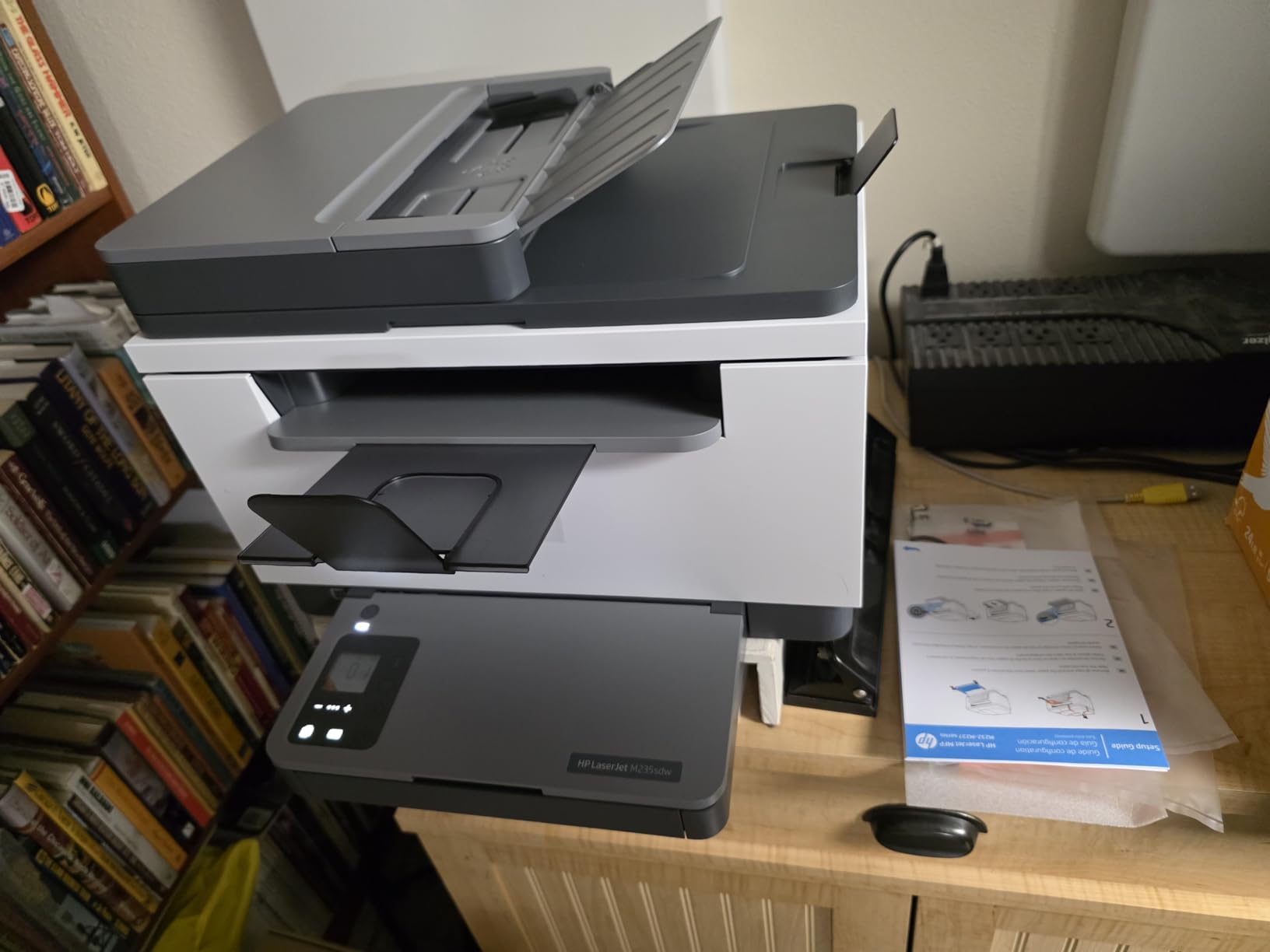
10. HP LaserJet MFP M235sdw – Compact Duplex Monochrome With Rock-Solid Wireless
HP LaserJet MFP M235sdw All-in-One Laser Wireless Printer, Scan/Copy, Black & White, Duplex, Best-for-Office
30 ppm black
7-second first page
150-sheet tray
21 lb
+ Pros
- Automatic duplex printing
- Stable dual-band Wi-Fi
- Plug-and-play setup
- Crisp black output
- Compact at 21 lb
– Cons
- ADF does not scan both sides
- HP Smart app setup is slow
- Toner cost can exceed the machine price
At 21 pounds and 12.13 by 16.46 by 11.59 inches, this is one of the smaller duplex monochrome multifunction printers available, and it prints 30 ppm with a 7-second first page. Owners describe it as a workhorse for a home office printing 500 to 2000 pages a month, and they consistently praise the wireless stability above almost everything else.
Functions are print, scan and copy, with scan to email and scan to PDF supported, plus automatic two-sided printing. There is no fax.
Duplex Printing Without Duplex Scanning
This is the single clearest example on our bench of the confusion buyers face. The ADF scans one side at a time, so a duplex contract fed through the feeder produces two one-sided scans even though the printer itself duplexes perfectly well on printing.
If your paperwork is single-sided, no issue. If you file two-sided contracts, budget for either manual flipping at the glass or a machine built with one-pass duplex scanning. Copy speed is listed separately at 14 ppm, which is also worth knowing.
Software Friction and Toner Running Costs
Two software complaints recur: HP Smart app setup is described as time-consuming, and driver and software configuration for network scanning is called complex. Both are solvable, but neither is a five-minute job on a first attempt, and a shared machine may need a technician or an IT volunteer to configure properly.
Toner cost is the other recurring theme, with owners noting that toner can add up over time and exceed the purchase price of the printer. At 600 x 600 dpi and 21 pounds it is a straightforward text printer, and some users describe the black as a dark grey rather than a true black, which is worth checking against your brand requirements.
Connectivity and Built-In Security
Dual-band Wi-Fi with self-reset is the feature owners praise most, alongside seamless operation across Mac, Windows, iOS and Android. AirPrint, Mopria, Ethernet and wireless direct printing are all supported, and the listing notes built-in security features.
For a business printing client data, those built-in protections are worth considering before a shared machine goes onto the office network.
11. Canon imageCLASS MF465dw II – The Fastest Monochrome Engine Here, With Fax and 900-Sheet Capacity
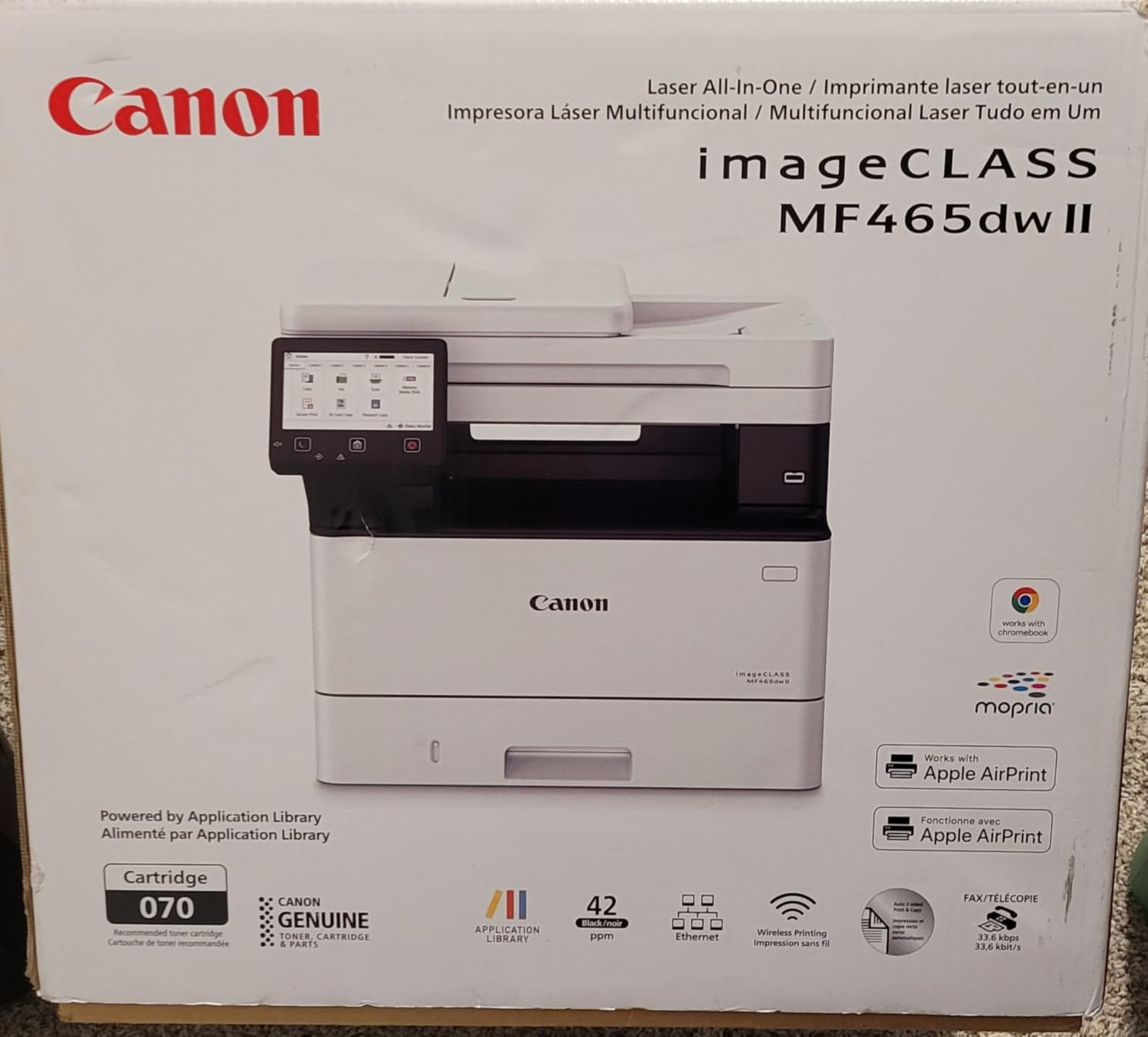
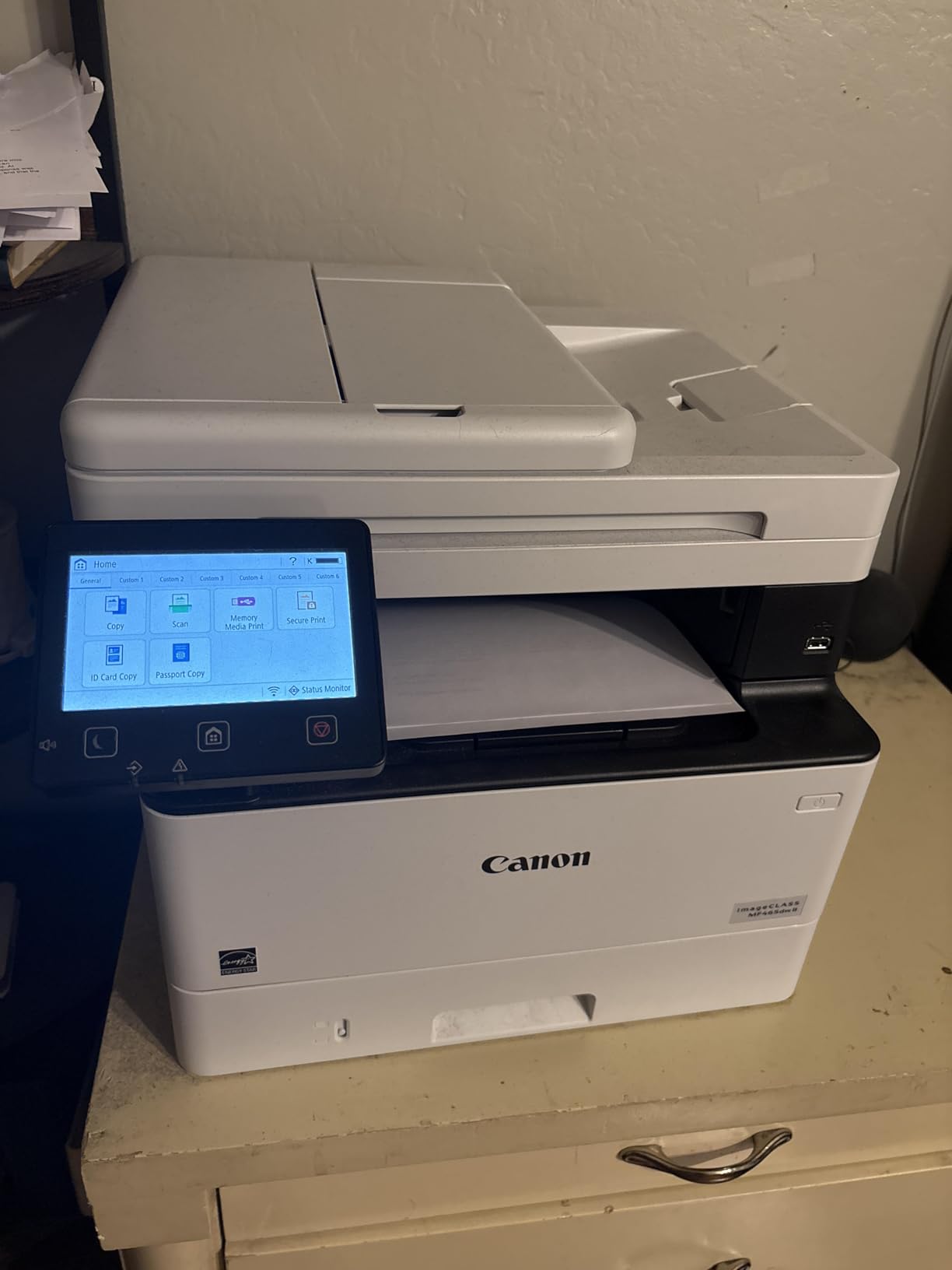
Canon imageCLASS MF465dw II – Monochrome Wireless Duplex Laser Printer with Print, Copy, Scan, Fax, Expandable Paper Capacity, 42 PPM
42 ppm monochrome
4.9-second first page
Paper to 900 sheets
Fax included
+ Pros
- Very fast 42 ppm printing
- Automatic duplex printing
- Paper capacity expandable to 900 sheets
- Intuitive 5-inch touchscreen
- Easy wireless setup
- Fax included
- Three-year warranty
– Cons
- Smaller reviewer base at 186 reviews
- Polarised rating with a 16 percent one-star share
- Consumes noticeably more power
This is the speed leader of the group at 42 pages per minute with a 4.9-second first print, and it is a 4-in-1 with fax. For a business printing thousands of monochrome pages a month, the throughput headroom and the expandable paper capacity are the reasons to look here rather than at a 36 ppm compact unit.
Paper capacity runs to 900 sheets across two trays, and there is a 35-sheet automatic document feeder. The 5-inch touchscreen is described as intuitive, and setup over wireless is reported as easy.
Where the Speed Figure Actually Shows Up
A 42 ppm rating means roughly a sheet every 1.4 seconds at full rate, and with a 4.9-second first page that combination is what keeps a shared queue moving. Automatic duplex printing means two-sided runs do not need manual flipping, which halves handling on contracts and purchase orders.
The trade is physical. At 18.1 by 16.6 by 14.8 inches this is a floor-standing office machine rather than a home device, and rated power consumption is 1250 watts, the highest in this guide by a wide margin. Model it as a shared team printer, not as a personal desktop unit.
Fax, Tray Expansion and Toner 070
Fax is included and works from the touchscreen, which matters in industries still bound to paper. The box ships with a Canon 070 black cartridge of roughly 3000 page yield plus a fax cord and power cable, so a first toner purchase arrives quickly on moderate volume.
Two trays are standard, which is what makes the 900-sheet figure reachable. ENERGY STAR certification and EPEAT Silver accompany a three-year limited warranty and three years of spare part availability, a meaningful long-term advantage for a business that plans to keep the machine past year three.
Reading the Rating Distribution Honestly
Unlike the other models here, this listing returns a small reviewer base of 186 with a notably polarised split, including a 16 percent one-star share against a 67 percent five-star share. Buyers with long printing histories are more likely to leave a review, which skews the negative end.
Specifications are strong and warranty cover is long, but the evidence base is thinner than for the Brother units above. If reliability history matters to your decision, weigh the larger review counts on the earlier picks.
12. Brother MFC-L8930CDW – Colour Laser With Security Features and an 80-Page Feeder
Brother MFC-L8930CDW Business Color Laser All-in-One Printer with Duplex Print, Scan, Copy, Low-Cost Printing, and Advanced Security Features
33 ppm colour laser
80-page ADF
Two-sided scan to 104 ipm
7-inch touchscreen
+ Pros
- Professional colour and black output
- Fast 33 ppm print and copy
- Two-sided scanning up to 104 ipm
- 80-page ADF with legal-size glass
- 7-inch touchscreen with 64 shortcuts
- Triple Layer Security with NFC reader
- Super high yield toner available
– Cons
- Highest purchase price in the guide
- One-year warranty only
- Heavy at 71.2 pounds
- Single paper tray despite the 1340-sheet capacity
This is the only machine here built for organisations that print confidential material, because it carries Triple Layer Security with an integrated NFC card reader. Beyond that, it is a serious colour engine: 33 ppm in colour and black, a 7-inch colour touchscreen with 64 customizable shortcuts, and an 80-page automatic document feeder with legal-size scanning glass.
Two-sided scanning runs at up to 104 images per minute, which is the fastest document throughput of any unit in this guide and the practical reason to buy it if you process volume paperwork.
Security for Client and Patient Data
Printing invoices containing customer details on an open office network is a real exposure, and this is the unit designed against it. The NFC card reader and three-layer security let you release a held job to a specific authorised device rather than leaving it in the output tray for anyone to collect.
The touchscreen also supports scan to cloud, email and SharePoint directly, and creates searchable, editable Microsoft Office documents rather than flat images, which shortens the path from signed paperwork to an archived record.
Document Throughput on an 80-Page Feeder
An 80-page feeder with legal-size glass handles a full contract batch in one load. Two-sided scanning at up to 104 ipm means a duplex stack is processed in a single pass through the glass, which removes the flip-and-rerun step that slows cheaper units.
Maximum sheet capacity is listed at 1340, though with only one paper tray, so a business filling that capacity depends on the multipurpose tray for feeding rather than swapping cassettes.
Toner Yield, Physical Size and the One-Year Warranty
Running cost is the strength here. TN635XXL super high yield cartridges are rated at 7500 black pages and 6500 colour pages, and the box includes 3000-page black and 1800-page colour toner, so a high-volume colour operation spends far less time on supplies.
Against that, this is the heaviest unit in the guide at 71.2 pounds with dimensions of 20.7 by 16.1 by 21.6 inches, it carries the highest purchase price, and its warranty is one year with exchange service, well short of the three years Canon offers on the MF753Cdw and MF465dw II. EPEAT Gold and ENERGY STAR certification are both present.
How to Choose an All-in-One Printer for a Small Business
Every pick above solves a different version of the same problem, so the fastest route to a decision is three questions: what colour do you actually need, how many pages a month, and what paper size. Answer those and the shortlist collapses to two or three machines. Here is the reasoning behind each answer.
Laser, Ink Tank or Inkjet: Match the Engine to Your Monthly Volume
Laser uses powdered toner fused with heat. It is faster, sharper on text, and the toner does not dry out if the machine sits idle, which is the deciding factor for a business that prints in bursts rather than daily. Inkjet and ink tank machines spray liquid ink, which gives better photographic colour and lower colour cost per page but risks dried nozzles on an idle unit.
As a rough rule from what we saw across these machines: under 300 pages a month is fine on almost anything; 500 to 1500 pages a month favours monochrome laser; above that, colour laser earns its toner cost back quickly. Heavy colour output with low text volume is the one case where an ink tank wins, and the HP Smart Tank 5003 exists for exactly that reason.
Laser printers are not being phased out. Business buyers move toward them to avoid cartridge replacement entirely, which is why the monochrome laser units dominate this list.
Duplex Printing vs Duplex Scanning: The Distinction That Costs Money
Duplex printing means the printer flips the paper to print both sides. Duplex scanning means the scanner reads both sides of an original in one pass. Many machines, including the HP LaserJet MFP M235sdw and the Brother DCP-L2640DW, do the first without doing the second.
Check the scanning specification, not the printing one. Single-pass two-sided scanning appears on the Canon imageCLASS MF753Cdw, the Brother MFC-L2900DW and the Brother MFC-L8930CDW, and it roughly halves the time spent processing signed contracts.
How Large an ADF and Paper Tray Your Workflow Really Needs
The automatic document feeder decides how much time you spend standing at the machine. A 35-sheet feeder suits occasional single documents. A 50-sheet feeder handles a week of invoices in one load and appears on most of the picks here. An 80-sheet feeder, as on the MFC-L8930CDW, suits processing batches daily.
Paper tray capacity matters in proportion: 150 sheets, as on the Canon MF273dw and the HP M235sdw, means frequent refills in a busy shop; 250 sheets is comfortable; expandable capacity to 850 or 900 sheets suits a team that runs long unattended jobs.
Fax, Security and Sharing One Printer Across a Small Office
Fax is still required in some industries and unnecessary in most. If you need it, the Brother MFC-L2820DW, Canon imageCLASS MF753Cdw and MF465dw II cover you. If you do not, a 3-in-1 saves footprint and money.
For sharing, dual-band 2.4GHz and 5GHz Wi-Fi plus Ethernet is the combination we prefer, since the 5GHz band holds up better in a building with several networks. AirPrint and Mopria support matter if staff use iOS or Android devices. If you print client records, pick a machine with security features rather than one that holds every job in an open tray.
Running Costs Over 24 Months and How to Estimate Them
Estimate running cost by multiplying your monthly page volume by 24, splitting it between colour and monochrome, then comparing that against the yield of the cartridges the machine uses. Several cartridges in this guide are specified in the product documentation, which is the number you need: for example the TN830XL high-yield monochrome cartridge, the Canon 069H colour cartridge, or the TN635XXL at 7500 black pages.
Add the drum or imaging unit to your two-year budget, because it is a separate consumable. If a machine consumes four colour cartridges, multiply that consumable cost by four. Our broader guides cover more on this, including sticker printers for small businesses for product labelling work, and all-in-one printers for college students for lighter academic use.
How We Evaluated These Printers
We compared all twelve units on specification depth, throughput claims, feeder capacity, duplex behaviour, consumable structure, networking options and warranty length, then cross-checked those against owner reports on print quality, jams, wireless reliability and setup friction. Every speed, capacity and resolution figure quoted above comes from the manufacturer specification for that model.
Where reviewers disagree with a specification, we have said so. Where a listing returned specifications without owner review text, we have drawn conclusions from the specification comparison and rating distribution rather than inventing owner opinions.
Frequently Asked Questions
What is the best all-in-one printer for a small business?
For most small businesses the Brother DCP-L2640DW is the best all-in-one: a 36 ppm monochrome laser with a 50-page document feeder, automatic duplex printing and toner that never dries out. Add colour regularly and consider the Canon imageCLASS MF753Cdw for 35 ppm duplex colour and one-pass two-sided scanning, or the Brother MFC-L3720CDW for a cheaper colour option with a touchscreen.
Should I buy an inkjet or laser printer for my business?
Buy laser for most business printing. Laser is faster, sharper on text and its powdered toner cannot dry out in a nozzle when the machine sits idle between orders. Choose an ink tank instead when your output is mostly colour photographs or graphics at low page counts, because refillable bottles give the lowest cost per colour page. Below roughly 300 pages a month either works.
What is the best multifunction color laser printer for a small business?
The Canon imageCLASS MF753Cdw is the strongest colour laser for a small business, printing 35 pages per minute in colour and black with automatic two-sided output, one-pass two-sided scanning and paper capacity expandable to 850 sheets. The Brother MFC-L3720CDW is the lower-cost alternative if 19 ppm colour and a 3.5-inch colour touchscreen suit your volume.
Do I need an all-in-one printer with an automatic document feeder?
Yes, if you handle paperwork rather than just single documents. An ADF lets you scan, copy or fax a stack without lifting each page, which matters when filing invoices or signed contracts. Check whether it scans both sides in one pass. The Canon MF753Cdw, Brother MFC-L2900DW and MFC-L8930CDW offer single-pass two-sided scanning; several cheaper units only duplex their printing.
Are laser printers being phased out?
No. Business buyers are choosing laser more often, not less, because toner avoids the dried cartridge and clogged print head problems that come with inkjets sitting idle. The trend across forums is toward monochrome laser for documents and a separate low-volume device for colour photography, rather than a single all-purpose machine.
Which All-in-One Printer Should Your Business Buy?
If you print invoices, contracts and packing slips and want the fewest problems, the Brother DCP-L2640DW is our choice: 36 ppm monochrome laser, a 50-page feeder and toner that survives an idle month. If you also need fax and a touchscreen in a compact body, take the Brother MFC-L2820DW. If colour is daily work rather than an accent, the Canon imageCLASS MF753Cdw handles duplex colour at 35 ppm with one-pass two-sided scanning.
Speed-sensitive teams should look at the HP LaserJet Pro MFP 3101sdw for throughput and self-healing wireless, or the Canon imageCLASS MF465dw II for 42 ppm plus expandable paper capacity, accepting the thinner review base. Printers printing client data need the security features on the Brother MFC-L8930CDW. A business wanting the lowest colour running cost per page is better served by the HP Smart Tank 5003, provided manual duplex and the absence of an ADF do not matter.
Whichever you pick, verify the duplex scanning specification, confirm the drum and toner yields against your real monthly volume, and set up network printing before your busiest week rather than during it. Those three checks prevent almost every complaint we read about small business all-in-one printers in 2026.
Leave a Reply