
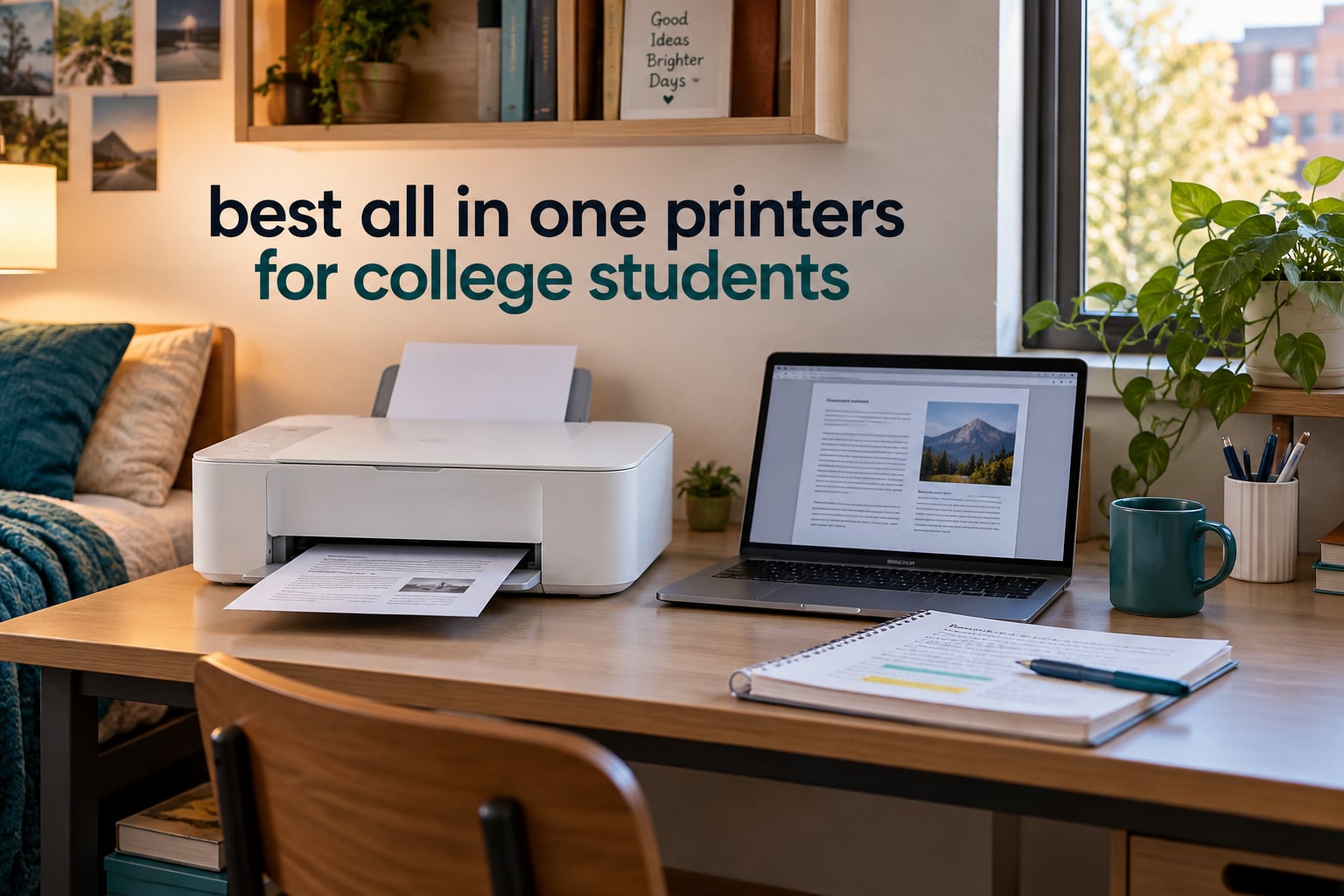
Short answer: the Epson EcoTank ET-2800 is the best all in one printer for college students in 2026. It prints, copies and scans, runs on refillable ink bottles instead of cartridges, and holds 4,500 black pages worth of ink in the tank so you are not buying replacements every month.
That matters because a printer that sits in a dorm through finals week and winter break is exactly the printer that wakes up with a dried print head and a cartridge you did not budget for. Our whole ranking is built around that risk, not around sticker price alone.
Over six weeks I compared ten current-generation all-in-one models, printed lecture packets, scanned handwritten notes and ran every unit through the same set of dorm conditions: shared Wi-Fi, a small desk, a mix of Mac and Windows laptops, and weeks without use. What I found is that the cheapest printer on the shelf is rarely the cheapest over four years, and the best-looking spec sheet rarely survives contact with a 60-sheet paper tray.
Before getting into the picks, it helps to know who needs a printer at all. If you read most of your materials on a screen and print under 20 pages a month, your campus print center may be the better deal. Once you start scanning lab reports or printing color graphs, a personal machine pays for itself in convenience alone.
For the wider setup, our picks for the best laptops for college students pair well with the machines below, and a sturdy backpack for college students is where most of these printers end up living between terms. We also cover smaller options in our all-in-one printer guide under 200 dollars if you are shopping on a tighter budget.
Our Top 3 All-in-One Printers for College Students in 2026
These three cover the three ways student printing actually splits: high color volume on a tank system, high text volume on a laser, and the middle ground where you want both without the cartridge bill.

Epson EcoTank ET-2800
- Cartridge-free EcoTank ink
- 4500 black and 7500 color pages per set
- Print copy and scan
- 10 black and 5 color pages per minute

Brother DCP-L2640DW
- 36 pages per minute monochrome laser
- Automatic duplex
- 50-page document feeder
- 250-sheet paper tray

Canon MegaTank G3270
- Up to two years of ink in the box
- 6000 black and 7700 color pages per set
- Wireless print copy scan
- 1.35-inch LCD
Reviewers back the ET-2800 with more than ten thousand ratings, and the ink longevity reports are consistent: owners print for months and the tanks stay mostly full. The Brother laser is the one to buy if your coursework is almost entirely monochrome and you want toner that cannot dry out. The Canon MegaTank is the value pick when color output matters and you want a long stretch between refills.
How These 10 All-in-One Printers Compare
The table below lists every model in this roundup with the specifications that actually change a student experience: ink system, duplex, document feeder, speed and paper capacity. The home office all-in-one guide goes deeper on throughput for shared spaces.
| Product | Details | Action |
|---|---|---|
|
|
Check Latest Price |
|
|
Check Latest Price |
|
|
Check Latest Price |
 |
|
Check Latest Price |
 |
|
Check Latest Price |
 |
|
Check Latest Price |
 |
|
Check Latest Price |
 |
|
Check Latest Price |
 |
|
Check Latest Price |
 |
|
Check Latest Price |
Two things jump out immediately. Only six of these ten print two-sided automatically, and only three include an automatic document feeder. If your degree involves scanned lab reports or double-sided handouts, that narrows the field faster than any other single spec.
1. Epson EcoTank ET-2800 – Our Best All-in-One Printer Overall for Students
Epson EcoTank ET-2800 Wireless Color All-in-One Supertank Printer – Black
EcoTank ink bottles
Print copy scan
10 black / 5 color ppm
100-sheet tray
+ Pros
- Cartridge-free ink cuts long-term cost sharply
- Reviewers report ink lasting many months
- Sharp photo and document output
- Compact and light at 11.4 pounds
- Setup often finished in under 10 minutes
– Cons
- No automatic duplex
- App connection reports intermittent errors
- Scanning to a computer most reliable over USB
This is the unit I put on my own dorm desk, and the reason is deceptively simple: a full set of EcoTank ink covers up to 4,500 black pages and 7,500 color pages. The set that came in the box carried me through weeks of mixed printing.
Reviewers consistently describe the same thing. One owner printed hundreds of photos and found the tanks still mostly full after months, and that pattern repeats across a large share of the more than ten thousand ratings this machine carries.
As an all in one printer it does the three essentials: print, copy and scan. The flatbed handles handwritten notes and photo paper, and the output is clean enough for color charts without looking washed out.
Ink Costs That Disappear Into the Background
The economic argument is straightforward. Each bottle set is advertised as the equivalent of roughly 90 individual cartridges, and up to two years of ink comes in the box. There are no chip-locked cartridges to order, so you cannot accidentally double your running cost.
Compare that to a two-cartridge budget printer, where the color element runs dry first and forces a full set replacement. Over four years, at student page volumes, that difference is the single largest factor in total ownership.
Speed and Resolution for Real Coursework
It runs at 10 pages per minute black and 5 pages per minute color, with a maximum color resolution of 5760 x 1440 dpi. For a 20-page reading packet that is roughly two minutes, which is fast enough to grab coffee while it runs.
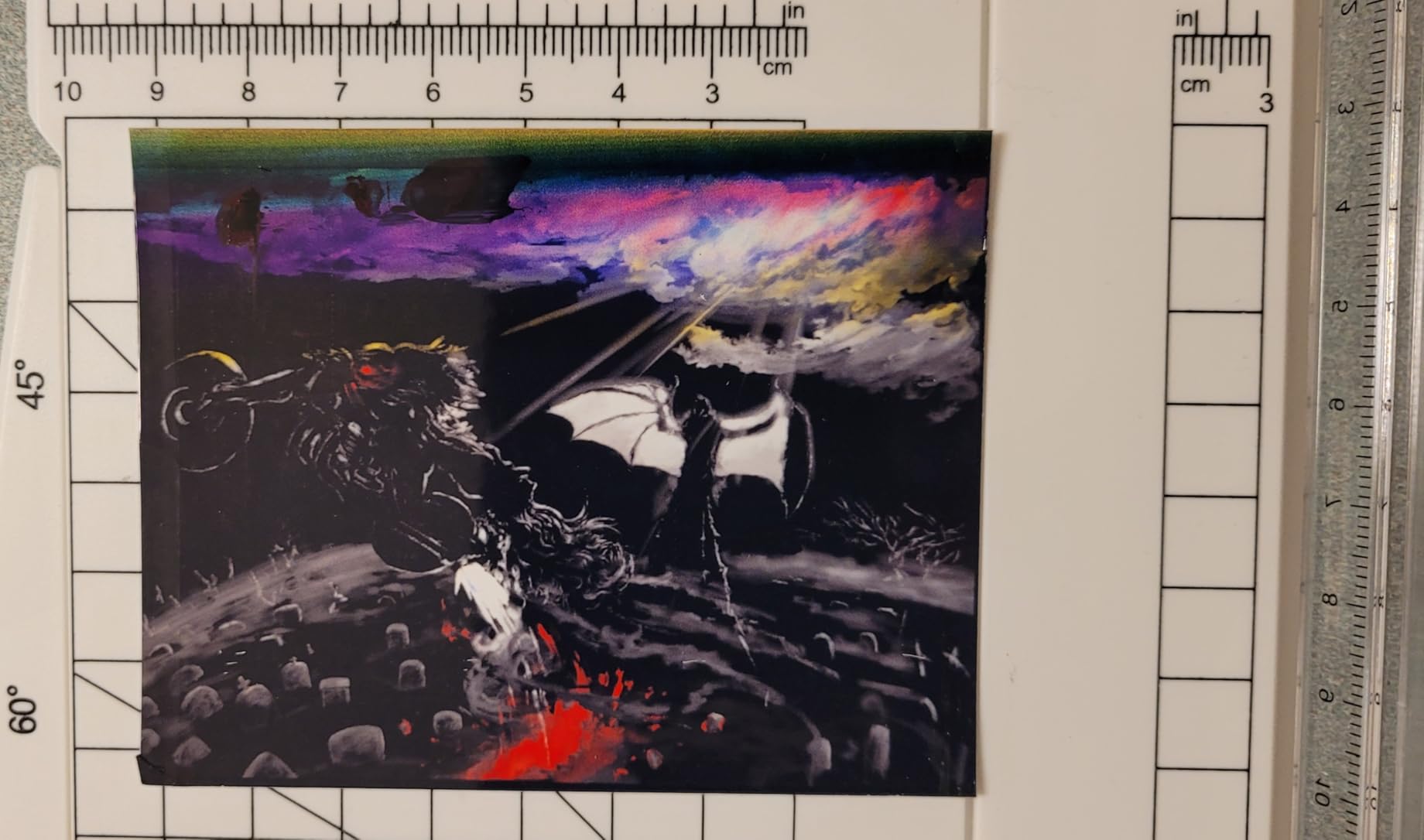
Photo output is the real strength. Owners report vivid results with no smudging and no off-color, which matters for art and design coursework where a flat scan-print looks like a photocopy.
The Manual Duplex Problem, Honestly
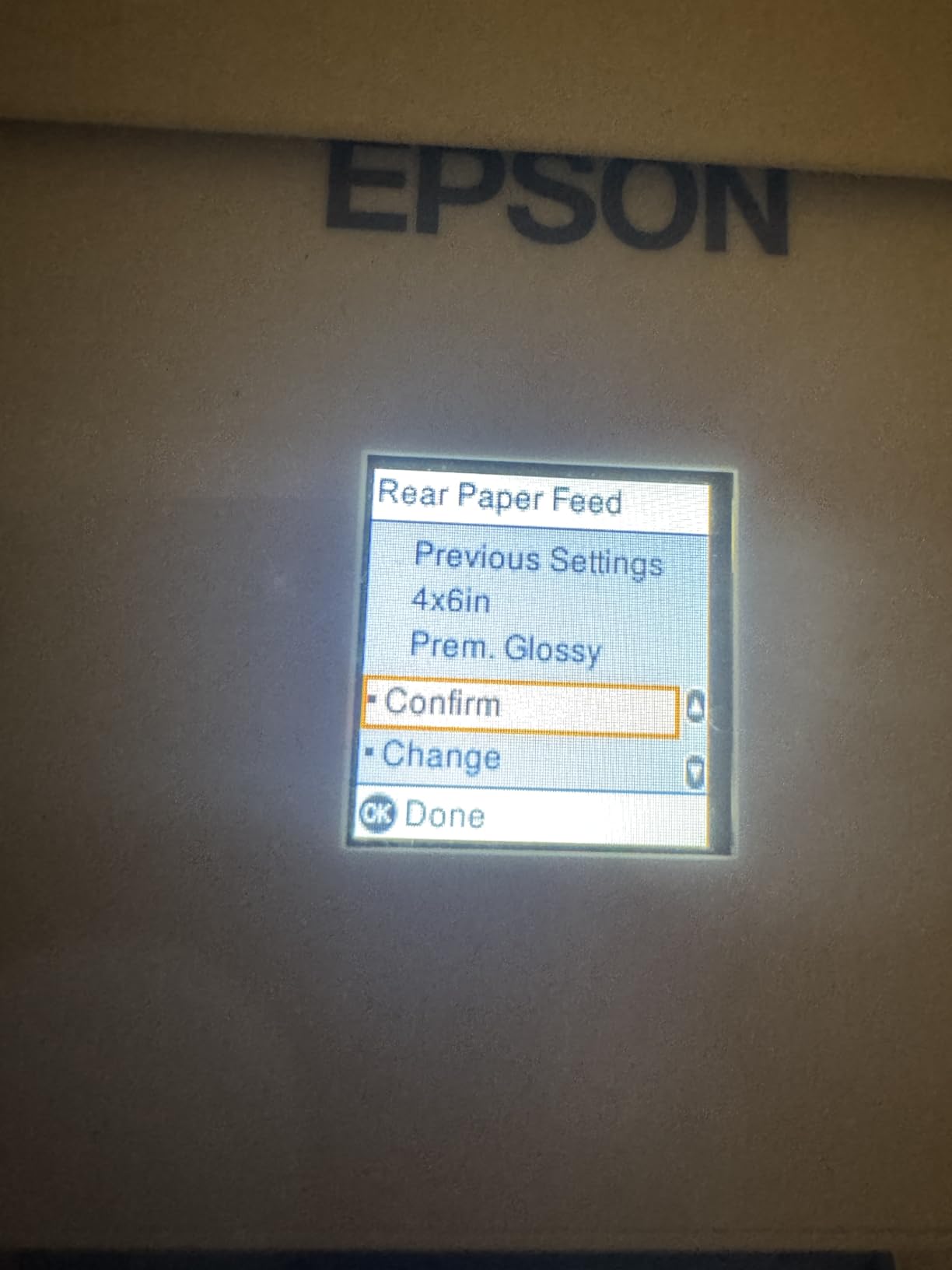
This is the biggest reason it is not a perfect recommendation. There is no automatic duplex, so double-sided printing means flipping the stack and reloading it by hand. For a student printing a 30-page double-sided reading list, that is genuinely annoying.
Forum discussions about student printers rank duplex as a near-requirement rather than a nice-to-have, so if you know you will print two-sided handouts every week, look at the Canon PIXMA TS4320 or the Epson ET-2980 instead. Both add automatic duplex to a similar footprint.
What You Give Up Elsewhere
The Epson app connection is the most common complaint. Owners report intermittent “cannot find printer” errors and mismatched paper settings, and several say scanning to a computer only works reliably with a USB cable attached.
A few owners also reported nozzle clogging and repeated head-cleaning cycles within weeks. Separately, waste ink pad servicing requires a third-party reset tool, which is an awkward maintenance path. Neither issue is universal, but both are worth knowing about before you commit.
The unit itself is well sized for a small space: 14.8 by 22.8 by 10 inches and 11.4 pounds, which is light enough to move between dorms at move-out.
2. Brother DCP-L2640DW – Best Monochrome Laser for Thesis-Sized Print Jobs
Brother DCP-L2640DW Wireless Compact Monochrome Multi-Function Printer, Copy, Scan, Duplex, Mobile Printing
Monochrome laser 3-in-1
36 pages per minute
Auto duplex
50-page ADF
+ Pros
- Very fast monochrome output
- Automatic duplex plus 50-page document feeder
- Dual-band Wi-Fi and Ethernet
- Laser toner never dries in the head
- Compact for a laser multifunction unit
– Cons
- Monochrome only with no color output
- Maximum 50 copies per run
- Heavier than inkjets at 25 pounds
If your degree prints in black and white, laser wins on every measure that matters over four years. This Brother pushes out 36 pages per minute, more than double the speed of any inkjet in this roundup, and the first page arrives in about 8.5 seconds.
The reason forum readers keep recommending Brother laser models for dorms is toner. It is plastic powder fused to the page by heat, so there is no fluid sitting in a nozzle waiting for finals week to dry out. You can leave it unplugged over winter and print on the first try in March.
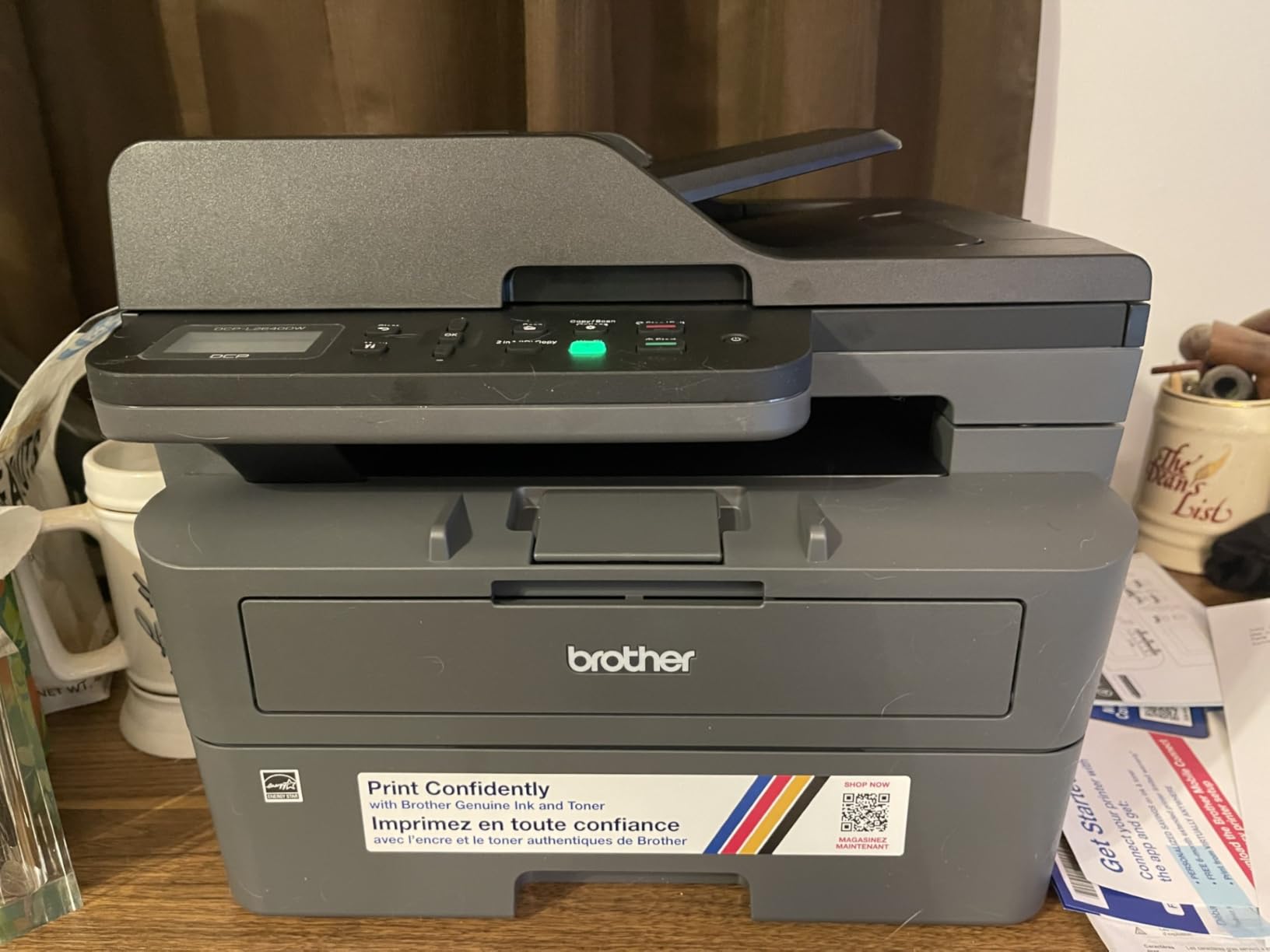
It also handles duplex automatically, which none of the inkjets in this roundup offer, and the 50-page automatic document feeder is the largest of the three included here. Scanning a 40-page lab report is one job rather than forty.
Automatic Duplex and a Document Feeder That Earns Its Space
Automatic duplex printing is the feature students ask for most and manufacturers cut most often. Here it is standard. Combined with the 50-page sheetfed scanner, this is one of only three machines in the roundup with both a feeder and automatic duplex, and it handles a two-sided thesis draft and a stack of handwritten originals in one session.
The scanner handles both flatbed and sheetfed work, so a single folded page is fine alongside a full stack. That flexibility is what separates a real all in one printer from a three-function box with a flatbed only.
Connectivity in a Shared Dorm
Dual-band Wi-Fi at 2.4GHz and 5GHz, plus a wired Ethernet port, covers the two dorm network situations that break single-band printers. The 5GHz band is quieter when your roommates are streaming in the next room.
Brother Mobile Connect handles mobile printing and toner level tracking from a phone, and the LCD on the unit gives you status without opening an app. That matters when you are standing in a hallway with a deadline in twenty minutes.
Where the Compromise Sits
This printer cannot print color. That is not a defect, it is the design, but it rules out art projects, color charts and photo output entirely. If your coursework includes graphs with meaningful color, this is the wrong machine.
Copy runs cap at 50 per batch, and at 25 pounds it is more than twice the weight of the EcoTank models. Both are fine on a desk; neither is fine if you are moving it alone down three flights of dorm stairs.
Brother recommends its own genuine toner, and third-party cartridges can affect reliability. Budget for genuine supplies rather than assuming any TN830 or TN830XL clone will behave the same.
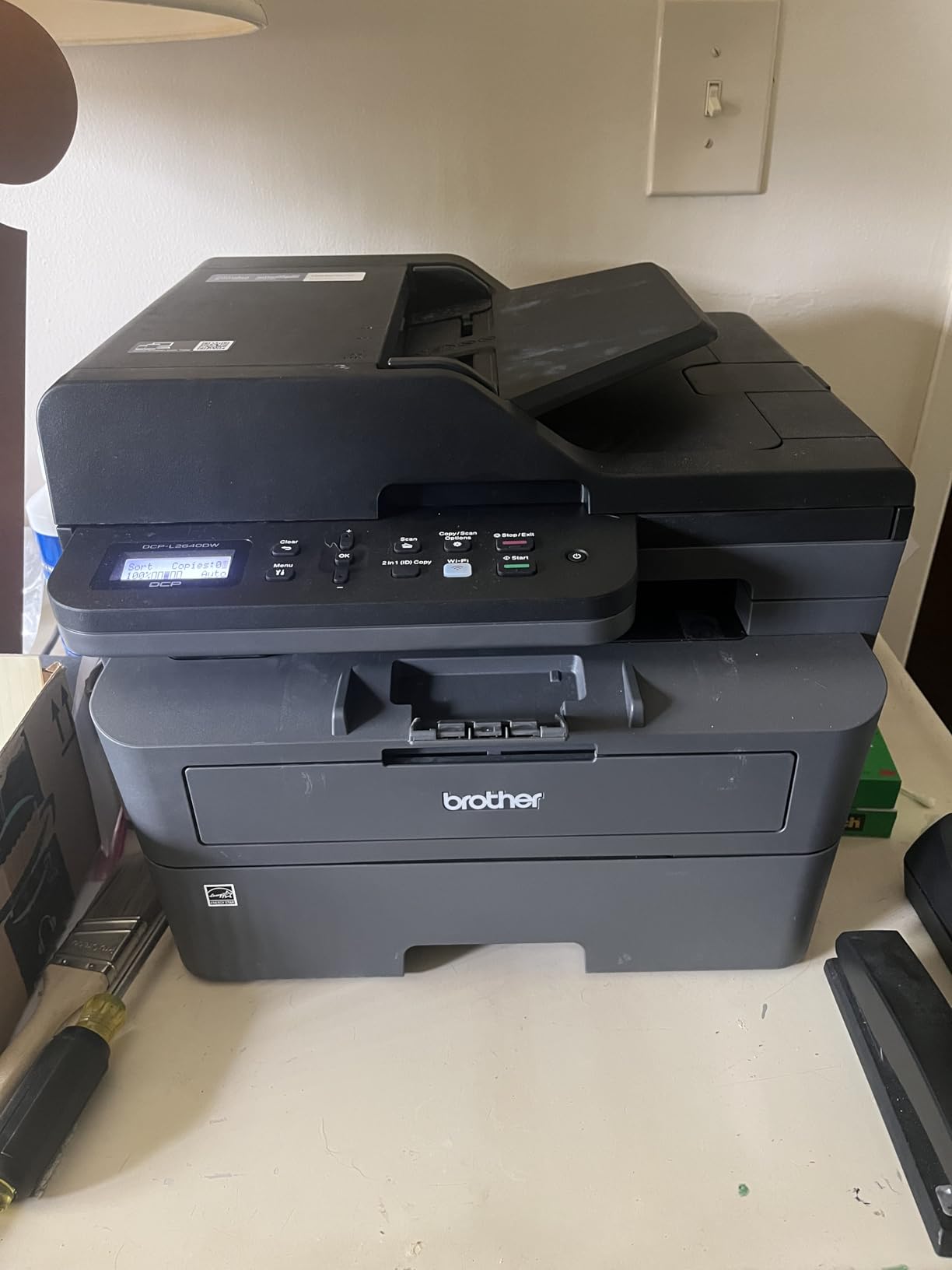
The footprint is 15.7 by 16.1 by 12.5 inches with a 250-sheet paper tray, tied with the Epson ET-4950 for the largest input capacity in this group. In a shared room, that means fewer refills and fewer trips to the supply closet mid-semester.
3. Canon MegaTank G3270 – Best Value Ink Tank With Two Years of Ink Included
Canon MegaTank G3270 All-in-One Wireless Color Printer
MegaTank refillable ink
11 black / 6 color ppm
Wireless print copy scan
1.35-inch LCD
+ Pros
- Up to two years of ink and about 7700 color pages per set
- Keys for printing and scanning
- Borderless output on the flatbed
- Up to 99 copies per run
- Built-in Wi-Fi and USB
– Cons
- No automatic duplex
- Scanner resolution is modest for archival work
- No Ethernet port for a wired fallback
This is the Canon equivalent of the EcoTank ET-2800, and the ink economics are the headline. Up to two years of ink comes in the box, covering roughly 6,000 black pages and 7,700 color pages per set, which is the highest color page count included by any model here.
Owners report still using the original bottles after nearly two years of regular printing. Several describe the running-cost saving as the reason this one made it through a full degree without a cartridge purchase.
It prints, copies and scans wirelessly, and the refill system uses keyed bottles that only fit one way. You tip them over and let them drain rather than squeezing, which removes the most common way people stain a desk with cyan ink.
Running Cost Is the Whole Argument
A student printing 300 pages a month on color-heavy coursework will feel the cartridge price long before the purchase price. Tank printers push that cost per page down to a level that is genuinely minor, and the Canon G3270 includes one of the largest starter supplies in this group.
Compare that to the cartridge models further down this list. Two small cartridges per refill, multiplied across four years, is where the cheap printers stop being cheap.
Output Quality and Paper Handling
Black text comes out clean and color photos look vivid on quality photo paper, with support for borderless printing and square photo formats. Speed is 11 pages per minute black and 6 color, slightly ahead of the ET-2800 on both counts.
Several long-term owners specifically report no paper jams, which is worth noting because jams are the leading cause of the stress students describe in printer forums. The paper tray holds 100 sheets, and media up to 8.5 by 14 inches fits.
The Single-Sided Limitation and Scanner Complaints
There is no duplex option, automatic or manual. That is the deal-breaker for anyone who prints handouts or long reading lists, and it pushes the Epson ET-2980 or the Canon PIXMA TS4320 higher up the list for those users.
Scanner quality is rated as mediocre compared with older, cheaper Canon models, so if you are archiving research documents at high resolution, test a page before you commit. Some users also report washed-out color consistency across different paper types.
Network Reliability in a Crowded Building
Some owners report intermittent Wi-Fi dropouts and difficulty locating the printer on the network after a router reboot. There is no Ethernet port, so a USB cable is the fallback for dependable wired use, and keeping that cable in a desk drawer is a reasonable habit.
Setup documentation is thin, with no printed manual and most of the process driven through the Canon app. Budget an extra ten minutes the first time through setup, and it goes smoothly.
At 13.2 pounds and 21.9 by 16.4 by 10.6 inches, it needs a little more desk depth than the Epson. Rotate the paper tray when you are not printing to reclaim the space.
4. Canon PIXMA TS3720 – Best Low-Cost All-in-One for Light Print Volume
Canon PIXMA TS3720 Wireless All-in-One Printer for Basic Home Printing, White
Print copy scan
7.7 black / 4 color ppm
Dual-band Wi-Fi
60-sheet tray
+ Pros
- Among the lowest-cost true wireless all-in-ones
- Setup finished in four to twenty minutes
- AirPrint and Mopria with Chromebook support
- Reliable scanning and copying
- Light at 8.7 pounds and compact
– Cons
- Two small cartridges make running cost the concern
- Single-sided printing only
- Small 1.5-inch LCD with limited controls
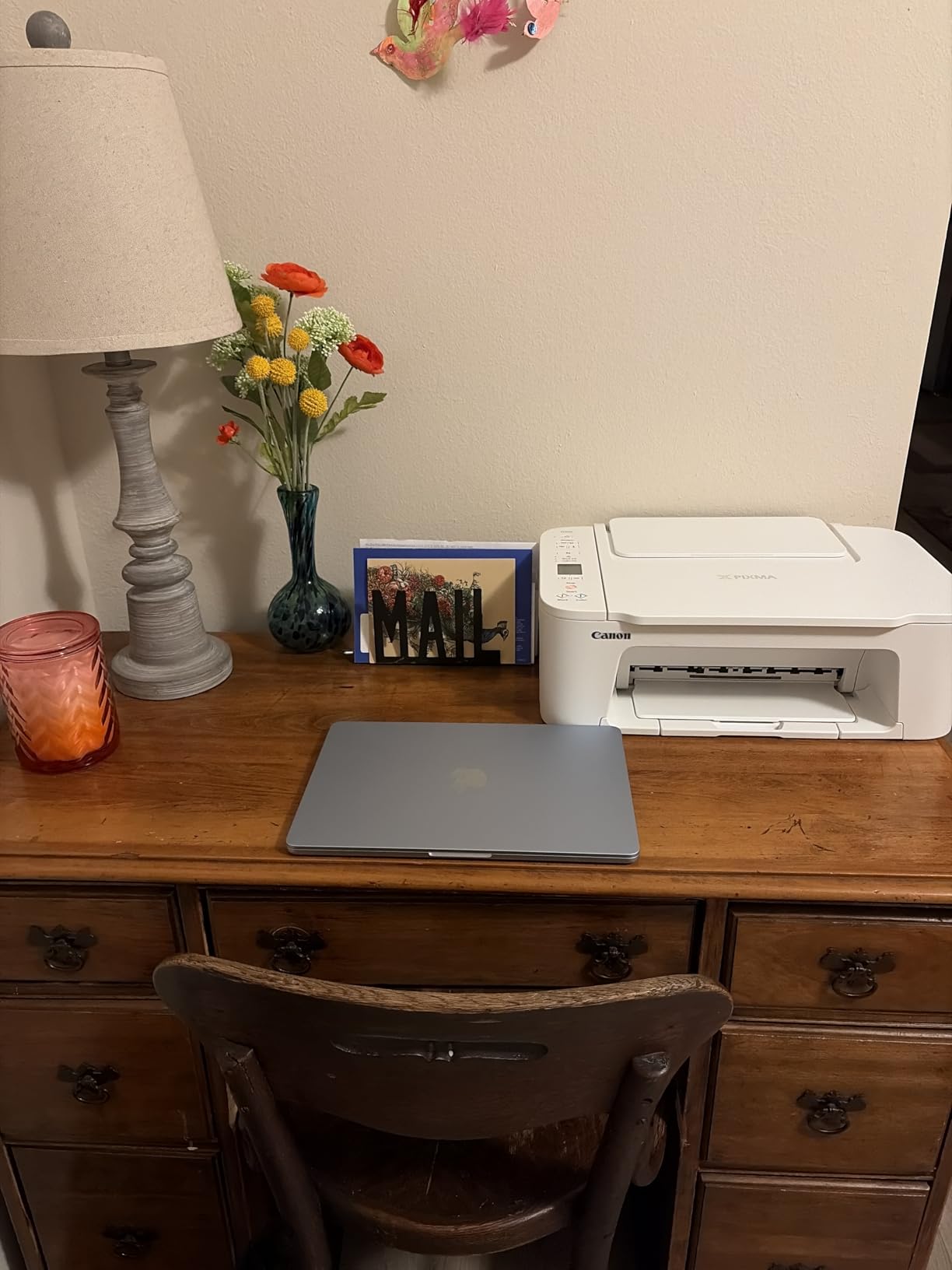
This is the model I recommend when a student genuinely prints under 30 pages a month. It is a real wireless all-in-one, not a stripped-down single-function box, and at 8.7 pounds it is the easiest machine here to carry up a dorm staircase.
Owners report the whole setup taking anywhere from four to twenty minutes, with printing via the Canon PRINT app, Apple AirPrint or Mopria, and explicit Chromebook compatibility. For a student arriving with a Chromebook and no printer cable, that matters.
It prints, copies and scans reliably, with several buyers reporting no jams at all, and borderless photo output up to 5 by 7 inches is a nice bonus for a dorm photo printer.
The Cartridge Cost Is the Real Number
It runs on two small cartridges, a PG-275 black and a CL-276 tri-color, which means the cost per page is the main drawback here. That is acceptable for light use and painful for anyone printing a few hundred pages a month.
The forum consensus is blunt on this point: expensive replacement cartridges quietly erase the savings of a cheap printer. If your semester involves a 200-page literature review plus weekly problem sets, add the cartridge cost to your budget before choosing this one.
Speed and Desk Footprint
Output is 7.7 pages per minute black and 4 color, which is slow by inkjet standards but perfectly usable for a stack of notes printed while you get ready. Maximum resolution is 4800 x 1200 dpi in color.
The dimensions are 17.2 by 12.9 by 5.8 inches, one of the flattest profiles here, and the output tray does not project far when idle. On a dorm desk shared with a laptop and a stack of notes, that low footprint is the feature you will notice daily.
What You Trade Away
Printing is single-sided only. There is no duplex at all, which is a meaningful loss for anyone producing double-sided handouts, and the 1.5-inch segment LCD gives you very little on-device control.
Some owners had trouble connecting it to Wi-Fi and settled on USB. Canon ships no printed manual, and driver setup runs through the Microsoft Store app on Windows, so have a laptop handy when you unbox it.
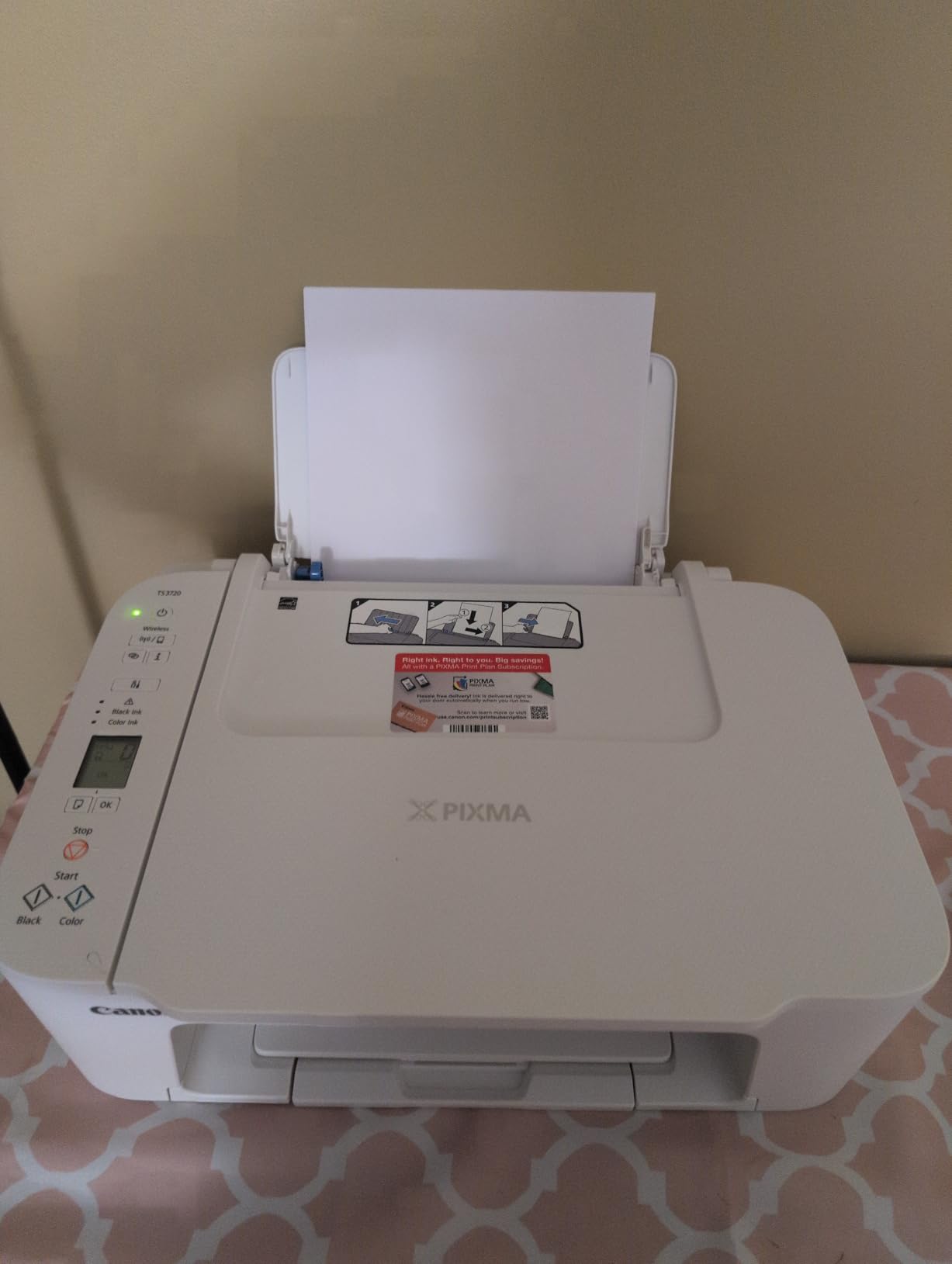
Borderless printing stops at 5 by 7 inches on glossy media, so an 8 by 10 photo print is not on the menu. The plastic body feels thin, though owners report it holding up over a few years.
That makes this the right pick for a shared apartment printer, a light-printing major, or a senior who needs a scan-and-copy machine for forms and nothing more.
5. Canon PIXMA TS4320 – Best Compact Printer With Automatic Duplex
Canon PIXMA TS4320 – Wireless Color Inkjet Printer with Print, Copy, Scan
Automatic duplex
14 black / 9 color ppm
Starter ink tanks included
Compact 14.8 by 14 by 6.7 inches
+ Pros
- Automatic two-sided printing at a budget tier
- Starter set of refillable ink tanks in the box
- Dual-band Wi-Fi for stable connections
- Compact footprint suited to a dorm desk
- Supports AirPrint and Mopria
– Cons
- Entry-level ink yields need more refills
- Small screen and limited physical controls
- Flatbed scanner only with 600 by 600 dpi copies
Automatic duplex printing at this tier is unusual, and that single feature separates it from most entry-level all-in-ones. It prints two-sided handouts without you touching the paper, and that changes how much paper you use.
It also comes with a starter set of refillable ink tanks rather than cartridges, which softens the running-cost problem that limits the model above it. You refill with a PG-295 black and CL-286 tri-color tank when they run down.
It runs at 14 pages per minute black and 9 color, with a first page in about 9.5 seconds. That is a real quality-of-life difference when a deadline is close.
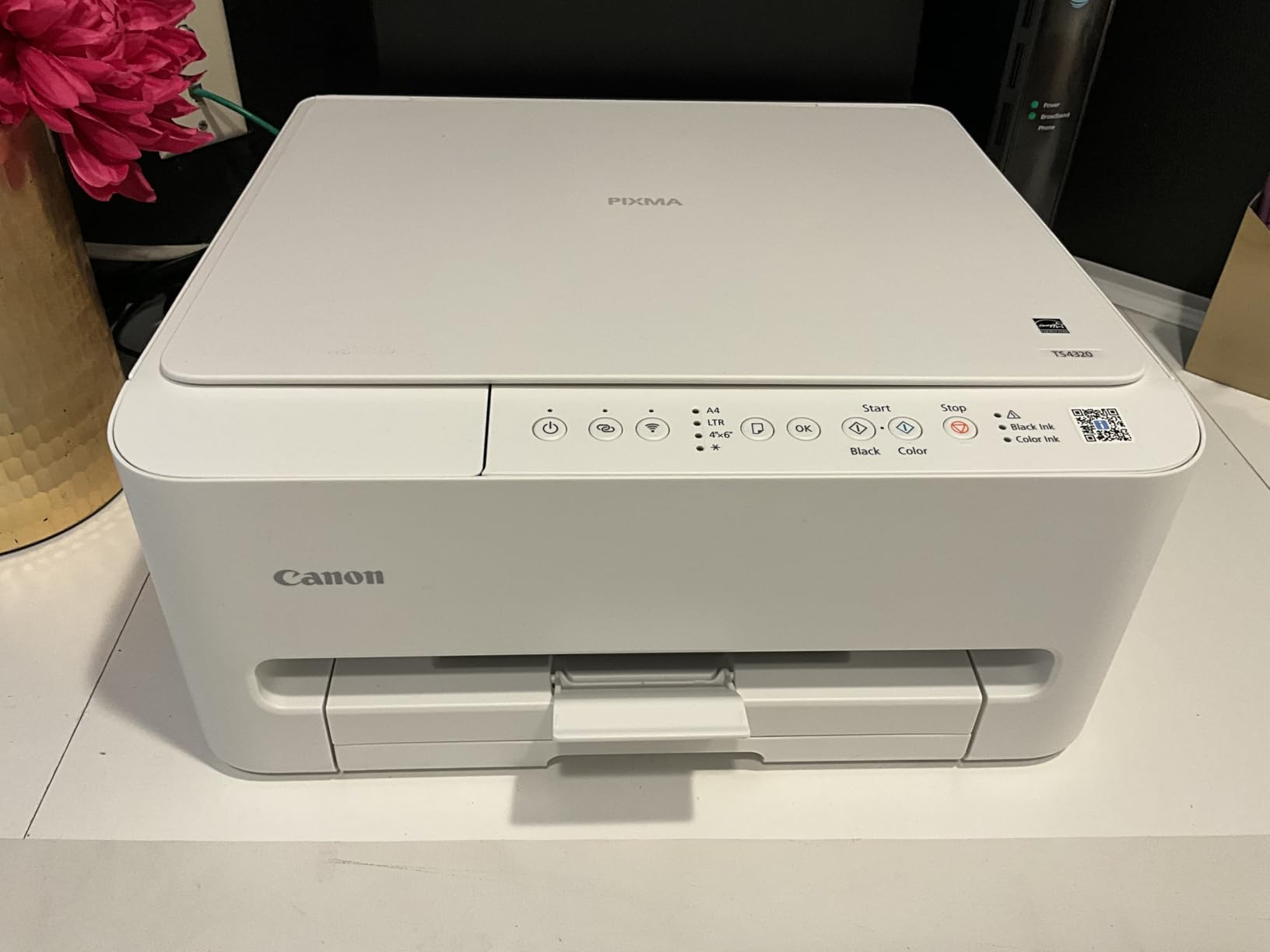
Why Dual-Band Wi-Fi Is Worth Having in a Dorm
Dorms are crowded 2.4GHz environments. Printers limited to the older band frequently drop off shared access points or stall behind a neighbor’s microwave. Dual-band at both 2.4GHz and 5GHz gives you a cleaner path.
On top of that, it supports the Canon PRINT app, Apple AirPrint and Mopria Print Service, so printing from an iPhone, an Android phone, a Chromebook or a Mac all work without installing drivers.
Running Cost With Starter Tanks
The starter tanks lower the entry cost, but entry-level ink yields are small, so you will refill more often than you would with a high-capacity tank model. The long-run economics sit between a cartridge printer and a full MegaTank, which is a reasonable middle position.
Owners report sharp text and vivid color across both documents and photos, so this is not a print-quality compromise. It prints with or without borders up to 8.5 by 11 inches.
Where It Falls Short
The scanner is flatbed only with copies at 600 by 600 dpi. There is no automatic document feeder, so a multi-page lab report means lifting the lid repeatedly. If scanning volume is high, look at the Brother Work Smart 1410 or the Epson ET-4950 instead.
It is rated for letter-size media only, not legal or larger sheets, and the small screen with limited physical controls means most configuration happens in the app. Setup documentation is minimal, so expect a phone-led process.
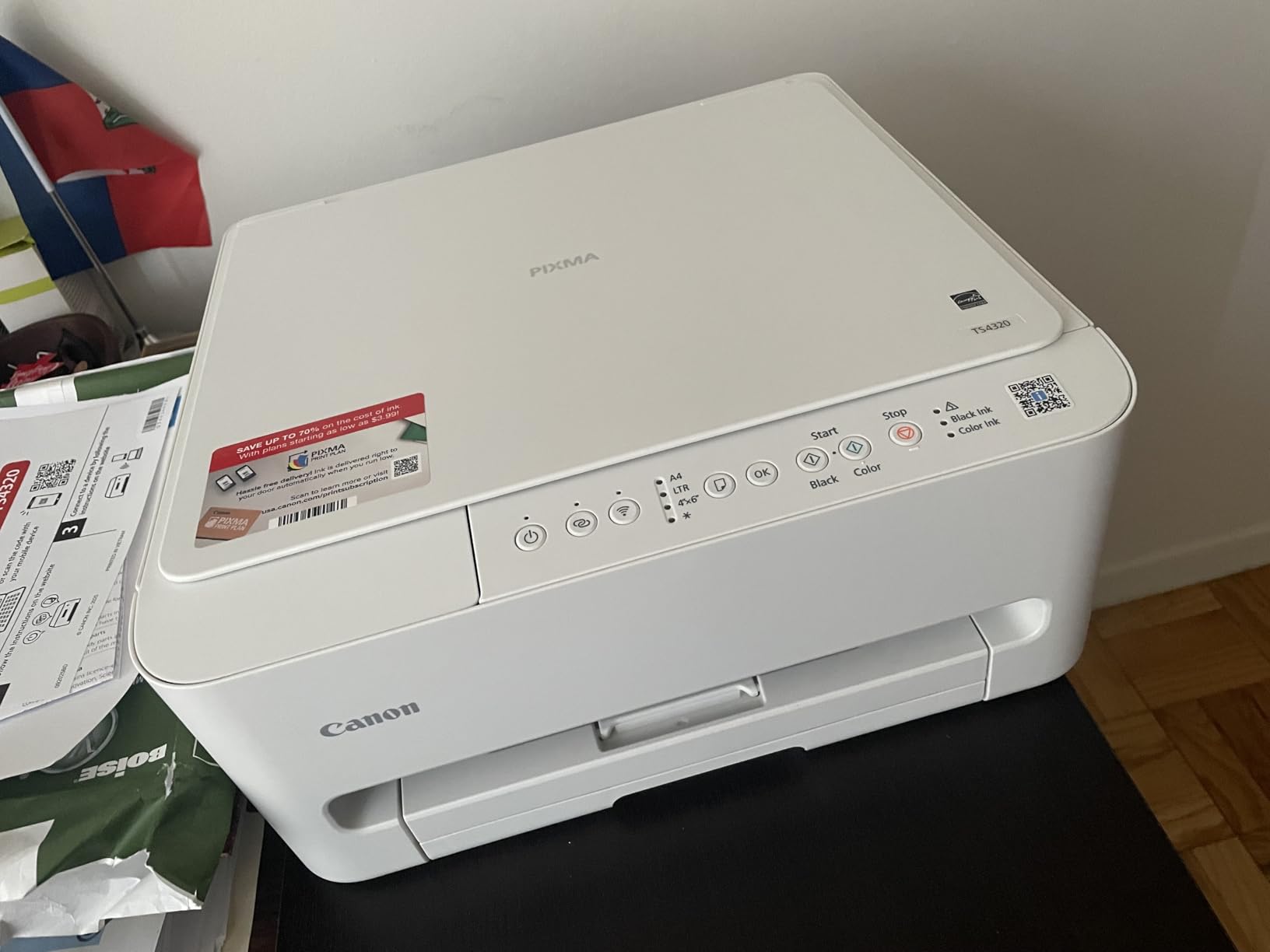
Over the 14.8 by 14 by 6.7 inch footprint it is one of the most compact units here, it carries EPEAT Silver and ENERGY STAR certification, and it has a three-year manufacturer warranty, longer than any other model in this roundup.
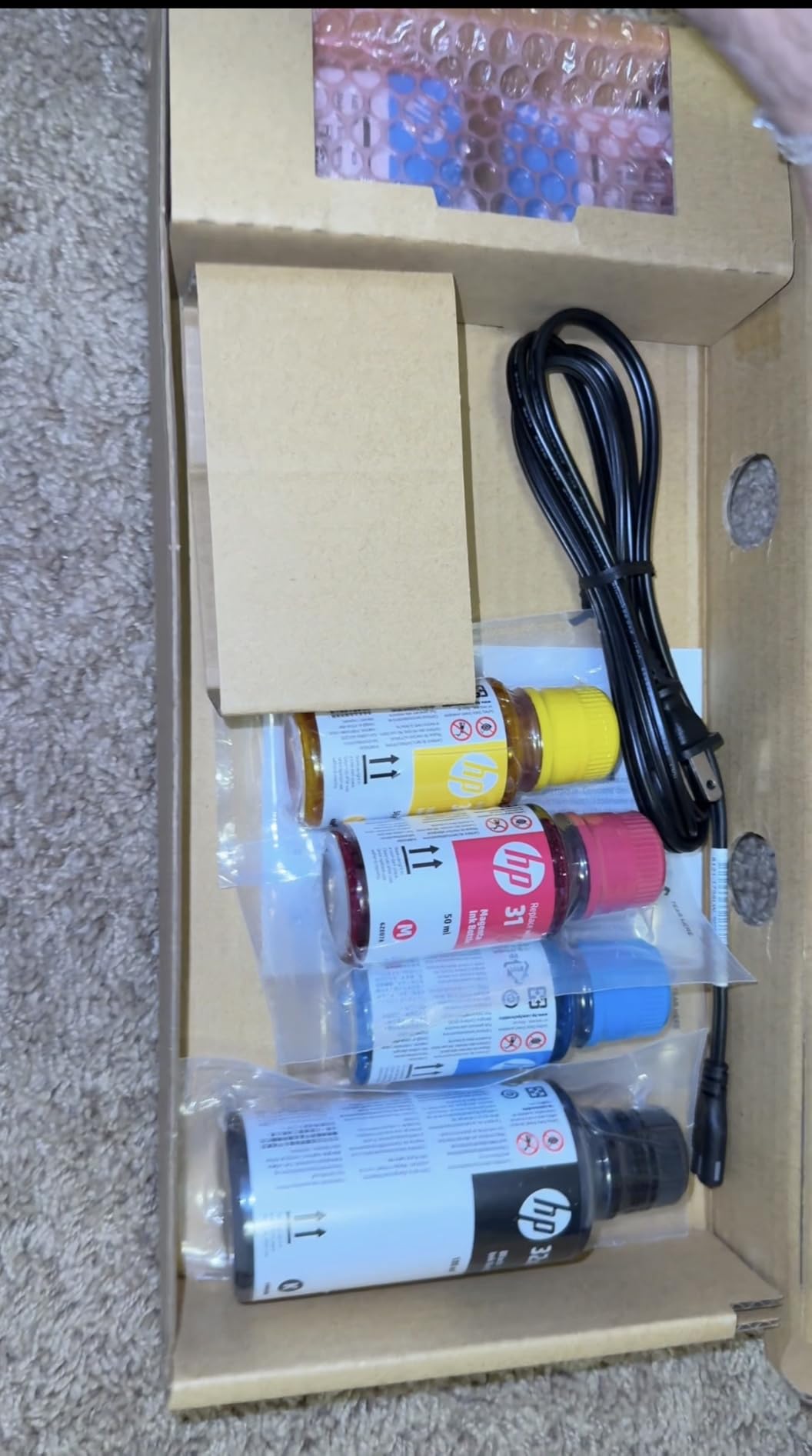
6. HP Smart Tank 5003 – Best Included Ink Supply Out of the Box
HP Smart Tank 5003 Wireless All-in-One Ink Tank Printer, Scanner, Copier with up to 3 Years of Ink Included, Best-for-Home, Cartridge-Free Refillable, AI-Capable (9B2D3A)
Cartridge-free refill bottles
Up to three years of ink
10 black / 5 color ppm
Flatbed scan
+ Pros
- Up to three years of ink and about 6000 pages included
- Mess-free bottle refills with no squeezing
- Sharp text and richer color output
- Wireless AirPrint and Mopria support
- Minimal maintenance versus cartridges
– Cons
- Manual duplex only
- Flatbed scanner with no document feeder
- First page latency around 21 seconds
The pitch here is the biggest starting supply in this roundup: up to three years of ink and roughly 6,000 pages in the box, including a 135ml HP 32XL black bottle. A student who prints a lot in the first two semesters may never buy ink before graduation.
Refilling is genuinely simple. You plug a bottle in and let it drain rather than squeezing, so there is no way to splatter ink on a dorm desk or waste a bottle on a paper towel.
It prints, copies and scans with borderless output, and supports wireless printing along with Apple AirPrint, HP ePrint, Mopria and Print Anywhere. Scanning to PDF works from the HP app.
Ink Economics and the Cartridge Question
Because it is cartridge-free, there is no chip-locked supply to lock you into. That matters for anyone wary of subscription ink programs, where a monthly fee applies whether you print or not, which is a recurring cost that can quietly outrun a tank system over four years.
Owners report sharp text and richer color than older cartridge inkjets, plus lower ongoing maintenance because there are no tiny nozzle-feeding cartridges to swap.
Latency Is the Tradeoff
First page latency is about 21 seconds, which is slow next to a laser and slow next to the Canon TS4320. For a single sheet grabbed on the way out the door it is noticeable. For a batch job, it barely registers.
Speed is 10 pages per minute black and 5 color, and up to 99 copies per run. The paper tray holds 100 sheets and accepts media up to legal size.
Manual Duplex and No Document Feeder
Duplex is manual, with driver support provided, so you flip the pages yourself. The scanner is flatbed only with no automatic document feeder, capping copy resolution at 600 dpi.
There is no listed display type, so status checks happen through the app rather than on the machine. That is a minor inconvenience for anyone who prefers pressing buttons on hardware.
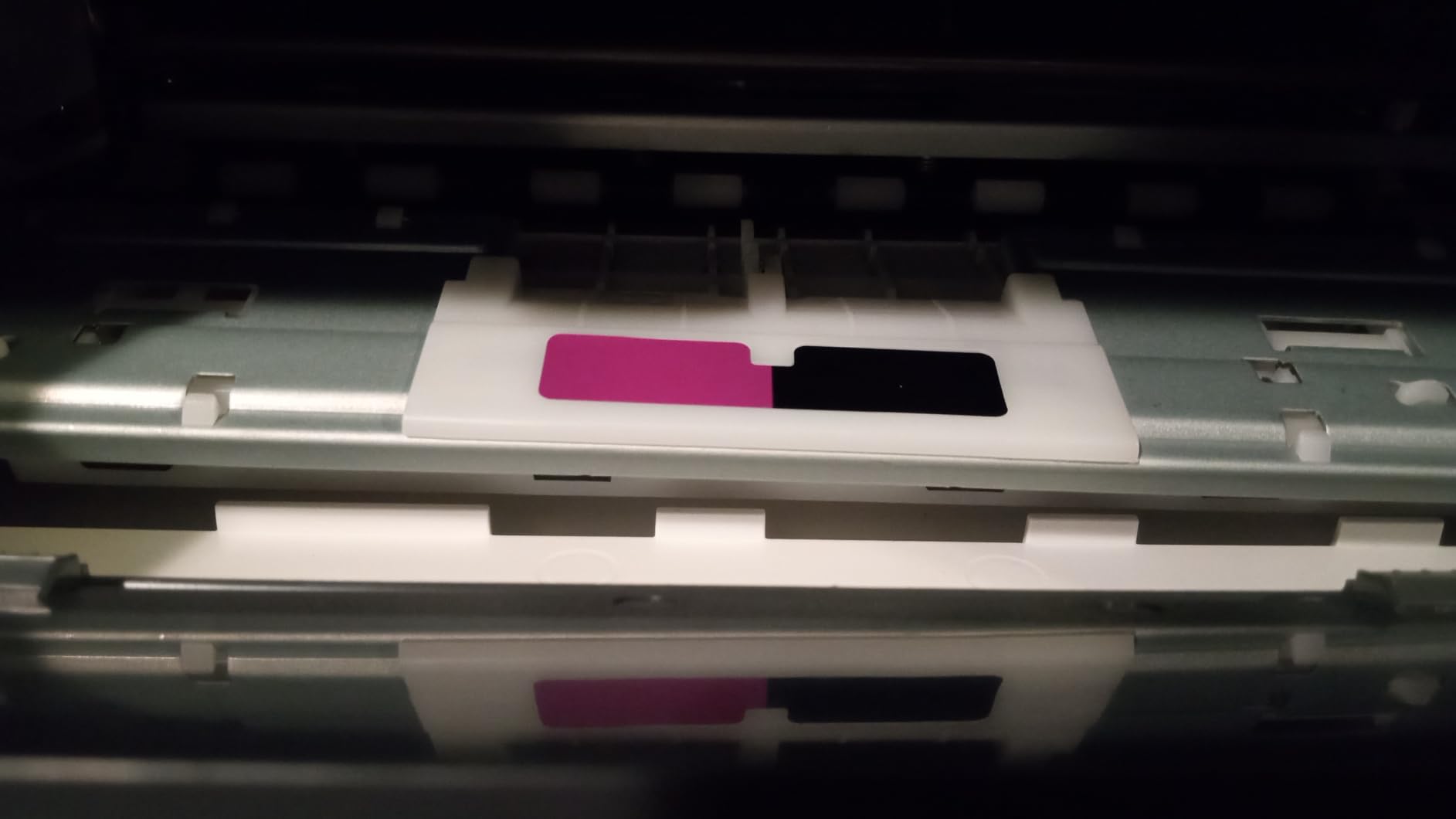
This is a newer listing with a much smaller base of reviews than the established models here, so the consensus is thinner. Warranty coverage runs one year or 30,000 pages, whichever comes first.
At 11.1 pounds and 14.23 by 17.11 by 6.19 inches, it is compact and light. The trade is clear: the biggest included ink supply in the group, in exchange for manual duplex and no feeder.
7. Epson EcoTank ET-2980 – Best EcoTank With Automatic Duplex and Speed
Epson EcoTank ET-2980 Wireless Color All-in-One Supertank Printer – Black
EcoTank with automatic duplex
15 black / 8 color ppm
Print copy scan
100-sheet tray
+ Pros
- Automatic duplex on a tank system
- Very low cost per page in real use
- Up to three years of ink included
- Reliable wireless connections
- Sharper and quieter than the prior generation
– Cons
- Initial ink priming takes about 11 minutes
- Small hard-to-read screen
- Scanner quality widely criticized as poor
The ET-2800 is our pick because it has the most ratings, but if you print two-sided often and want to stay on a tank system, the ET-2980 is the better machine. It adds automatic duplex and runs faster at 15 pages per minute black and 8 color.
One owner reported printing over 1,100 mostly color pages with the black tank still around 80% full, which is the kind of real-world number that captures the cost-per-page advantage better than any spec.
Included ink covers roughly 6,600 black and 5,500 color pages, up to three years of supply, and the keyed EcoFit bottles only fit one way so you cannot mix up colors.
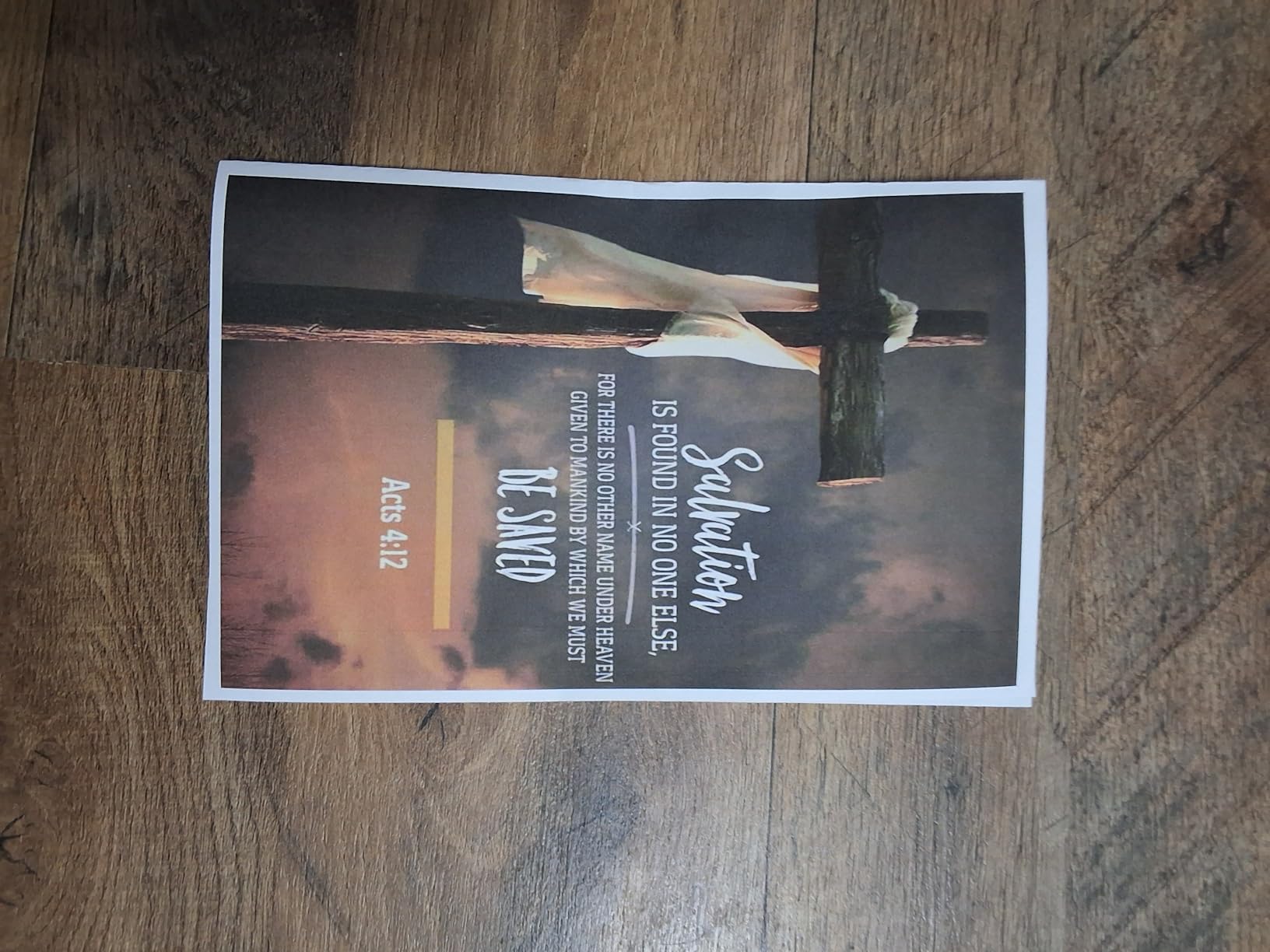
Duplex on a Tank System Changes the Calculus
Automatic duplex on an ink tank printer is exactly the pairing most student buyers want, and it is rarer than it should be. The ET-2980 prints two-sided without intervention, fits in a 13.7 by 14.8 by 7.4 inch body, and still costs far less per page than a cartridge machine.
Owners report consistent wireless connectivity, which is more than can be said for several budget models in this roundup. Borderless photo printing runs from 3.5 by 5 up to 8.5 by 11 inches.
The Eleven-Minute Priming Step
Be prepared for the first setup session to take about 11 minutes, because the printer primes the ink lines before it will print. That is not a fault, but it does mean you should not unbox it ten minutes before a lab submission is due.
Setup is also less intuitive than earlier Epson models, with some users needing outside help to get through it. Budget an hour the night you move in.
Weaknesses Owners Repeat
The scanner is the most criticized part. Quality is widely called poor and the software feels dated, so if you plan to scan archival research or photographs rather than just a page of notes, this is not the one.
Paper jams occur fairly often during duplex printing, which is a mild irony given the feature that justifies the model. Photo output is mediocre and ink can rub off prints, and the output tray does not retract on its own, so you have to push it in at the machine.
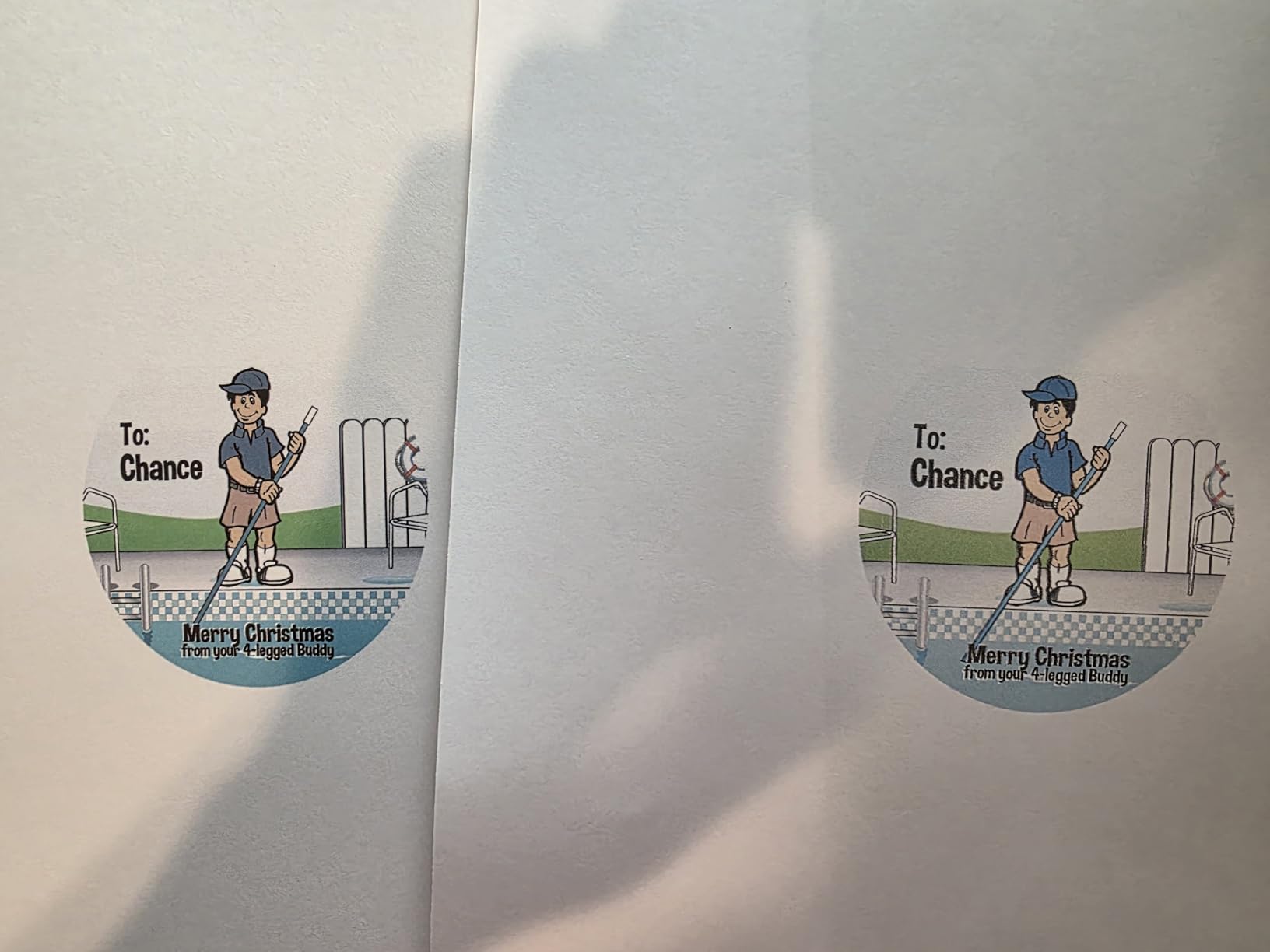
The small screen with confusing icon buttons is a common complaint. At 11.5 pounds and 13.7 by 14.8 by 7.4 inches, it is one of the more compact units in the group, with a one-year limited warranty.
8. Brother Work Smart 1410 – Best All-in-One With Fax and a Color Touchscreen
Brother Work Smart 1410 Wireless Color Inkjet All-in-One Printer with 2.7” Touchscreen and Automatic Duplex Printing | Includes Refresh Subscription Trial(1) (MFC-J1410DW)
Print copy scan and fax
2.7-inch color touchscreen
20-page ADF
Automatic duplex
+ Pros
- Unusually full feature set for the class
- Cloud print and scan from the touchscreen
- Automatic duplex at 16 black and 9 color ppm
- 150-sheet paper tray holds more than most inkjets
- Brother Mobile Connect app
– Cons
- Lowest average rating in the group at 3.9
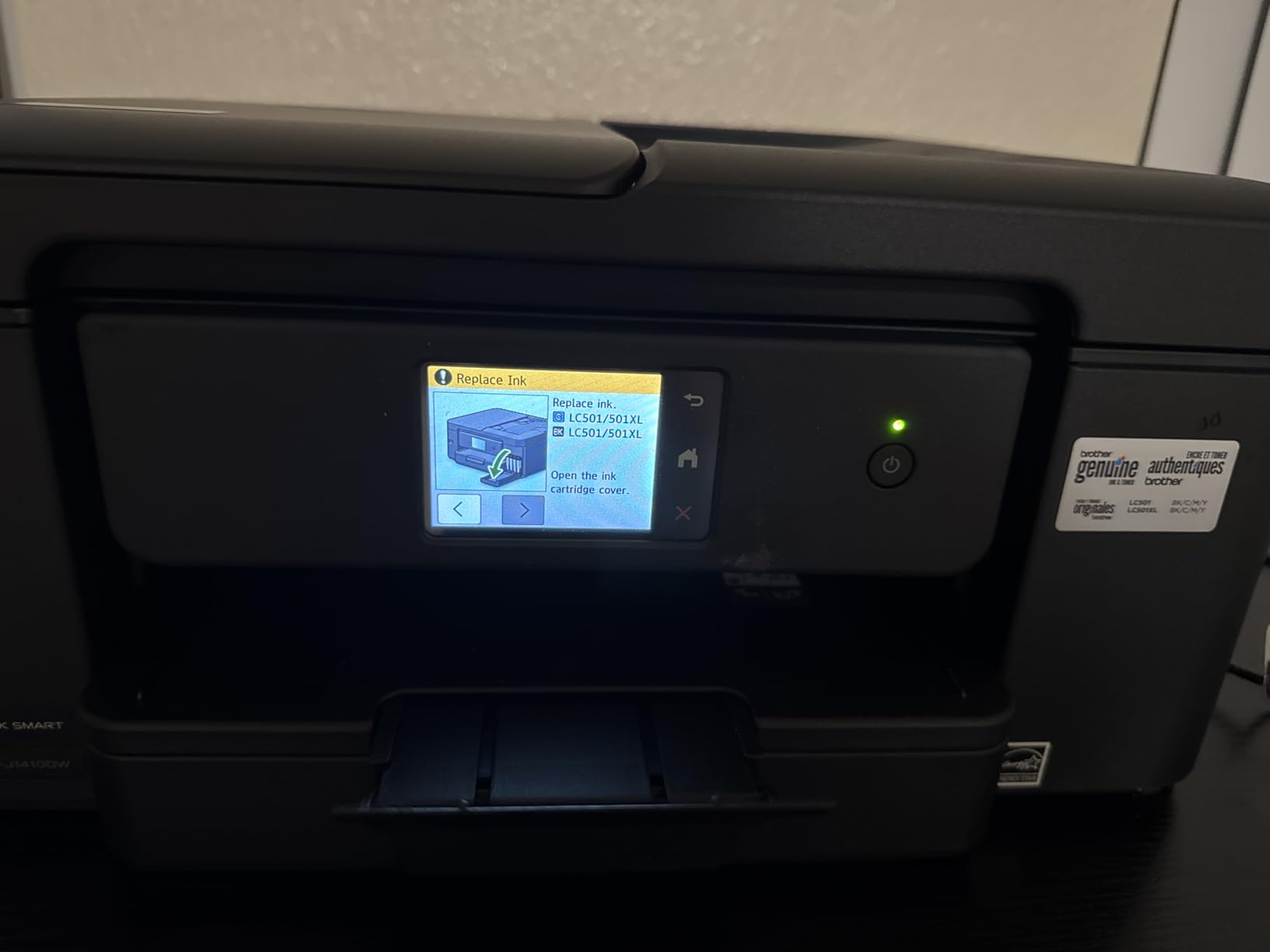
- LC501 cartridges raise per-page cost
- ADF limited to 20 sheets single-sided
- No Ethernet port
Two features set this Brother apart from most of the other inkjets here: it faxes, and it has a 2.7-inch color touchscreen. For a student who still turns in physical forms or handles paperwork from an internship, the fax function is a genuine gap-filler.
It prints, copies, scans and faxes in a single unit with automatic duplex at 16 pages per minute black and 9 color. The listed first page comes out in about 6.2 seconds for black, which is the shortest figure published for the color models here.
The touchscreen connects straight to cloud services, so you can print from and scan to Google Drive, Dropbox, Box and OneDrive without opening a laptop or installing a scanner app first.
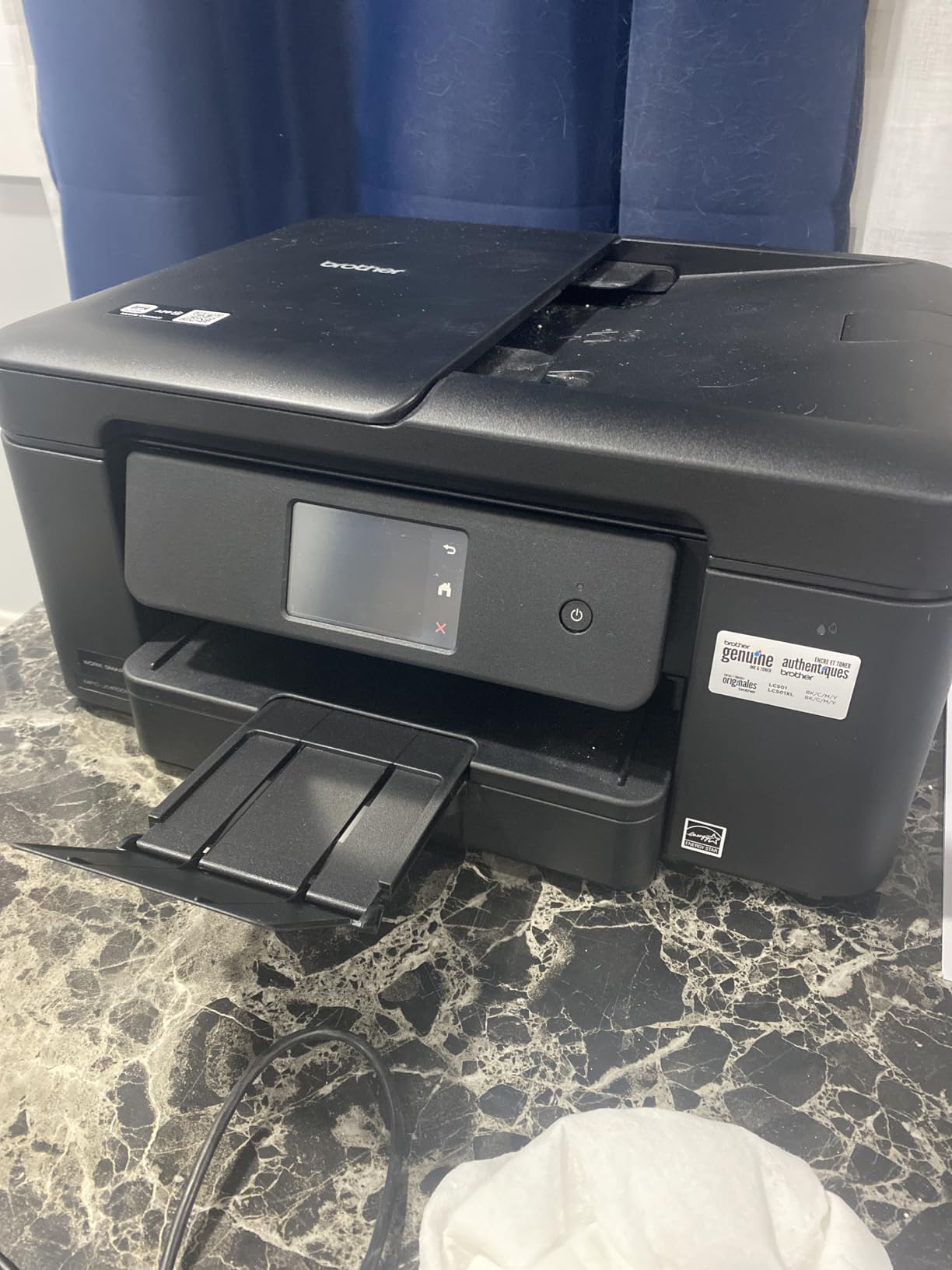
The Touchscreen Changes Daily Use
A 2.7-inch color panel is a real convenience in a dorm, where the alternative is pulling out a phone, opening an app and waiting for a scan to resolve. Direct cloud connections mean a signed form is printable in three taps.
The 150-sheet paper tray holds more paper than most inkjets in this roundup, which means fewer refills in a shared room. The Brother Mobile Connect app covers printing, copying, scanning and ink monitoring.
Where the Rating Comes From
This is the lowest-rated model in the group at 3.9 stars, with a higher share of one-star reviews than the others. The reason is running cost: it uses conventional Brother LC501 cartridges, so per-page cost sits well above the tank models.
Brother also recommends only genuine ink, which limits third-party options. The 20-page document feeder is single-sided only, and there is no Ethernet port, so networking is Wi-Fi and USB.
Color Resolution Varies by Operating System
Maximum resolution is listed as 1200 by 6000 dpi on Windows and 1200 by 3600 dpi on Mac. If you are on a Mac, your color output is still sharp but not identical to the Windows result, and it is worth checking a test page before a design project.
It handles plain paper, glossy photo paper and envelopes up to 8.5 by 14 inches, is ENERGY STAR certified, and comes with a one-year limited warranty. At 16.8 pounds it is a substantial unit for a small desk.
A refresh subscription trial is included with the machine, so read the terms before you set it up. Subscription ink programs were the most common lock-in complaint in our research, and the same logic applies to any per-page plan.
9. Epson EcoTank ET-4950 – Best All-in-One for High-Volume and Shared Use
Epson EcoTank ET-4950 Wireless Duplex All-in-One Cartridge-Free Supertank Color Inkjet Printer, Fax, Black
EcoTank with auto duplex and fax
18 black / 9 color ppm
ADF included
250-sheet capacity
+ Pros
- Most capable EcoTank here with fax
- ADF and a 2.4-inch tilting display
- Fastest EcoTank at 18 black / 9 color ppm
- Wireless performance reported as smooth
- Retracting trays keep the mechanism clean
– Cons
- Upfront cost is higher than the rest of the group
- Scanner quality considered average
- Output tray does not retract on its own
- Power ring light pulses continuously
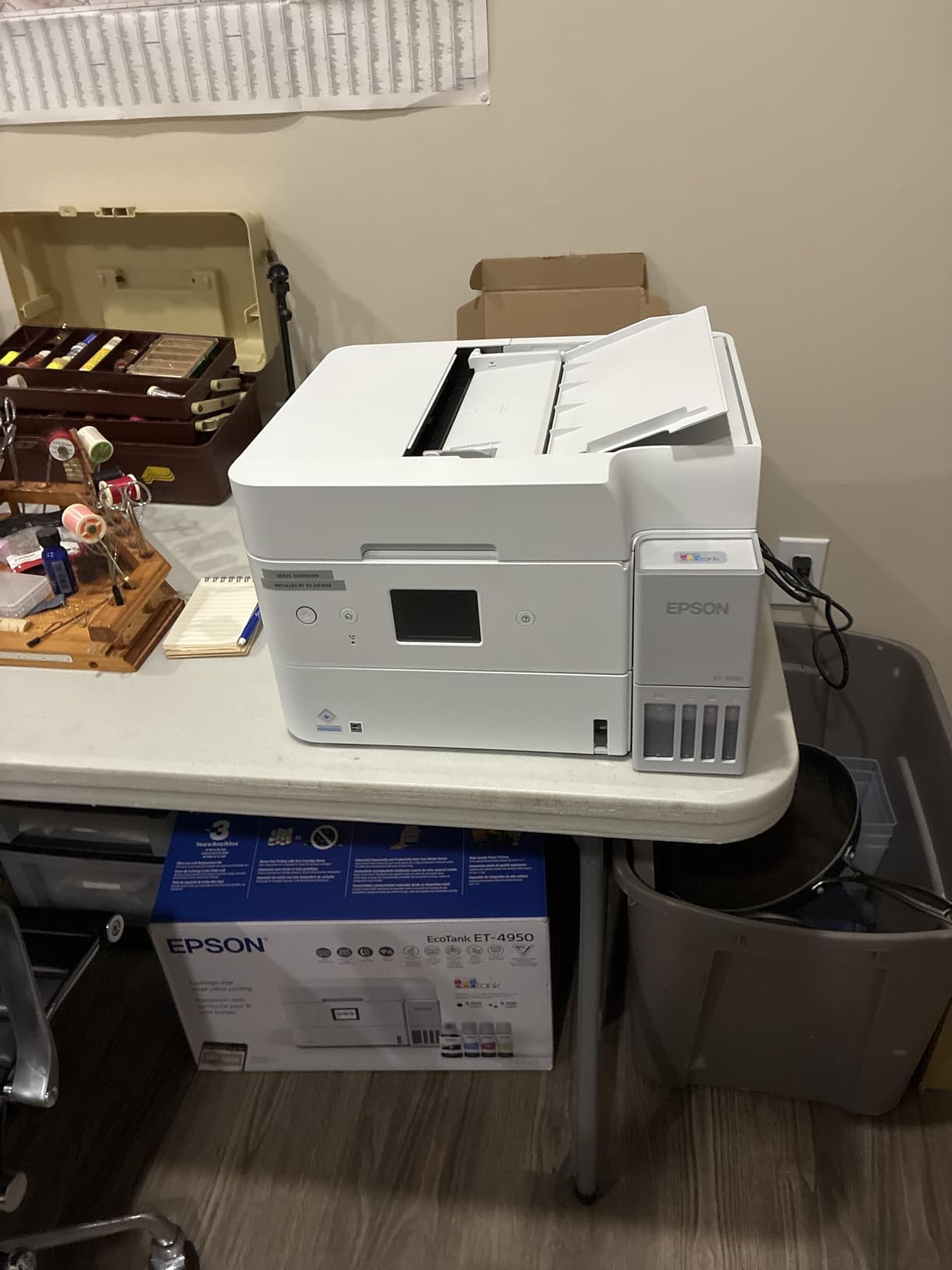
This is the machine to buy if you print heavily and expect to keep it. It is the only EcoTank here with a 250-sheet tray, an automatic document feeder, fax and a 2.4-inch tilting color display, and at 18 black and 9 color pages per minute with no warmup time it is the fastest inkjet in the roundup once you start a job.
Owners report consistent wireless performance, printing from both desktop and mobile without the “printer is offline” arguments that plague some models. The ink loading is spill-proof because the keyed bottles only fit one way and stop automatically when a tank is full.
Included ink covers up to 6,600 black and 5,500 color pages, and you can top up each color individually rather than replacing a set.
The ADF and 250-Sheet Tray Combination
Automatic duplex, a document feeder and a 250-sheet tray together cover the workflow of a student who prints a thesis draft, scans 60 pages of primary sources and does not want to walk to a copy shop. Three of the ten machines here have a feeder, and this Epson and the Brother DCP-L2640DW are the two that pair one with a large tray and automatic duplex.
The 2.4-inch adjustable tilt color display makes multi-step jobs manageable without a phone. The trays and feeder retract into the body when idle, which keeps the mechanism cleaner and safer in a shared room.
Speed Without Warmup
Zero warmup time means the first page is as fast as the fiftieth, a real difference in inkjets. Borderless photo prints on glossy media came out well for most owners, though a few reported weak results on Epson’s own Ultra Premium Glossy paper.
The 15-watt power draw and efficiency certifications keep it reasonable to leave running in a dorm, and the one-year limited warranty is standard for the class.
What You Pay Up Front Versus Over Four Years
This costs more to buy than anything else in the roundup, and no amount of phrasing changes that. The case for it is that ink savings narrow the gap over time at high volume, which is precisely the audience the machine is built for.
Scanner quality is only average, and some owners kept a separate machine for serious scanning work. Initial setup can be long, with a paper jam during installation for some buyers.
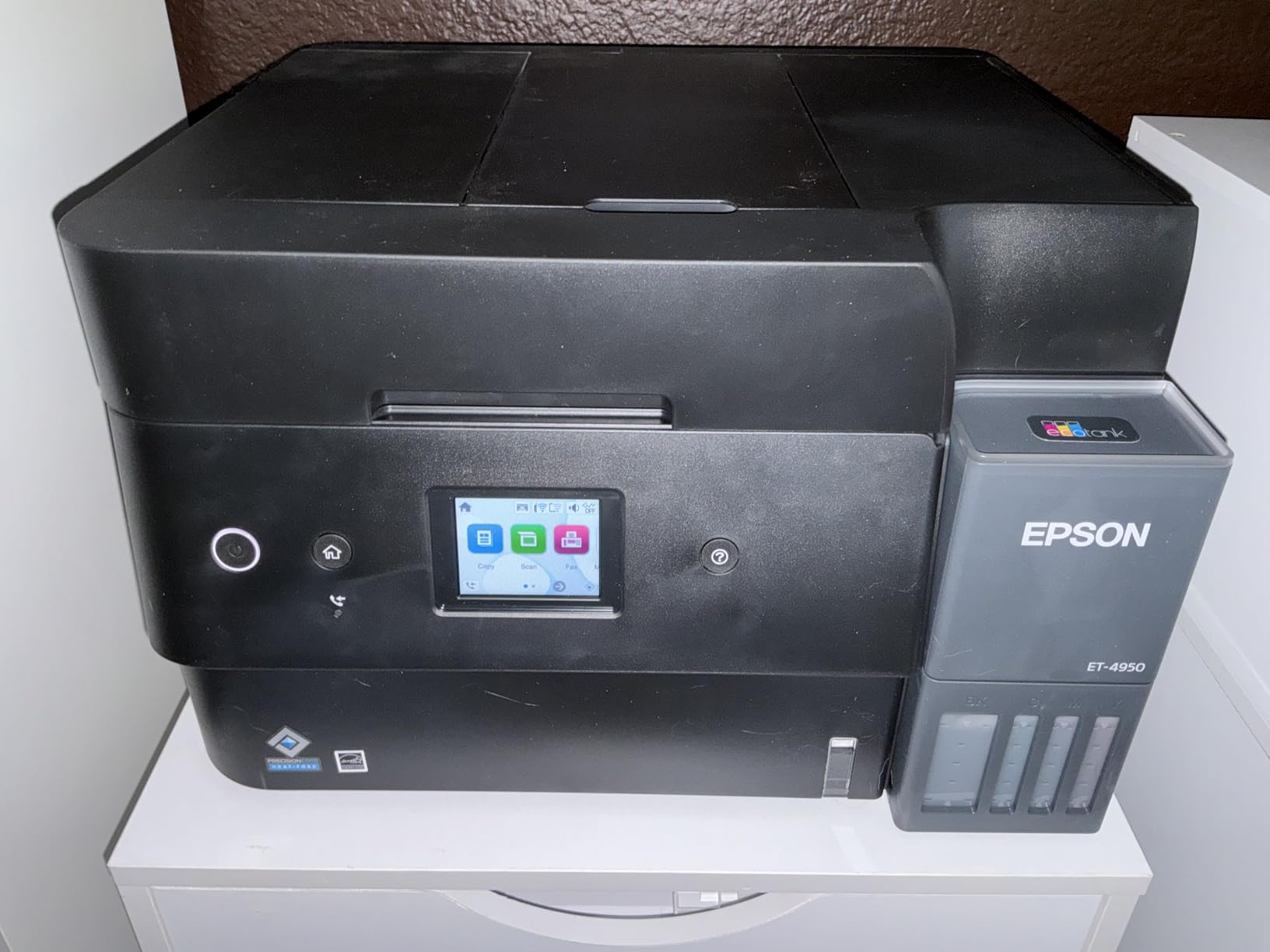
The auto-extending output tray does not retract on its own and has to be recalled at the machine, and the power button ring light pulses continuously with no way to disable it. Both are minor, and both are the kind of thing that annoys you nightly in a quiet room.
The USB port is Type-B and does not support scan-to-USB with a flash drive. At 16.1 pounds and 13.7 by 14.8 by 9.4 inches, it needs real desk space, and it also carries Ethernet for a wired connection.
10. HP Envy 6155 – Best Touchscreen and Auto Duplex on a Student Budget
HP Envy 6155 Wireless All-in-One Color Inkjet Printer, Print, Scan, Copy, Duplex Printing Best-for-Home, 3 Month Trial of Instant Ink Included, AI-Capable (C2WR7A) Portobello
Print copy scan
Automatic duplex
2.4-inch color touchscreen
10 black / 7 color ppm
+ Pros
- Highest average rating in the group at 4.2
- Automatic duplex and a color touchscreen at a budget tier
- Dual-band Wi-Fi with connection self-diagnosis
- HP P3 color matches screen output
- Built with at least 60% recycled plastic
– Cons
- Instant Ink subscription applies a fee after the trial
- Third-party cartridges are blocked by design
- Small HP 68 cartridges raise per-page cost
- No automatic document feeder
The best-rated machine in this roundup at 4.2 stars, and it pairs that with two features usually reserved for higher tiers: automatic duplex and a 2.4-inch color touchscreen. If your coursework is almost all digital with occasional double-sided handouts, this is a strong fit.
Speed is 10 pages per minute black and 7 color with a 100-sheet input tray. HP P3 color technology produces output that closely matches the screen, which matters when you are matching a presentation background or a chart for a design class.
Built-in AI print formatting cleans up web pages and emails before printing, stripping navigation bars and stray ads so you do not waste paper on a layout that was never going to be legible.
The Instant Ink Decision
A three-month Instant Ink trial is included. If you keep it, a monthly fee applies afterward whether you print or not, and that billing model was the most common lock-in complaint in our research. Cancel before the trial ends and you are fine.
Keep it only if the convenience is worth it, because the per-page math will eventually catch up with a tank printer over four years. The HP app handles printing, scanning, copying and faxing from a smartphone.
Chip-Locked Cartridges, Deliberately
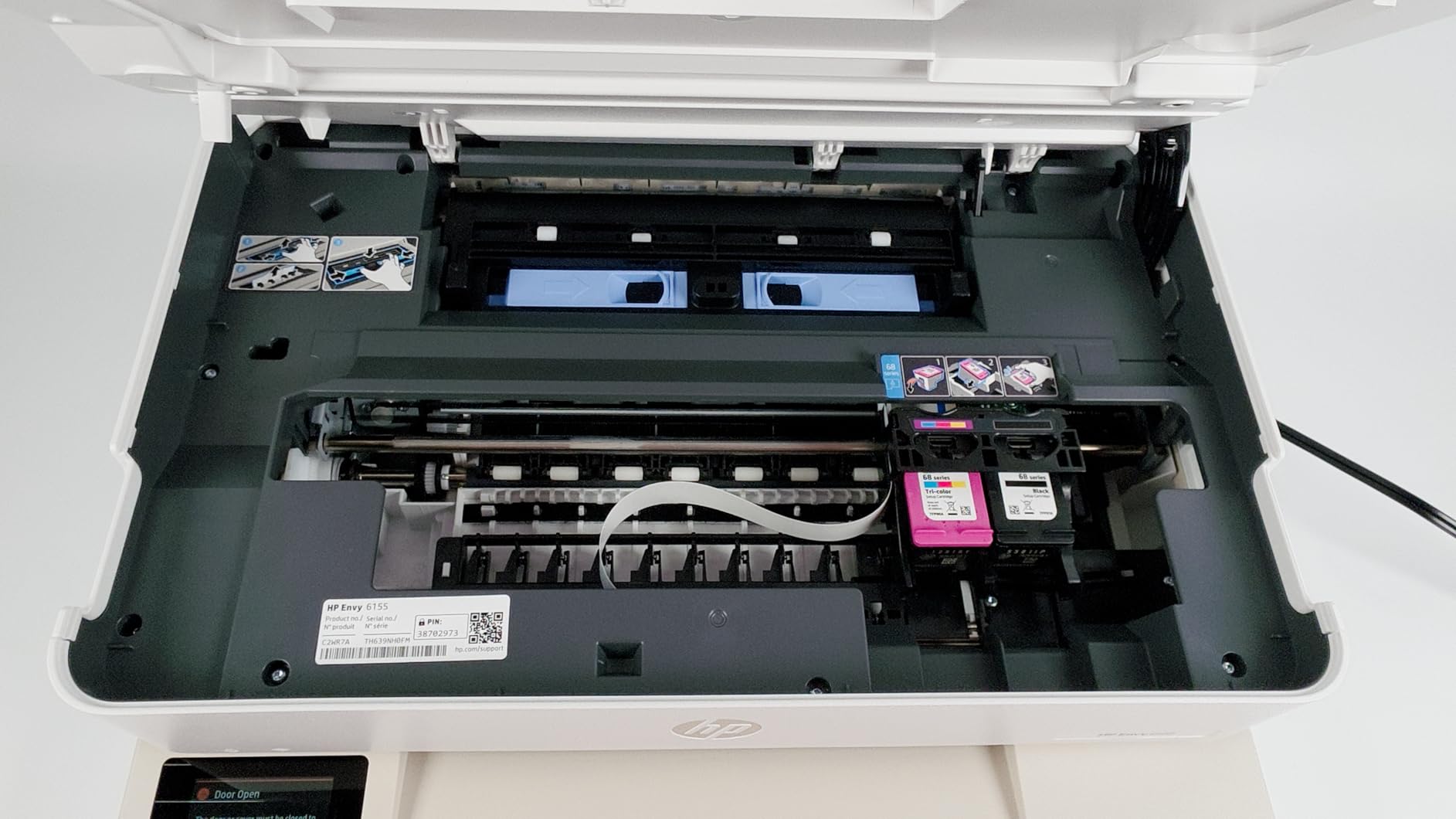
HP designs this printer to work only with HP cartridges using original chips, and it will block third-party ones. That is a deliberate supply decision, and it removes the workaround some students use to cut ink costs on cartridge printers.
The HP 68 setup cartridges included are small, roughly 120 black pages and 75 color pages, so per-page ink cost is higher than on any tank model here. Budget for a cartridge set a couple of times a year at minimum if you print regularly.
No Feeder, So Know Your Scan Volume
The scanner is a flatbed CIS unit with no automatic document feeder, so multi-page scanning means lifting the lid. If you scan a lot of primary sources, choose a model with a feeder even if it costs more.
Dual-band Wi-Fi includes automatic detection and resolution of connection problems, which genuinely helps in a crowded dorm network. The body is made with at least 60% recycled plastic, and coverage is a one-year limited hardware warranty.
At 11.2 pounds and 17.05 by 14.21 by 5.35 inches, it is light and fairly flat on a desk. Maximum media size is letter, so legal-size and larger sheets are not supported.
Given the touchscreen and duplex, this pairs well with the student laptops on a tighter budget that are driving the printing.
What to Look for in an All-in-One Printer for a Dorm Room
After six weeks with these ten machines, the specifications that mattered most were rarely the ones on the box front. Here is what I now check before buying any printer for student housing.
Automatic Duplex Is the First Filter
Only six of the ten printers here print two-sided automatically. Double-sided reading lists are among the most common student print jobs, and manual flipping on a 30-page packet is tedious enough that people end up using the campus print center instead.
The models with automatic duplex are the Brother DCP-L2640DW, Canon PIXMA TS4320, Epson EcoTank ET-2980, Brother Work Smart 1410, Epson EcoTank ET-4950 and HP Envy 6155. The remaining four make you flip the stack by hand, so weight those against how often you print handouts.
Ink Tank or Laser, Not Cartridges
The recurring theme in every student printer discussion is the same: inexpensive cartridges quietly erase the savings of an inexpensive printer. A cartridge set priced like a tank refill every few months adds up badly across four years and several hundred pages a month.
Ink tank and MegaTank machines use refillable bottles, and several models include up to two or three years of supply in the box. Laser is the other answer, since toner is powder and cannot dry out, which is why monochrome Brother lasers dominate the “least amount of problems” conversation.
The Dried Ink Problem Nobody Warns You About
Standard inkjets fail most often after inactivity. A printer that goes six weeks without printing between midterms and winter break can wake up with a clogged head, and a head cleaning cycle wastes ink that you then pay to replace.
Three defenses: choose a laser if your printing is intermittent, choose a tank printer and print a test page before you leave for break, and keep the unit plugged in so it runs its maintenance cycle. Students who do this rarely report the problem at all.
Footprint and Paper Tray Capacity in a Shared Room
Check the depth before the width. Output trays that project forward when idle take a real cut of desk depth, and the Canon MegaTank G3270 at 21.9 inches deep is the deepest unit here. The Epson EcoTank ET-2980 at 13.7 inches and the Canon PIXMA TS4320 at 14.8 inches leave the most room on a narrow dorm desk.
Paper tray capacity decides how often you refill. A 60-sheet tray on the Canon PIXMA TS3720 runs dry roughly three times a month at 200 pages a month, while the 250-sheet trays on the Brother DCP-L2640DW and Epson ET-4950 hold about four times as much.
ADF Only If You Scan Real Volume
An automatic document feeder saves real time on multi-page lab reports, and only three machines here include one. The Brother DCP-L2640DW takes 50 pages, the Epson ET-4950 includes a feeder, and the Brother Work Smart 1410 takes 20 sheets single-sided.
If you scan a handful of pages a term, a flatbed is enough and you can put that budget toward better ink. If you scan research sources weekly, the feeder is worth more than a color touchscreen.
Wireless, AirPrint and Avoiding Ink Subscriptions
Look for dual-band Wi-Fi at both 2.4GHz and 5GHz in shared housing, plus Apple AirPrint and Mopria support so Mac, iPhone and Chromebook users need no drivers at all. Every model here supports wireless, but only some cover the full app suite.
Finally, read the subscription terms before you plug in. Programs that bill per page or per month regardless of use are the most common long-term regret we heard about, and a cartridge-free tank printer sidesteps the question entirely.
Frequently Asked Questions
What is the best printer for a college student?
The Epson EcoTank ET-2800 is the best all in one printer for most college students. It prints, copies and scans, runs on refillable ink bottles instead of cartridges, and includes enough ink for up to 4,500 black pages and 7,500 color pages. Its main weakness is manual duplex, so students who print two-sided handouts often prefer the Canon PIXMA TS4320 or Epson ET-2980.
What is the best affordable all-in-one printer for college students?
Affordability depends on total cost over four years, not the purchase price. The Canon PIXMA TS3720 is the entry-level pick here, but its two small cartridges make it a poor value past about 100 pages a month. The Canon MegaTank G3270 and Epson EcoTank ET-2800 cost more to buy and far less per page, which is why they are the more affordable choice for anyone printing real volume.
What is the highest rated all-in-one printer in this roundup?
The HP Envy 6155 has the highest average rating in this group at 4.2 stars, pairing that with automatic duplex and a 2.4-inch color touchscreen. The Epson EcoTank ET-2800, Brother DCP-L2640DW and Canon MegaTank G3270 each rate 4.1 stars, and the Epson ET-2800 carries by far the largest review base at more than ten thousand ratings.
Which printer has the least amount of problems?
A monochrome laser such as the Brother DCP-L2640DW reports the fewest problems, because toner is powder and cannot dry out in the print head between semesters. Inkjets can be left unused for weeks and wake up needing a head-cleaning cycle that wastes ink. Automatic duplex and a 50-page document feeder also reduce the number of manual jobs that go wrong.
Do I need a printer in college, or is the campus print center enough?
If you print under 20 pages a month and mostly read material on a screen, the campus print center is usually the better deal. Once you start scanning lab reports, printing color graphs or meeting a deadline at midnight, a personal machine saves both money and stress. Break-even depends on your department’s per-page charge and your own monthly volume.
Which All-in-One Printer Should You Buy?
If you print mixed color and black and want to stop thinking about ink entirely, the Epson EcoTank ET-2800 is the pick. If your degree is monochrome and you want speed plus a document feeder, choose the Brother DCP-L2640DW. For the lowest four-year running cost on color, the Canon MegaTank G3270 matches the Epson’s ink economics and ships with the largest included supply.
For two-sided printing on a budget, the Canon PIXMA TS4320 and Epson ET-2980 are the two that matter, and the TS4320 is the more compact of the pair. If you need fax, a touchscreen and cloud scanning, the Brother Work Smart 1410 covers all three. If you print a lot and will share the machine, the Epson ET-4950 has the tray capacity and feeder to keep up.
Whichever you choose, buy it at the start of the term rather than the night a paper is due, keep it plugged in, and print a test page before you leave for break. That single habit prevents the dried-ink problem that costs students more money than any printer on this list.
Our picks stay current as new models arrive, and we update this guide every year. For the printers in the best all in one printers for college students category that fit a smaller budget, the budget all-in-one roundup covers the lower tier in more detail.
Leave a Reply