

If you sit in an open-plan office, hot-desk between shared desks, or take video calls from a laptop at a kitchen table, the sound of your mouse is a bigger problem than the mouse itself. My team has been putting these quiet pointers through daily spreadsheet work, browser sessions and call-heavy days, and the best silent mice for offices in 2026 fall into three clear groups: a rechargeable all-rounder, a contoured battery-powered workhorse, and a dual-connectivity model for people who juggle two machines.
Our top pick is the Uiosmuph G12, a slim rechargeable mouse whose left and right buttons are dampened to the point where reviewers describe them as inaudible across a desk, backed by the largest owner base in this group. The Logitech M330 Silent Plus is the value pick for anyone who wants the classic right-handed shape and a battery that lasts about 18 months. The TECKNET dual-mode model earns its place when you need Bluetooth and a 2.4 GHz receiver plus adjustable sensitivity up to 4800 DPI.
One honest note before we start: no mouse is completely silent. Every “silent” switch removes the sharp, high-pitched click and leaves a soft mechanical thud. The models below differ in how much of that thud survives, in how loud the scroll wheel is compared with the buttons, and in how well the shape fits your hand. If your real complaint is noise plus wrist pain rather than noise alone, read the vertical and trackball notes in the buying guide before you commit.
Our Top 3 Quiet Picks for Open-Plan Desks (October 2026)

Uiosmuph G12 Slim Rechargeable
- Silent left and right buttons
- Rechargeable battery usable while charging
- 4.4 inch slim ambidextrous body
- USB-C adapter included

Logitech M330 Silent Plus
- SilentTouch removes over 90 percent of click noise
- 18-month AA battery
- 33 ft 2.4 GHz wireless range
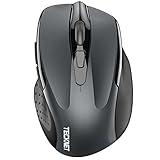
TECKNET Silent 4800 DPI
- Bluetooth 5.0 plus 2.4 GHz for two devices
- 4800 DPI across six levels
- 36-month warranty
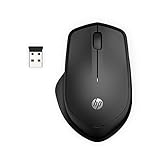
Those three cover the majority of office desks, but hand size changes the answer more than any spec sheet does. The Logitech M240 and M340 are compact ambidextrous bodies for smaller hands and travel, while the HP 280 is physically the largest shell here and suits bigger grips. If you have never found a comfortable right-handed mouse, a symmetric shape may end your search.
Comparing the Best Silent Mice for Offices in 2026
Every model below has dampened primary buttons. What separates them is battery type, connection method, button count and maximum sensitivity. The table below is the fastest way to match a mouse to a desk situation before you read the full write-ups.
| Product | Details | Action |
|---|---|---|
|
|
Check Latest Price |
|
|
Check Latest Price |
|
|
Check Latest Price |
 |
|
Check Latest Price |
 |
|
Check Latest Price |
 |
|
Check Latest Price |
 |
|
Check Latest Price |
 |
|
Check Latest Price |
 |
|
Check Latest Price |
 |
|
Check Latest Price |
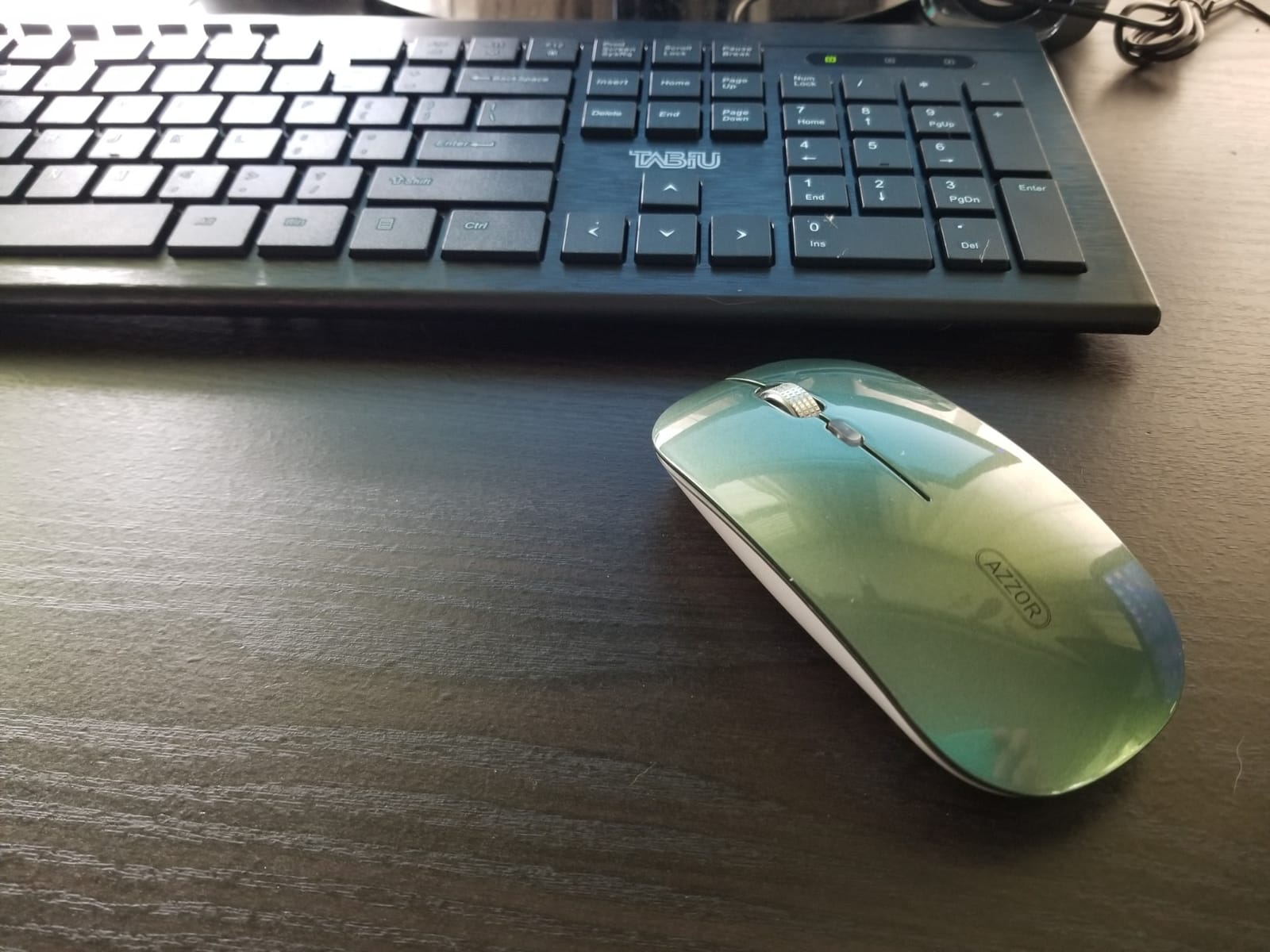
1. Uiosmuph G12 Slim Rechargeable – The Best All-Round Quiet Mouse
Uiosmuph LED Wireless Mouse, G12 Slim Rechargeable Silent Mouse Matte Black
Rechargeable silent buttons
Slim 4.4 x 2.2 inch body
800 DPI optical
USB-C adapter included
+ Pros
- Near-silent left and right buttons
- Rechargeable battery you can use while charging
- Light 2.4 ounce slim body
- Works with USB-A and USB-C laptops
– Cons
- 800 DPI maximum sensitivity
- Scroll wheel presses down by accident
- Some mice report failures after one to three years
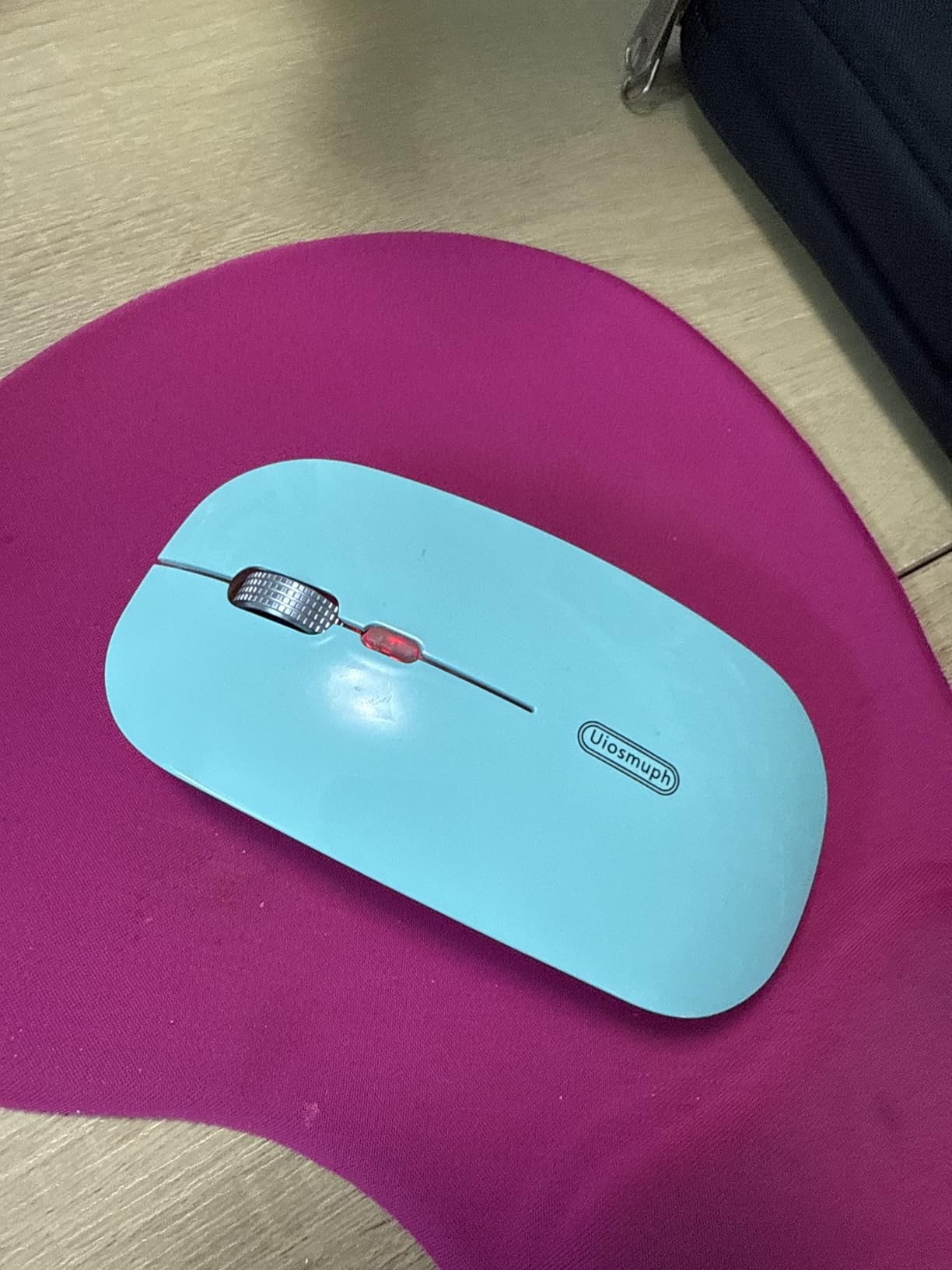
This is the mouse we hand to people who are replacing their first noisy office mouse. Owners describe the click as barely registering at normal conversational distance, and the rechargeable cell means you are not swapping batteries every few months in a hot-desk drawer. The body is thin enough to slide into a laptop bag without a case, which matters for people who move between a meeting room and a home desk.
What surprised us was the accessory bundle for this class of mouse. You get the mouse, a USB receiver that stores on the underside, a Type-C adapter, and a USB-C charging cable, so it works on an older desktop with USB-A and a newer laptop with USB-C ports only. The cycling LED on the palm edge is switchable, and review summaries note it can be turned off for meetings.
Why the Click Disappears and the Wheel Does Not
The left and right buttons are dampened, and reviewers specifically call out the absence of the usual buzzing that comes from a cheap ratcheting wheel. That single detail matters in an open office, because a high-frequency buzz travels further across a desk than a soft thud. The middle button under the wheel is the weak point: it is easy to press down while scrolling, which fires an unintended middle click.
There is also an unlabeled button that some buyers could not identify, so treat the middle-click area as a two-position switch rather than a precision control.
Power, Charging and the Practical Extras
The built-in battery is rechargeable and can be used while charging, which removes the “is it dying mid-report” failure mode entirely. Auto sleep kicks in after eight minutes of inactivity. The trade-off is long-term: review summaries include reports of rechargeable capacity degrading after about a year, and some units showing auto-scroll or button malfunctions after one to three years of heavy daily use.
Sensitivity tops out at 800 DPI, which is fine for text, email and browsing but low for design or photo work. If you need finer cursor control, look at the TECKNET models, which reach 4800 DPI.
Who It Suits and Who Should Pass
Choose it if you want the quietest-feeling clicks in this group, a rechargeable cell, and a shell that works for either hand. Skip it if your workflow is precision design, or if you need side buttons for browser navigation, because the button count is limited to four.
2. Logitech M330 Silent Plus – Best Value Contoured Shape
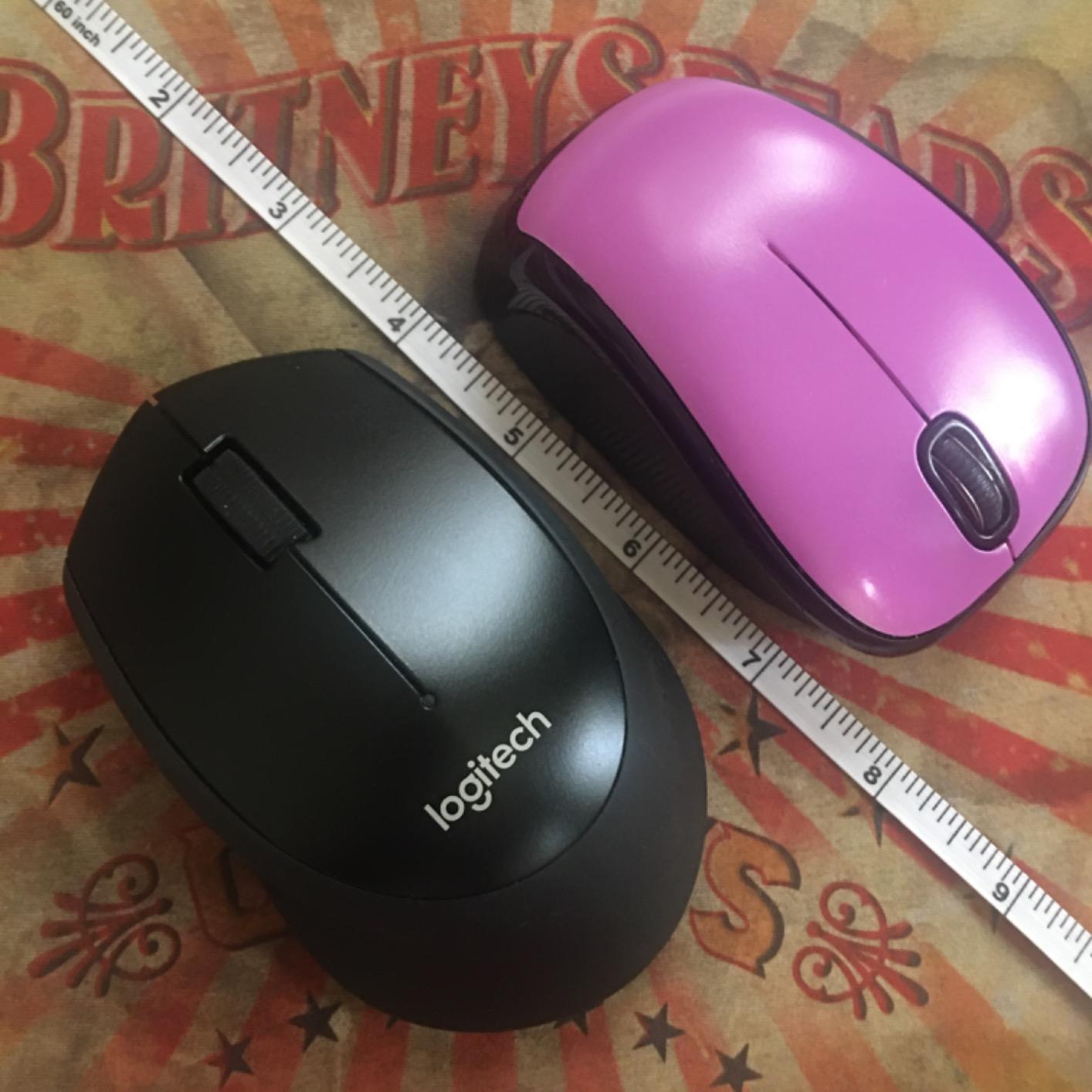
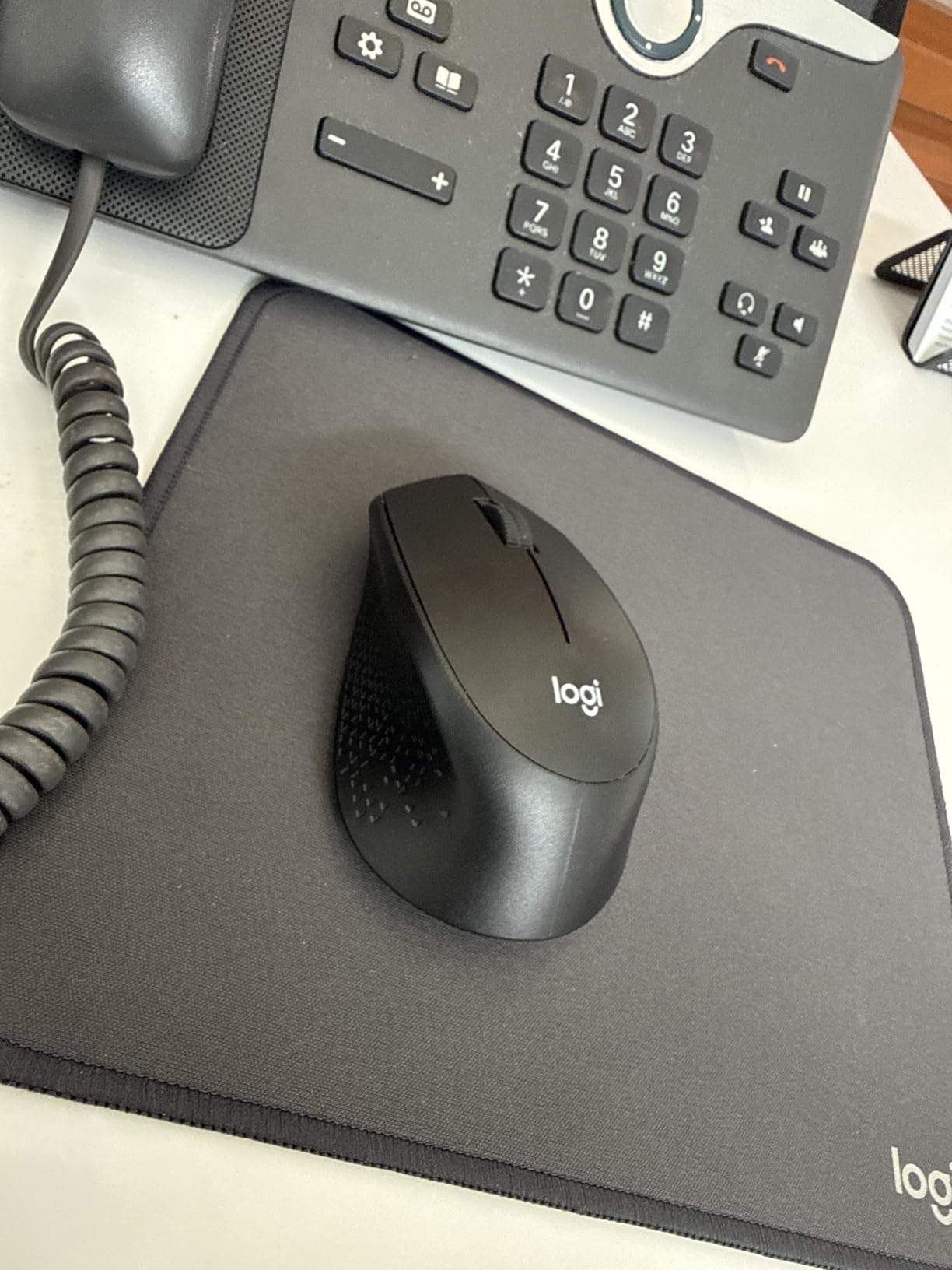
Logitech M330 Silent Plus Full Size 2.4 GHz Wireless Mouse – Black
SilentTouch click damping
18-month AA battery
1000 DPI
33 ft range
+ Pros
- Clicks effectively inaudible at normal distance
- Contoured right-handed shape with grippy side grooves
- 18 months on one AA battery
- Nano receiver stores inside the mouse
– Cons
- Scroll wheel is louder than the clicks and ages noisily
- Only three controls with no side buttons
- Uses its own 2.4 GHz receiver
The M330 is the reference point most office buyers end up comparing everything against. SilentTouch damping takes out over 90 percent of the click sound while keeping the same feel under your finger, and the full-size contoured shell with grippy side grooves is shaped for long right-handed sessions. Owners routinely report that the click simply disappears in a shared space.
Battery life is the sleeper feature. One AA cell is rated at about 18 months with auto-sleep, and the supplied nano receiver stores inside the body so nothing gets lost between desks. Range is 33 feet, which is more than enough to walk to a whiteboard mid-call.
Where the Noise Actually Comes From
The most repeated criticism in reviews is that the scroll wheel is louder than the buttons, and gets louder with age as the mechanism wears. On a call where you scroll a spreadsheet continuously, that wheel is the noise source that colleagues will hear. Middle-button clicks occasionally stop registering after heavy use, and the grip texture is good at holding a mouse but traps grime in a shared-desk setting.
Battery, Build and Surface Behaviour
Reviewers describe the build as durable across 18 to 24 months of heavy office use, and it tracks reliably on almost any surface without a mouse pad, which matters on laminate desks and shared trays. The plastic includes 76 percent post-consumer recycled material in the black version. The one quirk: the battery compartment is not snug, so lifting the mouse mid-drag can cause a brief stutter.
Who It Suits and Who Should Pass
This is the pick for a right-handed office worker who wants quiet clicks, minimal parts and almost no maintenance. Pass if you need side buttons, a DPI switch or a Bluetooth connection, because all three are absent by design. It ships with a 1-year limited warranty.
3. TECKNET Silent 4800 DPI – Best for Two Devices and Adjustable Sensitivity
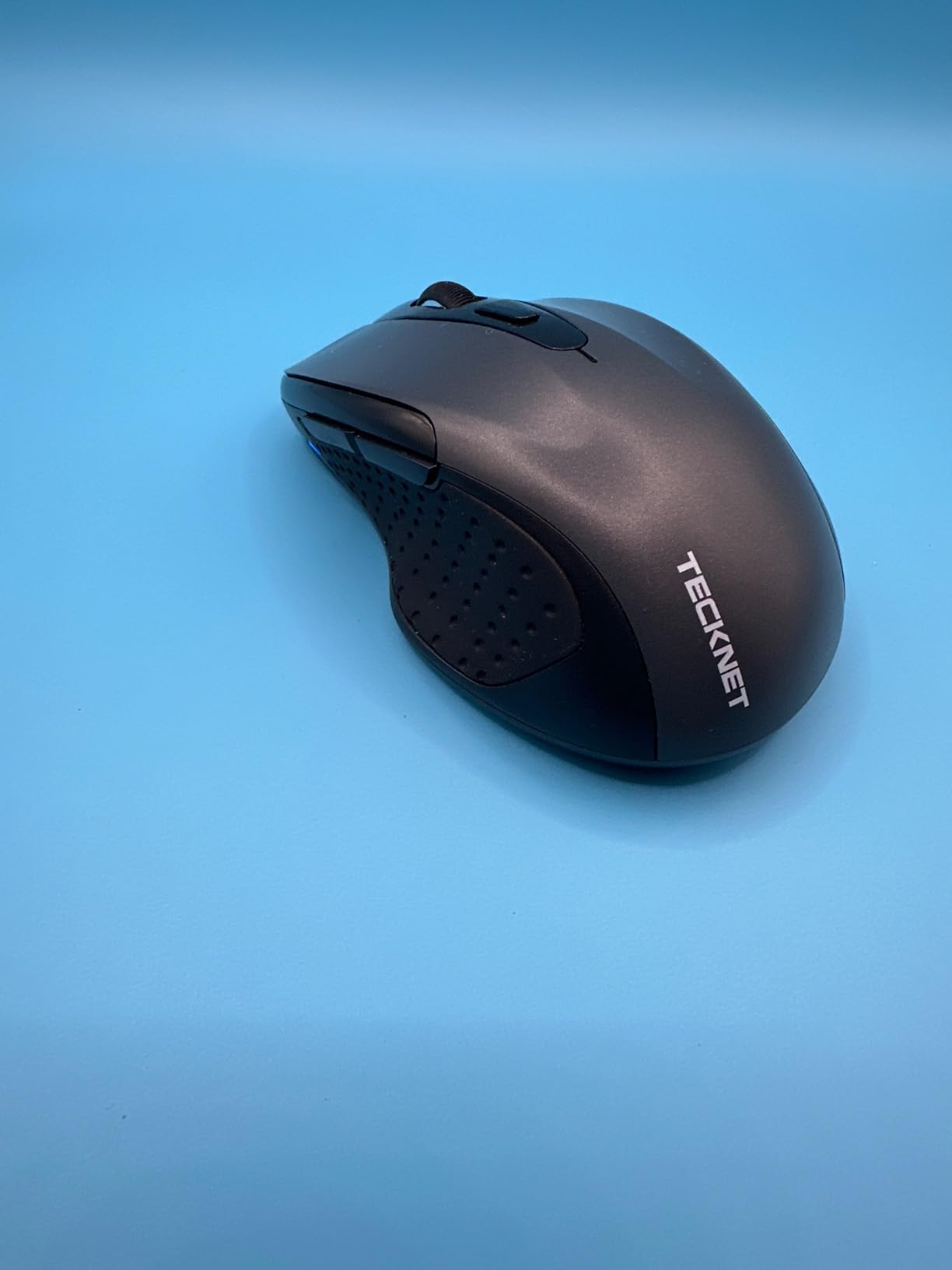
TECKNET Wireless Mouse, BT 5.0/2.4G, Silent 4800 DPI 6 Buttons, Grey
Bluetooth 5.0 and 2.4 GHz
4800 DPI max
Six DPI levels
36-month warranty
+ Pros
- Whisper-quiet main clicks for shared desks
- Switches between Bluetooth and 2.4 GHz
- 4800 DPI with six adjustable levels
- No driver installation required
– Cons
- Side buttons and wheel are not silent
- Side buttons do not work on macOS
- Compact shape suits small to medium hands
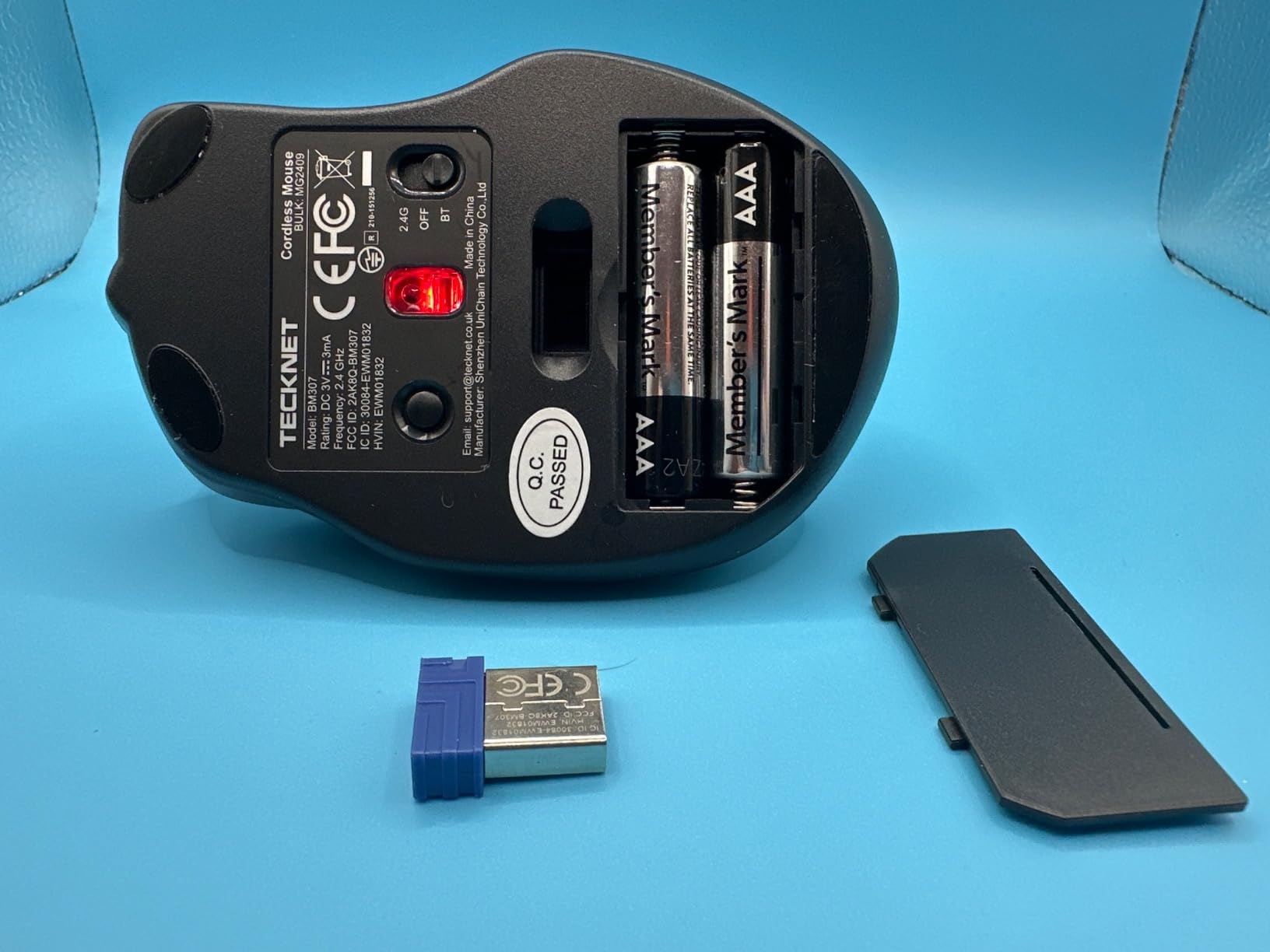
Most budget silent mice make you choose between a USB receiver and Bluetooth. This one does both, pairing to one device over Bluetooth 5.0 and another over the 2.4 GHz USB-A receiver, which covers the work-laptop and personal-laptop pattern without a dongle switch. The main clicks are described as whisper-quiet in libraries and open offices.
Sensitivity is the other headline. Six DPI levels run from 800 up to 4800, so the same mouse handles email and detailed design work. It is plug and play with no drivers, works on Windows, macOS, ChromeOS and Linux, and carries a 36-month warranty for registered buyers, the longest term in this group.
Connectivity and the Two-Device Workflow
Switching between the two connection types is the reason to pick this model. Bluetooth handles a laptop with no free USB-A port, and the 2.4 GHz receiver gives a steadier link on a desktop that sits far from the machine. Range is listed at 10 meters. A small number of owners report dropouts or early failure, so it is worth testing both modes on your own setup in the first week.
What Is Not Silent, and What Is Not Supported
Only the primary clicks are dampened. The scroll wheel and the two side buttons are not, and the wheel is reported to start very slowly and then jump ahead, which is the opposite of a smooth ratchet. The side buttons also do nothing on macOS, so Mac users should treat this as a three-control mouse. The shape is compact, which suits small to medium hands better than large ones.
Battery and Everyday Use
Two AAA cells power it, and they are not included in the box. That is a small annoyance for a first-day setup, and a one-off cost rather than a recurring one. Auto sleep handles the idle case. If your desk has no spare batteries, the rechargeable G12 is the smoother first-day experience.
4. Logitech M240 Compact – Best for Travel and Smaller Hands
Logitech M240 Compact Silent Bluetooth Wireless Mouse – Graphite
Silent clicks at 90 percent less noise
Bluetooth only
1000 DPI
18-month battery
+ Pros
- Quiet clicks that still give tactile feedback
- Bluetooth pairs instantly with no dongle
- Battery life frequently exceeds a year
- Light body suits smaller hands
– Cons
- Scroll wheel is noisier than the buttons
- 1000 DPI maximum sensitivity
- Compact size can feel cramped for large hands
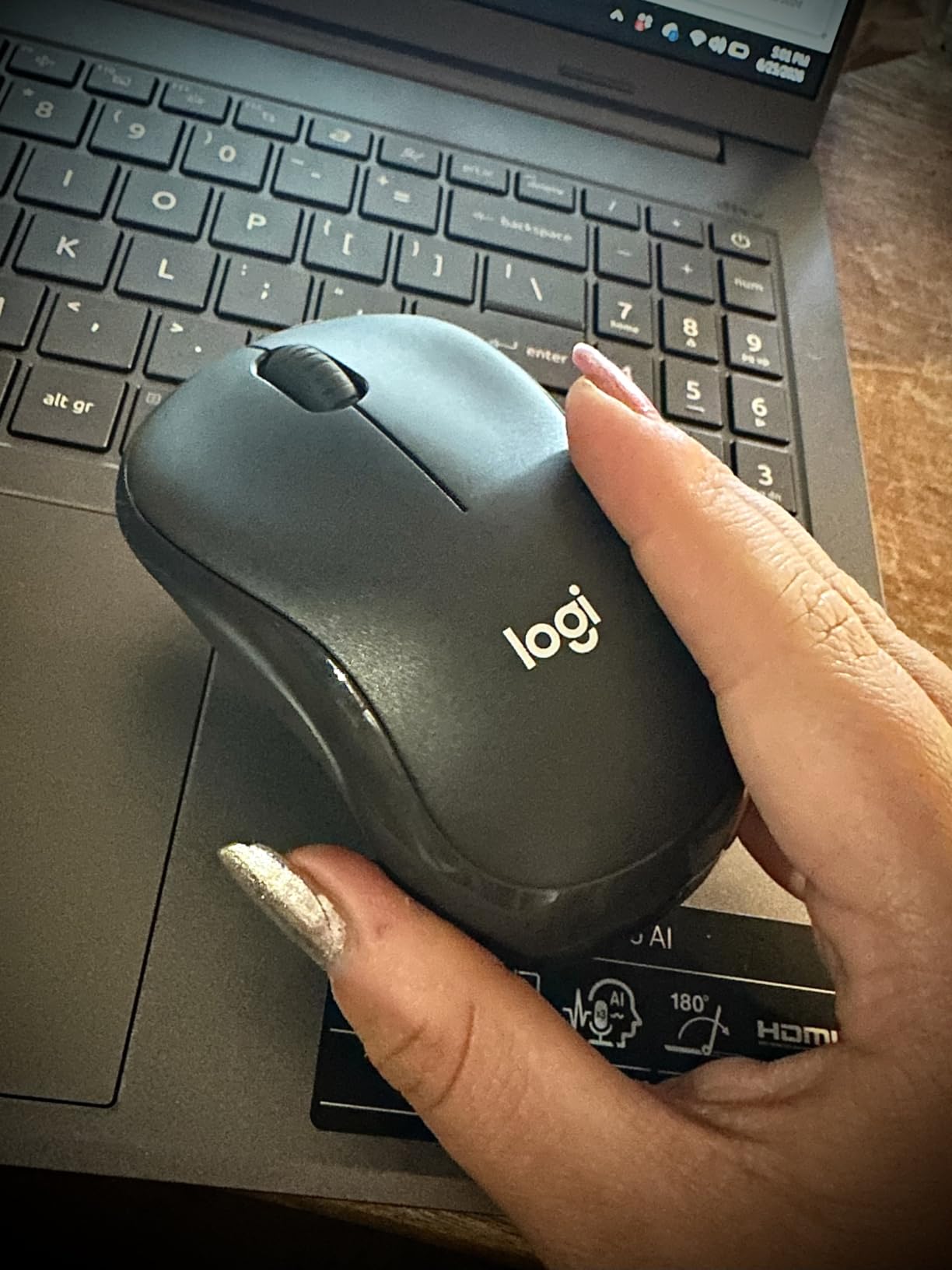
The M240 is the one to pack. It is Bluetooth only, so there is no receiver to lose, it weighs 73.8 g, and the compact symmetric body suits smaller hands. Reviewers highlight the click as quiet but still clearly tactile, so you are not trading feedback for silence. Owners regularly report a year or more on the included AAA battery.
It works across Windows, macOS, Linux, ChromeOS, iPadOS and Android, and it is Chromebook certified, which makes it the easiest pick for anyone moving between a work laptop, a personal laptop and a tablet. The graphite shell contains 48 percent certified post-consumer recycled material.
Bluetooth-Only Advantages in an Open Office
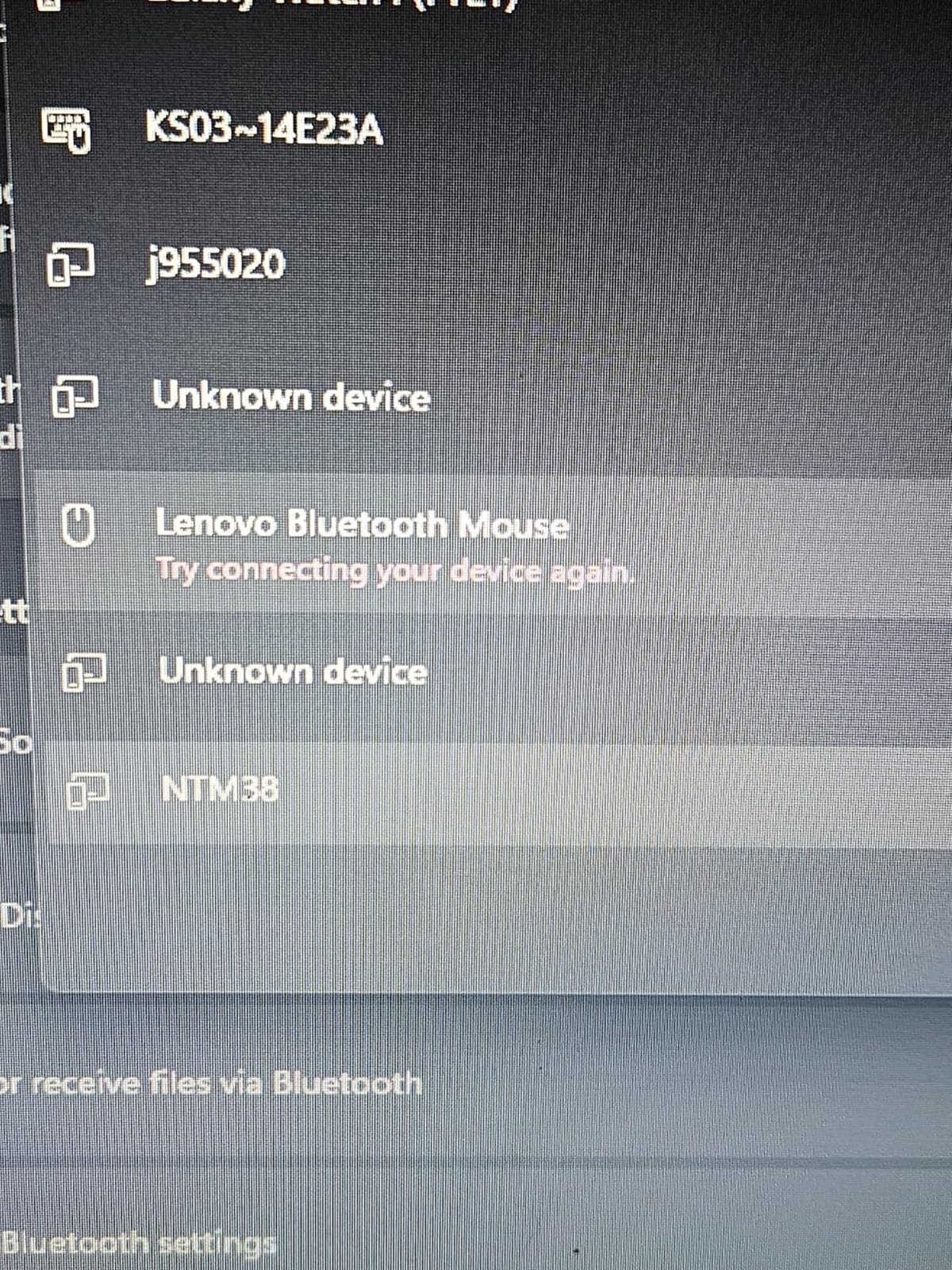
Pairing over Bluetooth means no USB-A port, which matters more each year on thinner laptops. There is no dongle to block a port on a shared desk or to leave behind on a hot desk. The downside is the one owners mention most: Bluetooth mice can fail to reconnect after a machine wakes from sleep, so keep the mouse’s sleep behaviour in mind when you swap between devices.
Sensitivity, Size and Long Sessions
Maximum sensitivity is 1000 DPI, which is comfortable for text and browsing but will feel slow for detailed illustration or photo retouching. The wheel is noisier than the buttons, so expect the ratchet to be the audible part of a long scroll session. The small footprint that makes it travel-friendly is exactly what large hands dislike. The listing dimensions are unusually reported for this model, so treat them as a guide rather than a fit test.
Who It Suits and Who Should Pass
Pick it for hybrid workers, students and anyone with a USB-C-only laptop who wants a symmetric quiet mouse that fits a laptop bag. Pass if you need a receiver-based link for a locked-down desktop, or if your hand spans more than a compact shell comfortably.
5. Lenovo 600 Bluetooth Silent – Best for Quiet Scrolling Too
Lenovo 600 Bluetooth Silent Mouse, Blue Optical Sensor, Adjustable DPI, 4 Button, Microsoft Swift Pair, Windows, Chrome, GY50X88832, Gray
Silent click and scroll button
Bluetooth 5.0 Swift Pair
2400 DPI max
65 g body
+ Pros
- Silent click and scroll buttons
- Blue optical sensor tracks on most surfaces
- Three DPI levels up to 2400
- Light 65 g ambidextrous body
– Cons
- 2400 DPI ceiling is modest for detailed work
- Only three controls with no side buttons
- Listed battery life of about one year is shorter than rivals
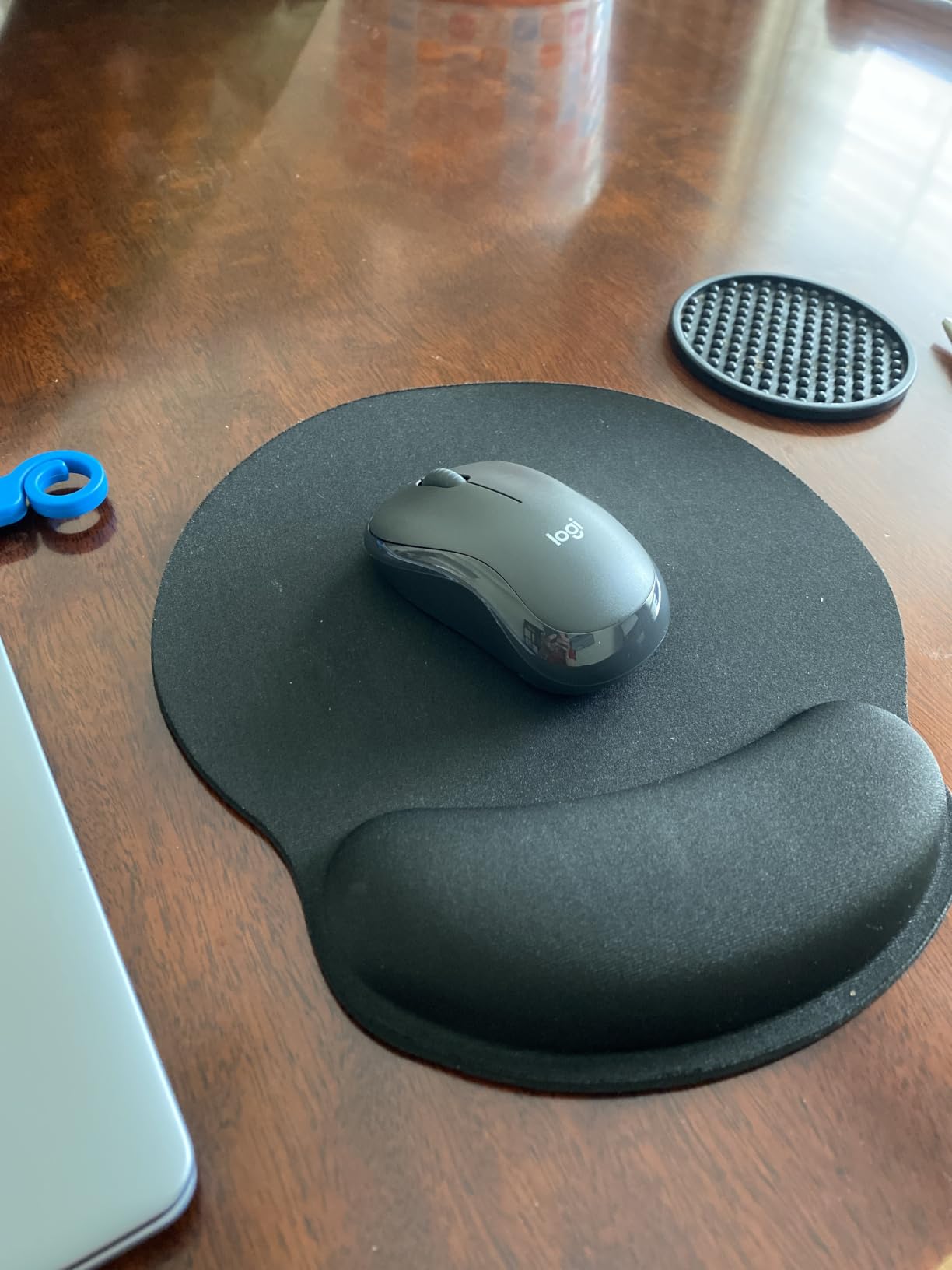
Almost every silent mouse on the market damps the main buttons and leaves the scroll button untouched. The Lenovo 600 is the exception here, and that is why it earns a place in a shared office. Reviewers confirm that both the click and the scroll button are quiet, so a spreadsheet session does not reintroduce the noise you were trying to remove.
Pairing is painless with Bluetooth 5.0 and Microsoft Swift Pair, and it can switch between two hosts. The blue optical sensor tracks accurately on most surfaces, and the 65 g low-profile body is symmetric, so it works for either hand without a contoured right-handed bulge.

Durability Numbers Worth Knowing
Lenovo rates the buttons at up to 3 million clicks each, with the scroll button rated at 100,000. That middle number is the honest catch: quiet scroll buttons tend to be rated lower than the main switches, so the part you rely on for spreadsheet work is the part with the shorter stated life. Owners have not reported widespread failures, but it is worth budgeting for a replacement in a busy finance or data role.
Sensitivity and Control Layout
Three DPI levels are available at 2400, 1600 and 800. The 2400 ceiling is lower than the 4800 offered by the TECKNET models, so design and photo work pushes you upward. There are no side buttons and no DPI switch on the body, so the only controls are the three standard ones. That restraint is the point: fewer buttons means fewer accidental clicks in a quiet room.
Who It Suits and Who Should Pass
Choose it for someone in a library, study room or call-heavy office who cares about the wheel noise, not just the clicks, and who wants a symmetric body. Pass if you need extra buttons or a higher sensitivity ceiling. It is supported on Windows 10 and Chrome OS, with a 1-year manufacturer warranty.
6. TECKNET Ergonomic Vertical Mouse – Best for Wrist Relief
TECKNET Ergonomic Wireless Mouse 2.4G Vertical Mouse Silent 4800 DPI
52-degree vertical angle
Silent main clicks
4800 DPI max
32 ft range
+ Pros
- 52-degree angle eases wrist strain
- Main clicks over 99 percent quieter
- Five DPI levels up to 4800
- Forward and back buttons for faster browsing
– Cons
- Side buttons are audible and unsupported on macOS
- Vertical layout takes time to adapt to
- Rounded shape suits small to medium hands
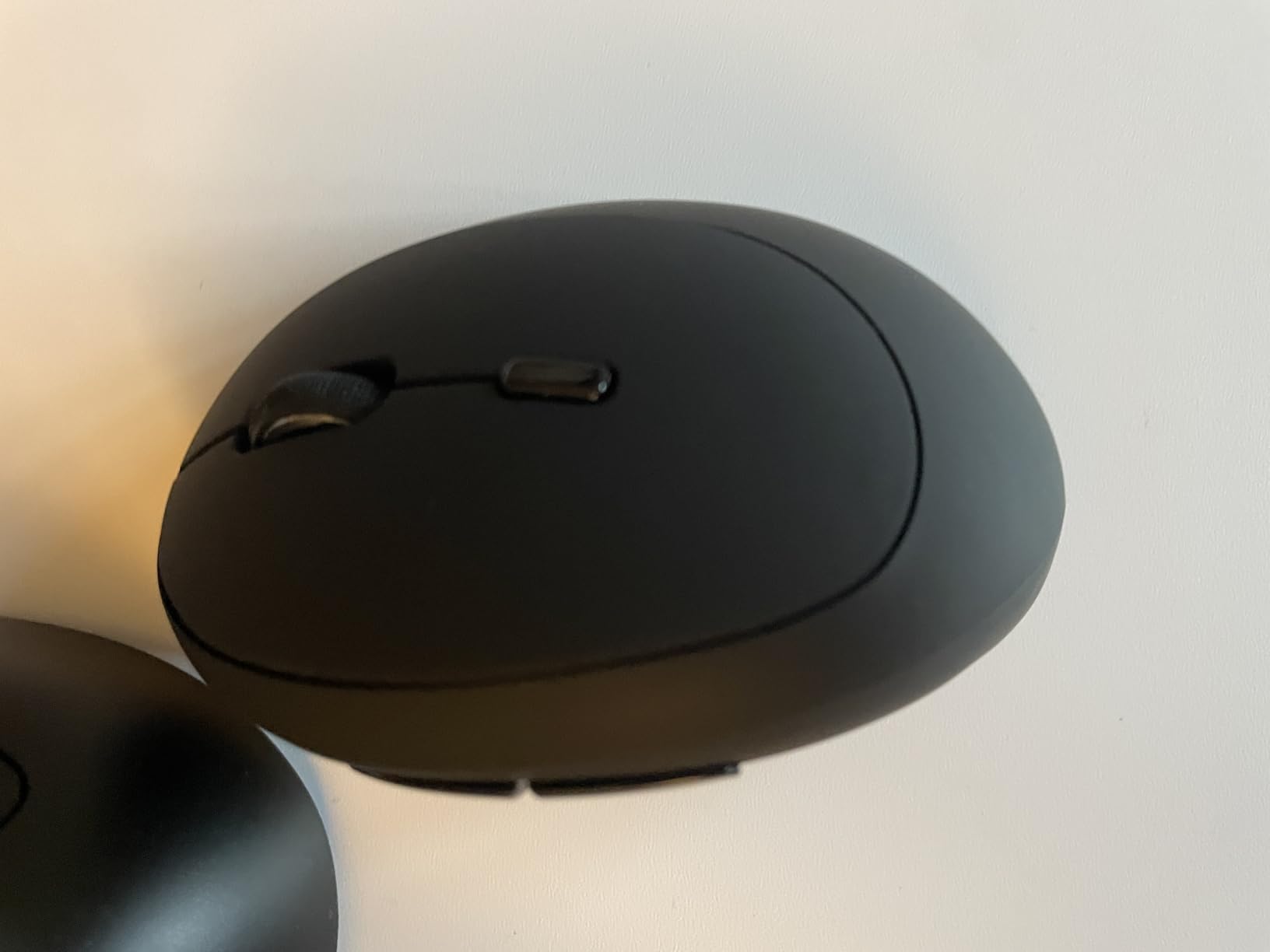
If your real problem is wrist pain rather than noise, this is the mouse to try. The 52-degree vertical angle puts your forearm in a handshake position instead of the flat, palm-down pronation that drives repetitive strain complaints. Owners using it for long office sessions rate the angle highly, and the main buttons are dampened enough to reduce click noise by more than 99 percent according to the manufacturer claim.
It is also genuinely quiet where it counts, which makes it a natural fit for a shared desk. Five DPI levels reach 4800, and the 2.4 GHz link holds up to 32 feet with no driver installation on Windows, macOS and Linux. If you are still shopping on shape alone, our vertical mouse guide for designers covers the angle options in more depth.
Why 52 Degrees and Not 57
A shallower angle is easier to adapt to than the steeper 57-degree designs that dominate this category, and this model sits at 52. That is a meaningful difference for people who bounce off vertical mice in a week. The rounded shell has no sharp corners, and the 4.13 by 2.55 inch footprint works for small to medium hands rather than large ones.
The Buttons That Still Make Noise
The forward and back side buttons are not silent, which is the most common complaint in reviews. They are also unsupported on macOS, so on a Mac this is effectively a four-control mouse. Expect an adaptation period: reviewers consistently note the vertical layout takes time to get used to, and the first week can feel slower than a flat mouse even if your wrist feels better afterwards.
Who It Suits and Who Should Pass
Choose it if you have wrist or forearm discomfort that a flat mouse aggravates, and you can tolerate a two-week adjustment. Pass if you already know you dislike vertical shapes, or if you need a silent mouse for a Mac and want the side buttons to work.
7. HP 280 Silent Wireless – Best for Large Hands
HP 280 Silent Wireless Mouse – Ergonomic, Right-Handed Design – 2.4GHz USB Wireless Connection – Multi-Surface Technology, 1600 DPI Optical Sensor – Win, Chrome, Mac OS – Up to 18-Month Battery Life
90 percent less click noise
1600 DPI sensor
18-month battery
32 ft range
+ Pros
- Noticeably quieter clicks with a real click feel
- Substantial body stays put while gliding
- Multi-surface tracking without a mouse pad
- Nano receiver stores inside the mouse
– Cons
- Only 1600 DPI maximum sensitivity
- Three-button layout with no side or DPI buttons
- Some users find the body larger than expected
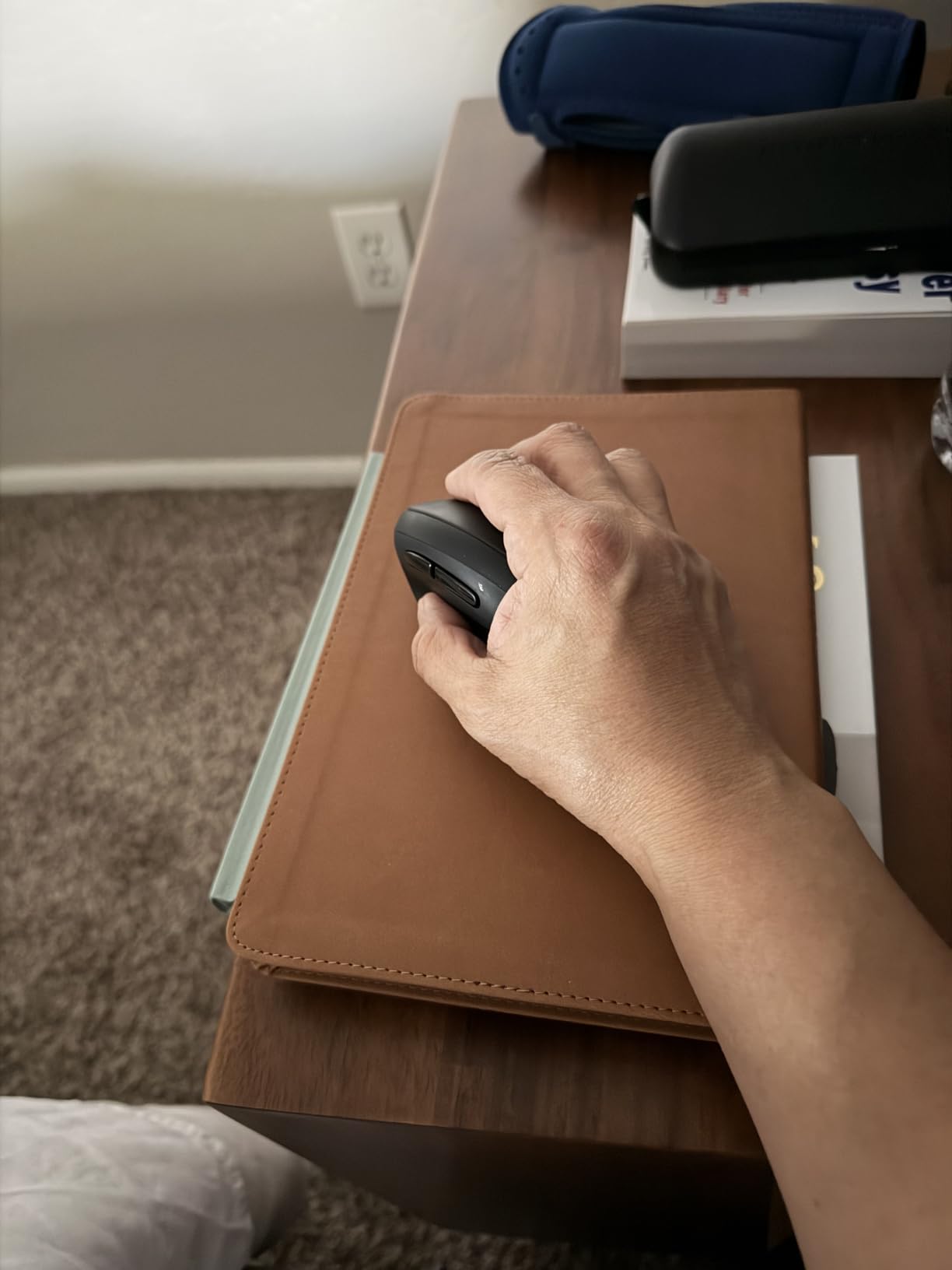
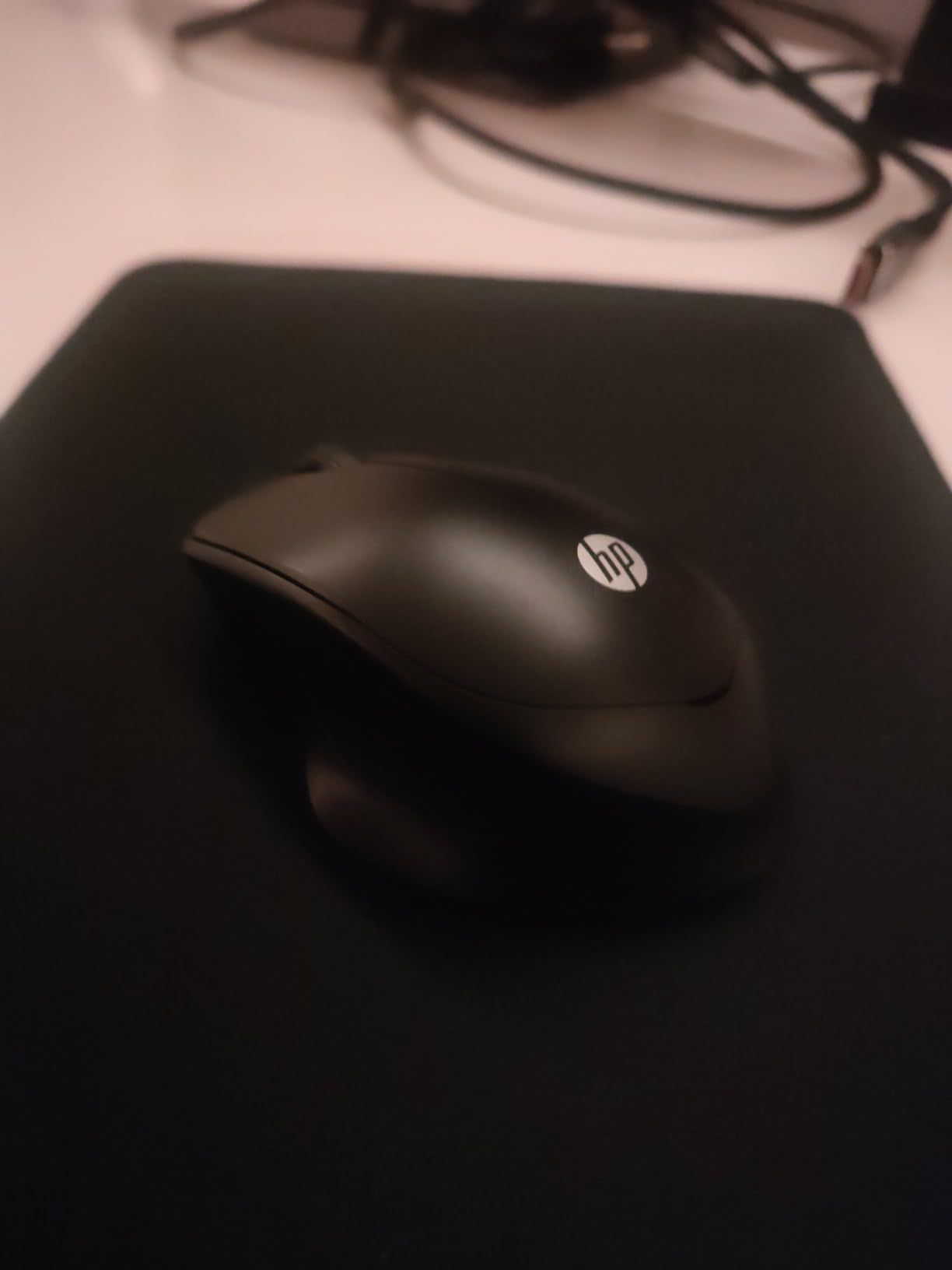
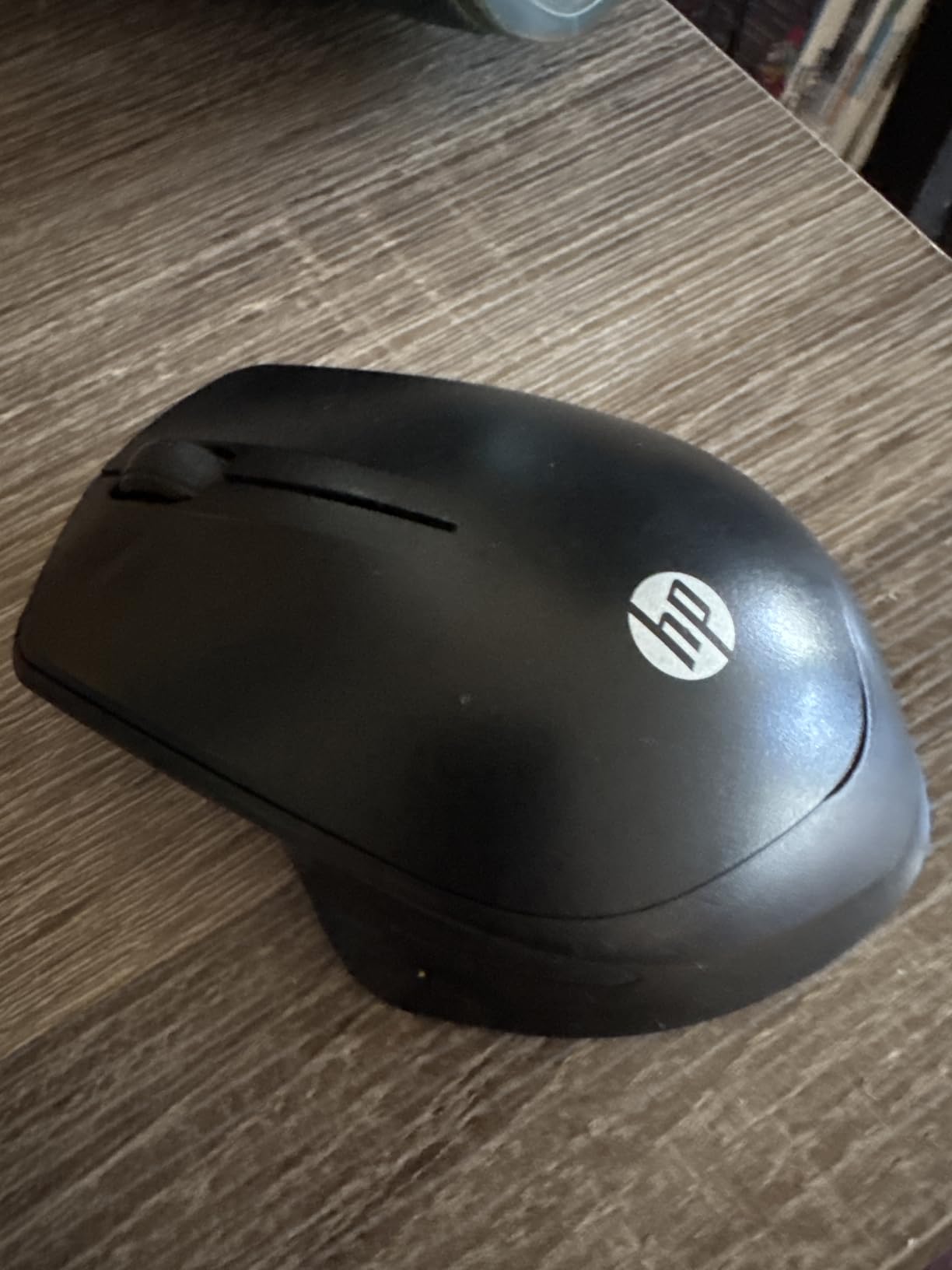
The HP 280 is the physically largest mouse in this group, and that is deliberate rather than accidental. The 4.4 by 3.2 inch footprint and 3.36 ounce weight give a full-size grip that fills a larger hand without the feeling of a small mouse stretched across the palm. Reviewers repeatedly describe it as quieter than the other mice they have owned, with a click that still feels satisfying.
Multi-surface technology means it tracks on a desk without a mouse pad, the 2.4 GHz USB-A nano receiver stores inside the body, and a single AA battery is rated for up to 18 months. Range is 32 feet. HP includes a standard 1-year limited warranty.
Grip, Weight and Desk Realities
The weight is the point: enough mass to stay where you put it, light enough to glide without effort. On a hot desk where the surface is laminate or laminate over particle board, that combination of mass and multi-surface tracking removes the drift you get from lighter mice. The right-handed ergonomic shape with an integrated scroll wheel suits a relaxed claw or fingertip grip.
Where It Falls Short
Maximum sensitivity is 1600 DPI, so detail work needs sensitivity changes in system settings, and some users find the pointer speed needs adjusting out of the box. There are only three controls, with no side buttons and no DPI switch, so there is nothing to rebind. A few owners also find the body larger than they expected, so if you are between sizes, this is the model most likely to feel oversized rather than undersized.
Who It Suits and Who Should Pass
Choose it for a large hand, a right-handed grip, and a desk where you want one mouse that just stays where it is put. Pass if you travel frequently, use a USB-C-only laptop without an adapter, or need side buttons for application switching.
8. Lenovo WL310 Bluetooth Silent – Budget Pick for Laptops
Lenovo WL310 Bluetooth Silent Mouse, Ergonomic, Adjustable DPI, Silent Clicks, Bluetooth 5.0, Portable for Windows, Mac, and Chromebook, Grey
Bluetooth 5.0 only
Silent click mechanism
1600 DPI max
2.4 ounce body
+ Pros
- Silent clicks in shared workspaces
- Bluetooth 5.0 needs no USB receiver
- Very light at 2.4 ounces
- Works with Windows Mac and Chromebook
– Cons
- 1600 DPI ceiling is modest
- Fixed DPI steps cannot be disabled
- No documented scroll wheel noise reduction
The WL310 is the cheapest route into a quiet Bluetooth mouse, and it does the minimum job properly. Reviews describe the click as discreet enough for shared workspaces and late-night use, the Bluetooth 5.0 link as lag-free in practice, and the 2.4 ounce body as easy to carry. It works on Windows, MacBooks and Chromebooks, which covers most office laptops without an adapter.
Three adjustable sensitivity settings at 1000, 1200 and 1600 cover everyday document work, and the shell is shaped to reduce wrist strain in a right-handed grip. It ships with a lithium polymer battery included, so there is nothing to buy on day one.
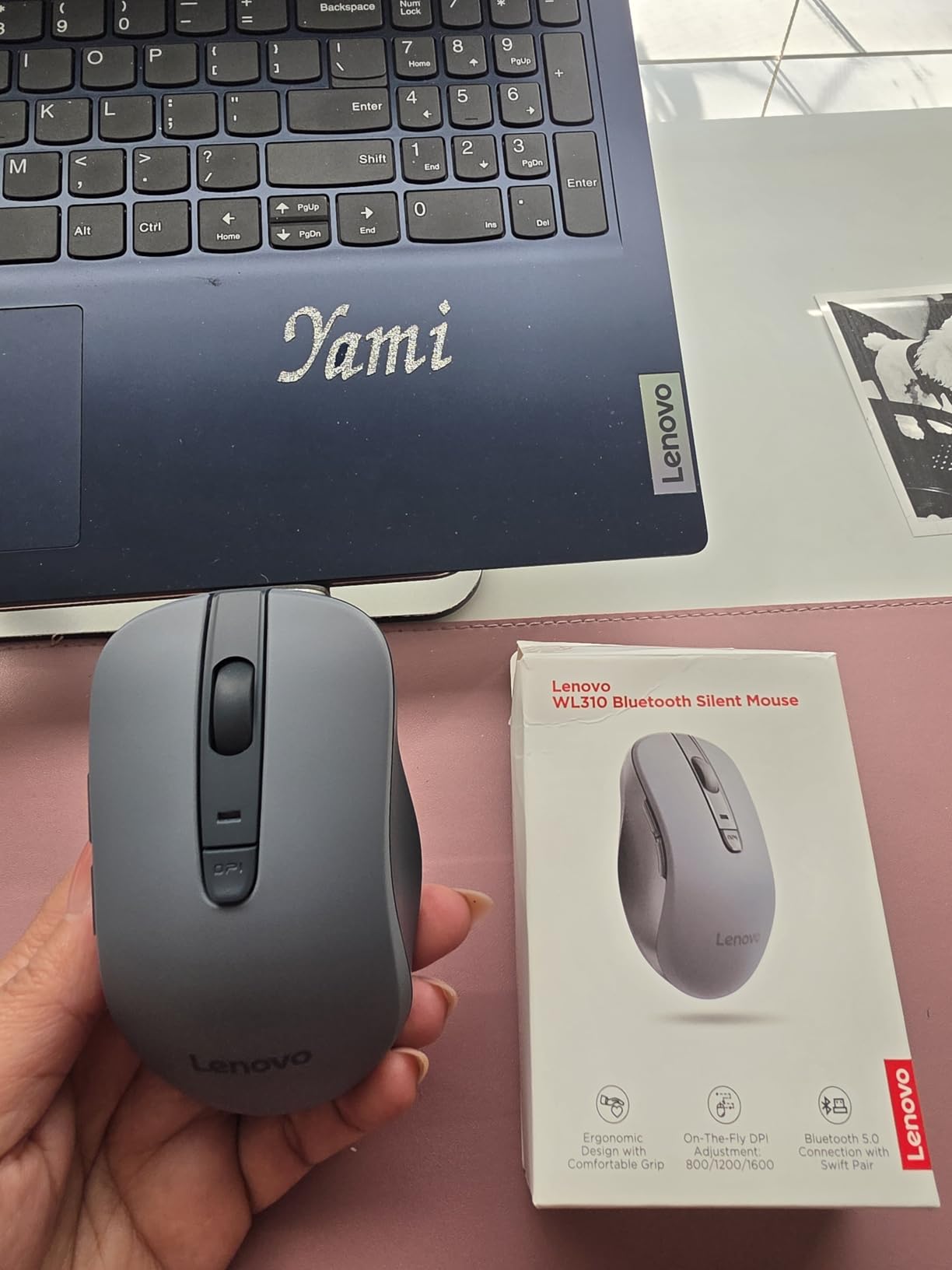
Bluetooth 5.0 Without the Extras
There is no receiver and no USB port involved, which is the appeal on a thin laptop or a shared hot desk. The limitation is that the sensitivity steps are fixed at 1000, 1200 and 1600 and cannot be disabled or extended, so there is no high-resolution option for detailed work. The listed maximum is 1600 DPI, which is the ceiling most owners mention first.
Wheel Noise and Documentation
The listing does not document any scroll-wheel noise reduction, so assume the ratchet is audible and plan your scrolling accordingly. For a genuinely quiet wheel across both clicks and scroll, the Lenovo 600 in this guide is the model that covers both. Neither is a problem on a quiet floor, but both matter in a meeting room.
Who It Suits and Who Should Pass
Choose it if you want a light Bluetooth-only quiet mouse for a laptop, you work on documents rather than design files, and you value a low entry point. Pass if you need a receiver, a 2.4 GHz link, or sensitivity above 1600 DPI. It carries a 1-year manufacturer warranty.
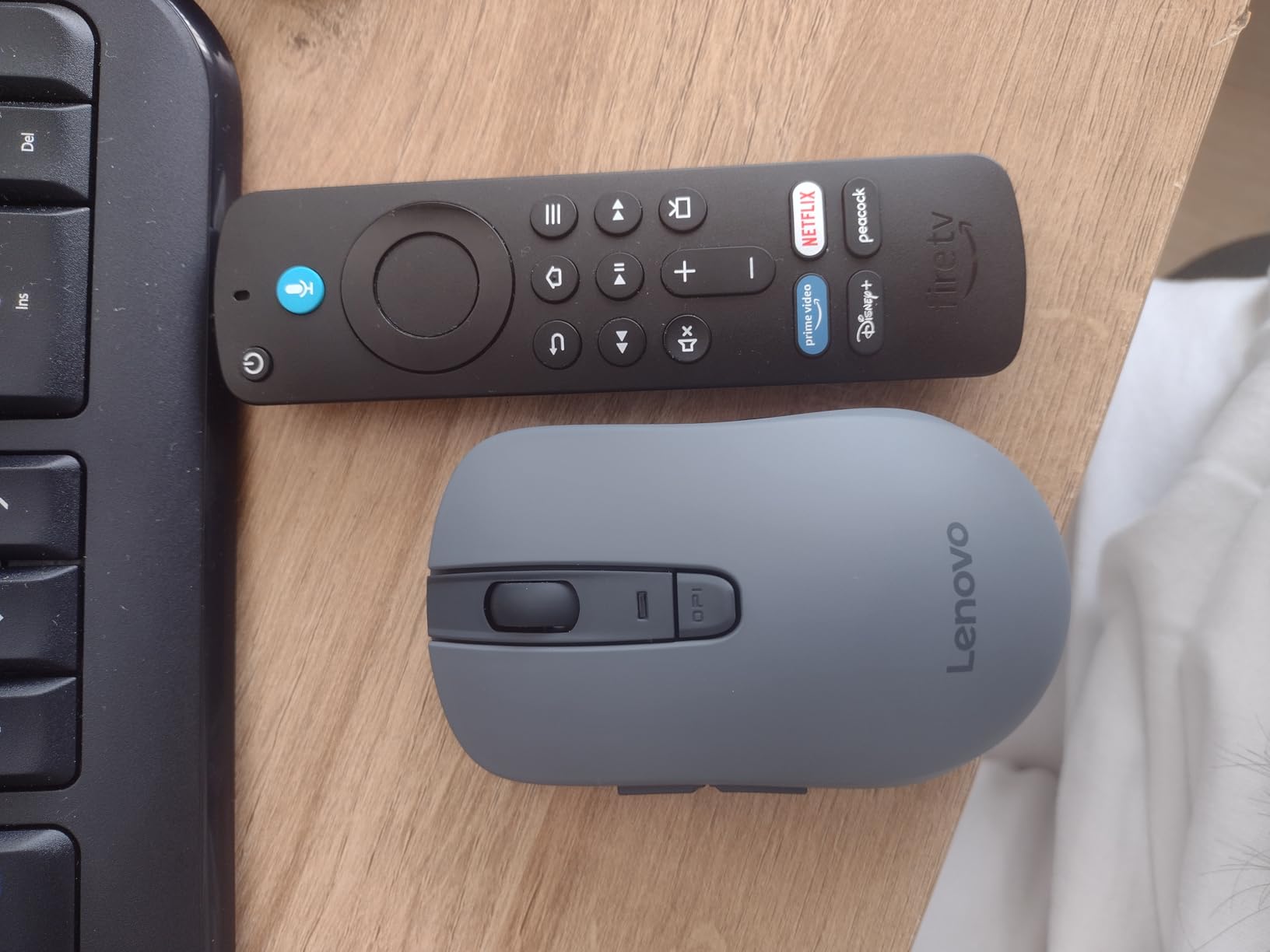
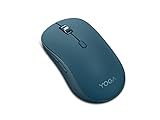
9. Lenovo Yoga Bluetooth Silent – Best for Three-Device Pairing
Lenovo Yoga Bluetooth Silent Mouse, 3 Level DPI Adjustment, 36 Month Battery Life, Bluetooth 5.3, 3 Device Paring, Whisper Quiet, Programmable Buttons, Smooth Finish, Tidal Teal
Bluetooth 5.3 three-device pairing
36-month battery
4000 DPI max
88 g
+ Pros
- Whisper-quiet clicks and scrolling
- Pairs with three devices at once
- Months of battery on one AA
- Programmable side buttons
– Cons
- Narrow shape is uncomfortable for small hands
- Soft-touch finish can feel slippery
- Some units report scroll wheel problems
The Yoga model is the only one here that holds three Bluetooth connections at once, and that is its reason to exist. Work laptop, personal laptop, tablet, all paired through Bluetooth 5.3 with Swift Pair, and switching takes a button press instead of a reconnect. It is the quietest-feeling option for scrolling as well as clicking, with owners describing the operation as inaudible across a desk.
Battery life is rated at 36 months on a single AA, six buttons include programmable side functions, and sensitivity steps reach 4000 DPI. The soft-touch finish and the Tidal Teal colour look at home on a professional desk rather than a gaming setup.
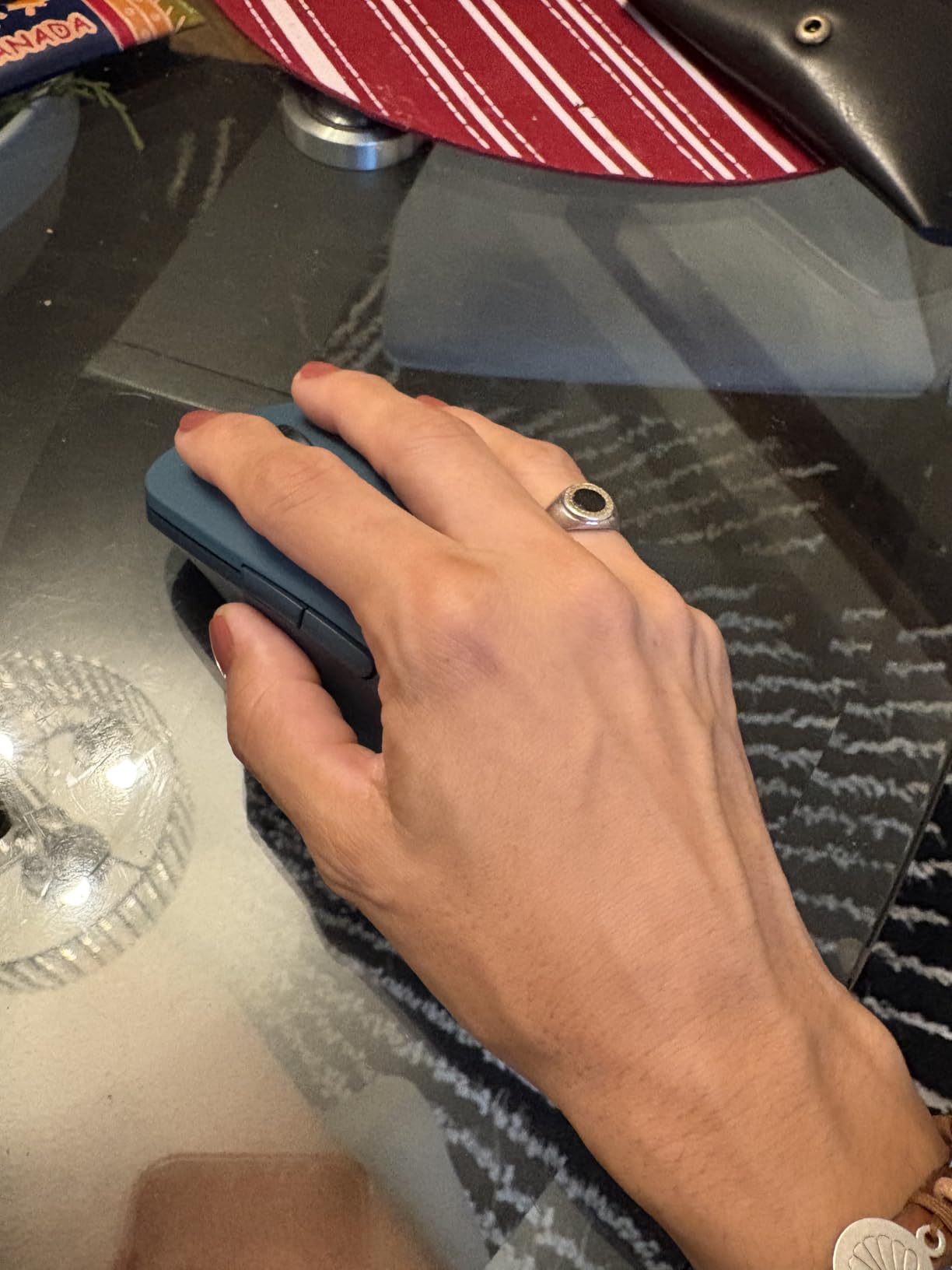
Three Devices Without a Dongle
There is no 2.4 GHz receiver here, so if one of your machines is a locked-down desktop with only USB-A and no Bluetooth radio, this mouse will not serve it. For the common two-laptop-plus-tablet pattern, the trade is worth it. Range is 33 feet, and the 88 g body has more presence than the compact models without reaching the mass of the HP 280.
Fit Is the Weak Point
Fit complaints dominate the reviews. The narrow width and forward-sloped shape are uncomfortable for small hands and produce hand ache, and the smooth surface can feel slippery in the hand even though it resists smudges. Some owners also report the scroll wheel or scroll function failing. If you have small hands, the symmetric M240 or M340 is a safer fit even if you give up the third device.
Who It Suits and Who Should Pass
Choose it if you genuinely run three Bluetooth devices, you want a quiet wheel as well as quiet clicks, and your hand suits a narrow full-size shape. Pass if you have small hands or need a USB receiver. It is rated for Windows and macOS with a 1-year manufacturer warranty.
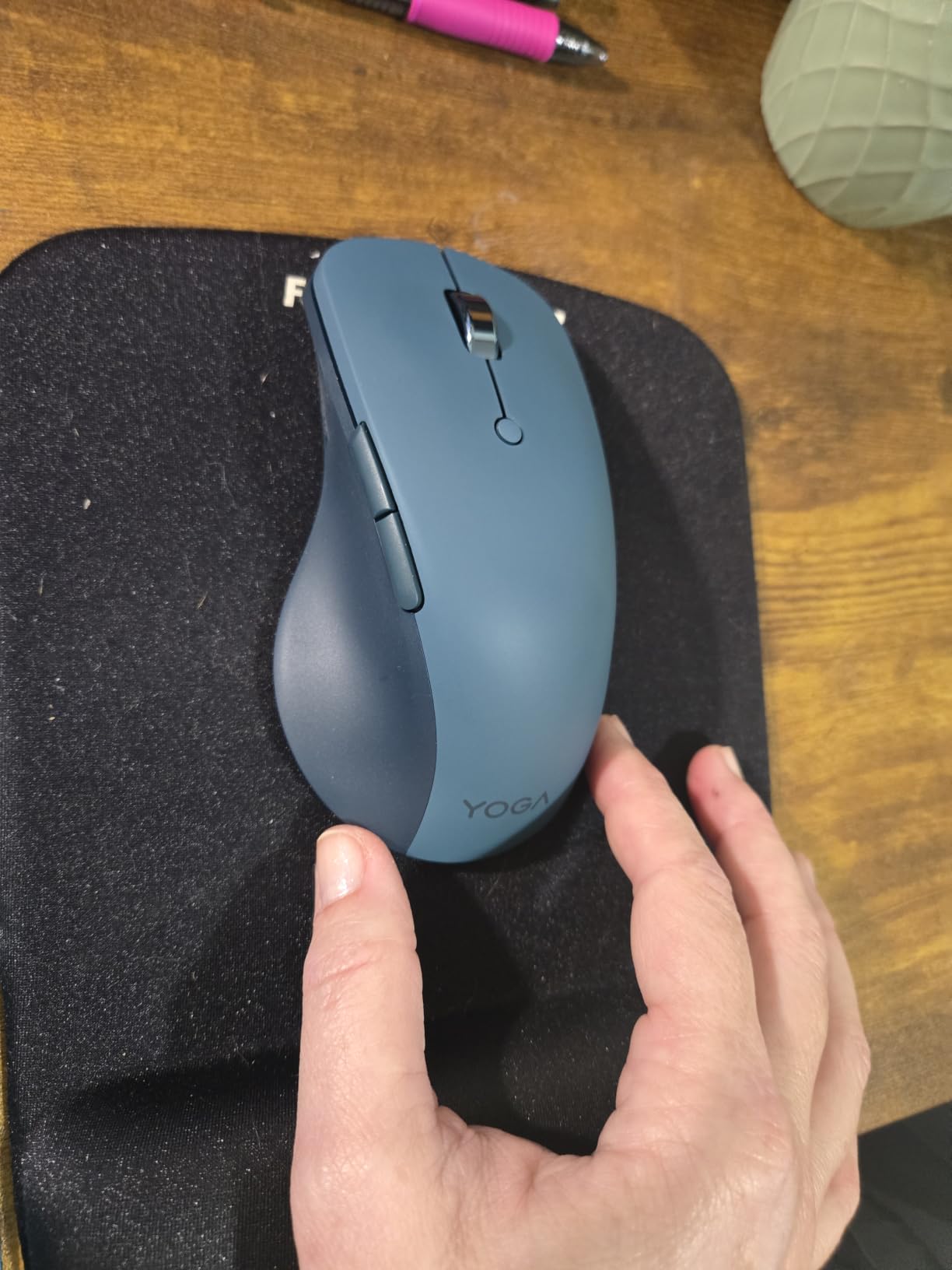
10. Logitech M340 Compact Ambidextrous – Highest Rated, Symmetric Grip
Logitech M340 Compact Ambidextrous Silent Wireless Mouse – Sheer Dream
SilentTouch at 90 percent less noise
1000 DPI max
18-month battery
2.85 ounce body
+ Pros
- Strongest rating in this group
- Genuinely quiet clicks for shared workspaces
- Ambidextrous slim body at 2.85 ounces
- Plug and play 2.4 GHz receiver
– Cons
- No Bluetooth so a USB-A port is required
- 1000 DPI maximum sensitivity
- Battery cover pops off if the mouse is dropped
The M340 carries the highest rating of any mouse we tested for this guide, and the reason owners give is simple: the click is genuinely quiet and the body is symmetric enough for either hand. At 2.85 ounces it is light to move but not floaty, and SilentTouch damping removes 90 percent of the click noise while keeping the feedback.
Battery life is rated at 18 months with auto-sleep, range is 32.81 feet, and the shell uses a minimum of 42 percent certified post-consumer recycled plastic. The plug-and-play 2.4 GHz receiver means no pairing steps at all, which is the appeal on a hot desk where you want zero friction.
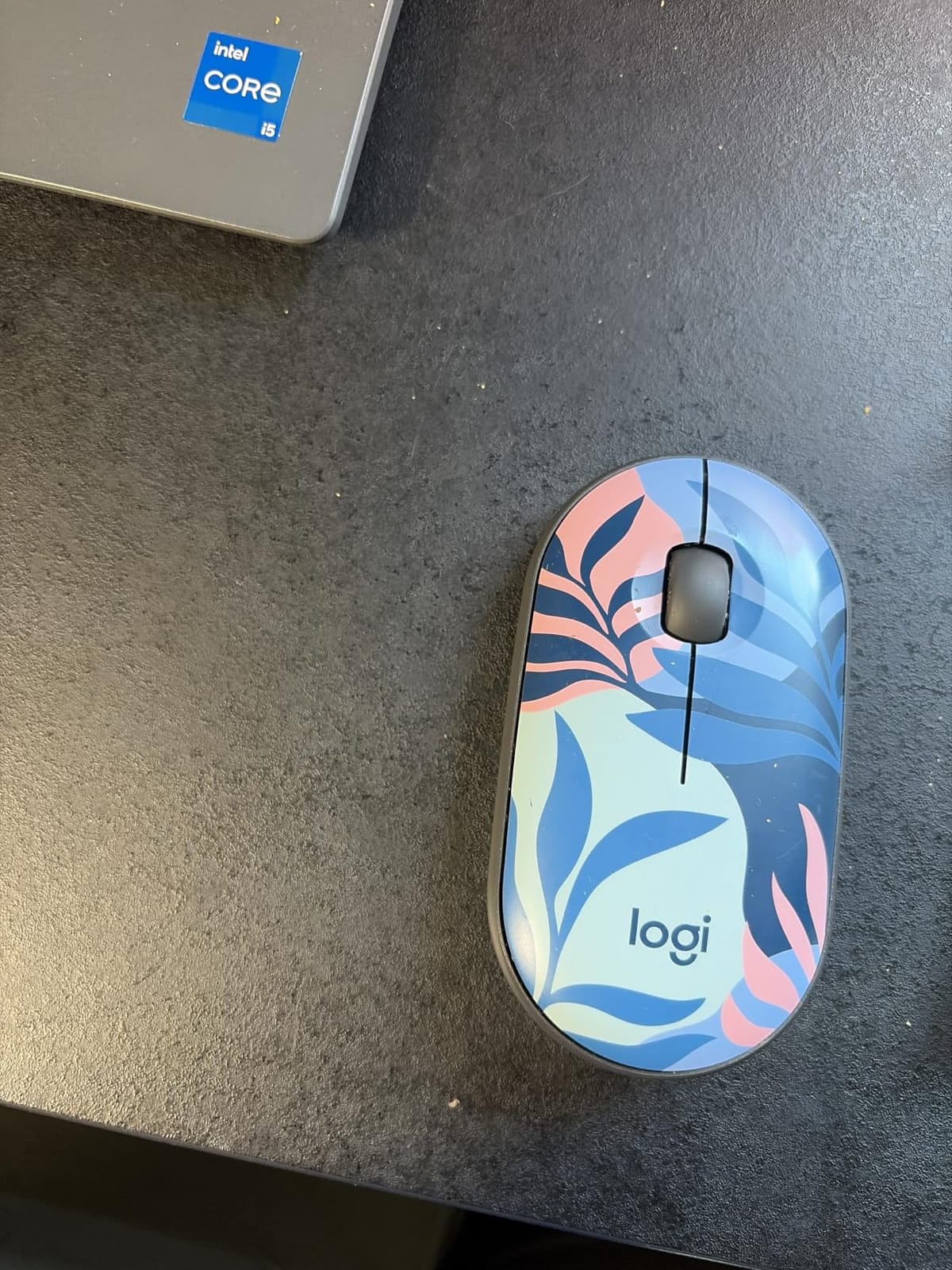
Symmetric Shape and Small-Hand Fit
A flat, slim, symmetric shell suits small hands and short-finger grips better than contoured models, and it feels identical in a right-handed or left-handed palm-forward grip. The trade is a lack of palm support on long sessions: if you have a large hand and prefer a contoured body, the M330 or HP 280 cradles the palm more deliberately.
The USB-A Catch
There is no Bluetooth on this model, so you need a USB-A port and the included receiver. On a modern USB-C-only laptop that means carrying an adapter, which is the same trade-off the TECKNET dual-mode model avoids. The battery cover also pops off easily if the mouse is dropped, so keep it in one hand when changing cells, and some owners report mice that stopped responding and did not recover with new batteries.
Who It Suits and Who Should Pass
Choose it for small hands, either-hand use, and a desk with a free USB-A port where you want the least setup possible. Pass if you travel to USB-C-only machines often or need a high sensitivity ceiling. The 1000 DPI maximum suits office documents, not design work. It carries a 1-year limited hardware warranty.
How to Choose a Silent Mouse That Actually Stays Quiet at Work
Why no manufacturer publishes a dB rating for clicks
You will never find a standardized decibel figure for mouse click noise, and that is not an oversight by any one brand. A-weighted dB measurement is designed for airborne continuous sound, while a click is an impulsive, near-field event whose level depends on the force you press with, the surface, the distance to the microphone and the desk material. When you see claims like “over 90 percent less click noise” or “over 99 percent”, those are relative comparisons against the manufacturer’s own earlier model, measured in their own lab, with no cross-brand standard behind them.
So read those claims as a ranking hint, not a specification. The more useful comparison is the one buyers actually make: put two mice side by side, click at your normal pressure, and listen from the seat next to you. That is the test we ran, and it is why our ranking leans on the shape of the click, the wheel, and the owner reports rather than on numbers on a box.
Matching shape to hand size and grip
Shape causes more long-term discomfort than any switch. A contoured right-handed body like the M330 or HP 280 fills a large palm and rests the ring and little fingers on a raised edge. A flat symmetric body like the M240 or M340 suits small hands and works for either hand. A vertical body changes forearm angle entirely, which helps wrist discomfort and requires an adjustment period. A trackball removes movement from the desk altogether, and if noise is only half your problem, our trackball guide for designers is worth a look before you commit to another flat mouse.
A useful rule: if a mouse feels cramped at the knuckle joints, move up a size; if your heel drags the desk, move down a size or add low-friction glide feet.
Bluetooth, 2.4 GHz receiver, or wired
Bluetooth is the cleanest desk option because it needs no port and no dongle, which is why the M240, Lenovo 600, WL310 and Yoga models are receiver-free. Its trade-offs are a longer wake-from-sleep time and occasional reconnection trouble on some machines. A 2.4 GHz receiver is the steadiest link and usually the lowest latency, at the cost of a USB-A port and one more thing to lose between desks. The TECKNET dual-mode model covers both, which is why it is our pick for a two-machine workflow. Wired connections are essentially absent from this category, since a cable would defeat the point of a wireless quiet mouse.
Battery life and charging on a shared desk
Replaceable AA and AAA cells are the lowest-friction option for a hot desk, because the spare lives in your drawer. The TECKNET model is rated at 36 months and Lenovo’s Yoga at 36 months, while Logitech’s M330 and M240 sit at 18 months. Rechargeable cells remove the swap entirely, and the G12 can be used while it charges. If your company issues equipment that is wiped between users, replaceable batteries are usually easier for IT to standardize than a built-in rechargeable pack.
The scroll wheel is where quiet runs out
Almost every silent mouse damps the two main buttons and leaves the wheel, the middle click and the side buttons alone. That means a quiet mouse can still be interrupted by a single scroll. In this group, the Lenovo 600 and the Lenovo Yoga are the two that owners describe as quiet on the wheel as well as the clicks. If your work is scroll-heavy, weight the wheel more heavily than the click when you choose.
If your current mouse is loud rather than the wrong mouse, three fixes help: a mouse pad with a soft backing absorbs desk resonance, low-friction glide feet reduce the vibration of fast flicks, and reducing pointer speed in your system settings cuts the number of clicks per inch of travel.
Corporate IT, hot desks and meeting rooms
On a managed work machine, check two things before buying: whether the mouse needs companion software for its buttons to work, and whether your laptop has a free USB-A port. Every model here works without drivers out of the box, which keeps procurement simple and keeps your buttons working on a locked-down system. In meeting rooms, the priority shifts to the wheel and the middle click, and in a shared home where someone sleeps nearby, the wake-from-sleep behaviour matters more than anything else on this list. If your workspace also needs a quieter PC, our silent case roundup covers the hardware side of a quiet workstation.
Frequently Asked Questions
What is the best completely silent mouse?
No mouse is completely silent. The best any of them can do is replace the sharp click with a dampened, lower-pitched thud by inserting rubber sleeves or gaps into the click path. Among the models we tested, the Uiosmuph G12 produces the quietest-feeling buttons across a shared desk, while the Lenovo 600 also damps the scroll button. Judge quietness by listening from the seat beside you, not by the percentage claim on the box.
Are silent mice really silent, or is it just marketing?
The noise reduction is real, and it comes from dampening material in the click path rather than from marketing language. What survives is a soft mechanical sound, and the scroll wheel, middle button and side buttons are usually left undampened. Reviews of nearly every silent mouse mention the wheel becoming the loudest remaining source. So a silent mouse is genuinely quieter than a standard mechanical one, but it is quieter on the clicks, not silent end to end.
Which mouse is better, the Logitech M240 or the M330?
Choose the M330 for a full-size contoured right-handed shape, a roughly 18-month AA battery and a 2.4 GHz receiver with 33 foot range. Choose the M240 for a compact ambidextrous body, Bluetooth connectivity with no dongle, and a lighter 73.8 g weight that suits smaller hands and travel. Both use SilentTouch damping at 90 percent noise reduction and both cap at 1000 DPI. Large hands go to the M330; small hands and USB-C-only laptops go to the M240.
Is the Logitech M330 worth buying?
Yes, for most office workers it remains one of the strongest quiet-mouse choices available. Owners rate the click as effectively inaudible at normal distance, the battery at about 18 months on a single AA, and the build as durable across 18 to 24 months of heavy use. The honest limitations are the three-button layout with no side buttons or DPI switch, a scroll wheel that grows louder with age, and a proprietary 2.4 GHz receiver rather than a multi-device system.
What is the best silent mouse if I also play games?
None of the mice in this roundup are aimed at gaming, because gaming mice prioritise a high polling rate and very light switches over dampening. If you want both, the practical path is a quiet mouse for work and a separate low-latency 2.4 GHz gaming mouse for sessions, since installing gaming software on a managed work machine is usually blocked. Our wireless gaming mouse roundup covers the polling-rate side, and the vertical gaming picks cover the ergonomic angle.
The Quiet Desk Verdict for 2026
If you want one mouse for a shared office with minimal fuss, start with the Uiosmuph G12: rechargeable, quiet on both main buttons, and symmetric enough for either hand. A right-handed worker who wants a familiar contoured shape and set-and-forget battery life should pick the Logitech M330 Silent Plus, while anyone running two machines at once will be happier with the TECKNET dual-mode model. If wrist pain is joining noise in your complaint list, the TECKNET vertical mouse is the one to adapt to for two weeks before judging it.
Whichever you choose, listen to the scroll wheel before you buy. That is the part most silent mice leave loud, and it is the part your neighbour will hear on a video call. Check the final details and current options for any of these models, then set it up on your real desk for a week before you commit to a whole-office rollout.
Leave a Reply