

If you’re shopping the 2026 Prime Big Deal Days sale for whole-home coverage, the eero Pro 6E 3-Pack is the eero mesh kit most worth watching: tri-band Wi-Fi 6E with a 6 GHz band, 2.5 Gbps Ethernet ports, and up to 6,000 sq. ft. of coverage from a single kit. It hits the sweet spot for most homes that want future-ready speed without jumping to the price tag of a flagship.
The other two kits to keep on your shortlist are the eero 6 3-Pack for anyone who wants whole-home coverage at a friendlier cost, and the eero 6 single router for small apartments and starter setups. Prime Big Deal Days runs October 6-7, 2026, and most offers need a Prime membership, so check your membership before the doors open.
Our Top 3 Picks for eero Mesh Wi-Fi Deals for Prime Big Deal Days (October 2026)

eero Pro 6E
- Tri-band Wi-Fi 6E with 6 GHz
- Coverage up to 6,000 sq ft (3-pack)
- 2.5 Gbps Ethernet ports

eero 6 3-Pack
- Dual-band Wi-Fi 6
- Coverage up to 4,500 sq ft (3-pack)
- Built-in Zigbee smart home hub

eero 6 Router
- Dual-band Wi-Fi 6
- Coverage up to 1,500 sq ft
- Built-in Zigbee smart home hub
eero Mesh Wi-Fi Deals for Prime Big Deal Days Compared
| Product | Details | Action |
|---|---|---|
|
|
Check Deal Price |
|
|
Check Deal Price |
|
|
Check Deal Price |
 |
|
Check Deal Price |
 |
|
Check Deal Price |
 |
|
Check Deal Price |
 |
|
Check Deal Price |
 |
|
Check Deal Price |
 |
|
Check Deal Price |
How We Chose
Our shortlist is built from eero’s current mesh lineup, owner ratings and reviews on Amazon, and the specs that matter for whole-home Wi-Fi: Wi-Fi standard (6, 6E, or 7), band count, coverage area, pack size, Ethernet port speed, and smart-home hub support. We also flagged Like-New models that bring higher-end features at a lower cost. Data was checked in October 2026.
1. eero Pro 6E 3-Pack: Editor’s Choice for Whole-Home Coverage
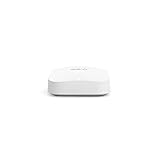
Amazon eero Pro 6E mesh wifi system – Supports internet plans up to 2.5 Gbps, Coverage up to 6,000 sq. ft., Connect 100+ devices, 3-pack
Standard: Wi-Fi 6E
Coverage: 6,000 sq ft
Speed: 2.3 Gbps
Ports: 2 x 2.5 Gb
Hub: Zigbee+Thread
+ Pros
- Tri-band Wi-Fi 6E with 6 GHz
- Coverage up to 6000 sq ft
- 2.5 Gbps Ethernet port
- Built-in Zigbee and Thread hub
- Handles 100+ devices
– Cons
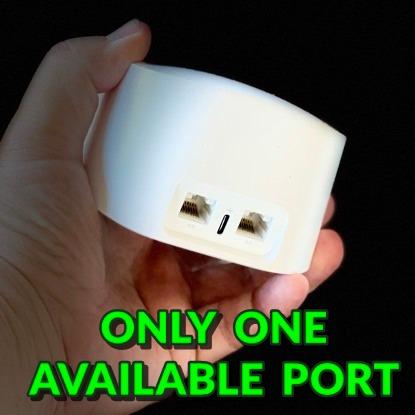
- Only 2 Ethernet ports per unit
- Premium price point
- Some owners report occasional reboots
Most owners should compare the eero Pro 6E first during Prime Big Deal Days. It is the first eero with the 6 GHz band, and in everyday use that extra lane matters: reviewers report it handles busy multi-device households without the buffering that older dual-band kits can develop once you stack a few 4K streams on top of video calls.
What stands out is the combination of tri-band radios, a real 2.5 Gbps Ethernet port on each node, and a built-in Zigbee plus Thread hub. That trio covers the three things most people upgrade their network for at once: faster backhaul between nodes, a wired connection that does not bottleneck gigabit-plus internet, and direct control of smart-home devices without buying a separate hub.
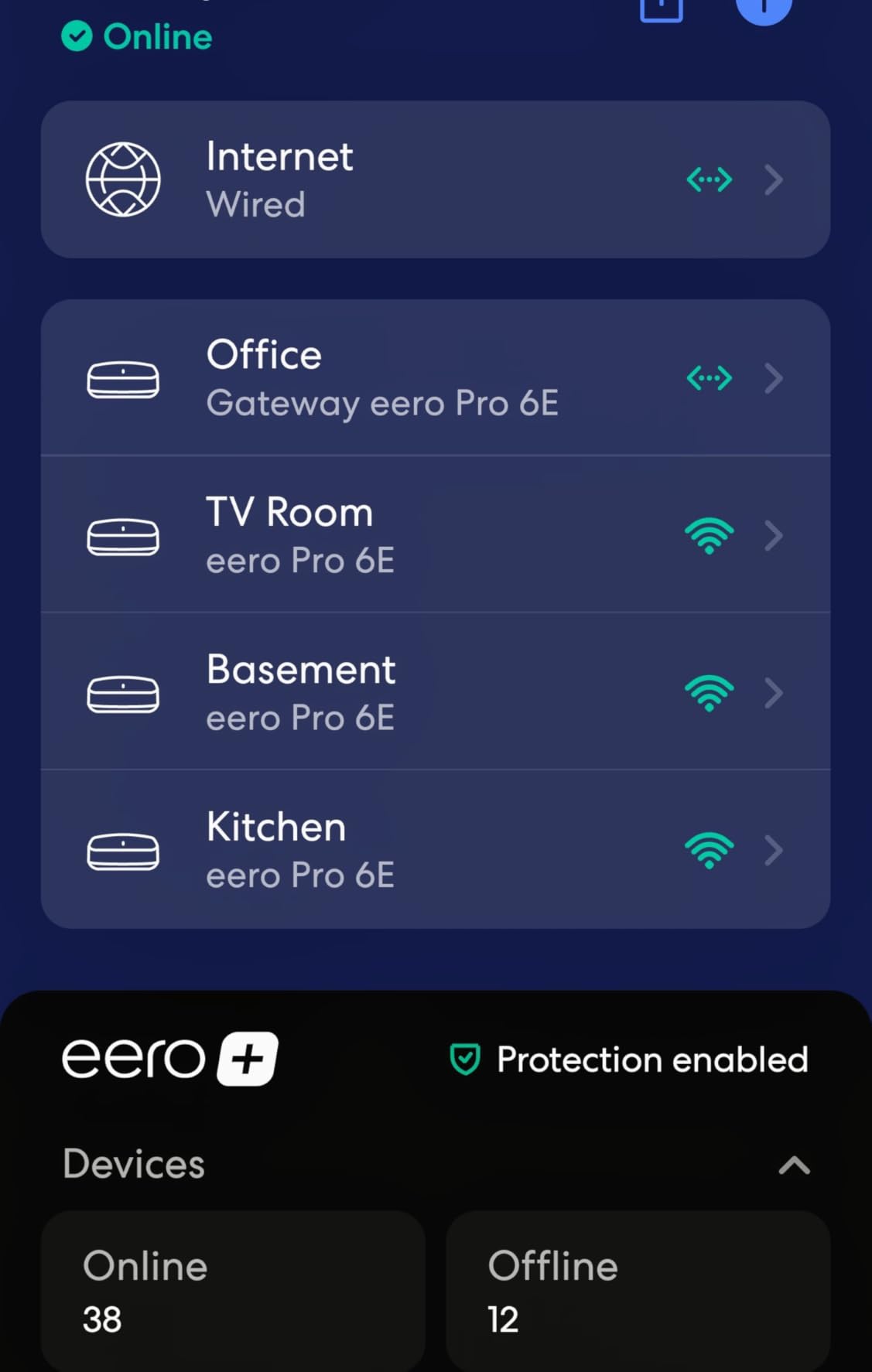
For a 2,500 to 4,000 sq ft home with mixed devices, this kit is the cleanest answer. In an 1,800 sq ft two-story house with a home office in the back, the Pro 6E’s three nodes cover the office, the upstairs bedrooms, and the backyard patio on the same network.
- Wi-Fi standard with a dedicated 6 GHz band, not shared with neighbors
- 2.5 Gbps Ethernet for a NAS, gaming PC, or multi-gig modem
- Zigbee and Thread radio so it doubles as a smart-home hub
- Backwards compatible with older eero nodes you may already own
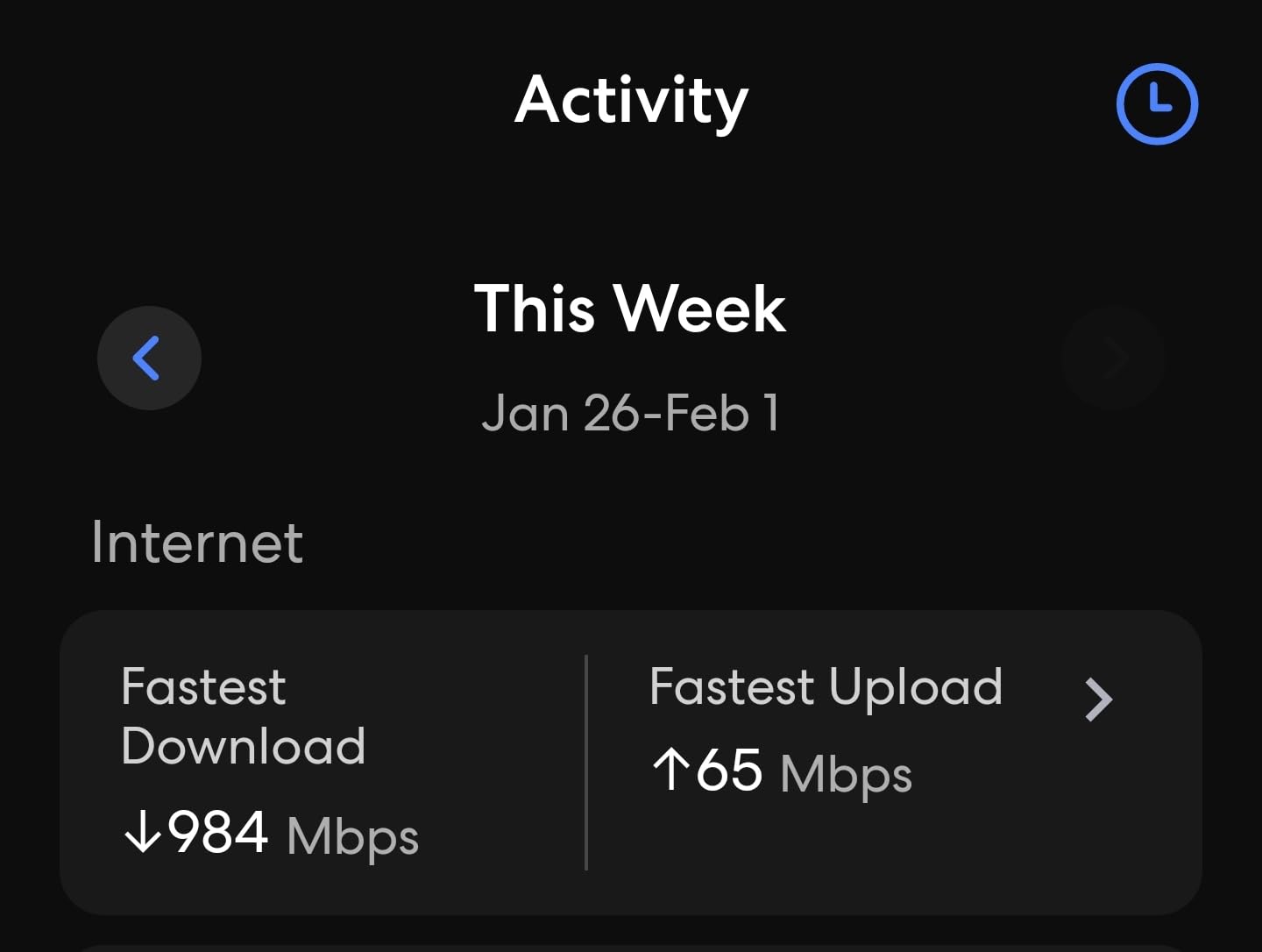
Compared with the eero 6 3-Pack, the Pro 6E adds the 6 GHz band and a faster wired port. Skip the Pro 6E if your internet plan tops out at 500 Mbps and you have a small home, where the eero 6 3-Pack is a better match. The trade-off owners mention most is the price gap over dual-band kits. Setup is fully app-based, so plan on a smartphone and a free eero account before unboxing.
2. eero 6 3-Pack: Best Value for Typical Homes
Amazon eero 6 mesh wifi system – Supports internet plans up to 500 Mbps, Coverage up to 4,500 sq. ft., Connect 75+ devices, 3-pack (1 router + 2 extenders)
Standard: Wi-Fi 6
Coverage: 4,500 sq ft
Speed: 500 Mbps
Ports: 2 per unit
Hub: Zigbee
+ Pros
- Whole-home coverage up to 4500 sq ft
- Easy app-based setup
- Built-in Zigbee smart home hub
- TrueMesh traffic routing
- Cross-compatible with other eero nodes
– Cons
- Max speed capped at 500 Mbps
- No 6 GHz band
- Only 2 Ethernet ports per unit
- eero Plus needed for advanced features
Families looking to fill a real home with reliable Wi-Fi during the sale without spending on the flagship tier will find the eero 6 3-Pack is the move. It stretches coverage to 4,500 sq ft and lands the same app experience as the Pro line, which matters if you have family members who want a network that “just works”.
The standout detail is what the kit still gives you for the price: a built-in Zigbee radio, automatic updates, and the same cross-generational compatibility that lets you add a Pro 6E node later without rebuilding your network. Owners running a 1,500 sq ft ranch with a detached garage say this kit covers the main house, the garage, and a back patio without a fourth node.
For typical families who stream, work from home, and run a few smart-home devices, this is the sweet spot.
- Covers most 3-4 bedroom homes with one kit
- Zigbee hub removes the need for a separate smart-home bridge
- TrueMesh reroutes traffic when a node goes offline
- App lets you pause Wi-Fi per device for parental control
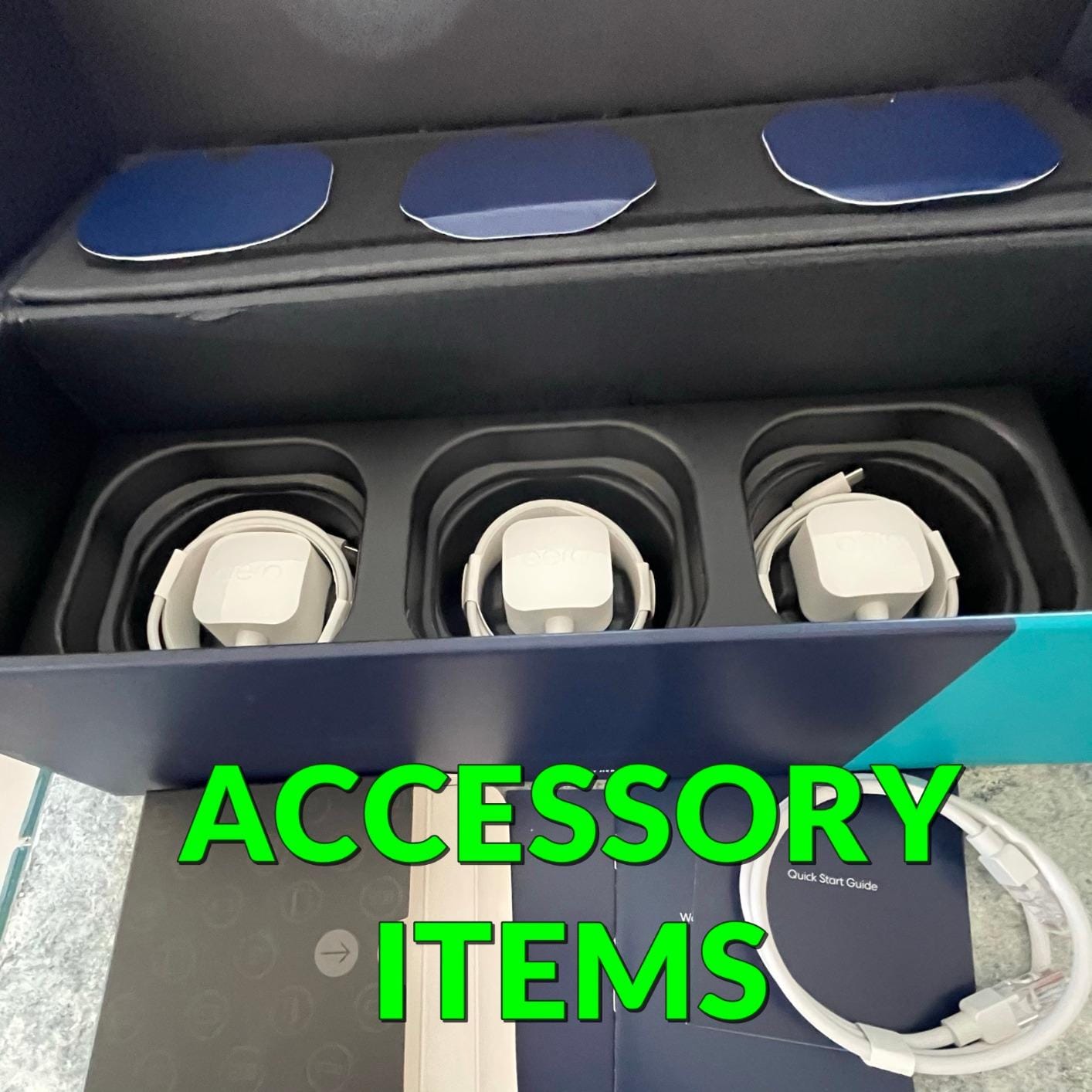
Skip the eero 6 3-Pack if your internet plan is gigabit or faster, where the 500 Mbps ceiling will leave speed on the table. Step up to the eero Pro 6E in that case. Owners report the eero Plus subscription is the real price bump for advanced parental controls and ad blocking.
3. eero 6 Single Router: Most Versatile for Apartments
Amazon eero 6 mesh wifi router – Supports internet plans up to 900 Mbps, Coverage up to 1,500 sq. ft., Connect 75+ devices, 1-pack
Standard: Wi-Fi 6
Coverage: 1,500 sq ft
Speed: 900 Mbps
Ports: 2
Hub: Zigbee
+ Pros
- Covers up to 1500 sq ft
- Easy app-based setup
- Built-in Zigbee hub
- Supports 75+ devices
- Cross-compatible with all eero nodes
– Cons
- Single unit may not cover larger homes
- No 6 GHz band
- Only 2 Ethernet ports
- eero Plus needed for advanced security
Apartments, small condos, and single-story homes under about 1,200 sq ft are exactly where the eero 6 single router fits. It’s the cheapest entry point into the eero ecosystem, and it does not feel like a stripped-down model: it has the same Zigbee radio, the same app, and the same automatic updates as the larger kits.
Owners praise it as the killer layout for a one-bedroom apartment where the modem sits in the living room and the bedroom is the only weak spot. In that setting, a single node placed centrally usually covers the whole unit. Owners also highlight how non-tech-savvy parents and grandparents get it running without help.
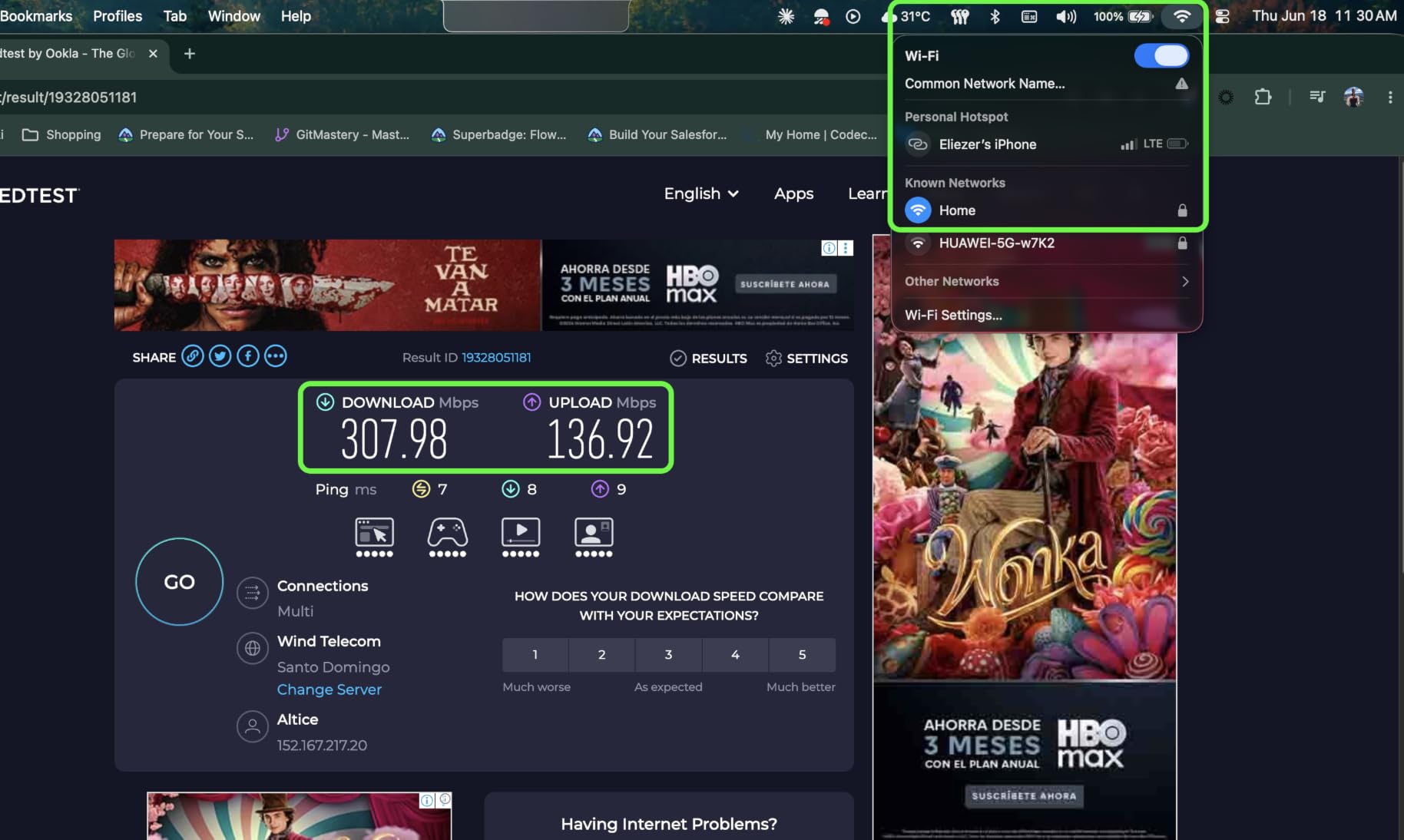
- Compact 3.9 inch square fits on a shelf or media console
- Zigbee hub for smart bulbs and sensors
- Thread border router capability for newer smart-home devices
- Add a second eero node later without rebuilding the network
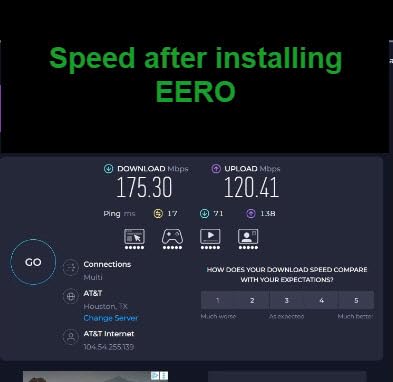
Compared with the eero 6 3-Pack, you give up range and a second access point. If your apartment has thick brick walls or a long layout, a single node can leave a dead zone in the back bedroom. Owners report occasional reboots, but most say the reliability is solid for the price. Worth knowing: the 900 Mbps spec is the supported plan ceiling, not a guarantee of real-world throughput.
4. eero Max 7 3-Pack: Premium Pick for Power Users
Amazon eero Max 7 mesh wifi system (newest model) – Supports internet plans up to 10 Gbps, Coverage up to 7,500 sq. ft., Connect 750+ devices, 3-pack
Standard: Wi-Fi 7
Coverage: 7,500 sq ft
Speed: 9.4 Gbps
Ports: 2 x 10 Gb
Hub: Zigbee+Thread+Matter
+ Pros
- Two 10 Gbps Ethernet ports per node
- Tri-band Wi-Fi 7 with 6 GHz
- Built-in Zigbee/Thread/Matter hub
- Supports 750+ devices
- Coverage up to 7500 sq ft
- 3-year warranty
– Cons
- Highest price in the lineup
- Only 2 Ethernet ports per unit
- Some owners report VPN issues
- Overkill for most homes
The eero Max 7 is the eero to watch if you have a multi-gig internet plan, a home office with a wired NAS, or a smart-home setup that already fills a closet. It is the only eero with two 10 Gbps Ethernet ports per node, and it carries the full smart-home hub (Zigbee, Thread, and Matter) at the same time.
What makes this kit different from every other eero is the combination of true 10-gig wired plus the BE20800 Wi-Fi 7 radio. In a 5,000 sq ft home with a fiber-to-the-home 5 Gbps line, owners say this is the first eero that does not bottleneck the paid plan. Network engineers appreciate the 10 GbE ports for a NAS or workstation backhaul.
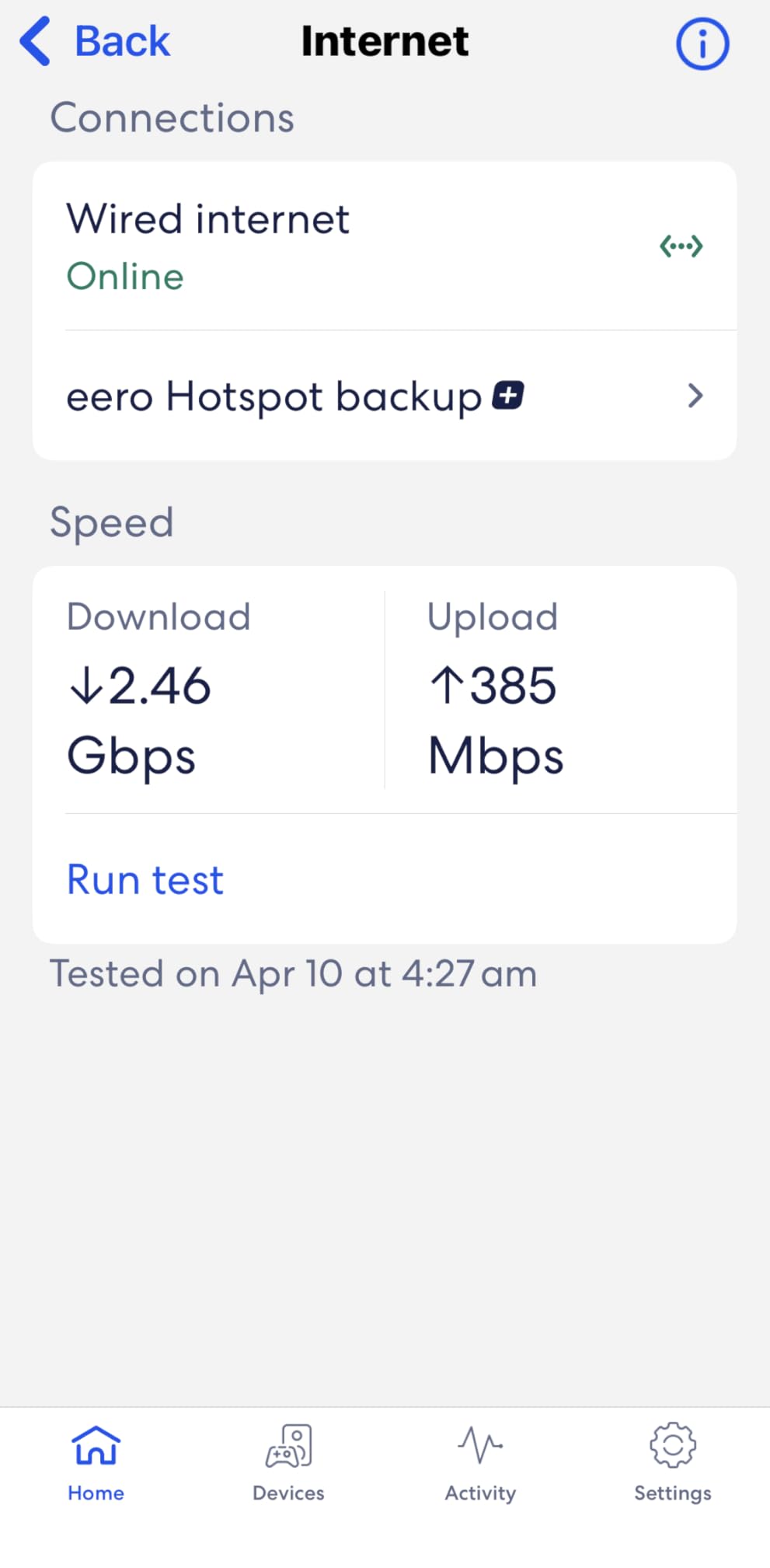
For the rest of us, the Max 7 is more router than any home actually needs.
- Two 10 Gbps Ethernet ports per node for NAS and desktop wired backhaul
- BE20800 tri-band Wi-Fi 7 with 6 GHz and MLO support
- Full smart-home hub: Zigbee, Thread, and Matter
- 3-year warranty, longer than most consumer routers
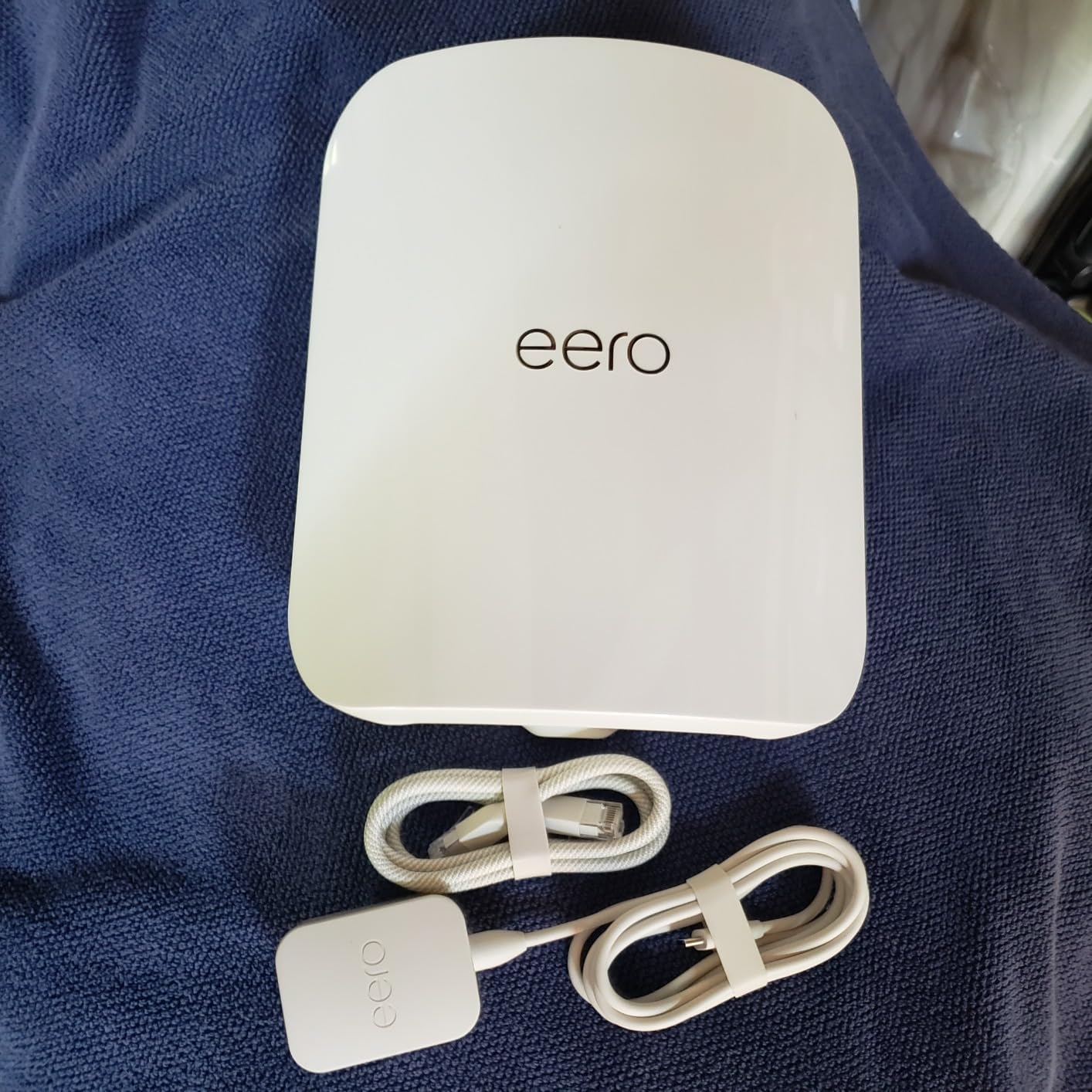
Compared with the eero Pro 7, the Max 7 doubles the wired port speed and adds back the smart-home hub the Pro 7 dropped. Pick the Max 7 only if you actually use those 10-gig wired ports. Owners report the most common issue is device migration from a non-eero mesh, which can require a clean rebuild.
5. eero Pro 7 3-Pack: Most Compact for Wi-Fi 7 Speed
Amazon eero Pro 7 tri-band mesh Wi-Fi 7 router (newest model) – Supports internet plans up to 5 Gbps, Coverage up to 6,000 sq. ft., 3-pack
Standard: Wi-Fi 7
Coverage: 6,000 sq ft
Speed: 3.9 Gbps
Ports: 2 x 5 Gb
Hub: None
+ Pros
- Tri-band Wi-Fi 7 with 6 GHz
- 5 Gbps Ethernet ports
- Handles 600+ devices
- MLO support for lower latency
- 3-year warranty
- Backward compatible
– Cons
- No built-in Zigbee or Thread hub
- Only 2 Ethernet ports per unit
- Premium price point
- Limited long-term reviews
Wi-Fi 7 speed without paying for 10-gig wired ports is the case for the eero Pro 7. It carries the same tri-band Wi-Fi 7 radio as the Max 7, with two 5 Gbps Ethernet ports per node instead of two 10 Gbps.
For a household with a 2 to 5 Gbps internet plan, the Pro 7 delivers real-world Wi-Fi 7 throughput without the Max 7’s top-tier price. Reviewers highlight the Multi-Link Operation (MLO) for lower latency on devices that support it, which is the kind of feature you notice during competitive gaming or video calls.
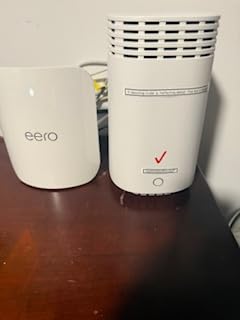
- Tri-band Wi-Fi 7 (2.4, 5, and 6 GHz) with MLO
- 5 Gbps Ethernet ports for multi-gig wired backhaul
- Handles up to 600 connected devices in a 3-pack
- 3-year warranty
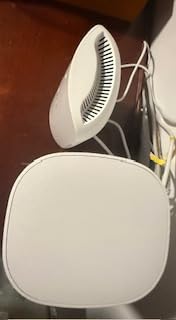
What you give up versus the eero Max 7 is the 10-gig wired port and the built-in smart-home hub. Pick the Pro 7 if your smart bulbs run through an Echo or a separate hub already. The trade-off owners mention is that long-term reviews are still limited, since the Pro 7 is one of the newest eero models. Like the rest of the Wi-Fi 7 eero line, the Pro 7 does not include a Zigbee or Thread radio, so it cannot act as a standalone smart-home hub.
6. eero 7 3-Pack: Best for New Wi-Fi 7 Setups
Amazon eero 7 dual-band mesh Wi-Fi 7 router (newest model) – Supports internet plans up to 2.5 Gbps, Coverage up to 6,000 sq. ft., 3-pack
Standard: Wi-Fi 7
Coverage: 6,000 sq ft
Speed: 1.8 Gbps
Ports: 2 x 2.5 Gb
Hub: None
+ Pros
- Wi-Fi 7 dual-band with MLO
- 2.5 Gbps Ethernet ports
- Coverage up to 6000 sq ft
- 3-year warranty
- Most affordable Wi-Fi 7 eero
- Easy app setup
– Cons
- Dual-band only (no 6 GHz)
- No Zigbee or Thread hub
- Only 2 Ethernet ports per unit
- Newer model with fewer reviews
The eero 7 3-Pack is the friendliest way to bring Wi-Fi 7 into a home that does not need a 6 GHz band. It uses a dual-band Wi-Fi 7 radio with Multi-Link Operation, the same TrueMesh routing as the Pro and Max lines, and 2.5 Gbps Ethernet ports on each node.
For a 2,000 to 4,000 sq ft home that does not have a multi-gig plan, the eero 7 lands most of the Wi-Fi 7 experience at the lowest price in that lineup. Owners running a 2,500 sq ft home with kids, smart TVs, and a home office say this kit covers the whole space with one less node than they expected.
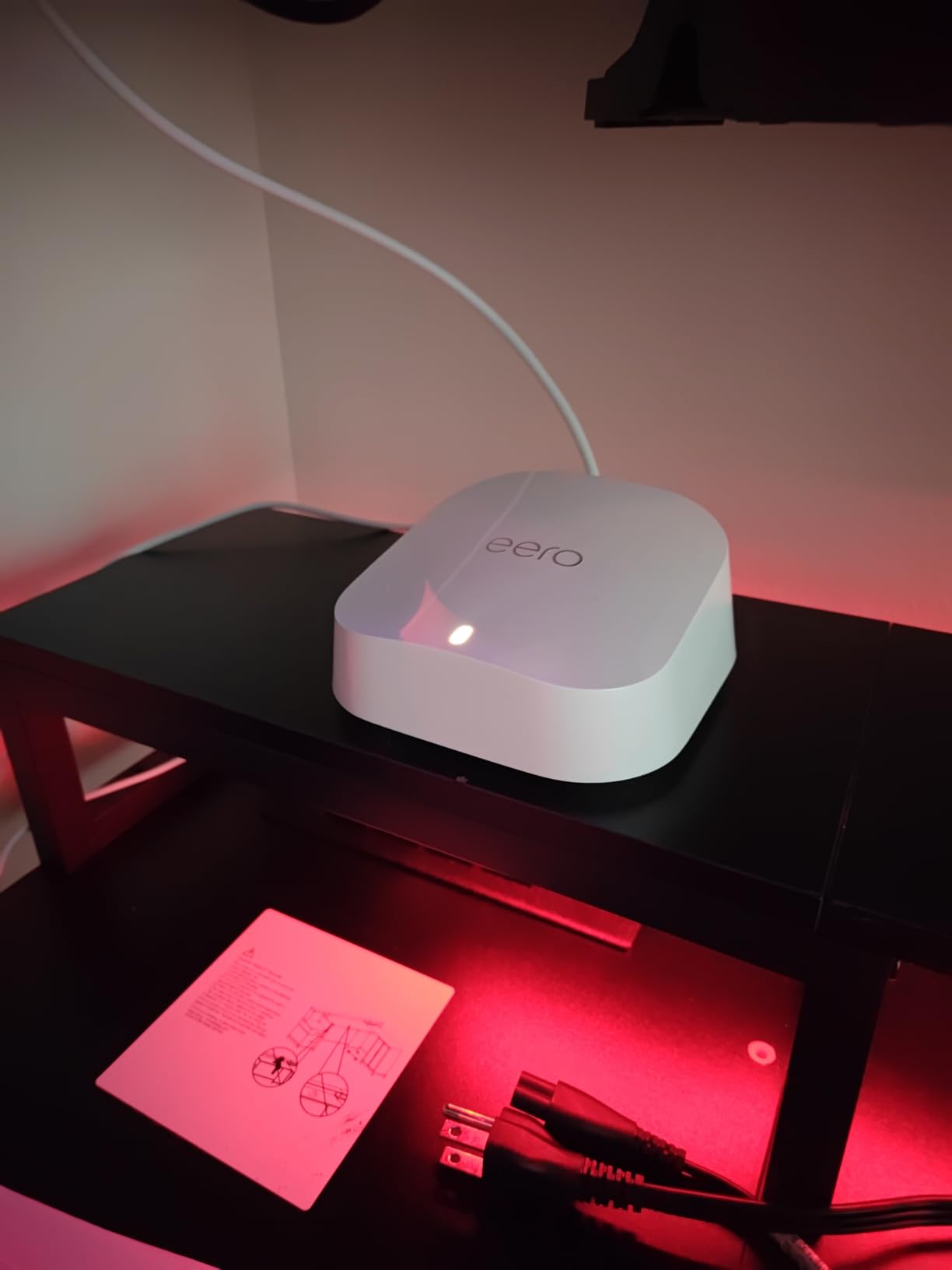
- Wi-Fi 7 dual-band with MLO for faster device aggregation
- 2.5 Gbps Ethernet on every node for wired devices
- TrueMesh, TrueRoam, and TrueChannel software for handoffs
- 3-year warranty
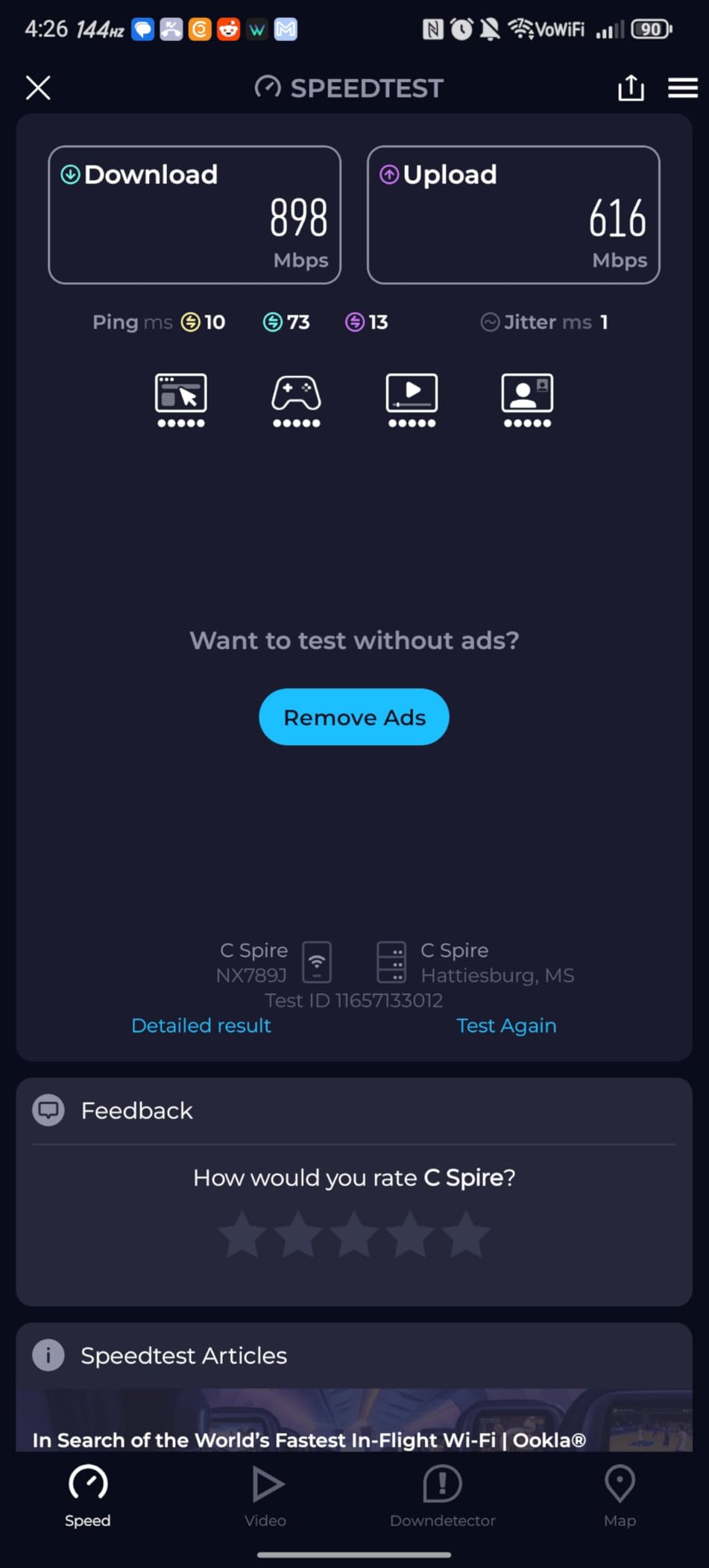
Pick the eero 7 over the eero Pro 7 if you do not have a multi-gig plan and do not need a 6 GHz lane. Skip it for smart-home-heavy homes: the eero 7 dropped the Zigbee and Thread radios. Owners report the trade-off most is the missing 6 GHz band; Wi-Fi 7 still runs on 2.4 and 5 GHz, so phones and laptops without 6 GHz support get the same benefit.
7. Like-New eero Pro 6: Best Single Tri-Band Router
Like-New Amazon eero Pro 6 tri-band mesh Wi-Fi 6 router with built-in Zigbee smart home hub
Standard: Wi-Fi 6
Coverage: 2,000 sq ft
Speed: 1 Gbps
Ports: 2
Hub: Zigbee
+ Pros
- Tri-band Wi-Fi 6 for better device handling
- Built-in Zigbee smart home hub
- Like-New with full warranty
- Cross-compatible with all eero nodes
- Easy app-based setup
– Cons
- Refurbished/Like-New condition
- May come in generic packaging
- Only 2 Ethernet ports
- Older Wi-Fi 6 (not 6E or 7)
Smartest single-router buy in this list for anyone who wants tri-band Wi-Fi 6 without paying for 6 GHz: the Like-New eero Pro 6. It is a refurbished unit with the same limited warranty as a new eero, and reviewers say most arrive looking indistinguishable from new.
What you get is the older Pro 6 experience at a lower cost: tri-band radios (one 2.4 GHz plus two 5 GHz), the built-in Zigbee hub, and the same TrueMesh routing. In a 1,500 to 2,000 sq ft single-story home, a single Pro 6 node covers the whole space.
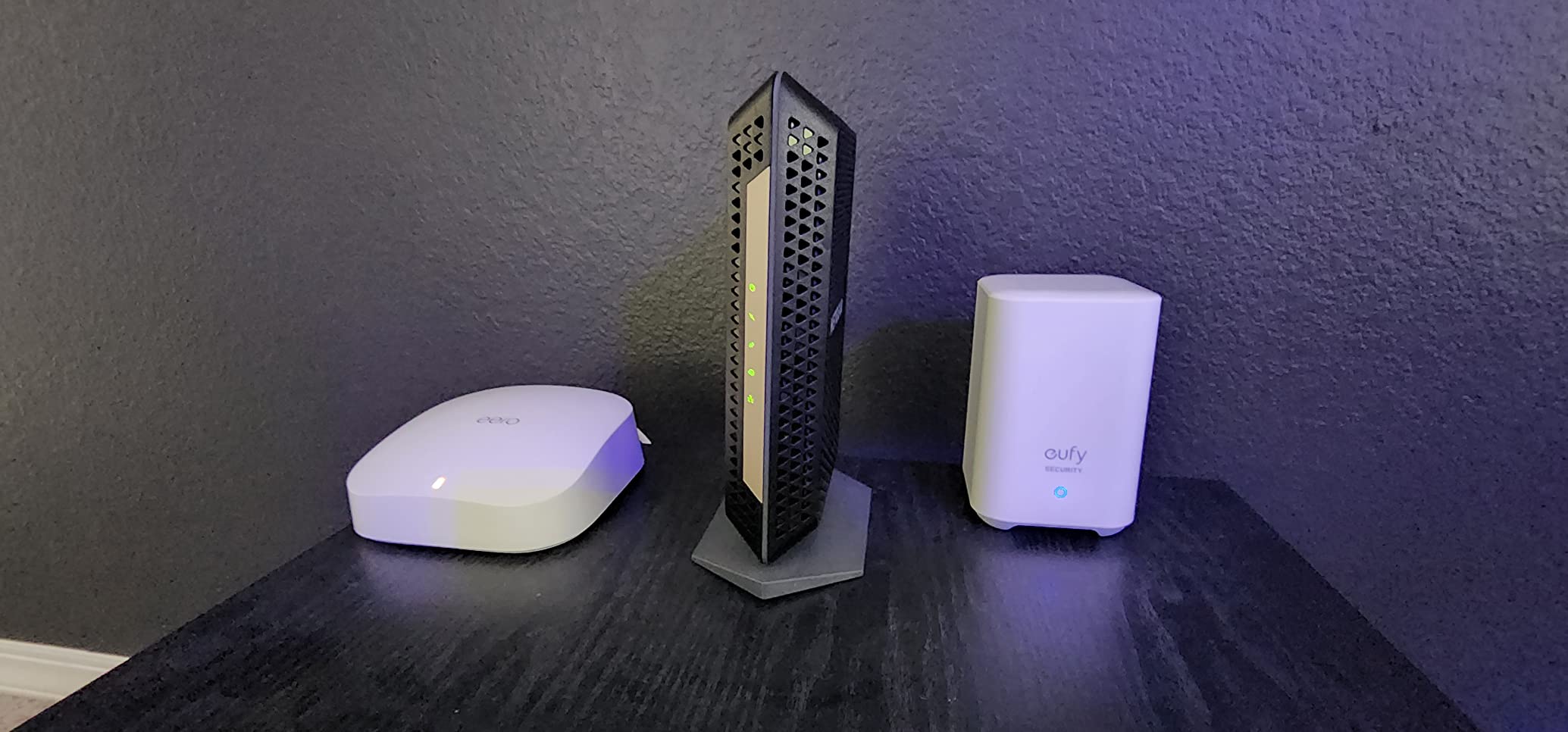
- Tri-band design reduces congestion on busy networks
- Zigbee hub for smart bulbs and locks
- Same warranty as a brand-new eero
- Cross-compatible for adding nodes later
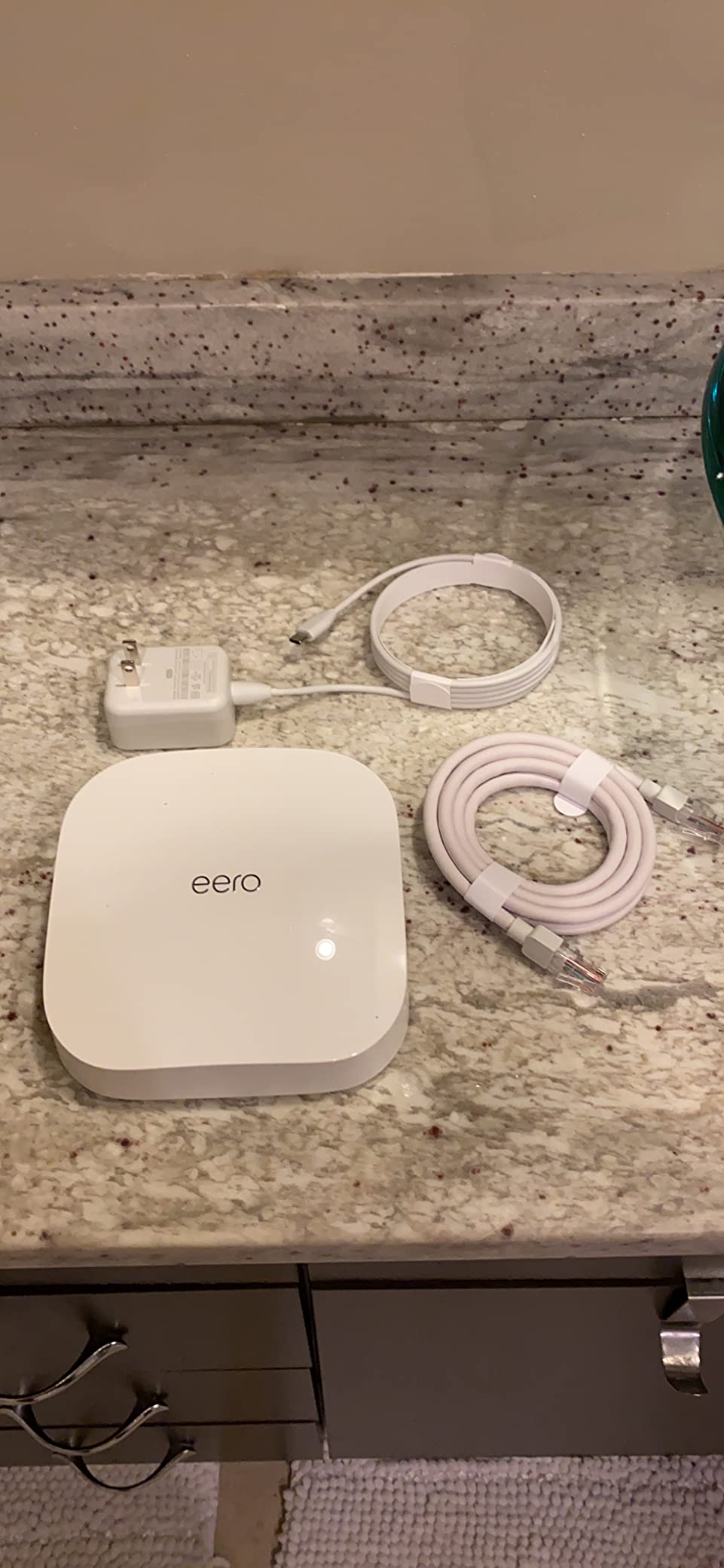
Skip this Like-New model if you want the newest Wi-Fi 6E or Wi-Fi 7 experience, where the eero Pro 6E or eero Pro 7 is a better fit. The trade-off reviewers note is that some units ship in generic Amazon-branded packaging, and a small number of buyers report an initial setup hiccup that resolves with a hard reset. Like-New units are inspected, tested, and certified by Amazon, then sold with the same warranty as a new device.
8. Like-New eero Pro 6E: Best for Adding 6 GHz to an Existing Network
Like-New Amazon eero Pro 6E mesh wifi router – Supports internet plans up to 2.5 Gbps, Coverage up to 2,000 sq. ft., Connect 100+ devices, 1-pack
Standard: Wi-Fi 6E
Coverage: 2,000 sq ft
Speed: 2.3 Gbps
Ports: 2 x 2.5 Gb
Hub: Zigbee+Thread
+ Pros
- Wi-Fi 6E tri-band with 6 GHz
- 2.5 Gbps Ethernet port
- Built-in Zigbee and Thread hub
- Like-New with full warranty
- Easy app setup
– Cons
- Refurbished/Like-New condition
- May come in generic packaging
- Only 2 Ethernet ports
- Single unit only (not a multi-pack)
If you already own an eero mesh and want to add a node with the 6 GHz band without replacing the whole system, the Like-New eero Pro 6E is the move. It is a refurbished single router that adds the 6 GHz lane and a 2.5 Gbps Ethernet port to an existing eero network.
Reviewers appreciate being able to drop this node into a current eero setup and instantly gain the 6 GHz band in one part of the house. For a 2,500 sq ft two-story with an existing eero 6 router, adding a Like-New Pro 6E node gives the upstairs a faster 6 GHz backhaul without rebuying the rest of the kit.
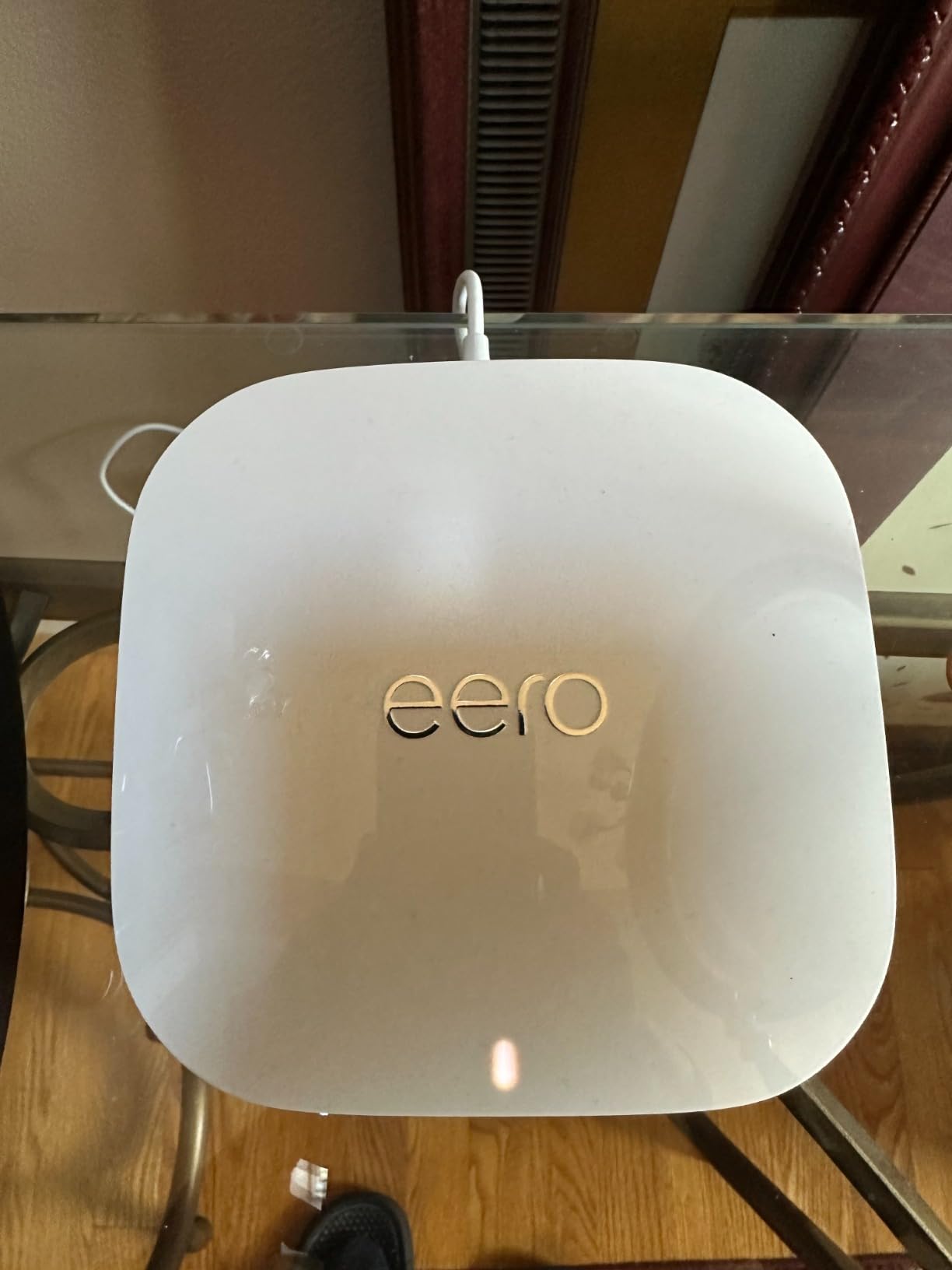
- Adds 6 GHz to an existing eero network
- 2.5 Gbps Ethernet for a wired device on the new node
- Built-in Zigbee and Thread hub on the new node
- Same warranty as a brand-new eero
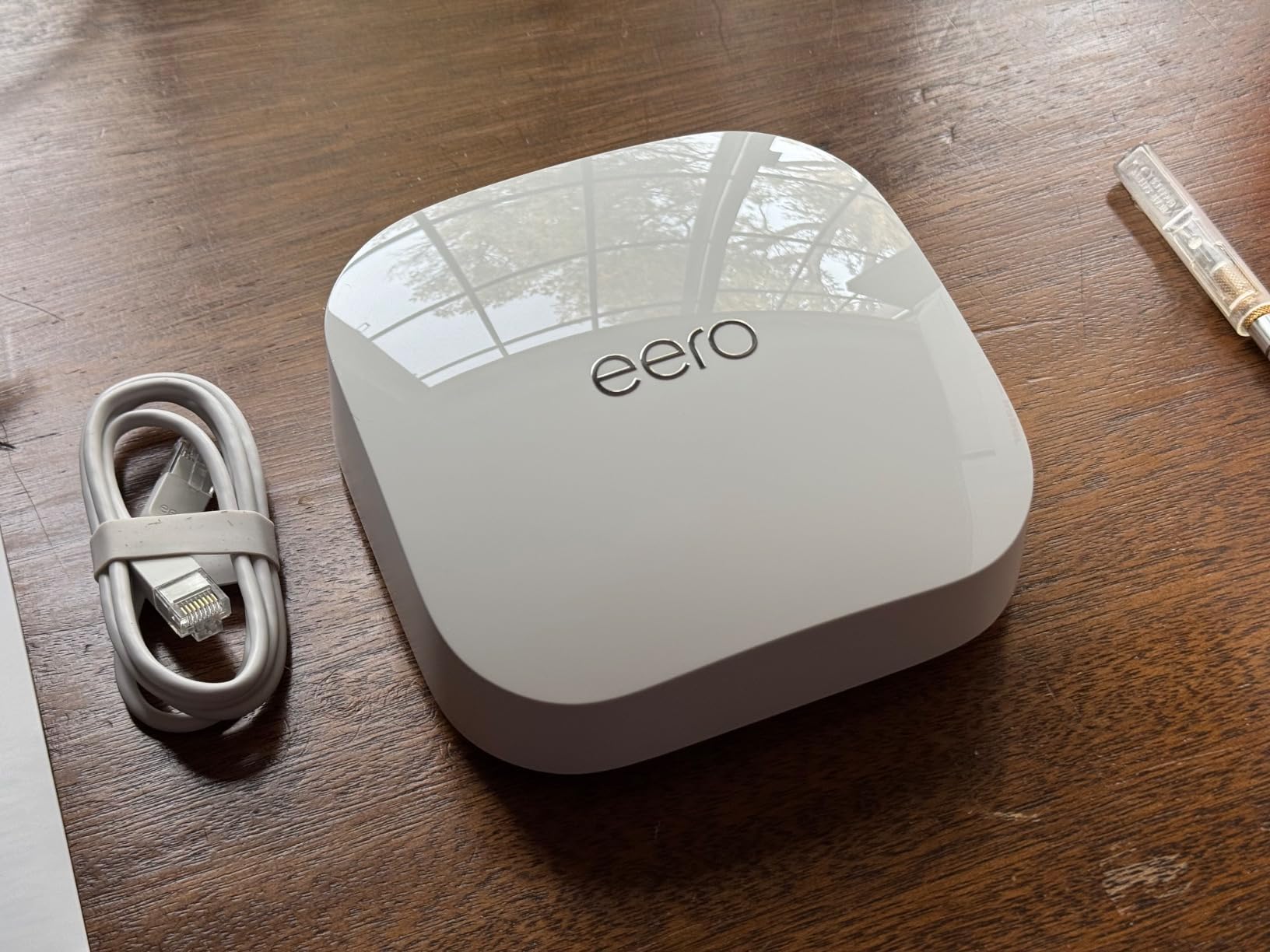
Pick the Like-New Pro 6E if you want to upgrade in stages; pick the new eero Pro 6E 3-Pack if you are starting from scratch. Owners report the same initial setup quirk as the Like-New Pro 6 (a small number of units need a hard reset on first boot). The trade-off reviewers mention most is the single-router form factor: this is a node, not a multi-pack system.
9. Like-New eero 6 Extender: Best for Expanding Coverage
Like-New Amazon eero 6 mesh wifi add-on extender – Add up to 1,500 sq. ft. of Wi-Fi 6 coverage. Required eero mesh wifi system not included
Standard: Wi-Fi 6
Coverage: 1,500 sq ft
Speed: 500 Mbps
Ports: 1
Hub: None
+ Pros
- Extends coverage by 1500 sq ft
- Plug-and-play setup
- Seamless integration with eero
- Like-New with full warranty
- Single Ethernet port for wired devices
– Cons
- Refurbished/Like-New condition
- May come in generic packaging
- Requires existing eero network
- Only 1 Ethernet port
- No Zigbee or Thread hub
Cheapest way to push eero coverage into a basement, garage, or back office that sits beyond the reach of an existing node: the Like-New eero 6 Extender. It plugs into a wall outlet, pairs through the eero app, and extends an existing mesh by up to 1,500 sq ft.
For owners with a single eero 6 router covering most of the home but losing signal in one stubborn corner, this extender is the targeted fix. Buyers report it integrates seamlessly with their current network, picking up the same SSID and handoff behavior without manual reconfiguration.
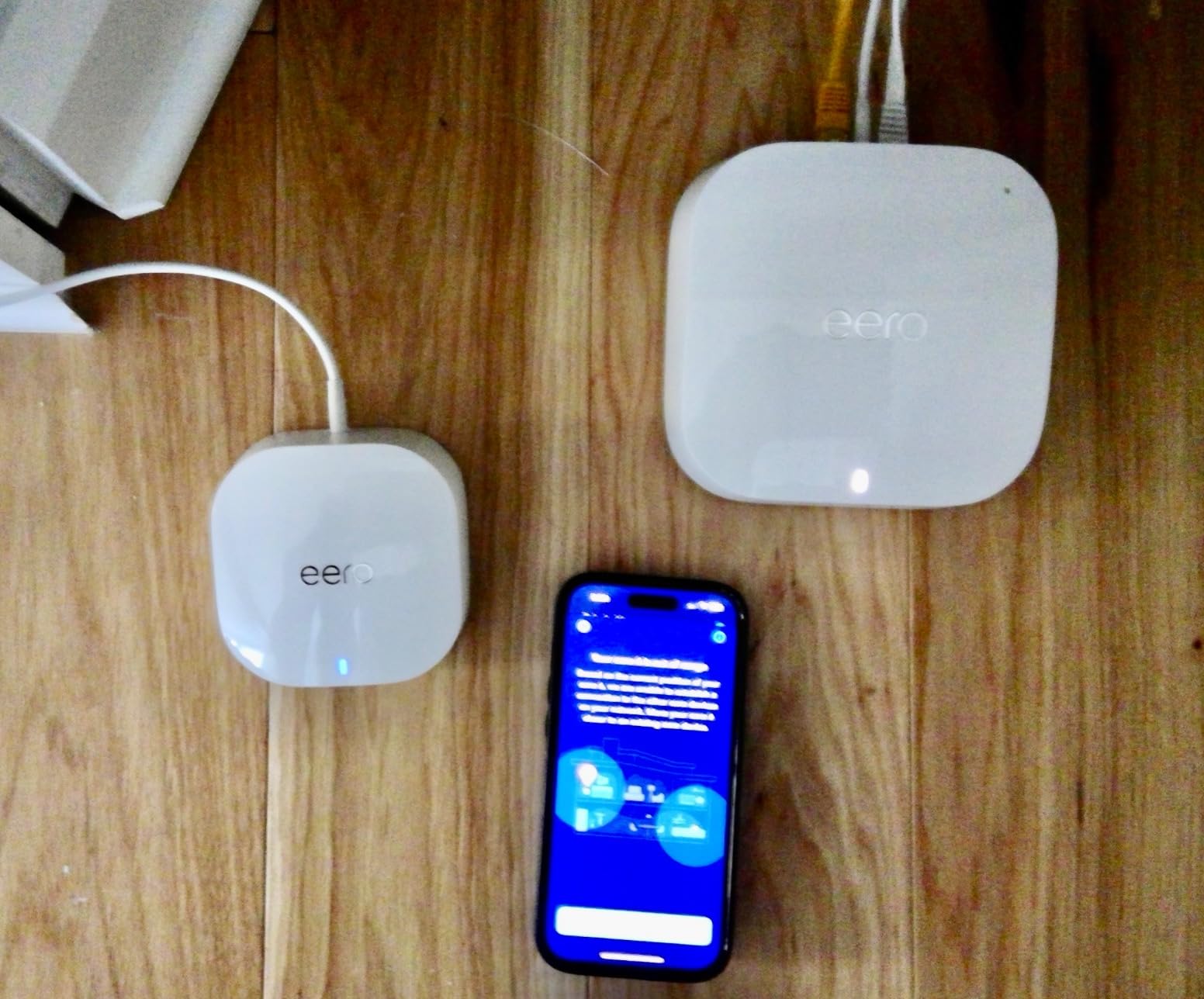
- Extends coverage by 1,500 sq ft from the existing node
- Single Ethernet port for a wired device in the dead zone
- Plug-and-play setup through the eero app
- Same warranty as a brand-new extender
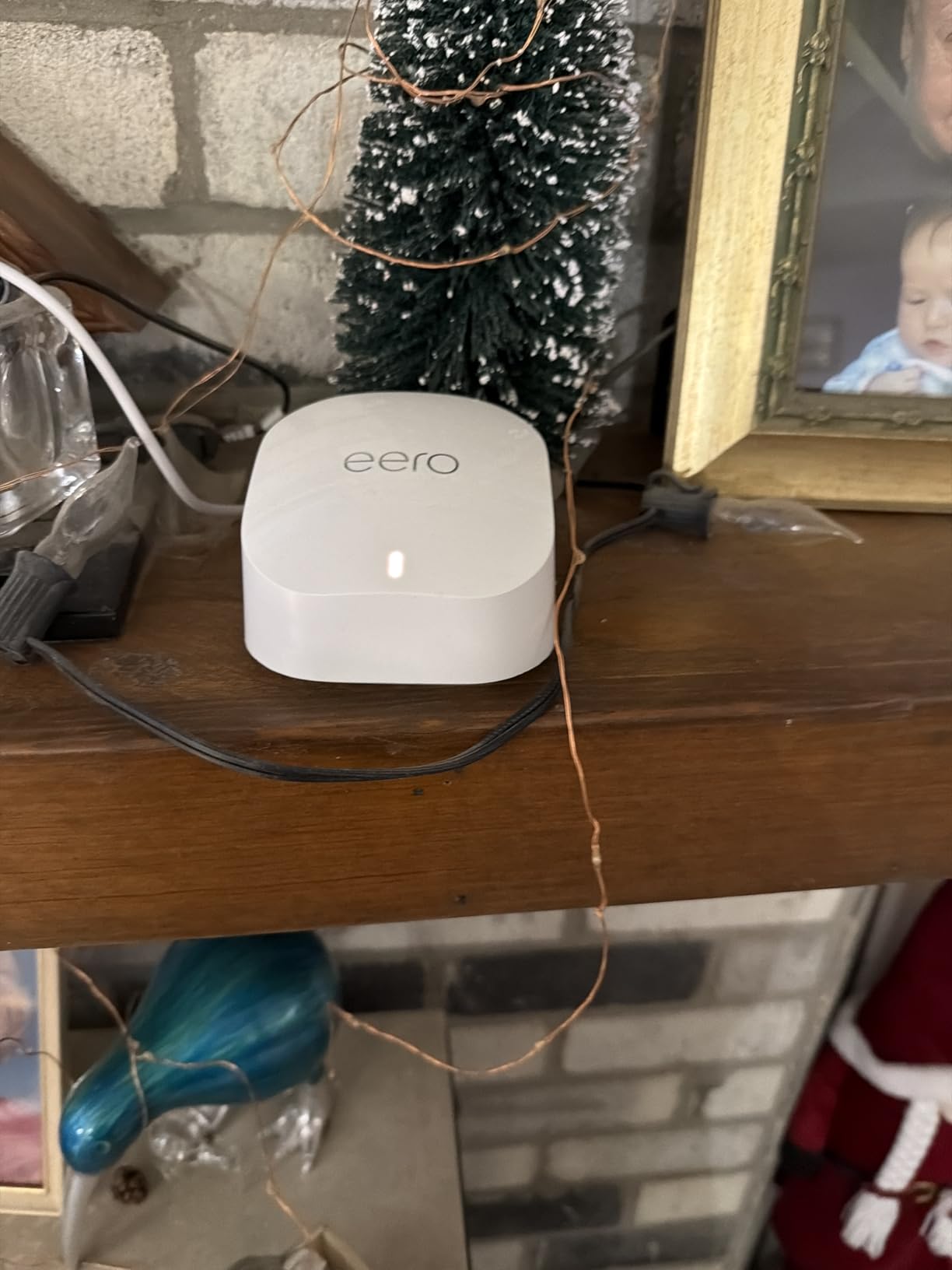
Skip this extender if you are starting from scratch; it requires an existing eero mesh. For full coverage from the start, the eero 6 3-Pack is the right call. The trade-off reviewers note is the 500 Mbps ceiling, which is fine for extending basic coverage but limits the extender’s throughput in heavy-use rooms. The extender also needs an existing eero network to pair with, so it is not a standalone router.
How to Choose an eero Mesh Wi-Fi System During Prime Big Deal Days
The cheapest eero on sale is not always the right one. Use the checklist that follows to match the kit to your home, internet plan, and smart-home setup.
Wi-Fi Standard and Speed
Wi-Fi 7 kits (eero 7, eero Pro 7, eero Max 7) deliver the most headroom for multi-gig internet plans and newer devices that support Multi-Link Operation. Wi-Fi 6E kits (eero Pro 6E) add a 6 GHz lane that is useful for AR/VR and high-bandwidth local streaming. Wi-Fi 6 kits (eero 6, eero Pro 6) are still the right call if your internet plan tops out around 500 to 900 Mbps and your devices are mostly phones, laptops, and TVs from the last few years.
Home Size and Coverage
A 1-pack eero covers about 1,500 to 2,000 sq ft and fits a small apartment or condo. A 3-pack typically covers 4,500 to 7,500 sq ft depending on the model, which fits a medium to large single-family home. For multi-story homes with basement coverage needs, our guide to mesh WiFi systems for large houses covers how to plan node placement when one kit is not enough. If the basement itself is the trouble spot, our guide to mesh WiFi for basements walks through how an extender or an extra node can fix signal loss below grade.
Bands, Ethernet Ports and Wired Backhaul
Tri-band kits (an extra 5 GHz or 6 GHz radio) handle busy networks better than dual-band kits. Each node has 2 Ethernet ports on most eero models (1 on the extender), and the port speed matters if you have multi-gig internet or a wired NAS. Wired backhaul between nodes frees up the wireless bands for client devices, which is one of the cleanest ways to keep latency low on a multi-story home. For three-story layouts, our guide to mesh routers for three story houses walks through which eero kits give you wired backhaul on every node.
Smart Home, Zigbee and Thread Support
The eero 6, eero 6 3-Pack, eero Pro 6, eero Pro 6E, and eero Max 7 all include a Zigbee radio. The eero Pro 6E and eero Max 7 also add Thread border router support for newer Thread devices. The Wi-Fi 7 line (eero 7, eero Pro 7) dropped the smart-home hub, so buyers with a lot of Zigbee bulbs or Thread sensors should plan on keeping an Echo or separate hub.
eero Plus, App and Subscription Features
The eero app is free and handles setup, monitoring, guest networks, and basic parental controls. eero Plus is a paid subscription that adds ad blocking, VPN, advanced parental controls, and 1Password management. Reviewers consistently say the app is the easiest in the category, but the paid features feel like the real price bump once you add them up.
How to Shop eero Deals During the Sale
Before you add any eero to your cart during the sale, check three things: confirm the kit is sold by Amazon (not a third-party marketplace seller), check the model number on the listing (Pro 6E vs Pro 7 vs eero 7 are different products), and compare the kit price against the single-router price to see whether the multi-pack is actually a better deal. Most offers need a Prime membership and prices shift through the event, so check the listing once the sale is live.
Quick checklist before you buy:
- Match Wi-Fi standard to your internet plan ceiling
- Match pack size to your home square footage
- Confirm at least one Ethernet port per node you need
- Decide whether you need a built-in Zigbee or Thread hub
- Confirm the listing is sold by Amazon and the model number matches
Frequently Asked Questions
When is Amazon Prime Big Deal Days in 2026?
Amazon Prime Big Deal Days runs October 6-7, 2026, and Amazon confirmed the dates. Most offers need a Prime membership, though a free trial works for the event. Sale pricing can shift throughout the two days, so check the current price on the listing you want before you buy.
Do I need a Prime membership to get eero deals during Prime Big Deal Days?
Yes, most eero deals during Prime Big Deal Days are limited to Prime members. A free 30-day Prime trial works if you sign up before the event. Some Like-New eero listings may be available without Prime, but the sale prices typically require membership.
Which eero mesh kit is best for a large house?
For a large house over 4,000 sq ft, the eero Max 7 covers up to 7,500 sq ft with the strongest radios and 10 Gbps wired ports. The eero Pro 6E 3-Pack covers up to 6,000 sq ft and is a more affordable option for homes without a multi-gig plan. Both kits are tri-band, which helps when nodes need to communicate across long distances.
Is eero Pro 6E worth it over the eero 6 3-Pack during the sale?
The eero Pro 6E adds a 6 GHz band, tri-band radios, and a 2.5 Gbps Ethernet port compared with the eero 6 3-Pack. If your internet plan is gigabit or faster, or you want to future-proof for Wi-Fi 6E devices, the Pro 6E is worth the difference. For a 500 Mbps plan and a typical home, the eero 6 3-Pack is the better value.
Can I mix different eero models in the same mesh network?
Yes, eero nodes are cross-compatible across generations. You can pair an eero 6 router with eero Pro 6E nodes, or add an eero Pro 7 to an existing eero 6 mesh. The mesh will use the highest common standard across all nodes, so mixing Wi-Fi 6 and Wi-Fi 7 limits the Wi-Fi 7 nodes to Wi-Fi 6 performance for backhaul.
Does eero work with an existing modem or router from my ISP?
Yes, eero works with any standard modem or modem-router combo from your ISP. The eero node replaces your ISP router and handles Wi-Fi, while the modem stays as the bridge to your ISP. Most eero kits include everything you need except an Ethernet cable for the modem connection.
Final Verdict: eero Mesh Wi-Fi Deals for Prime Big Deal Days
The eero mesh kit most worth watching during Prime Big Deal Days is the eero Pro 6E for its balance of tri-band Wi-Fi 6E, 6 GHz lane, and 2.5 Gbps wired ports at a price below the flagship Max 7. The budget-friendly alternative is the eero 6 3-Pack, which still covers a typical whole-home layout with the same app and Zigbee hub.
By need: pick the eero Max 7 if you have a multi-gig plan and need 10-gig wired backhaul plus a full smart-home hub. Pick the eero Pro 7 if you want top-rated Wi-Fi 7 speed without paying for 10-gig ports. Pick the eero 7 3-Pack if you want the most affordable Wi-Fi 7 entry. Pick the eero 6 single router for apartments and starter setups. Pick the Like-New eero Pro 6E if you already own an eero mesh and just want to add a 6 GHz node.
Add your shortlist to a saved list before October 6 and watch the prices on the day the sale opens.
Leave a Reply