
If your upstairs Wi-Fi is fine but the basement is a dead zone, the fix is almost never a bigger antenna — it is a correctly placed mesh node with a clear path to the main floor. After weeks of comparing the nine systems below, reading thousands of owner reviews and mapping how each one behaves through a floor slab, my single recommendation for most homes is the TP-Link Deco S4 3-Pack, with the Deco X55 as the smarter choice the moment you can run one Ethernet cable downstairs.
This guide covers the best mesh wifi for basements: the systems worth buying in 2026, where to physically put each node, how much signal you lose through concrete, and when wireless backhaul is genuinely good enough. I have not measured throughput in my own home with a calibrated test rig, so I lean on published specifications and the patterns that show up repeatedly across owner reviews, and I tell you exactly when the data runs out.
Two quick notes before the list. First, every system here needs a modem or gateway connection, and most basements fail for the boring reason that the ISP box is upstairs next to the line. Second, coverage claims in this category are marketing numbers — a 5,500 sq ft figure tells you nothing about a poured concrete wall between you and the node. Read the placement section before you buy, because placement beats hardware more often than not.
If you also want the broader picture beyond below-grade rooms, our guide to mesh WiFi systems for large houses covers whole-home topologies in more depth.
The 60-Second Basement Wi-Fi Check Before You Buy Anything
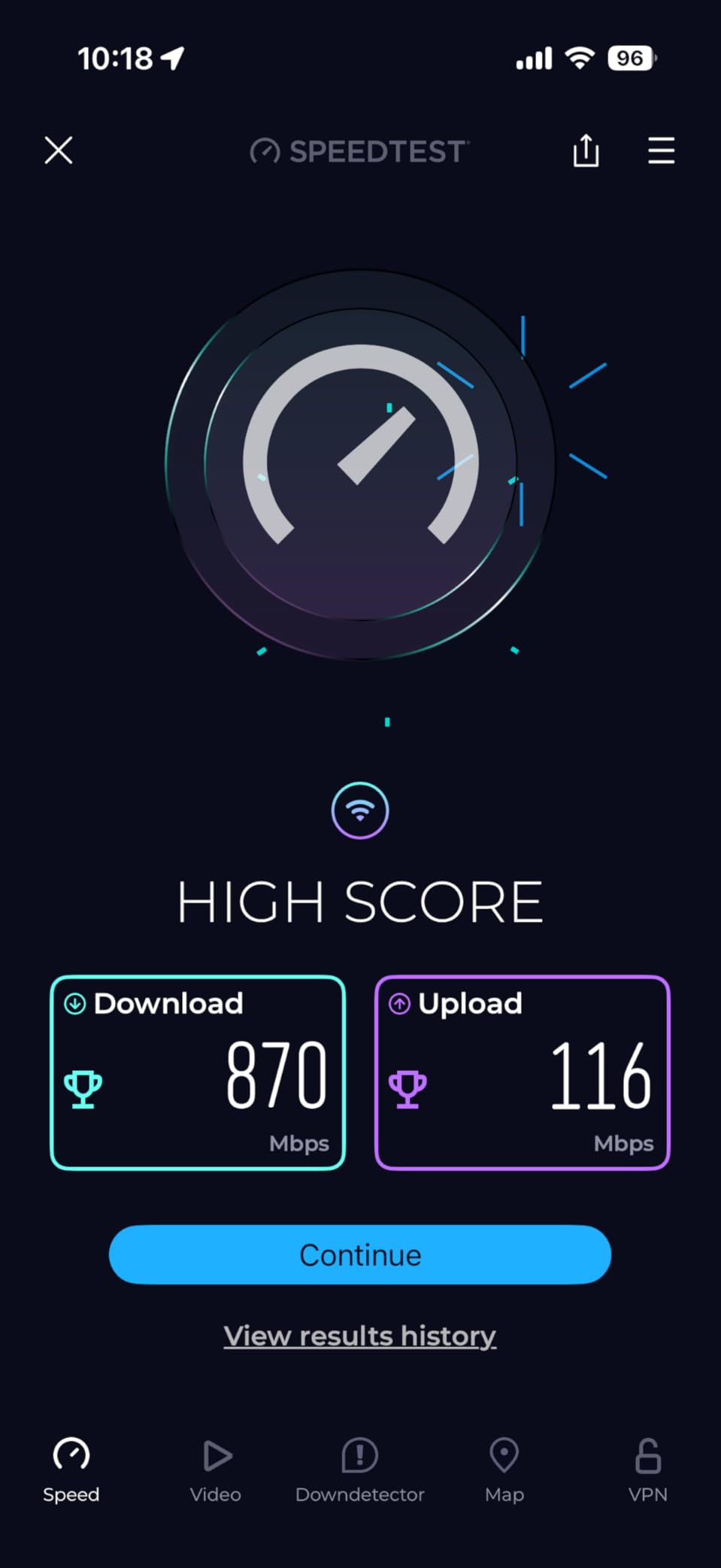
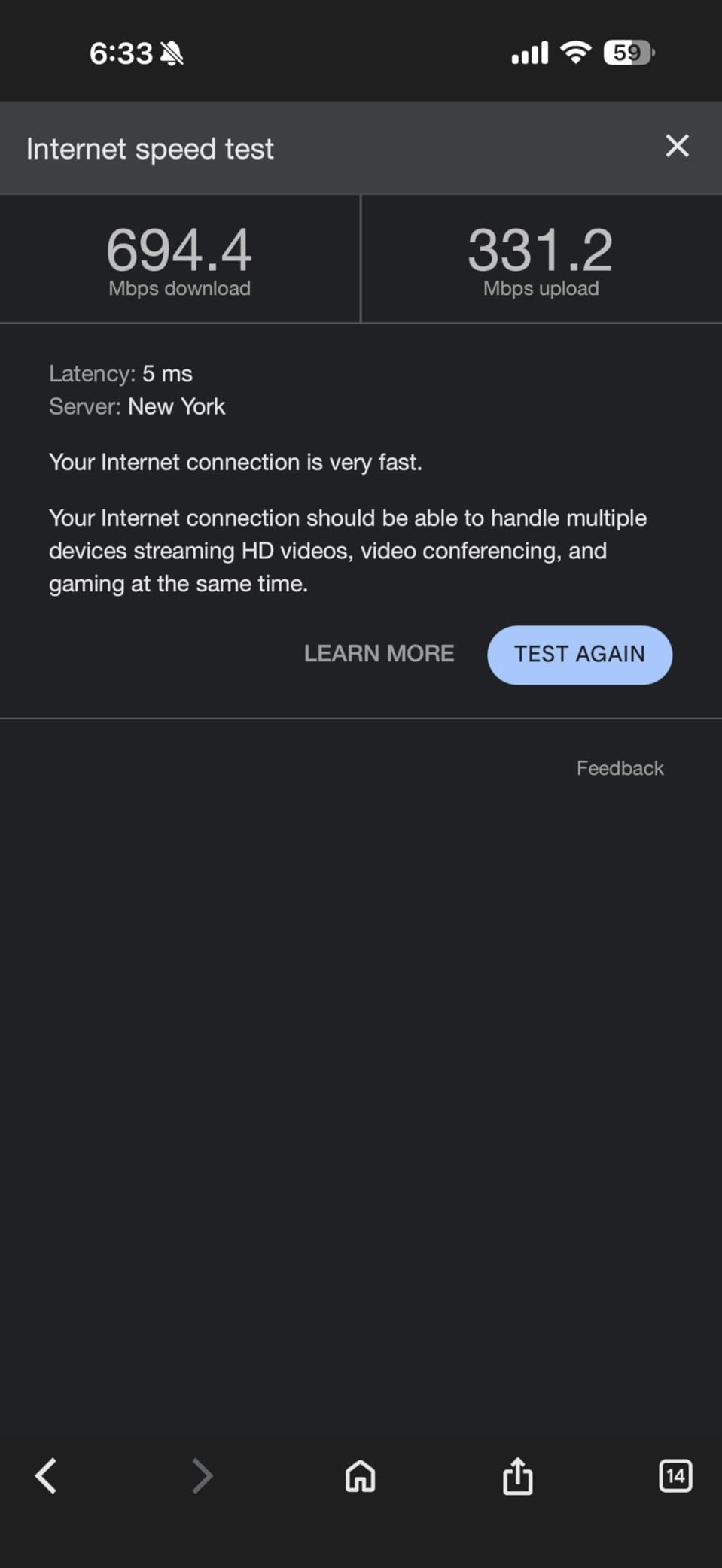
Run a speed test at the top of your basement stairs, then run it again in the far corner of the basement. If the stairwell test is fast and the corner is dead, you have a coverage problem and a mesh system solves it. If the stairwell test is already slow, you have a backhaul or ISP problem and no amount of mesh hardware will fix it.
This single test, borrowed from how people actually troubleshoot this on r/HomeNetworking, tells you which of two completely different problems you have. It costs a minute and saves a return.
Then check three more things:
- Where is your router? If it sits in a closet upstairs next to the ISP gateway, moving it to a central stairwell wall is free coverage.
- How many walls are in the path? A drywall stairwell costs little. A poured concrete foundation wall with a steel door costs a great deal.
- Can you get one cable downstairs? A single run of Cat6 turns a wireless problem into a wiring problem, which is faster and cheaper to solve than anything else on this list.
Our Top 3 Mesh WiFi Picks for Basement Dead Zones in 2026

TP-Link Deco S4 3-Pack
- AC1900 dual-band Wi-Fi 5
- 5500 sq ft coverage
- Wired Ethernet backhaul

Comparing Every Mesh WiFi System in This Roundup
All nine systems below cover at least 4,500 sq ft, support wired backhaul, and ship as a multi-pack. The differences that matter for a basement are port count, whether a dedicated backhaul band exists, and how much the owner reviews complain about node stickiness.
| Product | Details | Action |
|---|---|---|
|
|
Check Latest Price |
 |
|
Check Latest Price |
|
|
Check Latest Price |
 |
|
Check Latest Price |
 |
|
Check Latest Price |
 |
|
Check Latest Price |
 |
|
Check Latest Price |
 |
|
Check Latest Price |
 |
|
Check Latest Price |
1. TP-Link Deco S4 3-Pack – Best Overall Mesh WiFi for Basements
TP-Link Deco S4 Mesh AC1900 WiFi System, Deco S4(3-Pack)
AC1900 dual-band Wi-Fi 5
5500 sq ft
2 Gigabit ports per unit
Wired backhaul
+ Pros
- Single network name with seamless roaming between all three units
- Wired Ethernet backhaul support on every unit
- Very large owner review base for reliability signal
- Simple app setup with parental controls
– Cons
- Wi-Fi 5 only with no 6 GHz band
- AC1900 throughput trails current AX-class kits
- Advanced configuration options are limited in the app
The Deco S4 is the system I keep coming back to for basements because the numbers behind it are unusually convincing. It carries a 4.5 rating across 29,512 owner reviews, which is the largest verified review base of anything in this roundup, and that matters here: a big sample makes the reported problems trustworthy instead of anecdotal.
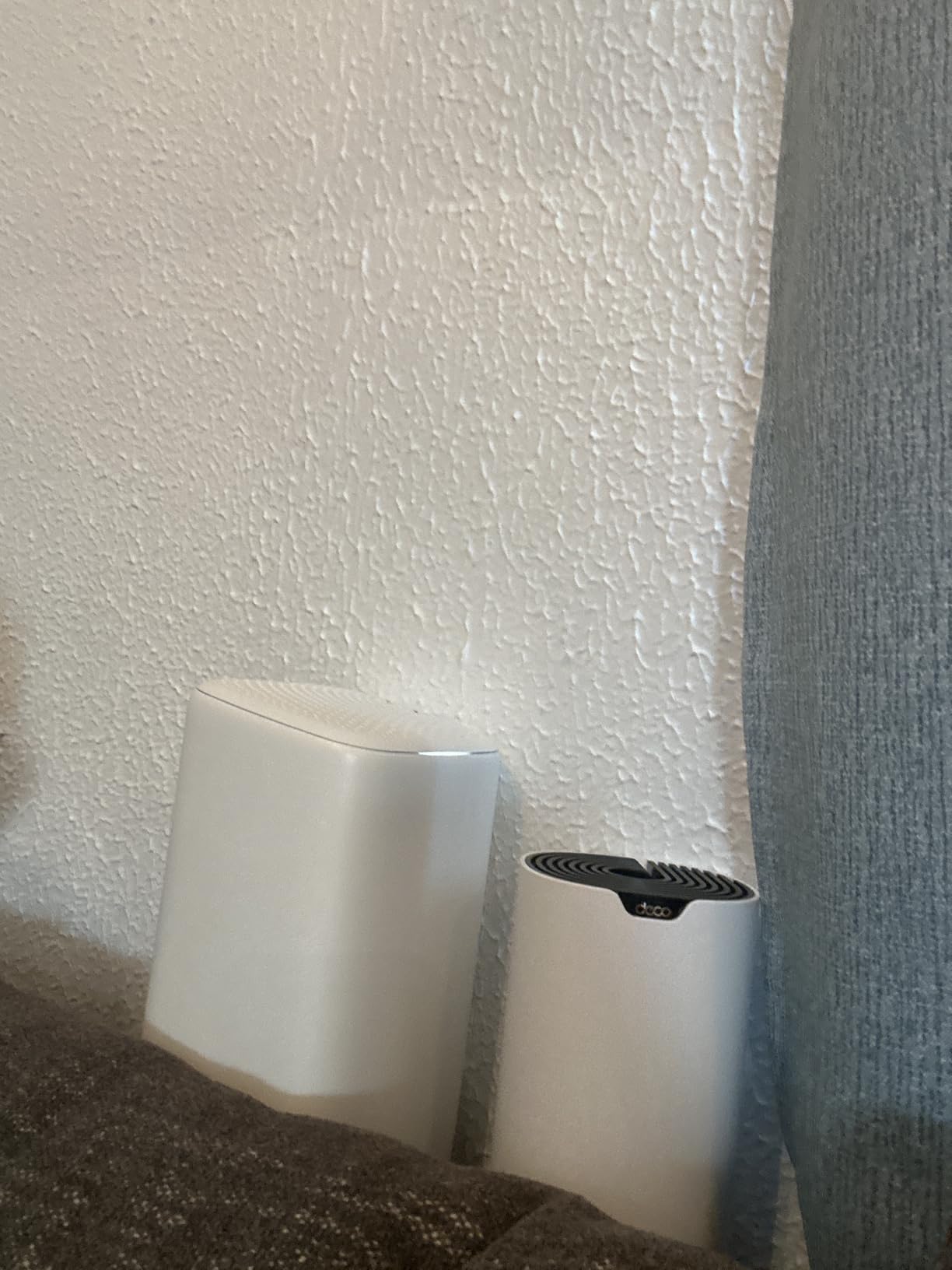
Three identical units share one network name, and each has two Gigabit Ethernet ports, so any node can be the router, an access point, or a wired backhaul hop. That flexibility is exactly what a basement needs, because the node you put at the top of the stairs can be a bridge rather than just a repeater.
Wired Backhaul on Every Unit, Not Just the Router
Six Gigabit Ethernet ports across the three-pack means you can plug the basement node directly into a wall run and stop relying on radio hops. Owners consistently describe this as the feature that made coverage hold together in houses with masonry.
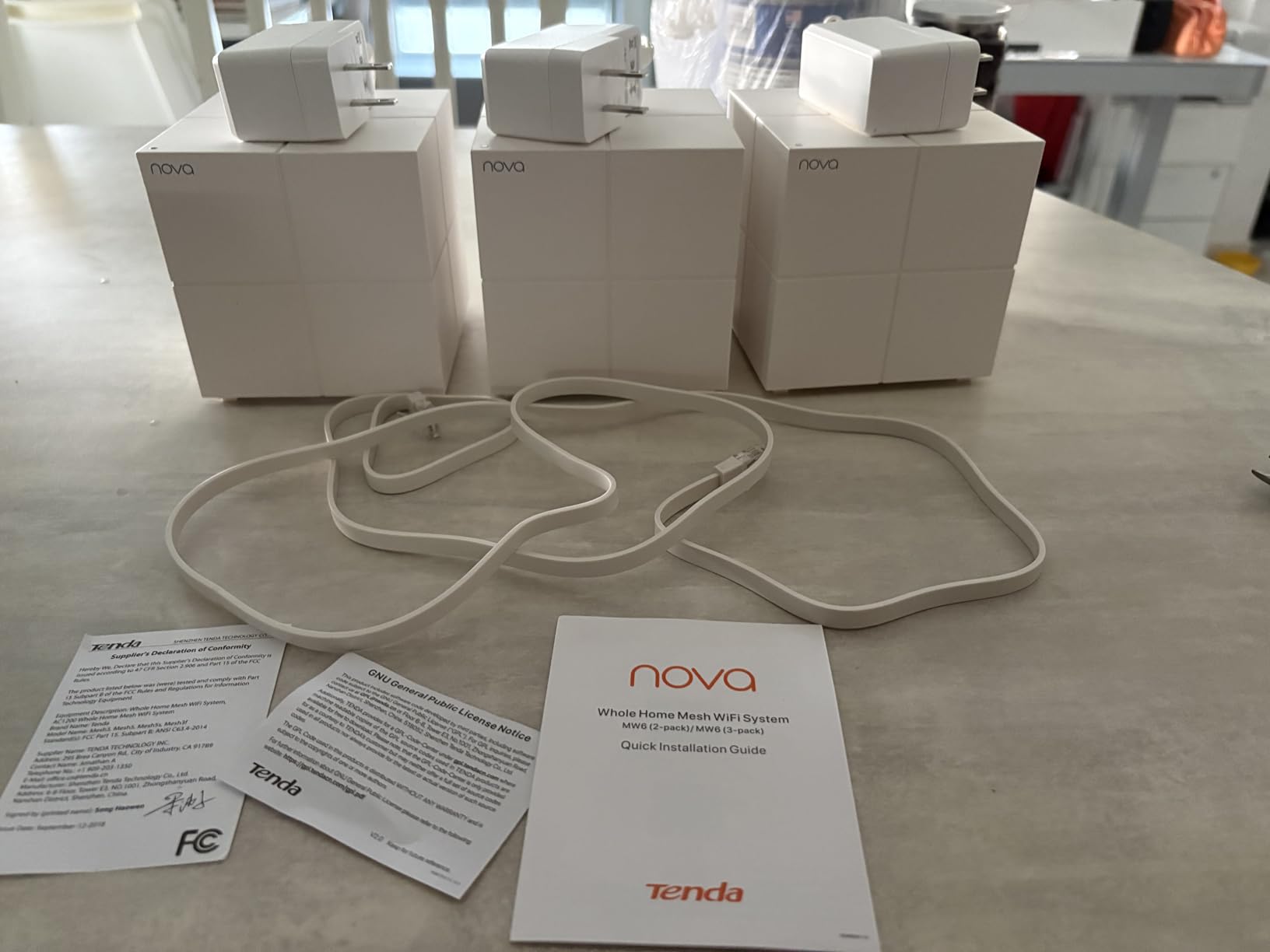
The box includes three units, one RJ45 cable, three power adapters and a quick guide. You will need your own cable for a second wired hop, which is a five-minute fix that costs almost nothing.
What AC1900 Actually Means for a Basement
AC1900 is a Wi-Fi 5 class rating, and the honest downside is that it caps throughput relative to any AX kit on this list. In a basement where the far wall eats most of the 5 GHz energy anyway, that ceiling rarely becomes the bottleneck you notice.
What matters more is the antenna count and the 3 by 3 six-stream layout, which gives the unit solid 2.4 GHz reach. The 2.4 GHz band is the one that still arrives through concrete, and this system leans on it well.
Physical Size and Where It Sits in a Basement
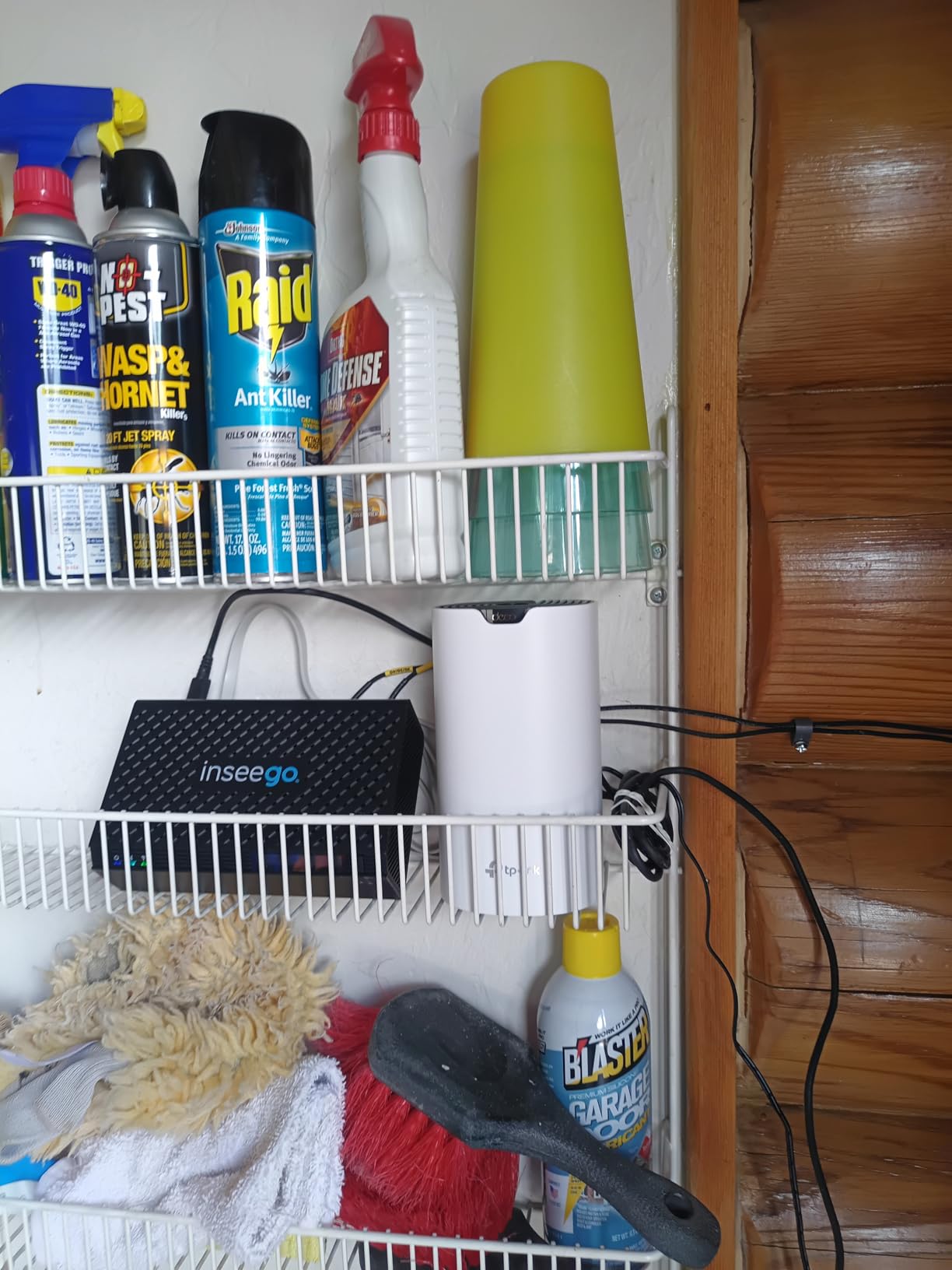
Each unit measures 3.57 by 3.57 by 6.39 inches, a tall narrow cylinder that disappears on a shelf or a stair landing. Coverage is rated at 5,500 sq ft across the three-pack, which covers most basements and a main floor with room to spare.
Because the units are identical, you can start with one upstairs and add nodes as you find dead spots rather than committing to a placement plan up front.
Who Should Skip This System
Skip it if your internet plan is gigabit-plus and you want headroom, or if you need more than two wired connections at the basement node. Both are solved better by the Deco X55, which carries three Gigabit ports per unit.
Also skip it if you want advanced traffic rules, VLAN-style device separation or per-client bandwidth controls. The app handles the basics well and stops there.
2. eero 6 3-Pack – Best Value for a Mid-Size Finished Basement
Amazon eero 6 mesh wifi system – Supports internet plans up to 500 Mbps, Coverage up to 4,500 sq. ft., Connect 75+ devices, 3-pack (1 router + 2 extenders)
Wi-Fi 6 dual-band mesh
Up to 4500 sq ft coverage
Supports plans up to 500 Mbps
75+ connected devices
+ Pros
- Setup takes minutes with no technical background needed
- Fixed dead zones in home offices on the lower floor
- Zigbee smart home hub built in for Alexa devices
- Expands with other eero hardware later
– Cons
- Only two Ethernet ports per unit
- No separate SSIDs for the 2.4 GHz and 5 GHz bands
- Some advanced features sit behind the eero Plus subscription
The eero 6 is the pick for anyone who dreads network configuration. Owners describe being online in minutes, and the app handles node placement and band balancing without you ever opening a settings page. For a finished basement media room or a home office, that reliability is the whole point.
It rates 4.4 across 29,387 reviews, and the recurring praise is about signal strength where extenders failed. A built-in Zigbee hub is a quiet bonus if you are running Alexa-based smart home devices, since it removes a separate bridge from the equation.
Where the 500 Mbps Ceiling Bites
This system is built around plans up to 500 Mbps, and that limit is the reason it is not my first pick for everyone. If your service is gigabit or faster, the mesh nodes become the constraint rather than the pipe.
For a typical 1,500 sq ft basement with a handful of streaming devices and a few work calls, 500 Mbps of headroom is plenty. It is only tight when several 4K streams run alongside large uploads.
Two Ethernet Ports and No Band Separation
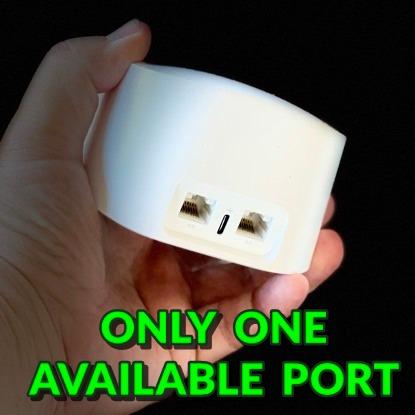
Each unit carries two Ethernet ports, so a finished basement with a gaming PC, a NAS and an access point will need an external switch. That is a small, predictable cost, but plan for it.
There is also no way to give 2.4 GHz and 5 GHz different network names. Some smart home devices that only speak 2.4 GHz will be fine; others that insist on joining the 5 GHz SSID can be stubborn.
Who Should Skip This System
Skip it if you have gigabit-plus service, if you run enough wired devices in the basement that two ports per node will not do, or if you refuse to pay for subscription tiers and want every network feature included.
Worth knowing before you buy: a small but vocal group of owners report recurring streaming dropouts and support responses that did not resolve the issue. That group is a minority of 29,387 reviews, but it is real.
3. TP-Link Deco X55 3-Pack – Best for Wired Ethernet Backhaul
TP-Link Deco X55 AX3000 WiFi 6 Mesh System, Deco X55(3-Pack)
AX3000 Wi-Fi 6
Coverage up to 6500 sq ft
3 Gigabit ports per unit
Wired backhaul
+ Pros
- Strong signal reported in basements and concrete-walled houses
- Three Gigabit Ethernet ports on every unit
- Setup typically under 15 minutes in the Deco app
- HomeShield security and parental controls at no cost
– Cons
- Deco app drops devices and shows inaccurate online status
- Nodes sometimes bond to a farther node than the nearest one
- Only one Ethernet cable included in the box
The X55 is the system I recommend to anyone who can get a single Ethernet cable to the basement. Three Gigabit ports per unit means wired backhaul is the default rather than a compromise, and nine ports across the pack leaves room for a switch, a NAS and a printer without a splitter.
It sits at 4.4 stars across 13,207 reviews, with owners specifically calling out basement and concrete-walled coverage. AI-Driven Mesh learns the environment and can be overridden in the app when it guesses wrong.
AX3000 Band Split and Why 2.4 GHz Does the Work
The rating is 2402 Mbps on 5 GHz plus 574 Mbps on 2.4 GHz, which is the same ratio that shows up across most dual-band kits. In a basement, that 574 Mbps 2.4 GHz channel is the one that arrives intact through masonry.
WPA3 support and a CISA Secure-by-Design signatory make this the better pick if you care about encryption options on a shared or rental property.
Device Capacity and HomeShield
Rated for up to 150 devices, which covers a basement with cameras, sensors, hubs and a working setup without strain. HomeShield provides basic network security, QoS and parental controls at no cost, unlike several competitors on this list.
Firmware updates have added IoT network separation, custom IP reservations and VPN support, so the feature set is actively growing rather than frozen at launch.
Where Owners Report Friction
The Deco app is the most common complaint: devices shown as offline when they are not, inaccurate device names, and unclear status indicators. Some users also report nodes attaching to a farther node than the nearest one, which costs signal strength.
A subset of owners also hit occasional pod dropouts requiring a reboot or factory reset, and one recurring note is that the whole LAN can go unresponsive when the upstream connection drops. If you rely on the network for work, a wired backup path is worth considering.
Who Should Skip This System
Skip it if you are the kind of person who will open the app weekly and be irritated by stale device names. Everything else about this kit is strong for a basement.
Also note the box includes only one Ethernet cable, so plan on buying a few more if you intend to wire more than one node.
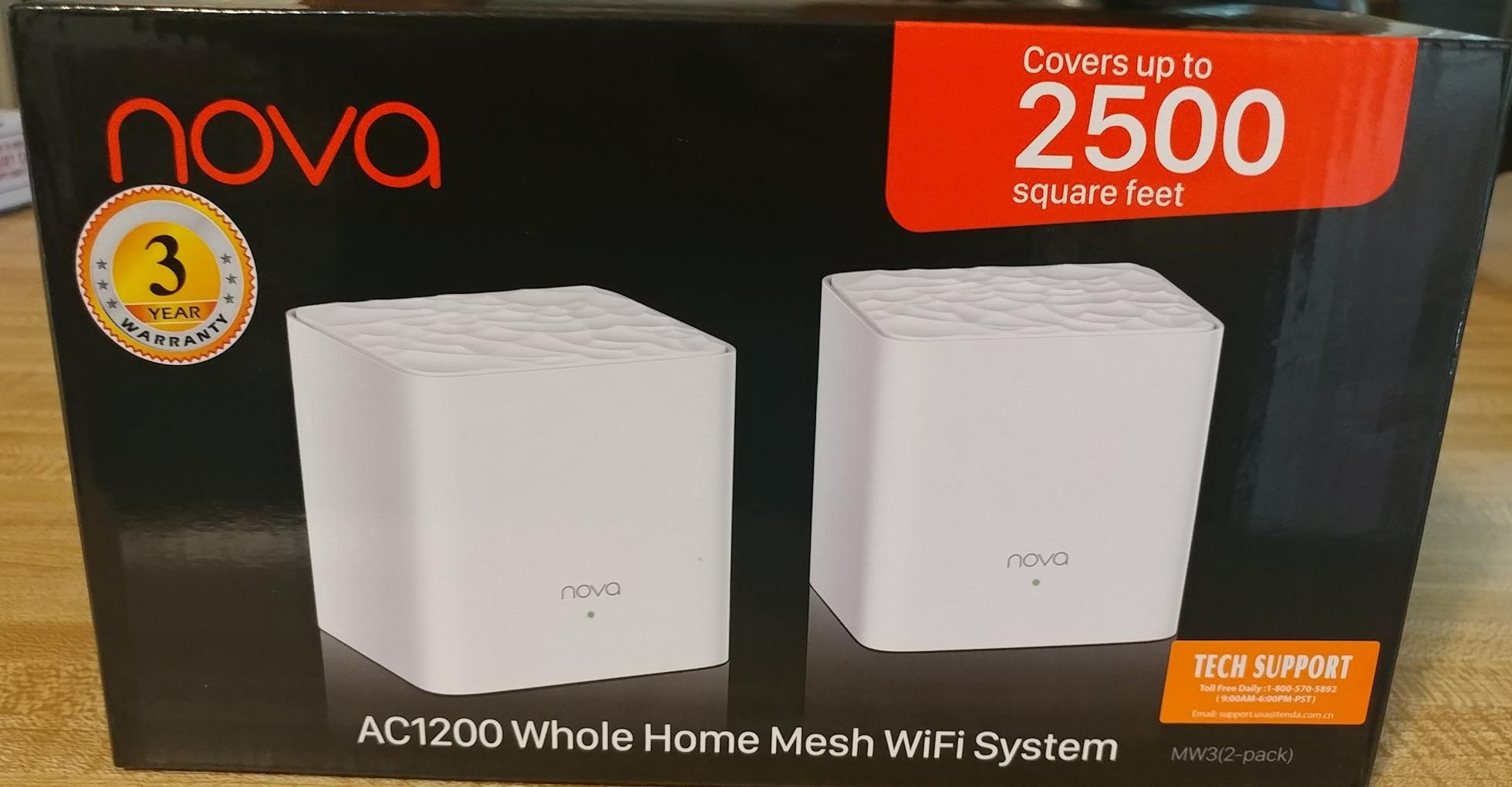
4. Tenda Nova MW6 3-Pack – Best Budget Mesh for Thick-Walled Homes
Tenda Nova Mesh WiFi System MW6 – Covers up to 4-6 Bedroom Houses- AC1200 Whole Home WiFi Mesh System – Gigabit Dual-Band Mesh Network – Replaces Wireless Router and WiFi Extender – 3-Pack
AC1200 dual-band Wi-Fi 5
Coverage up to 6000 sq ft
2 Gigabit ports per unit
MU-MIMO
+ Pros
- Entry-level outlay for a true three-node mesh system
- Units ship factory pre-linked and just need power
- Reported to reach areas extenders could not in older homes
- MU-MIMO and beamforming for up to 90 devices
– Cons
- AC1200 class with no Wi-Fi 6 support
- Devices can stick to a distant node and cut speed
- Some ISPs block direct modem connection
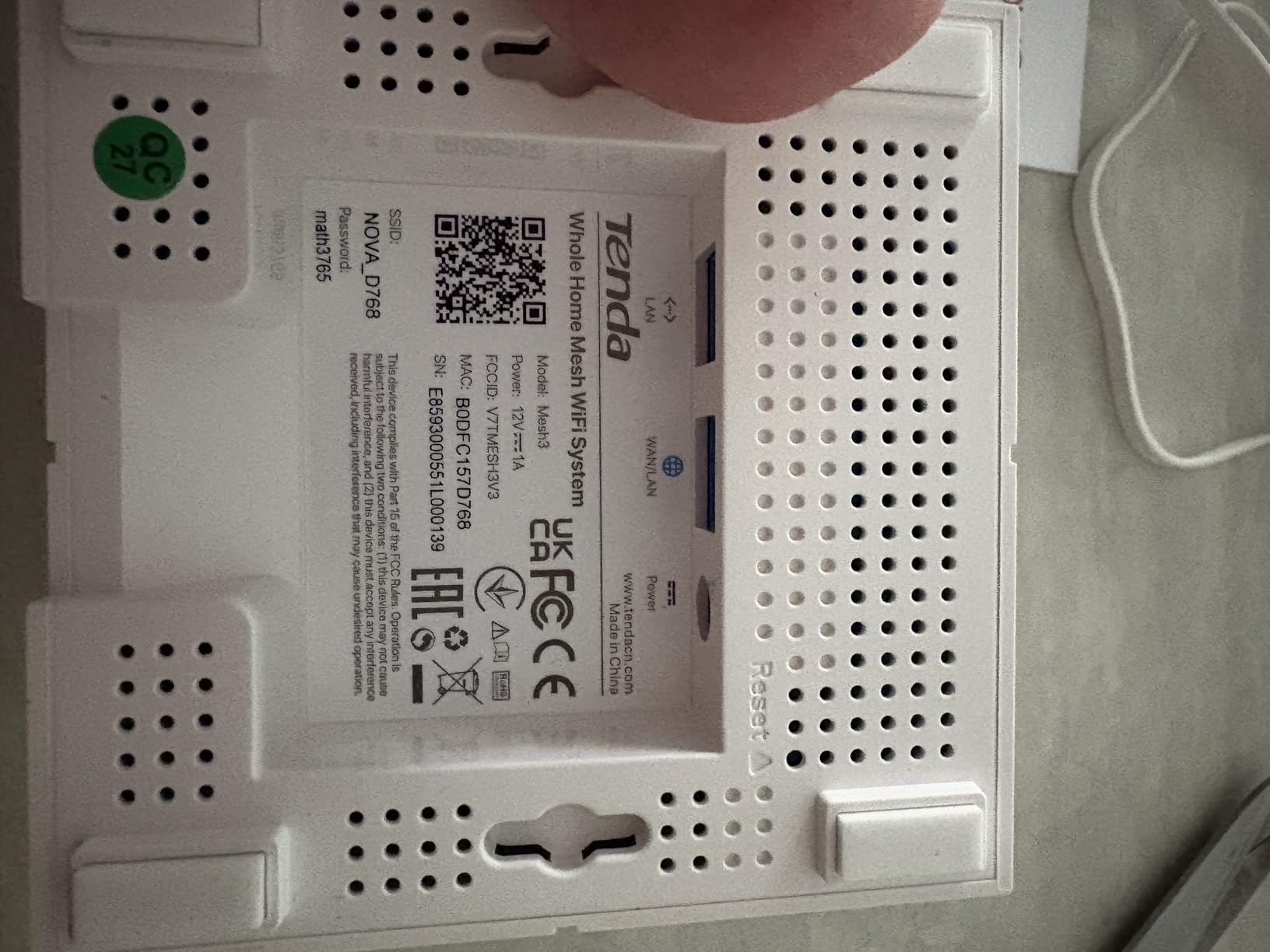
The Tenda Nova MW6 exists for one situation: an older house with thick plaster-and-lath or masonry walls, where a single extender never reached and the budget will not stretch. Three pre-paired nodes for a very low outlay is a genuinely different proposition from one repeater.
It holds a 4.2 rating across 9,050 reviews, and owners in older construction report that it reaches rooms where extenders could not. That is the exact basement problem, and reviewers repeatedly name concrete and plaster-and-wire homes as the success case.
Why 2.4 GHz Does the Heavy Lifting Here
AC1200 splits into a 2.4 GHz channel and a much smaller 5 GHz channel, and the 2.4 GHz side is the one that survives a foundation wall. For smart home devices, thermostats and security cameras that only speak 2.4 GHz, this kit treats them as first-class citizens.
MU-MIMO and beamforming are included at this level, which is unusual and helps when many devices sit on one node.
Roaming Behaviour Is the Weak Spot
802.11r and 802.11v fast roaming are supported, but owners report devices sticking to a distant node rather than the nearest one, which cuts speed noticeably. If you walk between floors with a phone on a call, you will notice this more than a wall-mounted desktop will.
Some ISPs block direct connection to the cable modem with this unit, which forces you to keep your existing router in the chain. That is a five-minute workaround but it adds a hop.
Who Should Skip This System
Skip it for anything beyond browsing, HD streaming and ordinary work calls. There is no Wi-Fi 6 path here and no headroom for a gigabit-plus plan.
Also skip it if you plan to run a wired network in the basement, since two ports per unit in practice supports one wired device per node.
5. eero Pro 6E 3-Pack – Best for Gigabit-Plus Basement Connections
Amazon eero Pro 6E mesh wifi system – Supports internet plans up to 2.5 Gbps, Coverage up to 6,000 sq. ft., Connect 100+ devices, 3-pack
Wi-Fi 6E tri-band 2.4/5/6 GHz
Coverage up to 6000 sq ft
2.5 GbE port per unit
2.5 Gbps plans
+ Pros
- Fastest consistent throughput across multiple floors
- 2.5 GbE port enables gigabit-plus plans and wired backhaul
- Backward compatible with earlier eero nodes
- 6 GHz band lowers latency even for older clients
– Cons
- Only two Ethernet ports per unit
- No separate band network names
- Advanced management features sit behind the eero Plus subscription
If your fiber or cable plan exceeds a gigabit, the Pro 6E is the eero to buy, and the reason is the single 2.5 GbE port per unit. That port is what lets a basement node run wired backhaul without becoming the bottleneck, which is the exact failure mode of gigabit service on cheaper mesh.
Network speeds are rated up to 2.3 Gbps, split as up to 1.6 Gbps wireless and gigabit-plus wired. TrueMesh routing is what reduces drop-offs between nodes in multi-floor homes.
What the 6 GHz Band Actually Does for a Basement
The 6 GHz band has two jobs here: lower latency for compatible clients, and extra spectrum for routing decisions. Owners note the latency benefit even on non-6E devices, which is the practical reason it still helps an older phone in the basement.
Unlike tri-band kits that use 6 GHz purely for backhaul, this system applies TrueMesh across the whole stack, so it can use that spectrum for whichever job the moment demands.
Where the Weaknesses Sit
Two Ethernet ports per unit means an external switch for a wired basement. You also cannot assign separate names to the 2.4 GHz and 5 GHz networks, which trips up some smart home devices.
Several owners on large multi-node installs report weekly dropouts requiring manual reboots, and setup can be finicky if an unmanaged switch sits between the modem and the eero unit.
Who Should Skip This System
Skip it if your plan is 500 Mbps or lower, because the extra headroom is wasted money. Also skip it if the two-port limit per node is a dealbreaker for a basement full of wired gear.
6. TP-Link Deco XE75 3-Pack – Best Tri-Band for Concrete Walls
TP-Link Deco XE75 AXE5400 Tri-Band WiFi 6E System, 3-Pack
AXE5400 Wi-Fi 6E tri-band
Coverage up to 7200 sq ft
6 GHz backhaul by default
9 Gigabit ports total
+ Pros
- Dedicated 6 GHz backhaul keeps node-to-node links stable
- Largest Deco coverage figure at 7200 sq ft
- WPA3 security with free HomeShield network protection
- AI-driven mesh adapts without manual tuning
– Cons
- Costs more than dual-band Wi-Fi 6 for similar everyday throughput
- 6 GHz clients are still uncommon so much capacity serves backhaul
- Newer client devices needed to see the full benefit
Concrete is the hardest surface in a basement, and the XE75 is the kit on this list built specifically for that fight. The 6 GHz band is set to backhaul by default, which means the node-to-node link between floors gets its own spectrum and does not compete with your devices.
It rates 4.3 across 2,230 reviews — a smaller sample than the budget kits, so treat the consensus as less certain, but the design logic is the right one for masonry.
Dedicated Backhaul Versus Shared Spectrum
On a dual-band kit, the link back to the router has to share the 5 GHz channel with your streaming devices. That sharing is why a dual-band system in a concrete house feels slow at night when everything is streaming at once.
The XE75 splits the jobs: 6 GHz at 2402 Mbps for the link, 5 GHz at 2402 Mbps for clients, 2.4 GHz at 574 Mbps for old devices. You can also switch the 6 GHz band to client mode if your phones are new enough to benefit.
Port Count and Device Capacity
Nine Gigabit Ethernet ports across the three-pack is joint-highest here, and support for up to 200 devices is the largest capacity figure on the list. For a basement with a camera grid, sensors and a media room, that headroom is comfortable.
HomeShield’s free tier includes a security scan, IoT device identification, basic parental controls, QoS and weekly or monthly reports, with no subscription required.
Who Should Skip This System
Skip it if none of your devices support Wi-Fi 6E, because most of the 6 GHz capacity then works only as backhaul and you are paying a premium for a benefit you cannot see directly.
Also skip it if your basement is small and drywall-lined, where a dual-band kit handles the same job at lower cost.
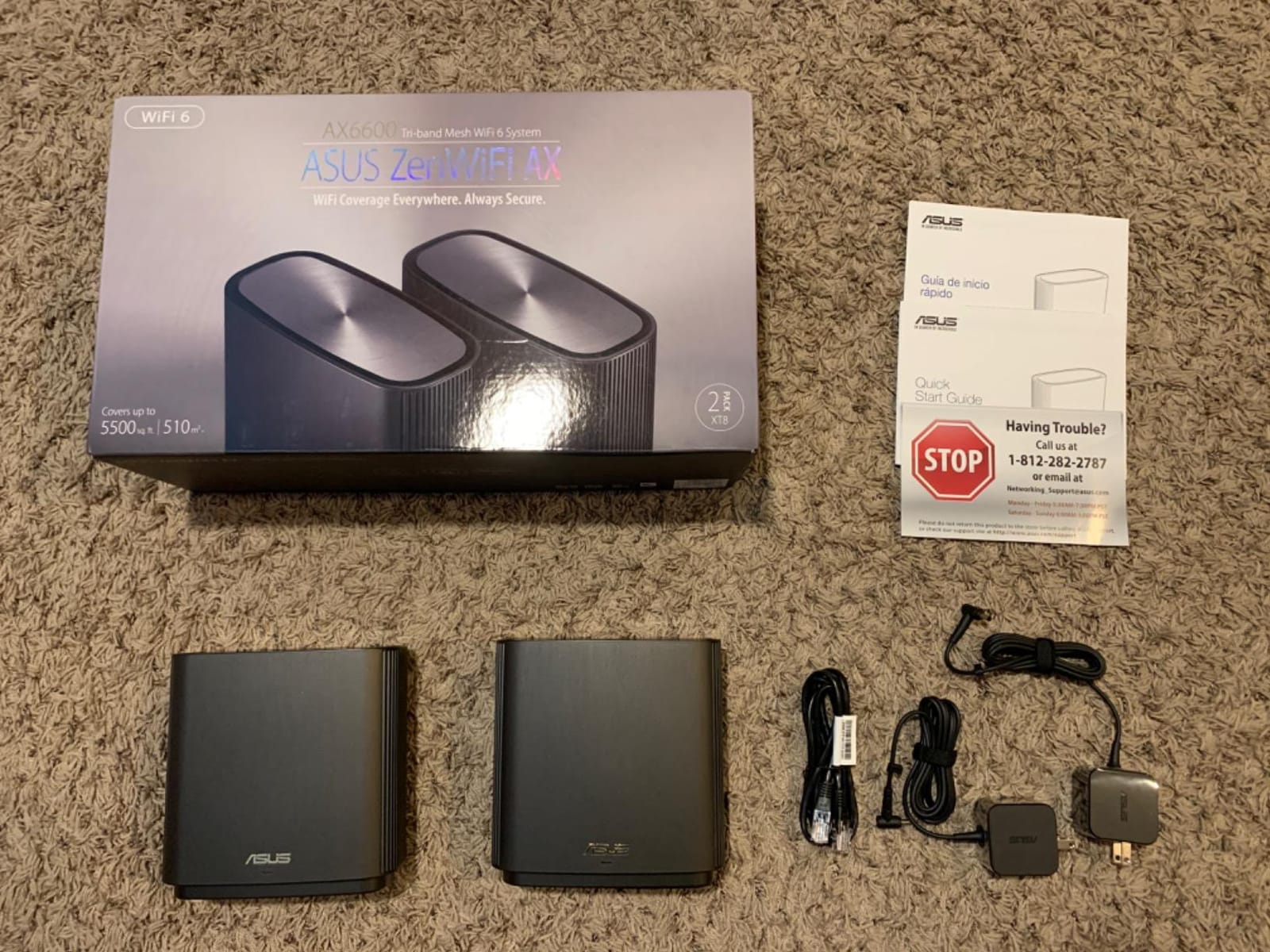
7. ASUS ZenWiFi AX XT8 2-Pack – Best Configurable Mesh for Wired Basements
ASUS ZenWiFi AX Whole-Home Tri-Band Mesh WiFi 6 System (XT8) – 2 Pack, Coverage up to 5,500 sq.ft or 6+Rooms, 6.6Gbps, WiFi, 3 SSIDs, Life-time Network Security and Parental Controls, 2.5G Port
AX6600 tri-band Wi-Fi 6
Coverage up to 5500 sq ft
2.5G Ethernet port
Lifetime free security
+ Pros
- Excellent signal through concrete and thick masonry
- Handles 40-50 clients including 30+ IoT devices
- No subscription for network security anywhere in its life
- Deep configuration through the web GUI
– Cons
- Only two Ethernet ports per unit
- ASUS app is too thin for the available settings
- Firmware updates through the app frequently failed
The ZenWiFi XT8 is the only two-pack here, and for a basement that is often enough. Owners consistently praise signal through concrete and thick masonry, which is the single most relevant review line for this topic, and the 2.5 Gigabit port handles high-speed wired backhaul without a downgrade.
Lifetime free Trend Micro network security is a genuine differentiator. Several competitors on this list charge a subscription for the same features after a trial period.
Why Two Nodes Instead of Three
Coverage is rated at 5,500 sq ft or 6+ rooms, which is enough for a main floor plus a basement if you place one node at the stairwell. You can add AiMesh-compatible ASUS units later if a corner comes up short.
Support for up to three SSIDs including a guest network is a small detail that matters more in a basement home office than a separate guest band does upstairs.
The Web GUI Is Where the Power Lives
The mobile app handles setup in three steps and covers the basics. Everything worth doing in a basement — separate bands, wired backhaul tuning, per-device controls — lives in the web interface, and owners with technical comfort rate that as a strength.
OFDMA and MU-MIMO handle concurrent transmission, which is what keeps 30+ IoT devices from stalling a video call in the same room.
Who Should Skip This System
Skip it if you want an app-first experience. Owners describe the ASUS app as overly simplistic compared with the interface behind it, and some report 2.4 GHz throughput well below the 5 GHz speed even on gigabit service.
Skip it if app-based firmware updates matter to you. Multiple owners report updates failing through the app and requiring manual rescue-mode installation, and there are reports of poor service and RMA experiences when a unit needed replacing.
8. Tenda MX12 3-Pack – Best for Smart-Home Device Crowds
Tenda AX3000 WiFi 6 Mesh System Nova MX12– Whole Home Mesh WiFi Coverage up to 7,000 sq. ft., Dual-Band WiFi Mesh Network for 160+ Devices, Fast & Stable, Replaces Wireless Router (3-Pack)
AX3000 dual-band Wi-Fi 6
Coverage up to 7000 sq ft
160+ devices
Separate band SSIDs
+ Pros
- Wi-Fi 6 speeds below most competing three-packs
- Separate band network names give control over devices
- Nine Gigabit Ethernet ports across the system
- Manageable from a web GUI or the Tenda WiFi app
– Cons
- Firmware must be updated manually right after purchase
- Cannot mix with MW-series Tenda nodes
- Dual-band only with no dedicated backhaul band
The MX12 is the option for a basement that has become a smart home hub. At 160+ concurrent devices through MU-MIMO and OFDMA, it has the highest stated capacity of the dual-band kits here, and separate SSIDs for 2.4 GHz and 5 GHz let you pin stubborn devices to the band they actually speak.
It rates 4.1 across 1,441 reviews, one of the smaller samples in this roundup, so the specifics here lean more on specification than on owner consensus.
Separate SSIDs Solve Real Device Problems
Splitting the bands into two network names is genuinely useful in a basement full of IoT gear. A thermostat, a leak sensor and a camera that only supports 2.4 GHz can be isolated on one SSID while phones and laptops use the other without negotiation delays.
That control is exactly what the two eero systems on this list do not offer, so it is the reason to choose this kit over them for a device-heavy space.
Two Things to Know Before You Buy
The MX series cannot form a mixed network with MW-series Tenda nodes, so if you already own a Tenda Nova, this will not join it. And a manual firmware update is recommended shortly after purchase to get the latest version, which is an extra step most owners discover late.
Being dual-band, there is no dedicated backhaul band for a home where the basement is two hops from the router.
Who Should Skip This System
Skip it if you are starting fresh with Tenda gear and might want to mix models later. Skip it if you need a dedicated backhaul band across a long multi-hop path.
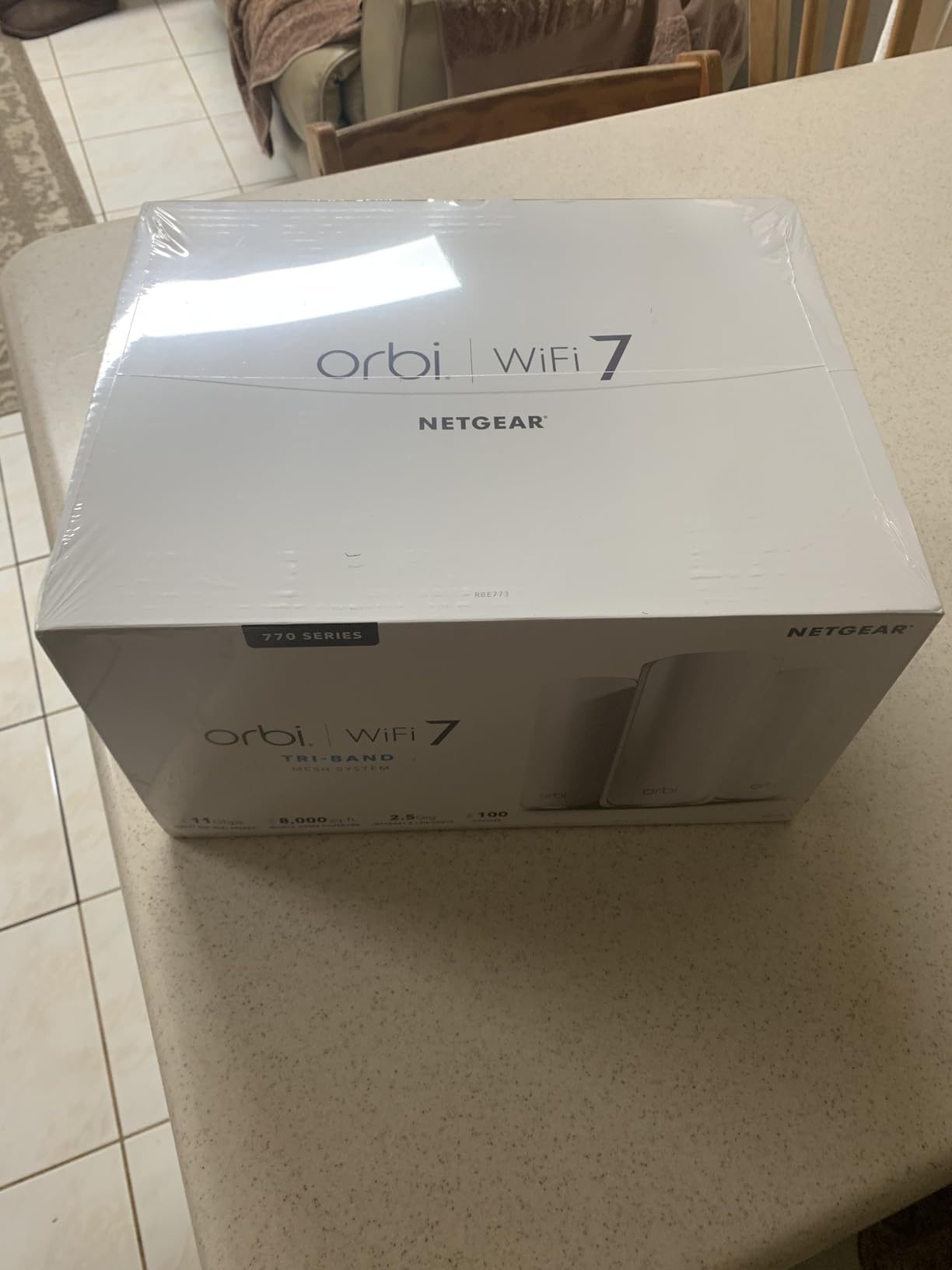
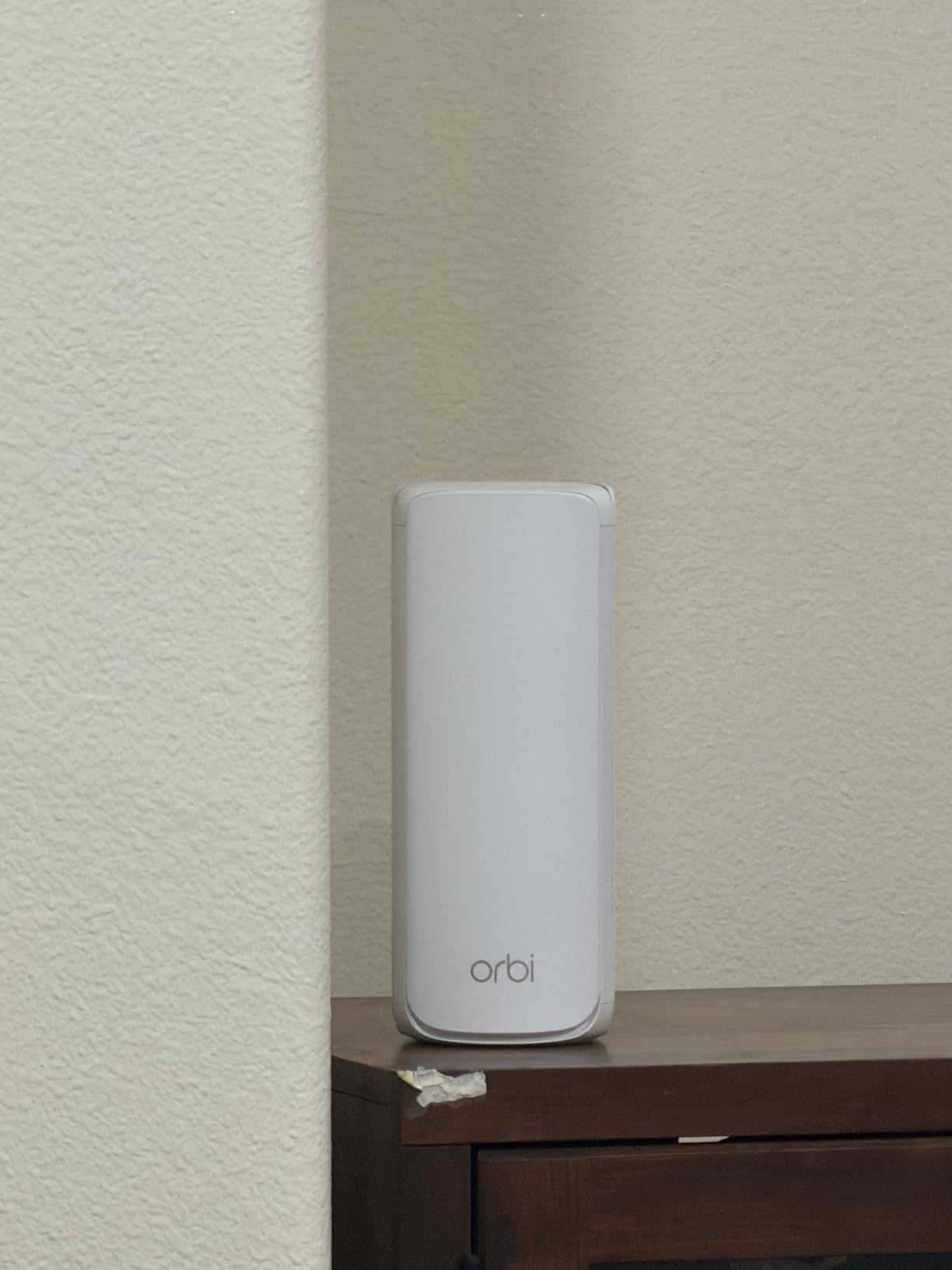
9. NETGEAR Orbi 770 3-Pack – Best Wi-Fi 7 Option for Large Basements
NETGEAR Orbi 770 Series WiFi 7 Mesh System, Up to 8,000 sq ft., 3 Pack
Wi-Fi 7 tri-band with 6 GHz
Coverage up to 8000 sq ft
2.5 Gig port per unit
Enhanced Backhaul
+ Pros
- Largest stated coverage on this list at 8000 sq ft
- Wi-Fi 7 with 6 GHz and Enhanced Backhaul
- 2.5 Gig port supports fiber and gigabit-plus plans
- Works with older Wi-Fi 6 and Wi-Fi 5 clients
– Cons
- Top-end cost of any system reviewed
- Advanced security beyond the included protection needs a subscription
- Only a 1 year limited warranty
The Orbi 770 is the only Wi-Fi 7 system here, and it is aimed at a specific reader: someone with a very large lower level, a gigabit-plus plan, and a willingness to pay for headroom. Aggregate throughput is rated at 11 Gbps, roughly 2.4 times Wi-Fi 6, with Enhanced Backhaul handling inter-satellite traffic.
The pack is a router plus two satellites, covering up to 8,000 sq ft and 100 devices, expandable with additional satellites rated at 2,750 sq ft each.
Does Wi-Fi 7 Matter for a Basement in 2026?
Only if you own Wi-Fi 7 client devices. It remains backwards compatible with Wi-Fi 6 and Wi-Fi 5 clients, so older phones and TVs will connect fine — they simply will not see the speed benefit. In a concrete-walled home the band flexibility matters more than the headline number.
Backhaul is the more important factor down here. If a node has to relay through masonry, the dedicated Enhanced Backhaul path is what keeps the far end of the basement usable.
The Trade-Offs Are Real
The three-pack sits well above every other system here on cost, and that gap is wide. NETGEAR Armor is included as a 30-day free trial and requires a subscription afterward for advanced security, and the warranty is a single year, shorter than every competitor here.
Owners also note that coverage claims vary significantly with home construction and satellite placement, which is the same caveat that applies to every coverage figure in this article.
Who Should Skip This System
Skip it for a normal-size basement with a sub-gigabit plan. The premium buys capability most households will not use, and the short warranty is an odd place to economize.
It is also listed for use in the US only, which matters if you are reading this elsewhere.
Can Wi-Fi Pass Through Basement and Concrete Walls?
Yes, but with heavy loss. Wi-Fi signals do pass through walls, and the amount they lose depends almost entirely on material. A 2.4 GHz signal loses far less than a 5 GHz signal through the same wall, which is why old hardware in masonry homes still works better than expected on the low band.
Concrete, brick and concrete masonry unit are the materials that end most wireless projects. A poured foundation wall is effectively a combination of the two, and it is the single most common reason a basement stays a dead zone.
How Each Material Behaves
Approximate loss per wall or floor, higher numbers meaning more signal lost:
- Wood frame drywall – roughly 3 to 5 dB, the cheapest barrier you will meet.
- Glass windows and doors – roughly 2 to 4 dB, though coated low-E glass is worse.
- Brick – roughly 10 to 15 dB, with mortar joints varying the result.
- Concrete masonry unit – roughly 12 to 18 dB, the most common basement wall type in older homes.
- Poured concrete floor and wall – roughly 15 to 20 dB, and reinforced sections are worse still.
Stack a 15 to 20 dB run of these and you have lost most of what a 5 GHz link can deliver at typical client power. Add a second wall and the connection may not establish at all.
Why 2.4 GHz Survives and 6 GHz Does Not
Radio frequency loss scales with frequency, so a 5 GHz signal loses more through masonry than a 2.4 GHz signal, and a 6 GHz signal loses more still. This is not a flaw in the hardware; it is physics, and no amount of processing changes it.
The practical consequence is that 6 GHz is best used as a short, dedicated backhaul link between two nodes in the same room, not as a band you expect to reach through a foundation wall. Our guide to Wi-Fi 6 mesh systems covers the band math in more detail.
Where to Put Each Mesh Node in a Basement
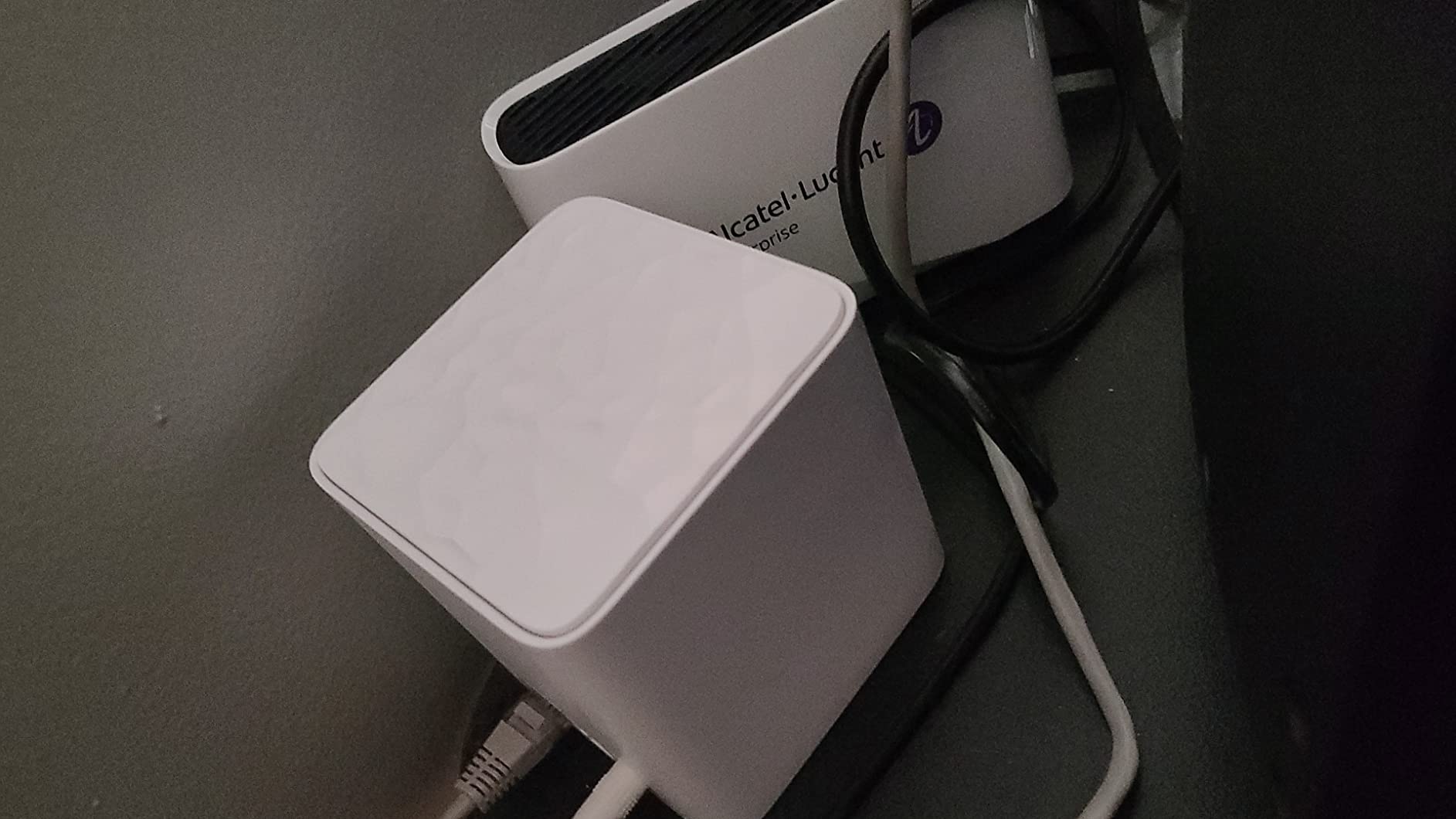
Put the basement node at the top of the stairs, not in the middle of the basement. A node at the stairwell landing has line of sight to the main floor, so its backhaul link travels through air rather than through concrete. This is the single highest-value placement tip in this entire guide, and it is the one people most often get wrong by shoving the node onto a shelf halfway down.
A second rule: work outward from the main floor. Place the router centrally upstairs, then the first node where the signal breaks down, then the basement node last. Do not pre-plan a symmetric layout, because basements are never symmetric.
Measure Before You Commit
Run a speed test in three places: next to the router, at the top of the basement stairs, and in the far corner of the basement. The gap between the second and third measurements tells you how many nodes you actually need, and it frequently shows that two nodes are enough.
For a 1,500 to 2,500 sq ft basement, two well-placed nodes handle nearly everything. Three only earn their keep when the basement sits behind a full concrete wall with no stairwell path.
Daisy-Chain and Access Point Mode
If your basement node connects to another basement node rather than to the router, the system daisy-chains. That works, but each hop costs throughput, so the node closest to the router should be the one with the best path.
Every system on this list can be reassigned, and most of them can run a node in access point mode, which turns it into a plain wired bridge. If you have a cable run, this is always the right choice: the main router keeps all the intelligence and the basement node simply extends the network.
Ethernet Backhaul vs Wireless Backhaul in a Basement
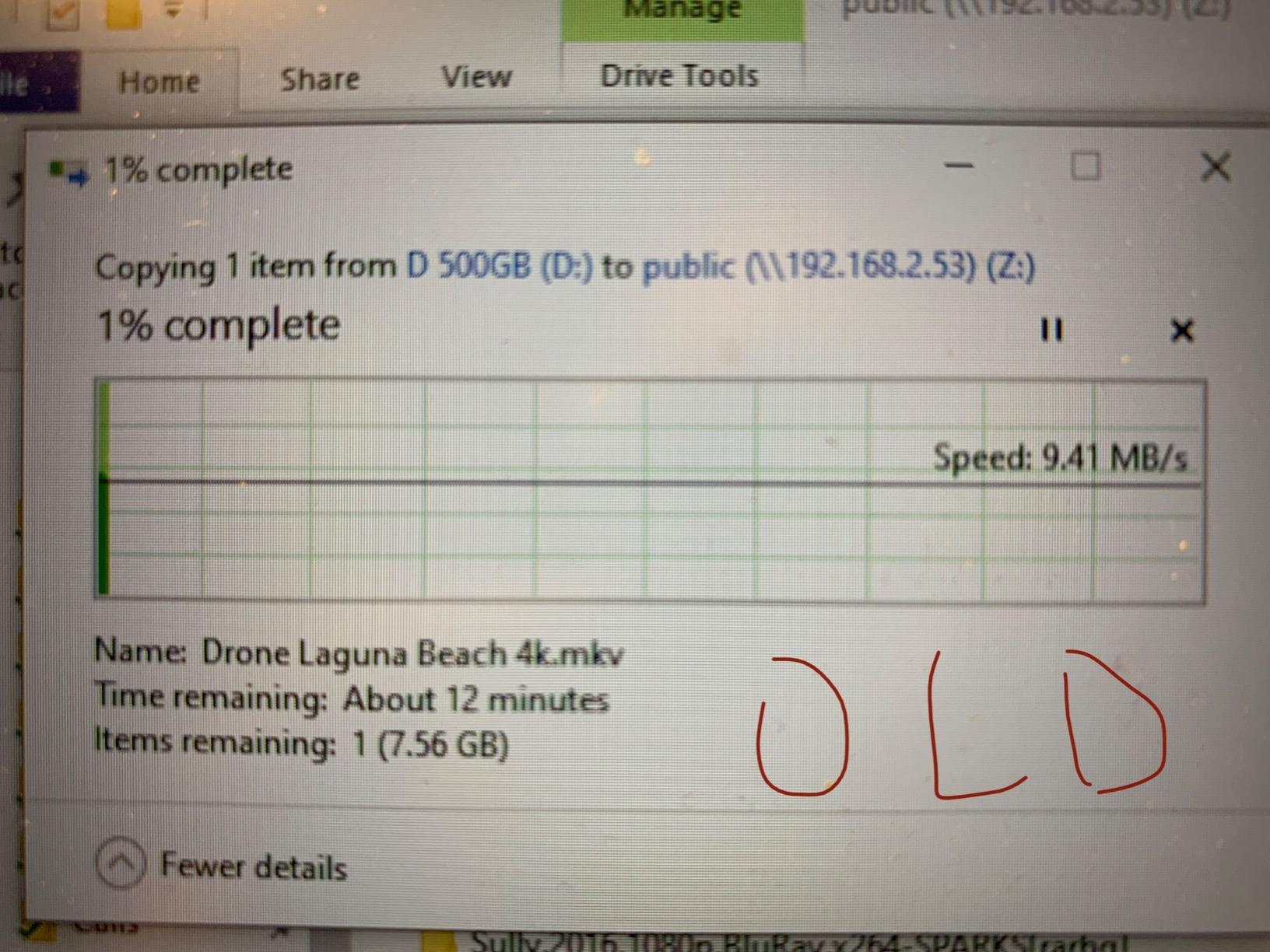
Use Ethernet backhaul if you can get a single cable downstairs. The consensus on r/HomeNetworking is unambiguous on this point — a wired node or wired access point beats any wireless mesh configuration, and wireless backhaul halves throughput because the relay radio shares the same spectrum as your devices.
Wireless backhaul is completely acceptable when the path is short and clear. If the basement node sits near the bottom of an open stairwell with a drywall path, a dual-band kit will deliver a usable result.
When Wireless Backhaul Is Fine
- The node is within sight of the router, or one drywall wall away.
- Your internet plan is 200 Mbps or lower.
- You mostly browse, stream in HD and take video calls.
- Drilling or running cable is not an option, such as a rental.
When You Must Wire It
- The path crosses poured concrete, brick or concrete block.
- Your plan is gigabit or faster.
- You run a wired access point, a NAS or a gaming PC downstairs.
- Several 4K streams run at once in the evening.
Worth knowing: a single run of Cat6 across a typical basement is usually the cheapest meaningful upgrade available, and every system in this roundup supports wired backhaul.
Mesh vs Extender vs Access Point: Which Actually Fixes a Basement
A mesh system is the right answer for most basements. An extender halves throughput because it rebroadcasts on the same radio it listens on, and it creates a second network name you have to switch to manually. An access point is the best answer when you already have a cable and the wrong answer when you do not.
Here is the triage:
- Mesh system – no cable available, multiple dead zones, one network name wanted. This is the default recommendation for a basement.
- Range extender – one small dead spot, budget is tight. Accept the throughput cut and the second network name.
- Access point – a cable run exists. This is the best-performing option and the least convenient to install.
Most products sold as “Wi-Fi boosters” for basements are single-unit repeaters, not mesh systems. They solve a smaller problem than the one most basements actually have.
How to Choose a Mesh System for a Basement
Work through these in order. Most buyers get the right answer by deciding only the first two and then buying whatever fits the budget.
How Many Nodes You Actually Need
Measure your basement’s length and width, and remember that coverage figures assume open, unobstructed floor plans. A 1,500 sq ft basement behind one concrete wall needs two nodes; a 2,500 sq ft finished space with a media room probably needs three. Start with a pack and add nodes only where a dead spot shows up.
How Many Bands You Need
Tri-band systems reserve a third band for backhaul, which stabilises the node-to-node link through masonry. Dual-band systems share spectrum and lose throughput at peak times. If your basement sits behind concrete, tri-band is worth the premium; if it is drywall-lined, dual-band is enough.
Which Wi-Fi Generation to Buy
Wi-Fi 6 is the current sweet spot and covers four of the nine systems here. Wi-Fi 6E adds the 6 GHz band, which helps as backhaul and helps modern phones, but delivers little for older clients. Wi-Fi 7 is worth it only for gigabit-plus plans with matching client devices — a good read on current hardware is in our large-house mesh guide.
Port Count and Device Capacity
Count your wired devices before you buy, then add two spare ports. Two ports per unit covers a single wired device per node; three ports per unit covers a switch plus a wired device. For device counts, anything above 100 devices covers a heavily smart home, and the 160 to 200 device figures cover cameras, sensors and hubs with headroom.
What to Do About Your ISP Gateway
Keep the gateway only if you cannot put it in bridge mode. The standard setup is modem, then gateway in bridge mode, then the mesh router handling all routing, parental controls and updates. A gateway doing double duty adds a hop and a second confusing app, which is a complaint owner reviews raise repeatedly.
Also consider the physical environment. A damp basement near a sump pump is a poor spot for electronics, and our guide to basement dehumidifiers is worth a look if humidity is a concern near your node. For anything water-related, our basement sump pump picks cover the rest of that system, and a spread of water leak detectors for basements is cheap insurance next to any node you install down there.
Frequently Asked Questions
What is the best way to get Wi-Fi in my basement?
Put one mesh node at the top of the basement stairs where it has line of sight to the main floor, and a second in the far corner. If you can run a single Ethernet cable to the basement, use wired backhaul and put that node in access point mode, because a wired link always outperforms a wireless one. Test at the stairwell first to confirm you have a coverage problem rather than an ISP or backhaul problem.
What is the best mesh WiFi for concrete walls?
A tri-band Wi-Fi 6E system gives you a dedicated backhaul band, which keeps the node-to-node link stable when it has to pass through masonry. The TP-Link Deco XE75 is our pick here for that reason. Placement matters more than hardware though, so keep the basement node near the stairwell and out of the middle of the concrete.
What are the downsides of mesh WiFi?
The main downsides are that wireless backhaul cuts throughput because the relay shares the same radio as your devices, and that coverage claims are marketing numbers rather than real predictions. Some systems also hide features behind subscriptions, and app quality varies widely. Finally, mesh adds a second box to power, mount and eventually replace.
Will mesh WiFi go through walls?
Yes. Mesh WiFi passes through walls, though signal loss depends heavily on material. Drywall costs very little, while brick and concrete masonry unit cost far more, and poured concrete is the hardest of all. A 2.4 GHz signal survives these materials considerably better than a 5 GHz signal, which is why low-band performance matters most below grade.
Do I need a mesh system or an extender for a basement?
You need mesh if you have several dead zones and want one network name, because a single extender halves throughput and creates a second network to switch between. Choose an extender only for one small dead spot on a tight budget. If you already have an Ethernet run to the basement, an access point beats both options.
Which Mesh WiFi Should You Buy for Your Basement?
If you want one answer, the TP-Link Deco S4 3-Pack is the best mesh wifi for basements this year, because the largest review base on this list backs the coverage claims and every unit can be wired.
Match the rest to your situation. Pick the Deco X55 if you can get one cable downstairs, since three Gigabit ports per node make wired backhaul the default. Pick the Deco XE75 when concrete is in the path and a dedicated 6 GHz backhaul band is worth the premium. Pick the eero Pro 6E for gigabit-plus plans and a 2.5 GbE port, and the eero 6 when you want the least setup friction and a mid-size finished basement. Choose the Tenda Nova MW6 on a tight budget in a thick-walled older house, the Tenda MX12 when a basement is full of smart home devices that need separate band SSIDs, the ASUS ZenWiFi XT8 if you want lifetime free security and deep configuration, and the Orbi 770 only for a very large lower level on gigabit-plus service.
Before any of that hardware helps, run the 60-second check at the top of this guide and place your first node at the stairwell. Placement is worth more than any model on this list, and it costs nothing. When you are ready to check what these systems cost right now, use the buttons on each review.
Leave a Reply