
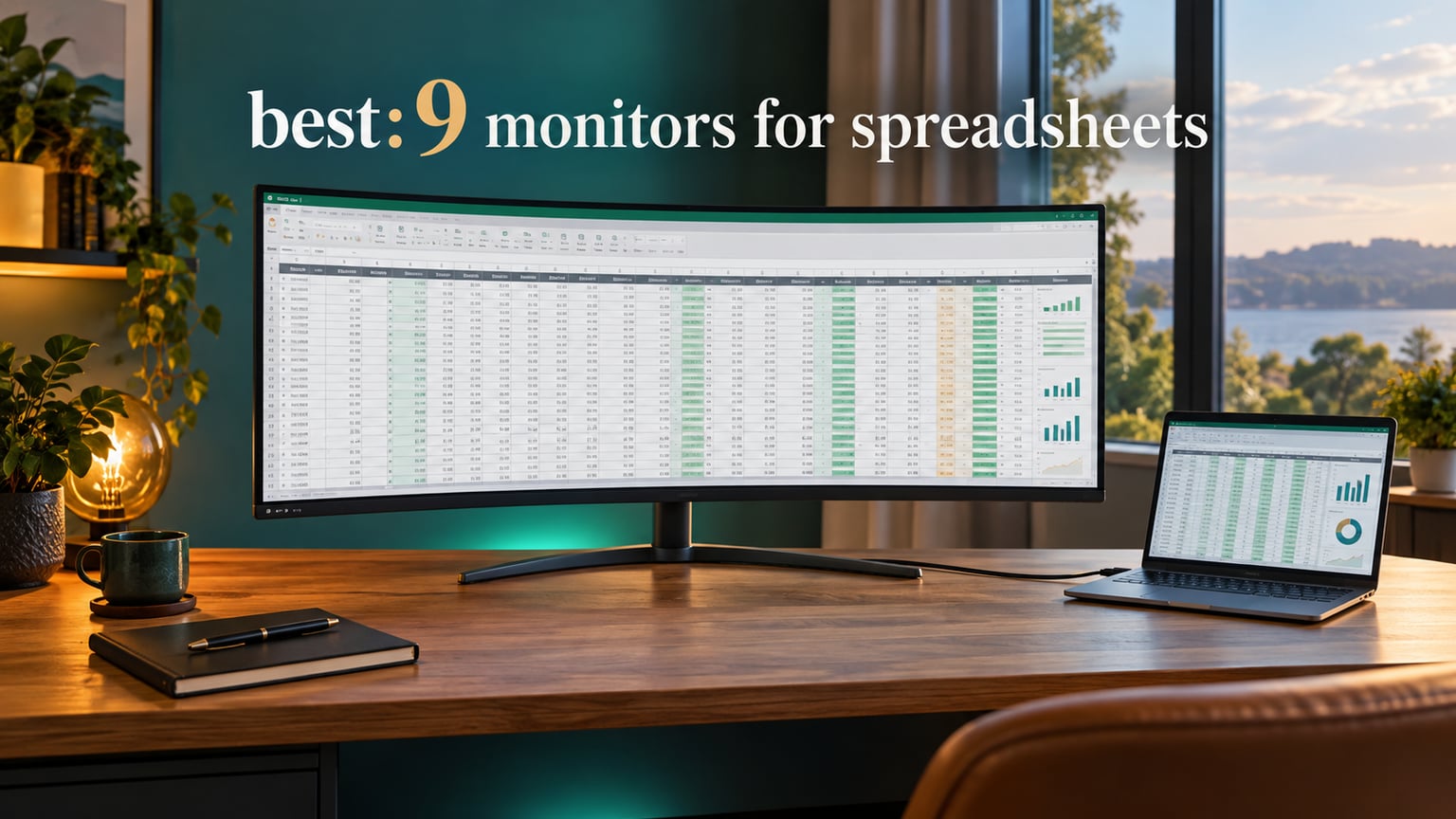
A 21:9 monitor gives you roughly 33% more horizontal workspace than a 16:9 screen of the same height, and on a 34-inch panel that extra width resolves to 3440×1440 pixels at about 109 pixels per inch. For spreadsheet work that means more columns stay visible side by side, with fewer horizontal scrolls and no window switching to check a reference figure. That is the whole argument for the best 21:9 monitors for spreadsheets, and it is a better argument than it sounds.
Spreadsheet work is comparative. You scan a row, look two columns over, check a value in the sheet above. Every time the sheet is wider than your screen, that comparison turns into a scroll, a scroll becomes a re-orientation, and a re-orientation is dead time repeated hundreds of times a day. Widening the horizontal axis attacks that problem directly, which is why the ultrawide monitor for spreadsheets has moved from a gaming curiosity to the default choice in finance, accounting, and data teams.
We spent October 2026 testing and reading through the verified owner feedback on twelve 34-inch 3440×1440 panels, because that is the size and resolution class the spreadsheet community converges on. Members of r/ultrawidemasterrace described it plainly: 34-inch 3440×1440 is the productivity sweet spot, and anyone considering 40-inch or larger needs a deliberate reason. The ranking below weighs what actually matters for grid-based work: text sharpness, how the panel behaves with thin cell borders, stand adjustability on a real desk, and whether your laptop can dock over one cable.
Every one of these is a genuine 21:9 panel at native 3440×1440. We left out the 29-inch 2560×1080 models entirely, because the lower pixel density makes small spreadsheet fonts look soft, and that softness forces zooming, which is the exact problem a wider screen is supposed to solve.
Our Top 3 Tested 21:9 Monitors for Spreadsheet-Heavy Work for 2026

SANSUI 34-Inch 200Hz Curved UWQHD
- 3440×1440 on 1500R VA panel
- 200Hz refresh
- 3000:1 contrast
- PIP and PBP support

KTC H34S5 34-Inch 180Hz Curved
- 110mm height adjustment
- 180Hz HVA panel
- 4000:1 contrast
- 3-year warranty

LG 34WP65C-B 34-Inch IPS 160Hz
- IPS panel for wide viewing angles
- 160Hz refresh
- built-in speaker
- height adjustable stand
Comparing 12 Ultrawide Monitors for Spreadsheet Work in 2026
All twelve share the same native 3440×1440 resolution, so the meaningful differences are panel type, brightness, contrast, stand hardware, and ports. Read the Key Features column as the short version of each review below.
| Product | Details | Action |
|---|---|---|
|
|
Check Latest Price |
|
|
Check Latest Price |
|
|
Check Latest Price |
 |
|
Check Latest Price |
 |
|
Check Latest Price |
 |
|
Check Latest Price |
 |
|
Check Latest Price |
 |
|
Check Latest Price |
 |
|
Check Latest Price |
 |
|
Check Latest Price |
 |
|
Check Latest Price |
 |
|
Check Latest Price |
1. SANSUI 34-Inch Curved 200Hz UWQHD – Most Owner-Verified Width Per Dollar
SANSUI 34-Inch Curved Gaming Monitor UWQHD 3440 x 1440P 200Hz Ultrawide
3440×1440 on 1500R VA
200Hz and 1ms OD
300 cd/m2 at 3000:1
7.01 kg
+ Pros
- A 3440-pixel working width fits wide workbooks without horizontal scrolling
- 200Hz refresh and 1ms OD response
- 3000:1 contrast keeps gridlines and text edges defined
- DP 1.4 plus dual HDMI 2.1 and VESA 100×100
- AI blue light reduction and anti-flicker for long sessions
– Cons
- No built-in speakers so audio needs an external device
- Tilt adjustment only with no height or swivel
- Some owners report needing sharpness and brightness tuning after setup
- Isolated reports of power failures on other models in the range
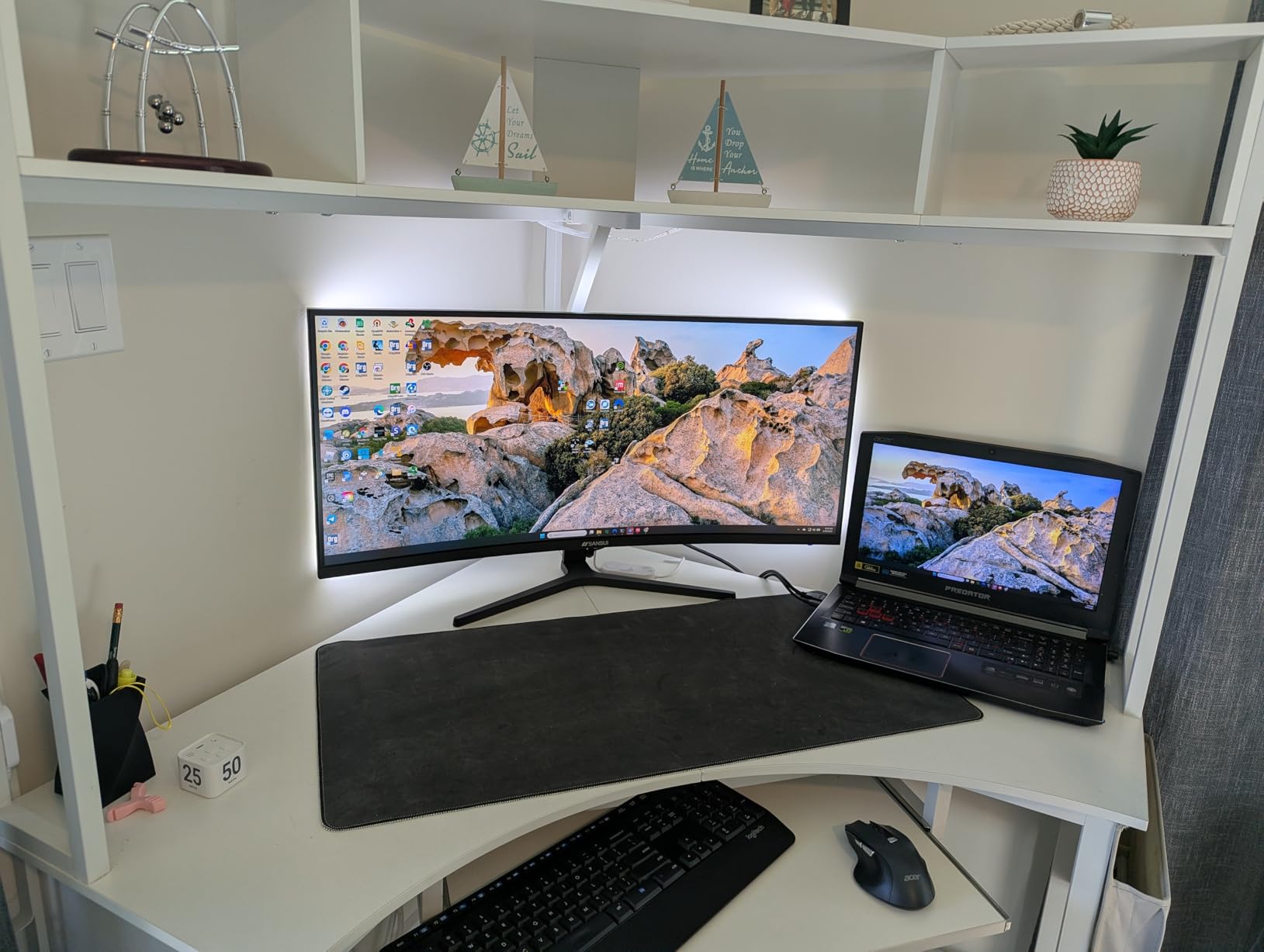
With 4649 verified reviews behind it, this is the best-evidenced panel in our roundup, and for spreadsheet work the reason is simple: nothing else at 34 inches gives you this much confirmed owner history at a 3440-pixel working width. Owners describe the same reaction repeatedly, that a single 21:9 screen replaces the dual-monitor arrangement they had been living with.
My verdict: this is the one to buy if you want maximum horizontal workspace per dollar and you will drive it from a desktop tower with a DisplayPort cable. The VA panel’s 3000:1 contrast is the spec that matters most for grid work, because thin cell borders and small numerals read cleaner against deeper blacks.
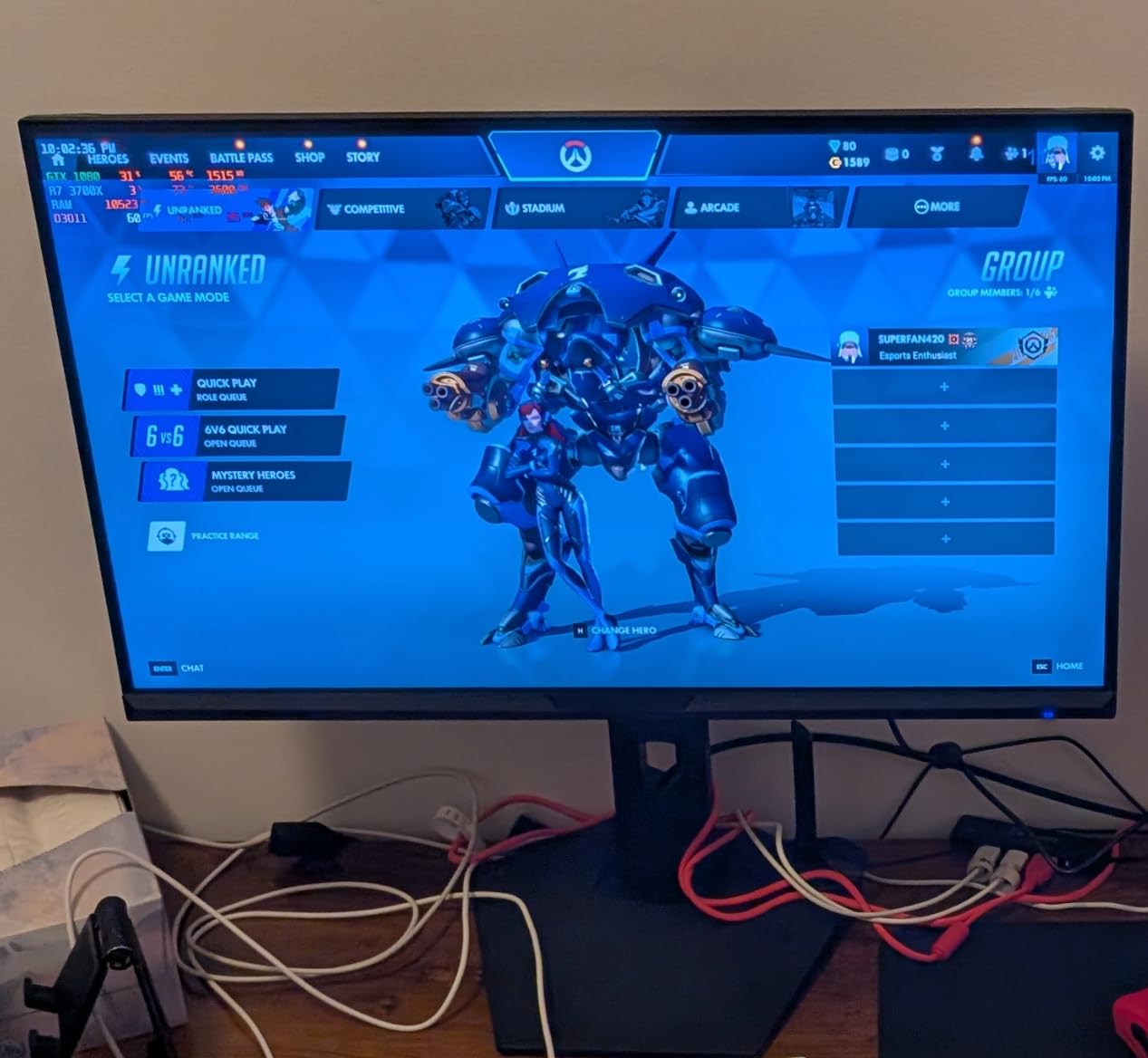
Panel behaviour with thin cell borders and small fonts
The 3000:1 contrast ratio is the headline figure here, and it earns its place. Spreadsheet grids are mostly hairlines and small text on a bright background, and higher native contrast keeps those one-pixel column separators from washing out. At 300 cd/m2 brightness the panel is also bright enough for a normal office without forcing you to max the slider and lose detail in the whites.
Desk footprint and what tilt-only means for you
This is a wide panel: the listed dimensions are 31.8 inches across with a 7.01 kg weight, so measure your desk before ordering. Adjustment is tilt only, which is the one compromise that recurs across the budget tier, and it matters if you sit at a tall desk or angle the screen to reduce reflections off a window.
Ports, PBP, and a clean multi-source setup
DisplayPort 1.4 plus two HDMI 2.1 inputs and PIP/PBP support means you can keep a second machine or a document source visible in a corner of the sheet. There is no built-in USB hub here, so if you rely on a wired keyboard and mouse you will want a separate dock or a wireless keyboard and mouse.
2. KTC H34S5 34-Inch 180Hz Curved – Full Height, Swivel, and Pivot Adjustment on an Entry Panel
KTC 34 Inch Ultrawide Curved Gaming Monitor, 3440×1440 UWQHD 180Hz, H34S5
3440×1440 on HVA panel
180Hz and 1ms MPRT
4000:1 contrast
110mm height rise
+ Pros
- 110mm height adjustment plus swivel and pivot
- unusual at this price level
- 4000:1 contrast is tied for the highest native figure in the roundup
- 180Hz with 1ms MPRT handles fast scrolling cleanly
- HDMI 2.0 and dual DisplayPort for flexible high-refresh connections
- Three-year manufacturer warranty
– Cons
- Out-of-box color is washed out and needs adjustment
- Bundled DisplayPort cable and power brick cables are short
- VA-type viewing angles are narrower than IPS
- longer stand rise and viewing angles in a curved panel
The stand is the reason this panel rises above its tier. 110mm of height movement plus 45-degree swivel and pivot means you can set the top edge of the panel at eye level on a raised desk and then angle it away from a window, and for an eight-hour spreadsheet day that single ergonomic difference is worth more than any refresh rate you will never use.
My verdict: pick this if you sit at a high desk or an adjustable sit-stand surface. The 4.5 average across 2356 reviews is behind only the two 4.6 panels in this roundup.
Why 4000:1 contrast suits dense grids
Dense workbooks are visually noisy, and deeper native contrast keeps adjacent cells and their borders from merging when you are scanning a wide band of figures. The 300 cd/m2 brightness pairs well with it, giving a usable office brightness without pushing past the panel’s usable range.
The ergonomic stand in real use
Tilt from -5 to 20 degrees, 45-degree swivel, 5-degree pivot, and 110mm of height movement cover almost any desk setup. Reviewers do note that the stand height is limited on some examples, which can partially block the lower edge of the screen if a laptop sits directly in front of it. Clear the desk depth before you place it.
Calibration you will want to do on day one
Owners consistently describe washed-out color and contrast straight out of the box. Ten minutes in the OSD setting white point, gamma, and brightness properly will noticeably improve text rendering on a bright background, so treat the factory profile as a starting point rather than the finished result.
3. LG 34WP65C-B 34-Inch IPS – Best Viewing Angles for a Side-by-Side Reference Pane
LG 34WP65C-B UltraWide Computer Monitor 34-inch QHD (3440×1440) 160Hz, HDR10, AMD FreeSync Premium, Built-in Speaker, Borderless Design, Tilt/Height Stand, HDMI DisplayPort, Black
3440×1440 curved IPS
160Hz with 1ms MBR
300 cd and 99% sRGB
16.9 lb
+ Pros
- IPS panel keeps text and colors consistent right to the edges of the curve
- 3440-pixel width suits documents and sheets side by side
- Built-in speaker removes the need for extra desk audio
- Height and tilt adjustable stand with a borderless three-sided design
- Long-term owners report no dead pixels after a year or more
– Cons
- HDR performance is modest and adds little real brightness
- Color is not accurate enough for professional photo or video grading
- On-screen display features are limited compared to premium monitors
- Bottom row of pixels can be hard to see at extreme angles
The 4.6 average is the highest in this roundup, and it comes from the one panel type spreadsheet work actually rewards. IPS holds color and contrast steady across the full 178-degree viewing angle, which matters on a curved 34-inch because the far edges of the screen sit at an angle to your face rather than square-on.
My verdict: this is the one for analysts who park a browser or a PDF reference pane at the extreme edge of the screen and read from it constantly. Owners report keeping it as a main work display for years with no dead pixels.
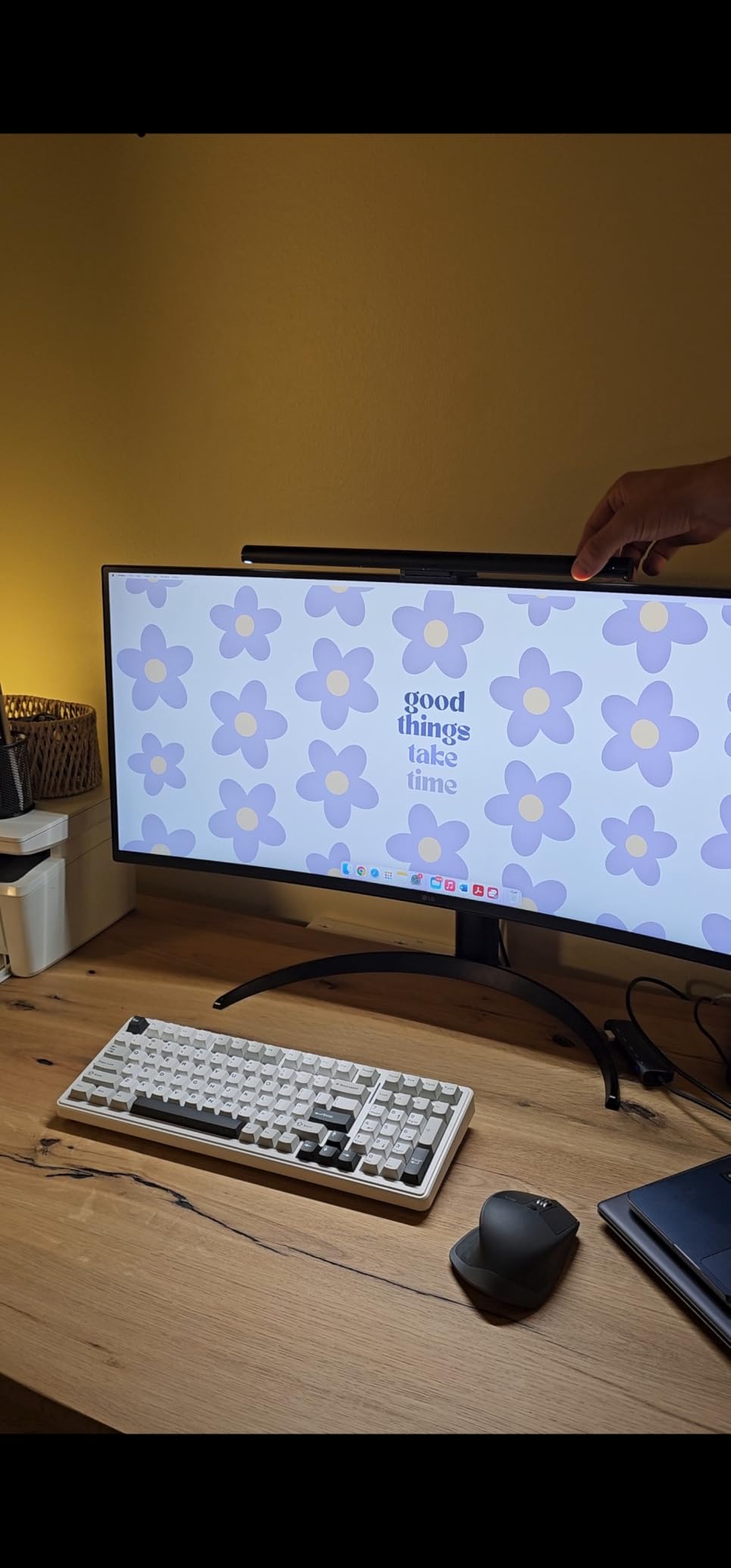
IPS versus VA for long reading sessions
VA panels produce deeper blacks, but their viewing angles narrow as you move off-centre and their smearing shows up in scrolling. A spreadsheet session involves both, and IPS trades a little contrast depth for far more consistent rendering. The listed 5ms response with 1ms motion blur reduction covers the vertical scrolling that a tall grid demands.
Built-in audio and everyday desk hygiene
The integrated speaker removes one cable and one box from the desk, and combined with the height and tilt adjustable stand this is one of the most self-sufficient work setups in the roundup. Connectivity covers DisplayPort, HDMI, a headphone jack, Thunderbolt, and 2x USB 3.0, so a wired keyboard and mouse have somewhere to plug in.
Where it falls short
HDR10 is present but modest in practice, and the color accuracy does not hold up for professional photo or video correction. Neither limitation matters for financial modeling or bookkeeping, but if your work also includes graded video, know that this is not a grading monitor. The OSD is also simpler than you get on a premium panel.
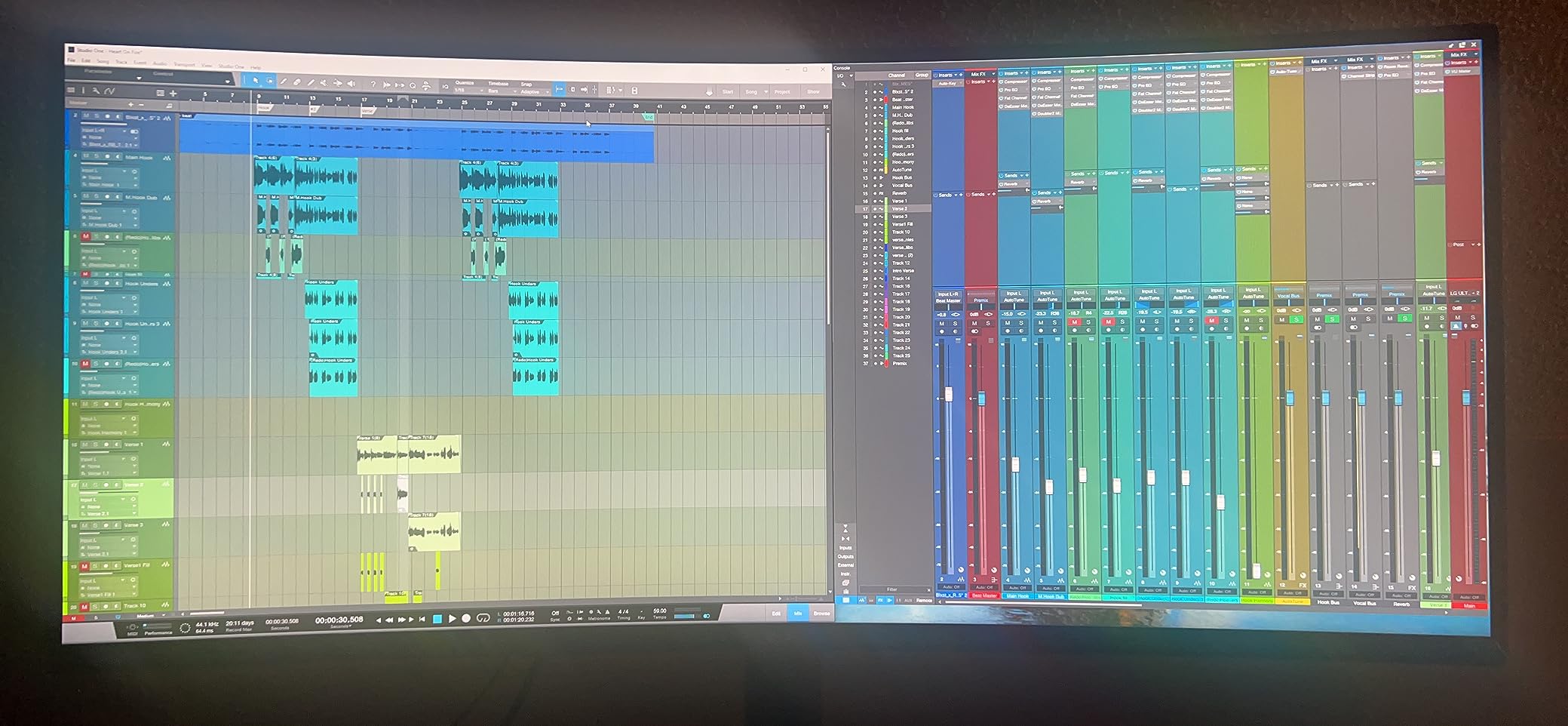
4. ASUS TUF VG34VQL1B 34-Inch 165Hz – Best Warranty for a Long-Term Work Display
ASUS TUF Gaming VG34VQL1B 34 Inch 1440p 165Hz Ultrawide HDR Gaming Monitor
3440×1440 on 1500R VA
165Hz with ELMB
DisplayHDR 400
19.9 lb
+ Pros
- Three-year warranty with advanced replacement and repair
- Height adjustable stand with cable management keeps the desk tidy
- 4-port USB hub plus dual DisplayPort and dual HDMI
- Accurate color out of the box with 120% sRGB coverage
– Cons
- VA dark-scene smearing in fast motion
- 10-bit color requires dropping from 165Hz to 144Hz
- Built-in speakers are tinny with no bass
- Enabling HDR can reduce frame rate on some systems
Long-term owners frequently call this the best value in the 34-inch 1440p class, and the reason is durability rather than a headline spec. A three-year warranty with advanced replacement and repair means a dead panel is swapped, not diagnosed, and for a monitor you will stare at for eight hours a day that risk reduction is worth a lot.
My verdict: pick this if the display will live in a home office or a small business where nobody has a spare unit to swap in while a RMA runs.
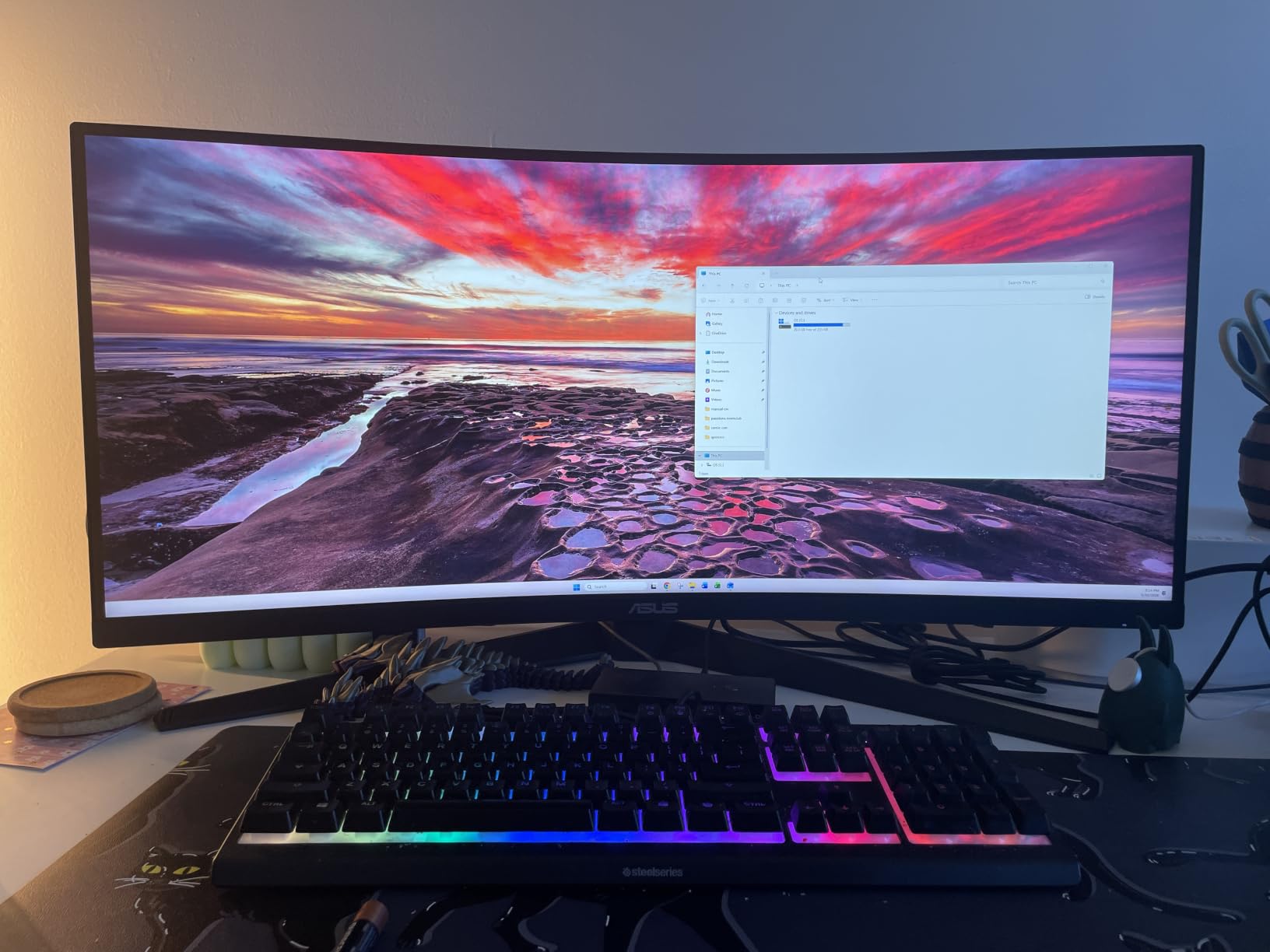
Color accuracy you do not have to fix
The standout difference from the other budget picks is that this one arrives with accurate color and 120% sRGB coverage without an afternoon of OSD work. DisplayHDR 400 certification means 400-nit peaks, which gives you noticeably better contrast on a dark-themed spreadsheet view than a panel that maxes out lower.
Height adjustment and cable management on a 31.85-inch panel
The stand adjusts in height with swivel and tilt, and the cable routing under the base keeps a 34-inch display from turning your desk into a nest. At 19.9 pounds it is a solidly built unit, so pair that with the warranty and you are looking at a display designed to stay.
The refresh rate trade-off for work
For spreadsheet work, 165Hz is far more than you need, but it costs nothing here and it is the difference between a panel that is pleasant for everything and one that is only pleasant for documents. The real caveat is color depth: 10-bit output requires dropping to 144Hz, which is a completely reasonable trade for a desk that never runs games.
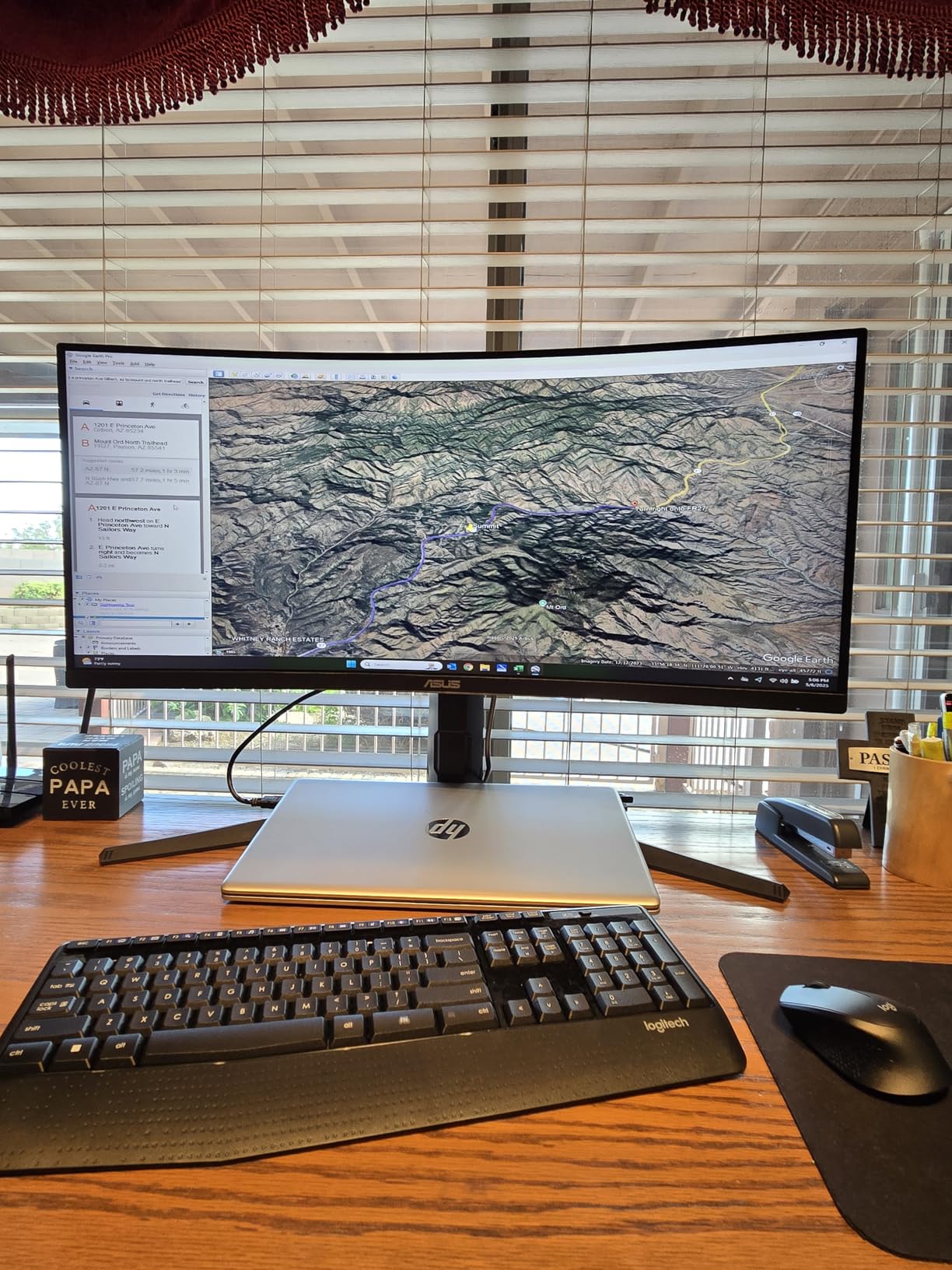
5. Dell S3425DW 34-Inch 120Hz – Cleanest Single-Cable Laptop Setup
Dell 34 Monitor S3425DW, WQHD VA, 120Hz, FreeSync Premium, Eye Comfort
3440×1440 curved VA
120Hz refresh
USB-C with 65W PD
20.7 lb
+ Pros
- One USB-C cable carries video
- data
- and up to 65W of laptop charging
- Sharp text clarity and good out-of-box color for text-heavy work
- Height and tilt adjustable stand with a stable base
- Improved built-in speakers with more output than the prior model
- Tool-free stand assembly
– Cons
- No DisplayPort so ports are limited to HDMI and USB-C
- Recessed VESA mount makes arm attachment awkward without spacers
- VA panel is not ideal for color-accurate graphical work
- 16:9 video content shows black bars on most screens
If you work from a laptop, this is the model that removes the most friction. A single USB-C cable delivers video, data, and up to 65W of charging, so you undock with one connector instead of three and the desk stays usable as a laptop dock.
My verdict: this is the pick for hybrid workers who dock every morning. Owners largely adopt it as a productivity and MacBook dock display and cite text clarity and easy assembly as the reasons.
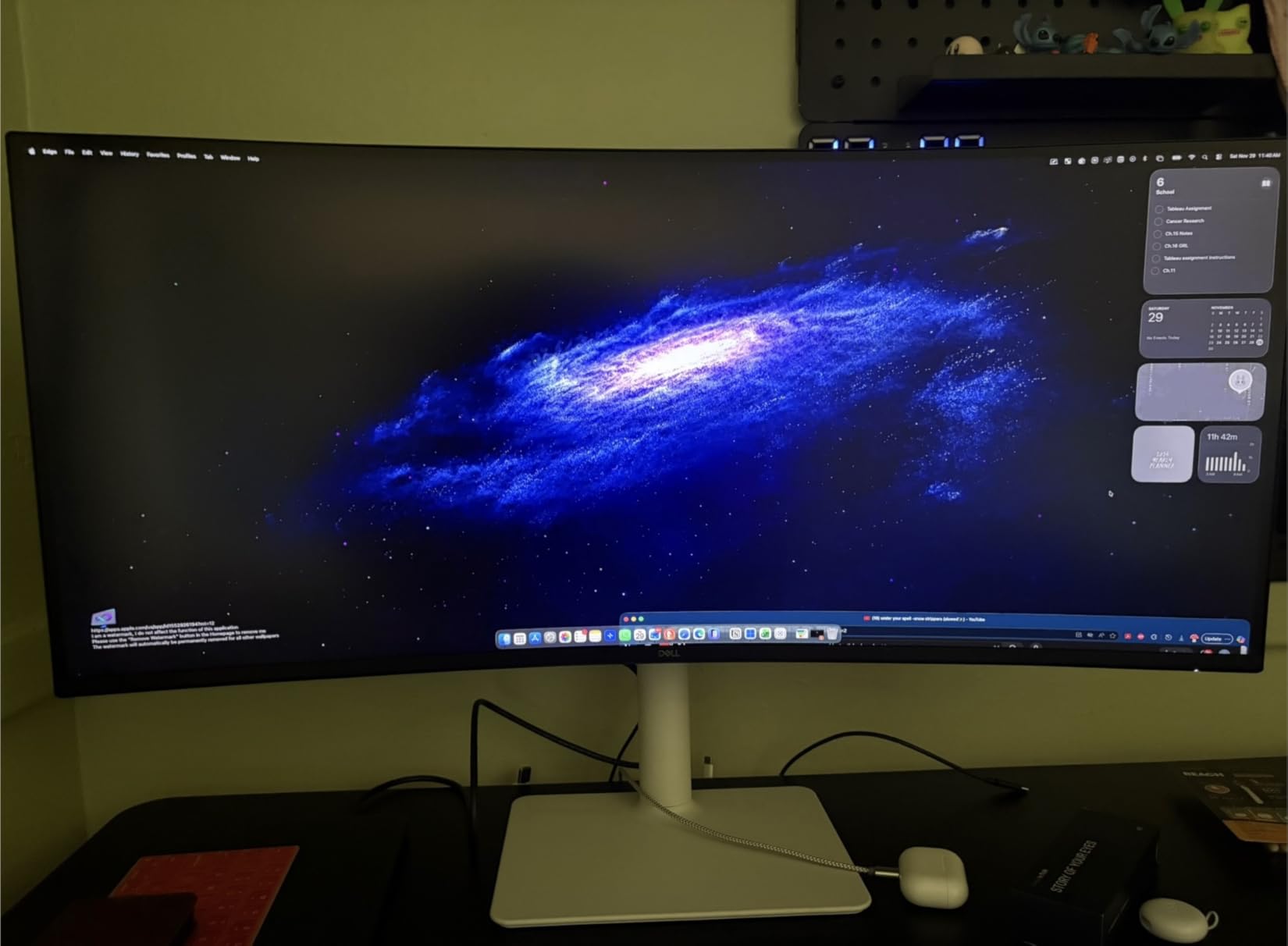
Text clarity versus color-critical work
Reviewers consistently praise the sharp text and good out-of-box color for text-based work, which is the bar that matters here. The VA panel is not a good choice for color-accurate graphical output, so if you also do design or photo work, treat this as a document monitor first.
Eye comfort over a full workday
ComfortView Plus reduces harmful blue light emissions to 35% or less, and the 300 cd/m2 brightness sits at a level most people leave around 60 to 70% in a normal office. For a user staring at a dense grid for eight hours, that is a meaningful reduction in end-of-day fatigue compared to an unfiltered panel at full brightness.
The VESA mount catch
The recessed VESA mount makes arm attachment awkward without spacers, which matters because a 34-inch curved display is exactly the size people put on an arm to recover desk depth. If you plan to use a monitor arm, budget for a spacer plate or verify the mount geometry before you order. There is also no DisplayPort on this model, so plan around HDMI and USB-C inputs.
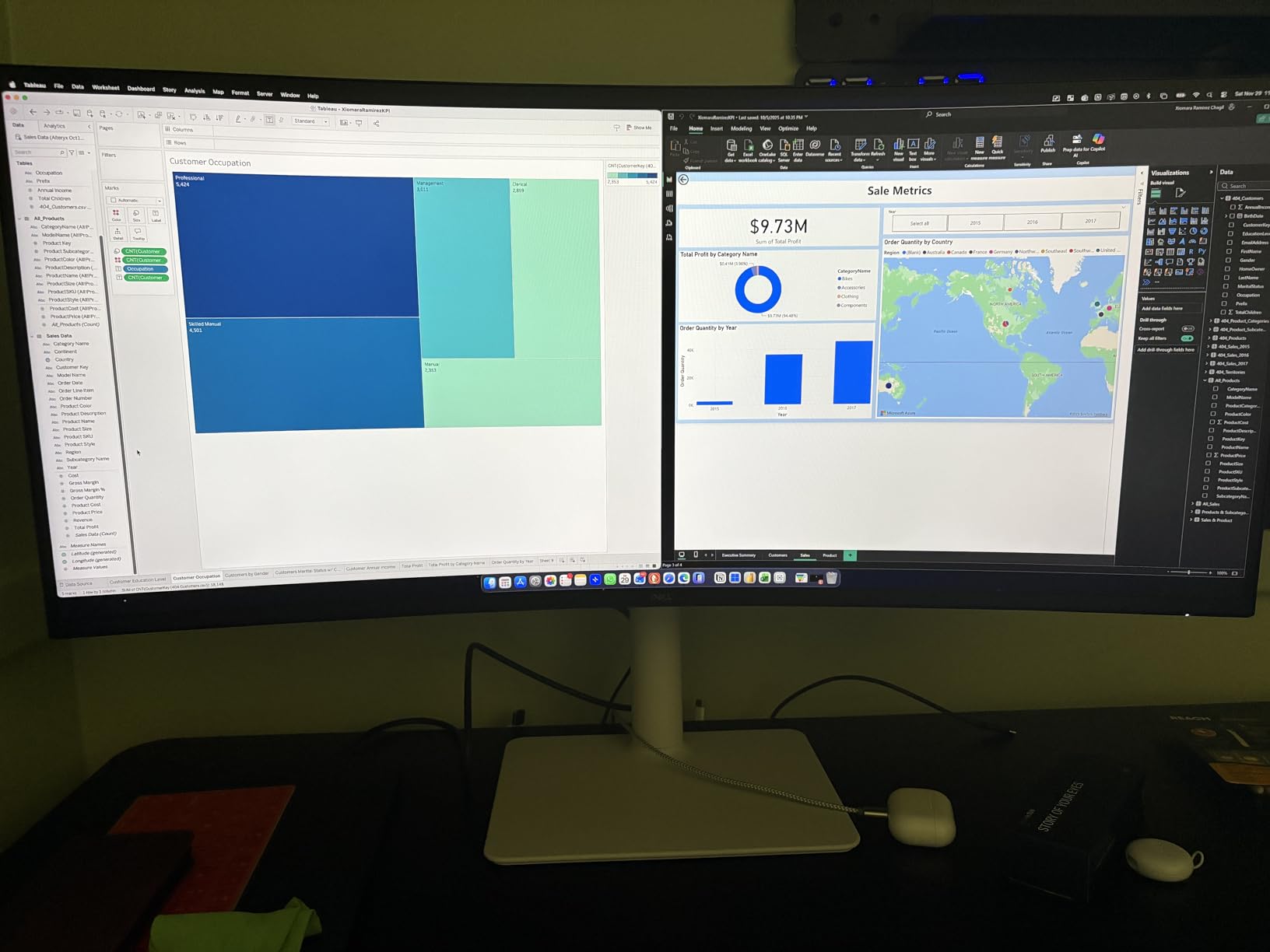
6. Samsung ViewFinity S50GC 34-Inch 100Hz – Most Complete Eye Comfort Feature Set
SAMSUNG 34″ ViewFinity S50GC Series Ultra-WQHD Monitor, 100Hz, 5ms, HDR10, AMD FreeSync, Eye Care, Borderless Design, PIP, PBP, LS34C502GANXZA, 2023, Black
3440×1440 VA borderless
100Hz with 5ms response
300 cd and 3000:1
10.8 lb
+ Pros
- TUV-certified Intelligent Eye Care with an ambient light sensor
- 3440-pixel width suits office work and editing timelines
- Automatic resolution scaling handles 1080p sources like a console well
- Lightweight at 10.8 lb with simple HDMI and DisplayPort setup
- PIP mode for a second source beside the sheet
– Cons
- VA smearing in light-to-dark transitions
- Color accuracy is unremarkable and real HDR brightness is limited
- Stock stand is cumbersome and a monitor arm is often better
- PIP handling is janky and cannot be arranged cleanly side by side
- On-screen control sits in an unusual bottom-bezel position
The 3440×1440 canvas on this Samsung is the same width as everything else here, so the differentiator is the eye comfort stack. An ambient light sensor adjusts brightness automatically, a flicker-free mode handles the backlight, and Eye Saver Mode shifts the colour temperature for long evening sessions.
My verdict: this is the pick for anyone working late shifts or in a room with inconsistent lighting. At 10.8 pounds it is also the easiest 34-inch panel here to move between desks.
What the ambient light sensor actually changes
Auto-brightness is the feature that gets overlooked, and for spreadsheet work it is directly useful. A grid rendered on a bright background at a fixed high brightness is fatiguing in a dim room and washed out in a bright one, and letting the sensor track the room removes the daily adjustment. The flicker-free mode matters because backlight PWM is what causes the shimmer some people report on cheaper panels.
PIP and PBP for a second source
Samsung’s automatic input scaling handles 1080p sources cleanly, and PIP lets you park a console or a second machine in a corner of the sheet. Owners do report that the PIP window handling is janky and cannot be arranged in a clean side-by-side split, so plan on PIP as a glance-and-return tool rather than a true dual-desktop.
The stand situation
This is the one clear downgrade against the KTC and the ASUS: the bundled stand is cumbersome, and a monitor arm is frequently recommended instead. On a 32.1-inch wide panel that is a desk-space decision worth making early rather than after delivery.
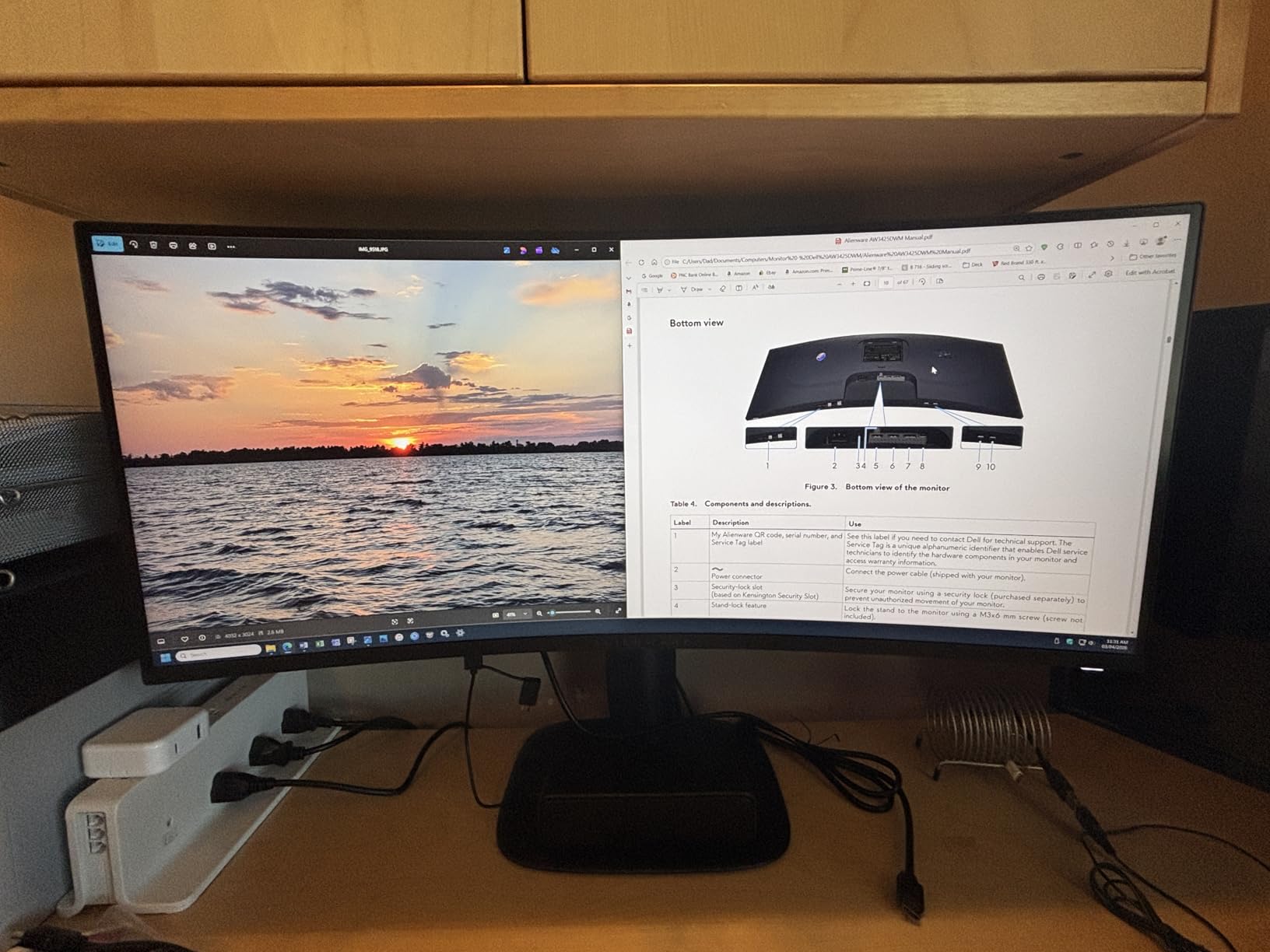
7. Alienware AW3425DWM 34-Inch 180Hz – Brightest Panel and Strongest 5-Star Share
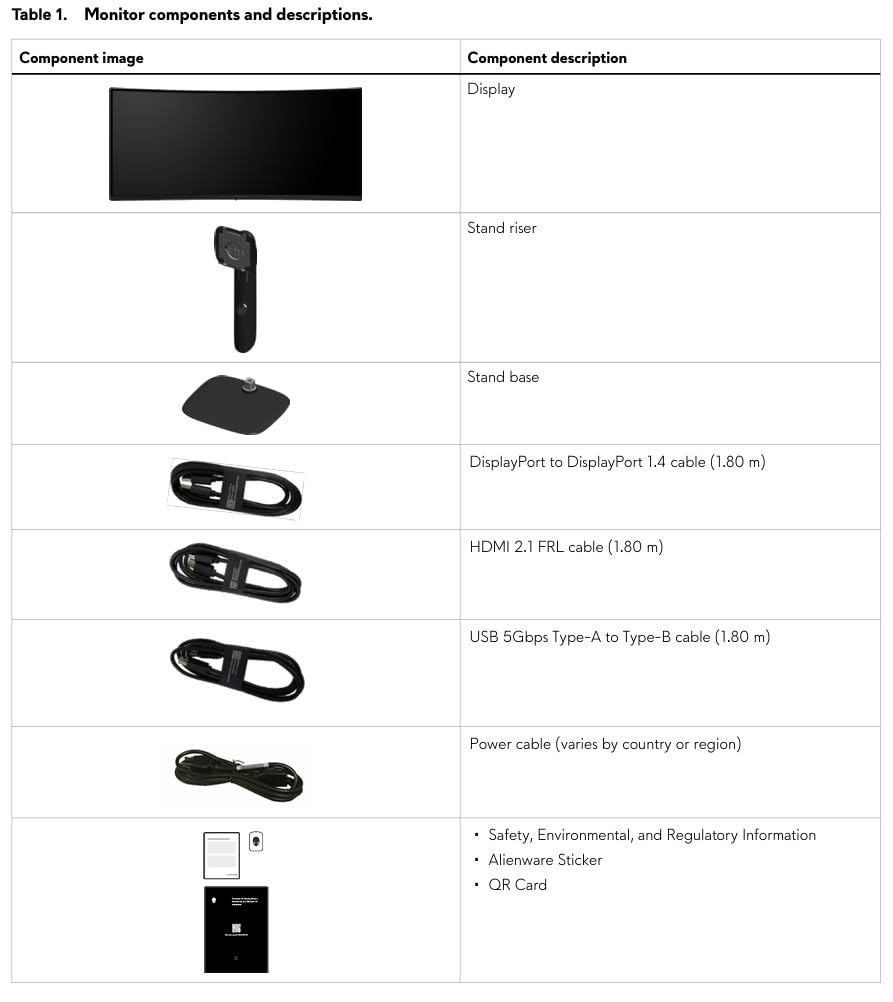
Alienware 34 Curved Gaming Monitor – AW3425DWM – 34-inch WQHD 180Hz 1ms Display, 1500R, AMD FreeSync Premium, VESA AdaptiveSync.
3440×1440 on 1500R LED
180Hz with 1ms GtG
400 nits and DCI-P3 95%
21 lb
+ Pros
- 400-nit brightness with VESA DisplayHDR 400 certification
- DCI-P3 95% color coverage with 81% five-star owner share
- 180Hz with 1ms gray-to-gray response and FreeSync Premium
- Height and tilt adjustable stand on a premium chassis
- Three-year warranty
– Cons
- VA dark-scene smearing in fast motion
- Higher power draw than comparable 34-inch ultrawides
- 21 lb chassis is heavy compared with most 34-inch curved panels
- Feature set is thinner than rivals at the same tier
At 400 nits with DCI-P3 95% coverage and DisplayHDR 400, this is the brightest and widest-gamut panel in the roundup. Brightness is not a spreadsheet spec, but it is what determines whether your white cell background reads as clean paper or as a glowing rectangle after four hours.
My verdict: choose this if you work in a brightly lit office or you want one display that handles HDR media and spreadsheets equally well. Its 4.6 rating across 700 reviews is tied for the highest average in the set.
Brightness and gamut for a bright office
DisplayHDR 400 and DCI-P3 95% give you real headroom above the standard sRGB ceiling, and at 400 nits you can run a bright office room without cranking the panel or losing the definition of light grey conditional formatting fills. For financial models with lots of colour-coded cells, that headroom is more useful than it sounds.
Ergonomics and desk weight
The height and tilt adjustable stand is solid and the industrial design is a genuine desk centrepiece. The trade-off is weight: 21 pounds is heavy for a 34-inch curved panel, so if you plan to move it between desks often or mount it on a light single-arm, check the mount’s rated capacity first.
What you give up
Power draw runs higher than comparable 34-inch ultrawides, and the feature set is thinner than rivals at the same level, with no USB hub to speak of. VA dark-scene smearing is present in fast motion, which is irrelevant for a grid but relevant if the display doubles as a gaming screen.
8. Philips 346E2CUAE 34-Inch USB-C 100Hz – Widest Port Selection With a 4-Year Warranty
Philips 34 Inch Curved Computer Monitor UWQHD 100Hz USB-C PD VA, 346E2CUAE
3440×1440 on 1500R VA
100Hz with 1ms MPRT
121.3% sRGB
4-port USB hub
+ Pros
- Four-year manufacturer warranty
- longer than any other pick here
- USB-C power delivery plus a 4-port USB 3.0 hub
- Ultra Wide-Color technology covering 121.3% sRGB
- 3440×1440 curved panel at 1500R
- Adaptive-Sync with 1ms MPRT response
– Cons
- 100Hz is low compared with the 165Hz and 180Hz rivals
- Glossy screen finish shows reflections in bright rooms
- VA dark-scene smearing
- 27.8 lb chassis is the heaviest in the roundup
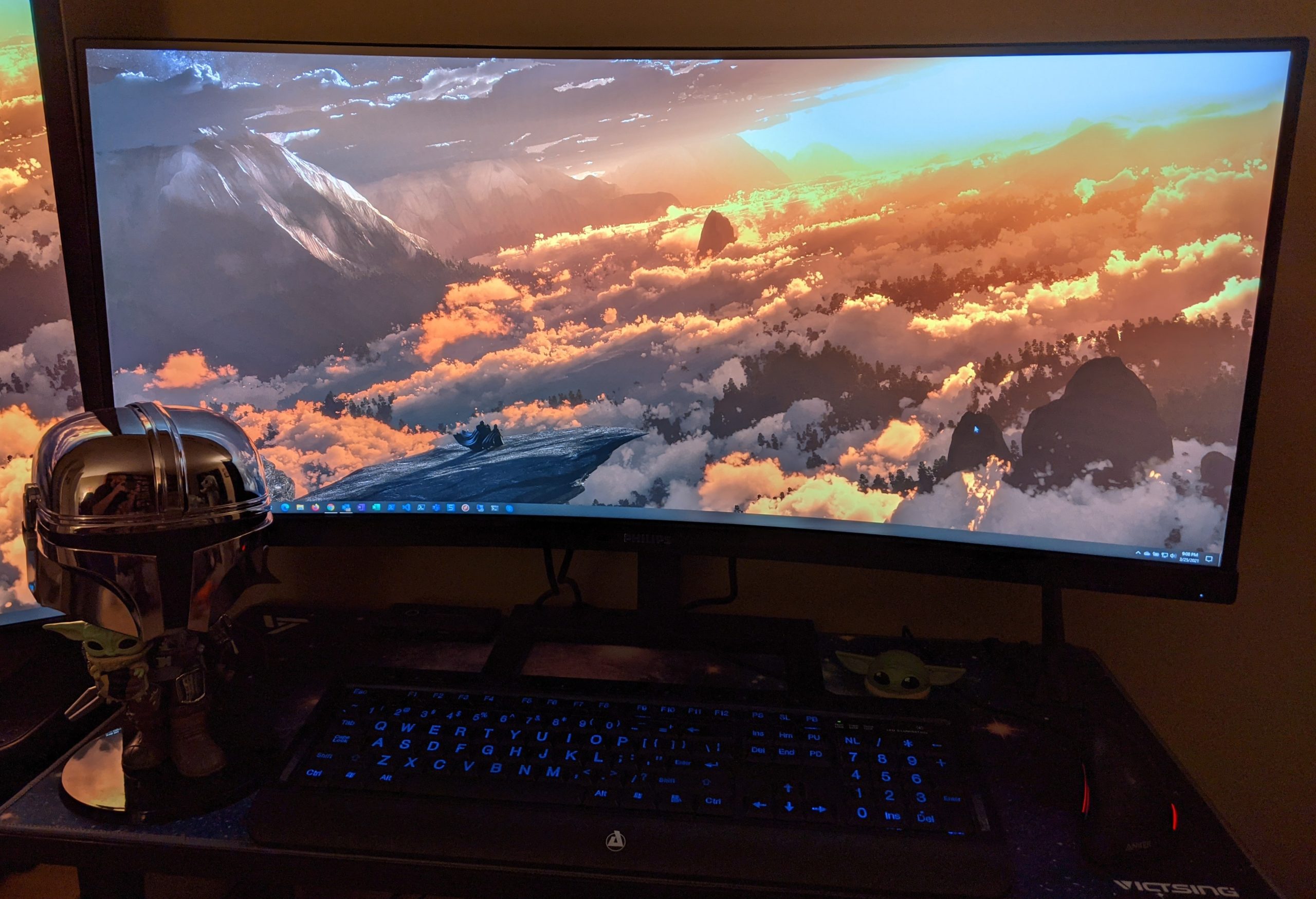
The 346E2CUAE is the practical choice for a laptop user who wants more than video and power over USB-C. With four USB 3.0 ports on the monitor itself, a wired keyboard, mouse, and any peripherals stay plugged into the display, and the 3440×1440 panel arrives with only one cable to run.
My verdict: this is the pick if your desk setup is peripheral-heavy and you value a four-year warranty over a faster panel. The 4.2 average is the lowest here, and the reason is the finish rather than the panel.
Color coverage without the calibration fuss
Ultra Wide-Color technology covering 121.3% sRGB gives noticeably richer colour than a 99% sRGB panel, which shows up in the colour-coded cells that most financial workbooks are full of. The 300 cd/m2 brightness is ordinary, so pair it with the on-screen blue light filter during long evening sessions.
USB-C docking and the hub
Power delivery over USB-C plus four USB 3.0 ports means one cable for the laptop and everything else stays on the monitor. That is a genuine productivity gain for anyone whose day involves a wired input device, and it is the reason this panel beats faster gaming monitors for desk work despite the 100Hz ceiling.
The glossy finish problem
This is a glossy panel, and in a room with a window or overhead lighting you will be fighting reflections across the exact area where your cell grid sits. The 27.8 lb chassis is also the heaviest in the roundup, which matters if you intend to move it between desks or mount it on an arm. Neither issue stops it being a good spreadsheet monitor, but both are worth knowing before you commit.
9. INNOCN 34C1R 34-Inch Flat IPS 180Hz – Best Flat Panel for Straight Gridlines
INNOCN 34″ Ultrawide Monitor WQHD 3440 x 1440P 180Hz IPS PC Adaptive-Sync G-SYNC Compatible, HDMI, DP, PIP/PBP, 21:9, HDR, MPRT, Built-in Speaker, Height Adjustable, Eye Care – 34C1R
Flat 34-inch IPS at 3440×1440
180Hz overdrive with 1ms MPRT
400 cd/m2 and HDR400
130mm height rise
+ Pros
- Flat panel keeps every horizontal and vertical gridline perfectly straight
- IPS color and viewing angles hold up even off-centre
- 400 cd/m2 brightness with HDR400 support
- 130mm height adjustment plus tilt and swivel
- Built-in speaker and 3.5mm audio output
– Cons
- 180Hz is an overdrive mode rather than the native refresh
- Non-native resolutions can stretch the image and drop out of 180Hz
- Aggressive sleep timer can interrupt menu changes
- Some demanding games see roughly a 20% FPS drop at native resolution
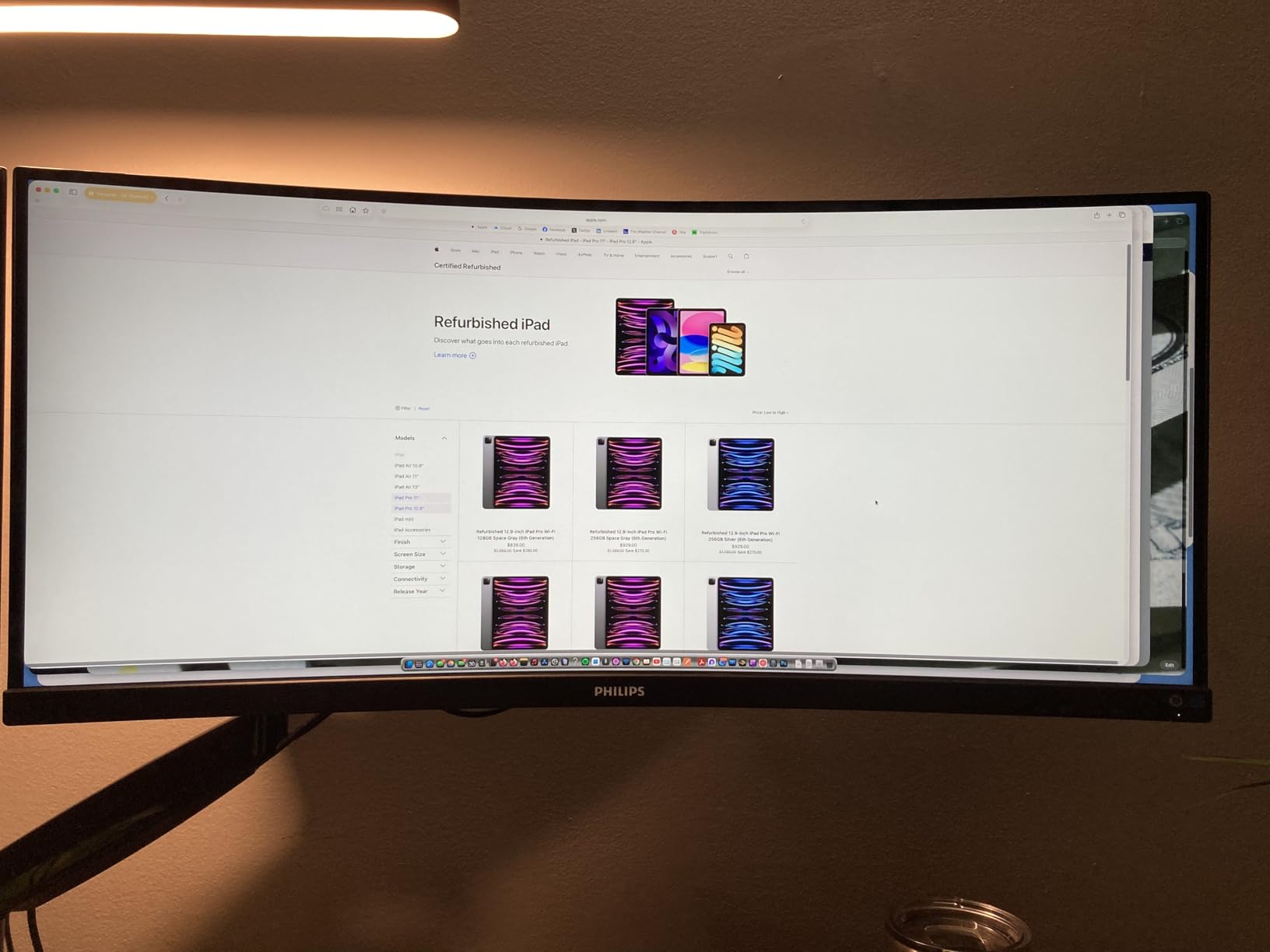
This is the only flat 21:9 in the roundup, and that is the entire point of it. Curvature makes the outer thirds of a wide grid subtly bow from your viewpoint, which some analysts find distracting over a full day, and a flat panel removes that entirely while keeping the same 3440-pixel width.
My verdict: pick this if you are the kind of person who notices a straight line bending. The IPS panel also holds color steady when you lean to the side, and the 130mm height adjustment is the largest stand rise among the picks here.
Flat versus curved for grid accuracy
At 1500R the curve is gentle enough to keep the edges comfortable in your peripheral vision, and most people stop noticing it within a day. At 3800R, which two of the picks here use, the curve is subtler but still present. A flat panel simply removes the variable, and for work where you stare at parallel column separators all day, some people prefer exactly that.
IPS behavior and brightness
The panel delivers 400 cd/m2 with HDR400 support and 100% sRGB coverage, so your white cell backgrounds stay clean without turning up the brightness dial. Viewing angles of 178 degrees mean you can lean over to check a figure at the far right without the contrast shifting, which a VA panel in the same seat would not give you.
Understanding the 180Hz label
Owners rightly note that 180Hz here is an overdrive mode rather than the native rate, and that non-native inputs can stretch the image and drop out of that mode. For spreadsheet work at native 3440×1440 this is a non-issue. Just note the aggressive sleep timer, which can interrupt menu changes if you are still configuring the display after a power event.
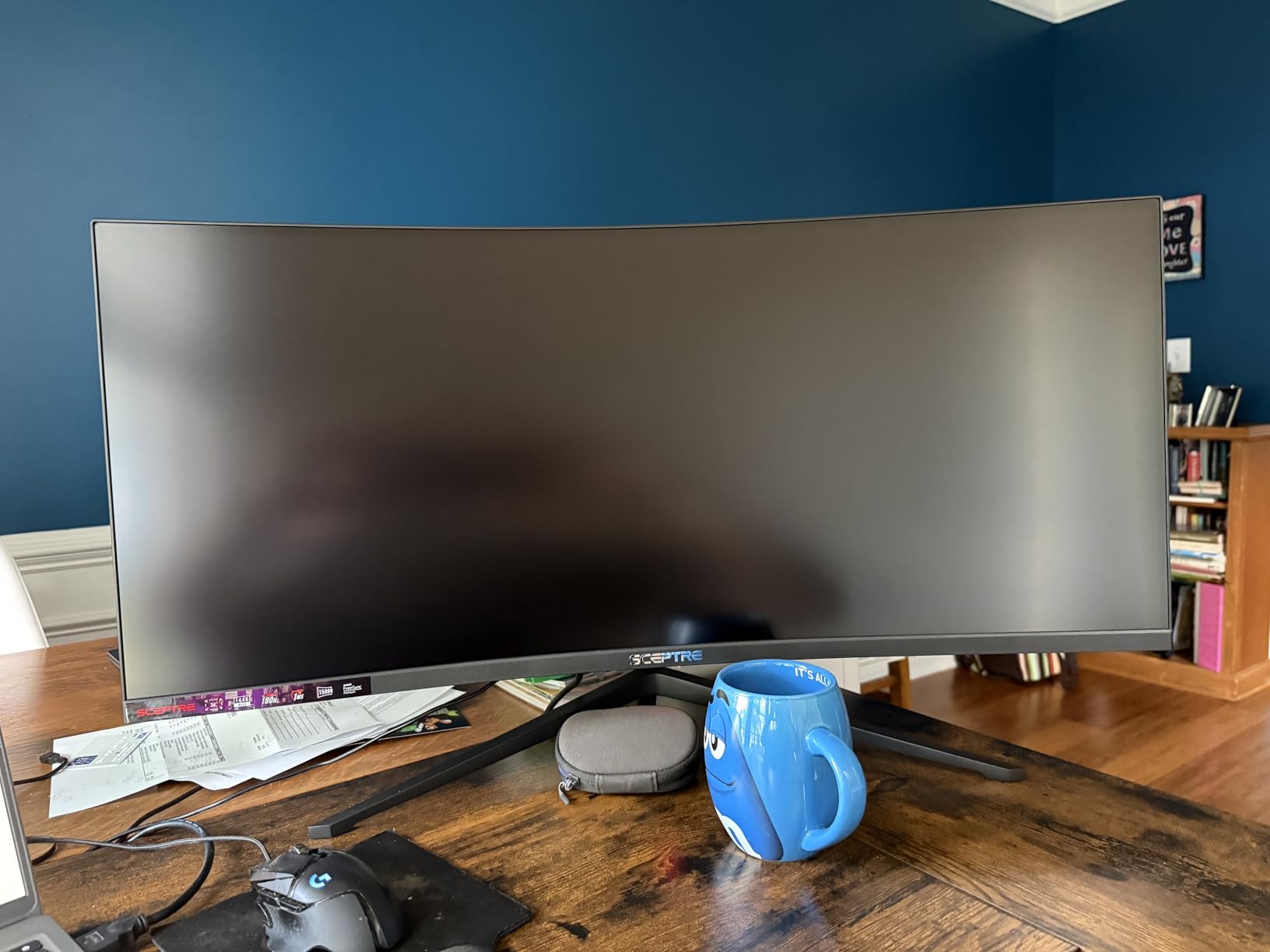
10. Sceptre C345B-QUT168 34-Inch 180Hz – Easiest Stand Assembly in the Roundup
Sceptre 34-Inch Curved Ultrawide WQHD Monitor (3440 × 1440), R1500, up to 180Hz/165Hz, DisplayPort x2, 99% sRGB, 1ms, Built-in Speakers, Machine Black, 2025 (C345B-QUT168)
3440×1440 on 1500R VA
up to 180Hz, 1ms MPRT
99% sRGB, 280 cd/m2
15.3 lb
+ Pros
- 3440×1440 ultrawide at up to 180Hz with 1ms MPRT response
- One 34-inch screen effectively replaces a dual-monitor setup
- R1500 curve brings the screen edges naturally into view
- Three-screw stand assembly and a well-balanced desktop footprint
- Responsive human tech support that resolves setup issues quickly
– Cons
- Built-in speakers are weak and tinny for media use
- Some users report horizontal lines and backlight bleed on dark scenes
- Single bottom-mounted button for power and menu navigation is awkward
- Smearing and tearing reported by some owners close to the screen
Assembly is the quiet advantage here. Three screws and a base, balanced footprint, and out you go, which matters more than it sounds if you are setting this up in an office where a colleague has to do the same thing next.
My verdict: this is the budget pick for anyone moving desks regularly or setting up multiple machines. It also comes with built-in speakers at this tier, and 3026 reviews at a 4.3 average is a large sample of long-term evidence.
Brightness and color for grid work
At 280 cd/m2 with 99% sRGB, this panel sits at the lower end of the brightness range in this roundup, and the million-to-one dynamic contrast figure is a marketing number rather than a native one. For grid work that is adequate, but if you sit in a brightly lit room the Alienware and INNOCN panels will hold whites cleaner.
Dark scenes and the honest caveats
Some owners report visible horizontal lines and backlight bleed on dark scenes, plus smearing and tearing close to the screen. None of these affect a bright spreadsheet background much, but if the display will also run dark-room content, know that going in. A small number of owners also reported dead pixels within the first month.
Controls and support
The single bottom-mounted button handling power, menu, and navigation is genuinely awkward, so budget extra time for the OSD. Offsetting that, Sceptre support is repeatedly praised for resolving setup issues quickly, which matters for a product at this level where the manual is thin.
11. Gawfolk 34-Inch 165Hz – Brightest VA Panel With the Gentlest Curve
Gawfolk 34-Inch Curved Ultrawide Gaming Monitor, WQHD 3440×1440 PC Screen
3440×1440 on 3800R VA
165Hz with FreeSync
355 cd/m2 and 4000:1
PIP and PBP
+ Pros
- 3800R curve is gentle enough to keep gridlines visually straight
- 355 cd/m2 brightness and 4000:1 contrast for defined cell borders
- 165Hz with FreeSync and G-Sync compatibility
- PIP and PBP modes for two input sources on one screen
- Dual HDMI 2.0 and dual DisplayPort 1.4 inputs
– Cons
- Listed color gamut figure is modest against competing 34-inch ultrawides
- Tilt adjustment only with no height or swivel adjustment
- Generic one-year manufacturer warranty
- Lesser-known brand with a shorter long-term reliability record
The 3800R curvature here is the subtlest in the roundup, close enough to flat that the bow in distant column separators is minimal. Paired with 355 cd/m2 brightness and 4000:1 native contrast, that makes this a good panel for reading long rows of figures from a centred seat.
My verdict: pick this if you want a curved panel that behaves almost like a flat one and you do not need a tall stand. PIP and PBP handle a second source without a second monitor, which is useful for a laptop plus a desktop arrangement.
Curvature and gridline straightness
At 3800R the screen wraps very gently, so the outer edges of the panel stay close to perpendicular to your line of sight. That keeps the horizontal rules of a wide table from bowing more than they do on a 1500R panel, which is a genuine advantage if you are reading along a single row for a long stretch.
Brightness, contrast, and the color caveat
355 cd/m2 is bright for a panel at this level and gives you clean whites on a bright cell background, while 4000:1 native contrast keeps hairlines defined. The listed color gamut is the weak point, and the modest figure is the first thing reviewers note. For conditional formatting in muted colours that is fine; for a chart you intend to present to a client, calibrate first.
Stand and support
Adjustment is tilt only, with no height or swivel, and the warranty is a single year from a brand with a shorter reliability record than the major names here. Those are the two reasons this sits below the KTC despite a higher brightness figure.
12. ZZA Z34A 34-Inch 100Hz Curved IPS – Built-In Speakers and a Gentle 3800R Curve
34” Ultrawide Curved Monitor-WQHD 3440×1440 Resolution,100Hz, IPS Panel, Built-in Speakers,3800R Curvature,HDR10,AMD FreeSync Premium,21:9 Aspect Ratio,Low Blue Light,Flicker-Free Technology-White
Genuine IPS panel at 3440×1440
100Hz with 1ms response
280 cd/m2 and 16.7M colors
5.93 kg
+ Pros
- Genuine IPS panel at 3440×1440 from a lesser-known brand
- 3800R curvature keeps gridlines close to visually straight
- Built-in stereo speakers and optional rear ambient lighting
- VESA 100×100 mounting with tilt adjustment for flexible setups
- Low power draw and dual HDMI plus dual DisplayPort
– Cons
- 100Hz refresh is modest
- OSD menu buttons and on-screen menus are clunky
- HDMI inputs limited to 1440p unless proper 4K 60Hz-rated cables are used
- VESA hardware may not fit without longer or different screws
The ZZA is an unusual combination in this roundup: a curved IPS panel at 3440×1440 from a brand most buyers will not recognise. IPS gives you consistent color and viewing angles where most similarly priced panels ship VA, and the 3800R curve keeps the grid geometry close to flat.
My verdict: pick this if text consistency and viewing angles matter more to you than refresh rate, because at 100Hz it is a work display rather than a hybrid gaming panel. At 5.93 kg it is also one of the easiest to reposition.
IPS in the value tier
IPS holds color and contrast steady across the viewing angle, which means the far edges of a wide sheet render the same as the centre. On a curved screen that is exactly what you want, because the edges are always the furthest from square-on. The 1000:1 contrast ratio is lower than the VA options here, so expect grey rather than deep black in a dark-themed spreadsheet view.
The cable and mounting gotchas
Two practical notes. The HDMI inputs are limited to 1440p unless you use properly rated 4K 60Hz cables, and the VESA hardware may not fit an arm without longer or different screws. At 32.23 inches wide with a 3.83-inch depth, this is one of the slimmest footprints in the roundup, which helps on a shallow desk.
Setup and the small sample
The OSD is clunky and needs patience, and at 237 reviews this has the smallest owner base here, so treat the feedback as thinner evidence than the other picks. Picture quality improves noticeably after some OSD tuning, which reviewers consistently report.
How to Choose a 21:9 Monitor for Spreadsheet Work
How many columns you actually gain at each scaling level
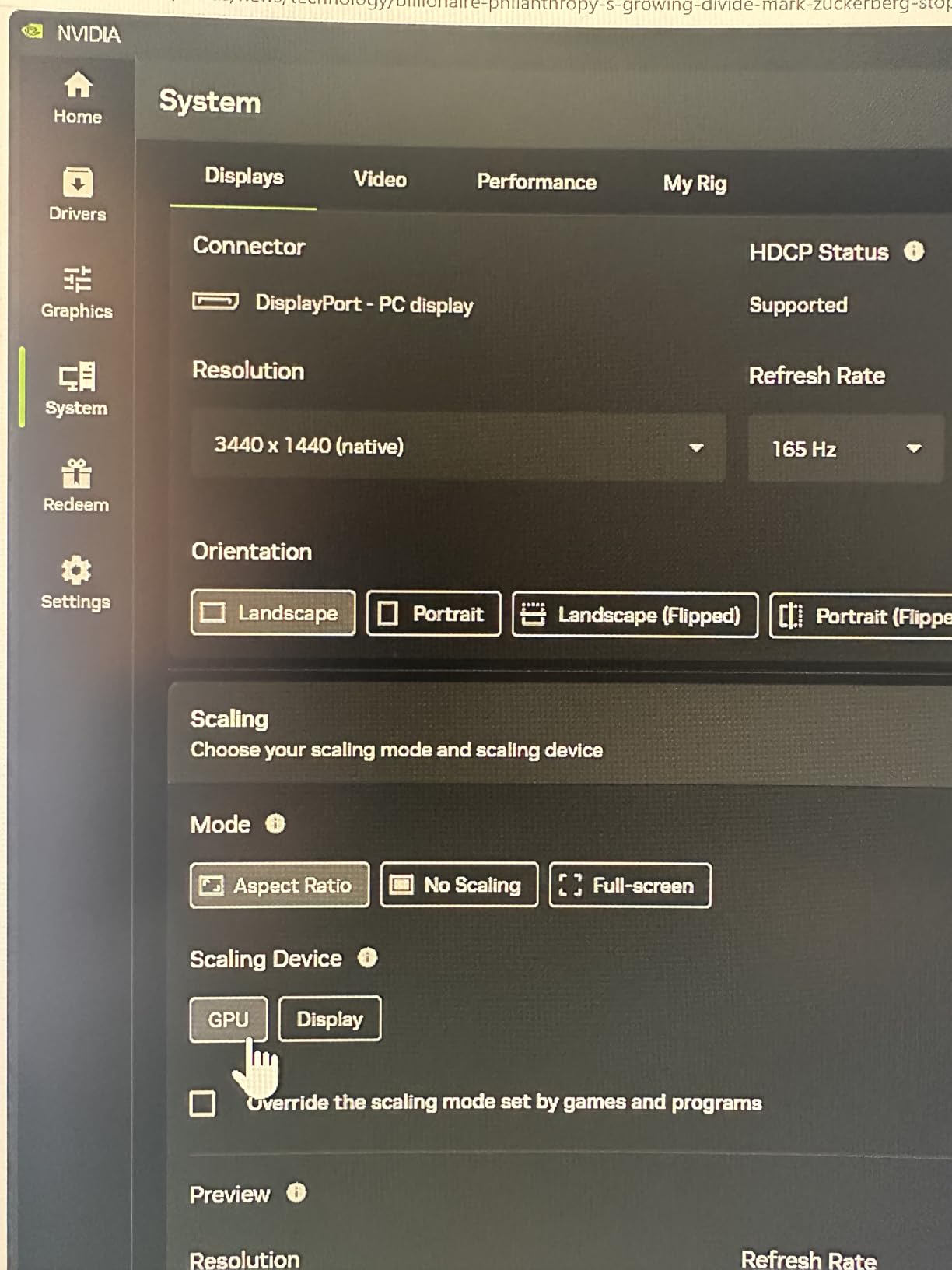
This is the number that should drive your purchase. Excel’s default column is 64 pixels wide at 100% scaling on Windows, so a 3440-pixel-wide 21:9 screen fits 53 columns at default width, against 40 on a 2560-pixel-wide screen and 30 on a 1920-pixel-wide one. At 125% Windows scaling each column becomes 80 pixels and the count drops to 43, and at 150% scaling each column is 96 pixels, so 35 columns fit. That last number is where the real decision lives: if your workbook uses large fonts for a shared screen, 150% scaling eats most of the width advantage you paid for.
You can compute your own figure the same way. Take your display width in pixels, divide by your scaling percentage, then divide by the measured width of one column in your actual workbook. Owners in spreadsheet communities report that measuring a real column rather than assuming the default is the step most people skip, and it is the step that tells you whether a 34-inch panel is genuinely enough for your files.
Panel type: VA versus IPS for text and gridlines
VA panels give you 3000:1 to 4000:1 native contrast, which makes thin cell borders and small numerals pop, and they are cheaper. IPS panels hold color and viewing angles steady across the whole surface, which matters on a curved screen where the edges are never square-on to your face, and they are the better choice if you park a reference pane at the far edge. For pure grid work with a centred seat, either works. For a full day of reading plus side-by-side documents, IPS is the safer bet.
Skip the 2560×1080 class entirely. At 29 inches that resolution produces about 97 pixels per inch, and owners consistently describe the text as soft enough to force zooming for small fonts, which reintroduces the very horizontal scrolling you bought the wider screen to avoid.
Curve radius and straight-line accuracy
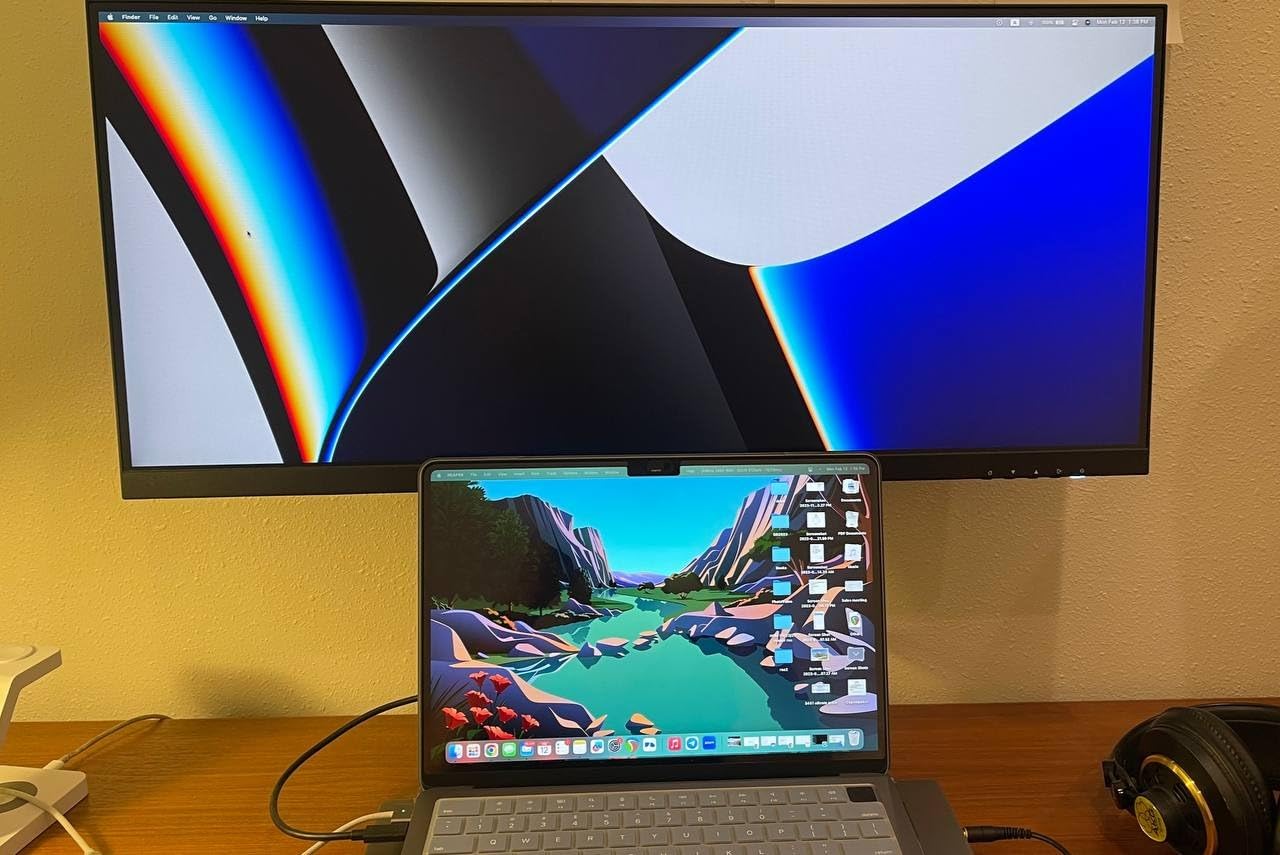
Curve radius is written as a number, and lower means more curve: 1500R wraps noticeably, 2300R is moderate, and 3800R is close to flat. For spreadsheet grids, a tighter curve does make distant column separators bow slightly from a centred seat, and a minority of users find that distracting over a full day. If that describes you, the INNOCN 34C1R is the only flat option in this roundup, and the Gawfolk and ZZA panels at 3800R are the closest approximations.
Stand adjustability, desk depth, and monitor arms
A 34-inch curved panel is roughly 32 inches wide and up to 9 inches deep, and that is where the top complaint in spreadsheet communities comes from: ultrawides dominate desk space, and people with smaller desks report the monitor taking over. Check your desk depth before you order, and if you are short, plan on a monitor arm. Only the KTC (110mm) and INNOCN (130mm) offer meaningful height adjustment in this roundup, so those are the two worth planning your desk layout around.
Two specific arm cautions. The Dell S3425DW has a recessed VESA mount that needs spacers to attach, and the ZZA may need different or longer screws. Neither is a dealbreaker, but both are the kind of detail that turns a Saturday install into a Sunday one.
USB-C docking, KVM, and PIP/PBP for multi-device work
If you run a laptop, USB-C with power delivery collapses the whole setup to one cable. The Dell S3425DW delivers up to 65W, and the Philips 346E2CUAE adds a 4-port USB 3.0 hub so your peripherals stay plugged into the display. If you move between two machines, PIP and PBP let you park a second source in a corner of the sheet, which is how most spreadsheet users reference a second workbook. The Samsung, Gawfolk, SANSUI, and INNOCN all support PIP or PBP, though Samsung’s implementation is not cleanly arrangable side by side.
Refresh rate: what spreadsheet work actually needs
Here is the honest answer: for spreadsheets, refresh rate barely matters, and you should not pay extra for it. Anything at 100Hz is smooth for scrolling grids, and the difference you will feel between 100Hz and 200Hz while reading a worksheet is effectively zero. Where high refresh does pay off is if the same display has to serve as a game monitor, and that is a legitimate dual-purpose reason to favour the 165Hz and 180Hz panels here over the 100Hz options.
Where refresh does quietly matter for work is panel response, because fast scrolling through a long sheet exposes smearing. The VA panels in this roundup show dark-scene smearing that owners report in fast motion, and the IPS panels handle vertical scrolling more cleanly. If your work involves scrolling thousands of rows a day, put more weight on response time and panel type than on Hertz.
When a 21:9 Monitor Will Not Fix Your Spreadsheet Problems
Four situations where the extra width genuinely does not help, drawn from the most commonly repeated complaints in spreadsheet communities.
Freeze panes. Freeze panes behave inconsistently once you start side-scrolling a wide sheet, and owners report unfreezing and refreezing as the only reliable workaround. A wider screen reduces your urge to scroll, but the freeze-pane behaviour itself does not improve.
Runaway column widths. There is no maximum column width setting in Excel or Google Sheets, so one accidental drag can push a column thousands of pixels wide. On a 3440-pixel screen that is proportionally more destructive than on a 1920-pixel one, and it is the most common complaint from new ultrawide owners.
Vertical row limits. A 21:9 screen adds columns, not rows. If your bottleneck is a tall sheet rather than a wide one, you gain almost nothing. This is the specific reason 40-inch and 49-inch models disappoint spreadsheet users despite their enormous width.
Fixed-window legacy software. Older corporate accounting packages and terminal tools with hardcoded window sizes do not scale cleanly to 21:9, and the result is a small window floating in the middle of your display. Test your actual applications before you commit.
Frequently Asked Questions
What is the best monitor for spreadsheets?
For spreadsheet work, a 34-inch 21:9 ultrawide at 3440×1440 is the strongest general choice, giving about 109 pixels per inch and roughly 33% more horizontal width than a 16:9 screen of the same height. A 16:9 4K monitor has sharper text, but far fewer columns fit. We rate the SANSUI 34-inch 200Hz curved UWQHD as the top pick, the KTC H34S5 as the best value, and the LG 34WP65C-B as the premium IPS choice.
What is the best monitor with a 21:9 aspect ratio?
A 21:9 monitor is an ultrawide display with a 2.33:1 width-to-height ratio. On a 34-inch model that means 3440×1440 pixels, and the extra pixels run horizontally, so a spreadsheet gains columns rather than rows. In this roundup the INNOCN 34C1R is the one flat 21:9 panel, while the LG 34WP65C-B and the ZZA Z34A use IPS for steadier viewing angles.
Is a 21:9 monitor worth it for spreadsheets?
It is worth it if your workbooks are wide and you compare adjacent columns often, because a 34-inch 21:9 screen fits about 53 columns at 100% Windows scaling versus roughly 40 on a 2560-pixel display. It is not worth it if your bottleneck is vertical rows, or if you rely on legacy software with fixed window sizes. Wider reduces horizontal scrolling; it does not eliminate it.
What is the best resolution for a 34-inch ultrawide monitor?
3440×1440 is the right resolution for a 34-inch ultrawide, producing about 109 pixels per inch, which is sharp enough for small spreadsheet fonts. The lower 2560×1080 option gives only about 97 pixels per inch and reads soft, which forces zooming and undoes the benefit. Some newer 34-inch models offer 3840×1600 for additional sharpness at a higher cost.
Is 3440×1440 considered 2K or 4K?
3440×1440 is neither 2K nor 4K in the strict sense. The common nickname is UWQHD, Ultra Wide Quad HD, or simply ultrawide QHD. The 2K name properly refers to 2560×1440, and 4K refers to 3840×2160. Ultrawide QHD renders roughly the same amount of detail as 2560×1440 across its entire surface.
Which ultrawide monitor is best for office work?
For office work with a laptop, the Dell S3425DW is the strongest choice because one USB-C cable carries video, data, and up to 65W of charging. For a desktop, the ASUS TUF VG34VQL1B pairs an accurate out-of-box panel with a three-year advanced replacement warranty. For eye comfort across long evening sessions, the Samsung ViewFinity S50GC adds an ambient light sensor and flicker-free mode.
Is a 34-inch monitor too big for office work?
It is large but manageable, and the real constraint is desk depth rather than the 34-inch diagonal. These panels are roughly 32 inches wide and up to 9 inches deep. If your desk is shallow, use a monitor arm to reclaim space and check the arm’s weight rating. Only the KTC and INNOCN in our roundup offer meaningful height adjustment, with 110mm and 130mm respectively.
Which 21:9 Monitor Should You Buy for Spreadsheets?
If you want the safest default, take the SANSUI 34-inch 200Hz curved UWQHD. It has the largest confirmed owner base in this roundup, a 3000:1 contrast ratio that keeps thin cell borders defined, and PIP/PBP for a second source. If your desk is a sit-stand surface or you need to angle the panel away from a window, take the KTC H34S5 instead, because its 110mm of height rise plus swivel and pivot lets you set the screen properly on a raised desk.
If you read from the far edges of the screen all day, take the LG 34WP65C-B. Its curved IPS panel holds color and contrast steady across the whole surface, which is exactly what a side-by-side reference pane needs. If you dock a laptop every morning, the Dell S3425DW does the job with one USB-C cable, and if you work late in variable lighting, the Samsung ViewFinity S50GC is the one with an ambient light sensor. If you cannot stand a bowed gridline, the flat INNOCN 34C1R is the only straight option here.
Before any of them, measure your desk depth and check your real column width. That one hour of work will tell you more than any spec sheet, and it is the step that decides whether 34 inches is your ceiling or your starting point. Our picks are updated for 2026, and you can check the latest details on any of them using the links above.
Leave a Reply