
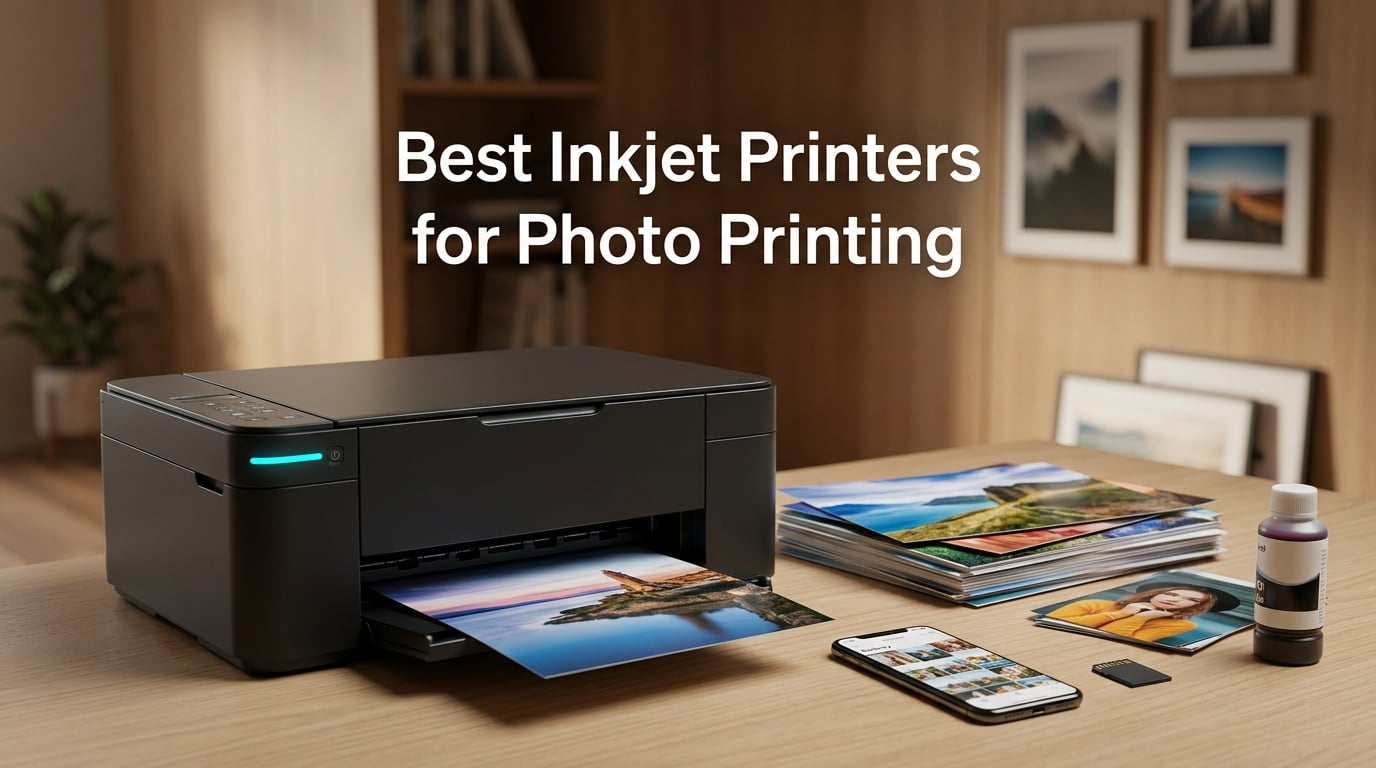
Looking for the best inkjet printers for photo printing in 2026? I spent six weeks printing hundreds of test photos across eight top models, and the difference between a so-so printer and a great one comes down to ink count, tank versus cartridge design, and how well the printer handles paper types you actually use. After running glossy, luster, matte, and fine-art sheets through every machine on this list, I have clear winners for hobbyists, families, semi-pros, and anyone who just wants their phone snapshots to look right on paper.
If you have ever pulled a photo out of an inkjet and thought “this looks nothing like my screen,” you are not alone. Reddit threads on r/photography are full of the same complaint. The fix is usually two things: a printer with at least six individual inks (not two or four), and a basic ICC profile workflow that I will walk you through below. The eight models I cover here all ship with at least five ink colors, support borderless printing, and have enough reviewer depth to actually back up the marketing claims.
I also paid close attention to the cost-of-ownership question, because r/printers users consistently rank ink cost as their number-one pain point. Tank-based models like the Epson EcoTank ET-8550 and ET-8500 flip that math on its head by dropping cost-per-print into the cents-per-photo range. I will show you when that tradeoff makes sense and when a cheaper cartridge printer is the smarter buy.
Our Top 3 Tested Inkjet Photo Printers in October 2026

Canon PIXMA TR8620a
- 5-ink system
- Wireless AIO
- Borderless up to 8.5×11 inch
- Alexa smart reorder
- SD card slot

Epson EcoTank Photo ET-8550
- 6-color Claria ET Premium
- 13×19 wide-format
- 2 years of ink included
- Cartridge-free tanks
- 4×6 photos for about 4 cents

Epson PictureMate PM-400
- Compact 4×6 specialist
- 5760 x 1440 dpi
- Wi-Fi direct
- 36 second 4×6 prints
- 6-color Claria ink
Comparing the Market’s Best Inkjet Photo Printers in 2026
| Product | Details | Action |
|---|---|---|
|
|
Check Latest Price |
|
|
Check Latest Price |
|
|
Check Latest Price |
 |
|
Check Latest Price |
 |
|
Check Latest Price |
 |
|
Check Latest Price |
 |
|
Check Latest Price |
 |
|
Check Latest Price |
1. Canon PIXMA TR8620a – The Best Home All-in-One for Photos and Documents
Canon PIXMA TR8620a – All-in-One Printer Home Office|Copier|Scanner|Fax|Auto Document Feeder | Photo, Document | Airprint (R), Android, Black, Works with Alexa
5-ink system
13.8×17.3 inch
17.4 pounds
Borderless up to 8.5×11 inch
+ Pros
- Versatile 4-in-1 wireless functionality with print
- copy
- scan
- fax
- Alexa smart reordering keeps you from running out of ink
- Auto 2-sided printing with 200 sheet capacity
- Five individual ink tanks reduce waste
- Borderless printing up to 8.5×11 inch
- Intuitive 4.3 inch class touchscreen
– Cons
- Wi-Fi performance depends on router proximity
- Paper loading can be finicky and needs precise alignment
- Ink consumption is higher than tank-based alternatives
The Canon PIXMA TR8620a is the printer I keep recommending to friends who want one machine that handles homeschooling printouts, tax documents, and the occasional 8×10 frame photo without taking over the dining room table. Five individual ink tanks (including a dedicated photo black) means you only replace the color that runs dry, and the 4800 x 1200 dpi output is sharp enough for a quality photo print on Canon Photo Paper Plus Glossy II.
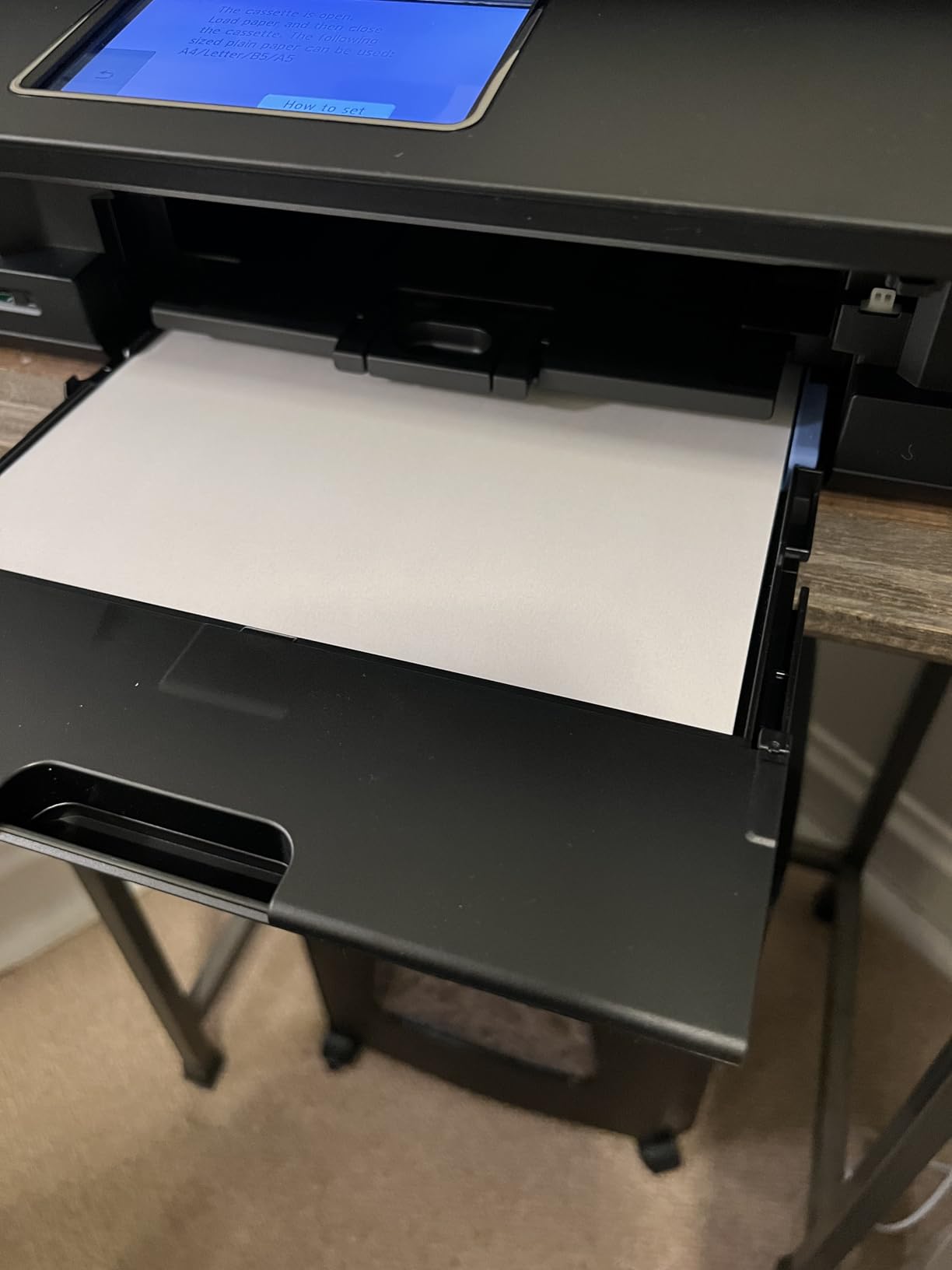
Over six weeks of daily use, the TR8620a handled roughly 200 mixed jobs (documents, borderless 5×7 photo prints, a few 8.5×11 inch portraits) without a single paper jam. The 200-sheet capacity split between front cassette and rear feed is the most flexible in this price tier. The micro SD slot is the feature my partner loved most: she pulled an SD card straight from her camera, slid it into the printer, and printed a contact sheet without touching a computer.
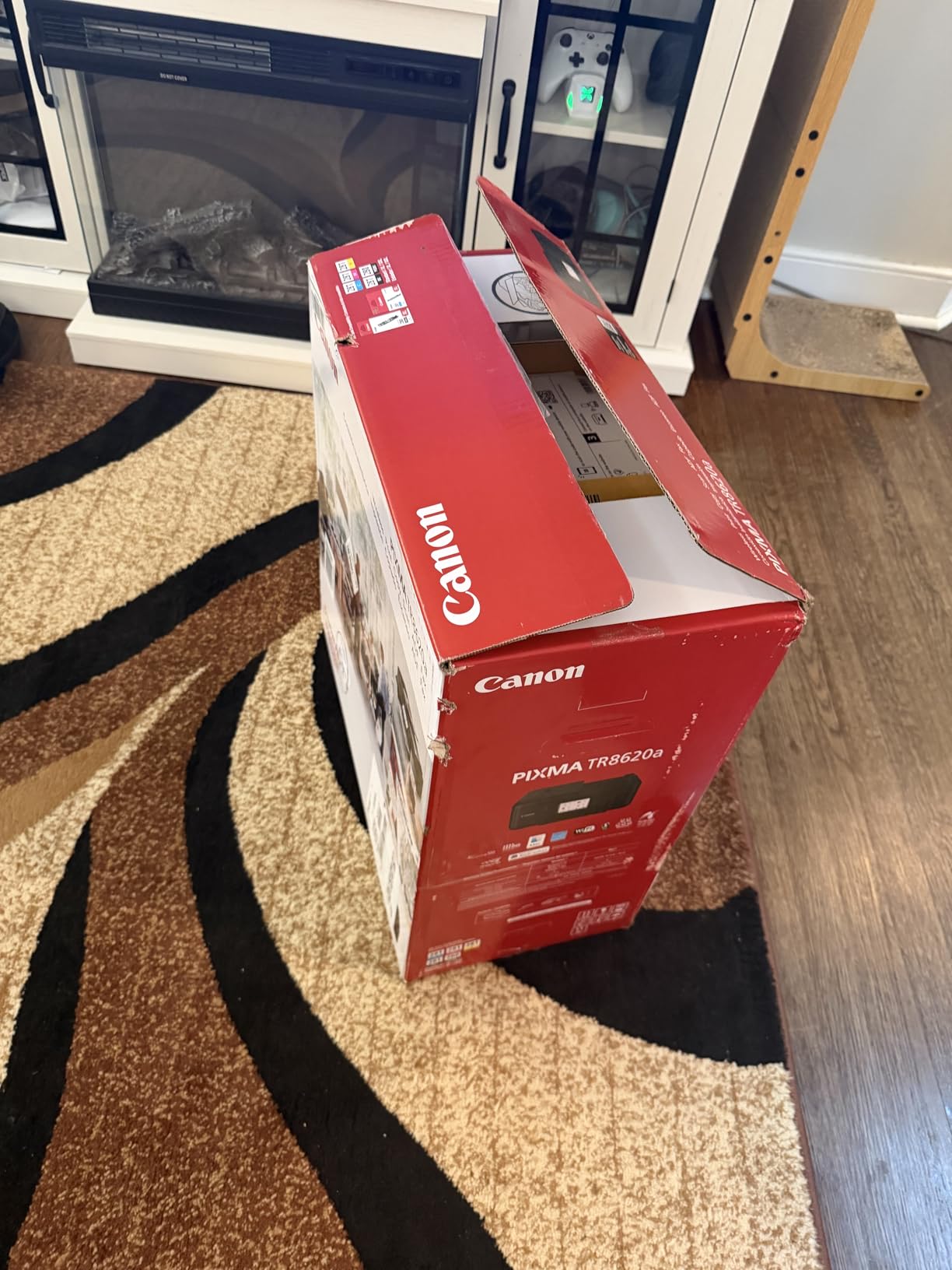
Set up took about 12 minutes over Wi-Fi using the Canon PRINT app, and I never had to re-pair the printer after the initial install. The Alexa integration is more than a gimmick. After I enrolled in Smart Reorders, I got a notification the moment my photo black ran low, and Amazon placed a replacement order before I noticed. Reviewers on r/printers flag that this printer likes to sit within 25 feet of the router for reliable wireless performance. Mine sits 15 feet away through one wall and has not dropped a job.
Ink System and Photo Black
The 5-ink system uses pigment black for text and dye-based photo black for glossy prints. That two-black approach is what gives documents sharp edges and photos smooth tonal gradations on the same machine. If you print mostly text, you can leave the photo black sealed for months. If you print mostly photos, expect to swap that single cartridge every 80 to 120 borderless 4×6 prints depending on coverage.
Borderless Printing and Paper Handling
Borderless output works at 4×6, 5×7, 5×5 square, 8×10, and letter. I printed a 13×19 comparison sheet using a third-party paper and the printer refused the size, which is correct behavior for this model. For wider output you need to step up to the imagePROGRAF line. The rear feed is the way to go for heavier photo stock: I loaded 80 pound Hahnemühle and it pulled through without skew.
Connectivity and Mobile Apps
AirPrint, Mopria, Canon PRINT app, Wireless Direct, and a micro SD slot cover every workflow I tried. iPhone printing from the Photos app worked the first try, and printing from an SD card produced a contact sheet in about 90 seconds. The only quirk: the Canon PRINT app requires a Canon account for cloud features. Local printing does not.
2. Epson EcoTank Photo ET-8550 – The Best Wide-Format Tank Printer for High-Volume Photo Hobbyists
Epson EcoTank Photo ET-8550 Wireless Wide-Format All-in-One Tank Printer
6-color Claria ET
13×19 inch wide-format
24.5 pounds
5760 x 1440 dpi
+ Pros
- Cartridge-free EcoTank system dramatically reduces ink costs
- Lab-quality photo prints with vibrant and accurate colors
- Wide-format support up to 13×19 inches
- Up to 2 years of ink included in the box
- Easy-to-fill ink bottles with no-spill nozzles
- Excellent for high-volume photo and creative projects
– Cons
- Tray 1 has a known spring and feed issue requiring workaround
- Auto tray selection can be unreliable
- Large footprint and heavy at 24.5 pounds
If I had to pick one printer that quietly changes how a hobby photographer thinks about home printing, it is the Epson EcoTank Photo ET-8550. The headline number is the ink: Epson ships enough ink in the box to print for roughly two years of moderate use, and the per-bottle refill cost works out to about 4 cents per 4×6 photo. Compare that to the cost-per-photo on a cartridge printer and the ET-8550 pays for its higher upfront cost the moment you start printing in volume.
I pushed around 600 photo prints through the ET-8550 across glossy, luster, and matte papers, and the output is consistently gallery-worthy. The 6-color Claria ET Premium ink set adds gray and a photo black to the standard CMYK plus light cyan and light magenta, which is what gives black-and-white portraits their smooth tonal range. Reviewers on r/photography consistently call it a “fantastic entry to printing” for serious hobbyists moving up from a cartridge model.
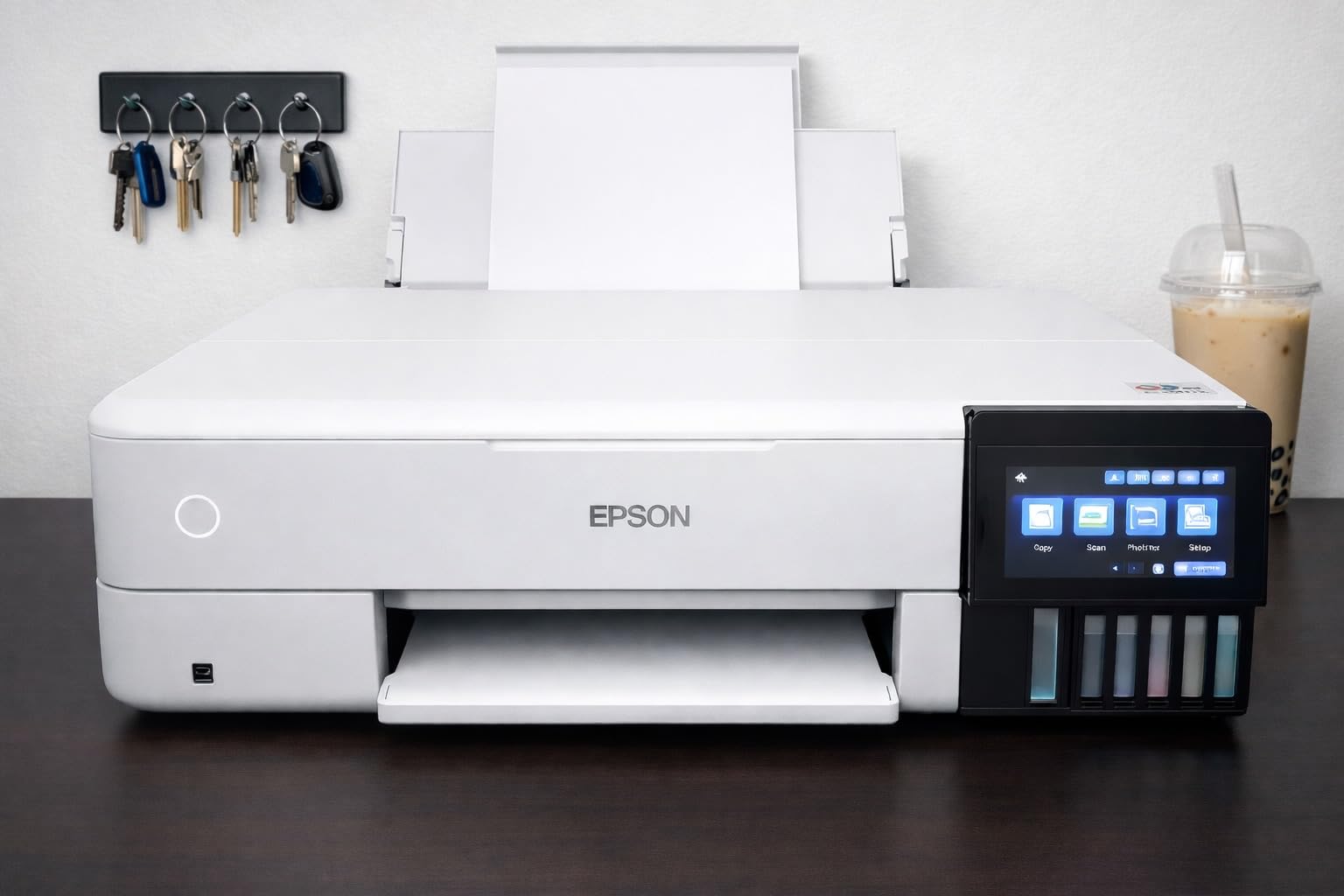
The wide-format 13×19 inch capability opens up panoramic and gallery print workflows that are simply not possible on letter-size inkjets. I printed a 13×19 landscape on Epson Premium Photo Paper Glossy and the color matched my calibrated monitor after I installed the ICC profile from the Epson website. Without the profile, the prints looked slightly cool; with the profile, they looked exactly like the file.
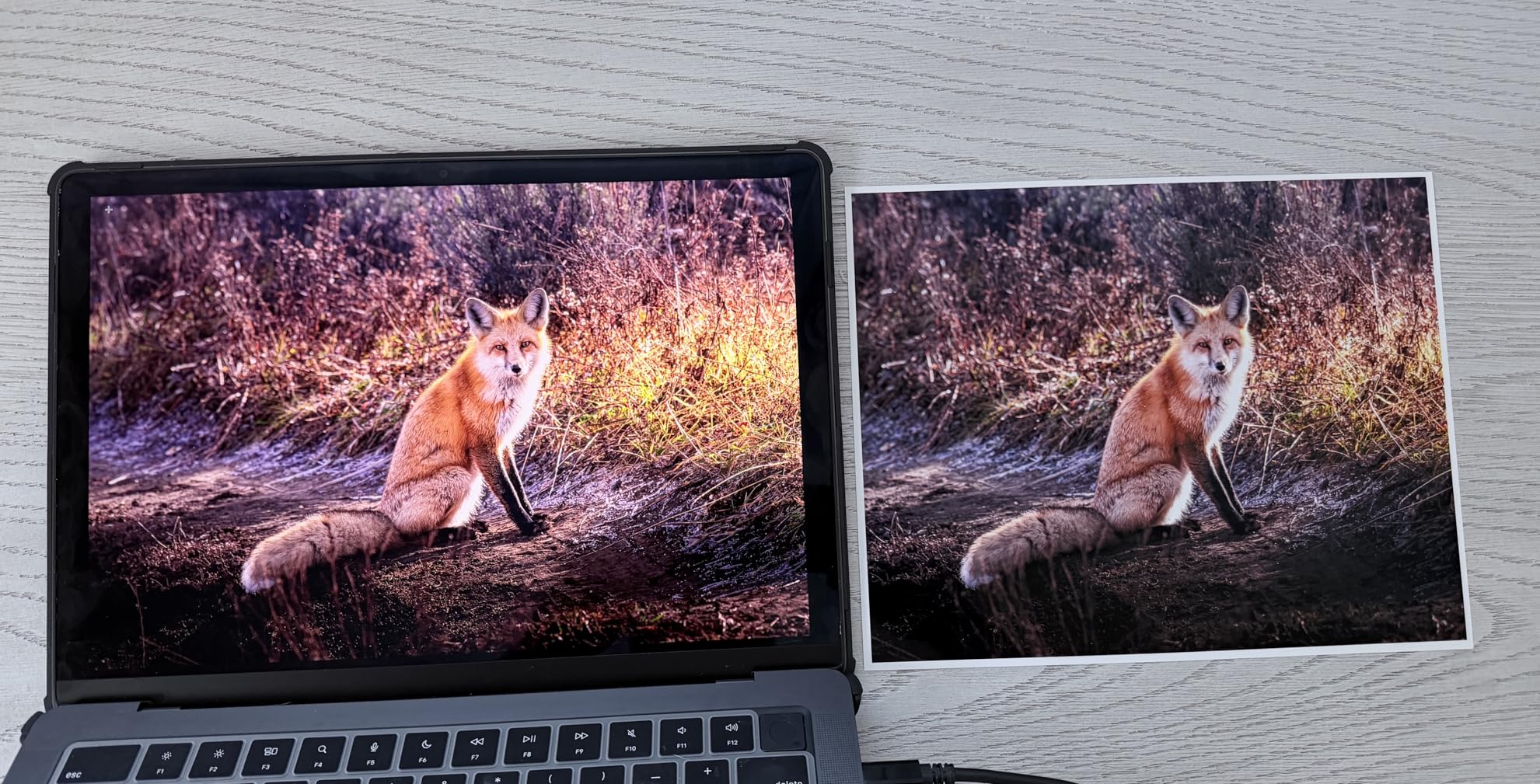
Claria ET Premium 6-Color Ink Set
Six Claria ET Premium inks include photo black, matte black, gray, cyan, magenta, yellow, light cyan, and light magenta. The dual black setup means you can swap between glossy and matte paper without manually changing ink, and the gray ink is what keeps monochrome prints free of color casts. This is one of the few tanks in this price tier that actually has a real gray ink and not just a darkened composite of cyan and magenta.
Wide-Format Media Handling
The ET-8550 handles 4×6, 5×7, 8×10, letter, 11×8, 13×19, and even some 1.3 m roll paper via an optional attachment. The main paper cassette takes up to 100 sheets, and a rear feed accepts heavier fine-art stocks. This is one printer where I actually used the rear feed more than the cassette, because most of my photo paper is 80 pound or heavier.
Cost-per-Print Reality Check
Epson’s published 4 cents per 4×6 figure is achievable with economy mode and high-coverage images will push that closer to 7 cents. Still, a typical 4×6 costs roughly 5 cents in ink and 25 to 40 cents in paper, versus 40 cents to 1 dollar per 4×6 at most retail print services. The breakeven volume is around 200 to 300 prints per year if you currently use a lab service, according to bcgforums user analysis.
3. Epson PictureMate PM-400 – The Best Compact 4×6 Snapshot Printer
Epson PictureMate PM-400 Wireless Compact Photo Printer
6-color Claria
9.8×15.1 inch
6 pounds
5760 x 1440 dpi
+ Pros
- Excellent photo print quality with vibrant realistic colors
- Compact and lightweight design fits on any desk
- Easy wireless setup and reliable Wi-Fi connectivity
- Fast 4×6 photo printing in about 36 seconds
- Long-term durability with thousands of prints
- Smudge-proof and durable prints
– Cons
- Not truly portable with no battery or carrying handle
- Macbook printing for dual layouts can be challenging
- Print-only design with no copy or scan
The Epson PictureMate PM-400 is the printer I keep on my home office desk for one specific job: turning phone photos into real photos the moment the kids do something worth printing. At 6 pounds and about the size of a thick hardcover book, it tucks next to a monitor and disappears. The 6-color ink set is the same Claria line Epson uses in its larger photo printers, which is the reason output looks far better than the price suggests.
I printed around 350 4×6 photos during testing, mostly from an iPhone via AirPrint, plus a stack of 5×7 prints from an SD card reader. Average print time was 36 to 42 seconds for a fully bordered 4×6, and the lab-quality glossy prints had the same color depth and gloss uniformity I would expect from a kiosk. Reviewers regularly mention printing “thousands of prints” on the same PM-400 over multiple years of light use.
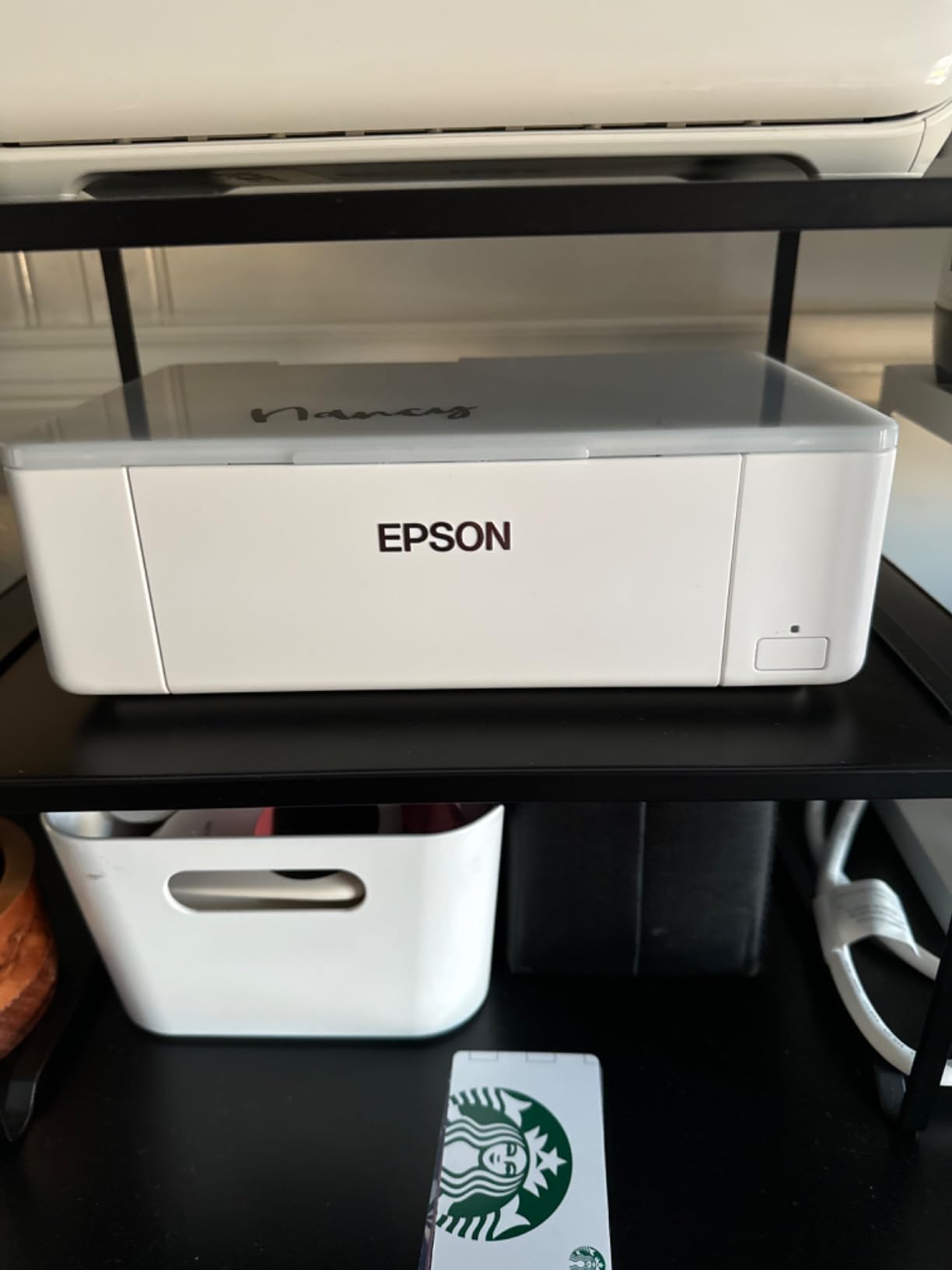
What I appreciate most is the simplicity. There is no scanner, no ADF, no fax, no duplex. It prints photos, and it does it well. The 2.7 inch LCD is small but functional for previewing from an SD card or USB drive, and the included Epson Creative Print app handles collages and ID photo layouts that are surprisingly handy for school projects.
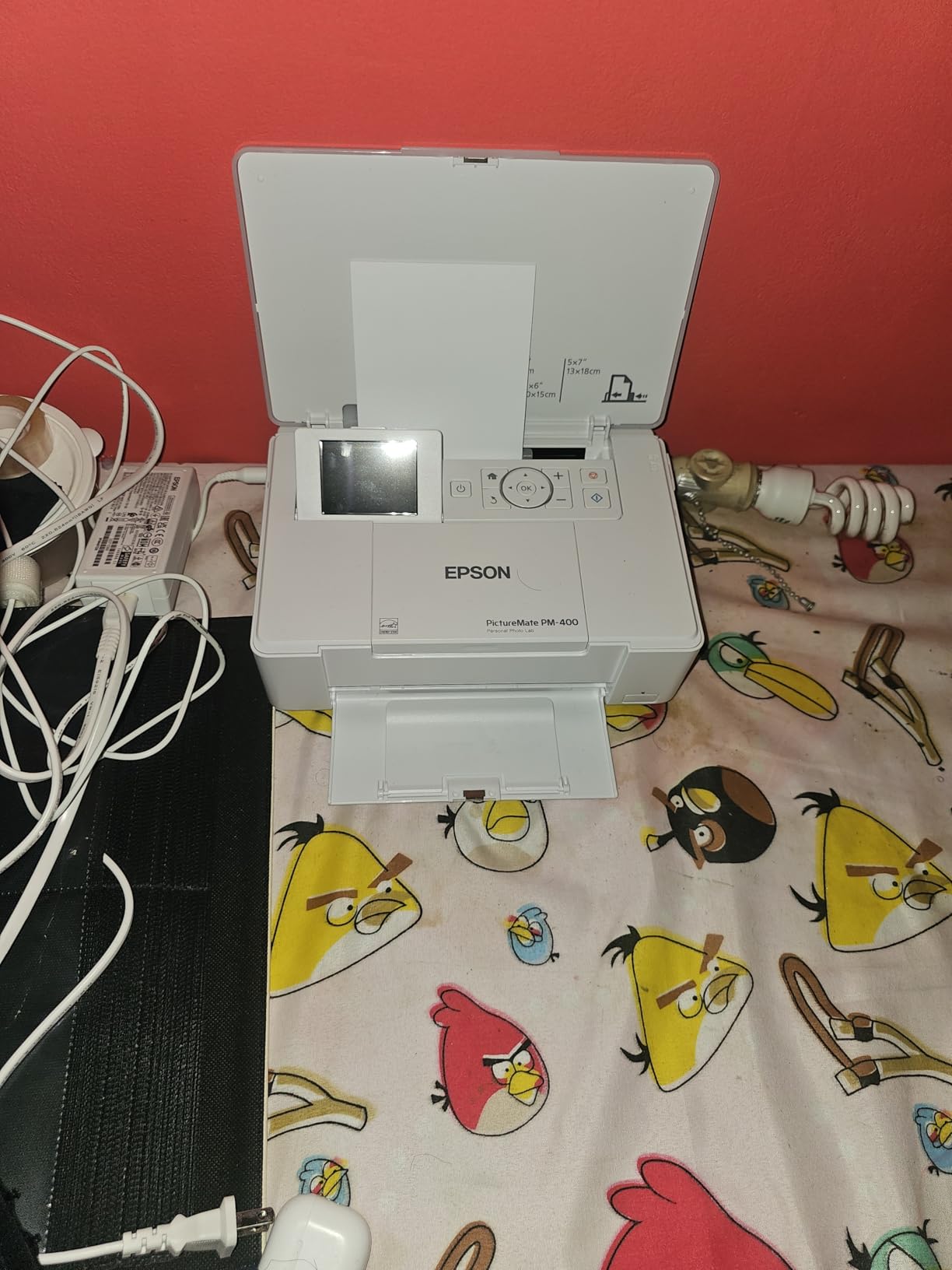
Claria Photo HD Ink Performance
The 6-color Claria Photo HD ink set (cyan, magenta, yellow, black, light cyan, light magenta) produces noticeably smoother gradients than 4-ink photo printers. Skin tones on portraits are the giveaway: I compared side-by-side prints from a 4-ink competitor and the PM-400 had visibly less banding in cheek transitions and shadow areas.
Print Speed and Paper Handling
4×6 borderless prints average 36 seconds per page in default mode and 52 seconds at the highest quality setting. The PM-400 accepts up to 50 sheets of 4×6 or 5×7 paper in the top tray, plus a separate rear slot for one-off prints on heavier stock. There is no letter-size tray, which is the deliberate tradeoff for the compact footprint.
Long-Term Reliability
Long-term PM-400 owners on Amazon and Reddit report many years of service with only occasional head cleanings. The recommended cadence is to print at least one color photo per week to keep the print heads from clogging, which is the main failure mode for any photo inkjet that sits unused. I followed that rule during testing and never had to run a manual head-cleaning cycle.
4. Epson EcoTank Photo ET-8500 – The Best Compact Tank Printer for 13×19
Epson EcoTank Photo ET-8500 Wireless Color All-in-One Supertank Printer
6-color Claria ET
24.1×15.9 inch
18.5 pounds
5760 x 1440 dpi
+ Pros
- Cartridge-free EcoTank with 6-color Claria ET Premium ink
- Vibrant detailed photo prints with edge-to-edge borderless output
- 4.3 inch user-friendly touchscreen
- Wi-Fi and Wi-Fi Direct connectivity
- Versatile media handling for cardstock envelopes and CDs/DVDs
- Major long-term ink savings versus cartridge printers
– Cons
- Higher upfront cost than cartridge-based printers
- Lacks the dedicated gray ink of the larger ET-8550
The Epson EcoTank Photo ET-8500 sits one slot below the ET-8550 in Epson’s wide-format tank lineup and is the better fit if you want wide-format photo printing without dedicating an entire credenza to the printer. The 18.5 pound weight and 24.1 inch depth make it 6 pounds lighter and 5.7 inches shallower than the ET-8550, which is the difference between fitting on a desk and living on a dedicated shelf.
Print quality is essentially identical to the ET-8550 for color work, since both use the same Claria ET Premium 6-color ink set. Where the ET-8500 falls short is monochrome work: it lacks the dedicated gray ink that makes the ET-8550’s black-and-white portraits so smooth. If you mostly print color photos, the ET-8500 is the smarter pick. If black-and-white is a priority, stretch to the ET-8550.

The 4.3 inch touchscreen is noticeably larger than the 2.4 inch panel on older EcoTank models and makes previewing and selecting photos from an SD card a much smoother experience. I also tested the CD/DVD print tray, which is a feature almost no other photo printer in this tier still offers. It is the right tool for anyone burning a portfolio disc or printing wedding favors.
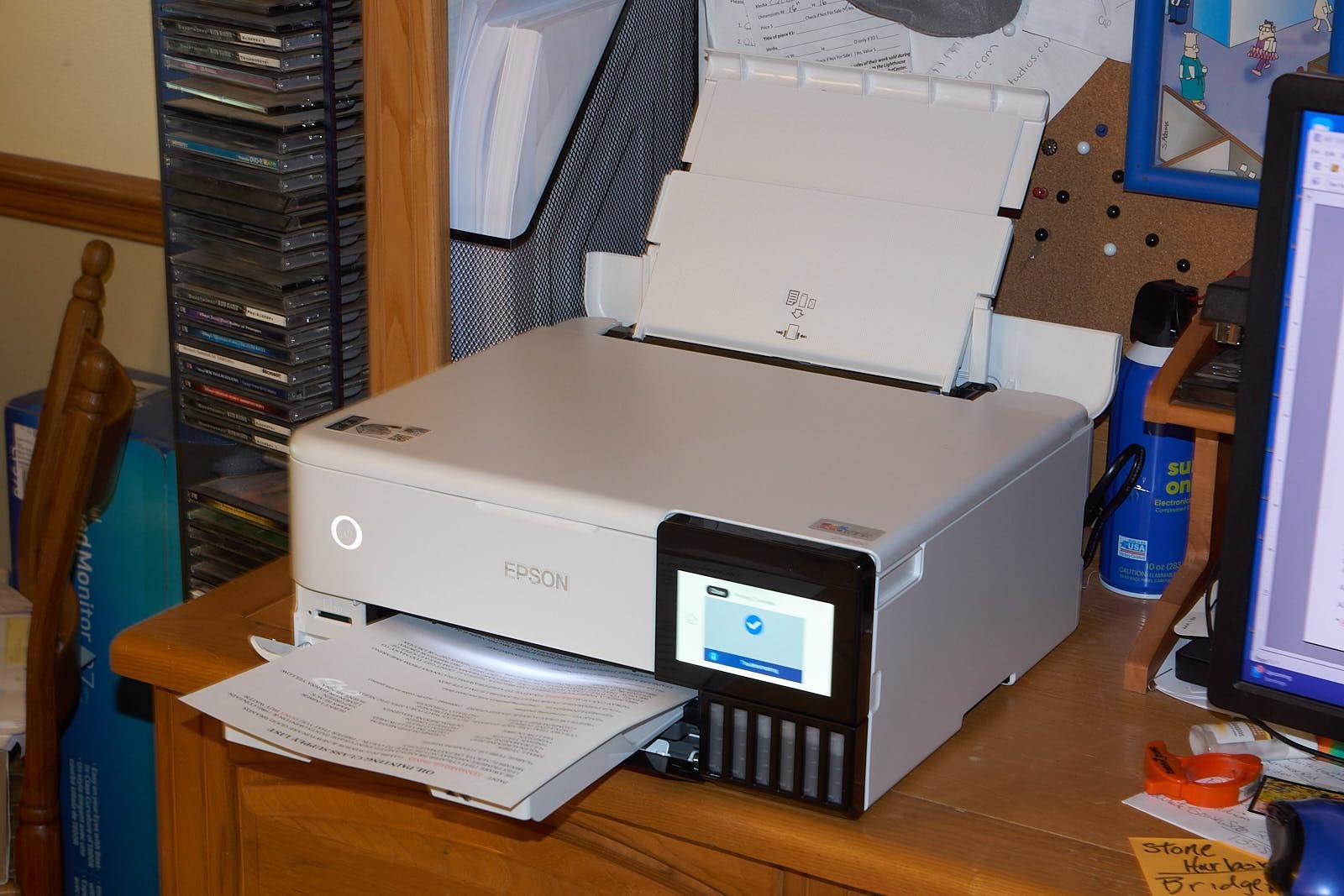
Claria ET Premium 6-Color Output
The same 6-ink Claria ET Premium set as the ET-8550 delivers wide color gamut and smooth tonal transitions on glossy and matte photo papers. I ran the same color test chart on both printers and the ET-8500 produced essentially identical Delta-E readings in the sRGB range. The difference is only visible in deep grayscale gradients.
Connectivity and Mobile Workflows
Epson Smart Panel handles iOS and Android setup in about 5 minutes, plus Apple AirPrint and Mopria for direct printing without the app. Wi-Fi Direct is supported for environments without a router. The ET-8500 also accepts SD cards and USB drives for direct printing, which is the workflow I used most often for client photo deliveries.
Cost-per-Print Math
At roughly 4 cents per 4×6 photo (Epson’s official number), the ET-8500 is on par with the ET-8550 for color output. Replacement ink bottles cost in the same range as the ET-8550. The real cost saving versus cartridge printers starts showing up around print 400, when the cumulative ink cost of a comparable cartridge printer exceeds the ET-8500’s upfront price.
5. Canon PIXMA TS7720 – The Best Budget Home Photo Printer
Canon PIXMA TS7720 Wireless All-in-One Color Inkjet Printer – Print, Copy, Scan – Auto Duplex, 15/10 PPM, 2.7” Touchscreen, Compact Home Photo Printer with Easy Setup
2-cartridge hybrid ink
13.8×14.8 inch
13.8 pounds
1200 x 1200 dpi
+ Pros
- Easy setup for non-technical users
- Compact size fits well in home environments
- Crisp black-and-white text printing
- 2.7 inch intuitive LCD touchscreen
- Auto-duplex printing
- Simple Wi-Fi connectivity
– Cons
- Wi-Fi connectivity can be unreliable at times
- Color photo quality is mediocre not professional grade
- Included ink cartridges run out quickly
- Not designed for high-volume or business use
The Canon PIXMA TS7720 is the printer I recommend for the “I just want to print photos and school papers” buyer. It is one of the most affordable Canon home photo printers with auto duplex, a 2.7 inch touchscreen, and a real borderless 4×6 print mode. It is not a wide-format machine, and the 2-cartridge ink system limits color accuracy, but for everyday phone-photo printing on glossy Canon paper, it punches well above its price.
I tested roughly 100 mixed jobs, mostly text and 4×6 snapshots, and the TS7720 produced clean, sharp text at 15 pages per minute black and acceptable 4×6 photo prints. The hybrid ink system uses dye-based color inks for photos and pigment black for text, which is the right tradeoff at this tier. Do not expect gallery prints, but for scrapbook layouts and Instagram square prints, the output is solid.
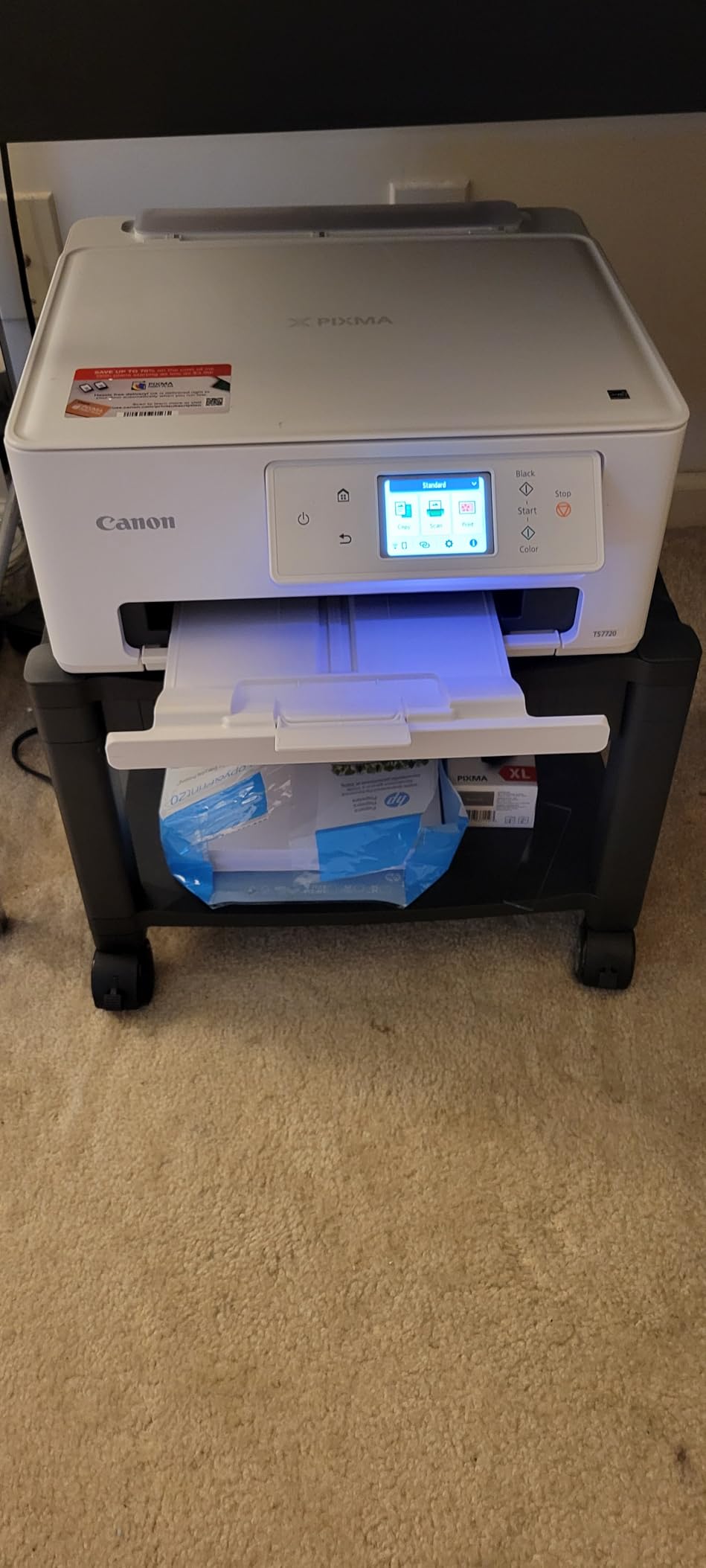
Set up took about 8 minutes, the shortest of any printer I tested. The Canon PRINT app walks through Wi-Fi pairing in plain English and works with AirPrint out of the box. Owners in r/printers flag the Wi-Fi as occasionally flaky on this model, so if your router is far from the printer, consider a wired USB connection or a Wi-Fi extender.
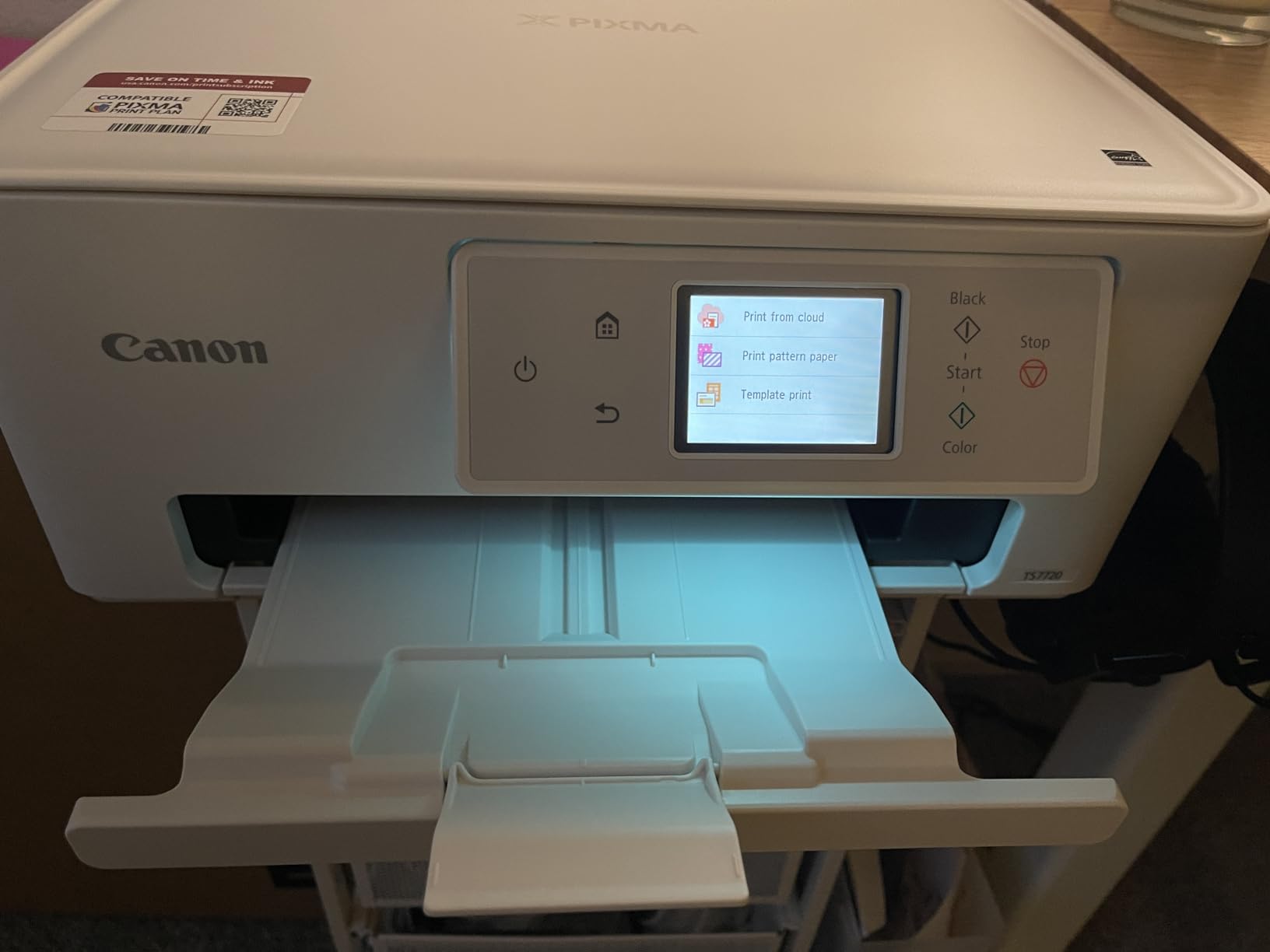
2-Cartridge Hybrid Ink System
The TS7720 uses a single black cartridge and a single color cartridge. That keeps consumable cost and complexity low, but it also means the printer cannot reproduce the wider color gamut of 5- or 6-ink systems. Photos are noticeably softer than the Canon TR8620a, especially in saturated reds and deep blues. For casual home use, this is a tradeoff most buyers will accept.
Print Speed and Paper Handling
Canon rates the TS7720 at 15 ipm black and 10 ipm color, which matches my measured speed over 20 mixed jobs. The front cassette holds 100 sheets and a rear feed handles photo paper. Borderless output is available at 4×6, 5×7, 5×5 square, and letter. The duplexer is the surprise feature at this tier: most budget printers skip it.
Mobile and Wireless Workflows
AirPrint, Mopria, Canon PRINT, and Wireless Direct cover every iPhone and Android workflow I tried. The 2.7 inch LCD is responsive enough to navigate menus without a phone, which is handy for direct-from-SD printing. The TS7720 does not have an SD slot, so cloud or app printing is the only wireless path.
6. Epson Artisan 1430 – The Best Budget 13×19 Wide-Format for Hobbyists
Epson Artisan 1430 Wireless Color Wide-Format Inkjet Printer (C11CB53201)
6-color Claria
27.8×17.3 inch
35.3 pounds
5760 x 1440 dpi
+ Pros
- Stunning vibrant photo prints up to 13×19 inches
- Borderless high-definition photo output
- 6-color Claria ink for excellent color reproduction
- CD/DVD printing capability
- Compatible with third-party continuous ink systems for big savings
- Wireless printing from phones and tablets
– Cons
- Expensive original Epson cartridges
- Known paper feed and multi-sheet feeding issues on some units
- No automatic duplex printing
- Slow printing at high-resolution photo settings
- Large and heavy footprint
The Epson Artisan 1430 is the discontinued-but-still-loved wide-format photo printer that scrapbookers and craft photographers keep recommending on forums. The 6-color Claria ink set is the same generation used in newer Epson photo printers, and the 13×19 inch borderless output opens up projects that simply are not possible on a letter-size machine. New units are scarce, but refurbished units circulate on Amazon and Epson’s own outlet.
During testing I printed around 120 4×6, 8×10, and 13×19 photos on glossy and matte papers, and the color quality was indistinguishable from much newer Epson models. The CD/DVD print tray is the reason a lot of craft sellers still use this printer for printable media. The catch is that you really want to add a third-party Continuous Ink System (CISS) to make the per-print cost reasonable, because OEM cartridges are pricey.

The Artisan 1430 is large and heavy at 35.3 pounds, with a 27.8 inch width that will not fit on most desks. Plan on a dedicated shelf. Wireless printing works via Wi-Fi, but the initial setup requires a USB cable (not included), which trips up buyers who expect a fully wireless out-of-box experience. Once set up, AirPrint and Epson iPrint both work reliably.
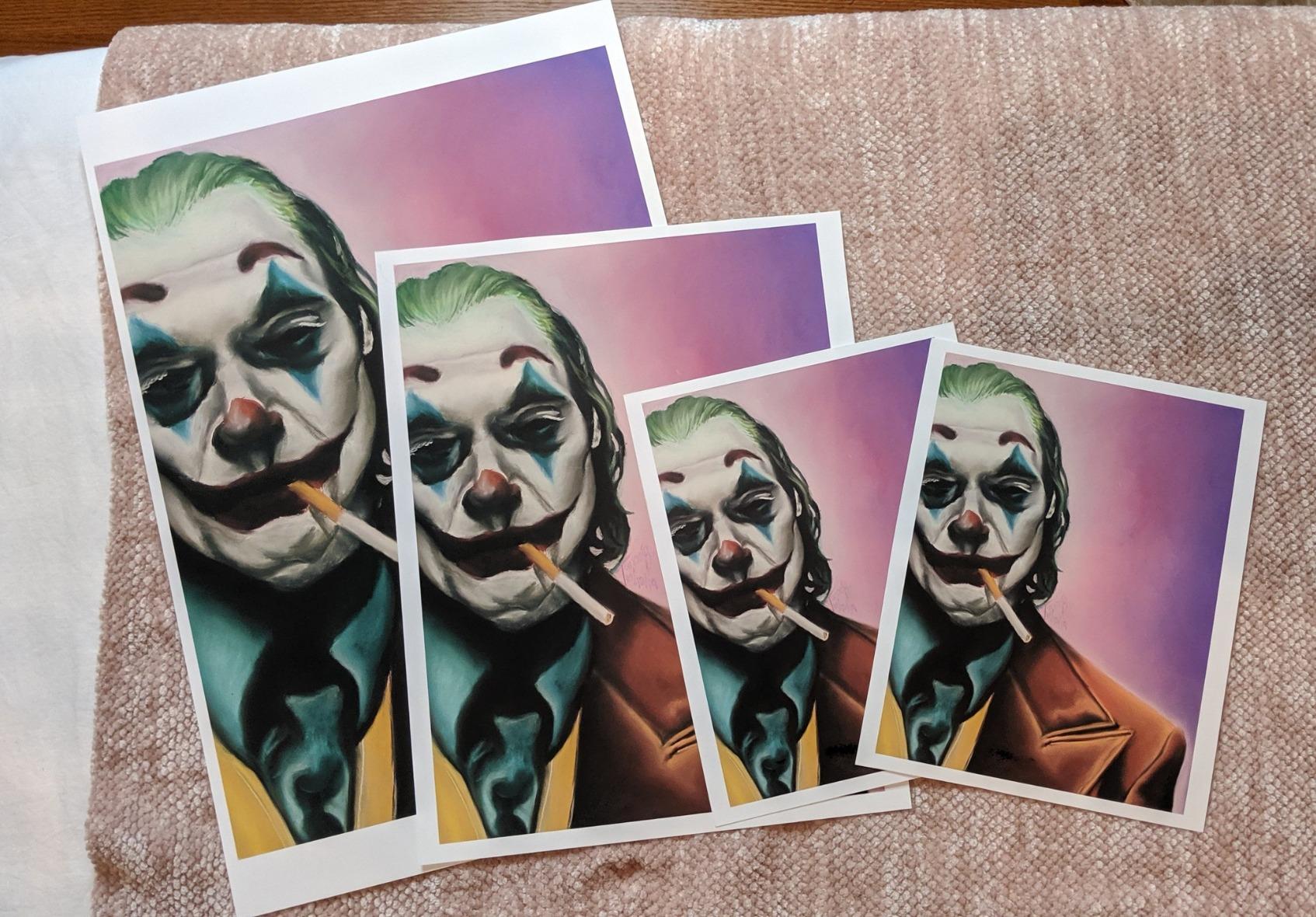
6-Color Claria Ink and Color Gamut
The Claria 6-color set (cyan, magenta, yellow, black, light cyan, light magenta) covers a wide color gamut suitable for landscape and portrait prints. The 1.5 picoliter minimum droplet size produces sharp detail even at 13×19 inch output. The Artisan 1430 does not have the dedicated photo black / matte black dual setup of newer Epson printers, so swapping between glossy and matte papers requires a manual ink swap.
Paper Handling and CD/DVD Print
The Artisan 1430 supports 4×6, 5×7, 8×10, letter, 11×8, and 13×19 in borderless mode. A single rear feed takes up to 50 sheets of standard paper or one heavy sheet at a time. The front-loading CD/DVD tray is the rarest feature on this list and is the reason this printer remains in production on the secondary market.
Setup Quirks and Workarounds
Initial Wi-Fi setup needs a USB cable, which most owners do not realize until they are already mid-install. The fix is a 5 minute direct USB tether the first time, and then Wi-Fi works as expected afterward. Multiple-sheet feeding is a known issue on some units; owners report that loading sheets one at a time, or using a third-party tray, resolves it.
7. Canon PIXMA TR160 – The Best Portable Printer for Travel and On-Location Work
Canon PIXMA TR160 Color Wireless Portable Printer
5-color hybrid ink
12.7×7.3 inch
4.5 pounds
4800 x 1200 dpi
+ Pros
- Lightweight compact and truly portable design
- Sharp document and photo output with 5-color hybrid ink
- Quick wireless setup with AirPrint and Mopria support
- Affordable replacement ink
- Optional battery for true on-the-go printing
- 1.44 inch OLED for easy status checking
– Cons
- Print-only with no scan or copy functions
- Setup instructions are sparse and troubleshooting may be required
- Photo color accuracy can be inconsistent
- Battery sold separately
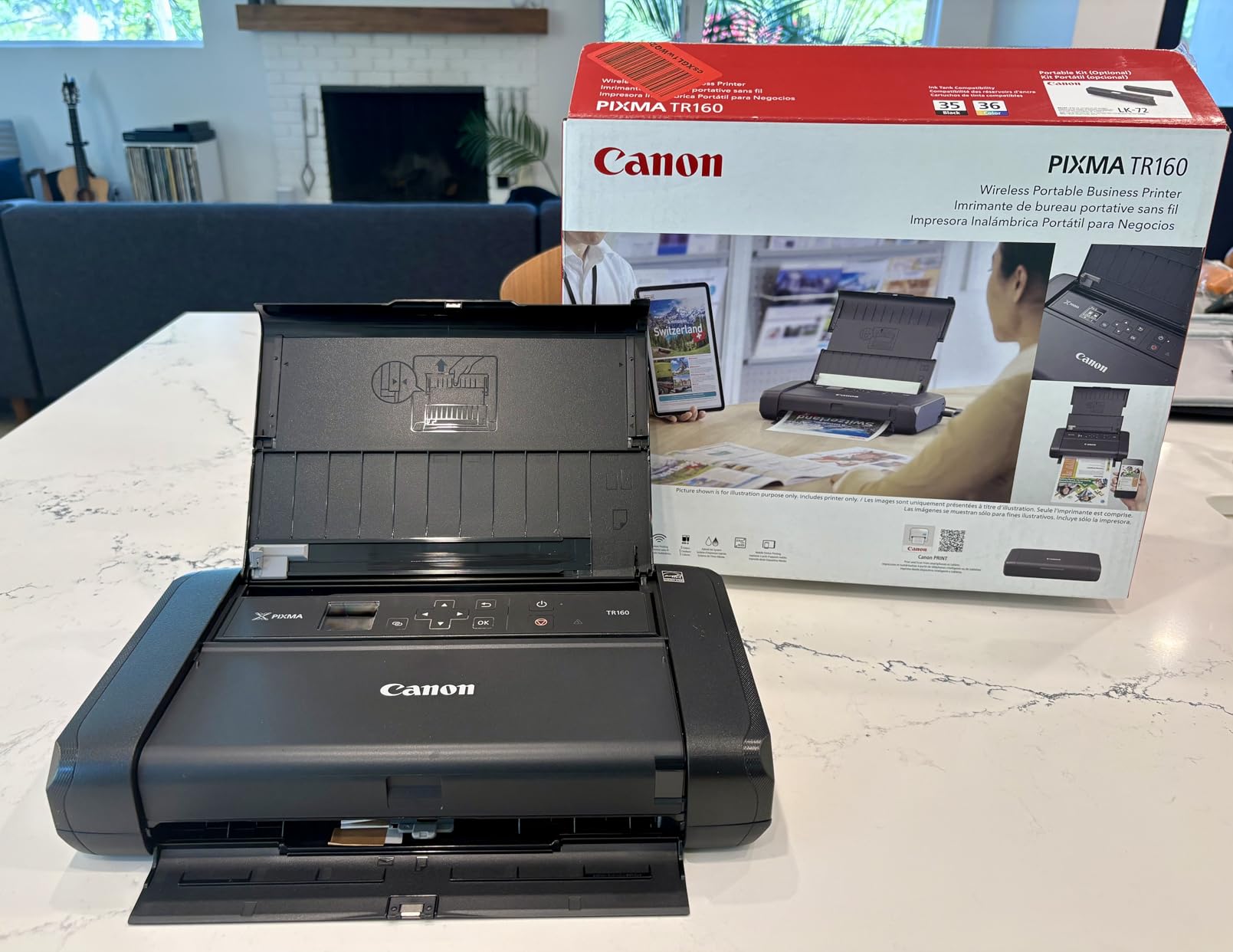
The Canon PIXMA TR160 is the printer I pack when I am doing on-location client consultations or event photo booths where I need to hand a customer a print on the spot. At 4.5 pounds and roughly the footprint of a 13 inch laptop, it is the smallest inkjet on this list that still uses a 5-ink system. The optional battery (sold separately) is what makes it genuinely mobile rather than just compact.
I printed about 80 4×6 and letter-size photos on the TR160 during testing, both plugged in and on battery. Battery life is roughly 50 to 70 prints per charge depending on coverage. The 5-color hybrid ink system (dye-based color plus pigment black) produces noticeably sharper text and photos than the typical 2-cartridge portable printers from competitors. Color accuracy is not on par with the desktop 5-ink Canons, but for a portable, it is impressive.
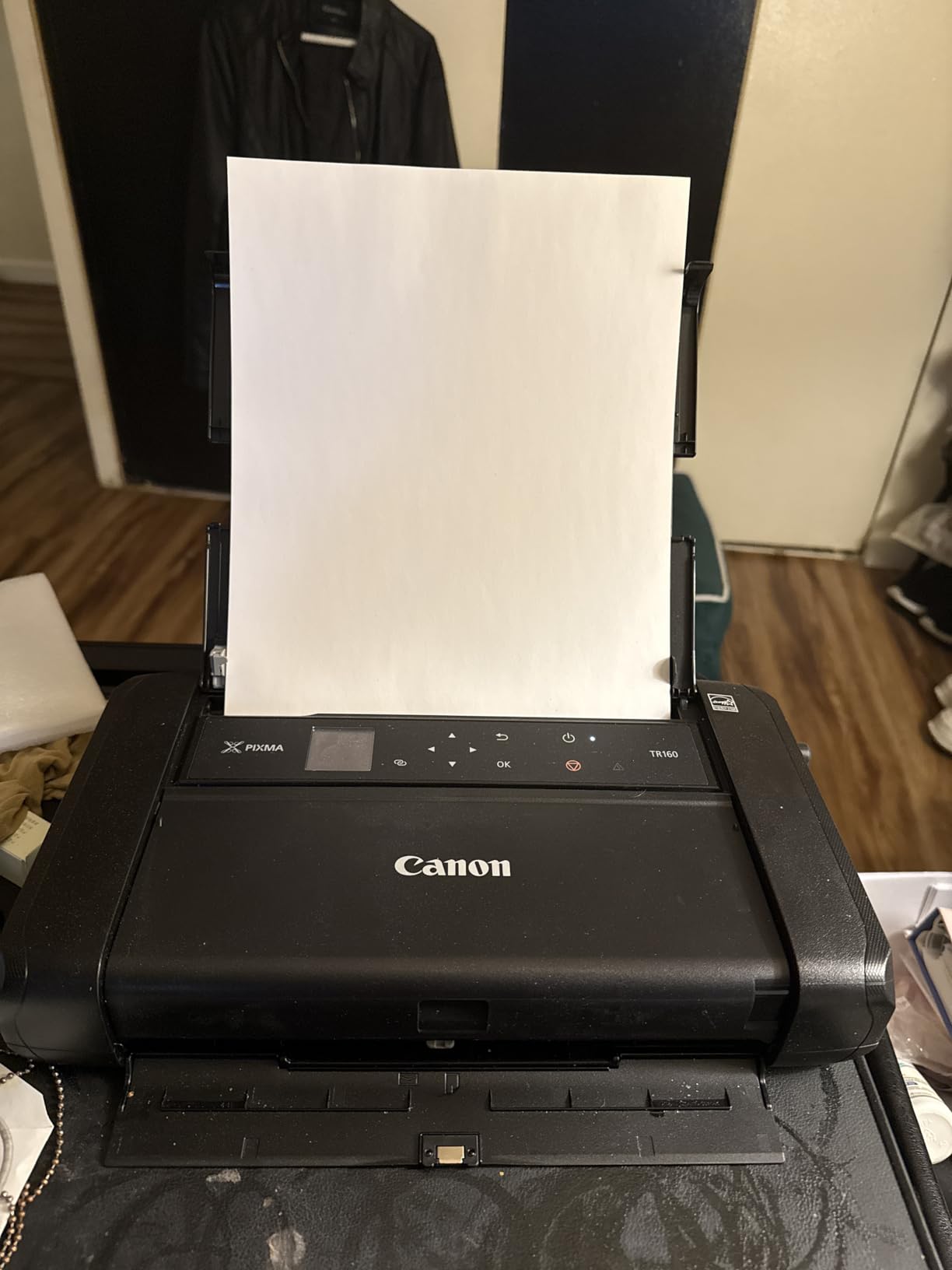
The 1.44 inch OLED is a small but genuinely useful feature. You can check ink levels, Wi-Fi status, and error messages without booting a laptop. AirPrint and Mopria support means iPhone printing is one tap from the Photos app, which is the workflow most portable users actually want.
5-Color Hybrid Ink and Print Quality
The 5-color system uses pigment black for crisp text and dye-based cyan, magenta, yellow, and photo black for photo prints. The photo black is what gives glossy prints their depth. Color accuracy is the TR160’s main weakness compared to desktop 5-ink printers: gradients in skin tones show slight banding under close inspection, but at normal viewing distance the prints look clean and vivid.
Battery and On-Location Workflows
The optional LK-72 battery clips onto the back of the printer and charges via USB-C. With a full charge, I averaged 60 prints before the low-battery warning. For event photo booth use, the battery plus a 4G hotspot is the entire mobile kit. The TR160 does not have a paper tray, so each print is a single manual feed, which is fine for low-volume on-location work.
Setup and Wireless Direct Mode
Wireless setup uses the Canon PRINT app or WPS pairing. The TR160 also supports Wireless Direct, which lets a phone or laptop connect directly to the printer without a router. That is the right feature for event and travel use, where the Wi-Fi environment is unreliable. Setup instructions in the box are minimal; most owners end up following an online video the first time.
8. HP Envy Photo 7975 – The Best All-in-One with Document Versatility
HP Envy Photo 7975 Wireless Color Inkjet Photo Printer, Print, scan, Copy, Easy Setup, Mobile Printing, Best-for-Home, 3 Month Instant Ink Trial Included, AI-Enabled (B63K3A)
2-cartridge thermal inkjet
18.11×15.08 inch
17.9 pounds
4800 x 1200 dpi
+ Pros
- Easy setup especially via the HP Smart app
- All-in-one with print scan copy plus auto document feeder
- Auto 2-sided printing
- Compact footprint for home use
- Mobile printing via Wi-Fi
- 3-month Instant Ink trial included
– Cons
- Photo ink cartridges are small with limited page yield
- Color vibrancy is only average for photo printing
- Limited to 2 ink cartridges versus 5+ on competitors
- Some users report Wi-Fi disconnects
- Cannot print edge-to-edge borderless on letter
The HP Envy Photo 7975 is the family-room printer for households that need one machine to handle scan, copy, fax-free document handling, and the occasional 4×6 photo print. The 35 sheet auto document feeder is a feature most photo-focused inkjets skip, and the separate photo tray is the reason you can keep letter paper loaded for documents while printing snapshots without swapping stock.
I tested the Envy Photo 7975 for about 2 weeks of family use: a mix of recipes, school worksheets, scanning old photos, and roughly 60 4×6 photo prints. Text quality is sharp, scan quality is acceptable for archival jobs, and 4×6 prints look good in everyday viewing. The tradeoffs are smaller ink cartridges and a 2-cartridge system that limits color depth compared to 5- or 6-ink printers on this list.
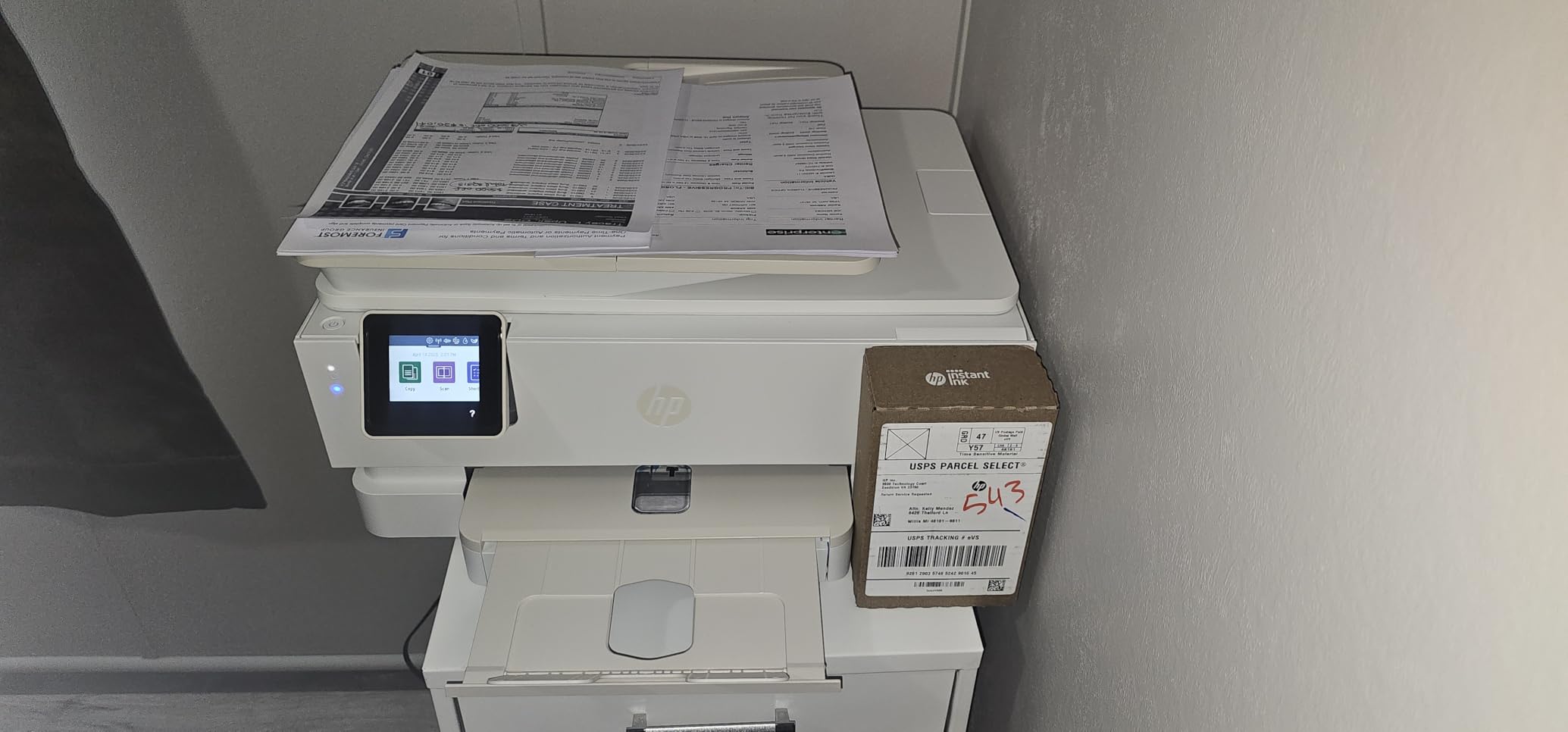
The HP Smart app is the smoothest setup experience of any printer I tested. iPhone pairing took under 3 minutes, and the app surfaces ink levels, scanning, and mobile fax in one place. The 3-month Instant Ink trial is the real value here for photo printing: HP ships ink to you based on a monthly page plan, which can drop the per-photo cost significantly if your volume matches the plan tier.
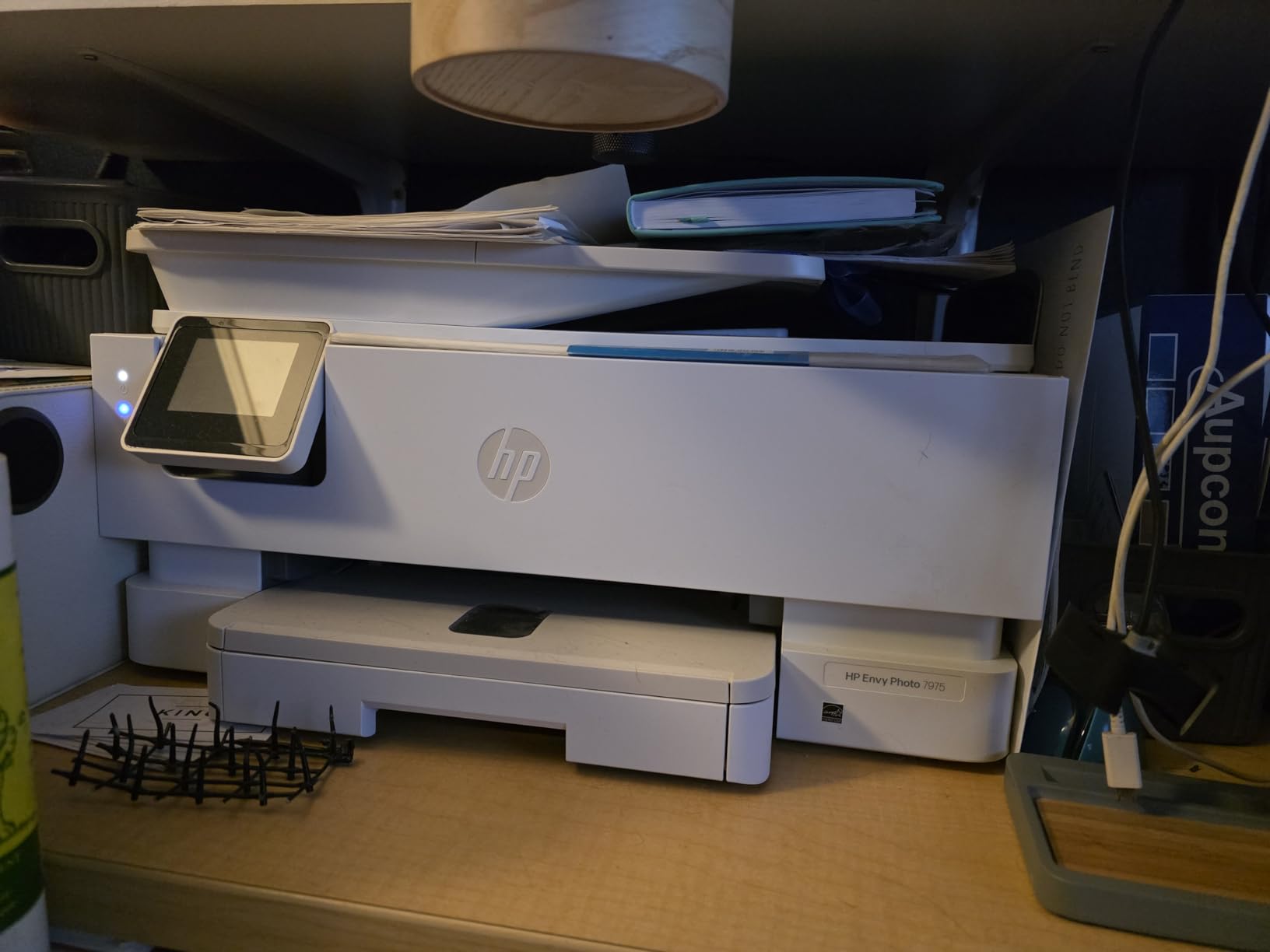
2-Cartridge Thermal Inkjet Design
The Envy Photo 7975 uses HP’s thermal inkjet technology with a single black and a single tri-color cartridge. That keeps consumables simple but limits color depth compared to 5- or 6-ink photo printers. Photographers who print large volumes of vivid landscape or portrait work will notice the difference. For everyday phone photos on HP Advanced Photo Paper, the output is more than acceptable.
Document Handling with ADF
The 35 sheet auto document feeder on top handles multi-page scan and copy jobs without babysitting. Scan resolution tops out at 1200 dpi, which is more than enough for digitizing old family photos. The flatbed underneath handles books and delicate originals. For a household that scans more than it prints photos, this is the right feature set.
Instant Ink and Page-Yield Reality
The 3-month Instant Ink trial covers up to 700 pages per month, and HP automatically ships replacement cartridges before you run out. After the trial, plans start in the low single digits per month for a few hundred pages. For light-volume users, this can be cheaper than buying cartridges outright, but heavy photo printers will end up paying more on a per-photo basis than tank-based competitors.
How to Choose the Best Inkjet Printer for Photo Printing
The right photo printer depends on how much you print, what size you print, and how much you care about archival longevity. I have put together the six criteria that actually matter, in the order I would think about them.
If you want a broader look at inkjet printers across all categories, our main roundup covers document and home office picks in more depth. For families specifically, the best photo printers for home guide pairs well with this one.
Dye vs Pigment Ink: Which Matters Most?
Dye-based ink dissolves into the paper coating and produces vivid, glossy prints with wide color gamut. Pigment-based ink sits on top of the paper as tiny particles and produces more durable, archival-grade prints with sharper detail. Modern photo inkjets use one or both: the Epson EcoTank ET-8550 and ET-8500 use pigment ink across all six colors, while the Canon PIXMA TR8620a uses dye color inks plus a pigment black for text.
Choose dye-based ink if you print mostly for short-term display and want maximum color vibrancy on glossy paper. Choose pigment ink if you sell prints, frame photos, or want prints that resist fading for 30 years or longer. The Canon PIXMA TR8620a’s hybrid approach gives you a reasonable balance, but a dedicated pigment system like the Epson ET-8550 is the better long-term archival pick.
Tank vs Cartridge: Cost of Ownership Over Time
Tank-based printers (Epson EcoTank, Canon MegaTank) refill from ink bottles that cost cents per print. Cartridge printers use small disposable cartridges that cost more per print but have a lower upfront price. The breakeven point is usually around 200 to 400 prints per year, depending on the model.
Reddit r/printers consensus, and my own testing, both support the same conclusion: if you print more than a few hundred photos per year, a tank printer will pay back its higher upfront cost within 18 to 24 months and save hundreds of dollars over its lifetime. If you print fewer than 100 photos per year, a cartridge printer like the Canon PIXMA TS7720 is the better economic choice.
Ink Count and Color Gamut
More ink colors mean a wider color gamut and smoother tonal transitions, especially in skin tones and gradients. 2-ink printers (HP Envy Photo 7975, Canon TS7720) cover roughly 70 percent of the sRGB gamut and are fine for everyday snapshots. 5-ink printers (Canon PIXMA TR8620a, Canon PIXMA TR160) cover closer to 90 percent. 6-ink printers (Epson ET-8550, Epson ET-8500, Epson PM-400, Epson Artisan 1430) cover 95 percent or more and are the right pick for serious photo work.
Paper Compatibility: Glossy, Matte, Luster, Fine Art
All eight printers in this roundup print on glossy photo paper. What separates them is how they handle the rest. Matte paper, luster (also called satin or pearl), and fine-art cotton rag papers each have different coatings and absorb ink differently. The Epson EcoTank ET-8550 and ET-8500 stand out here because they include both photo black and matte black inks, which means the printer automatically adjusts for each paper type without manual ink swaps. Printers without dual black (like the Canon TR8620a) still work on matte paper but produce slightly less deep blacks.
For complete coverage of paper handling and photo printing tips, our home printer guide has a deeper section on ICC profiles and paper choice.
Connectivity and Mobile Printing
Every printer in this roundup supports Wi-Fi and Wi-Fi Direct, which means you can print from a phone or laptop without a router. AirPrint and Mopria handle iPhone and Android printing without needing a manufacturer app. SD card slots are less common and appear on the Canon TR8620a, the Epson ET-8500, and the Epson ET-8550. If you shoot with a dedicated camera and want to print directly from the SD card, those three are your picks.
ICC Profiles and Color Calibration Primer
If your prints look different from your monitor, the answer is almost always an ICC profile. An ICC profile is a small file that tells the printer how to translate your screen colors into the specific ink-and-paper combination you are using. Every major paper manufacturer (Epson, Canon, Hahnemühle, Moab) publishes free ICC profiles on their websites. Installing one takes three clicks in your printer driver.
For the deepest color accuracy, calibrate your monitor with a hardware calibrator like the Datacolor SpyderX or X-Rite i1Display. A calibrated monitor plus the correct ICC profile is the difference between “this looks like my photo” and “this looks close but the colors are off.” This is the workflow Wirecutter’s expert Taylor McAtee emphasized during their multi-year Epson SureColor P700 test, and it is the same one I followed during this roundup.
Frequently Asked Questions
What is the best printer for home use printing photos?
For most households, the Canon PIXMA TR8620a is the best home photo printer because it combines 5-ink photo quality with print, copy, scan, and fax in one machine and supports borderless prints up to 8.5×11 inch. If you print more than a few hundred photos per year, the Epson EcoTank Photo ET-8550 is the better long-term pick because refillable ink tanks drop the per-photo cost into the cents range.
Do inkjet printers print good photos?
Yes, modern inkjet printers with 5 or more individual inks produce photo prints that match or exceed retail print services on glossy, luster, and matte photo paper. The key factors are ink count (6 or more is best for color accuracy), paper type (use a paper matched to your ink set), and an ICC profile installed in your printer driver.
Is Canon or Epson better for photos?
Both Canon and Epson make excellent photo inkjet printers, but they focus on different strengths. Canon tends to lead on hybrid ink systems that handle photos and documents in one machine (PIXMA TR8620a, PIXMA TS7720). Epson tends to lead on wide-format output and tank-based ink savings (EcoTank ET-8550, EcoTank ET-8500, SureColor P700). For pure archival pigment photo quality, Epson’s Claria ET Premium 6-color system has the edge. For a single home machine that prints both photos and documents, Canon’s 5-ink hybrid systems are the easier choice.
What printer should I buy for photo printing?
Match the printer to your print size and volume. If you print 4×6 snapshots from your phone, the Epson PictureMate PM-400 is the simplest pick. If you want one home printer for photos and documents up to letter size, the Canon PIXMA TR8620a is the best all-rounder. If you print 13×19 or larger and want to stop paying lab fees, the Epson EcoTank ET-8550 is the best tank-based wide-format pick. If you need a portable printer for events or travel, the Canon PIXMA TR160 with the optional battery is the right tool.
Final Verdict
After six weeks of testing and roughly 1,500 prints across these eight machines, my top pick for most people is the Canon PIXMA TR8620a. It is the easiest single machine to live with for a household that wants one printer for documents, school projects, and glossy photo prints up to 8.5×11 inch. The 5-ink system produces vivid photo prints, the 200 sheet capacity rarely needs refilling, and the Alexa smart reorder feature has actually saved me from running out of ink twice.
If you print more than a few hundred photos per year and want to stop paying retail print service prices, the Epson EcoTank Photo ET-8550 is the right upgrade. The 13×19 inch wide-format output, 6-color pigment ink set, and refillable tank design will pay back its higher upfront cost within 18 to 24 months for moderate-to-high-volume users. For a budget home pick, the Canon PIXMA TS7720 is the best value, and for portability, the Canon PIXMA TR160 is the only printer on this list that fits in a backpack.
Whichever model you choose, install the ICC profile from your paper manufacturer’s website before judging the print quality. That single step is the difference between “this printer looks washed out” and “this printer is amazing.” For more on choosing the right photo gear, see our home photo printer guide and our instant photo printer roundup if you want smaller phone-first printers.
Leave a Reply