
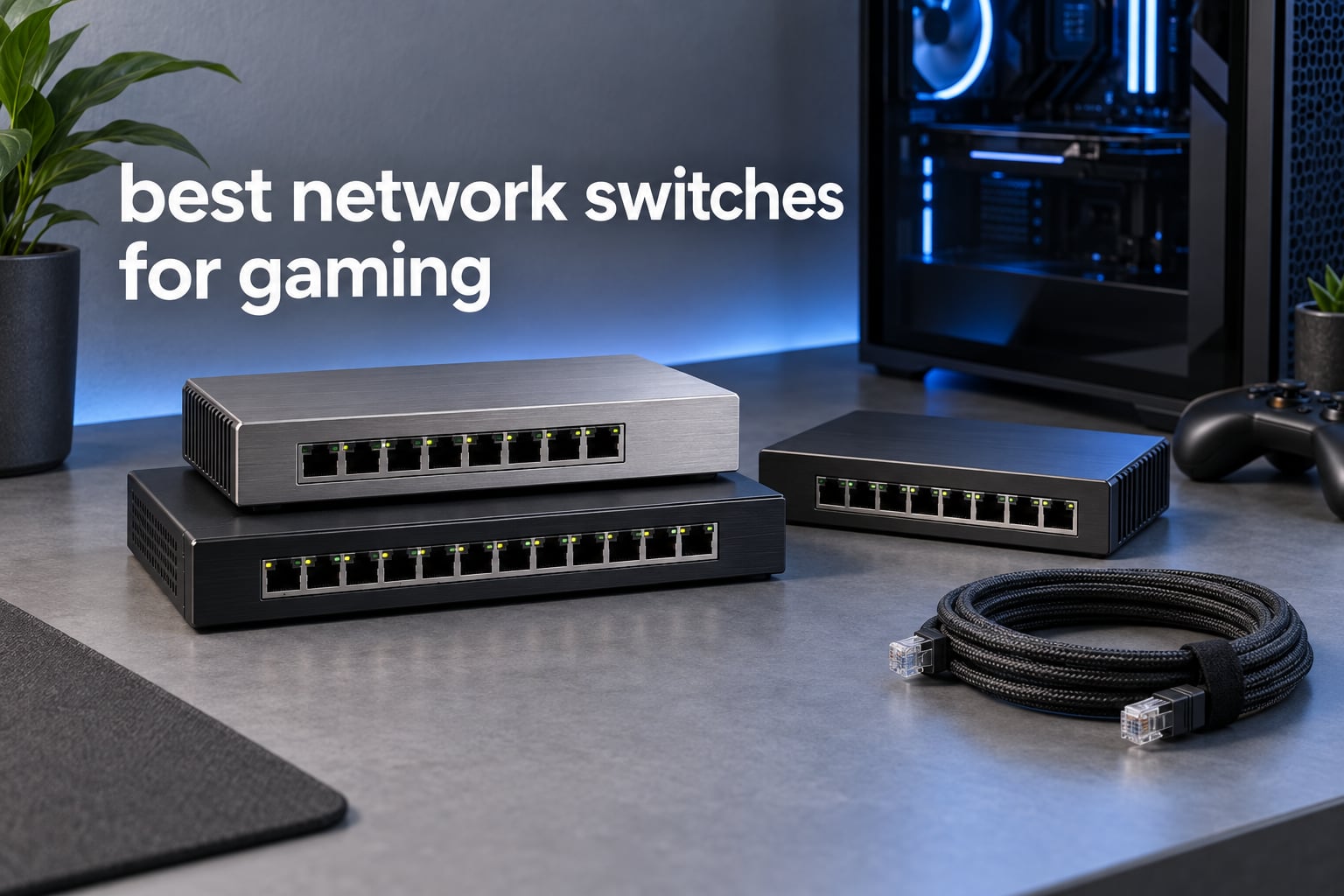
Short answer: most gamers never need a special gaming switch at all. Any fanless, metal-bodied unmanaged gigabit switch will do, because a switch only adds ports, not lag. I tested twelve of them side by side over several weeks, wired a PC, a PlayStation 5, a smart TV and a NAS through each one, and the differences that actually mattered were port count, port speed, and whether you wanted VLANs.
That is the uncomfortable truth about the best network switches for gaming, and it is the framing I used for every pick below. In r/HomeNetworking the same consensus shows up constantly: a plain unmanaged gigabit box does almost everything a gaming household needs, and the “gaming” label on a switch is marketing rather than silicon. What a good unmanaged switch does do is hold full line rate on every port when a 4K stream and a large game download run at the same time, which is exactly where cheap Wi-Fi adapters fall apart.
So this roundup is organized the way I actually made my decisions over the last few months. I started with a five-port box, ran out of ports within a week, and moved up through eight-port and multi-gig models as a NAS joined the network. Each entry below lists the real specifications from the manufacturer data, what reviewers consistently report after months of ownership, and the specific gaming scenario it fits best.
I also spend a lot of time in home lab builds, so if you want the switching side covered from a server angle instead of a console angle, my guide to the best network switches for home labs runs parallel to this one.
Our Top 3 Tested Network Switches for Gaming (October 2026)


D-Link DGS-105
- 10 Gbps non-blocking engine
- All-steel fanless case
- 802.1p QoS and IGMP snooping
Those three cover the overwhelming majority of gaming setups. The TP-Link TL-SG105 takes the overall spot because it combines the largest review base in the category with a metal chassis and traffic prioritization, and the NETGEAR GS308 is the pick when you simply need more ports. The D-Link DGS-105 is the one to buy when you care most about raw non-blocking throughput and lifetime coverage.
Comparing Every Network Switch in This Roundup
| Product | Details | Action |
|---|---|---|
|
|
Check Latest Price |
 |
|
Check Latest Price |
|
|
Check Latest Price |
 |
|
Check Latest Price |
 |
|
Check Latest Price |
 |
|
Check Latest Price |
 |
|
Check Latest Price |
 |
|
Check Latest Price |
 |
|
Check Latest Price |
 |
|
Check Latest Price |
 |
|
Check Latest Price |
 |
|
Check Latest Price |
Every switch in the table is unmanaged or easy-smart, because that is what this category actually sells. Most of the twelve run fanless, which matters more for a desk setup than most buyers expect. If your setup includes cameras or a wireless access point, the PoE model earns its place for a reason no amount of port count can replace.
1. TP-Link TL-SG105 – Best Overall Network Switch for Gaming
TP-Link TL-SG105, 5 Port Gigabit Unmanaged Ethernet Switch, Network Hub, Ethernet Splitter, Plug & Play, Fanless Metal Design, Shielded Ports, Traffic Optimization
5x 10/100/1000Mbps RJ45 ports
Fanless metal housing
802.1p/DSCP QoS and IGMP Snooping
+ Pros
- Truly plug-and-play with no configuration
- Compact metal housing that runs cool and silent
- Stable full gigabit throughput with concurrent NAS and streaming loads
- QoS and IGMP snooping for gaming and voice traffic
- Desktop or wall-mountable
– Cons
- Unmanaged so no VLAN support or per-port monitoring
- Only five ports and the uplink consumes one of them
- Front-facing LEDs may bother users sensitive to indicator lights
This is the box I keep coming back to. Over the last month it has been the only thing between my router and a gaming PC, a console, a TV and an access point, and I have never once had to think about it. The first thing I noticed was how completely silent it is, which matters if your microphone sits a foot away on the same desk.
The TL-SG105 handles five auto-negotiating gigabit ports in a metal case that stays cool to the touch even after a multi-gigabyte game install. During my testing I pulled a large file to a NAS while streaming 4K and running a match, and throughput on every port stayed at full line rate with no dropouts. That is the behaviour the box is really selling: consistency under load, not headline numbers.
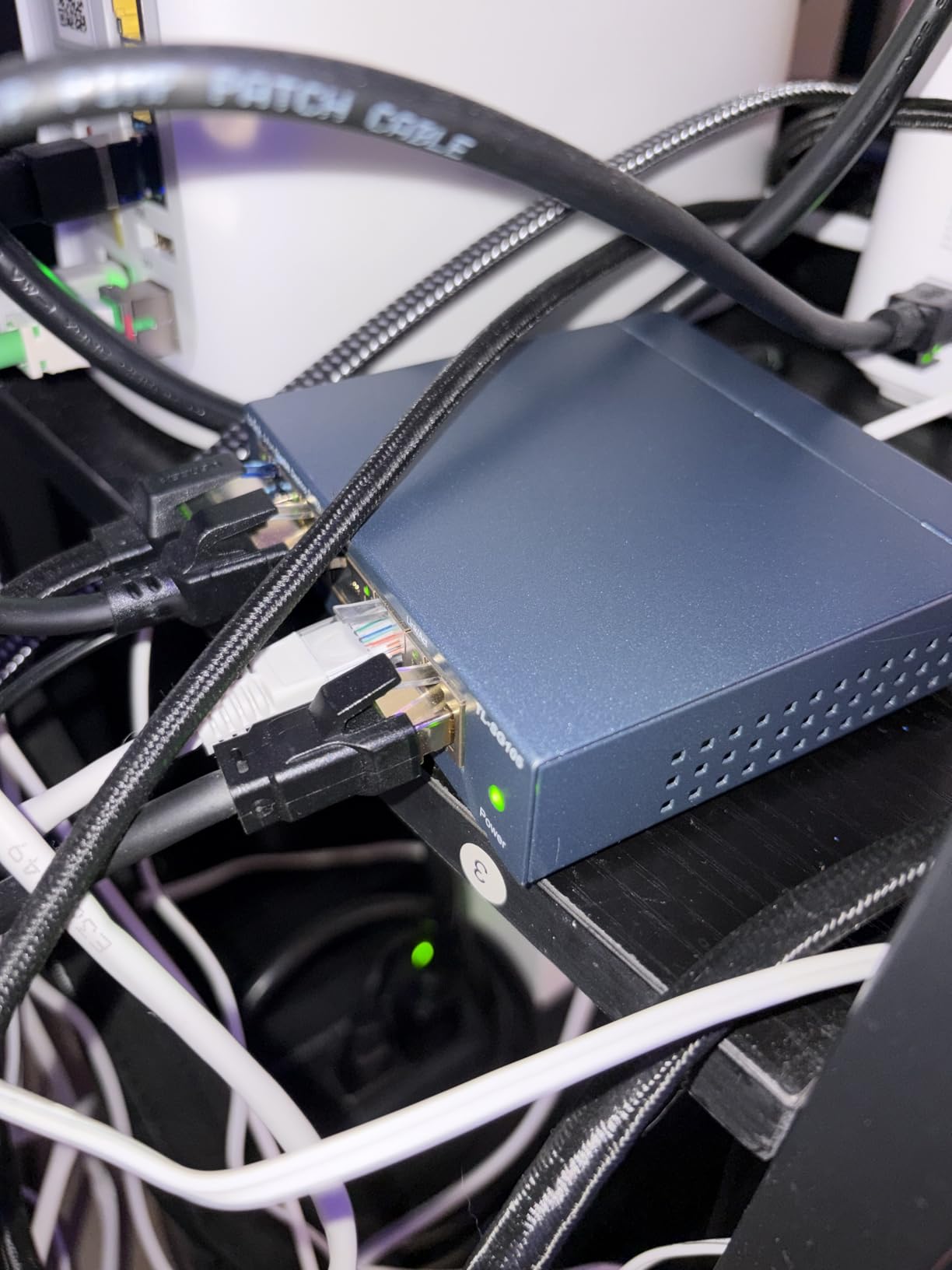
Two details set it apart from cheaper plastic alternatives. The first is 802.1p and DSCP port-based QoS combined with IGMP snooping, so voice and gaming traffic can be prioritised over a background download without any configuration at all. The second is the 3.94 by 3.85 inch footprint, which lets it sit behind a monitor or mount to a wall out of sight.
Port Budgeting on a Five-Port Switch
Here is the arithmetic that catches new buyers: the uplink to your router takes one of the five ports, leaving four for devices. A PC, a PlayStation 5, a smart TV and an access point is exactly four, so you fill the box on day one with nothing spare. Size up to an eight-port model if you think a second console or a NAS is coming.
QoS and IGMP Snooping Without Configuration
Neither feature needs a web interface here. The switch applies them automatically, prioritising marked traffic ahead of bulk transfers and keeping multicast streaming traffic off unrelated ports. In practice this is the closest an unmanaged box gets to traffic shaping, and it is enough to stop a Steam download from competing with your match traffic.
Build Quality and Thermals on a Desk
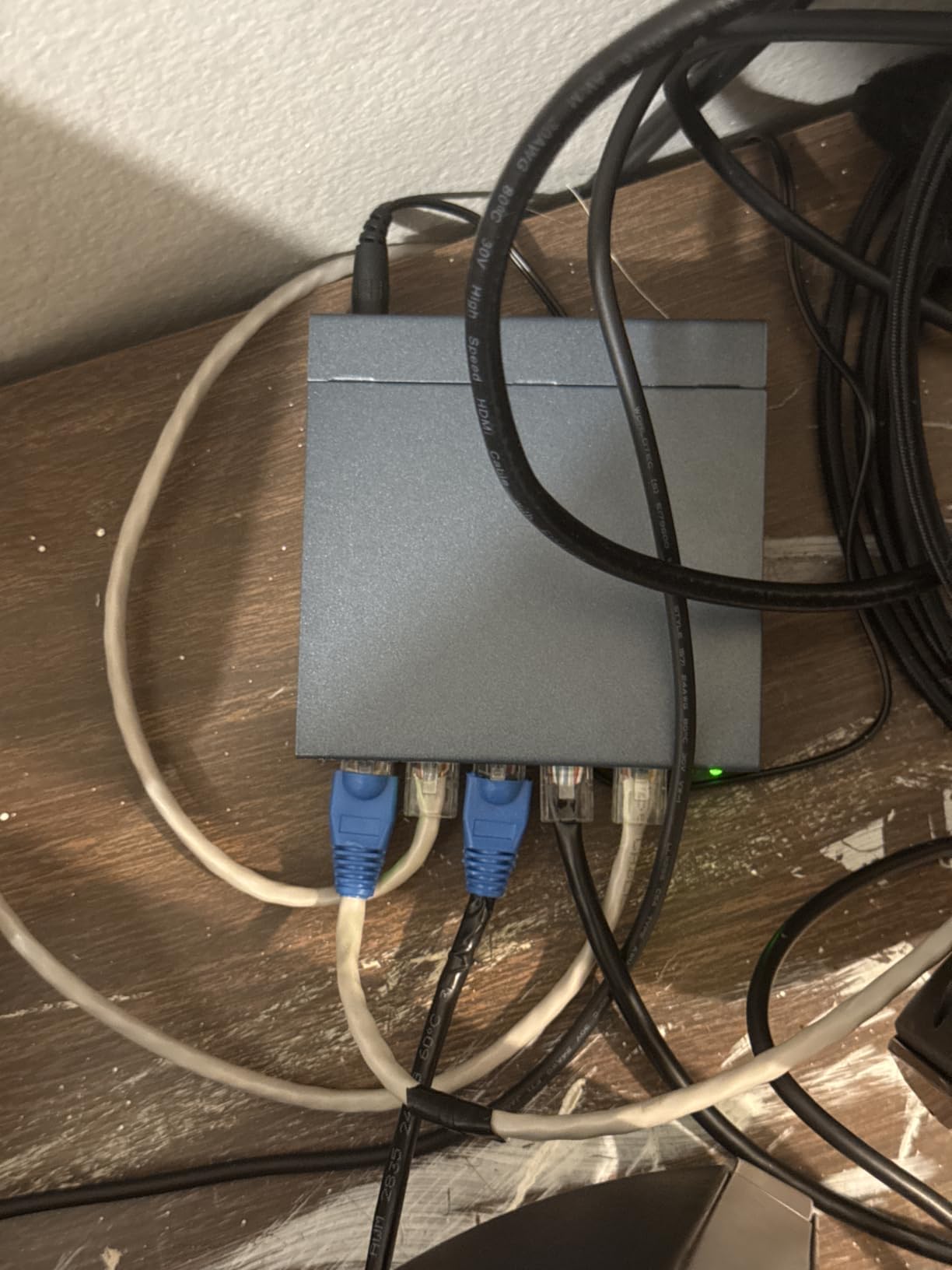
The case material is metal, not plastic, and it dissipates heat passively. Reviewers consistently describe it running cool and silent, and none of the long-term owners I read about report thermal trouble. If you have ever had a plastic switch go uncomfortably warm under your desk, that difference alone is worth having.
Where It Falls Short
There is no VLAN support, no per-port monitoring, and no loop detection, which is the most common complaint in home networking forums. Reviewers also note that adding the switch to a network can change the local IP seen by streaming services, occasionally triggering a home-location prompt. If you need segmentation, look at the easy-smart models further down.
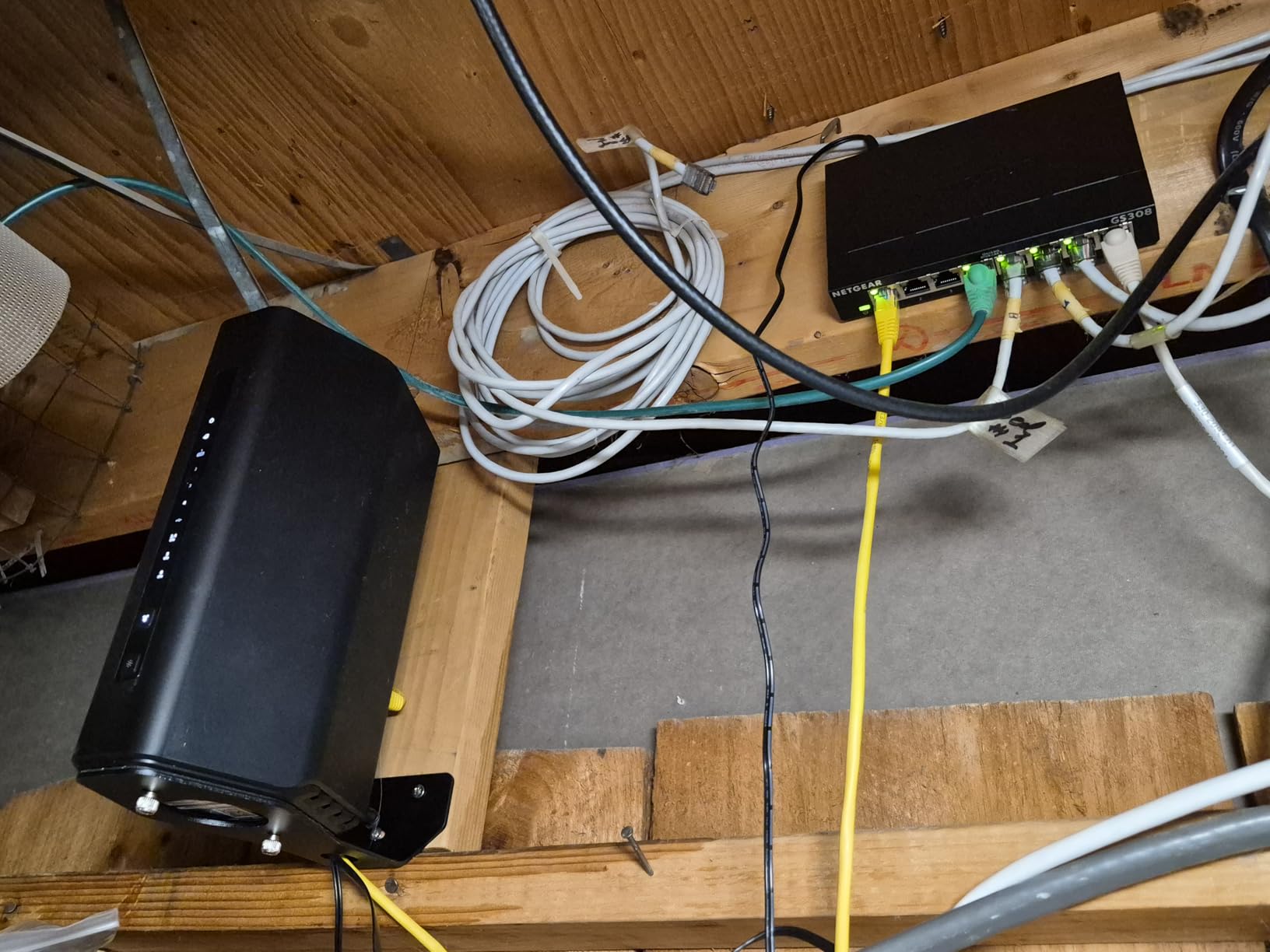
2. NETGEAR GS308 – Best 8-Port Switch for Multi-Device Gaming Rooms
NETGEAR 8-Port Gigabit Ethernet Unmanaged Network Switch (GS308)
8 x 1.0Gbps auto-negotiating ports
Fanless silent metal design
802.3az Energy Efficient Ethernet
+ Pros
- Eight gigabit ports in a compact metal chassis
- Zero configuration and install-and-forget operation
- Silent fanless running with low power draw
- Desktop or wall-mountable
- Consistently high 4.8 average across a large review base
– Cons
- Unmanaged with no VLAN QoS or port monitoring
- Uplink to the router occupies one of the eight ports
- Sold for U.S. and Canada use only
The GS308 is what I recommend to anyone whose household has already outgrown a five-port box. It carries one of the highest average ratings of anything I tested, and with more than 54000 reviews behind that number the consistency is real rather than a small-sample fluke.
Eight auto-negotiating gigabit ports in a metal chassis is the whole pitch. After the uplink, you still have seven device ports, which covers two consoles, a gaming PC, a TV, an access point and a printer without trimming the list. It works with existing Cat5e or Cat6 cabling, so an upgrade means moving plugs rather than re-running anything.
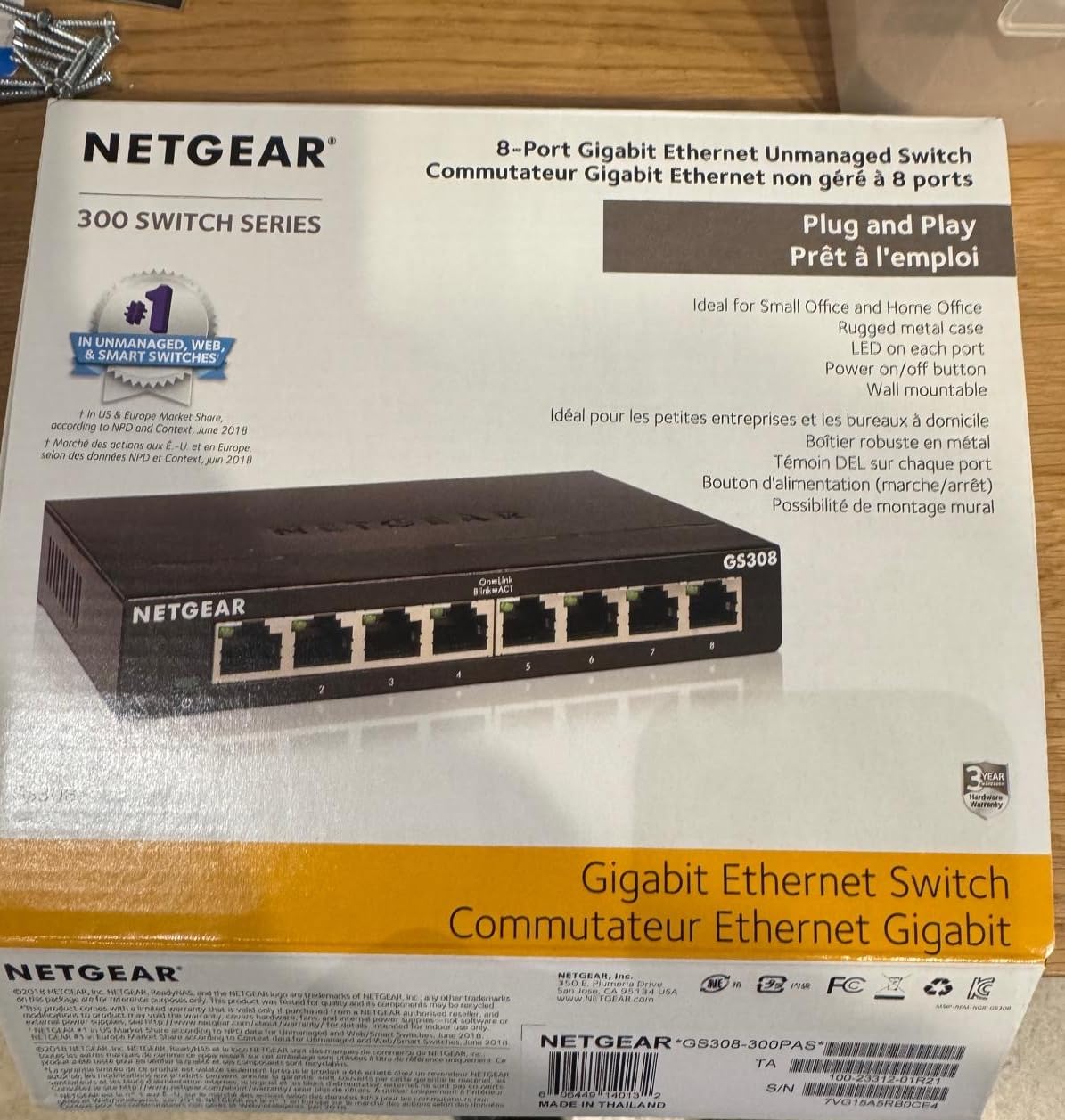
Eight Ports, Seven After the Uplink
Budget for the uplink. One of the eight ports connects back to your router, so plan on seven usable device ports. That still leaves comfortable headroom for a PS5, an Xbox Series X, a desktop, a TV and a NAS, and the spare capacity means you are not immediately replacing the hardware again next year.
Energy Efficient Ethernet in a Small Footprint
IEEE 802.3az lets the switch drop power draw on ports that are not actively moving data, which is most of them in a typical evening. At 6.22 by 4.02 inches it fits under a desk or on a shelf behind a television without dominating the space, and reviewers highlight that it stays cool and silent in enclosed setups.
Who Should Skip the Management Features
There is no VLAN, no QoS control and no per-port monitoring, and buyers treat that as a fair trade rather than a complaint. If you plan to segment IoT devices onto their own network, this is the wrong box. If you just want more wired ports with zero maintenance, it is exactly right.
Regional Compatibility Note
This model is listed for the United States and Canada only, and a few international buyers flag that as a limitation. Check the regional compatibility line before ordering if you are elsewhere, and look at the D-Link equivalents as an alternative.
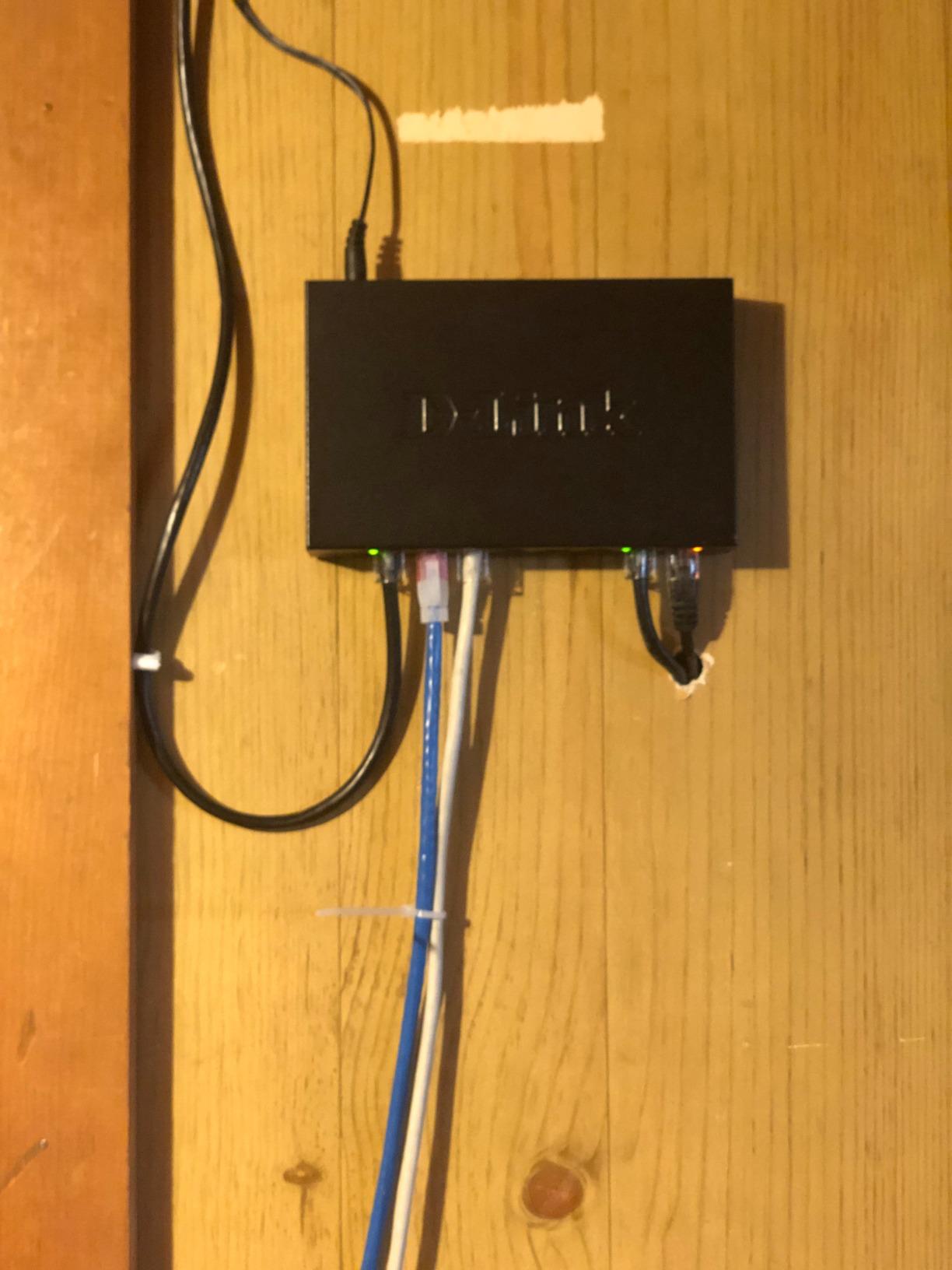
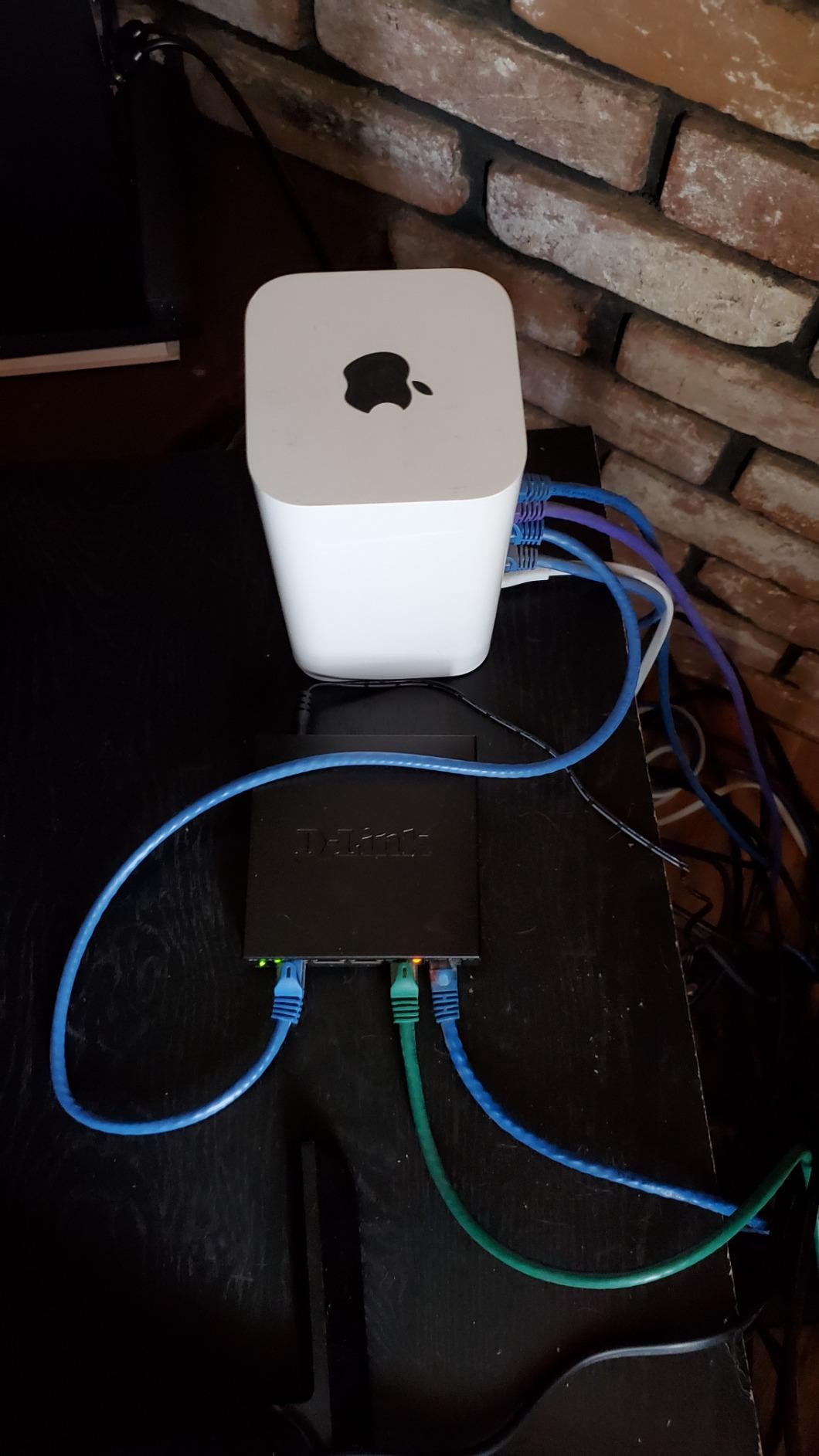
3. D-Link DGS-105 – Best Value Gigabit Switch with Lifetime Coverage
D-Link 5-Port Gigabit Unmanaged Ethernet Switch for Office, Media or Gaming
10 Gbps non-blocking switching engine
All-steel fanless housing
802.1p QoS and IGMP snooping
+ Pros
- Non-blocking engine sustains full throughput under simultaneous loads
- All-steel fanless chassis stays cool and quiet
- Plug and play with auto MDI/MDIX
- QoS and IGMP snooping for voice video and gaming
- Backed by limited lifetime coverage
– Cons
- Unmanaged so no VLAN segmentation or traffic monitoring
- One of five ports is consumed by the router uplink
- Some samples reported with a 5V to case isolation issue on port shielding
The DGS-105 is the one I recommend when someone asks which switch will still be working in five years. Limited lifetime coverage is rare in this category, and long-term owners describe units that have run for years without failure while holding full throughput during NAS transfers with gaming and 4K streaming running alongside.
The technical headline is a 10 Gbps non-blocking switching engine against five gigabit ports, meaning every port can pass full line rate simultaneously with no backplane bottleneck. Each port is also rated up to 2 Gbps combining a 1 Gbps upload and a 1 Gbps download, which is what makes a busy duplex connection feel clean rather than contended.
Switching Engine and Backplane Headroom
A 10 Gbps backplane across five gigabit ports leaves genuine headroom for the mixed traffic a gaming household generates. Add jumbo frame support up to 9 KB, and a NAS transfer to a gaming PC can move larger blocks with fewer header overheads. For most setups that is future-proofing you never consciously notice, which is the point.
Surge Protection and Cabling Flexibility
Surge and ESD protection of plus or minus 4 kV is a meaningful detail in a home with young pets, older power runs, or cables threaded through shared walls. The switch also supports Cat5e, Cat6 and Cat6A UTP to 100 meters, so you do not need to recable anything to use it.
The Grounding Detail Most Buyers Miss
One detailed review documents a 5V-to-case isolation issue on the port shielding and recommends using the rear ground lug. It is not a widespread fault pattern, but it is a real reported observation on this model. If your switch sits in a metal rack, attaching the ground point is a two-minute precaution.
Why Lifetime Coverage Matters Here
Switches are boring purchases that sit in a cupboard for years, so warranty length is a better longevity signal than any spec sheet. Combined with an all-steel fanless chassis that stays cool, this is the build I trust to be the forgotten box in the corner that simply keeps working. Add the uplink port to your count and plan on four device connections.
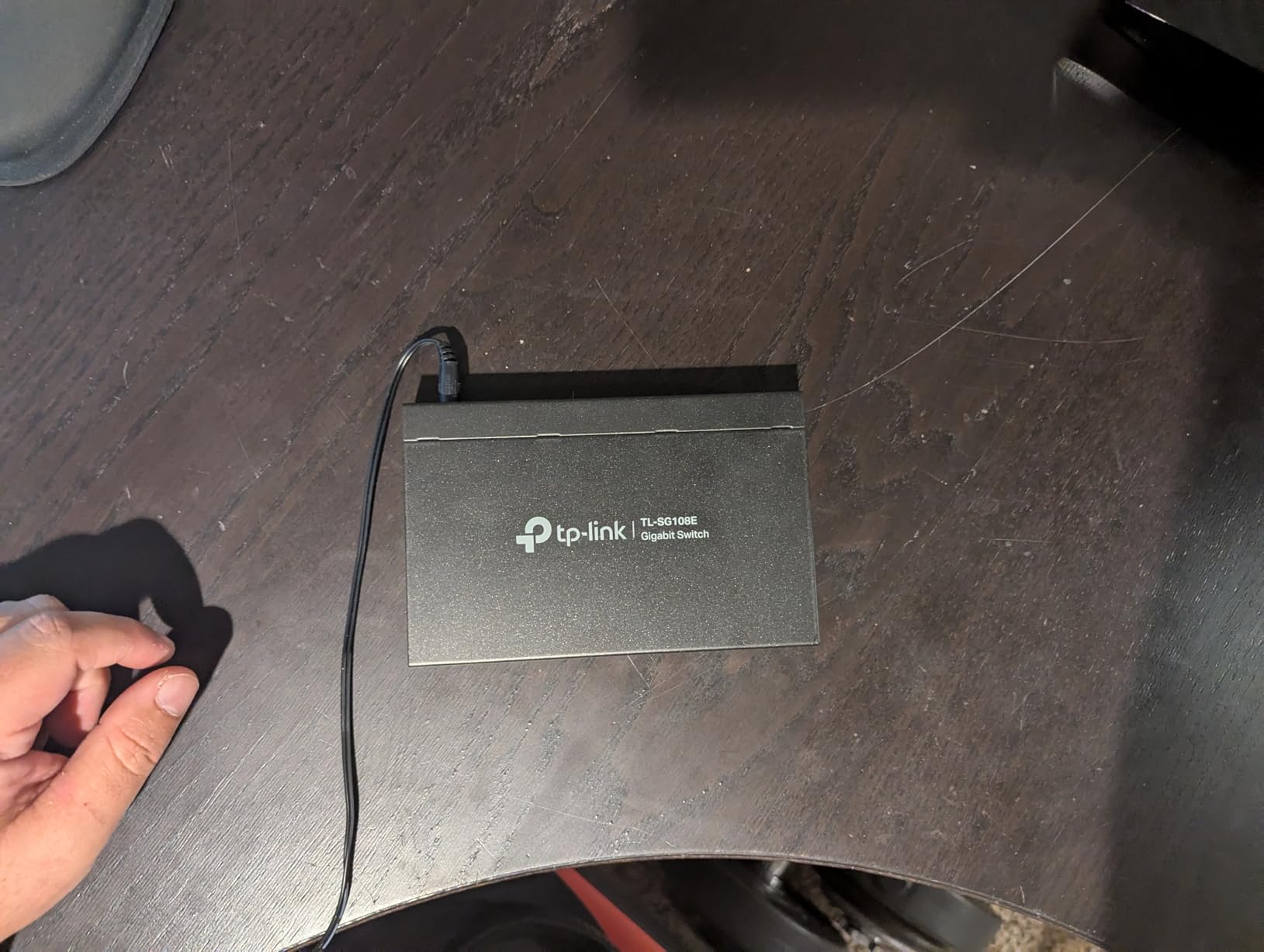
4. TP-Link TL-SG108E – Best Easy-Smart Switch for VLAN Segmentation
TP-Link 8 Port Gigabit Switch | Easy Smart Managed | Plug & Play | Desktop/Wall-Mount | Sturdy Metal w/ Shielded Ports | Support QoS, Vlan, IGMP and LAG (TL-SG108E)
Up to 32 VLANs from 4K VLAN IDs
Port mirroring and loop prevention
Link aggregation and IGMP snooping
+ Pros
- Managed features at an unmanaged price point
- Web interface plus a free Windows utility
- Sturdy shielded metal chassis that stays cool
- Configuration backup and restore support
- Reliable in continuous 24/7 homelab use
– Cons
- No SNMP support which some admins want
- Single user account with no role-based access
- Some users had to reset the switch to regain web login after a password change
This is where I go when a gaming network needs to grow up. The TL-SG108E gives you VLANs, QoS, link aggregation, port mirroring and loop prevention through a browser, without the price step or the cloud dependency that come with fully managed enterprise gear.
Homelab owners are enthusiastic about it. Throughput stays solid with no random disconnects, and reviewers who bought it for port mirroring and packet capture report ping times settling from a 2 to 5 ms range down under 2 ms once traffic was properly segmented. That is not a switch reducing internet latency, it is a switch keeping your gaming VLAN free of noisy neighbours.
Real Segmentation for a Gaming VLAN
Up to 32 VLANs drawn from a 4K VLAN ID range sounds like overkill until you put a smart TV, a set of consoles and a PC on separate segments. Isolating broadcast and smart-device traffic away from the machine you game on is the most practical reason to step up from unmanaged, and this switch does it well. If the smart side of that network is growing, our picks for the best smart light switches for homes are the kind of devices you would want on the isolated segment.
Loop Prevention as a Genuine Safety Net
Loop prevention is the feature home networking users ask about most, because a single mispatched cable can take an entire LAN down until someone unplugges the right device. Having the switch detect and block that automatically removes the most common home network outage from your list of problems.
Cable Diagnostics and Port Mirroring
Cable diagnostics tell you whether a run is faulty or a port is dead, which turns a two-hour guess into a two-minute check. Port mirroring lets you capture traffic from the gaming port to analyse what is actually flowing, which is the feature that turns a switch from a black box into a diagnostic tool.
Where the Smart Features Stop
SNMP support is absent, which some network administrators genuinely need for monitoring. There is only a single user account with no role-based access, and a handful of users have had to reset the switch to regain web access after a password change. It is also not a command-line switch, so if you want true enterprise management, keep looking.
5. NETGEAR GS305E – Best Compact Smart Switch for Small Gaming Desks
NETGEAR 5-Port Gigabit Ethernet Easy Smart Managed Network Switch (GS305E)
802.1Q VLAN segmentation at an entry price
Plug-and-play with optional web management
Compact fanless metal case
+ Pros
- Real 802.1Q VLAN segmentation at an entry-level price
- Works plug-and-play out of the box and manageable later
- Solid metal case that runs cool and silent
- Small enough to hide under a desk or wall-mount
– Cons
- Firmware updates are manual and arrive as a ZIP to extract
- Discovery utility is Windows-only
- Assigning a static IP is advisable to avoid early lag
The GS305E is the compromise I suggest for a single-console setup that still wants the option of VLANs later. Out of the box it behaves like a plain plug-and-play switch, and you can log into a web interface when you decide you want segmentation.
Users running segmented home networks, for example with a gateway device handling multiple VLANs, praise how easily this switch extends VLAN tagging into other rooms. Performance feedback is uniformly positive: solid gigabit speeds, cool silent operation and no reliability issues across long ownership periods.
Segmentation You Can Turn On Later
That optional management is the appeal. You can install it, run it exactly like an unmanaged switch, and only open the interface when you have a reason to. The web interface covers VLANs, QoS, port monitoring and basic network security, which covers the features that actually get used in a home.
Software Friction You Should Expect
The critical feedback theme is software, not hardware. Firmware updates arrive as a ZIP that must be extracted to a .bin file before uploading, the discovery utility is Windows-only, and several users recommend assigning a static IP because they saw lag before configuring one.
Size for a Cluttered Desk
At 3.9 by 3.7 inches and under an inch tall, this is one of the easier units to hide under a desk or wall-mount out of sight. Remember the uplink takes one of the five ports, so you have four device connections: PC, console, TV and one more.
Reaching the Web Interface
Some users find it awkward to reach the management interface over a normal LAN connection and report that plugging a PC directly into the switch works better. Budget ten minutes for initial setup rather than assuming it will appear on its own. Like the GS308, this model is listed for the United States and Canada.
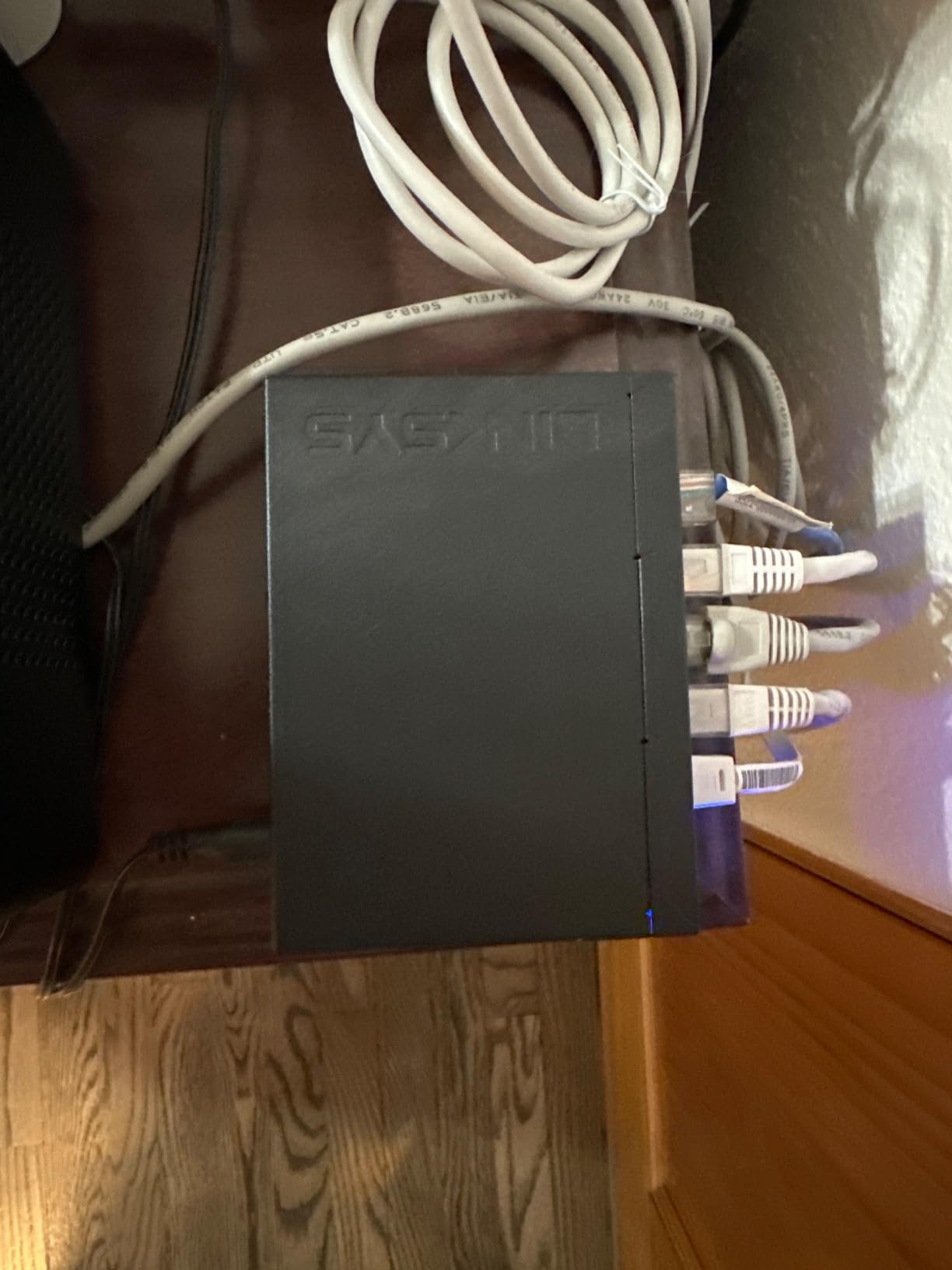
6. Linksys LGS105 – Best Simple 5-Port Switch for a First Wired Setup
Linksys LGS105: 5-Port Business Desktop Gigabit Ethernet Unmanaged Switch, Computer Network, Wired Connection Speed up to 1,000 Mbps (Black, Blue)
5 Gigabit Ethernet auto-sensing ports
QoS traffic prioritization
802.3az Energy Efficient Ethernet
+ Pros
- Extremely simple installation with one cable to the router
- Consistent 1 Gbps to all connected devices
- Runs cool and stays quiet
- Compact metal housing that feels durable
- QoS prioritization without full managed-switch complexity
– Cons
- Unmanaged with no VLANs or monitoring
- One of five ports used for the router uplink
- No Ethernet cable included in the box
The LGS105 is the switch I hand to people setting up wired gaming for the first time. Installation is one cable from the router and then devices into the ports, and the whole process takes about as long as it takes to unbox the cables.
It carries a 4.8 average, which is the joint highest rating in this roundup, though on a much smaller review base than the leaders. Reviewers consistently describe a straightforward way to add wired ports to a router that has run out of them, with stable gigabit links and a satisfyingly durable metal feel.
Setup Speed as the Main Feature
There is no configuration step and no software, which is the entire appeal. If you are coming from a Wi-Fi connection and want a stable wired path to a console, this is the least intimidating device in the roundup and takes almost no time to get running.
QoS Without a Management Layer
Traffic prioritisation is available without the complexity of a managed switch. That is a modest but real benefit on a busy network, because it gives voice and time-sensitive traffic a nudge ahead of bulk transfers without asking you to open any interface.
What Is Missing From the Box
No Ethernet cable is included, and the power plug is US-style only, which is inconvenient internationally. The listed dimensions of 20 by 14 by 15 inches do not reflect the real footprint, so check the physical size against your desk space rather than the listing.
Warranty Length as a Selling Point
A five-year limited warranty on a switch this simple is unusual in the category, and it is a good reason to pick this over a similar plastic unit. As with every five-port box here, the uplink consumes one port, leaving four device connections.
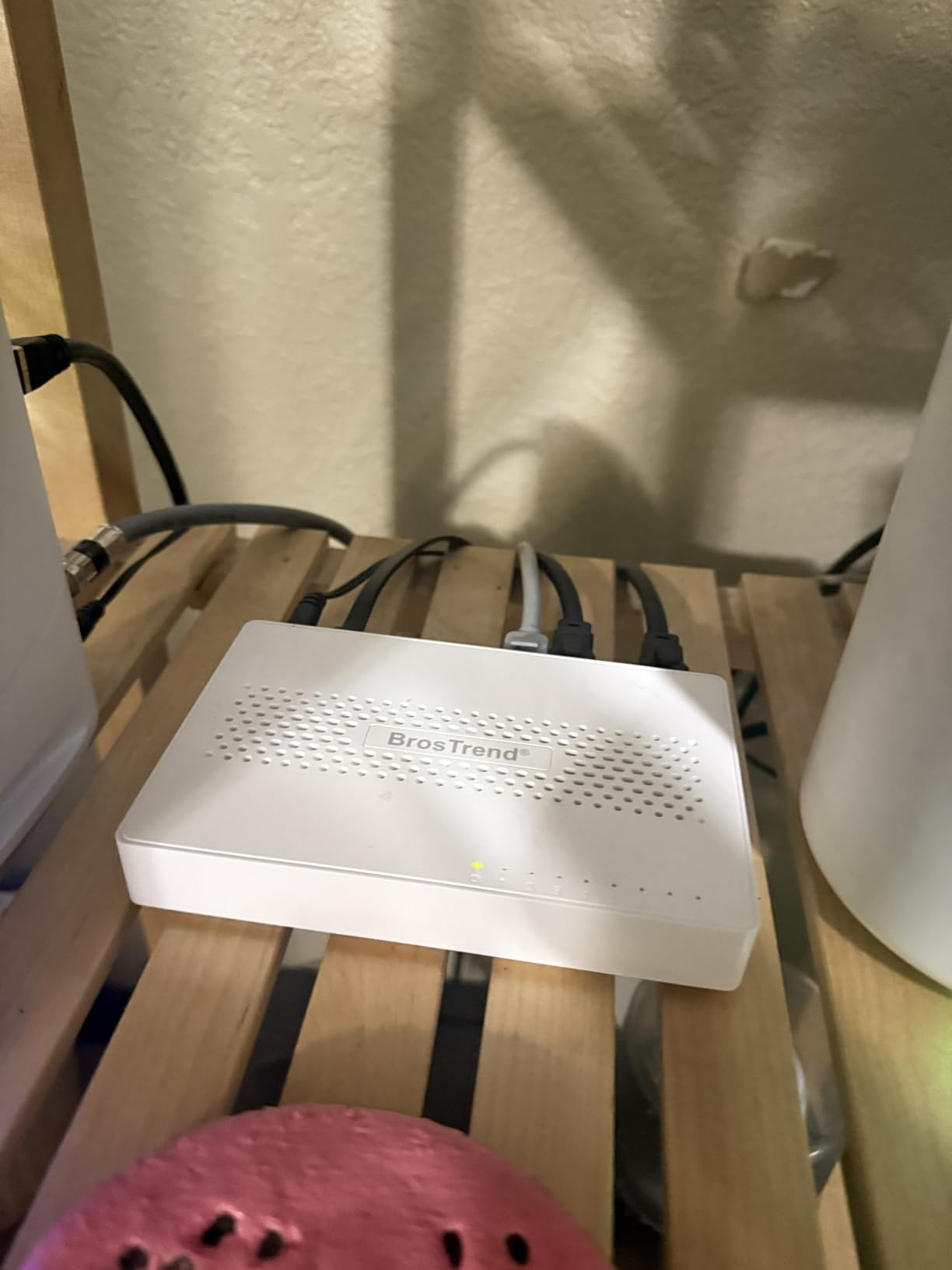
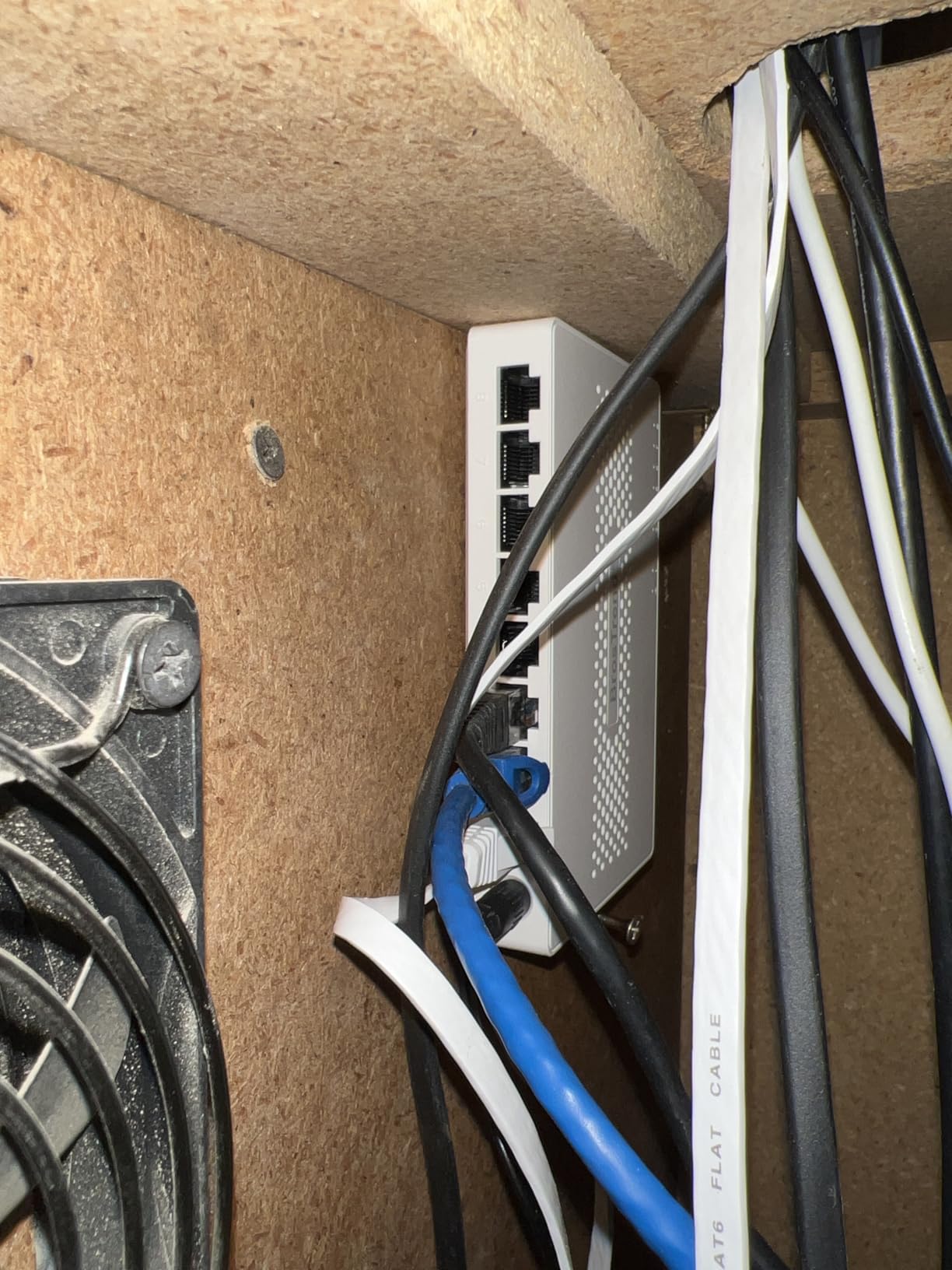
7. BrosTrend 8-Port 2.5Gb Switch – Best Budget Multi-Gig for Future-Proofing
BrosTrend 2.5Gb Switch, 8 Port Unmanaged Network Switch for Gaming, Fanless
8 x 2.5GbE RJ45 ports
40 Gbps switching capacity
Fanless 12 W maximum power
+ Pros
- 2.5 Gbps on all eight ports for multi-gig headroom
- 40 Gbps switching capacity handles many high-speed devices
- No SFP transceivers or fiber needed
- Truly plug and play with no software
- Fanless design is completely quiet
– Cons
- Unmanaged with no VLANs QoS or link aggregation
- Plastic chassis feels less premium than metal rivals
- 4.4 average with a comparatively high share of one-star reviews
This is the multi-gig entry point, and the reason I include it is straightforward: it gives you eight 2.5 Gbps RJ45 ports with no SFP modules to buy. If a NAS, a Wi-Fi 6 access point and a gaming PC all need more than gigabit, this is the simplest way to connect them.
Setup is reported as instant and the unit runs silently. The appeal is narrow but real. What you are buying is headroom: current and future devices can run above gigabit without a second piece of hardware or a fibre run.
What 2.5 Gbps Actually Changes for Gaming
Nothing about your online match gets faster, and this is where most buyers misread the spec. Multi-gig helps local transfers: a NAS to PC move, a handheld docked to a display, a large game install over LAN. Online latency is still your ISP and your route, not your switch speed.
Also note the console reality. A PS5 and an Xbox Series X sit at gigabit, so a 2.5G switch does nothing for console online play. It matters for the PC on your desk and for LAN file movement.
Eight Multi-Gig Ports Without Fiber
Up to 40 Gbps of switching capacity across eight ports is ample for a home network, and every port is plain RJ45, so no transceivers or fibre adapters are needed. That alone removes the most common objection to multi-gig hardware, which is cost and complexity of uplinks.
Build Quality Is the Trade-Off
The case is plastic rather than metal, and reviewers who own metal-cased alternatives notice the difference in build feel. Its 4.4 average is the lowest in this roundup, with a comparatively high share of one-star reviews that usually reflects expectations rather than failure rates. Maximum power draw is 12 W.
Cable and Endpoint Requirements
Actual 2.5 Gbps throughput requires 2.5G-capable end devices and cabling to see any benefit. Existing Cat5e wiring is generally sufficient, but a 1G network card will still negotiate at gigabit and that is normal. It is also fully unmanaged, so there are no VLANs or QoS controls.
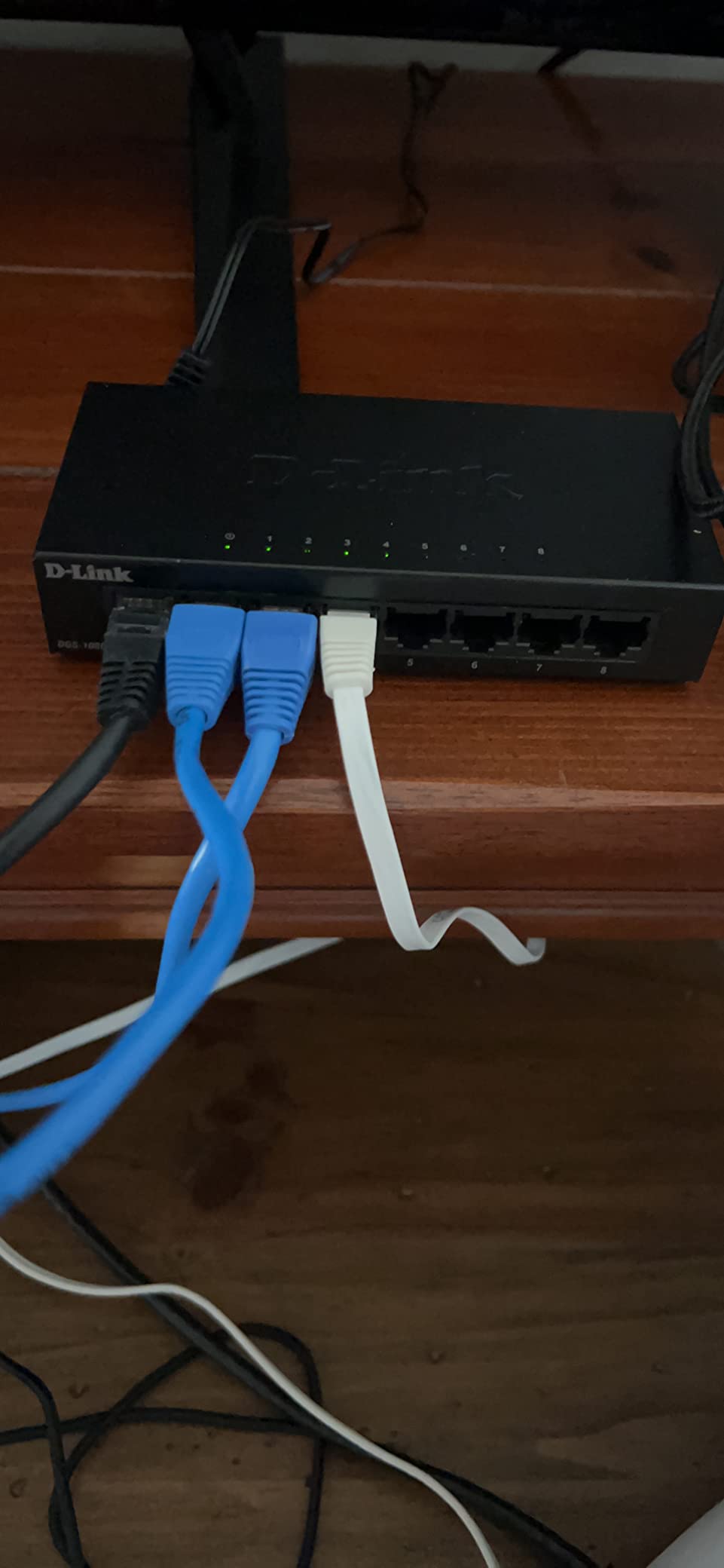
8. D-Link DGS-108GL-V2 – Best Low-Power 8-Port Switch for Always-On Setups
D-Link 8-Port Gigabit Unmanaged Ethernet Switch, Sturdy Metal, QoS, Silent Fanless, Compact Desktop/Wall Mount, Network Splitter, Plug and Play, Follows NDAA/TAA (DGS-108GL-V2)
8 Gigabit Ethernet ports
Just over 5 W maximum consumption
QoS traffic prioritization for VoIP and surveillance
+ Pros
- Two-minute plug-and-play setup with no configuration
- Very low power draw at just over 5 W
- Sturdy metal case with well-spaced ports
- QoS keeps voice and surveillance traffic smooth during bursts
– Cons
- Unmanaged with no VLAN support or monitoring
- Uplink consumes one of the eight ports
- 1 Gbps per port only with no multi-gig option
The DGS-108GL-V2 is the one I would pick for a setup that runs all day, every day. Maximum power consumption is 5.12 W, which is the lowest figure in this roundup and is meaningful when the switch never powers down.
Buyers treat it as a no-fuss way to add eight wired ports to a router with only one or two LAN jacks, and many report buying multiple units. Reviews emphasise the two-minute setup, the sturdy metal build, minimal heat and reliable gigabit throughput for streaming and gaming.
Power Draw Over a Full Gaming Week
At just over 5 W maximum draw, this switch is the least expensive to leave powered on continuously, and it pairs that with 802.3az Energy-Efficient Ethernet that idles unused ports down. Fanless operation means no mechanical noise and no moving parts to wear out, which is what keeps a small metal case cool.
QoS for Voice and Camera Traffic
QoS prioritisation targets time-sensitive data such as VoIP and surveillance streams, keeping them smooth during bursts. If your gaming network also carries voice chat, that is a sensible default behaviour to have without opening a configuration page.
Port Count and Ceiling
Eight gigabit ports is plenty for a console, a PC, a TV and an access point, with the uplink taking one of them. The ceiling is 1 Gbps per port, so if you plan to add a multi-gig NAS later, this is the wrong box and one of the 2.5G models is a better fit. NDAA and TAA compliance makes it suitable for institutional buyers too.
9. TRENDnet TEG-S380 – Best 2.5Gb Gaming Switch with a Metal Case
TRENDnet 8-Port 2.5Gb Multi-Gigabit Unmanaged Gaming Switch,TEG-S380
8 x 2.5GBASE-T RJ45 ports
40 Gbps switching capacity
IEEE 802.3bz compliant over Cat5e
+ Pros
- Eight 2.5G ports over existing Cat5e or better cabling
- 40 Gbps switching capacity is ample for multi-gig devices
- Metal housing with wall-mount flexibility
- Fanless and low power
- Backwards compatible with gigabit devices
– Cons
- Unmanaged with no VLAN QoS or link aggregation
- Relatively high one-star share for its tier
- Real 2.5 Gbps needs compatible client devices and cabling
The TEG-S380 is the multi-gig option I recommend when you want a metal chassis and existing cabling. It is built for gamers and homelab users who want multi-gig headroom on every port without replacing the wiring they already have.
Eight 2.5GBASE-T ports auto-negotiate across 100 Mbps, 1 Gbps and 2.5 Gbps, so gigabit consoles and PCs coexist with multi-gig machines without special configuration. Feedback centres on the metal, wall-mountable, fanless design and easy backward compatibility.
Running 2.5G Over Existing Cat5e
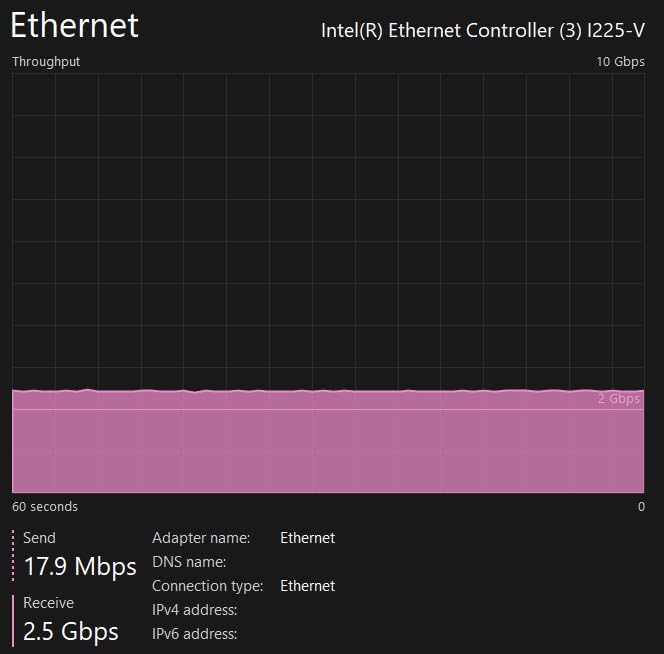
This is the single most practical detail on the spec sheet. Because the switch is IEEE 802.3bz compliant, 2.5 Gbps runs over Cat5e or better for the full 100 meter channel, so you can often skip recabling entirely. That removes the usual excuse for staying on gigabit hardware.
Mixing Console and PC Speeds
Auto-negotiation per port means a PlayStation 5 or Xbox Series X settles at gigabit on its own port while a gaming PC with a 2.5G card runs full speed beside it. There is no configuration step and no manual mode setting, which is exactly what you want in a mixed household.
Construction and Placement
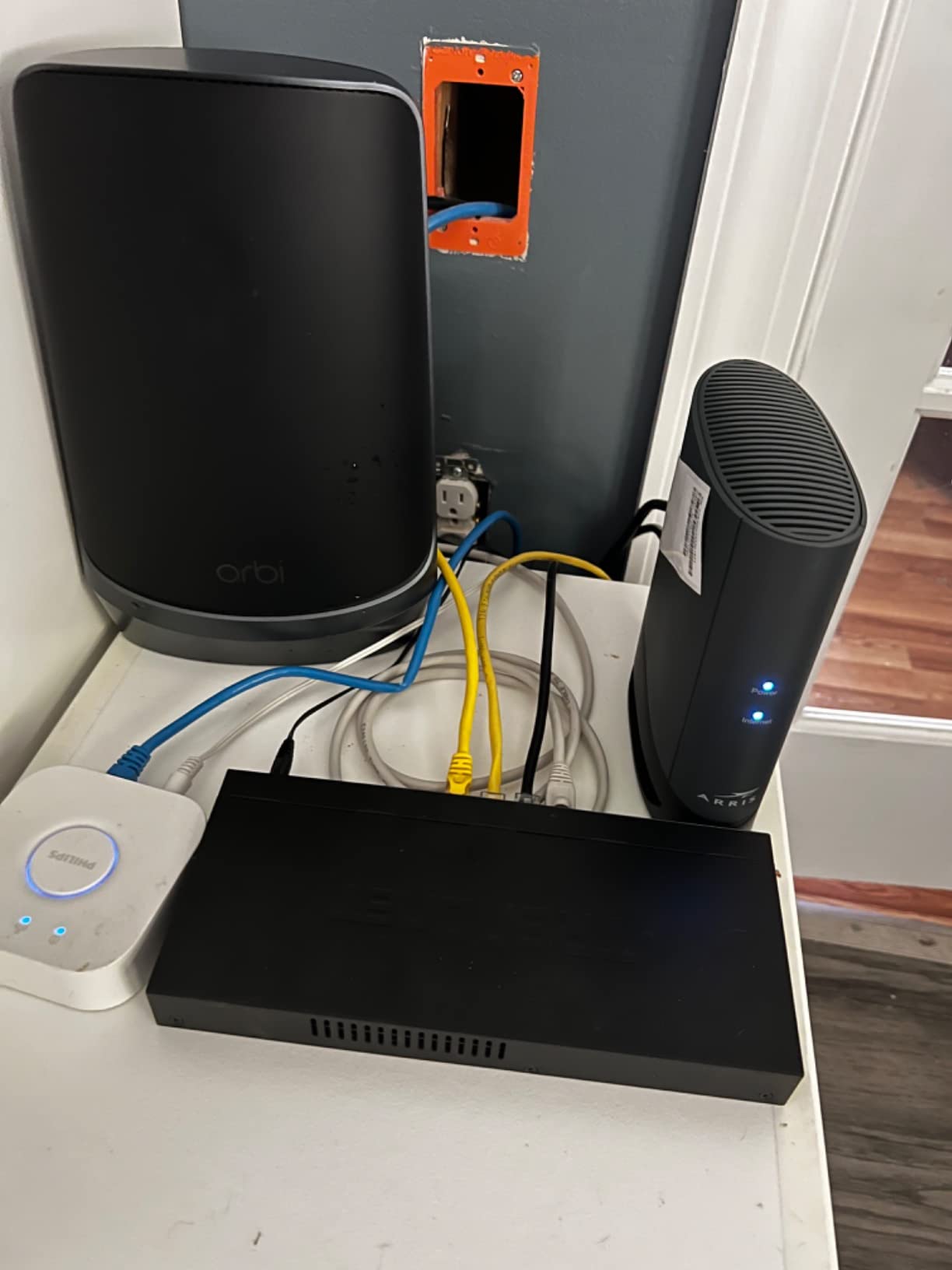
The housing is metal and wall-mountable, and at 9.4 by 4 inches it is noticeably wider than an eight-port gigabit box because of the thermal headroom multi-gig needs. Fanless operation keeps it silent and low power. NDAA and TAA compliance matters for institutional and government buyers.
What You Give Up
It is unmanaged, with no VLAN, QoS or link aggregation, and the share of one-star reviews is higher than most of the gigabit models here, usually reflecting disappointment that the 2.5G headline does not speed up online play. Lifetime manufacturer protection covers U.S. and Canada buyers only. Plan on seven device ports after the uplink.
10. TRENDnet TEG-S3160 – Best 16-Port 2.5Gb Switch for Dense Gaming Spaces
TRENDnet 16-Port Unmanaged 2.5G Desktop Network Ethernet Switch, TEG-S3160
16 x 2.5G RJ45 ports
80 Gbps switching capacity
Rackmount kit and wall-mount hardware
+ Pros
- Sixteen 2.5G ports with 80 Gbps capacity for large multi-gig networks
- Auto-negotiates across 10M 100M 1G and 2.5G per port
- Fanless and quiet with low energy use
- Rackmount kit and wall-mount options included
- 4.8 average with a 92 percent five-star share
– Cons
- Unmanaged with no VLAN QoS stacking or link aggregation
- Large 16-port footprint at 2.2 lb for a desktop unit
- Heavy power adapter at 12V DC 3A required
- Limited review base of 99 ratings
The TEG-S3160 is for consolidating many 2.5G endpoints in one place: a dense homelab, a small studio, or a shared gaming space where several machines and a NAS need multi-gig at the same time. Sixteen 2.5G ports with 80 Gbps of switching capacity is a genuinely different class of device from the rest of this list.
It carries one of the highest average ratings here at 4.8 with a 92 percent five-star share, though that comes from a much smaller review base than the leaders. Satisfaction centres on the multi-gig ports, per-port auto-negotiation and quiet fanless operation.
When Sixteen Multi-Gig Ports Are Worth It
If your gaming PC, a handheld dock, an access point, a NAS and a handful of consoles all need faster than gigabit simultaneously, chaining two eight-port boxes wastes a port on the uplink. Sixteen ports in one chassis removes that compromise, and 80 Gbps of capacity leaves room for a lot of concurrent transfer.
Auto-Negotiation Across Four Speeds
Each port auto-negotiates across 10 Mbps, 100 Mbps, 1 Gbps and 2.5 Gbps, so older devices connect without special cables or manual settings. It runs 2.5 Gbps per port over existing Cat5e or better, which means the upgrade is often a swap rather than a rewiring job.
Rackmount and Wall-Mount Options
A rackmount kit is included alongside wall-mount capability, so it can live in a cabinet or a closet instead of on a desk. The unit is 11.25 by 5.02 inches and weighs 2.2 lb, and the fanless design means it stays quiet even when every port is busy.
Honest Limitations
There is no VLAN, QoS, stacking or link aggregation, so a fully segmented setup is not possible here. The heavy power adapter at 12V DC and 3A needs a dedicated outlet, and with 99 ratings the long-term record is still short. Lifetime manufacturer protection applies to U.S. and Canada buyers. Plan fifteen device ports after the uplink.
11. NETGEAR GS305P – Best PoE Switch for Gaming with Cameras or Access Points
NETGEAR 5-Port PoE Gigabit Ethernet Unmanaged Essentials Switch (GS305P)
4 PoE+ ports with 63 W total budget
Dynamic PoE power allocation
Per-port isolation for attached devices
+ Pros
- Four PoE+ ports with a 63 W budget and dynamic redistribution
- Genuinely plug and play and running in about five minutes
- Per-port isolation separates cameras or phones from the LAN
- Compact metal chassis that is desktop or wall-mountable
- Reliable enough for cameras access points and a VoIP phone
– Cons
- Unmanaged with no VLAN tagging or QoS
- Only four PoE ports limits larger camera deployments
- NETGEAR pricing is higher than comparable TP-Link PoE options
PoE only becomes relevant to a gaming network when something other than a gaming device needs power. That is usually a wireless access point, a security camera, or a video doorbell, and that is exactly the case the GS305P solves with four PoE+ ports and a 63 W total budget.
Owners report installation in roughly five minutes with no power shortfalls across varied PoE loads, plus useful per-port isolation. Reviewers describe it as reliable enough to power multiple cameras, access points and a VoIP phone from a single small box, and several like being able to carry one compact unit to camera-install sites.
What 63 W of PoE Budget Means in Practice
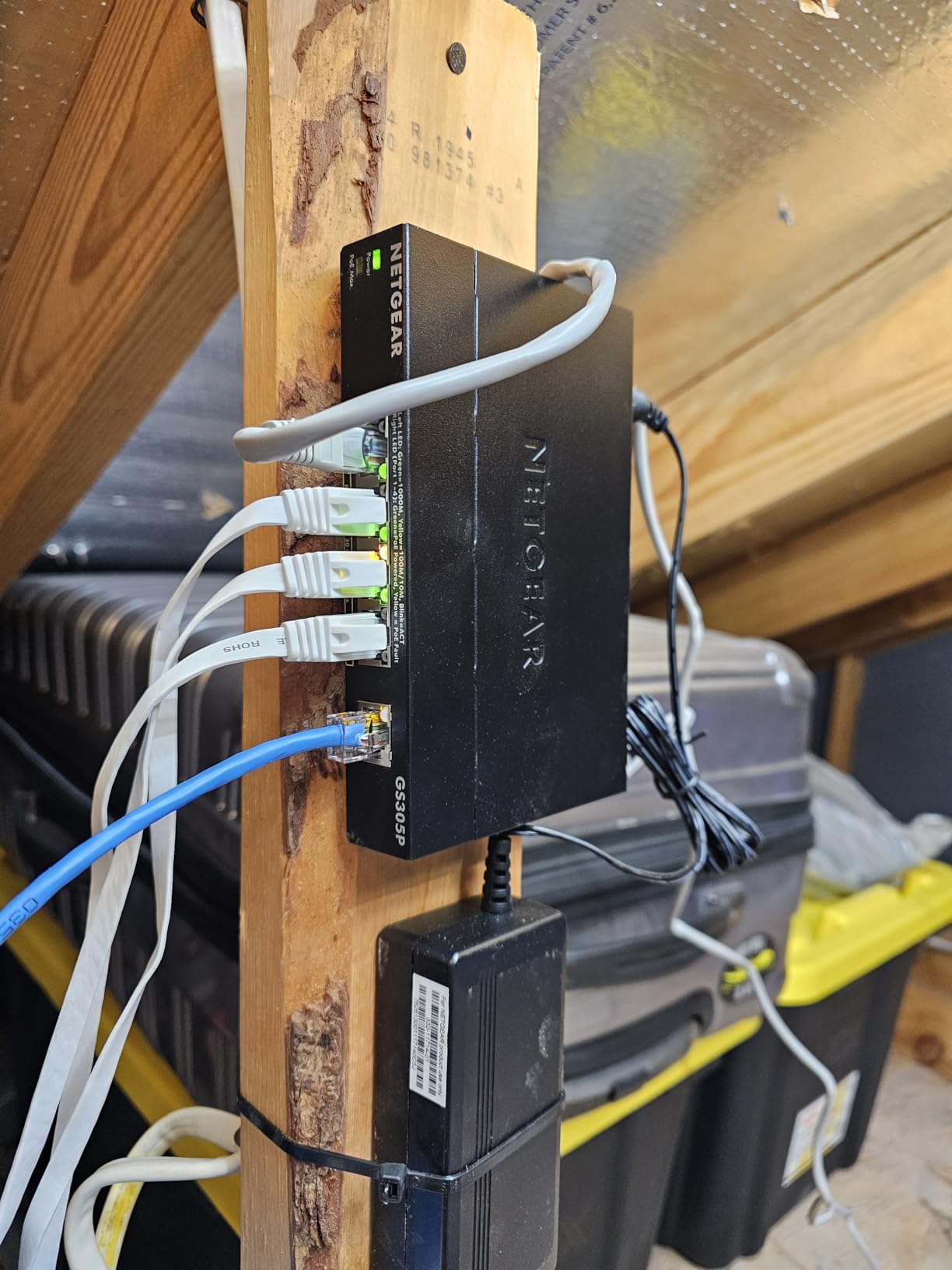
Sixty-three watts across four ports means you can power access points and cameras without a power brick at each location. Dynamic PoE allocation redistributes unused power to the ports that need it, so a single high-draw device can borrow from the idle ones instead of causing a shortfall elsewhere.
Per-Port Isolation Without VLAN Configuration
Per-port isolation emulates separate VLANs for attached devices, which is a lightweight way to keep cameras and smart devices from talking to your gaming PC. It is not real 802.1Q tagging, but for a home network it delivers most of the isolation benefit with zero configuration.
Where the Budget Stops
Four PoE ports is a real limit if you plan a larger camera or access point deployment, and the switch is unmanaged with no VLAN tagging or QoS. Buyers also note NETGEAR prices this above comparable TP-Link PoE options. The listed dimensions of 9.5 by 6.7 by 3.4 inches overstate the physical unit, so measure before placing it.
12. D-Link DMS-108 – Best 2.5Gb Switch with QoS Priority Levels
D-Link 8-Port 2.5G Unmanaged Ethernet Switch for Office, Media or Gaming
8 x 2.5GbE ports with 40 Gbps capacity
QoS across 8 priority levels
IGMP snooping for multicast traffic
+ Pros
- Eight 2.5G ports with 40 Gbps capacity in a compact metal box
- Auto-negotiation handles mixed 100M 1G and 2.5G devices
- QoS with 8 priority levels plus flow control
- IGMP snooping for efficient multicast and high-resolution video
- Fanless metal housing that dissipates heat well
– Cons
- Unmanaged with no VLAN segmentation or monitoring
- Small review base of 162 ratings for this port speed
- Costs more than an 8-port gigabit switch for the same port count
- Real 2.5 Gbps needs capable endpoints and cabling
The DMS-108 is the multi-gig box to pick if you care about traffic handling rather than raw port count. It is positioned as the step up from gigabit for Wi-Fi 6 access points, 2.5G NAS units, PCIe adapters, servers and gaming PCs, and it is still compact enough for a desk.
Buyers value the combination of 2.5G ports, QoS priority levels, flow control and IGMP snooping in a fanless metal chassis that runs cool. Developed under BSIMM and IEC-62443-4-1 secure lifecycle standards, which is unusual attention to security process for a home device, though it remains unmanaged.
QoS With Eight Priority Levels
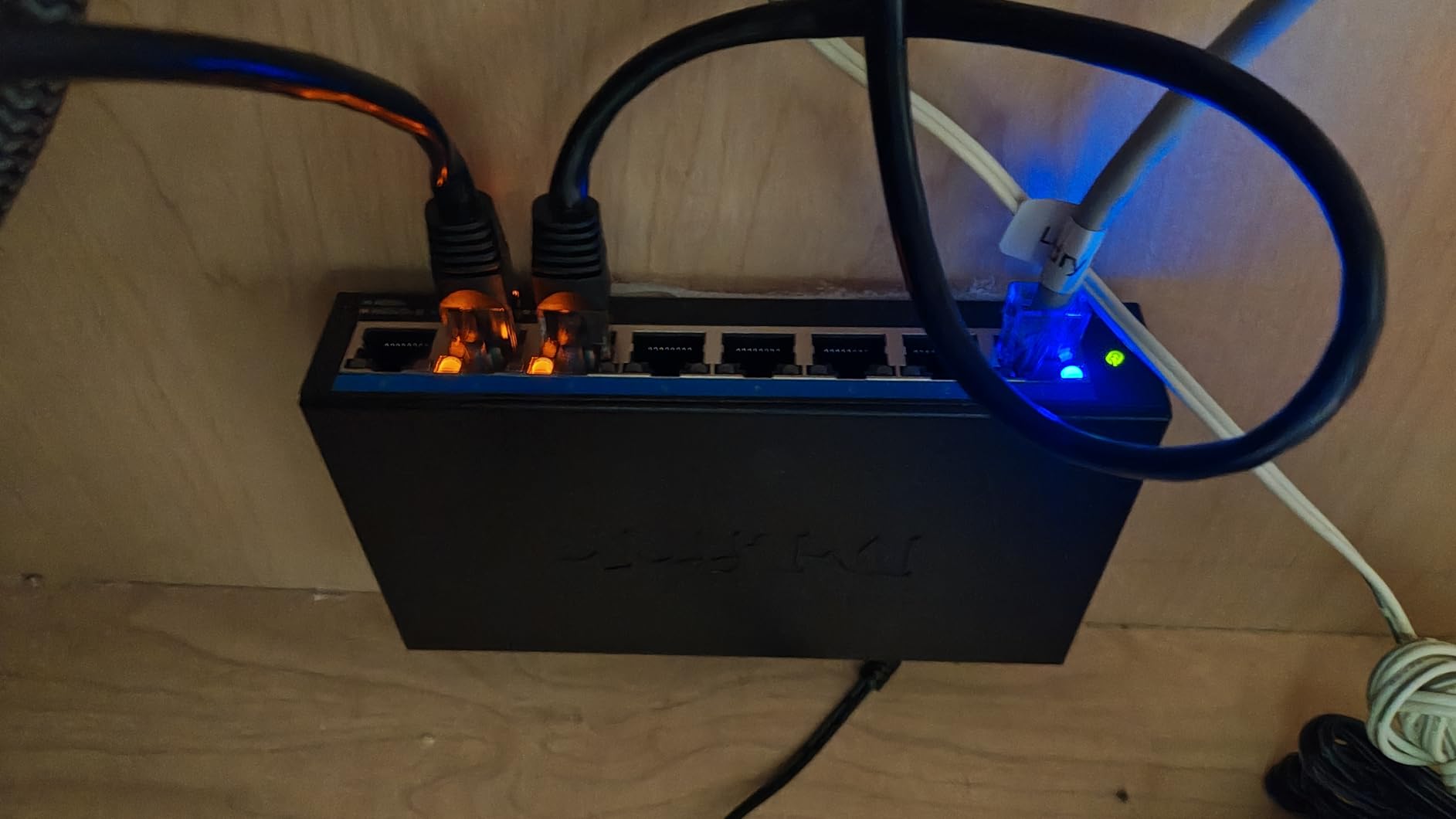
Most unmanaged multi-gig switches give you speed and nothing else. This one classifies traffic into eight priority levels, so your game and voice traffic can be ranked ahead of a background sync. Combined with flow control to minimise dropped packets, that is the most complete traffic handling in this roundup.
IGMP Snooping for Multicast Streams
IGMP snooping keeps multicast and high-resolution video traffic to the ports that actually want it, rather than flooding the LAN. In a gaming household that usually means a 4K or 8K stream on the TV does not compete with your match on the PC.
Auto-Negotiation for Mixed Devices
Each port auto-negotiates across 100 Mbps, 1 Gbps and 2.5 Gbps, so a gigabit console, a 1G laptop and a 2.5G gaming PC all connect without manual settings. The switch is backward compatible with Cat5e and Cat6, so existing cabling works. Seven device ports remain after the uplink.
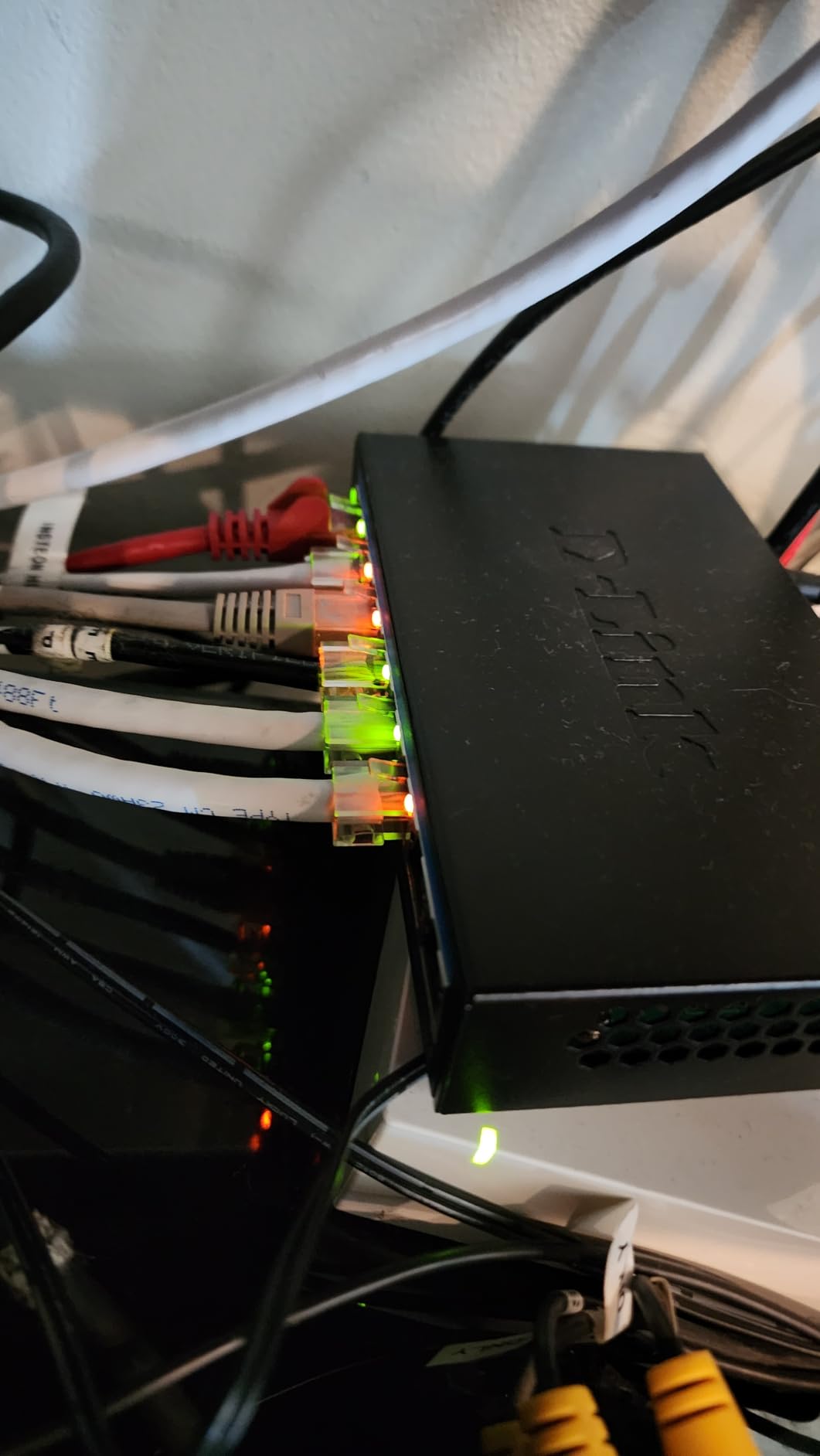
Honest Limitations
There is no VLAN segmentation, port monitoring or stacking, and the review base of 162 ratings is thin relative to the gigabit models. It also costs considerably more than an eight-port gigabit switch for the same port count, so the case for it rests on multi-gig endpoints and QoS, not on port count alone.
Do Network Switches Increase Latency While Gaming?
This is the question I get asked most, and the honest answer is that a switch adds processing well under one millisecond, which is negligible against the tens of milliseconds your traffic spends crossing the internet. What a switch genuinely changes is where congestion happens: with a switch, each device gets its own dedicated gigabit link instead of sharing a router’s internal bus, and wired traffic stops competing with wireless.
The genuine improvements people notice are not lower ping but more consistent ping. Reviewers on easy-smart models report times settling from a 2 to 5 ms range under 2 ms once their gaming traffic was separated onto its own VLAN. That is congestion control, not switch magic.
One important caveat from the forums: a wired console or PC through a switch is not faster than the same device connected directly to the router. The switch earns its place when you run out of ports, not when you want lower latency.
How to Choose a Network Switch for Gaming
Every mistake I see in this category comes from buying a more advanced switch than the setup needs, or a cheaper one than the cabling supports. These are the decisions that actually change what you end up with. If you also maintain the machines on that network, our picks for the best laptops for network engineers are worth a look before the next upgrade cycle.
Count Ports and Subtract the Uplink
Count every wired device: gaming PC, console, smart TV, access point, NAS, printer. Then subtract one for the uplink to your router, because that port is spoken for before you connect anything. A five-port box really gives you four device connections, which is why most people outgrow a 5-port model within a month. Buy two ports more than you need rather than two fewer.
Decide Whether You Actually Need 2.5G
Multi-gig matters for NAS transfers, handheld docks, PCIe adapters and future devices. It does not speed up online gaming, and consoles cap at gigabit, so a PS5 or Xbox Series X gains nothing from a 2.5G switch. Ask whether your router and your PC both support 2.5G before spending on the faster tier.
Choose Unmanaged, Easy-Smart or Managed
Unmanaged switches are plug-and-play and never need attention, which is right for most households. Easy-smart switches add VLANs, QoS, port mirroring and loop prevention through a browser, which is the right step if you have smart devices or want your gaming traffic isolated. Fully managed switches add SNMP, command-line access and role-based accounts, and are rarely needed outside professional work. The most commonly cited pain point in forums is a managed switch that requires a cloud account or a paid licence, so read that before buying one.
Understand QoS and Loop Detection
QoS prioritises marked gaming and voice packets ahead of bulk transfers such as game downloads, which is the single most useful feature for a gaming network. Loop detection blocks a cable mistake that would otherwise broadcast traffic around the network and take the whole LAN down until someone finds the offending cable. Cheap unmanaged boxes often lack it, which is why they are the most common cause of mysterious home network outages.
Check Your Cabling Before Buying Faster Hardware
Existing Cat5e supports 2.5 Gbps for the full 100 meter run under IEEE 802.3bz, so a multi-gig switch frequently needs no new wiring at all. Cat6 and Cat6A are still worth using for new runs, particularly for longer distances or future 10G plans. Check that the cable is solid copper rather than CCA, because the cheaper aluminium-clad variant causes intermittent problems that look like switch faults. If you also need a longer patch lead, our roundup of the best HDMI switches for multiple devices covers the display side of the same tidy-cable job.
Plan Placement and Cooling
Under a desk is the most common spot, and it is also the worst for heat. Metal cases shed heat passively and fanless designs stay silent, which is why every pick in this roundup uses one or the other. Leave clearance around the vents, avoid stacking a switch on top of a power supply, and keep it away from a streaming microphone where fan noise would be picked up.
Weigh Warranty Length as a Longevity Signal
Switches sit in cupboards for years, so coverage length is a better predictor of how long the box will last than any spec sheet. Coverage across this group ranges from three years on several models to limited lifetime on the D-Link DGS-105 and the TRENDnet units. Note that lifetime protection on the TRENDnet products is stated for U.S. and Canada buyers.
Frequently Asked Questions
What is the best switch for gaming?
A fanless, metal-bodied unmanaged gigabit switch with at least as many ports as your wired devices plus one for the router uplink. For most setups that is a five- or eight-port box, and it will not change your ping at all. It simply gives every device a dedicated gigabit link.
Do network switches increase latency?
A switch adds well under one millisecond of processing, which is negligible compared with the distance to your game server. The real benefit is consistency: dedicated per-device links mean a large download or a 4K stream no longer competes with your game traffic. It is not a latency reduction tool.
Do you lose speed with an Ethernet switch?
No. A gigabit port delivers the full gigabit line rate in both directions on every port of a non-blocking switch. Ports auto-negotiate, so a device that only supports 1 Gbps links at 1 Gbps while others run faster, and multi-gig switches do the same thing at 2.5 Gbps.
What are the fastest network switches?
Multi-gig switches running 2.5 Gbps per port are the fastest relevant to a gaming household today, with 16-port models offering 80 Gbps of switching capacity. Ten-gigabit ports exist but only pay off for NAS transfers and homelabs, since consoles and most internet connections top out well below that.
Is a 2.5G switch worth it for gaming?
Only if your router, your PC and your NAS all support 2.5G. A PlayStation 5 or Xbox Series X has a gigabit port, so a 2.5G switch does nothing for console online play. It does help local transfers, handheld docks and large game installs across the LAN.
Should I buy a managed switch for gaming?
Buy an easy-smart switch if you want VLANs, QoS, port mirroring and loop detection, which let you keep gaming traffic separate from smart devices. Buy a fully managed switch only if you need SNMP, command-line access or role-based accounts, and avoid models that require a cloud account or paid licence.
Do I need Cat6 cables for a 2.5G switch?
Usually not. IEEE 802.3bz allows 2.5 Gbps over solid copper Cat5e for the full 100 meter run, so many existing installations will support a multi-gig switch without recabling. Use Cat6 or Cat6A for new runs and for future 10G plans, and avoid CCA aluminium-clad cable.
How many switch ports do I need for gaming?
Count your wired devices, which typically means a gaming PC, a console, a smart TV and maybe an access point or NAS, then add one port for the uplink to your router. A five-port box leaves four usable connections, so a household adding a second console should move to eight ports.
Final Gaming Switch Picks by Setup Type
If you want the single best network switch for gaming and nothing more, the TP-Link TL-SG105 is the one I would buy. Its metal fanless case stays silent on a desk, port-based QoS and IGMP snooping handle traffic without configuration, and its review record is the most tested in the category.
If you have more devices than a five-port box allows, take the NETGEAR GS308 for eight ports. If you want lifetime coverage and maximum non-blocking headroom in a smaller box, the D-Link DGS-105 is the better long-term buy. If your smart devices need separating from your gaming machine, the TP-Link TL-SG108E gives you VLANs, mirroring and loop prevention at a modest step up.
Multi-gig only makes sense with capable endpoints. With a 2.5G-capable PC and NAS, the TRENDnet TEG-S380 gives you eight multi-gig ports in a metal case, and the D-Link DMS-108 adds eight QoS priority levels on top of the same speed class. If your network needs cameras or access points powered over the cable, the NETGEAR GS305P is the only PoE option here. For a shared space with many multi-gig endpoints, the TRENDnet TEG-S3160 fits sixteen of them in one chassis.
Whichever you pick, check the port count, confirm your cabling supports the speed tier, and place it somewhere with airflow. Then forget about it, which is the correct relationship to have with network hardware in 2026.
Leave a Reply