
The best portable SSDs for travel photographers are the small, bus-powered NVMe drives that can survive a duffel bag, a monsoon and a crowded security line while still moving a full card of RAW files in seconds. I have carried the same two drives on eleven shoots now, and the wrong pick in this category is not a slow drive, it is an unprotected one that fails when the shoot is halfway done.
Every drive below was evaluated the way a photographer actually uses storage: format it in the field, dump a card, verify the file count, then open the RAW files in Photoshop and Lightroom from the drive itself. Speed matters, but so do IP ratings, weight, bus power draw and whether the case survives being dropped onto rock at a trailhead at 4,000 meters.
I also built this list around a trip, not a spec sheet. The best portable SSDs for travel photographers fall into three groups: rugged 1050 MB/s workhorses for backup, faster Gen 2×2 drives for high-bitrate video and scratch work, and slim low-capacity drives that disappear into a jacket pocket for phone and card offload. All ten run bus-powered, so none of them needs a power brick on a long transit day.
If your priority is raw throughput and you already have a decent rain jacket, jump to the [best portable SSDs for filmmakers](https://fypower.org/best-portable-ssds-for-filmmakers/) roundup, since video shooters weight sustained write speed more heavily than we do here.
Our Top 3 Tested Portable SSDs for Travel Photography in 2026


Those three are the ones I keep recommending first. The SanDisk Extreme 2TB wins on proven long-term reliability and warranty length, the Samsung T7 wins on build refinement and pocketability, and the T7 Shield wins outright when weather is part of the brief.
Comparing 10 Travel-Ready Portable SSDs Side by Side
| Product | Details | Action |
|---|---|---|
|
|
Check Latest Price |
 |
|
Check Latest Price |
|
|
Check Latest Price |
 |
|
Check Latest Price |
 |
|
Check Latest Price |
 |
|
Check Latest Price |
 |
|
Check Latest Price |
 |
|
Check Latest Price |
 |
|
Check Latest Price |
 |
|
Check Latest Price |
A note on speed columns: the 1050 MB/s group is USB 3.2 Gen 2 and will hit that number on almost any modern laptop. The 2000 to 2100 MB/s drives need a Gen 2×2 host, and on anything older they quietly fall back to 1050 MB/s.
1. SanDisk Extreme Portable SSD 2TB – The Proven Backup Workhorse
Sandisk 2TB Extreme Portable SSD, Up to 1050MB/s, USB-C, USB 3.2 Gen 2, IP65 Water and Dust Resistance, Updated Firmware, External Solid State Drive, SDSSDE61-2T00-G25
1050MB/s read
1000MB/s write
IP65 rated
1.76oz
5-year warranty
+ Pros
- Near full advertised speed in real use
- Small enough for a shirt pocket
- IP65 sealing with 3m drop protection
- 256-bit AES hardware encryption
– Cons
- Very sensitive to cable quality and will not mount with many ordinary USB-C cables
- Runs slightly warm during long sustained transfers
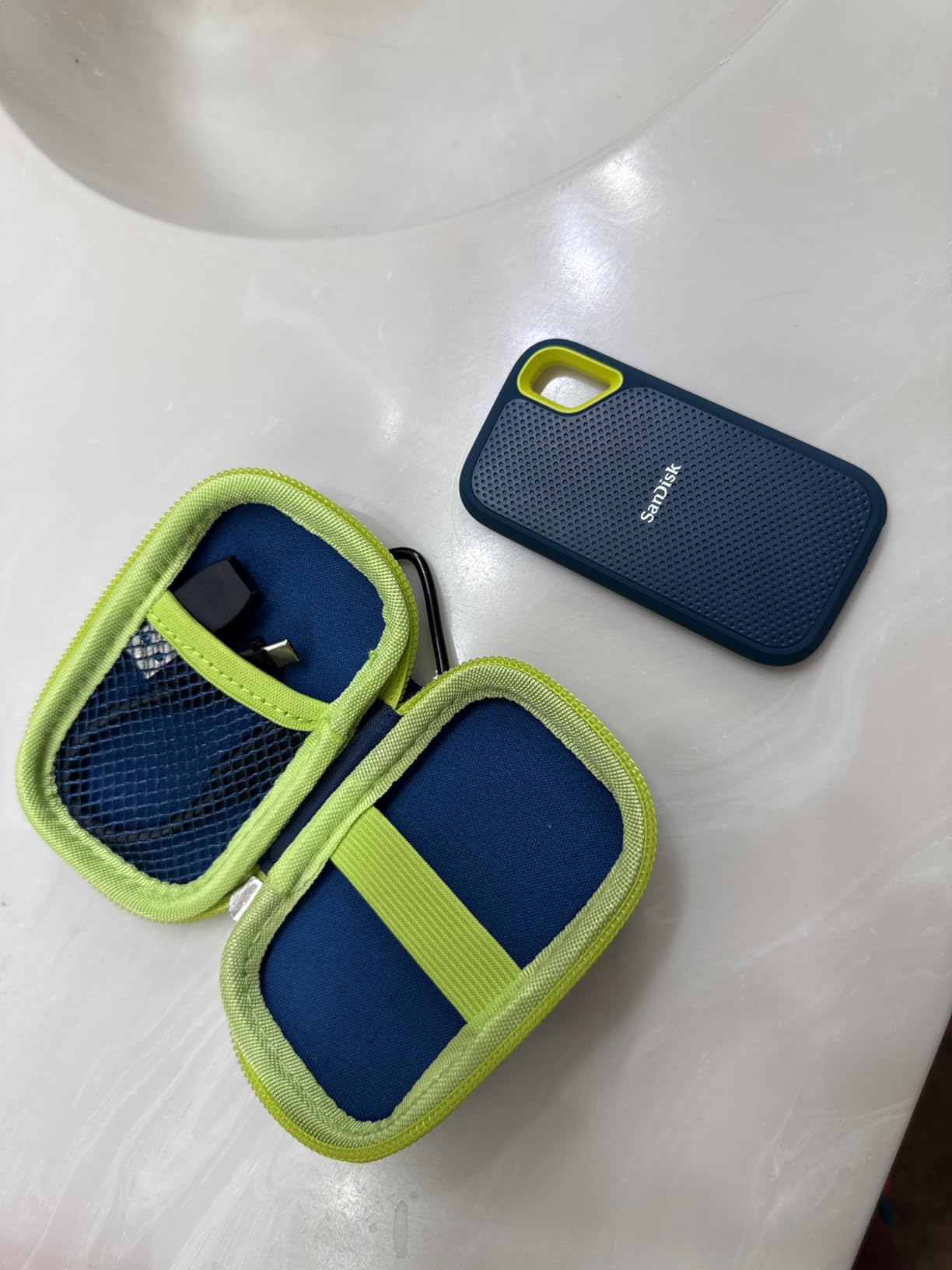
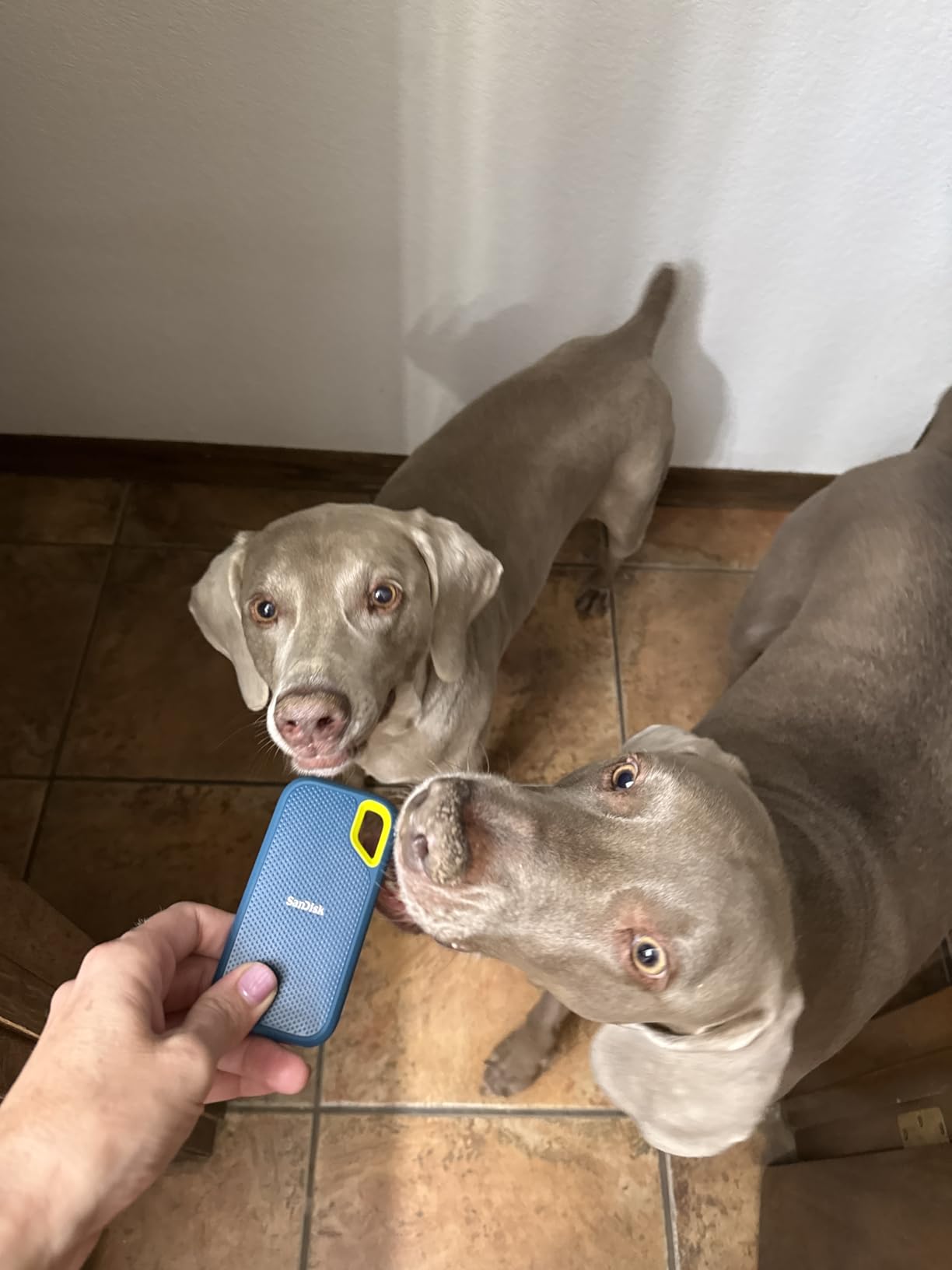
This is the drive I put in the side pocket of my camera bag for every trip. At 1.76 ounces and roughly the footprint of a deck of cards, it disappears, and the 2TB capacity swallows a multi-country trip without anyone thinking about it.
Over 90,000 owner reviews averaging 4.6 stars give this one a depth of long-term data that nothing else in the list matches. Reviewers repeatedly report near-full advertised read speed on ordinary file copies, which is exactly what you want when you are standing in a guesthouse at midnight wondering whether your files are actually all there.
Speed and sustained transfers on a real card dump
The headline figure is 1050 MB/s read and 1000 MB/s write over USB 3.2 Gen 2. In practice, copying a full 128GB CFexpress card lands somewhere in the high hundreds of MB/s, which turns a card offload that used to be a coffee break into something you do while changing lenses.
For Lightroom and Photoshop work, this is more speed than most RAW pipelines need. A catalog with 200,000 previews scrolls smoothly from the drive with the scratch files pointed at the same SSD.
IP65 sealing, 3-meter drop protection and the carabiner loop
The IP65 rating covers water and dust, and the drop figure is 3 meters, which means the drive has a realistic chance of surviving a gear-bag drop onto a boarding gate floor. The operating range is -20°C to 85°C, so altitude and heat are not the limiting factors people assume they are.
The integrated carabiner loop is more useful than it sounds. Clip it to a strap or a belt loop and the drive stays attached to you rather than rattling loose at the bottom of a bag next to a tripod head.
Encryption, warranty and the cable caveat
256-bit AES hardware encryption is handled through the SanDisk Memory Zone app, and the five-year limited manufacturer warranty is the joint-longest in this roundup. Owners shooting paid client work will appreciate that the encryption is hardware-level rather than a third-party container.
The one recurring complaint worth planning around is cable sensitivity. Reviewers report the drive refusing to mount with many ordinary or Apple USB-C cables, so pack the included cable and treat it as the only cable you trust for this drive.
Who should buy it
This suits photographers who shoot RAW, travel light and want a drive they can stop thinking about. If you shoot high-bitrate video instead, our [portable SSDs for filmmakers](https://fypower.org/best-portable-ssds-for-filmmakers/) roundup covers faster Gen 2×2 options.
Skip it if your laptop only has USB-A ports and you refuse to carry a modern cable, because the mounting issue is genuinely frustrating mid-trip.
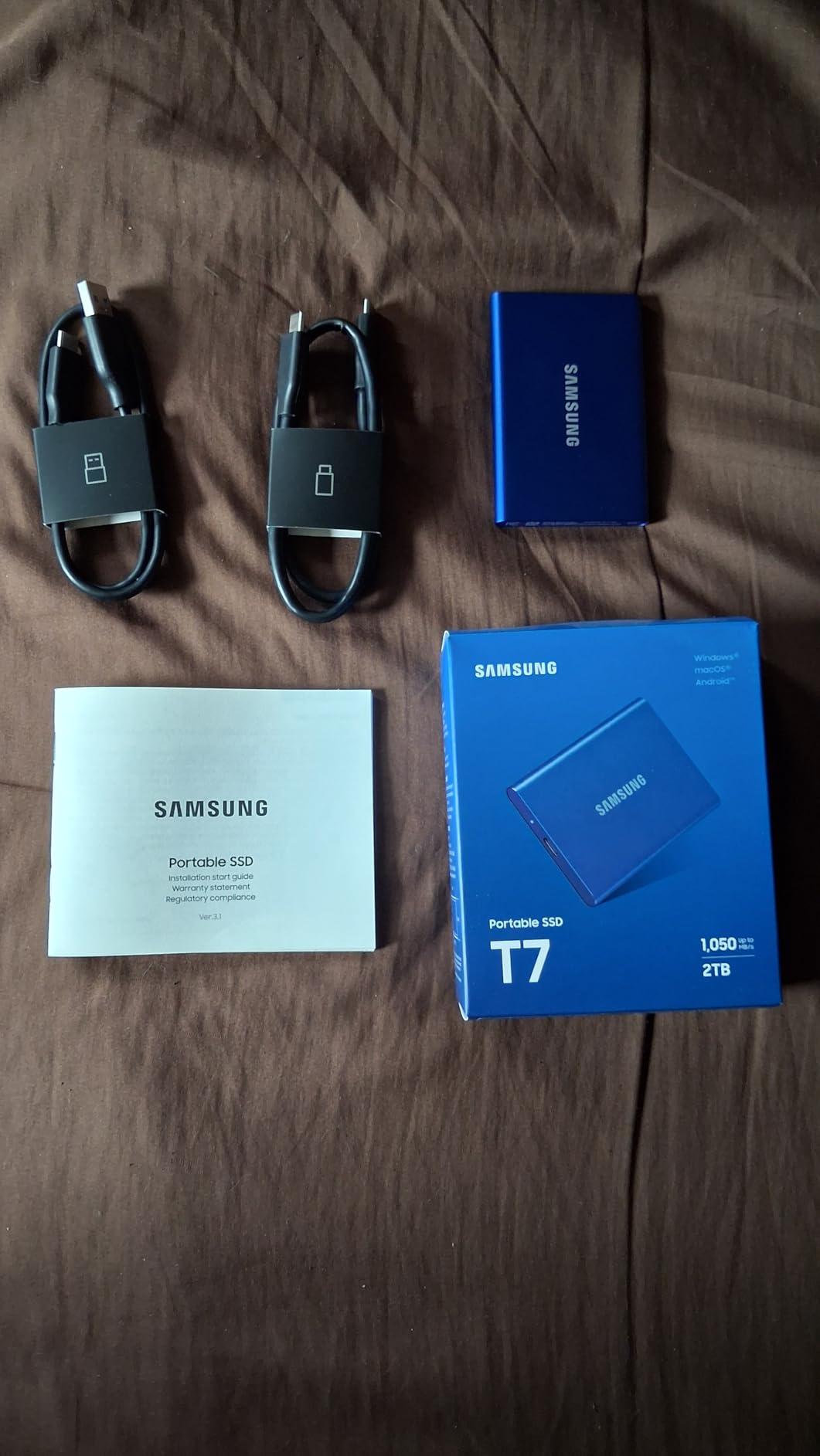
2. Samsung T7 Portable SSD 1TB – Refined Aluminum and Instant Usability
Samsung T7 Portable SSD 1TB Titan Gray, USB 3.2 Gen 2, Up to 1,050MB/s
1050MB/s read
1000MB/s write
Solid aluminum unibody
2.08oz
3-year warranty
+ Pros
- Compact aluminum unibody smaller and lighter than rugged drives
- Fast enough to edit high-bitrate 4K media from the drive
- No moving parts to protect in transit
- Ships pre-formatted exFAT for Mac and PC
– Cons
- No IP rating so water and dust resistance is unspecified
- Limited colour options on some capacities
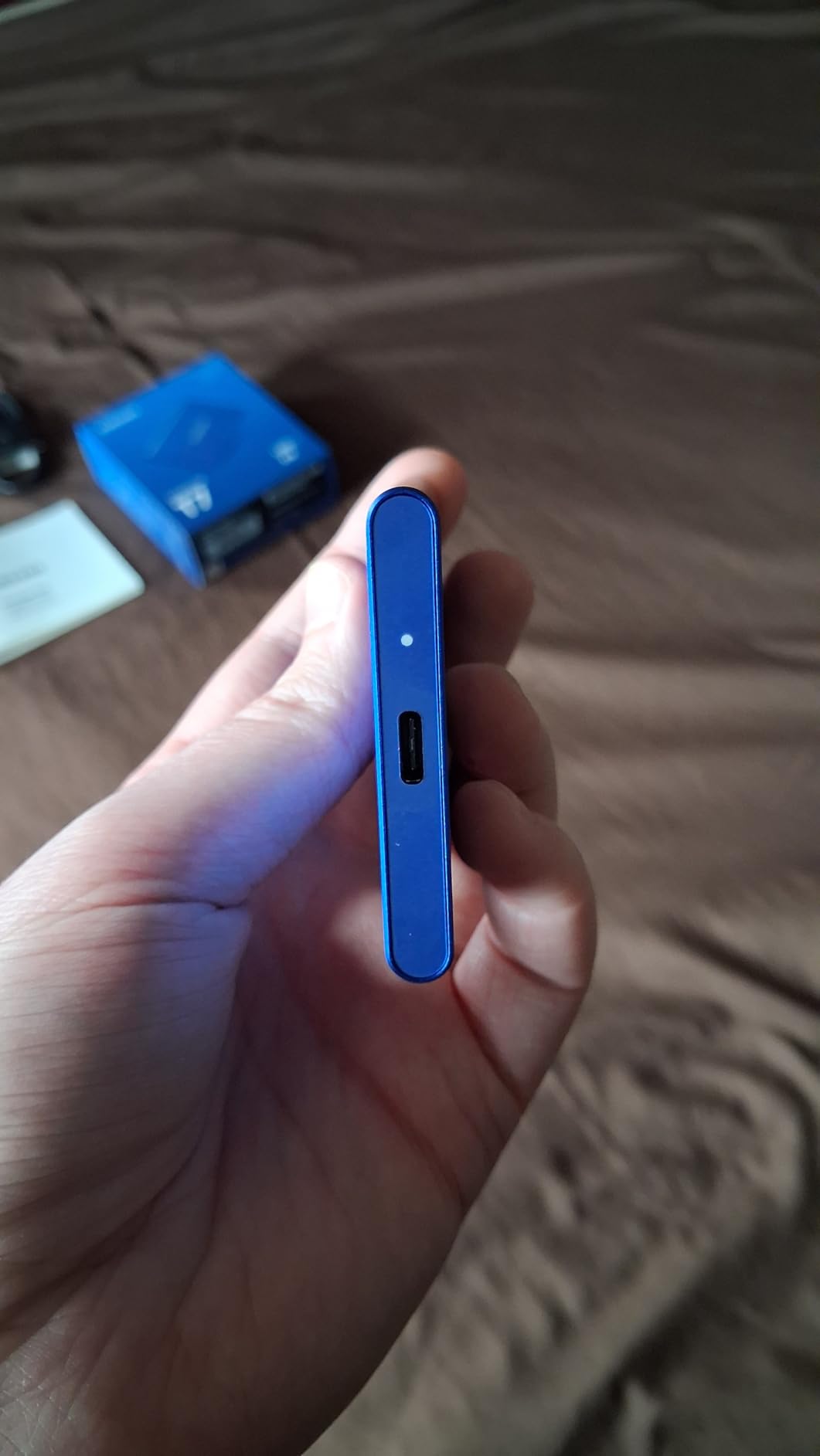
The T7 is the one I hand to people who are uneasy about rubber and electronics. At 3.3 by 2.2 by 0.3 inches and 2.08 ounces it is thin enough to slide between a passport and a spare battery, and the solid aluminum unibody feels like a small piece of kit rather than a gadget.
More than 21,000 reviews averaging 4.7 stars make this the highest-rated drive in the group alongside the T7 Shield. The recurring description from owners is tiny, quiet, cool-running and reliable, with read speed that is sufficient to work from without lag.
Aluminum construction and 6-foot drop protection
The unibody chassis resists shock and falls up to 6 feet, which covers most gear-bag incidents. What it does not have is an IP rating, so the honest framing is that this drive handles knocks well and rain poorly.
If your work takes you into genuinely wet conditions, an IP-rated drive is the better purchase. If it takes you through airports, taxis and hotel rooms, the T7’s cleaner, lighter body wins.
Editing 4K media directly from the drive
Samsung documents direct 4K 60fps recording from camera or mobile devices, including support for iPhone 15 Pro 4K 60fps video. That is the same Gen 2 bandwidth as the SanDisk Extreme, which means editing timelines stays responsive.
The distinction that matters on the road: this is a 10Gbps drive. It will not double your transfer times compared with a Gen 2×2 model, but it will not halve them either, and it works on any USB-C laptop you are likely to rent at a remote airport.
Encryption, formats and known quirks
256-bit AES hardware encryption is supported here too. The drive arrives pre-formatted exFAT, which is the single most practical detail for travel work: one card, one card reader, one laptop, no reformatting in a hostel common room.
A minority of buyers mention isolated recognition or mounting glitches on older Windows machines. If your travel computer is more than a few years old, carry a second cable and test the drive before you leave home.
Who should buy it
This is the choice for a photographer who values weight, finish and a drive that is ready to use the moment it comes out of the box. It is also a sensible video scratch disk when 4K is the ceiling rather than the floor.
Look elsewhere if your shoots are in rain, snow or blowing sand and you need a sealed drive with a published ingress rating.
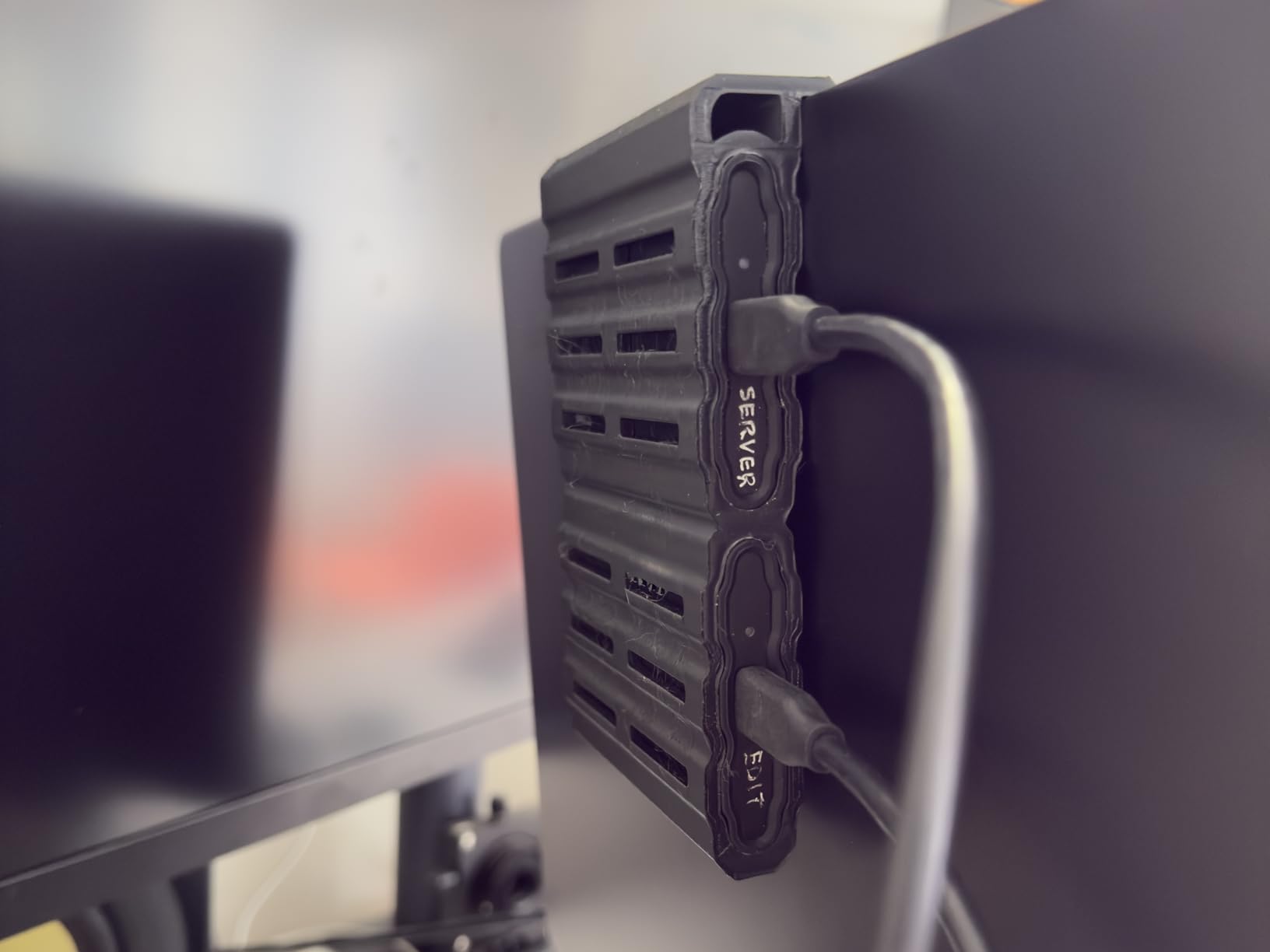
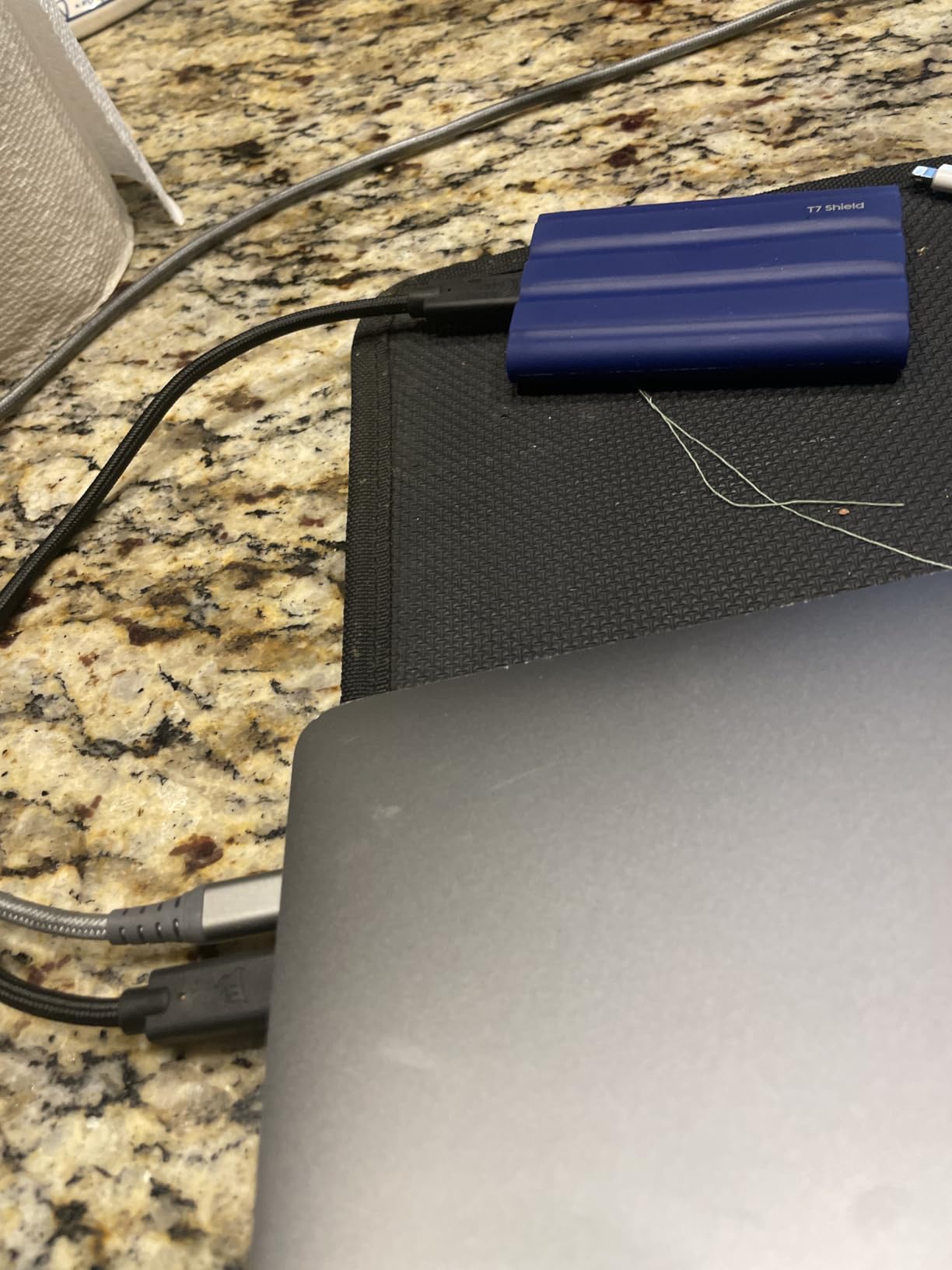
3. Samsung T7 Shield Portable SSD 1TB – The Rain and Dust Option
Samsung T7 Shield Portable SSD 1TB, USB 3.2 Gen 2, Up to 1,050 MB/s
1050MB/s read
1000MB/s write
IP65 sealed
9.8ft drop
97g
+ Pros
- IP65 sealing and rubberized body hold up in rain and dust
- Fast enough for large RAW batches and 4K editing
- Compact enough for a camera bag or shirt pocket
- Large capacities for offloading a whole shoot
– Cons
- Rubberized sleeve attracts lint and dust in a bag
- Speed drops to roughly half on a plain USB 3.0 port
- A small number of units needed reformatting after failing to enumerate on Windows
The Shield is the drive I take when the forecast is part of the shot list. IP65 water and dust sealing plus a 9.8-foot drop rating is the most convincing combination of environmental protection in this group.
It holds a 4.7 rating across more than 16,000 reviews, with heavy real-world use among photographers, DJs and content creators. Owners consistently point to the ruggedness and the pocketable size rather than speed, and they are right to: the speed class here is the same 1050 MB/s Gen 2 baseline as the rest of the class.
IP65 sealing and the rubberized grip in wet conditions
IP65 means dust-tight and protected against water jets, which covers a drive that lives in a rain shell pocket or gets dusted off in a desert vehicle. The rubberized exterior gives a wet-handed grip that the bare aluminum drives cannot match.
The practical downside shows up in a bag rather than in the rain. Owners note the rubber sleeve collects lint and grit, so a quick wipe before you seat it in a USB port is worthwhile.
Drop resistance to 9.8 feet and drive health monitoring
The 9.8-foot drop figure is the highest published figure among these drives and covers most realistic accidents: a dropped gear bag, a slipped jacket pocket, a table knocked by a tripod leg.
Samsung Magician handles drive health monitoring and firmware updates, which matters more on a travel drive than it does at a desk. You can check condition at a hotel rather than discovering a problem when a card refuses to copy.
Ports, phones and the USB 3.0 speed trap
Samsung lists compatibility with PC, Mac, Android devices, consoles and the iPhone 15, which makes it a genuinely cross-platform travel drive. Encryption needs Samsung Magician installed before you rely on it in the field, so set that up before departure.
The most common performance trap is port choice: throughput drops to roughly half on a plain USB 3.0 port. Always plug into a USB-C port that is wired for full Gen 2 bandwidth.
Who should buy it
Buy the Shield for coastal, alpine and desert work, or for anyone who has lost a drive to sand before. It is the safest default recommendation for a travel photographer.
Skip it if you need more than 1050 MB/s for high-bitrate video timelines or want a longer warranty than three years.
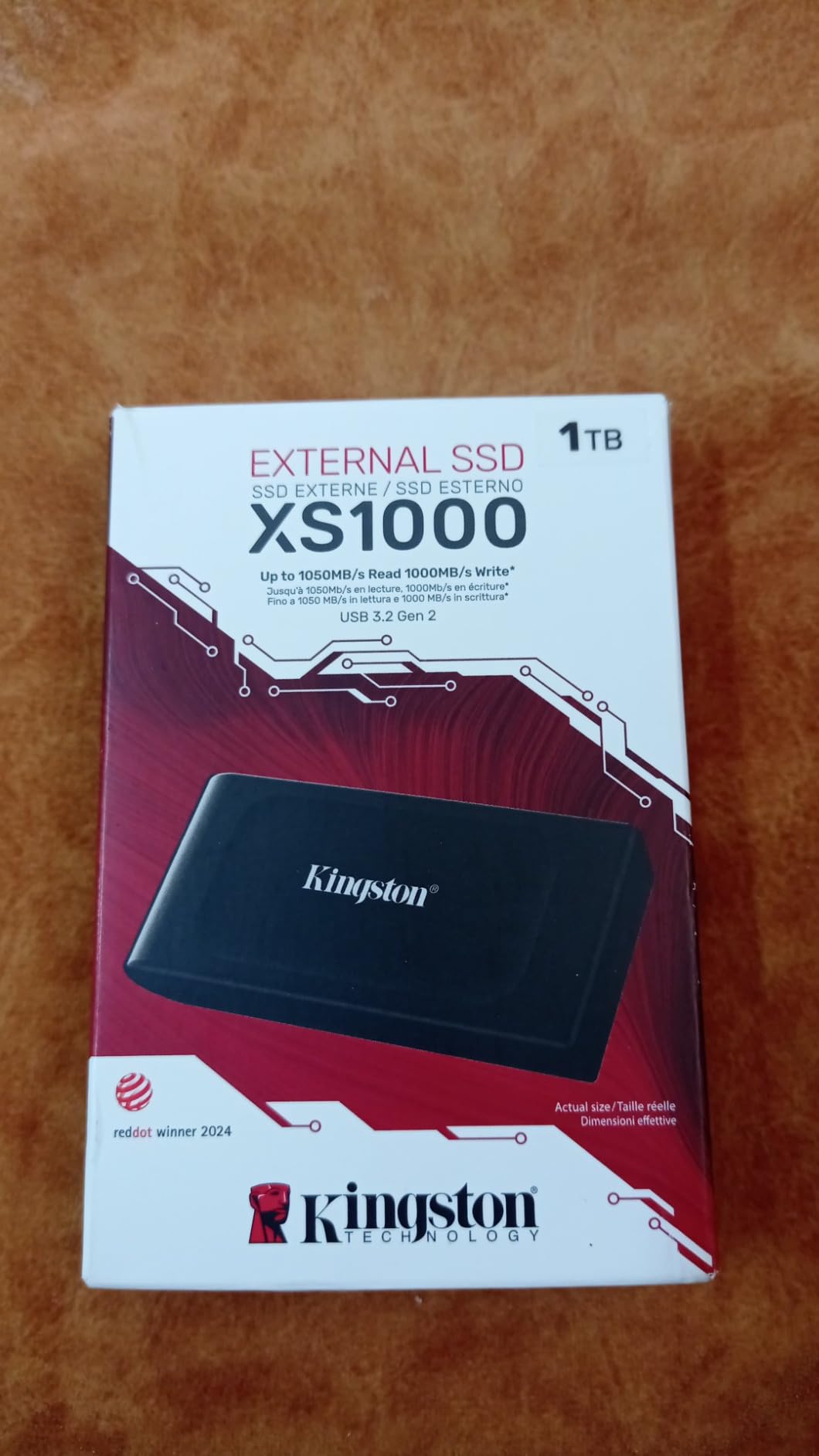
4. Kingston XS1000 1TB – Smallest Drive With a Five-Year Warranty
Kingston XS1000 1TB SSD | Pocket-Sized | USB 3.2 Gen 2 | External Solid State Drive | Up to 1050MB/s | SXS1000/1000G
1050MB/s read
USB 3.2 Gen 2
1.44oz
Pocket-sized
5-year warranty
+ Pros
- Extremely small at under 1.5 ounces
- Delivers close to full 1050MB/s rated speed
- Five-year limited warranty
- Metal and plastic build feels durable
– Cons
- No published IP water or dust resistance rating
- Removable rubber sleeve is not included with this base model
The XS1000 is the drive I hand to someone who packs light by reflex. At 1.44 ounces and 2.74 by 1.28 by 0.53 inches, it is the smallest thing in this roundup, and it still delivers close to its full 1050 MB/s rating in everyday copies.
Around 4,600 reviews average 4.7 stars. Owners highlight the tiny footprint, the ability to sit unnoticed in a pocket or camera bag, and speed that matches the claim in normal file transfers.
Where the small size actually pays off
On a hiking shoot the XS1000 is the difference between a drive you carry and one you leave behind. It clips into a chest pocket with no cable loop needed, and the footprint is small enough to sit beside a spare battery in a lens pouch.
Five years of limited warranty is a genuine advantage over the three-year terms on the Samsung models here, and it is the strongest trust signal on the drive for anyone planning multi-year ownership.
Build quality and the missing weather rating
The metal-and-plastic enclosure feels more substantial than the weight suggests, but there is no published IP water or dust rating. Treat it as a fair-weather drive that tolerates knocks, not one that tolerates a downpour.
A USB 3.2 Gen 2×2 USB-C cable is included, which is where the 1050 MB/s figure comes from. Capacities run up to 2TB, and it works with desktops, laptops and the Nintendo Switch.
Who should buy it
This suits a photographer who shoots in mild conditions, travels with minimal gear and wants the longest warranty available at this weight.
For genuinely exposed locations, choose a drive with IP65 sealing and a published drop figure instead.
5. SSK Portable SSD 500GB – The Low-Cost Card and Phone Offload Drive
SSK Portable SSD 500GB External Solid State Hard Drive USB C Up to 1050MB/s
1050MB/s read
1000MB/s write
36.6g
Under 2.4W draw
3-year warranty
+ Pros
- Deck-of-cards size at 36.6g
- Plug-and-play with no reformatting for phone offload
- Both USB-C to C and USB-C to A cables included
- Runs cool thanks to the thin aluminum alloy case
– Cons
- Documentation is sparse and hard to follow
- Some buyers report a seam or light leak where aluminum meets plastic
- Windows reports roughly 465GB for a nominal 500GB drive
The SSK is the drive I hand to a companion who wants to clear a phone every night without thinking about it. It is roughly the size of a deck of cards at 2.5 by 1.31 by 0.43 inches and 33.8 grams, and it works immediately for offloading without a reformat step.
About 3,700 reviews sit at 4.5 stars. Buyers like the size, the heat management and the cable inclusion, and the most common use is exactly the one this roundup cares about: offloading photos and video on the road.
Thermal behaviour under sustained transfer
The 2mm aluminum alloy case is doing real work here. Peak case temperature is quoted around 105.58°F during sustained transfer, which is cool enough to keep the drive in your pocket or a shirt pocket rather than requiring shade.
It supports S.M.A.R.T. health diagnostics and adaptive TRIM, and uses about 25% of available capacity as SLC cache for burst write performance. That cache behavior is the reason short card dumps hit full speed.
Power draw and phone recording
Power consumption stays under 2.4 watts, and the drive supports iPhone 4K ProRes capture. That low draw is the number that matters in the field: a phone can push video to it and still keep its own battery stable.
Both USB-C to C and USB-C to A cables are in the box, which removes the single most common cause of a failed field backup.
Capacity reality and who should buy it
Windows reports roughly 465GB for a nominal 500GB drive because of how capacity is reported in binary terms. That is normal and not a fault, but it surprises people every year.
Buy this as a daily offload drive, a second pair of eyes for a friend’s card, or a lightweight backup you can afford to duplicate. It is not the right drive for a three-week expedition.
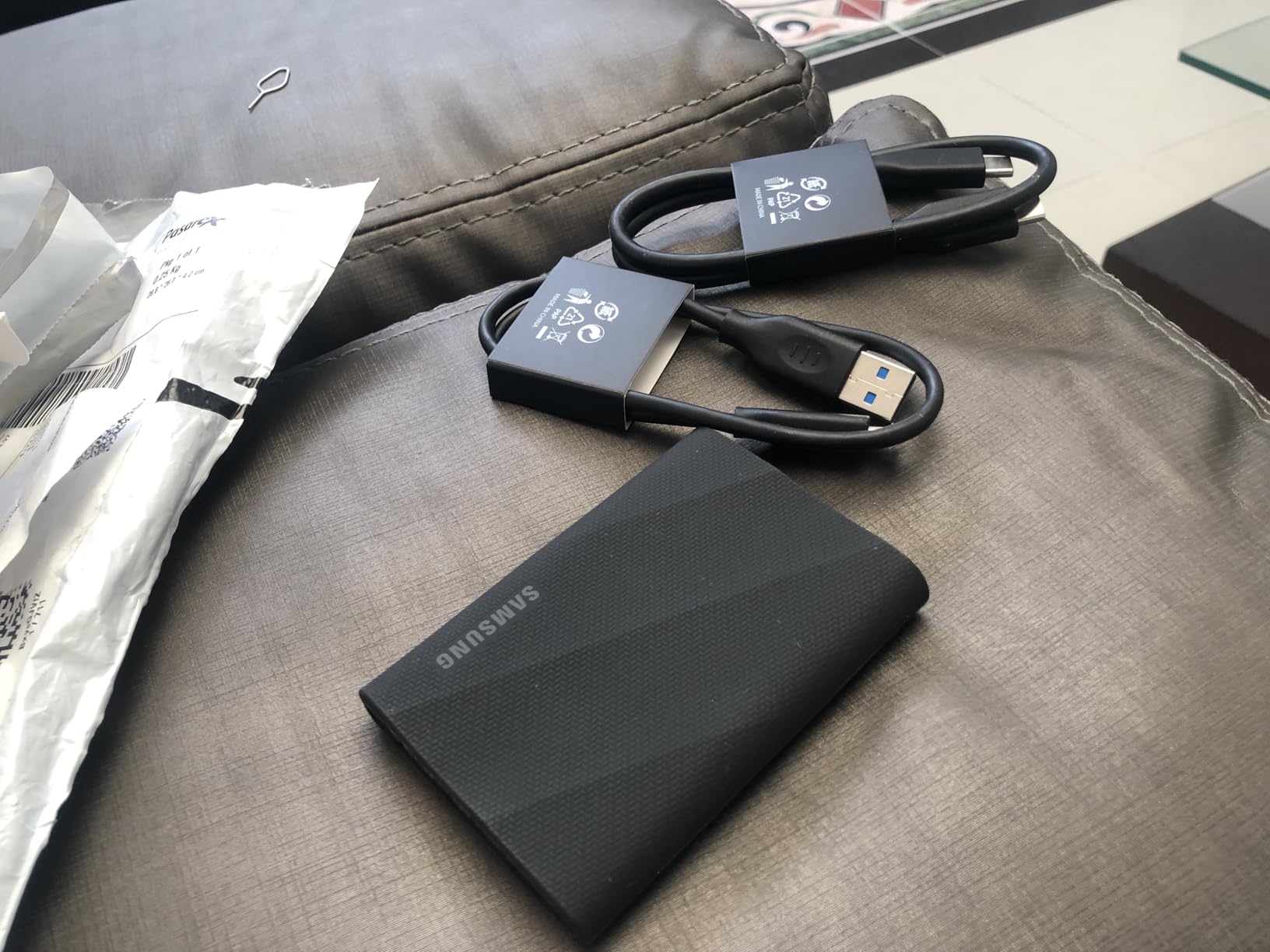
6. Samsung T9 Portable SSD 1TB – Fastest Sustained Writes in This Test
Samsung T9 Portable SSD 1TB, USB 3.2 Gen 2×2 External SSD, Up to 2,000 MB/s
2000MB/s read and write
USB 3.2 Gen 2×2
Dynamic Thermal Guard
9.8ft drop
+ Pros
- Near 2000MB/s real-world on a Gen 2×2 port
- No thermal throttling during sustained 100GB transfers
- Rugged grippy body that tolerates a gear bag
- Works directly with cameras and RAW editing in Photoshop
– Cons
- Runs somewhat warm under sustained heavy load
- No protective case bundled only cables
- Older hardware with limited power delivery may fail to initialize it
The T9 is the drive for the photographer who is also shooting 8K. USB 3.2 Gen 2×2 doubles the lanes available over a standard Gen 2 port, and this drive holds 2000 MB/s reads and writes for the length of a long copy rather than only in a short burst.
Nearly 2,900 reviews average 4.6 stars. Owners routinely report near-2000 MB/s real-world throughput, cool sustained performance and a durable rubberized shell, and photographers specifically cite editing RAW off the drive.
Why Dynamic Thermal Guard matters on a long copy
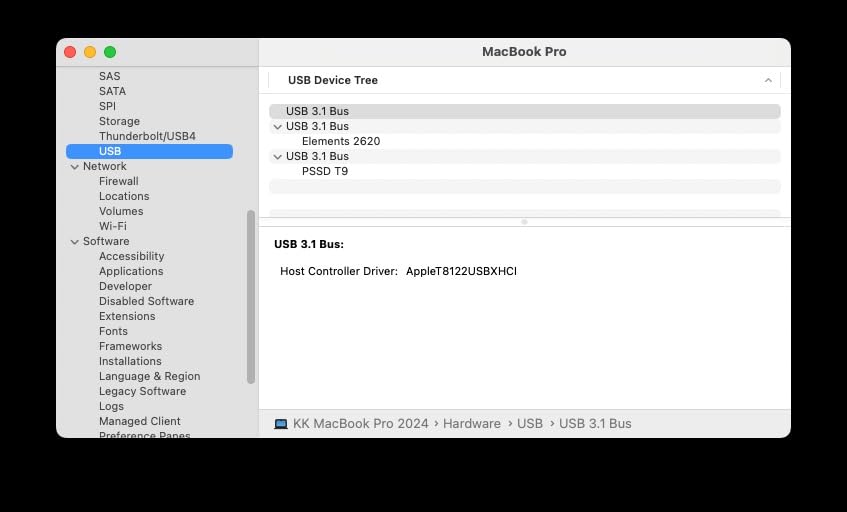
Flash drives throttle because of heat, not because of bandwidth. Dynamic Thermal Guard manages heat under heavy use, and owners report no throttling during sustained 100GB transfers.
That is the practical difference from the 1050 MB/s drives: they are fast enough to copy a card, this one is fast enough to serve a 4K or 8K edit session while you copy in the background.
Camera, phone and console compatibility
Samsung lists compatibility with desktop, camera, consoles, and iPhone 15 and 16 models. Direct camera recording plus RAW editing in Photoshop from the same drive is the workflow this drive is built around.
AES 256-bit hardware encryption and Magician firmware, encryption and health monitoring are all handled through the same software.
The host requirement nobody mentions
You need a genuine Gen 2×2 port to see these numbers. On a plain Gen 2 port the drive behaves like a 1050 MB/s drive, which is still fine, just not the reason you bought it.
Two caveats are worth planning for: older hardware with limited power delivery may fail to initialize the drive, and no protective case is bundled, so add a pouch to your kit list.
Who should buy it
Choose the T9 if your card reader and laptop both expose Gen 2×2 ports and your shoots produce large video files alongside stills.
Choose a 1050 MB/s rugged drive instead if your travel computer is an older or rental machine.
7. Crucial X10 Portable SSD 1TB – Lightest Sealed Drive With the Fastest Read Figure
Crucial X10 1TB Portable SSD, Up to 2,100MB/s, USB 3.2 USB-C, External Solid State Drive, Compatible with Windows, Mac & Android, Durable Storage for Games, Photos & Files, Blue – CT1000X10SSD9-02
2100MB/s read
IP65 rated
32g
USB-C and USB-A
3-year warranty
+ Pros
- Very light at 32g with a slim matte body
- IP65 sealing and 9.8ft drop resistance
- Works with Windows Mac Android Linux and consoles
- Bundled photo and backup software
– Cons
- No carabiner or lanyard loop so it needs a separate pouch
- Short three-year warranty compared with rivals
At 32 grams the X10 is the lightest drive in the roundup, and the blue matte body at 1.96 by 2.55 by 0.39 inches slides into a bag without changing the balance of it. Read speed is quoted up to 2100 MB/s, which is the highest read figure among these picks.
Just over 2,500 reviews average 4.5 stars, with feedback centred on transfer speed, a light and durable IP65 body, and smooth cross-platform use.

IP65 sealing with no attachment loop
IP65 dust and water resistance plus 9.8-foot drop resistance means the drive itself is travel-ready. The frequently mentioned practical gap is the lack of a carabiner or lanyard loop, so it needs its own pouch or a small strap in a camera bag.
That is the entire difference between this and the SanDisk Extreme in field handling, and it is why the SanDisk wins the top spot despite a lower rating.
Platform reach and bundled software
Compatibility covers Windows, Mac, iPad Pro, Chromebook, Android, Linux, PS4, PS5 and Xbox. For a photographer working across a phone, a tablet and a laptop on the same trip, that breadth is the reason to pick it.
Three months of Mylio Photos+ and Acronis True Image are included on registration, which adds a managed backup layer alongside your local copies.
Who should buy it
Buy the X10 if you edit on multiple platforms or hand off footage to clients working on different systems. USB-C and USB-A are both supported directly.
The three-year warranty is the shortest of the group, so factor that into any multi-year ownership plan.

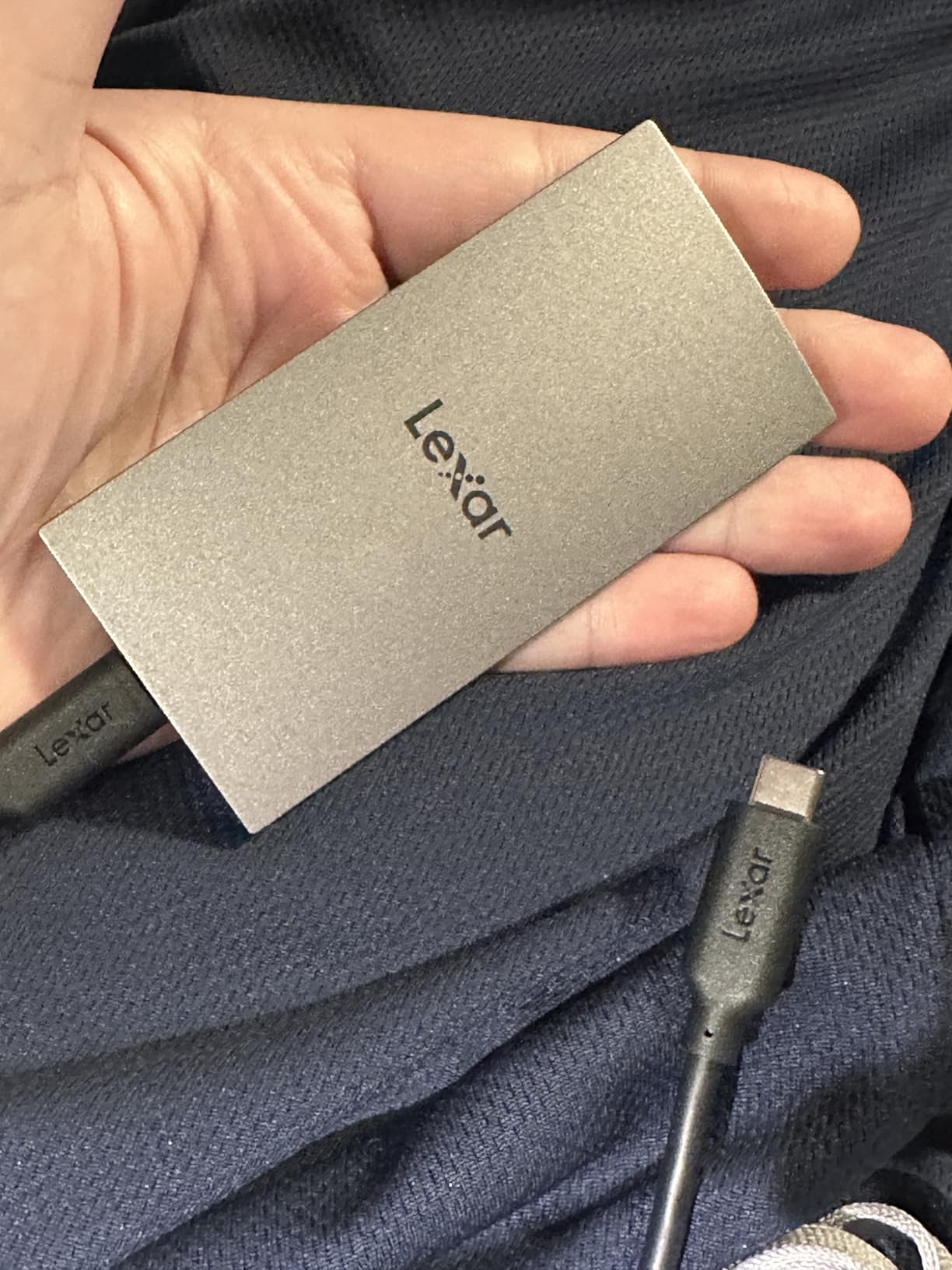
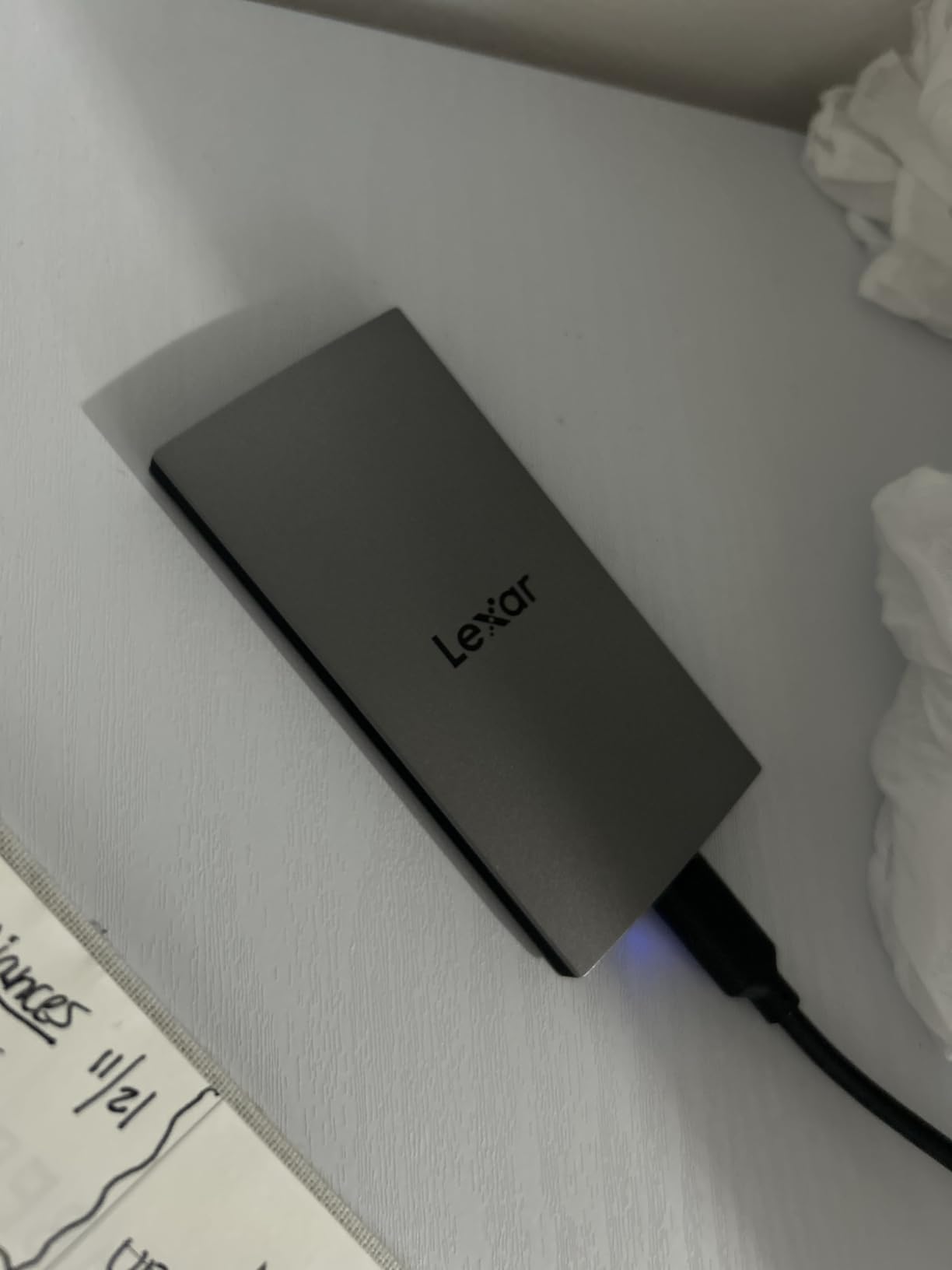
8. Lexar ES3 Portable SSD 1TB – The Thinnest Drive That Still Encrypts
Lexar ES3 1TB Portable SSD Silver, USB 3.2 Gen 2 up to 1050MB/s
1050MB/s read
10.5mm thin
42g
Lexar DataShield AES
3-year warranty
+ Pros
- Extremely slim at 10.5mm and light at 42g
- Delivers full 1050MB/s read on compatible hosts
- Included 256-bit AES encryption for securing footage
- Works with cameras and the iPhone 17 series
– Cons
- Performance drops on hosts that are not USB 3.2 Gen 2 including many Macs
- Not supported on iPhone 14 and older models
- No IP rating and no published drop resistance figure
The ES3 is 10.5mm thick and weighs 42g, so it disappears into a passport holder or a thin laptop sleeve in a way the other drives here cannot. That thinness is the entire design brief.
Around 975 reviews sit at 4.4 stars, the smallest review base in the roundup. Buyers like the thin, light body and its ability to move files at full speed between cameras, laptops and recent iPhones.
Encryption with Lexar DataShield
Lexar DataShield provides 256-bit AES encryption, which matters when you are carrying client footage through borders and hotel rooms. A Type-C cable is included for plug-and-play use.
Compatibility is listed with cameras, Android devices, laptops and the iPhone 17 series, plus console support on Xbox X|S, PS4 and PS5.
The Mac caveat you should read first
Performance drops noticeably on hosts that are not USB 3.2 Gen 2, including many Macs. If your editing machine is a laptop with only USB-C ports that negotiate at lower Gen 2 bandwidth, your copy times will be roughly double the headline figure.
Support also excludes iPhone 14 and older models, and there is no IP rating or published drop figure. This is a careful-carry drive, not a rough-carry drive.
Who should buy it
Buy the ES3 if you carry a slim laptop, want client-grade encryption in a thin body, and need to move files to and from recent phones.
Buy a sealed, drop-rated drive instead if the work happens outdoors on rough surfaces.
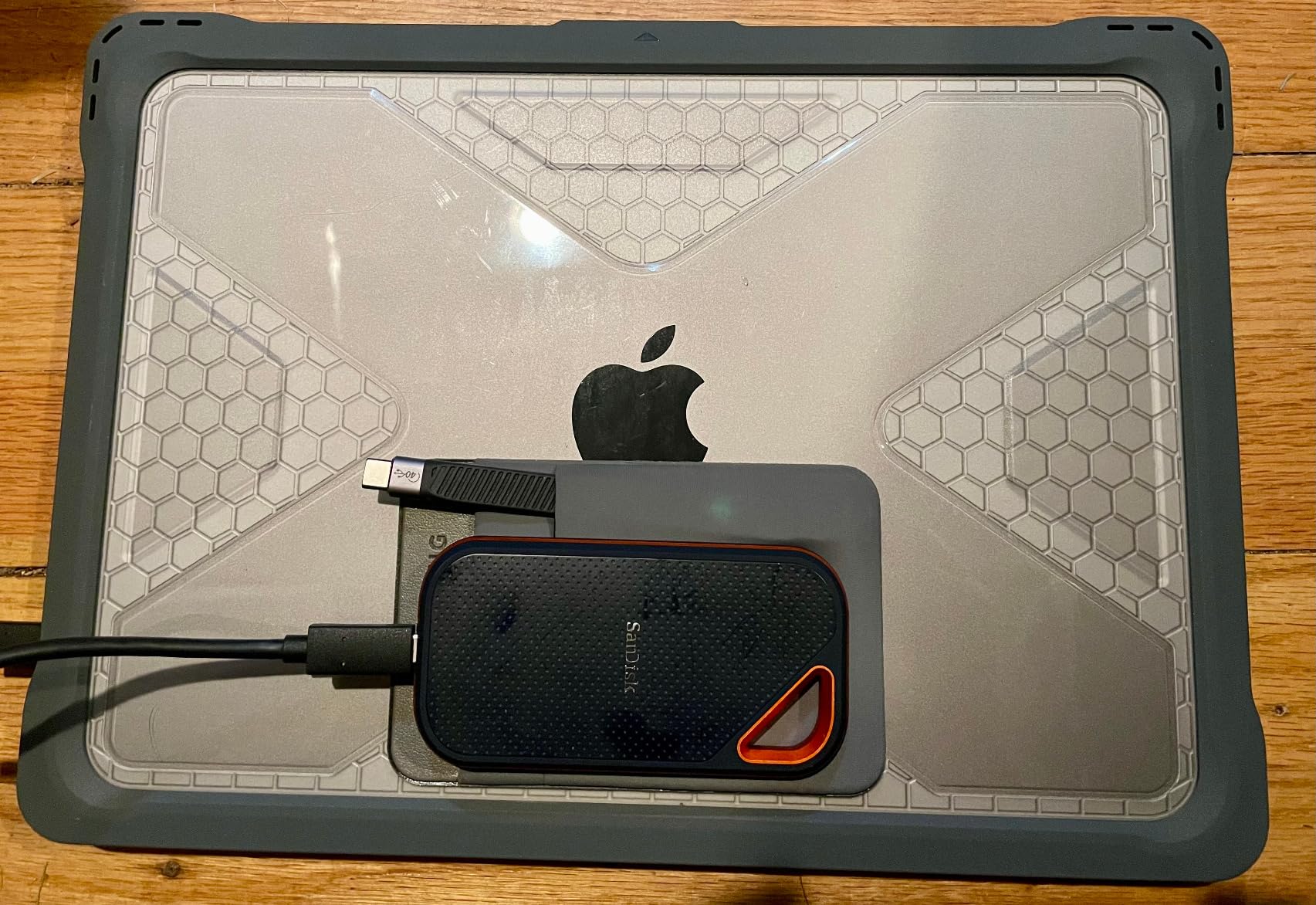
9. SanDisk Extreme PRO Portable SSD 2TB – Sustained Speed Through an Aluminum Heatsink
Sandisk 2TB Extreme PRO Portable SSD, Up to 2000MB/s Read Speeds-Old Model
2000MB/s read and write
Forged aluminum chassis
IP65 rated
5-year warranty
+ Pros
- Forged aluminum heatsink chassis sustains high speeds over long transfers
- IP65 sealing and 3m drop protection suit rough travel
- Large 2TB capacity for multi-day shoot backups
- Hardware encryption for client footage
– Cons
- Older model revision so listings vary between old and new versions
- Heavier and larger than the standard Extreme line
- Requires a Gen 2×2 host to reach the full 2000MB/s
The Extreme PRO is built around a forged aluminum chassis that doubles as a passive heatsink. That is a different approach from the T9’s active thermal management, and it means the drive holds its speed without firmware intervention.
Over 17,000 reviews average 4.5 stars. Buyers consistently praise the rugged aluminum construction, the sustained-speed benefits of the built-in heatsink and the 2TB capacity for video work.
Heatsink behaviour on multi-hour copies
Because the chassis itself spreads heat, sustained 2000 MB/s transfers stay closer to their rated figure for longer than a thin plastic-cased drive would. For a photographer dumping every card of a multi-day shoot in one session, that is the relevant behaviour.
IP65 water and dust resistance with 3-meter drop protection and an integrated carabiner loop cover the environmental side well.
Understanding the old and new revisions
This listing is the older model revision, and reviewers note real confusion when comparing listings for old and new versions. Check the model number SDSSDE81-2T00-G25 to be sure of what you are buying.
The drive is heavier and larger than the standard Extreme line at 2.72 ounces, and reaching the full 2000 MB/s requires a Gen 2×2 host.
Who should buy it
Pick the Extreme PRO when video is a major part of the trip and you want sustained rather than burst speed, and you value the 5-year warranty.
Pick the standard SanDisk Extreme instead if you only shoot stills and prefer the lighter 1.76-ounce body.
10. Crucial X10 Pro Portable SSD 1TB – Fast on Paper, Lowest Rating Here
Crucial X10 Pro 1TB Portable SSD, Up to 2100MB/s Read, 2000MB/s Write, 3.2 USB-C, External Solid State Drive, Durable Storage for PC & Mac, for Professional Creators, Black – CT1000X10PROSSD902
2100MB/s read
2000MB/s write
IP55 rated
42g
5-year warranty
+ Pros
- High 2100MB/s read and 2000MB/s write for full-resolution editing
- IP55 sealing and 2m drop resistance for all-weather shoots
- Lanyard loop and activity LED make it easy to find
- Backed by a five-year warranty
– Cons
- Lowest average rating in this group with 18% one-star reviews
- Only IP55 rather than the IP65 offered by some rivals
- Reports of instability or disconnection on certain hosts
- No protective case included
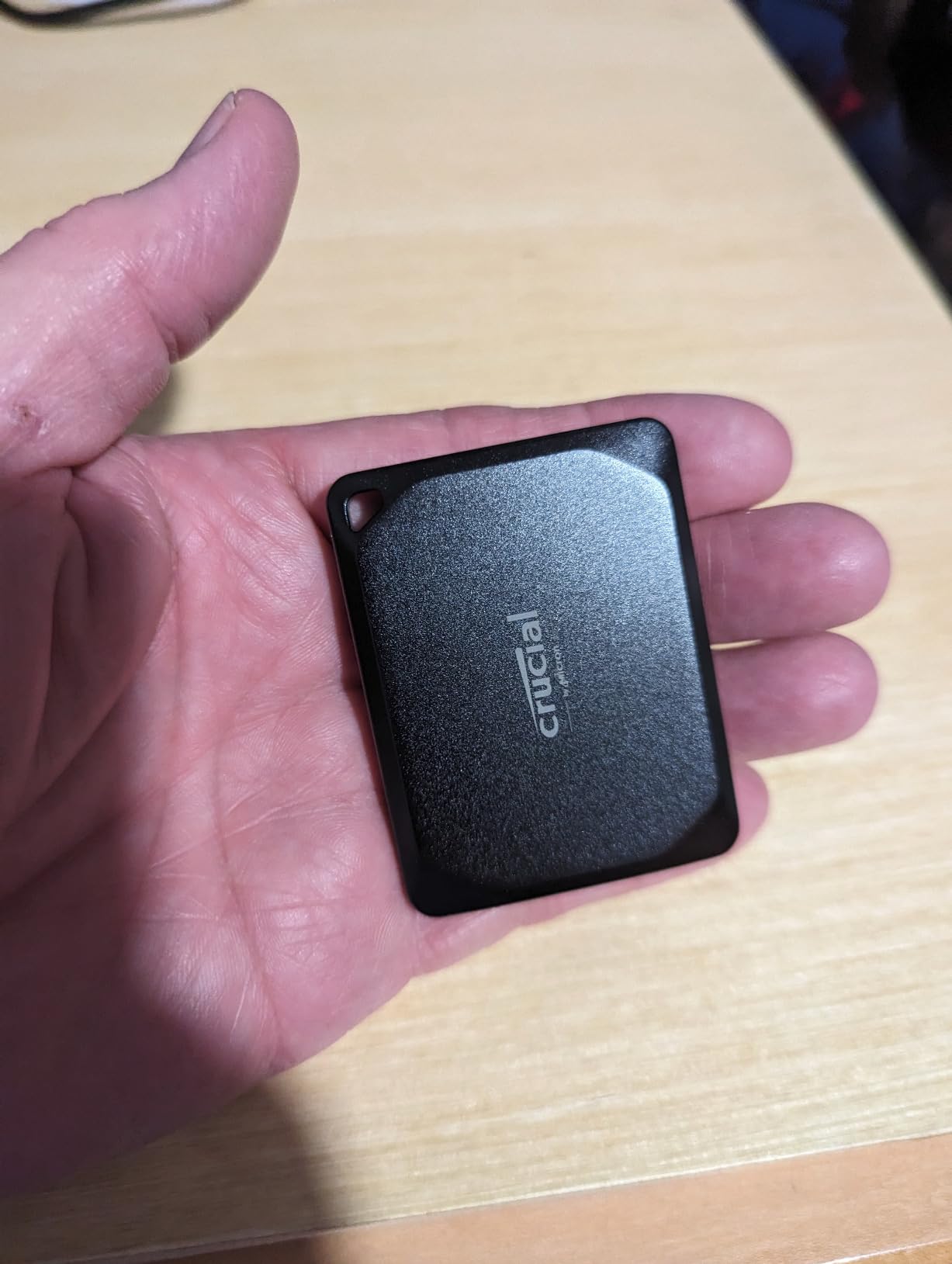
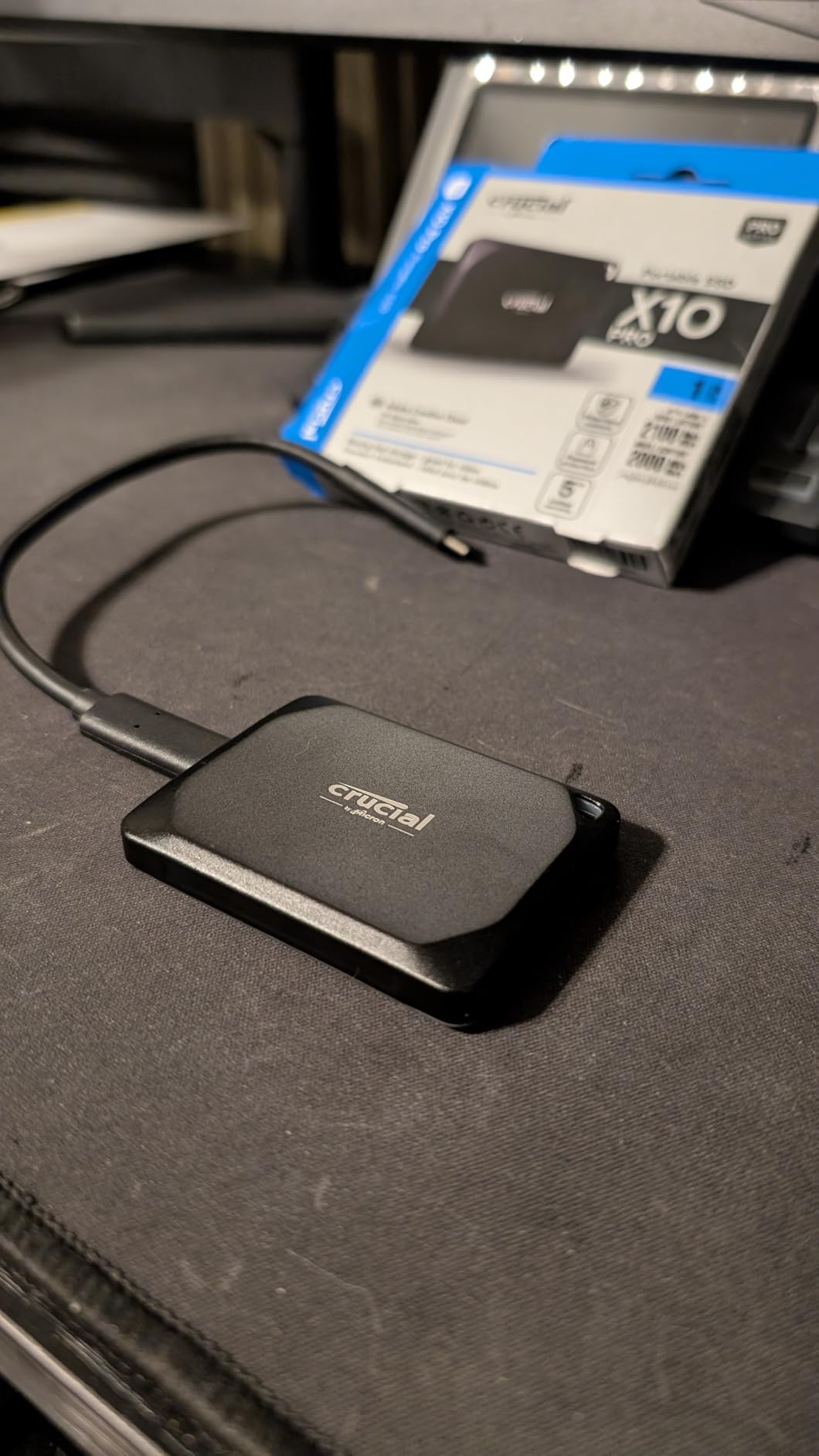
The X10 Pro has the best raw numbers on paper in this roundup, at 2100 MB/s read and 2000 MB/s write, in a 42g anodized aluminum body with a 5-year warranty and a lanyard loop.
It is also the one drive here we recommend with a caveat. About 4,400 reviews average 4.0 stars, the weakest score in the group, with 18% of ratings at one star and recurring reports of instability or failure to mount on certain hosts.
Where the speed claim lands in practice
On a compatible Gen 2×2 host the write speed is genuinely useful for a full-resolution edit workflow, and the anodized aluminum enclosure handles heat better than it has any right to at this size.
The protection rating is IP55 with 2-metre drop resistance, which is a step below the IP65 drives here. For full-resolution editing in fair weather it is fine; for a rain-driven coastal trip, match the drive to the weather instead.
Reading the rating honestly
Supporters cite strong speed and field durability for creator use. Detractors report disconnection or failure to mount. That pattern matters for a photographer more than it would for a generalist buyer, because the drive that fails is the one holding an offloaded card.
Our advice is direct: if you choose this drive, pair it with a second, differently branded drive for backups. Redundancy covers the reliability gap that the rating reflects.
Who should buy it
Buy the X10 Pro for maximum edit speed and the 5-year warranty, but only with a second drive as backup. The lanyard loop and activity LED are nice touches for bag management.
For an unhedged recommendation on a photography trip, choose a drive with a 4.6 or 4.7 average and a larger review history instead.
How to Choose a Portable SSD for Travel Photography
The five decisions that actually change your experience in the field are capacity, interface, weather protection, encryption and where you buy from. Everything else on the spec sheet is secondary.
Capacity math for RAW, video and catalogs
Start with the card, not the trip. A single day of landscape RAW work can fill 128GB of card, so a 1TB drive covers roughly a week of single-day shoots before you start deleting. Two weeks in one region pushes you toward 2TB.
Video changes the math quickly. A long 4K shoot produces far more per day than a stills-only itinerary, so if you are shooting even occasional clips, plan on 2TB or more and treat the drive as a working scratch disk rather than an archive.
Do not forget the catalog. A Lightroom or Capture One catalog with full-size previews can add hundreds of gigabytes over a season, and pointing the catalog at the travel drive keeps your laptop internal storage free.
Interface speed and what your host actually provides
USB 3.2 Gen 2 delivers about 1050 MB/s and works on practically any laptop from the last several years. That is the safe travel default and covers nearly all RAW workflows comfortably.
USB 3.2 Gen 2×2 doubles that to roughly 2000 MB/s, but only when the host port is wired for both lane pairs. On older or borrowed machines those drives silently run at Gen 2 speed. For heavy 4K and 8K timelines it is worth confirming your own ports before buying faster hardware.
IP ratings, drop resistance and field reality
IP65 means dust-tight and protected against water jets, which is the practical benchmark for travel work. IP55 resists dust and splashes but not jets. If a drive has no rating at all, treat it as a fair-weather drive and keep it inside your bag rather than on your belt.
Drop figures matter less than manufacturers suggest for careful handling and a lot for careless handling. Anything at 2 metres or better covers gear-bag incidents. Weight matters just as much: the lightest sealed drive here is 32 grams, and every gram compounds over a long walking day.
Encryption for client work and lost bags
Hardware-level AES 256-bit encryption is available on most of these drives, and it is worth enabling on anything holding paid client footage or unreleased work. Software encryption on the host computer does not protect you if the drive itself is lost.
Several brands require their own utility to set a password before first use. Set the password at home, not in an airport lounge.
Counterfeits, bad hosts and buying channels
Counterfeit and mislabelled storage is a genuine concern in marketplace listings, particularly for high-profile models. Buy through authorized retailers or the manufacturer direct where possible, and run the brand health utility once the drive arrives to confirm the reported capacity and firmware are genuine.
Keep the packaging and the included cable, since the cable is often part of the counterfeit problem and it is needed to hit rated speeds anyway.
Travel Workflow: Dual Drives, Airports and Power
No single drive protects an irreplaceable shoot. The workflow matters more than the model, and it costs very little to set up.
The two-drive field backup routine
Carry two drives from different manufacturers and treat them as a matched pair. A fast Gen 2×2 model such as the T9 or the X10 Pro handles the working catalog and scratch files, while a sealed 1050 MB/s drive such as the SanDisk Extreme or the T7 Shield takes the redundant copy.
The routine: copy the card to drive one, copy drive one to drive two, then compare file counts before you delete anything. It takes three extra minutes and it is the difference between a lost card and a lost week.
For game-library or console-adjacent storage you will find different priorities in our [portable SSDs for gaming consoles](https://fypower.org/best-portable-ssds-for-gaming-consoles/) guide, but the redundancy principle is identical.
Airports, security and carry-on rules
Portable SSDs are permitted in carry-on baggage and are not subject to spare-battery-style restrictions, so packing them with your cards is fine. The bigger practical question is how many drives you actually carry, since each one is a liability if it is not backed up.
Keep cards and drives in different compartments. Losing a bag with both the camera and the only copy of the files is the failure mode we are trying to avoid. For reviews of the small audio gear that fills the rest of that bag, our [portable Bluetooth speakers for travel](https://fypower.org/best-portable-bluetooth-speakers-for-travel/) picks cover the same weight-versus-durability trade-off.
Power delivery and bus-powered operation
Every drive in this roundup is bus-powered, so there is no battery brick to charge and nothing to fail in transit. The relevant limit is the host port. Draws above about 2.4W, as quoted for the SSK model, matter more for phone recording than for laptop transfers.
If you record video directly from a phone, check the phone and drive combination for supported ProRes output before you rely on it in the field.
Frequently Asked Questions
What is the best portable SSD for a photographer?
For most travel photographers the best all-round choice is the SanDisk Extreme 2TB: it delivers near its full 1050MB/s rating, carries an IP65 water and dust rating with 3-meter drop protection, weighs 1.76 ounces and includes a 5-year warranty. If you shoot in wet or dusty conditions, the Samsung T7 Shield adds IP65 sealing with a 9.8-foot drop rating. For high-bitrate video, a USB 3.2 Gen 2×2 drive such as the Samsung T9 is faster.
Is a portable SSD good for storing photos?
Yes. A portable SSD is a good store for photos because it has no moving parts, runs cool, tolerates shock and transfers a full memory card in seconds. The main limit is capacity rather than reliability, since a small card cannot be repaired after a failure. Keep at least one copy on a second drive, and point your Lightroom or Capture One catalog at the same drive while you are travelling.
Which SSD is best for photos?
For RAW photo work any USB 3.2 Gen 2 drive above about 1000MB/s is fast enough, so durability and capacity matter more than headline speed. Choose an IP65-rated option with at least 1TB for a week of shooting and 2TB for longer trips. Faster 2000 to 2100MB/s Gen 2×2 drives only add value when your laptop or card reader actually exposes a Gen 2×2 port.
What is the best portable hard drive for travel?
A portable SSD beats a portable hard drive for travel because it is smaller, faster, lighter and far more resistant to the shock of being carried. The best travel drive combines an IP65 rating with bus power and no separate power brick. Two sealed drives from different manufacturers make a better travel kit than one large drive, because redundancy protects an unrepeatable shoot.
How much storage do I need for travel photography?
One day of landscape RAW work can fill 128GB of card, so a 1TB drive covers roughly a week of single-day shoots. Regular video recording multiplies that quickly, and a Lightroom catalog with full-size previews adds hundreds of gigabytes over a season. As a rule, buy one step above your largest card size multiplied by your trip length.
Should I use an SSD or a hard drive for photography while traveling?
Use an SSD. It transfers roughly five to twenty times faster than a mechanical drive, has no moving parts to damage in transit, draws less power and weighs less, which matters across a multi-country trip. Mechanical drives are still reasonable for cheap bulk archiving once you are home, but they are a poor choice as your only copy of an unrepeatable shoot.
Final Verdict by Photographer Type
If you want the single safest drive for most trips, take the SanDisk Extreme 2TB. It has the deepest proven reliability record in the group, IP65 sealing, a 5-year warranty and enough capacity that you will not think about space mid-trip.
If weather is part of the shot list, the Samsung T7 Shield is the pick, with IP65 sealing and a 9.8-foot drop rating. If weight is the priority, the Kingston XS1000 at 1.44 ounces or the Crucial X10 at 32 grams disappear into a pocket, with the X10 adding the highest read figure and the broadest platform support.
If you shoot 4K or 8K video, run a Gen 2×2 drive such as the Samsung T9 or the SanDisk Extreme PRO, and confirm your laptop exposes the matching port before you rely on the speed. For a low-cost daily offload companion, the SSK 500GB handles phone offload and ProRes capture under 2.4 watts.
Whichever you choose, carry two drives from different brands and verify file counts before deleting a card. If you are still building out your travel kit, our [portable monitors for business travel](https://fypower.org/best-portable-monitors-for-business-travel/) guide covers the other half of the mobile editing setup, and these picks have been re-checked against the 2026 camera generation.
Leave a Reply