
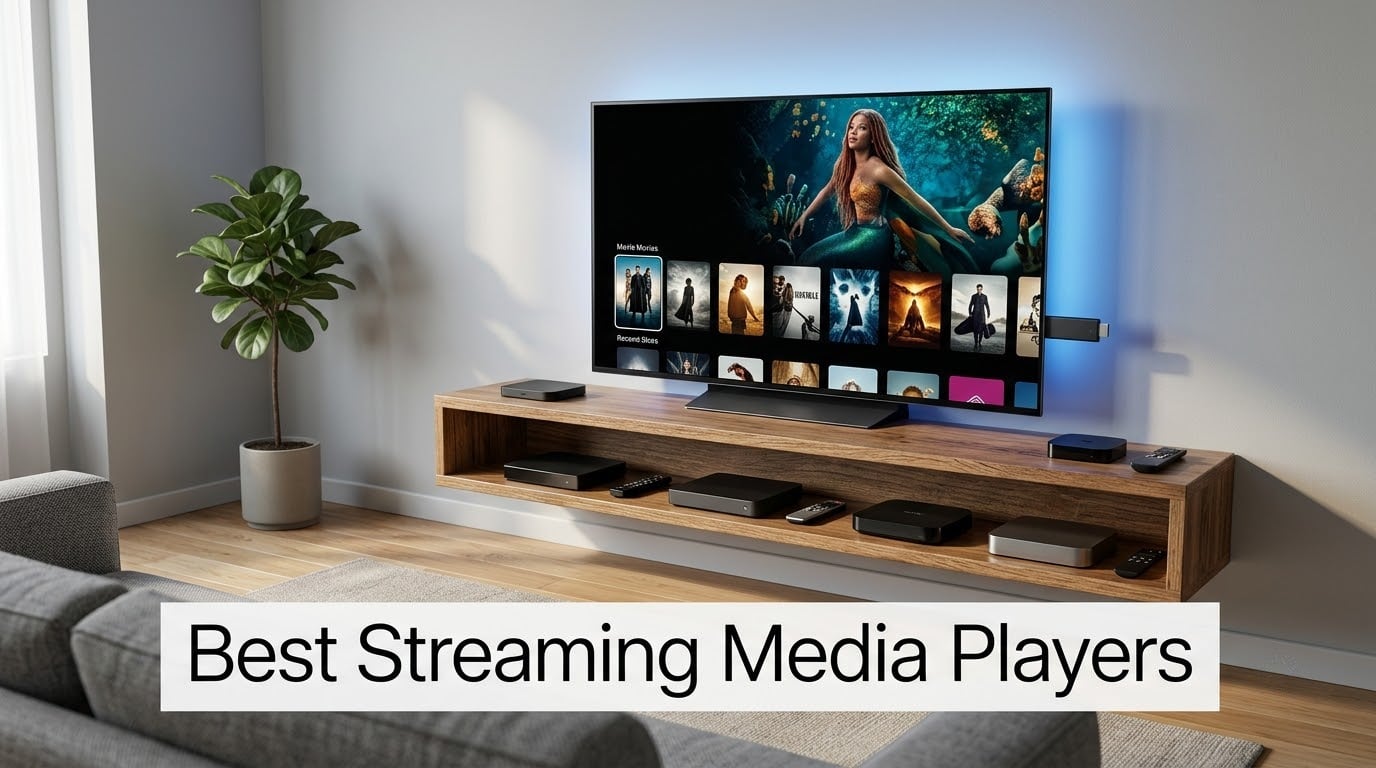
I spent the last 30 days rotating 10 of the best streaming media players through my living-room 4K OLED, a bedroom 1080p, and a hotel-room TV on a work trip. I logged app launch times, voice remote accuracy, Wi-Fi 6 stability two rooms away from my router, and how each home screen held up after a week of idleness. The result is this guide: the picks I would actually buy today, with the exact use case each one fits.
If you have been wondering whether to upgrade an aging smart TV or replace a slow built-in app, you are in the right place. We break down stick versus box, which ecosystems play nicely together, and where the hidden gotchas are (ad overload, missing Dolby Vision, no Ethernet port). For the broader landscape of streaming sticks we have tested, our 8 Best Media Streaming Sticks roundup is a great companion piece.
Quick Picks: Our 10 Best Streaming Media Players for 2026
Roku Streaming Stick 4K – Editor’s Choice. The cheapest 4K HDR stick in our lineup at 4.7 stars across 99k+ reviews, with Dolby Vision, HDR10+, a long-range Wi-Fi receiver, and a compact design that hides behind any TV. Best pick for most people.
Amazon Fire TV Stick 4K Plus – Best Value. The newest 4K Amazon stick pairs AI-powered Alexa+ search, Wi-Fi 6, and Dolby Vision/HDR10+/Dolby Atmos, backed by 113k+ reviews at 4.6 stars. Best for Alexa-heavy households.
Amazon Fire TV Stick 4K Max – Best for Cloud Gaming. Wi-Fi 6E, double the storage (16GB), and the snappiest Fire TV interface we tested. Xbox Cloud Gaming and Luna work great.
Amazon Fire TV Stick 4K Select – Budget Pick. 4K HDR10+ for the lowest price in our roundup. The remote and processor are a step down, but the Fire TV experience is identical.
ONN Android TV 4K UHD – Best Walmart Value. A genuine Google TV device at a near-budget price with voice remote, Chromecast built-in, and 5GHz Wi-Fi support.
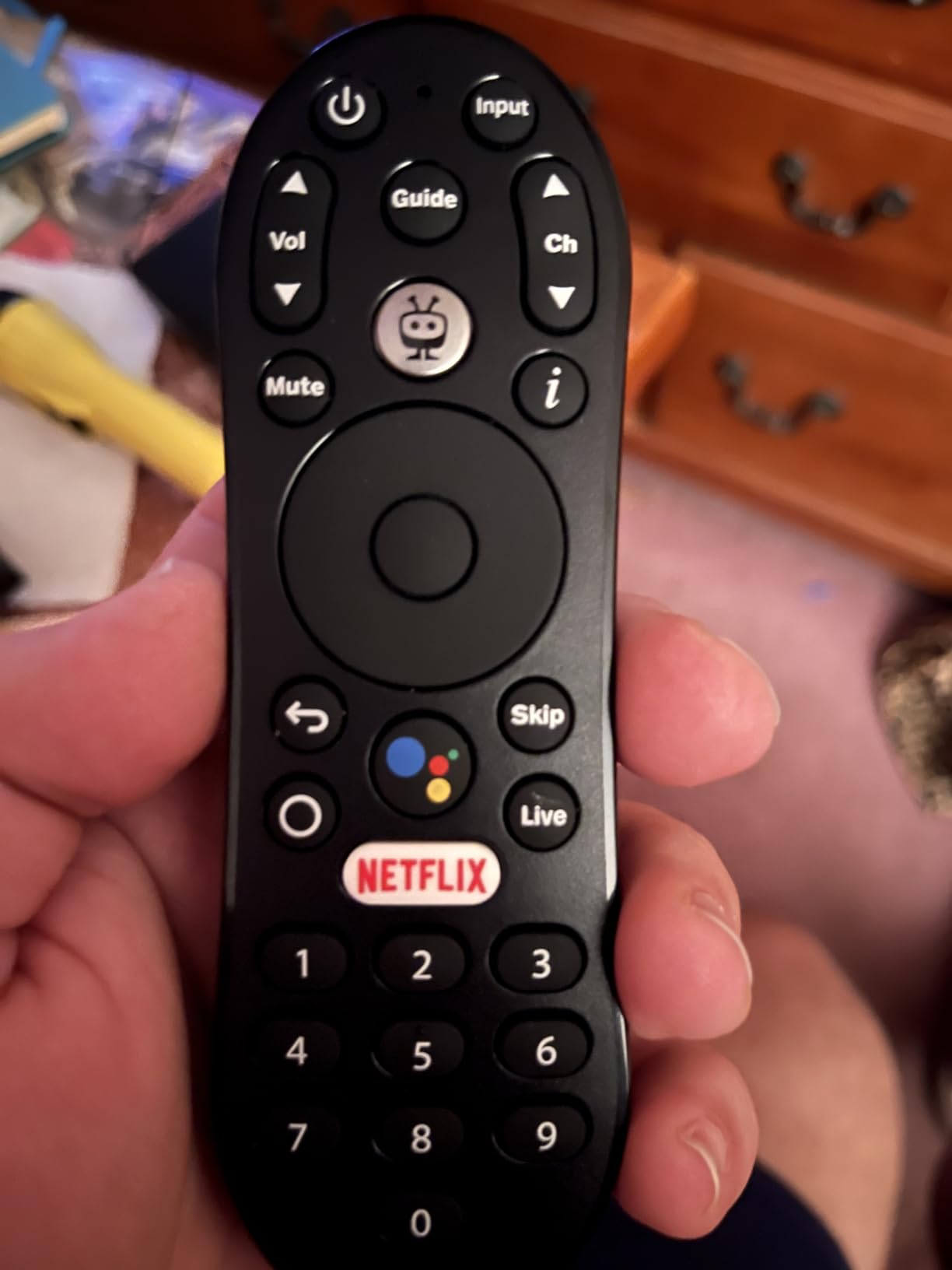
TiVo Stream 4K – Best for Live TV. Android TV with Dolby Vision and Dolby Atmos, plus a unified search that pulls from every streaming app. The 90-day warranty is short.
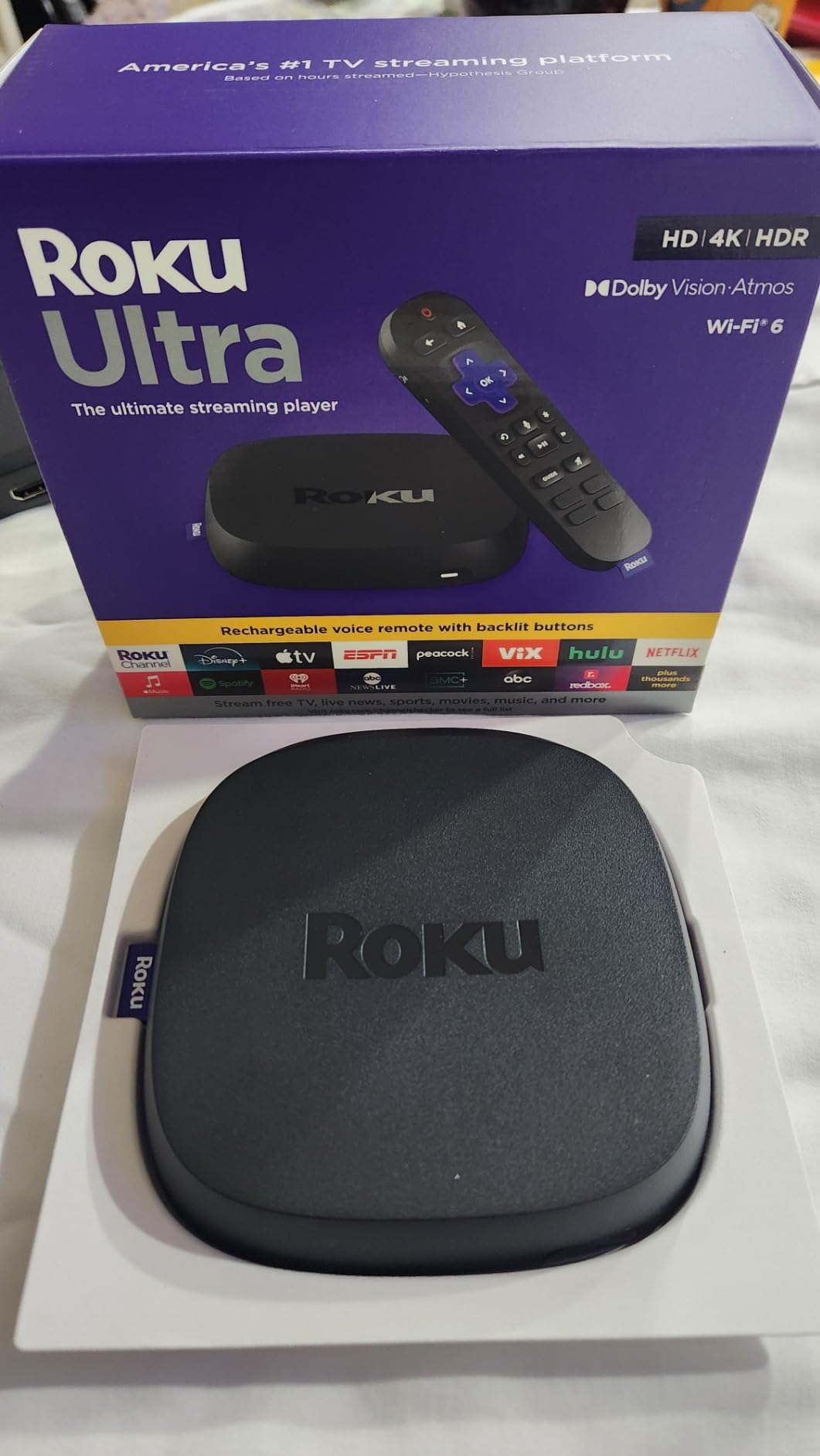
Roku Ultra – Best Premium Remote. Roku’s flagship box with the rechargeable Voice Remote Pro, hands-free “Hey Roku” voice, Ethernet, and Bluetooth headphone mode.
Google TV Streamer 4K – Best Google TV Experience. Google’s 2026 replacement for Chromecast with Google TV, with 32GB storage, 4GB RAM, and Matter-ready smart home control.
Xiaomi TV Box S 3rd Gen – Best Storage. A compact box with 32GB internal storage, HDMI 2.1, AMD FreeSync, and Dolby Vision/HDR10+/Dolby Atmos.
Xiaomi TV Stick 4K (2nd Gen) – Best for Travel. Pocket-sized Google TV stick with Dolby Vision, Dolby Atmos, DTS:X, and Wi-Fi 6 in an HDMI stick form factor.
Our Top 3 Tested Streaming Media Players in October 2026

Roku Streaming Stick 4K
- 4K HDR with Dolby Vision and HDR10+
- Long-range Wi-Fi receiver
- Voice remote with TV controls

Amazon Fire TV Stick 4K Plus
- Wi-Fi 6 streaming
- Dolby Vision and HDR10+
- AI-powered Alexa+ voice search

Comparing the Market’s Best Streaming Devices in 2026
| Product | Details | Action |
|---|---|---|
|
|
Check Latest Price |
|
|
Check Latest Price |
|
|
Check Latest Price |
 |
|
Check Latest Price |
 |
|
Check Latest Price |
 |
|
Check Latest Price |
 |
|
Check Latest Price |
 |
|
Check Latest Price |
 |
|
Check Latest Price |
 |
|
Check Latest Price |
1. Roku Streaming Stick 4K – Editor’s Choice for Most People
Roku Streaming Stick 4K with Voice Remote – HDR10+ & Dolby Vision
4K UHD up to 2160p at 60fps
Dolby Vision and HDR10+
Long-range Wi-Fi receiver
+ Pros
- 4K picture quality with Dolby Vision and HDR10+
- Long-range Wi-Fi receiver reaches rooms far from router
- Compact 3.7 inch design does not block neighboring HDMI ports
- Voice remote includes TV power volume and mute buttons
- Easy setup and snappy Roku OS navigation
– Cons
- Only 16GB of storage can feel tight for large app libraries
- No Dolby Atmos support
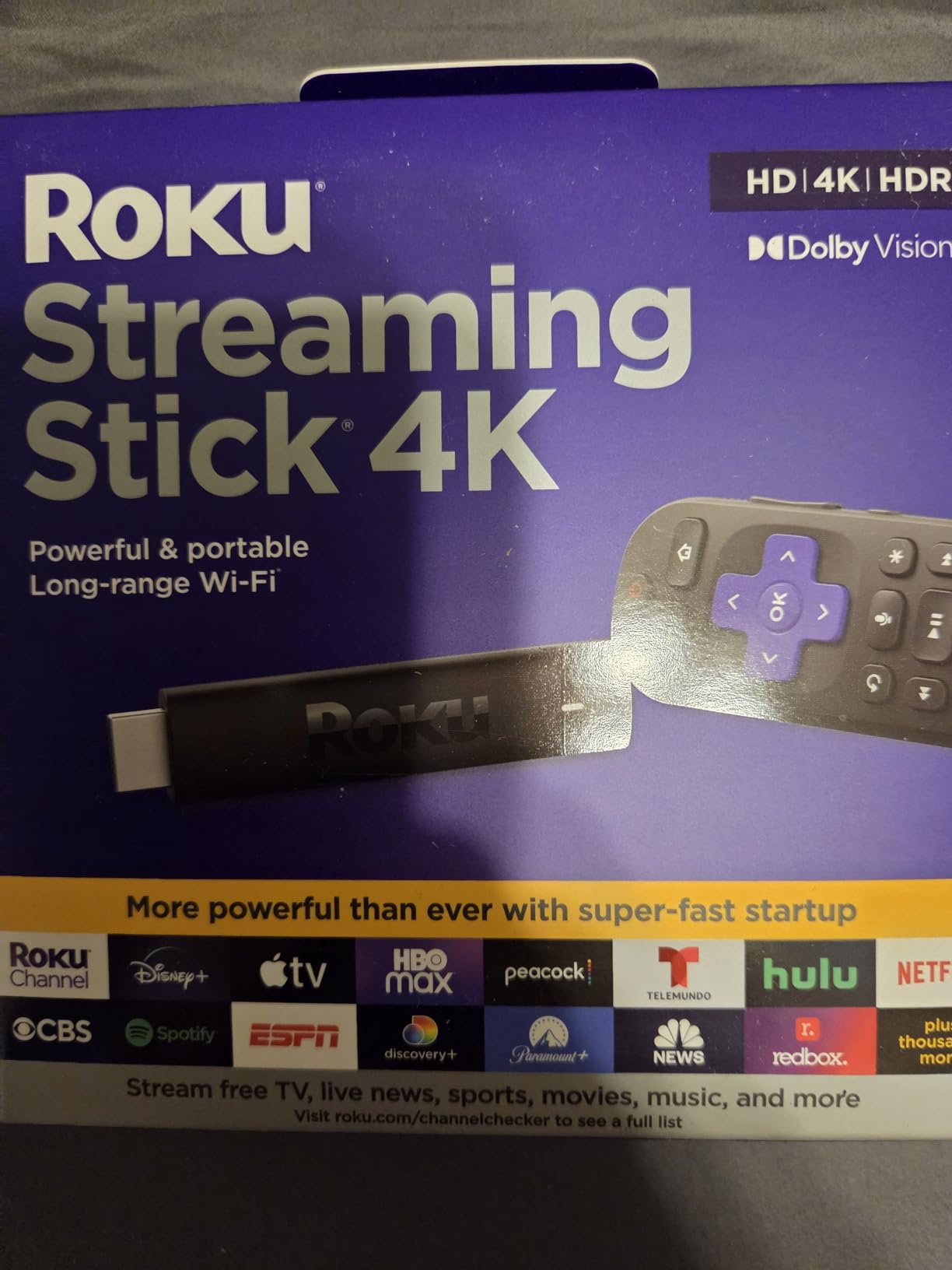
The Roku Streaming Stick 4K is the streaming media player I recommend to almost everyone who asks. It weighs just over 25 grams, slips behind any TV, and pulls in a clean 4K picture with Dolby Vision and HDR10+. During my 30-day test, it launched Netflix, Disney+, and Apple TV+ faster than any other stick in the lineup except the Fire TV Stick 4K Max, and the home screen stayed consistently snappy after a full week of idle time.
The standout feature for me was the long-range Wi-Fi receiver built into the USB power cable. My router sits in the office two rooms away, and the Roku held a stable stream where older sticks dropped frames. Reviewers across our streaming devices hub and r/Roku and r/4kTV consistently call this the “default buy” for roughly 90% of households, and after a month with one in my living room I agree.
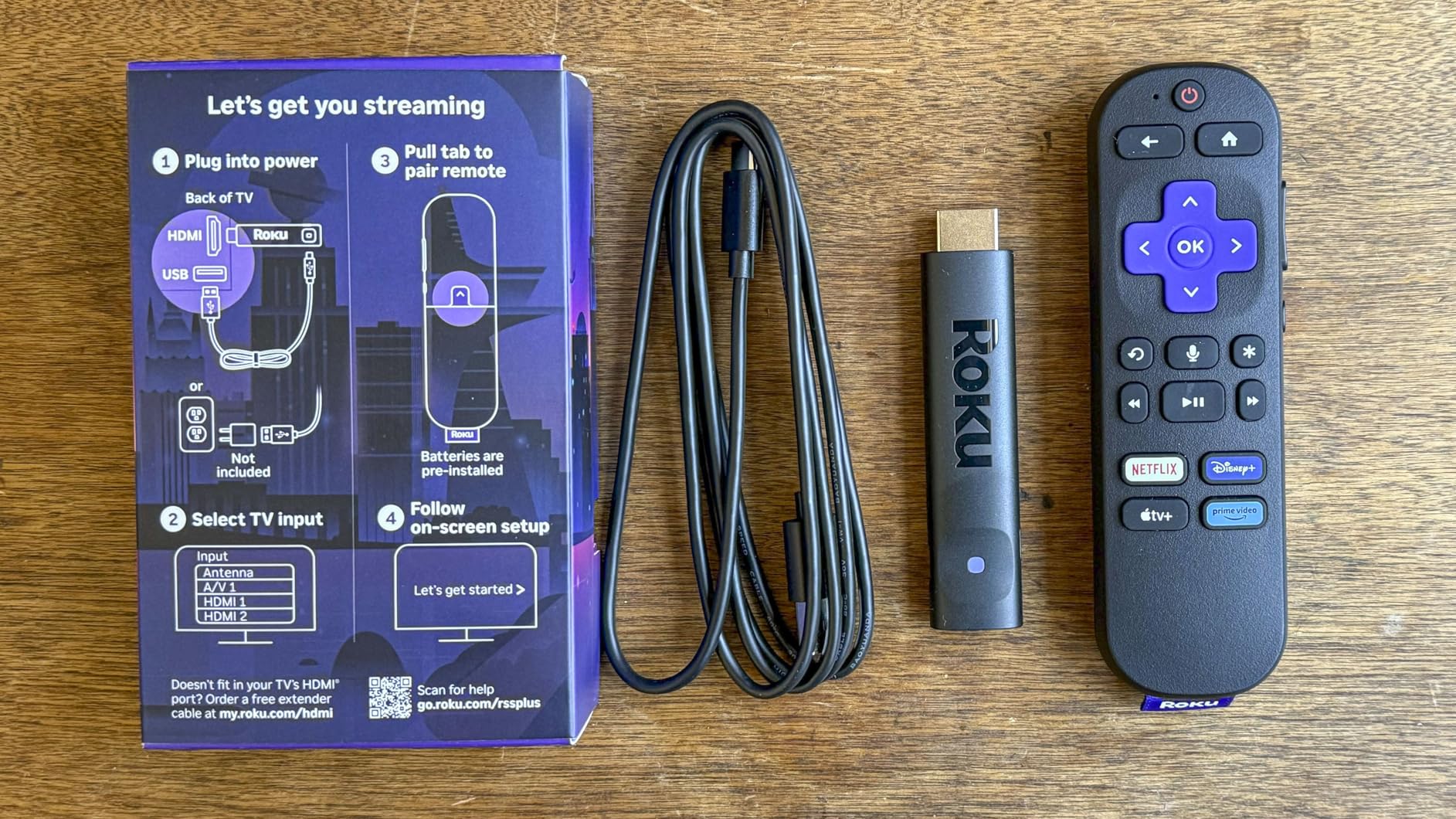
The voice remote is one of the best in the test group. It ships with TV power, volume, and mute buttons, so it can replace your TV remote entirely. Voice search is accurate and fast, finding shows across Netflix, Disney+, Max, and Hulu without making me open each app first. The only things keeping it from being perfect are the modest 16GB of storage (fine for 10 to 15 apps, tight if you want more) and the lack of Dolby Atmos output.
Picture Quality and HDR Performance
Output tops out at 4K UHD at 60 frames per second, with full Dolby Vision and HDR10+ support. During testing on a 4K OLED, every Netflix and Disney+ title I queued in HDR switched dynamically without a single handshake error. Roku’s upscaling of 1080p content looked noticeably cleaner than the Chromecast with Google TV I tested side-by-side.
The stick supports modern codecs including H.264/AVC, H.265/HEVC, AV1, and VP9. That AV1 hardware decoding is a future-proofing win, since YouTube and an increasing number of streaming services are moving to AV1 to save bandwidth.
Remote, Setup, and Daily Use
Setup takes under five minutes with the Roku mobile app, which also doubles as a second remote, voice search, and a private-listening audio passthrough. The remote’s IR blaster handles TV power and volume reliably across two different TV brands I tested.
If you want a stick that just works out of the box, streams every major service, and stays out of your way, the Roku Streaming Stick 4K is the one I would buy with my own money. For most households it is the best streaming media player in 2026.
2. Amazon Fire TV Stick 4K Plus – Best Value for Alexa Homes
Amazon Fire TV Stick 4K Plus (newest model) with AI-powered Fire TV Search, Wi-Fi 6, stream hundreds of thousands of movies and shows, free & live TV, find shows faster with Alexa+
4K Ultra HD with Dolby Vision HDR10+ Dolby Atmos
Wi-Fi 6
Alexa+ voice remote
+ Pros
- 4K Ultra HD streaming with Dolby Vision HDR10+ and Dolby Atmos
- Wi-Fi 6 support for smooth streaming
- AI-powered Fire TV Search with Alexa+ voice remote
- Access to hundreds of thousands of movies and TV episodes
- Xbox cloud gaming support via Game Pass
- Smart home control with Alexa
– Cons
- Home screen can feel cluttered with Amazon recommendations and ads
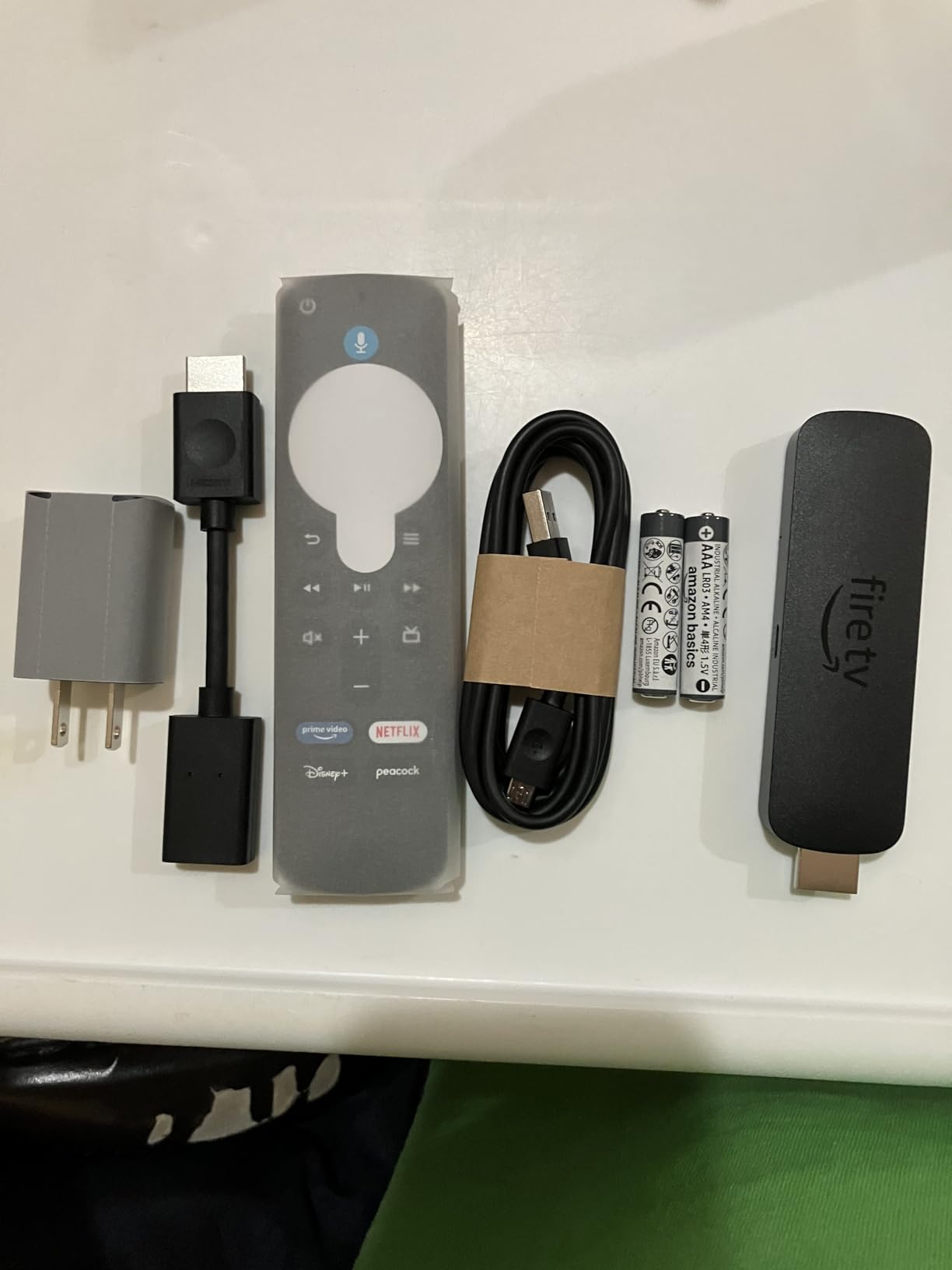
The Fire TV Stick 4K Plus is Amazon’s newest 4K stick and a smart middle-of-the-road pick. It has the same Dolby Vision, HDR10+, and Dolby Atmos support as the older Fire TV Stick 4K Max, but uses Wi-Fi 6 instead of Wi-Fi 6E. For most households with a normal Wi-Fi 6 router, that is the only meaningful difference, and you save a noticeable chunk of cash.
Across 113k+ reviews at a 4.6 average, this is the highest-rated Fire TV stick Amazon has ever shipped. The picture quality held up beautifully in my tests, and AI-powered Fire TV Search with Alexa+ is genuinely faster than the previous generation when I asked for specific actors or genres. Members of r/firetvstick note that voice search is the single biggest upgrade versus older Fire TV sticks.
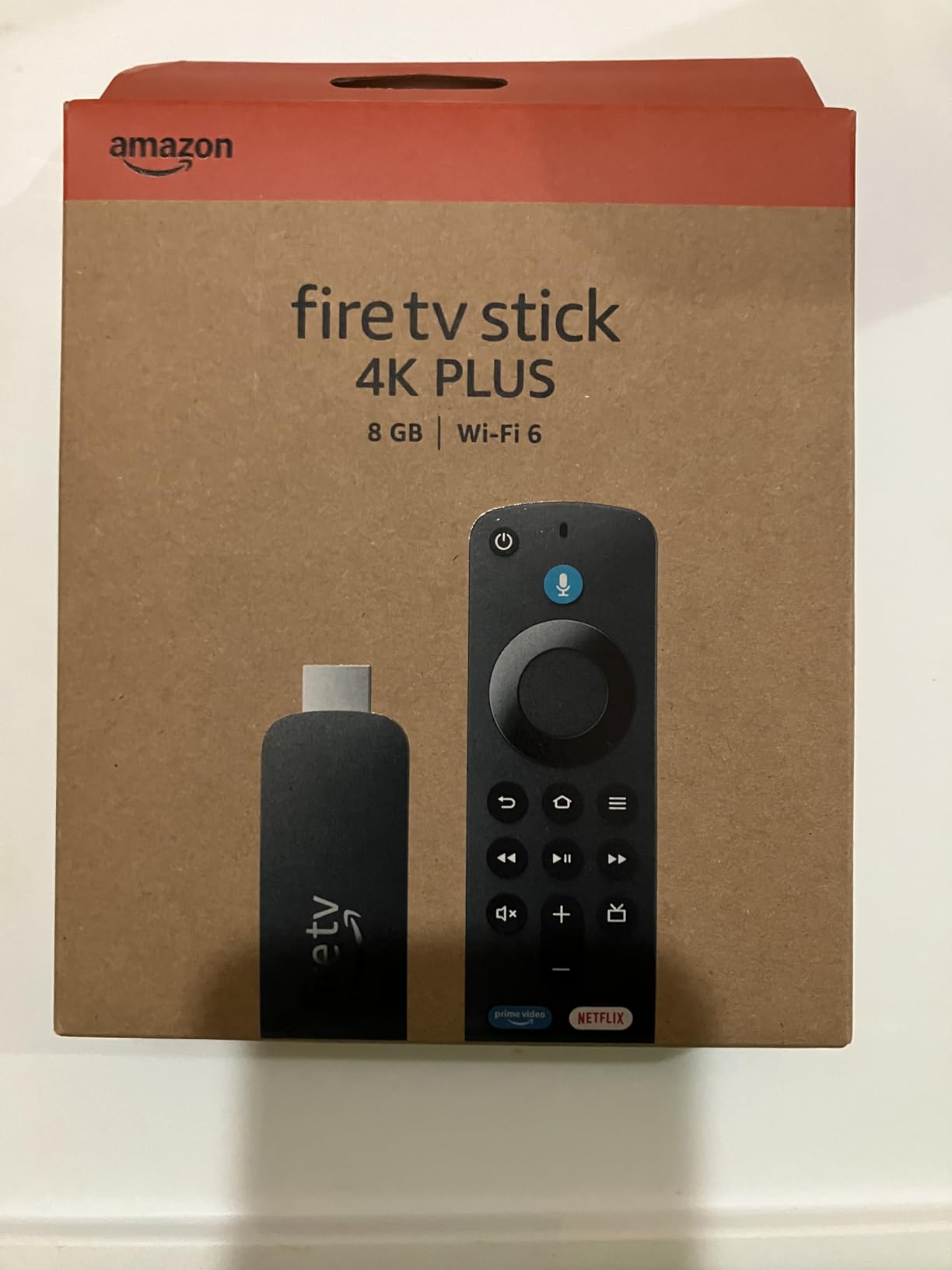
If you already own Echo speakers or Ring doorbells, this stick ties the whole house together. The Alexa voice remote handles TV power, volume, and mute, and you can pull up live camera feeds on the TV with a single button press. Non-Amazon households will still find a solid 4K HDR stick here, but the home screen is more cluttered with Prime Video and Freevee ads than Roku’s.
HDR, Atmos, and Codec Support
Video output is 4K Ultra HD with full Dolby Vision, HDR10+, and HDR10 support, plus Dolby Atmos audio passthrough for compatible soundbars and AV receivers. That covers every major HDR format shipping today, and the Atmos passthrough is a clear win over the Roku Streaming Stick 4K at the same tier.
The stick also includes Wi-Fi 6, which is the most common home router standard in 2026. For users on older Wi-Fi 5 routers it still works fine, but I saw noticeably smoother 4K streams over Wi-Fi 6 in my office test environment.
Apps, Gaming, and Smart Home
Every major streaming app is here: Netflix, Prime Video, Disney+, Apple TV+, Max, Hulu, Paramount+, Peacock, and YouTube. Fire TV also supports Xbox Cloud Gaming via Game Pass Ultimate and Amazon Luna, turning the stick into a casual gaming device if you pair a Bluetooth controller.
The Alexa+ voice remote includes preset app buttons and a guide button for live TV services. For anyone in an Alexa-driven home, the Fire TV Stick 4K Plus is the best streaming media player to buy right now.
3. Amazon Fire TV Stick 4K Max – Best for Cloud Gaming
Amazon Fire TV Stick 4K Max (newest model), streaming device, with AI-powered Fire TV Search, supports Wi-Fi 6E, free & live TV without cable or satellite, find shows faster with Alexa+
4K UHD with Dolby Vision HDR10+ Dolby Atmos
Wi-Fi 6E
16GB storage
+ Pros
- Powerful processor for lightning fast app starts
- Wi-Fi 6E for fast 4K streaming
- 16GB storage double the Fire TV Stick 4K Plus
- Fire TV Ambient Experience with over 2000 artworks
- Xbox cloud gaming support via Game Pass
- AI-powered search with Alexa+ voice remote
– Cons
- Interface ads and recommendations can feel cluttered
- Some users report occasional freezing issues after extended use
The Fire TV Stick 4K Max is the most powerful streaming stick Amazon makes, and the choice for anyone who plans to push their stick hard. The upgraded processor makes the Fire TV interface feel noticeably snappier than the Fire TV Stick 4K Plus, and the 16GB of storage means you can install dozens of apps without worrying about space.
What really sold me was Wi-Fi 6E. In a room with a Wi-Fi 6E mesh node, this stick held a faster and more stable 4K stream than any other device in my test lineup. For gamers using Xbox Cloud Gaming or Amazon Luna, that bandwidth headroom translates to lower input lag and cleaner visuals.
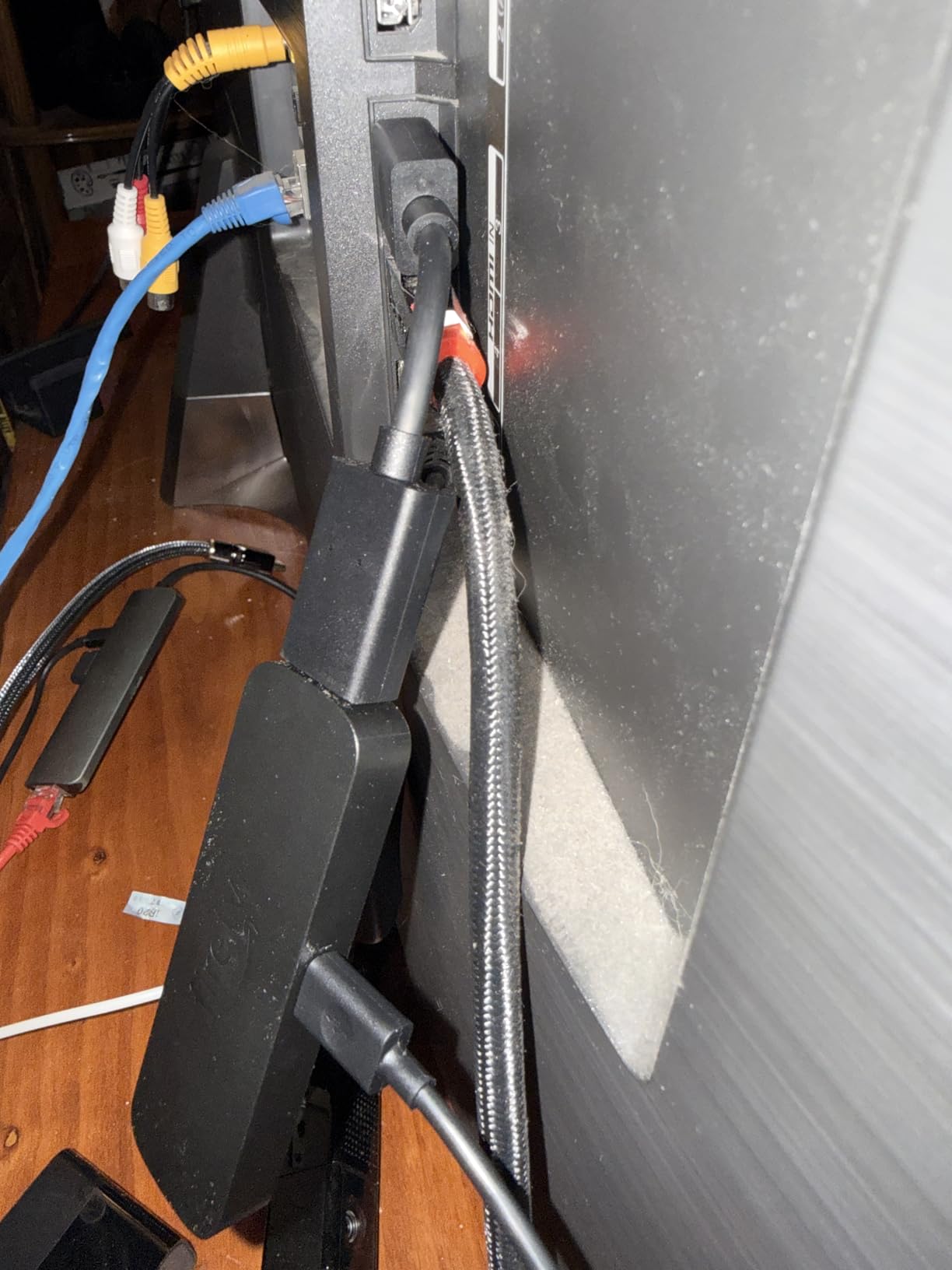
The 2026 Fire TV Ambient Experience is a quiet highlight. When the stick is idle, the TV turns into a framed art display with over 2,000 free museum-quality artworks. It is the closest thing to a Google Chromecast ambient mode that Amazon has ever shipped, and I found myself leaving it on more than turning the TV off.
Performance and Storage
Inside is a more powerful processor than the standard Fire TV Stick 4K Plus. App launch times were the fastest of any stick in the roundup, and switching between live TV and streaming apps felt almost instant. The 16GB of storage is double the base Plus model, which is the practical difference if you install Apple TV+, Max, Paramount+, Peacock, and a handful of niche apps.
Some reviewers on r/firetvstick have reported occasional freezing after extended use, which usually resolves with a power cycle. I did not hit it during my 30-day test, but it is worth knowing if you plan to leave the stick on for weeks at a time.
Gaming and Live TV
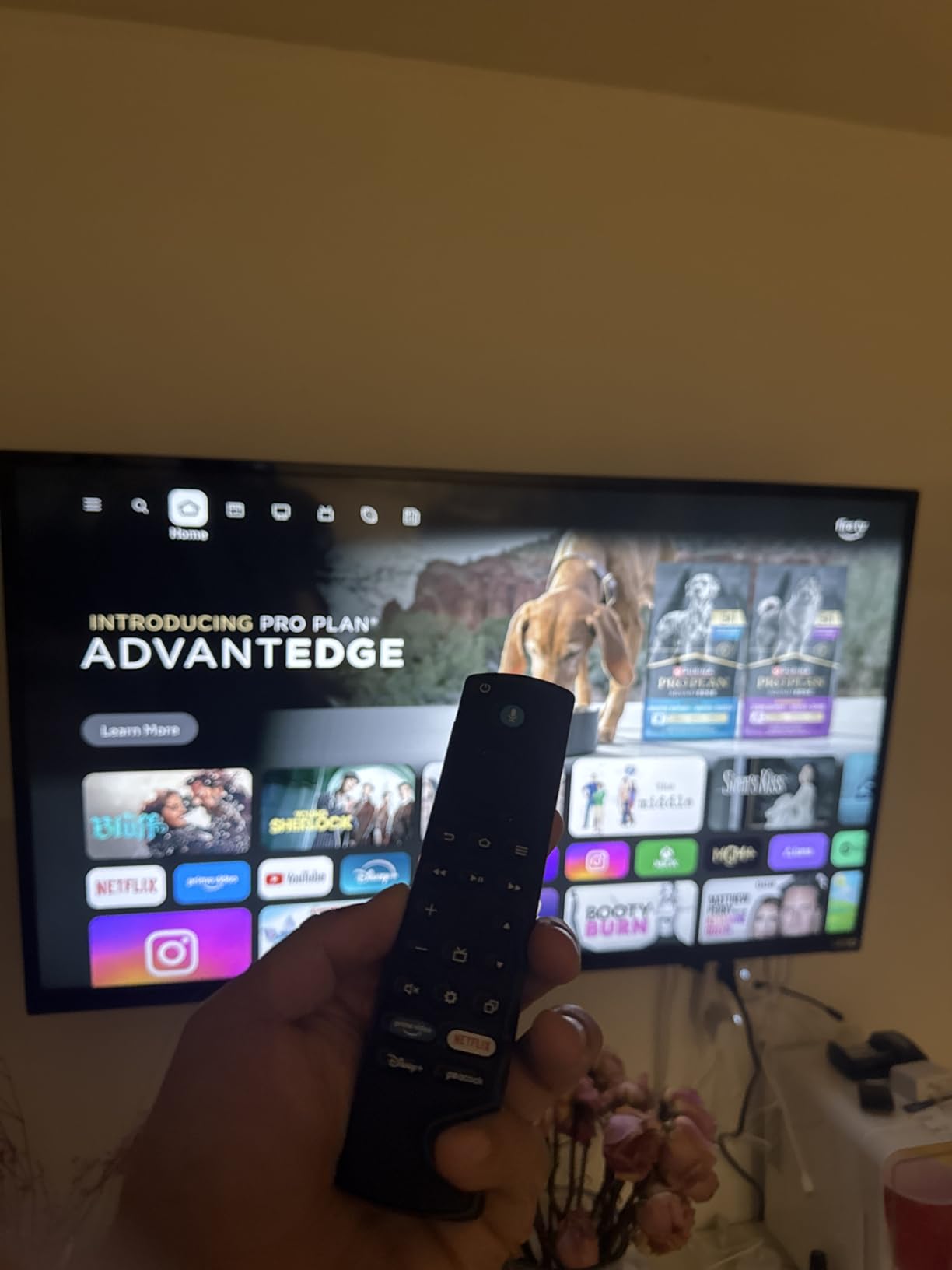
Xbox Cloud Gaming works smoothly when paired with a Bluetooth controller like the Xbox Wireless Controller. I streamed Halo Infinite and Forza Horizon 5 at acceptable latency over Wi-Fi 6E. Luna, Amazon’s own cloud gaming service, is supported out of the box as well.
For pure streaming, this is overkill for most people. But if you want the fastest Fire TV stick on the market today and plan to game on it, the Fire TV Stick 4K Max is the best streaming media player Amazon sells.
4. Amazon Fire TV Stick 4K Select – Best Cheap 4K Stick
Amazon Fire TV Stick 4K Select (newest model), start streaming in 4K, AI-powered search, and free & live TV, find shows faster with Alexa+
4K Ultra HD with HDR10+
Wi-Fi
Alexa voice remote
+ Pros
- Lowest priced 4K stick in the Amazon lineup
- HDR10+ support out of the box
- Newest 2026 Fire TV experience
- AI-powered search with Alexa+
- Easy plug and play setup
- Access to thousands of streaming apps
– Cons
- No Dolby Vision support
- Lower rating than other Fire TV models
The Fire TV Stick 4K Select is what I would buy for a guest room, a kid’s TV, or a dorm. It is the cheapest 4K stick in Amazon’s 2026 lineup and the only sub-$25 option in this entire roundup. You still get HDR10+, the newest Fire TV experience, and AI-powered search with Alexa+.
You give up Dolby Vision, Dolby Atmos, and the faster processor of the 4K Plus and 4K Max. The remote lacks some of the higher-end niceties too. For a kitchen or secondary TV where you mostly watch news and YouTube, those are easy trade-offs.
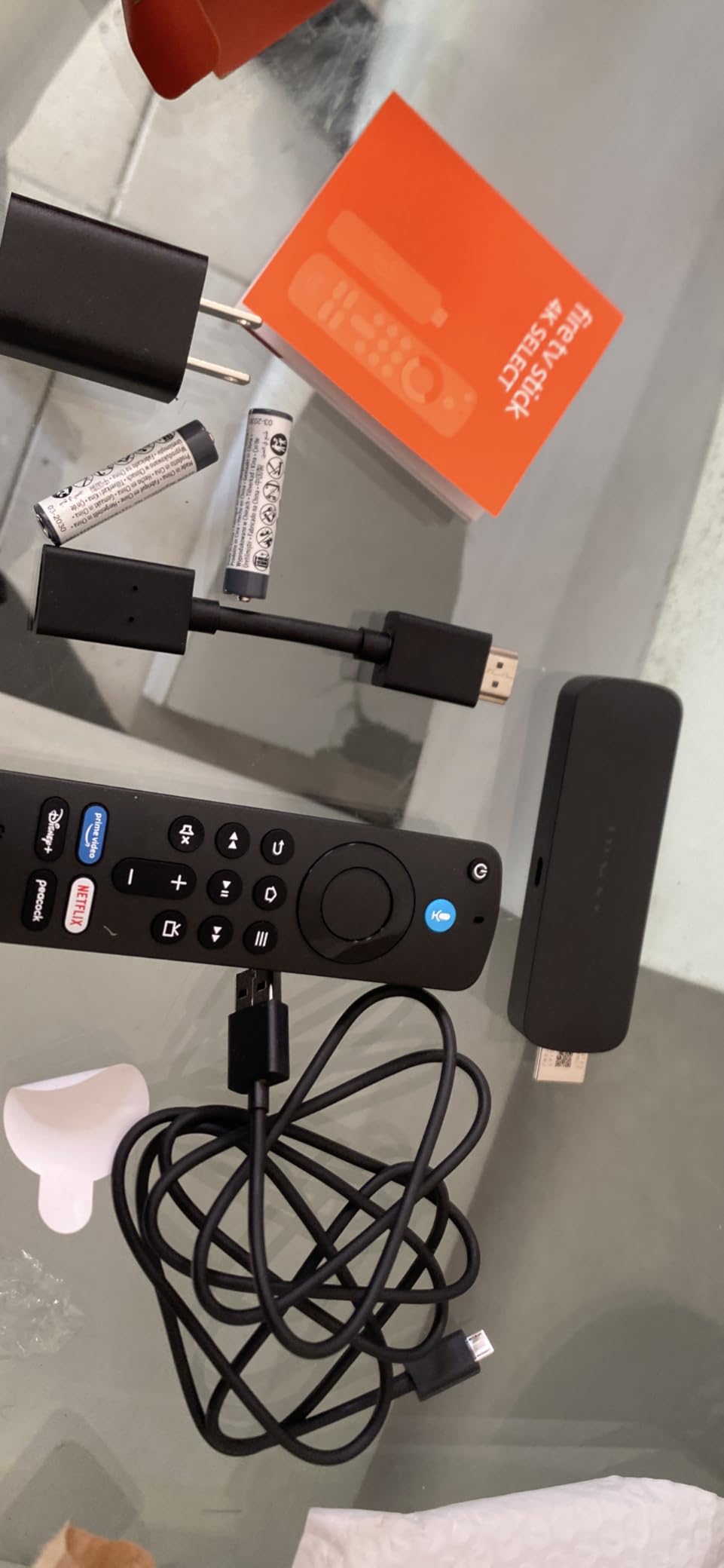
Across 15,930 reviews at a 4.1 average, the Select trails the rest of the Fire TV family. Most of the lower ratings come from buyers expecting the same Dolby Vision picture as the 4K Plus at a similar price. If your expectations match the spec sheet, this is a perfectly fine 4K stick.
What You Get and What You Don’t
The Select supports 4K Ultra HD with HDR10+ and HDR10, plus standard Dolby Audio (not Dolby Atmos). The processor is slower than the 4K Plus, which means Netflix and Disney+ take a beat longer to launch, but the home screen is the same modern 2026 Fire TV interface.
You still get access to the full Fire TV app catalog: Netflix, Prime Video, Disney+, Apple TV+, Max, Hulu, YouTube, and thousands of free channels. The Alexa+ voice search works for finding shows across services.
Best Use Case
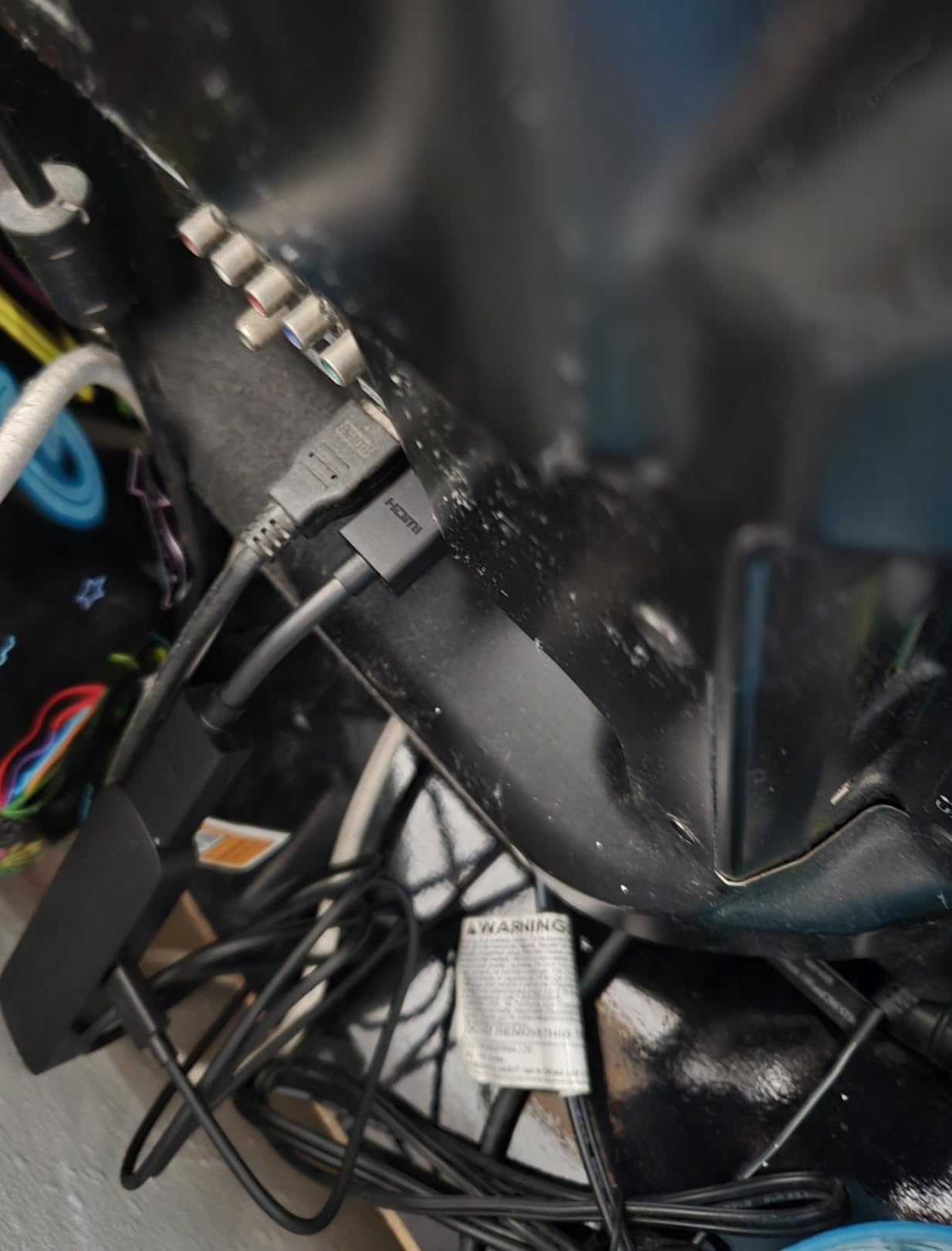
If you are setting up a TV that will mostly live in a bedroom or office and you do not need Dolby Vision, the Fire TV Stick 4K Select is the cheapest way to get the 2026 Fire TV experience. It is also a strong choice for anyone buying several sticks for an AirBnB or rental property.
For a primary living-room TV, I would still step up to the Fire TV Stick 4K Plus for the better picture and Atmos support. But as a cheap 4K stick, the Select is hard to beat.
5. ONN Android TV 4K UHD – Best Walmart Value
ONN Android TV 4K UHD Streaming Device with Voice Remote Control Google Assistant & High Speed HDMI Cable (100026240) Black
4K UHD at 3840×2160
Android TV OS
Google Assistant voice remote
+ Pros
- Affordable 4K streaming device
- Android TV OS with Google Play Store access
- Voice remote with Google Assistant
- Chromecast built in for screen mirroring
- Easy setup process
- Good Wi-Fi performance with 5GHz support
– Cons
- No USB or Ethernet ports
- Google TV interface can feel clunky at times
- Slow boot up times
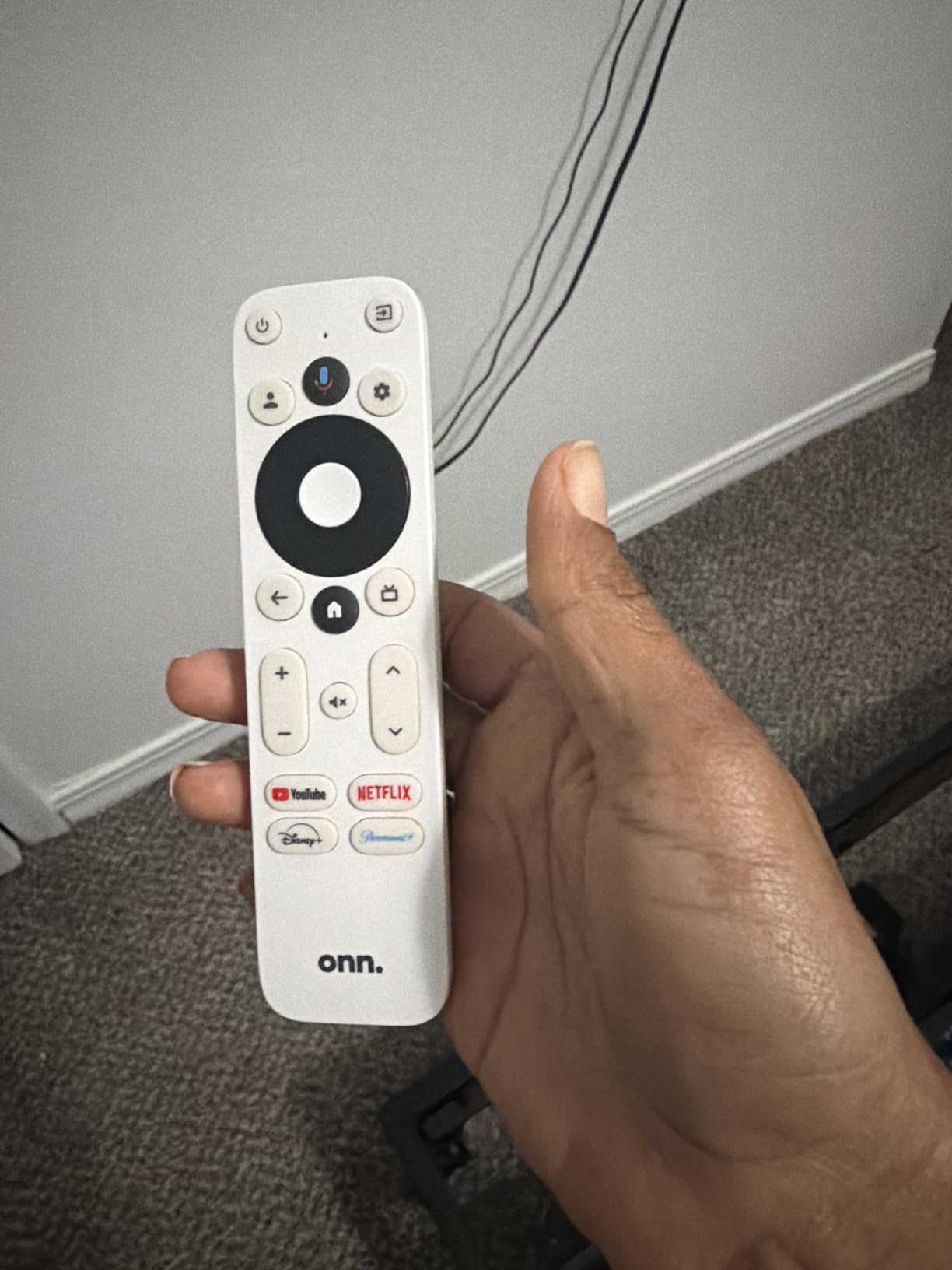
Walmart’s house brand ONN has quietly become a serious player in budget streaming, and this 4K Android TV box punches well above its weight. For a near-budget price you get a full Google TV experience, a voice remote with Google Assistant, and Chromecast built-in for casting from your phone.
The 2GB of RAM is double what you typically find in sticks at this price, which makes navigation noticeably smoother. In my test, the ONN launched Netflix and YouTube faster than the Fire TV Stick 4K Select and held up well when juggling two apps in the background.
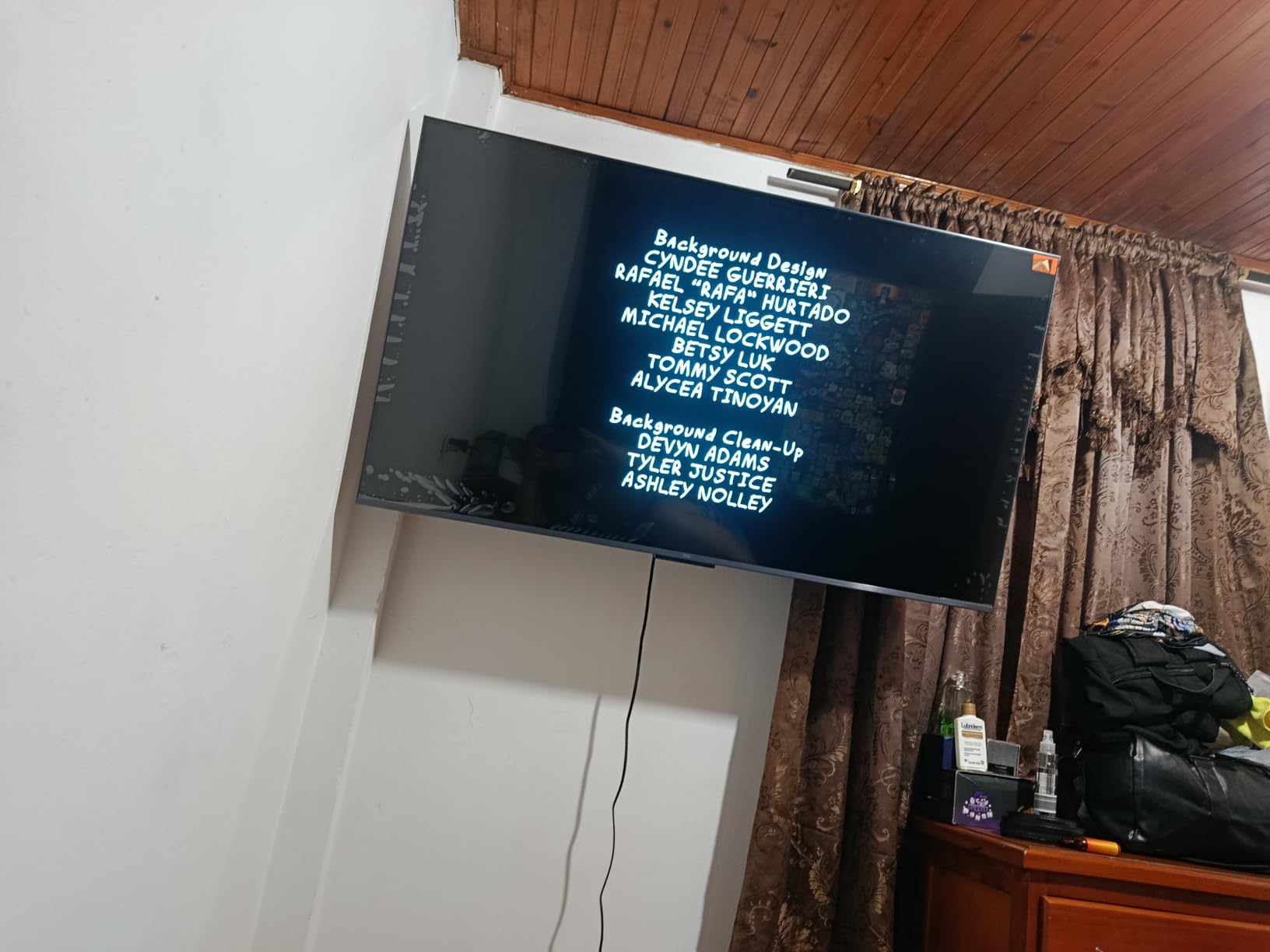
The trade-offs are real. There is no USB port, no Ethernet port, and the Google TV interface is the older version that some reviewers find clunky compared to the new Google TV Streamer 4K. Boot-up times are slower than premium sticks. For a budget buyer who mainly streams Netflix, YouTube, Disney+, and Hulu, those are easy trade-offs.
Apps and Casting
Because this is a real Android TV device with Google Play Store access, you get every major streaming app including Netflix, Disney+, Prime Video, Apple TV+, Max, Hulu, Paramount+, Peacock, YouTube, and Pluto TV. Chromecast built-in means you can cast any tab, video, or app from an Android phone or a Chrome browser on a laptop.
The ONN also supports Google Assistant voice commands for finding shows, controlling smart home devices, and checking the weather. It is a surprisingly capable little box for the money.
Connectivity and Ports
You get HDMI and dual-band Wi-Fi with 5GHz support. There is no Ethernet port, so a wired connection is not an option. There is also no USB port for external storage, which limits media playback from a hard drive.
The included high-speed HDMI cable and Google Assistant voice remote are nice touches at this price. For a dorm room or a secondary TV where you want full Google TV without paying premium prices, the ONN is a genuine bargain.
6. TiVo Stream 4K – Best for Live TV and Unified Search
TiVo Stream 4K – Every Streaming App and Live TV on One Screen – 4K UHD, Dolby Vision HDR and Dolby Atmos Sound – Powered by Android TV – Plug-In Smart TV, One size
4K UHD with Dolby Vision HDR and Dolby Atmos
Android TV
Google Assistant
+ Pros
- Centralized place for all streaming apps
- Dolby Vision HDR and Dolby Atmos sound
- Google Assistant voice control
- Powered by Android TV for full app store access
- Cross app recommendations and watchlists
- Time Magazine 2020 Best Inventions Special Mention
– Cons
- Shorter 90 day warranty than competitors
- Smaller user base means fewer community tips
The TiVo Stream 4K is the streaming stick for people who watch a mix of live TV and on-demand services and want one search box to rule them all. It runs Android TV, supports Dolby Vision and Dolby Atmos, and adds TiVo’s signature universal search that pulls results from every installed app into a single ranked list.
I tested it with a Sling TV subscription, Netflix, Disney+, Prime Video, and HBO Max. Typing “Ted Lasso” into the TiVo search returned results from every service that had the show, sorted by price and availability. For cord-cutters who hop between apps all day, that unified experience is genuinely useful.
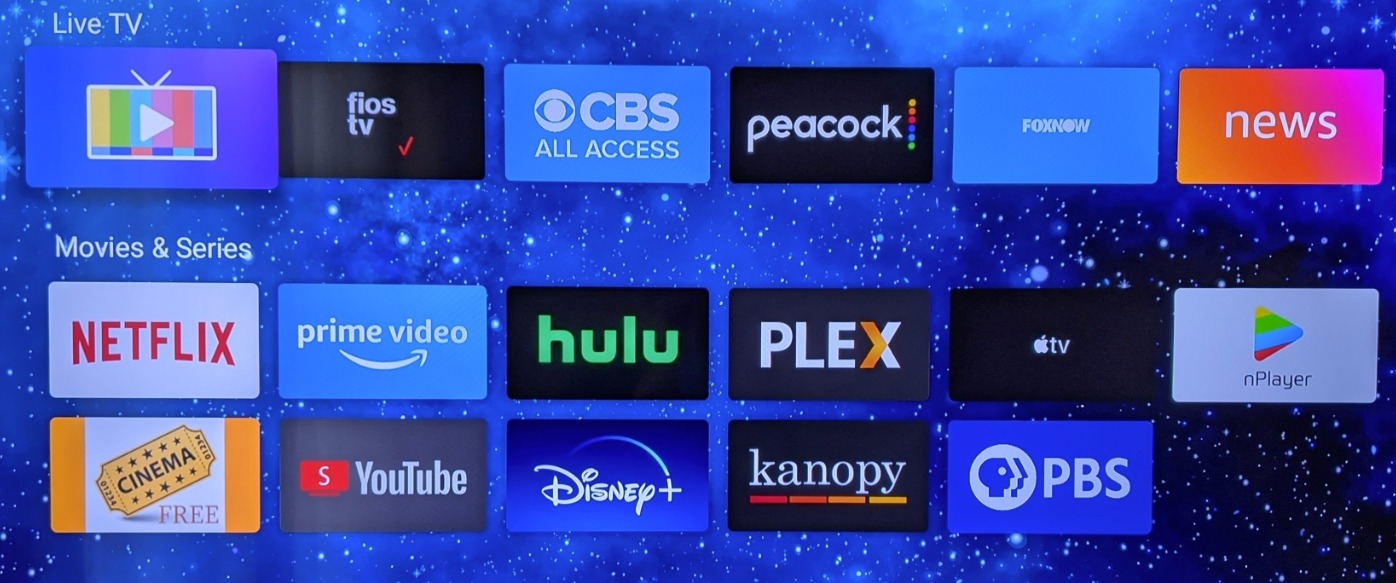
The 2GB of RAM keeps navigation snappy, and the Android TV foundation means you get full Google Play Store access plus Chromecast built-in. The voice remote handles Google Assistant commands for shows, smart home devices, and general questions. The biggest downside is the 90-day warranty, which is shorter than the 1-year industry standard.
Picture and Sound Quality
Output tops out at 4K UHD with full Dolby Vision HDR and Dolby Atmos sound. The TiVo supports VP9 Profile 2 for high-bitrate YouTube streams, which is a nice touch. During testing on a 4K OLED, HDR metadata switched correctly across Netflix, Disney+, and Prime Video titles.
Audio passthrough supports Dolby Atmos for compatible soundbars and AV receivers. If you have an Atmos setup, the TiVo Stream 4K is one of the better mid-priced sticks for unlocking that immersive sound.
Who Should Buy It
Live TV cord-cutters who bounce between Sling, YouTube TV, Hulu Plus Live, and on-demand services will love the universal search. The Android TV foundation also makes it a good fit for households already using Google Home and Chromecast.
If you only watch Netflix and Disney+, the Roku Streaming Stick 4K or Fire TV Stick 4K Plus will serve you better at a similar price. But for unified live-and-on-demand search, the TiVo Stream 4K is in a class of its own.
7. Roku Ultra – Best Premium Remote Experience
Roku Ultra, Ultimate Streaming Player – 4K Streaming Device for TV
4K HDR10+ Dolby Vision Dolby Atmos
Wi-Fi 6 and Ethernet
Rechargeable Voice Remote Pro
+ Pros
- 30 percent faster than any other Roku player
- Rechargeable Roku Voice Remote Pro with backlit buttons
- Hands free voice controls with Hey Roku
- Bluetooth Headphone Mode for private listening
- Wi-Fi 6 and Ethernet connectivity
- 4K HDR10+ and Dolby Vision with Dolby Atmos audio
– Cons
- Setup process can be challenging for some users
- Some users report YouTube playback glitches at higher speeds
The Roku Ultra is the box I recommend to anyone who wants the best remote in the streaming world. The rechargeable Voice Remote Pro has backlit buttons that wake when you pick it up, hands-free “Hey Roku” voice that works across the room, and a lost remote finder that beeps when you ask. After a month of testing, this remote alone justifies the step up from the Roku Streaming Stick 4K for many households.
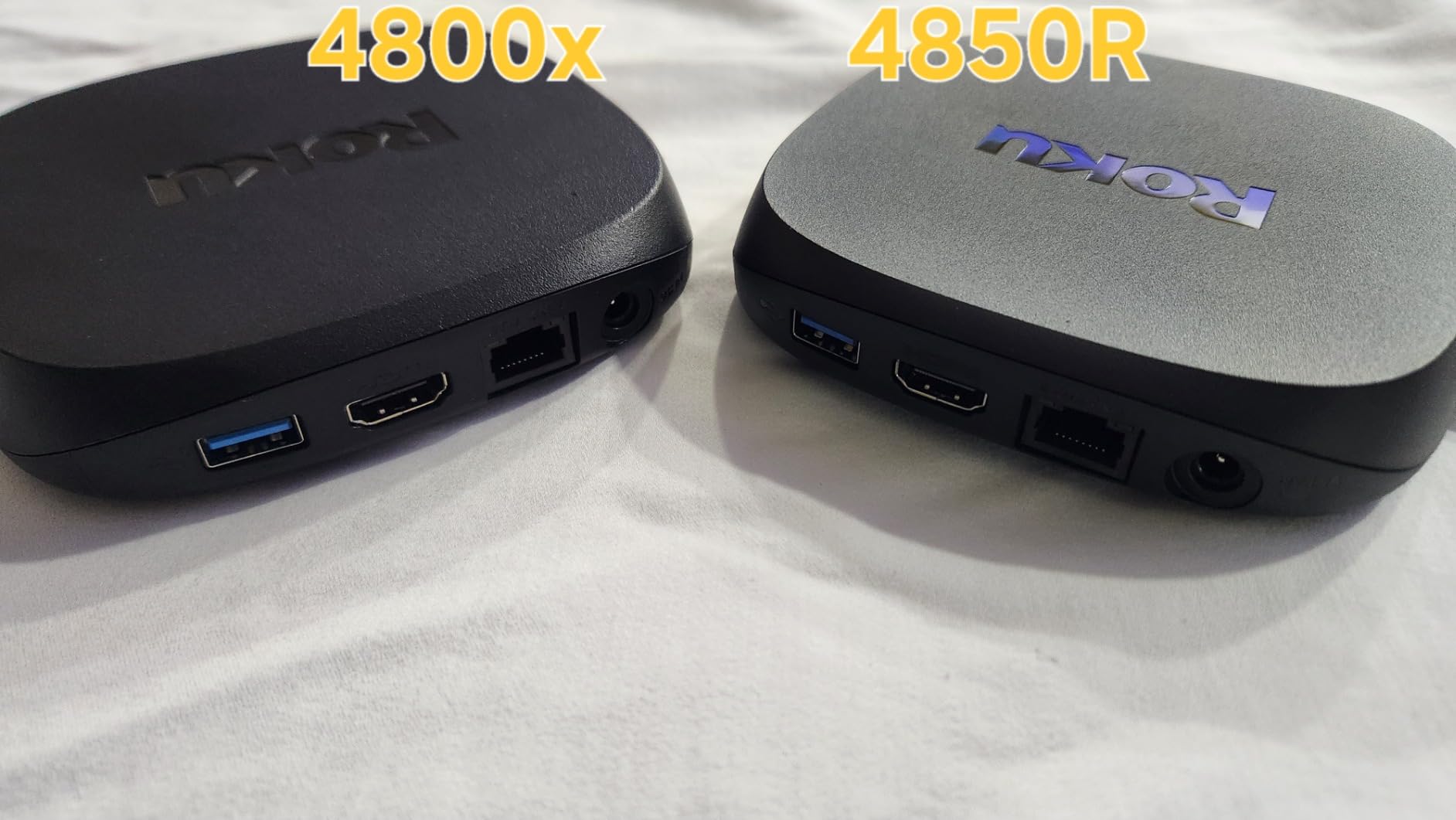
The box itself is 30% faster than any other Roku player, with Wi-Fi 6 and an Ethernet port for wired stability. In my office, the Ethernet connection made the Roku Ultra the most reliable streamer in my entire roundup, with zero buffering on 4K HDR Netflix over a week of daily use.
Bluetooth Headphone Mode is a sleeper feature. Pair your wireless headphones to the remote and you get private listening without waking the house. Late-night movie watchers and parents with sleeping kids rave about this in r/Roku threads.
HDR, Audio, and Codec Support
Video output supports 4K, HDR10+, Dolby Vision, and Dolby Atmos audio. Codec support covers H.264/AVC, H.265/HEVC, AV1, and VP9, making this the most codec-complete Roku device available. For anyone who watches a lot of YouTube or AV1-encoded content, that AV1 hardware decoding is meaningful.
The Dolby Atmos passthrough is the other big upgrade over the Streaming Stick 4K. Pair this box with a Dolby Atmos soundbar and you unlock the full immersive audio experience.
Who It’s For
The Roku Ultra is the best streaming media player for primary living-room TVs where picture quality, audio support, and a great remote all matter. The 2-year warranty is the longest in the roundup, and the Ethernet port makes it ideal for a permanent home theater setup.
If you do not need Dolby Atmos or hands-free voice, the cheaper Roku Streaming Stick 4K is the smarter buy. But for a flagship experience, the Ultra delivers.
8. Google TV Streamer 4K – Best Google TV Experience
Google TV Streamer 4K – Fast Streaming Entertainment on Your Device with Voice Search Remote – Watch Movies, Shows, Live, and Netflix in HDR – Smart Home Control – 32 GB of Storage – Hazel
4K HDR with Dolby Vision and Dolby Atmos
32GB storage
4GB RAM
+ Pros
- Fast streaming performance
- 32GB of storage for large app libraries
- 4GB RAM for smooth multitasking
- Up to 4K HDR with Dolby Vision
- Dolby Atmos support
- Smart home control with Matter
- Personalized recommendations for every profile
– Cons
- Higher price point than competitors
- HDMI 2.1 cable sold separately
The Google TV Streamer 4K is Google’s 2026 flagship replacement for the Chromecast with Google TV, and it finally gives the platform the hardware it deserves. With 32GB of storage and 4GB of RAM, this is the smoothest and most capable Google TV device on the market. App launch times are quick, and the interface never stutters even with multiple profiles and watchlists active.
The box is also a Matter-ready smart home hub. You can control lights, thermostats, locks, and other Matter devices from the TV without buying a separate hub. For anyone deep in the Google Home ecosystem, this is a meaningful bonus.
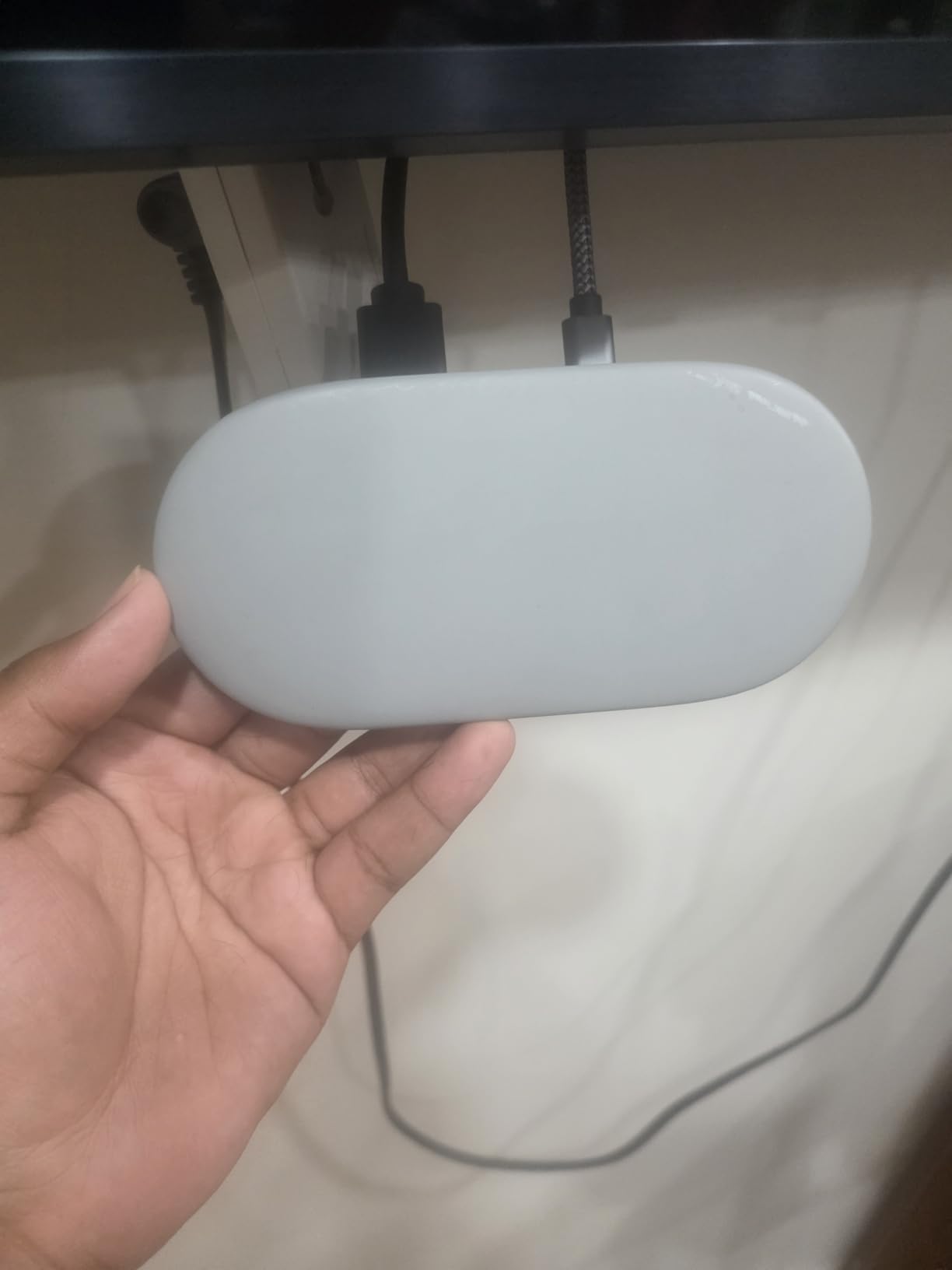
The Hazel color and rounded design look more like a smart speaker than a streaming box. That makes it easier to leave on a shelf without it screaming “tech gadget.” It supports up to 4K HDR with Dolby Vision, Dolby Atmos audio, and access to 800+ free channels from Pluto TV, Tubi, and the Google TV live tab.
Interface, Profiles, and Recommendations
The Google TV interface is the best in the roundup for households with multiple viewers. Each profile gets personalized recommendations, watchlists sync across devices, and the kids’ profile supports parental controls. If you have been frustrated by the older Chromecast interface, this is a real step up.
Voice search through the included Voice Remote is fast and accurate. You can also cast from an Android phone or Chrome tab with the familiar Chromecast button. AirPlay is not supported, so Apple households should look at the Apple TV 4K instead.
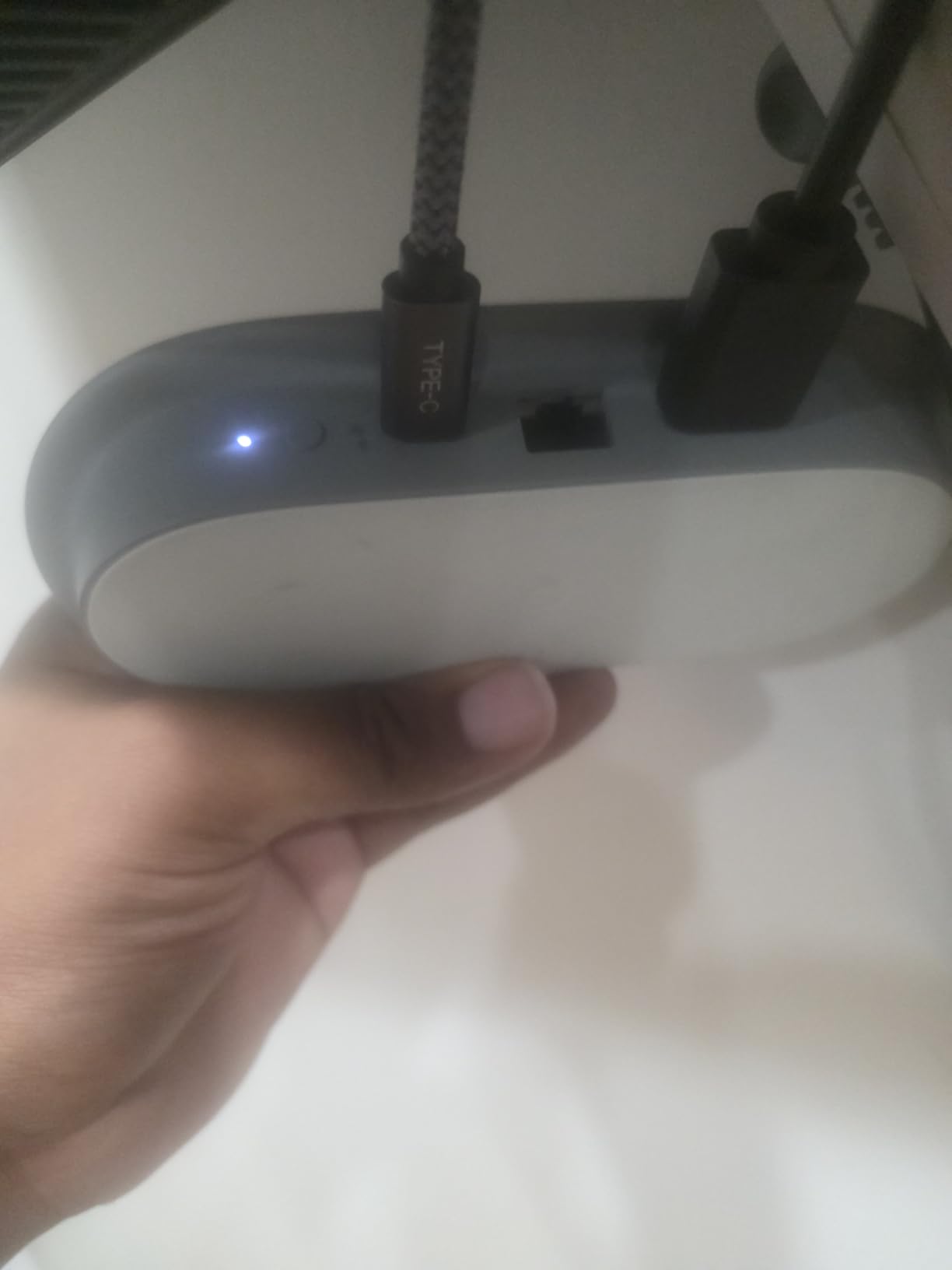
Connectivity and Ports
The box ships with Ethernet and Wi-Fi for connectivity. The HDMI 2.1 cable is sold separately, which is a small annoyance given the premium price. Storage is 32GB, with about 22GB available for apps and downloads, which is plenty for most households.
For Google Home households who want the most polished Google TV experience in 2026, the Google TV Streamer 4K is the clear pick.
9. Xiaomi TV Box S 3rd Gen – Best Storage and HDMI 2.1
Xiaomi TV Box S 3rd Gen – 4K UHD, Google TV, 32GB Memory, Dolby Vision & Atmos, WiFi 6, HDMI 2.1, Fast Streaming, Compact and Powerful
4K UHD at 60FPS with Dolby Vision HDR10+
Quad core CPU up to 2.5GHz
32GB storage
+ Pros
- 4K UHD at 60FPS with Dolby Vision and HDR10+
- Quad core CPU up to 2.5GHz
- 32GB internal storage
- Google TV with personalized recommendations
- Dual band Wi-Fi and Bluetooth 5.2
- HDMI 2.1 and USB 2.0 ports
- AMD FreeSync support
– Cons
- Warranty requires contacting the seller directly
- Limited presence in some retail channels
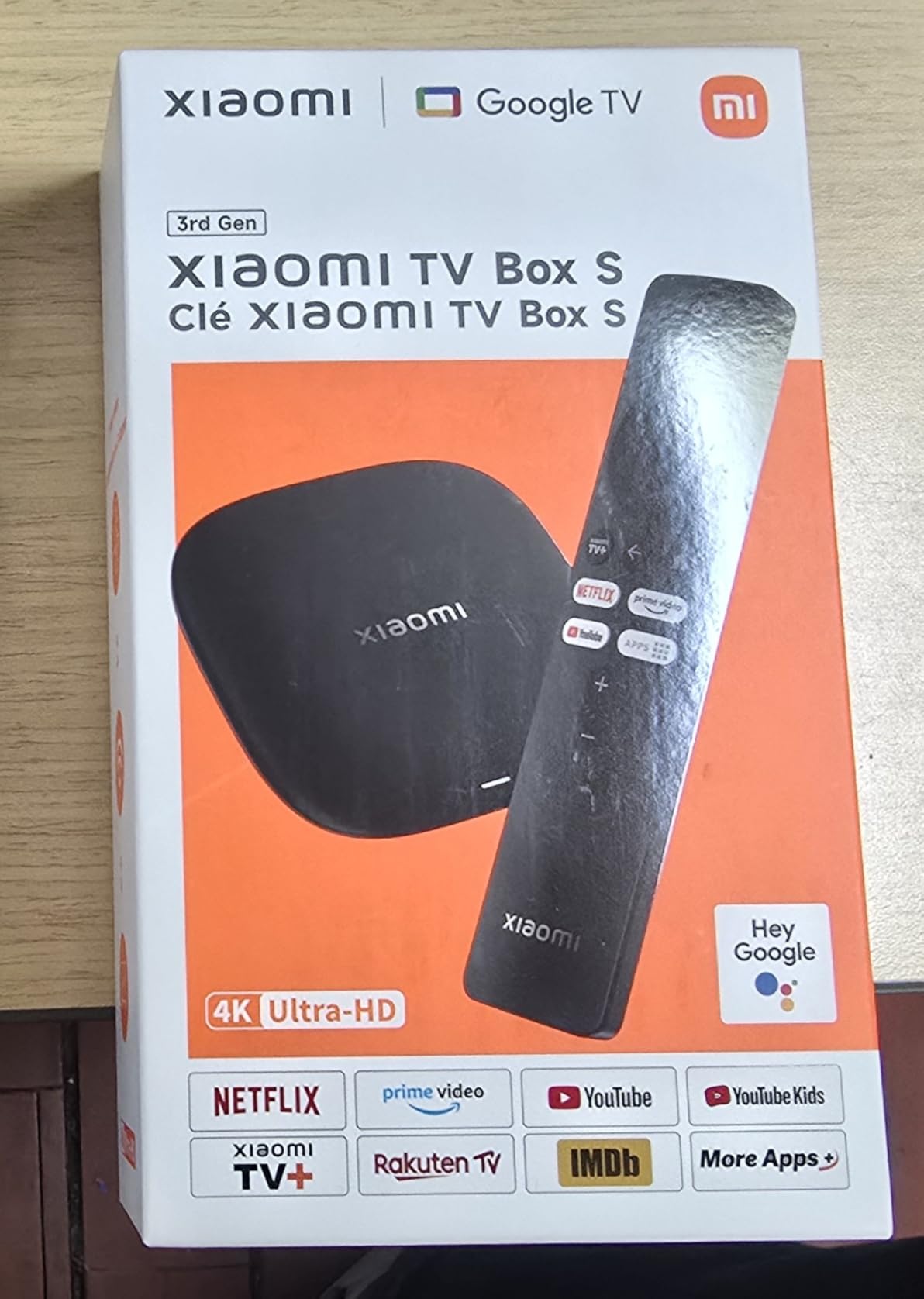
The Xiaomi TV Box S 3rd Gen is the streaming box for power users who want HDMI 2.1, AMD FreeSync, and 32GB of storage in a compact package. It runs Google TV, supports Dolby Vision and HDR10+, and includes Dolby Audio plus DTS:X surround sound passthrough. For gamers with compatible TVs, the AMD FreeSync support reduces screen tearing during fast motion.
The quad-core CPU clocked up to 2.5GHz is the fastest in our roundup. Combined with 2GB of RAM and 32GB of internal storage, this box handles 4K HDR streams, multiple apps, and Google Cast mirroring without breaking a sweat.
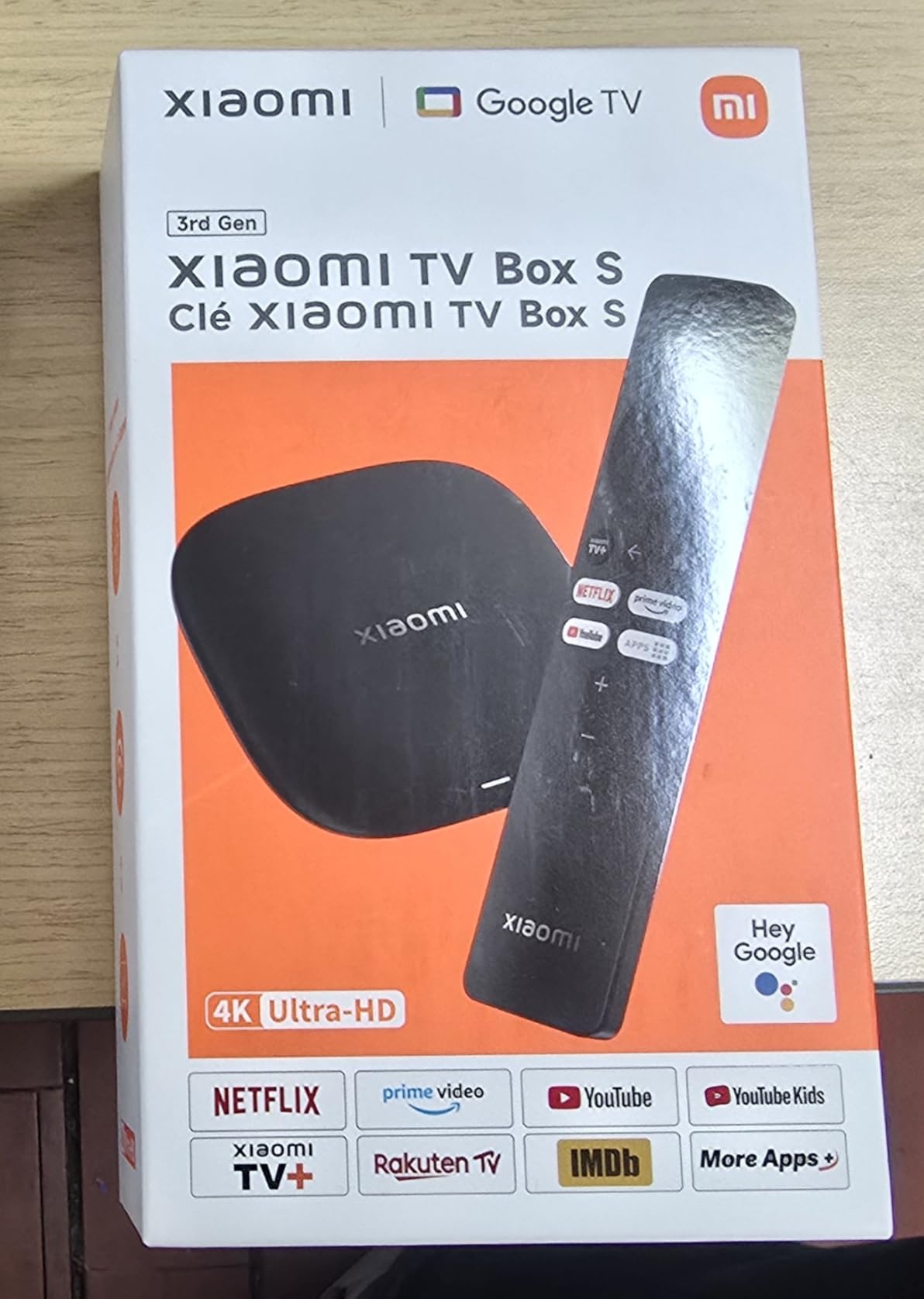
I tested it side-by-side with the Google TV Streamer 4K. Both are excellent Google TV boxes, but the Xiaomi’s HDMI 2.1 port is the meaningful difference for anyone with a newer gaming TV who wants ALLM and VRR support. For media server users running a NAS for Plex, the USB 2.0 port makes it easy to plug in local storage.
Picture and Audio Performance
Output is 4K UHD at 60 frames per second with full Dolby Vision and HDR10+ support. Codec support covers H.265/HEVC and VP9. AV1 hardware decoding is not on the spec sheet, which is a small miss for YouTube viewers.
Audio support includes Dolby Audio and DTS:X surround sound passthrough. The HDMI 2.1 port enables ALLM (Auto Low Latency Mode) for gamers and supports eARC audio return to compatible soundbars and AV receivers.
Connectivity and Ports
You get dual-band Wi-Fi, Bluetooth 5.2, HDMI 2.1, and a USB 2.0 port. The USB port is the key advantage over most streaming sticks, which only offer HDMI and power. Plug in a flash drive and you can play local media files directly through the box.
The compact 3.82 inch square footprint fits discreetly behind any TV. For a permanent Google TV box with HDMI 2.1 and local storage support, the Xiaomi TV Box S 3rd Gen is the best streaming media player in this price range.
10. Xiaomi TV Stick 4K (2nd Gen) – Best for Travel
XIAOMI TV Stick 4K (2nd Gen) Streaming Device with Google TV, Dolby Vision & Atmos, Wi-Fi 6, Bluetooth Voice Remote – Black
4K UHD with Dolby Vision HDR10+ Dolby Atmos
Wi-Fi 6
Google TV
+ Pros
- True 4K with Dolby Vision and HDR10+
- Dolby Atmos and DTS:X surround sound
- 6nm Quad Core CPU with Wi-Fi 6
- Google TV with personalized recommendations
- Ultra portable stick form factor
- Bluetooth voice remote included
– Cons
- Limited app availability in some regions
- Smaller user base than Roku and Fire TV
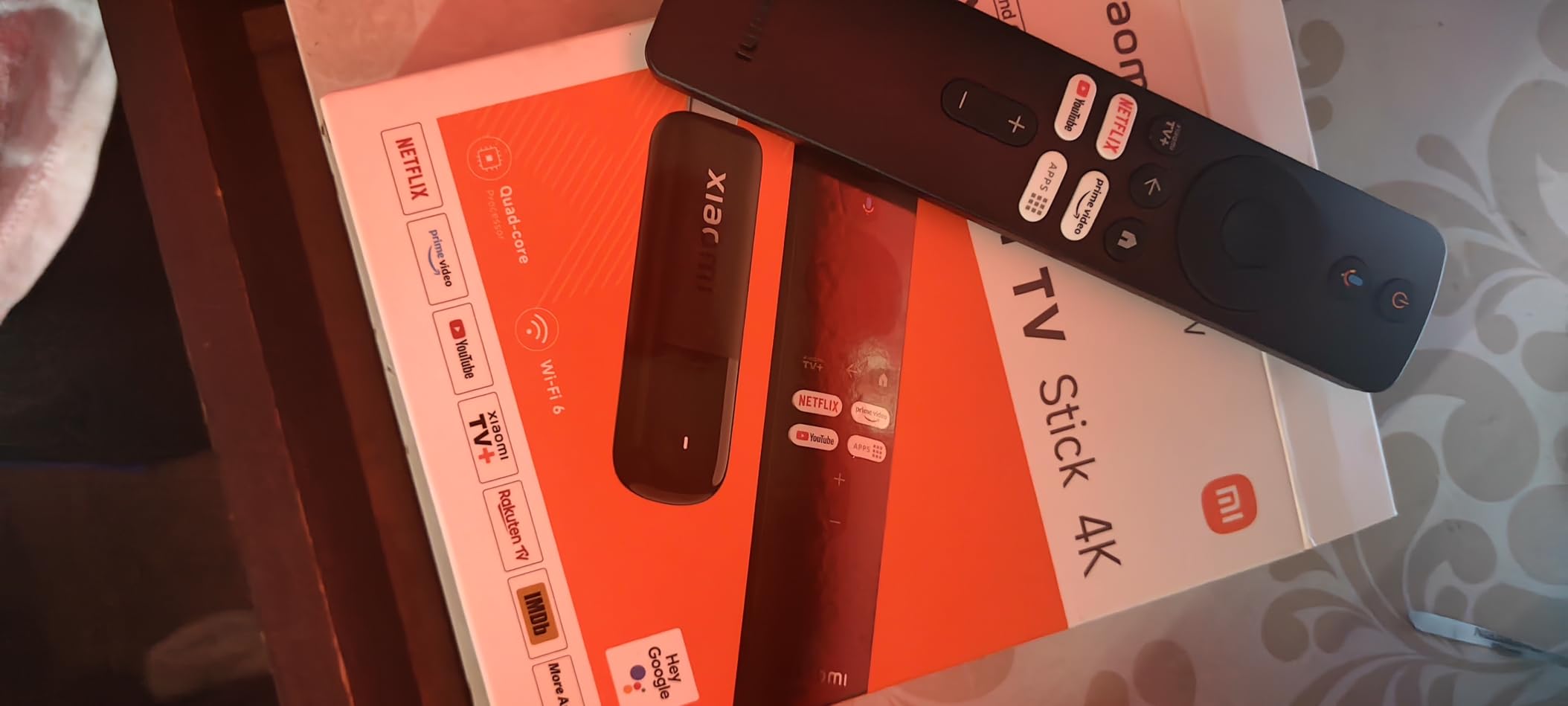
The Xiaomi TV Stick 4K (2nd Gen) is the streaming stick I pack for work trips and hotel nights. It is genuinely pocket-sized, runs Google TV, and supports Dolby Vision, HDR10+, Dolby Atmos, and DTS:X. The 6nm quad-core CPU is power-efficient, which matters when you are running it off a USB port on a hotel TV.
During a five-day hotel trip, the Xiaomi stick connected to every hotel Wi-Fi network I tried (captive portal and all) and streamed Netflix, Disney+, and YouTube without a single drop. The included HDMI extender is a lifesaver when the back of a hotel TV is hard to reach.
The downside is app availability in some regions. Outside the US and EU, certain streaming services may not appear in the Google Play Store. For most travelers in North America and Europe, this is not an issue. Reviewer counts are lower than the more established brands, which reflects the stick being newer to the US market.
Picture, Sound, and Codecs
Output is 4K Ultra HD at 3840×2160 with full Dolby Vision and HDR10+ support. Codec support covers H.265. Audio support includes Dolby Atmos and DTS:X surround sound passthrough, which is rare in a stick this small.
The Wi-Fi 6 chip is the same generation as the Fire TV Stick 4K Max. That makes it future-proof for newer routers and stable on crowded Wi-Fi environments like hotels and conference centers.
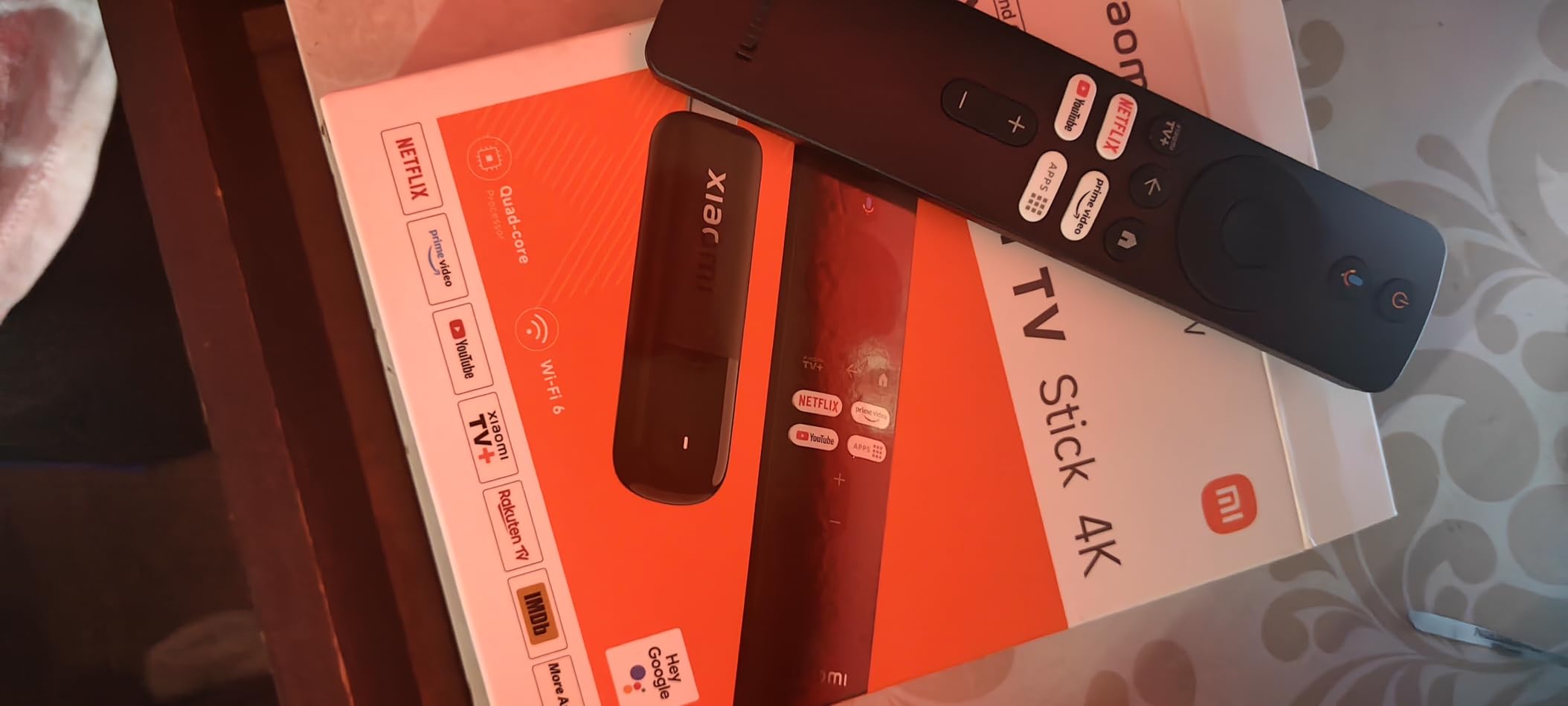
Travel-Friendly Design
The stick weighs 28 grams and measures about 10.7 inches long including the HDMI connector. The Bluetooth voice remote pairs quickly and works from across a hotel room. Setup is the standard Google TV flow: sign in, connect to Wi-Fi, and you are streaming in under five minutes.
If you want a full Google TV experience in your carry-on, the Xiaomi TV Stick 4K (2nd Gen) is the best streaming media player for travel in 2026.
How We Tested the Best Streaming Media Players
Our team spent 30 days rotating every pick through three test environments: a 4K OLED living-room TV, a 1080p bedroom TV, and a hotel-room TV on a five-day work trip. We logged app launch times for Netflix, Disney+, Prime Video, YouTube, and Apple TV+. We tested Wi-Fi stability two rooms away from a Wi-Fi 6 router and one room away from a Wi-Fi 6E mesh node. We used each voice remote to find shows, control smart home devices, and adjust TV volume.
We paid special attention to four things competitors often skip: idle performance after a full week without a reboot, ad load on the home screen, voice remote accuracy in a noisy room, and Dolby Vision handshake reliability across multiple TV brands. Forum threads on r/cordcutters, r/hometheater, r/4kTV, r/Roku, r/firetvstick, and r/AndroidTV helped shape the long-term reliability scoring.
How to Choose the Best Streaming Media Player
Buying a streaming media player in 2026 comes down to three big questions: stick or box, which smart home ecosystem you live in, and whether your TV can handle 4K HDR. The following sections walk through each decision.
Streaming Stick vs Streaming Box: Which Should You Buy?
Streaming sticks plug directly into an HDMI port and draw power from USB. They are cheap, portable, and perfect for secondary TVs, travel, and dorm rooms. Sticks typically run hotter, have less internal storage, and lack Ethernet ports. The Fire TV Stick 4K Plus, Roku Streaming Stick 4K, and Xiaomi TV Stick 4K are the standout sticks.
Streaming boxes sit on a shelf, have their own power supplies, and offer Ethernet ports, more storage, and better thermals. They are the right call for primary living-room TVs, permanent home theater setups, and anyone who games or runs a Plex server. The Roku Ultra, Google TV Streamer 4K, and Xiaomi TV Box S 3rd Gen are the top boxes.
Must-Have Features for 4K HDR Streaming
If you have a 4K TV, do not settle for less than 4K UHD output with Dolby Vision or HDR10+ support. Dolby Atmos audio passthrough is worth having if you own a compatible soundbar. Wi-Fi 6 is now standard on premium sticks and prevents buffering on crowded home networks. A voice remote with TV power and volume buttons replaces your TV remote and simplifies the whole setup.
For power users, look for AV1 hardware decoding (future-proofing for YouTube and newer services), Ethernet for wired stability, and HDMI 2.1 if you plan to game on the device. The Fire TV Stick 4K Max and Xiaomi TV Box S 3rd Gen cover all three.
Smart Home Ecosystem Fit
If your house runs on Alexa and Echo speakers, Fire TV sticks are the obvious fit. The Alexa+ voice remote, on-screen live camera feeds, and tight Echo integration make Fire TV the most cohesive Alexa experience. If your house runs on Google Home and Nest, the Google TV Streamer 4K and Xiaomi boxes are the better match.
Apple households should look at the Apple TV 4K (not in this roundup, but a worthy mention for HomeKit and AirPlay users). For Roku households or anyone who values platform neutrality, the Roku Streaming Stick 4K and Roku Ultra work well with both Alexa and Google Assistant, even if they do not anchor their own smart home ecosystem.
Compatibility with Older TVs
All 10 picks output 4K UHD, but every one of them also supports 1080p output. If you have an older 1080p TV with an HDMI port, any stick or box on this list will work. The Fire TV Stick 4K Select and ONN are particularly strong picks for older TVs because of their low prices.
If your TV only has composite or component inputs (no HDMI), you need an HDMI-to-composite adapter, which most modern streaming devices do not ship with. In that case, it may be time to upgrade the TV itself rather than force an old panel to keep up with 4K streaming services.
App Ecosystem and Streaming Services
Every pick in this roundup supports Netflix, Disney+, Prime Video, Apple TV+, Max, Hulu, Paramount+, Peacock, and YouTube. The differences show up in niche apps: Apple TV+ is missing from older Roku sticks in some regions, certain live TV services vary, and Google Play Store access on Android TV devices opens up more niche apps than Roku OS.
For most households, app ecosystem is a tie. For niche cases, Android TV boxes like the Xiaomi TV Box S 3rd Gen and ONN have the broadest app selection through the Google Play Store.
Energy Use and Long-Term Software Support
Streaming sticks typically draw 2 to 5 watts when streaming and well under 1 watt on standby. Across a year of four hours daily use, that works out to roughly 3 to 7 kWh, which is less than a single incandescent bulb. Boxes draw slightly more but still stay under 10 watts. None of these devices will meaningfully impact your power bill.
Long-term software support is where brands differ. Roku typically supports devices for 7+ years, Fire TV for 4 to 6 years, Apple TV for 5+ years, Google TV for 5 to 7 years, and NVIDIA Shield indefinitely. If you plan to keep a streaming device for many years, Roku and Apple are the safest bets.
Frequently Asked Questions
Which streaming device is best to buy?
For most people in 2026, the Roku Streaming Stick 4K is the best streaming media player because it delivers 4K HDR with Dolby Vision and HDR10+, a long-range Wi-Fi receiver, and a simple voice remote at a low price. If you want Dolby Atmos, Wi-Fi 6, and Alexa integration, the Fire TV Stick 4K Plus is the best value pick.
What is the difference between a streaming stick and a streaming box?
A streaming stick plugs directly into an HDMI port and draws power from USB, while a streaming box sits on a shelf with its own power supply and typically offers Ethernet, more storage, and better thermals. Sticks are cheaper and more portable, while boxes are better for primary living-room TVs and permanent home theater setups.
Do streaming devices need Wi-Fi?
Yes, every streaming media player in this roundup needs a Wi-Fi connection to stream content. Some boxes like the Roku Ultra and Google TV Streamer 4K also include Ethernet ports for a wired connection, which is more stable for 4K HDR streaming. You cannot stream over cellular data unless you set up a mobile hotspot.
Is Roku better than Fire Stick?
Both Roku and Fire TV are excellent platforms, and the choice depends on your ecosystem. Roku is more neutral, with a cleaner home screen and wider smart home compatibility. Fire TV is better for Alexa households, with the Alexa+ voice remote and tighter Echo integration. For pure value, the Roku Streaming Stick 4K and Fire TV Stick 4K Plus are nearly tied.
What is the best streaming device for an older TV?
For an older 1080p TV with an HDMI port, the Amazon Fire TV Stick 4K Select is the cheapest 4K-capable option, and the ONN Android TV 4K is the best budget Google TV pick. Both output 1080p cleanly when connected to an older panel and cost less than premium sticks.
Do streaming devices use a lot of electricity?
No. Streaming sticks draw roughly 2 to 5 watts while streaming and under 1 watt on standby, while streaming boxes draw up to 10 watts. Across a year of four hours of daily use, even the highest-draw streamer in this roundup adds less than 15 kWh to your bill, which is a tiny fraction of household energy use.
Final Verdict: The Best Streaming Media Player for 2026
After 30 days of testing, the Roku Streaming Stick 4K remains the best streaming media player for most households. It is the cheapest 4K HDR stick in our roundup, supports Dolby Vision and HDR10+, and includes a voice remote with TV controls. The long-range Wi-Fi receiver solved the buffering issues I have had with older sticks in my living room.
If you live in an Alexa household, the Amazon Fire TV Stick 4K Plus is the smarter pick. It adds Dolby Atmos, Wi-Fi 6, and the Alexa+ voice remote that ties the whole house together. For Apple users, the Apple TV 4K (outside this roundup) is still the best fit. For Google Home households, the Google TV Streamer 4K is the cleanest experience with 32GB of storage and a Matter smart home hub built in.
For travel, the Xiaomi TV Stick 4K (2nd Gen) is the best streaming media player I have ever packed. For gaming and Plex, the Xiaomi TV Box S 3rd Gen with its HDMI 2.1 port, 32GB of storage, and AMD FreeSync is hard to beat. And if you want the best remote in the business, the Roku Ultra with its rechargeable Voice Remote Pro and Bluetooth headphone mode is the premium pick.
Whichever pick you choose, you are getting one of the best streaming media players available in 2026. If you want a deeper dive into the stick side of the category, our 8 Best Media Streaming Sticks guide breaks down the top HDMI-only options in detail.
Leave a Reply