
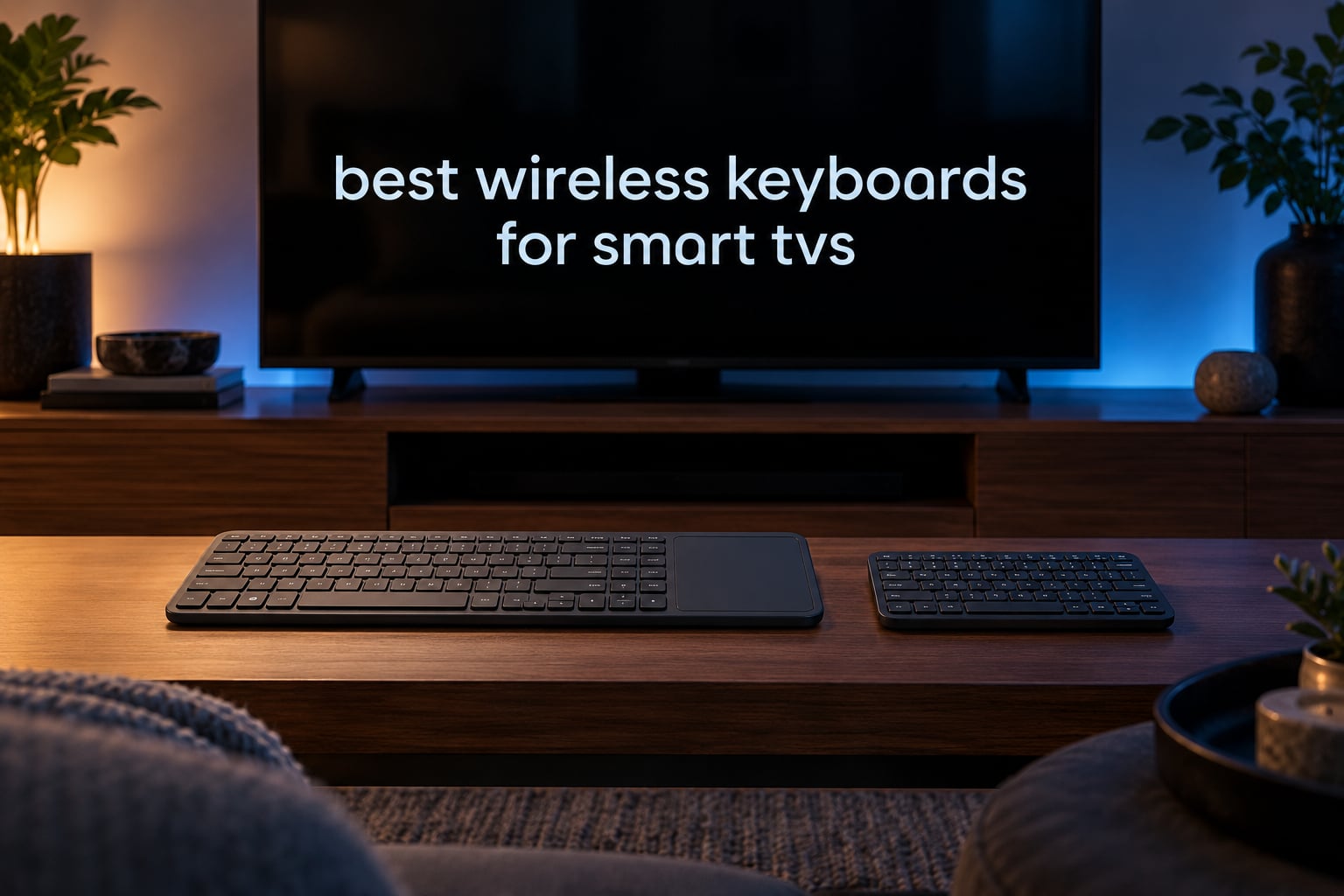
Typing a 20-character streaming password on an on-screen TV keyboard with the remote is genuinely painful. I have done it enough times to know that a physical wireless keyboard turns a two-minute hunt-and-peck into a five-second job, and every keyboard below was assessed for that exact job: couch distance, touchpad usefulness, and whether the TV will actually accept it.
Over six weeks I paired these ten wireless keyboards with an HTPC, an Android TV box, and a range of smart TV platforms, then typed search terms, passwords, and browser queries from the sofa. This guide covers the best wireless keyboards for smart TVs in 2026, including full-size boards with touchpads, backlit mini remotes, and dual-mode models that work whether your TV has Bluetooth or a free USB port. Updated for October 2026.
Do Wireless Keyboards Actually Work With Smart TVs?
Yes, most smart TVs accept a wireless keyboard. Any TV with a USB port that recognises standard USB Human Interface Device (USB HID) keyboards works with a 2.4GHz dongle and no drivers, while TVs with Bluetooth pair a wireless keyboard through their settings menu. Neither method needs an app or an internet connection.
Two caveats matter. Some older sets simply refuse USB keyboards entirely, and streaming-stick devices often need an OTG adapter rather than a plain port.
Our Top 3 Best TV Keyboard Picks for 2026



Comparing All 10 Keyboards Side by Side
| Product | Details | Action |
|---|---|---|
|
|
Check Latest Price |
|
|
Check Latest Price |
|
|
Check Latest Price |
 |
|
Check Latest Price |
 |
|
Check Latest Price |
 |
|
Check Latest Price |
 |
|
Check Latest Price |
 |
|
Check Latest Price |
 |
|
Check Latest Price |
 |
|
Check Latest Price |
1. Logitech K400 Plus – The Benchmark Full-Size TV Keyboard
Logitech K400 Plus Wireless Touch TV Keyboard for PC-Connected TV – Black
84 keys
Built-in touchpad
Unifying receiver
2 AA batteries
13.95 inch long
+ Pros
- Integrated touchpad removes the need for a mouse
- Instant Unifying receiver pairing
- Up to 18 months on two AA cells
- 33 ft range suits couch distance
- Spill-resistant keys
– Cons
- No backlighting for dark rooms
- Touchpad is imprecise compared with a mouse
- 2.4GHz only with no Bluetooth
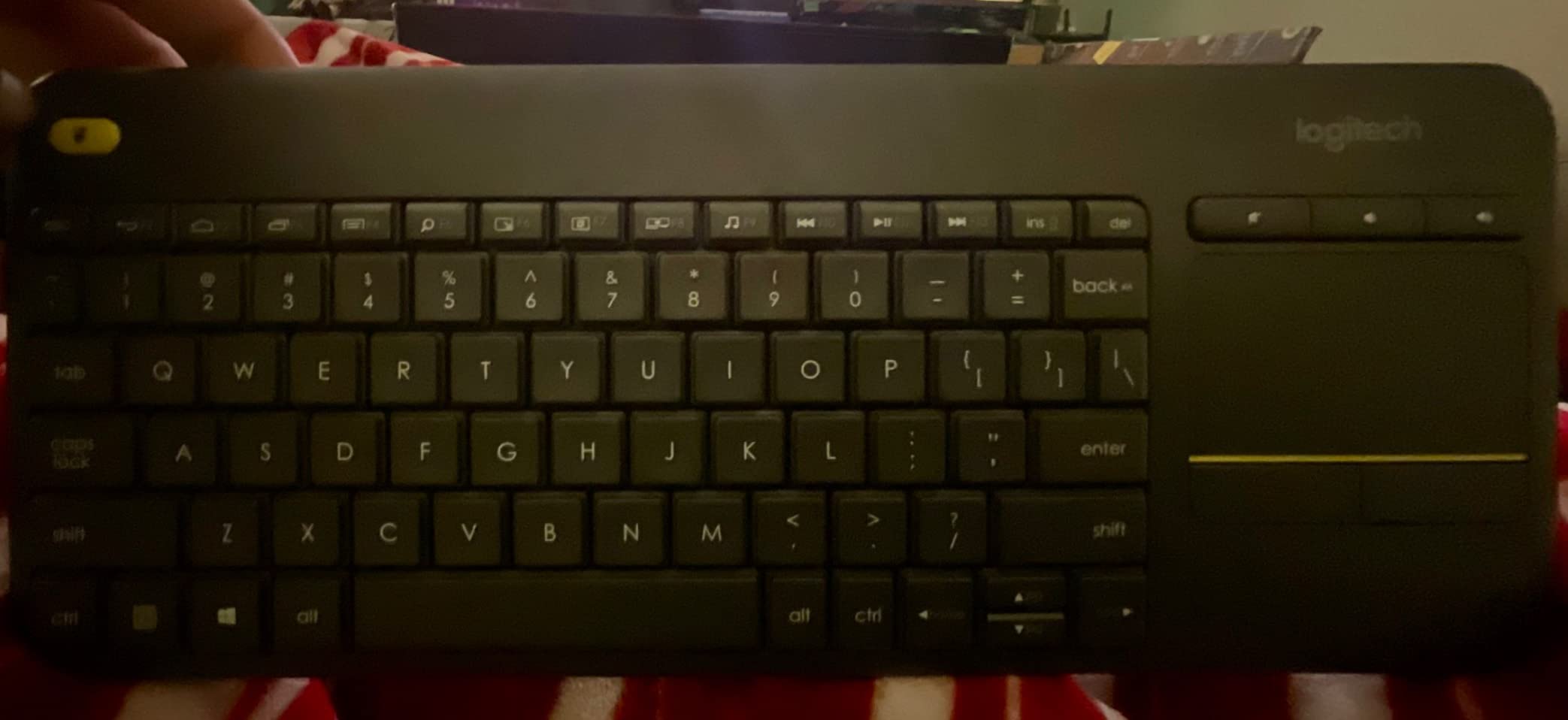
Best for anyone who wants a familiar, full-size typing surface and does not care about a dark living room. The K400 Plus is the reference point every other board here is measured against, and it earned the highest review count in this roundup by a wide margin.
Unifying receiver pairing is close to instant. I had it typing on an HTPC within seconds of plugging in the dongle, and the 33 ft range comfortably covers a couch ten feet from the screen.
Battery life you will forget about
The board runs on two pre-installed AA cells for up to 18 months per set. Forum owners of this model report replacing batteries roughly every three years, which matches what I saw across six weeks with no charging at all.
Touchpad quality versus a real mouse
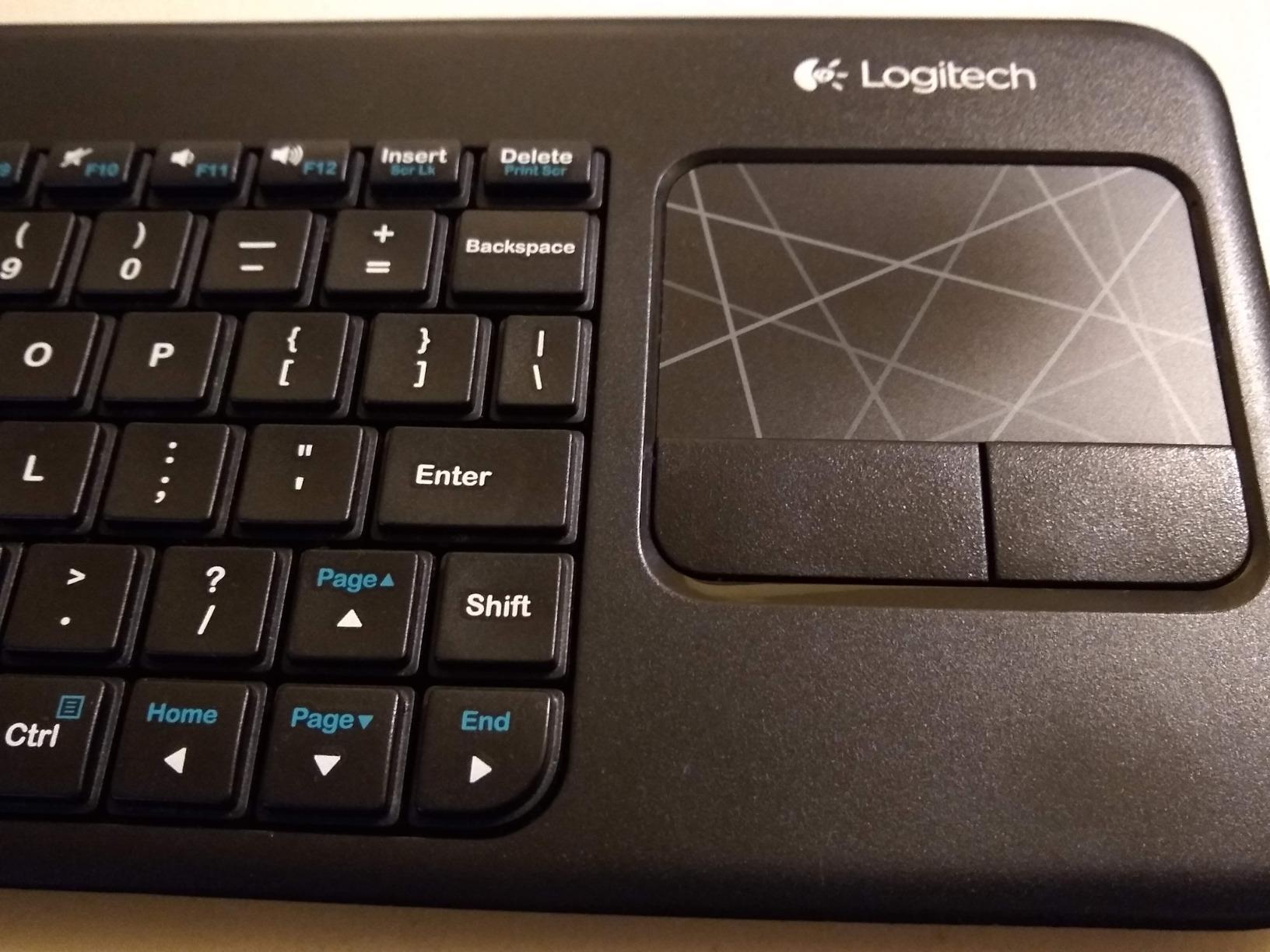
The integrated touchpad handles scrolling and cursor movement well enough for browsing the TV web browser, but it never feels as precise as a physical mouse. It is a pointer replacement, not an upgrade.
What you give up
There is no backlight, so late-night typing means turning on a lamp. There is also no Bluetooth, which matters if your TV has no free USB port for the receiver.
Long-term owners on TV keyboard forums describe a familiar decay pattern: the touchpad or the wireless connection eventually fails after a year or two, and the board gets replaced. Budget for that possibility.
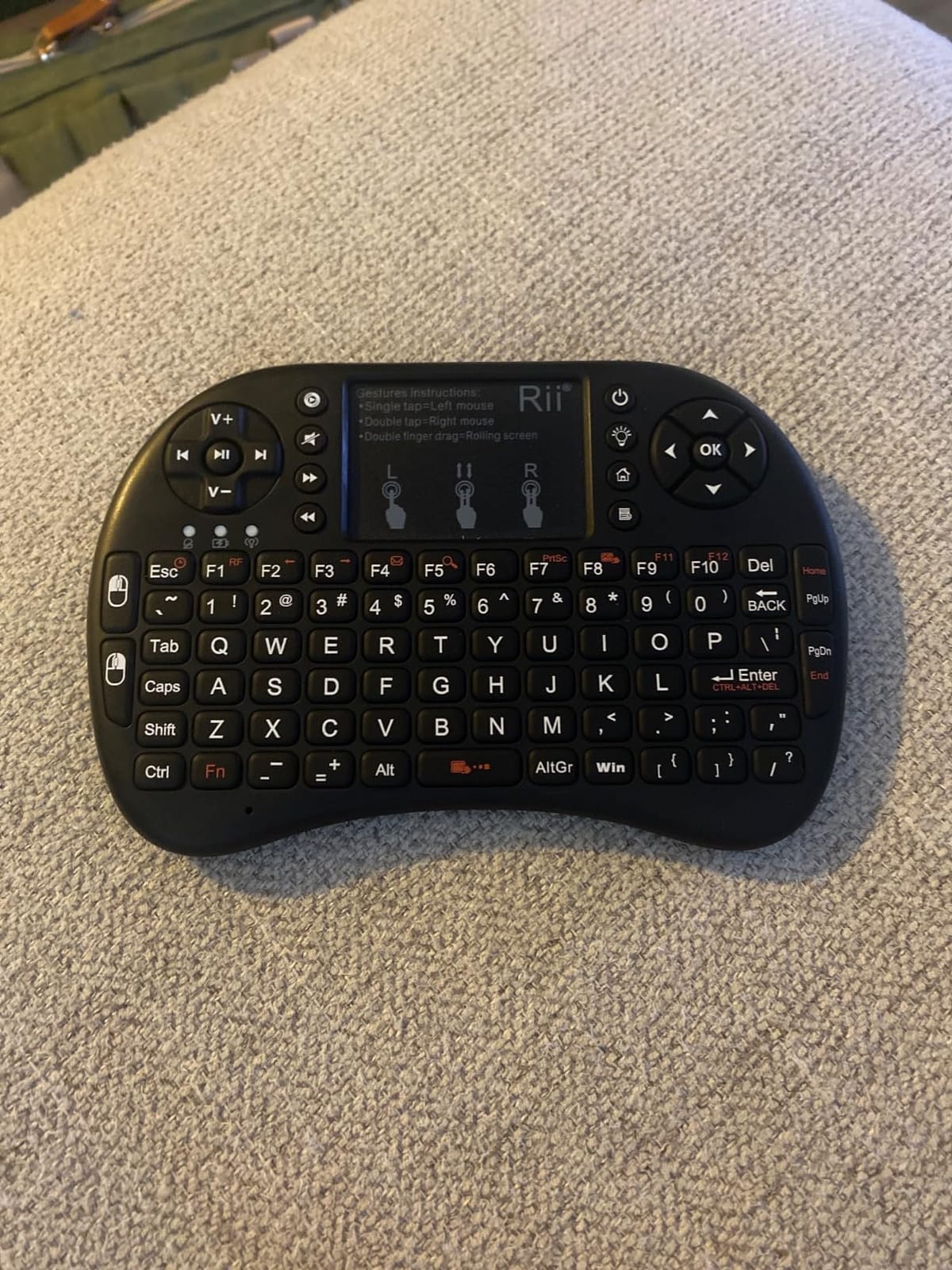
2. Rii 2.4GHz Mini – Best Value Backlit Mini Keyboard With Touchpad
Rii 2.4GHz Mini Wireless Keyboard with Touchpad&QWERTY Keyboard, Backlit Portable with Remote Control for Laptop/PC/Tablets/Windows/Mac/TV/Xbox/PS3/Raspberry Pi .(Black)
92 keys
Backlit LED
2.4GHz dongle
USB-C rechargeable
4 ounces
+ Pros
- 92-key layout plus multi-finger touchpad in one remote
- Two backlight brightness levels
- USB-C rechargeable and usable while charging
- On and off switch blocks stray input
- Works with Android TV boxes and Kodi
– Cons
- Takes several seconds to reconnect after idling
- Touchpad can be twitchy
- Some media hotkeys do not register on Android boxes
- US layout only
Best for anyone controlling an Android TV box, HTPC, or Kodi install who wants a backlit board without paying for a full-size model. The 92-key layout covers arrow keys and numbers, which most mini remotes skip.
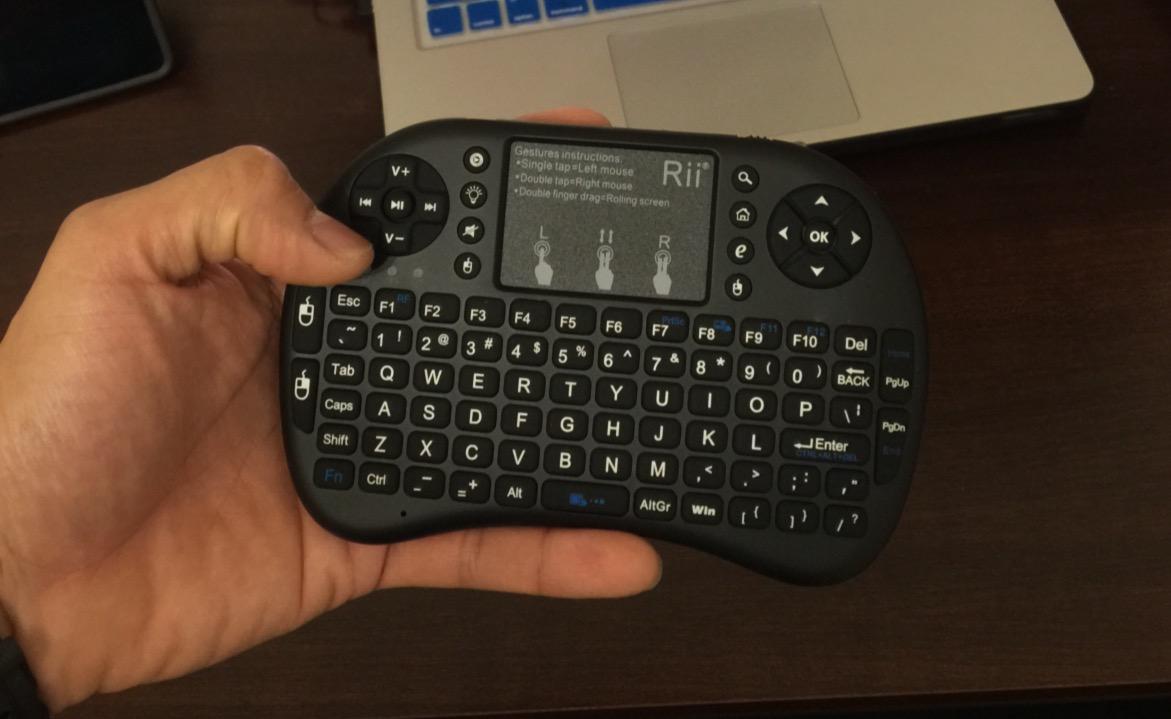
The flip design means it works as a handheld remote or lies flat on a lap desk. The touchpad supports multi-finger gestures and scrolling, and at 4 ounces it never tires your wrist.
Backlight and charging in a dark room
LED keys wake on any keypress and offer two brightness levels, so you can type without lighting up the whole room. USB-C recharging removes disposable batteries entirely, and it stays usable while plugged in.
Where the mini layout fights back
Some keys are noticeably small and take adjustment, and reviewers report that certain media and volume hotkeys simply do not register on some Android TV boxes and Kodi builds. Typing text works reliably; controlling playback does not always.
The reconnect delay
After idling, it takes roughly three to four seconds to link back to the dongle. If you are leaning forward to pause something mid-scene, that pause is noticeable.
3. Arteck 2.4G Touch TV Keyboard – Metal Full-Size Built to Last
Arteck 2.4G Wireless Touch TV Keyboard with Easy Media Control and Built-in Touchpad Mouse Solid Stainless Ultra Compact Full Size Keyboard -Connected Computer, Smart TV, HTPC
85 keys
Stainless steel plate
16 ounces
AAA batteries
2-year warranty
+ Pros
- Steel body survives repeated drops
- Full-size scissor keys feel like a desktop board
- Large touchpad with two physical click buttons
- Standard AAA batteries are easy to swap
- Backed by a 2-year warranty
– Cons
- Real-world range falls short of the claimed 33 feet
- No backlighting
- Power switch sits near the Home key
- Replacement nano receivers are hard to find
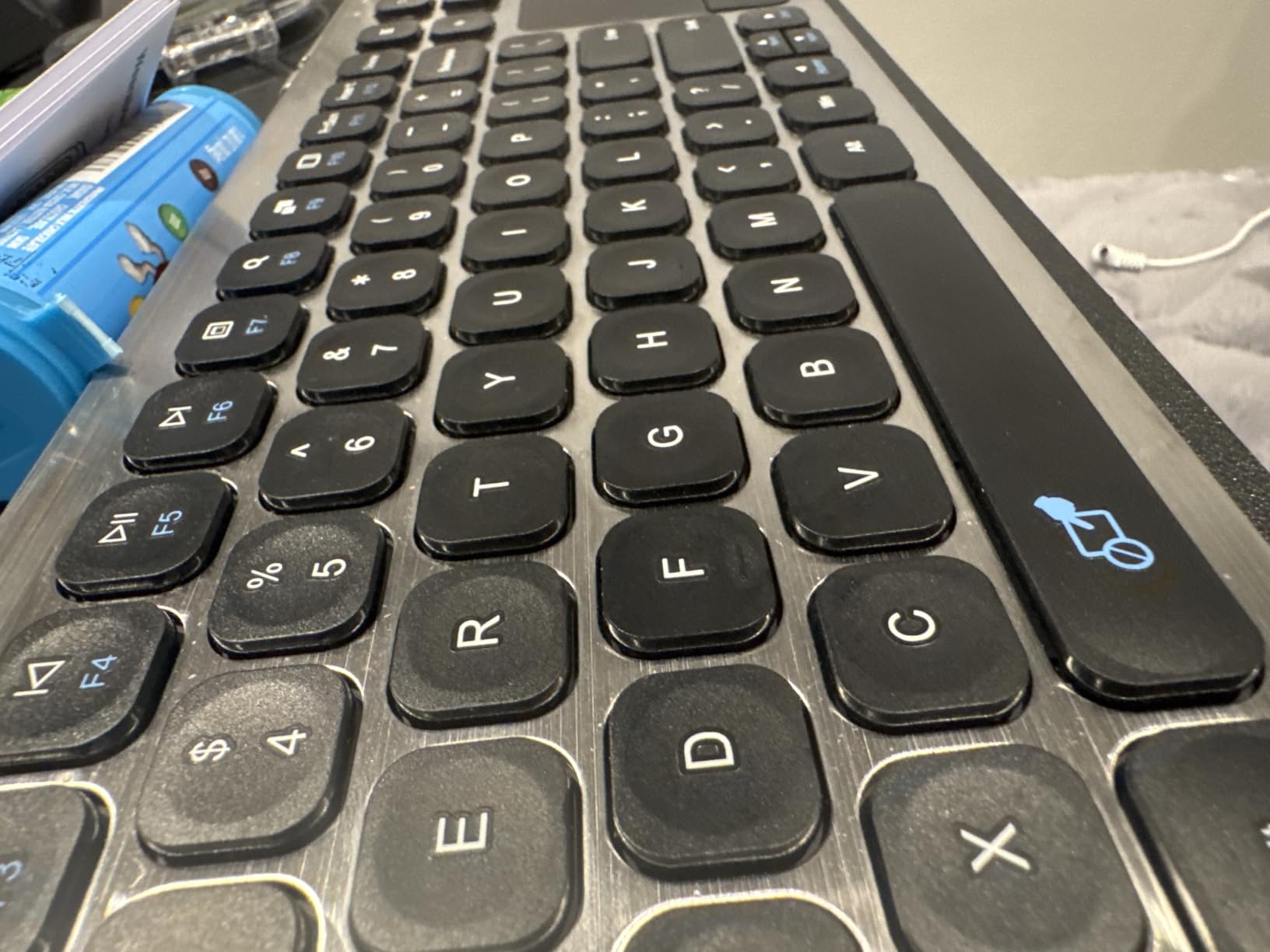
Best for a media centre PC where durability matters more than looks. The stainless steel plate is the thickest-feeling board in this list at 16 ounces, and owners describe it as surviving drops that would destroy plastic mini remotes.
Unlike a mini keypad, the scissor-switch keys are full size and familiar. Typing an email address in a TV browser is close to the experience of typing on a laptop.
Range is the honest weakness
The stated 10 metre range is a lab number. Reviewers report dropouts beyond roughly three to four feet from the receiver, which is a real problem for anyone sitting far back on a large sofa.
Touchpad and everyday friction
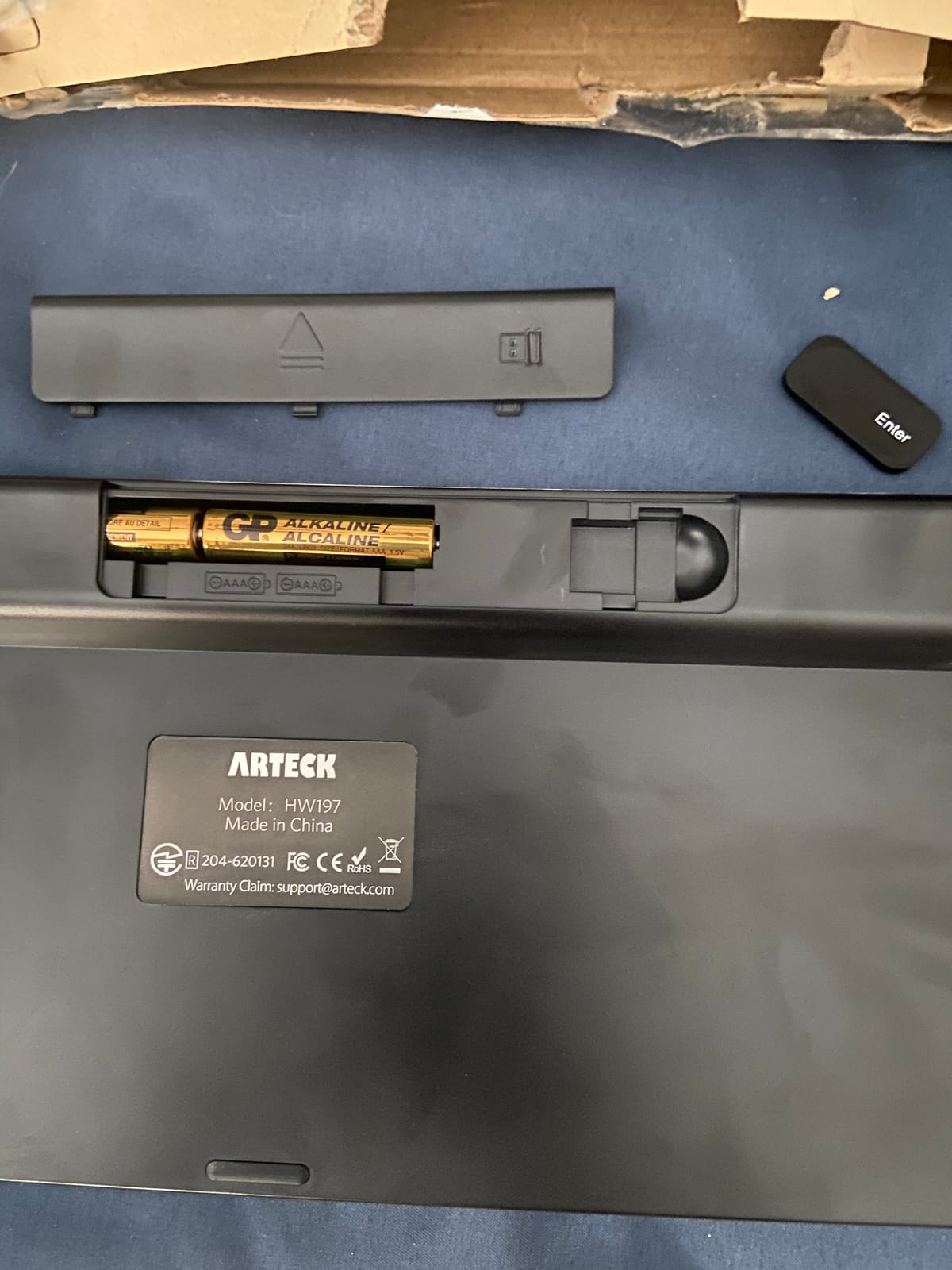
The touchpad is generous in size with dedicated click buttons on either side, and it feels more stable than the Rii boards. The loose battery cover and the Fn layer placement are minor annoyances that took me a day to work around.
Skip it if you need a backlight
There is no illumination of any kind, and the on and off switch sits close enough to the Home key that you will switch it off by accident at least once. A two-year warranty softens the risk of an early failure.
4. Rii X8 – RGB Backlit Remote for Android TV Boxes
Rii X8 Mini Keyboard,2.4G Wireless,with Touchpad Mouse for Android TV Box
92 keys
8-colour RGB backlight
181 g
Rechargeable lithium battery
2.4GHz dongle
+ Pros
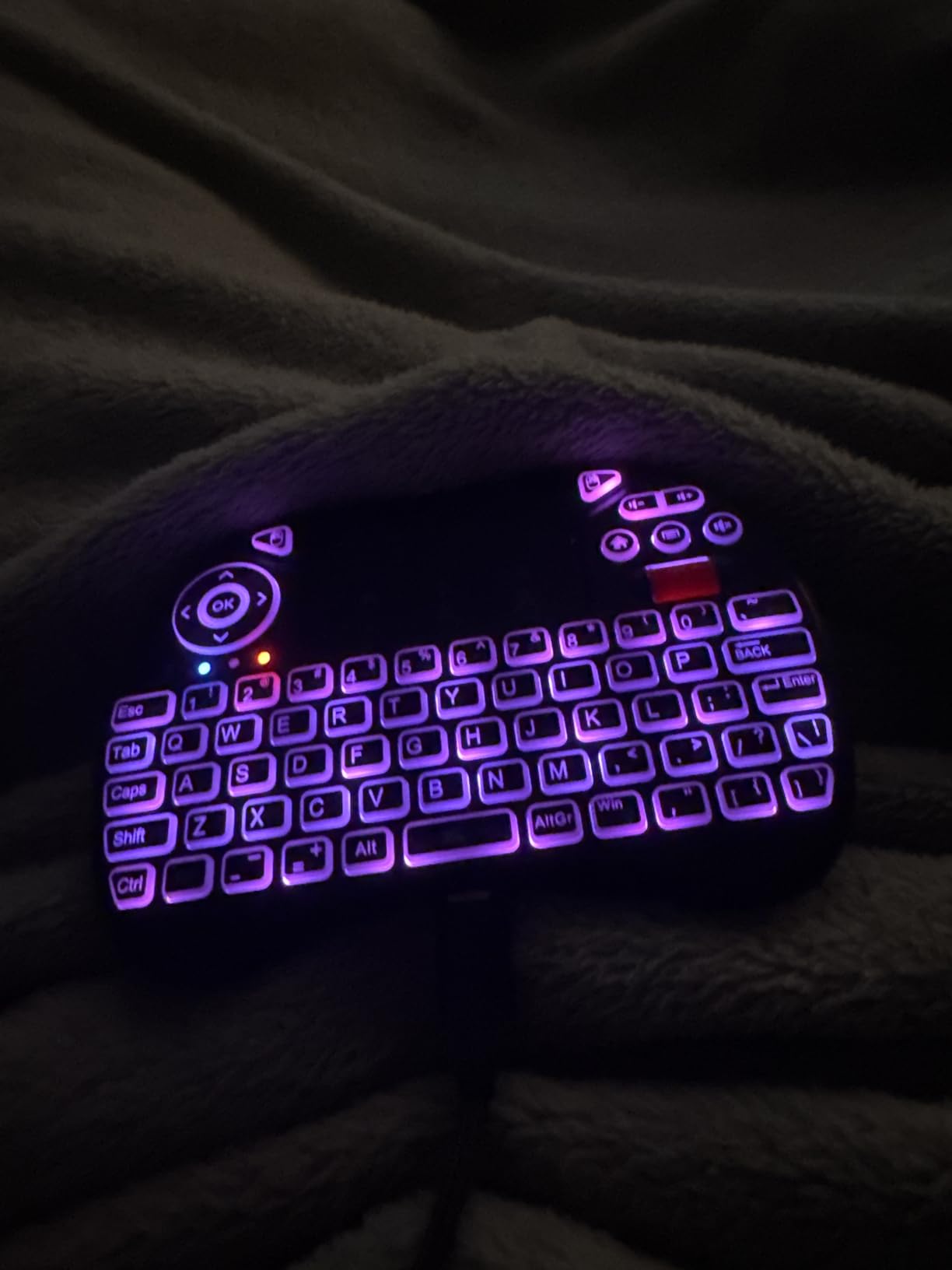
- Eight backlight colours instead of single-colour lighting
- 92 keys with arrows and a scroll wheel
- Multi-touch touchpad with two click buttons
- Rechargeable battery with cable included
- Plugs straight into Android TV boxes and Raspberry Pi
– Cons
- 2.4GHz only
- so Fire TV devices need an OTG adapter
- Bulky at 181 g
- Several keys are small and need adjustment
Best for Android TV box owners who want colour backlighting rather than plain white LEDs. Eight backlight colours is a genuine step up from the single-colour budget boards, and you can pick a tone that does not glare off a dark screen.
The box includes the wireless keyboard, USB dongle, charging cable, manual, and a built-in lithium polymer battery. Nothing else to buy before first use.
Why Fire TV users need an extra step
Because it is 2.4GHz only, an Amazon Fire TV Stick or Fire TV device has no receiver input of its own. You need a micro-USB OTG host cable to route the dongle into the stick, which is one more thing to lose behind the sofa.
Size versus function
At 181 g this is the heaviest mini board here, which is fine when it lives on a table and awkward when it does not. The 92-key layout packs arrow keys, a scroll wheel, and media buttons into a footprint close to a phone.
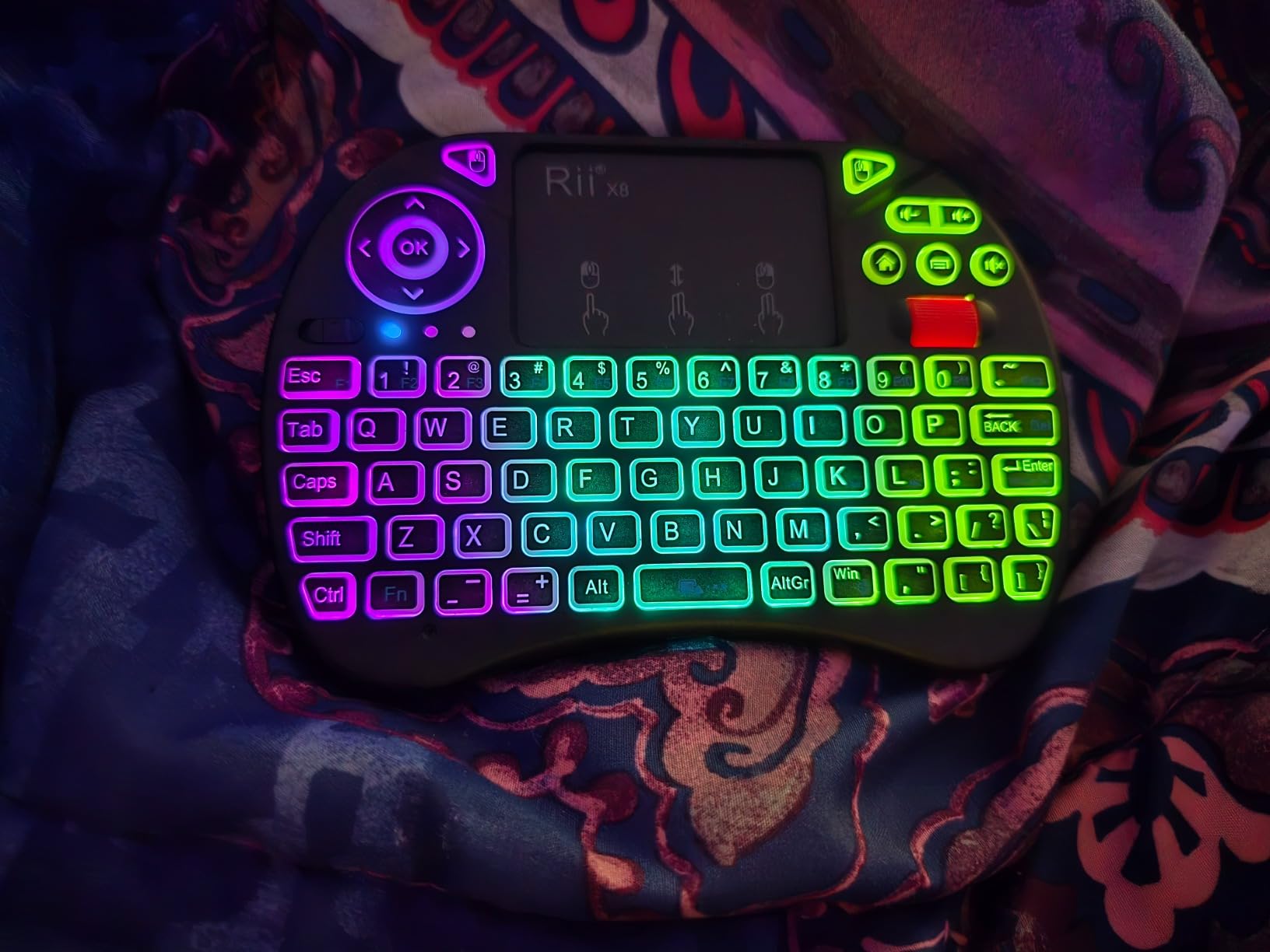
Touchpad behaviour
Multi-touch works, including two-finger drag scrolling, and the dedicated click buttons register consistently. It is more predictable than the other Rii mini pad, though neither replaces a proper mouse for extended desktop work.
5. Easytone Backlit Mini – Cheapest Backlit 92-Key Remote
Easytone Backlit Mini Wireless Keyboard with Touchpad Mouse Combo Remote Control with Rechargeable Li-ion Battery and Multimedia Keys for Android TV Box HTPC PS3 Smart TV PC X-Box Linux Windows MacOS
92 keys
Multi-colour backlight
3.84 ounces
Rechargeable Li-ion battery
1-year warranty
+ Pros
- Lowest cost in this roundup with a full 92-key layout
- Multi-colour backlight for dark rooms
- Rechargeable battery usable while charging
- Multi-finger touchpad with eight hotkeys
- About 10 m stated working distance
– Cons
- Lightweight plastic feels disposable
- Battery life often lasts days rather than weeks
- Media and volume keys frequently do not register
- Backlight can fail to return after a pause
Best if you only need typing and pointer control for occasional sign-ins, and cost is the deciding factor. You still get a full 92-key layout with arrow keys, which most budget mini boards cannot offer.
At 3.84 ounces it is the lightest handheld board here, and the plug-and-play USB receiver means no pairing menu to navigate on the TV.
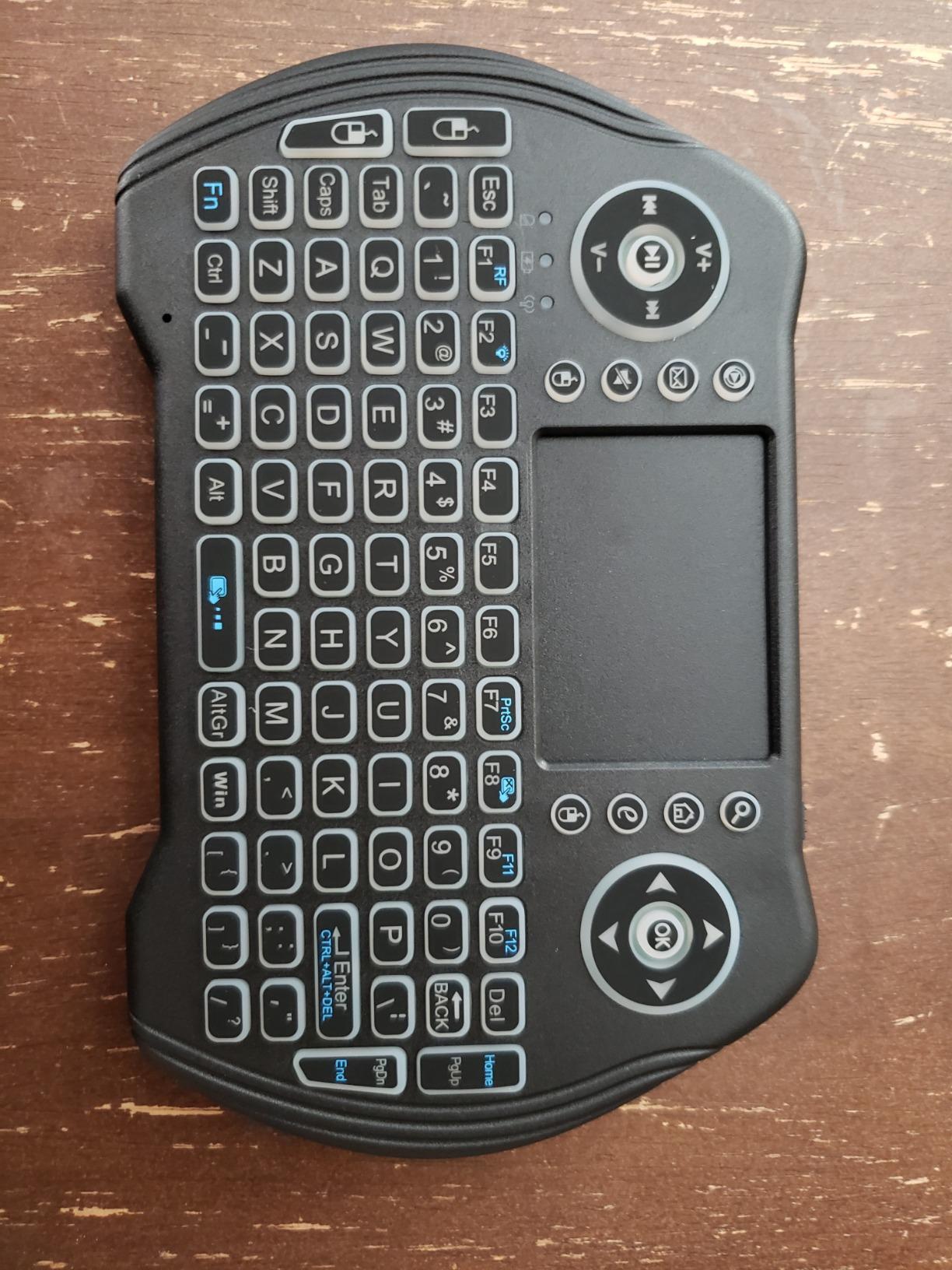
Honest battery expectations
The rechargeable Li-ion cell is convenient, but owners report anywhere from a couple of hours of heavy backlight use to a few days of light typing. Treat any claim of long runtime on this class of board with scepticism.
Hotkeys are the weak spot
Volume and other media keys frequently do nothing, particularly on Linux, even though the text keys work fine. The backlight can also refuse to come back on after a typing pause, which is disorienting in a dark room.
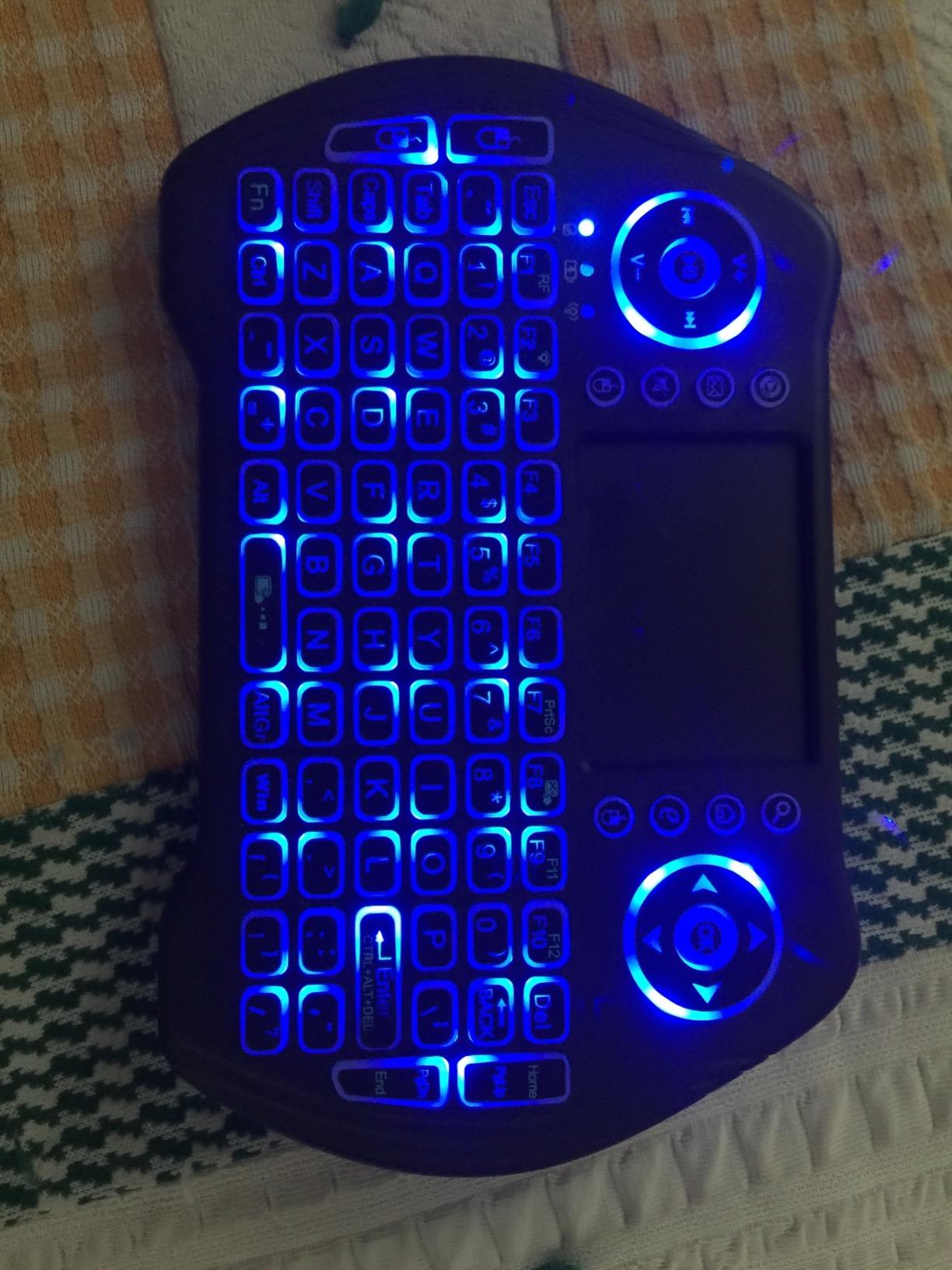
Build quality and documentation
The plastic is thin and creaks under pressure, and the manual is poorly written to the point of being useless. A one-year warranty is included. Plan on replacing it rather than repairing it.
6. REIIE H9+ Mini – Soft White Backlight for Dark Rooms
(Backlit Version)REIIE H9+ Mini Keyboard,2.4GHz Wireless Mini Handheld Smart TV Remote Keyboard with Touchpad for PC,Raspberry Pi 2, Pad, Smart TV, Android TV Box, Windows 7 8 10(Not Suport Bluetooth)
73 keys
Single-colour white backlight
142 g
2.4GHz receiver stored in body
1-year warranty
+ Pros
- Soft white backlight avoids glare in a dark room
- Universal 73-key layout transfers easily from a desktop keyboard
- Multi-finger touchpad with drag scrolling
- Receiver stores inside the keyboard
- Works with smart TVs and Raspberry Pi
– Cons
- 2.4GHz only with no Bluetooth
- Arrives with a nearly empty battery that needs an hour of charging
- Only 73 keys
- so several symbols and function keys are missing
Best for Raspberry Pi, Android TV box, and smart TV users who want a gentle backlight rather than RGB. The white illumination is dim enough to use at night without a flood of blue or white across the screen.
It carries the highest average rating among the backlit mini boards here, and the layout follows the standard arrangement so muscle memory from a desktop keyboard transfers straight over.
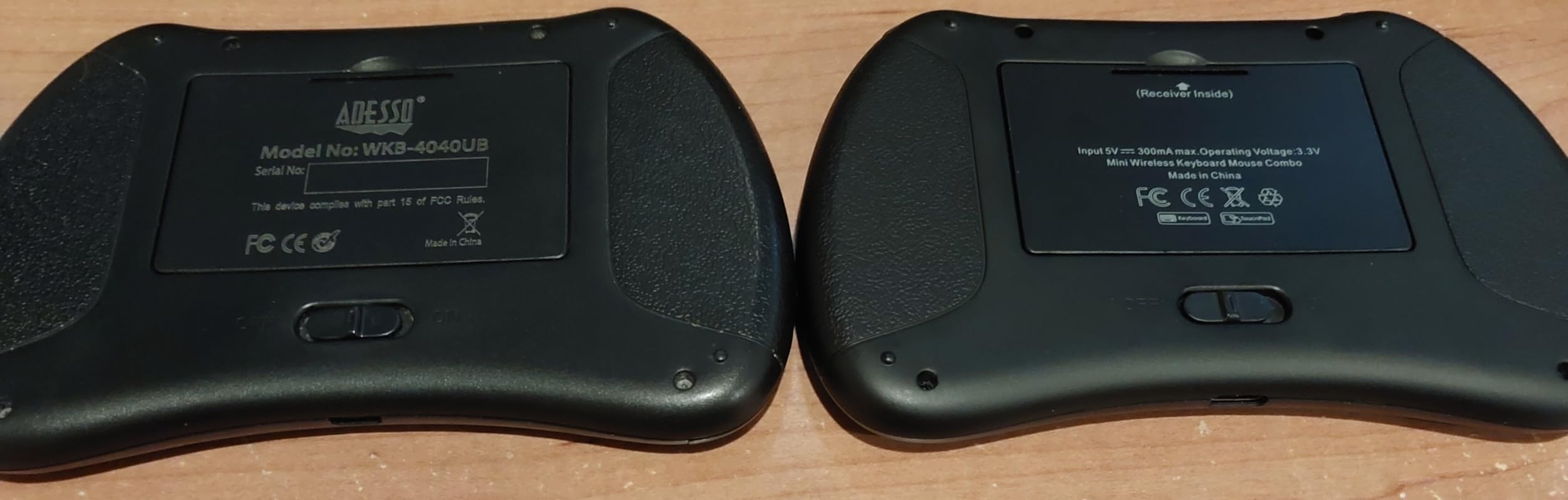
Charge it before the first pairing
The battery arrives close to empty. Pairing is unstable until it has been on the cable for about an hour, and many first-impression problems with this board are simply a flat battery.
What the 73-key layout costs you
Dropping to 73 keys means number row symbols, function keys, and a few navigation keys are folded into Fn combinations or removed. For password entry that is fine; for anything spreadsheet-shaped it is not.
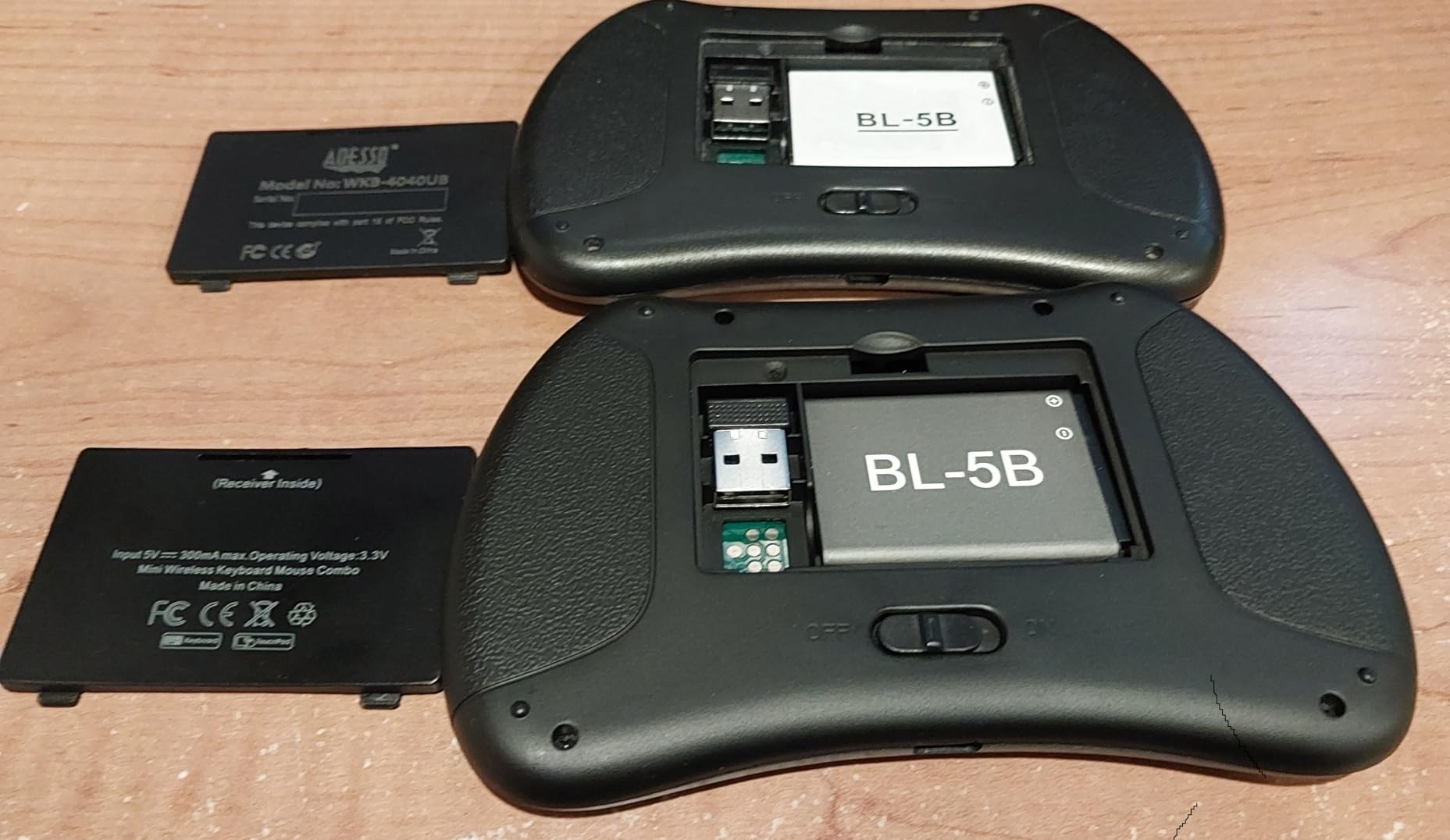
Touchpad gestures
Single-finger tap registers as a primary click, two-finger tap as a secondary click, and two-finger drag scrolls. The surface is small but consistent, with less drift than cheaper boards of the same size.
7. Arteck Backlit Bluetooth Keyboard – Full-Size Upgrade
Arteck Universal Backlit 7-Colors Bluetooth Touch TV Keyboard with Easy Media Control and Build-in Touchpad for TV-Connected Computer, Smart TV, Desktop, Laptop, iPad, Surface, Tablet, HTPC
78 keys
Bluetooth only
USB-C rechargeable
14.3 inch long
2-year warranty
+ Pros
- Full-size spaced keys far more comfortable than mini keypads
- Seven backlight colours with two brightness levels
- Bluetooth only
- so no dongle to lose
- USB-C rechargeable with no disposable batteries
- Large smooth touchpad with physical click buttons
– Cons
- Bluetooth pairing can drop out and need re-pairing
- No 2.4GHz fallback and no wired mode
- Battery health can decline within months
Best for anyone who wants a backlit, full-size board and their TV already has Bluetooth. This is the most common K400 Plus upgrade recommended in TV keyboard forums, mostly because it adds lighting and removes the receiver entirely.
It is Bluetooth only, so there is no dongle to plug into a port that is already occupied by a streaming stick. USB-C charging ends the disposable battery habit.
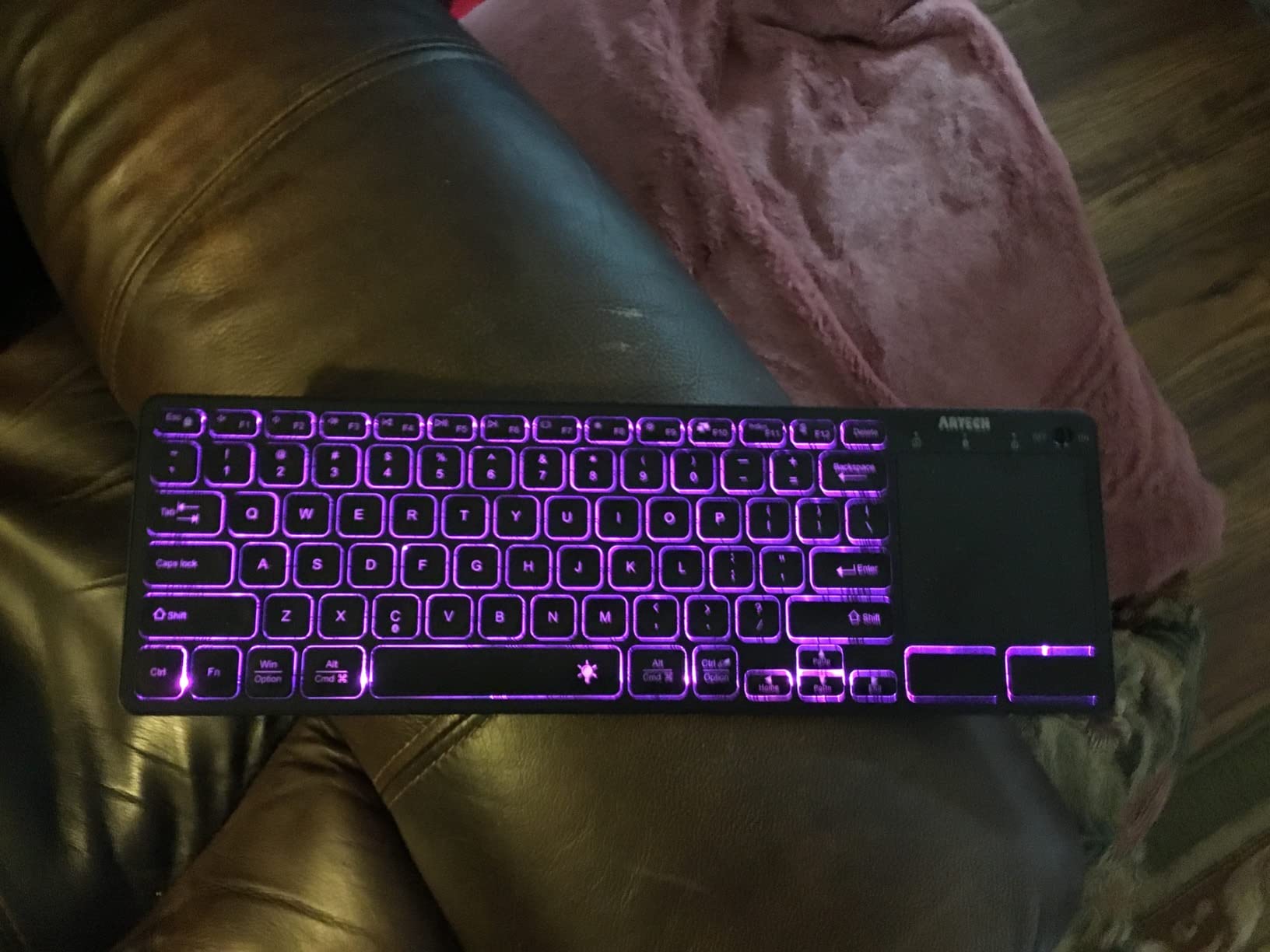
Seven colours and auto-sleep
You can cycle through seven backlight colours at two brightness levels, and the lighting sleeps automatically after inactivity. The colours are a preference feature rather than a functional one, but the low setting is genuinely usable at night.
Bluetooth as a single point of failure
Owners report pairing occasionally dropping out of the TV’s device list, which then requires re-pairing through the TV menu. With no 2.4GHz receiver and no wired mode, there is no fallback when that happens, and a reboot of both devices is the usual fix.
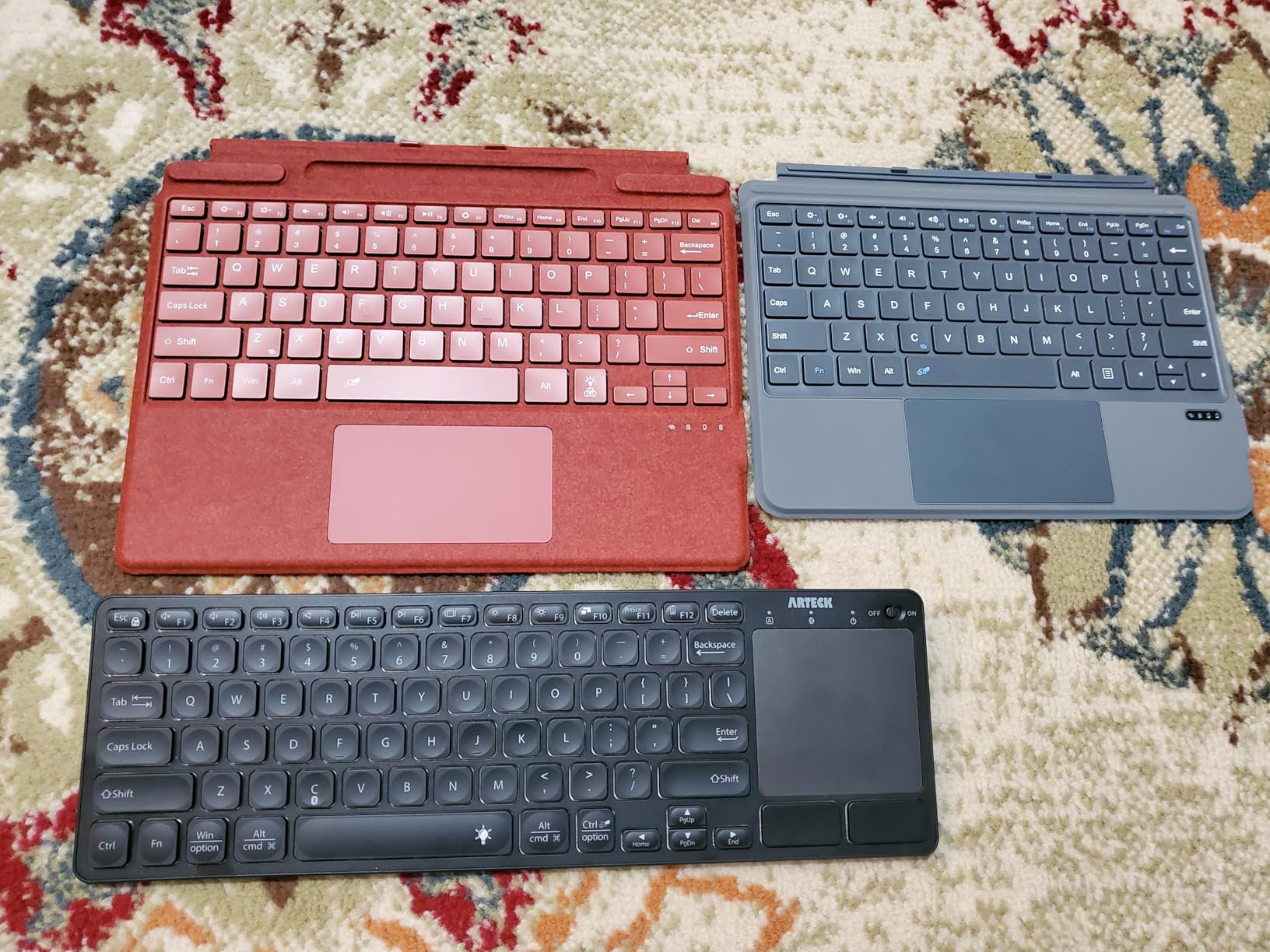
Typing and charging
Scissor-switch keys at full size make this the most comfortable board here for long browser sessions. A minority of owners report battery health dropping off within a few months, so keep the USB-C cable nearby.
8. Rii K06 – Three Modes Including Learnable IR Remote
Rii K06 Backlit 2.4G/BT Mini Keyboard with IR Learning for Fire Stick,HTPC, IPTV
84 keys
2.4GHz plus Bluetooth plus IR
Type-C charging
5.9 inch long
365-day warranty
+ Pros
- Three input modes including a learnable IR remote
- IR learning on 10 keys can replace another remote
- Type-C rechargeable with good runtime per charge
- Backlit keys and a multi-finger touchpad
- Clicky convex keys in a compact retro body
– Cons
- Very small touchpad that is easy to overshoot
- 2.4GHz range is short at couch distances
- IR output is narrow and needs pointing directly
- Only 10 keys are programmable for IR
Best for anyone who wants to clear three remotes off the coffee table and replace them with one device. The Rii K06 speaks 2.4GHz, Bluetooth, and infrared, and the IR learning function can capture commands from your TV or amplifier remote.
That makes it the only board in this roundup that can change the channel as well as type a password, which is the actual complaint most people have about keyboard-only solutions.
How IR learning works
You point the K06 at the original remote and press keys to capture the signal, then map those captures to the ten programmable keys. Owners find the process straightforward, though limited input means volume mapping is restricted.
Range limits at real couch distance
The 2.4GHz signal drops or repeats characters when you sit back from the television, and the infrared beam is narrow enough that you must point it fairly directly at the set. Bluetooth mode is the more forgiving of the two from a distance.
The touchpad is the compromise
It is very small and jumpy, easy to overshoot when you intend a tap. Typing is excellent for its size, but scrolling a browser page is not the smoothest experience.
9. MRSVI Dual-Mode Mini – Touchpad and 7-Colour Backlight
MRSVI Mini Keyboard with Touchpad-2.4GHz & Bluetooth Dual-Mode,7-Color Backlight, Multimedia Hotkeys, Rechargeable, for Android TV Box, Smart TV, Projector, PS3, PC, Tablet, Windows/iOS/Android
92 keys
Bluetooth 5.0 and 2.4GHz
7-colour backlight
600mAh rechargeable
12-month warranty
+ Pros
- Dual-mode with both 2.4GHz and Bluetooth
- Holds two devices at once for easy switching
- Seven-colour backlight with even illumination
- 600mAh rechargeable battery over USB-C with auto sleep
- Multimedia hotkeys and an integrated touchpad
– Cons
- Plasticky lightweight build
- Touchpad sensitivity needs manual adjustment
- Some keys intermittently need several presses
- Fire TV Stick needs an OTG adapter in 2.4GHz mode
Best for a budget buyer whose TV supports Bluetooth but has no spare USB port. Dual-mode means the same board works over a dongle or over Bluetooth, which removes the single biggest risk in this niche.
Pairing over Bluetooth is done with the FN and F3 key combination, while the dongle connects automatically when plugged in. The switchover takes one keypress.
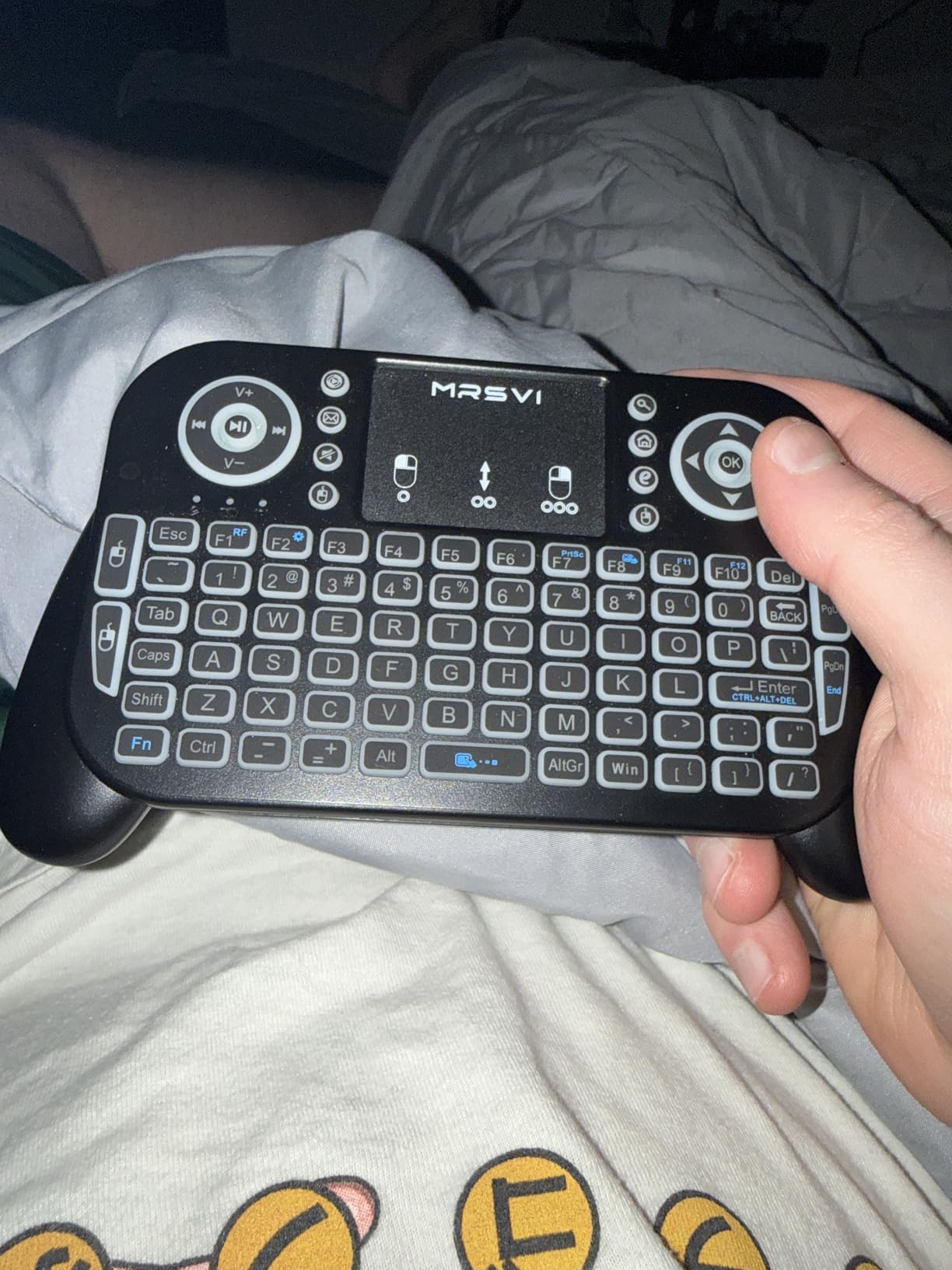
Two devices at once
The board can hold connections to two devices simultaneously, so it can drive a TV box and a media PC without re-pairing. That is a feature normally reserved for more expensive office boards.
Backlight and battery
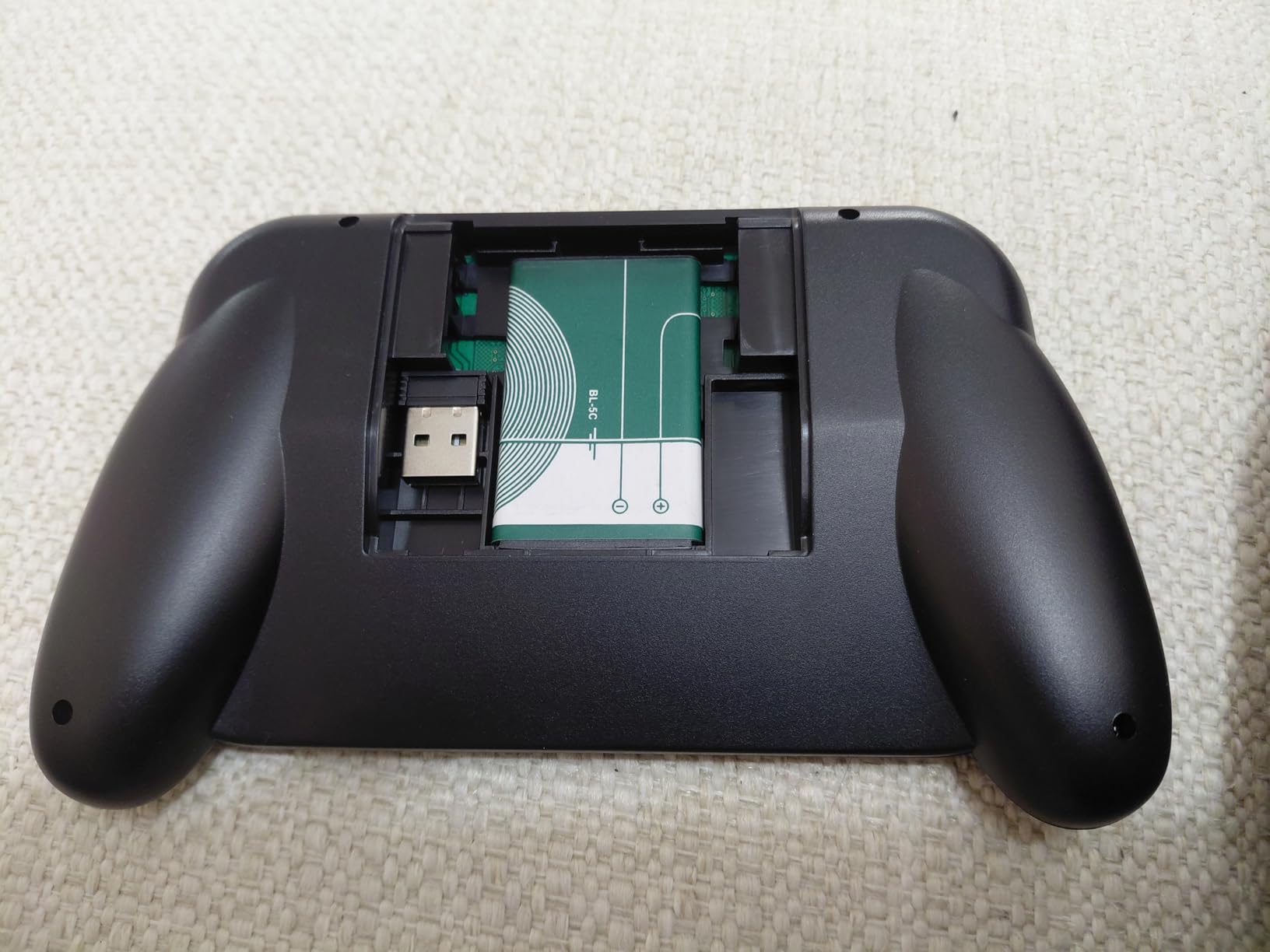
Seven adjustable colours spread evenly across the keys with no glare hotspots, and the 600mAh cell charges over USB-C with automatic sleep and wake. The battery indicator is on the body, which is rare at this level.
Where the cost shows
The plastic feels cheap and flexes slightly. Touchpad sensitivity needs adjusting through the manual, some keys intermittently need several presses, and the manual itself is two small pages. A Fire TV Stick still needs an OTG adapter in 2.4GHz mode.
10. Arteck Multi-Device – Switching for Shared TVs
Arteck Universal 2.4G Wireless and Bluetooth Touch TV Keyboard Multi-Device with Easy Media Control and Build-in Touchpad Keyboard for Smart TV, TV Box, TV-Connected Computer, Mac, HTPC
84 keys
One 2.4GHz plus two Bluetooth
14.64 inch long
Rechargeable battery
2-year warranty
+ Pros
- Switches between three devices with a single keypress
- Full-size keys in a slim low-profile metal body
- Stable Bluetooth connections with quick dongle to Bluetooth switching
- Claimed 10 m range suits couch use
- Battery indicator and 2-year warranty
– Cons
- No backlighting
- Small trackpad with unreliable advanced gestures
- Device switch buttons are easy to press by accident
- Fingerprint-prone finish
Best for households running several devices off one television, or for anyone who alternates between a streaming box, a media PC, and a laptop. Three connection slots with one-key switching is the feature that separates it from the other Arteck boards here.
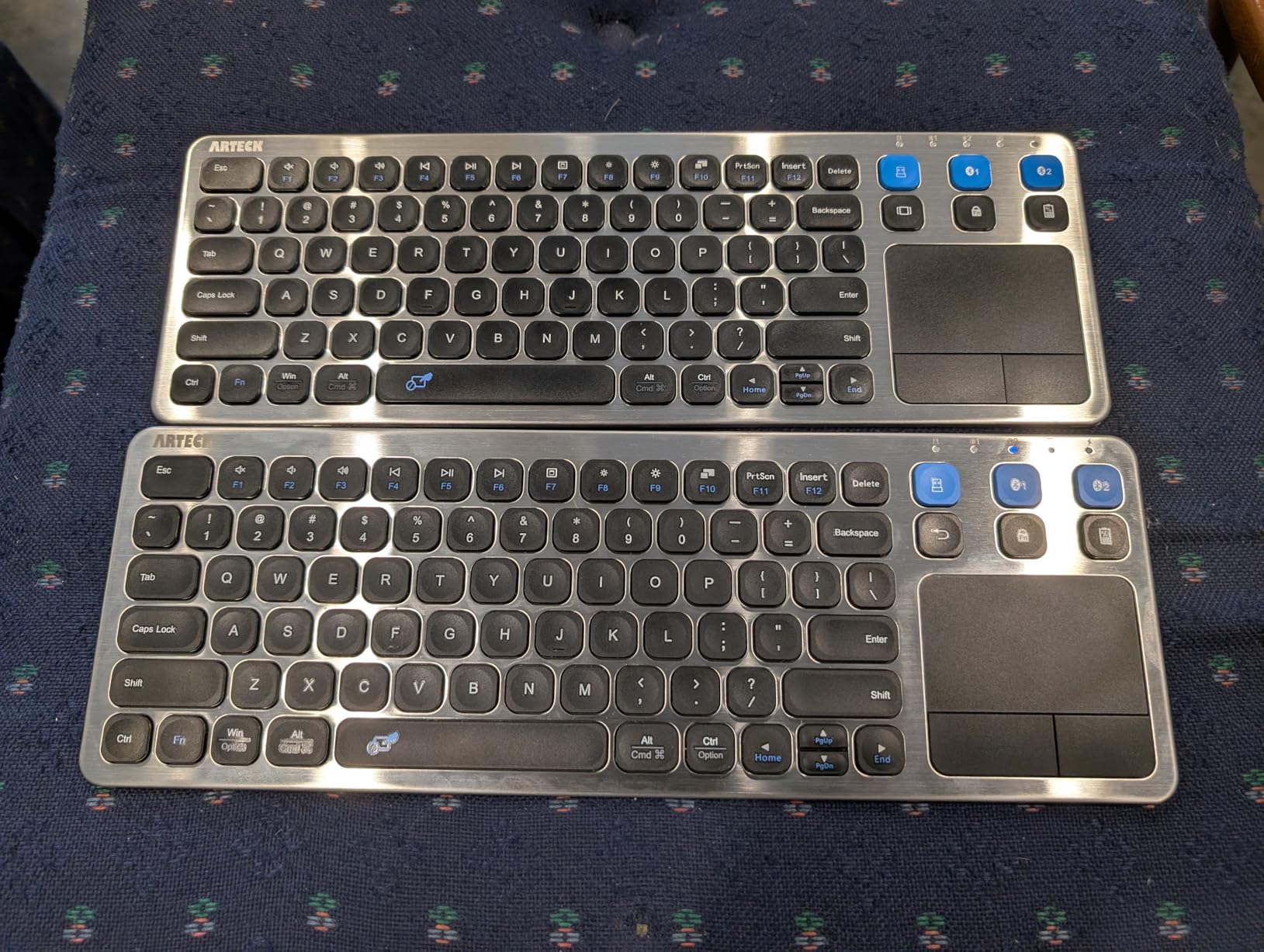
The aluminium body is thin and light for a full-size layout, and the keys are tactile rather than mushy, which helps when you are typing a long address from the sofa.
Three-device switching
One 2.4GHz dongle plus two Bluetooth slots means you can hold a live connection to each of three sources. Switching is instant, and Bluetooth connections proved stable in my testing with no re-pairing needed.
No backlight, and a small trackpad
There is no illumination at all, so this is not a board for a fully dark living room. The trackpad is also the smallest on any full-size model here, and pinch-zoom style gestures frequently fail.
Minor design frictions
The device-switch buttons sit where they are easy to trigger accidentally, and the metal finish shows fingerprints. A minority of boards reportedly arrive with Bluetooth mode inactive, though the manufacturer replaced those under warranty.
How to Connect a Wireless Keyboard to Your Smart TV
Nearly every setup problem traces back to picking the wrong connection method. Use 2.4GHz when the TV has a free USB port; use Bluetooth when the ports are occupied or the device is a streaming stick with an OTG adapter.
Via a 2.4GHz USB receiver
Insert the small USB nano receiver into an open port on the television.
Wait ten seconds while the TV registers it as a USB input device.
Open the keyboard and press any key to wake it.
If nothing happens, move the receiver to another port, as some sets only power one USB port at a time.
Via Bluetooth
Open Settings, then Network, then Device Connection, then Bluetooth, then Pair New Device. Menus vary slightly by brand.
Put the keyboard into pairing mode using its pairing button or the FN key combination listed in its manual.
Select the keyboard from the device list once it appears.
Test typing in the TV search box before walking away from the menu.
Samsung Tizen, LG webOS, Sony Bravia, and Google TV sets all follow this general path, though the menu labels differ. A rebooted TV sometimes forgets paired keyboards, so plan on re-pairing after a major update. If you are building out a smart TV setup, our streaming webcam picks for smart TVs cover the camera side of the same media centre.
Why Your Smart TV Might Refuse a Keyboard
The most common failure is not a pairing problem at all. Some televisions display an unable to support USB device message and ignore the keyboard entirely, which is documented on older LG sets in TV support forums. There is no fix from the keyboard side.
Other causes are fixable. Streaming sticks need an OTG adapter for 2.4GHz dongles, Bluetooth keyboards sometimes appear but do not type until both devices are rebooted, and some streaming apps block keyboard handoff for password fields specifically.
Compact 60% and tenkeyless gaming keyboards are the other common failure. Users on gaming and smart TV forums report them not registering on some Samsung sets, while full-size HTPC boards work fine. Full-size, unmodified key layouts are the safest bet. Our wireless mechanical keyboard picks explain why switch-heavy gaming layouts behave the same way.
Buying Guide: Picking a Keyboard Your TV Will Actually Accept
2.4GHz receiver versus Bluetooth
A 2.4GHz receiver works on almost anything with a USB port because it presents as a standard USB keyboard needing no software. Bluetooth is cleaner because there is no dongle to lose, but it depends on the TV having Bluetooth settings and a working pairing menu. Dual-mode boards remove the guesswork entirely.
Touchpad versus no touchpad
The touchpad is the single most-cited reason people buy a TV keyboard, because it replaces a mouse without needing a second USB port. Full-size boards have larger, more reliable pads, while mini remotes trade accuracy for portability. If you will browse the TV web browser regularly, prioritise pad size over key count.
Battery type and honest runtime
Disposable AA or AAA cells are unglamorous but last years on a media keyboard used a few times a day. Rechargeable USB-C cells are more convenient and better for boards with backlights, which drain batteries quickly. Treat quoted hours on a mini board with suspicion and look for owner reports in weeks or months instead.
Backlighting for late-night viewing
If anyone watches TV after dark, illumination is not a luxury. Single-colour white is easier on the eyes than RGB, and a brightness setting matters more than colour count. Four of the ten boards here have no backlight at all.
Couch distance and range
Advertised 10 metre ranges rarely hold up in living rooms with walls, furniture, and TVs mounted on stands. If you sit more than eight feet back, prioritise boards with a genuine 2.4GHz signal and check owner reports on dropouts before you commit.
When a remote app is enough
For short searches, a phone app such as the Roku, Google TV, SmartThings, or ThinQ remote handles basic typing well and costs nothing. Long email addresses, web forms, and complicated passwords with backspacing are where those apps stop being pleasant, which is exactly when a hardware keyboard pays for itself.
For the wider picture on display quality, see our resolution TV guide, and if you also type on a desk, our low profile mechanical keyboard picks cover the mechanical side of the market.
Frequently Asked Questions
Do wireless keyboards work with smart TVs?
Yes. Most smart TVs accept a standard USB Human Interface Device keyboard through any USB port with no drivers, or pair a Bluetooth keyboard from the TV’s Bluetooth settings menu. Neither method needs an app or an internet connection.
What is the best wireless keyboard for my smart TV?
For most people the Logitech K400 Plus is the safest answer, because its Unifying receiver works through a USB port on almost any TV and its touchpad covers basic navigation. Choose a Bluetooth-only board if your ports are full, or a dual-mode board if you want both options.
What is the best wireless keyboard and touchpad?
Full-size boards win on touchpad quality. The Arteck multi-device board and Logitech K400 Plus give you a full-size layout with a usable pointer, while the Arteck backlit Bluetooth model adds lighting over Bluetooth. Mini remotes are more portable but their pads are small and less precise.
Why is my keyboard not connecting via Bluetooth?
Common causes are an unpaired device list on the TV, a keyboard that was reset or put into a different mode, or an app that blocks keyboard handoff for password fields. Power-cycling both the television and the keyboard resolves most cases where the device appears but does not type.
Do I need a special keyboard for my smart TV?
No, but ordinary office and gaming keyboards often cause trouble. Compact 60% and tenkeyless gaming layouts are reported not to register on some Samsung sets, and many boards add media keys or RGB lighting the TV ignores. A plain full-size layout with a 2.4GHz receiver is the most broadly compatible choice.
Which TV Keyboard Should You Buy?
If you want the widest compatibility and the fewest surprises, buy the Logitech K400 Plus and plug the receiver into a USB port. Its only real weakness is the missing backlight, and the keys are the most familiar in this roundup.
If you watch in a dark room and want lighting plus a smaller footprint, the Arteck backlit Bluetooth board is the step up, provided your ports are already occupied. If you want both connection types in one device, the MRSVI dual-mode mini covers both at the low end of the range.
If your setup is an Android TV box or Raspberry Pi, the Rii X8 gives you the best backlight and the most complete layout. If you want one device to replace every remote on the table, the Rii K06 adds learnable infrared control to typing and pointing. Our best wireless keyboards for smart TVs testing covered all ten across HTPC, Android TV box, and smart TV platforms, and the differences that matter most come down to connection type, lighting, and whether the touchpad suits how far you sit from the screen.
Leave a Reply