
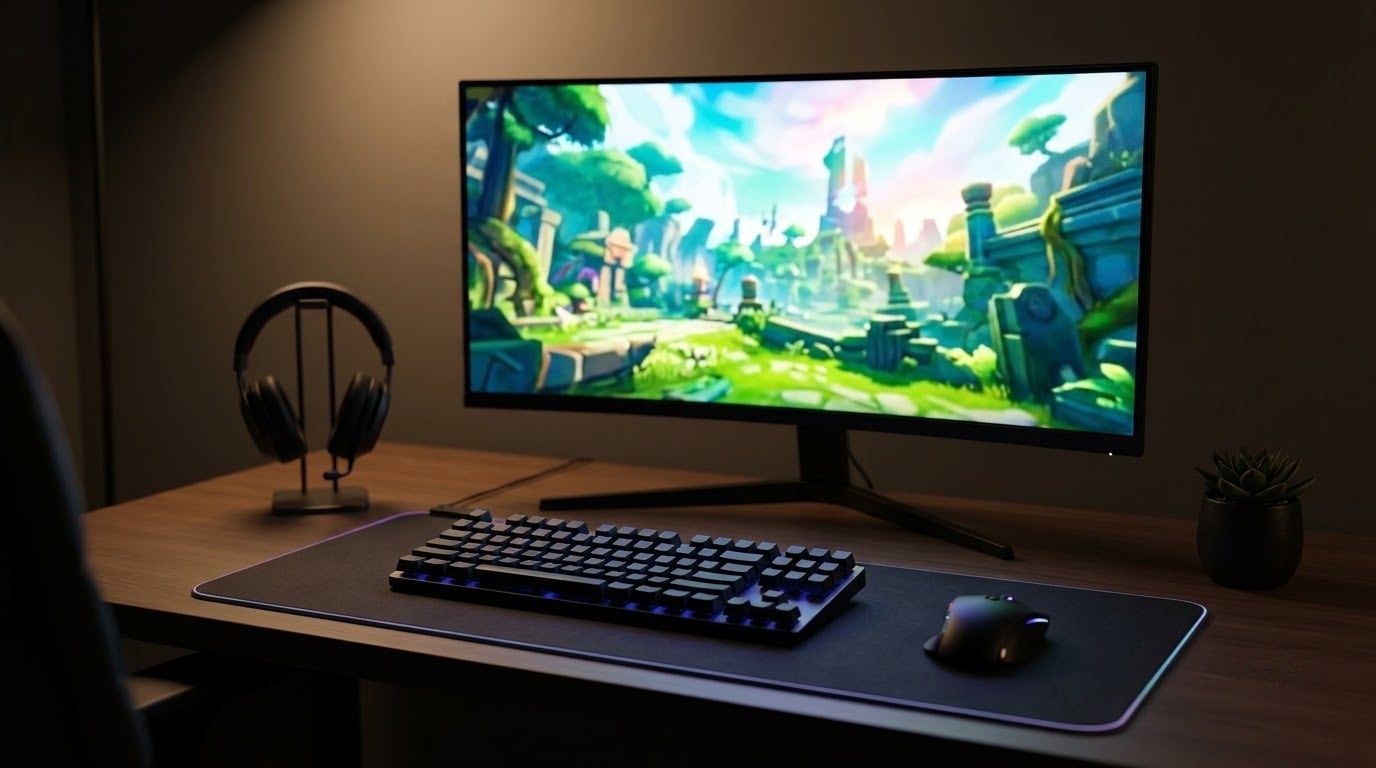
The best gaming monitor to watch in Amazon’s Prime Big Deal Days is the Samsung Odyssey G55C, a 32 inch 1000R curved QHD display with a 165Hz refresh rate and a 4.4 star average across more than 2,000 owner reviews. It pairs an immersive curve with FreeSync and a 1ms response time, which is the kind of balance most shoppers want at this price tier.
For shoppers on tighter budgets, the Sceptre 24 Curved brings 22k+ reviews and a 4.6 average to the table, while the SANSUI 32 240Hz delivers a true 240Hz refresh for fast play at a friendly price. Prime Big Deal Days runs October 6-7, 2026, and most offers need a Prime membership, so it helps to know what you want before the doors open. Looking for other Amazon sale picks? We have a sister list for the kitchen crowd.
Our Top 3 Picks for Prime Big Deal Days Gaming Monitor Deals (October 2026)

Samsung Odyssey G55C
- 32 inch QHD 1000R curve
- 165Hz refresh rate
- 1ms response time
- FreeSync

Sceptre 24 Curved
- 24 inch FHD 1800R curve
- 75Hz refresh rate
- 98 percent sRGB
- built in speakers

Prime Big Deal Days Gaming Monitor Deals Compared
| Product | Details | Action |
|---|---|---|
|
|
Check Deal Price |
|
|
Check Deal Price |
|
|
Check Deal Price |
 |
|
Check Deal Price |
 |
|
Check Deal Price |
 |
|
Check Deal Price |
 |
|
Check Deal Price |
 |
|
Check Deal Price |
 |
|
Check Deal Price |
 |
|
Check Deal Price |
How We Chose
This list compares 10 models using the specs that matter most for gaming right now: resolution, refresh rate, response time, panel type and adaptive sync support. We also weighed Amazon owner ratings and review counts to gauge real world sentiment, then checked each listing in October 2026 to confirm the sale eligibility. No testing claims, just a clean side by side.
1. Samsung Odyssey G55C: Best Overall Curved
Samsung 32″ Odyssey (G55C) Series QHD 1000R Curved Gaming Monitor,
Weight: 11.5 lb
Size: 32 inch
Refresh: 165Hz
Panel: VA
Response: 1ms
+ Pros
- QHD resolution with 1.7x pixel density of FHD
- 165Hz refresh rate eliminates lag
- 1000R curved display for immersive gaming
- HDR10 for vivid graphics
- AMD FreeSync reduces image tearing
– Cons
- Only 1 HDMI port
- No built in speakers
The Odyssey G55C earns the top spot because it does the most things well without breaking a budget. You get 1440p on a 32 inch panel, a 165Hz refresh rate, and the deepest curve Samsung makes for monitors (1000R), which lines up with how the human eye sees edges.
Owners consistently mention the immersive wrap, and the HDR10 picture quality gives single player games a clear lift over a standard FHD display. For a 4K enthusiast pairing this with an RTX 5080, the resolution ceiling will feel modest, but at this size 1440p is sharp and the GPU has headroom to push the frame rate up.
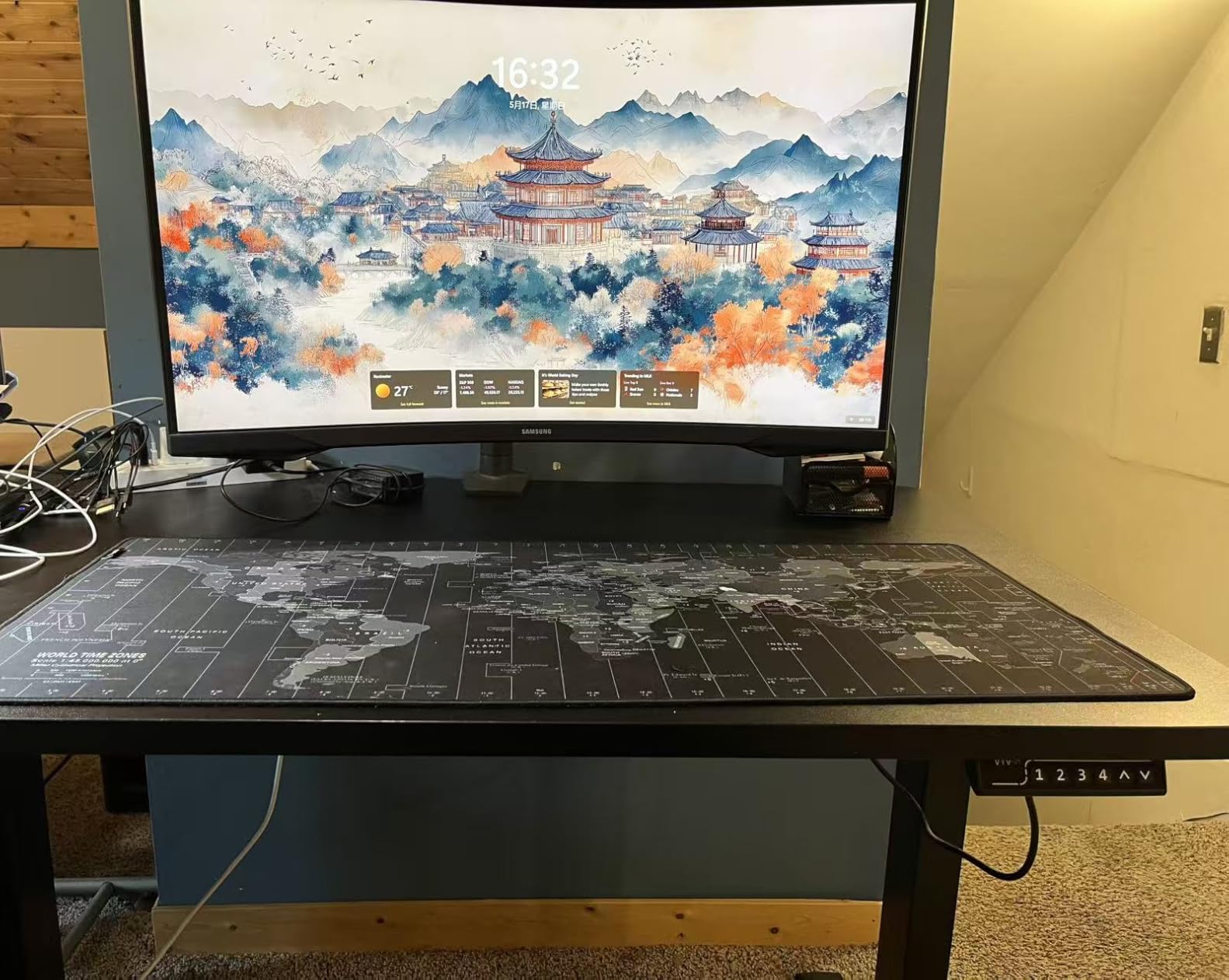
For a curved QHD display during the 2026 Prime Big Deal Days sale, the G55C is the safest all around pick. Compared with the LG 32GS60QC-B below, the Samsung trades a tighter 1000R curve feel for a 165Hz ceiling rather than 180Hz, but it is widely available and well reviewed. Skip it if you want G-Sync compatibility (this one is FreeSync only) or more than one HDMI port.
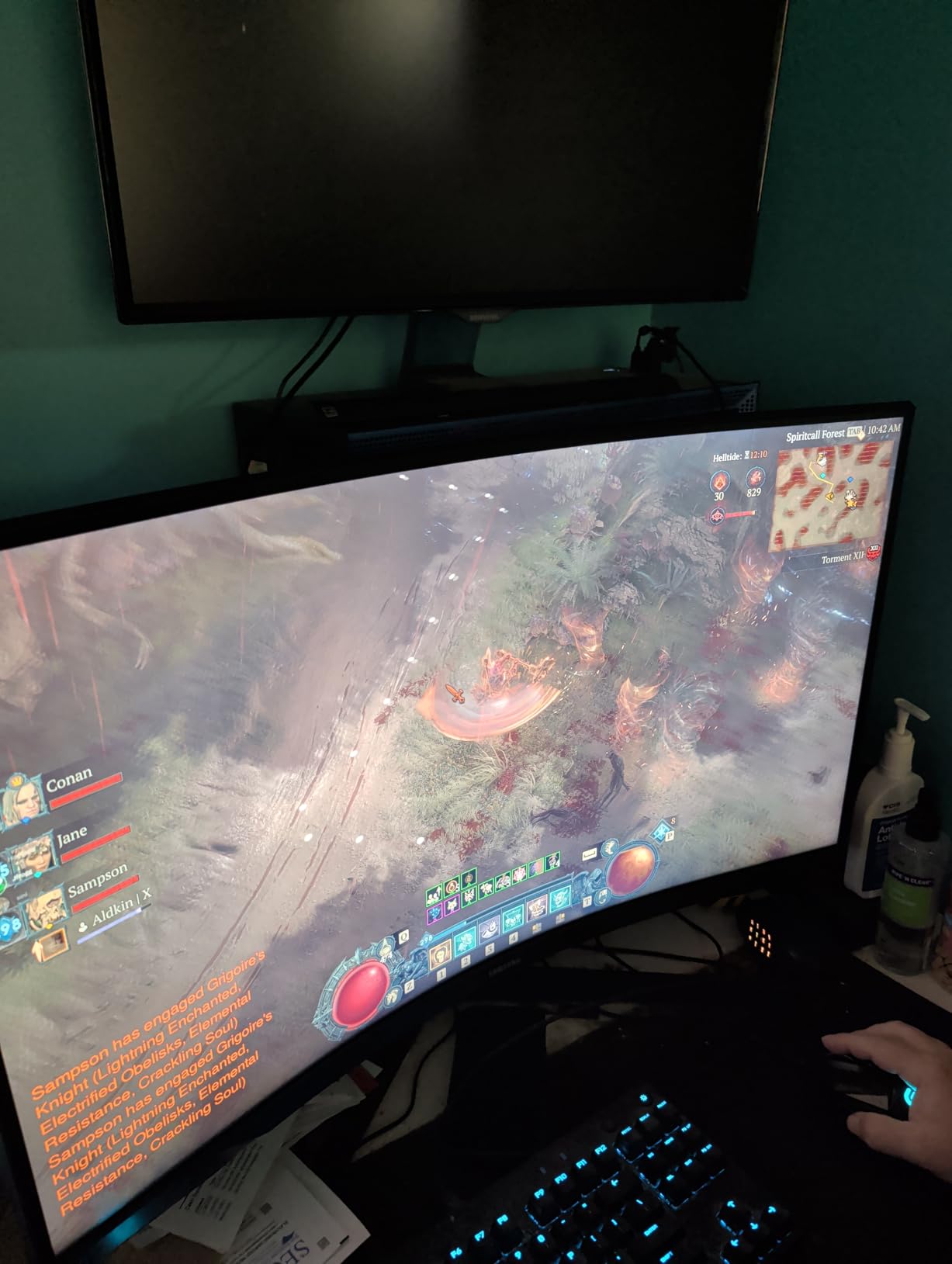
The stand only tilts, so plan on a VESA arm if you need height or pivot adjustment. The 1ms response time is MPRT, not GtG, which is normal at this tier.
2. Sceptre 24 Curved: Budget Pick
Sceptre Curved 24-inch Gaming Monitor 1080p R1500 98% sRGB HDMI x2 VGA Build-in Speakers, VESA Wall Mount Machine Black (C248W-1920RN Series)
Weight: 6 lb
Size: 24 inch
Refresh: 75Hz
Panel: VA
Response: 1ms
+ Pros
- Excellent value budget monitor
- 98 percent sRGB coverage for accurate colors
- Immersive curved display
- Built in speakers
- VESA mount compatible
– Cons
- 75Hz refresh rate limited for competitive gaming
- Stand only allows tilt adjustment
With 22k+ reviews and a 4.6 average, the Sceptre 24 Curved is the kind of monitor people buy for a kid’s first PC, a dorm setup, or a secondary screen and then keep for years. It is small, light at 6 pounds, and the 1800R curve gives casual games and movies a little extra depth.
Reviewers consistently call out the 98 percent sRGB color accuracy at this price tier, which is unusual for an entry level panel. The two HDMI ports are useful when you switch between a console and a laptop, and the VESA mount gives you an out from the tilt only stand.
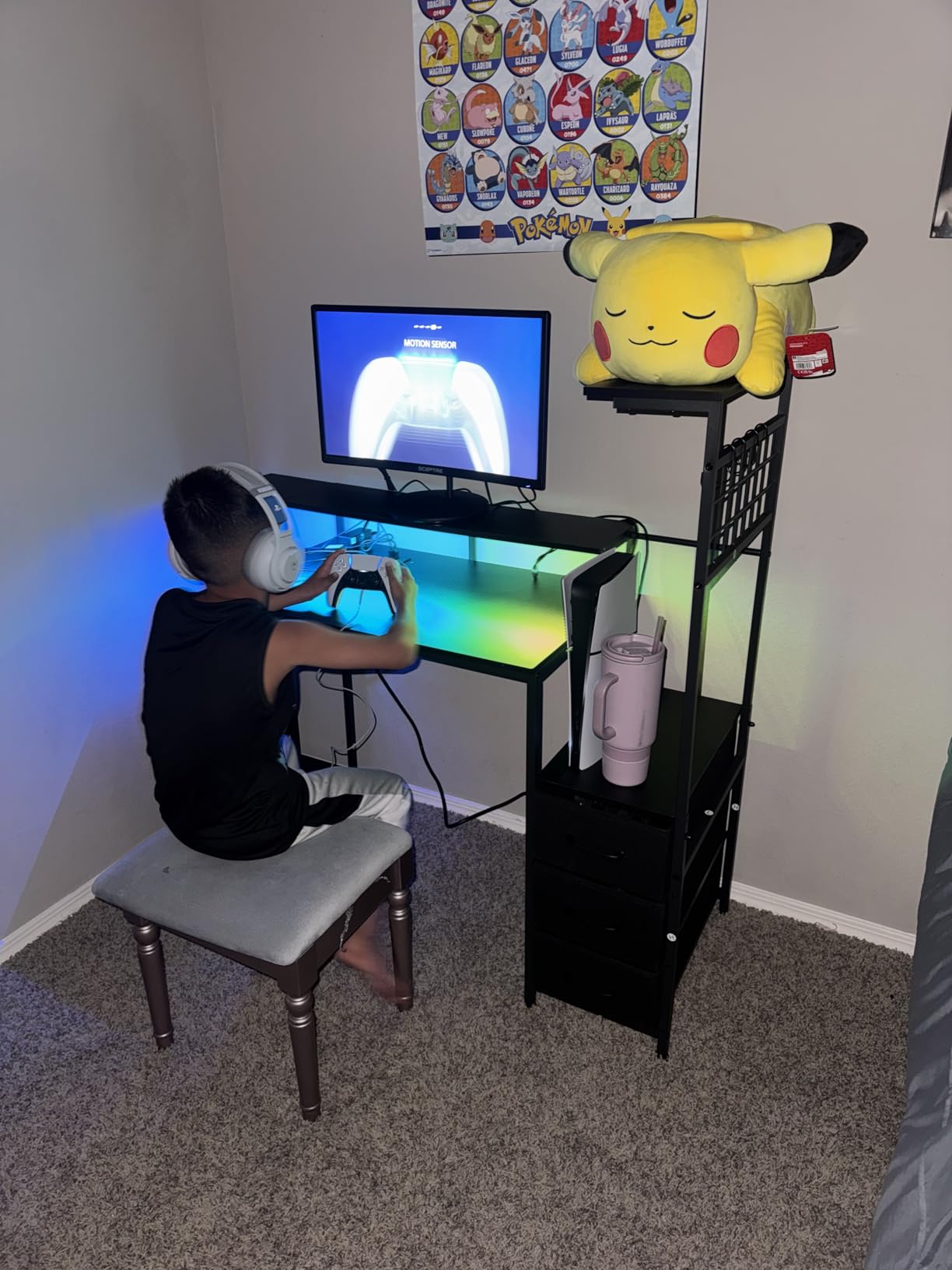
Best for: anyone setting up a first gaming station or a second display. The 75Hz refresh is the limit, so if you play competitive shooters, step up to the ASUS TUF or the LG 27GR83Q-B below. Compared with the SANSUI 32 240Hz, the Sceptre costs less but gives up a lot of refresh rate and screen size.
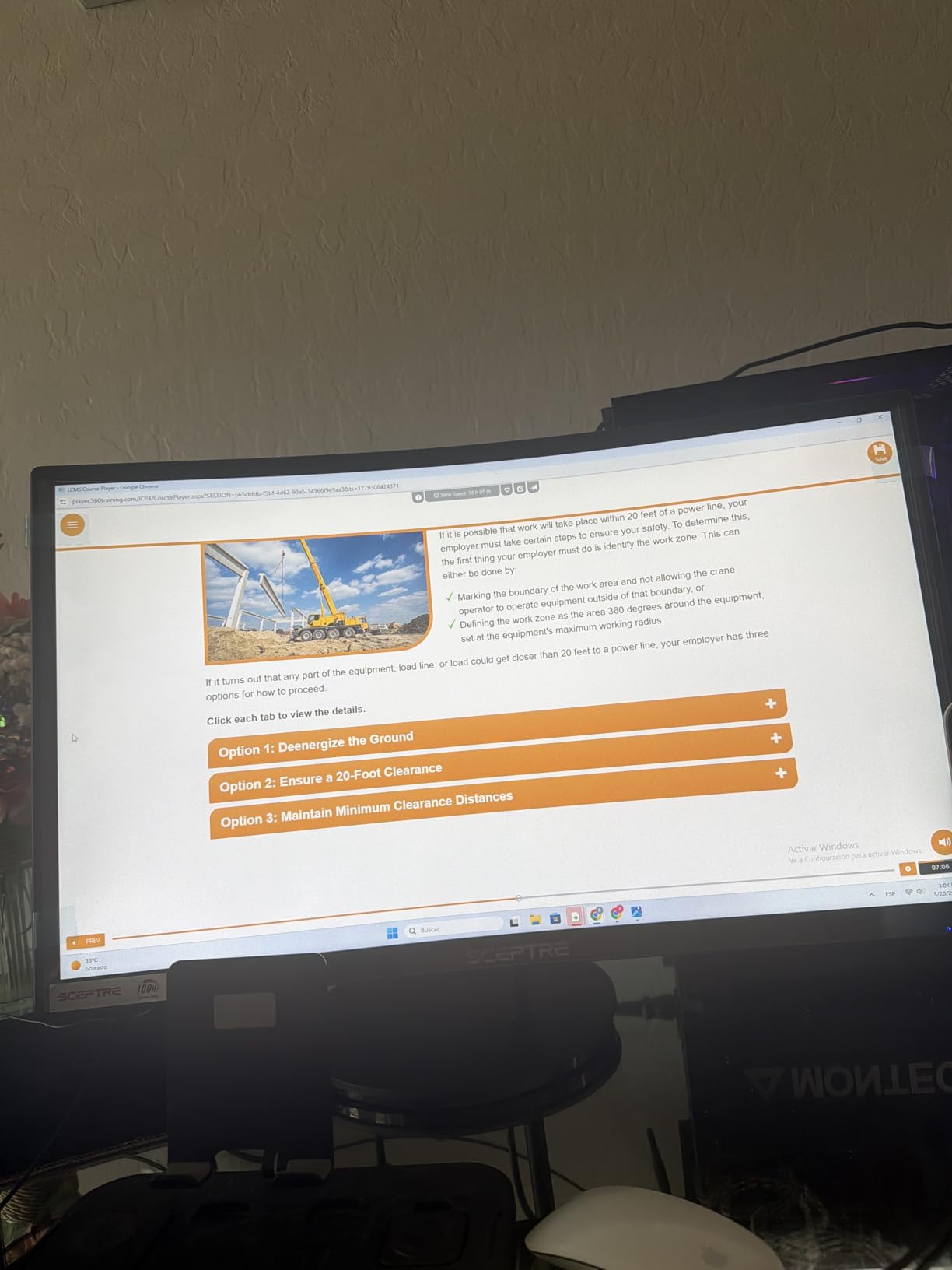
VGA is a legacy input in 2026; use the HDMI ports unless you are wiring up an older PC. The built in speakers are basic, so headphones or a desktop set will sound better.
3. SANSUI 32 240Hz: Best Value
SANSUI 32 Inch Curved 240Hz Gaming Monitor High Refresh Rate, FHD 1080P
Weight: 5.4 kg
Size: 32 inch
Refresh: 240Hz
Panel: VA
Response: 1ms
+ Pros
- 240Hz refresh rate for smooth gameplay
- 1ms response time
- 125 percent sRGB for vibrant colors
- Affordable high refresh rate option
- Frameless design
– Cons
- No built in speakers
- Only 1 HDMI port
240Hz at this size and price is the headline, and the SANSUI delivers it on a 1500R curved VA panel with 125 percent sRGB color. Owners say motion stays clean in fast titles, and the curve helps the wide 32 inch panel feel less overwhelming on a smaller desk.
Several reviews mention using it with both an Xbox Series X and a mid range PC, and the FreeSync support keeps frame pacing in line on the PC side. It is not a 4K display, so single player games will not look as crisp as on the CRUA 32 4K Curved below, but for twitch friendly multiplayer that refresh rate matters more.
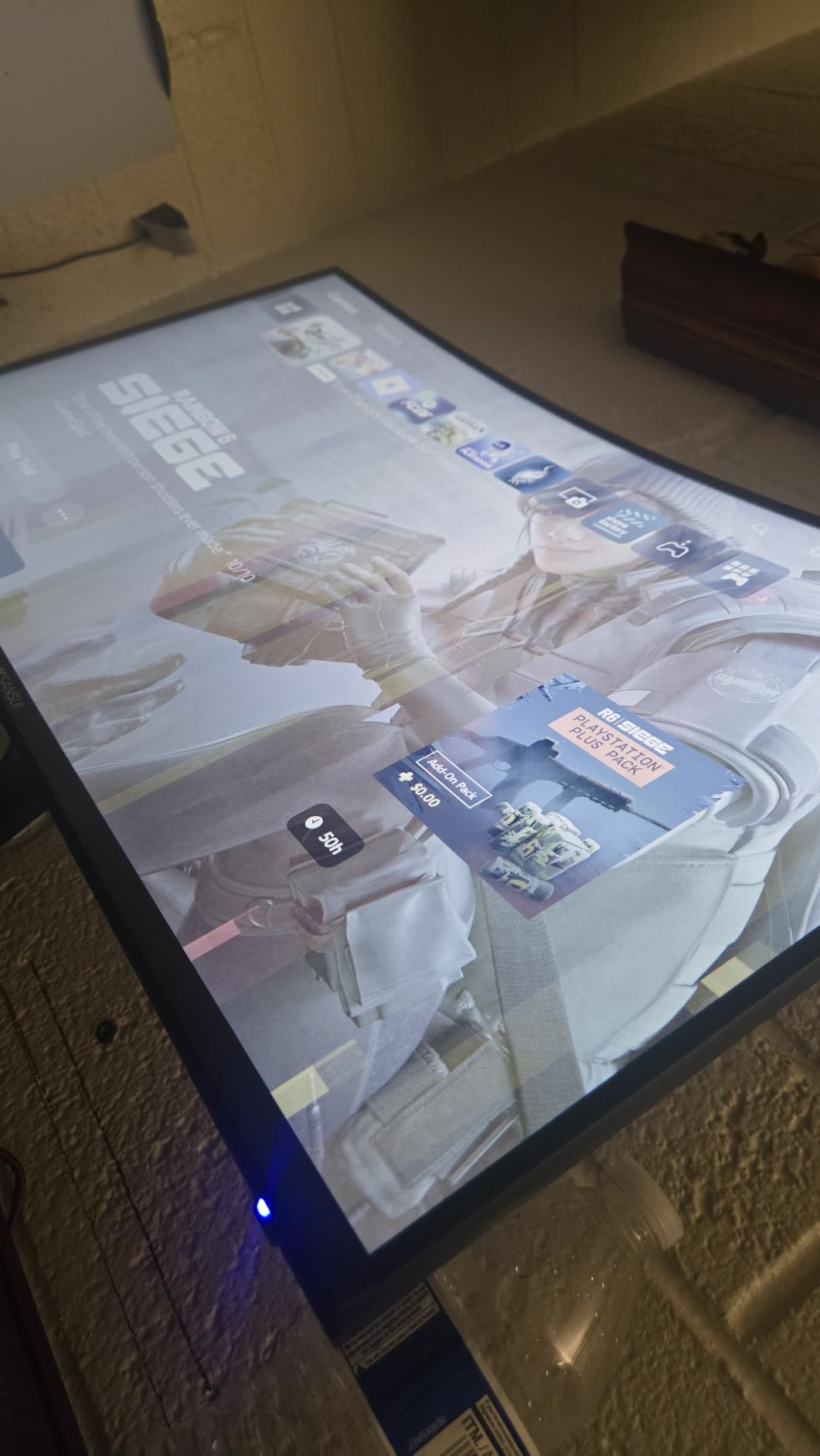
Esports minded shoppers on a real budget get the most frames per dollar in this list. Compared with the ASUS TUF VG27AQ3A, the SANSUI gives up IPS color accuracy and G-Sync compatibility, but it offers a bigger 32 inch screen and a higher 240Hz ceiling for less. Skip it if your GPU cannot push past 144 frames per second at 1080p.
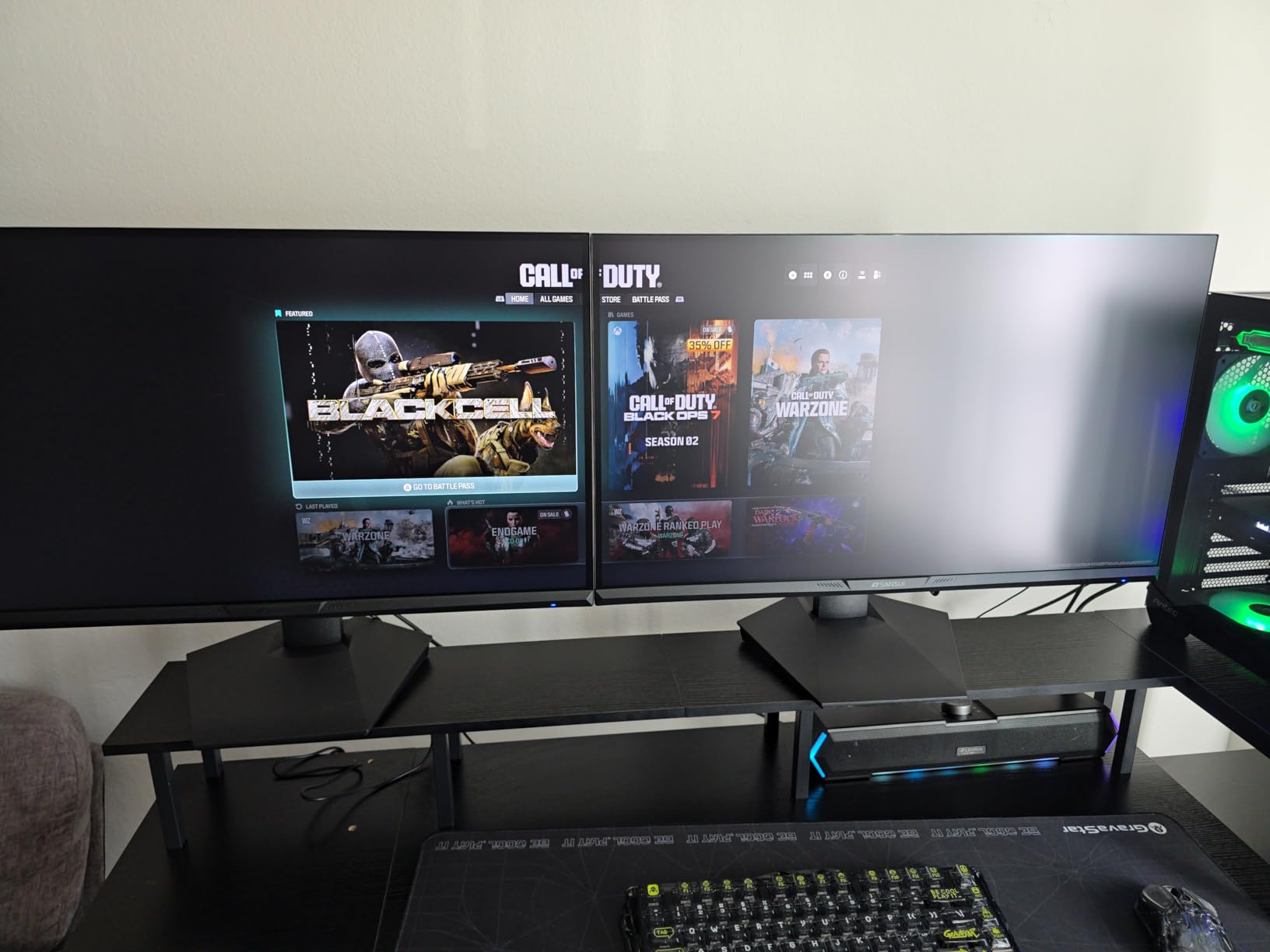
The stand is tilt only, and there is just one HDMI port plus DisplayPort. Plan on a second cable source or a switch if you hop between devices.
4. ASUS TUF VG27AQ3A: Best for Competitive
ASUS TUF Gaming VG27AQ3A 27 Inch 1440p 180Hz G-SYNC Gaming Monitor
Weight: 4.6 kg
Size: 27 inch
Refresh: 180Hz
Panel: Fast IPS
Response: 1ms
+ Pros
- Fast IPS panel with excellent color accuracy
- 180Hz refresh rate smooths gameplay
- G-Sync and FreeSync compatibility
- 130 percent sRGB for vibrant colors
- 3 year warranty
– Cons
- Speakers are weak and tinny
- No height adjustment on stand
The TUF VG27AQ3A is the sweet spot 1440p pick for most PC gamers. Fast IPS keeps colors accurate at 130 percent sRGB, and both G-Sync Compatible and FreeSync Premium are supported, so you can pair it with either NVIDIA or AMD GPUs without tearing.
Reviewers call out the 1ms response and ELMB Sync for a clear picture in fast motion. The 3 year warranty stands out at this price tier and is a good reason to pick ASUS over lesser known brands. Compared with the Samsung Odyssey G5 G51F below, the ASUS has an IPS panel rather than VA, so viewing angles and color accuracy are noticeably better.
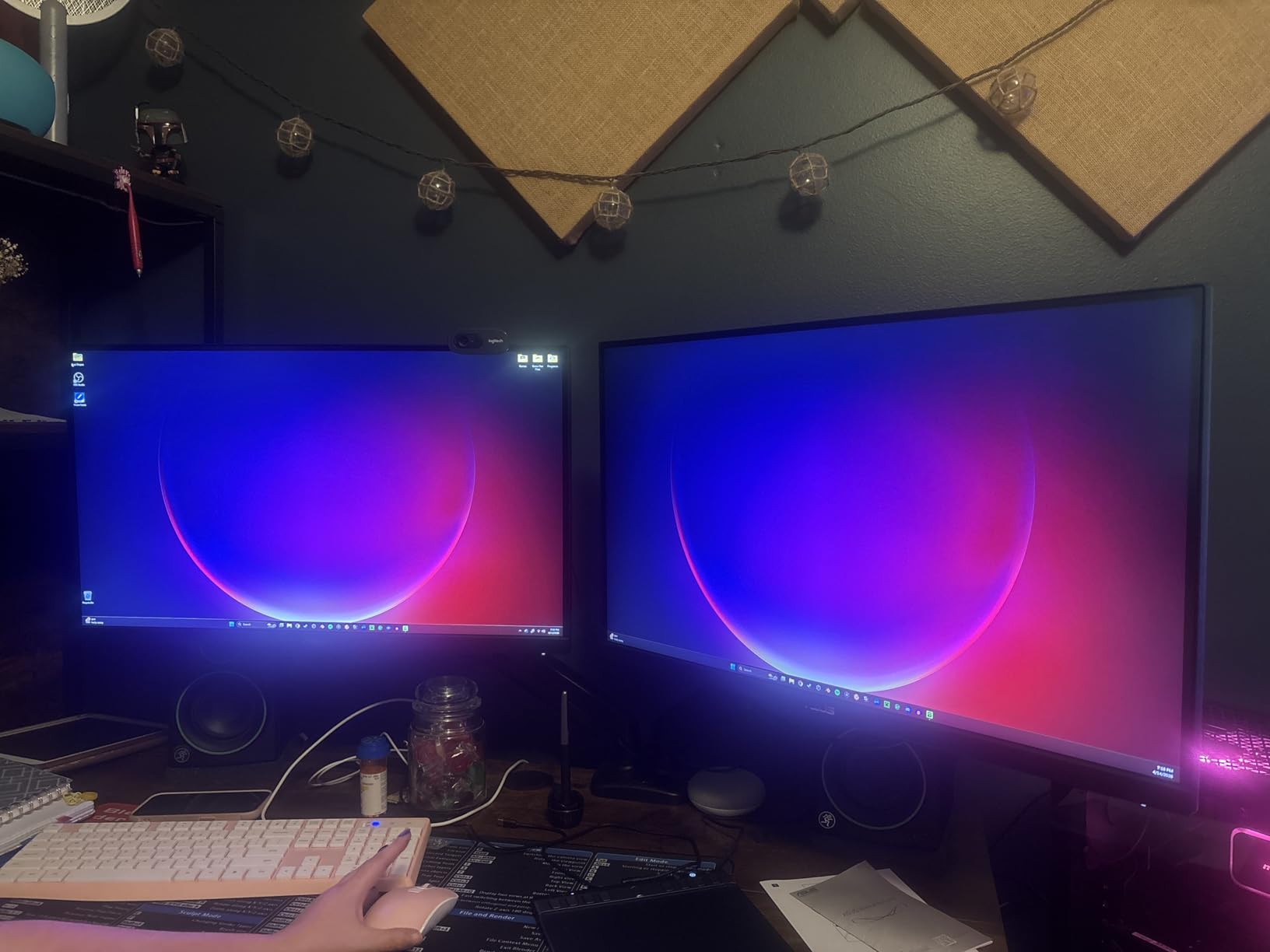
Pair this with an RTX 4070 or higher and you have the 1440p sweet spot many PC builders aim for. If you want a 4K step up, the Amzfast 27 4K Dual further down gives you dual mode 4K/160Hz and FHD/320Hz. Skip it if you need a height adjustable stand out of the box.
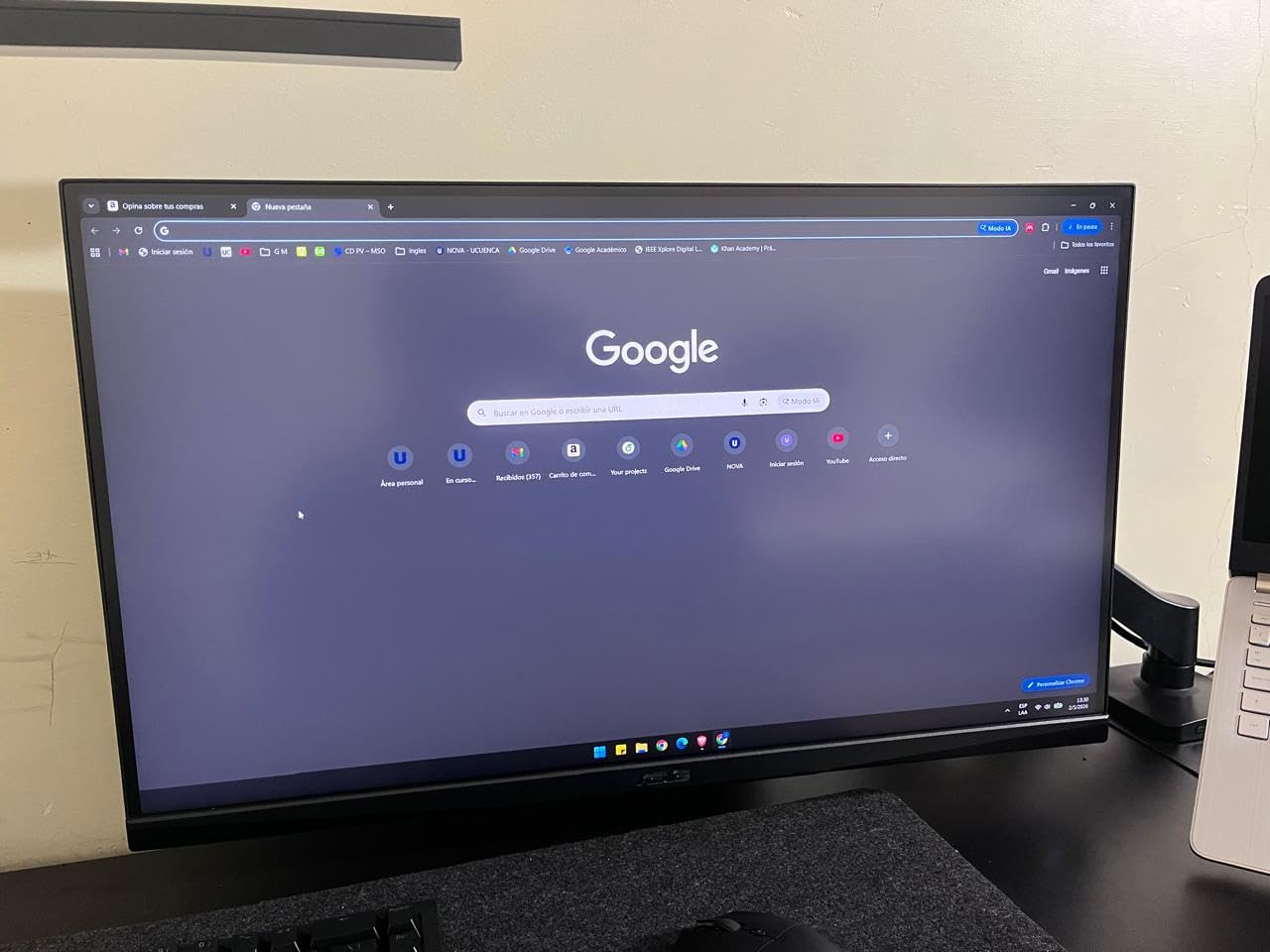
The stand only tilts, so a VESA arm unlocks proper ergonomics. The built in speakers are present but reviewers describe them as tinny, so plan on headphones for serious play.
5. LG 27GR83Q-B: Best for Esports
LG 27GR83Q-B 27-inch Ultragear QHD (2560×1440) IPS Gaming Monitor, 240Hz, 1ms, DisplayHDR 400, G-Sync AMD FreeSync Premium, HDMI 2.1 DisplayPort, 4-Pole HP Out DTS GP:X, Tilt/Height/Pivot Stand, Black
Weight: 13.7 lb
Size: 27 inch
Refresh: 240Hz
Panel: IPS
Response: 1ms
+ Pros
- 240Hz QHD IPS panel with vibrant colors
- G-Sync and FreeSync Premium support
- DTS Headphone:X for spatial audio
- Fully adjustable stand
- Multiple USB ports
– Cons
- Some units have stuck or dead pixels
- LG customer support reported as poor
The 27GR83Q-B pushes 240Hz at 1440p on an IPS panel, which is the spec combination most competitive players want today. HDMI 2.1 makes it console friendly, so a PS5 or Xbox Series X can run at 120Hz without compromise, and the DisplayHDR 400 layer helps single player games too.
Owners praise the vibrant colors, the G-Sync Compatible validation, and the DTS Headphone:X spatial audio through the 4 pole headphone jack. The fully adjustable stand is a real plus at this tier, since you can pivot to portrait for long documents or stream chats. Compared with the ASUS TUF, the LG steps up to 240Hz and adds a proper ergonomic stand for a bit more money.
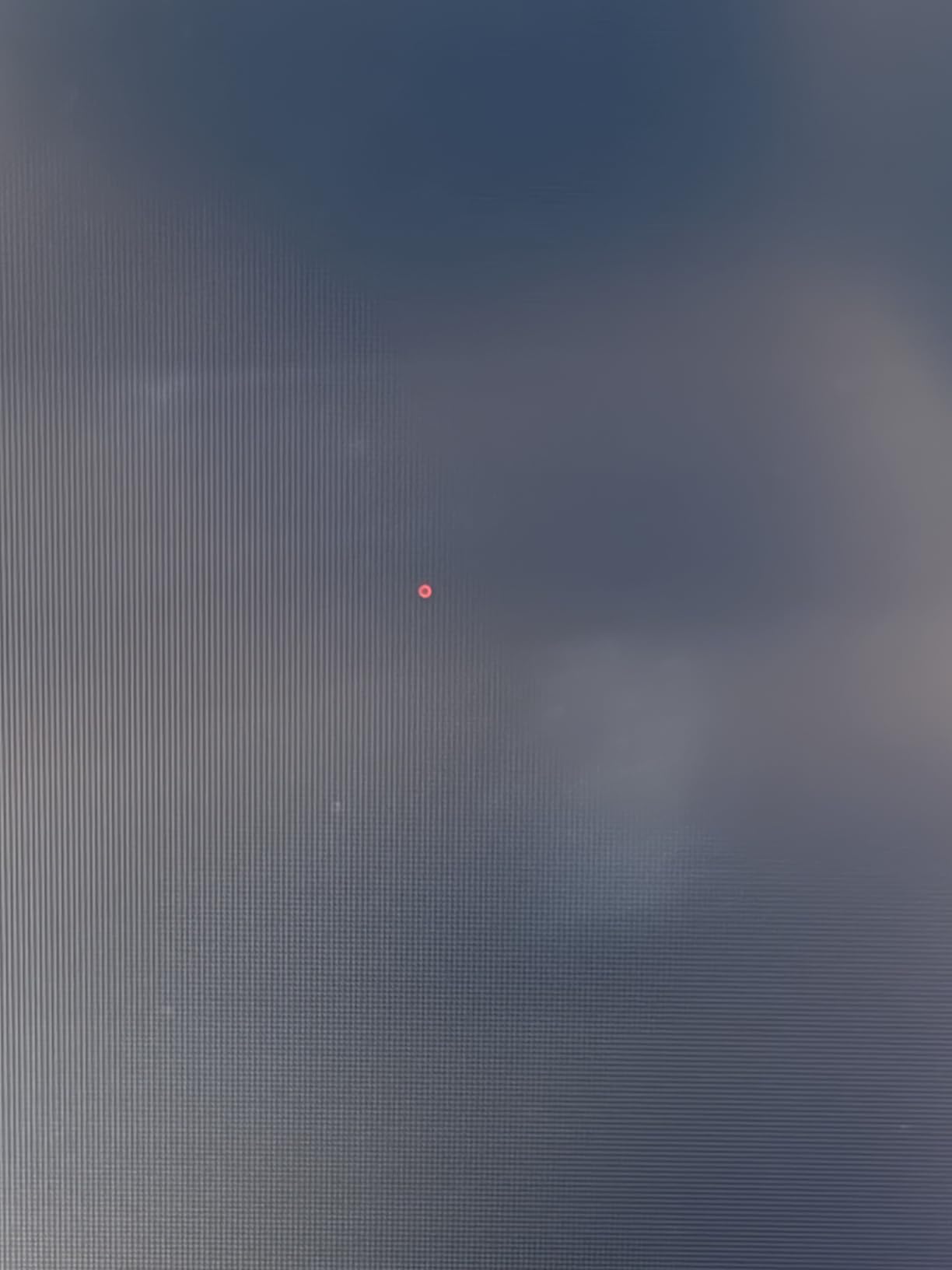
Serious FPS players and anyone who wants 240Hz QHD with proper ergonomics will land here. If you play mostly single player story games, the LG 32GS60QC-B below is a larger, more immersive curve at a lower price. A few reviewers report dead pixel issues, so buy from a seller with an easy return window.
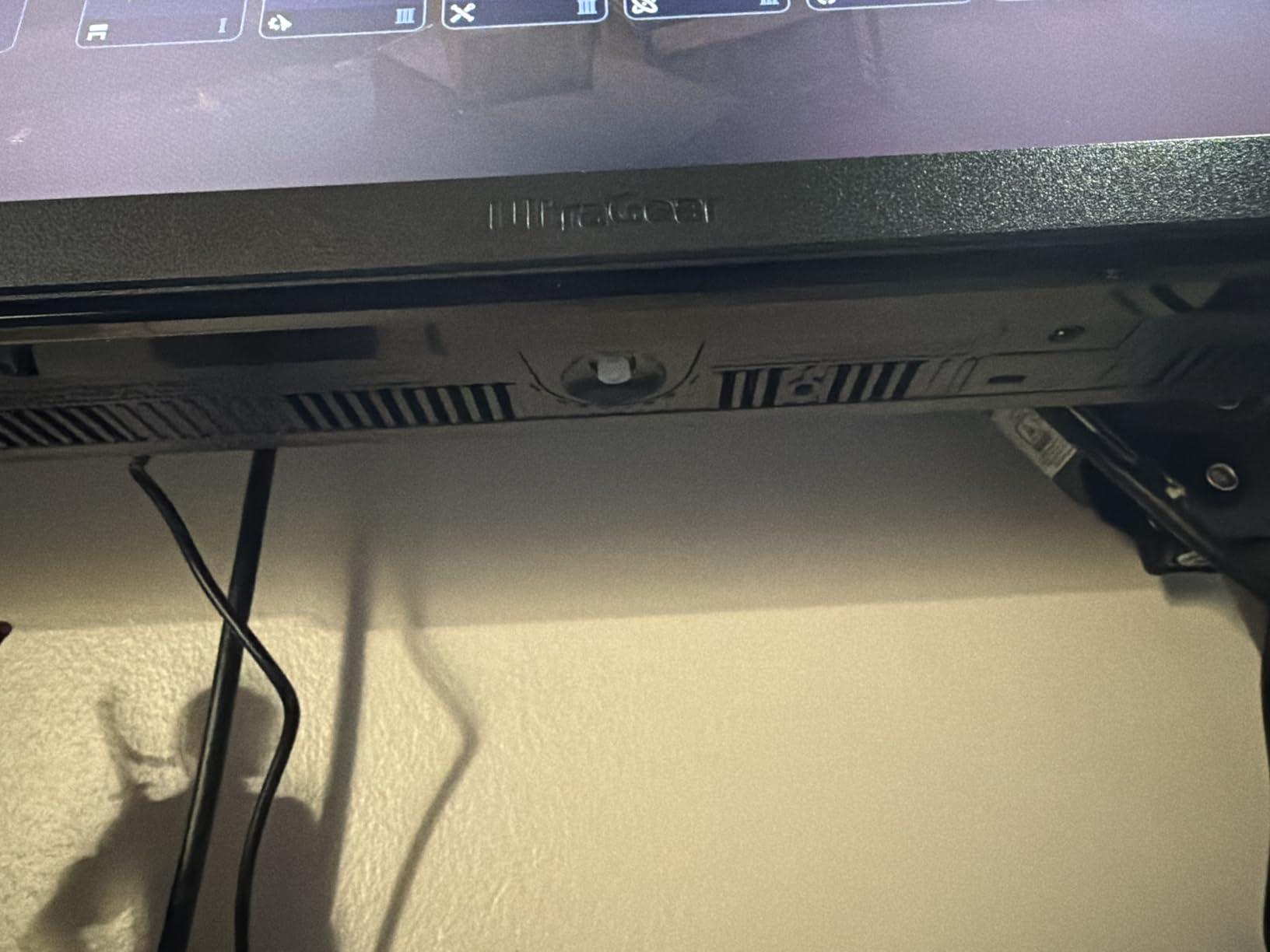
The multiple USB ports turn this into a small docking station for a gaming laptop. Owners mention LG’s support can be slow, so inspect the panel on arrival.
6. Samsung Odyssey G5 G51F: Best 1440p Value
Samsung 27″ Odyssey G5 (G51F) Series QHD (1440P) Gaming Monitor
Weight: 10.1 lb
Size: 27 inch
Refresh: 180Hz
Panel: VA
Response: 1ms
+ Pros
- Sharp QHD resolution with 1.7x pixel density of FHD
- Great 180Hz performance for the price
- Samsung quality and reliability
- Ergonomic stand adjustments
- Good color and black levels
– Cons
- USB ports placement may be inconvenient
- HDR10 is a basic tier without local dimming
The G51F holds a 4.7 star average, the highest in this list, and it earns it with sharp 1440p visuals, 180Hz, and a real ergonomic stand that tilts, pivots, and adjusts in height. Samsung’s VA panel gives deep blacks, which is a plus for moody single player games.
Reviewers like the Black Equalizer for spotting enemies in dark corners and the clean QHD picture at 27 inches. FreeSync keeps the picture smooth on AMD cards, and HDR10 support is present even if it stops short of the more dramatic HDR tiers. Compared with the ASUS TUF, the Samsung is a VA panel rather than IPS, so colors are slightly less accurate but contrast is stronger.
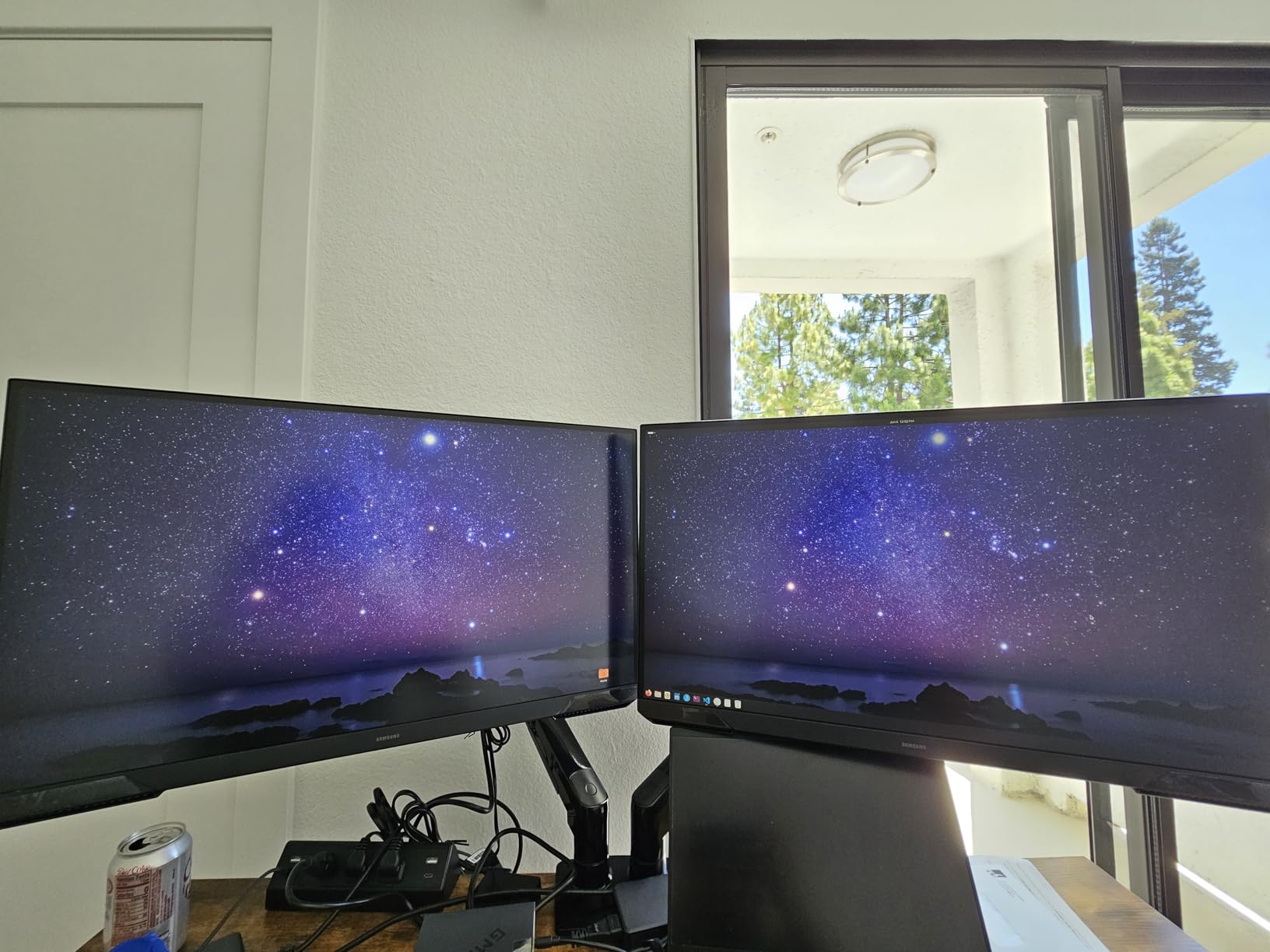
Shoppers who want a 27 inch QHD all rounder that can do both immersive single player and casual multiplayer will be happy here. If you want a bigger screen, the Samsung Odyssey G55C at the top of the list stretches to 32 inches on a 1000R curve. Skip it if you need G-Sync for an NVIDIA GPU; this one is FreeSync only.
Good to know: owners mention the USB ports sit in an awkward spot on the back. If you hot plug a lot, a front panel hub will save you the reach around.
7. CRUA 32 4K Curved: Best 4K Pick
CRUA 32″ 4K UHD 160Hz Curved Gaming Monitor, 1500R, AMD FreeSync, Black
Weight: 7.19 kg
Size: 32 inch
Refresh: 160Hz
Panel: VA
Response: 1ms
+ Pros
- 4K UHD resolution on 32 inch curved display
- 160Hz refresh rate for smooth gaming
- 120 percent sRGB for vibrant colors
- Built in speakers reduce desk clutter
- HDMI 2.1 and DP 1.4 connectivity
– Cons
- VA panel may have slower response than IPS
- Thin profile may feel less sturdy
4K at 32 inches on a 1500R curve is the sweet spot for cinematic single player games, and the CRUA brings it in at a price most shoppers can actually justify. HDMI 2.1 and DisplayPort 1.4 mean consoles and PCs both feed it cleanly, and FreeSync keeps frame tearing in check.
Owners like the 120 percent sRGB color for vibrant HDR-style content, and the 160Hz ceiling is plenty fast for most genres. The 3000:1 contrast ratio is a real strength for games with deep shadows. Compared with the Amzfast 27 4K Dual below, the CRUA gives you a much larger 4K canvas but without the dual mode trick.
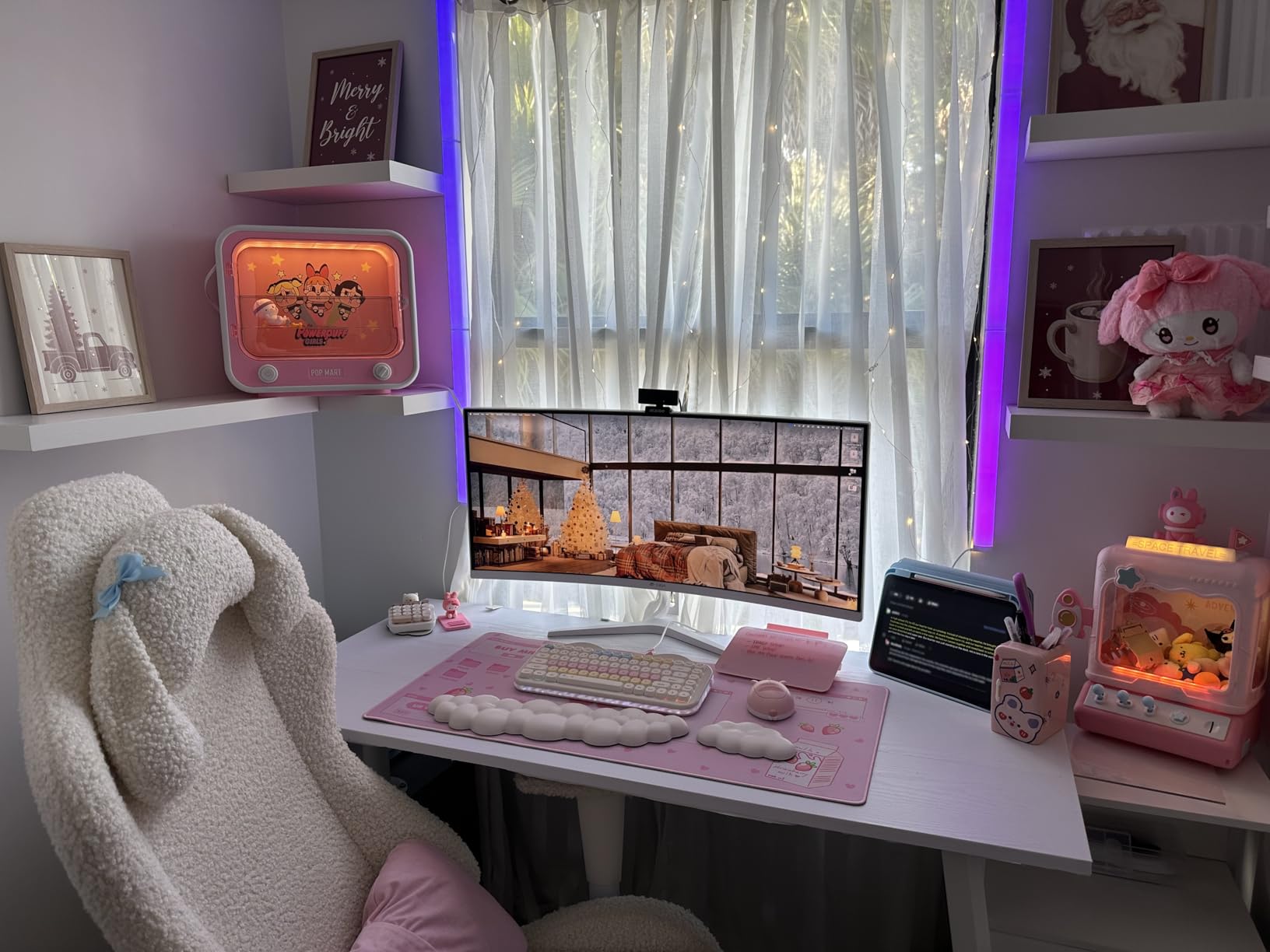
Best for: single player and AAA gaming where image detail and immersion matter more than peak frame rate. If you mostly play fast shooters, the SANSUI 32 240Hz higher in the list is the better fit. Pair it with a GPU that can push 4K comfortably (RTX 4070 Ti or higher).
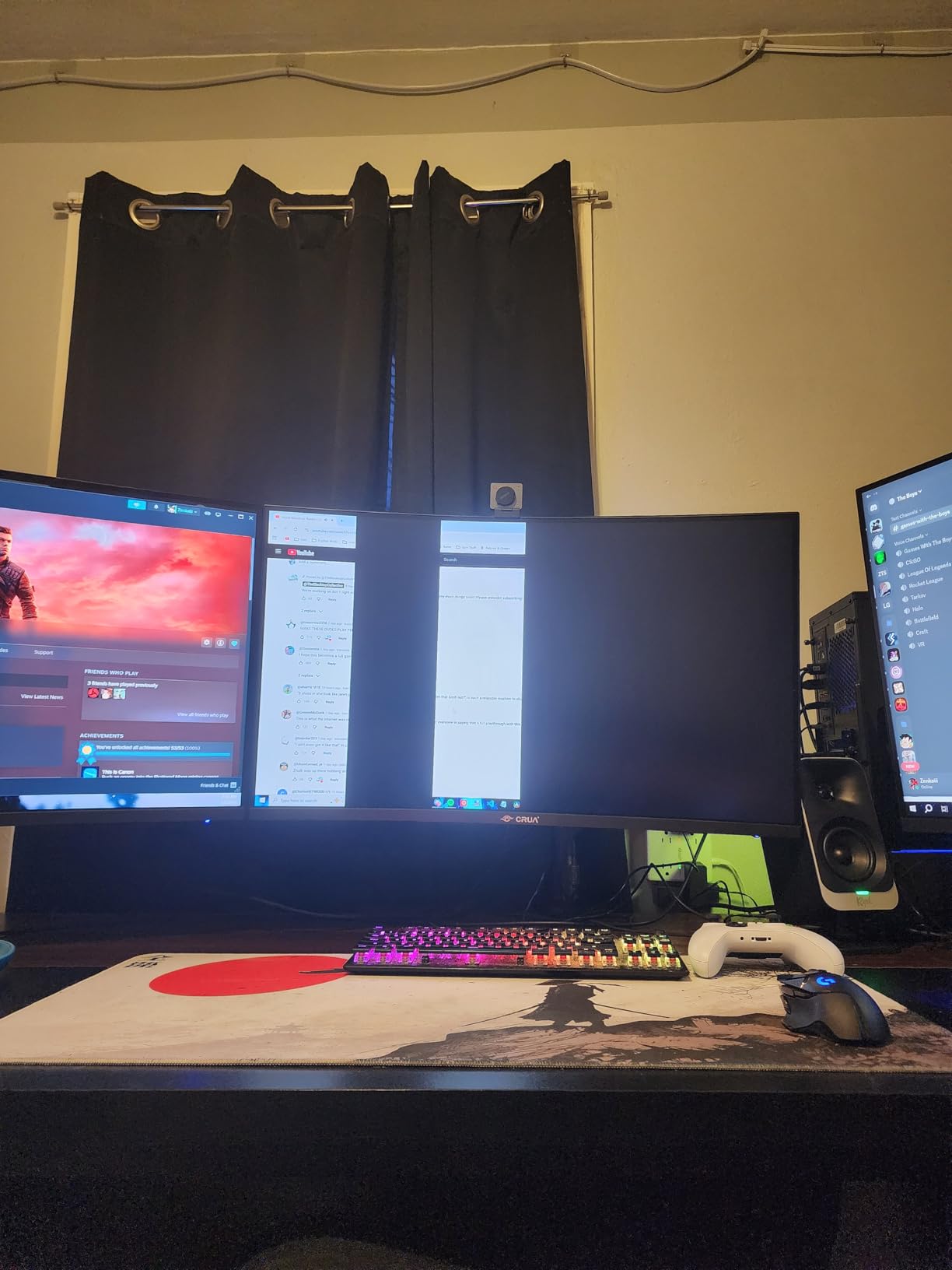
The VA panel response can be slower than IPS in dark transitions, so competitive players may notice slight smearing. A few reviewers mention the thin profile; a steady desk helps.
8. LG 32GS60QC-B: Best Immersive Curve
LG 32GS60QC-B Ultragear 32-inch Curved Gaming Monitor QHD (2560×1440) 180Hz 1ms 1000R AMD FreeSync HDR10 HDMIx2 DisplayPort Borderless Design Black Stabilizer DAS Crosshair FPS Counter – Black
Weight: 13 lb
Size: 32 inch
Refresh: 180Hz
Panel: VA
Response: 1ms
+ Pros
- 1000R curved display for immersive gaming
- 180Hz smooth refresh rate
- 1ms response time
- 99 percent sRGB color gamut
- Gaming features like Black Stabilizer and FPS Counter
– Cons
- VA panel not ideal for professional color work
- Limited stand adjustability
The 1000R curve on the 32GS60QC-B matches the natural shape of the eye, which makes the edges of the screen feel as sharp as the center. It is the same curve used on the Samsung Odyssey G55C at the top of the list, so LG is squarely aiming at the same immersive single player crowd.
Reviewers like the bundled gaming tools: Black Stabilizer brightens dark scenes, Dynamic Action Sync cuts input lag, and an FPS Counter sits on the screen during play. The 180Hz refresh is a touch faster than the Samsung’s 165Hz, and the 1ms GtG response is a more honest spec than the 1ms MPRT on some competitors.
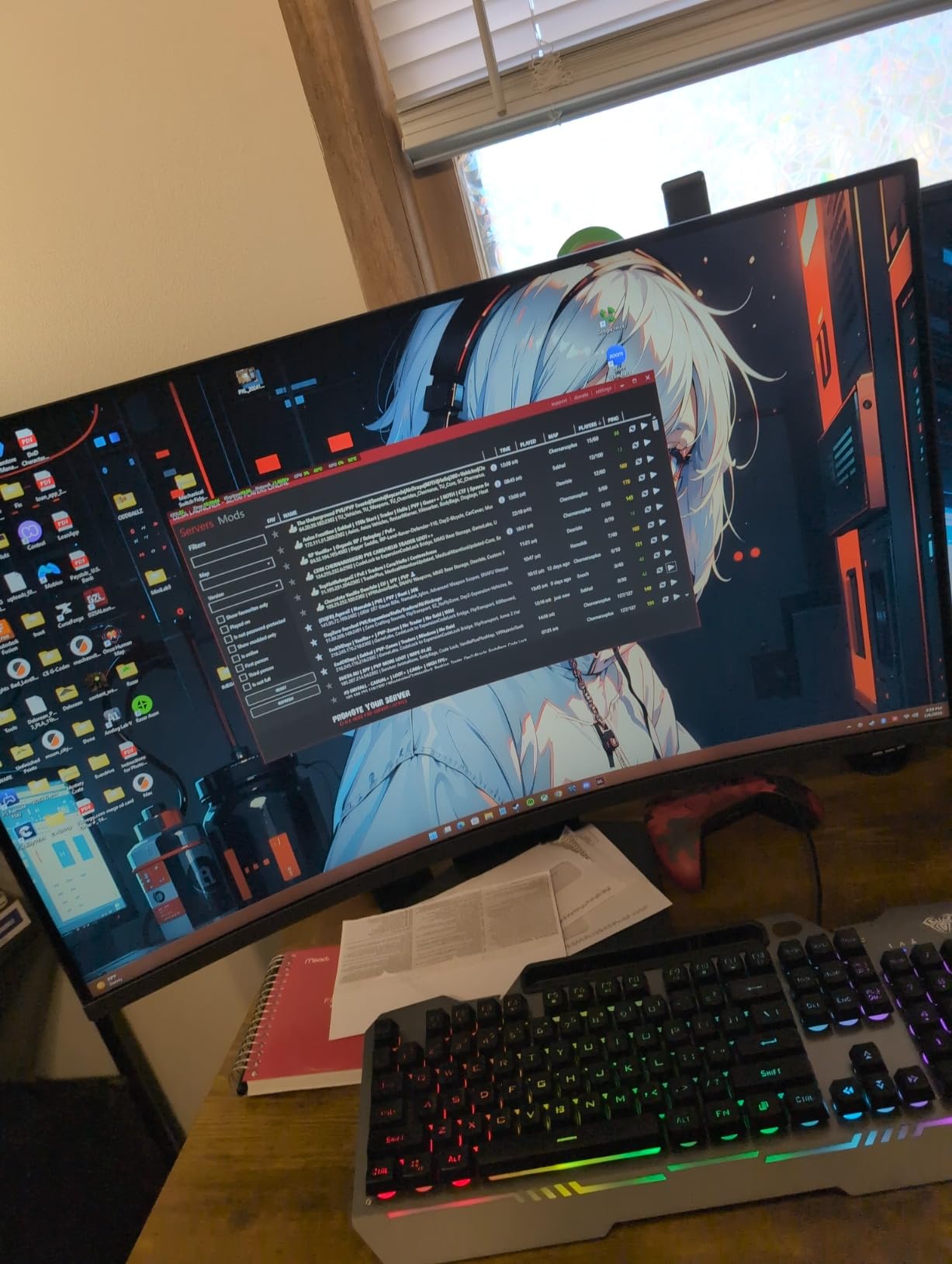
Sim racers, RPG fans, and anyone who wants the wrap around feel get the most out of the 1000R curve. If you want a smaller, faster esports panel, the LG 27GR83Q-B above is the sibling option. The VA panel means colors are not as accurate as IPS for photo work, so creators should look at an IPS pick instead.
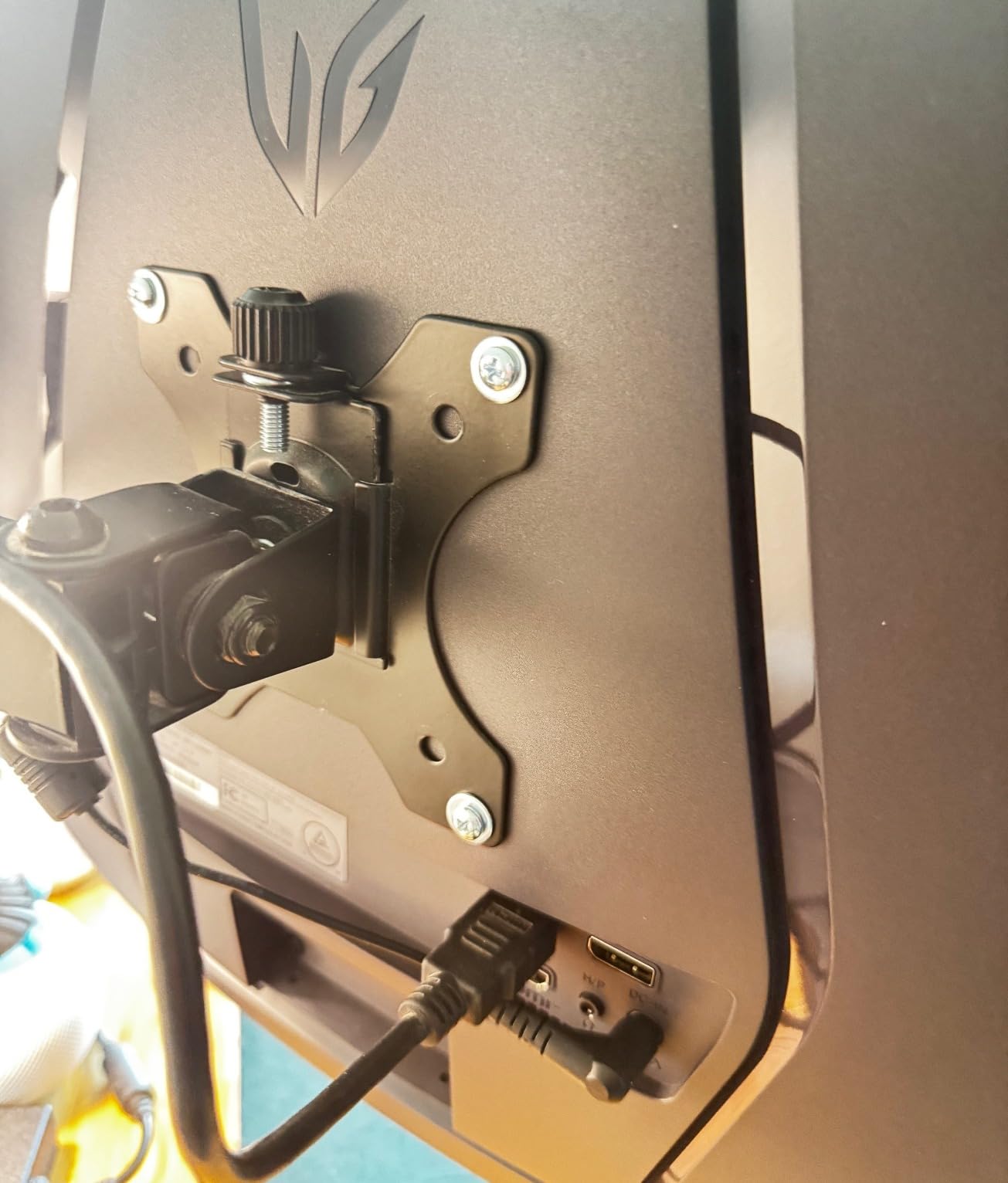
The stand is tilt only, so most owners add a VESA arm. A VESA mount is supported, so swapping is straightforward.
9. SANSUI 34 Ultrawide: Best Ultrawide
SANSUI 34-Inch Curved Gaming Monitor UWQHD 3440 x 1440P 200Hz Ultrawide
Weight: 7.01 kg
Size: 34 inch
Refresh: 200Hz
Panel: Fast VA
Response: 1ms
+ Pros
- Ultrawide 34 inch display with 200Hz
- Excellent color gamut 130 percent sRGB and 96 percent DCI-P3
- AI gaming features like crosshair and night vision
- Great value for ultrawide gaming
- PIP and PBP for multitasking
– Cons
- Quality control concerns reported by some users
- No built in speakers
Ultrawide is its own kind of upgrade, and the SANSUI 34 brings a 3440×1440 panel with a 200Hz refresh and a 1500R curve to a price that is hard to argue with. The 130 percent sRGB and 96 percent DCI-P3 color coverage is a real standout at this tier.
Owners like the AI gaming helpers (crosshair, night vision, picture quality tuning) and the PIP/PBP support for putting a second input alongside the main feed. Fast VA keeps response snappy, and the 200Hz ceiling is enough for almost any genre. Compared with the LG 32GS60QC-B, the SANSUI trades a square 32 inch 16:9 panel for a wider 21:9 ultrawide with more horizontal space.
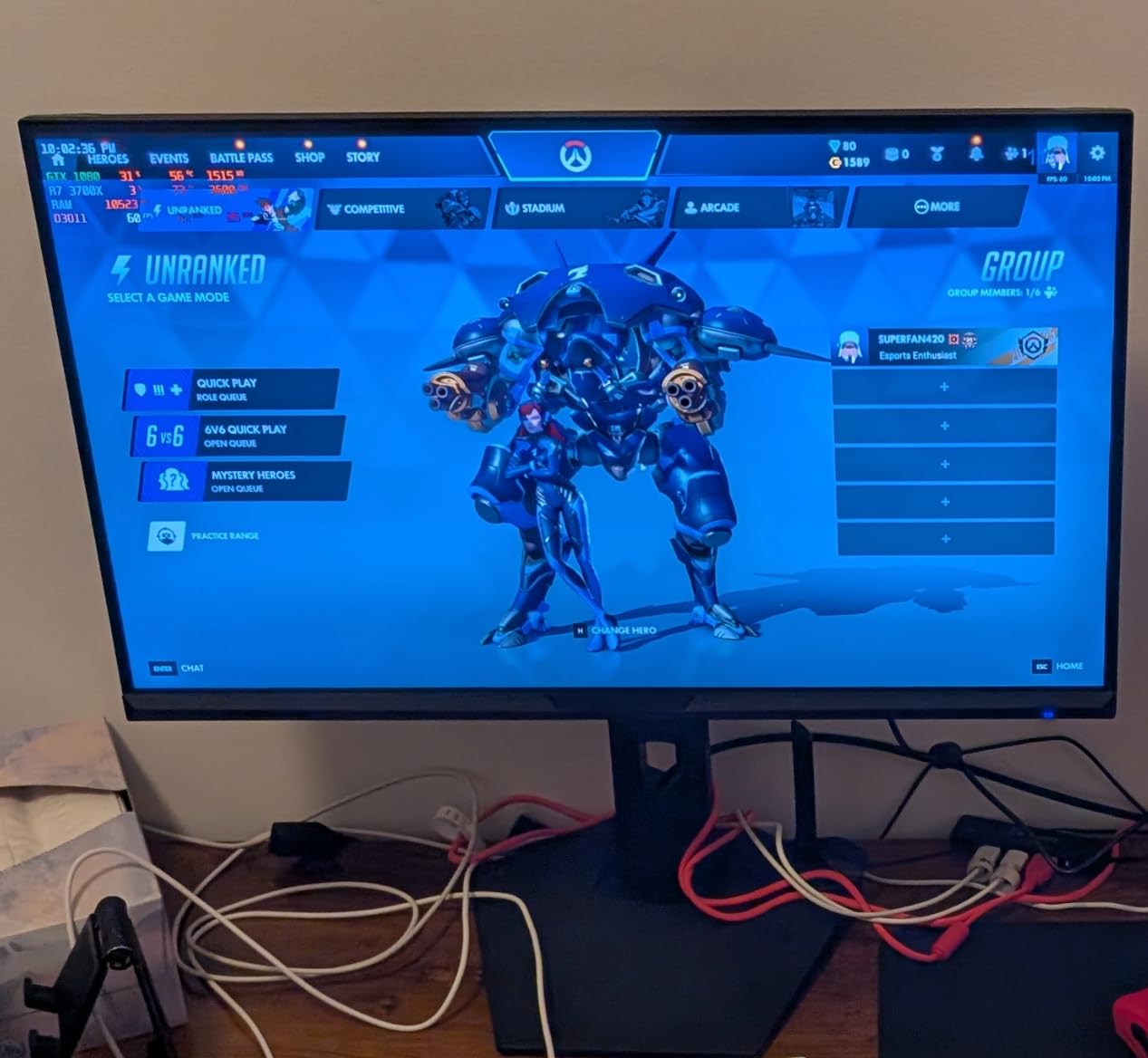
Best for: sim racing, flight sims, and immersive RPGs where a wider field of view matters. Productivity fans who want a single monitor replacing a dual setup should also look here. Skip it if your desk is shallower than about 28 inches, because the 34 inch width needs room to breathe.
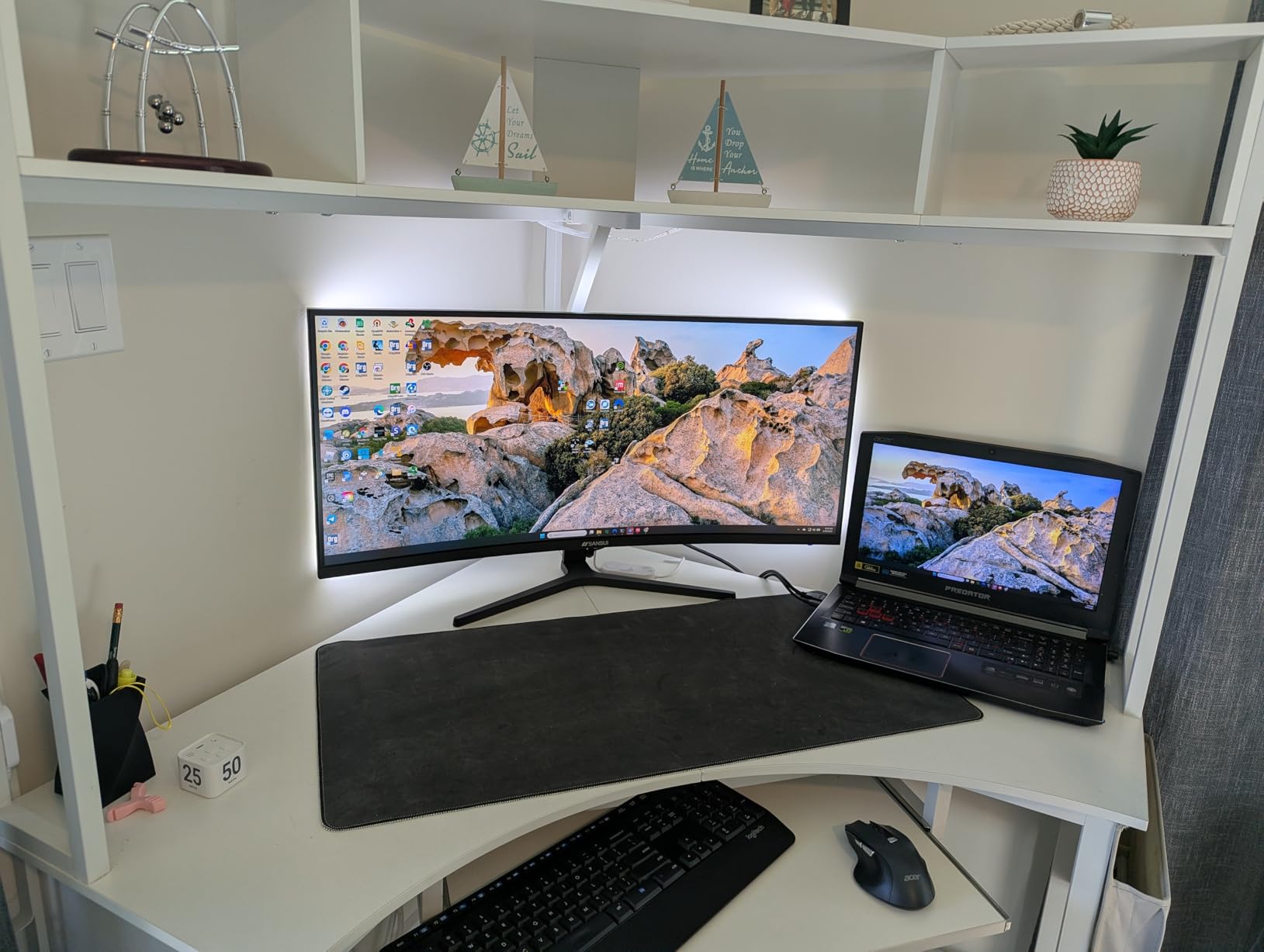
Good to know: a handful of reviewers report quality control issues, so buy from a seller with a solid return policy. There are no built in speakers, so plan on a separate audio solution.
10. Amzfast 27 4K Dual: Best Dual-Mode
Amzfast 27″ 4K Gaming Monitor, UHD 160Hz/FHD 320Hz Dual Mode, Fast IPS
Weight: 12 lb
Size: 27 inch
Refresh: 320Hz
Panel: Fast IPS
Response: 1ms
+ Pros
- Unique dual mode 4K 160Hz or FHD 320Hz
- Fast IPS panel with good colors
- 126 percent sRGB for vibrant visuals
- Fully adjustable stand
- Good value for versatile gaming
– Cons
- Brand less known than major manufacturers
- AI features may be gimmicky for some users
Dual mode is the new trick to watch, and the Amzfast pulls it off at a price that undercuts most of the big brand alternatives. You get 4K at 160Hz for cinematic games, then switch to 1080p at 320Hz for competitive shooters, all on the same 27 inch Fast IPS panel.
Reviewers like the HDR400 support, the 126 percent sRGB color, and the AI gaming aids (crosshair, night vision, sniper scope) that map onto the kind of tools ASUS and LG sell as premium features. The fully adjustable stand (height, swivel, tilt, rotate) is a quiet win. Compared with the ASUS TUF VG27AQ3A above, the Amzfast gives you 4K capability and a higher refresh ceiling, but the brand is newer.
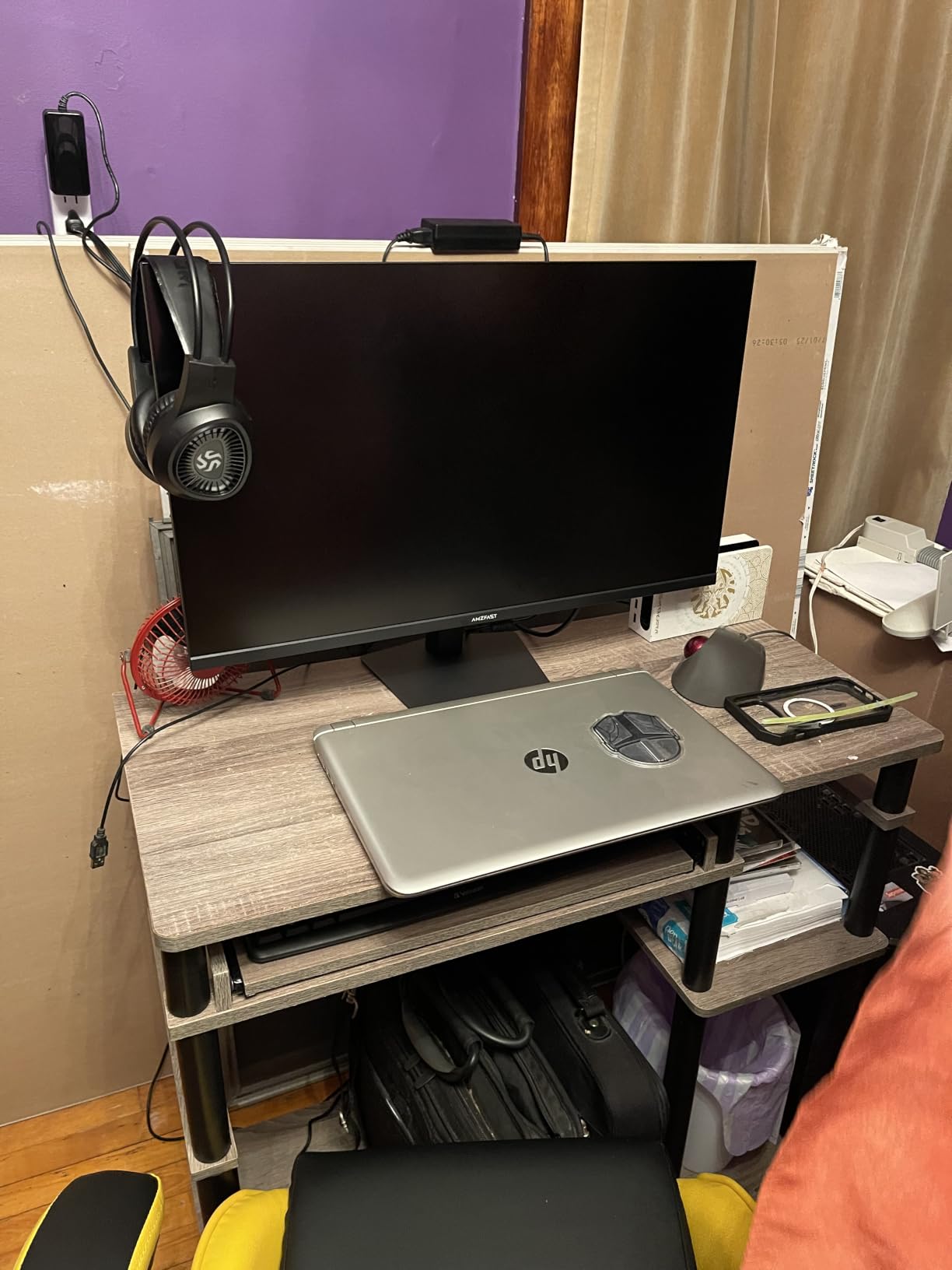
Gamers who want one display that does both single player 4K and competitive 1080p without swapping monitors get a lot of value here. If brand support matters more than dual mode, the ASUS TUF higher in this list is the safer long term bet. Make sure your GPU has HDMI 2.1 or DisplayPort 1.4 DSC to feed it cleanly.
Good to know: the AI features are toggleable, so owners who want a clean image can turn them off. The 1 year warranty is shorter than the ASUS 3 year coverage, so factor that into the decision.
How to Choose Gaming Monitors During Prime Big Deal Days
Resolution and Refresh Rate
Resolution and refresh rate are the two specs that move the price the most. For a 27 inch screen, 1440p (QHD) is the sweet spot for most gaming PCs, and 1080p (FHD) is the right call for budget builds or competitive titles where frames matter more than pixels. On a 32 inch screen, 4K looks noticeably sharper, but you need a stronger GPU to push high frame rates.
Refresh rate is how many times the screen redraws each second. 144Hz is the modern baseline for PC gaming, 165Hz to 180Hz is the comfortable mid tier, and 240Hz or higher matters most for competitive FPS play. If your GPU cannot push past 100 frames per second in your main game, paying extra for 240Hz is wasted money.
Panel Type: IPS vs VA
IPS panels offer the best viewing angles and color accuracy, which is why most of the higher tier gaming picks on this list use IPS or Fast IPS. VA panels deliver deeper blacks and stronger contrast, which is great for cinematic single player games and HDR content, but viewing angles and color accuracy are typically weaker.
If you play a mix of single player RPGs and competitive shooters, a VA panel with FreeSync is a fine compromise. If photo or video work is part of the plan, IPS is the safer bet.
Adaptive Sync: G-Sync and FreeSync
Adaptive sync matches the monitor’s refresh to the GPU’s frame output, which kills screen tearing without adding the input lag of V-Sync. NVIDIA G-Sync Compatible and AMD FreeSync Premium are the two flavors to look for, and many modern monitors support both. The ASUS TUF VG27AQ3A and the LG 27GR83Q-B on this list are the easiest picks for mixed GPU households.
For variable refresh to work, you usually need a DisplayPort cable (or HDMI 2.1 on newer consoles). Check the included accessories before you buy another cable.
Connectivity and HDMI 2.1
HDMI 2.1 unlocks 4K at 120Hz on the PS5 and Xbox Series X, and it lets a gaming laptop push higher refresh rates over a single cable. DisplayPort 1.4 with DSC is the PC side equivalent for high refresh 4K. USB-C with Power Delivery is a quiet win for laptop users because a single cable can carry the video signal and charge the laptop at the same time.
Count your ports before you buy. A monitor with one HDMI and one DisplayPort is enough for a single source, but a multi device setup needs more. If you want to clean up your desk, look at the gaming monitor stands roundup for arm and mount options.
How to Shop Gaming Monitor Deals During the Sale
Gaming monitor listings during Prime Big Deal Days change by the hour, so a little prep goes a long way. Confirm the model number on the product page (Samsung LS32CG550ENXZA, ASUS VG27AQ3A, and so on), and watch for the panel type in the title, because the same brand often sells an IPS and a VA variant at similar prices.
Check the included cables (DisplayPort or HDMI), the warranty length, and whether the listing is sold by Amazon or by a third party marketplace seller. Most offers during the sale need a Prime membership, and a free trial counts if you are new. A few of the picks on this list double as solid TVs used as monitors alternatives for console only setups, so they pull double duty in a small room.
Quick checklist:
- Confirm the model number and panel type in the listing title.
- Match resolution to your GPU (1080p for older cards, 1440p for mid range, 4K for high end).
- Pick 144Hz or higher if you play shooters; 60 to 75Hz is fine for casual and story games.
- Make sure the included cable matches your port (DisplayPort for PC, HDMI 2.1 for console).
- Check the stand adjustability or plan on a VESA arm.
- Buy from a seller with an easy return window in case of dead pixels.
Frequently Asked Questions
When does Prime Big Deal Days run in 2026?
Prime Big Deal Days runs October 6-7, 2026, and most offers during the event need an Amazon Prime membership. A free trial counts if you are new to Prime, and the best gaming monitor deals tend to appear at the start of the event.
Are gaming monitor deals actually worth it on Prime Day?
Gaming monitor deals during Prime Big Deal Days are usually worth watching because the same models that sit at full price for months often drop to a new low during the event. Set a price alert on the exact model number you want, then compare the sale price against the last 60 days of listings to make sure it is a real drop.
What specs should I look for in a gaming monitor on sale?
Look for at least 144Hz refresh rate, a 1ms or lower response time, and adaptive sync support (FreeSync or G-Sync Compatible) for the smoothest gameplay. Resolution should match your GPU: 1080p for older cards, 1440p for mid range, and 4K only if you have a high end GPU like an RTX 5080.
Is OLED worth it for gaming, or should I stick with IPS or VA?
OLED gaming monitors deliver perfect blacks and near instant response times, which is why reviewers and competitive players love them. IPS is the safer pick for color accuracy and bright rooms, while VA is the budget friendly option with deeper contrast for cinematic single player games.
What is the difference between G-Sync and FreeSync?
G-Sync is NVIDIA’s adaptive sync technology and FreeSync is AMD’s open standard. Most modern monitors are G-Sync Compatible, which means they work with both NVIDIA and AMD GPUs, so a FreeSync monitor usually does the job for a mixed setup.
Do I need HDMI 2.1 for my gaming monitor?
You need HDMI 2.1 to run a PS5 or Xbox Series X at 4K and 120Hz, and it helps gaming laptops carry high refresh signals over a single USB-C or HDMI cable. For a PC only setup, DisplayPort 1.4 with DSC does the same job at 4K and high refresh rates.
Final Verdict: Prime Big Deal Days Gaming Monitor Deals
Buy the Samsung Odyssey G55C if you want the safest all around pick during the sale, with a 32 inch QHD curve, 165Hz, and FreeSync at a price that lands well below flagship OLED. Buy the Sceptre 24 Curved if you want a true budget monitor for a first build or a kid’s PC, and skip past it for competitive play. Buy the SANSUI 32 240Hz for the most frames per dollar in this list, and the ASUS TUF VG27AQ3A for a 1440p sweet spot with both G-Sync and FreeSync support.
For esports minded shoppers, the LG 27GR83Q-B is the most complete 240Hz QHD option with a proper adjustable stand. For single player immersion, the CRUA 32 4K Curved and the LG 32GS60QC-B are both worth watching during the event, and the SANSUI 34 Ultrawide is the call if you want sim racing or a productivity ultrawide. The Amzfast 27 4K Dual closes the list as the pick for shoppers who want 4K and 1080p at high refresh in one panel.
Compare the Prime Big Deal Days gaming monitor deals on the day the event opens, and use the buttons on each section to check the current price. Pin the model numbers you want, and double check the stand adjustments before you check out.
Leave a Reply