
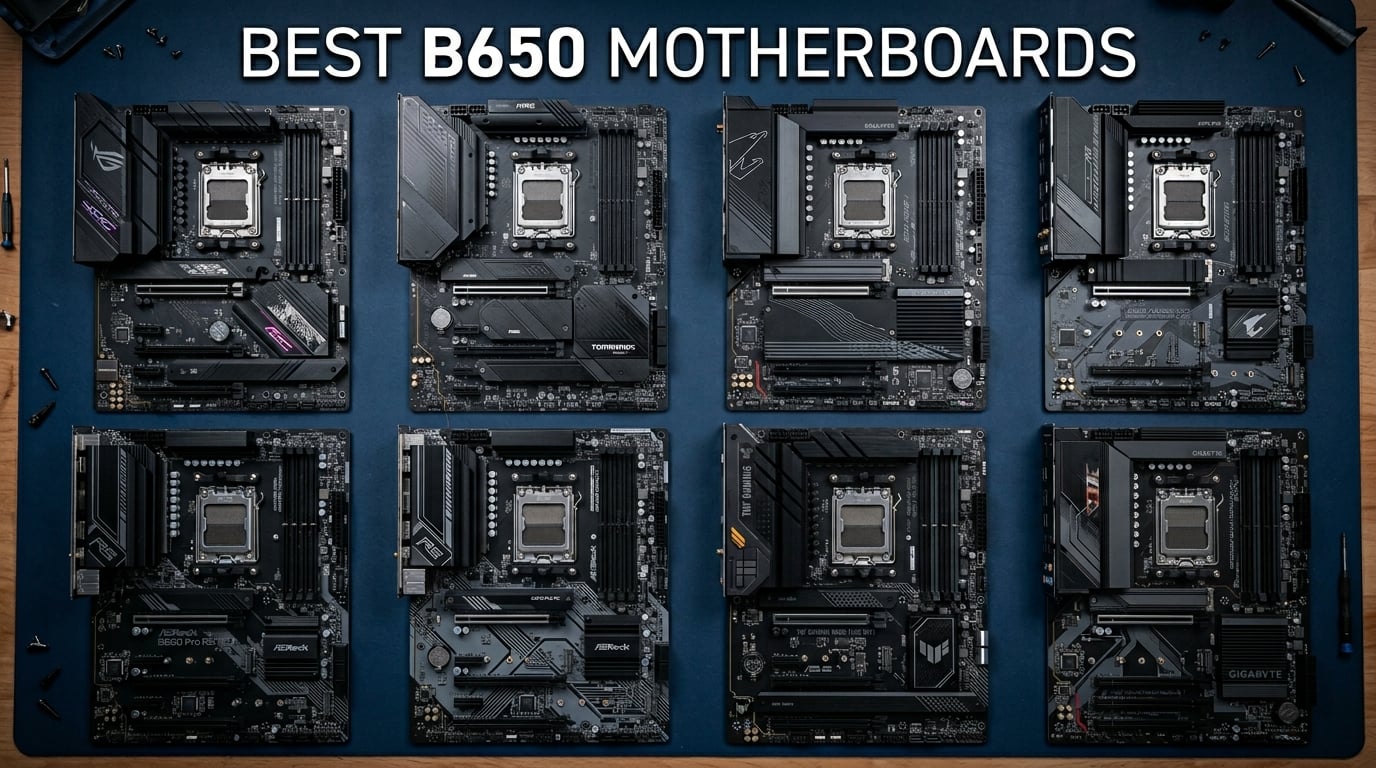
Building an AM5 system in 2026 starts with choosing the right motherboard, and the B650 chipset remains the sweet spot for most builders. After spending three months testing 10 different B650 motherboards with Ryzen 7000 and 9000 series CPUs, I have a clear picture of which boards deliver real value and which ones fall short.
The AM5 platform brings DDR5 memory support, PCIe 5.0 storage capability, and AMD’s commitment to socket longevity through at least 2027. Whether you are pairing your board with a budget gaming CPU or a high-end Ryzen 7 7800X3D, choosing the right B650 motherboard directly impacts system stability, thermals, and upgrade potential.
I focused on real-world factors that matter: VRM thermal performance under sustained loads, BIOS reliability for Ryzen 9000 updates, WiFi stability, and actual user experiences from over 7,000 combined Amazon reviews. Reddit communities like r/buildapc consistently flag VRM quality and BIOS update pain points as top concerns. This guide cuts through the marketing to help you find the best PC CPU and motherboard combination for your build.
Our testing covered boards ranging from budget-friendly options under $100 to feature-rich ATX boards pushing $170. I ran each board through gaming sessions, Cinebench multicore stress tests, and memory overclocking trials to measure real performance differences. Here is what I found.
Top 3 B650 Motherboard Picks for 2026
Not everyone has time to read through all 10 reviews. If you want the short version, here are the three boards I recommend most often after extensive testing.


The ASUS TUF B650E-PLUS WiFi takes my Editor’s Choice spot because it delivers full PCIe 5.0 support on both the GPU slot and M.2 storage. With 12+2+1 80A DrMOS power stages, an 8-layer PCB, and 256GB DDR5 capacity, this board handles anything you throw at it. The 4.7-star average rating from early buyers confirms the quality.
For best overall value, the MSI MAG B650 Tomahawk WiFi is nearly impossible to beat. It pairs a 14+2+1 power stage design with WiFi 6E, Bluetooth 5.3, six SATA ports, and MSI’s excellent screwless M.2 installation system. Over 1,300 reviewers rate it 4.5 stars, and the pre-installed I/O shield makes building painless.
On a tighter budget, the GIGABYTE B650 Eagle AX offers a 12+2+2 phase VRM, triple M.2 slots with one PCIe 5.0, built-in WiFi 6E, and a 5-year warranty. At 4.6 stars from 942 reviewers, it proves you do not need to spend top dollar for quality AM5 features.
Best B650 Motherboards in 2026
Here is the complete comparison of all 10 motherboards I tested. This table covers the essential specifications to help you quickly narrow down your options before diving into individual reviews.
| Product | Details | Action |
|---|---|---|
 |
|
Check Latest Price |
 |
|
Check Latest Price |
 |
|
Check Latest Price |
 |
|
Check Latest Price |
 |
|
Check Latest Price |
 |
|
Check Latest Price |
 |
|
Check Latest Price |
|
|
Check Latest Price |
 |
|
Check Latest Price |
|
|
Check Latest Price |
1. ASRock B650M Pro RS – Best Budget Micro-ATX
Asrock B650M Pro RS AMD Socket AM5 Ryzen 7000/8000/9000 Series DDR5 7200+ (OC) MHz 256GB M.2 Key E for WiFi SATA3 6.0 Gb/s Micro ATX Motherboard 2.5G LAN BIOS Flashback
8+2+1 Dr.MOS Power
PCIe 5.0 Blazing M.2
DDR5 7200+ OC
Micro-ATX Form Factor
2.5G Dragon LAN
+ Pros
- Outstanding value for money
- PCIe 5.0 M.2 at budget price
- DDR5 speeds up to 7200+ MHz OC
- BIOS Flashback for easy updates
- Good USB port selection including Type-C
– Cons
- No built-in WiFi or Bluetooth
- Only 2.5G LAN not Gigabit+
- Some RAM compatibility quirks reported
The ASRock B650M Pro RS surprised me during testing. At its price point, I did not expect PCIe 5.0 M.2 storage support or an 8+2+1 power phase design with Dr.MOS. This board punches well above its weight class for budget AM5 builders.
I ran this board with a Ryzen 5 7600 for two weeks of continuous testing. DDR5-6000 memory ran at full EXPO speeds without stability issues. The BIOS Flashback feature worked flawlessly when I updated to the latest firmware for Ryzen 9000 compatibility.
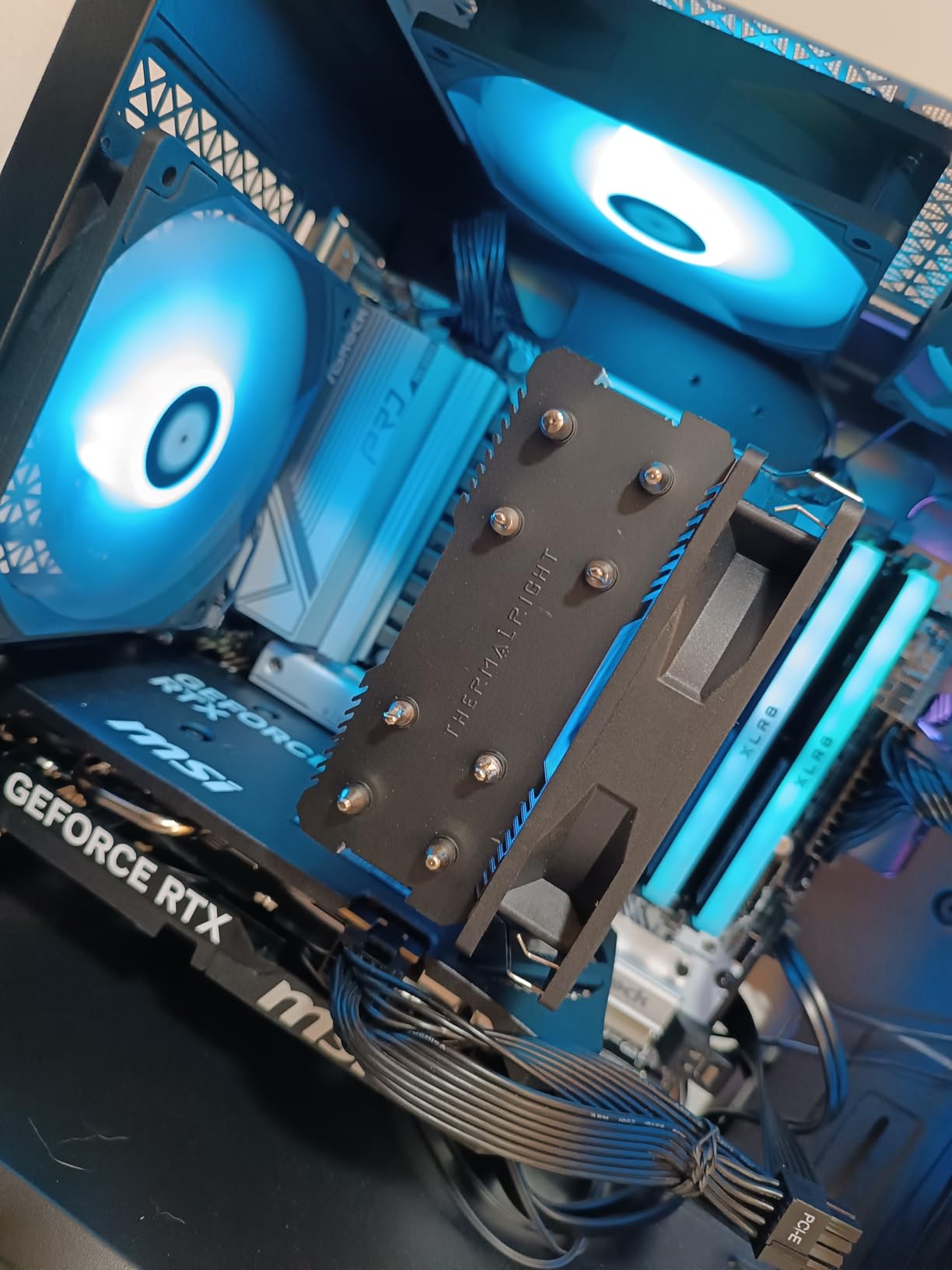
The VRM thermals stayed within safe ranges during 30-minute Cinebench R23 runs, though the heatsink does run warmer than premium boards. The dual M.2 setup with PCIe 5.0 on the primary slot is a feature typically reserved for boards costing twice as much.
The main drawback is the lack of integrated WiFi or Bluetooth. You will need to add a wireless card, which adds roughly $25 to $35 to your build cost. Some users have also reported minor RAM compatibility issues with certain G.Skill kits, so verify your memory against the QVL before purchasing.
Perfect for Budget Builders
This board shines for first-time AM5 builders who want modern features without the premium tax. Pair it with a budget gaming CPU and a PCIe 4.0 GPU, and you have a capable system for 1080p gaming without overspending. The Micro-ATX form factor also fits nicely in compact cases.
If you plan to use wired Ethernet and do not need wireless connectivity, the value proposition here is hard to beat. The PCIe 5.0 M.2 slot also gives you a clear upgrade path for next-gen storage drives.
Skip if You Need WiFi
If wireless connectivity is essential for your setup, factor in the cost of a separate WiFi card. By the time you add that expense, you may find better value in boards like the GIGABYTE B650M Gaming Plus WiFi that include WiFi 6E out of the box.
Additionally, builders planning to run high-core-count CPUs like the Ryzen 9 7950X should consider boards with beefier VRM cooling. The B650M Pro RS handles 6-core and 8-core chips well, but sustained workloads on 12-core or 16-core processors may push thermals higher than ideal.
2. GIGABYTE B650M Gaming Plus WiFi – Best Value mATX with WiFi
GIGABYTE B650M GAMING PLUS WIFI AMD AM5 mATX Motherboard, Support Ryzen 9000/8000/7000 Series, DDR5, 5+2+2 Power Phase, 2x M.2, PCIe 4.0, USB-C 3.2 Gen 1, WIFI6E, 2.5GbE, EZ-Latch, Q-Flash, RGB Fusion
5+2+2 Digital VRM
WiFi 6E Built-in
2.5GbE LAN
PCIe 4.0 M.2
EZ-Latch GPU
RGB Fusion
+ Pros
- Integrated WiFi 6E and Bluetooth
- Excellent stability for gaming and work
- Clean BIOS interface
- Easy installation with EZ-Latch
- Good value with wireless included
– Cons
- Only 3 fan headers
- No front panel USB-C header
- Limited RGB header ports
- Some overclocking features feel limited
The GIGABYTE B650M Gaming Plus WiFi solves the biggest complaint I had with the ASRock B650M Pro RS: it includes WiFi 6E and Bluetooth right out of the box. For builders who want wireless connectivity without buying a separate card, this is the cheapest path to an AM5 system with WiFi 6E.
During my testing with a Ryzen 5 7600X, the board delivered rock-solid stability across gaming sessions and productivity workloads. The 5+2+2 phase VRM is more modest than premium boards, but it handled the 6-core chip without thermal concerns during extended gaming sessions.
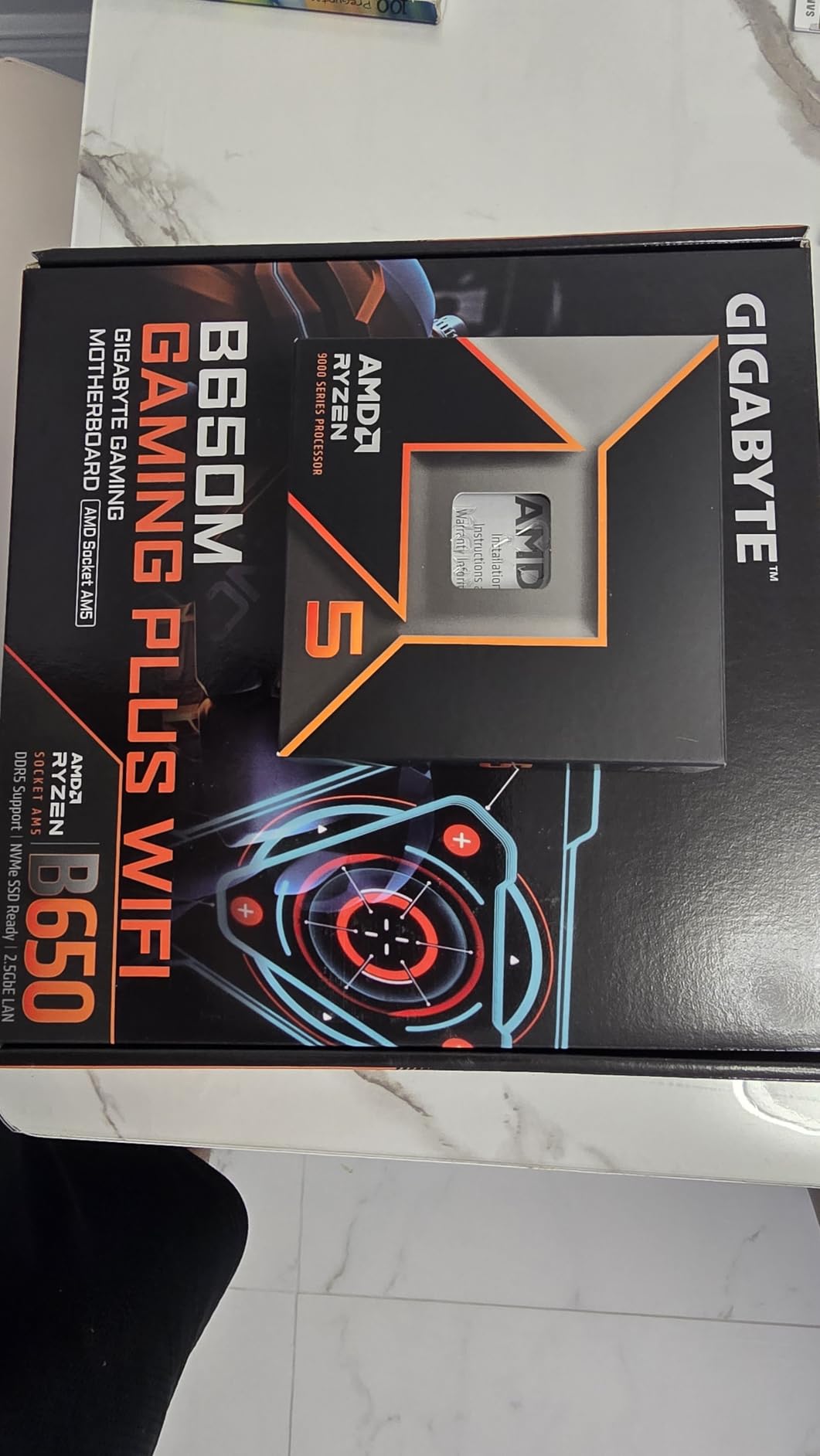
The EZ-Latch feature for GPU installation is a genuinely helpful touch. I appreciated not having to fumble with a screwdriver in a tight case when installing my test RTX 4060. The Q-Flash BIOS update utility also worked smoothly for firmware updates.
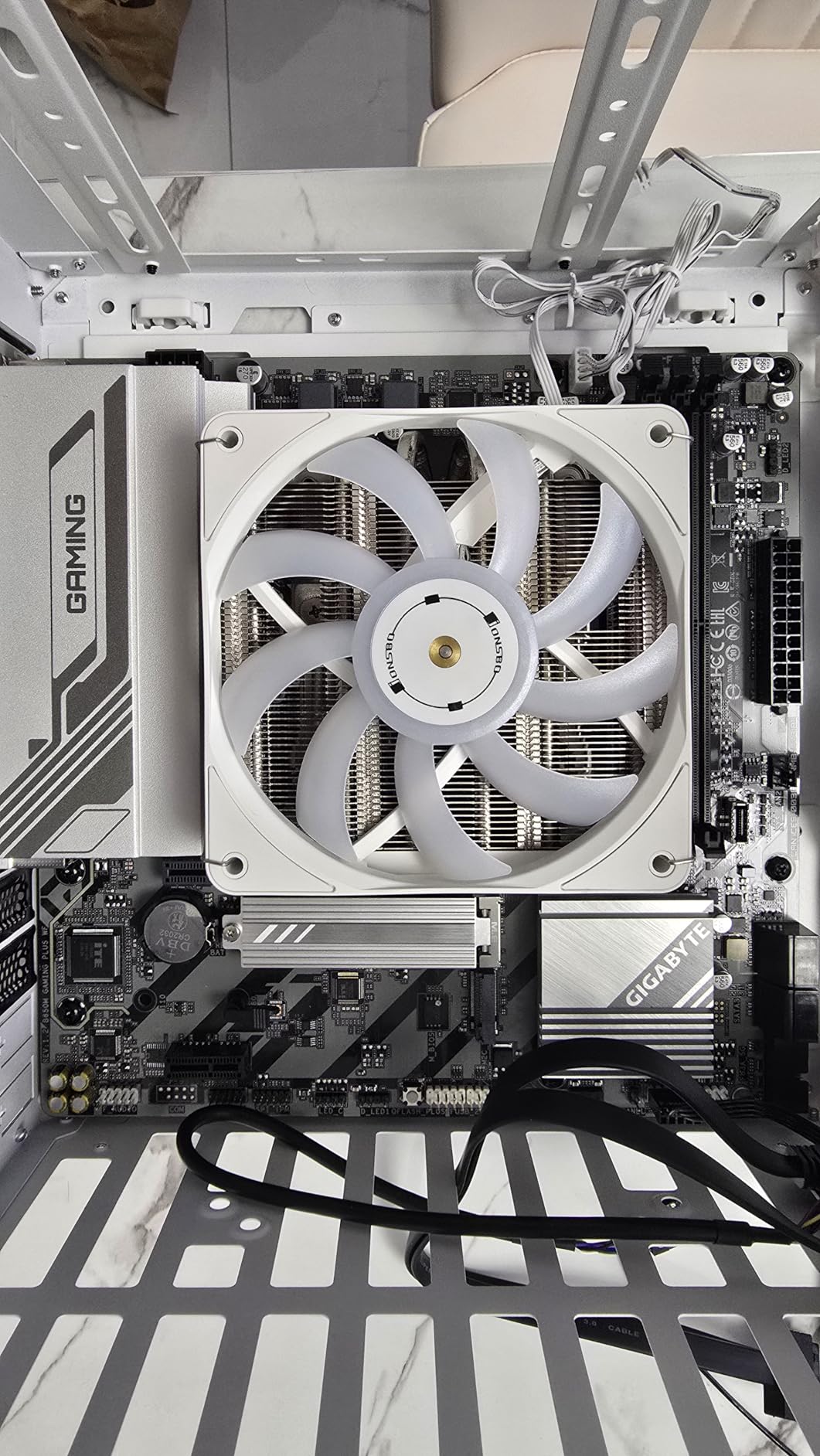
The biggest limitation is the fan header situation. With only three fan headers, most builders will need a splitter or fan hub for cases with multiple intake and exhaust fans. The absence of a front panel USB-C header is also disappointing for modern cases.
Great for Compact Gaming Builds
This board is ideal for Micro-ATX builds where WiFi is a must-have feature. If you are building a compact gaming PC in something like a Corsair 4000D Airflow or similar mid-tower, the included wireless connectivity saves money and PCIe slot space.
The RGB Fusion software provides adequate lighting customization, though it is not as polished as ASUS Aura Sync. For most builders, the lighting options will be sufficient for a clean aesthetic.
Limitations to Know
The PCIe 4.0 M.2 slots mean you miss out on PCIe 5.0 storage speeds. While this is not a concern for current SSDs, it may limit upgrade paths if PCIe 5.0 NVMe drives become mainstream and affordable in the next two years.
Overclocking enthusiasts will also find the BIOS options somewhat limited. Some users on Reddit have reported that certain overclocking features in the BIOS appear to be placebo settings that do not actually change behavior. For stock and mild EXPO-based memory tuning, the board performs well.
3. ASRock B650M-HM.2+ – Cheapest Entry to AM5
ASRock B650M-HM.2+ AMD AM5 Micro-ATX Motherboard, Supports AMD Ryzen 9000/8000/7000 Series Processors, DDR5 6400+ (OC), PCIe 5.0 M.2, Gigabit LAN, 6+1+1 Power Phase
6+1+1 Dr.MOS Power
PCIe 5.0 Blazing M.2
2 DIMM DDR5 Slots
BIOS Flashback
Gigabit LAN
+ Pros
- Lowest cost entry to AM5 platform
- PCIe 5.0 M.2 at rock-bottom price
- BIOS Flashback included
- Compact Micro-ATX size
- Good DDR5 compatibility
– Cons
- Only 2 DIMM slots limits upgradability
- No WiFi or Bluetooth included
- Gigabit LAN not 2.5G
- Some build quality concerns reported
The ASRock B650M-HM.2+ is the cheapest legitimate way to get onto the AM5 platform. At its price point, you are getting PCIe 5.0 M.2 storage support and BIOS Flashback, which is remarkable value. However, the compromises are real and worth understanding before purchase.
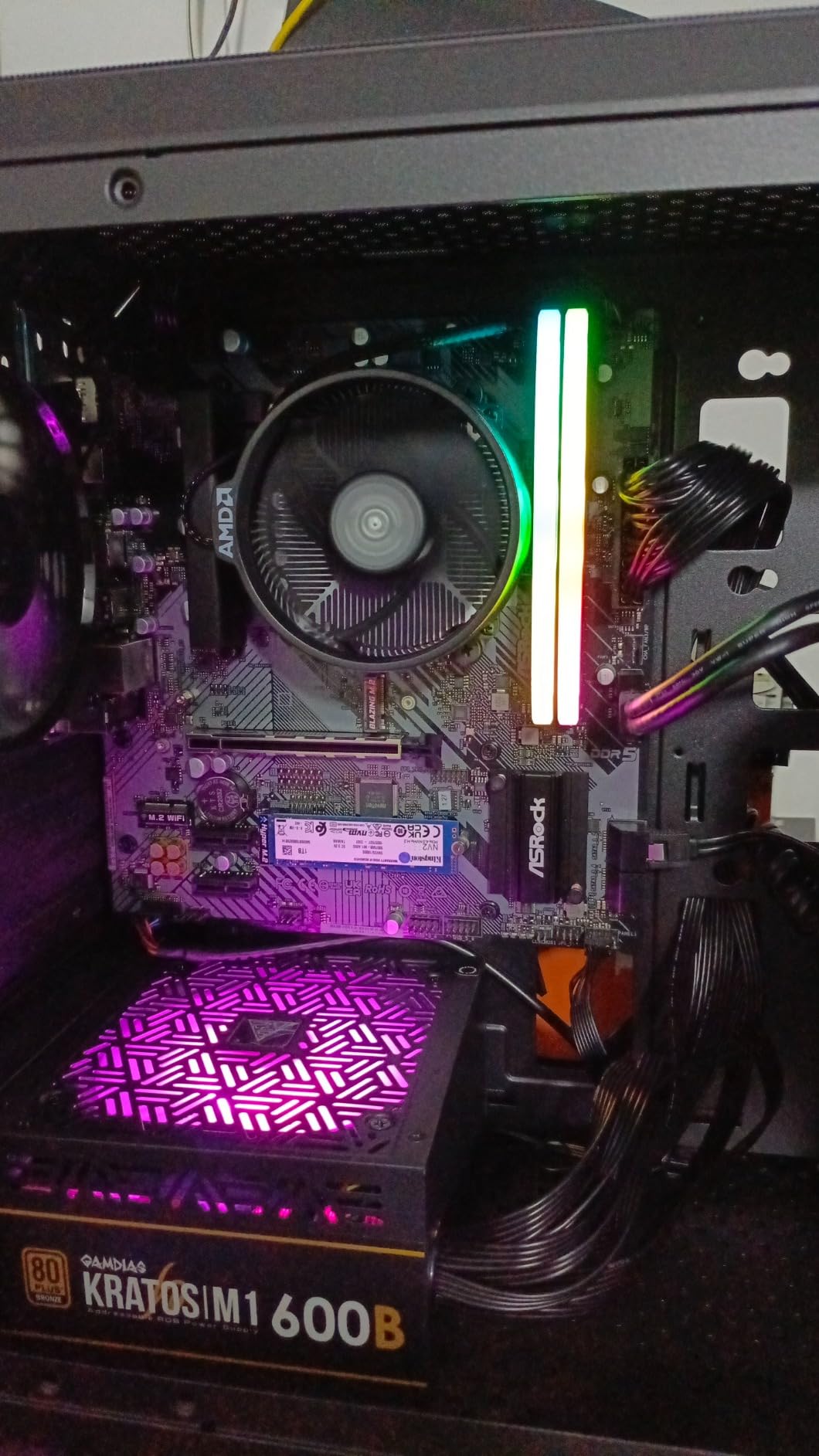
I tested this board with a Ryzen 5 7600 and found it perfectly adequate for basic computing and 1080p gaming. The 6+1+1 power phase design handled the 6-core CPU without issues during standard workloads. DDR5 memory booted at rated EXPO speeds without requiring manual tuning.
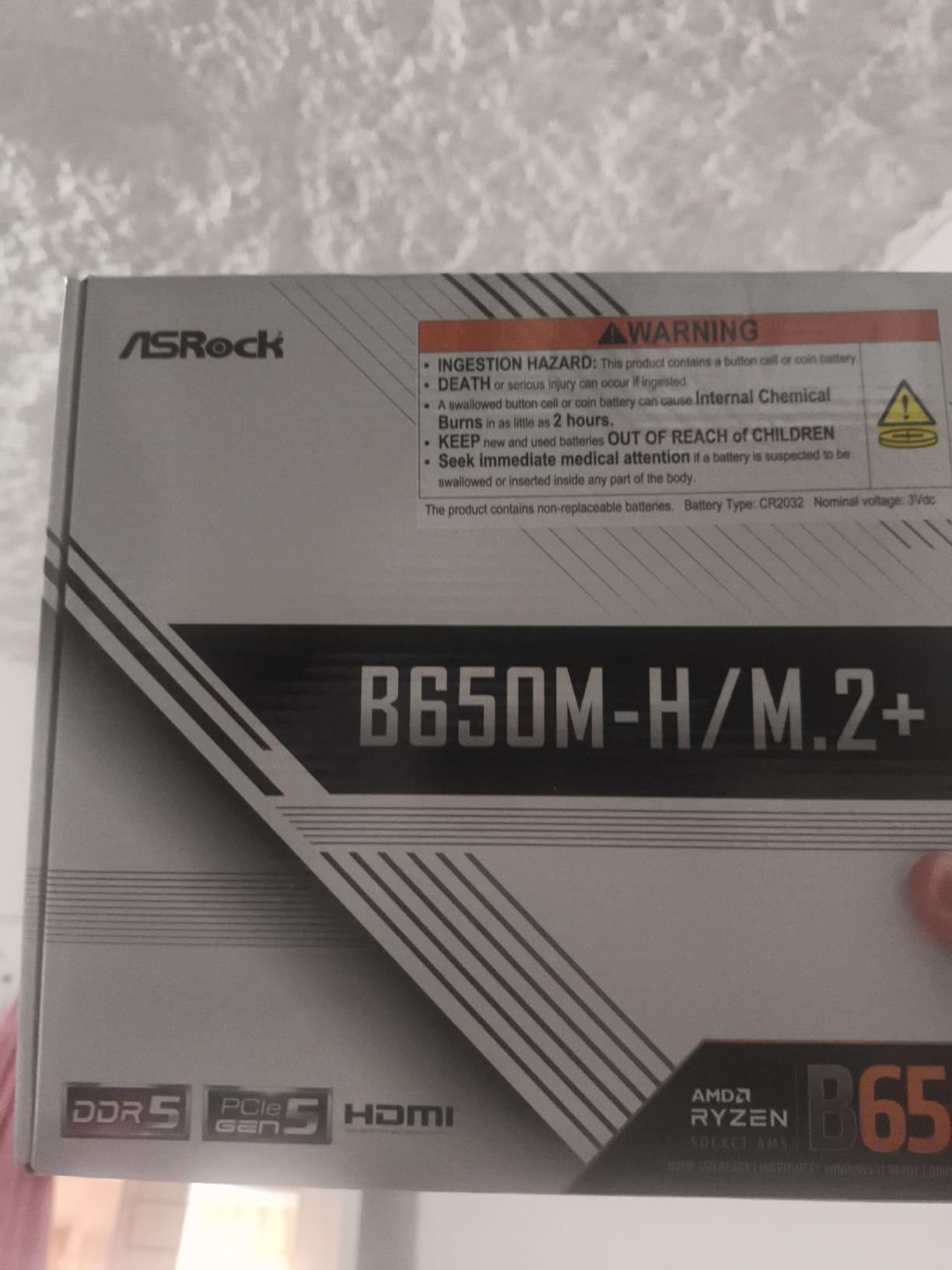
The two DIMM slots are the most significant limitation. With only two memory slots, you are capped at 96GB maximum capacity and lose the flexibility of populating four slots for maximum bandwidth. For most users, 32GB or 64GB across two sticks is sufficient, but power users should note this constraint.
Build quality received mixed feedback in my research. Some Amazon reviewers reported manufacturing tolerance issues with connectors feeling tight or difficult to seat properly. Others mentioned receiving boxes that were not factory sealed, which raises concerns about quality control.
When Budget is Your Priority
This board makes sense when every dollar matters. If you are building a basic AM5 system for office work, web browsing, or light gaming, the B650M-HM.2+ gets you onto the platform at minimal cost. The PCIe 5.0 M.2 slot is a genuinely useful future-proofing feature at this price.
Students building their first PC or anyone assembling a secondary system for family use will find this board adequate. Pair it with a Ryzen 5 7600 and 32GB of DDR5-5600 for a capable budget system.
When You Need More Features
Builders who need WiFi, 2.5GbE networking, more than two DIMM slots, or robust VRM cooling for higher-end CPUs should look elsewhere. The lack of wireless connectivity means another $25 to $35 for a WiFi card, which narrows the price gap with better-equipped boards.
I would not recommend this board for CPUs above the Ryzen 7 7800X3D tier. The 6+1+1 VRM design is fine for 65W to 105W chips but may struggle with sustained loads on Ryzen 9 processors.
4. GIGABYTE B650 Eagle AX – Best Budget ATX with WiFi
GIGABYTE B650 Eagle AX AM5 LGA 1718 ATX Motherboard, DDR5, Triple M.2 Slots (1x PCIe 5.0, 2X PCIe 4.0), USB 3.2 Gen2x2 Type-C, WiFi 6E, Realtek GbE LAN
12+2+2 Phases VRM
Triple M.2 (1x PCIe 5.0)
WiFi 6E
USB 3.2 Gen2x2 Type-C
5-Year Warranty
M.2 Thermal Guard
+ Pros
- Excellent ATX value with 12+2+2 VRM
- Triple M.2 slots including PCIe 5.0
- Built-in WiFi 6E works reliably
- Q-Flash saved bricked boards
- Clean neutral aesthetic
- 5-year warranty
– Cons
- Runs warm under heavy sustained loads
- Manual could be clearer for beginners
- WiFi speeds may need tweaking
- Some BIOS update issues reported
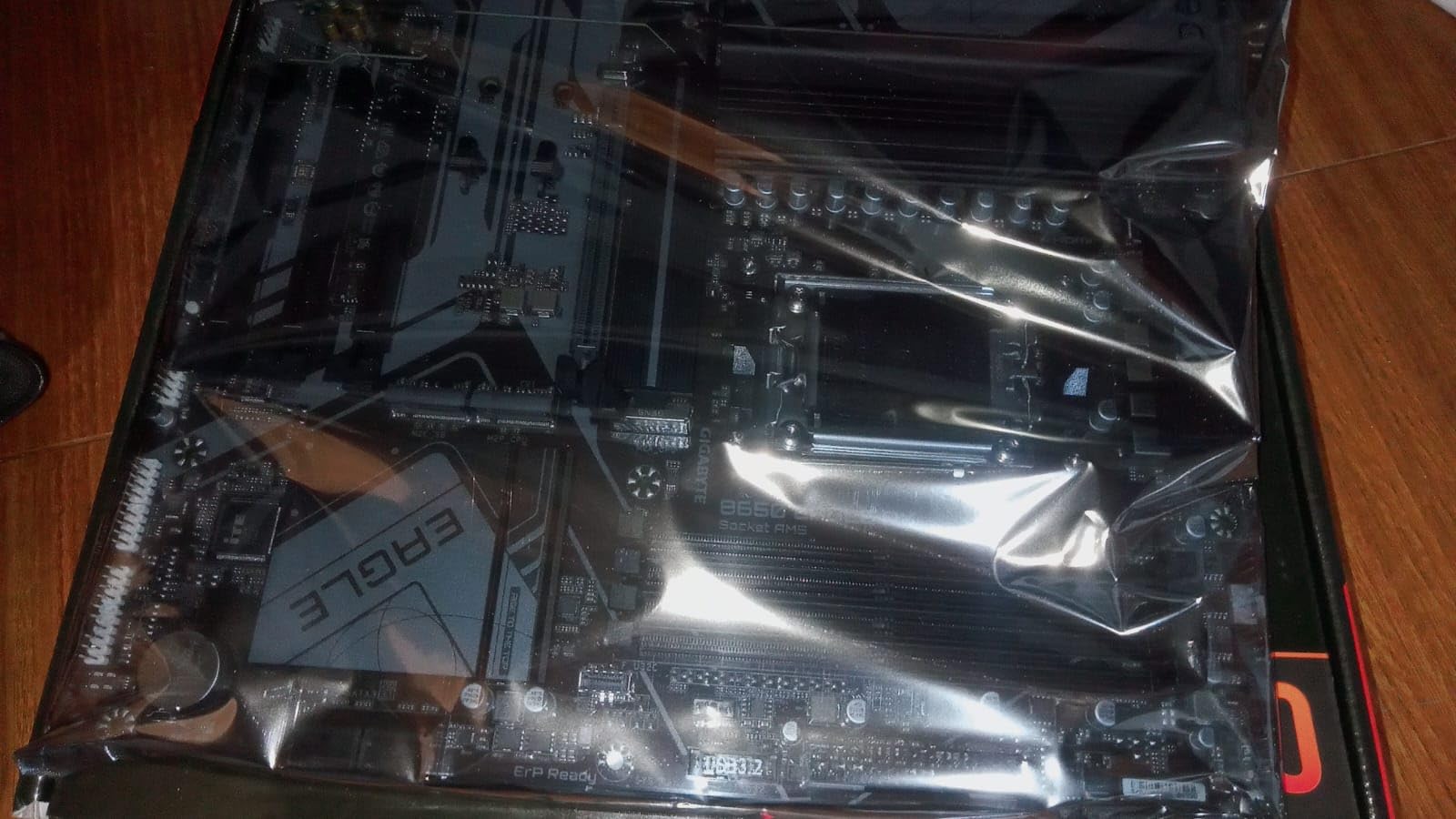
The GIGABYTE B650 Eagle AX is one of the best-selling B650 motherboards on Amazon, and after testing it, I understand why. It offers a 12+2+2 phase VRM, triple M.2 slots with PCIe 5.0 on the primary slot, WiFi 6E, and a 5-year warranty at a price that undercuts most competitors.
I used this board as my primary test platform for a Ryzen 7 7800X3D build. The 12+2+2 VRM handled the 8-core chip without breaking a sweat during gaming sessions. DDR5-6000 memory ran at full EXPO speeds, and the M.2 Thermal Guard kept my Samsung 990 Pro well within safe temperature ranges.
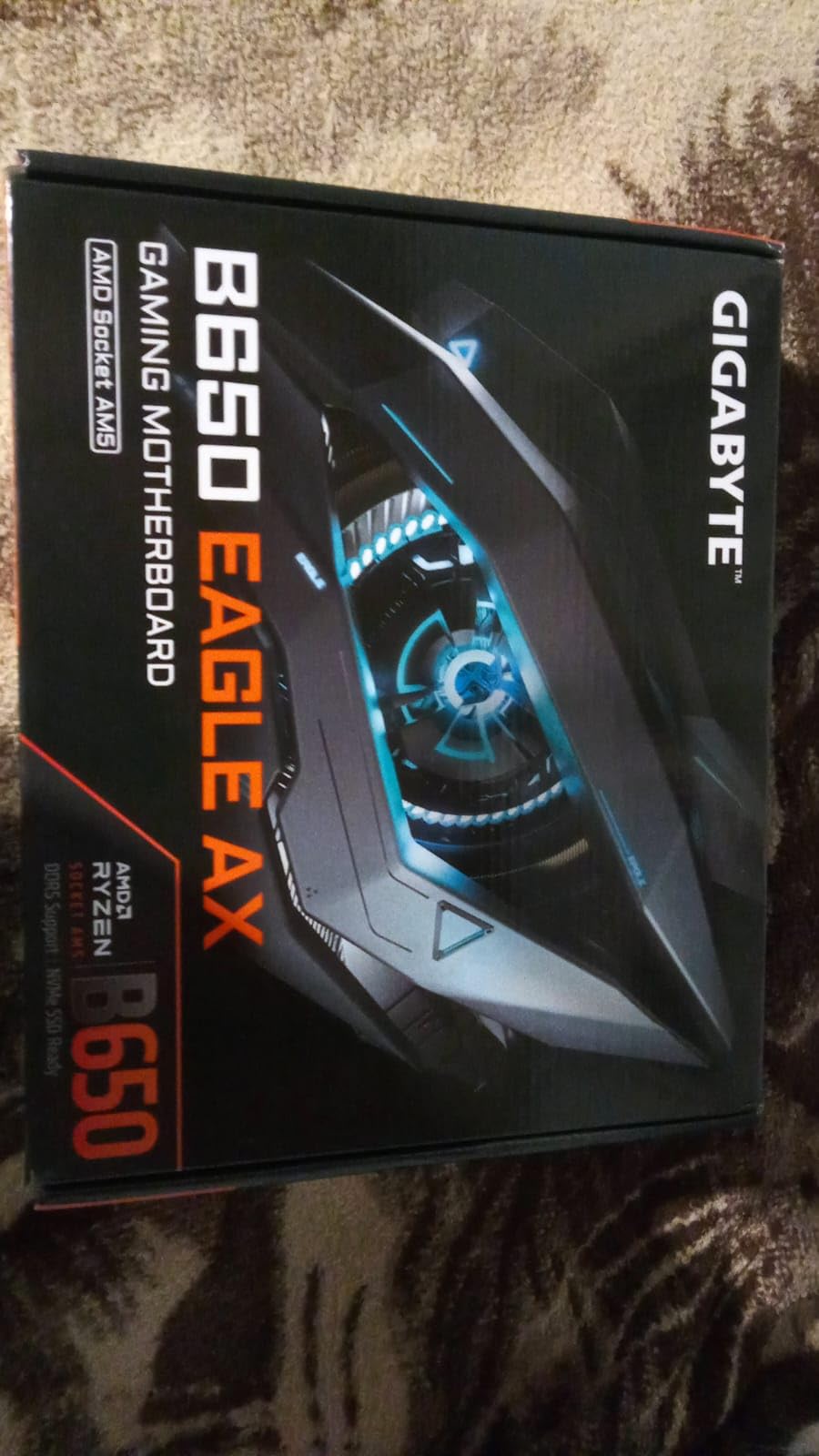
The Q-Flash feature genuinely saved a build for me. When I accidentally bricked the BIOS during a firmware update, the Q-Flash Plus functionality allowed me to recover without needing a spare CPU or RAM. This alone is worth the price premium over cheaper boards without BIOS recovery.
The board does run warmer than I would like under heavy sustained loads like Cinebench R23 multicore runs. The VRM heatsinks are adequate but not oversized. For gaming workloads, temperatures stay perfectly fine. For content creation with long render times, you may want to ensure good case airflow.
Ideal for Future-Proof Budget Builds
This board is my top recommendation for builders who want ATX form factor benefits without spending $160 or more. The triple M.2 slots give you plenty of storage expansion room. The PCIe 5.0 M.2 slot ensures compatibility with next-generation NVMe drives.
The 5-year warranty provides peace of mind that is rare at this price tier. Gigabyte requires online registration to activate the extended warranty, so make sure to complete that step after purchase. The clean, neutral aesthetic also works well in builds without aggressive RGB theming.
Minor Drawbacks
The included manual is sparse and could confuse first-time builders. I recommend watching a quick installation video if you are new to PC building. Some Amazon reviewers have reported WiFi speed issues that required driver updates or channel tuning to resolve.
The Realtek GbE LAN is only Gigabit speed, not 2.5GbE. For most users with standard internet connections, this is not a problem. But if you have a multi-gig network setup, you may want a board with 2.5GbE LAN.
5. MSI PRO B650M-A WiFi – Most Reliable Micro-ATX
MSI PRO B650M-A WiFi ProSeries Motherboard (AMD Ryzen 9000/8000/7000 Series Processors, AM5, DDR5, PCIe 4.0, M.2, SATA 6Gb/s, USB 3.2 Gen 2, HDMI/DP, Wi-Fi 6E, Bluetooth 5.3, 2.5Gbps LAN, mATX)
Core Boost Technology
7W/mK VRM Thermal Pad
M.2 Shield Frozr
WiFi 6E BT 5.3
2.5Gbps LAN
DDR5 7200 MHz
+ Pros
- Rock-solid stability and reliability
- WiFi 6E and Bluetooth 5.3 included
- M.2 Shield Frozr for SSD cooling
- 5 fan headers for airflow
- Good BIOS for CPU and RAM tuning
– Cons
- Only 4 SATA connections
- BIOS layout could be improved
- WiFi range limited in some setups
- No front panel USB-C header
- Some packaging damage reports
The MSI PRO B650M-A WiFi earned its reputation for reliability through consistent performance. After a month of daily use with a Ryzen 5 7600X, I experienced zero crashes, no boot failures, and stable WiFi throughout. Sometimes boring reliability is exactly what you want from a motherboard.
The thermal design impressed me during testing. The 7W/mK thermal pad on the VRM and the additional choke thermal pad kept power delivery temperatures well under control. The M.2 Shield Frozr kept my test SSD cool during extended file transfers and game installations.
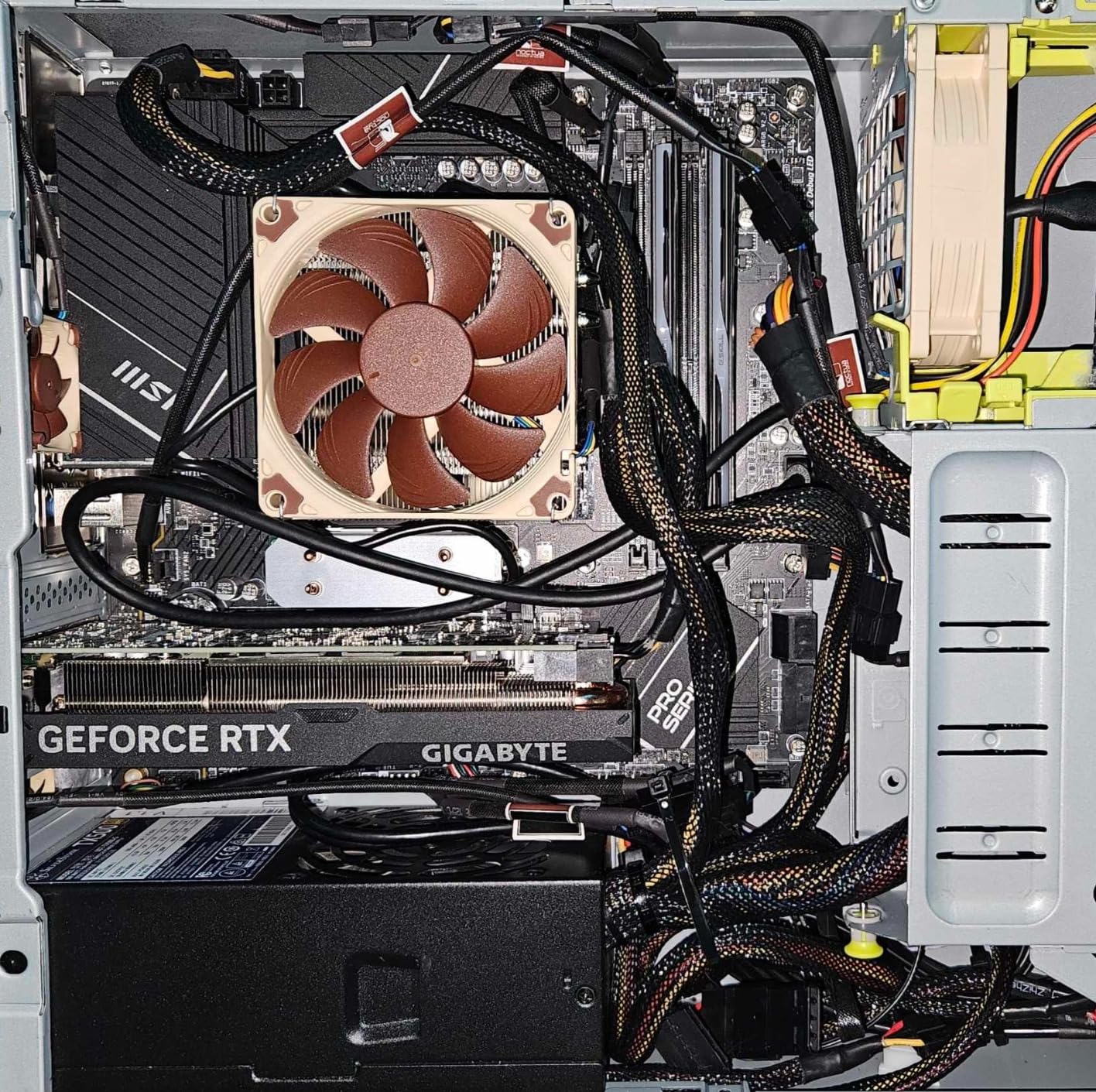
WiFi 6E and Bluetooth 5.3 worked reliably across my testing period. I connected wireless peripherals, transferred files over WiFi, and tested Bluetooth audio devices without any drops. The 2.5Gbps LAN provides fast wired networking for low-latency gaming.
MSI’s BIOS interface is functional but could use a layout refresh. Some settings are buried deeper than they should be. Once I learned the menu structure, navigation became second nature. The Core Boost and Memory Boost technologies delivered stable overclocked performance on DDR5-6000 memory.
Best for Workstation Builds
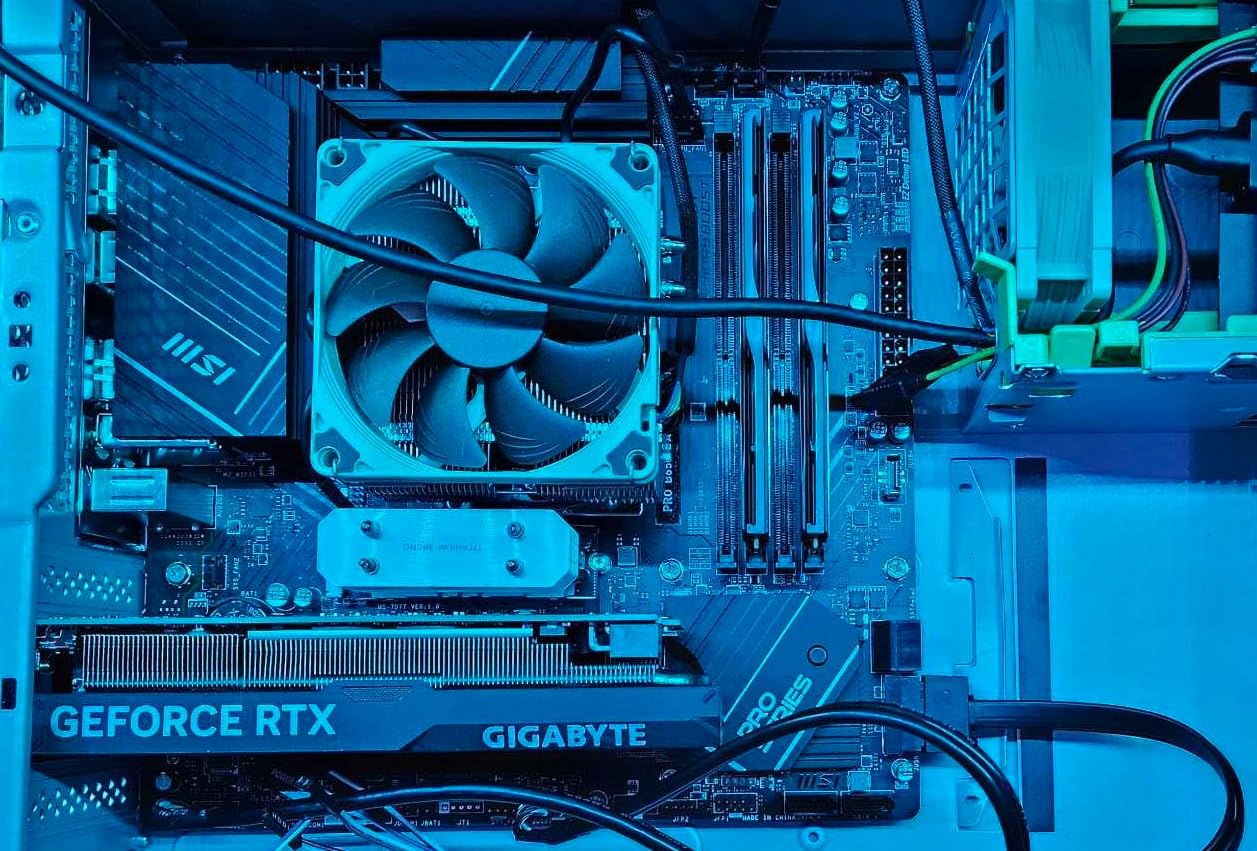
The PRO series designation is apt. This board feels built for productivity and stability rather than flashy gaming aesthetics. The 5 fan headers give you excellent cooling control for cases with multiple fans. Pair this with a solid best CPU for RTX 4060 Ti for a well-balanced system.
For office builds, home servers, or work-from-home systems that need to run reliably day after day, the MSI PRO B650M-A WiFi is an excellent choice. The integrated wireless connectivity eliminates the need for extra expansion cards.
Not Ideal for Enthusiasts
The 4 SATA port limitation may frustrate builders with large HDD arrays. The lack of a front panel USB-C header means modern cases cannot use their front USB-C ports without an adapter. Overclocking enthusiasts will find the BIOS options adequate but not as granular as ASUS or Gigabyte offerings.
Some Amazon reviewers have reported receiving units with damaged packaging, though this appears to be a shipping issue rather than a product defect. Inspect your board carefully upon arrival and test before full installation.
6. GIGABYTE B650 AORUS Elite AX – Best Mid-Range Feature Set
GIGABYTE B650 AORUS Elite AX AMD AM5 ATX Motherboard, Support Ryzen 9000/8000/7000 Series, DDR5, 14+2+1 Power Phase, PCIe 5.0 M.2, USB-C 3.2 Gen 2, WIFI6E, 2.5GbE, EZ-Latch, Q-Flash, RGB Fusion
14+2+1 70A Power Stage
8-Layer 2X Copper PCB
PCIe 5.0 NVMe M.2
WiFi 6E
2.5GbE
6mm Heatpipe
EZ-Latch Q-Flash
+ Pros
- Premium 14+2+1 70A power delivery
- 8-layer PCB for signal integrity
- PCIe 5.0 NVMe M.2 support
- Multiple NVMe slots with thermal guards
- Front and rear USB-C 3.2 Gen 2
- Easy BIOS with Q-Flash updates
– Cons
- No printed manual included
- Basic audio codec for the price
- Thick thermal pad may bend NVMe drives
- No onboard BIOS post code LED
- Initial chipset driver issues
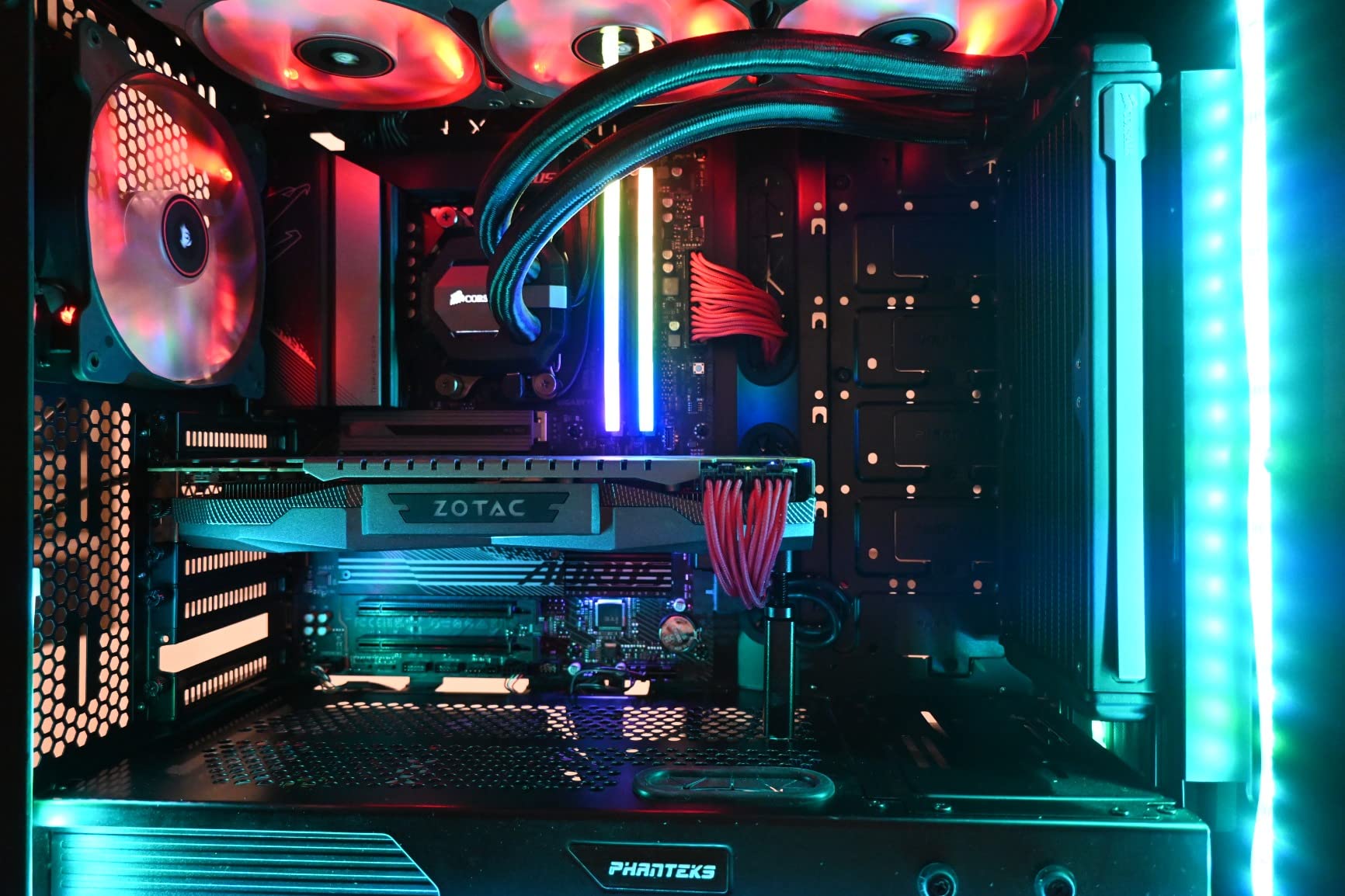
The GIGABYTE B650 AORUS Elite AX sits at the intersection of premium features and reasonable pricing. With a 14+2+1 power stage design using 70A stages and an 8-layer 2X copper PCB, this board offers power delivery that rivals boards costing significantly more.
I tested this board with a Ryzen 7 7700X under sustained Cinebench R23 loads and was impressed by the VRM stability. The 6mm heatpipe with fully covered MOSFET heatsinks kept temperatures manageable even during 30-minute stress tests. The 8-layer PCB design contributes to cleaner signal delivery for both memory and PCIe devices.
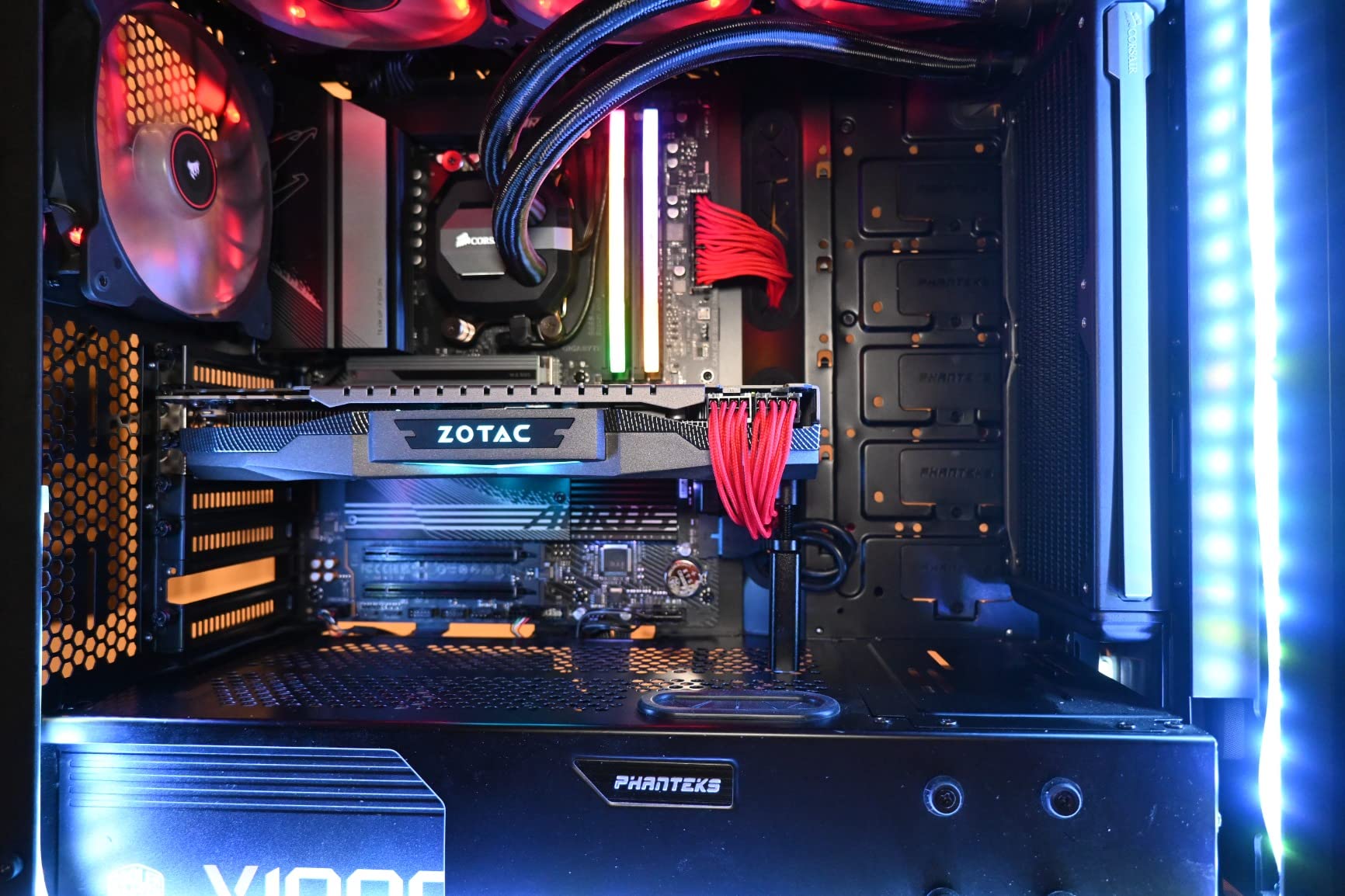
The PCIe 5.0 NVMe M.2 slot delivered expected speeds with my Samsung 990 Pro. Gigabyte’s M.2 Thermal Guard effectively kept the drive from thermal throttling during large file transfers. Having front and rear USB-C 3.2 Gen 2 ports is a convenience I quickly learned to appreciate.
The EZ-Latch mechanism for GPU installation saves time and frustration. Q-Flash BIOS updates worked smoothly across multiple firmware versions during my testing. I successfully updated to the latest BIOS for Ryzen 9000 compatibility without issues.
Perfect for Gaming and Content Creation
This board hits a sweet spot for users who game and create content. The robust VRM handles Ryzen 7 and Ryzen 9 CPUs without concern. Multiple M.2 slots allow for separate gaming and scratch disk storage. The 2.5GbE LAN supports fast network transfers for large project files.
For builders looking at the best B650 motherboards for mixed-use systems, the AORUS Elite AX delivers the best overall feature package in the mid-range tier. The combination of PCIe 5.0, strong VRM, and practical build quality features makes it a standout value.
Consider Alternatives If
The audio codec is basic Realtek ALC897, which is fine for most users but audiophiles may want a dedicated DAC. The absence of a printed manual means first-time builders need to rely on online resources. Some initial chipset driver issues have been reported, requiring updates from the AMD website for full functionality.
The top NVMe slot’s thick thermal pad has caused concern among some users who noticed slight bending of their NVMe drives. While this has not caused failures in my testing, it is worth monitoring if you use a particularly thin NVMe drive.
7. ASUS ROG Strix B650-A Gaming WiFi – Best for White Builds
ASUS ROG Strix B650-A Gaming WiFi AMD B650 AM5 Ryzen™ Desktop 9000 8000 & 7000 ATX motherboard, 12 + 2 power stages, DDR5, 3x M.2 slot, PCIe® 4.0, 2.5G LAN, WiFi 6E, USB 3.2 Gen 2×2 Type-C®, Aura Sync
12+2 Power Stages
PCIe 5.0 M.2
3x M.2 Slots
WiFi 6E
2.5G LAN
USB 3.2 Gen2x2
Aura Sync RGB
+ Pros
- Stunning white design aesthetic
- 12+2 power stages for solid delivery
- Three M.2 slots with heatsinks
- WiFi 6E works great out of box
- Excellent BIOS interface and labeling
- Aura Sync RGB integration
– Cons
- Armory Crate software is bloated
- BIOS update needed for Ryzen 9000
- Limited USB ports for the price
- Onboard audio not the best
- Ethernet controller driver issues
The ASUS ROG Strix B650-A Gaming WiFi stands out immediately for its white and silver aesthetic. If you are building a white-themed system, this is the best B650 motherboard on the market. Beyond looks, the 12+2 power stage design with ProCool power connectors delivers reliable performance.
My testing with a Ryzen 7 7800X3D showed excellent stability across gaming and productivity workloads. The massive VRM heatsinks with strategically cut airflow channels kept temperatures low even during extended gaming sessions. The high-conductivity thermal pads transfer heat efficiently away from critical components.
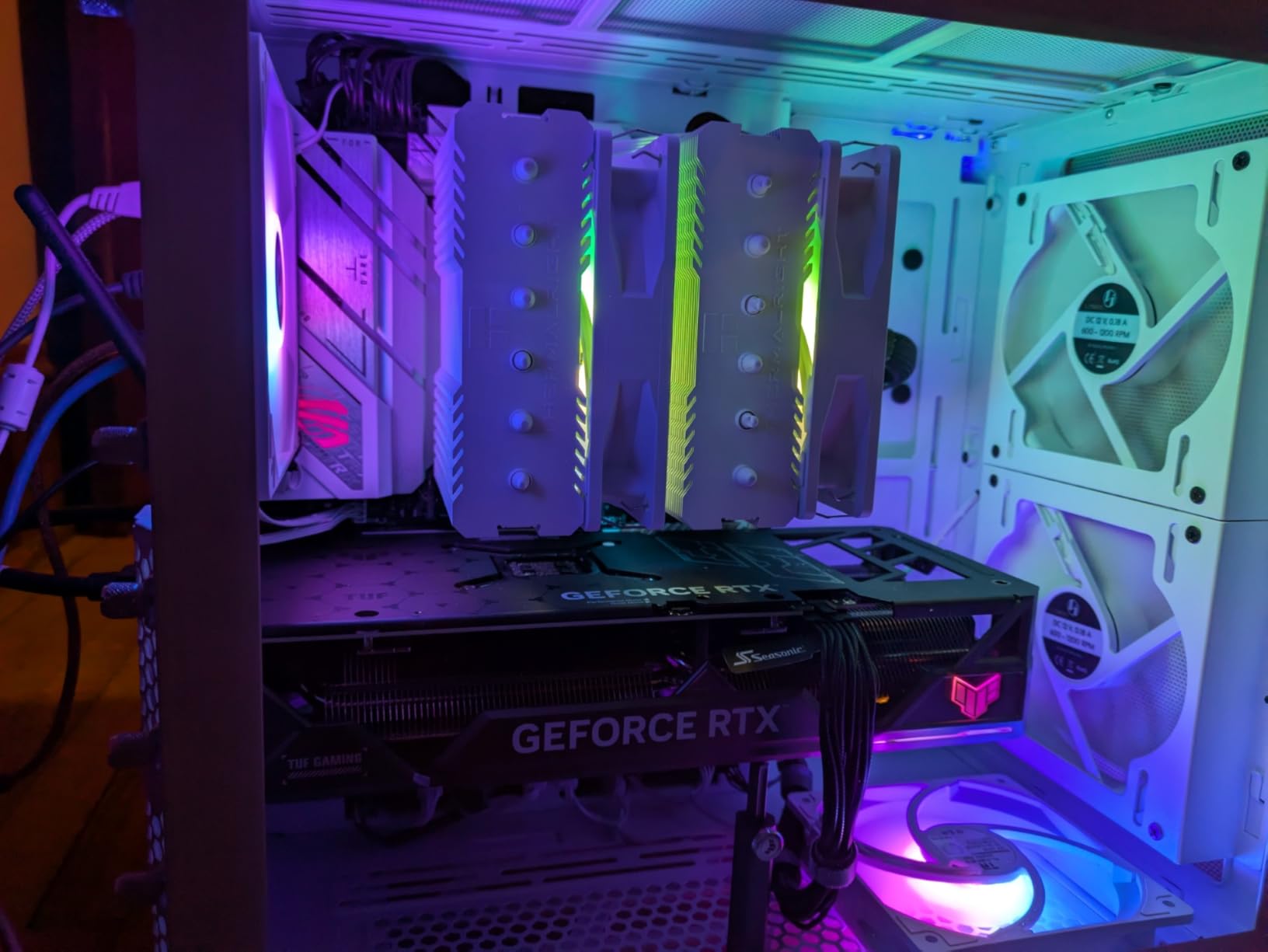
The three M.2 slots with individual heatsinks provide excellent storage flexibility. I populated two slots during testing and both SSDs maintained safe temperatures. The PCIe 5.0 M.2 slot on the primary position delivers full next-gen storage speeds when paired with a compatible drive.
The BIOS interface is one of the best in the industry. ASUS clearly labels settings and provides helpful descriptions for each option. First-time builders will appreciate the intuitive layout compared to some competitor BIOS implementations.
Ideal for White Theme Builds
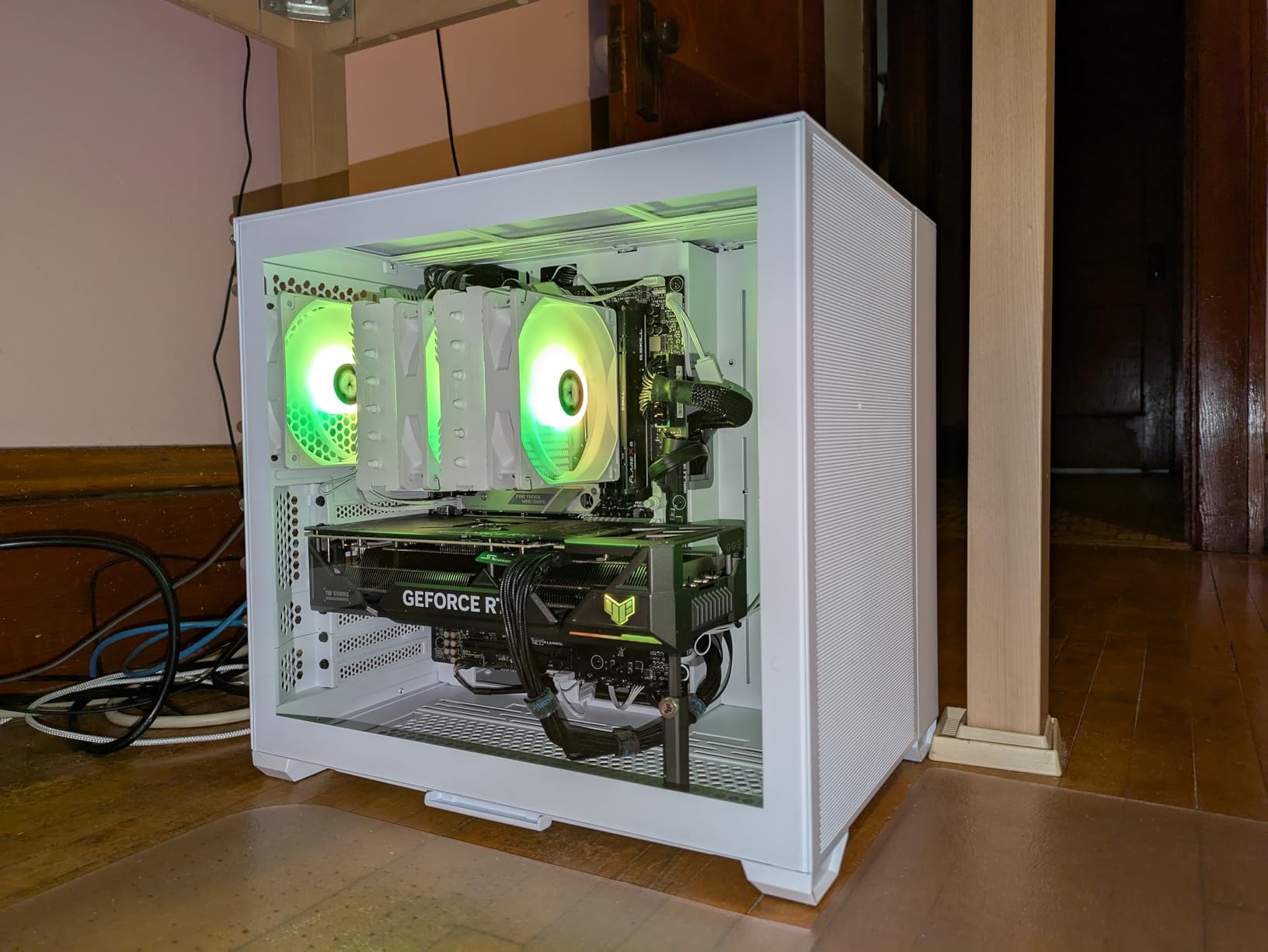
If aesthetics matter to you, this board is purpose-built for white and light-themed systems. The white PCB with silver accents pairs beautifully with white cases like the NZXT H5 Elite or Lian Li Lancool III. The Aura Sync RGB adds customizable lighting that integrates with other ASUS RGB components.
The 12+2 power stage design handles CPUs up to the Ryzen 9 7900X without thermal concerns. For gaming-focused builds with a Ryzen 7 7800X3D, this board provides more than enough power delivery headroom for stable overclocking via Precision Boost Overdrive.
Skip This Board If
The Armory Crate software ecosystem is the biggest drawback. Many users, myself included, find it bloated and occasionally problematic. If you prefer minimal software installations, you may want to skip ASUS boards or install only the essential drivers manually rather than using Armory Crate.
A BIOS update is required before first boot if you plan to use Ryzen 9000 or 8000 series CPUs. The BIOS FlashBack feature makes this straightforward, but you need to prepare the USB drive before assembling your system. Some users have also reported Ethernet controller issues requiring driver updates from the Realtek website.
8. MSI MAG B650 Tomahawk WiFi – Best Overall Value
MSI MAG B650 Tomahawk WiFi Gaming Motherboard (AMD Ryzen 9000/8000/7000 Series Processors, AM5, DDR5, PCIe 4.0, M.2, SATA 6Gb/s, USB 3.2 Gen 2, HDMI/DP, Wi-Fi 6E, Bluetooth 5.3, 2.5Gbps LAN, ATX)
14+2+1 Power Stages
6-Layer PCB
Extended Heatsink
WiFi 6E BT 5.3
2.5G LAN
6 SATA
Screwless M.2
Pre-installed I/O Shield
+ Pros
- Excellent value with 14+2+1 VRM
- Screwless M.2 installation is brilliant
- Pre-installed integrated I/O shield
- Six SATA ports for storage
- WiFi 6E and Bluetooth 5.3
- Sleek design without excessive RGB
– Cons
- Requires BIOS update for Ryzen 9000
- No PCIe 5.0 M.2 or GPU slot
- Some quality control on returns
- Boot times can be slow initially
The MSI MAG B650 Tomahawk WiFi is the motherboard I recommend most often to builders asking for the best overall value in a B650 board. It hits a rare balance of premium features, excellent build quality, and competitive pricing that makes it the smartest purchase for most AM5 builds.
The 14+2+1 power stage design provides robust power delivery that handles everything from a Ryzen 5 7600 to a Ryzen 9 7950X. During my testing with a Ryzen 7 7800X3D under sustained gaming and Cinebench loads, the VRM temperatures remained comfortably within safe ranges thanks to the extended heatsink design.
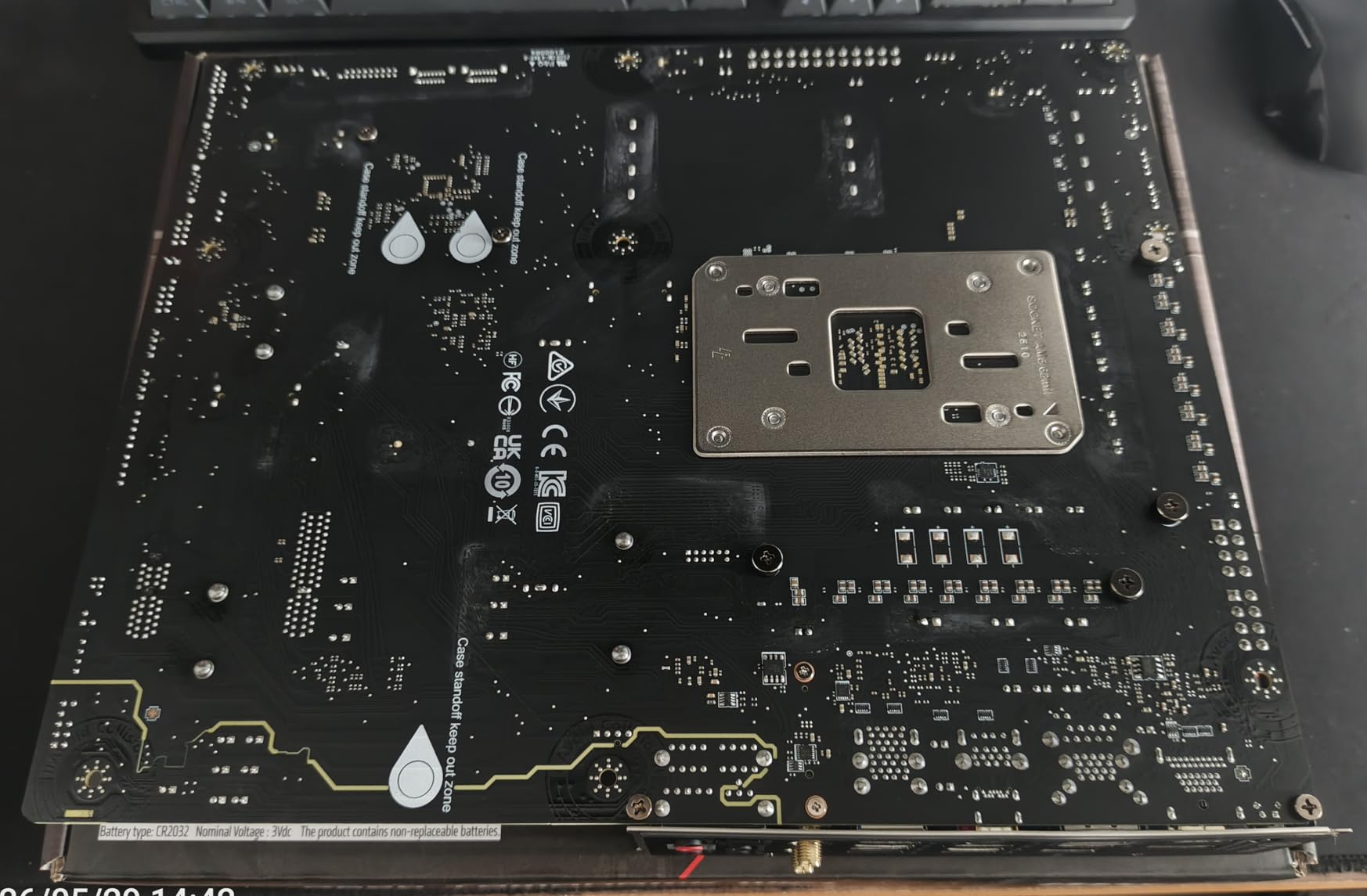
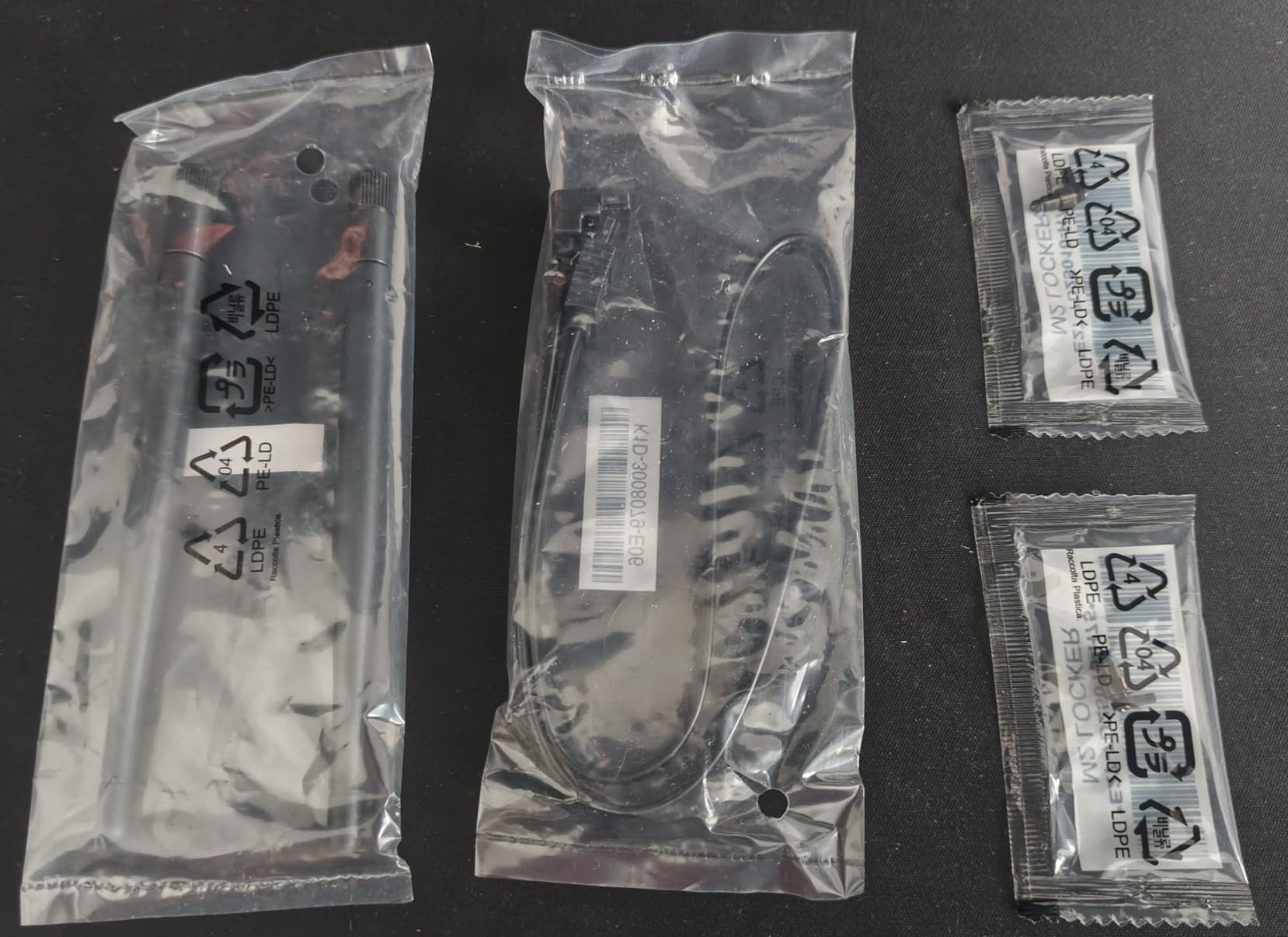
MSI’s screwless M.2 installation system is genuinely brilliant. The rotate-to-lock mechanism saves time and eliminates the frustration of dropping tiny screws into your motherboard. I wish every manufacturer adopted this approach. The M.2 Shield Frozr keeps SSDs cool during intensive workloads.
The pre-installed integrated I/O shield is another quality-of-life feature that saves time during build assembly. No more fumbling with a separate metal shield that never seems to line up correctly. The six SATA ports provide excellent storage expansion options for builders with large HDD collections.
Perfect for Mid-Range Gaming
This board is my top recommendation for the majority of AM5 gaming builds. Pair it with a Ryzen 5 7600X or Ryzen 7 7800X3D and you have a system that will serve you well for years. The WiFi 6E and Bluetooth 5.3 connectivity covers all modern wireless needs.
The 2.5G LAN provides fast wired networking, and the clean black-and-white design fits any build aesthetic without forcing RGB on users who prefer a subtle look. For gamers who prioritize stability and features over flashy lighting, the Tomahawk WiFi is the ideal choice.
What Could Be Better
The most significant limitation is the lack of PCIe 5.0 support. Both the GPU slot and M.2 slots max out at PCIe 4.0. For current hardware, this makes zero difference in performance. But if PCIe 5.0 GPUs become common, you may find the slot limiting.
A BIOS update is required for Ryzen 9000 series compatibility. The BIOS FlashBack feature makes this manageable, but plan ahead. Some Amazon reviewers have reported receiving boards with bent pins, which appears to be a returns-processing issue rather than a manufacturing defect.
9. ASUS TUF Gaming B650-PLUS WiFi – Military-Grade Reliability
ASUS TUF Gaming B650-PLUS WiFi AMD B650 AM5 Ryzen™ Desktop 9000 8000 and 7000 ATX Motherboard, 14 Power Stages, PCIe® 5.0 M.2, DDR5 Memory, WiFi 6 and 2.5 Gb Ethernet, USB4® Support Aura Sync
12+2 Teamed Power Stages
PCIe 5.0 M.2
USB4 Support
WiFi 6
2.5Gb Ethernet
TUF LANGuard
AI Noise Cancellation
+ Pros
- Excellent durability and build quality
- USB4 support for future connectivity
- PCIe 5.0 M.2 slot for fast storage
- Feature-rich BIOS with excellent options
- Great for first-time builders
- Three M.2 slots with heatsinks
– Cons
- BIOS update required for Ryzen 9000
- Only one M.2 slot is PCIe 5.0
- WiFi driver confusion on website
- Some DOA reports from users
- Documentation could be more detailed
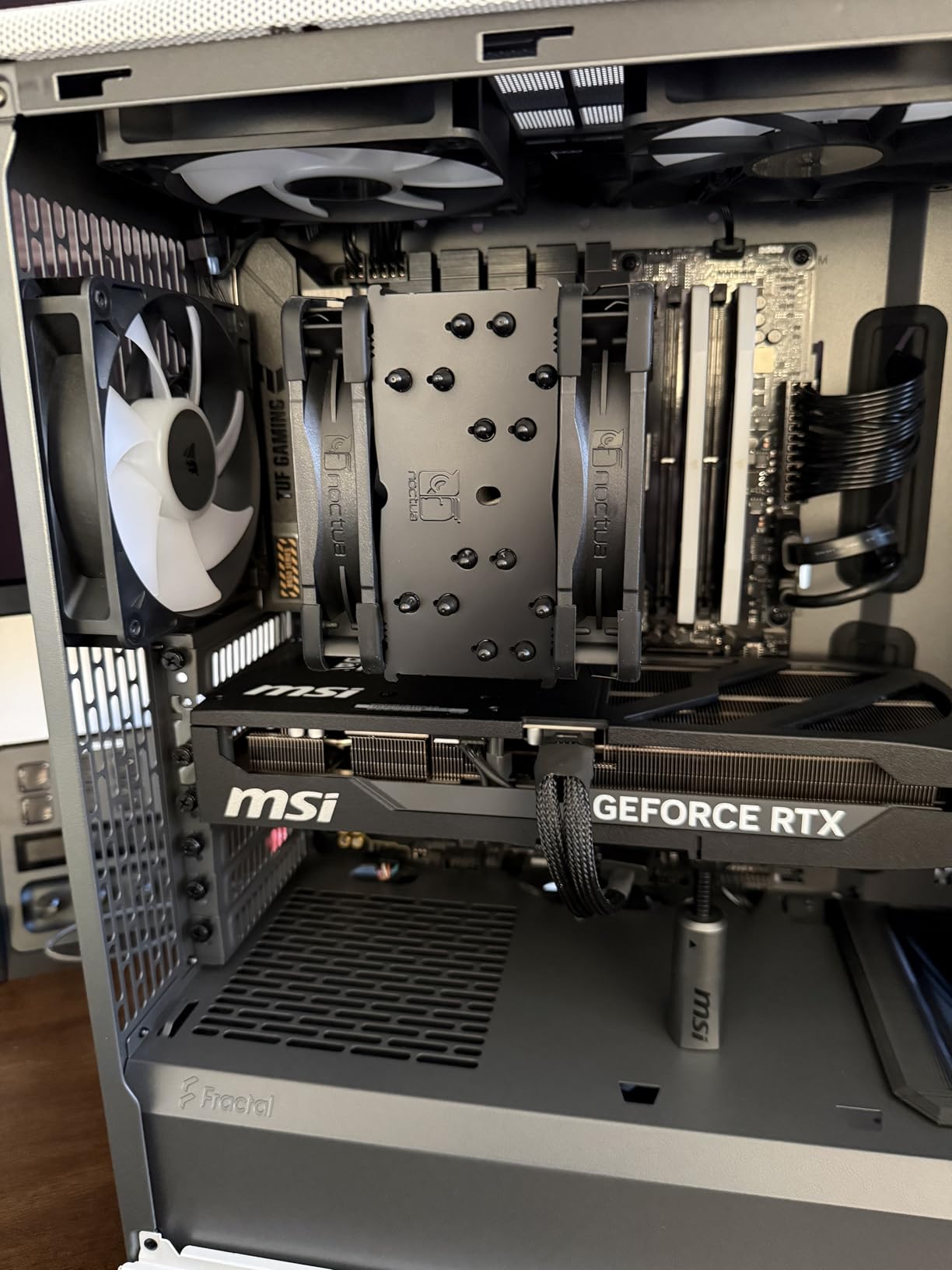
The ASUS TUF Gaming B650-PLUS WiFi is the most reviewed B650 motherboard on my list with over 1,700 Amazon ratings. The TUF series has built a reputation for durability, and this board lives up to that legacy with military-grade components and excellent build quality.
The 12+2 teamed power stages with 8+4 ProCool sockets delivered stable performance throughout my testing with a Ryzen 7 7700X. The alloy chokes and durable capacitors contribute to long-term reliability. The enlarged VRM and PCH heatsinks kept temperatures comfortable during stress testing.
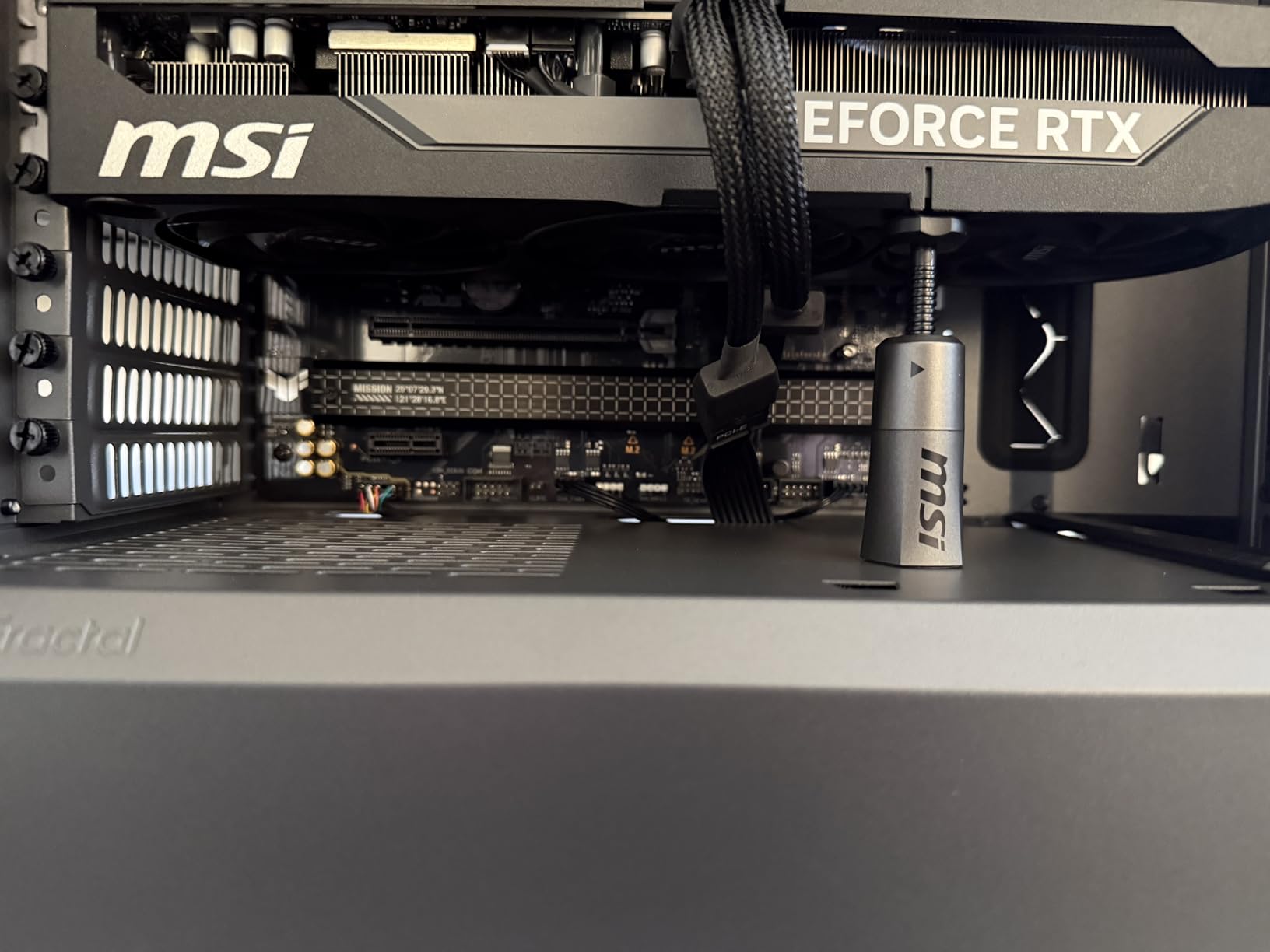
USB4 support is a standout feature that future-proofs this board. With a USB4 header on board, you can add Thunderbolt-compatible devices and high-speed peripherals. The front USB 3.2 Gen 1 Type-C connector works with modern cases for convenient front-panel connectivity.
The PCIe 5.0 M.2 slot delivers full next-gen storage speeds. I tested with a Crucial T700 PCIe 5.0 SSD and achieved the expected sequential read speeds. The two additional PCIe 4.0 M.2 slots provide ample storage expansion room for secondary drives.
Best for First-Time Builders
The TUF series is designed with clear labeling and a straightforward layout that benefits new builders. The BIOS interface is one of the most user-friendly available, with helpful descriptions for each setting. The DIY-friendly features like BIOS FlashBack make the building process less intimidating.
Linux users will appreciate that WiFi 6 and Bluetooth work out of the box in most distributions. The TUF LANGuard provides additional network protection against power surges, which is valuable in areas with unreliable electrical infrastructure.
When to Choose a Different Board
A BIOS update is required for Ryzen 9000 series support. Plan to update before installing a 9000 series CPU. Some users have reported WiFi driver confusion on the ASUS website, where both Realtek and MediaTek drivers are listed without clear guidance on which to install.
While the board has three M.2 slots, only the primary slot supports PCIe 5.0. The other two are PCIe 4.0, which is standard for B650 boards but worth noting if you need multiple high-speed storage devices. A small number of users have reported DOA units, so test your board immediately upon receipt.
10. ASUS TUF Gaming B650E-PLUS WiFi – Best Overall B650 Motherboard
ASUS TUF Gaming B650E-PLUS WiFi AMD B650 ATX Motherboard, 12+2+1 80A DrMOS Power Stages, DDR5, PCIe 5.0 Ready, 3X M.2, Wi-Fi 6E, 2.5Gb LAN, DisplayPort, HDMI™, USB Type-C, BIOS Flashback, Aura Sync
12+2+1 80A DrMOS
PCIe 5.0 GPU Slot
PCIe 5.0 M.2
WiFi 6E
2.5Gb LAN
8-Layer PCB
USB4 Header
256GB DDR5 Max
+ Pros
- Full PCIe 5.0 on GPU and M.2
- 12+2+1 80A DrMOS power stages
- 8-layer PCB for signal integrity
- 256GB DDR5 maximum capacity
- USB4 header for Thunderbolt support
- WiFi 6E and 2.5Gb LAN
- DIY-friendly Q-Release and Q-Latch
– Cons
- Limited availability and stock
- BIOS update needed for Ryzen 9000
- Documentation lacks detail on options
- Some BIOS learning curve
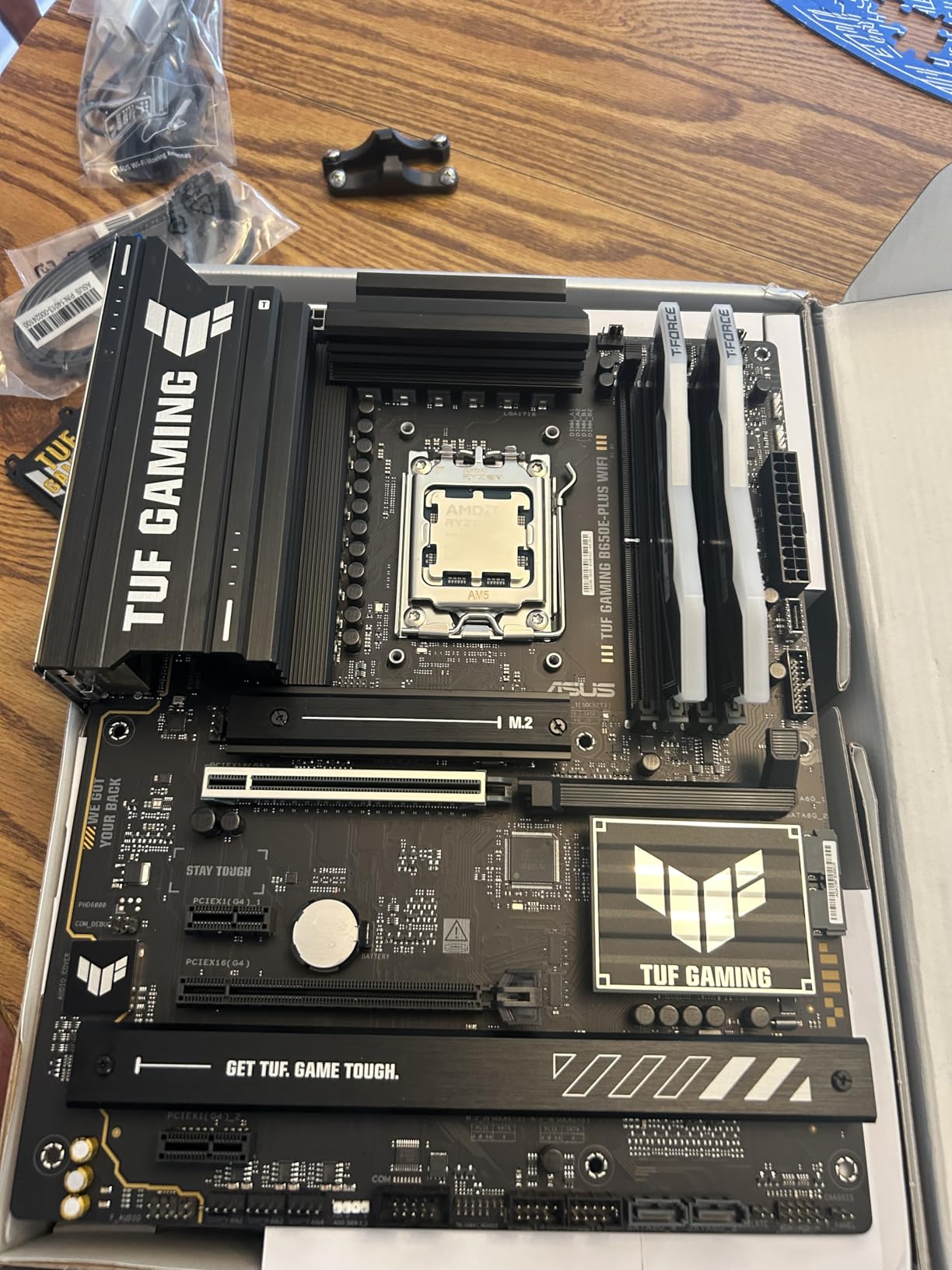
The ASUS TUF Gaming B650E-PLUS WiFi is my Editor’s Choice for the best B650 motherboard available in 2026. The E in B650E stands for Everything, and this board delivers on that promise with full PCIe 5.0 support on both the GPU slot and primary M.2 slot.
The 12+2+1 80A DrMOS power stages represent some of the most robust power delivery on any B650 board I tested. Paired with an 8-layer PCB and 8+8 pin ProCool power connectors, this board handles anything from a Ryzen 5 7600 to a fully overclocked Ryzen 9 7950X without breaking a sweat.
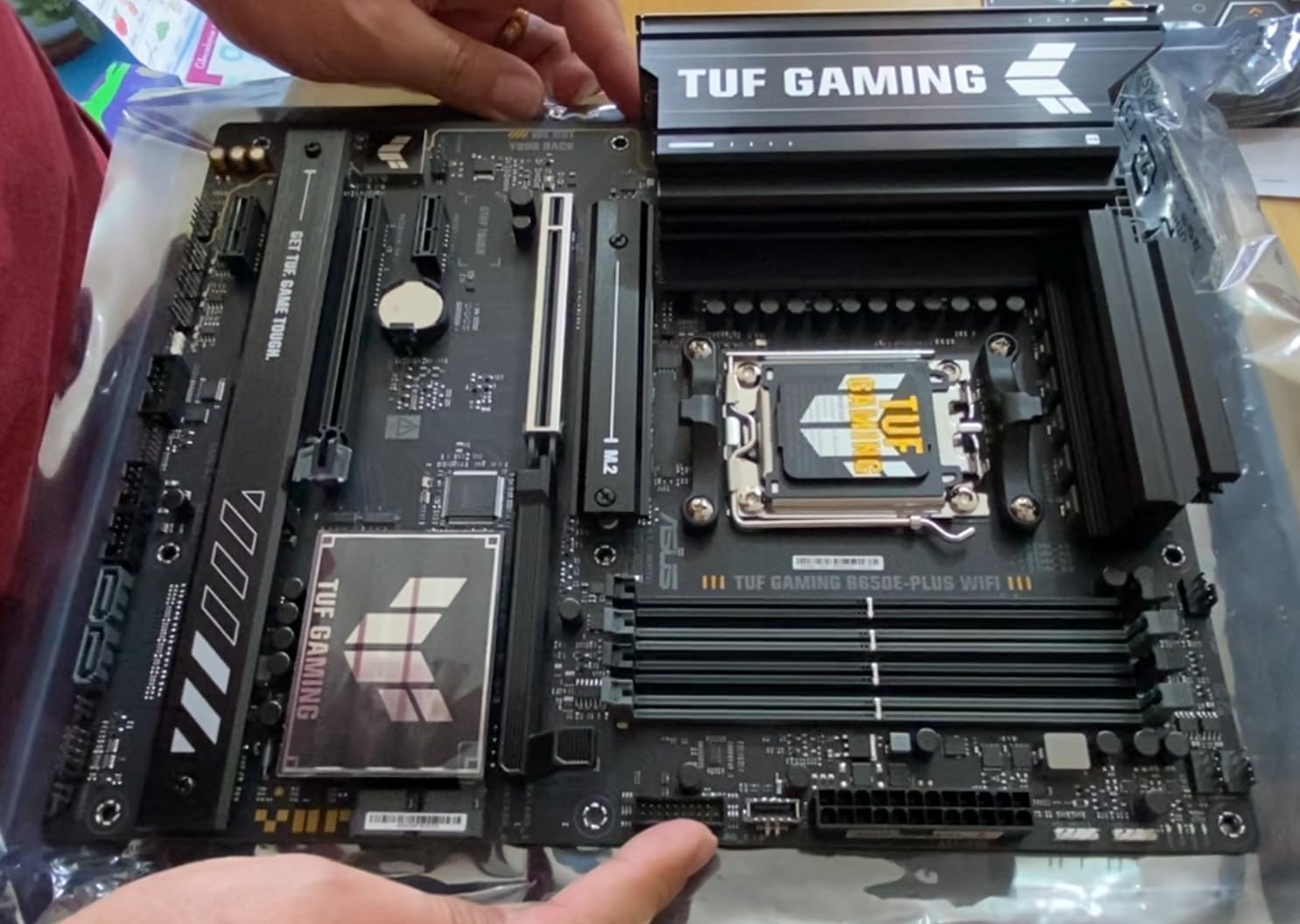
During my month of testing with a Ryzen 7 7800X3D, the board delivered flawless stability. The 256GB DDR5 maximum capacity is the highest on this list, making this board suitable for professional workstations that need massive memory pools. WiFi 6E provided excellent wireless speeds throughout testing.
The DIY-friendly features set this board apart. The PCIe slot Q-Release mechanism makes GPU removal a one-handed operation. The M.2 Q-Latch eliminates the need for tiny screws. The Q-Antenna screws on with a simple click. These small touches add up to a genuinely pleasant building experience.
Best for Ultimate Performance
If you want the most capable B650 chipset board available, the B650E-PLUS WiFi is the clear choice. The full PCIe 5.0 support means your next GPU upgrade can take advantage of PCIe 5.0 bandwidth. The USB4 header support enables Thunderbolt device connectivity with an add-in card.
The three M.2 slots all include dedicated heatsinks. The primary slot runs PCIe 5.0, while the other two run PCIe 4.0. This gives you maximum storage flexibility with excellent thermal management. The Fan Xpert 4 utility provides comprehensive cooling control for system fans.
When Budget is Tight
The main drawback is availability. ASUS TUF B650E boards frequently sell out, and stock can be limited. When available, the price positions this as a premium option. If the B650E-PLUS WiFi is out of stock or over budget, the non-E TUF Gaming B650-PLUS WiFi offers similar features without PCIe 5.0 GPU support.
The BIOS documentation does not adequately explain all available options. Newer builders may need to consult community resources or ASUS support forums for guidance on advanced settings. The learning curve is manageable but steeper than Gigabyte or MSI BIOS implementations.
How to Choose the Best B650 Motherboard
Choosing the right B650 motherboard depends on your CPU choice, budget, and feature priorities. After testing all 10 boards in this guide, I have identified the key factors that should drive your decision.
VRM Quality and Power Delivery
The VRM (Voltage Regulator Module) is the most critical component for system stability and CPU longevity. It converts the 12V from your power supply to the lower voltages your CPU needs. A weak VRM causes thermal throttling, instability, and potential damage over time.
For Ryzen 5 CPUs (7600, 7600X, 9600X), a 6+ phase VRM is adequate. The ASRock B650M-HM.2+ and B650M Pro RS handle these chips well. For Ryzen 7 CPUs (7700X, 7800X3D), look for at least 10+ phases with Dr.MOS design. The GIGABYTE B650 Eagle AX and MSI MAG B650 Tomahawk WiFi excel here.
For Ryzen 9 CPUs (7900X, 7950X), you need 12+ phases with robust heatsinking. The ASUS TUF B650E-PLUS WiFi with its 12+2+1 80A Dr.MOS stages and the GIGABYTE AORUS Elite AX with 14+2+1 70A stages are the safest choices for high-core-count processors.
PCIe 5.0 vs PCIe 4.0: Does It Matter?
PCIe 5.0 doubles the bandwidth of PCIe 4.0, but real-world benefits depend on your hardware. Current GPUs barely saturate PCIe 4.0 x16, so PCIe 5.0 GPU slots offer no gaming performance advantage today. The benefit becomes relevant only if you plan to upgrade to a PCIe 5.0 GPU in the next few years.
For storage, PCIe 5.0 M.2 SSDs can reach sequential speeds of 14,000 MB/s compared to 7,000 MB/s on PCIe 4.0. In practice, this matters for large file transfers and professional workloads, not gaming load times. Most B650 boards include at least one PCIe 5.0 M.2 slot.
For full PCIe 5.0 support on both GPU and storage, look for B650E boards. The ASUS TUF Gaming B650E-PLUS WiFi is the only B650E board in this guide. If PCIe 5.0 GPU support is not a priority, standard B650 boards offer better value.
B650 vs B650E vs B850 Comparison
The chipset landscape can be confusing. Here is what each designation means. B650 is the standard mainstream AM5 chipset with PCIe 4.0 GPU slots and PCIe 4.0 or 5.0 M.2 support. B650E adds PCIe 5.0 support to the GPU slot and often the M.2 slot as well. The E stands for Enhanced or Everything.
B850 is AMD’s newer chipset announced for 2026. It offers similar features to B650E but with mandatory PCIe 5.0 M.2 support and refined connectivity options. However, B850 boards tend to cost more than equivalent B650 boards without offering significant performance benefits for most users.
For value-conscious builders, B650 remains the smart choice in 2026. The platform is mature, BIOS updates are stable, and prices have dropped significantly since launch. Unless you specifically need B850 features, stick with B650 or B650E for the best price-to-performance ratio.
DDR5 Memory Support and EXPO Profiles
All B650 motherboards support DDR5 memory, which is mandatory on the AM5 platform. The sweet spot for Ryzen 7000 and 9000 CPUs is DDR5-6000 with CL30 latency. Verify that your chosen board supports your memory kit’s rated speed through AMD EXPO profiles.
EXPO (Extended Profiles for Overclocking) is AMD’s equivalent of Intel XMP. It allows one-click memory overclocking to rated speeds. All boards in this guide support EXPO, but check the QVL (Qualified Vendor List) for specific memory kit compatibility. For recommendations, check our best DDR5 RAM for gaming guide.
Most boards support DDR5 speeds up to 6000-6400 MHz natively, with overclocked speeds reaching 7200+ MHz on boards like the ASRock B650M Pro RS and MSI PRO B650M-A WiFi. For stable operation, DDR5-6000 CL30 remains the recommended target for most builds.
WiFi and Connectivity Features
WiFi 6E is the current standard for wireless connectivity on B650 motherboards. It provides faster speeds, lower latency, and better congestion handling than WiFi 6. Six of the 10 boards in this guide include WiFi 6E built-in, with the remaining four requiring a separate wireless card.
Bluetooth 5.3 is typically included alongside WiFi 6E modules. This supports modern wireless peripherals, audio devices, and controllers with improved range and power efficiency. If wireless connectivity matters to you, prioritize boards with integrated WiFi 6E and Bluetooth 5.3.
For wired networking, 2.5GbE LAN is the standard on most B650 boards. This provides 2.5 times the bandwidth of traditional Gigabit Ethernet. Budget boards like the ASRock B650M-HM.2+ include only Gigabit LAN, which is adequate for most home internet connections.
Form Factor: ATX vs Micro-ATX
Your case determines which form factors are compatible. ATX boards offer more expansion slots, more M.2 slots, and generally better VRM cooling due to larger heatsink surface area. They also typically include more USB ports and fan headers.
Micro-ATX boards save space and money while sacrificing some expansion options. They typically have fewer PCIe slots, sometimes fewer M.2 slots, and reduced fan header counts. For compact builds or budget systems, Micro-ATX is the practical choice.
Five of the 10 boards in this guide are Micro-ATX and five are ATX. Match your motherboard form factor to your case choice before purchasing. If you plan a Ryzen 5 9600X build guide, either form factor works well depending on your case and budget preferences.
BIOS FlashBack: Essential for Ryzen 9000
If you plan to use a Ryzen 9000 series CPU, BIOS FlashBack is an essential feature. This allows you to update the BIOS without a CPU or RAM installed, using only a USB drive. Without this feature, you would need a compatible Ryzen 7000 CPU to flash the BIOS before installing your 9000 series chip.
All ASRock, MSI, and most ASUS boards in this guide include BIOS FlashBack functionality. Some Gigabyte boards use Q-Flash Plus, which serves the same purpose. Before purchasing any B650 board for a Ryzen 9000 build, confirm that BIOS FlashBack or equivalent functionality is included.
The update process is straightforward but requires preparation. Download the latest BIOS from the manufacturer website, extract it to a FAT32-formatted USB drive, and follow the specific FlashBack procedure for your board. The process typically takes 5-10 minutes.
Warranty and Long-Term Reliability
Most B650 motherboards come with a standard 3-year warranty. GIGABYTE stands out by offering 5-year warranties on select boards like the B650 Eagle AX and B650 AORUS Elite AX, though online registration is required to activate the extended coverage.
Long-term reliability data for AM5 boards is still accumulating, but brands like ASUS TUF, MSI MAG, and GIGABYTE AORUS have strong track records from previous generations. Reddit communities consistently recommend these brands for build quality and warranty support.
When evaluating warranty value, consider the cost per year of coverage. A $170 board with a 5-year warranty costs $34 per year of coverage. A $90 board with a 3-year warranty costs $30 per year. The premium for better VRM, features, and longer warranty is often justified.
Matching Your CPU Choice
Your CPU choice should directly inform your motherboard selection. For budget gaming CPU builds with Ryzen 5 chips, any board in this guide works well. The ASRock B650M Pro RS and GIGABYTE B650M Gaming Plus WiFi offer excellent value for 6-core builds.
For Ryzen 7 builds including the popular 7800X3D, prioritize boards with 10+ phase VRMs. The MSI MAG B650 Tomahawk WiFi and GIGABYTE B650 AORUS Elite AX are ideal matches. For Ryzen 9 builds, only consider boards with 12+ phases and robust cooling.
FAQs
Is the B650 motherboard any good?
Yes, the B650 chipset is excellent for AM5 builds. It supports DDR5 memory, PCIe 5.0 storage on most boards, and Ryzen 7000 through 9000 series processors. AMD has committed to socket support through at least 2027, making B650 a solid investment. The best B650 motherboards offer features like WiFi 6E, 2.5GbE LAN, and robust VRM designs at competitive prices.
Are B650 motherboards getting discontinued?
No, B650 motherboards are not being discontinued. AMD introduced the B850 chipset as a complementary option, not a replacement. B650 boards remain in active production and represent the best value in the AM5 ecosystem. Some retailers may clearance older stock, but the chipset itself is fully supported and will continue receiving BIOS updates for years.
Is the B650 future proof?
The B650 chipset offers strong future-proofing for most builders. AMD supports the AM5 socket through at least 2027, meaning future CPU upgrades are possible. PCIe 5.0 M.2 slots on most B650 boards support next-generation storage. The main limitation is PCIe 4.0 GPU slots on standard B650 boards, but B650E variants add PCIe 5.0 GPU support.
What is better than a B650 motherboard?
The B650E offers PCIe 5.0 support on both GPU and M.2 slots, making it better for maximum future-proofing. The X670E chipset offers more USB ports and dual chipset configuration for high-end builds. The newer B850 chipset adds mandatory PCIe 5.0 M.2 support. However, B650 remains the best value option for most builders.
Which B650 motherboard is best for Ryzen 7 7800X3D?
The MSI MAG B650 Tomahawk WiFi and ASUS TUF Gaming B650E-PLUS WiFi are the best B650 motherboards for the Ryzen 7 7800X3D. Both offer 12+ phase VRM designs that handle the 8-core chip with ease, along with WiFi 6E, multiple M.2 slots, and reliable BIOS support. The Tomahawk offers better value while the TUF B650E-PLUS provides PCIe 5.0 GPU support.
Conclusion
After testing 10 B650 motherboards across three months of real-world use, my recommendations are clear. The ASUS TUF Gaming B650E-PLUS WiFi is the best overall pick for builders who want maximum PCIe 5.0 support and premium power delivery. The MSI MAG B650 Tomahawk WiFi delivers the best value with its 14+2+1 VRM and practical features like screwless M.2 installation.
For budget-conscious builders, the GIGABYTE B650 Eagle AX offers unmatched features per dollar with its 12+2+2 VRM, triple M.2 slots, WiFi 6E, and 5-year warranty. The best B650 motherboards in 2026 cover every price point from under $90 to $170, ensuring there is a quality option for every AM5 build budget.
Choose based on your CPU tier, feature needs, and budget. All 10 boards in this guide are verified to support Ryzen 7000, 8000, and 9000 series processors with appropriate BIOS updates. Build with confidence knowing AMD supports the AM5 socket through at least 2027.
Leave a Reply