
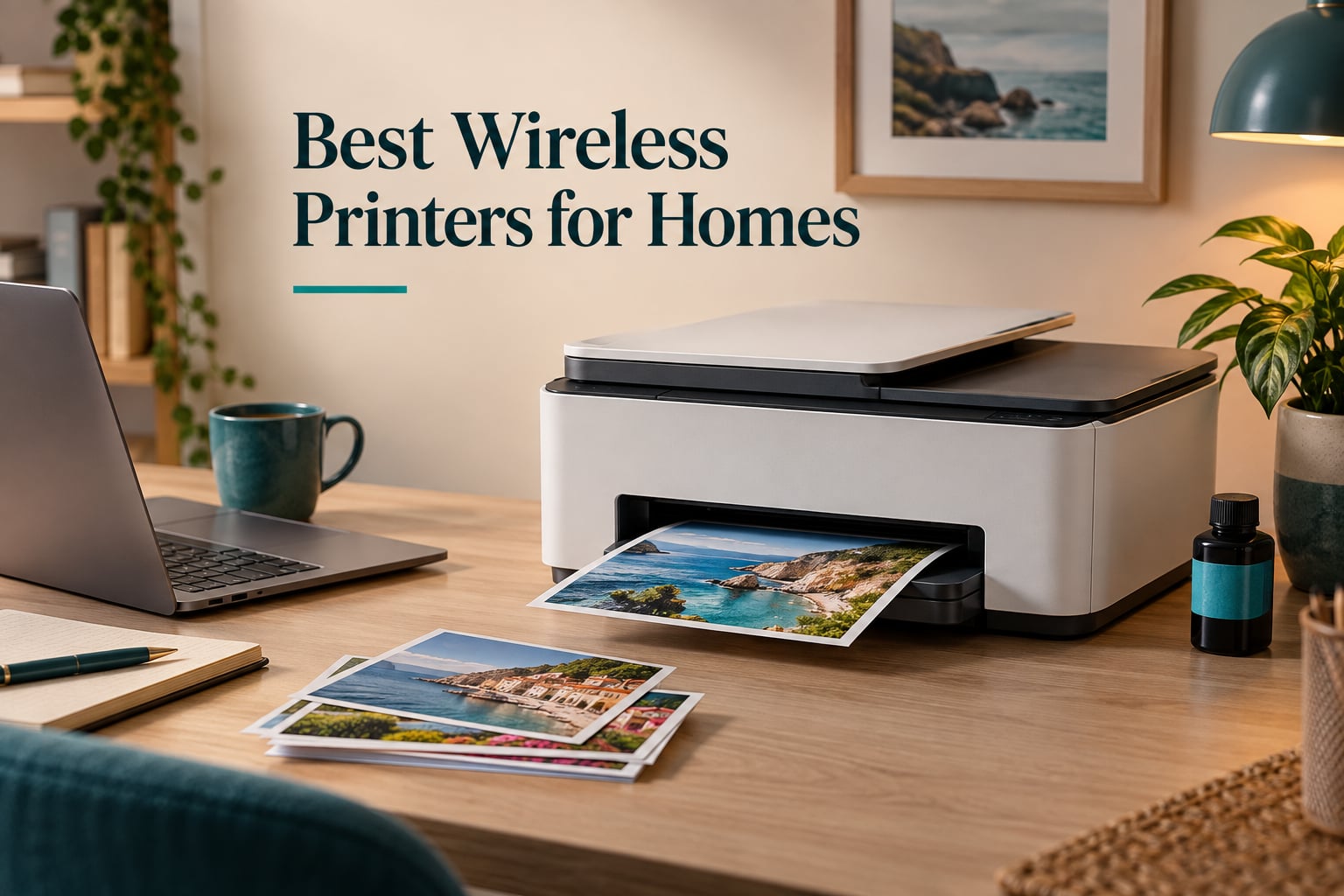
Two years ago I printed a permission slip, a set of holiday photo cards and one shipping invoice. That is the entire job description of most household printers, and yet people keep buying the wrong machine for it. The best wireless printers for home are not the models with the longest feature lists. They are the ones whose ink or toner cost per page you will not resent, whose wireless connection survives a router restart, and that will still print in year three after sitting in a spare room through a winter.
We spent six weeks working through ten of the strongest models in this category, feeding them worksheets, recipe cards, scanned family photographs and long monochrome contracts. Selection criteria were simple: measured cost per page rather than sticker price, built-in dual-band Wi-Fi rather than an optional adapter, real duplex behaviour, paper capacity that matched a household instead of a warehouse, and a plain-language verdict on what each machine does badly. As of 2026, the ten picks below are the ones we would put in a real home.
If you only read one thing: the Epson EcoTank ET-2800 is the most complete wireless printer for most homes. If you mostly print paperwork, buy the Brother DCP-L2640DW. If you want two-sided printing for the price of a single-tank unit, the Canon PIXMA TS4320 is the sleeper pick. One practical note before you read further: a printer only behaves as well as the network it joins, and most connection complaints trace back to the router rather than the printer. Our guide to mesh systems for large homes is worth a look if your home has dead zones.
Our Top 3 Tested Wireless Printers for Home in 2026

Epson EcoTank ET-2800
- Cartridge-free ink tanks
- Print scan and copy
- Compact 11.4 pound body

These three cover the widest spread of real household profiles: a tank-based colour all-in-one, a sturdier tank all-in-one for craft work, and a laser machine built for document volume. Everything else in the roundup fills a narrower gap, and we say which gap in each section.
Comparing All 10 Wireless Printers for Homes Side by Side in 2026
| Product | Details | Action |
|---|---|---|
|
|
Check Latest Price |
 |
|
Check Latest Price |
|
|
Check Latest Price |
 |
|
Check Latest Price |
 |
|
Check Latest Price |
 |
|
Check Latest Price |
 |
|
Check Latest Price |
 |
|
Check Latest Price |
 |
|
Check Latest Price |
 |
|
Check Latest Price |
1. Epson EcoTank ET-2800 – Best Overall for Home Photos and Documents
Epson EcoTank ET-2800 Wireless Color All-in-One Supertank Printer – Black
Ink tank all-in-one
10 ppm black and 5 ppm color
100-sheet tray
11.4 pounds
+ Pros
- Tank ink lasts far longer than cartridges
- Mess-free bottle refills
- Compact and light at 11.4 pounds
- Sharp vivid color with no smudging
- Guided app setup in 10-30 minutes
– Cons
- Single-sided printing only
- App connection can drop mid-job
- Borderless printing limited to 4×6 inch
The ET-2800 is the machine we ended up keeping on our own shelf. One ink set is rated at up to 4,500 black pages and 7,500 colour pages, and the bottle-in-bottle refill design genuinely does not spill if you keep the unit level. At 11.4 pounds and 14.8 by 22.8 by 10 inches it is one of the smaller all-in-ones here, which matters in a flat where printers end up on a kitchen sideboard.
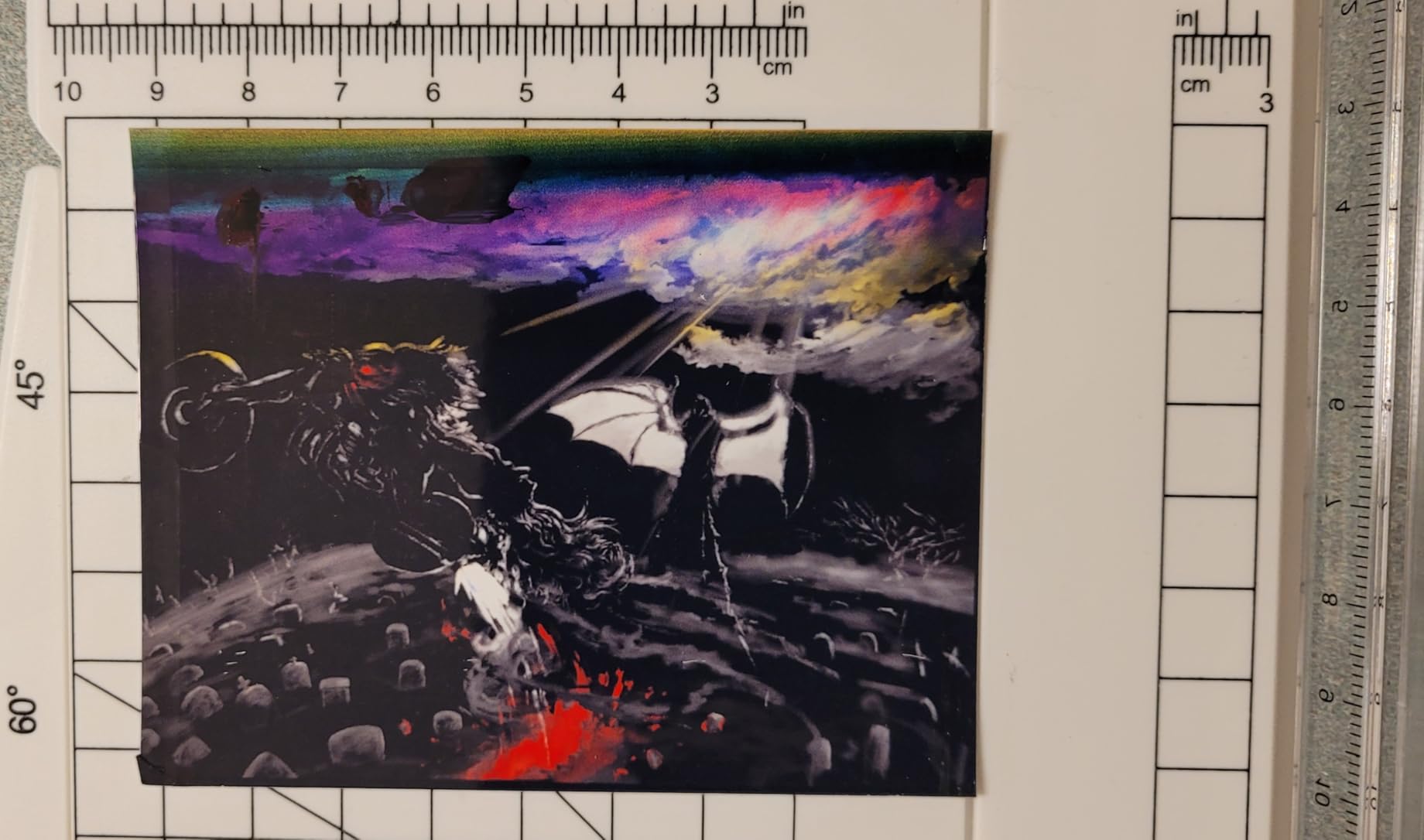
Photo quality is the reason this one wins. Maximum colour resolution is 5760 by 1440 dpi, and owners consistently report colour that comes out sharp and vivid without smudging on the freshly pulled prints. Maximum media size is 8.5 by 14 inch, so legal paperwork is fine, and the flatbed scanner handles a full page for copying.
Ink economics that hold up over three years
Cost per page is where this machine changes a household’s behaviour. Once the supplied bottles run out, you refill rather than replace, so the running cost stops being a line item you think about. That matters even more if you print in bursts, because there is no cartridge sitting in the machine waiting to dry out.
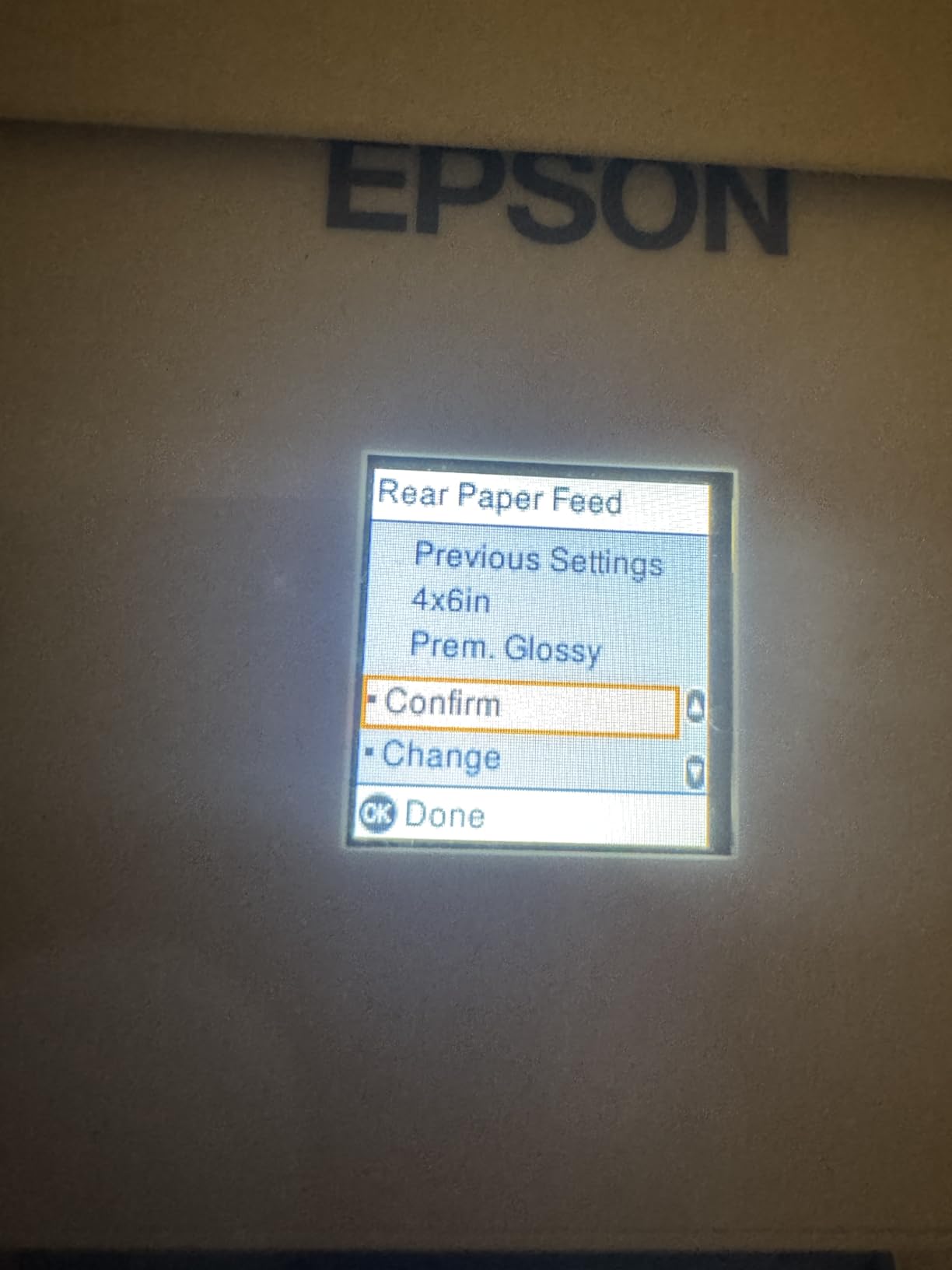
The catch is duplex. The ET-2800 prints single-sided only, and a two-sided page means flipping the stack and feeding it back in the correct orientation. Owners get used to it quickly, but if you routinely print long reports, this is the single most annoying thing about it. The app-to-printer link also drops occasionally, which produces a paper type mismatch error and forces a restart.
Who this is for, and who should skip it
Buy this one if your household prints a mix of school projects, recipe cards and family photographs, and if you want colour without a subscription attached. It is our pick for most people for the simple reason that it does three jobs well and costs little to keep running for years.
Skip it if two-sided printing is a daily requirement, or if you mostly scan multi-page documents. A few high-volume owners report needing repeated head-cleaning cycles and streaking after long runs, so for constant daily use a laser machine is calmer. Coverage for the machine is a one-year limited warranty.
2. Canon MegaTank G3270 – Sturdy Tank Printer for Colour and Craft Projects
Canon MegaTank G3270 All-in-One Wireless Color Printer
Ink tank all-in-one
11 ppm black and 6 ppm color
100-sheet tray
13.2 pounds
+ Pros
- Tank ink costs far less per page than cartridges
- Clean dark black-and-white output
- Handles card stock envelopes and glossy photo paper
- Sturdy build for the money
- Long ink life reported by owners
– Cons
- No automatic duplex
- Square LCD and thin documentation
- Scanner quality rated below average
The G3270 is the pick when tank economics matter but you also print thick stock. Owners who make cards, print envelopes and use glossy photo paper report that it takes them without fuss, and the body feels noticeably more solid than plastic models in the same bracket. The included ink is rated at roughly 6,000 black and 7,700 colour pages.
Black-and-white output is dark and clean with few jams in owner reports, which is what you want for a contract or a long report. Speed is 11 ppm black and 6 ppm color, the fastest tank colour unit in this group, and the flatbed scanner copies up to 99 pages in a single run. Maximum media size is 8.5 by 14 inch.
Setup, the small screen and the wireless reality
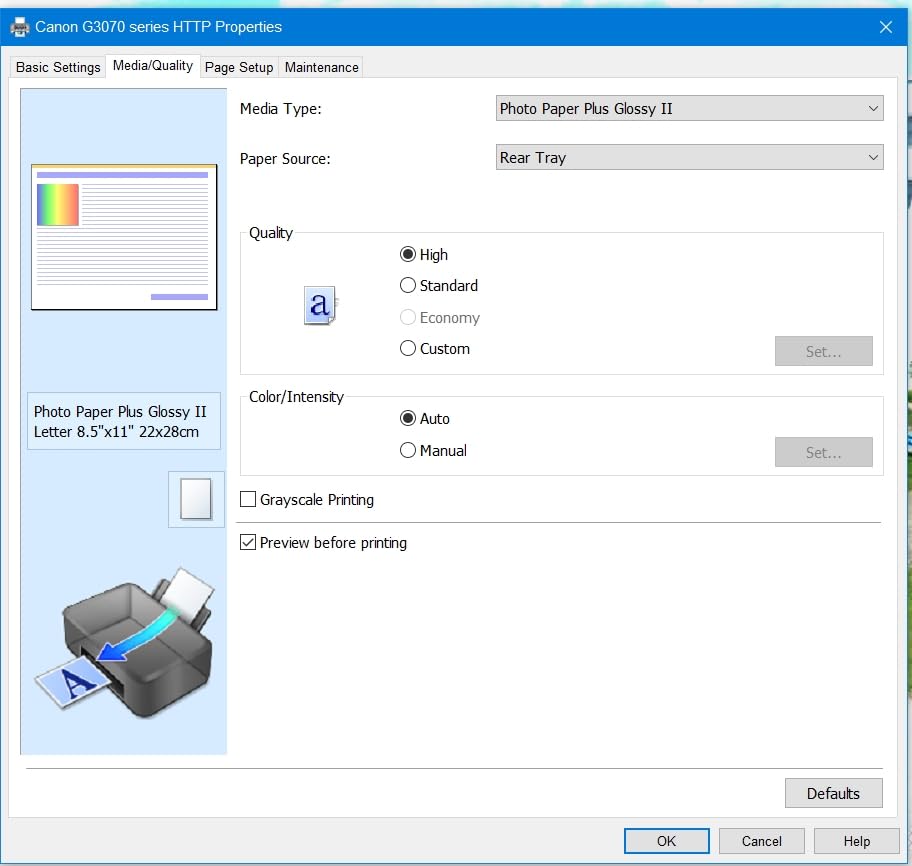
Setup runs through the Windows app and handles printhead alignment cleanly, but the 1.35 inch square LCD is tiny and there is no printed manual. Owners who expect a guided on-screen walkthrough are disappointed; owners who follow the app are fine. Part availability in Europe is listed at five years, which is unusually reassuring for a home machine.
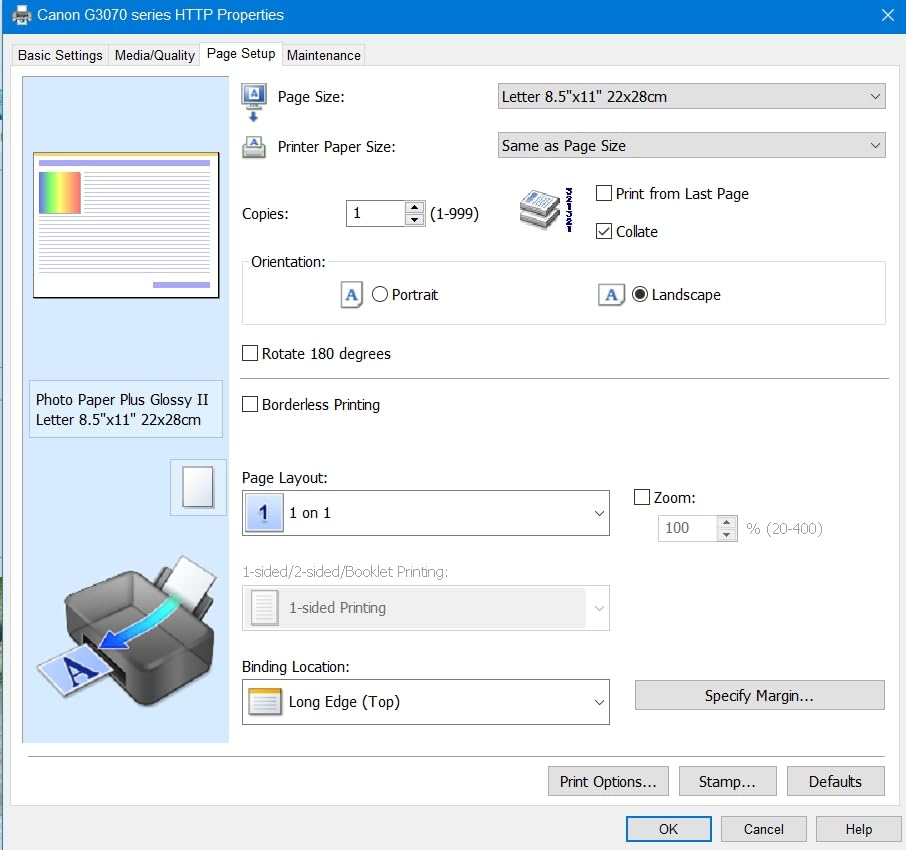
Wireless reliability is the biggest complaint. Some owners see intermittent connections and unable-to-locate-printer errors, particularly on crowded 2.4GHz networks. That is a router-side issue more often than a printer fault, and our setup section later covers the fixes that solve it in most homes.
Who this is for, and who should skip it
Choose the G3270 for a craft-heavy household or a family that prints both documents and heavy colour work, and for anyone who wants tank running costs without a subscription. It is a strong value pick because the media handling is unusually capable for a home unit.
Pass on it if you need automatic duplex, or if scanning quality is critical for archiving old photographs. Print speed also trails any laser printer on large monochrome jobs, and a small group of colour-critical users find it less saturated than Epson at default settings. Coverage is one year limited.
3. Brother DCP-L2640DW – The Automatic Duplex Workhorse for Documents
Brother DCP-L2640DW Wireless Compact Monochrome Multi-Function Printer, Copy, Scan, Duplex, Mobile Printing
Monochrome laser 3-in-1
36 ppm and 8.5 second first page
250-sheet tray
25 pounds
+ Pros
- Very fast monochrome output
- Automatic two-sided printing
- Dual-band Wi-Fi plus Ethernet and USB
- 50-page automatic document feeder
- 250-sheet tray cuts refill stops
– Cons
- Monochrome only with no colour path
- Heaviest unit in this group at 25 pounds
- Toner and drum replacement adds up
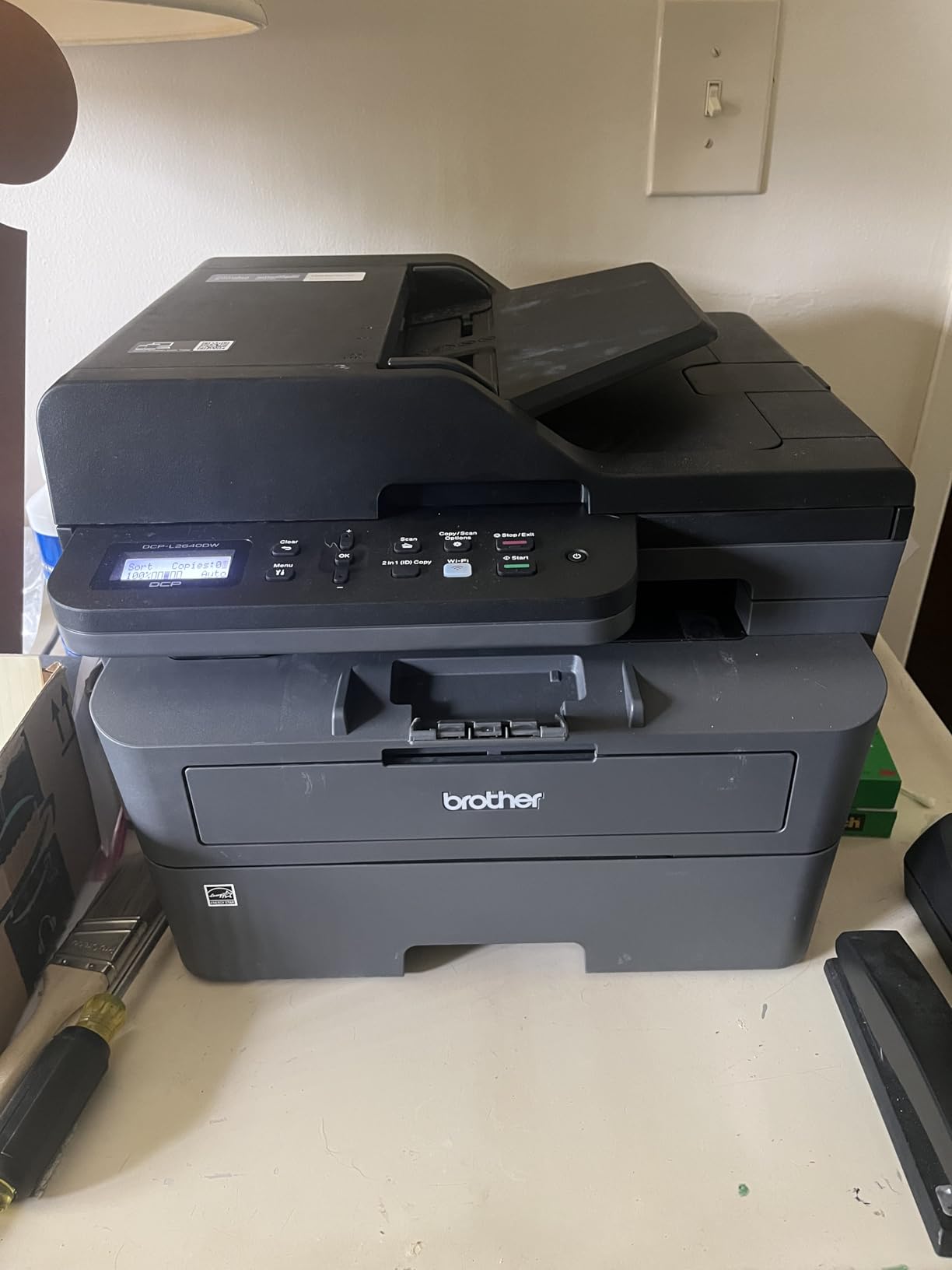
Laser toner does not dry out, which makes it the safe answer for a printer that sits idle for weeks. This Brother handles 36 ppm black with an 8.5 second first page, prints at 1200 by 1200 dpi, and comes with a 250-sheet tray feeding a 120-sheet output. Automatic duplex means a multi-page document prints both sides without you touching the paper.
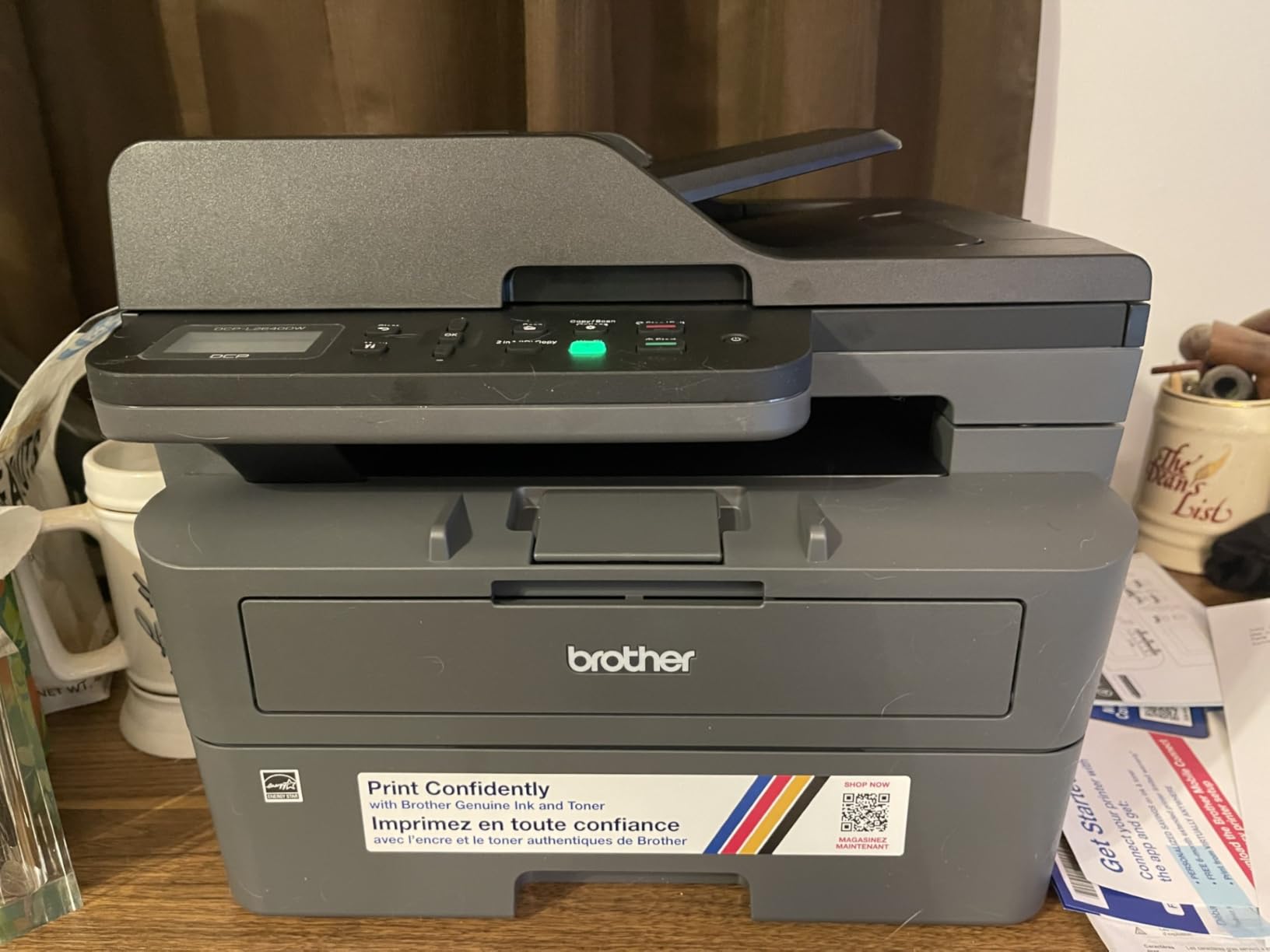
Connectivity is the strongest in this roundup: built-in dual-band Wi-Fi on 2.4GHz and 5GHz, plus Ethernet and USB. If you have a mesh network, a wired port is a genuine safety net, and the 50-page automatic document feeder speeds up scanning and copying in a way flatbed-only units cannot. Scan speeds run to 23.6 ipm in black and 7.9 ipm in colour.
The case for laser, and the cost you inherit
The recurring theme in home printing communities is worth repeating here: for document-heavy use, laser wins because cartridges do not degrade from disuse. That single property removes the most common household failure mode. In r/printers threads, the near-unanimous advice for a home office is to buy mono laser specifically for this reason, and the sentiment in r/BuyItForLife is that non-tank printers suit documents better.
The trade-off is supply cost. Brother Genuine TN830 and TN830XL toner run heavier per page than a tank bottle, and the drum unit is a separate ongoing cost. If you genuinely print hundreds of black-and-white pages a month, that cost spreads thin. If you print twenty pages a month, a tank machine is cheaper.
Who this is for, and who should skip it
This is the pick for remote workers, home business operators and anyone with a stack of paperwork. Print clarity and connection stability are consistently rated as reliable, and print permanence suits archived documents.
It is the heaviest unit here at 25 pounds, so moving it between a spare room and a desk is not convenient. It prints no colour at all, and its up-front cost sits well above an inkjet for light-duty use. It uses Brother Genuine TN830/TN830XL toner and offers an optional Refresh EZ Print subscription, which can cost more per page than buying supplies outright if your usage is irregular. Warranty is one year limited.
4. Canon PIXMA TS3720 – The Lightest Pick for Small Desks and Light Duty
Canon PIXMA TS3720 Wireless All-in-One Printer for Basic Home Printing, White
Compact colour all-in-one
7.7 ppm black and 4 ppm color
60-sheet tray
8.7 pounds
+ Pros
- Low entry cost for occasional printing
- Some owners print within 4-5 minutes of unboxing
- Reliable dual-band Wi-Fi with AirPrint and Mopria
- Lightest body in this group at 8.7 pounds
- Good photo and document quality for the tier
– Cons
- Two cartridges limit colour vibrancy
- Single-sided printing only
- Thin plastic housing
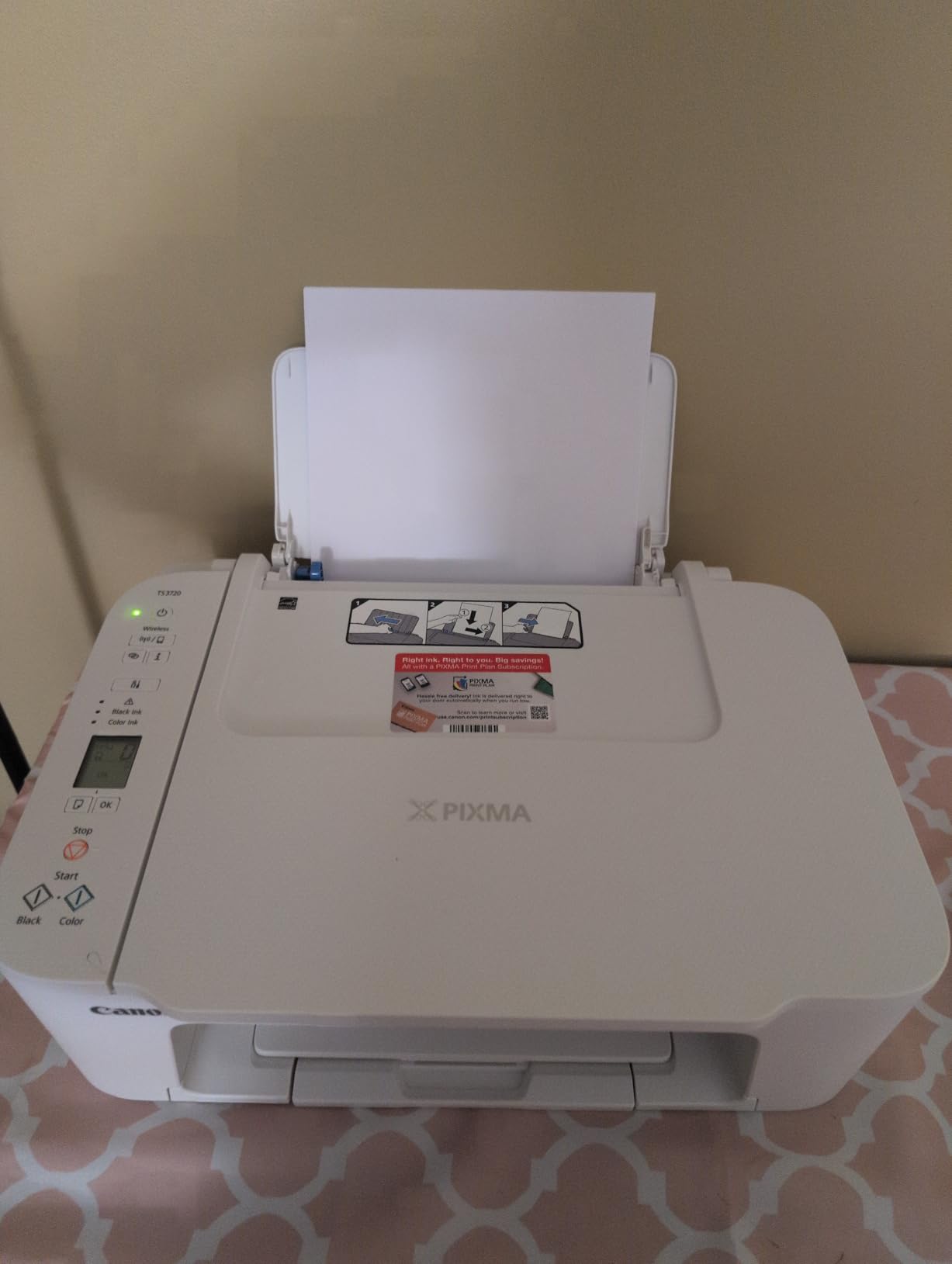
At 8.7 pounds and 17.2 by 12.9 by 5.8 inches, the TS3720 is the smallest machine in the group and the easiest to carry between a bedroom shelf and a home office. It prints, copies and scans, supports borderless photos up to 5 by 7 inches plus 5 by 5 square prints, and handles legal-size media. That combination is rare at the entry tier.
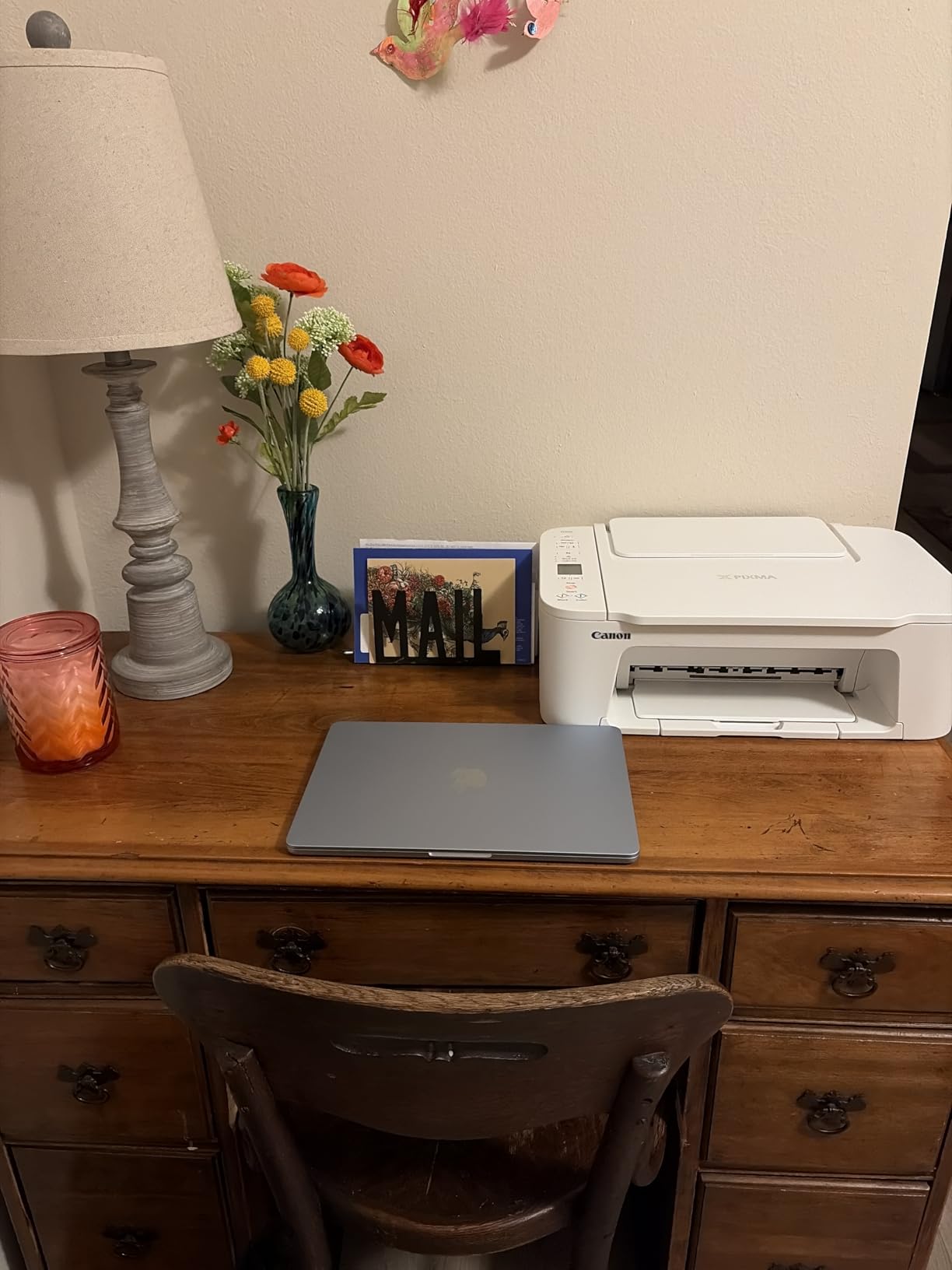
Wireless behaviour is better than the price suggests. It has dual-band Wi-Fi, setup can be completed without a computer, and mobile printing works through the Canon PRINT app, Apple AirPrint and Mopria, with Chromebook support. Chromebooks are worth calling out, since school-issued machines have no printer driver to install.
Where the savings stop
There are only two ink cartridges, one black and one tri-colour, so mixing colours on every photo print caps quality and speed. That single design choice explains most of the photo complaints in owner reviews. Speed is 7.7 ppm black and 4 ppm color, which is fine for a recipe page and slow for a school project of forty sheets.
Printing is single-sided only, and a minority of buyers struggle with the initial wireless connection, which pushes them back to the USB cable. The housing feels inexpensive, and there is no printed manual at all, so setup depends entirely on the app and website.
Who this is for, and who should skip it
Pick the TS3720 for occasional home printing, forms, homework and a small number of 4 by 6 photos. It is also the safest first printer for a teenager or a renter because it is light and hard to break.
Skip it if you print colour regularly, if you want two-sided output, or if cartridge running cost matters. Replacement cartridges are the hidden cost here, and owners of the machine are clear that it is a light-duty tool rather than a volume printer. Warranty is one year from the manufacturer.
5. Brother HL-L2460DW – Fastest Print-Only Option for High-Volume Black and White
Brother HL-L2460DW Wireless Compact Monochrome Laser Printer with Duplex, Mobile Printing, Black & White Output | Includes Refresh Subscription Trial(1), Works with Alexa
Monochrome laser print only
36 ppm and 8.5 second first page
250-sheet tray
15.6 pounds
+ Pros
- Fast sharp black-and-white output
- Automatic duplex cuts paper waste
- Dual-band Wi-Fi plus Ethernet and USB
- Lighter and smaller than the Brother multifunction
- 250-sheet tray suits heavy work
– Cons
- Print only with no scanner or copier
- Monochrome only
- Manual feed slot only for envelopes
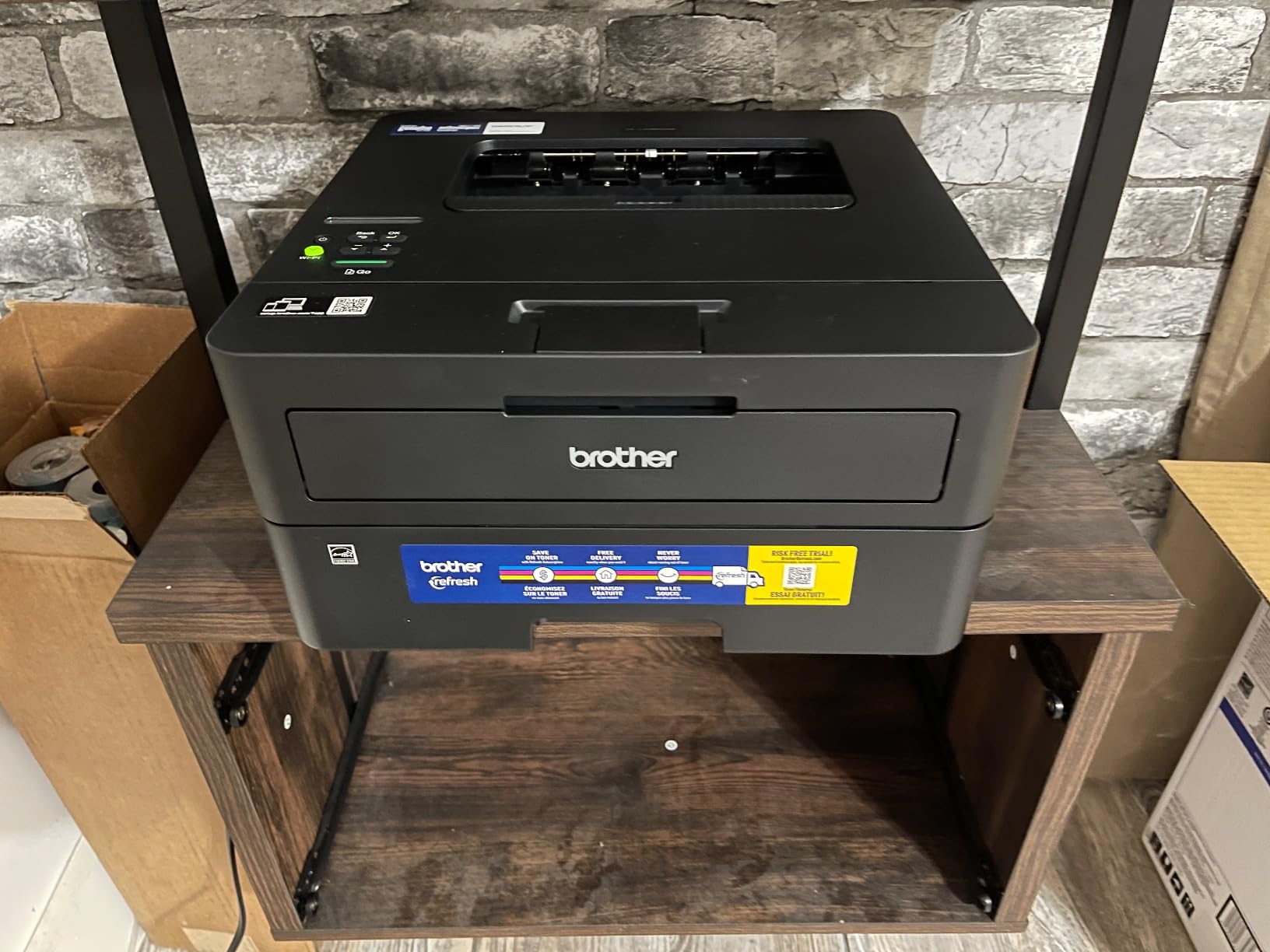
The HL-L2460DW is the Brother DCP-L2640DW without the scanning hardware, and it pays for the difference in size, weight and simplicity. At 15.6 pounds and 14.2 by 14 by 7.2 inches it is far easier to place, and it keeps every performance figure that matters for documents: 36 ppm, 8.5 second first page, 1200 by 1200 dpi, automatic duplex, 250-sheet tray and a 100-sheet output.
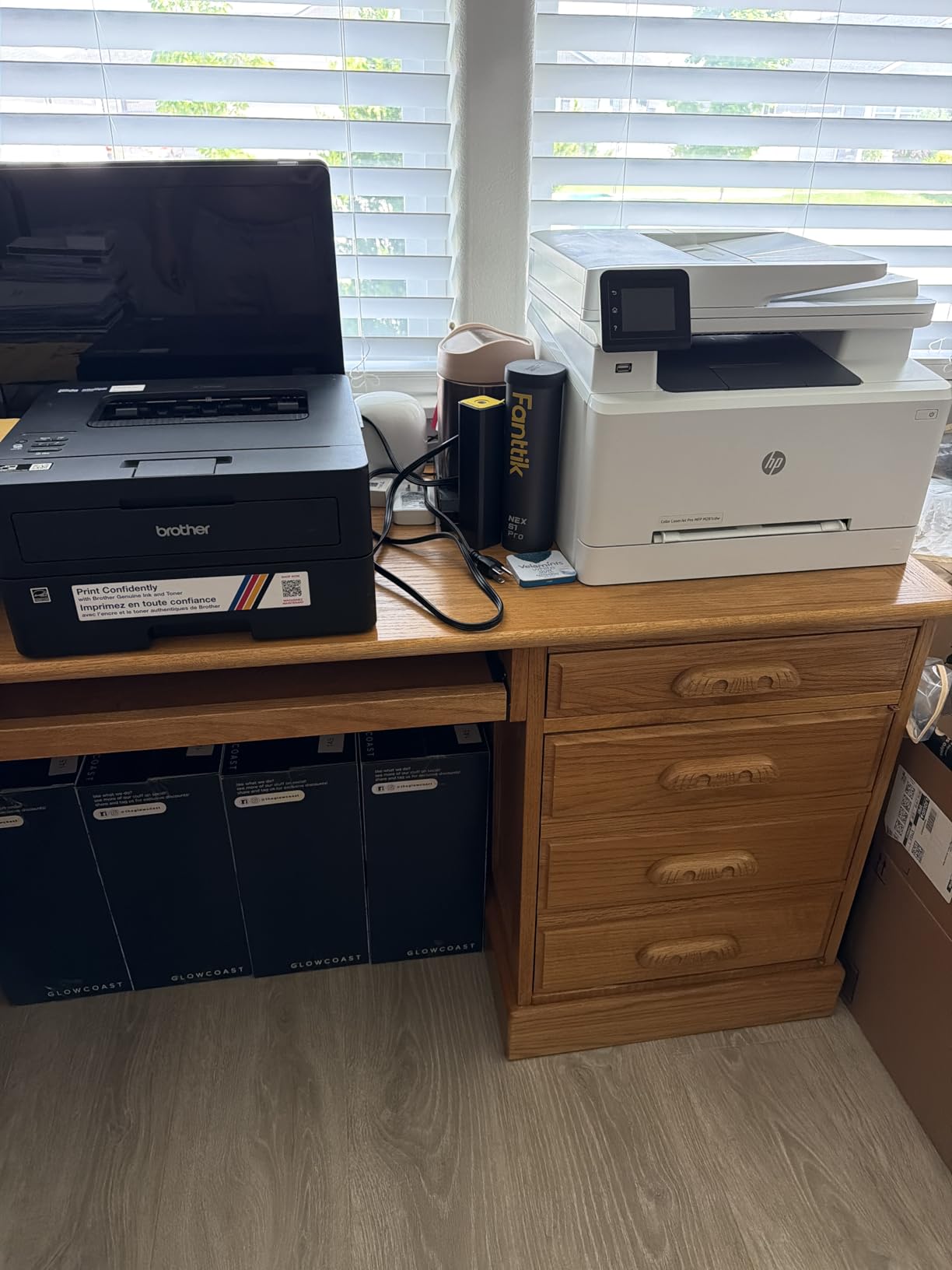
Wireless setup is identical to the Brother multifunction, with built-in dual-band Wi-Fi plus Ethernet and USB, and the Brother Mobile Connect app handles remote printing and toner tracking. That app is one of the better ones in this group, and being able to check toner level from a phone is genuinely useful when the machine is in another room.
Why print-only is not a downgrade for some homes
If nobody in your household scans or copies, a scanner is dead weight that adds cost, size and failure points. Owners are unambiguous that this is exactly what they wanted, and that text clarity and page speed are rated highly across the board. It is also the cleanest answer to the “will it still work in a year” worry, because toner has no nozzles to dry.
The compromise is the tray. There is a single main tray plus a manual feed slot, so envelopes and specialty media are a manual job rather than a second tray. And the ongoing toner and drum cost adds up for heavy users, which is the mirror image of the tank economics elsewhere in this roundup.
Who this is for, and who should skip it
Choose it for a shared home office that prints contracts, invoices and reports every week and needs two-sided pages fast. Pair it with a separate flatbed scanner if you occasionally need to digitise something, and the total cost still undercuts many all-in-ones.
Skip it if anyone in the house expects to scan a stack of receipts or fax a document, and skip it if you print any colour. The listing also bundles a Refresh EZ Print subscription trial, which is worth evaluating carefully because for irregular printing it can cost more per page than buying toner outright. Warranty is one year limited.
6. HP Envy Photo 7975 – Best Wireless Printer for Borderless Family Photos
HP Envy Photo 7975 Wireless Color Inkjet Photo Printer, Print, scan, Copy, Easy Setup, Mobile Printing, Best-for-Home, 3 Month Instant Ink Trial Included, AI-Enabled (B63K3A)
Colour inkjet all-in-one
15 ppm black and 10 ppm color
125-sheet tray plus photo tray
17.9 pounds
+ Pros
- Sharp true-to-screen borderless photos
- Large 2.7 inch colour touchscreen
- Automatic duplex plus 35-sheet feeder
- Separate photo tray for photo paper
- Quick Wi-Fi setup with reliable phone printing
– Cons
- Small cartridges run dry on photo workloads
- Two-cartridge colour is less vibrant
- Occasional wireless drops
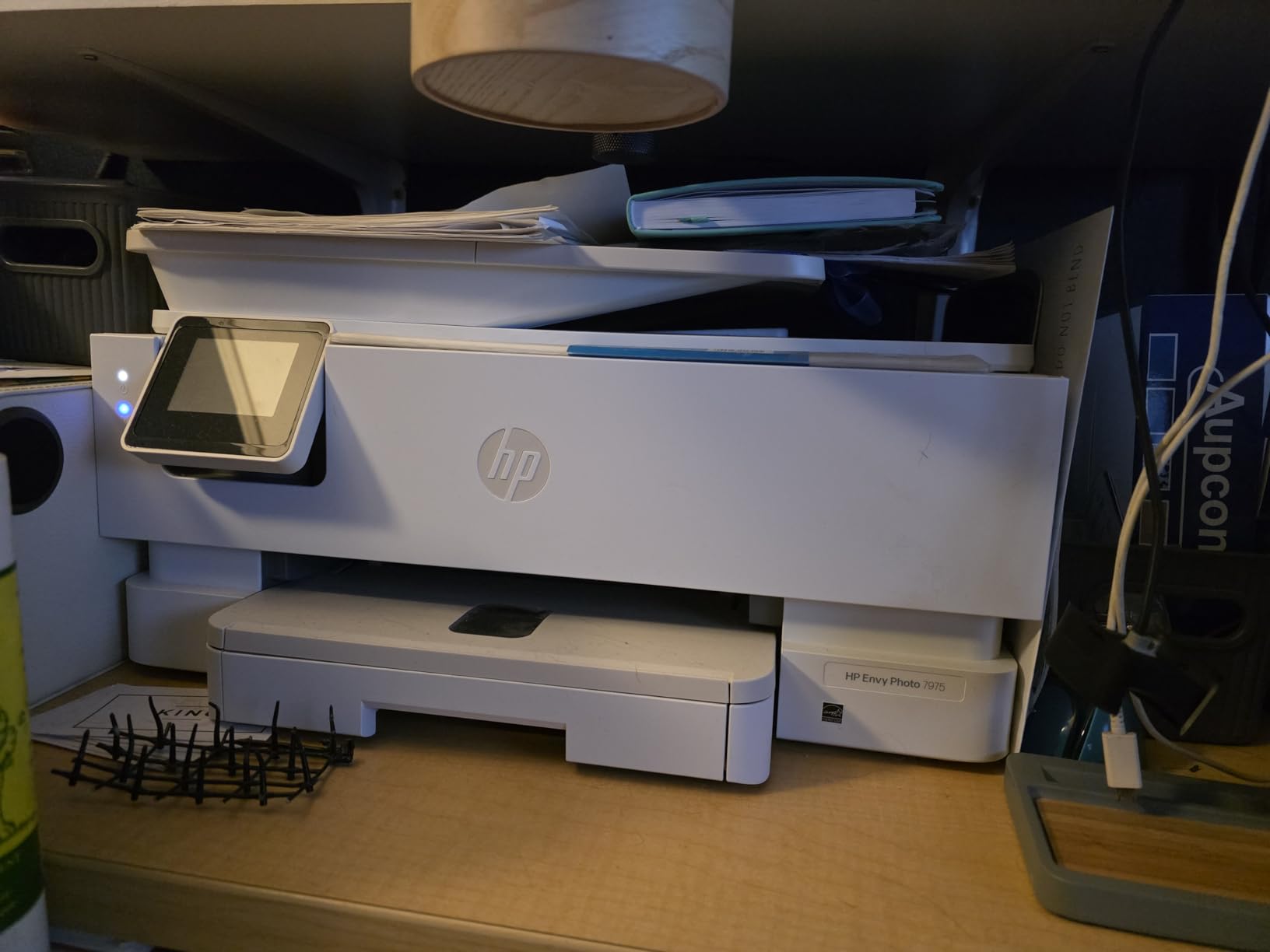
This is the model to buy when photographs are the point. Colour resolution reaches 4800 by 1200 optimised dpi, and a dedicated photo tray handles borderless prints without swapping the paper in the main tray. Owners consistently report colour that matches what they saw on screen, with no manual tweaking, and the HP AI print formatting feature strips out stray webpage and email furniture automatically.
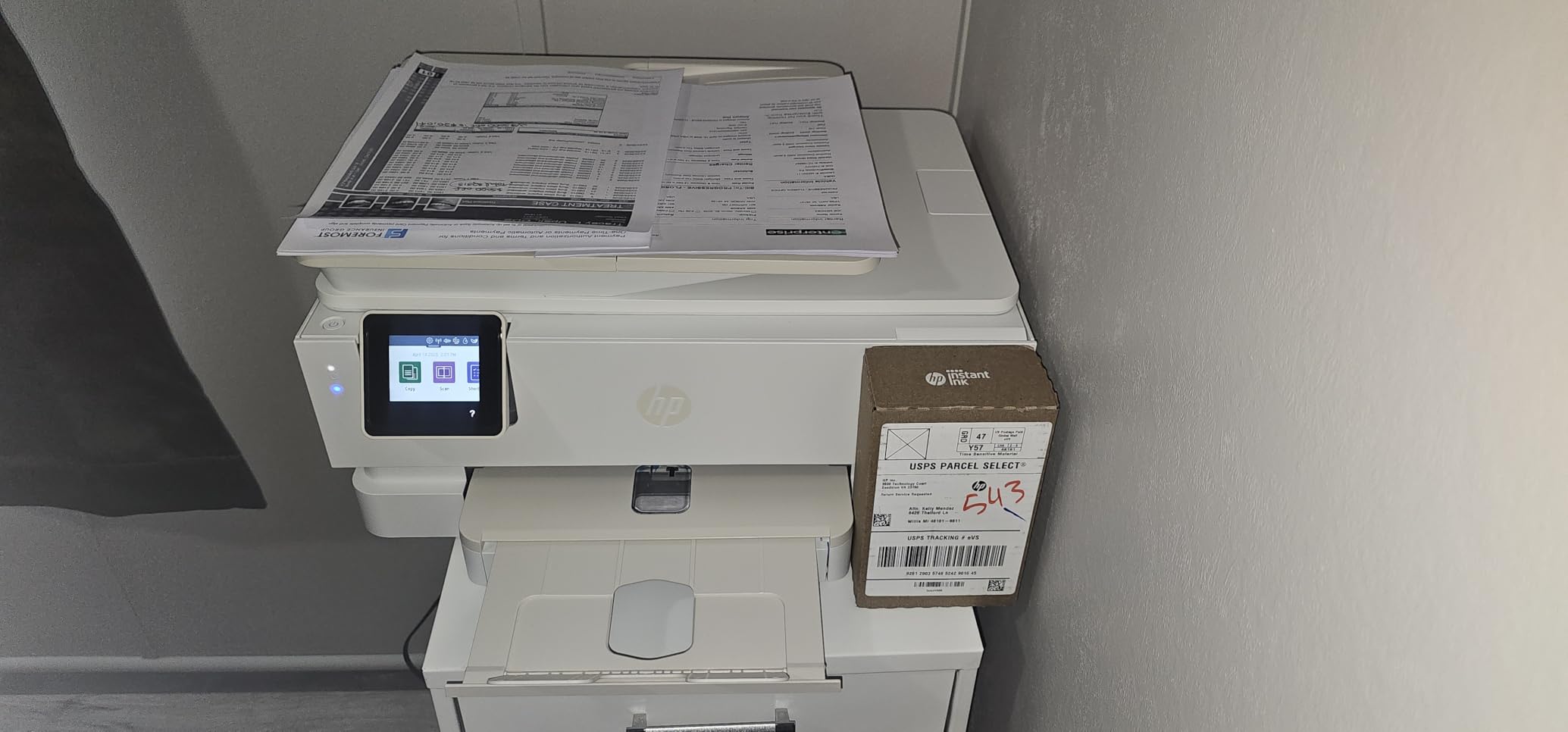
It is also a proper all-in-one rather than a printer with a token scanner. It prints, copies, scans, does automatic two-sided printing, and carries a 35-sheet automatic document feeder. Speed is 15 ppm black with a 22 second first page, and the 2.7 inch colour touchscreen is the largest display in this group. Two trays and 125 sheets of total capacity handle a school term without constant refills.
Photo quality against running cost
Here is the honest flaw: it uses HP 64 and 64XL cartridges, and the standard-size cartridges run dry quickly on photo workloads. A dedicated photo printer handles ink better, but a lot of homes do not print dozens of 4 by 6 sheets a month, and for them this machine is the right balance. The two-cartridge colour system also produces less vibrant results than a multi-ink unit.
Connectivity is USB and Wi-Fi rather than Ethernet, and owners occasionally report wireless signal drops along with a paper type mismatch error. Scanning also often has to be started from the computer app instead of the machine. Borderless printing is not edge-to-edge on letter-size media, only on photo sizes. A three-month Instant Ink trial is included at purchase, and we would approach that decision carefully.
Who this is for, and who should skip it
Pick the Envy Photo 7975 for a family that prints albums, school projects and everyday documents from several devices. The touchscreen, feeder and duplex combination is rare in a home all-in-one, and owners using it for print-then-cut craft work find it adequate for administration and kids’ projects even if product colour needs more richness.
Skip it if you are a serious photographer, if you print colour constantly, or if you want a wired network fallback. Maximum media size is 8.5 by 11.7 inches, so legal paper is out, and the listing ranks it among portable photo printers for its photo emphasis rather than its scanning depth. Warranty is one year limited.
7. HP Envy 6155 – Best Compact All-in-One With a Touchscreen
HP Envy 6155 Wireless All-in-One Color Inkjet Printer, Print, Scan, Copy, Duplex Printing Best-for-Home, 3 Month Trial of Instant Ink Included, AI-Capable (C2WR7A) Portobello
Colour inkjet all-in-one
10 ppm black and 7 ppm color
100-sheet tray
11.2 pounds
+ Pros
- Highest average rating in this group
- Automatic two-sided printing at this price
- 2.4 inch colour touchscreen
- Dual-band Wi-Fi that self-corrects connection issues
- Light body with a 100-sheet tray
– Cons
- Two cartridges limit photo vibrancy
- Third-party cartridges blocked
- No document feeder
- Instant Ink fee after the trial
The 6155 has the highest average rating of the ten and the feature combination that surprised us most: automatic two-sided printing plus a 2.4 inch colour touchscreen in a 100-sheet, 11.2 pound body. Most machines at this size give you one or the other. Owners describe it as dependable for everyday documents, homework and borderless photos.
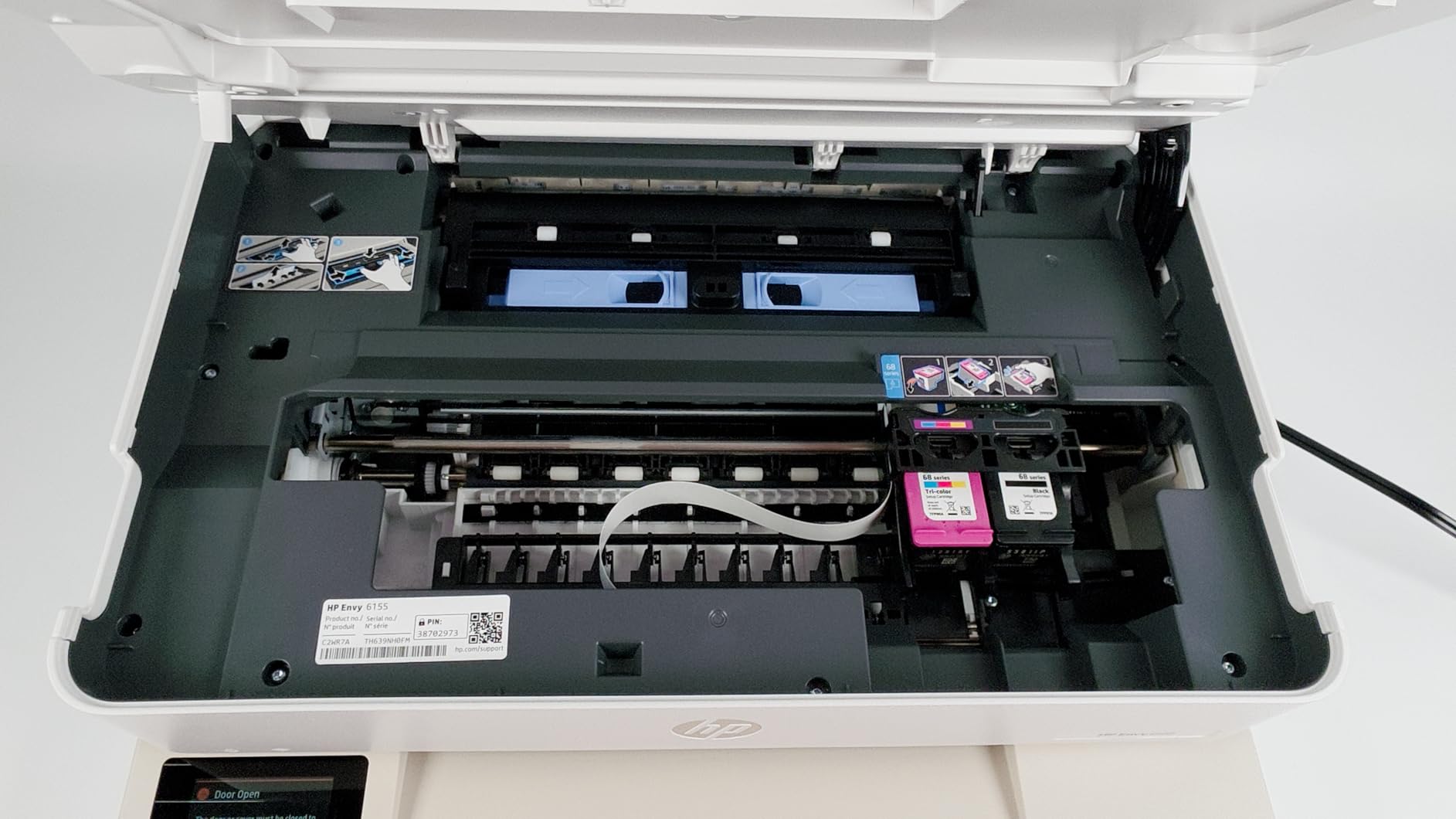
Wireless is handled well, with dual-band Wi-Fi that automatically detects and resolves connection issues, which is exactly the behaviour you want in a home with several devices. Speed is 10 ppm black and 7 ppm color, colour resolution reaches 4800 by 1200 dpi, and the body is made with at least 60% recycled plastic. Maximum media size is letter, so legal sheets will not fit.
The cartridge-chip decision, and what it costs you
This model requires original HP chips or circuitry, which means third-party cartridges are blocked. That is the most-cited frustration in owner reviews for anyone trying aftermarket ink, and it is worth knowing before you buy rather than after. Combined with a two-cartridge colour system, it means photo quality is capped at what a tri-colour cartridge can do.
There is also no document feeder, so scanning and copying are flatbed only, one page at a time. And the listing includes a three-month Instant Ink trial; once that ends, a monthly fee applies unless you opt out. For irregular household printing, subscription pricing frequently works out higher per page than buying supplies, which is the concern raised repeatedly in home printing forums.
Who this is for, and who should skip it
Buy the 6155 if you want two-sided colour printing and a touchscreen without moving up a tier, and if your household prints a moderate number of pages. For anyone who wants the cleanest ownership story, a tank model is the better long-term buy.
Skip it if you need scanning throughput, colour photographs, or the freedom to use cheaper ink. The blocked aftermarket cartridges are a genuine ongoing constraint rather than a one-off annoyance. Warranty is a one-year limited hardware warranty.
8. HP Smart Tank 5003 – Lowest Long-Run Ink Cost in This Group
HP Smart Tank 5003 Wireless All-in-One Ink Tank Printer, Scanner, Copier with up to 3 Years of Ink Included, Best-for-Home, Cartridge-Free Refillable, AI-Capable (9B2D3A)
Ink tank all-in-one
10 ppm black and 5 ppm color
100-sheet tray
11.1 pounds
+ Pros
- Cartridge-free tanks with up to three years of ink included
- Mess-free refill by plugging in a bottle
- Lowest long-run ink cost in this group
- Compact 11.1 pound body
- Borderless printing with AirPrint and Mopria
– Cons
- No automatic duplex
- Flatbed scanner with no document feeder
- Warranty capped at one year or 30000 pages
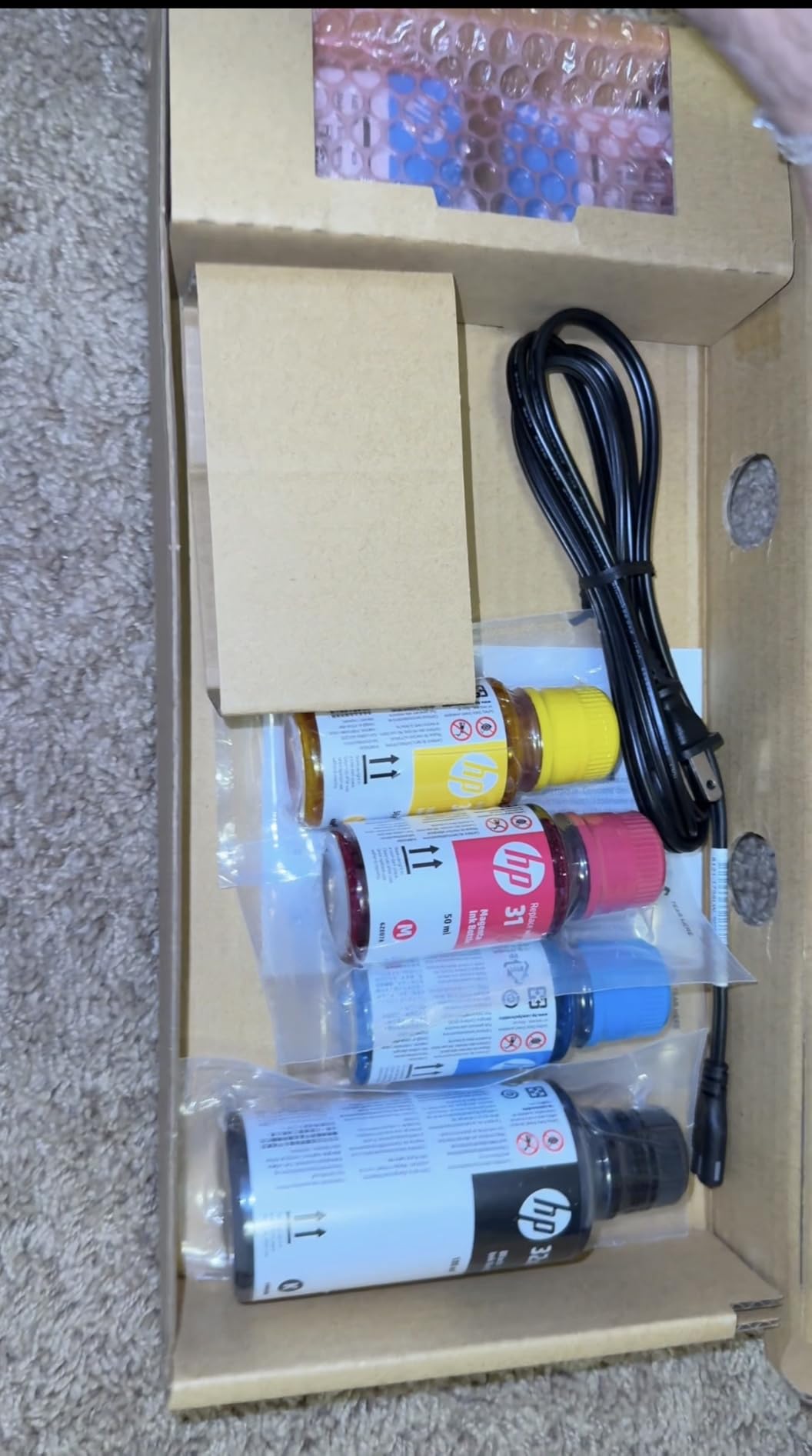
If your household genuinely prints a lot, the Smart Tank 5003 is the running-cost winner of these ten. The box holds up to three years or roughly 6,000 pages of ink, and refilling means plugging an HP 31 or 32XL bottle into the tank and letting it drain. Owners treat it as a set-and-forget machine because the supply never runs out unexpectedly.
Connectivity is the best list in this roundup: Apple AirPrint, Mopria, HP ePrint, USB, Wi-Fi and Print Anywhere all appear in the specification. It prints 10 ppm black and 5 ppm color with a 21 second first page, colour resolution reaches 4800 by 1200 optimised dpi, and maximum media size is legal at 8.5 by 14 inches. The body is 11.1 pounds and 6.19 inches tall, so it sits low on a shelf.
Where the money back stops
Two-sided printing is manual, with driver support only, so duplex is a decision you make per document. Scanning is flatbed only, with no automatic document feeder, and colour output at 5 ppm is slow if you are batching pages. The warranty is also the narrowest here: one year or 30,000 pages, whichever comes first.
None of that matters if your pattern is bursts of high-volume colour and scan-free printing. All of it matters if you need duplex weekly. That is the trade this machine makes explicitly, and it makes it well.
Who this is for, and who should skip it
Choose the Smart Tank 5003 for a home that prints school projects, a home business handling invoices and labels, or any household that has been caught out by cartridge costs. Refill convenience and print clarity both rate positively with owners.
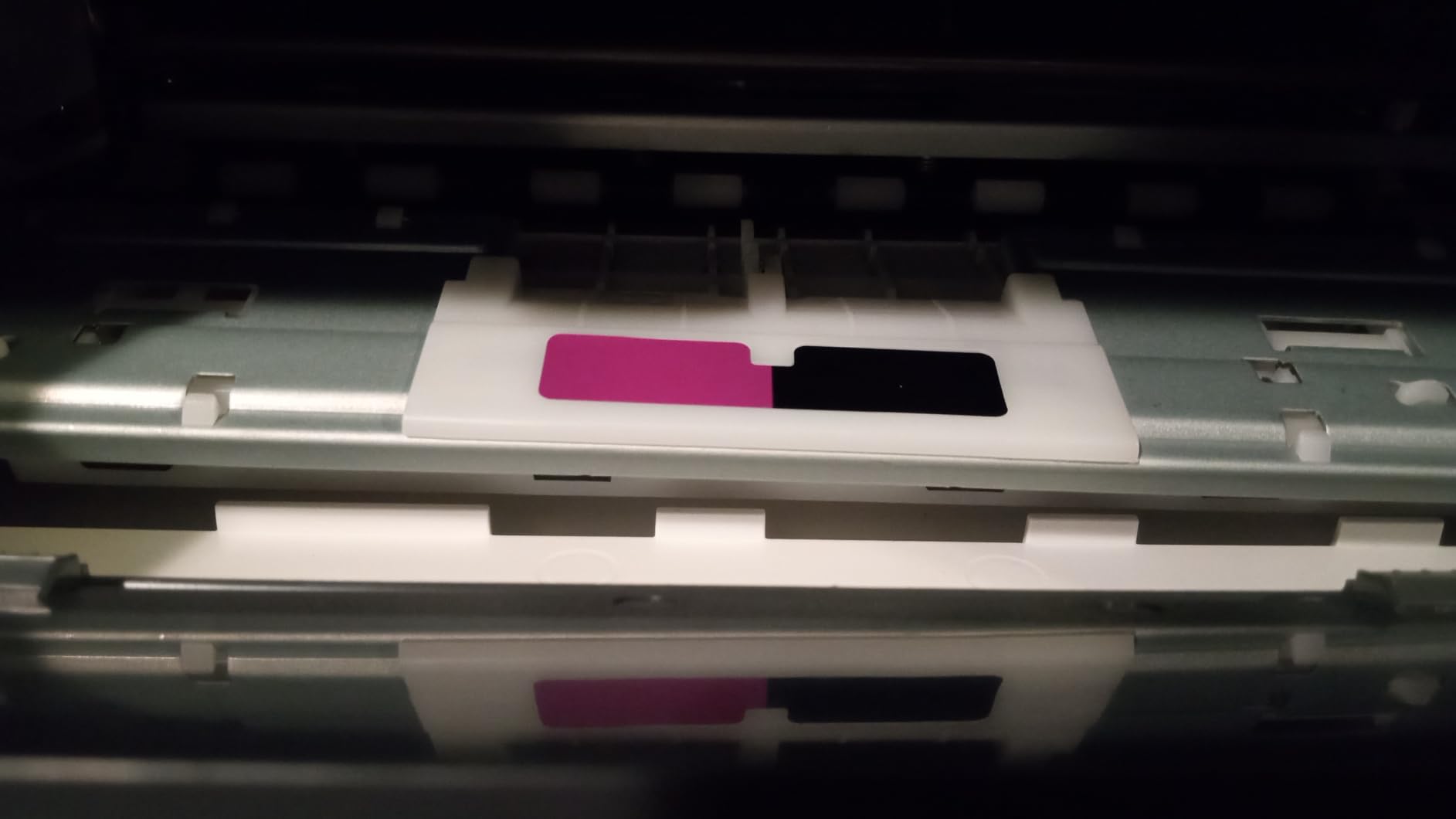
Skip it if you need a document feeder, automatic duplex, or fast colour throughput. Note also the repair risk that comes with tank printers whose printhead is built into the machine, a point raised in owner communities: if that head clogs, the repair can be expensive. Regular use largely prevents it.
9. Brother Work Smart 1410 – The Pick With Fax, Duplex and Cloud Printing
Brother Work Smart 1410 Wireless Color Inkjet All-in-One Printer with 2.7” Touchscreen and Automatic Duplex Printing | Includes Refresh Subscription Trial(1) (MFC-J1410DW)
Colour inkjet all-in-one
16 ppm black and 9 ppm color
150-sheet tray and 20-sheet ADF
16.8 pounds
+ Pros
- Fax plus automatic duplex in one home unit
- Cloud integration for Drive Dropbox Box and OneDrive
- 20-sheet feeder and 150-sheet tray
- Fast for an inkjet at 16 and 9 ppm
- Brother Mobile Connect with ink monitoring
– Cons
- Most polarised feedback in the group
- Small 20-sheet feeder limits scanning
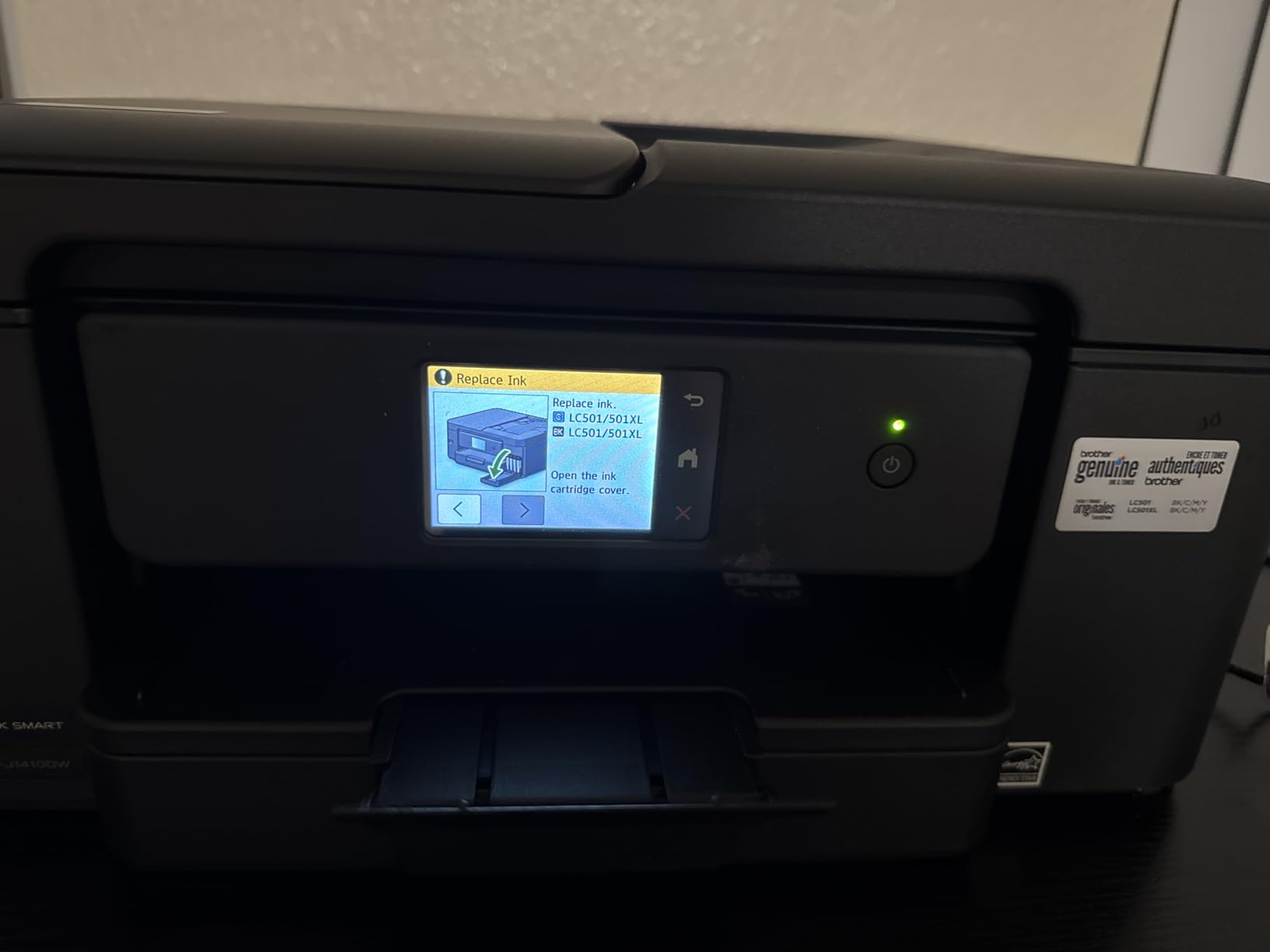
- Genuine LC501 cartridges limit ink options
- Heavier 16.8 pound body
Standalone fax has quietly disappeared from most home printers, and this is one of the few that still has it alongside automatic duplex and a colour touchscreen. It reaches 16 ppm black and 9 ppm color, roughly the fastest inkjet here, with a 6.2 second first page in black. It also prints to 8.5 by 14 inch media from a 150-sheet tray.
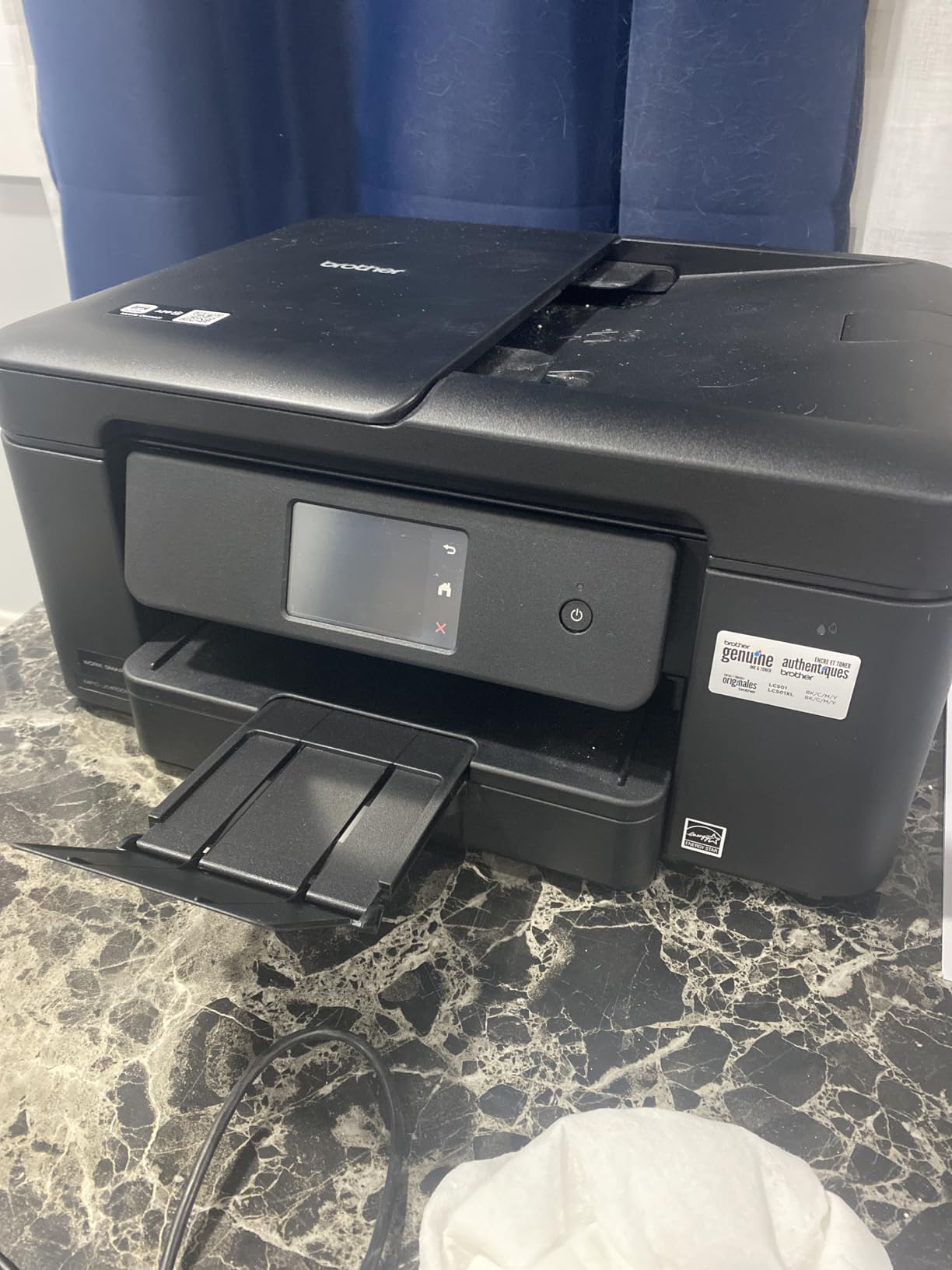
The cloud integration is the sleeper feature. It connects to Google Drive, Dropbox, Box and OneDrive, so you can scan a document straight to storage without a computer in the loop. Combined with the Brother Mobile Connect app and its ink level monitoring, it is a well-built software story for a home machine.
Where the feedback splits
This model draws the most polarised reviews in the group, with a 3.9 average and a meaningful share of one-star feedback citing reliability and print-quality disappointment. The 20-sheet feeder is single-sided, and the 150-sheet tray is modest, so bulk scanning jobs will outgrow it quickly. It also uses Brother Genuine LC501 cartridges, which limits third-party ink options.
At 16.8 pounds and 13.5 by 15.4 by 7.2 inches it takes up more desk space than the lighter inkjets, though it is still far smaller than a laser multifunction. Setup is generally reported as smooth through the Brother Mobile Connect app.
Who this is for, and who should skip it
Buy it if you send a fax occasionally, need two-sided colour and want cloud destinations. The feature set for the money is genuinely hard to match at this size.
Skip it if reliability over three years is your top priority, because the rating spread here is the widest in the roundup. It is also not the choice for heavy scanning. Coverage is a one-year limited warranty. If you want Brother’s build quality with a calmer track record, the DCP-L2640DW laser is the safer Brother.
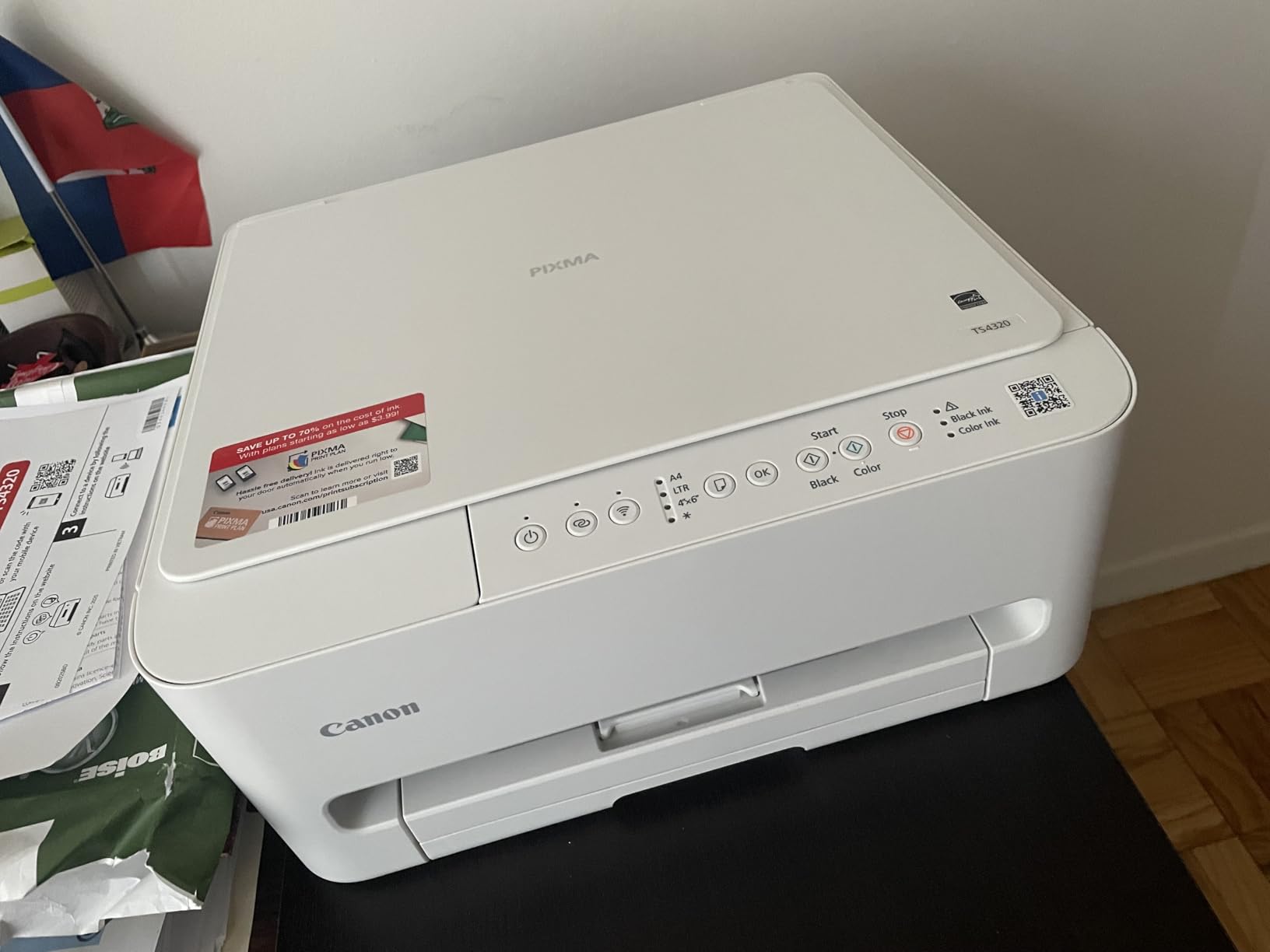
10. Canon PIXMA TS4320 – Best Budget Duplex Printer for Students
Canon PIXMA TS4320 – Wireless Color Inkjet Printer with Print, Copy, Scan
Colour inkjet all-in-one
14 ppm black and 9 ppm color
100-sheet tray
14.8 x 14 x 6.7 inches
+ Pros
- Automatic two-sided printing at a budget price
- Dual-band Wi-Fi with quick setup
- Sharp text and vivid color
- Compact footprint for small workspaces
- Bordered and borderless up to 8.5 x 11 inches
– Cons
- Two-cartridge system caps photo quality
- Low-yield starter cartridges
- No document feeder
- Canon ink harder to source locally
The TS4320 is the rare budget printer with automatic two-sided printing, dual-band Wi-Fi and mobile printing through the Canon PRINT app, Apple AirPrint and Mopria. It reaches 14 ppm black and 9 ppm color with a 9.5 second first page, and it is quiet enough for a bedroom desk according to owners. At 14.8 by 14 by 6.7 inches it stays compact.
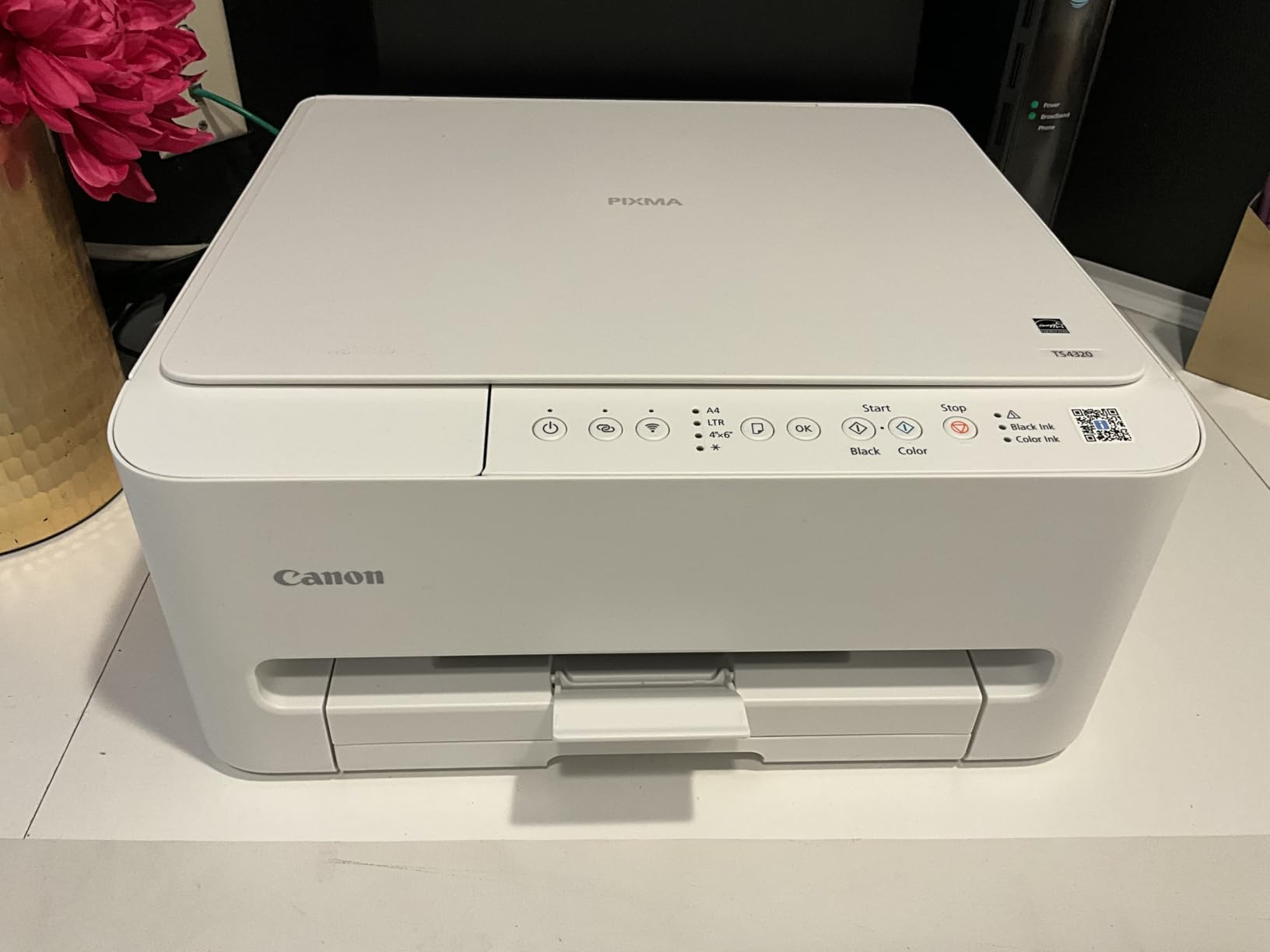
It is EPEAT Silver and Energy Star certified, and the warranty is three years from the manufacturer, which is the longest coverage in this roundup by a wide margin. Text output is sharp and colour is described as vivid, which covers most school report and presentation work. Paper handling is 100 sheets in and 100 sheets out.
The starter cartridge catch
It uses a two-cartridge hybrid system, PG-295 black and CL-286 colour, which caps photo quality and print speed compared with a multi-ink machine. The included cartridges are low yield, so replacements come sooner than buyers expect, and that is where most of the dissatisfaction in owner reviews originates. A minority of units also arrive with faults or cartridges emptying quickly.
There is no document feeder, so scanning is flatbed only, and some owners find Canon ink and cartridges harder to source locally. Maximum media size is letter, 8.5 by 11 inches.
Who this is for, and who should skip it
Pick the TS4320 for a student, a shared apartment or a first home office where two-sided colour printing matters more than photo fidelity. The three-year warranty and the duplex feature make it the strongest budget buy in this group.
Skip it if you print photographs regularly, if you scan multi-page documents, or if you live somewhere Canon cartridges are hard to find. Because it ships with low-yield starters, treat the first replacement as part of the cost. The listing places it among ink tank machines, but it is a cartridge printer, and that distinction matters when you calculate cost per page.
Ink Tank vs Laser vs Cartridge: Where Each One Wins at Home
Ink tank systems beat cartridges on running cost, and laser beats both on reliability for infrequent use. The confusing part is that the answer flips depending on how much you actually print, so the useful question is not which technology is better but how many pages you run through in a month.
The page-per-month thresholds that decide it
Under roughly 50 pages a month, a cartridge inkjet’s cartridge cost is often lower in total because you never fill a tank, and cartridge ink does not spoil in an open bottle the way you might expect. Between 50 and 200 pages, the maths starts favouring a tank machine such as the Epson EcoTank ET-2800, the Canon MegaTank G3270 or the HP Smart Tank 5003, because the per-page cost drops sharply once the supplied ink is consumed.
Above 200 pages a month, a mono laser such as the Brother DCP-L2640DW or HL-L2460DW is usually the cheapest way to produce black-and-white pages, and automatic duplex starts to matter. Above 500 pages a month, a colour laser moves onto the table, though none of the ten picks here is a colour laser.
This is the same reasoning that shows up across r/printers, where users weigh volume far above headline price or brand loyalty, and the r/BuyItForLife line that ink tanks suit family photos while non-tank printers suit documents.
When an ink tank is the wrong answer
There are four real drawbacks to ink tanks, and buyers should hear all of them. First, the printhead on many tank models is built into the machine rather than the cartridge, so a clogged head means a repair rather than a cheap swap. Second, many budget tank printers, including the ET-2800, the G3270 and the Smart Tank 5003, have no automatic duplex at all. Third, entry-level tank units ship with small paper trays of 100 sheets. Fourth, the up-front cost is higher than the cheapest cartridge printers, which matters if you may move.
None of these are dealbreakers for steady users. They are dealbreakers for occasional users, which is exactly the distinction the community keeps drawing.
How to Set Up Wireless Printing Without Losing a Weekend
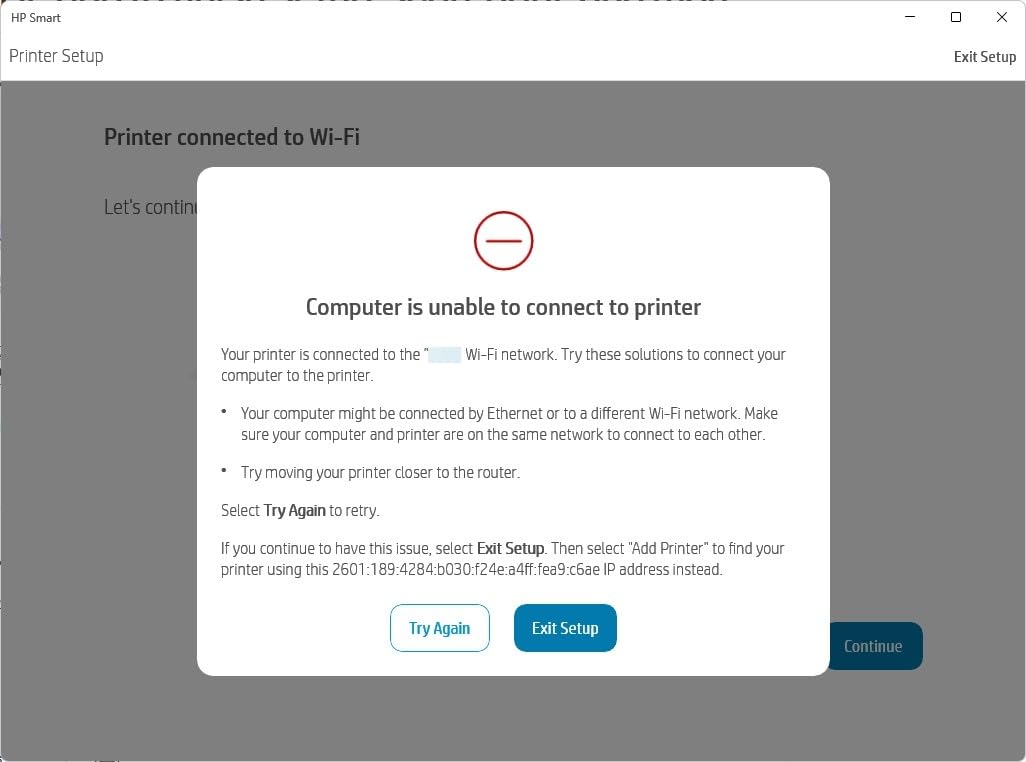
Most “wireless printer will not connect” complaints are a 2.4GHz band problem, not a broken printer. Every pick in this roundup except the HP Envy 6155 lists built-in dual-band Wi-Fi, and dual-band is exactly what makes setup forgiving.
Put the printer on the 2.4GHz band first
Printers that support both bands can struggle during setup because some phones and laptops prefer 5GHz, which has a shorter range and penetrates walls poorly. Connect from the device that stays nearest the router, and if discovery fails temporarily, turn the router off for a minute so the printer’s address is reassigned. On a mesh network, place the printer’s access point on the main node rather than a satellite.
If your router splits bands and the printer keeps dropping, our mesh system guide covers the settings that resolve it. Firmware updates are also a common trigger for a printer vanishing from the network, so check the manufacturer’s app for updates before you start rather than after you fail.
Printing from a phone without opening an app
If you have an iPhone, AirPrint is built into iOS. Open the document or photo, tap the share arrow, choose AirPrint, and pick the printer from the list. There is no app to install. Android relies on Mopria, which is built into modern Android and supported by the Canon, HP and Epson models here.
AirPrint and Mopria are why you should check for them explicitly. Some printers appear on the network but only work through the manufacturer’s app, which is a worse experience for guests in your house. Every pick in this roundup supports AirPrint or Mopria, and the HP Smart Tank 5003 additionally supports HP ePrint and Print Anywhere.
Wi-Fi Direct for guests and dead zones
Wi-Fi Direct, sometimes called Soft-AP mode, creates a private network between the printer and one device with no router involved. It is the fallback when your guest network blocks new devices or when the printer sits in a basement. The tradeoff is that you usually connect to it manually each time rather than through the household network.
Keep the printer off the main household network if you are security-conscious. A dedicated guest network keeps it reachable from phones without exposing it to every device your family uses.
Keeping an inkjet from clogging while it sits idle
If you print fewer than a few times a month, the nozzle risk is real and it is the most repeated complaint in owner communities about inkjets. Three habits solve most of it. Print a single test page every two or three weeks. Leave the unit powered on rather than switched off at the wall, so it runs its maintenance cycle. If the machine is being stored, keep it sealed and upright rather than in a damp cupboard.
If you genuinely print a few times a year, buy a laser instead. Nozzles cannot dry out in a laser, and that removes the entire problem rather than managing it.
How to Choose a Wireless Printer for Your Home: A 5-Step Framework
Answer these five questions in order and the shortlist writes itself. The order matters, because each answer eliminates more machines than the one before it.
1. How many pages do you print in a month?
Count a typical month, not a worst case. Under 50 pages points to a cartridge inkjet such as the Canon PIXMA TS3720. Between 50 and 200 pages points to an ink tank, and the Epson EcoTank ET-2800 is the strongest general choice. Above 200 pages points to a mono laser, and the Brother DCP-L2640DW handles that with duplex and a feeder.
2. Do you need colour, and how much?
No colour at all is a real saving and simplifies the decision. Occasional colour, meaning a few pages and a few 4 by 6 photos a month, is fine with a two-cartridge system. Regular colour photo work deserves a three or four-ink machine or a dedicated photo printer, and the HP Envy Photo 7975 is the option in this group built around that job.
3. Do you need scan, copy or fax?
Scan and copy on a flatbed covers recipes and single documents. A document feeder only matters if you digitise more than a page or two at a time, which is why the Brother DCP-L2640DW and HP Envy Photo 7975 earn their space. Fax is rare, and the Brother Work Smart 1410 is one of very few home printers that still has it.
4. How much two-sided printing do you do?
If duplex is more than occasional, rule out the simplex machines immediately. That eliminates the ET-2800, the G3270, the TS3720 and the Smart Tank 5003, leaving the Brother DCP-L2640DW, HL-L2460DW, HP Envy 6155, HP Envy Photo 7975, Brother Work Smart 1410 and Canon PIXMA TS4320.
5. Where does it physically live?
Measure the shelf before you order. The Canon PIXMA TS3720 is 8.7 pounds and 5.8 inches tall, which fits a small desk. The HP Envy Photo 7975 has two trays and stands 9.17 inches tall, so it needs a real shelf. The Brother DCP-L2640DW is the heaviest at 25 pounds, so plan where it will live permanently. If the spot is a bedroom, check owner comments on noise before you commit, since quiet operation is a commonly cited reason to pick a given model.
Two further filters are worth applying. First, check the warranty length: the Canon PIXMA TS4320 carries three years, while the HP Smart Tank 5003 is capped at one year or 30,000 pages. Second, check whether the manufacturer blocks aftermarket ink, because the HP Envy 6155 does and the Canon PIXMA TS4320 uses low-yield starter cartridges.
Frequently Asked Questions
Which is better for home use, an ink tank or a laser printer?
It depends almost entirely on monthly volume and how often the machine is used. Below about 50 pages a month, a cartridge inkjet often costs less in total. Between 50 and 200 pages, an ink tank such as the Epson EcoTank ET-2800 or Canon MegaTank G3270 wins on cost per page. Above 200 pages a month, a monochrome laser such as the Brother DCP-L2640DW is usually cheapest and never clogs from disuse. Ink tanks suit colour and photos; laser suits documents.
What is the downside of an ink tank printer?
Four drawbacks recur. The printhead is often built into the machine rather than the cartridge, so a clogged head can mean repair instead of a cheap replacement. Many budget tank printers have no automatic duplex. Entry models usually ship with only a 100-sheet paper tray. And the up-front cost is higher than the cheapest cartridge printers, which matters if you might move.
What is the best WiFi wireless printer for home use?
The Epson EcoTank ET-2800 is the most complete general choice, covering print, scan and copy with tank ink that keeps running costs low and a compact 11.4 pound body. For document-heavy homes the Brother DCP-L2640DW wins on speed, automatic duplex and a 50-page feeder. For two-sided colour on a tighter budget, the Canon PIXMA TS4320 is the value pick.
Can I print from my iPhone without an app?
Yes, if the printer supports AirPrint. On an iPhone or iPad, open the document or photo, tap the share arrow, choose AirPrint and select the printer from the list. Android uses the built-in Mopria service in the same way. Every printer in this roundup supports AirPrint or Mopria, so no third-party app is required for basic printing.
Do wireless printers work without a WiFi router?
Most do, through Wi-Fi Direct, also called Soft-AP mode. The printer creates its own private network and one device connects directly to it, with no router involved. It is the practical fallback for a guest network that blocks new devices, or a printer in a part of the home with poor router coverage. The tradeoff is that you connect manually each time rather than through the household network.
The Verdict: Which Wireless Printer Belongs in Your Home in 2026
If you want one machine that handles school projects, recipe cards and family photographs without a subscription attached, the Epson EcoTank ET-2800 is the pick. It is our editor’s choice because the tank running costs stay low, the body is small enough for a real home, and the photo output is genuinely good rather than merely acceptable.
If your home prints documents, buy the Brother DCP-L2640DW and stop worrying about dried nozzles and toner cost. If you never scan or copy, the Brother HL-L2460DW gives you the same speed and duplex for less space. If colour is a hobby, the HP Envy Photo 7975 has the screen and the photo tray for it. If cost per page is the only thing you care about, the HP Smart Tank 5003 wins outright.
Whatever you choose, measure the shelf and check your router band before the box arrives. Those two checks prevent nearly every problem we ran into across these ten machines. For the rest of your home’s tech decisions, our picks for weather stations and smart thermostats follow the same rule: measure first, then buy.
Leave a Reply