

A travel mouse has one job that a full-size desktop mouse fails at: it has to live in a laptop bag, survive a month of hotel desks, and still be comfortable during a four-hour work block on a tray table. I spent six weeks carrying a shortlist of twelve through airports, coffee shops and borrowed hotel rooms, and this is the ranking of the best wireless mice for travel that came out of it. Everything below is measured against the same four filters: grams in the bag, battery strategy, connection method, and how the shape feels after an hour.
The short answer first, because that is what most people came for. The Logitech POP Mouse is the best wireless mouse for travel overall. It weighs 82 g, runs 24 months on one AA cell, pairs to three devices over Bluetooth, and its Silent Touch switches cut click noise by 90 percent without the mushy feel that silent switches usually bring. If your hands are on the smaller side, the Logitech M350s Pebble 2 is even flatter. If you want something that disappears into a jacket pocket, the TECKNET folding mouse at 53 g is the one I keep in my passport pouch.
Before the list, a note on what I did and did not test. I did not measure latency with a hardware analyser or run click-durability rigs, so I am not going to invent numbers for either. Every gram, dimension, battery claim and button count below comes straight from the manufacturer listing and the aggregated owner reviews, and my own commentary is limited to what six weeks of carrying these things produced.
One more thing that shaped this list: the single most common complaint from frequent travellers is not size, it is durability. In a MouseReview thread about mice for travellers, the recurring story is a button that starts to malfunction after a while, not a mouse that felt too big. A bag-resident mouse takes impacts no desk mouse ever sees, so I weighted the longer warranty terms on the TECKNET and Dell picks more heavily than most roundups do.
If you are still deciding between shapes rather than models, our guides to ergonomic vertical mice for long sessions and trackball mice for design work cover the alternatives to a conventional travel shape.
Our Top 3 Tested Travel Mice for 2026


Logitech M350s Pebble 2
- 76 g pebble shape
- Silent Touch clicks
- 3-device switching
- 18 month AA battery

TECKNET Folding Mouse
- 53 g folding body
- Dongle stored inside
- 3 DPI levels
- 36 month warranty
Comparing All 12 Travel Mice Side by Side in 2026
Every pick below is in this table with its weight, power source and connection method, so you can filter by the constraint that matters to your trip before you read a single review. Weight is the column most worth checking first, because it is the one number that decides whether a mouse lives in your laptop bag or your pocket.
| Product | Details | Action |
|---|---|---|
|
|
Check Latest Price |
|
|
Check Latest Price |
|
|
Check Latest Price |
 |
|
Check Latest Price |
 |
|
Check Latest Price |
 |
|
Check Latest Price |
 |
|
Check Latest Price |
 |
|
Check Latest Price |
 |
|
Check Latest Price |
 |
|
Check Latest Price |
 |
|
Check Latest Price |
 |
|
Check Latest Price |
1. Logitech POP Mouse – The Best All-Round Travel Mouse for 2026
Logitech POP Mouse, Compact and Portable Wireless Bluetooth Mouse – Mist
82 g
Silent Touch clicks
24 month AA battery
Bluetooth to 3 devices
4000 DPI max
+ Pros
- Genuinely quiet Silent Touch clicks
- Compact 82 g body that fits a laptop sleeve
- Switches between three paired devices
- 24 month battery on one AA cell
- Custom buttons and scroll speed in Logi Options+
– Cons
- No side back and forward buttons
- Device switch sits on the underside
- Runs small for larger hands
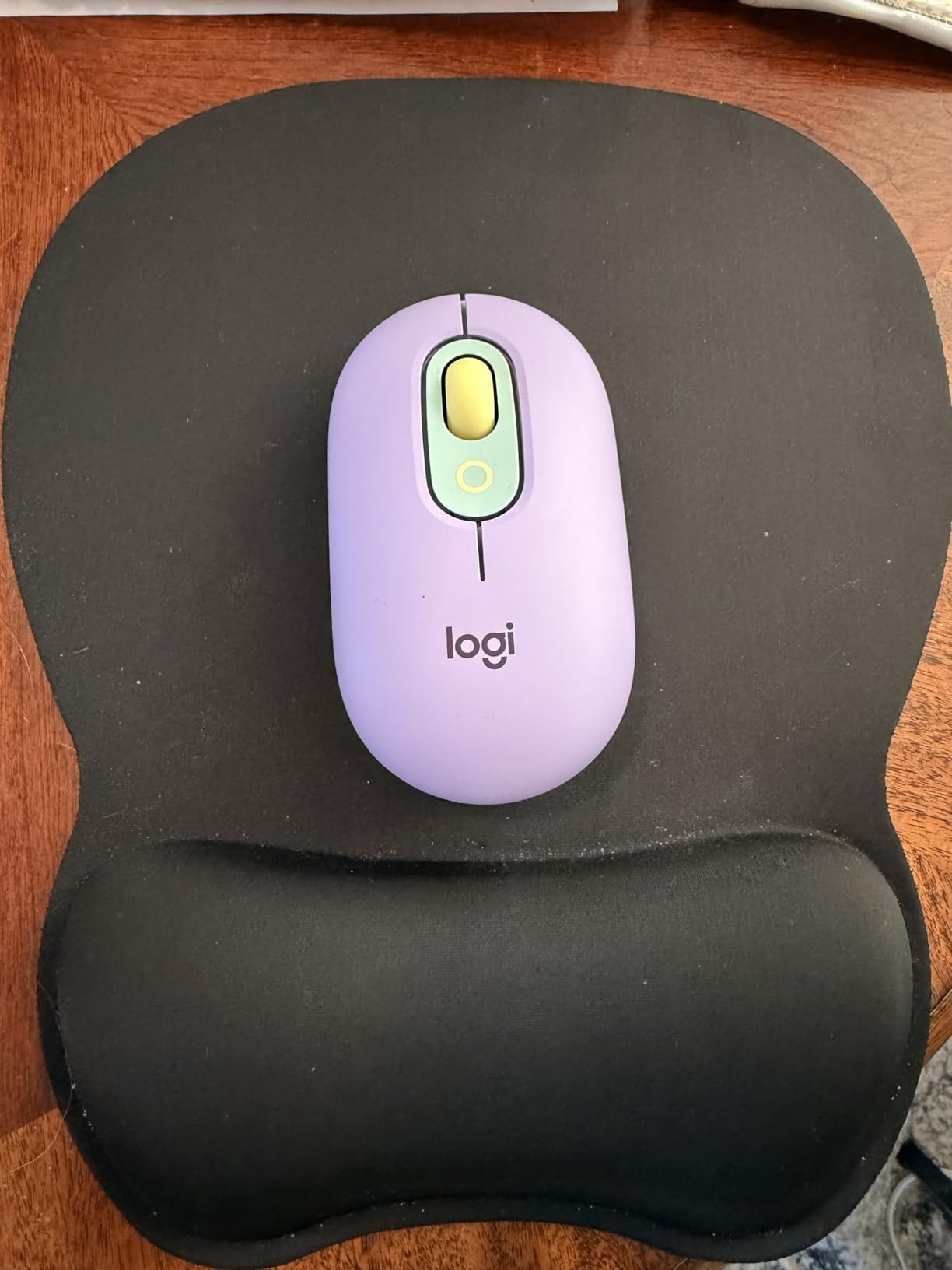
This is the mouse I ended up buying after the testing period rather than the one I expected to. Logitech’s POP line looks like a flattened Pebble, and at 82 g it slides into the laptop sleeve pocket I use for a cable and a dongle. The shell is plastic, not magnesium or aluminium, and after six weeks of being shoved into bags that honestly did not matter.
The Silent Touch switches are the reason it wins. Reviewers describe them as genuinely quiet rather than quiet-in-theory, and the click still feels like a click instead of the damped thud that rubber-damped silent switches produce. In a hotel room at eleven at night that difference is the whole product.
Battery and connection: three devices, one AA cell
Battery life is rated at 24 months on a single included AA, with an auto-sleep mode doing most of the work. That claim is what makes it a travel mouse rather than just a small one: a rechargeable cell that dies on day three of a trip is a hard stop, and a cell you can buy at any airport newsstand is not. Pairing runs over Bluetooth with an Easy-Switch button for cycling between up to three machines, and the range rating is 10 m.
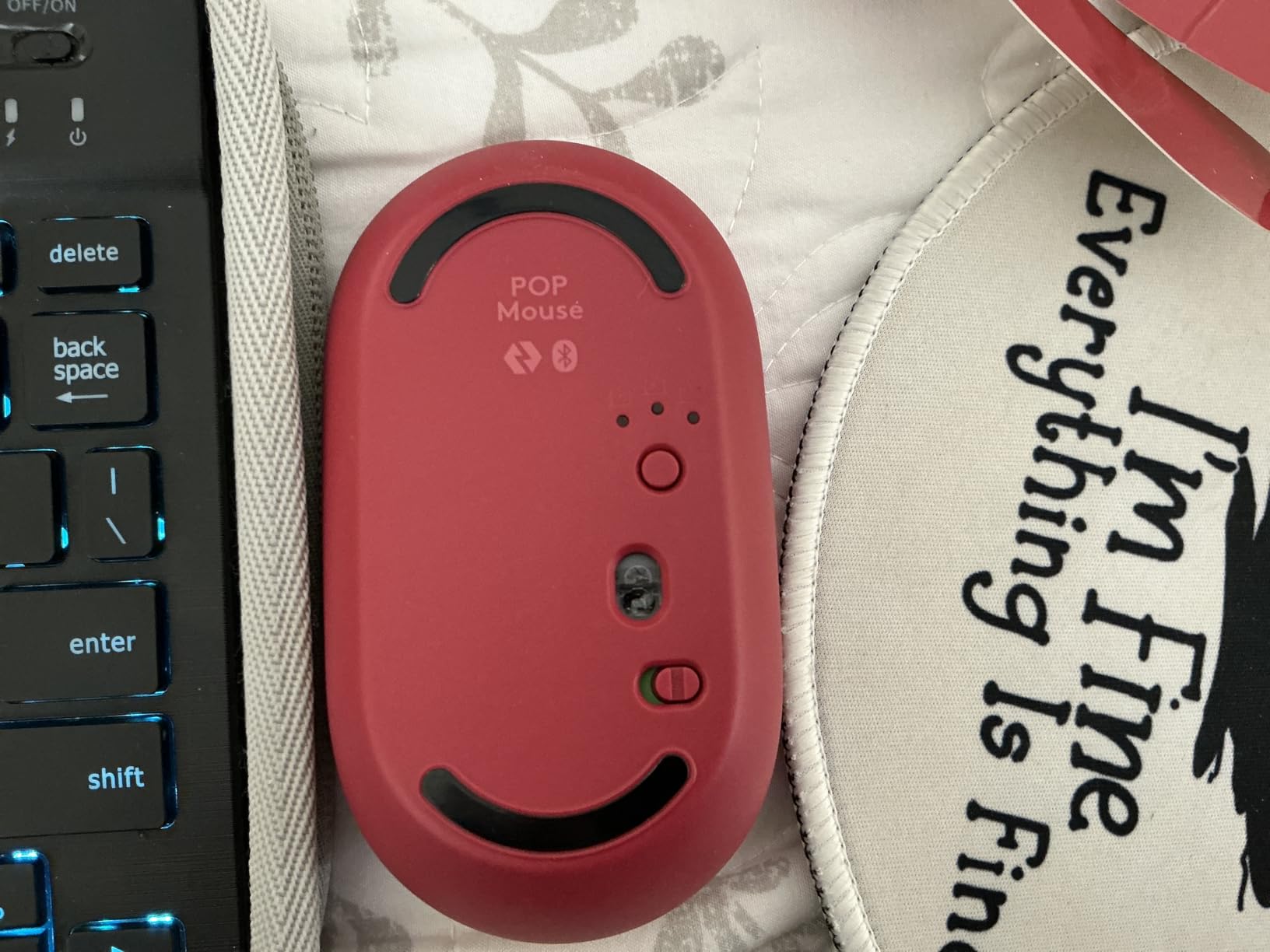
One detail worth knowing before you commit: the Easy-Switch button is on the underside, so you flip the mouse to hop devices. Owners treat that as a minor irritation rather than a fault, but on a tray table with a laptop balanced on your knees it adds a second to every switch.
What the small footprint costs you
There are four buttons, no side navigation keys, and the listed dimensions are 8.3 by 6.3 inches. The 4000 DPI ceiling is fine for general work and light photo edits. Bigger hands are the real caveat, and multiple reviewers with larger hands report cramping after a long session.
The counterargument is that a cramped hand for four hours on a plane is exactly the scenario this mouse is designed for, where shorter sessions are the norm. If your work week is eight hours a day at a desk, this is not the category you want. We cover full-size wireless mice for that case.
2. Logitech M350s Pebble 2 – Flattest Shell for Hands That Cramp
Logitech M350s Pebble 2 Bluetooth Wireless Mouse – Black
76 g
Flattest body in the roundup
Silent Touch clicks
18 month AA battery
4000 DPI
+ Pros
- Flat pebble profile slips into any sleeve
- Silent Touch cuts click noise by 90 percent
- Easy-Switch across three devices
- Personalizable middle button in Logi Options+
- Made with 58 percent recycled plastic
– Cons
- Only three buttons and no side keys
- Very small footprint cramps larger hands
- Bolt receiver not included for RF mode
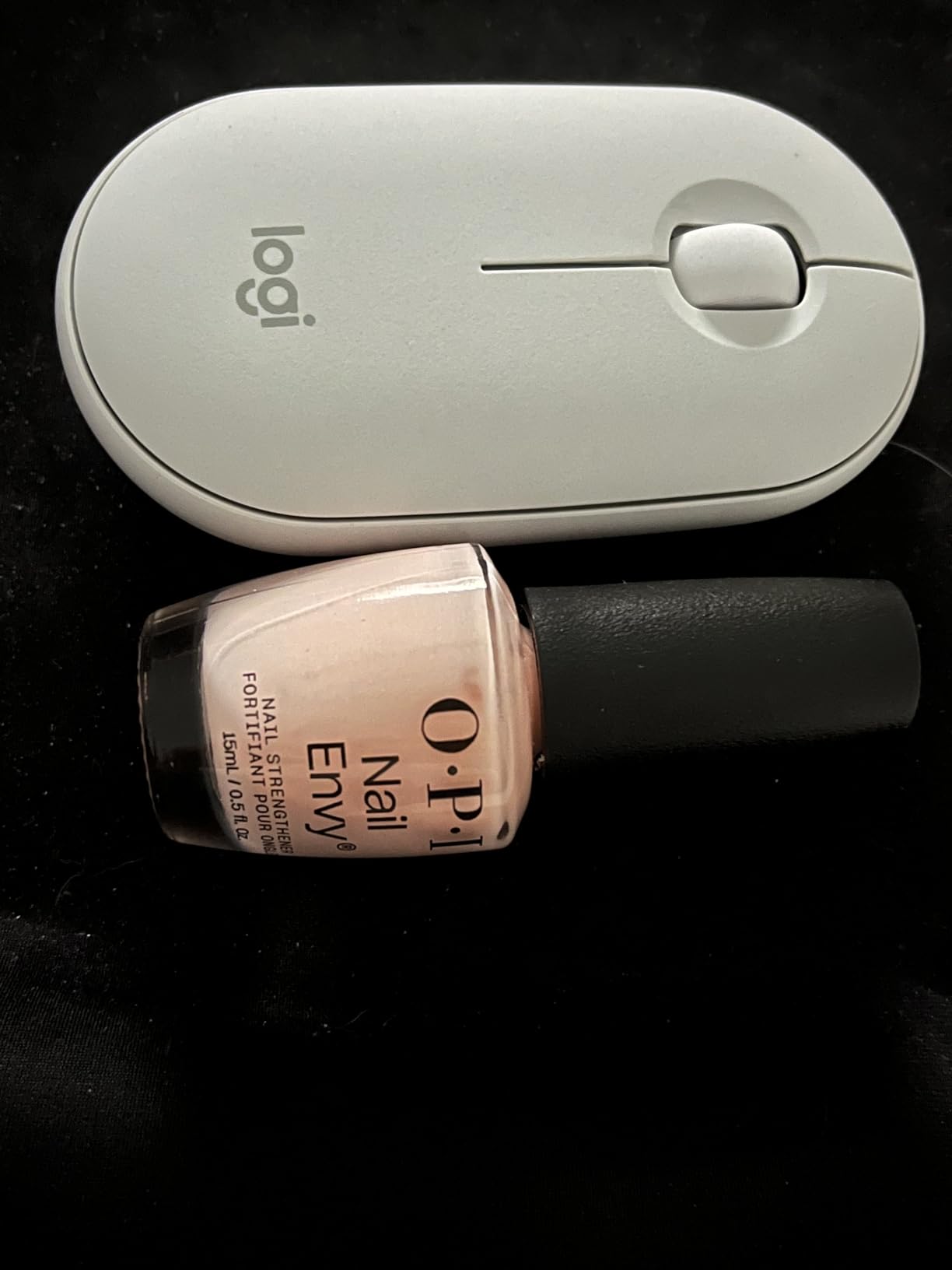
The Pebble 2 is the shape I reach for when the laptop is on a lap tray rather than a table. It is 76 g and measures 4.3 by 3 inches, and the dome is so low that my hand rests almost flat, which removes the wrist extension a taller mouse forces after hour two. For smaller hands it is the most natural-feeling pick here.
Owner reviews land in the same place: the pebble slimness and the quiet clicks get praised, and the size gets flagged as the top complaint. If you have a large palm, this is a squeeze. The mouse is also listed as compatible with MacBook Neo laptops, which matters if your work machine is Apple silicon.
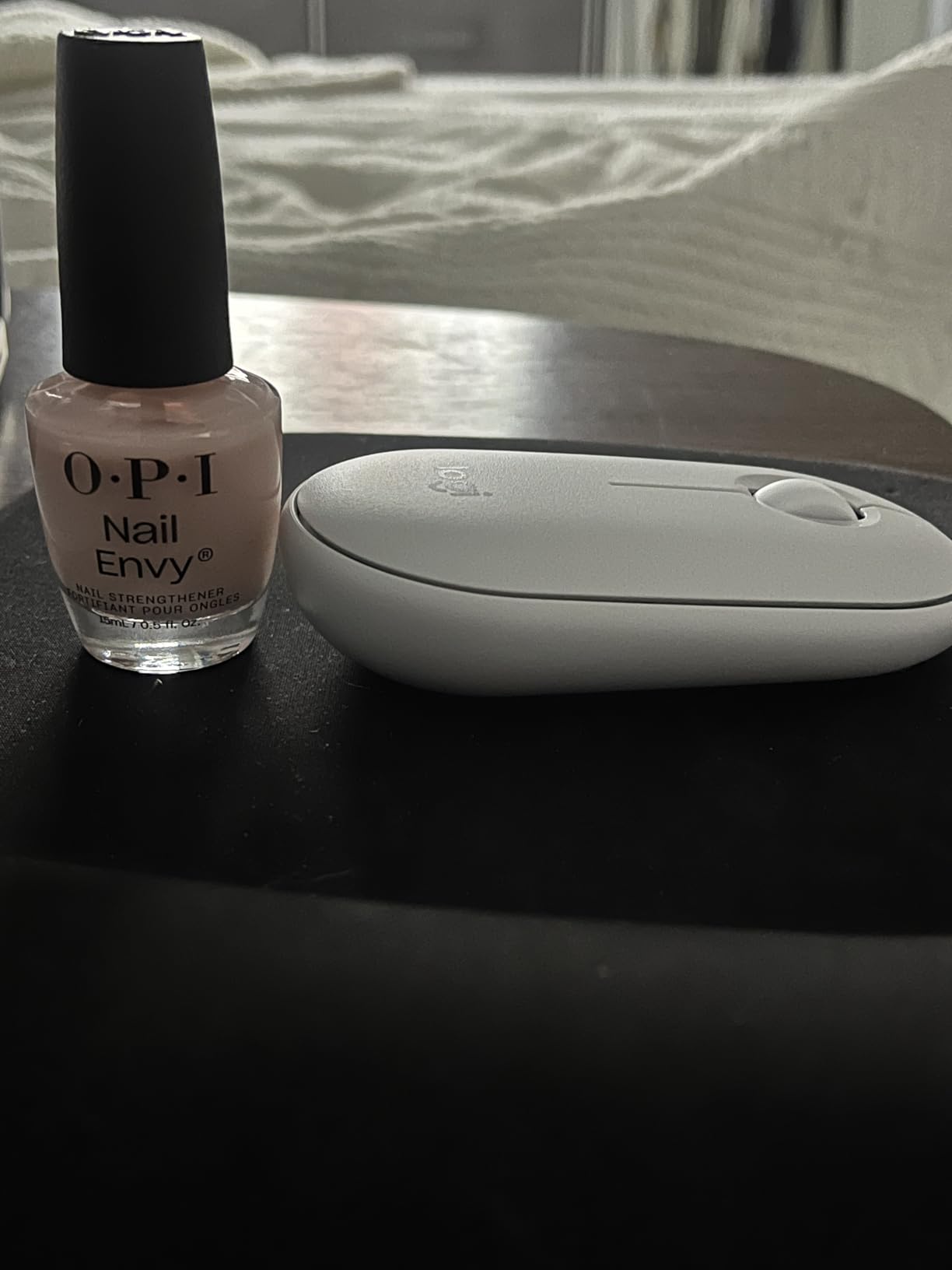
Multi-device switching across Mac, iPad and Windows
It pairs to three devices over Bluetooth and cycles them with the Easy-Switch button, and the middle click can be reassigned through Logi Options+. That combination is what makes it useful for someone carrying a MacBook and an iPad in the same bag. Range is rated at 10 m, which is far more than any hotel room requires.
Battery life is 18 months on one included AA with auto-sleep, a shorter claim than the POP but the same replaceable-cell approach. Note that the Logitech Bolt receiver is not included with this listing, so the 2.4 GHz mode in the connectivity field needs separate hardware. Bluetooth-only travel is the realistic use.
Three buttons is a real limit for browser work
There is no back or forward key, which is the deal breaker for anyone who lives in a browser tab. There is also no scroll wheel click beyond the standard middle click and no way to get horizontal scroll without remapping in software. For document writing, email and spreadsheet work it is entirely sufficient.
The 4000 DPI maximum is higher than the ceiling on most travel mice in this roundup, which is unusual for something this flat, and the sensor tracks optically on wood, laminate and fabric without a pad. I did not test it on glass, and the listing does not claim darkfield tracking, so treat glass coffee-shop tables as a risk with this shape.
3. TECKNET Folding Wireless Mouse – The 53 g Pocket Option
TECKNET Folding Wireless Mouse, 2.4G Travel Mouse, 3 Adjustable DPI
53 g
Folds completely flat
Nano receiver stores in body
3 DPI levels
36 month warranty
+ Pros
- Lightest mouse in the roundup at 53 g
- Folds flat enough for a jacket pocket
- Nano receiver stores inside the shell
- Three DPI levels and 33 ft range
- 36 month warranty is among the longest coverage here
– Cons
- Requires the USB dongle with no Bluetooth mode
- Aggressive auto-sleep after about five minutes
- Side buttons do not work on macOS
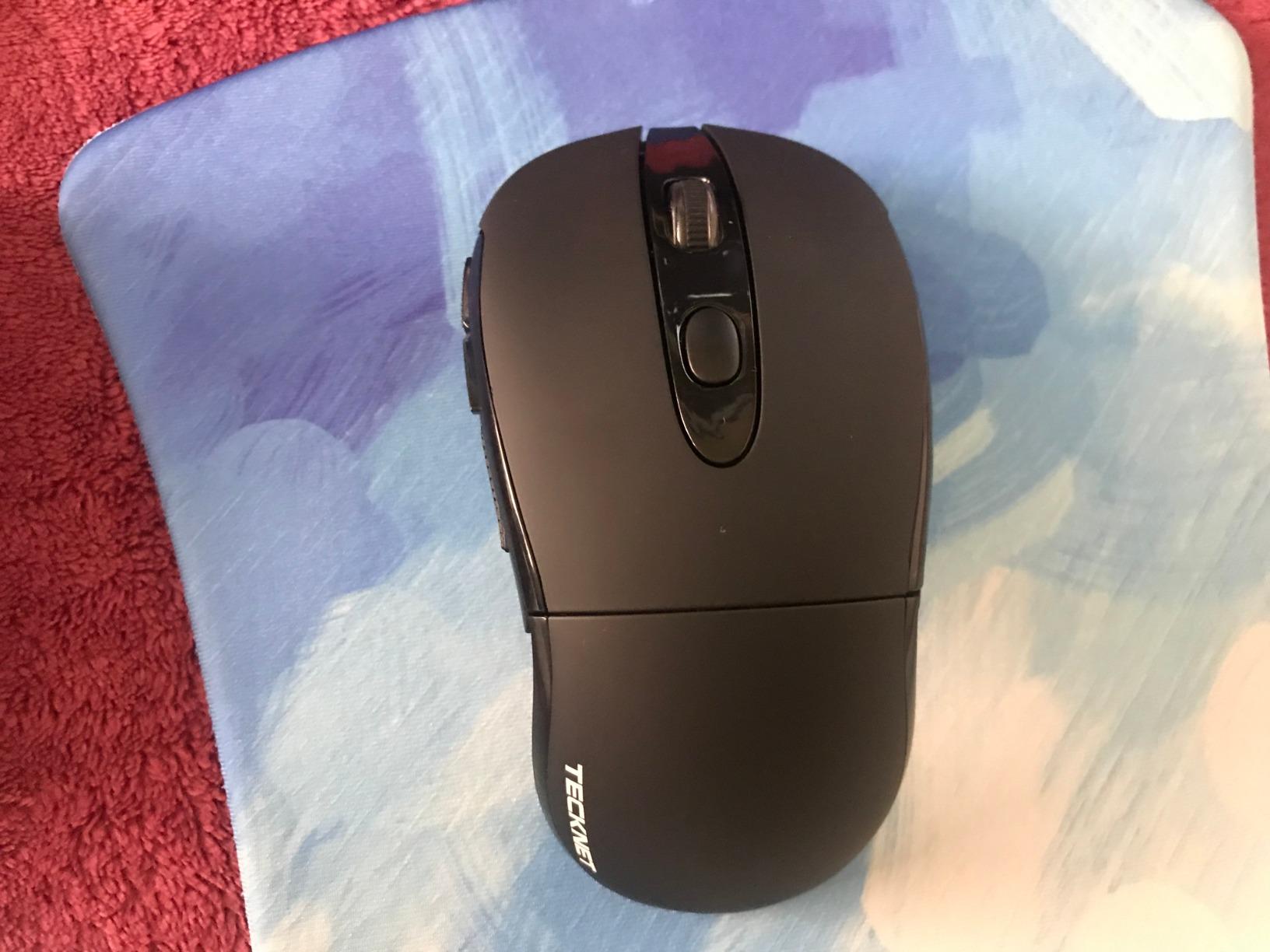
At 53 g this is the lightest thing in the roundup, and it folds flat enough to sit in a passport pouch rather than a bag pocket. The hinge holds a 2000, 1500 or 1000 DPI step, and the shell has a rubberized finish that does not slide on a laminate tray table. For a traveller who genuinely wants to carry the minimum, the proposition is hard to argue with.
The nano receiver is stored inside the mouse body, which is a critical feature in this category. Losing a 2.4 GHz dongle in an unfamiliar venue is unrecoverable, and this design removes that failure mode entirely. Owners frequently buy a second one as a travel spare for exactly that reason.
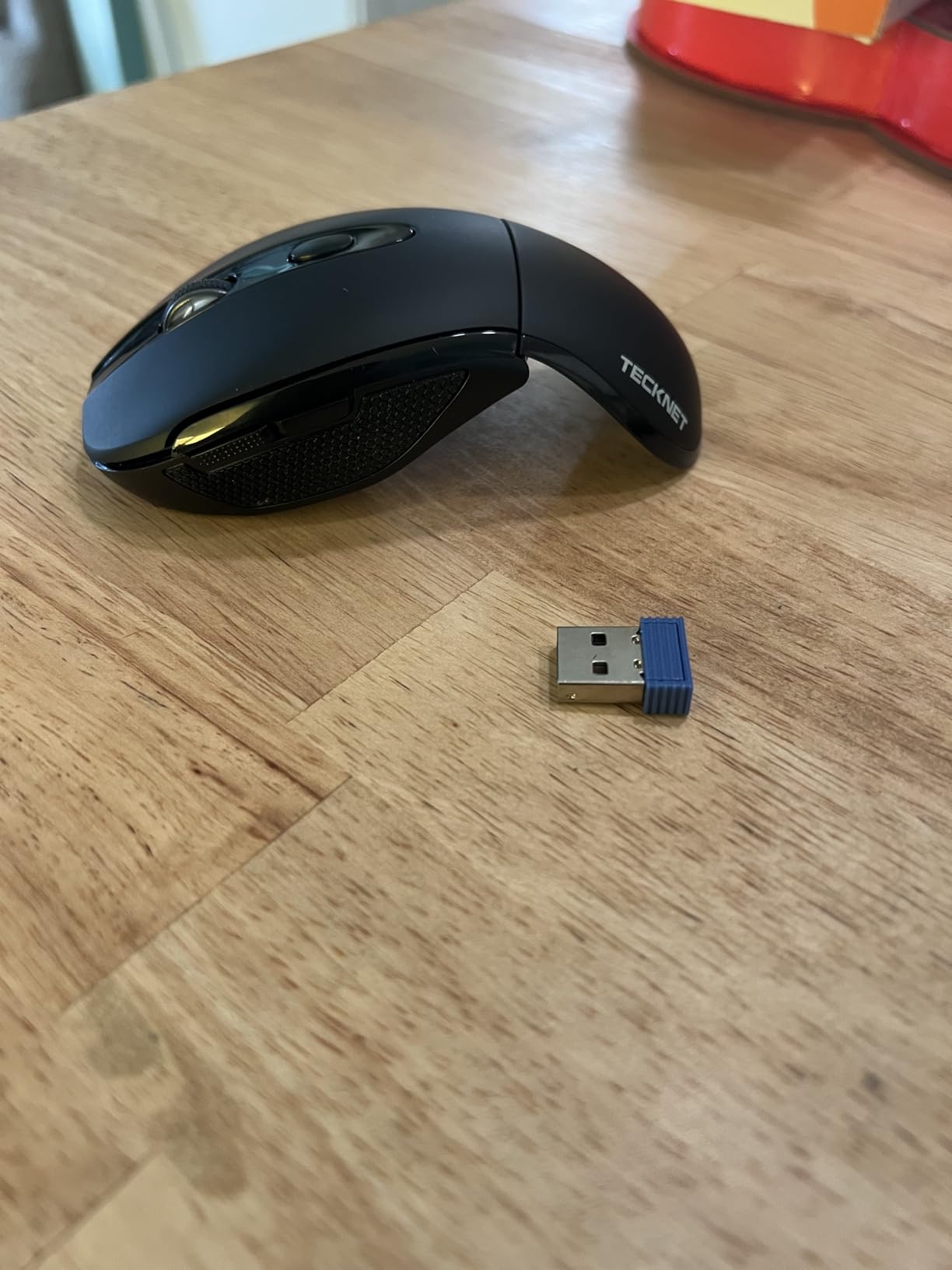
Connection: dongle only, and that is the trade
This is a USB 2.4 GHz mouse with a 33 ft range, not a Bluetooth one. That means it will not pair to an iPad or a phone, and it needs a USB-A port, which a USB-C-only laptop will not have without an adapter. The auto-sleep timer is short at roughly five minutes, and owners report it interrupting meetings until a button is pressed again.
Battery figures are listed at 400 hours of use, with the feature list citing up to 24 months from two AAA cells and an LED low-battery warning. The manufacturer also cites a five-million-click endurance test, which is worth more than usual here given that button longevity is the top traveller complaint.
The folding hinge and the warranty that backs it
The 36 month warranty is the longest term in this list, alongside the Dell’s advanced exchange coverage, and for a mouse that lives in a bag that matters as much as any spec. The pass rate is not perfect: the recurring negatives are the short sleep timer, the fact that folding does not switch the unit off, and side buttons that do not function on macOS. Right-handed is the only listed orientation.
Dimensions come in at 4.54 by 2.43 inches, so it is a genuinely small footprint even unfolded. If you work on a Mac and need a middle click, this is the wrong tool. If you travel with a Windows laptop and a USB-A port, the light weight and stowable receiver make it a strong companion.
4. Lenovo Yoga Pro Mouse – Ergonomic Comfort That Still Packs
Lenovo Yoga Pro Mouse, Bluetooth, USB-C Rechargable, Dual Mode Bluetooth, 6 Button, Right Handed Design, Ergonomic Design, Programmable Buttons, 2-Way Metal Scroll Wheel, Tidal Teal
100 g
Silent primary clicks
Metal two-way scroll wheel
USB-C rechargeable
6 programmable buttons
+ Pros
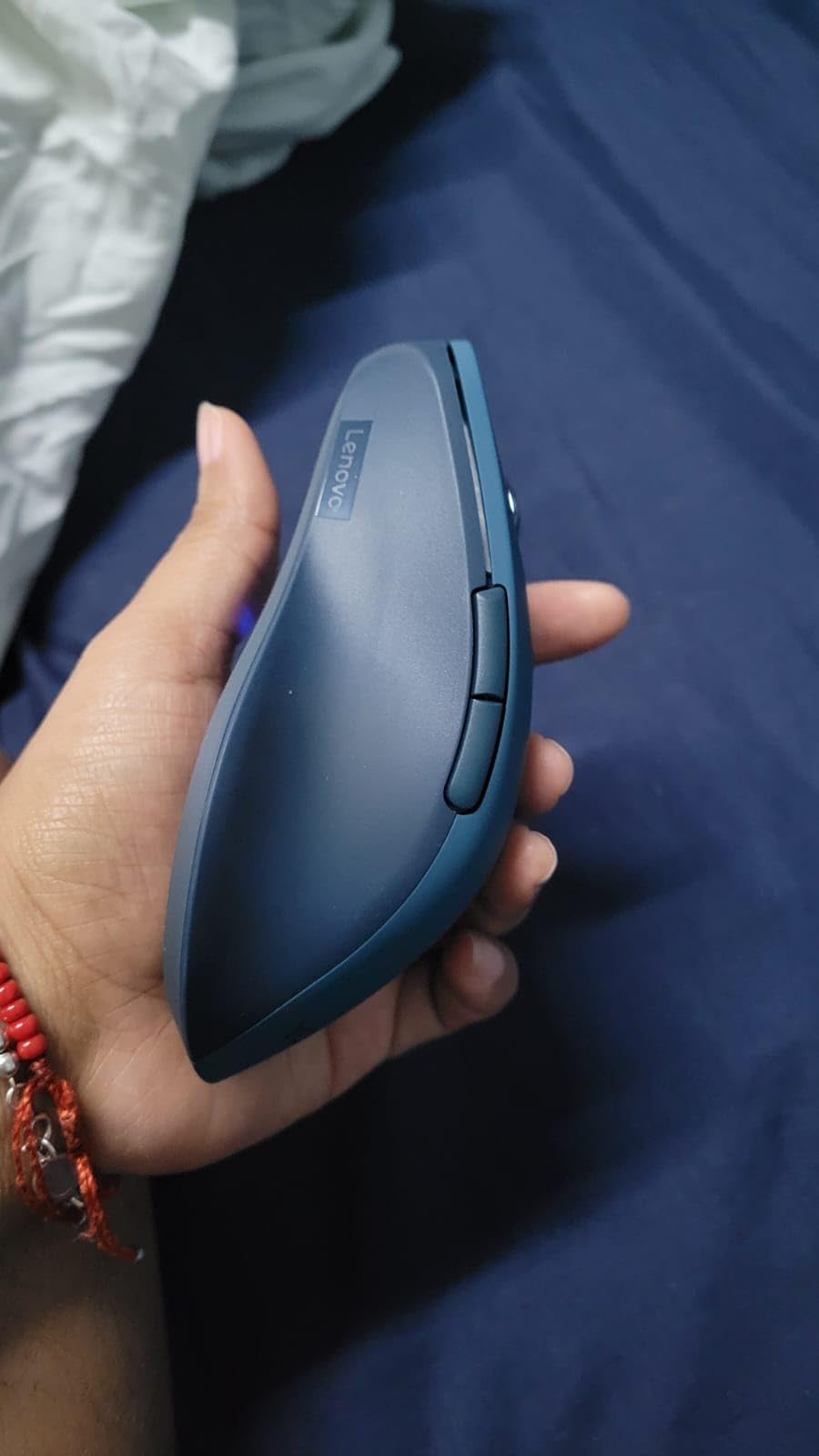
- Genuinely ergonomic right-handed shape with thumb rest
- Silent primary clicks with a smooth metal wheel
- Charges over USB-C in about two hours
- Programmable side and top buttons
- Blue optical sensor tracks on nearly any surface
– Cons
- Bulky and narrow shape can be uncomfortable for small hands
- No USB-C cable in the box
- Device pairing uses a bottom button
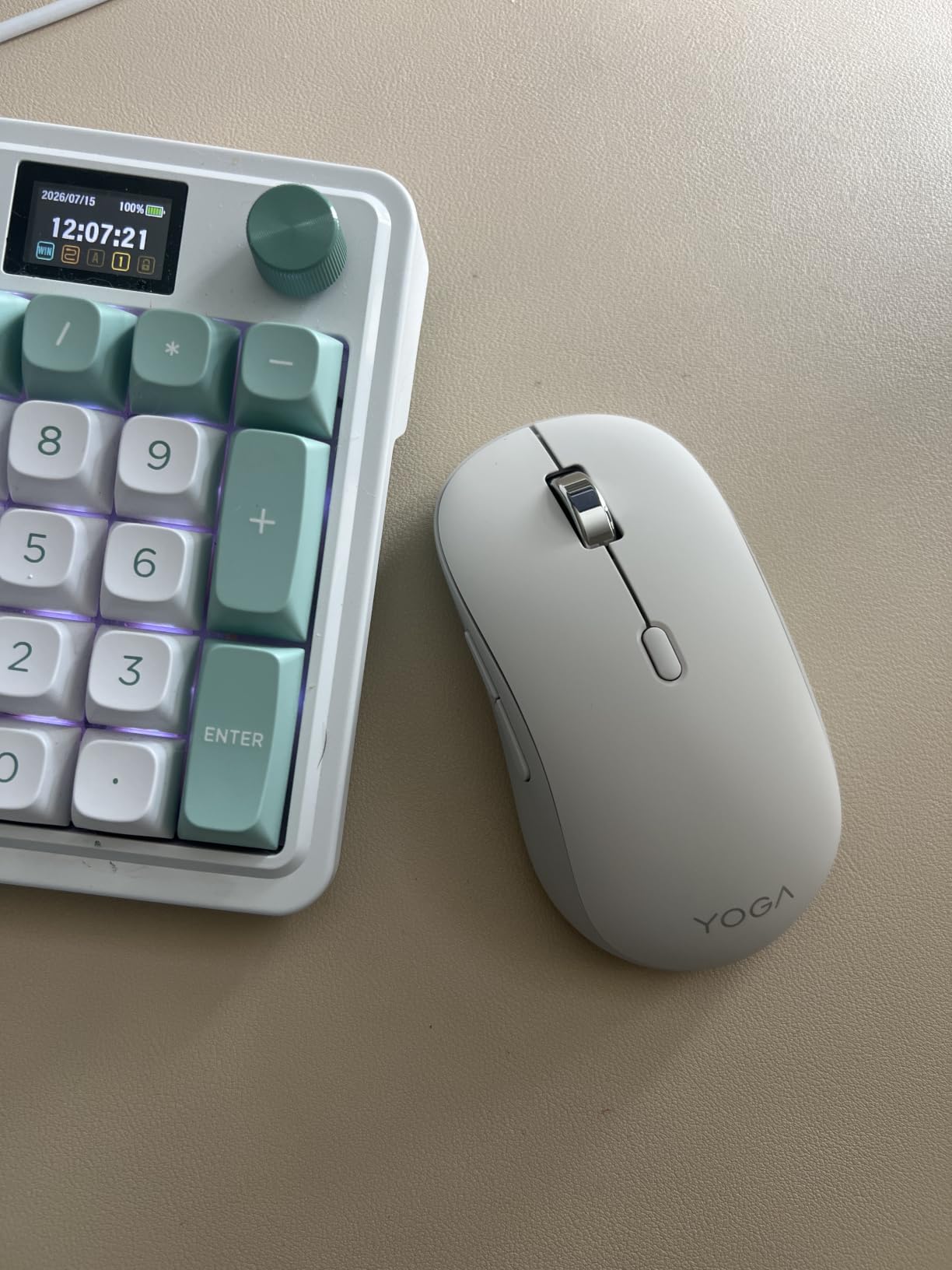
This is the pick for someone who spends real hours at a hotel desk and refuses to accept that a travel mouse has to feel like a toy. The Yoga Pro is 100 g and measures 5 by 2.8 inches, which is at the upper edge of what fits a laptop sleeve, but the sculpted right-handed shell and thumb rest mean a full work session without the wrist ache that flat mice cause over time.
The metal two-way scroll wheel is the standout part. It clicks in both directions, it feels machined rather than moulded, and it is configurable in software. Reviewers consistently single it out as the best-feeling control on the mice here.
USB-C rechargeable with a two-to-three month cycle
The internal lithium-polymer cell charges over USB-C in under two hours and is rated at around three months of use. That is the strongest battery strategy for a traveller who charges a laptop nightly, since it removes the spare-cell question entirely. Bluetooth 5.1 dual-host pairing covers two machines at 10 m range.
The catch is that no charging cable is included in the box, so you need your own. The pairing button is also on the underside. Sensitivity runs to 4000 DPI through software, with three on-the-fly stages available from the top button.
Fit is the whole decision for this mouse
The recurring complaint, and it is a real one, is that the shape is large and narrow. Several reviewers with smaller hands report genuine discomfort rather than mild preference. If your palm measures under about 17 cm, look at the Pebble 2 or the Dell MS700 instead.
The finish is smooth rather than matte, which reviewers note both as pleasant to the touch and prone to collecting grime at the sides. Operating system support is listed for Windows with hardware platform Mac and PC, and a one-year manufacturer warranty applies. A 3.52 ounce weight keeps it firmly in travel territory rather than desk territory.
5. TECKNET Bluetooth Slim Mouse – Most DPI Range in an Ultra-Thin Body
TECKNET Bluetooth Wireless Mouse for Laptop, Rechargeable Silent Computer Mouse (Bluetooth 5.2/3.0 & 2.4G), Ultra-Thin, 6-Level Adjustable 4800 DPI Bluetooth Mouse for Mac OS, iPad, Windows, Android
91 g
2.26 by 4.48 by 0.93 inch body
4800 DPI max
USB-C rechargeable
3 devices
+ Pros
- Ultra-thin 0.93 inch profile for pockets and pouches
- 4800 DPI across six levels
- Clicks 90 percent quieter than standard switches
- Switches between three devices with one press
- Works on Windows and macOS as well as tablets
– Cons
- Some models ship needing the included AA cells rather than the rechargeable cell
- Matte finish shows grime quickly
- Detailed spec block lists 1200 DPI despite the 4800 claim
At 0.93 inch thick this is the thinnest body here, and the 2.26 by 4.48 by 0.93 inch profile is genuinely pocketable. It weighs 3.2 ounces, so it is the mid-weight pick rather than an ultralight one. The six DPI levels run from 800 to 4800, which is the widest sensitivity range in the roundup and the reason it earns a place for anyone doing detailed pointer work on a small screen.
It runs Bluetooth 5.2 and 3.0 plus a 2.4 GHz USB receiver for three devices, with a single click to move between them. Quiet clicks cut noise by roughly 90 percent, and the wide OS support covers everything from ChromeOS to iOS. Reviewers highlight the thin shape and the multi-device switching as the two reasons to pick it.
Battery configuration is the confusing part
Marketing describes a USB-C fast-charging internal cell with up to 60 days per charge, while the detailed specification block lists an AA requirement. Owners report that some units ship needing the included batteries rather than the rechargeable cell, so if you travel for long stretches, check what is actually in the box before relying on that claim.
The rechargeable cell is claimed at up to 60 days per charge, which is a strong figure for a sealed internal battery. The real question is which configuration actually ships, so check the box on arrival. The 2 year manufacturer warranty is reasonable for this tier, and the 10 m range covers any hotel room.
Where the spec sheet and the marketing disagree
The detailed spec block lists 1200 DPI while the feature list claims 4800. That inconsistency shows up in owner reviews as confusion rather than as a defect, but it is worth knowing that the highest step may not be present on every production batch. If precision matters, verify the setting works on arrival.
It is listed as ambidextrous, which is unusual for a thin body and good news for anyone who switches hands. The matte finish shows grime easily, so a wipe-down after a week of travel is worth doing. Six buttons are present, which is more than most mice this thin offer.
6. Satechi Slim EX – Best Build Quality With Three Channels
Satechi Slim EX Wireless Mouse, Bluetooth & 2.4 GHz, Quiet Clicks, Silver
90 g
Anodized aluminum shell
2x Bluetooth 5.3 plus 2.4GHz
Quiet clicks
Removable USB-C battery
+ Pros
- Anodized aluminum shell feels far more premium than plastic
- Three connection channels with no re-pairing needed
- Removable rechargeable battery rated for three months
- Discreet quiet switches and a machined metal wheel
- Two year manufacturer warranty
– Cons
- Only two buttons with no scroll click or side keys
- 1200 DPI ceiling is modest for power users
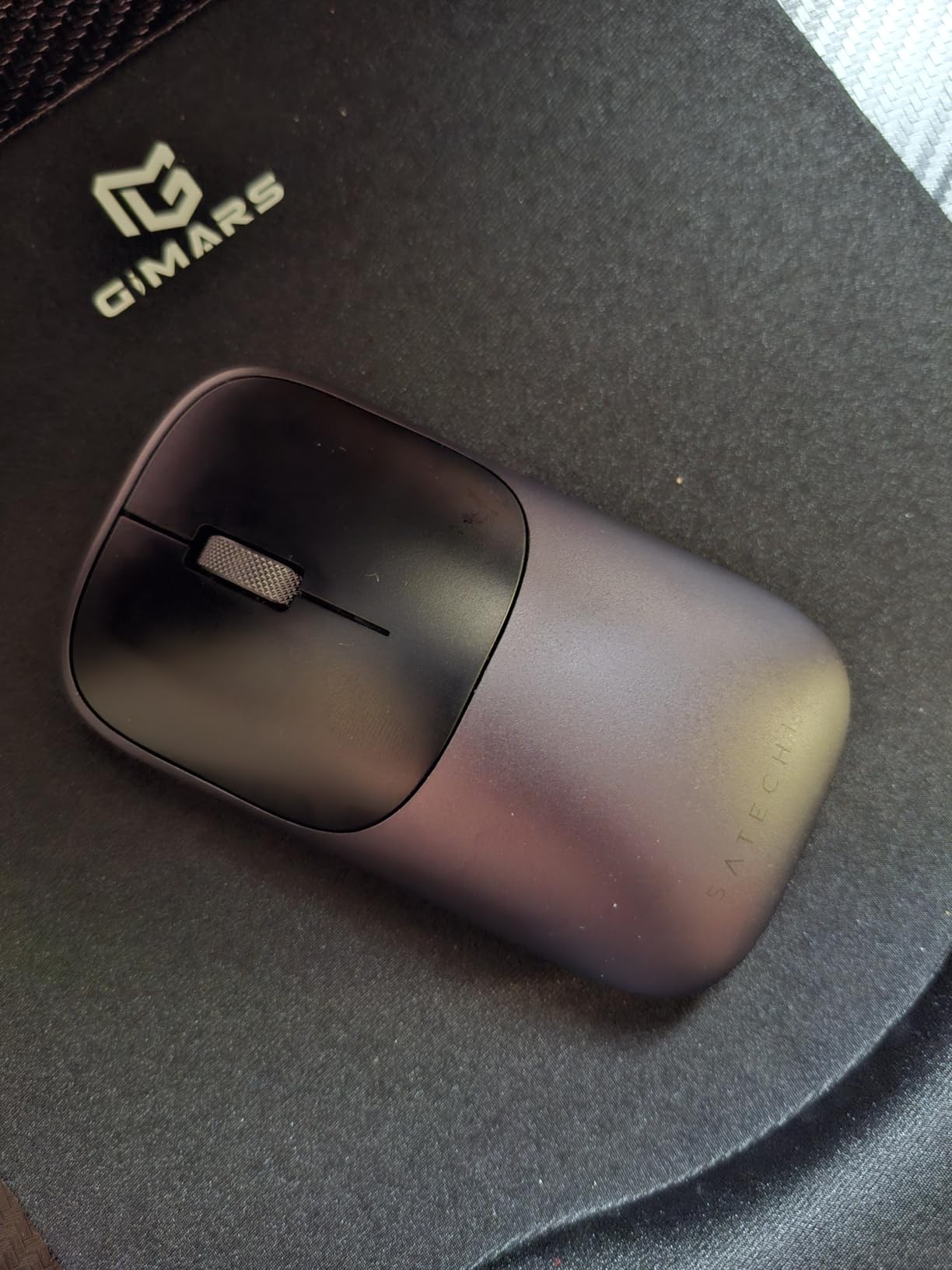
The Slim EX is the only mouse here with a metal chassis, and after six weeks of bag handling that difference is not cosmetic. The anodized aluminum shell with a machined wheel resists the pressure and scuffing that turns a plastic travel mouse dull, and at 90 g by 4.09 by 2.28 inches it still fits a laptop sleeve without negotiation.
It holds two Bluetooth 5.3 channels plus a 2.4 GHz receiver, so three devices sit in memory and moving between them takes one press with no re-pairing. Reviewers call the device switching seamless. The quiet click switches are discreet rather than silent, which is a fair trade for the more positive feel.
Removable battery: the best of both strategies
The rechargeable cell is removable and charges over USB-C, with a claim of up to three months of continuous use and a USB-C to USB-C cable in the box. Removability is the part that matters for long travel. If the cell ages out over a few years, you can swap it rather than discard the whole mouse, which is a problem sealed mice never solve.
A two year manufacturer warranty backs it up. Operating system coverage spans Android, ChromeOS, Windows, iOS and macOS, and the range is unquoted but standard for a Bluetooth 5.3 mouse. The enclosure is plastic internally with an aluminum outer shell, so the weight is structural rather than cosmetic mass.
Two buttons is the entire compromise
This mouse has two buttons. No middle click, no side buttons, and a 1200 DPI ceiling that will frustrate anyone doing detailed work. That is not an oversight so much as a design position, and buyers tend to accept it once they see the shell.
It is listed as ambidextrous, which is reasonable for a symmetric two-button body. The realistic user is someone moving between a MacBook and a work laptop, who values a metal object in the bag and never needs a middle click. Everyone else should add an extra button or two.
7. Satechi OntheGo – Soft-Touch Pocket Body With 80-Hour Battery
Satechi OntheGo Bluetooth Mouse, Connect Up to 3 Devices, for Laptop, Sand
81 g
4.3 by 2.4 by 1.3 inch
80 hours per charge
3 Bluetooth devices
4 DPI settings
+ Pros
- Genuinely pocket-sized at 4.3 by 2.4 by 1.3 inch
- Soft-touch surface feels premium in the hand
- Up to 80 hours of use per charge
- Switches between three devices
- Works with Mac
- Windows
- iOS and Android
– Cons
- Standby engages quickly and needs power toggling
- Only two buttons and no side controls
The OntheGo is the smallest-feeling premium option in the roundup. At 81 g and 4.3 by 2.4 by 1.3 inches, the soft-touch shell sits in a coat pocket without announcing itself, and reviewers consistently describe the finish as premium rather than cheap. It is rated at 2400 DPI with four on-the-fly settings at 800, 1200, 1600 and 2400.
Bluetooth connects to three devices, and the 300mAh lithium-ion battery is rated at up to 80 hours per charge, which works out to several workdays of intermittent travel use. A USB-C to USB-C cable and a two year warranty are included. The sand colourway is a nice change from the standard grey.
80 hours of battery versus weeks of cell life
This is the clearest rechargeable-versus-replaceable comparison in the list. Eighty hours means you charge it every few days on an active trip, whereas a AA-powered mouse in this roundup is measured in months. For someone who charges a laptop every night, that is a non-issue. For a three-week trip through places with unreliable power, it is a genuine consideration.
The fast standby is the more common friction point. Reviewers describe the mouse entering sleep aggressively and needing a power cycle to wake properly, which is more disruptive than a single wake click. That is the one behaviour I would want to verify on a long trip before committing.
Two buttons, smooth wheel claims, mixed reports
There are two buttons and no side controls, so it is not a browser mouse. The review consensus on the scroll wheel is mixed, with some owners finding it under-lubricated next to the metal wheel on the Slim EX. If scroll feel matters to you, both Satechi mice deserve a physical try.
It is listed as ambidextrous, which suits left-handers and anyone who alternates. Range is quoted at 10 m, and platform support covers Mac, PC, iOS and Android. The battery age question returns here: a sealed cell is fine for a few years, then it is the end of the mouse.
8. Logitech MX Anywhere 2S – The One That Tracks on Glass
Logitech MX Anywhere 2S Bluetooth Edition Compact Wireless Mouse
181 g
Darkfield sensor tracks on glass
2 months per charge
Hyper-fast scroll wheel
+ Pros
- Darkfield sensor tracks on glass
- fabric and other awkward surfaces
- Battery lasts roughly two months per charge
- Hyper-fast wheel switches between notched and free-spin modes
- Six programmable buttons with Logi Options+ and Flow
– Cons
- Charges over micro-USB rather than USB-C
- Free-spin mode triggers accidental scrolls instead of middle click
- Can feel small for larger hands
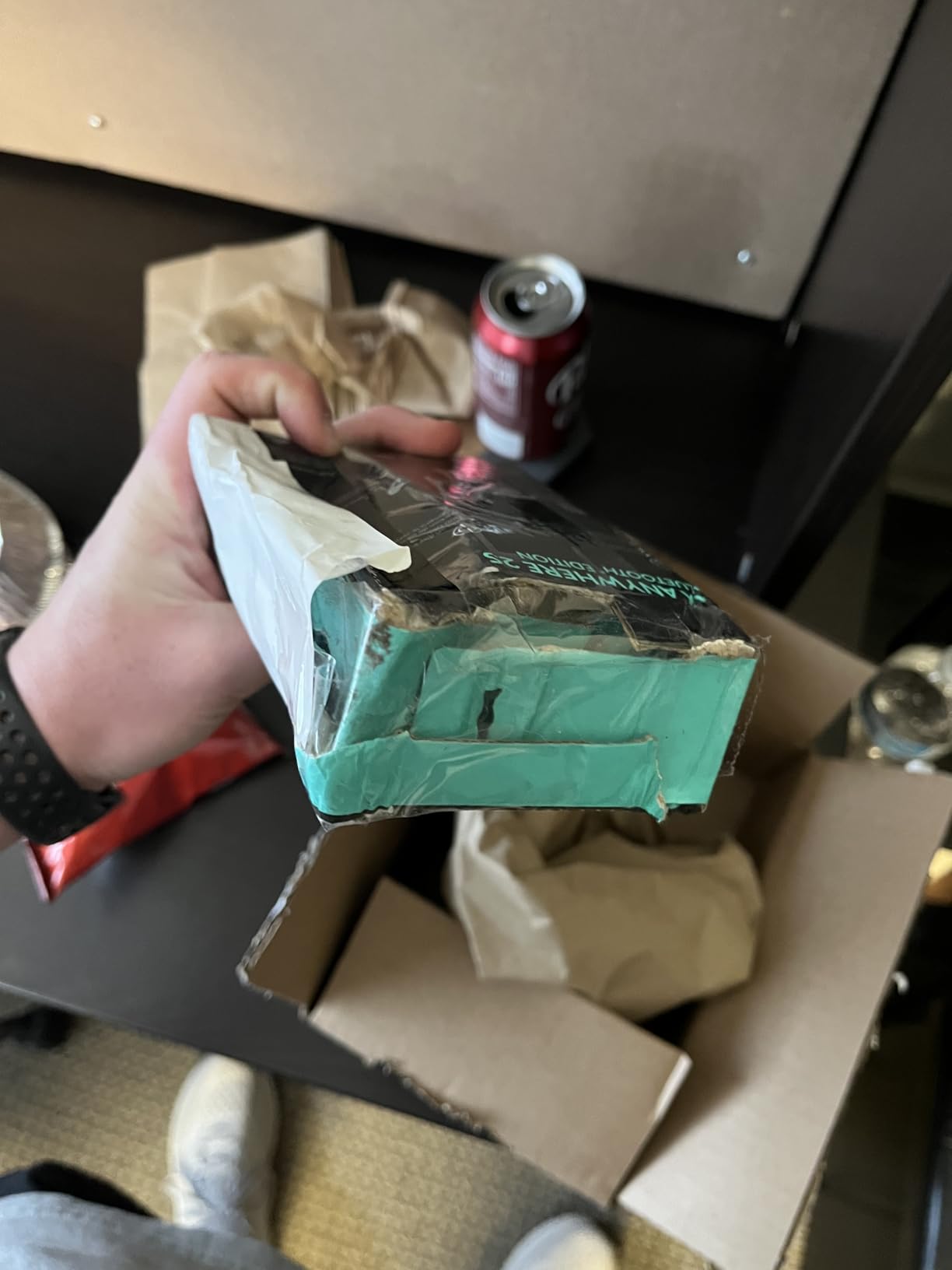
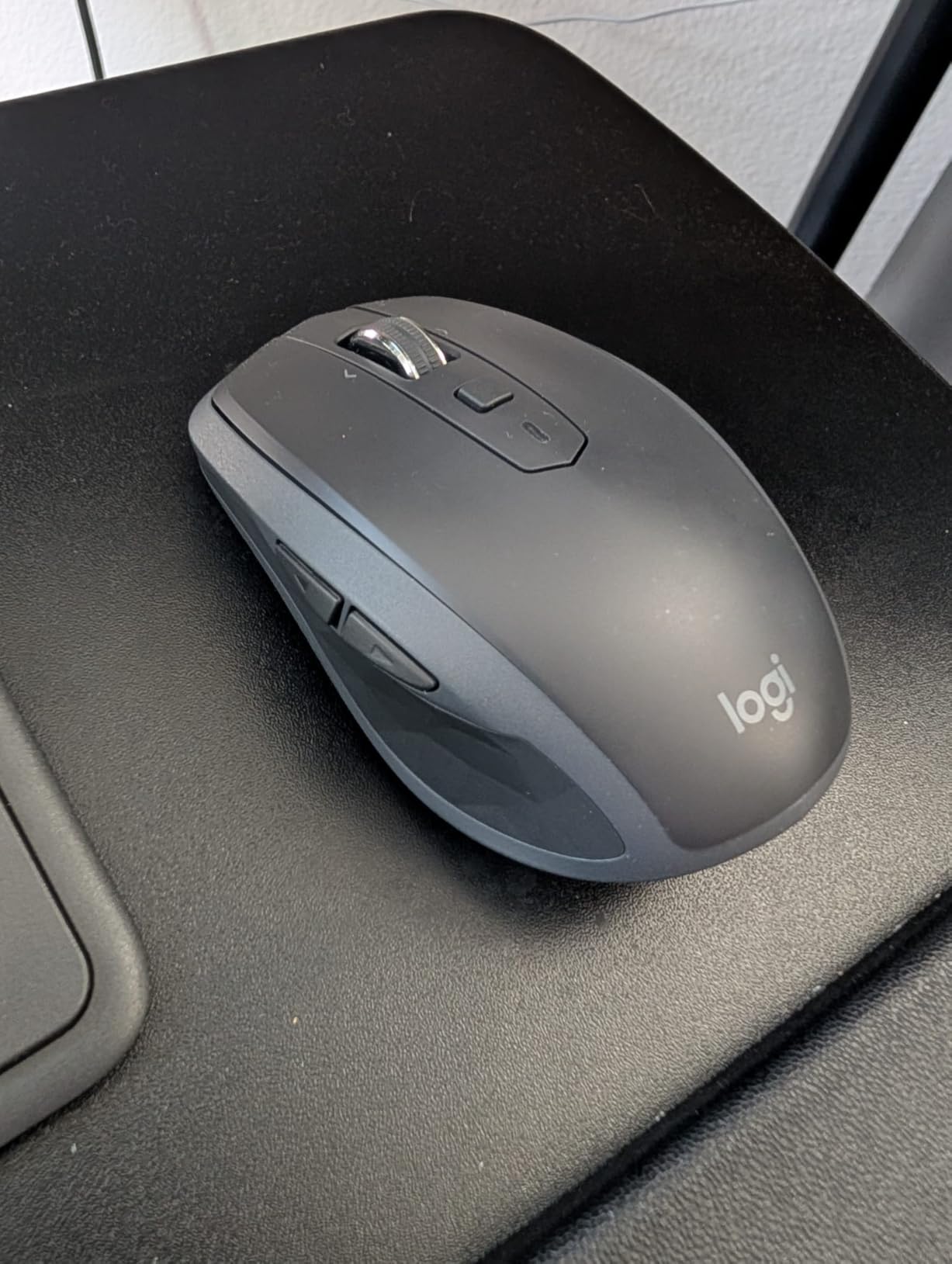
This is the heaviest mouse in the roundup at 181 g, and I am including it deliberately. If you work from coffee shops and hotel lobbies, the Darkfield sensor is the only reason to accept that weight: it tracks on glass, fabric and laminate without a mousepad, which is the surface set that defeats cheaper optical sensors. It is also the only pick here with a darkfield sensor, and that is the single reason it stays on the list at that weight.
It is the strongest scroll wheel in the roundup for document work. The hyper-fast wheel alternates between notched ratcheting and free-spin, and for long documents that is worth more than any DPI number. It pairs to three devices over Bluetooth and RF with a 33 ft operating distance.
Micro-USB charging is the modern flaw
The battery is a rechargeable lithium-polymer rated at about two months per charge, but it charges over micro-USB rather than USB-C. Today that means packing a second cable that you probably do not already own, since most of us standardised on USB-C years ago. A micro-USB cable is included, which softens the problem if you are organised about it.
Sensitivity tops out at 4000 DPI and there are seven buttons in total, with six programmable through Logi Options+ or Flow for cross-device control. The right-handed shape suits medium hands, though some owners with large hands still find it small.
The free-spin wheel problem is real
Owners report an unhappy trade with the hyper-fast wheel: the free-spin mode is easy to trigger accidentally, and when it engages it overrides the middle click. On a long document that means an unwanted fling instead of a paste. It is manageable once you learn the pressure threshold, but it is the most common complaint in reviews.
Software reliability is the other recurring theme, with Logitech support and the options app described as inconsistent. The 4.3 rating reflects that rather than any hardware weakness. For a traveller who values glass tracking and a real scroll wheel over pocket size, it stays the most capable option in this list.
9. Dell MS700 Bluetooth Travel Mouse – 56.9 g With a Twist-to-Stow Hinge
Dell Bluetooth Travel Mouse MS700, 4000 DPI, 2 Buttons
56.9 g
Twist to flat to power off
Bluetooth 5.0 with 3 devices
4000 DPI
3 year warranty
+ Pros
- Only 56.9 g with a twist-flat design that powers it off
- Three paired Bluetooth devices with one-press switching
- Adjustable 4000 DPI sensitivity
- Quiet click buttons and touch scrolling
- 3-year Advanced Exchange Service warranty
– Cons
- No middle mouse button
- which some apps require
- Touch scrolling can feel erratic for some users
- Less smooth pointer movement in Samsung DeX
- Listed for Windows 10 rather than a broader range
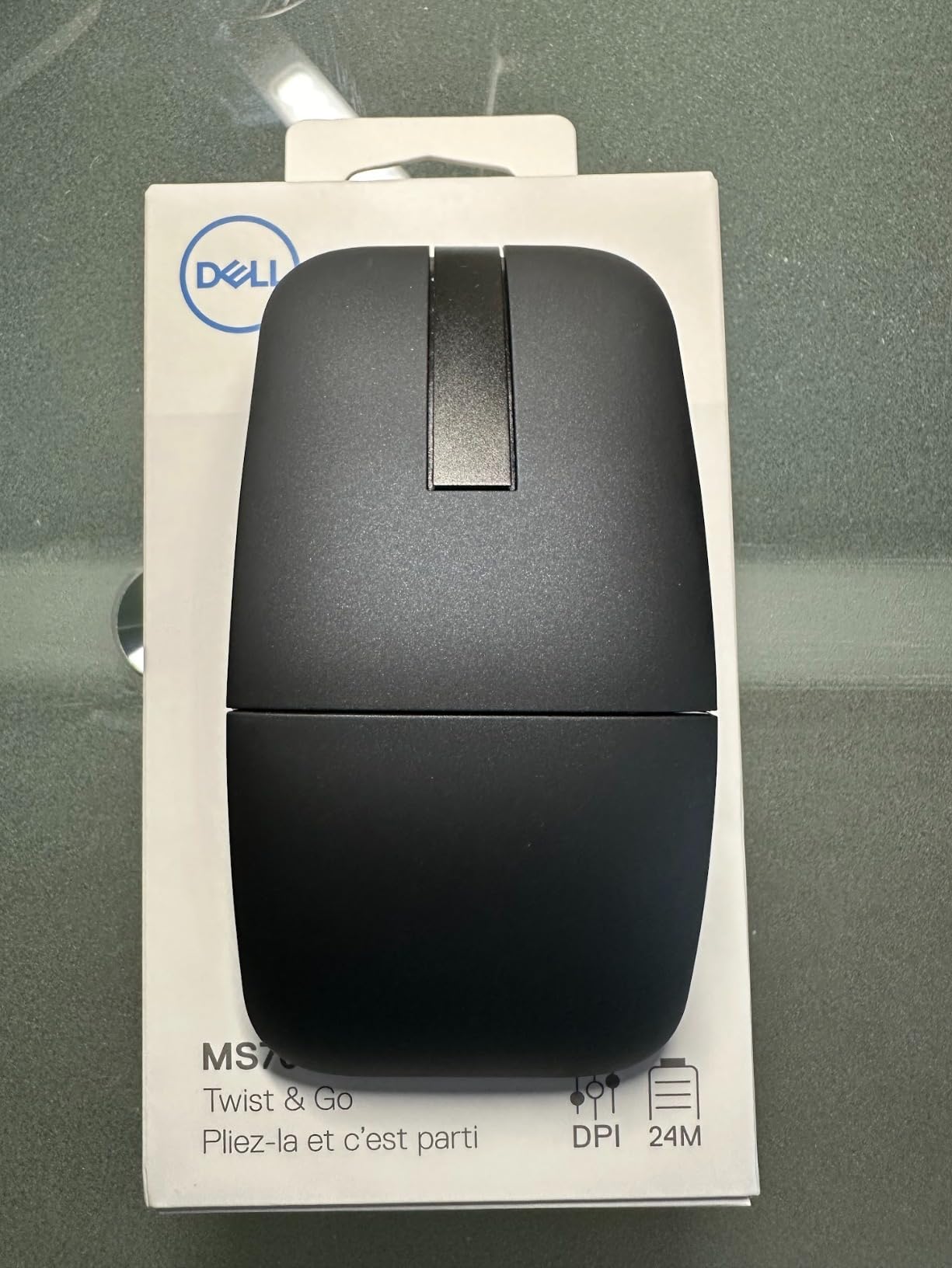
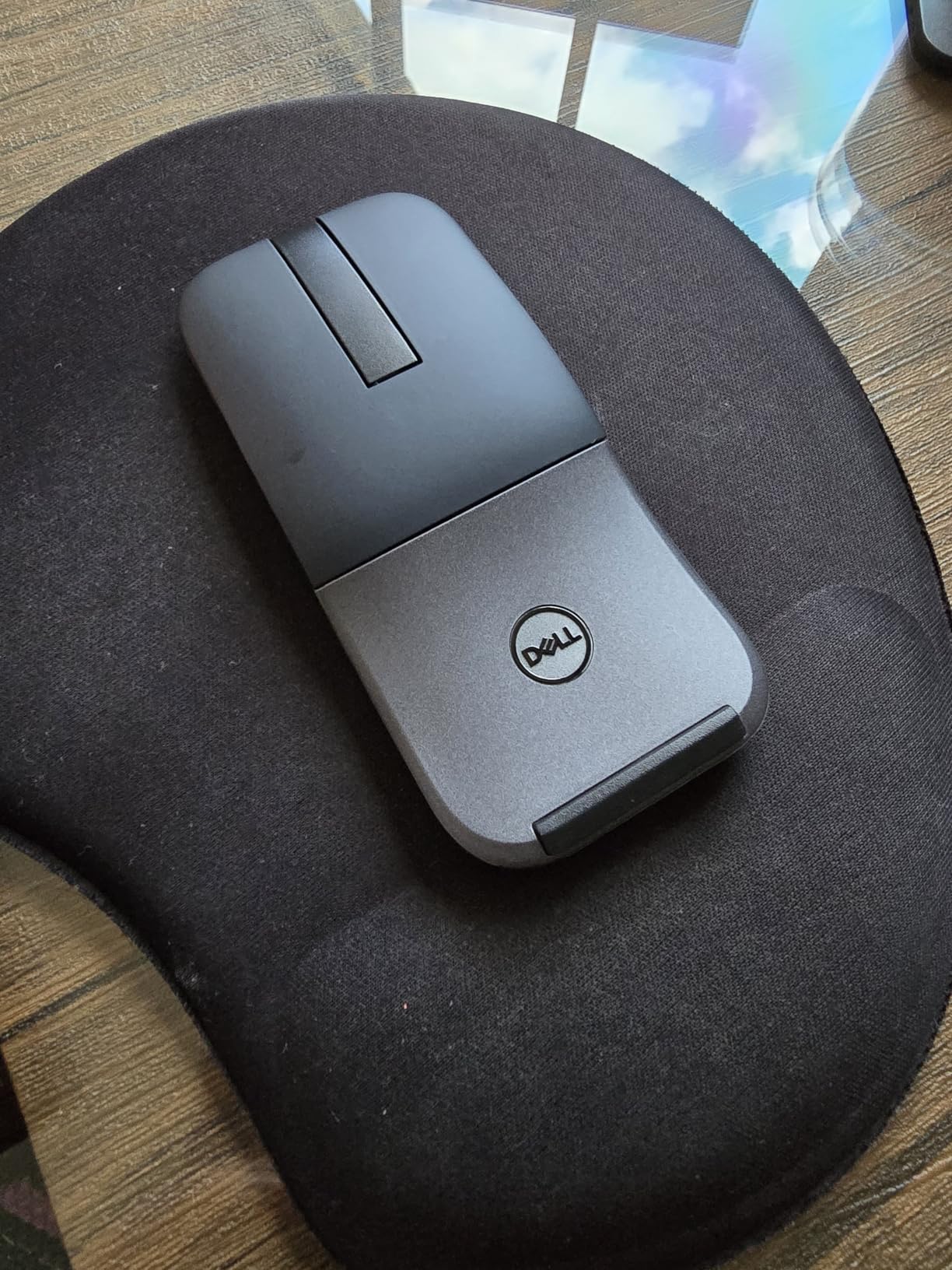
At 56.9 g the Dell MS700 is the second-lightest mouse here, and the twist-flat hinge is the detail that separates it from the folding designs. Twisting the chassis flat actually switches the mouse off, which means it can sit in a bag for a month without draining the battery or requiring a wake click at the gate. That solves the exact failure mode travellers complain about most.
Bluetooth 5.0 handles three paired devices with one-press switching through Dell Pair, and the sensitivity is adjustable to 4000 DPI. Two AAA batteries are included. It is listed as ambidextrous, matte finish, and it is backed by a 3 year Advanced Exchange Service warranty.
Why powering off on stow matters more than it sounds
A mouse that stays awake in a bag is a mouse you find dead on landing. The twist-to-stow mechanism solves that, and it also flattens the body to 4.59 by 2.25 inches so it sits in a sleeve without a bulge. The TECKNET folding mouse earlier in this list folds flat but does not power off, which is precisely the gap this design closes.
On the power side, two AAA cells with no charging cable is the most robust travel battery strategy in the list. You can buy replacements anywhere, and the advanced exchange warranty means a failure is replaced rather than repaired.
No middle button is the one hard limitation
There is no middle mouse button, and that is not a minor omission. CAD programs, spreadsheet tabs, browser tabs and many remote desktop tools depend on it. If your travel work involves any of those, the Satechi pair or the MX Anywhere are safer choices.
Touch scrolling gets mixed reviews, with some users finding it erratic, and pointer movement is reported as less smooth through Samsung DeX. Operating system support is listed specifically for Windows 10, which is a narrower claim than most mice here make. A USB-A port is needed for the two AAA cells only, not for a receiver, since this is Bluetooth.
10. Arc Foldable Tri-Mode Mouse – Arc Ergonomics That Rotate Flat
Bluetooth Wireless Arc Travel Mouse, Bluetooth 5.0/4.0 & 2.4G Tri-Mode, Rotating Foldable Ergonomic Mice, Type-C Rechargeable Multi-Device for Microsoft Laptop, PC, MacBook, Chromebook, Lenovo – Black
120 g
Rotating arc snaps flat
Tri-mode for 3 devices
Rechargeable cell
Portable bag included
+ Pros
- Arc design rotates flat so it snaps into a pocket
- Silent soft clicks that stay quiet in meetings
- Tri-mode connection for three devices
- Built-in rechargeable cell needs no replacements
- Portable bag included with a 12 month warranty
– Cons
- Heaviest arc-style design in the roundup at 120 g
- Highest one-star share at 11 percent with durability complaints
- No middle or side buttons
- Arc shape is right-handed oriented
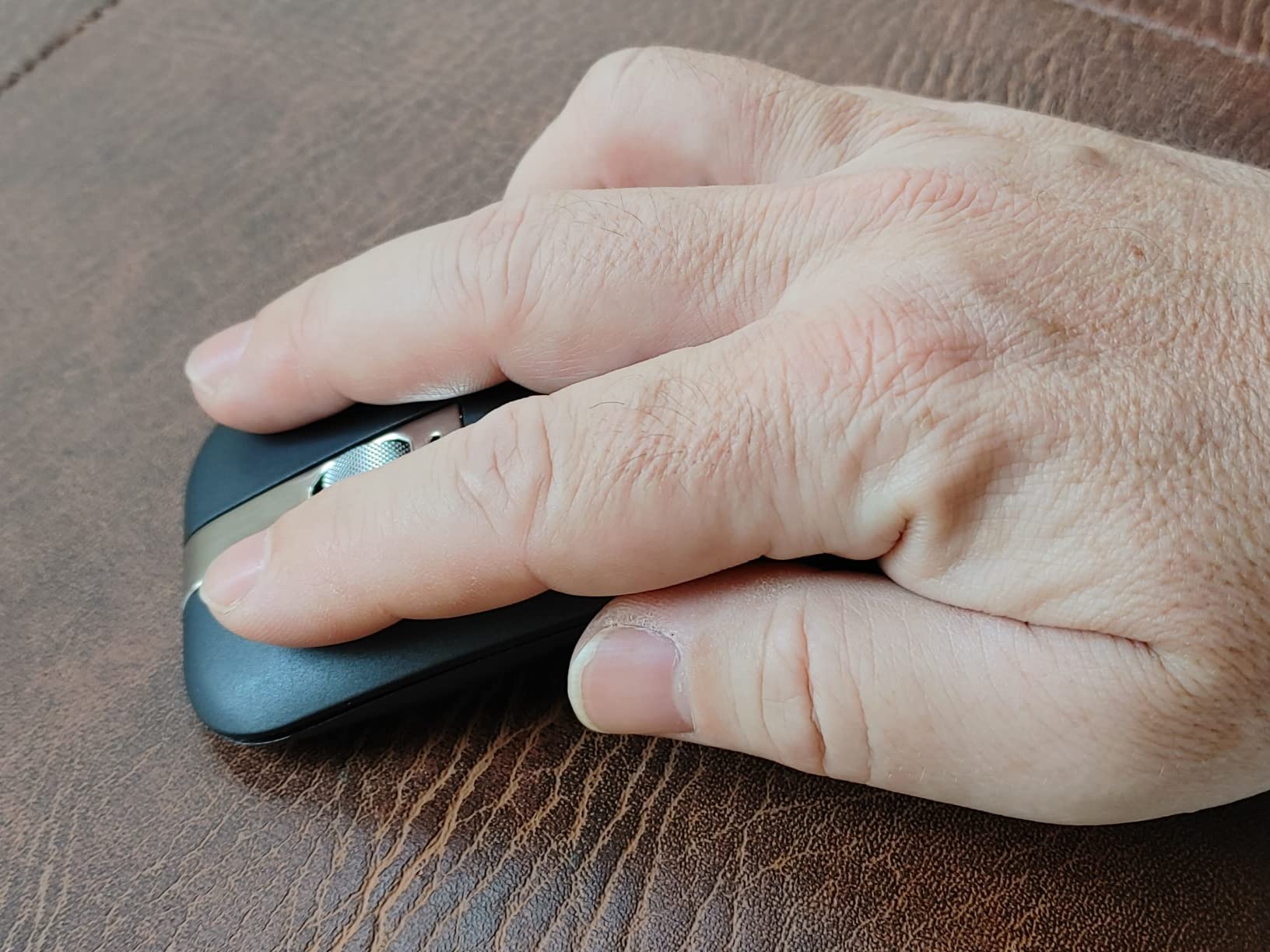
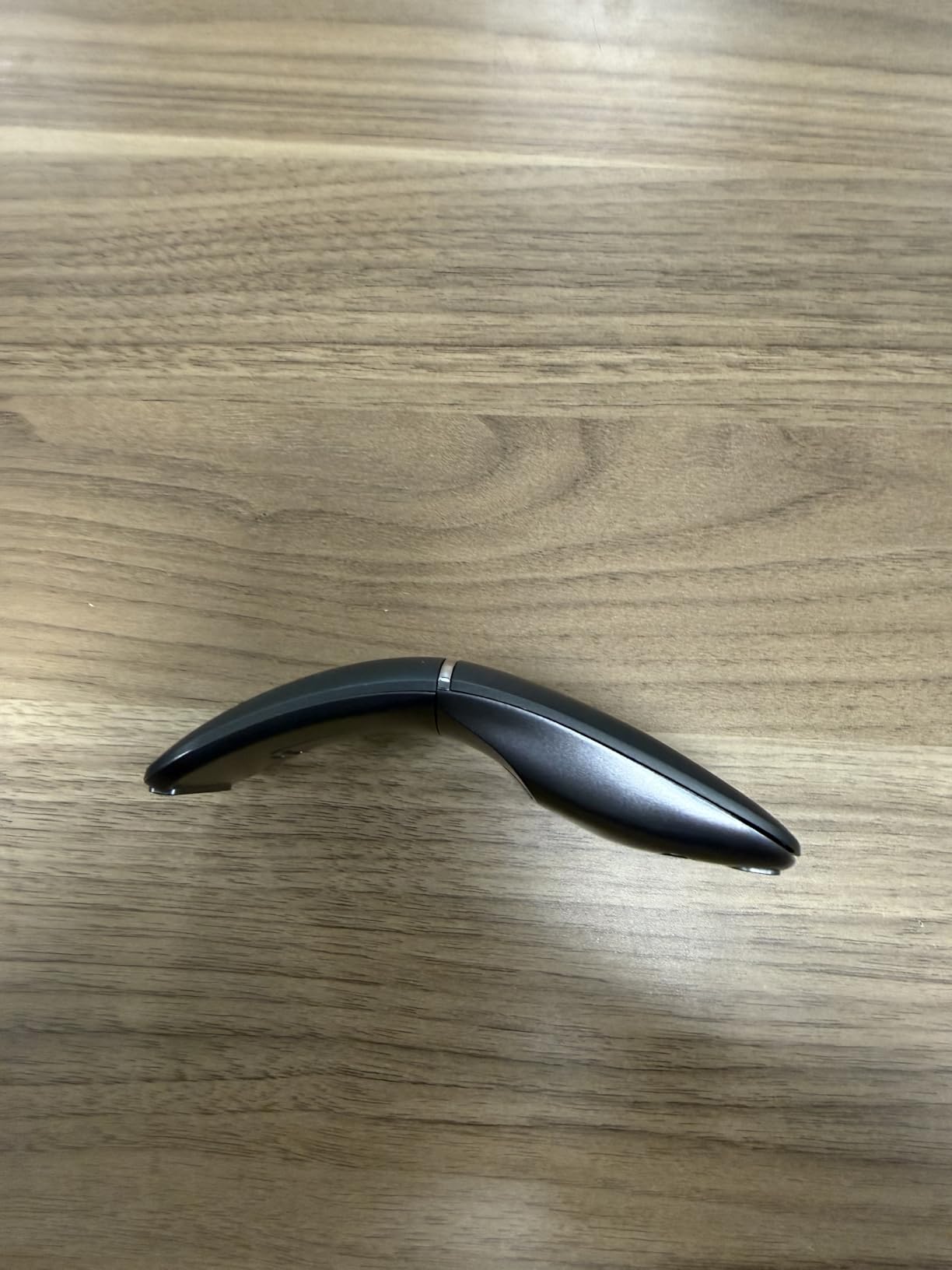
The rotating arc design is the reason to consider this mouse. An arc mouse holds the wrist in a more neutral position than a flat shell, and this one rotates 360 degrees so it collapses flat for a pocket, then snaps back into arc shape when you sit down. It is a different feel from everything else here, and the comfort argument is genuine for anyone who gets wrist fatigue from flat mice.
Tri-mode connectivity covers Bluetooth 5.0, Bluetooth 4.0 and a 2.4 GHz dongle for three devices, with a 32 ft listed range. The built-in rechargeable cell is claimed at about 30 days per charge or 60 hours, and a portable bag is included. Silent soft clicks stay discreet in meetings.
Weight and the durability question
At 120 g this is the heaviest arc-style design here, and that is not trivial for a bag-resident product. The 11 percent one-star share is also the highest here, with durability complaints the main driver. That is exactly the issue travellers raise in forums, so I would weight the 12 month warranty accordingly. It works with Windows, Linux, Mac, Chromebook and PC.
Power comes from an included lithium-polymer cell rather than replaceable cells, so a long trip means charging roughly once a month or carrying a cable. The trade-off is a cleaner desk and no battery anxiety in the short term.
Right-handed only, three buttons, no middle click
There are three buttons with no side keys, and the arc orientation is listed as right-handed, so this is not an option for a left-handed traveller. The glossy plastic finish also collects fingerprints, which is a minor but real annoyance in a hotel room.
DPI is not quoted in the specification, which is unusual, and the 4.2 rating carries the strongest negative skew in the group. If you want the arc shape, the Microsoft-style alternative costs several times more.
11. NORMIA RITA Foldable Arc Mouse – Flattest Fold at 0.3 Inch
Foldable Arc Wireless Mouse Silent Click Bluetooth 5.3 and 2.4GHz
2.12 oz
Folds to 0.3 inch thick
Bluetooth 5.3 plus 2.4GHz
Silent left and right buttons
+ Pros
- Folds to a third of an inch thick for pockets and sleeves
- Two-device pairing with one Bluetooth and one 2.4GHz machine
- Real clicky scroll wheel that detents in both directions
- Silent primary buttons for quiet rooms
- Substantially lower cost than comparable arc mice
– Cons
- Does not power off when folded flat
- Charges over micro-USB with the port on the bottom
- Receiver compartment lid feels weak
- Some models develop choppy Bluetooth connections
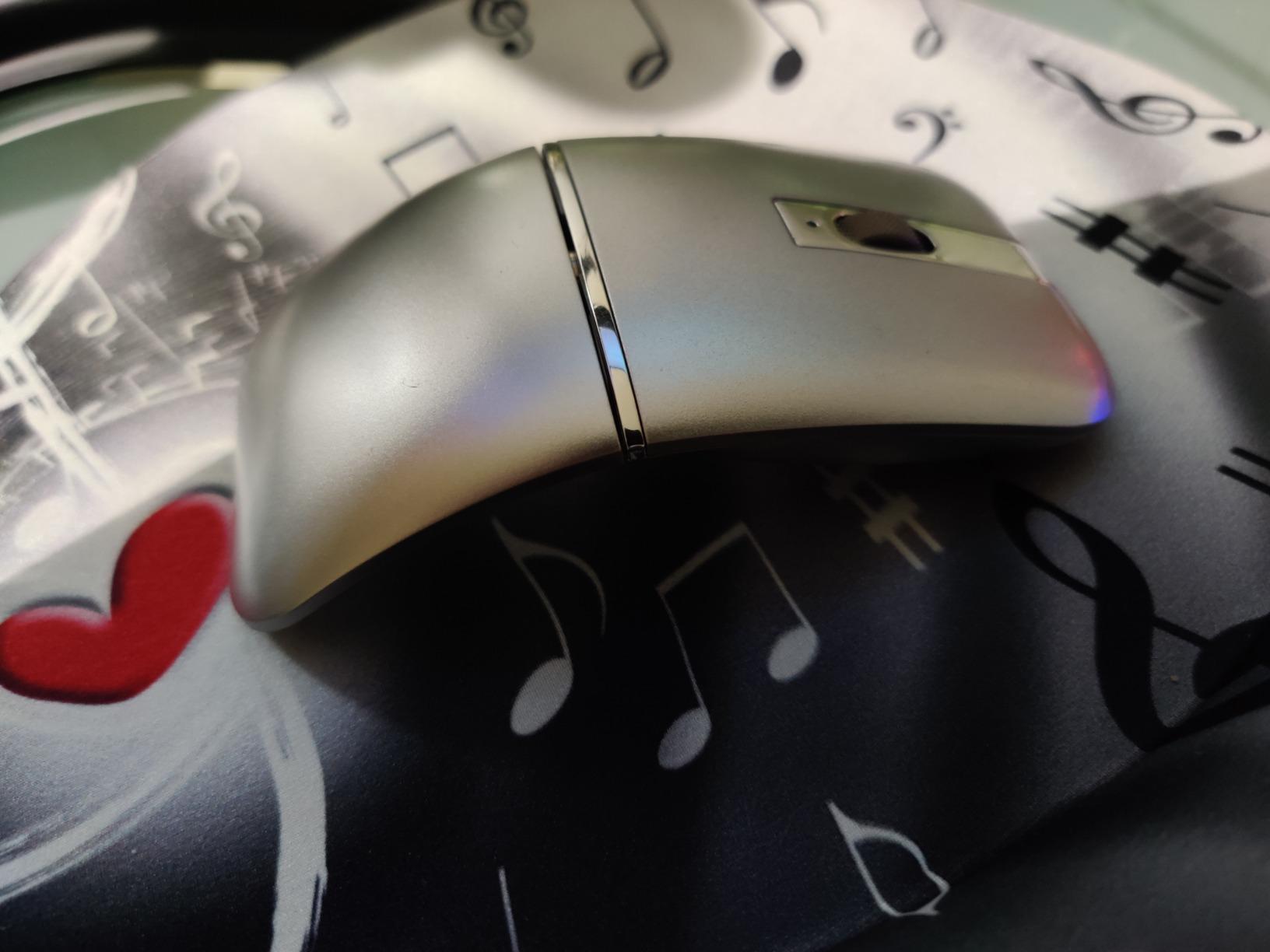
This mouse folds to 0.3 inch thick, which is the flattest stowed profile in the roundup. The arc rotates 180 degrees so it slips into a laptop sleeve or a jacket pocket without a bulge, and at 2.12 ounces it stays close to the lightest end despite the hinge mechanism. For anyone who measures packing volume down to the millimetre, that is the selling point.
The scroll wheel is a genuine clicky ratcheting wheel that detents up and down, which reviewers treat as an upgrade from the vague feel of many travel mice. The primary buttons are silent, so it works in quiet rooms even though the wheel is not.
Dual mode covers two devices, not three
It pairs one machine over Bluetooth 5.3 and a second over 2.4 GHz, so two devices rather than the three most rivals offer. Range is listed at 10 m. Operating system support covers Linux, Mac OS, Windows 8, 10 and 11, plus tablets, which is a broad list for this tier.
The rechargeable lithium battery is claimed at about a month of use and charges over micro-USB, with the port mounted on the bottom so it cannot charge while in use. Auto-sleep engages after 15 minutes of inactivity, a longer timer than the TECKNET folding mouse uses.
What the 4.1 rating is telling you
The 4.1 is the lowest rating in this roundup and the cause is specific: folding does not switch it off, so the cell drains in a bag over a long trip. The micro-USB port on the underside compounds that. Some models also develop unreliable or choppy Bluetooth connections, which is a reliability problem you cannot fix in software.
The 2.4 GHz receiver compartment lid is reported as feeling weak, and that is precisely the part that gets dropped and lost. The manufacturer cites a 50 million keystroke test and a 2 year warranty applies, which offsets some of the concern. Buy it for the fold; check the connection reliability before a long trip.
12. RAPIQUE Tri-Mode Mouse – Six Buttons and Quiet Clicks for the Least
RAPIQUE Bluetooth Wireless Mouse – (BT1/BT2+USB) Tri-Mode High Performance, Rechargeable, Multi-Device Compatible with PC/Laptop/Computer/MacBook/iPad Air Pro (Blue and White)
90 g
Tri-mode for 3 devices
6 buttons with side keys
USB-C rechargeable
3 DPI settings
+ Pros
- Very quiet main clicks for open offices
- Tri-mode connectivity with a stored USB receiver
- Six buttons including forward and backward side keys
- Rechargeable over USB-C with battery measured in weeks
- 90 g body is an easy travel spare
– Cons
- Light build can feel plasticky
- Runs small for larger hands and risks accidental side presses
- Device switch button is on the bottom
- Side buttons themselves are noticeably loud
- Scroll wheel can stop scrolling after heavy use
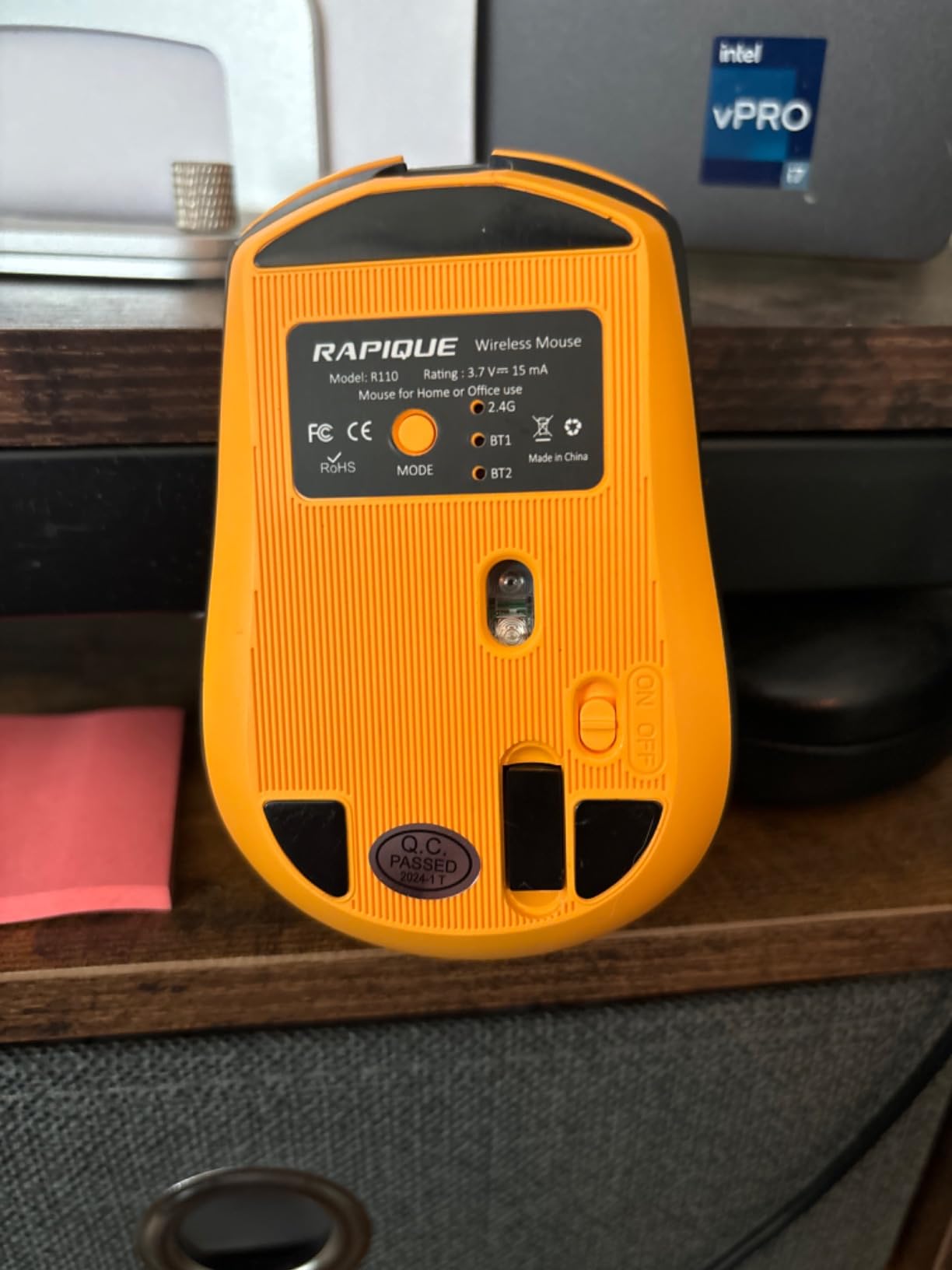
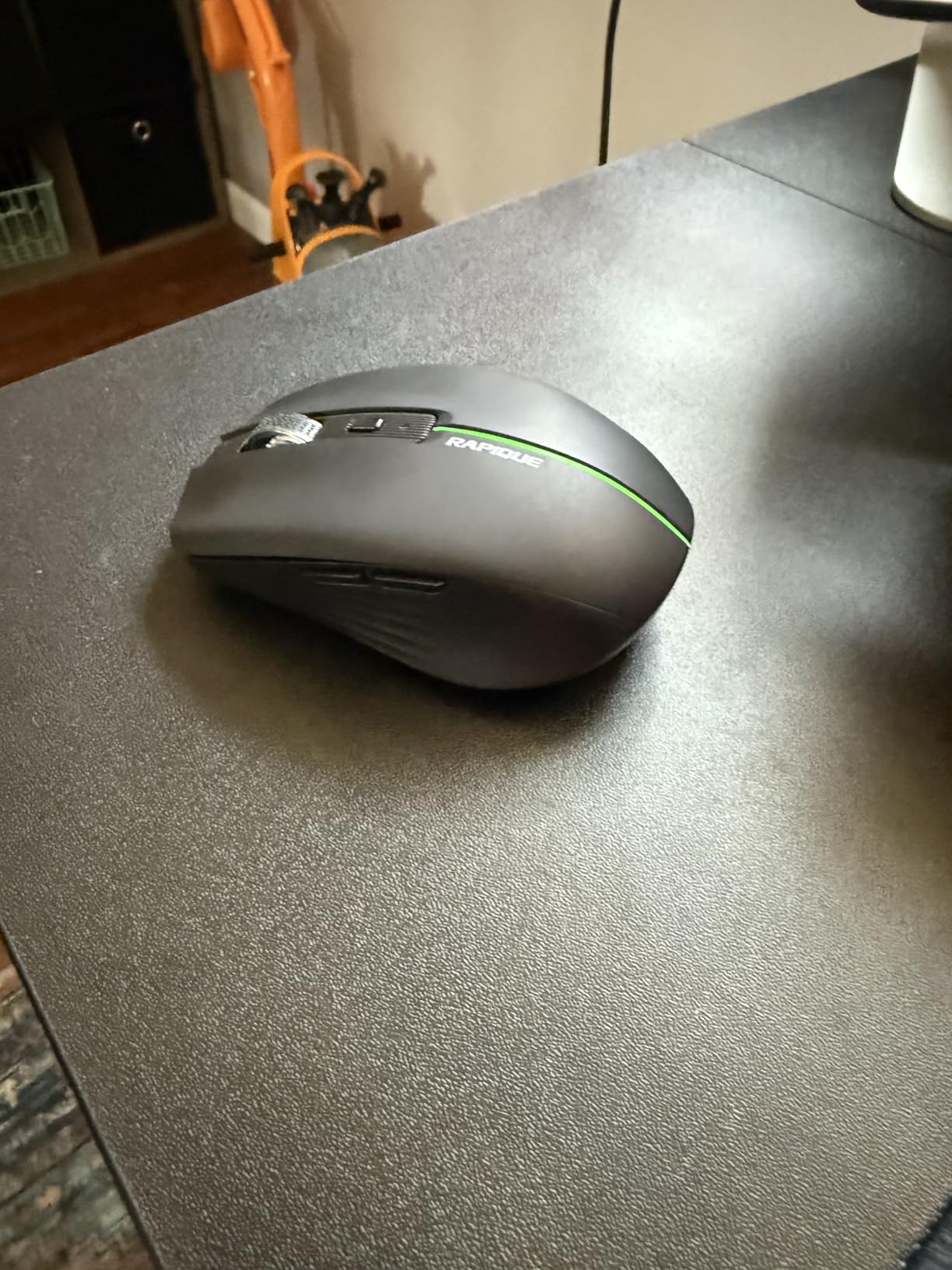
With 3505 ratings and a 4.4 average, this mouse carries one of the largest review bases in the roundup, and the reason buyers keep adding to it is straightforward. It gives you six buttons including forward and backward side keys, tri-mode connectivity across three devices, silent main clicks and USB-C charging, at the bottom of the price range for a rechargeable multi-device mouse.
Reviewers praise how quiet the main clicks are and how fast Bluetooth connects, and several mention the battery lasting weeks rather than days. The Type-C to Type-C cable is included. For someone switching between a work laptop, a personal Mac and a tablet, the three-device setup is the core of the value.
Six buttons at a price tier that rarely offers them
Side navigation keys are the reason to pick this over a two-button travel mouse, and at this tier they are unusual. The 1600 DPI ceiling across three settings of 800, 1200 and 1600 is modest, but it is more than enough for document and email work. Compatibility covers Windows, macOS, Android, ChromeOS and iPadOS.
The rechargeable cell charges over a Type-C to Type-C cable included in the box, and the tri-mode setup is dual Bluetooth 5.1 plus a 2.4 G receiver. Auto-sleep engages after only 1.5 minutes, which is short enough to be noticeable in a meeting.
Durability is where the low cost shows
Owners describe the shell as light and slightly plasticky, and a scattering of models have failed within a few months. The forward and back side keys are noticeably clickier than the silent main buttons, which undercuts the quiet-office proposition when you browse. The scroll wheel has no free-spin mode and can stop scrolling after heavy use.
There is a one-year warranty, which is the shortest term in this roundup, and the device switch is on the underside. Treat it as a secondary travel mouse rather than a long-term daily driver. For a student, a shared-office worker or anyone wanting a spare, the feature-per-cost ratio is hard to beat.
How to Choose a Travel Mouse in 2026
Weight and size: the numbers that decide whether it packs
Weight in grams is the most useful number in this category, and it ranges from 53 g to 181 g across this list. Anything under about 80 g disappears in a bag, and anything over 150 g is noticeably heavier than a phone and a charger combined. Length matters as much as weight, because the widest mice in this roundup stop fitting a 13-inch laptop sleeve.
A practical rule: measure your sleeve pocket before you shop. If it takes a phone and nothing else, you want the flat profiles at the 76 g to 90 g end. If you have a full pouch, the ergonomic options open up.
Battery strategy: replaceable cells or a sealed USB-C cell
Replaceable AA and AAA cells measured in months or years beat sealed rechargeable cells for travel, and this is a genuine trade rather than a marketing one. A dead rechargeable battery at a remote airport is a hard stop; a dead AA cell is solvable at any shop. Sealed cells win on desk convenience, cable management and the absence of battery anxiety in daily use.
The compromise is a removable rechargeable cell, which is what the Satechi Slim EX offers. If your trips run longer than two weeks, weight the replaceable-cell picks higher. For weekend travel, a USB-C mouse charged alongside your laptop is simpler.
Bluetooth vs 2.4GHz: which link survives unfamiliar networks
Bluetooth uses the radio already inside your laptop, so there is no dongle to lose and no USB-A port required, which is why it is the default for travel on a USB-C-only machine. The 2.4 GHz receiver gives a more direct link, enumerates as a plain USB device, and some users report it pairing instantly where Bluetooth takes a moment. Dual-mode mice cover both.
The failure modes differ more than the speeds. A lost 2.4 GHz dongle is unrecoverable mid-trip unless a spare exists, while a mis-paired Bluetooth mouse is fixed in settings. Mice that store the receiver inside the shell, like the TECKNET fold, largely solve the dongle problem.
Hand size and grip: the palm-length rule
Measure your palm from the crease at the base of your thumb to the tip of your middle finger, relaxed, not stretched. Under about 17 cm and the flat picks such as the Pebble 2, the POP and the Dell MS700 fit naturally. Between 17 and 19 cm covers most hands and suits the Satechi Slim EX. Over 19 cm and you want an arched or ergonomic shape, not a flat slab.
Grip style follows from that. Palm grip suits the taller ergonomic shapes, claw grip works with mid-height bodies, and fingertip grip is what a very flat mouse like the Pebble 2 forces. Nobody mentions a hand cramping in reviews except when the mouse is genuinely undersized, which is the single clearest signal to heed.
Surfaces that matter: tray tables, glass and hotel desks
A standard optical sensor needs a slightly textured surface and struggles on glass, glossy laminate and smooth fabric seat cushions. A darkfield sensor, which the Logitech MX Anywhere 2S uses, reads those surfaces reliably. If your working week is coffee shops and hotel desks, glass tracking matters more than any DPI figure.
Airplane tray tables are the hardest case: small, sometimes textured, sometimes glossy, and at a height that forces a cramped wrist. Nothing fixes that with a spec sheet, which is why shape matters as much as sensor technology here. Work low-frequency rather than rapid precision movements on a tray table.
How to pack a travel mouse so the buttons keep working
Put the mouse in the laptop sleeve rather than a side pocket, so it is cushioned by the laptop rather than struck by whatever is on top of it. Wrap it in a thin sock or place it in a small pouch if your bag is dropped regularly.
Store 2.4 GHz receivers in the mouse body where the design allows, and keep a receiver in your laptop bag permanently rather than moving it in and out. The receiver compartment on the NORMIA RITA is reported as feeling weak, which is exactly the part to check before a trip.
For rechargeables, top the cell up at the start of a trip rather than the end, and carry the cable in the same pouch as the mouse so the two stay together. Switch a mouse off, or fold or twist it into its powered-down state, before packing. The folding models that do not power off will drain a cell over a long trip.
What to avoid in a bag-resident mouse
Skip gaming mice with RGB lighting. The lighting is dead weight in a bag, drains the battery faster, and adds bulk for no functional gain on a tray table. Also avoid anything with a magnetic lift-off chassis if you are prone to losing small parts, since a missing foot or cover can wobble the sensor.
Avoid mice with an 11 percent or higher one-star share, which in this list means the arc foldable at number 10. And avoid ultra-thin bodies if your hands are large, because the cramping that small mice cause shows up as genuine discomfort within a few months, not a preference.
How we picked these 12
Every pick had to clear four filters: a weight and footprint that works in a laptop bag, a battery strategy that survives a multi-week trip, a connection method that does not depend on a USB-A port, and a warranty term that acknowledges the mouse will be dropped. We then ranked on owner review volume and rating, which is why the most-reviewed products sit at the top rather than the newest.
We deliberately included two lower-rated options at the bottom of the list. A 4.1 or 4.2 with hundreds of reviews is honest information about a real trade, and hiding those products would leave you to discover the problem on a trip. The table at the top of this article gives you every spec at a glance so you can rule products out before reading the reviews.
If your work is at a desk for eight hours rather than a hotel bar for three, our guide to the best wireless gaming mice covers the heavier, more sculpted shapes. For CAD or 3D work where button count and precision matter, see our best 3D mice for CAD roundup.
Frequently Asked Questions
What is the best mouse for traveling?
The best mouse for traveling is one that weighs under about 100 g, connects over Bluetooth so no dongle is lost, and runs for months on a replaceable cell. Our top pick is the Logitech POP Mouse at 82 g with a 24-month AA battery and three-device Bluetooth pairing. The lightest option is the 53 g TECKNET folding mouse, and the best twist-to-stow design is the 56.9 g Dell MS700.
Are wireless mice allowed on planes?
Yes. Wireless and Bluetooth mice are allowed in both carry-on bags and checked luggage, and no airline treats a mouse as a restricted item. The only rule that applies is the standard one for spare lithium batteries: a battery carried separately from a device must be protected from damage in carry-on, and spare cells are restricted in checked bags. A mouse with the cell installed travels in either bag without special handling.
Is there a difference between a wireless mouse and a Bluetooth mouse?
Every Bluetooth mouse is wireless, but not every wireless mouse is Bluetooth. A 2.4 GHz wireless mouse needs a small USB receiver, often stored inside the mouse body, while a Bluetooth mouse connects to your laptop’s built-in radio with no dongle. Bluetooth is the better travel default because there is nothing to lose and no USB-A port is needed. Dual-mode mice support both and are the most flexible option.
Is the Logitech Pebble mouse good?
Yes, if your hands are small and you work in short sessions. The Logitech M350s Pebble 2 weighs 76 g, is the flattest body in our roundup, and its Silent Touch switches cut click noise by about 90 percent while still feeling like a real click. The trade-offs are only three buttons, no side navigation keys, and a footprint that cramps larger hands during long sessions.
What is the MX Anywhere 2S best used for?
The Logitech MX Anywhere 2S is best used by anyone working from glass coffee-shop tables, hotel desks and other surfaces where a standard optical sensor stalls. Its darkfield sensor tracks on glass, fabric and laminate, the hyper-fast scroll wheel handles long documents, and the rechargeable battery lasts roughly two months. At 181 g it is the heaviest pick here, and it charges over micro-USB rather than USB-C.
How small should a travel mouse be?
Small enough to fit the sleeve pocket of your laptop bag, which usually means under about 100 mm long and under 100 g. Below that, comfort becomes the limiting factor: mice under 80 g suit smaller hands and short sessions, while 80 to 100 g works for most palms over a full work block. The palm-length rule is the better guide than any size claim from a manufacturer.
Which Travel Mouse Should You Buy in 2026?
If you want one answer, take the Logitech POP Mouse. At 82 g with a 24-month replaceable battery, three-device Bluetooth and Silent Touch clicks, it balances packability, quiet operation and hand comfort better than anything else we carried, holding a 4.6 rating on the largest review base in the group at 3849 reviews.
For a different traveller profile, the choice changes. If your hands are small, the Logitech M350s Pebble 2 is flatter and lighter at 76 g. If you need the lightest thing possible, the 53 g TECKNET folding mouse wins on weight and stores its receiver inside the shell. If you work long hours at a hotel desk and shape matters more than grams, the Lenovo Yoga Pro Mouse puts the emphasis on an ergonomic sculpted shell and a metal scroll wheel.
If you work from glass tables, the Logitech MX Anywhere 2S is the only pick with a darkfield sensor. If you want an aluminium object that will not scuff, the Satechi Slim EX takes three connection channels and a removable battery. If you want six buttons including browser side keys at the lowest cost, the RAPIQUE tri-mode mouse is the value pick, and the Dell MS700 at 56.9 g is the one that actually switches itself off when you twist it flat.
Measure your palm, check whether your laptop has a USB-A port, and decide whether you want to carry spare cells or a charging cable. Those three answers narrow these best wireless mice for travel picks down to a single product in under a minute. Then check the current listing for your region and pick it up before your next trip rather than the morning of.
Leave a Reply