
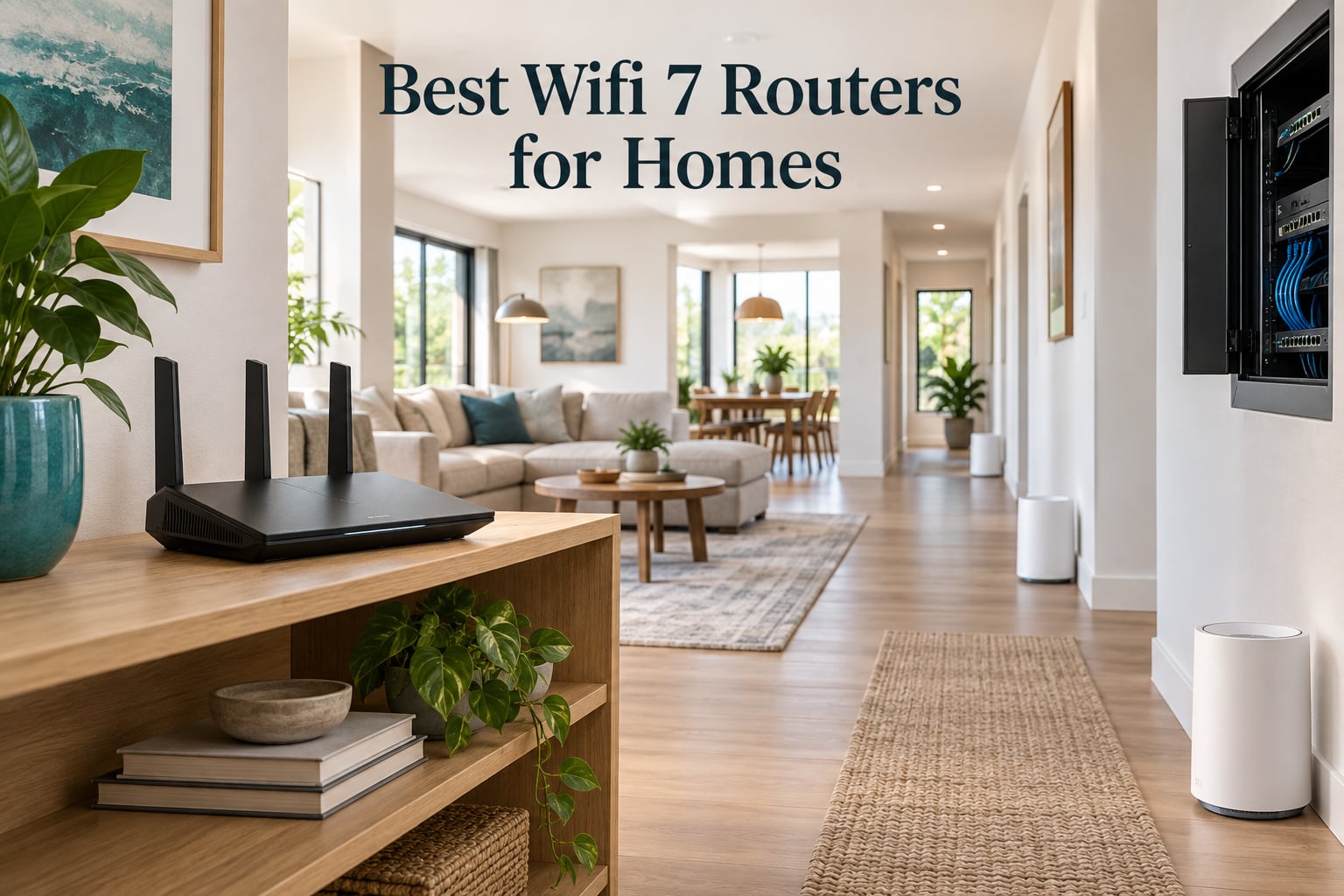
WiFi 7 is the first new Wi-Fi standard in four years, and for the first time the marketing numbers on the box actually point at something useful: a 6 GHz band you can borrow for very wide channels, Multi-Link Operation that lets a phone hold two radio links at once, and multi-gig Ethernet ports as standard rather than as a premium add-on. The catch is that none of that helps until your own devices speak WiFi 7, and almost every household buying one of the best WiFi 7 routers for homes today has not checked that yet.
So we did the unglamorous work first. We compared 12 models across band count, port speed, mesh scaling, subscription cost, warranty length and the volume of owner feedback behind each one, then paired that with the recurring questions on home networking forums about whether this upgrade is worth doing at all. Every pick below carries a real specification, what owners report after living with it, and an explicit line about who should skip it.
One thing to state up front: this is a specification and owner-review analysis, not a lab test. We checked manufacturer documentation and independent editorial coverage in October 2026 and read the aggregated owner feedback on each product. Where a claim comes from buyers rather than a datasheet, we say so.
The short answer. The eero 7 3-pack is the best whole-home WiFi 7 system for most homes because it pairs a 6,000 sq. ft. coverage claim with two 2.5 GbE ports per node and an owner record built on 2,173 reviews. The TP-Link Archer BE550 is the best value if you want all five of your Ethernet ports at 2.5 Gbps on a tri-band radio. The TP-Link Archer BE400 is the right pick for an apartment or a house under about 2,000 sq. ft. on a plan under gigabit. And if your internet plan is under 500 Mbps and your newest device is three years old, keep the router you have and read our upgrade checks further down before spending anything.
Our Top 3 WiFi 7 Router Picks for 2026

eero 7 3-Pack
- Dual-band WiFi 7 mesh
- Up to 6000 sq ft
- Two 2.5 GbE ports per node
- Multi-Link Operation

TP-Link Archer BE550
- Tri-band with 6 GHz
- 1x 2.5G WAN plus 4x 2.5G LAN
- MLO and 320 MHz channels
- 2000 sq ft coverage

TP-Link Archer BE400
- Dual-band WiFi 7
- 2x 2.5G plus 3x 1G ports
- USB 3.0 port
- Up to 90 devices
Those three cover most of the homes searching for WiFi 7 advice right now. If you have a very large house, skip to the Orbi 770 in section 7. If you run a VPN server or a home lab, the GL.iNet Flint 3 is the more interesting machine even though it is not a mesh system.
All 12 WiFi 7 Routers Compared Side by Side
| Product | Details | Action |
|---|---|---|
|
|
Check Latest Price |
|
|
Check Latest Price |
|
|
Check Latest Price |
 |
|
Check Latest Price |
 |
|
Check Latest Price |
 |
|
Check Latest Price |
 |
|
Check Latest Price |
 |
|
Check Latest Price |
 |
|
Check Latest Price |
 |
|
Check Latest Price |
 |
|
Check Latest Price |
 |
|
Check Latest Price |
A note on those headline numbers. A BE9300 label is the sum of every band added together, which is why a dual-band router and a quad-band router can carry similar labels while behaving completely differently. Ignore the aggregate figure and read the ports, the band count and the 6 GHz presence instead. A router with no 6 GHz radio is not a weaker WiFi 7 router, it is a different class of device.
You Probably Do Not Need WiFi 7 Unless You Pass These Four Checks
This is the question that comes up most on home networking forums, and it deserves an answer before any shopping list. A WiFi 7 upgrade is worth it when you have multi-gig internet service, when your phones and laptops are new enough to carry a WiFi 7 radio, when 20 or more devices are competing for airtime, and when you intend to keep the router five years or more. Miss two of those four and Wi-Fi 6E hardware will serve you at a fraction of the cost.
Here is the framework we use, broken out by home size and plan speed.
- Apartment or condo under 1,500 sq. ft. on a plan under 500 Mbps. A mid-range Wi-Fi 6 router is enough. The bottleneck is almost never the router at these speeds.
- Townhouse or single-floor home under 2,000 sq. ft. on gigabit or better. This is where dual-band WiFi 7 starts to earn its place, because 2.5 GbE WAN and MLO both matter once service passes gigabit.
- Two-story home, 2,000 to 3,500 sq. ft. on gigabit or better. A tri-band router with a real 6 GHz radio, or a two-node mesh, solves problems Wi-Fi 6 could not.
- Anything above 3,500 sq. ft. or three floors. Coverage, not speed, is your problem. Buy a mesh system and wire the backhaul.
Before you buy anything, open the settings screen on your phone and laptop and look for the WiFi 7 or 802.11be label in the network details. If nothing in the house reports it, the fastest radio in the router will sit idle waiting for a client that never arrives. That is the single most common reason owners of expensive WiFi 7 hardware report no difference from their old setup.
There is also a hardware revision trap worth knowing about. The same model name can ship in different revisions with different support status, and one owner reported being told a router would stop receiving firmware updates, security patches included. Before buying, search the exact model number plus your region plus end of life, rather than trusting the friendly name on the box.
Our earlier coverage of the category, our WiFi 7 router overview, covers the standards side in more detail if you want the physics first.
1. eero 7 3-Pack – The Best Whole-Home WiFi 7 Mesh for Most Homes
Amazon eero 7 dual-band mesh Wi-Fi 7 router (newest model) – Supports internet plans up to 2.5 Gbps, Coverage up to 6,000 sq. ft., 3-pack
Dual-band WiFi 7 mesh
Up to 1.8 Gbps wireless
2x 2.5 GbE per node
Up to 6000 sq ft
+ Pros
- Coverage up to 6000 sq ft across three nodes
- Handles 120+ connected devices
- Two 2.5 GbE ports per node for multi-gig plans
- Backwards compatible with earlier eero hardware
– Cons
- Advanced security and parental controls need the eero Plus subscription
- Wireless ceiling of about 1.8 Gbps trails tri-band flagships
- Dual-band design means no 6 GHz band
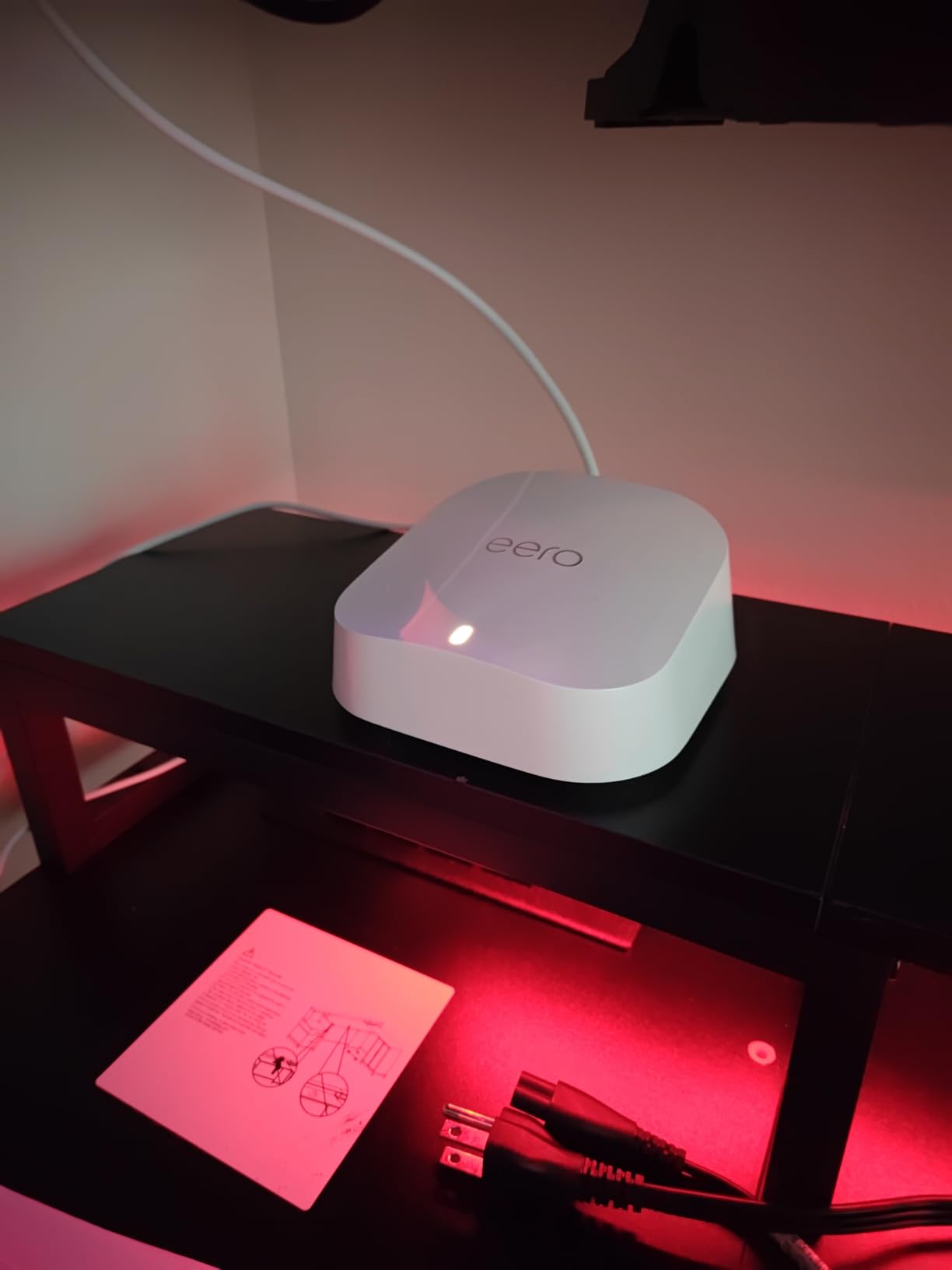
This is the system we keep coming back to because it removes the two things that cause WiFi 7 arguments in real households: placement and app complexity. Three nodes, each with two auto-sensing 2.5 GbE ports, cover a stated 6,000 sq. ft. and 120+ connected devices, and the whole thing configures from one phone app in a few minutes.
Amazon’s eero 7 is dual-band, which means it has no 6 GHz radio. That sounds like a knock at a WiFi 7 router, but in practice the 5 GHz and 2.4 GHz radios do the heavy lifting for streaming and browsing, and MLO lets capable clients use both at once. Owners report steady whole-home performance, and the mesh layer here is the reason coverage claims of this size are believable.
Where the 2.5 GbE Ports Change Your Setup
Each node carries two auto-sensing 2.5 GbE ports, which means you can wire a desktop, a NAS or a gaming console to the nearest node instead of hoping for a clean wireless link. On a fiber plan above gigabit, that single change does more for daily experience than the radio upgrade does, because the wired devices stop sharing airtime with everything else.
Set one node beside your modem or fiber box as the gateway, then run Ethernet to the other two if the house allows it. Wireless backhaul works, but it costs you throughput on every hop, and on a mesh system the backhaul is the first thing to saturate when several people stream at once.
What the eero Plus Subscription Actually Costs You
Advanced security, ad blocking, parental controls and the built-in VPN feature sit behind the optional eero Plus plan. The core routing, the mesh behavior, WPA3 and the guest network do not, so a household that never opens the advanced panels never sees the difference. This is the recurring owner complaint on this model, and it is worth budgeting for if you do want content filtering.
That is also why this is not our pick for large or awkward homes with serious dead zones. The 6,000 sq. ft. figure assumes a normal, reasonably open layout. Thick plaster, foil-backed insulation or three floors of concrete will need a fourth node or a different vendor’s plan.
Who Should Buy This and Who Should Skip It
Buy the eero 7 3-pack if you want whole-home coverage with almost no configuration work, if your plan is gigabit or faster, and if the people in your house are not running individual VPN clients on every device. Its owner feedback base is the largest in this group, which means firmware bugs surface early and get fixed.
Skip it if you need a 6 GHz band, if you want per-device band control, or if the recurring cost of a security subscription bothers you. The ASUS quad-band and Ubiquiti machines in sections 10 and 11 give you more control and neither hides core features behind a paid tier in the same way.
Worth noting for anyone buying a new TV or streaming box, our notes on TV brands that connect to WiFi reliably cover the client side of this equation.
2. TP-Link Archer BE550 – Best Value Tri-Band WiFi 7 Router With Five 2.5G Ports
TP-Link Tri-Band BE9300 WiFi 7 Router (Archer BE550)
Tri-band BE9300
6 GHz 5760, 5 GHz 2880, 2.4 GHz 574 Mbps
1x 2.5G WAN plus 4x 2.5G LAN
+ Pros
- Every port runs at 2.5 Gbps including the WAN
- Tri-band with a real 6 GHz radio and MLO
- EasyMesh lets an existing extender join the network
- TP-Link support widely praised for fast resolutions
– Cons
- A meaningful share of reviews report wireless instability and dropped devices
- Auto band steering reportedly degrades performance for some users
- 6 GHz signal falls off quickly through walls and floors
The Archer BE550 is the most talked-about mid-range WiFi 7 router on home networking forums, and the reason is the port layout. One 2.5 Gbps WAN port and four 2.5 Gbps LAN ports means you can connect a whole house’s worth of wired devices without a switch, on a tri-band radio that includes a genuine 6 GHz band at 5,760 Mbps.
It is also the model where the hardware revision conversation matters. TP-Link has shipped this name in more than one revision, and support status has differed between them. Check the exact revision on the listing before you buy, not just the model name. Our feature comparison of routers with parental controls built in covers where HomeShield sits against the paid tiers on competing models.
What 320 MHz Channels and MLO Buy You Here
The BE550 supports Multi-Link Operation, Multi-RUs, 4K-QAM and 320 MHz channels. In practice that means a WiFi 7 client on the 6 GHz band gets a very wide, very clean channel, while an older client settles onto 5 GHz without complaint. The band split listed by the manufacturer is 5,760 Mbps on 6 GHz, 2,880 Mbps on 5 GHz and 574 Mbps on 2.4 GHz.
Because the 6 GHz band is short-range by physics, this router rewards correct placement more than most. Put it where the 6 GHz signal can reach the rooms that need speed, and let 5 GHz cover the rest. Chasing the 6 GHz signal down a hallway is where owners report frustration.
HomeShield, the IoT Network and VPN Support
TP-Link HomeShield provides parental controls and IoT security, and the router can run a separate private IoT network with WPA3 encryption. That matters more in 2026 than it used to, because cheap smart-home devices are the most likely thing in your house to be compromised. A dedicated network keeps a compromised bulb from reaching your laptop.
There is also a built-in VPN client and server, which lets you reach home from outside or route traffic through the router. Owners report mixed results on the VPN throughput here, so treat it as a convenience rather than a performance feature. Disable Smart Connect or band steering first if speeds feel wrong, as several owners found that helped.
Who Should Buy This and Who Should Skip It
Buy the BE550 if you have gigabit or multi-gig service, more than two wired devices, and you want a 6 GHz band without moving to a mesh system. The value case is hard to argue with: five 2.5 Gbps ports on a tri-band WiFi 7 radio is a configuration most competitors reserve for much higher tiers.
Skip it if your home has thick walls and you need coverage rather than speed, or if you are sensitive to firmware instability. Reviews of this model include a real cluster of dropped-device complaints, and while TP-Link’s support is repeatedly credited with fixing them, that is a support ticket rather than a fix. In a very large house, the Orbi 770 in section 7 is the better structure.
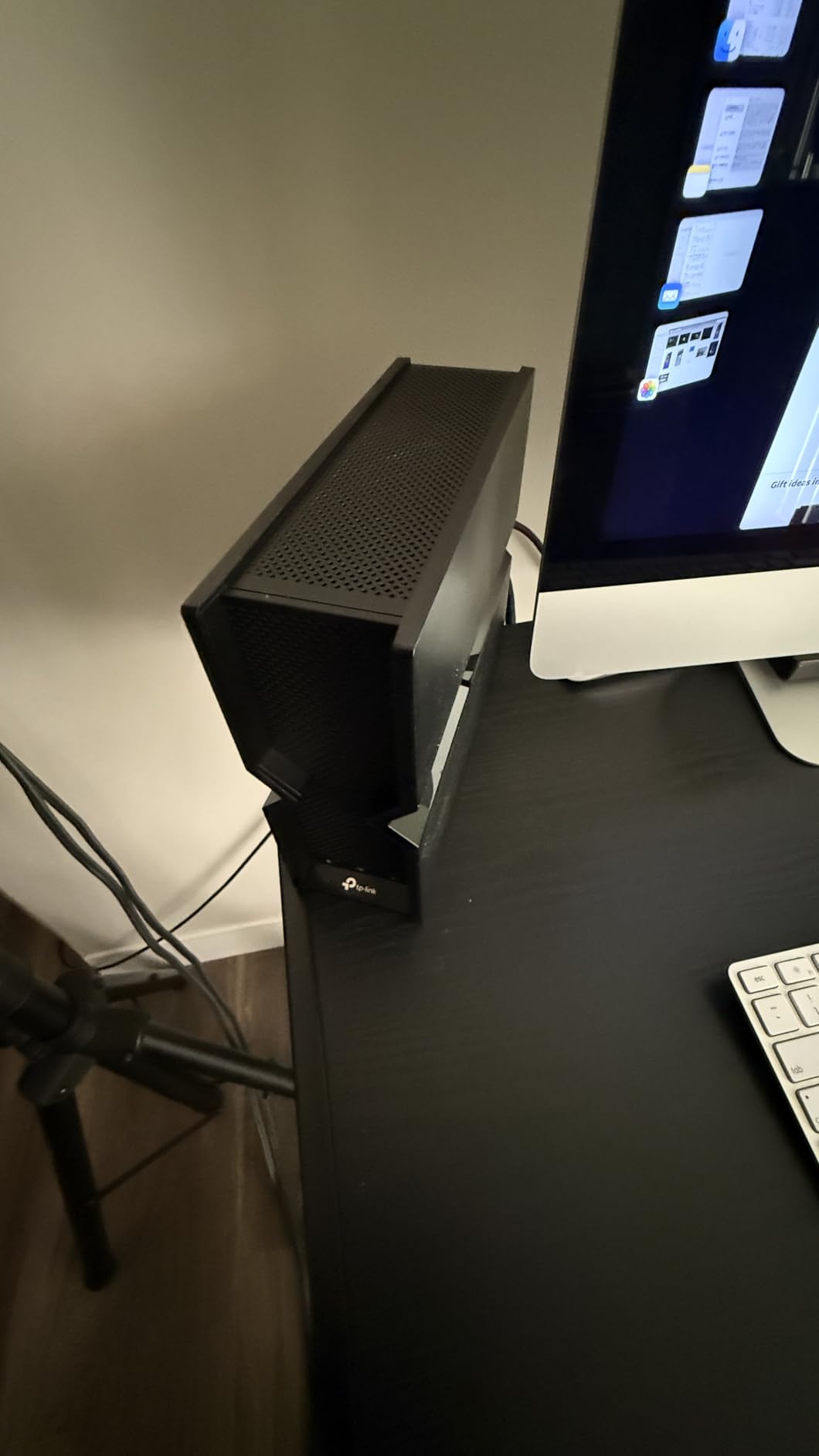
3. TP-Link Archer BE400 – Best WiFi 7 Router for Small Homes and Apartments
TP-Link BE6500 Dual-Band WiFi 7 Router (BE400)
Dual-band BE6500
5 GHz 5764 Mbps plus 2.4 GHz 688 Mbps
2x 2.5G plus 3x 1G and USB 3.0
+ Pros
- Consistently high wireless speeds on gigabit fiber plans
- Two 2.5 Gbps ports plus a practical USB 3.0 port
- Simple app setup with a clean interface
- Coverage beats older ISP and combo units in most homes
– Cons
- No 6 GHz band at all
- Some owners report weaker-than-advertised range when mounted high
- The VPN merge function is slow and disconnects
The BE400 is the router to buy in a flat, a condo or a small house where one box covers everything and nobody is fighting for airtime. It is dual-band, so there is no 6 GHz radio, but it delivers 5,764 Mbps on 5 GHz plus 688 Mbps on 2.4 GHz, which is more than a gigabit plan needs.
It is also one of the few budget WiFi 7 routers with a USB 3.0 port, which is the detail self-hosted buyers care about most. It is not a NAS port, but it does handle a small external drive for local storage or a backup target without a separate accessory.
Two 2.5 Gbps Ports and Three 1 Gbps Ports
The port mix is unusually generous at this level: one 2.5 Gbps port that doubles as WAN or LAN, a second 2.5 Gbps LAN port, three 1 Gbps LAN ports and the USB 3.0 port. On a fiber connection above gigabit, the second 2.5 Gbps port goes straight to a wired workstation, which removes the wireless hop entirely.
Owners report consistently high speeds on gigabit plans and coverage that beats older ISP-supplied combo units in the same homes. Range is the recurring reservation, particularly when the router ends up on a high shelf, so put it on an open surface at roughly waist height rather than tucking it into a cupboard.
EasyMesh Expansion Without Switching Ecosystems
The BE400 is EasyMesh compatible, so it can join a mesh network built from other EasyMesh hardware. It is explicitly not compatible with TP-Link Deco systems, which is a distinction that trips people up when they assume all TP-Link mesh products talk to each other.
With 1 GB of RAM, TP-Link HomeShield parental controls, IoT security and both VPN client and server support, the software side is closer to a mid-range router than a budget one. The catch is that advanced HomeShield features increasingly sit behind an app or an opt-in, so check what you actually get without paying anything.
Who Should Buy This and Who Should Skip It
Buy the BE400 for an apartment, a small house or a home office where the total footprint is under roughly 2,400 sq. ft. and the internet plan is gigabit or below. It is also the safe choice for anyone who wants multi-gig LAN ports without tri-band complexity.
Skip it if you want a 6 GHz band, if you plan to add a second floor later, or if you rely on the VPN server for anything performance-sensitive. Owners report the VPN function as slow and prone to disconnecting after firmware updates, which is the most repeated negative on this model.
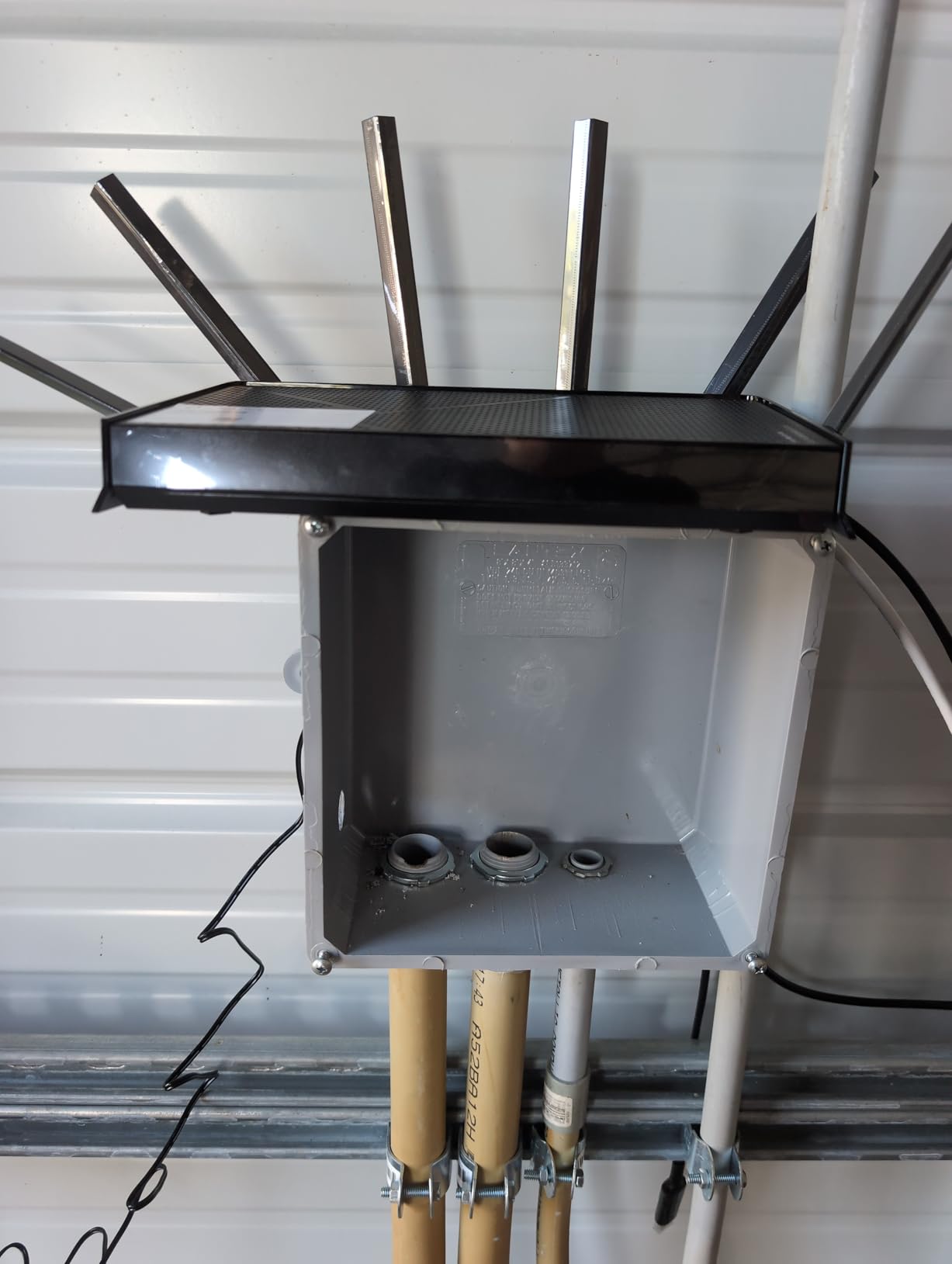
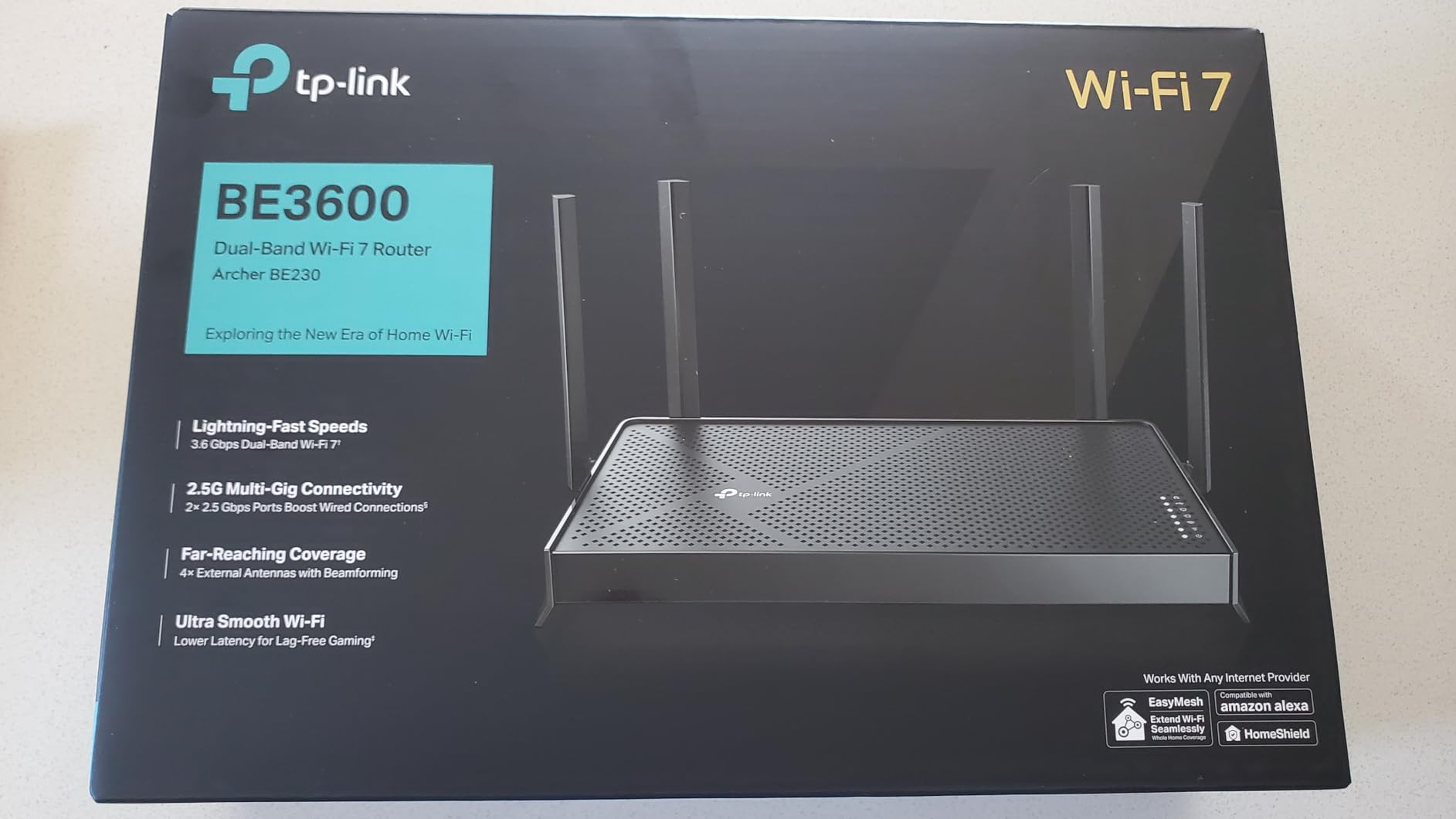
4. TP-Link Archer BE230 – The Most Versatile for First-Time WiFi 7 Owners
TP-Link Dual-Band BE3600 Wi-Fi 7 Router, Archer BE230
Dual-band BE3600
5 GHz 2882 Mbps plus 2.4 GHz 688 Mbps
2x 2.5G plus 3x 1G and USB 3.0
+ Pros
- The cheapest way to get WiFi 7 and 2.5 Gbps ports together
- Close-range 5 GHz throughput approaching 1 Gbps
- Quick app setup with sensible defaults
- Works as an access point or EasyMesh node
– Cons
- No 6 GHz band so it is not full tri-band WiFi 7
- Range weakens noticeably through walls
- 2×2 streaming caps peak throughput below higher-stream dual-band peers
The BE230 exists to answer one question: can you get a WiFi 7 label and a 2.5 Gbps port without spending serious money. The answer is yes, with a clear asterisk. It is dual-band, so there is no 6 GHz radio, and the 2×2 stream layout caps peak throughput below higher-stream dual-band peers.
For an owner upgrading from an ISP box, that asterisk rarely matters. Close-range 5 GHz throughput approaching 1 Gbps is enough to saturate a gigabit plan, and 60 devices of stated capacity covers a couple of adults, a few TVs and a smart-home stack without strain.
Where the 2.5 Gbps Port Earns Its Place
Two 2.5 Gbps ports and three 1 Gbps ports on a budget box is the reason this model keeps appearing in buying guides. On a fiber plan above gigabit, the 2.5 Gbps WAN port alone removes the single most common bottleneck in an otherwise cheap setup.
The USB 3.0 port is the other differentiator, and self-hosted users ask for it more than almost any other port. It will not run a NAS, but it handles a small backup drive and a local media share adequately.
What You Give Up by Choosing the Cheapest Option
Range is the trade-off owners mention most. The 2×2 stream configuration and no 6 GHz band mean a smaller usable area, and reviews consistently position this as a small and medium home router rather than a whole-home solution. If your signal has to cross two floors, plan on a second node.
The firmware is also deliberately simple. There is no custom admin username, log detail is limited, and third-party firmware such as DD-WRT is not supported. That is a feature for a non-technical buyer who wants no maintenance and a limitation for anyone who wants to tune settings. It is regularly recommended in the no-frills category precisely because it does less, not more.
Who Should Buy This and Who Should Skip It
Buy the BE230 if you are replacing an ISP-supplied router on a plan under gigabit, you live somewhere under about 2,000 sq. ft., and you want future-proofing for a modest outlay. It also works well as an access point or EasyMesh node alongside other TP-Link hardware if you already run that ecosystem.
Skip it if you need to stream 4K in three rooms while gaming, if you have a multi-gig plan you want to feed from more than one wired device, or if you want a 6 GHz band for future devices. Save up for the Archer BE400, which is a meaningfully stronger machine for a modest step up.
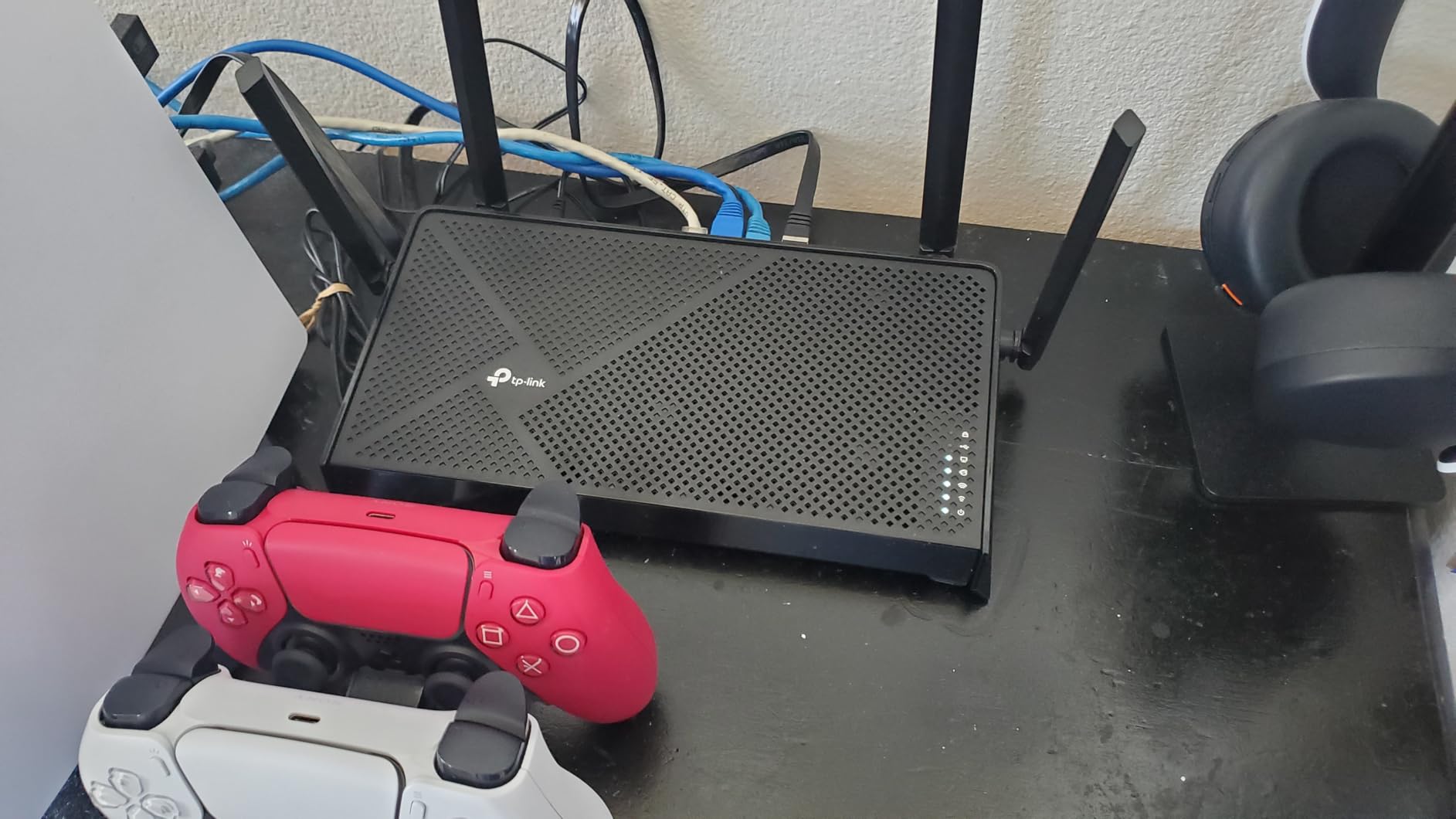
5. eero Pro 7 – Best Tri-Band Mesh Gateway for Multi-Gig Fiber Homes
Amazon eero Pro 7 tri-band mesh Wi-Fi 7 router – Supports internet plans up to 5 Gbps, Coverage up to 2,000 sq. ft., 1-pack
Tri-band WiFi 7
Up to 3.9 Gbps wireless
Plans up to 5 Gbps
Two auto-sensing 5 GbE ports
+ Pros
- Dramatic throughput gains on multi-gig fiber with near-plan speeds over Wi-Fi
- Exceptionally simple app-driven setup and node placement
- Excellent stability with no reported drops
- Compact quiet nodes that run cooler than the earlier eero Pro towers
– Cons
- Advanced features sit behind the paid eero Plus subscription
- Some devices fall back from 6 GHz to 5 GHz with no per-device band preference
- Android app can report unplugged nodes as online
The eero Pro 7 is the machine to buy if your fiber provider offers a plan above 2.5 Gbps and you want a WiFi 7 system that can actually use it. It carries two auto-sensing 5 GbE ports per node, supports internet plans up to 5 Gbps, and is rated for 3.9 Gbps of wireless throughput across its three bands.
Owners describe it as a step change from earlier eero Pro hardware, particularly on multi-gig plans where wireless speeds now land near the plan speed rather than a fraction of it. Stability is the other repeated word: long-running installs report no dropped connections.
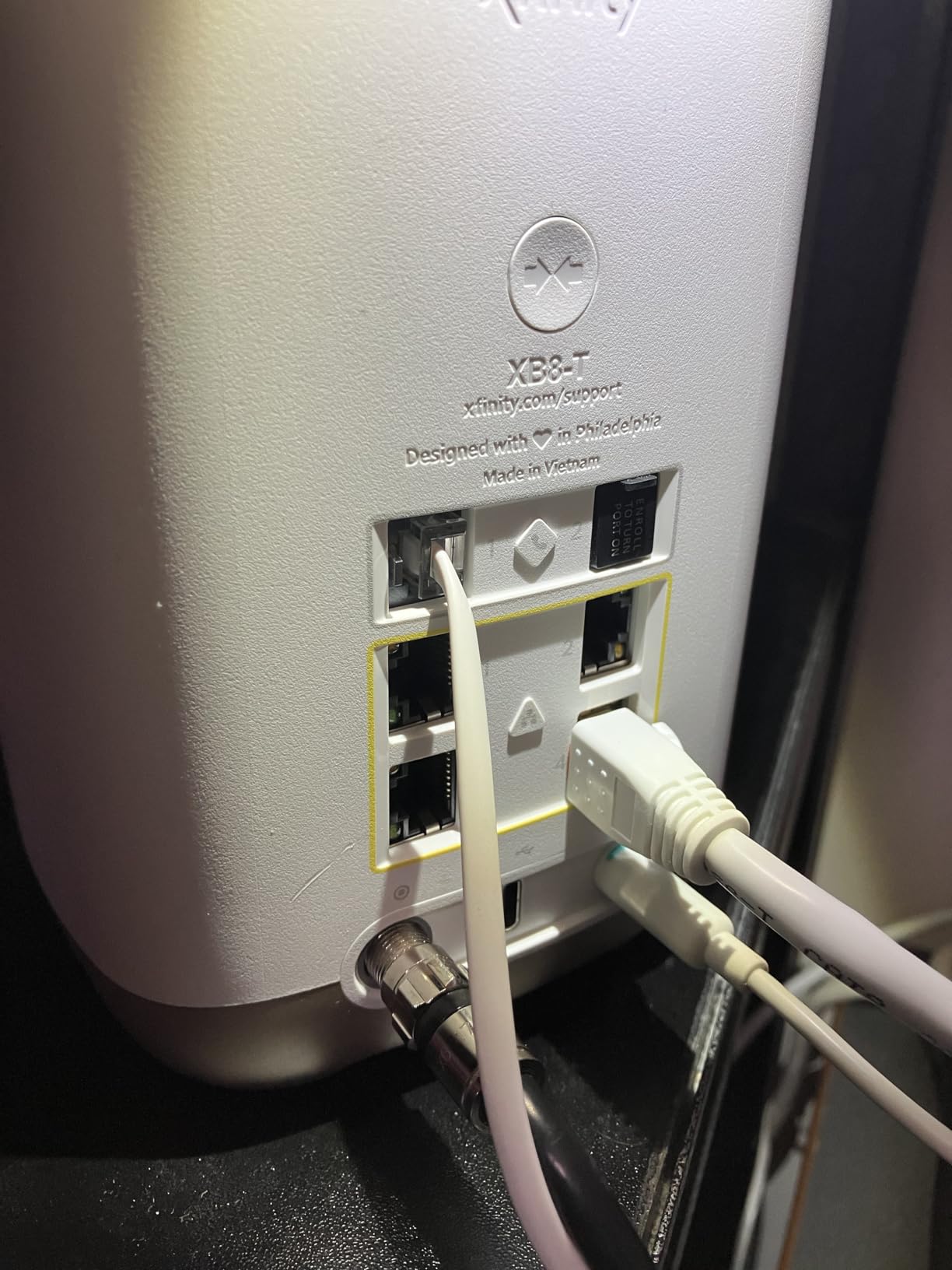
Why 5 GbE Ports Change the Multi-Gig Picture
Every other mesh option in this group tops out at 2.5 GbE per node, and the eero 7 is the same. On a 5 Gbps fiber plan, a 2.5 Gbps port is the ceiling no matter how good the radios are. Two 5 GbE ports per node let a wired workstation or server take a full multi-gig path while the rest of the house shares the mesh.
At 2,000 sq. ft. and a 25-foot radius per node, this is a two-node or three-node system rather than a one-box solution. Budget for that. A 25-foot radius sounds small on paper, but it is measured in open space, and walls, furniture and floor materials all cut into it.
The Subscription and the Missing Band Control
The same eero Plus subscription pattern applies here, pushing advanced security, filtering and content controls behind a paid tier. The difference from the flagship eero line is the feature list you lose is similar, so the subscription decision matters just as much.
The more frustrating limitation is band control. Some devices fall back from the 6 GHz band to 5 GHz on their own, and there is no per-device band preference setting to stop it. Owners who want that control tend to end up in the TP-Link Deco ecosystem instead. Requiring WPA2 and WPA3 mixed mode for some older devices is another small tax to be aware of.
Who Should Buy This and Who Should Skip It
Buy the eero Pro 7 if you have a 3 Gbps or faster fiber plan, you want one app to manage the whole house, and you value stability over granular control. It is also the natural companion to an existing eero network, since it is backwards compatible with every previous generation and can be added as a gateway or a node.
Skip it if you want to pin a specific device to a specific band, if you refuse to pay a subscription for content controls, or if you need per-node port control for a wired network with many devices. For a single box on a 2 Gbps plan, the Nighthawk RS700S in section 8 does the same job with more ports.
6. GL.iNet Flint 3 – Best for VPN Users, Homelabs and Open Control
GL.iNet GL-BE9300 Flint 3 Tri-Band Wi-Fi 7 Router 5 x 2.5G VPN Router
Tri-band WiFi 7 to 9 Gbps
5 x 2.5 Gbps Ethernet
WireGuard up to 680 Mbps
Linux, 1 GB RAM
+ Pros
- Very high VPN throughput with WireGuard and OpenVPN up to 680 Mbps
- All five Ethernet ports run at 2.5 Gbps
- AdGuard Home and parental controls built in with no extra apps
- Linux firmware users actually control
– Cons
- Coverage is rated for around 2000 sq ft so larger homes need mesh add-ons
- You must update firmware on first setup to get full performance
- Setup expects either the video tutorial or wired admin access
The Flint 3 is the odd one out in this roundup, and that is exactly why it is worth attention. It is a Linux-based tri-band WiFi 7 router with five 2.5 Gbps ports, a VPN server and client that handles up to 680 Mbps, and AdGuard Home built into the firmware with no subscription attached.
That combination has no equivalent among the mainstream brands at this tier. A paid VPN service plus a commercial router often costs more over three years and gives you less control, and self-hosted users consistently favour exactly this kind of hardware for that reason.
VPN Performance as the Main Feature
WireGuard and OpenVPN throughput up to 680 Mbps is the number that matters. A home VPN that runs at gigabit speeds is useful for remote access, for routing a single device through another country, or for bonding a connection. A home VPN that crawls at 30 Mbps is a curiosity.
GL.iNet also supports parental controls through Bark integration, which is a lighter and more scriptable approach than the heavyweight filtering suites on the big brands. There is no annual fee for any of it, which changes the three-year ownership maths considerably.
The Firmware Update You Cannot Skip
The manufacturer asks buyers to update firmware on first setup to get full performance, and owners confirm that the experience improves noticeably afterwards. If you skip it, you are testing a slower router and blaming the hardware.
Initial setup is also less hand-holding than a mainstream brand. Expect either the built-in video tutorial or a wired connection to the web admin panel, and expect to make some decisions yourself. With 1 GB of DDR4 RAM and 8 GB of eMMC there is plenty of headroom for extra services, which is the point of the machine.
Who Should Buy This and Who Should Skip It
Buy the Flint 3 if you run a VPN at home, want ad blocking without a subscription, need every Ethernet port at 2.5 Gbps, or enjoy configuring OpenWrt-style firmware. It handles 100+ connected devices according to owners, so device count is not a concern.
Skip it if you want a phone app that just works, if you need coverage beyond roughly 2,000 sq. ft., or if the idea of reading documentation before the first firmware update sounds like friction. For simple whole-home coverage, the eero 7 in section 1 asks less of you.
7. NETGEAR Orbi 770 3-Pack – Best WiFi 7 Mesh for Very Large Homes
NETGEAR Orbi 770 Series WiFi 7 Mesh System, Up to 8,000 sq ft., 3 Pack
Tri-band with Enhanced Backhaul
Up to 11 Gbps
Up to 8000 sq ft and 100 devices
One-year warranty
+ Pros
- Largest stated coverage in this group at up to 8000 sq ft
- Enhanced Backhaul keeps wireless throughput up across the mesh
- Works with any cable or fiber provider and plans up to 2.5 Gbps
- Expandable with additional 770 series satellites
– Cons
- Lowest average rating in this group with a 13 percent one-star share
- Owners report signal drops reboots and firmware frustration
- Advanced security needs a separate NETGEAR Armor subscription
- Only a one-year limited warranty
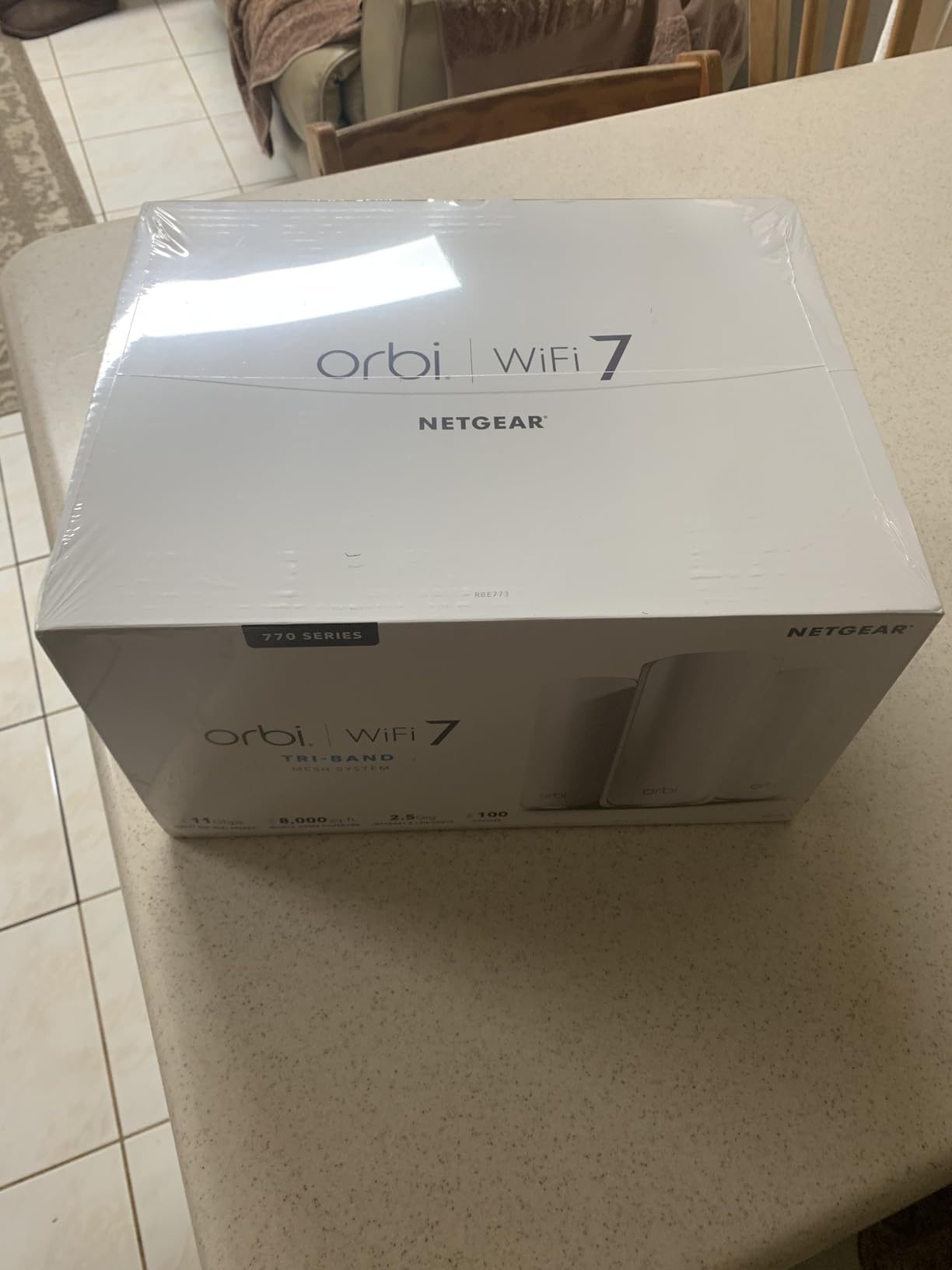
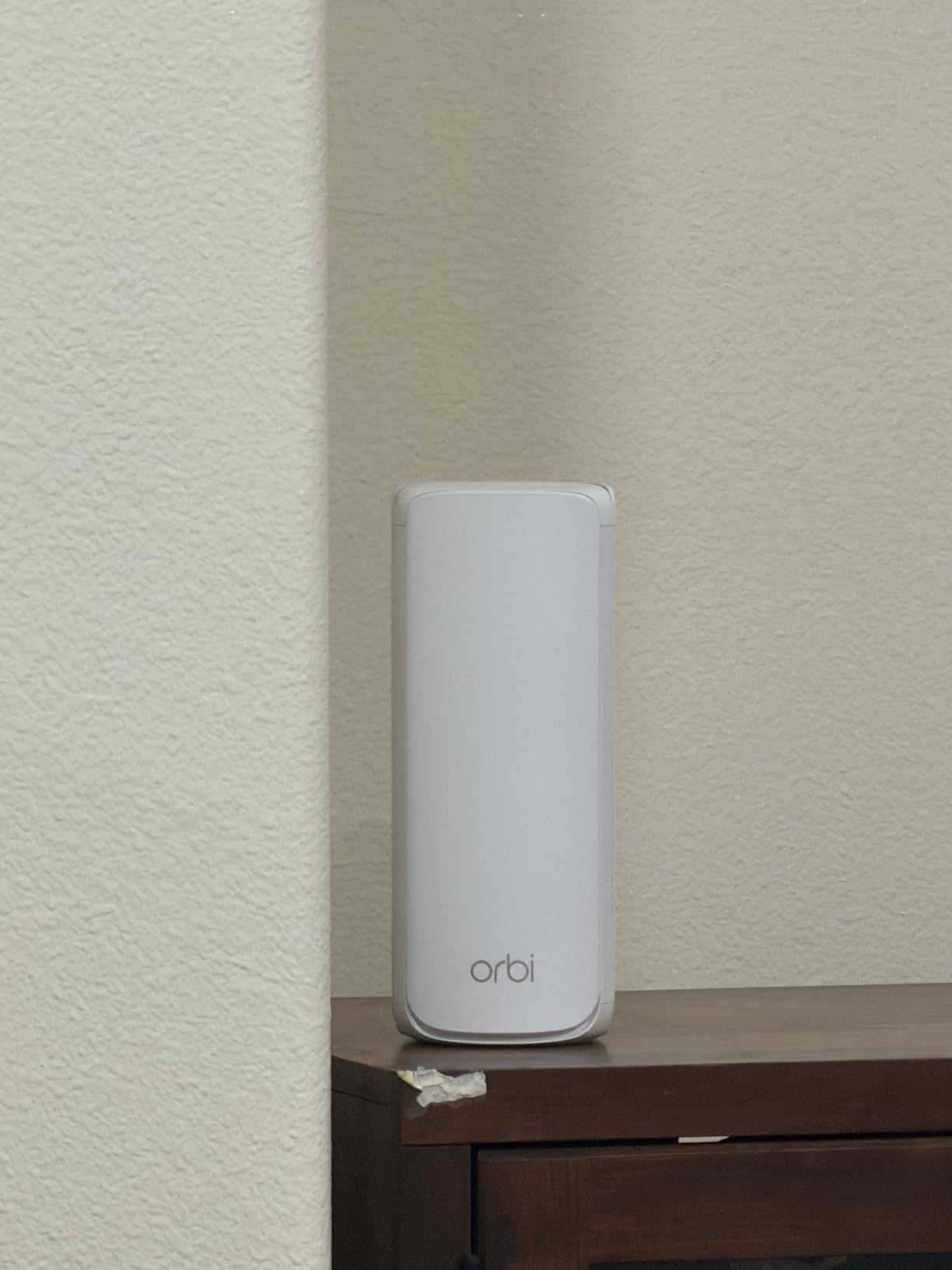
The Orbi 770 3-pack is the coverage play. One RBE771 router plus two RBE770 satellites cover a stated 8,000 sq. ft. and 100 devices, and the Enhanced Backhaul design exists specifically to stop the wireless hop between nodes from eating your throughput.
That backhaul is why tri-band Orbi systems hold up better in large homes than dual-band kits. It is also why the 11 Gbps aggregate figure is closer to something meaningful than the label suggests, though real client speeds will still be a fraction of it.
Wired Versus Wireless Backhaul in a Real House
If your home has Ethernet, run it. A satellite connected by cable behaves like a switch port in another room, and every node in your house then talks at full wireless speed to the router. Wireless backhaul works, but each hop costs throughput, and the cost shows up exactly when four people are streaming at once.
Each additional 770 series satellite adds up to 2,750 sq. ft., so the system scales in predictable increments rather than guessing. The listing includes a 2.5 Gbps port and the system works with any cable or fiber provider on plans up to 2.5 Gbps, so you are not locked into one ISP’s gateway.
Why the Rating Sits Lower Than the Rest
This is among the lowest-rated products here at 4.1 stars, with a 13 percent one-star share, and the complaints are consistent: signal drops, reboots and friction with firmware updates. NETGEAR enables automatic firmware updates and advanced router protection out of the box, which is good practice, but the reliability complaints in reviews are real enough to plan around.
Add NETGEAR Armor after the 30-day trial if you want the full security suite, which pushes the three-year ownership cost above what the hardware alone suggests. The one-year limited warranty is also the shortest of the group, and coverage claims of this size are exactly where warranty length matters, because the system is meant to last years.
Who Should Buy This and Who Should Skip It
Buy the Orbi 770 3-pack if you have a genuinely large house, more than 3,500 sq. ft., dead zones the current router cannot fix, and preferably some Ethernet between floors. It is also the pick for a home with more than 100 connected devices, which is closer than most people expect.
Skip it if your home is under 3,000 sq. ft., because one good tri-band router will serve you with fewer failure points, or if you are sensitive about subscription pricing and short warranties. In smaller homes, the reliability complaints outweigh the coverage you will never use.
8. NETGEAR Nighthawk RS700S – Best for 10 Gigabit Fiber Connections
NETGEAR Nighthawk WiFi 7 Router RS700S, Up to 3,500 sq ft, 19 Gbps
Tri-band 19 Gbps
1x 10 Gbps WAN and 1x 10 Gbps LAN
4x 1 Gbps LAN
3500 sq ft, 200 devices
+ Pros
- 10 Gbps WAN unlocks premium fiber tiers no 2.5 Gbps router can reach
- 19 Gbps aggregate with a dedicated third band
- Capacity for 200 devices across 3500 sq ft
- Straightforward Nighthawk app setup
– Cons
- Only a one-year limited warranty
- NETGEAR Armor is a paid subscription after the 30-day trial
- 3500 sq ft coverage trails mesh kits in very large homes
- Some modem combinations need bridge mode first
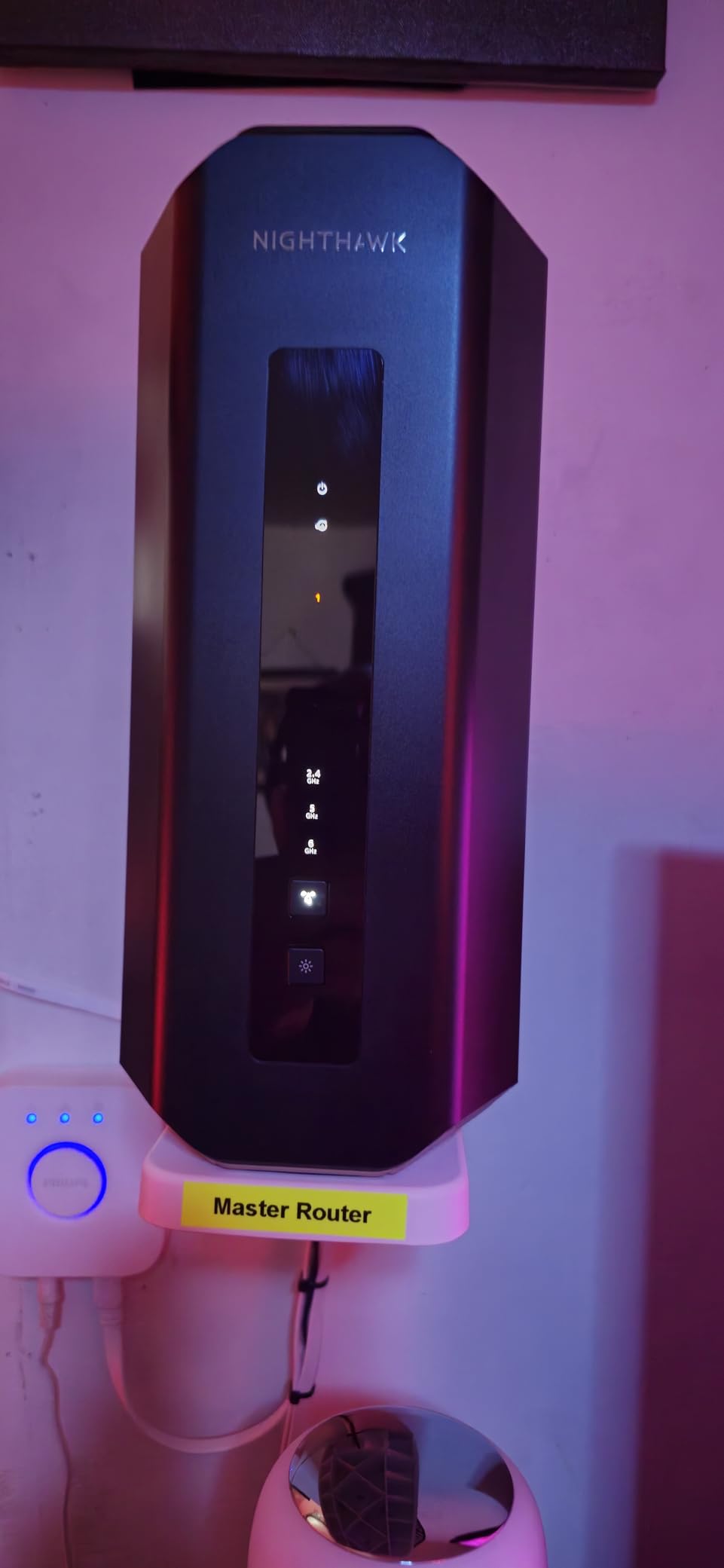
The RS700S exists for one situation: you have a fiber plan above 2.5 Gbps and you want a single box that can take it. The 10 Gbps WAN port is the headline, and it is the reason this router appears in almost every premium-fiber buying guide, where owners routinely ask whether it is overkill for ordinary streaming and work.
It is a 12-stream tri-band design rated at 19 Gbps aggregate, with a dedicated third band so demanding devices get their own lane. The Nighthawk app handles setup, speed tests, device pausing and guest networks without requiring a laptop.
When a 10 Gbps WAN Port Is Worth It
A 10 Gbps WAN port matters in three situations: a fiber plan above 2.5 Gbps, a local network with a fast NAS and multiple 2.5 Gbps clients, or a home office doing large transfers between machines. Outside those, a 2.5 Gbps port is already faster than almost all internet service.
There is also 1 Gbps LAN alongside it, which is the spec detail that catches people. A 2.5 Gbps port that also serves as 10 Gbps would be a bigger deal, but four separate 1 Gbps ports means most of your LAN stays on gigabit even when the internet side is running much faster.
Modems, Gateways and Bridge Mode
The RS700S pairs with an existing modem or gateway over Ethernet, and some combinations need bridge mode enabled on the ISP gateway first. This is the single most common setup failure with ISP-supplied equipment, and it is worth a five-minute phone call to your provider before the router arrives.
NETGEAR Armor gives you 30 days free and then becomes a subscription for the full security suite, which is a cost to factor into a three-year ownership comparison. The warranty is one year limited with 90 days of complimentary technical support, the shortest support commitment among the picks here.
Who Should Buy This and Who Should Skip It
Buy the RS700S if you have fiber service above 2.5 Gbps, you want one powerful box rather than a mesh system, and you have 3,500 sq. ft. or less to cover. Its 200-device capacity also makes it a good fit for a busy smart home.
Skip it if your plan is gigabit or below, since the 10 Gbps port will sit idle, or if you need coverage past 3,500 sq. ft. or more than two floors. And skip it if the 19 Gbps number was part of the appeal, because no client device will ever see close to that.
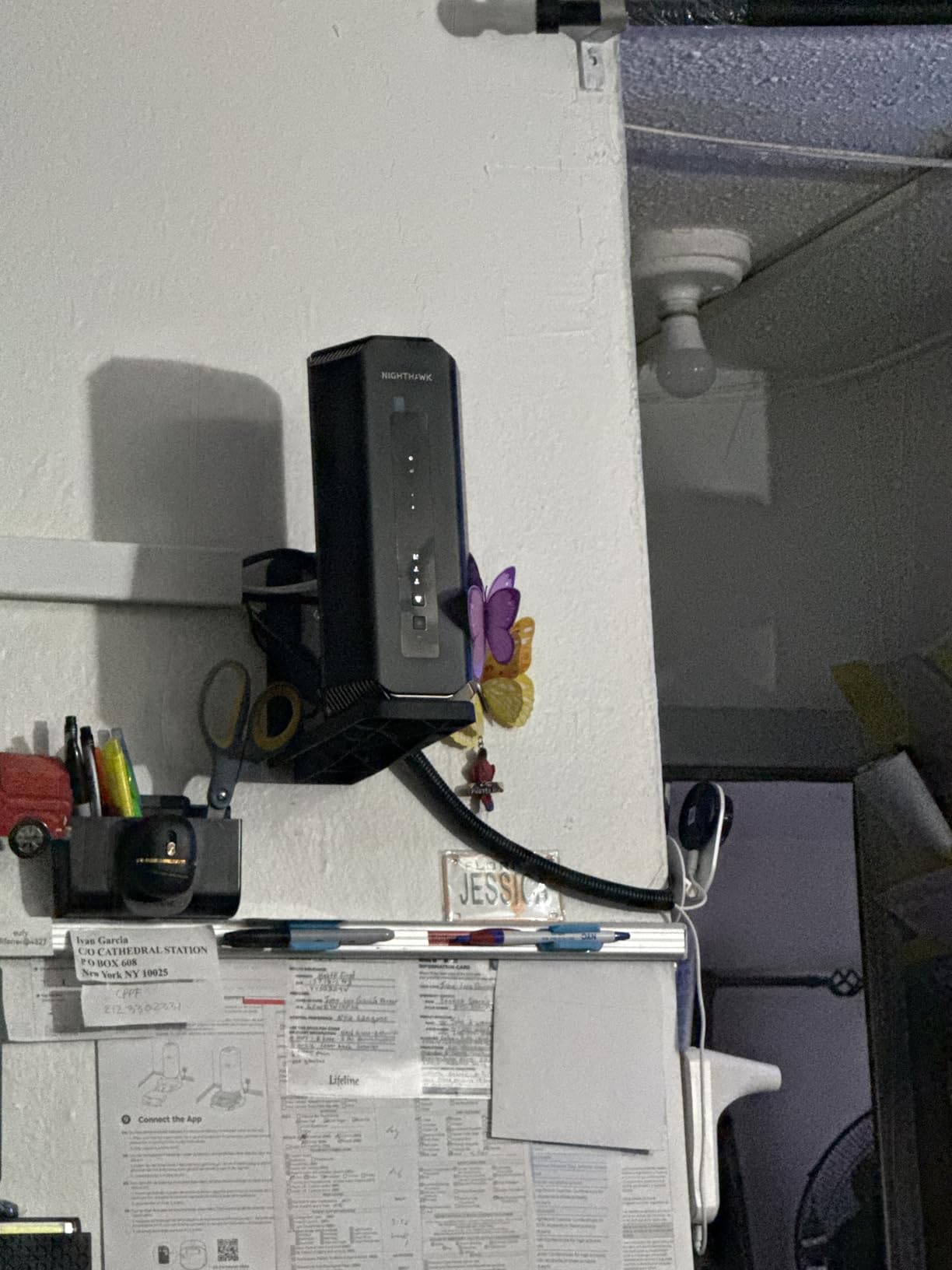
9. NETGEAR Nighthawk BE9300 – Best Balanced Tri-Band Router for Mid-Size Homes
NETGEAR Nighthawk WiFi 7 Router, Up to 2,500 sq ft, 9.3 Gbps
Tri-band BE9300 to 9.3 Gbps
Dedicated 6 GHz band
2.5G WAN plus 2x 2.5G LAN
2500 sq ft
+ Pros
- Dedicated 6 GHz band keeps fast devices on their own lane
- 2.5 Gbps WAN plus two 2.5 Gbps LAN ports for a NAS or gaming rig
- Covers 2500 sq ft and 100 devices which suits most mid-size homes
- 2 GB of RAM and a tri-band design at a mid-range price
– Cons
- Only a one-year limited warranty
- Full security features need a paid Armor subscription after the trial
- 2500 sq ft means larger homes should add Orbi mesh
- Some gateways need bridge mode enabled first
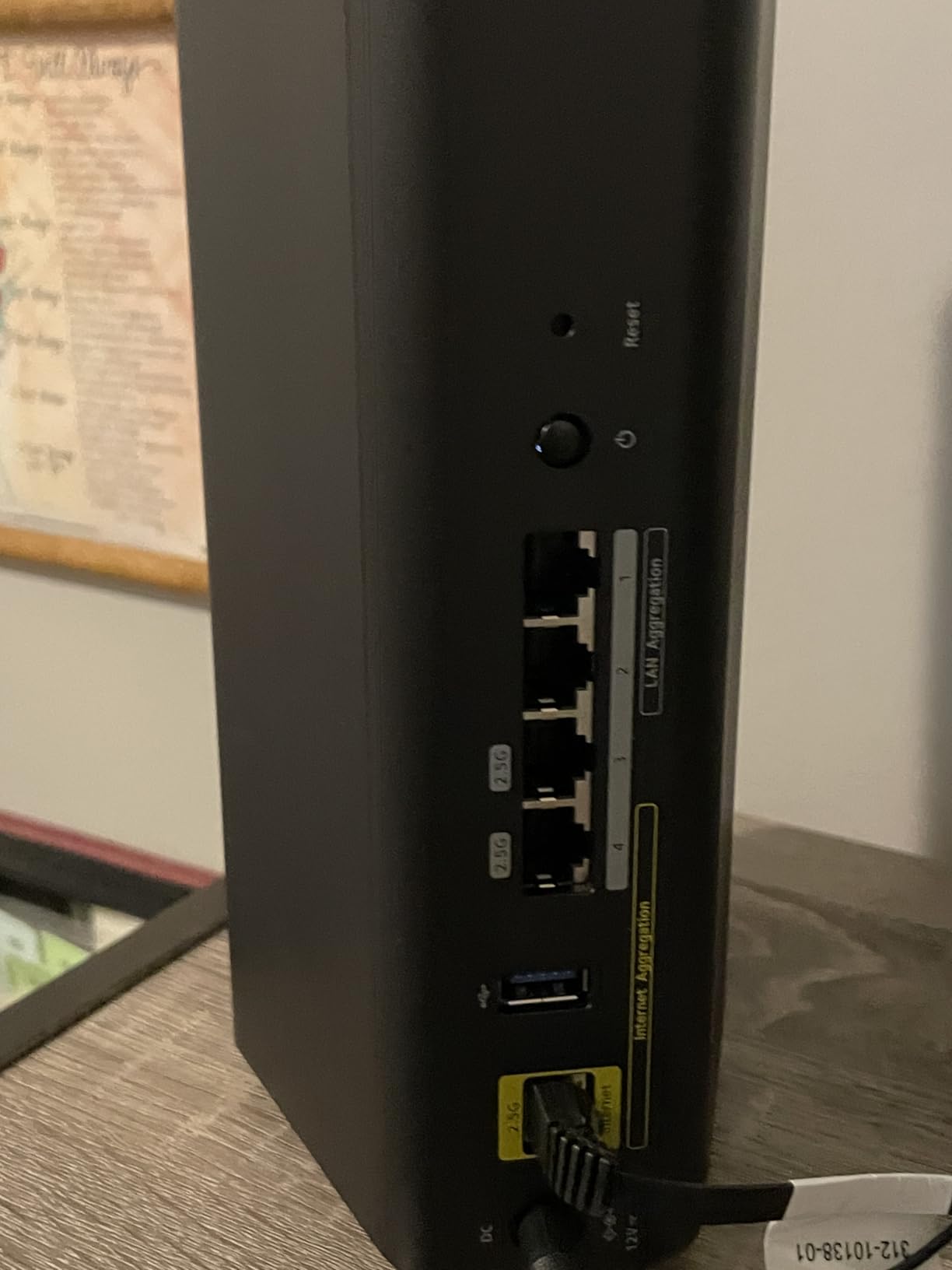
The Nighthawk BE9300 is the middle of the NETGEAR range and, for a lot of homes, the most sensible pick in this entire roundup. A dedicated 6 GHz band, 2.5 Gbps WAN, two more 2.5 Gbps LAN ports and 2 GB of RAM in a box rated for 2,500 sq. ft. and 100 devices covers the vast majority of houses.
Owners describe it as well balanced rather than spectacular, which is the point. The separate 6 GHz band reduces contention by giving fast devices their own lane, and the port layout leaves room for a NAS or a gaming machine without a switch.
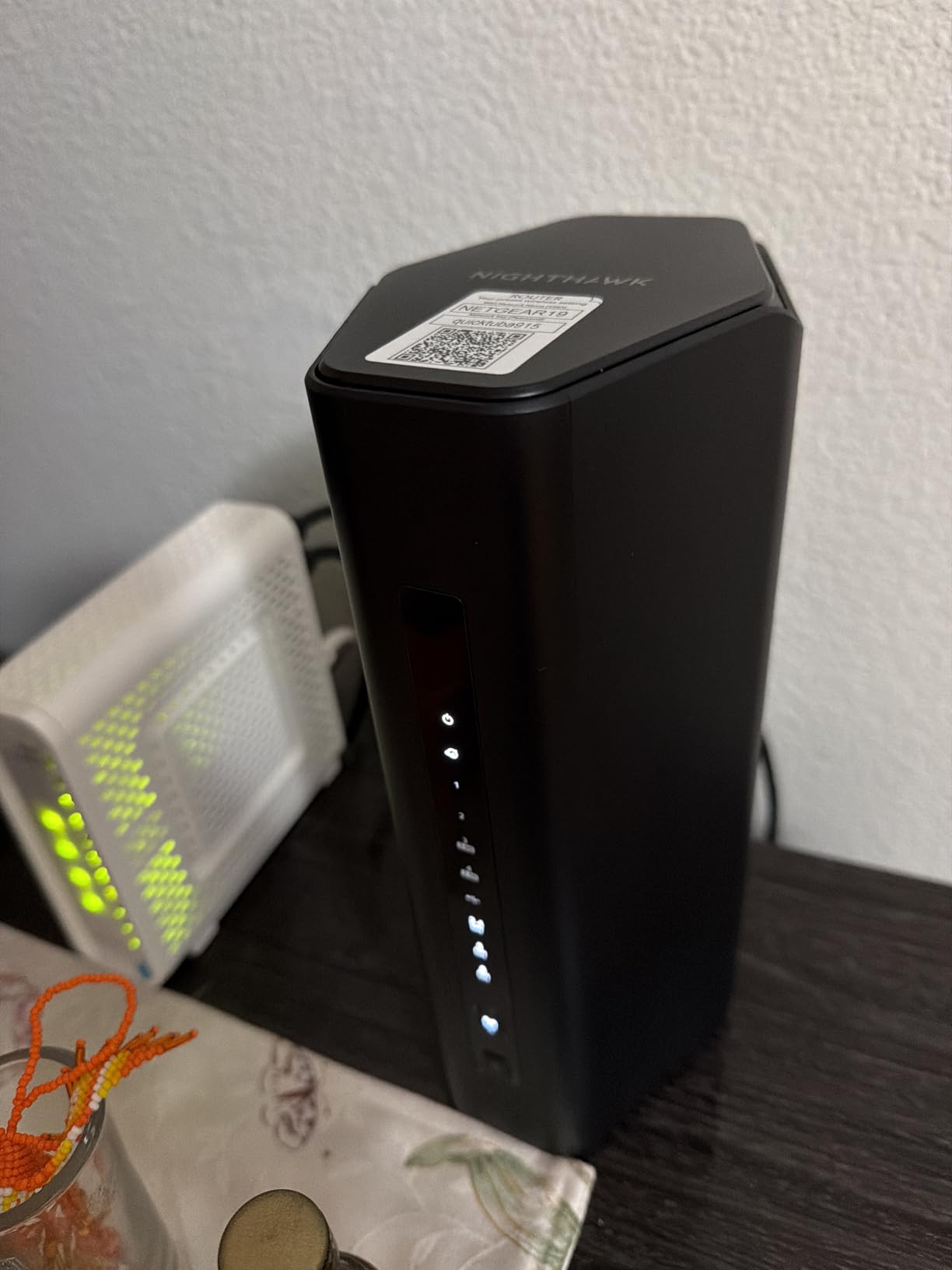
What 2 GB of RAM Actually Changes
Memory is not a spec most buyers look at, and it mostly matters for what happens after two years of ownership. More RAM means more simultaneous sessions, better handling of a busy guest list, and more headroom for VPN connections and QoS rules that would choke a 512 MB box.
That headroom is also what makes a router viable for five years. Firmware features accumulate, subscription dashboards add load, and a router that struggles with the features it launched with will struggle more with the features added later.
Coverage, Bridge Mode and the Armor Decision
2,500 sq. ft. of stated coverage is a real constraint, not a formality. Above that figure, or with a second floor, plan on adding Orbi mesh rather than expecting the radios to stretch. Coverage claims are always measured in open space, and the difference between 2,500 sq. ft. of open plan and 2,500 sq. ft. spread over two floors is enormous.
Like the RS700S, it pairs over Ethernet with an existing gateway and may need bridge mode first. NETGEAR Armor covers the full security feature set after a 30-day trial, and the warranty is one year limited. Both are recurring themes across NETGEAR in this category.
Who Should Buy This and Who Should Skip It
Buy the Nighthawk BE9300 if you are in a single-family home between roughly 1,500 and 2,500 sq. ft., on gigabit or 2 Gbps service, with a mix of wired and wireless devices. It is the most complete single-box answer in this group for a mid-size home.
Skip it if you need mesh coverage, if you want a longer warranty than one year, or if you want the full NETGEAR security suite without paying for it. In those cases the TP-Link Archer BE550 gives you the same class of radio for less money and no subscription pressure.
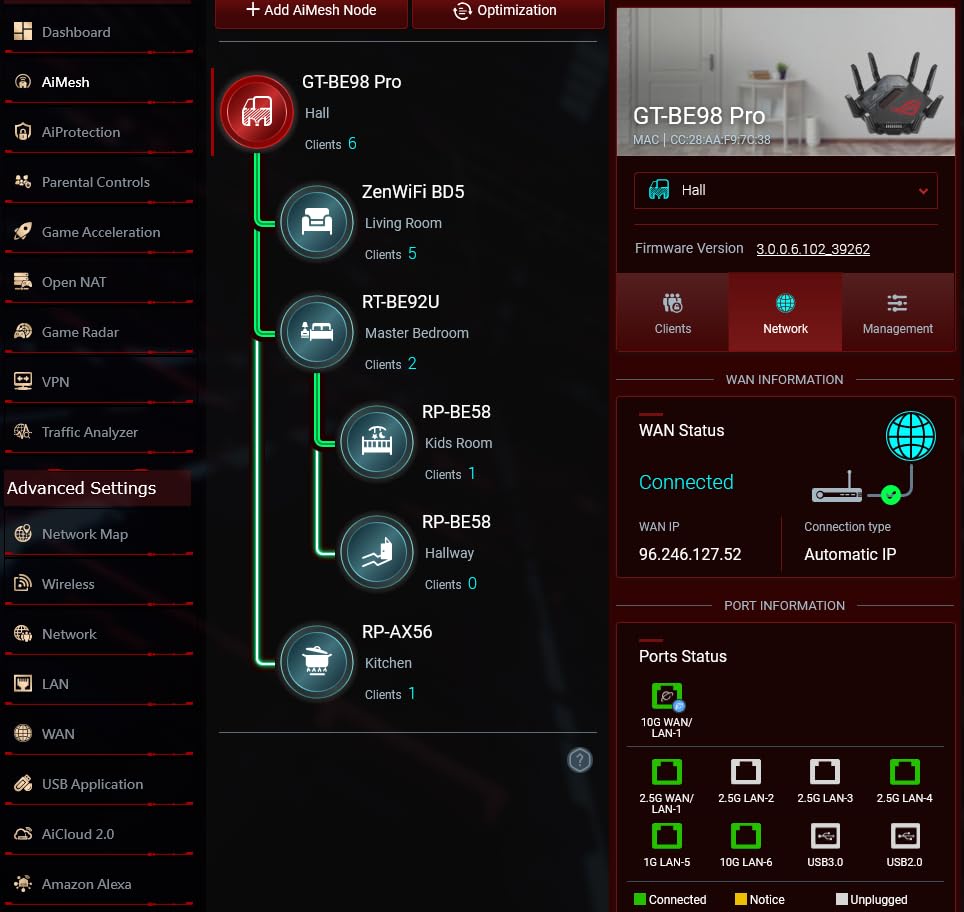
10. ASUS ROG Rapture GT-BE98 – Best for Gamers Who Want Every Port and Band
ASUS ROG Rapture GT-BE98 Pro WiFi 7 Gaming Router – Quad-Band, 30Gbps, Mesh
Quad-band WiFi 7 to 30 Gbps
320 MHz 6 GHz with 4096-QAM
2x 10G plus 4x 2.5G ports
+ Pros
- Highest aggregate throughput in this group across four bands
- Dual 10 Gbps plus four 2.5 Gbps ports for exceptional wired flexibility
- Triple-Level Game Acceleration measurably reduces gaming latency
- External dual-feeding antennas improve signal strength
- Three-year warranty and mesh support
– Cons
- Largest footprint here at nearly 14 inches on two dimensions
- The price only makes sense with multi-gig service
- Quad-band gains need compatible 6 GHz client hardware
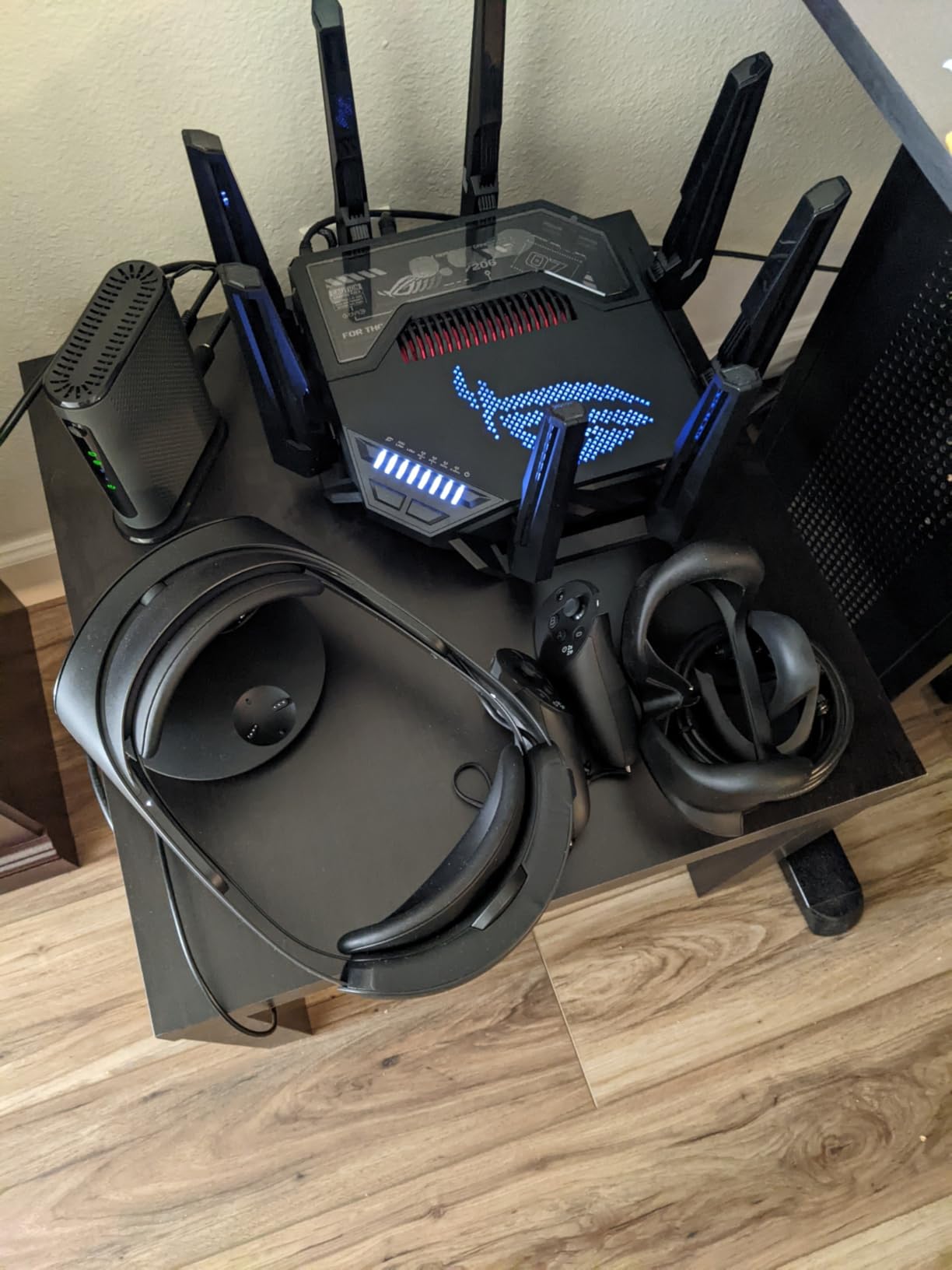
The GT-BE98 is the enthusiast answer and sits at the top of the price range here. Quad-band radios, 30 Gbps aggregate, 320 MHz 6 GHz channels with 4096-QAM and a port layout of two 10 Gbps plus four 2.5 Gbps ports means almost nothing you could want to wire is missing.
It also carries one of the longest warranties here at three years, which matters on a device you are likely to keep for five. The gaming side is where the design effort shows: Triple-Level Game Acceleration works from the gaming port through the route to the game server, and owners with matching hardware report measurable latency reductions.
Quad-Band and What 4096-QAM Actually Delivers
Four bands give you 2.4 GHz for legacy devices, 5 GHz for dense coverage, and two separate 6 GHz paths so two high-speed clients can transmit at once without competing. That last point is the practical argument for quad-band, and it only pays off if you own the client hardware to use it.
4096-QAM packs more data into each transmission than the 1024-QAM used by earlier standards, but it needs a clean signal and a compatible client. In a normal room with a modern phone, it is invisible. In a clean 6 GHz environment with a current laptop, it is where the extra throughput comes from.
Gaming Latency, Ports and Physical Size
Triple-Level Game Acceleration prioritizes traffic from the wired gaming port through to the game server, and combined with QoS and a dedicated lane it reduces the jitter that casual play notices and competitive play hates. It is a real feature on this hardware rather than a marketing label, and reviewers with matching setups rate the result highly.
The physical footprint is the practical problem. At nearly 14 inches on two dimensions, this needs a shelf, not a cabinet, and the external dual-feeding antennas need space around them. Add mesh capability and you have a router that wants to be the centre of the network, which is fine if that is your intention.
Who Should Buy This and Who Should Skip It
Buy the GT-BE98 if you have multi-gig fiber, several wired devices including a gaming PC, and WiFi 7 client hardware that can use a second 6 GHz link. Competitive gamers, small creative studios and anyone with a genuinely complex wired network are the realistic buyers.
Skip it if your plan is under 2 Gbps, if you need wireless coverage rather than port count, or if the size will not fit your space. The consensus among reviewers is unambiguous on cost: this only makes sense with fiber-scale service and matching devices, and the chassis is physically large in any home.
11. Ubiquiti Dream Router 7 – Best for Networkers Who Want Segmentation and Stability
Ubiquiti Networks Dream Router Wi-Fi 7 (UDR7)
Tri-band WiFi 7 to 10 Gbps
10G SFP+ and 2.5 GbE WAN
3x 2.5 GbE LAN with PoE
3 GB RAM
+ Pros
- Highest average rating in this group at 4.5 stars
- Extremely stable with no drops or restarts over months of use
- Fast clean setup through the UniFi mobile app
- Genuine VLAN segmentation and firewall rules
- 10G SFP+ WAN plus integrated PoE in one box
– Cons
- Some buyers report the built-in access point is slower than advertised at distance
- Advanced cybersecurity features carry a paid annual subscription
- Runs warm and needs airflow when mounted high
- Only a six-month manufacturer warranty on this listing
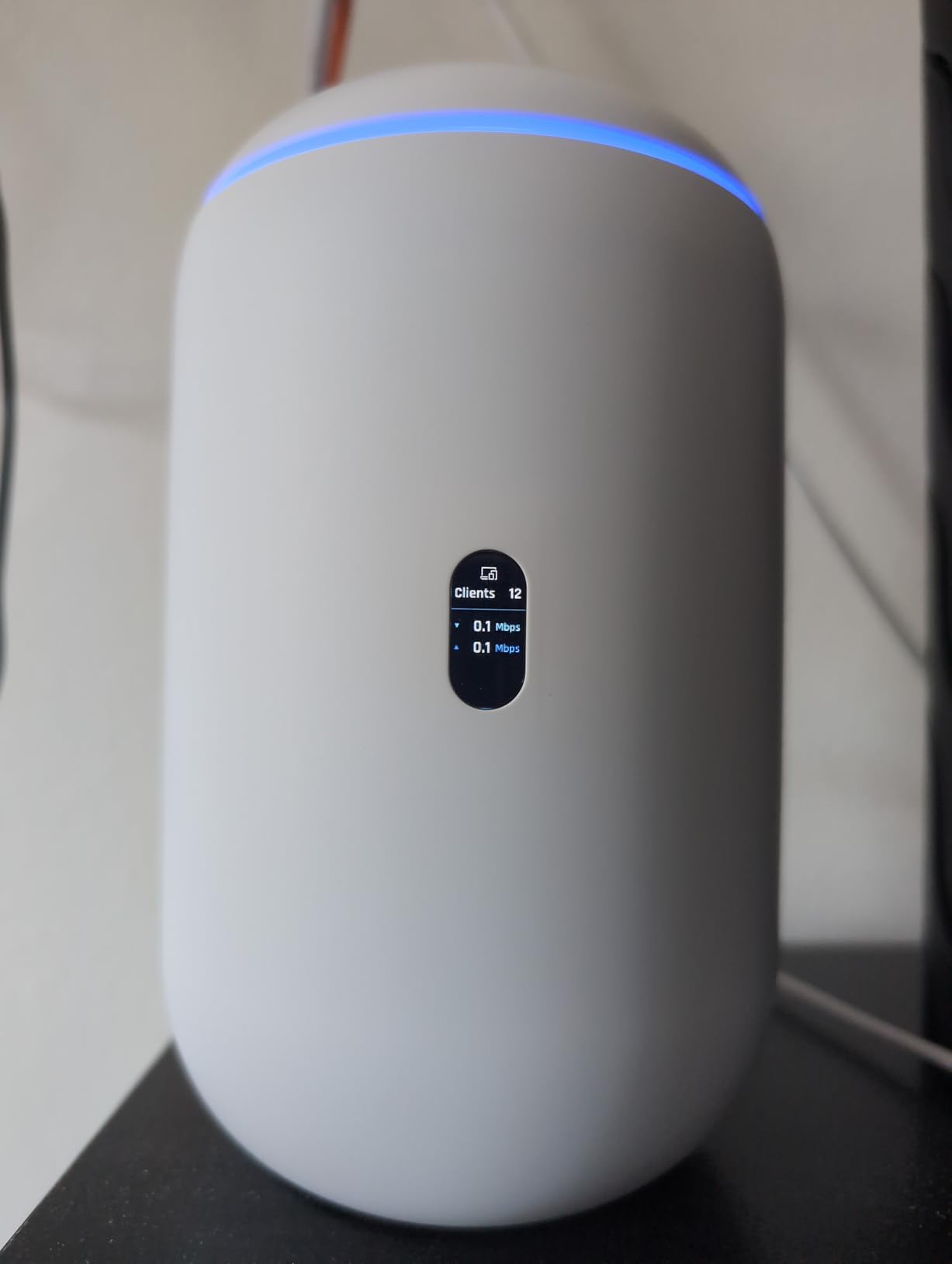
The Dream Router 7 is three devices in one box: a cloud gateway with a 10G SFP+ WAN port, a PoE switch with three 2.5 GbE ports, and a tri-band WiFi 7 access point rated to 10 Gbps. It is the machine people buy when they want the network to be a properly segmented network.
VLAN support, firewall rules, traffic tagging and per-device scheduling are all real and usable, which is not something you can say about the consumer mesh options. IT professionals and long-time UniFi owners describe it as a set-and-forget gateway: configured once, then forgotten.
Gateway, Switch and Access Point in One
The 10G SFP+ port takes a fiber module or a 10 Gbps copper transceiver, and the 2.5 GbE RJ45 WAN covers everyone else. On the LAN side, three 2.5 GbE ports include one with PoE, so a camera or an AP can be powered without a second injector. The quad-core Cortex-A53 with 3 GB of RAM is the most headroom in this group.
For a house that already runs a UniFi ecosystem, this replaces a UniFi gateway, a switch and an AP in a single box that runs on wall power. For a house that does not, adopting it means moving the whole network onto the UniFi application suite, which is a bigger decision than buying a router.
Stability, Range and Heat
The 4.5 average rating here is the highest in the group, and the reason is stability. Reviews mention no drops and no restarts over months of use, along with dashboard visibility into connected devices, logs and throughput that genuinely helps when something goes wrong at 10 Gbps.
Two cautions. Some buyers report the integrated access point performing slower than expected at distance, which is a fair criticism for an all-in-one. It also runs warm, drawing up to 26 W excluding PoE output, so it needs airflow and should not be mounted in a closed cupboard. The listing also carries a six-month manufacturer warranty, which is notably short.
Who Should Buy This and Who Should Skip It
Buy the Dream Router 7 if you want VLAN segmentation, a proper firewall, PoE on a switch port and a 10 Gbps uplink in one device, and you are comfortable with the UniFi application suite. It is a strong fit for a home office, a smart home with cameras, and anyone who has already outgrown consumer router interfaces.
Skip it if you want the simplest possible setup, if you need a long warranty, or if you want strong long-range WiFi without adding separate access points. Advanced cybersecurity features also carry a paid annual subscription, so factor that into a multi-year budget.
12. Cudy BE3600 – Best Budget Router With a Full VPN Stack
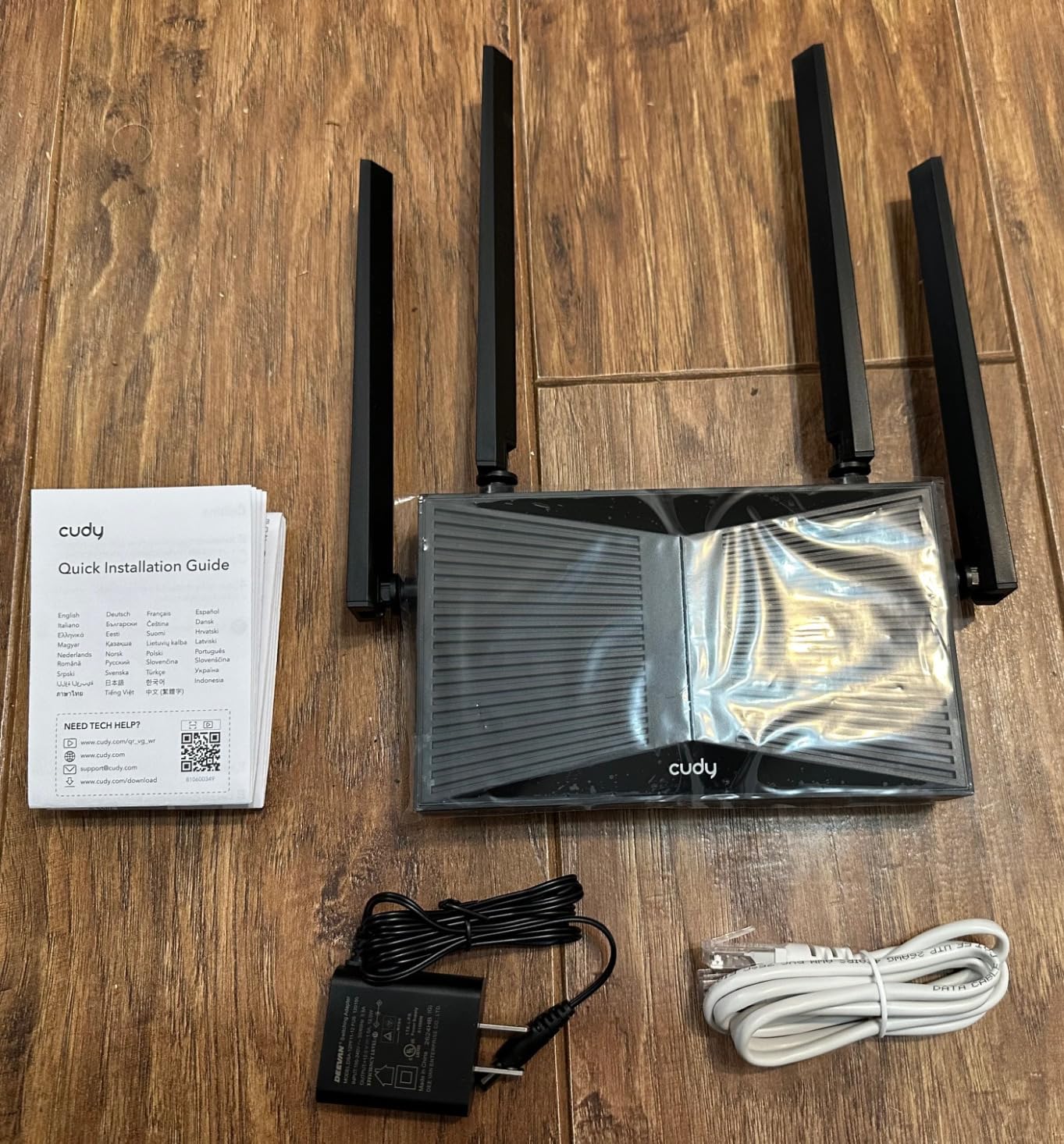
Cudy BE3600 2.5G Dual-Band Wi-Fi 7 Router, 5X GbE, VPN Full, Mesh, WR3600H
Dual-band BE3600
1x 2.5 Gbps plus 4x Gigabit LAN
WireGuard, OpenVPN, IPsec and ZeroTier
+ Pros
- A 2.5 Gbps port and a full VPN stack at a budget price point
- Complete VPN stack including WireGuard
- OpenVPN
- IPsec and ZeroTier
- Five Ethernet ports so most homes need no extra switch
- OpenWrt-based firmware exposes far more configuration than typical budget routers
– Cons
- No USB port for a backup drive or network storage
- Some owners report daily connection drops needing a manual reset
- A minority report devices spinning while connecting after setup
- Customer support response times are reported as slow
The Cudy BE3600 is the cheapest way we found to get WiFi 7, a 2.5 Gbps port and a complete VPN stack in one box. Band speeds are 2,882 Mbps on 5 GHz and 688 Mbps on 2.4 GHz using 320 MHz channels, and the five-port Ethernet layout means most homes never need a switch.
What makes it unusual at this price is ZeroTier support alongside WireGuard, OpenVPN and IPsec, which lets you span a private network across locations. Combined with the OpenWrt-based firmware exposing IPv6, QoS, DDNS, static routing, DMZ and VLAN options, it is closer to a small server than a consumer router.
What You Get in the Firmware
The Cudy app provides remote access, per-device controls, parental filtering and guest isolation, while the underlying firmware opens up access point mode, beamforming, DoS protection and an LED indicator you can switch off. That combination of friendly app and deep settings is rare at this price.
Owners report coverage that exceeds more expensive dual-band routers in some homes, which surprises people who assume a budget box is the weak link. With 332 g of weight and 512 MB of RAM it is also small enough to hide out of sight, which is a real advantage in a flat.
The Missing USB Port and the Reliability Reports
There is no USB port, and that is the omission self-hosted users notice first. There is nowhere to attach a backup drive or a small storage target, so if you want local storage you need a separate NAS or a network drive. The BE400 in section 3 has a USB 3.0 port at a modest step up.
Reliability is the other concern. A subset of owners report daily connection drops that require a manual modem and router reset, and a minority report devices spinning while connecting after setup. Customer support response times are also reported as slow, which makes a recurring problem more painful than it would be with a brand that answers.
Who Should Buy This and Who Should Skip It
Buy the Cudy BE3600 if you want a VPN server, ZeroTier and a 2.5 Gbps WAN port on a tight budget, and you are willing to read documentation. It is a strong fit for a second home, a small office, or a workshop unit for someone who already knows what a static route is.
Skip it if you want a USB port, if you need rock-solid stability without support from a major brand, or if you would rather not troubleshoot a dropped connection yourself. The 4.1 rating reflects that trade-off honestly, and the Archer BE230 in section 4 is a steadier budget choice with a USB port.
How to Choose a WiFi 7 Router: 7 Factors That Actually Matter
1. Does It Have a 6 GHz Radio?
This is the first question, because the label WiFi 7 does not guarantee it. Dual-band models such as the Archer BE230, the Archer BE400 and the Cudy BE3600 have no 6 GHz radio at all, which means no 320 MHz channels and no 4096-QAM. That is not a defect, it is a different product class, and you should know which one you are buying before you compare anything else.
The 6 GHz band is clean, which means no interference from legacy devices and very wide channels. It is also shorter-range, because higher frequencies lose more energy through walls and floors. A tri-band router with 6 GHz gives you a fast lane near the router and a reliable lane everywhere else.
2. What Speed Are the Ethernet Ports?
For most homes, one 2.5 GbE WAN and two or more 2.5 Gbps LAN ports is the sweet spot. A 10 Gbps WAN port only matters on fiber plans above 2.5 Gbps. And check the count, not just the speed, because a router with one 2.5 Gbps port and four 1 Gbps ports will bottleneck your wired devices the moment you add a second one.
The models worth noting here: the Archer BE550 with five 2.5 Gbps ports, the Flint 3 with five, the GT-BE98 with two 10 Gbps plus four 2.5 Gbps, the Dream Router 7 with 10G SFP+ and 2.5 GbE, and the eero Pro 7 with 5 GbE per node.
3. Does Multi-Link Operation Matter for You?
MLO, short for Multi-Link Operation, lets a compatible device hold connections on more than one band at the same time, which improves throughput and reduces latency during a congested moment. Every router in this roundup supports it, so it is not a differentiator, and it is useless without a WiFi 7 client.
Treat MLO as a reason the standard is worth waiting for rather than a reason to buy a specific model. A tri-band router without MLO would be hard to find now.
4. How Many Nodes Do You Actually Need?
A useful rule: under 1,500 sq. ft. on one floor, buy one router. Between 1,500 and 2,500 sq. ft. or with one extra floor, a two-node mesh is usually enough. Above 3,000 sq. ft., three nodes, and above 5,000 sq. ft. with three floors, a tri-band kit with strong backhaul.
Coverage claims assume open space. A 2,000 sq. ft. apartment and a 2,000 sq. ft. two-storey house are not the same problem, and neither is a 2,000 sq. ft. house with concrete floors. If you can run a cable, run a cable.
5. What Is the Total Cost Over Three Years?
Router prices change weekly, so check the current figure on the listing rather than trusting any article, including this one. What does not change is the subscription question. The eero line pushes advanced features behind eero Plus, NETGEAR uses Armor with a 30-day trial, and Ubiquiti charges annually for its advanced cybersecurity features.
GL.iNet and Cudy put their VPN and filtering features in the box with no recurring fee, which is worth real money over three years. TP-Link HomeShield is free at a basic level with some advanced options gated. Add up the subscription before you decide the hardware is too expensive.
6. How Long Is the Warranty and the Firmware Support?
Warranty length is a surprisingly good proxy for how long the manufacturer expects you to keep the device. The GT-BE98 and both eero models carry three years. TP-Link and Cudy carry two. NETGEAR carries one year on both the Orbi 770 and the Nighthawk models, and the Dream Router 7 listing shows six months.
Also check the end-of-life status of the exact hardware revision before buying, not just the model family. Firmware support ending means no security patches, on a device that sits directly on your internet connection.
7. Are Your Devices WiFi 7 Capable?
Check the network details screen on your phone, your laptop and your TV. If nothing reports WiFi 7 or 802.11be, a WiFi 7 router will behave like a Wi-Fi 6 router, because the client decides the link speed. In that case, spend the money on a better-positioned Wi-Fi 6E router or on mesh coverage instead.
The compatibility question is not symmetrical. WiFi 7 routers work fine with older devices, and WPA3 is supported throughout this group. The issue is purely about whether you will see a difference.
Where to Put Your WiFi 7 Router and How to Wire It
Placement beats hardware more often than not, and the difference is measurable in a way that no spec sheet captures. A tri-band router in the right room outperforms the same router in the wrong one, and the right room is rarely where the cable comes in.
- Height matters. Put the router on an open surface at about waist height, not inside a cabinet and not on the floor. Owners of the BE400 report range complaints that trace back to mounting it high or inside a cupboard, which is a placement problem rather than a hardware one.
- Centre of the home, not centre of the modem. If your ISP box is at one end of the house and you run Ethernet, put the router in the middle and run a cable back to the gateway.
- Keep it off the floor and out of cupboards. The Dream Router 7 in particular runs warm and needs airflow, and heat shortens the life of every component inside.
- Wire the mesh backhaul. If you can, connect satellites by Ethernet. It converts the slowest part of a mesh system into a switch port.
- Check bridge mode first. Several models here, including both Nighthawk picks, need bridge mode enabled on an ISP gateway before they pair correctly.
One more piece of wiring advice specific to multi-gig service. If your fiber ONT or cable modem has a 2.5 Gbps port, make sure the cable from it to the router is Cat 5e or better and genuinely rated for 2.5 Gbps, and that you are not going through an old 100 Mbps switch on the way. On DOCSIS 3.1 cable, the modem port speed sets the real ceiling regardless of what the router can do.
Finally, split your smart home and guest devices onto their own networks if the router supports it. The TP-Link and NETGEAR models here both offer IoT network isolation, and it is the single cheapest security improvement available to a home network.
Frequently Asked Questions
What is the best whole home Wi-Fi 7 router?
For most homes, the eero 7 3-pack is the best whole home WiFi 7 system, covering a stated 6,000 sq. ft. with two 2.5 GbE ports per node and support for 120+ devices. Homes above 3,500 sq. ft. or three floors are better served by a tri-band mesh with stronger backhaul, such as the NETGEAR Orbi 770 3-pack.
Which WiFi 7 router is the best?
It depends on the home rather than the router. The TP-Link Archer BE550 is the best value pick with five 2.5 Gbps ports and a real 6 GHz band. The TP-Link Archer BE400 suits apartments and small homes under 2,000 sq. ft. The NETGEAR Nighthawk RS700S is the pick for fiber plans above 2.5 Gbps.
What is the best WiFi 7 router for large homes?
For homes above 3,500 sq. ft., buy a mesh system rather than a single router, because coverage rather than speed becomes the limit. The NETGEAR Orbi 770 3-pack covers a stated 8,000 sq. ft. and the eero 7 3-pack covers 6,000 sq. ft. Wired backhaul between nodes makes the largest practical difference in a large home.
Is it worth getting a Wi-Fi 7 router?
Worth it when you have multi-gig internet service, WiFi 7 client devices such as new phones and laptops, 20 or more connected devices, and a plan to keep the router five years or more. Without WiFi 7 clients, a Wi-Fi 6 router will deliver the same result, because the client device decides the link speed.
Does every Wi-Fi 7 router have a 6 GHz band?
No. Dual-band WiFi 7 models such as the TP-Link Archer BE230, the TP-Link Archer BE400 and the Cudy BE3600 have no 6 GHz radio, which means no 320 MHz channels and no 4096-QAM. Tri-band and quad-band models include a 6 GHz radio, which is faster but shorter-range.
Do Wi-Fi 7 routers work with older devices?
Yes. Every router in this roundup is backwards compatible with previous Wi-Fi generations, and all of them support WPA3 alongside WPA2. The catch is that an older client will connect at its own maximum speed, so a WiFi 7 router will not make a Wi-Fi 5 laptop faster.
The Bottom Line: Which WiFi 7 Router Should You Buy
If you want one answer for most homes, take the eero 7 3-pack. It covers a 6,000 sq. ft. footprint with the least configuration, the owner feedback behind it is the deepest in this group, and the two 2.5 GbE ports per node mean your wired devices are not competing for airtime. It is the best whole home WiFi 7 system for an ordinary family, and it is the pick we would recommend without knowing your layout.
If you want the most hardware per pound and you are comfortable in a web interface, the TP-Link Archer BE550 wins on ports: five 2.5 Gbps ports and a genuine 6 GHz band. Just check the hardware revision before you buy, and expect to touch the Smart Connect setting if speeds feel wrong. If you live somewhere small, the Archer BE400 does the same job without a 6 GHz band you would not use anyway, and it has a USB port.
For a house over 3,500 sq. ft., coverage is the problem, not speed, so buy mesh. The Orbi 770 3-pack covers the most ground and the eero 7 covers a smaller area with less to configure. For fiber above 2.5 Gbps, the Nighthawk RS700S or the eero Pro 7 will take a 10 Gbps or 5 Gbps path, and only they will. For a home lab, a VPN server or no subscription at all, the GL.iNet Flint 3 and the Cudy BE3600 are the more interesting machines.
And before any of that, run the four checks from our upgrade framework. If two or more of them fail, the best wifi 7 routers for homes are not the ones you want yet, and keeping what you have is the correct decision.
Leave a Reply