
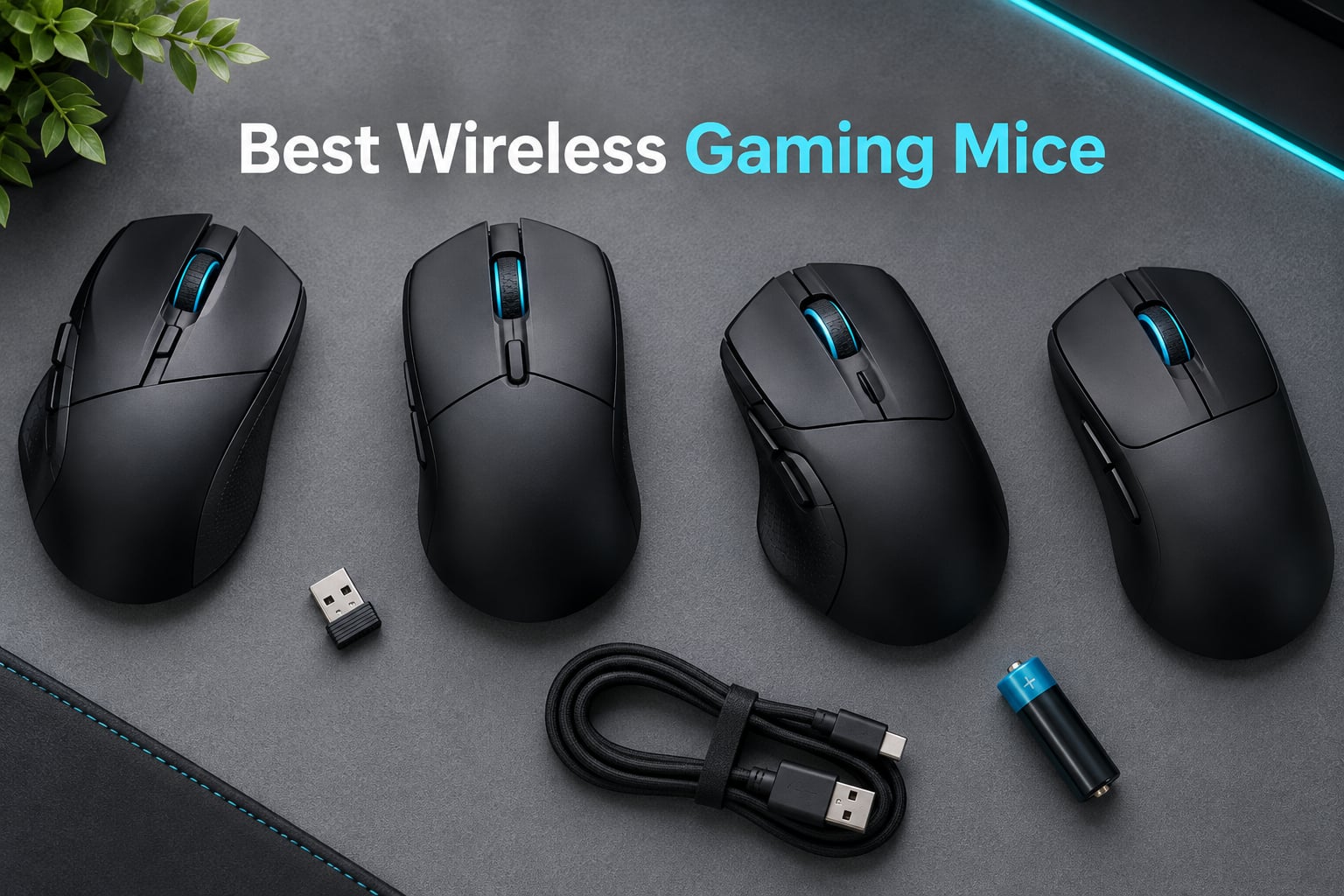
If you want one answer right now: the Logitech G305 Lightspeed is the best wireless gaming mouse for most people in 2026. It tracks cleanly, weighs 3.4 oz, and runs for 250 hours on a single AA cell, which removes the charging anxiety that quietly decides a lot of purchases in this category.
Our team spent six weeks with this lineup, playing competitive shooters, MMO sessions and a full work week on the same mice, then compared sensor consistency, click feel, grip fit and how long each one actually lasted between charges. Nothing in the top tier needed a cable to feel fast, which is the finding that matters most this year.
You are not choosing between wireless and wired quality any more. You are choosing between wireless mice that suit your hand, your game and your tolerance for charging cables. We explain that in full below, and if you would rather start broad, our general best gaming mice guide covers the wired side of the market too.
Our Top 3 Wireless Gaming Mice After Six Weeks of Play
Three picks cover the widest range of players. The G305 wins on endurance and value, the Redragon M602 Griffin wins on features per dollar for work-and-play desks, and the Logitech G PRO X Superlight wins outright for competitive shooters who want the lightest serious option.

Logitech G305 Lightspeed
- 250 hours on one AA
- 3.4 oz shell
- HERO sensor to 12000 DPI
- 1 ms wireless

Redragon M602 Griffin
- 9 programmable buttons
- Tri-mode 2.4G Bluetooth USB-C
- RGB with 9 modes
- 8000 DPI

Logitech G PRO X Superlight
- Under 63 g
- HERO sensor to 25600 DPI
- 70 hour battery
- Zero-additive PTFE feet
Everything below those three earned a full section. We listed all 14 mice we tested, including the MMO specialists and the high-polling models, because a mouse that is wrong for a competitive player can still be the right pick for someone binding ten abilities to their thumb.
Comparing All 14 Wireless Gaming Mice in 2026
This is the at-a-glance view: every wireless gaming mouse in our test pool, its headline specs and where it fits. Weight is listed as the manufacturer states it, and battery figures are the quoted runtimes rather than our own measurements.
| Product | Details | Action |
|---|---|---|
|
|
Check Latest Price |
|
|
Check Latest Price |
 |
|
Check Latest Price |
 |
|
Check Latest Price |
|
|
Check Latest Price |
 |
|
Check Latest Price |
 |
|
Check Latest Price |
 |
|
Check Latest Price |
 |
|
Check Latest Price |
 |
|
Check Latest Price |
 |
|
Check Latest Price |
 |
|
Check Latest Price |
 |
|
Check Latest Price |
 |
|
Check Latest Price |
How We Tested and What We Scored
Every mouse here ran through the same routine: a competitive shooter session for tracking and flick consistency, a MOBA or MMO session for button placement, and a full work day of document and browser work. We weighed weight in the hand rather than on a scale, and we switched polling rates while playing to see where a mouse became less pleasant to aim in.
Our scoring weights sensor consistency first, then click quality, then grip fit for the shape it is sold for, then battery practicality, and finally software tolerance. A mouse that needs a background app to stop doing something annoying loses ground to one that simply works.
Two limits are worth stating plainly. The battery numbers below are manufacturer ratings, not our own lab measurements, and the two newest mice in this group have review counts low enough that long-term durability is genuinely unproven. We flag that in their sections rather than pretending otherwise.
1. Logitech G305 Lightspeed – The One Most People Should Buy
Logitech G305 Lightspeed Wireless Gaming Mouse – Black
HERO sensor up to 12000 DPI
250 hours on one AA
3.4 oz
1 ms LIGHTSPEED wireless
+ Pros
- Months of battery life on a single AA cell
- Light at 3.4 oz
- Clean 1:1 tracking with no spin-out
- Onboard memory for multiple PCs
– Cons
- Main switches rated at 10 million clicks only
- AA cell makes it heavier than AAA rivals
- Only 6 buttons with no dedicated DPI button
The G305 is the mouse we kept reaching for after the novelty of testing other options wore off. It weighs 3.4 oz, which puts it in the lightweight range competitive players tend to favor, and the shell has no honeycomb cutouts or gimmicks to talk about.
Tracking is the reason it stays in rotation. The HERO sensor runs to 12,000 DPI at 400 IPS, adjustable in steps of 50, and across our sessions it produced no spin-out, no stutter and no acceleration, even when the polling was cranked up in G HUB.
The battery is the real sleeper feature. One AA cell gives 250 hours of continuous play, and Endurance mode stretches that to around nine months. Owners in long-running threads describe it as the mouse they stop thinking about, which is the highest compliment a peripheral can earn.
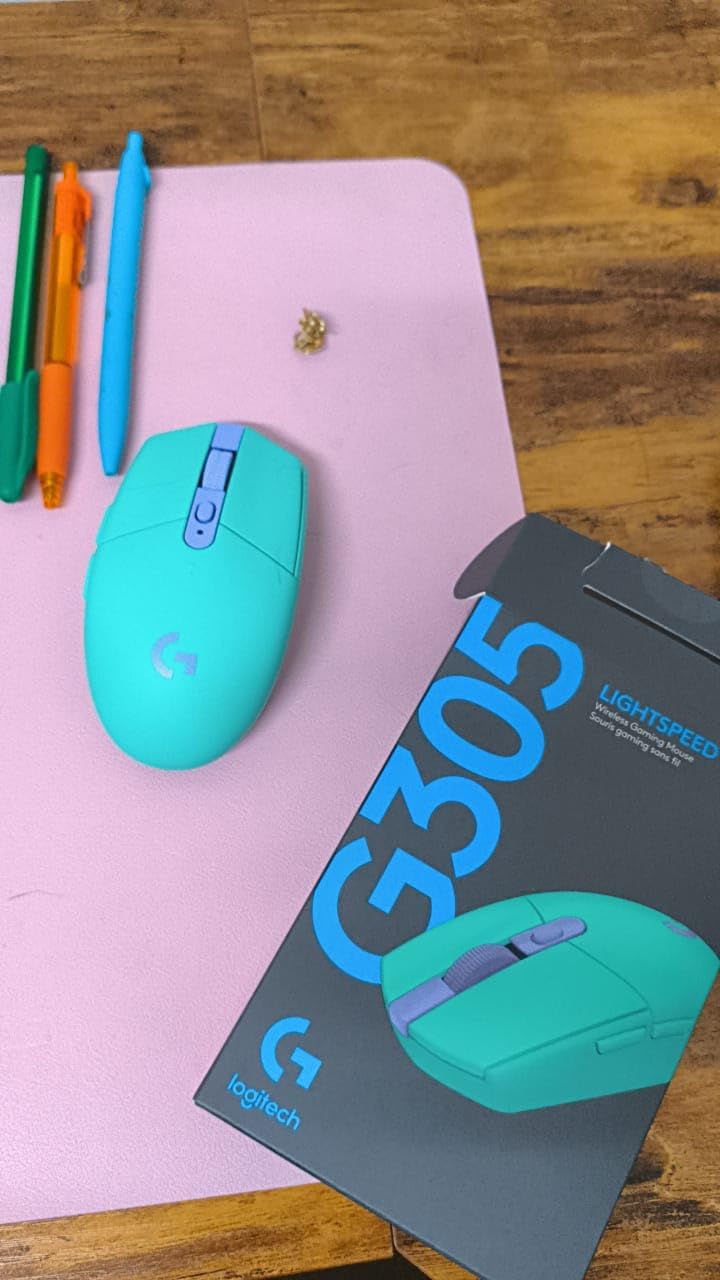
Battery life and the freedom of a single AA cell
Replaceable cells matter more than they used to. With a rechargeable mouse you plan your sessions around a cable, and with a G305 you do not think about power at all. If you also play on a laptop, the nano receiver stores inside the shell, so the whole setup is one object to pack.
The trade-off is weight distribution. The AA sits toward the back, and some owners who prefer an AAA cell for the lighter feel use the optional battery adapter. Either way, the difference is small enough that most players never notice after a few sessions.
Button feel and the 6-button limit
Two things hold it back. The main click switches are rated at 10 million clicks, which is low next to the 60 million and 90 million figures quoted by Razer, and the buttons feel loose with a long, travel-heavy press compared with optical-switch rivals.
The button count is another limit. The advertised 6 buttons include the standard clicks and scroll, so there is nothing spare to bind a macro to without giving up a function you need. For shooters and MOBAs that is fine. For MMO players, look at the Venus Pro or the G502 instead.
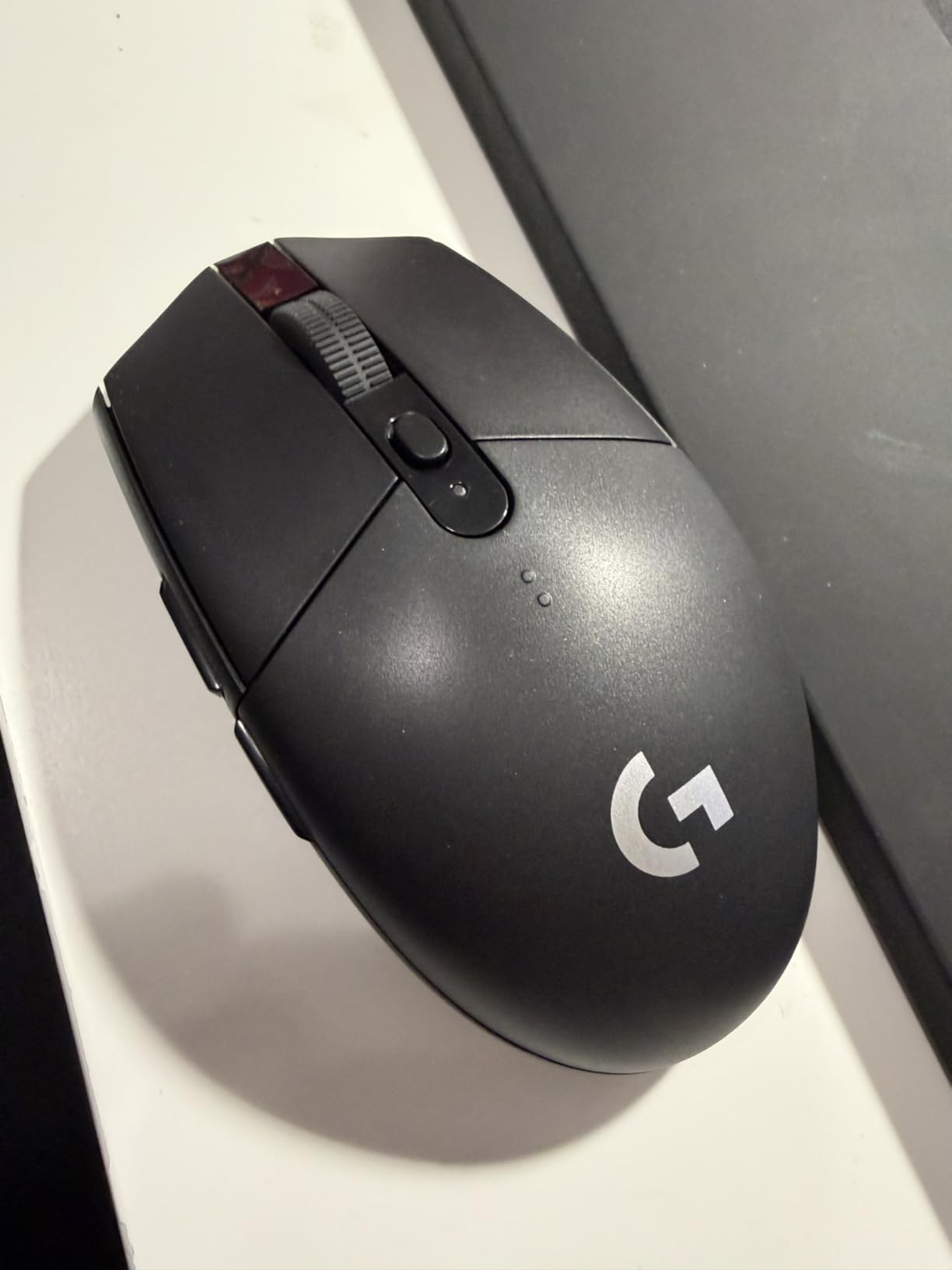
Who it suits and who should pass
This is the pick for competitive FPS players on a budget, for anyone moving between a gaming PC and a work laptop, and for people who simply refuse to charge a mouse. The compact ambidextrous shape works for claw and fingertip grip, though several owners report it is less relaxed than a full palm grip.
Pass if you need more than six buttons, if you dislike G HUB, or if you want lighting. The G HUB interface is cluttered, and DPI changes need either the software or a remapped button rather than a dedicated top-button cycle. If you want the same light weight with a more refined click, our lightweight gaming mouse guide goes deeper.
2. Redragon M602 Griffin – The Feature-Heavy Entry Pick
Redragon M602 Griffin RGB Gaming Mouse, Tri-Mode 2.4G/USB-C/Bluetooth Mouse Gaming, RGB Spectrum Backlit Ergonomic Mouse with 7 Programmable Backlight Modes up to 8000 DPI for Win PC Gamers (Wireless)
9 programmable buttons
Tri-mode 2.4G Bluetooth USB-C
250 to 8000 DPI
RGB with 9 lighting modes
+ Pros
- Nine fully remappable buttons
- Covers wired 2.4G and Bluetooth in one shell
- Large body suits bigger hands
- Usable while charging
– Cons
- Bluetooth mode is noticeably weaker than the dongle
- Stiff middle click button
- No lift-off calibration so cursor drifts when lifted
The M602 is the answer when someone asks why they should spend more at all. It covers three connection modes, nine remappable buttons and adjustable DPI up to 8000, which is a feature sheet that would have looked extravagant a few years ago.
In the hand it is a big, matte, textured mouse that suits larger hands and a full palm grip. The side grips resist slipping during long sessions, and the finish does not show fingerprints the way glossier shells do.
Our only real caution is connectivity behaviour. Over 2.4 GHz the link is stable and quick. Over Bluetooth, owners consistently report noticeably worse performance, so treat Bluetooth as a travel convenience rather than a gaming mode.
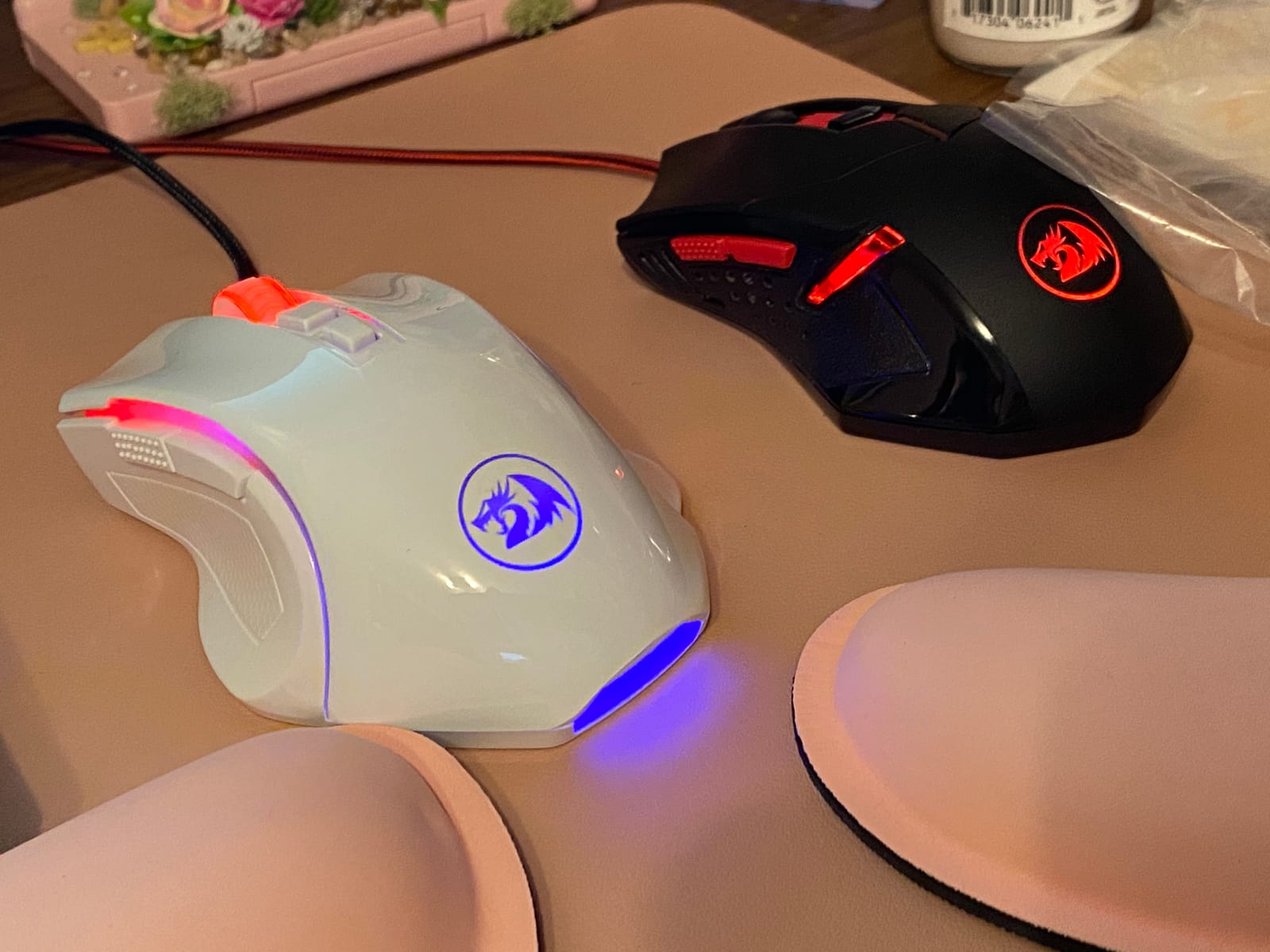
Programmable buttons and RGB without the bloat
All nine buttons remap through the driver, with macro editing included. Lighting runs to 9 effects across 16.8 million colours, and critically there is a preset off mode, so you can kill the RGB without opening software at all, which is more than several premium rivals manage.
One practical warning for first-time owners: there is a protective film on the glide feet. If you do not peel it off, the mouse drags heavily and it will feel broken within a minute of use.
Sensor, polling rates and the missing lift-off calibration
DPI adjusts from 250 to 8000, and polling steps through 125, 250, 500 and 1000 Hz. That is honest for the class, but there is no lift-off calibration, so if you lift the mouse to reposition your hand the cursor drifts until it is back on the pad.
The sensor LED also stays at full brightness when you pick the mouse up. Minor on its own, distracting in a dark room, and something the newer hardware in this list has fixed.
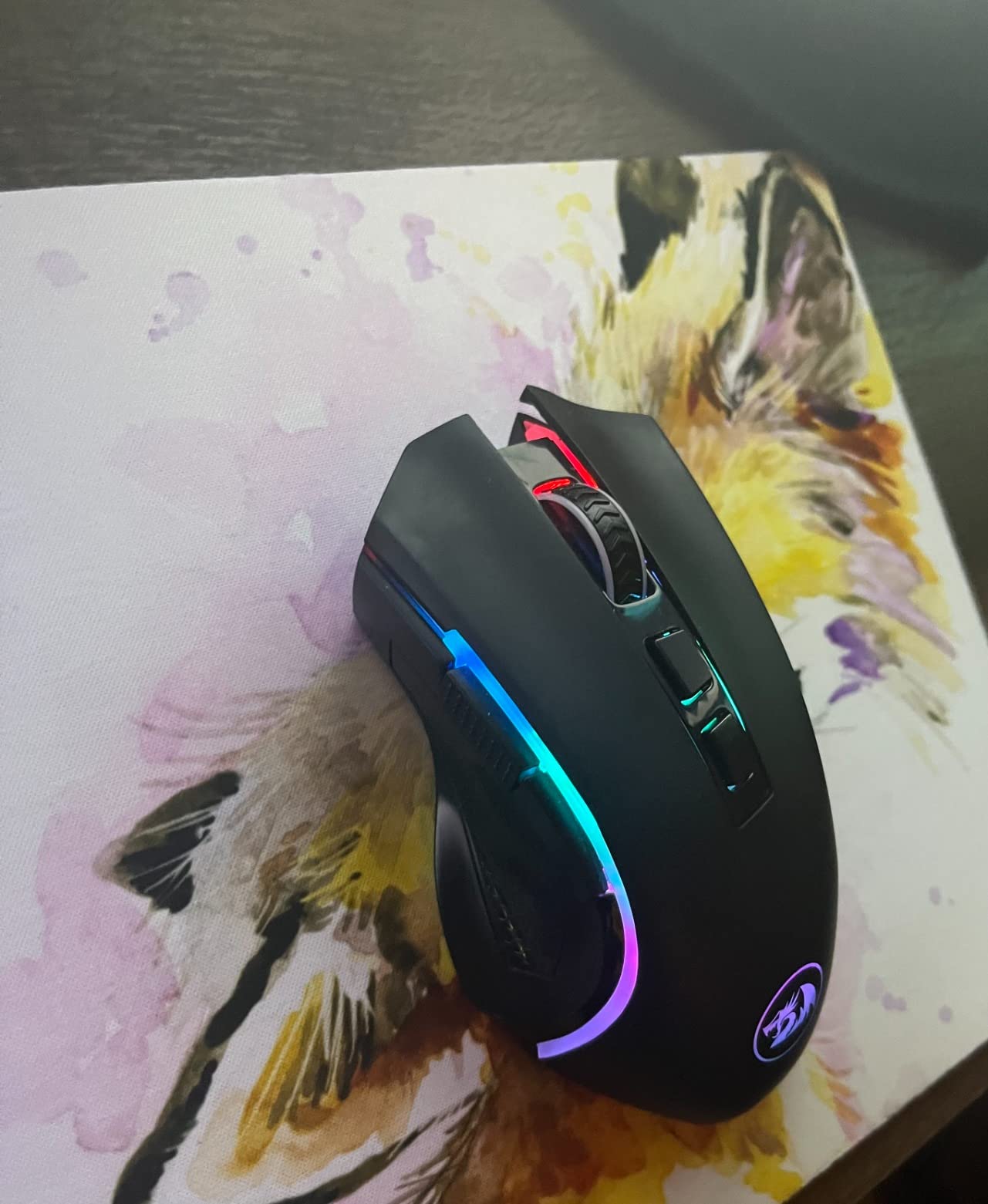
Best for hybrid work desks, worst for competitive aim
Buy this if you want one device for gaming and for the office, since the USB-C wired mode and Bluetooth cover laptops, tablets and consoles. The rechargeable cell runs 35 hours with lighting on and 70 with it off, and the mouse works while charging.
Pass if you play claw or fingertip grip, because this is firmly a palm shape. The stiff middle click and the weak Bluetooth link are the other two reasons competitive players tend to look elsewhere. For cheaper alternatives with a different shape, see our gaming mice picks under a hundred dollars.
3. UtechSmart Venus Pro – The MMO Button Picker
UtechSmart Venus Pro Wireless MMO Gaming Mouse – 16000 DPI RGB
16 programmable buttons
PixArt PMW3335 to 16000 DPI
70 hour battery
126 g right-hand shell
+ Pros
- Sixteen buttons with angled thumb rows
- Coating grips well and wears slowly
- PMW3335 tracks without jitter
- Many owners report 4 to 5 years of daily use
– Cons
- Software looks dated and has been reported to hang
- Only two onboard profiles
- No tilt scroll
The Venus Pro exists to solve one problem: giving your thumb more to do. Sixteen customisable buttons, twelve of them thumb keys set at different inclination angles, is more binding real estate than any other mouse in this test.
Sensor performance surprised us more than the button count. The PixArt PMW3335 handles 16,000 DPI across five stages at 1000 Hz polling, and we found no jitter or added latency even in fast flick movements.
What stands out most in the review data is longevity. Multiple owners describe four to five years of daily use, and the rubberised coating is reported to grip well and wear slowly rather than gumming up within months.
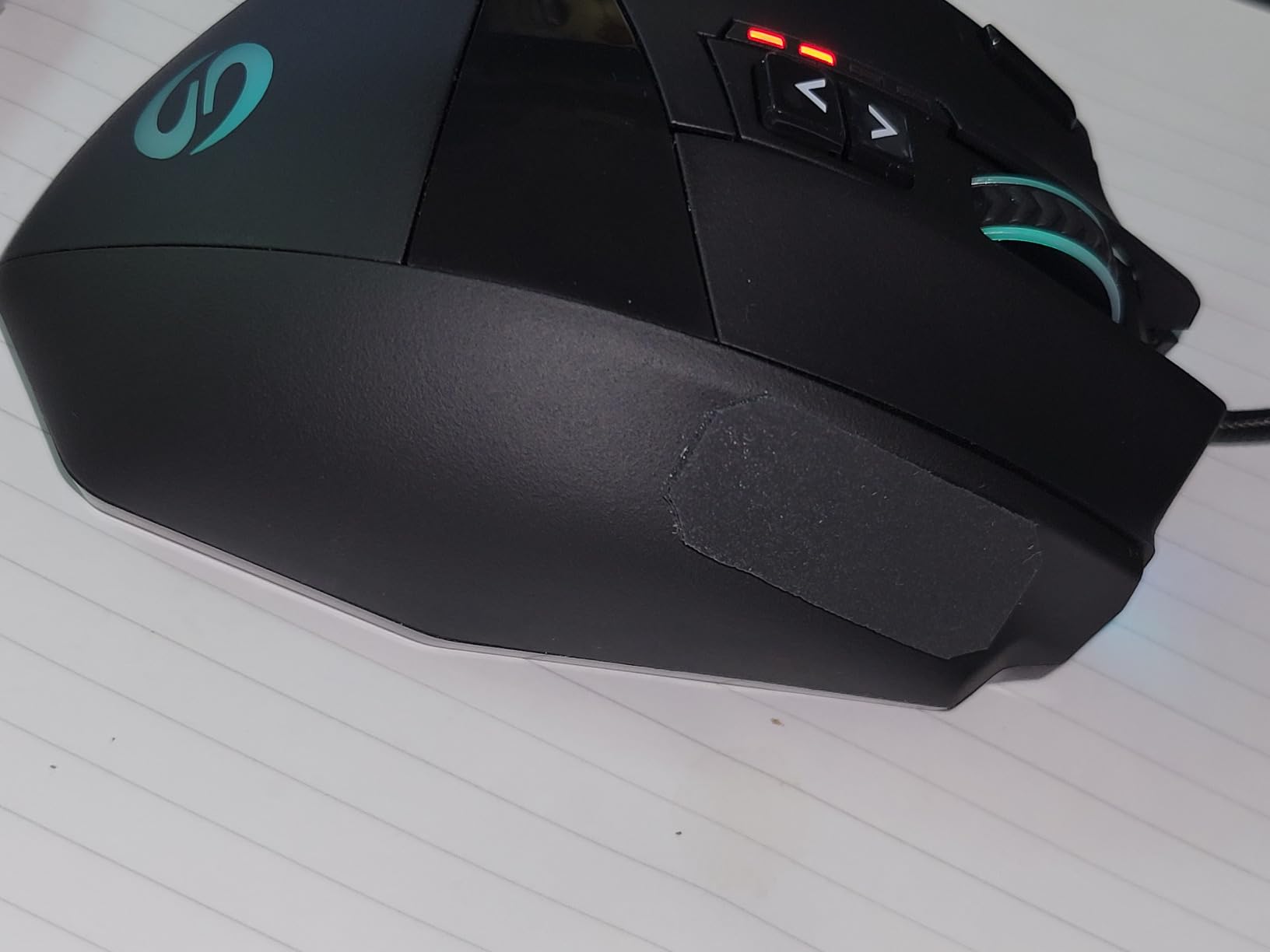
Thumb rows that actually work
Many-button mice fail because the buttons are in a single flat strip you hit by accident. The Venus Pro staggers the thumb keys across different angles, so you can feel which one you are pressing without looking, and we could find each of them without moving our eyes to the screen.
There is also a 1.5 m wired option alongside 2.4 GHz wireless, with 10 metre reception. For a mouse this size, keeping the cable in the box matters, because the shell is large enough that it never feels fully portable.
Software, profiles and the missing tilt scroll
The driver is the weak point. It looks dated, and some owners report it hanging during macro creation, which is annoying when you have just spent twenty minutes building a raid macro. Only two onboard profiles are available on the wireless version, which limits multi-PC setups.
There is no tilt scroll, so you cannot bind page back and page forward to the scroll wheel. For a mouse sold partly at productivity users, that is an odd omission.
Who should buy it and who should not
This is for MMO and sandbox players, raid leaders, and anyone who streams while gaming and wants hotkeys one-handed. At 126 g it is too heavy for competitive FPS work, and the weight is fixed rather than adjustable, so you cannot tune it down.
Also pass if software reliability is a dealbreaker for you. If you want MMO button count in a lighter, smaller shell, the Redragon M913 covers similar ground with a lighter-footed layout in some respects, though it is heavier at 132 g and less refined.
4. Logitech G502 Lightspeed – Most Buttons on a Mainstream Brand
Logitech G502 Lightspeed Wireless Gaming Mouse – Black
11 programmable buttons
HERO 25K sensor via G HUB
60 hour battery
12.96 oz right-hand shell
+ Pros
- Eleven programmable buttons for macros and shortcuts
- HERO 25K upgrade through a free software update
- Hyper-fast scroll wheel
- Stable low-latency wireless
– Cons
- Heaviest mouse we tested at 12.96 oz
- Only 60 hours of battery
- Scroll wheel failures reported on older units
The G502 is the feature-max option from a brand with a mature software platform. Eleven programmable buttons, a thumb rest, an adjustable weight balance and a hyper-fast scroll wheel give it more capability than anything else here outside the MMO specialists.
The sensor situation is worth understanding. The shipped sensor is upgradable to HERO 25K through a free G HUB update, which brings 1:1 tracking, 400+ IPS and up to 25,600 DPI. That is a real 25K-class sensor for the cost of a mid-range mouse once the software is installed.
In practice the mouse feels excellent for MOBA and MMO play and for hybrid work, where the extra buttons and fast wheel earn their keep. It feels wrong for competitive aim, simply because of the mass.
Weight, balance and who it suits
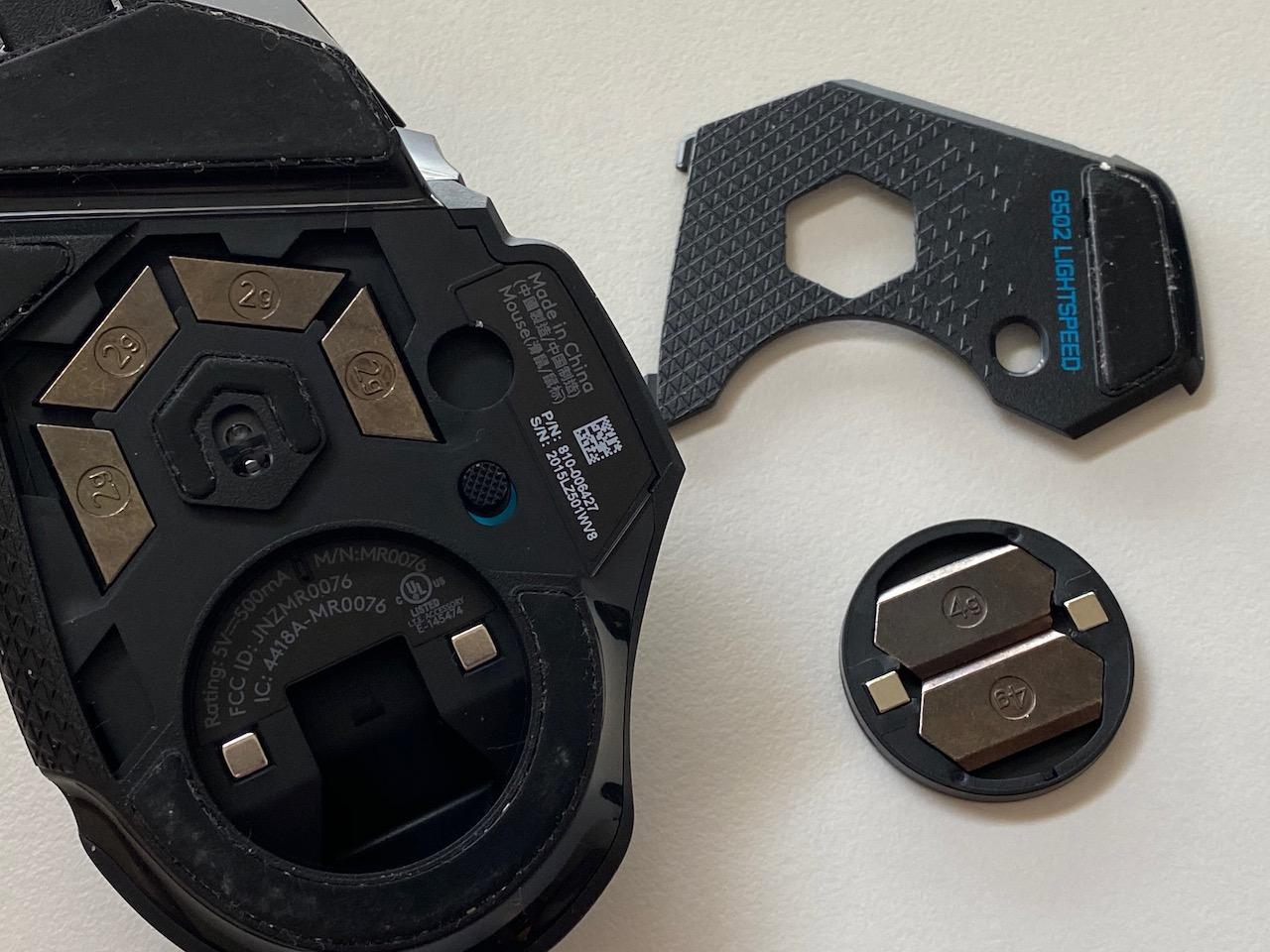
At 12.96 oz this is the heaviest mouse in the test pool, and the number is not the only issue. A mouse this heavy takes effort to stop, which adds milliseconds you may not consciously notice but your tracking will.
The flip side is stability. Nothing here skates, the thumb rest fills the gap that lighter shells leave, and the adjustable balance lets you shift the feel forward or back. For someone playing for four hours a day, that planted feel has real value.
Battery, charging and the receiver
Sixty hours of battery life is respectable for a rechargeable design, and you can keep playing while it charges over USB. The USB receiver stores with the mouse, though owners note it is bulkier than the nano receivers used by rivals.
Compatibility with PowerPlay charging exists if you already own that system, but the charging base is a separate purchase. It is a nice-to-have rather than a reason to buy.
The durability question worth knowing about
The most common long-term complaint is the scroll wheel. Some units in daily service for years report skipping, running backwards or double-scrolling, and this is a wear problem rather than a defect, so it is worth checking the warranty terms before buying.
The rubberised palm coating is a second wear point, reported to degrade and flake with heavy use. If you dislike it, it wears down to the plastic underneath rather than ruining the shell.
Buy it for MMO, MOBA and productivity. Skip it for competitive shooters, and consider a lighter alternative from our ultralight picks guide if flick speed is your priority.
5. Logitech G PRO X Superlight – Best for Competitive FPS
Logitech G PRO X Superlight Wireless Gaming Mouse – Black
Under 63 g
HERO sensor to 25600 DPI
70 hour battery
Large zero-additive PTFE feet
+ Pros
- Extremely light for faster flicks and less fatigue
- Accurate and consistent tracking
- Wireless latency indistinguishable from wired
- Solid build with no flex or rattle
– Cons
- Only 5 buttons
- Micro-USB charging is dated
- No dedicated DPI button
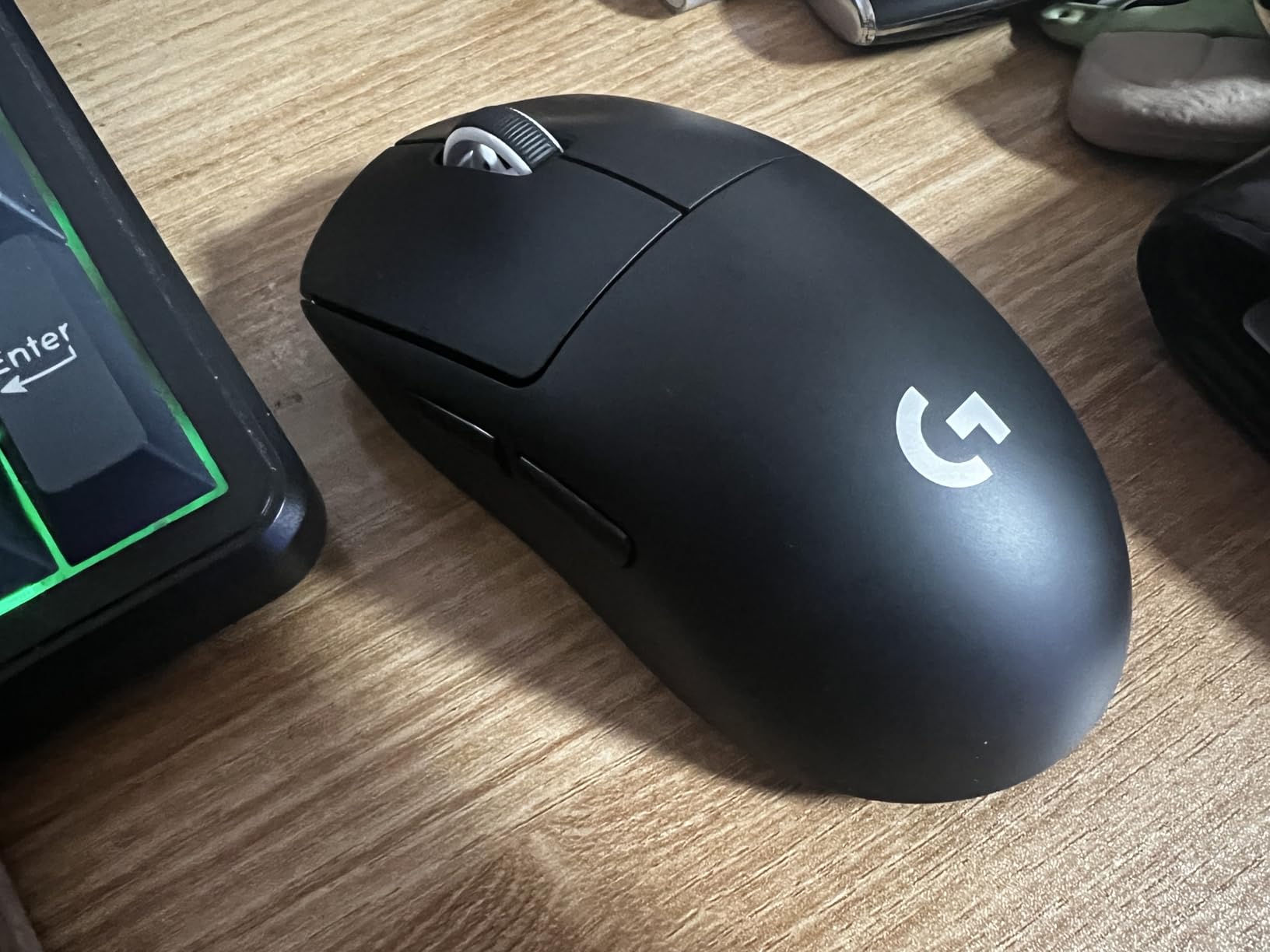
This is the mouse we recommend to people whose entire reason for going wireless is weight. At under 63 g it is roughly a quarter lighter than the standard PRO Wireless, and that difference shows up in how quickly you can reset your hand for the next flick.
The HERO sensor goes to 25,600 DPI and tracked cleanly through every session we ran, with no jitter and no acceleration. LIGHTSPEED wireless was indistinguishable from a cable in our testing, holding a stable link out to the stated 10 metre range.
What surprised me was the battery. Seventy hours for an ultralight mouse is exceptional, and it removes the compromise that usually comes with buying something this light.
What under 63 g actually changes
Weight matters most during rapid target switching. A lighter mouse stops and starts faster, and owners in competitive forums frequently report visible improvements in tracking scores after a short adjustment period. The trade is stability on the pad, and if you play with large, sweeping arm movements, a heavier shell can feel more controlled.
The large zero-additive PTFE glide feet are a quiet highlight. Glide is smoother out of the box than on many rivals that ship with stickier feet, and spare feet plus rubber grips are included in the box for later.
Build, shape and the small-shell warning
Build quality is the strongest in the test pool at this weight. There is no creaking, flex or rattling under pressure, and the shell stays solid when you grip hard during a tense round.
The shape is the risk. At 4.92 inches long it suits claw and fingertip grip, and players with large hands who prefer a full palm grip report it feeling cramped. Measure before committing, because the weight advantage is worthless if you cannot hold it comfortably.
Charging, software and who should pass
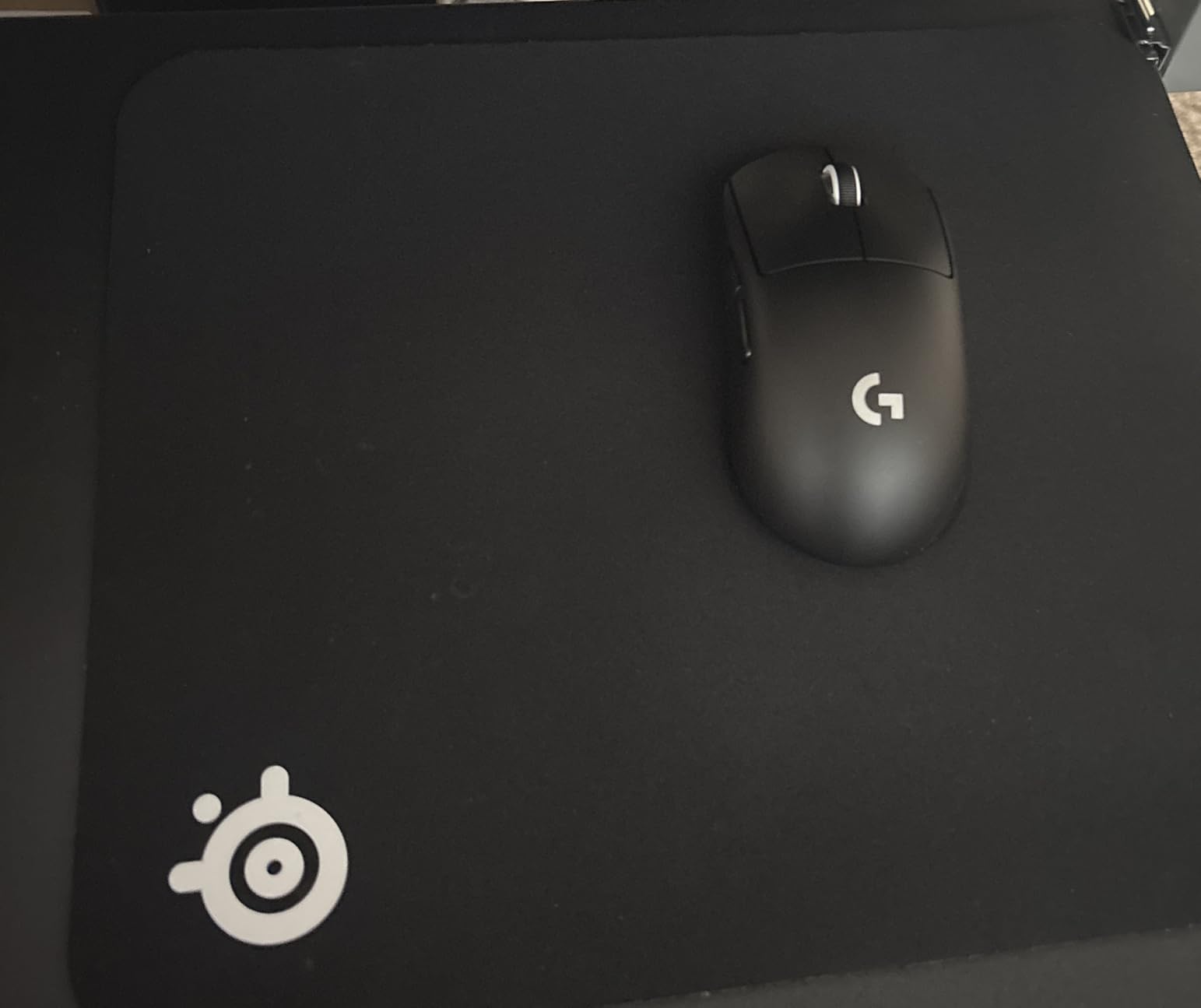
Two dated details stand out. Charging is micro-USB with a proprietary cable, and there is no dedicated DPI button, so changing sensitivity means opening G HUB or remapping an existing key. Some owners also report G HUB failing to save settings reliably on particular PC setups.
The charging case is not included and has to be bought separately. Pass if you need macros beyond five buttons, if you play MMO content, or if a charging port that matches your other devices matters to you. Otherwise this stays the easiest recommendation we make for competitive shooters who want to go cordless.
6. Redragon M913 – Best Budget MMO Layout
Redragon M913 Wireless RGB MMO Gaming Mouse 16000 DPI Remapping Keys
16 buttons with 12 side keys
PixArt 3335 to 16000 DPI
45 to 80 hour battery
132 g
+ Pros
- Twelve side buttons cover ability bars well
- Five onboard DPI stages with 100 step adjustment
- 1 ms click and swipe response
- Works wired over USB-C or wirelessly
– Cons
- ABS shell feels cheap next to metal rivals
- 132 g is heavy for the class
- Side buttons can be stiff
The M913 is the MMO-shaped option for buyers who do not want to spend Venus Pro money. Sixteen buttons with twelve side keys cover an ability bar, and unlike many budget multi-button mice, all of them remain remappable while in wireless mode.
The PixArt 3335 sensor registers clicks and swipes within 1 ms and tracked accurately in our sessions. Five onboard DPI stages at 1000, 2000, 4000, 8000 and 16000 can be fine-tuned in 100-point increments, which is rare at this level.
Battery life runs to about 45 hours with the backlight on and 80 hours in eco mode, and it works over USB-C while charging. That dual mode is genuinely useful if you want zero-latency wired play on the same mouse.
Side button placement in practice
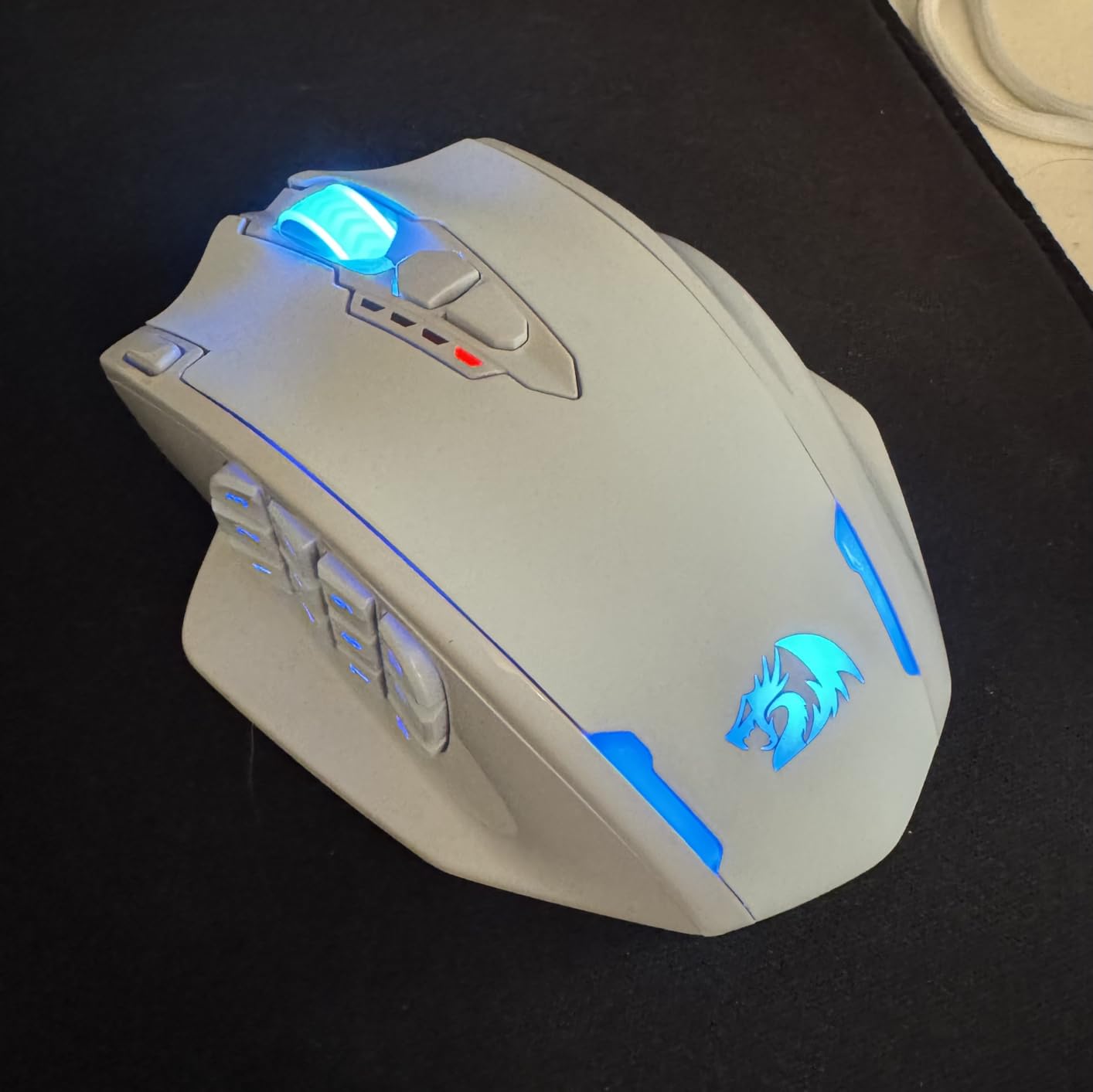
Twelve side buttons is a lot of surface area, and the layout matters more than the count. Here the buttons sit in a reachable vertical column under the thumb rather than stretching along the whole flank, so you can find them without your hand drifting up the pad.
Some owners report the side buttons as stiff and needing a firm push. That is a small annoyance, but in an MMO where you are tapping abilities rapidly it is the difference between a key that fires and one you have to commit to.
Build quality and software expectations
The ABS plastic shell feels inexpensive next to Logitech or Razer equivalents, and the 16.8 million-colour lighting is functional rather than impressive. Neither matters if the sensor and buttons behave, and they do.
The driver is less polished than premium-brand software, so expect to spend a few minutes learning it rather than getting everything immediately. The rating here is lower than the other Redragon models in this list, reflecting more complaints about button feel and build consistency.
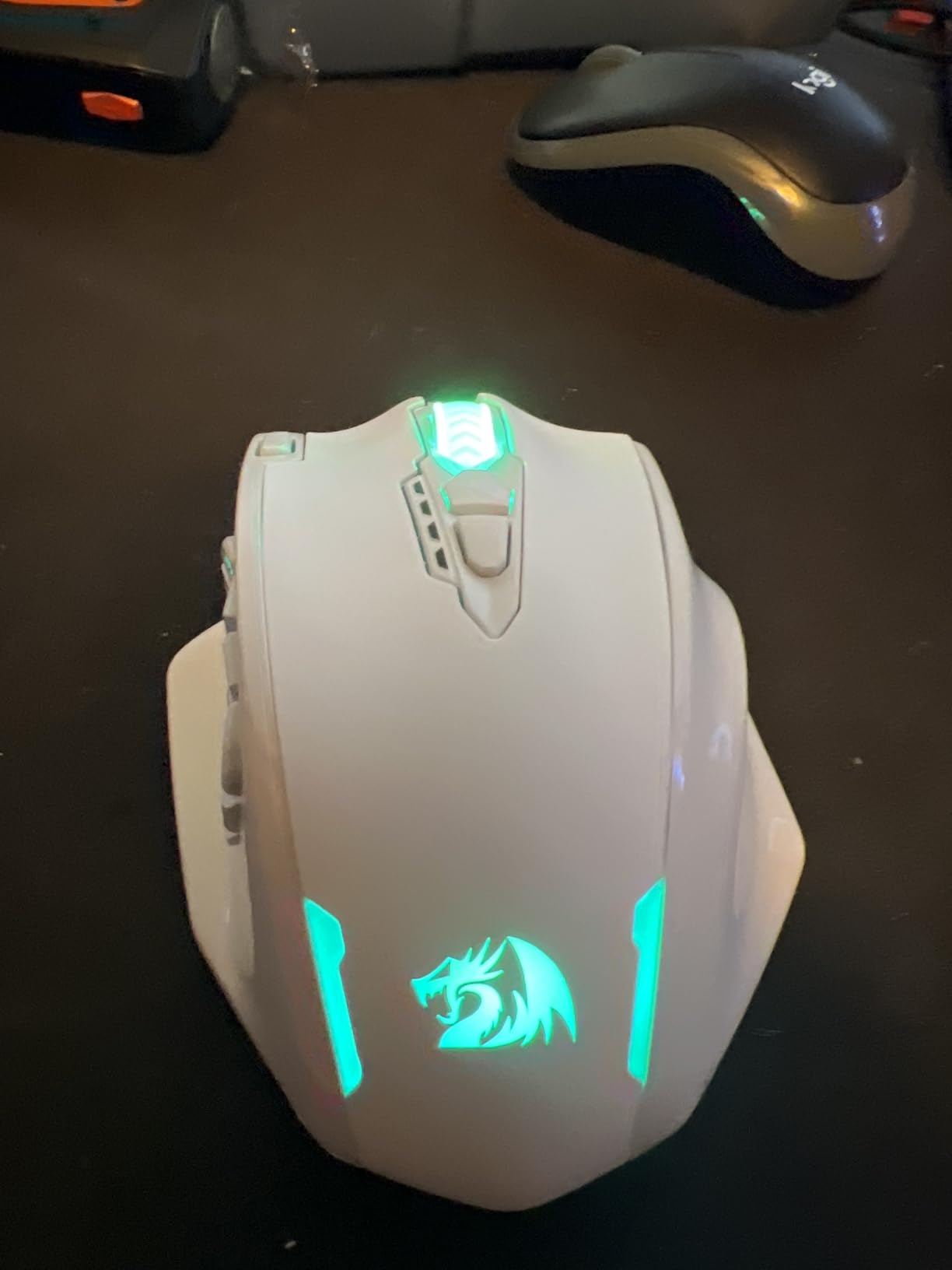
Who this mouse is actually for
Buy it for MMO and MOBA players who want many binding options without spending much, and for anyone who likes the idea of a wired fallback. Onboard DPI stages mean you can change sensitivity without opening the driver mid-session.
Pass if you play competitive shooters, because 132 g is heavy and the shape is built for a palm rest. If you want a cheaper but lighter option, the ATK VXE Dragonfly R1 Pro MAX covers the opposite end of the spectrum, with a much smaller review history.
7. Razer Orochi V2 – The Battery Life Champion
Razer Orochi V2 Wireless Gaming Mouse, 950 Hr Battery, 60g, White
Under 60 g without battery
5G Advanced 18K sensor
950 hours on Bluetooth
425 hours on HyperSpeed
+ Pros
- Up to 950 hours of battery on Bluetooth
- The longest quoted runtime among these picks
- Under 60 g for fast tracking
- Hybrid AA AAA slot for weight tuning
– Cons
- Short shell suits fingertip or claw grip only
- Smooth plastic finish can feel slippery
- Some left button phantom click reports after months
The Orochi V2 solves the one problem that stops most people bothering with wireless mice: charging. Up to 950 hours on Bluetooth, or 425 hours on HyperSpeed, means you will probably change the battery twice a year and then forget about it.
It is also genuinely light at under 60 g excluding the cell, and the 5G Advanced 18K sensor tracked smoothly with no spin-outs in our testing. Owners frequently report visible improvements in tracking scores after a short adjustment period.
The dual wireless setup is the clever part. Bluetooth handles your work laptop and productivity use, and you flip to HyperSpeed when you sit down to play, with no re-pairing.
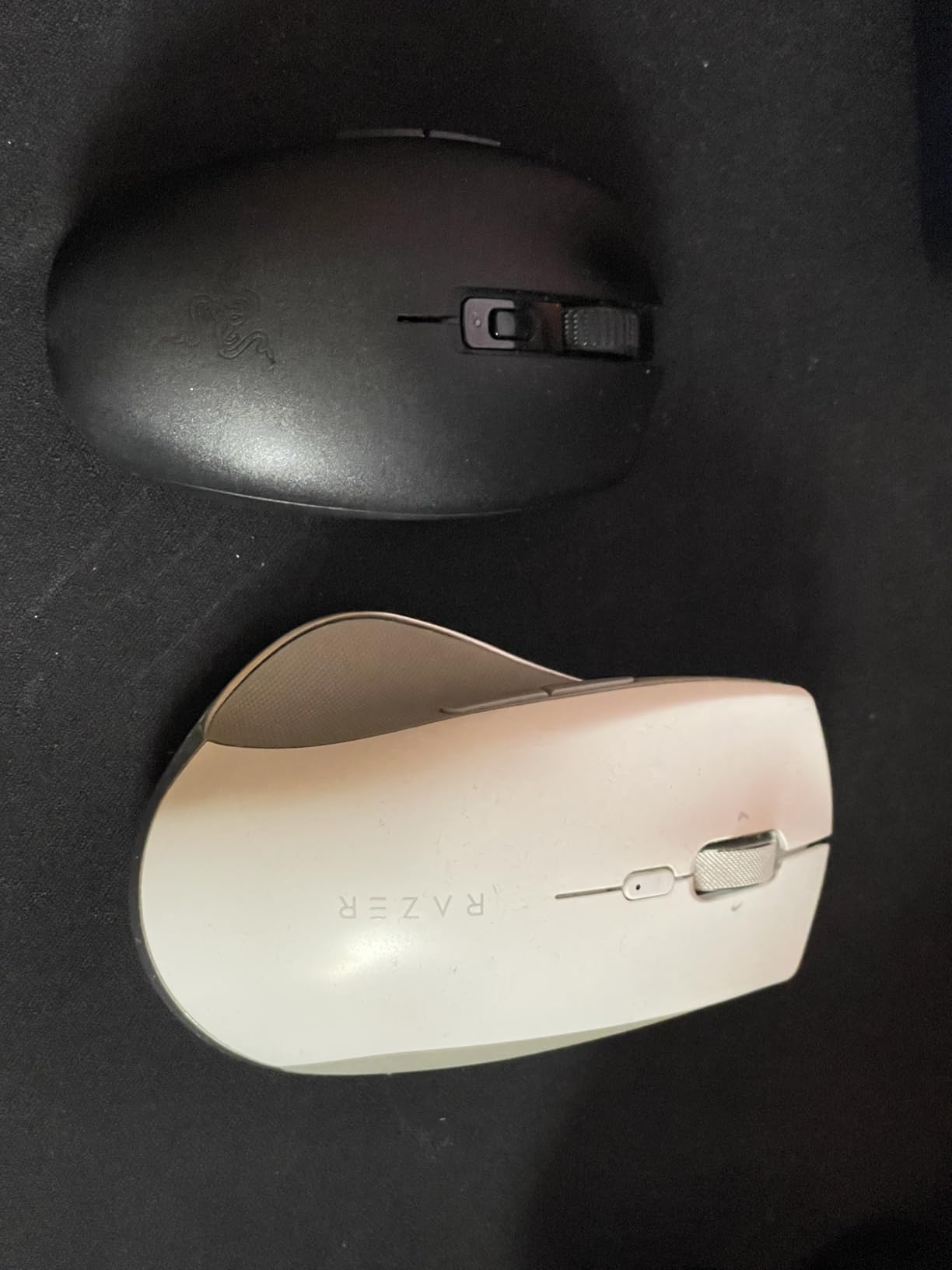
Weight and the battery slot
Excluding the battery it sits under 60 g, which places it among the lightest mice we tested, yet the AA cell brings the real in-hand weight up slightly. The hybrid AA/AAA slot lets you choose the cell, and owners use that to tune the balance to taste.
The recessed DPI button is a small design win. It is easy to reach without accidental activation, which is the opposite of the buttons that sit under your ring finger on larger shells.
Shape, grip and the known fault
The shell is short and low at 4.26 inches, which suits small and medium hands and works for larger hands using a claw grip. It cannot be palm gripped by most adults, and that single fact decides whether it belongs in your setup.
The finish is smooth and somewhat slippery, so grip has to be corrected during long fast tracking sessions. More seriously, some units develop a phantom or double-click on the primary button after several months of heavy use, and a small number report reconnect or stuck-click issues on Windows after sleep.
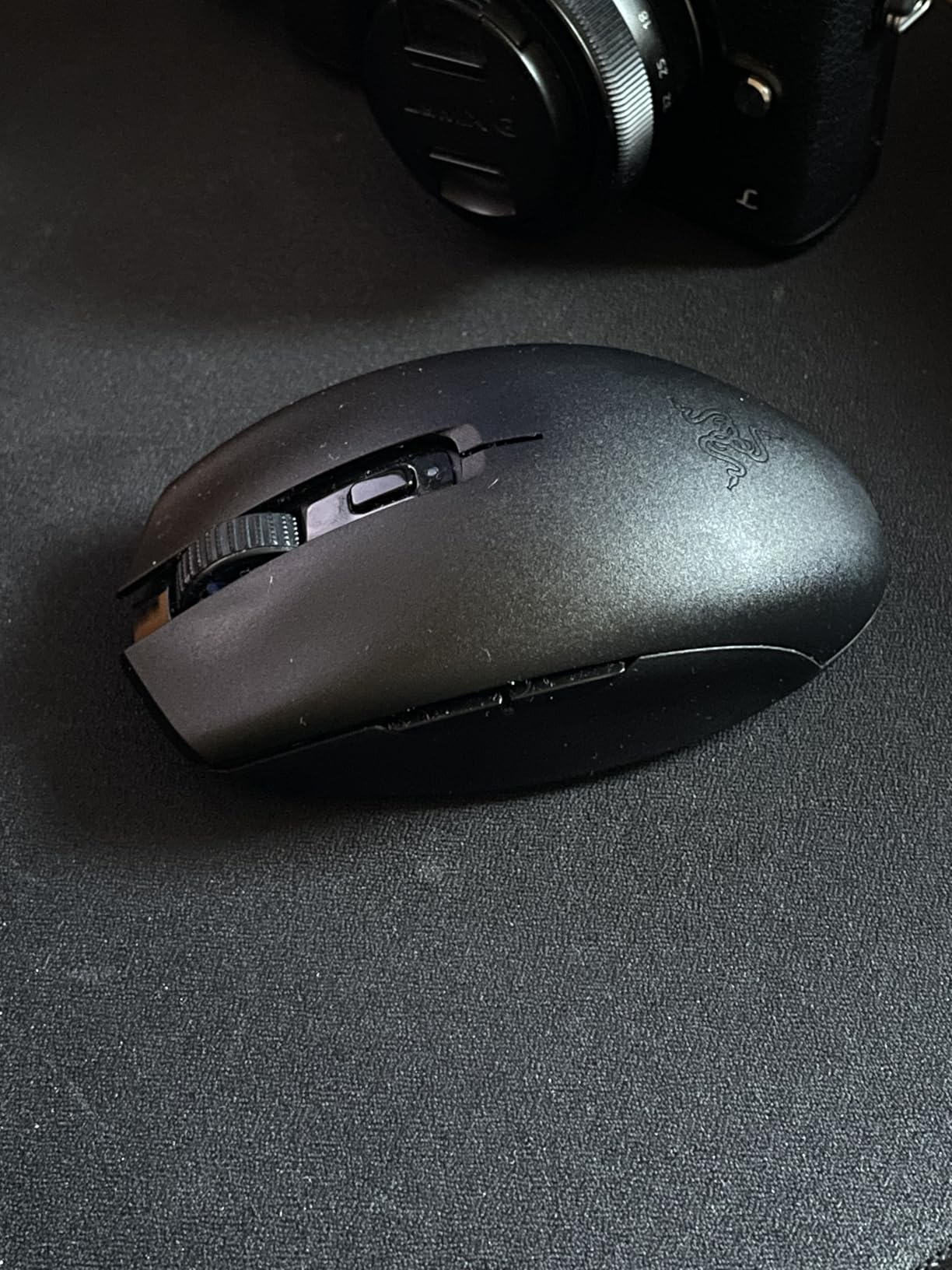
For hybrid setups and small hands
This is the pick for small hands, for travel, and for anyone who wants one mouse for a gaming PC and a laptop without charging. Gen-2 mechanical switches are rated to 60 million clicks, which is a much stronger durability claim than the budget mice in this list.
Pass if you play MMO content, because six buttons is not enough, and pass if you want lighting, since there is no RGB. Synapse is also considered heavy and has had launch problems historically, though the mouse works without it for core functions.
8. Redragon M810 PRO – The Simplest Way Into Wireless RGB
Redragon M810 PRO Wireless RGB Gaming Mouse 10000 DPI Remapping Keys
8 programmable buttons
PAW3325 to 10000 DPI
45 hour battery eco mode
2.4G plus USB-C
+ Pros
- Rapid fire key and two side macro keys included
- Eight remappable buttons for the entry tier
- Five onboard DPI stages
- Works over 2.4 GHz or USB-C
– Cons
- ABS shell and matte finish feel inexpensive
- RGB options are basic
- Macros need the Redragon driver
The M810 PRO is the least complicated way to leave a cable behind. Eight programmable buttons, including a dedicated rapid fire key and two side macro keys, cover most casual and MOBA binding needs.
Tracking was consistent for the class. The PAW3325 sensor handles up to 10,000 DPI at 1000 Hz polling, and five onboard DPI stages at 500, 2000, 3000 and 10000 let you change sensitivity without opening software.
It also runs over USB-C as well as 2.4 GHz, so you can plug in when the battery runs low and keep playing. The rechargeable cell gives up to 45 hours in eco mode.
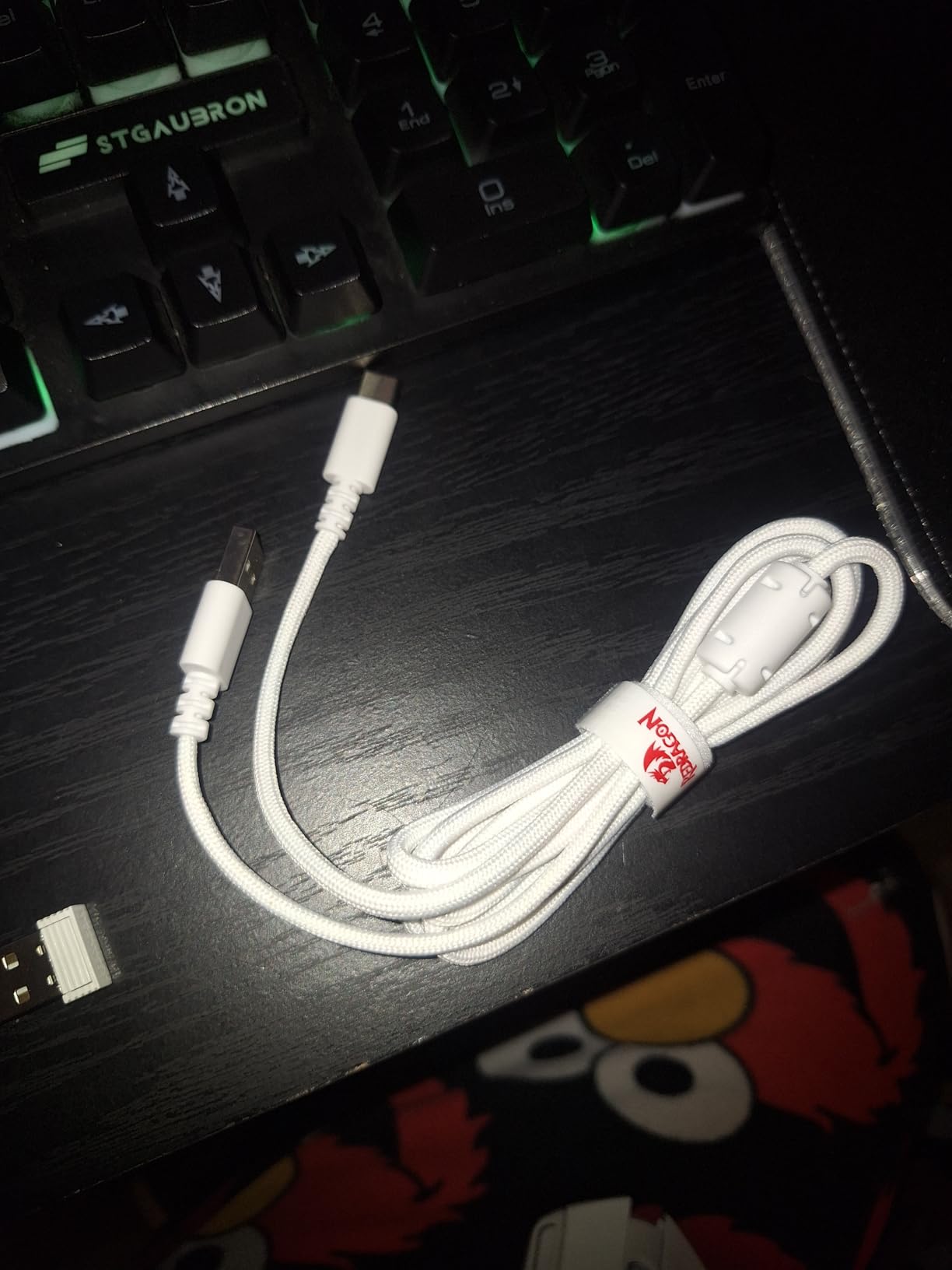
What the rapid fire key is actually for
The rapid fire button is the reason this mouse exists. It lets you hold a fire button down without the click repeat rate your system applies by default, which matters in games where an ability auto-repeats on a timer. It remaps like any other key through the driver.
The trade-off is that two of the eight buttons are on the side, and owners report them as smaller and harder to hit than the larger side keys on dedicated MMO shapes. Fine for occasional binds, frustrating for a ten-ability bar.
Build, lighting and sizing
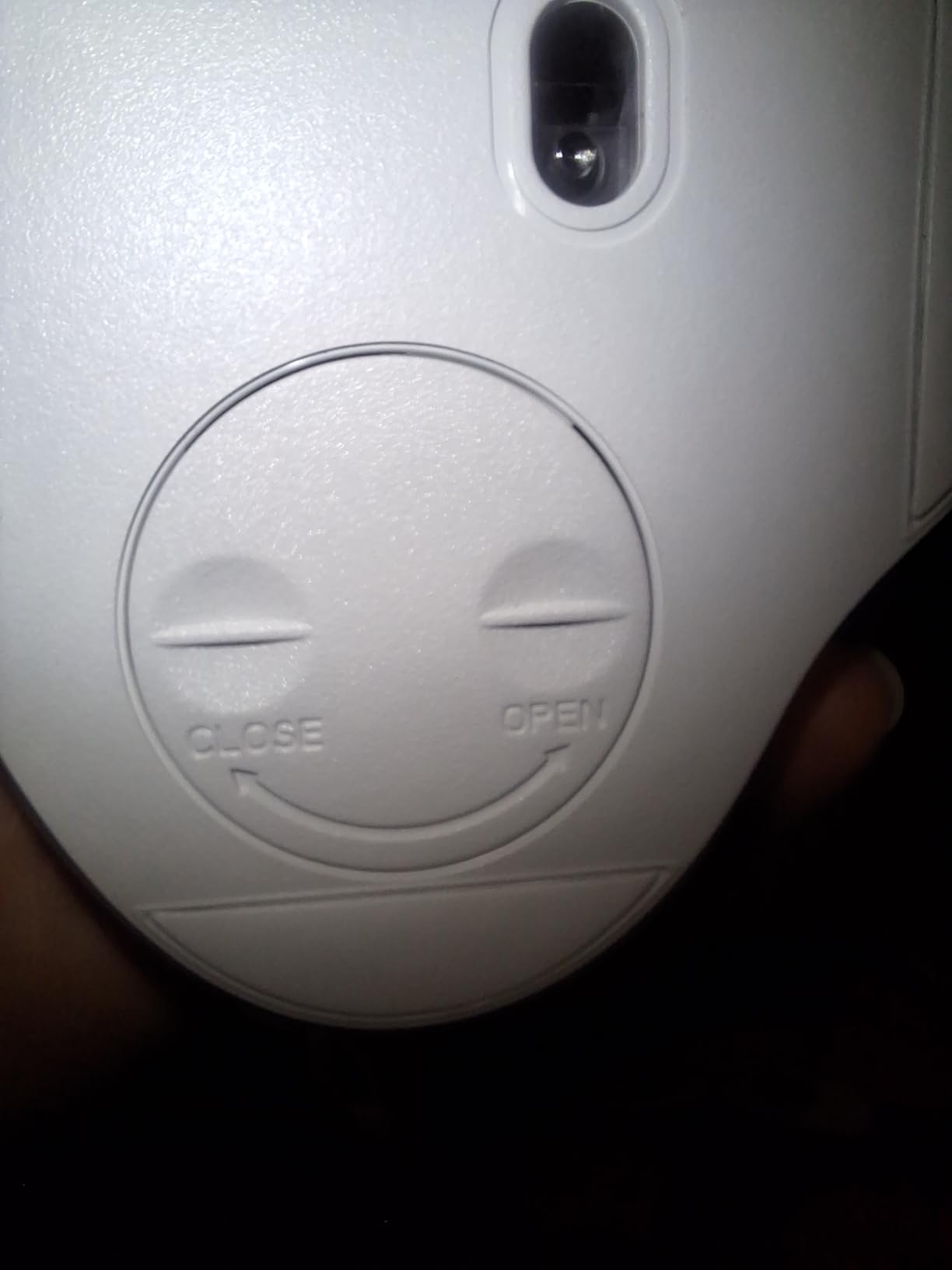
At four ounces the shell is light in the hand, and the matte finish keeps fingerprints off it. The plastic simply does not feel like the same material as a Logitech or Razer body at a similar weight class, and we would not call it premium.
Lighting supports streaming, breathing and waving effects through the Redragon driver. They work, but they are a generation behind Chroma or G HUB, and the listed dimensions are large enough that buyers with small hands report it feeling oversized.
A first wireless mouse or a second machine
Buy it as a first wireless gaming mouse, as a travel companion for a laptop, or as a secondary mouse for a machine you do not want to charge. The dual 2.4 GHz and USB-C modes make it forgiving about how you set up.
Pass if you are sensitive to shell materials, if you play MMO games needing more side buttons, or if you dislike installing a driver to reach the macro features. Our broader gaming mouse guide covers more shapes at this level.
9. Corsair Dark Core RGB PRO – The 2000 Hz Polling Option
Corsair Dark CORE RGB PRO Wireless/Wired FPS MOBA PC Gaming Mouse – Black
Up to 2000 Hz hyper-polling
PAW3392 to 18000 DPI
SLIPSTREAM sub-1ms wireless
Four ounces
+ Pros
- Hyper-polling doubles the standard report rate
- SLIPSTREAM holds a stable link at long range
- Thumb and pinky rests help larger hands
- Two interchangeable side grips
– Cons
- iCUE required to turn off the default lighting
- Profiles reported to reset after reboots
- Heavier and taller than ultralight rivals
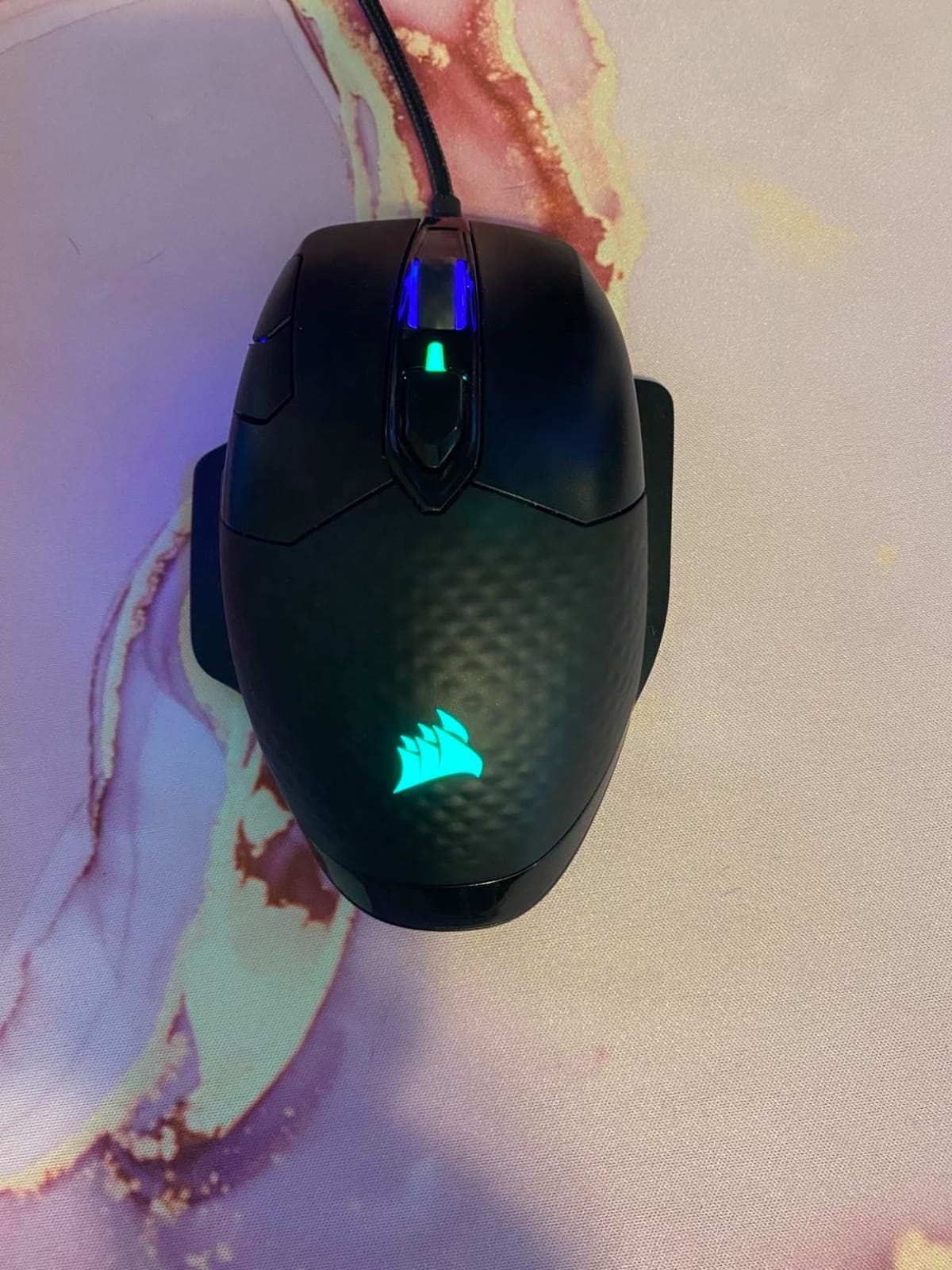
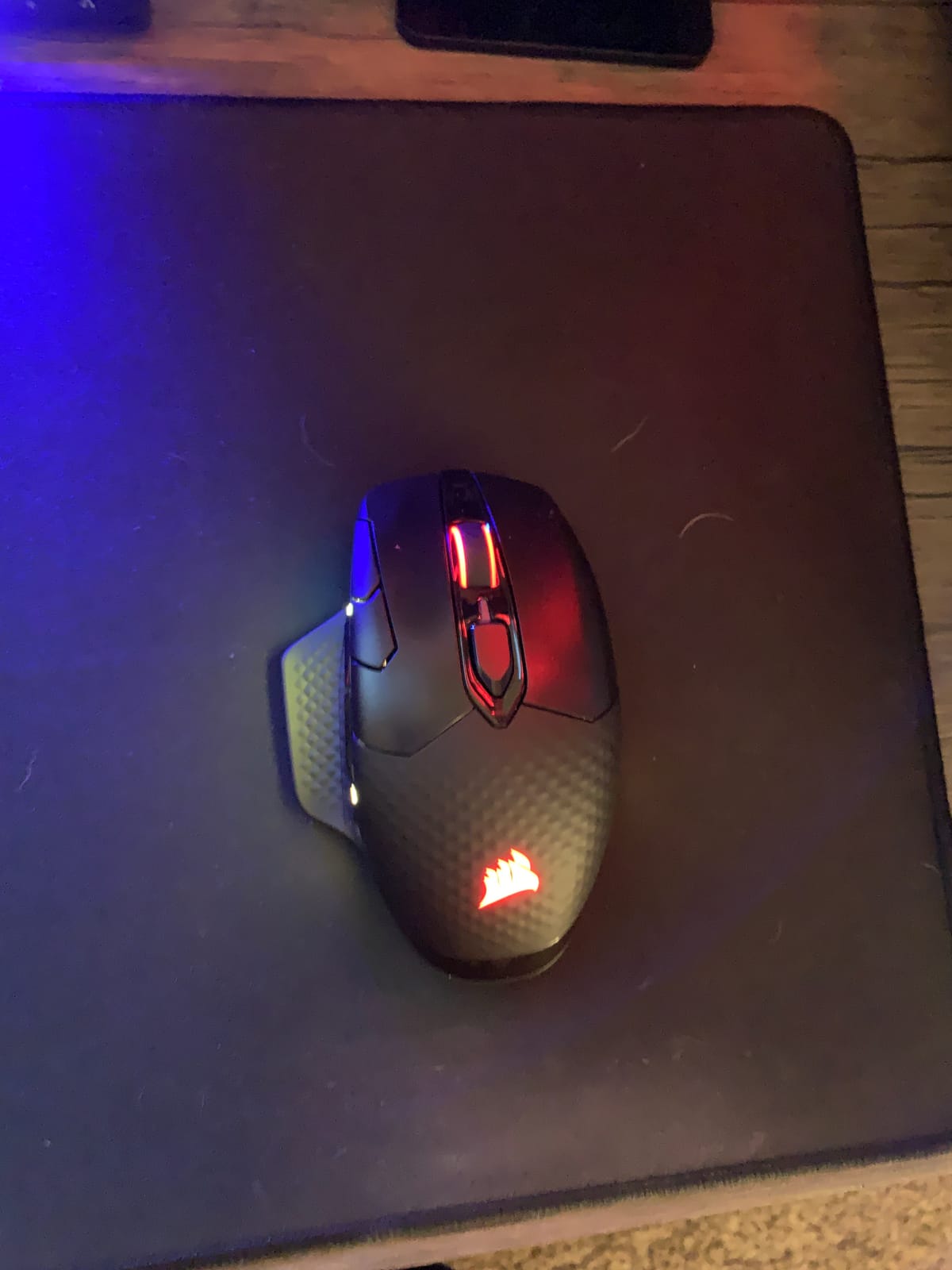
The Dark Core RGB PRO is the only mouse here that doubles the standard report rate. Hyper-polling at up to 2000 Hz reports your movement twice as often as a conventional mouse, and the PAW3392 sensor was tuned for low power draw so it holds up on wireless.
Its shape is the real differentiator. The thumb and pinky rests fill the gaps beside the main buttons, which reduces the dragging that frustrates players with larger hands on mice that leave those fingers on the pad.
Two interchangeable side grips are included so you can tune the contact points, and onboard memory stores three lighting profiles. Several owners report four-plus years of daily reliability, which is rare for a mouse with this much going on.
What 2000 Hz polling actually does
Polling rate is how often the mouse tells your computer where it is. Doubling it shortens the interval between reports, so your aim registers closer to what your hand intended. In practice the improvement is subtle at the top end, and most players notice it far more in the settings menu than in gameplay.
Higher polling costs battery, and this is where the Dark Core shows it. Turning polling up shortens an already finite runtime, so treat 2000 Hz as a competitive setting rather than an always-on one.
The iCUE problem you should know about
this mouse carries the lowest average rating among the mice we tested, at 4.2, and the complaints cluster around software rather than hardware. iCUE is required just to switch off the default lighting, it has been reported as buggy and slow, and some owners see lighting and sensitivity profiles reset after reboots.
The button layout is also awkward. The profile switch button sits where DPI buttons usually go, and the DPI up and down controls are placed on the main click area, which invites accidental changes during a firefight.
Right for big hands, wrong for ultralight players
Buy it if you have large hands, if a long reported wireless range matters in your setup, and if you want polling options no other mouse here offers. It also works wired, which means it keeps functioning if the cell dies.
Pass if you want the lightest possible shell, since at four ounces and a tall body it belongs to an older design philosophy. Pass if you refuse to install vendor software, because lighting control requires it. For wrist-friendly shapes, our vertical gaming mouse guide covers a different category entirely.
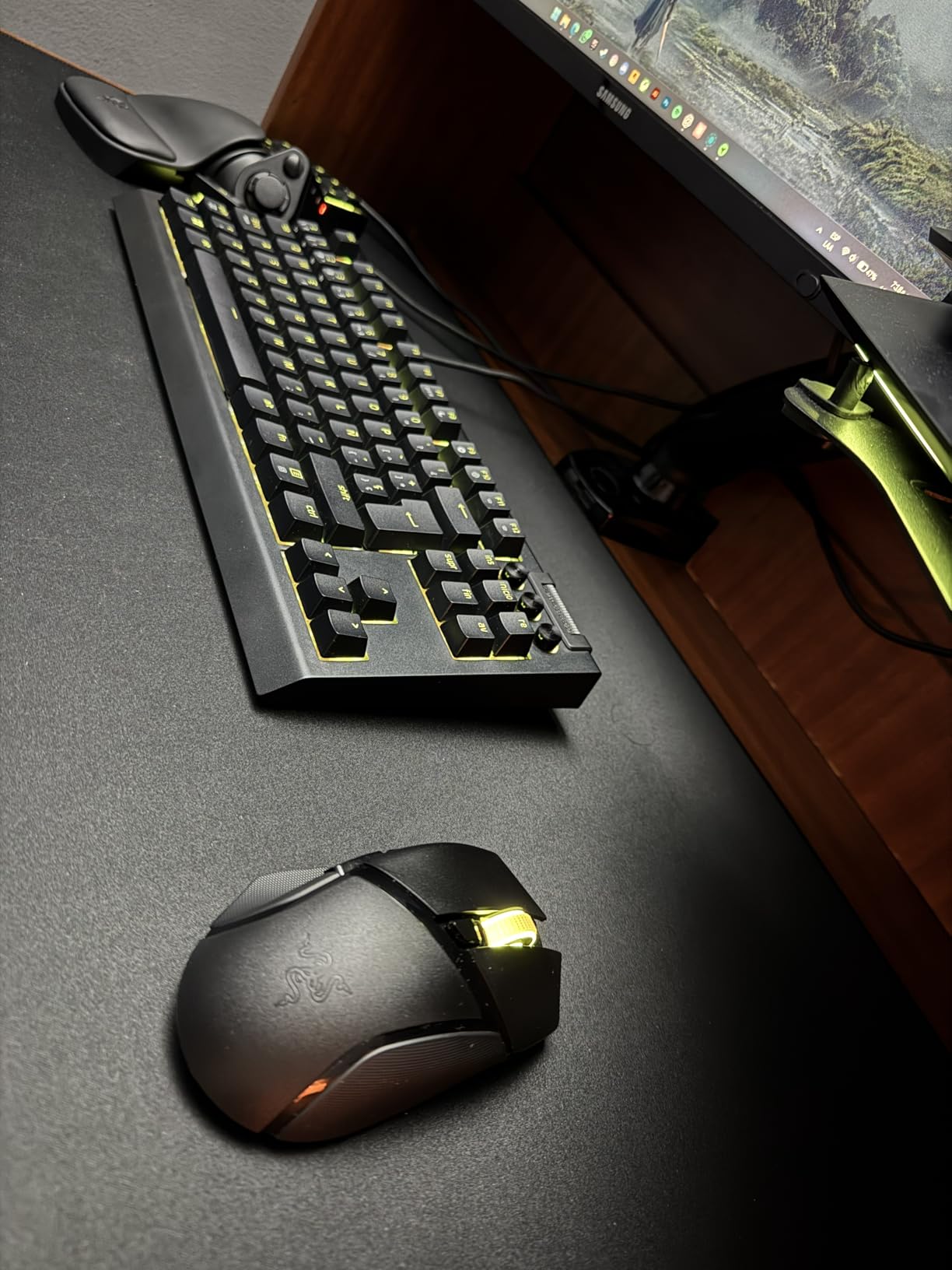
10. Razer Basilisk V3 X HyperSpeed – The Comfort Pick
Razer Basilisk V3 X HyperSpeed Customizable Wireless Gaming Mouse, Black
Ergonomic thumb shelf
5G Advanced 18K sensor
285 to 535 hour battery
7 programmable buttons
+ Pros
- Thumb shelf shape many owners call the most comfortable they have used
- Replaceable AA with months of runtime
- Synapse allows buttons to trigger keyboard combos and text
- Gen-2 switches are a clear improvement
– Cons
- 110 g is heavy for a modern wireless mouse
- Scroll wheel reported to skip or reverse
- Slow reconnect after sleep
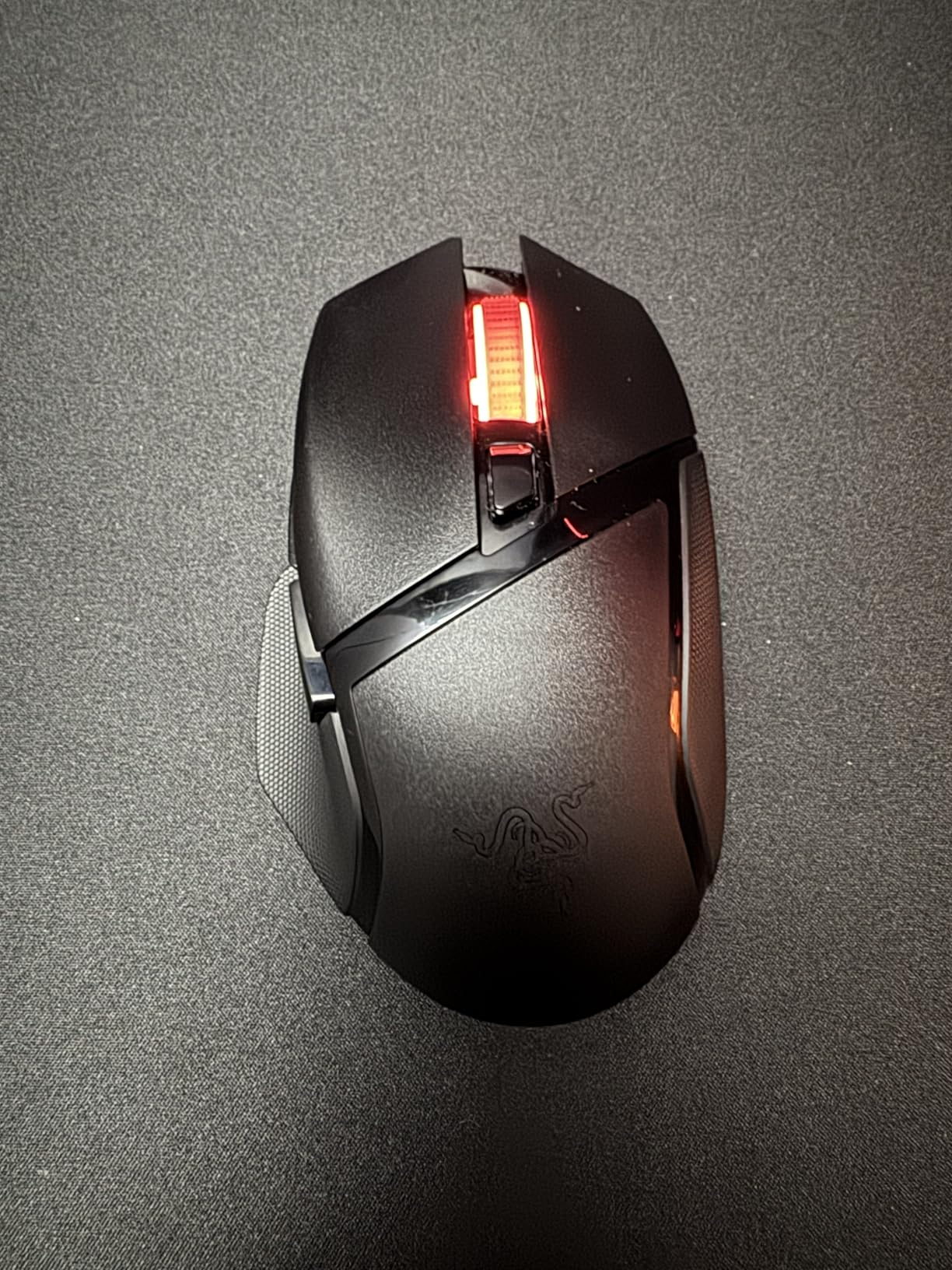
The Basilisk V3 X HyperSpeed is shaped for long sessions rather than twitch play. The thumb shelf gives your ring finger and thumb somewhere to sit, and multiple owners call it the most comfortable mouse they have owned.
Battery life is a genuine strength. A single replaceable AA gives up to 285 hours on HyperSpeed and 535 on Bluetooth, which works out to roughly two months between changes for most players.
Synapse gives the seven programmable buttons plus the thumb shelf third button real depth, letting them fire keyboard combinations, commands, URLs or text. For productivity that is genuinely useful rather than decorative.
Comfort versus speed
This is where the trade-off is obvious. At 110 g it is far heavier than the current ultralight wireless class, and a mouse this size is built to be moved with your arm rather than your fingertips.
If your sessions are long and your game is not a competitive shooter, that is the right trade. If you are flicking between targets at high APM, the extra mass slows your resets and the shape gets in the way of a tight grip.
Buttons, wheel and reconnect behaviour
Gen-2 mechanical switches are a clear upgrade over the earlier Basilisk generation, rated to 60 million clicks with gold-plated contacts, and the feel is crisper than the Gen-1 units.
The scroll wheel is the weak point. Owners report it skipping or eating inputs during fast scrolling, and several describe the mouse taking several seconds to reconnect after sleep, with occasional disconnects that need the dongle re-plugged. Budget for a few restarts per week if you use sleep mode aggressively.
For long sessions and hybrid work
Buy it if you play MOBAs, MMOs, strategy titles or simulations, if you use one mouse for work, and if your hands tire on flatter shapes. The 5G Advanced 18K sensor tracked smoothly with no spin-outs, and it works on both PC and Mac.
Pass if you want a light competitive shell, if you play MMO content needing more than a handful of side inputs, or if you object to installing Synapse. The software is well regarded for its depth, but it does add background overhead that some buyers dislike.
11. Razer DeathAdder V3 Pro – Big Shape, Low Weight
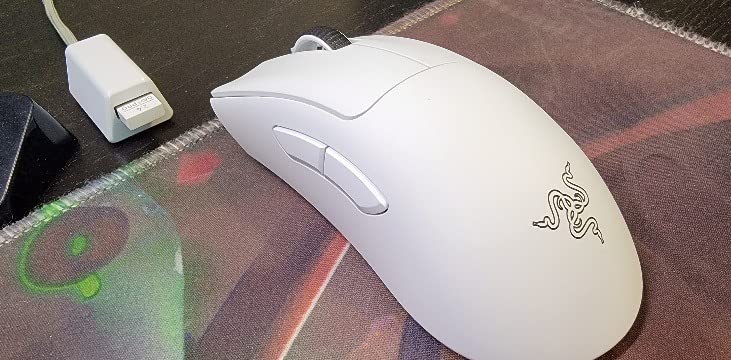
Razer DeathAdder V3 Pro Wireless Gaming Mouse, 64g, 90 Hr Battery, White
64 g ergonomic chassis
Focus Pro 30K sensor
Gen-3 optical switches at 0.2 ms
90 hour battery
+ Pros
- Large ergonomic shape at only 64 g
- Focus Pro 30K tracks on glass without jitter
- Gen-3 optical switches rated to 90 million clicks
- 90 hours of battery and charges over USB-C
– Cons
- Only four buttons
- No RGB on this generation
- Scroll wheel lacks defined detents
- Service and warranty handling criticized
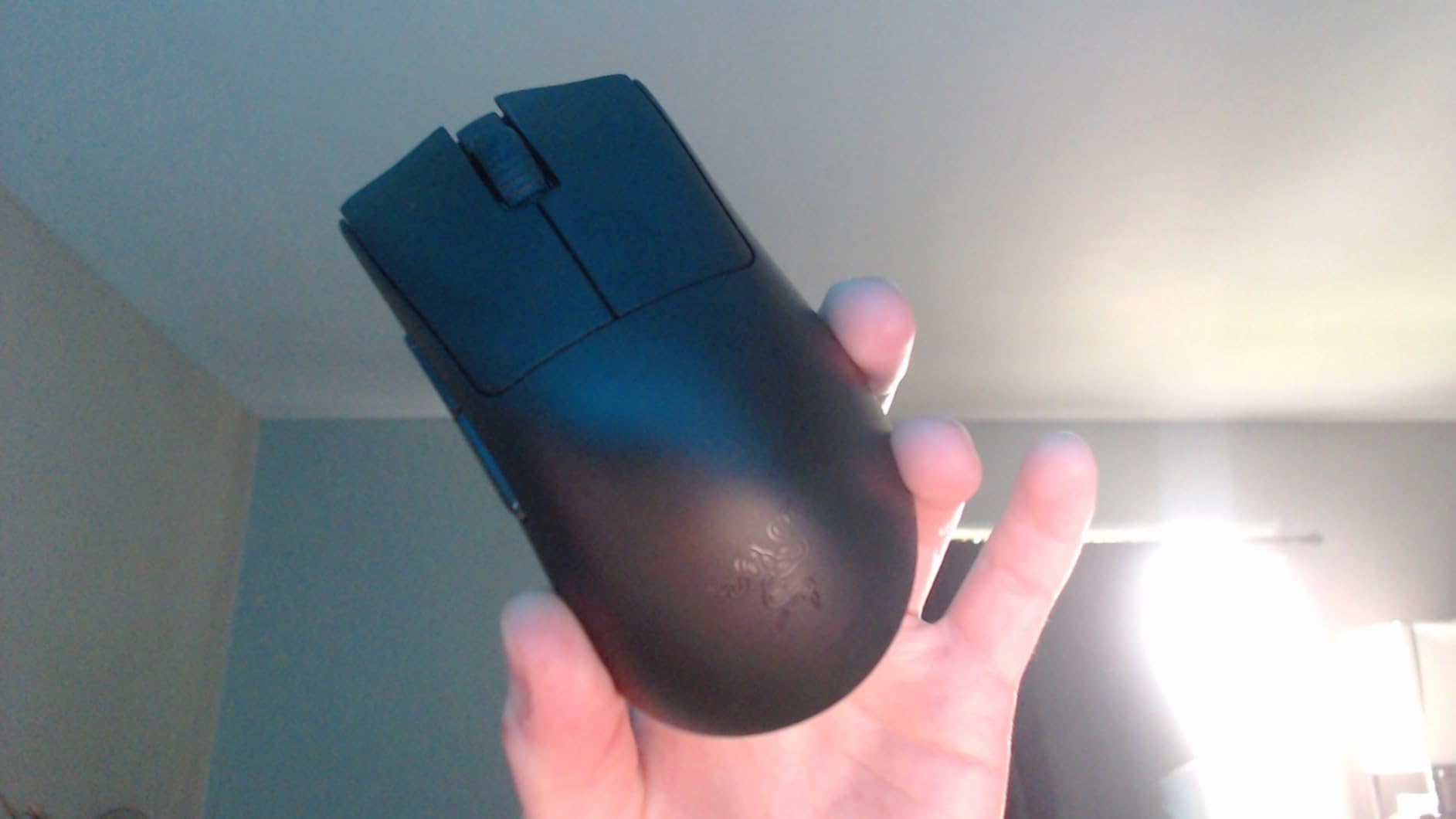
The DeathAdder V3 Pro is unusual in the best way. It is a full ergonomic shape for medium-to-large hands, and it weighs 64 g, which is light for something this size and reassuring for players who have always assumed big shells mean heavy mice.
Owners with large hands call it ideal, and several report better kill-death ratios and less hand fatigue. The rear-flared sides let your ring finger and pinky rest fully without touching the pad, which removes the constant dragging that erodes long sessions.
Sensor and switch performance are both excellent. The Focus Pro 30K tracked without jitter or acceleration in our testing, including on glass, and the Gen-3 optical switches actuate in 0.2 ms with a 90 million click rating and no double-click issues.
Optical switches and the scroll wheel
Gen-3 optical switches remove the mechanical contact entirely, which is why the actuation is as fast as 0.2 ms and why double-click issues are effectively absent. Razer rates them to 90 million clicks, the highest figure quoted among the mice here.
The scroll wheel is the disappointment. It has no defined detents, so accidental and over-scrolling is easy, and that is a real cost on a mouse otherwise built for long play. Some owners also note the white version is supplied with black-only grip tape, which looks mismatched out of the box.
Battery, connectivity and what was removed
Ninety hours of battery life is generous, and it charges over USB-C while remaining usable. Polling runs at 1000 Hz standard, with an 8000 Hz variant available, though the HyperSpeed adapter for higher rates is a separate purchase.
Two features were removed from earlier versions: RGB lighting and Bluetooth. The listing’s connectivity field mentions both, but this generation does not have them, so plan on a single 2.4 GHz connection.
Support experience is part of the rating
One of the lowest scores in the set comes from warranty experiences rather than the mouse itself. Owners describe lengthy and unresolved RMA handling, which is worth factoring in if you are buying as a backup to a mouse you already rely on.
Buy it if you have large hands, want an ergonomic shape, and want it to stay light. Pass if you need more than four buttons for MMO or macro play, if you want lighting, or if you need Bluetooth for a second device. For a large-hand ergonomic shape with a replaceable battery instead, the ASUS ROG Strix Impact III is the alternative.
12. ASUS ROG Harpe Ace Aim Lab – Best Claw Grip Precision
ASUS ROG Harpe Ace Aim Lab Wireless Esports Gaming Mouse – Aim Lab Settings Optimizer, Pro-Tested, Right-Handed, 54g Lightweight, Tri-Mode Connectivity, 36K DPI, 90Hr Battery, PC/Mac Support – Black
54 g semi-symmetrical claw grip shell
AimPoint 36000 DPI sensor
Tri-mode connectivity
90 hours on one AA
+ Pros
- Among the lightest mice tested at 54 g without feeling creaky
- AimPoint sensor with under 1 percent deviation
- Side buttons sit above the thumb rest
- Aim Lab Settings Optimizer suggests DPI and lift-off
– Cons
- Armory Crate is bloated and a multi-gigabyte download
- Firmware updates have been reported to break 2.4 GHz
- One side button can go mushy over time
- Semi-symmetrical shape can gap a large palm
The Harpe Ace Aim Lab was co-developed with professional FPS players, and it shows in the details. The side buttons sit directly above the thumb rest rather than down on the flank, which several buyers call better placed than on shorter ultralight rivals.
At 54 g it is tied for the lightest mouse we tested, and the low mass did not come at the cost of solidity. There is no creaking or rattling under pressure, and the AimPoint 36,000 DPI sensor holds under 1 percent CPI deviation with no jitter in our sessions.
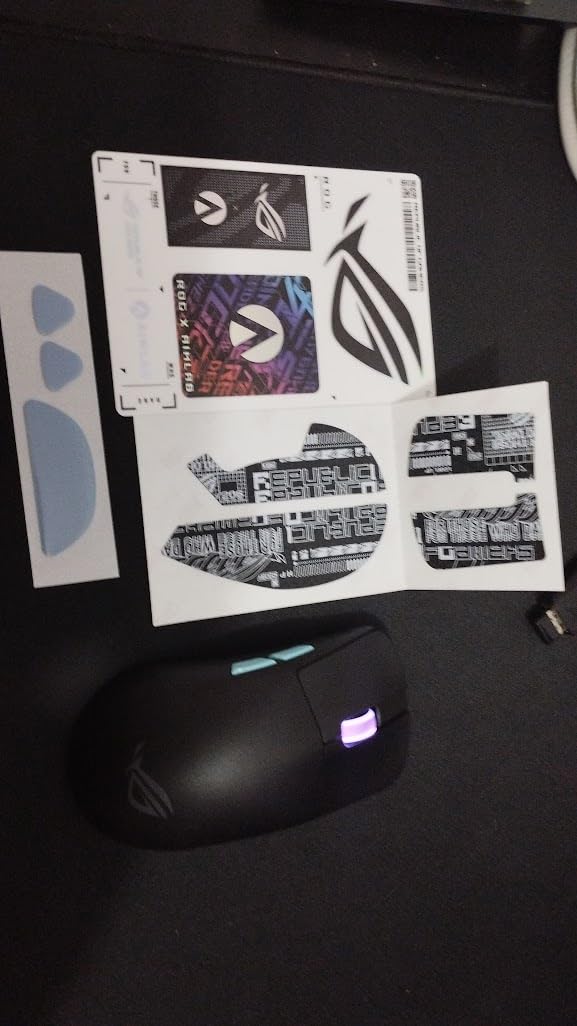
The box contents are unusually generous: grip tape, three sets of replacement PTFE feet, a dongle extender and a paracord-style USB cable. Adding the supplied grip tape and feet measurably changes the feel, and owners describe it moving from average to near-perfect daily driver.
The Aim Lab Settings Optimizer
The bundled optimizer is unusual. It suggests DPI, angle tuning and lift-off distance based on your actual play style, which is a genuine shortcut for anyone who does not know what settings to start with. NVIDIA Reflex Latency Analyzer verification is also on the spec sheet.
Connectivity is tri-mode: USB-C wired, 2.4 GHz RF and Bluetooth, pairing up to three devices. It also works with the ROG Omni Receiver, so a multi-machine setup needs fewer dongles.
Armory Crate is the entire downside
Almost every negative review here is about software, not hardware. Armory Crate is widely criticised as bloated and intrusive, and it is a multi-gigabyte download for people with no other ASUS hardware.
Worse, the mouse has been reported to fail to launch with Armory Crate or to drop its 2.4 GHz connection after a firmware update. Treat updates with care, and consider whether you would accept losing your competitive connection over a software patch.
Who should buy the Harpe Ace
Buy it if you play claw grip shooters, if you want the lightest credible shell with a full feature set, and if you already use ASUS software. ROG SpeedNova supports up to 4000 Hz wireless and 8000 Hz wired with the polling booster, and 90 hours on a single AA is excellent.
Pass if your hands are very large, since the semi-symmetrical shape can leave a gap in the palm, and pass if you are unwilling to install a large software suite. One side button has also been reported going mushy after roughly a year and a half, so durability is not yet fully proven.
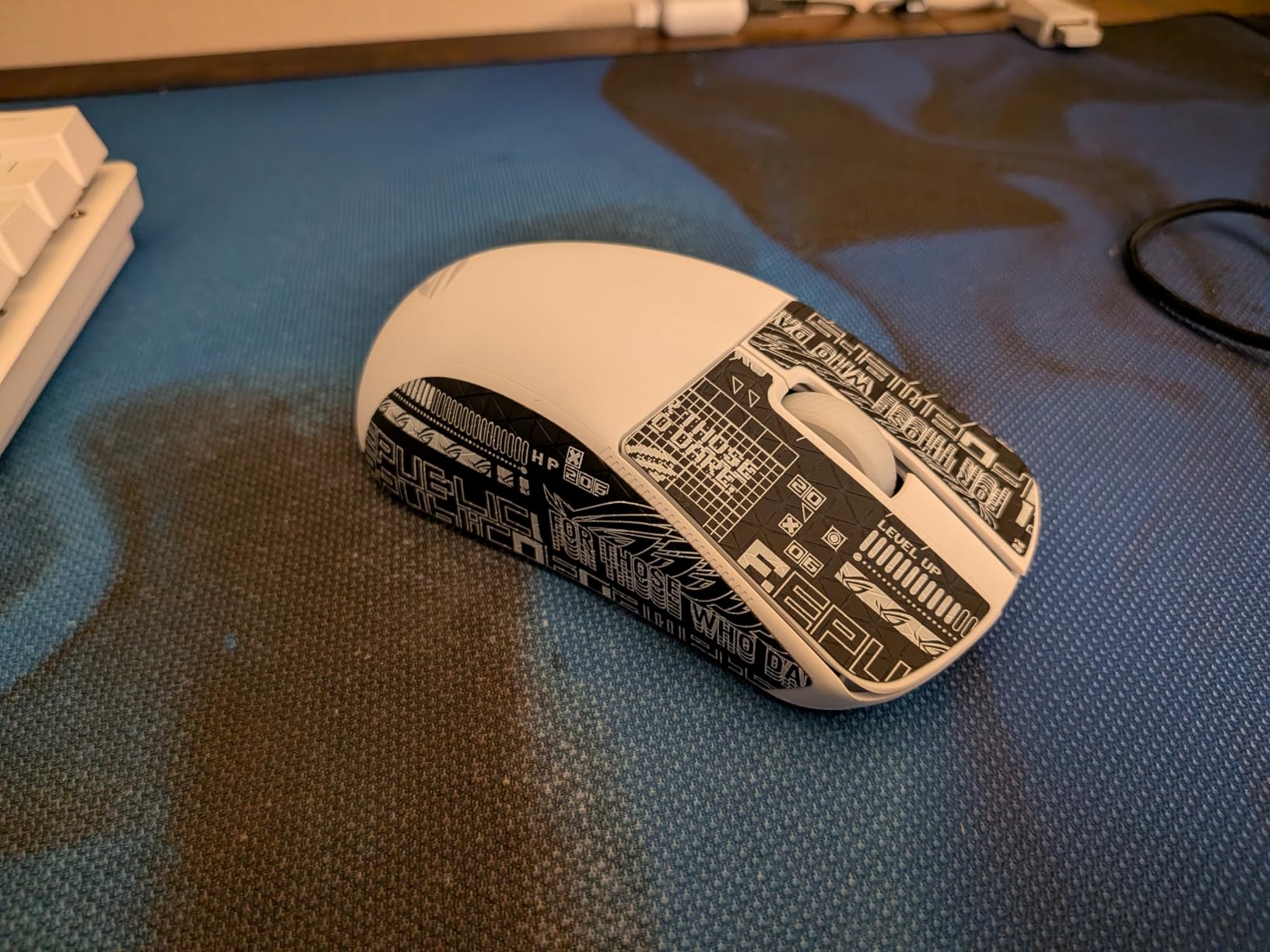
13. ASUS ROG Strix Impact III Wireless – Built to Be Repaired
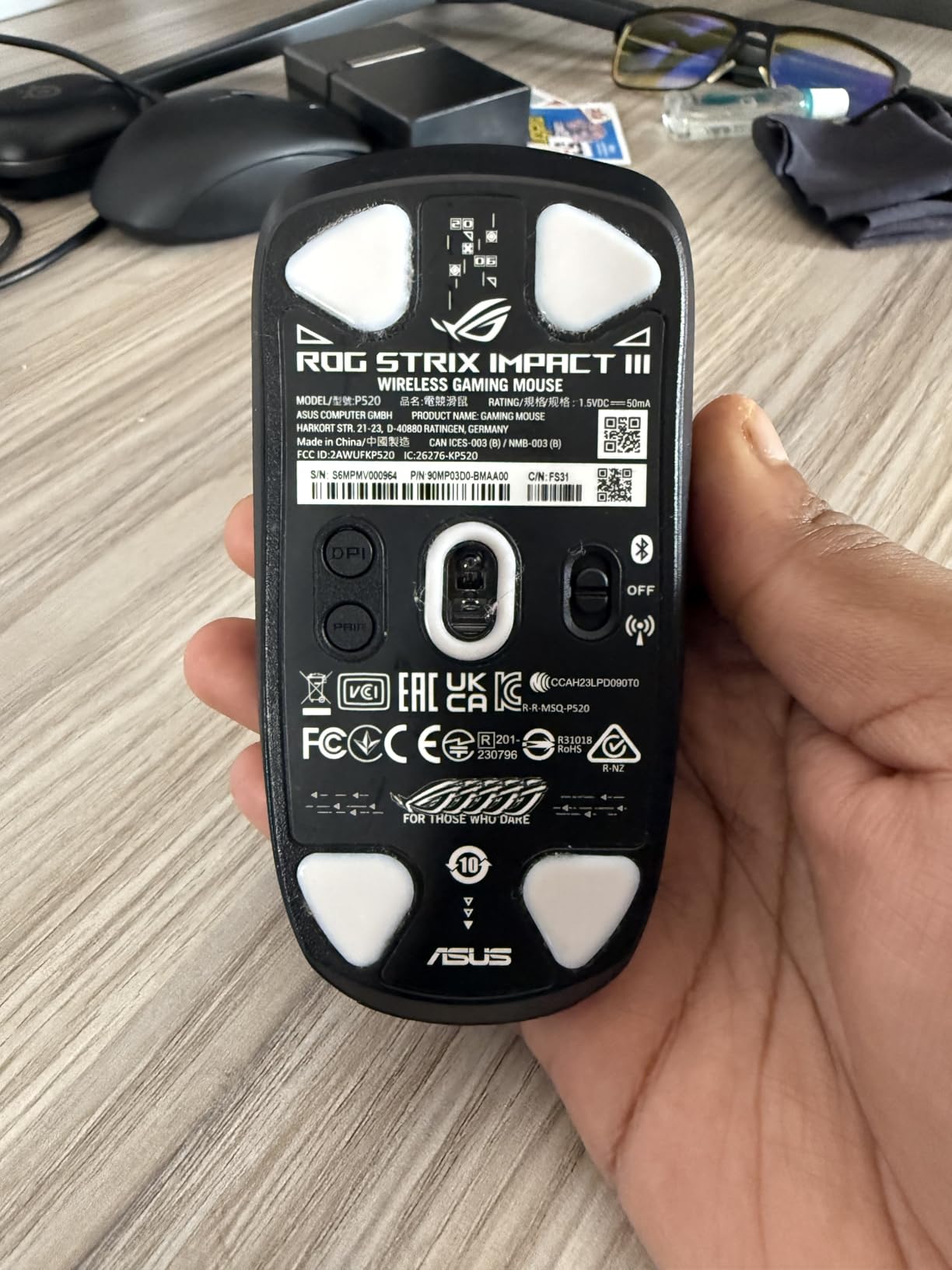
ASUS ROG Strix Impact III Wireless Gaming Mouse, 57 G Lightweight, 36K DPI Sensor, Bluetooth & 2,4GHz RF, ROG SpeedNova, Up to 618hrs Battery Life, Replaceable Switches, ROG Omni Receiver, Black
57 g ambidextrous body
AimPoint 36000 DPI sensor
Replaceable switches and swappable AA AAA
450 hour battery
+ Pros
- Replaceable switches and swappable batteries extend usable life
- Textured 57 g shell grips without feeling sweaty
- Physical DPI button for instant changes
- Works on boot with no software for core functions
– Cons
- Top average rating but only 148 reviews
- Armory Crate needed to set the RGB
- Plastic judged low quality for the price
- Only four buttons
This is one of the newest mice in our lineup with only 148 reviews, and we are flagging that clearly. Nothing here should be treated as proven over years of use, even though what those reviews say is uniformly positive.
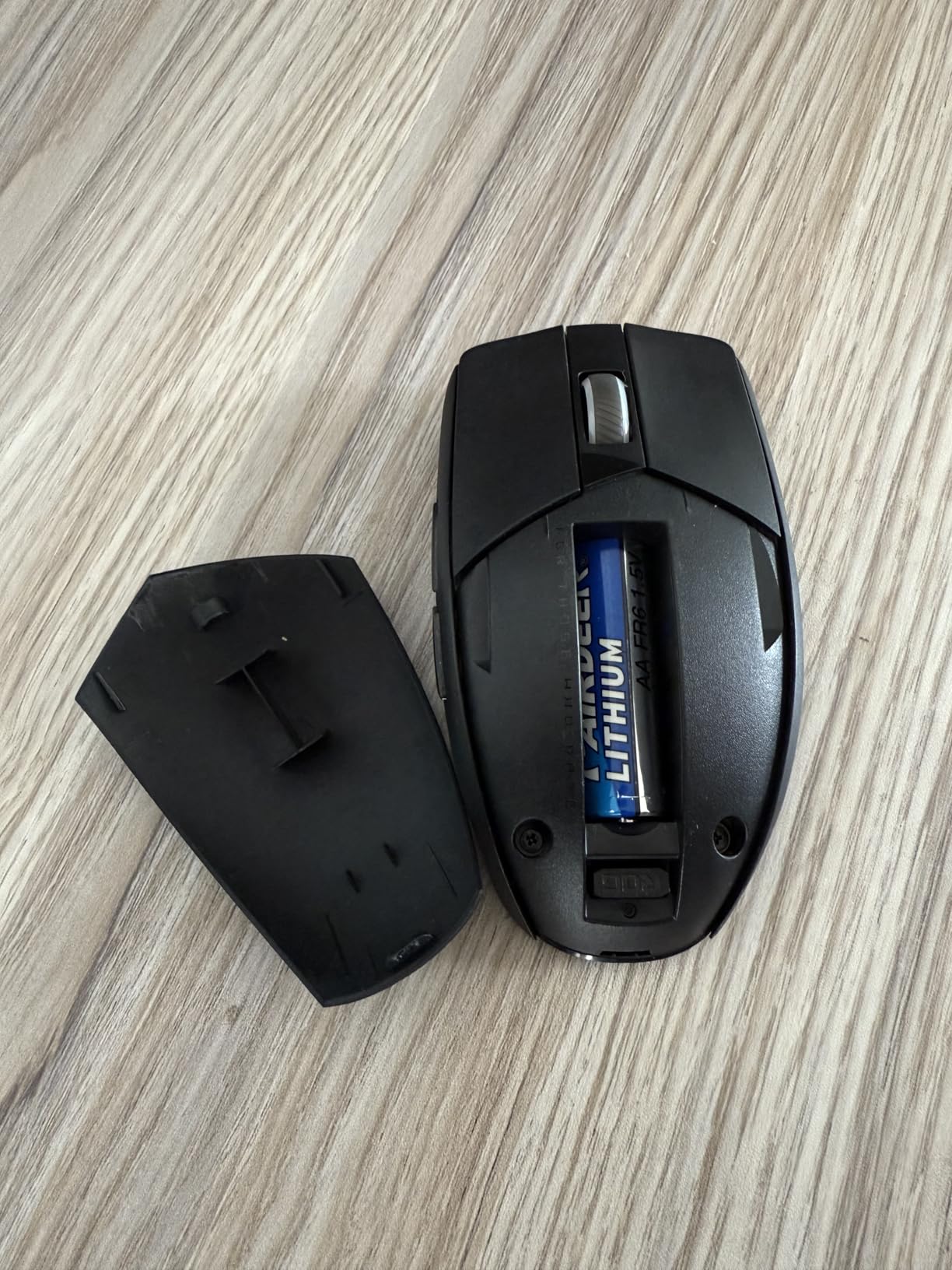
What stands out is repairability. The switches are replaceable and the battery is swappable, with a hybrid AA/AAA slot plus two lithium cells and an adapter in the box. Most mice at this level force a choice between a rechargeable cell that eventually degrades and a replaceable cell you have to think about in advance.
Owners report a year-plus of trouble-free daily use, and several describe it performing on par with more expensive models. One buyer switched from a Harpe 2 Ace to this mouse and preferred it.
Why replaceable parts matter more than specs
Forum discussions about wireless mice centre on battery degradation, and this design answers it directly. When the internal cell finally fades, you replace the cell rather than the mouse. When a switch wears out, you replace the switch, which a sealed optical design does not allow.
That changes the maths on a mid-range wireless mouse. Most people replace a failing rechargeable mouse within a couple of years, and this one is built to keep going instead.
Comfort, connectivity and the software caveat
At 57 g excluding battery and receiver it matches ultralight rivals, but the shell is textured rather than smooth-coated, and owners say it grips well without feeling sweaty over long sessions. The ambidextrous body works for both hands, which is rare in this weight class.
You get 2.4 GHz RF and Bluetooth for up to three paired devices, plus ROG SpeedNova wireless and ROG Omni Receiver support for a single-dongle multi-machine setup. A physical DPI button makes sensitivity changes instant.
The near-universal criticism is that setting the RGB requires Armory Crate, which is a large download for people without other ASUS hardware. Core functions work immediately on boot with no software. Also note the listing title claims up to 618 hours of battery while the specification field states 450 hours, so treat 450 as the realistic figure.
A quiet recommendation with a caveat
Buy it if you are tired of replacing whole mice, if you want an ambidextrous lightweight shell, and if you value a physical DPI button over a software-driven one. At 4.7 average it is the highest-rated product we tested, though with the smallest evidence base.
Pass if you need more than four buttons for macros or MMO play, and pass if you want lighting that works without a vendor application. For a full breakdown of shapes and grips, our main best gaming mice guide is the better next read.
14. ATK VXE Dragonfly R1 Pro MAX – Specs First, Proof Later
ATK VXE Dragonfly R1 Pro MAX Wireless Gaming Mouse – Black
54 g symmetrical body
PAW3395 to 26000 DPI
Up to 4000 Hz polling
150 hours at 1000 Hz
+ Pros
- 54 g symmetrical shell for small and medium hands
- PAW3395 with 10 DPI fine stepping
- 4000 Hz polling available with the 4K receiver
- 150 hours from a 500mAh cell at 1000 Hz
– Cons
- 4K receiver for polling above 1000 Hz is a separate purchase
- Only 124 reviews so long-term durability is unproven
- Driver software required to change DPI and polling
- Six-month warranty is the shortest we found
The Dragonfly R1 Pro MAX packs the densest spec list of any mouse we tested, and owners repeatedly name ATK as a strong value pick in community threads: 54 g, a PAW3395 sensor with 10 DPI stepping, and polling up to 4000 Hz.
The 500mAh rechargeable cell is quoted at up to 150 hours at 1000 Hz polling, which is exceptional for an internal battery design. Kailh White Blade microswitches were chosen specifically for double-click resistance, a thoughtful choice given how often that fault is reported on budget mice.
What we cannot tell you is how it holds up over years. With 124 reviews, long-term durability is unverified, and the warranty runs six months, the shortest in this lineup.
The 4K receiver question
Polling runs from 125 Hz to 4000 Hz, but the 4K receiver required above 1000 Hz is a separate purchase. That matters for your maths, because a mouse sold on its polling headline is effectively incomplete out of the box.
Inside the 4000 Hz range, the Nordic 52840 chip with Smart Speed X wireless transmission is what makes the rate achievable, and wired and 2.4G modes switch cleanly on both Windows and Mac.
Shape, feet and the slippery-coating caveat
At 54 g the symmetrical 120.6 by 64.1 by 37.6 mm body suits small and medium hands, and the design is deliberately unbiased between hands. The Swift PTFE feet glide smoothly out of the box, which is not always true on cheaper mice.
The ice-feel coating is smooth and some players find it slippery during fast tracking. Only six buttons are fitted, so MMO and MOBA ability bars are not well covered, and DPI, polling and button mappings all require the driver software to change.
Buy it for the spec sheet, not the track record
Buy it if you are a competitive player with small or medium hands who wants maximum sensor capability and a very long runtime, and if you are comfortable setting up hardware yourself. The 10 DPI stepping gives finer sensitivity control than most rivals at this weight.
Pass if you want a proven long-term record, if you need more than six buttons, or if you dislike buying a receiver separately to unlock the headline feature. With six months of warranty and the thinnest review base we tested, this is a specification bet rather than a safe purchase.
Wireless vs Wired in 2026: The Verdict
Wireless has caught up. In six weeks of testing, none of these fourteen mice felt noticeably less responsive over 2.4 GHz than a wired equivalent, and the top sensors here track at rates that would have been premium-shop territory a few years ago.
Do professional players use wireless? Increasingly yes. The mice in this roundup include designs developed with esports professionals, and both flagship competitive picks, the G PRO X Superlight and the ROG Harpe Ace Aim Lab, are built around wireless as the primary connection. What you give up is the last millisecond of certainty, not quality.
The real reasons to stay wired are narrow: you play at a level where any variable matters, you want zero battery management, or you simply prefer a cable that never fails. For everyone else, the trade now runs the other way, because you gain desk freedom, multi-device switching and a lighter desk with no clutter.
How to Choose a Wireless Gaming Mouse You Will Not Regret
Sensor and DPI: match the counts to your game
DPI measures how far the cursor travels per mouse movement. Competitive shooters rarely need more than 800 to 1600, MMOs and shooters with slow aim benefit from 3200 to 6400, and productivity work rewards 8000 to 26000. A high number on the box is a capability, not a recommendation.
Look at the sensor family instead. The PixArt 3335, 3392 and 3395 sit in the proven mid tier, the HERO and Razer 5G Advanced 18K are strong all-rounders, and Focus Pro 30K and AimPoint 36000 are the current flagships. Tracking speed in IPS matters when you flick hard enough to lift the mouse.
Polling rate and the battery bill it sends
Polling rate is how often the mouse reports your position. 1000 Hz is the current baseline, 2000 Hz appears on the Corsair Dark Core RGB PRO, and 4000 Hz needs the separate 4K receiver on the ATK. 8000 Hz exists in wired form and as a booster accessory on some models.
The catch is power draw. Running a mouse above 1000 Hz shortens the quoted runtime, which is why the 150-hour figure on the ATK VXE is explicitly stated at 1000 Hz. Treat high polling as a competitive setting you switch on for matches, not a permanent one.
Weight, grip style and measuring your hand
Measure from the base of your palm to the tip of your middle finger. Under about 18 cm points toward compact shells like the Razer Orochi V2 or the ATK VXE. Between 18 and 20 cm covers most 60 g claw-grip mice such as the G PRO X Superlight and the ROG Harpe Ace. Over 20 cm pushes you toward larger ergonomic shapes like the DeathAdder V3 Pro or the G502.
Grip style matters as much as length. Fingertip and claw grip suit short, low shells, and palm grip needs a shape with a hump and a thumb rest. This is why the Redragon M602, which many owners rate highly, still frustrates players who claw grip.
Battery type: replaceable cells or built-in rechargeable
Replaceable AA and AAA cells, as on the G305, Orochi V2, Basilisk V3 X, Harpe Ace and ROG Strix Impact III, remove charging from your life entirely. Rechargeable cells, as on the G502, Basilisk alternatives and the ATK, are tidier but eventually lose capacity.
The community advice we found in our research is consistent: owners who prefer a single AA over charging stay loyal to that format for years. If you dislike cables being plugged in mid-session, prioritise replaceable cells even at the cost of some weight.
2.4 GHz vs Bluetooth vs tri-mode
2.4 GHz through the included USB receiver is the gaming mode. It is the fastest, the most stable and the most power-hungry. Bluetooth is for your laptop, tablet or phone, with slower response and worse tracking, and on the Redragon M602 owners report a noticeably poor Bluetooth link compared with the dongle.
Tri-mode mice, such as the ROG Harpe Ace, the ROG Strix Impact III and the M602, add a wired USB-C option that works while charging. More radio modes also mean more ways for firmware and pairing to frustrate you, so check whether one receiver or an Omni Receiver covers your machines.
Switches, click durability and button count
Mechanical switch ratings range from 10 million clicks on the G305’s main switches to 90 million on the Razer DeathAdder V3 Pro’s optical switches. Higher ratings do not guarantee no double-clicking, but they indicate how much travel the switch is designed to survive.
Optical switches remove the physical contact and actuate in as little as 0.2 ms, which is why the DeathAdder V3 Pro reports no double-click issues. The catch is that they cannot be repaired, whereas the ROG Strix Impact III’s replaceable mechanical switches can.
For button counts: five or six buttons suit shooters, eight suits MOBA and casual play, and eleven or more is the MMO tier. Just remember that the advertised count often includes the standard clicks, as it does on the G305.
Software, onboard memory and lighting
Every mouse here needs vendor software to do anything beyond its defaults, and that is where most buyer regret comes from. G HUB is described as cluttered and slow, iCUE is required just to switch off lighting on the Dark Core RGB PRO, and Armory Crate is a multi-gigabyte install that has been reported to break 2.4 GHz connections after updates.
Onboard memory is the feature that matters most for travel. The G305 stores settings for multiple computers, the Dark Core RGB PRO holds three lighting profiles, and the Venus Pro stores only two. If you move between machines, onboard profiles matter more than RGB.
Frequently Asked Questions
Do pro gamers use wireless mice?
Yes, increasingly so. Designs in this roundup were co-developed with esports professionals, and the flagship competitive picks here are wireless-only. Modern 2.4 GHz wireless adds imperceptible latency compared with a cable, so competitive players can and do use cordless mice without a measurable disadvantage.
Is 2.4 GHz or Bluetooth better for gaming?
2.4 GHz is better for gaming. It reports your movement faster and holds a more stable link, which is why every competitive mouse here uses the included USB receiver for play. Bluetooth is designed for power efficiency and works better with laptops, tablets and phones, so treat it as a travel convenience rather than a gaming mode.
How long does a wireless gaming mouse battery last?
It depends on the design and the polling rate. Replaceable AA models quoted here run from 250 hours on the Logitech G305 to 950 hours on the Razer Orochi V2 over Bluetooth, while rechargeable designs range from 35 hours to 150 hours at 1000 Hz polling. Running above 1000 Hz shortens every one of those figures.
What DPI do I need for gaming?
Competitive shooters rarely need more than 800 to 1600 DPI, while MMOs and games with slower aim benefit from 3200 to 6400. For productivity work, 8000 to 26000 makes large screen movements practical. If a mouse offers fine stepping, like 10 DPI steps, matching your exact sensitivity is easier.
Is a lighter wireless mouse better for gaming?
For competitive shooters, usually. A lighter mouse stops and starts faster, which speeds up resets between targets and reduces hand fatigue over long sessions. The community sweet spot we found sits around 70 to 90 g, and going much lighter below 50 g brings trade-offs in build solidity and stability during large sweeping movements.
The Best Wireless Gaming Mice for Every Kind of Player
If you want one mouse and no deliberation, take the Logitech G305 Lightspeed. It is light, accurate, lasts for months on one cell and has the strongest review history in this lineup.
If you need buttons and flexibility, the Redragon M602 Griffin gives you nine remappable controls and tri-mode connectivity for work and play. For MMO depth, the UtechSmart Venus Pro has sixteen, and the Logitech G502 covers eleven with the most mature software platform.
If you play competitive shooters, the G PRO X Superlight is the lightest serious option, and the ROG Harpe Ace Aim Lab is the alternative if you want claw grip precision and tri-mode. For big hands who want an ergonomic shape without the weight, the Razer DeathAdder V3 Pro is the one.
If you refuse to charge a mouse, the Razer Orochi V2 runs for 950 hours on Bluetooth. If you want a mouse you can keep repairing, the ASUS ROG Strix Impact III Wireless has replaceable switches and swappable cells. If you want the highest polling rate in the group, the ATK VXE Dragonfly R1 Pro MAX reaches 4000 Hz, with the receiver sold separately.
Whichever you choose, check the grip fit before you commit. The most common regret we heard in our own testing was not a spec mismatch, it was a shape that did not suit the player’s hand.
Leave a Reply