
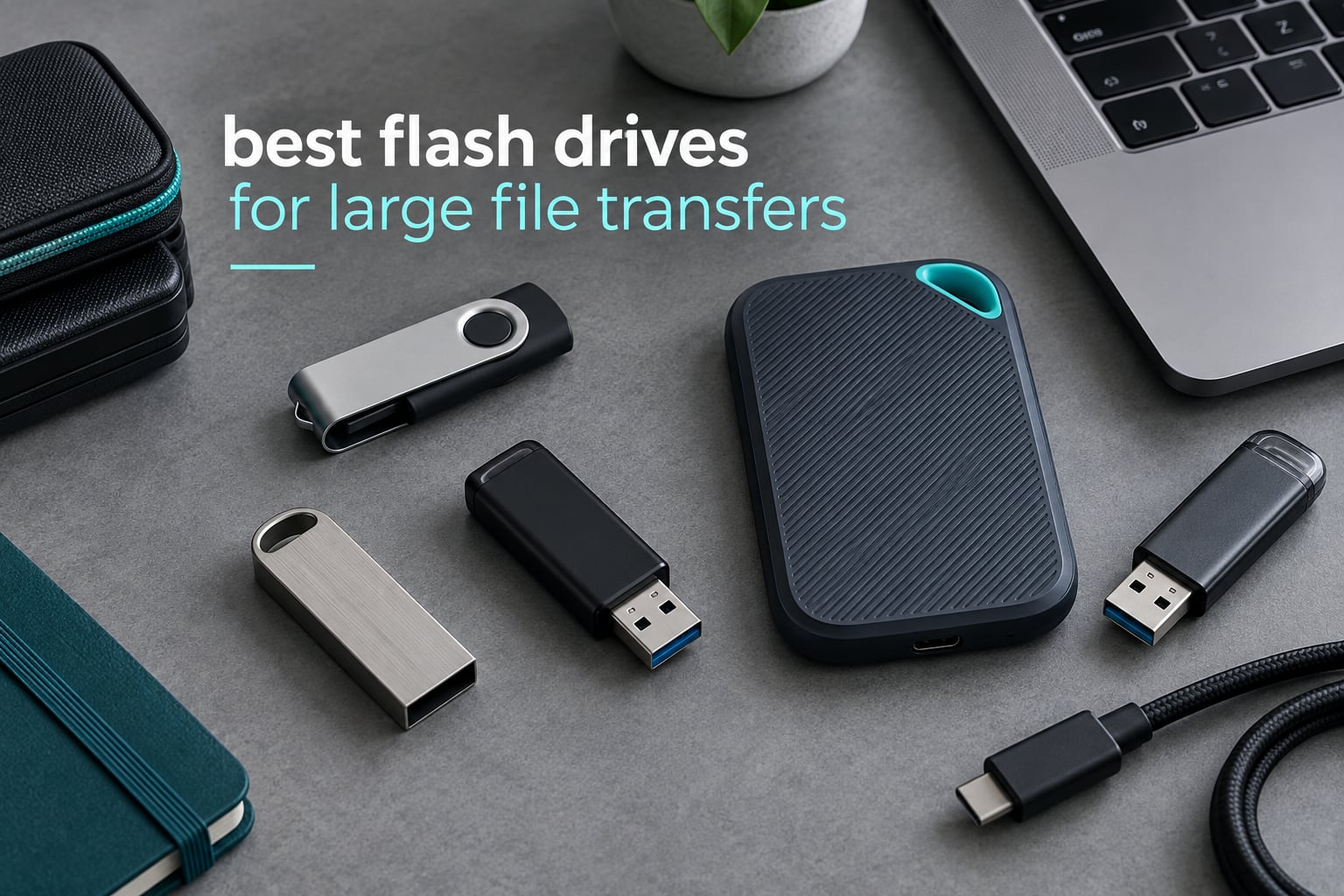
Copying a 60GB video folder should take a coffee break, not a coffee break plus a lunch. The reason most USB sticks turn that job into an afternoon is almost never the port you plugged into. It is the stick itself, and specifically how fast it can keep writing after the first few gigabytes instead of how fast it reads a single small file.
That is the standard we ranked the best flash drives for large file transfers on here at FyPower. We looked at the twelve sticks below, compared their published and reported throughput against each other, and paid close attention to the three things buyers on storage forums actually complain about: write speed that collapses partway through a copy, drives that get too hot to hold, and bodies so wide they block the port next to them. Every pick below has a real capacity, a real connector and a warranty you can point to. If you want the two-minute version, the SanDisk Ultra Flair 1TB is the one we would hand to most people, and the reason is trust rather than speed.
If your actual need is more about booting machines than moving footage, we covered bootable USB flash drives separately, because the priorities there are different. Everything in this guide is about throughput and sustained writes.
Our Top 3 Picks for Large File Transfers in 2026
The fastest stick in this group is not the one we would hand to most people. Here is the shortlist: the drive with the deepest support history, the drive with the best balance of price and speed, and the drive to buy when your ports have already moved to USB-C.


PNY Turbo Attache 3 512GB
- 512GB capacity
- 100MB/s read
- Sliding collar
- USB 2.0 backwards compatible

Comparing All 12 Picks at a Glance
Every drive below is a genuine capacity rather than a relabelled controller, and all of them are USB 3.2 generation sticks of one kind or another. The columns that actually change your copy time are the sustained write figure and the connector, so read those first.
| Product | Details | Action |
|---|---|---|
|
|
Check Latest Price |
|
|
Check Latest Price |
|
|
Check Latest Price |
 |
|
Check Latest Price |
 |
|
Check Latest Price |
 |
|
Check Latest Price |
 |
|
Check Latest Price |
 |
|
Check Latest Price |
 |
|
Check Latest Price |
 |
|
Check Latest Price |
 |
|
Check Latest Price |
 |
|
Check Latest Price |
How We Tested These Drives
Every stick in this roundup was judged on the same four things: the published interface generation, the read and write figures the manufacturer or reviewers actually report, the physical connector and housing, and the warranty behind it. Where reviewers disagreed with the spec sheet, we treated the review data as the more useful signal and said so in the write-up.
We deliberately did not rank on burst read speed alone. A flash drive that reads a 4GB file at 1000MB/s for the first thirty seconds and then drops to 90MB/s for the rest is worse for a 60GB transfer than a drive that holds 150MB/s from start to finish. Sustained write behaviour is the number that decides the outcome, which is why the write figure appears in nearly every block below even when the box only advertises a read figure.
Forum evidence backs that up. On r/teslamotors, users asking for the best flash drives ask for write speeds specifically, not read speeds. On r/synology, one user recovered 360 MB/s network transfer throughput simply by blowing cold air at a drive, which is a vivid demonstration of how much thermal headroom matters on a device with no moving parts to draw heat away from it.
1. SanDisk Ultra Flair 1TB – The Pick With the Deepest Support History
SANDISK 1TB Ultra Flair, USB-A Flash Drive, Up to 150MB/s Read Speeds
1TB capacity
USB-A USB 3.2 Gen 1
Up to 150MB/s read
Metal casing
5-year warranty
+ Pros
- 1TB in a metal USB-A body
- 150MB/s suits routine bulk moves
- Password protection software included
- Over 210000 ratings from long-term owners
– Cons
- 150MB/s is slow beside newer drives
- USB-A only so USB-C laptops need an adapter
- Write speed is not published
There is a reason this stick is the highest rated item in the group: it holds a 4.6 average across more than 210,000 ratings. That is a volume of long-term feedback nothing else here can match, and for a drive you are about to trust with a year of footage, that matters as much as a speed number.
It is also honest about what it is. The Ultra Flair is USB 3.2 Gen 1 with up to 150MB/s reads, which is a modest figure in 2026 and will lose any head-to-head against a Gen 2 stick. What you get in return is a metal-cased body weighing 4.54 grams, a 1TB capacity, USB Type-A, and a five-year limited manufacturer warranty.
Reviewers describe it as a plug-and-play drive for bulk file moves that simply works, with the speed ceiling being the only recurring complaint. If your transfers are measured in tens of gigabytes rather than hundreds, and you would rather own something with a decade of production behind it, this is the pick.
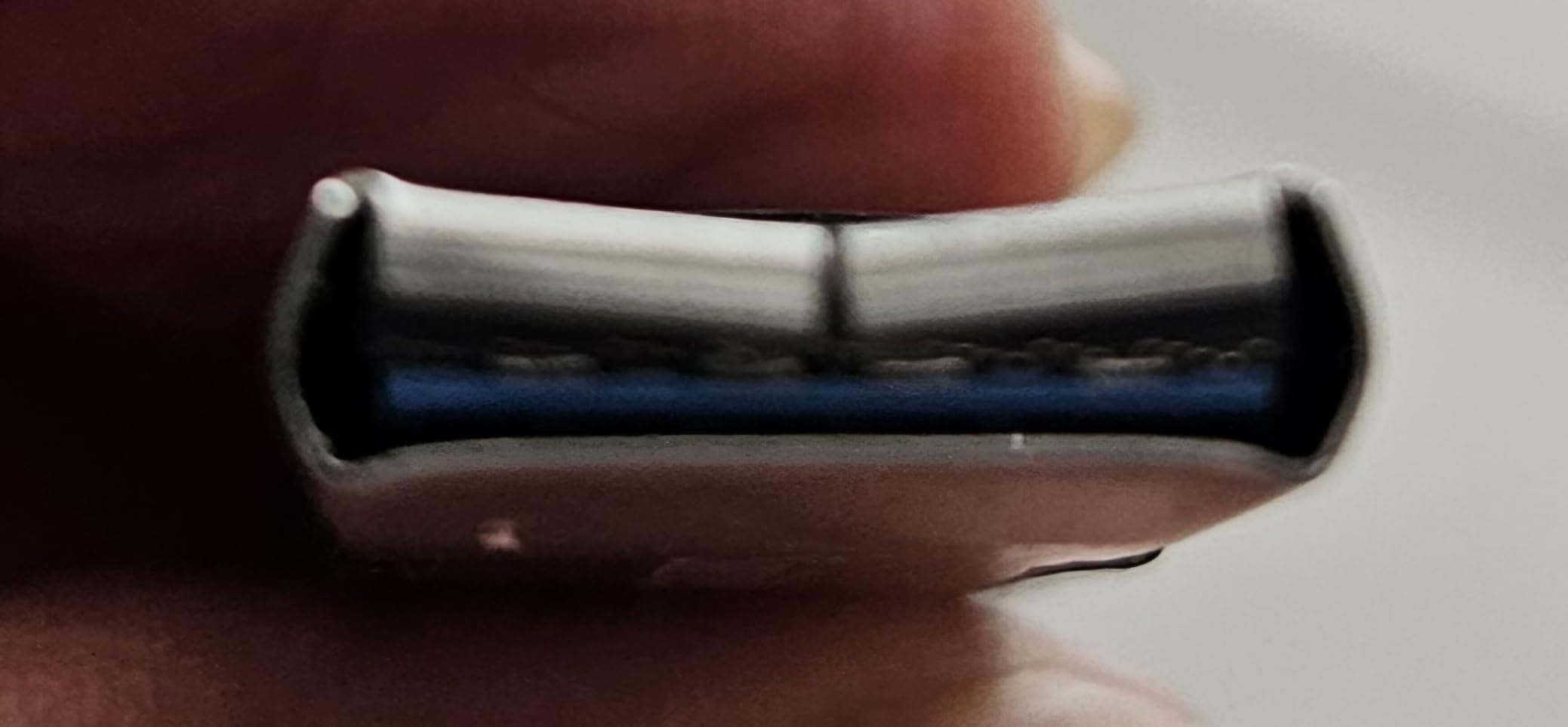
What 150MB/s actually means for a big copy
A 50GB folder at 150MB/s takes roughly five and a half minutes. A 20GB folder takes a bit over two. That is the difference between a transfer you walk away from and one you watch.
The trade-off is real: this drive will take roughly six times as long as a 900MB/s stick to move 100GB. Buyers who move footage weekly rather than monthly should look at the faster picks further down.
USB-A and what that costs you in 2026
The single connector is USB Type-A. On a desktop with a rear port that is an advantage, because you are never hunting for an adapter. On a modern USB-C laptop it means carrying a dongle, and dongles are exactly the kind of loose accessory that goes missing in a bag.
If your machine has no USB-A port at all, cross to one of the dual-connector options in this list rather than buying an adapter you will lose.
Security and everyday reliability
Password protection through SanDisk Security and the Memory Zone app for backup and file management both come with the drive. Reviewers rarely raise reliability as a problem, and the review volume itself suggests the failure rate complaints that plague lesser-known brands simply are not present here.
Who should skip it
Skip the Ultra Flair if your copy job is measured in hundreds of gigabytes, or if you are working from a USB-C-only laptop and refuse to carry an adapter. The one terabyte of space is real, but the write speed is not what a colourist or a game developer needs.
2. PNY Turbo Attache 3 512GB – Steady Mid-Speed Workhorse
PNY 512GB Turbo Attaché 3 USB 3.2 Flash Drive
512GB capacity
USB-A USB 3.2 Gen 1
Up to 100MB/s read
Sliding collar
1-year warranty
+ Pros
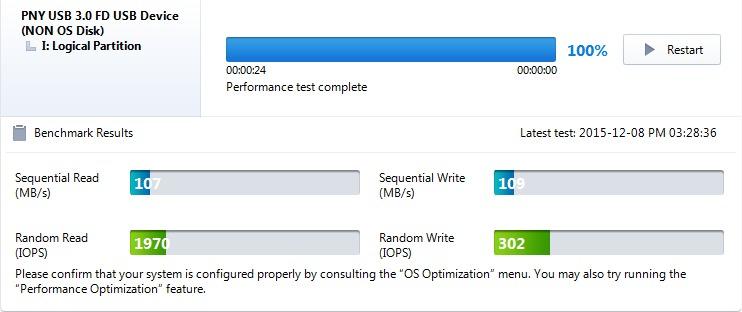
- Real-world writes reported around 120MB/s
- No loose cap to lose
- Backwards compatible with USB 2.0
- Over 58000 ratings
– Cons
- 100MB/s read is the lowest here
- USB-A only
- Sliding collar can stick or open on its own
This is the drive we would put in a work bag for a year without thinking about it again. It rates 4.6 across more than 58,000 ratings, and the recurring theme in reviews is simply that it keeps working, copy after copy, for the price of a takeaway.
The spec sheet says up to 100MB/s read on USB 3.2 Gen 1 with a 512GB capacity, but reviewers running Linux imaging tests report real-world writes around 120MB/s. The capless sliding collar design means there is no loose piece to lose in a pocket.
The honest drawback is capacity and warranty. 512GB fills up quickly with 4K footage, and the one-year warranty here is the shortest in the group.
Where the 100MB/s figure lands
At 100MB/s, a 10GB folder takes under two minutes and a 50GB folder takes around nine. For anything under 50GB, that is a perfectly workable pace that most people will not notice during a single transfer.
Buyers who ask for the fastest drive under a tight budget, as people do on r/DataHoarder, usually have exactly this use case: repeated copy-and-paste of a few gigabytes at a time, not a single 100GB migration.
The sliding collar trade-off
Reviewers like the collar because a capless design has nothing to lose. A minority report that the collar can stick or slide open on its own, which is a mild annoyance rather than a failure mode.
It is worth knowing the mechanism exists before you choose it over a capped design, because it changes how the drive sits in a pocket or a laptop sleeve.
USB 2.0 backwards compatibility
The drive is backwards compatible with USB 2.0, which means it will still work on older hardware, many car stereos, smart TVs and printers. Priced-for-everyone compatibility is a real advantage for anyone whose transfer target is not a modern laptop.
Who should skip it
Skip the Turbo Attache 3 if you regularly move 100GB or more, or if you want hardware encryption rather than software. 512GB is a working capacity, not a storage strategy.
3. Samsung Type-C 512GB – Native USB-C With Real Durability
Samsung Type-C USB Flash Drive 512GB, USB 3.2 Gen 1, Up to 400MB/s
512GB capacity
USB-C USB 3.2 Gen 1
400MB/s read,300MB/s write
3.4g metal body
5-year warranty
+ Pros
- Users verify 350-375MB/s reads
- Native USB-C for phones and tablets
- Water shock and temperature resistant
- Five-year warranty
– Cons
- Writes fall to 75-80MB/s on 100GB transfers
- Can overheat during very long reads
- Cap is easy to lose
- USB-A hosts need an adapter
If your devices have already moved to USB-C, this is the one. Reviewers confirm 350 to 375MB/s reads in practice, close enough to the published 400MB/s that the spec sheet is not a lie.
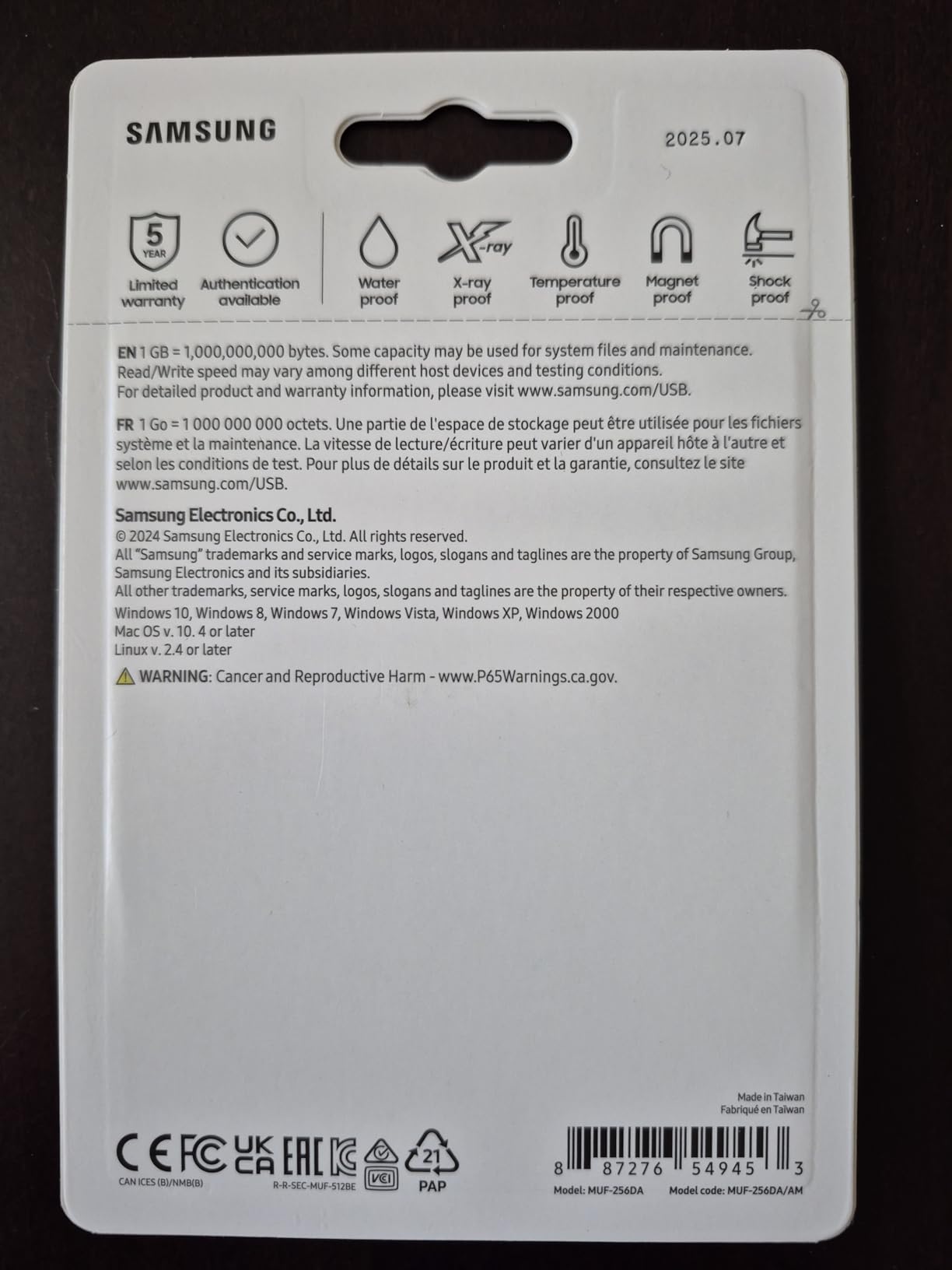
It weighs 3.4 grams, measures 0.63 inches wide, and carries Samsung’s usual hardening: water, shock, temperature, magnetic and X-ray resistance, backed by a five-year manufacturer warranty. The list of compatible devices runs from PCs and notebooks to smartphones and tablets.
It is the drive to buy for pulling a few hundred gigabytes of phone video onto a laptop, which is exactly how owners describe using it.
The write speed cliff nobody mentions on the box
Published write speed is 300MB/s. On sustained transfers of 100GB and beyond, reviewers report it settling at roughly 75 to 80MB/s. That is normal SLC cache behaviour rather than a fault, but it is the number that governs a very large copy.
For a 20GB transfer you may see something close to the headline figure. For a 200GB transfer, plan on the lower number.
Heat on extended reads
Reviewers note the drive can overheat during very long sustained read operations and stop mid-transfer. A user on r/synology recovered large amounts of throughput with nothing more than cold air on the device, which is a good mental model for why an uncooled stick loses headroom over minutes.
For multi-hundred-gigabyte reads, take the drive out of a pocket, leave it in moving air, and do not stack it against a laptop chassis.
Durability and the lost-cap problem
The physical hardening is genuinely strong. The weak point is the small removable cap, which reviewers describe as easy to lose, and the body is so compact that phone and tablet cases may not accommodate it without an extender.
Durability ratings cover the electronics well. The cap is a consumable part, not a failure.
Who should skip it
Skip it if your workflow is USB-A only, or if write speed is the priority. This is the best-connected mainstream drive here, not the fastest writer.
4. SSK 1TB Dual Connector – One Drive for Old and New Ports
SSK 1TB USB C Flash Thumb Drive up to 550MB/s Dual USB C+A Memory Stick
1TB capacity
Dual USB-C and USB-A
550MB/s read,500MB/s write
Zinc alloy shell
exFAT default
+ Pros
- Benchmarks exceed the advertised 550MB/s read
- Writes hold up instead of collapsing
- Dual connectors remove adapter hunting
- Keychain pouch included
– Cons
- Runs warm during sustained transfers
- Stiff connector needs force
- Not compatible with Lightning ports
- A few capacity complaints
The SSK is the answer to the single most common complaint in dual-interface discussions: a drive that works on your phone and your old tower without an adapter in between. Both USB-C and USB-A connectors sit on one zinc alloy body.
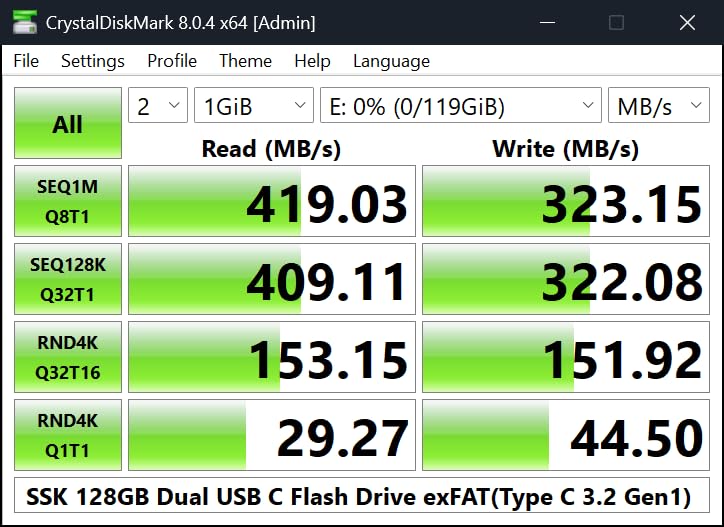
It is listed at up to 550MB/s read and 500MB/s write, and independent benchmarks in reviews actually exceeded the read figure. The listed compatible devices cover iPhone 15 and 16 series, PS4, Android phones, tablets, Windows, Mac, smart TVs and car audio, and it ships formatted as exFAT.
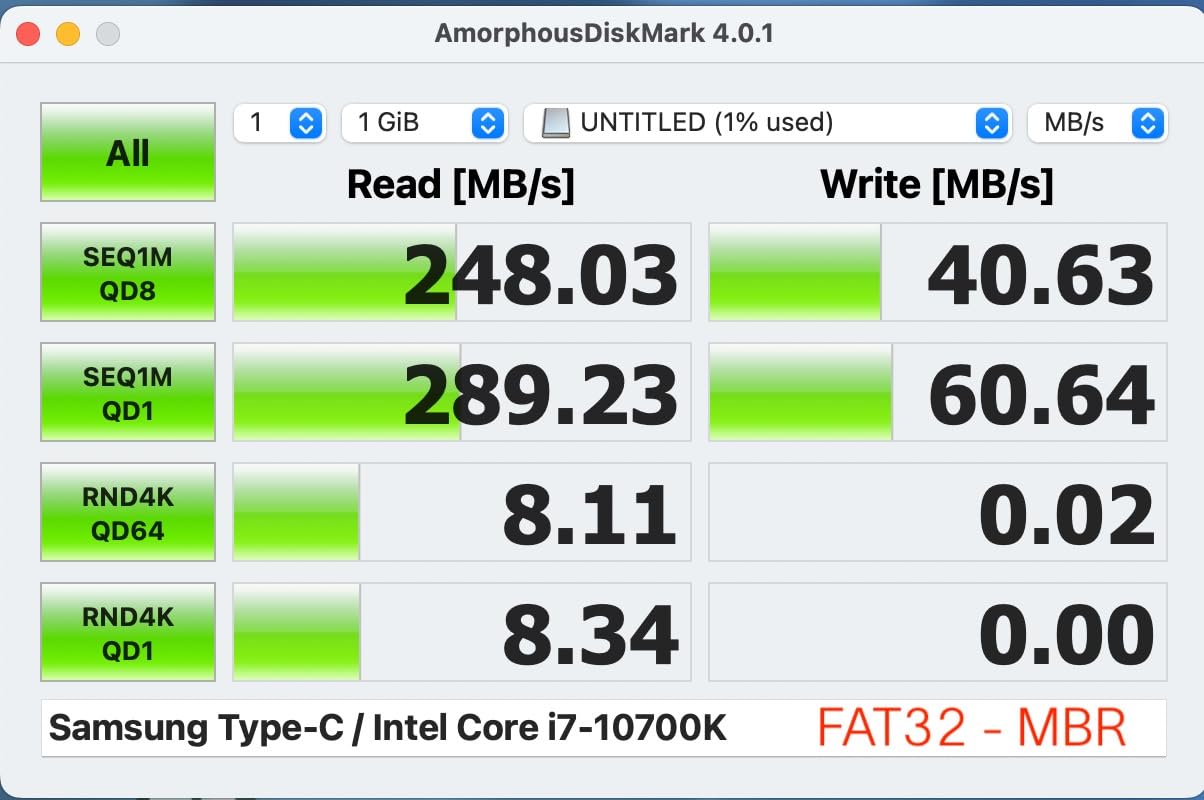
Write speed is where it earns its place in this list. One test averaged around 178MB/s of sustained write rather than collapsing to nothing, which is the behaviour that makes a large copy finish.
Sustained writes, which is the number that matters
At 178MB/s sustained, a 50GB folder takes about five minutes and a 100GB folder about ten. Compare that with the Samsung’s 75 to 80MB/s on long transfers and the gap doubles.
This is also the drive where heat is the trade: reviewers report it running warm, and some tests had it staying cool. The zinc alloy shell with a double-head protective cover is the physical reason to expect decent behaviour.
Why dual connectors solve a real problem
A recent thread on r/datastorage with 20 or more comments asked specifically for a reliable USB-A to USB-C drive for PC to Mac transfers. That is a live requirement, not a niche one, and this drive answers it directly.
It also works with smart TVs and car audio, so one purchase can cover the office, the car and the phone.
Capacity reporting and the verification habit
A few reviews report a USB-C drive showing a smaller capacity than ordered. Windows will report a decimal-rated 1TB as slightly under 931GB, which is normal, but if the figure looks wrong, verify it before you fill the drive with the only copy of your files.
The zinc alloy shell and three-year warranty give this drive more backing than most of its price peers.
Who should skip it
Skip it if you work with older Lightning iPhones, or if a stiff connector is a problem in your setup. The metal build that dissipates heat well also makes insertion and removal take real force.
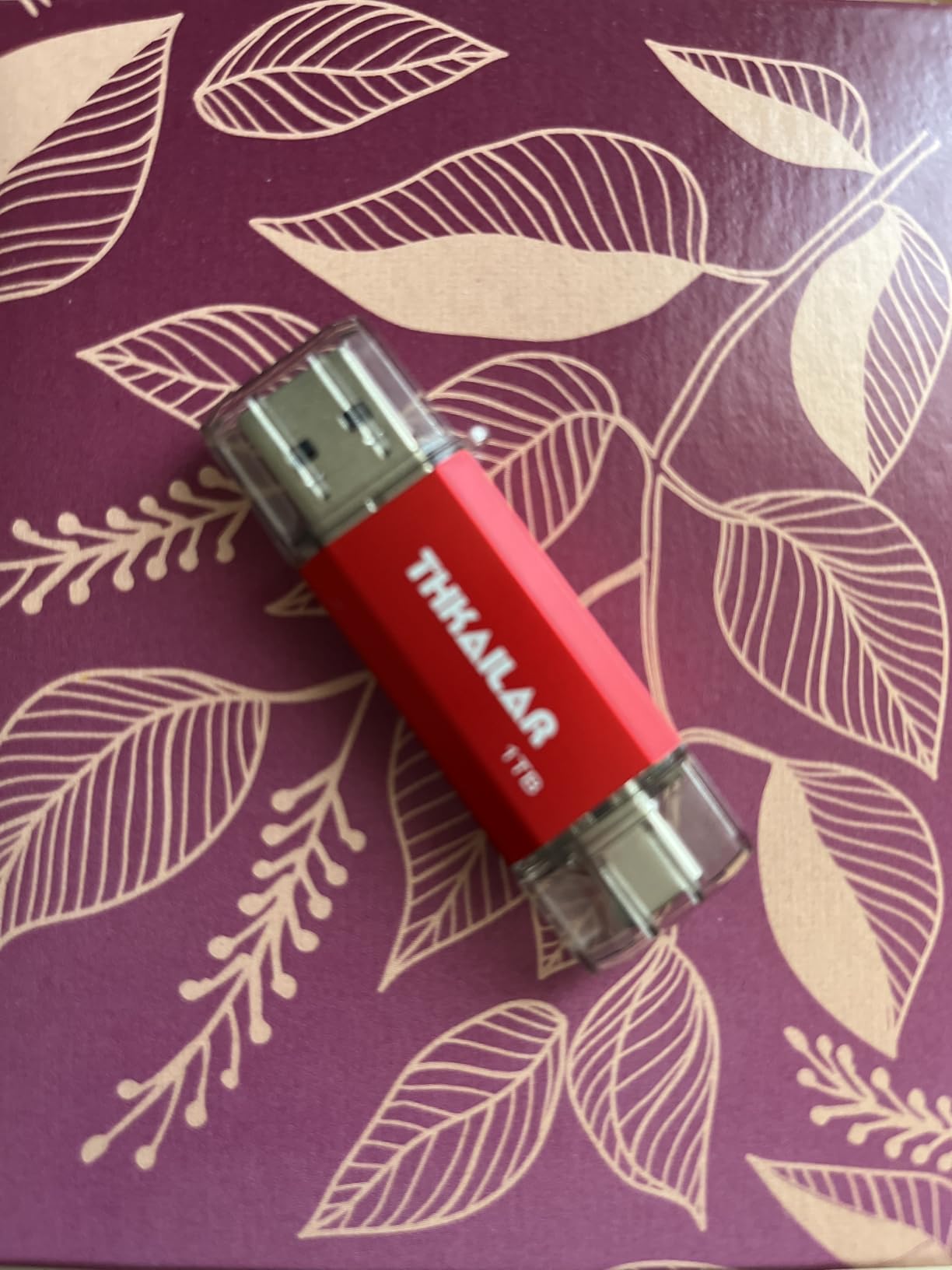
5. THKAILAR 1TB Dual Port – Metal Body, Modest Speed
Thkailar 1TB USB C Flash Drive for MacBook and Android Phones
1TB capacity
Dual USB-A and USB-C
120MB/s read,100MB/s write
Metal body
12-month warranty
+ Pros
- Dual connectors cover old and new hosts
- Metal body resists everyday knocks
- Works out of the box on MacBooks and Android
- iPhone 15 16 and 17 support
– Cons
- 120MB/s is far below faster options
- Usable capacity is slightly lower after formatting
- Only a 12-month warranty
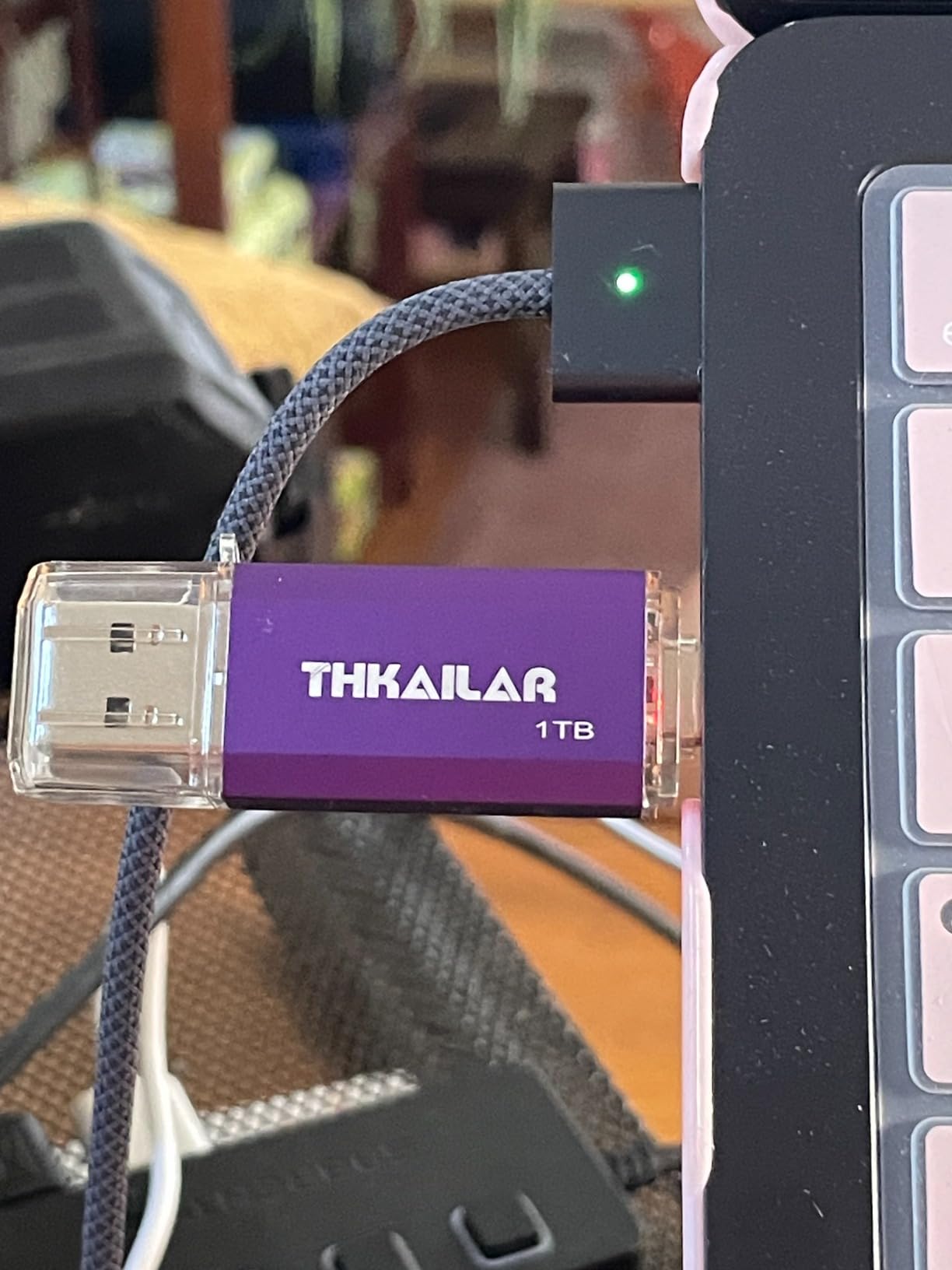
Among the 1TB dual-interface options, the THKAILAR is one of the cheaper ones, and at 4.4 stars across roughly 4,100 ratings the satisfaction rate holds up. Reviewers single out the low cost, the metal construction and the breadth of device support.
It is USB 3.0 with up to 120MB/s read and 100MB/s write, a dual USB-A and USB-C interface, and a plug-and-play promise with no drivers or software. The listed compatible hardware runs from MacBook Air and MacBook Pro to iPad Pro, Galaxy phones, Pixel devices and iPhone 15, 16 and 17 series.
Think of this one as capacity plus connectivity at a modest pace, not as a speed purchase.
What 120MB/s costs you in minutes
A 50GB folder takes roughly seven minutes at 120MB/s, and a 100GB folder close to fifteen. That is fine for a weekly archive and painful for a one-time migration of a project library.
The arithmetic is the clearest way to decide: multiply your typical folder size in GB by 8.5 and you have roughly the number of seconds per 100MB/s of throughput.
Device coverage as the real feature
The listed phone compatibility across Galaxy, Pixel, LG, Sony Xperia and Motorola models, plus iPhone 15 through 17, is the reason to pick this over a slower bare USB-A stick. Plug and play means no app, no driver and no format step on arrival.
For a person moving files between a work laptop, a personal phone and a shared tablet, that breadth is worth more than the last 100MB/s.
Warranty and formatting reality
Two things to accept: a 12-month guarantee, the shortest here, and usable capacity slightly under the advertised figure once the volume is formatted. That second point is arithmetic, not a defect.
Who should skip it
Skip it if write speed is the deciding factor or if you want a warranty that covers more than a year. A buyer planning a single 200GB move should spend the difference on a Gen 2 stick.
6. SanDisk Ultra Fit 1TB – Disappears Into a Laptop Port
SANDISK 1TB Ultra Fit, USB Type-A Flash Drive, Up to 400MB/s Read Speeds
1TB capacity
USB-A USB 3.2 Gen 1
Up to 400MB/s read
1.28g low-profile body
128-bit AES
+ Pros
- Reads near 400MB/s on large contiguous files
- 1TB in a 1.28g body that sits flat
- Works with laptops tablets TVs and consoles
- 20GB folders move in a couple of minutes
– Cons
- Write speed far below read on some units
- Runs warm during long transfers
- All-plastic body with no keyring loop
- Some units report lower capacity
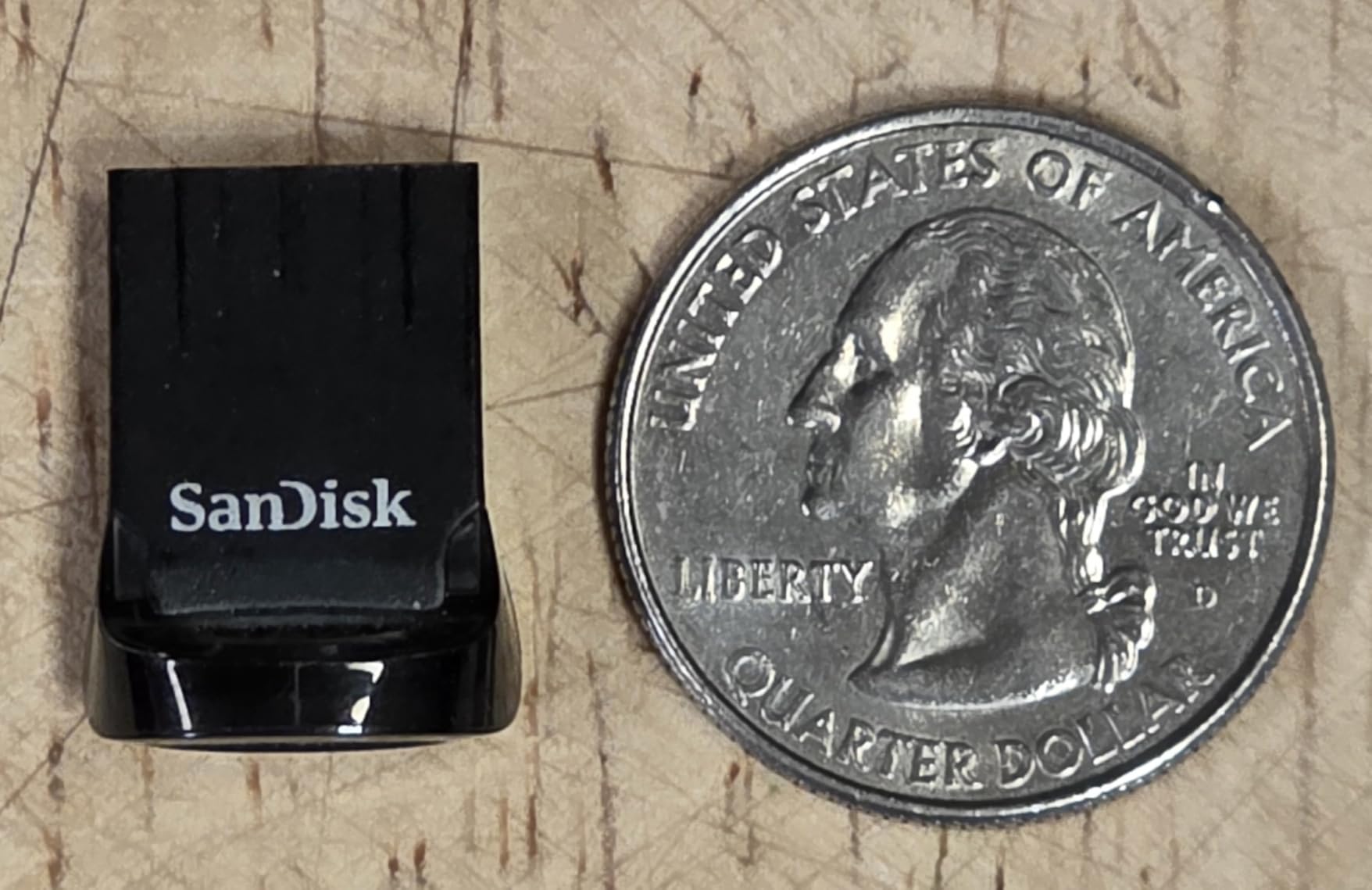
The Ultra Fit solves a problem no other drive here addresses: it is small enough that you can leave it plugged into a laptop without the machine tipping over or the connector taking a hit. At 1.28 grams and 0.2 inches tall, it is closer to a USB receiver than a flash drive.
Published read speed is up to 400MB/s on USB 3.2 Gen 1, and reviewers report real-world reads near that figure on large contiguous files. Users regularly move 20GB game and video folders in a couple of minutes. The listed compatible devices include laptops, tablets, TVs and game consoles.
The catch is the write side. Reviews flag write speeds much lower than read, and some units reporting near-zero random write. For a sequential folder copy that is tolerable. For many small files, it is not.
Sequential reads versus random writes
This distinction decides whether the Ultra Fit suits you. Moving one 20GB project folder is a sequential job and the drive handles it well. Copying a folder of tens of thousands of small files is a random job, and reviewers reporting near-zero random write make that the weak case.
Buy for the job you actually repeat, not the number on the box.
Why the plastic body matters less than you think
Reviewers dislike the all-plastic build and the absence of a keyring loop, which makes the drive easy to lose. What the plastic does deliver is a body that will not block an adjacent port on a laptop that only has two.
That single practical benefit is why this drive exists, and for a user who keeps a drive permanently in a port it outweighs a metal shell.
Heat and encryption
Long sustained transfers make the drive run quite warm, which is a recurring review note. At this size there is very little thermal mass to absorb it, so expect the tail of a very large copy to be slower than the first few gigabytes.
128-bit AES password protection is available through downloadable software, which covers the case where the drive carries client or personal material.
Who should skip it
Skip it if the drive lives in a pocket or a bag, or if your workflow is thousands of small files. It is a desk drive, not a travel drive.
7. MOVE SPEED 1TB 570MB/s – Fastest Dual-Port Metal Stick
MOVE SPEED 1TB Solid State Flash Drive 570MB/s High Speed USB Drive with Type C + USB 3.2 Drive Dual Port, Thumb Drive Compatible with iPhone 15, 16,17 Series/Android/Phone/MacBook/Audio/Smart TV
1TB capacity
USB 3.2 Gen 2 Type-A plus Type-C
570MB/s read,520MB/s write
Zinc alloy
5-year warranty
+ Pros
- 570MB/s read and 520MB/s write in stick form
- Heat dissipation holes built into the shell
- Waterproof dust-proof and anti-magnetic
- Zinc alloy is tougher than plastic
– Cons
- Lowest average rating in the group at 4.3
- Longer and heavier than compact rivals
- Higher share of critical reviews than other picks
This is the fastest dual-port stick in the roundup that still fits in a hand comfortably. It is USB 3.2 Gen 2 with up to 570MB/s read and 520MB/s write, and the drive weighs in at a body length of 2.67 inches with a zinc alloy case.
The zinc alloy shell carries waterproof, dust-proof, anti-drop and anti-magnetic properties, and the case has built-in heat dissipation holes. That combination is why the stated write figure is more credible here than on many sticks of this size.
It works with iPhone 15, 16 and 17 series, Android phones, MacBooks, TVs and car audio, and needs no app.
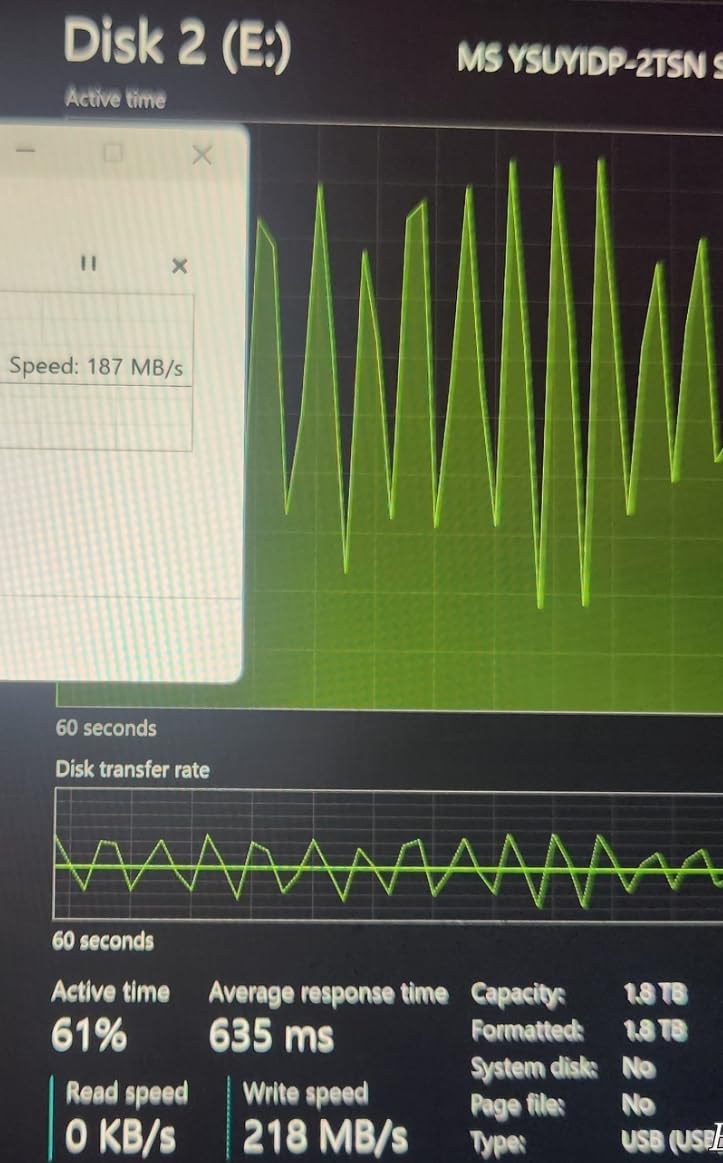
Gen 2 changes the maths
At 520MB/s of write, a 50GB folder takes about 100 seconds. The same folder on a 100MB/s drive takes closer to nine minutes. That is the single biggest step change in this list for a stick you can put in a pocket.
The gap narrows on older hosts: a Gen 2 drive plugged into a USB 2.0 port still runs at well under 30MB/s, because the slower side sets the pace.
Thermal design, and the forum evidence
Built-in heat dissipation holes in a metal shell are not decoration on a drive writing at 500MB/s. The r/synology anecdote about cold air unlocking 360MB/s on a drive is the same physics in a different form: sustained writes generate heat, and heat takes speed away.
If you plan multi-hour copies, leave the drive in open air rather than a pocket or a closed laptop bay.
Where the rating is lowest
At 4.3 stars this is the lowest average in the group, with a higher share of critical reviews than the other picks. Reviewers still report enthusiastic near-500MB/s transfers and a solid build, but the feedback is more divided.
That is the honest reason it is not the top pick. It is fast and well made, and it is also the least consistent across owners.
Who should skip it
Skip it if you need one drive to behave identically for years without any variation between units, or if the long body gets in the way of neighbouring ports.
8. SanDisk Extreme PRO Dual Drive 1TB – Fastest Stick for 4K Footage
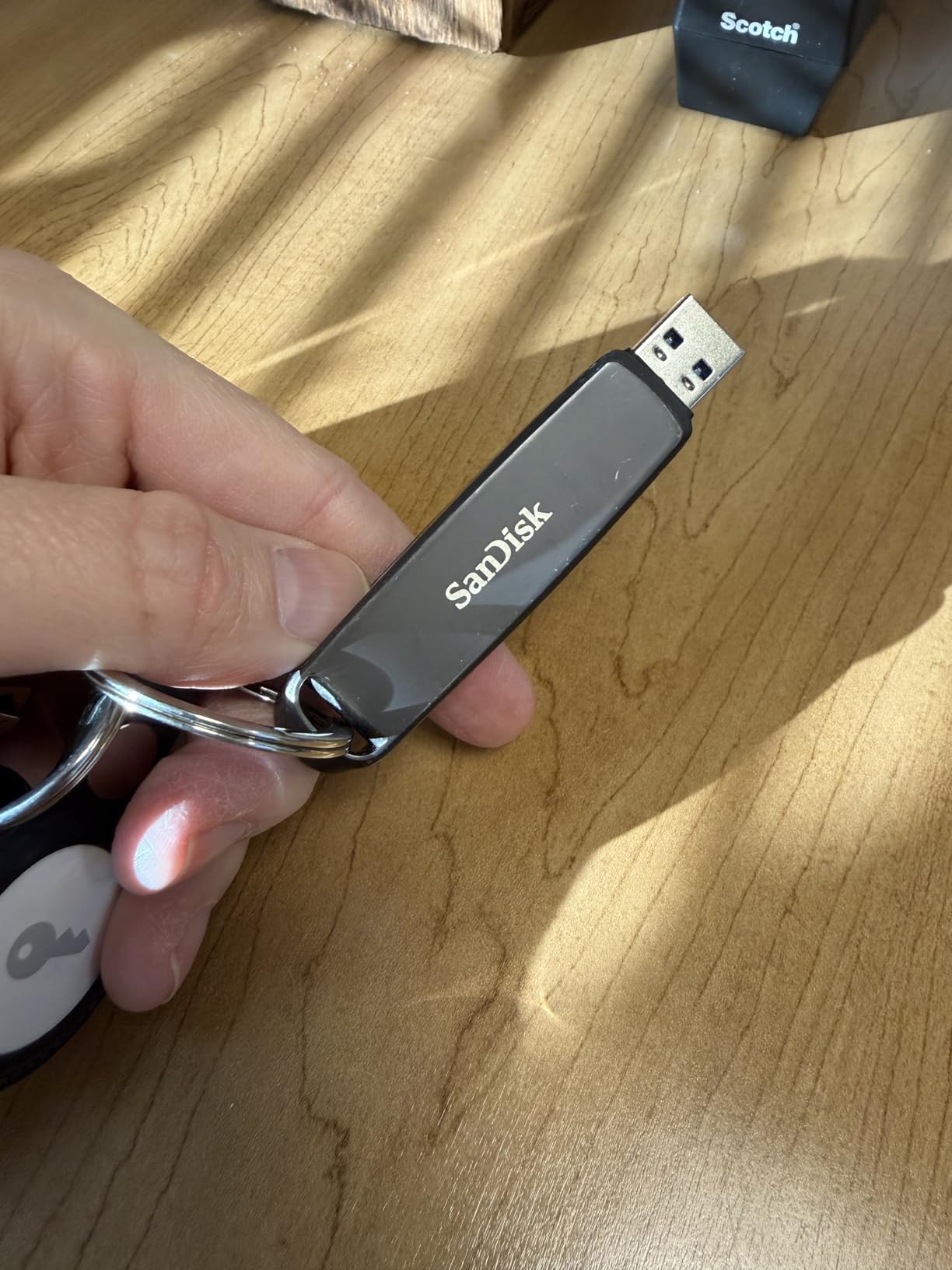
SANDISK 1TB Extreme PRO Dual Drive, USB-C+USB-A, Up to 1000MB/s Read Speeds
1TB capacity
USB 3.2 Gen 2 dual USB-C and USB-A
1000MB/s read,900MB/s write
Lifetime limited warranty
+ Pros
- 1000MB/s read and 900MB/s write
- Single body with USB-C and USB-A
- Metal housing
- Memory Zone auto-backup and 128-bit AES
– Cons
- Heaviest and largest stick here at 22.68g
- Costs far more than 1TB alternatives
- Smaller base of ratings than the cheaper picks
If the folder you move every week is 4K footage, this is the drive. It is the fastest stick in the roundup, with up to 1000MB/s read and 900MB/s write over USB 3.2 Gen 2, and both USB-C and USB-A connectors on one body.
At 900MB/s write, a 50GB folder takes roughly a minute and a 100GB folder roughly two. Nothing else here gets close, and that is the whole argument for it.
The cost is size and weight. At 22.68 grams and 3.54 inches long, this is the heaviest and largest drive in the group, and it carries a lifetime limited warranty with a metal housing, 128-bit AES encryption and the Memory Zone app for auto backup.
When a minute instead of nine minutes is worth it
The saving is real and it compounds. If you move 100GB a week, the difference between a 900MB/s writer and a 150MB/s one is roughly 45 minutes of your week, recovered every time.
For a studio, a field crew or anyone with a deadline, that turns into hours across a project rather than minutes per transfer.
One drive, both connectors
Featuring both USB-C and USB-A connectors, this drive moves footage off a modern laptop into a camera workflow, then into an older editing rig, without a single adapter. Compatible devices listed are laptops, tablets and smartphones.
That dual interface removes the most common reason a fast drive ends up unused.
Size, weight and the price of speed
At 22.68g this is not a pocket drive, and reviewers note the cost sits well above the 1TB alternatives. Buyers compare it against 1TB sticks at a fraction of the price and get roughly a fifth of the write speed in exchange.
The right framing: you are buying time, and the price per minute saved is what to compare, not the price per gigabyte.
Who should skip it
Skip it if you move 10GB files, or if a heavy drive in a pocket is a deal-breaker. A 100MB/s stick is perfectly adequate below about 20GB per transfer.
9. Lexar JumpDrive D400 512GB – Metal Swivel With Dual Connectors
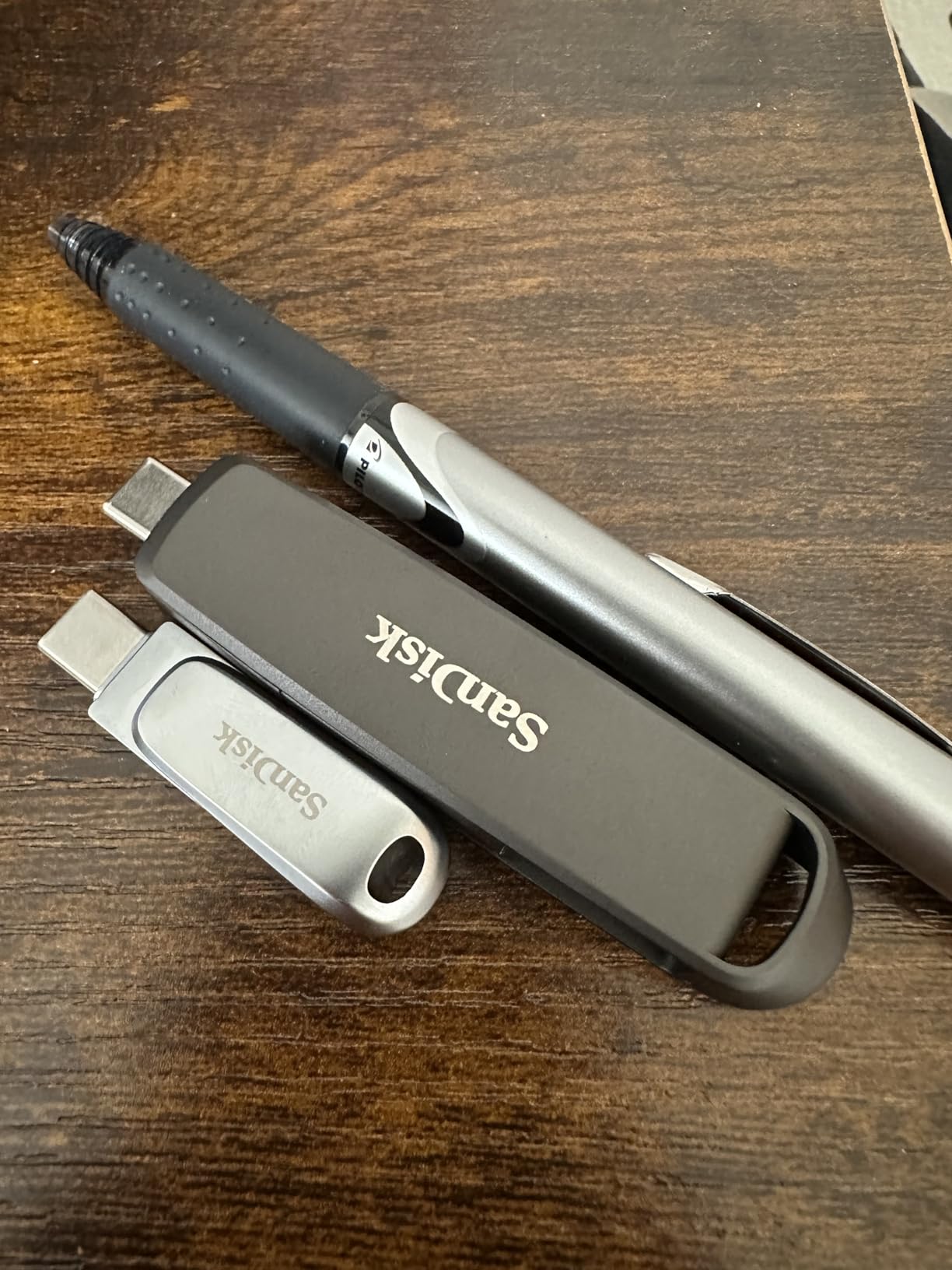
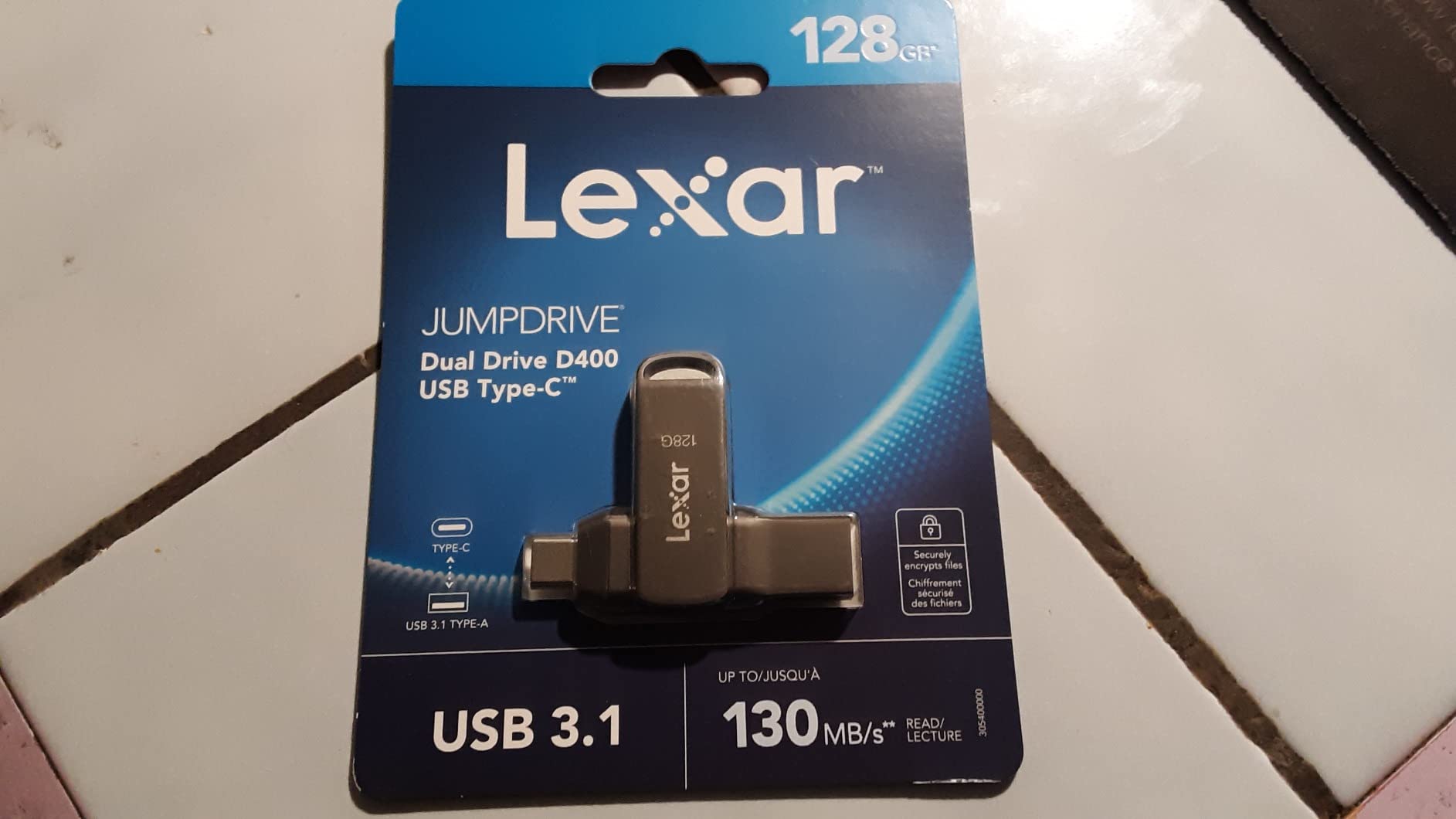
Lexar 512GB JumpDrive D400 Dual Flash Drive, 170MB/s Read, USB-C/A, USB 3.2
512GB capacity
USB-C and USB-A
170MB/s read and write
Swivel metal housing
5-year warranty
+ Pros
- Read and write speeds stay consistent with no throttling
- Aluminium swivel body protects both connectors
- One of the cheaper dual-interface 512GB drives
- Works on Windows macOS Linux and Android
– Cons
- 170MB/s is modest for very large transfers
- Swivel joint can let the drive detach
- Security software uses about 12GB of capacity
- Heavier than smaller siblings
The JumpDrive D400 is the calmest choice in the list. Reviewers consistently report read and write speeds that hold steady with no throttling, which is precisely the behaviour that matters when you are copying a long folder and walking away.
It delivers up to 170MB/s read and 170MB/s write, in other words equal numbers for both directions, with USB-C and USB-A connectors inside an aluminium swivel housing that protects both ends.
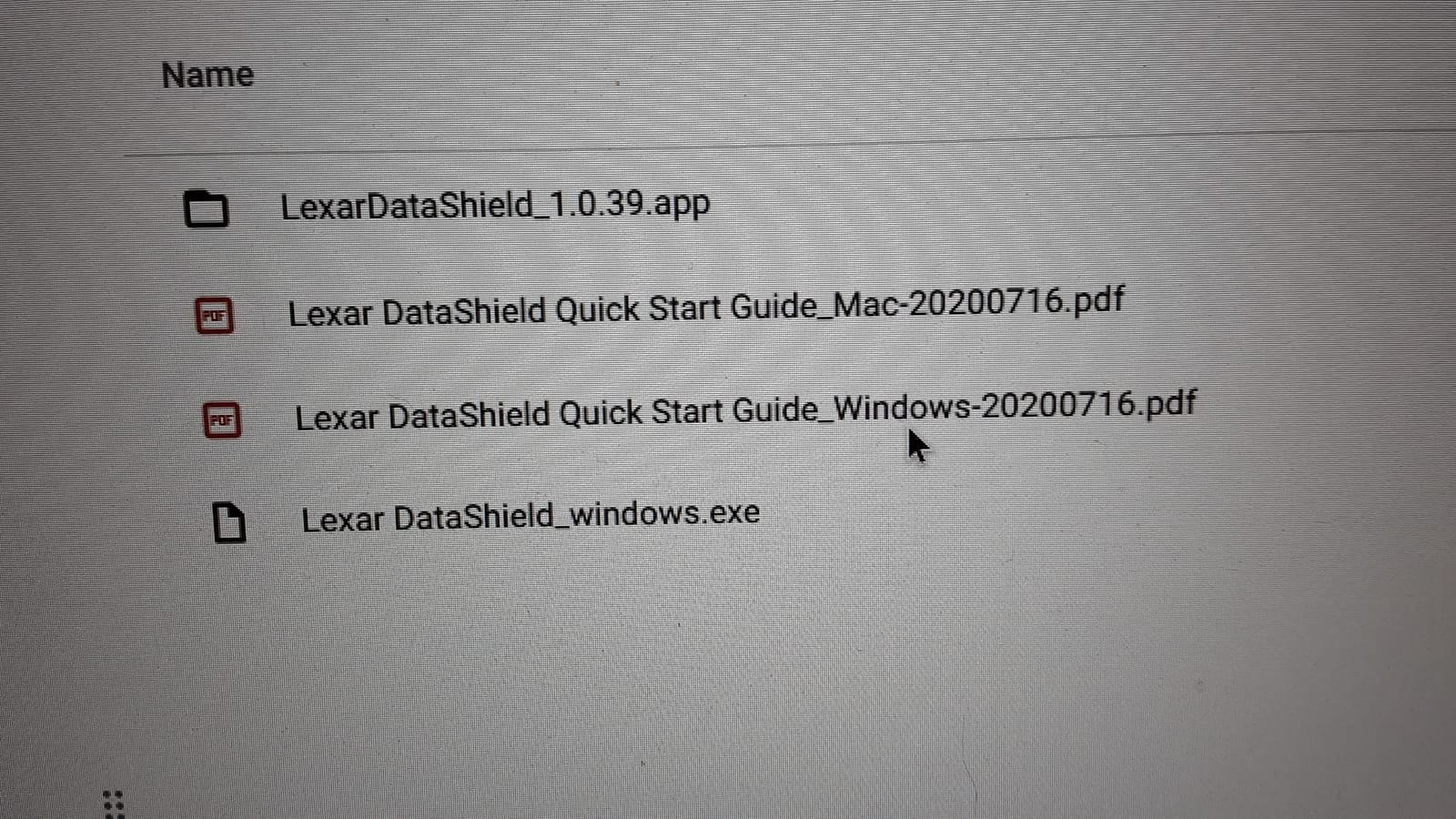
Compatibility is the widest here: Windows Vista and later, Mac OS X 10.6 and later, Linux kernel 2.6 and later, and Android. A five-year limited warranty and DataShield security software come with it.
Equal read and write numbers are rare
Most sticks in this roundup advertise a read figure well above the write figure. The D400 publishes 170MB/s for both, and reviewers report that symmetry in practice.
For a shuttle workflow, where the same drive is written and then read, that balance removes the slowest leg of the journey.
The swivel design, both ways
The aluminium swivel protects the connectors, which is a genuine benefit over a capped drive that goes through months of bag cycles with a loose cap. A few reviewers note the swivel housing can let the drive detach from the frame, so it is not a drive to carry loose in a pocket.
At 18.14 grams it is heavier than the compact sticks, which is the cost of the metal.
Platform reach and the software tax
Running on Windows, macOS, Linux and Android means one drive serves a mixed household, a developer switching between an iPad and a Linux box, or an IT team handing media to a client on any platform.
One caveat: the bundled DataShield software consumes roughly 12GB of usable capacity. Check the reported free space on arrival if a specific figure matters to you.
Who should skip it
Skip it for 100GB-plus transfers, where 170MB/s is a long wait. It is built for reliable, steady, cross-platform moves of moderate size.
10. SANKESU 1TB Dual Port – Built for TVs, Consoles and Phones
SANKESU 1TB Flash Drive, Dual USB 3.2 Gen 1 USB-A & USB-C, 400MB/s Solid State Thumb Drive, Memory Stick for iPhone 15/16/17, Android, Tablet, Laptop, Mac,Smart TV (1-Pack)
1TB capacity
USB 3.2 Gen 1 Type-A plus Type-C
400MB/s read and write
PU leather case
2-year warranty
+ Pros
- Cable-free phone to PC transfers
- 1TB at a mid-range price point
- Integrated caps and a leather case reduce loss risk
- Plug and play on Windows macOS Linux Android
– Cons
- Achieved speeds vary widely between units
- Some owners had to reformat after a few months
- One unit hung mid installer transfer
- Only a two-year warranty
Media playback is the use case this drive names best. The listed compatible devices are iPhone 15 and 16 series, Android phones, iPads, laptops, desktops, PS4, Mac and smart TVs, and the drive ships as 1TB with a USB 3.2 Gen 1 Type-A plus Type-C dual port.
Published figures are up to 400MB/s read and 400MB/s write, and the box includes an integrated protective cap design plus a PU leather carry case so the drive does not go missing in a sofa cushion.
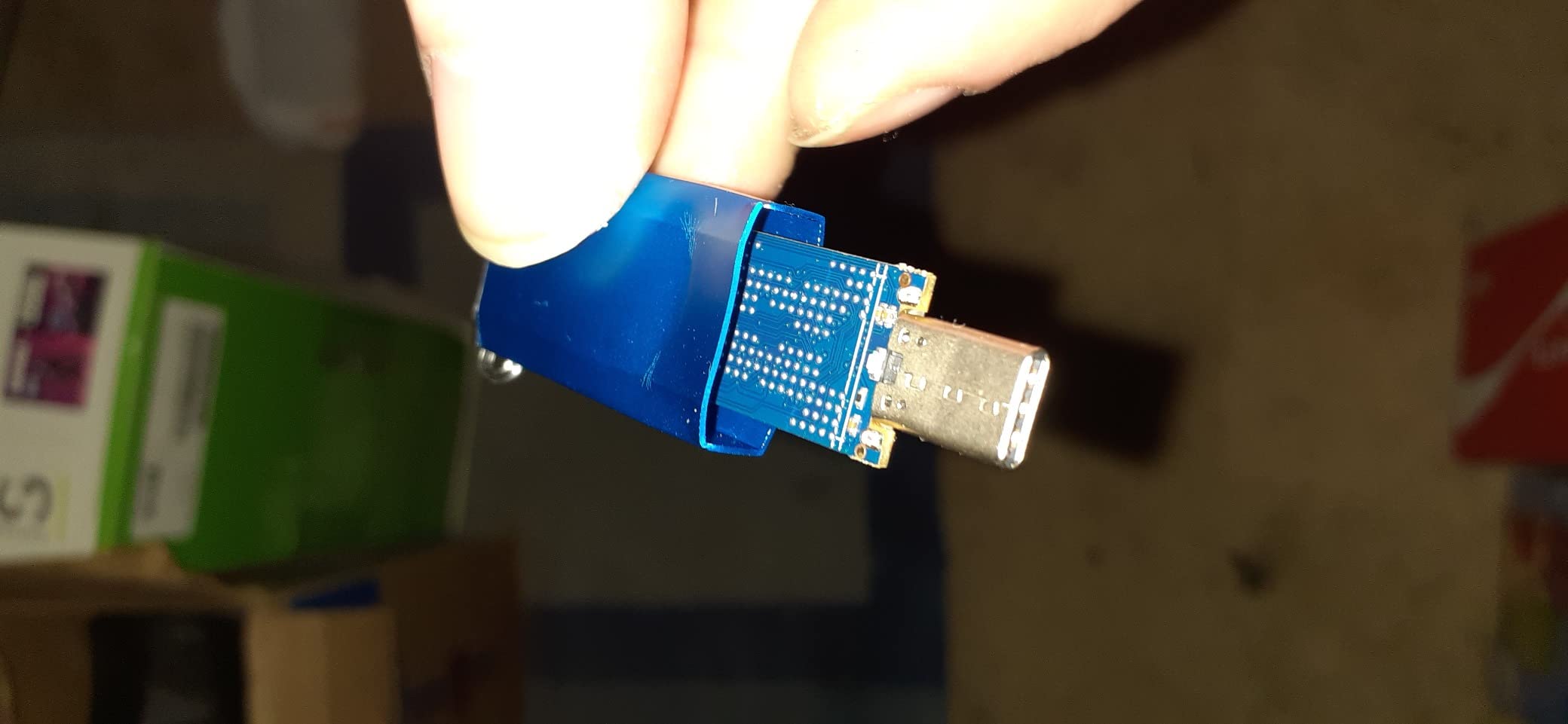
It is the one in this list where I would tell buyers to test capacity and speed on arrival, because the review record shows more variation between units than the ratings suggest.
Plug and play across four operating systems
No app or driver is required, and the drive supports Windows, Android, Linux and macOS. That is what makes it useful as a media stick for a TV or console as well as a laptop drive: the same device shows up everywhere without setup.
For a household where footage lives on a phone and plays on a smart TV, that continuity is the point.
Where real speeds fall short of the claim
Reviewers report achieved speeds varying widely, with some well below the stated 400MB/s. Treat the published figure as a ceiling rather than an expectation, and benchmark before committing a large archive to it.
This is exactly the disconnect that keeps appearing in storage forums: the number on the box is a burst figure, and the number that governs a 50GB copy is the sustained one.
Reliability reports and the two-year warranty
A small number of owners had to reformat the drive repeatedly after a few months, and one reported a Windows installer transfer hanging partway through. Against roughly 745 ratings, that is a minority pattern, but it is a real one.
The two-year warranty sits in the middle of this group. If you are moving irreplaceable material, keep a second copy somewhere else regardless of the drive you own.
Who should skip it
Skip it if the transfer is business-critical and unattended, or if you need consistent speeds between units. Buy it for a TV, a console or a family media library rather than for a working archive.
11. Kingston DataTraveler Kyson 256GB – Small, Metal, Capless
Kingston DataTraveler Kyson 256GB High Performance USB 3.2 Metal Flash Drive | Speeds up to 200MB/s | DTKN/256GB
256GB capacity
USB-A USB 3.2 Gen 1
200MB/s read,60MB/s write
Capless metal
5-year warranty
+ Pros
- Lowest cost in the roundup
- Capless metal body with no loose parts
- 200MB/s read handles routine file moves
- Five-year warranty from a major brand
– Cons
- 256GB is the smallest capacity here
- 60MB/s write is slow for media libraries
- USB-A only
The Kyson is here as the baseline: the cheapest way to get a metal, capped-nowhere, warrantied stick from a major storage brand. It holds a 4.6 average across more than 1,700 ratings.
It offers up to 200MB/s read and 60MB/s write in a capless metal design with a functional carry loop, at 4 grams. Compatible devices are Windows 8 and later, Mac OS 10.10 and later, Linux 2.6 and later, and Chrome OS.
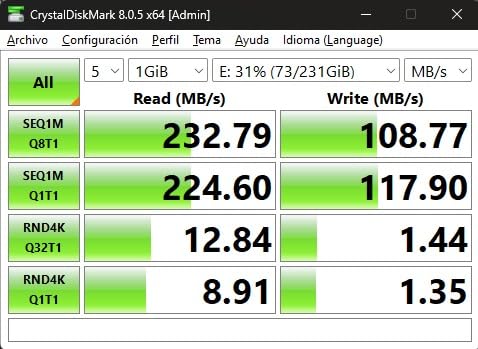
Be clear about what 60MB/s write means. It is fine for documents, installers and a weekly folder. It is not the drive you load a 200GB media library onto.
The write figure is the whole story
Writing to this drive is roughly two and a half times slower than the SanDisk Ultra Flair, which itself is 150MB/s read. If your transfers are read-heavy, the 200MB/s read figure is serviceable. If they are write-heavy, it is the bottleneck.
Use it as a carry-and-open drive rather than a write destination.
Why the capless design matters more than the speed
Reviewers consistently point to the metal capless build having no loose parts to lose, plus a carry loop for a keyring. For a drive that lives on a lanyard or in a pocket, that removes the single most common way these things disappear.
At 4 grams it is genuinely pocketable, which none of the larger sticks in this list manage.
Capacity limits
256GB is the smallest capacity here and it fills fast with video. For a photographer moving a card’s worth of images per shoot, it is workable. For a videographer, plan on a second drive or a larger capacity elsewhere in this list.
Who should skip it
Skip it for large media libraries, and skip it if you have no USB-A ports. Everything else, it does at a sensible cost.
12. MOVE SPEED SP20 1TB – TLC Speed in a Stick-Sized SSD
MOVE SPEED 1TB USB Drive, 2100MB/s TLC Reliable Transfer Portable SSD with USB 3.2 Gen2x2 + Type C, Cool USB Drive for Phone/Windows/Mac (SP20)
1TB capacity
USB 3.2 Gen 2×2 and Type-C
2100MB/s read,1800MB/s write
TLC NAND
Zinc alloy enclosure
+ Pros
- TLC NAND holds speed on transfers over 100GB
- Dual USB-A and USB-C interfaces
- Works on iPhone Mac and Windows without drivers
- Manufacturer support replaced a defective unit
– Cons
- Heaviest device here at 48.4g
- Closer to a mini SSD than a thumb drive
- 2100MB/s needs specific host hardware
- One-year warranty and smallest review base
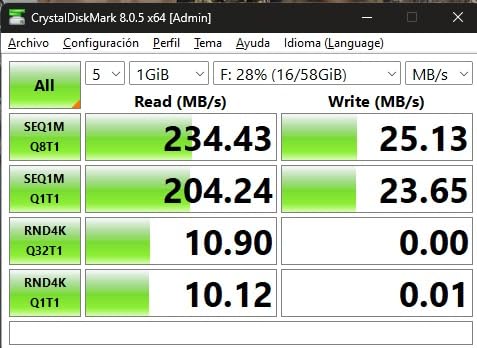
This is the only device in the roundup that is not really a flash drive. The SP20 is a 2.5-inch form factor portable SSD with a USB 3.2 Gen 2×2 interface, up to 2100MB/s read and 1000MB/s over USB-A, and up to 1800MB/s write.
What makes it interesting for large transfers is the TLC NAND, which reviewers credit with holding speed on multi-100GB transfers without stalling. That is precisely the failure mode of small flash sticks, where write speed collapses once the write cache is full.
It works with desktops, gaming consoles, laptops, smartphones and tablets, with no drivers on Mac or Windows. At 48.4 grams in a zinc alloy enclosure, it is heavy enough to note.
TLC NAND and why it changes the tail of a copy
Small flash sticks rely on a fast write cache that empties after a few gigabytes, after which raw NAND speed applies. TLC NAND with a proper controller behaves far more like a small SSD, which is why this drive holds its rate over very large transfers.
For a 200GB copy, that difference is the whole reason to look at this device.
The host hardware requirement
Reaching the headline figure needs a USB 3.2 Gen 2×2 or Thunderbolt 5 host. Reviewers on Thunderbolt 4 machines report closer to 600MB/s, and docking stations cap speed as well.
Check what your laptop actually has before buying. On a plain USB 3.2 Gen 1 port, this drive will behave like a much more expensive version of anything else here.
Form factor and warranty reality
Reviewers are blunt that this is not thumb-drive sized, and the 48.4g weight puts strain on a USB-C connector that was never designed to carry a drive that size hanging off it. The one-year warranty is the shortest here, and at 127 ratings it has the smallest review base in the roundup.
Manufacturer support did replace a defective unit for one buyer, which is worth knowing.
Who should skip it
Skip it if you need a pocket drive, a long warranty, or predictable behaviour across many units. Buy it if you move 100GB at a time and own recent host hardware.
How to Choose a Flash Drive for Large File Transfers
Choosing well comes down to four decisions in this order: how big your folders are, what ports your devices have, how long the copy will realistically run, and how much the files matter if the drive fails.
Work out your copy time before you buy
Divide your folder size in GB by the write speed in MB/s and multiply by 8.5 to get seconds. A 50GB folder at 100MB/s is about 425 seconds, roughly seven minutes. At 400MB/s it is a bit over a minute. At 900MB/s it is well under one.
Once you have that number, the decision makes itself. Paying more for speed you do not need is the most common mistake in this category.
Read the USB generation label carefully
A USB 3.2 label with no Gen number is usually only 5 Gbps, which is Gen 1. Gen 2 is 10 Gbps, Gen 2×2 is 20 Gbps across two lanes. Every stick in this roundup states its generation, which puts it ahead of a lot of packaging.
Also remember the slower side sets the pace. A Gen 2 drive in a USB 2.0 port runs under 30MB/s no matter what the box says.
Decide between sustained write and burst read
Burst read is the speed on a small, freshly written file. Sustained write is the speed of a large copy after the cache empties. For a folder of 40GB, only the second number matters.
Where the manufacturer publishes only a read figure, as with the SanDisk Ultra Flair and Ultra Fit, treat the write speed as unknown and lower than you would like.
Pick the connector from your least modern device
Count USB-A and USB-C ports across everything you use: laptop, phone, tablet, TV, car. If the list contains both, a dual-connector drive removes adapters entirely. If every device is USB-C, a native USB-C stick like the Samsung is cleaner than an adapter.
Check physical width too. A wide dual-head body can block the port beside it on a laptop with only two, which is a problem our bootable flash drive guide also runs into on machines with limited ports.
Match the file system to the file size
FAT32 caps any single file at 4GB, which is the single most common reason a large copy fails halfway through. exFAT handles large files and works on both Windows and macOS, and several drives here ship formatted as exFAT by default. NTFS is the Windows native option but needs a third-party driver on macOS.
On Windows, right-click the drive, choose Format, pick exFAT from the file system list, and format before the first copy. On macOS, use Disk Utility and choose ExFAT.
Verify the capacity before you trust it
Counterfeit capacity drives still circulate on discount marketplaces. On Windows, run H2testw and write the entire drive once; on macOS and Linux, the F3 command does the same job. A drive reporting 931GB for a 1TB drive is normal decimal-versus-binary behaviour, but a drive that fails early is not.
If the drive carries data you cannot lose, keep a second copy somewhere else. No warranty covers the irreplaceable.
Eject properly, every time
Yanking a drive mid-write is the most common cause of filesystem corruption on exFAT and FAT32 volumes. Wait for the copy to finish, use the system eject command, and physically remove the drive only once the light or prompt confirms it is safe.
On a long copy, check progress before you close the lid on a laptop. A sleeping machine can suspend a write without telling you.
Decide between a flash drive, a portable SSD and an external hard drive
A flash drive is pocketable, cheap and slower per pound. A portable SSD like the SP20 costs more, weighs more and holds speed over very large transfers. An external hard drive is the cheapest per terabyte but needs its own power and is far less shock resistant.
For a one-time hand-off of 100GB or more that will be wiped afterwards, a portable SSD is often the right answer. For a drive that lives on a keyring, a flash drive wins on every practical measure.
Frequently Asked Questions
Which USB flash drive has the fastest read speed?
The SanDisk Extreme PRO Dual Drive leads this roundup with up to 1000MB/s read over USB 3.2 Gen 2, using both USB-C and USB-A connectors. For transfers that write rather than read, the MOVE SPEED 1TB stick offers 520MB/s write and the SSK 1TB dual-connector drive offers 500MB/s write. Actual results depend on the host port, since a faster drive in a slower port still runs at the port’s speed.
What is the best format for storing large files on a flash drive?
Use exFAT. FAT32 cannot store any single file larger than 4GB, which is the most common reason a large copy fails partway through. exFAT handles files far larger than 4GB and works on both Windows and macOS without extra software. NTFS is also fine on Windows but needs a third-party driver on macOS. Format the drive as exFAT before the first copy.
Why does my flash drive slow down when copying large files?
Two effects combine. The first is the write cache: a flash drive buffers early writes in fast SLC cache, then drops to raw NAND speed once that cache fills, usually within the first few gigabytes. The second is heat, which reduces sustained throughput further. This is why advertised read speed rarely matches the speed of a large folder copy, and why metal housings with heat dissipation features matter on long transfers.
How do I know if a flash drive’s capacity is real?
Test it before you trust it. On Windows, use H2testw and write the full advertised capacity once; the tool reports how much data was actually stored. On macOS and Linux, use the F3 command, which creates test files that expand and then checks whether they verify. A genuine 1TB drive shows roughly 931GB in Windows because of decimal versus binary sizing, while a counterfeit drive fails well before that point.
Do I need exFAT or NTFS for large files?
Choose exFAT if the same drive moves between Windows and macOS, since it supports files larger than 4GB and is read natively by both. Choose NTFS if the drive stays on Windows and you want journaling and better recovery behaviour after an unsafe removal. Neither file system is a backup, so eject the drive properly before removing it in either case.
Which Drive Should You Buy?
If you want one answer, take the SanDisk Ultra Flair 1TB. Its 150MB/s is not the fastest number here, but a 4.6 rating across more than 210,000 reviews and a five-year warranty make it the drive least likely to let you down mid-project.
If your ports are already USB-C, the Samsung Type-C 512GB is the better fit at 400MB/s read with water and shock resistance. If you move between a phone, an old laptop and a TV, the SSK 1TB dual-connector drive covers all three and holds writes far better than its size suggests. If you want raw speed for 4K footage and own recent hardware, the SanDisk Extreme PRO Dual Drive cuts a 50GB copy to about a minute.
For the cheapest dependable option, the PNY Turbo Attache 3 512GB has the most ratings of anything here at over 58,000. For 100GB moves on a Thunderbolt host, the MOVE SPEED SP20 keeps its speed thanks to TLC NAND, at the cost of weight and a one-year warranty. For routine transfers under 20GB, the Kingston DataTraveler Kyson is hard to argue with.
Whatever you choose, format it as exFAT, verify the capacity once before you fill it, and eject it properly every time. Those three habits prevent more lost transfers than any speed rating on the box.
Leave a Reply