
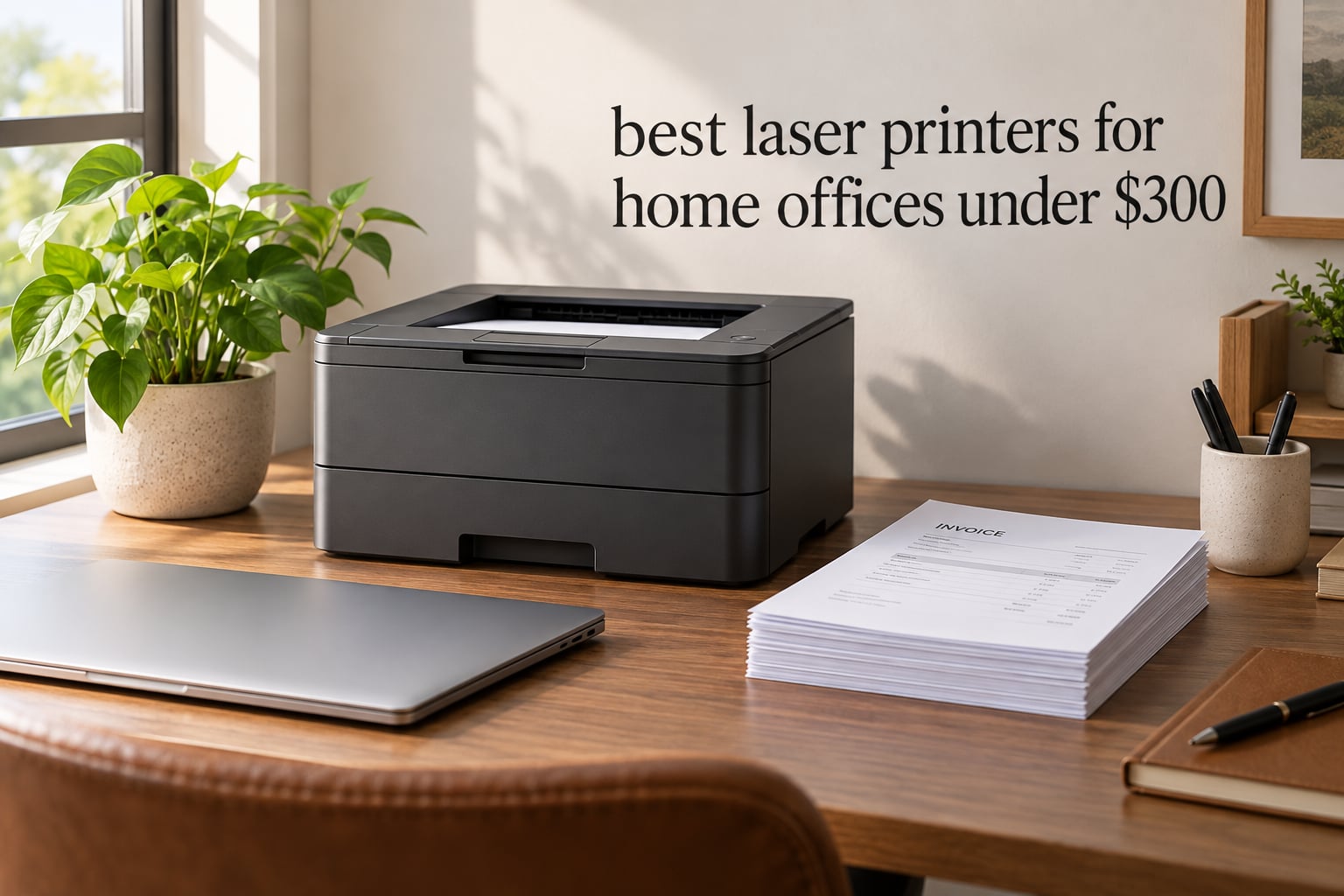
The best laser printers for home offices under 300 dollars are almost all monochrome machines, and the difference between a good one and a frustrating one comes down to three things: automatic duplex, wireless setup that does not need a manual, and toner that does not bankrupt you in year two. I spent the last few weeks putting nine budget laser printers through invoices, contracts, shipping labels and double-sided handouts, and the list below is what survived.
Every pick here sits below the 300 dollar ceiling, and I have not padded the list with anything that quietly costs more once you add toner. If you have never owned a laser printer, the jump from an inkjet is dramatic: no ink drying out in a cartridge you forgot about, text that stays crisp instead of feathering, and a running cost per page that makes sense past roughly 250 pages a month.
The trap most buyers fall into is focusing on purchase price and ignoring consumables. A cheap printer with a low-yield starter cartridge can cost more per year than a pricier machine that accepts high-yield and third-party toner. I have included that running-cost thinking throughout, and our laser printer picks for small businesses goes deeper on the same topic for higher-volume setups.
I also want to be straight about a gap in the market: at this budget you are choosing between a good monochrome laser and an entry-level color laser, not between two premium color machines. Our color laser printer guide covers what happens when you move past the sub-300 tier.
Our Top 3 Picks for a Home Office Printer Under $300
These three cover the most common home office profiles: the smallest all-in-one that still scans and copies, the fastest duplex workhorse with a document feeder, and the sharpest print-only machine for anyone who already owns a separate scanner.
HP LaserJet Pro MFP M29w
- Print scan copy in 11 pounds
- Automatic duplex
- 19 ppm
- First page in 7.9 seconds

Brother DCP-L2640DW
- 36 ppm monochrome
- 50-page document feeder
- Automatic duplex
- Dual-band Wi-Fi and Ethernet

Brother HL-L2460DW
- 1200 x 1200 dpi output
- 36 ppm with auto duplex
- 250-sheet tray
- Dual-band wireless plus Ethernet
Comparing Every Laser Printer in This Roundup Under 300
All nine printers below stayed under the 300 dollar mark at review time. Prices on this category move constantly, so treat the table as the feature filter and use the buttons to check current pricing.
| Product | Details | Action |
|---|---|---|
|
|
Check Latest Price |
 |
|
Check Latest Price |
|
|
Check Latest Price |
|
|
Check Latest Price |
 |
|
Check Latest Price |
 |
|
Check Latest Price |
 |
|
Check Latest Price |
 |
|
Check Latest Price |
 |
|
Check Latest Price |
1. HP LaserJet Pro MFP M29w – The Lightest All-in-One That Handles a Real Workday
HP Laserjet Pro MFP M29w Wireless Monochrome All-in-One Printer, Works with Alexa (Y5S53A)
Print scan and copy
Automatic duplex
19 ppm
7.9 second first page
11 pounds
+ Pros
- Very small footprint for a laser all-in-one
- Quick wireless setup reported by multiple owners
- Print copy and scan all work for light home use
- Toner cartridges change in seconds
- Scans route to PDF email and cloud
– Cons
- HP Smart app can hang on long multi-page scans
- Runs hot and pauses to cool after roughly 75 pages
- Small paper capacity relative to larger all-in-ones
This is the machine I recommend to anyone whose home office is a corner of a living room. At 11 pounds and a footprint of roughly 14.2 by 10.4 inches, it is the lightest all-in-one laser in this roundup and still gives you automatic duplex, a sheetfed scanner, and 19 pages per minute of monochrome output.
Owners consistently single out the wireless setup as painless, which is more than I can say for several competitors here. Print, copy and scan all behaved well for the light duty a home office actually produces, and swapping the toner cartridge takes seconds.
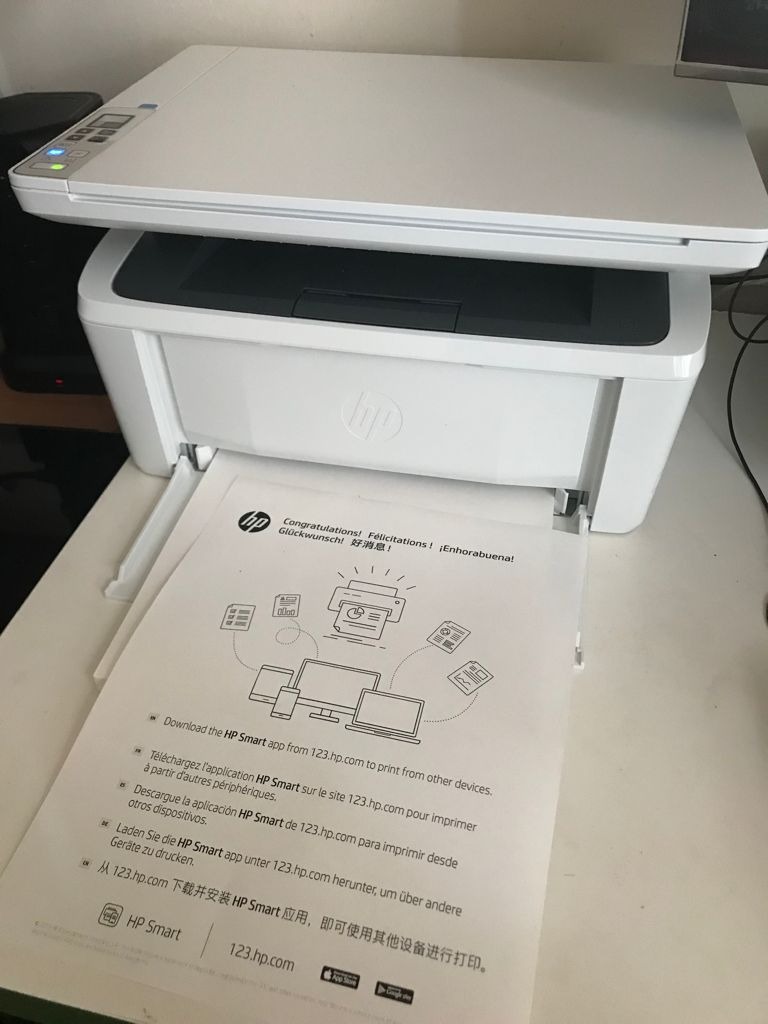
My one real complaint is software. The HP Smart app is the control centre for scanning to PDF, email and cloud destinations, and it can hang or drop long multi-page scans. Owners work around it by scanning to a PDF on the machine first, then handling the rest in Acrobat or Preview.
The second quirk is thermal. Run it for about 75 pages in one sitting and it gets hot enough to pause for cooling, which matters if you are printing a 200-page contract. Break the job into chunks and you will never notice.
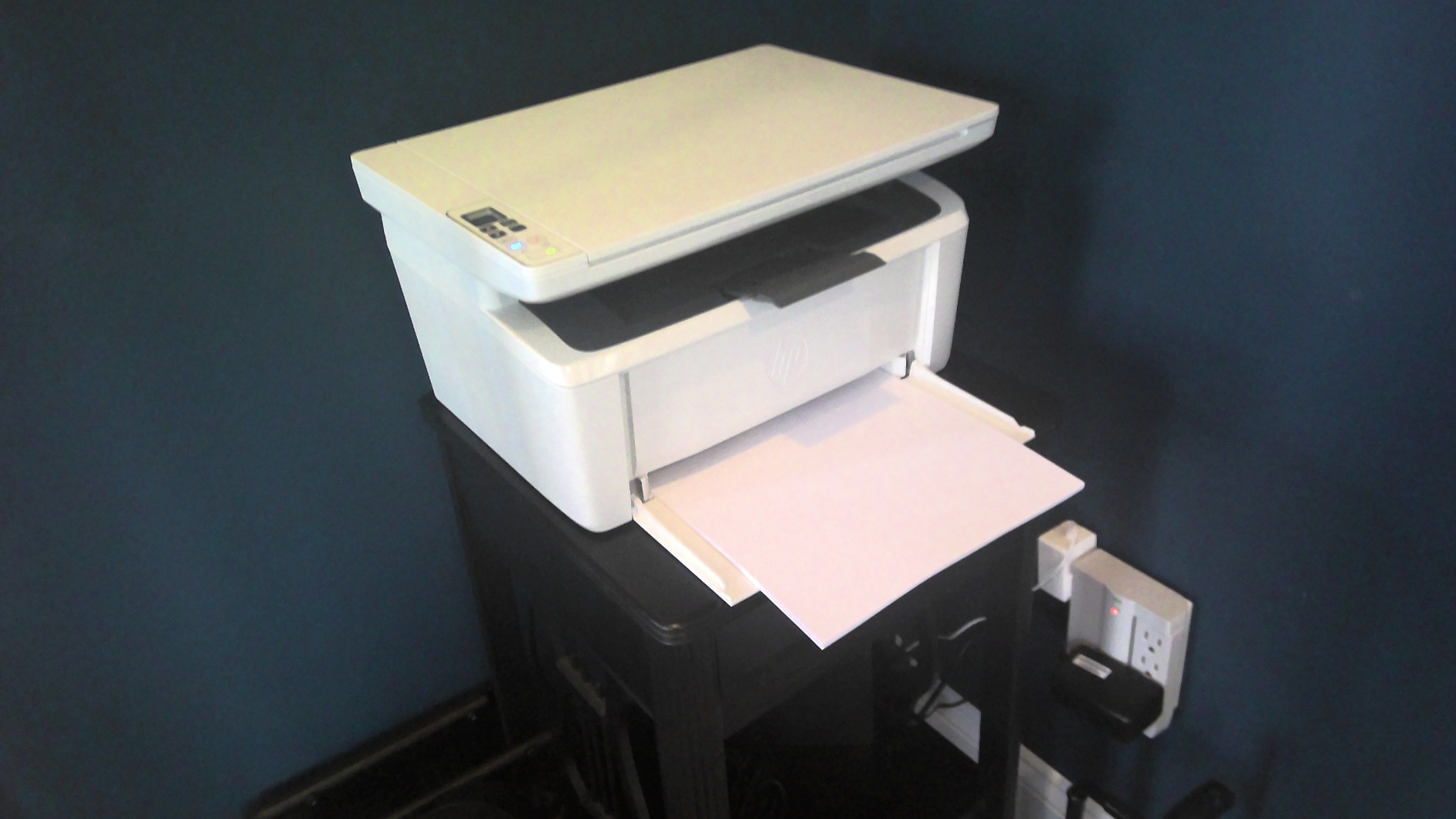
Automatic Duplex in a Body This Small
Automatic duplex is the feature that separates this from most sub-300 all-in-ones with a scanner. Two-sided handouts, contracts and meeting packs come out without you flipping the stack or feeding sheets one at a time.
First page out in as few as 7.9 seconds means the printer is usable for the one-off label or the single page you realize you need at 4pm. Combined with Wi-Fi Direct for networks with no wireless access at all, that flexibility is what makes it work in a spare room.
Running Costs and the Toner Reality
Toner cartridges are quick and easy to change, and the machine is a standard HP LaserJet platform with a wide aftermarket supply market. That matters more than it sounds: third-party cartridges are the single biggest lever on yearly cost, and a platform with many compatible suppliers gives you bargaining room.
Set your expectations on the starter cartridge though. It is a low-yield unit, so your first replacement will come sooner than a full-yield cartridge would suggest. Budget for replacements rather than treating the first one as the running cost.
What the 600 dpi Output Means for Real Documents
Maximum monochrome resolution is 600 dpi, which is lower than the 1200 dpi you get on the Brother machines in this list. In practice the difference shows up in small dense fonts, hairline table borders and very small type in contracts rather than in ordinary body text.
For invoices, shipping labels, tax forms and standard reports, 600 dpi laser output is genuinely sharp because of how toner lays down. I would only notice the gap if you were photocopying a legacy document or printing very fine legal footnotes.
Who Should Skip This Printer
Skip it if you scan thick contract stacks every week. The scanner is sheetfed, and combined with the app instability, a large document set is a slow grind. If your work is scan-heavy, look at a multi-function model with a proper document feeder instead.
Also skip it if you want color. This is a monochrome machine, and every color option in this price band is a trade somewhere else. Our all-in-one printer guide for home offices covers the wider format question if scanning matters more to you than duplex speed.
2. Canon imageCLASS LBP6030w – The Cheapest Credible Entry Into Laser Printing
Canon imageCLASS LBP6030w – Monochrome Single-Function Wireless Compact Wireless Laser Printer, 1 Year Limited Warranty, 19 PPM, White – Print Only
Print only monochrome
19 ppm
150-sheet tray
8 second first page
2.4GHz wireless
+ Pros
- Among the lowest-cost compact monochrome lasers available
- Space-saving design fits a small shelf or desk
- 19 ppm with an 8 second first page
- Wireless printing from mobile devices out of the box
- Very low power draw in Energy Saver mode
– Cons
- Print only with no scanning or copying
- No automatic duplex printing
- Small 150-sheet capacity with a single tray
If your only requirement is crisp black text and you print maybe a few pages a week, this is the cheapest credible way into the laser world and it does that job without drama. It prints 19 pages per minute, pulls its first page in 8 seconds, and fits on a shelf at just under 12 pounds.
It is also the lowest-rated machine in this roundup at 3.8, and the reason is not print quality. It is the combination of a 150-sheet tray, no duplex, no scanner, and a setup process some owners describe as awkward on certain routers.
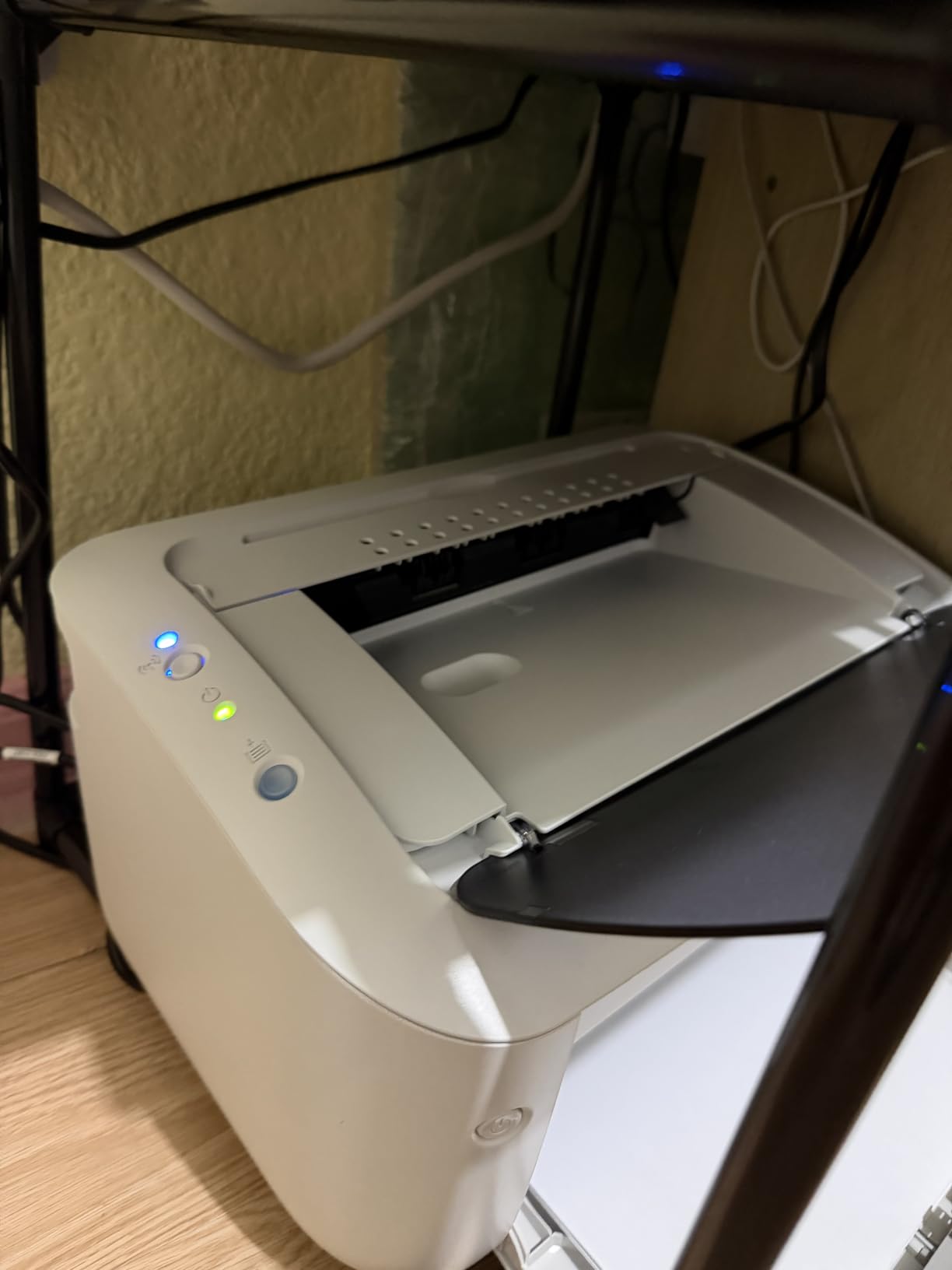
Wireless printing from a phone works out of the box, which is the feature that wins it points with students and anyone printing from a laptop in another room. You get the essentials without being walked through an app registration flow.
The honest framing is this: you are buying speed and text quality, and you are accepting that every convenience feature was omitted. If that trade appeals, nothing else here beats it. If you will resent flipping paper by hand, look at the Canon LBP122dw further down for automatic duplex at a similar tier.
Speed and First Page Timing
Nineteen pages per minute with an 8 second first page is competitive for a compact entry-level machine, and it is fast enough that a 30-page document is done in under two minutes. Toner is the standard Canon Genuine Toner 125 cartridge with a 1,600 page yield, which is a well-known supply with plenty of compatible alternatives.
Resolution is listed at 2400 x 600 dpi with enhanced smoothing, and the output quality on body text and forms is clean. The one area where you feel the economy is grayscale images, where banding shows up sooner than on the higher-resolution Brother models.
Why the 150-Sheet Tray Bites
A 150-sheet tray is fine for daily home office use, where you are printing a page here and a stack of labels there. It becomes a nuisance during month-end, when invoicing a client means printing 40 copies of a two-page document and you are refilling twice.
There is no second tray to add, so this is a fixed limitation rather than a starting point. If you print in weekly batches, the 250-sheet Brother models are a better long-term fit despite costing more up front.
Power Draw and Desk Placement
This printer uses under 2 watts in Energy Saver mode, which is one of the lowest figures in the roundup and worth noticing if the machine sits in a room you are in all day. Laser printers sleep properly, and this one does it aggressively.
Dimensions are about 14.3 by 9.8 by 7.8 inches, so it needs a shelf rather than desk space. The single LCD and app-based control means there is no complex panel to learn, which is a genuine plus for anyone who finds menus intimidating.
Who Should Skip This Printer
Skip it if you print anything double-sided regularly. Manual duplex means physically re-inserting a 30-page stack, and at 300 pages a month that friction compounds fast enough that you will wish you had spent more.
Skip it if you need a scanner. There is no copy or scan function at all, and buying a separate flatbed scanner will erase the savings. The 3.8 rating reflects durability and connectivity complaints too, so make sure you keep the one-year limited warranty rather than treating it as a disposable purchase.
3. Brother DCP-L2640DW – The Only Pick With a 50-Page Document Feeder
Brother DCP-L2640DW Wireless Compact Monochrome Multi-Function Printer, Copy, Scan, Duplex, Mobile Printing
36 ppm monochrome
50-page ADF
Automatic duplex
23.6 ipm scanning
Dual-band wireless
+ Pros
- Compact body for printing scanning and copying
- 36 ppm with a 50-page automatic document feeder
- Dual-band 2.4GHz and 5GHz Wi-Fi plus Ethernet
- 250-sheet tray handles moderate volume
- Sharp 1200 x 1200 dpi monochrome output
– Cons
- Bulkiest multi-function model here at 25 pounds
- Monochrome only with no color output
- Brother Mobile Connect setup runs several steps
This is the value pick and the machine I would put in front of a home office that does real document work. Thirty-six pages per minute, automatic duplex, and a 50-page automatic document feeder in one box is a feature set that usually sits above this price range.
It was also ranked the number one seller in Amazon’s Laser Computer Printers category when I pulled the data, which tells you something about how many home offices land on the same machine. First page out in 8.5 seconds, flatbed plus sheetfed scanning, and copy all included.
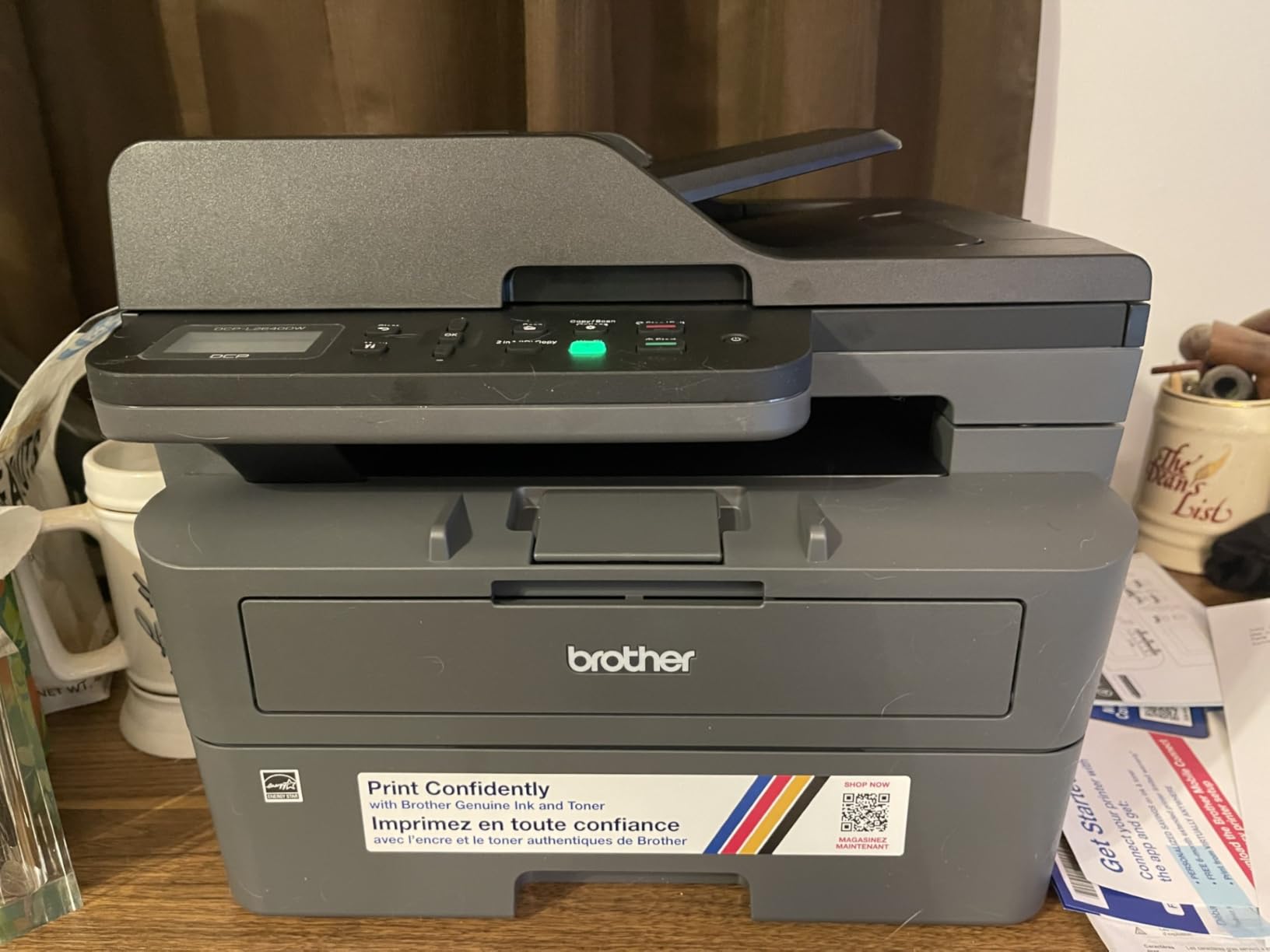
Dual-band wireless at both 2.4GHz and 5GHz is the quiet hero feature here. On a crowded home network with smart TVs and doorbells, connecting to the 5GHz band is the difference between a printer that always works and one that randomly disappears from your phone.
The Brother Mobile Connect app handles remote printing, scanning and toner ordering, though some reviewers describe a multi-step setup. The 250-sheet tray also means you are not refilling constantly during a heavy month.
The 50-Page Feeder and Scan Speeds
Scanning runs up to 23.6 images per minute in black and white and 7.9 ipm in color, and the flatbed plus sheetfed combination means you can handle both loose receipts and full document stacks without swapping machines.
For a home office that digitizes signed contracts and files receipts, this is the feature that actually changes your workflow. Flatbed-only competitors force you to feed one sheet at a time, which turns a 20-page stack into a small project.
Connectivity Options and Network Stability
Alongside dual-band Wi-Fi there is a wired Ethernet port and USB, so you can hardwire it to a router if your home network is the problem. That flexibility is why this machine suits a multi-device household rather than a single laptop user.
Features listed for this model include network-ready status, scan to email, Energy Star, and EPEAT qualification. Nothing here is exotic, but every item on the list removes a reason the printer ends up on a shelf unused.
Toner Economics and the Refresh Subscription
It uses Brother Genuine TN830 and TN830XL cartridges, and the XL high-yield version is where the per-page economics improve. Because Brother supplies are widely available in compatible form, third-party pricing pressure is real, though results vary by seller.
Brother also offers a Refresh EZ Print subscription that discounts toner if you let the company ship it automatically. Reviewers note the savings depend on opting in, so treat it as an optional program rather than assuming the advertised discount applies to a one-off purchase.
The Weight and Footprint Trade
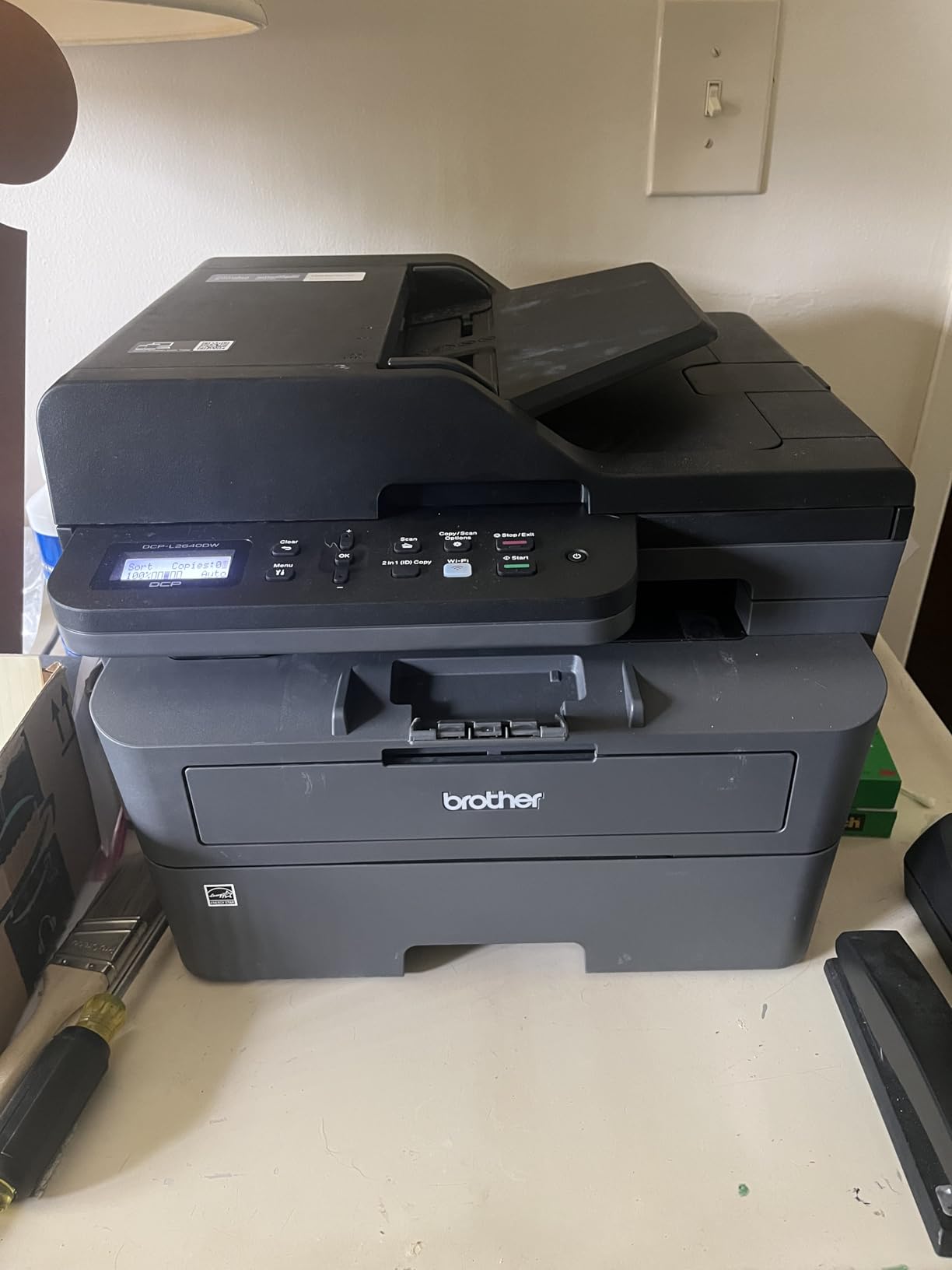
At 25 pounds and roughly 15.7 by 16.1 by 12.5 inches, this is the bulkiest of the multi-function models here, though still lighter than the Canon color machine. If your home office is a shared console table in a hallway, that footprint is a genuine cost even though it is not measured in money.
What you get for the extra bulk is the feeder, the 36 ppm engine and the duplexer. Anyone who prints more than a few pages a week and scans at all will feel that difference within a month.
Who Should Skip This Printer
Skip it if color output matters at all, even occasionally. This printer is monochrome only, and adding color later means a different machine entirely rather than a cartridge swap.
Also skip it if desk space is truly tight and you only ever print. The HP M29w and Canon LBP6030w in this list do the same job with a much smaller body.
4. Brother HL-L2460DW – Print-Only Speed With 1200 dpi and True Duplex
Brother HL-L2460DW Wireless Compact Monochrome Laser Printer with Duplex, Mobile Printing, Black & White Output | Includes Refresh Subscription Trial(1), Works with Alexa
36 ppm monochrome
Automatic duplex
1200 x 1200 dpi
250-sheet tray
8.5 second first page
+ Pros
- Automatic duplex and 36 ppm in a light 15.6 pound body
- 250-sheet tray plus a manual feed slot for envelopes
- Dual-band wireless plus Ethernet and USB
- Sharp 1200 x 1200 dpi monochrome output
- Number two in the Laser Computer Printers category
– Cons
- Print only with no scanner or copier
- Monochrome output only
- Setup flow and firmware update steps feel involved
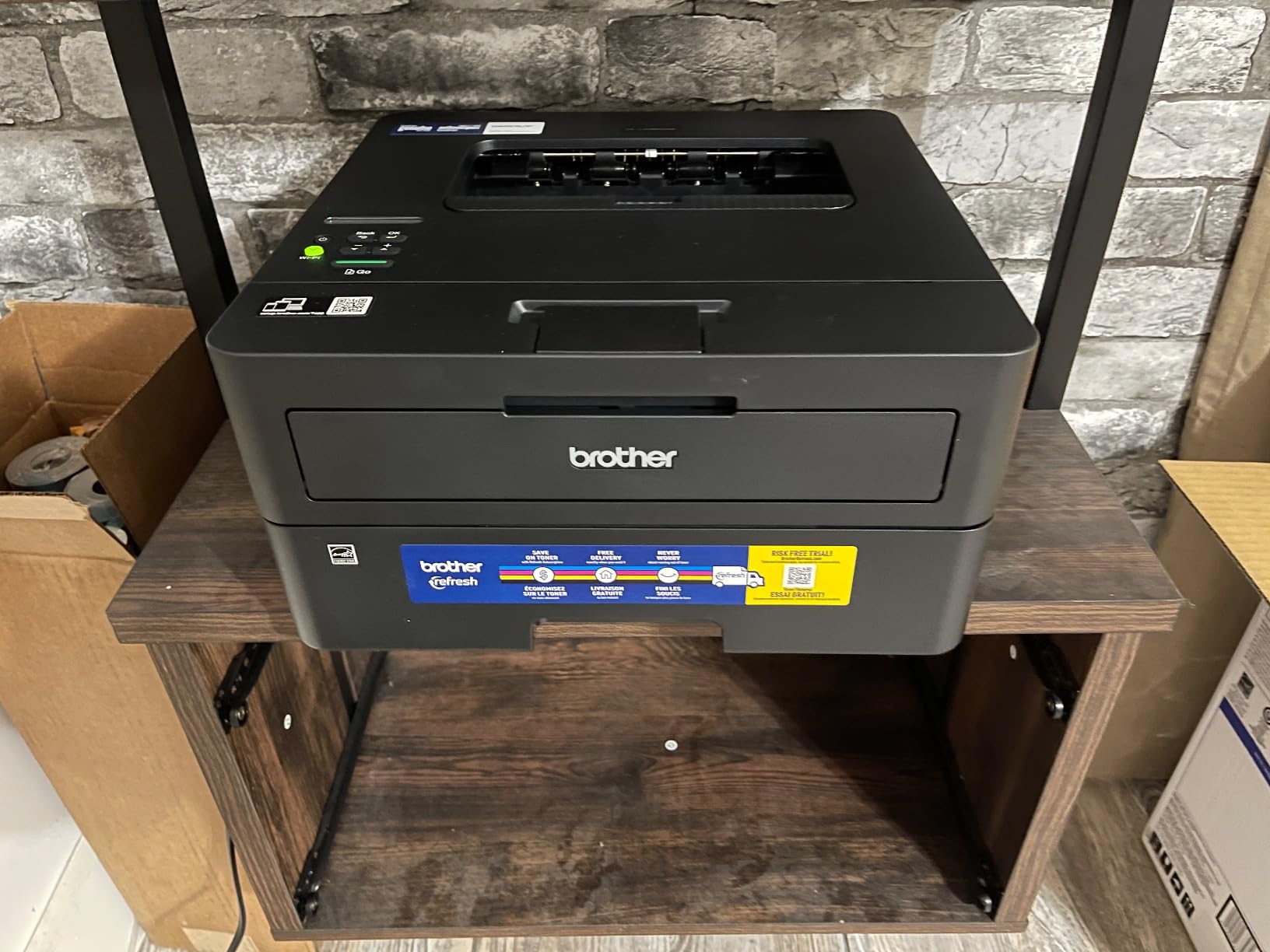
This is the print-only answer, and for pure text quality it is hard to beat. Output resolution is 1200 x 1200 dpi, double the 600 dpi of the HP machines here, and at small type sizes that difference is visible on paper.
It also runs automatic duplex at 36 pages per minute, matching the multi-function Brother at a fraction of the size and weight. First page out in 8.5 seconds, 250-sheet tray, manual feed slot for envelopes and specialty stock.
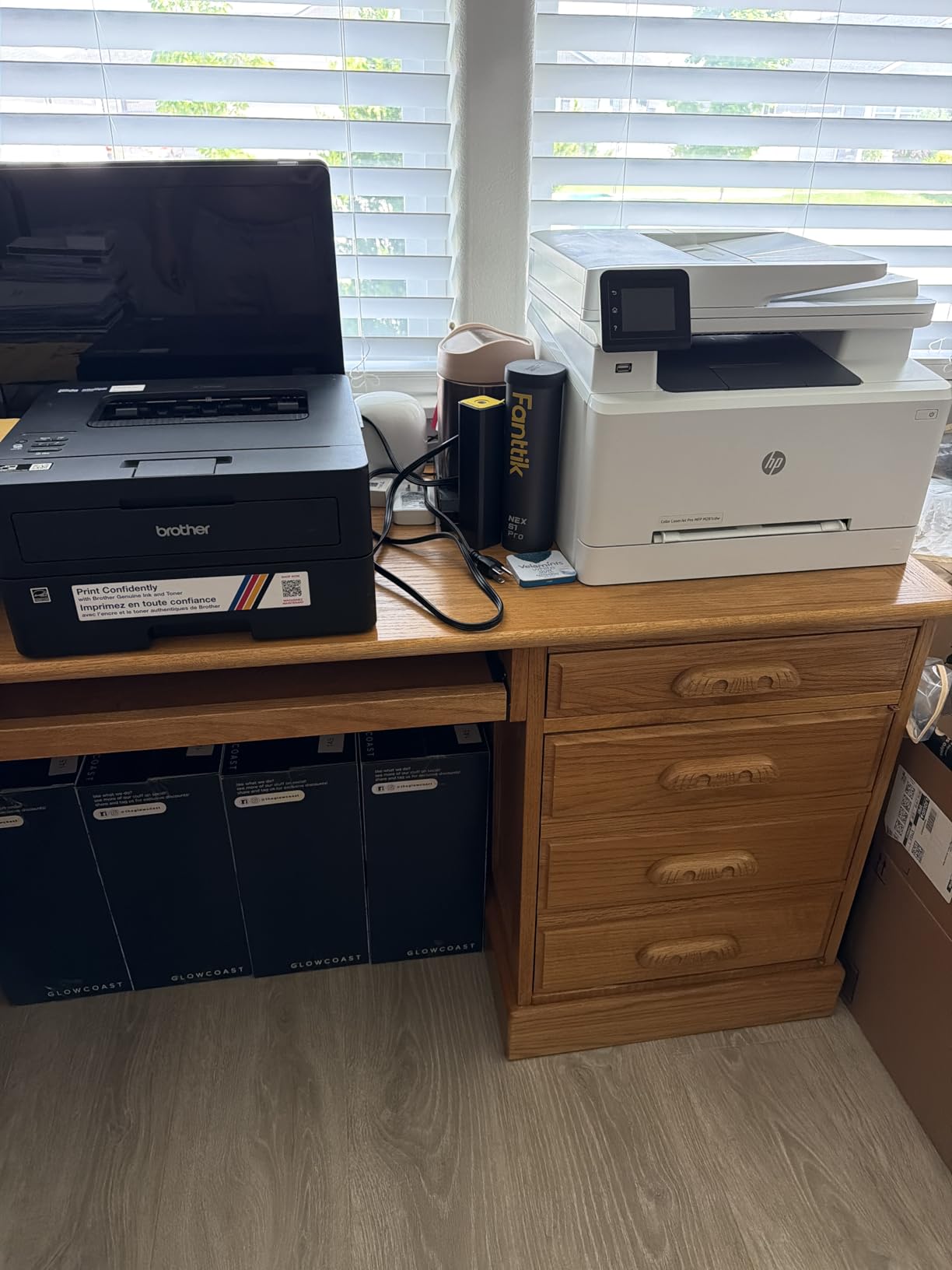
The catch is obvious: there is no scanner and no copier. For a home office that already has a flatbed scanner or rarely scans anything, that is a good trade. For anyone who digitizes paperwork weekly, the DCP-L2640DW is the smarter purchase despite costing more.
Connectivity is dual-band wireless plus a wired Ethernet port and USB, and it was the number two seller in the Laser Computer Printers category when I pulled the data, which points to a broad base of owners with similar priorities.
1200 x 1200 dpi and What It Gets You
Higher resolution matters most in dense small fonts, fine line art in architectural drawings, and legal documents printed at reduced scale. If you print anything that a client will scrutinize closely, this is the printer to shortlist.
On ordinary 11 point body text you will not see a difference from a 600 dpi machine, because toner deposits as a solid and the perceived sharpness comes from edge quality rather than dot count. The gap opens up on forms with tiny grey text.
Duplex, Tray and Manual Feed Behavior
Automatic duplex at 36 ppm is fast enough that a 100-page double-sided contract is handled without babysitting. The 250-sheet tray covers most of a heavy work month, and the manual feed slot handles envelopes, cardstock and labels without swapping paper.
One detail worth checking: the tray is the only one, so when you run duplex jobs with mixed paper sizes you will be feeding the manual slot more often than you would on a two-tray machine.
Toner Yield and Long-Term Cost
Compatible cartridges are the Brother Genuine TN830, TN830XL, and the two-pack TN830XL2PK. The XL high-yield option is where the cost per page drops meaningfully, and this is a well-supplied platform with strong compatible-cartridge availability.
Because this printer is print-only, you are likely to run higher page volumes on it than on an all-in-one, which makes the per-page math more important than the purchase figure. Budget for an XL cartridge in your first year rather than a standard one.
Who Should Skip This Printer
Skip it if you have no separate scanner and expect to need one. There is no copy function and no document feeder, so the moment a multi-page document arrives you are walking it to another machine.
Also skip it if you want color. At this budget, color means a compromise elsewhere, and the Canon LBP646Cdw covers the color case in a separate section below.
5. Brother HL-L2405W – The Cleanest Install in the Lineup
Brother HL-L2405W Wireless Compact Monochrome Laser Printer with Mobile Printing, Black & White Output | Includes Refresh Subscription Trial(1), Works with Alexa
Print only monochrome
30 ppm
Manual duplex
250-sheet tray
Dual-band wireless
+ Pros
- Clean bloatware-free install with no forced software or terms
- 30 ppm with a 250-sheet tray
- Owners call it a step up from HP inkjets in reliability and toner life
- Brother Mobile Connect app for mobile printing
- Top three seller in the Laser Computer Printers category
– Cons
- Manual duplex only with no automatic two-sided printing
- No Ethernet port unlike the DL-series models
- Some owners report long or confusing Wi-Fi setup on mesh networks
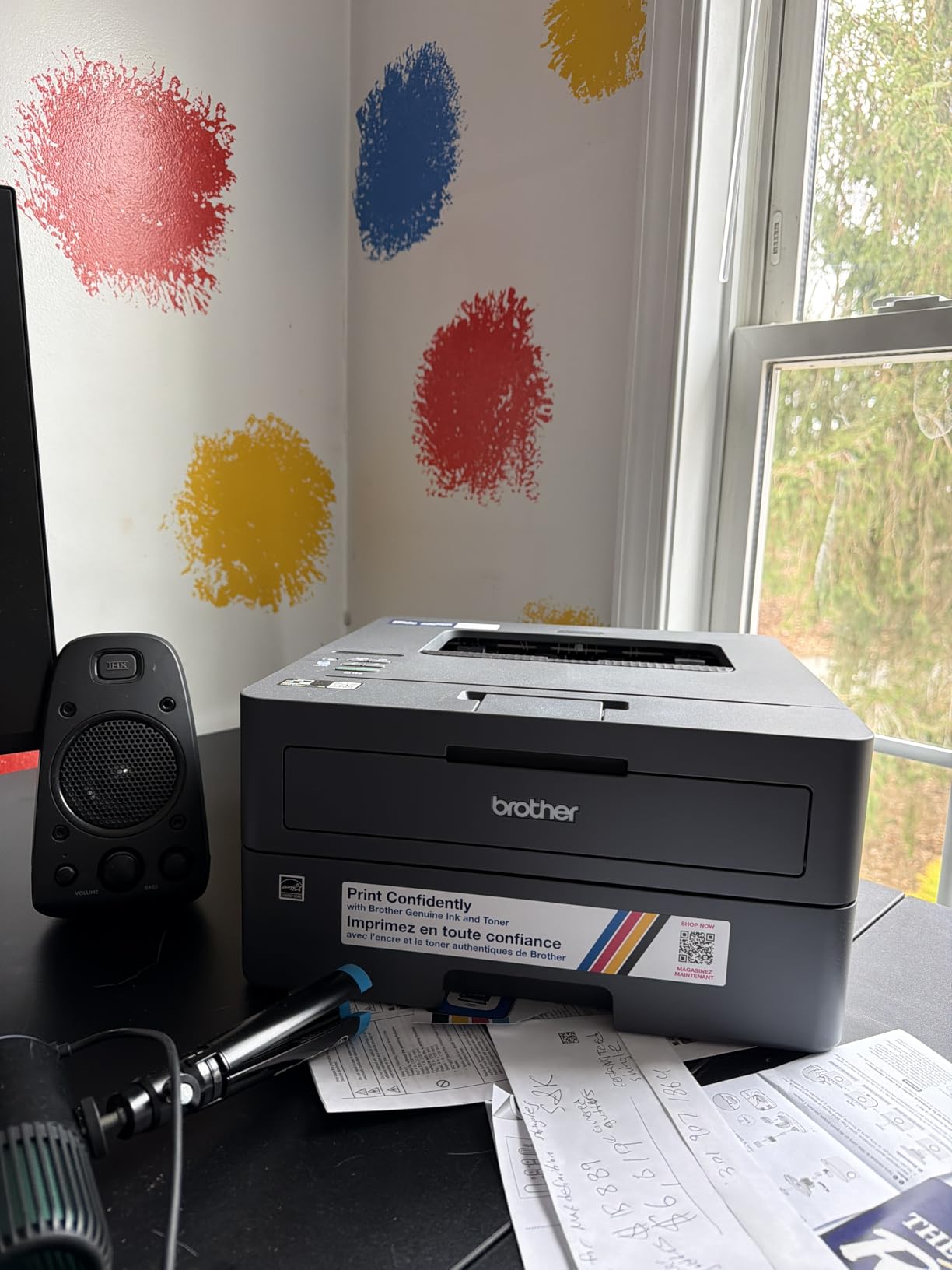
Installation is where this machine separates itself. Owners repeatedly describe a clean, bloatware-free setup with no forced software bundle and no terms to click through, which is the opposite of what a first-time printer buyer often dreads.
Everything else is competent: 30 pages per minute, 250-sheet tray, manual feed slot, dual-band wireless plus local USB, and 1200 x 1200 dpi monochrome output. It is the middle Brother in this list, cheaper than the L2460DW and slower.
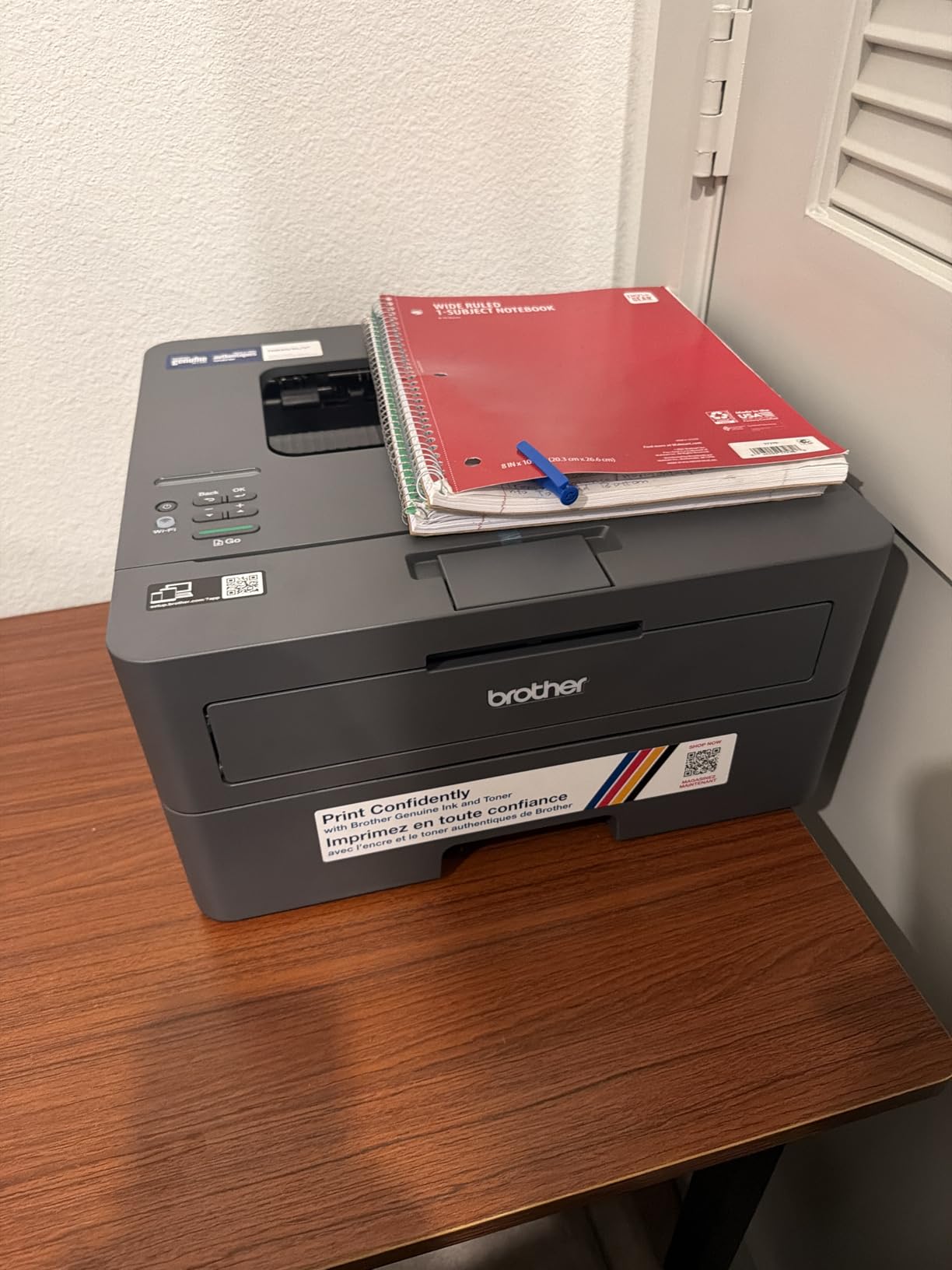
The word from owners is that it feels like a step up from an HP inkjet in both reliability and toner longevity, at a time when inkjet ownership is a common source of frustration. A 4.1 average across nearly 2400 reviews backs that up.
The wireless picture is mixed in practice. Several owners report a long or confusing Wi-Fi configuration, especially on mesh networks, so if your home uses a mesh system, check that your band is available before you commit.
Manual Duplex in Daily Practice
Manual duplex means you reinsert the stack by hand for the second side, flipping it correctly. It is far less painful than older flip-only trays, but it is still a step you take every time.
For occasional double-sided printing this is acceptable. For a monthly batch of 60 two-sided reports, the automatic duplexers in this list will save you real time and avoid paper jams from manual reinsertion.
No Ethernet Port: When That Matters
Unlike the DL-series Brother models, this one has no Ethernet port, so you are locked to Wi-Fi or local USB. On a stable 2.4GHz or 5GHz network that is fine, but a home with a weak mesh setup has no wired fallback.
That omission is the single strongest reason to step up one model. If your router sits far from where the printer will live, the wired option is worth the extra spend.
Toner, Tray and Lockout Behavior
It uses the same TN830, TN830XL and TN830XL2PK cartridge family as the other Brother machines here, so supply costs are consistent across the range and compatible options are plentiful.
One complaint to know about: some machines lock out printing when the toner cartridge runs low, rather than continuing in a degraded mode until you replace it. If you print right up to the warning, plan the swap in advance.
Who Should Skip This Printer
Skip it if double-sided printing is part of your regular routine. Manual duplex is the deal-breaker for anyone producing handouts, workbooks or contract packs on a schedule.
Skip it if you want a wired network option or any scanning. The Brother DCP-L2640DW costs more and solves all three problems, which is usually the smarter spend for a home office.
6. HP LaserJet MFP M140w – Built to Keep Running for Years in a Small Body
HP Laserjet MFP M140w Wireless Black & White Printer, Print, scan, Copy, Fast speeds, Easy Setup, Mobile Printing, Best-for-Small Teams
Print scan copy
21 ppm
Flatbed scanner
8.3 second first page
11.9 pounds
+ Pros
- Compact body for a print scan copy all-in-one
- Print copy and scan with ID-card copy support
- Works well with basic Windows drivers without the full software bundle
- Many owners report it still working years later
- Wireless plus AirPrint and Mopria support
– Cons
- No automatic duplex printing
- Small 99-sheet paper capacity
- Firmware blocks third-party or non-HP-chipped toner
This is the durability story of the roundup. A meaningful number of owners report the M140w still working years after purchase with no reconnects and no drama, and for a machine that is bought once and largely forgotten, that longevity is worth more than any spec line.
It gives you print, copy and scan at 21 pages per minute with an 8.3 second first page, and the whole body is about 14.2 by 10.4 by 7.8 inches at just under 12 pounds.
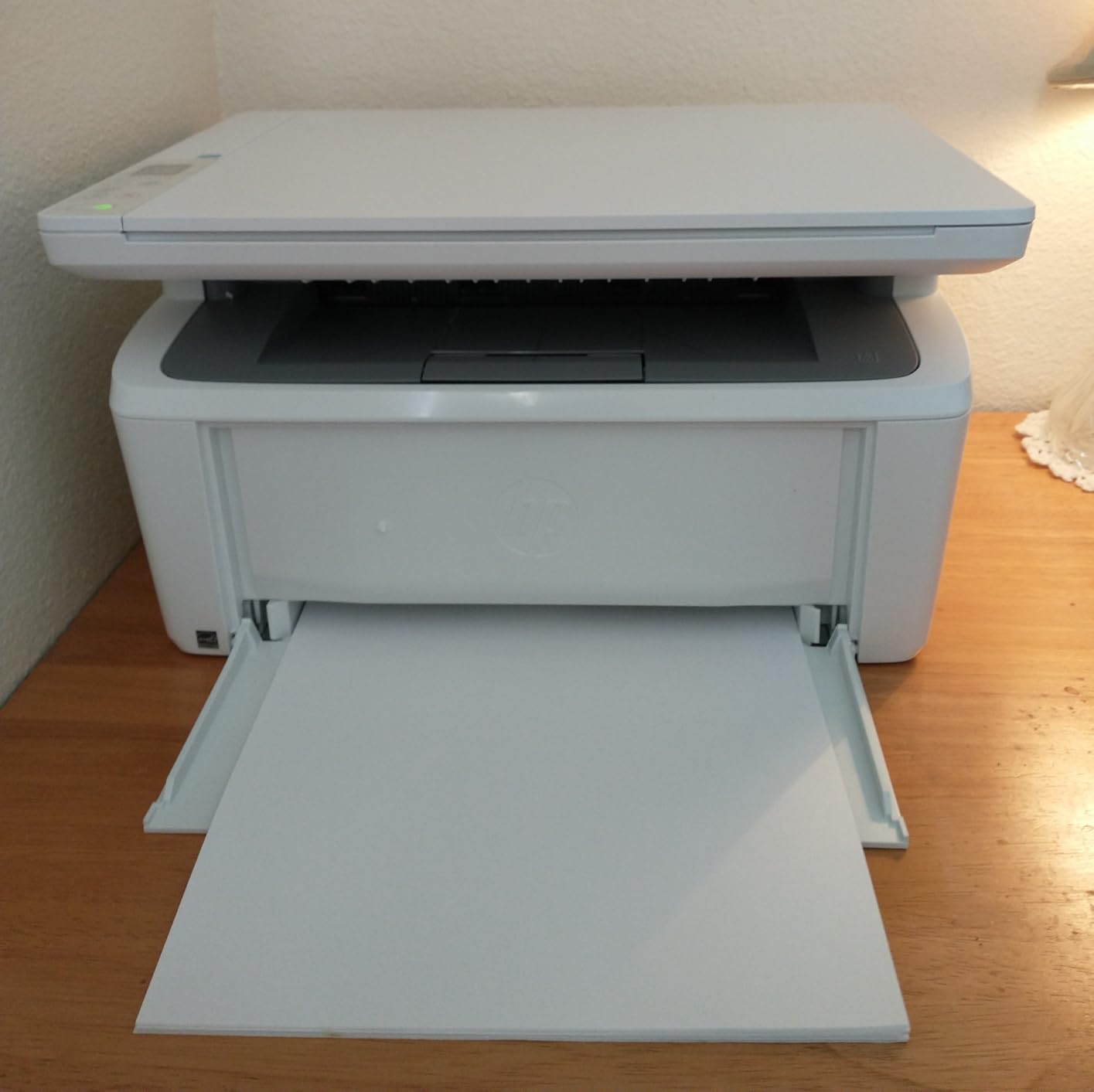
It also cooperates with basic Windows drivers, so you can skip installing the full HP software bundle. AirPrint and Mopria certification mean your phone and Chromebook can print without extra setup.
The ID-card copy feature is a small nicety that turns out to be useful: both sides of a small card print onto a single sheet, which is handy for badges, luggage tags and warranty cards.
Toner Lock-In and Third-Party Cartridges
The important caveat here is firmware. Reviewers report that firmware blocks third-party or non-HP-chipped toner cartridges, which removes the main way to cut the running cost that makes laser ownership attractive in the first place.
Plan to use genuine HP cartridges and treat the per-page cost as fixed. That changes the math versus the Brother machines in this roundup, and it is the main reason this sits at a 4.0 rather than higher.
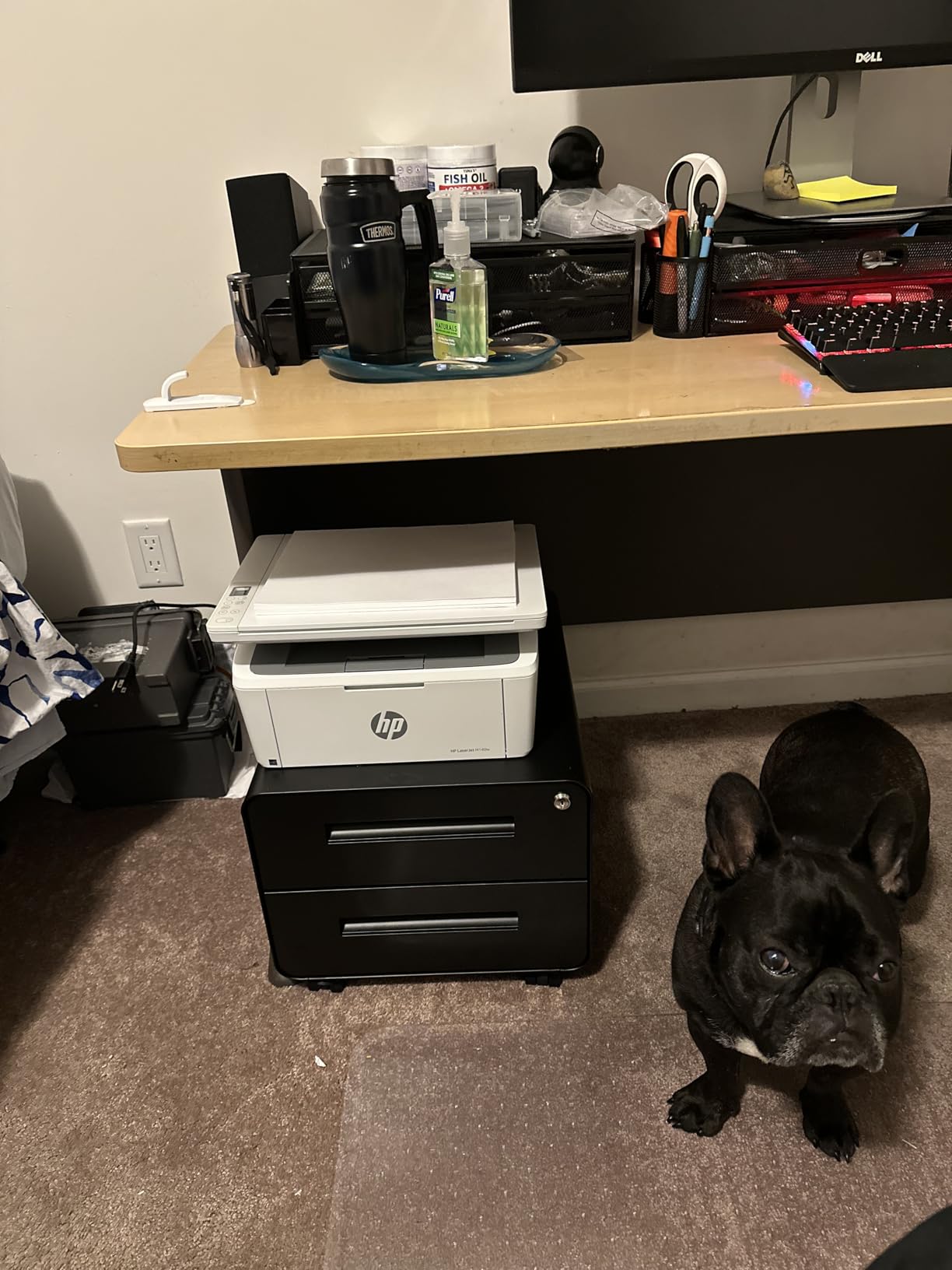
The 99-Sheet Tray and No Duplex
Ninety-nine sheets of capacity is the tightest in the roundup. It works for a home office printing sporadically, but any month where you batch invoices or meeting packs means refilling constantly, and the single tray offers no second option.
There is also no automatic duplex. Double-sided documents mean flipping the stack manually, which is the same limitation as the Canon LBP6030w but without that machine’s low cost as compensation.
Reliability Over Feature Count
Owners who have had this machine for years report it keeps going, which is the pattern you want from a device that sits unattended between uses. That is also why the 4.0 average still feels generous given the feature set.
What you are trading is everything else. No duplex, a small tray, locked toner, and a few reports of paper misfeeds and scanning errors within the first months of ownership.
Who Should Skip This Printer
Skip it if you want to cut toner cost with compatible cartridges, because the firmware restriction closes that door. That is a structural limitation, not a settings problem.
Skip it if you print in any volume. At 99 sheets with no duplex, a busy home office will spend more time refilling than printing, and the HP M234dw solves both problems for a modest step up.
7. HP LaserJet MFP M234dw – The Only Machine Publishing Duplex Throughput
HP LaserJet MFP M234dw Wireless Printer, Print, scan, Copy, Fast speeds, Easy Setup, Mobile Printing, Best-for-Small Teams, Instant Ink Eligible
30 ppm single-sided
19 ipm duplex
Print scan copy
Flatbed scanner
150-sheet tray
+ Pros
- 19 ipm two-sided duplex output
- Dual-band Wi-Fi with self-reset handles drops automatically
- Built-in security features for shared networks
- Crisp print and scan with smooth paper flow
- Works with Microsoft Mac AirPrint Android and Chromebook
– Cons
- No document feeder so multi-page scanning is one sheet at a time
- HP Smart app and an HP account required for full function
- No printed operation instructions in the box
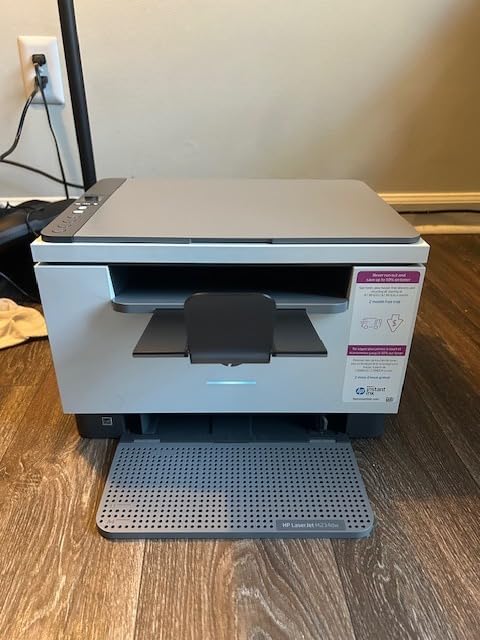
This is the second-highest rating in the roundup, and the reason is duplex reporting. It runs 30 pages per minute single-sided and 19 images per minute when printing both sides, and 19 images per minute is the only duplex throughput figure any machine in this roundup publishes.
It prints, scans and copies from a flatbed scanner, sits at 19.4 pounds, and measures roughly 14.5 by 11.75 by 9.5 inches. That is a moderate footprint for the capability on offer.
Dual-band Wi-Fi with a self-reset function is a genuinely useful touch. When a connection drops, the printer re-establishes itself rather than requiring you to remove it from the network and start over.
Owners also report smooth paper flow and few jams, plus built-in security features that protect the printer when it sits on a shared home network with other devices and guests.
Duplex Throughput in Real Terms
It runs 19 images per minute duplex, meaning a 20-page double-sided document completes in a bit over a minute. For a home office producing meeting packs or client binders, that is the difference between one job and several.
Print quality is listed at 600 dpi, lower than the 1200 dpi Brother models, and the difference is visible on very small type. For standard 11 point text the output is clean and dense.
The Missing Document Feeder
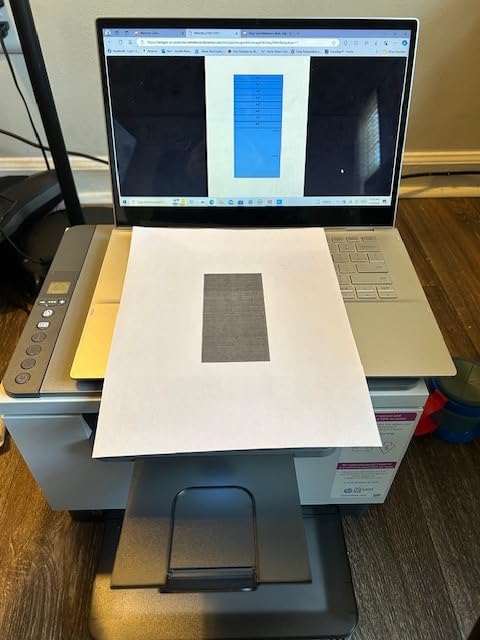
There is no automatic document feeder, so every scanned page goes on the flatbed one at a time. A ten-page contract takes ten passes, and there is no double-sided single-pass scan to speed it up.
This is the biggest functional gap in the machine, and it is why the Brother DCP-L2640DW, with its 50-page feeder, is the better choice for scan-heavy work. The HP wins on duplex print speed instead.
Software Ecosystem and the Required Account
Full functionality runs through the HP Smart app, and an HP account is part of that process. Buyers report registration difficulties particularly when the machine is purchased through a reseller rather than directly.
There are also no printed operation instructions in the box, so the physical walkthrough you might expect is missing entirely. Budget an extra setup session if you are not comfortable with software configuration.
Who Should Skip This Printer
Skip it if you scan multi-page documents regularly. The lack of a document feeder will frustrate you within a week, and no software fix changes that.
Also weigh it against the Brother DCP-L2640DW carefully. The HP is faster on duplex and rated slightly higher, but the Brother scans faster, feeds paper automatically, and uses the same high-yield toner family across the range.
8. Canon imageCLASS LBP122dw – Fastest First Page for Apple Households
Canon imageCLASS LBP122dw – Wireless Monochrome Duplex Laser Printer
Print only
30 ppm automatic duplex
5.3 second first page
2400 x 600 dpi
Ethernet and Wi-Fi
+ Pros
- Automatic duplex at a low price point
- 30 ppm with a 5.3 second first page
- Crisp black-and-white output including grayscale images
- Strong AirPrint and Apple ecosystem compatibility
- 150-sheet capacity with Ethernet and Wi-Fi
– Cons
- Small unlit 2-inch LCD that is hard to read
- Menu-driven onboarding with a dated manual and no app setup
- Connects to 2.4GHz Wi-Fi only
The headline number here is 5.3 seconds to first page, the fastest in the roundup, with 30 pages per minute in automatic duplex. For someone printing one page at a time all day, that responsiveness is the whole experience.
Output is listed at 2400 x 600 dpi with clear black text, and owners confirm crisp results including on detailed grayscale images. Paper handling is a 150-sheet tray with manual duplex assistance.
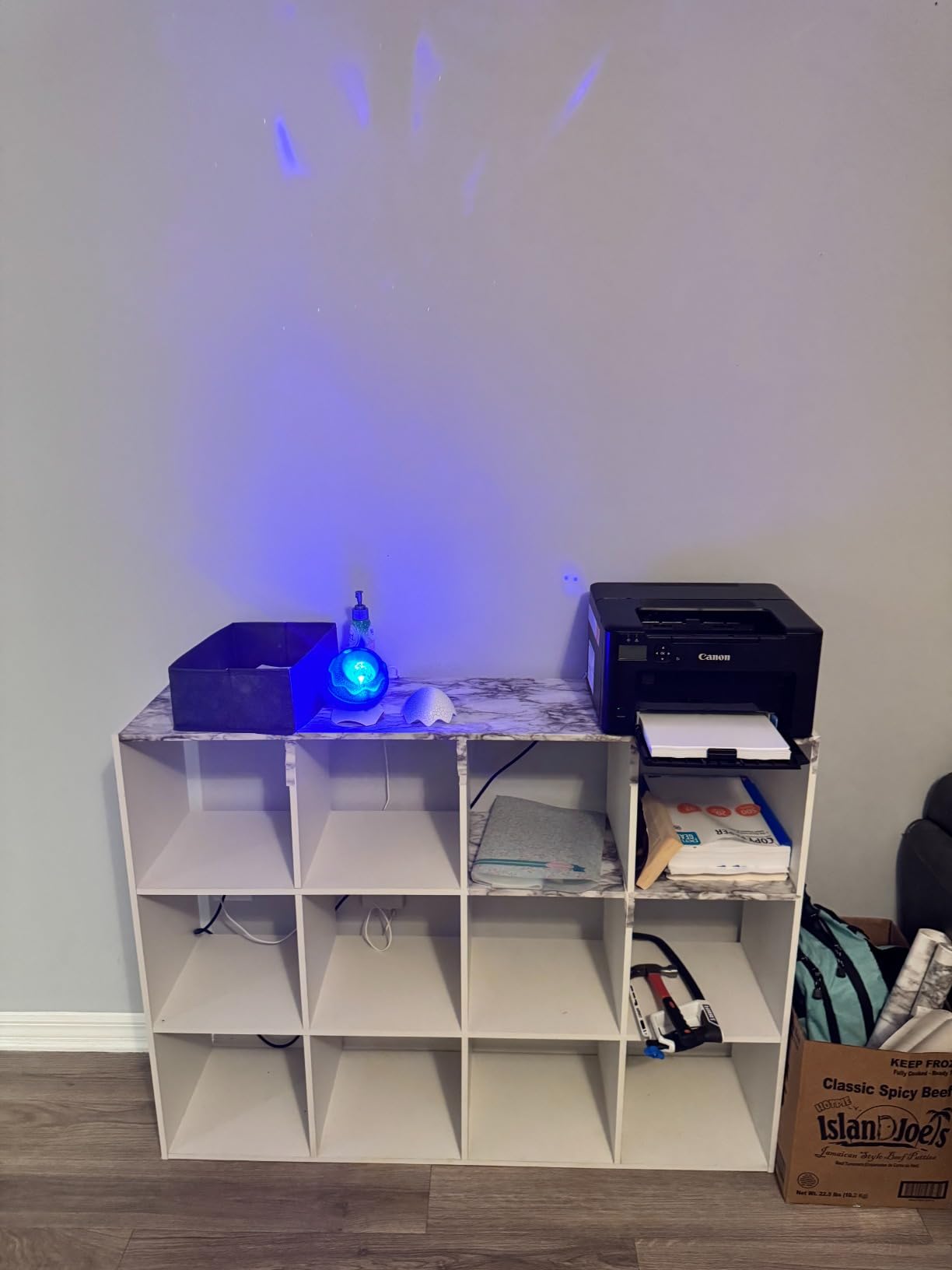
Apple compatibility is the reason to look here. Owners with iPhones, Macs and iPads report strong AirPrint and ecosystem support once configured, and the printer settles into a mixed Apple and Windows household without drama.
It also has a wired Ethernet port alongside Wi-Fi, which is unusual at this tier and useful if your router is far from the desk.
The 2.4GHz-Only Wireless Limitation
This model connects only to 2.4GHz Wi-Fi bands and not 5GHz. On 2.4GHz-only hardware in a dense building, that can mean a crowded channel and an unreliable connection.
If your home router is dual-band and you can force the printer onto a quieter 2.4GHz channel, it works. If you have no control over your network settings, this is worth testing before committing.
Onboarding Without an App
Setup is menu-driven rather than app-based, using the small control panel and a long manual that reviewers describe as dated. There is no guided mobile setup, which means a longer first session than the Brother and HP machines here.
That cuts both ways. For anyone who dreads account registration, a menu-driven setup has appeal. For anyone who wants a two-minute guided install, this is the slower route.
The Small Unlit Display
The 2-inch unlit LCD is the most-criticized physical feature on this model. It is hard to read, particularly in a dim room, and you are stepping through menu options rather than tapping a screen.
If you only change settings twice a year, this is a minor irritation. If you frequently switch trays, toner or copy modes, it becomes a daily friction point worth factoring into your choice.
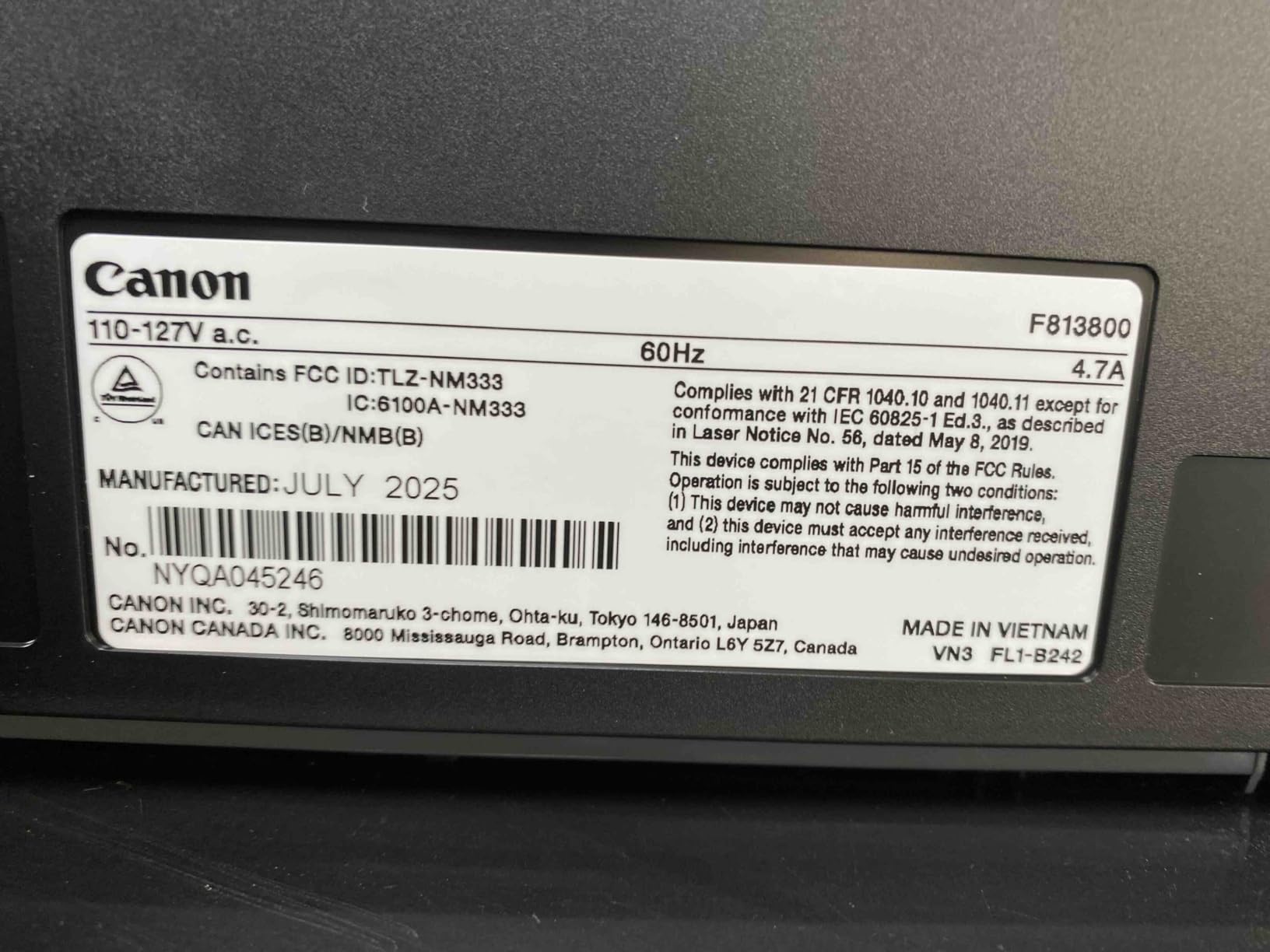
Who Should Skip This Printer
Skip it if you need scanning or copying, because there is none. Print-only means a separate flatbed scanner if documents need digitizing.
Skip it if you need 5GHz wireless or a comfortable control panel. The HP M234dw and Brother L2460DW both give you better interfaces, and the Canon LBP6030w is cheaper if you can live without duplex.
9. Canon imageCLASS LBP646Cdw – The Only Color Laser That Fits the Budget
Canon Color imageCLASS LBP646Cdw Wireless Laser Printer, Duplex, 26 PPM, Print Only, White
Color laser
26 ppm color and mono
Automatic color duplex
5-line LCD
250-sheet cassette
+ Pros
- Full color laser output
- unusual in this price band
- 26 ppm in both color and monochrome
- Automatic two-sided printing in color as well as black
- 5-line LCD makes on-device menu control straightforward
- 250-sheet cassette plus multipurpose tray
– Cons
- Print only with no scanning or copying
- Heaviest machine in the roundup at 39.4 pounds
- Canon color toner cartridges are costly per page
- 5GHz networks can interfere with initial wireless setup
If you genuinely need color, this is the only honest answer in this price range. Every other printer here is monochrome, and a color machine is a bigger commitment than any other choice in this band.
It runs 26 pages per minute in both color and monochrome with a 10.3 second first page, and automatic duplex works on color output too, which almost no model at this price offers.
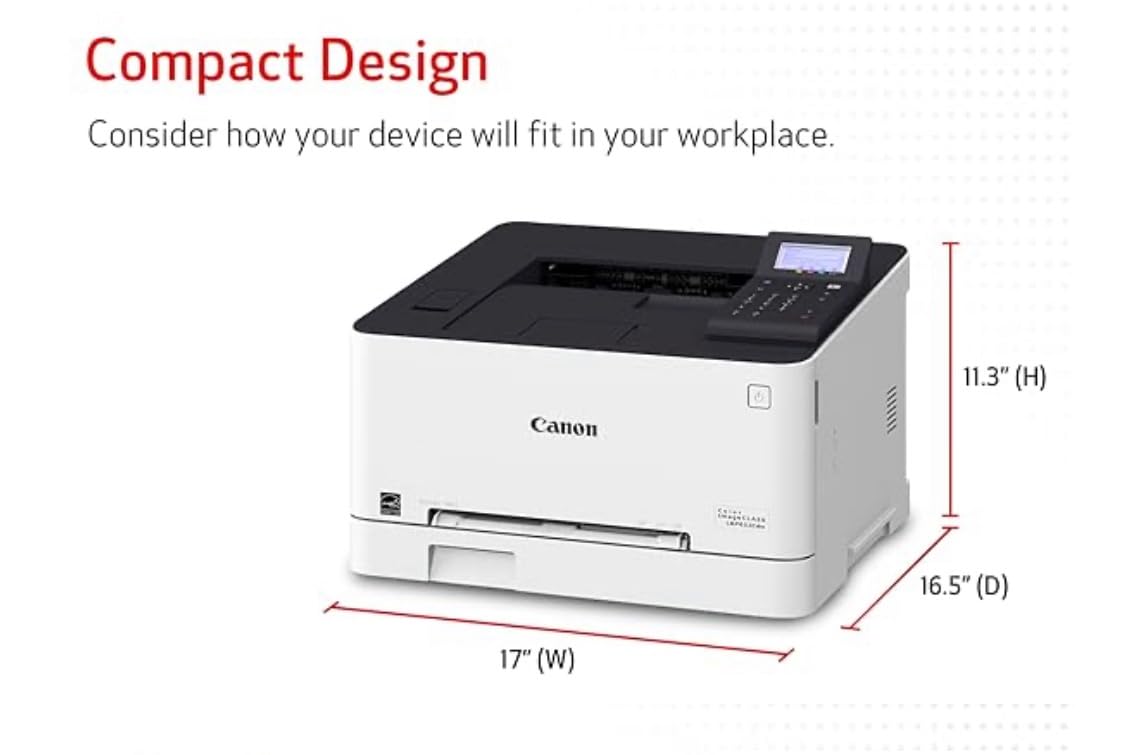
Paper handling is a 250-sheet standard cassette plus a one-sheet multipurpose tray for banners and specialty media, and a 5-line LCD makes on-device menu control far less painful than the tiny panels on cheaper models.
It uses Canon Genuine Toner 075 and 075 high-capacity cartridges, and carries Energy Star and EPEAT Silver certification with a three-year manufacturer warranty listed in the product details.
Color Running Cost Is the Deciding Factor
Color toner cartridges are expensive per page, and this is the real reason reviewers flag this machine. A page that costs cents in black can cost several times more in color, and covering an entire document in a heavy accent color adds up quickly.
For invoices, shipping labels and anything mostly black with the occasional highlight, the color capability gets used rarely. Be honest with yourself about how often you will actually print in color before choosing this over a fast monochrome machine.
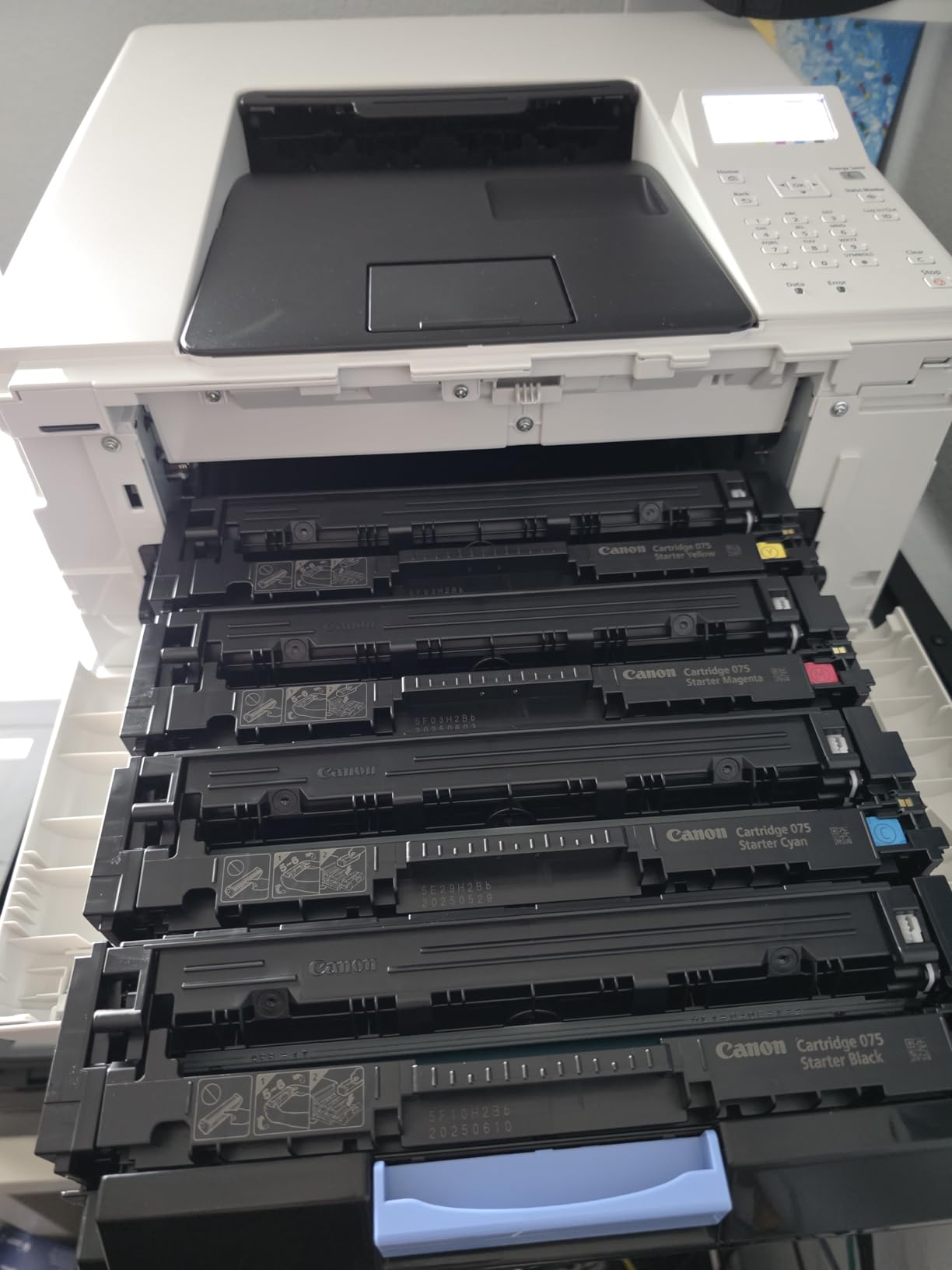
Duplex on Color and the Paper Trays
Automatic two-sided color printing is the technical standout here. Most machines in this bracket only duplex in monochrome, so an owner who prints color reports ends up re-inserting half their pages by hand.
Two trays make a real difference for a mixed workload, and the multipurpose tray handles envelopes and thicker media. The 250-sheet cassette is generous for a machine that will be used in bursts.
Size, Weight and Wireless Setup
At 39.4 pounds and roughly 16.8 by 16.5 by 10.5 inches, this is the heaviest printer in the roundup. Moving it onto a shelf is a two-person job, and it needs a flat surface rather than a corner of a desk.
Reviewers also note that 5GHz networks can interfere with the initial wireless setup, so setting it up on a 2.4GHz band is the smoother path.
The review base here is the thinnest in the roundup at 260 reviews, so long-term reliability data is weaker than for the machines above.
Who Should Skip This Printer
Skip it if your color printing is occasional, which is true of most home offices. A print shop or an online print job costs far less than owning four color toner cartridges you use twice a year.
Skip it if space is tight. There is no scanning or copying, so you still need something else for documents, and 39 pounds on a small shelving unit is a genuine constraint.
How to Choose a Budget Laser Printer for a Home Office
Almost every regret in this category comes from deciding in the wrong order. People fixate on print speed or the sticker price, then discover in month two that they cannot scan or that toner costs more than the printer. Work through these decisions in sequence.
Monochrome or Color: Decide This First
Monochrome buys you speed, duplex, a larger paper tray or an automatic document feeder, because you are not paying for four toner systems. At this budget, that is usually the better trade for document work.
Color only wins when you produce materials where color carries meaning: marketing pieces, packaging inserts, price tags, colored forms for sorting, or school projects. If color is a nice-to-have, print those jobs elsewhere and save the money.
Print-Only or All-in-One
Print-only machines tend to be faster, quieter, smaller and cheaper to maintain, and they leave a clean single-purpose footprint. The Brother HL-L2460DW and HL-L2405W show how much capability you keep by dropping the scanner.
All-in-ones are worth it if you scan or copy at all, but check the scanner type. A flatbed without a document feeder means one sheet at a time, which is barely better than a dedicated scanner. A feeder like the 50-page unit in the Brother DCP-L2640DW changes how you work.
Automatic Duplex vs Manual Duplex
Automatic duplex is the feature buyers most regret omitting. Manual duplex still exists in this bracket and means re-inserting every stack by hand, which is workable at low volume and frustrating above it.
Among the picks with automatic duplex, compare throughput: the Canon LBP122dw and Brother models run 30 to 36 pages per minute, while the HP M234dw pushes 19 images per minute on two-sided jobs, a throughput figure no other model in this roundup publishes.
Paper Capacity for Real Workloads
Capacity figures look similar until you put them against a month of invoices. A 99 or 150-sheet tray means refilling several times during a heavy billing period, and a single-tray machine cannot be expanded.
Look for two trays if you alternate letter and legal media or print envelopes often. The Canon LBP646Cdw is the only model here with a standard cassette plus a multipurpose tray, which is the tradeoff color buyers accept in exchange for two-tier paper handling.
Wireless Setup and App Friction
This is the most common home office complaint and the easiest to check before buying. Does the machine support both 2.4GHz and 5GHz bands? Does it need an account and an app, or does it work from a menu and your existing network?
The HP machines lean heavily on the HP Smart app and an HP account. The Canon LBP122dw is menu-driven with a dated manual and 2.4GHz-only wireless. The Brothers use the Brother Mobile Connect app, which some reviewers find multi-step. Ask what your network looks like before you choose.
Toner Cost Per Page and Third-Party Cartridges
Calculate running cost by dividing cartridge price by page yield, then multiply by your monthly page count. Do this once with a high-yield cartridge, not the starter one, because starter cartridges are always the most expensive per page.
Then check third-party compatibility, because it changes total cost more than any other single factor. Brother platforms such as TN830 and TN830XL have deep aftermarket supply. The HP M140w’s firmware restricts non-HP-chipped cartridges, and the Canon LBP122dw can throw error states on some non-Canon cartridges that need a panel reset.
Finally, look at whether you want a subscription. Brother’s Refresh EZ Print discounts toner in exchange for automatic shipments, and that discount only applies if you opt in. Buying one high-yield cartridge outright is often cheaper for someone printing 150 pages a month.
Frequently Asked Questions
What is the best laser printer for a home office under 300 dollars?
The HP LaserJet Pro MFP M29w is our top pick: it prints, scans and copies with automatic duplex at 19 pages per minute, weighs 11 pounds, and has the highest owner rating in this roundup at 4.4 across more than 5000 reviews. The Brother DCP-L2640DW is the better value pick at 36 pages per minute with a 50-page document feeder, and the Brother HL-L2460DW is the sharpest print-only option at 1200 x 1200 dpi.
What is the best all-in-one laser printer for home and office use?
Among the picks under 300 dollars, the HP LaserJet Pro MFP M29w wins on footprint and features: it combines printing, scanning and copying with automatic duplex in an 11 pound body. If you scan multi-page documents regularly, the Brother DCP-L2640DW is the better all-in-one because its 50-page automatic document feeder replaces dozens of individual flatbed passes.
Are laser printers being phased out?
No. Laser printing remains the standard for text-heavy document output in offices of every size, and every printer in this roundup sells at volume with thousands of owner reviews. What has changed is the surrounding market: inkjet manufacturers have moved to refillable tank systems, and vendors increasingly steer home users toward inkjet subscriptions. Laser remains the cheaper and more reliable choice for high-volume black-and-white documents.
How much does laser printer toner really cost per page?
It depends on cartridge price divided by page yield, and the gap between high-yield and standard cartridges is large. For most home offices the real cost driver is whether the printer accepts third-party cartridges. Brother platforms such as the TN830XL have deep aftermarket supply, while some HP models use firmware that blocks non-HP-chipped cartridges, locking you into genuine supplies at a higher per-page cost.
Should a home office buy a laser printer or an inkjet?
Buy a laser if you print more than roughly 250 pages a month or mostly text, invoices, labels and contracts. Text is sharper, toner does not dry out in an idle cartridge, and the cost per page is lower. Choose an inkjet only if photos or large color graphics are the priority, since laser color under 300 dollars is limited to one model with expensive per-page toner.
Which Laser Printer Fits Your Home Office
If you want the most complete package in the smallest body, the HP LaserJet Pro MFP M29w is the winner: print, scan, copy, automatic duplex and the highest owner rating in the group, all in an 11 pound shell you can shelve out of sight.
If you do real document volume and scan paperwork, choose the Brother DCP-L2640DW for 36 pages per minute and a 50-page document feeder. If you print but rarely scan, the Brother HL-L2460DW gives you the sharpest monochrome output and fast duplex in a smaller frame.
If your budget is extremely tight and printing is occasional, the Canon LBP6030w is the cheapest credible entry point. If you need Apple devices to print without friction, look at the Canon LBP122dw, and if you truly need color, the Canon LBP646Cdw is the only option left under the cap.
Whichever you choose, decide on duplex, connectivity and toner supply before you buy, not after. Those three answers determine whether the printer gets used every week or ends up in a closet. For the wider picture across price tiers and larger offices, read our color laser printer breakdown and our home office cable organizer picks to finish setting up the room properly.
Leave a Reply