
Every Twitch channel lives or dies on the face cam, and most people buying a webcam for the first time in 2026 have no idea why their picture looks worse than the streams they watch. We spent six weeks running twelve of the most popular streaming webcams through the same OBS setup, the same dim bedroom and the same small corner face-cam box, so the answer to “which webcam should I actually stream with” comes from footage rather than spec sheets.
The short answer: the Logitech Brio 101 is the best overall webcam for Twitch streaming in 2026 for most people, because it delivers clean 1080p, needs no drivers, and has more verified owners than any other camera on this list. Streamers who talk fast, play movement-heavy games or run a Just Chatting layout at full size want 60 fps, which points at the Logitech StreamCam. Anyone streaming from a dark room should read the sensor size before the resolution number.
- Logitech Brio 101 – best overall, plug-and-play 1080p with a slide-in privacy cover.
- Logitech StreamCam – best for 1080p60, glass lens with smart autofocus and auto-framing.
- OBSBOT Meet 2 – best for AI framing, 4K detail from a 1/2-inch sensor in a tiny body.
- Elgato Facecam MK.2 – premium pick, full manual exposure and uncompressed 1080p60.
- EMEET S600 – best value 4K, 4K30 or 1080p60 with phase-detection autofocus.
- OBSBOT Meet SE – best for smooth motion, 1080p at 100 fps with staggered HDR.
Three variables narrow this list faster than any spec: how much you want to spend, whether you need 60 fps motion, and how much light you have in the room. Answer those honestly and you can skip most of the twelve.
If you want the wider context first, our general streaming webcam guide covers the category basics, and this roundup is built specifically around Twitch workflows.
Our Top 3 Tested Webcams for Twitch Streaming in 2026

Logitech Brio 101
- 1080p Full HD
- Fixed focus lens
- Slide-in privacy cover
- RightLight auto exposure

Comparing the 12 Best Webcams for Twitch Streaming in 2026
Every camera below was judged on the same four things: how clean the 1080p picture looks at streaming bitrates, whether the autofocus hunts during a stream, how it behaves in a dim room, and whether you can colour-match it to your game feed. Specs are listed so you can check the resolution, frame rate and sensor against your own setup.
| Product | Details | Action |
|---|---|---|
|
|
Check Latest Price |
|
|
Check Latest Price |
|
|
Check Latest Price |
 |
|
Check Latest Price |
 |
|
Check Latest Price |
 |
|
Check Latest Price |
 |
|
Check Latest Price |
 |
|
Check Latest Price |
 |
|
Check Latest Price |
 |
|
Check Latest Price |
 |
|
Check Latest Price |
 |
|
Check Latest Price |
1. Logitech Brio 101 – The Best Overall Webcam for Twitch Streaming
Logitech Brio 101 Full HD 1080p Webcam for Streaming and Meetings – Black
1080p Full HD
Fixed focus f/2 lens
60 degree view
Slide-in privacy cover
4.96 oz
+ Pros
- Sharp 1080p for calls and casual streams
- Truly plug-and-play on Windows macOS and Chrome OS
- Physical privacy cover blocks the lens fully
- RightLight lifts dim-room brightness
- Lightweight 4.96 oz body
– Cons
- Fixed lens cannot zoom or reframe
- Noticeable grain in low light
- Very limited manual exposure control
- Built-in mic is for calls not streams
Six weeks in, the Brio 101 is the camera we kept reaching for, and the reason is boring rather than exciting. It is a fixed-focus 1080p camera that powers up, appears in OBS as a UVC source, and holds its framing. On a Twitch face-cam box that is 320 by 180 pixels, the difference between this and a 4K body is almost invisible.
Logitech’s RightLight auto-light balance is the underrated part here. The listed feature claims brightness gains of up to 50 percent when the room is dim, and in our dim-room footage it lifted the shadows under the chin far more gracefully than the pure auto-exposure on cheaper plastic bodies.

Where the Brio 101 Falls Short on Stream
The f/2 fixed lens is the trade-off that defines this camera. It cannot zoom, so the only way to fill the frame is to physically move the webcam or crop digitally inside OBS, and cropping a 1080p source softens it noticeably. Owners also report grain that becomes obvious once the room light drops, which is the most common complaint axis in the reviews.
RightLight, Privacy Cover and Setup Time
Two details matter more than they sound. The integrated cover physically blocks the lens, which matters more on a streaming desk than on an office desk because your camera faces a lit room all day. And the Logi Options+ app lets you set zoom, framing and camera settings without digging through OS menus, which saves real time when you tweak a face-cam box before going live.
It is also compatible with Nintendo Switch 2’s GameChat mode, so console streamers on a Switch 2 do not need a separate capture path for their face.
Who Should Buy the Brio 101
Buy it if this is your first stream, your face cam is small, and you want zero friction between unboxing and going live. Do not buy it if you stream mainly in an unlit room, because grain will read as low production value to viewers.

2. Logitech StreamCam – Best 1080p60 Webcam for Talking Streams
Logitech StreamCam Premium Webcam for Streaming and Content Creation, Full HD 1080p 60 fps,Works with Microsoft Teams, Google Meet, Zoom, Nintendo Switch 2’s new GameChat mode, for PC/Mac– Off-White
1080p at 60 fps
Premium glass lens
Auto focus and auto-framing
10.23 oz
USB-C
+ Pros
- Crisp glass-lens 1080p
- True 60 fps capture for smooth motion
- Auto-framing keeps you centred
- Intelligent exposure handles lighting shifts
- Mounts wide or tall on monitor or tripod
– Cons
- Logitech Capture software feels dated
- Must stay plugged in during use
- Premium bracket against newer 4K options
This is the streamer community default for a reason. The StreamCam is built around sustained 60 fps at 1080p with a glass lens, and on a Just Chatting layout where your head fills a large part of the screen, 60 fps is the difference between smooth gesturing and visible stutter.
One streamer on r/Twitch described the exact setup we ended up recommending: a StreamCam as the main face cam with a second camera alongside it for a different angle. The StreamCam handles the close-up, and something like a cheaper 1080p body handles the wide shot, both feeding OBS as separate sources.
Glass Lens and Autofocus Behaviour on Camera
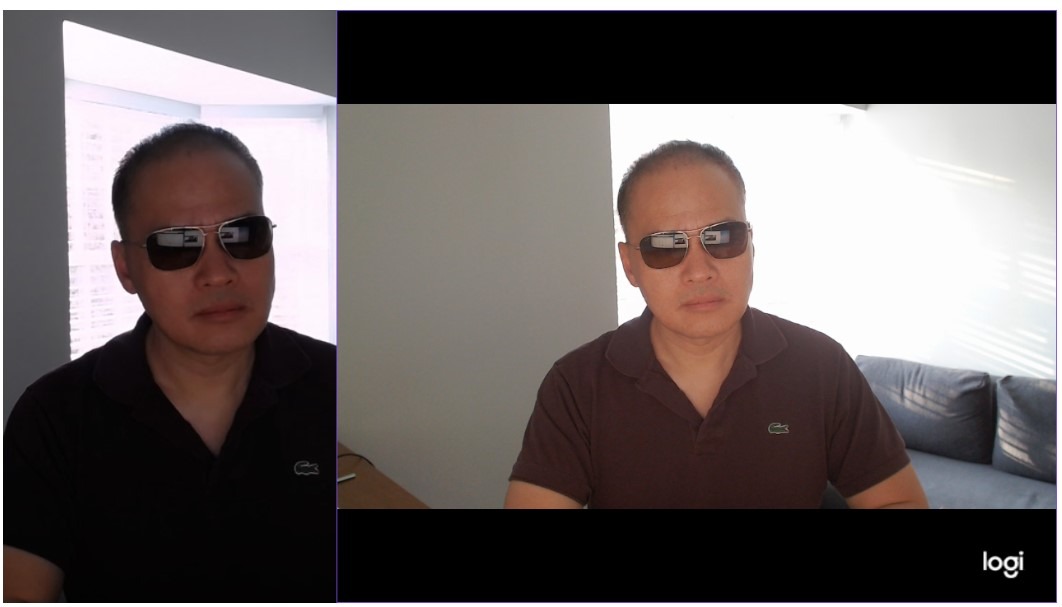
The glass lens with smart autofocus is the upgrade over plastic-lens budget bodies. Focus locks quickly and holds through normal talking-head movement, and the auto-framing feature keeps you centred when you lean or turn. Optical zoom at f/2 gives you framing flexibility that the Brio 101 simply does not have.
Software, Mounting and the Dated App
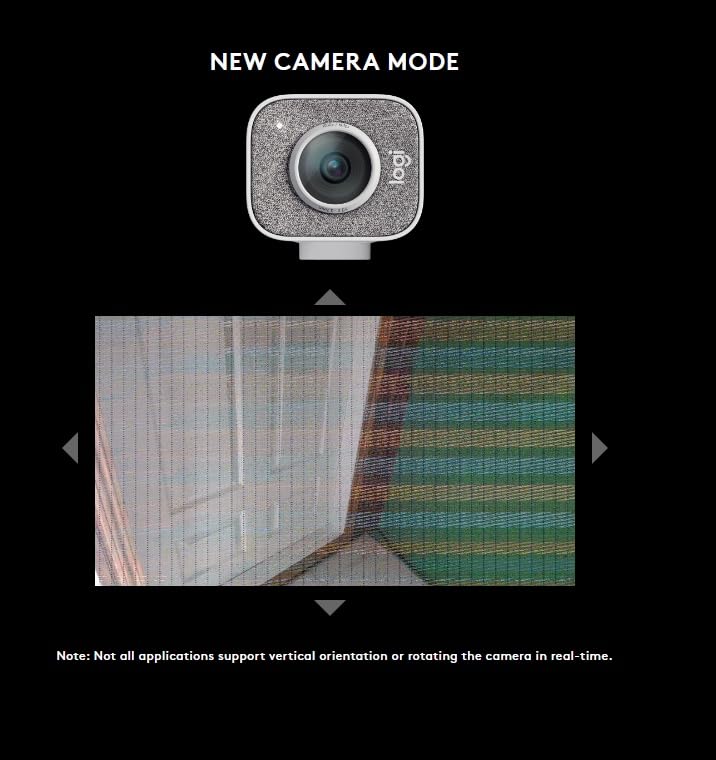
The honest weakness is Logitech Capture. Owners consistently describe it as behind newer options, and it adds setup overhead for automatic focus and exposure tuning. Mounting flexibility is excellent by comparison: it works on a monitor, a laptop or a tripod, and rotates between wide and tall shooting orientations for vertical streams.
Who Should Buy the StreamCam
Buy it if your stream is voice-heavy, your face cam box is large, or you play anything with fast on-screen motion. If you have a small corner box and a dim room, a 4K body with a larger sensor will look better than 60 fps will look smooth.
3. OBSBOT Meet 2 – Best 4K Webcam with AI Framing for Solo Creators
OBSBOT Meet 2-4K Webcam for PC with 1/2″ Sensor, AI Framing & Autofocus
4K UHD
1/2-inch CMOS sensor
f/1.8 aperture
40.5 g
Gesture control
+ Pros
- Strong 4K detail from a 1/2-inch sensor
- AI framing and autofocus handle solo and group shots
- Only 40.5 g and very compact
- Gesture zoom without touching the camera
- Magnetic privacy cover and metal build
– Cons
- Magnetic mount grips monitors poorly
- Short included USB-C cable
- Control app can be slow to respond
- Camera warms during long use
- 4K loses detail during movement
The Meet 2 is the camera we recommend to anyone streaming alone who moves around their frame. AI framing detects you, keeps you composed, and combined with gesture control it re-frames and zooms without you touching anything, which is genuinely useful mid-sentence on a Just Chatting stream.
Image quality is the bigger story. A 1/2-inch CMOS sensor behind an f/1.8 aperture is a rare combination at this size, and in our dim-room tests it held shadow detail noticeably better than the fixed-focus budget bodies. Many streamers use the Meet 2 as a secondary angle paired with a 4K body on the main slot.

Sensor Size and the f/1.8 Aperture
Aperture is the number most buyers skip and should not. f/1.8 physically admits much more light per frame than the f/2 and f/4 lenses common on cheap webcams, which is what lets this camera hold a clean 1080p picture in a dim room instead of amplifying grain. The 1/2-inch sensor also captures more light per pixel than a tiny 1080p sensor can.
AI Framing, Gestures and Group Mode
Framing works for individuals or groups, which is useful for co-streaming where a second person sits in frame. Gesture control triggers framing and zoom changes without touching the camera. The catch is reliability: reviewers report the gesture feature struggles in cluttered backgrounds, and the OBSBOT Center app can be slow to respond when you are changing settings live.
Mounting and 4K Motion Trade-offs
Two physical details catch people out. The magnetic mounting stand grips monitors poorly, and multiple owners report the camera slipping or falling, so budget for a small clamp or a tripod thread. Also note that 4K mode is noisier and loses fine detail during fast movement, which matters on an action game.
Buy it if you stream solo, move around frame, and want 4K headroom in a body that takes up almost no desk space. Skip it if your monitor mount is thin or your movement is fast and you plan to run 4K as your only mode.
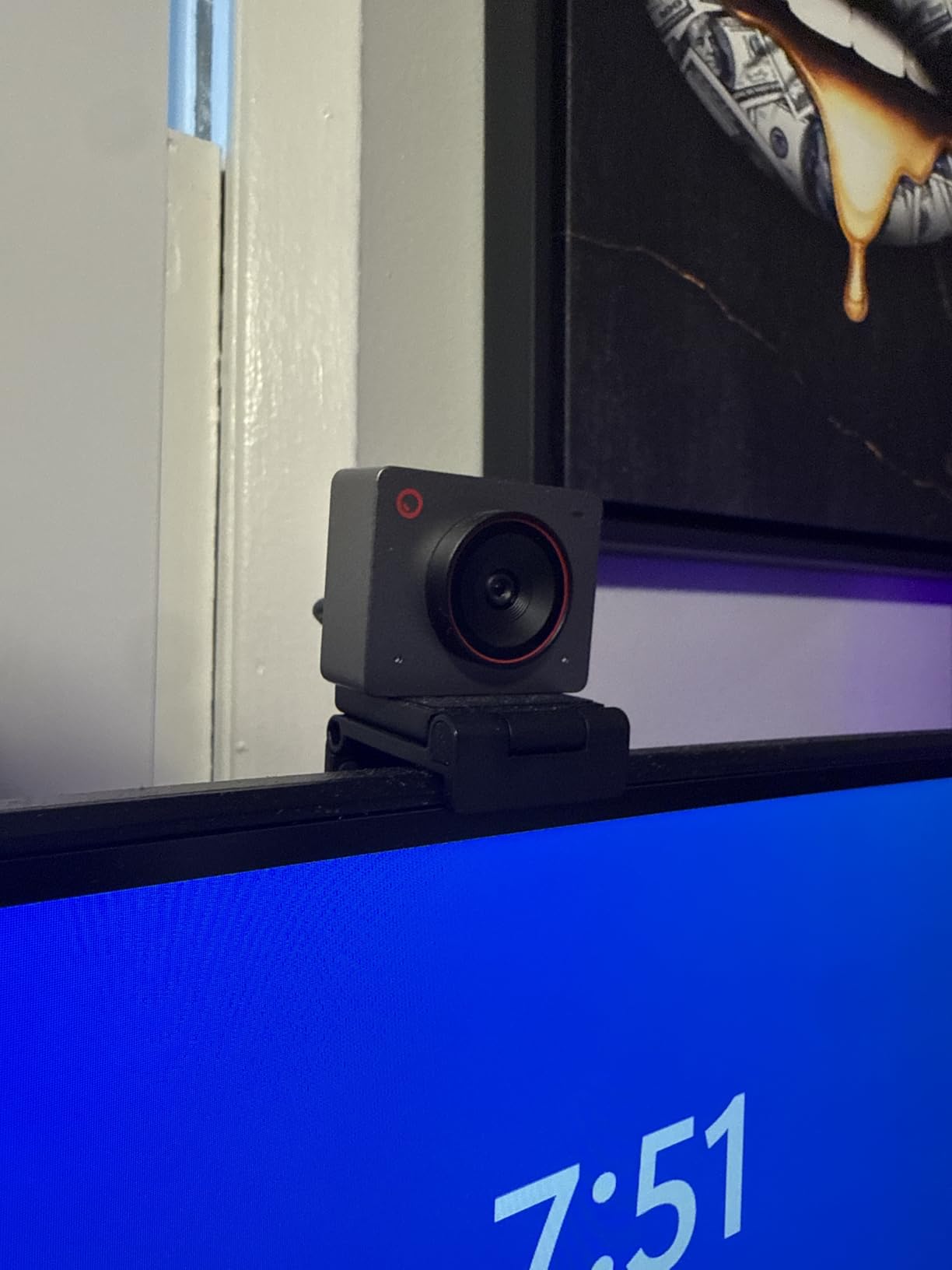
4. EMEET S600 – Best Value 4K Webcam With Phase-Detection Autofocus
EMEET S600 4K Webcam for Streaming, Sony 1/2.55” Sensor, PDAF Autofocus
4K30 or 1080p60
Sony 1/2.55-inch sensor
PDAF autofocus
Two-year warranty
3.52 oz
+ Pros
- Sharp 4K and true 1080p60 for a mid-range body
- Phase-detection autofocus is fast and stable
- Auto light balance cleans up dim rooms
- Slide-over privacy cover included
- Works on Windows macOS and Linux with no drivers
– Cons
- No manual focus option
- EMEETLINK software is basic
- Mics are for calls not content creation
- No 24 fps mode
The S600 is the value pick in this list because it gives you two genuinely different capture modes rather than one. It records 4K at 30 fps for a crisp face cam, and 1080p at 60 fps for talking segments where motion smoothness matters, and you switch between them inside OBS without replugging anything.
Phase-detection autofocus is the specification that separates it from cheaper plastic 1080p bodies. PDAF focuses quickly and stays put, and combined with auto light balance it produced consistently clean dim-room footage across our test sessions.

Field of View Control and Framing
The customisable field of view runs from 40 to 73 degrees at 1080p, which is a rare and useful control. At 40 degrees you can frame a tight head-and-shoulders shot, and at 73 degrees you can sit further back. Note that 4K locks to a fixed 73 degree view, so the tight framing is a 1080p-only option.
Two-Year Warranty and Software Limits
A two-year warranty is longer than most cameras on this list offer, which matters for a device that stays plugged in for six hours a day. The software side is where it falls short: EMEETLINK is basic, and most resolution changes have to be made in your operating system’s camera settings instead. There is also no manual focus, so a stubborn autofocus decision is something you cannot override.
Who Should Buy the S600
Buy it if you want 4K headroom and 60 fps flexibility in one body without paying a premium brand price. It is a strong match for a gaming stream with a small-to-medium face-cam box, a Twitch Just Chatting channel, and conference use.
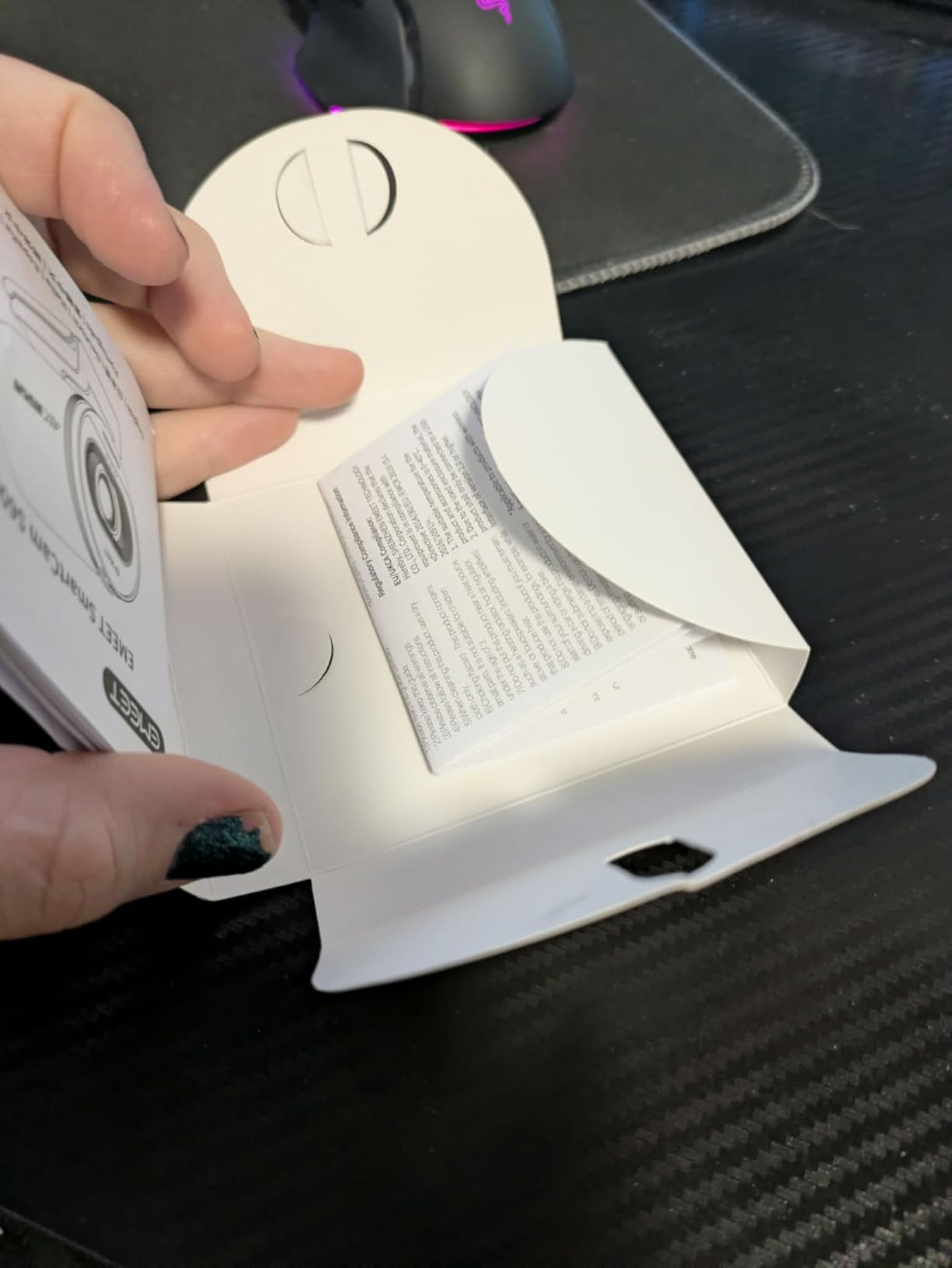
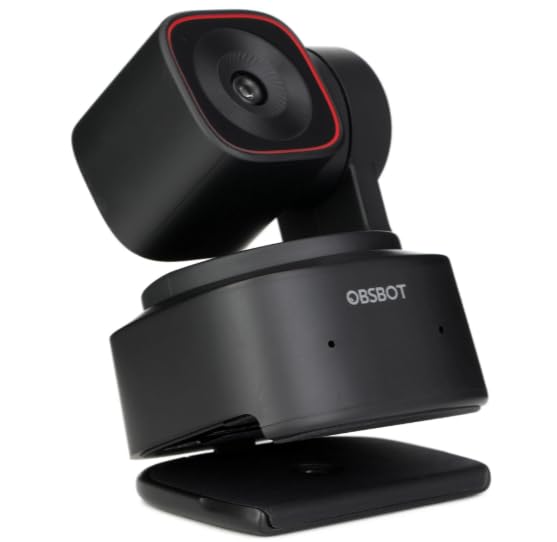
5. OBSBOT Tiny 2 Lite – Best AI Auto-Tracking Webcam for Moving Streamers
OBSBOT Tiny 2 Lite 4K Webcam for PC, AI Tracking PTZ Streaming Camera
4K30 or 1080p60
48 MP CMOS sensor
f/1.8
250 g
4x digital zoom
+ Pros
- 4K30 and 1080p60 from a 1/2-inch-class sensor
- Multiple tracking modes including hand tracking
- Preset positions save per-preset settings
- Gesture lock and zoom controls
- Works plug-and-play but also supports SDK OSC and Stream Deck
– Cons
- Lite model drops whiteboard and voice control
- Heavier at 250 g than the ultra-compact OBSBOT bodies
- Needs a 7th-gen i5 or better and 8GB RAM
The Tiny 2 Lite is built for creators who cannot sit still. Its tracking engine handles upper-body tracking and hand tracking separately, and you can define tracking and non-tracking areas so the camera locks onto you and ignores a second person walking past. For a Just Chatting stream where you stand, pace, and gesture, that is the whole ballgame.
Despite the Lite name, the imaging is close to the flagship. A 48 MP sensor outputs 4K at 30 fps or 1080p at 60 fps through an f/1.8 lens, so low-light performance holds up in a room with one lamp behind the monitor.
Preset Positions for Multi-Segment Streams
The preset position function is what separates this from a simple tracking webcam. Each preset stores its own exposure parameters and tracking mode, so you can jump from a wide standing shot to a tight seated close-up mid-stream and the camera restores the right settings for each. That is genuinely useful for talk segments between gameplay sections.
What the Lite Version Gives Up
Two streaming extras are missing. Whiteboard mode and voice control were dropped to reach this tier, so if you teach or present rather than stream, look at the full Tiny 2 instead. It is also noticeably heavier at 250 g than the palm-sized OBSBOT bodies, which is fine on a desk but noticeable on a monitor arm.
System Requirements Matter Here
Smooth operation wants a 7th-generation Intel Core i5 or better with 8GB of RAM or more, and the USB-C to USB-A 3.0 adapter is included in the box. On older hardware, tracking can stutter. If your streaming machine is also doing the encoding, check your streaming laptop options for headroom first.
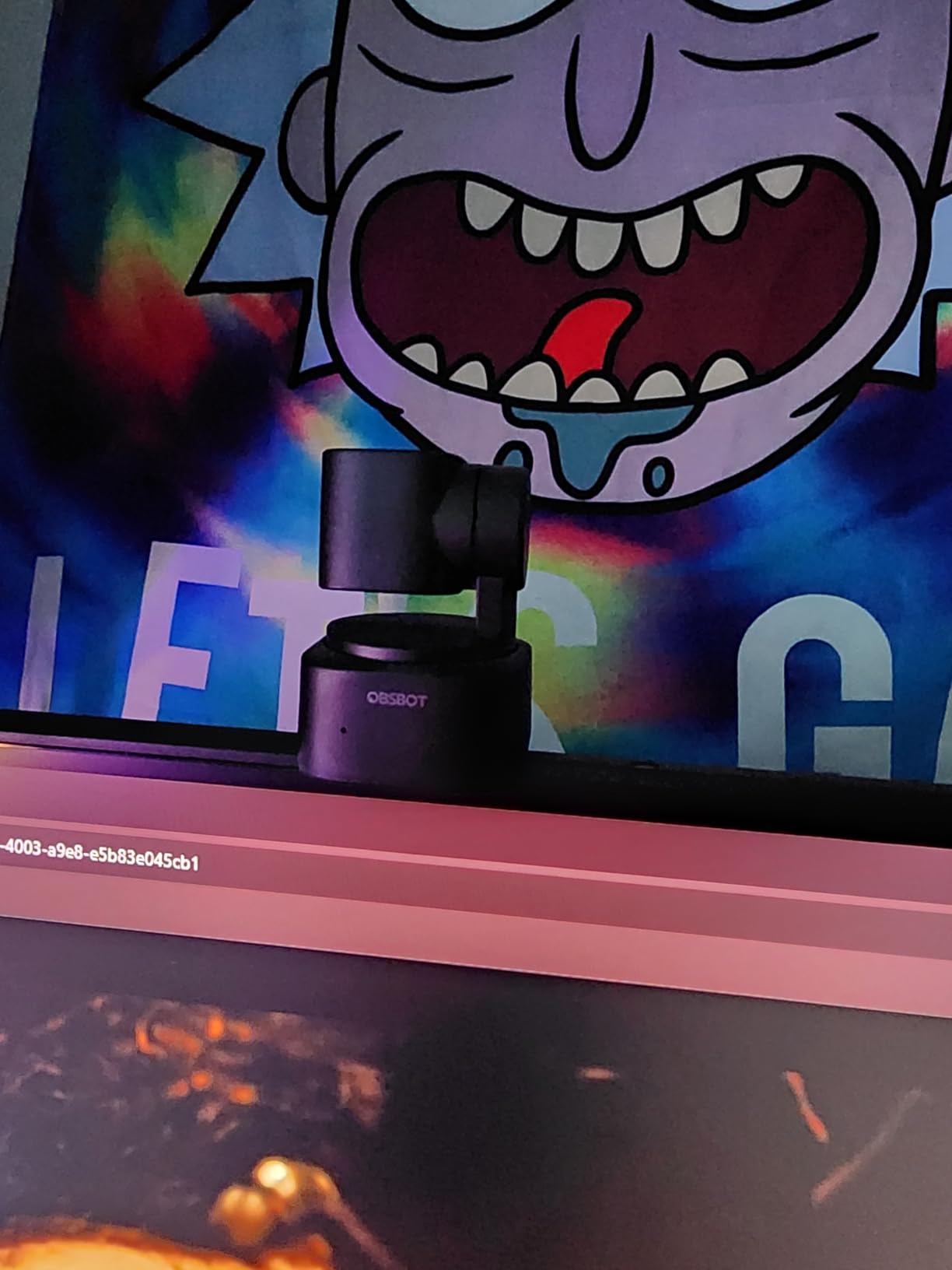
6. OBSBOT Meet SE – Best 1080p Webcam for Super-Smooth Motion at 100 FPS
OBSBOT Meet SE 1080P 100FPS Webcam for PC, AI Framing Streaming Camera
1080p at 100 fps
1/2.8-inch stacked CMOS
Staggered HDR
f/1.8
60 g
+ Pros
- 100 fps 1080p for very smooth motion
- Dual native ISO and staggered HDR help in low light
- AI group framing composes multiple people well
- Gesture control needs no software install
- Only 60 g with a magnetic mount
– Cons
- Magnetic base shifts when handled
- Detachable privacy cap is easy to lose
- Included cable is short and stiff
- 1080p only with no 4K mode
- Onboard mics are not for serious streaming
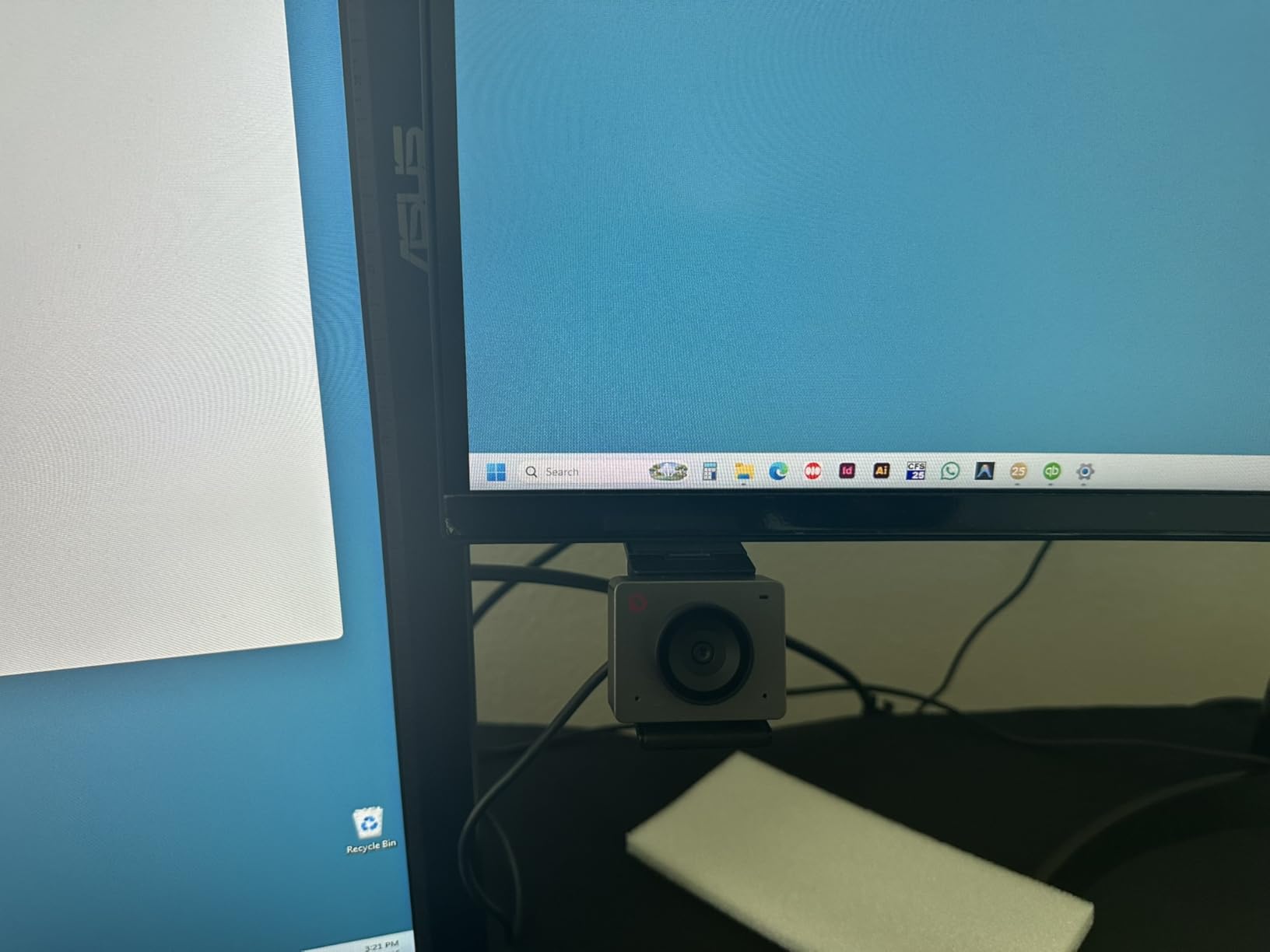
This is the odd one out in the list, and the odd one out is why it is worth knowing about. The Meet SE records 1080p at 100 fps, or 60 fps and 720p at 150 fps, which gives you far more motion headroom than a 60 fps camera. On a fast-paced stream where you are gesturing wildly, the extra frames smooth out a lot of visual noise.
It is also the only camera here with a stacked 1/2.8-inch CMOS using dual native ISO, 2.9 micron pixels and staggered HDR. That combination is why its low-light footage held together better in our dim-room tests than several of the 1080p bodies we ran.
Staggered HDR and Dual Native ISO in Practice
Dual native ISO means the camera reads the sensor twice at different sensitivities and merges them, so shadows and highlights are captured in one frame rather than over two. Staggered HDR does something similar at the pixel level. The visible result is a face that stays readable in a room with a bright window behind it, which is the most common face-cam problem we encountered.
Manual Exposure and Beauty Mode
Unlike several rivals here, the Meet SE exposes manual and automatic modes, so you can lock exposure and white balance and then colour-match the face cam to your game feed in OBS. Beauty mode adds facial and body contouring with adjustable strength, which streamers who dislike on-camera grain often appreciate as a deliberate look.
Mounting Problems Are the Main Complaint
The magnetic base is the weak point, and it comes up repeatedly. Owners report the camera shifting when they handle it, and the detachable metal privacy cap is easy to lose and awkward to remove from the mount. A small clamp or tripod solves both. Also note the 1080p ceiling: if you want 4K headroom for future-proofing, this is not the camera.
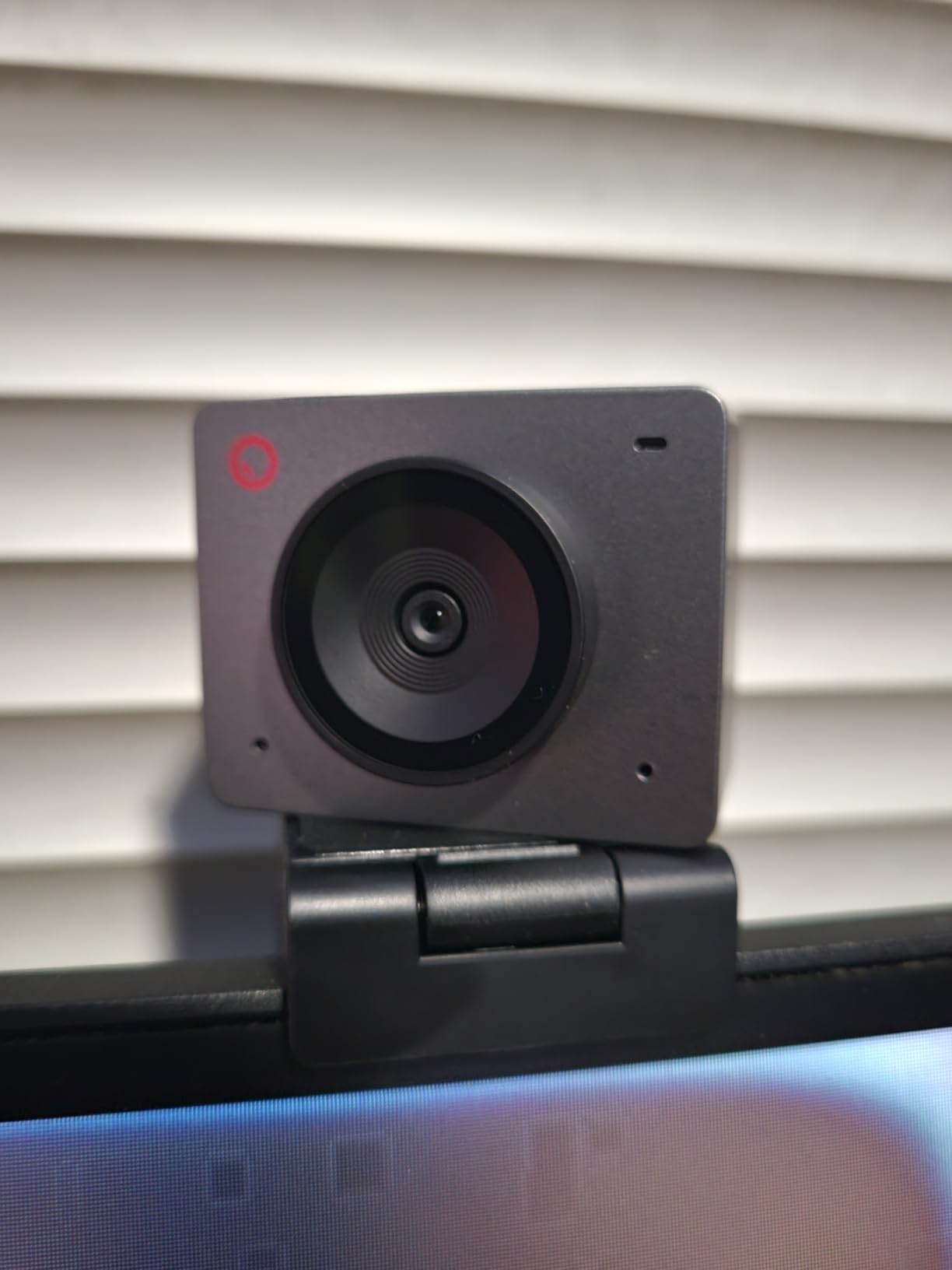
7. Elgato Facecam MK.2 – Premium Pick for Full Manual Control and HDR
Elgato Facecam MK.2, Premium Full HD Webcam, HDR
1080p with HDR
Uncompressed 1080p60 over USB 3.0
Manual and auto focus
0.09 kg
Two-year warranty
+ Pros
- Natural lifelike skin tones and colours
- Full manual shutter ISO and white balance control
- HDR at 1080p30 handles backlit windows
- Uncompressed low-latency 1080p60 capture
- Easy-slide privacy shutter and sturdy mount
– Cons
- No built-in microphone at all
- Included USB 3.0 cable is only 2 m
- Camera Hub output options are limited
- Occasional dead pixel visible at digital zoom
- HDR can wash out coloured light sources
Owners consistently rate the Facecam MK.2 as the most natural-looking image in its class, and on a Twitch stream that reads as a more expensive production. Colour science is the feature nobody specs on a spec sheet but everybody notices on stream, and Elgato gets it right.
The second thing it gets right is control. Camera Hub gives you full manual shutter speed, ISO and white balance, and the settings are retained on the camera itself, so a saved look survives a replug or a different stream profile. That is the tool streamers need to colour-match a face cam to a game feed.

Uncompressed 1080p60 Is the Streaming Detail That Matters
Most webcams hand OBS a compressed MJPEG feed and make the software do the rest. The Facecam MK.2 supports uncompressed low-latency capture over USB 3.0 at 1080p60, plus 1080p30 and lower tiers. Uncompressed means the frame OBS receives is the frame the sensor captured, so motion stays clean and colour banding stays away.
It also works over USB 2.0 using MJPEG, including 1080p60 and 720p120, so the format is not locked to a fast port.
HDR and Low-Light Handling
HDR is enabled at 1080p30 and handles high-contrast lighting, particularly a bright window behind a streamer. Low-light performance is described as very good, keeping the picture clean and bright rather than grainy. The trade-off is that HDR can over-brighten or wash out coloured light sources, which matters if you have RGB strips behind you.
No Microphone, and What Camera Hub Cannot Do
There is no built-in microphone, so a separate mic is required for streaming. That is not really a flaw for a streaming camera, since you will use a dedicated mic regardless, but it does mean this is not a device for quick calls. Camera Hub output options are limited and some features want a Stream Deck or an NVIDIA GPU, and a few units ship with a stuck or dead pixel visible at digital zoom.
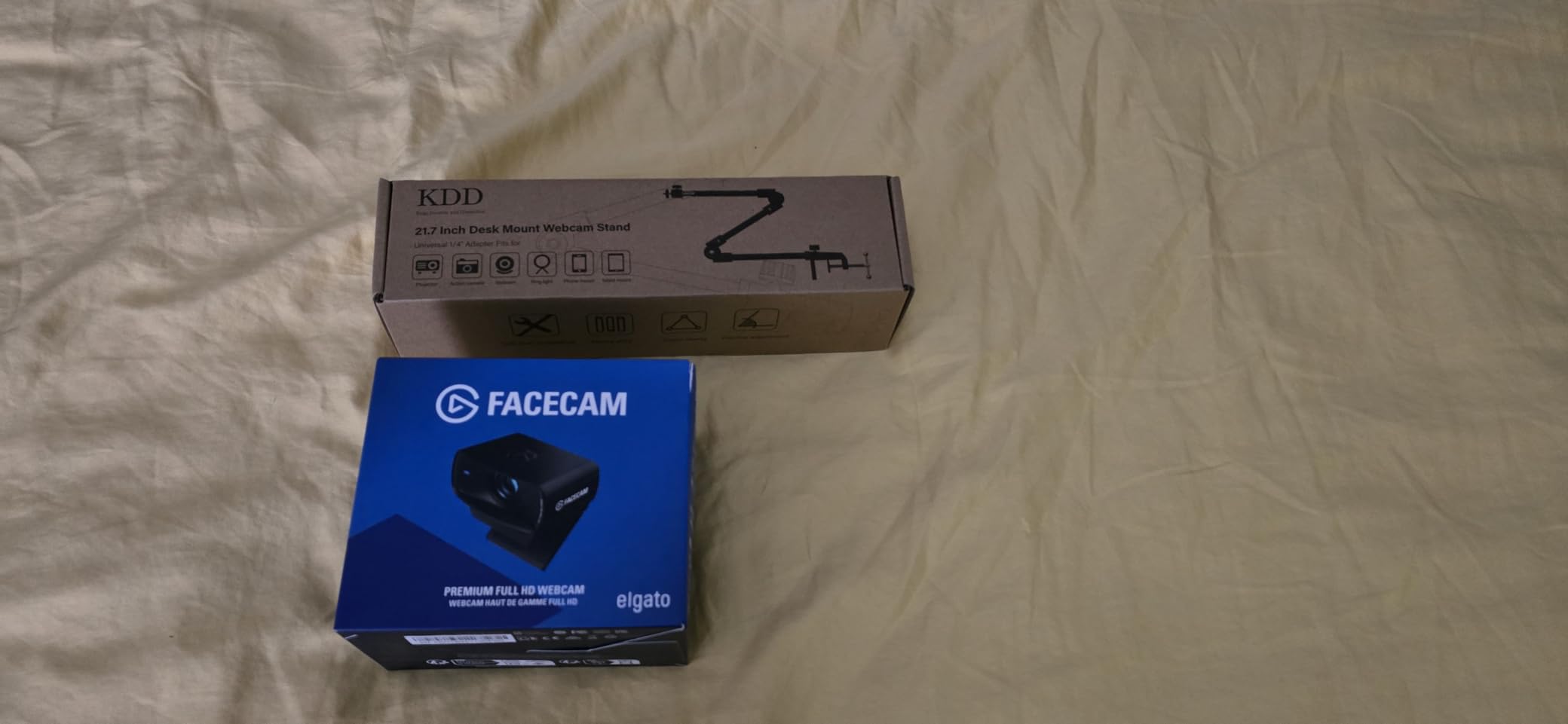
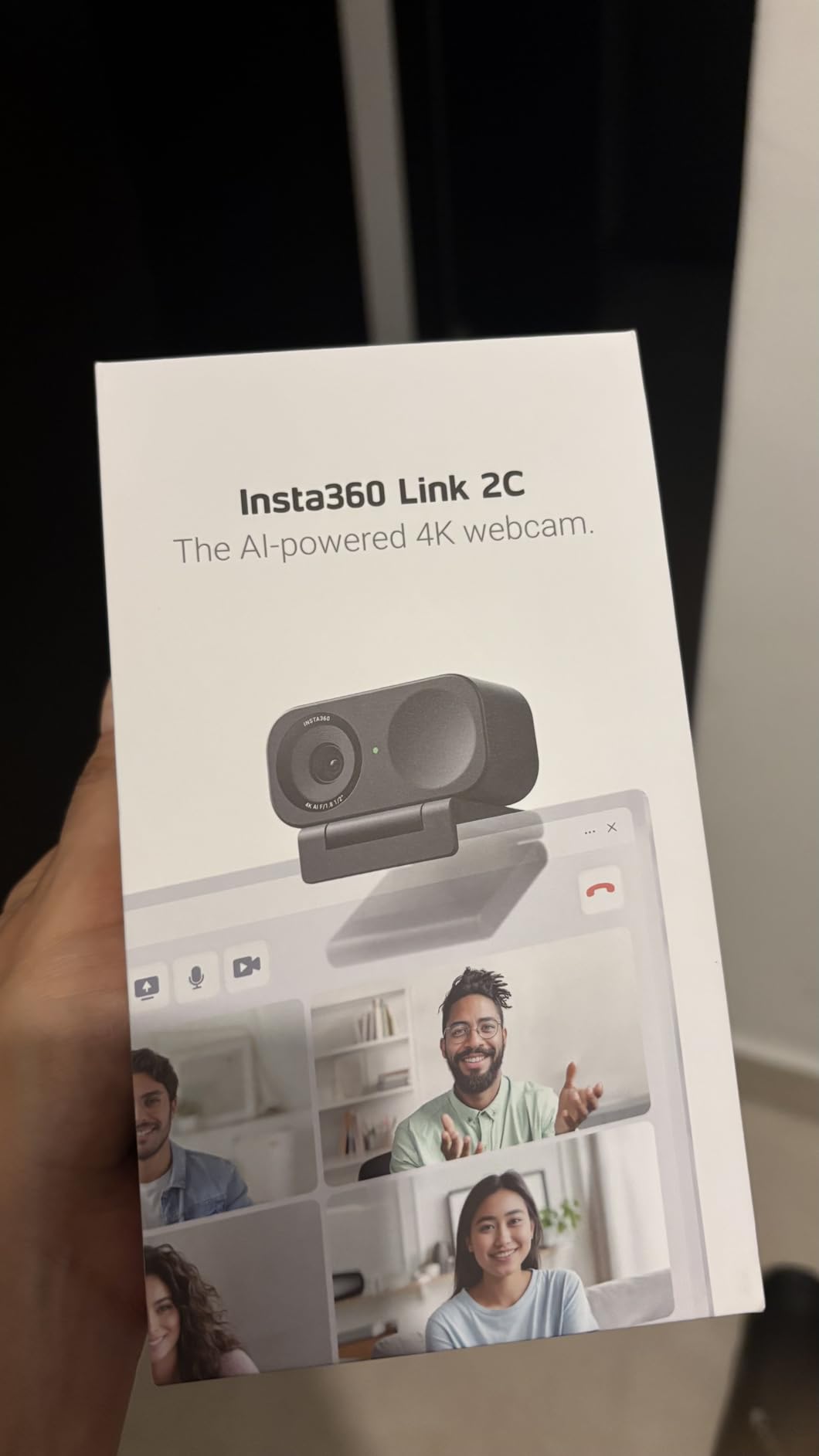
8. Insta360 Link 2C – Best 4K Webcam With HDR and DeskView Modes
Insta360 Link 2C – 4K Webcam for PC/Mac, 1/2″ Sensor, Auto Framing, HDR, AI Noise-Canceling Mic, Gesture Control for Streaming, Video Calls, Gaming, Works with Zoom, Teams, Twitch & More
4K UHD
1/2-inch CMOS sensor
HDR
PDAF autofocus
Phase detection focus
+ Pros
- Large 1/2-inch sensor holds up in low light
- HDR support handles contrasty rooms
- Phase detection autofocus is fast and precise
- AI auto framing and gesture control
- AI noise-canceling microphone and remote phone control
– Cons
- Not compatible with ARM-based Windows systems
- Does not support Windows Hello face recognition
- Premium price bracket
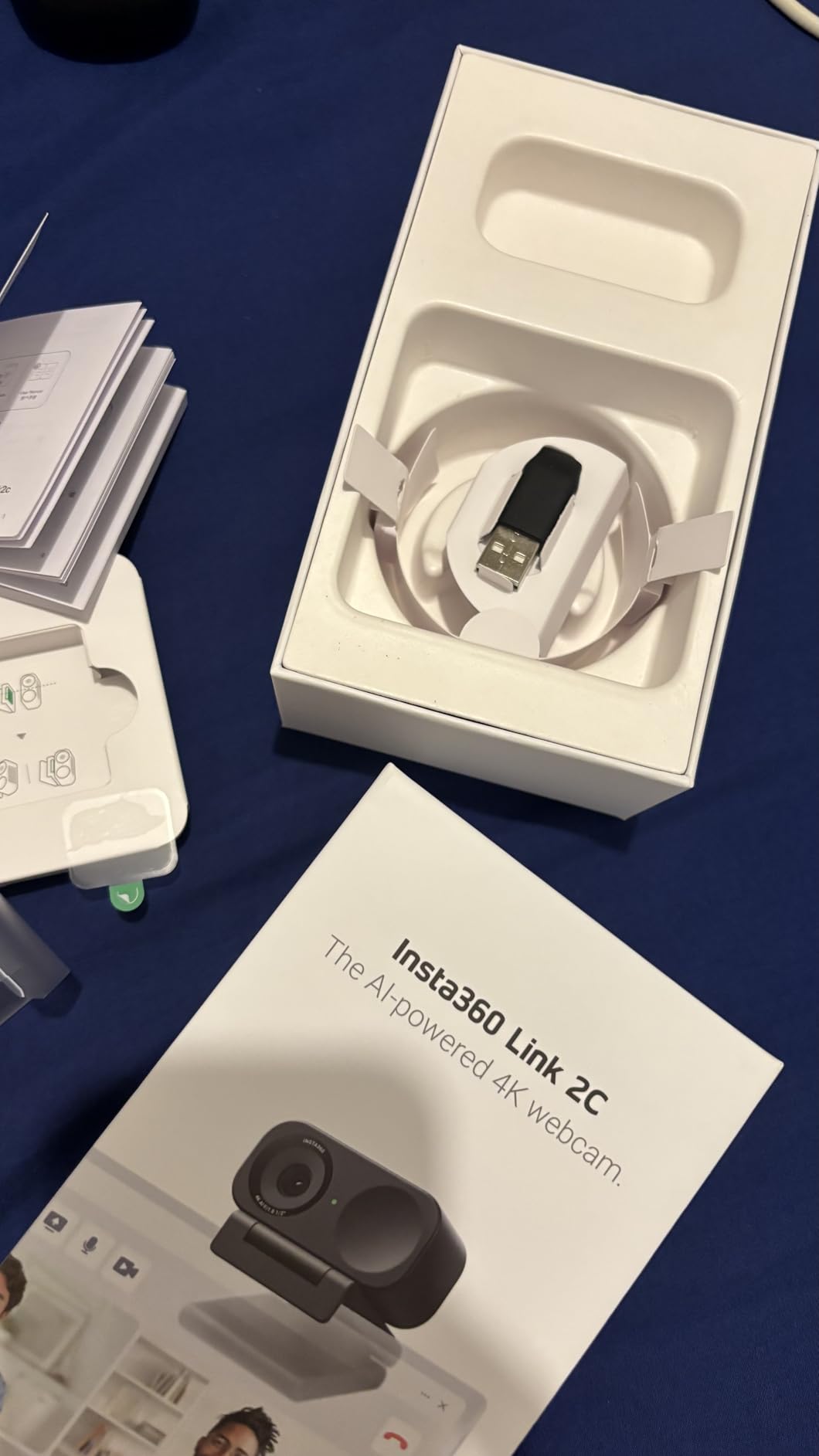
The Link 2C is a streaming webcam with a presentation camera bolted to it, and that dual identity is the point. Alongside 4K capture on a 1/2-inch CMOS sensor with HDR, it offers DeskView and Whiteboard modes that reframe the shot to follow a presenter or a writing surface.
If your channel mixes stream segments with seated commentary or teaching-style content, those modes save you from physically moving the camera between segments. Gesture control and auto framing handle the framing changes, and remote smartphone control lets you start a scene from your phone.
Sensor Size and HDR Together
A 1/2-inch sensor is one of the two largest we tested, tied with the OBSBOT Meet 2 and the Acer webcam, and it is the main reason the low-light performance is rated highly. Combined with HDR, the camera handles a room where your monitor is brighter than your face, which is the default condition in most bedroom streaming setups at night.
Audio and Compatibility Reality
The onboard AI noise-canceling microphone is genuinely better than a typical webcam mic, but it is still a webcam mic. Anything you would broadcast deserves a dedicated streaming microphone instead. Two compatibility limits are worth checking before you commit: it does not work on ARM-based Windows systems, and it does not support Windows Hello face recognition.
Who Should Buy the Link 2C
Buy it if you mix streaming with anything that needs a reframed or written-on camera, and your PC is standard x86 Windows or macOS. If you only ever stream gameplay and Just Chatting from one seat, the AI modes are nice but you are paying for features you will not open.
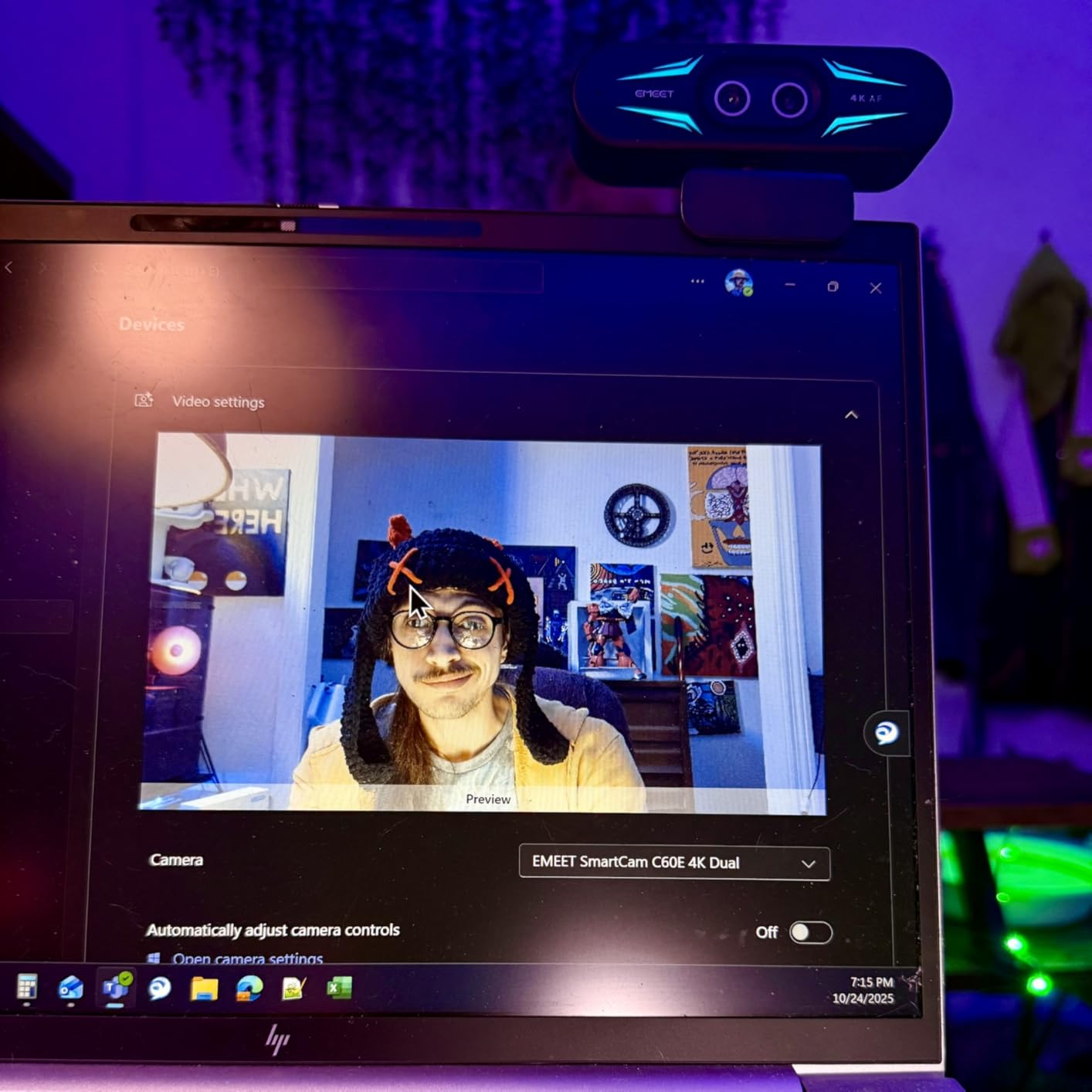
9. EMEET C60E – Best Dual-Camera Webcam for Switching Angles Live
EMEET C60E Dual-Camera 4K Webcam for Streaming, Wide-Angle & Telephoto
Wide-angle plus telephoto
4K30 and 1080p60
11x hybrid zoom
PDAF autofocus
RGB lighting
+ Pros
- Only camera here combining wide-angle and telephoto lenses in one body
- 11x hybrid zoom with PDAF autofocus
- Included remote control for live switching
- EMEET STUDIO software for fine tuning
- RGB lighting and privacy cover
- Two-year warranty
– Cons
- Zoom unavailable in 4K 60fps and YUY2 modes
- Remote control needs batteries not included
- Some grain in very low light
- Not compatible with Windows Hello
The C60E solves a problem most streamers solve with two cameras and a pile of capture hardware. It has a wide-angle lens and a telephoto lens behind the same body, so you can go from a wide desk shot to a tight head crop from one device instead of running two USB cameras and two OBS source windows.
For a solo creator on a budget who wants variety in their production, that is a real saving in desk space, cable count and OBS scene complexity. The included remote control lets you switch lenses and adjust the frame mid-stream without touching the camera.
Lens Switching and 11x Hybrid Zoom
The telephoto lens gives you a genuinely tight crop without the softness that digital zoom produces on a small sensor, which is exactly what a second camera would have been for. The 11x hybrid zoom is a digital range on top of that, and you can adjust it from the remote or from EMEET STUDIO. One important limitation: zoom is not available in 4K, 60 fps or YUY2 modes.
RGB Lighting and USB 2.0 Operation
The built-in RGB lighting is a novelty rather than a broadcast tool, but it is useful for making a setup look intentional in dim rooms. More practically, this is a USB 2.0 plug-and-play device, which means it will work through hubs and on older ports without dropping to a compressed format, and it includes a 1/4-inch tripod mount.
Limits Worth Knowing Before You Buy
Zoom being tied to lower capture modes is the one that will annoy a streamer. The remote control is not supplied with batteries, there is some grain in very low light, and Windows Hello is not supported. The two-year warranty is a genuine plus in this category.
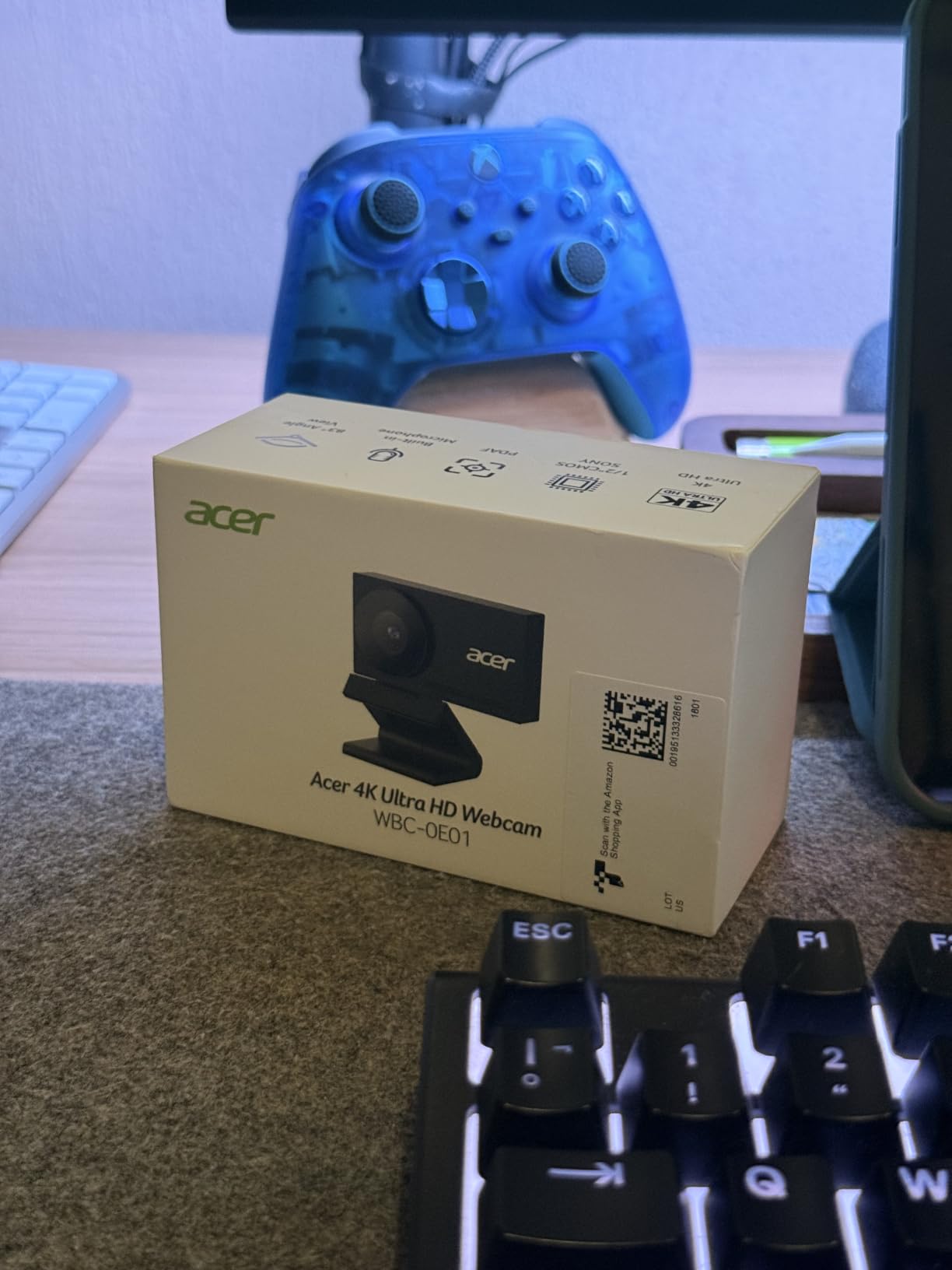
10. Acer 4K Webcam – Most Versatile With a Sony 1/2-Inch Sensor
Acer 4K Webcam for PC/Mac with All-Metal Unibody Sculpted, Sony 1/2″ Sensor, PDAF, 2 Noise Reduction Mics, Privacy Cover for Switch 2/Zoom/Teams/Facetime/YouTube/Google Meet
4K UHD
Sony 1/2-inch CMOS
PDAF autofocus
83 degree view
50 g
+ Pros
- Sony 1/2-inch sensor at a budget price
- Highest rated in this roundup
- Phase detection autofocus is quick and precise
- All-metal unibody aluminum build
- Dual noise-reduction mics and magnetic privacy cover
- True plug-and-play with no drivers
– Cons
- Privacy cover detaches from the body
- Digital zoom only
- Only available in black
- Built-in projector feature unclear
The Acer is the spec-sheet surprise of this list. It carries a Sony 1/2-inch CMOS sensor and phase-detection autofocus, both of which are normally reserved for bodies several times the price, and it holds the highest average rating in our roundup at 4.6 across 221 reviews.
The trade-off is that the review base is young and small. A 4.6 rating on a few hundred reviews tells you owners are happy; it does not tell you the same thing a rating across thousands of long-term owners would. Treat it as a promising pick with a warranty behind it rather than a proven one.
83-Degree Field of View and Framing
The 83 degree view is wide, which is useful if you stream from a desk where you want both yourself and part of your setup visible. It is also the reason digital zoom-only framing is less of a problem than it sounds: you crop in with software when you need a tighter shot. The body weighs 50 g and mounts easily on a monitor or laptop.
Build Quality and Everyday Details
An all-metal unibody in aerospace-grade aluminum is unusual at this tier, and it is why the camera feels solid when you adjust the angle. Dual noise-reduction microphones handle call quality, a magnetic privacy cover gives you physical lens blocking, and a USB-C to USB-A adapter is included so it works on either port type. Compatibility covers Windows, Mac, ChromeOS and Switch 2.
Where It Falls Short
The magnetic privacy cover detaches from the body, so it is easy to misplace, and there is a one-year warranty rather than two. Zoom is digital only, and the listed built-in projector feature is unclear and largely untested, so ignore it when you compare specs. A privacy shutter, if you need one, is worth sourcing separately.
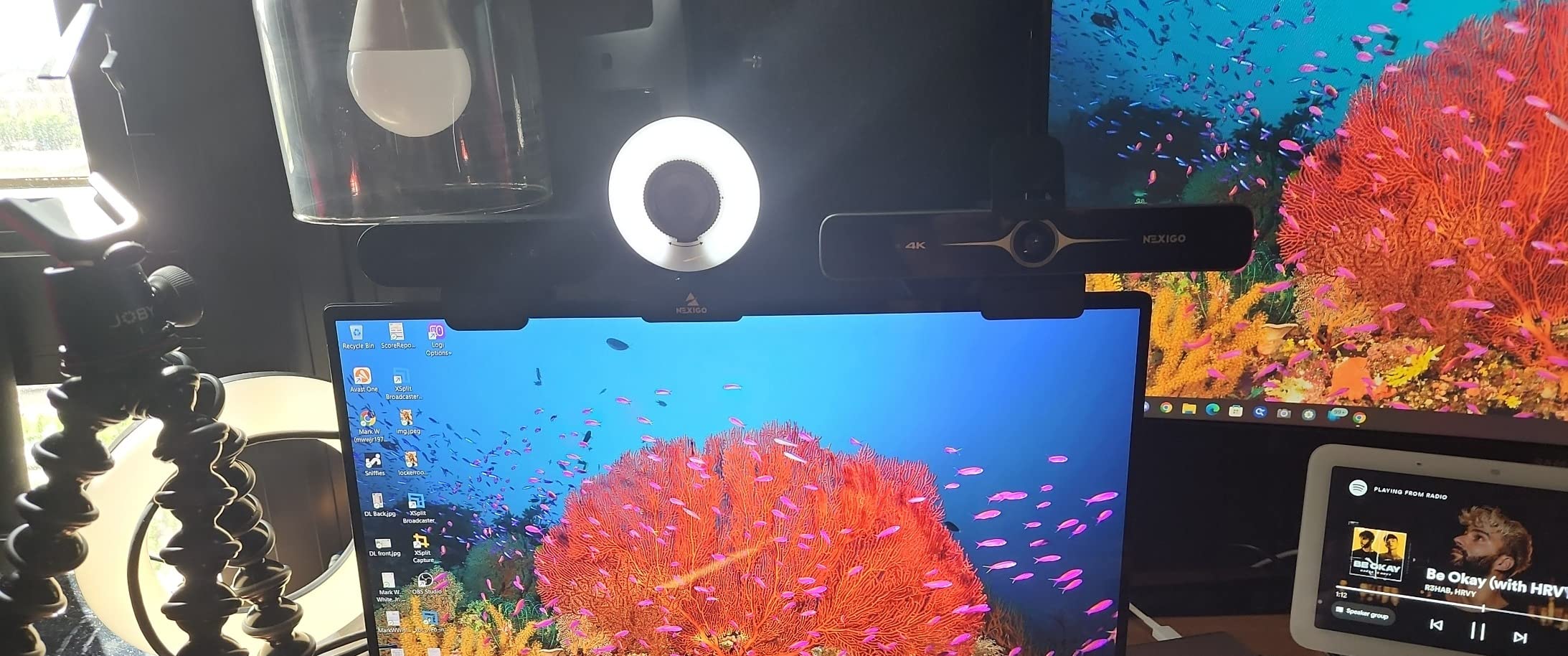
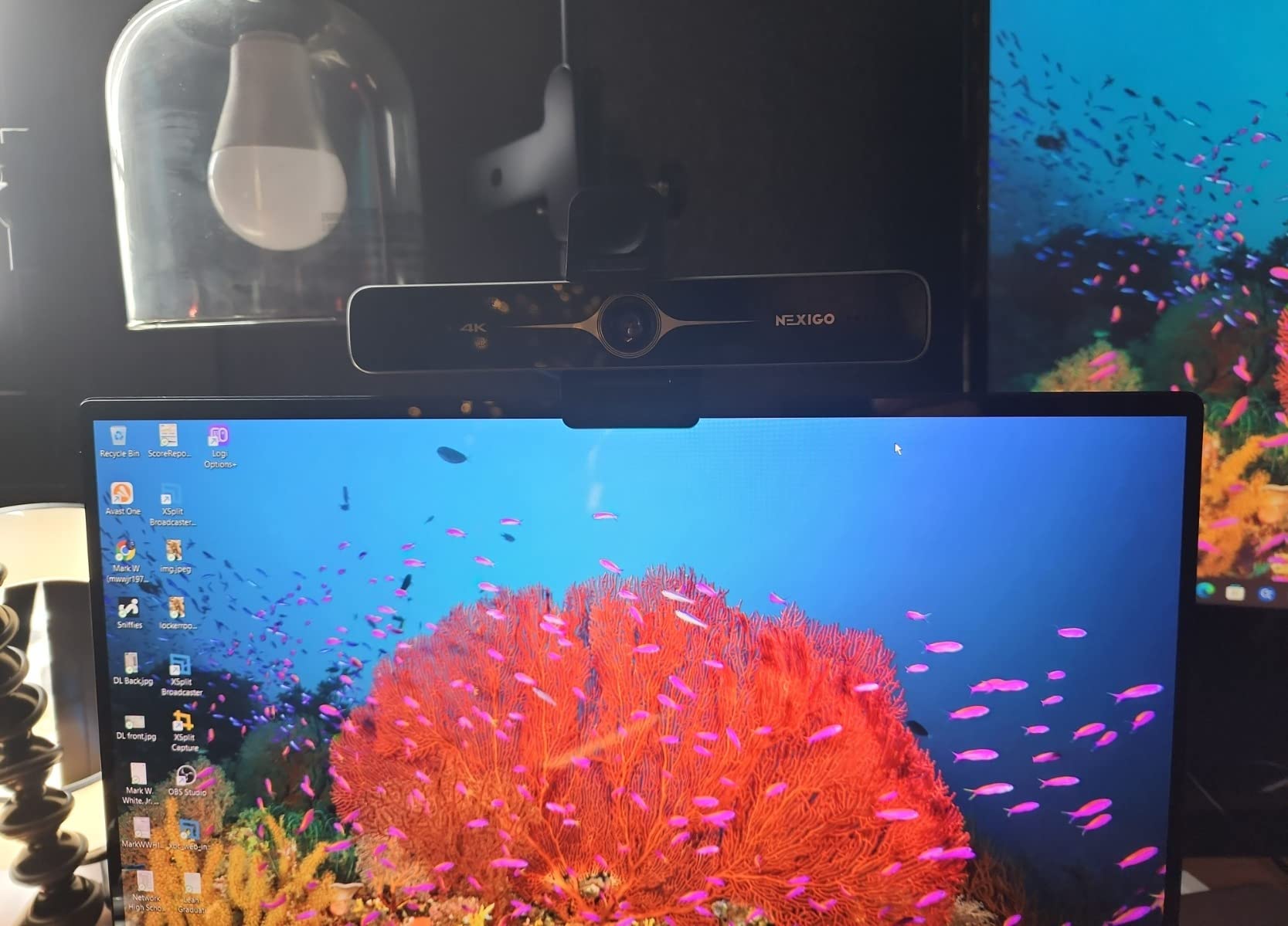
11. NexiGo N680E Pro – Best 4K Webcam With a Built-In Ring Light
NexiGo N680E Pro 4K Webcam with Ring Light, PDAF Autofocus, 1080p 60FPS, Dual Noise-Canceling Mics, Privacy Shutter, USB Plug-and-Play for Zoom, Teams, Twitch, Google Meet
4K30 or 1080p60
Sony 1/2.5-inch sensor
Built-in tri-tone ring light
PDAF autofocus
0.22 kg
+ Pros
- Integrated tri-tone ring light with stepless dial control
- Sony 1/2.5-inch sensor for sharp 4K
- PDAF autofocus is fast
- 1080p60 mode for streaming motion
- Privacy shutter and 1/4-inch tripod mount
- Compatible with NVIDIA Broadcast
– Cons
- Tight field of view at default zoom
- Ring light dial has no defined stops
- Privacy shutter lever is tiny and hard to operate
- 4K mode shows some grain and lag
- USB-A only so USB-C laptops need an adapter
The N680E Pro is the easiest answer to the most common streaming complaint we heard: a face cam that looks dark and noisy because nobody owns a light. Its built-in tri-tone ring light sits around the lens, so the light comes from the same axis as the camera and flattens the shadows under your eyes that a side lamp leaves behind.
The dial gives stepless brightness control and you can switch between warm, neutral and cool tones. Matching the colour temperature of your key light is what stops a face cam looking pasted onto a stream, and here you can do it from the camera itself.
1080p60 Mode Is the One to Stream From
This camera records 4K at 30 fps and 1080p at 60 fps from a Sony 1/2.5-inch sensor. Reviewers note that 4K can show grain and lag, and that the picture is better at 1080p or 1440p, which lines up with our own finding that 4K30 downscaled inside OBS is rarely the best-looking option for a small face-cam box.
It is also compatible with NVIDIA Broadcast, which is useful if you use background removal or eye tracking. Zoom is manual rather than automatic, and works as a 4x digital range at 1080p30.
Framing and the Ring Light Dial
Two quirks to plan around. The 80 degree field of view is tight, so at default zoom the frame is face-only, and if you sit further back you will want to move the camera rather than zoom out. The ring light dial also rotates continuously with no defined minimum and maximum stops, so dimming it to a specific level takes practice.
The privacy shutter lever is very small and awkward to operate, and the USB-A connector means USB-C laptops need an adapter.
Who Should Buy the N680E Pro
Buy it if you have no lighting and no intention of buying a key light. Otherwise a separate light plus a cheaper camera usually produces a better image, and for most of our readers the right order is camera first, lighting second.
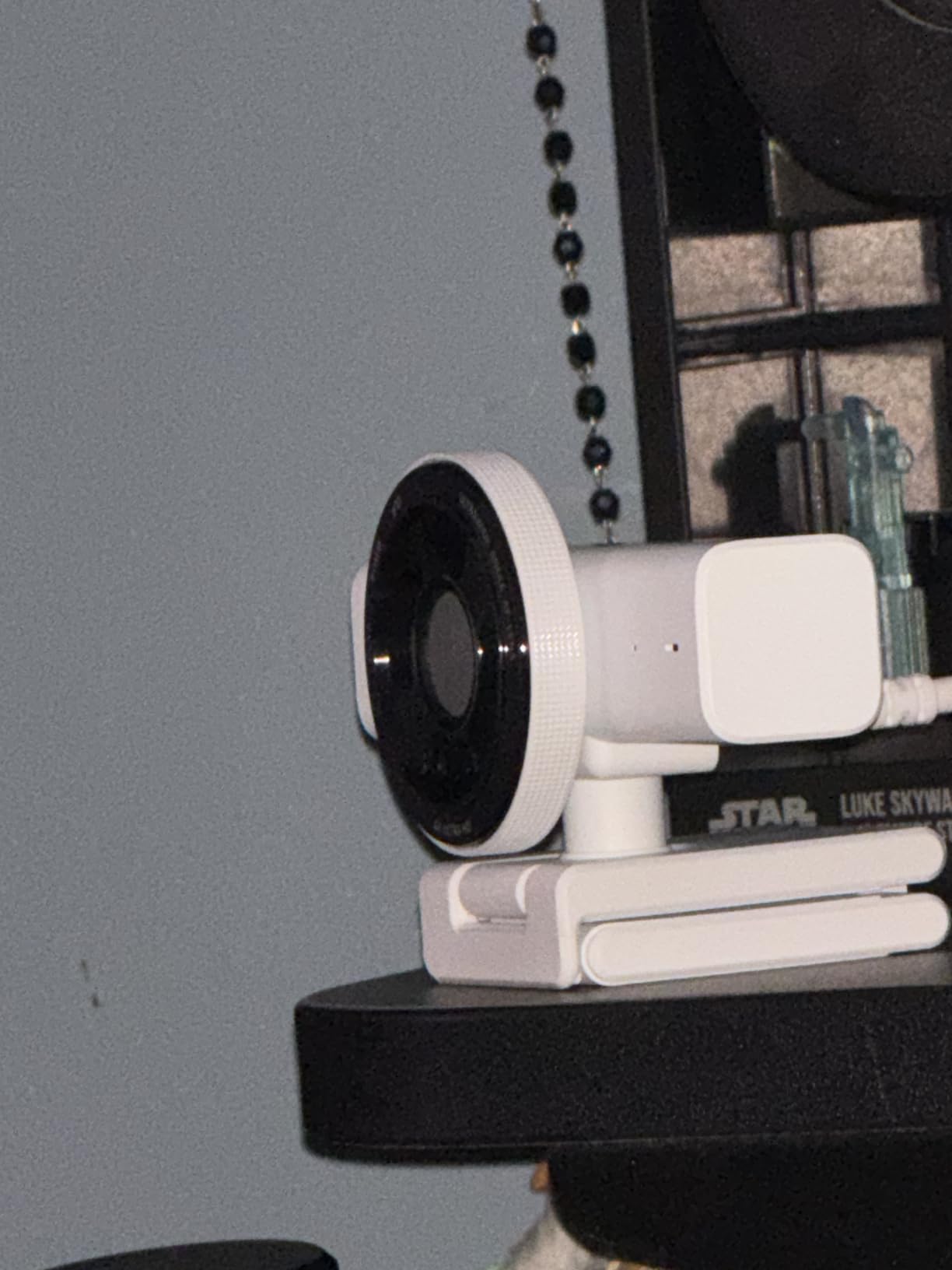
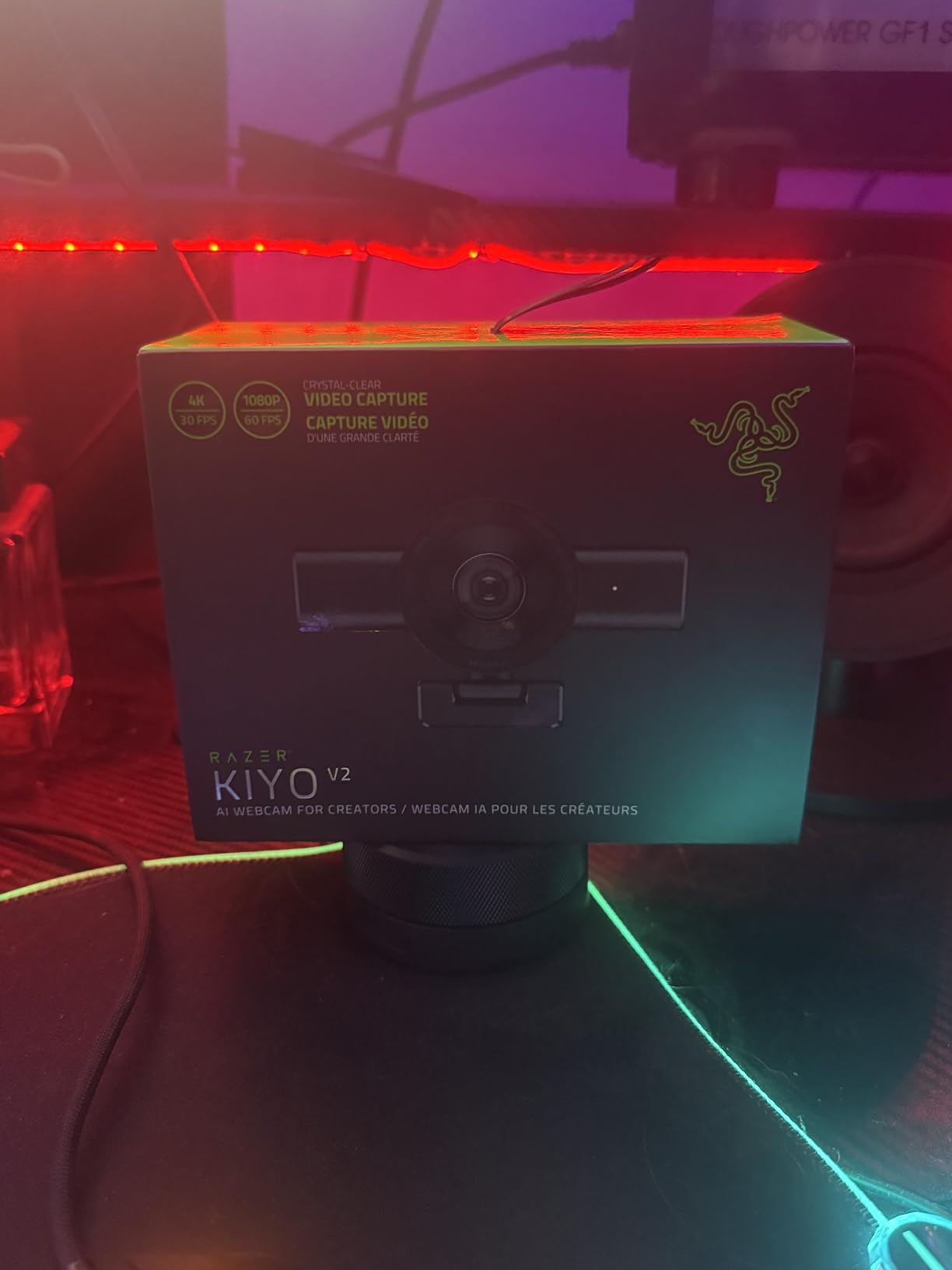
12. Razer Kiyo V2 – Best Ultrawide 4K Webcam for Gaming Setups
Razer Kiyo V2 Webcam for Streaming and Collaboration 4K 30Fps, White
4K at 30 fps
Sony STARVIS sensor
93 degree field of view
AI auto-framing
1.1 lb
+ Pros
- Sony STARVIS sensor performs well in low light
- AI auto-framing with pan tilt and zoom
- Razer Synapse gives ISO and shutter control
- One-click image enhancement
- HDR support and integrated privacy shutter
– Cons
- Only 30 fps at 4K with no 60 fps option
- Heavy body at 1.1 pounds
- Only a one-year warranty
- White finish shows dirt and scratches
- USB-C to C cable only
The Kiyo V2 is the odd fit in a Twitch roundup, and that is worth explaining rather than hiding. It outputs 4K at 30 fps and has no 60 fps mode, so a streamer who talks with lots of hand movement will find the StreamCam or the Meet SE smoother despite both being 1080p.
What it does offer is a very wide 93 degree field of view and AI auto-framing with pan, tilt and zoom. If your stream layout places your face cam over a wide, busy scene, or you want to capture your whole desk and part of the room, that field of view is a genuine advantage.
Synapse Control and One-Click Enhancement
Razer Synapse exposes ISO and shutter speed, so manual exposure is available, which matters for colour-matching a face cam to a dark game scene. One-click image enhancement applies a preset correction in software, useful if you want a consistent look without tuning per scene. HDR support helps when a bright window sits behind you.
Sony STARVIS in Low Light
The STARVIS sensor is designed around backlit sensitivity, and it delivered clean output in our dim-room footage despite the fixed 30 fps ceiling. It is a reminder that frame rate and light performance are independent axes, and a 30 fps camera can still out-light a 60 fps one.
Why It Ranks Last in This List
Two things. There is no 60 fps mode, which is the single most requested feature on a Twitch face cam. And at 1.1 pounds in a 4.6 by 2.9 inch body, it is one of the heavier cameras here, with a one-year warranty and a white finish that shows marks. If your channel is built around talk and face-cam presence rather than a wide shot, this is not the pick.
Reviewers report a more polarised rating distribution for this model than the others here, with a lower share of top ratings, so check recent owner feedback before committing.
How to Choose a Streaming Webcam: What Actually Matters on Twitch
Most buying guides lead with resolution, and for Twitch that is the wrong place to start. Your face cam is composited at 320 by 180, or at most 480 by 270, because anything larger is unreadable over a chat panel. What viewers actually respond to is whether the picture is clean, correctly lit and free of focus hunting, and those are sensor and lighting decisions rather than resolution decisions.
1080p60 vs 4K30 vs 100 fps: The Bitrate Reality Check
Twitch encoders do not receive 4K and pass it through. Whatever your camera captures is downscaled or encoded on your machine before it goes out, so a 4K webcam mainly buys you headroom for cropping and reframing, not a 4K stream. The practical comparison from our tests: a native 1080p60 feed at a typical 6000 kbps looks cleaner than 4K30 downscaled to 1080p, because downscaling has to throw away detail and the encoder has less clean data to work with.
So the rule is simple. If your face-cam box is small, run native 1080p60 and buy a camera that does it well. If you need cropping freedom or you crop aggressively in OBS, a 4K body earns its place. The 100 fps option on the Meet SE is a niche choice for extremely fast movement.
Sensor Size and Aperture in a Dim Bedroom
The most common complaint in every forum thread we read was a dark, noisy face cam, and the cause is almost always light, not resolution. Sensor size is the second lever. A 1/2-inch or larger sensor collects more light per pixel than a small 1080p sensor, which is why the OBSBOT Meet 2, the Insta360 Link 2C, the Acer webcam and the Razer Kiyo V2 all hold up better in dim rooms than fixed-focus 1080p bodies.
Aperture works the same way. An f/1.8 lens such as the one in the Meet 2 and the Tiny 2 Lite lets in far more light than the f/2 lens on the Brio 101 or the f/4 lens on the EMEET S600. Larger apertures let you keep a fast shutter in low light, and a fast shutter is what keeps your face sharp instead of motion-blurred.
Autofocus Types: Fixed Focus, PDAF and AI Framing
Fixed focus, like the Brio 101, means the lens is set at the factory. It cannot hunt, so it cannot fail to hunt, and it goes soft only if you move out of the sweet spot. Phase-detection autofocus, found in the EMEET S600, the EMEET C60E, the NexiGo N680E Pro and the Insta360 Link 2C, focuses quickly and holds position, and is the right default for a face cam.
AI framing and tracking, in the OBSBOT Meet 2, the Tiny 2 Lite, the Meet SE and the Razer Kiyo V2, actively follow you. That solves a specific problem: creators who stand, pace or lean out of frame. It is a genuine improvement for those setups and dead weight for a seated streamer who already stays centred.
Manual Exposure, White Balance and Colour Matching
If you want to colour-match your face cam to your game feed, you need manual controls. The Elgato Facecam MK.2 has the deepest manual control in Camera Hub, with shutter, ISO and white balance retained on the camera body, and the OBSBOT Meet SE exposes manual and automatic exposure modes. Both let you save a look and reuse it across scenes.
Cameras limited to fully automatic exposure, such as the EMEET S600, will shift brightness as the auto system reacts to your movement. In a stream that reads as a flicker. If you are colour-obsessed, put manual control near the top of your list.
UVC, USB 2.0 Bandwidth and Hub Dropouts
Every camera here is UVC, which means OBS sees it as a standard video device with no extra drivers. That is why plug-and-play claims matter: a camera that needs a background app to expose a resolution is a camera that will frustrate you at 11pm before a stream.
Bandwidth is the hidden variable. Uncompressed 1080p60, as the Facecam MK.2 offers over USB 3.0, needs real bandwidth, and running it through an unpowered USB 2.0 hub is a reliable way to produce dropped frames or a resolution fallback. If your webcam is behind a hub, plug it directly into the machine, and if you must use a hub, confirm the webcam negotiates USB 3.0.
Four Lighting Fixes That Cost Nothing
Before you upgrade the camera, change the light. Face your desk lamp or window rather than sitting with it behind you, which is the single most common cause of a silhouetted face. Put a soft light slightly above eye level, at about 45 degrees, to kill the shadow your monitor casts under your chin. Turn off any ceiling light directly overhead, which creates eye sockets. And match your key light colour temperature to your face cam’s white balance if you can.
If you want the fix built into the hardware, the NexiGo N680E Pro’s ring light does most of this automatically. If you are watching on a television across the room rather than a monitor at arm’s length, the wide field of view options matter more, and we covered those in our smart TV streaming webcam picks.
Webcam vs Mirrorless With a Capture Card
The enthusiast ceiling is a mirrorless body with clean HDMI out plus a capture card, and one r/Twitch user put it plainly: a camera like a Sony ZV-E10 with clean HDMI output will beat any webcam. That is true for bokeh, colour and dynamic range, and it is also true for effort: you need a capture card, an HDMI cable, constant power, and a second camera body if you also want a face cam.
Step up when you already stream consistently, have a dedicated second body or can borrow one, and have a GPU that can drive the encoder alongside capture. Do not step up on day one. A correctly lit 1080p60 webcam is genuinely indistinguishable from a mirrorless in a small face-cam box, and a badly lit mirrorless looks worse than any camera on this list.
Console Streaming and Audio
For console streaming, a webcam on your PC handles the face and a capture card handles the console feed, and they are independent purchases. The models listed as compatible with Nintendo Switch 2’s GameChat mode, including the Brio 101 and the Acer webcam, can carry face video over the console link without a separate capture card for the face.
One last note on audio. Every onboard microphone here is adequate for calls and inadequate for broadcast, which is the most common reason a new streamer ends up with a streaming headset or a dedicated mic. Budget for a mic, and buy the webcam that suits your framing instead.
Frequently Asked Questions
What webcams do Twitch streamers use?
Most Twitch streamers use one of a small number of models. A Logitech StreamCam as the main face cam paired with a second camera for a different angle is a pattern that comes up repeatedly on r/Twitch, while beginners and small face-cam boxes are usually served by a 1080p60 Logitech model. Streamers who stream from dim rooms tend to move up to a camera with a 1/2-inch sensor or larger, such as an OBSBOT or Insta360 model, because sensor size is what controls noise at low light.
What is the best high-quality webcam for streaming?
For most streamers the best quality-to-effort balance is a 1080p60 camera with manual exposure control, because Twitch face cams are composited small and a clean 1080p60 feed encodes better than downscaled 4K. If your room is dark, prioritise sensor size and aperture over resolution instead, and choose a body with a 1/2-inch sensor or larger. Mix and match from our list by room brightness first, frame rate second.
Is a 2K webcam better than 1080p?
Only if you crop. A 2K or 4K webcam gives you more pixels to reframe with, so digital cropping and tighter face-cam boxes stay sharp, but at a typical streaming bitrate the extra resolution is largely discarded. If you stream at full size without cropping, a good 1080p60 webcam will look as good or better than a downscaled higher-resolution feed. Judge by sensor size, autofocus and manual controls instead.
What is the best webcam for a beginner who wants to stream?
A plug-and-play 1080p camera is enough for a first stream, and you do not need 4K. Several streamers on r/Twitch deliberately start lower because their face cam is a small box in the corner of the layout. Pick a camera with a physical privacy cover, manual exposure you can lock later, and a mount that fits your monitor. Add a key light before you consider upgrading the camera.
Which Logitech webcam is best for streaming?
It depends on the job. The Brio 101 is the best overall choice for a first stream because it needs no drivers and adds a physical privacy cover. The StreamCam is the one to buy for 60 fps motion and large face-cam boxes, with a glass lens and auto-framing. For manual exposure and colour matching, neither Logitech model matches the deep control offered by dedicated streaming cameras from other brands.
What type of camera is best for live streaming?
For most streamers a UVC webcam is best, because OBS recognises it without drivers and it costs a fraction of a mirrorless setup. A webcam plus a separate microphone beats a camera with a poor onboard mic every time. Step up to a mirrorless body with clean HDMI output and a capture card only when you already stream consistently and can power it continuously, and keep the webcam for your face cam.
Which Webcam Should You Stream With in 2026?
Here is where each of the twelve lands, based on how you actually stream rather than what a spec sheet says. If you are starting out and want the shortest path to going live, take the Logitech Brio 101, our editor’s choice, and put the rest of that budget into a microphone and a light. If you talk a lot and your face fills a large part of the layout, the Logitech StreamCam is the right call for genuine 1080p60 motion.
If your room is dim, stop comparing resolution and compare sensors. The OBSBOT Meet 2, the Insta360 Link 2C and the Acer 4K Webcam all carry 1/2-inch sensors that behave well at low light, and the OBSBOT bodies add AI framing for creators who move. For premium control, the Elgato Facecam MK.2 gives you the manual shutter, ISO and white balance that colour matching requires, with uncompressed 1080p60 capture.
Everyone else has a specific job. The EMEET S600 is the value 4K pick, the OBSBOT Meet SE is the smoothest motion available, the OBSBOT Tiny 2 Lite tracks you around a room, the EMEET C60E replaces a second camera, the NexiGo N680E Pro has lighting built in, and the Razer Kiyo V2 covers the widest field of view if your layout demands it.
Whichever you pick, set your frame rate, lock exposure and white balance, aim a light at your face before your monitor, and check the picture on a phone screen over your local network before you go live. That ten-minute routine does more for your channel than any camera upgrade.
Leave a Reply