
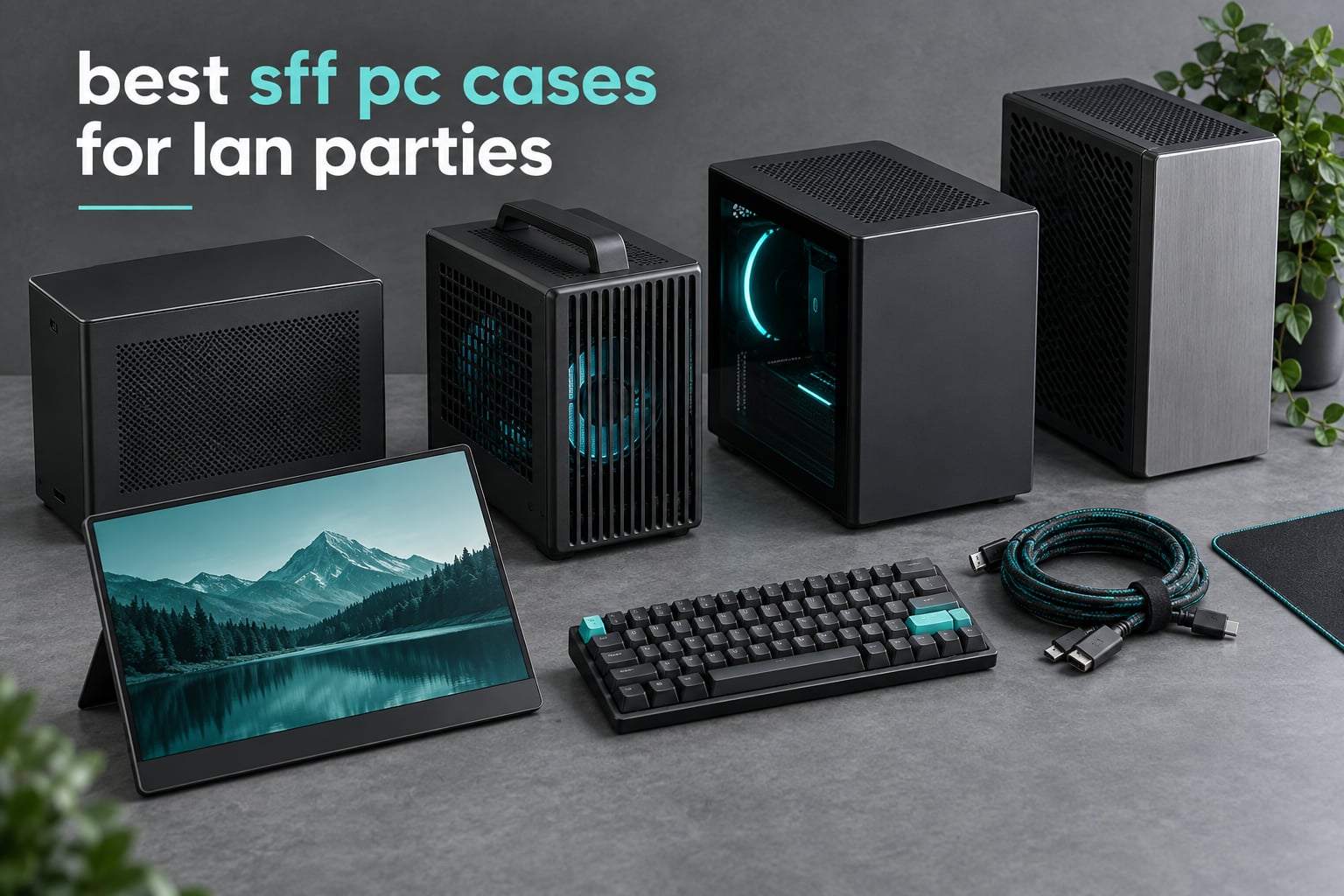
Most people discover the size problem with a gaming PC the moment they try to carry it across a car park. A mid-tower in a soft case is fine at home and miserable everywhere else: it does not fit on the folding table at the venue, it does not sit between your knees on a train, and one bad handhold on the way in can twist a riser cable or a radiator tube. That is the whole argument for small form factor. The best SFF PC cases for LAN parties are the ones that solve transport first and everything else second.
I have carried rigs to events by car, by train and, once, into a carry-on. Over 2026 our team compared twelve small form factor chassis on the three numbers that actually decide a LAN trip: empty weight, footprint, and how the case behaves after ten hours of load. Specs come from the manufacturer listings, and the practical verdicts come from buyer reviews and the enthusiast communities that plan a whole season around a single bag. Everything was re-checked for 2026, and I flag the trade-off on every pick rather than just the wins.
A quick definition before we start, because it is the term that decides your purchase: a LAN-ready SFF case is a compact chassis of roughly 4 to 20 litres, light enough to carry in one hand, with an integrated or detachable handle, that still accepts a modern GPU, CPU cooler and power supply. If your rig is smaller than a large lunchbox you can live with an SFX power supply and a short GPU. If you want a full-size graphics card, you should be looking at 11 litres and up, and you are no longer packing it in a backpack.
If you are still choosing the graphics card rather than the chassis, our small form factor GPU guide is the natural next read, and if noise through a twelve-hour session is your main worry, the silent case roundup covers the acoustic side in more detail.
Our Top 3 LAN-Ready SFF Picks for 2026

Fractal Design Terra Jade
- 10.4 L aluminium chassis
- GPU up to 322 mm
- 30 mm slidable central wall

The Terra is the pick we would grab first, because it is the rare 10-litre case that still takes a 322 mm card and does not force a low-profile cooler. The SG13 is the value answer, with an ATX power supply in an 11.5-litre steel body. The S300 is the value way into the category and includes a top handle most entry cases omit.
Comparing the 12 Best SFF PC Cases for LAN Parties in 2026
| Product | Details | Action |
|---|---|---|
|
|
Check Latest Price |
|
|
Check Latest Price |
 |
|
Check Latest Price |
 |
|
Check Latest Price |
 |
|
Check Latest Price |
 |
|
Check Latest Price |
 |
|
Check Latest Price |
 |
|
Check Latest Price |
 |
|
Check Latest Price |
 |
|
Check Latest Price |
 |
|
Check Latest Price |
 |
|
Check Latest Price |
1. Fractal Design Terra Jade – the 10.4-litre all-rounder we carry first
Fractal Design Terra Jade – Wood Walnut Front Panel – Small Form Factor – Mini ITX Gaming case – PCIe 4.0 Riser Cable – USB Type-C – Anodized Aluminum Panels
10.4 L volume
GPU up to 322 mm
4 kg empty
13.5 x 8.5 x 6 inch
+ Pros
- Fits full-length 322 mm graphics cards
- Anodized aluminium body with an 8 mm solid walnut front
- Stepless slidable wall gives 30 mm of build flexibility
- Front USB Type-C at 20Gbps
– Cons
- Premium pricing against aluminium-steel rivals
- Only two internal bays
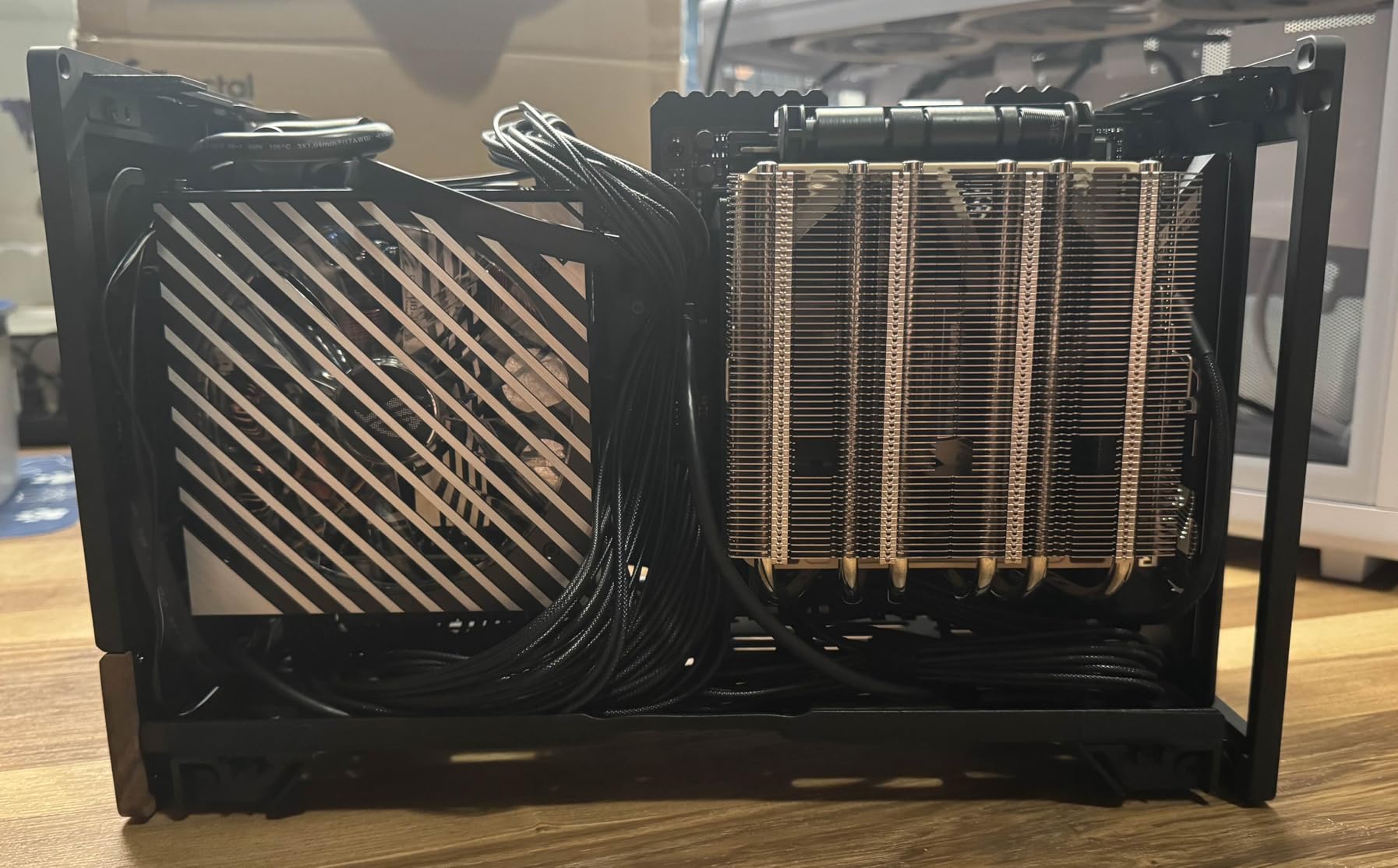
The Terra is the case I reach for when the trip is a two-hour drive and the hardware is high-end. At 4 kg empty it is not a backpack case, but it is comfortable in one hand, and the 322 mm GPU clearance means you are not downgrading your graphics card to earn the portability. On the table at a venue it takes up almost no space, and it disappears into a side gap in a car seat.
What sets it apart from the other 10-litre options is the slidable central wall. Thirty millimetres of stepless travel means you can slide the core until your riser and front I/O sit where you want them, which removes the single most annoying part of building in a sandwich layout. Reviewers single out the same thing: owners consistently praise the build quality and the sliding bracket flexibility, with the main reservation being cost against cheaper aluminium ITX cases.
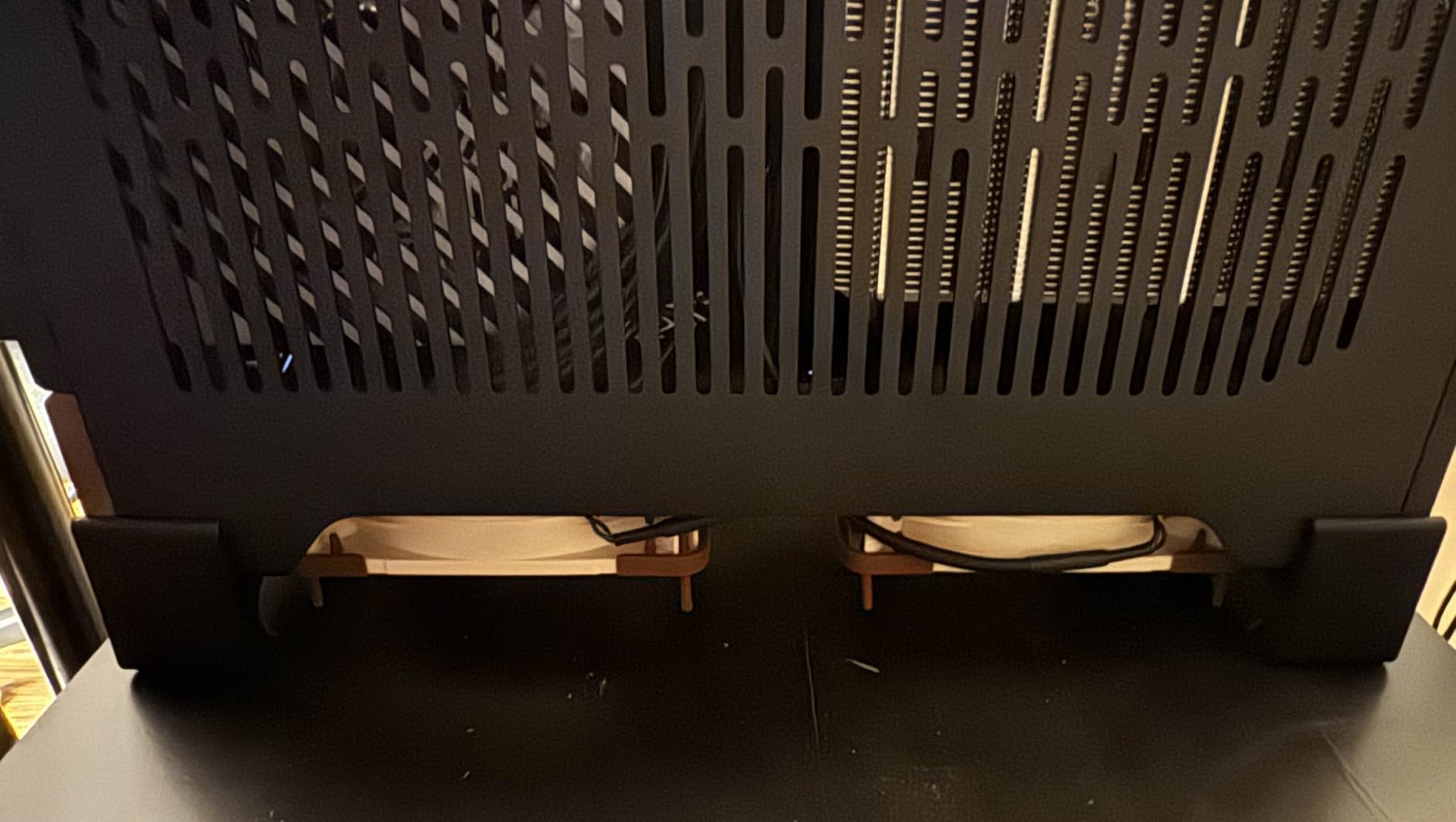
The build itself is conventional, which is a genuine plus for a first LAN rig. You fit a Mini-ITX board, air cooling and a full-length card without wrestling a riser into a 3 mm gap. The front-facing I/O with a USB Type-C port and an aluminium power button is small detail, but it is the port you actually touch when you arrive.
The walnut front panel is a real conversation piece at a LAN, and the anodized aluminium exterior survives being shoved into a bag in a way plastic-front cases do not. Just keep in mind this is a ten-litre class chassis, so storage is limited to two internal bays and you will be running an M.2 drive for your OS rather than a drive cage.
Thermal behaviour over a full LAN day
In a 10.4-litre volume with a conventional airflow path, sustained load is handled well as long as you keep the mesh side open to the room. Our advice for a twelve-hour session is a 120 mm AIO rather than a tall tower cooler, and to pack the case with the intake facing away from your body when you set it under the table. Nothing about the Terra forces a compromise you will regret, which is why it tops our list.
Who should skip it
If your priority is a sub-10-litre backpack build, the Terra’s card length and its price both push against you. Buy the smaller chassis in that scenario and plan around a short graphics card. If you are staying at home with a small desk, the walnut front is worth the extra spend anyway.
2. SilverStone SG13 – 11.5 litres with a full ATX power supply
SilverStone Technology Ultra Compact Mini-ITX Computer Case with Mesh Front Panel Black (SST-SG13B-USA)
11.5 L volume
Supports 10.5 inch cards
5.4 pounds
ATX PSU
+ Pros
- Accepts a standard ATX power supply
- Mesh front panel moves plenty of air
- Steel body shrugs off travel
- Many colour variants
– Cons
- No riser cable so GPU orientation is fixed
- Only one internal drive bay
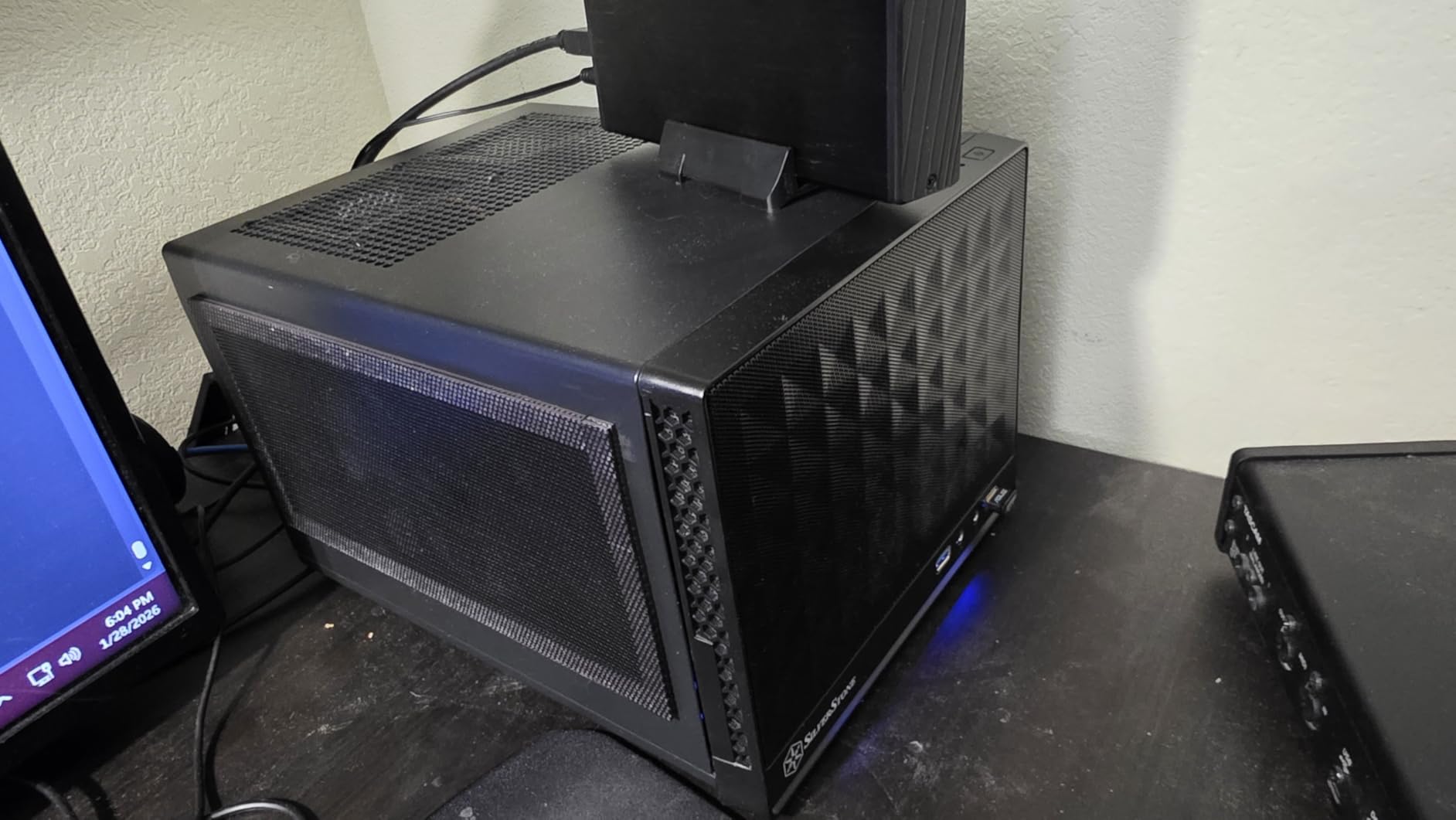
The SG13 is the case I recommend to anyone who says they do not want to compromise their power supply to save a litre of volume. It is a long-running SilverStone favourite at 11.5 litres and it takes a full ATX PSU, which removes the wattage ceiling that pushes people toward expensive SFX units. At 5.4 pounds empty it is a manageable one-hand carry.
Durability is the quiet headline. This is a steel body with a mesh front, not a folded aluminium shell, and it has been dragged to enough events to have a large body of reviews behind it. Buyers note the durability, the front-panel airflow for the size, and the full ATX power supply in an 11.5-litre body; the recurring notes are the fixed GPU layout and modest drive options.
Full-length cards without a riser
It takes standard-length 10.5 inch expansion cards, which covers almost every modern graphics card, and it does it with the slot in the normal orientation. No riser means no BIOS setting to change on arrival and no fragile cable routing behind a motherboard tray. For a rig that gets opened on site, that is worth more than the two litres you save elsewhere.
Cooling is handled by a mesh front plus support for a 120 mm or 140 mm single-fan all-in-one liquid cooler, and a 500 watt power supply ceiling is plenty for most LAN tournament builds. Storage is the compromise: a single internal bay, so plan on M.2 drives for everything.
Transport reality check
There is no integrated handle here, so the SG13 travels as a small tower you grip around the middle. Because it is a conventional layout with a fixed GPU slot, the internals are far more tolerant of a knock than a sandwich build would be. Pack it in the chassis bag, not loose in a rucksack with your keyboard, and it will arrive ready to boot.
3. KXRORS S300 – 8.1 litres, a top handle and a bundled riser
S300 – Gaming Case – Front I/O USB 3.0 Type – C Port – SFX Power Supply 100-130mm -Cable Management System – luminum Mini-ITX Motherboard Small Portable for PC (PCIe 3.0 16X Riser Cable)
8.1 L volume
GPU up to 305 mm
2 kg empty
SFX or SFX-L PSU
+ Pros
- Top carry handle included at an entry price point
- All-metal powder-coated build with three mesh sides
- Disassembles with a few Phillips screws
- Bundled PCIe 3.0 riser cable
– Cons
- Dense CPU-side mesh runs warm and loud
- Bundled riser is PCIe 3.0 so a BIOS change is needed
- Sparse printed instructions
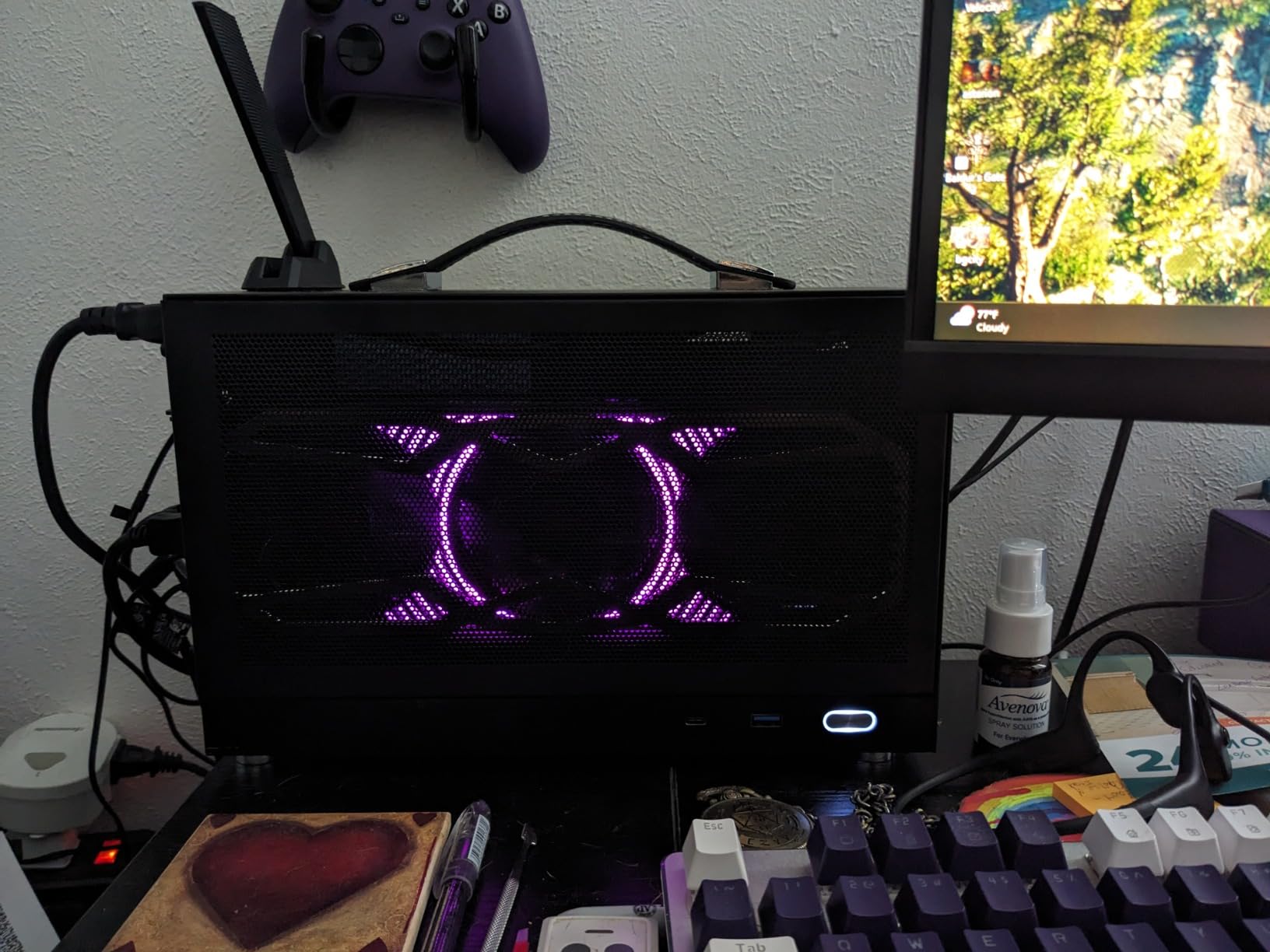
The S300 is a low-cost way to get a handle-equipped small form factor case into a LAN bag, and at 8.1 litres it is one of the lighter things in this roundup. The top leather-style handle is the reason it appears here at all: at 8.1 litres, a handle is what separates a case you carry from a case you hold.
Buyers treat it as a value-versus-volume trade and it holds up well. It weighs 2 kg empty, fits graphics cards up to 305 mm, so a mid-range card comes along without argument, and the all-metal powder-coated construction feels a step above the folding-steel budget cases. The reverse-mounted motherboard also makes cabling and bottom fan placement simpler than the layout suggests.
The riser caveat you need to know about
The bundled cable is a PCIe 3.0 riser, so you set the motherboard BIOS PCIe speed to GEN3 with the card mounted vertically. If you plan to run a PCIe 4.0 or 5.0 card, buy a 4.0 riser instead and skip the setting. The vertical mount is optional here, so you can run the card horizontally and keep full bandwidth if you would rather.
Thermals are the weak point
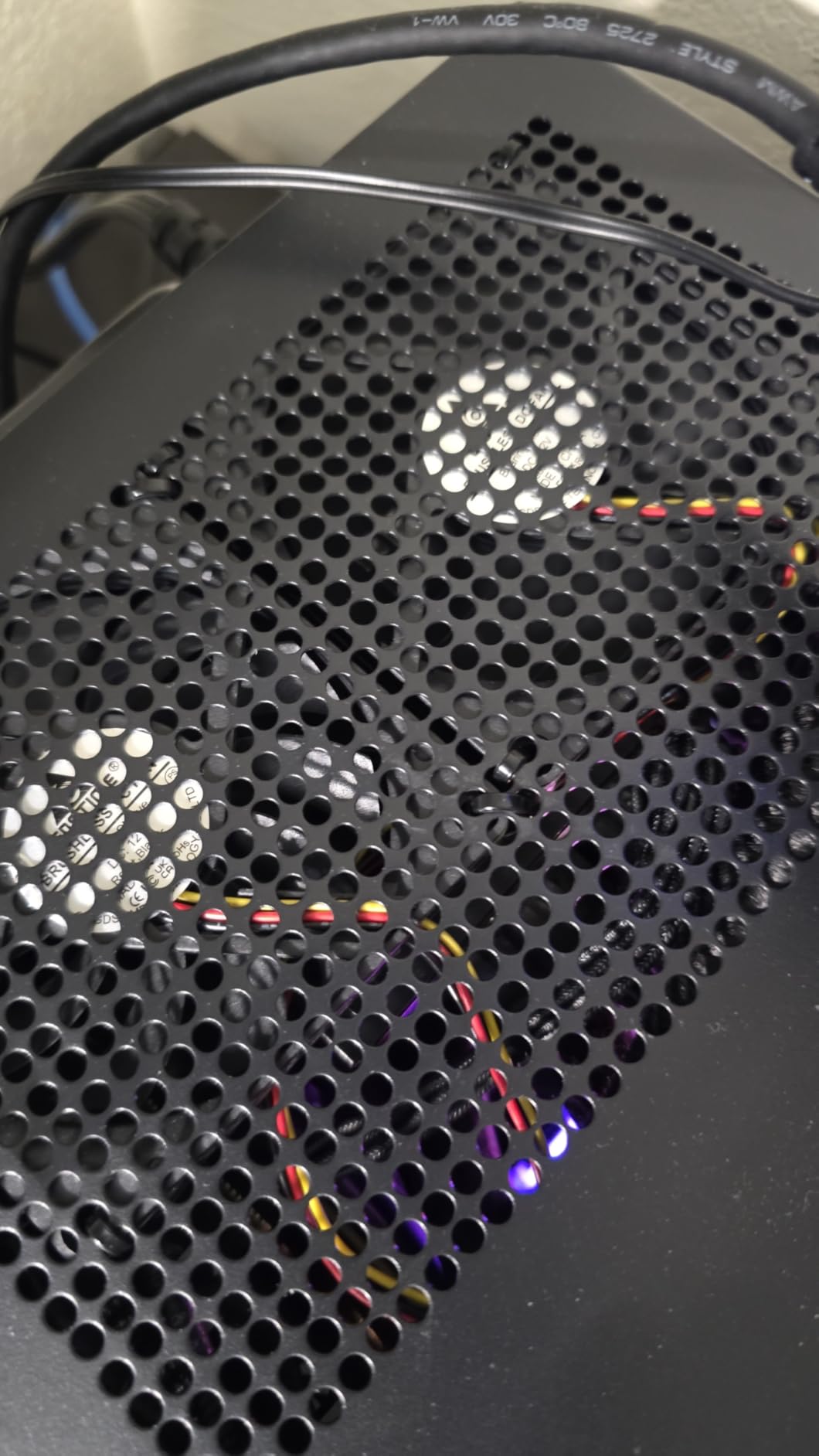
The CPU-side mesh is dense, and buyers consistently report warmer chips and louder fans in this chassis, particularly with hot processors. Budget for a low-profile cooler with a decent fan curve rather than expecting silence. Over a twelve-hour LAN day that noise adds up, so this is a case to consider if you play shorter sessions or sit near other players rather than a marathon rig.
Transport reality check
Eight litres and two kilograms means the case plus a portable monitor and a keyboard is a genuinely light load for a day trip. The instructions are sparse, so budget an evening with a build video rather than assuming the manual will get you there. Cable management is minimal, and the dust filter can further restrict airflow, so clean it before a long event.
4. JONSBO C6 – microATX in a body you can still carry one-handed
JONSBO C6 Black Mini MATX Mesh PC Case,Simple Compact Desktop Micro ATX Chassis,Upper Cover/Side Panel Tool-Free Open pc case, ATX Power Bite (L185mm Max.),Support 75mm CPU Cooler,GPU200-255mm
Micro ATX support
202 x 266 x 295 mm
Three fan mounts
Tool-free panels
+ Pros
- Full microATX board in under 20 litres
- Mesh on every side for strong airflow
- Tool-free top and side panels for 360-degree access
- Accepts an ATX power supply up to 185 mm
– Cons
- Storage is one or the other
- Cramped cable routing with few tie-off points
- Thick GPUs can block front USB and audio access
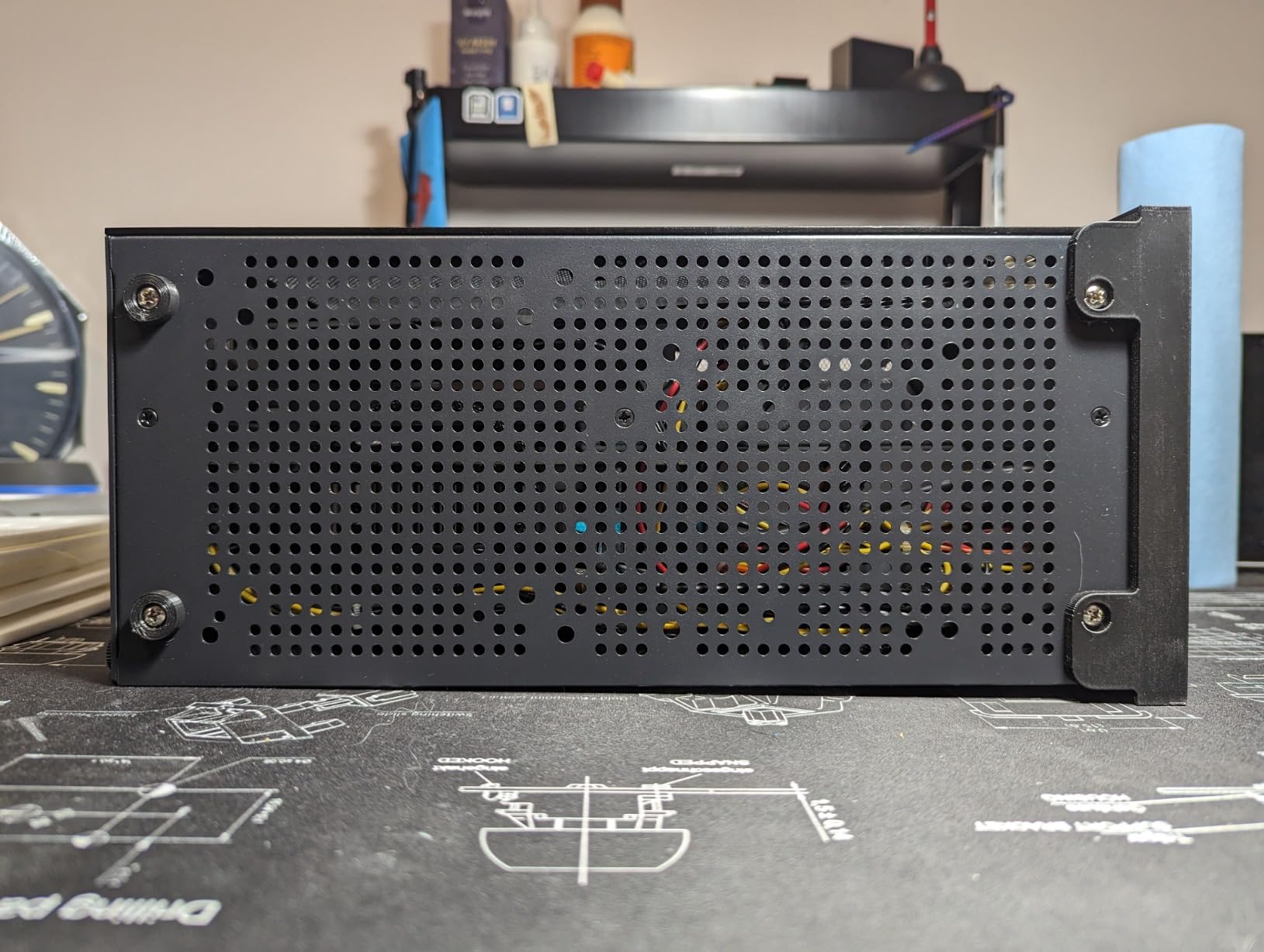
The C6 is the answer for anyone who has decided Mini-ITX is one step too far. It takes a full microATX motherboard with a normal ATX power supply, which means ordinary memory, ordinary drives and no riser cable, in a 202 x 266 x 295 mm shell. That is roughly the volume of a large carry-on, and it is the pick I suggest when a friend says they will never build in a sandwich layout.
Buyers consistently call it the smallest practical microATX option, with the all-mesh chassis as the standout and a bonus that it takes a full-size ATX power supply. The airflow is the real selling point here: three fan positions at front, top and bottom, and mesh on every face rather than a solid panel with a vent.
Building access and cable routing
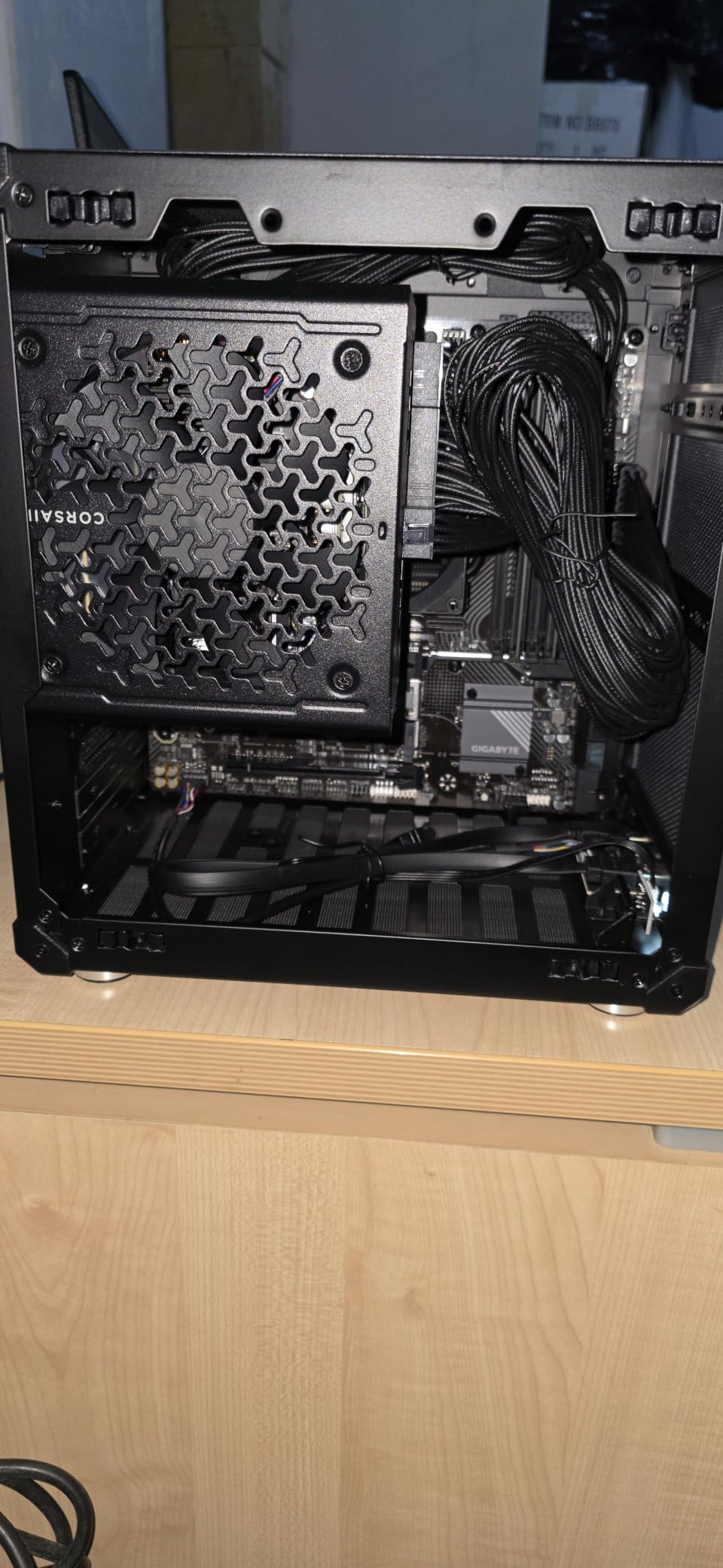
The tool-free upper cover and side panel mean you can get a motherboard in without undoing a dozen screws, which is exactly the difference between a five-minute teardown at the venue and an hour. The trade is cable management. There are few tie-off points in a chassis this size, and a fully modular PSU or short custom cables are close to mandatory. Plan your cable order before you start rather than improvising with the panel off.
Storage and fan compromises
You get a 3.5 inch HDD or two 2.5 inch SSDs, not both, so most builds end up on M.2 storage anyway. In practice, once drives are fitted you have two usable fan mounts and slim fans, so size your cooling accordingly. A two-fan-thickness graphics card can also block access to the front USB and audio connectors, which is worth checking against your card before you commit.
Transport reality check
At 266 mm deep and 295 mm tall this is a small desktop box rather than a hand-carry cube, and the bottom panel is fixed, so bottom fan access means removing all four feet. None of that stops it from travelling well: it is light, it is boxy, and it stacks neatly in a car boot next to a monitor and a bag. The forum consensus is right that a microATX case is much easier to route cables in than a 12-litre sandwich.
5. JOYJOM 4.3 L Mini-ITX – the smallest rig that fits a backpack
Aluminum Mini ITX Case with PCIe 3.0 Riser, JOYJOM Mini PC Case, SFF Small Form Factor PC Case, TX Computer Gaming Case Supports GPU Graphics Card (Black)
4.3 L volume
1.14 kg empty
Flex-1U PSU
Under 36 mm cooler
+ Pros
- Genuinely backpack-sized at 4.3 litres
- Light at 1.14 kg for moving between events
- 2.0 mm aluminium body doubles as a heatsink
- PCIe 3.0 riser included in the box
– Cons
- Very tight component limits
- Lowest average rating of the twelve cases compared
- Case and riser only
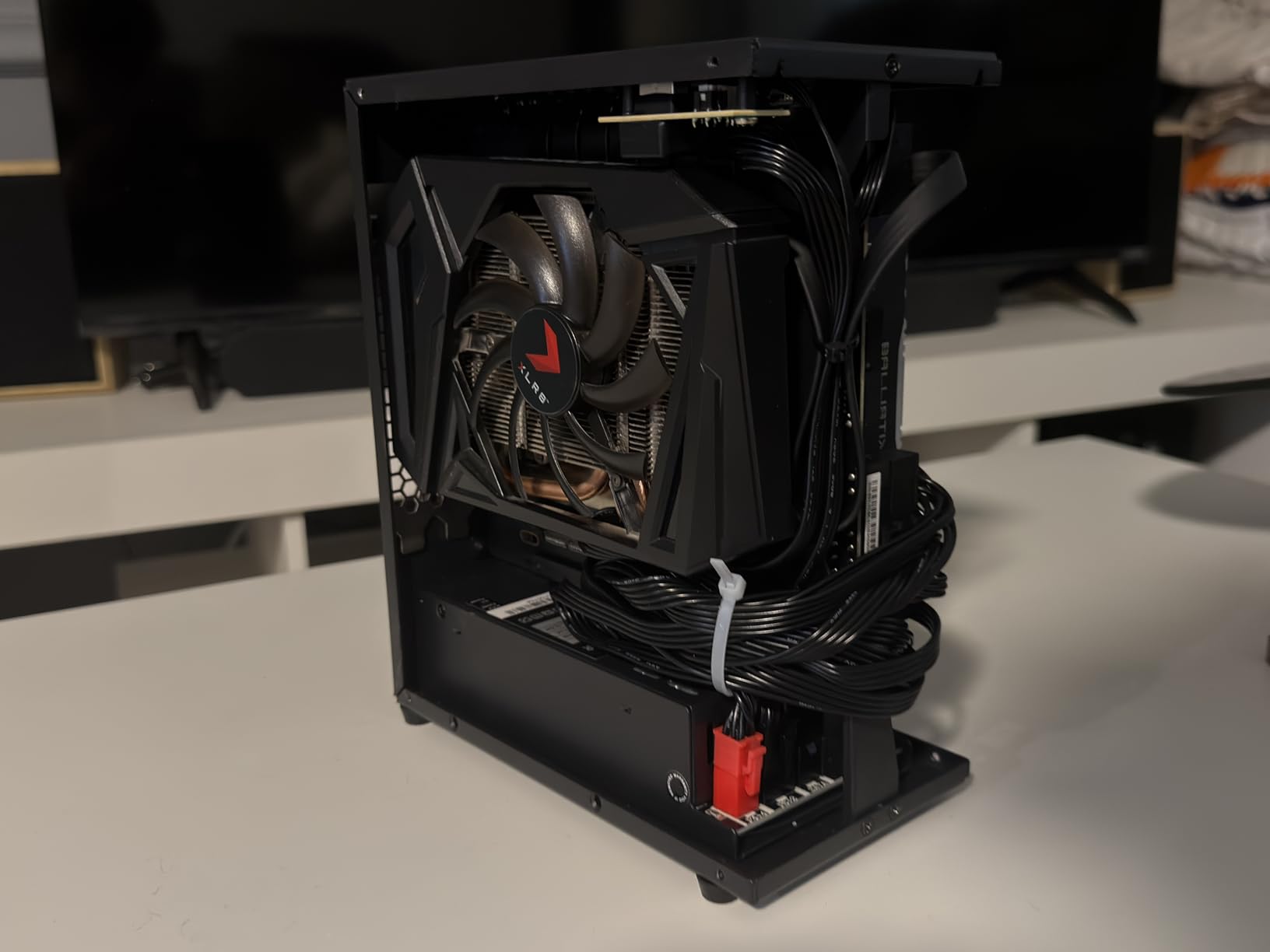
This is the extreme end of the scale and the only chassis here that genuinely disappears into a rucksack. At 4.3 litres and 1.14 kg, the JOYJOM leaves enough room in a standard backpack for a portable monitor and a keyboard, which is the exact scenario a LAN traveller runs into. One SFF builder described taking a whole setup to a LAN in a single bag, and a chassis this size is what makes that possible.
The wide rating spread is not a mystery, it is the compatibility envelope. You need a Flex-1U power supply, a CPU cooler under 36 mm, a GPU of 17 x 10 x 4 cm and a short riser, and the box contains the case, the riser and screws only. Everything else is a separate purchase and an extra trip through your parts bin.
What you give up for four litres
There is no full-length graphics card, no conventional ATX power supply and no bundled CPU cooler. The 2.0 mm aluminium body is genuinely useful as a heatsink for the whole chassis, but it is a thermal nicety, not a substitute for airflow planning. Storage is two 2.5 inch drives under 9 mm of thickness, so your motherboard needs two M.2 slots if you want any flexibility.
Who should buy it and who should not
Buy it if you travel to events by train or on foot and you are deliberately running low-power hardware. Skip it if your LAN build includes a mid-range or faster graphics card, or if you have never built a sandwich layout before. At this size, routing, cable folding and cooler clearance all happen at once, and the first-time regret rate is high.
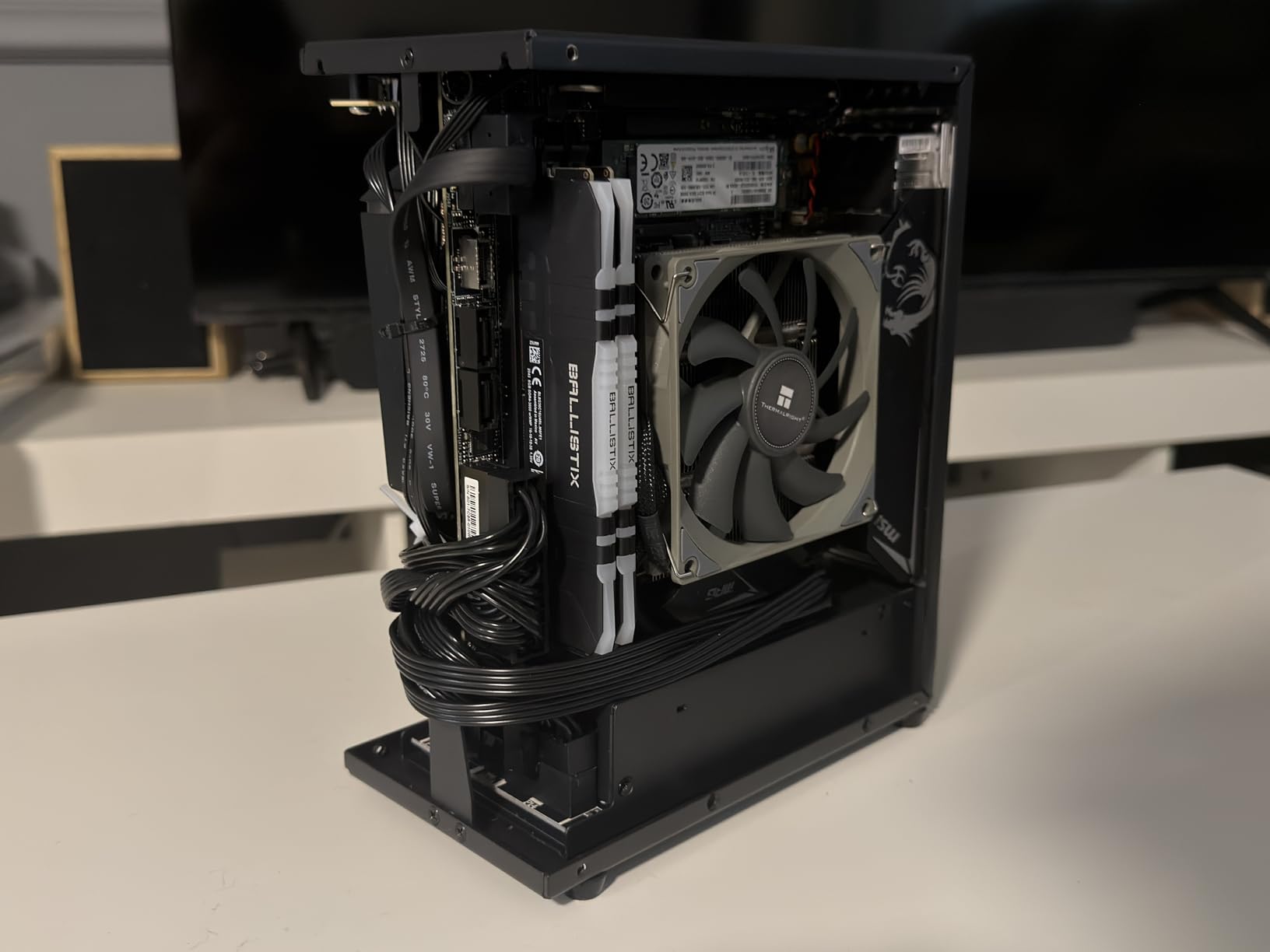
6. Thermaltake TR100 – 18.9 litres and a 360 mm GPU slot
Thermaltake TR100 SFF Chassis; mITX Support; 18.9 Liters; PCIe 4.0 Riser Cable Included; 360mm GPU Clearance; 280mm Radiator Support; Removable PCIe Bracket; Future Dusk; CA-11A-00SNNN-00
18.9 L volume
360 mm GPU slot
280 mm radiator
SFX and SFX-L PSU
+ Pros
- Huge GPU clearance for a small form factor case
- PCIe 4.0 riser included so no BIOS downgrade
- Dual chamber layout gives real component room
- Removable PCIe bracket and integrated GPU brace
– Cons
- Bulky footprint compared with 5 to 10 litre cases
- Only one 2.5 inch drive bay
The TR100 is the pick for someone whose GPU is simply too long for a 10-litre sandwich. At 18.9 litres it is the largest chassis on this list, and that volume buys 360 mm of graphics card clearance plus support for a 280 mm radiator, which is more thermal headroom than anything else here. You are not buying a backpack case, you are buying a small tower you can still move in one trip.
It includes a PCIe 4.0 riser, which avoids the PCIe 3.0 BIOS downgrade that catches people out in cheaper chassis. The removable PCIe bracket and integrated GPU brace make installation straightforward, and a three-year warranty backs it up. Owners highlight the generous clearance and the modern riser as the standouts, with the bulkier footprint as the trade.
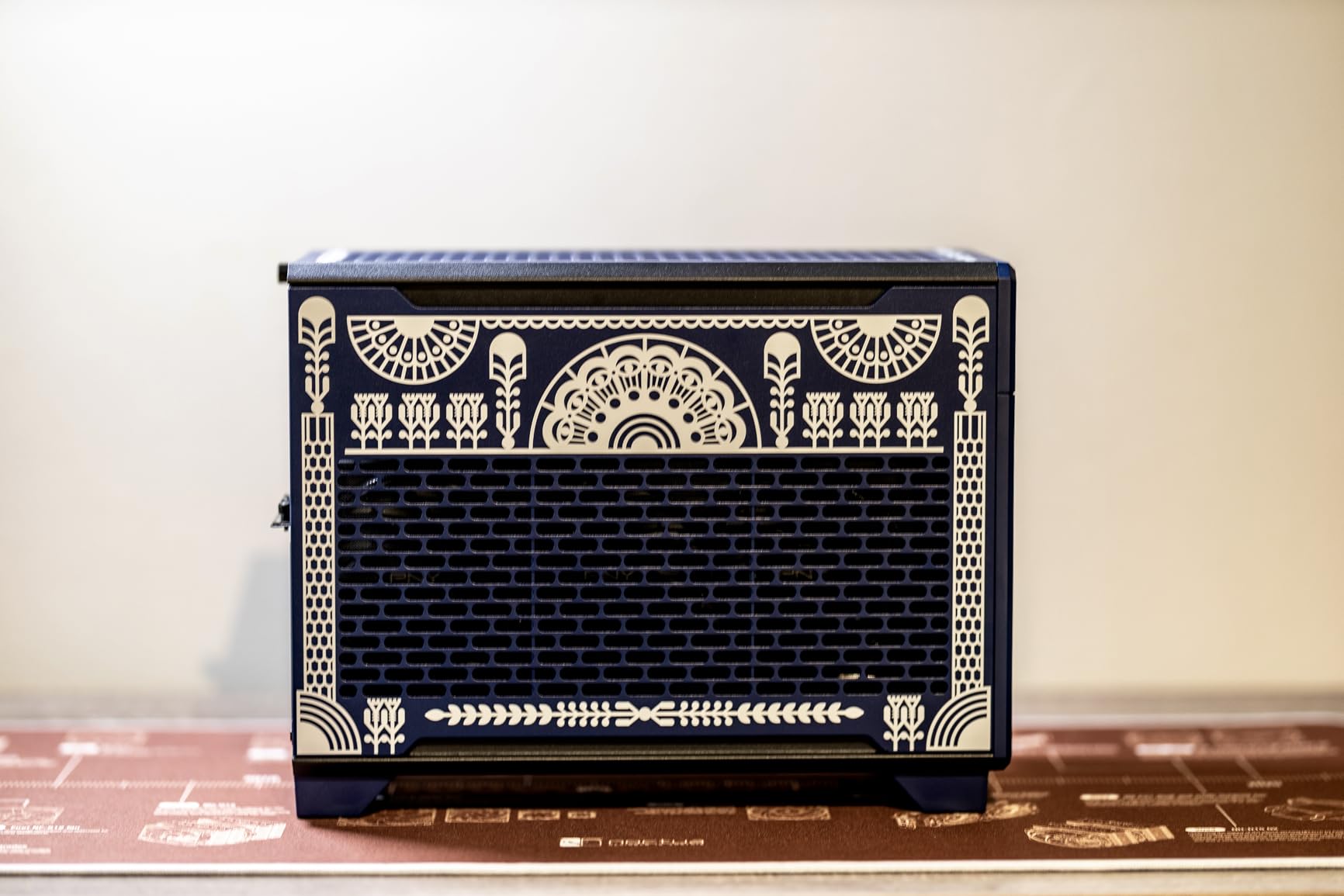
Cooling headroom for a twelve-hour day
With 68 mm of CPU cooler clearance and room for a 280 mm radiator, this is the pick if you plan to run high-TDP silicon through a full event day. The dual chamber design separates the power supply from the motherboard area, which reduces heat soak into the board compared with a single-chamber layout of the same size. It is also the case on this list where a big air cooler is genuinely viable rather than aspirational.
Transport reality check
Almost 19 litres does not fit in a backpack, and enthusiasts say plainly that a 20-litre-plus case is a much bigger travel chore. The practical compromise is a car boot or a train luggage rack, where the boxy shape is stable and the handle-free chassis is easy to secure. The upside is that a roomier case is far easier to service at the venue: you can reach a loose cable or swap a drive without dismantling half the rig.
Power supply choice
It takes SFX and SFX-L power supplies rather than a full ATX supply, so budget for a good SFX-L rather than cutting the corner. In return you get a 360 mm GPU slot and a 280 mm radiator in a case that still fits under most desks. For a desk-and-transport build rather than a carry-on build, that trade is usually worth making.
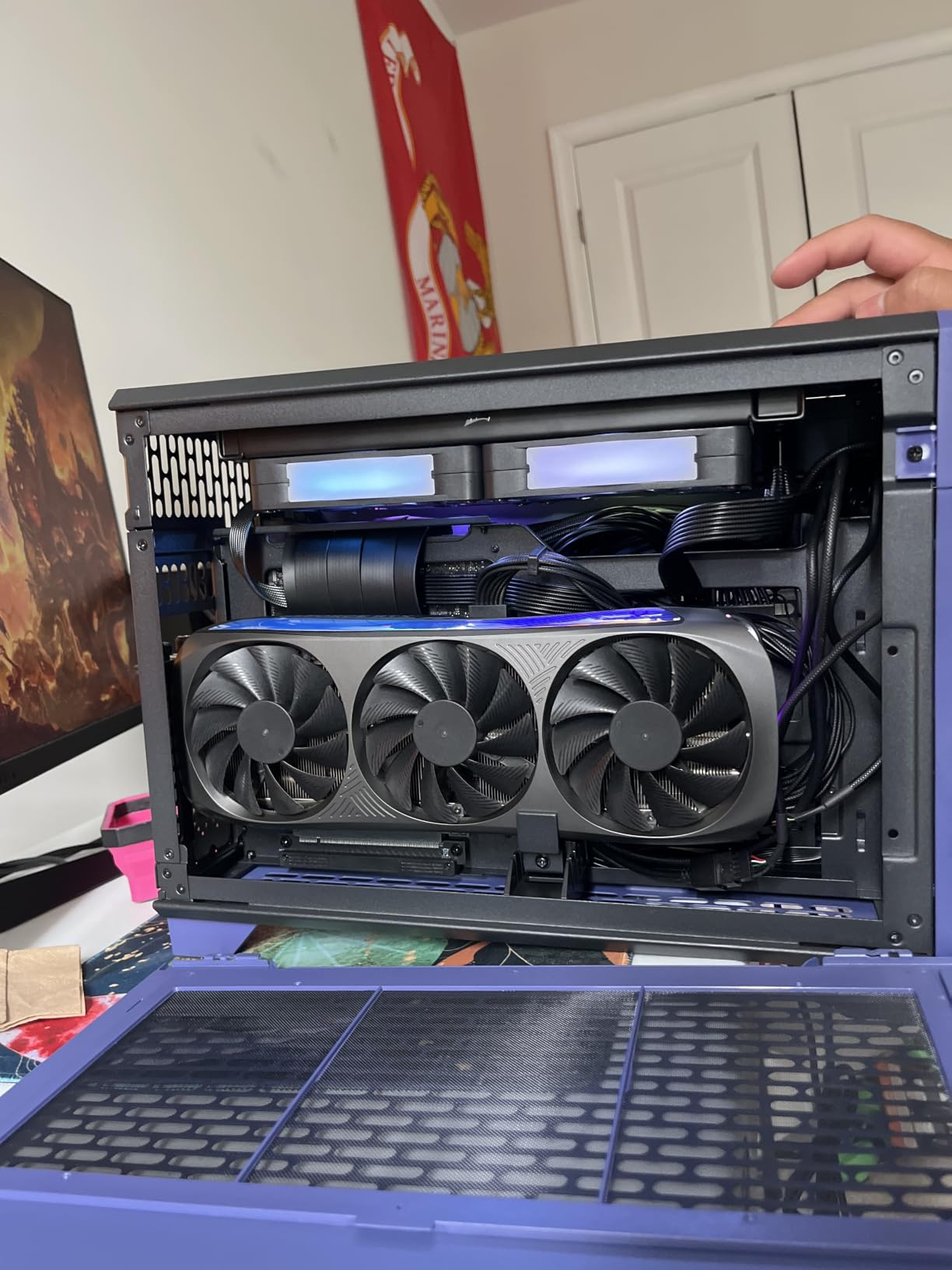
7. SGPC K39 – 5.1 litres of vented steel with two handles
SGPC K39 5L Mini ITX Case,Portable SFF Gaming Chassis,White Standard Edition
5.1 L volume
4.1 pounds
GPU up to 185 mm
Two carrying handles
+ Pros
- True 5 litre steel chassis with two handles included
- USB 3.2 and Type-C front I/O
- Two 2.5 inch anti-vibration drive bays
– Cons
- Advanced build that a first-time SFF builder should skip
- Screw and panel finishing inconsistent on some units
- Acrylic panel cracks easily in transit
The K39 is unusual for its size: a five-litre chassis built from 1.5 mm steel with vented side panels, and it comes with two carrying handles, one leather and one plastic. Owners are enthusiastic about how small and sturdy it feels for the volume, and confirm that a low-profile RTX 4060-class card fits. The bundled screwdriver, screws and brackets are a genuinely thoughtful inclusion for a case that may need a fix at the venue.
Front I/O is USB 3.2 plus Type-C, and the two 2.5 inch drive bays have anti-vibration mounts, which matters more than it sounds when you are moving spinning media in and out of a bag. Construction is vented steel rather than solid sheet, which helps in a layout this dense.
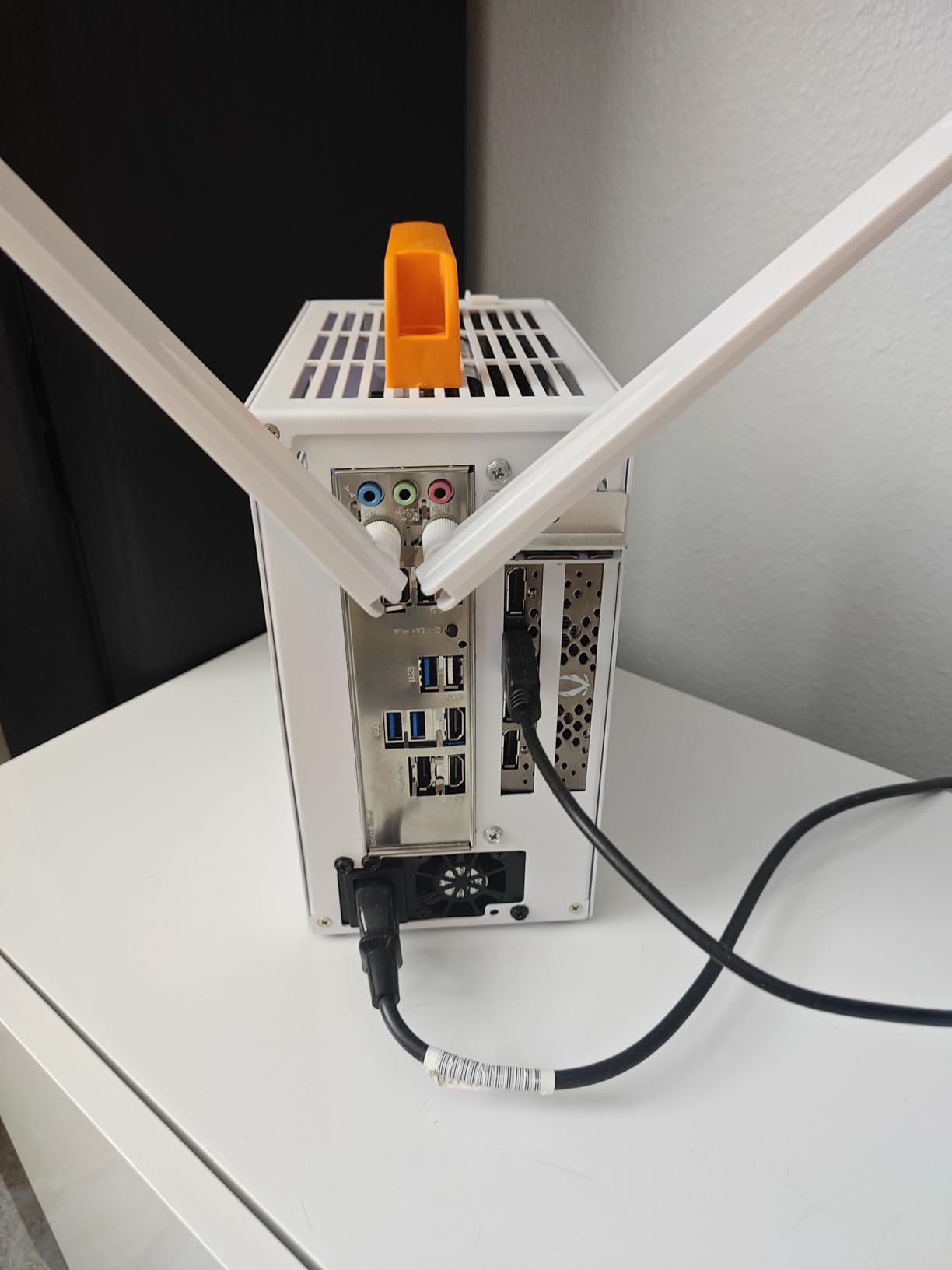
Who should skip this build
The manufacturer is direct about it: a compatible riser cable is required unless one is bundled, and this is not recommended for first-time builders. Reviewers echo that, and add that there is little clearance around the riser once the motherboard is in. Treat the K39 as a second build, not a first one, and read the riser compatibility list before you buy parts.
Transport reality check
Two handles and five litres is a strong travel proposition, and the vented steel panels are more forgiving of a knock than the acrylic side panel that comes with it. The recurring complaints are the acrylic panel cracking during unpacking, inconsistent screw and panel alignment, and adhesive rubber feet that detach quickly once you start carrying it. Put a small piece of tape on the feet and pack the acrylic panel separately or remove it.
8. HYTE Revolt 3 – a full-size GPU with no riser cable
HYTE Revolt 3 Small Form Factor Premium ITX Computer Gaming Case Only, Metal, Black
335 mm GPU support
140 mm cooler height
11 pounds
3 year warranty
+ Pros
- No riser cable required for a full-size GPU
- Tool-less panels on all four sides
- Quiet under load with high-TDP parts
- Three-year warranty
– Cons
- Motherboard I/O faces downward
- AIO tubing is tight to route
- Front USB-C uses an internal header
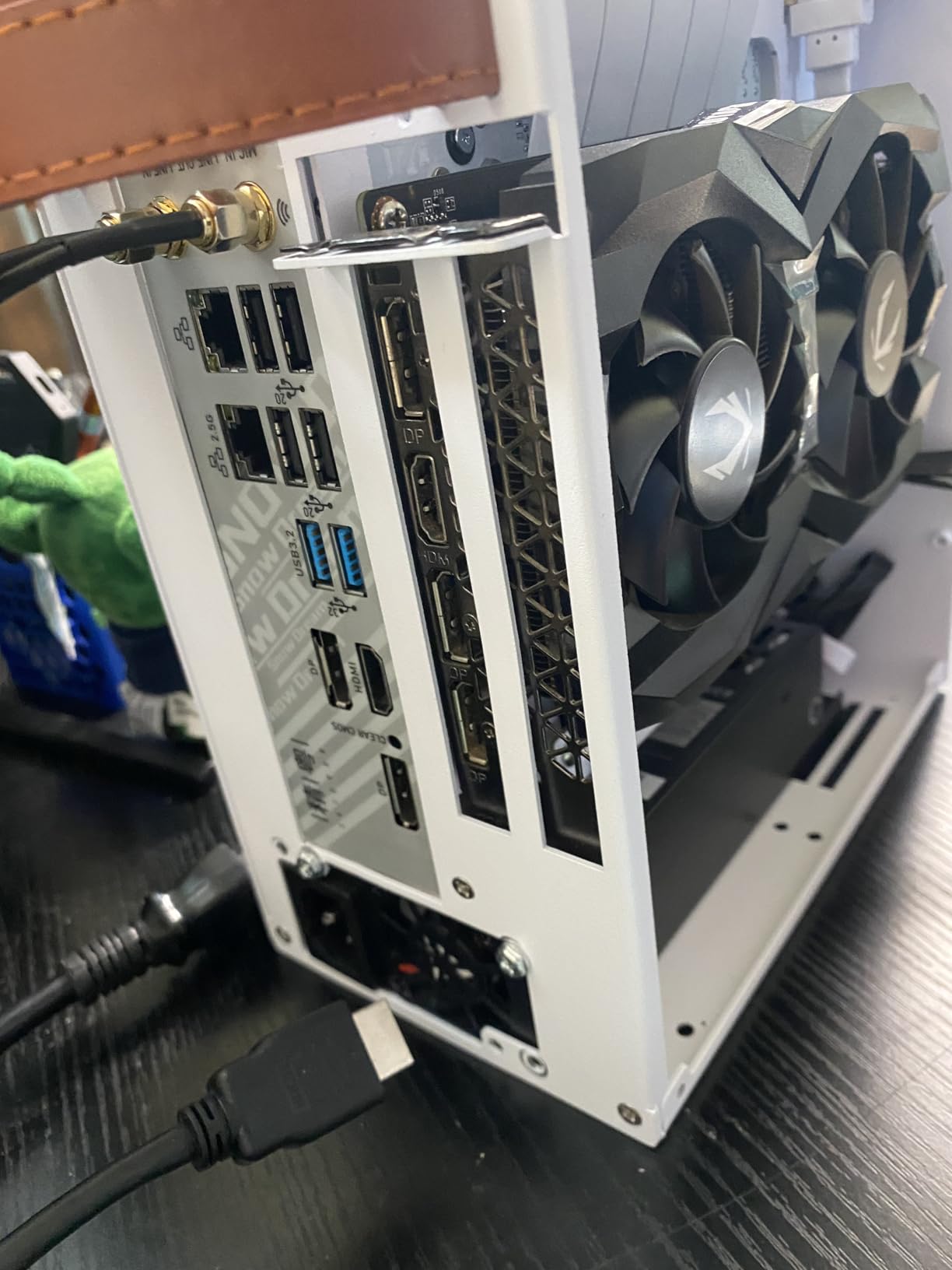
The Revolt 3 is the easiest entry into small form factor I would put in front of a nervous first-time builder. It accepts GPUs up to 335 mm and CPU coolers up to 140 mm with no riser cable at all, and every external panel comes off without tools, so you have genuine 360-degree access while building and when servicing on site. Buyers value it as an approachable entry into ITX for exactly those reasons.
It also carries an integrated handle, which a commenter in a help-me-build thread specifically points to as a case made for travel. At 11 pounds empty it is a heavy carry, so the handle balances a load that is better lifted with two hands than a single set of fingers.
Quiet under sustained load
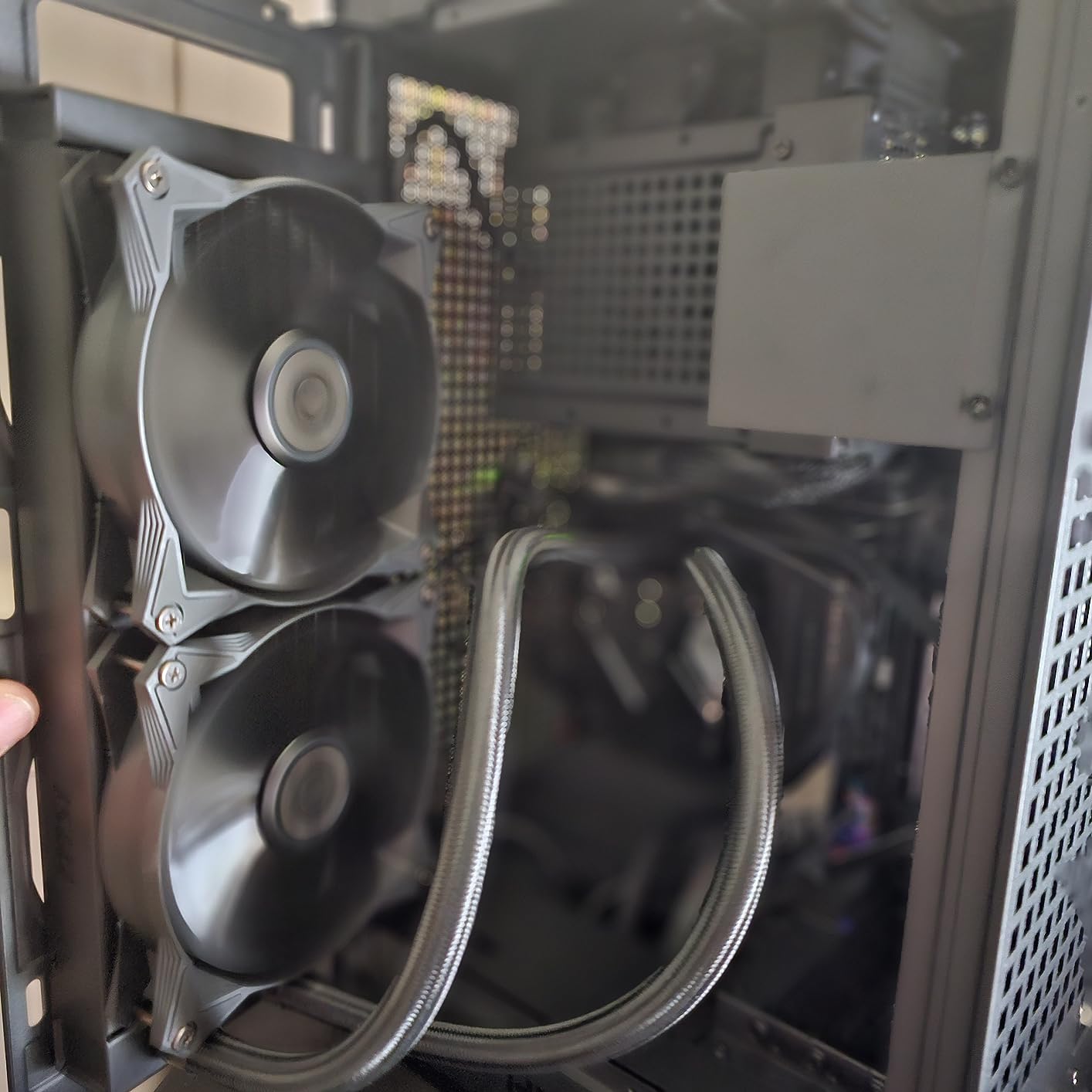
Owners report the case staying quiet even with high-TDP parts, and it supports 240 mm and 280 mm all-in-one coolers alongside tall air coolers. The caveat is AIO tubing: the routing is tight, so you need to seat the radiator carefully to close the panel. Plan that step before you connect the pump, not after.
The motherboard I/O problem
Motherboard I/O faces downward, which is awkward if you plug and unplug peripherals often and mildly annoying on arrival when you are crawling under a table. The front USB-C is an extension cable, so it consumes the board’s USB-C header entirely, which matters if you want that header for something else. One report also describes static discharge tripping the system on chassis contact, so avoid resting a bare wrist against the metal while it is powered.
9. SilverStone SUGO 16 – all-steel, ATX power, highest rated here
Silverstone Technology SUGO 16 Black Mini-ITX Small Form Factor case with All Steel Construction, SST-SG16B
Alloy steel body
275 mm GPU support
ATX PSU
1 year warranty
+ Pros
- Highest average rating of the twelve cases compared
- All-steel shell
- Accepts a standard ATX power supply
- Backplate CPU cooler opening simplifies assembly
– Cons
- Limited internal 2.5 inch bay count
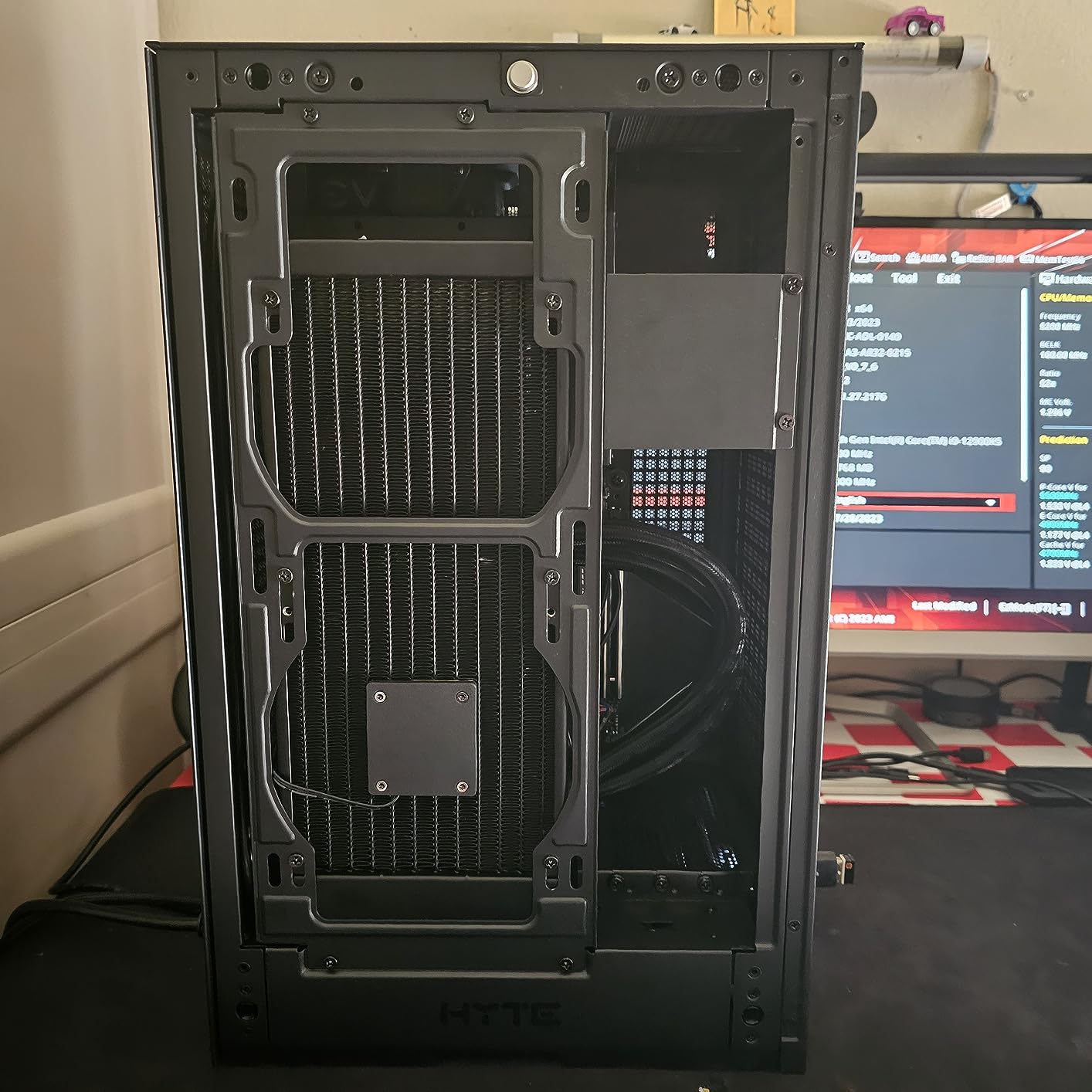
The SUGO 16 carries the highest average rating of the twelve cases we compared, and the reason is simple: it does the boring things properly. All-steel construction, 275 mm of graphics card clearance, and a standard ATX power supply in a 275 x 200 x 232 mm body. Reviewers respond very positively to the build and to the fact that it holds a long card with a full ATX supply in a small shell.
The backplate CPU cooler opening is the feature owners cite most, and it matters more for a travel rig than it first appears. On site you can fit or replace a cooler without pulling the motherboard, which turns a potential hour of teardown into a five-minute job.
Transport reality check
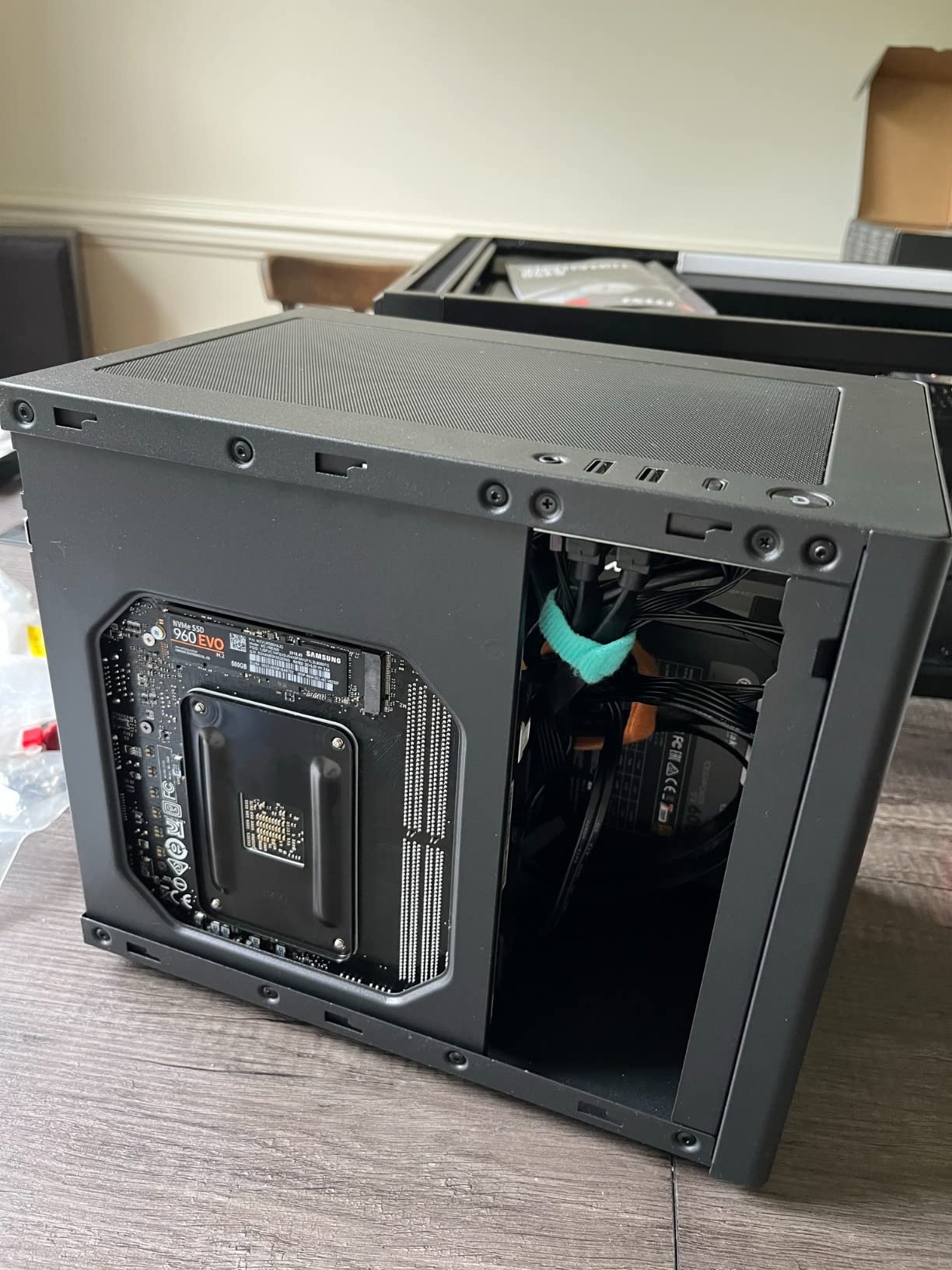
Steel, one conventional layout, and a long GPU mounted in the normal orientation means the internals are secure in a way a sandwich build never is. There is no integrated handle, so treat it as a small tower you grip with both hands, and pack it in a padded chassis bag with the side panel taped. The recurring drawback is storage, with a small 2.5 inch bay count limiting internal drives.
Front I/O and cooling
Front I/O gives you two USB 3.0 ports and a combo audio jack, which covers a mouse and a headset without an adapter. Cooling support is for a 120 mm all-in-one radiator, and front-to-back mesh moves air through a chassis this size more convincingly than a solid-panel design. It has one year of limited warranty coverage, so treat the build carefully in transit.
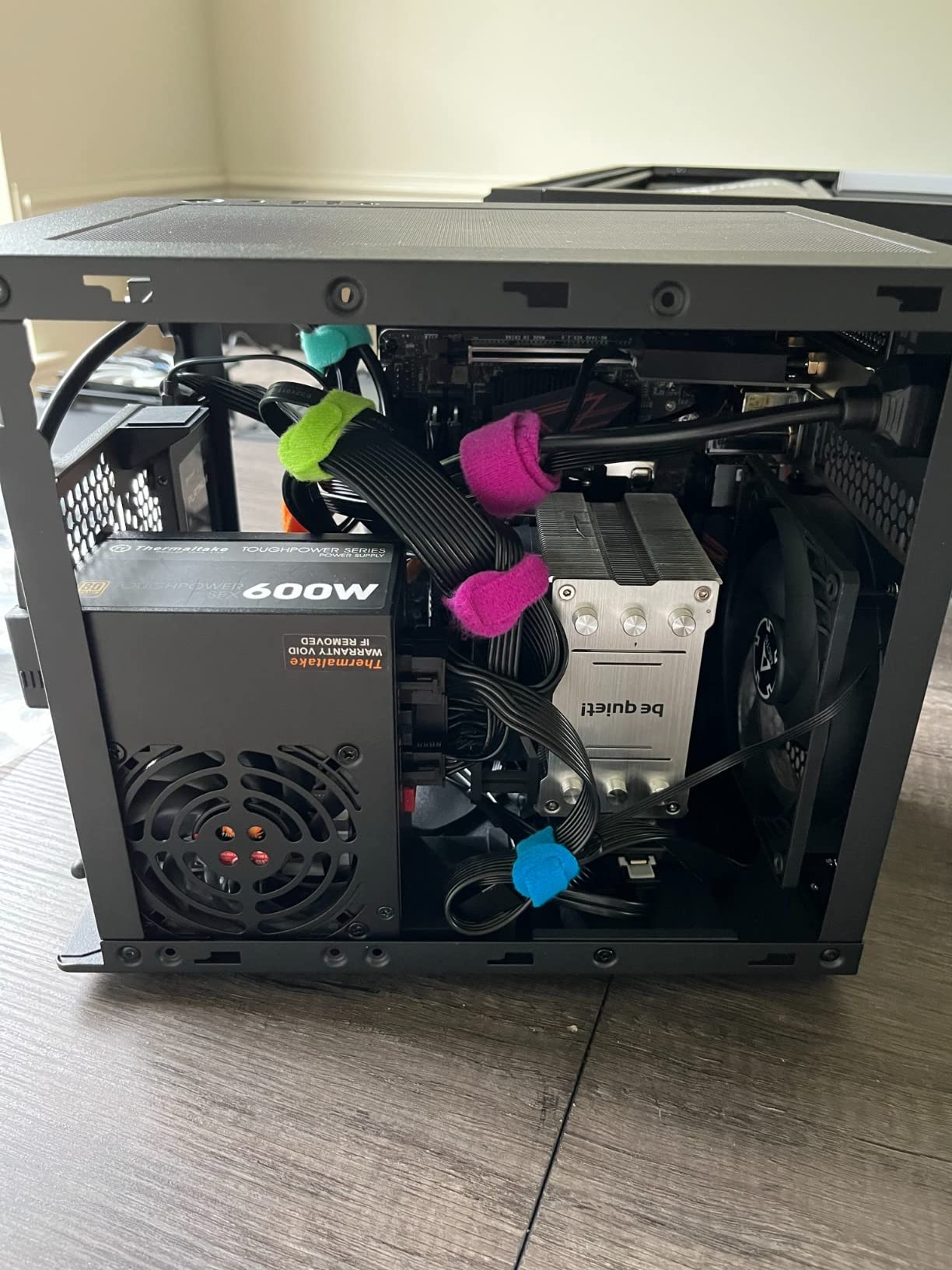
10. Shiny Snake G300 – microATX that takes a 340 mm flagship GPU
Shiny Snake G300 16.8L MESH Portable SFF Desktop Gaming PC Chassis – Black
16.8 L volume
Micro ATX
340 mm 4-slot GPU
7.7 pounds
+ Pros
- Accepts RTX 5090 and 4090 class cards at 340 mm
- Full ATX PSU with air cooling or SFX with an AIO
- Native 10Gbps Type-C front port
- 30 kg rated handle and vibration-dampened base
– Cons
- Assembly involves removing many screws
- ATX PSU cabling is very tight
- Bottom of the chassis runs warm with an air cooler
The G300 is the odd one out on this list, because its maker explicitly built it for LAN parties and travel. At 16.8 litres it is a microATX chassis with a 30 kg rated handle, a vibration-dampened base and full mesh side panels. If your LAN rig is going to hold a flagship card, this is the case that lets you do it without a riser and without a sandwich layout.
It takes 340 mm four-slot cards in the RTX 5090, 5080 and 4090 class, air coolers up to 164 mm, and either a full ATX power supply up to 140 mm with air cooling or an SFX or SFX-L unit when you want a 240 or 280 mm AIO. That dual architecture is the clever part: you choose the cooling path and the power supply follows it.
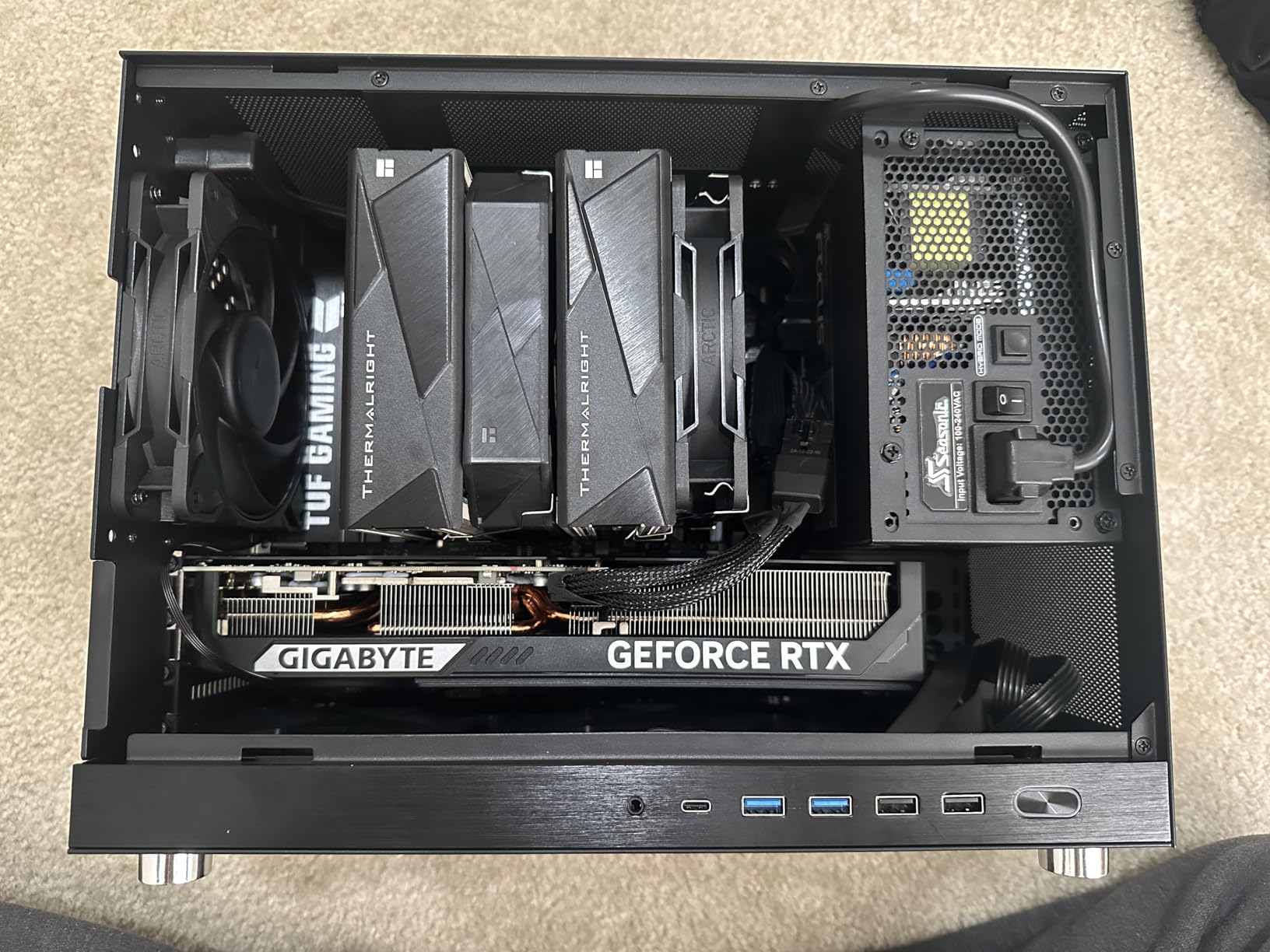
Assembly is the price of admission
Owners are clear that this is not a beginner case. Disassembly-heavy assembly and tight PSU cable routing are the main complaints, and motherboard power cables are very cramped between a full-size ATX supply and the board. Allow a full evening for the first build, and consider short custom cables or a modular unit before you close the panels.
Thermals and the handle
Quiet, cool results are reported on high-end hardware in mATX form, but airflow with a CPU air cooler is weaker at the bottom of the chassis, which affects hard drive temperatures. A vibration-dampened base and a rated handle mean the case handles a rough walk from the car far better than the weight suggests, and the removable brackets, handle and foot pegs let you adapt it to shelves and transport.
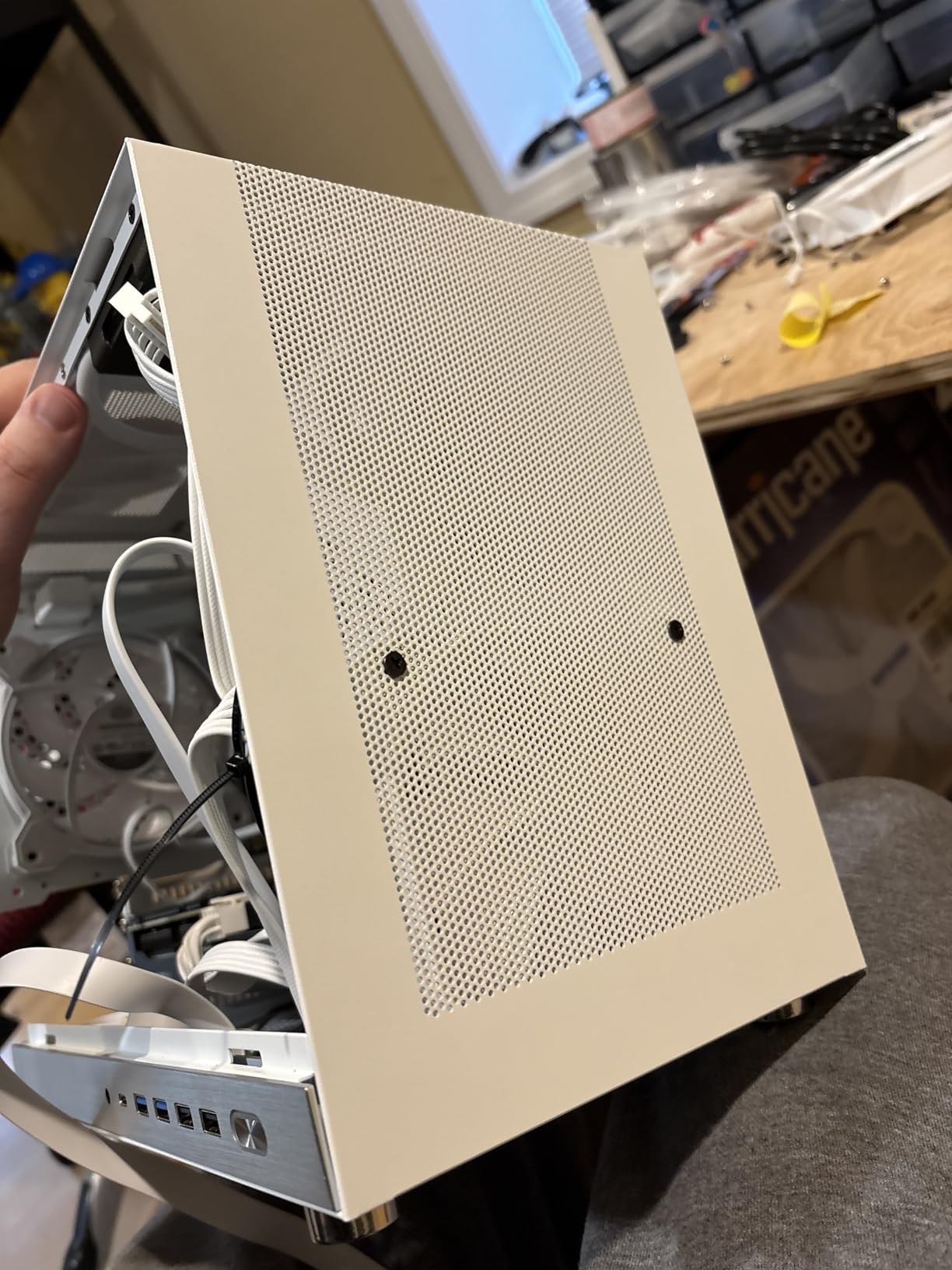
11. Mechanic Master C24 – a 9.9-litre cube with a handle
Mechanic Master C24 Mini ITX PC Case with Handle
9.9 L volume
2.5 kg
135 mm air cooler
SFX or SFX-L PSU
+ Pros
- Aluminium handle in a 9.9 litre cube
- No riser cable needed for the GPU
- Accepts a 135 mm air cooler or 120 mm AIO
- Includes a screwdriver and screw kit
– Cons
- Limited cable management
- Notable fan noise for the size
- One variant lacks a front or bottom fan slot
The C24 is a cube, and that shape is deliberate: with a handle on top and a near-equal footprint in every direction, it is easy to balance during a walk across a venue. At 2.5 kg it is light, and at 9.9 litres it takes a 135 mm air cooler or a 120 mm liquid cooler without a riser cable. Reviewers like the cube styling, the solid metalwork and the absence of a riser cable.
Fitment is component-dependent, which means the fan sizes you can use are decided by your CPU cooler height and your GPU slot thickness. A modular power supply and 15 mm slim fans are the commonly recommended build choices, and the pre-installed dust filters and dual 2.5 inch mounts are sensible touches for a rig that travels.
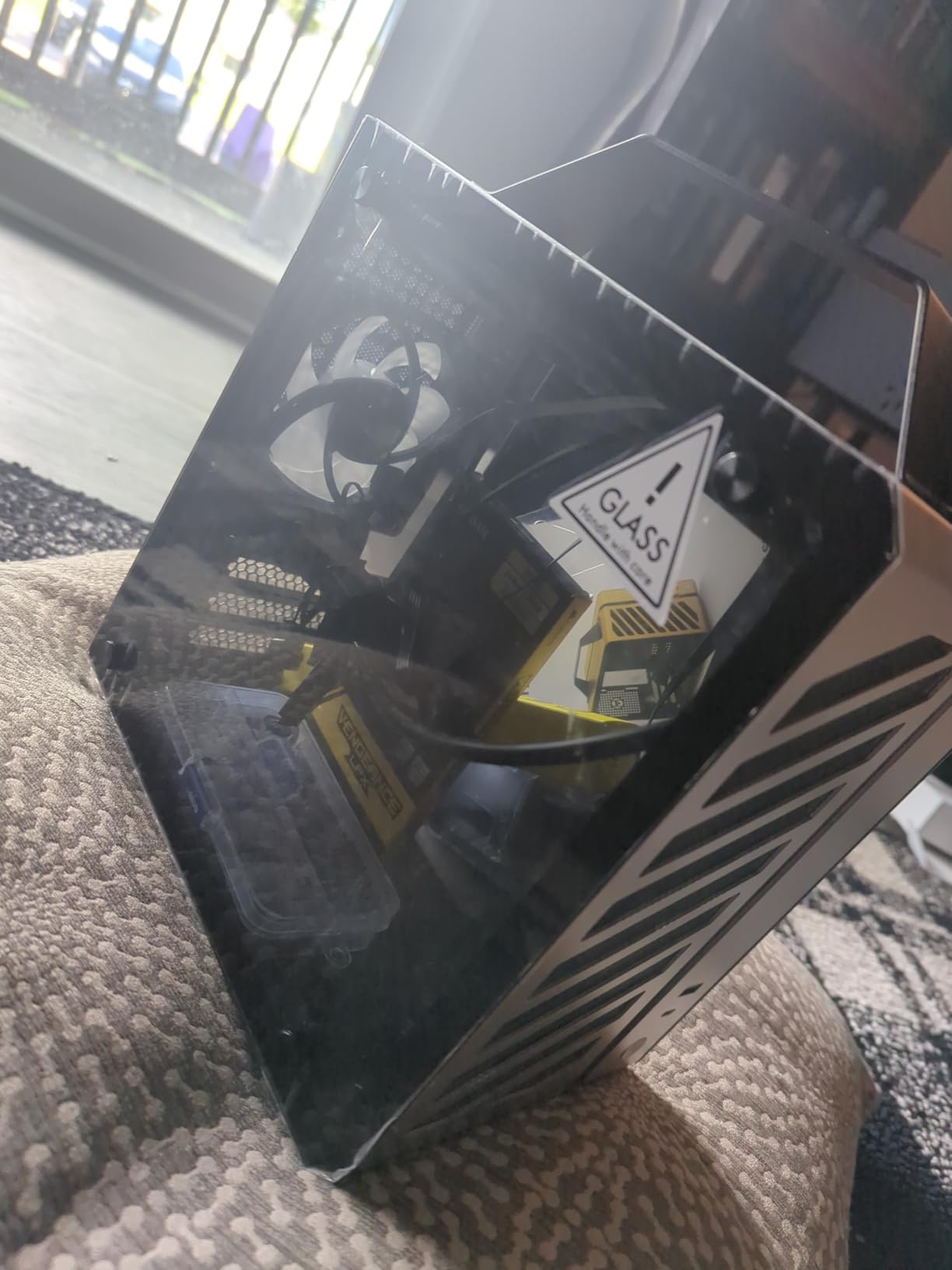
Noise and thermal behaviour
Buyers report good airflow for the size, keeping CPU temperatures in the mid-60s in testing, but the main grumble is noticeable fan noise for a chassis this small. If you are seated near other players at the event, bring a low-profile cooler with a slower, quieter curve. Fan mounts at top, rear and bottom give you the flexibility to set up a proper push-pull intake.
Build advice and transport
The aluminium-steel hybrid frame with detachable panels and tool-free installation keeps build time down, and the included screw kit means you are not hunting for hardware at the venue. Cable management is limited, so a fully modular PSU is close to required. Check which variant you are buying, because one version lacks a front or bottom fan slot, and confirm the handle is included rather than an accessory.
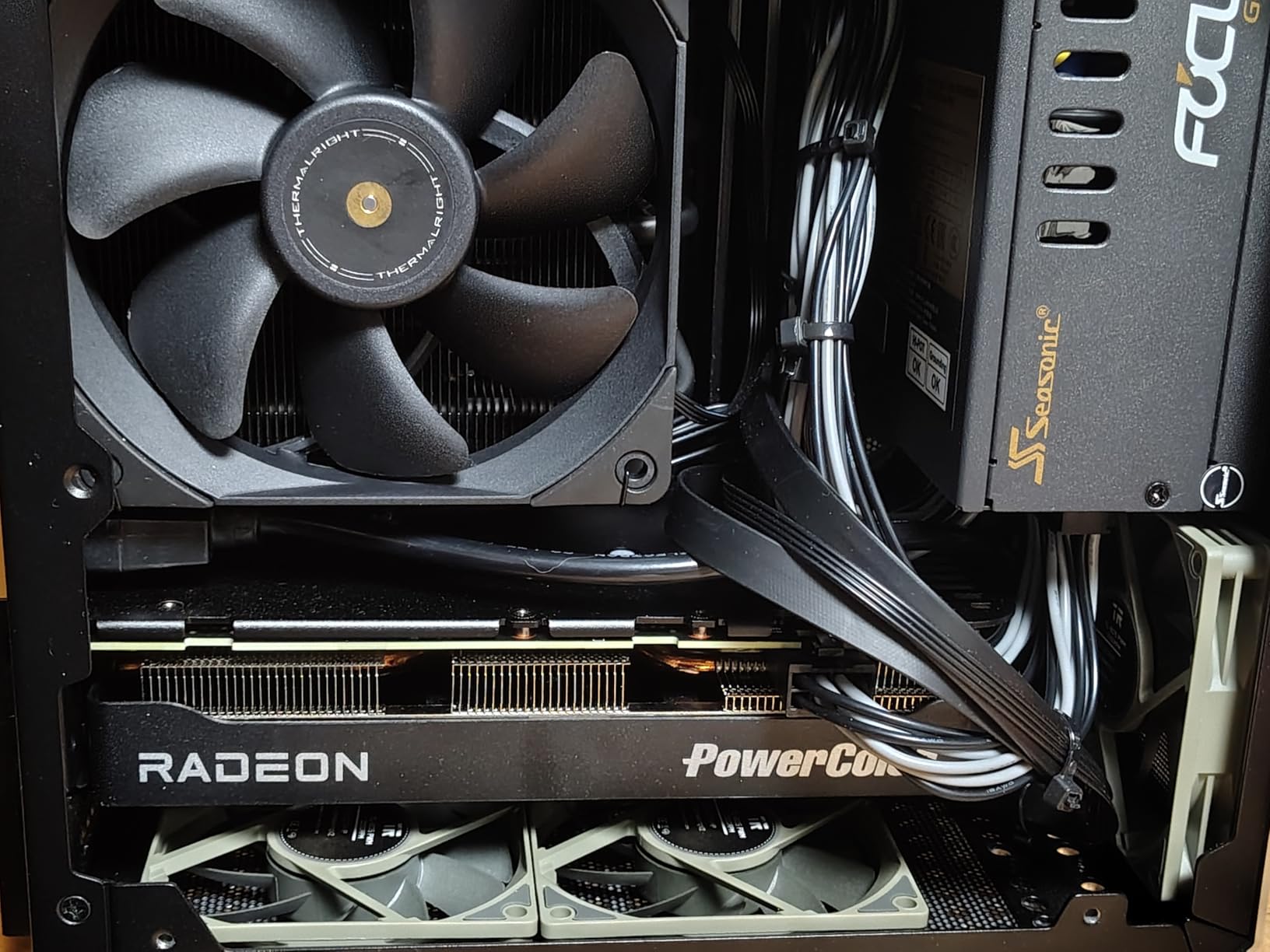
12. SilverStone ML08B-H – the slim console-style LAN special
Silverstone Technology Mini-ITX Slim Small Form Factor Computer Case with Handle ML08B-H
Slim desktop layout
GPUs up to 13 inch
SFX and SFX-L PSU
7.7 pounds
+ Pros
- Console-style chassis takes 13 inch graphics cards
- Independent airflow paths separate GPU and CPU zones
- Removable carry handle
- Horizontal or vertical mounting
– Cons
- Plastic handle sags under a heavy load
- CPU cooler clearance limited to roughly 58 mm
- Panels need screws undone on every access
The ML08B-H is the reason this category exists for console-shaped desks, and it is one of the few SFF cases designed around a removable carry handle from the start. Long-term owners still praise the separate GPU airflow path, the slim footprint and the portability the handle adds, and confirm that full-size cards fit. It is a 13 inch graphics card limit, which covers most of the market.
The design separates the GPU compartment from the CPU, power supply and memory with independent airflow paths, so heat from a long card does not soak the rest of the system. It can sit horizontally or vertically, which matters when the venue table is deep and narrow.
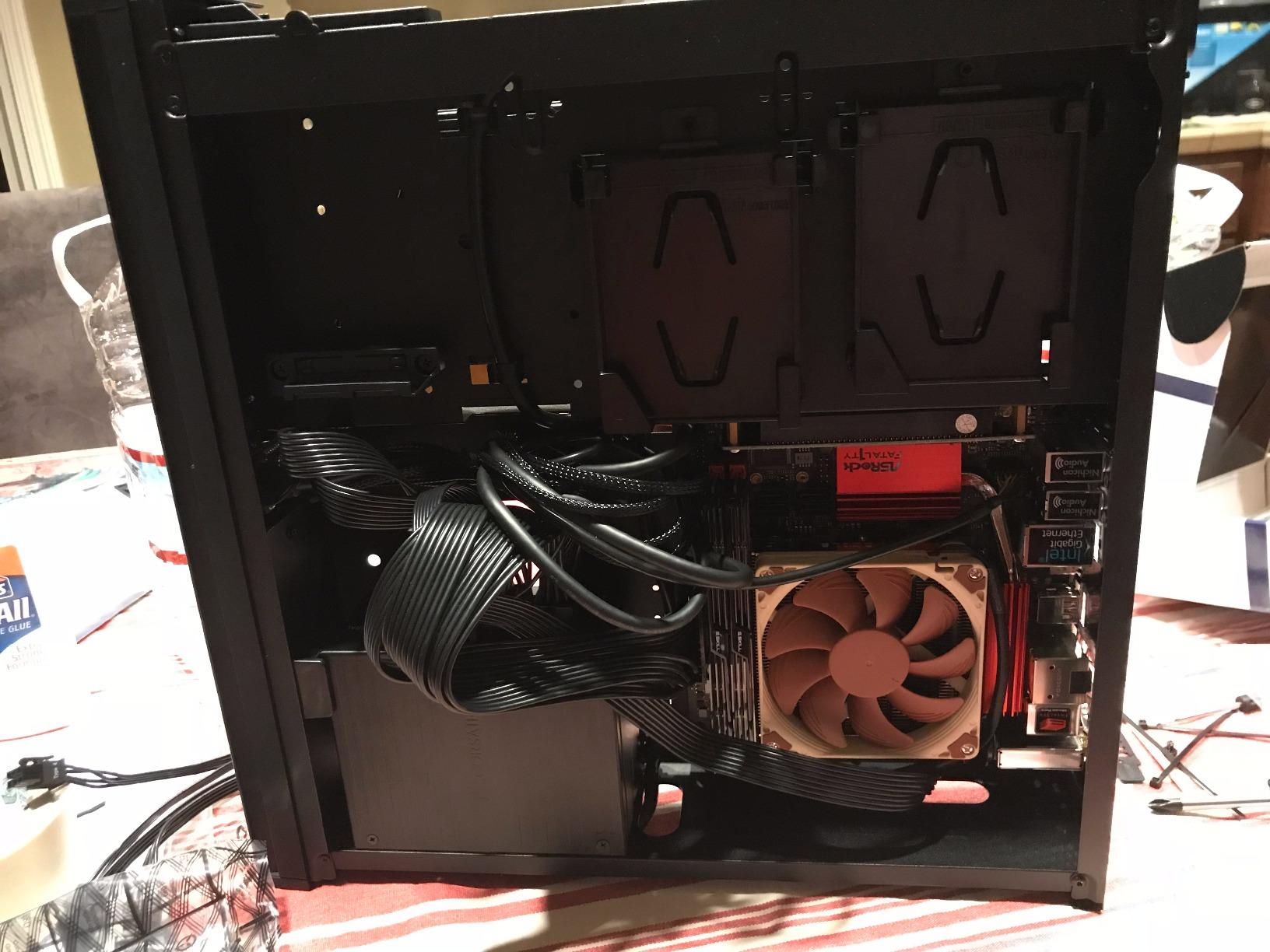
The handle is the LAN feature and the weak point
Long-term reviews are blunt that the aging design shows: the plastic handle sags under load and feels cheap on a fully built system, and one report describes broken handle screws out of the box. The handle must also be removed before the case will open, and the side panels use screws rather than thumbscrews, so every on-site access costs you a few minutes. Grip the case by its base in transit and treat the handle as a desk convenience.
Component limits and thermals
CPU cooler clearance is limited to roughly 58 mm, which restricts overclocking headroom, and GPU exhaust is mediocre, so blower-style cards are preferable if you do not add fans. You will also need disciplined cable management or the panels simply will not close. For a long, quiet LAN day on hot silicon, one of the roomier chassis on this list is the better tool.
How to Choose an SFF Case You Can Actually Carry to a LAN
Most regret in this category comes from putting the wrong number first. Here is the order we would work through, and it is deliberately not the order the spec sheets present.
1. Decide your volume ceiling before you choose a motherboard
Volume is the single biggest transport decision, so pick a band and work backwards. Four to five litres means a backpack build with Flex-1U power, a sub-36 mm cooler and a very short graphics card. Eight to twelve litres gives you an SFX power supply and a 300 mm card. Eighteen to twenty litres gives you a full-size graphics card and, in some cases, a full ATX power supply. Anything above twenty litres and you are packing a small tower, not a portable rig. Over-estimating what you can actually lift is the most common mistake, and forum consensus is blunt that a 20-litre-plus case is much more of a travel chore.
2. Check the power supply form factor before anything else
The SFX versus ATX decision is where LAN builds get painful. SFX keeps the case small but imposes a wattage ceiling and adds cost, and SFX-L stretches the envelope further at the price of clearance. An ATX power supply in a small chassis is a genuine advantage: cheaper per watt, no ceiling, and easier to find a replacement at a venue. Read the power supply length spec, not just the form factor, and check whether your cable bundle fits. The C6, SG13, SUGO 16 and G300 all take a full ATX unit, which decides the matter for a lot of buyers.
3. Work out whether you need a riser cable
A sandwich layout stacks radiator, motherboard and graphics card, and that arrangement almost always needs a PCIe riser cable. A conventional tower layout does not. If you are new to small form factor, avoiding the riser removes an entire category of build problems and one of the most fragile parts in transit. If you do need one, check the generation: a PCIe 3.0 riser forces a BIOS change to GEN3, and some cases ship one when a 4.0 cable would be a better fit. Leave slack around the riser, because clearance for the cable and the GPU is exactly what goes wrong when the side panel goes back on.
4. Count the cables, then pick the monitor
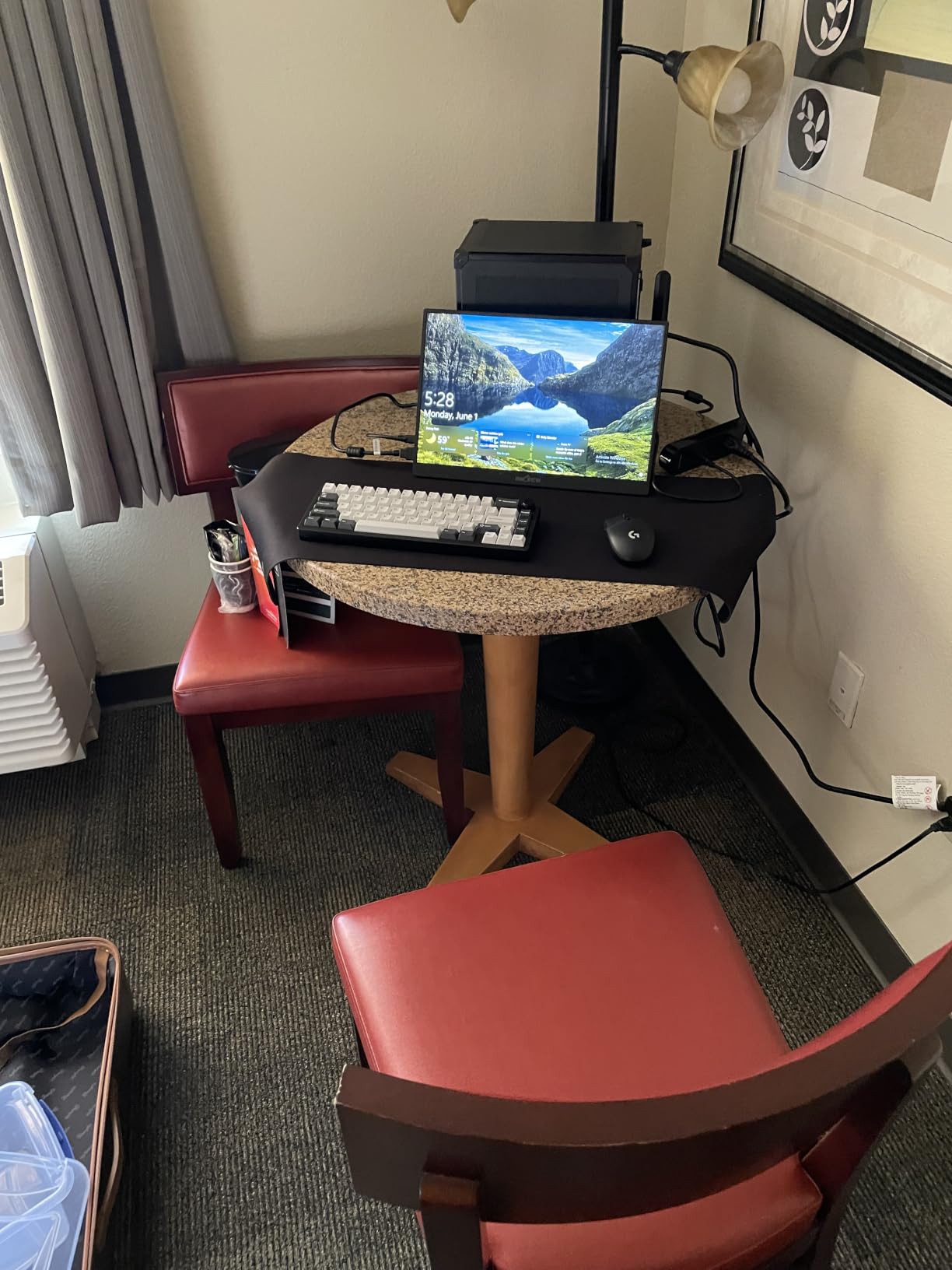
This is the part nobody writes about, so here is the short version. A working portable LAN kit is realistically three cables if you go wireless end to end: power, video, and network if you are not on wired ethernet. Add a fourth for a wired keyboard or mouse if your wireless receiver is a USB dongle rather than built in. Coil cables with a proper over-under wrap and a velcro tie rather than a rubber band, and coil the power cable separately so it does not fight the video cable.
Once the case has claimed your bag, a 15.6 inch portable USB-C monitor is the realistic choice, and one SFF enthusiast carries it in a cloth laptop briefcase precisely because very little room is left in the bag. A 144 Hz three-cable battlestation is the target people in the community aspire to, and it is achievable, but only if you budget the bag space before you buy the case.
5. Test the thermals over a full day, not a ten-minute loop
A twenty-minute benchmark tells you almost nothing about a twelve-hour event. What matters is whether the mesh panels stay clear, whether the filters are clean, and whether your fan curve rises gradually rather than spinning up hard at load. Cases with dense CPU-side mesh, such as the S300, run warm and loud; cases with volume and radiator headroom, such as the TR100, do not. Plan a long idle-to-load test before the event, and take a spare filter if the venue is dusty.
6. Judge build difficulty honestly
Build difficulty is the number one regret driver in small form factor circles, and it is honest to rate it out of five before you buy. Anything under six litres with a Flex-1U supply and a riser is a four or five for a first build. An eleven-litre case with an ATX power supply, conventional GPU slot and tool-free panels is a two. The K39, the G300 and the JOYJOM all need a deliberate evening and a build guide; the SG13, SUGO 16, C6 and Revolt 3 do not. A portable monitor and a quick-start sheet for the games you play round out the kit nicely if you want a complete weekend rig, and our PC games roundup is a reasonable place to start choosing.
Frequently Asked Questions
What are the best small form factor PC cases?
The best small form factor PC cases for LAN use are the Fractal Design Terra Jade, SilverStone SG13 and Thermaltake TR100. The Terra Jade is our pick in the 10-litre class, taking 322 mm graphics cards. The SG13 offers a full ATX power supply in 11.5 litres, and the TR100 gives 360 mm of GPU clearance with 280 mm radiator support in 18.9 litres.
Which SFF case is easiest to carry to a LAN party?
The easiest case to carry is a small one with an integrated handle and low empty weight. The KXRORS S300 at 8.1 litres and 2 kg, the Mechanic Master C24 at 9.9 litres and 2.5 kg, and the SGPC K39 at 5.1 litres all come with a carry handle. The JOYJOM at 4.3 litres and 1.14 kg is light enough to fit in a backpack alongside a portable monitor.
Do I need a riser cable for an SFF LAN build?
Only if your case uses a sandwich layout, where the radiator, motherboard and graphics card are stacked. Conventional tower layouts such as the SilverStone SG13, the SilverStone SUGO 16 and the HYTE Revolt 3 mount the graphics card normally and need no riser at all. If a riser is required, check its generation, because a PCIe 3.0 riser usually forces a BIOS setting to GEN3.
What is the smallest PC case form factor?
The smallest practical gaming form factor is around 4 to 5 litres, which is where Mini-ITX boards with Flex-1U power supplies and low-profile coolers live. Cases at 8 to 13 litres form the middle band, accepting an SFX power supply and a 300 mm graphics card. At 18 to 22 litres you can fit full-size graphics cards and, in some designs, a full ATX power supply.
How many cables do I need for a LAN party setup?
Three cables is a realistic minimum for a portable kit: power, video, and network if you are not on wired ethernet. Add a fourth for a wired keyboard or mouse if your peripherals use a USB dongle rather than built-in wireless. Coil each cable with a proper over-under wrap and a velcro tie, and keep the power coil separate from the video cable so they do not tangle.
Will a 12 hour LAN fry my SFF PC?
No, provided you plan for it. Cases with volume and radiator headroom, such as the Thermaltake TR100 with 280 mm radiator support, handle sustained load well. Dense CPU-side mesh designs, such as the KXRORS S300, run warmer and louder, so pair them with a low-profile cooler and a gradual fan curve. Clean dust filters before the event and leave the mesh panels unobstructed.
Which SFF Case Should You Take to Your Next LAN Party?
If you want the strongest combination of build quality, component freedom and a carry weight you can manage, start with the Fractal Design Terra Jade. It is the case we pack first, and it takes a full-length card without making you apologise for the volume.
If your priority is keeping a standard ATX power supply and a long graphics card, the SilverStone SG13 is the value pick, and the SUGO 16 is the same idea in an all-steel shell. If you refuse to give up microATX, the JONSBO C6 does it under 20 litres, and the Shiny Snake G300 goes further by fitting a 340 mm flagship card.
If you are travelling light on foot or by train, the JOYJOM at 4.3 litres and the SGPC K39 at 5.1 litres are the ones that travel in a bag, and the KXRORS S300 at 8.1 litres is the best-value middle ground with a handle on top. For a long graphics card with real cooling headroom, choose the Thermaltake TR100, and for the easiest first small form factor build, the HYTE Revolt 3.
Whichever you pick, test the full day before the event, pack the cables properly, and check that every pick on this list of the best SFF PC cases for LAN parties still fits the rest of your kit in one bag. That last check is the one most builders skip, and it is the one that decides whether the trip is easy.
Leave a Reply