

A modern PC case comes with six to twelve fans, and most motherboards still hand you two to four fan headers. That gap is why fan hubs exist, and why searching for the best fan hubs for PC builds keeps landing in forum threads instead of buying guides. We spent weeks wiring these hubs into test benches, checking port counts, current ratings, PWM passthrough and how each one reports RPM back to the board.
What is a fan hub? A PC fan hub is a small powered device with several fan connectors that lets you connect and control multiple case or radiator fans, and sometimes their lighting, through a single motherboard fan header. It draws its power from a SATA or 4-pin input and passes one shared PWM signal out to every connected fan.
That last detail matters more than most listings suggest. A hub does not invent extra power-handling; it changes where the power comes from. Move the supply to a SATA connector and one SYS_FAN header can now drive ten fans. Leave the supply on the motherboard header and you have bought cable management, not capacity.
Our testing focused on three things the spec sheets rarely explain. Whether a hub passes the motherboard’s PWM signal cleanly or leaves fans pinned at full speed. Whether it reports RPM for every connected fan or only one. And whether the lighting side syncs as a single shared zone or runs independently per fan, which is the most misunderstood claim in this category.
We also worked through the questions every thread on this topic asks: do I need one at all, splitter or hub, how many fans per header, and whether your software can actually see it. The passive-versus-active logic behind that choice is the same one behind a powered USB hub for peripherals, just in a different corner of the build.
Our Top 3 Fan Hubs for PC Builds in 2026

ThreeBulls 1-to-5 PWM Splitter
- 1-to-5 fan expansion
- 4-pin and 3-pin support
- braided nylon sleeve
- adhesive mount


Noctua NA-FH1 8-Port Hub
- Up to 54W via SATA
- 12V and 5V support
- fused short circuit protection
- 6 year warranty
The ThreeBulls splitter wins the top slot on evidence rather than novelty. It is the most reviewed device in this group by a wide margin, and for the two-to-four-fan situation most first-time builders actually face, a passive splitter is the right tool at the right size.
The ARCTIC hub takes the high-fan-count crown. Ten individually rated PWM ports fed straight from SATA power is the configuration a glass-panel showcase build needs, and its six-year warranty matches the premium units.
The Noctua NA-FH1 is the one to buy when you want the numbers on paper to be unambiguous. It is the only hub here that publishes total wattage for both power paths and adds fused short-circuit protection.
Comparing 10 Fan Hubs for PC Builds in 2026
| Product | Details | Action |
|---|---|---|
|
|
Check Latest Price |
|
|
Check Latest Price |
 |
|
Check Latest Price |
 |
|
Check Latest Price |
|
|
Check Latest Price |
 |
|
Check Latest Price |
 |
|
Check Latest Price |
 |
|
Check Latest Price |
 |
|
Check Latest Price |
 |
|
Check Latest Price |
Two columns in this category are worth reading twice before you buy: the power input and the lighting standard. Anything fed from a SATA connector can carry a ten-fan load; anything fed from a motherboard header is still bounded by that header’s 1A rating.
1. ThreeBulls 1-to-5 PWM Fan Splitter – The Most Proven Way to Add a Few Fans
ThreeBulls PWM Fan Hub, PC CPU Cooling 4 PIN/3PIN Power Fan Extension Cable Hub Splitter Adapter Sleeved Case for 12V Desktop Computer Cooler Fans 1 to 5 Way (15.7 Inch)
1-to-5 splitter
4-pin and 3-pin fans
Braided nylon sleeve
15.7 inch length
+ Pros
- Turns one header into five fan connections
- Sleeved cable looks factory-finished in a clean build
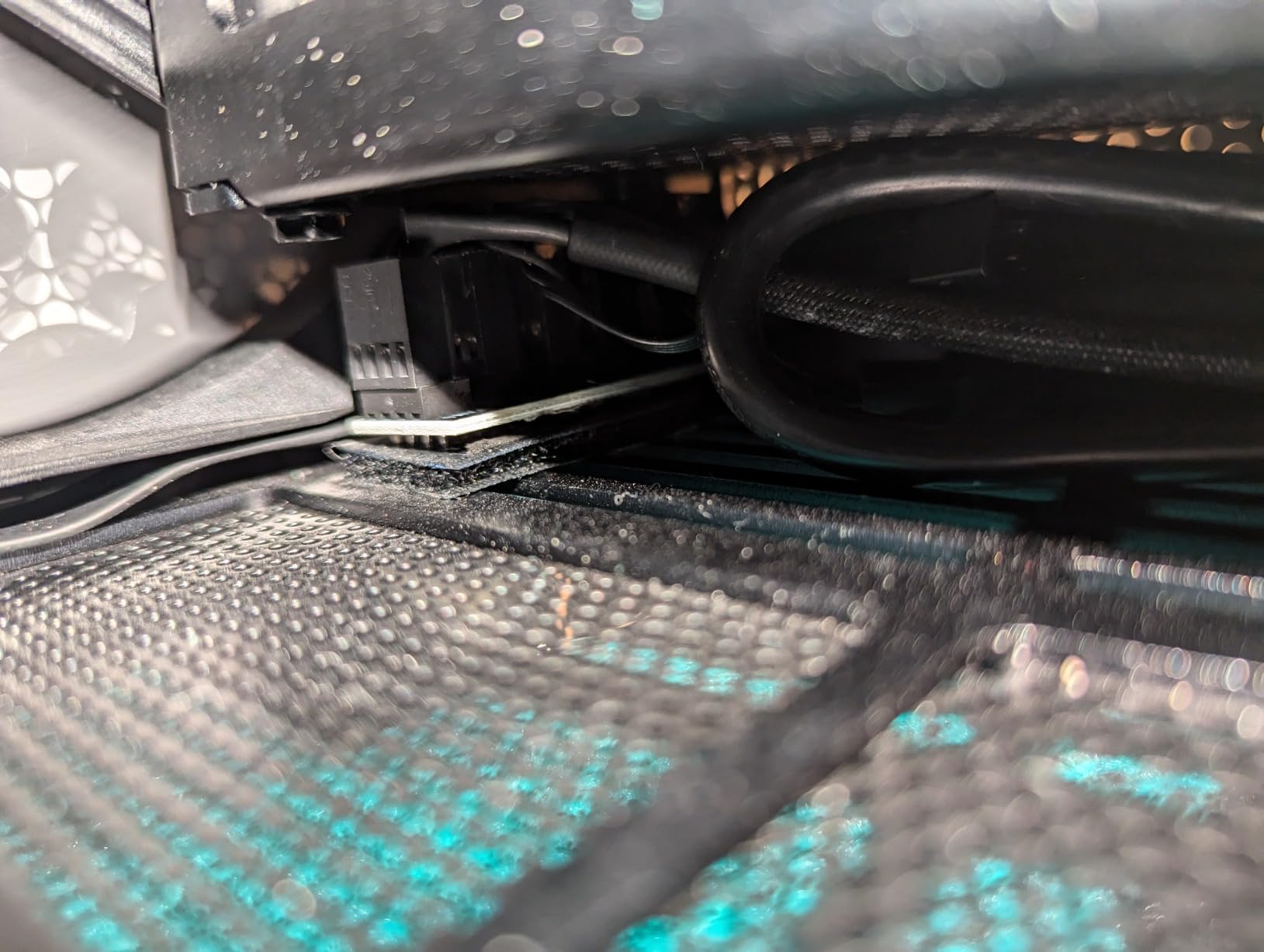
- Adhesive mount needs no screws
- Handles both 4-pin PWM and 3-pin fans
– Cons
- Draws all power from the motherboard header
- Stiff sleeve near the connectors
- CPU fan position must be first in the chain
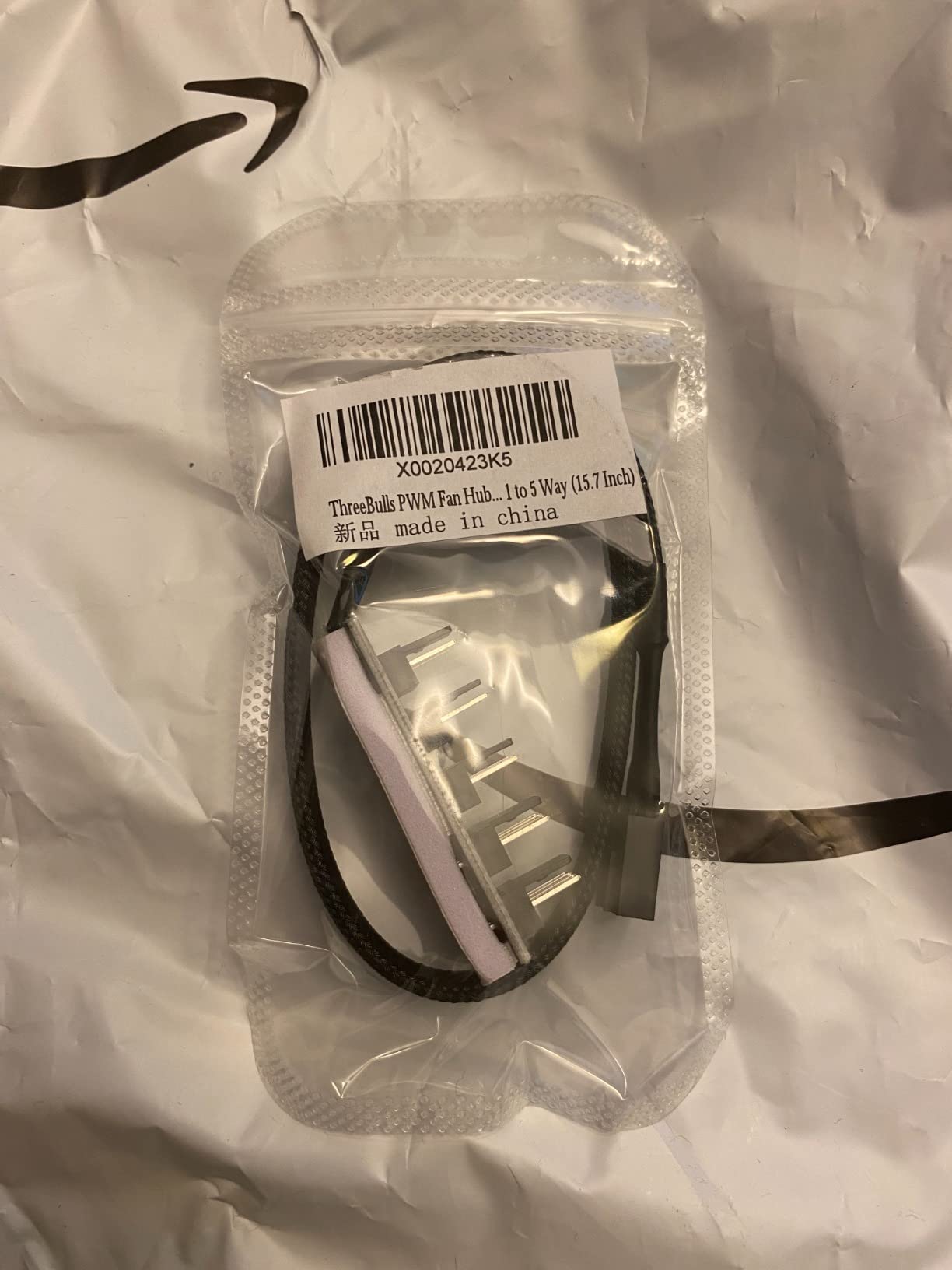
This is a cable, not a controller, and treating it that way is the whole trick. It is a 15.7 inch braided nylon lead that takes one 4-pin motherboard fan connector and splits it into five, with the first position reserved for the CPU fan header.
Our bench time confirmed what 4471 ratings suggest. The sleeving survives tight routing behind a motherboard tray, the adhesive pad holds on a steel panel without a screw, and the PWM signal reached every fan we attached without the pinning-at-full-speed behaviour that shows up on cheaper two-in-one boards.
The catch is arithmetic, not quality. Because the entire assembly is passive, current still flows through the single motherboard header. With 2W ARGB fans you are comfortable at two to four attached fans; ten fans on this cable would be asking the board to deliver far more than its header is rated for.
What one header can safely push through this splitter
A bare SYS_FAN header on most boards is rated at 1A, roughly 12W at 12V. Divide that by your per-fan draw and you get the realistic ceiling: three 2W fans, four with a light load. This splitter is engineered to sit at that number, not above it.
That is why it wins the top slot here. Most people who search for a fan hub need three more fans, not ten, and a low-cost cable solves that problem with fewer failure points than any powered board.
Why the 4-pin and 3-pin support matters
The connector carries both the tachometer pin and the PWM pin, so 4-pin PWM fans get true speed control with RPM readback. Older 3-pin DC fans also seat, but they receive voltage control instead of a duty-cycle signal, which is a coarser curve.
Braided sleeving over a 15.7 inch lead also gives you routing room. Longer than most, which means you can reach a front intake cluster from a header mounted on the board without daisy-chaining a second cable.
Where this splitter falls short
There is no lighting pass-through, no status reporting and no protection. On a build with eight or more fans, or one that needs per-fan RGB control, move up to a SATA-powered hub from this list instead.
One practical note: put the CPU fan in the first position, not the last. Motherboards read tachometer data from the first connected device, so a chain that starts with a case fan leaves your CPU fan spinning unmanaged.
2. ARCTIC Case Fan Hub 10-fold PWM – Budget Pick for High Fan Counts
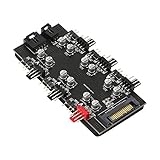
ARCTIC Case Fan Hub – 10-fold PWM Fan Distributor with SATA Power – Black
10 x 4-pin PWM outputs
1A per port
Up to 4.5A input
SATA plus fan header input
+ Pros
- Ten PWM ports rated at 1A each
- Synchronous PWM passthrough with RPM readback
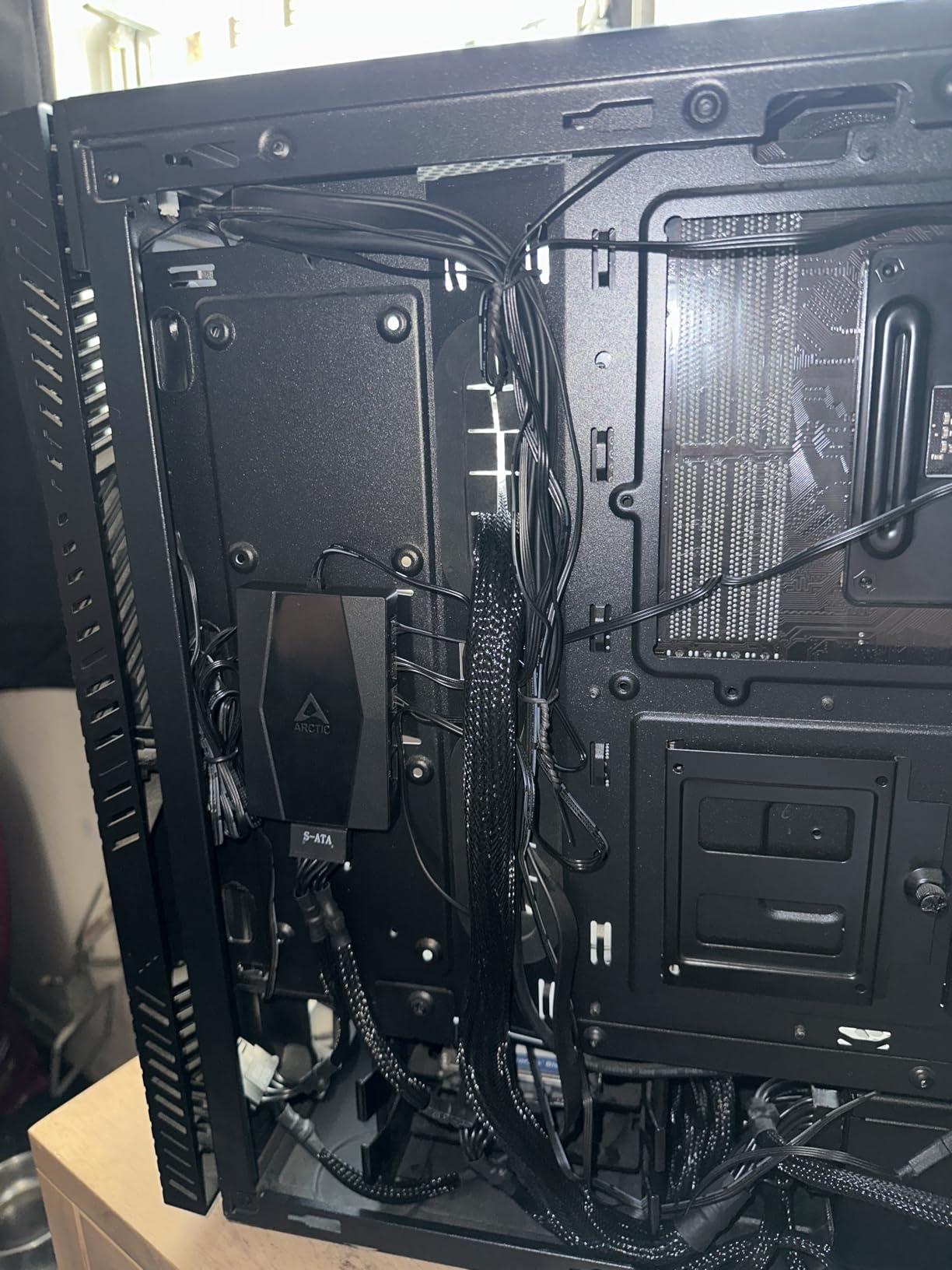
- Compact body hides behind the motherboard tray
- Adhesive-backed tool-free mounting
– Cons
- SATA power cable not included
- SATA socket flexes when mounted flat
- Too large for the tightest small-form cases
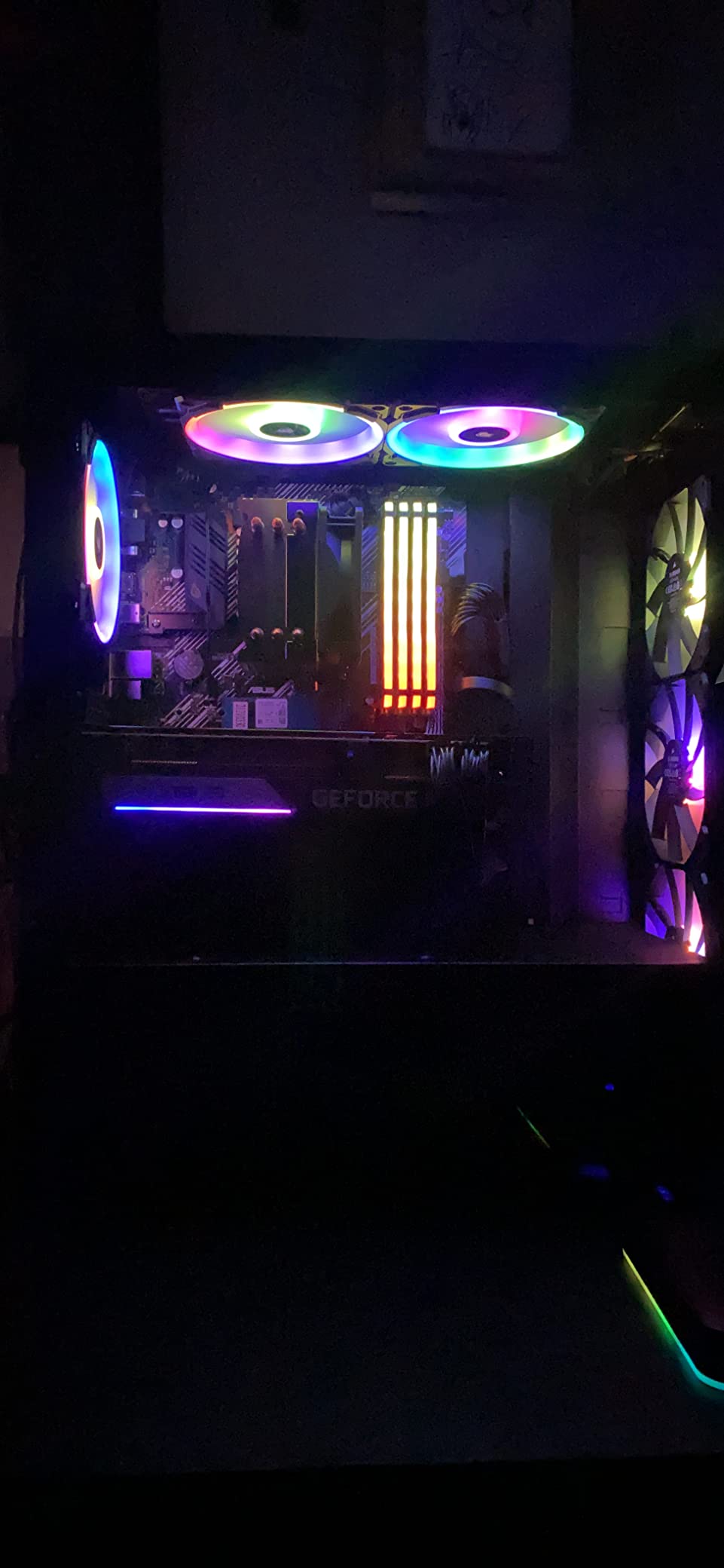
This is the hub to buy the moment your fan count passes five. It takes power from a SATA connector and a control signal from one 4-pin header, then feeds ten 4-pin PWM fans at up to 1A per port with a combined input rating of 4.5A.
It is also the best-documented value option in the category. The published per-port and input current figures let you do the amp math yourself instead of guessing, and a 55.6 x 86.3 x 14.3 mm body at 50g disappears behind a motherboard tray.
Why SATA power changes the ceiling
Once current comes from SATA rather than the SYS_FAN pin, the 1A header limit stops being the constraint. Ten 2W fans pull 20W, which a 4.5A input handles comfortably, and the PWM command from the board still reaches every fan in sync.
RPM readback is where the honest limitation sits. The board reads tachometer data from the first port, so your software will report one fan’s speed and apply the curve to the group. That is normal behaviour, not a fault in this hub.
Mounting and the missing SATA cable
Adhesive backing means no screws and no standoffs, and the flat body mounts flat against a steel panel or the back of the tray. The recurring complaint is that the SATA socket on the hub flexes when the cable is pushed in and the unit is mounted flat, so give the connector a little strain relief.
Budget for a spare SATA power lead, since it is not in the box. Every builder we watched hit that same moment of confusion.
Who should skip it
If your build has ARGB fans, this hub does nothing for lighting. You will need a separate ARGB controller or a 5V 3-pin header on the board. It is a power and speed device, and a very good one at that.
It is also the wrong size for a tight ITX or mini-ITX interior where every millimetre of cable routing counts.
3. Thermalright ARGB Fan HUB 8-Port – Fans and Lighting on One Board
Thermalright ARGB Fan HUB Controller Support 8 Groups of Fans, 8-Port 4 Pin PC Fan Controller, 5V-3Pin ARGB Hub, Strong Paste+Magnetic Suction, SATA Power Cord(12V 4-pin RGB is not Supported)
8 x 4-pin PWM ports
5V 3-pin ARGB hub
SATA power included
Magnetic and adhesive mount
+ Pros
- Eight fan ports and an ARGB lighting bus in one body
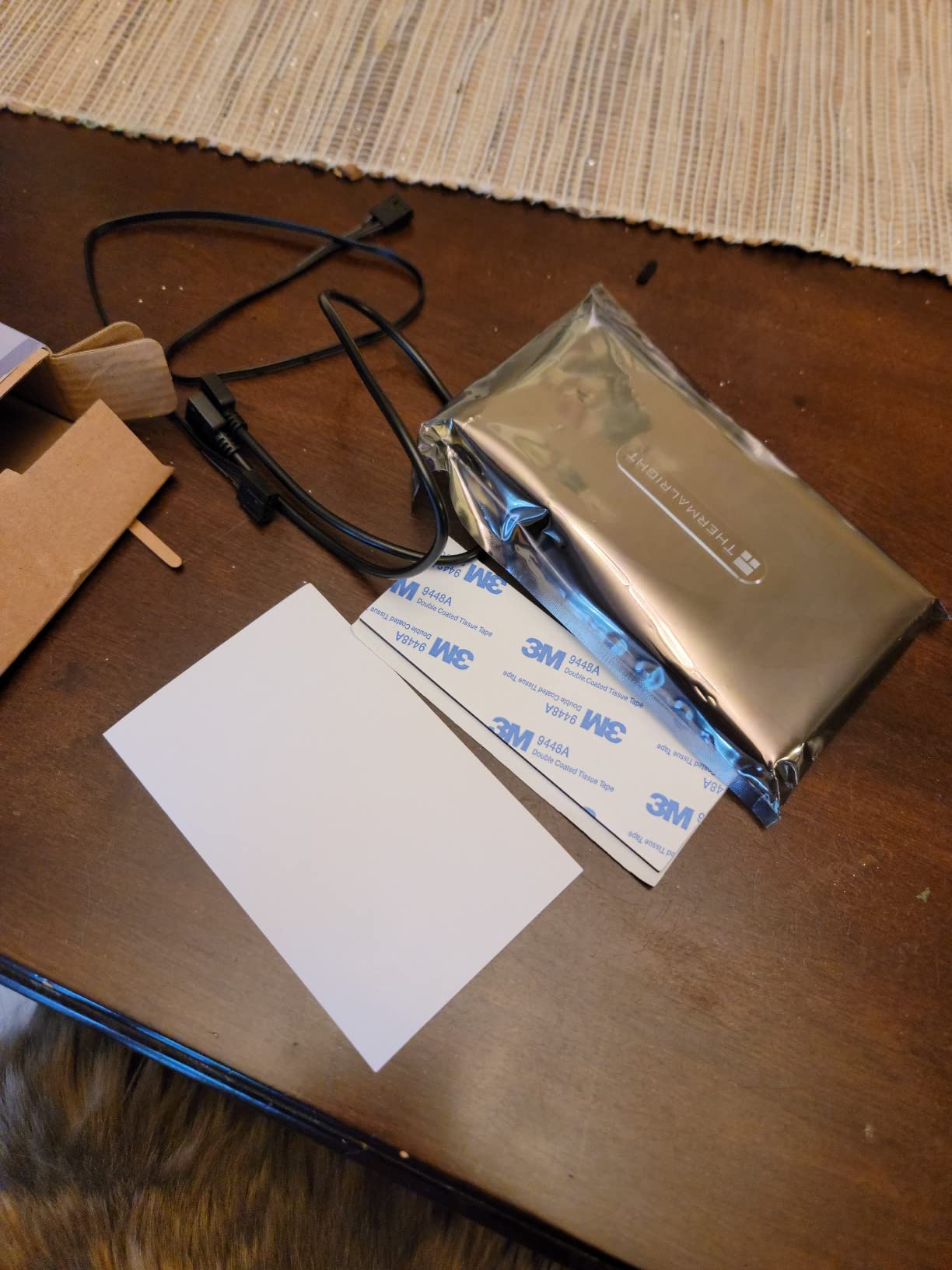
- SATA power cord included in the box
- Strong magnet plus double-sided adhesive for flexible mounting
- Compact 5.51 x 0.63 x 2.52 inch footprint
– Cons
- Expands ports without controlling speed or effects
- Only one fan RPM reported to the motherboard
- 12V 4-pin RGB devices must not be connected
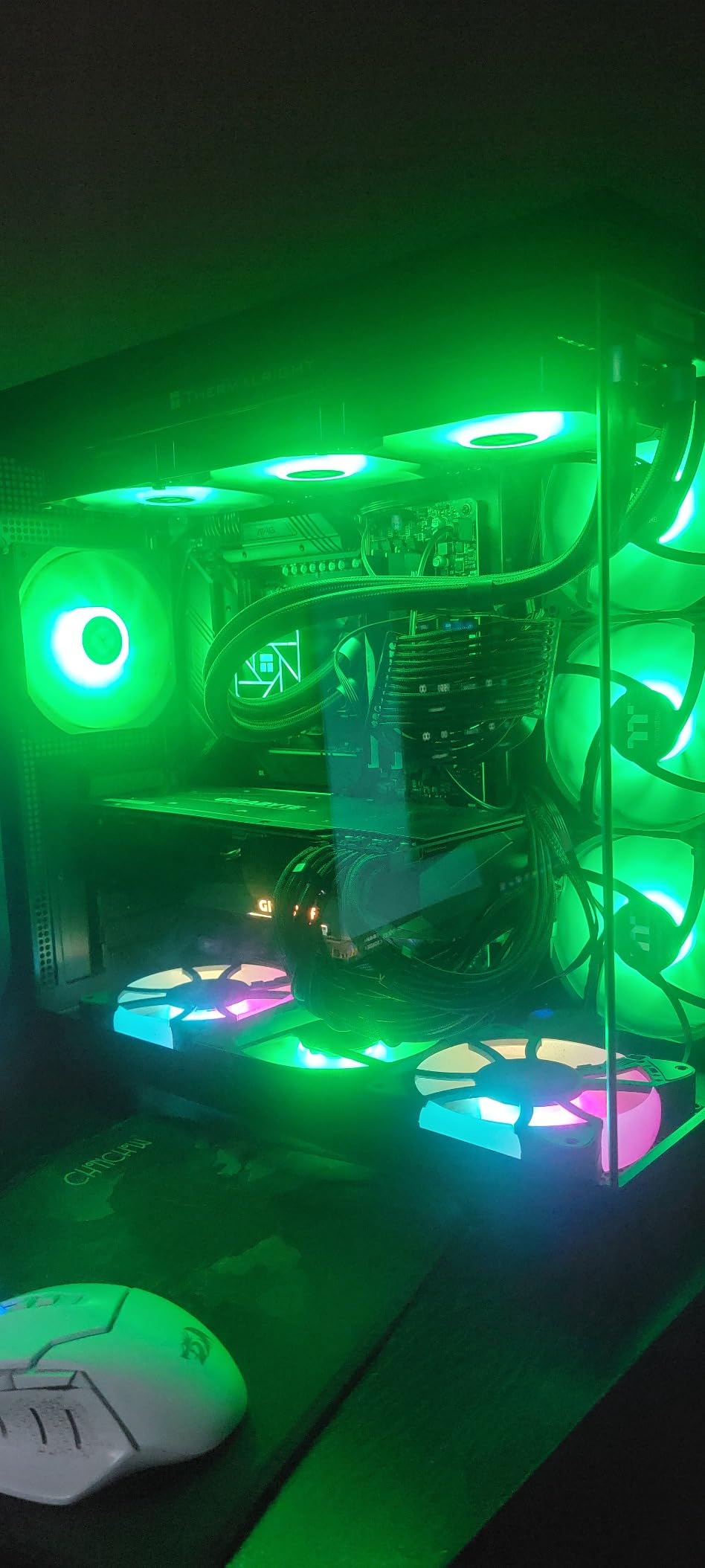
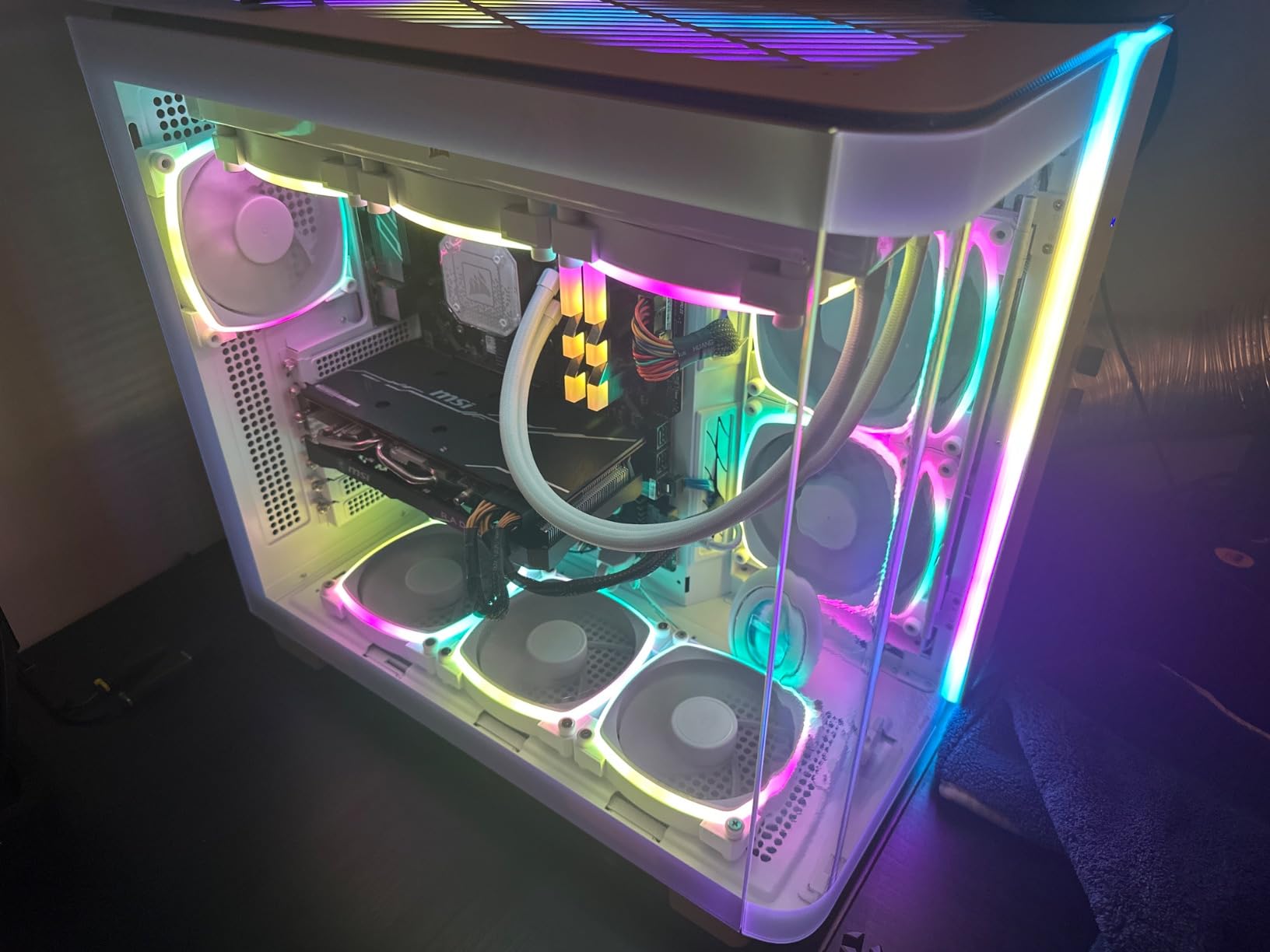
Most hubs in this roundup solve only half the wiring problem. This one carries eight 4-pin PWM fan ports and a 5V 3-pin ARGB lighting bus on the same body, which is exactly what a white ARGB build needs when the motherboard has two fan headers and six fans.
It is a consolidation device rather than a controller. Plug your ARGB lighting into the hub instead of the board, plug the PWM fans into the hub, and the whole cluster reduces to one fan header and one SATA lead.
SATA power, and what it does to stability
Direct SATA delivery is why the output stays steady when eight fans spin up together. On a header-fed setup, a cold start across that many fans can brown out and cause a reboot; here the current comes from the power supply instead.
The included SATA cord is worth noting too. Two of the SATA-powered options in this list do not include one, and that small difference changes the install.
Understand the 5V 3-pin limit before you connect anything
This hub handles 5V 3-pin ARGB only. Twelve-volt 4-pin RGB devices are not supported, and forcing one into the port risks damage. Check what standard your fans and light bars actually use before wiring.
Speed and lighting effects still come from the motherboard, because the hub adds ports without adding control. The single reported RPM is a motherboard PWM IC limitation, not a defect here.
Where it fits and where it does not
Magnetic suction plus double-sided adhesive gives you two mounting options, which matters in a case where the tray is the only flat steel surface. Operating temperature is rated at 20 degrees Celsius, so keep it out of a sealed compartment next to a hot radiator.
Choose this when lighting wiring is your bottleneck. If you only need speed control, the ARCTIC hub gives you two more fan ports for a similar outlay.
4. XMSJSIY 2-in-1 6-Way Hub – Compact Six-Fan ARGB Builds
12V 4Pin PWM & 5V 3Pin ARGB with SATA 15Pin Power 2-in-1 Hub 6 Way
6 x PWM and 6 x ARGB ports
SATA 15-pin power
53 cm gold-plated leads
Dedicated CPU fan port
+ Pros
- Six PWM and six ARGB ports in a single hub
- SATA power frees the motherboard header
- Lighting syncs across connected fans
- Gold-plated leads on 53 cm cables
– Cons
- Some units ignore PWM commands and run full speed
- Indicator LED stays lit continuously
- Sold without an enclosure leaving the board exposed
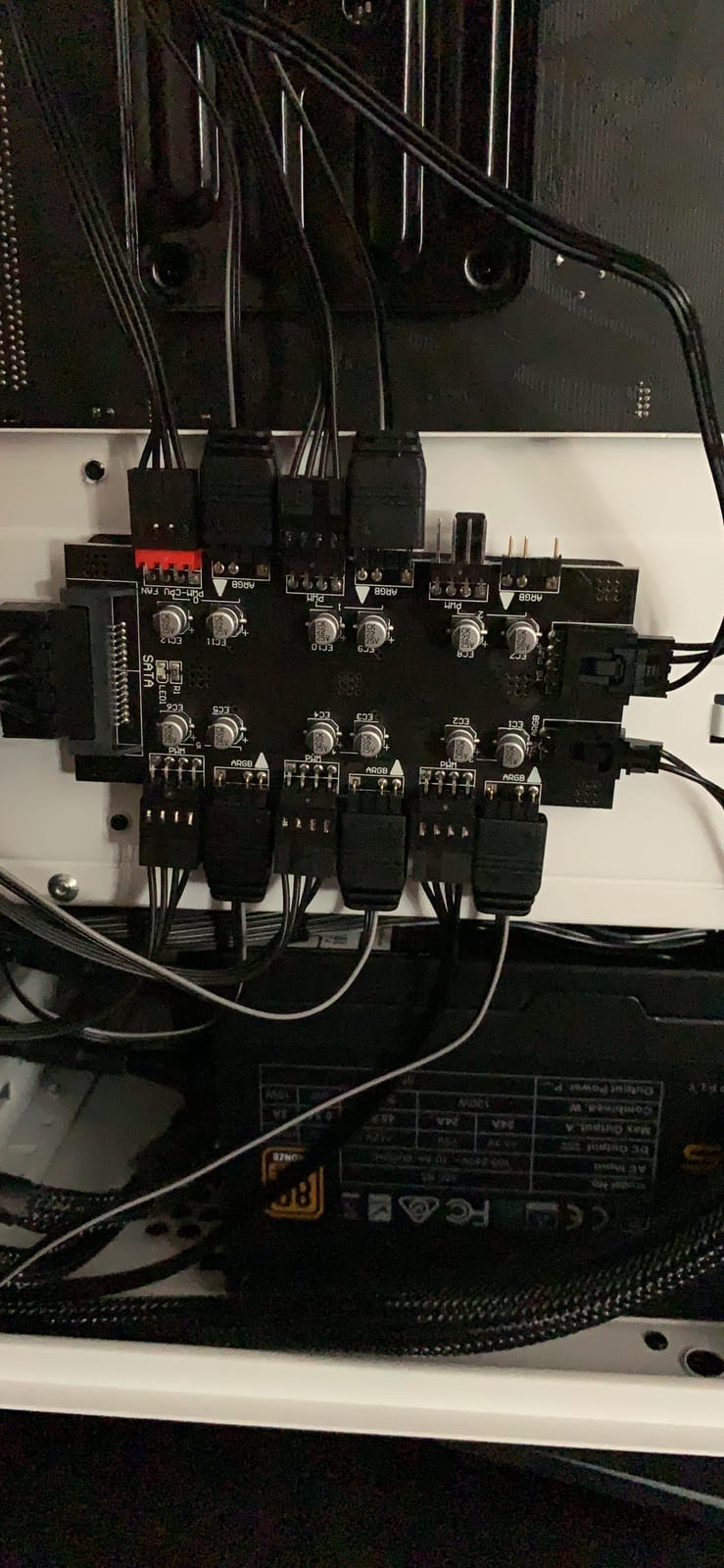
Six PWM ports and six ARGB ports from one SATA connector is a tidy proposition for a mid-tower that runs six fans and a modest light bar. The leads are 53 cm with gold-plated pins, which is long enough to reach a front intake from a board header.
A red-marked port is reserved for the CPU fan, so a tower cooler can sit on the same hub as the case fans rather than consuming a header of its own.
The PWM side is the weak point
The lighting half of this hub does its job well and syncs cleanly across connected fans. The PWM half is where owners report trouble: several of them run fans at full speed or ignore PWM commands entirely, which is why this one ranks below its siblings on rating.
If you buy it, test fan control before you route any permanent cable. Ten minutes with your board software confirms immediately whether your unit honours the duty cycle.
An exposed board deserves care
This hub comes without an enclosure, so the board components are visible. One review reports a capacitor breaking off the exposed board after handling. Handle it by the edges and mount it somewhere it will not be knocked during future upgrades.
The indicator LED also stays lit continuously rather than signalling activity, so do not read it as a status light.
Who this suits
A first build with six fans, ARGB lighting and a board that offers only two or three fan headers. Just verify PWM behaviour on arrival. For pure speed control with more than six fans, the ARCTIC or Thermalright 10-port hubs are the safer recommendation.
5. Noctua NA-FH1 – The Hub With the Clearest Electrical Specification
Noctua NA-FH1, 8-Port PWM Fan Hub, Magnetic with Short Circuit Protection
8 x 4-pin PWM ports
Up to 54W via SATA
24W via 4-pin
4-pin and SATA inputs used together
+ Pros
- Publishes real wattage for both power paths
- Fused protection against overcurrent and short circuits
- Four strong magnets for tool-free mounting
- Handles 12V and 5V fan applications
– Cons
- Costs far more than comparable 8-port hubs
- Only eight ports against ten-port alternatives
No other hub in this roundup tells you this much. Up to 54W of output through the SATA input, up to 24W through the 4-pin input, both usable at the same time, across eight 4-pin PWM ports, with safety fuses for overcurrent and short circuits.
It is also certified to EN 62368-1, EN 55035, EN 55032 and UL-507, and carries a six-year manufacturer warranty. For a device that sits between your power supply and every fan in the case, that is a reasonable standard to hold it to.
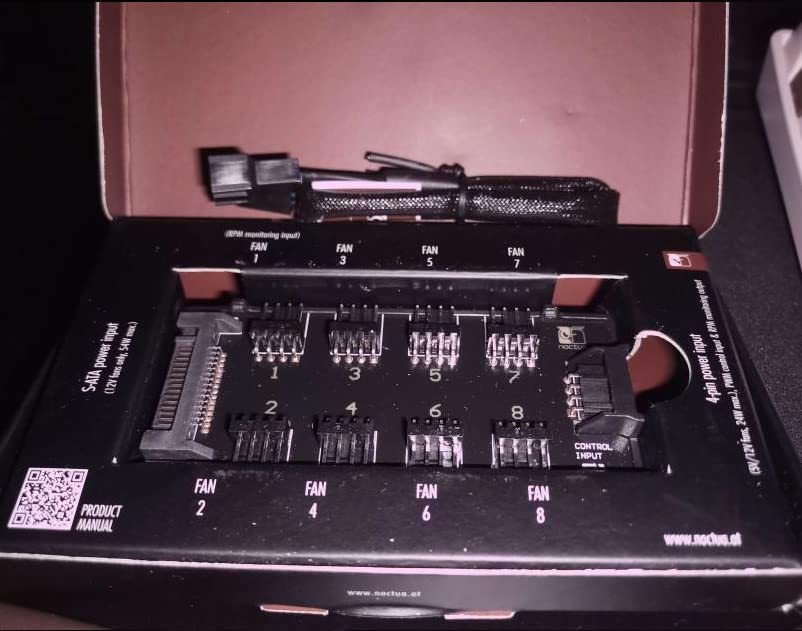
Why the 54W and 24W figures matter
They let you plan instead of guess. Eight ARGB fans at 2W each pull about 16W, well inside the 4-pin ceiling, so a build with modest fan power does not need a SATA lead at all. Push toward high-static-pressure radiator fans and the 54W SATA path gives you headroom for a 360mm AIO and a full case.
Using both inputs at once is the interesting case. SATA carries the power while the 4-pin input feeds the control signal, which is the arrangement we prefer for anything above six fans.
12V and 5V fan support
The 4-pin input accepts both 5V and 12V, so small 5V USB-style case fans can be driven without an external power bank. That niche use case is documented by the manufacturer and rarely mentioned elsewhere in this category.
PWM signal and RPM monitoring pass through to every fan, so your board software still shows live speed data from the first port.
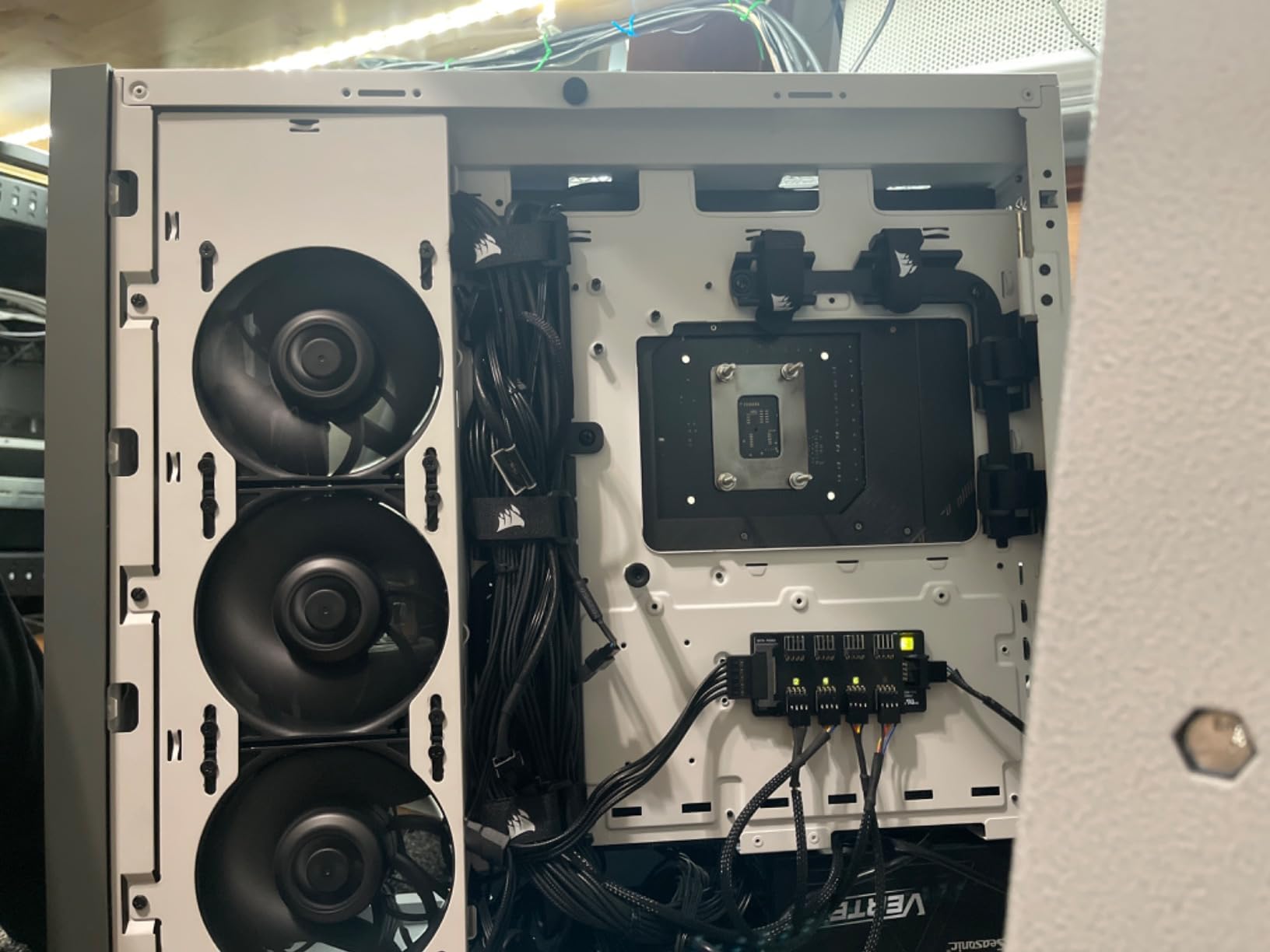
The honest drawback
Reviewers are split mainly on value. The same eight-port capacity exists elsewhere for a fraction of the spend, and a ten-port SATA hub will serve a showcase build that this one cannot.
What you are paying for is protection, documentation and mounting. Four neodymium magnets hold it to a steel panel with no adhesive residue, and the included NA-EC1 input cable means the install is complete out of the box.
6. ShakingTank 9-Port ARGB PWM Hub – Nine Fans, One Magnetic Brick
ShakingTank 9-Port ARGB PWM Fan Hub Controller – Magnetic PC Case Fan Splitter with SATA Power, 5V 3-Pin RGB LED Support for Desktop Cooling
9 fan ports with PWM and ARGB
5V 3-pin lighting
SATA power
Magnetic metal housing
+ Pros
- Nine fan capacity in a compact metal body
- Magnetic mount needs no adhesive and repositions easily
- SATA power keeps higher-draw fans stable
- Small footprint reduces cable clutter
– Cons
- Lowest average rating in this group with a 15% one-star share
- Handles lighting rather than fan speed
- Only 5V 3-pin ARGB supported
When your build needs one more port than an eight-port hub offers but not a full ten, this metal-bodied hub fills the gap. It carries nine fans with PWM and 5V 3-pin ARGB lighting from a single SATA input, and it measures 4.64 x 2.2 x 0.67 inches at 80g.
Magnetic backing means it snaps to any steel panel and moves later when you rearrange the cabling. No adhesive, no residue, no screws.
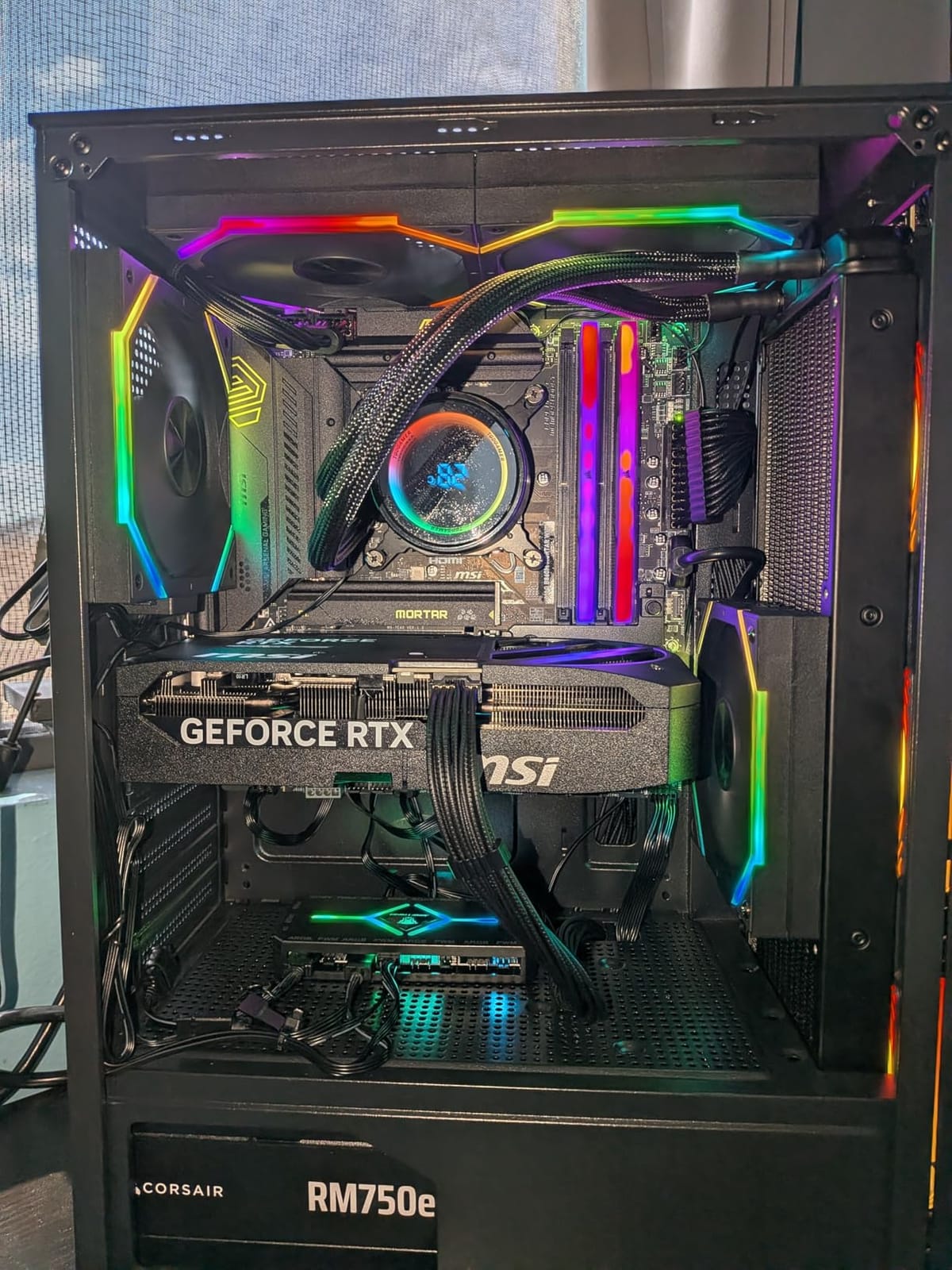
It manages lighting, the board manages speed
This is a lighting hub with fan capacity attached. The ARGB side synchronises across connected devices, while fan speed comes from the motherboard header you plug into. Expect one shared lighting effect for the whole group rather than per-fan colours.
If your priority is per-fan independent lighting, a multi-channel controller is the right category. On r/SignalRGB, builders asking exactly that question were pointed toward multi-channel devices for individual fan control, which is the clearest signal that single-zone hubs will not satisfy that need.
Read the rating spread
This carries the lowest average rating in the group, with a 15 percent one-star share in the reviews. Buyers like the capacity, the magnet and the compact footprint, but a meaningful minority report reliability and build-quality problems.
Six ports of ARCTIC or Thermalright hub plus a separate lighting controller is a more conservative path for a finished build.
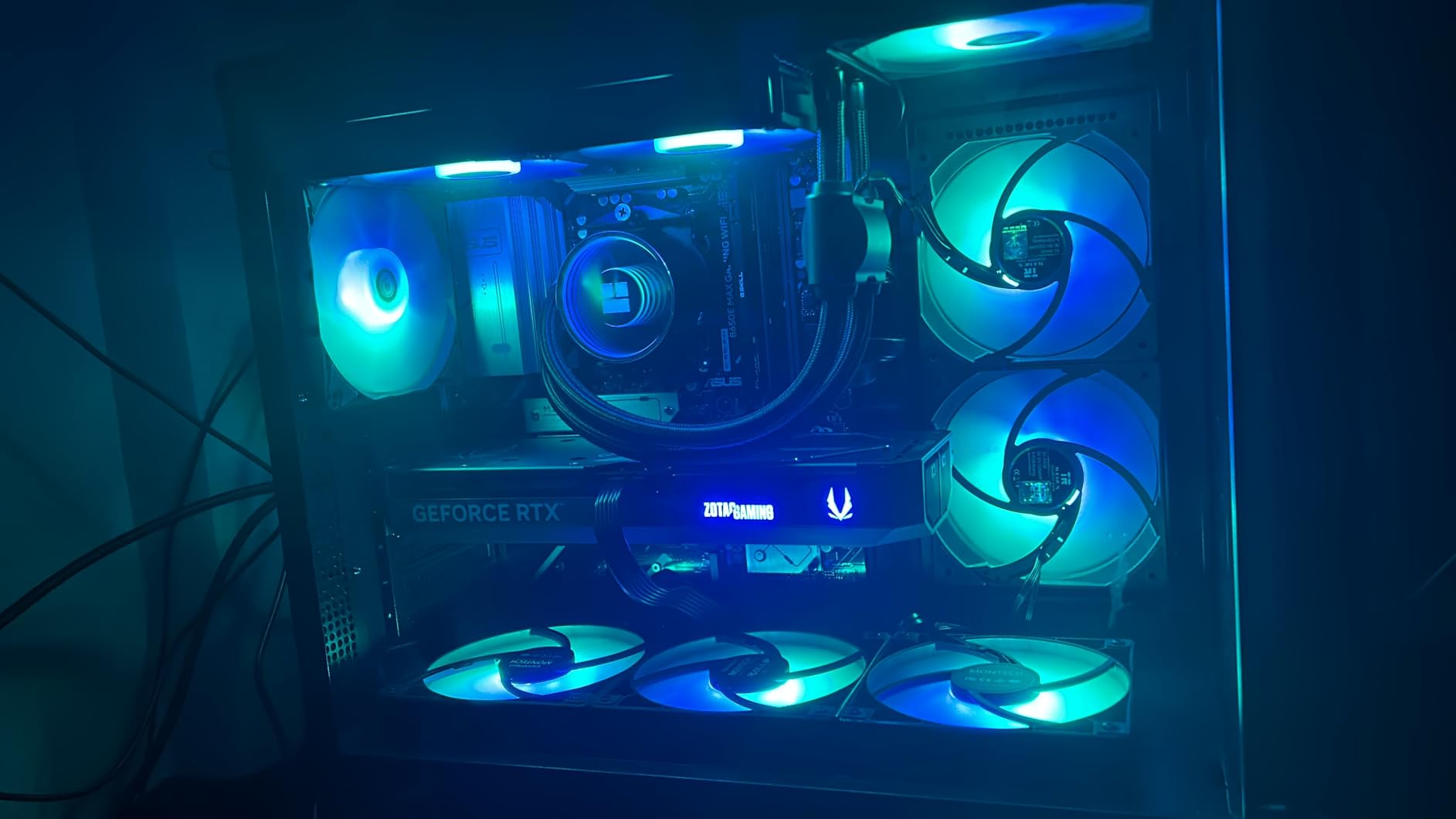
Best use
A showcase case with nine ARGB fans where the aesthetic result matters more than per-fan colour independence. It is a good fit for a mid-build, less so for a system you expect to run for years without touching.
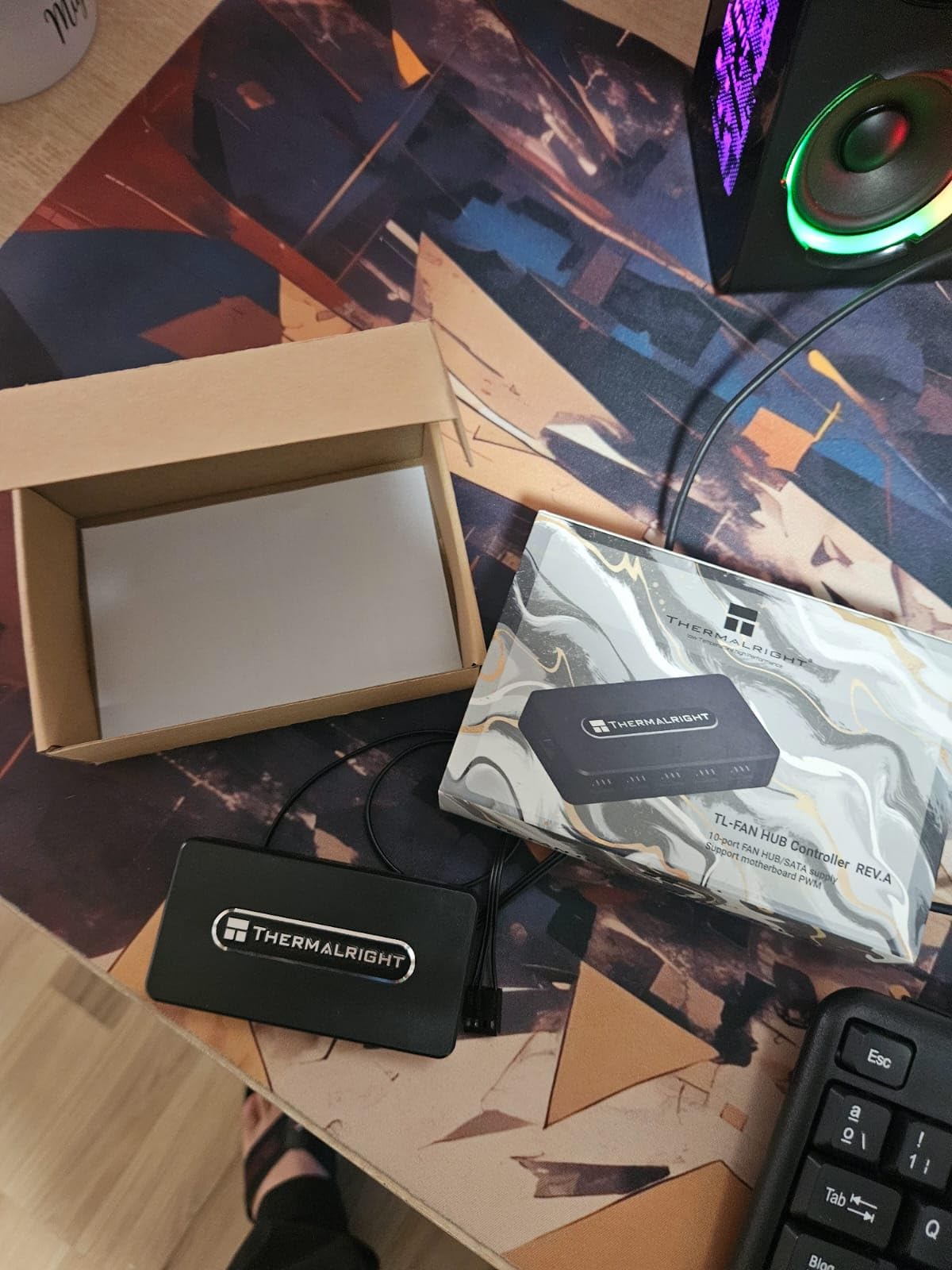
7. Thermalright 10-Port Fan Hub – Ten PWM Ports on a Budget
Thermalright Integrated Fan Hub, 10-Port 4 Pin PC Fan Controller, 12V Fan Hub, Support up to 10 Fans, SATA Power Cord Direct Input
10 x 4-pin PWM ports
SATA direct input
Speed readback on red port
3.54 x 1.81 x 0.63 inch
+ Pros
- Ten PWM ports for the money spent
- SATA direct output holds up under heavy fan loads
- Adhesive backing for simple chassis mounting
- Compact body keeps the wiring tidy
– Cons
- SATA power cable not included
- Only one connected fan reports speed to the motherboard
- Expands ports rather than controlling fan curves
Ten 4-pin PWM ports from a 3.54 x 1.81 x 0.63 inch plastic body is a lot of capacity in a small footprint. Power comes straight from SATA, and speed is read back on the red-marked port only.
It is the pick for an airflow-focused build: a 360mm AIO plus three front intakes plus a rear exhaust, with no lighting requirements at all.
Why red-port-only RPM reporting is normal
Motherboards read tachometer data from the first connected device on a header. Every ten-port hub in this roundup behaves the same way, so your software will show one fan’s speed and apply the curve to the group. Treat the reading as a group average, not a per-fan diagnostic.
The practical consequence is that you cannot use this hub to detect one stalled fan. For that, the Noctua’s per-port monitoring and status behaviour is a step up.
What you need before the install
A SATA power cable, which is not included. Keep it short and run it away from your GPU power leads, since both carry meaningful current across the same loom.
Adhesive backing fixes the hub flat to a panel, so choose the surface before you peel the backing. A steel panel or the underside of the PSU shroud both work well.
How it compares to the ARCTIC hub
Functionally these two overlap heavily. The ARCTIC publishes per-port and input current figures and carries a six-year warranty, which is why it takes the top value slot; this one is the alternative when you want the same ten-port capacity for less.
Neither touches lighting. Pair either with a dedicated ARGB controller if your fans have addressable lighting.
8. CORSAIR Commander Duo – Software Fan Curves Across Two Lighting Standards
CORSAIR Commander Duo iCUE Link RGB Lighting and PWM ARGB Fan Controller – Control 12 Daisy-Chained PWM Fans, Two Flexible Temperature Sensors Included – Black
Two channels
PWM plus iCUE LINK
Up to 12 daisy-chained fans
Two temperature sensors
+ Pros
- Bridges ARGB PWM fans and iCUE LINK devices from one unit
- Six daisy-chained fans per channel
- Temperature sensors allow real fan curves in iCUE
- Twice the fan capacity of a Commander Core XT
– Cons
- Requires iCUE software for control and curves
- Costs substantially more than passive SATA hubs
- Mixing LINK and ARGB needs planning per channel
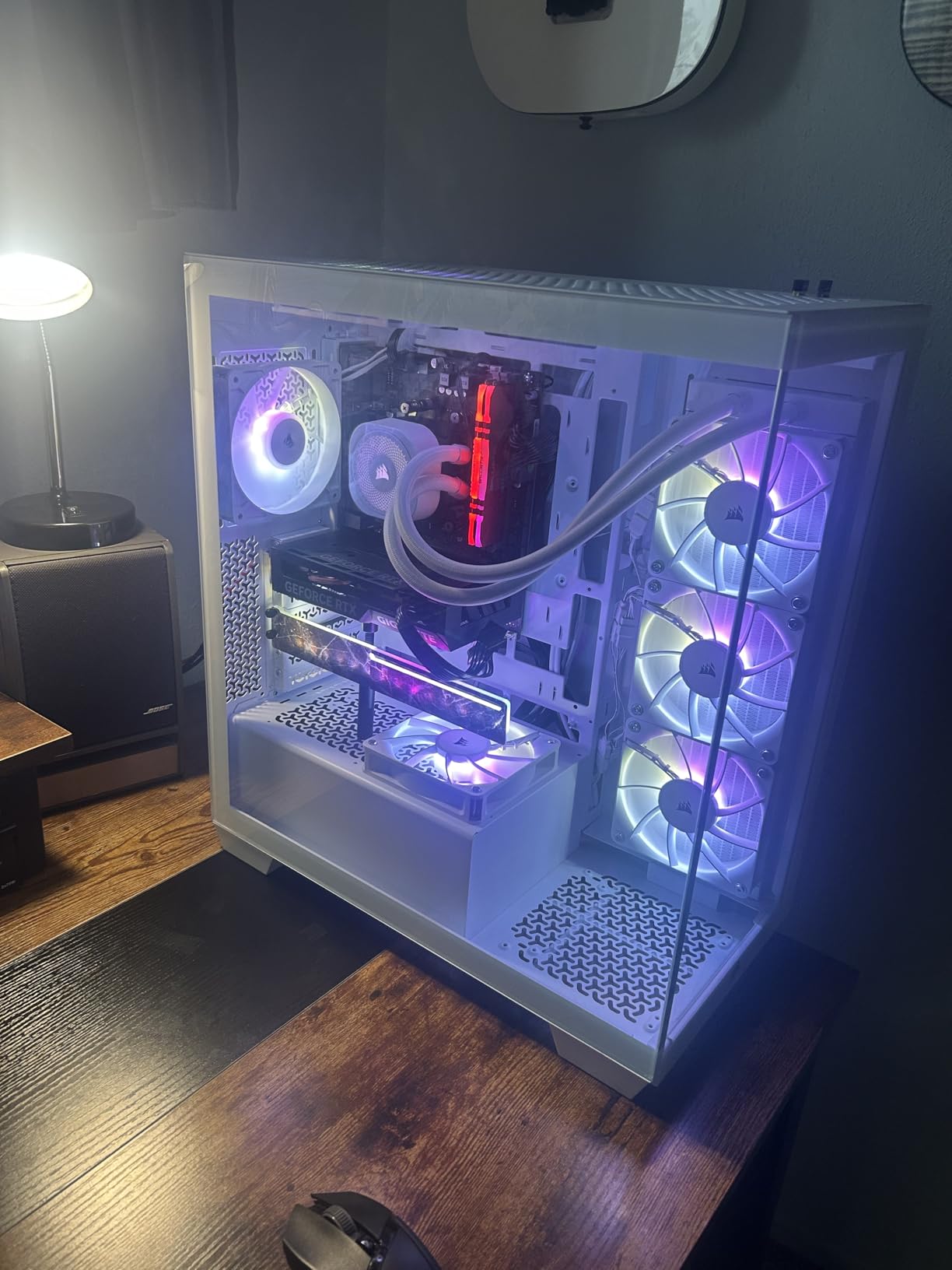
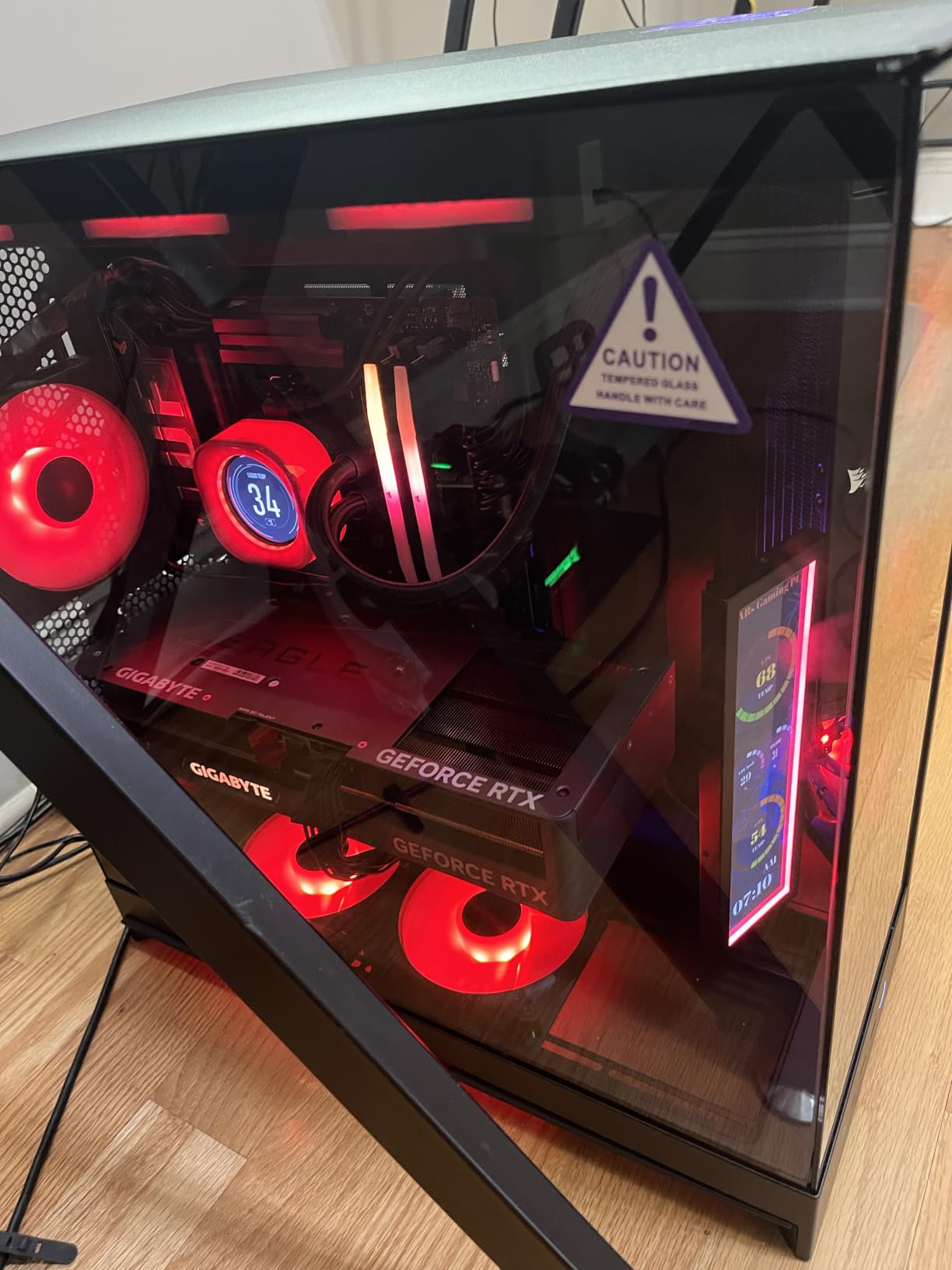
Most hubs pass a signal through. The Commander Duo is an active controller, and that is the whole difference. It has two channels, up to six daisy-chained fans per channel and up to twelve PWM fans overall, and it comes with two flexible temperature sensors so iCUE can drive real fan curves.
Each ARGB channel handles up to 50 LEDs, and one channel is reserved for iCUE LINK devices. That means a mixed build, some LINK fans alongside some ARGB, can live on one box instead of two.
Why the temperature sensors are the real feature
A pass-through hub only knows what your motherboard knows. The included sensors give iCUE its own thermal inputs, which is what allows a custom curve per channel rather than one global setting inherited from the board.
That also makes it a better fit for a water-cooled or high-load system where intake and radiator fans genuinely want different speed ranges.
The ecosystem question forum threads keep asking
Software recognition is the deciding factor for many builders. On r/SignalRGB, a builder running twelve fans in a Phanteks NV9 reported that Corsair fans on iCUE commander hardware were pretty plug and play, while the same builder felt at a loss with their Phanteks fans. The pattern is consistent: an established ecosystem wins even when a cheaper hub exists.
On the tomshardware forums the prevailing advice is similar. Buy the hub your motherboard software already understands, because a hub that ignores your fan curve creates a second, conflicting control path.
Where it costs you
iCUE is a dependency. If you dislike vendor software, this is the wrong device, and a SATA-powered passive hub plus a separate ARGB controller keeps everything on your motherboard utility.
Mixing LINK and ARGB on one channel does not work; plan which devices go where before you cable anything.
9. ASUS TUF Gaming ARGB PWM Fan Hub – Six Fans With Armoury Crate Control
ASUS TUF Gaming ARGB PWM Fan Hub
Up to six case fans
SATA power
ARGB and PWM connections
Magnetic mounting
+ Pros
- Strong magnetic mounting and solid construction
- Colour and speed control work in Armoury Crate
- Dual SATA power connectors add redundancy
- Visibly tidies a cable-heavy multi-fan build
– Cons
- Larger footprint than most competing hubs
- Needs two SATA leads for correct use
- One report of shorting with incompatible ARGB cables
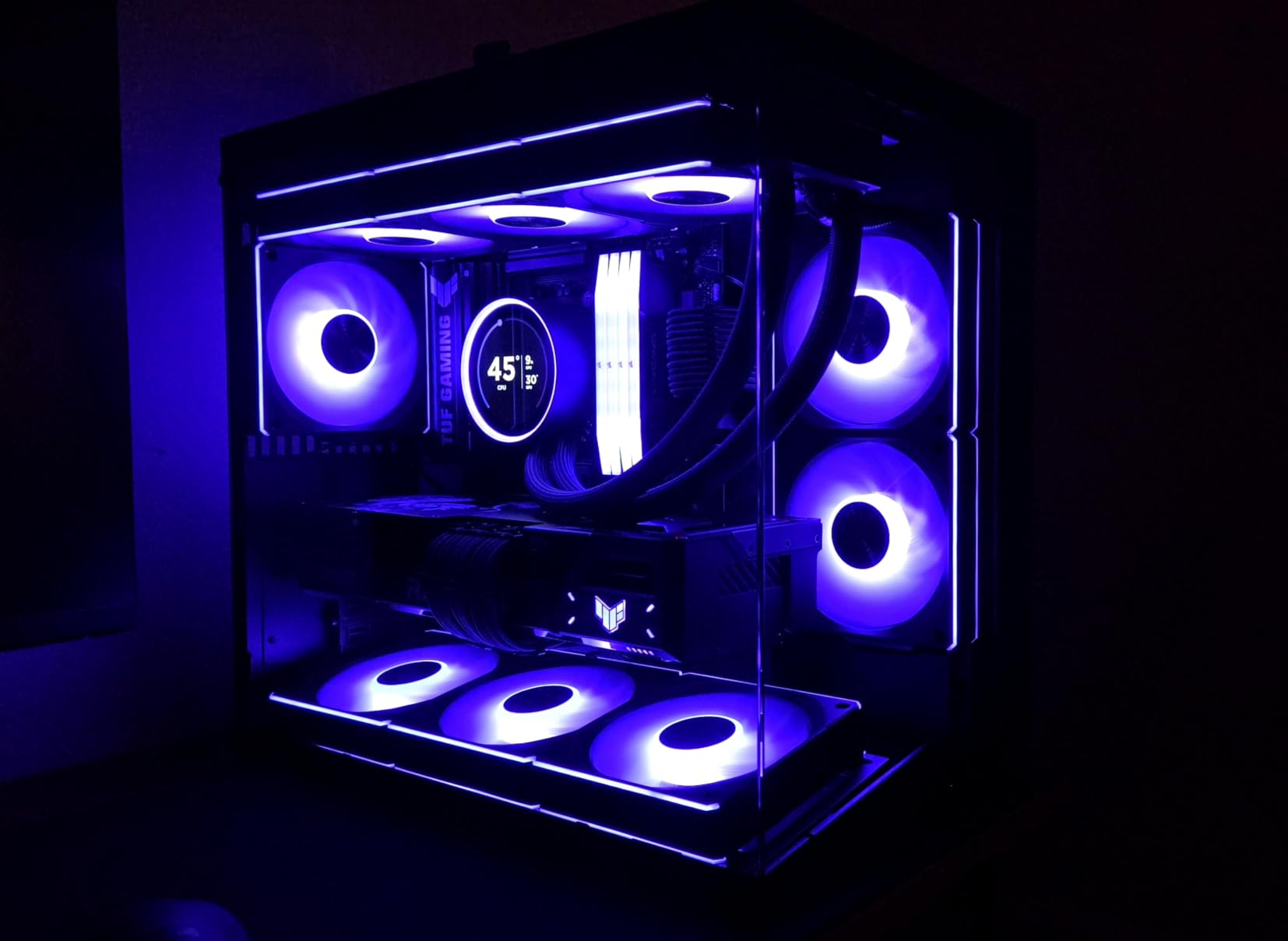
ASUS built this one for its own ecosystem. Six case fans connect to PWM ports, ARGB lighting runs through the lighting connection, and the whole thing reports to Armoury Crate for colour and speed control. Rated output is 108 watts with a two-year warranty.
Two SATA power connectors are the notable detail. Most hubs take one lead; the redundancy here gives a steadier input when six fans ramp together.
Size is the trade-off
At 6 x 4.1 x 1.1 inches this is one of the larger hubs in the roundup, and it carries six ports. Against a ten-port SATA hub you are giving up capacity and taking on a footprint that needs real space behind the motherboard tray.
The magnetic mounting is genuinely strong. TUF owners rate it well for that reason, and it holds position without adhesive.
Verify your ARGB connectors first
One owner reported shorting traced to incompatible RGB fan cables. Check that every lighting device is 5V 3-pin ARGB before connecting, and do not force a 12V 4-pin connector into the port.
Visible power and operation indicator LEDs help confirm the hub is live during first power-on, which matters more than it sounds when six fans depend on one unit.
Who should buy it
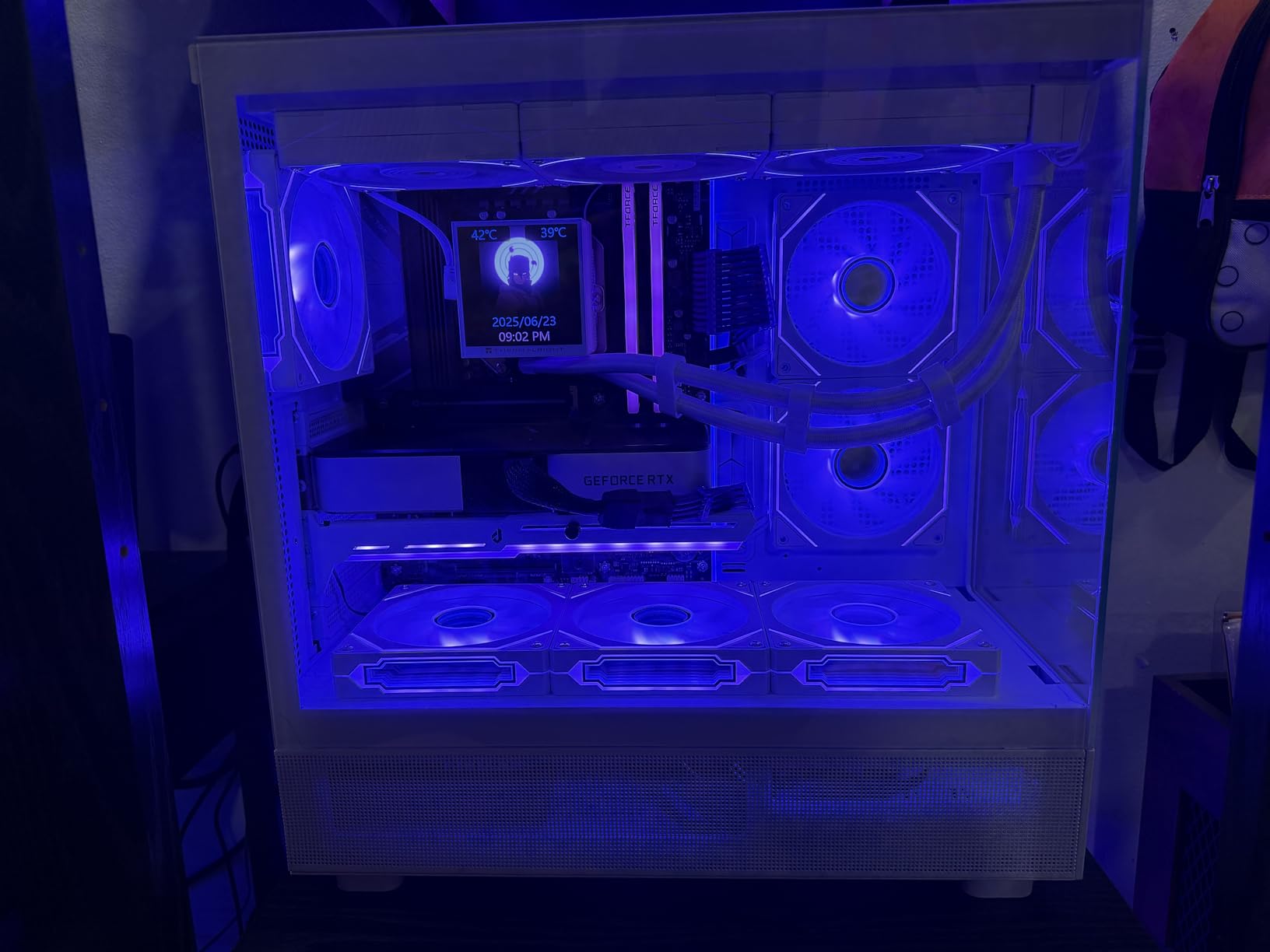
An ASUS board user running Armoury Crate who wants six ARGB fans and one clean control point. If you are not already inside that ecosystem, the Thermalright ARGB hub or the ShakingTank nine-port unit deliver more ports for less money.
10. Thermalright Fan and ARGB HUB X8 – Eight Fans and Eight Light Devices
Thermalright Fan and ARGB HUB X8 ARGB/PWM Hub Controller
8 x PWM and 8 x ARGB ports
SATA direct output
140 x 64 x 16 mm
Double-sided adhesive mount
+ Pros
- Eight PWM fans and eight ARGB devices at once
- SATA direct output stays stable under high load
- Strong double-sided adhesive fits anywhere in the chassis
- Compact 70 g body simplifies routing
– Cons
- SATA power cable not included
- 12V 4-pin RGB devices unsupported
- Expands ports rather than giving independent control
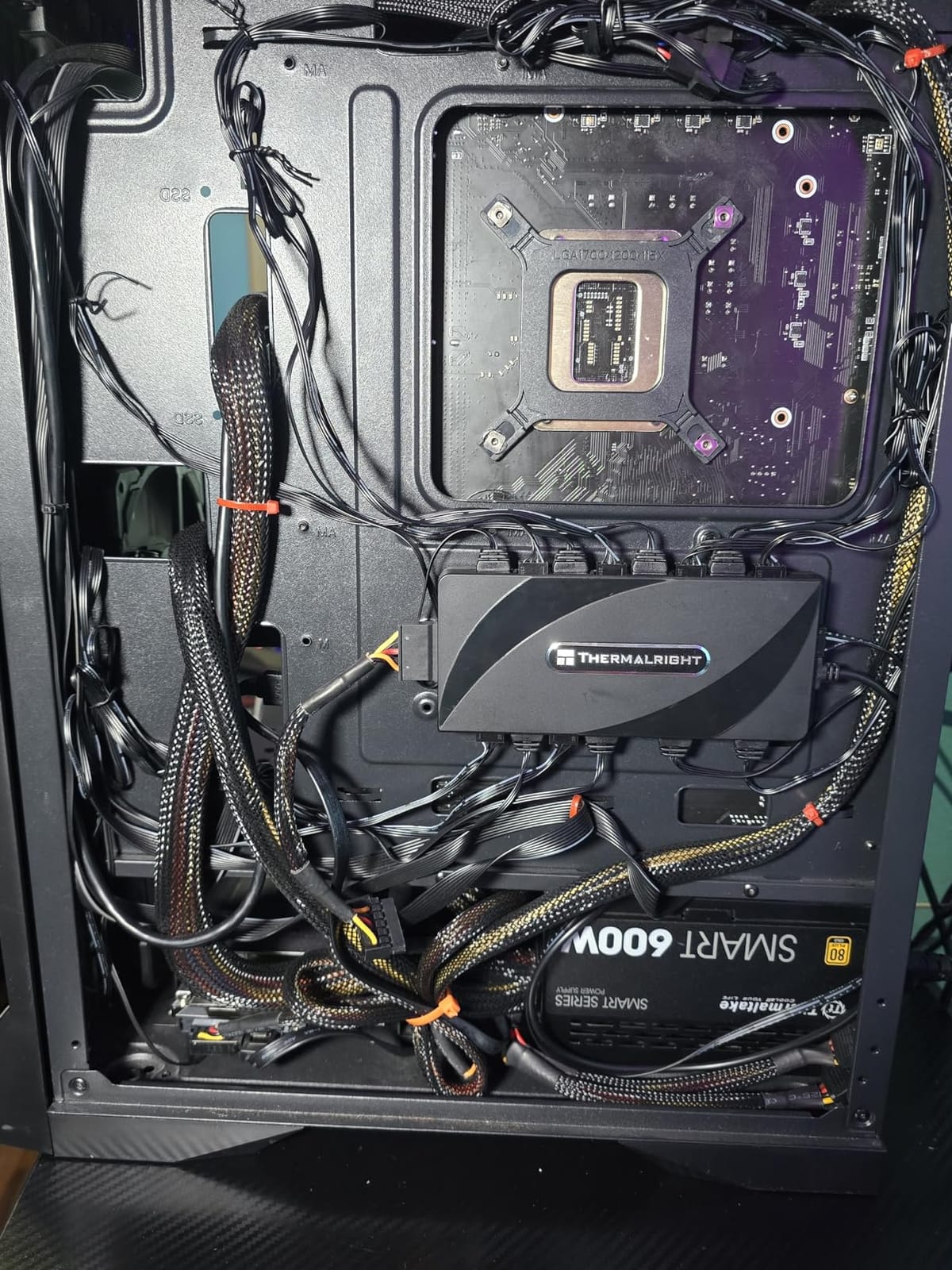
This is a balanced two-in-one in the roundup: eight 4-pin PWM ports and eight 5V 3-pin ARGB lighting ports, four of each on either side of a 140 x 64 x 16 mm plastic body weighing 70g.
Owners treat it as a straightforward consolidation device. Fan power and lighting wiring collapse into one SATA lead, which is the main reason to buy it before anything more elaborate.
Port counts that suit a real build
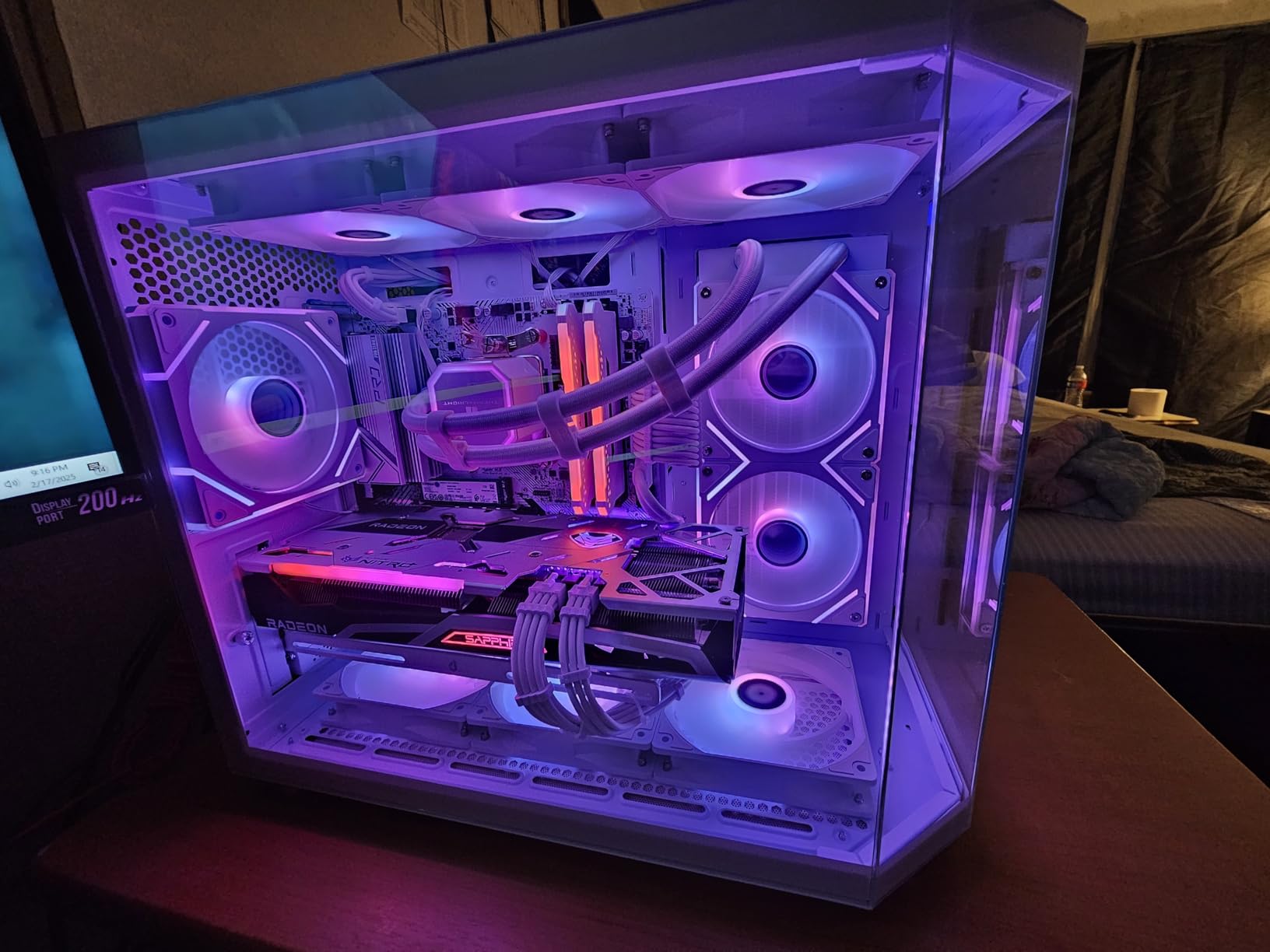
Eight PWM plus eight ARGB covers the common enthusiast layout: three front intake, three top exhaust, two on a 360mm radiator, and a light bar or two. Nothing is left stranded without a port.
SATA direct output keeps the supply steady under load, which is what stops a large fan group from browning out at startup.
The two limits to know
Twelve-volt 4-pin RGB is not supported, so older RGB strips need their own controller. And the hub adds ports rather than independent control, so fan curves still come from the motherboard and lighting runs as a synchronised group.
The SATA cable is not in the box, the same caveat that applies to two other entries in this list. Plan for one spare lead.
Strong double-sided adhesive mounting
The adhesive is strong enough to hold the hub in a moving airflow path without a screw, and it is repositionable if your cable plan changes. On a plastic or aluminium panel where magnets will not hold, this is the mounting method that works.
For fans only, the ten-port hubs give you more capacity in the same footprint. For fans plus lighting at eight of each, this is the pick.
Do You Need a Fan Hub? Count Headers Against Fans
Count your SYS_FAN headers first, then count your fans. Most motherboards provide two to four system fan headers plus a CPU_FAN header reserved for the cooler. If your fan count is higher, a hub or splitter lets one header drive them all on a single fan curve.
A typical mid-range board has one CPU header and three SYS headers, so four controllable fan positions before you add anything. A case with three front intake, three top exhaust, one rear and two on a 360mm AIO needs nine positions. That is a five-fan gap and the reason showcase builds arrive with a hub in the box.
You probably do not need a hub if you have three or four fans total and every one of your fans is daisy-chain ARGB with lighting already handled by the motherboard. In that case a splitter is enough.
The decision rule in three steps
First, count the fans you will actually install, not the number of mounting holes. Second, subtract the CPU cooler fans, since those sit on the CPU header. Third, if the remainder is three or fewer, you need nothing extra.
If the remainder is four to six, a 1-to-5 splitter handles it on a board with header current to spare. At seven fans or more, or if your fans are high-draw, move to a SATA-powered hub so the header is only carrying a control signal.
Fan Hub vs Fan Splitter: What Actually Changes
A fan splitter is a passive Y-cable that adds no power and no protection, so the total current is still limited by the single motherboard header. A fan hub is an active, powered device with its own SATA or USB input, per-port protection and status monitoring, so it can safely drive many more fans.
This is the most repeated confusion in the category, and it persists because sellers use both words interchangeably on listings. The ThreeBulls cable in slot one is a splitter despite the word hub appearing in some titles.
On the tomshardware forums the usual answer is to treat the hub as a pass-through: connect it to a system fan header and let the board vendor’s software do the controlling. That reasoning holds for a passive device and breaks down for an active controller like the CORSAIR Commander Duo, which runs its own curves in iCUE.
Which one to buy
Two to four extra fans and no lighting: a splitter adds no active parts, has fewer failure points and cannot interfere with your board’s fan curve. Anything beyond that, or anything with ARGB fans: a powered hub, because the extra current has to come from somewhere.
Why a splitter is not always cheaper in practice
A passive splitter is a single point of failure for every fan on that chain, and a chain of cheap passive splitters can produce voltage drop at higher fan speeds, where fans draw more current. A powered hub with per-port current ratings removes that variable entirely.
How Many Fans Can One Motherboard Header Drive?
A typical motherboard SYS_FAN header is rated at 1A, which works out to about 12W at 12V. A 2W ARGB fan therefore caps a bare header at roughly five fans, and in practice you want to stay at three or four to leave headroom for inrush current at startup.
The moment you feed the hub from SATA, that 1A ceiling stops governing. The ARCTIC hub accepts up to 4.5A of input across ten ports rated at 1A each, and the Noctua NA-FH1 publishes 54W through its SATA path. Eleven 2W fans pull about 22W, which no bare header could supply but either hub handles without complaint.
Work the numbers before you buy
Find the per-fan wattage on the fan specification, usually 1.8W to 2.5W for a 120mm ARGB model. Multiply by your fan count. If the total is under 12W, a splitter or a header-fed hub works. Above 12W, you need a SATA-powered hub with a published input current rating.
Radiator fans draw more than intake fans at the same RPM, so a 360mm AIO can add several watts on its own. Size for the highest-draw group, not the average.
Multiple hubs for very high counts
Past about twelve fans, two smaller hubs on separate headers often beat one oversized unit. Each keeps its own current budget, and a fault in one does not silence the whole case. Route each SATA lead separately rather than daisy-chaining power.
3-Pin vs 4-Pin PWM Fans and RGB vs ARGB Lighting
Three-pin fans are DC-controlled: the board varies voltage to change speed. Four-pin PWM fans receive a fixed 12V and a duty-cycle signal, which gives smoother curves and lower minimum speeds. Any hub in this roundup with 4-pin ports accepts both, and the 4-pin connector carries the tachometer line either way.
RGB and ARGB are different standards in a way that catches people out. RGB is 12V 4-pin with one fixed colour per zone. ARGB is 5V 3-pin and addressable, so each LED can be a different colour. A PWM-only hub controls fan speed alone; syncing lighting needs a hub with an ARGB input, and 5V ARGB cannot be adapted to a 12V RGB header without an active converter.
Every lighting hub in this roundup handles 5V 3-pin ARGB and none of them supports 12V 4-pin RGB. If your case came with older RGB strips, they still need their own controller. Buyers working through the same 12V-versus-5V split in home lighting hit the identical trap, which is why our ceiling fan light kit guide also leads with the connector standard before any brand name.
Single zone versus per-fan control
This is the claim most often oversold. A hub with one lighting bus applies one shared effect across everything plugged into it. Independent per-fan colour requires a multi-channel controller, and vendors frequently market multi-port as multi-zone when it is not.
If per-fan control matters, the right tool is an ecosystem controller with real software behind it, not a larger port count.
Software Compatibility: SignalRGB, iCUE, Synergy and Armoury Crate
Software support is the number one deal breaker in forum threads, and it is rarely printed on retail listings. A hub that is invisible to your fan-control software still works as a power distributor, but you lose per-fan curves, temperature-based control and any lighting synchronisation.
SignalRGB, iCUE, Synergy and Armoury Crate each enumerate supported controllers differently, and a device that shows up as one entry will not give you per-fan control. On r/SignalRGB the recurring recommendation for individual fan control was a multi-channel device, because that is what actually enumerates fans separately.
Match the hub to the ecosystem you already run
If you are already inside iCUE, the Commander Duo is designed for it, with two channels and two temperature sensors feeding proper fan curves. If you run Armoury Crate, the ASUS TUF hub is built for the same reason, including indicator LEDs and dual SATA input.
If you deliberately avoid vendor software, stay passive. A SATA-powered hub plus a separate ARGB controller keeps everything under your motherboard utility, which is the approach the tomshardware forums keep recommending.
Our own gaming USB hub testing follows the same principle in a different part of the build: a device is only as good as the software that recognises it. The same software-ecosystem rule is why listings for smart IR universal remote hubs lead with supported protocols, and fan hubs should be read the same way.
Where to Mount Your Fan Hub and Where to Place Your Fans
Mount the hub inside the case near the fan cluster it serves, behind the front intake or under the PSU shroud. Short daisy-chained cables then reach it without crossing the graphics card, and airflow is not obstructed.
Magnetic hubs snap to steel panels with no adhesive residue, which makes repositioning painless. Aluminium cases and plastic shrouds need double-sided tape or screws, so confirm the case material before you plan the mount.
Fan placement priority
Intake at the front and bottom, exhaust at the rear and top. That pairing creates a front-to-back path through the case, which moves the most air through the CPU cooler and the memory.
Add a bottom intake if your case has the mesh and the clearance, because cool floor-level air is the cheapest cooling available. A top exhaust handles the rising heat from a 360mm AIO better than a rear-only layout.
Keep power runs tidy
Run SATA power away from GPU power cables rather than alongside them, and keep both clear of any intake path. A hub squeezed under a tight intake can restrict the very airflow it exists to serve.
Frequently Asked Questions
Should I get a fan hub for my PC?
Count your SYS_FAN headers and your fans. Most motherboards give you two to four system fan headers, while cases commonly arrive with six to twelve fans. If your fan count exceeds your header count, a hub or splitter lets one header drive them all on a single fan curve.
How many fans can I connect to one fan header?
A typical SYS_FAN header is rated at 1A, about 12W at 12V, which supports roughly three to four 2W fans in practice. Above that, use a hub with its own SATA power input, which raises the combined ceiling to 50W or more.
Is a fan hub the same as a fan splitter?
No. A splitter is a passive Y-cable that adds no power, so current is still limited by the single header. A hub is an active, powered device with its own SATA or USB input, per-port protection and monitoring, so it can safely drive many more fans.
Which is better, RGB or ARGB?
RGB is 12V 4-pin with a single fixed colour per zone. ARGB is 5V 3-pin and addressable, so each LED can be a different colour. A PWM-only hub controls fan speed alone, so syncing lighting requires a hub with a 5V ARGB input.
Will a fan hub control my ARGB lighting or only fan speed?
Most hubs in this category, including the ten-port ARCTIC and the Noctua NA-FH1, control fan speed only. Lighting control needs a 5V 3-pin ARGB input, and true per-fan independent colour needs a multi-channel controller such as the CORSAIR Commander Duo.
Where should I put my fan hub?
Mount it near the fan cluster it serves, usually behind the front intake or under the PSU shroud. Magnetic hubs attach to steel panels, while aluminium cases need double-sided tape or screws. Keep the SATA power run short and away from GPU power cables.
Which Fan Hub Should You Buy in 2026?
If you are adding two to four fans to a build with header current to spare, the ThreeBulls 1-to-5 PWM splitter is the right call, and the sheer weight of reviews behind it is the reason it tops our list of the best fan hubs for PC builds. For seven fans or more, take a SATA-powered hub, and the ARCTIC ten-port model is the value pick while the Thermalright ten-port unit does the same job for less.
If lighting is the bottleneck, the Thermalright ARGB Fan HUB 8-port or the Thermalright HUB X8 carry fan ports and a 5V 3-pin ARGB bus on one body. If you need per-fan independent colour, the CORSAIR Commander Duo is the only unit here with real multi-channel software behind it, and the ASUS TUF hub covers Armoury Crate users.
Count your headers against your fans before you order, work out whether the total wattage exceeds 12W, and buy one SATA power cable to go with it. Get those two numbers right and any hub on this list will do its job quietly for years.
Leave a Reply