
If you want the short version: the Apple iPad 11-inch (A16) is the best tablet with a stylus for note taking overall, the Samsung Galaxy Tab S6 Lite is the best value because the S Pen ships in the box, and the reMarkable Paper Pro if paper-like friction on a large color e-ink canvas matters more to you than apps. The iPad is the one exception here where the pen is a separate purchase.
I have been writing on tablets for years, and the gap between a good note-taking tablet and a great one is almost never the processor. It is the pen, the screen surface and the software that turns a page of handwriting into something you can search in six months. That is what I weighed across all 12 devices below, and it is why the picks are not simply the most expensive models on the market.
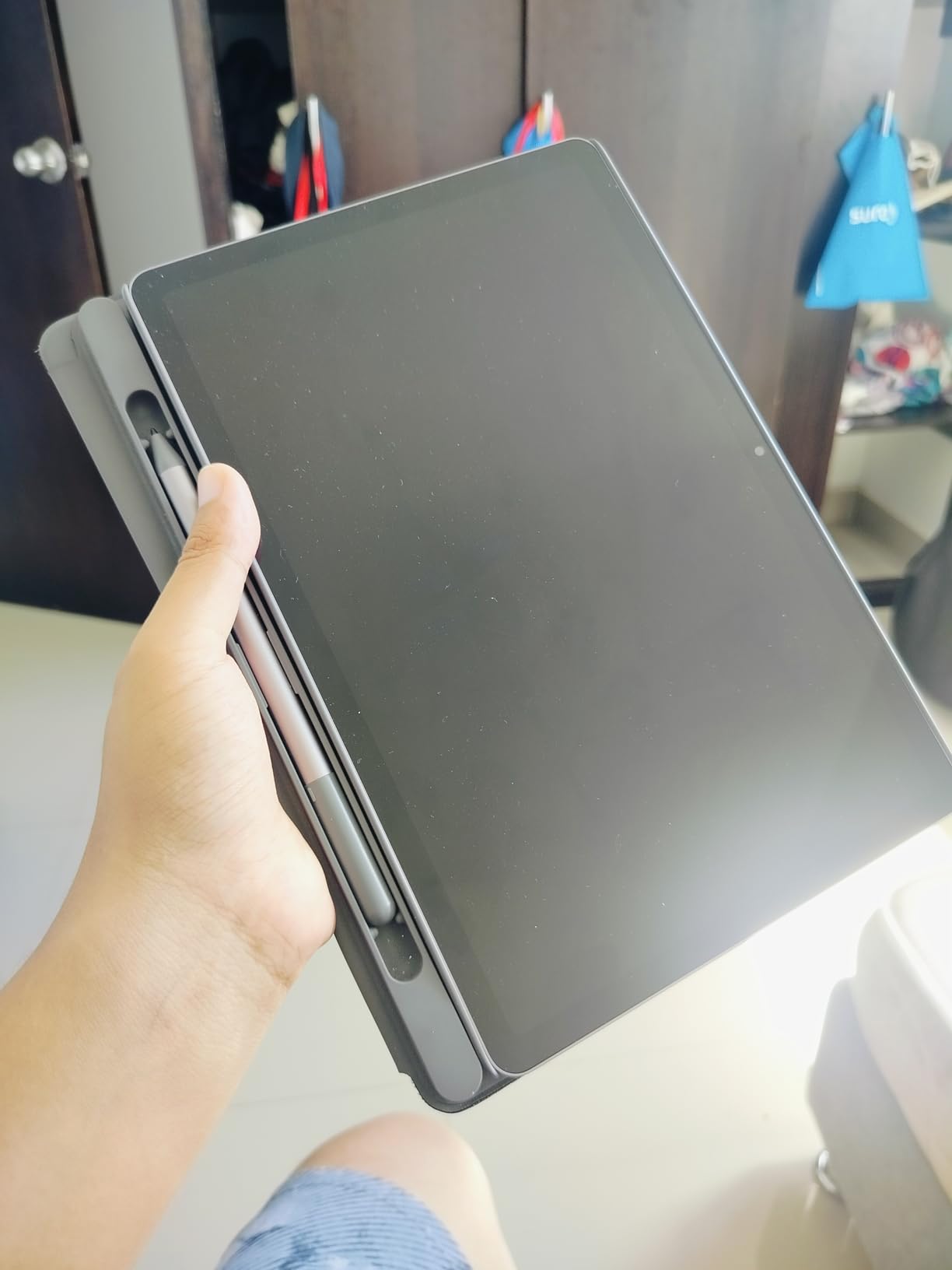
Two details decide this purchase faster than anything else: whether the stylus is bundled or sold separately, and whether the screen gives your hand resistance or slides around like a window. Ten of the 12 tablets here ship with a pen ready to write with on day one. The Apple iPad and the BOOX Go Color 7 do not, and that changes the real cost of the setup considerably.
Our wider guides cover the best tablets for note taking and best note-taking tablets for students if you want the shortlist without the pen research, and we have separate picks for the accessories layer in our guide to the best stylus for iPad Pro artists.
Our Top 3 Tablets With a Stylus for Note Taking in 2026

Apple iPad 11-Inch A16
- 11-inch Liquid Retina display
- A16 chip
- Works with Apple Pencil USB-C
- 128GB base storage

Samsung Galaxy Tab S6 Lite
- S Pen included and never charges
- 4096 pressure levels
- Laminated 10.4-inch LCD
- 64GB plus microSD

Amazon Kindle Scribe
- 10.2-inch 300 ppi glare-free e-ink
- Premium Pen included
- Weeks of battery life
- PDF markup and AI note tools
Comparing 12 Tablets With a Stylus for Note Taking
The table below is the fast version of this guide. Every row includes the pen situation, because that single fact changes what you end up spending and what you can do in the first five minutes after opening the box.
| Product | Details | Action |
|---|---|---|
|
|
Check Latest Price |
|
|
Check Latest Price |
|
|
Check Latest Price |
 |
|
Check Latest Price |
 |
|
Check Latest Price |
 |
|
Check Latest Price |
 |
|
Check Latest Price |
 |
|
Check Latest Price |
 |
|
Check Latest Price |
 |
|
Check Latest Price |
 |
|
Check Latest Price |
 |
|
Check Latest Price |
How We Picked and Tested These Note-Taking Tablets
What we looked for in every tablet
Every tablet here was judged on the same five criteria, weighted toward writing rather than general performance. First, pen support out of the box or the clarity of what a matching pen costs. Second, pen-to-screen response and whether the palm is ignored while you write. Third, the screen surface, which is the hardest thing to judge from a spec sheet. Fourth, note software that searches and exports handwriting. Fifth, battery endurance during a long session rather than a video loop.
Processor speed and screen resolution matter, but they are tie-breakers here. A faster chip does not make handwriting more legible.
How we judge writing feel without guessing
Adjectives like smooth and responsive mean nothing, so we leaned on published ink response times, pressure level counts, lamination and coating details, plus what long-term owners report after months of daily writing. A laminated display with a nano-etched surface behaves differently from bare glass, and that difference is documented in the specifications rather than guessed at.
We also read the complaint side of the reviews closely. The wake-up delay on the Tab S6 Lite, the LCD-versus-e-ink battery gap on the XP-Pen notebook and the subscription wording on the reMarkable devices all come from owner reports, not from spec sheets.
What we deliberately did not score
Gaming performance, camera quality and video playback were left out, because none of them changes how a page of notes feels under your hand. Where a tablet’s weaknesses are real for note taking, such as a slow wake-up or a small canvas, we say so plainly instead of hiding it in a spec list.
1. Apple iPad 11-Inch (A16) – The Best Overall Writing Tablet, With a Pen You Buy Separately
Apple iPad 11-inch: A16 chip, 11-inch Model, Liquid Retina Display, 128GB, Wi-Fi 6, 12MP Front/12MP Back Camera, Touch ID, All-Day Battery Life — Blue
11-inch Liquid Retina LCD
A16 chip, Wi-Fi 6
USB-C, 128GB base
1.05 lb, Touch ID
+ Pros
- A16 chip keeps note apps and multitasking responsive
- 11-inch Liquid Retina display with True Tone
- Around 12 hours of real mixed use
- Light 1.05 pound body that is easy to hold one-handed
- Works with Apple Pencil USB-C and Scribble
– Cons
- Apple Pencil is sold separately and not in the box
- Max brightness trails phones and computers
- Magic Keyboard Folio and screen protector cost extra
- 128GB base storage with no upgrade inside the model
The iPad is the answer whenever the question is how many good note apps exist. GoodNotes, Notability, Apple Notes and a dozen others handle handwriting search, audio-synced recordings and PDF export in ways the Android tablets in this list still do not match. Nothing here unlocks the same software library on a single device.
Writing on it is a study in contrast: a smooth, fast, modern panel paired with a pen that costs extra. If you already own an iPad and add an Apple Pencil USB-C, this is the best writing surface you can buy for the money without moving up a size class.
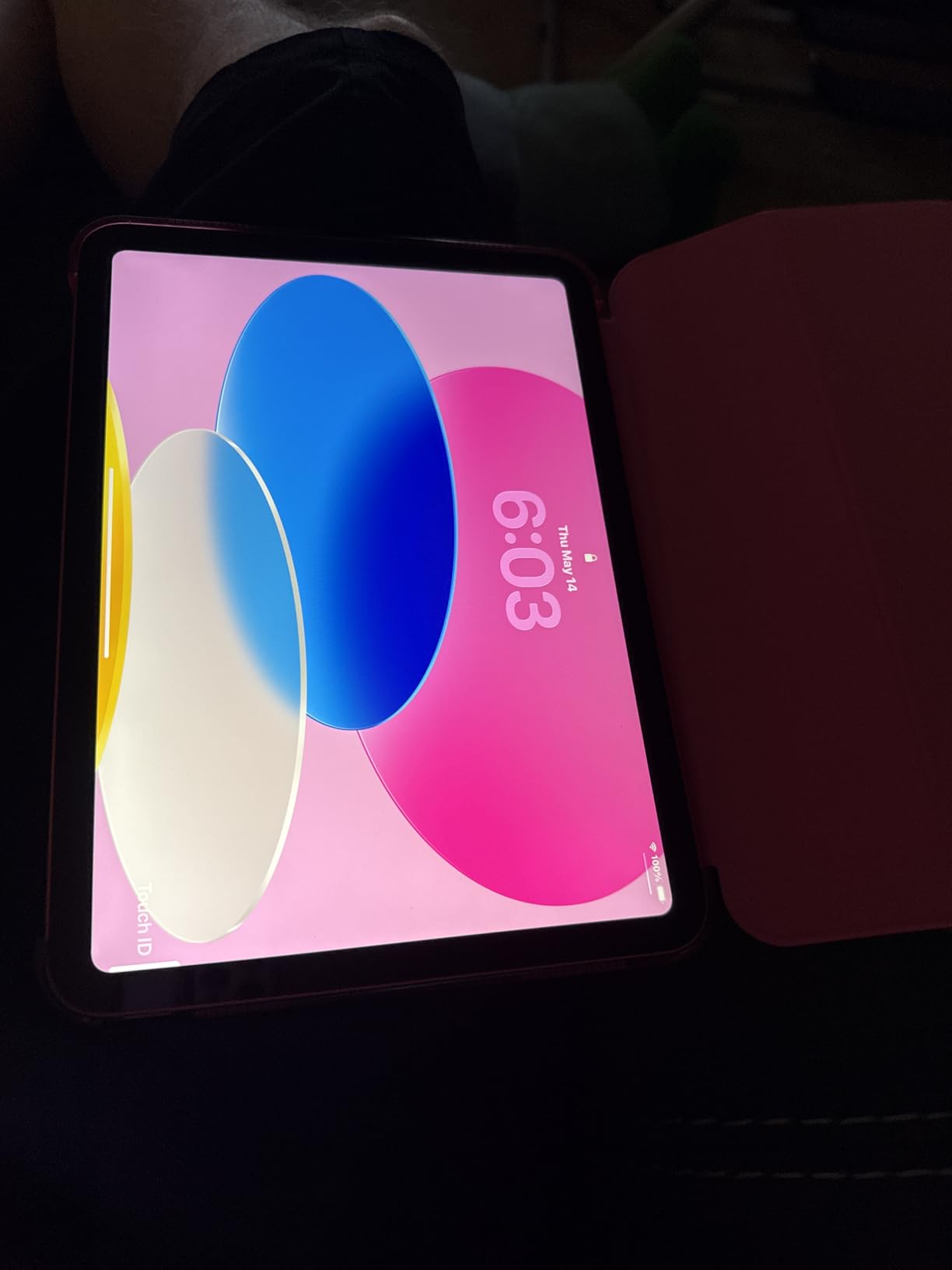
A16 chip and the 11-inch Liquid Retina display
The A16 chip is the reason nothing gets in the way. Split screen with a PDF on one side and a notebook on the other stays fluid, which matters more for study sessions than any raw benchmark. Pages scroll the way they do on a laptop rather than the way they do on a budget Android tablet.
The 11-inch Liquid Retina display with True Tone adjusts to the room’s light, and the glass feels slippery to some hands. Reviewers note that maximum brightness does not push as hard as a phone or a computer, which matters outdoors more than indoors.
Apple Pencil support, Scribble and what is not in the box
Compatibility covers Apple Pencil USB-C and the first-generation Apple Pencil, and Scribble turns any text field into a writing surface. That versatility is a genuine advantage: the same pen that annotates a PDF can sign a form and jot a reminder in a search bar.
The catch is cost and it is the first thing to plan for. Owners repeatedly flag the Apple Pencil, the Magic Keyboard Folio and the screen protector as separate purchases, and a paper-feel protector is what converts this glass into something closer to pen on paper.

Battery, weight and the case for a one-device setup
Owners report around 12 hours of continuous use, which covers a full lecture day with charging left over. At 1.05 pounds and measuring 9.79 by 7.07 inches, it fits into a tote or a laptop sleeve without becoming the reason you left the notebook behind.
Storage starts at 128GB and goes to 512GB. Base owners who pile up scanned lecture PDFs and voice recordings will feel that ceiling within a year.
2. Samsung Galaxy Tab S6 Lite – Best Value Because the S Pen Is in the Box
Samsung Galaxy Tab S6 Lite 10.4″ 64GB Android Tablet, LCD Screen, S Pen Included, Slim Metal Design, AKG Dual Speakers, 8MP Rear Camera, Long Lasting Battery, US Version, 2022, Chiffon Rose
10.4-inch 2000 x 1200 LCD
S Pen included, 4,096 levels
7,040mAh, 12 hours listed
64GB plus microSD, 4GB RAM
+ Pros
- S Pen included
- charges never
- magnetically attached
- 4096 pressure levels on a laminated screen
- Multi-day battery in mixed use
- Headphone jack and dual AKG speakers
– Cons
- Processor sleeps aggressively causing a wake-up delay
- Can stutter under sustained heavy multitasking
- 2022 model has lagged behind on security updates
- Cameras and speakers are adequate only
- Bundled charger is slow
For most students, this is the honest answer to the question. The S Pen is in the box, it never needs charging, and it snaps magnetically to the body so it does not vanish into a bag. That removes the single most common surprise with note-taking tablets.
Members of r/GalaxyTab consistently describe Samsung Notes as having virtually no perceived lag with the S Pen, and they often recommend it over a more expensive iPad setup for exactly that reason. Add a laminated display and the writing sits closer to the glass than on many pricier slabs.
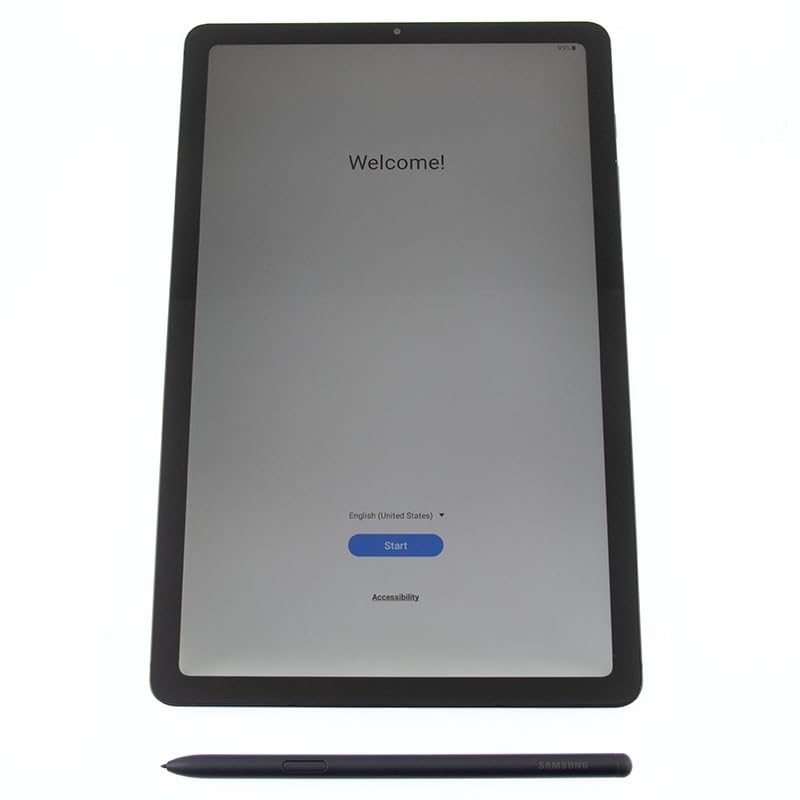
Laminated 10.4-inch LCD and 4,096 pressure levels
The 2000 by 1200 LCD is fully laminated, so the digitizer sits directly under the glass rather than behind a bonded air gap. Owners call the result a natural writing feel and a near-zero pen-to-pixel gap, which is the hardware reason behind the good reputation.
Pressure registers at 4,096 levels, which is enough for visible line-weight variation in Samsung Notes. The refresh rate is 60Hz, and the display is LCD rather than AMOLED, so blacks and contrast are flatter than on flagship slabs.
The wake-up delay that owners keep mentioning
The most repeated criticism across thousands of reviews is responsiveness, not writing. The 2.3GHz Qualcomm chipset sleeps too aggressively, so pulling up the tablet from sleep produces a noticeable half-second to three-quarter-second delay before it responds to the pen.
Some owners also report stutter after extended sessions of heavy multitasking, and a minority raise concerns about slow security updates for this 2022 generation. For a student who writes in class and closes the tablet between periods, the delay matters less than the included pen matters more.
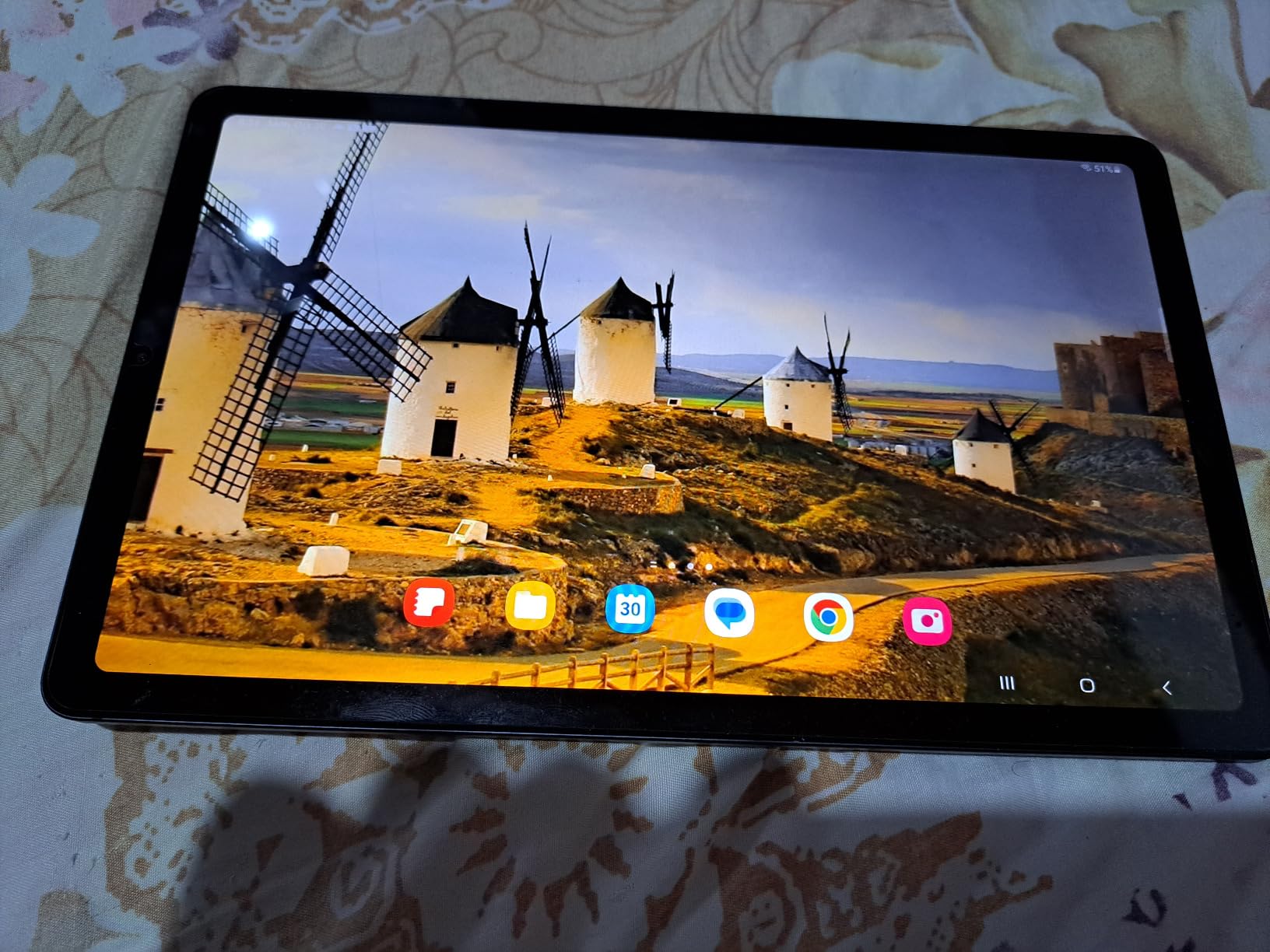
Battery, expandability and the headphone jack
The 7,040mAh battery is listed at up to 12 hours, and owners describe multiple days of mixed drawing, browsing and streaming between charges. Real note-taking sessions last far less than that, so the pen is rarely the reason the tablet dies.
Storage is 64GB and expands via microSD, which is a rarity at this level. There is also a real headphone jack, dual AKG speakers with Dolby Atmos, and a DeX mode for anyone who wants a desktop-style window layout. The included charger is the weak point, charging noticeably slowly.
3. Amazon Kindle Scribe – Best Paper-Feel Writing on a Front-Lit E Ink Screen
Amazon Kindle Scribe (64GB) – Your notes, documents and books, all in one place. With built-in AI notebook summarization. Includes Premium Pen – Tungsten
10.2-inch 300 ppi glare-free e-ink
Premium Pen included, no charging
64GB storage
Reads for months, writes for weeks
+ Pros
- Writing feel reviewers describe as genuinely close to pen on paper
- Glare-free 300 ppi display easy on the eyes
- Books
- PDFs and notebooks in one device
- Weeks of battery between charges
- Light and comfortable to hold with a case on
– Cons
- No memory expansion
- lower-storage models fill quickly
- No pinch-zoom or infinite scroll
- Single-ink Premium Pen with sparse drawing tools
- Too large for pocket use
- Some 2024 units report uneven front light and ghosting
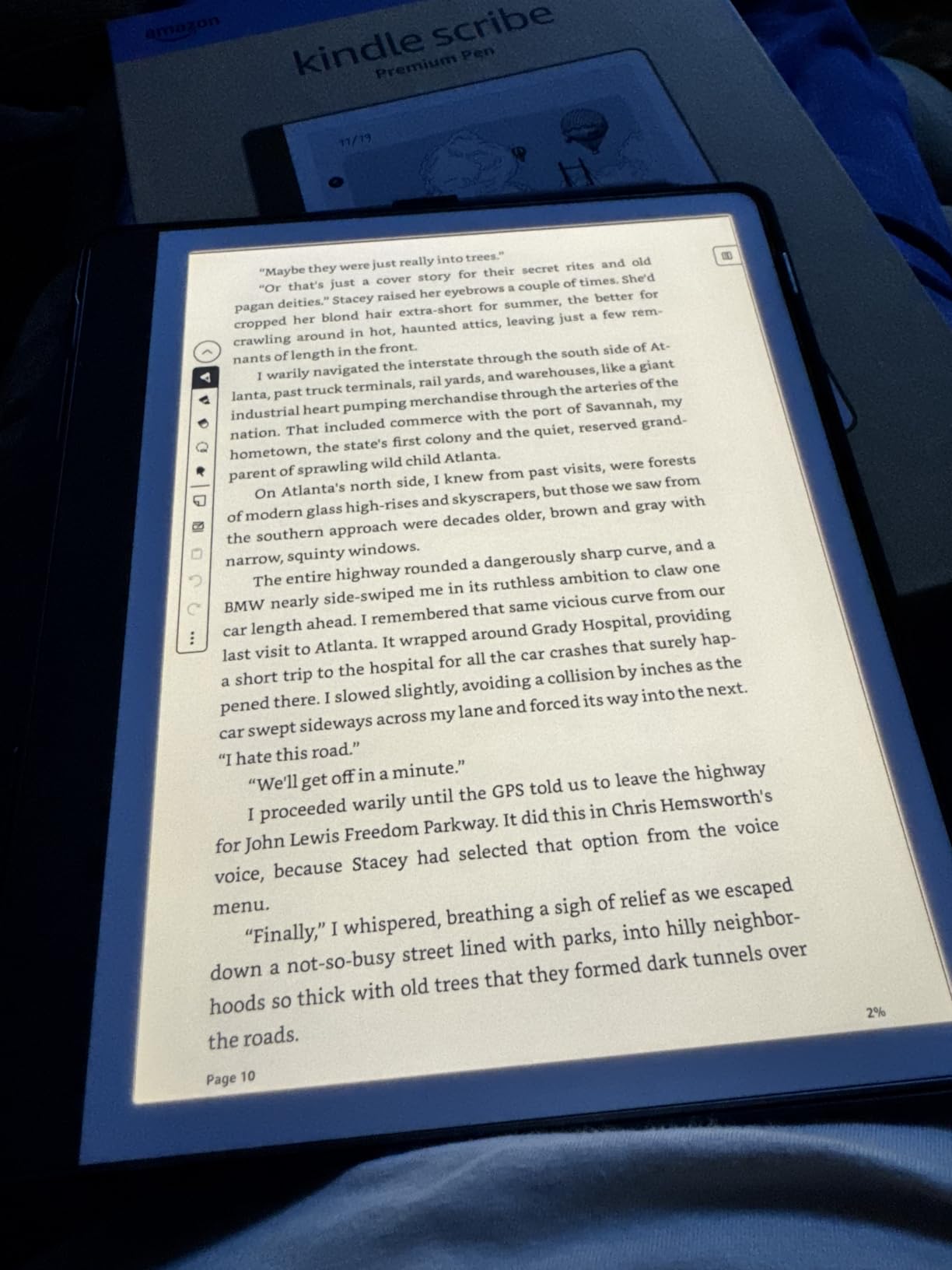
The Scribe is the most convincing notebook of the lot if you want the screen itself to feel like paper. E Ink at 300 ppi, front lit, and paired with the Premium Pen, which requires no setup and no charging. Owners describe a writing feel with essentially zero lag and very little hand fatigue over long sessions.
This is a device for one job, and that is exactly why it works. There are no notifications, no social apps and no browser competing for attention, which is the point for anyone who finds a general-purpose tablet too distracting to study on.
The 10.2-inch 300 ppi glare-free display and the Premium Pen
At 300 ppi, text is crisp with no hint of the grey wash that color e-ink produces. The panel is front lit and glare-free, so it works in a lecture hall with the lights on as comfortably as on a desk at night.
The Premium Pen writes in a single ink color and attaches without a pairing step. Some owners on r/GoodNotes report jittery input on certain tablet and pen combinations; if handwriting accuracy is critical for you, test the pen before committing to a long study cycle.
Weeks of battery life between charges
Amazon states the Scribe reads for months and writes for weeks on a single charge. That is the practical advantage of e-ink: a three-day conference or a week-long clinical rotation does not need a charger in the bag.
The trade-off is that everything on an e-ink panel refreshes more slowly than a backlit display. Scrolling long PDFs feels deliberate rather than instant, and that latency is the same physics that makes the static page look like paper.
The page model, drawing limits and the note tools
Notes behave like paper pages: there is no pinch-zoom and no infinite scroll, so you jump to a new page instead. Owners who like this call it the reason writing feels real. Owners who wanted a fluid canvas call it a limitation.
Drawing tools are sparse, with no smudge or brush effects, and the Premium Pen writes one ink color. There is also no memory expansion, so a 16GB or 32GB model fills quickly with notes and PDFs, and a small but vocal group of 2024 owners report worse front-light uniformity, ghosting and a rougher surface than the earlier version.
Owners praise the paper-like writing feel, glare-free display and week-scale battery life, and like having books, PDFs and handwritten notes in one place. Common gripes are the paper-style page model, limited drawing tools, single-color ink and no memory expansion. A small but vocal group of 2024 revision owners report display uniformity, ghosting and nib-drag problems.
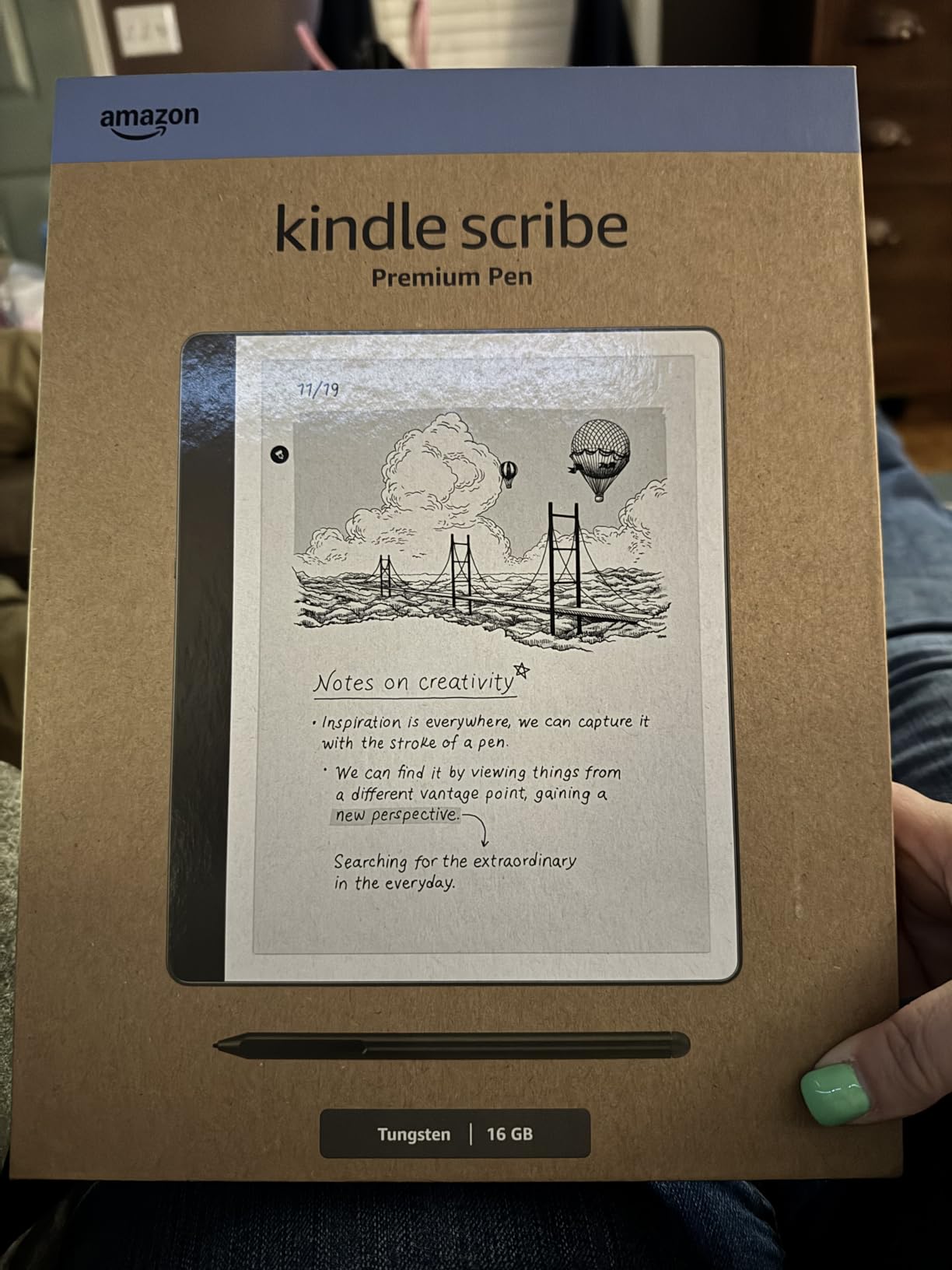
Built-in AI tools convert handwriting to font, summarize notes and adjust length and tone, and Active Canvas opens extra margin space beside a book page. Imported PDFs can be marked up directly, which makes it a solid study device for textbook-heavy courses.
4. Samsung Galaxy Tab S10 Lite – The Modern Mid-Tier Tablet With a Zero-Charge S Pen
Samsung Galaxy Tab S10 Lite, 6GB RAM, 128GB, 2TB Expand, 10.9” LCD, Gray
10.9-inch 2112 x 1320 LCD at 90Hz
S Pen included, never charges
6GB RAM, 128GB plus 2TB microSD
8,000mAh, 16 hours listed
+ Pros
- S Pen included with responsive handwriting recognition
- Light 1.2 pound body
- easy to hold one-handed
- 90Hz display with slim bezels
- Exynos 1380 and 6GB RAM multitask without stutter
- 8000mAh battery lasts a full working day
– Cons
- LCD panel means flat blacks versus AMOLED
- Some owners report charging-port failures within weeks
- Samsung Care claims process is widely criticized
- Speakers and cameras are average
This is the Galaxy equivalent of the S6 Lite idea, refreshed for the current generation: pen in the box, modern chip, and no sleep-delay complaints in the reviews. Owners describe the S Pen as responsive with smooth handwriting recognition, and the 1.2-pound body is comfortable for long one-handed sessions.
Where it improves on the older model is memory and expansion. Six gigabytes of RAM with an Exynos 1380 keeps multitasking fluid, and up to 2TB of microSD headroom means a semester of scanned notes and PDFs does not have to live in internal storage.
90Hz 10.9-inch LCD and 2TB of microSD headroom
A 90Hz panel scrolls noticeably more smoothly than the 60Hz screen in the S6 Lite, and the 2112 by 1320 resolution keeps small handwriting readable. Vision Booster adjusts brightness to the environment, which helps in bright lecture rooms.
The LCD is the compromise. Blacks and contrast are less striking than AMOLED, and a handful of owners report charging-port reliability problems within weeks of use, so treat the port as something to check early if you rely on it daily.
8,000mAh battery and roughly two-hour charging
Battery life is listed at up to 16 hours, and owners report easily lasting a full day of email, streaming, note-taking and light multitasking on one charge. Super Fast Charging refills it in about two hours.
Storage starts at 128GB and expands to 2TB by microSD. That combination of internal and external space is what makes this a safe pick for a multi-year course rather than a single term.
Circle to Search, AI Hot Key and the warranty caution
Practical AI features are here rather than gimmicks: Circle to Search, an AI Hot Key, note cleanup, translation and a trigonometric solver. The trigonometric solver is quietly useful if you take STEM lectures and want to check a function without leaving the page.
One reviewer strongly warns against the optional Samsung Care plan because of the claims process, and that sentiment is repeated widely. The two-year manufacturer warranty is fine; the paid extension is the part to skip.
5. reMarkable Paper Pro – Best Paper-Like Writing on an 11.8-Inch Color E Ink Canvas
reMarkable Paper Pro with Marker Plus
11.8-inch Canvas color e-ink
Marker Plus with built-in eraser
Low-glare with adjustable reading light
1.2 pounds, 64GB
+ Pros
- Realistic friction and a highly responsive Marker Plus
- 11.8-inch color e-ink canvas for writing and sketching in color
- Low-glare reflective display comfortable outdoors
- Adjustable reading light for low light work
- Folders and tags keep notes organized and searchable
– Cons
- High price for a dedicated note device
- Color e-ink refreshes slowly with a muted palette
- No video and only light app support
- Some note features need a reMarkable Connect subscription
- Proprietary pens and a small accessory ecosystem
The Paper Pro is the most paper-like large writing device here, and e-ink users in forums report that the move from a paper notebook is uneventful because the texture and resistance match. The friction is real, not simulated, and that changes how long you can write before your hand tires.
What separates it from the other e-ink option in this list is color. The 11.8-inch Canvas display lets you highlight in color, sketch diagrams and read color documents, which is the thing monochrome e-ink owners most often say they miss.
Canvas color e-ink and the Marker Plus eraser end
Native resolution is 1872 by 1404 on an 11.8-inch panel. Color e-ink is inherently dimmer and lower-contrast than LCD, and the refresh is slow, so highlighting is a deliberate act rather than an instant one.
The Marker Plus has an eraser built into the reverse end, which is the small ergonomic win that stops you reaching for a separate tool mid-sentence. Six spare tips are included, and spare tips are the pen cost to plan for across a three to five year ownership period.
Two weeks of battery and the adjustable reading light
Battery life is listed at two weeks. The reflective low-glare display stays readable outdoors without backlight, and the adjustable reading light covers dark rooms.
There is no backlight drawing constant power while you write, so charging stops being a daily decision. For anyone writing through a long day of appointments or ward rounds, that is a meaningful difference from any LCD tablet here.
Where the single-purpose trade-off bites
This is not a general-purpose tablet. There is no video and only light app support, and some handwritten note features require a reMarkable Connect subscription, which is the ecosystem lock-in buyers complain about most in forums.
With an 11 percent one-star share, the highest in this set, the reason is clear: people resent paying a premium for a device that does one job. If that job is the one you care about, the friction and large canvas justify it. If you want to watch a lecture video on the same device, look elsewhere.
6. Lenovo Idea Tab – Best Student Pick With a Pen and a Folio Case Bundled
Lenovo Idea Tab – College Tablet – 11″ 2.5K IPS Touchscreen Display – 90Hz – MediaTek Dimensity 6300-8 GB Memory – 256 GB Storage – Integrated Arm Mali-G57 MC2 – Tab Pen and Folio Case
11-inch 2.5K IPS at 90Hz, 500 nits
Tab Pen and folio case included
8GB memory and 256GB
7,216mAh, 12 hours listed
+ Pros
- Tab Pen and folio case bundled
- complete out of the box
- Sharp 2.5K 90Hz panel with low blue light certification
- 8GB memory handles class and streaming work
- Quad Dolby Atmos speakers are unusually good
- Up to 12 hours plus a 20W charger
– Cons
- LCD at 72 percent NTSC is less vivid
- Integrated Mali-G57 MC2 graphics are weak for games
- Pen and case bundled only on this configuration
- Some owners report sluggish app loading
- Software update commitment not stated
Few bundles are as complete as this one. The Tab Pen and the folio case both ship in the box, so the cost of turning this into a note-taking setup is the tablet itself. Four learning apps are preinstalled, including Lenovo AI Note, Squid, Nebo and MyScript Calculator.
Owners who mostly want to annotate screenshots, read books and use media on a budget highlight the completeness of this bundle. The 2.5K 90Hz panel is sharp, and the TUV Rheinland low blue light certification is a real comfort benefit during long study blocks.
2.5K 90Hz IPS panel and low blue light certification
2560 by 1600 at 90Hz on an 11-inch IPS panel is a strong spec combination for a tablet at this level, and the slim 1.1-pound body keeps it portable. Brightness is listed at 500 nits, which is enough for most indoor rooms.
Color coverage is 72 percent NTSC, so video looks less saturated than on a wider-gamut panel, and the integrated Arm Mali-G57 MC2 graphics are not meant for modern games. If you write notes and stream lectures, neither matters much.
Bundled Tab Pen, folio case and preinstalled learning apps
The pen is the headline. Including it removes the accessory budget entirely, and the folio case doubles as a stand for propped-up note taking. Circle to Search works with the pen or a fingertip, and Smart Connect moves tasks between devices without cables.
One practical warning: the pen and case are bundled only on this specific configuration. If you find a cheaper variant of the same tablet, check the box contents before assuming a pen is included.
Memory, speakers and the graphics you will not use for games
Eight gigabytes of memory with 256GB of storage and microSD expansion is generous, and the MediaTek Dimensity 6300 handles class notes and streaming without drama. Some owners still report sluggish app loading and occasional stutter under heavier multitasking.
The quad Dolby Atmos-tuned speakers are unusually good for the price and make this a better lecture-watch-and-note device than most rivals. The manufacturer does not clearly state a software update commitment, which is the part to weigh against the hardware.
7. HUION Note E – The Most Portable Digital Notebook With a Battery-Free Pen
HUION Note E 8.4″ Digital Notebook with Battery-Free Magnetic Pen
8.4-inch 1920×1200 at 270 PPI
Battery-free magnetic pen, 8,192 levels
7.4mm slim at 12.32 oz
4,500mAh with 18W charging
+ Pros
- Battery-free magnetic pen that never charges or pairs
- 8192 pressure levels
- AG nano-etched laminated glass gives convincing paper friction
- Extremely slim and light for an 8.4-inch notebook
- Handwriting search and 34-language handwriting to text
- One-click backup to Google Drive or OneDrive or Dropbox
– Cons
- 8.4-inch screen is small for large documents
- 270 PPI and 300 nits trail many competing panels
- 60Hz refresh rate is modest
- 4500mAh battery limits heavy all-day use
- Note app ecosystem less mature than Samsung or Apple
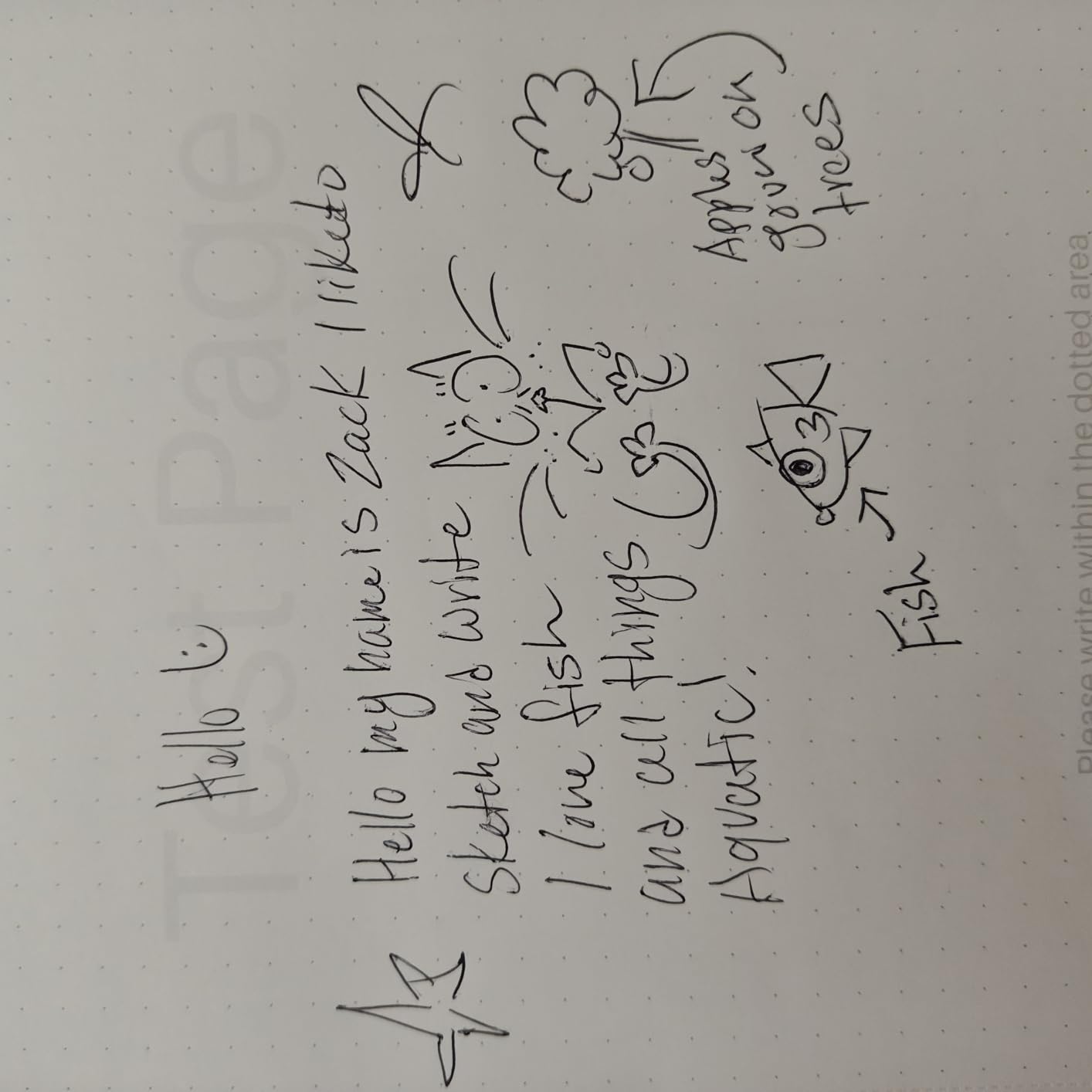
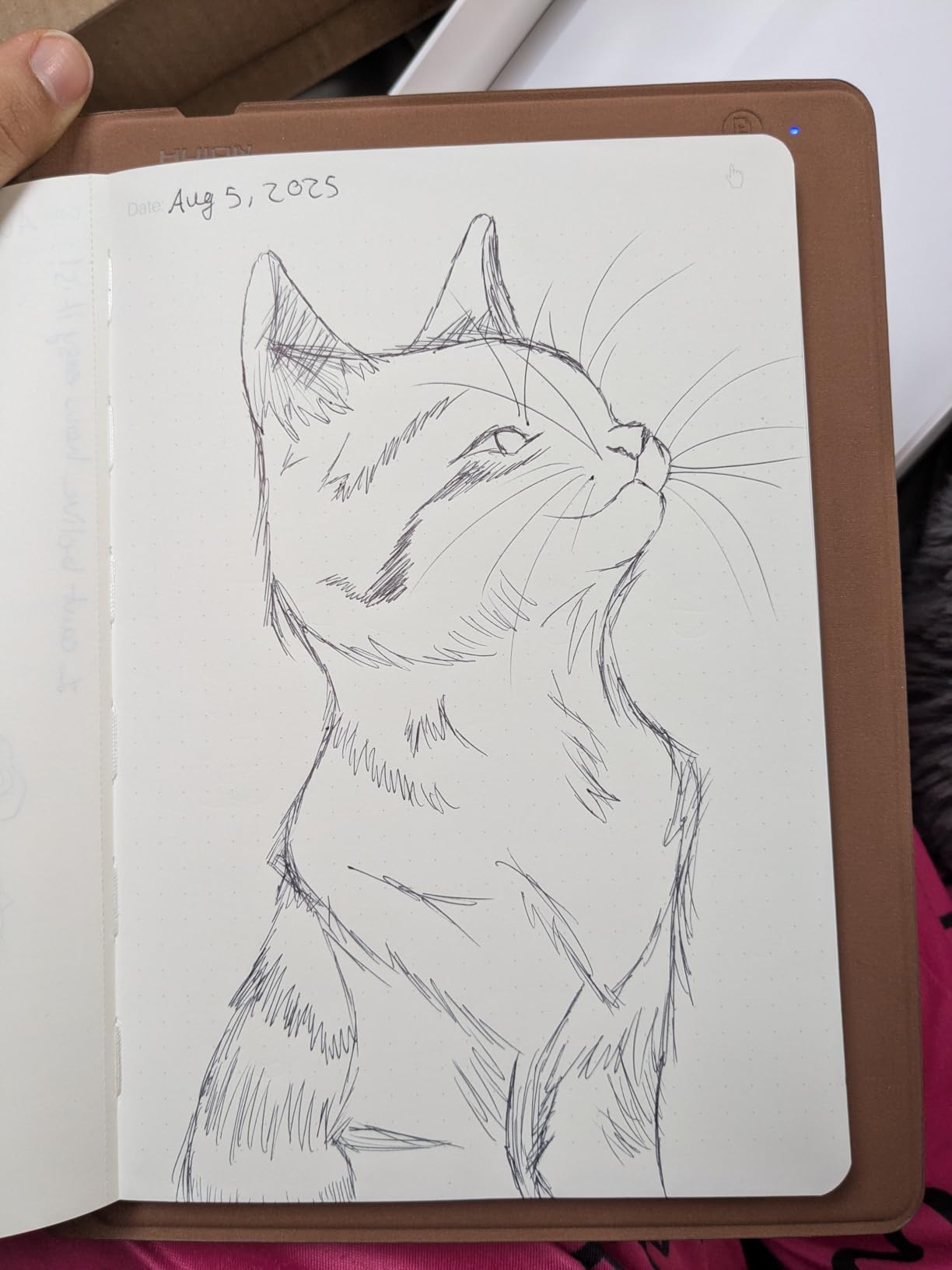
The HUION Note E does one thing very well: it gives you paper-like friction on a laminated matte surface, with a pen that never charges and never pairs. At 12.32 ounces and 7.4mm thick, it is slim enough to live in a bag rather than on a desk.
Handwriting search is built in, and handwriting converts to editable text in 34 languages, which makes old notes findable rather than a stack of forgotten pages. One-click backup to Google Drive, OneDrive or Dropbox takes the export anxiety off the table.
8,192 pressure levels on a battery-free magnetic pen
The pen runs on PenTech 3.0, so there is no charging cradle, no Bluetooth pairing and no dead pen in a drawer. Reviewers describe it as responsive, and 8,192 levels of pressure is more than most note apps can even use.
The report rate is stated above 400 points per second, which is the number behind the low-latency claim. A magnetic attachment holds it to the body, and 10 felt nibs are included for changing the writing feel.
AG nano-etched matte glass and 270 PPI
The 1920 by 1200 panel at 270 PPI with a 60Hz refresh is crisp enough for text, and the AG nano-etching plus full lamination is what produces the pen-on-paper resistance. Full lamination keeps the digitizer close to the surface, so strokes start where the nib lands.
DC dimming and a soft-light mode reduce blue light for long sessions. The honest limitation is brightness at 300 nits, which is fine indoors and marginal in direct sun.
8.4 inches, a small battery and a one-click cloud backup
At 8.4 inches this is the smallest canvas here, which is excellent for a to-do list and a lecture summary but cramped for annotating a full textbook page or drawing a diagram. Small screens turn writing into constant scrolling, and reviewers mention this as the main compromise.
The 4,500mAh battery and 18W charging support a working day of light note-taking rather than heavy all-day use. Six gigabytes of RAM and 128GB of storage keep things smooth, and the software ecosystem is the least mature of the Android options.
8. XP-Pen 3 in 1 Color Digital Notebook – The Most Sensitive Pen and a Matte Screen
XPPen 3 in 1 Color Digital Notebook 10.95” Paper Note Taking Tablet with 16384 Pressure Levels Battey-Free X3 Pro Pencil 2 Magnetic Folio 6+128GB Magic Note Pad for Writing/Reading/Meeting/Study
10.95-inch AG nano-etched LCD at 90Hz
X3 Pro Pencil 2 with 16,384 levels
400 nits, three display modes
495g, 7mm thick, 128GB
+ Pros
- X3 Pro Pencil 2 has 16384 pressure levels and a soft nib
- Three display modes for monochrome
- light color and nature color
- Etched screen stays usable outdoors in direct sunlight
- Light at 495g and 7mm thick for long sessions
- Magnetic folio and spare nibs included
- XPPen Notes with audio recording and cloud upload
– Cons
- LCD rather than e-ink
- so battery lasts hours not weeks
- Narrow viewing angles and lower brightness from the etched glass
- Web browsing and app performance can be slow
- Handwriting recognition reported to misconvert some writing
- 128GB with no expansion slot
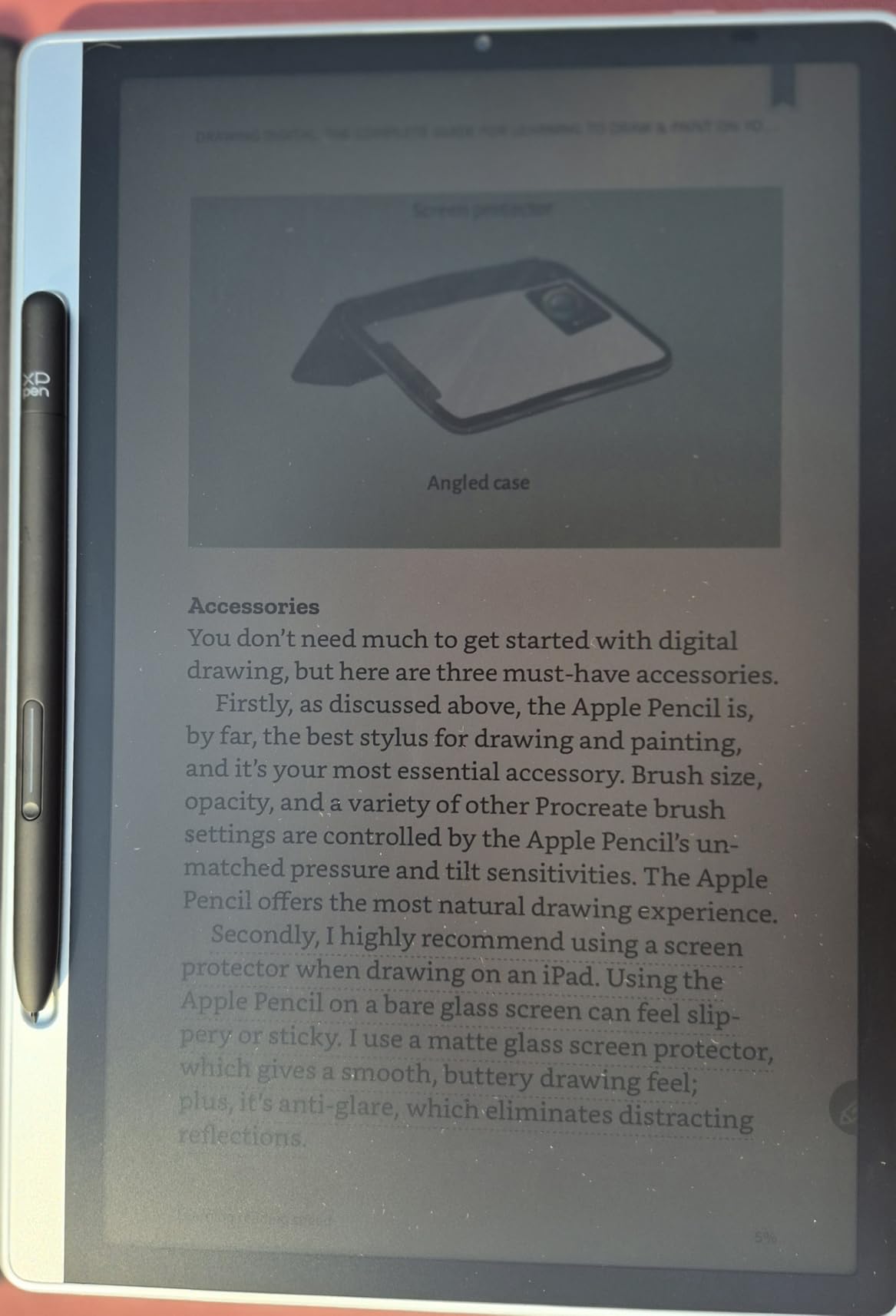
The highest pressure sensitivity in this guide, by a wide margin. The X3 Pro Pencil 2 registers 16,384 levels and ships with a soft nib, and owners describe the writing as smoother and more paper-like than writing on an iPad. The etched display is the other half of that feel.
Be clear about what this is: a standard Android tablet with an AG nano-etched LCD using TCL NXTpaper 3.0, not an e-ink device. That single fact explains the battery life, the viewing angles and the app performance all at once.
16,384 pressure levels and a soft nib
Pressure sensitivity this high is only useful if your note app supports it, and how much of it you can feel depends on the brush profile you select. Practically, it gives a wider range of line weights for sketching and a finer taper on handwritten headings.
The soft nib is the more interesting part for note taking. It adds a small amount of drag on the etched surface, which is how the pen gets its paper-like resistance without changing tips mid-session.
Three display modes you switch with one key
The X-key cycles between Monochrome LCD, Light Color and Nature Color. Monochrome mode strips the page back to something close to a black and white notebook, which many writers prefer for long sessions and for reducing eye fatigue.
The etched glass reduces up to 95 percent of ambient light interference, and owners note the muted modes are genuinely usable in direct sunlight. TUV SUD low blue light and paper-like display certifications apply, and the manufacturer claims up to 75 percent less blue light.
495g weight, narrow viewing angles and LCD battery limits
At 495g and 7mm thick this is a light large-screen writing device, with a 13-megapixel front camera, two speakers and two microphones for remote meetings. The magnetic folio and spare nibs mean the setup is complete out of the box.
The etched glass gives a narrow viewing angle by design, so use the tablet facing straight on. Battery life is a few hours of active reading rather than weeks, and web browsing and app performance can be slow, which rules it out for online coursework. A small group also report handwriting-conversion errors and slow tech support, and 128GB with no expansion slot fills quickly.
9. TCL NXTPAPER 11 Plus – Best Anti-Glare Writing Screen on a 120Hz Panel
TCL NXTPAPER 11 Plus Android Tablet, 11.5″ 2.2K 120Hz Display, 8+256GB
11.5-inch 2.2K LCD at 120Hz
T-PEN included, 4,096 levels
NXTPAPER 4.0 with DC dimming
8,000mAh, 33W PD charging
+ Pros
- True anti-glare matte display that is rare at this level
- Three VersaView modes on a dedicated key
- Included T-PEN handles notes
- sketching and markup
- 8000mAh plus 33W charging for full-day endurance
- Aluminum frame feels sturdier than the tier suggests
– Cons
- No commitment to Android updates and lagged security patches
- Weak Mali G52-MC2 graphics for gaming
- Speakers are average and there is no headphone jack
- Heavy for one-handed holding on a large battery
- Included flip cover is flimsy and thin
This is the anti-glare specialist. Reviewers single out the NXTPAPER display as a genuine matte surface with no harsh reflections, which is the exact complaint people raise about writing on glass, and the Eye Care Assistant adapts brightness and color temperature and issues break reminders.
The 120Hz 2.2K panel is the highest refresh rate in this guide, and 8GB of RAM with 256GB of storage handles split-screen note work comfortably. The T-PEN is in the box with 4,096 pressure levels, though it is USB-C rechargeable rather than battery-free.
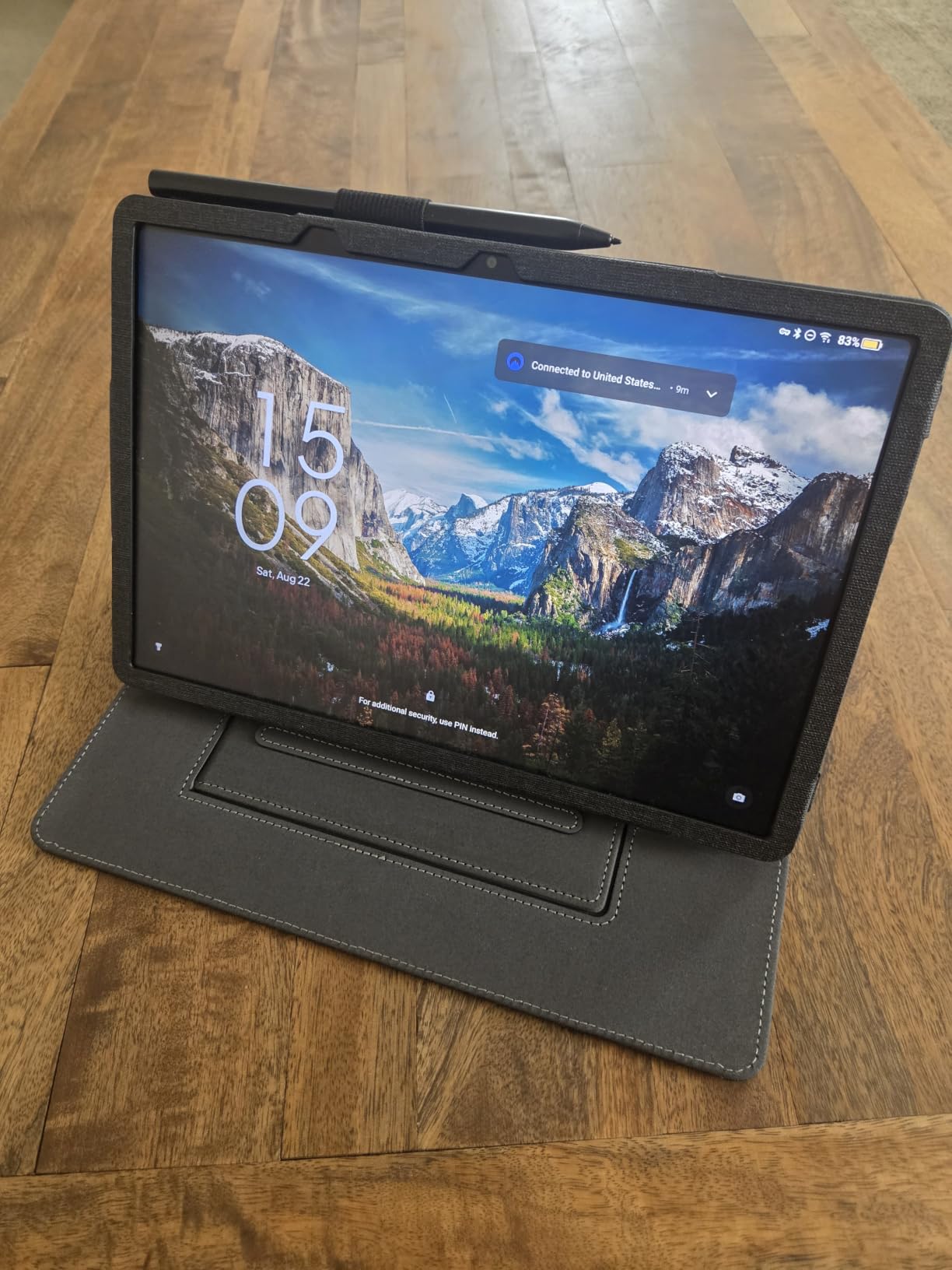
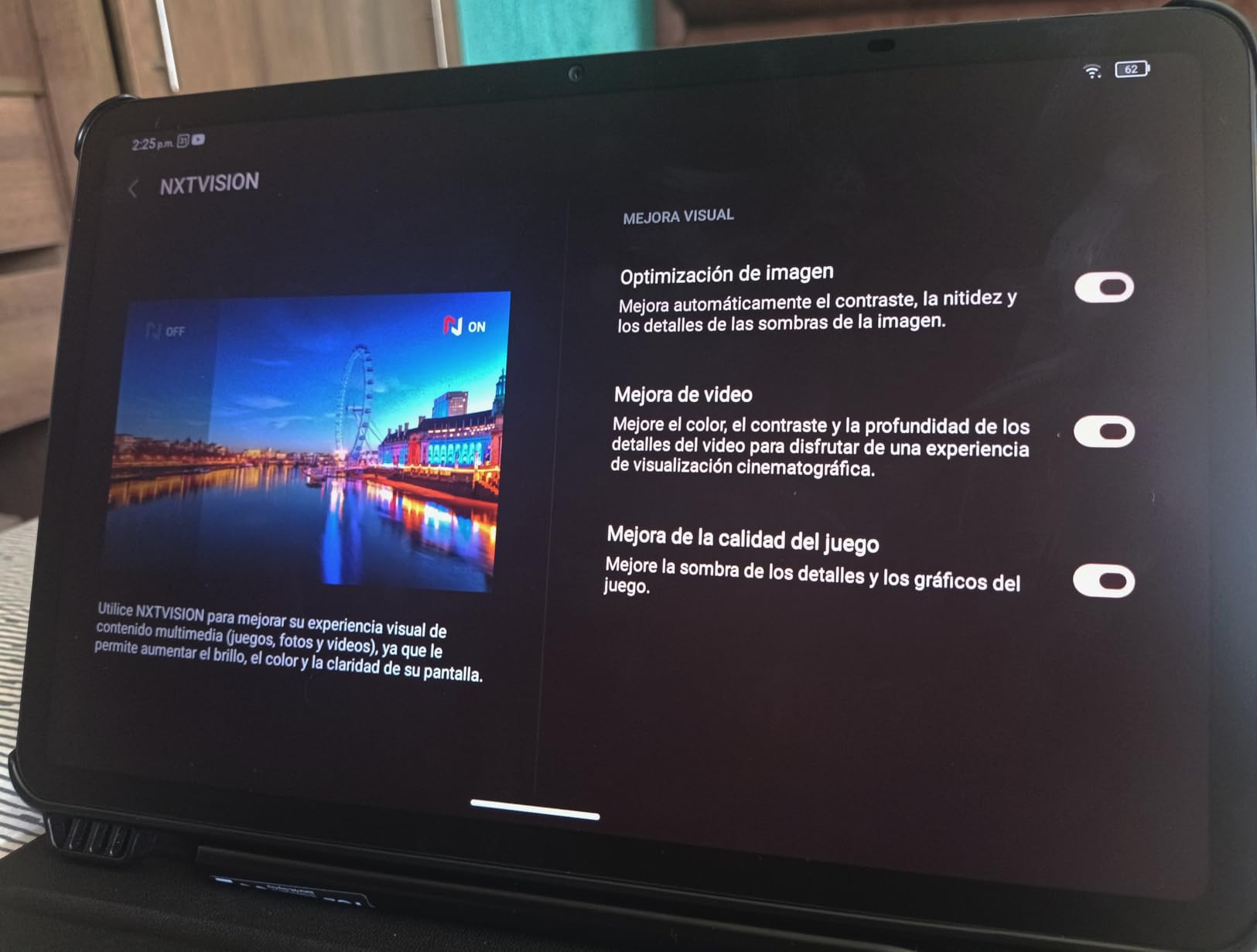
NXTPAPER 4.0 anti-glare coating and DC dimming
TUV-certified low blue light, an anti-glare coating and DC dimming combine into a display that is comfortable for hours of reading and writing without the eye strain that backlit glossy panels can cause. This is the closest any LCD tablet here gets to the friction and glare profile of e-ink.
At 11.5 inches and 2.2K resolution with 120Hz, scrolling through a long PDF is the smoothest of any tablet here.
VersaView modes and the included T-PEN
The dedicated NXTPAPER Key switches between Regular mode for streaming, Ink Paper mode for e-reader-like reading and note taking, and Color Paper mode for comics and magazines. One button moves you from writing to watching and back.
AI tools cover voice memo, real-time bilingual subtitles, writing assist, text assist, translation and Circle to Search. The T-PEN works for notes, sketching and document markup, and 4,096 pressure levels is the standard for a bundled pen.
8,000mAh battery, 33W charging and the update caveat
Endurance is a strength: an 8,000mAh battery with 33W PD fast charging and 1.5A reverse charging. A charger is not included, which is worth knowing before you buy a cable separately.
The clear weaknesses are software longevity and handling. There is no manufacturer commitment to Android updates and security patches have lagged, the Mali G52-MC2 graphics are weak, and at 1.08 pounds with a large battery it is heavy for one-handed holding over long sessions. There is also no microSD expansion and a minority report touchscreen behavior while charging.
10. Samsung Galaxy Tab S9 FE+ – The Largest Note-Taking Canvas With an S Pen Included
SAMSUNG Galaxy Tab S9 FE+ Plus Android Tablet (12.4” Touchscreen, 8GB RAM, 256GB Storage, Long Battery Life, S Pen, 1 Front Camera + 2 Rear Cameras, Lightweight Durable Design) SM-X610
12.4-inch 2560 x 1600 LCD at 90Hz
S Pen included, magnetic and charge-free
10,090mAh, 18 hours listed
8GB RAM, 256GB with SD card, IP68
+ Pros
- Largest canvas here at 12.4 inches with a sharp 90Hz panel
- Included S Pen is responsive and attaches magnetically
- 10090mAh battery lasts a full working day
- Exynos 1380 with 8GB RAM handles multitasking well
- IP68 dust and water resistance for commuting and field use
- Premium aluminum build
– Cons
- Glossy LCD rather than an AMOLED panel
- Not intended for heavy gaming or creative workloads
- Heavy at 1.4 pounds for long reading sessions
- Charging brick not included in the box
- Bundled configuration is a third-party package
This is the biggest sheet of paper in the guide, and that is not a gimmick. If your notes include diagrams, mind maps or annotated case files, a 12.4-inch canvas reduces the constant zooming and panning that turns a note into a chore.
Owners describe it as a flagship-feeling tablet at a mid-tier price, with a responsive always-ready S Pen on a magnetic holder, an 18-hour rated battery and smooth performance for note taking and document work. The IP68 rating is a genuine bonus for commuting and field use.
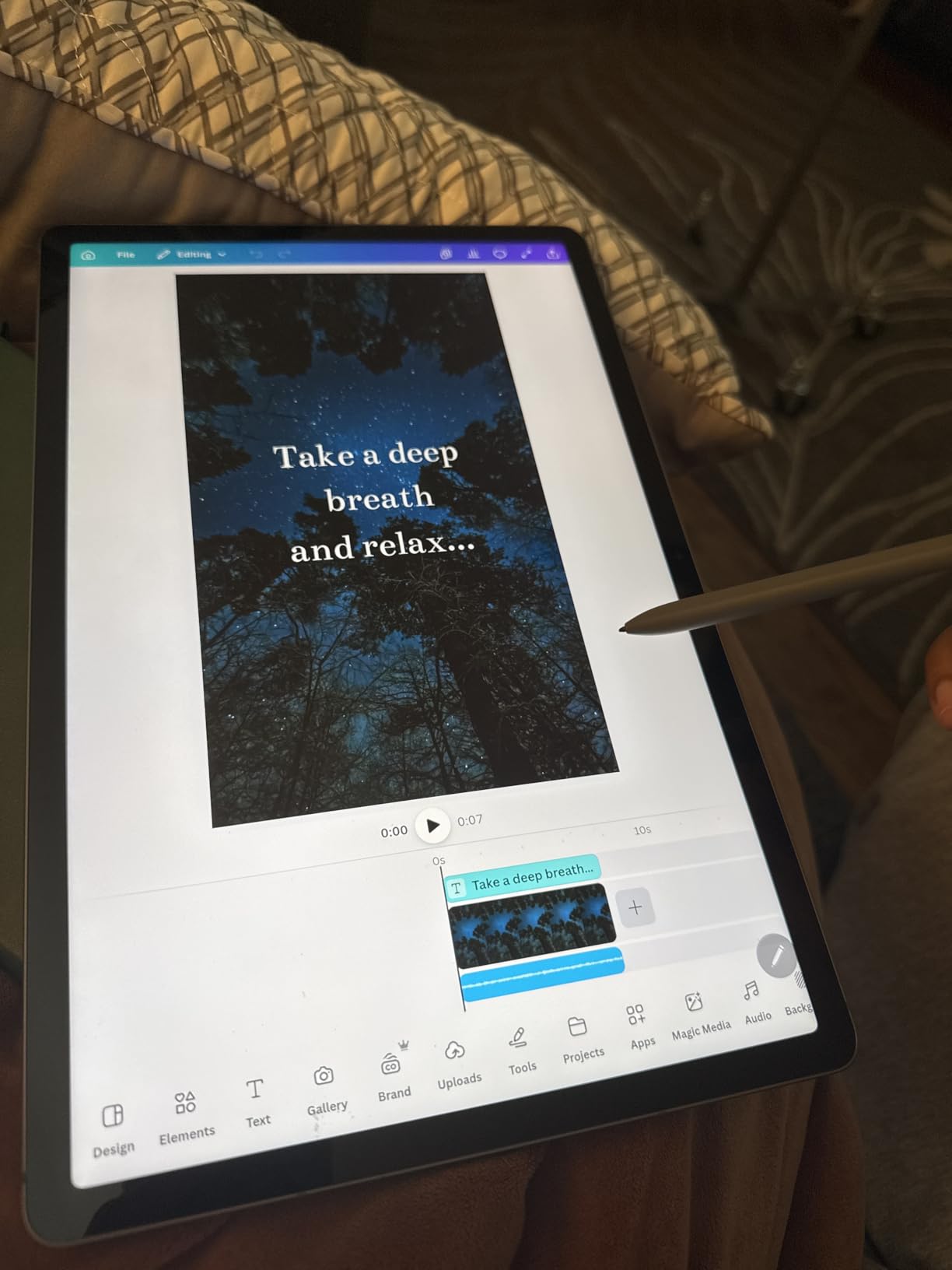
A 12.4-inch 2560 x 1600 panel at 90Hz
WQXGA resolution at 2560 by 1600 on a 12.4-inch panel is the largest writing surface in this guide, and the 90Hz refresh keeps scrolling a document smooth. Twelve inches of canvas is the difference between annotating a page once and annotating it in four pieces.
The finish is glossy rather than matte, so reflections appear under bright overhead lights. That is the trade-off for the size, and it is where a paper-feel protector or a matte screen film earns its place.
IP68 durability and an 18-hour rated battery
IP68 dustproof and water resistance is unusual at this level and means spilled coffee, a rain-soaked bag or a hospital corridor does not end the device’s life. A 10,090mAh battery is listed at up to 18 hours, which owners report comfortably covering a full day of browsing, video and document work.
Fast charging is supported, though no charging brick is included in the box. Storage totals 256GB across 128GB built in plus an included 128GB microSD card, and a fingerprint sensor sits in the power button.
Weight, glossy LCD and the missing charger
At 1.4 pounds this is the heaviest tablet in the guide, and reviewers note it becomes noticeable during long reading and writing sessions. It is a desk-and-bag device rather than a one-handed reading device, which is the opposite of the HUION Note E.
The glossy LCD also means no AMOLED contrast, and Samsung DeX is supported if you want a desktop-style window layout. One detail to check before buying: this bundle is a third-party package rather than a standard Samsung SKU, so confirm the box contents and warranty terms carefully.
11. reMarkable Paper Pure – The Lightest Distraction-Free Paper Tablet
reMarkable Paper Pure with Marker Plus and Ocean Blue Sleeve Folio
10.3-inch third-generation e-ink
Marker Plus with eraser end
21 ms digital ink response
360g, no front light
+ Pros
- Real paper-like friction that keeps handwriting legible over long sessions
- Completely distraction-free with no notifications or browser
- Notes are searchable and sync off the device
- Very light at 360g for commuting
- Marker Plus flips into an eraser
- Whiter
- higher-contrast display with 21 ms response
– Cons
- No front light so it cannot be used in the dark
- Handwritten note search needs the paid Connect subscription
- Single-purpose device with no email
- browser or video
- Cannot join some managed enterprise Wi-Fi networks
- High price and the folio is a separate accessory
At 360g this is one of the two lightest writing devices in the guide, noticeably lighter than earlier reMarkable hardware, and the third-generation 10.3-inch display is whiter with more contrast. The Marker Plus delivers real paper-like friction that keeps handwriting legible and reduces hand fatigue in long sessions.
The focus is total. No notifications, no browser, no competing apps, which is the whole argument for this device and the reason some buyers give up paper entirely rather than negotiating with a home screen.
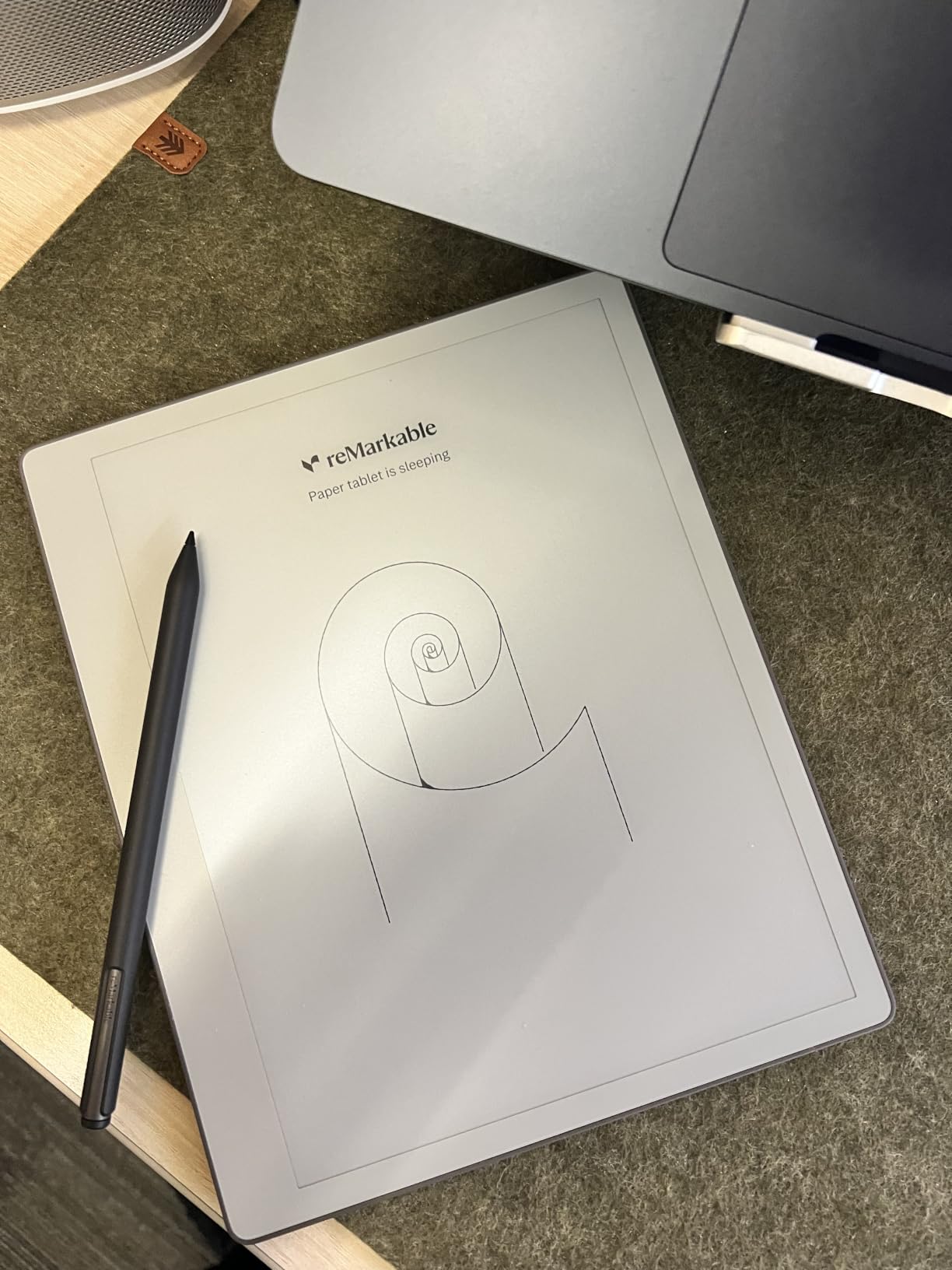
Third-generation 10.3-inch e-ink and 21 ms ink response
Digital ink appears in just 21 ms, which is the number to compare against other e-ink devices. Fast enough that writing does not feel like pushing ink through mud, and the higher contrast means fainter pencil-like strokes still register clearly.
Dozens of note-taking templates, an uncluttered screen and simple navigation keep the interface out of the way. Handwriting converts to typed text, and tags and folders keep a growing notebook library organized.
360g weight and a stylus that flips into an eraser
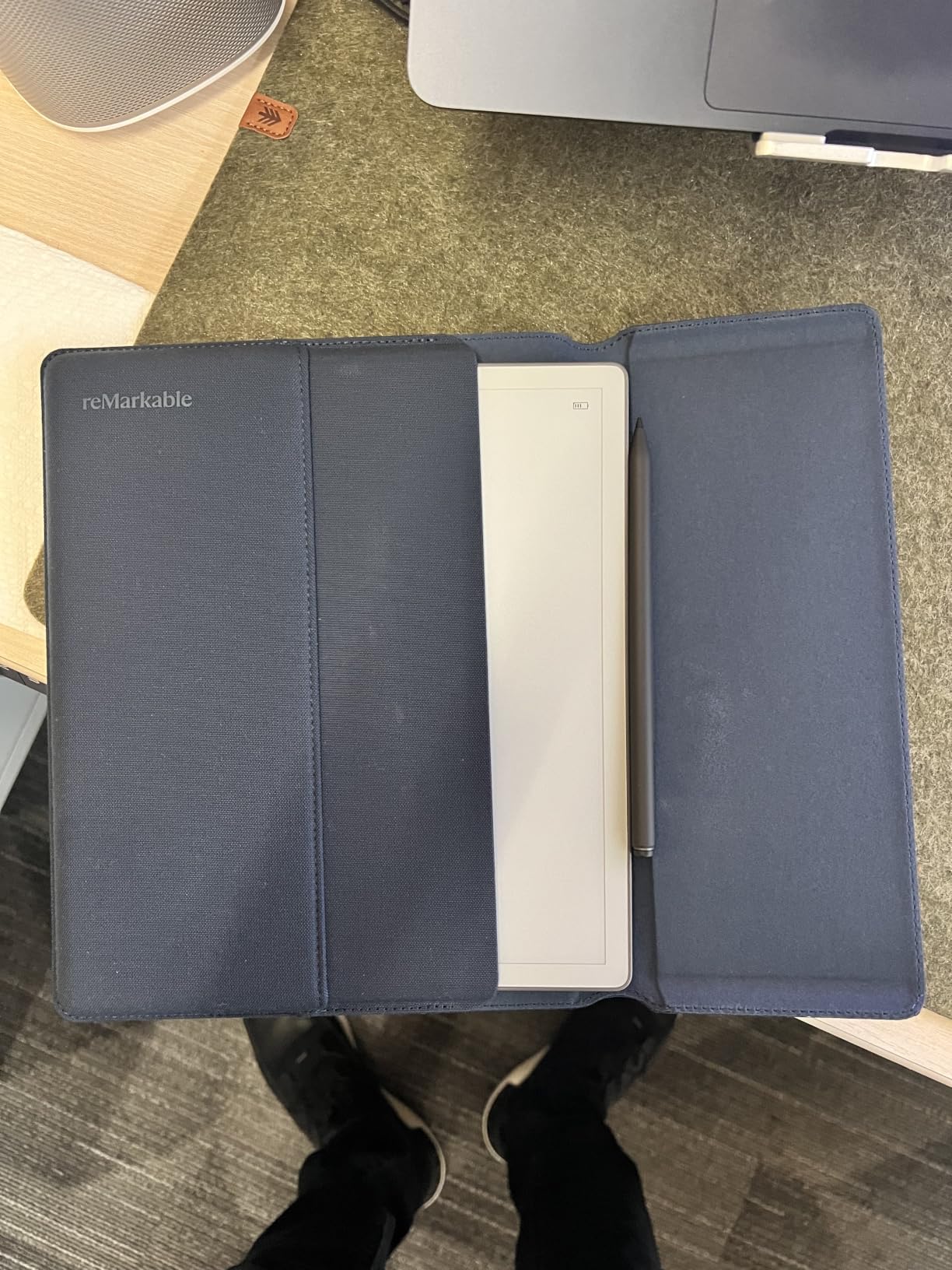
Paper Pure weighs 360g, so it disappears into a bag in a way the larger reMarkable models do not. The Marker Plus has an eraser on the reverse end, and owners call that the feature that stops them reaching for a separate tool mid-thought.
The Connect ecosystem sends web articles, documents and PDFs from Google Drive, Dropbox and Microsoft Word, and shares notes by email. A few reviewers report screens becoming unresponsive over time, which is worth weighing if you are replacing an older device.
No front light, no browser and the Connect subscription
There is no front light, so this device cannot be used in dark environments at all. That is the clearest limitation in the whole guide and it rules the model out for night writing, hospital night shifts and evening study sessions.
Handwritten note search and other advanced features require the paid Connect subscription, which is the ecosystem lock-in buyers complain about. It is also a single-purpose device with no email, browser or video, and it cannot join enterprise Wi-Fi networks using certificate-based authentication pushed to managed devices. The folio cover is a separate accessory.
12. BOOX Go Color 7 Gen II – Best Pocketable Color E Ink, With the Pen Sold Separately
BOOX Tablet Go Color 7 Gen II E Ink Tablet Support Active Stylus InkSense (Black)
7-inch Kaleido 3 color e-ink
1680 x 1264 at 300 ppi mono
Front light with CTM adjustment
195g, 64GB, microSD, page-turn buttons
+ Pros
- Genuinely pocketable 7-inch color e-ink at 195g
- Front light with cool-to-warm color temperature adjustment
- Kaleido 3 with multiple refresh modes including Regal for less ghosting
- Very wide document format support plus third-party Android apps
- Page-turn buttons and microSD expansion for long sessions
– Cons
- Lowest average rating in the set with 12 percent one-star reviews
- Color e-ink is dimmer with 150 ppi in color
- Ghosting remains noticeable on scrolling color content
- InkSense active stylus is not included and sold separately
- Small 2300mAh battery and 64GB limit it to reading and light notes
- 7-inch canvas is too small for substantial handwriting
The most portable device here by a wide margin, and the only pocketable color e-ink option. At 195g and 6.4mm thick, it goes in a jacket pocket, and the front light with cool-to-warm color temperature adjustment makes it readable in varied lighting.
It is also the weakest fit for serious note taking in this guide, and I would rather say so than dress it up. A 7-inch canvas is built for reading, to-do lists and short annotations, not for a page of lecture notes or a diagram.
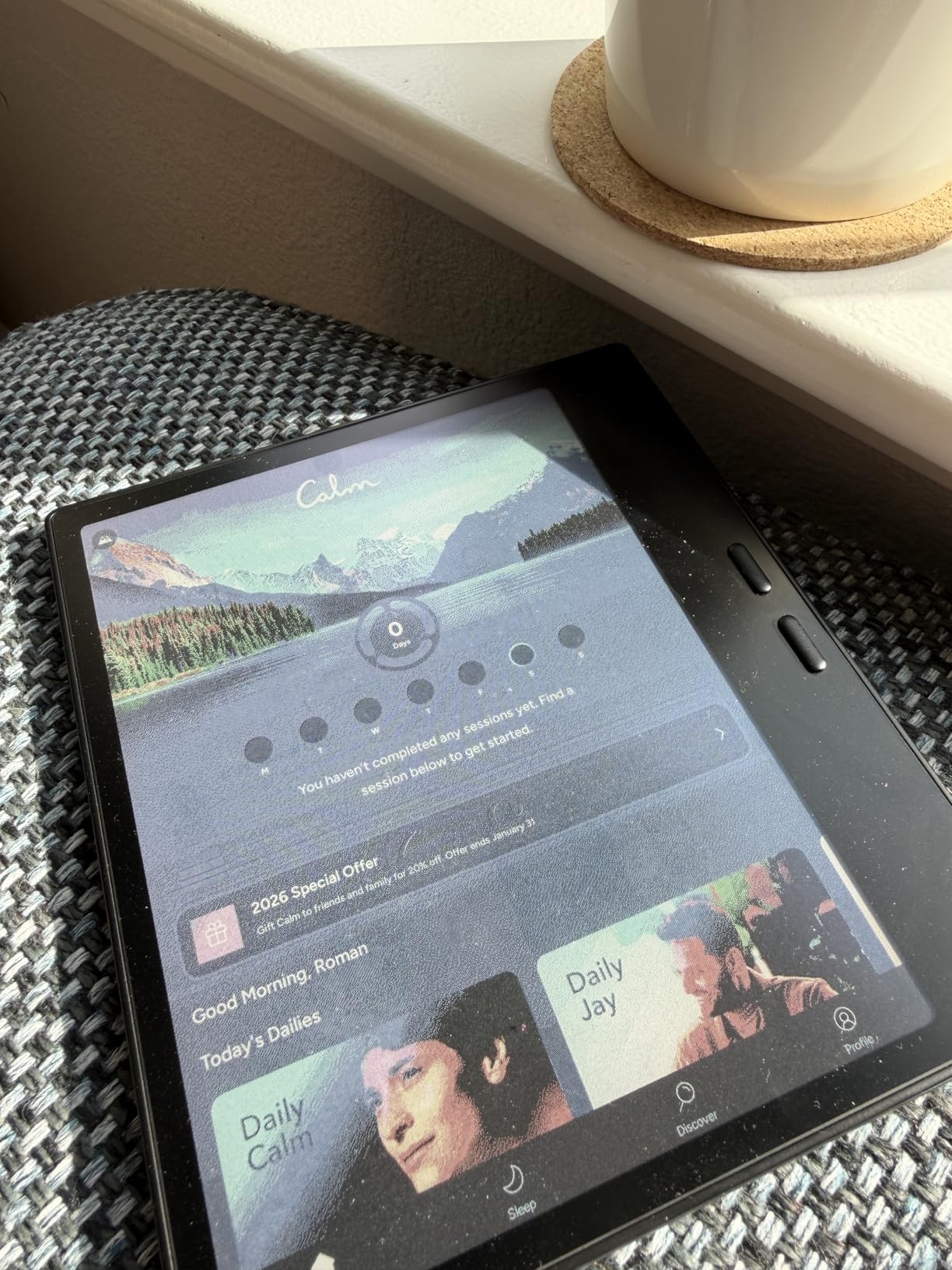
7-inch Kaleido 3 color e-ink at 300 ppi monochrome
Resolution is 1680 by 1264, which is 300 ppi in black and white and 150 ppi in color. That split is the honest measure of color e-ink: text in monochrome mode is sharp, while color content is visibly softer and greyer than an LCD.
With 4,096 colors on a flat cover-lens glass screen, the specification sounds generous and the result is muted. Refresh modes including HD, Balanced, Fast, Ultrafast and Regal help, with Regal tuned for color e-ink quality.
Refresh modes, front light and format support
The format support is unusually broad: PDF, CAJ, DJVU, CBR, CBZ, EPUB, AZW3, MOBI, DOC, DOCX, PPT, PPTX and more, plus third-party Android apps on 4GB of RAM and Android 13. Page-turn buttons and a microSD slot suit long reading sessions.
Power and page-turn buttons sit on the edge, and a built-in speaker and microphone handle audio. A 2,300mAh battery and 64GB of storage cap it at reading and light note taking rather than productivity work.
Why the 3.9 rating and the missing stylus matter
The pen is not included. This device does not support EMR and uses the active InkSense stylus, which must be bought separately, so the listed price is not the cost of a ready-to-write setup.
The 3.9 average rating is the lowest here, with 12 percent one-star and 9 percent two-star reviews, and the cause is mostly the display rather than the hardware. Color e-ink is dimmer and greyer than an LCD, ghosting persists when scrolling color content, and a 7-inch canvas is too small for substantial handwriting. Buy it to read in color and annotate lightly, not to replace a notebook.
How to Choose a Tablet for Note Taking Without Second-Guessing
Almost every question I get in the comments comes down to the same handful of specifications, and most of them are on the spec sheet. These are the ones that actually change how writing feels, in the order I would check them.
Pen latency and why 20ms is the line
Pen latency is the gap between your stroke and the ink appearing. Under about 10ms is imperceptible and the writing feels connected to your hand. Between 10ms and 20ms most people stop noticing in a note-taking app. Above roughly 20ms it reads as sluggish, and forum users describe it as breaking handwriting flow during fast lectures.
The clearest published figure in this group is the reMarkable Paper Pure at 21ms for digital ink response, which is why it feels paper-like rather than laggy. The HUION Note E states a report rate above 400 points per second, which is a different measurement but points the same way. For tablets that publish no latency figure, the honest proxies are the refresh rate, the digitizer technology and how owners describe the writing after weeks of use.
Palm rejection, and why cheap capacitive pens fail
Palm rejection is the feature people ask about most, and it is the reason a cheap Bluetooth stylus ruins a page of notes. A capacitive stylus just makes the screen think something touched it, so your hand landing on the glass becomes a smudge while you write.
Working palm rejection requires an active digitizer, which reads the pen’s electromagnetic signal and can ignore your skin. The S Pen, the Marker Plus, the X3 Pro Pencil 2, the HUION magnetic pen and the T-PEN all use that approach. A third-party pen must also match the exact model, since users report accuracy degrading when it does not, and cheap compatible pens commonly add about half a second of lag with no pressure sensitivity at all.
Screen surface, friction and the paper-feel protector question
Glass feels slippery, and slippery surfaces produce sloppy handwriting because the nib slides instead of gripping. This is the complaint that comes up most often after the pen itself. There are three ways to fix it, and only one is permanent.
Matte laminated glass, as used on the Galaxy Tab S6 Lite, the XP-Pen notebook, the HUION Note E and the TCL NXTPAPER, is built in and lasts as long as the device. E Ink is paper-like by nature, with real friction built into the surface. A paper-feel screen protector film is the cheap third option: it works immediately on any bare-glass tablet, it costs a fraction of a new device, and it wears through in six to twelve months depending on how much you write. If writing feel is your main concern, pick a matte or e-ink panel rather than planning to add film later.
E Ink, color e-ink and LCD writing compared
These are three genuinely different experiences and the difference is bigger than a spec sheet suggests.
E Ink (Kindle Scribe, reMarkable Paper Pure) gives the most paper-like resistance, the best outdoor readability with no glare and battery measured in weeks. Against that, the page model has no pinch-zoom or infinite scroll, drawings are monochrome on the Paper Pure, and there is no app ecosystem.
Color e-ink (reMarkable Paper Pro, BOOX Go Color 7) adds highlighter pens and color diagrams, which is what monochrome e-ink owners most often miss. The cost is a slower refresh, a muted palette and lower resolution in color, since the BOOX manages 300 ppi in black and white but only 150 ppi in color.
LCD and IPS (everything else here) gives you the fastest response, full color, video and a full app library, at the cost of a slippery surface unless the panel is etched or laminated, backlight glare, and battery measured in hours. If your note-taking involves color, video and third-party apps, LCD is the only realistic option.
Pressure, tilt and what those numbers actually change
Pressure levels in this guide range from 4,096 on the S Pen, the T-PEN and the BOOX, through 8,192 on the HUION Note E, to 16,384 on the XP-Pen X3 Pro Pencil 2. More levels is not automatically better, because the app’s brush engine caps how much of the range you can actually perceive.
What pressure changes is line weight: a fine pen, a broad marker and a soft pencil look different on the same page. Tilt sensitivity is the more useful feature for shading and edge highlights, and the pens listed here support it through their digitizer. Neither number matters as much as the nib material and the surface friction, which is why the soft nib on the XP-Pen pencil changes the writing more than doubling the pressure count does.
Battery life for writing versus mixed use
Note-taking is not a heavy power draw, because the screen is static while you write. What drains a tablet is the backlight, video and constant app switching. That is why the numbers in this guide range from weeks to hours.
On the weeks end of the scale, the Kindle Scribe reads for months and writes for weeks, the reMarkable Paper Pro is listed at two weeks, and the Paper Pure has no front light to drain power. In the middle, the Galaxy Tab S10 Lite is listed at up to 16 hours, the Tab S6 Lite at up to 12 hours and the Tab S9 FE+ at up to 18 hours. At the short end, the XP-Pen notebook and the BOOX Go Color 7 give you a few hours of active reading, because they are LCD devices with large batteries competing against a backlight.
For a full day of back-to-back lectures, anything above 12 hours removes the charger from your bag. For a week away from a socket, only e-ink works.
Storage, memory expansion and how long you should keep a tablet
Storage is a running cost of note taking, not a one-off. Scanned lecture PDFs, audio recordings and hand-drawn diagrams add up fast, and a full tablet cannot take new notes.
Check two things before buying: whether there is a card slot, and how large the base storage is. The Tab S6 Lite, Tab S10 Lite, Lenovo Idea Tab, BOOX Go Color 7 and Tab S9 FE+ all expand via microSD, the Tab S9 FE+ even ships with a card included, and the Lenovo comes with 256GB. The Kindle Scribe has no expansion at all, the TCL NXTPAPER 11 Plus has no microSD slot, the XP-Pen notebook has none, and the iPad has no card slot, so on those devices buying the smallest storage tier is a false economy.
On longevity, a three to five year replacement cycle is realistic for a device used daily in a bag. The bigger risk is software support rather than hardware, which is why the lack of an Android update commitment on the TCL is worth more attention than its lack of a headphone jack.
Note apps by operating system and handwriting search
The app layer is where iPad still leads, and it is the main reason the iPad is our overall pick despite the separate pen cost.
On iPad, GoodNotes and Notability are the two names everyone compares, and Apple Notes covers the basics for free. All three handle handwriting search, audio-synced note recording and PDF export well, and none of them has a direct Android equivalent. Scribble also turns any text field into a writing surface, so you can sign forms and jot reminders in search bars.
On Android, Samsung Notes is the one app that holds its own for handwriting, and r/GalaxyTab owners consistently report virtually no perceived lag with the S Pen. Microsoft OneNote covers cross-platform study work, and the tablets that preinstall learning apps here, such as the Lenovo Idea Tab with Lenovo AI Note, Nebo and MyScript Calculator, save you the setup. Noteshelf, CollaNote and Drawboard PDF are the tools to evaluate for PDF-heavy annotation.
Handwriting search is the feature that separates a notebook from a scrapbook. It is built into the HUION Note E with conversion in 34 languages, available on reMarkable devices with the Connect subscription, and standard in the major iPad apps.
Backup and export so your notes are never trapped
Cloud-only storage is a genuine fear, and users have lost notes to sync failures before. Whatever you buy, set up a second copy on day one.
Start with a simple rule: one copy on the device, one in the cloud, one exported somewhere else. The HUION Note E offers one-click backup to Google Drive, OneDrive or Dropbox. The reMarkable Connect ecosystem sends from Google Drive, Dropbox and Microsoft Word, though cloud storage beyond a limit sits behind the subscription. The XP-Pen notebook uploads to OneDrive and Google Drive from XPPen Notes.
Most importantly, export to PDF regularly. PDF is the one format that opens anywhere in ten years, and a notebook you cannot get out of an app is a notebook you will eventually lose. If you also need a full desktop workflow alongside your notes, our guide to the best 2 in 1 laptops for note taking covers the alternative setup.
Frequently Asked Questions
What is the best tablet for note taking with a stylus?
The Apple iPad 11-inch (A16) is the best overall because it combines the widest selection of mature handwriting apps, including GoodNotes and Notability, with a fast 11-inch display and all-day battery. The Apple Pencil is sold separately, however. If a bundled pen matters more than app choice, the Samsung Galaxy Tab S6 Lite includes an S Pen that never needs charging, and the Amazon Kindle Scribe includes the Premium Pen on a glare-free e-ink screen.
Which tablet is best for handwritten notes?
The best tablet for handwritten notes is the one whose surface gives your hand resistance rather than letting the nib slide. The reMarkable Paper Pro and the Amazon Kindle Scribe use e-ink for genuine paper-like friction, while the Galaxy Tab S6 Lite, the Lenovo Idea Tab, the XP-Pen notebook and the HUION Note E use laminated or nano-etched glass to approximate it. If you write on bare glass, add a paper-feel protector, because slippery surfaces produce sloppier handwriting.
Is an iPad or Samsung tablet better for note taking?
An iPad is better if you want the deepest note-app ecosystem, since GoodNotes, Notability and Apple Notes handle handwriting search and audio-synced notes better than most Android rivals, and the Apple Pencil works across every app. A Samsung Galaxy Tab is better if you want a pen in the box at no extra cost, since the S Pen attaches magnetically, never needs charging and pairs instantly with Samsung Notes. Choose the iPad for software, the Galaxy Tab for included hardware.
Is it worth getting a tablet for note-taking?
It is worth it if you can search, sync and export your notes, because that is where paper fails you. Tablets let you correct a typo instead of crossing it out, copy text out of an equation, record lecture audio against each line and carry one device instead of a notebook and a laptop. If you only ever write plain lists and never revisit them, a cheap bundled-pen Android tablet is enough. Forum users who reverted to paper usually did so because they wanted no startup time, not because the handwriting was better.
How often should you replace a note-taking tablet?
Plan on a three to five year cycle for a device carried and used daily, and the limiting factor is usually software support rather than hardware. A tablet with no manufacturer commitment to Android updates may still write perfectly in five years but will eventually miss the note app features you rely on. Budget for pen consumables in the same calculation: nibs wear out, and a lost or broken pen adds to the total cost of ownership on any model where the stylus is not included.
Do I need a stylus tablet or can I use my finger?
For annotating a PDF, highlighting a sentence or scrolling through a long document, a finger is enough. For handwriting, a stylus changes the result, because a fingertip is too wide for legible cursive and the capacitive screen registers your whole hand as touch. If you write by hand, the stylus is not a luxury. If you mostly tap, read and highlight, any tablet works and you can spend the difference on storage instead.
Is e ink better than LCD for note taking?
E Ink is better for long writing sessions because it has real surface friction, no glare in bright rooms and battery life measured in weeks rather than hours, which makes it the Kindle Scribe and reMarkable choice. LCD is better for everything else, because it refreshes instantly, shows full color and runs the full app library, which no e-ink tablet can match. Color e-ink, as on the reMarkable Paper Pro, sits in between with real friction but a slower refresh and a muted palette.
Which note-taking app is best with a stylus?
On iPad, GoodNotes and Notability are the two apps worth comparing, with Apple Notes covering basics for free. On Android, Samsung Notes is the strongest for handwriting and is the natural pairing for the bundled S Pen, while Microsoft OneNote handles cross-platform study work. For PDF-heavy annotation, evaluate Drawboard PDF, and for searchability check that the app indexes your handwriting, because a notebook you cannot search is just a stack of pages. Amazon Kindle Scribe also converts handwriting to font and summarizes notes on the device.
Which Tablet With a Stylus Should You Buy in 2026?
If you want the best tablets with stylus for note taking and can live with buying the pen separately, take the Apple iPad 11-inch (A16). It has the strongest app ecosystem, the fastest writing surface and an all-day battery, and at 1.05 pounds it is easy to hold one-handed for a whole lecture.
If a bundled pen decides it, take the Samsung Galaxy Tab S6 Lite. The S Pen is in the box, never charges, attaches magnetically and pairs instantly with Samsung Notes, which forum users describe as having virtually no perceived lag. Ignore the wake-up delay if you write in class and close the tablet between periods.
If you want paper and nothing else, take the reMarkable Paper Pro for color e-ink and a large 11.8-inch canvas, or the Kindle Scribe if you want a front-lit e-ink screen plus your Kindle library, at the cost of a page model with no zoom.
For a large canvas with diagrams, take the Galaxy Tab S9 FE+. For a matte anti-glare screen and a rechargeable pen, take the TCL NXTPAPER 11 Plus. For the softest pen feel and the most pressure levels, take the XP-Pen 3 in 1 Color Digital Notebook. For the lightest device in your pocket, take the HUION Note E, and accept the 8.4-inch screen.
Whichever you pick, buy the pen in the same order as the tablet, add a paper-feel protector if the screen is bare glass, and set up a PDF export backup on day one. That last habit is the difference between a notebook and a pile of forgotten pages.
Leave a Reply