
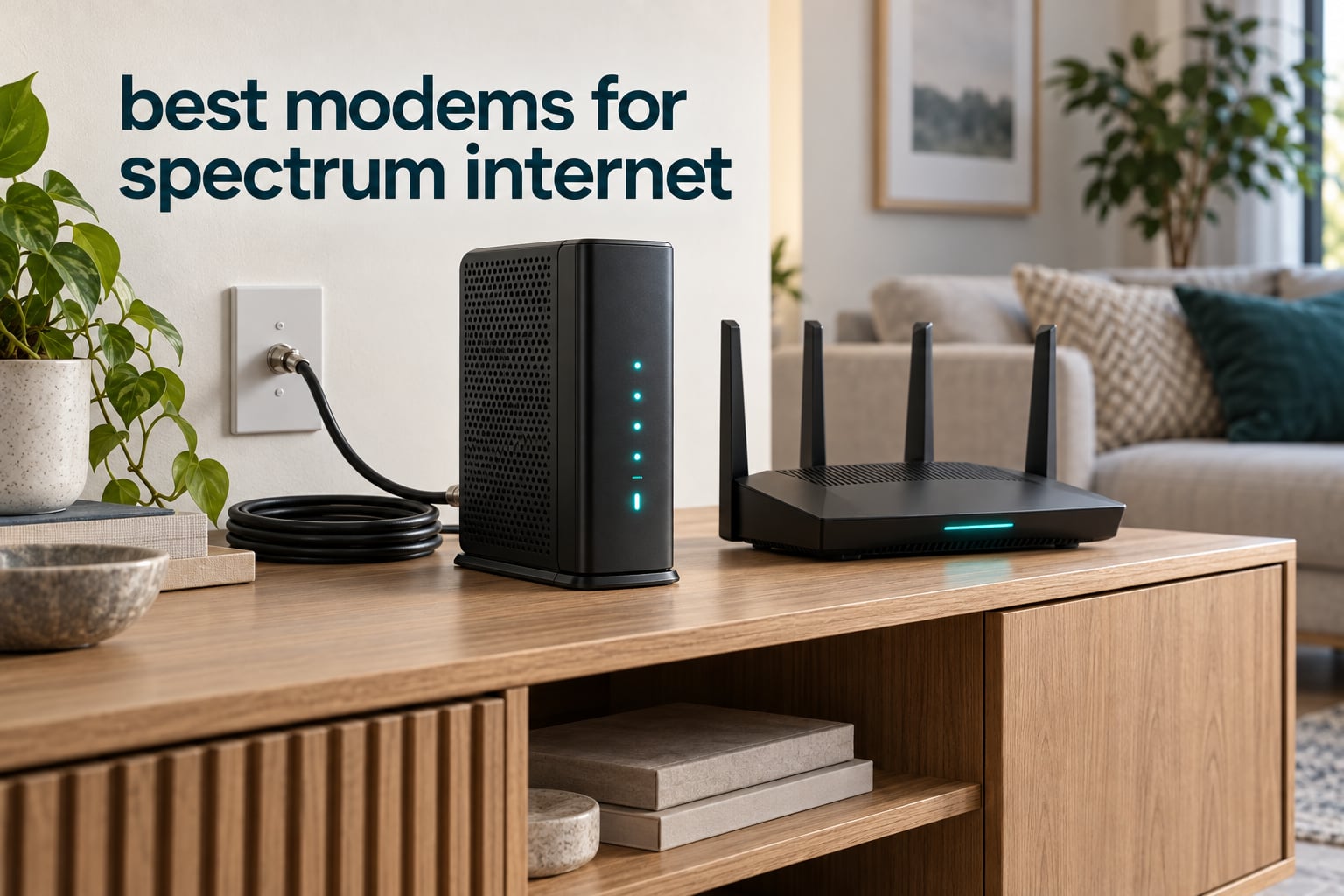
If you want the short answer: the ARRIS SURFboard SB8200 is the best modem for Spectrum internet, the Motorola MB7621 is the best pick for anyone on a plan below gigabit, and the Motorola MB8600 is the safest upgrade if your line is provisioned for gig service. All three are DOCSIS 3.1 (or better) cable modems, all three are qualified for Spectrum, and all three need a separate Wi-Fi router.
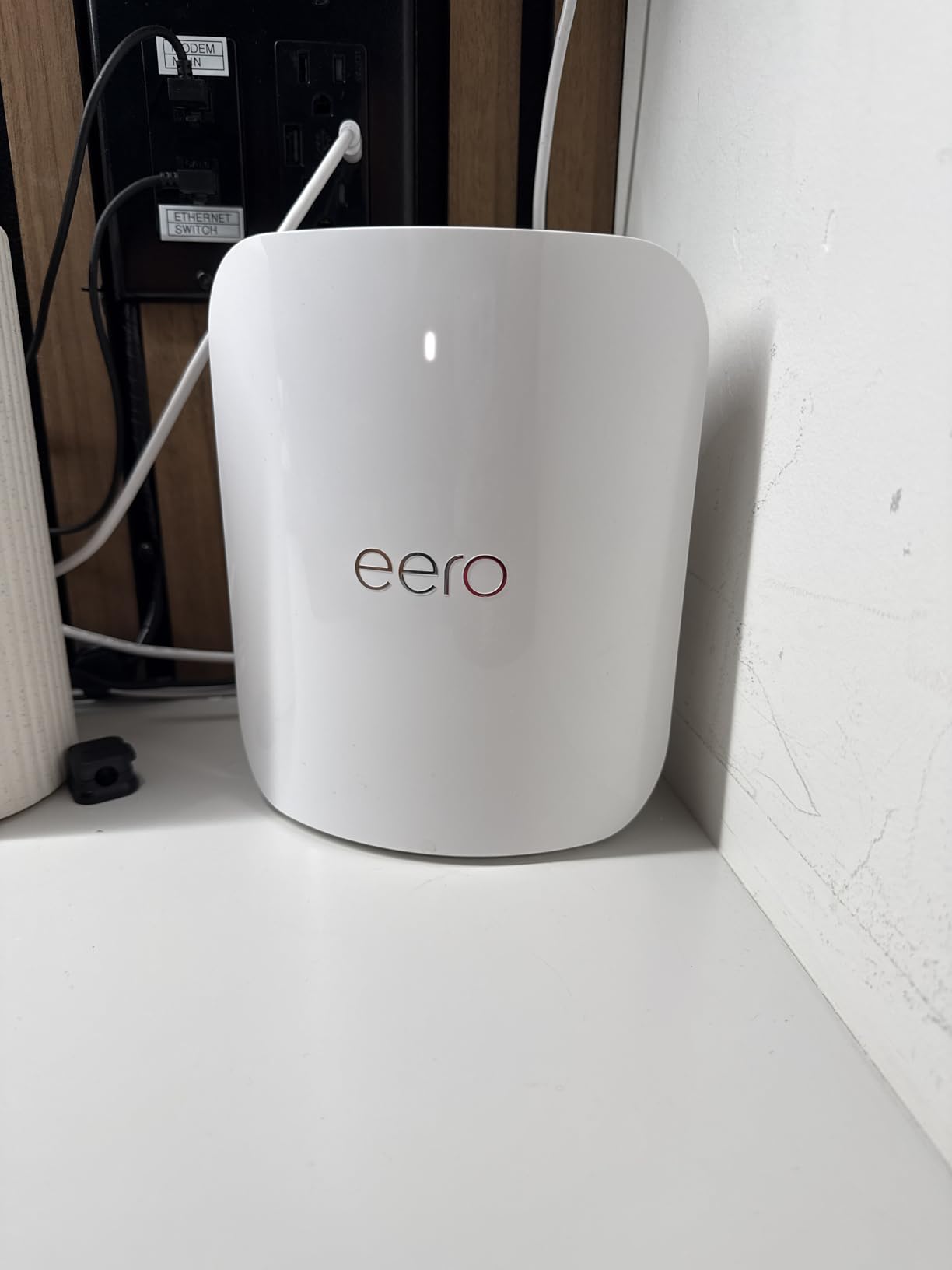
That last point trips up a lot of first-time owners. A standalone cable modem does one job: it turns the radio-frequency signals coming down your coax wall jack into Ethernet data. It does not broadcast Wi-Fi. If you want wireless coverage, you pair it with a router, and that decision matters as much as the modem choice itself. Our picks below assume you will supply your own router, because that is where most of the flexibility lives.
One warning before anything else: this guide covers Spectrum cable internet only. Spectrum Fiber customers need a completely different device class — an ONT or SFP gateway — and none of the modems on this list will work on a fiber connection. Several people searching this exact query do not realize that, and it is the single most expensive mistake in this category. If your service is Fiber, stop here and read your fiber equipment documentation instead.
We have been through the whole retail modem landscape for this guide, and the shortlist covers every plan tier Spectrum sells: sub-100 Mbps plans, 300 Mbps plans, Internet Gig, and Gig+. Where owner reviews included real throughput numbers on a Spectrum line, we quote them. Where they did not, we say so rather than guessing.
Three things came up again and again across owner feedback while we were building this list. First, the chipset inside the modem matters more than most spec sheets admit — a hardware platform that Spectrum itself has shipped has drawn repeated complaints about latency and dropped sessions on r/Spectrum, and the advice in those threads is blunt: favor Broadcom-based hardware. Second, the approval list is necessary but not a guarantee, as a NETGEAR community thread about an approved modem failing on Spectrum shows. Third, nearly everyone who switches to their own hardware reports a visible drop in monthly cost, and the savings compound every month you keep the modem.
If you want broader background before you commit, our guide to the best cable modems across every major ISP and our gigabit cable modem picks are good companions to this one.
Last updated in October 2026. We earn a commission on qualifying purchases, which never changes what you pay.
Our Top 3 Spectrum Modems for 2026
The SB8200 wins on proven reliability at scale. The MB7621 wins on owner satisfaction for anyone below gigabit. The MB8600 wins on the combination of AQM latency handling and gigabit-class hardware.

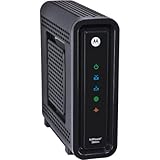
ARRIS SURFboard SB8200
- DOCSIS 3.1 up to 2 Gbps plans
- Two 1 Gigabit Ethernet ports
- Modem only router required
Motorola MB7621
- DOCSIS 3.0 for plans up to 900 Mbps
- Full-Band Capture tuner
- One Gigabit Ethernet port
Motorola MB8600
- DOCSIS 3.1 with 32×8 backward compatibility
- Active Queue Management for lower latency
- Two Gigabit Ethernet ports
Comparing the 10 Best Spectrum Compatible Cable Modems in 2026
Every model below is a standalone cable modem, so every model needs its own Wi-Fi router. The table lists the key differences: DOCSIS generation, top supported plan speed, and Ethernet port layout.
| Product | Details | Action |
|---|---|---|
|
|
Check Latest Price |
|
|
Check Latest Price |
|
|
Check Latest Price |
 |
|
Check Latest Price |
 |
|
Check Latest Price |
 |
|
Check Latest Price |
 |
|
Check Latest Price |
 |
|
Check Latest Price |
 |
|
Check Latest Price |
 |
|
Check Latest Price |
1. ARRIS SURFboard SB8200 – The Most Proven DOCSIS 3.1 Modem for Spectrum
ARRIS SURFboard SB8200 DOCSIS 3.1 Cable Modem | Up to 1 Gbps Plans
DOCSIS 3.1 for plans up to 2 Gbps
Two 1 Gigabit Ethernet ports
Modem only
2 year limited warranty
+ Pros
- DOCSIS 3.1 headroom for multi-gig cable plans
- Two 1 GbE ports for router plus a wired device
- Compact chassis with clear status LEDs
- CableLabs certified and tested for Spectrum
- Modem only – needs a separate WiFi router
– Cons
- No built-in WiFi so a router is required
- Only 1 Gb ports so link aggregation caps at 2 Gbps
- No telephone or voice support
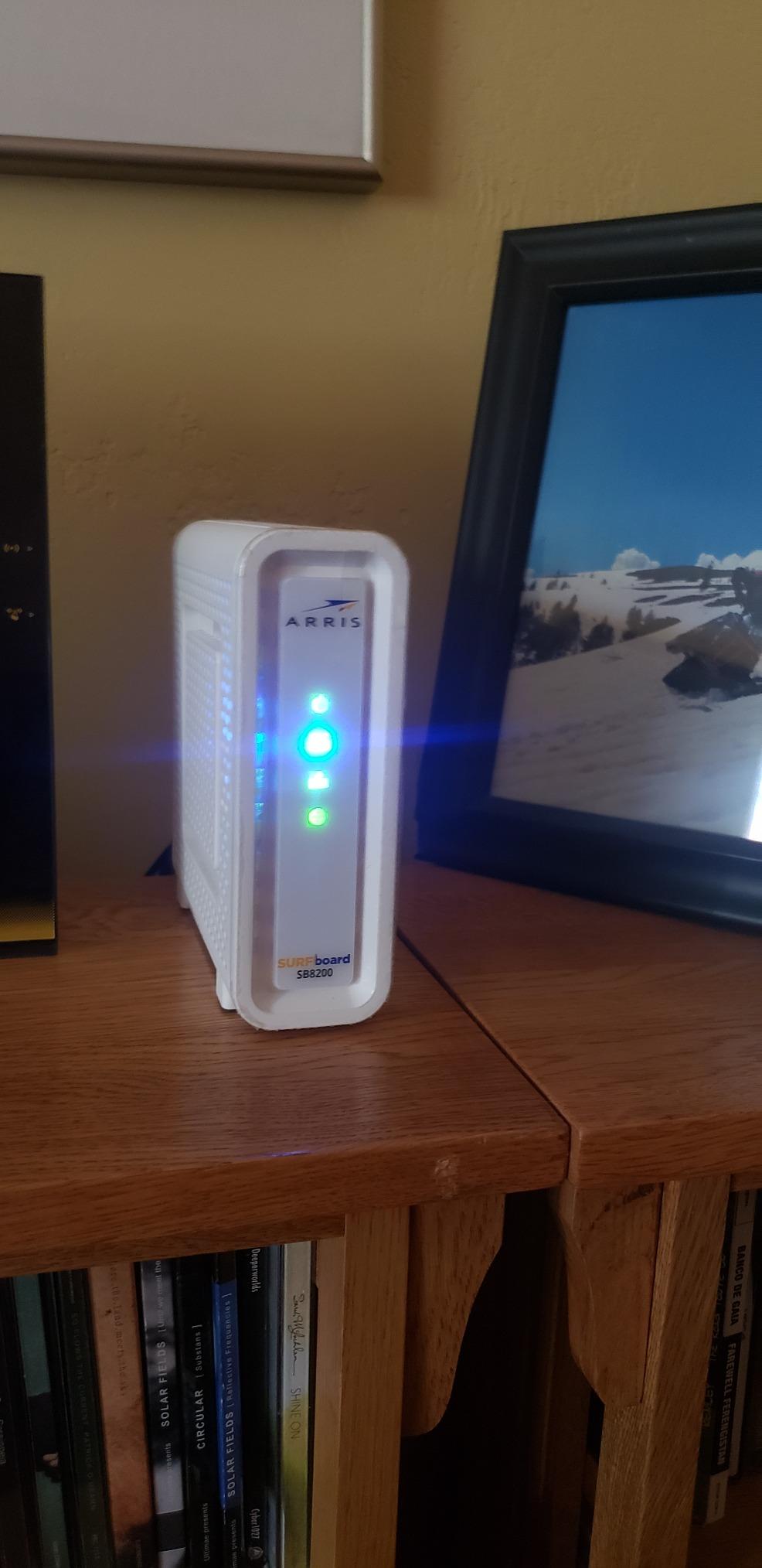
The SB8200 is the modem I recommend to almost anyone who asks me where to start with Spectrum internet. It has been in continuous production long enough that its failure modes are well documented, and at roughly 20,000 reviews the owner feedback tells a consistent story: it syncs, it stays synced, and activation takes one call or one web form.
What makes it work on a Spectrum line is straightforward. It is DOCSIS 3.1, it is CableLabs certified, and it is tested and qualified for Cox, Xfinity, and Spectrum. The modem supports service tiers up to 2 Gbps on the downstream side, which means it will not be the weak link if you move up a plan later.
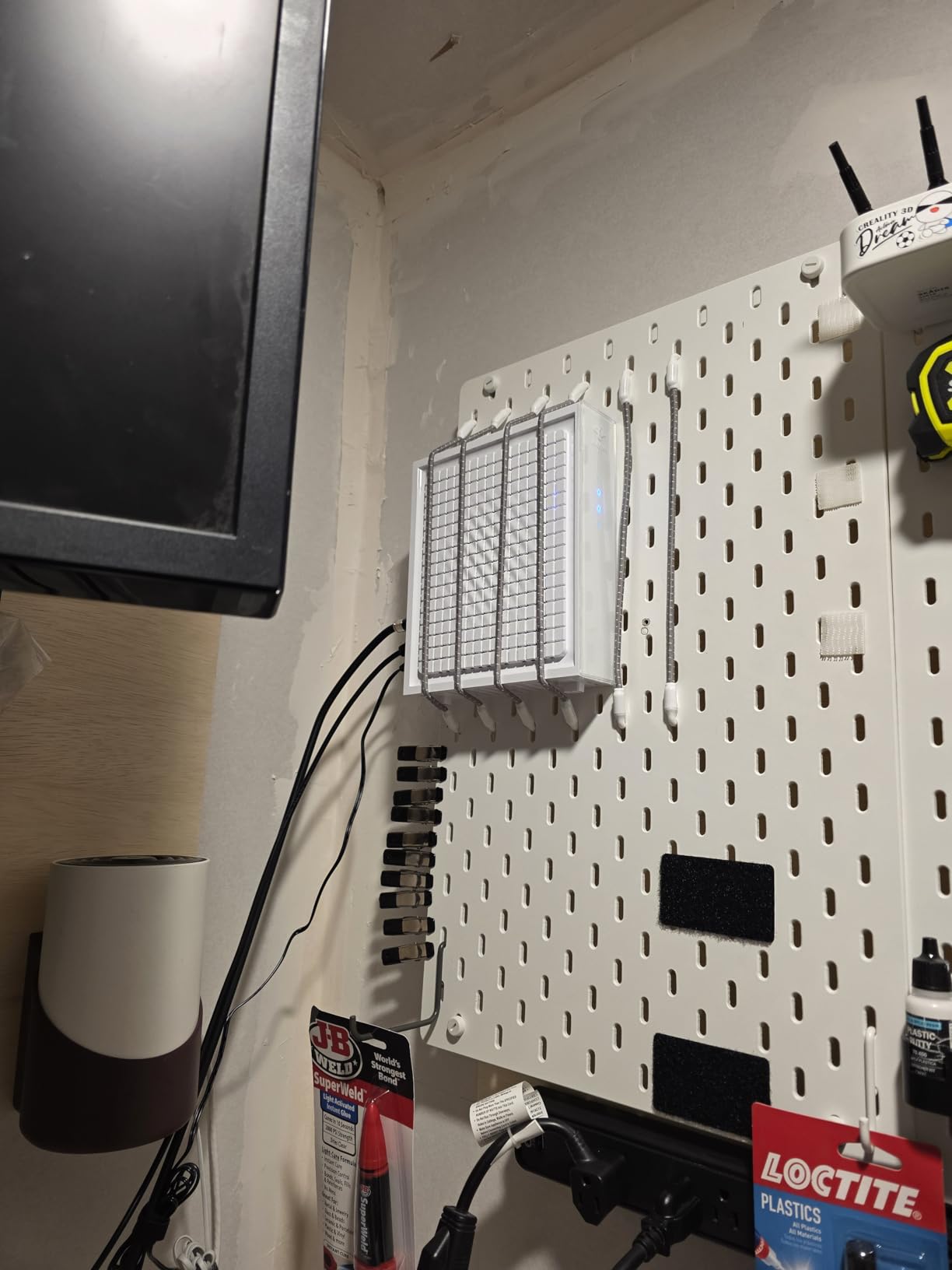
The physical design is genuinely small — a little over five inches on a side and about 1.5 pounds — so it disappears next to a router or a wall-mount bracket. The status lights are discrete rather than blazing, which matters in a living room.
Two Gigabit Ports and How to Use Them
Most people use one of the two ports for the router and leave the second one alone. That is fine, but the second port is genuinely useful for a wired desktop, a game console, or a NAS. A modem-only device does not hand out internal IP addresses the way a router does, so anything you plug into the second port is either single-device or needs its own network management.
Because both ports are 1 Gb, the maximum you can get out of them together is 2 Gbps, and only with link aggregation supported on both ends. For most households, that ceiling never matters, because a single 1 Gb link already saturates a gigabit plan.
Where the SB8200 Falls Short
There is no built-in Wi-Fi, and there is no voice support. If you keep Spectrum Home Phone, the SB8200 cannot handle it and you need a separate voice modem in the mix. Several owners also note that a modem-only unit will not assign internal IP addresses across multiple devices without a router sitting in front of it, which surprises first-time owners more than anything else on this list.
It is also not compatible with fiber, DSL, or satellite. If your Spectrum service is Fiber, this box is the wrong device no matter how well it reviews.
Who the SB8200 Is Right For
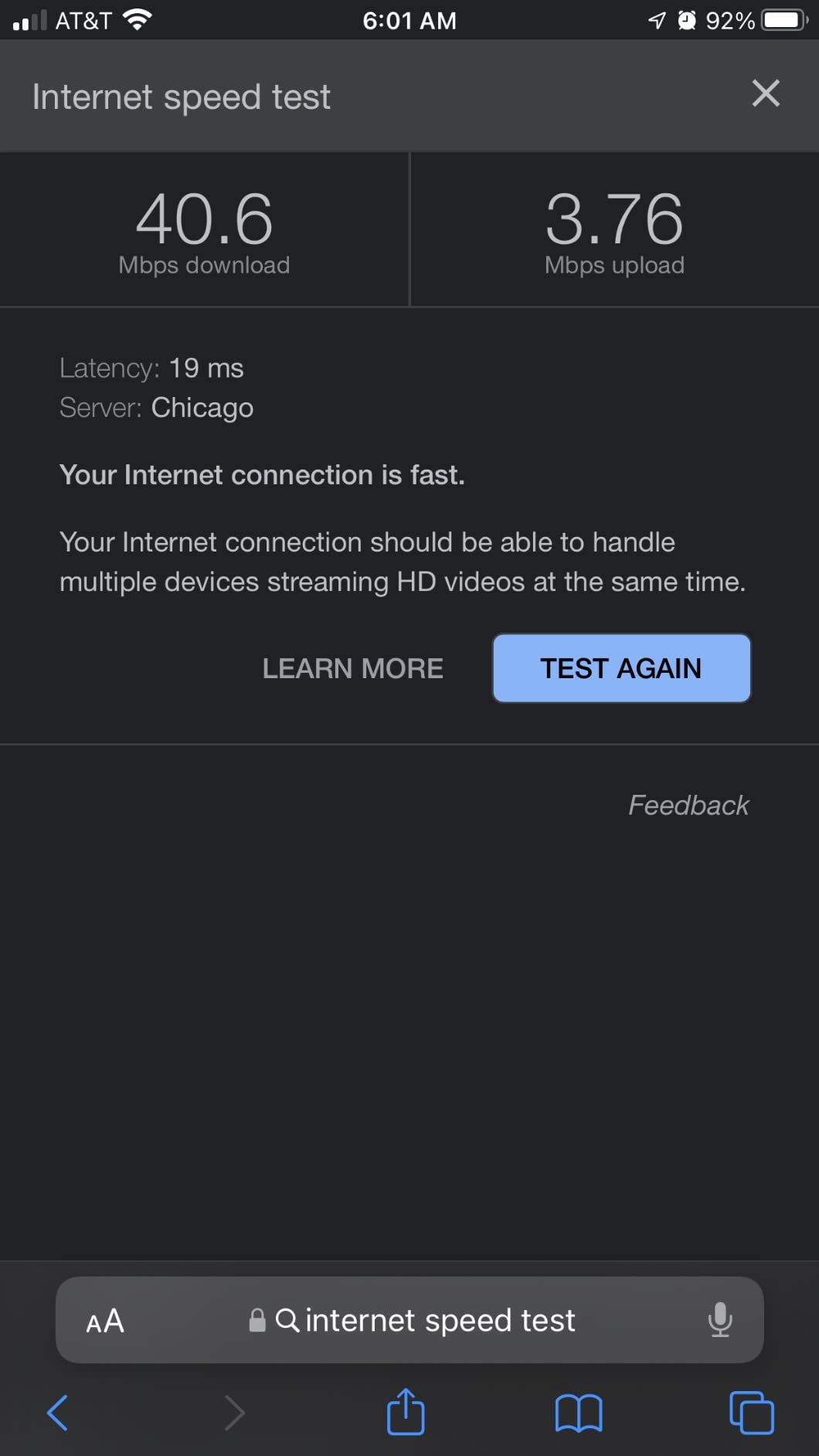
It is right for you if you are on Spectrum Internet Gig or a lower tier and you want a modem with a long, clean track record and a two-year limited warranty. It is also right if you plan to keep your service for several years and would rather not revisit the modem decision after your next plan upgrade.
2. Motorola MB7621 – Best Rated Modem for Spectrum Plans Below Gigabit
Motorola MB7621 Cable Modem | Pairs with Any WiFi Router | Approved by Comcast Xfinity, Cox, and Spectrum | for Cable Plans Up to 900 Mbps | DOCSIS 3.0
DOCSIS 3.0 for plans up to 900 Mbps
Full-Band Capture tuner
Single Gigabit Ethernet port
2 year manufacturer warranty
+ Pros
- Highest average rating in this roundup
- Full-Band Capture tuner improves speed and reliability
- Pairs with any WiFi router
- Approved by Spectrum among major providers
- Effective way to stop monthly modem rental
– Cons
- DOCSIS 3.0 only so it caps around 900 Mbps tiers
- Single Gigabit Ethernet port
- No built-in WiFi and no voice support
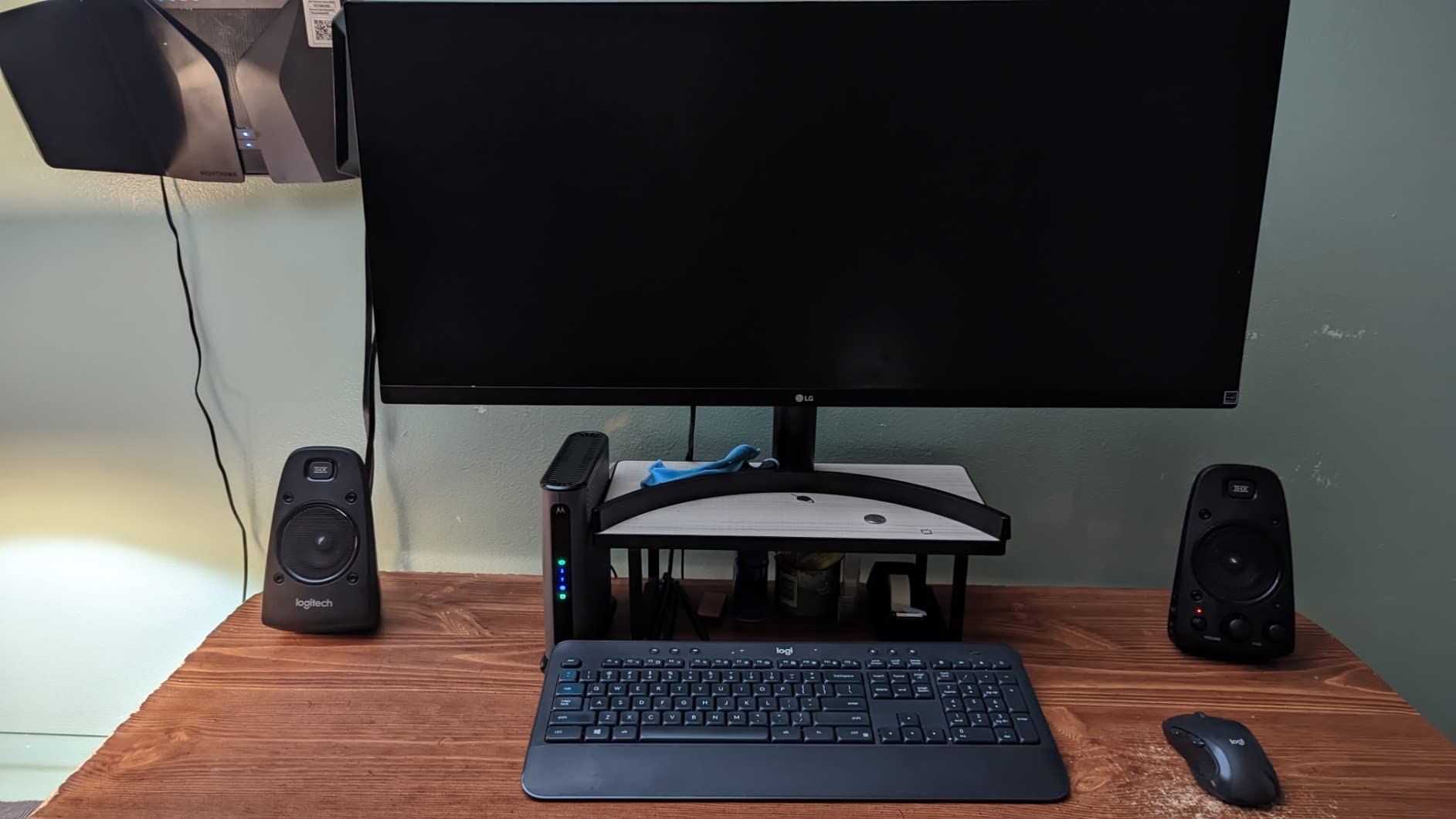
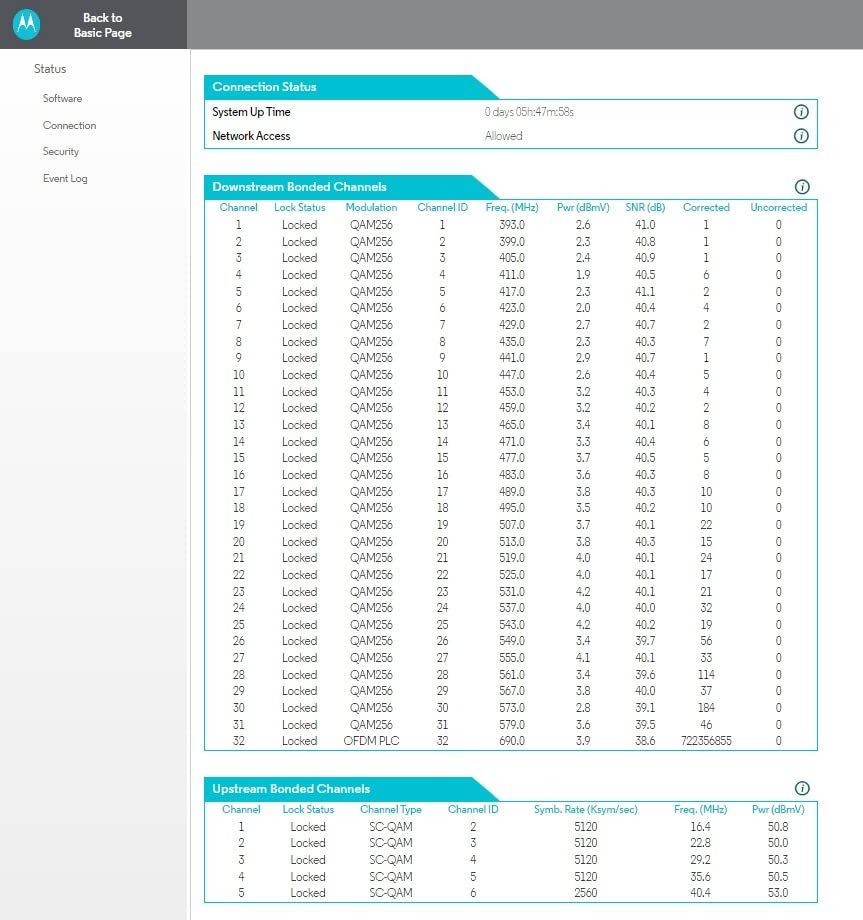
The MB7621 holds the highest average rating of anything in this roundup, and the reason is simple: it does a narrow job extremely well. The Full-Band Capture digital tuner is the reason owners report more stable speeds and fewer dropouts than older 32-channel-only hardware.
Motorola builds it for compatibility with a wide range of providers — Charter Spectrum, Comcast Xfinity, Cox, Time Warner Cable and BrightHouse are all named in the product listing. For a Spectrum customer, that approval is the whole point.
It is a pure modem. One Gigabit Ethernet port, no wireless, no telephone. You pair it with whatever router you like, and the router is where you make the performance decisions.
What DOCSIS 3.0 Means for Your Plan
This is the critical limitation and you should read it before you buy. The MB7621 is rated for actual cable service speeds up to 900 Mbps. If your Spectrum plan is Internet Gig or above, this modem will not keep pace, and you will be leaving throughput on the table no matter how good your router is.
For 300 Mbps plans, or for anyone on a lower tier who just wants to stop paying a monthly equipment fee, that limitation is completely irrelevant. The single Gigabit Ethernet port matches those tiers exactly.
Full-Band Capture and Why Owners Recommend It
Full-band capture changes how the modem tunes to the coax line. Instead of locking onto a fixed set of channels, it listens across a wider swath of spectrum and grabs what it needs. In practice, owners report faster syncs and more stable throughput, particularly on lines where the signal is not perfectly clean.
Who the MB7621 Is Right For
It is right for you if your Spectrum plan is 300 Mbps or lower, or if you are a gigabit-plan owner on a budget who plans to downgrade or share service. Owners on Bogleheads describe Motorola SURFboard hardware as dependable over long stretches, and the two-year manufacturer warranty is a real plus in a category where one-year coverage is common.
It is the wrong choice if you want headroom. Buyers on faster tiers consistently report that a DOCSIS 3.0 unit is the piece they replaced within a year anyway.
3. Motorola MB8600 – Premium Gigabit Pick with Active Queue Management
Motorola MB8600 DOCSIS 3.1 Gigabit Cable Modem – Approved for Comcast Xfinity, Cox, and Charter Spectrum | for Cable Plans Up to 1000 Mbps | 1 Gbps Ethernet Port
DOCSIS 3.1 with 32×8 DOCSIS 3.0 support
Two Gigabit Ethernet ports
Active Queue Management
2 year manufacturer warranty
+ Pros
- AQM measurably lowers latency for gaming and calls
- Full-band capture tuner for speed and energy use
- Approved for Charter Spectrum plus Xfinity and Cox
- Backwards compatible with DOCSIS 3.0 hardware
- Two-year manufacturer warranty
– Cons
- Bulky vertical chassis with no mounting options included
- Bare-bones web interface and tiny event log
- A few owners report power sensitivity and spontaneous reboots
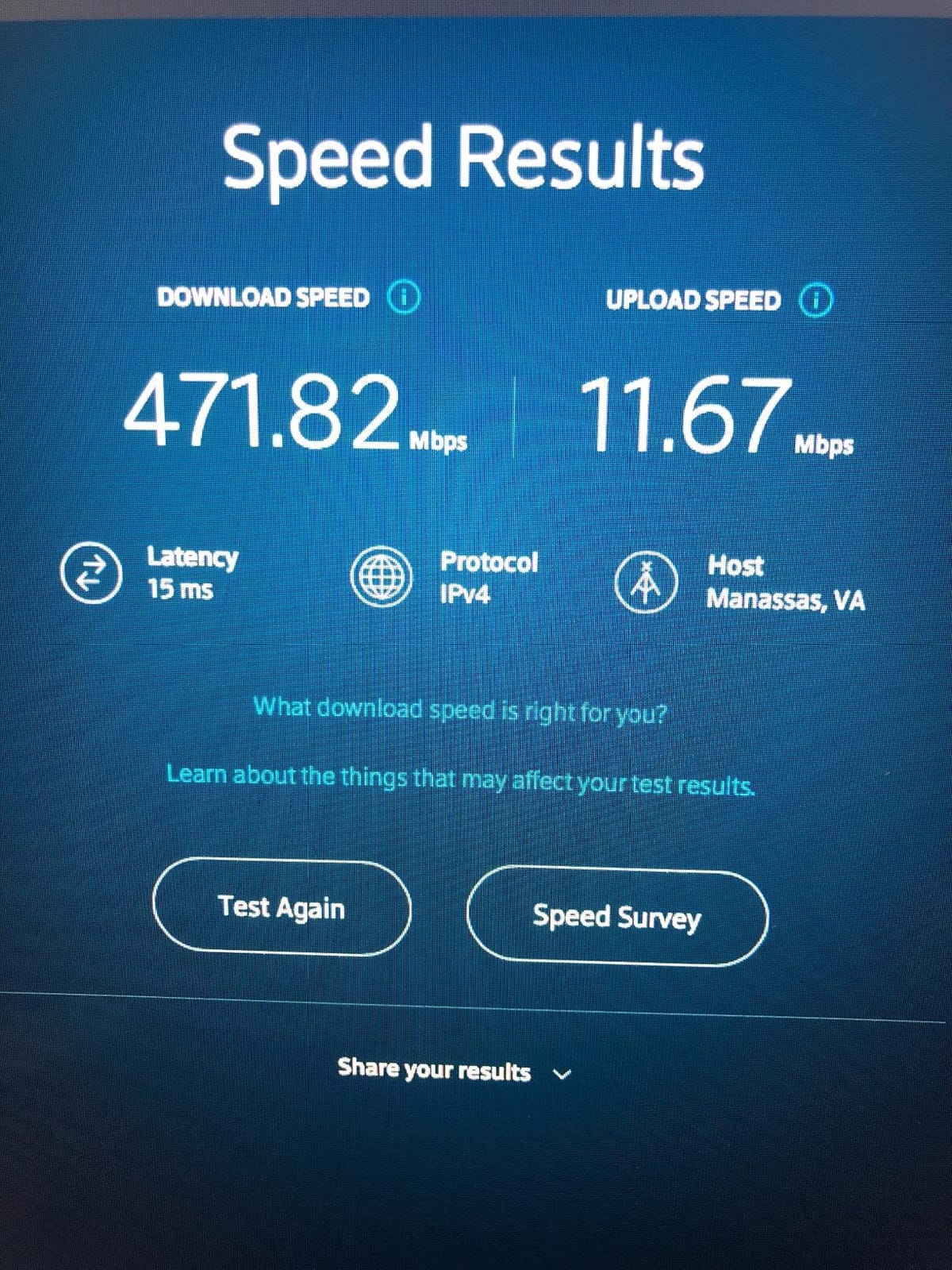
The MB8600 is the one I point people toward when latency is the complaint rather than raw speed. Its Active Queue Management implementation tells the network what is genuinely waiting in line and what is just sitting in a buffer, which is what removes the lag spike when the household is saturated.
For gaming and video conferencing that difference is not academic. Owners describe ping that feels steady rather than spiky, and several report measurably lower latency after swapping out an ISP-supplied unit.
It is DOCSIS 3.1 with 32×8 DOCSIS 3.0 backward compatibility, and it is approved for Charter Spectrum as well as Xfinity and Cox. There is no built-in wireless router and no telephone capability.
AQM and What It Actually Changes
Cable connections are shared, and bufferbloat is the classic symptom: your ping looks fine until someone starts a large download, then every other device feels it. AQM is designed to hold traffic that has no business being in a queue, so latency under load stays closer to latency at rest.
If you work from home with video calls while other people stream, this is the single most valuable feature in the whole list. It is also why the MB8600 tends to appeal to owners who did not buy it purely for speed.
Two Ports and Backward Compatibility
Two Gigabit Ethernet ports give you a router connection plus a wired device, and the 32×8 DOCSIS 3.0 fallback means the modem still performs well on a line that has not been upgraded to full DOCSIS 3.1 provisioning. Spectrum/Charter owners in particular describe quick activation and long trouble-free uptime with this unit.
Physical and Software Quirks
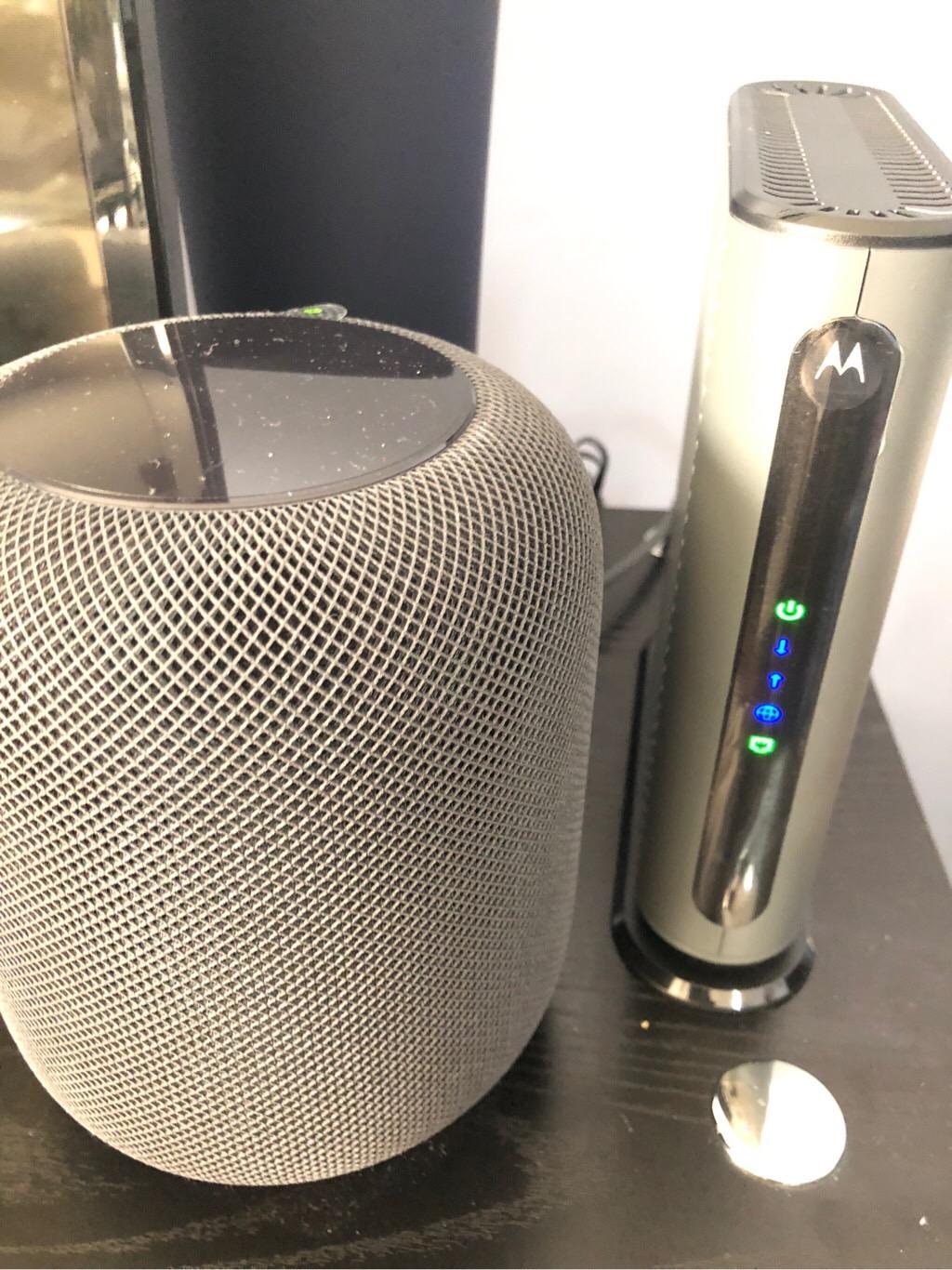
This is where the MB8600 earns its caveats. The chassis is tall and bulky with no mounting hardware in the box, and a number of owners report that some shipped units arrive with plastic covering the Gigabit Ethernet jacks. The management interface is minimal and the event log retains very few entries, which makes troubleshooting on your own harder than it should be.
A small number of owners also report sensitivity to power swings and spontaneous reboots. If your outlet is shared with heavy loads, a surge protector is worth adding to the setup.
Who the MB8600 Is Right For
It is right for you if you are on Internet Gig, you game or take video calls regularly, and you want a two-year manufacturer warranty. It is also a sensible step down from a multi-gig unit if your plan tops out at 1 Gbps, because the extra downstream headroom would go unused.
4. Motorola MB8611 – 2.5 Gbps Port for Gig-Plus Spectrum Plans
Motorola MB8611 DOCSIS 3.1 Multi-Gig Cable Modem | Pairs with Any WiFi Router | Approved for Comcast Xfinity, Cox Gigablast, Spectrum | 2.5 Gbps Port | 2500 Mbps Max Internet Speeds
2.5 Gb Ethernet port
Up to 2500 Mbps down and 800 Mbps up
Active Queue Management
2 year warranty
+ Pros
- 2.5 Gb port unlocks full multi-gig throughput
- Nearly doubles speeds over DOCSIS 3.0 hardware
- Runs cooler than comparable ARRIS units
- Simple power reset coax and single Ethernet layout
- Two-year warranty with US-based support
– Cons
- No way to disable the status LEDs
- A minority of owners report spontaneous soft reboots
- One-star reviews run higher than competing models here
The MB8611 is the hardware you want the moment your Spectrum plan is provisioned above gigabit. Its 2.5 Gb Ethernet port is the difference between a modem that can carry multi-gig service and one that quietly caps you at 1 Gbps before the data even reaches your router.
Owners report a dramatic jump in throughput when moving up from DOCSIS 3.0 hardware, and multi-year owners describe it as rock solid with no dropped connections. The Active Queue Management support covers gaming, conferencing, and streaming.
It is approved for Spectrum, Xfinity, and Cox Gigablast, and it is modem-only with no router or telephone capability.
Why the 2.5 Gb Port Changes the Math
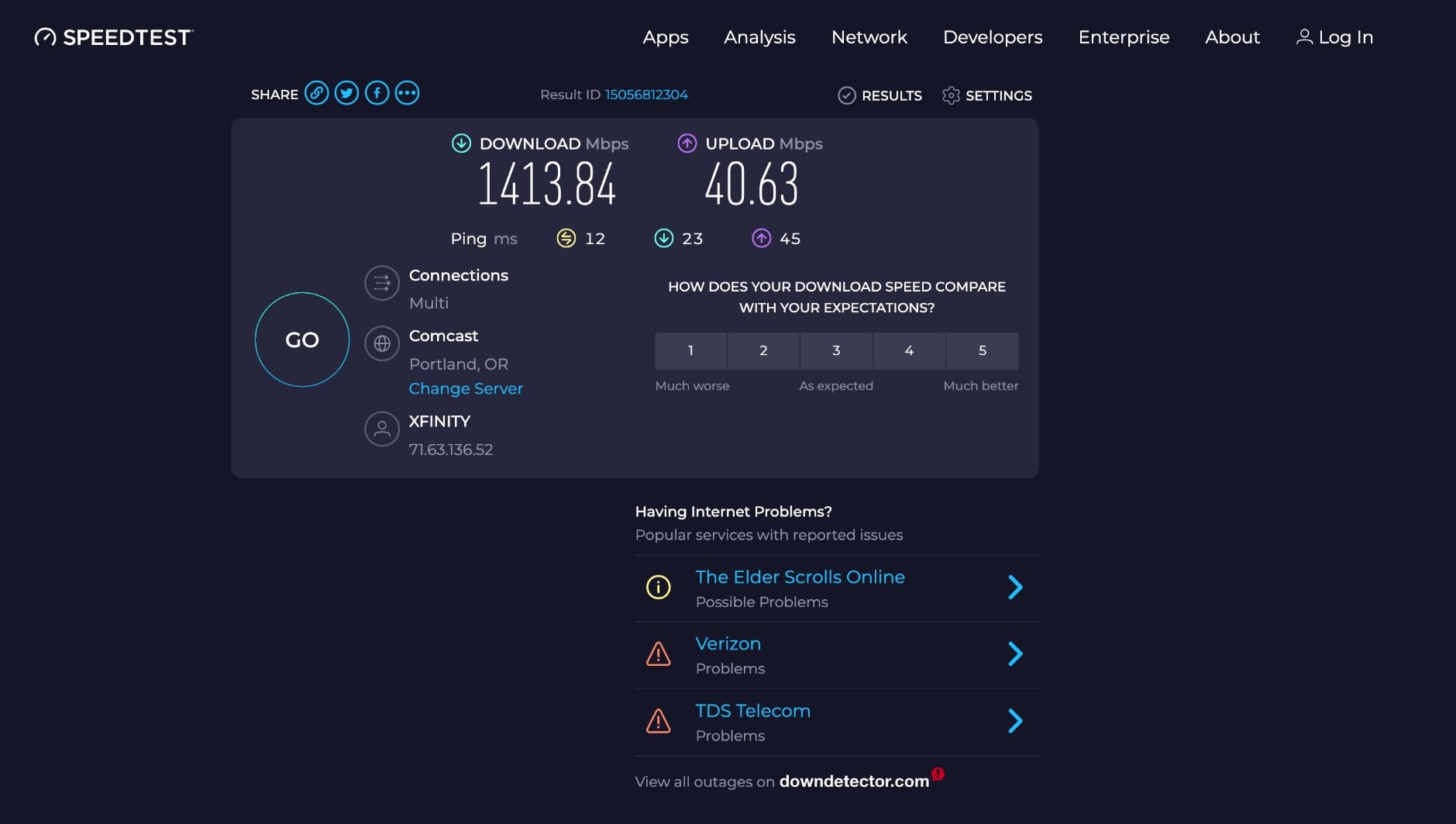
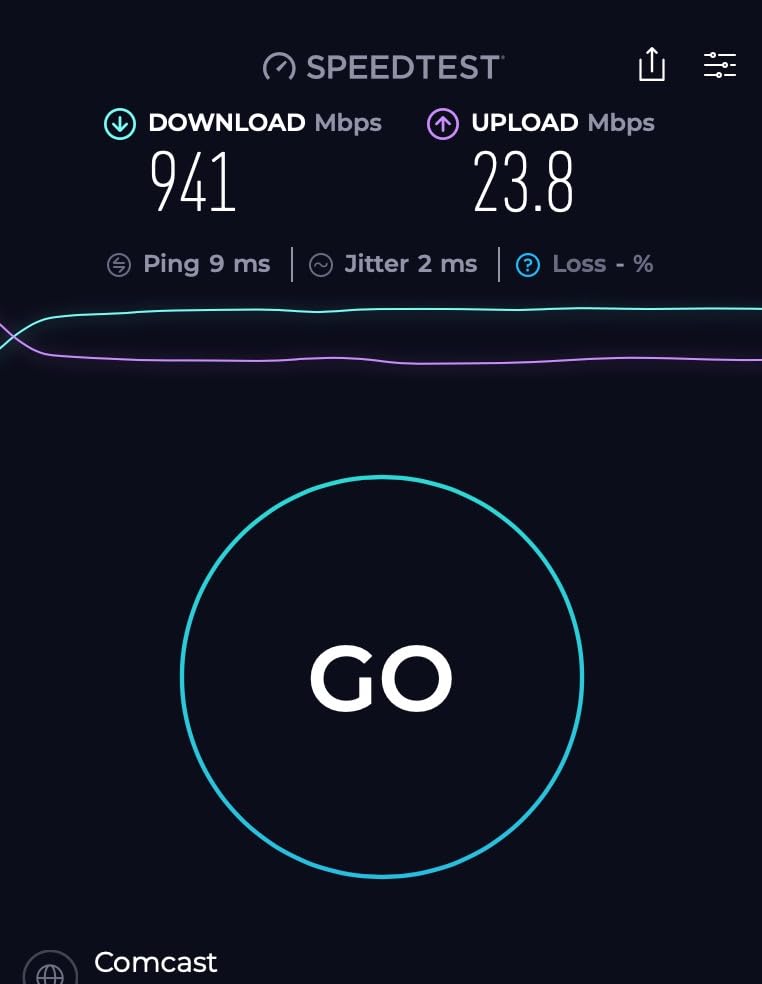
A 1 Gb Ethernet port is a hard ceiling of about 940 Mbps of real payload, no matter how fast the coax line is. If your Spectrum tier delivers more than that, a 1 Gb port wastes the difference entirely. The 2.5 Gb port on this modem does not.
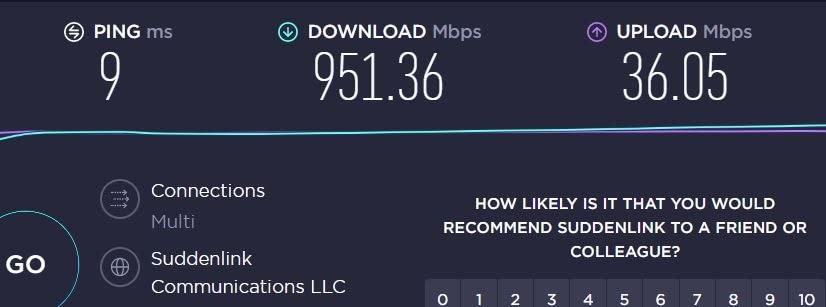
Downstream throughput lands just under 2,500 Mbps and upstream up to 800 Mbps on this hardware. Whether you actually see those numbers depends on your plan and how Spectrum has provisioned your node.
Upload Speed and High-Split Networks
Cable networks have historically been asymmetric, and that asymmetry is the quiet limit on how useful multi-gig download hardware is. Mid/high-split upgrades increase the upstream channel allocation, and 800 Mbps of upstream headroom is meaningfully better than the 246 Mbps class ceiling on older DOCSIS 3.0 hardware.
If you push large files, back up to cloud storage, or host anything from home, upload headroom is worth more than most people expect.
Reliability Reports Worth Reading
This is the most important section in this review. A minority of owners report spontaneous soft reboots, and some describe early hardware failing outright within months, with a first unit requiring a manufacturer replacement visit. One-star reviews also run higher here than for competing models in this roundup.
Against that, multi-year owners describe solid stability. The honest read is that the failure cluster is real but not universal, and the two-year warranty is what makes it a reasonable risk. Extended warranty coverage would be prudent here.
Who the MB8611 Is Right For
It is right for you if your Spectrum plan is Gig or above and your router has a 2.5 Gb WAN port. It is wrong for you if you are staying on a gigabit plan indefinitely, because a cheaper 1 Gb port model would serve you identically and you would be paying for headroom you cannot use.
5. NETGEAR Nighthawk CM2500 – Best Mid/High-Split Modem for Upload-Heavy Homes
NETGEAR Nighthawk DOCSIS 3.1 Mid/high-Split Cable Modem (CM2500-1AZNAS) – Approved for Today’s Faster Speeds – Works with All Cable Providers Incl. Xfinity, Spectrum, Cox – Plans up to 2Gbps
Mid/high-split DOCSIS 3.1 to 2 Gbps down
Two Gigabit ports with link aggregation
Approved for Spectrum Xfinity and Cox
1 year limited warranty
+ Pros
- Mid/high-split delivers far faster upload speeds
- Two Gigabit ports support link aggregation to 2 Gbps
- Approved for Spectrum Xfinity and Cox
- Pairs well with WiFi 6E and WiFi 7 routers
- Owners report large throughput gains over older ISP modems
– Cons
- Some owners report secondary Ethernet ports failing to connect
- Activation sometimes needs a call to the ISP
- Only a 1-year warranty and support is a common complaint
- A minority report early hardware failures and replacement fees
The CM2500 is the pick if your household uploads more than it downloads. Mid/high-split DOCSIS 3.1 hardware exists for exactly one reason: cable networks were not designed for the upload-heavy traffic that work-from-home video, cloud backup, and modern file sharing produce.
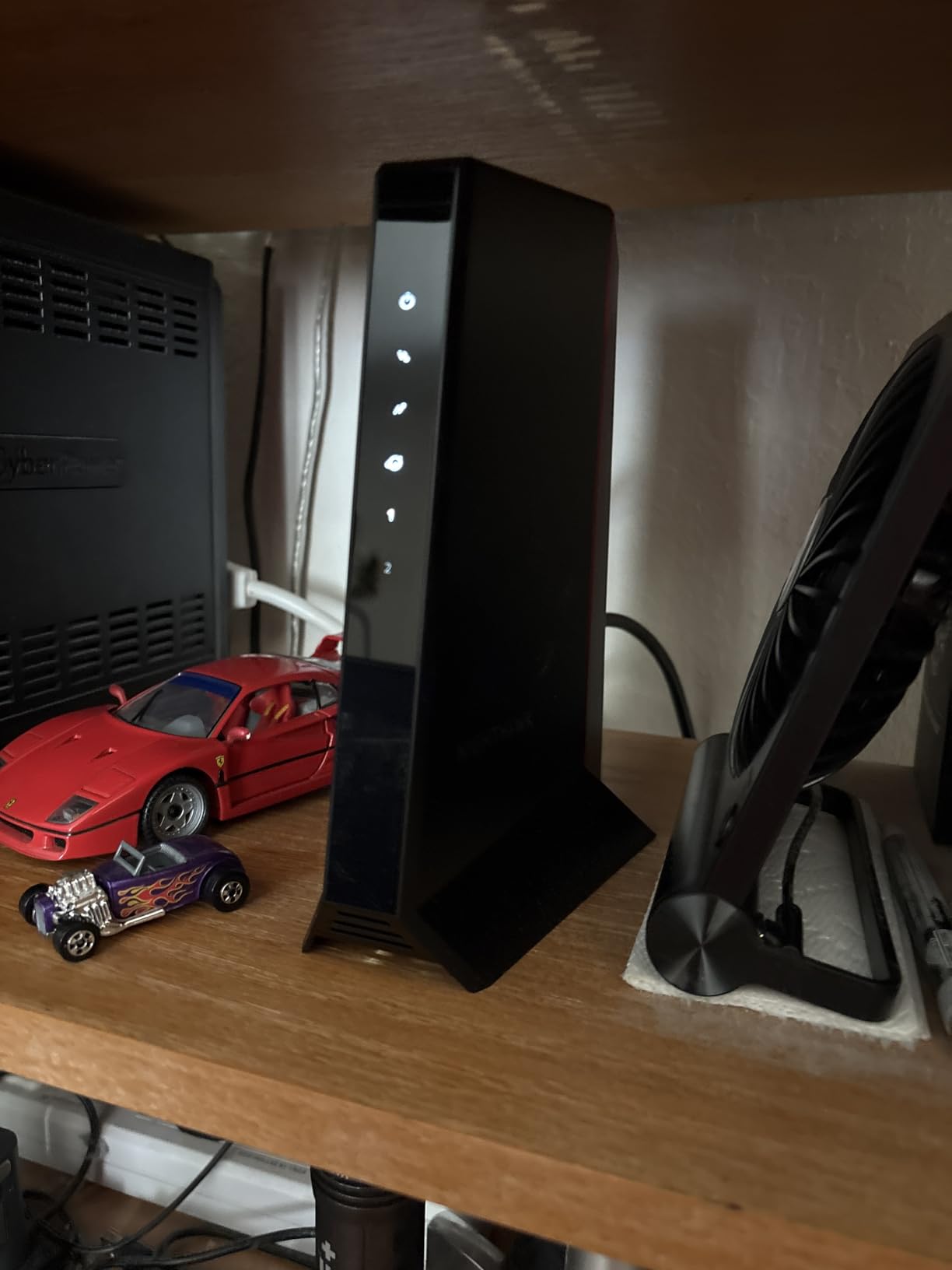
Owners report a significant bandwidth boost from this modem, and the improvement is most dramatic on the upstream side rather than the downstream side. Several also report that it pairs well with newer Wi-Fi 6E and Wi-Fi 7 routers, or with Orbi mesh systems.
It is approved for Spectrum, Xfinity, and Cox, and it is made for the US market only.
Link Aggregation and the Two-Port Setup
Both Ethernet ports on this modem are Gigabit, and NETGEAR supports link aggregation across them for a combined 2 Gbps. That is genuinely useful if your router supports aggregation, because it removes the 1 Gb bottleneck without forcing you into a 2.5 Gb port that many routers do not have.
It also lets you run a wired device alongside your router without a switch. Some owners report that devices connected to the secondary port fail to get an internet connection, so if that happens to you, the port may need firmware attention or a different plan tier from your provider.
Warranty and Support: The Weak Spot
The one-year limited warranty is short by this category’s standards, and support experience is one of the most common complaints in owner reviews. A minority of owners also report early hardware failures and a payback fee when replacing a unit.
That combination — short warranty, replacement fee, uneven support — is the single biggest reason this modem is not higher in my ranking despite strong performance. Plan for the possibility of replacing it inside two years.
Who the CM2500 Is Right For
It is right for you if you run a Spectrum plan in the gig range, you back up large files or work from home with heavy video traffic, and your router has a Gigabit WAN port rather than 2.5 Gb. It is also a sensible pairing for a NETGEAR Wi-Fi 6E or WiFi 7 router you already own.
6. NETGEAR Nighthawk CM3000 – Three Ports and the Fastest Owner-Reported Throughput
NETGEAR Nighthawk DOCSIS 3.1 Mid/High-Split Modem (CM3000-1AZNAS) – Approved for Today’s Fastest Speeds – Works with All Providers, Incl. Xfinity, Spectrum, Cox – Plans up to 2.5Gbps
Mid/high-split DOCSIS 3.1 to 2.5 Gbps
One 2.5 Gb plus two 1 Gb ports
OFDMA and Active Queue Management
1 year limited warranty
+ Pros
- Fastest measured throughput in owner tests
- Three Ethernet ports give the most connection options
- OFDMA and AQM improve response times
- QR-code Nighthawk app setup is fast and self-serve
- Runs cooler than many competing cable modems
– Cons
- Several owners report the unit dying within months
- 1-year warranty and replacement fees draw heavy criticism
- Speed gains sometimes depend on ISP provisioning
- US market only and no fiber or bundled voice
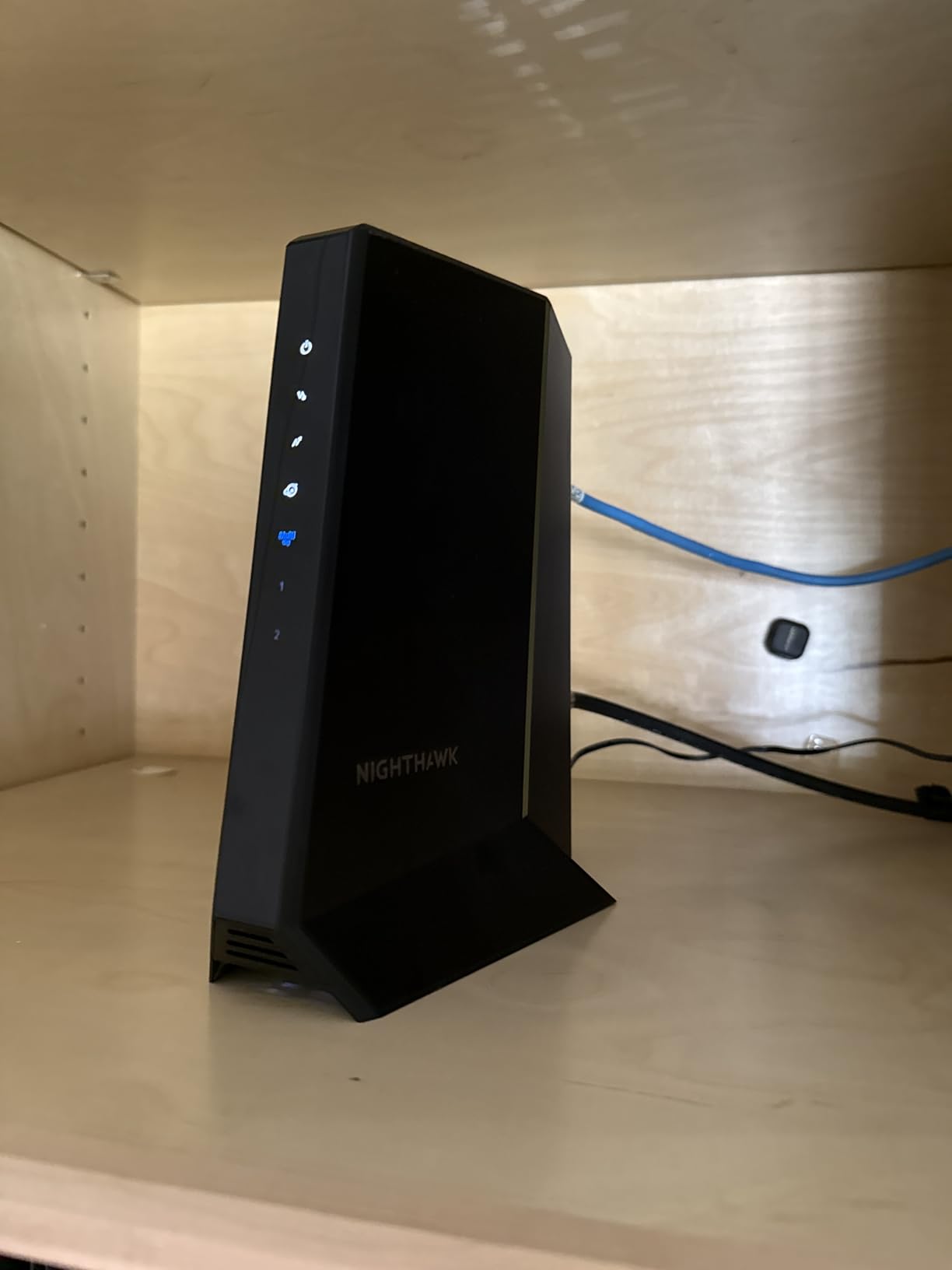
The CM3000 is the most generously connected modem in this roundup: one 2.5 Gigabit Ethernet port plus two 1 Gigabit ports. If you want a router, a wired workstation, and a game console all attached without a switch, this is the only unit on the list that does it natively.
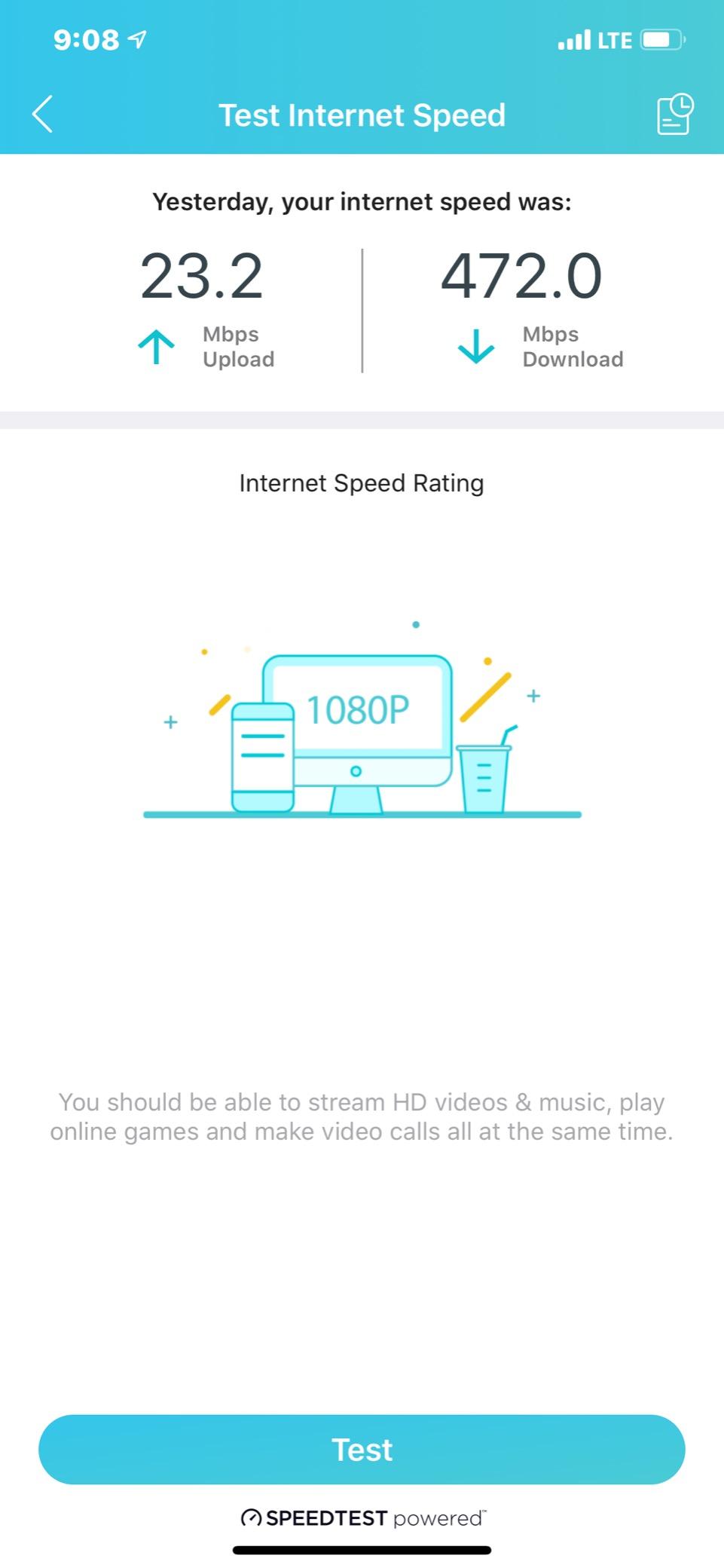
On performance, owner reports are the strongest in the set. Gigabit cable owners report seeing speeds above their plan tier, including one Spectrum user describing over 1,100 Mbps. OFDMA and Active Queue Management both contribute to lower response times for gaming and video calls.
Setup runs through the free Nighthawk app on iOS and Android, using a QR code, and most owners describe it as largely self-serve. Free Expert Help is included for the first 90 days.
OFDMA and Active Queue Management Together
This modem runs both DOCSIS 3.1 scheduling features rather than just one. OFDMA divides upstream capacity into smaller assigned slots across multiple devices, which reduces contention in a busy household. AQM handles the downstream buffering problem in the same way it does on the MB8600, by telling the network which queued traffic actually deserves to move first.
Together they address both directions of the shared-cable problem, which is why this modem tends to feel responsive in a house with many connected devices rather than just on a speed test.
The Durability Question
Be direct about the risk: a recurring cluster of reviews describes complete hardware failure a few months after purchase, right around when the one-year warranty window ends. The replacement fees draw heavy criticism, and that is the trade-off you are accepting for the best port layout and throughput in the group.
One more honest note — several owners report that their speed improvements depend on ISP provisioning rather than on the modem itself. If Spectrum has your node capped below the modem’s capability, no hardware change fixes that.
Who the CM3000 Is Right For
It is right for you if you want a single box to feed several wired devices alongside your router, and if you are on the fastest Spectrum tiers. It is wrong for you if you are on a lower tier, or if you are uncomfortable with one-year warranty coverage on a component that is essentially your entire connection point.
7. NETGEAR CM1000 – Low-Latency Gigabit Modem with a Physical Power Switch
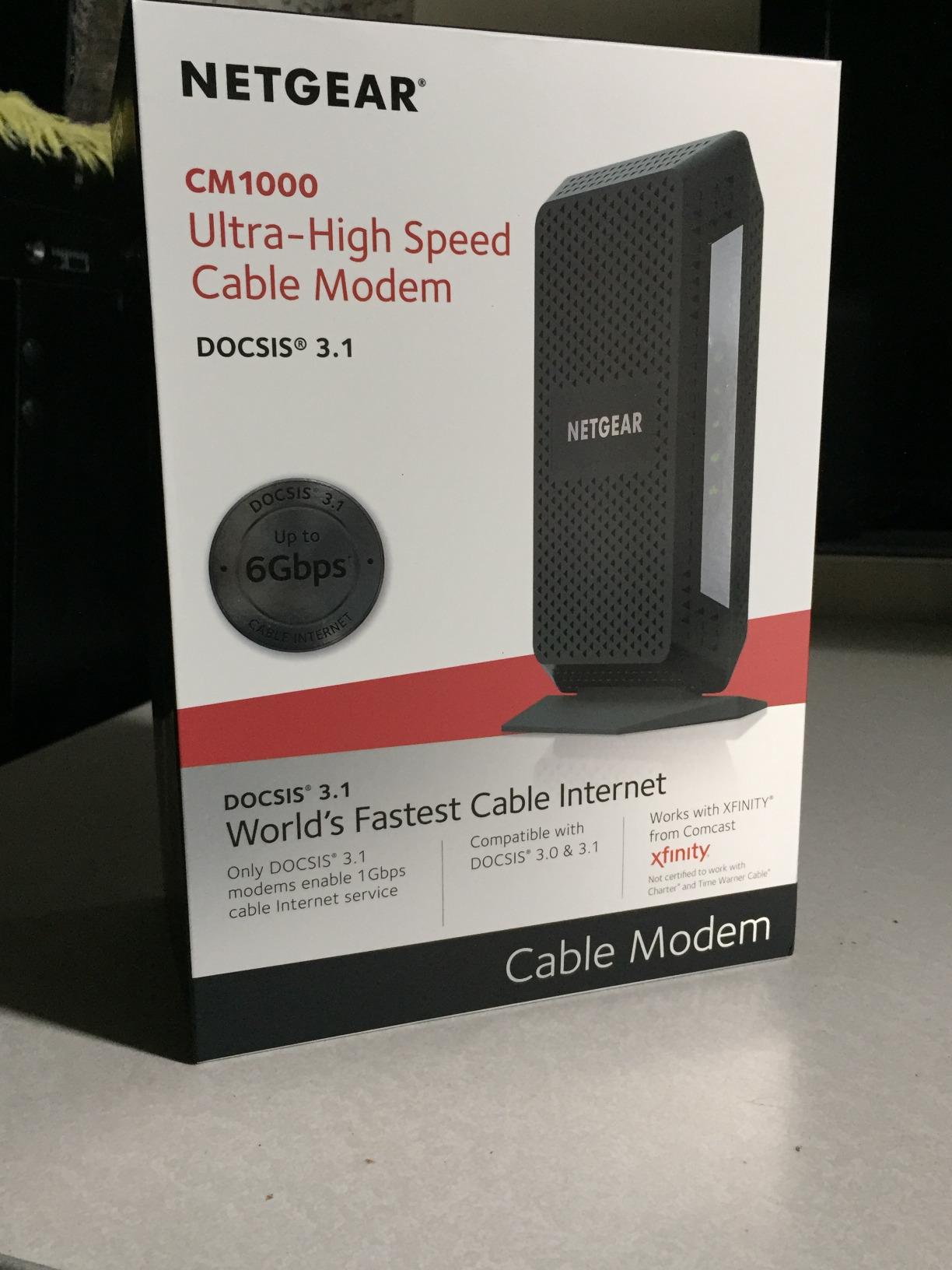
NETGEAR Cable Modem DOCSIS 3.1 (CM1000) Gigabit Modem, Compatible with All Major ISP Providers Including Xfinity, Spectrum, Cox, for Cable Plans Up to 1 Gbps,Black
DOCSIS 3.1 certified up to 1 Gbps
Single Gigabit Ethernet port
Rear on/off power button
US only
+ Pros
- Certified with Spectrum and Cox for gigabit service
- Owners report measurably lower ping than ISP gateways
- Rear on/off button makes resets far easier
- Quiet balanced indicator lights
- Backward compatible with DOCSIS 3.0
– Cons
- Only a single Gigabit Ethernet port
- Tall form factor may not fit a shallow shelf
- Self-activation can fail and require an ISP call
- Some owners report units failing after several months
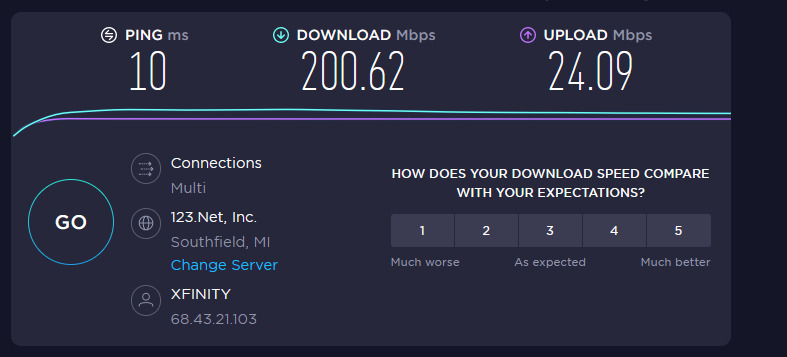
The CM1000 is a straightforward gigabit modem with an unusually good reputation on latency. Owners report measurably lower ping than the gateway it replaced, and one documented case shows latency dropping from the 11–14 ms range down to 5–9 ms after a cabling change. That is the kind of measurement people rarely bother to record, which makes it useful.
It is DOCSIS 3.1 certified, currently certified with Spectrum and Cox up to 1 Gbps, and Xfinity up to 950 Mbps. It is made for the US only and is not compatible with Verizon, AT&T, CenturyLink, DSL, DirecTV, DISH, or any bundled voice service.
At 13.44 ounces and just under 9 inches tall, it is not a small box, but the rear on/off power button is a genuinely thoughtful touch for anyone who has ever unplugged a router to reset it.
One Ethernet Port: The Honest Trade-Off
This modem has a single Gigabit Ethernet port, compared with two on the ARRIS SB8200. If you plan to connect a wired desktop directly to the modem as well as your router, you will need a small switch or a router with enough ports to absorb both. That is the main reason this sits below the SB8200 in my ranking despite the strong latency reports.
Certification Scope and What It Excludes
Read the exclusion list before you buy. It will not work on DSL, satellite, or any fiber service, and it will not handle bundled voice. Those are not unusual limitations for a US cable modem, but they do rule out the two cases that trip people up most often: Spectrum Fiber customers and anyone keeping home phone.
The warranty is also worth noting — it is a limited warranty valid only when the unit is purchased from a NETGEAR authorized reseller, so check where you buy from.
Who the CM1000 Is Right For
It is right for you if you are on Spectrum Internet Gig, latency matters more to you than future upgrade headroom, and your router handles all of your wired devices. It is the wrong pick if you expect to move to Gig-plus tiers within a couple of years, because the 1 Gb port is a hard ceiling.
8. Hitron CODA56 – Best Value 2.5 Gbps Modem for Spectrum Gig
Hitron CODA56 DOCSIS 3.1 Cable Modem ONLY (NOT Fiber) | 2.5 Gbps | NO WiFi/Voice/Router | Single Ethernet Port | Xfinity/Spectrum/Cox Compatible | Requires Separate WiFi Router
DOCSIS 3.1 with 32×8 bonding
Single 2.5 Gbps Ethernet port
Approved for Spectrum up to 1 Gbps
Data only no WiFi or voice
+ Pros
- Best value multi-gig option against ARRIS Motorola and NETGEAR
- 2.5 Gbps port is ready for future speed upgrades
- Owners report meeting or beating plan speed including over 1.3 Gbps on a gig Spectrum plan
- Noticeably higher upload throughput
- Activation succeeds with correct MAC registration across providers
– Cons
- Only a single Ethernet port so no WAN aggregation
- Basic plastic housing and limited on-device management
- Bright indicator LEDs in a dark room
- Runs warm in operation
The CODA56 is the value answer in the multi-gig category. Buyers comparing it against ARRIS, Motorola, and NETGEAR hardware repeatedly report comparable or better throughput for noticeably less money, and the 2.5 Gbps port means you are not buying a dead end.
It is DOCSIS 3.1 with 32×8 channel bonding, backward compatible to DOCSIS 3.0, and approved for Xfinity up to 2 Gbps, Spectrum up to 1 Gbps, and Cox up to 2 Gbps. It is data only — no Wi-Fi, no telephone, no VoIP.
Owners on all three major providers report successful activation once the MAC address is registered correctly. The AI-assisted summary of owner reviews calls value the dominant theme, and it is the right read.
Where It Beats the Alternatives
The case for this modem is arithmetic. You get a 2.5 Gbps port and DOCSIS 3.1 bonding for substantially less than the ARRIS or NETGEAR multi-gig units, and the measured results support it — multiple owner tests report meeting or exceeding plan speed, including one measurement over 1.3 Gbps on a gigabit Spectrum plan.
Upload throughput is another differentiator. Several owners report noticeably higher upload speeds after switching, and some providers now tier upload on DOCSIS 3.1 hardware specifically.
Build Quality and Interface Limits
This is where the cost shows. The housing is basic plastic, the on-device management interface is limited, and the indicator LEDs are bright enough to be distracting in a dark room. The unit also runs warm in operation, which is normal for a 2.5 Gb modem with a 464 g chassis but worth knowing if you are stacking equipment.
One port only, and no WAN aggregation. If you need to feed two wired devices, you need a switch. Some owners also report that online activation tools at certain providers fail to detect the device and a phone call is required.
Who the CODA56 Is Right For
It is right for you if you are on a gigabit Spectrum plan, you want multi-gig headroom without paying for the top of the market, and you are comfortable with a plastic chassis and a single port. It is the wrong pick if appearance matters in a living room, or if you need more than one wired device attached.
9. ARRIS SURFboard mAX Plus – Budget DOCSIS 3.0 Pick for Basic Spectrum Plans
ARRIS SURFboard mAX Plus (8×4) DOCSIS 3.0 Cable Modem, approved for Cox, Spectrum, Xfinity & more
DOCSIS 3.0 with 8×4 bonding
Up to 343 Mbps down and 131 Mbps up
Recommended for plans up to 100 Mbps
2 year limited warranty
+ Pros
- Simplest and least expensive way to cut monthly ISP rental fees
- Approved for Spectrum Cox Xfinity and regional providers
- Compact and easy to set up for basic plans
- 2-year limited warranty with US support
– Cons
- DOCSIS 3.0 8×4 bonding limits it to lower tiers
- Upstream of roughly 131 Mbps falls short of modern upload tiers
- No WiFi or VoIP so a separate router is required
- Only a single Gigabit Ethernet port
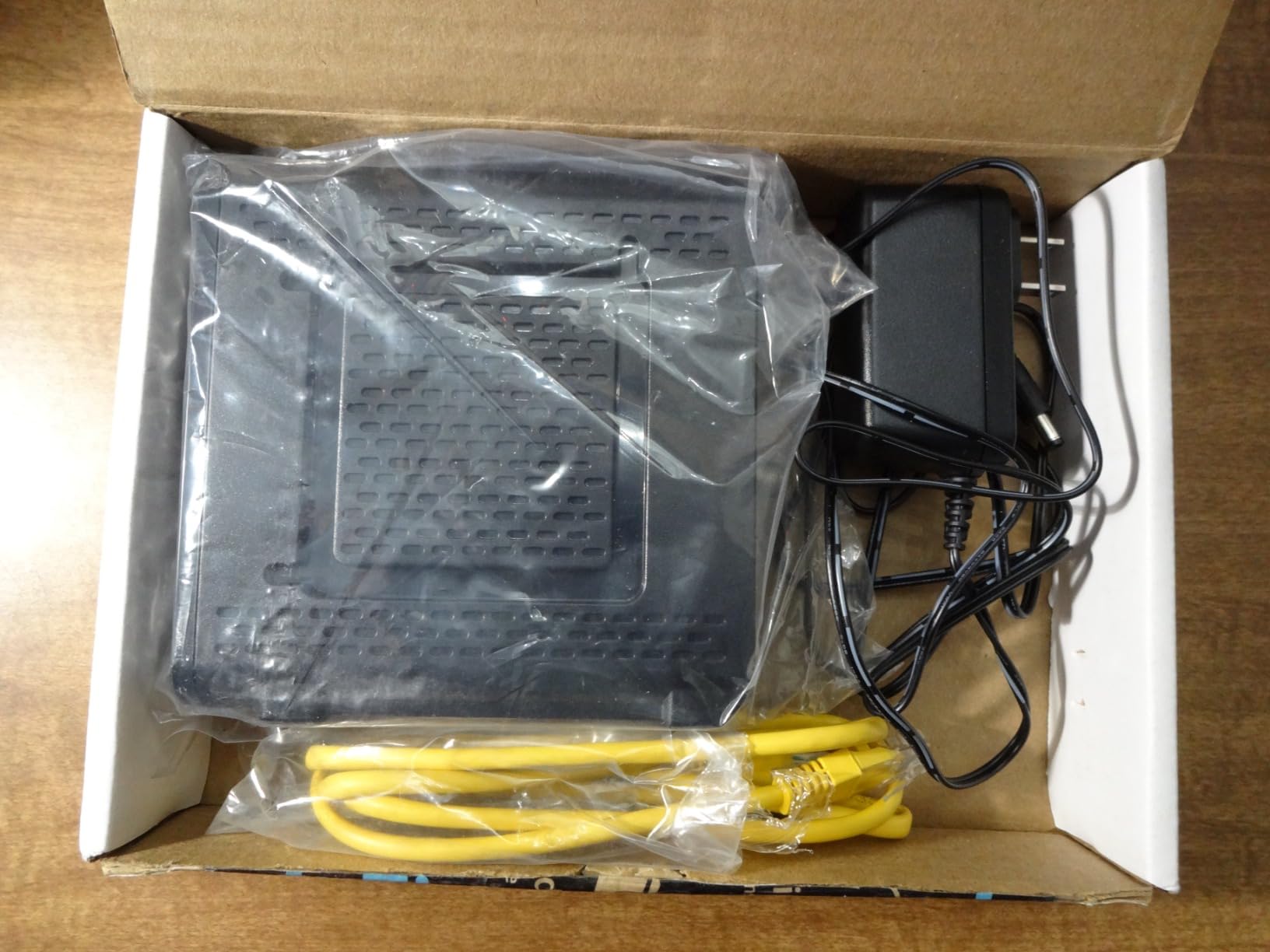
The mAX Plus does one narrow thing for the least money: it removes a monthly equipment charge from a household that is on a small plan. It is DOCSIS 3.0 with 8 download by 4 upload channels, reaching up to 343 Mbps downstream and 131 Mbps upstream, and it is recommended for internet plans up to 100 Mbps.
It is approved for Cox, Spectrum, Mediacom, Suddenlink, WOW, and Affinity. Supported speed tiers are listed at up to 100 Mbps for Cox and Spectrum, 200 Mbps for WOW, and 250 Mbps for Xfinity.
At 1.4 pounds and with a two-year limited warranty, it is a modest, dependable box. Reviewers describe it as a solid no-frills option that does exactly what its tier allows.

Understanding the 8×4 Bonding Ceiling
Eight downstream channels is the older DOCSIS 3.0 architecture. It works well, and it is far cheaper in engineering terms, but it tops out well below what a DOCSIS 3.1 modem with OFDM can do. On a 100 Mbps Spectrum plan there is abundant headroom, which is exactly where this modem belongs.
The 131 Mbps upstream ceiling is the number to watch. Modern video calls and cloud backup can push a household toward that limit, and on a busy network the squeeze shows up as degraded uploads rather than stalled downloads.
Who the mAX Plus Is Right For
It is right for you if you are on a 100 Mbps Spectrum plan or lower, you want to stop a monthly rental charge, and you are pairing it with a router you already own or plan to buy cheaply. Two-year warranty coverage is a genuine advantage at this end of the market.
It is the wrong pick the moment you consider upgrading. Forum consensus is consistent on this: buying a DOCSIS 3.0 modem on a Spectrum line is the most common way people end up buying twice, because the day they move to a faster tier, the modem becomes the bottleneck.
10. ARRIS SURFboard S34 – Two-Port Multi-Gig Modem for Upgrade Headroom
Arris Surfboard S34 DOCSIS 3.1 Multi-Gig Cable Modem | 2.5Gbps + 1Gbps Ethernet Ports | Compatible with Xfinity, Cox, Spectrum | Next Gen Upstream | Modem Only, Router Required
DOCSIS 3.1 supporting plans up to 2.5 Gbps
One 2.5 Gb plus one 1 Gb Ethernet port
Next-generation upstream
2 year manufacturer warranty
+ Pros
- Two ports including a 2.5 Gb port for the router
- Next-generation upstream support for newer upload tiers
- Compact modern design with simple status LEDs
- CableLabs certified and tested for Spectrum
- Setup is just coax power on and provider activation
– Cons
- Modem only so a separate router or mesh system is required
- Secondary 1 Gb port depends on provider configuration
- Not compatible with fiber DSL or satellite
- Smaller owner review pool than other DOCSIS 3.1 options
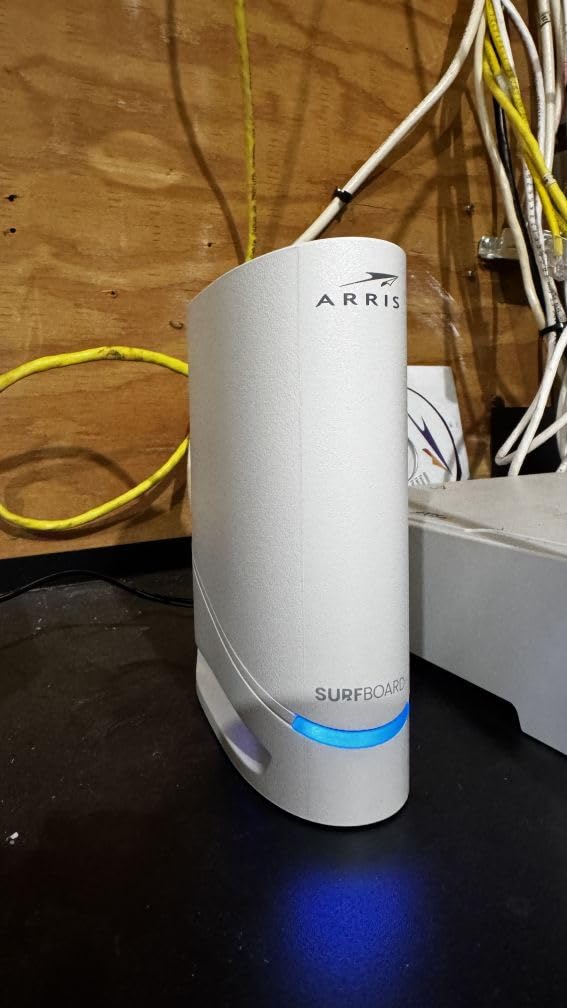
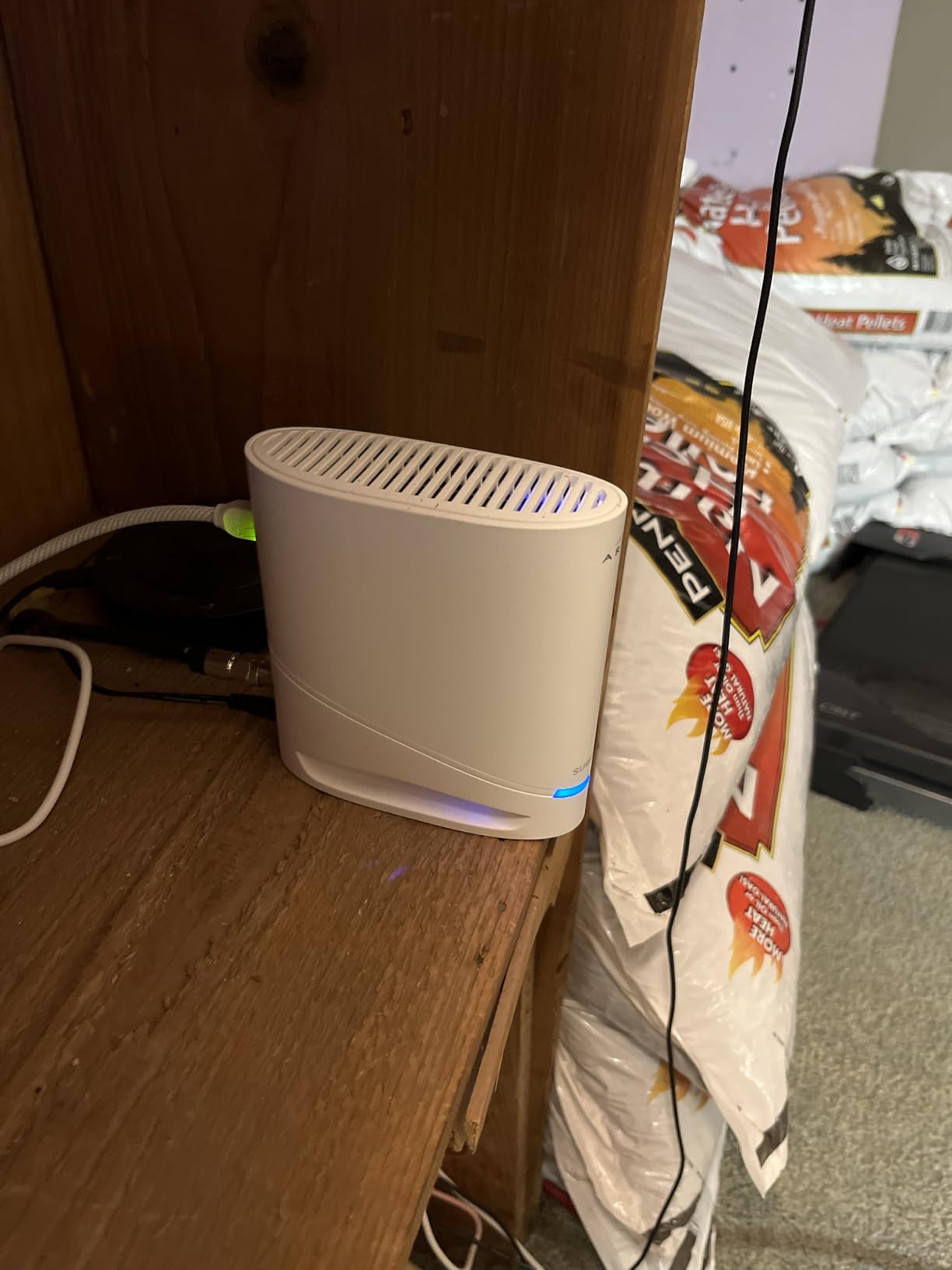
The S34 sits in the middle of the ARRIS range, and the middle is exactly where it should. It is DOCSIS 3.1 supporting plans up to 2.5 Gbps, with one 2.5 Gigabit Ethernet port and one 1 Gigabit Ethernet port — a layout that is far more useful than a single port, without the three-port bulk of the NETGEAR CM3000.
It is CableLabs certified and tested for Cox, Xfinity, and Spectrum, and it carries a two-year manufacturer warranty. Setup is the simple version: connect coax, power on, activate with the provider.
The next-generation upstream support is the spec that matters most here. Spectrum’s high-split upgrades change what upload capability is worth having, and this modem is built to keep up with newer tiers.
Two Ports, One of Them 2.5 Gb
The 2.5 Gb port is the one you connect to your router, and the 1 Gb port gives you a place to plug in a wired desktop, a printer, or a NAS. Owners like this layout, and the 10.55 by 6.75 by 2.46 inch footprint is flatter and more shelf-friendly than most of the vertical modems in this roundup.
One caveat is worth repeating from the review data: the secondary 1 Gb port depends on provider configuration for extra LAN devices. If a device connected there does not come up, that is usually a provisioning setting rather than a hardware fault.
Weighing the Smaller Review Pool
This modem has roughly 700 owner reviews, well below the rest of this list, and that is a real consideration. When the evidence pool is thinner, weigh the documented specs more heavily: 2.5 Gb plus 1 Gb ports, next-generation upstream, CableLabs certification, and a two-year warranty.
Those are strong documented specifications. The long-term reliability data simply is not there yet, and we would rather say that plainly than project confidence we cannot support.
Who the S34 Is Right For
It is right for you if you are on a Spectrum plan today but expect to move to a faster tier, and you want a two-port layout that will still be useful after the upgrade. It is wrong for you if you just need basic connectivity, because the extra hardware buys you nothing on a 300 Mbps plan.
How to Choose a Spectrum Compatible Modem in 2026
Spectrum supports customer-owned hardware, and a retailer modem will activate on a cable line without a fight in the overwhelming majority of cases. Here is how to make the decision sensibly.
Confirm You Have Spectrum Cable, Not Spectrum Fiber
This is the first and most important check. Spectrum Fiber service uses an optical network terminal rather than a cable modem, and the two are not interchangeable. If your service is Fiber, none of the ten modems above will work, and buying one wastes your time and money. A coax wall outlet and a Fiber terminal look nothing alike, so identifying which one you have takes ten seconds.
DOCSIS 3.1 Is the Minimum in 2026
DOCSIS 3.1 is no longer a nice-to-have. It is the specification you need for Spectrum Internet Gig and anything above it, because DOCSIS 3.0 hardware caps out well below gigabit and has no OFDM channels at all. If your plan is gigabit, the two DOCSIS 3.0 entries in this list (the MB7621 and the mAX Plus) are already disqualified.
Going further, DOCSIS 3.1 is worth it even on mid-tier plans because it gives you room to grow without replacing hardware.
Match the Ethernet Port to Your Plan Speed
A 1 Gb Ethernet port delivers a bit under 1 Gbps of real payload. If your plan tops out at gigabit, one 1 Gb port is enough. If your plan is above gigabit, you need a 2.5 Gb port, which is the difference between the modem being a full participant and being a bottleneck.
Check your router too. A modem with a 2.5 Gb port paired with a router that only has a Gigabit WAN port gains you nothing. The link is only as fast as its narrowest point.
Choose a Standalone Modem or a Combo Unit
A combo unit bundles Wi-Fi into the modem box, which is simpler to set up and occupies one outlet. A standalone modem plus your own router costs more up front and gives you far more control over your wireless network, which is where most of the actual speed and coverage problems in a home originate.
Owners in the forums describe a common regret: buying a combo unit and then discovering the built-in Wi-Fi is the weak link in the whole setup. If you are replacing a router anyway, a standalone modem is the better long-term path. Our broader gigabit cable modem guide covers the combo option in more detail.
Chipset: Favor Broadcom, Be Cautious With Intel Puma Platforms
This is the least commonly discussed factor and possibly the most important. Posts on r/Spectrum report that a Spectrum-supplied Hitron unit built on the Intel Puma 6 platform produced high latency, latency spikes, and repeated disconnects, and the recurring recommendation across those threads is to choose Broadcom-based hardware instead.
Be careful with how you apply that. Chipset information is not published consistently for retail modems, so you cannot always verify it before buying. What you can do is weight documented owner reliability highly and favor established platforms from vendors with long track records on cable.
Check the Approved List, But Do Not Treat It as a Guarantee
Spectrum publishes a list of qualified retail modems, and starting there is sensible. But a NETGEAR community thread documents an approved model that still failed on Spectrum, so the list reduces risk without removing it. Look for models whose listing names Spectrum explicitly, and buy from a seller with straightforward returns.
Also confirm the model is qualified for your plan tier, not just the provider. Several modems on this list are certified for Spectrum up to a specific speed, and asking for a higher tier than your certification covers can complicate provisioning.
Activate With Your MAC Address and HFC MAC ID
Spectrum identifies your modem by identifiers printed on its label. The MAC address is the hardware address of the device, and the HFC MAC ID is the hybrid fiber-coaxial node identifier for your specific area. Spectrum uses both to provision your line.
- Find the label on the underside or rear of the modem and write down the MAC address and the HFC MAC ID.
- Connect the modem to your coax outlet and power it on. Wait for the downstream, upstream, and online indicators to settle — a full sync can take several minutes.
- Open the Spectrum activation page or app on a device connected to the modem with an Ethernet cable, because Wi-Fi is not available until activation completes.
- Enter the MAC address and HFC MAC ID exactly as printed. Typos are the single most common cause of a failed self-activation.
- If self-activation is not recognized, call Spectrum and ask them to register the device manually. Several owners on this list report that a phone call resolved an activation that the online tool could not.
- Once the modem shows online, connect your router to its Ethernet port and set the router into bridge mode if you want the modem handling all routing.
Troubleshoot a Modem That Will Not Sync
If your modem is stuck on a downstream or upstream light, work through these in order. Check that the coax connector is hand-tight, then inspect the cable for crushed or kinked sections — damaged coax is far more common than people expect, particularly with furniture placed against the connector.
Power cycle properly: unplug the power, leave it disconnected for at least a minute, and restart. After that, check the signal levels in the modem’s diagnostic page, because Spectrum can also read them remotely and tell you whether the problem is inside your home or at the node. If the readings are clean and the modem still will not sync, it is worth having the line tested, because a failing modem and a degraded line look identical from your side.
Frequently Asked Questions
What modems does Spectrum normally use?
Spectrum most often supplies a Hitron-branded gateway that combines a cable modem with Wi-Fi and, if you keep home phone, a voice module. These units are rented rather than sold, and they work fine for most homes. The reason people look elsewhere is choice: a customer-owned DOCSIS 3.1 modem gives you more Ethernet options, more control over your network, and removes the monthly equipment charge.
Is it better to buy your own modem for Spectrum?
For most Spectrum cable customers, yes. Owning a qualified DOCSIS 3.1 modem removes the monthly equipment fee, gives you better port options, and lets you pair the modem with a Wi-Fi router you control. The break-even math is simple: a modem that costs less than a year of rental charges pays for itself within roughly 6 to 15 months, and everything after that is savings.
What is the best modem for Spectrum Internet Gig?
The ARRIS SURFboard SB8200 is the best all-round choice because it is DOCSIS 3.1, approved for Spectrum, has two Gigabit Ethernet ports, and has roughly 20,000 reviews behind it. If you want faster latency for gaming and video calls, the Motorola MB8600 adds Active Queue Management. If your plan is above gigabit, step up to a 2.5 Gb port model such as the Motorola MB8611 or the Hitron CODA56.
Do I need both a modem and a router for Spectrum?
Yes, if you buy a standalone modem. A cable modem converts Spectrum’s coax signal into Ethernet, and a separate router is what assigns addresses to your devices and broadcasts Wi-Fi. A combo unit contains both functions in one box, which is simpler but usually gives you less control. If you already own a good Wi-Fi 6 router, buy the modem only and connect them with an Ethernet cable.
Does Spectrum charge a modem rental fee?
Spectrum typically includes basic internet service without an equipment charge, but the fastest tiers and additional services such as Spectrum TV may add a monthly equipment fee. Fees vary by plan and service bundle, so check your own account for the current figure. Owning a qualified modem removes that line item entirely, which is why the payback period is so short.
Can I get a better modem from Spectrum?
You can ask, but your choices are limited to the hardware Spectrum provisions. If Spectrum offers a newer gateway, it may still be a modem-router combo with fixed hardware rather than anything you can tune. Providing your own qualified modem is the only reliable way to choose the chipset, the port layout, and the Wi-Fi hardware, and Spectrum will activate customer-owned equipment on a compatible cable line.
Why does my Spectrum modem keep dropping sync?
The usual causes are damaged or loose coax connectors, a modem built on a platform with known reliability complaints, a failing power supply, or a line problem at the node. Check the connector and the coax cable first, then power cycle the modem, then read the signal levels from the diagnostic page. If the readings are clean but sync still fails, have Spectrum test the line, because the modem and the line produce identical symptoms from your side.
Which Spectrum Modem Should You Buy?
If you want the safest default, buy the ARRIS SURFboard SB8200. Two Gigabit ports, a two-year warranty, CableLabs certification, and the largest review base in this category make it the least likely purchase to disappoint.
If you are on a 300 Mbps plan and want to stop a monthly charge, the Motorola MB7621 has the highest owner rating in the group and costs the least to justify.
If latency is your problem rather than raw speed, the Motorola MB8600 handles bufferbloat better than anything else here. If you are above gigabit, the Hitron CODA56 is the value route to a 2.5 Gb port, and the NETGEAR CM3000 is the one to buy if you need three wired ports.
Whichever you choose, confirm you are on Spectrum cable rather than Fiber, check that the model is qualified for your plan tier, and pair it with a Wi-Fi router you chose deliberately. That last step is where most of the real performance lives.
Leave a Reply